
Free Employee Schedule Templates (Word, Excel, PDF)
Daily by lejladenis
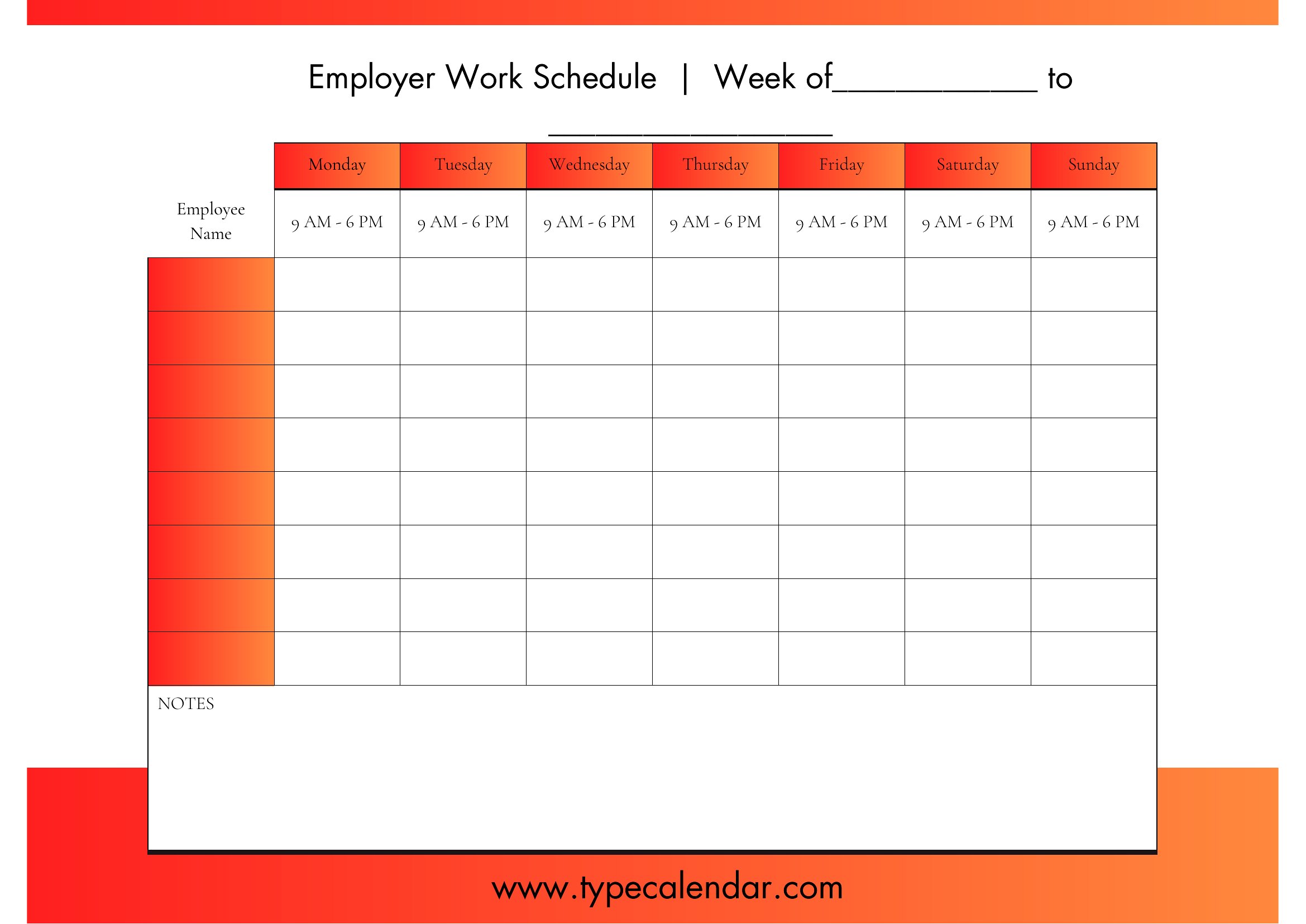
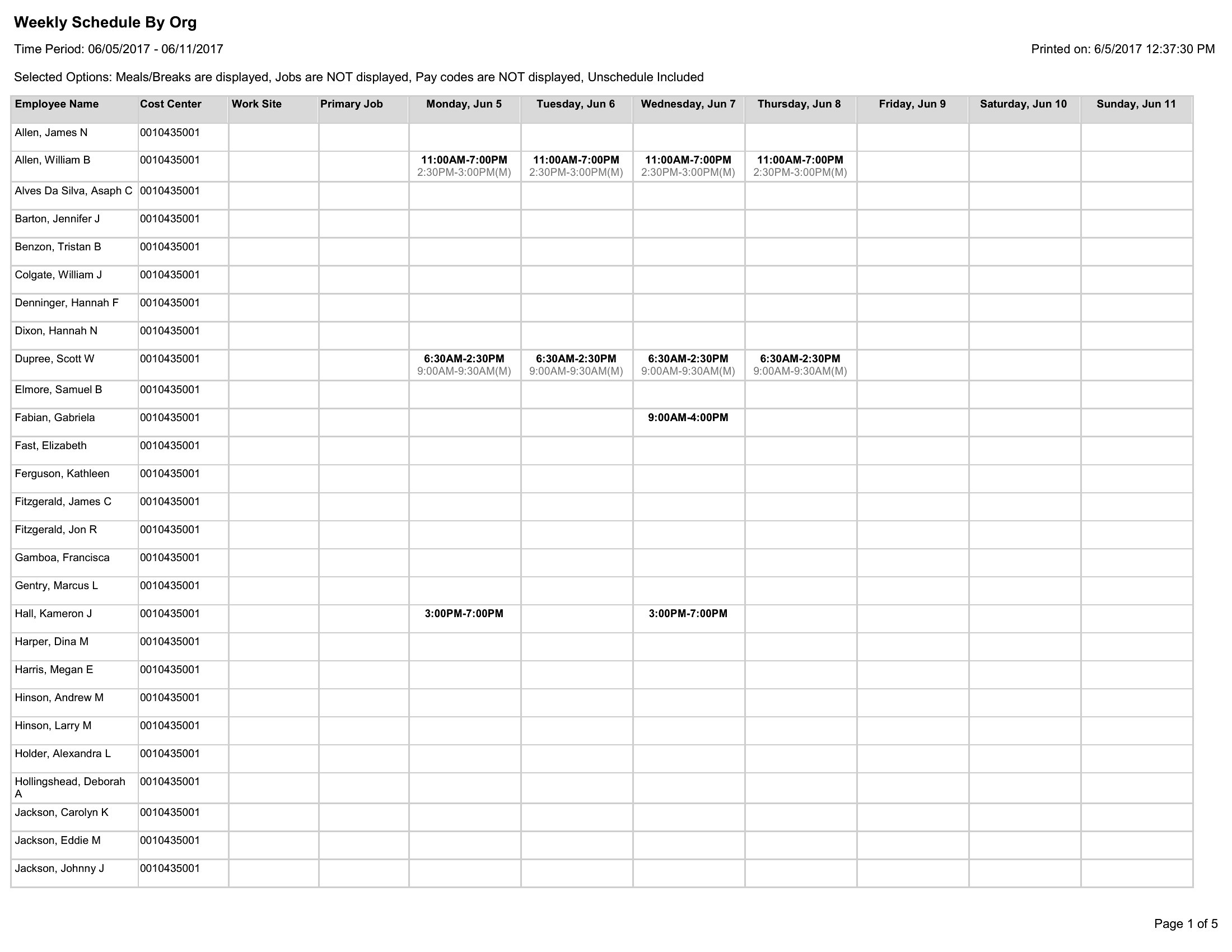
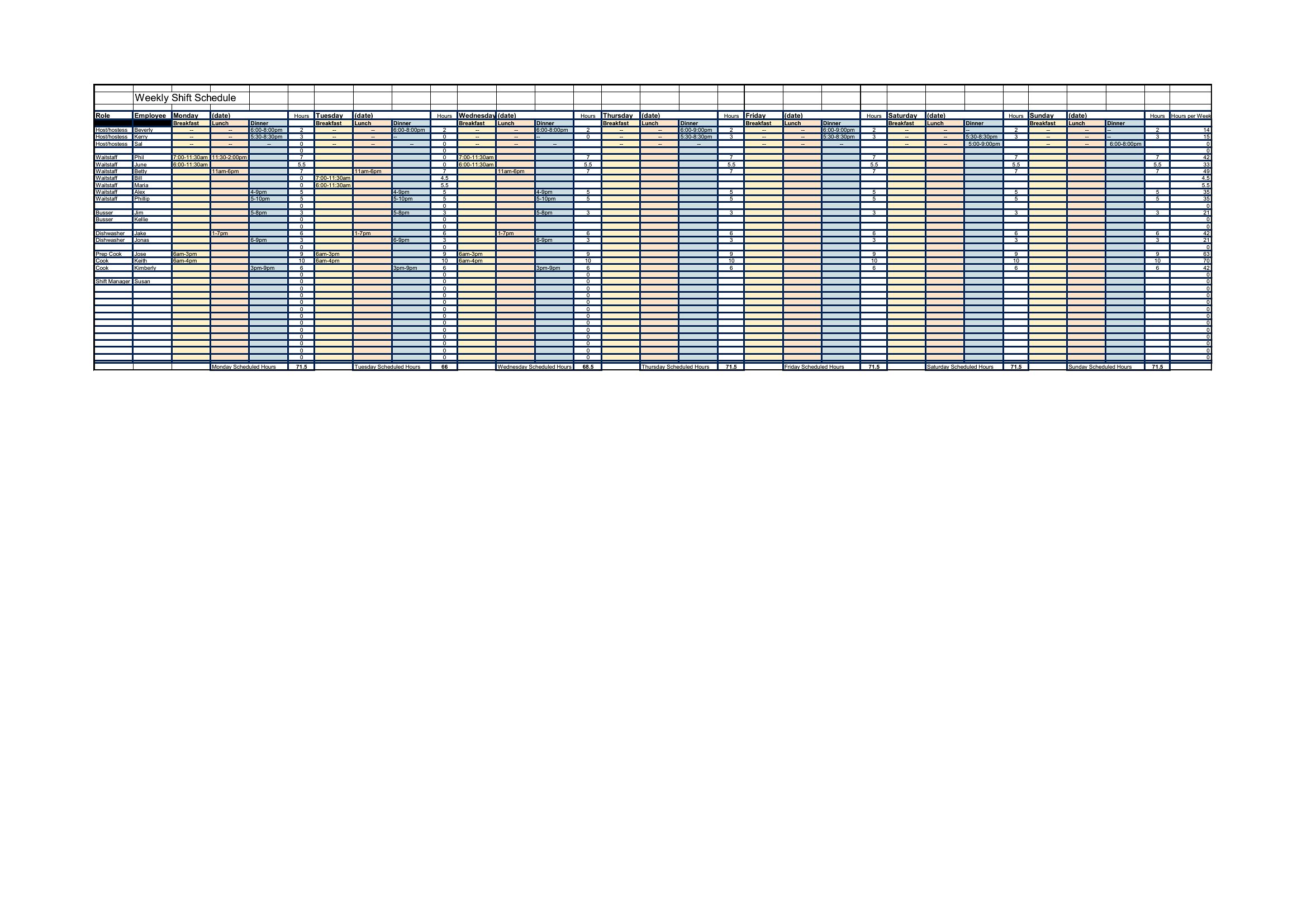
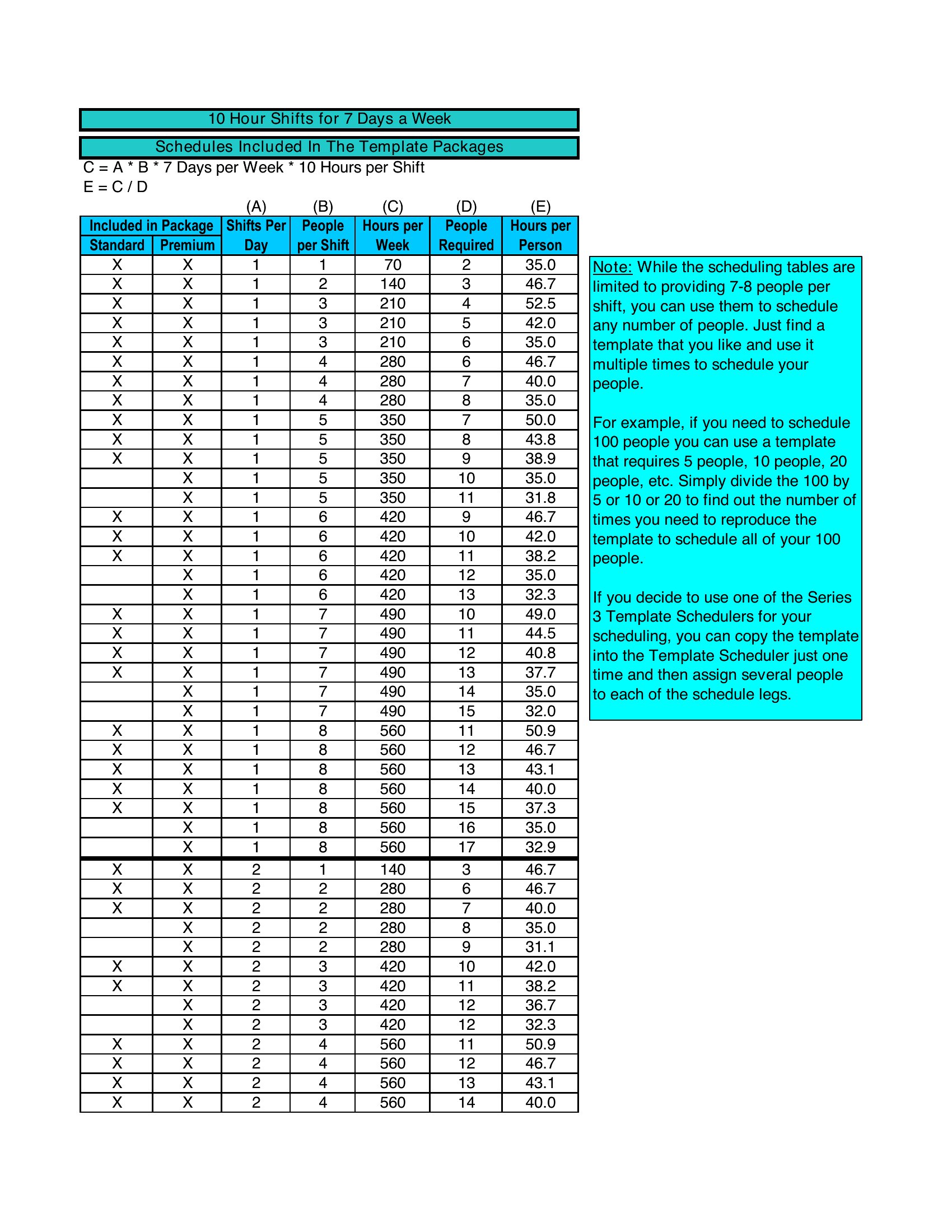
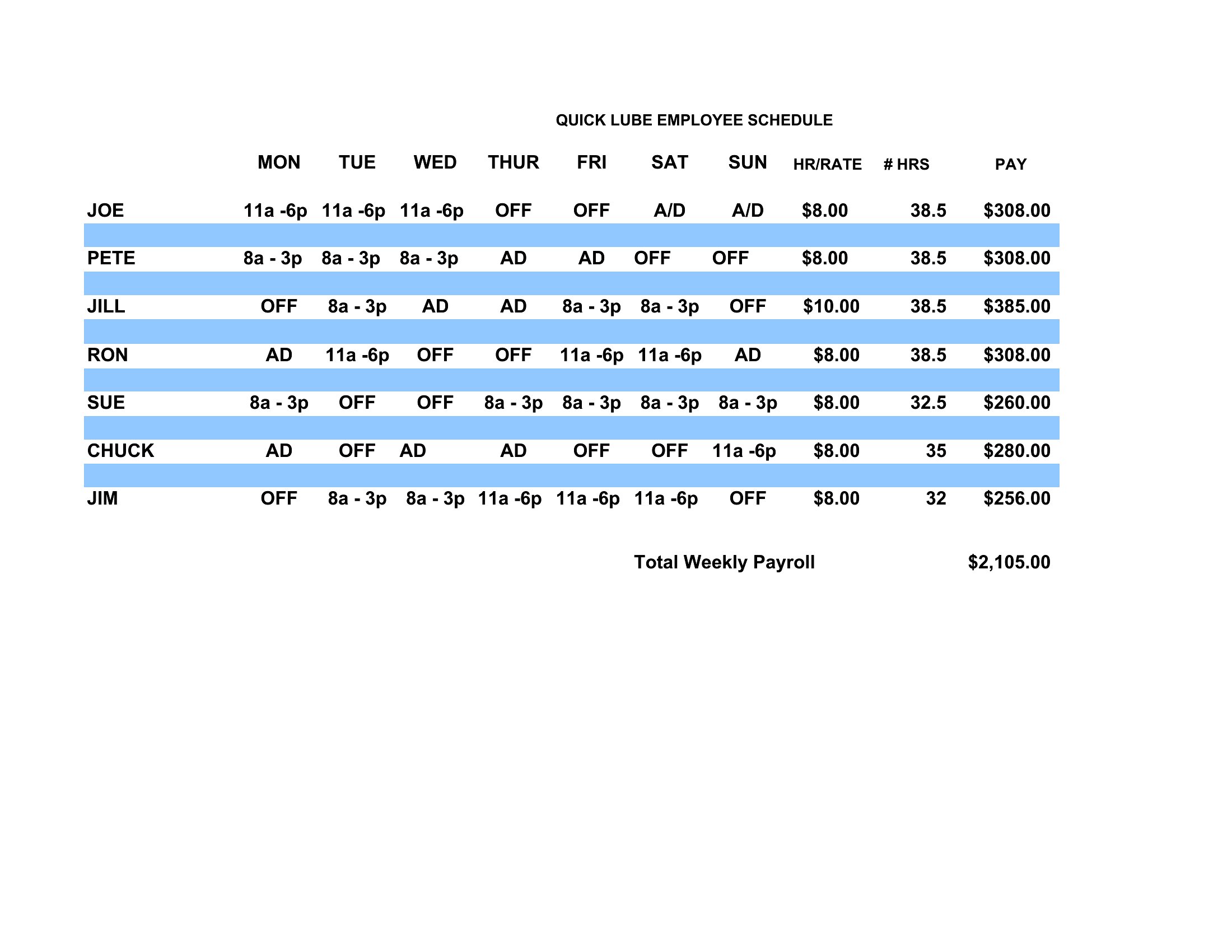
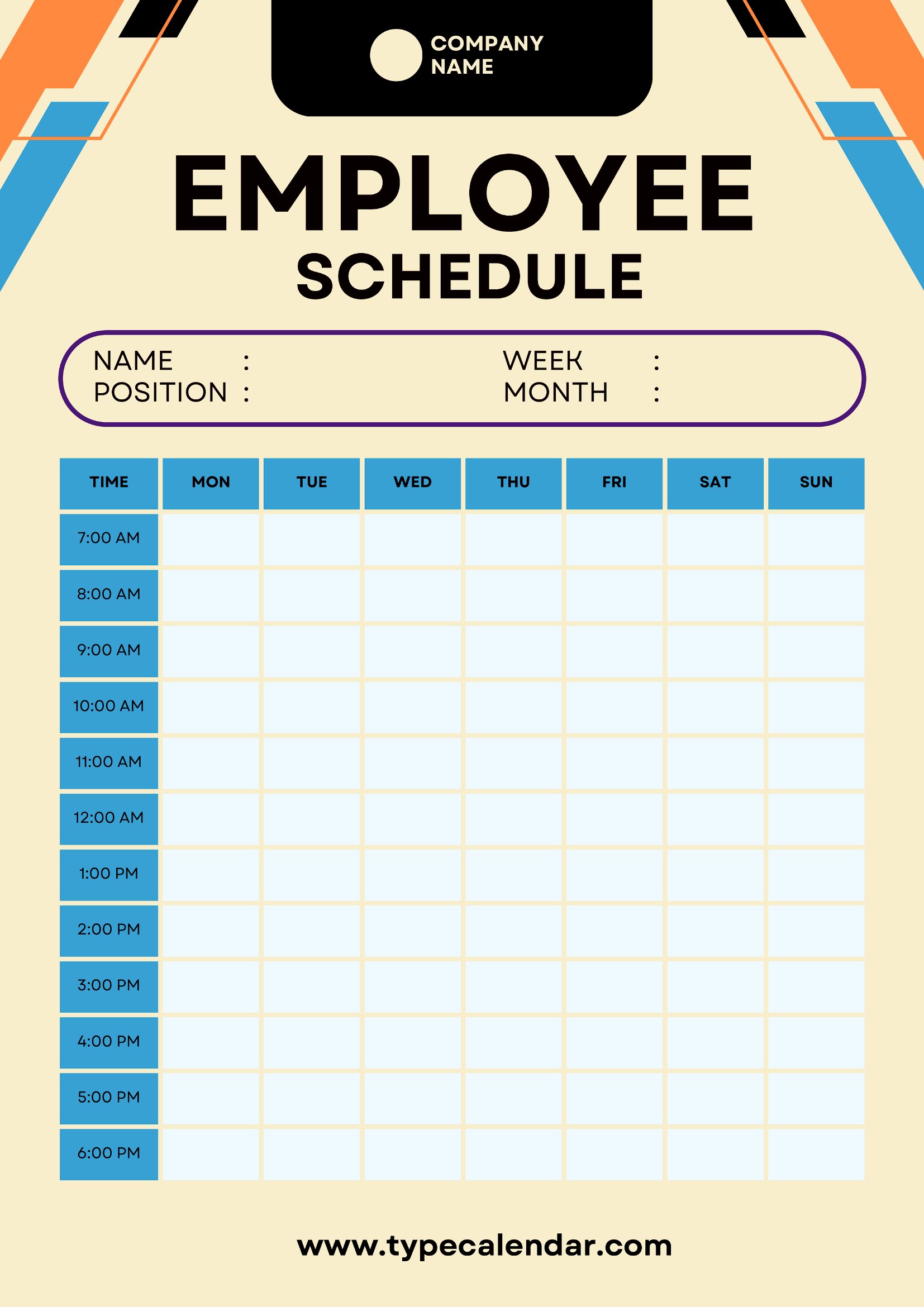
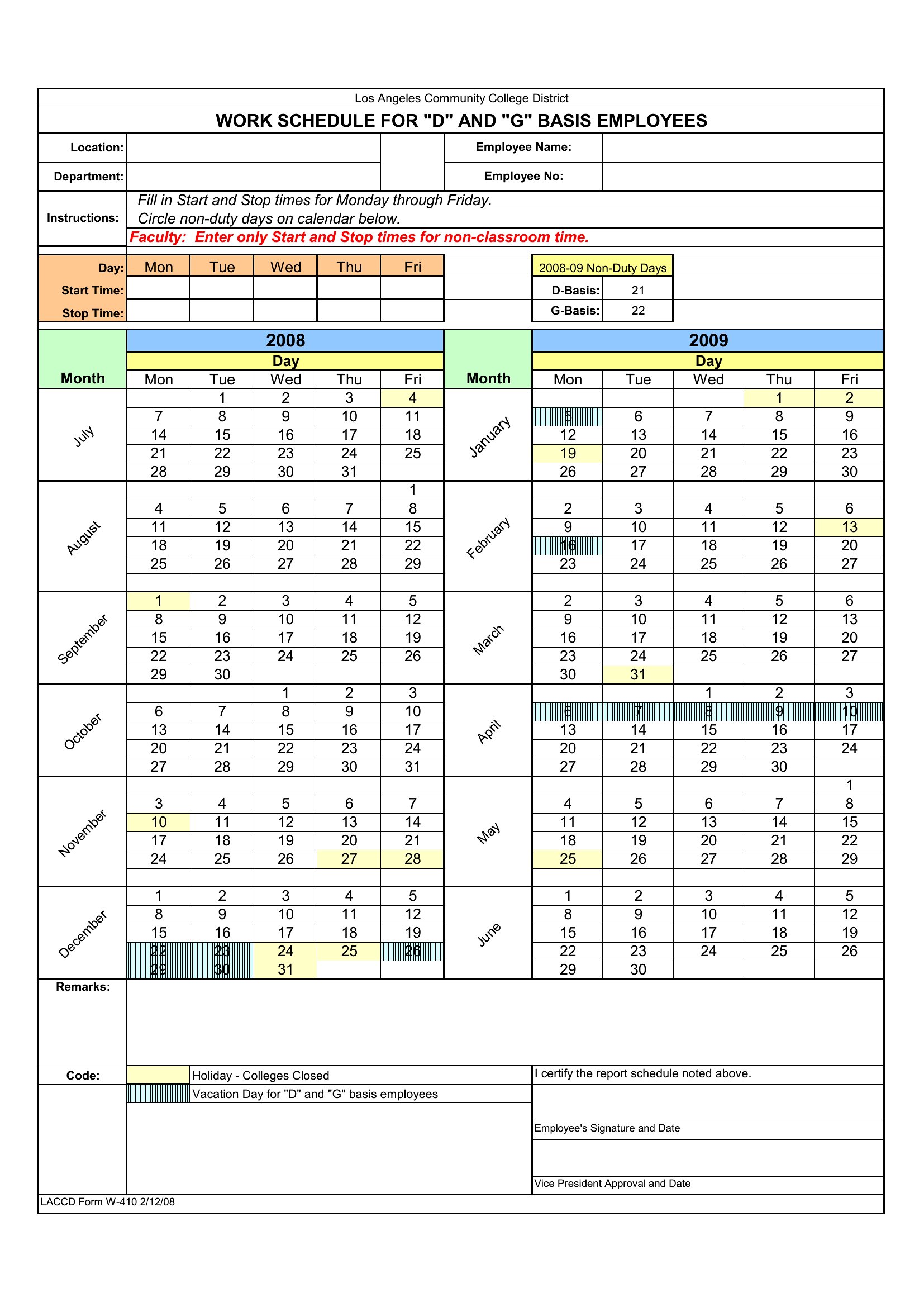
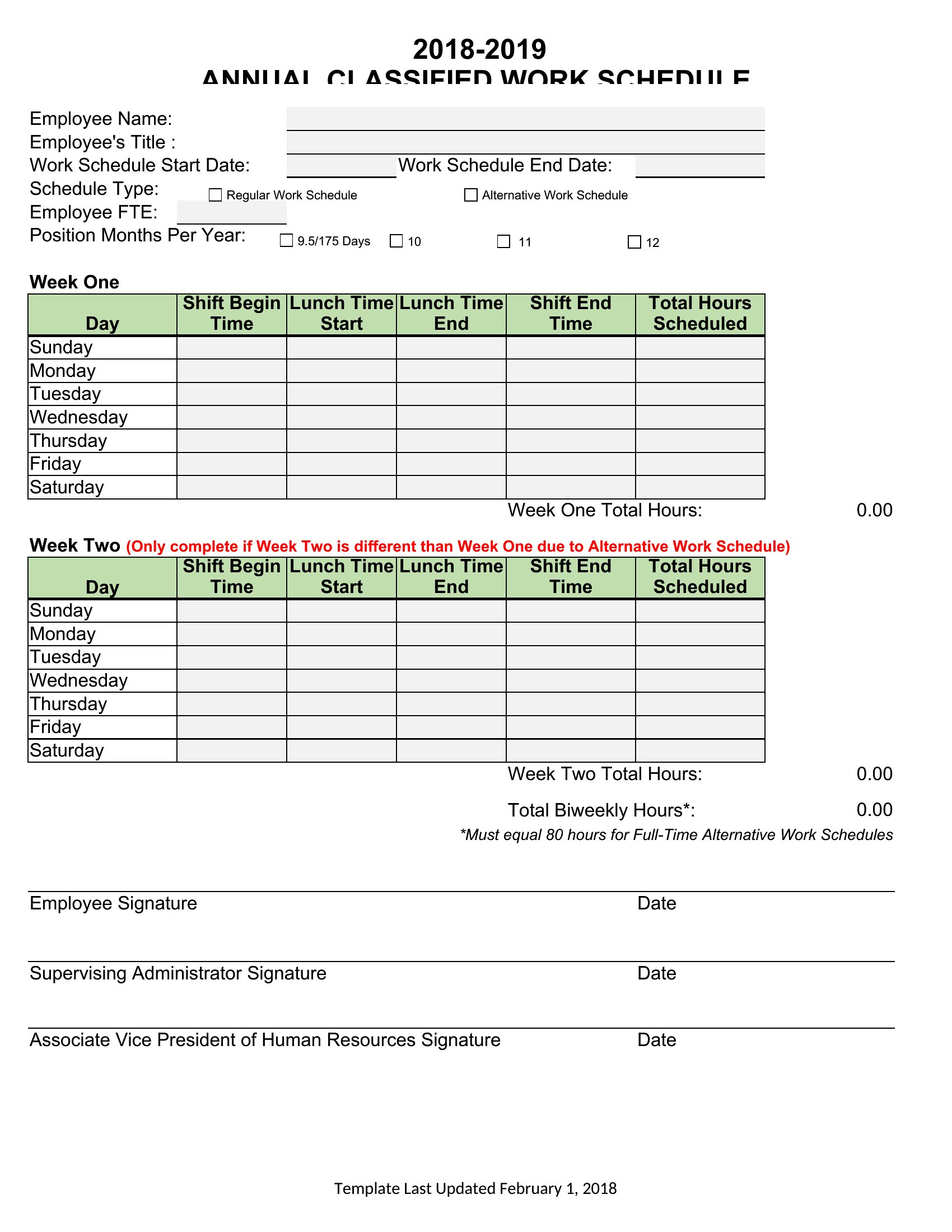
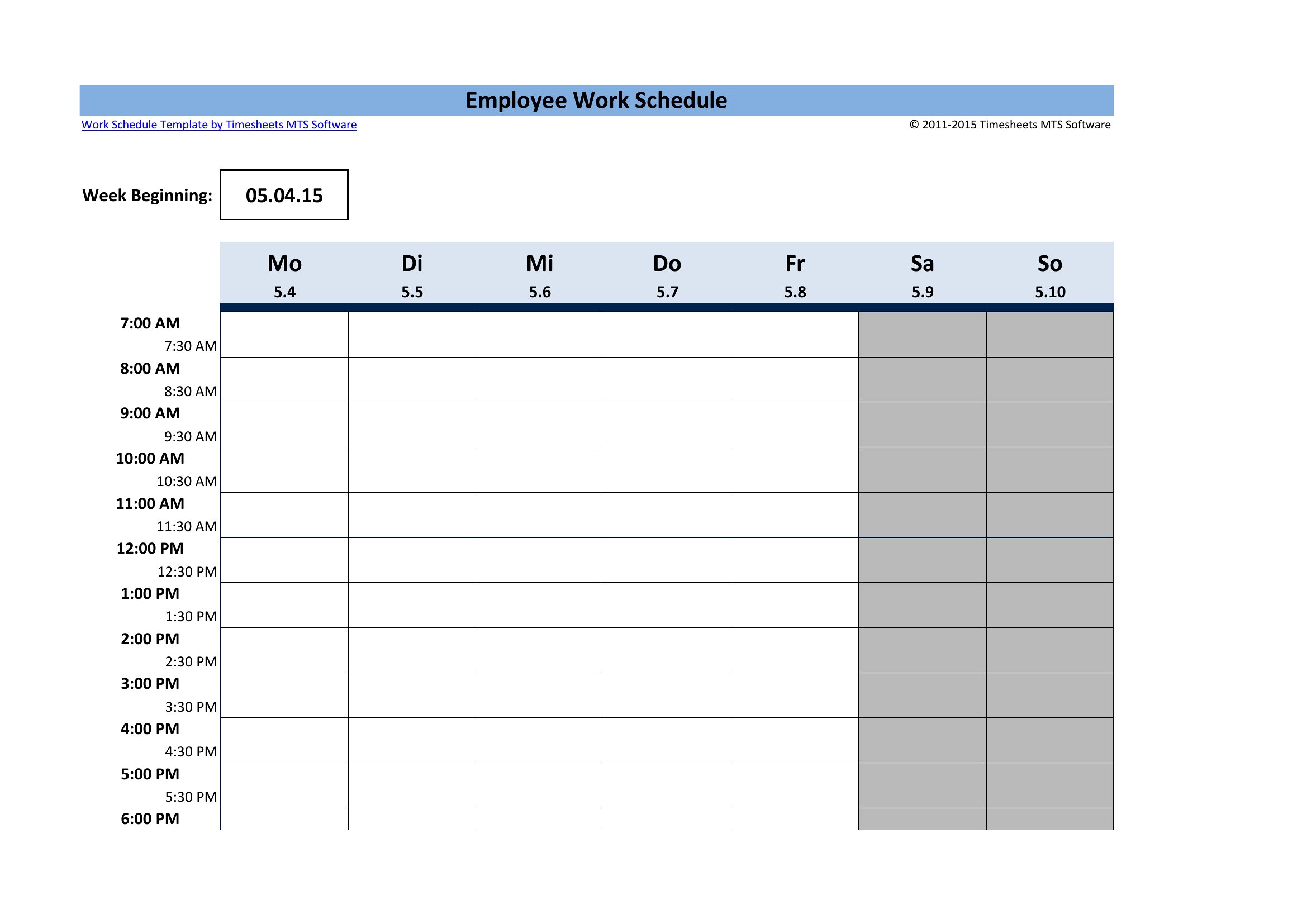
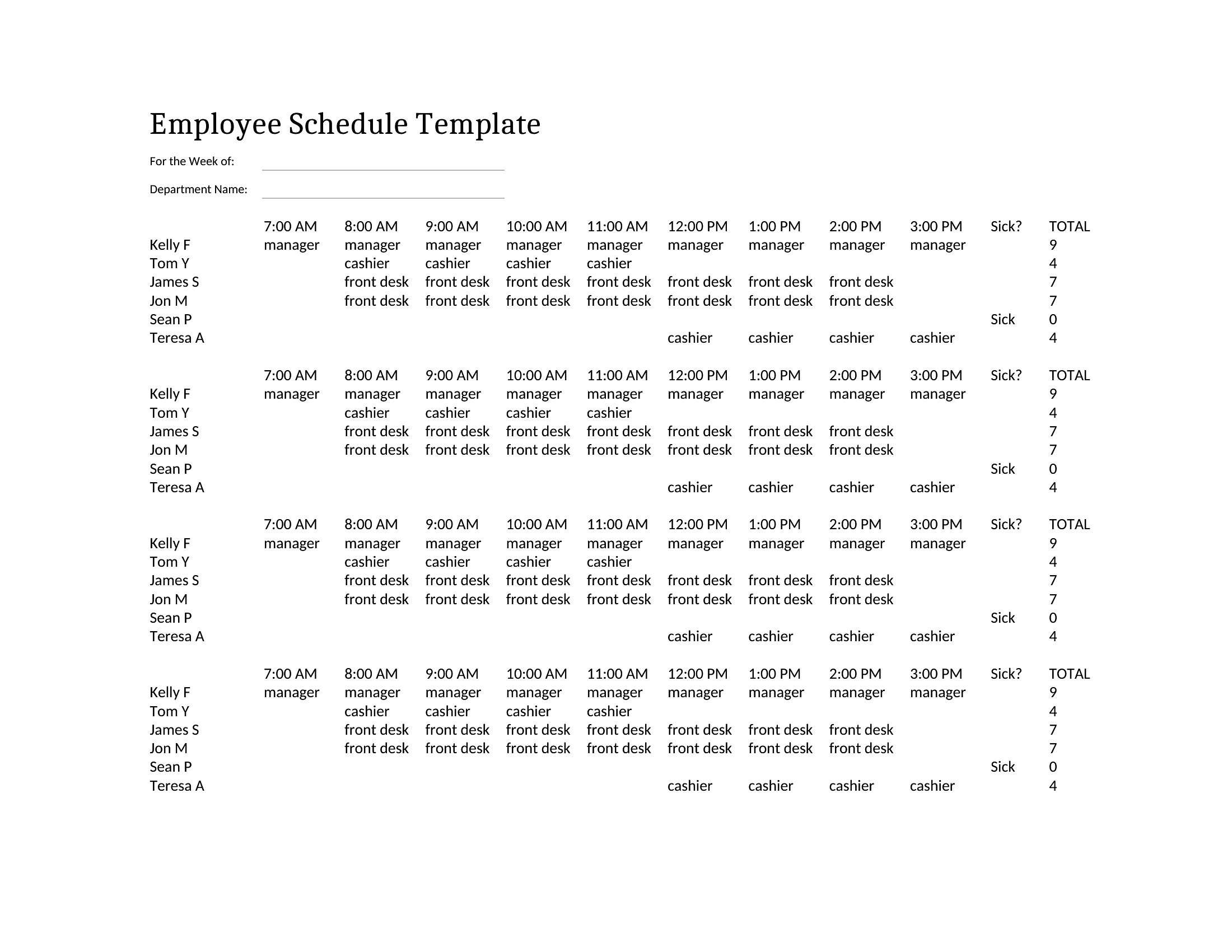
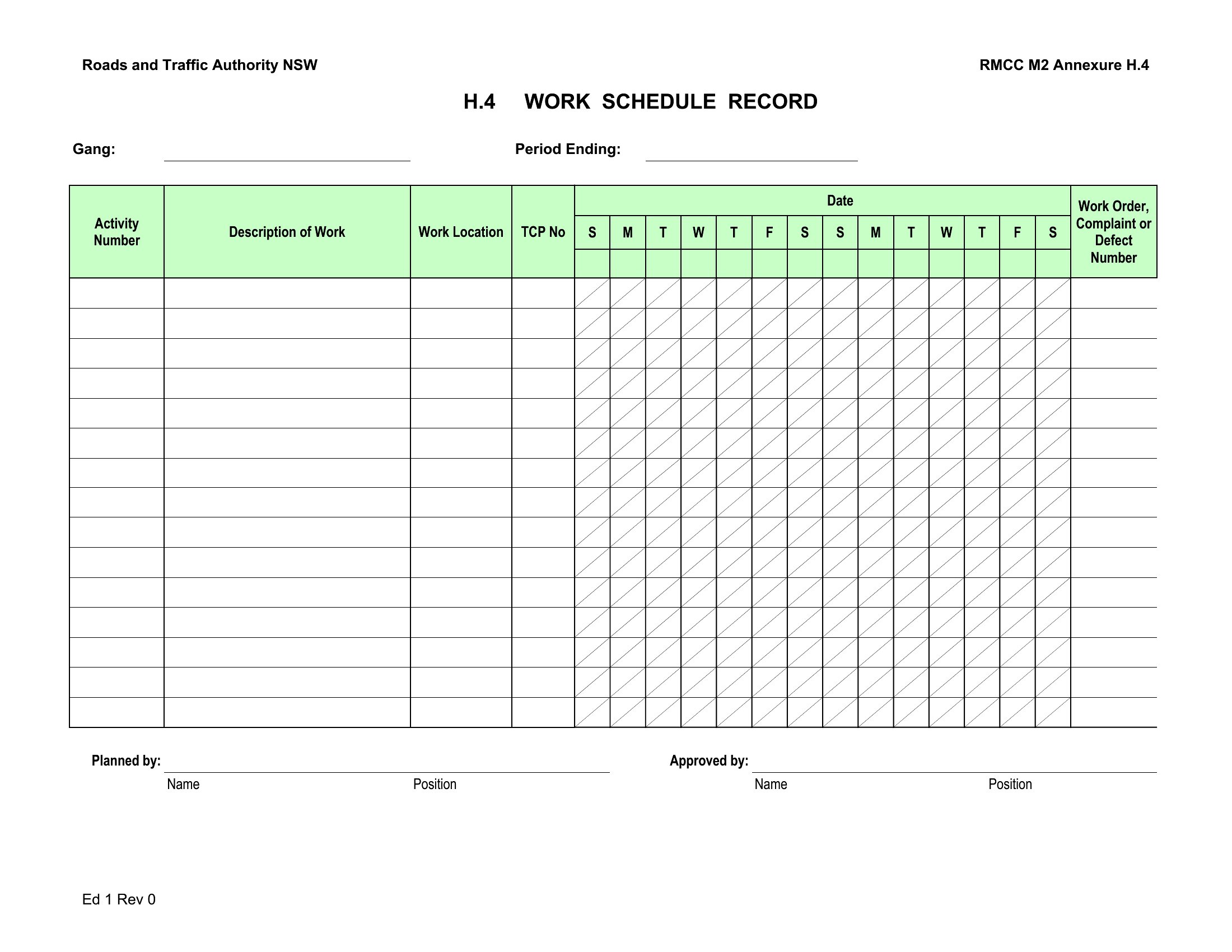
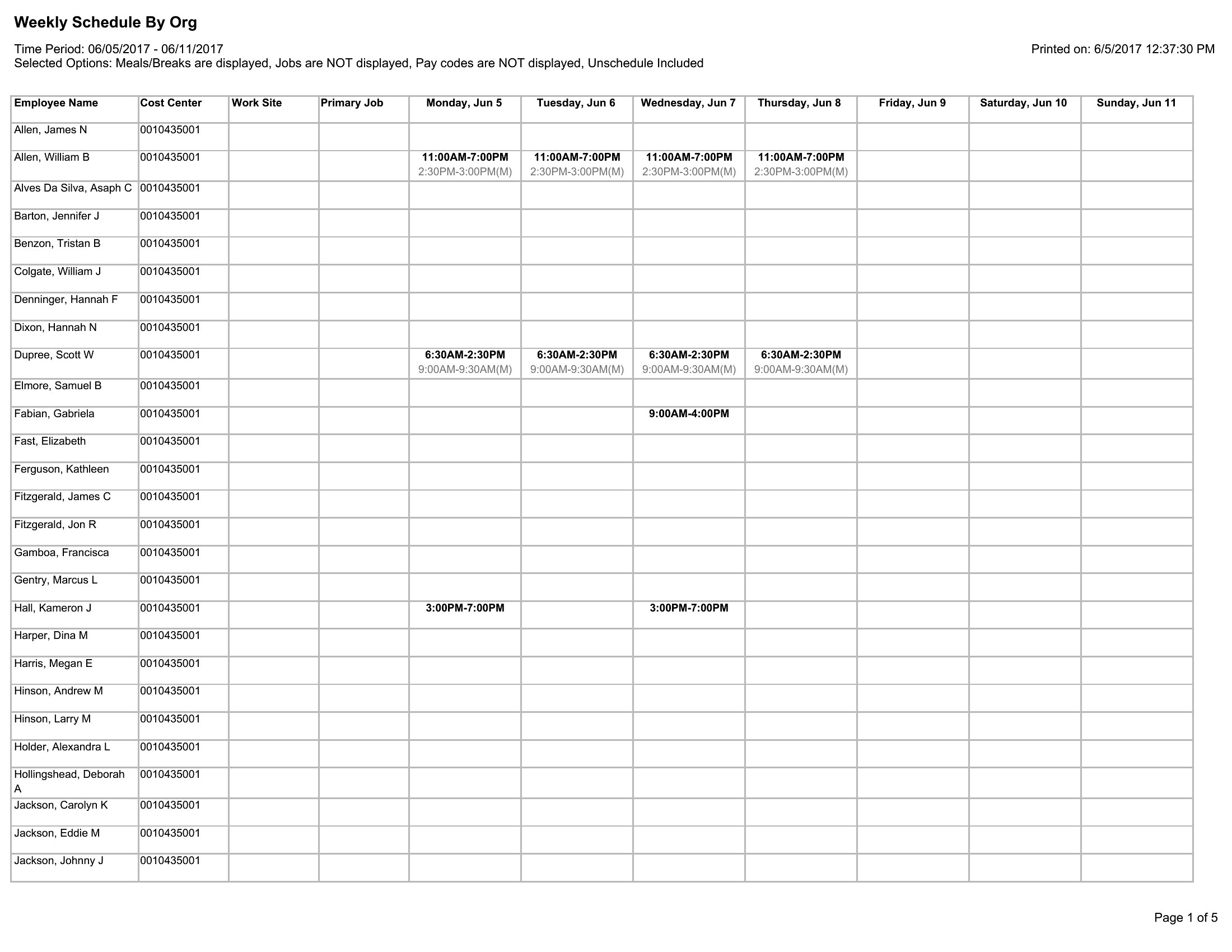
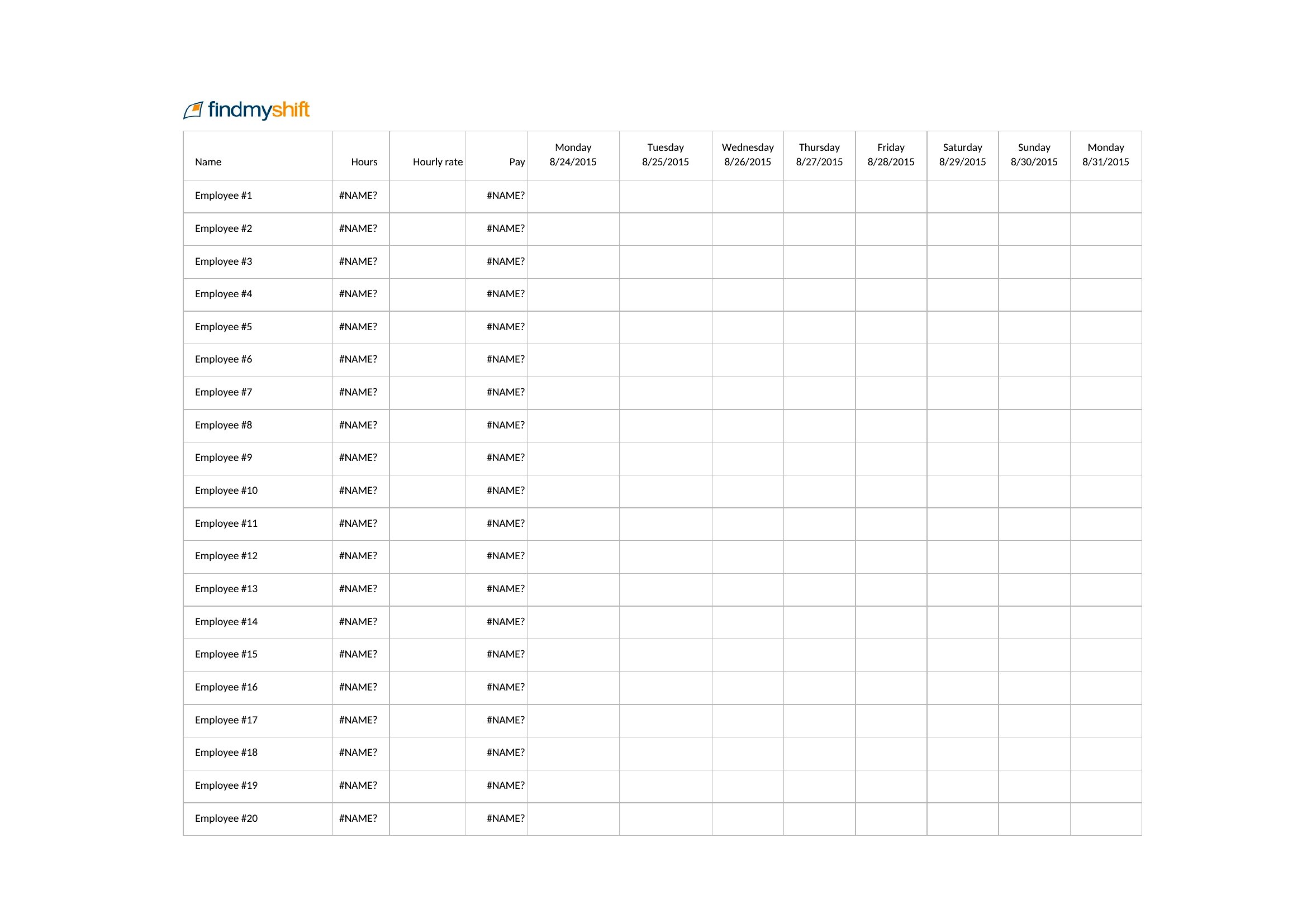
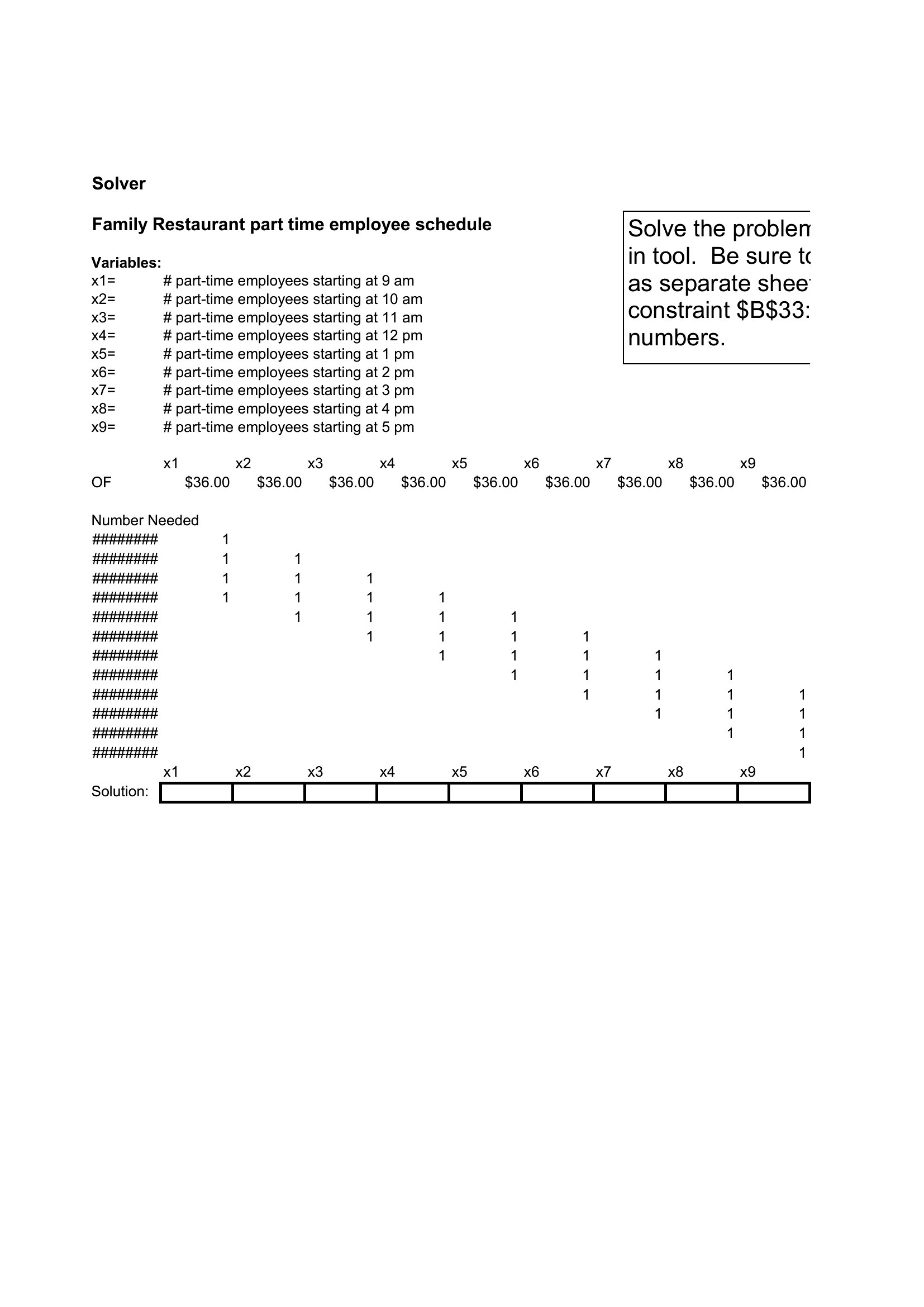
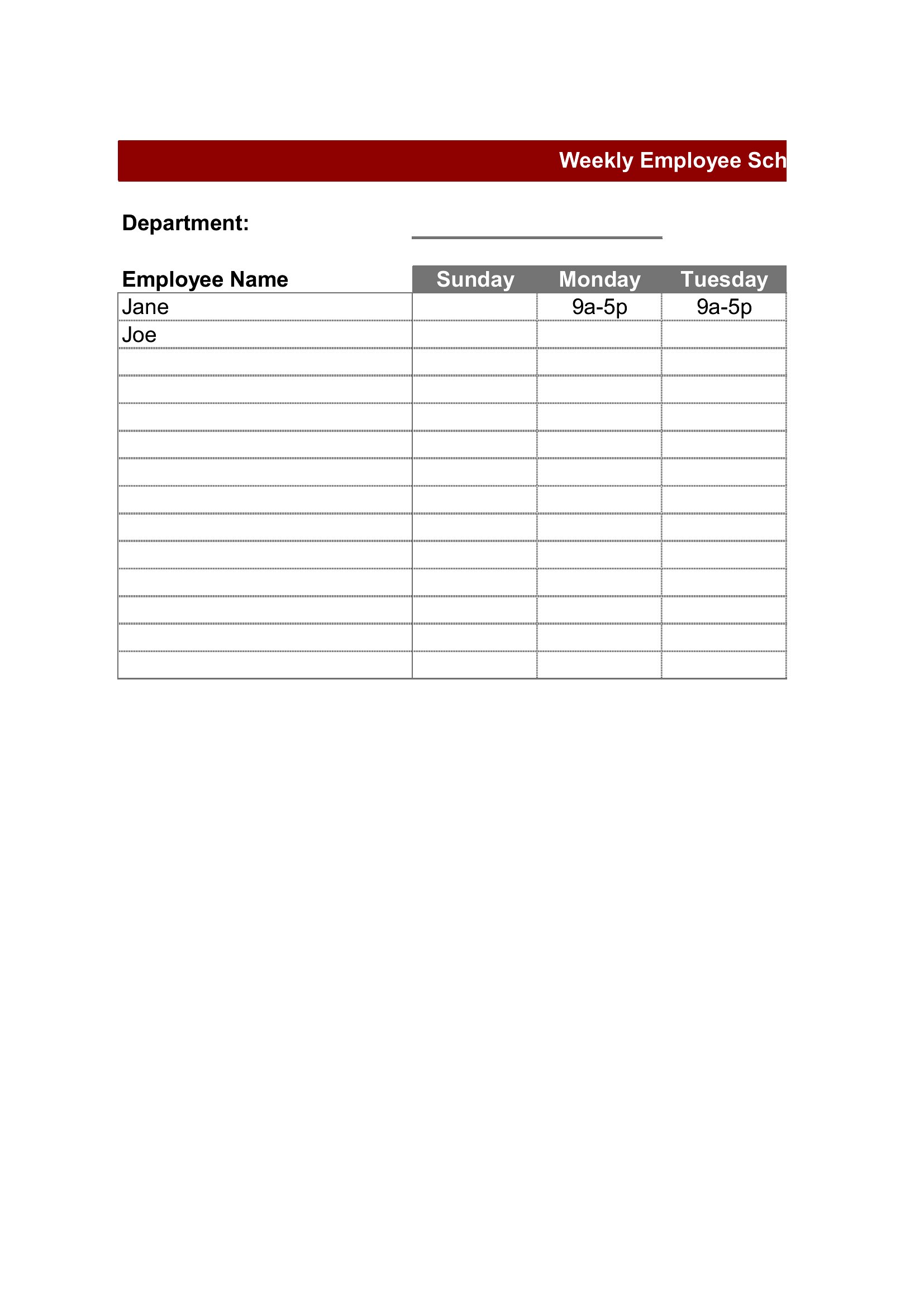
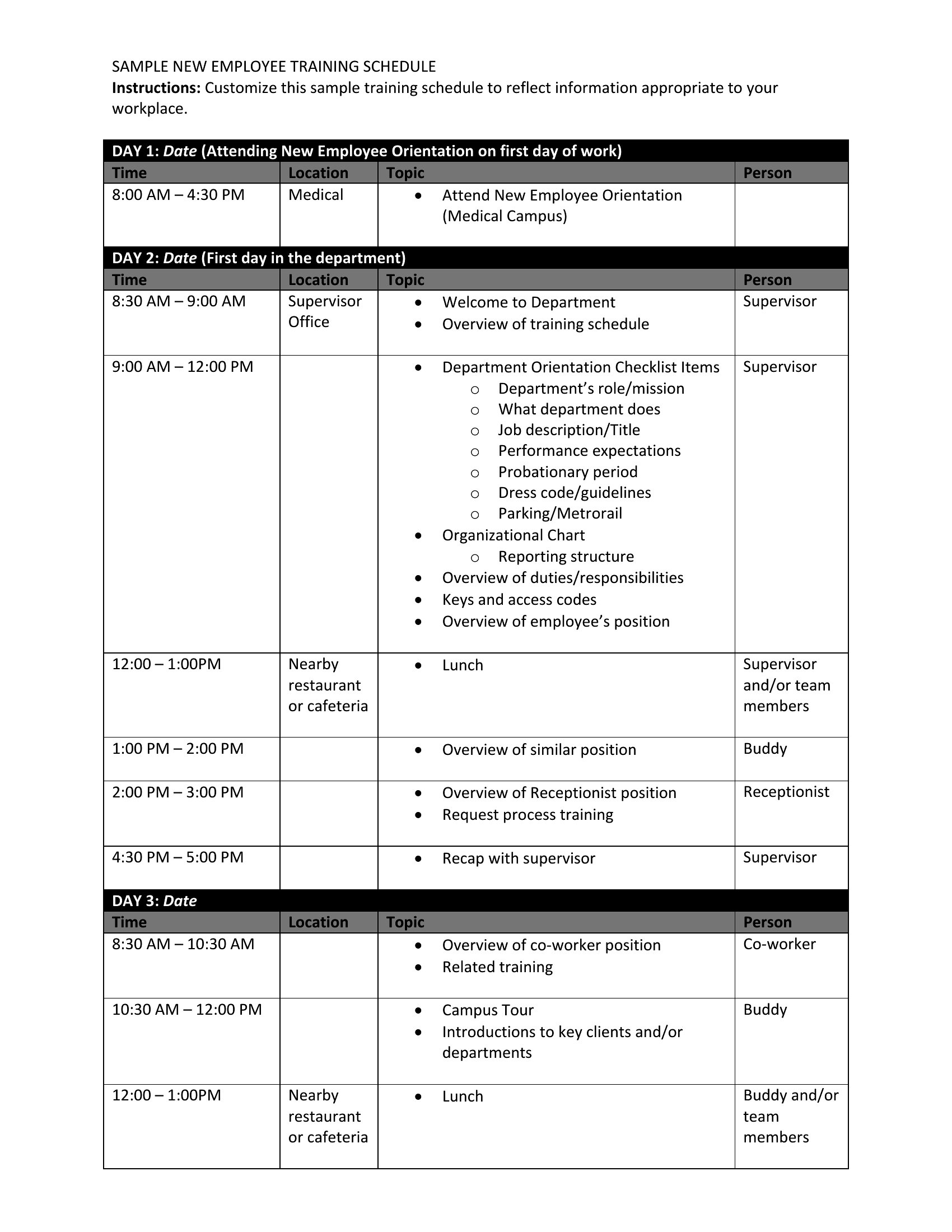
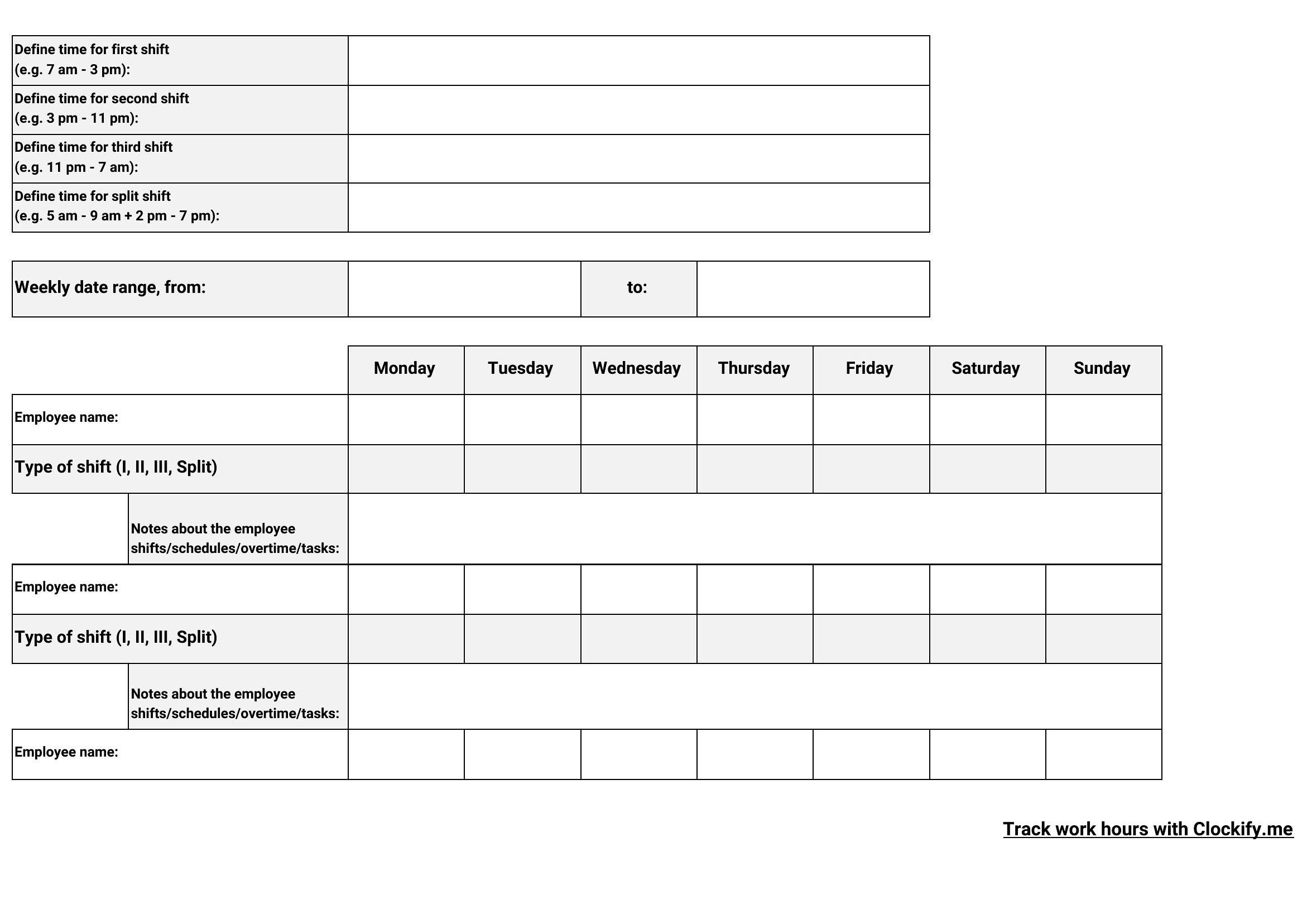
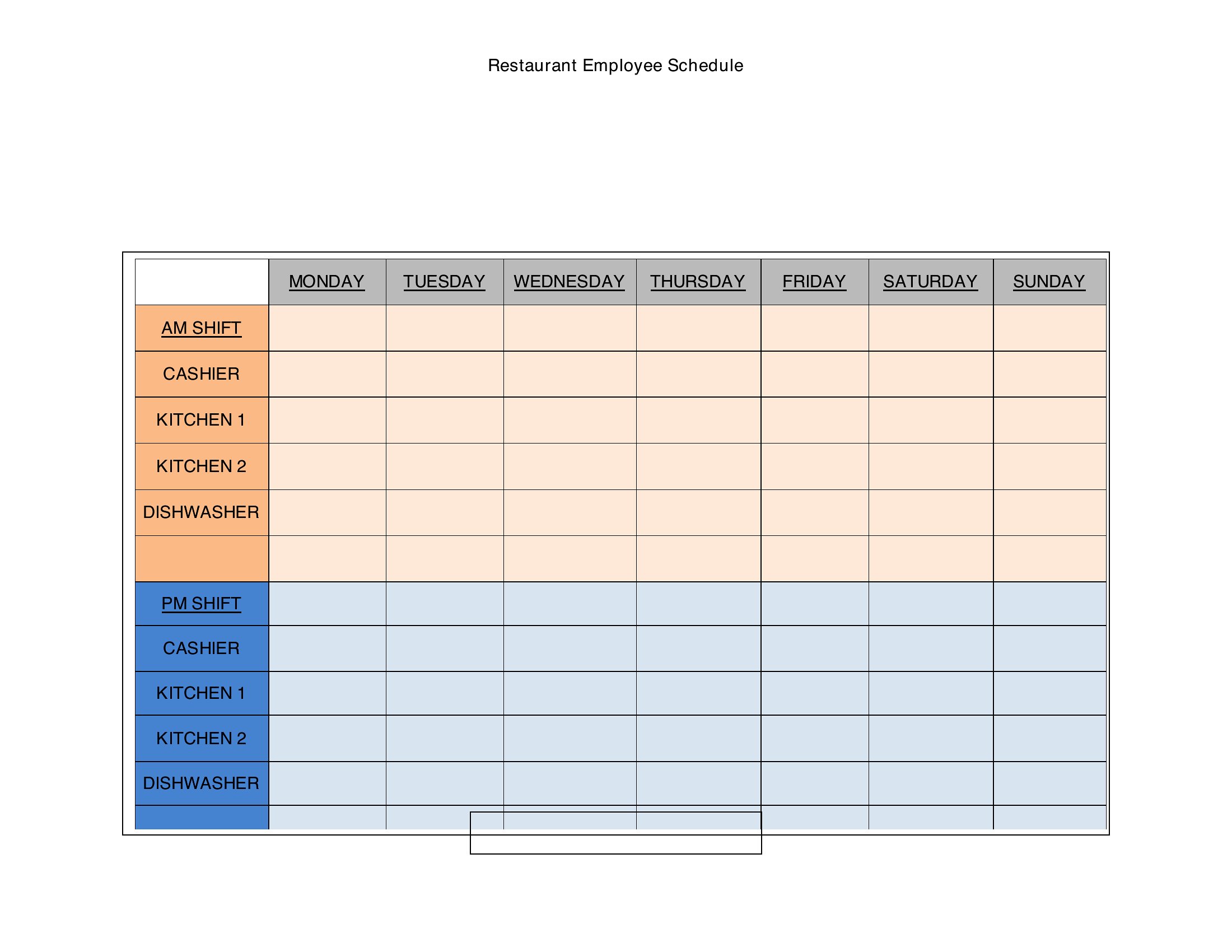
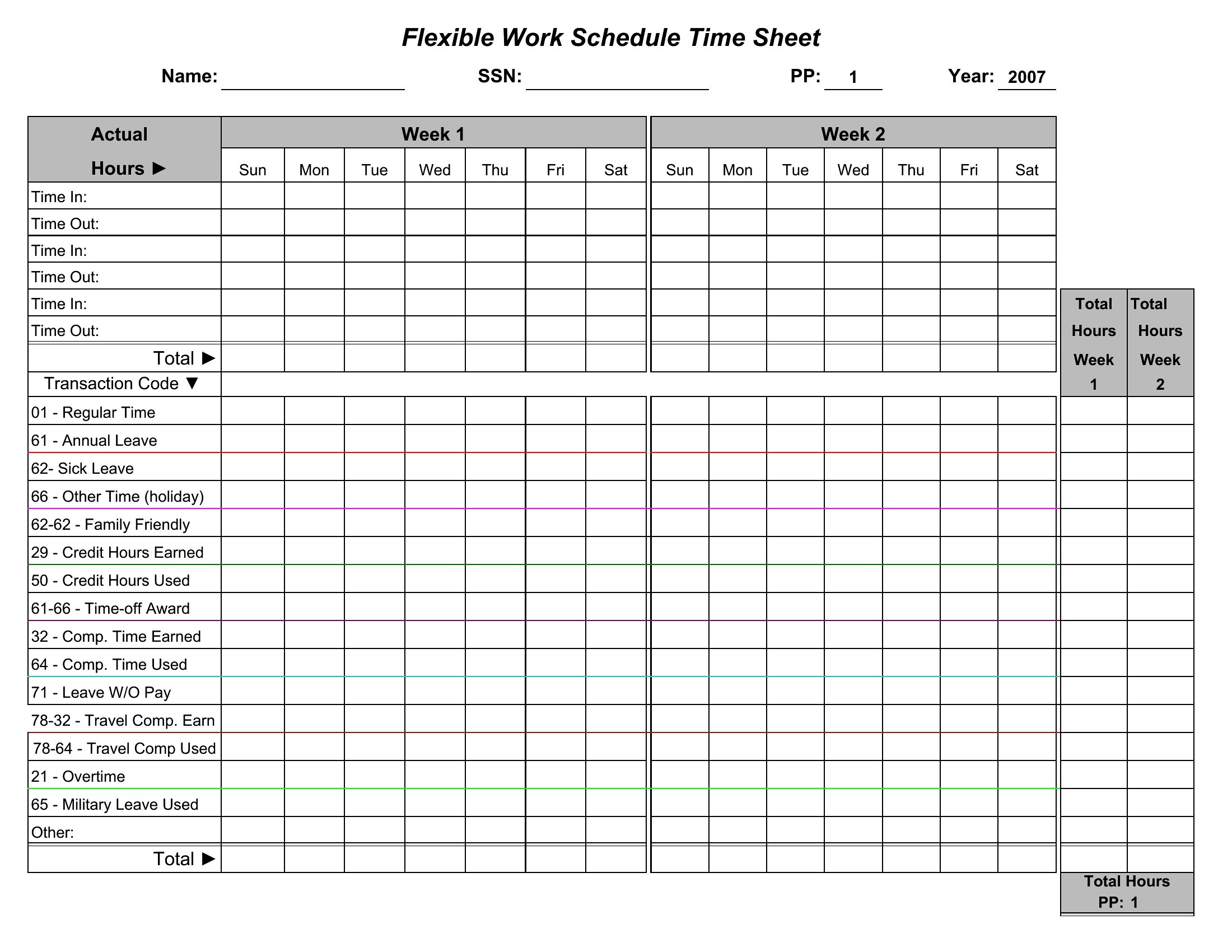
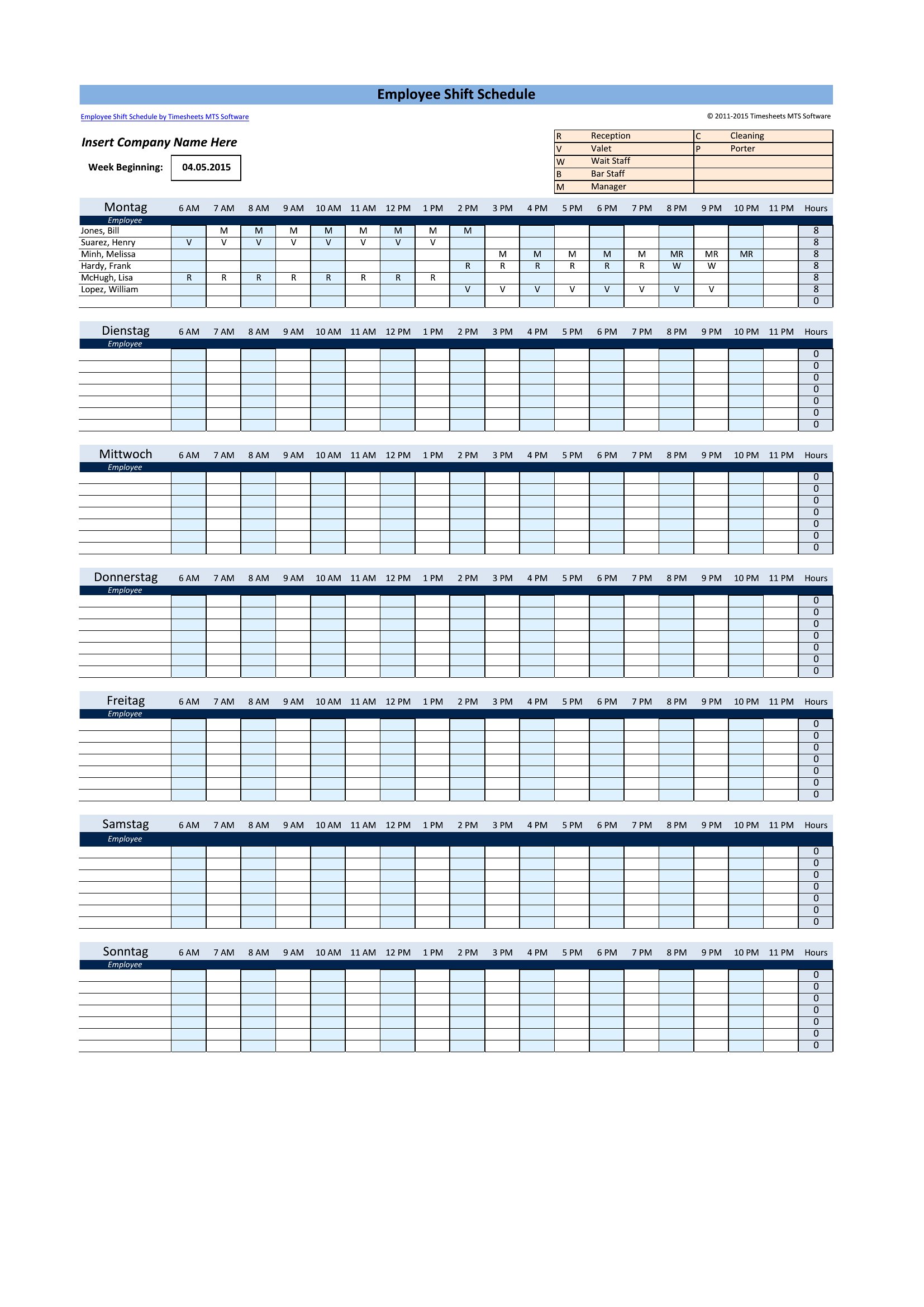
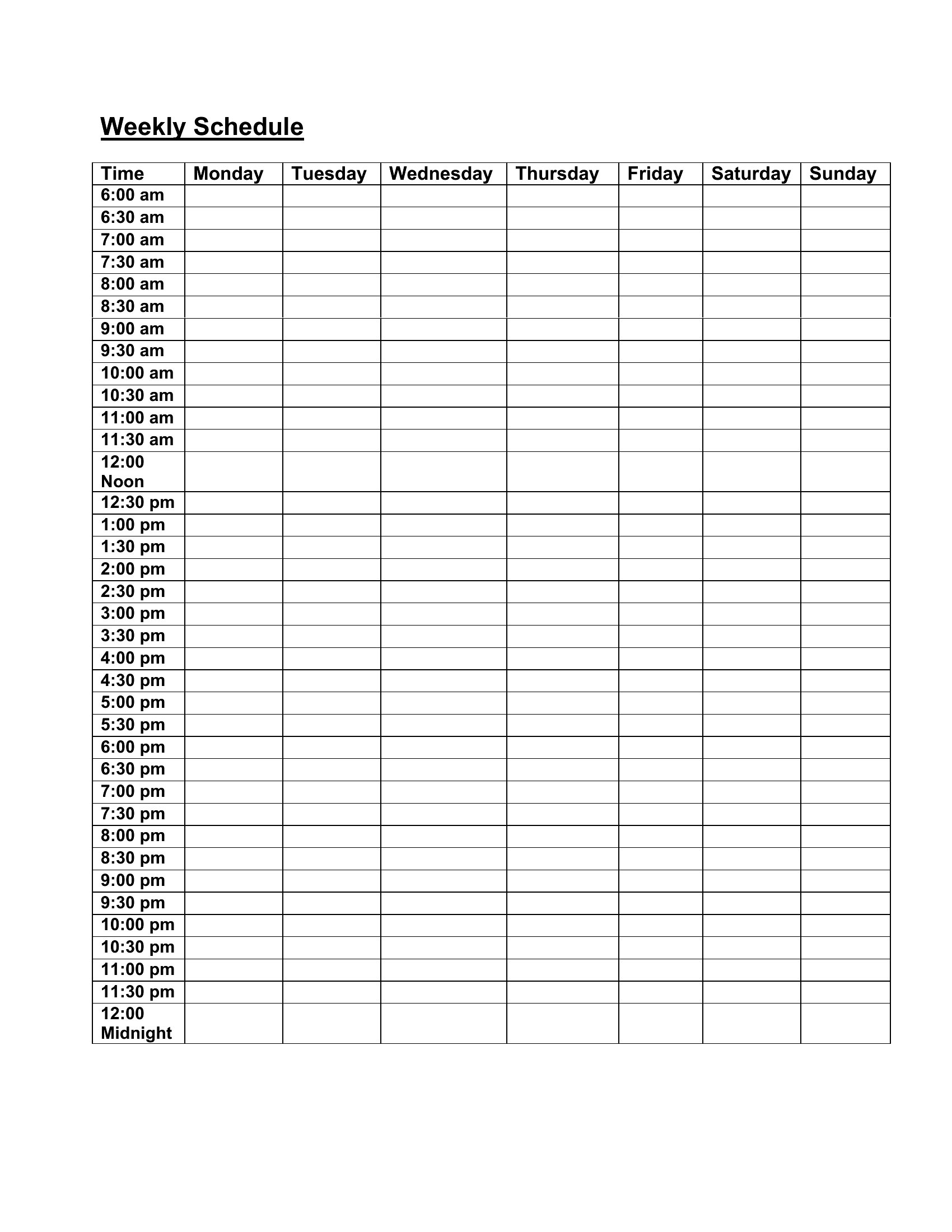
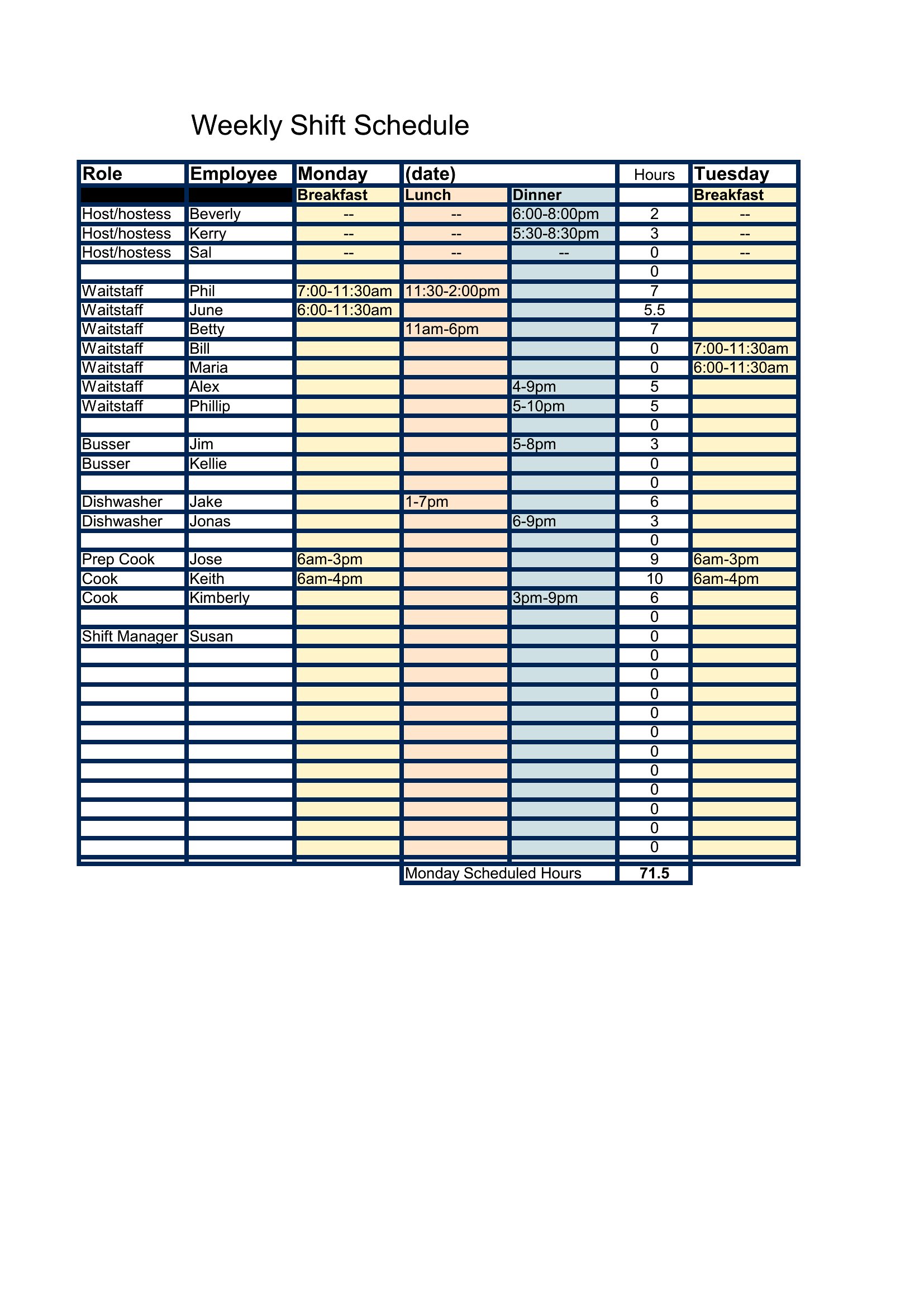
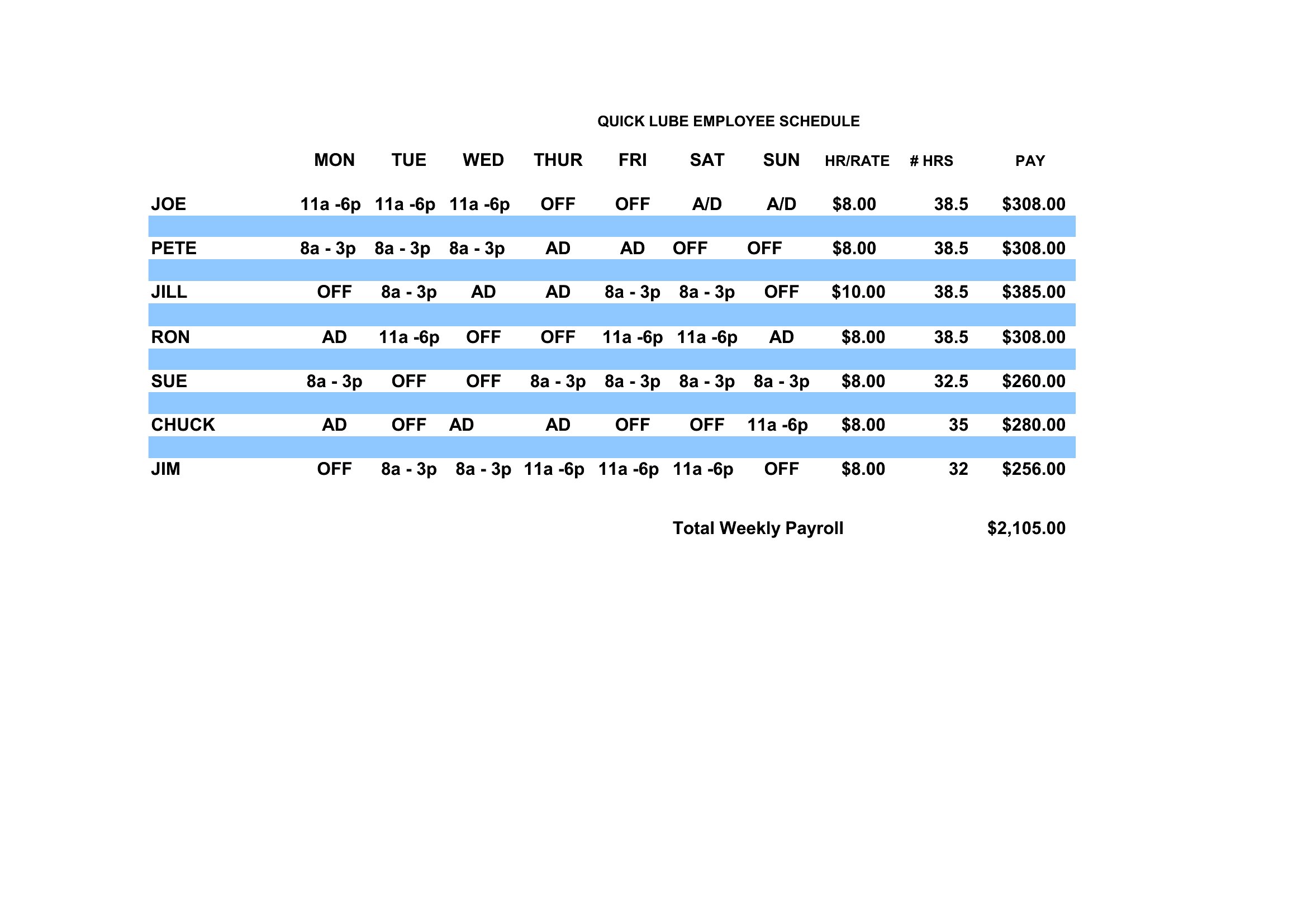
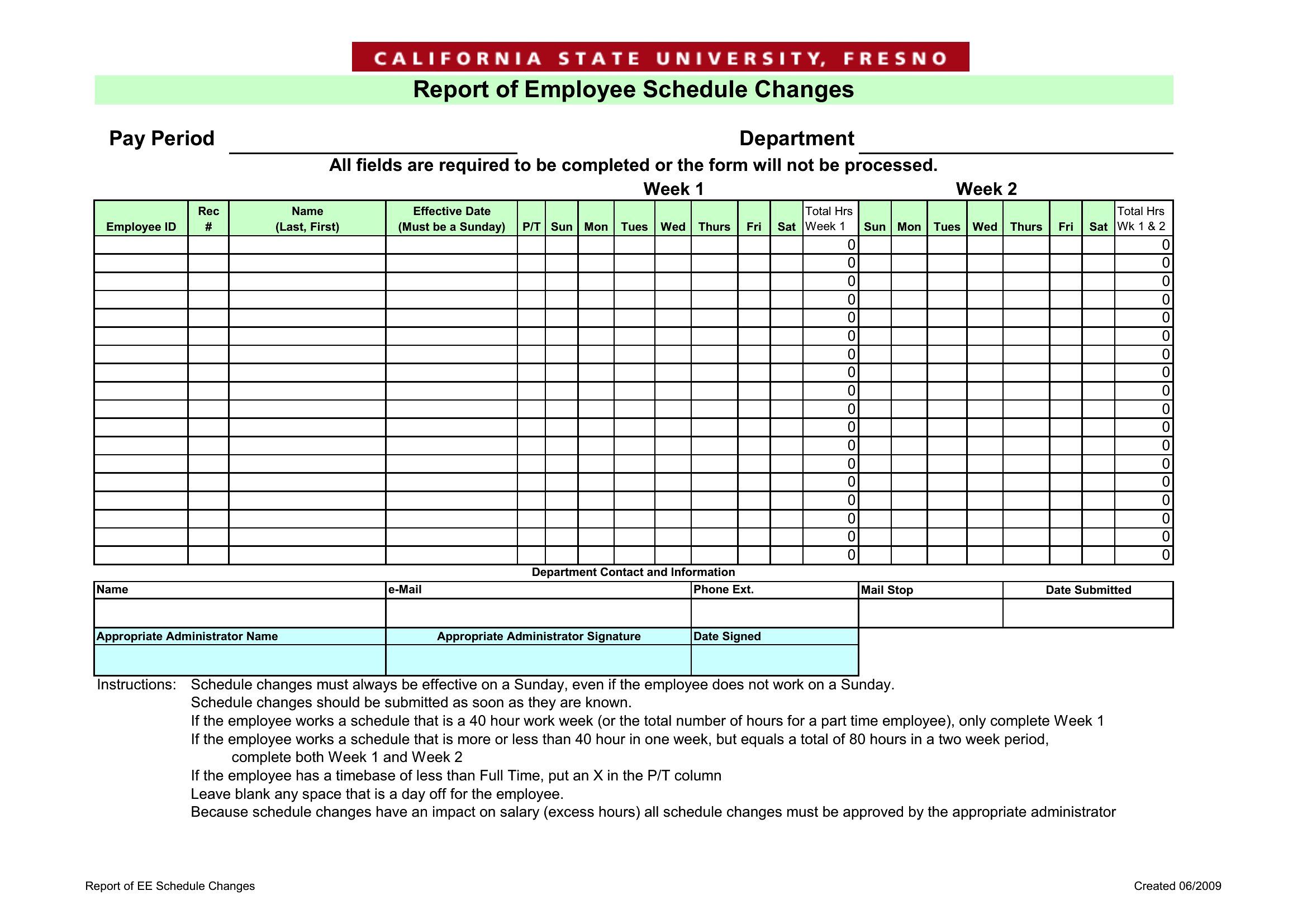
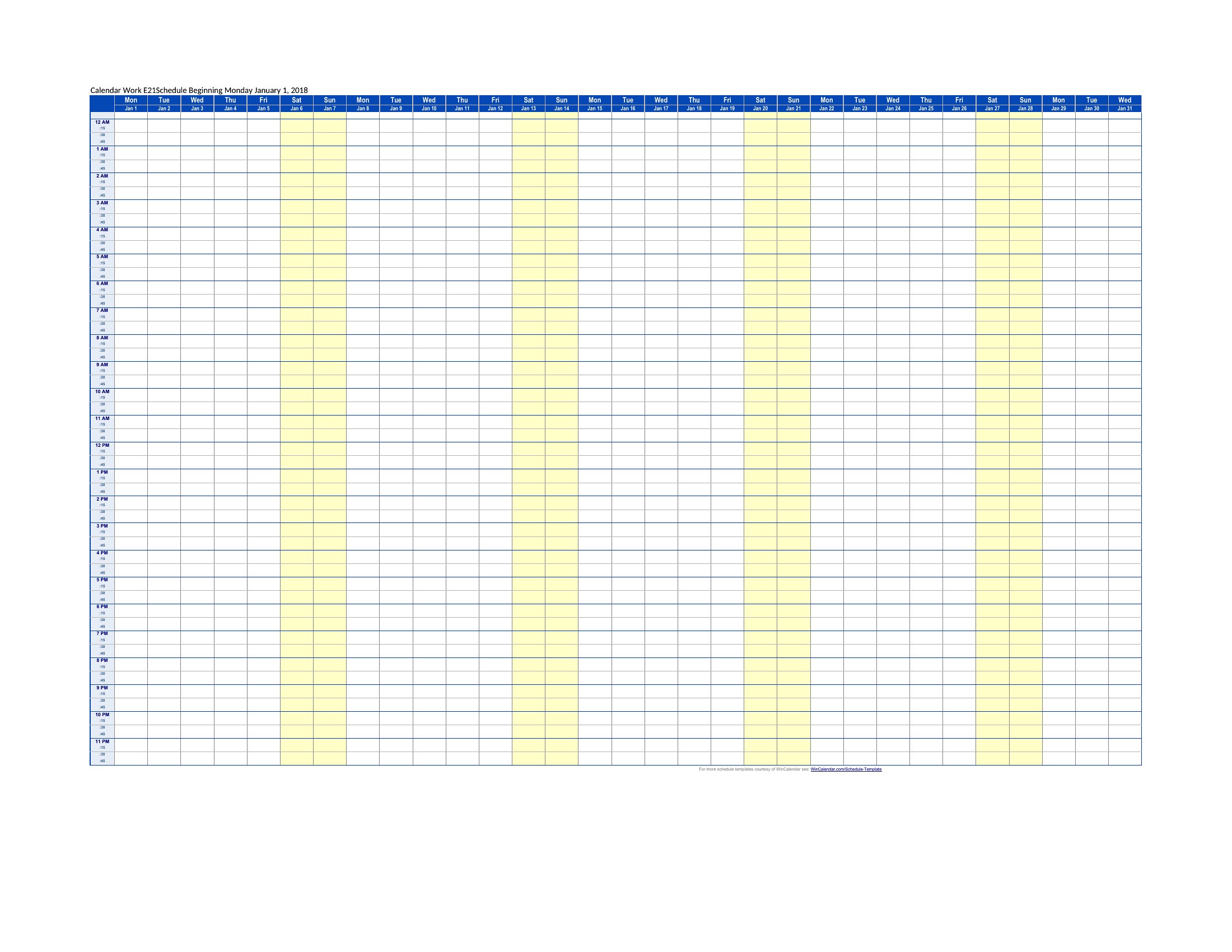
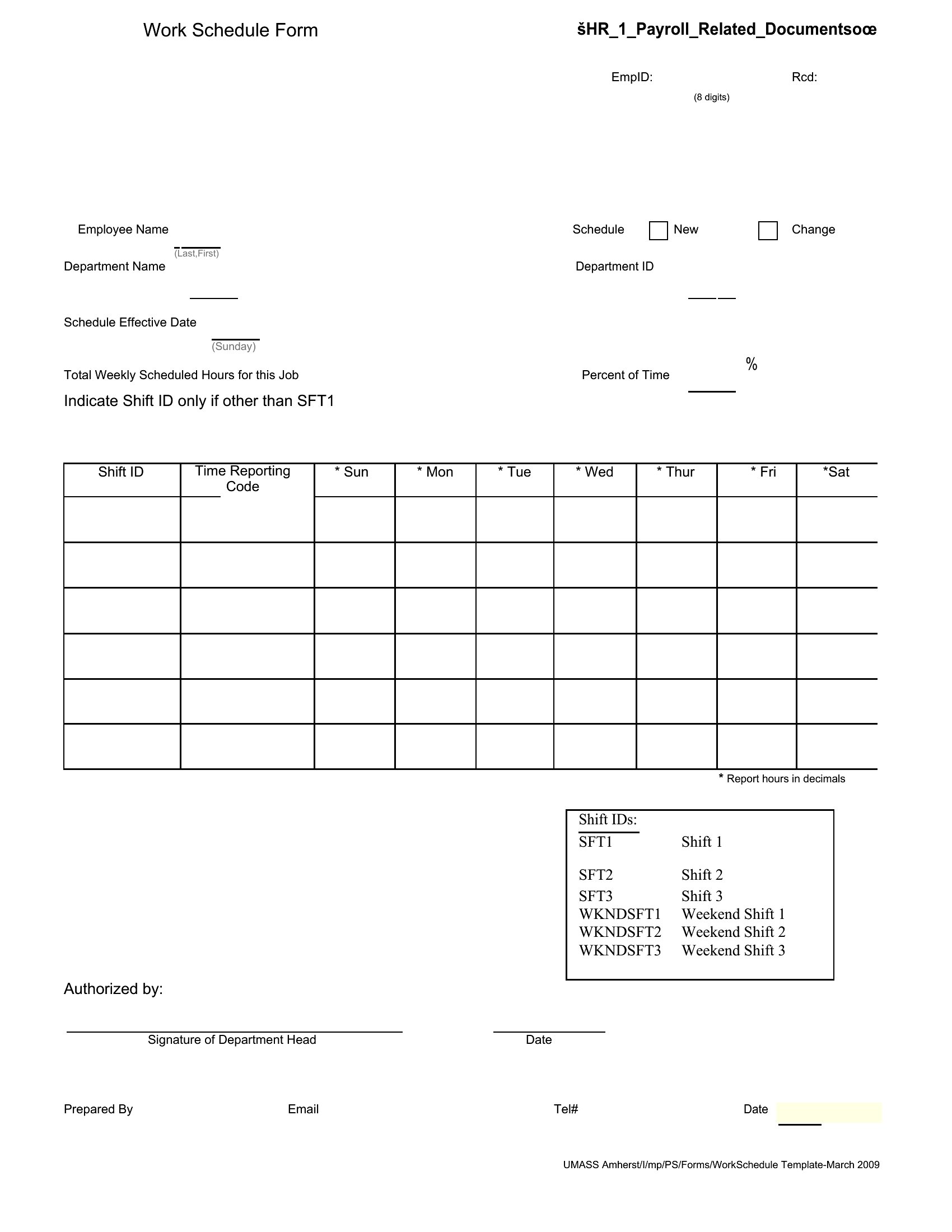
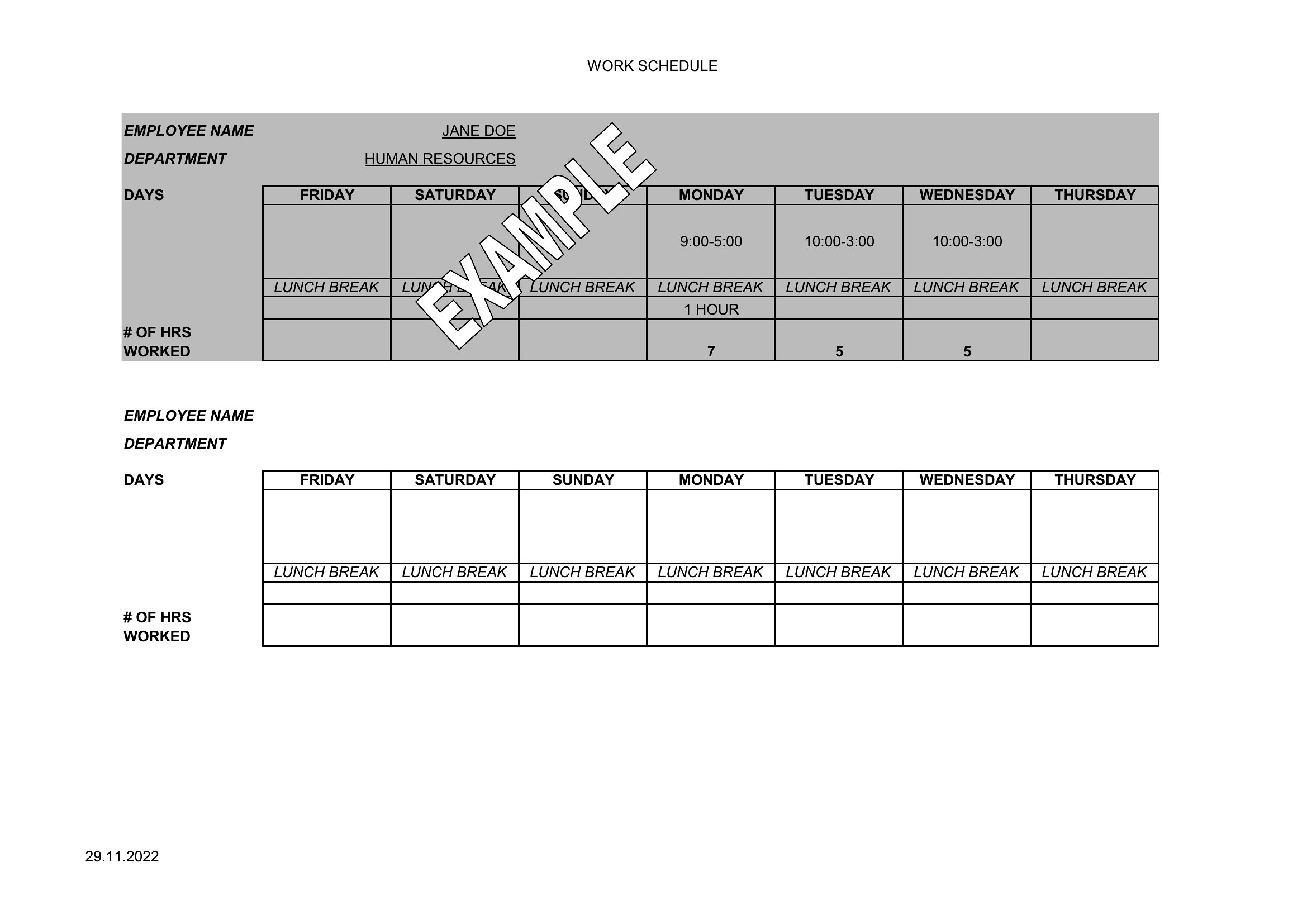
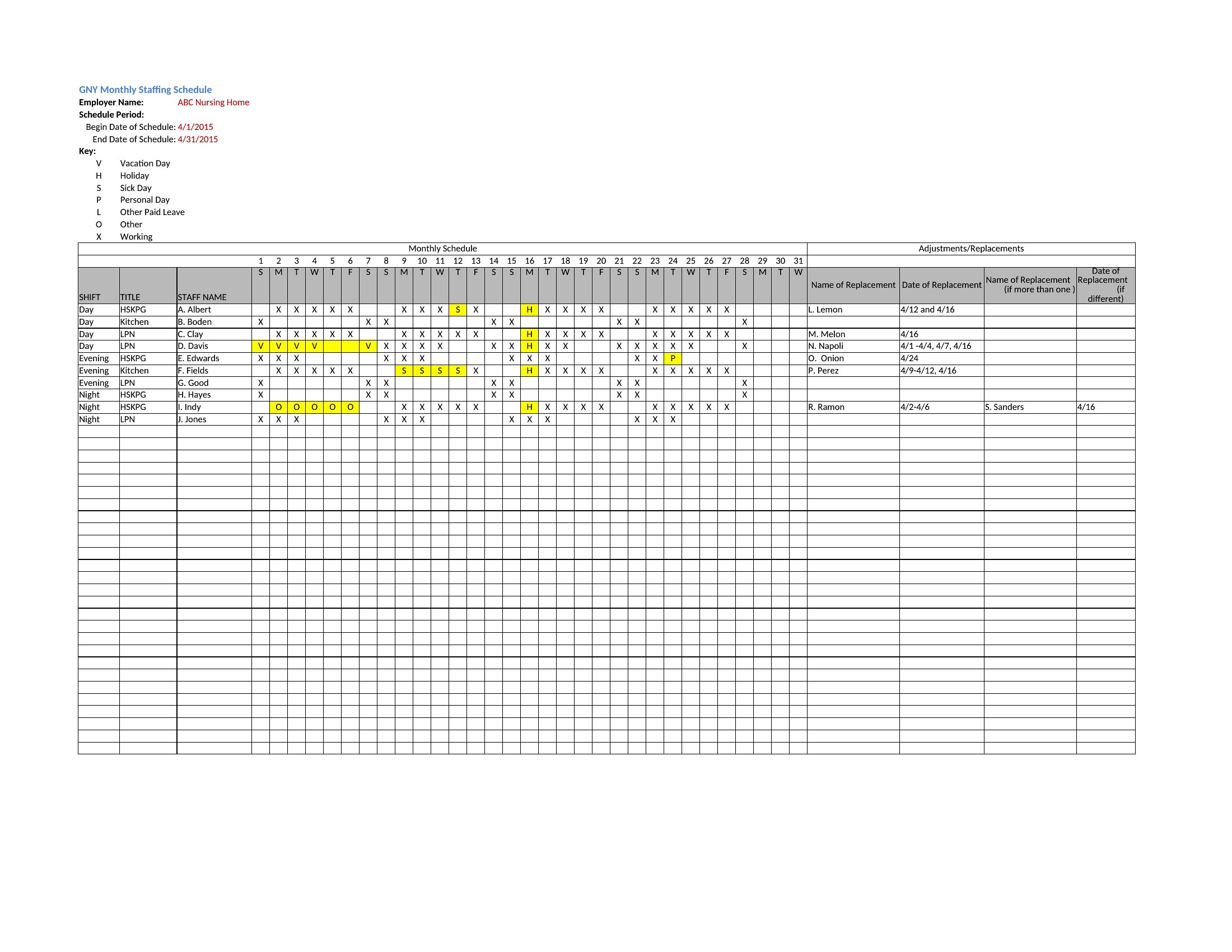
Building a staff schedule by hand each week eats up a manager's time and still leaves room for gaps and double-bookings. This collection of 62 employee schedule templates helps shift managers, restaurant owners, and team leads lay out who works when, balance hours fairly, and keep coverage tight across days, weeks, or a rotating roster.
The Excel versions total hours and make swaps easy, while the Word and PDF copies print cleanly for the break room. Drop in names and shifts, adjust for time-off requests, and post the finished schedule where the team can see it. Download the version that fits your business and turn scheduling into a quick weekly task.
When to use this Employee Schedule template
- Small business owners managing a team of 10–50 employees with fluctuating weekend hours can use these templates to quickly draft weekly schedules that comply with local labor laws and avoid overtime conflicts.
- Restaurant managers planning shifts for hourly staff across multiple locations need a visual way to balance senior employees’ availability with junior shifts while tracking total hours in one place to minimize payroll errors.
- Healthcare clinic administrators coordinating rotating shifts for nurses and front-desk staff rely on these templates to align coverage with patient appointment peaks, ensuring no gaps during critical hours like morning check-ins.
- Nonprofit coordinators scheduling volunteers with mixed availability use these templates to create fair, rotating rosters that accommodate both regular and one-time helpers without overloading any single person.
Which format should I download?
Pick Word if you need to share editable schedules with team members who can quickly adjust shifts, add notes, or email a revised version without opening a spreadsheet. Choose Excel when crunching numbers matters—use its formulas to auto-calculate hours, track overtime, or flag scheduling conflicts before approval. Go with PDF if you’re printing hard copies for break rooms or sending a locked, professional version to senior management for review. The PDF format also works best for fillable forms if employees submit their availability through a shared drive.
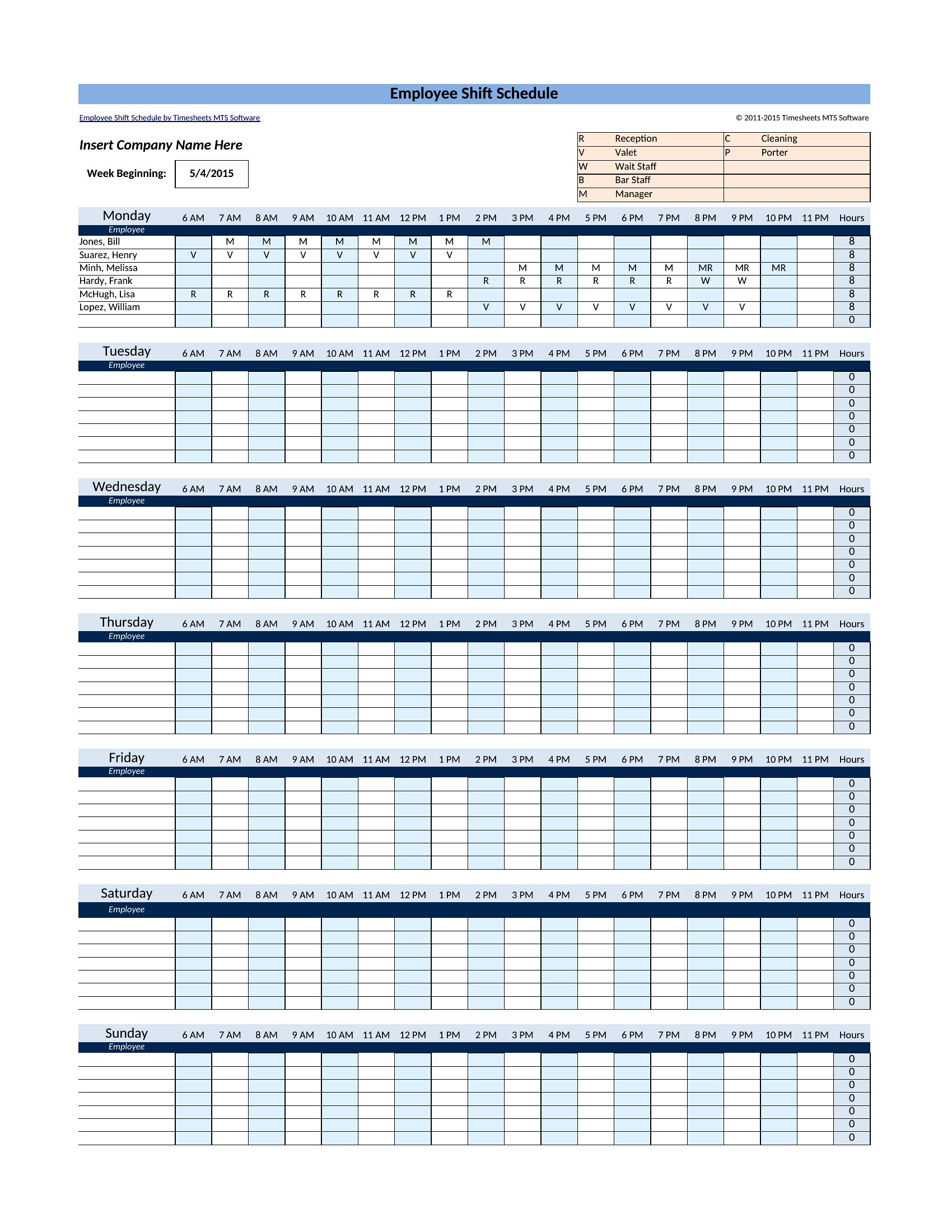
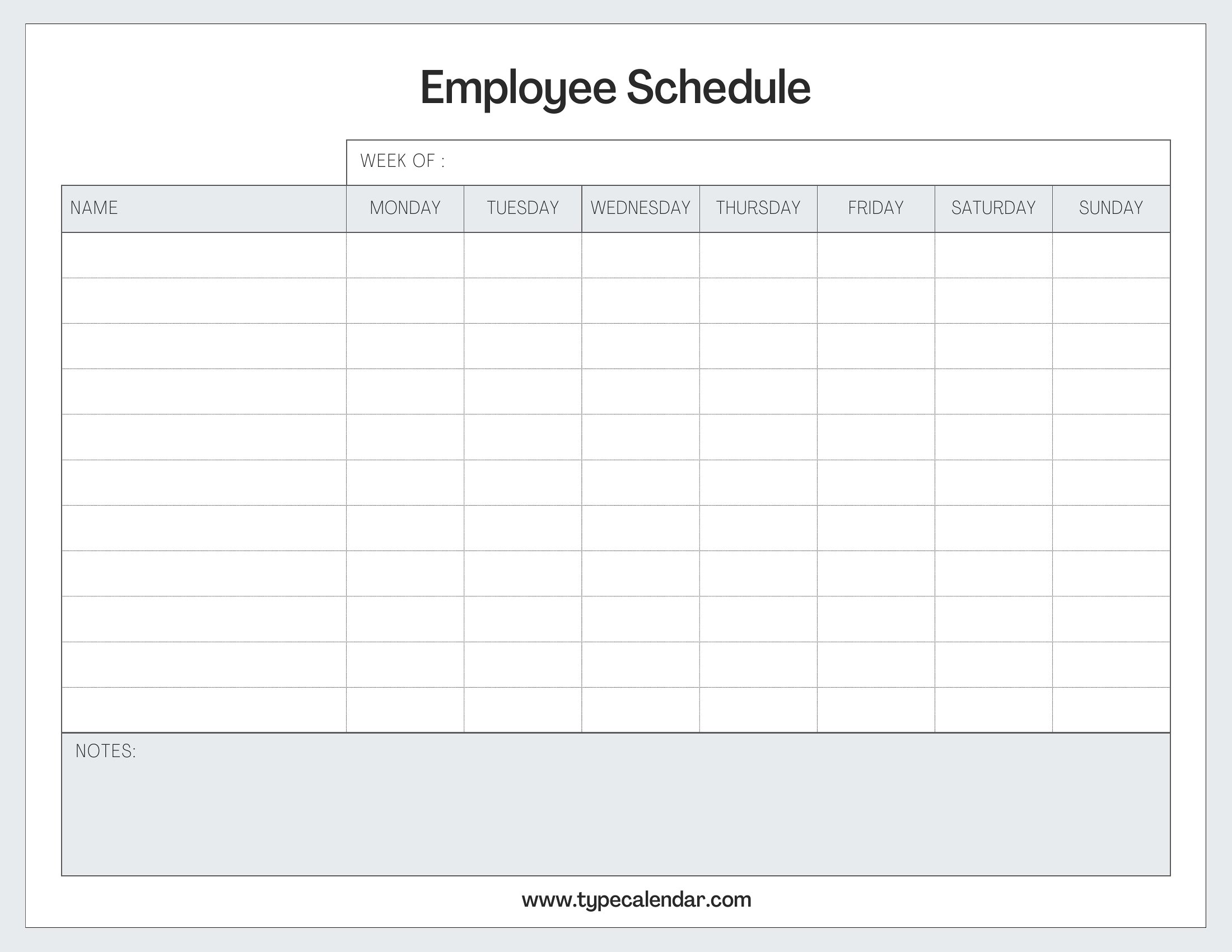
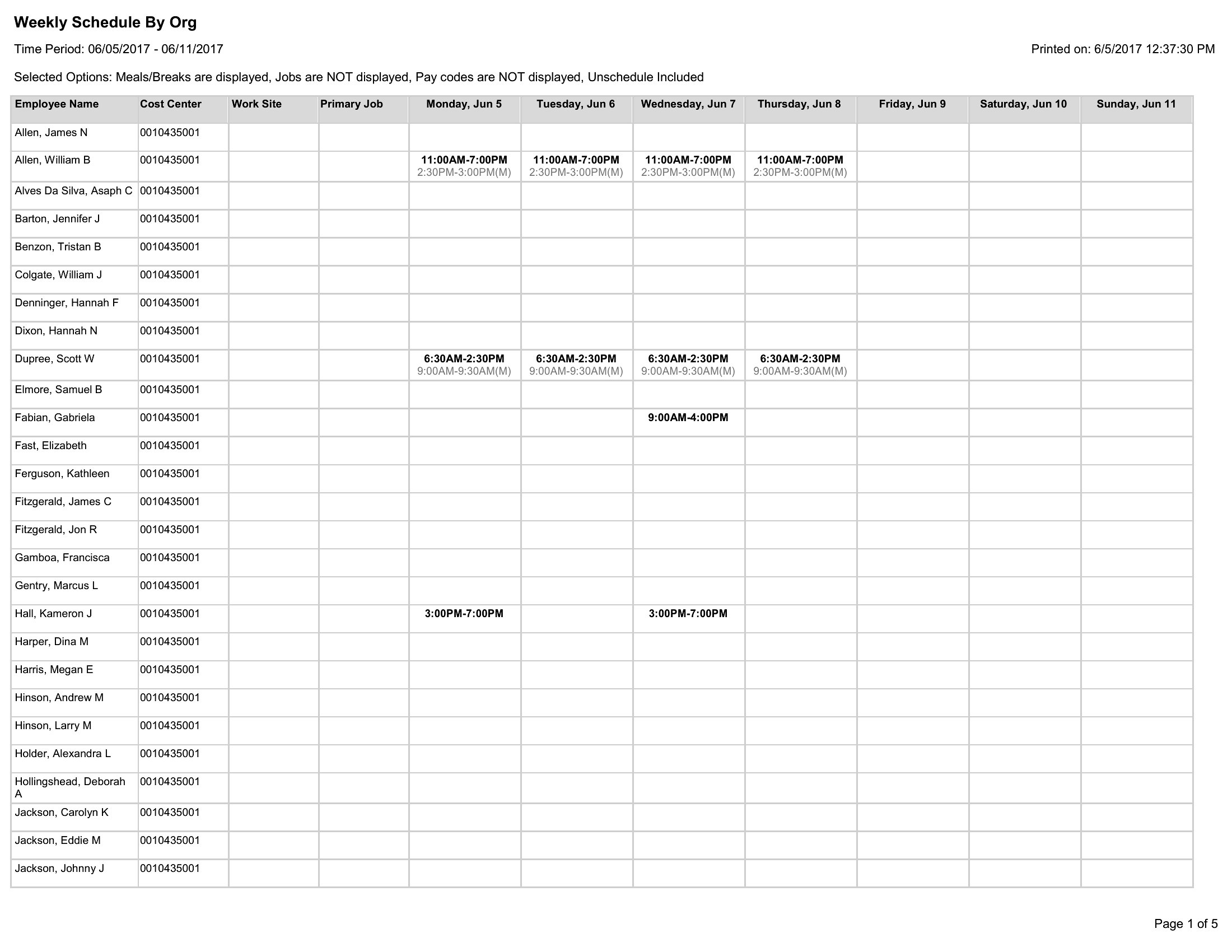
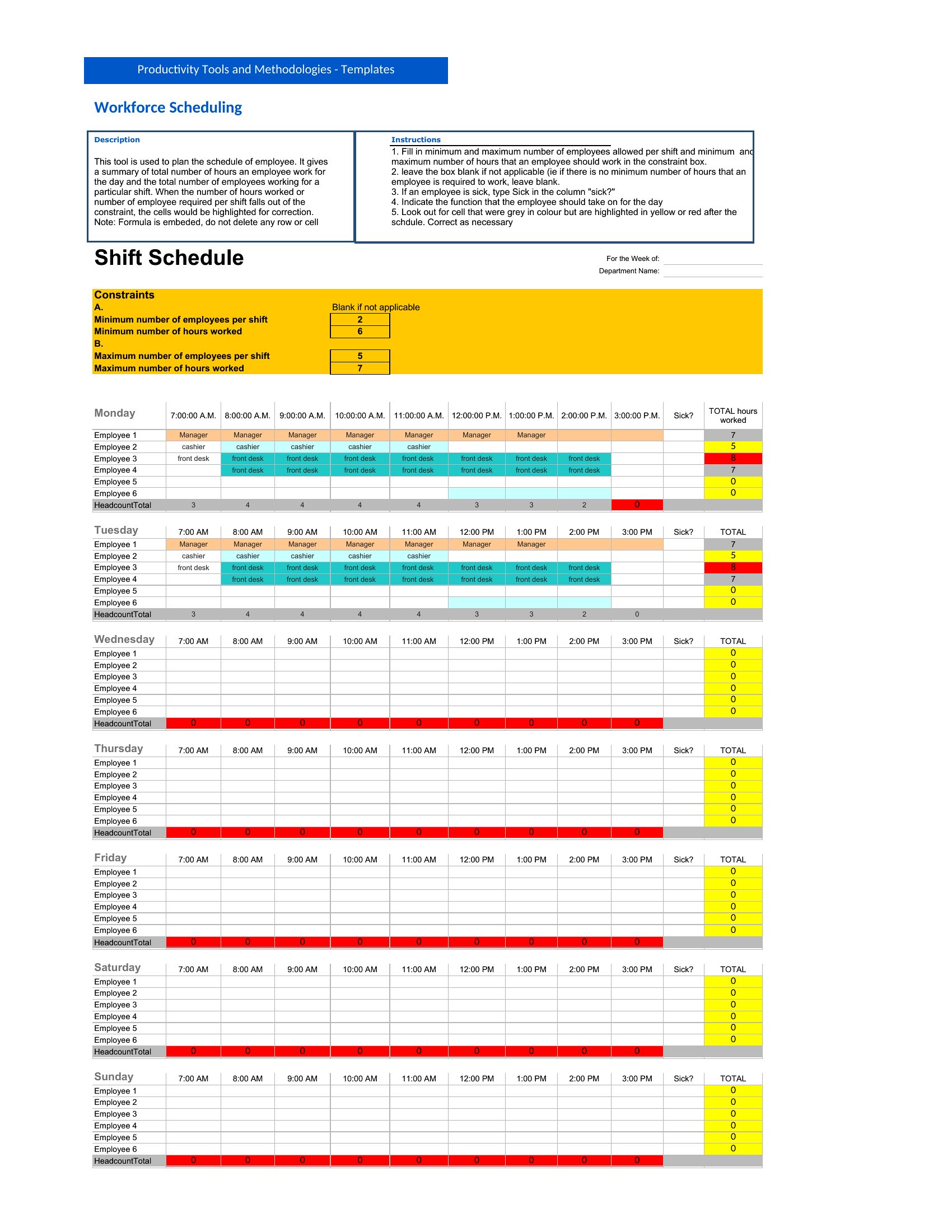
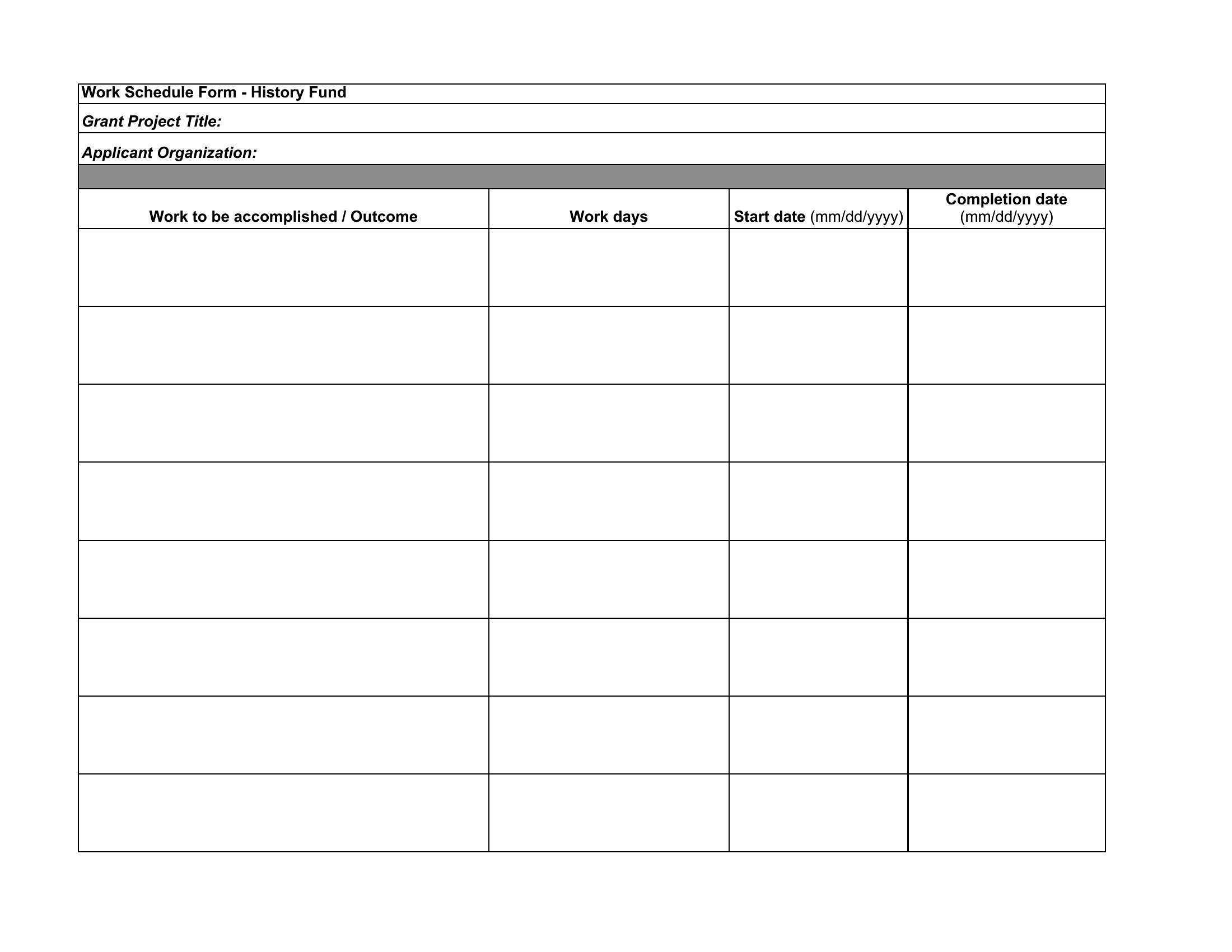
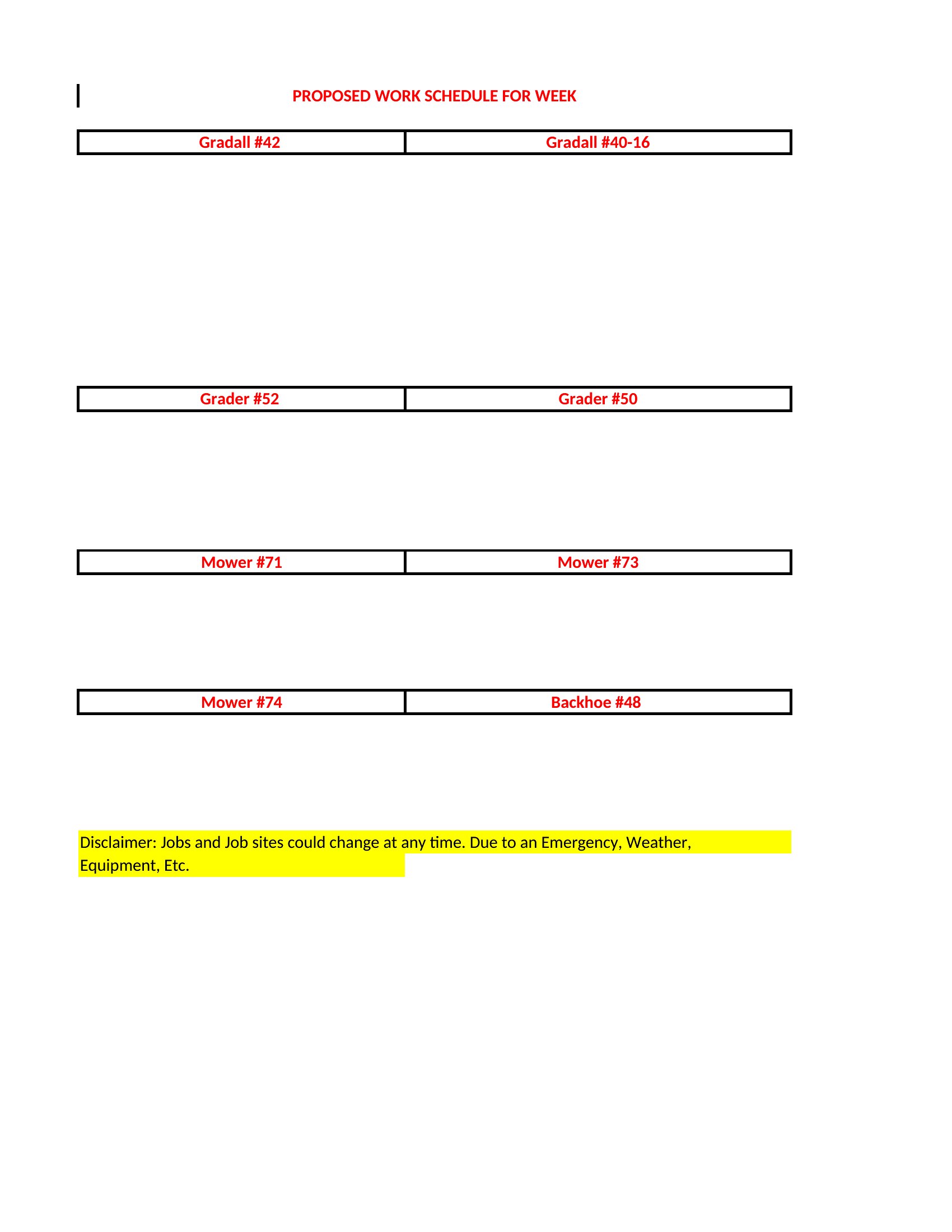
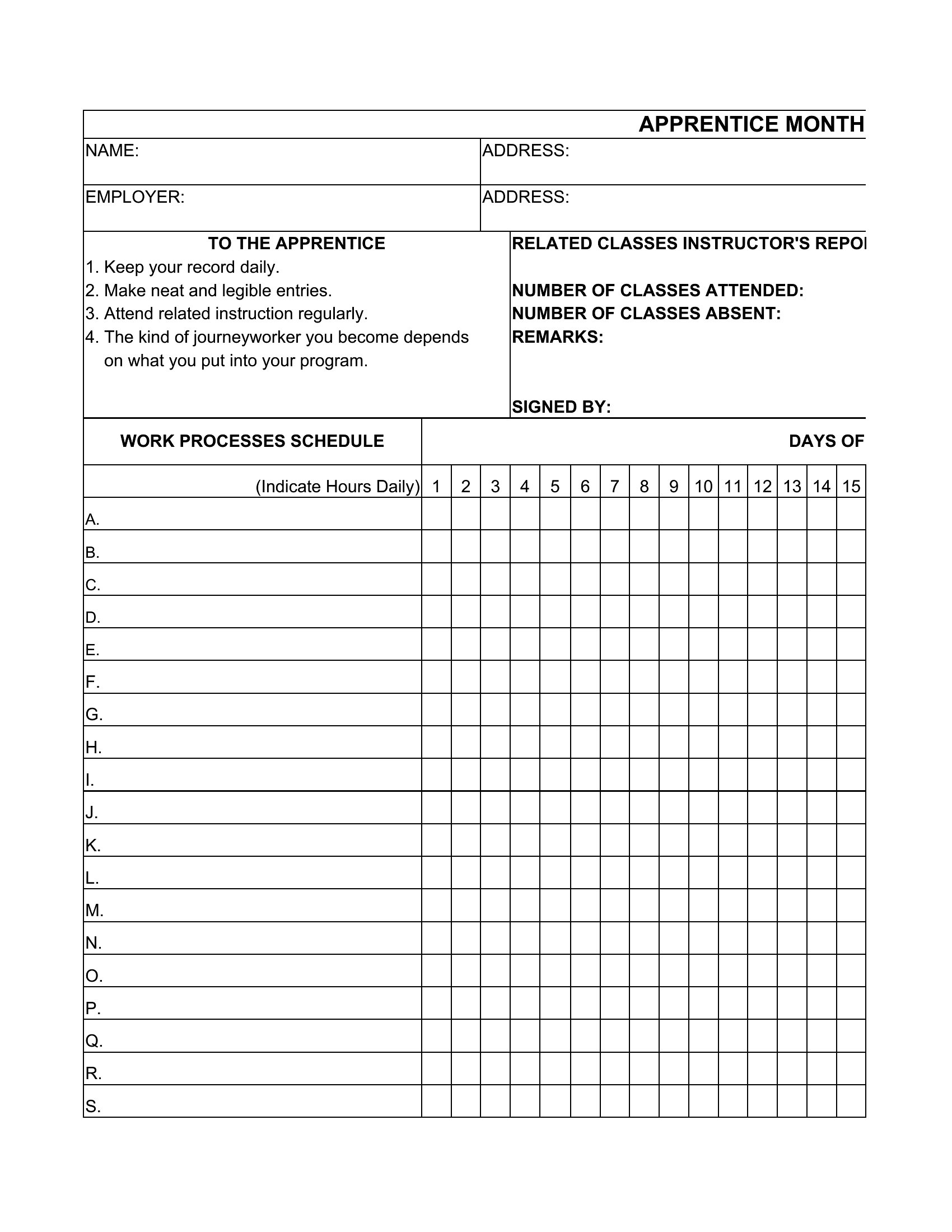
Choose from 62 Employee Schedule Templates
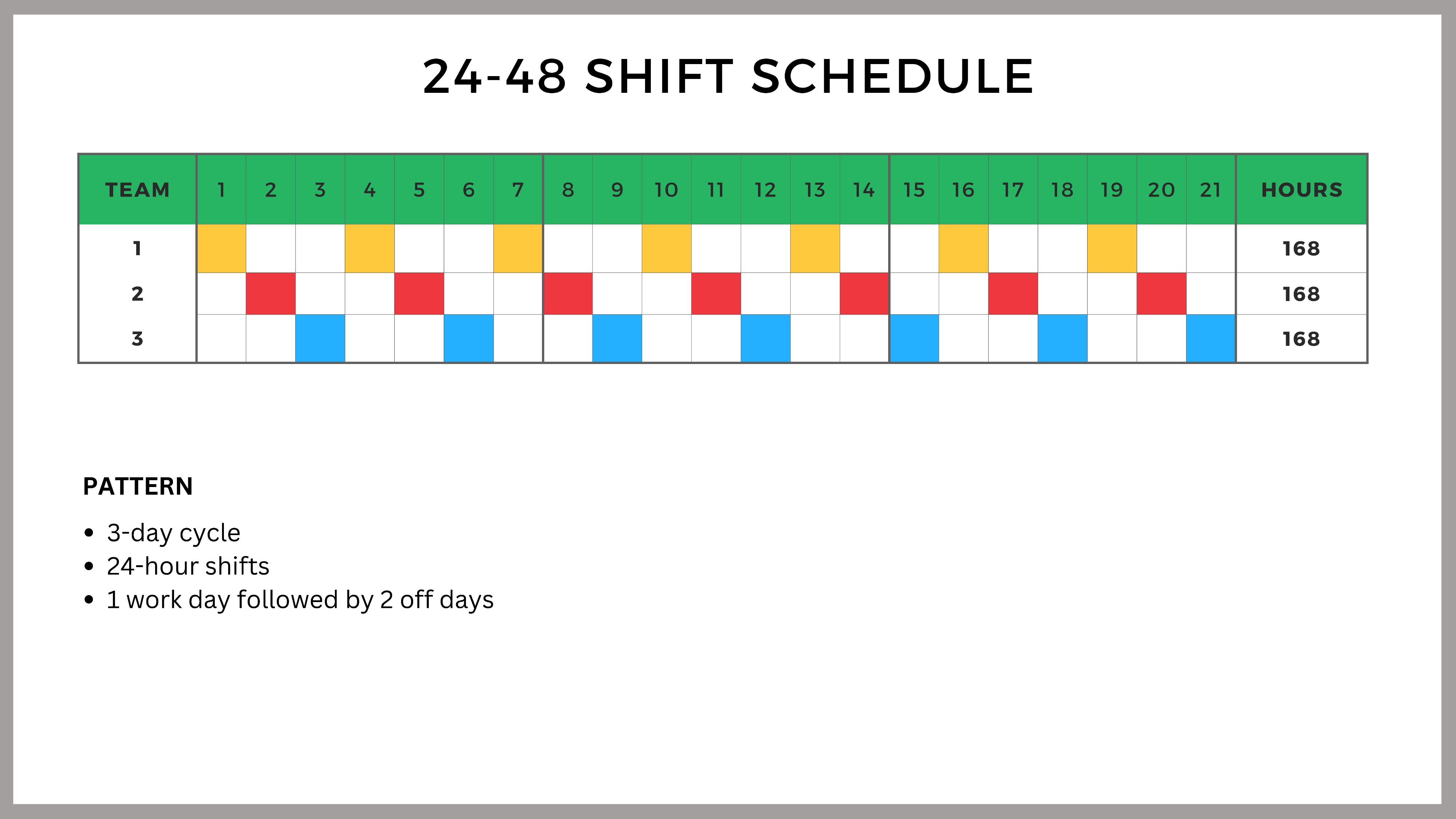
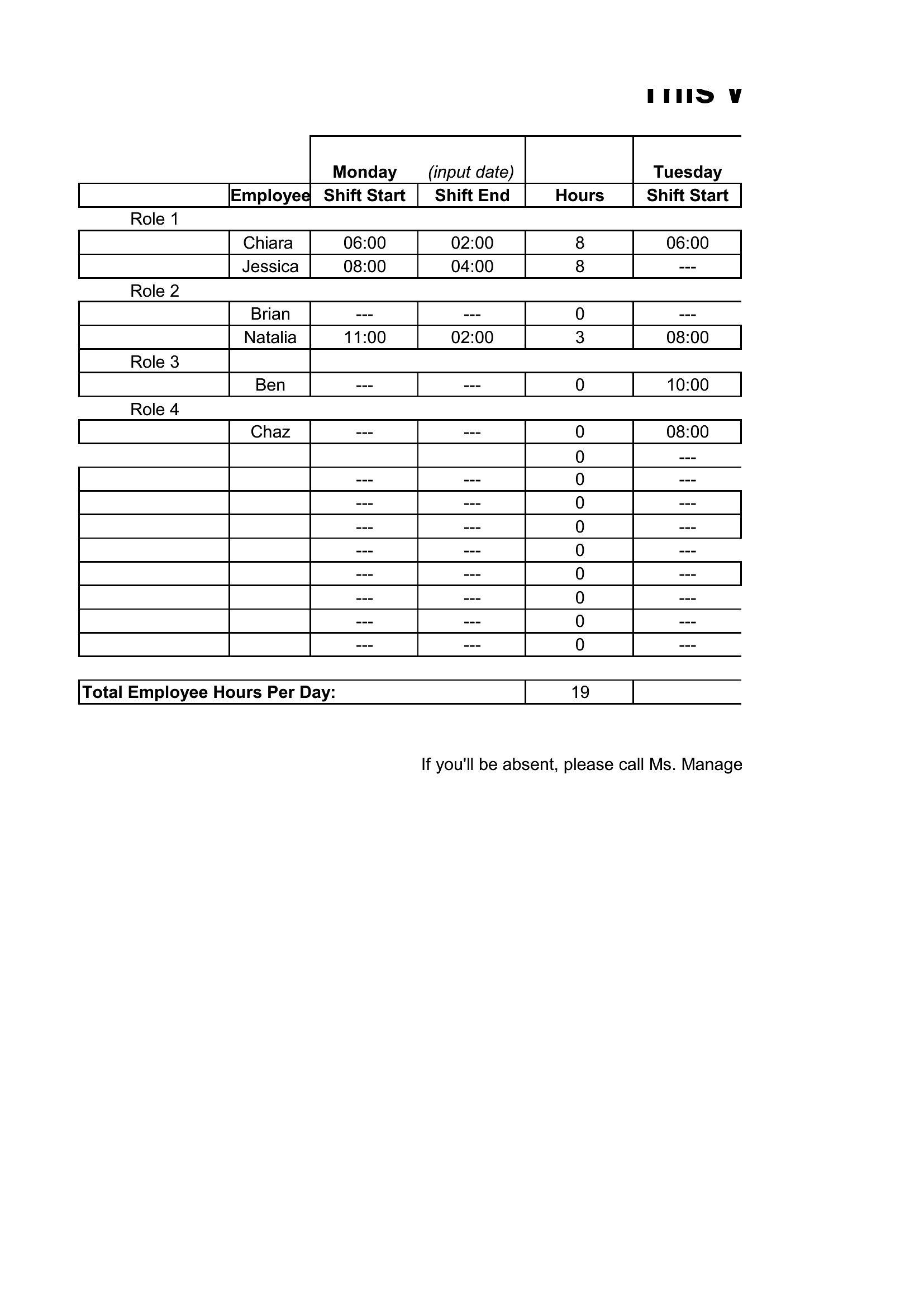
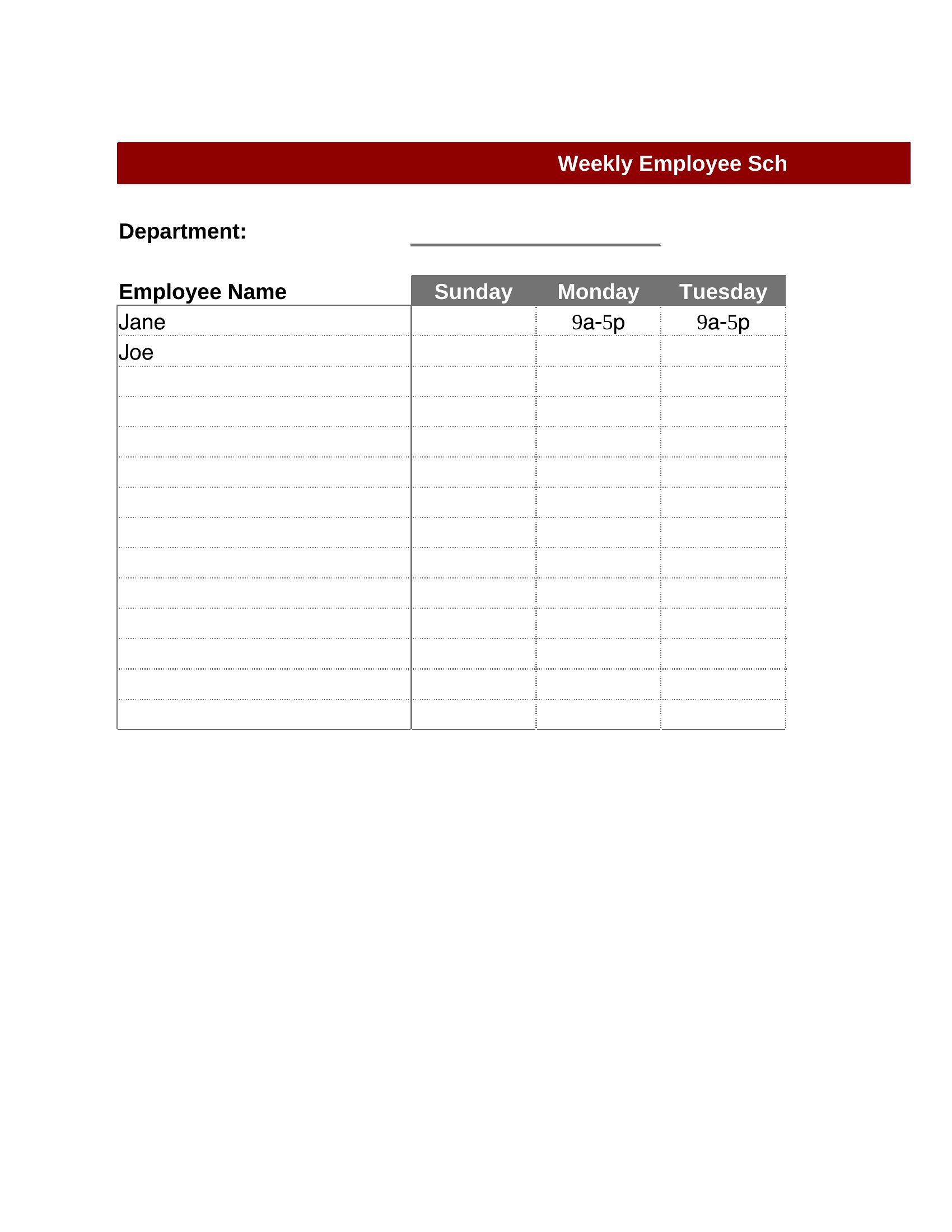
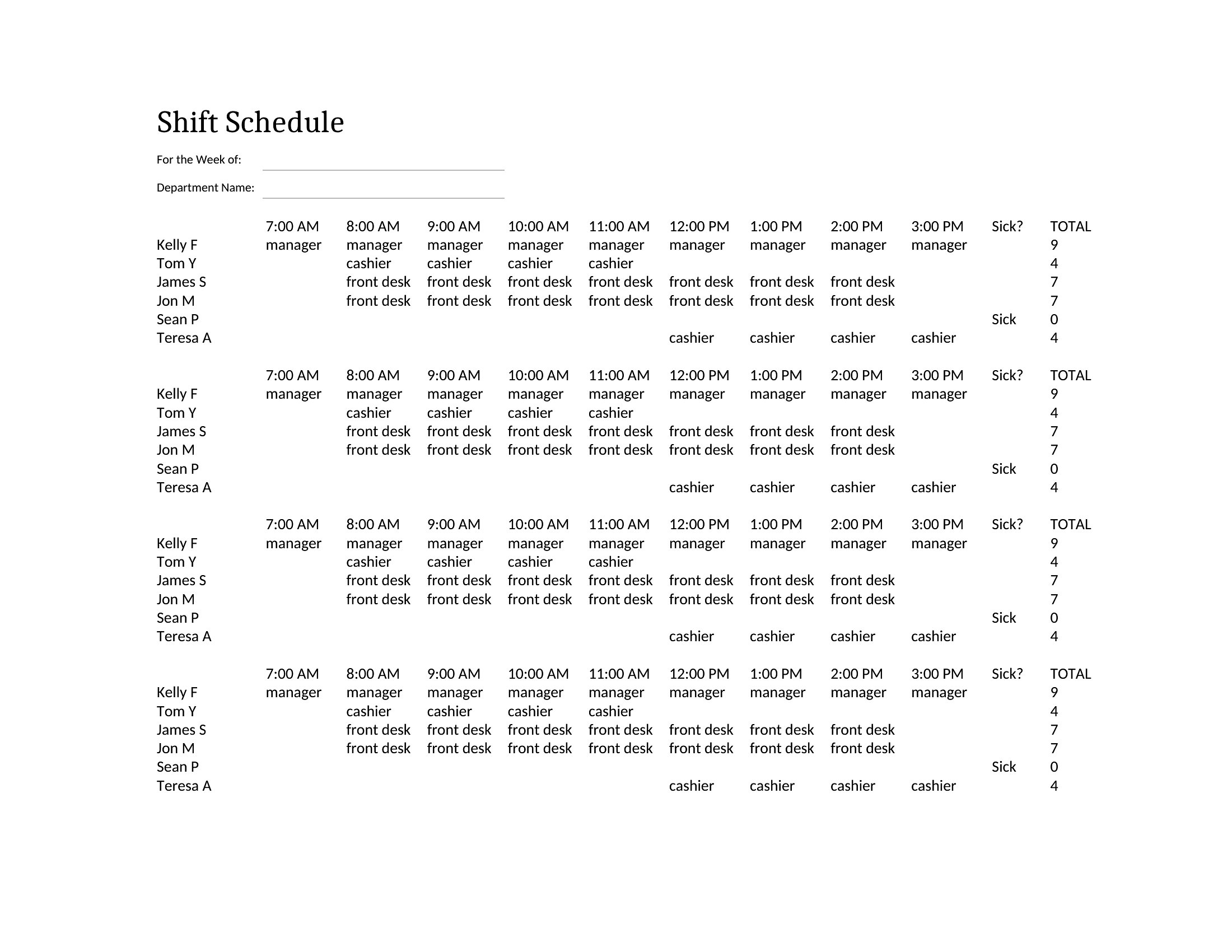
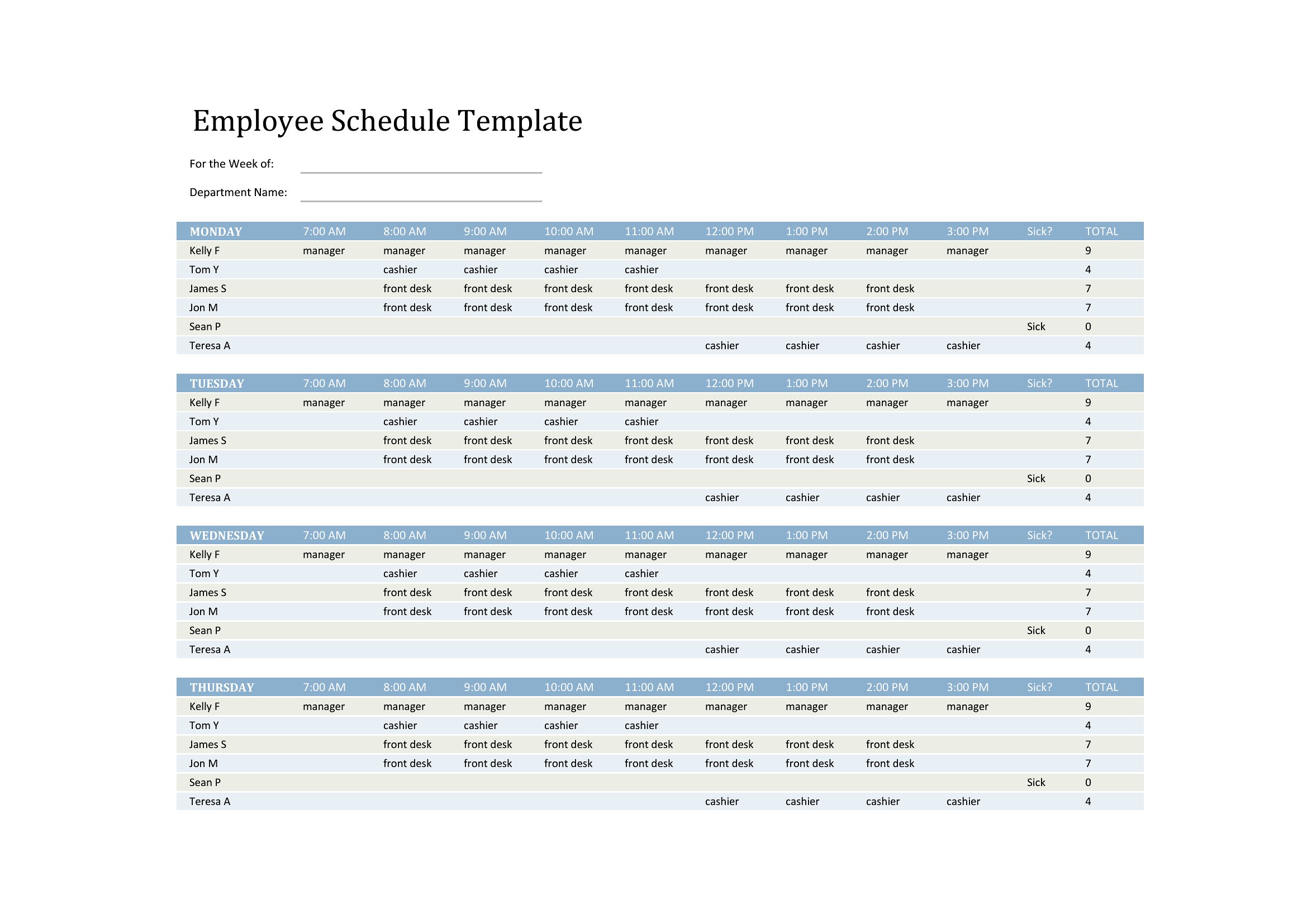
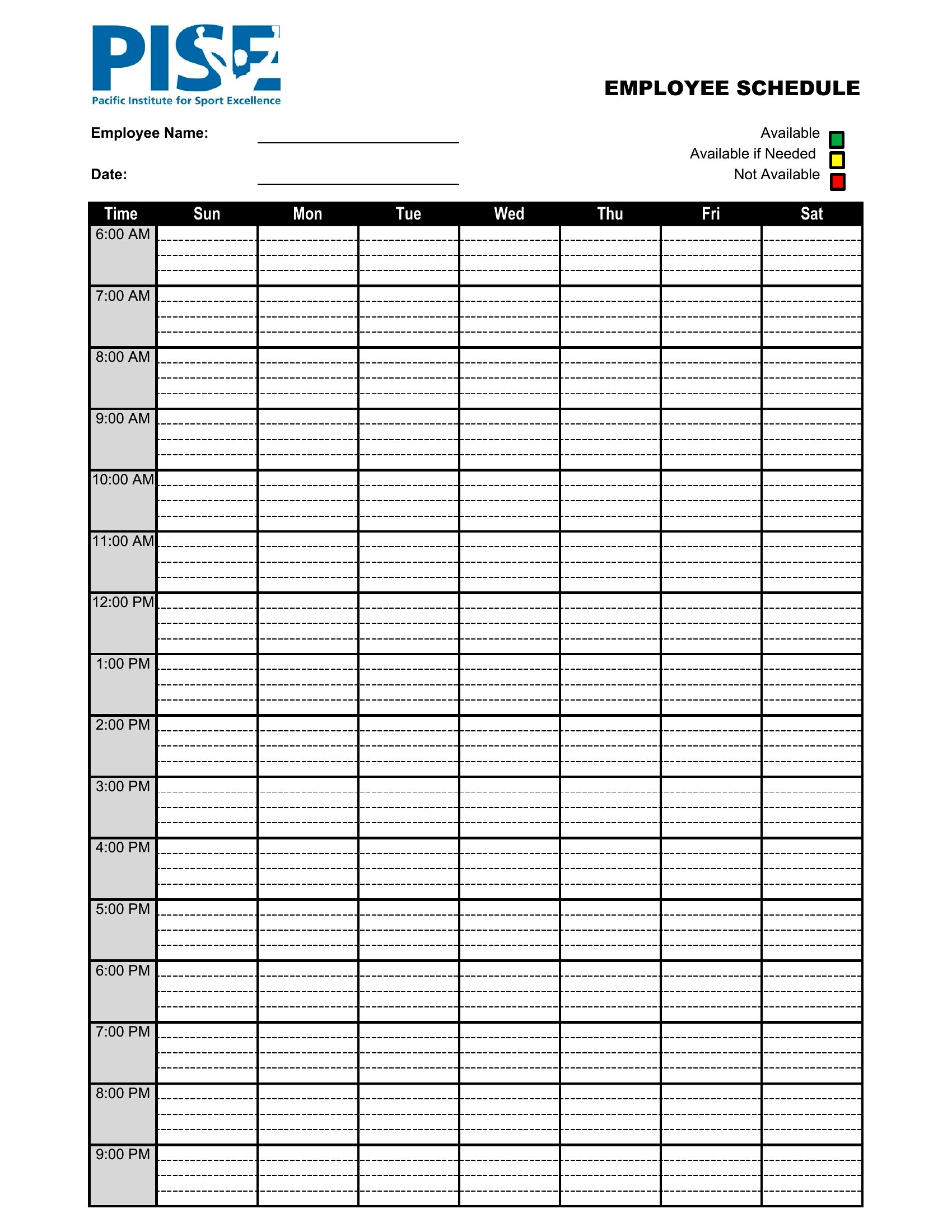
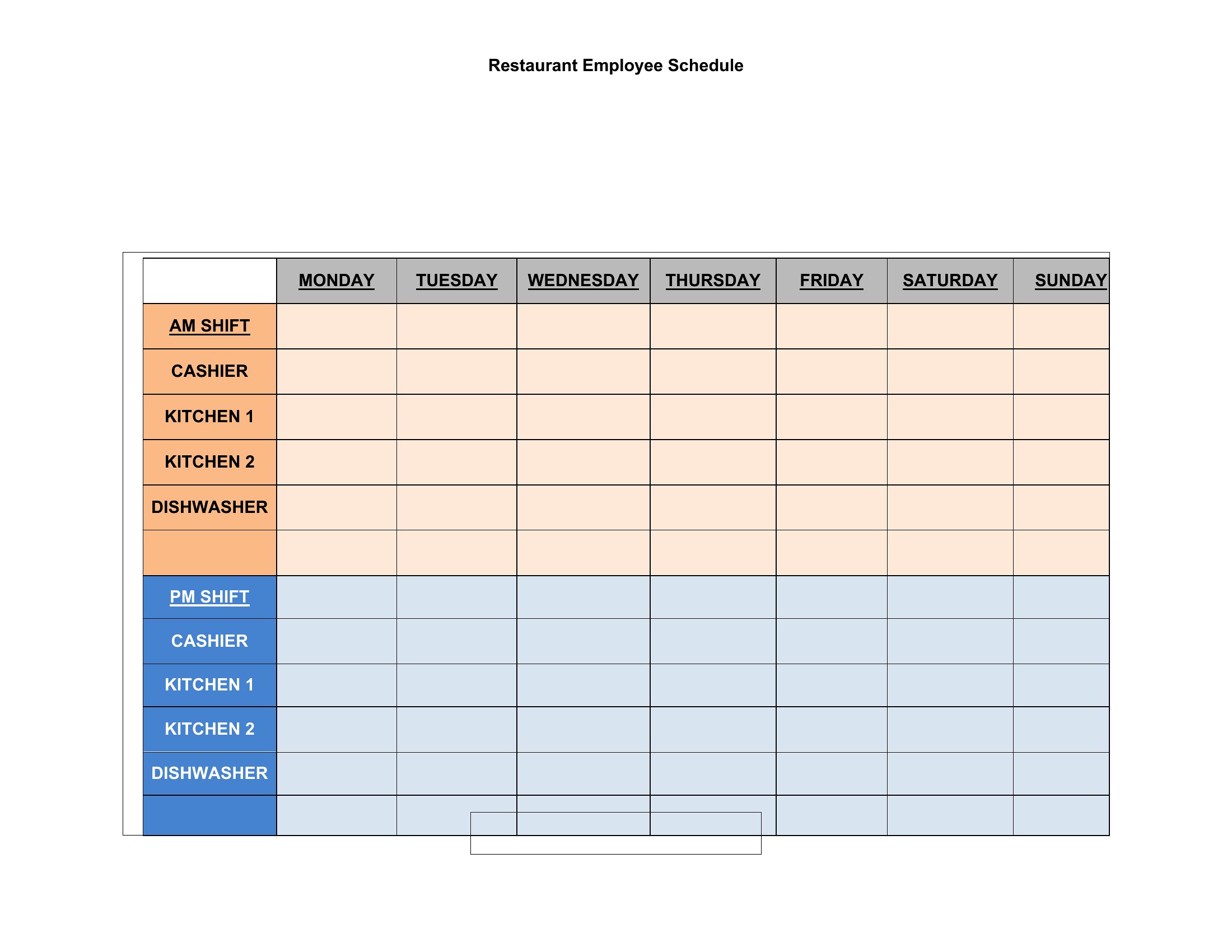
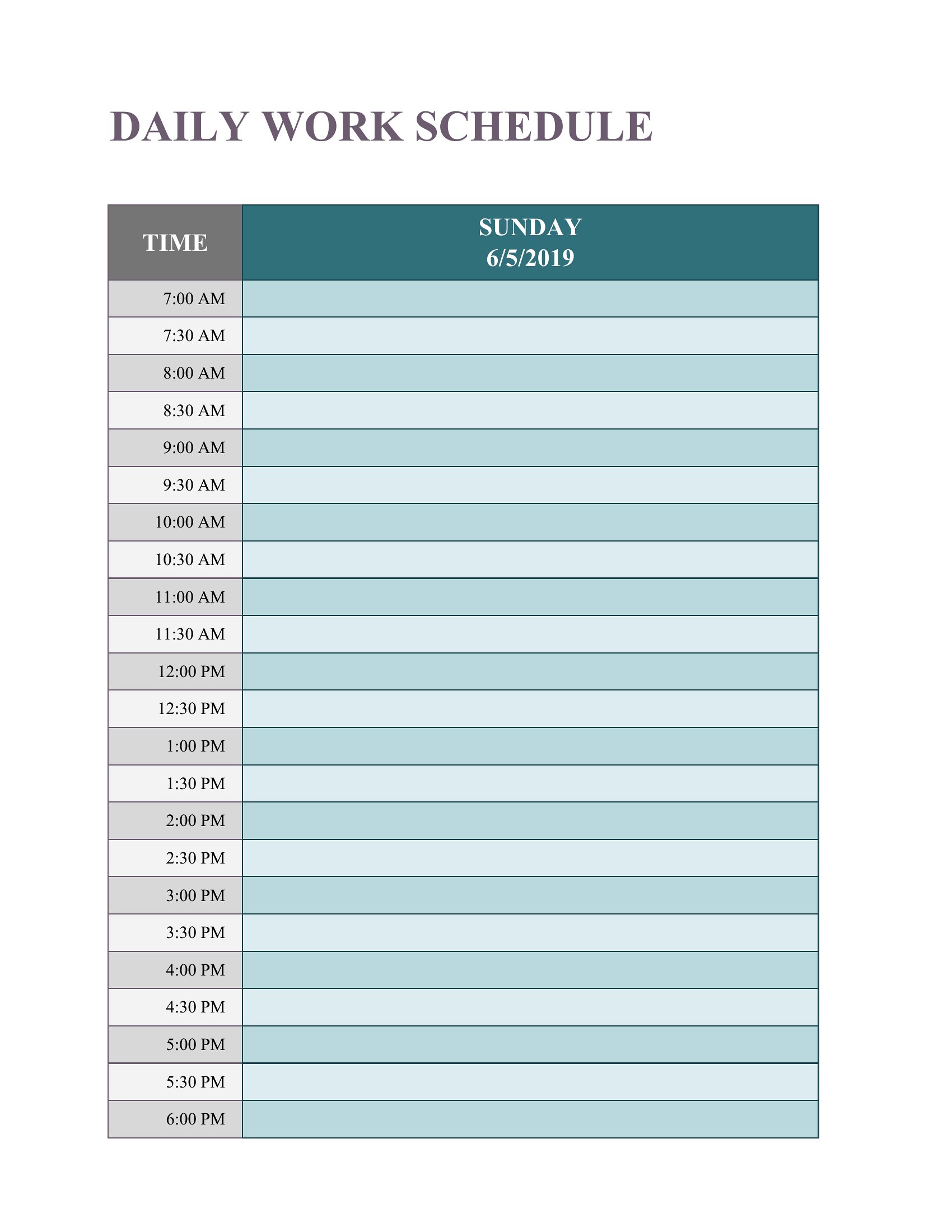
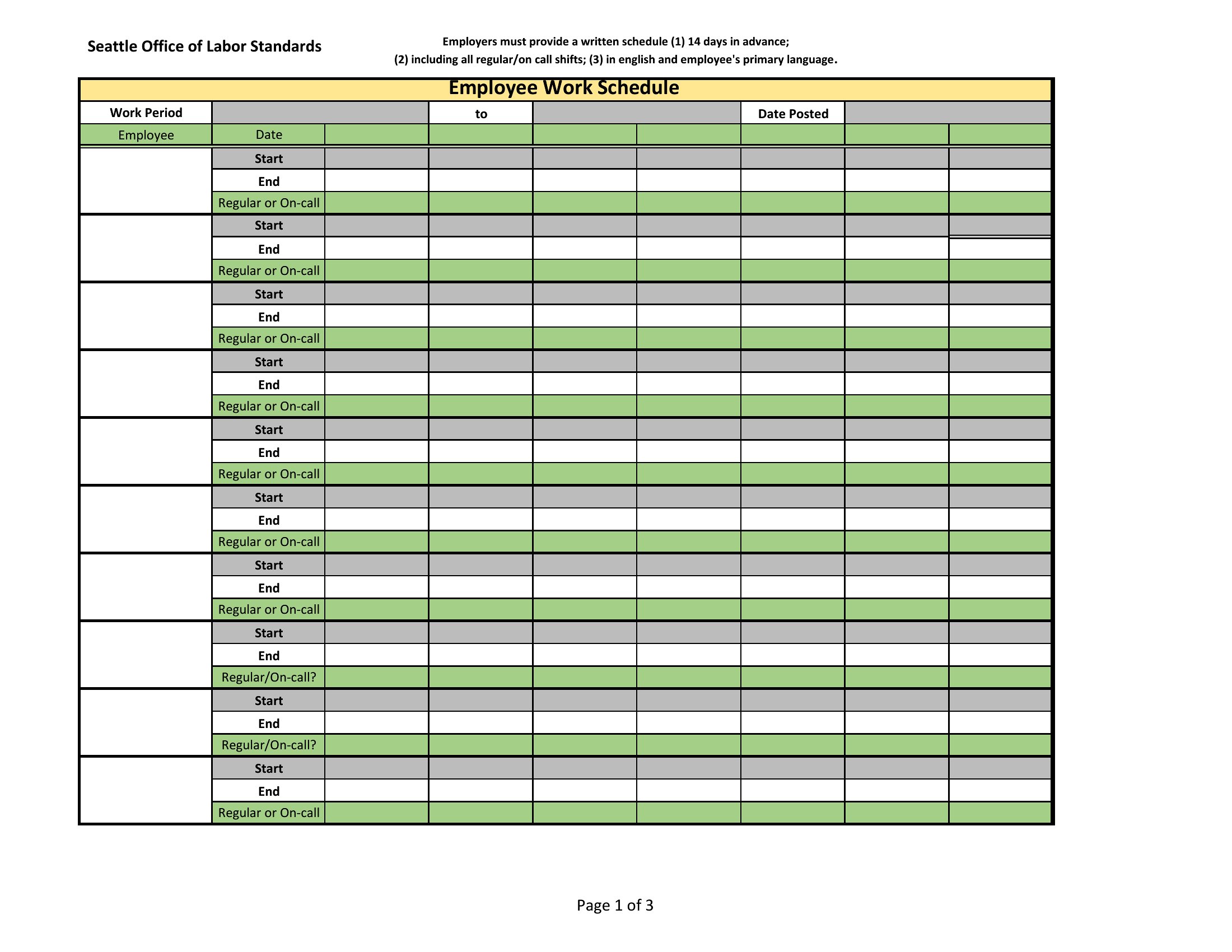
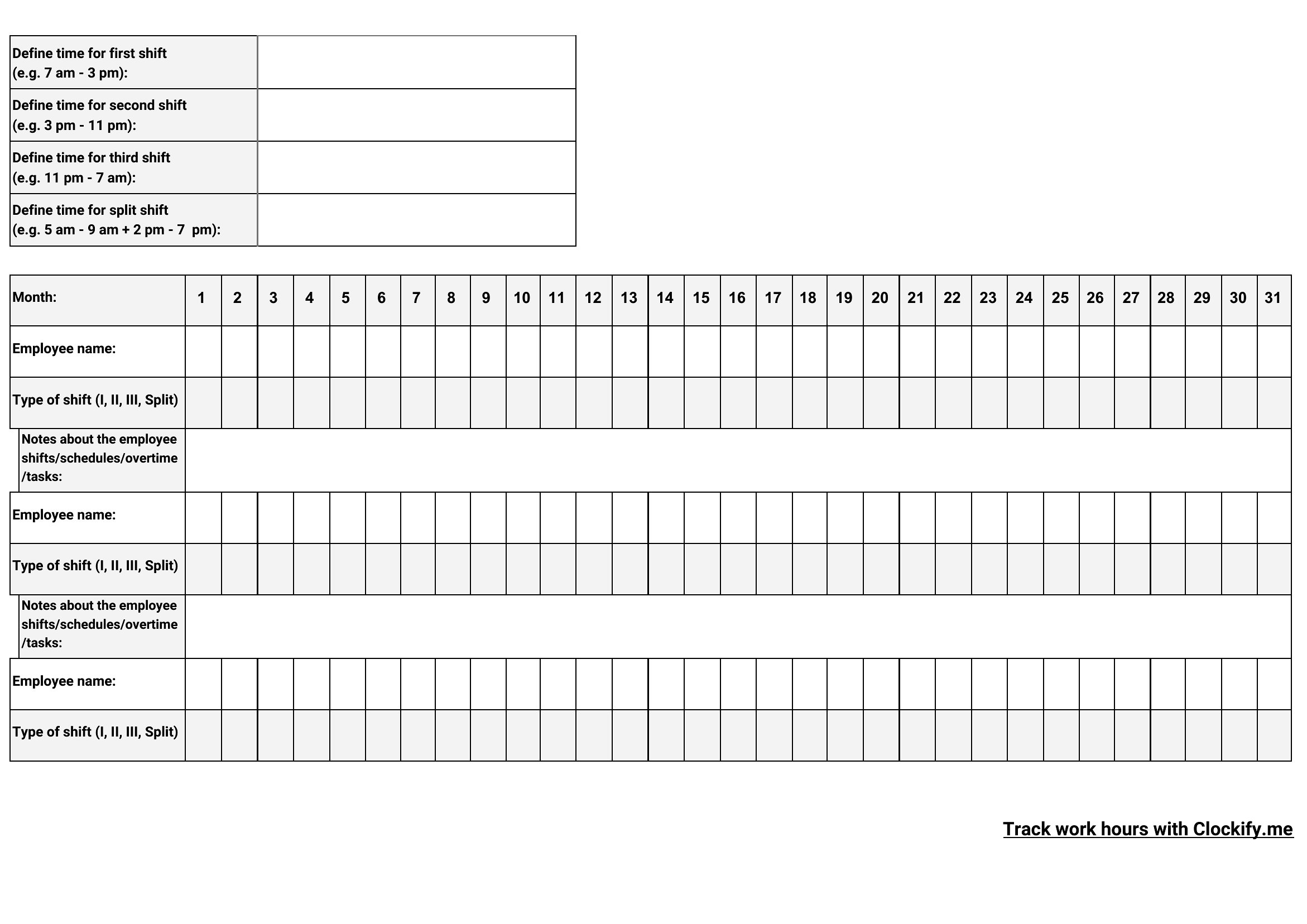
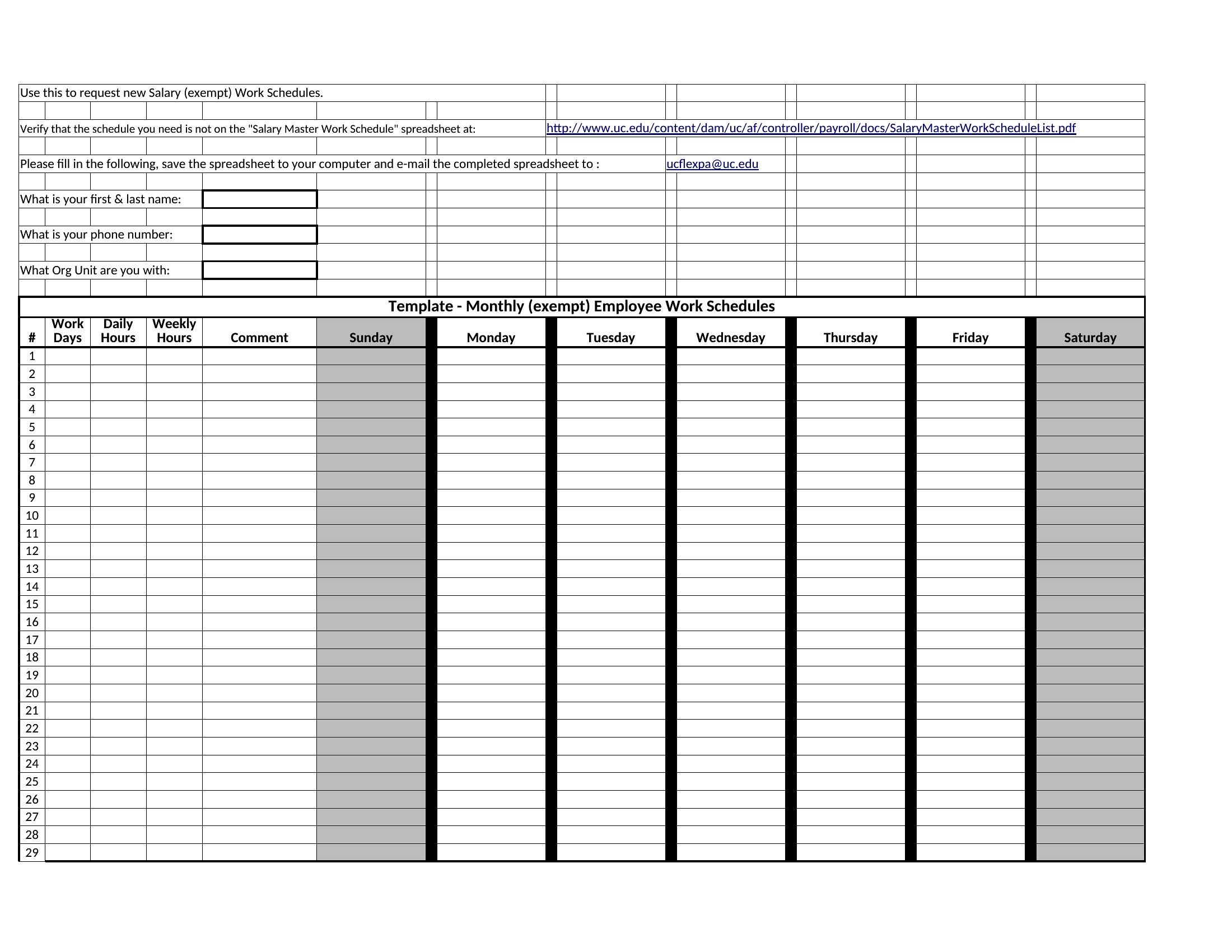
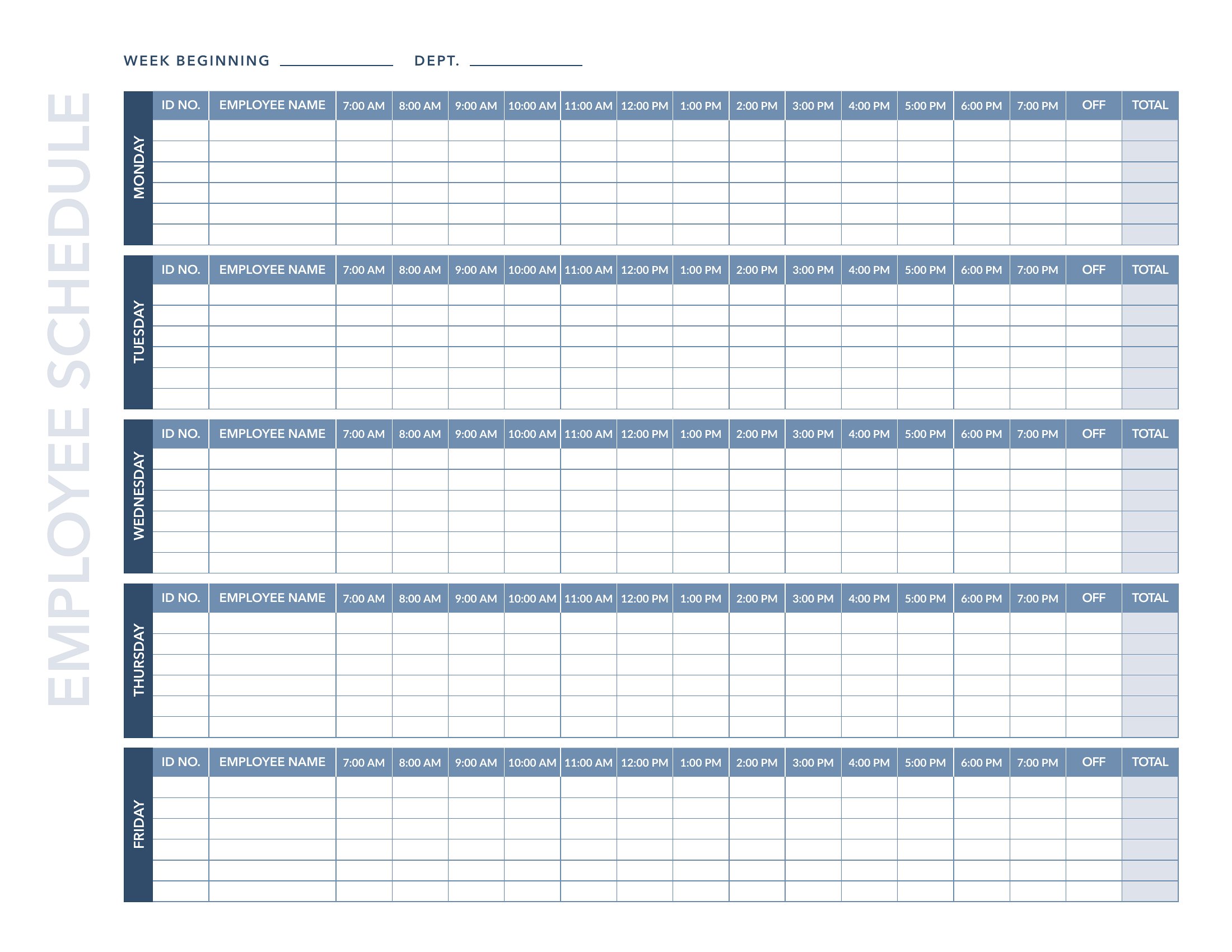
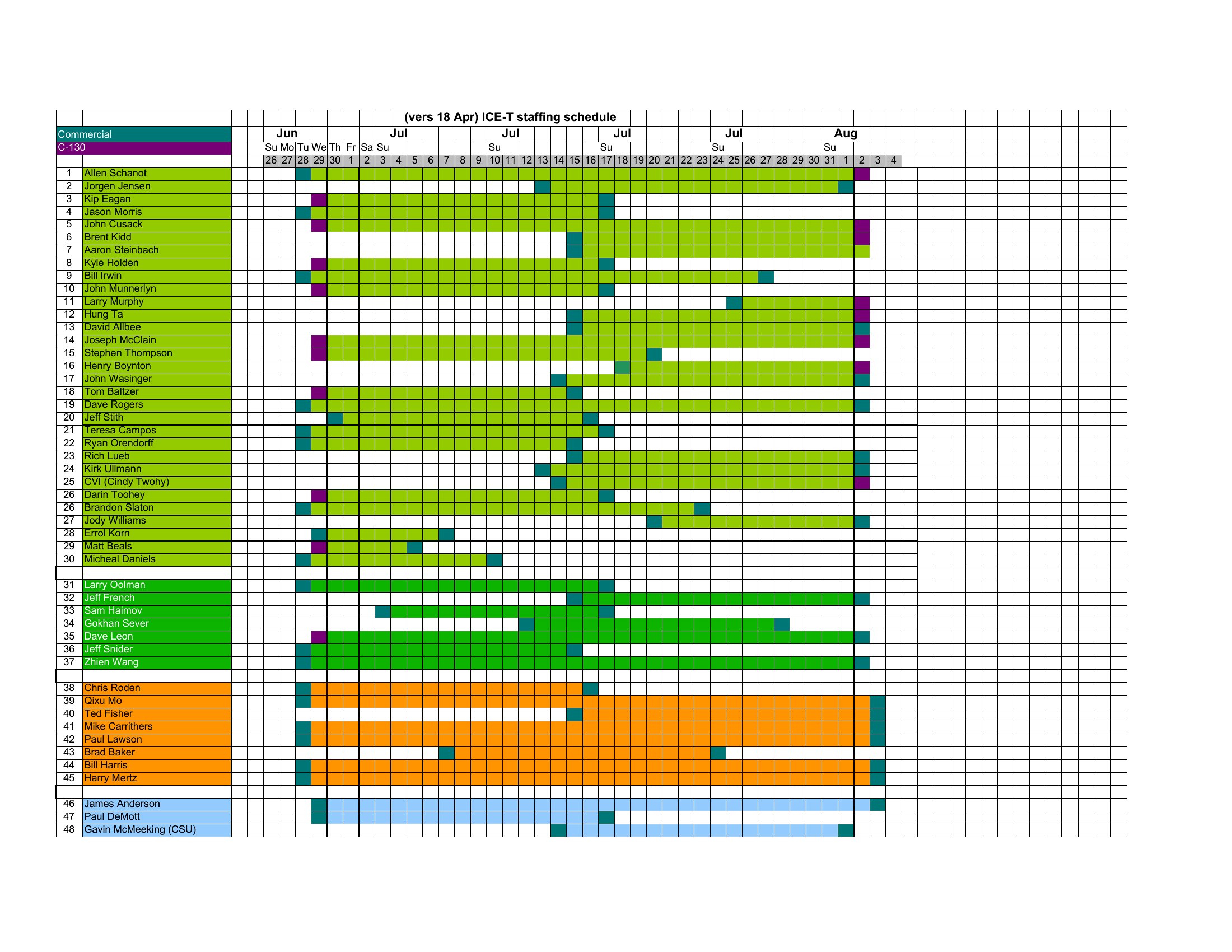
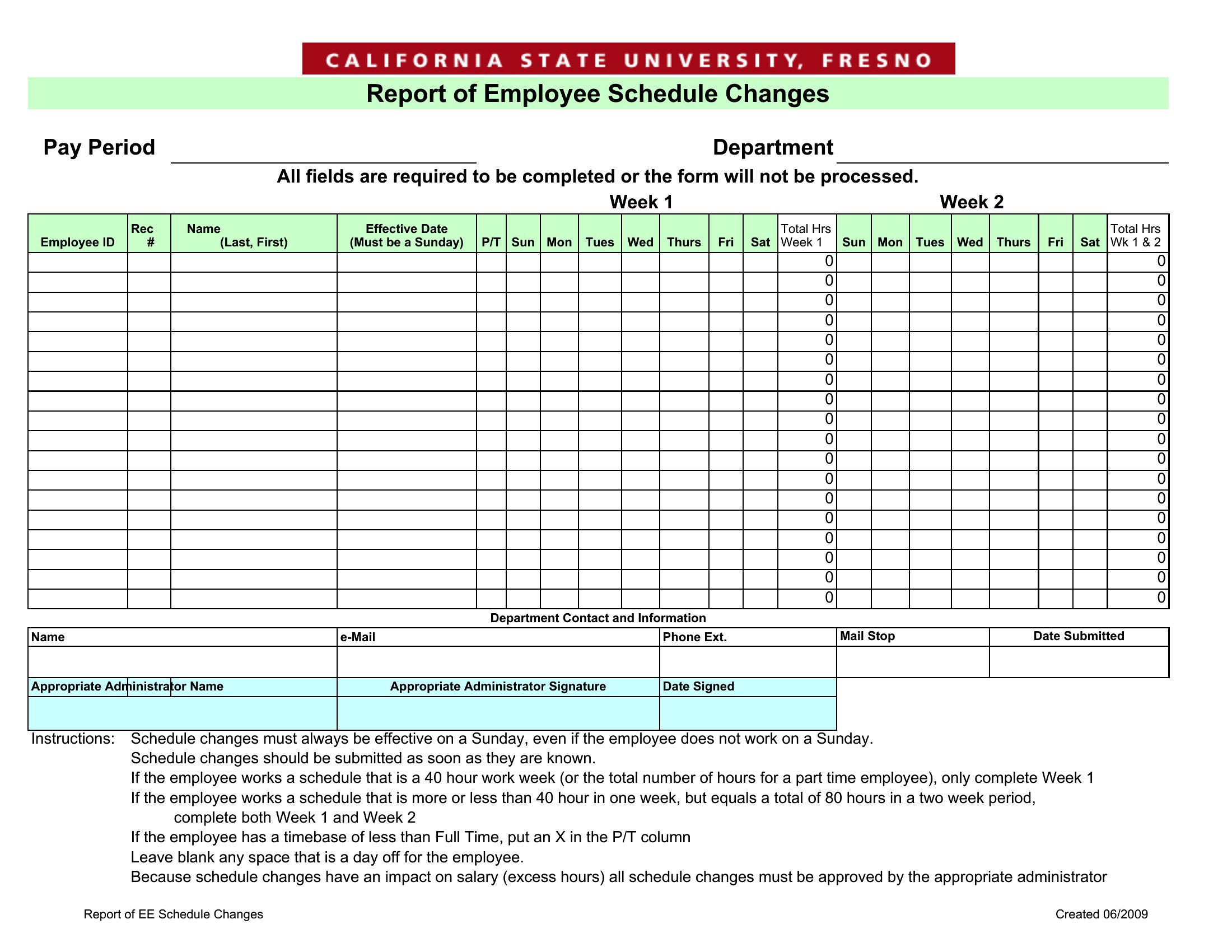
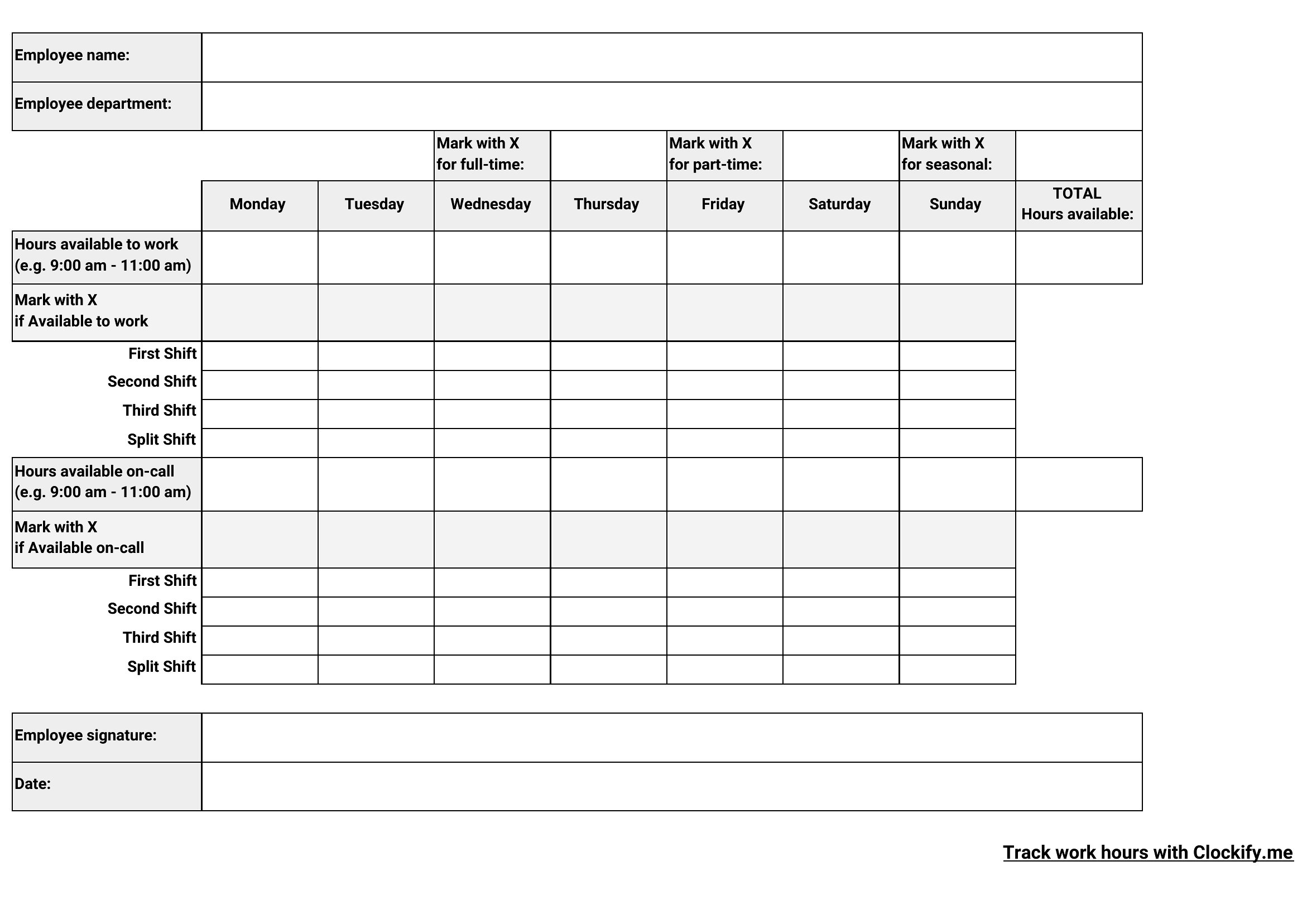
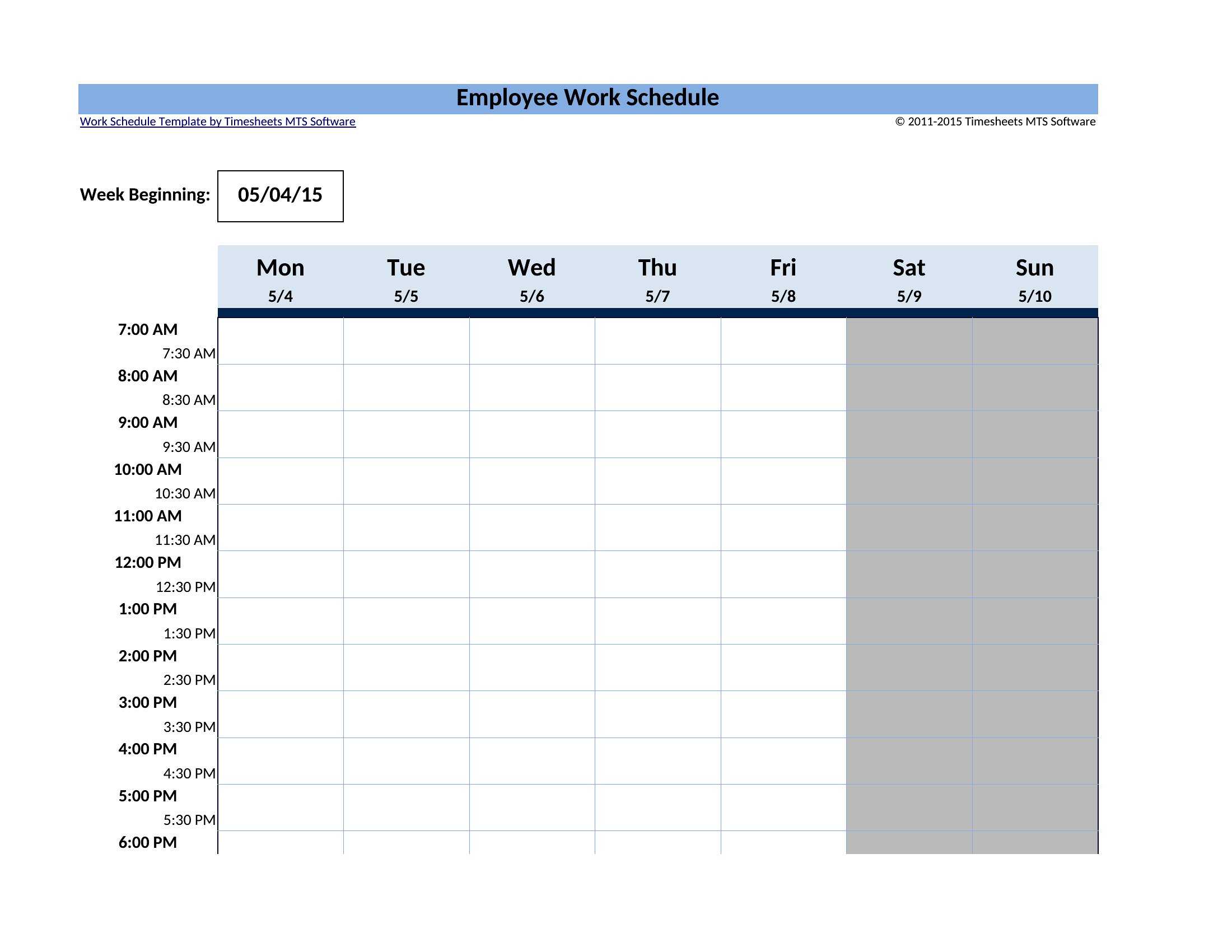
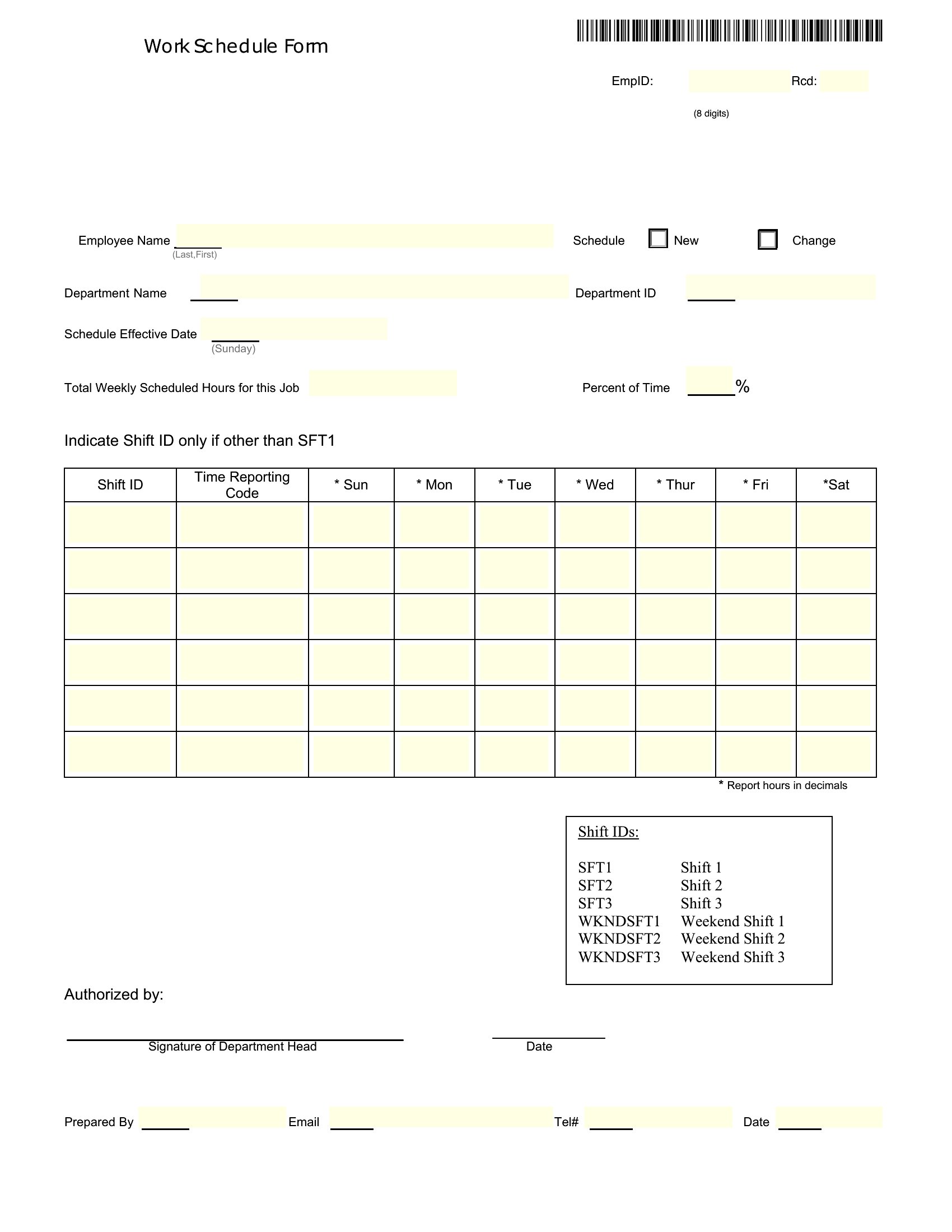
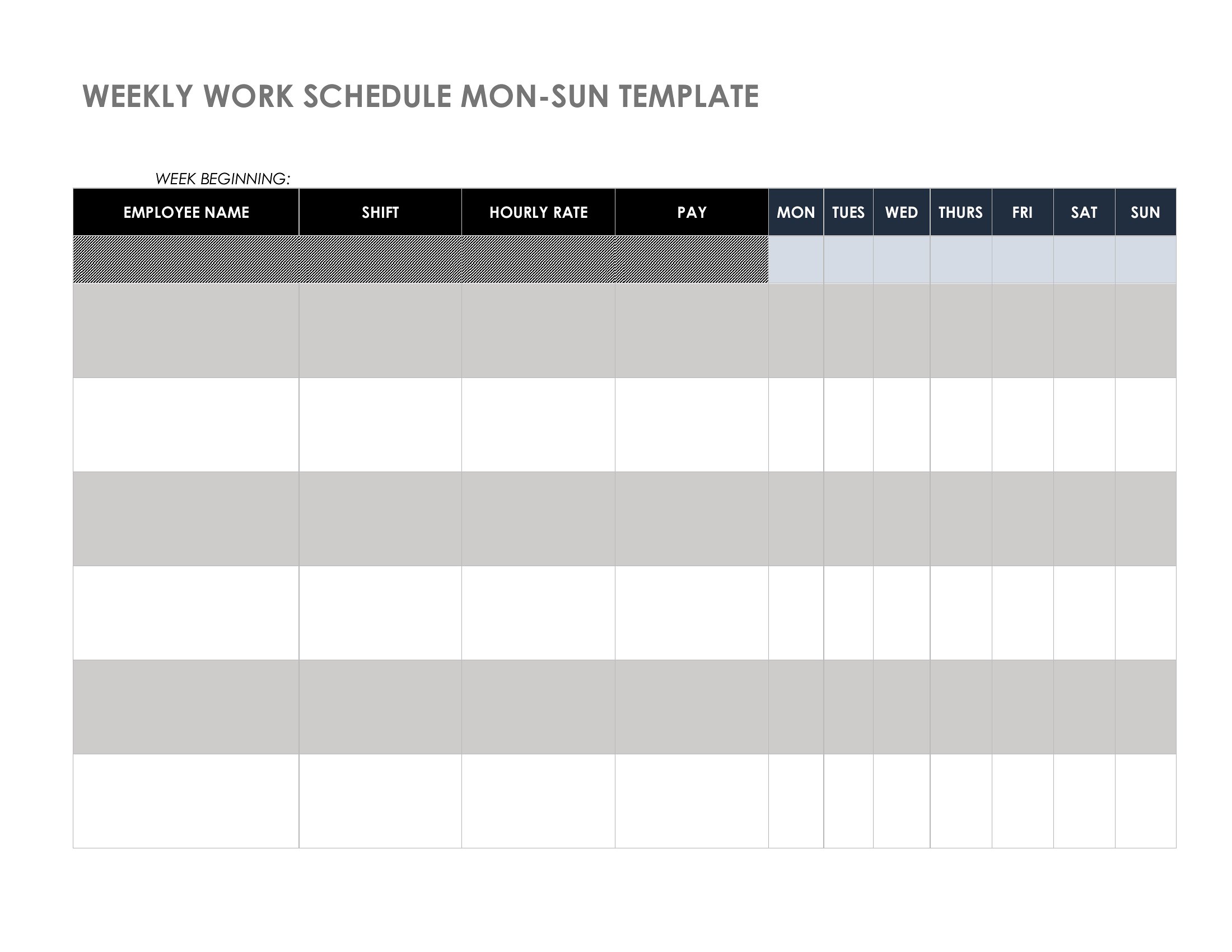
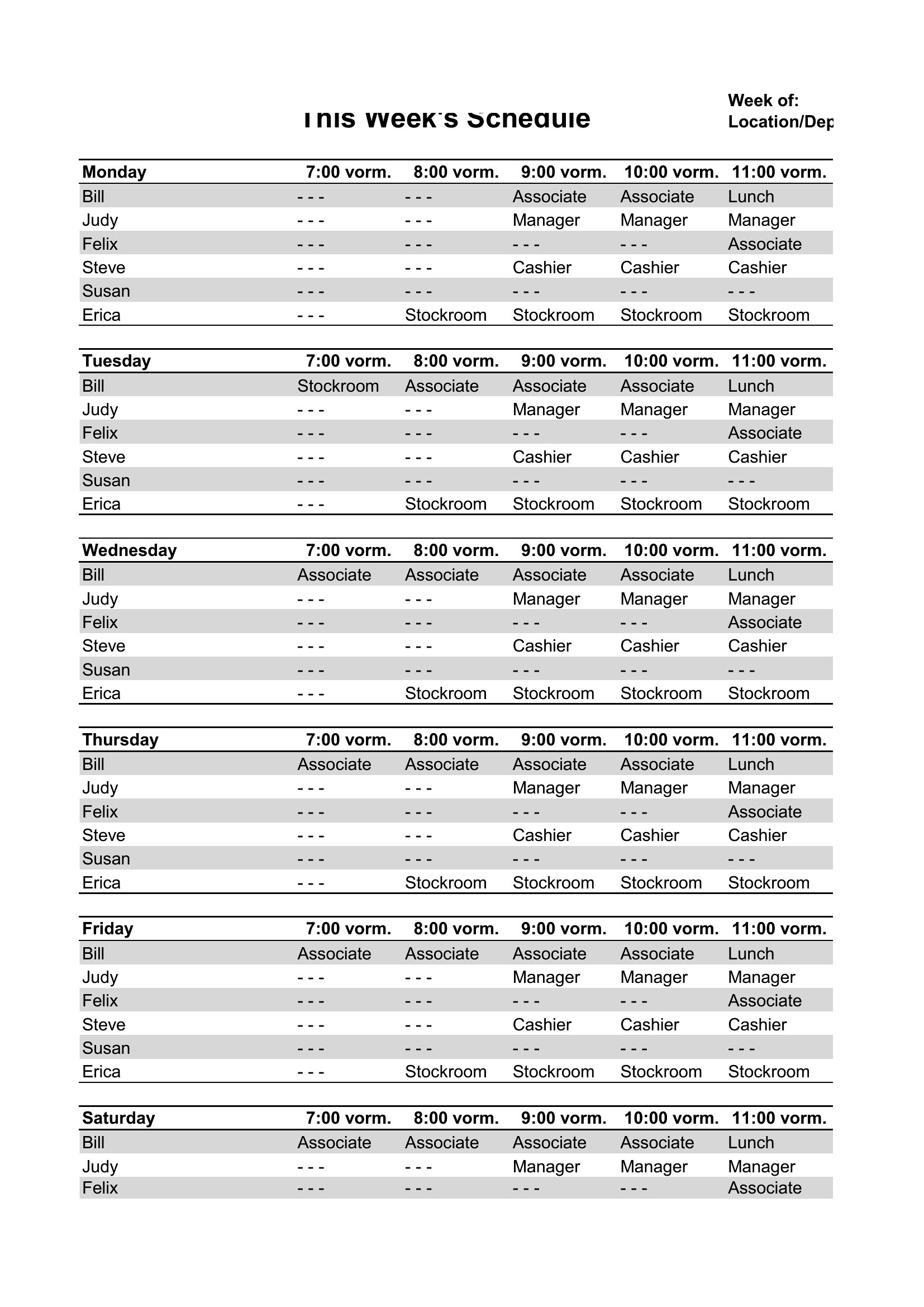
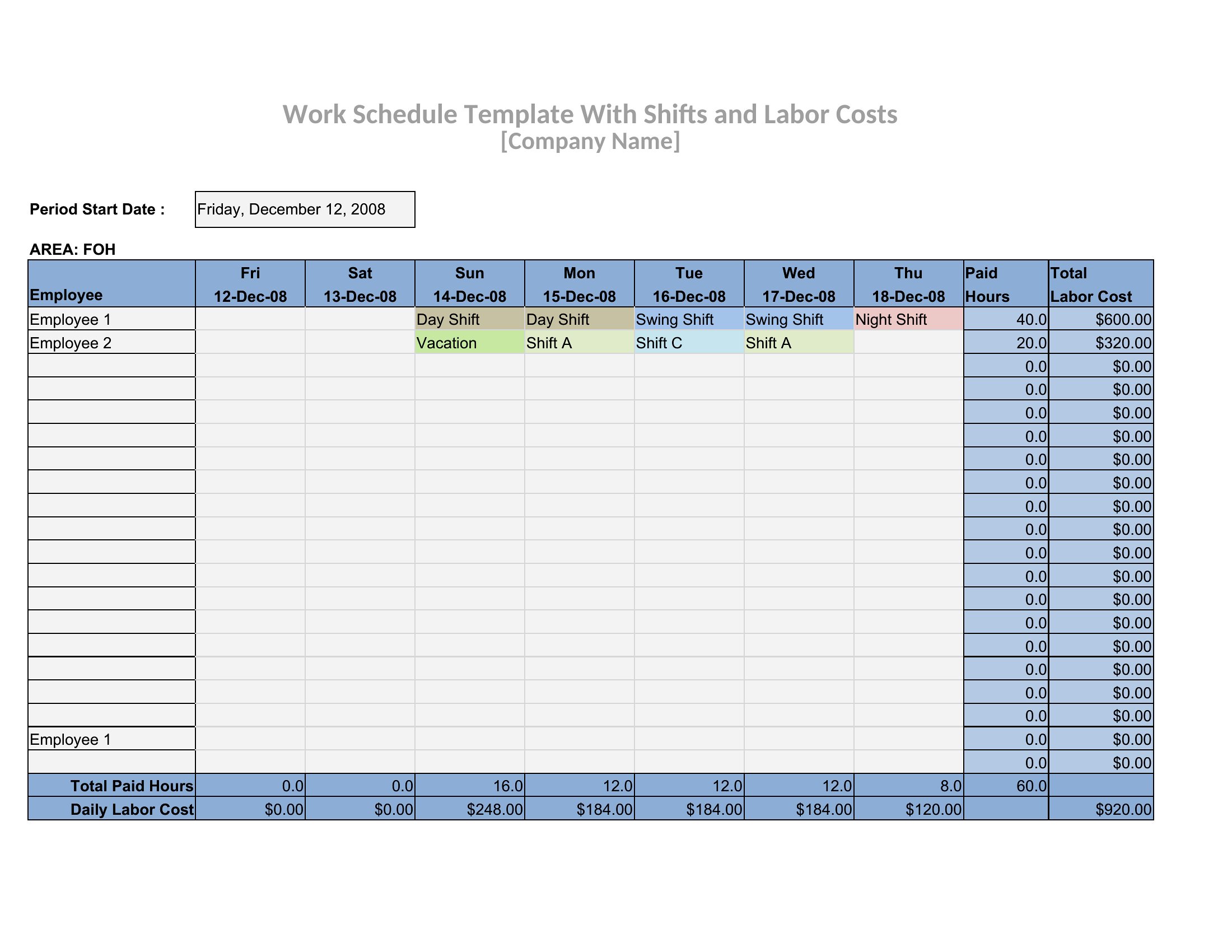
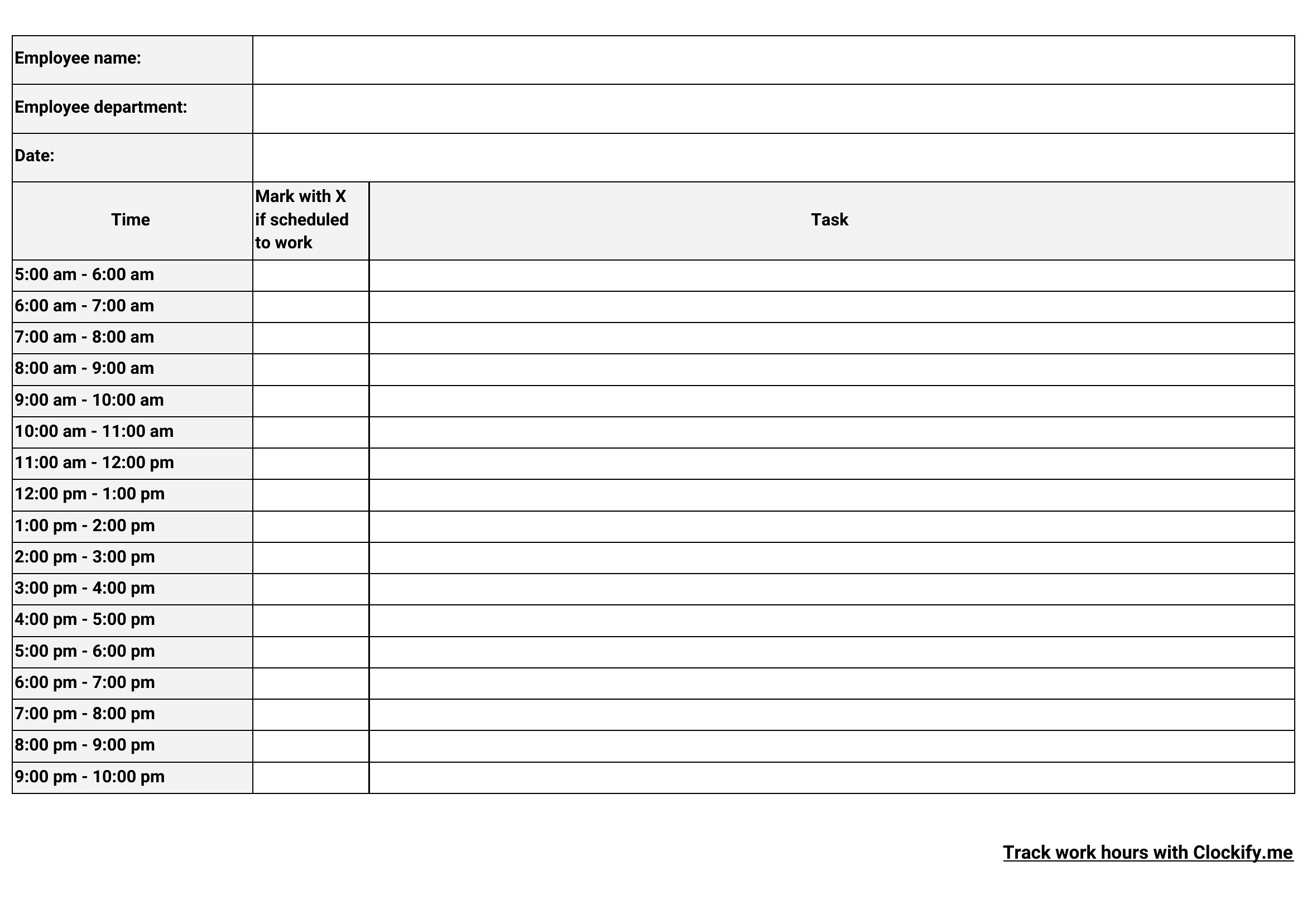
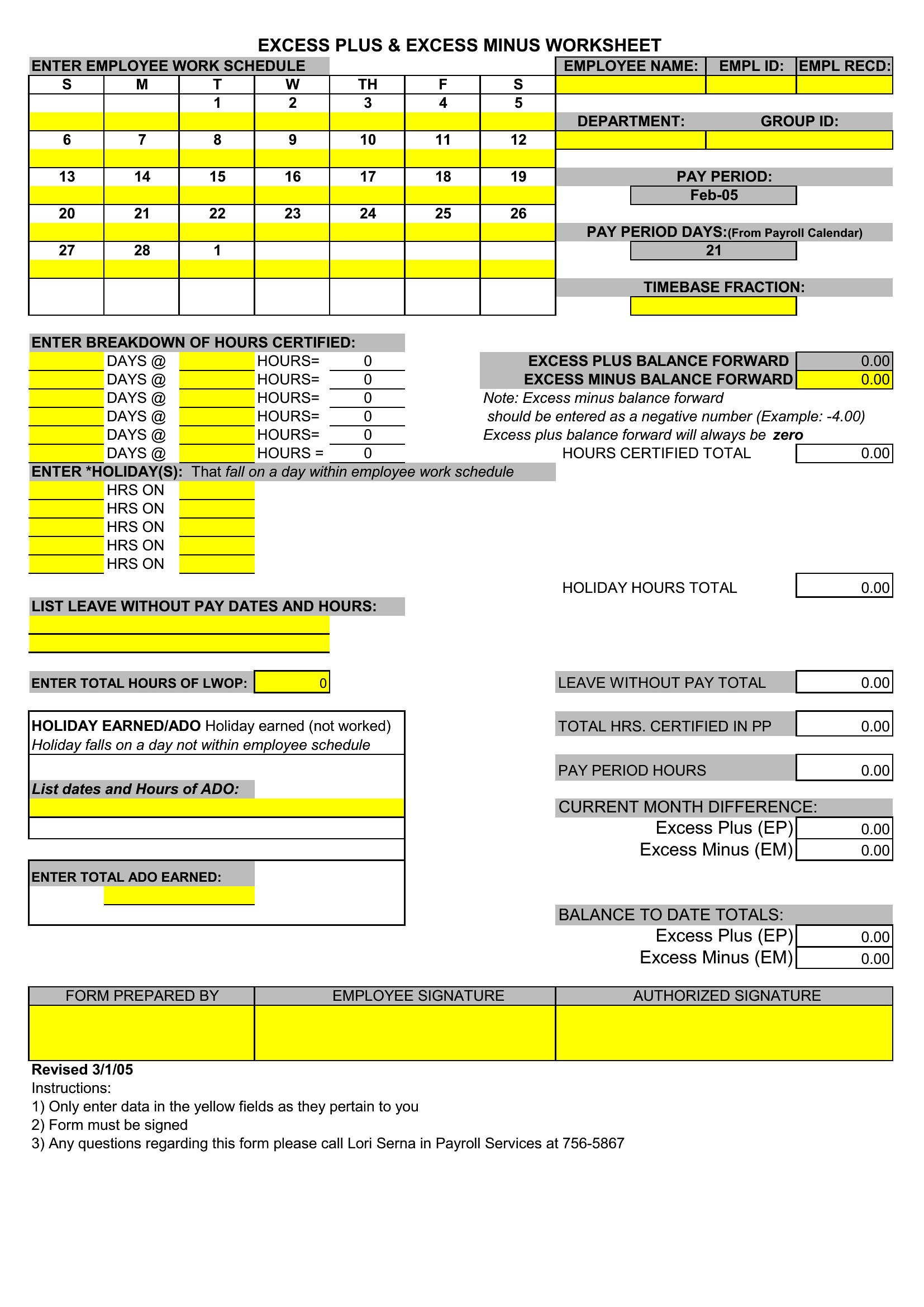
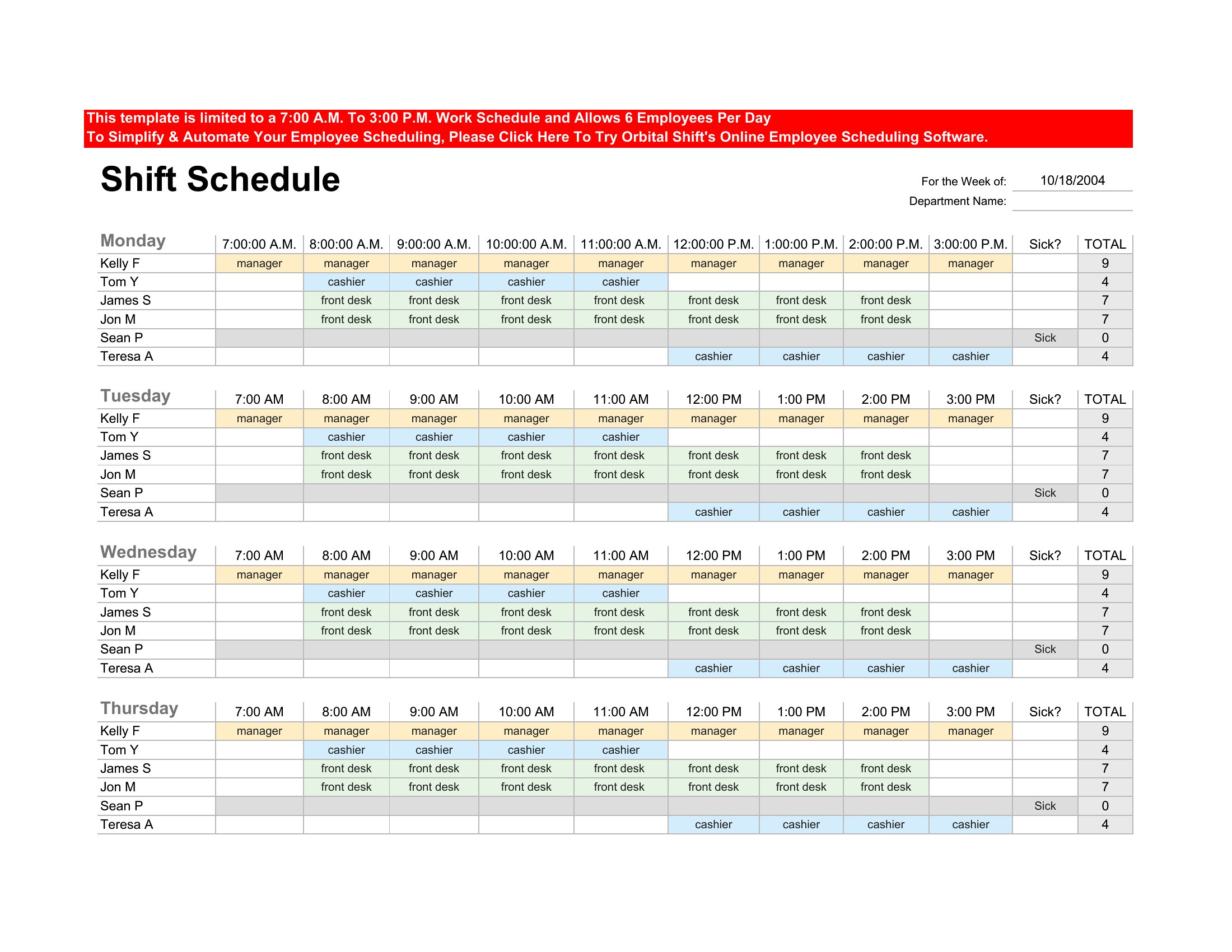
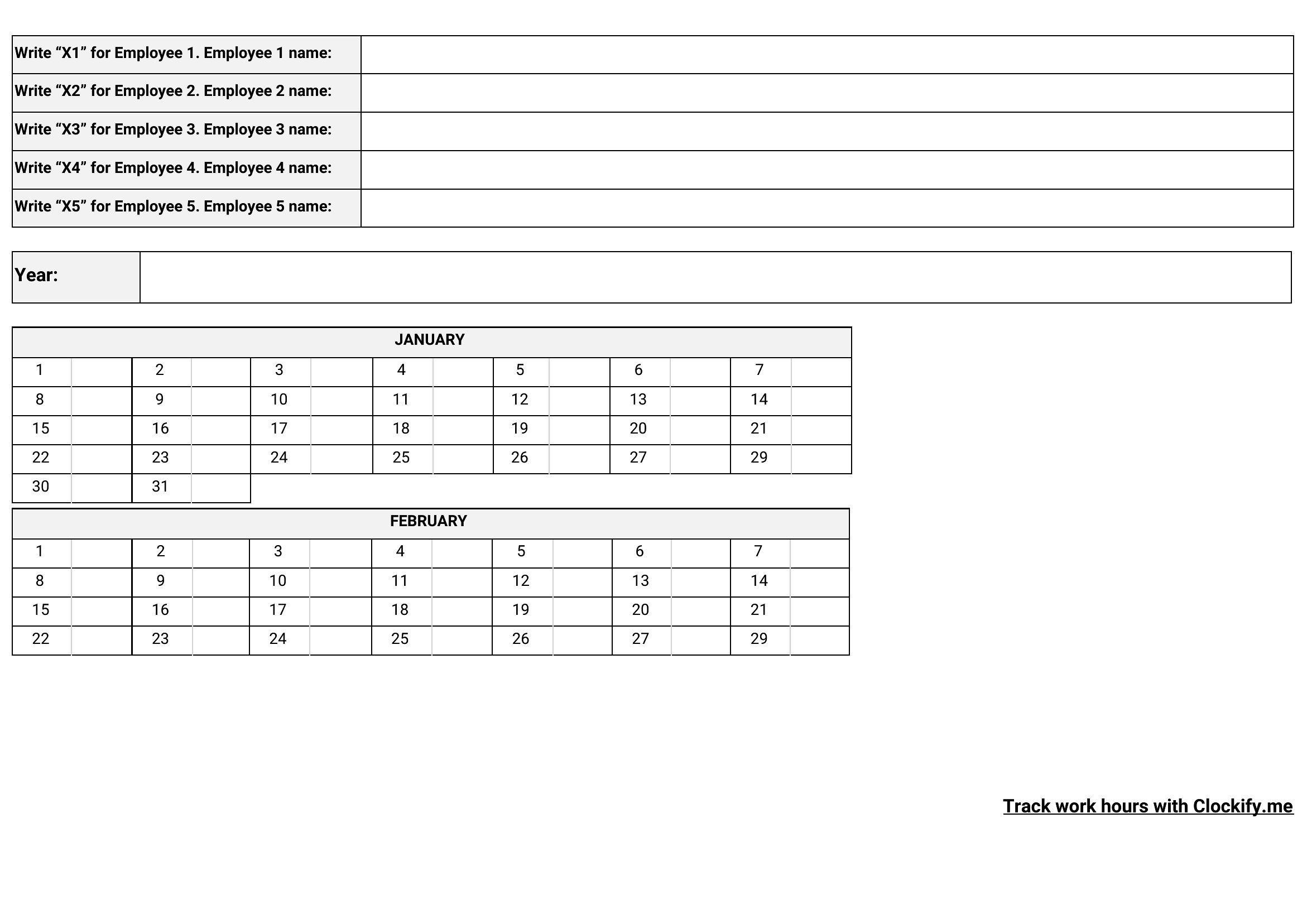
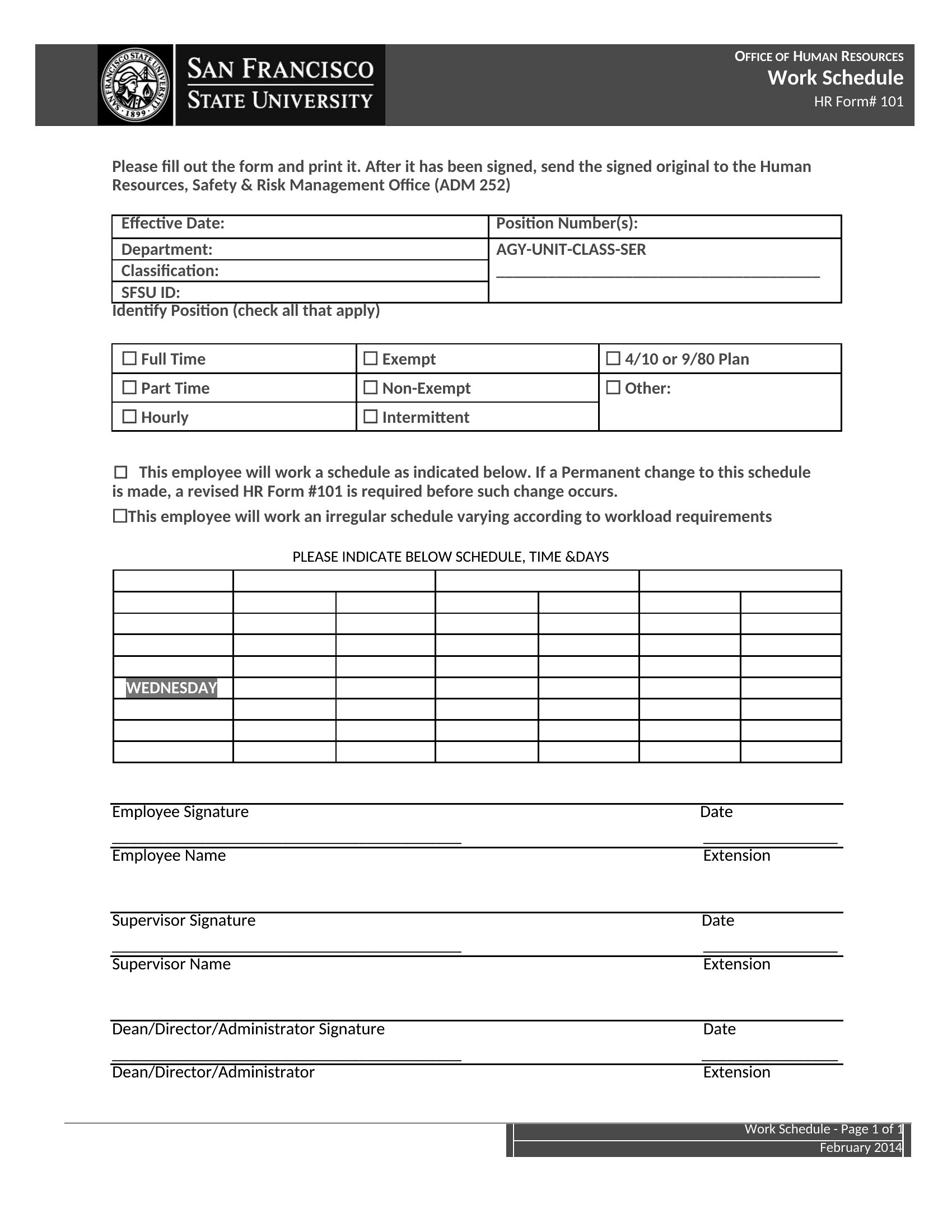
How to use this Employee Schedule template
How do I make sure the schedule accounts for employee availability preferences?
Start by collecting availability notes in a separate column or tab (Excel) or as a comment (Word). In Excel, use conditional formatting to highlight conflicts—like red for overlaps—so you can manually adjust before finalizing. For PDFs, print a side-by-side version with availability and schedule grids to compare at a glance.
Can these templates help with unionized workforces that require strict seniority rules?
Yes, but treat them as a starting point. Use Excel to sort employees by tenure or seniority before assigning shifts, and add columns for union-mandated breaks or mandatory days off. Word’s track-changes feature lets you document adjustments if disputes arise—but always confirm with your HR team or union rep first.
What’s the best way to handle last-minute shift swaps without creating chaos?
In Excel, create a ‘Swap Log’ tab to track who requests changes and when. Use data validation to restrict swaps to pre-approved pairs (e.g., only cross-training employees can cover each other’s roles). For Word or PDF, print a ‘Swap Request Form’ to collect signatures and note the original schedule version—this protects you if disputes happen later.
Comments
Join the conversation
Sign in to share your thoughts and leave a comment on this resource.