
Free Employee Training Plans (Word, Excel)
Project by nellajokinen
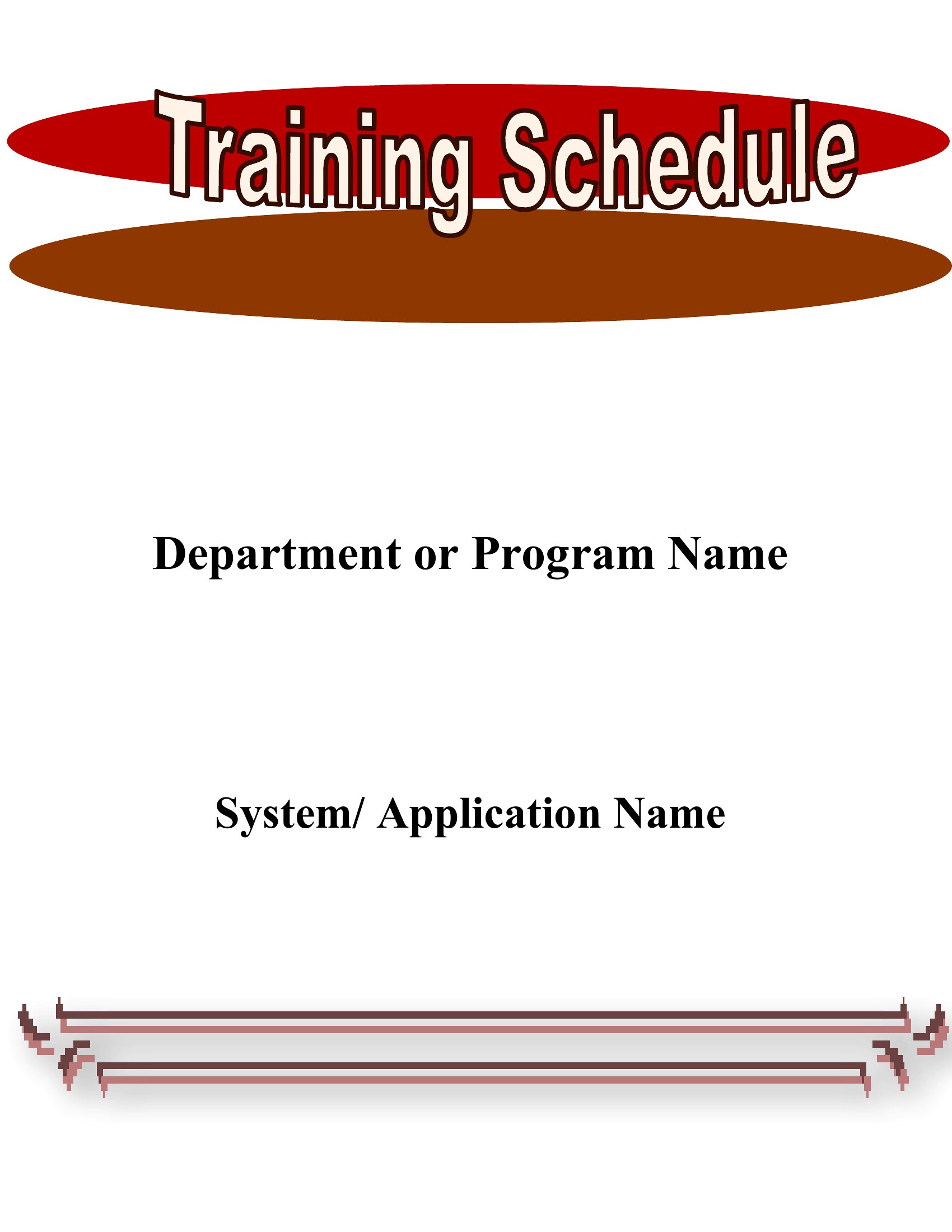
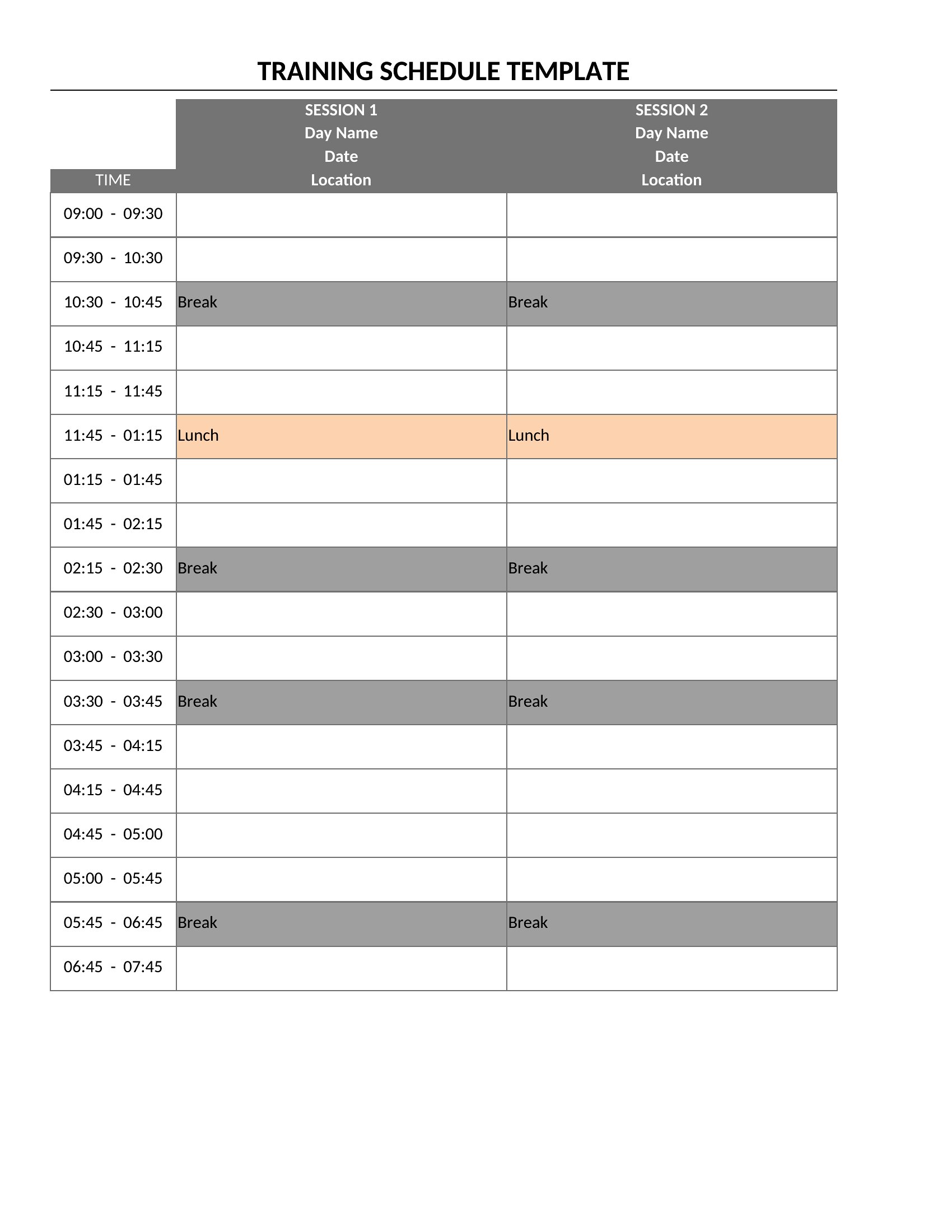
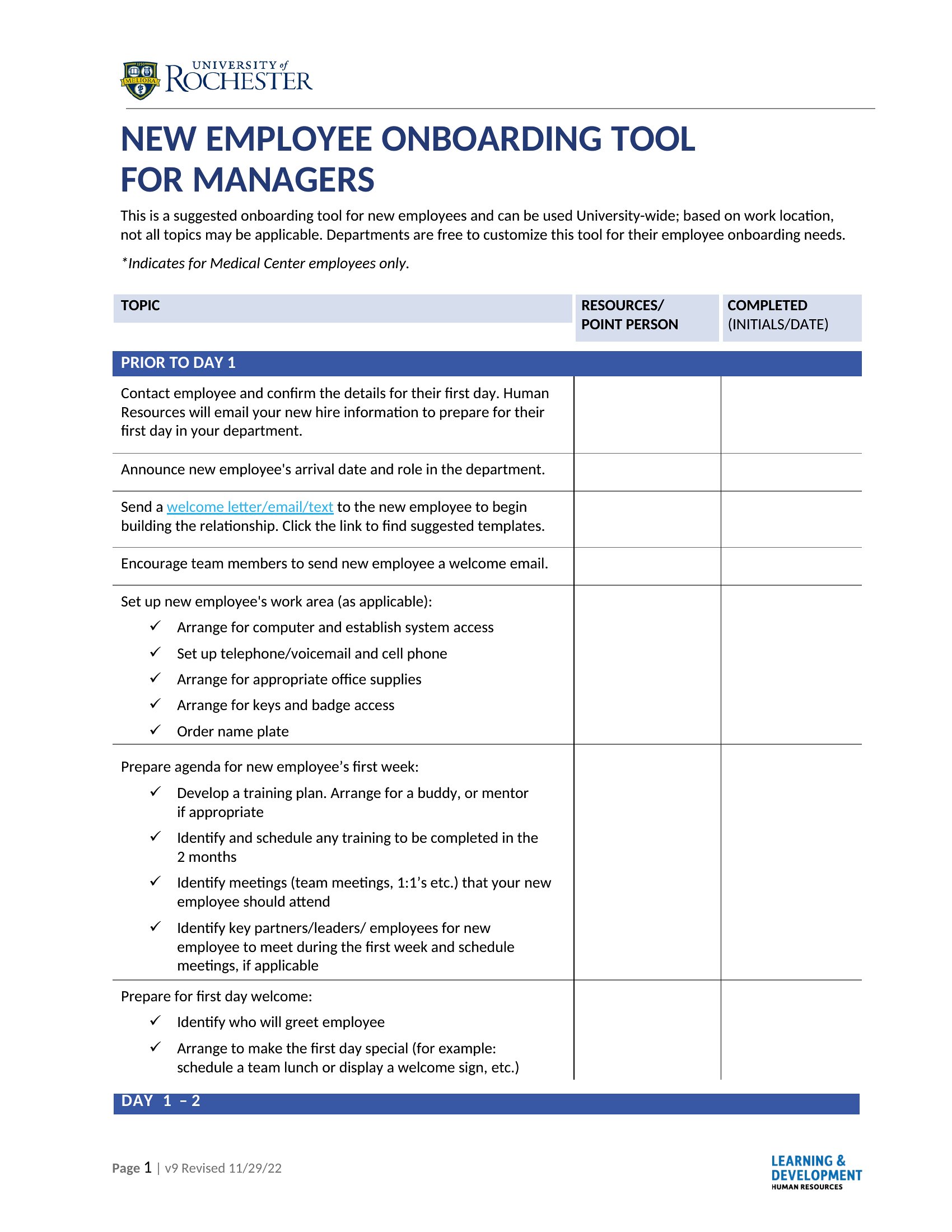
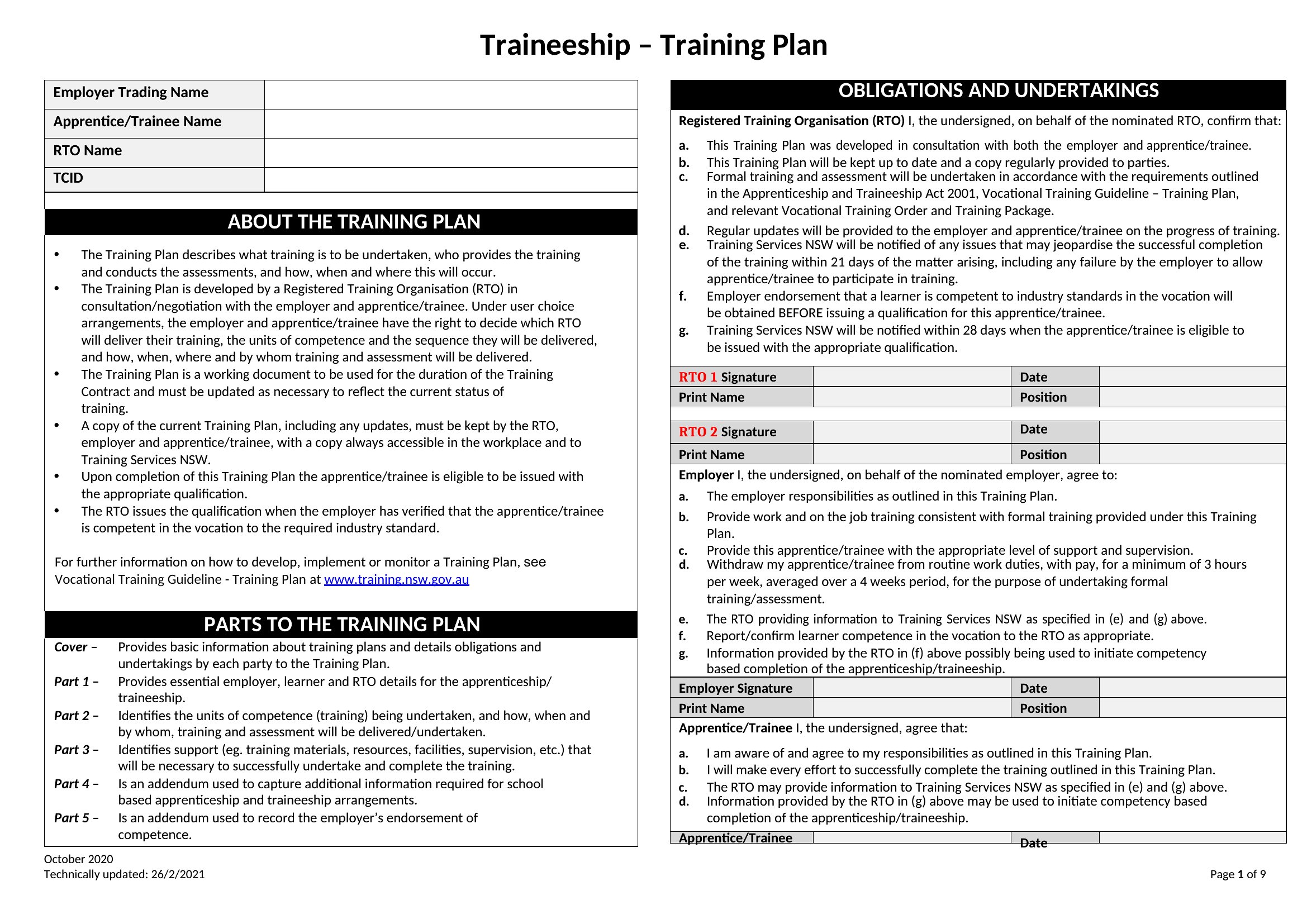
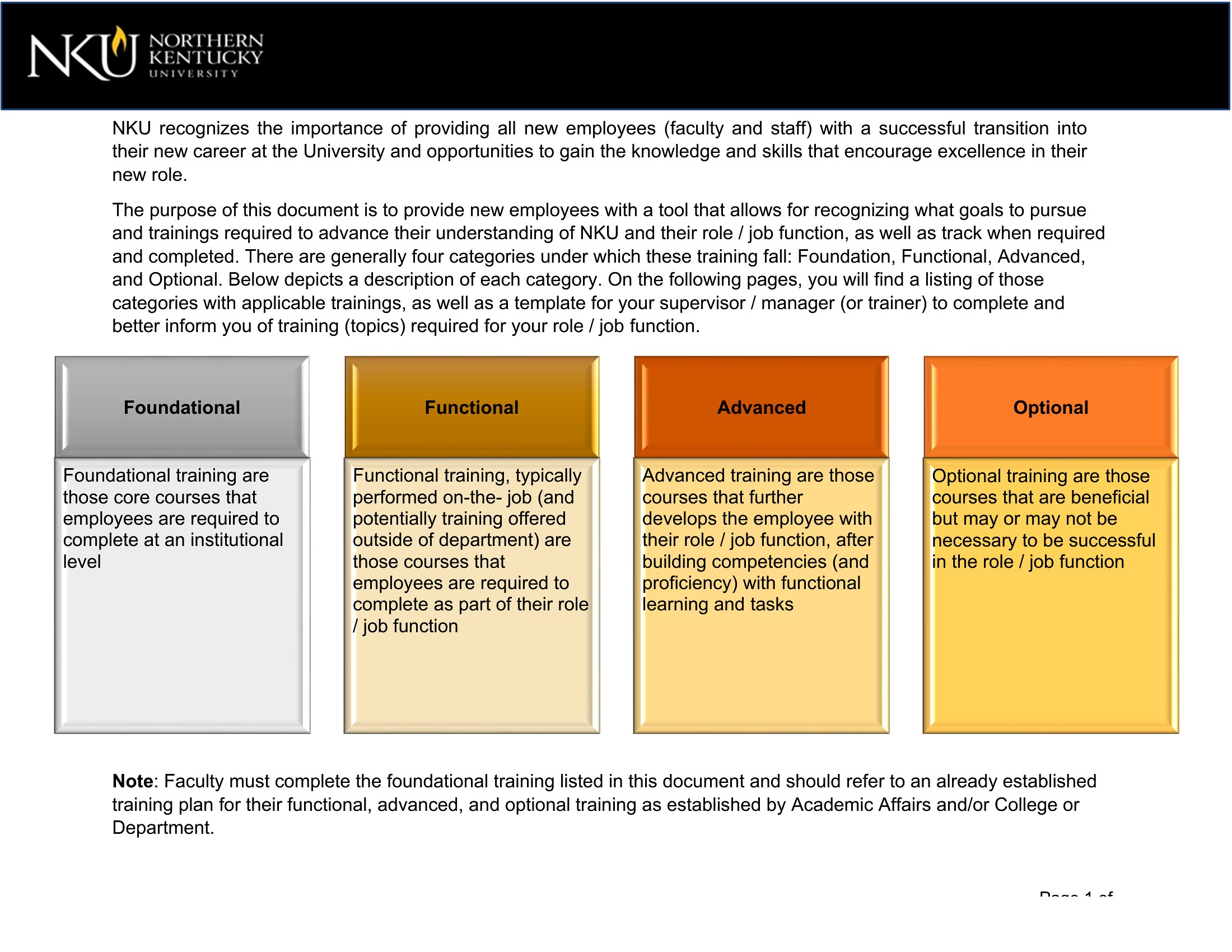
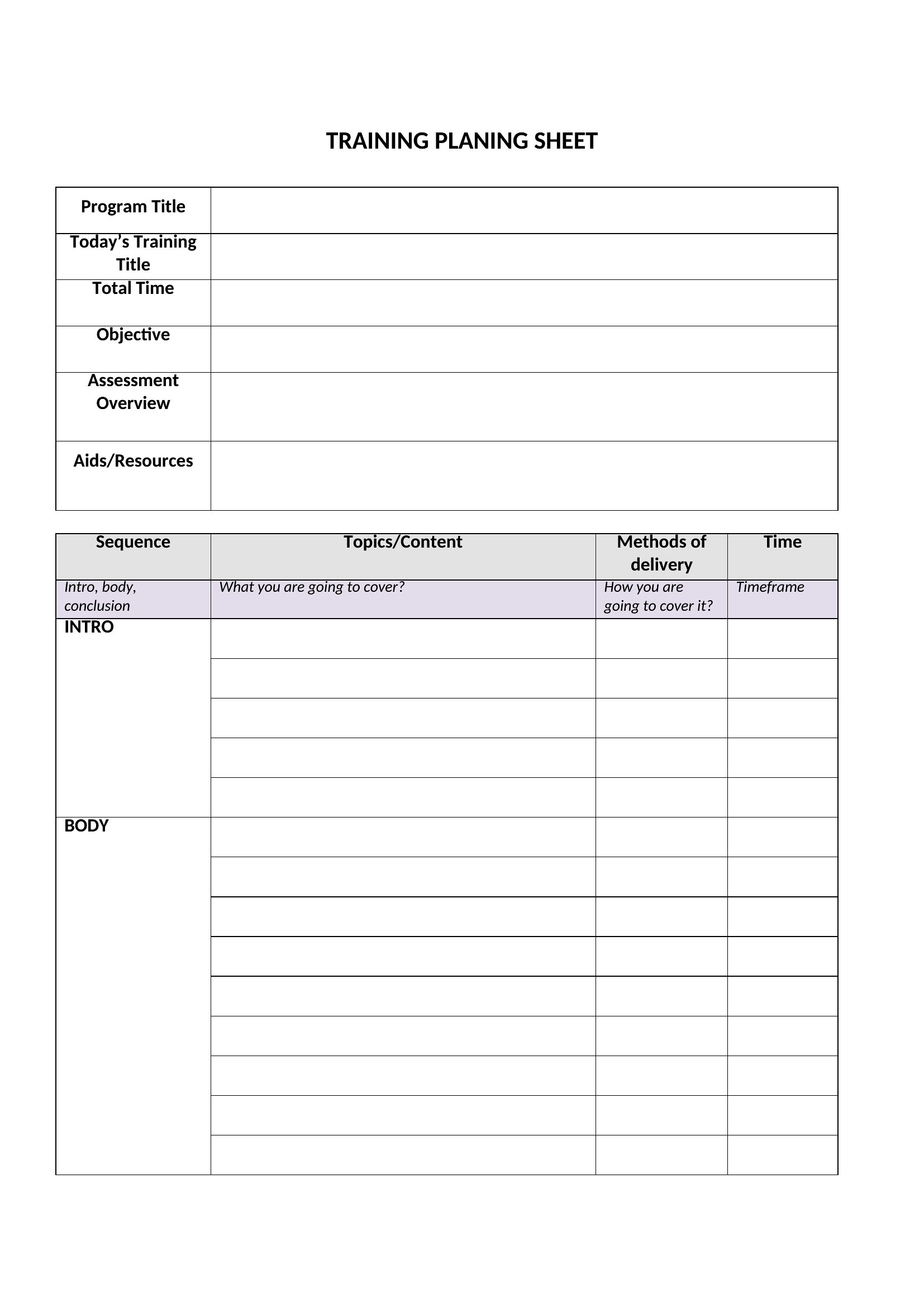
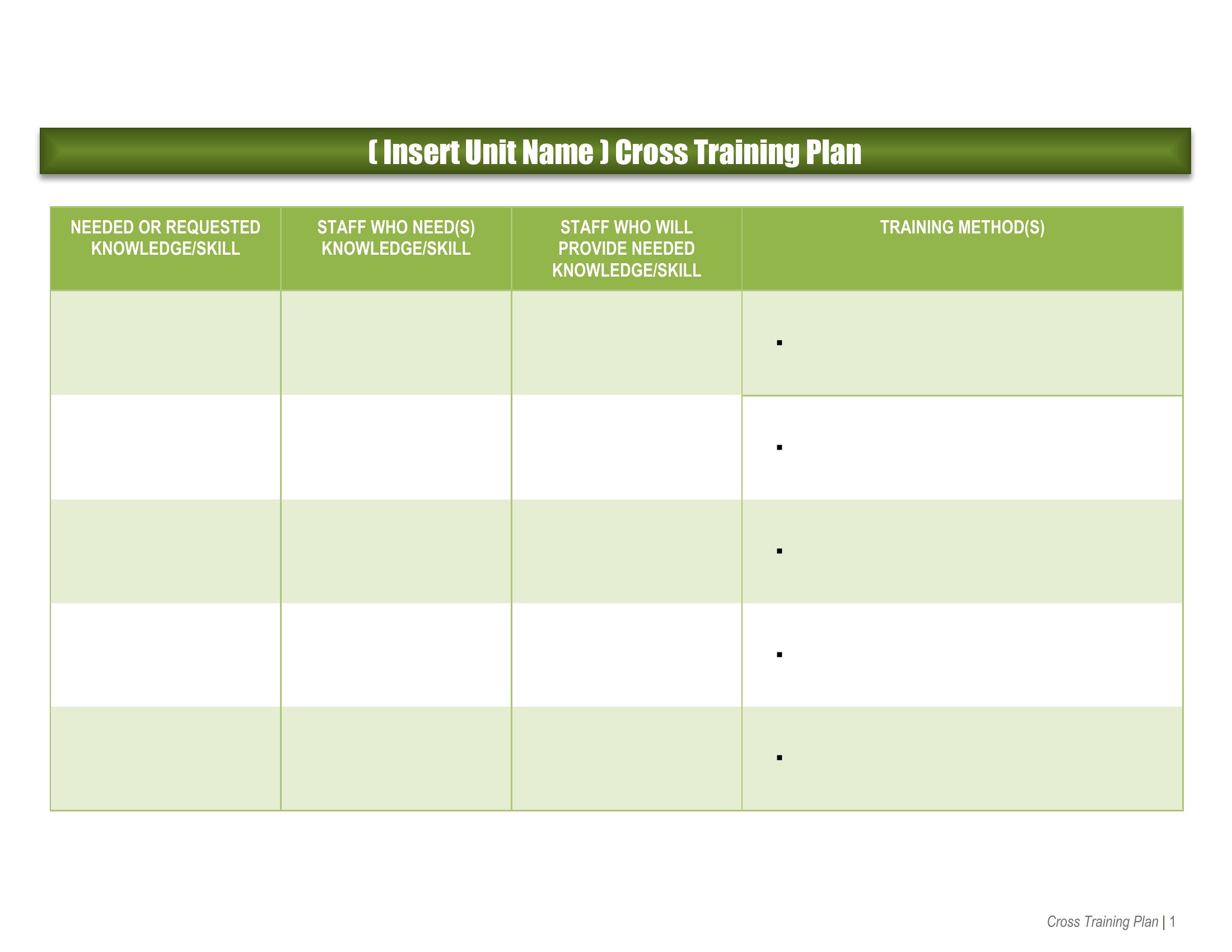
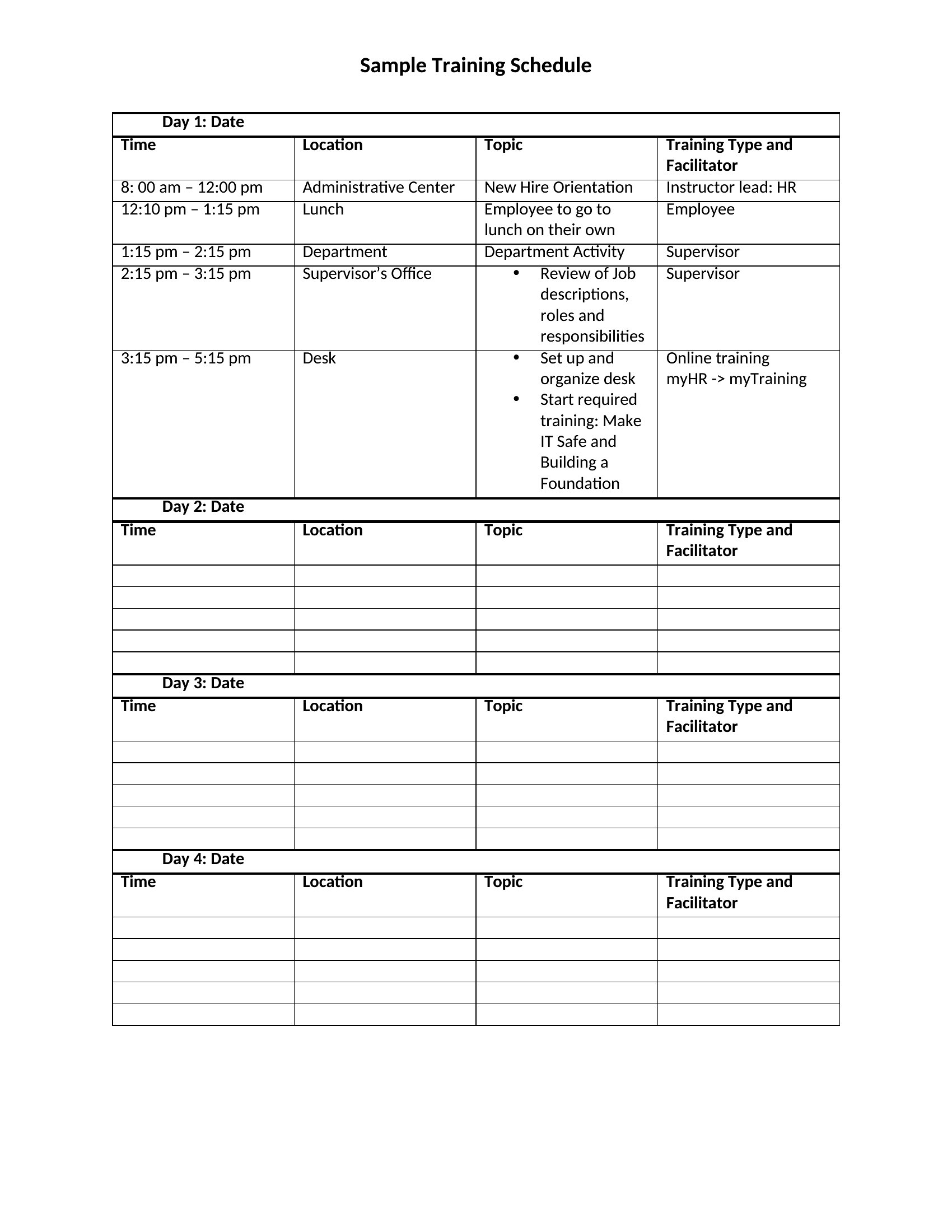
Onboarding sticks better when there's an actual plan instead of a hurried first-day tour. These 51 employee training plan templates help managers and HR teams map out what a new hire learns, when, and who's responsible, from orientation through the first ninety days. Layouts cover onboarding schedules, cross-training grids, and skills checklists for ongoing development.
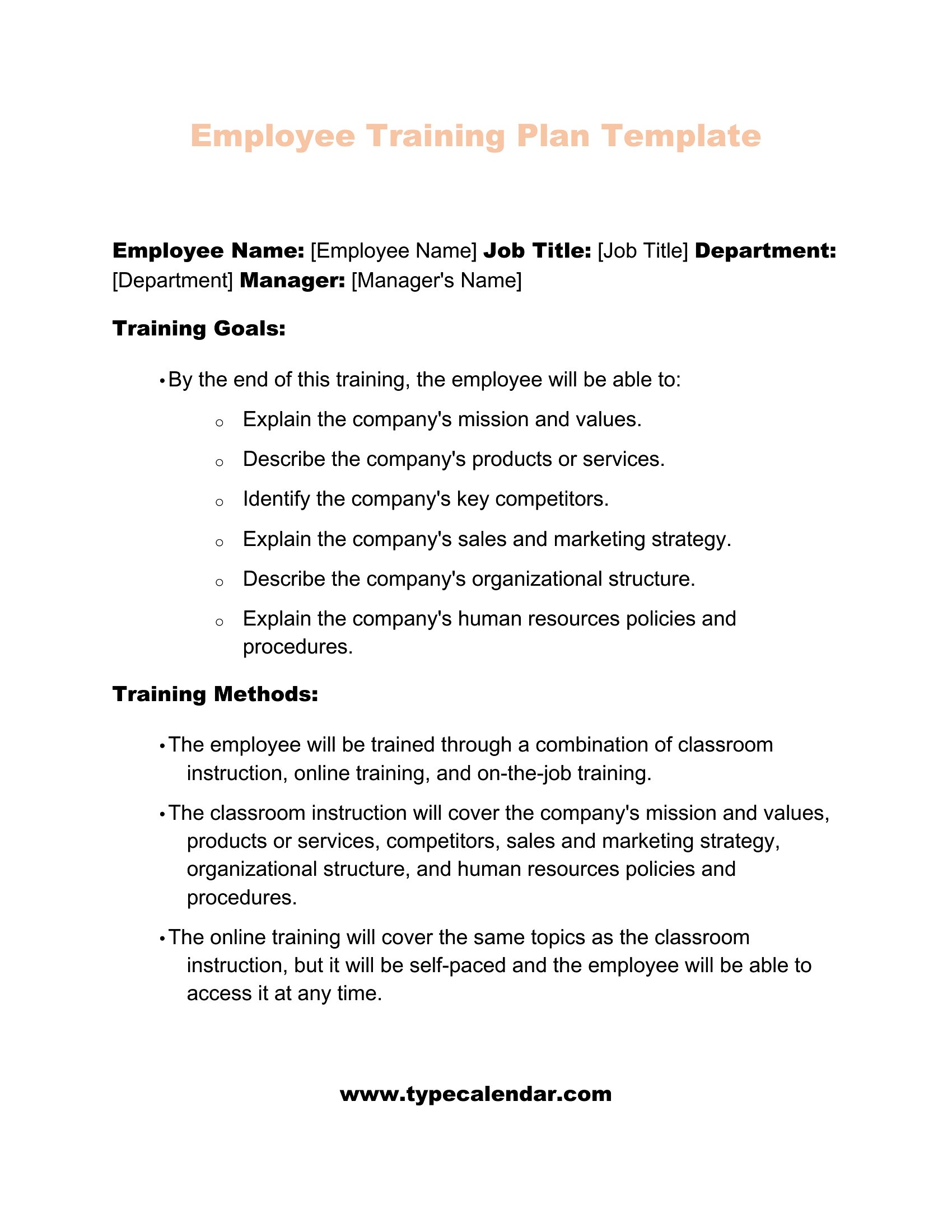
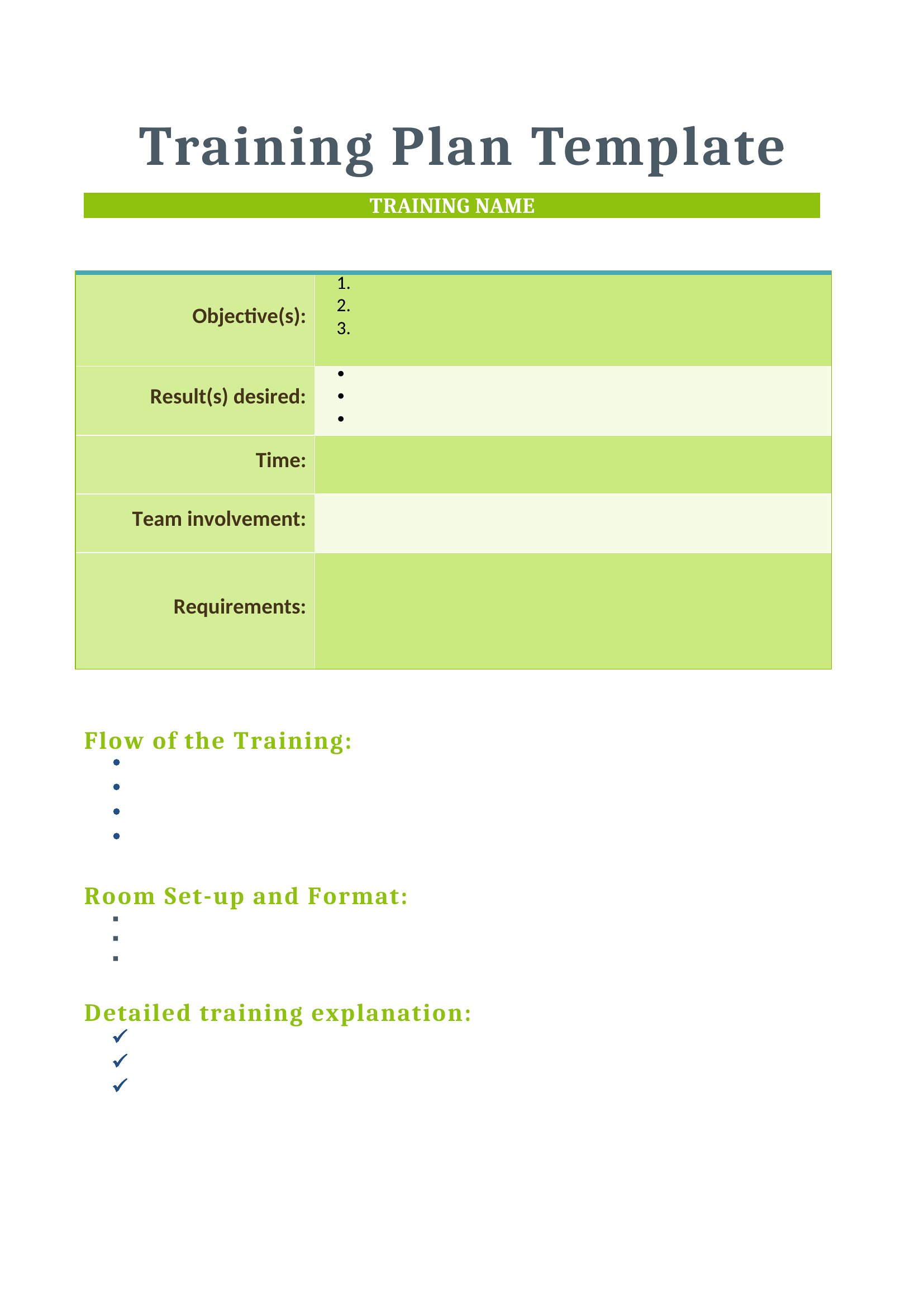
Word versions let you outline modules and goals in plain language, while the Excel sheets track progress and sign-offs across a whole team. Tailor the milestones to the role, share it with the trainee, and check skills off as they're mastered. Download the plan that fits your department and turn a vague figure-it-out into a structured path that gets people productive faster.
When to use this Employee Training Plan template
- A growing retail startup with 25 new hires per quarter needs a structured 90-day training pipeline to ensure consistent customer service standards across all locations. Managers want to track milestones like POS system proficiency and conflict resolution workshops.
- The HR director at a mid-sized healthcare clinic must align compliance training (HIPAA, infection control) with state regulations while documenting completion for audits. She needs a template that maps mandatory courses to team roles and deadlines.
- A technical team lead must train developers in a new agile workflow tool, but the team spans three time zones. The plan should include hands-on labs, peer mentorship assignments, and progress check-ins to keep everyone aligned.
- A non-profit’s board of directors wants to standardize volunteer training across chapters, covering fundraising ethics, donor CRM usage, and crisis communication. The template should include role-specific modules and a way to measure competency.
Which format should I download?
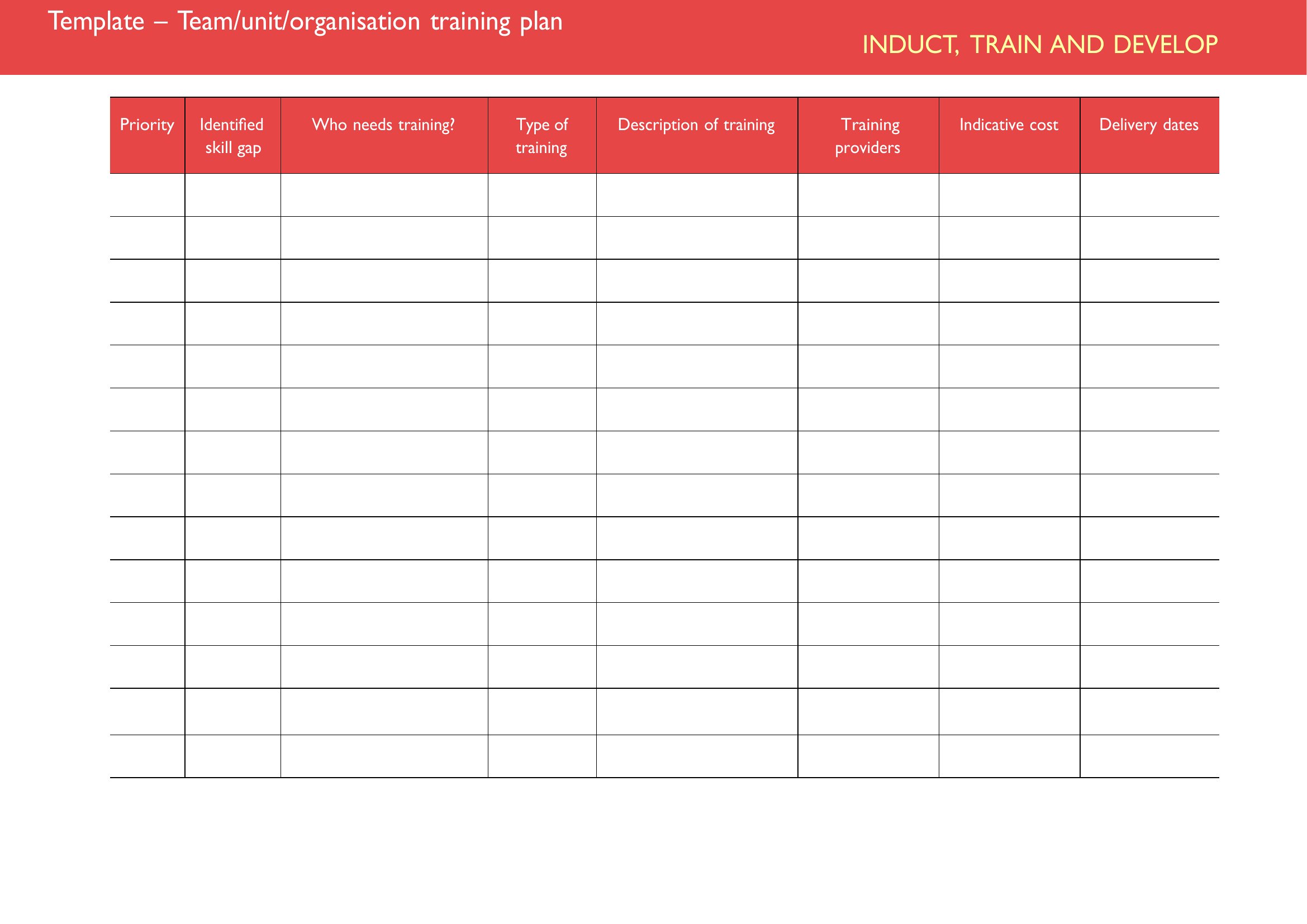
For this collection, choose Word if you need editable text fields, section headers, and paragraphs to outline training sequences and assign responsibilities to specific team members. Word is ideal for detailed, narrative-driven plans with checklists or embedded notes. Use Excel only when organizing data-heavy training matrices—like tracking completion dates across multiple employees, comparing skill levels pre- and post-training, or scheduling recurring workshops. Excel’s grid format handles variables (e.g., employee names, dates) better than Word’s linear structure.
Choose from 51 Employee Training Plan Templates
How to use this Employee Training Plan template
How should we structure training milestones for roles that require certification (e.g., food safety, security clearances)?
Build a timeline with three phases: prerequisites (e.g., online modules), hands-on practice (e.g., mock drills), and assessment (e.g., observation checklists). Use a Word template to embed conditional logic—like flagging incomplete prerequisites—or an Excel sheet to color-code progress toward certification deadlines.
Can these templates help with cross-training employees during a departmental skills gap?
Yes. Start with an Excel grid to map current competencies against gaps, then assign cross-training pairs (e.g., a marketing assistant shadowing the social media lead). In Word, draft a 30/60/90-day plan with shared goals, mentorship schedules, and knowledge-transfer checkpoints.
What’s the best way to track compliance training for remote employees in different regions?
Use Excel for a master log of region-specific requirements (e.g., GDPR vs. CCPA) with automated date reminders. Link to Word documents for training materials, then add a “signed completion” section for each employee to acknowledge review. Export data quarterly for audits.
Comments
Join the conversation
Sign in to share your thoughts and leave a comment on this resource.