
Free Shooting Schedule Templates (Word, Excel, PDF)
Project by ferko
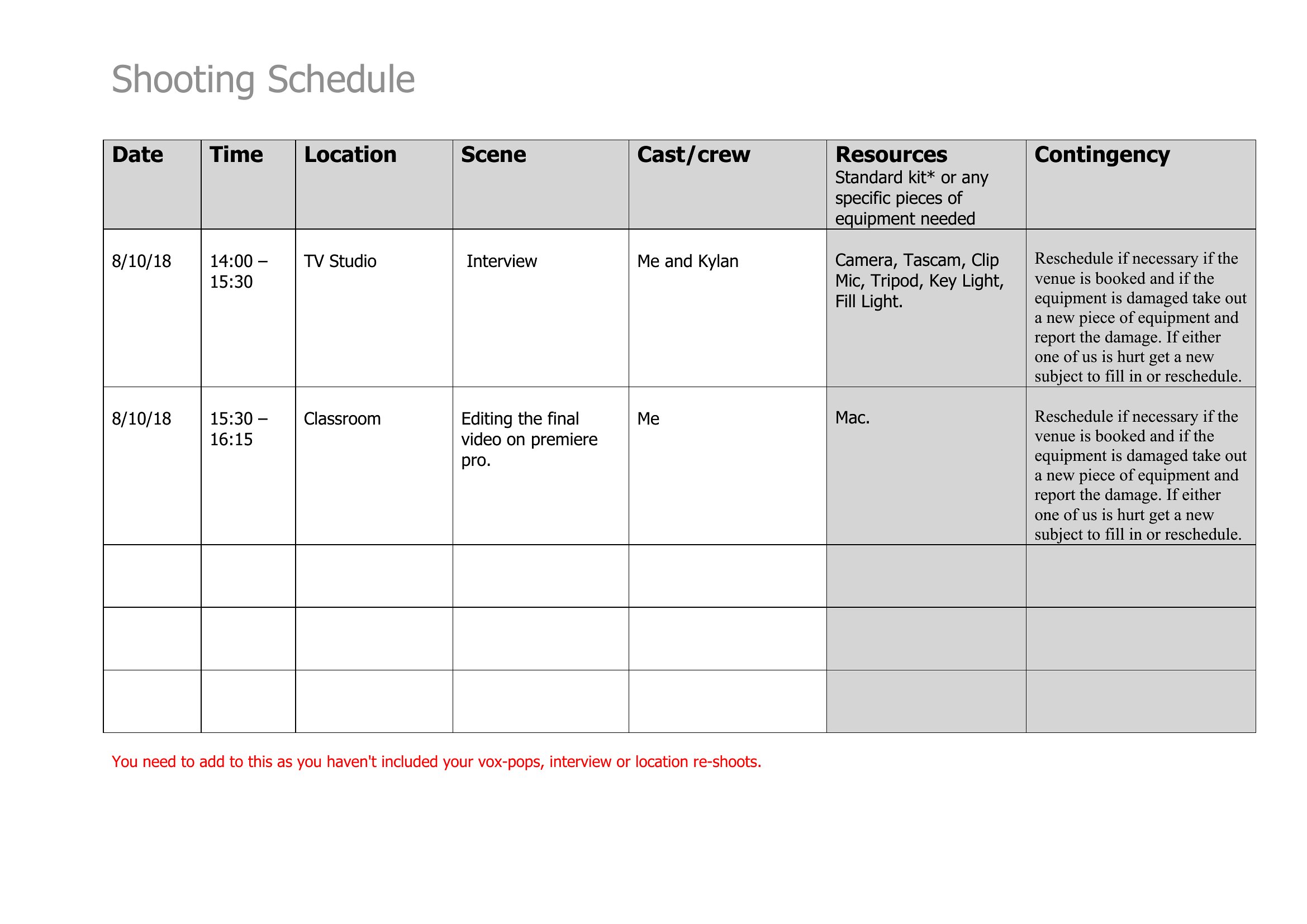
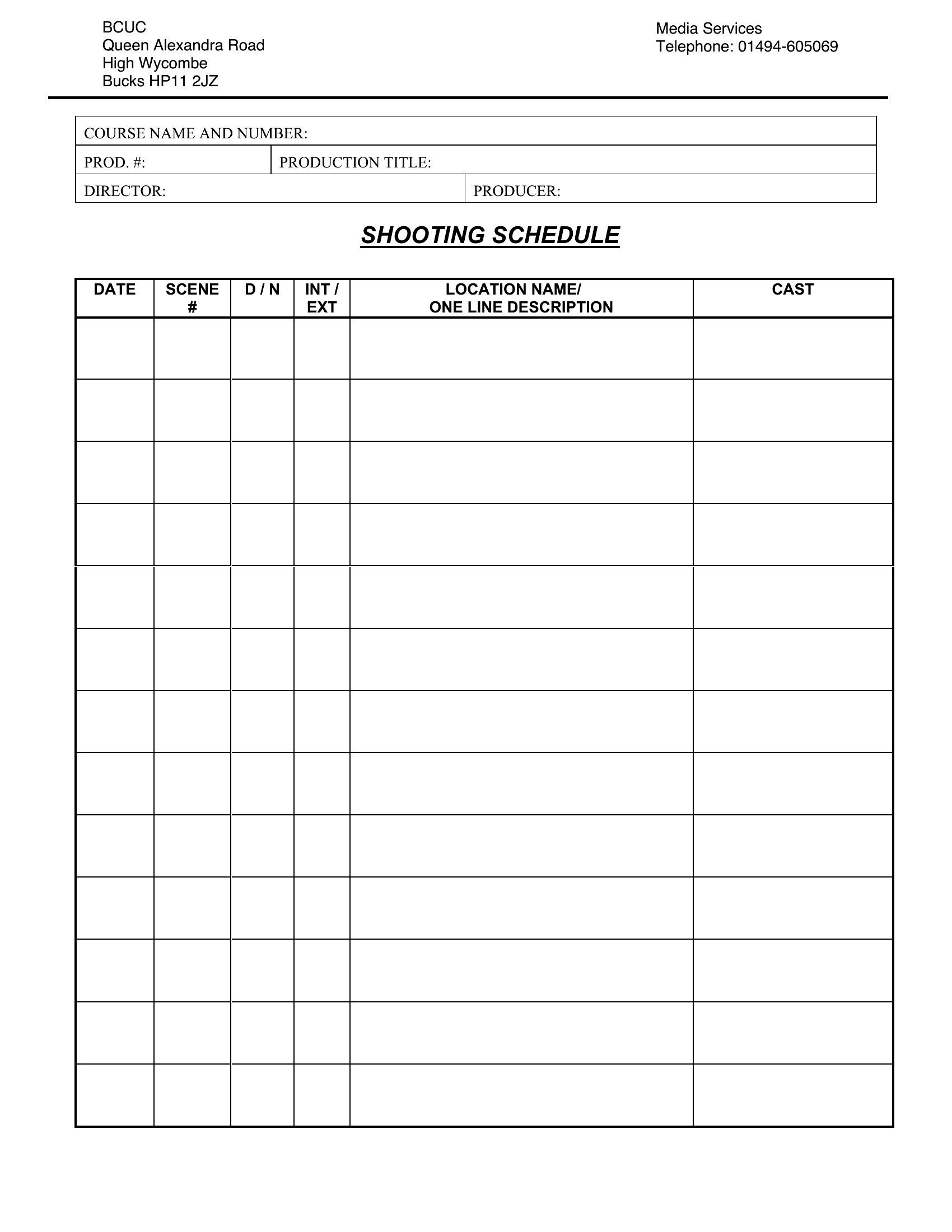
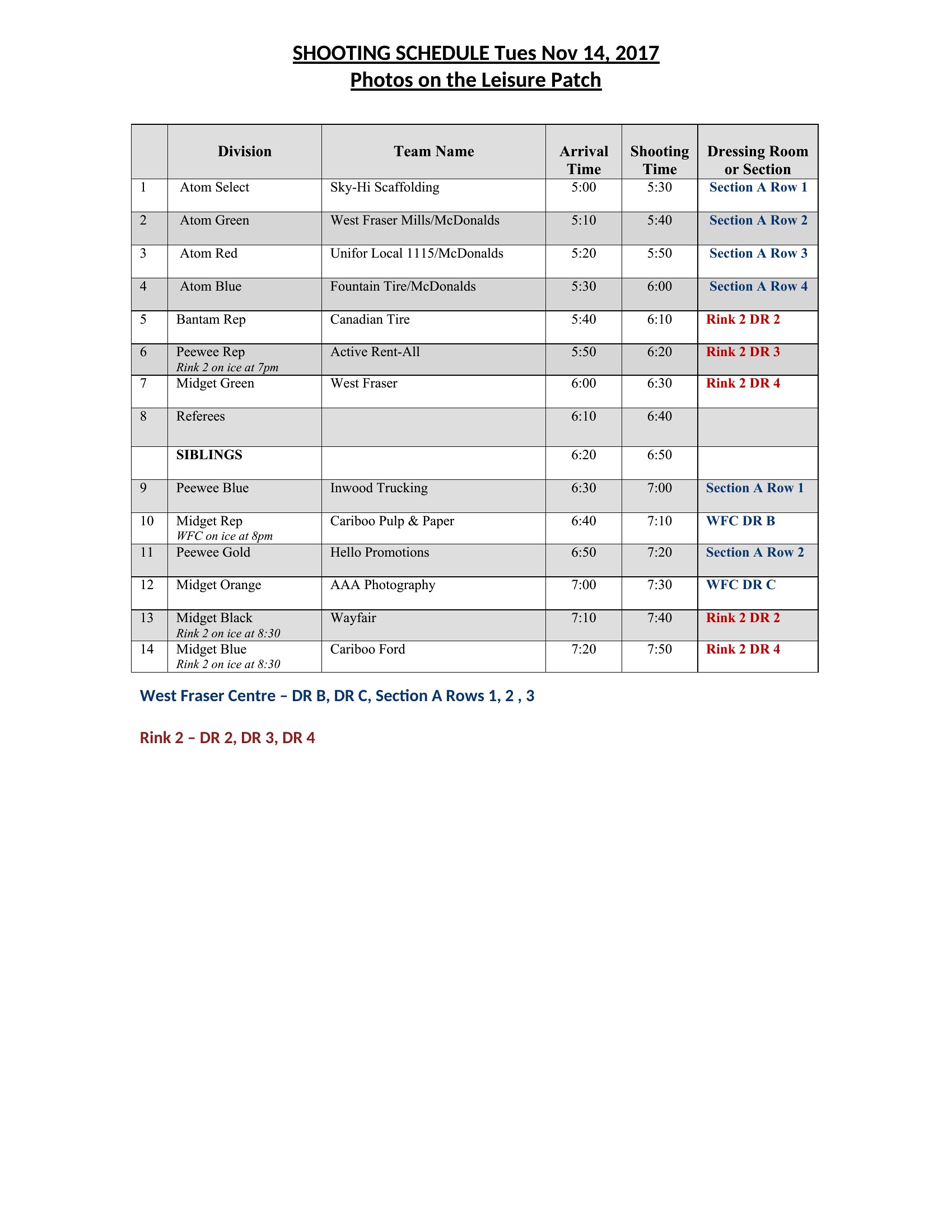
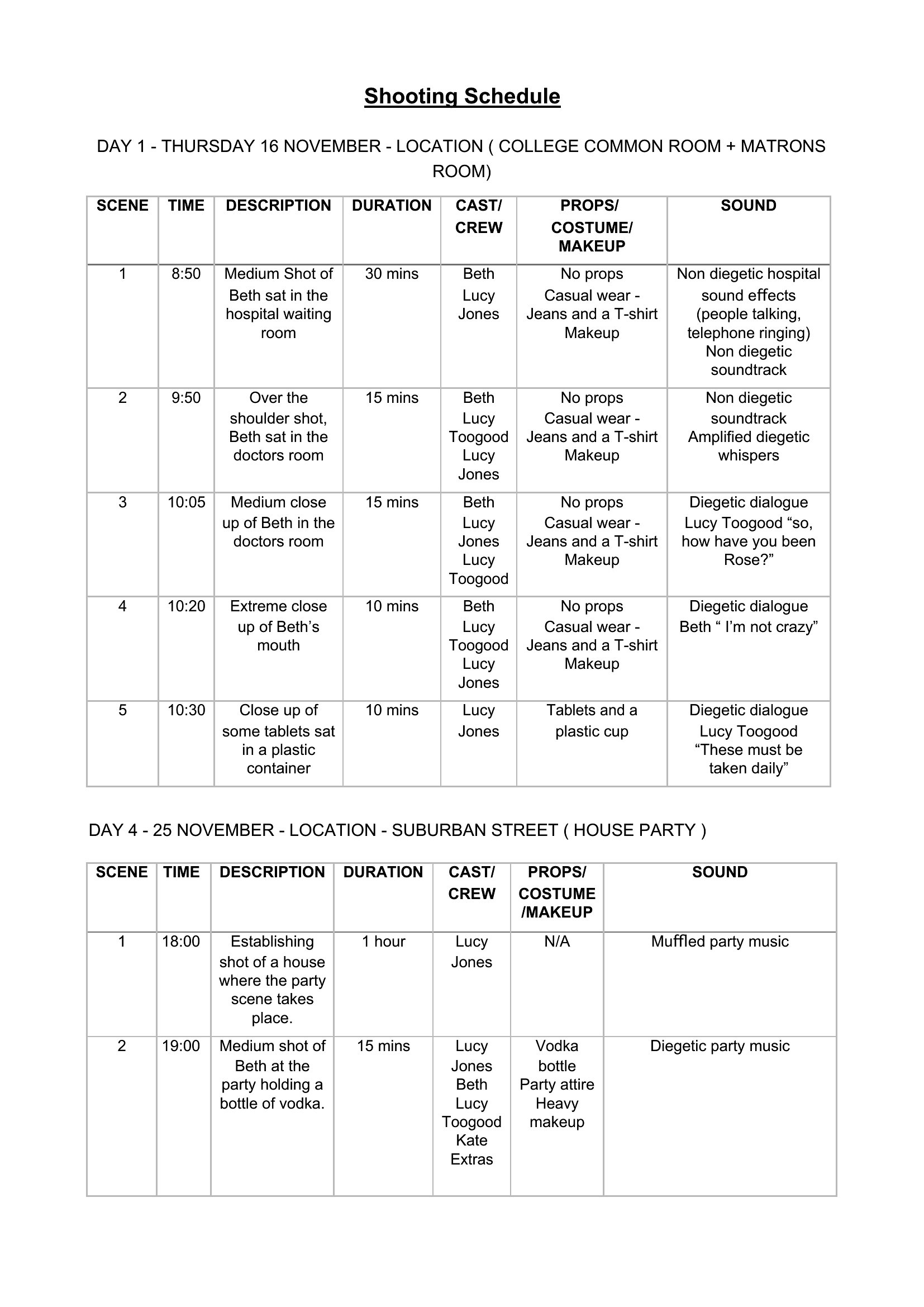
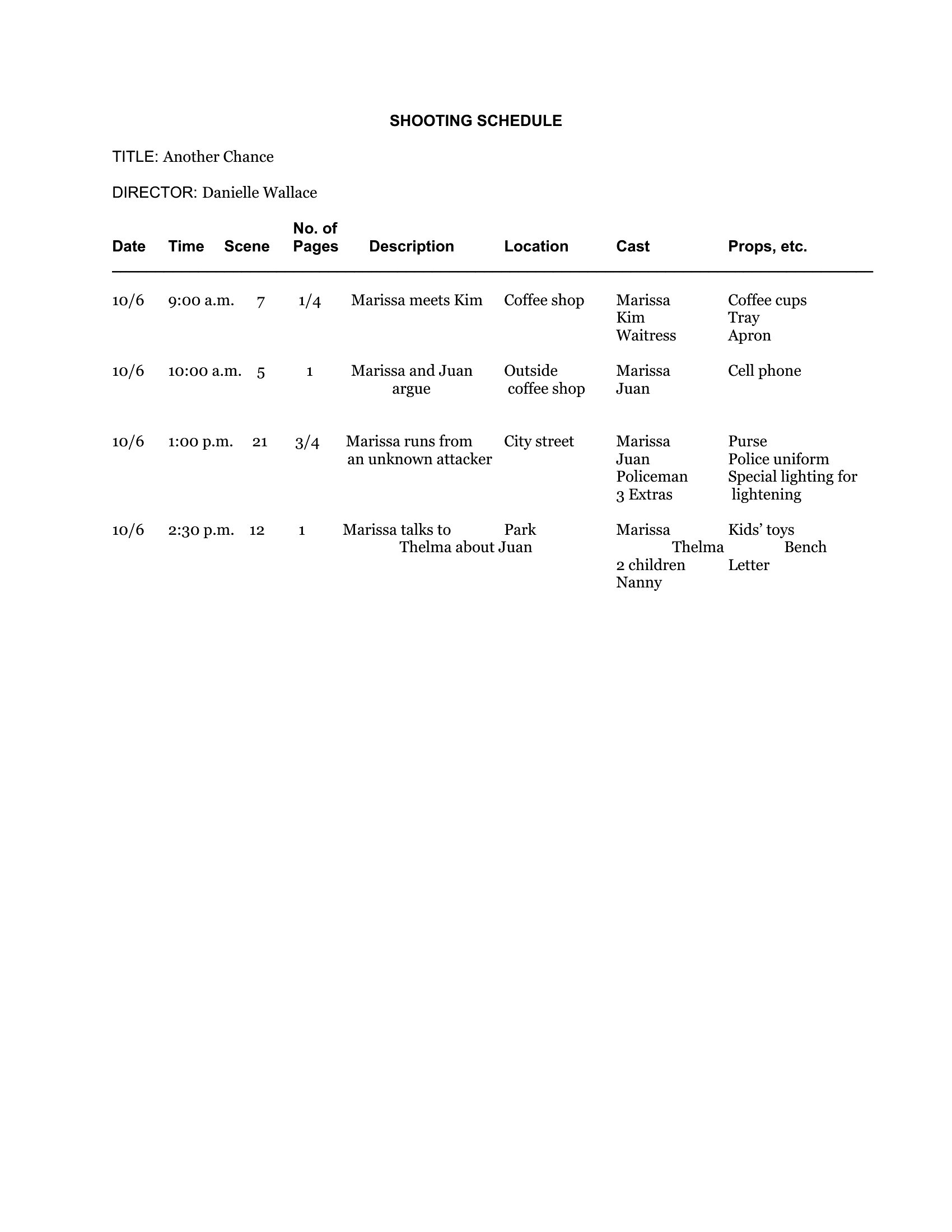
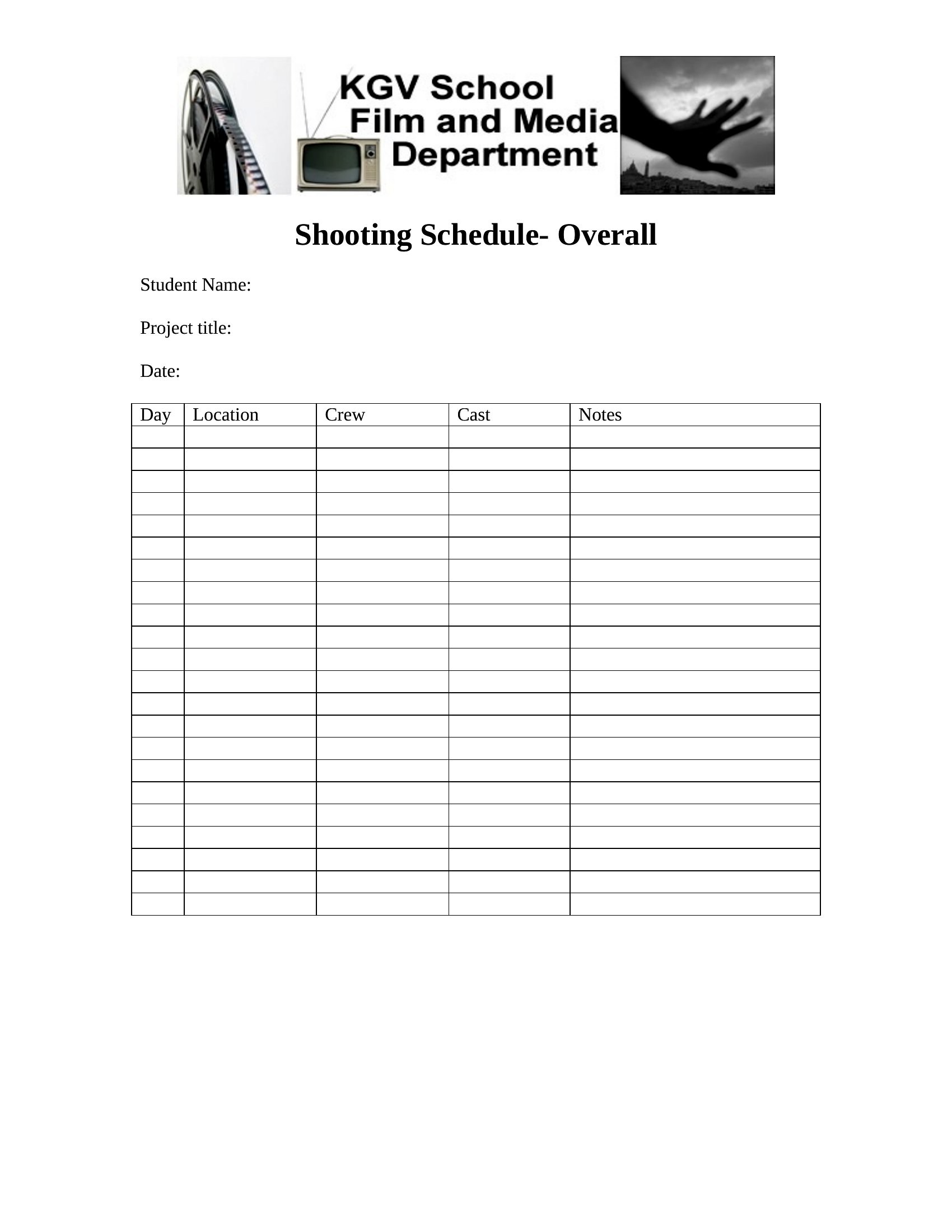
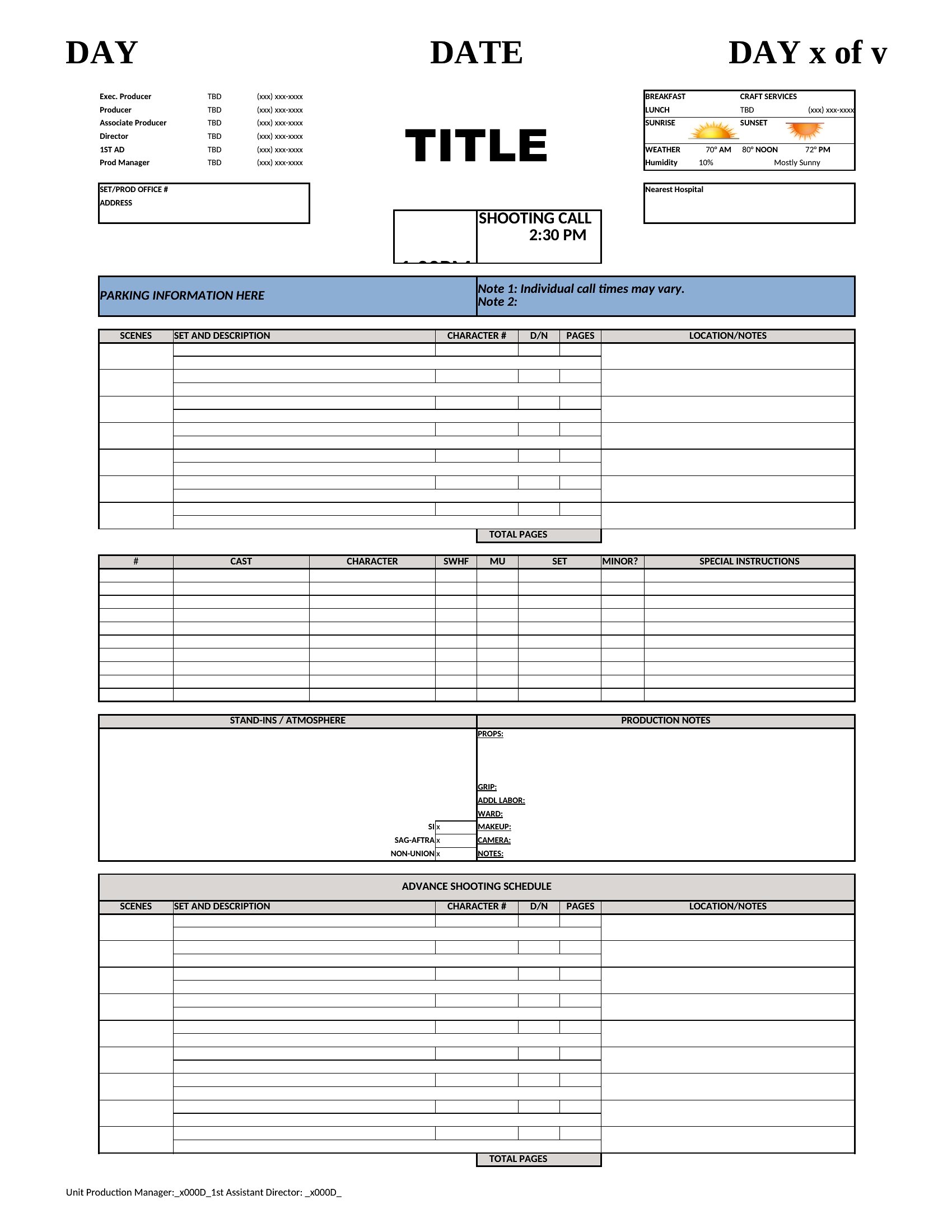
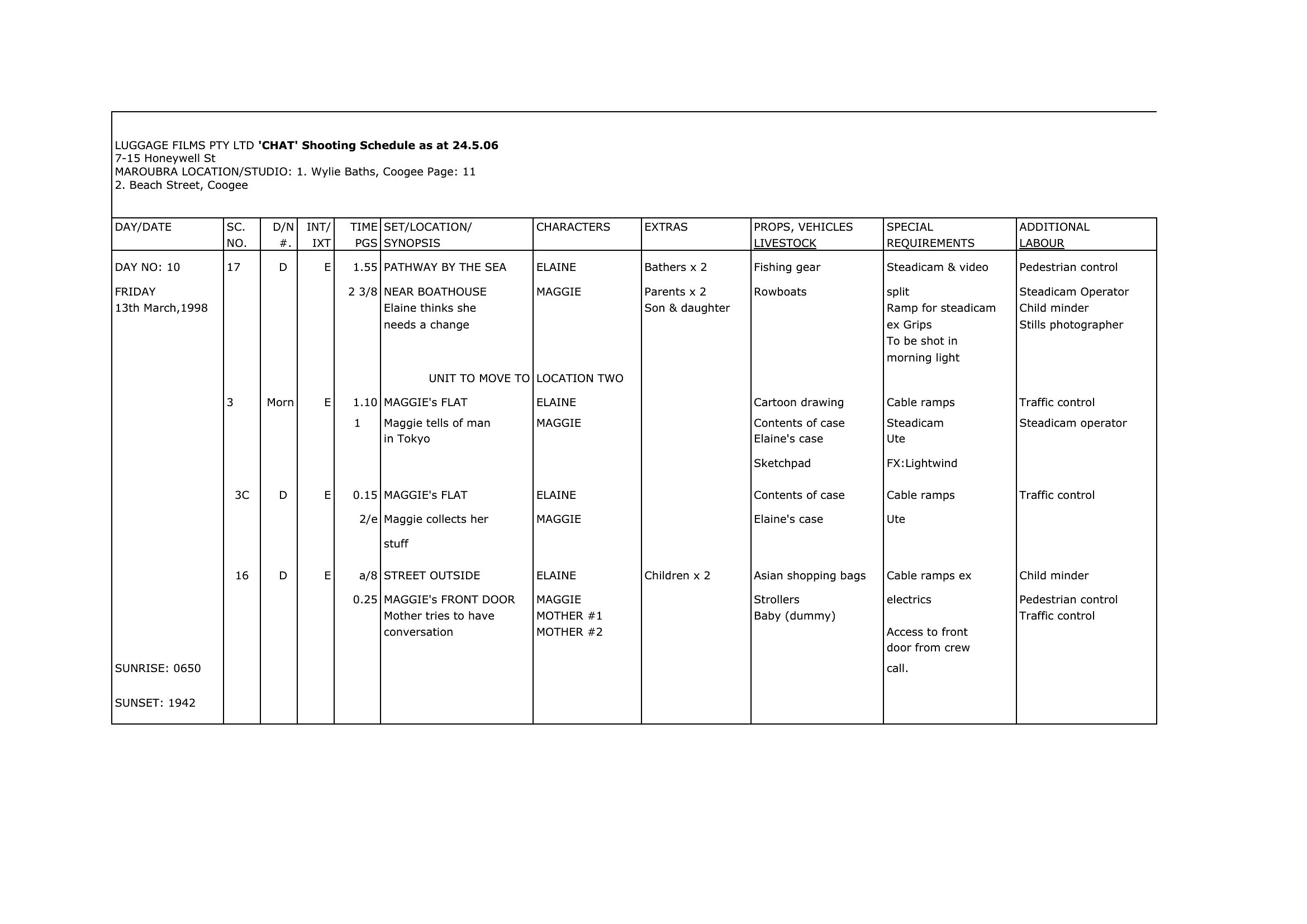
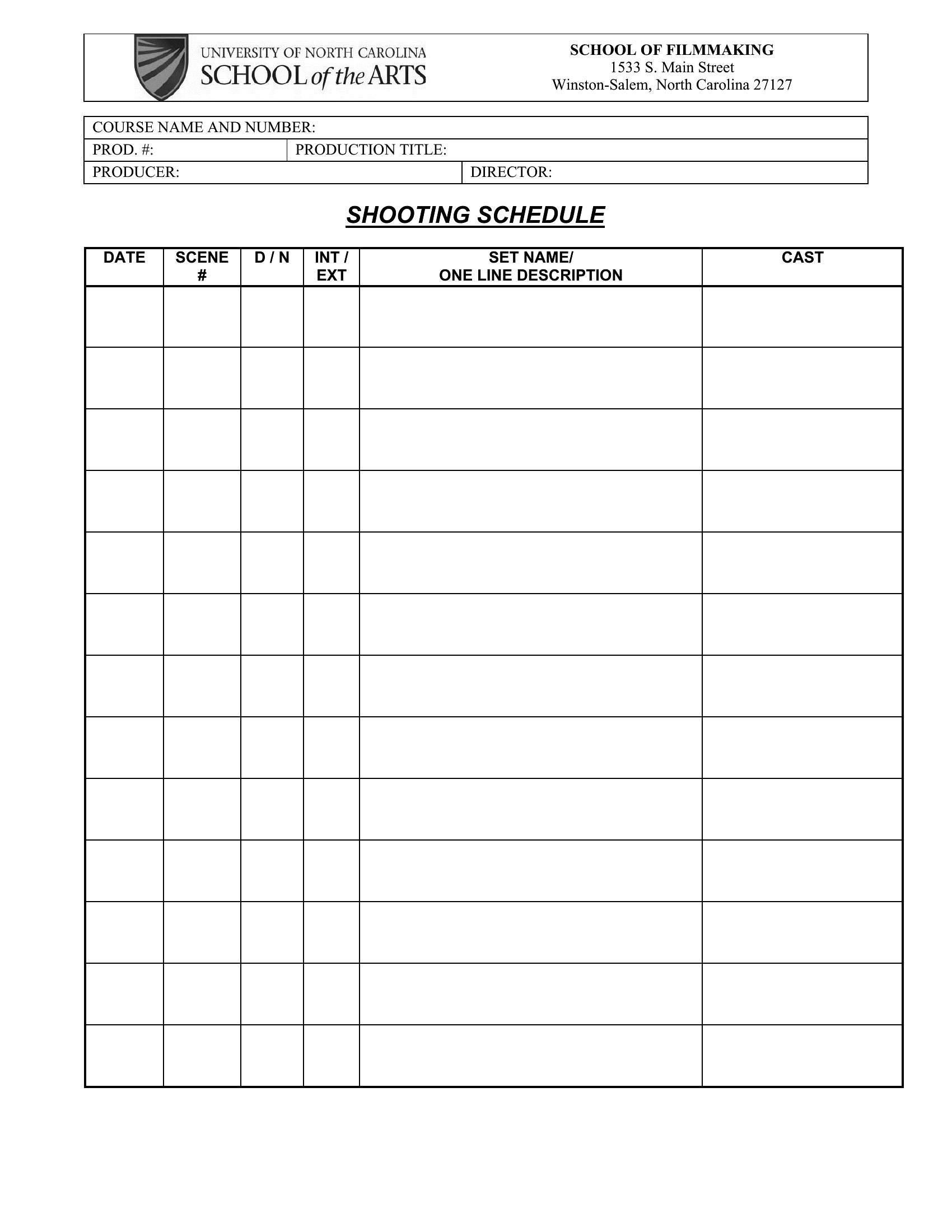
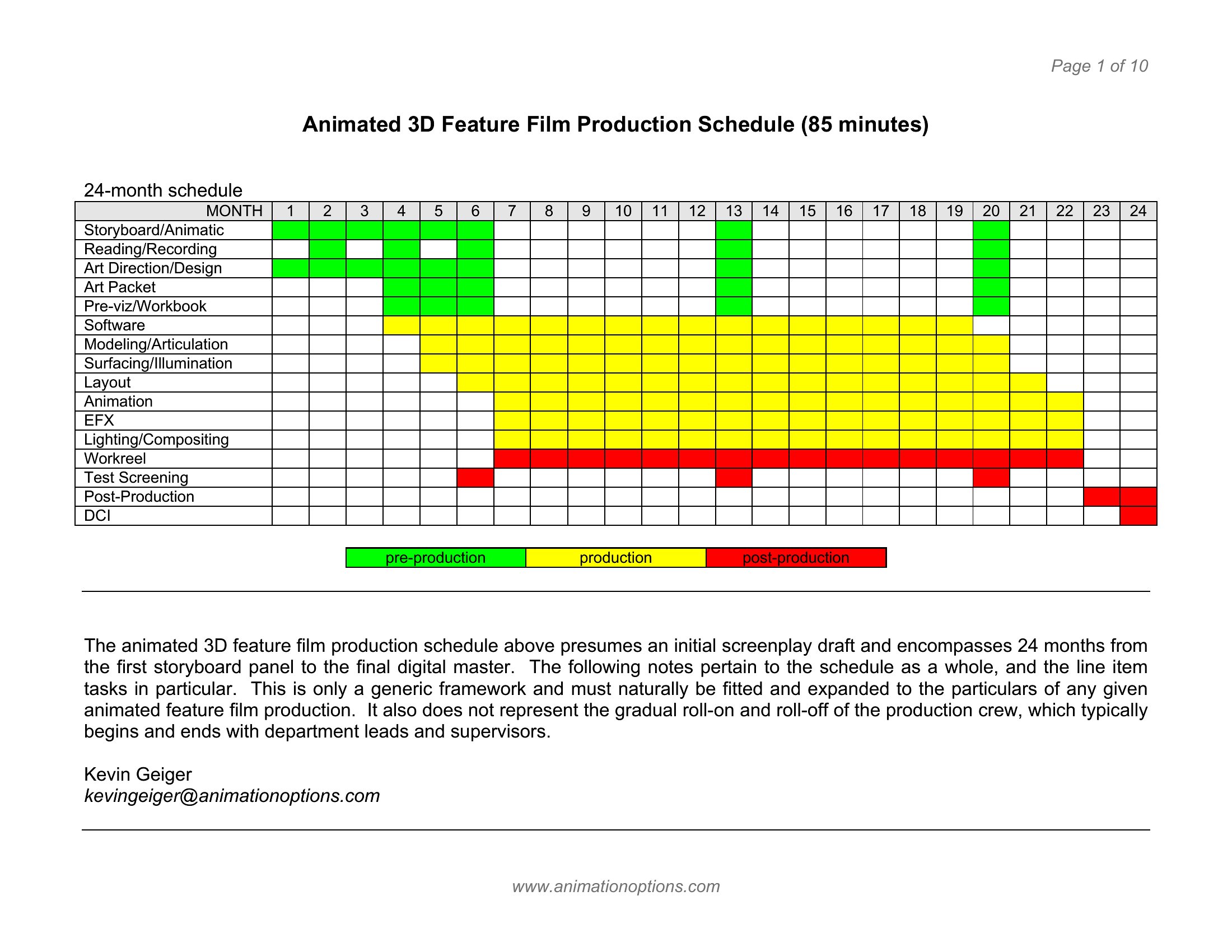
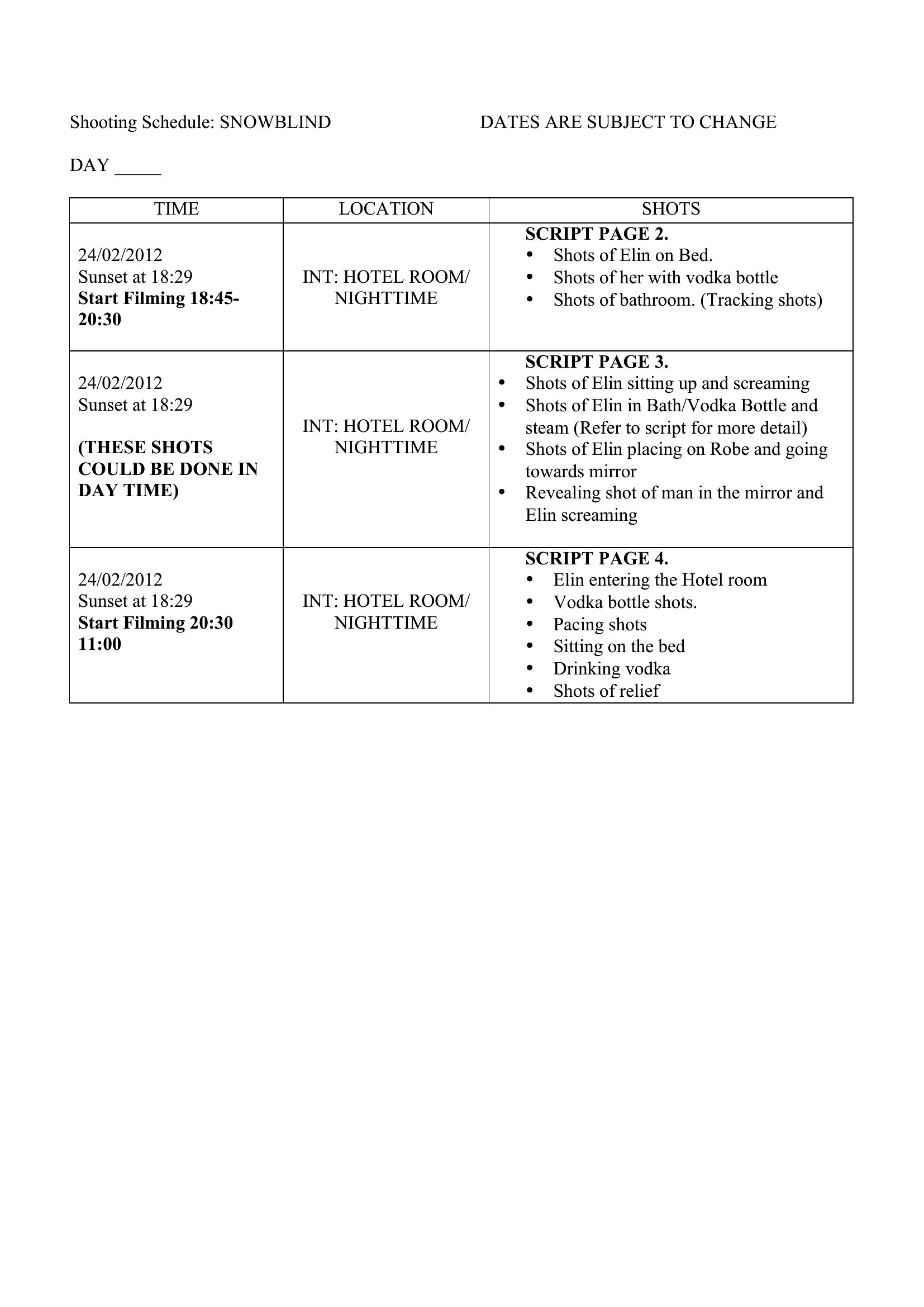
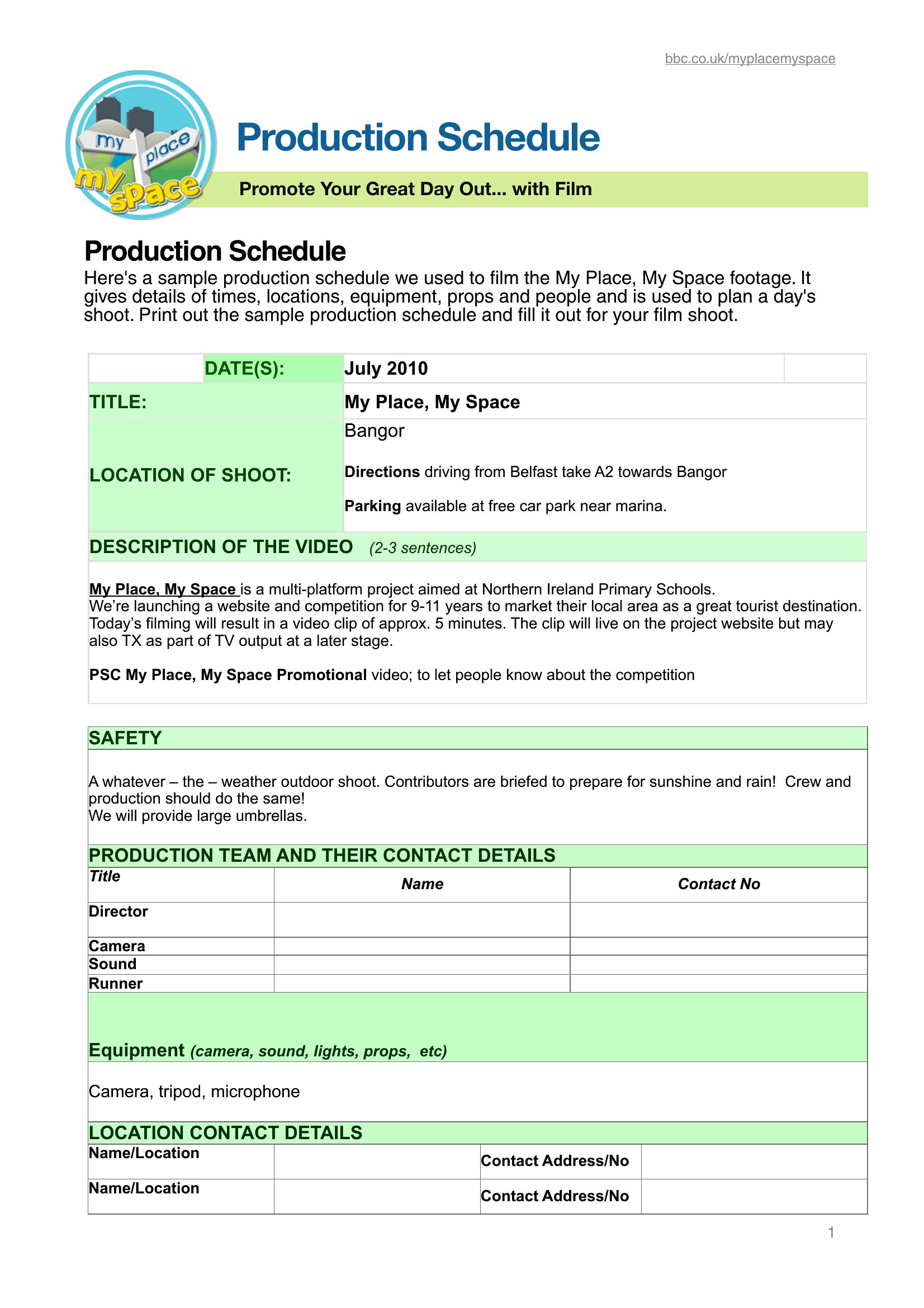
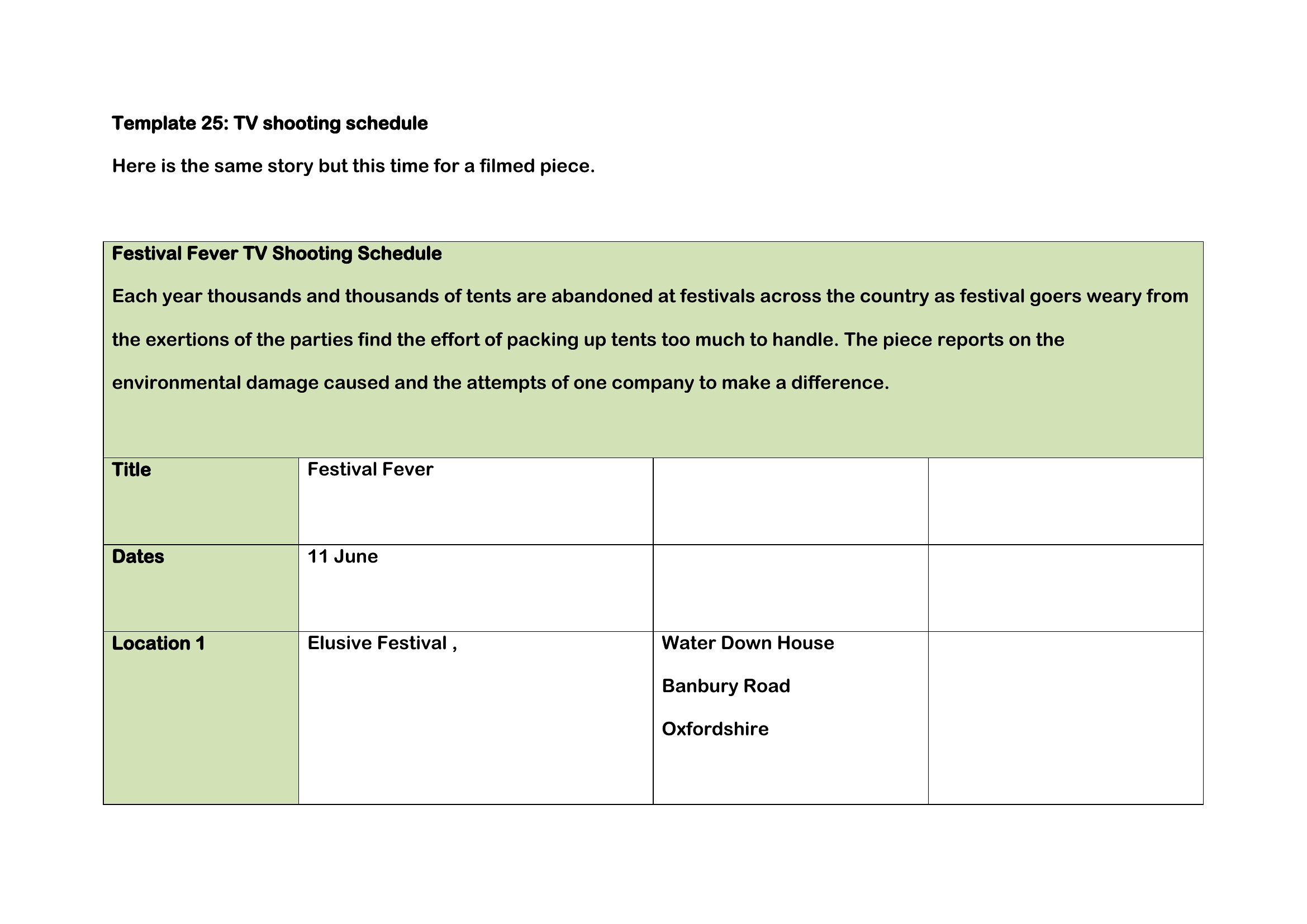
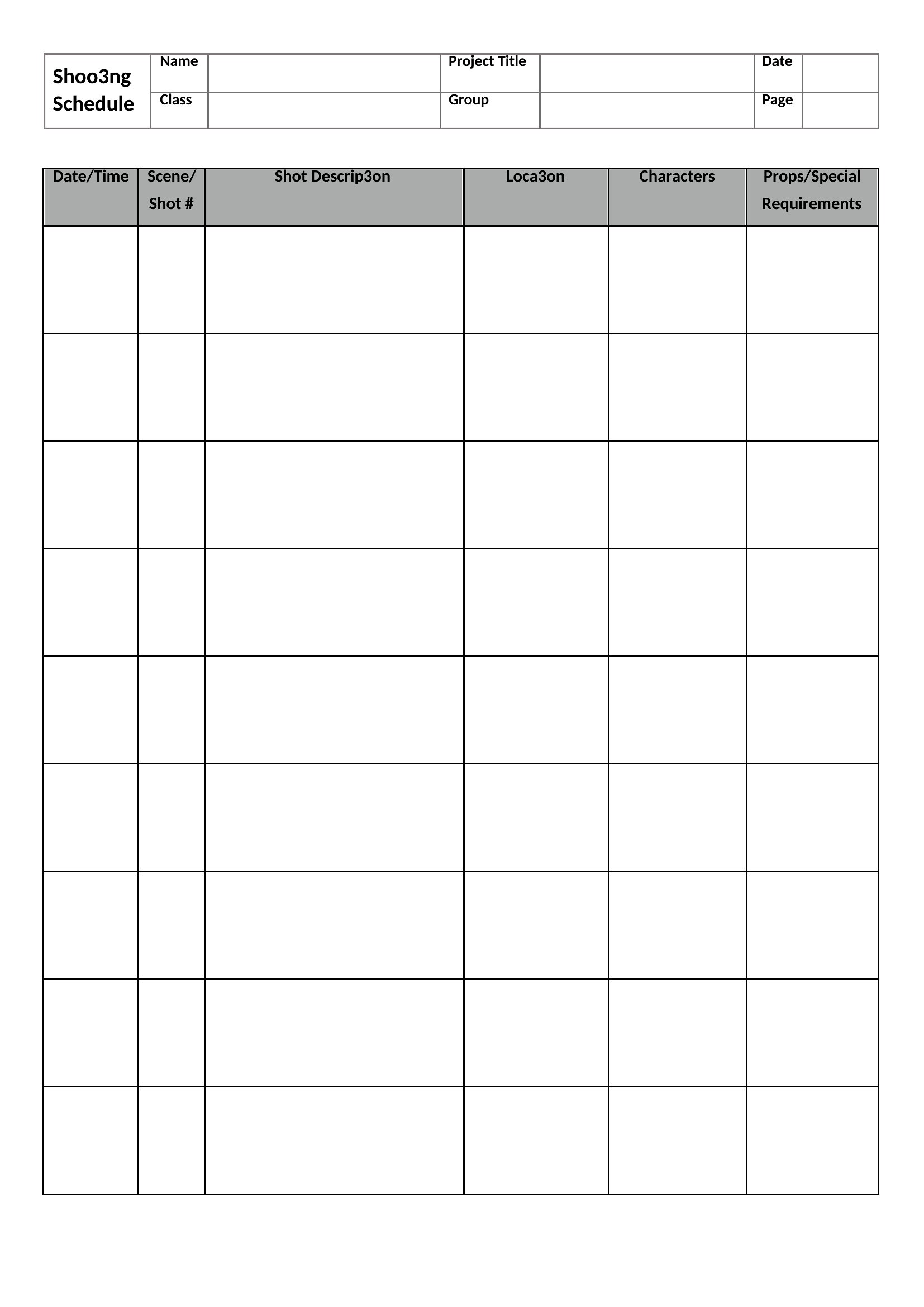
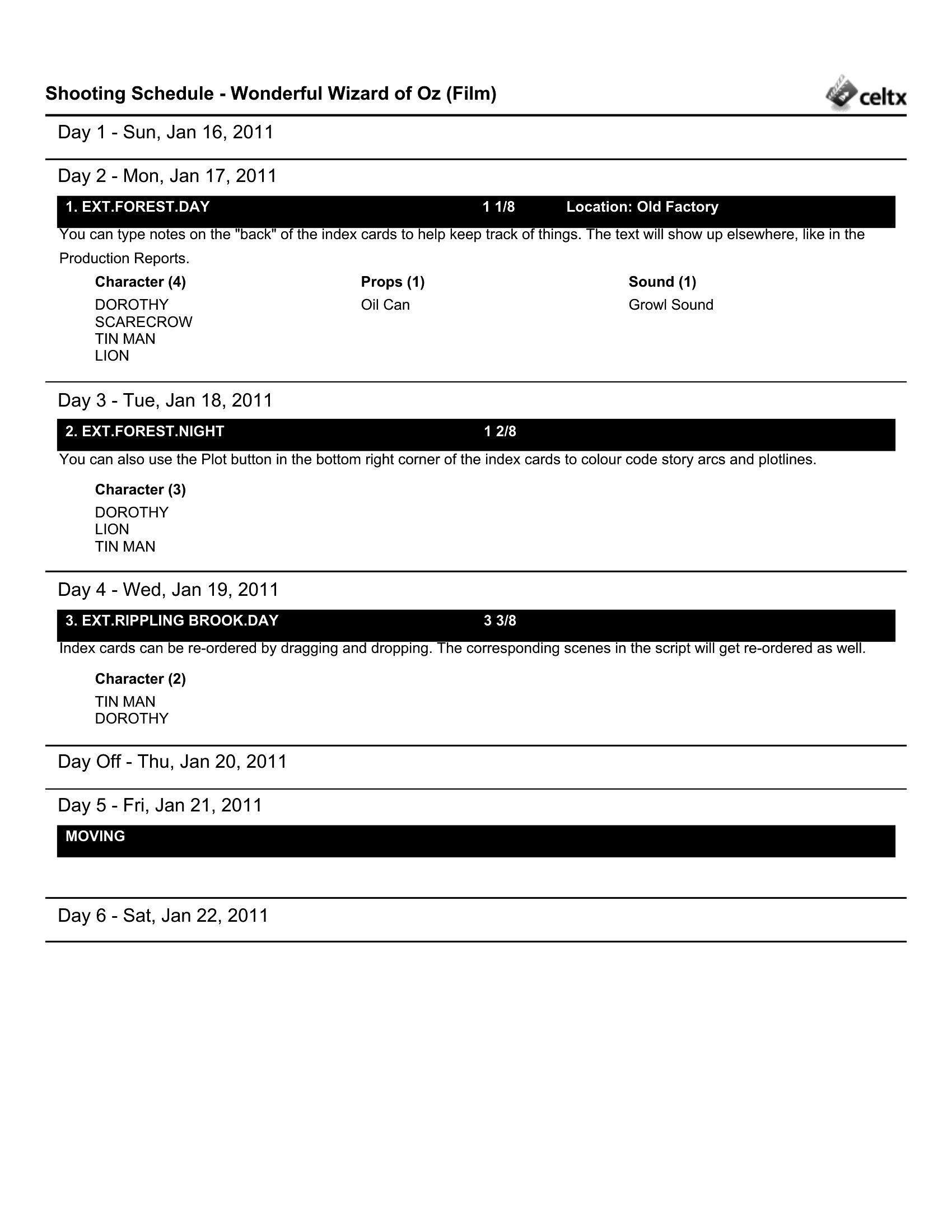
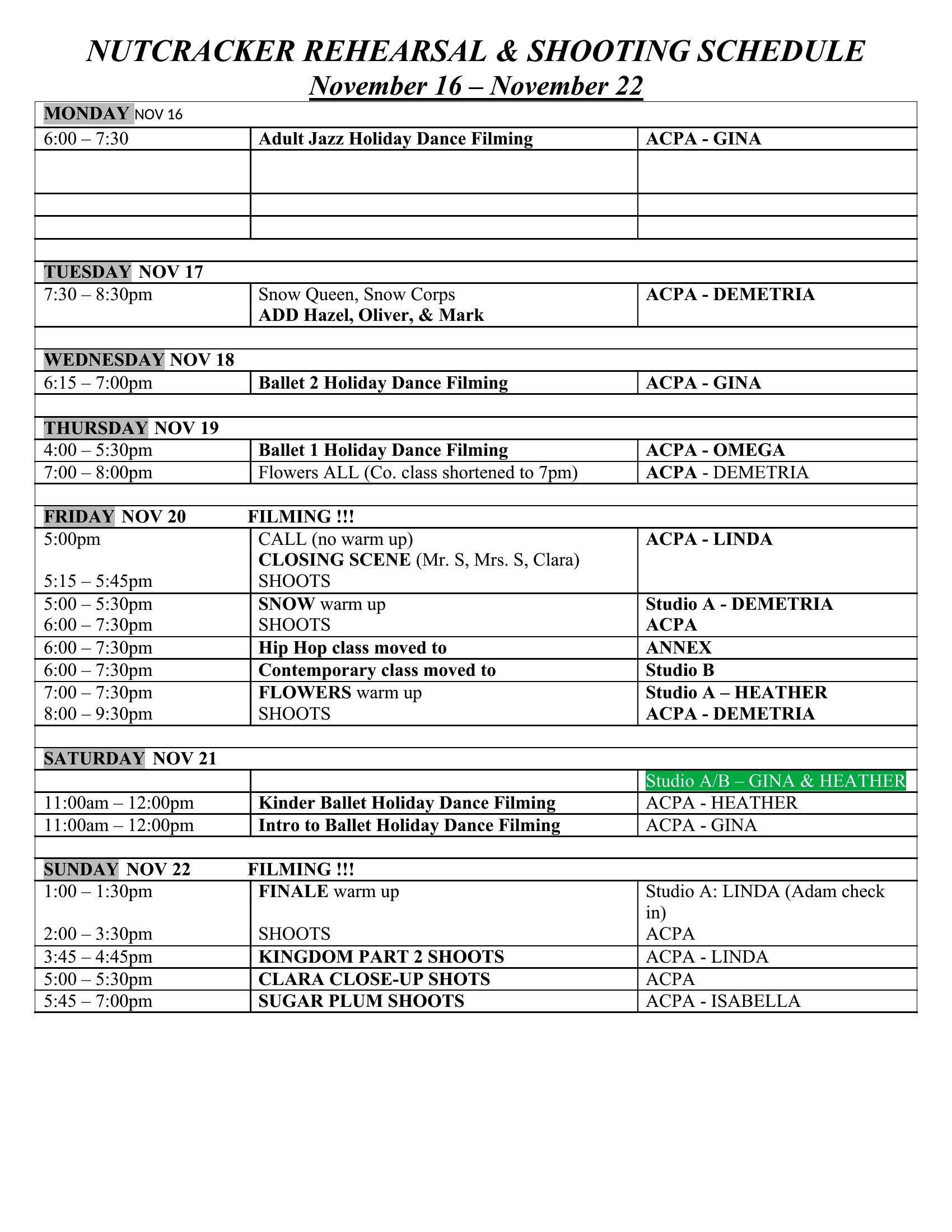
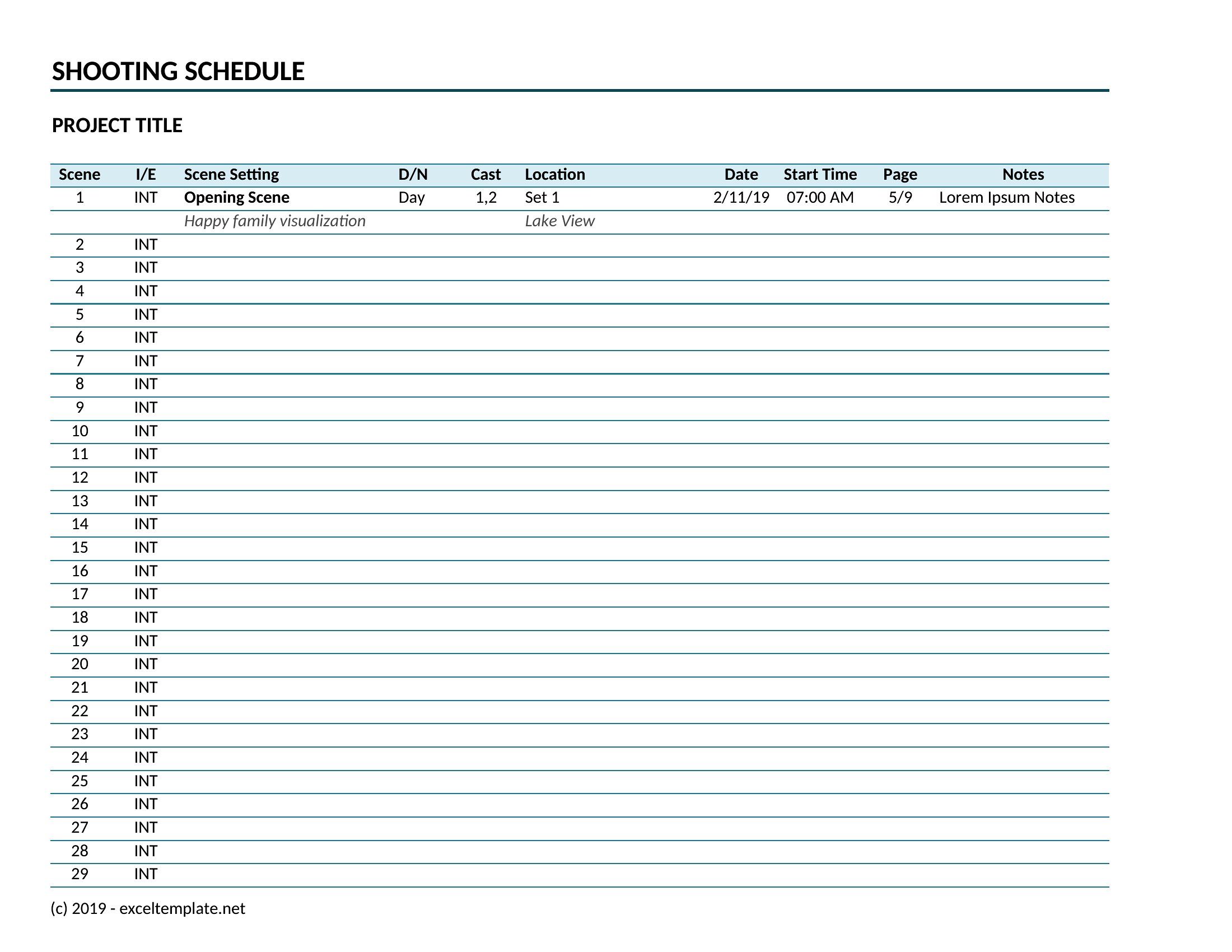
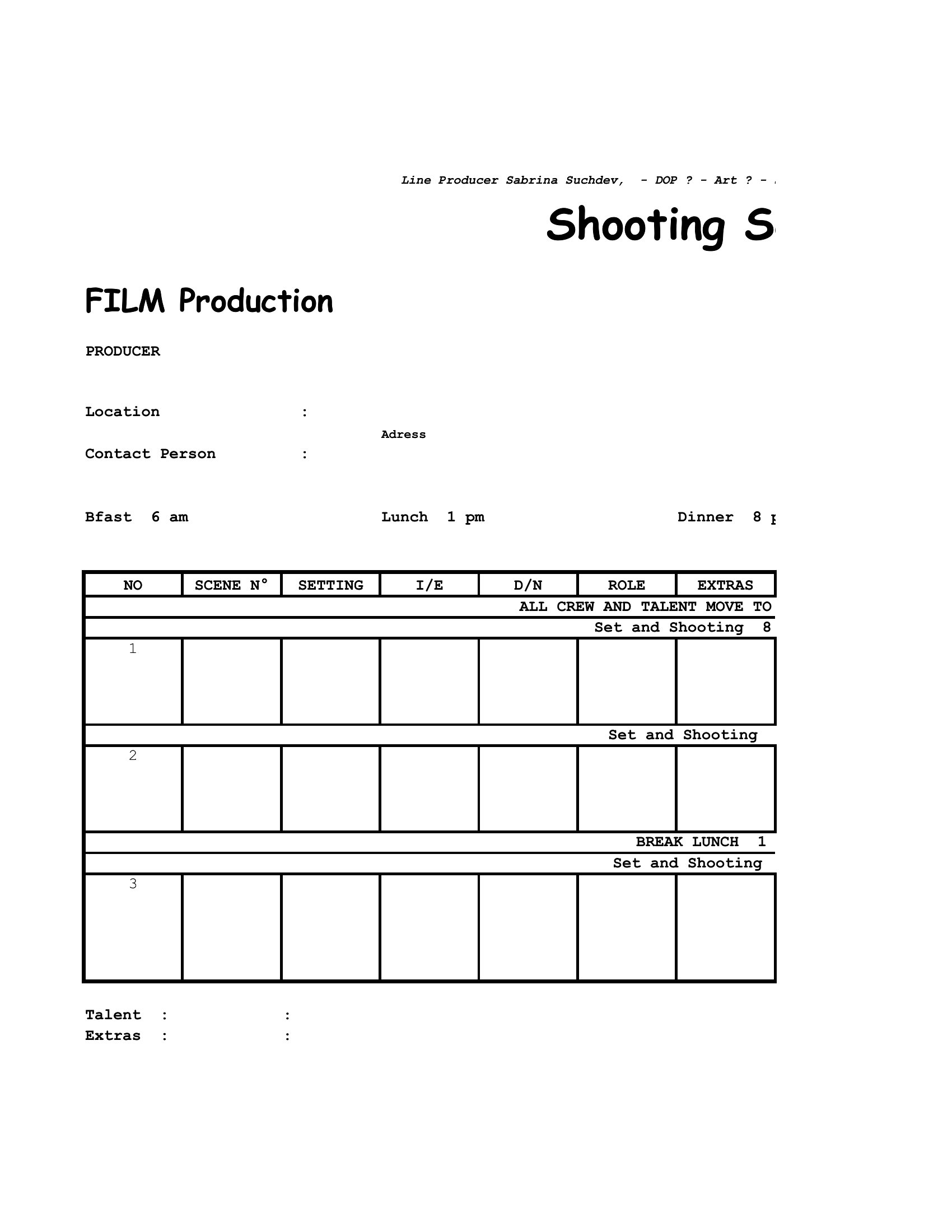
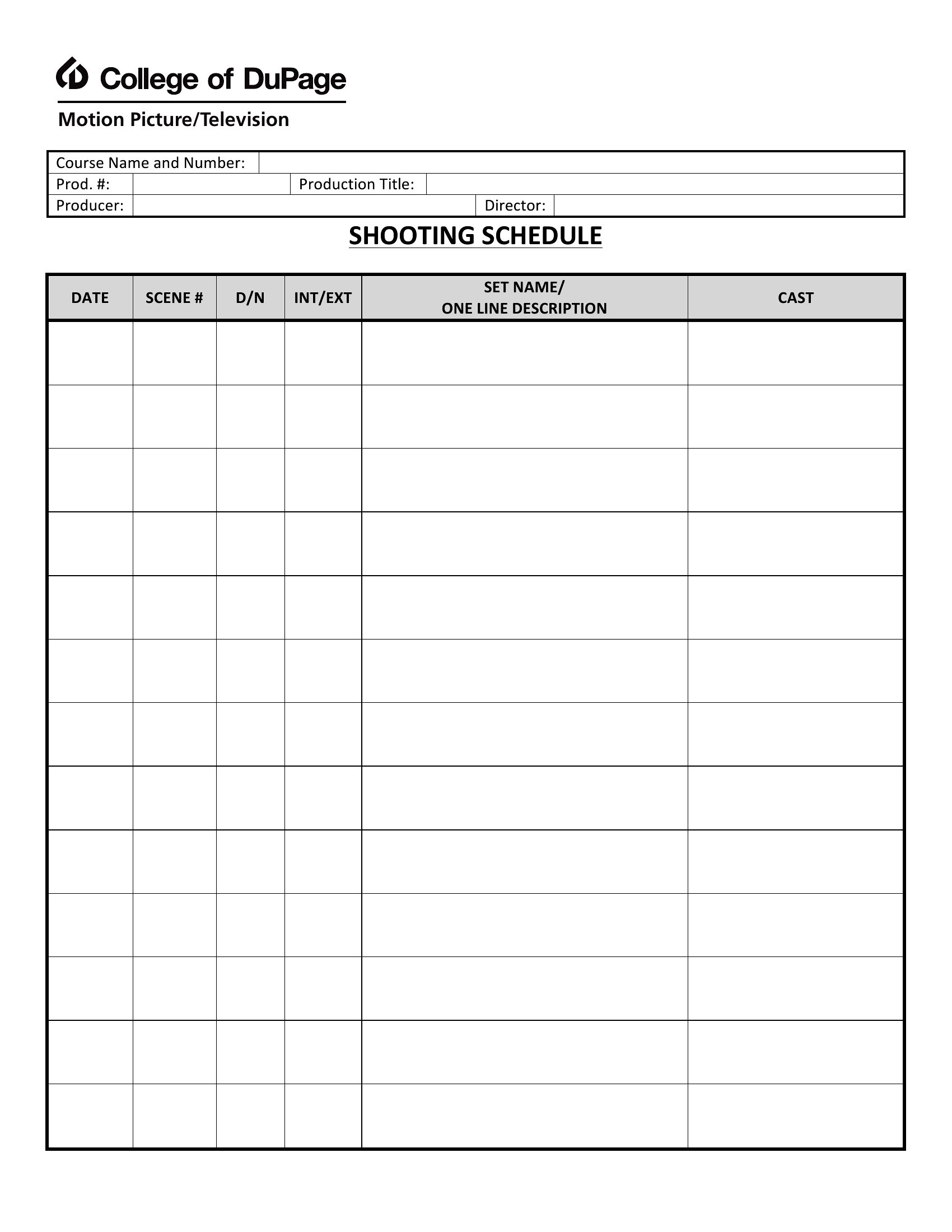
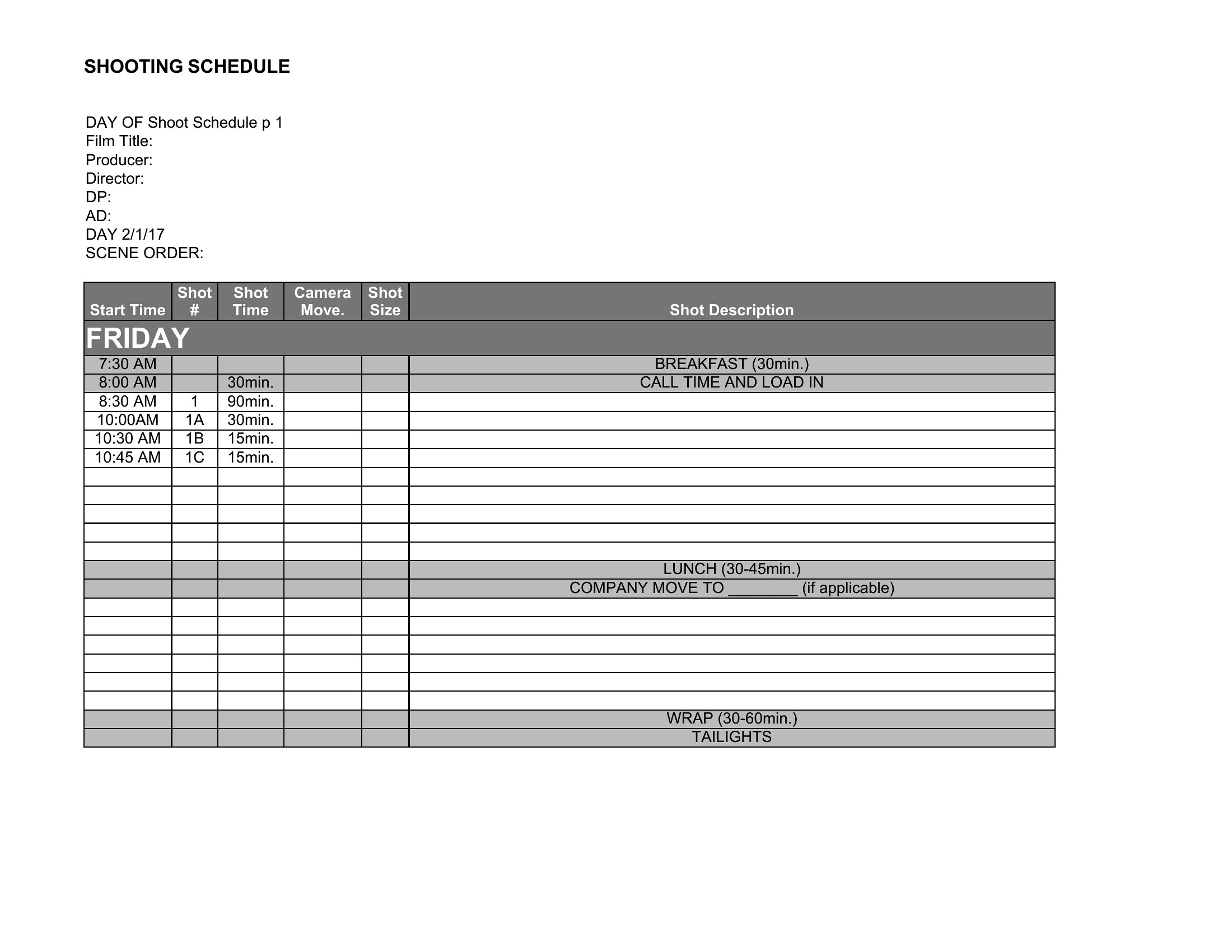
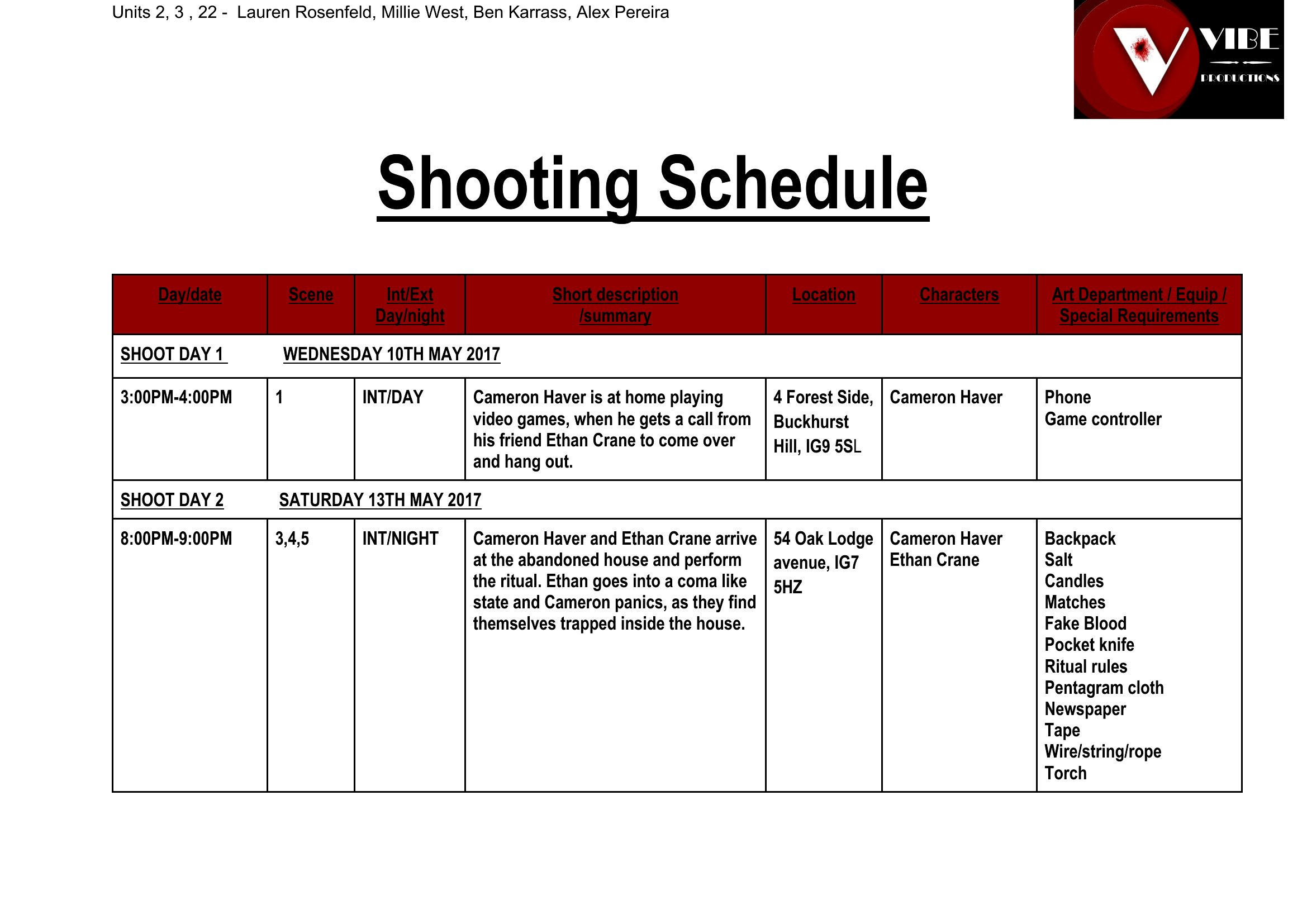
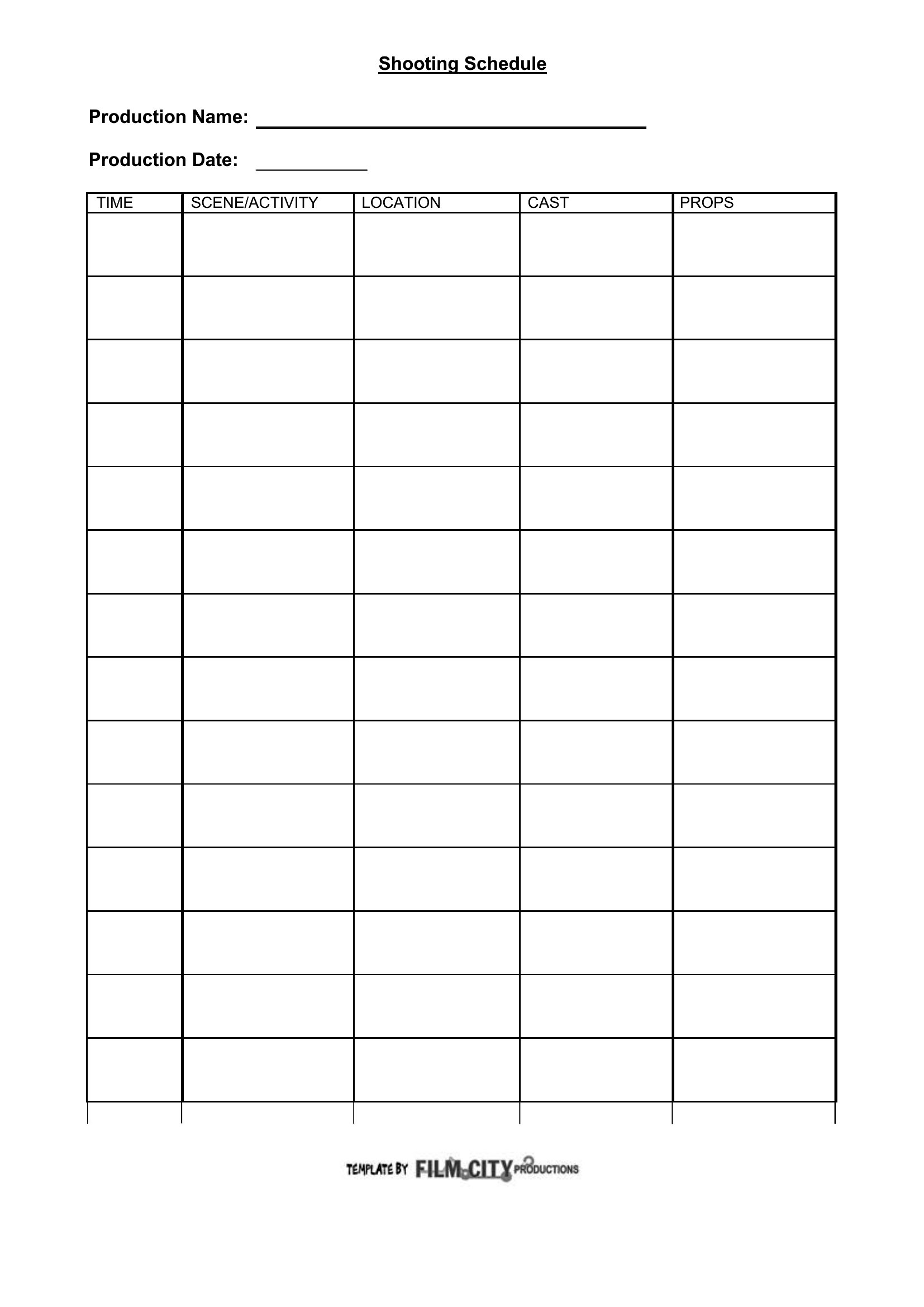
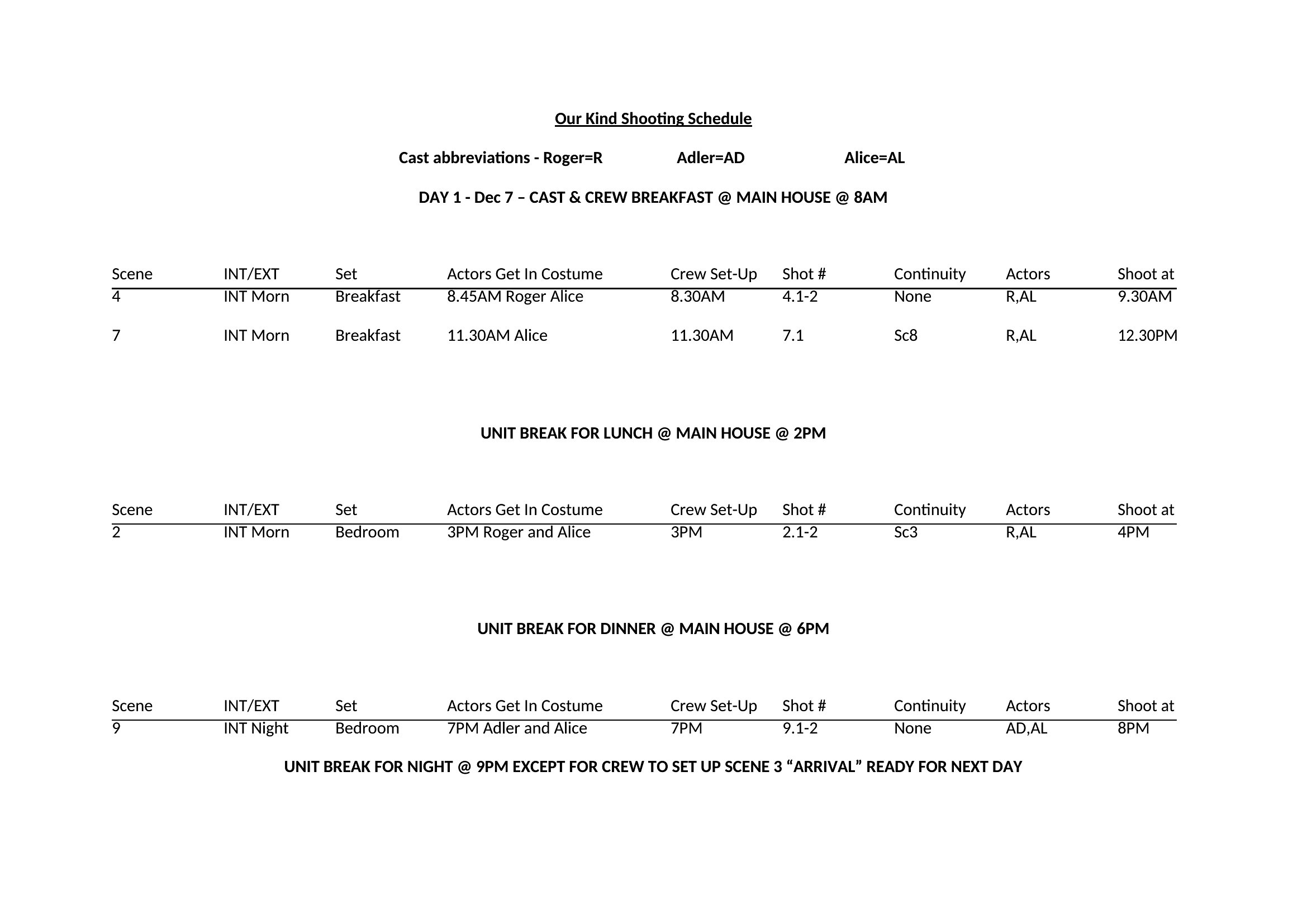
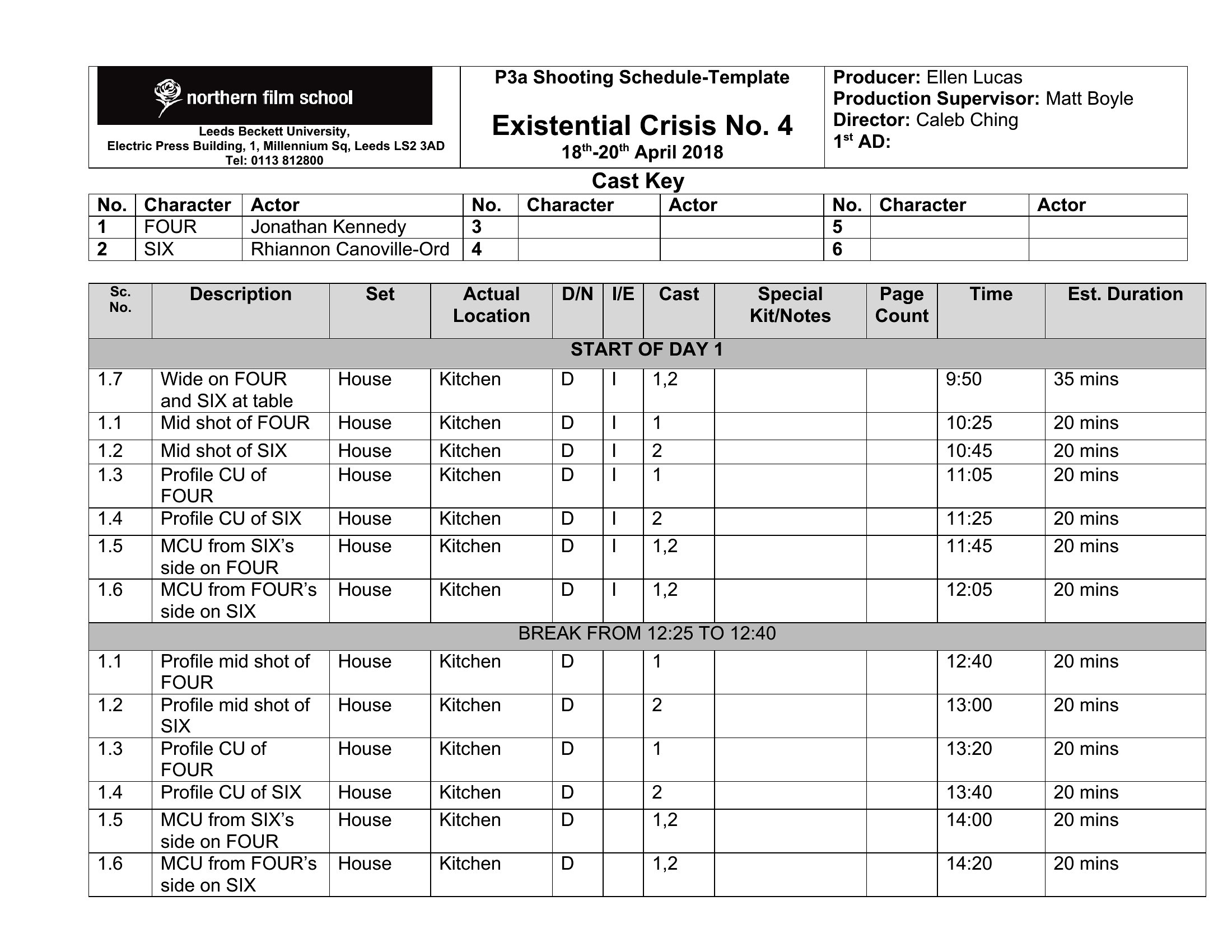
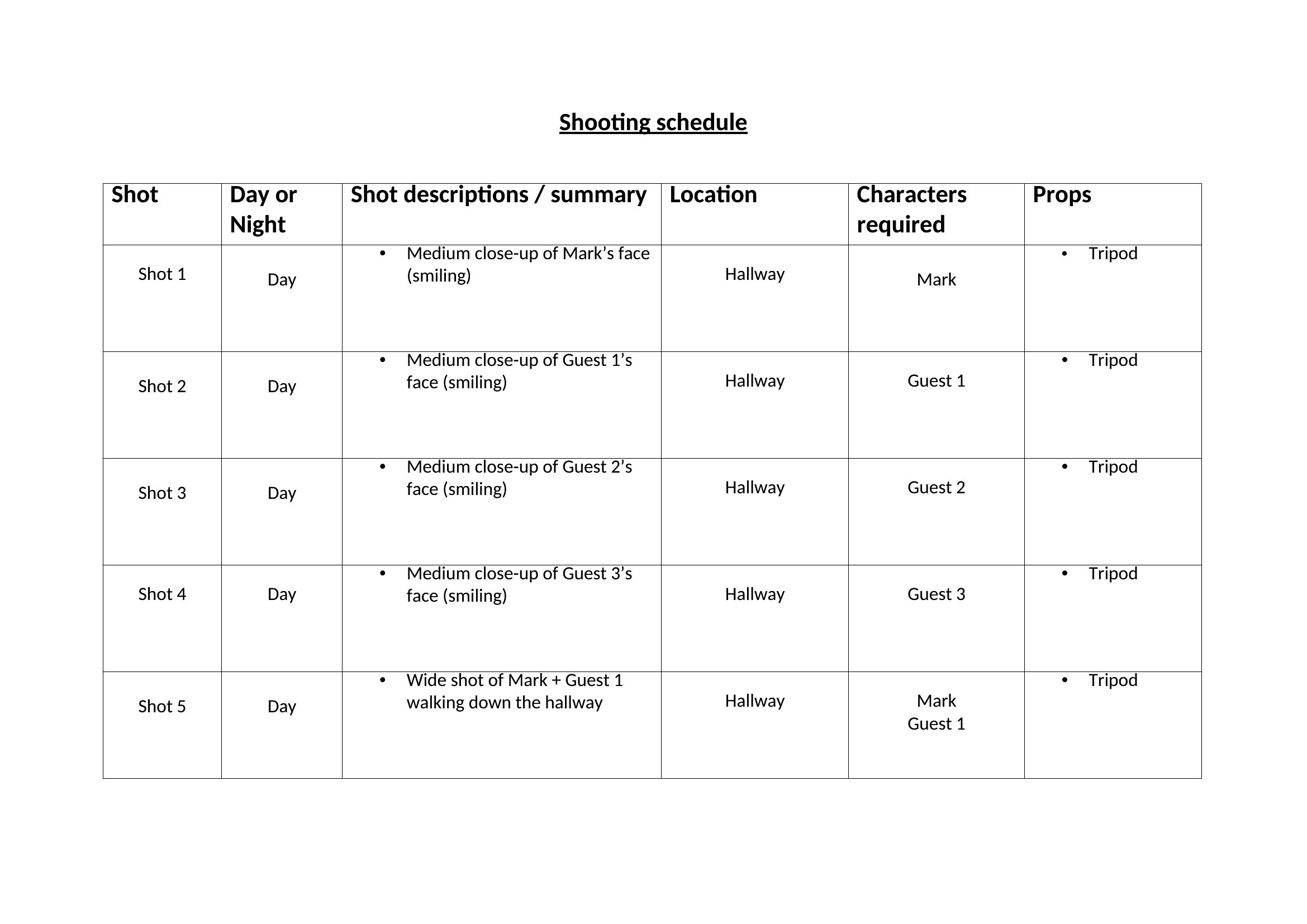
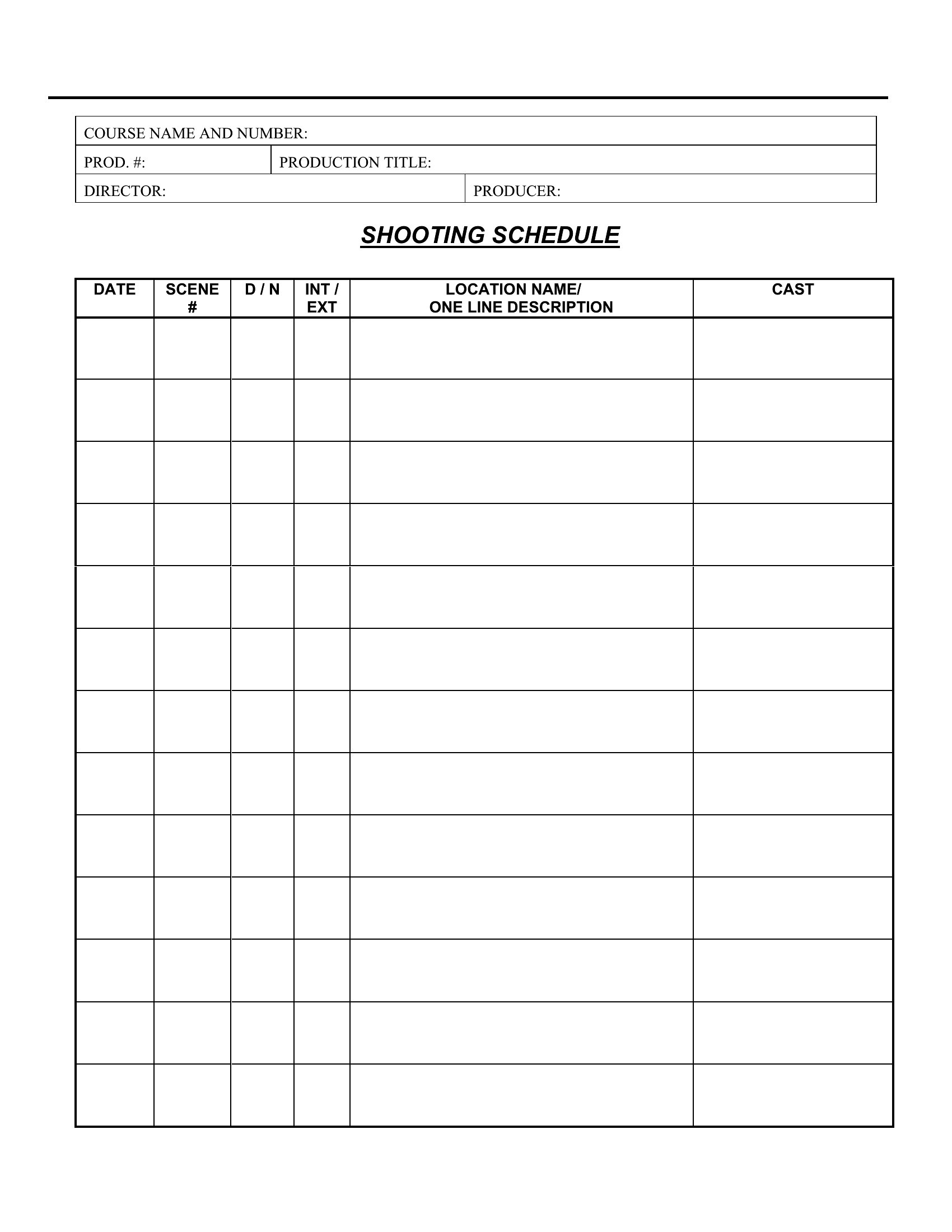
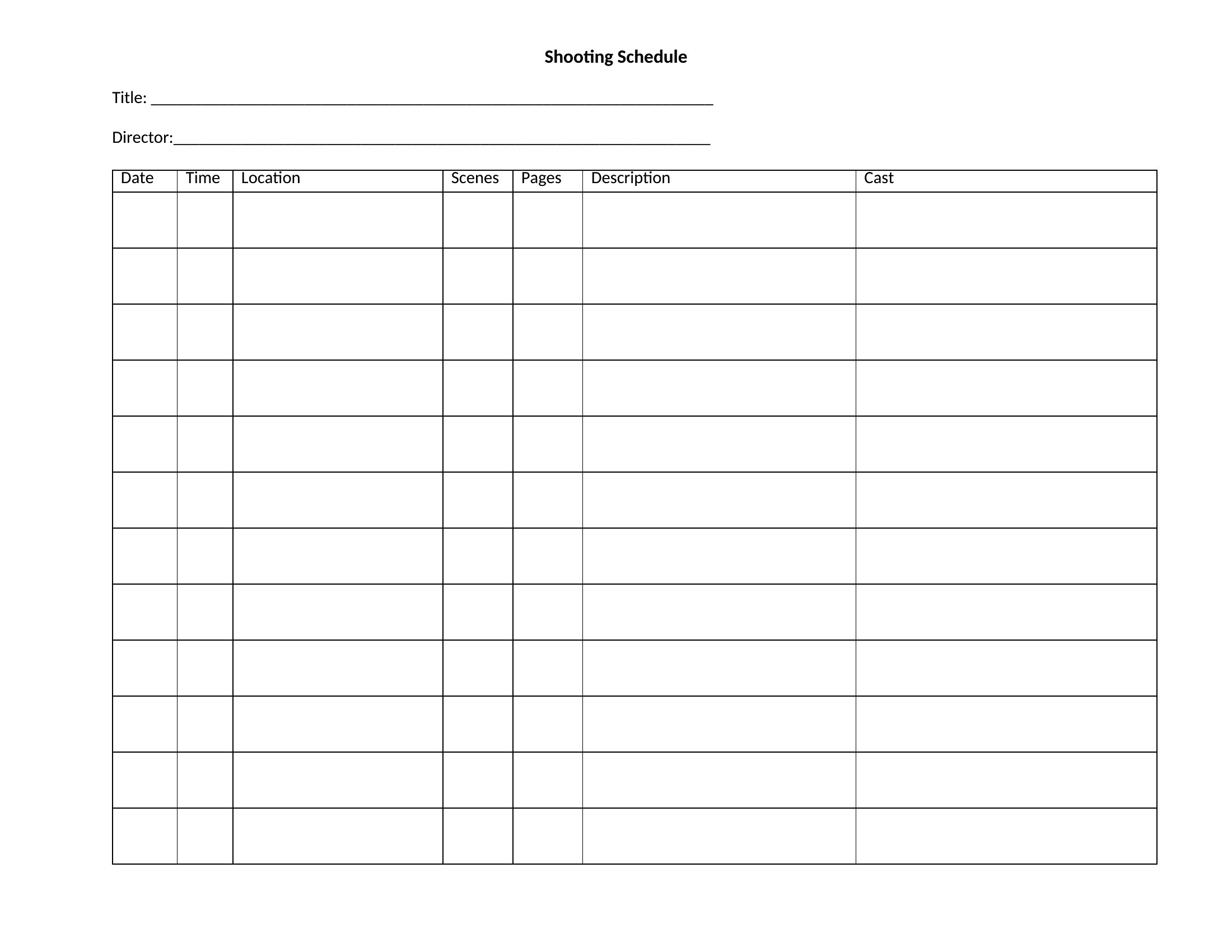
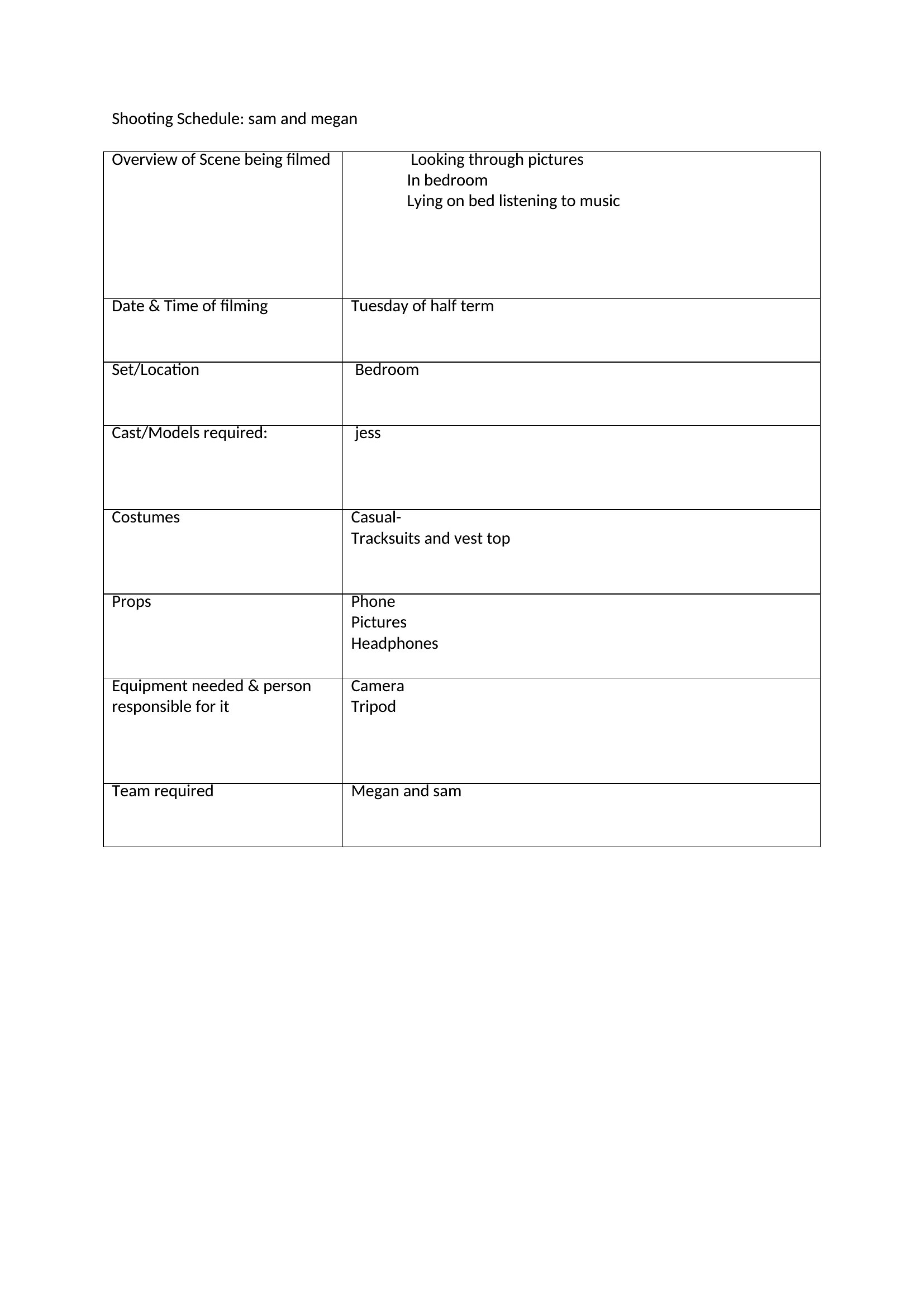
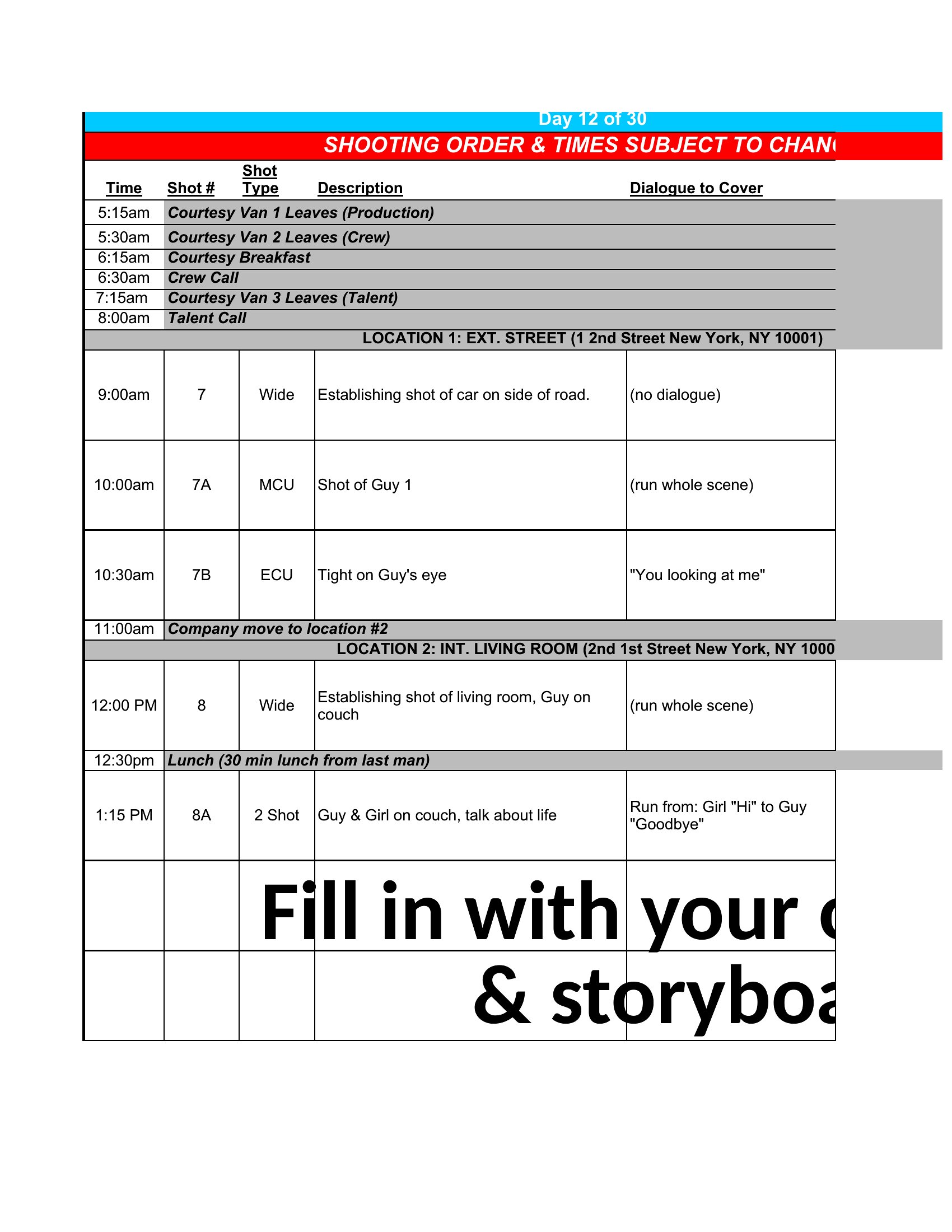
Every film and video shoot runs smoother with a schedule that tells the crew where to be and what to capture. This set of 37 shooting schedule templates helps directors, producers, and videographers organize scenes, locations, cast, and call times for a single day or an entire production.
Edit the Word documents for clean call sheets, use the Excel versions to sort scenes and track timing, or print the PDFs to hand out on set. Lay out the order of shots, note the equipment, and keep everyone moving. Choose the format that fits your project and keep the cameras rolling on time.
When to use this Shooting Schedule template
- Low-budget indie filmmakers need a clear shooting schedule template to track tight turnaround scenes across multiple locations, ensuring cast and crew stay aligned on changing day plans without costly delays.
- Documentary producers organizing interviews with busy subjects should use a fillable schedule to block time slots, confirm availability, and include backup locations—so critical footage isn’t lost to last-minute cancellations.
- Commercial directors juggling tight deadlines and multiple advertisers must map out shot lists and equipment needs in a sortable Excel format to meet post-production timelines and client approvals.
- Student filmmakers with limited crew can simplify coordination by printing a visual shooting schedule, displaying it on set to keep everyone updated on scene changes, lighting setups, and meal breaks.
Which format should I download?
Choose Word for editable call sheets when you need to customize details like crew contact info or last-minute script revisions—its flexibility works best for productions with frequent updates. Pick Excel to sort scenes by time, location, or equipment needs, ideal for tracking complex shoots with shifting priorities. Use PDF for finalized schedules to share with off-site crew or clients, ensuring formatting stays consistent and print-ready without edits. The PDF format is also best when distributing to stakeholders who shouldn’t alter timelines.
Choose from 37 Shooting Schedule Templates

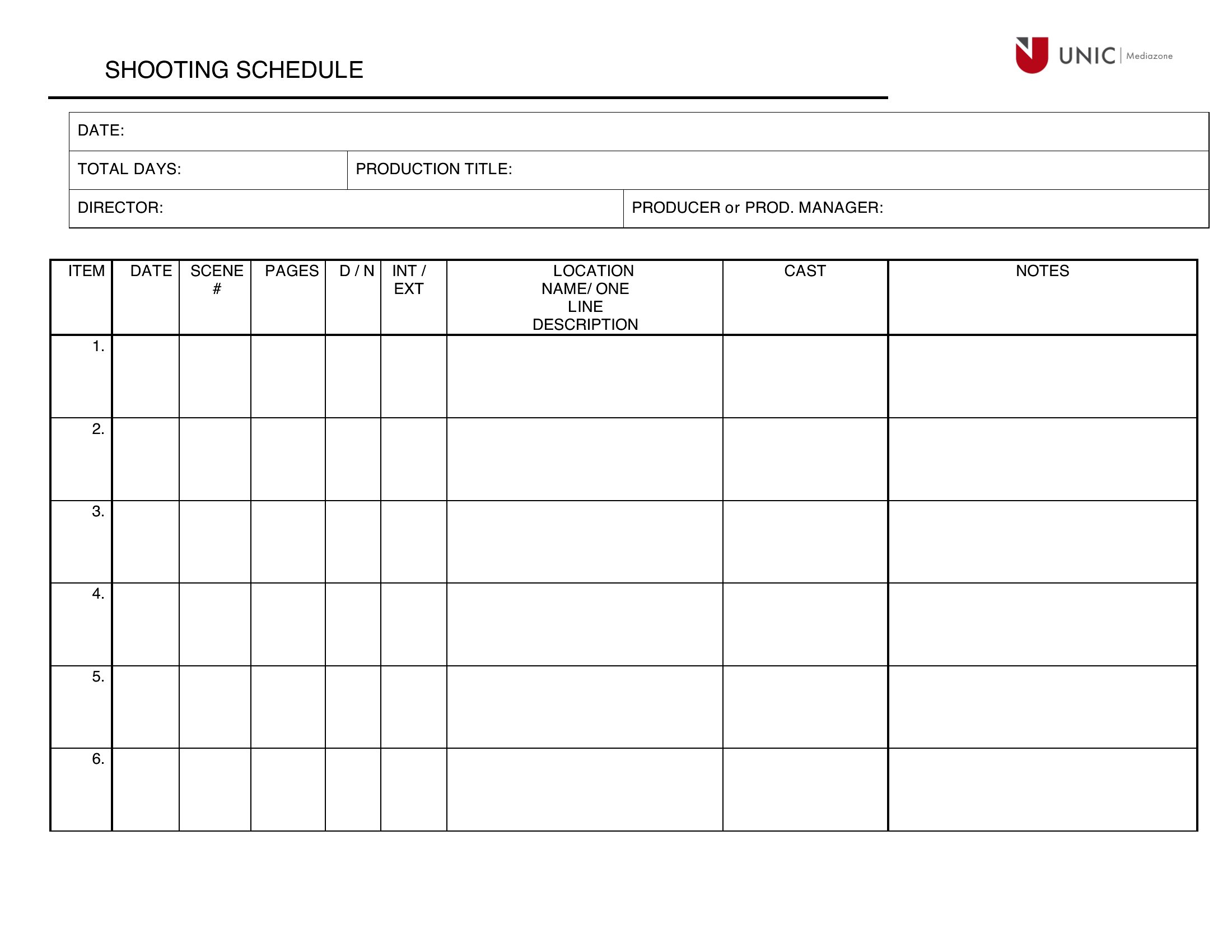
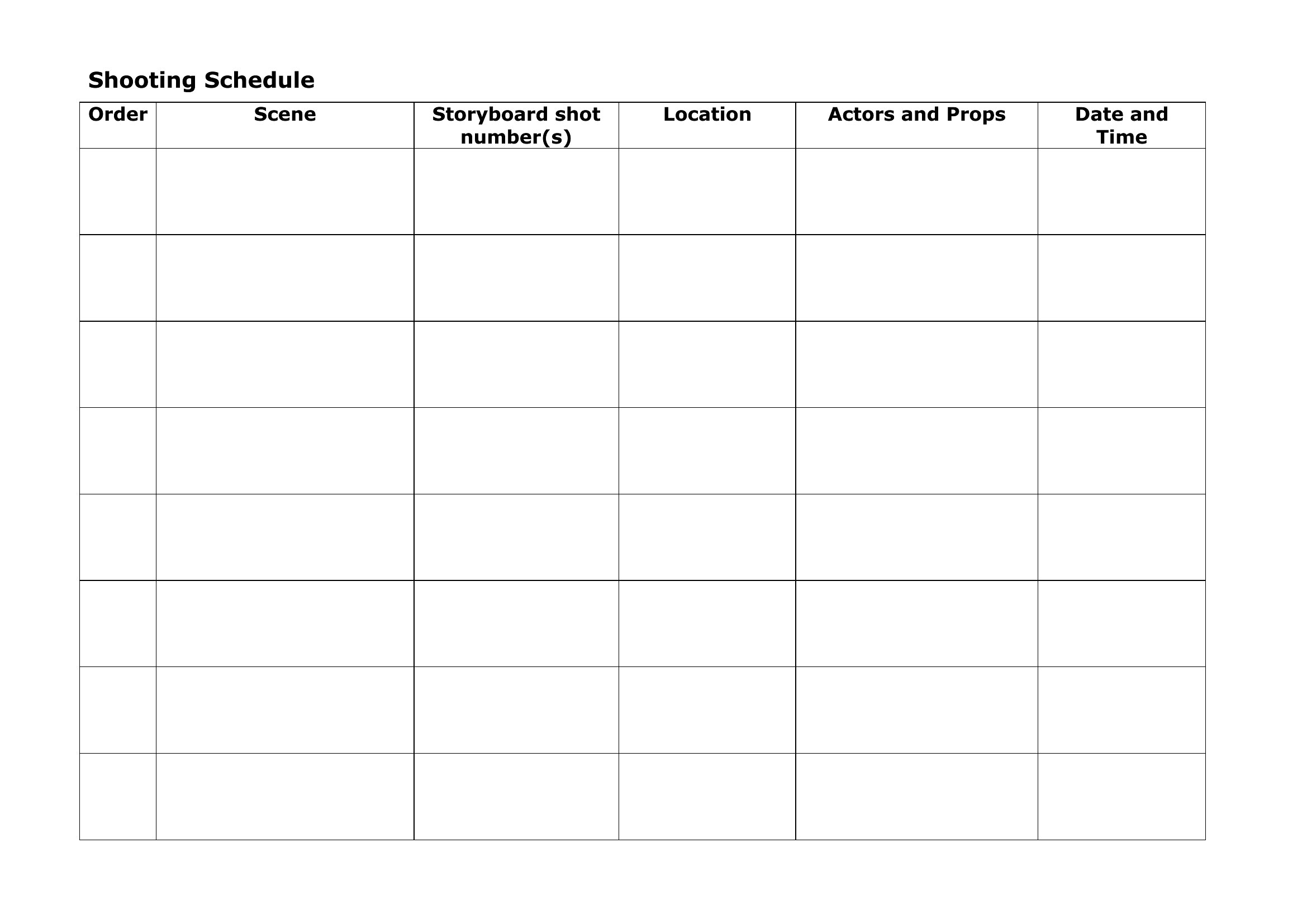
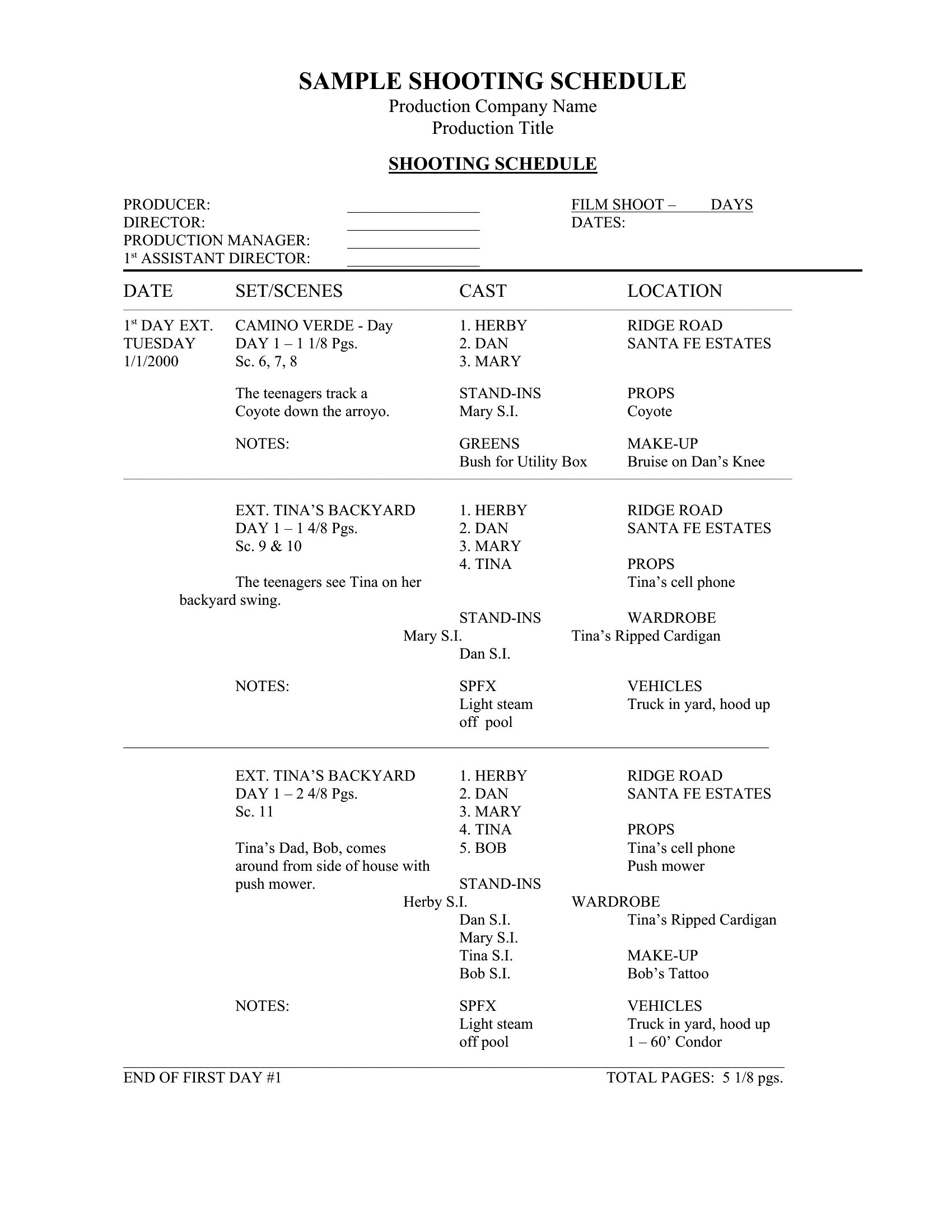
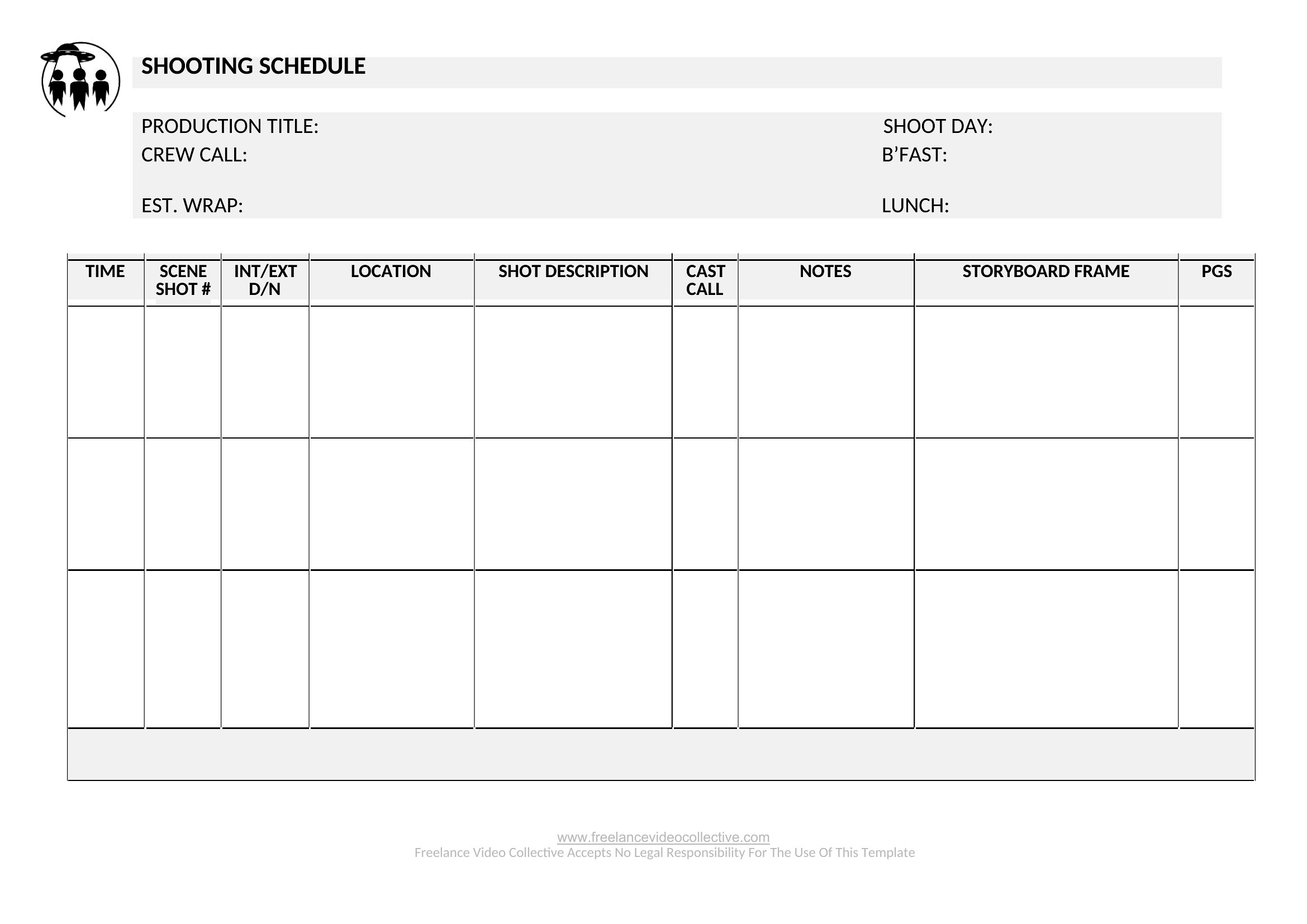
How to use this Shooting Schedule template
How can I adjust this shooting schedule template if my production has multiple shooting days?
Most templates in this collection include fields for date markers and scene numbering. Use the Excel format to create separate tabs for each day, or duplicate the Word document and rename it with the shoot date. For visual clarity, combine all days into a single PDF with clear section headers for each day’s scenes. Always test printouts for readability if sharing hard copies.
What details should I include in the ‘notes’ section to avoid confusion on set?
Add practical notes like prop requirements, special effects cues, or specific camera angles tied to lighting setups. Include crew assignments (e.g., ‘DP handles wide shots only’) and any safety warnings (e.g., ‘no drones near power lines’). For actors, note line changes or emotional beats to reduce rehearsal time. Keep notes concise but actionable—crew members should scan and understand them in seconds.
Can I use these templates for shoots with union crews who have strict call-time rules?
While these templates provide a framework, union schedules often require additional fields like meal breaks, overtime thresholds, or specific rest periods. Double-check with your union representative to identify missing details, then add them to the Word or Excel version before finalizing. The PDF format isn’t editable, so use it only after confirming all union requirements are met. Always treat templates as a starting point, not a replacement for legal guidance.
Comments
Join the conversation
Sign in to share your thoughts and leave a comment on this resource.