
Free Rotating Schedule Templates (Word, Excel)
Statements by maddisondean
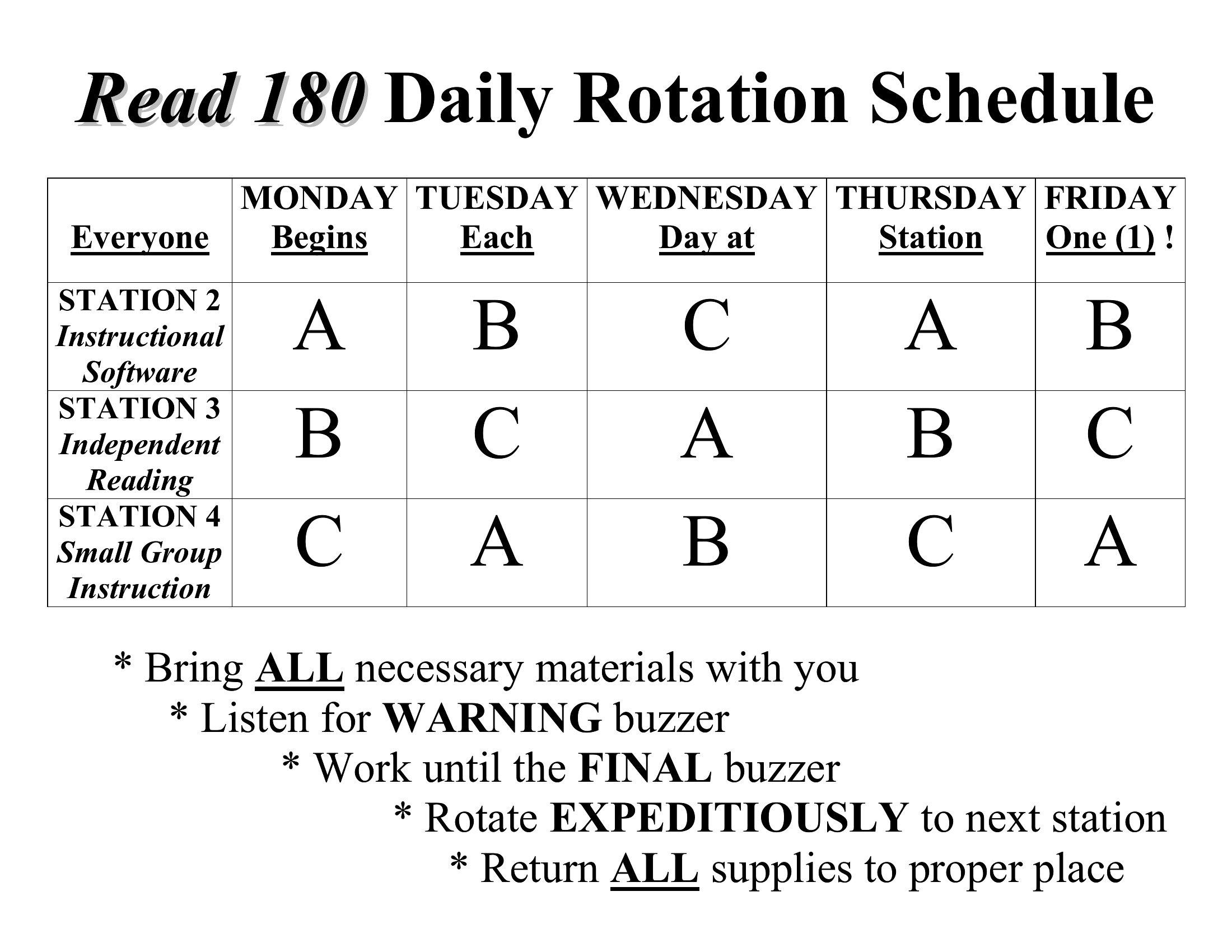
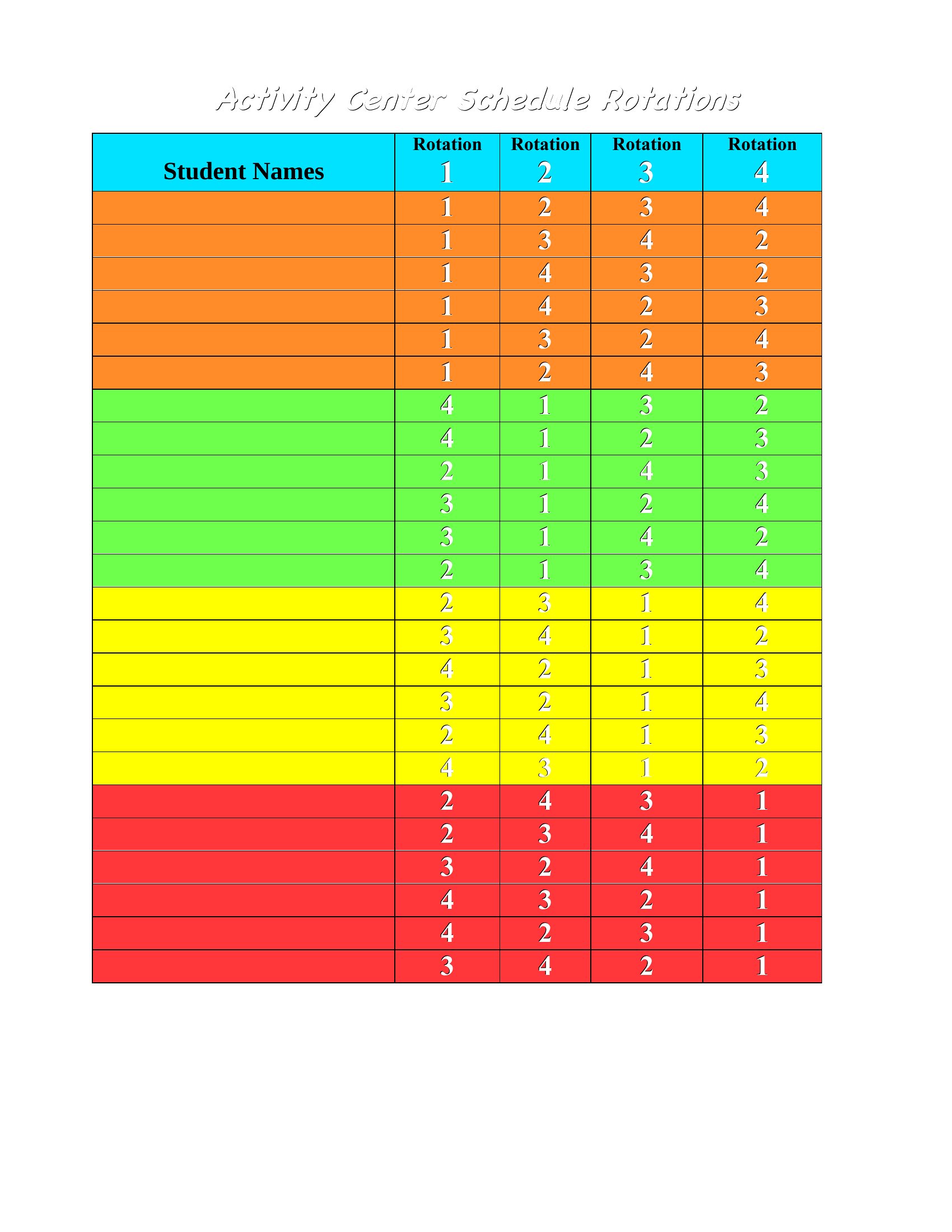
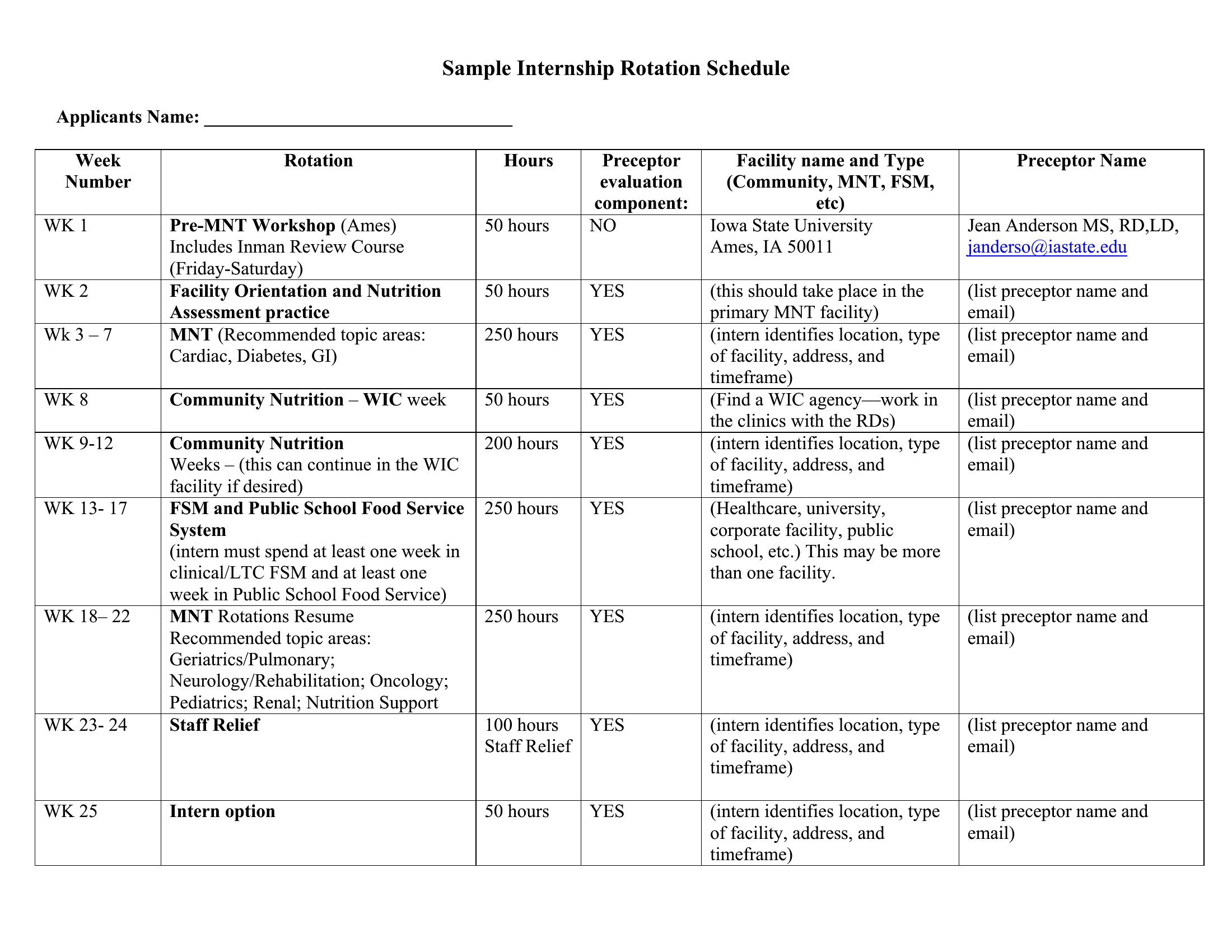
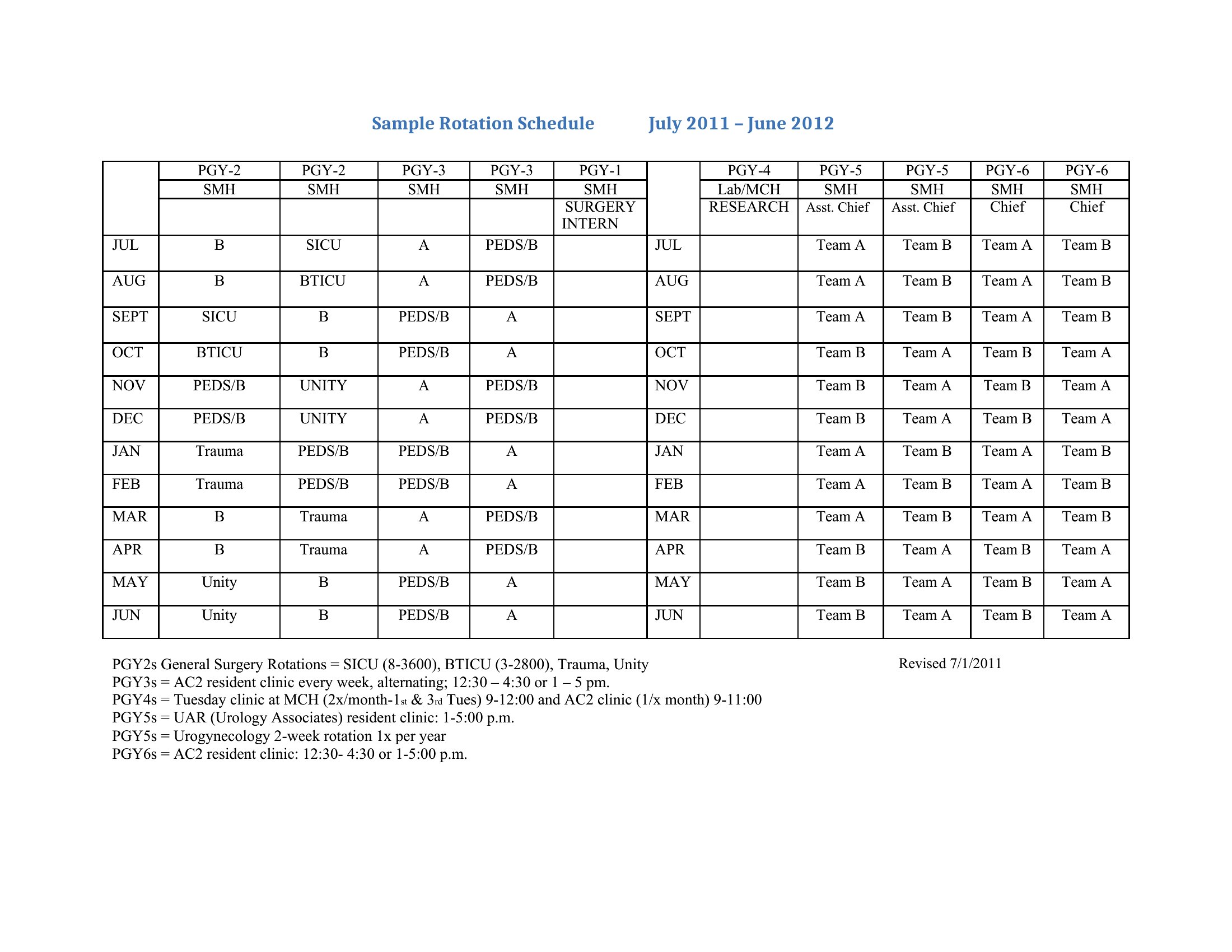
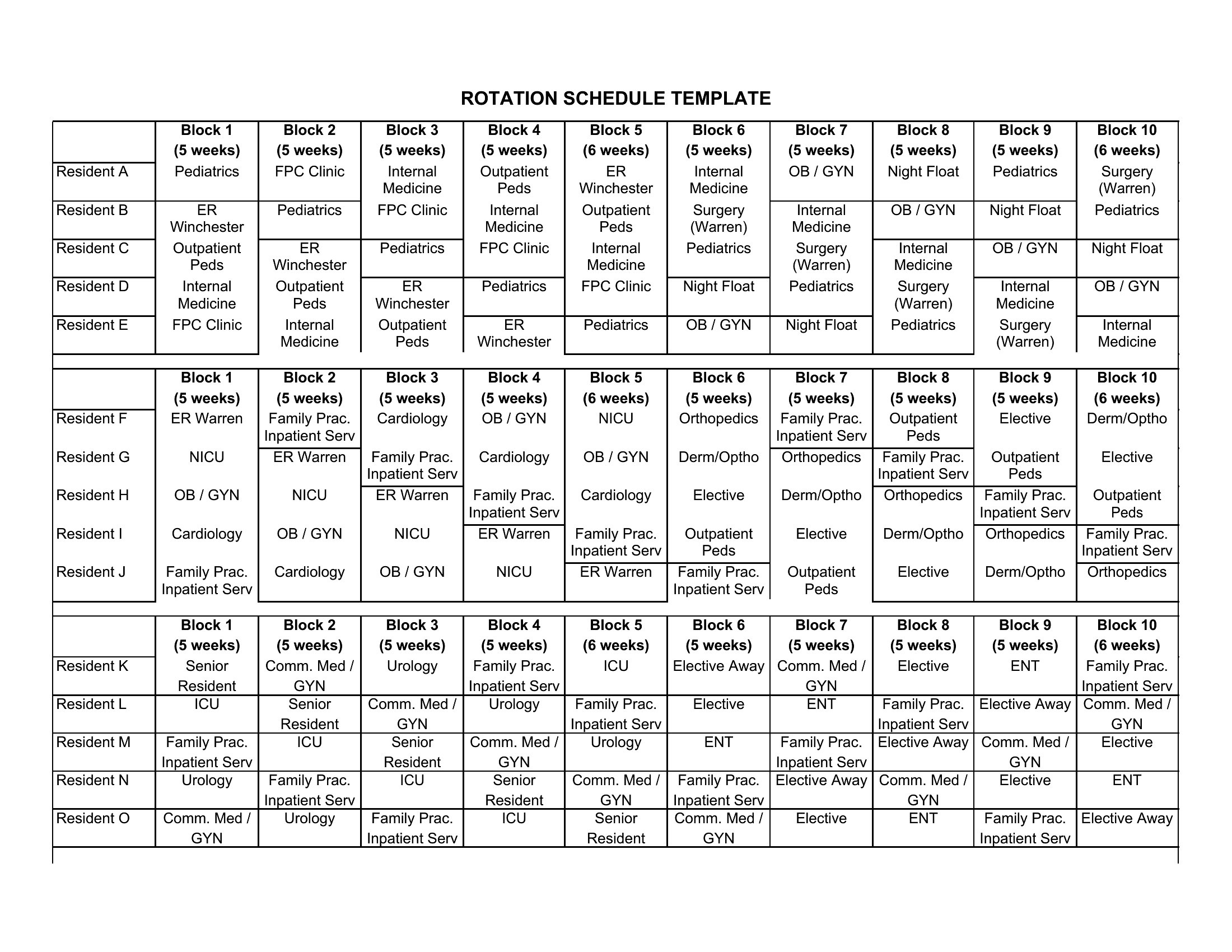
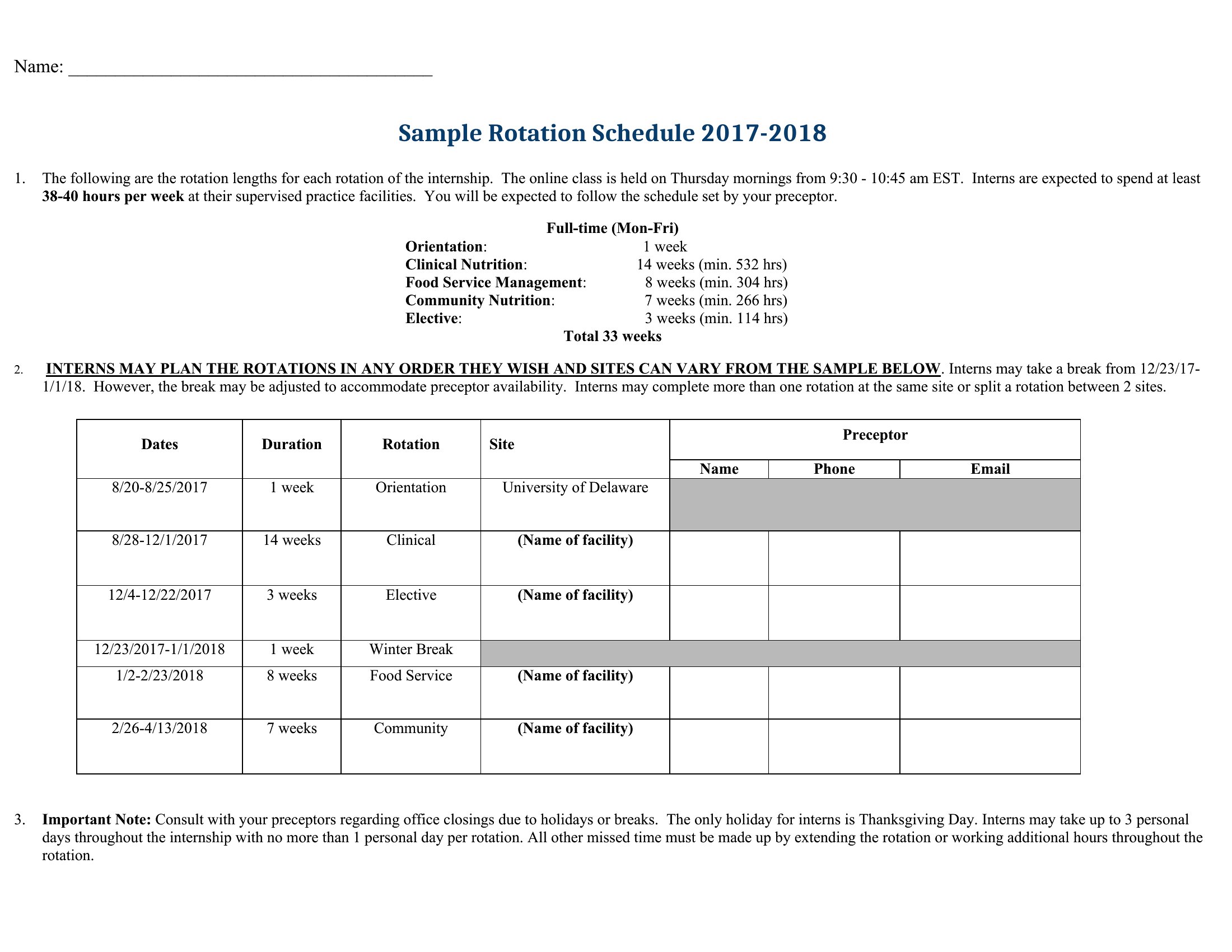
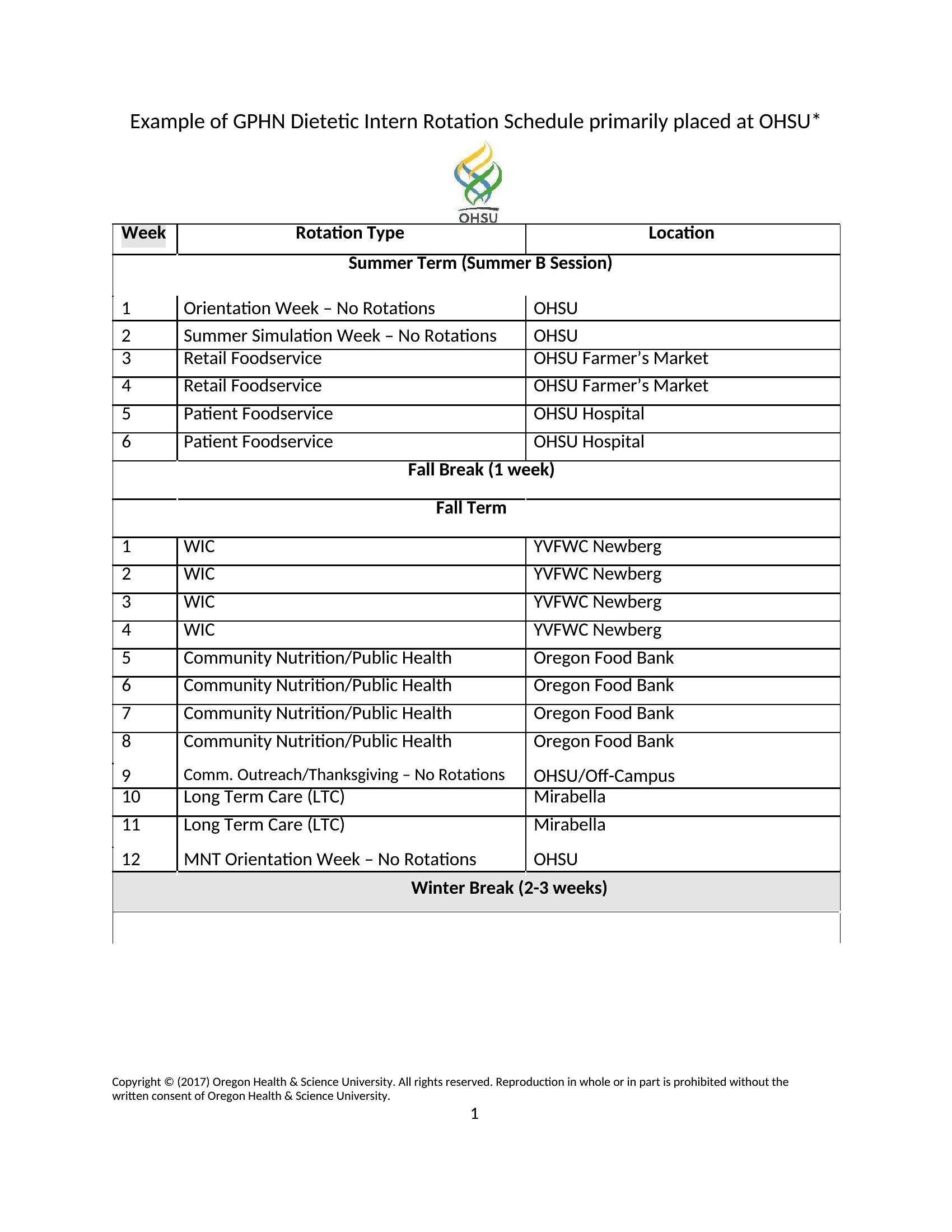
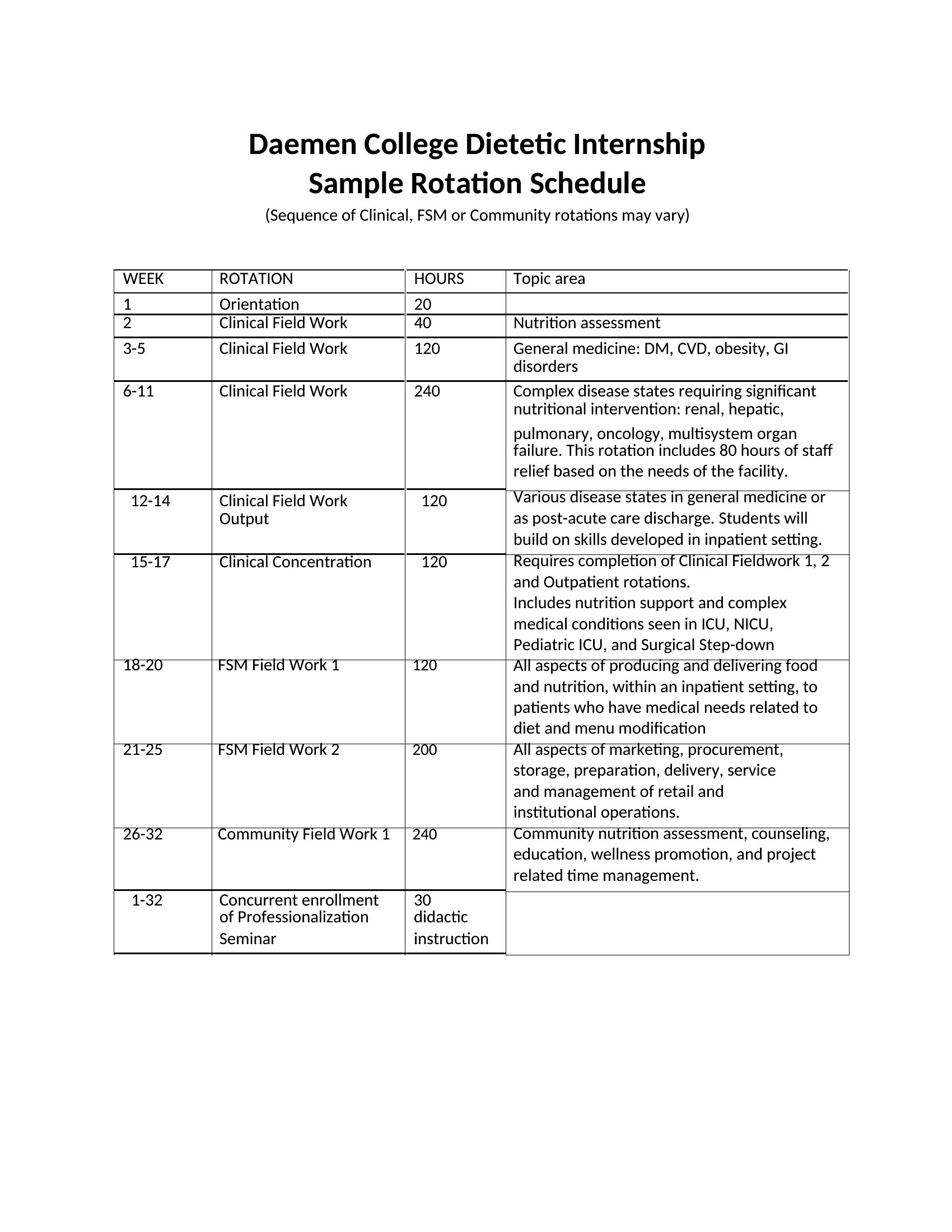
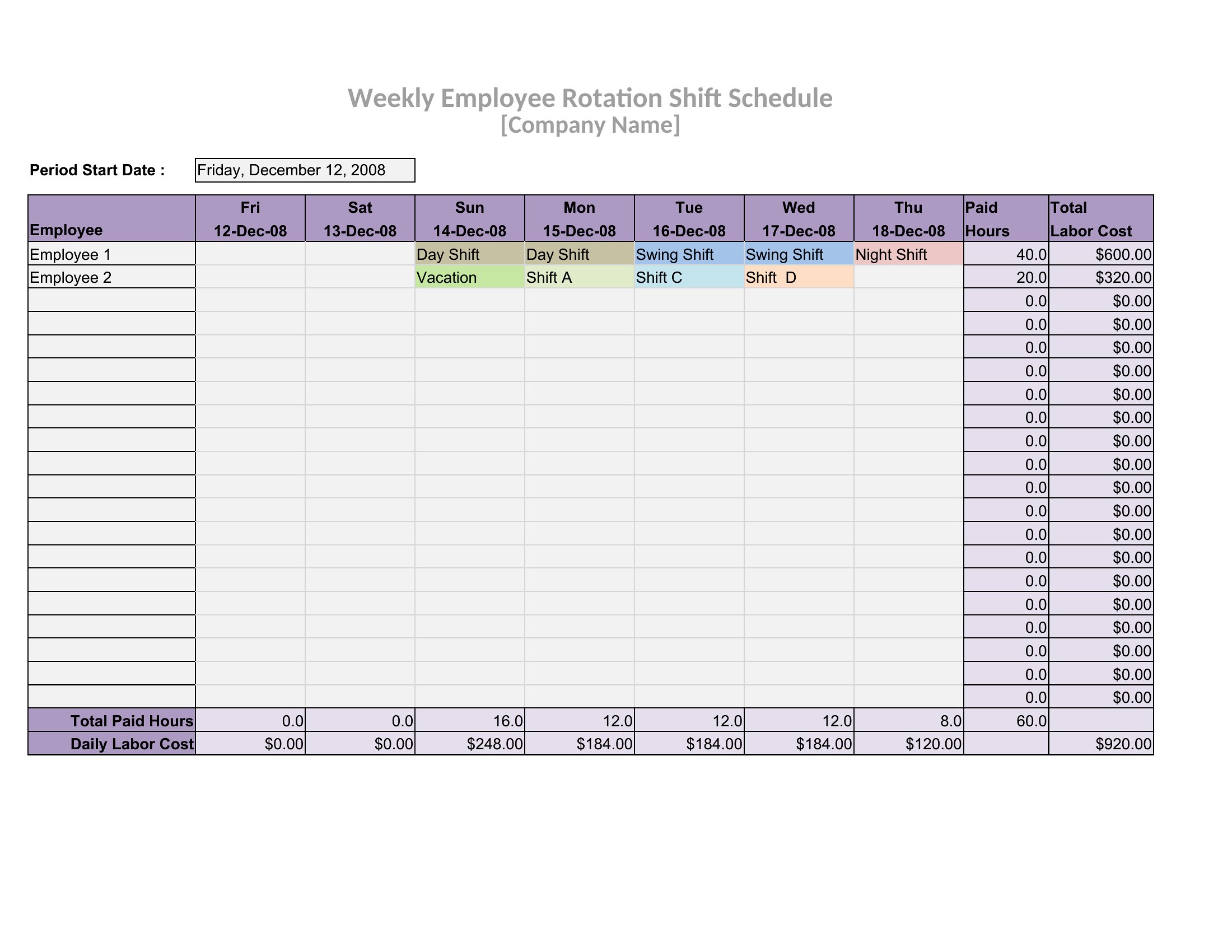
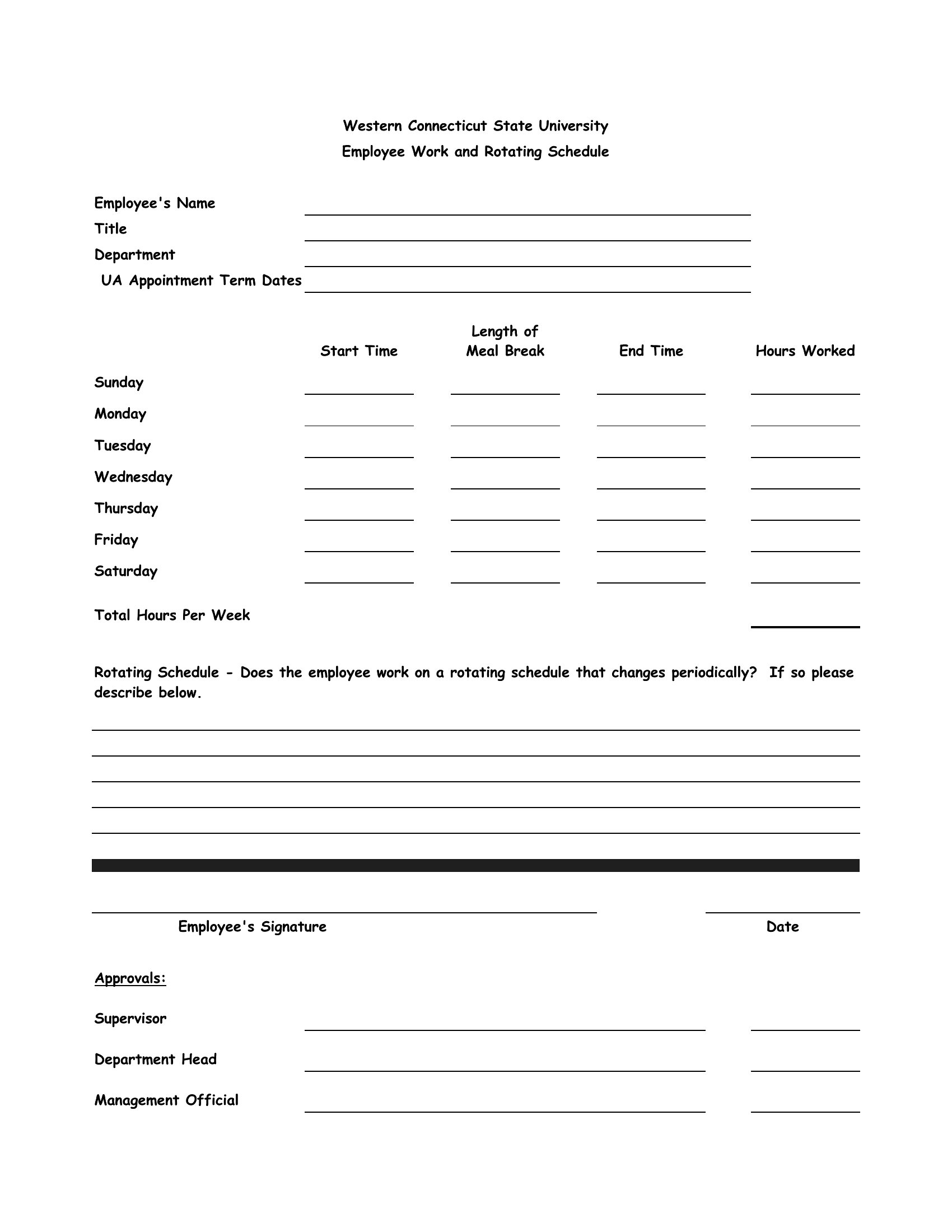
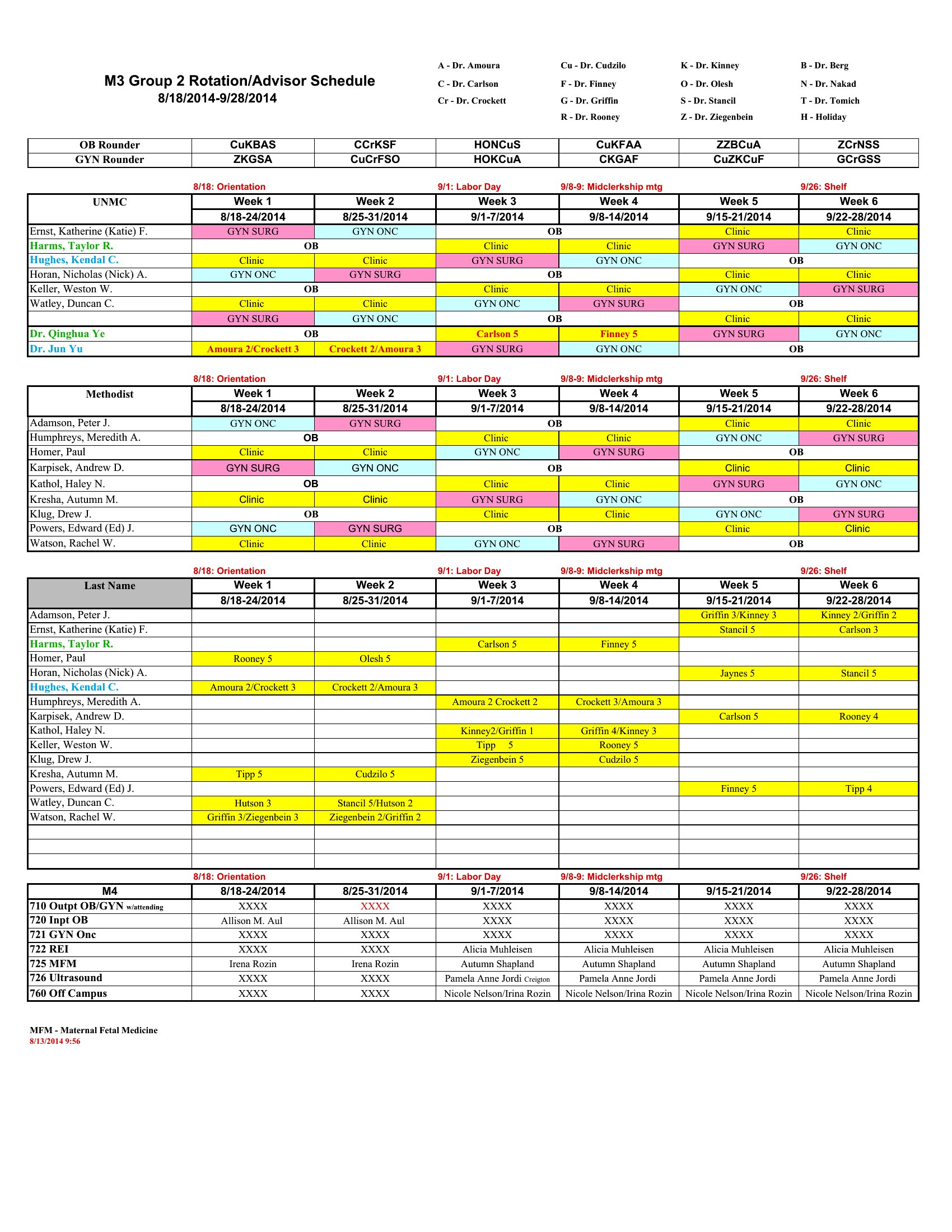
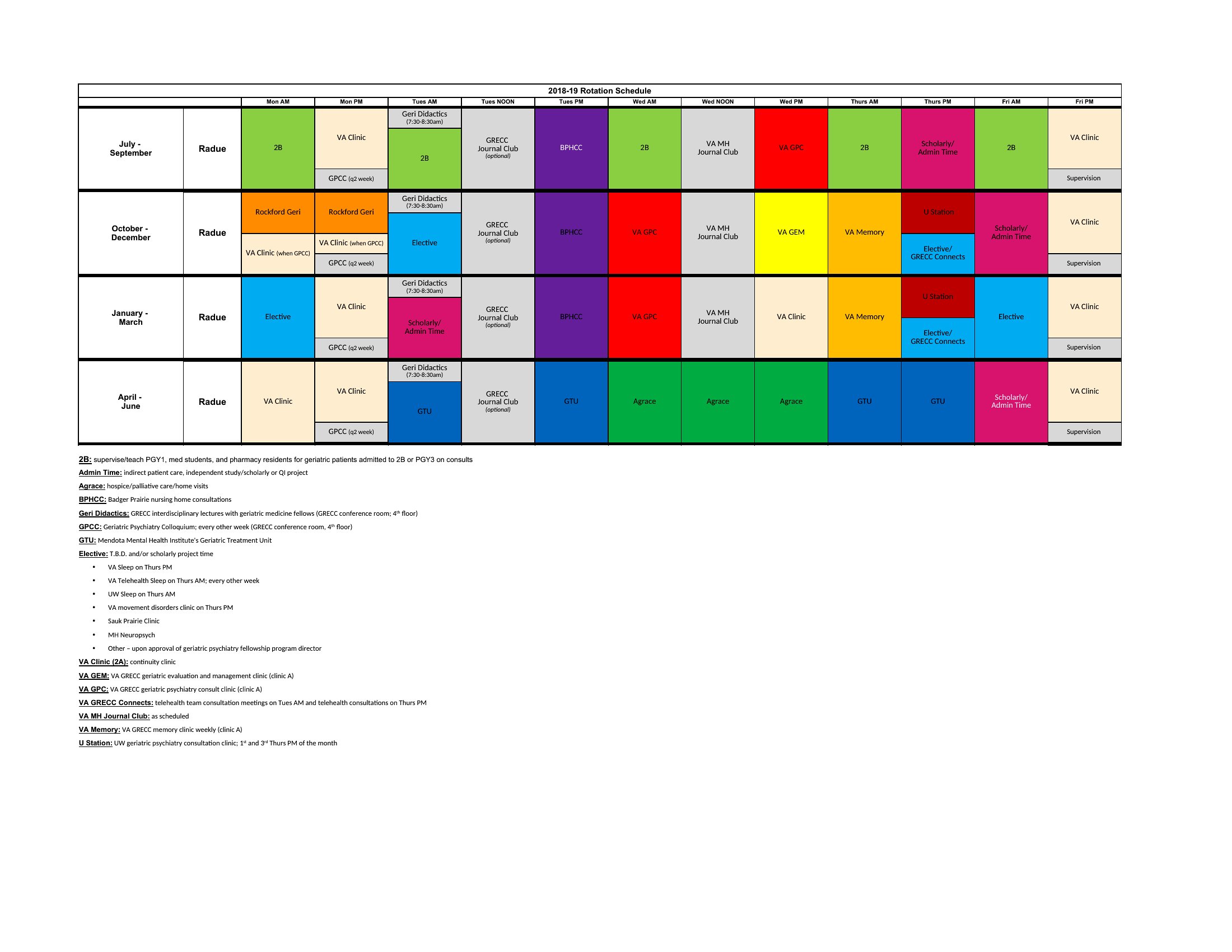
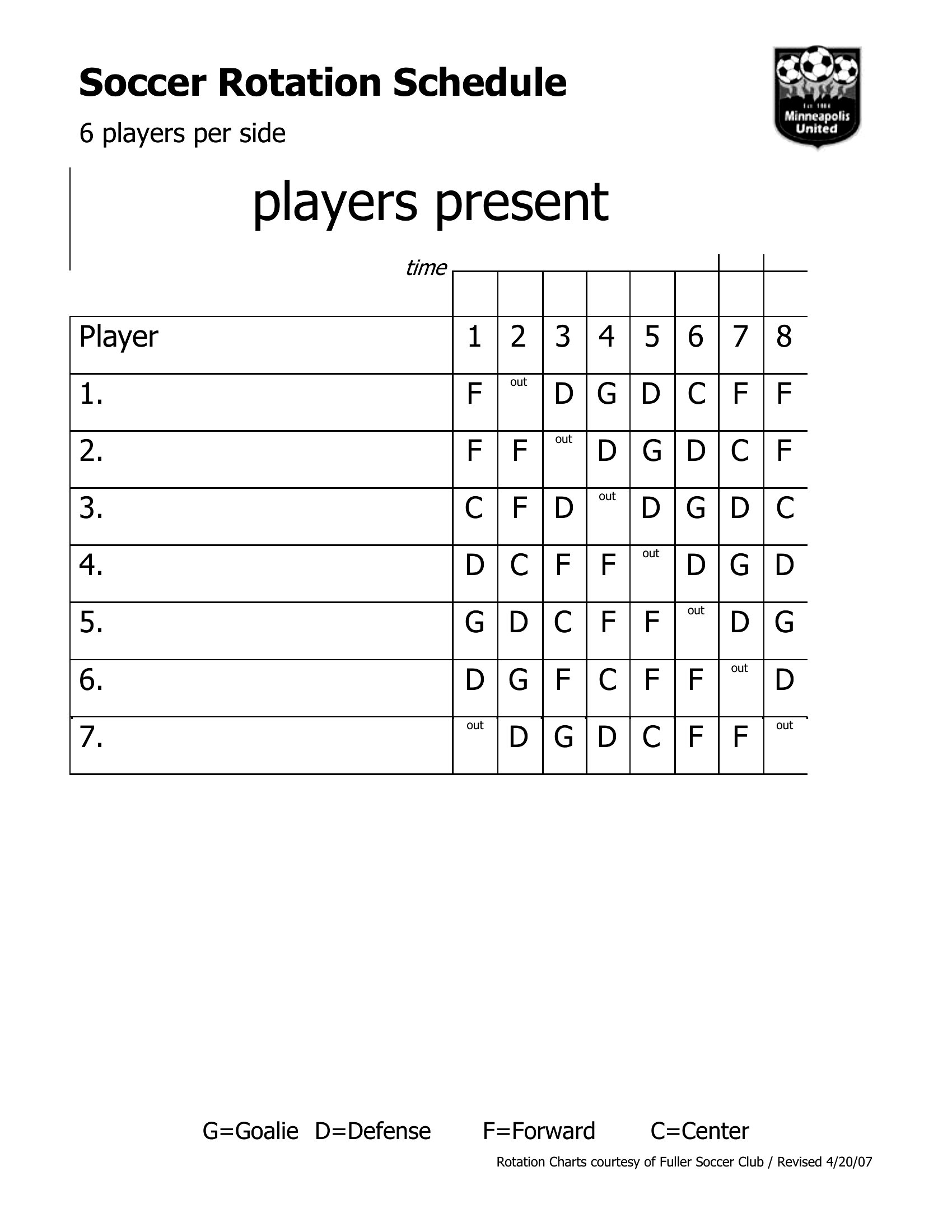
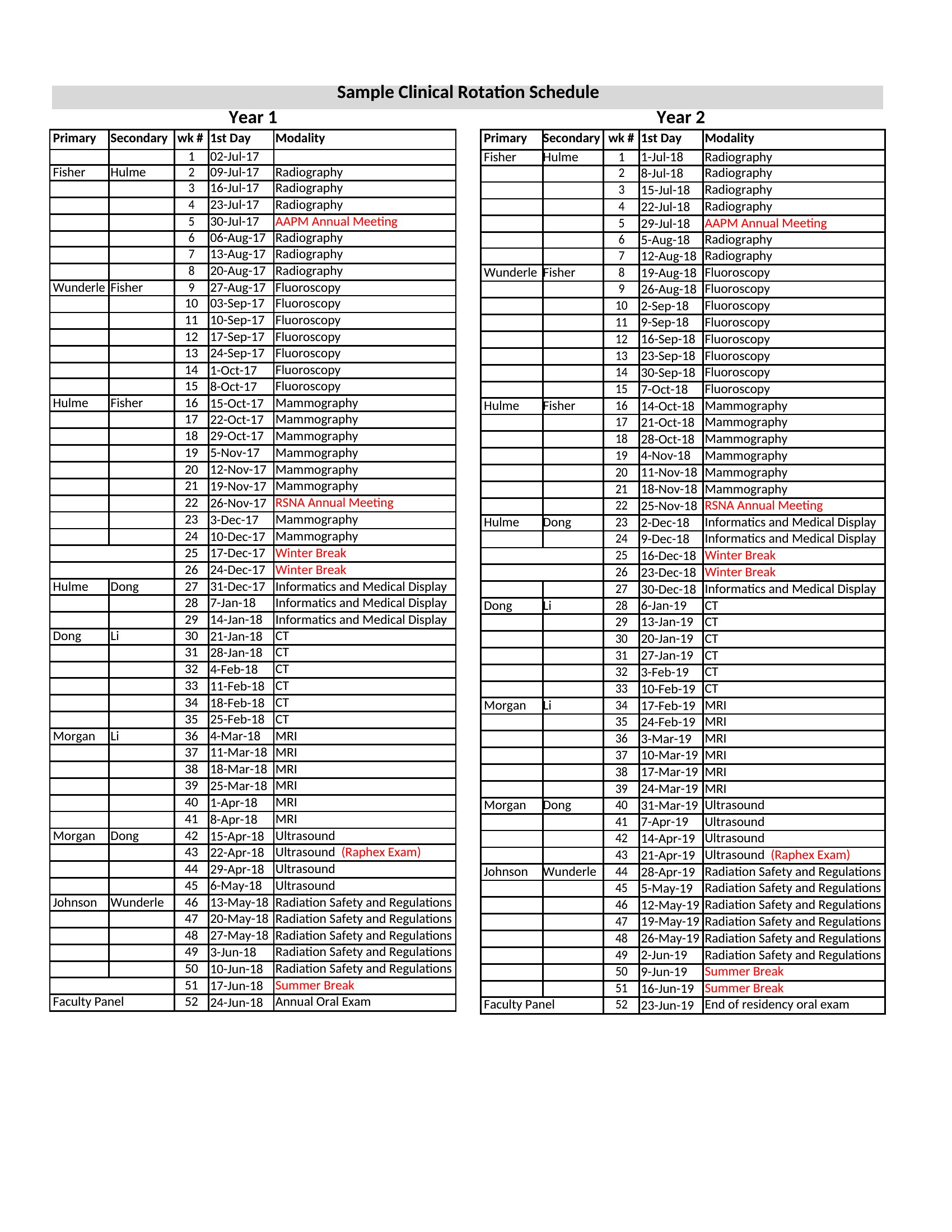
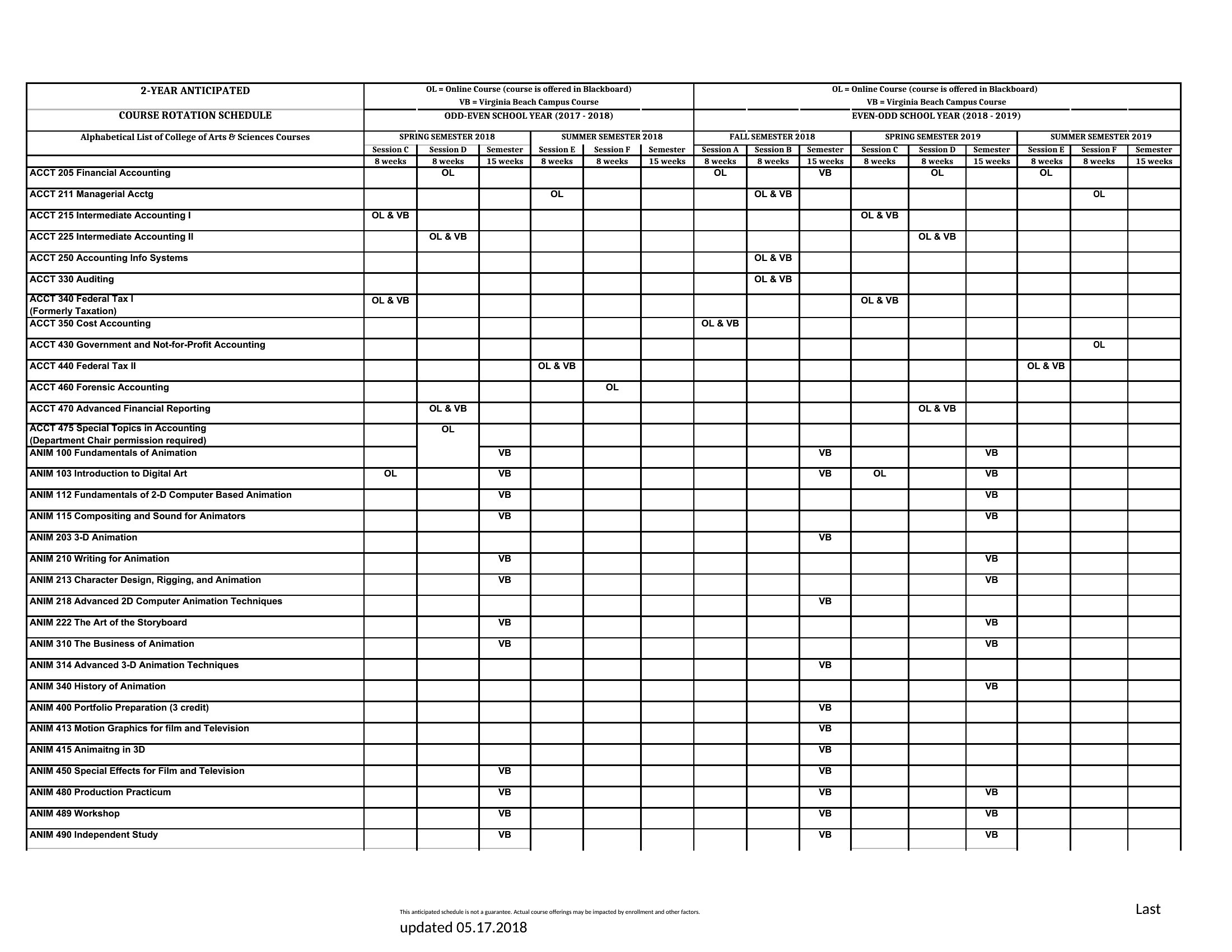
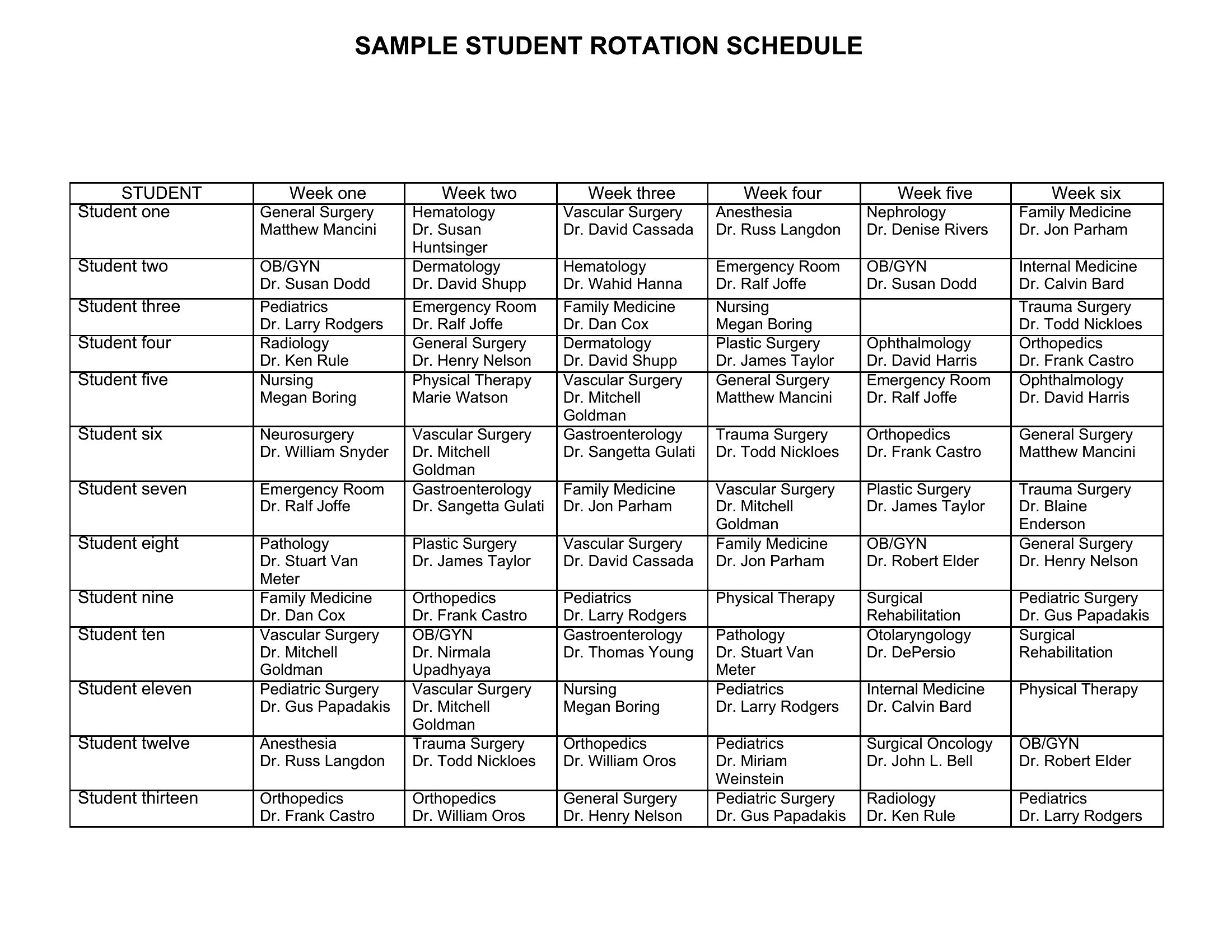
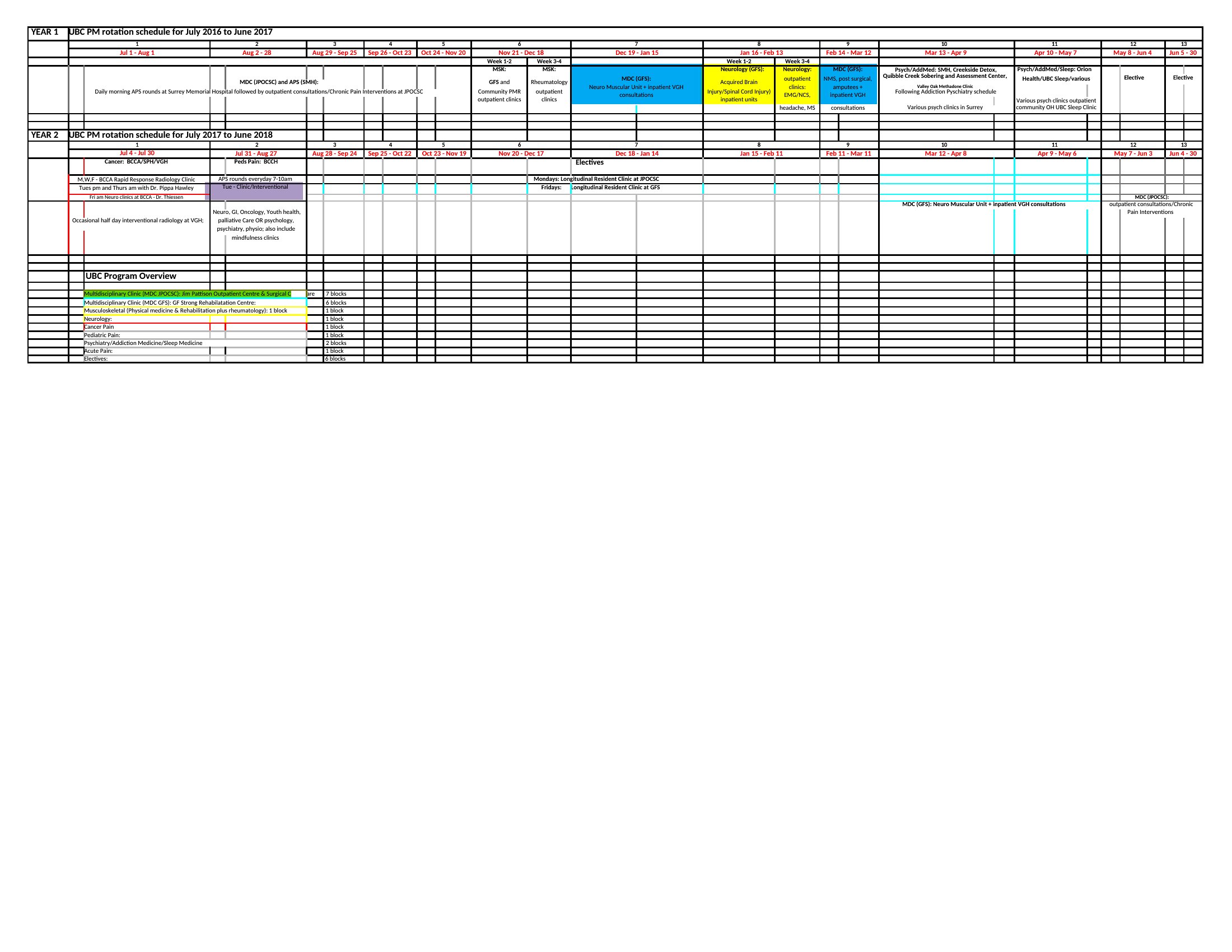
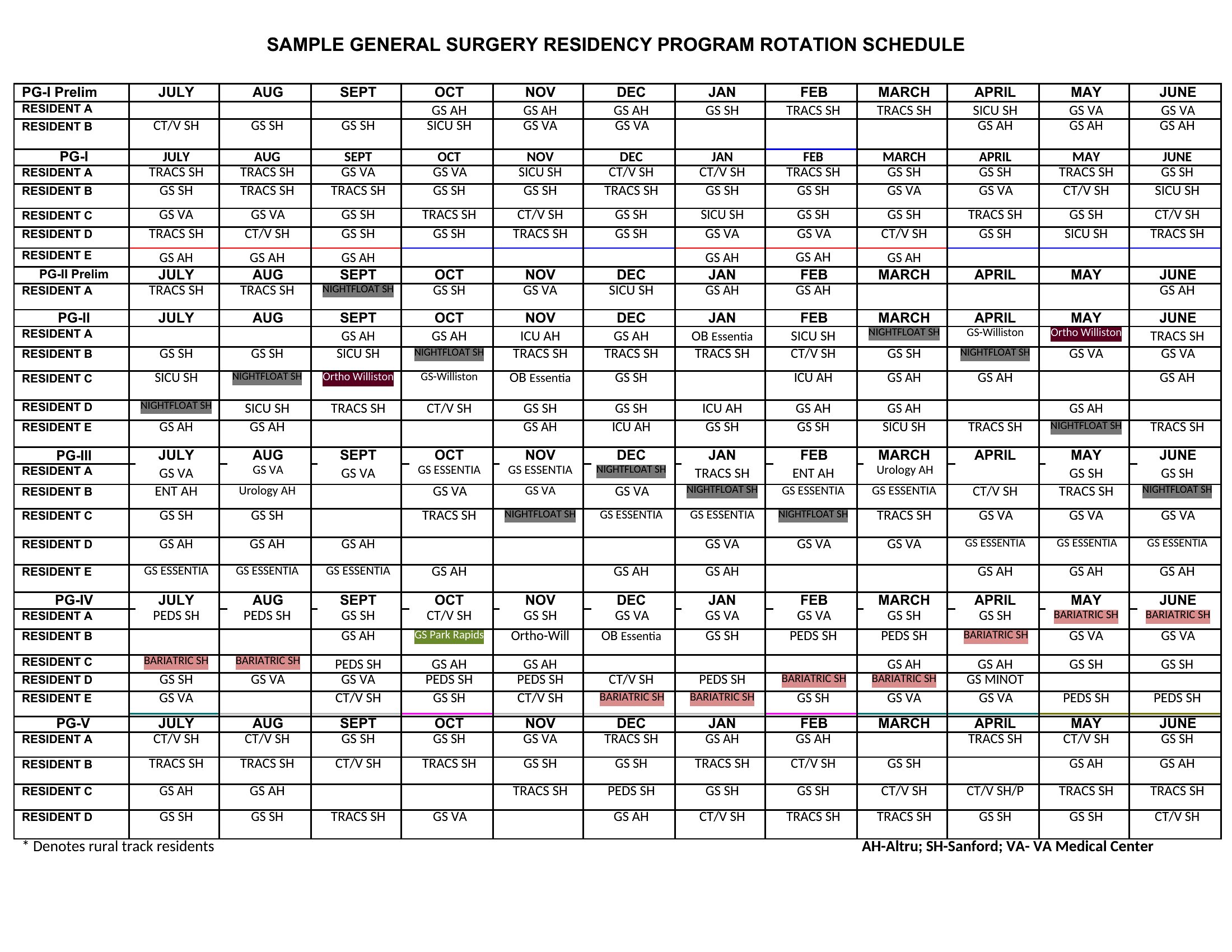
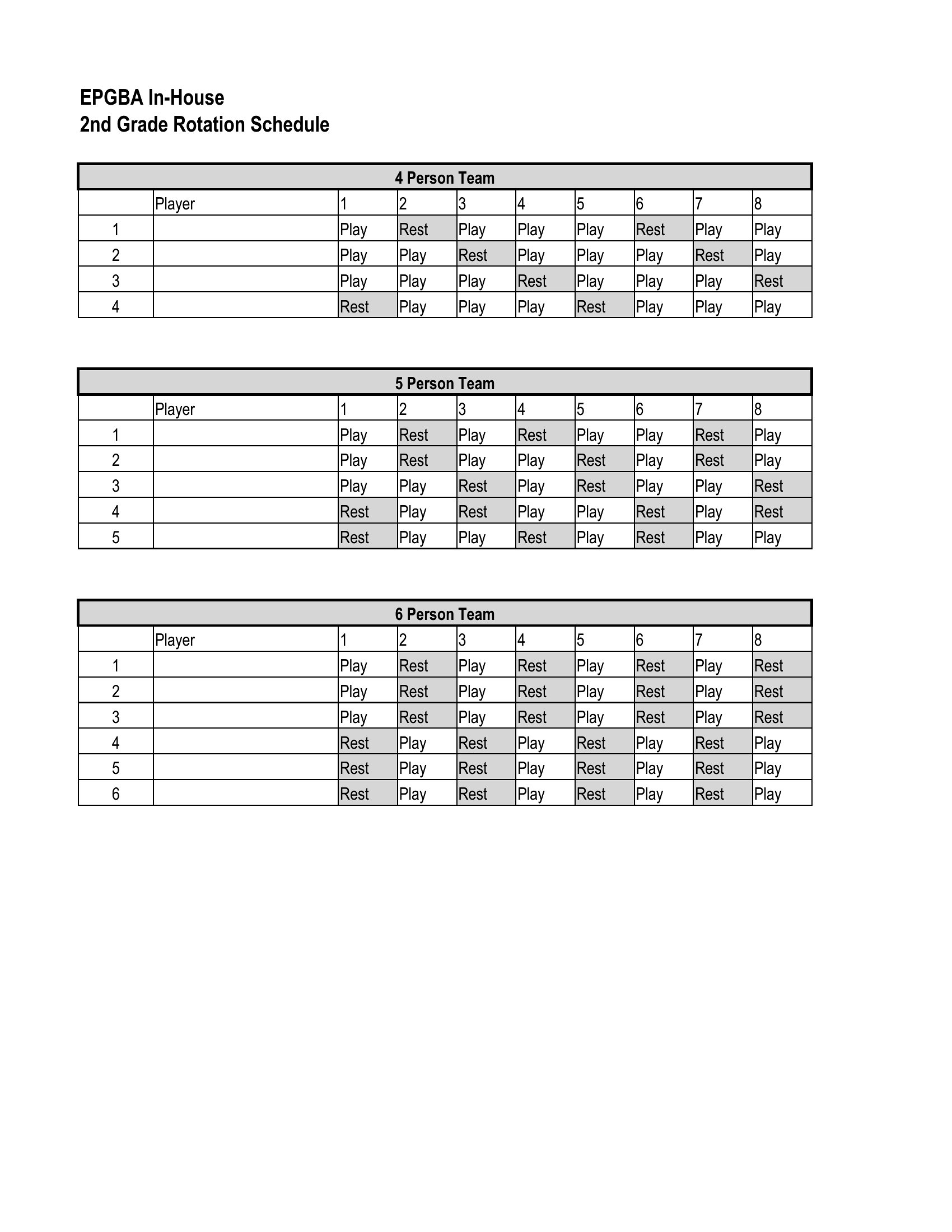
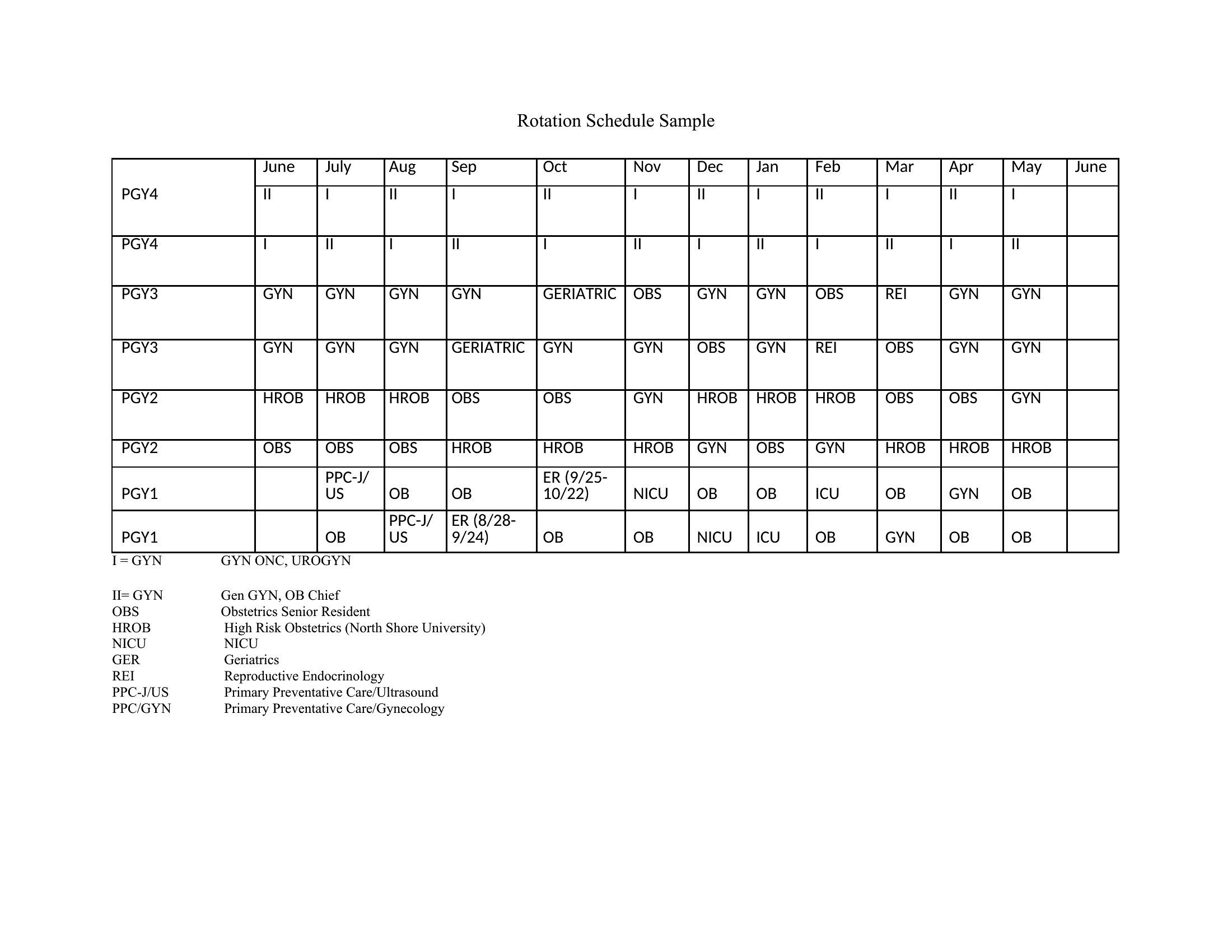
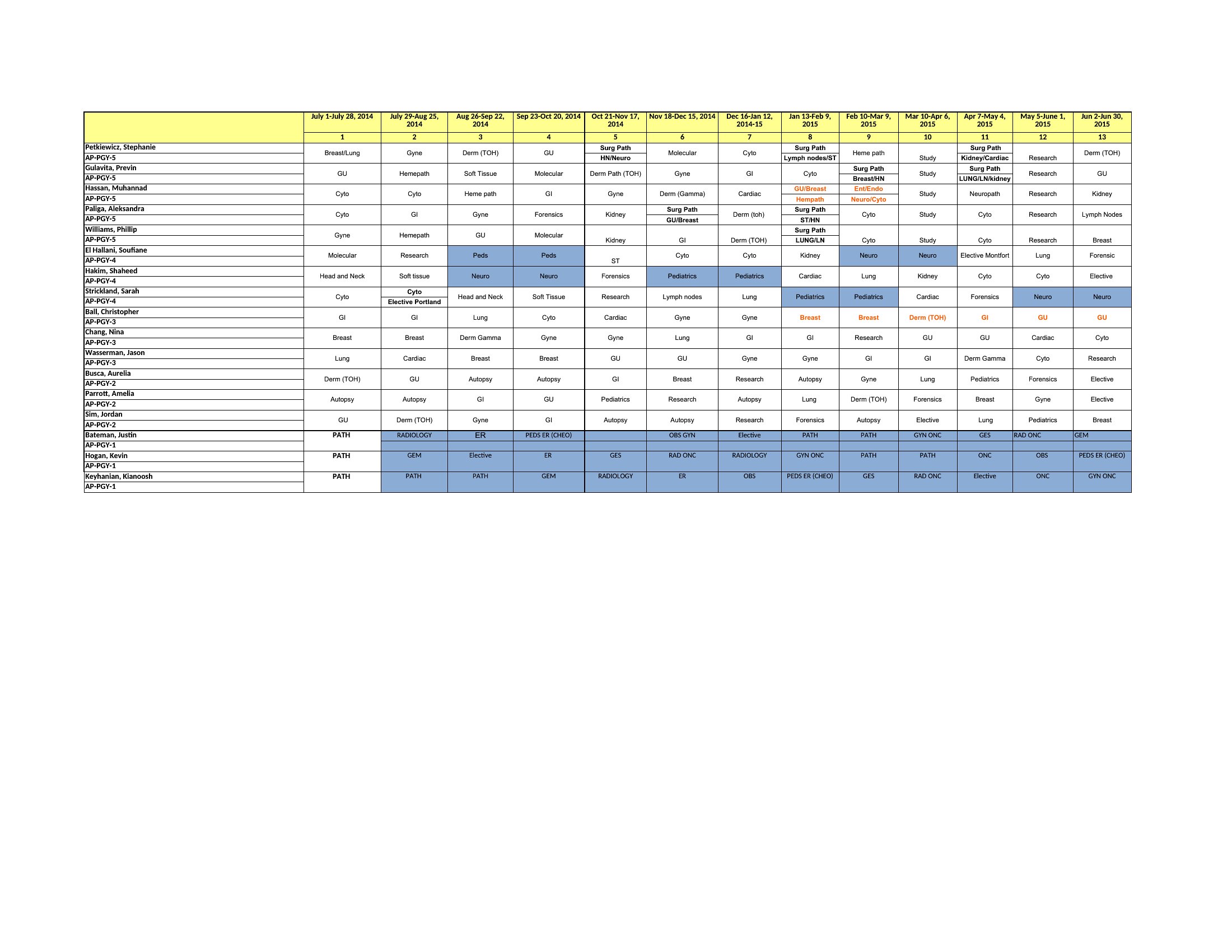
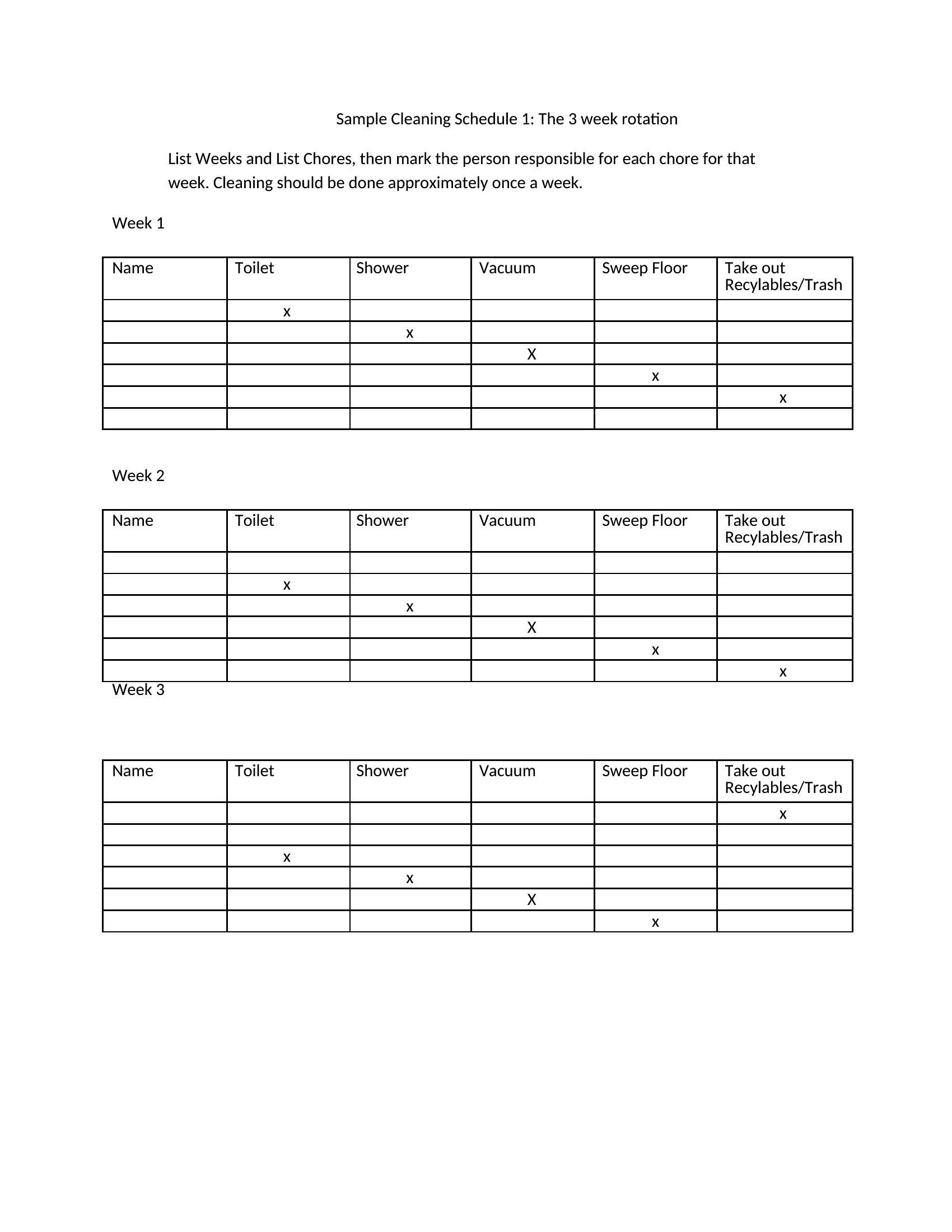
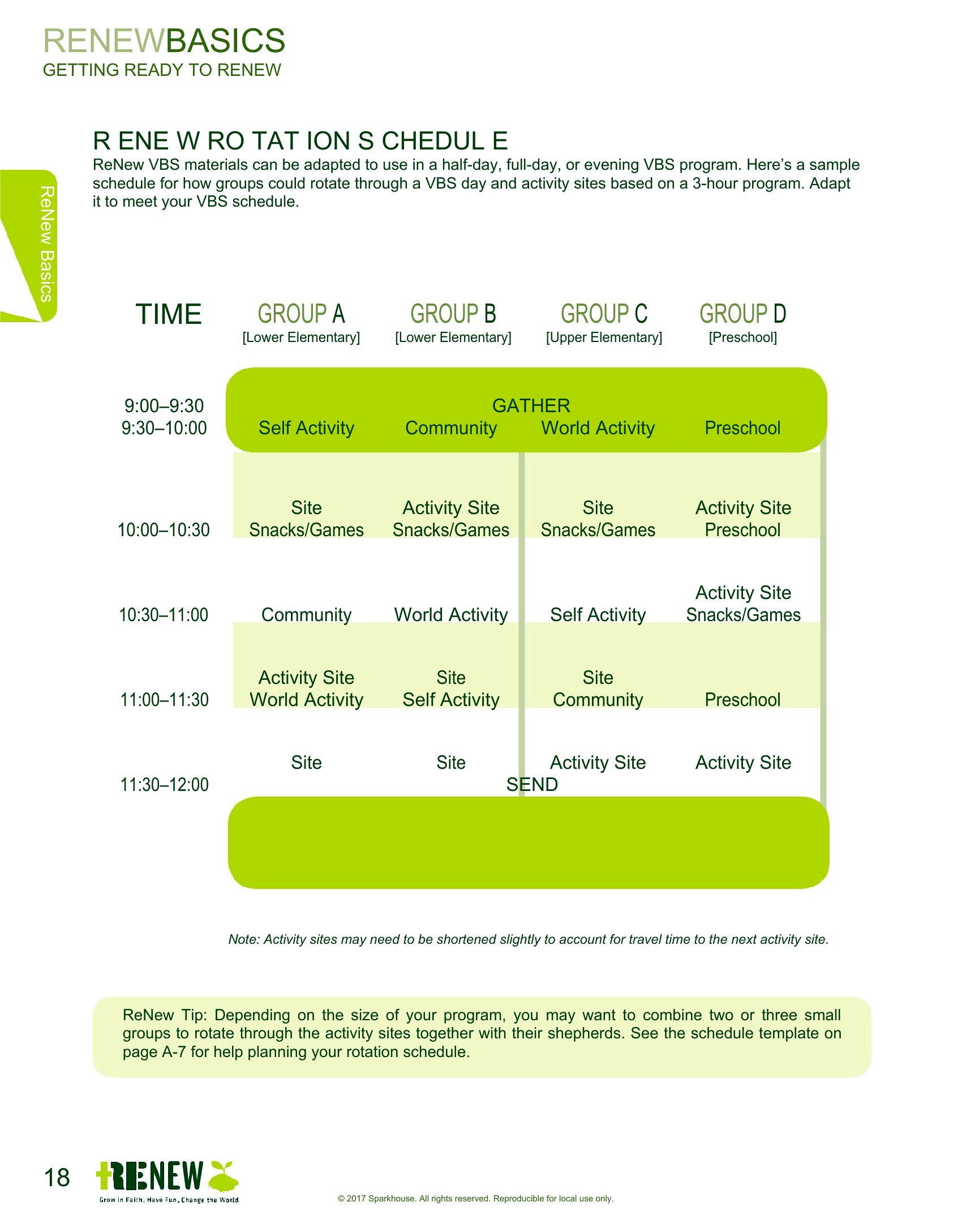
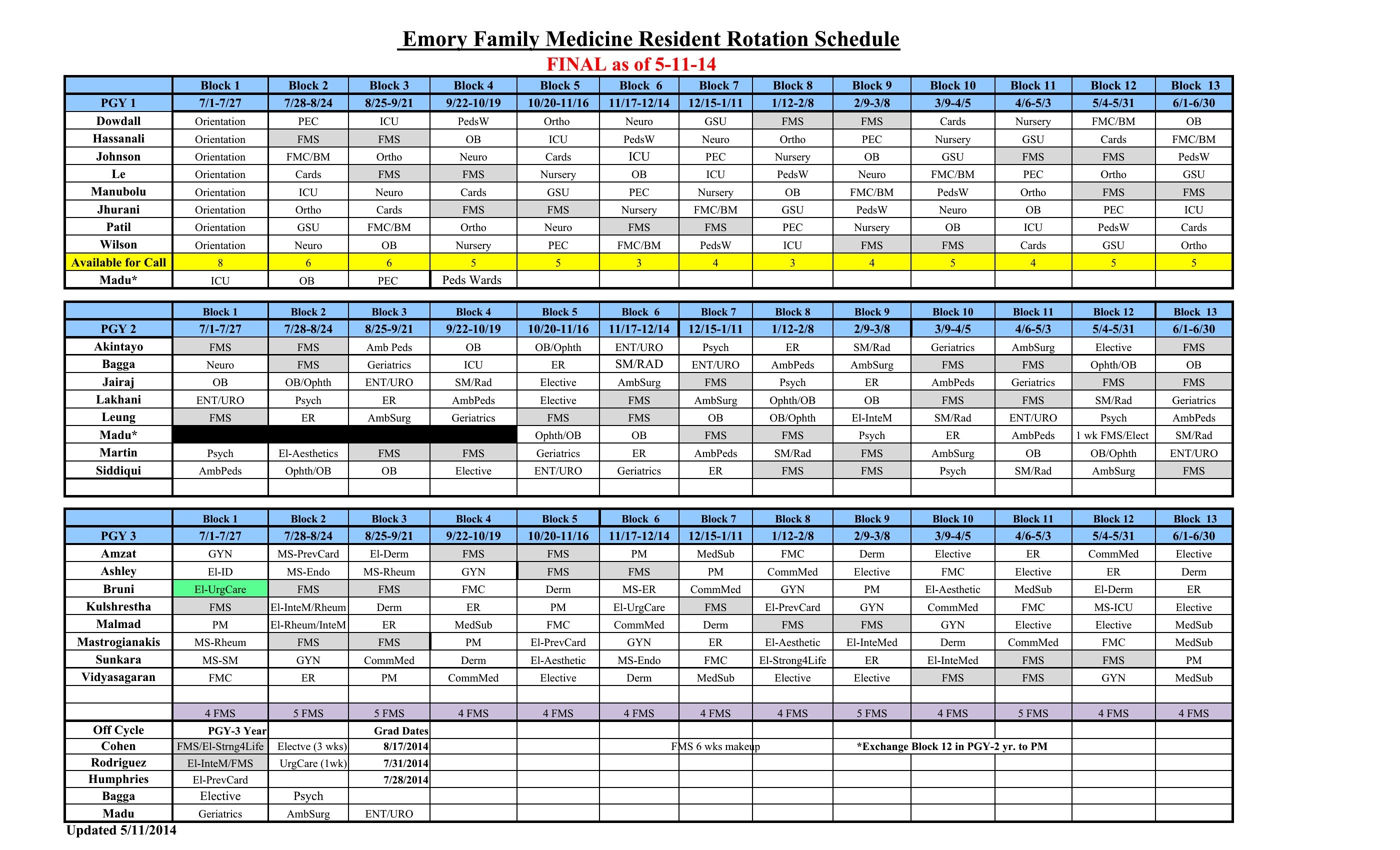
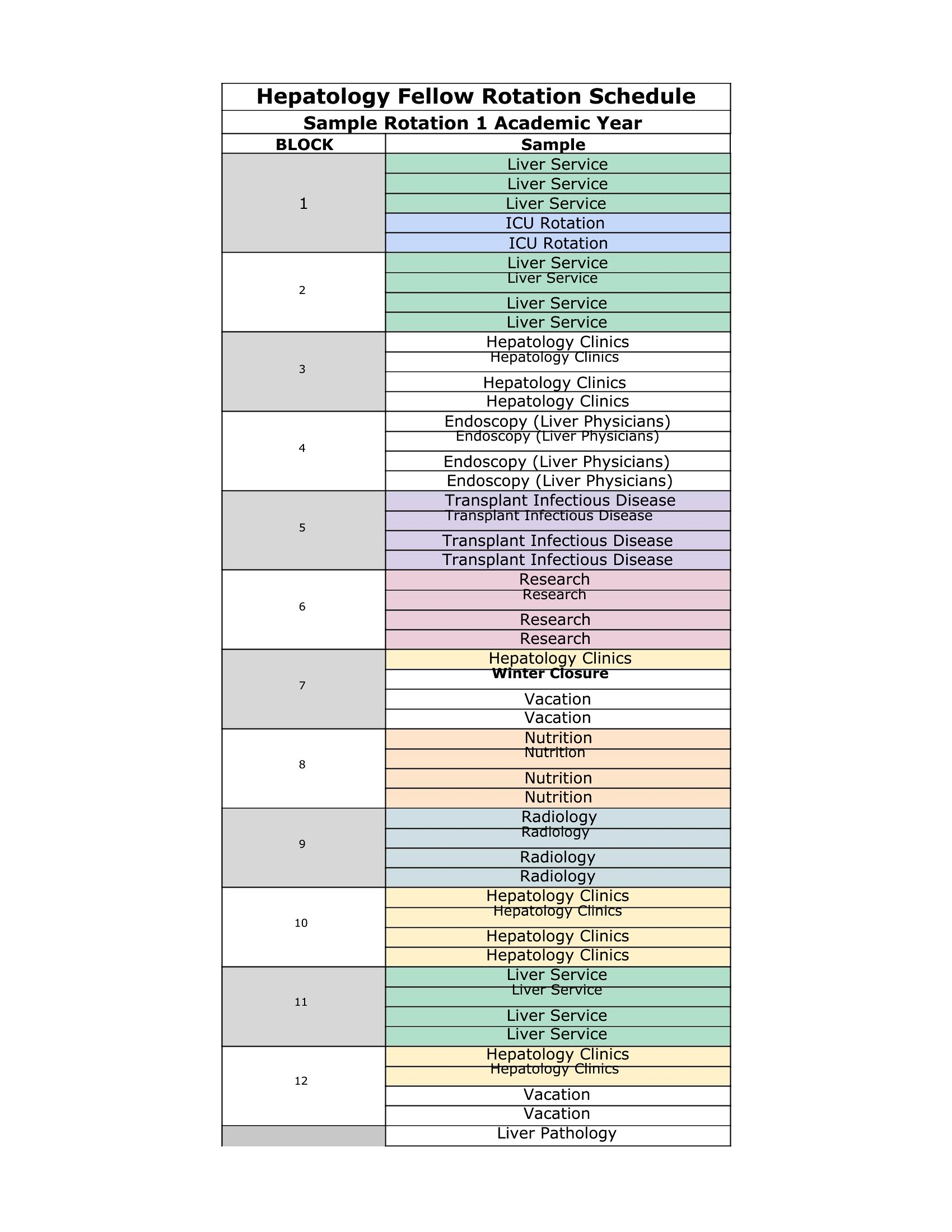
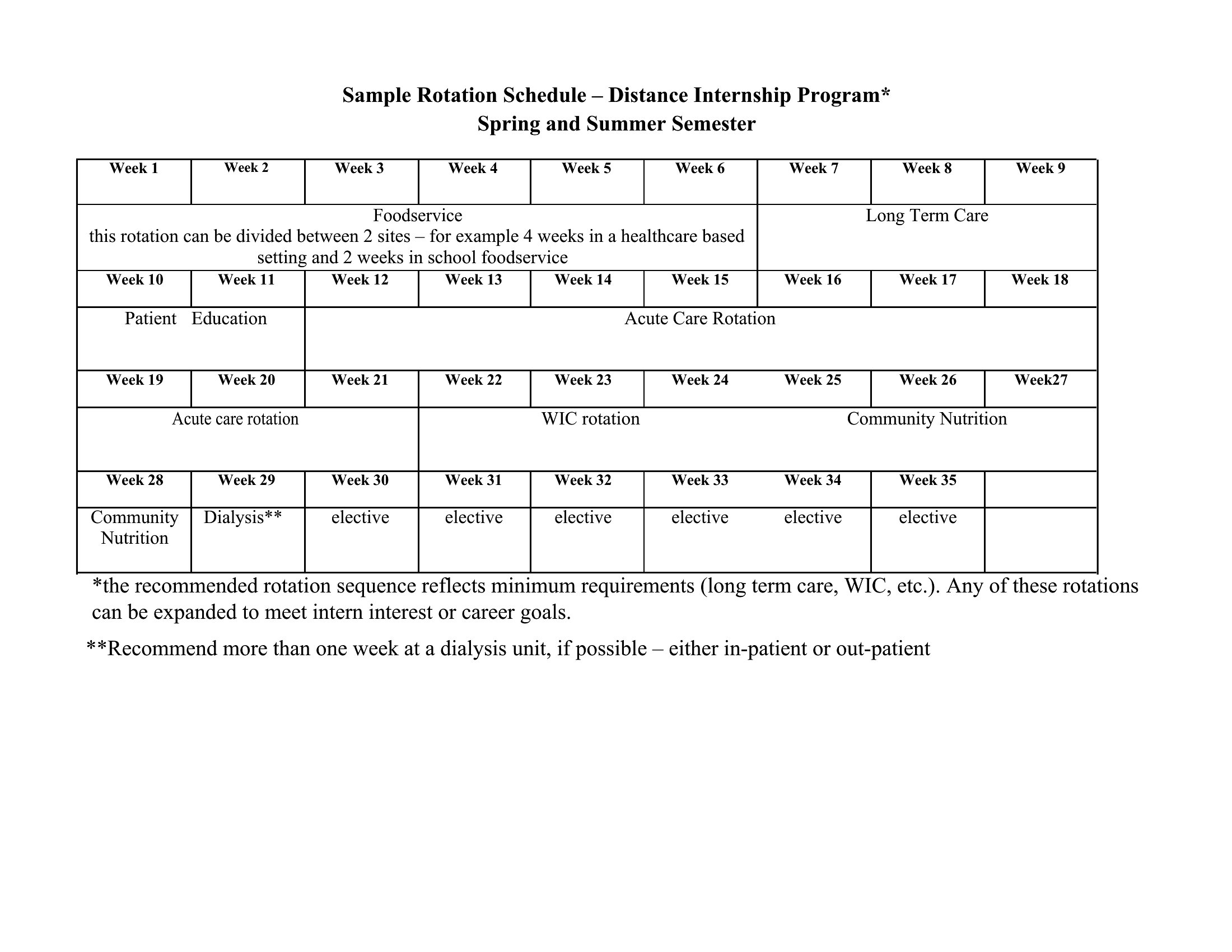
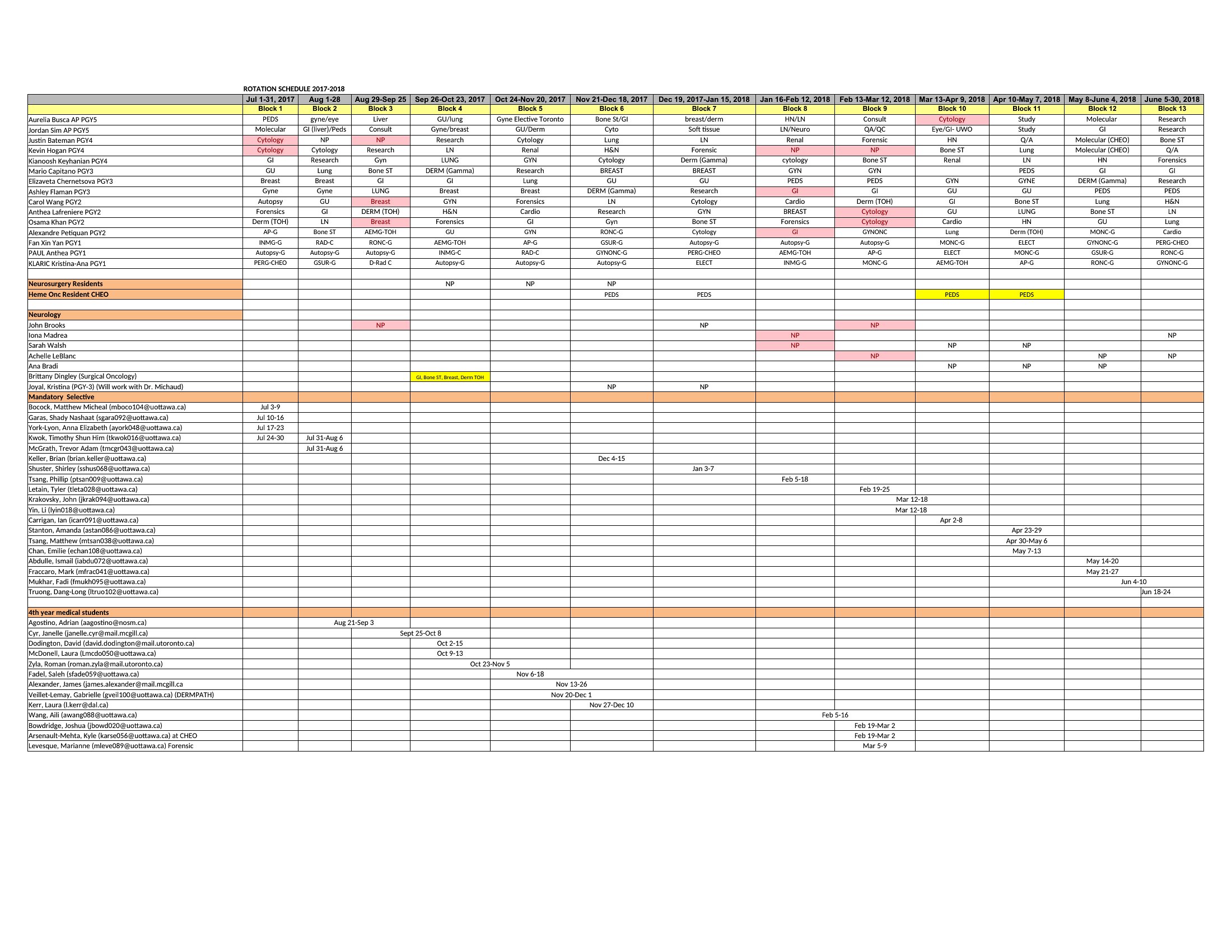
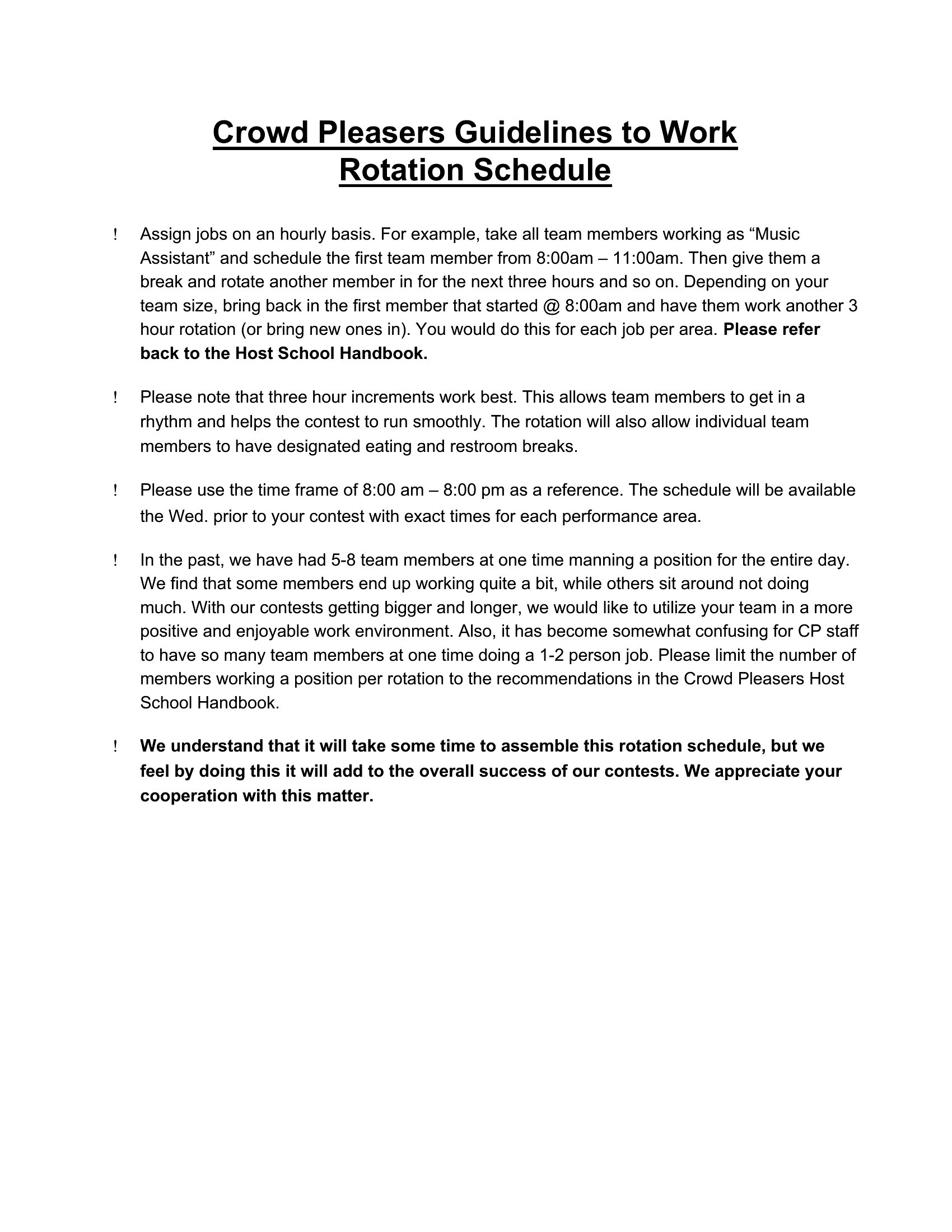
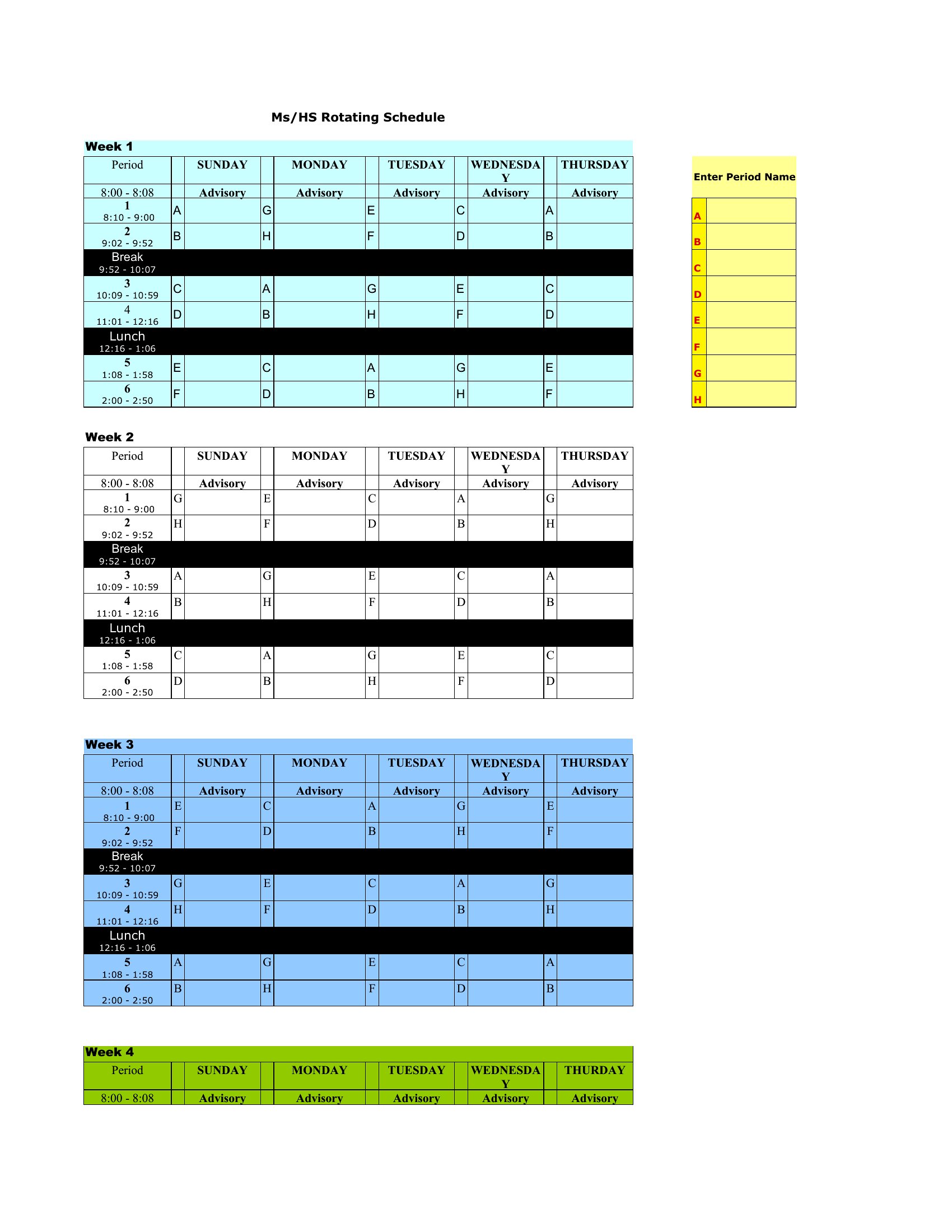
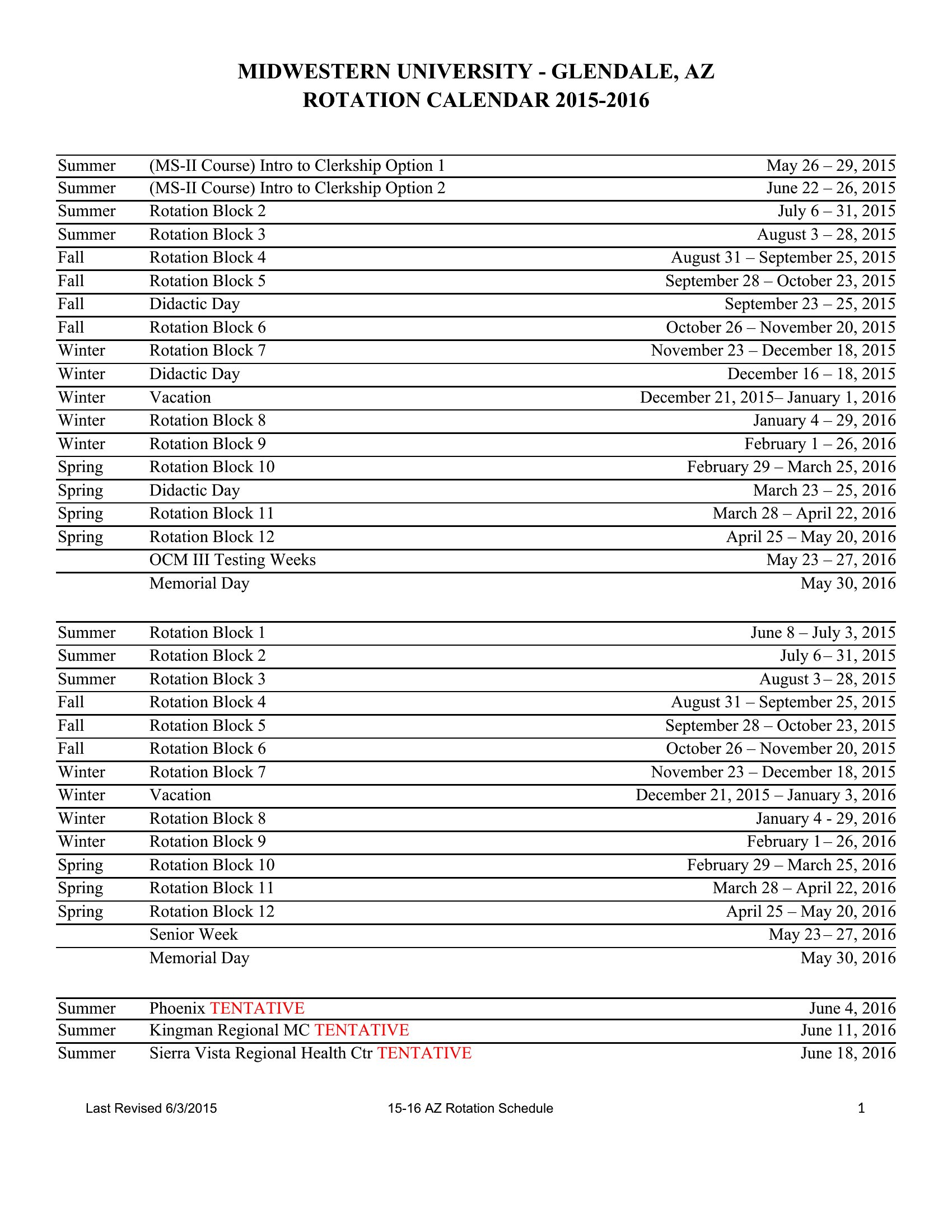
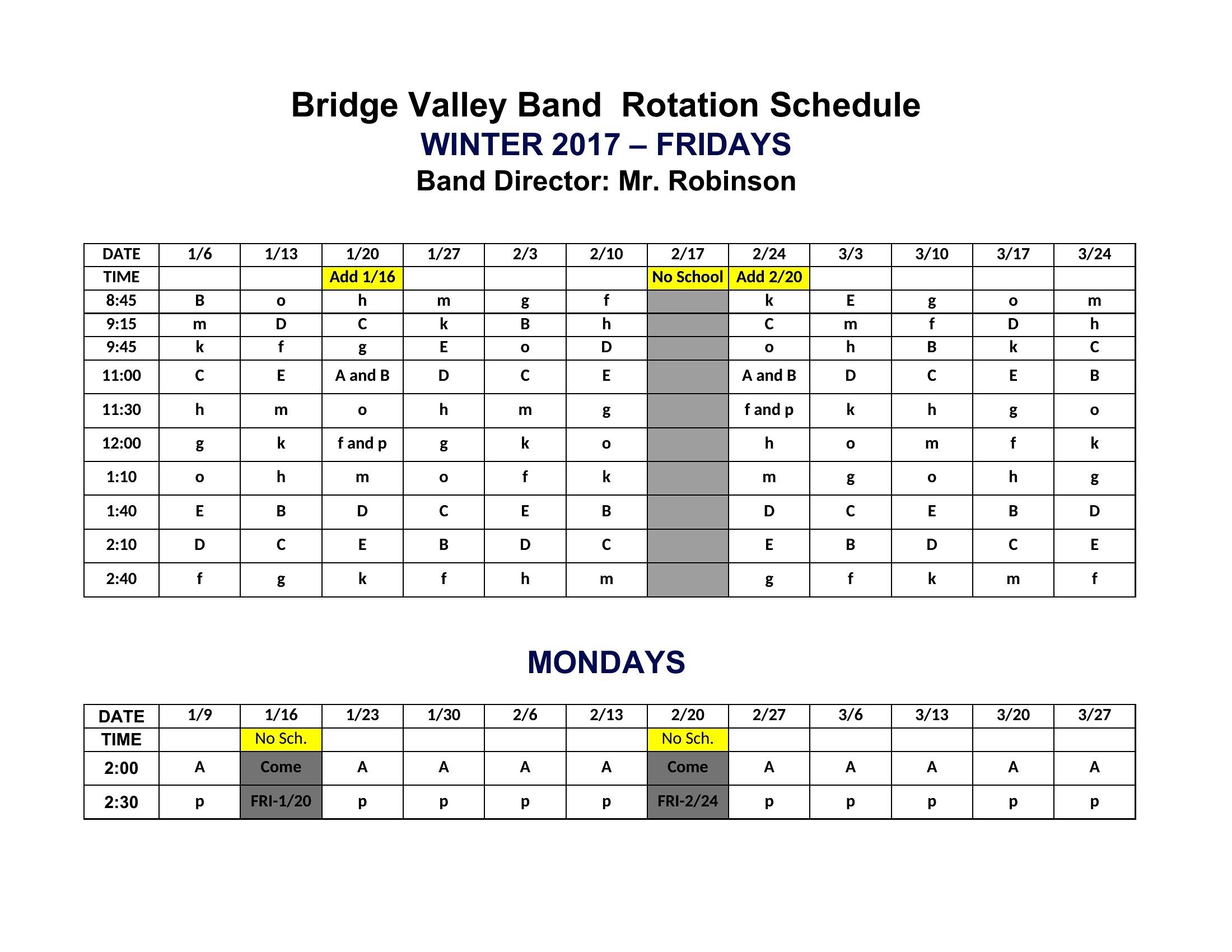
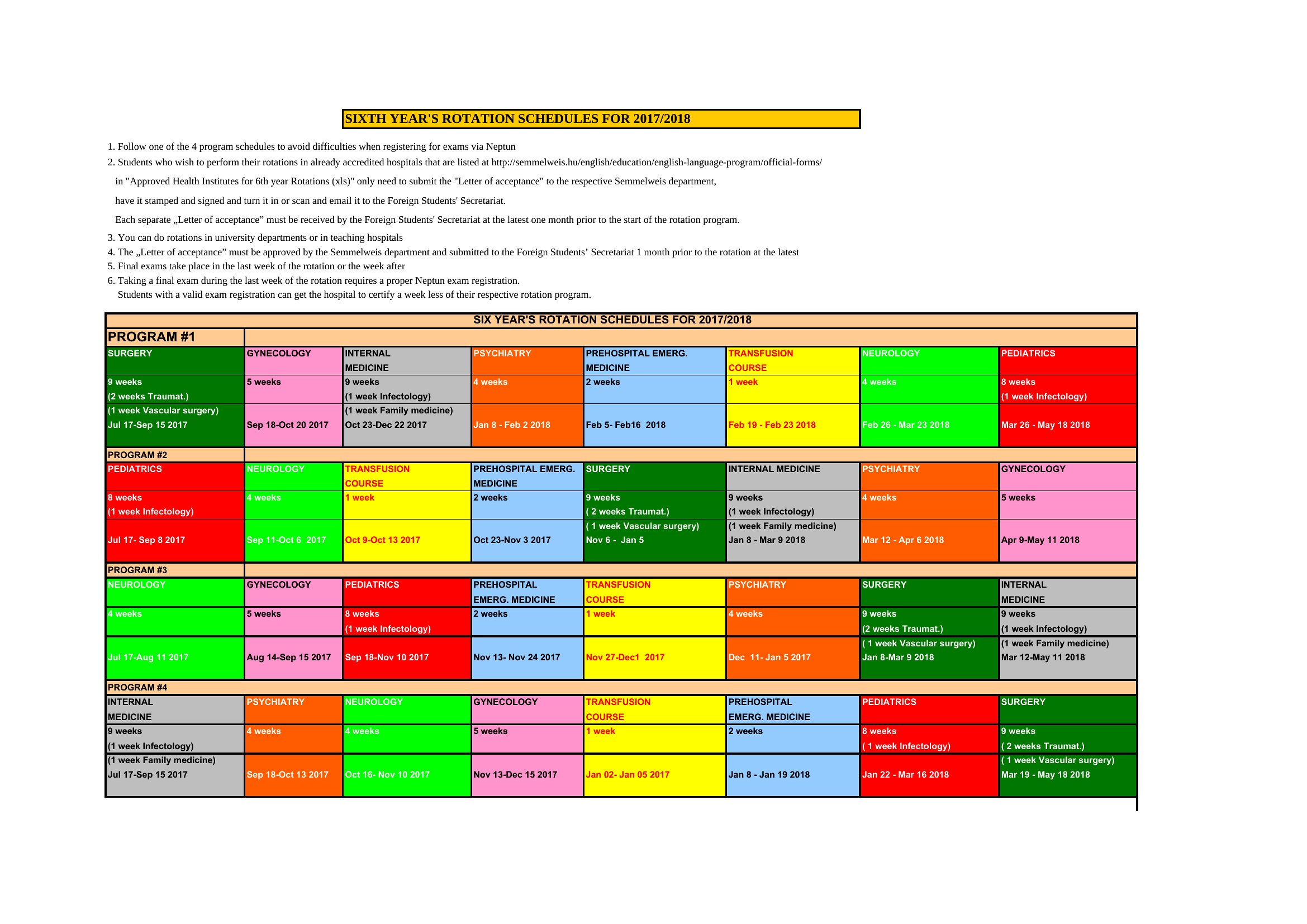
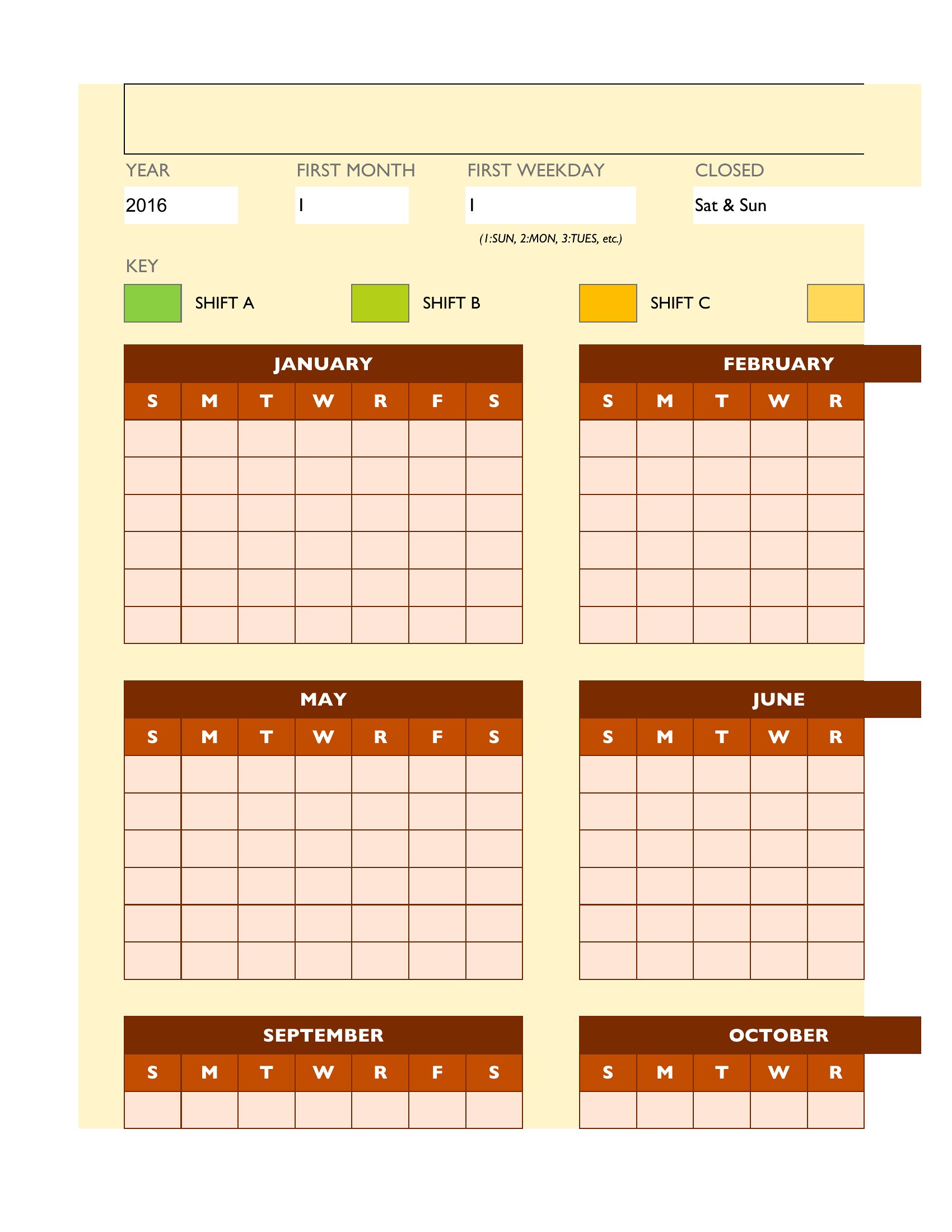
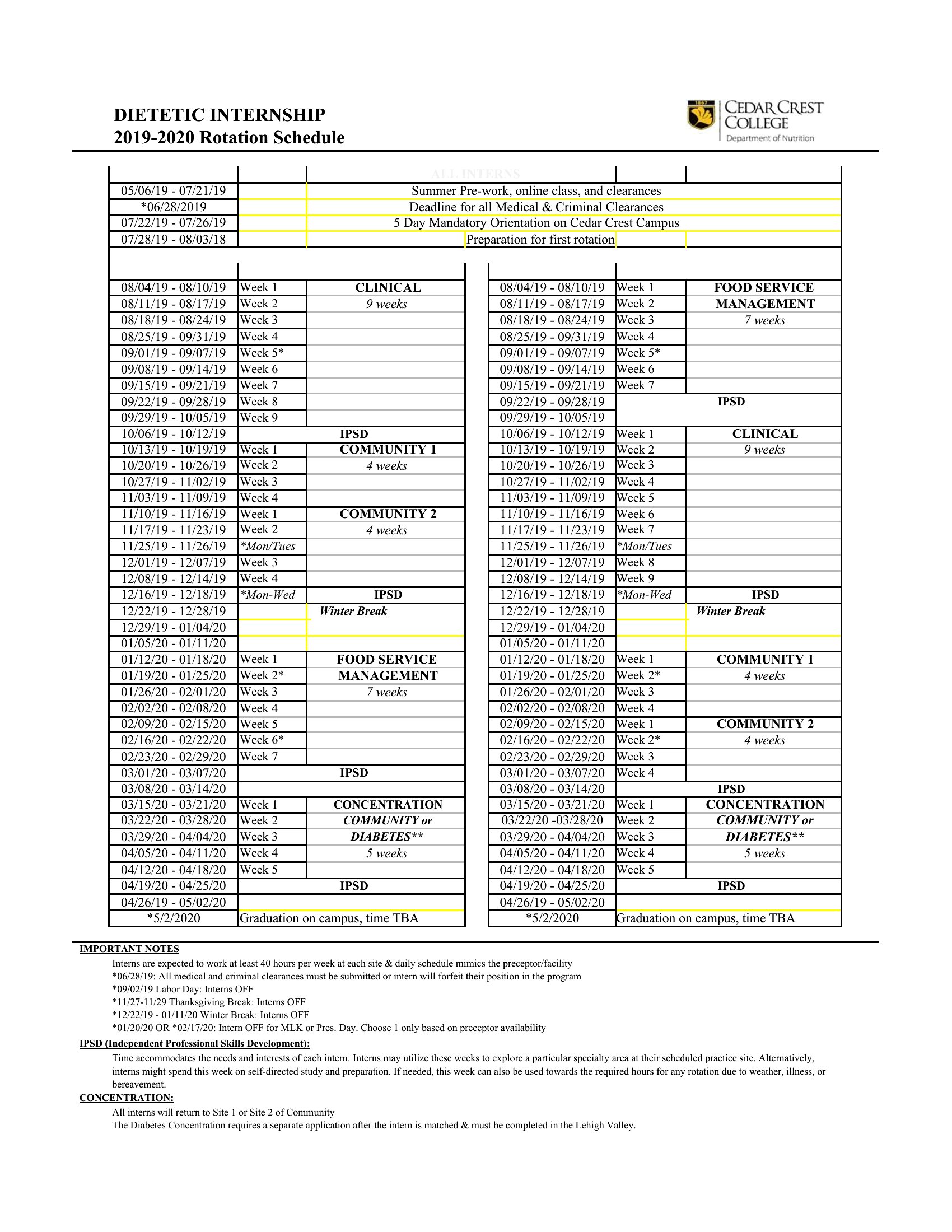
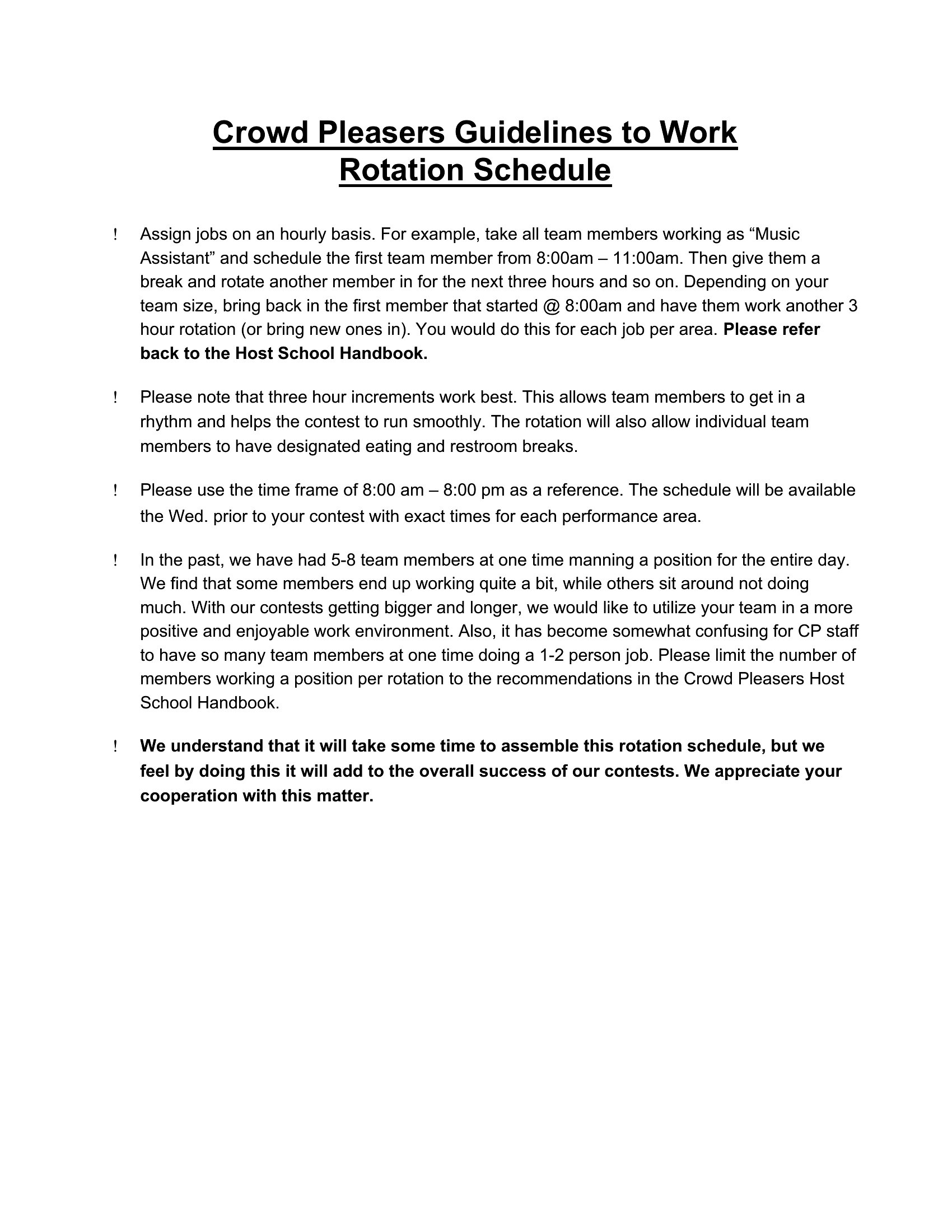
Coordinating a team that works in shifts gets complicated fast, and a rotating schedule keeps the coverage fair without endless back-and-forth. This set of 48 rotating schedule templates suits shift supervisors, healthcare units, retail managers, and anyone juggling nights, weekends, and days off. The layouts handle common patterns so you can see at a glance who's on, who's off, and where the gaps are.
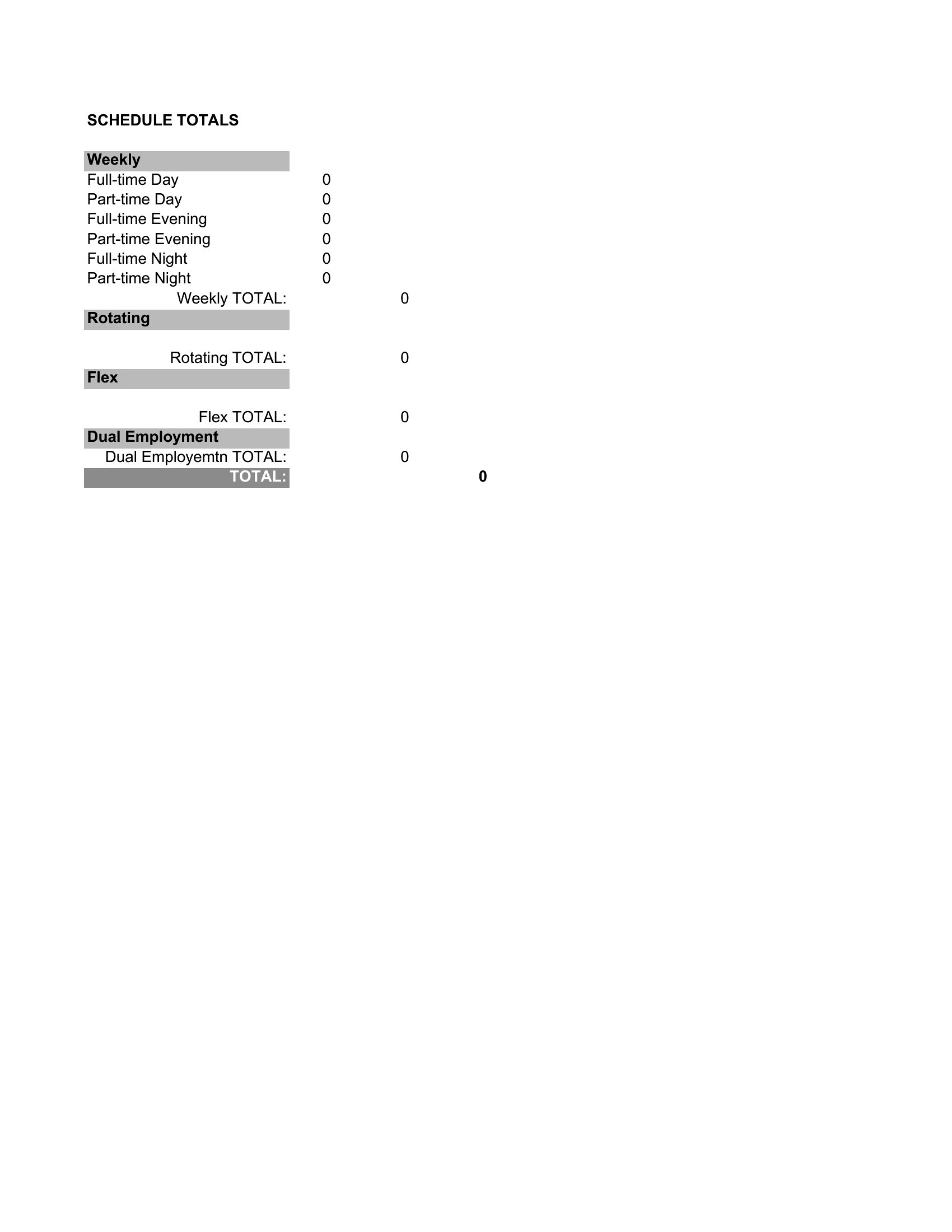
Excel versions let you drag patterns across weeks and recalculate hours as you go, while the Word files print cleanly for the break-room wall. Type in your staff, set the rotation, and adjust whenever someone swaps a day. Pick the schedule that matches your team's cycle and post the next rota in minutes.
When to use this Rotating Schedule template
- Nursing home administrators need to balance staffing across three 8-hour shifts while ensuring experienced nurses cover late-night care consistently.
- A 24-hour retail team leader must rotate weekend and weeknight shifts fairly while tracking holiday premium pay eligibility for each employee.
- A small manufacturing supervisor manages a 12-hour rotating schedule for three crews, ensuring equipment downtime aligns with scheduled breaks and shift changes.
- A non-profit volunteer coordinator plans monthly community outreach shifts, rotating volunteers fairly while accounting for availability and skillset requirements.
Which format should I download?
Choose Word if you need a visually polished, print-ready schedule to share during team meetings or post on a physical board. The layouts let you add manager notes or shift-specific instructions. Go with Excel for data-driven teams that track hours, overtime, or payroll directly within the schedule. The spreadsheet format also makes it easy to sort by employee, date, or shift type. If your team relies on recurring patterns, Excel’s formulas can auto-fill future rotations—ideal for healthcare or retail operations with predictable staffing cycles.
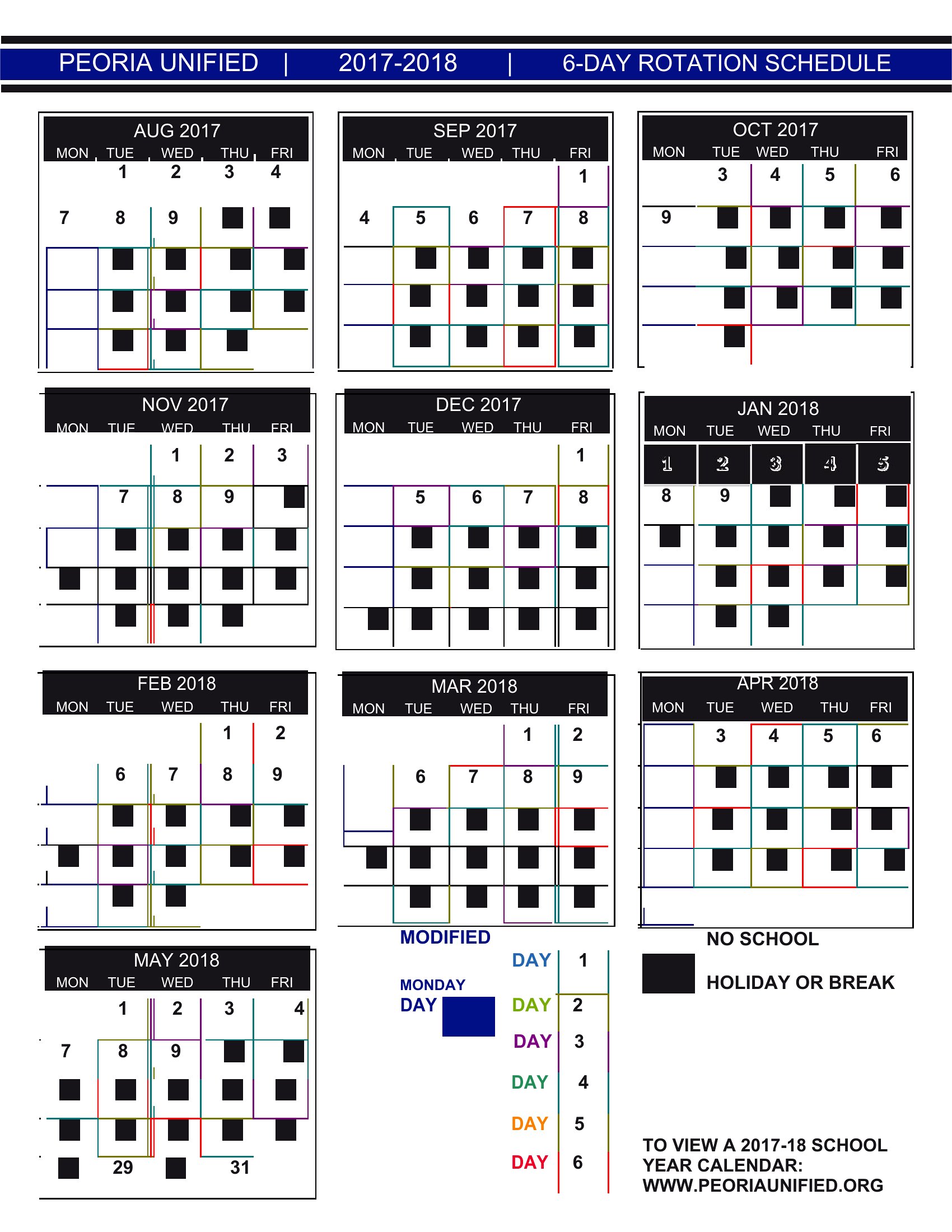
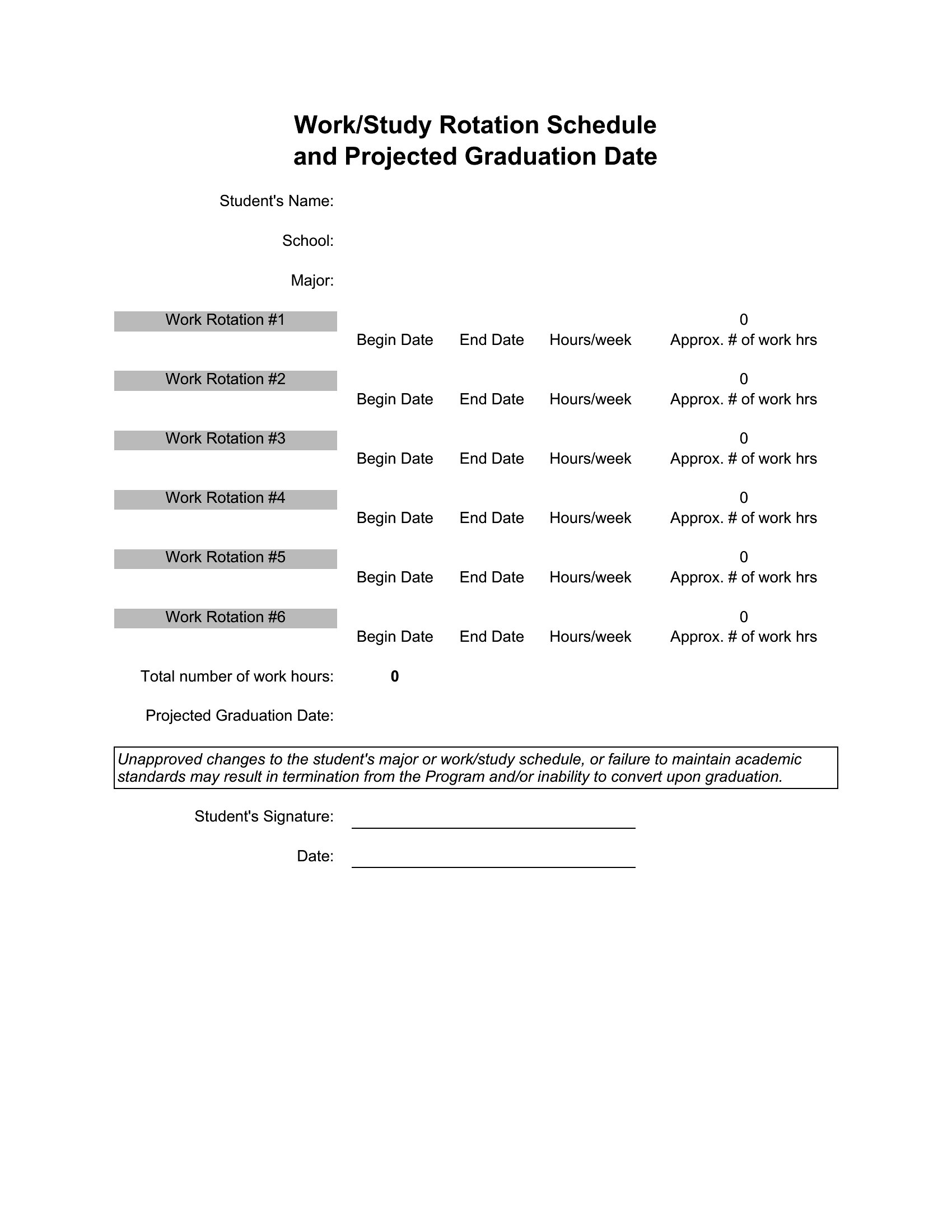
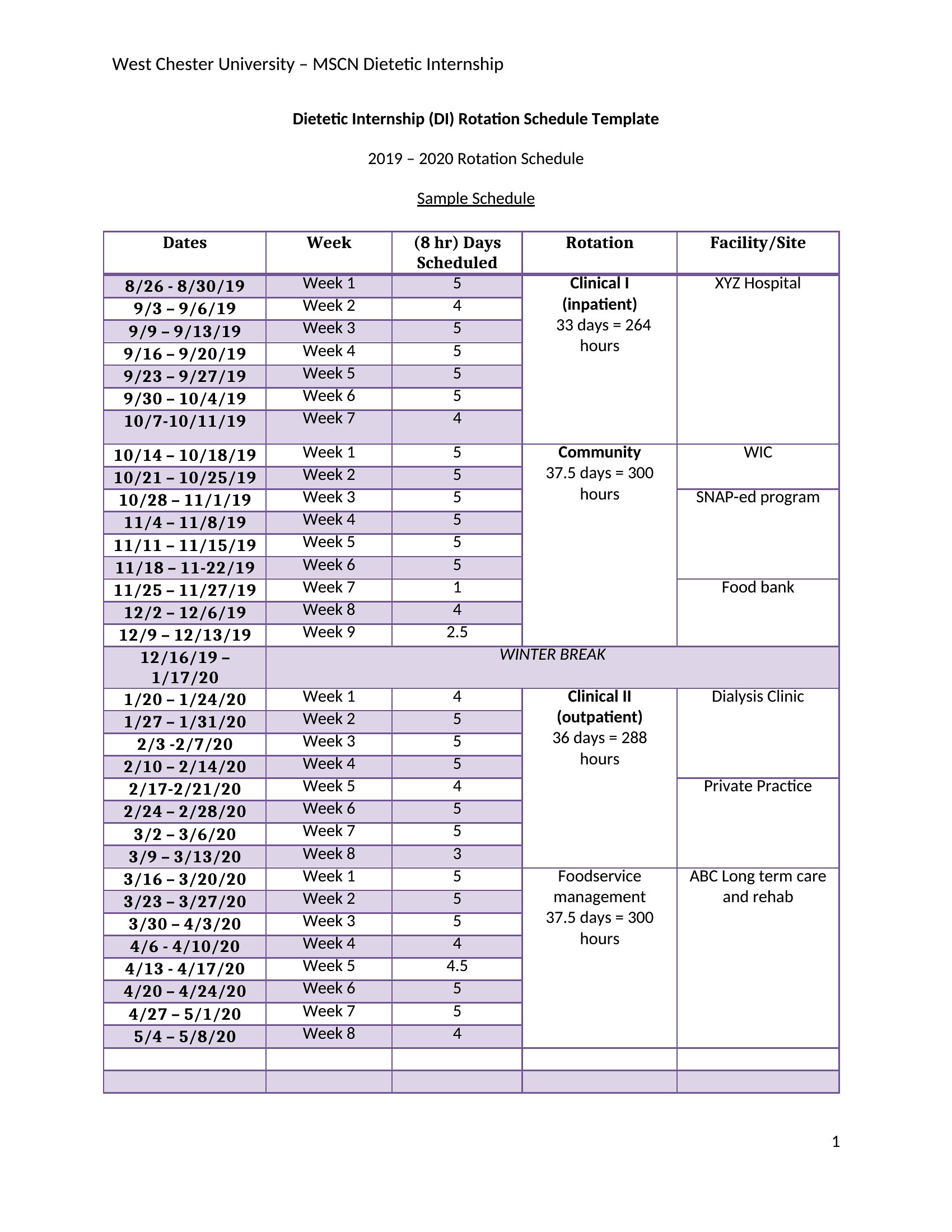
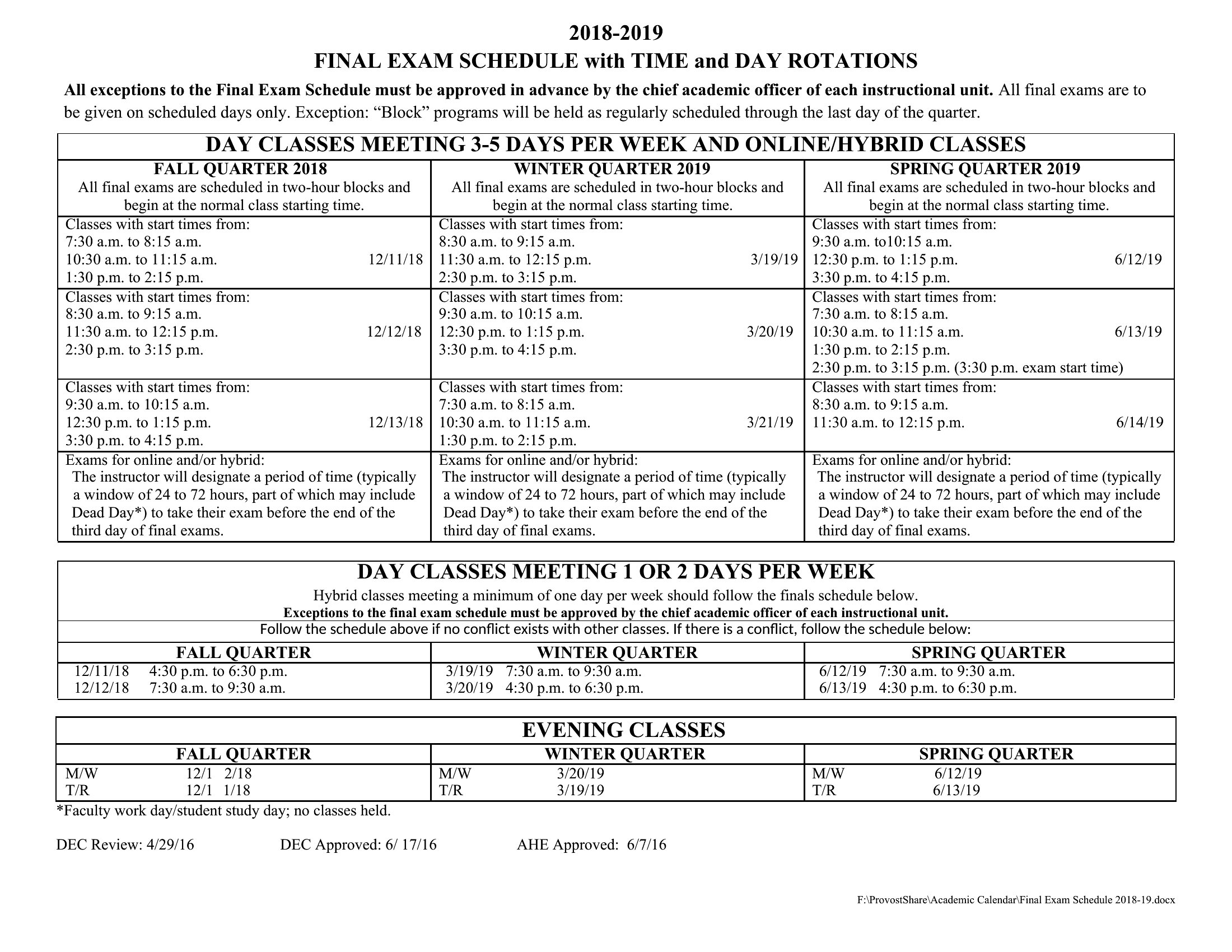
Choose from 48 Rotating Schedule Templates

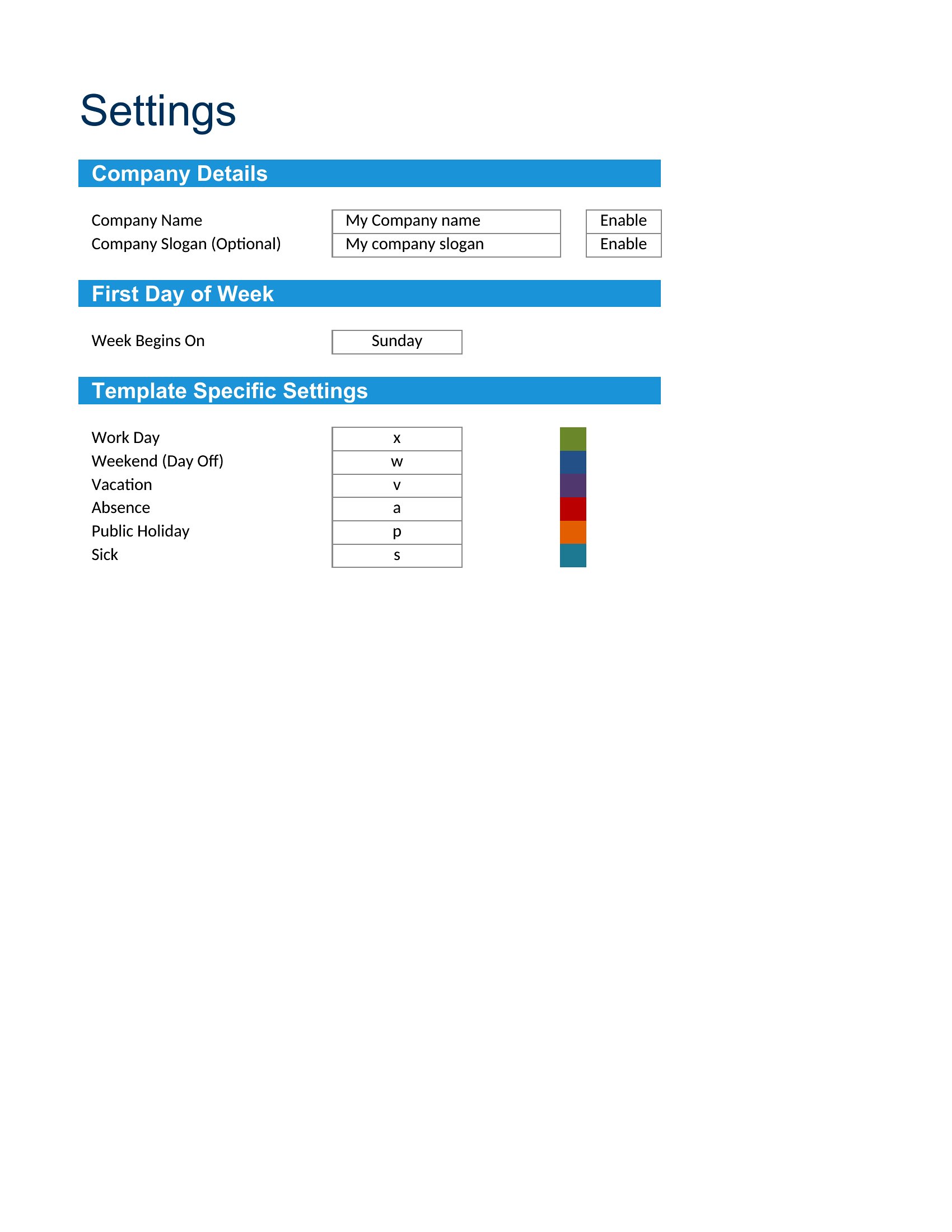
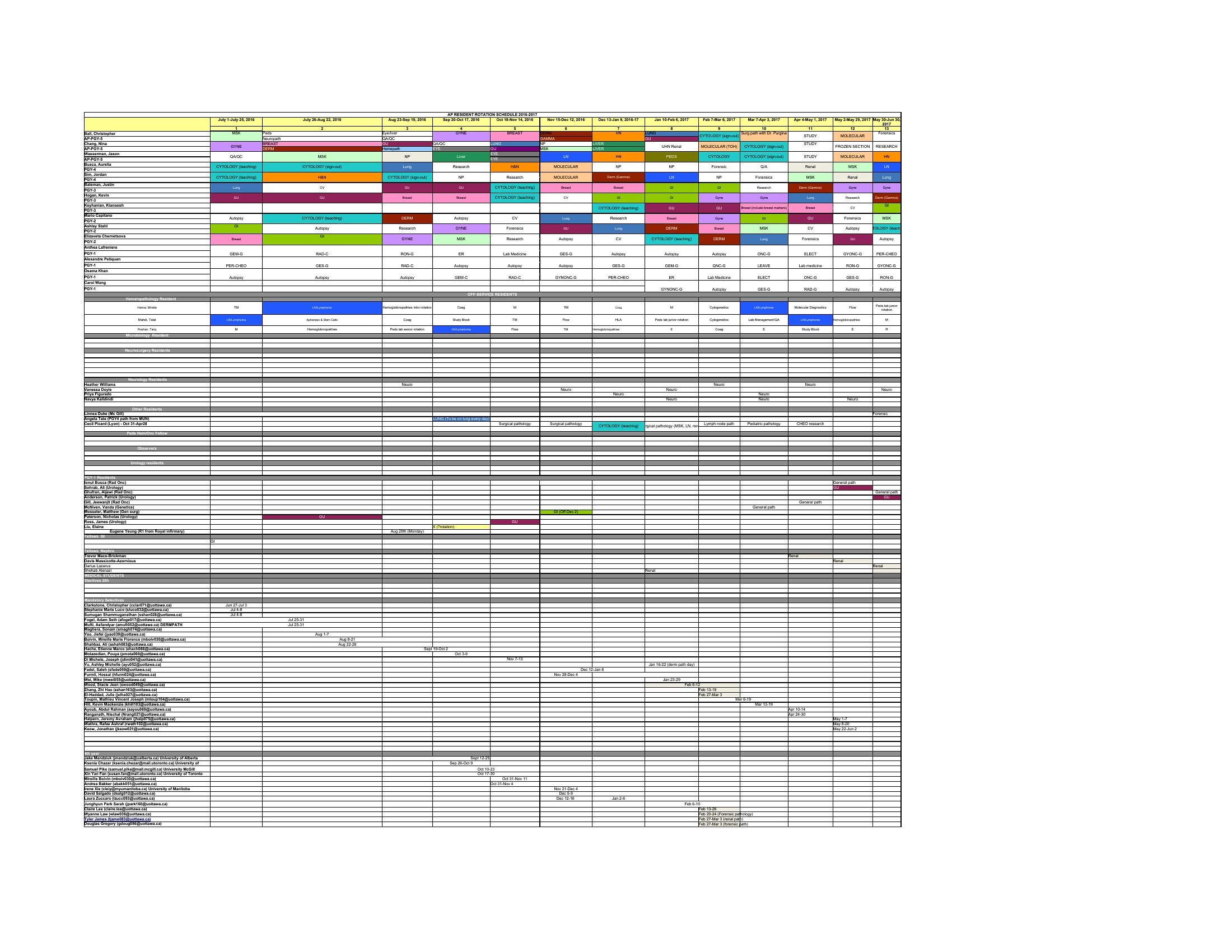
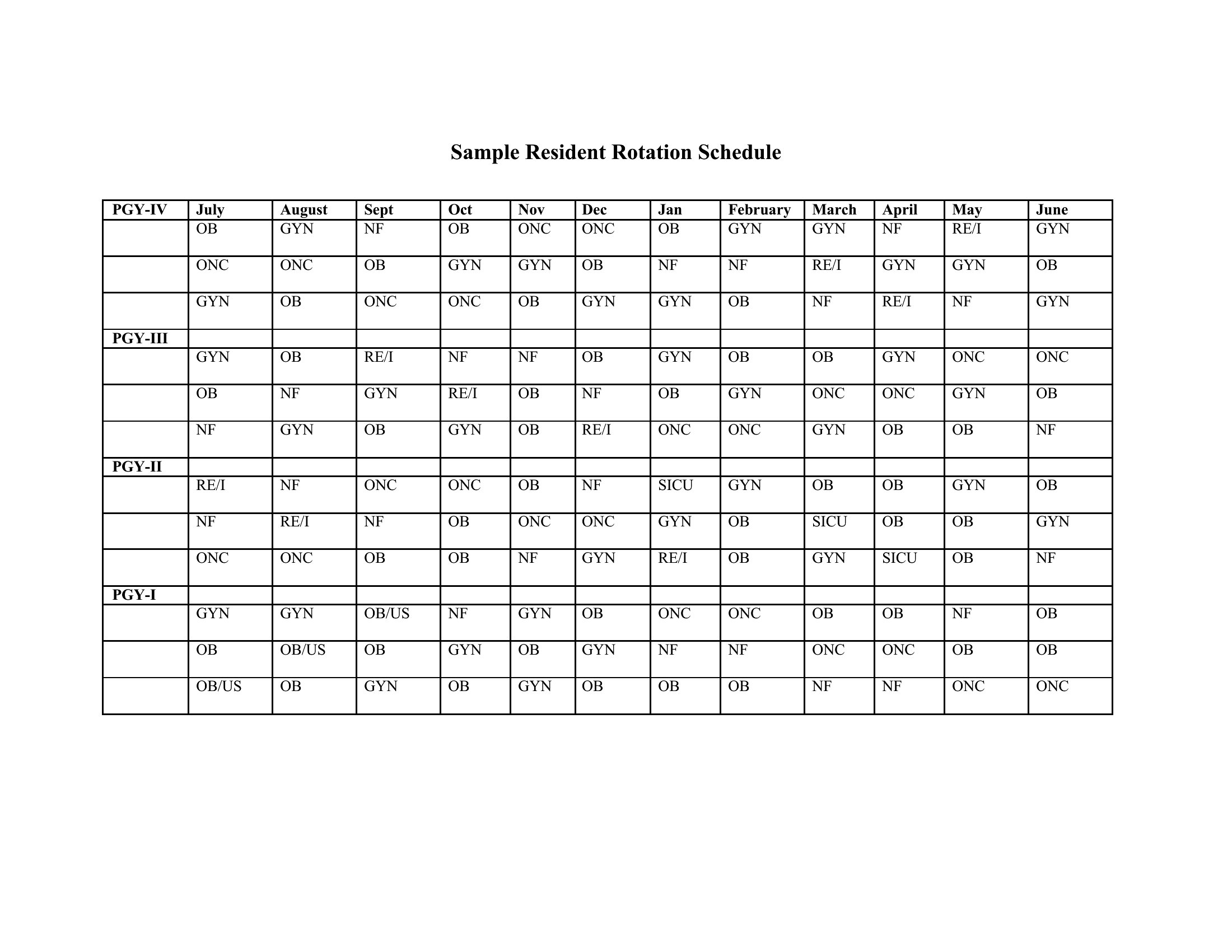
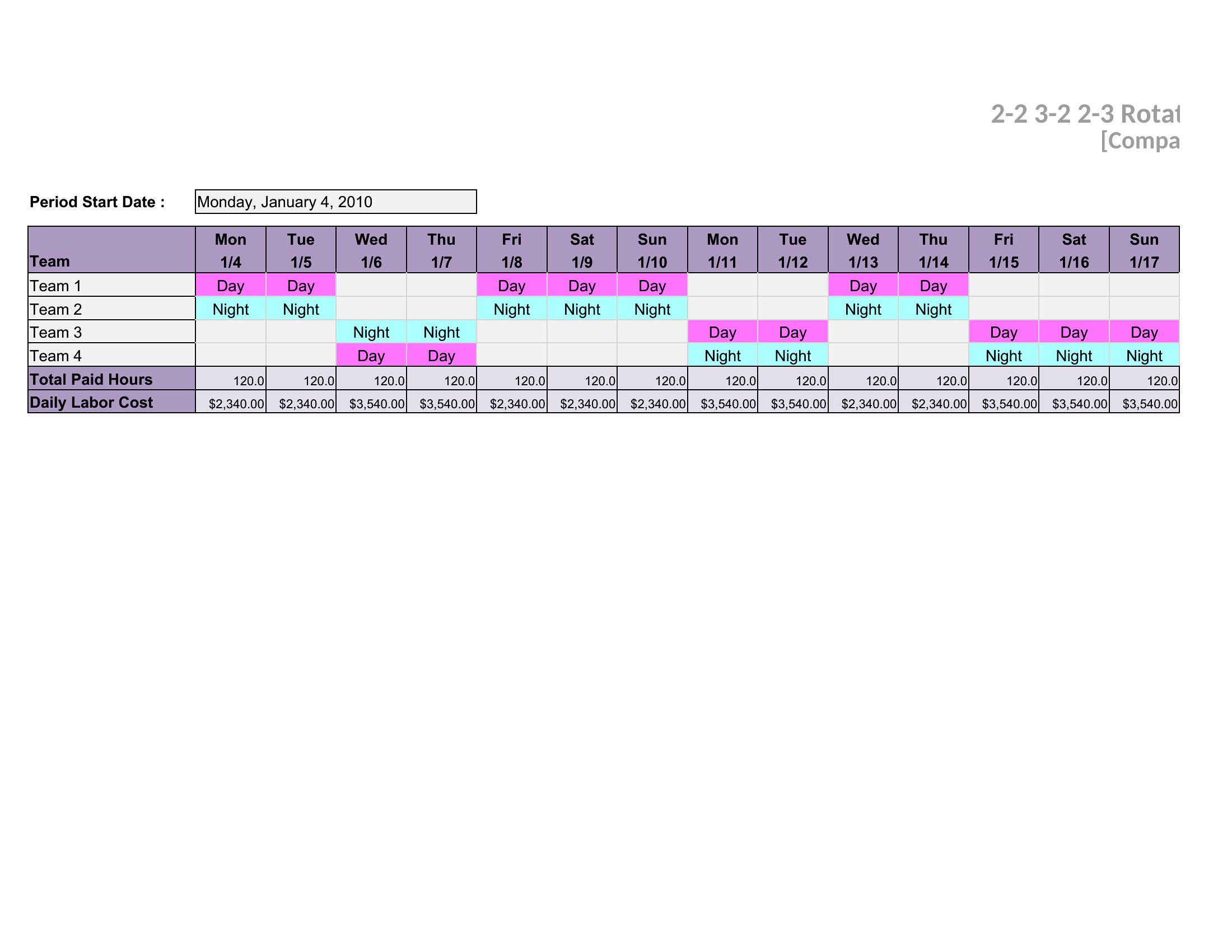
How to use this Rotating Schedule template
How do I adjust the schedule when an employee requests time off?
Open the template in Word or Excel, highlight the affected shifts, and manually reassign coverage. Pro tip: Save a backup version before editing. For Excel, use conditional formatting to flag unfilled shifts if gaps arise. Healthcare and retail teams often color-code roles to spot coverage holes faster.
Can I include shift differentials (e.g., night shift pay) in these templates?
Yes. The Excel templates let you add a second column to mark night/weekend shifts, while Word versions include space for handwritten notes. For payroll integration, export the Excel file to accounting software. Remember, these templates organize data—not calculate wages—so verify with your payroll system first.
What’s the best way to communicate schedule changes to a remote team?
Export the Word template as a PDF for clear visuals, or share the Excel file via a platform like Google Sheets for real-time edits. Add a comments section in Word or a notes tab in Excel to explain changes. Retail teams often snap a photo of the printed Word schedule, while healthcare units may email the PDF with shift-specific instructions.
Comments
Join the conversation
Sign in to share your thoughts and leave a comment on this resource.