
Free Implementation Plan Templates (Word, Excel)
Project by stellaford
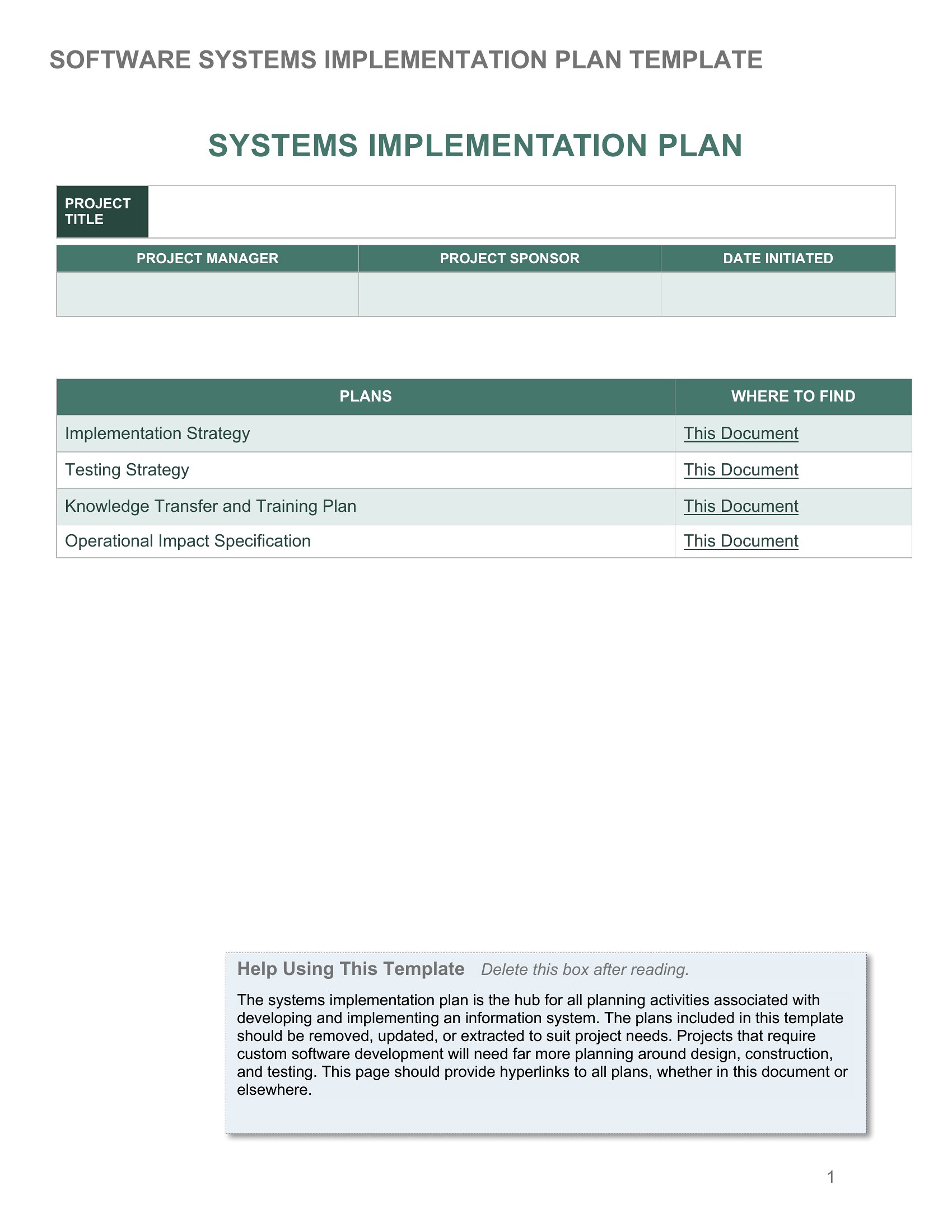
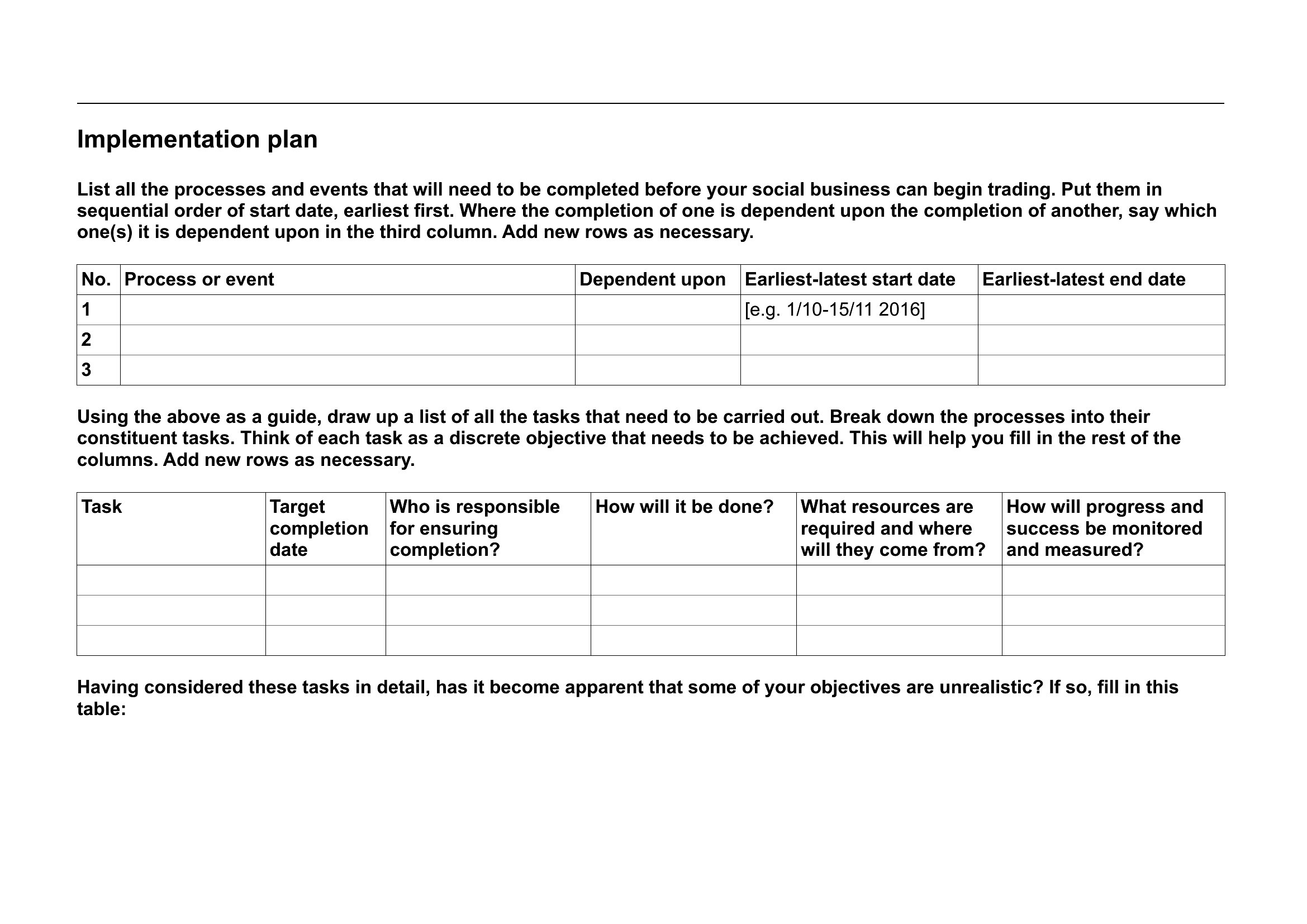
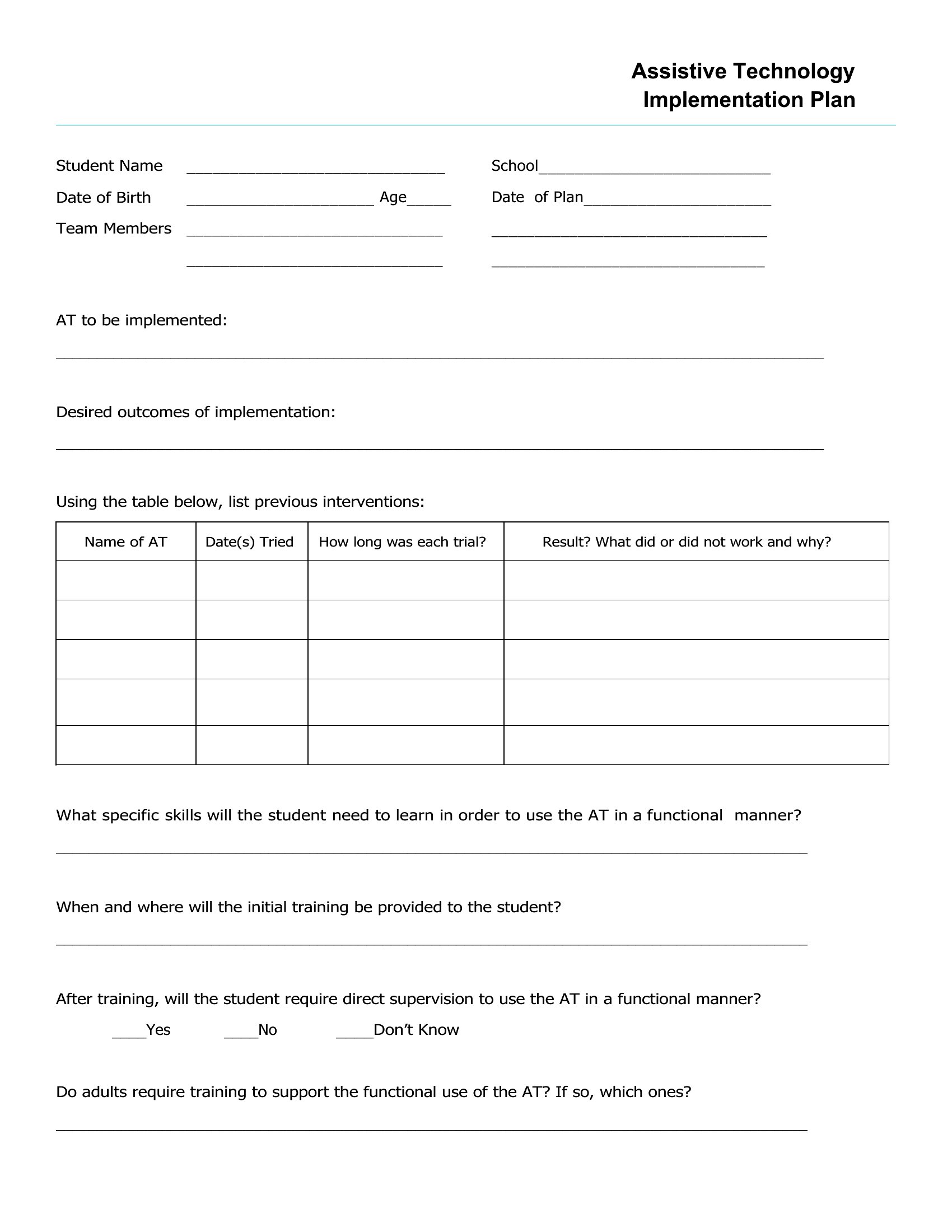
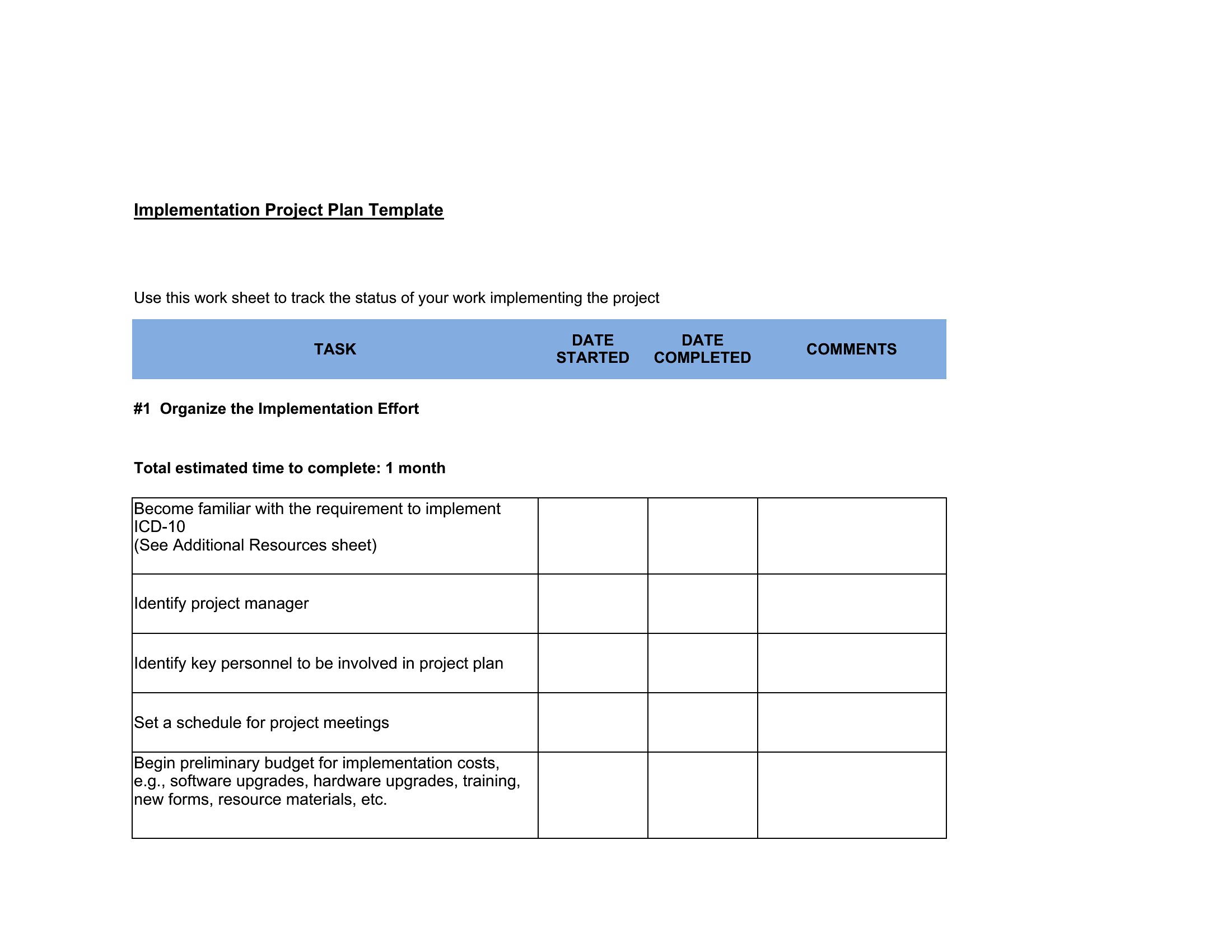
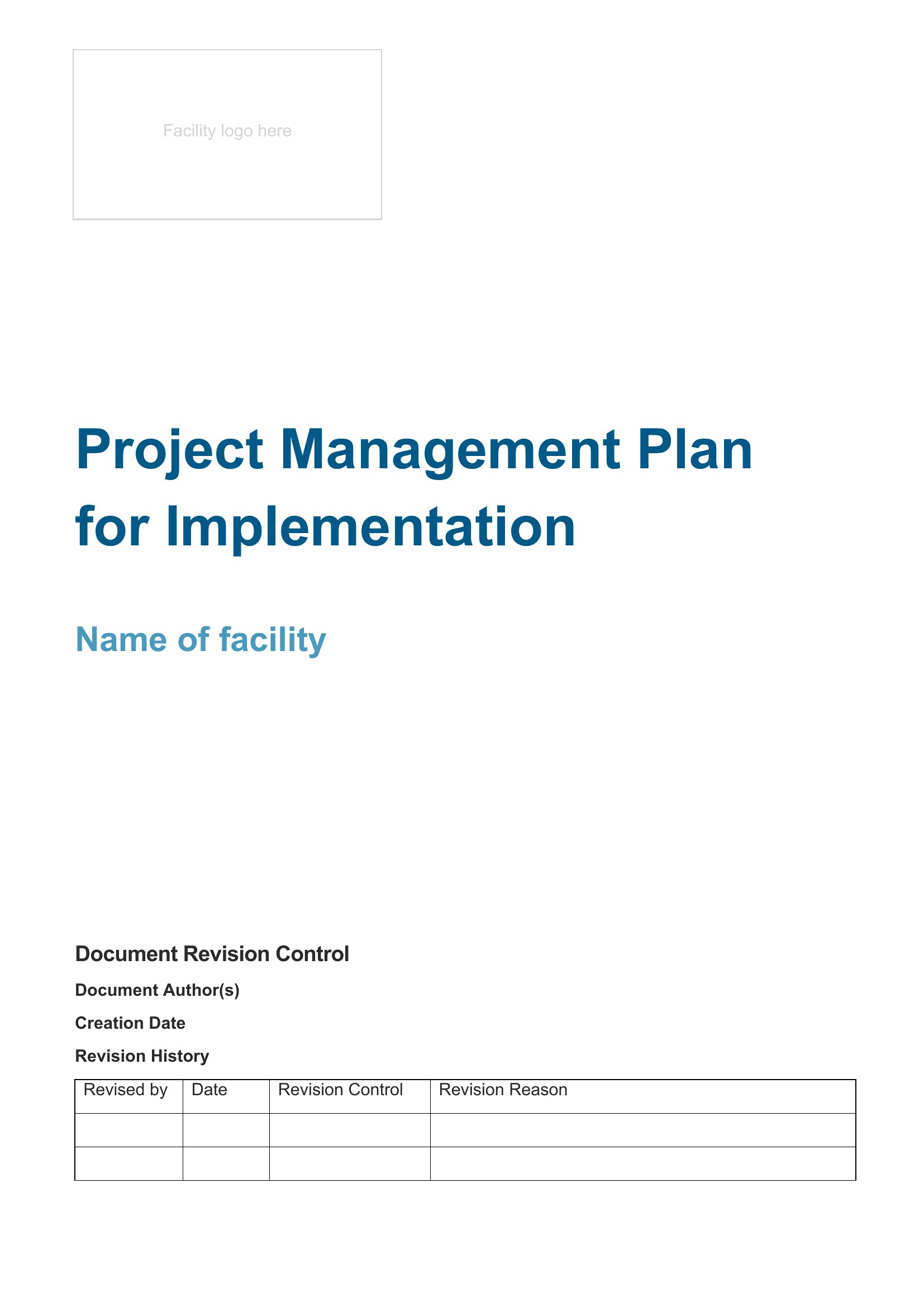
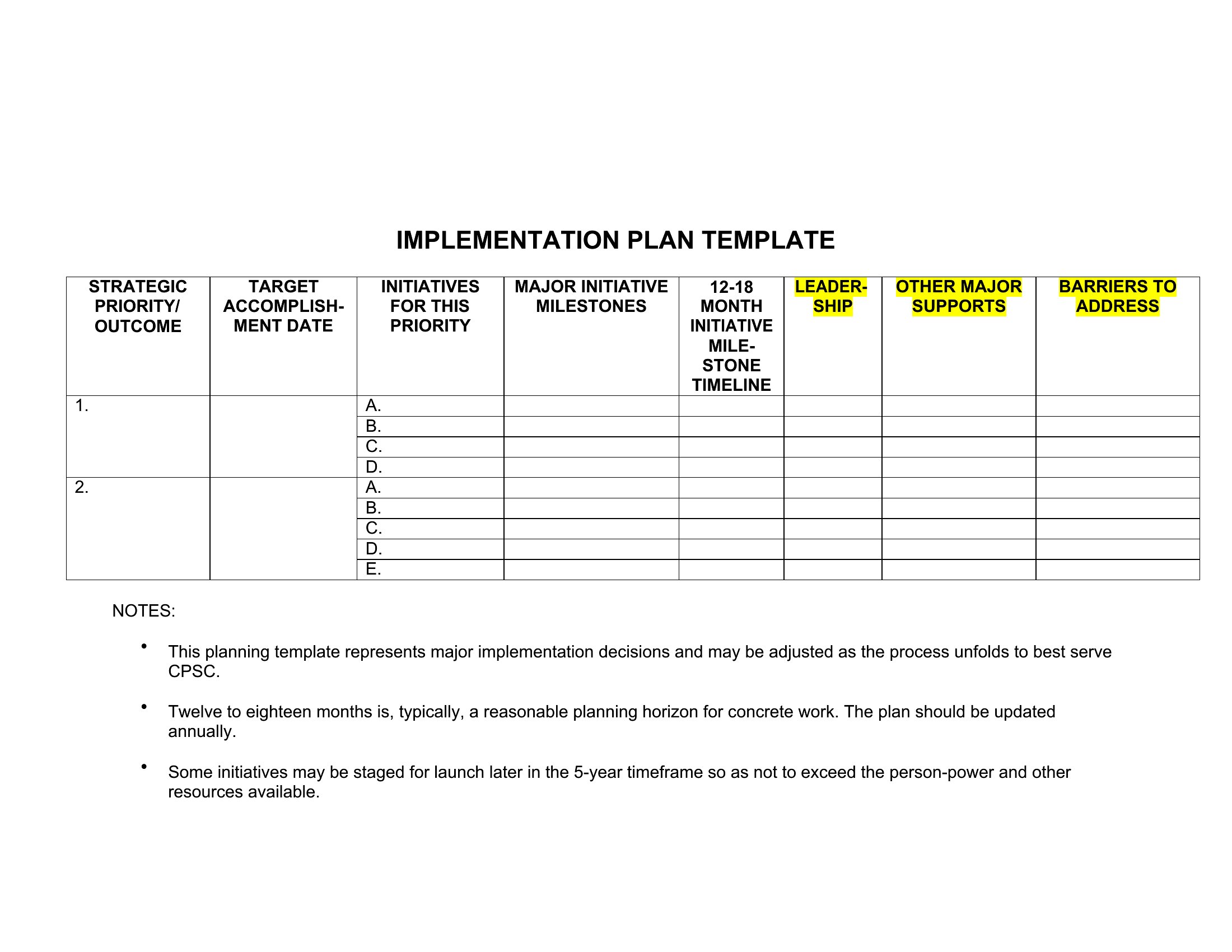
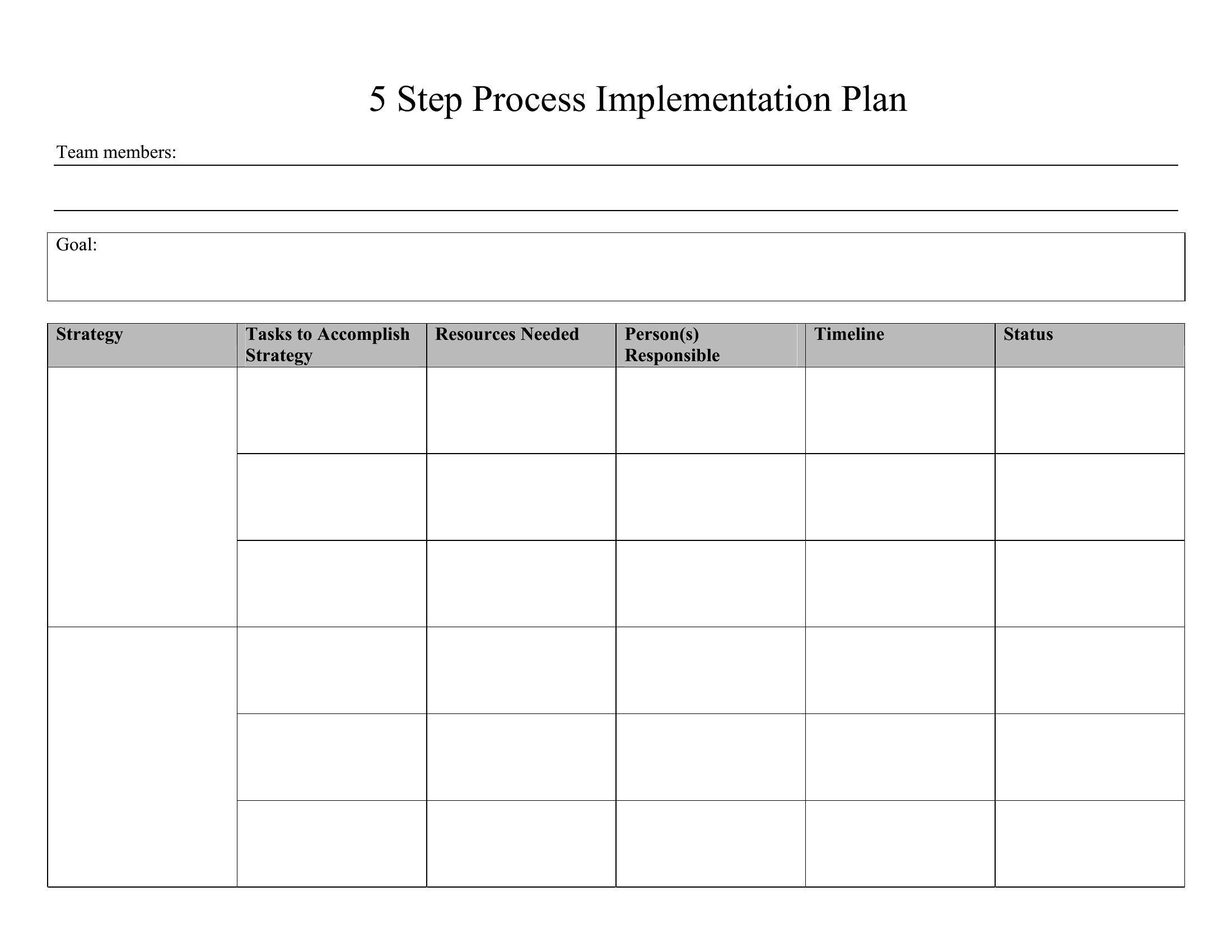
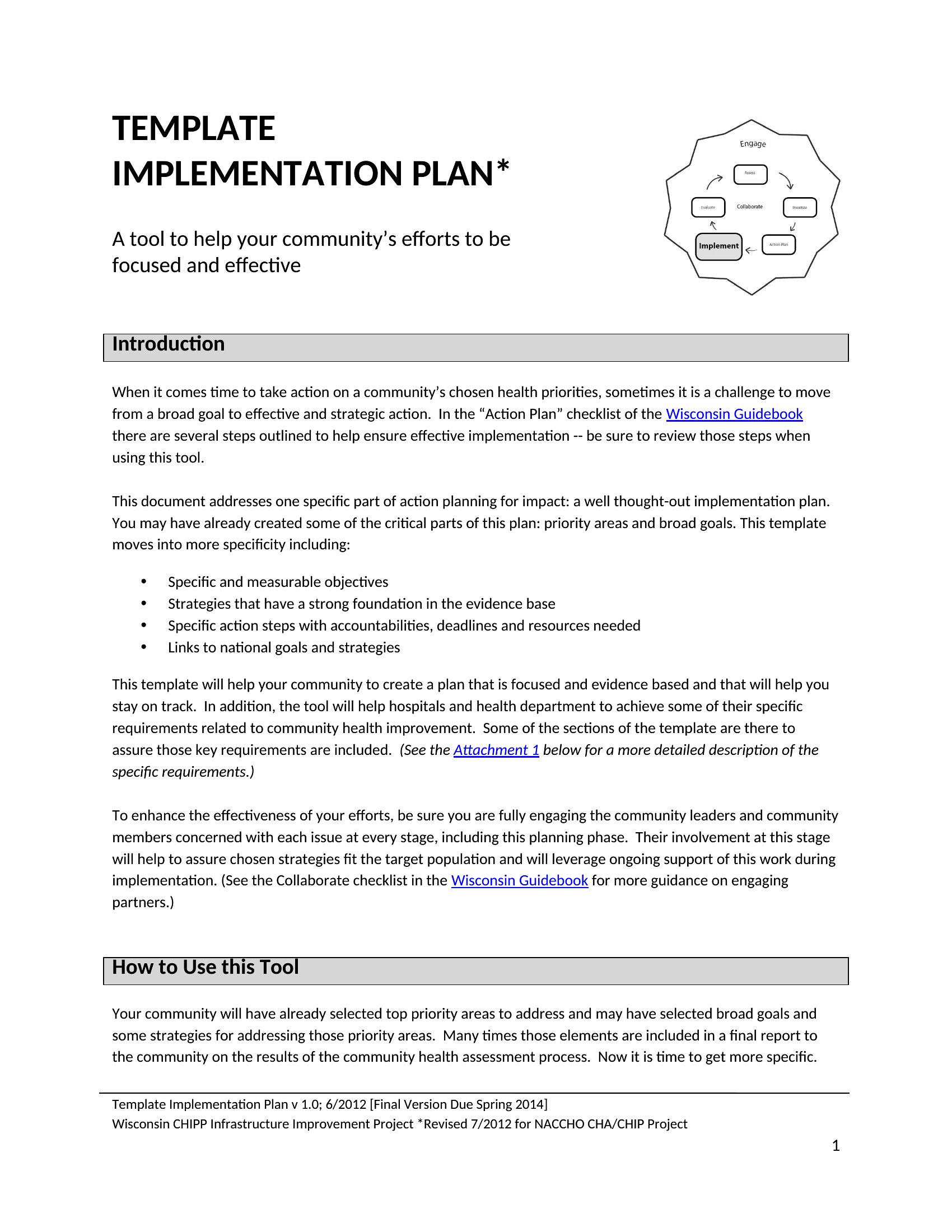
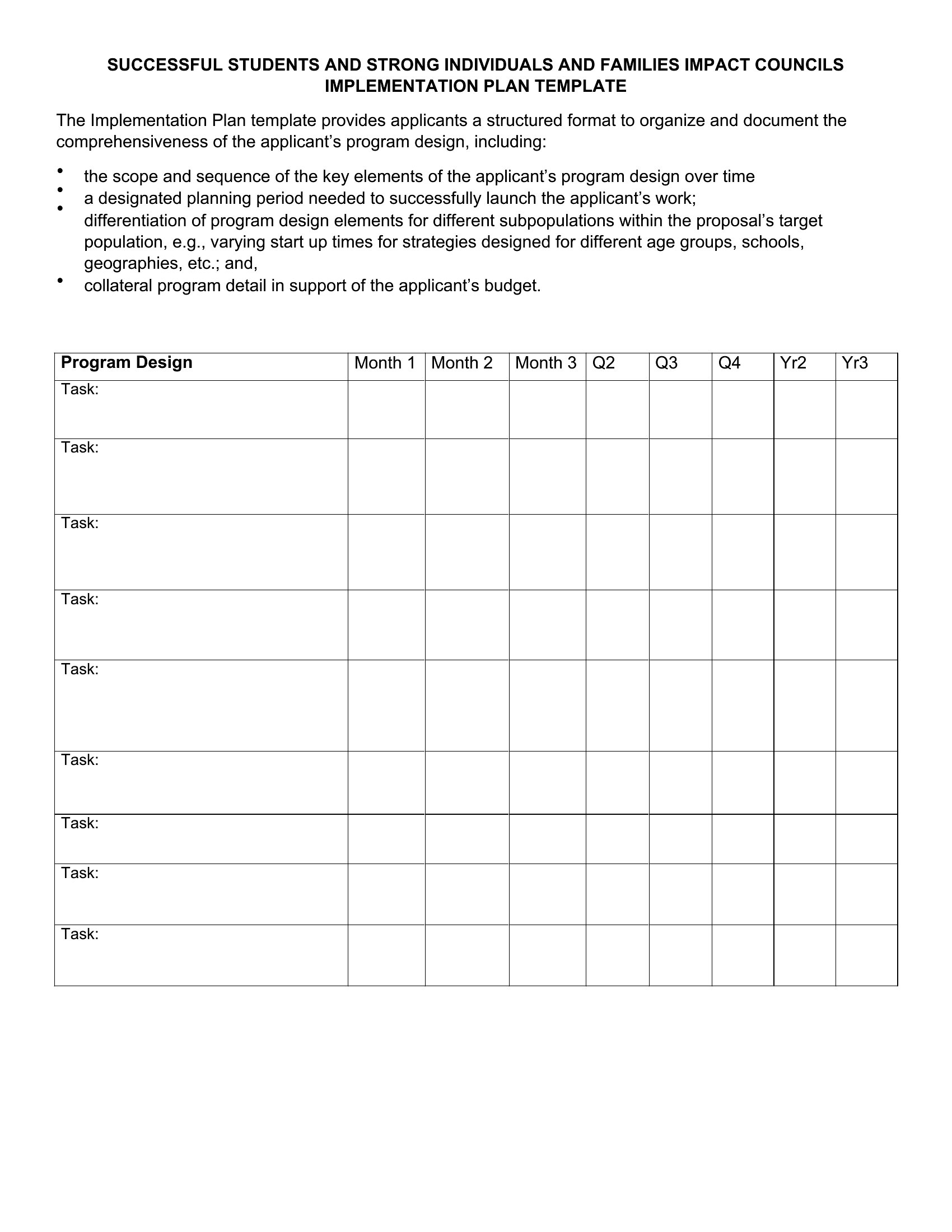
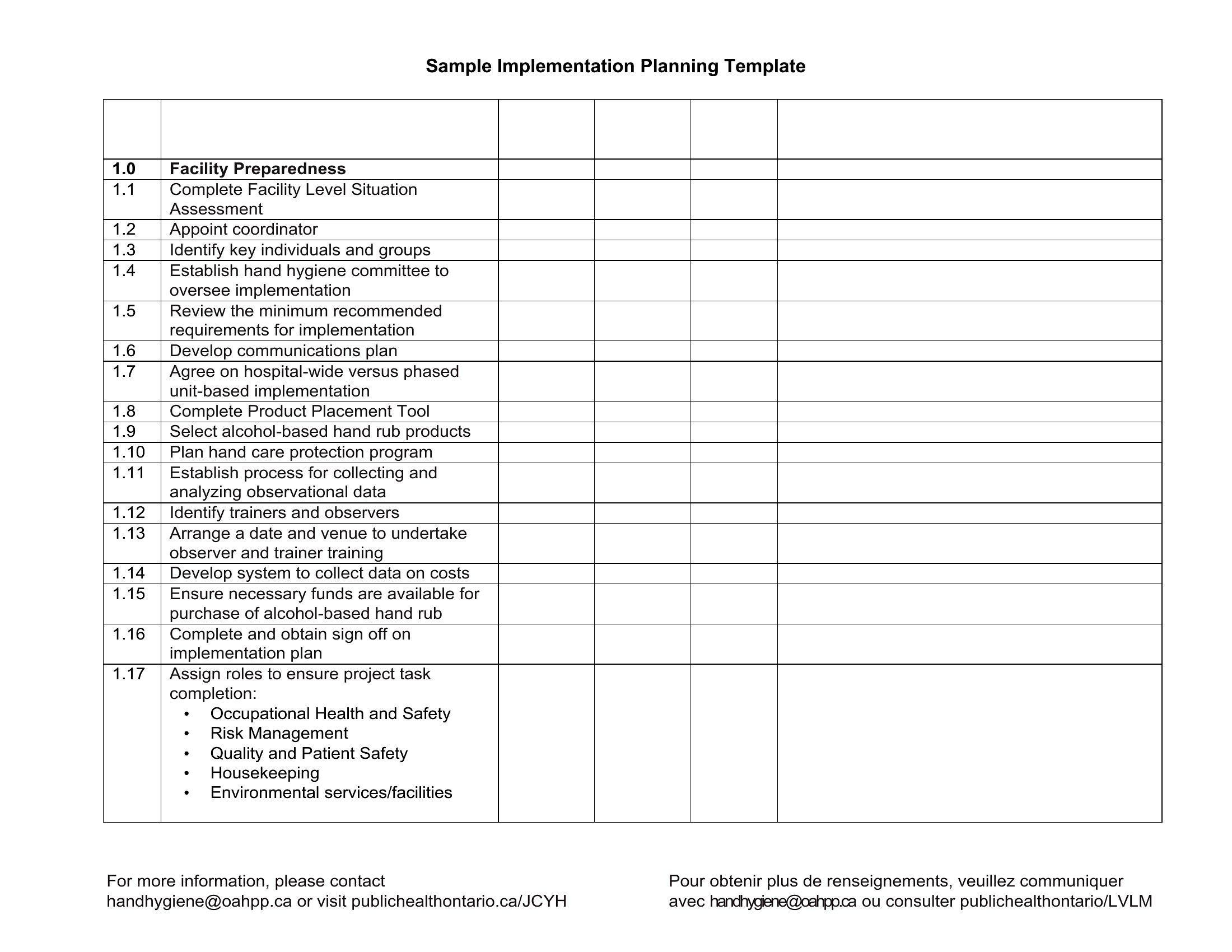
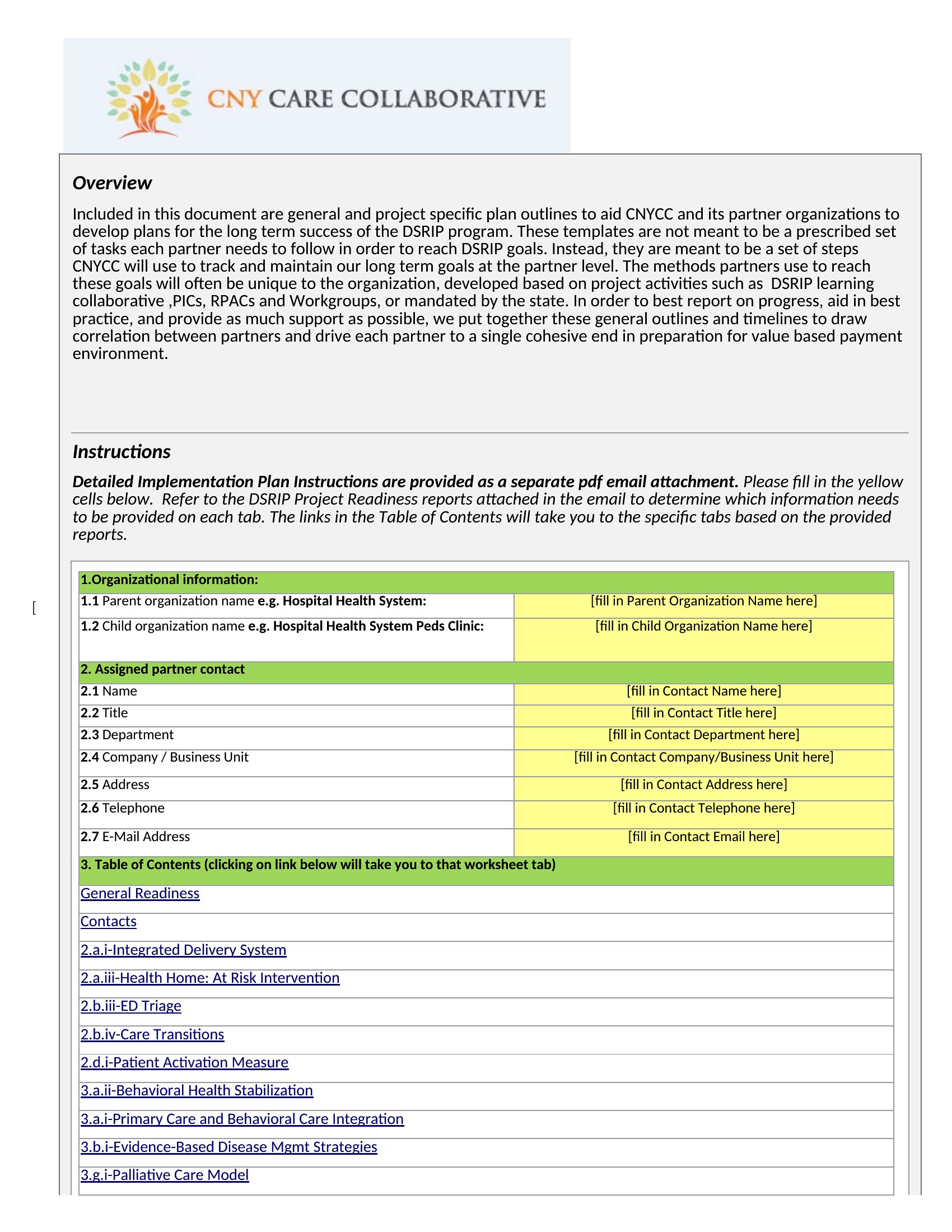
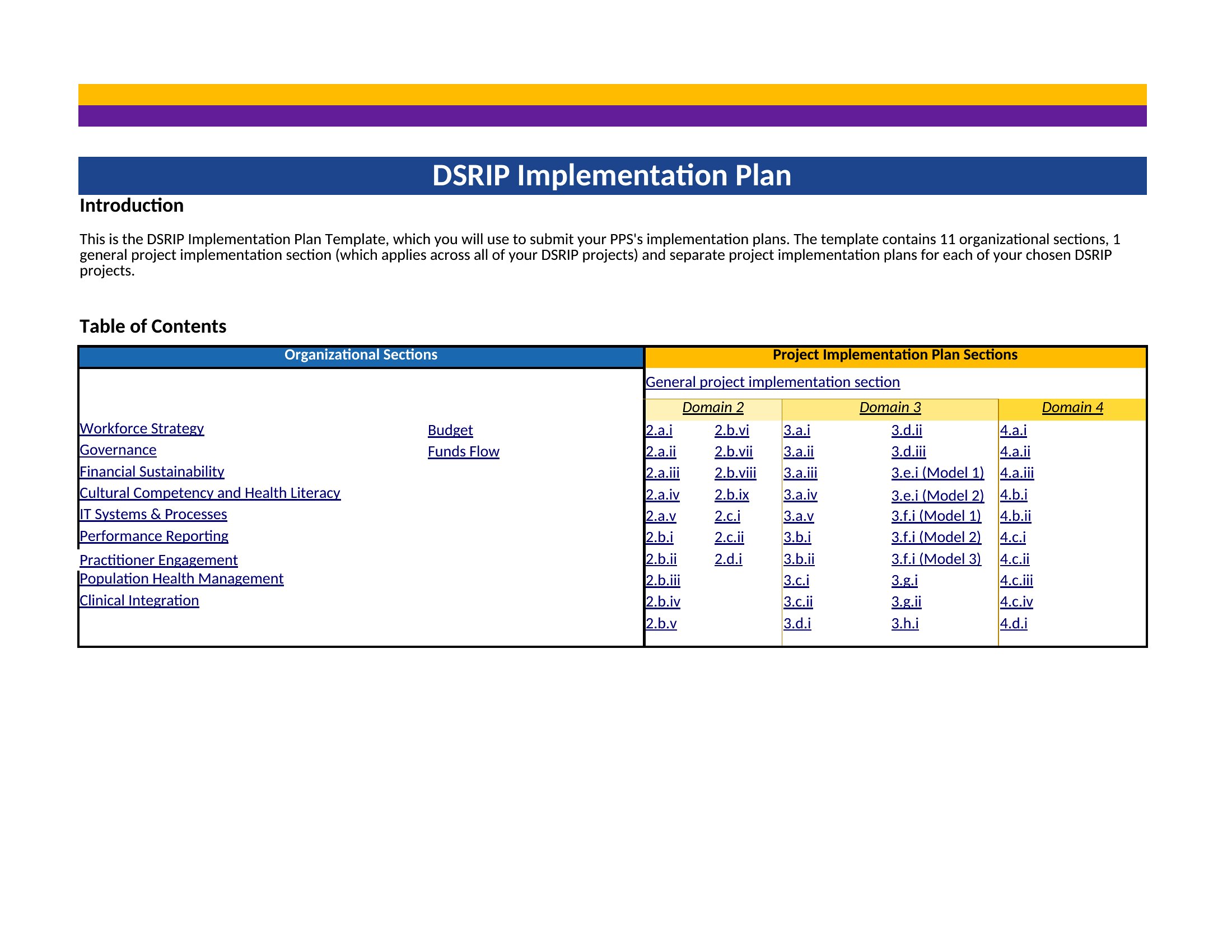
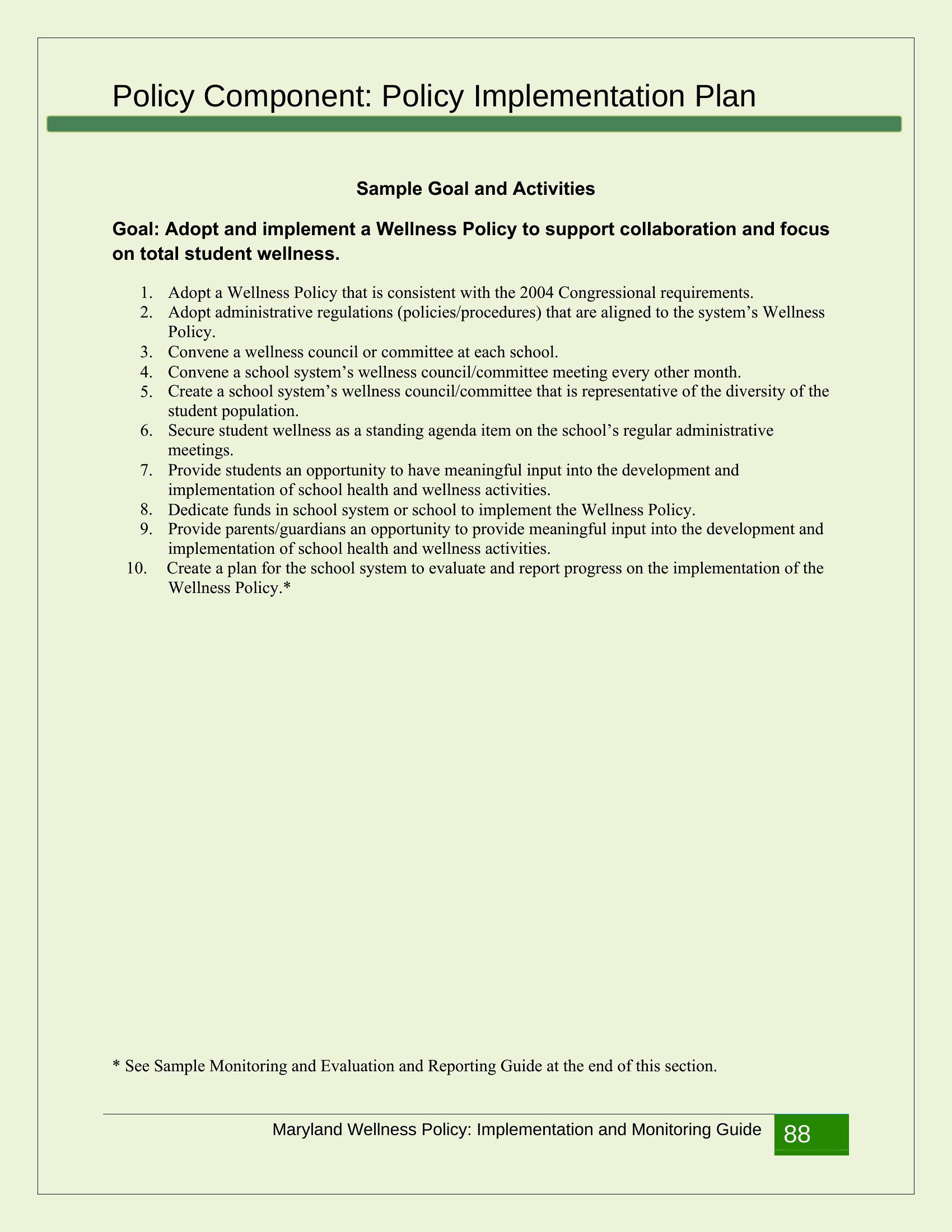
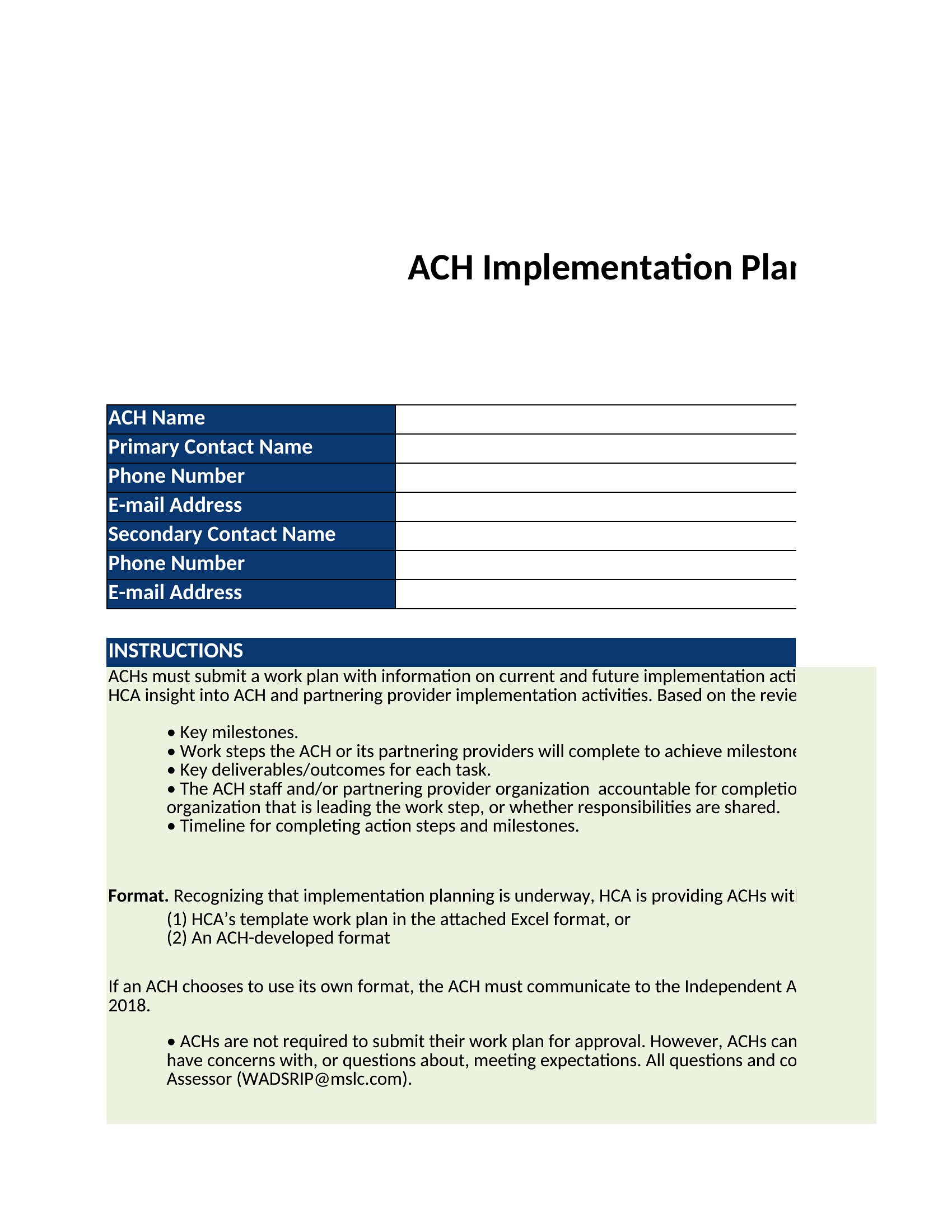
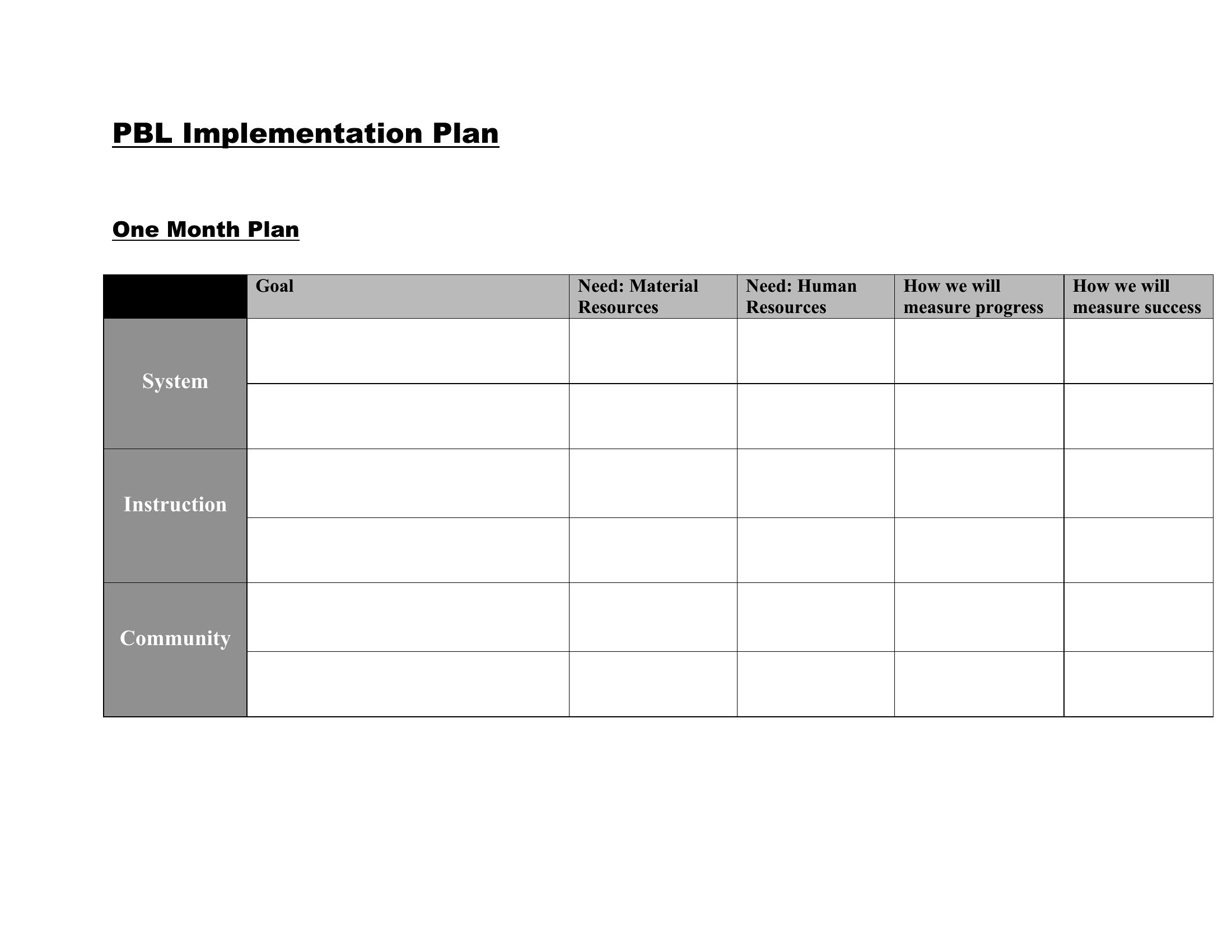
Turning a strategy into action takes a plan that names the steps, owners, and dates, and that's exactly what an implementation plan does. This set of 43 templates covers software rollouts, business projects, and program launches, with sections for tasks, milestones, resources, and timelines. Project leads and managers can move from big-picture goals to a concrete sequence the whole team can follow.
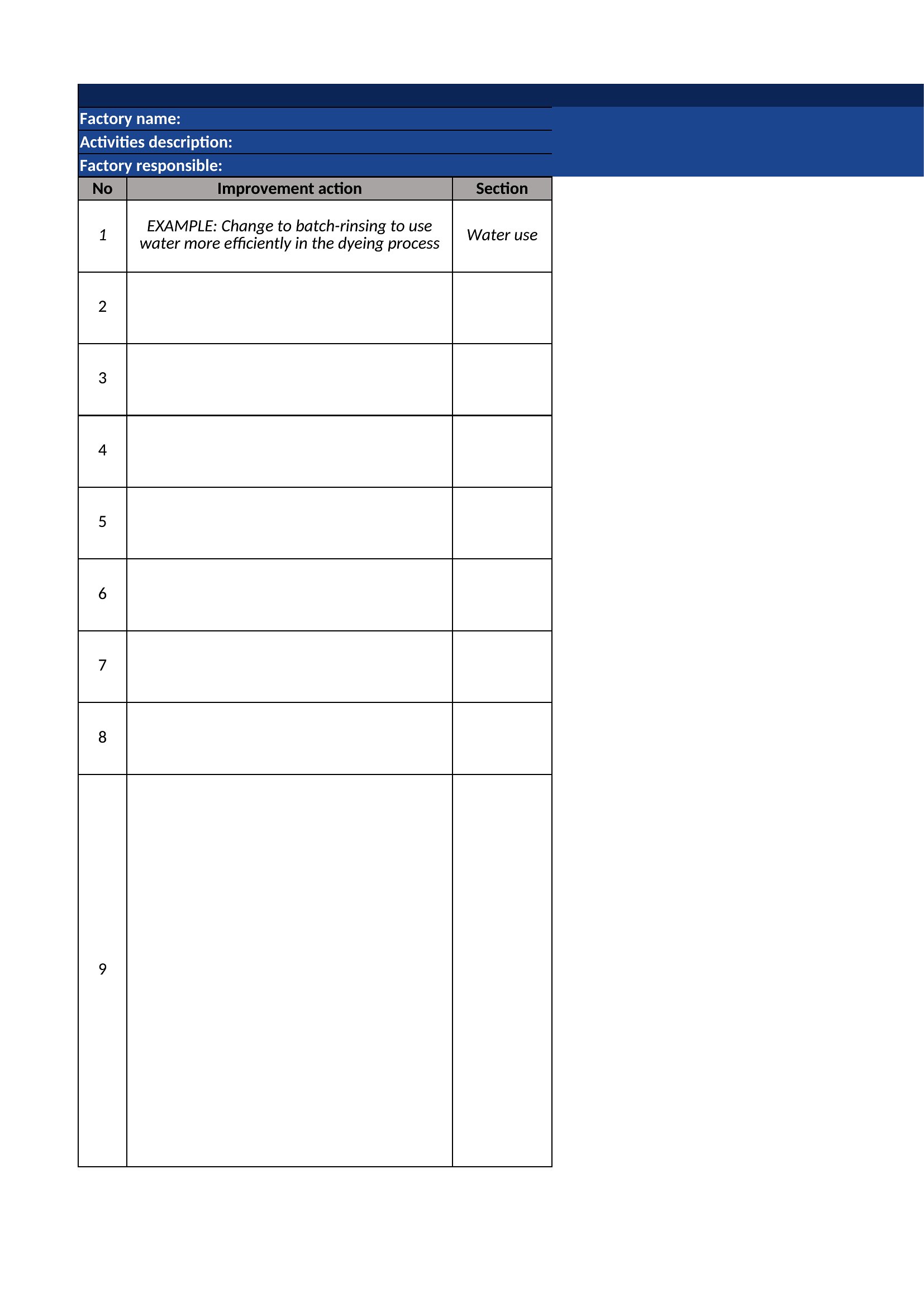
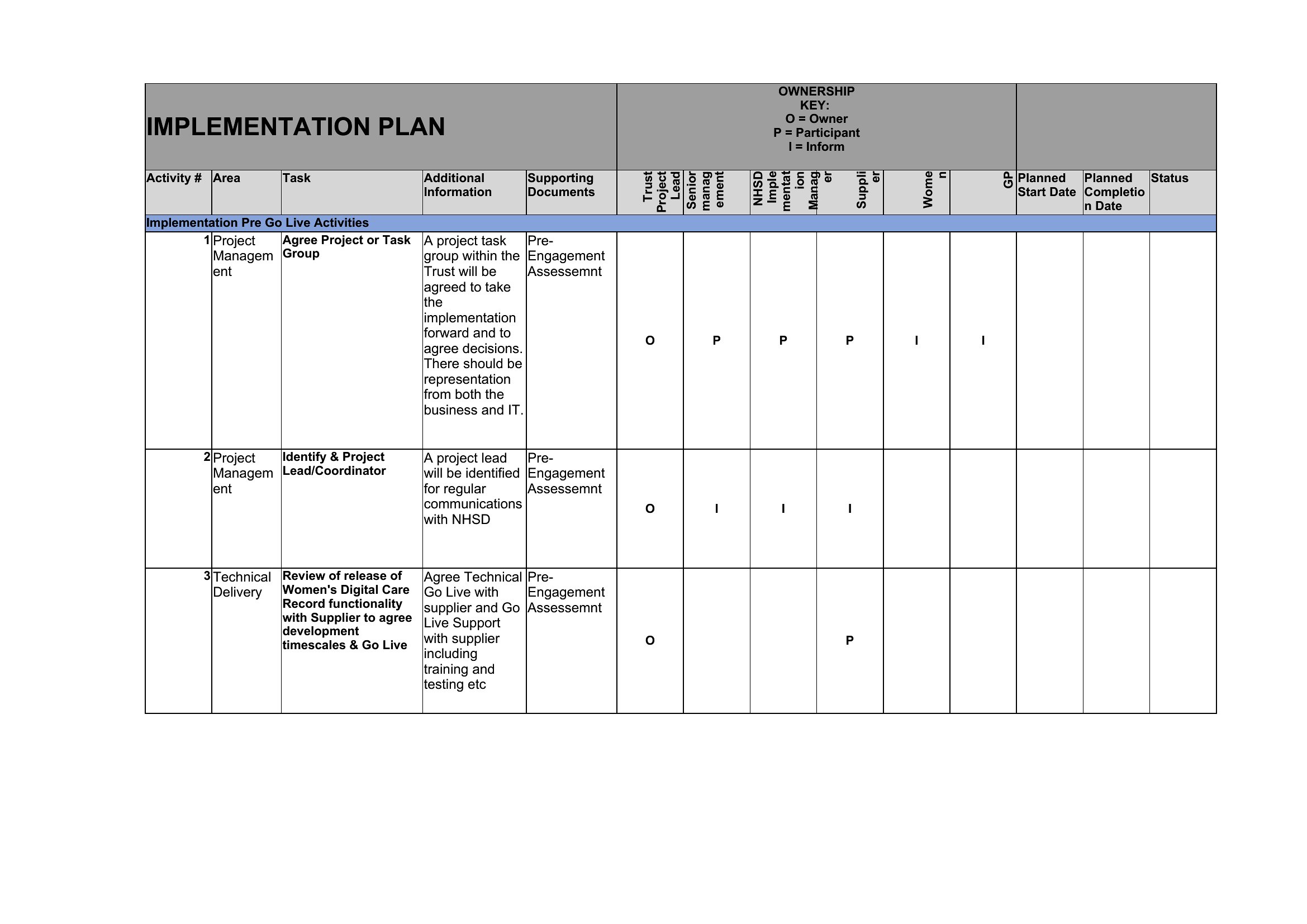
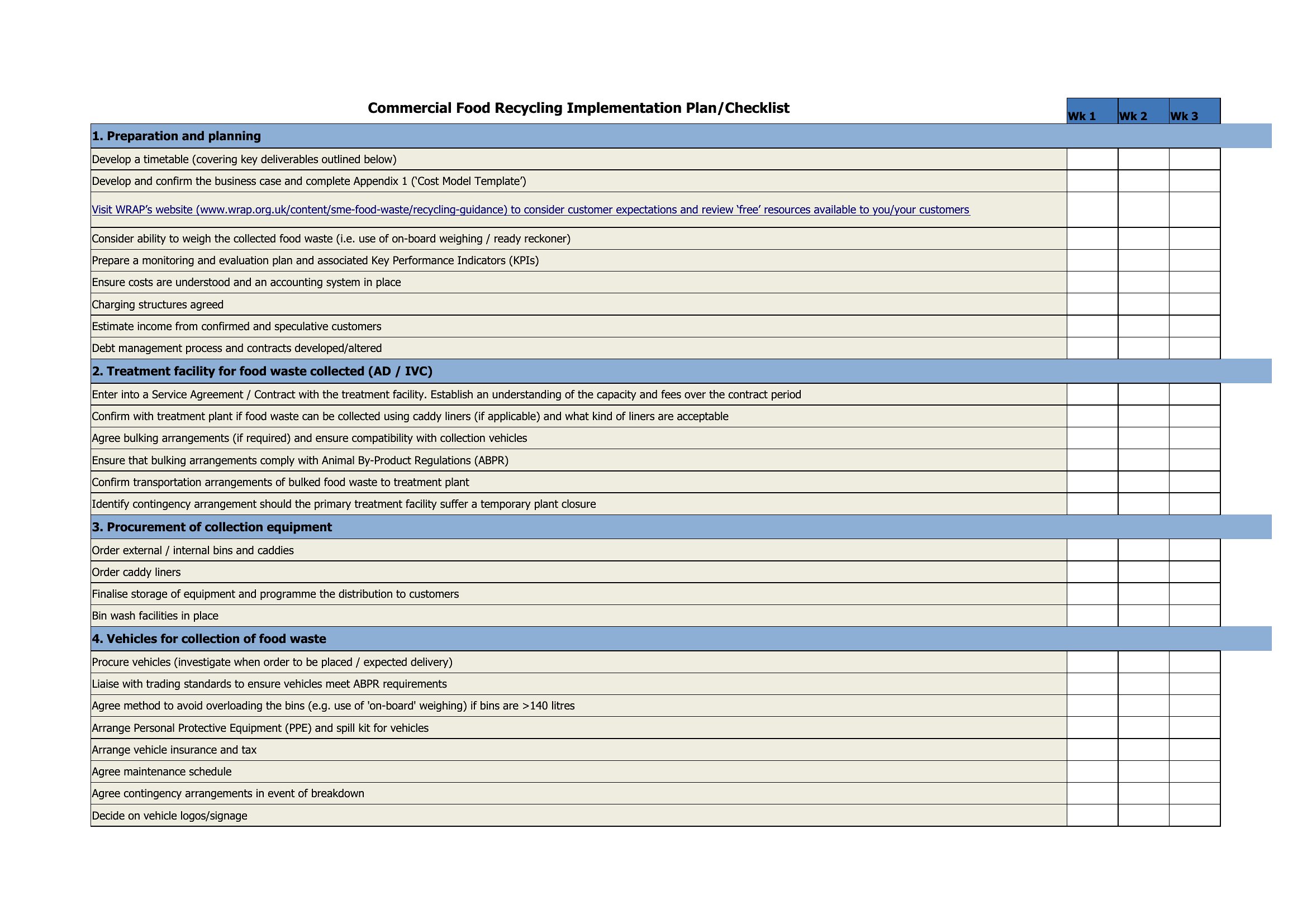
You'll find Word layouts for structured written plans plus Excel sheets that organize tasks, assignees, and deadlines you can sort and update. Fill in your phases, assign responsibilities, and track progress as work moves. Adjust the sections to fit your project. Download the format that suits your rollout and turn the plan into momentum.
When to use this Implementation Plan template
- A healthcare IT director launching a new electronic health record system needs to align clinical teams, IT staff, and vendor training—this plan keeps stakeholders synchronized with clear deadlines and resource assignments.
- A small business owner introducing a new CRM system must balance customization, staff training, and data migration without disrupting daily sales operations, so the plan maps dependencies and risk buffers.
- A nonprofit program coordinator rolling out a volunteer management platform requires a phased approach to test modules with a pilot group before full rollout, and the template’s milestone tracking ensures smooth transitions.
- A government agency updating legacy infrastructure for a compliance deadline must coordinate contractors, internal teams, and public communications while accounting for budget constraints, so the plan breaks tasks into manageable phases with accountability.
Which format should I download?
Choose Word for implementation plans where detailed narrative explanations, stakeholder communications, or approval sign-offs are needed—such as software rollouts with complex change management steps. Opt for Excel when tracking Gantt-style timelines, resource allocations, or budget vs. progress metrics side-by-side, like in ERP or HRIS deployments. The Excel format excels for data-driven adjustments, while Word works better for collaborative drafting and version control among distributed teams.
Choose from 43 Implementation Plan Templates

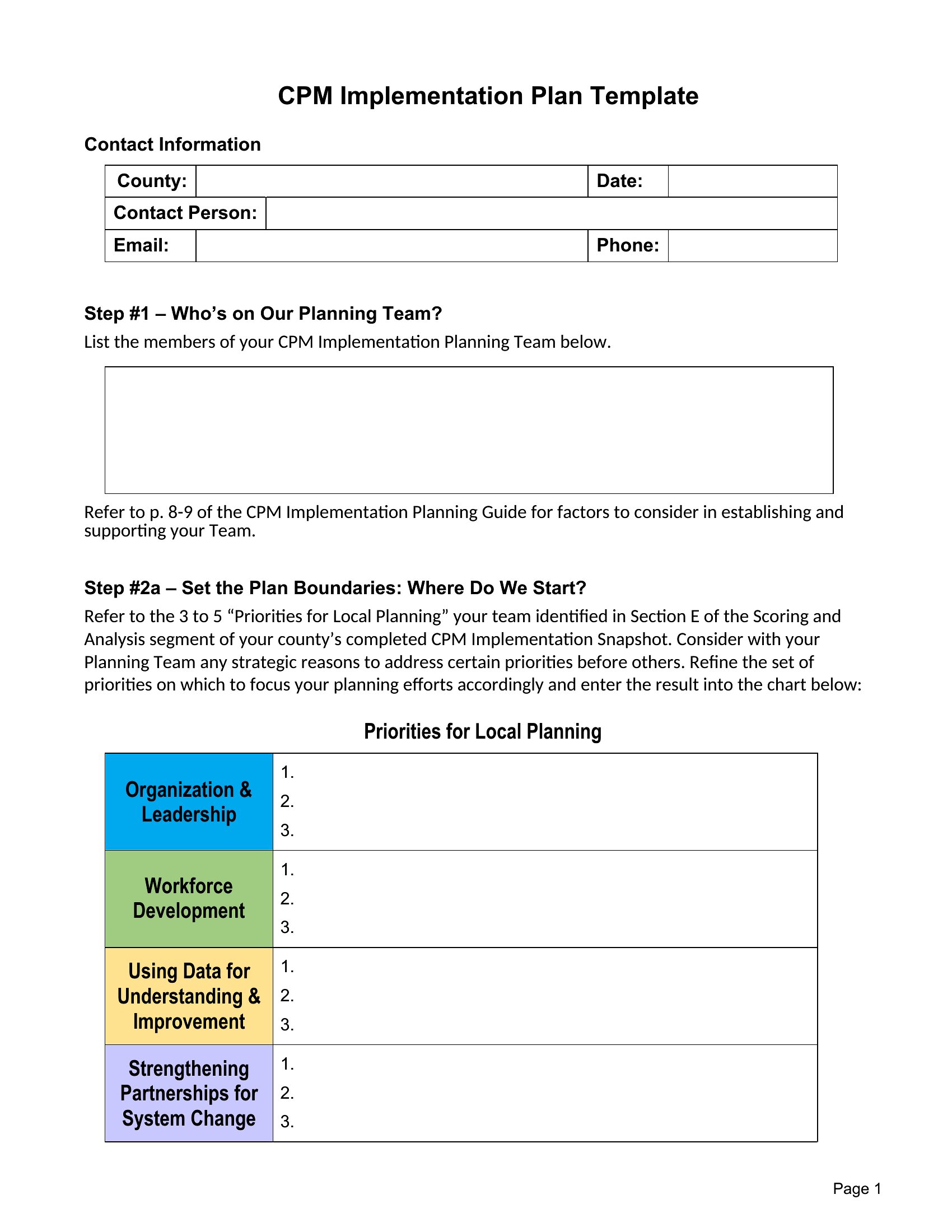
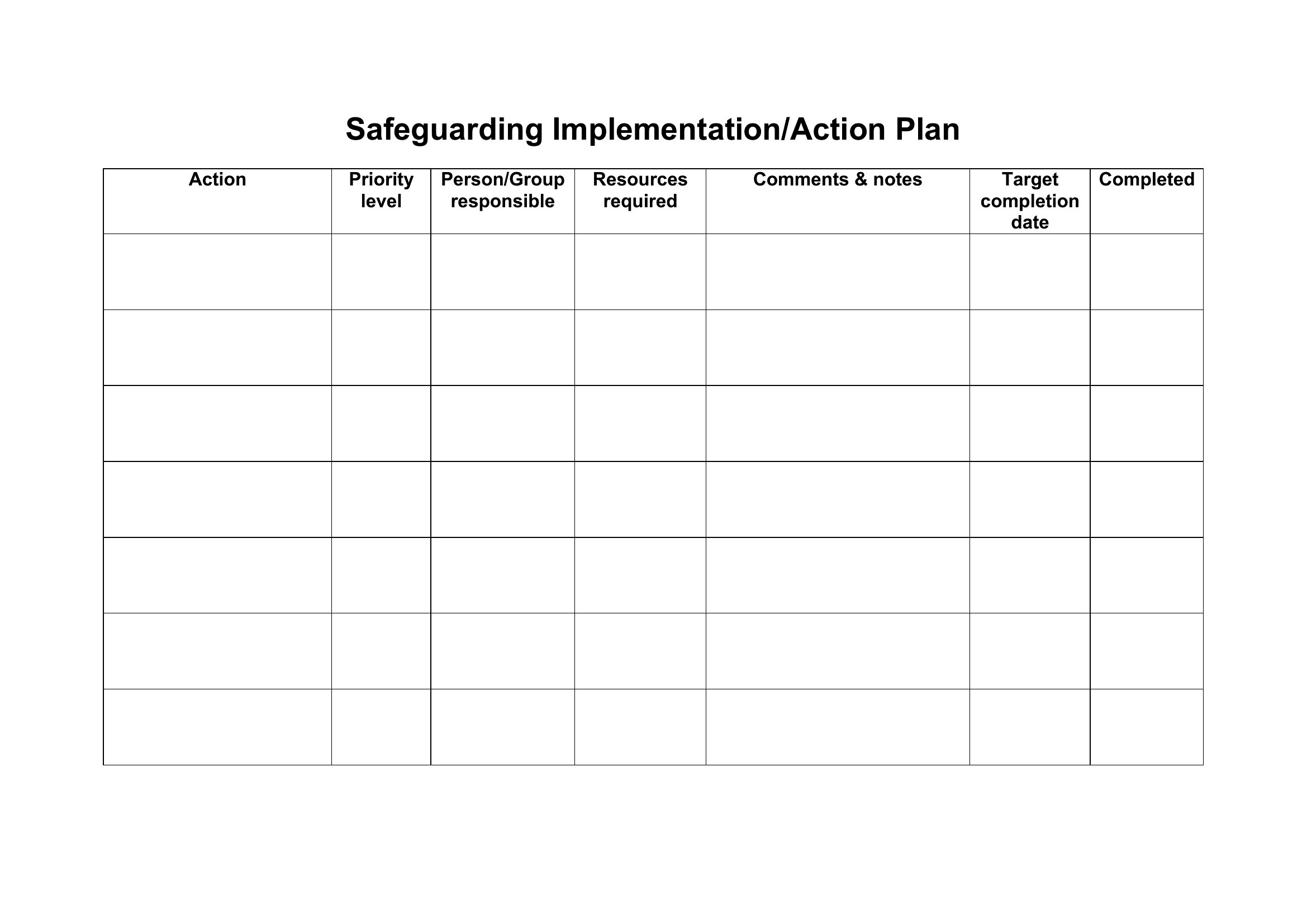
Implement A Plan
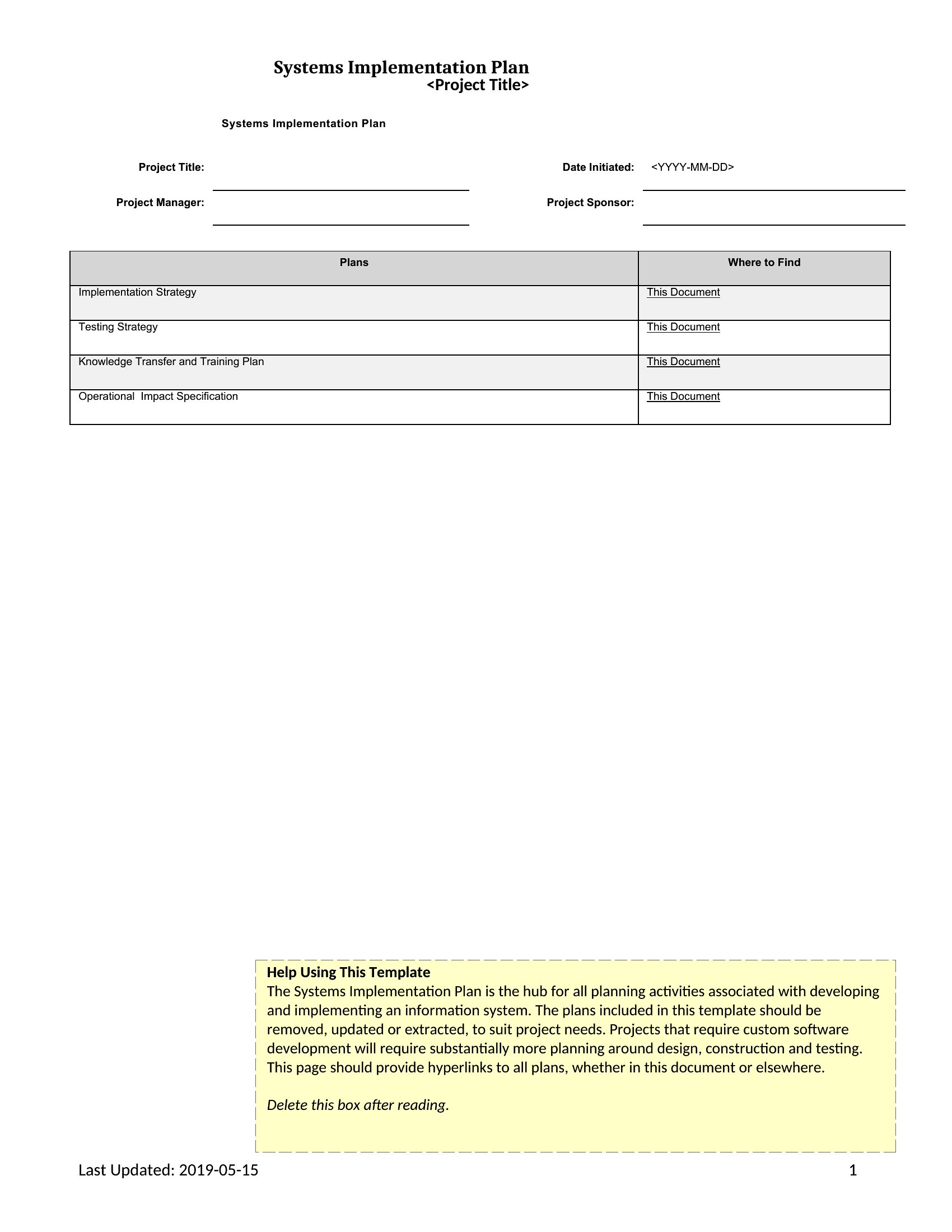
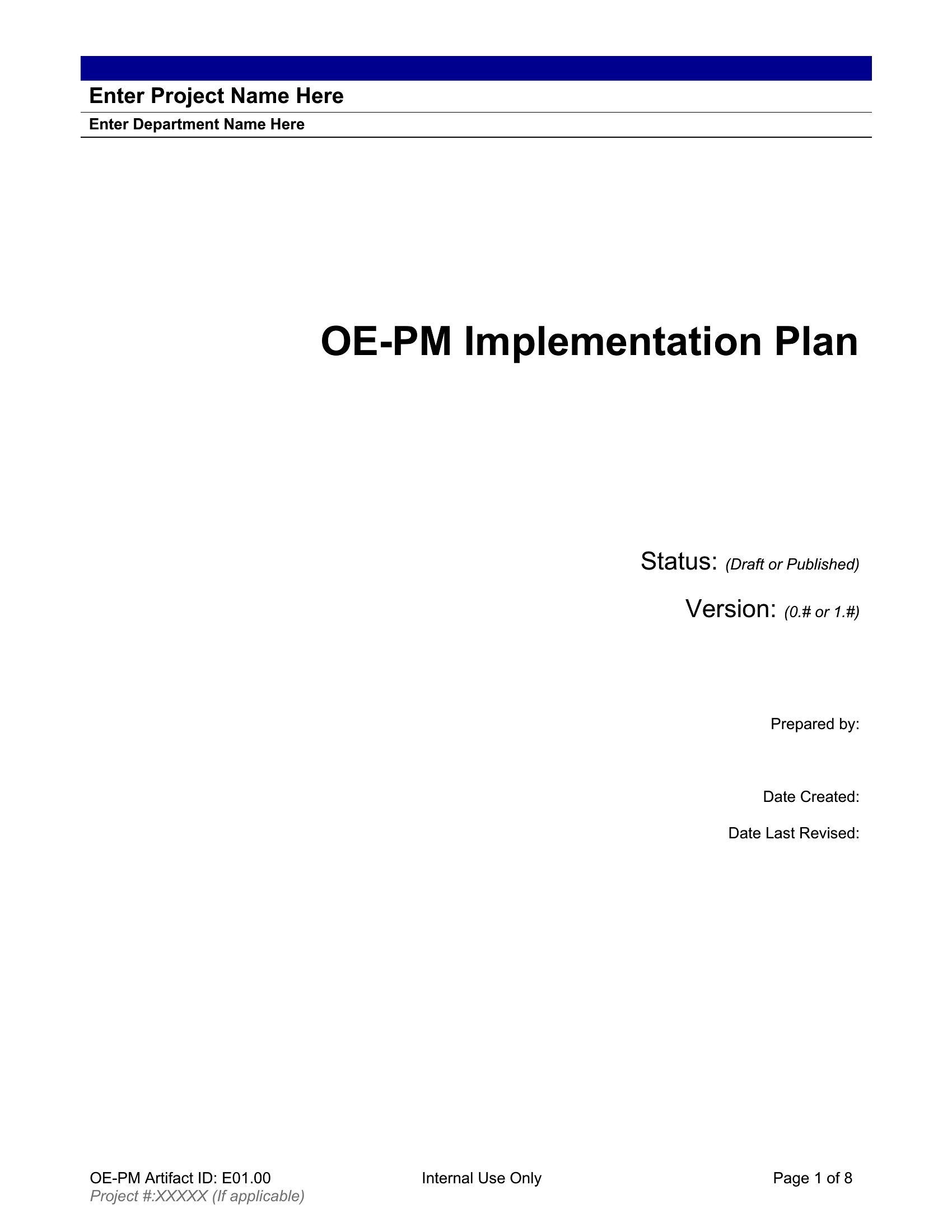
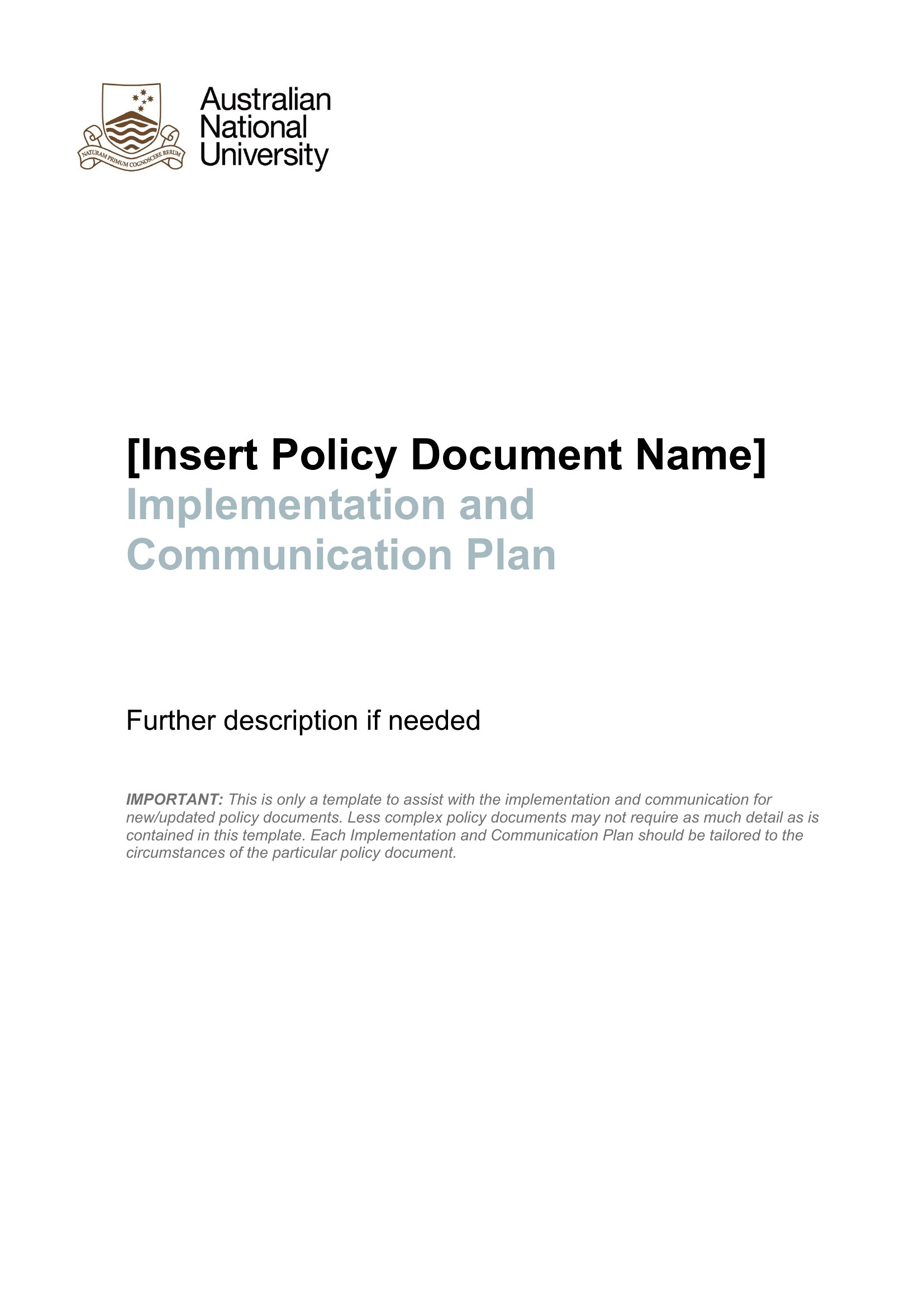
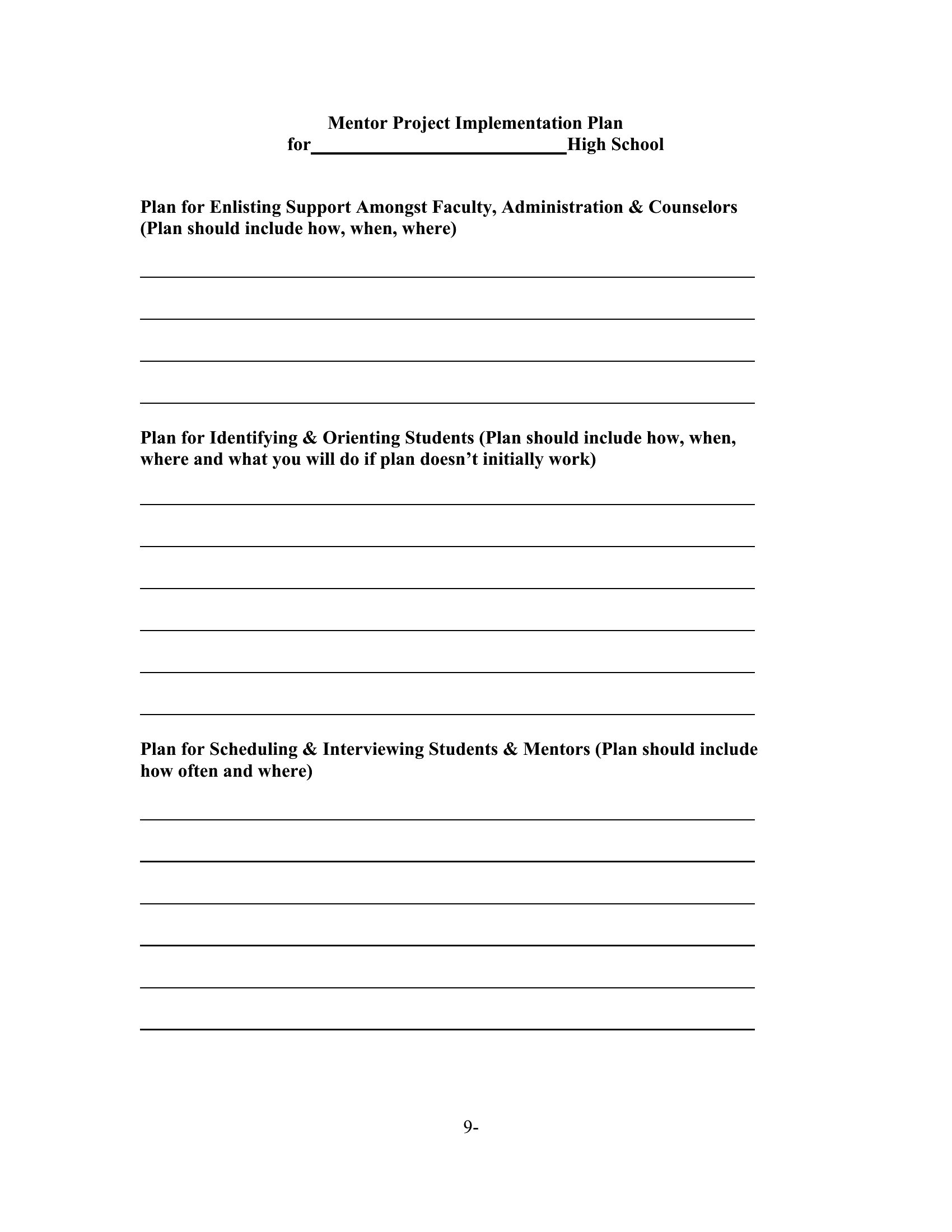
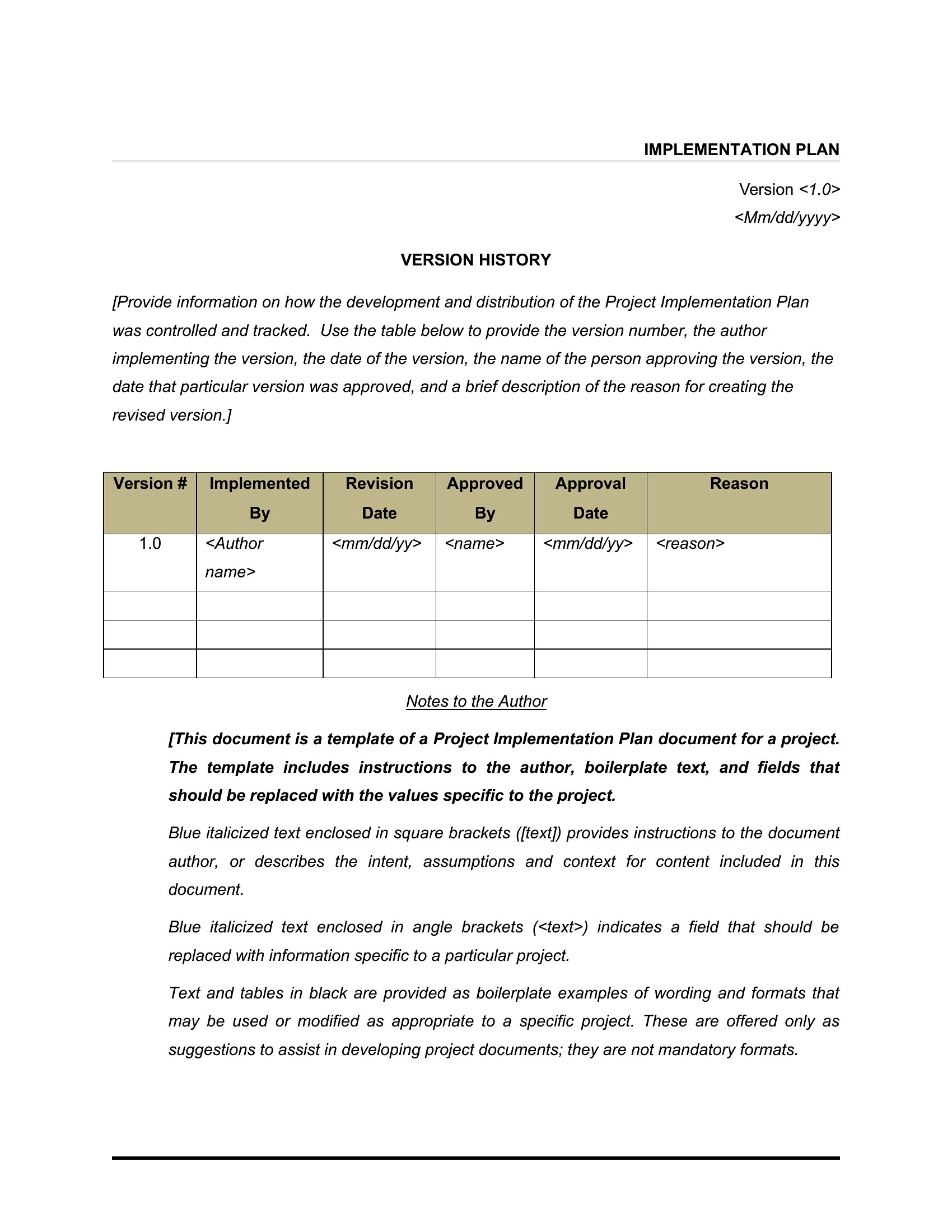
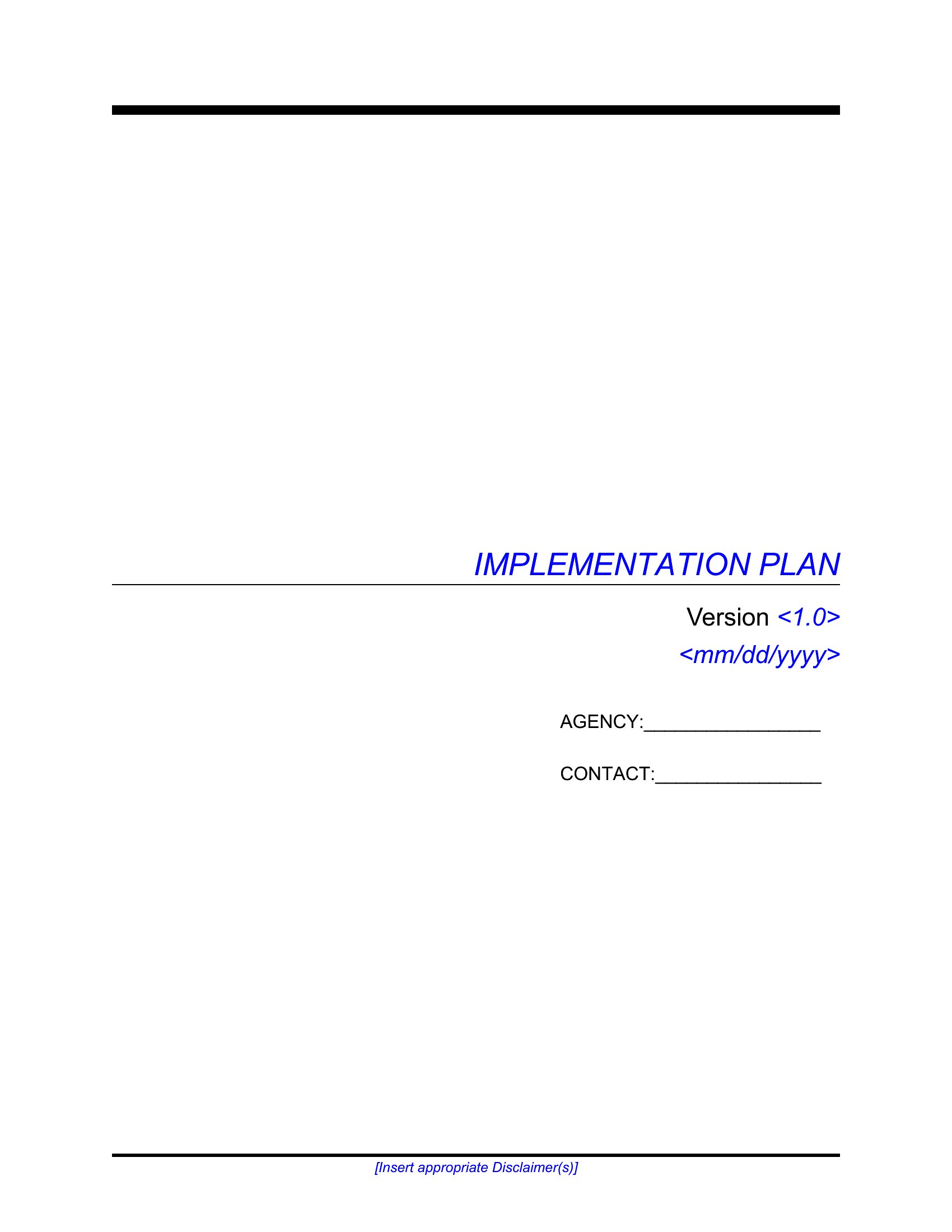
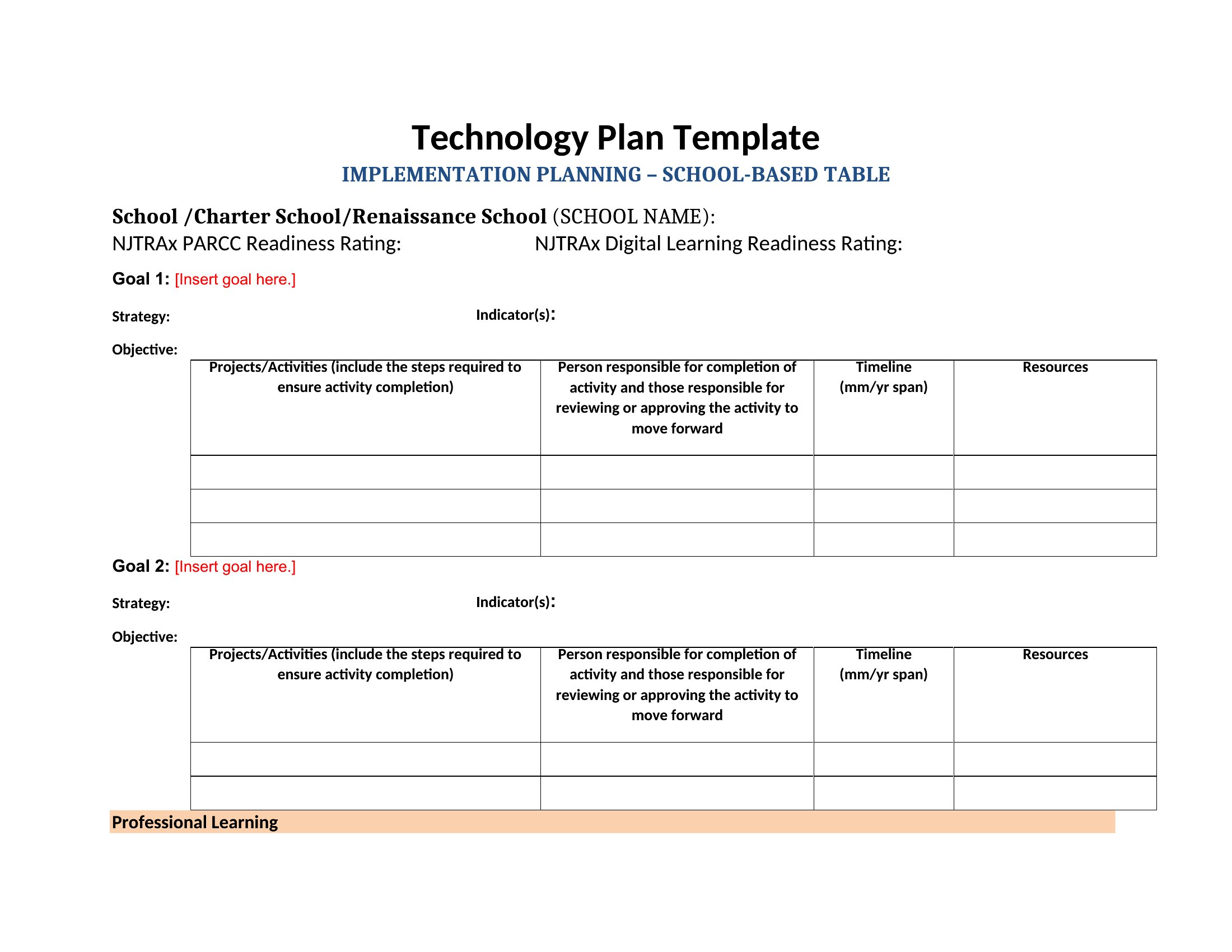
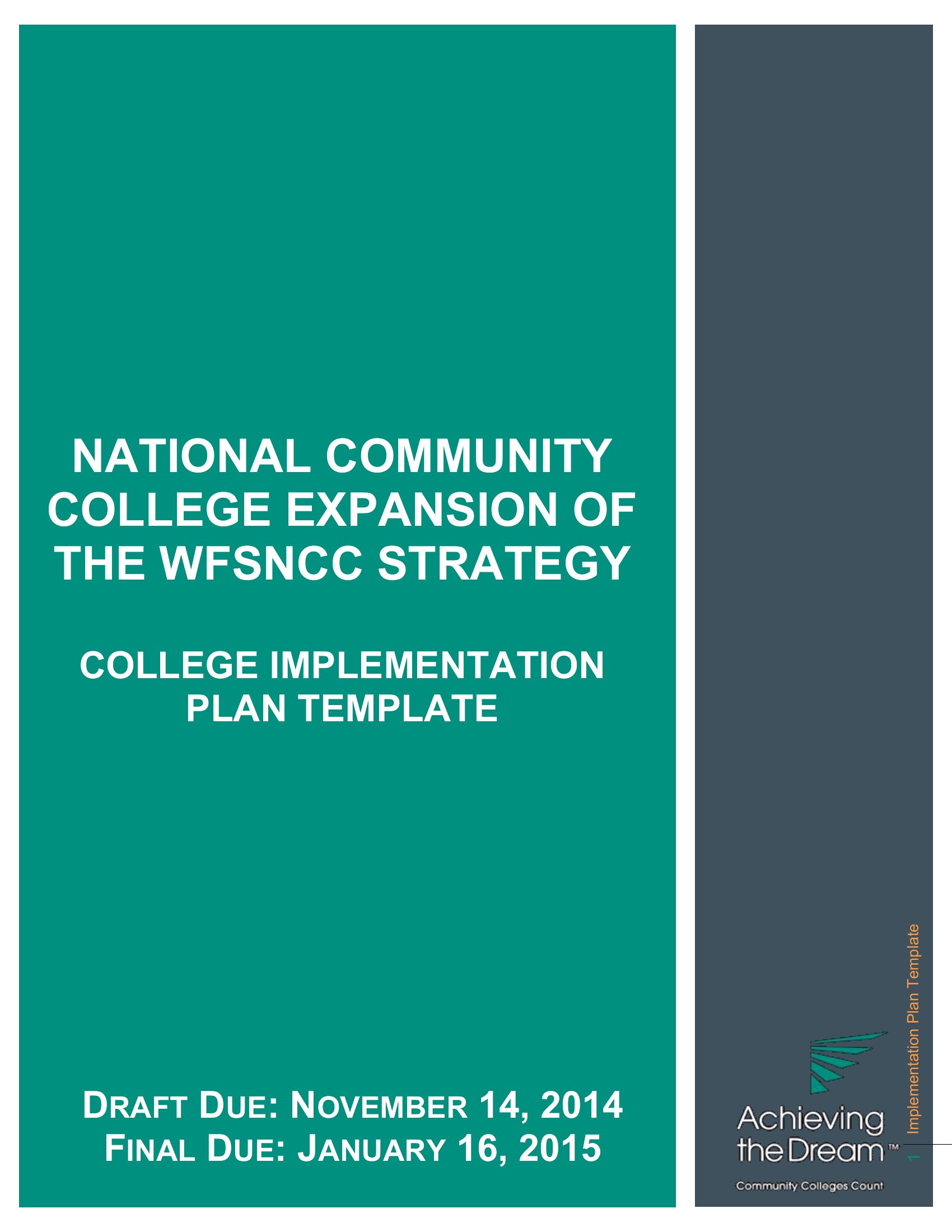
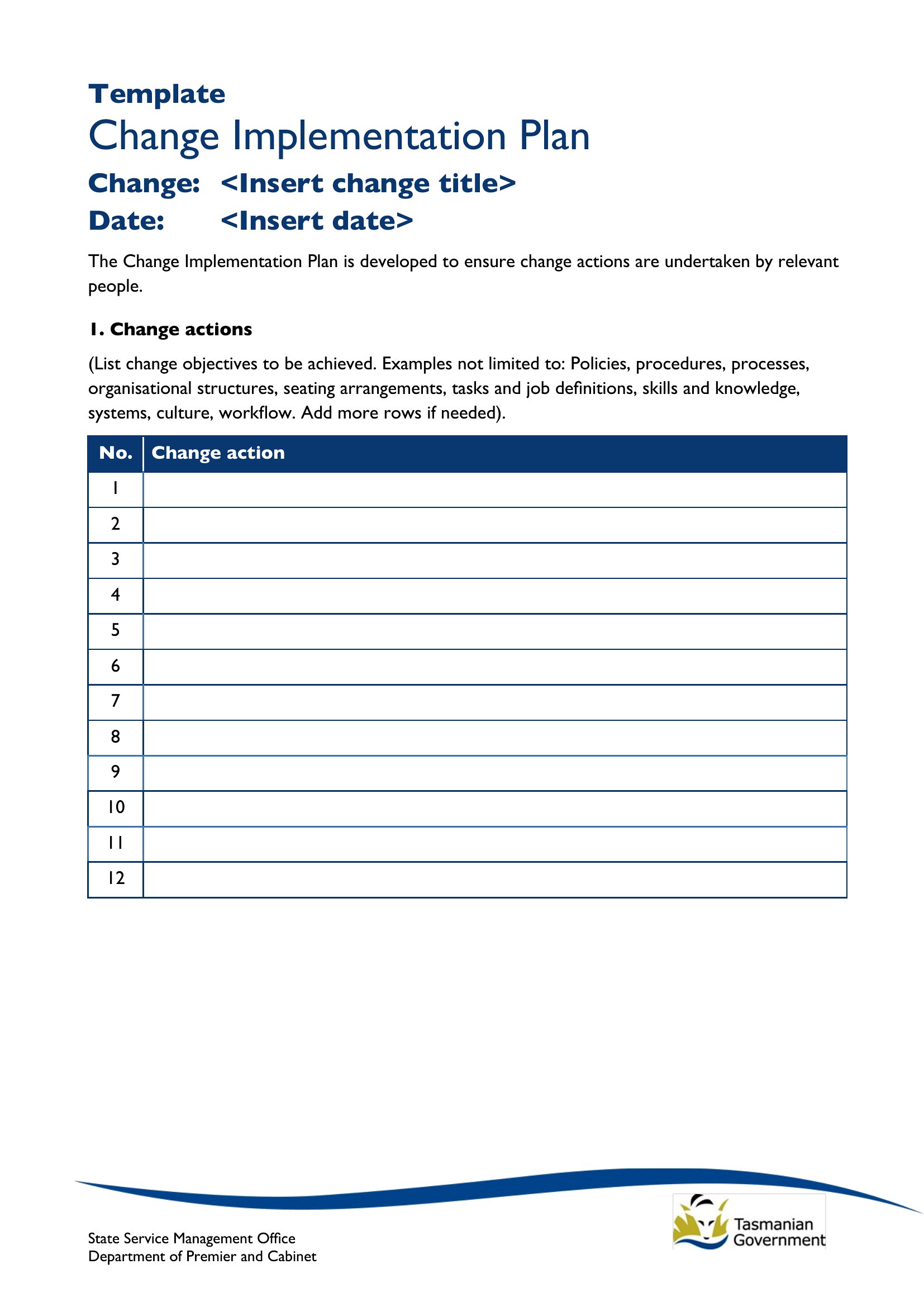
Implementing A Plan
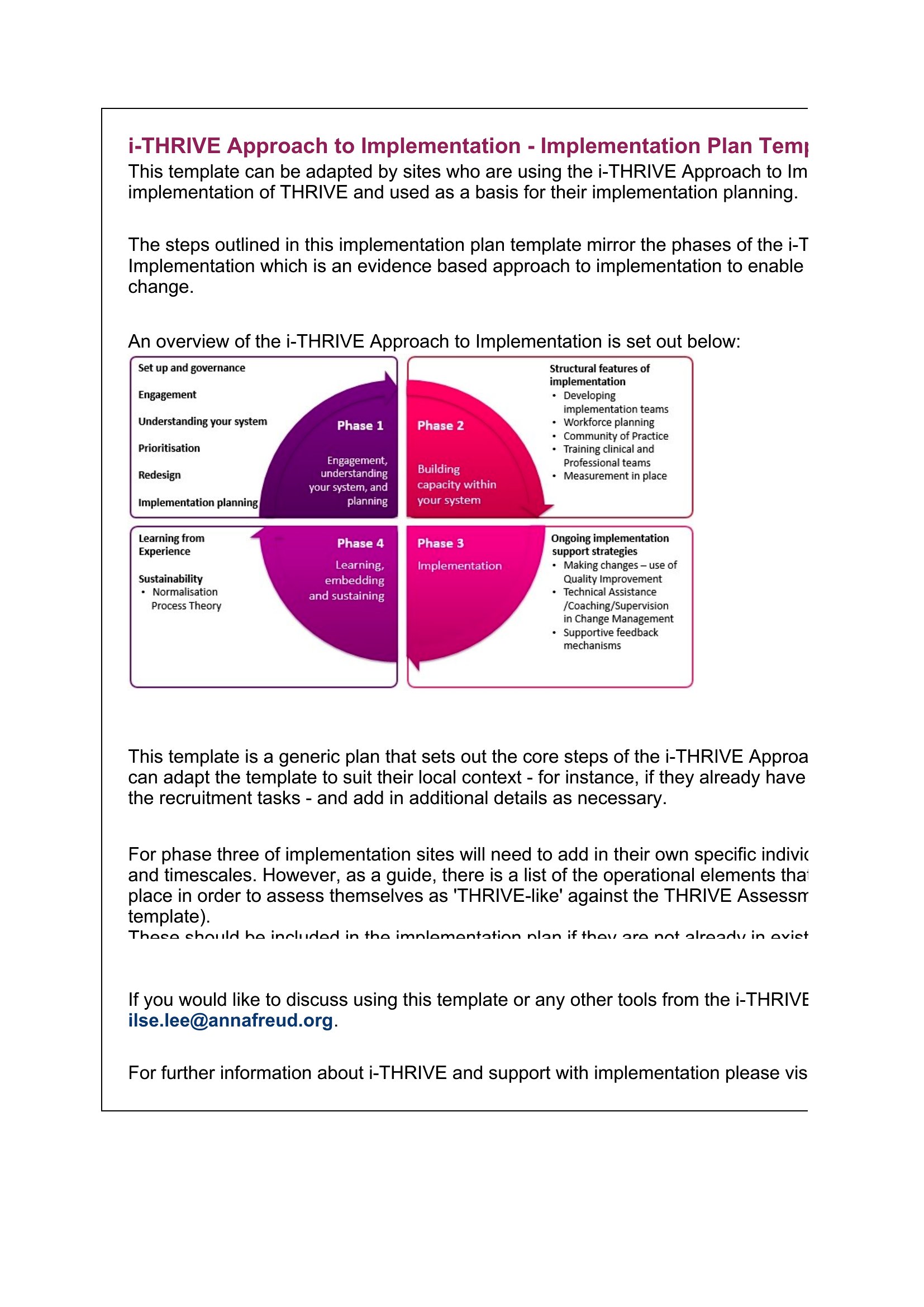
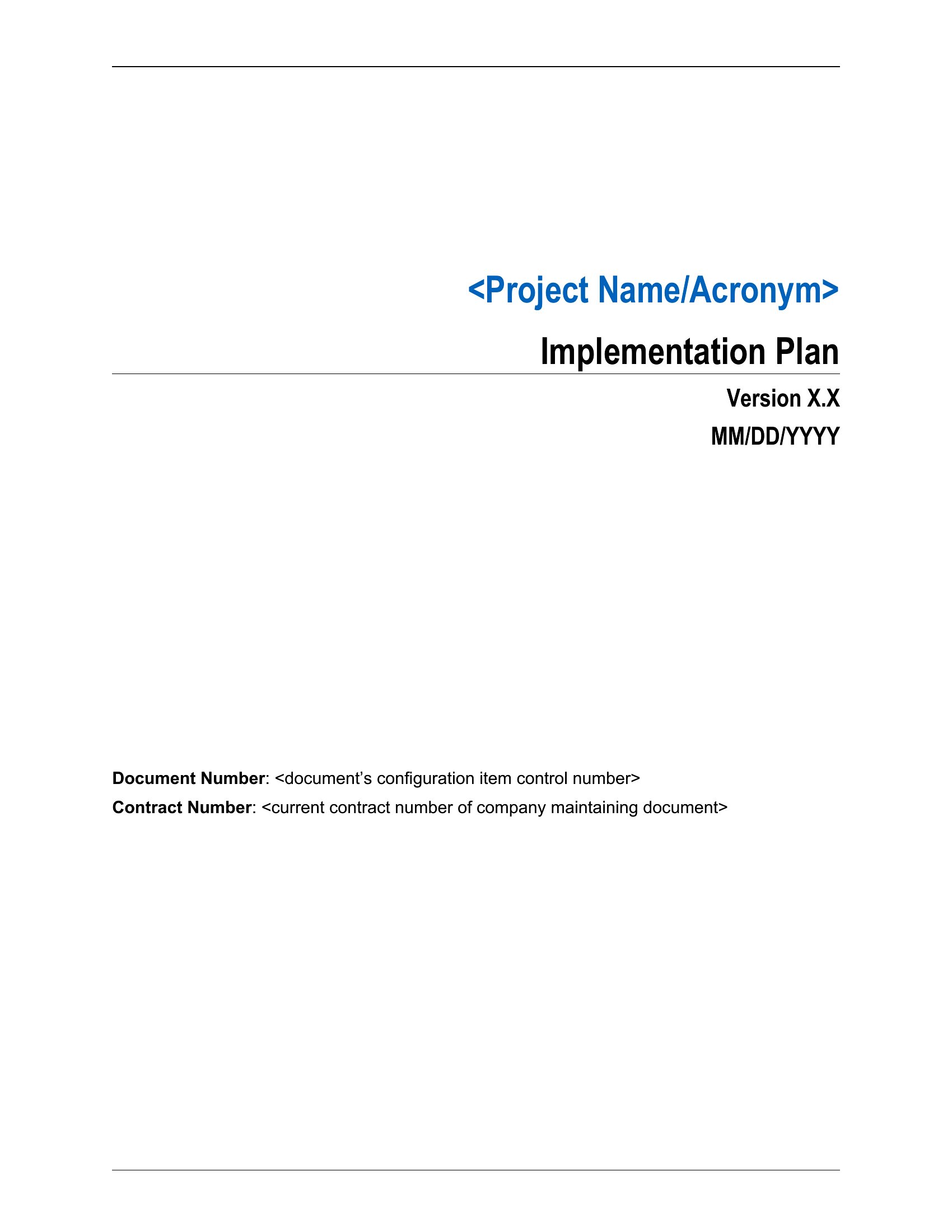
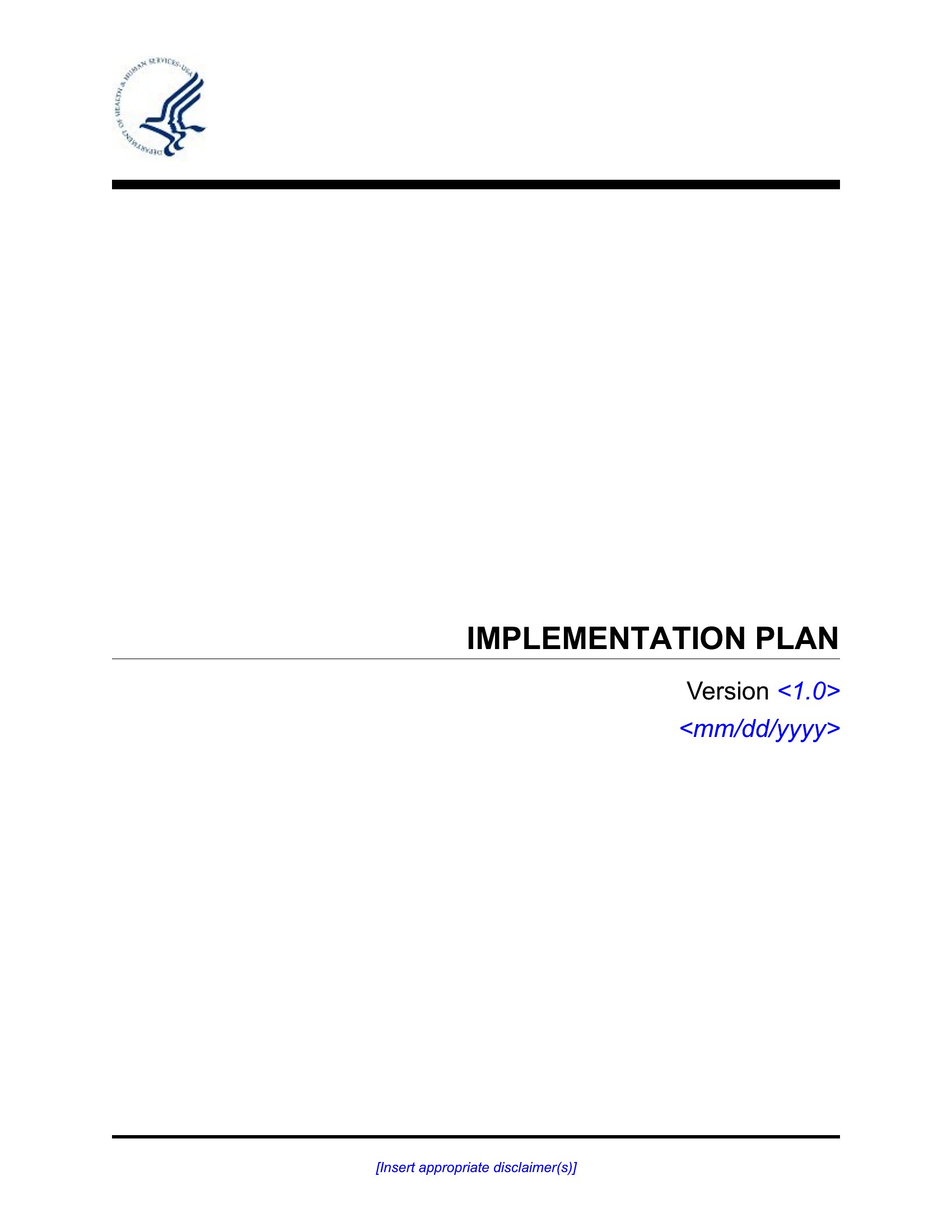
Implement Plan
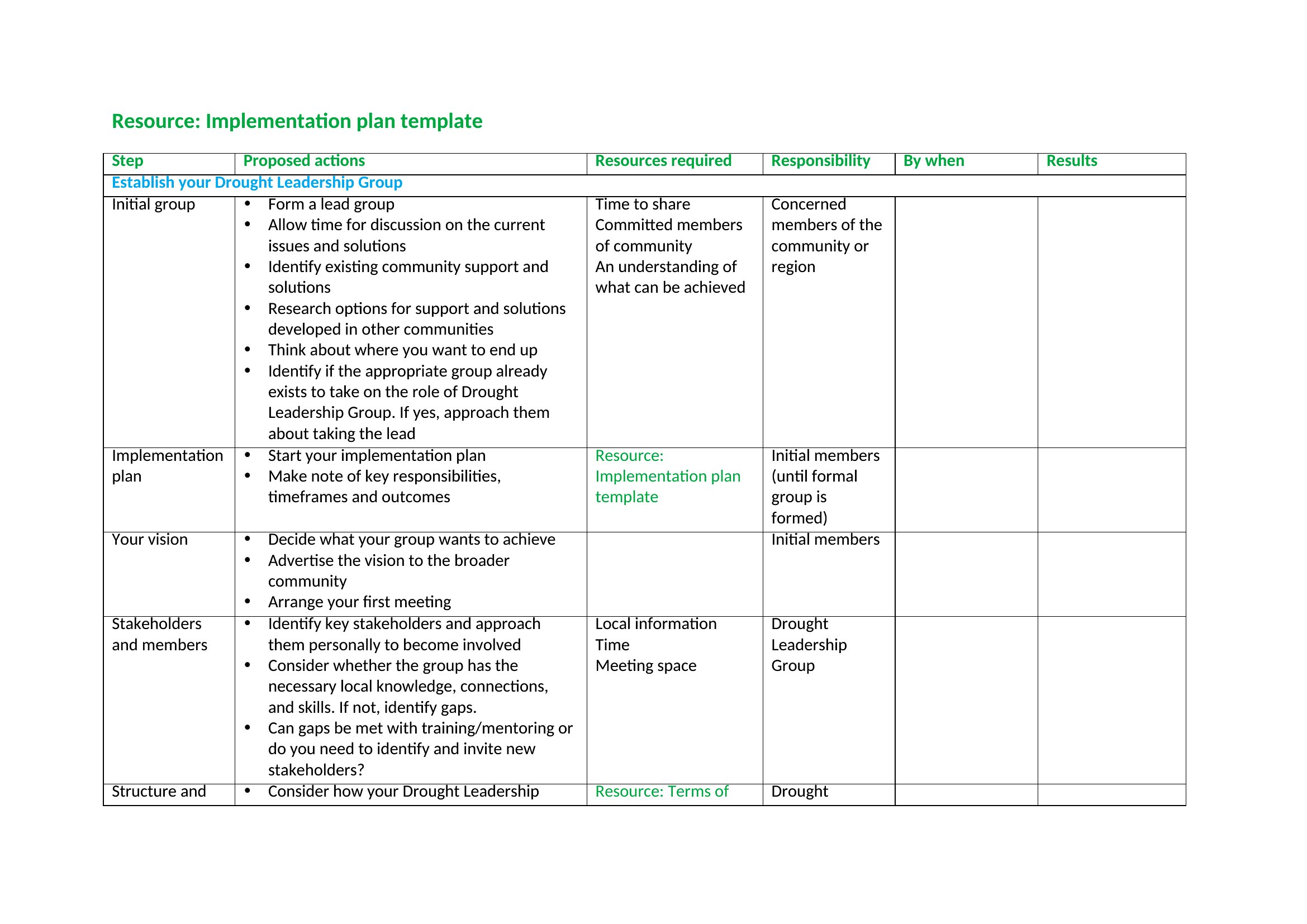
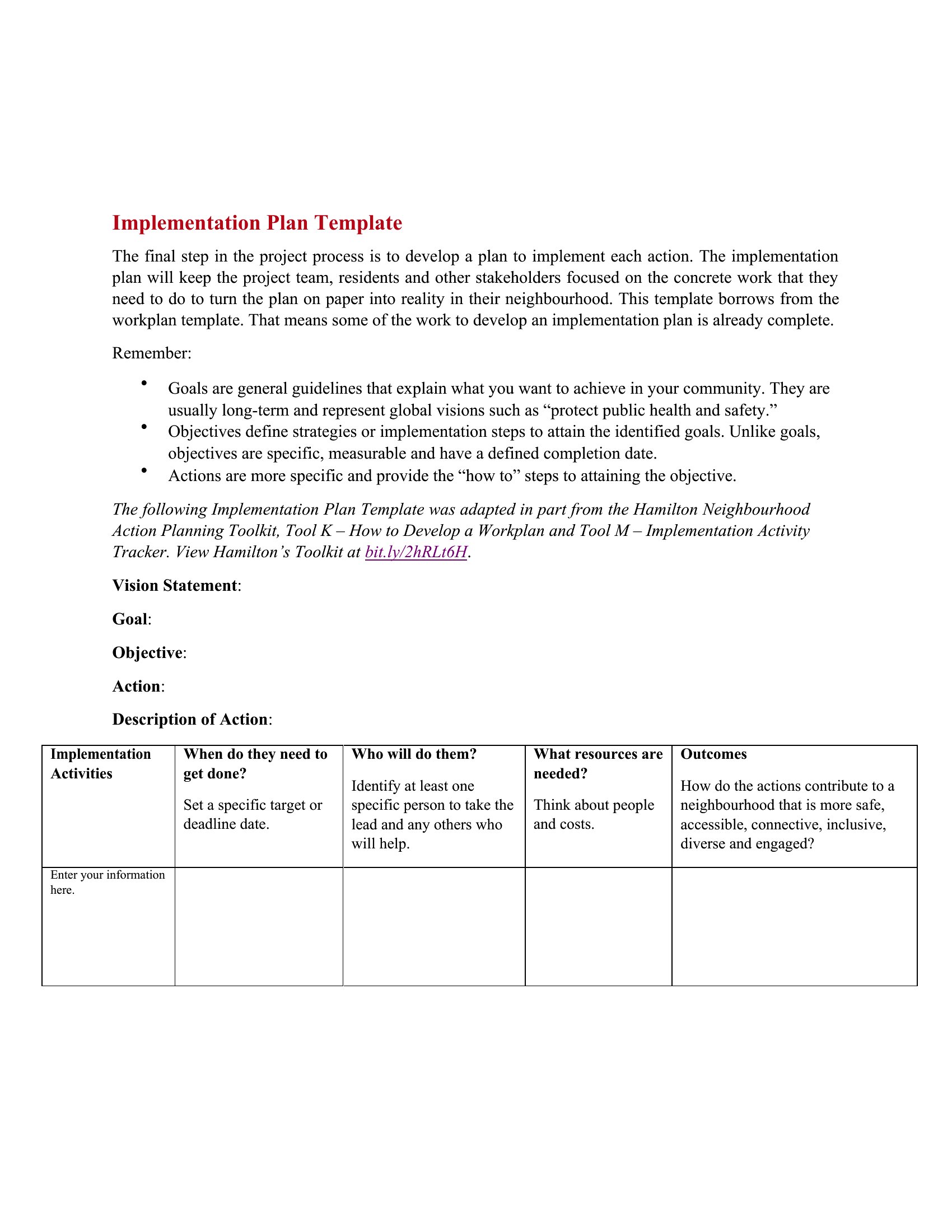
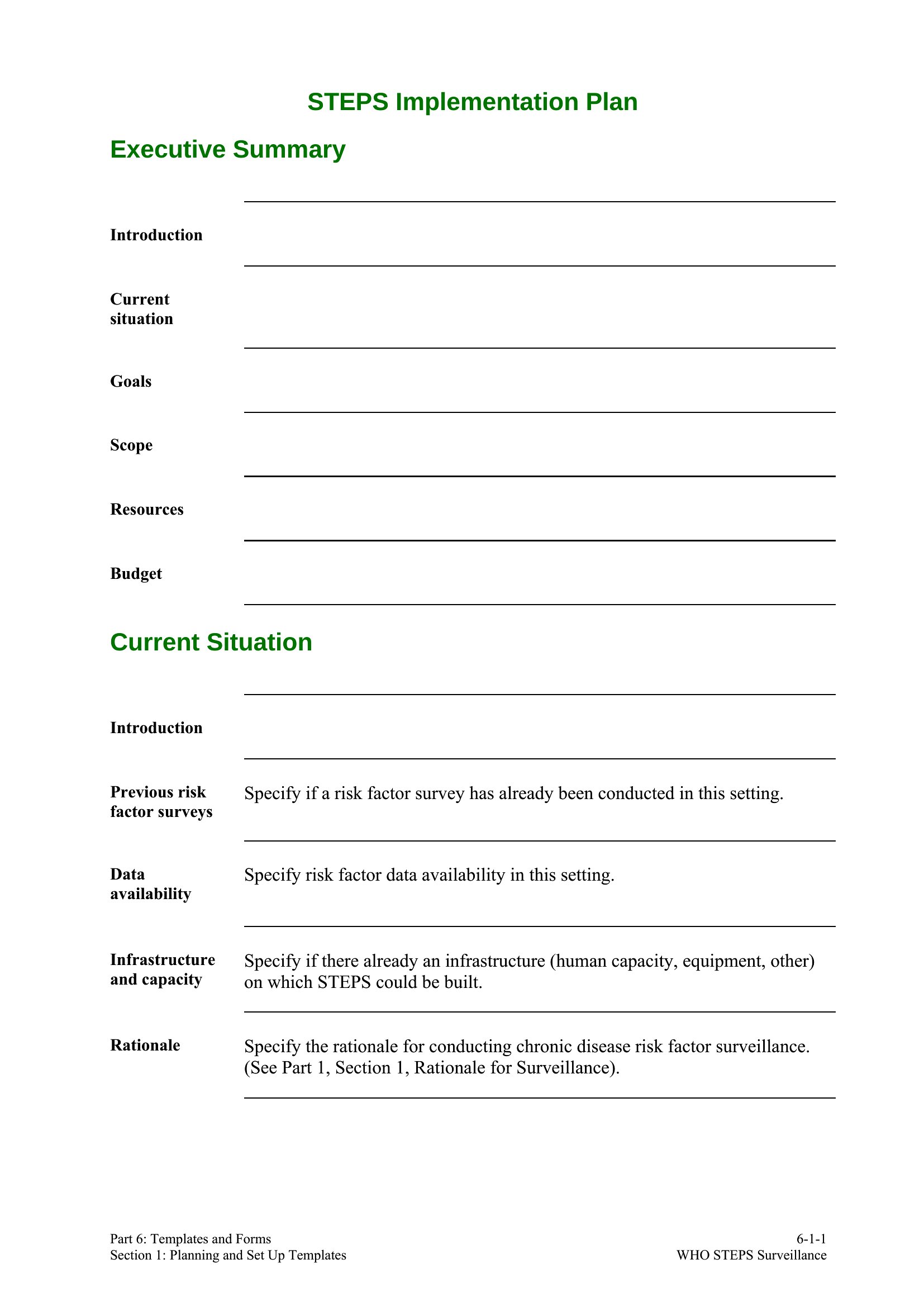
How to use this Implementation Plan template
How can I adapt this template for a project with multiple interdependent phases, like a phased software rollout?
Use the Excel format to create separate sheets for each phase, linking timelines and resources to a master dashboard. In Word, insert section dividers for each phase and duplicate task lists with conditional formatting to highlight dependencies. Both formats allow you to visually map how delays in one phase impact others, but Excel’s formula tools can auto-calculate ripple effects.
What’s the best way to assign accountability in the plan without overloading individual contributors?
In Word, use a dedicated “Owners” column in task lists and color-code by role for quick reference. In Excel, add a dropdown menu in the “Responsible” column to limit selections to team member names, reducing errors. Both formats let you flag high-risk tasks requiring backup owners, but Excel’s data validation ensures consistency across hundreds of entries.
Can I use these templates to track both internal and external dependencies, like vendor deliverables alongside internal milestones?
Yes. In Word, create a separate “External Partners” section with vendor-specific timelines and contract clauses. In Excel, use conditional formatting to distinguish internal (green) from external (yellow) tasks, and add a “Vendor Status” column to log contract progress. Excel’s ability to link cells across sheets makes it ideal for cross-referencing internal deadlines with vendor SLAs.
Comments
Join the conversation
Sign in to share your thoughts and leave a comment on this resource.