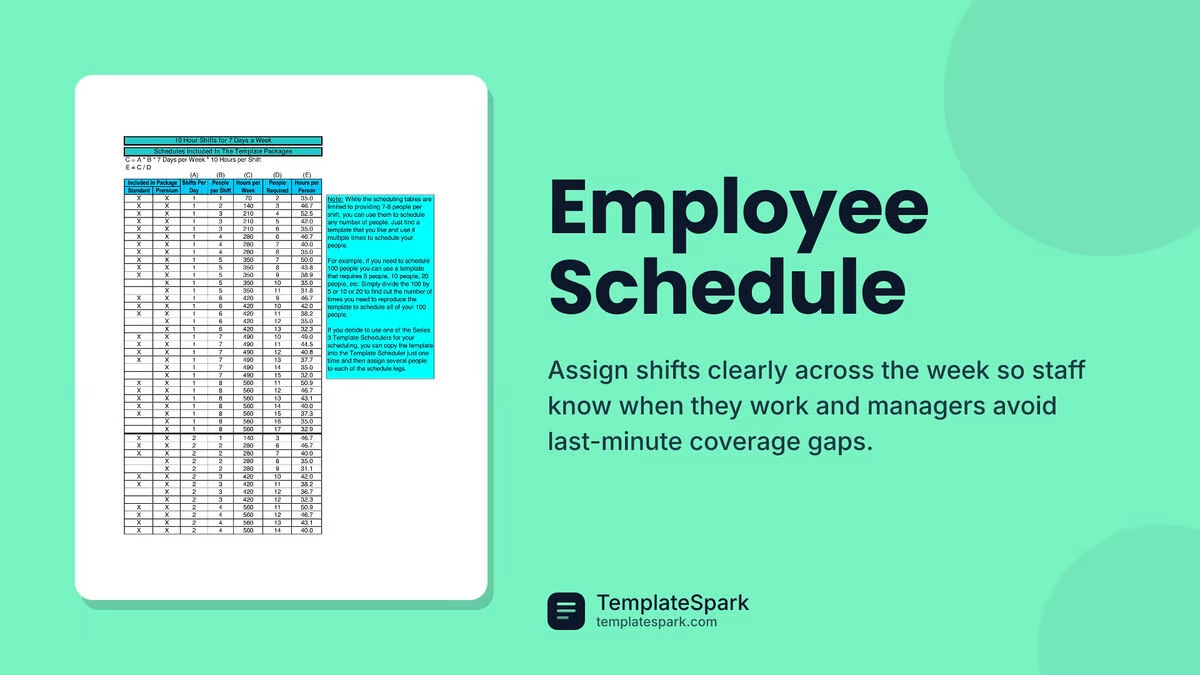
Free Employee Schedule Templates (Word, Excel, PDF)
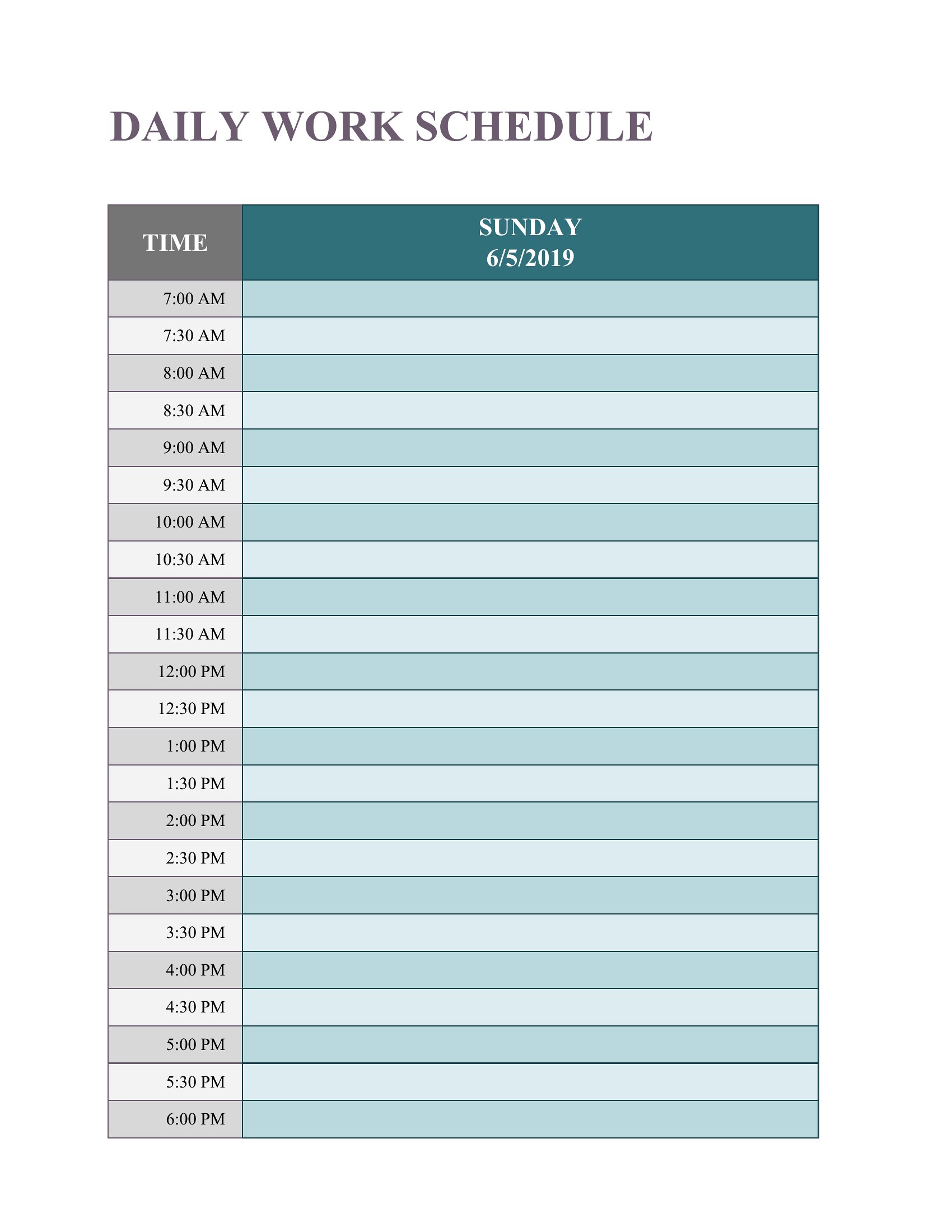
Daily by lejladenis
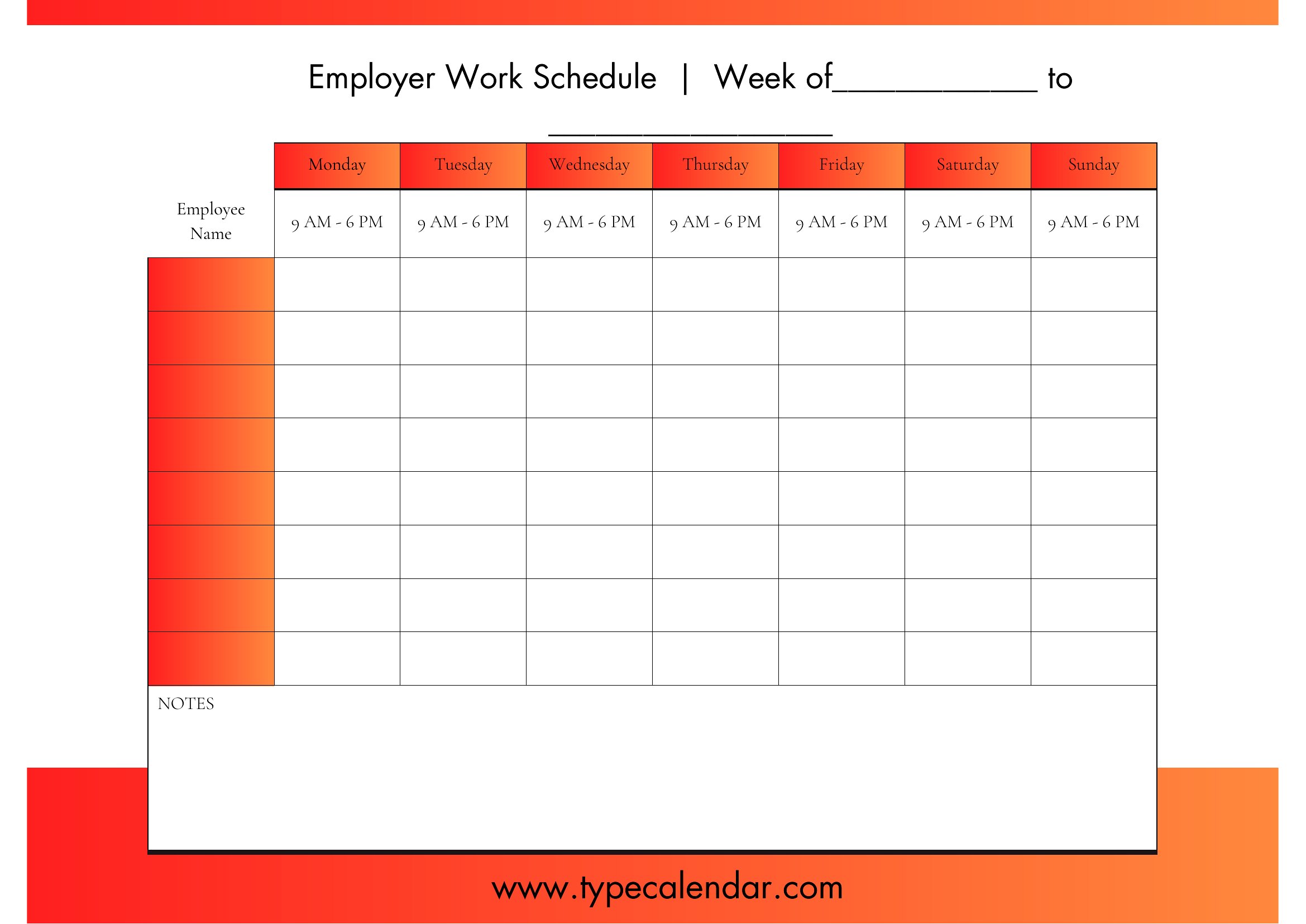
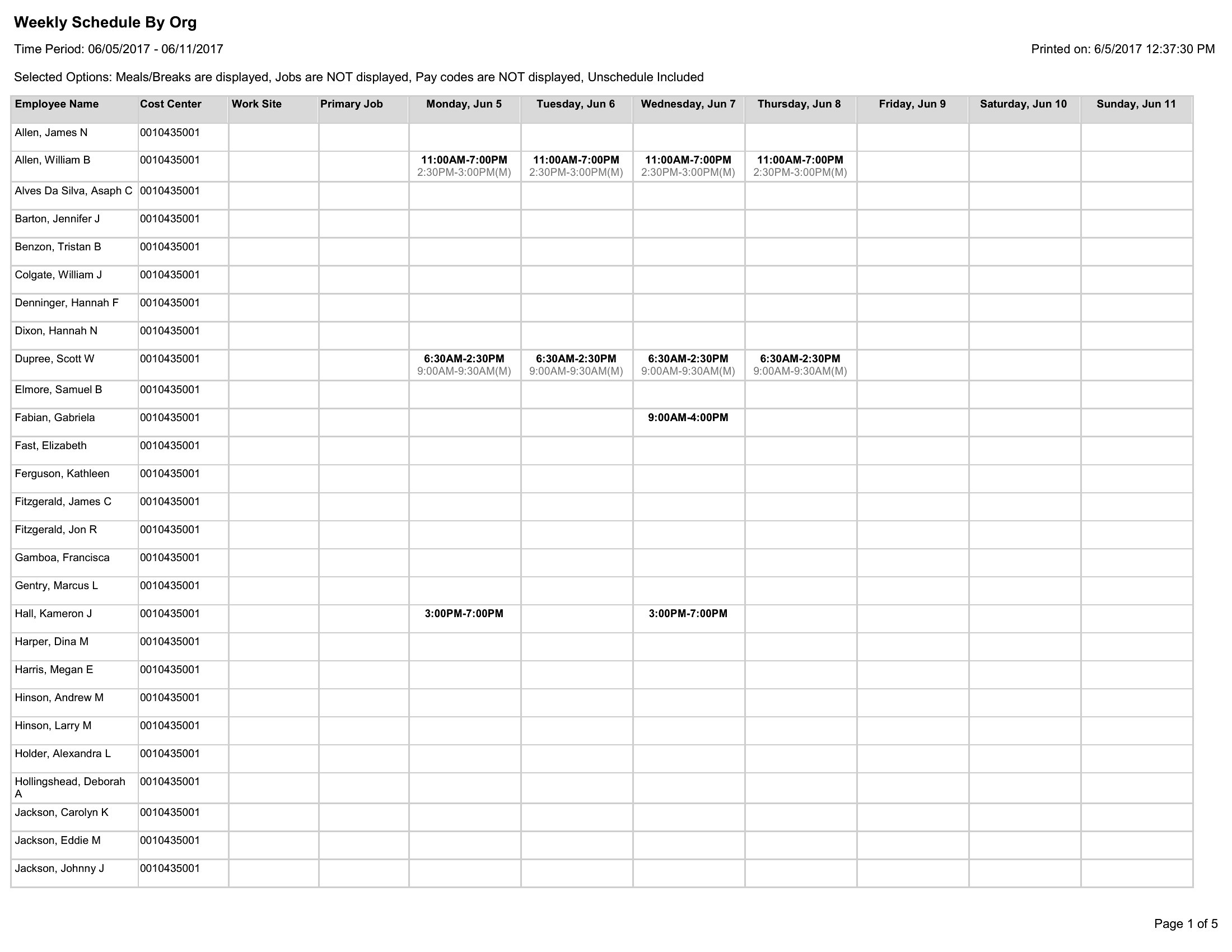
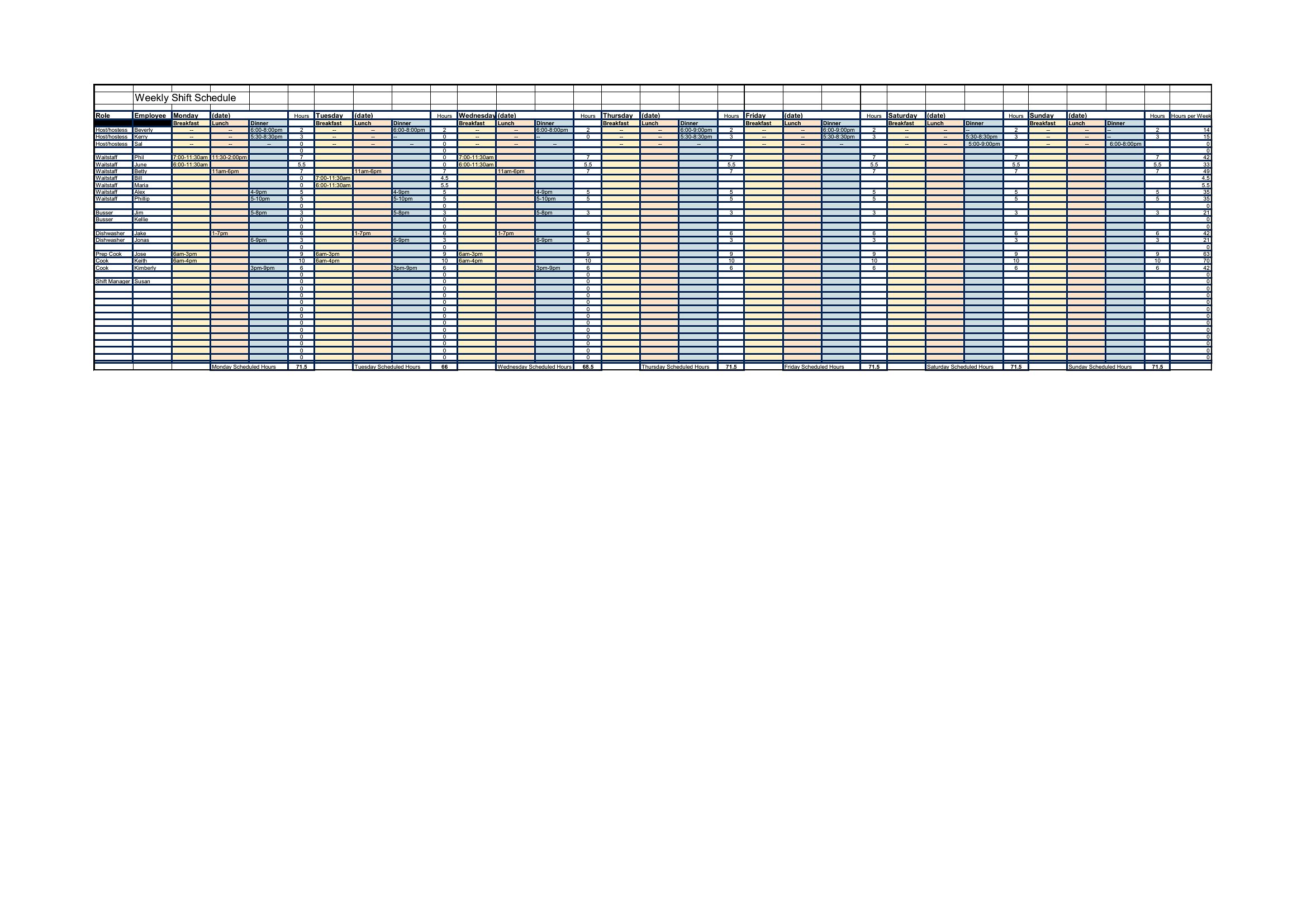
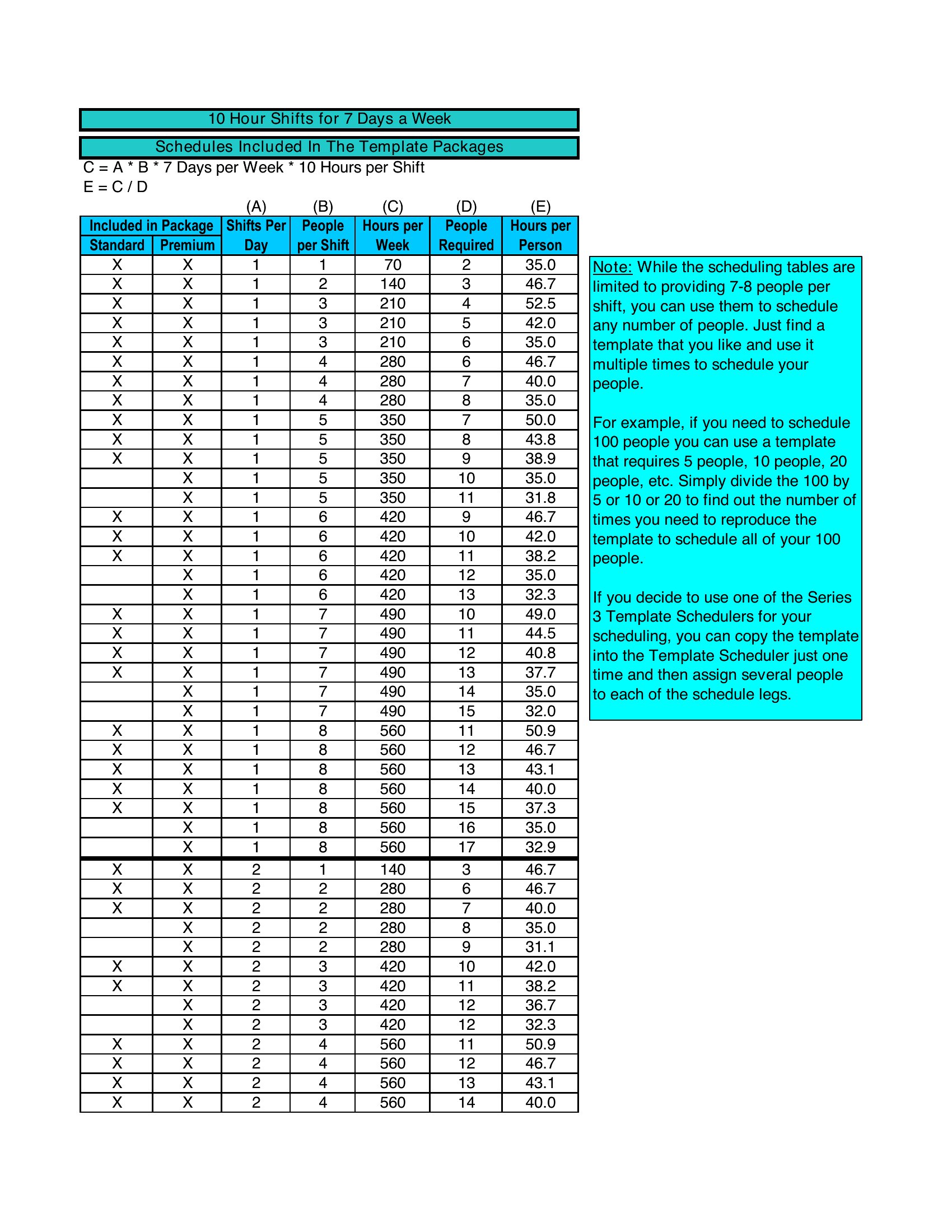
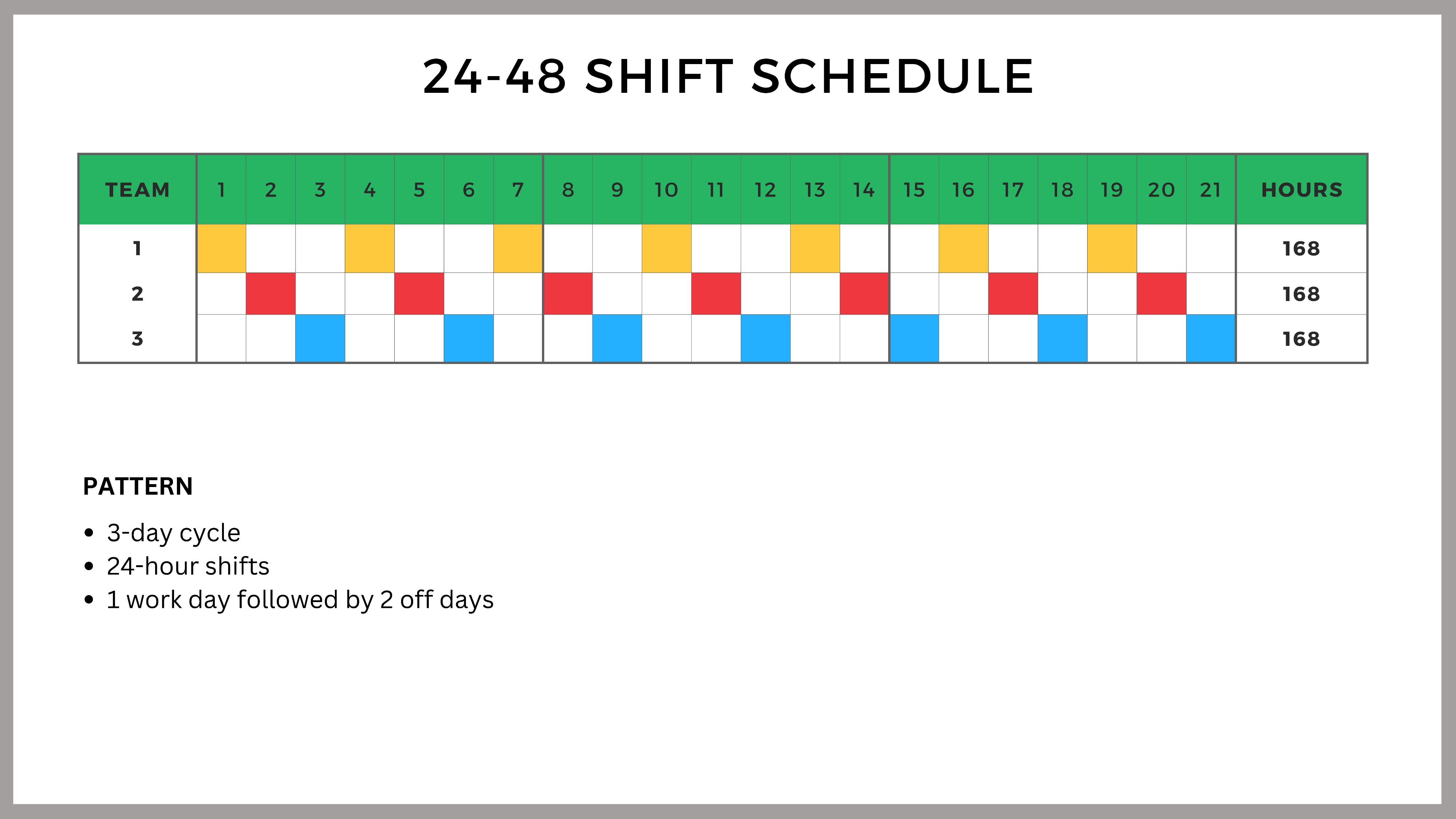
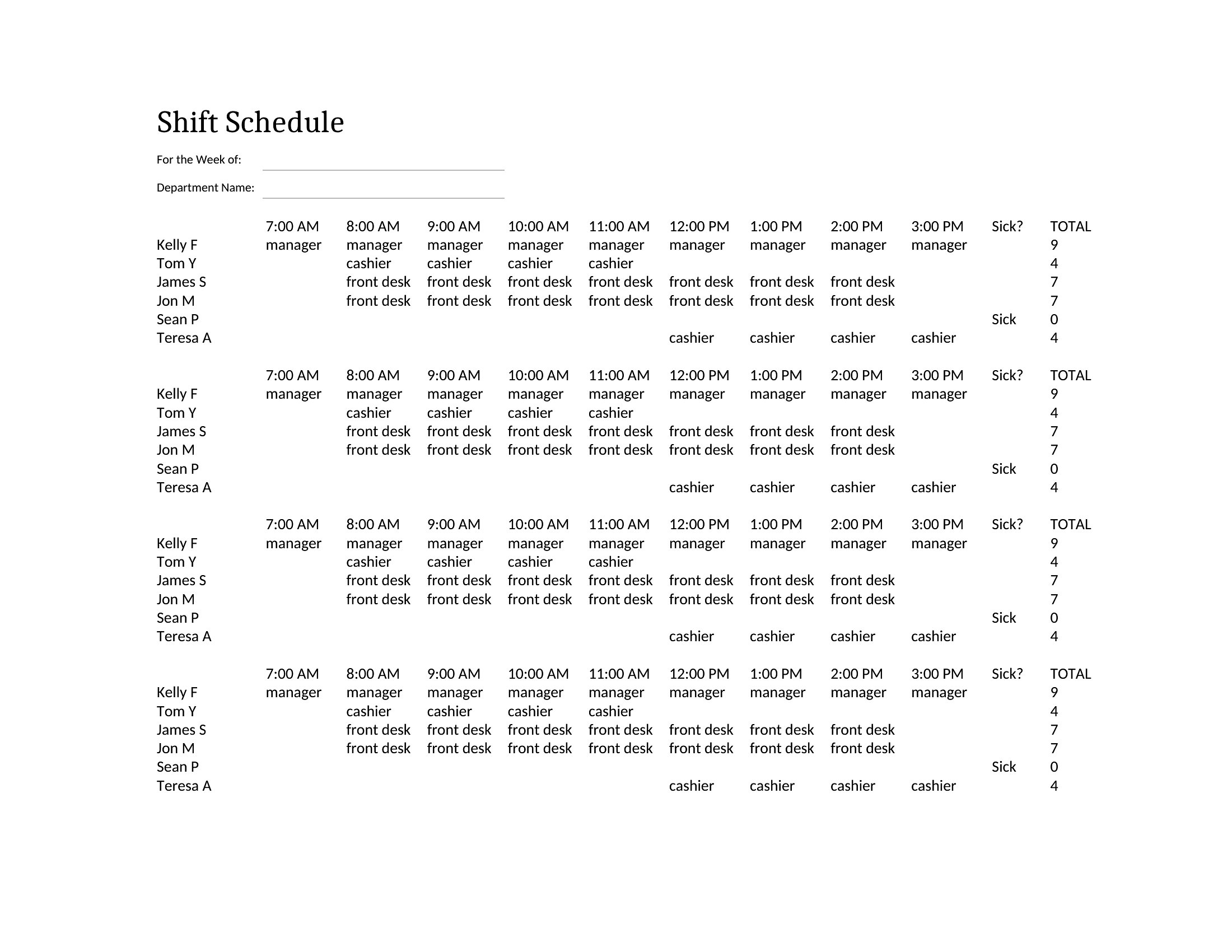
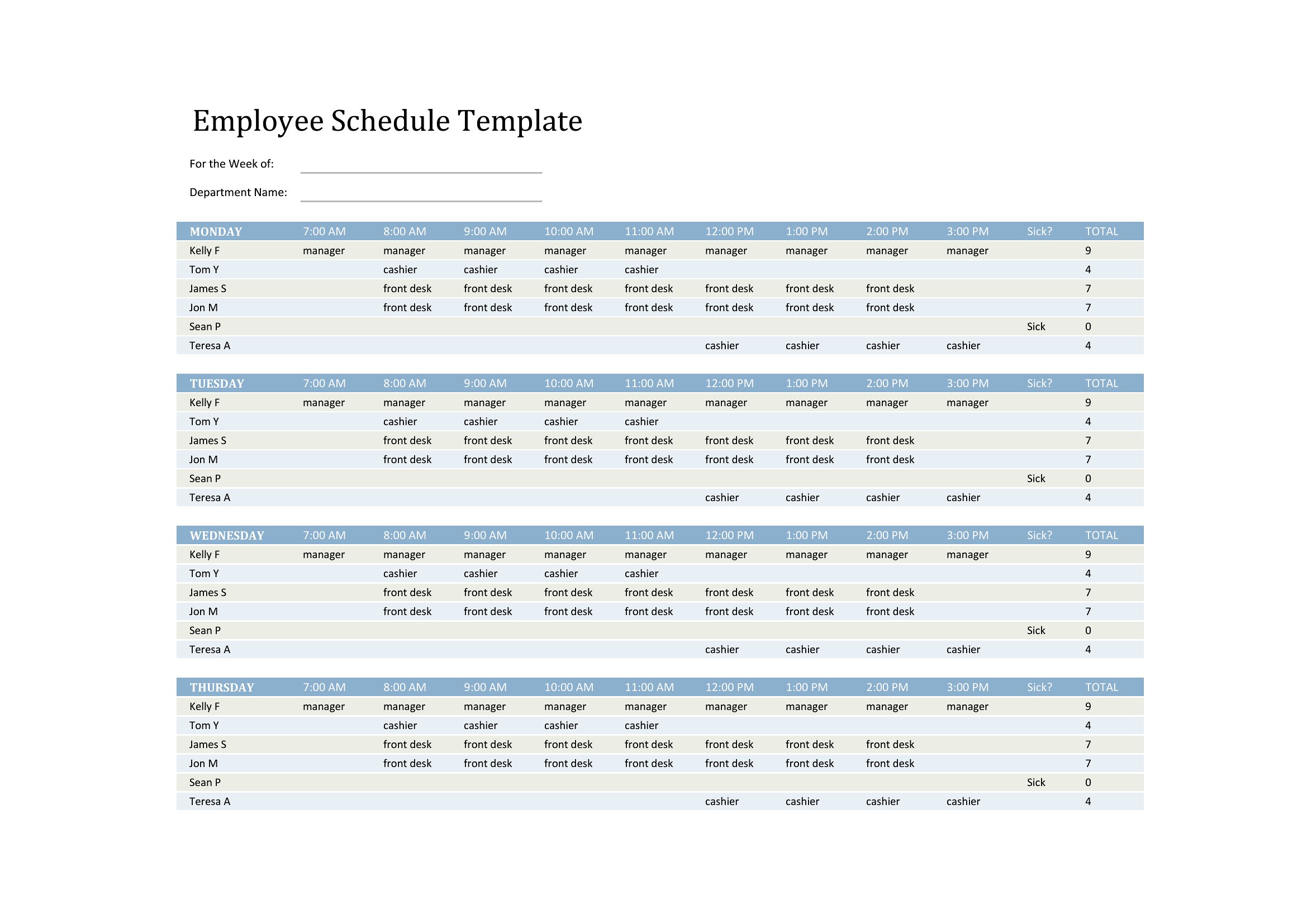
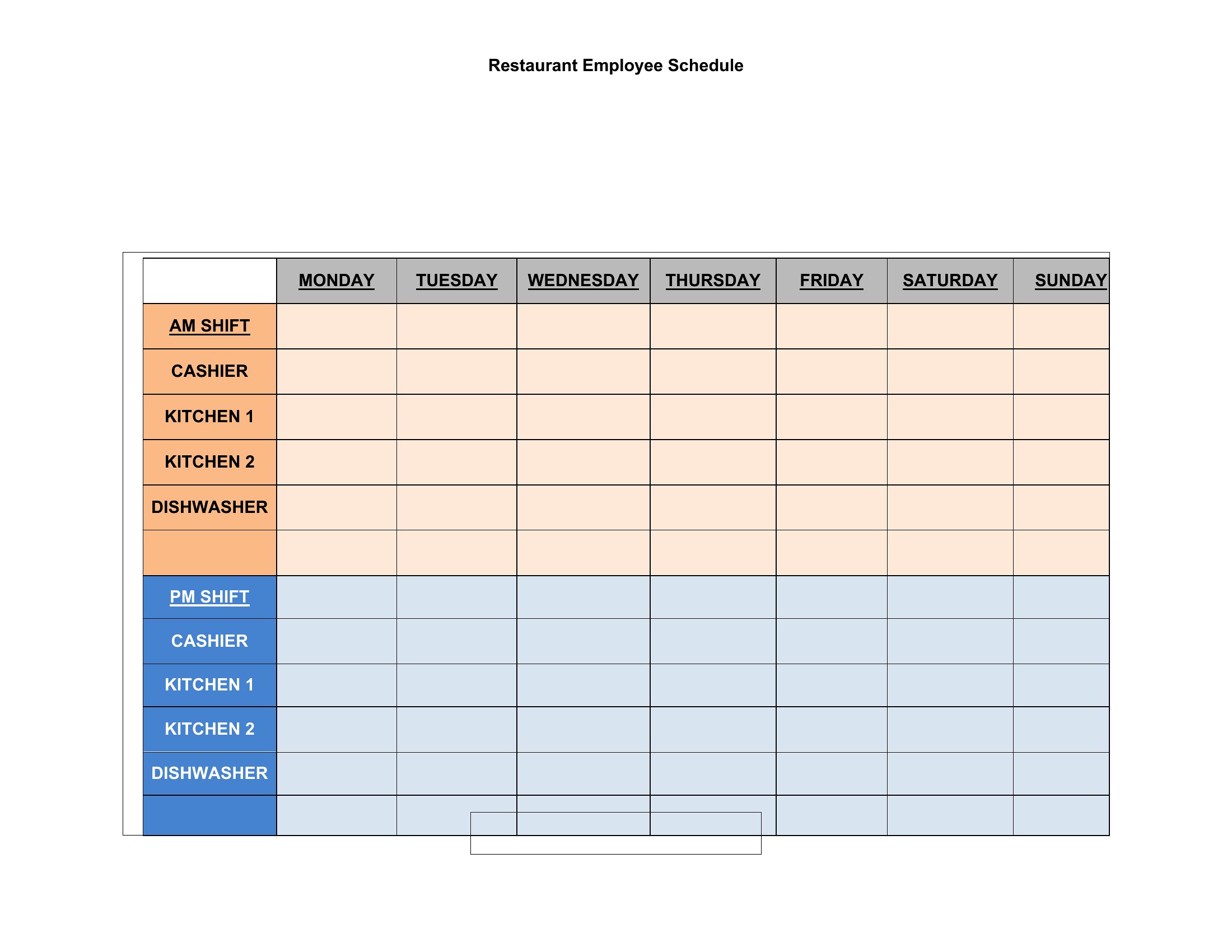
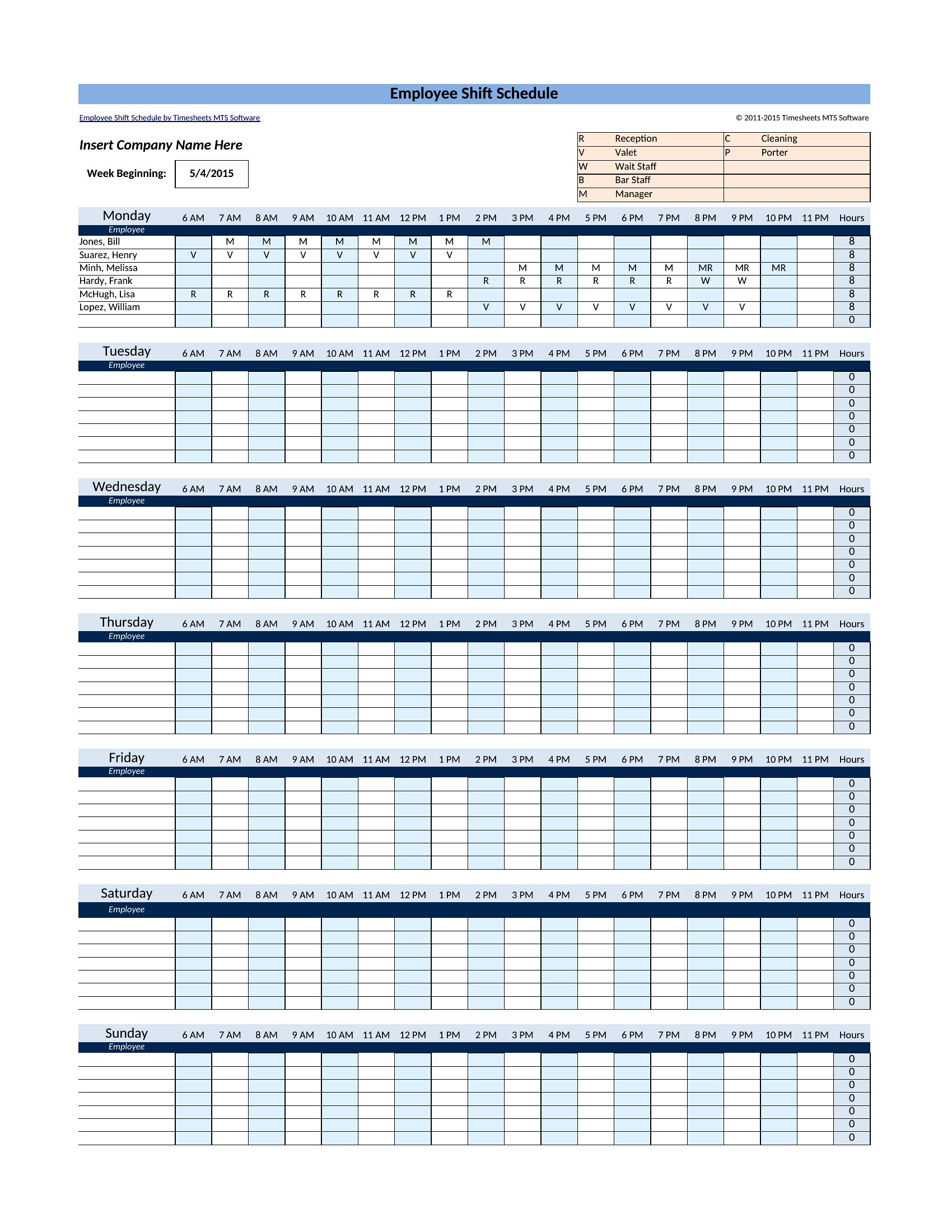
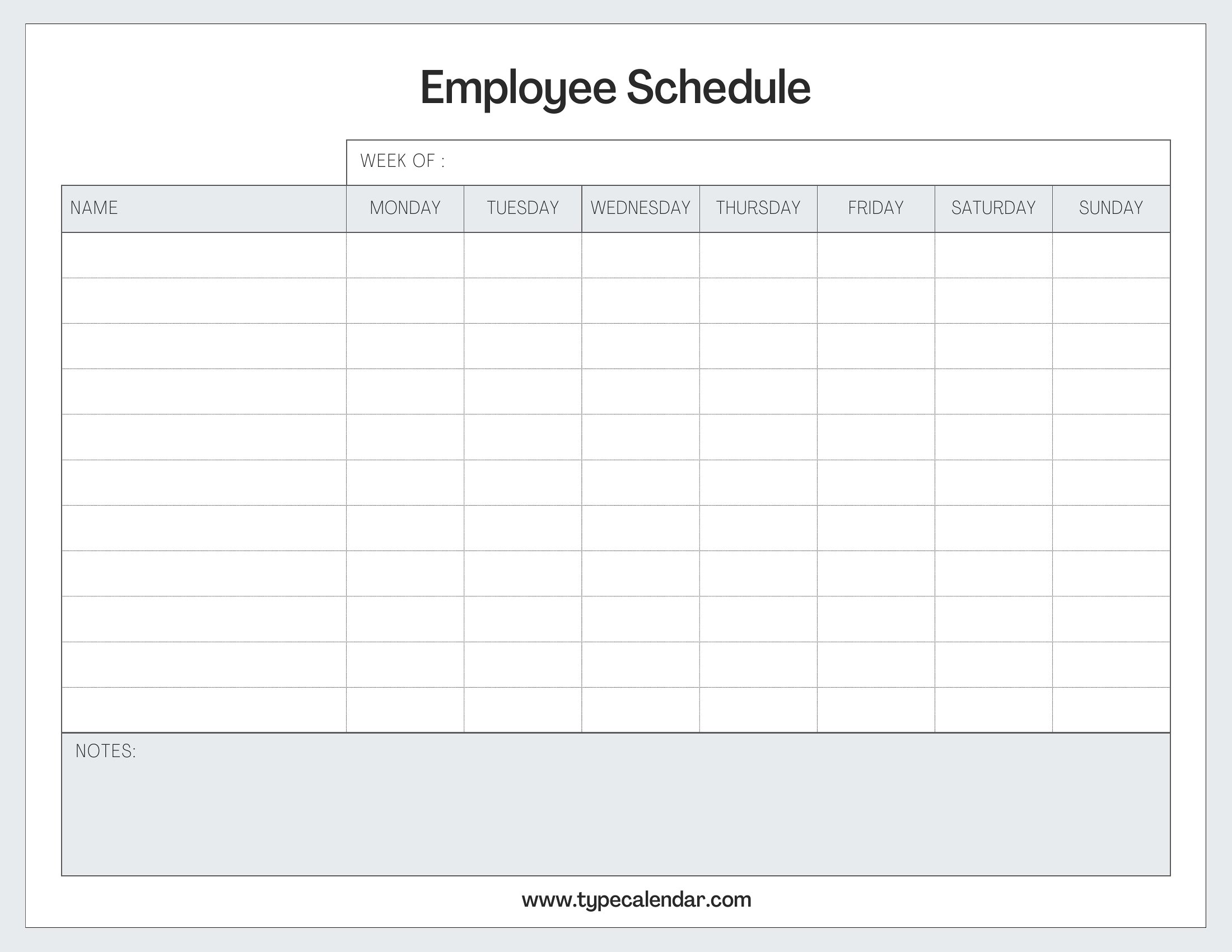
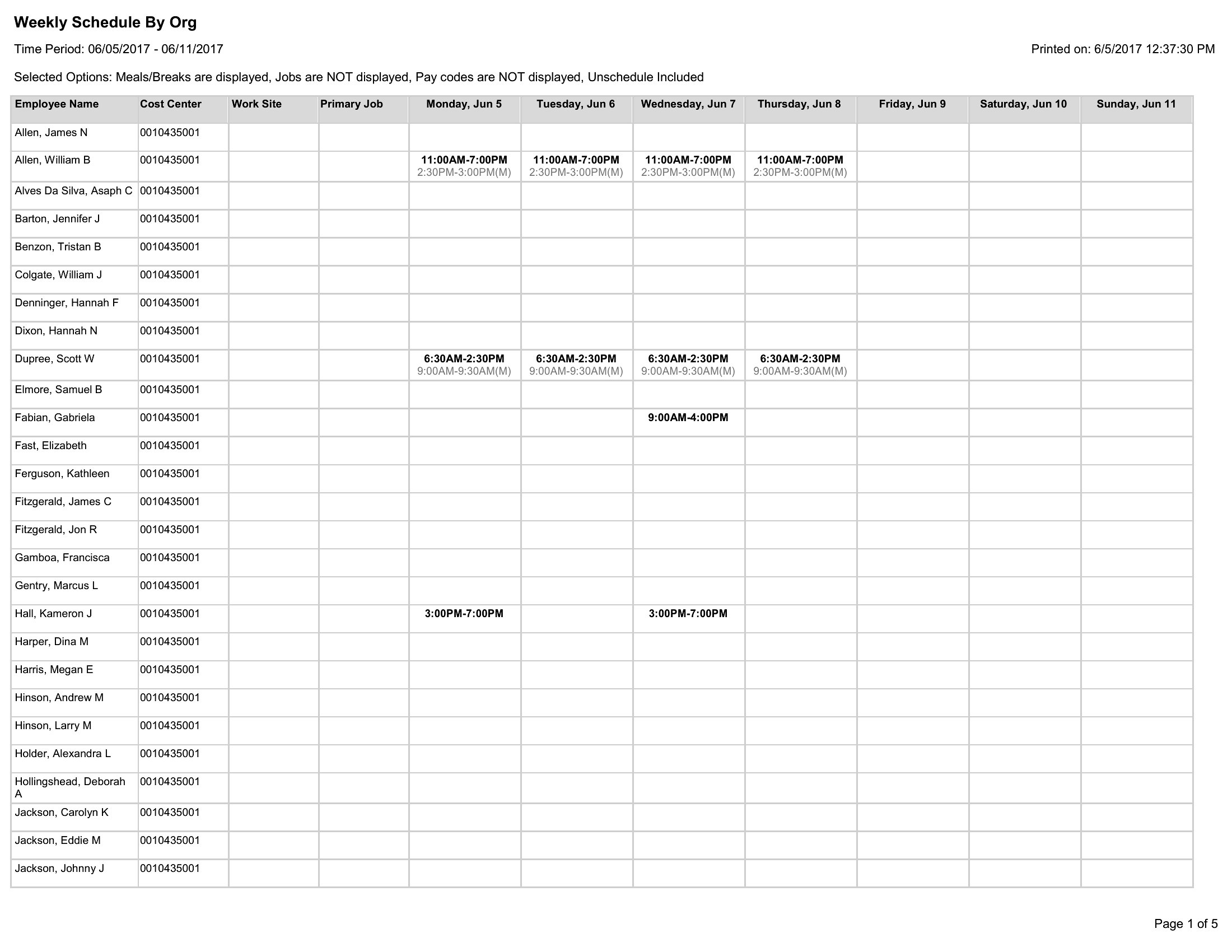
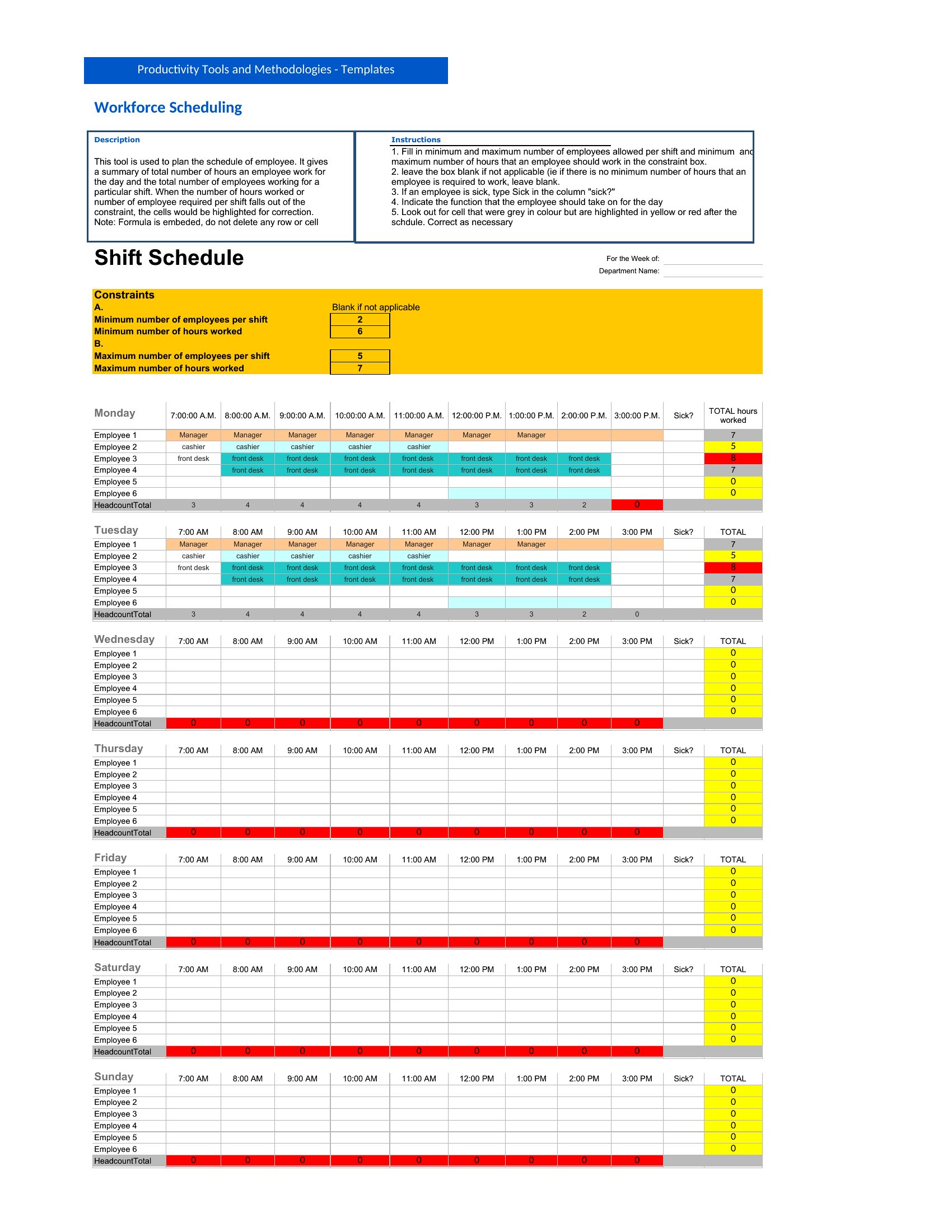
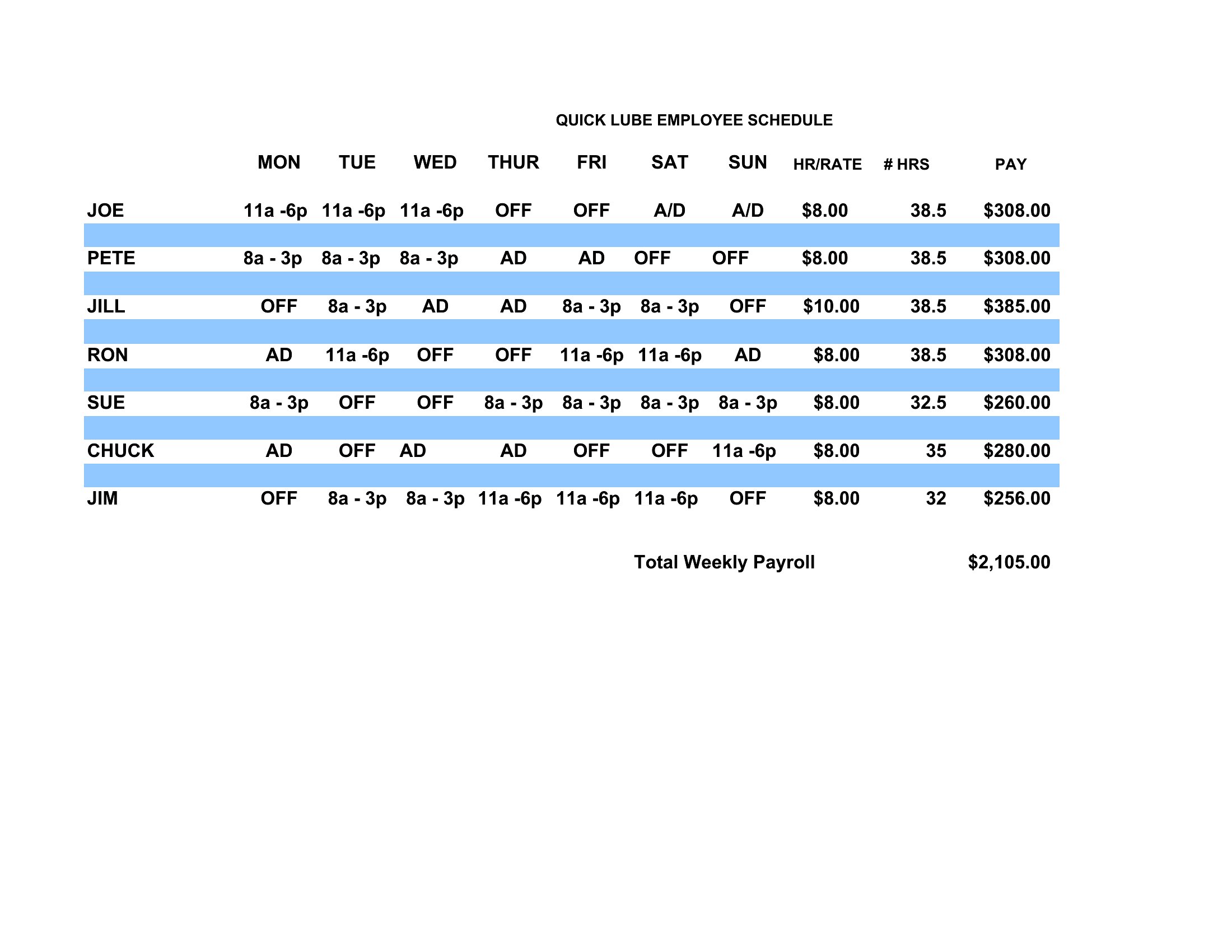
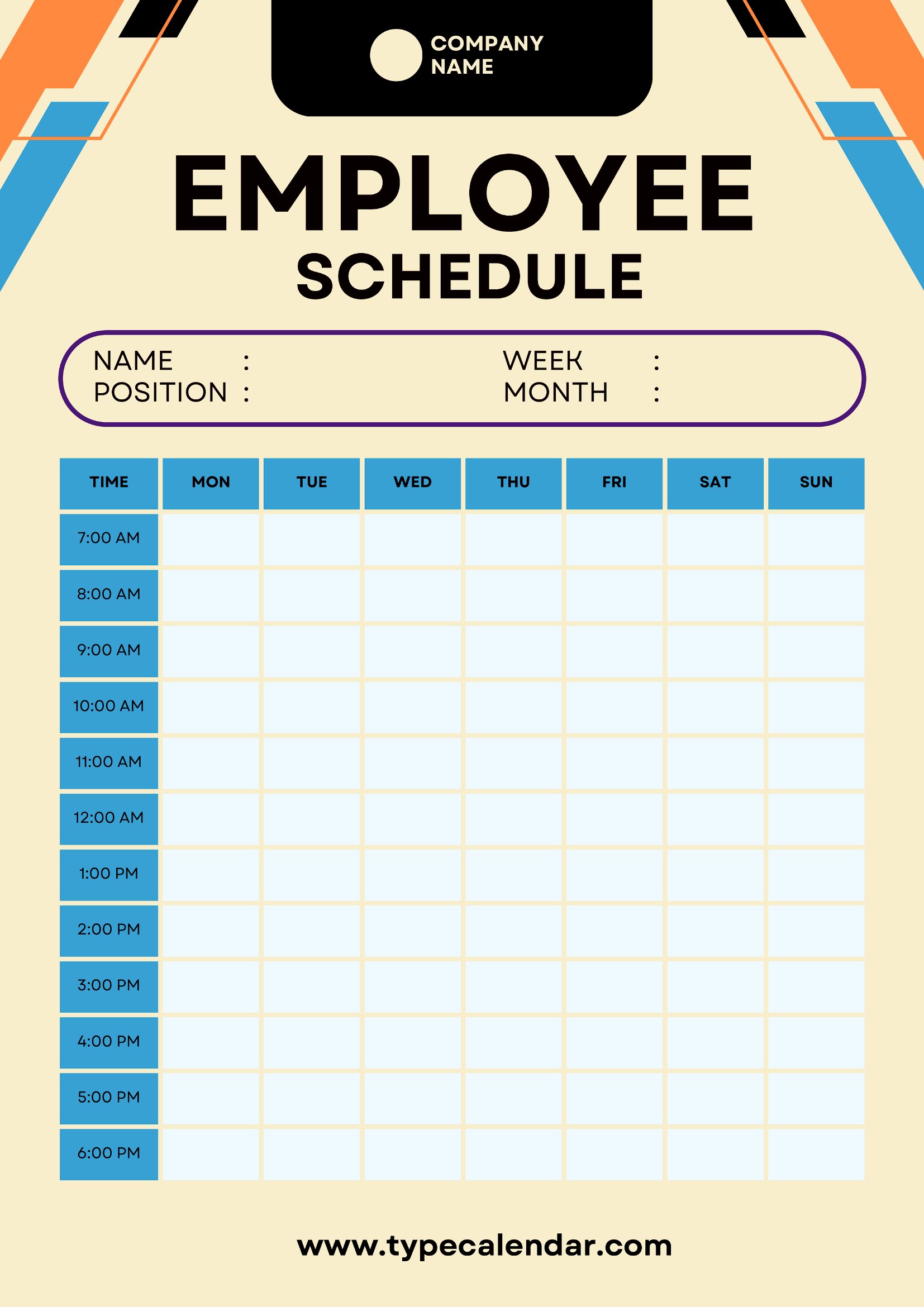
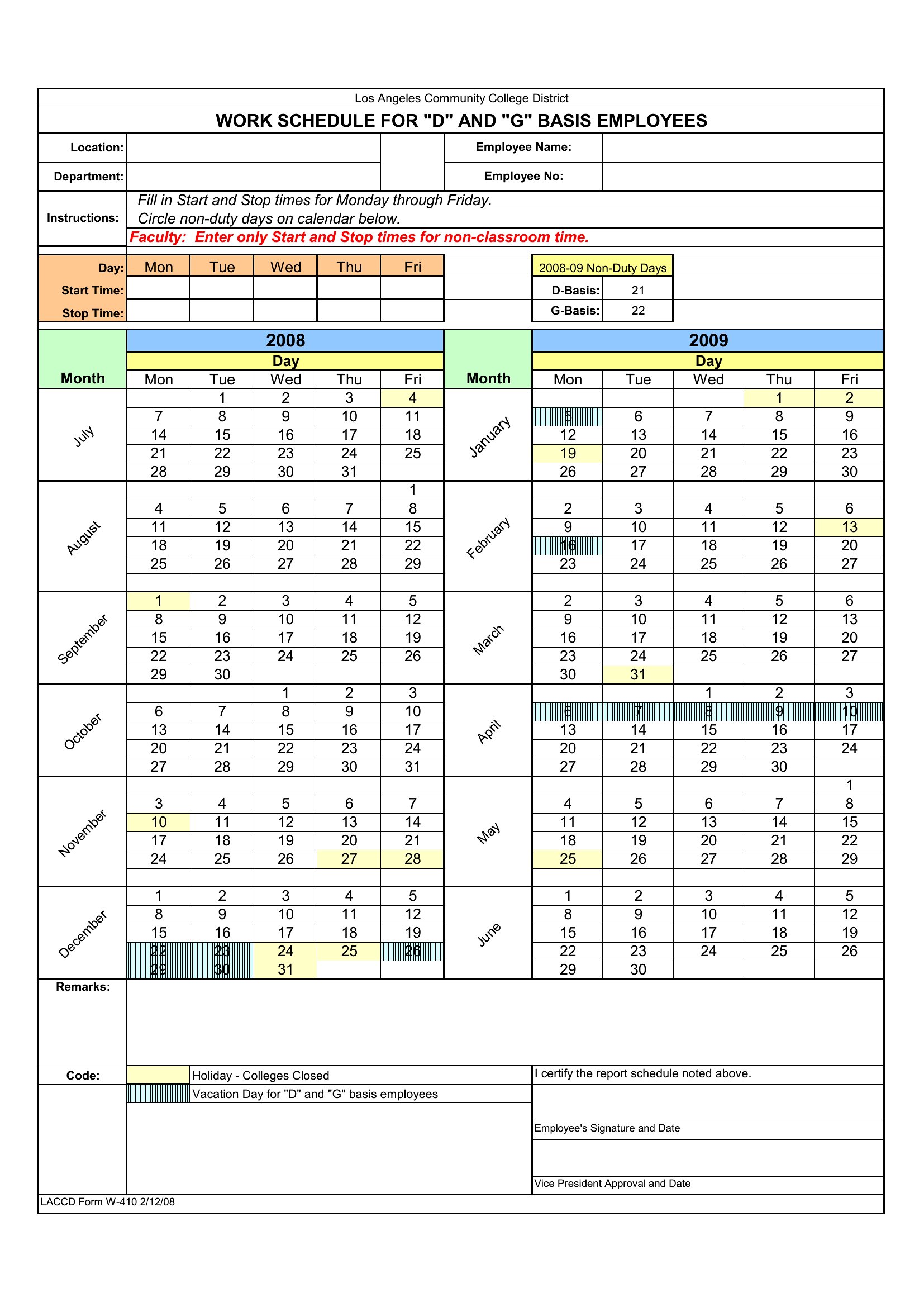
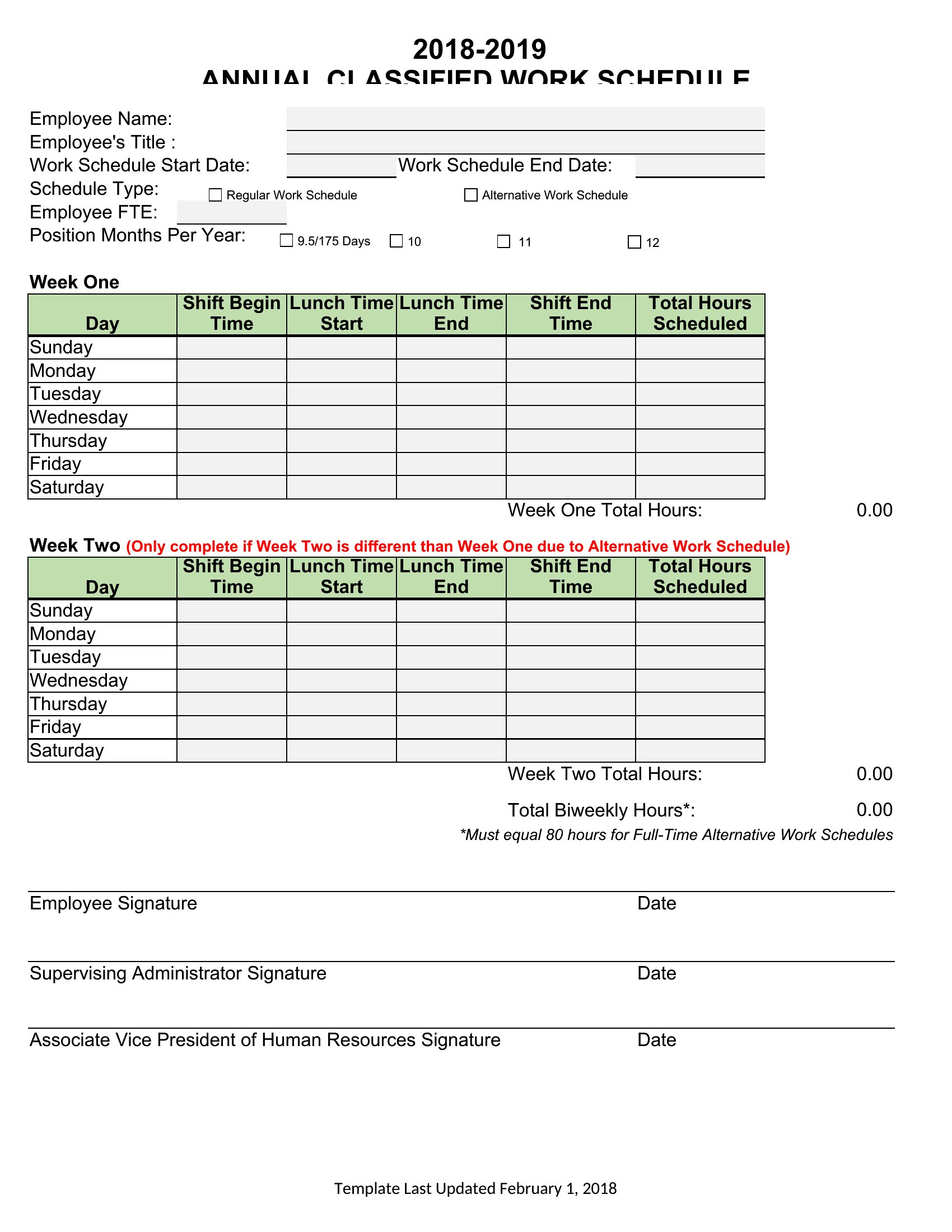
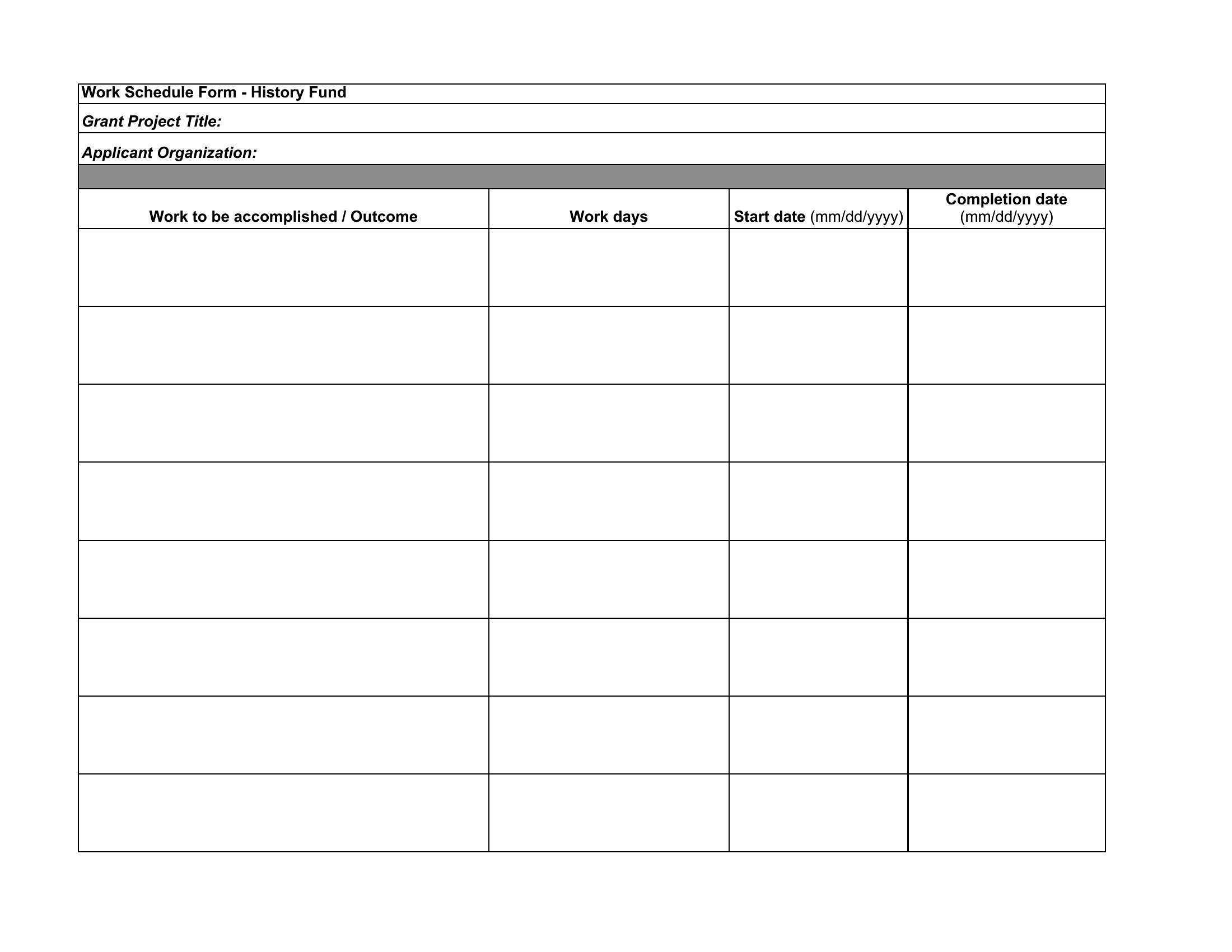
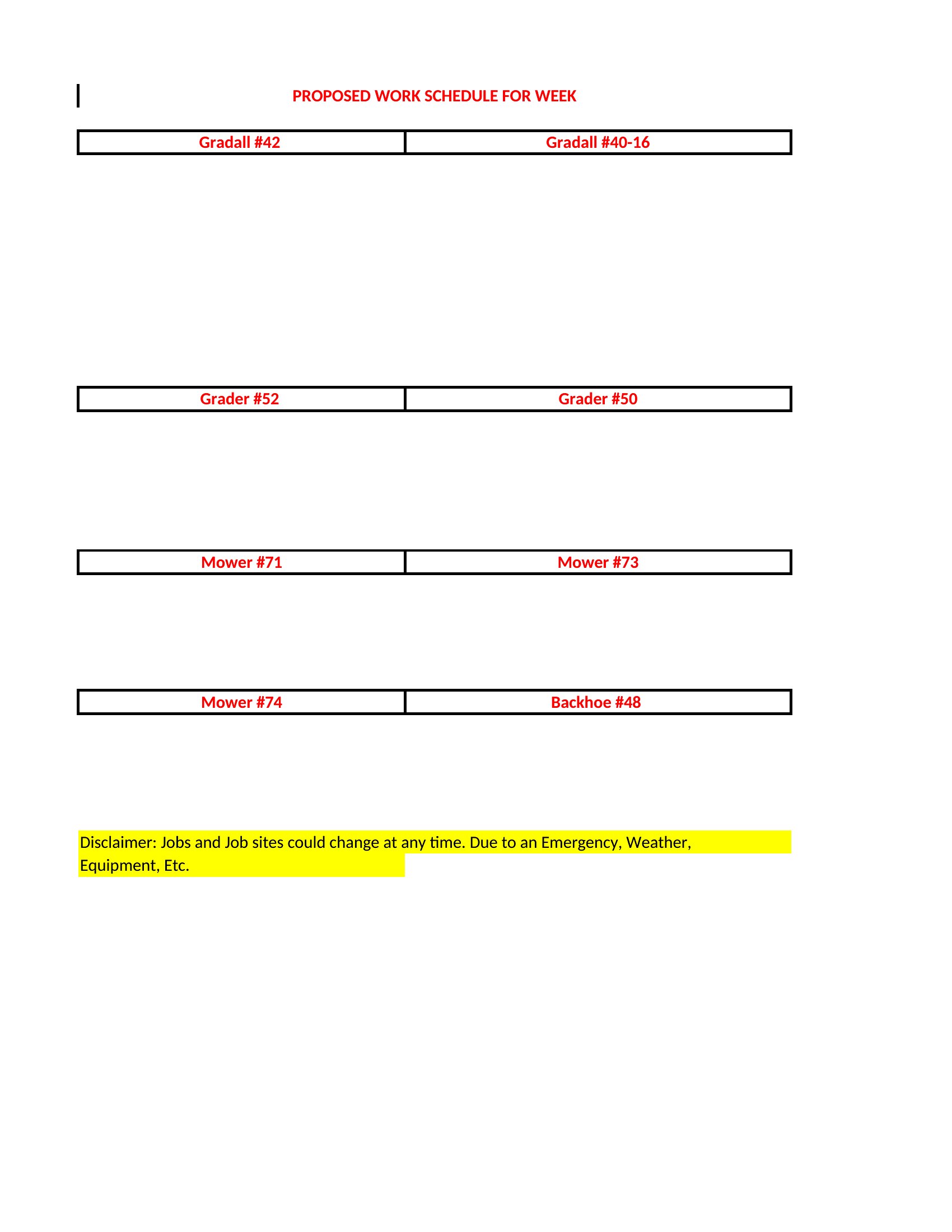
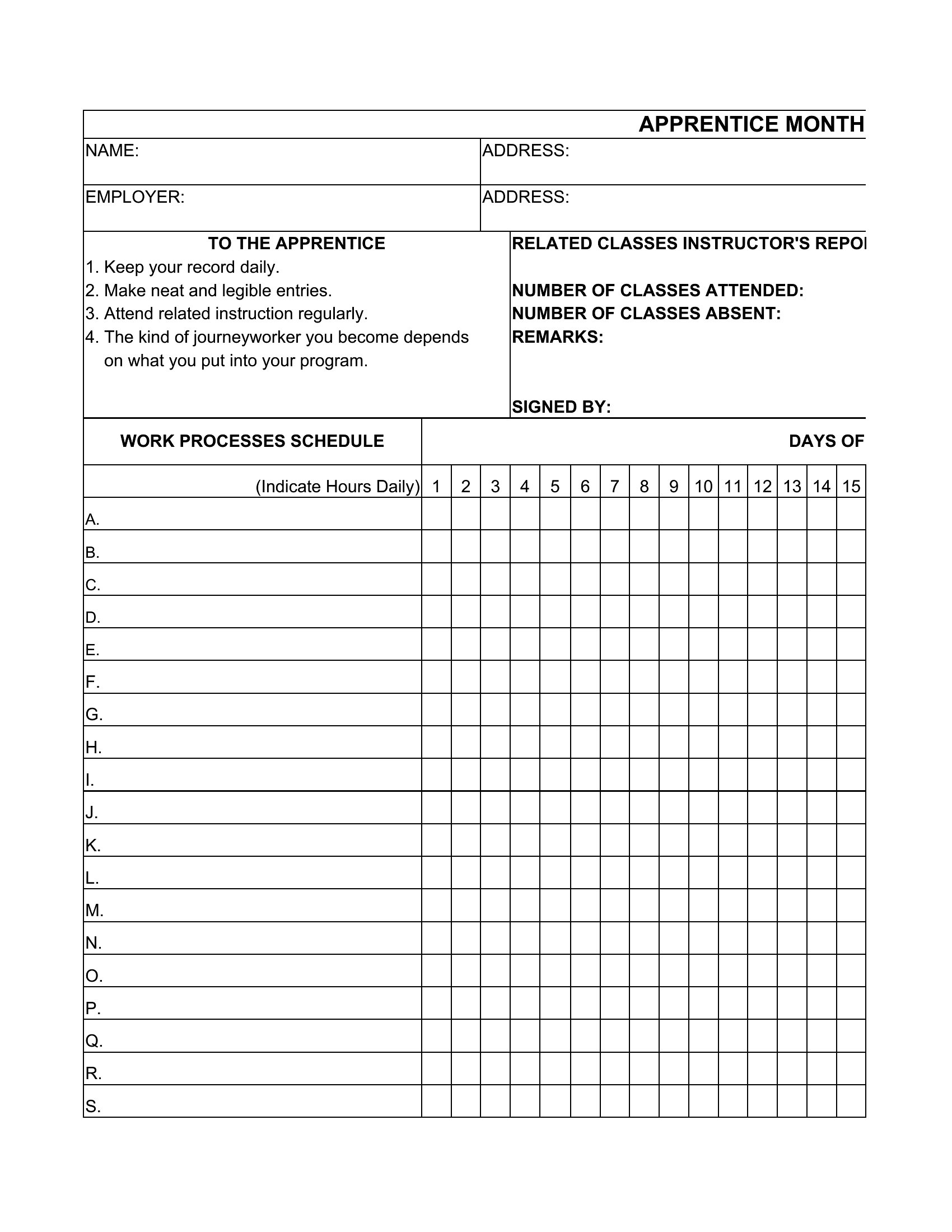
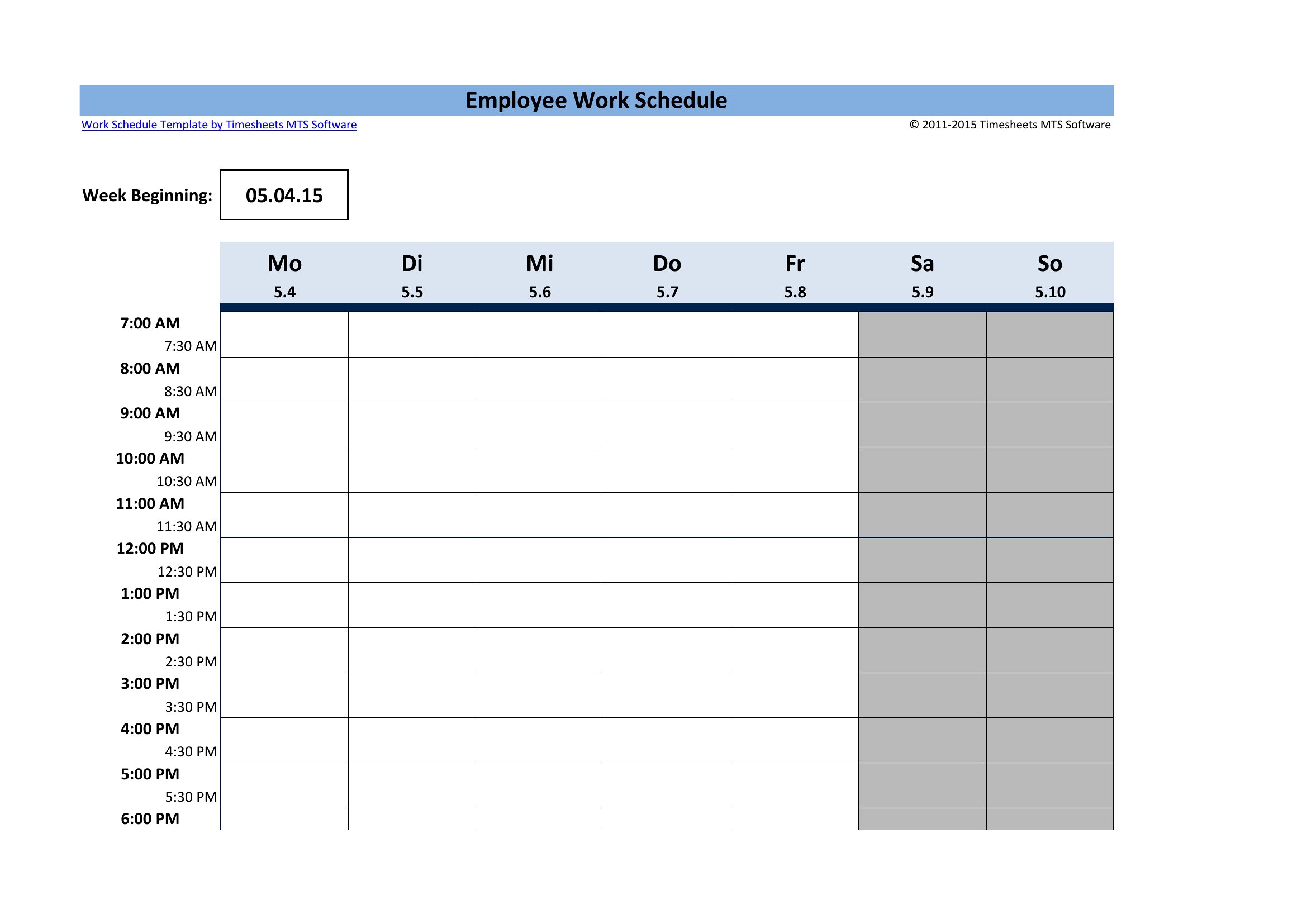
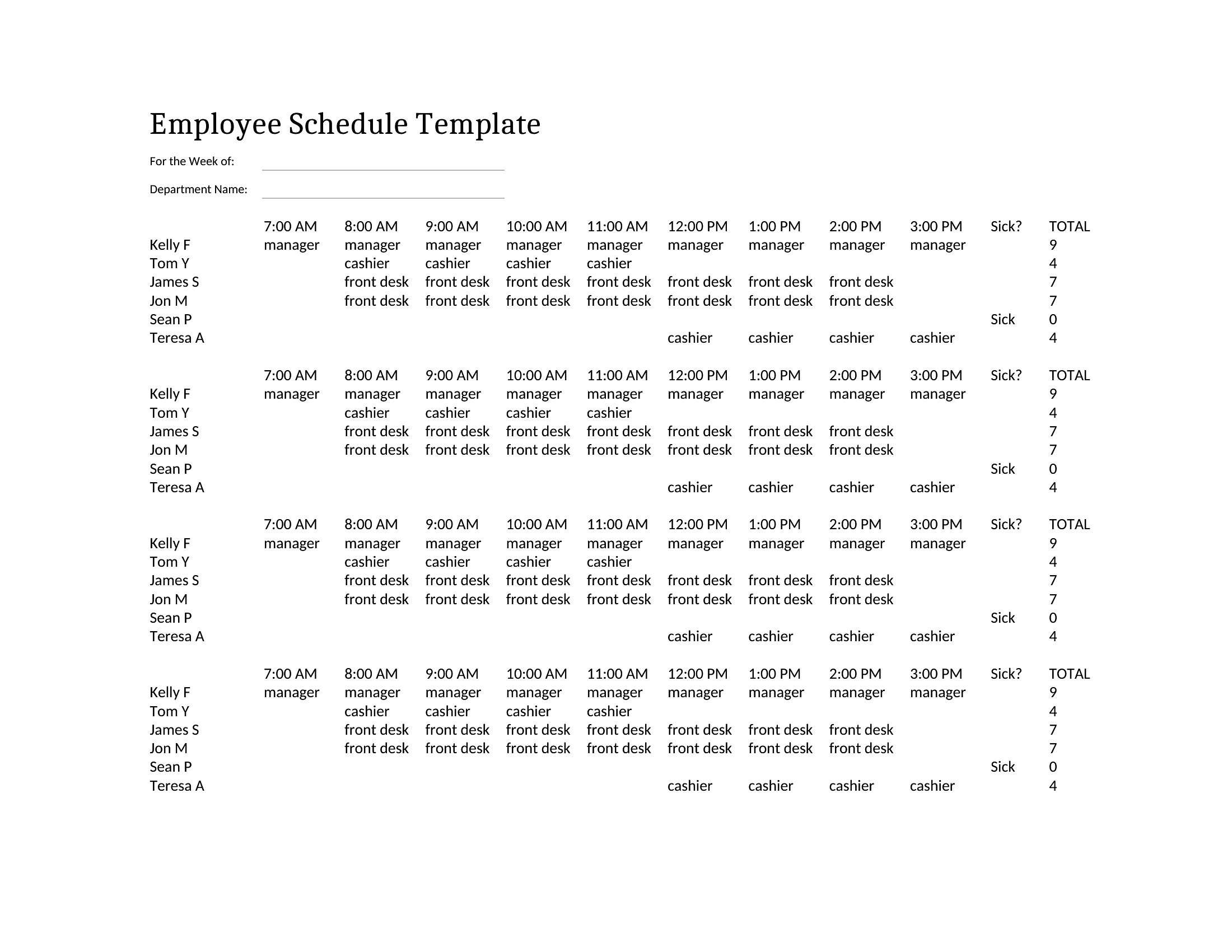
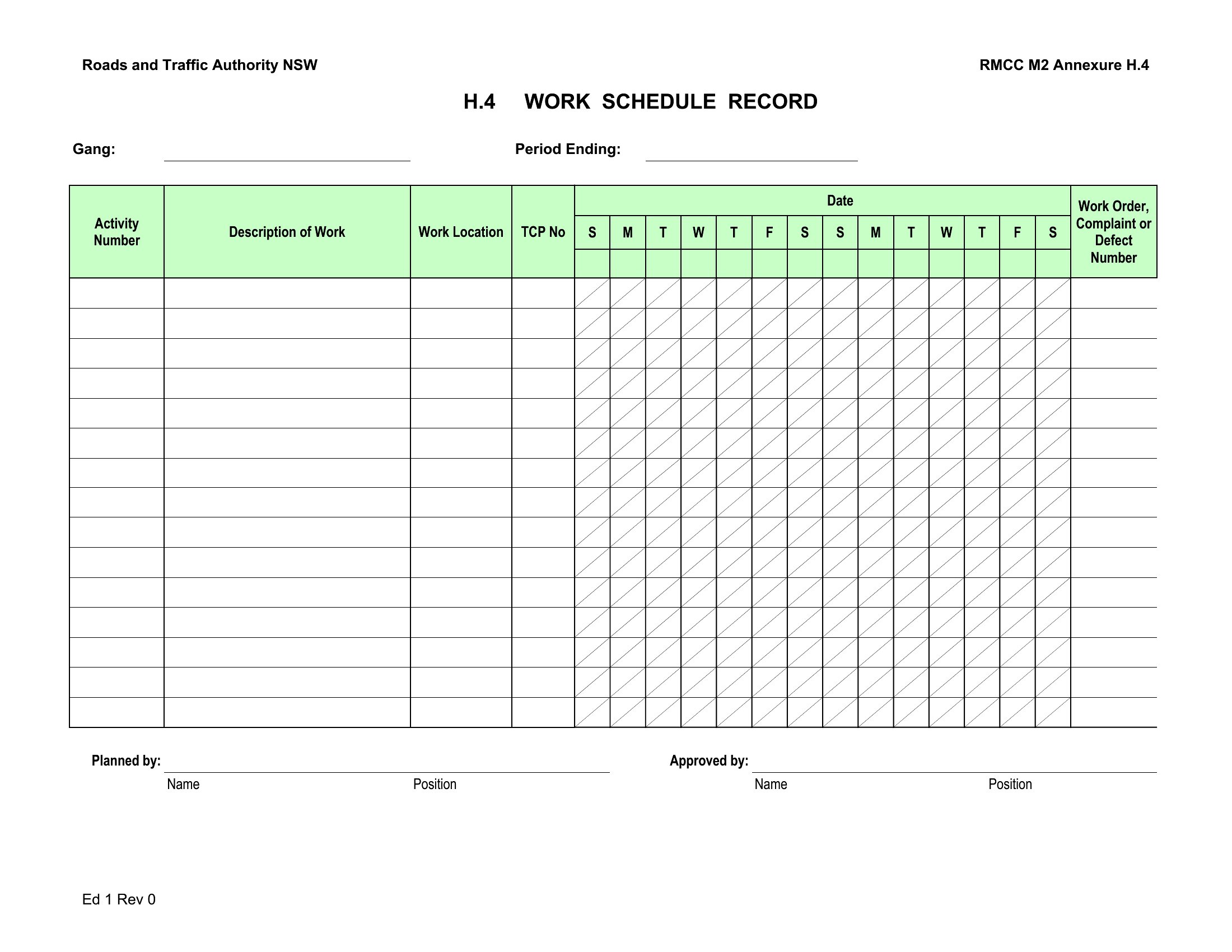
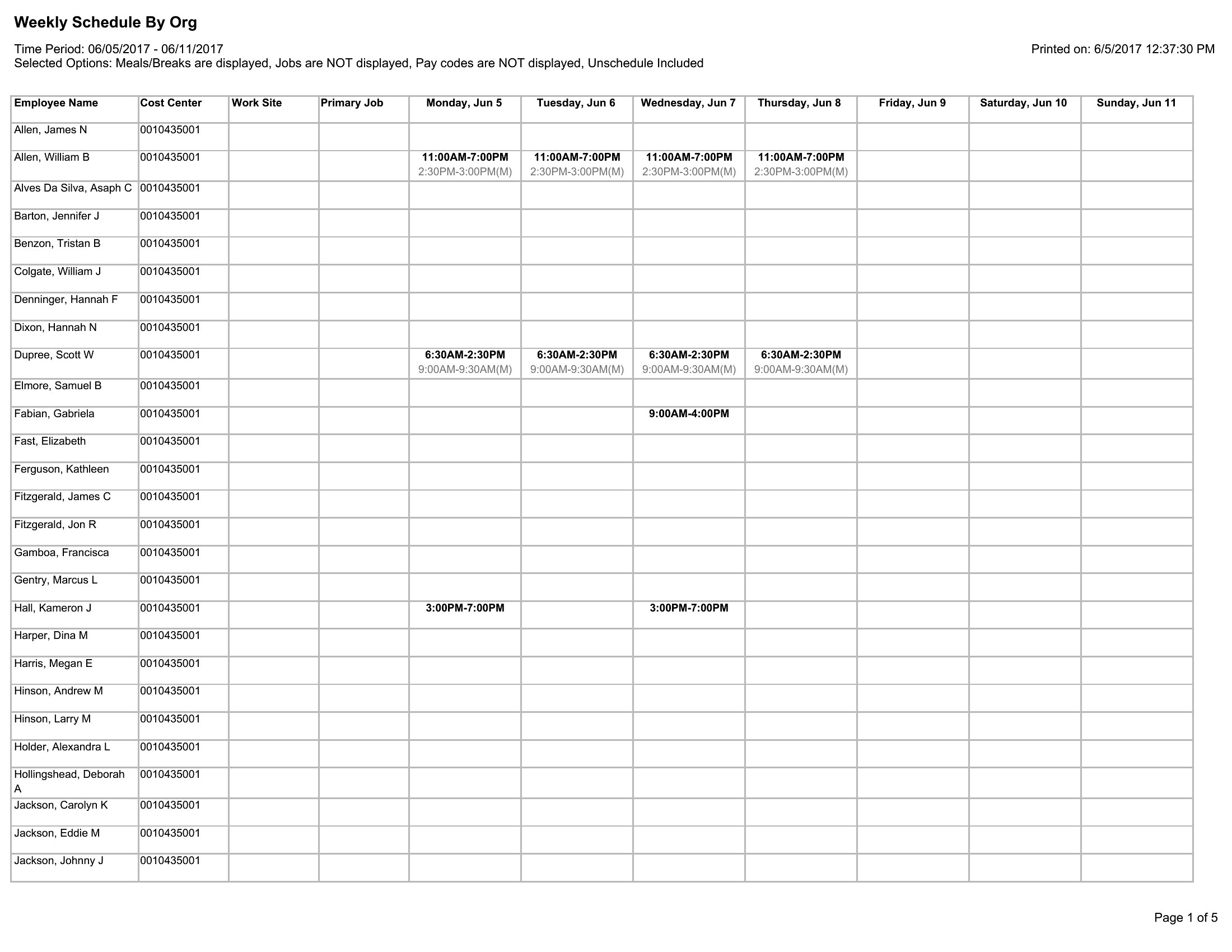
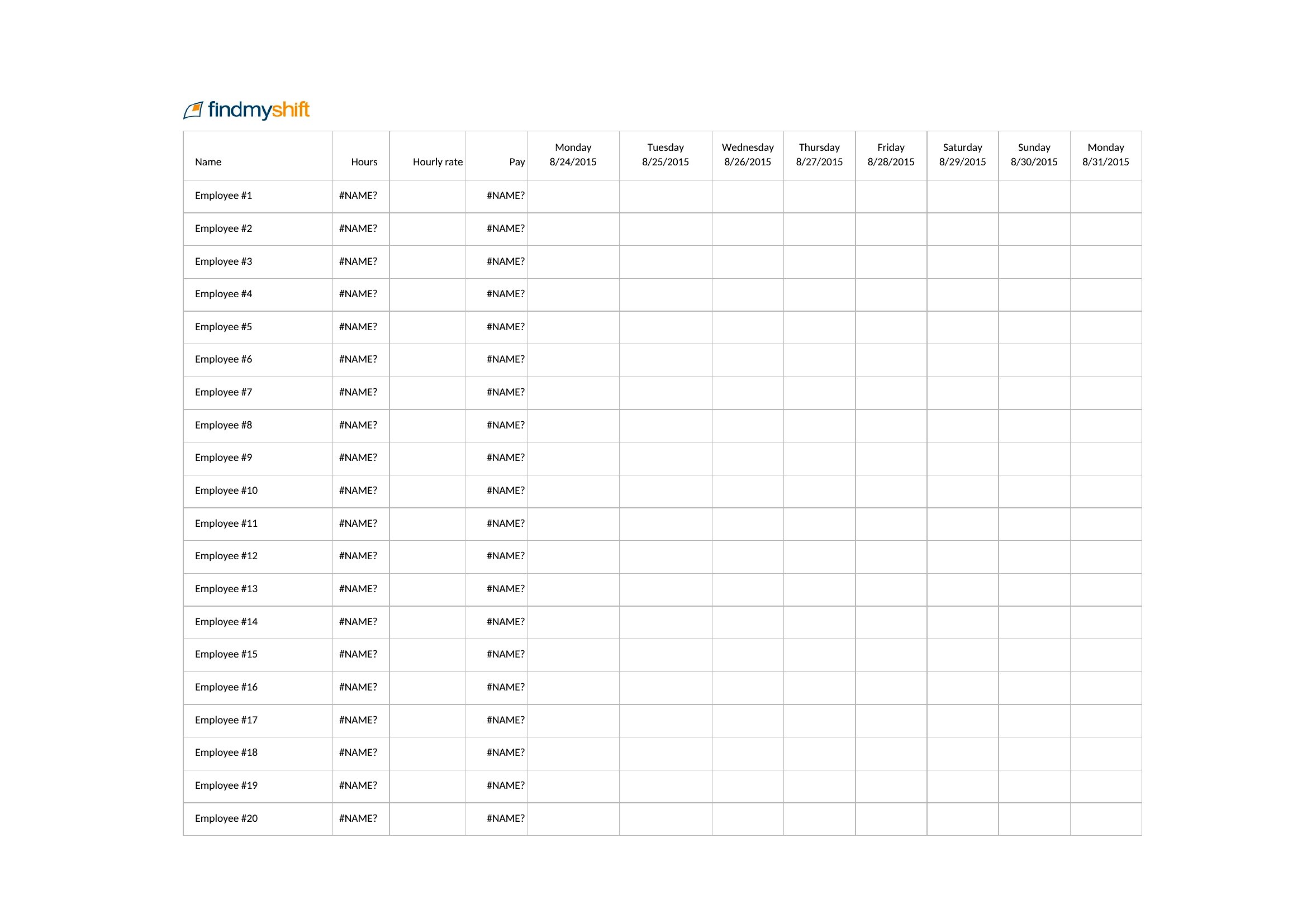
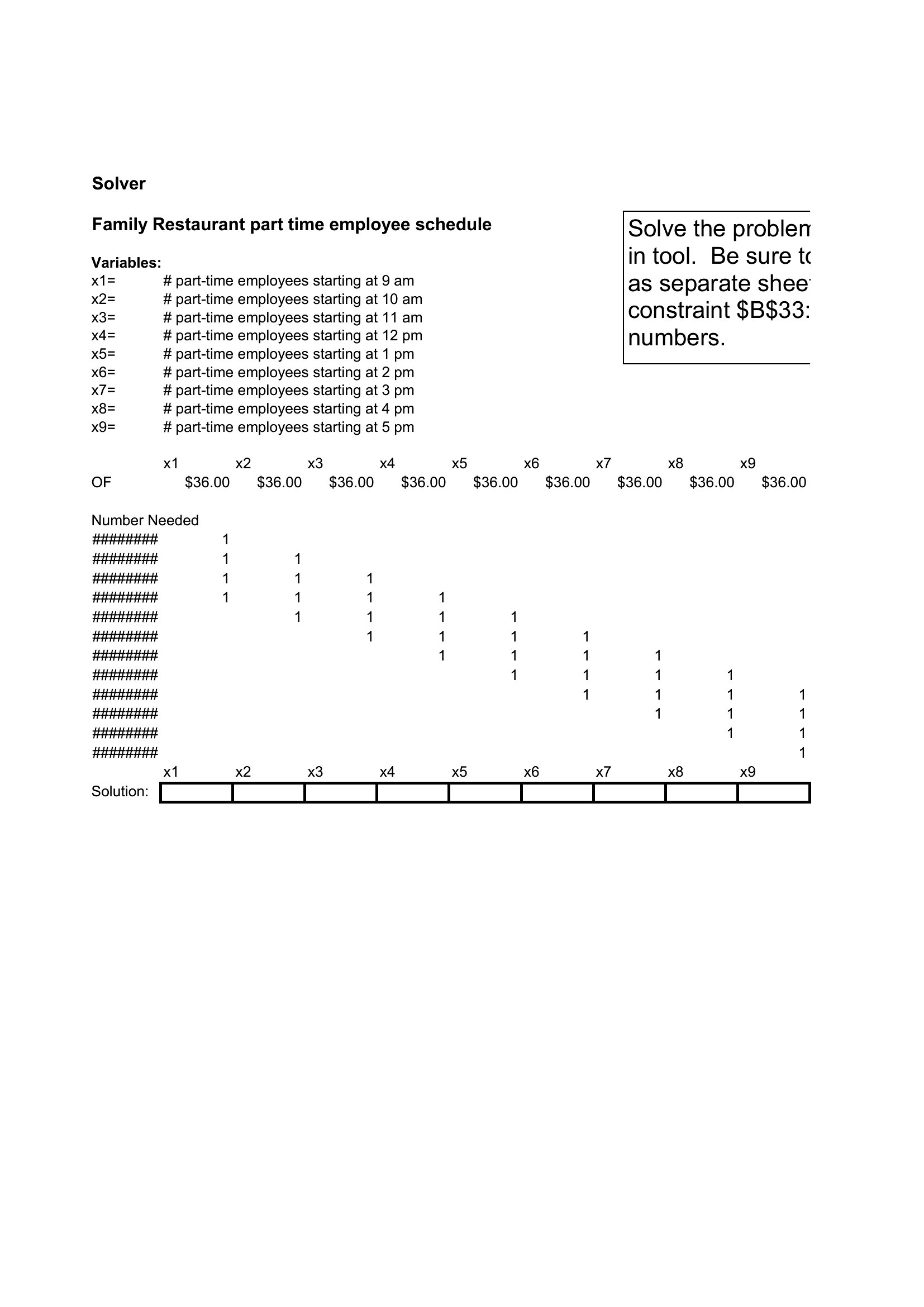
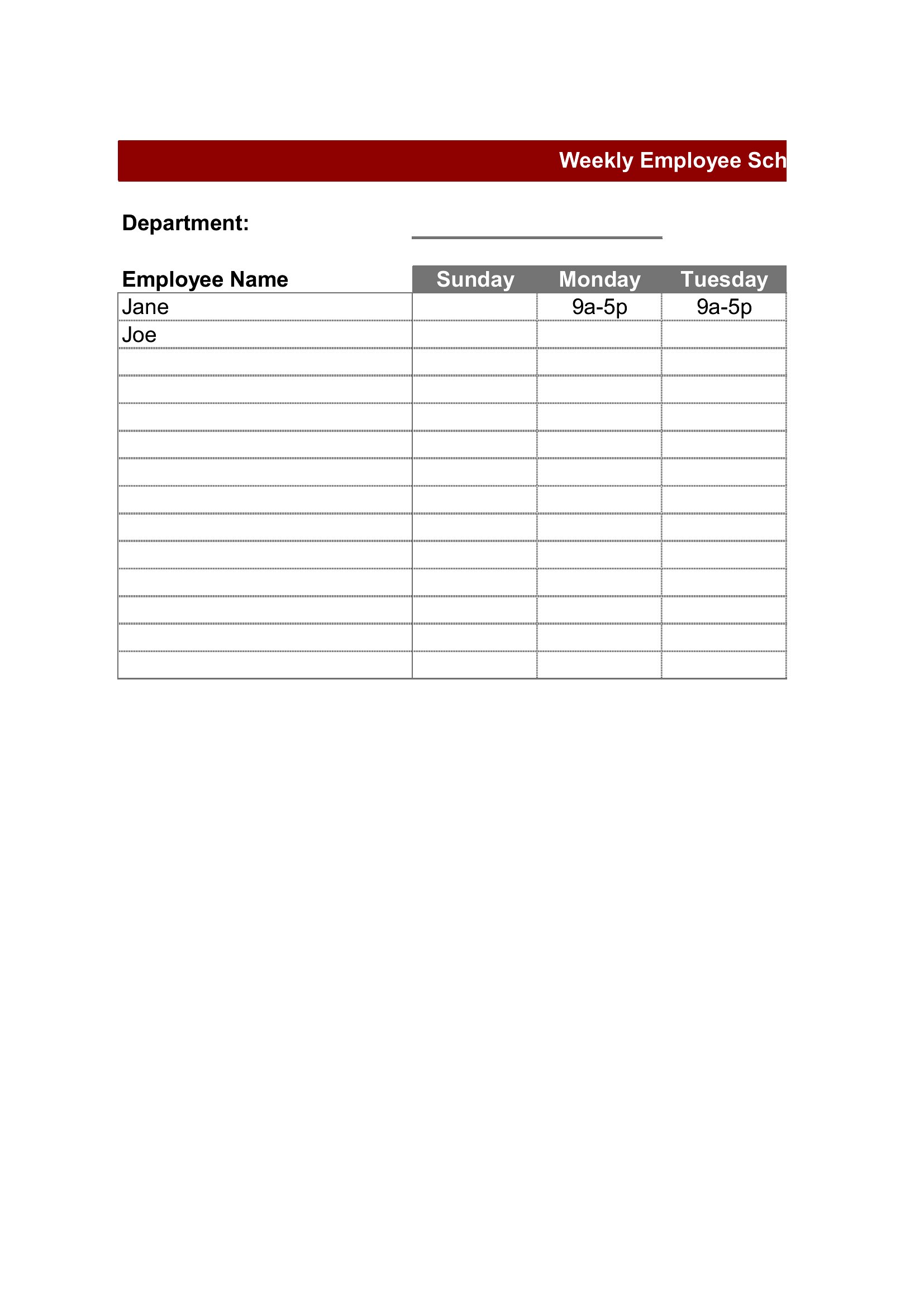
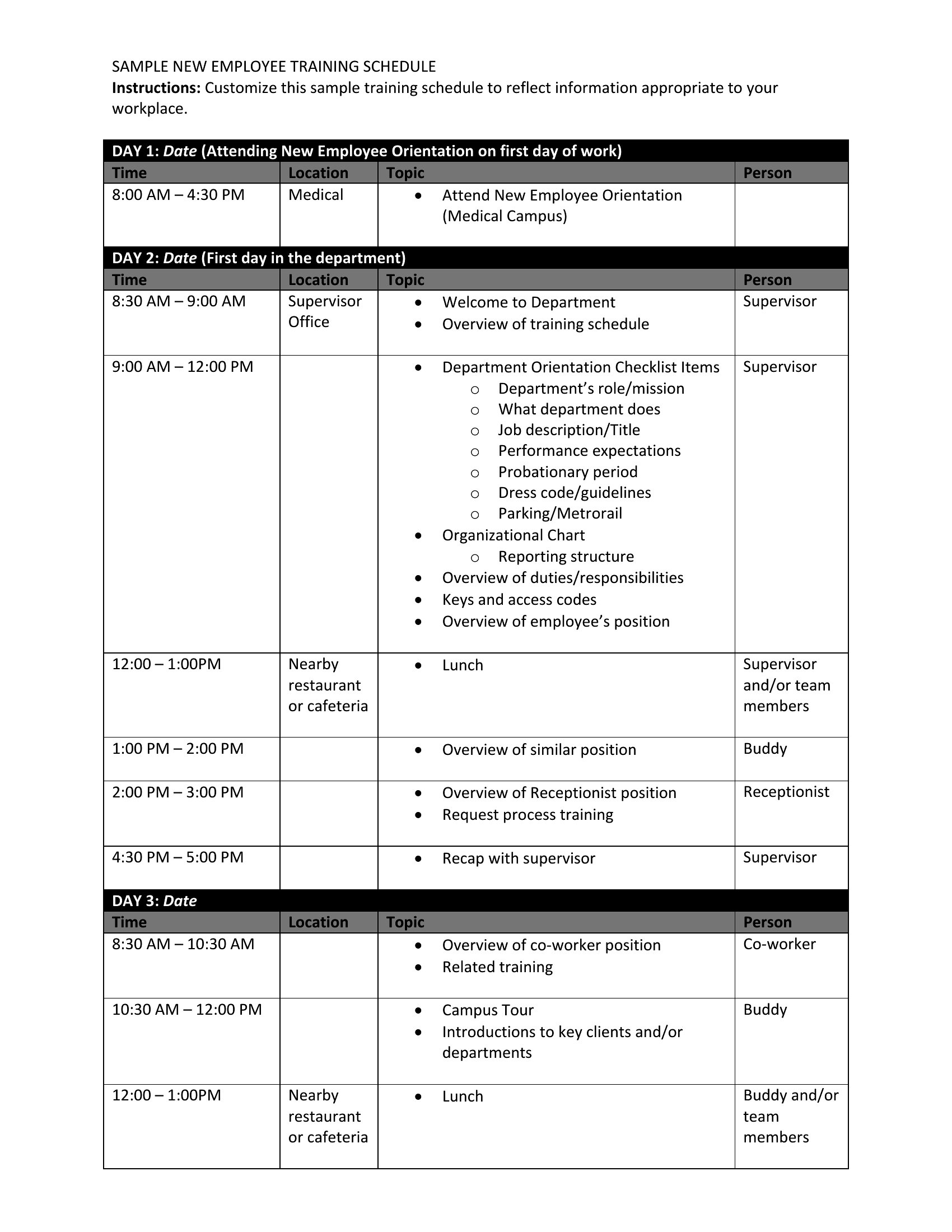
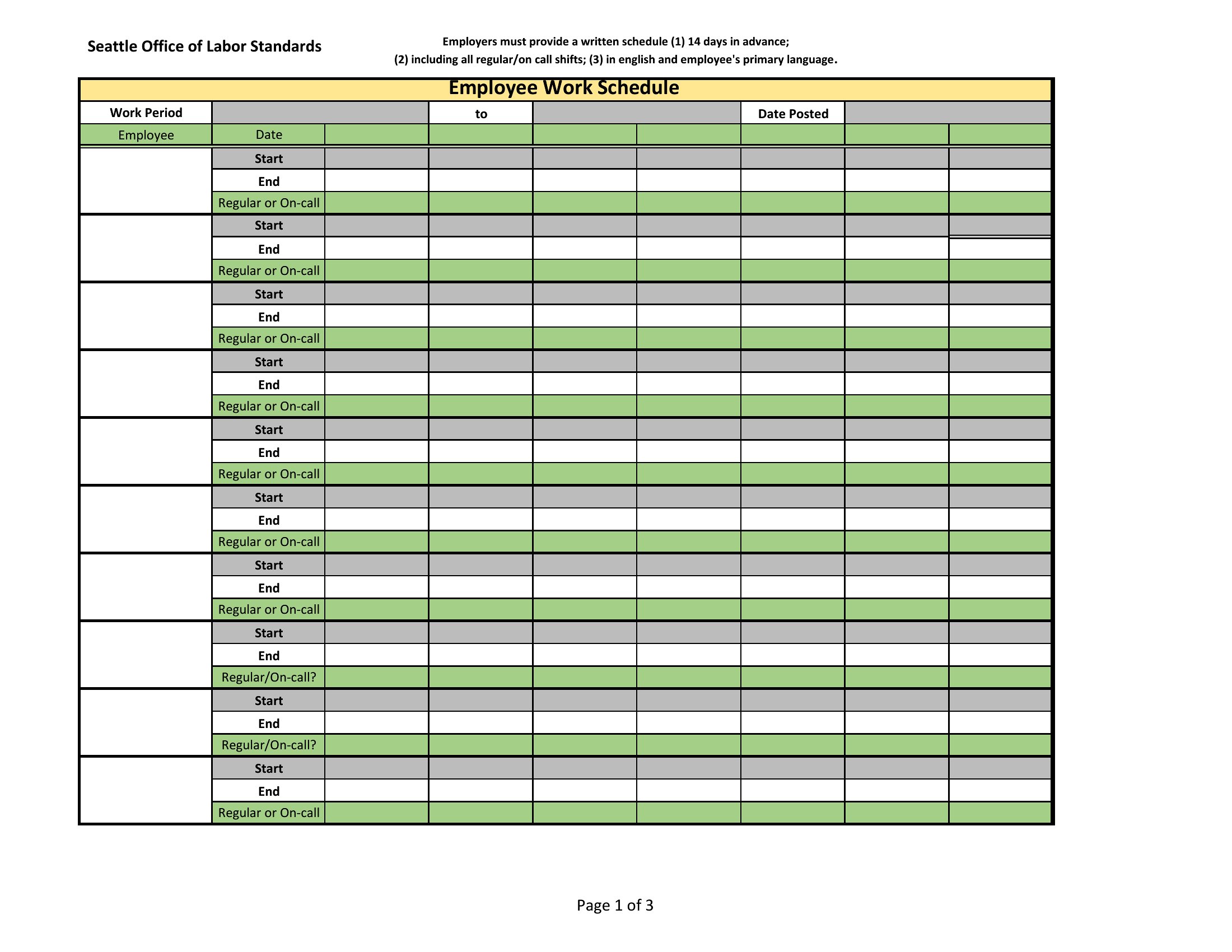
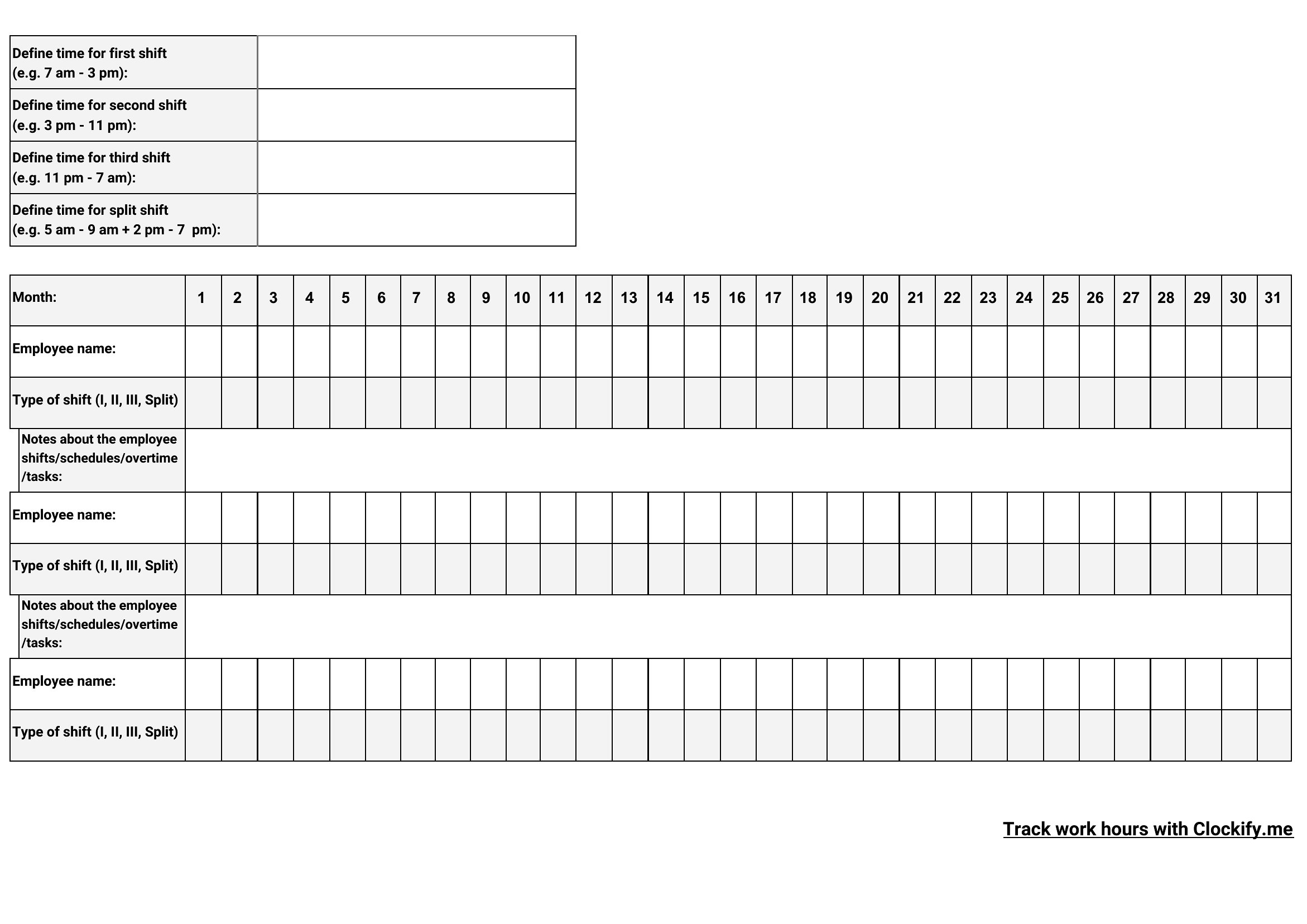
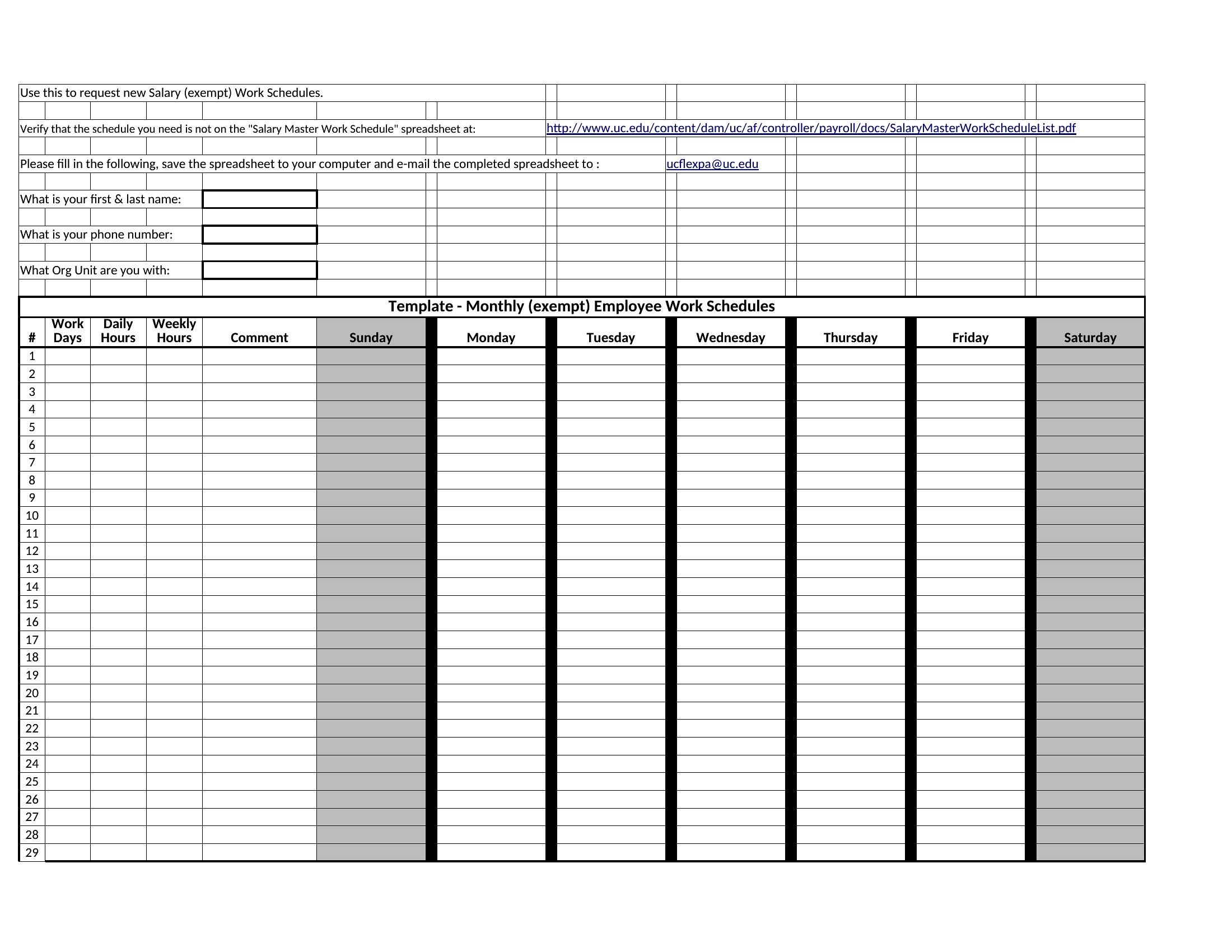
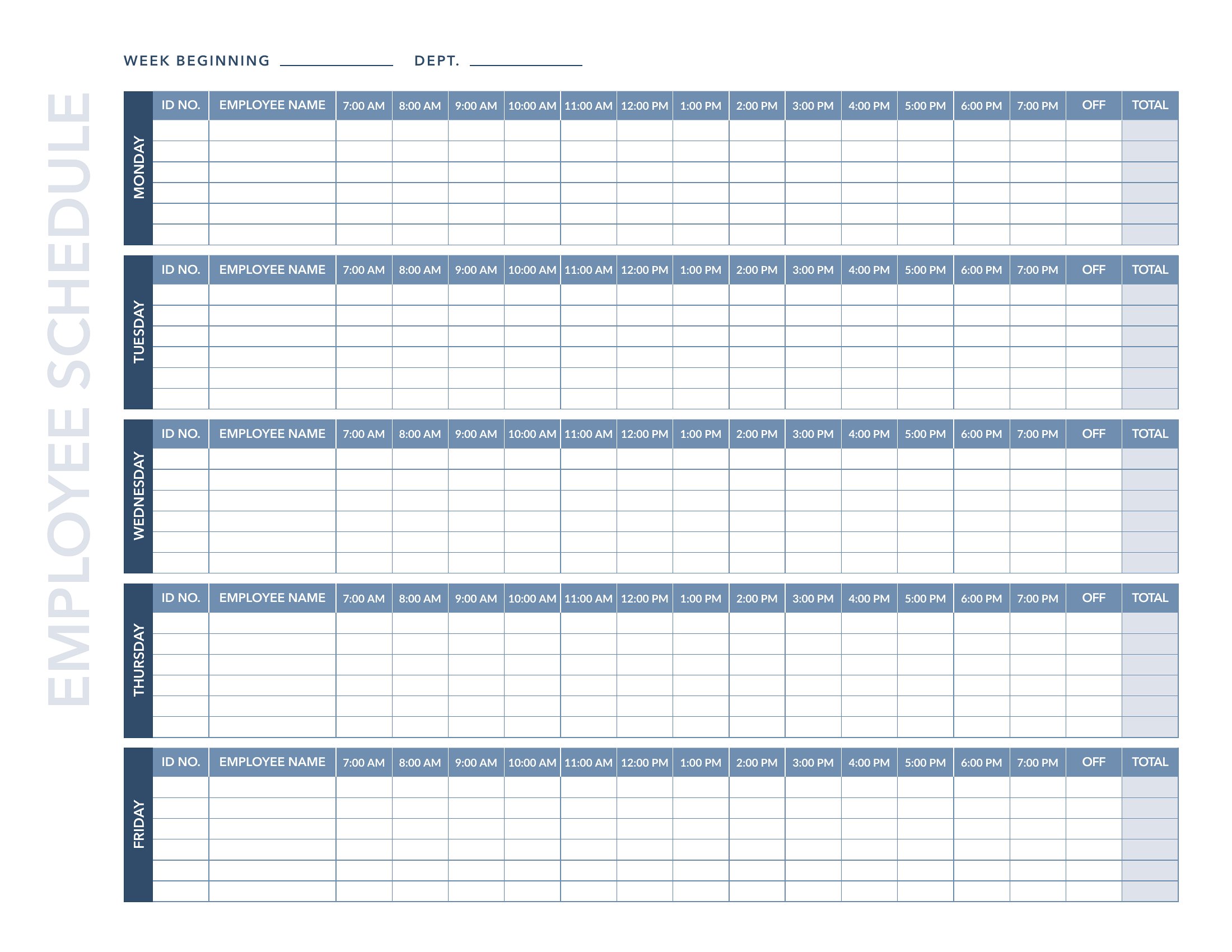
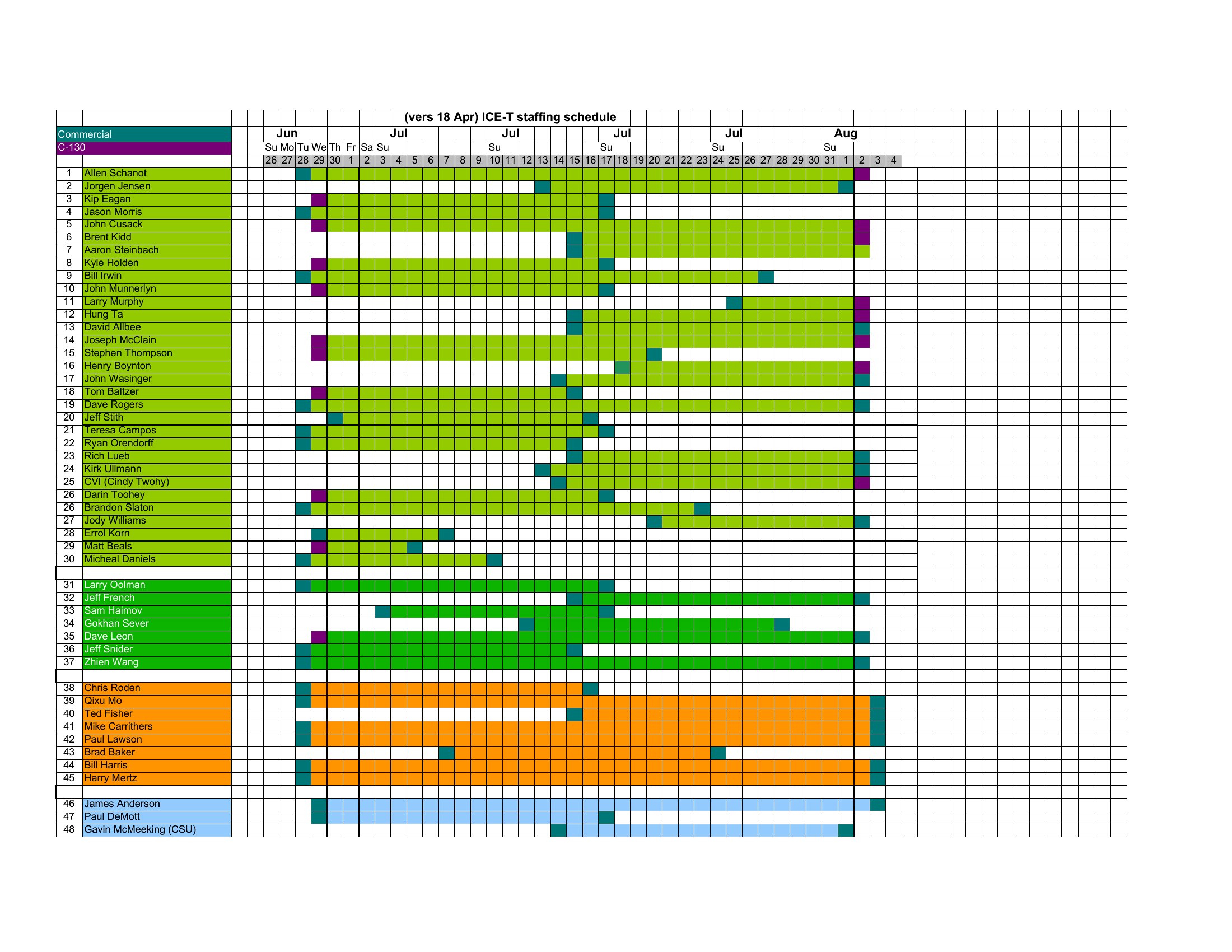
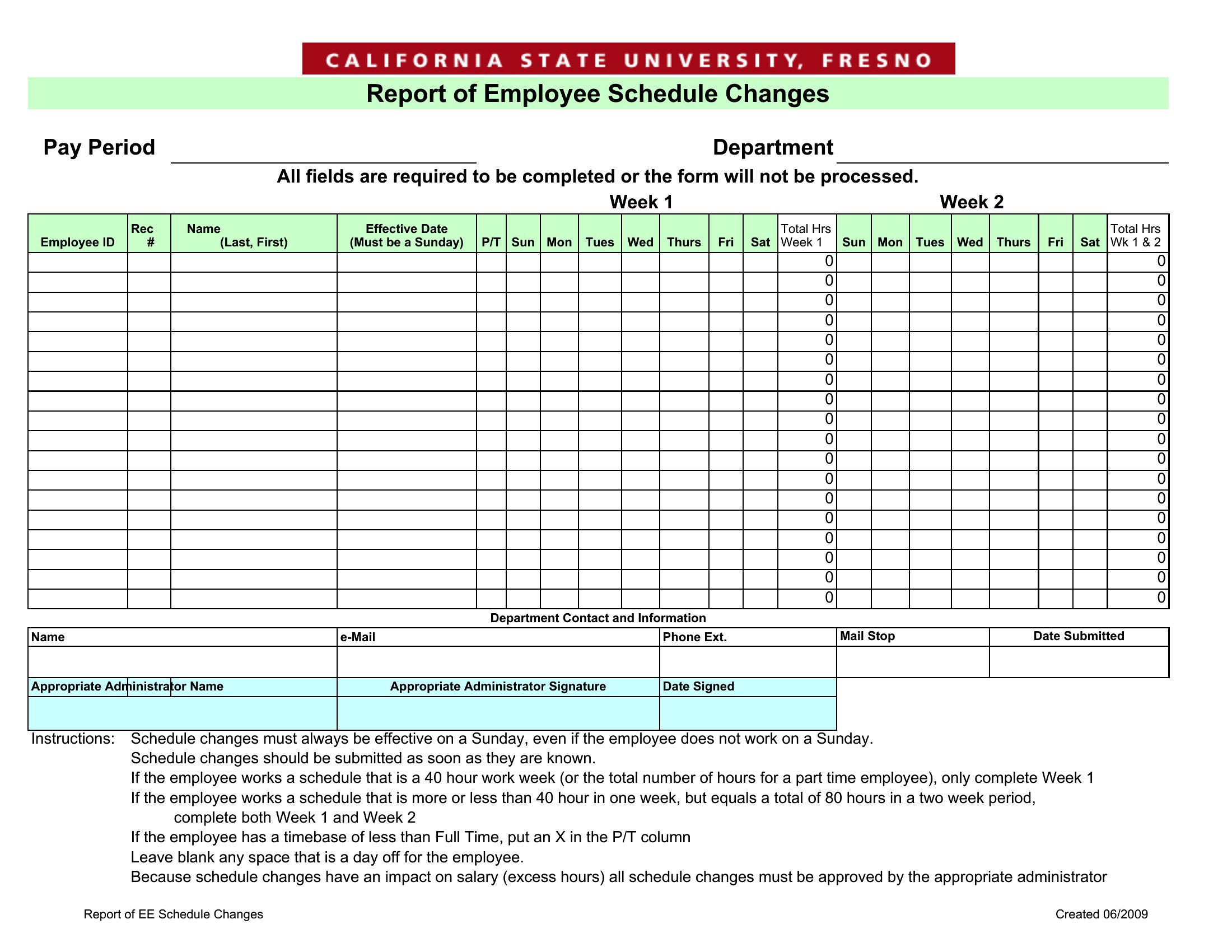
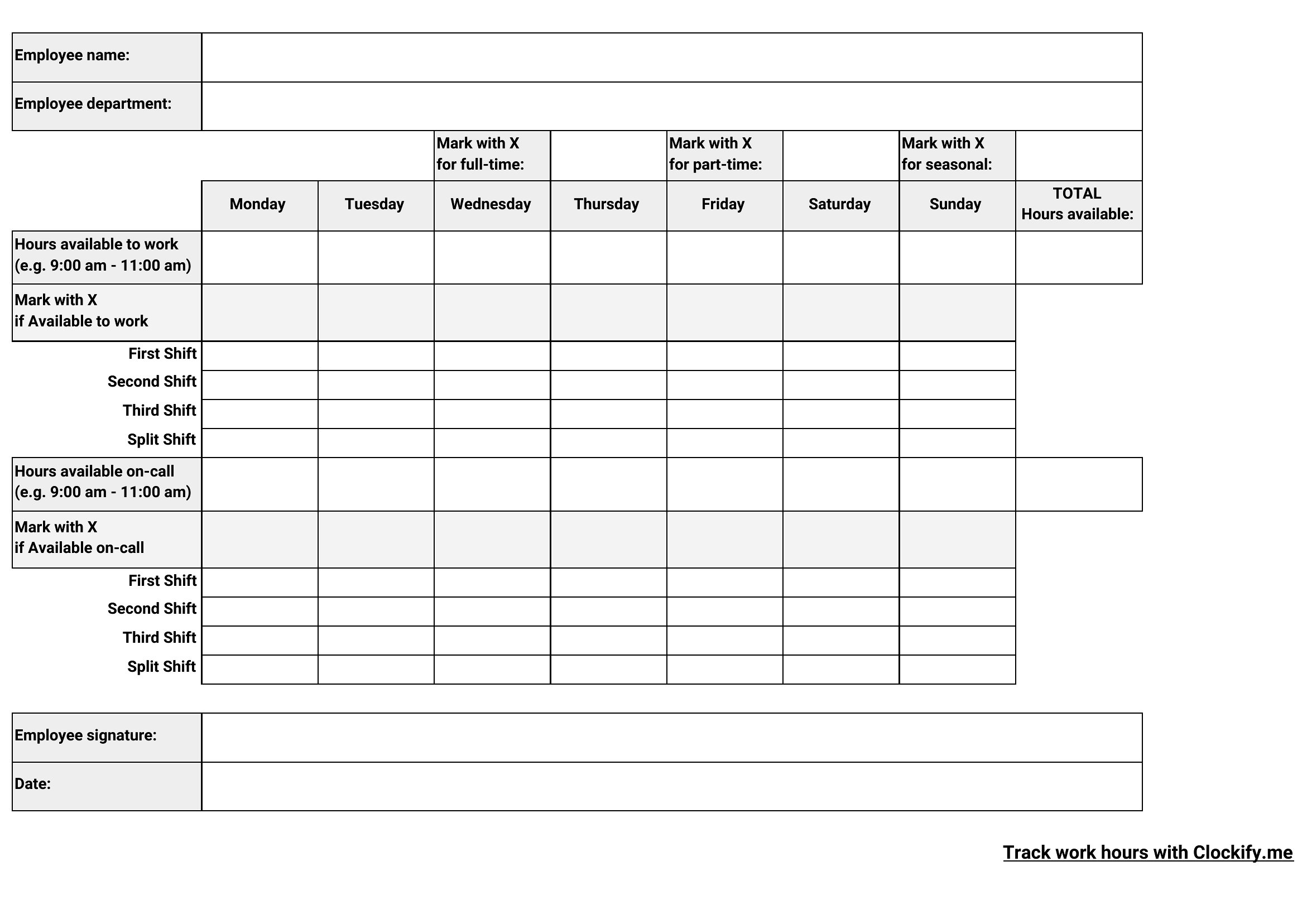
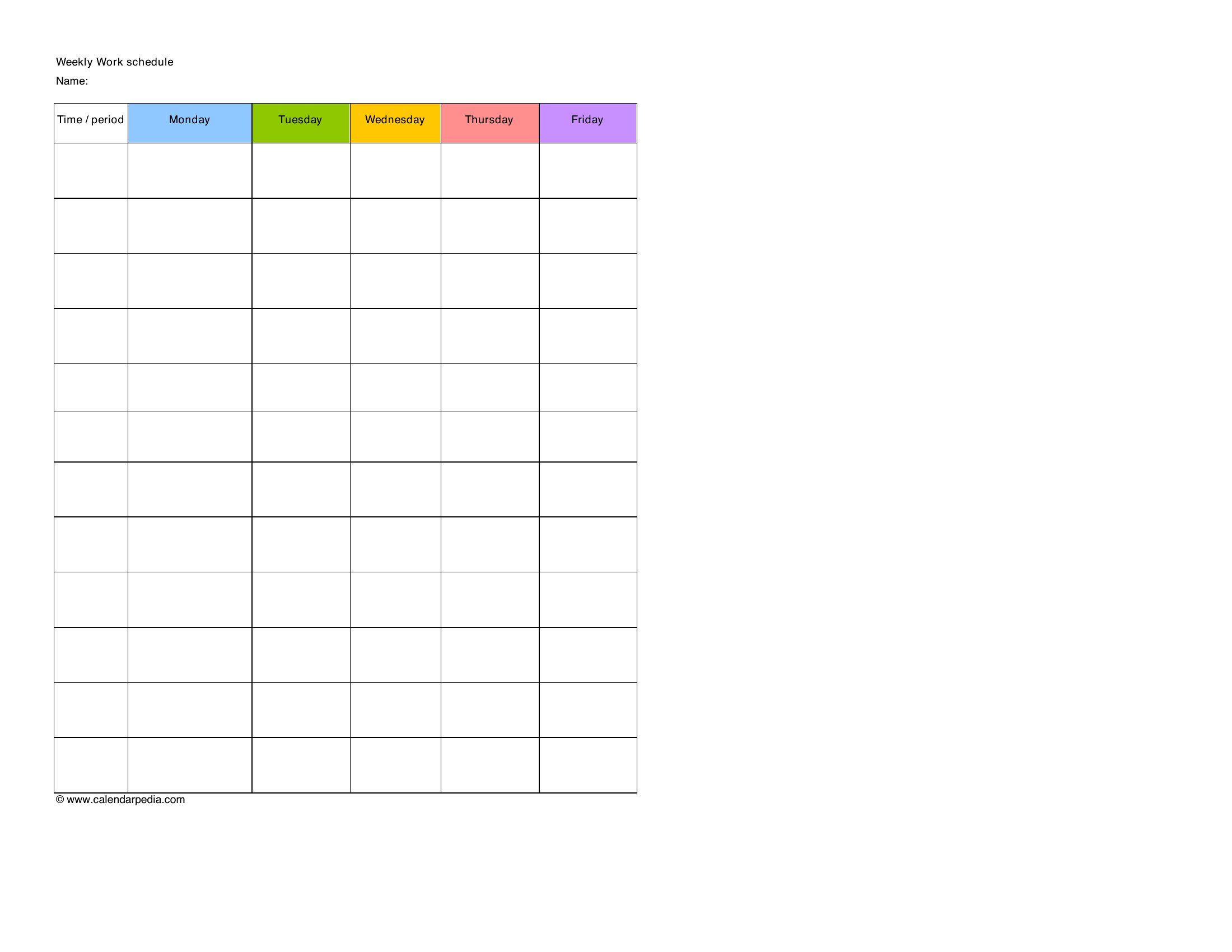
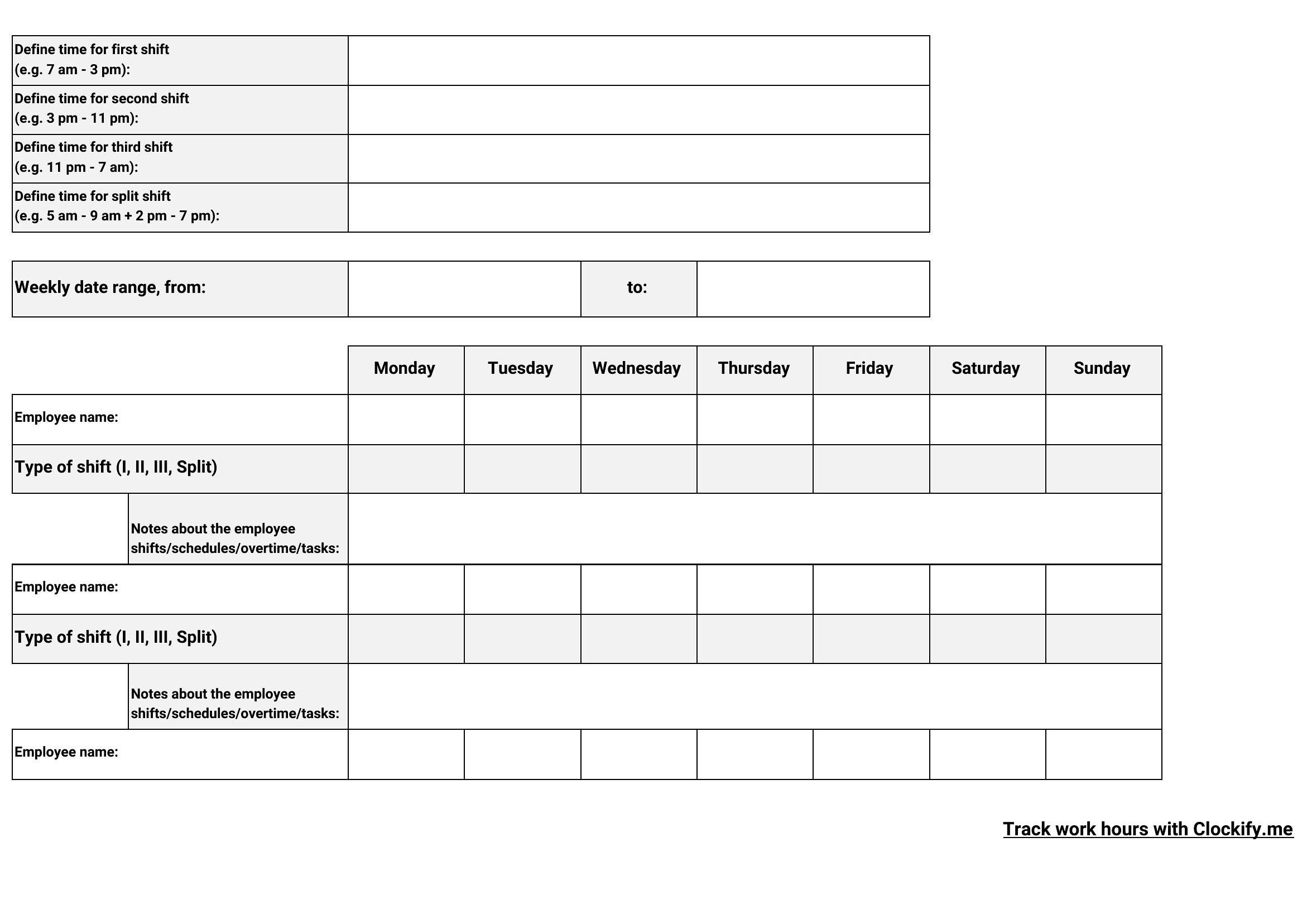
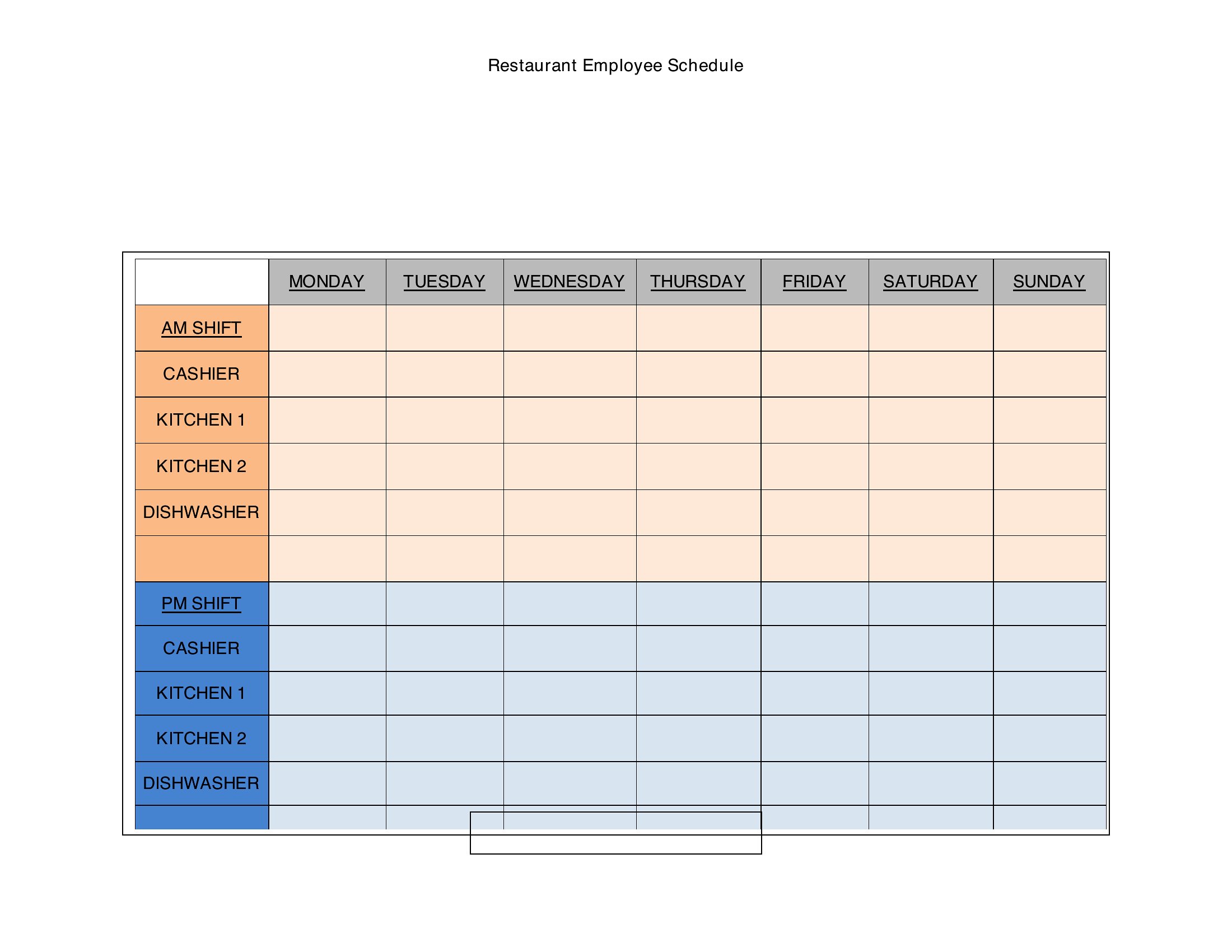
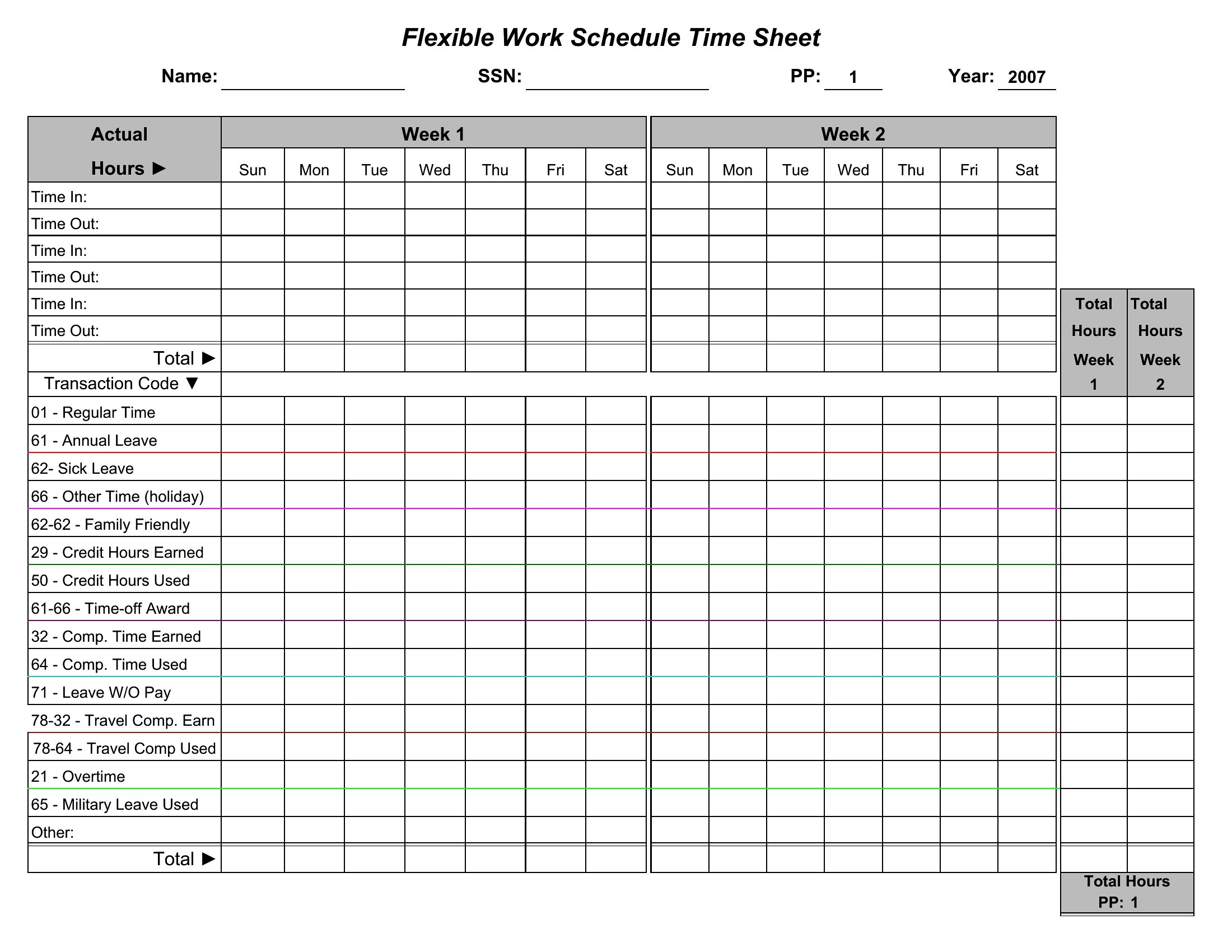
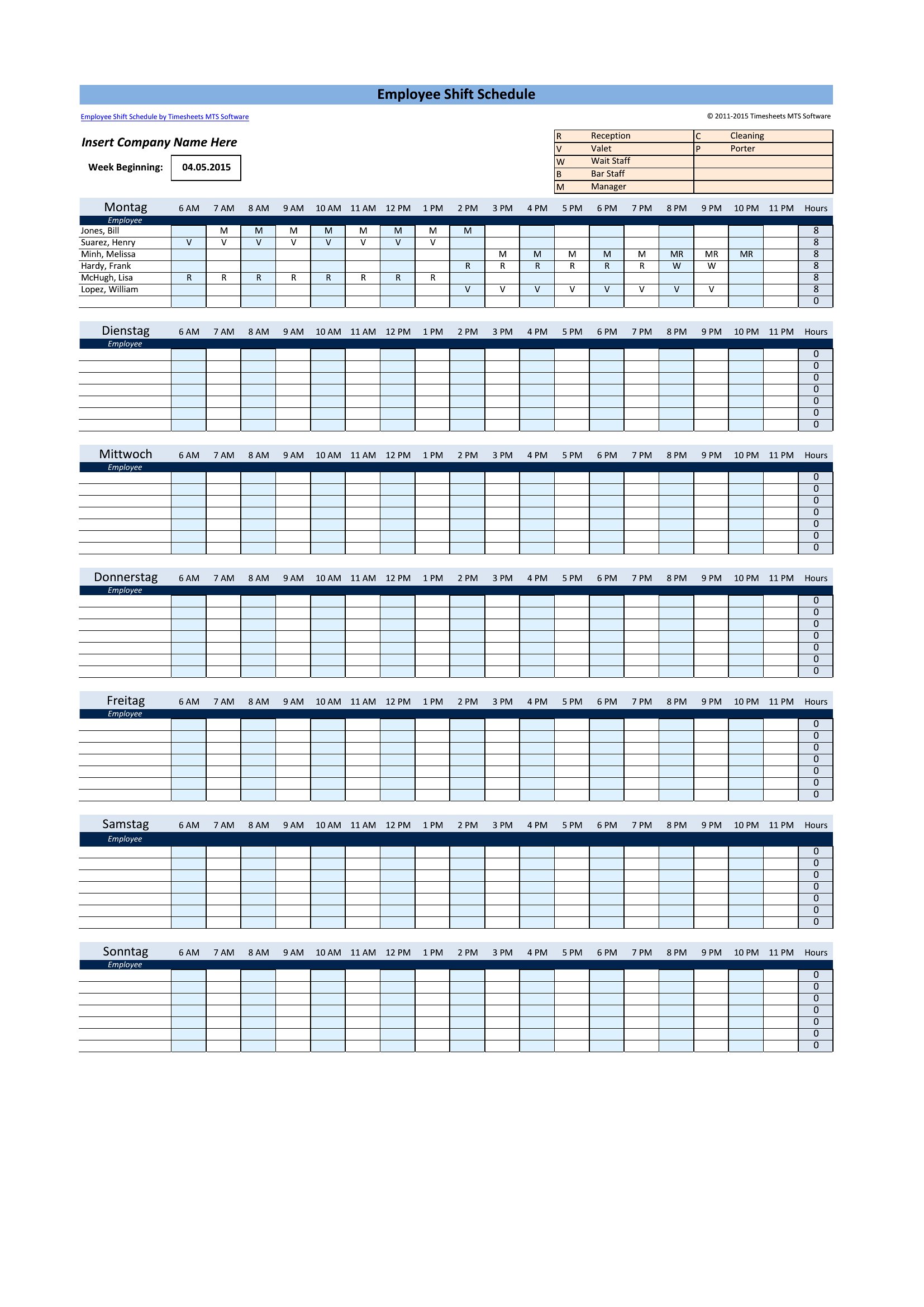
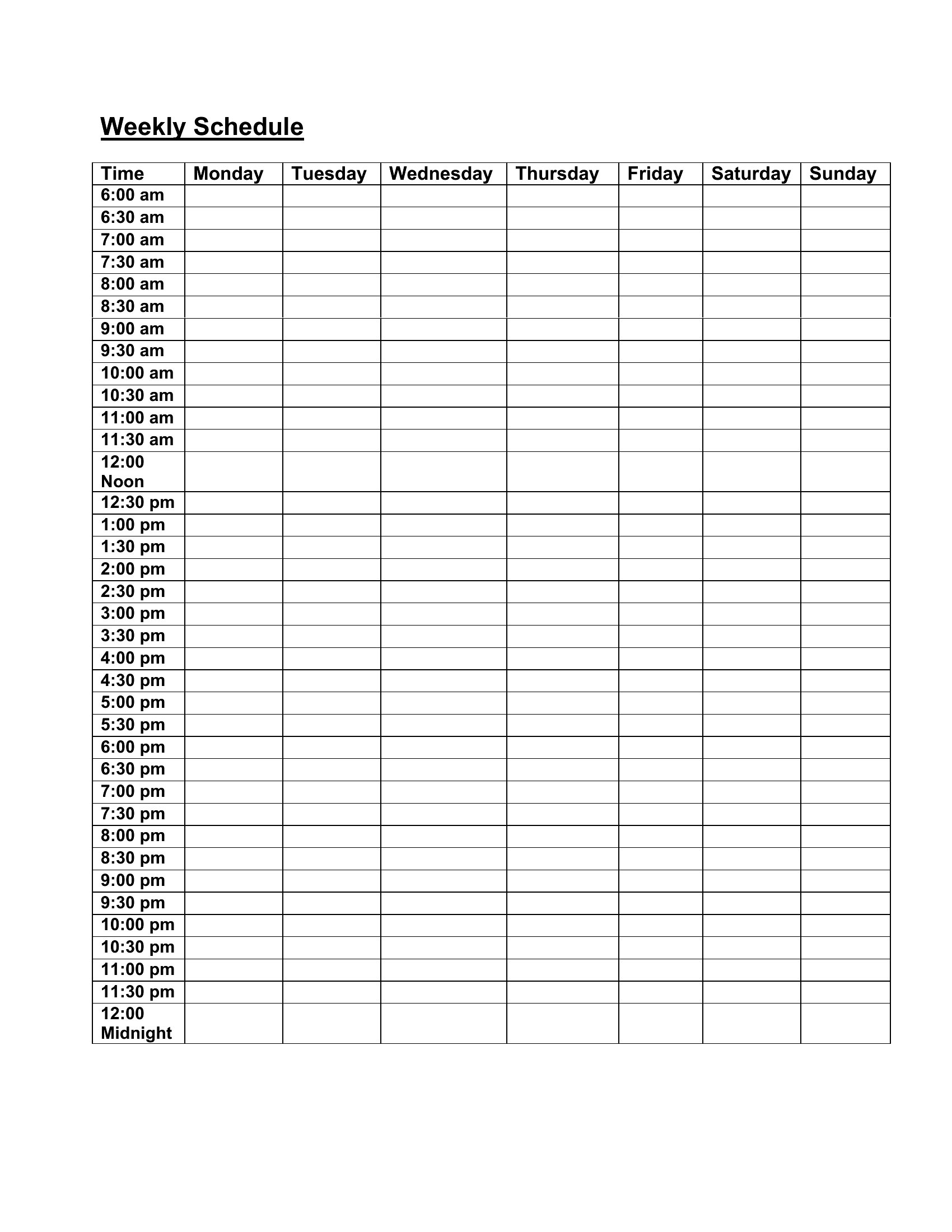
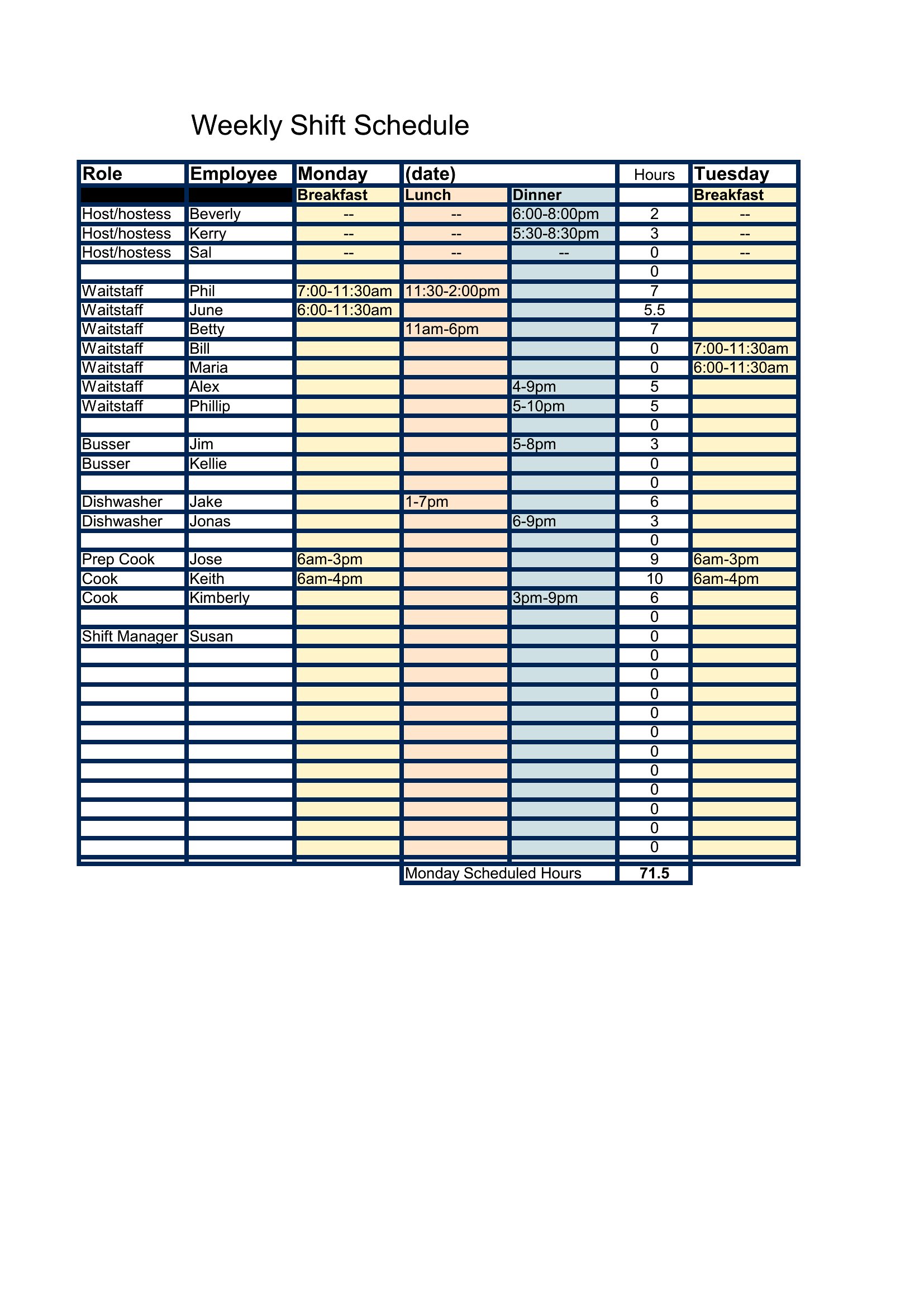
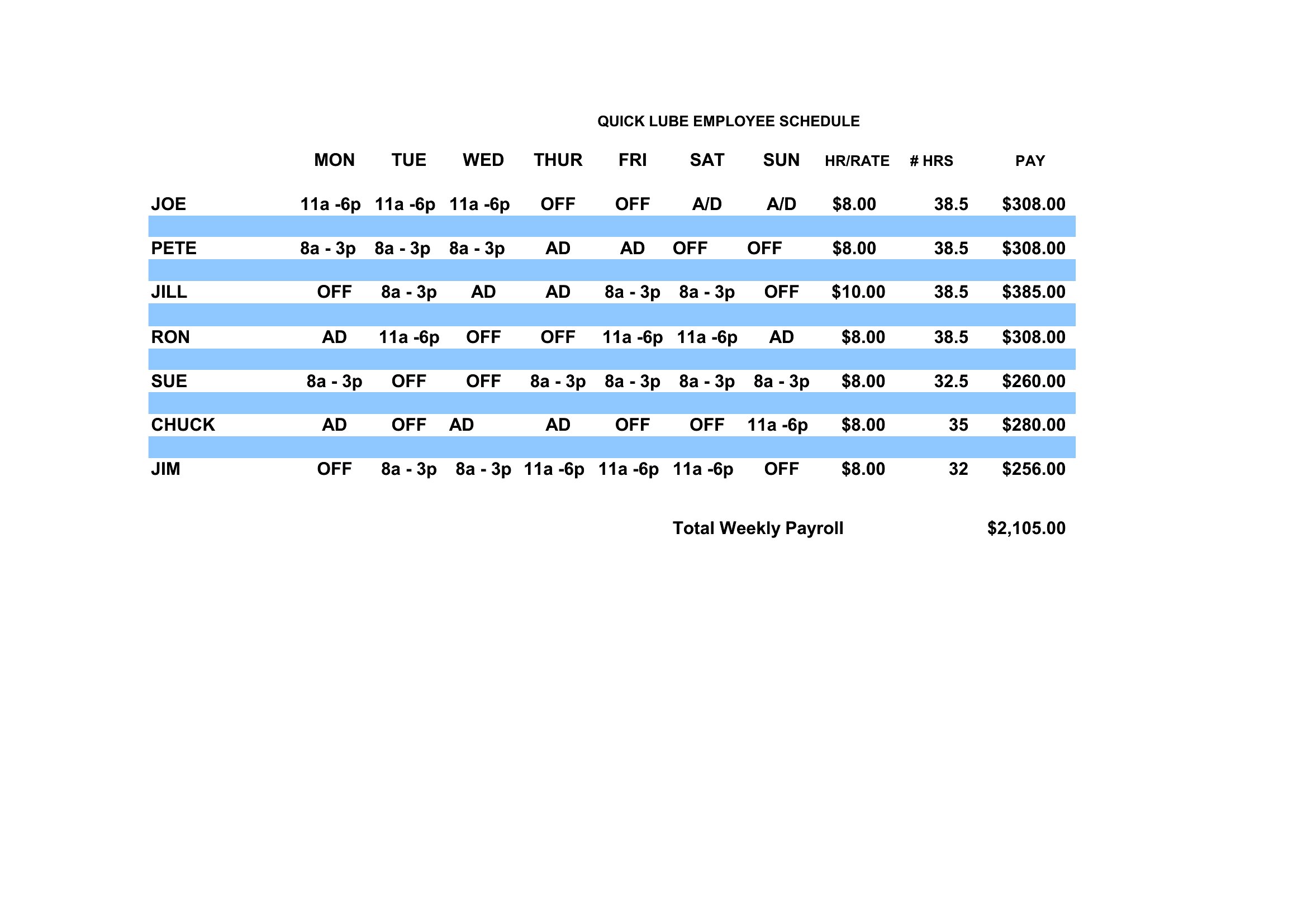
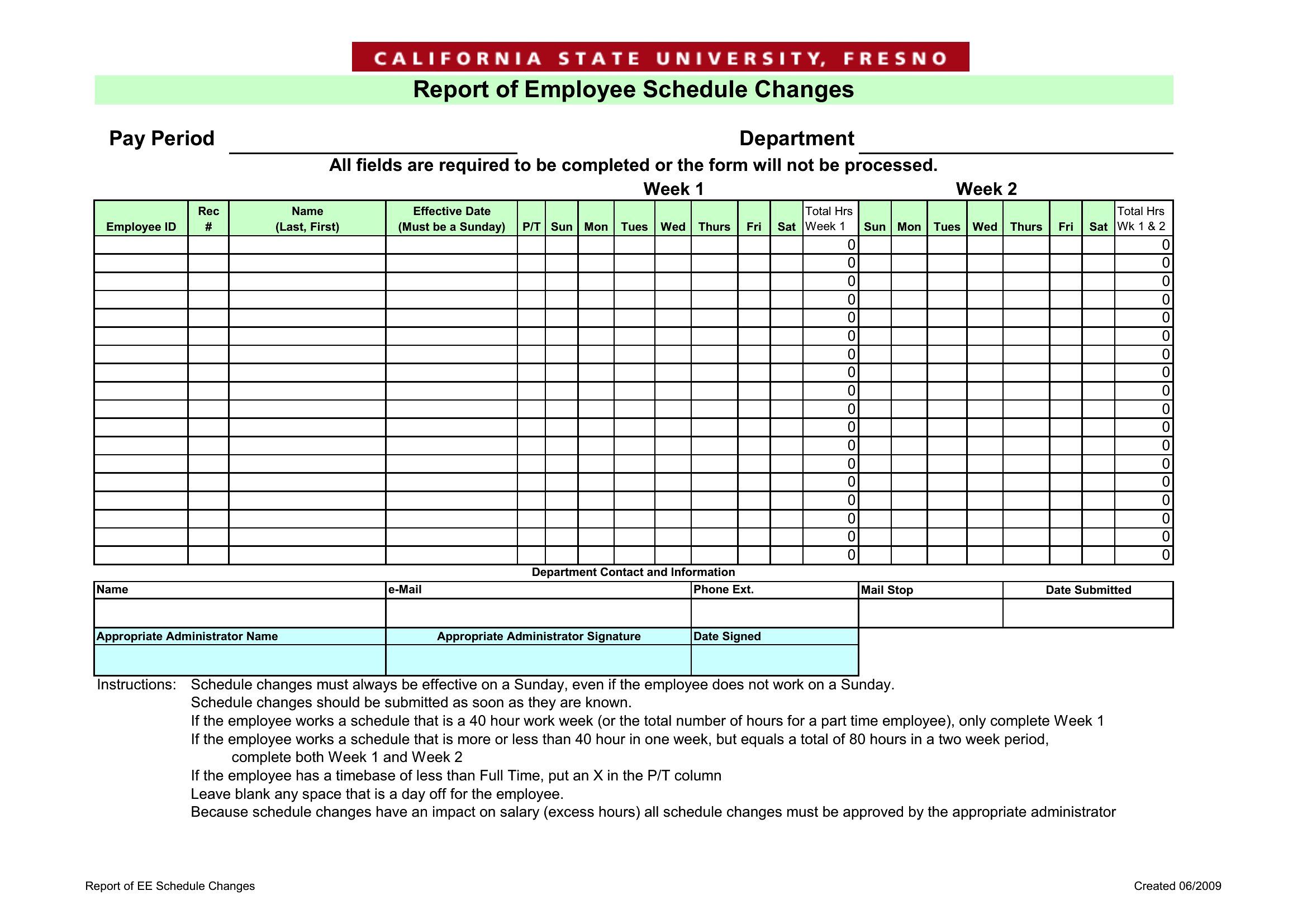
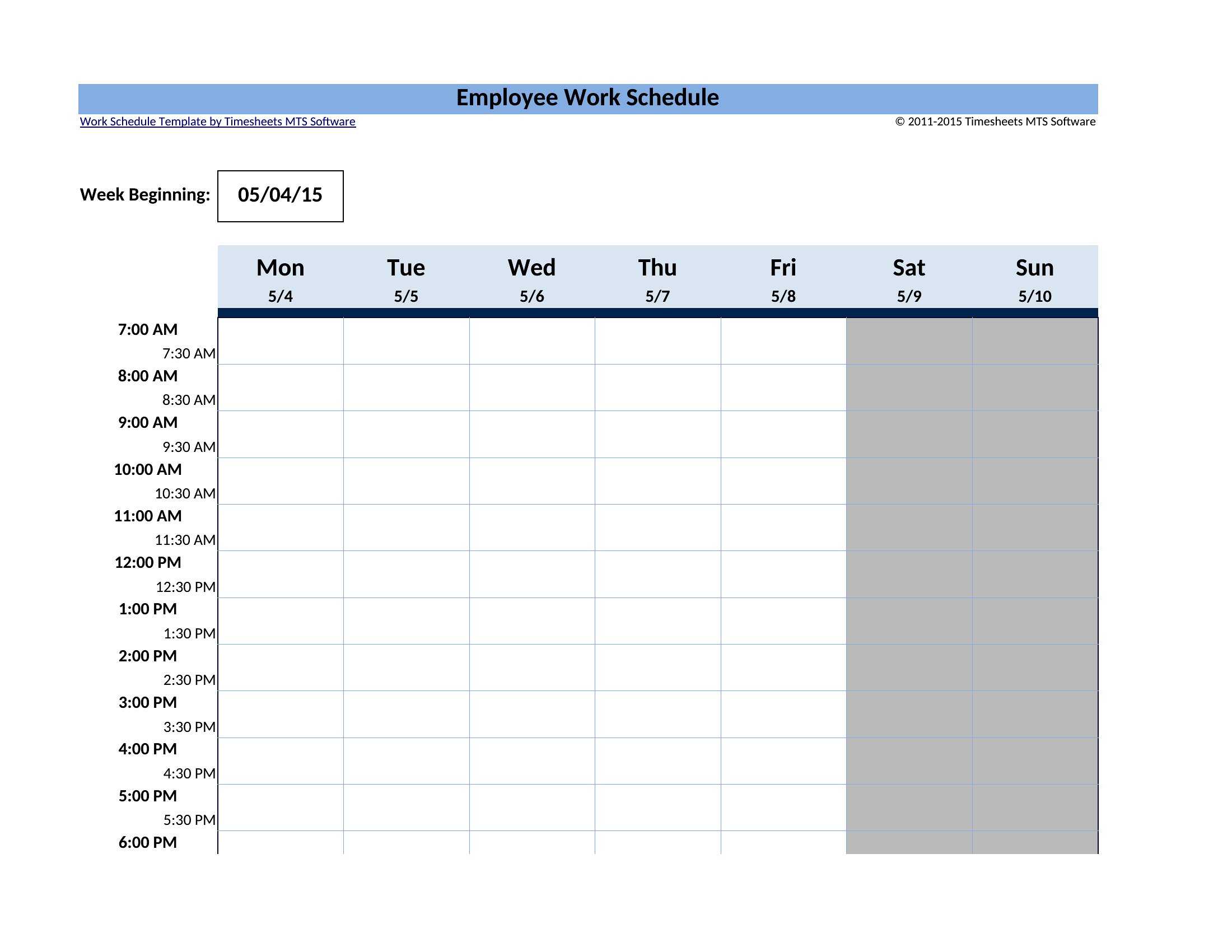
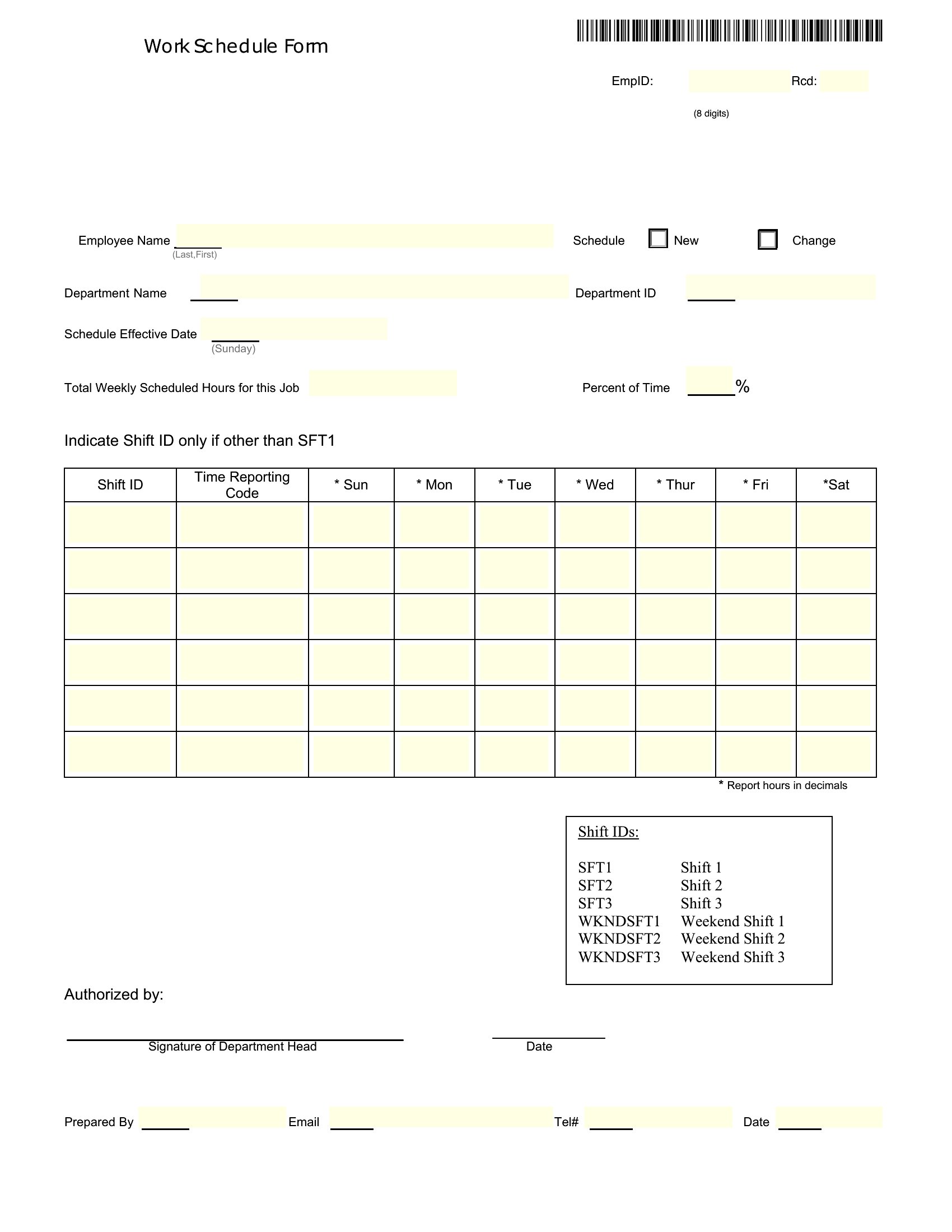
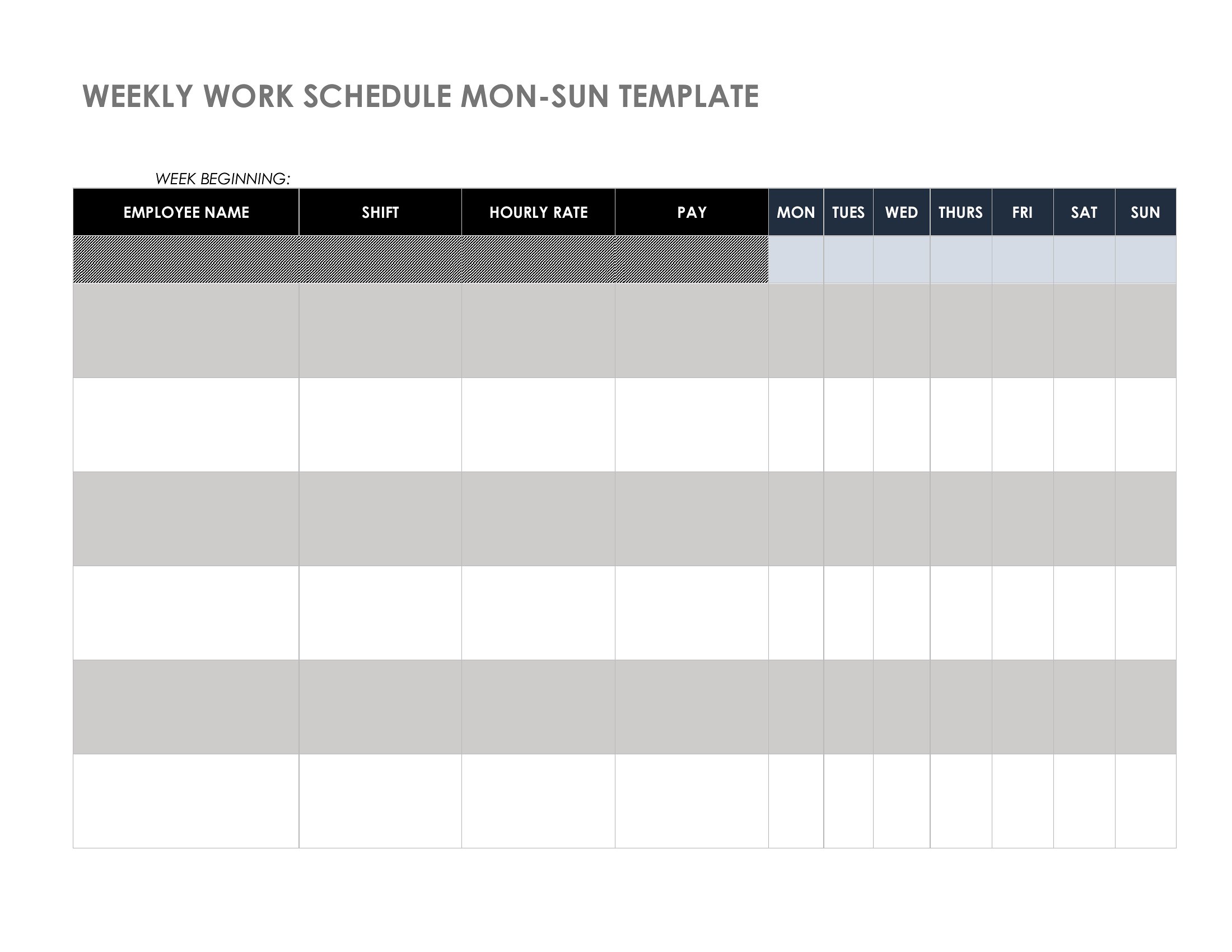
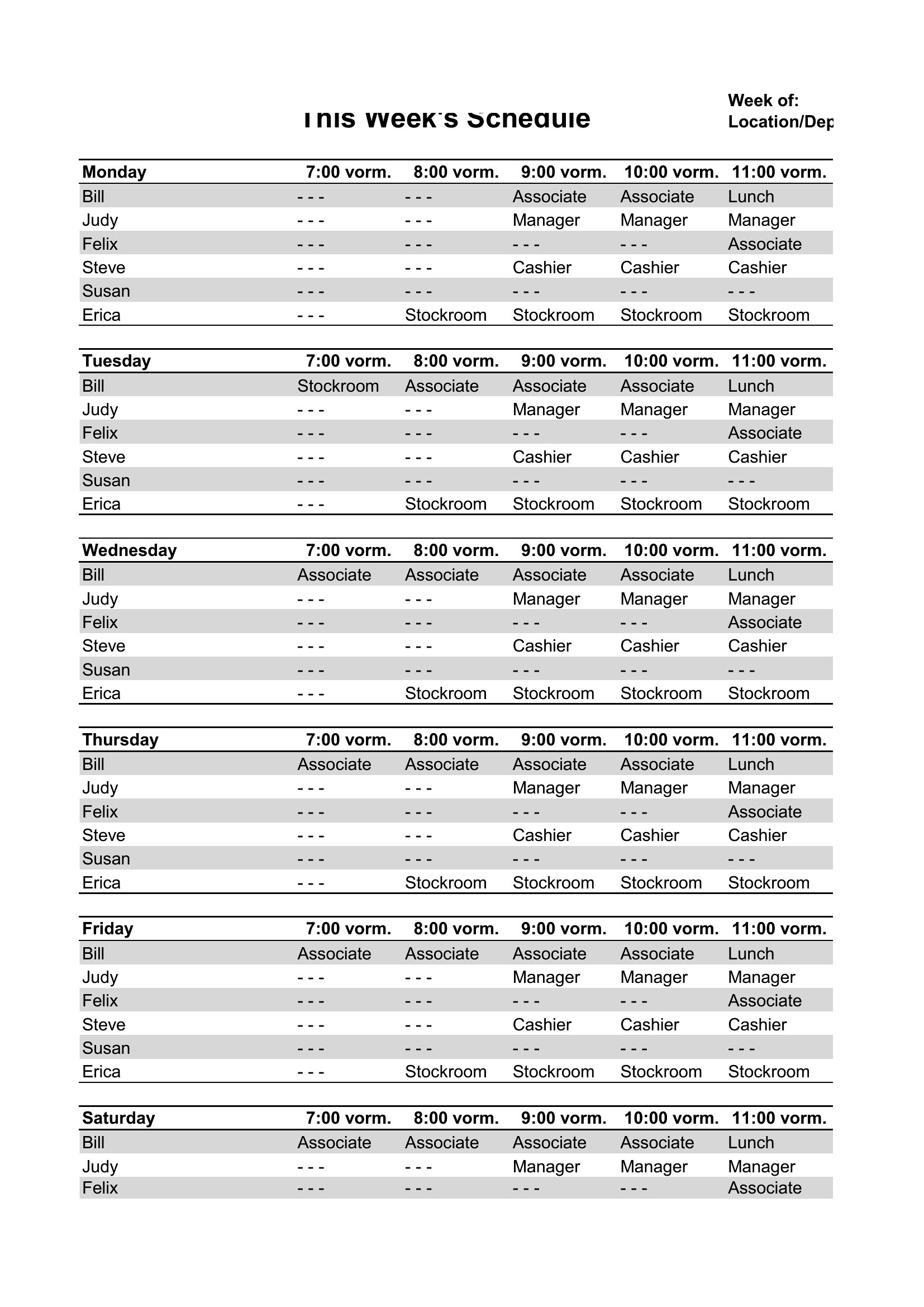
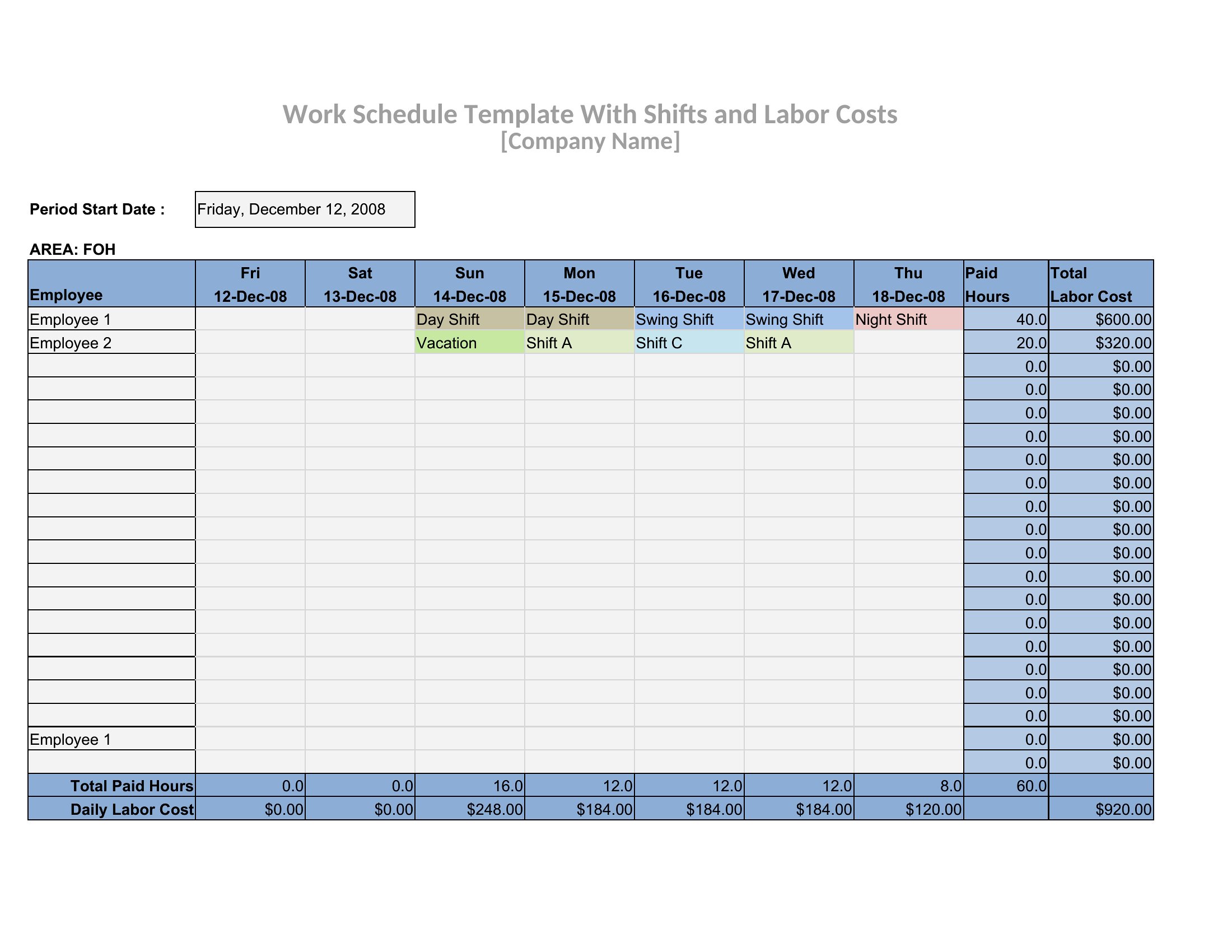
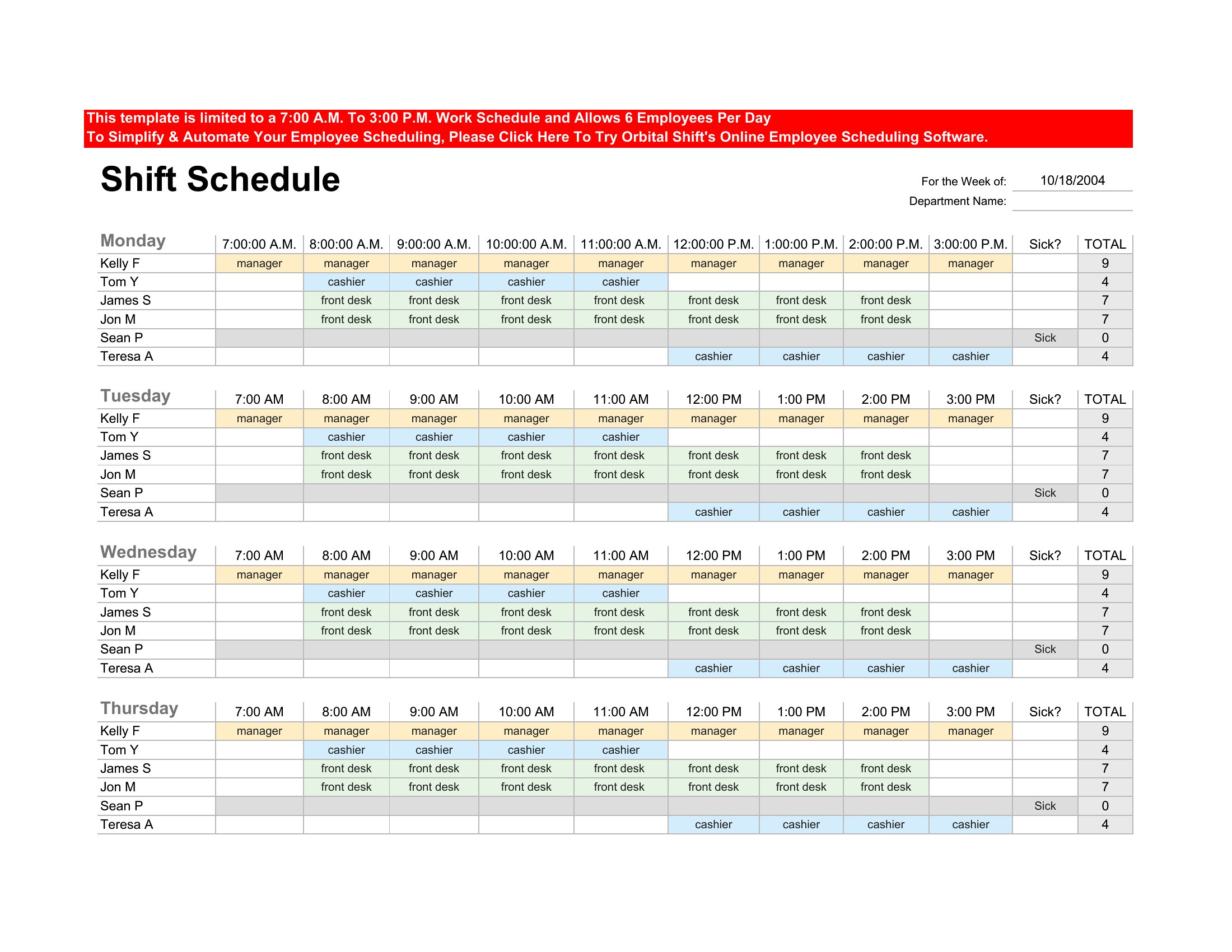
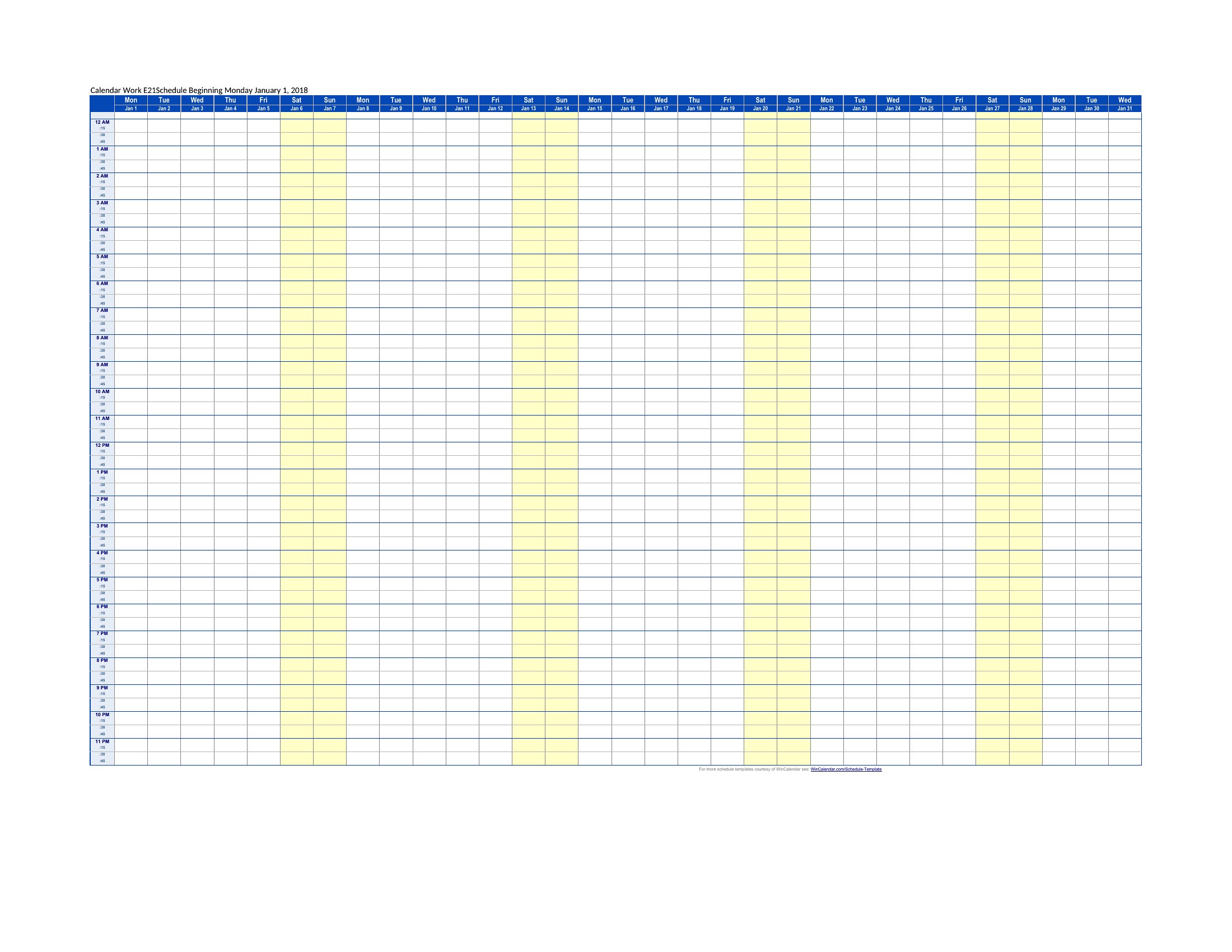
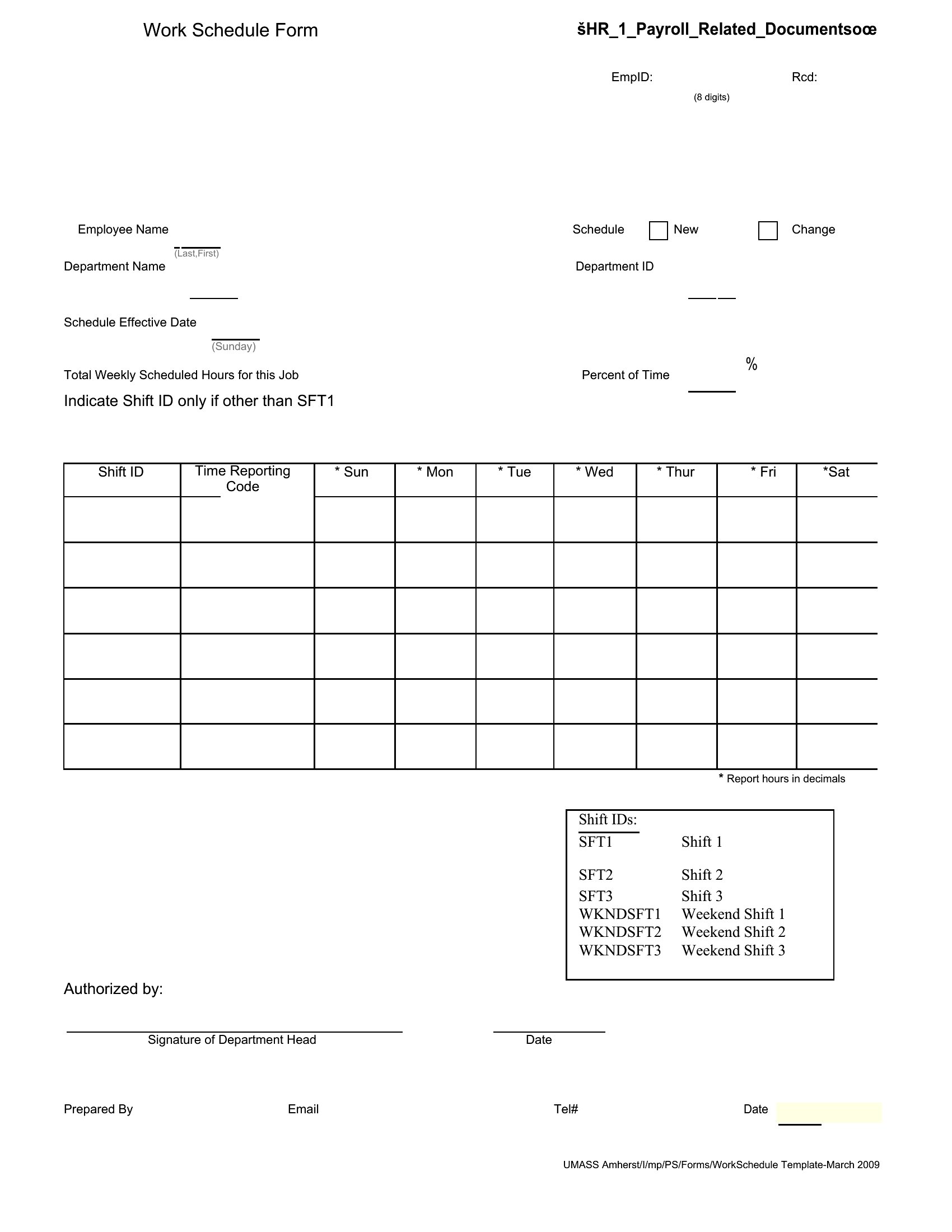
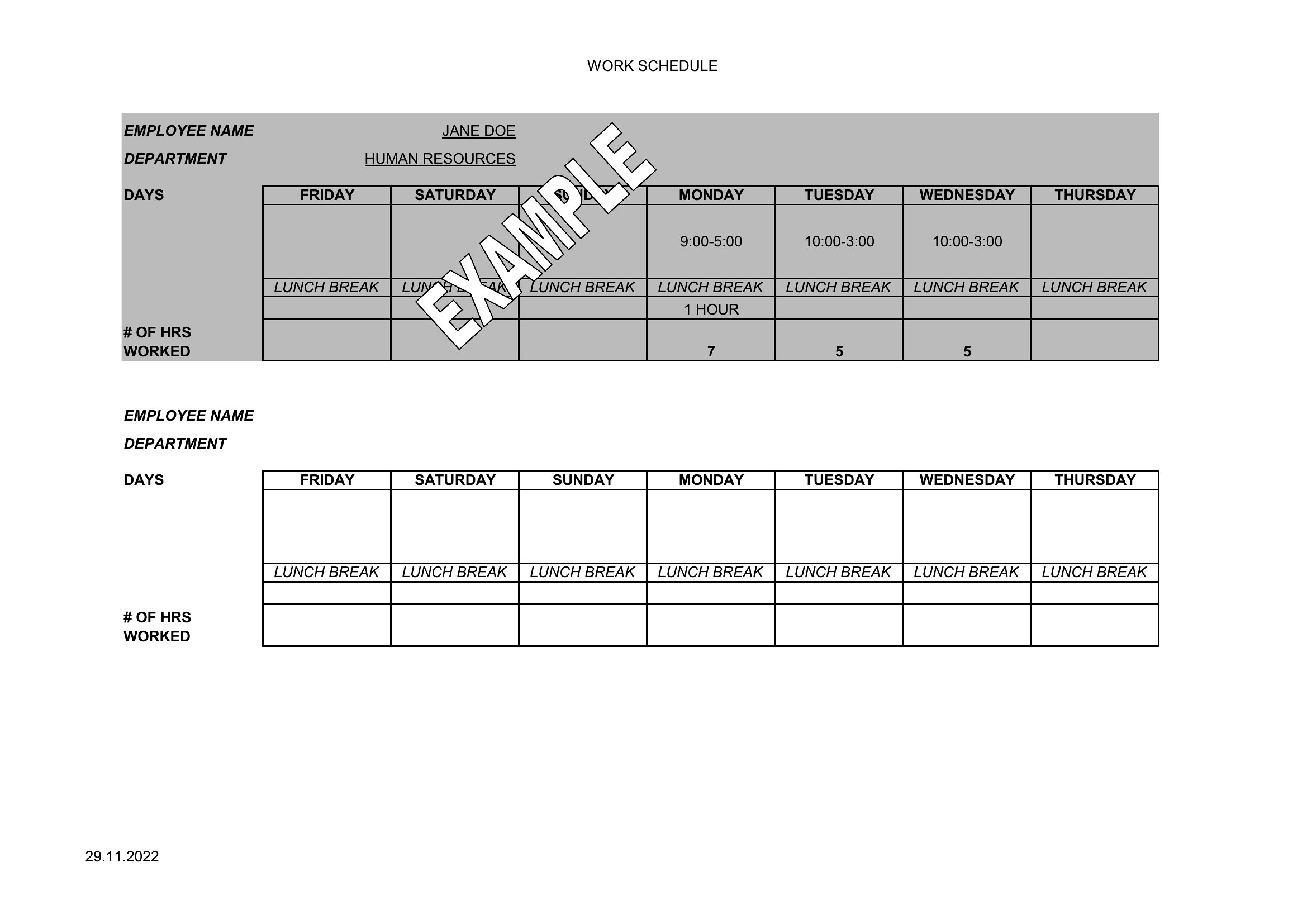
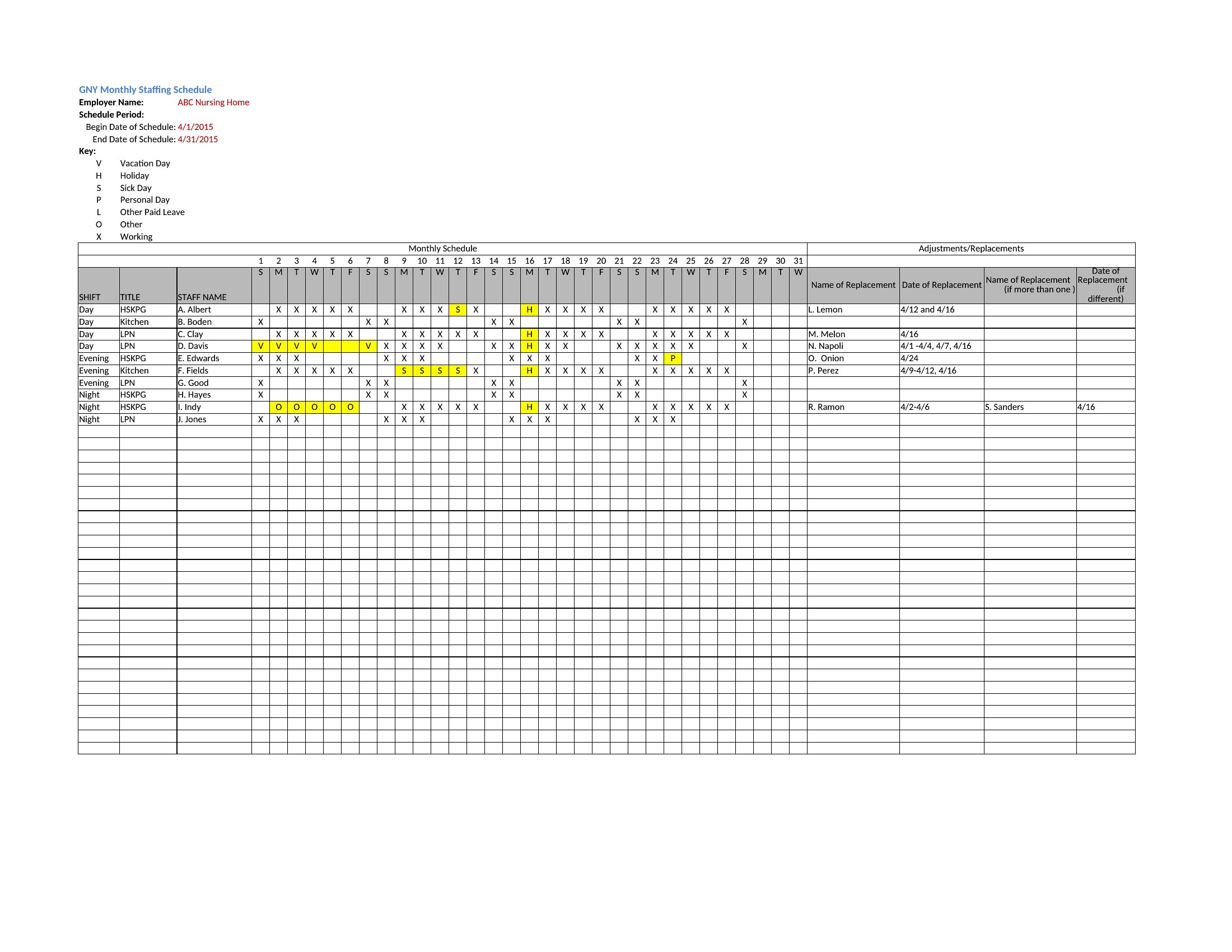
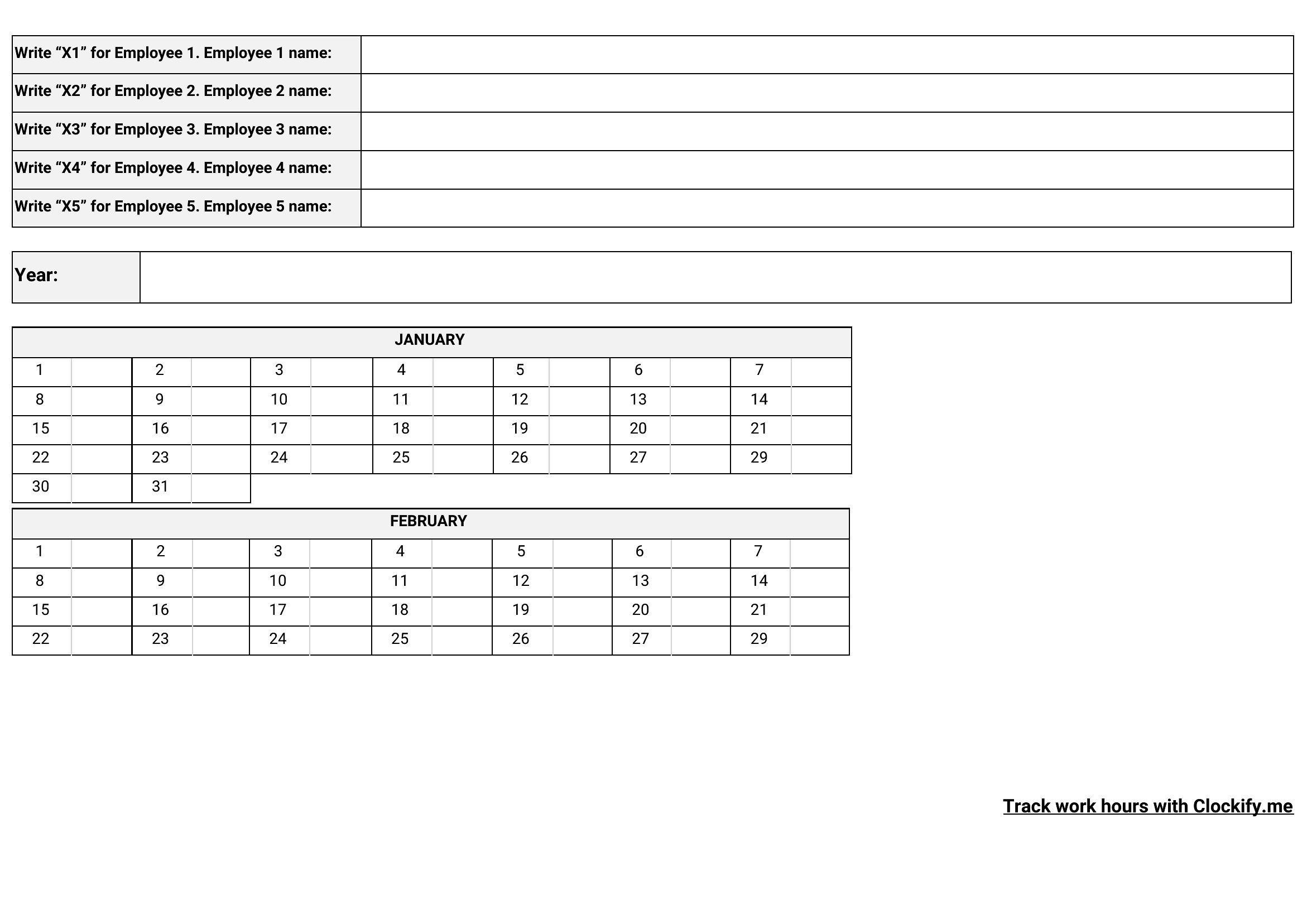
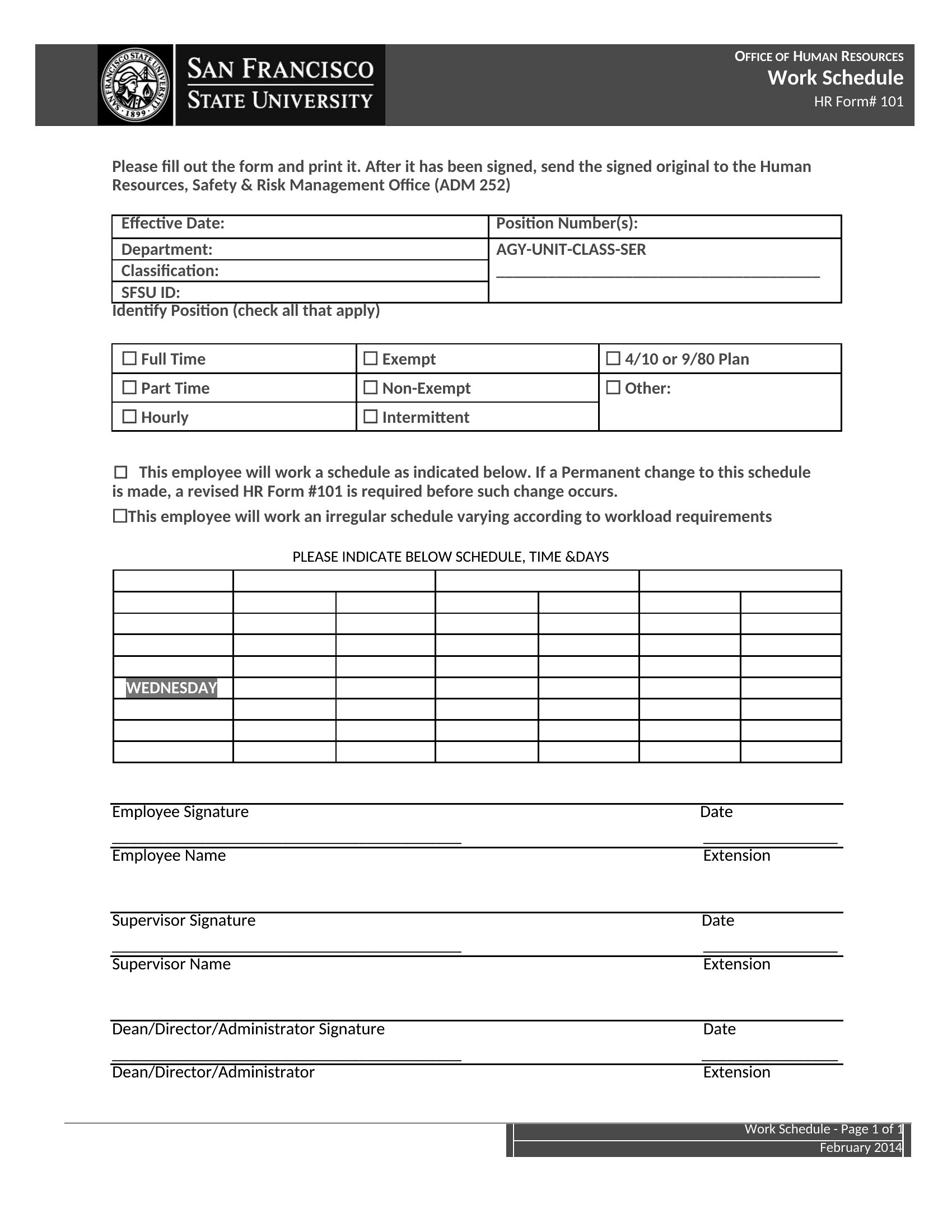
Building a staff schedule by hand each week eats up a manager's time and still leaves room for gaps and double-bookings. This collection of 62 employee schedule templates helps shift managers, restaurant owners, and team leads lay out who works when, balance hours fairly, and keep coverage tight across days, weeks, or a rotating roster.
The Excel versions total hours and make swaps easy, while the Word and PDF copies print cleanly for the break room. Drop in names and shifts, adjust for time-off requests, and post the finished schedule where the team can see it. Download the version that fits your business and turn scheduling into a quick weekly task.
Choose from 62 Employee Schedule Templates
Frequently Asked Questions about Employee Schedule Templates
Are these Employee Schedule templates free to download?
Yes. Every Employee Schedule template in this collection is free to download from TemplateSpark. Just open the template you need, download it, and start editing right away — no subscription required to get started.
What file formats are available for Employee Schedule templates?
These Employee Schedule templates are available in Word, Excel, and PDF. Pick the format that matches your workflow — each download keeps the original layout so it looks right whether you open, print, or share it.
Can I edit these Employee Schedule templates?
Yes. The editable files open in Microsoft Word (and compatible apps like Google Docs or LibreOffice), so you can change the text, colors, and layout to fit your needs, then save or export the finished Employee Schedule document.
How many Employee Schedule templates can I choose from?
This page collects 62 Employee Schedule templates so you can compare styles and layouts in one place. Browse the options, open the one that fits your purpose best, and download it in your preferred format.
Can I use Employee Schedule templates for commercial purposes?
In most cases, yes — these Employee Schedule templates are intended for both personal and business use. Check the license note on the template before redistributing or reselling, and avoid sharing the source files as your own product.
What should an employee schedule include?
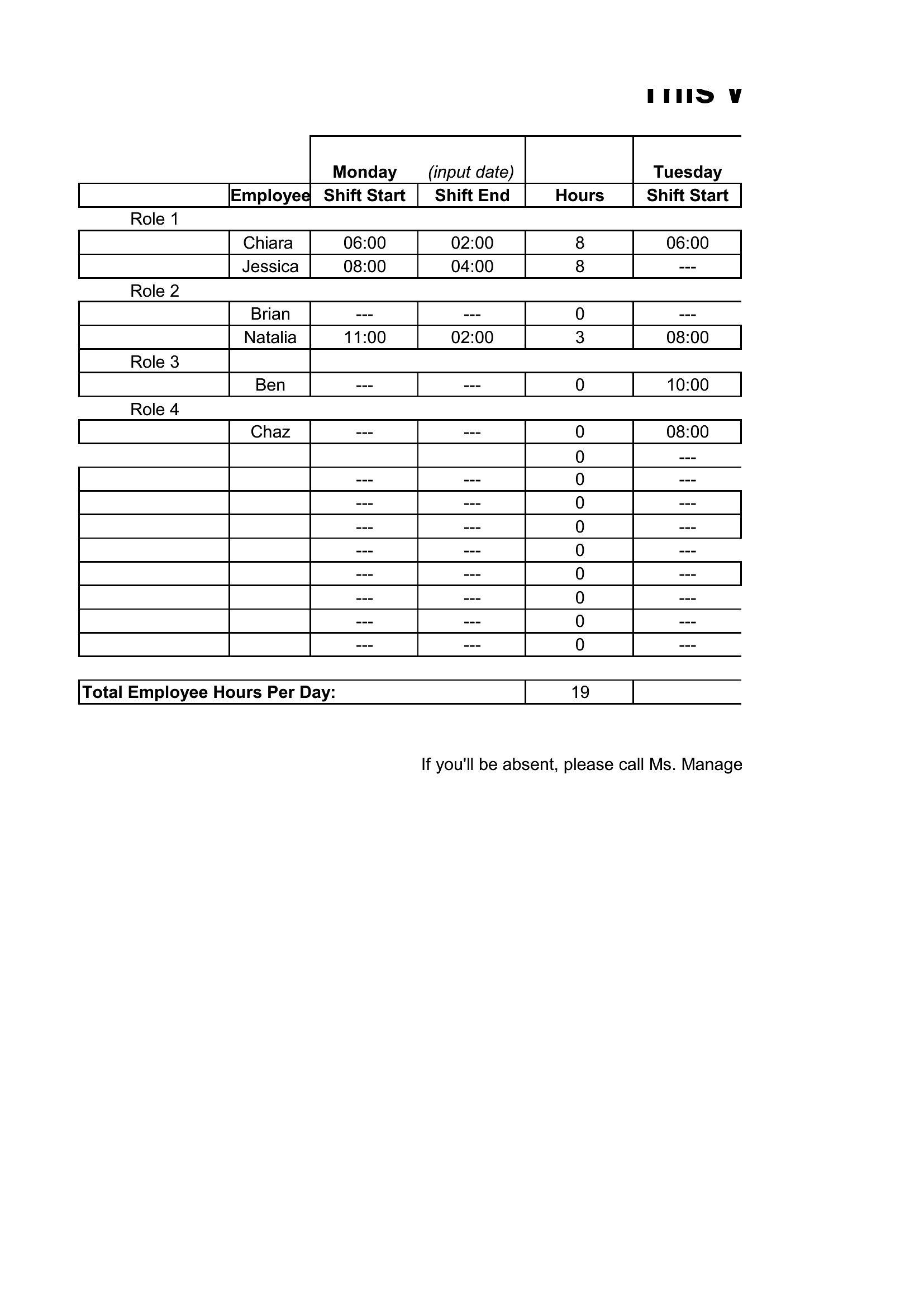
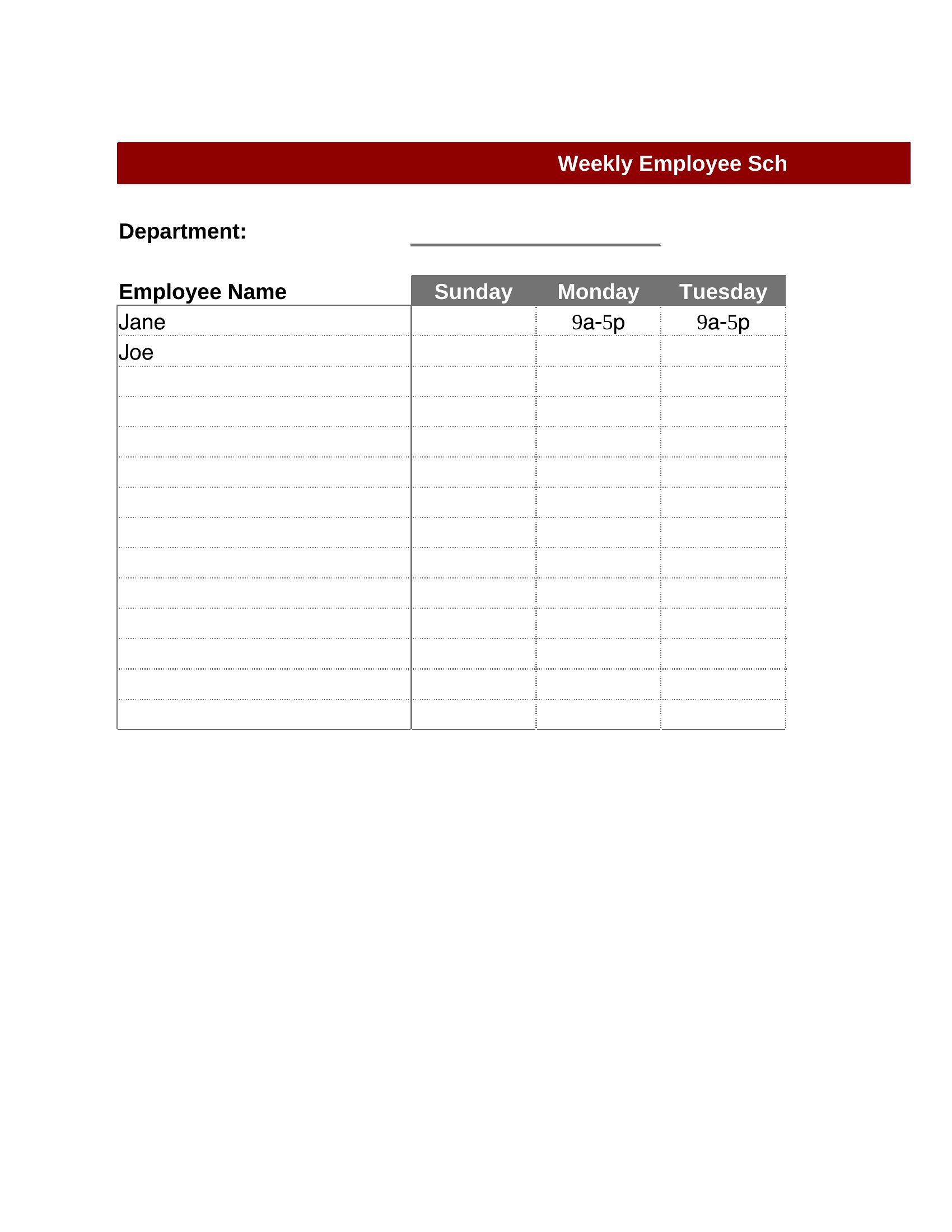
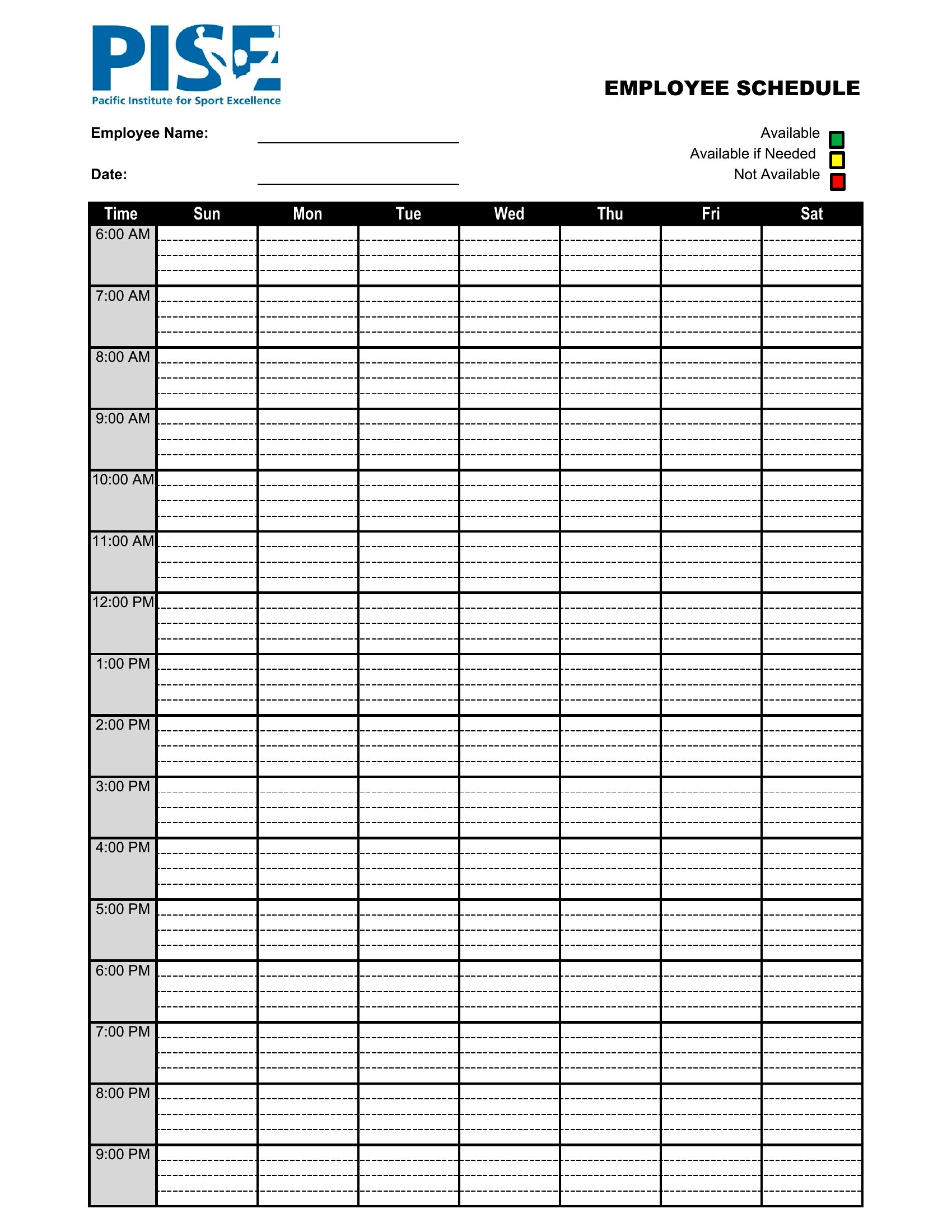
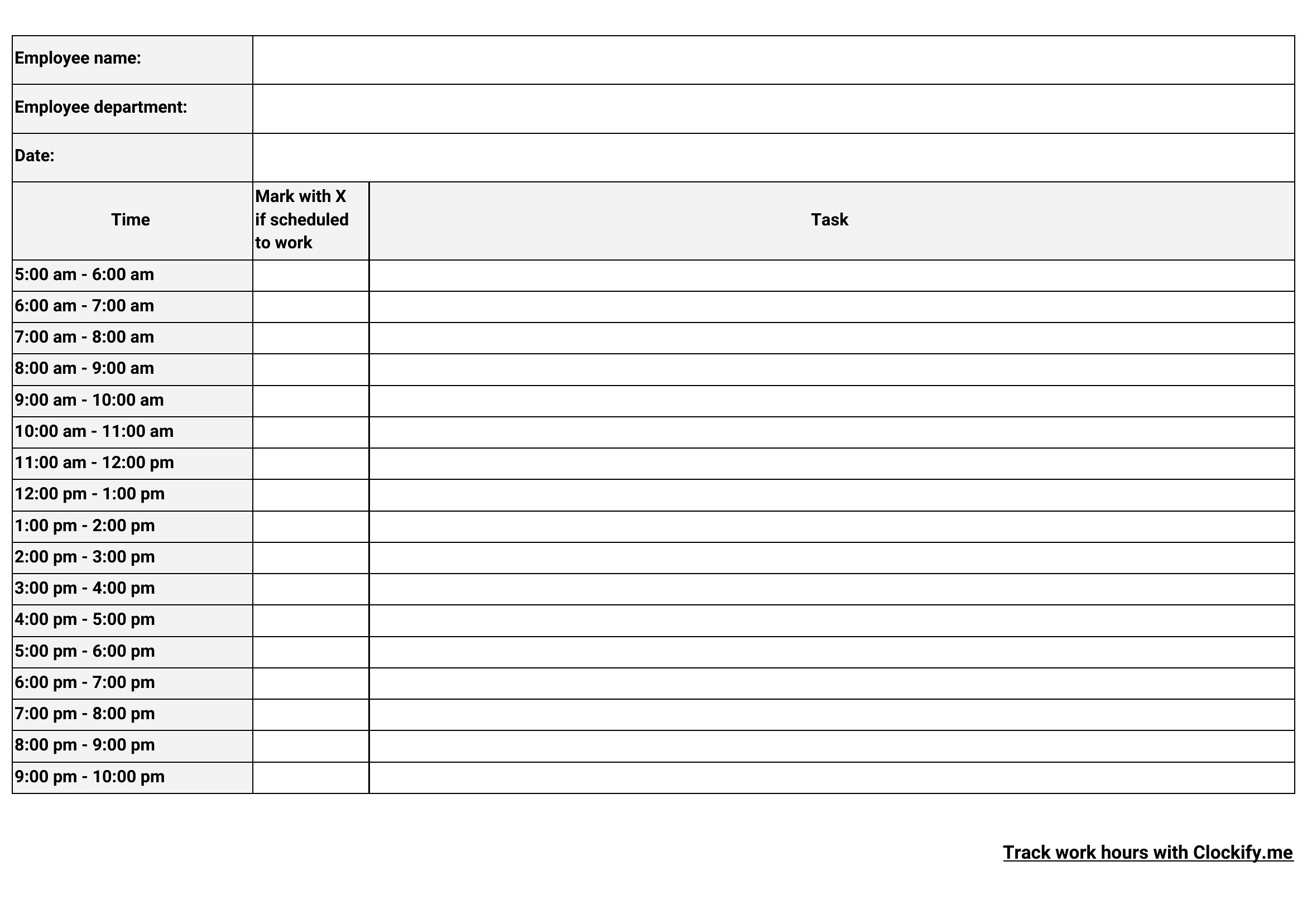
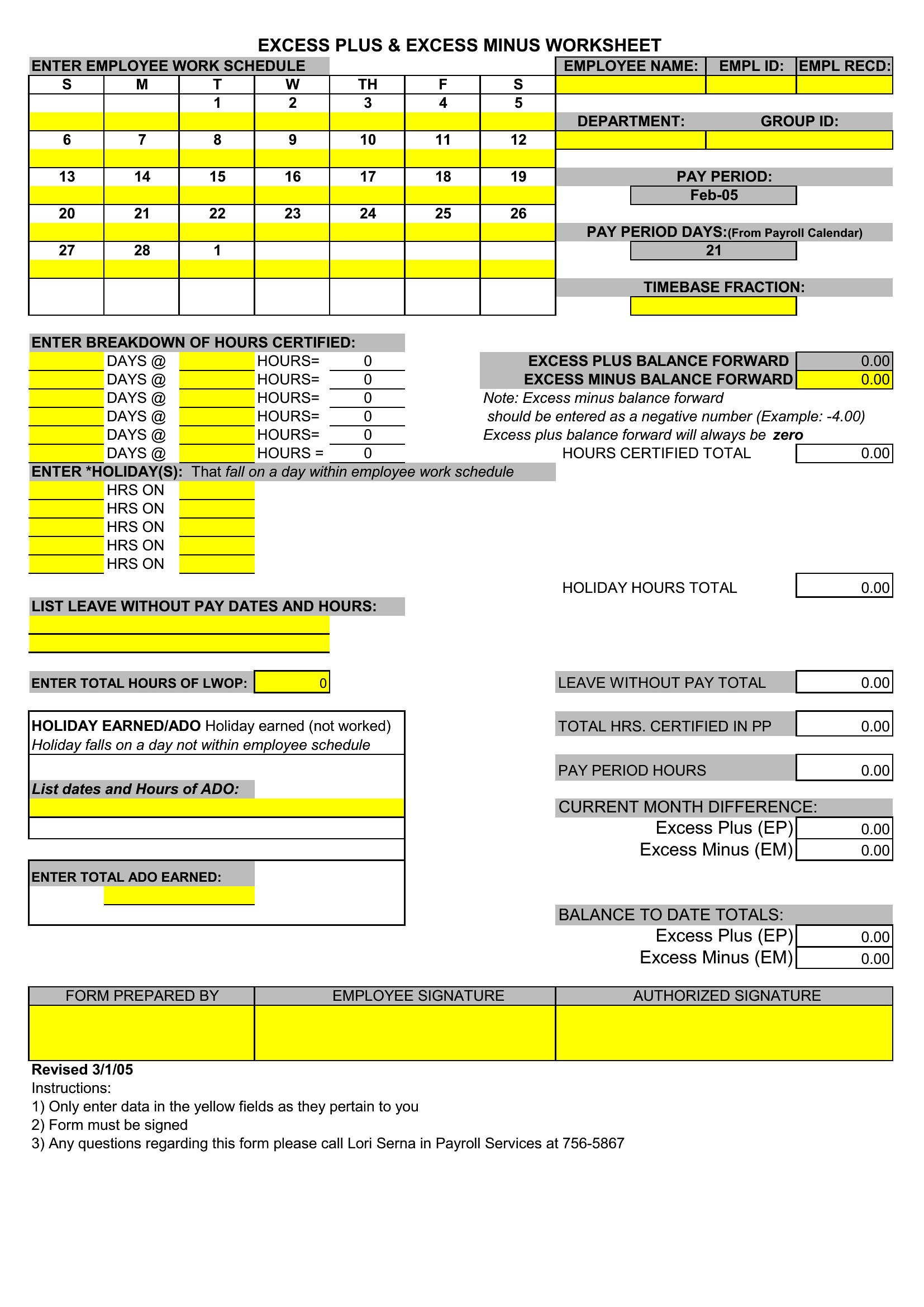
An employee schedule should list each worker's name, shift dates, start and end times, total hours, and assigned roles or locations. Adding breaks, time-off notes, and coverage for each period helps managers balance workloads fairly and ensure every shift is staffed without gaps or double-bookings.
How do you create a fair employee schedule?
Account for availability, requested time off, skills, and labor laws, then distribute hours and undesirable shifts evenly. Posting the schedule in advance and allowing shift swaps within rules helps. Balancing business coverage with employee preferences reduces burnout and last-minute scrambling to fill open slots.
What are common mistakes when building an employee schedule?
Frequent errors include overlooking time-off requests, creating double-bookings, understaffing peak periods, and posting the schedule too late. Ignoring overtime limits or uneven shift distribution causes frustration. Reviewing availability, coverage needs, and total hours before publishing helps avoid these problems and keeps staffing reliable.
Comments
Join the conversation
Sign in to share your thoughts and leave a comment on this resource.