
Free Appointment Schedule Templates (Word, Excel)
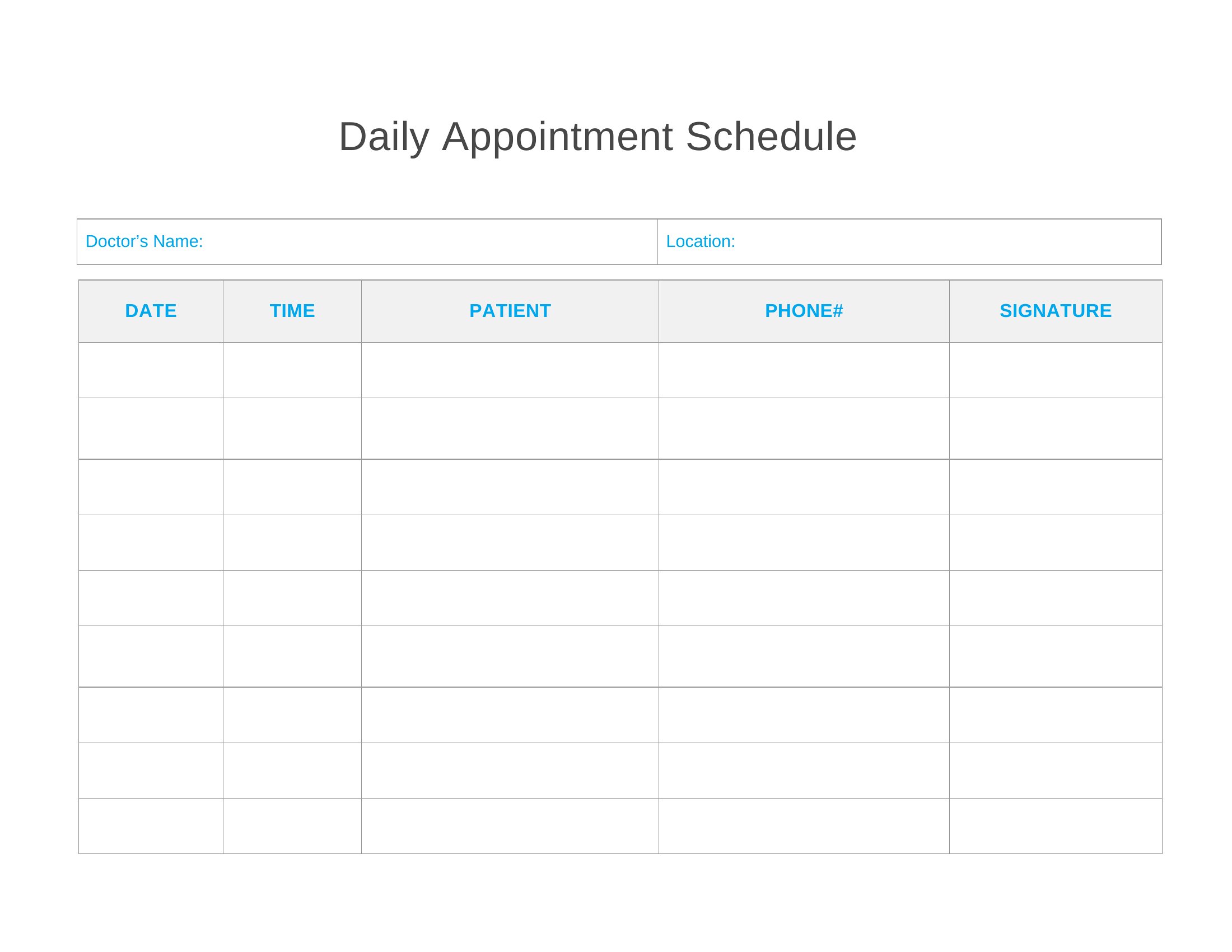
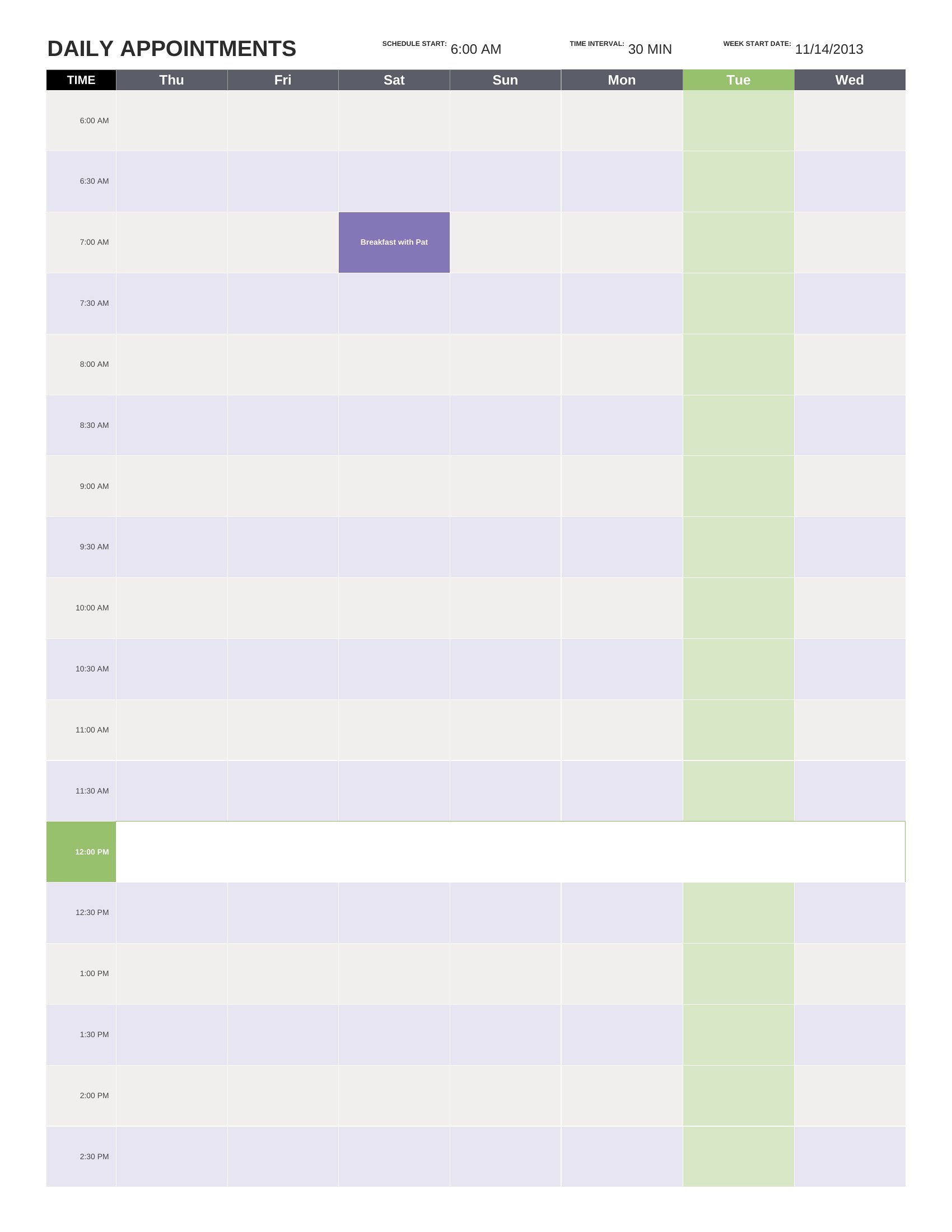
Daily by indiracaraballo
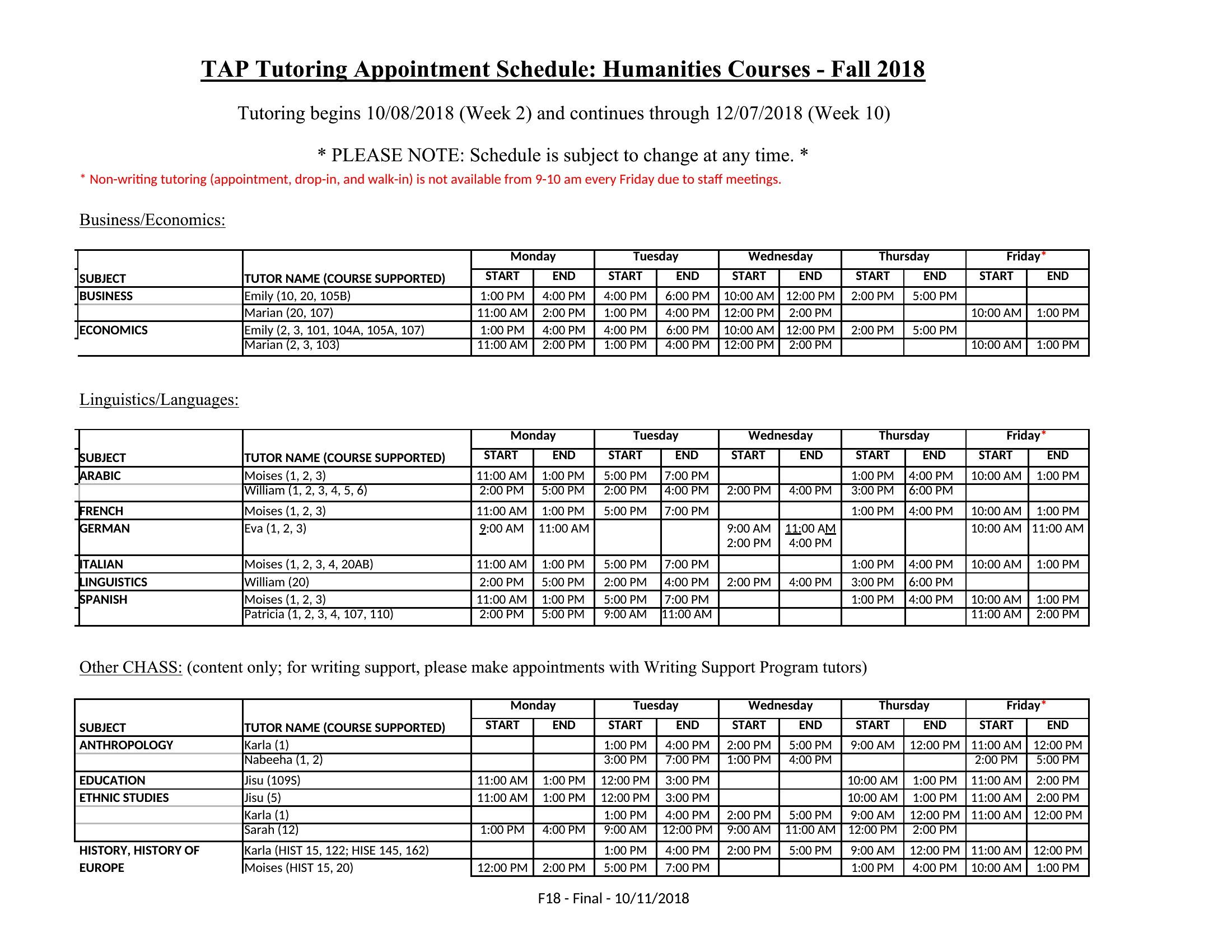
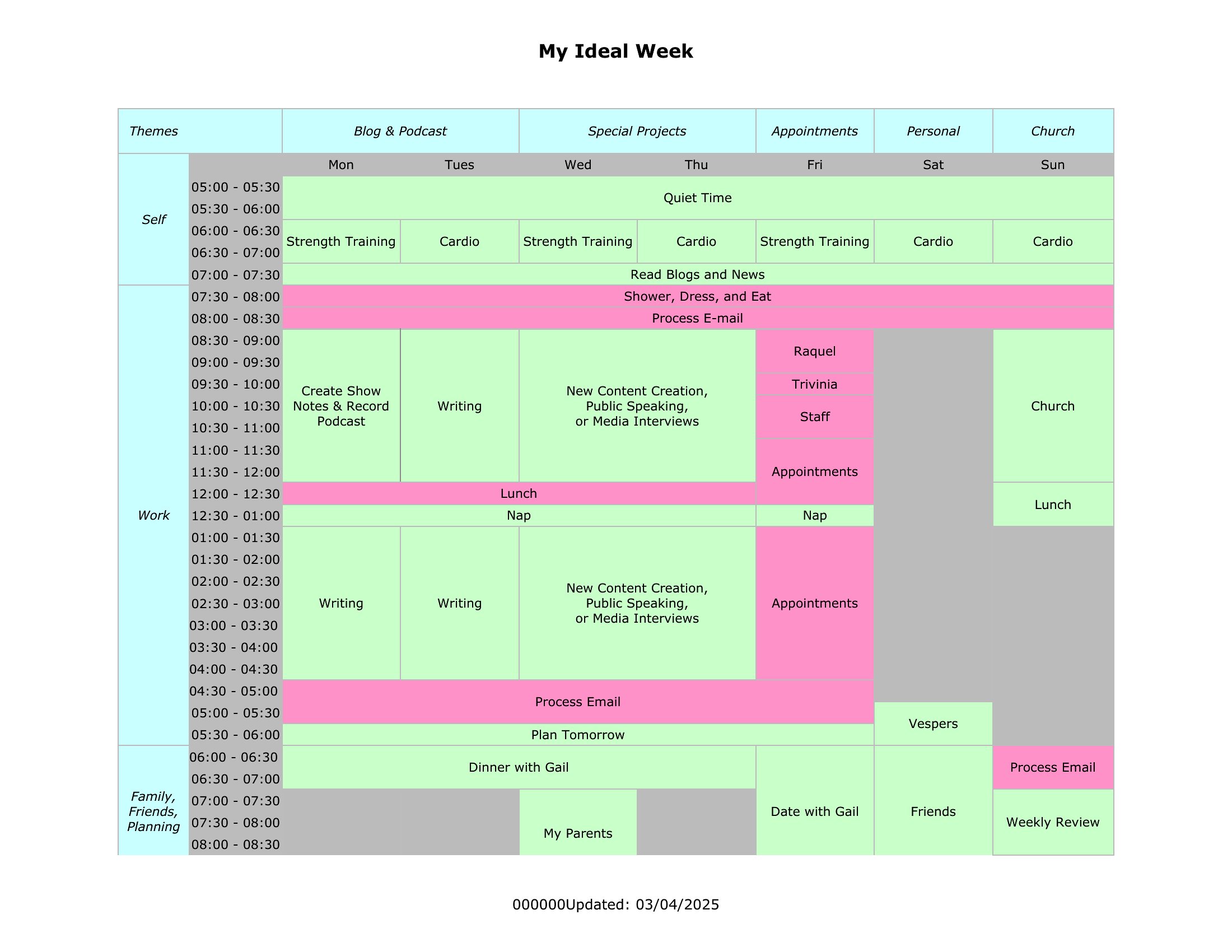
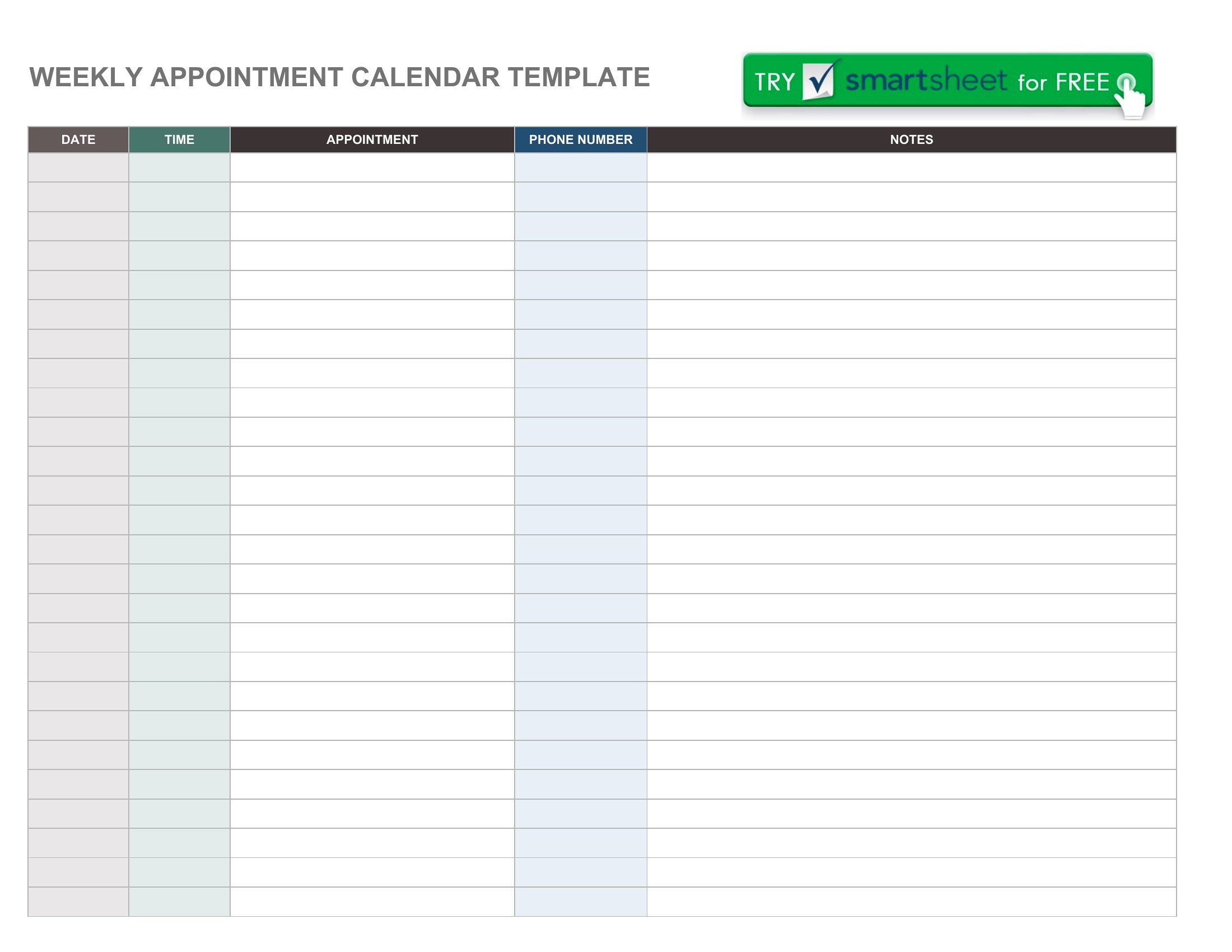
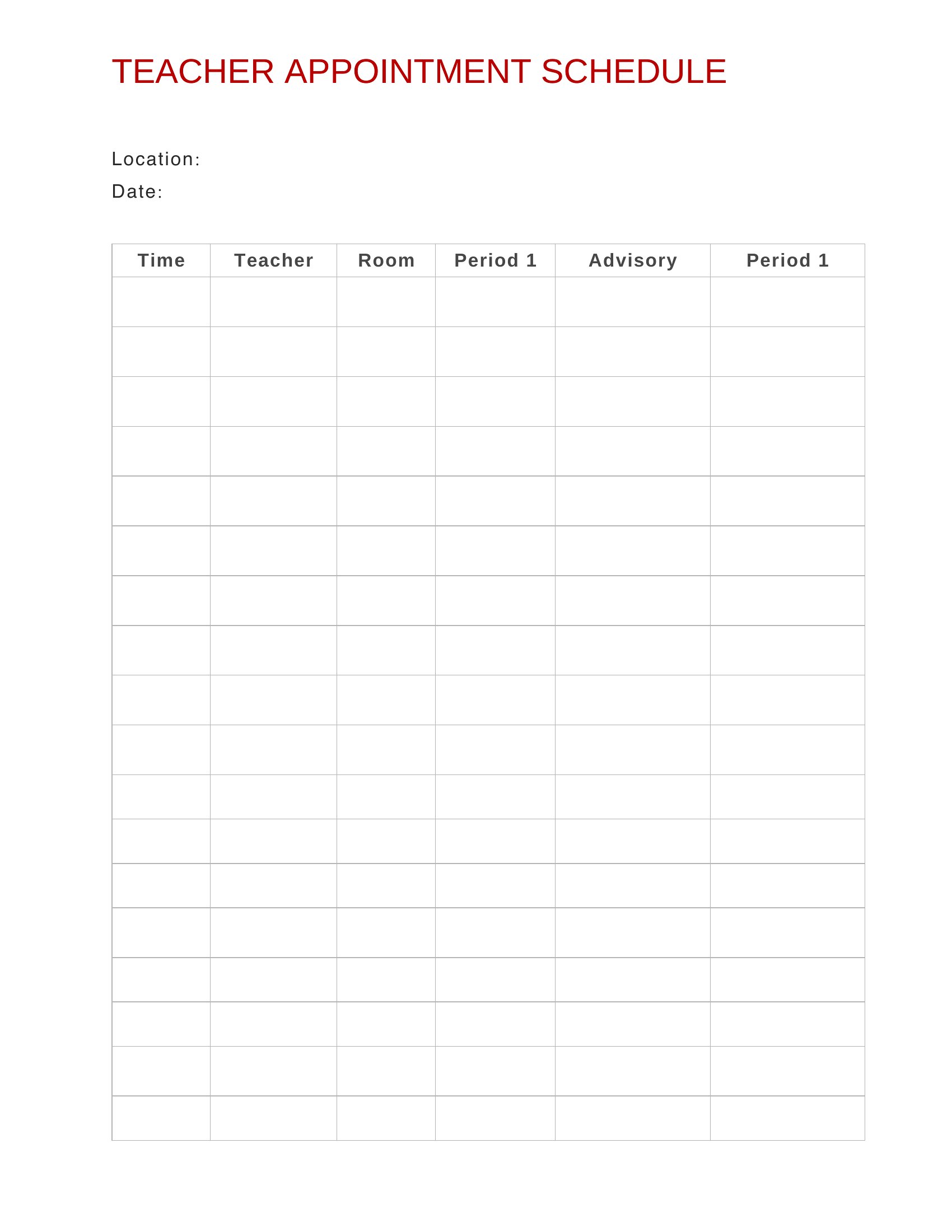
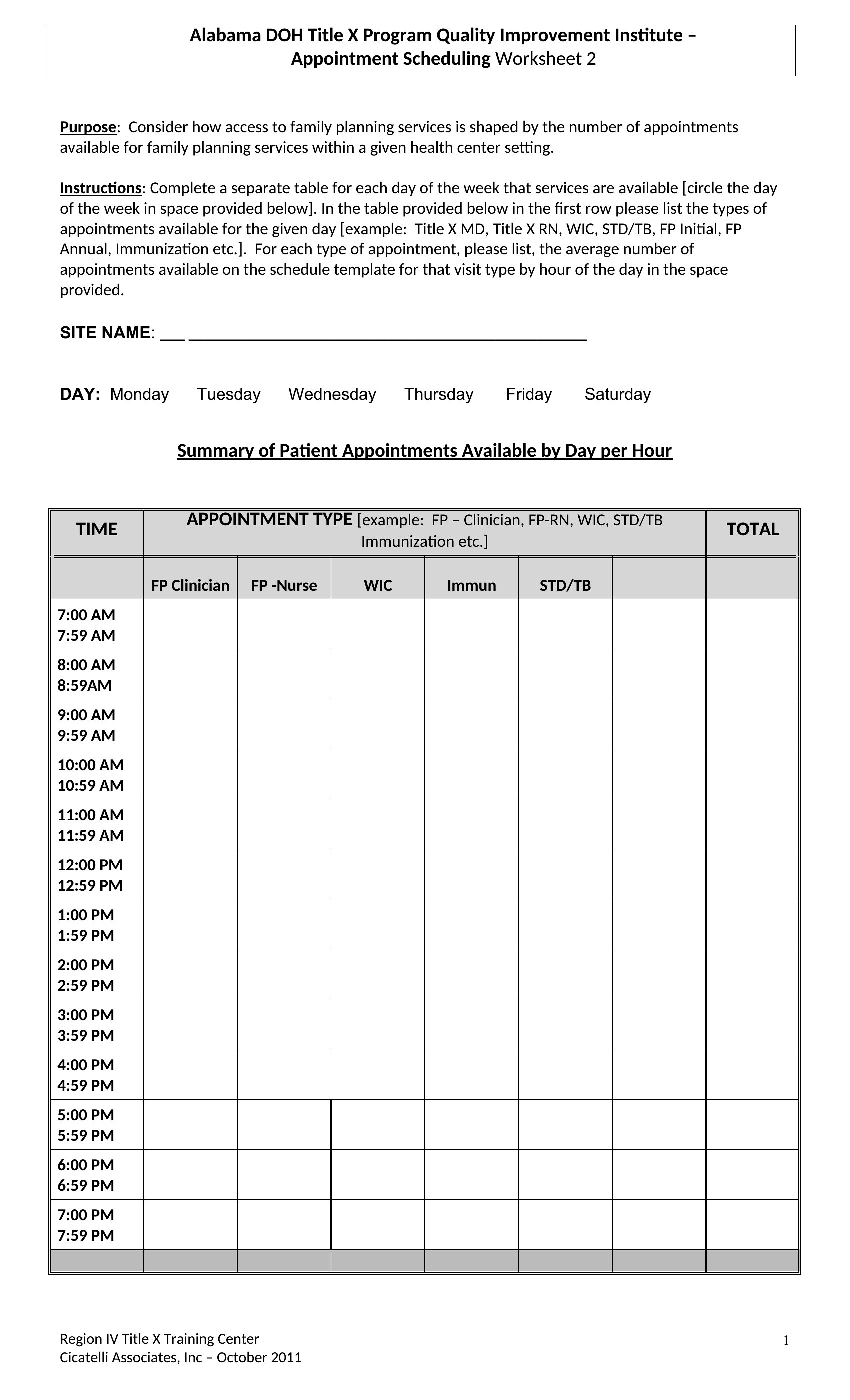
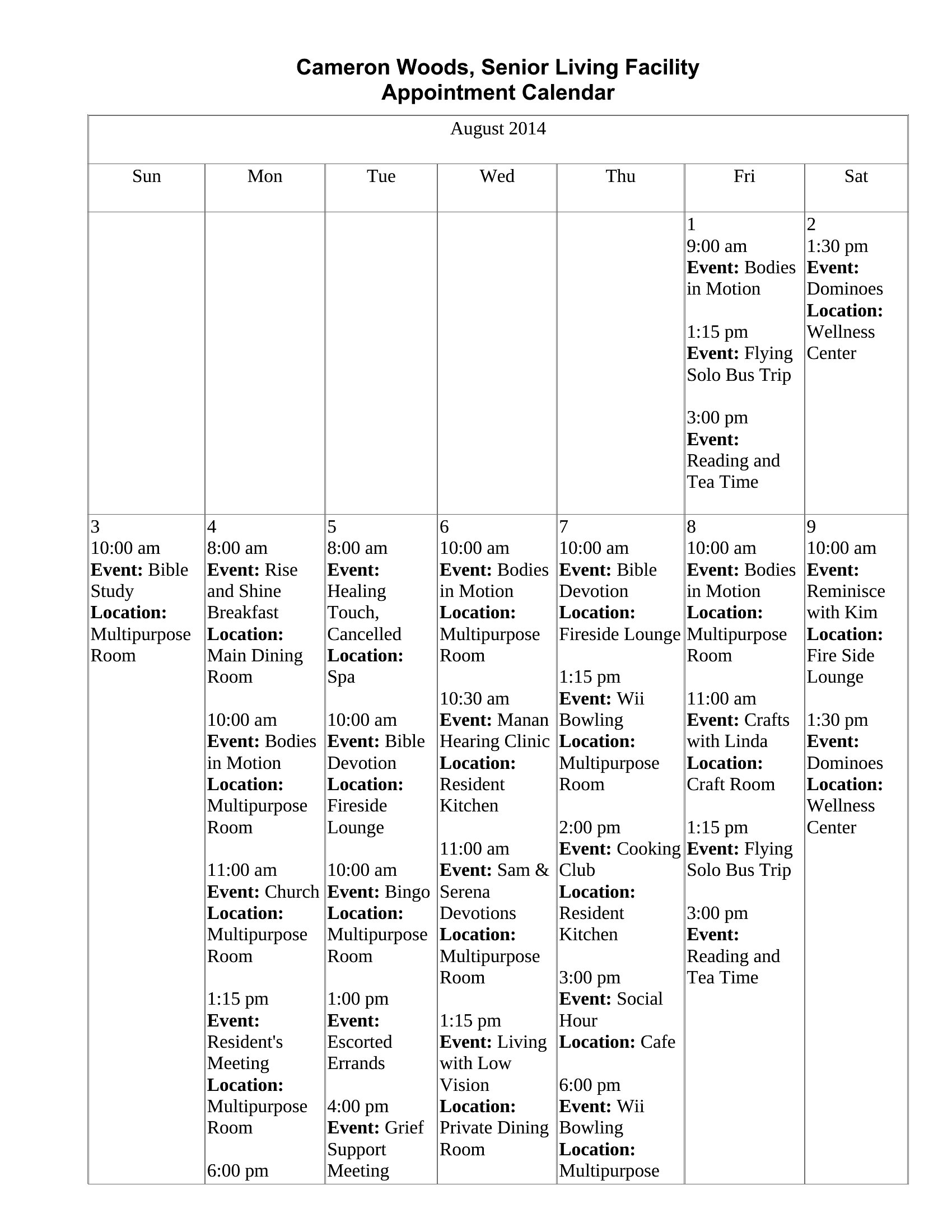
Keeping appointments organized prevents double-bookings and the awkward calls that follow. These 40 appointment schedule templates give clinics, salons, and small offices clean daily, hourly, and monthly layouts for booking clients. Receptionists and solo practitioners can manage a full calendar without paying for scheduling software.
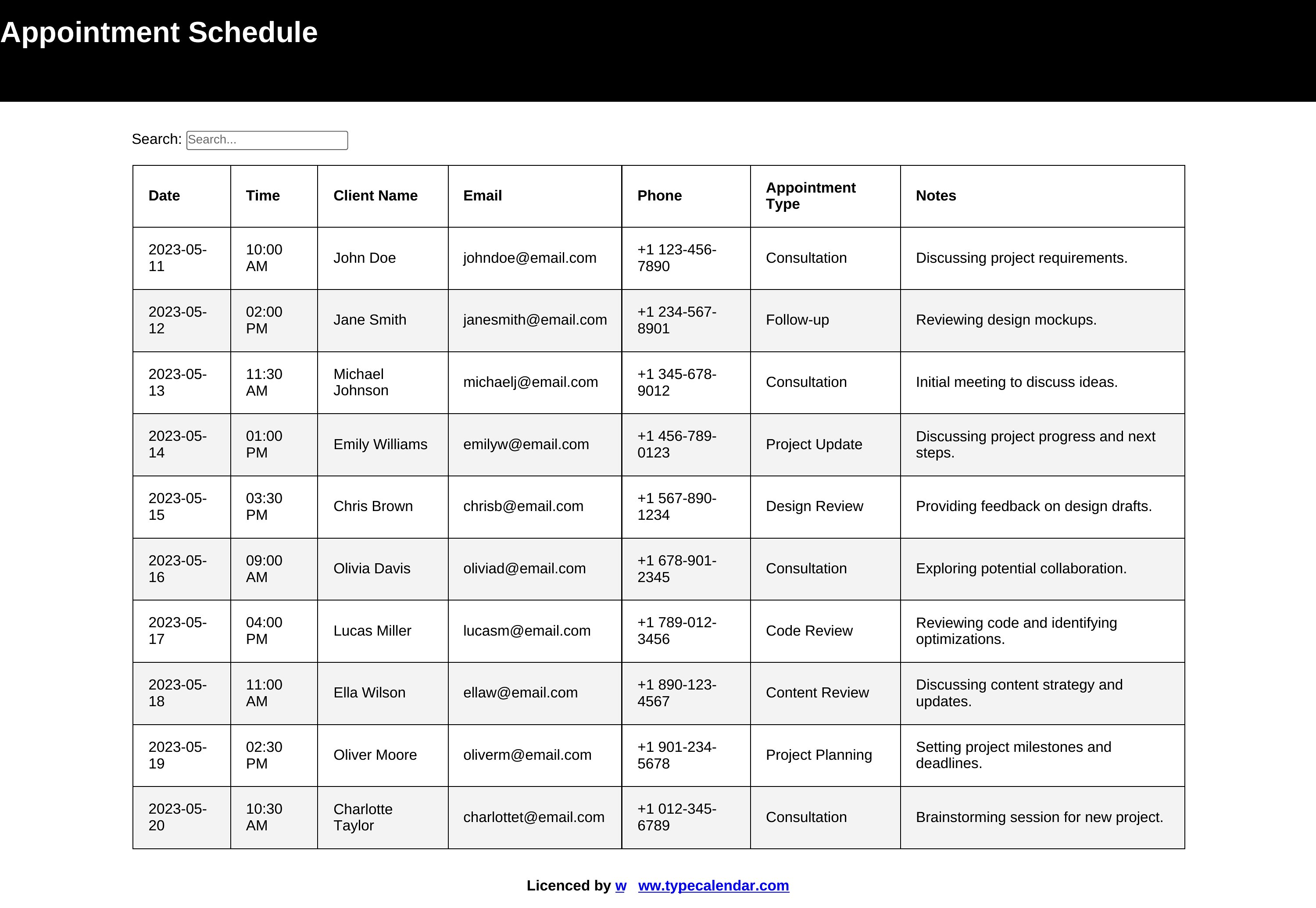
You'll find printable Word versions for a desk planner and Excel sheets that total your bookings and let you sort by day. Add your hours, block out breaks, and print the week ahead or keep it on screen. Download the format that fits your business and take control of your calendar.
When to use this Appointment Schedule template
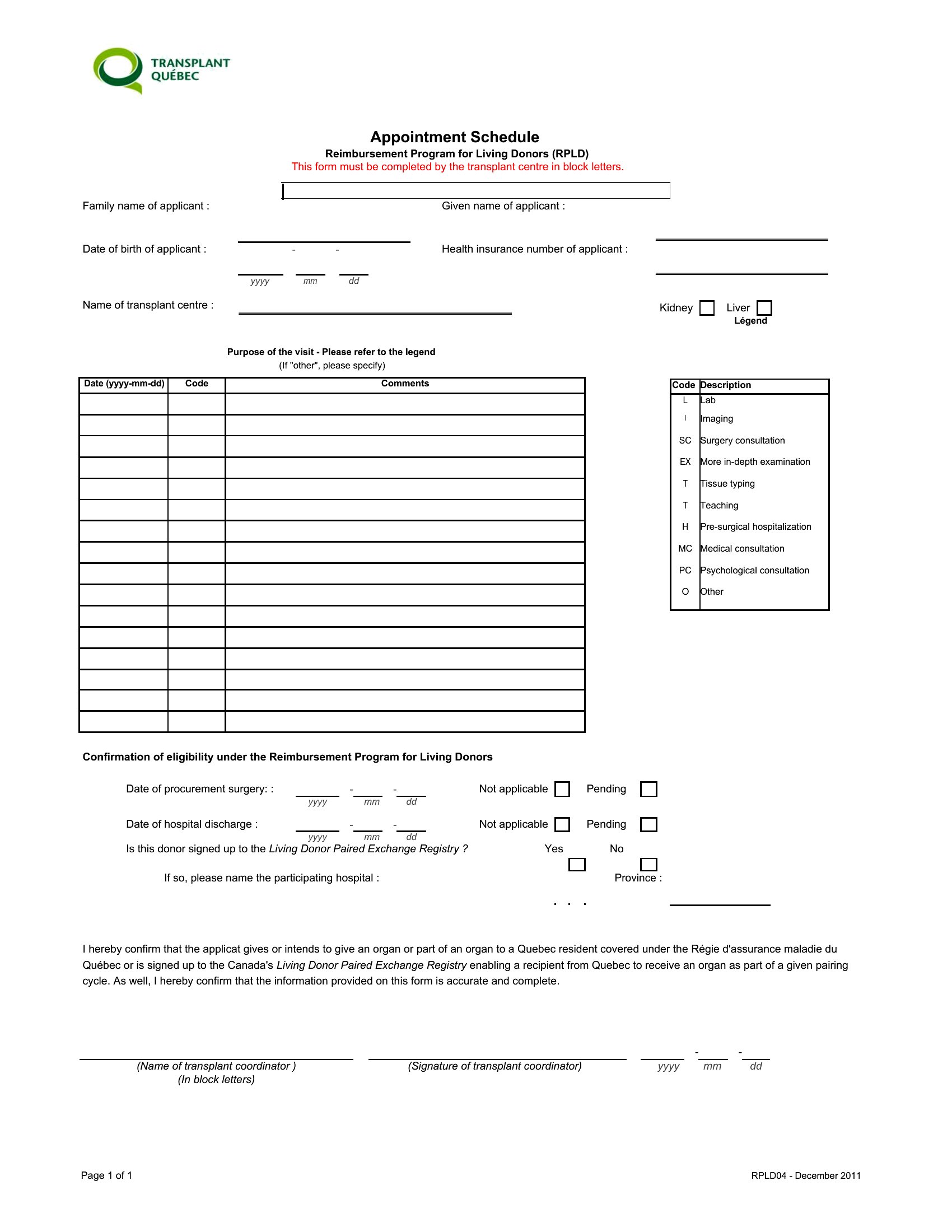
- Small medical clinics need to track patient visits daily while leaving time for unexpected check-ins or rescheduling. This prevents overbooking and keeps staff aligned on availability.
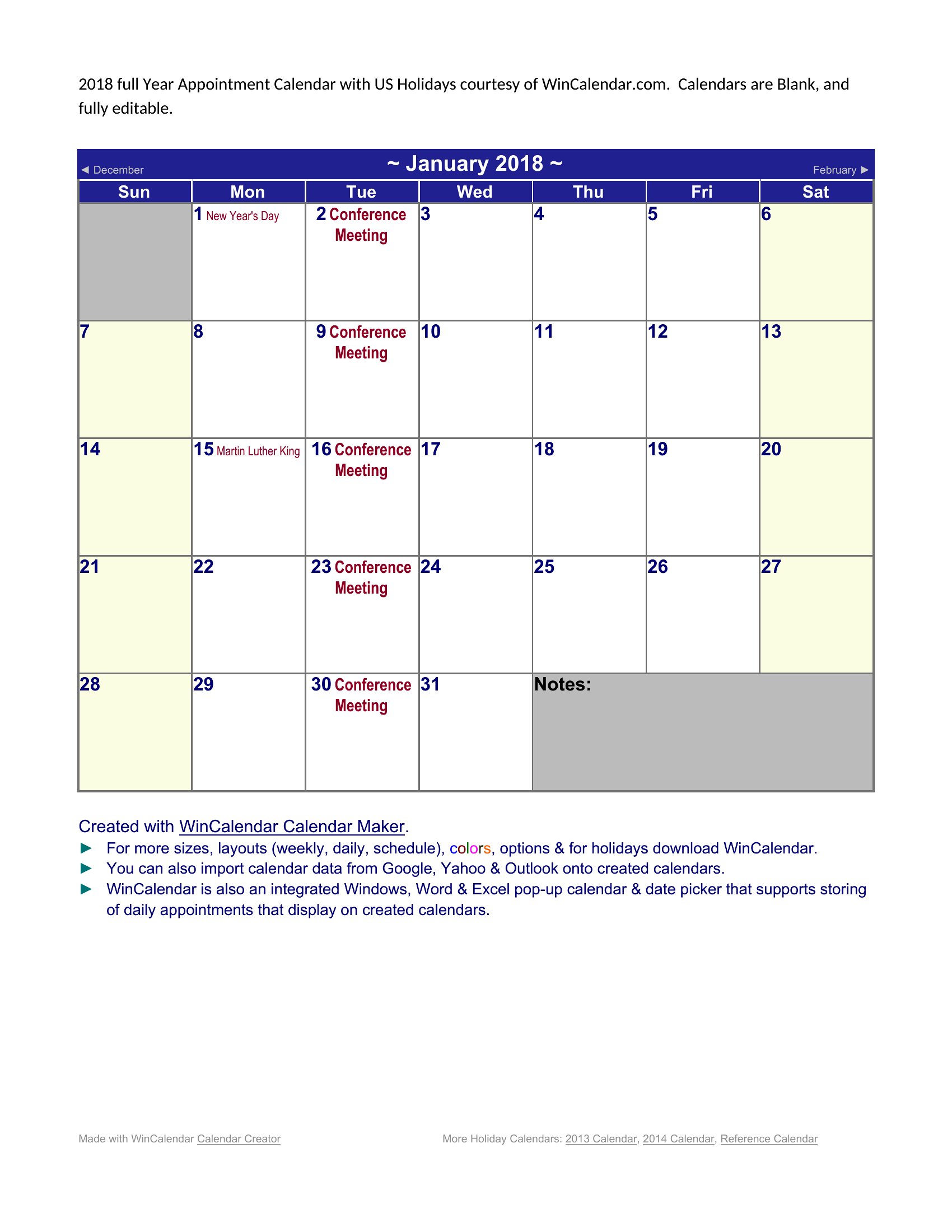
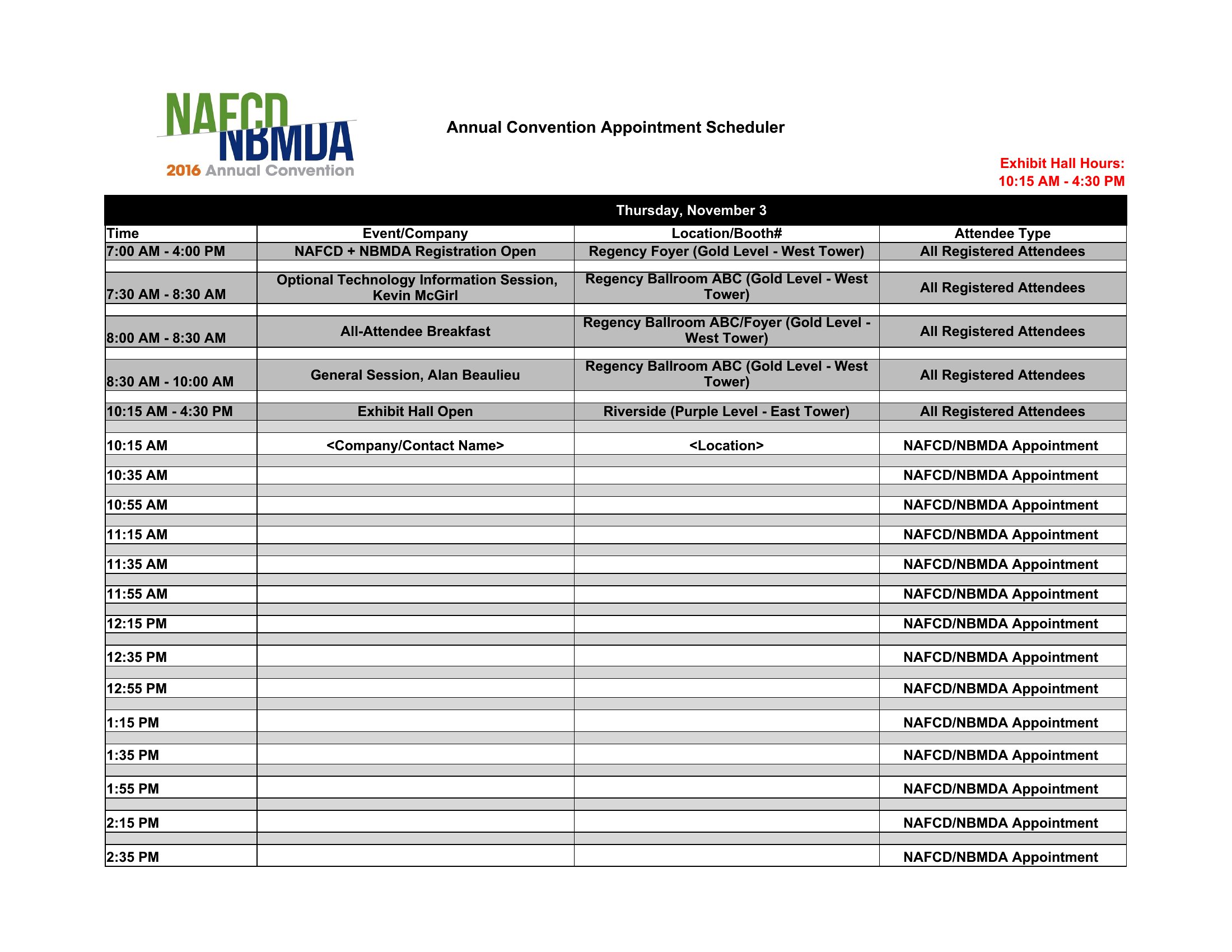
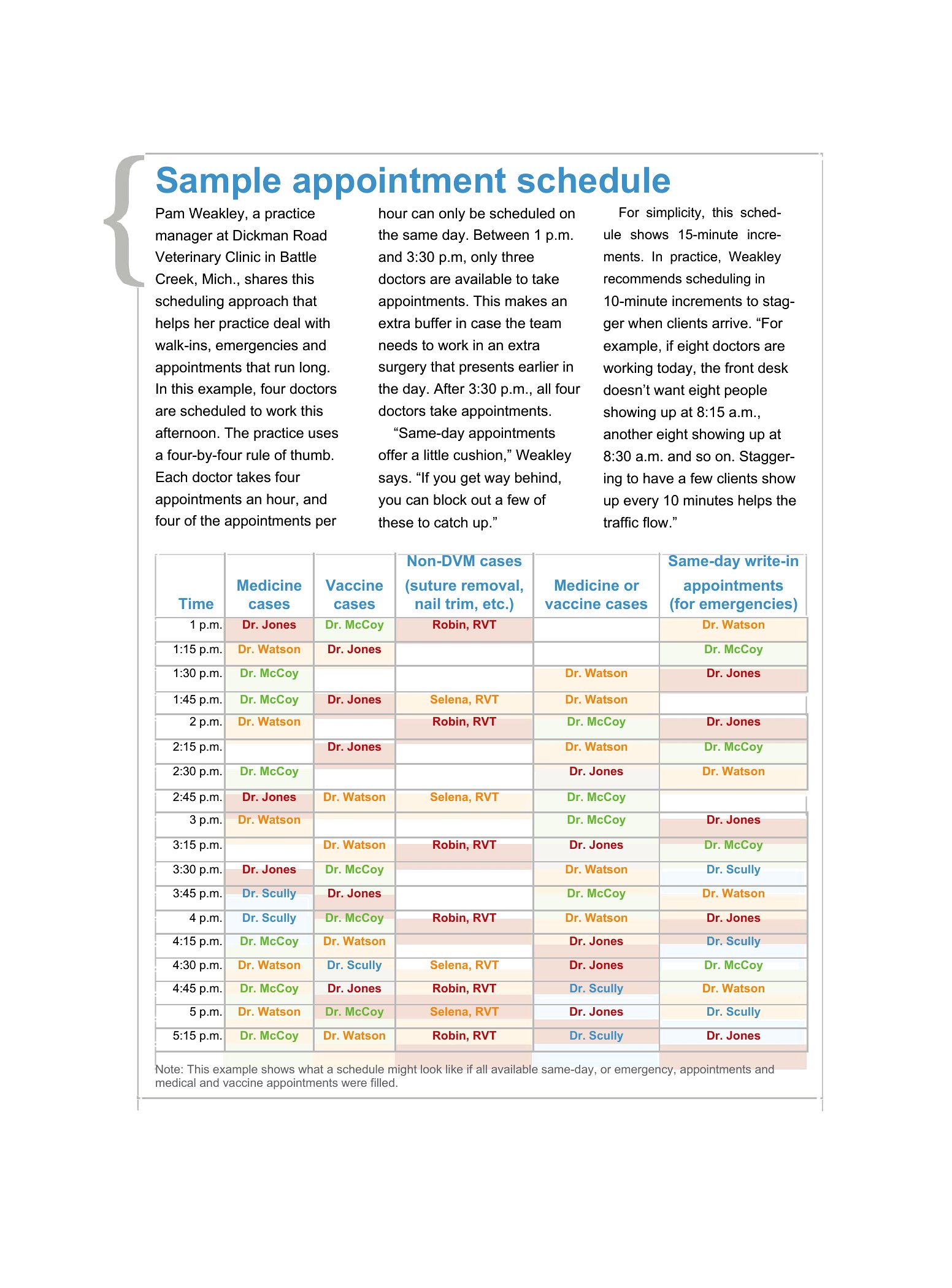
- Salon owners managing multiple stylists should use a color-coded Excel schedule to block time slots per service and avoid conflicts between haircuts, color jobs, and facials.
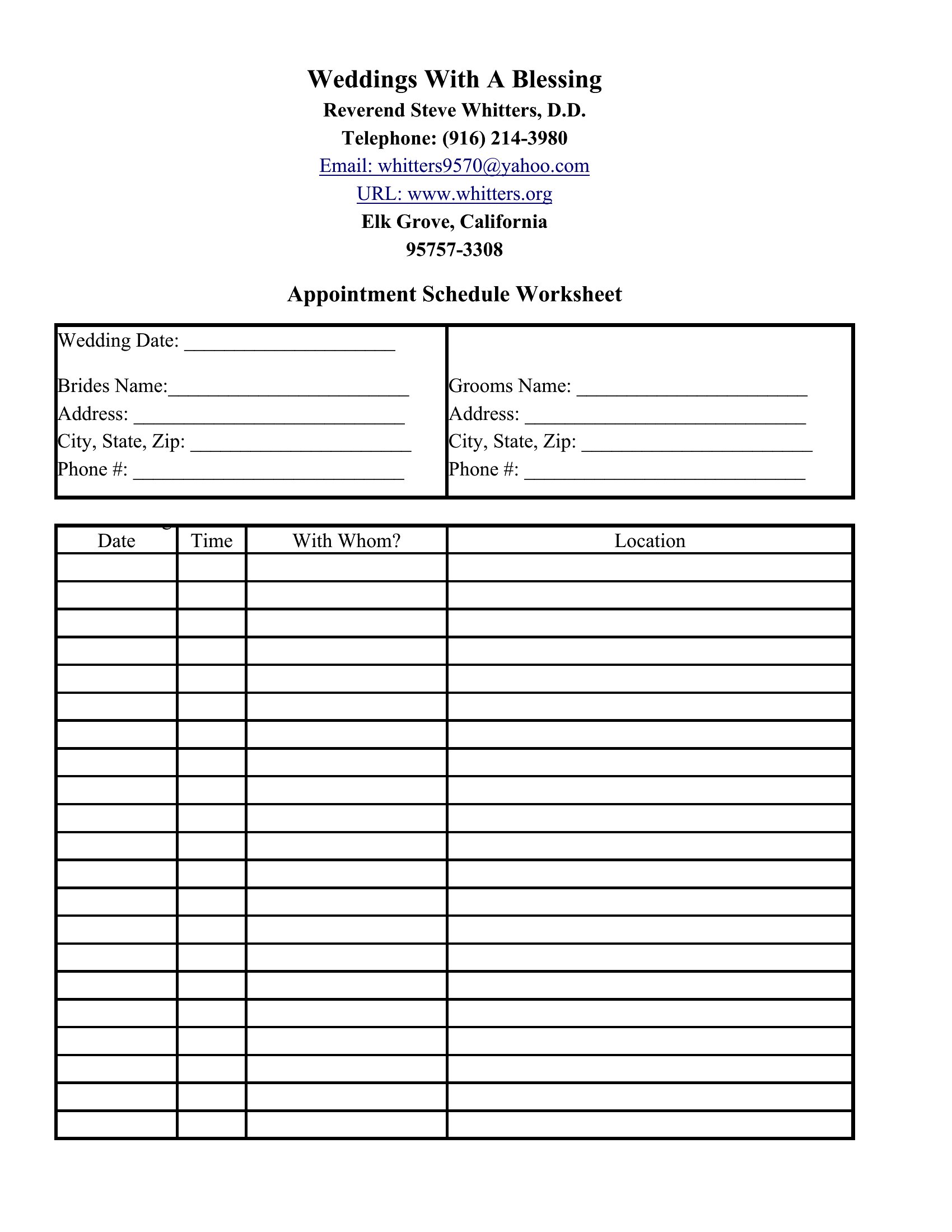
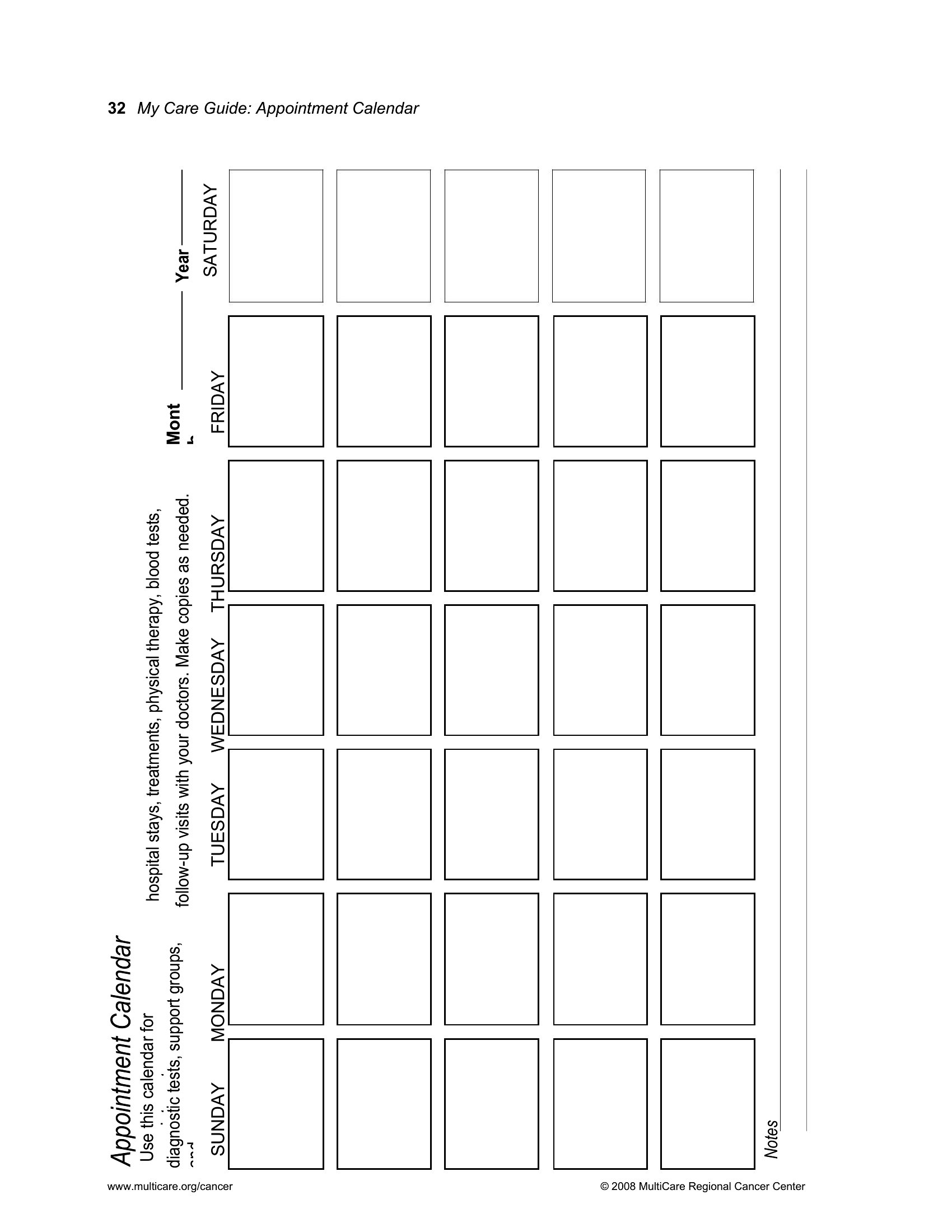
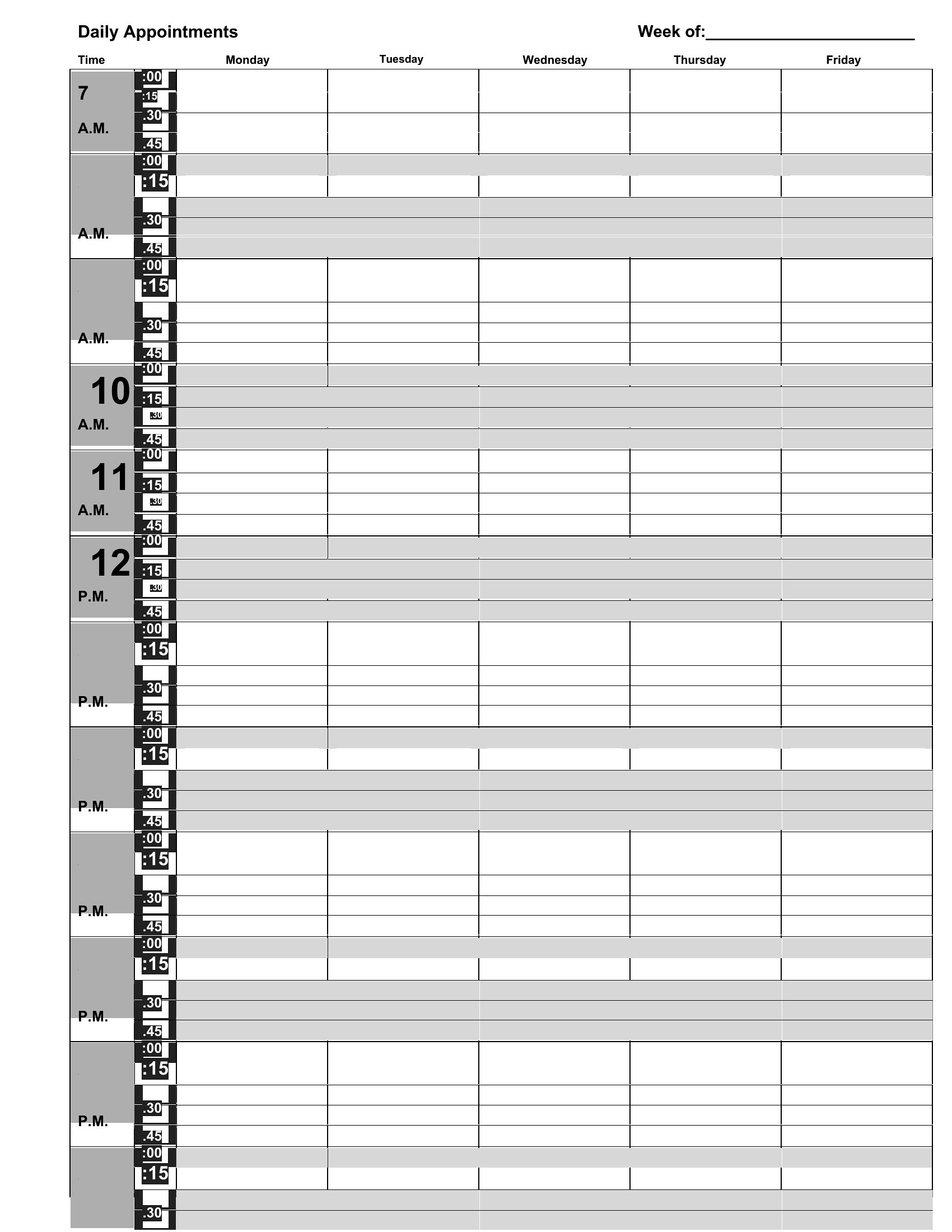
- Independent therapists or coaches can use a printable Word template to jot down session notes while reviewing their weekly client appointments in one organized spot.
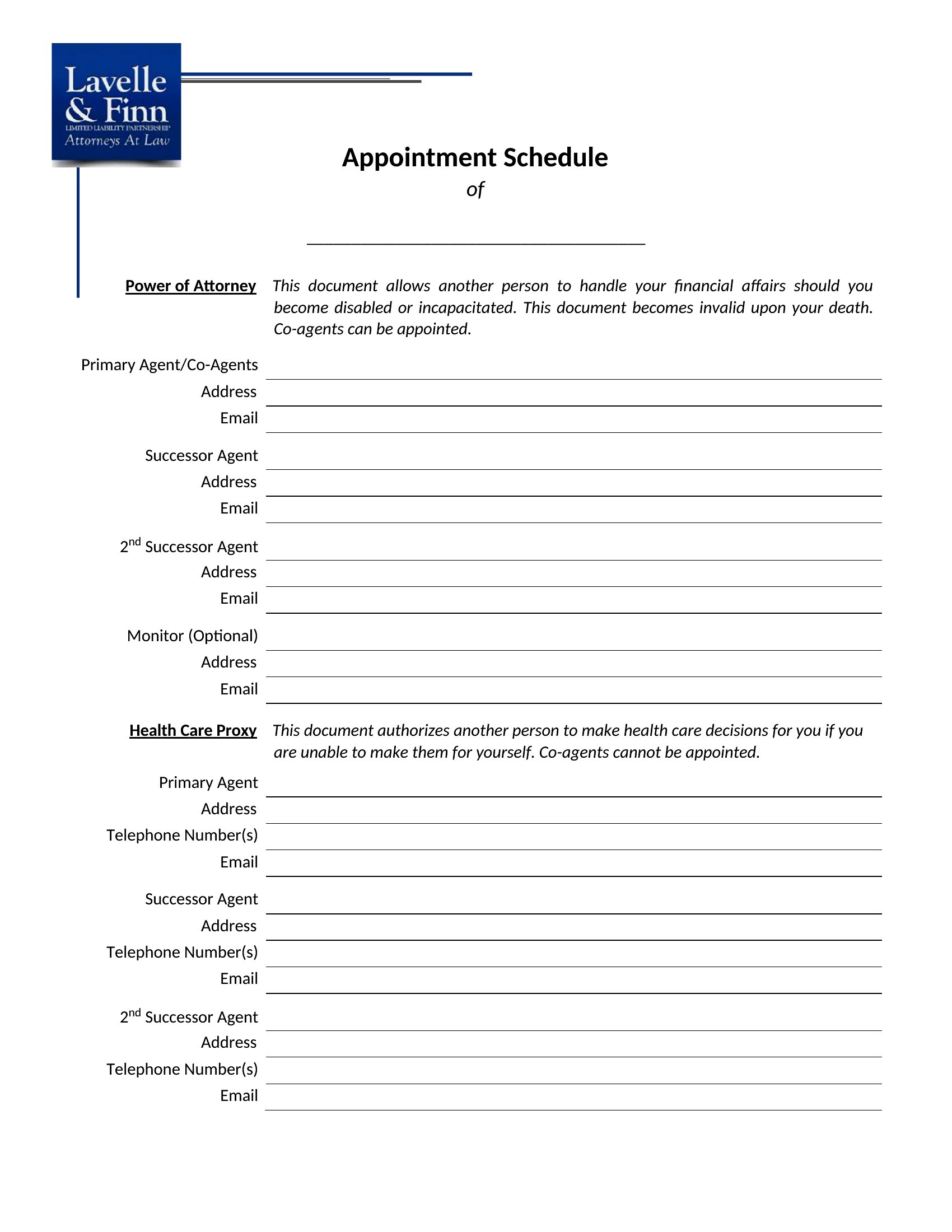
- Receptionists at law firms can assign intake meetings by client type and urgency, ensuring attorneys have dedicated blocks for consultations versus follow-ups.
Which format should I download?
Choose Word if you prefer a familiar layout for printing desk planners or adding handwritten notes for quick reference. Excel is better for dynamic scheduling with filters, formulas, or color-coding across multiple providers. Since these templates focus on visual clarity and basic organization (not data analysis), stick with the format that matches your team’s existing workflow. If you’re managing more than one location or provider type, Excel’s sorting tools will save time.
Choose from 40 Appointment Schedule Templates
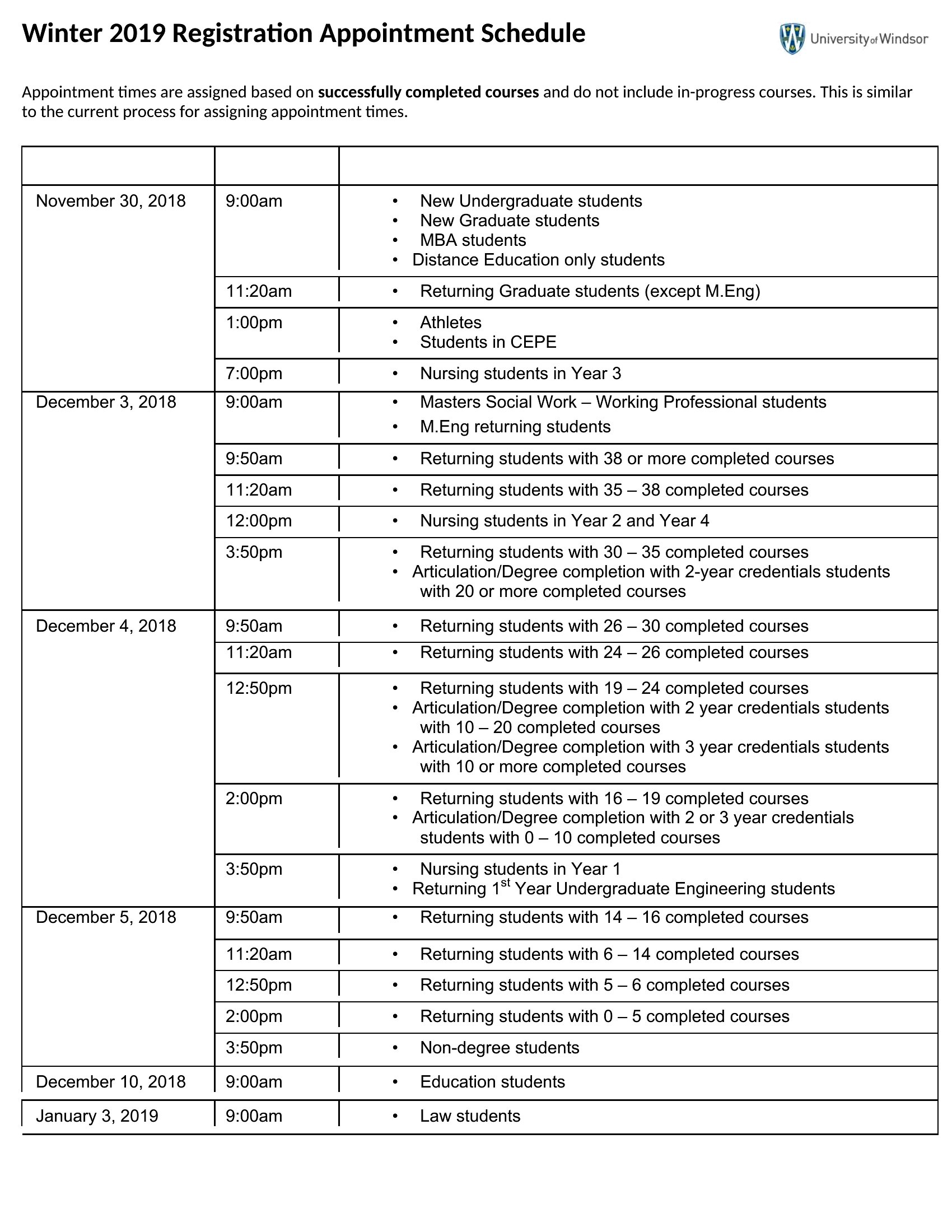
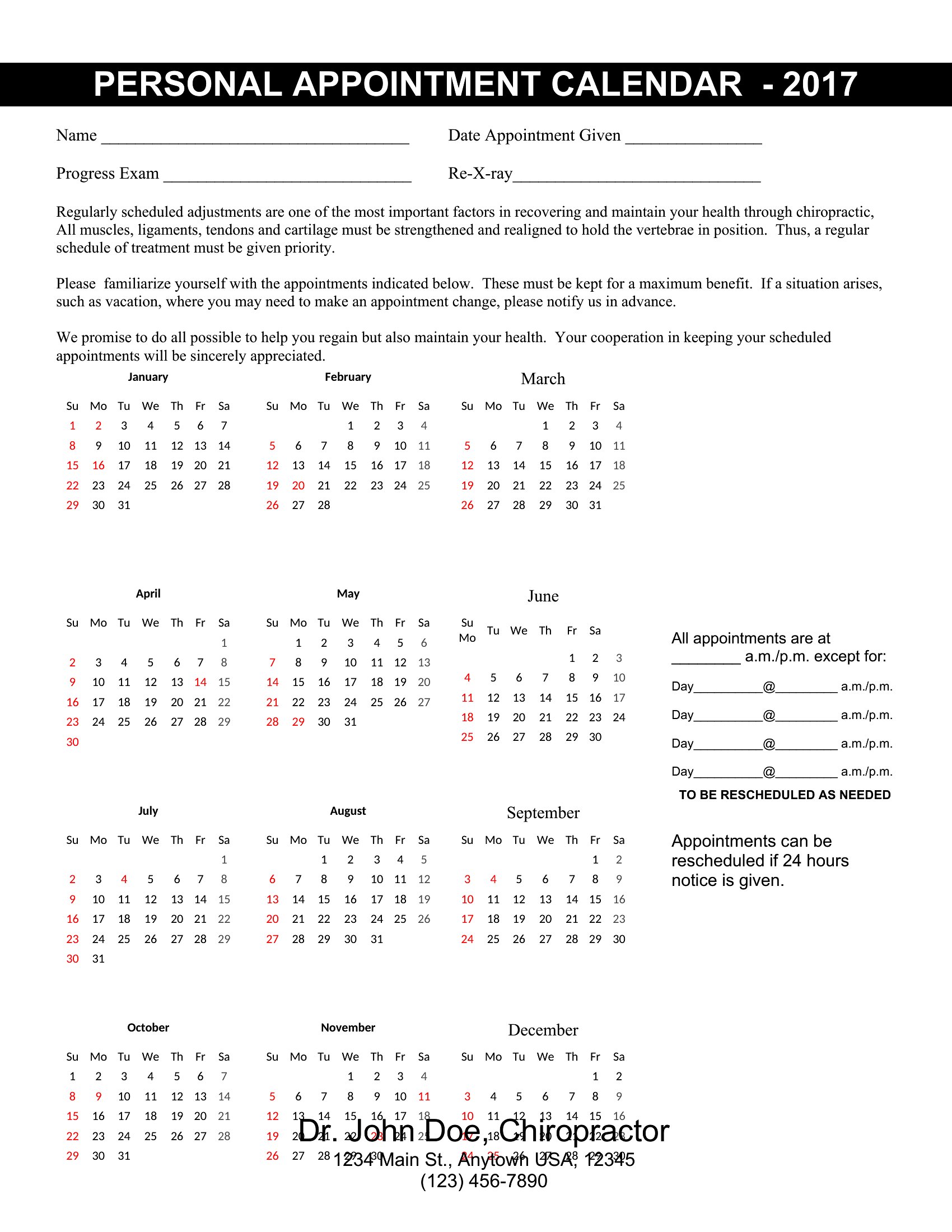
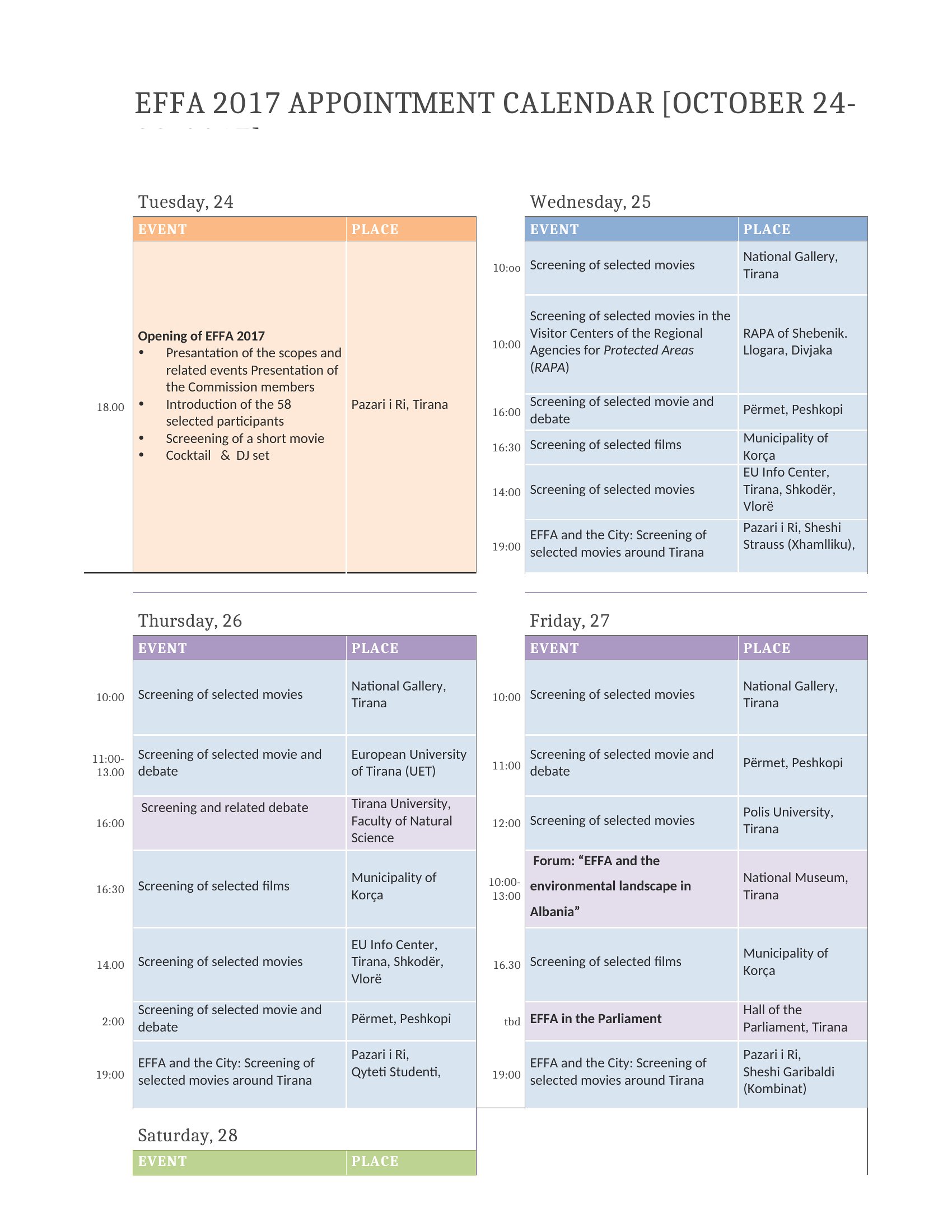
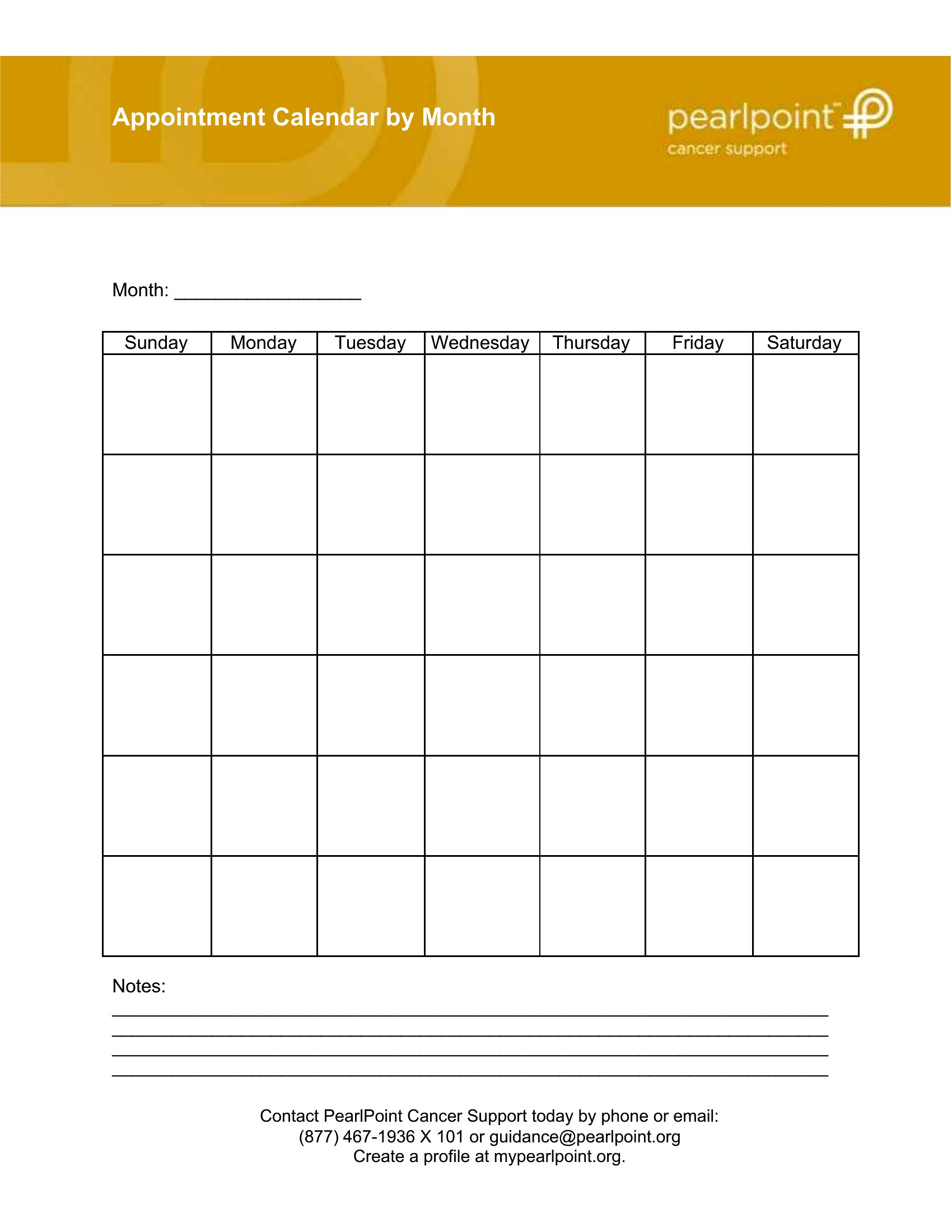
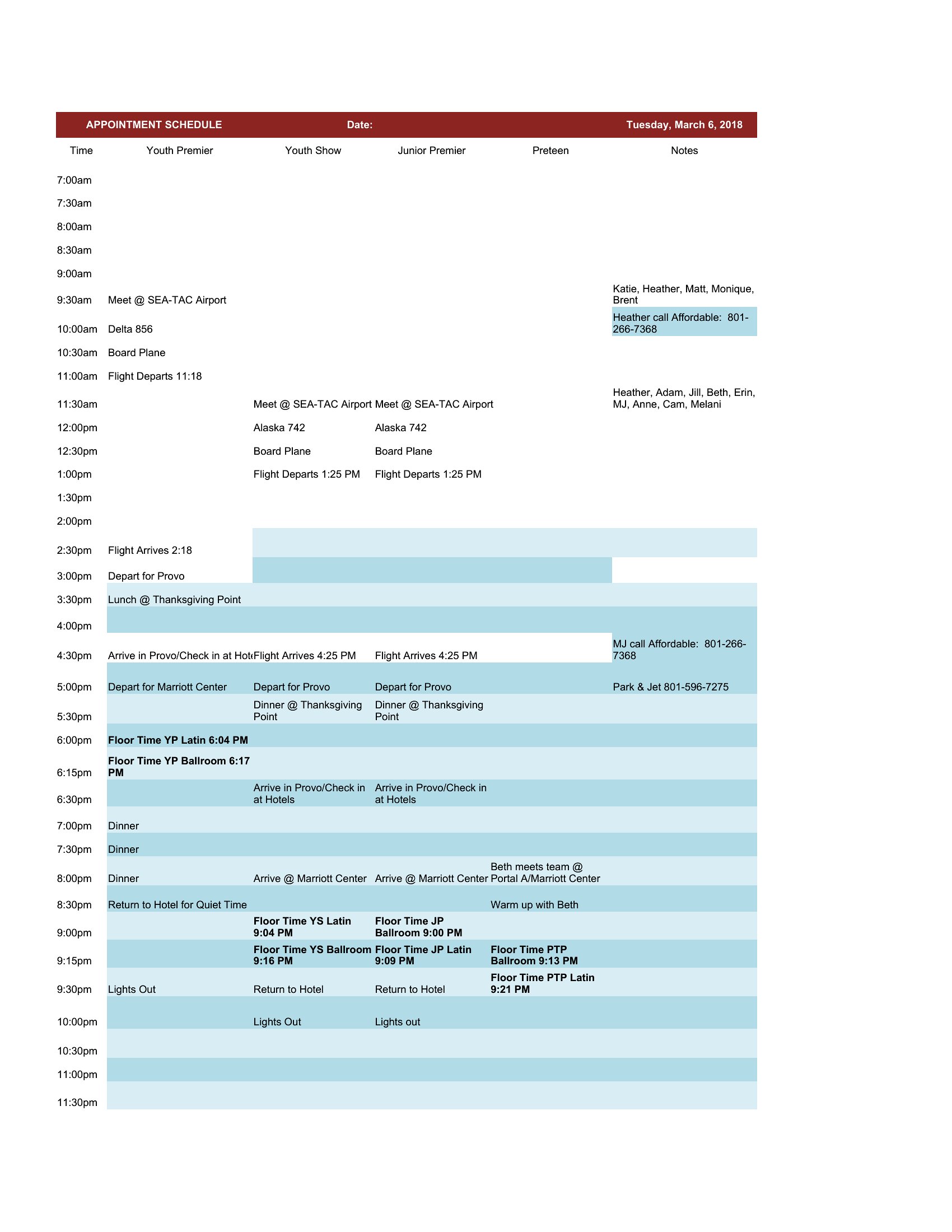
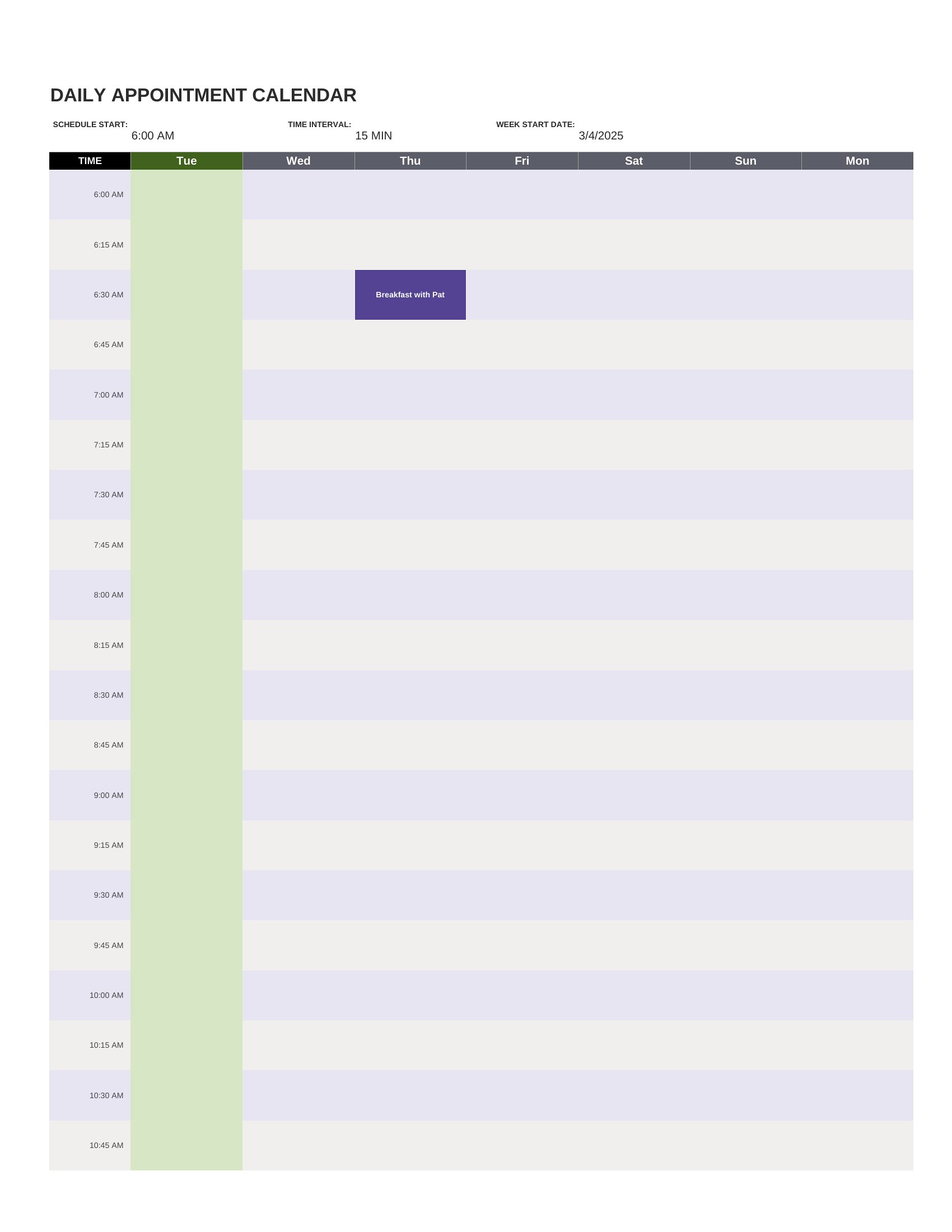
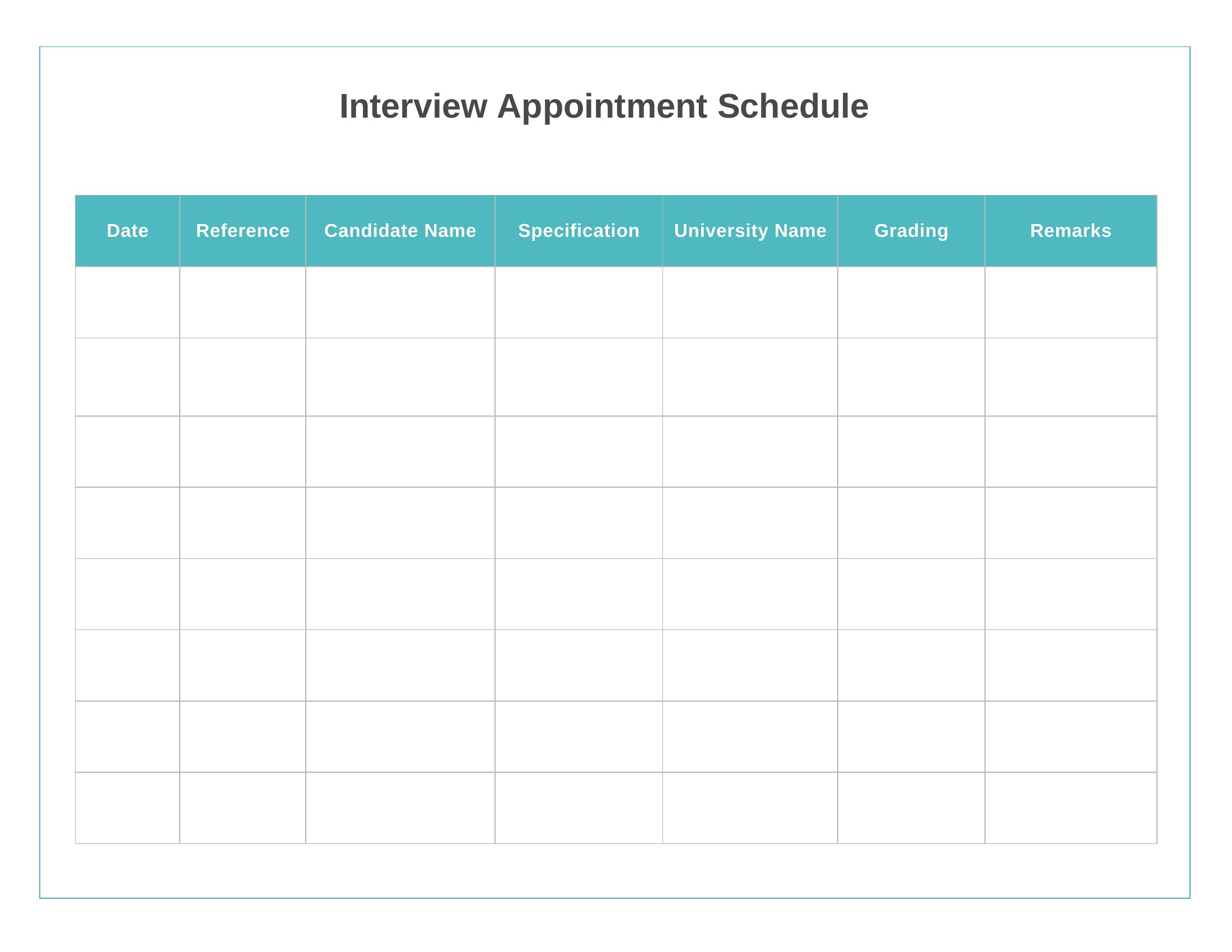
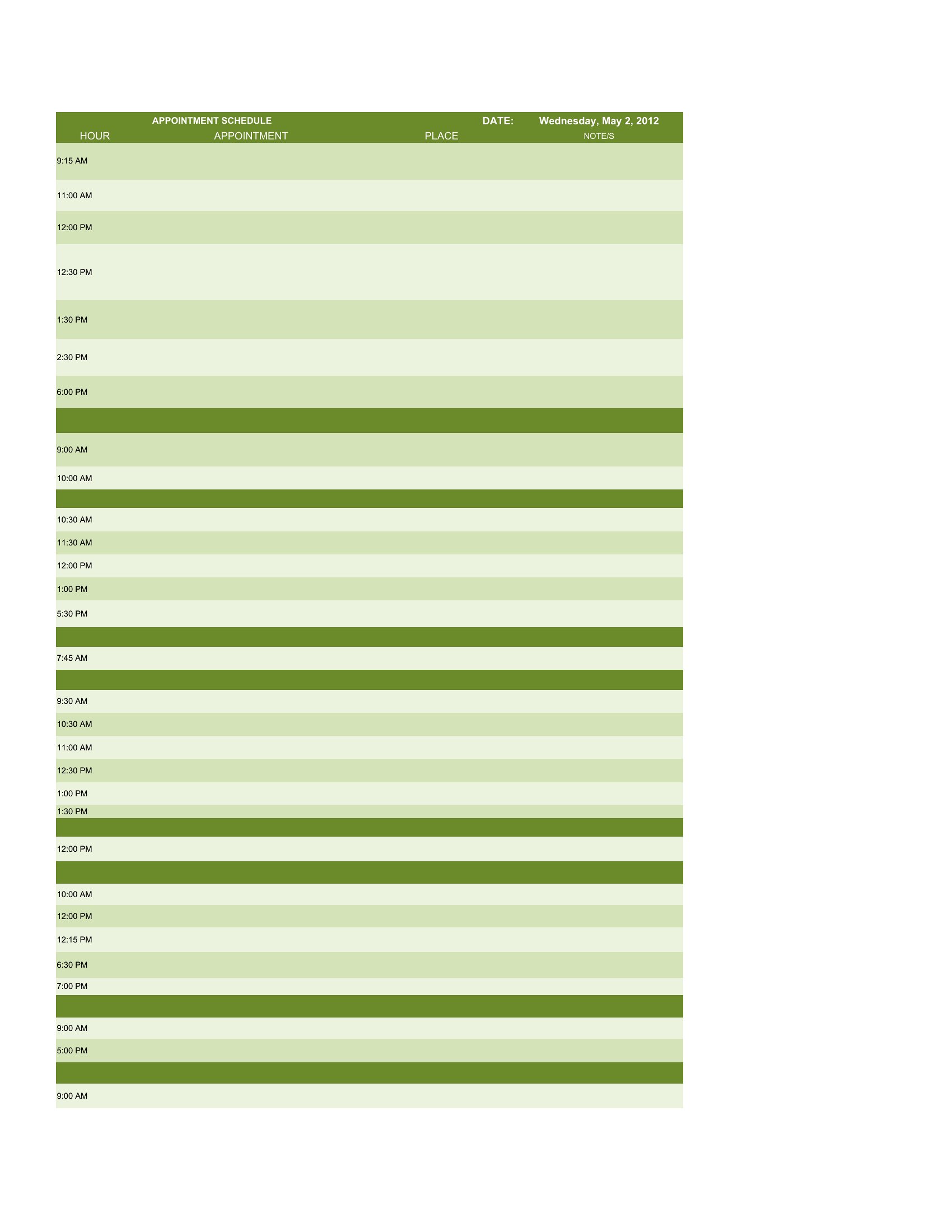
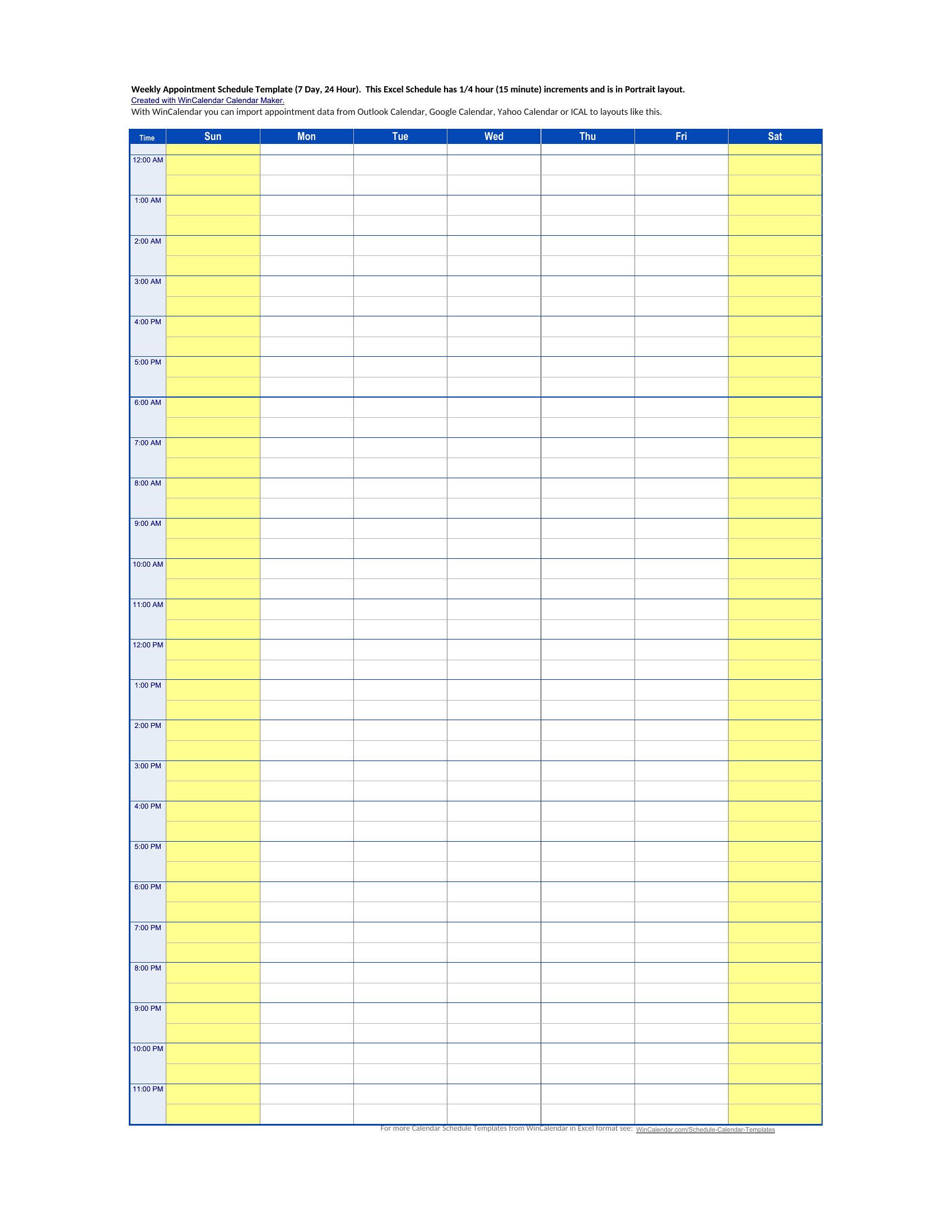
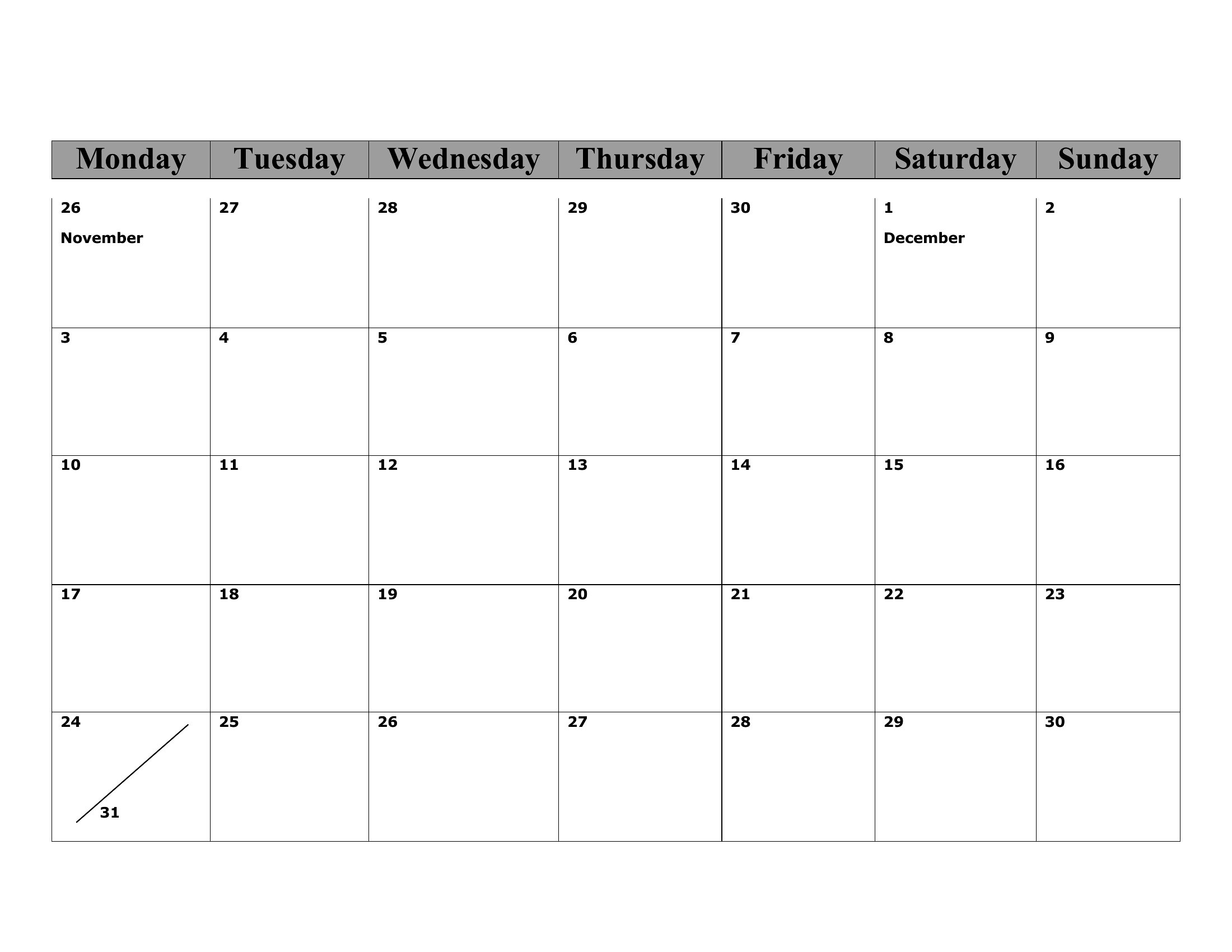
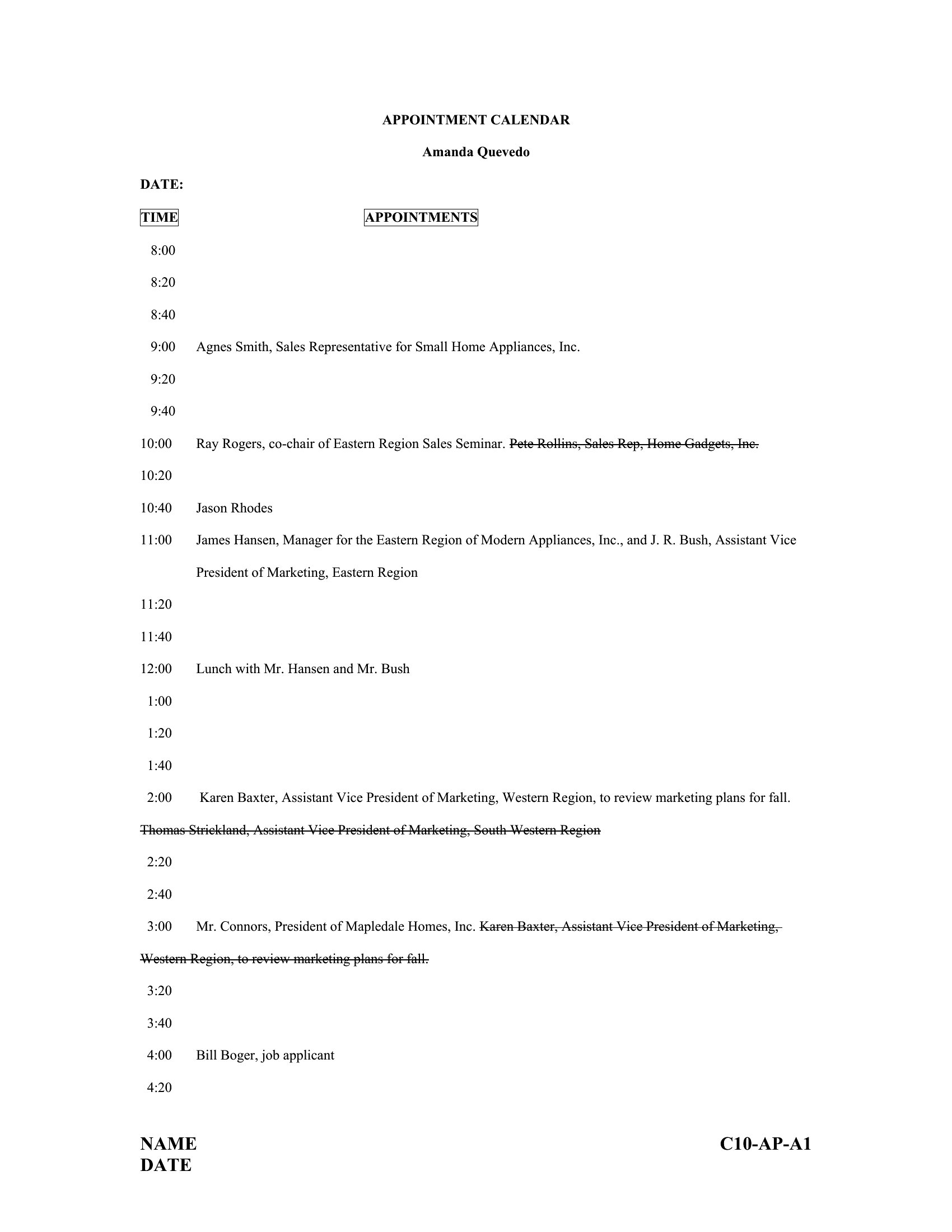
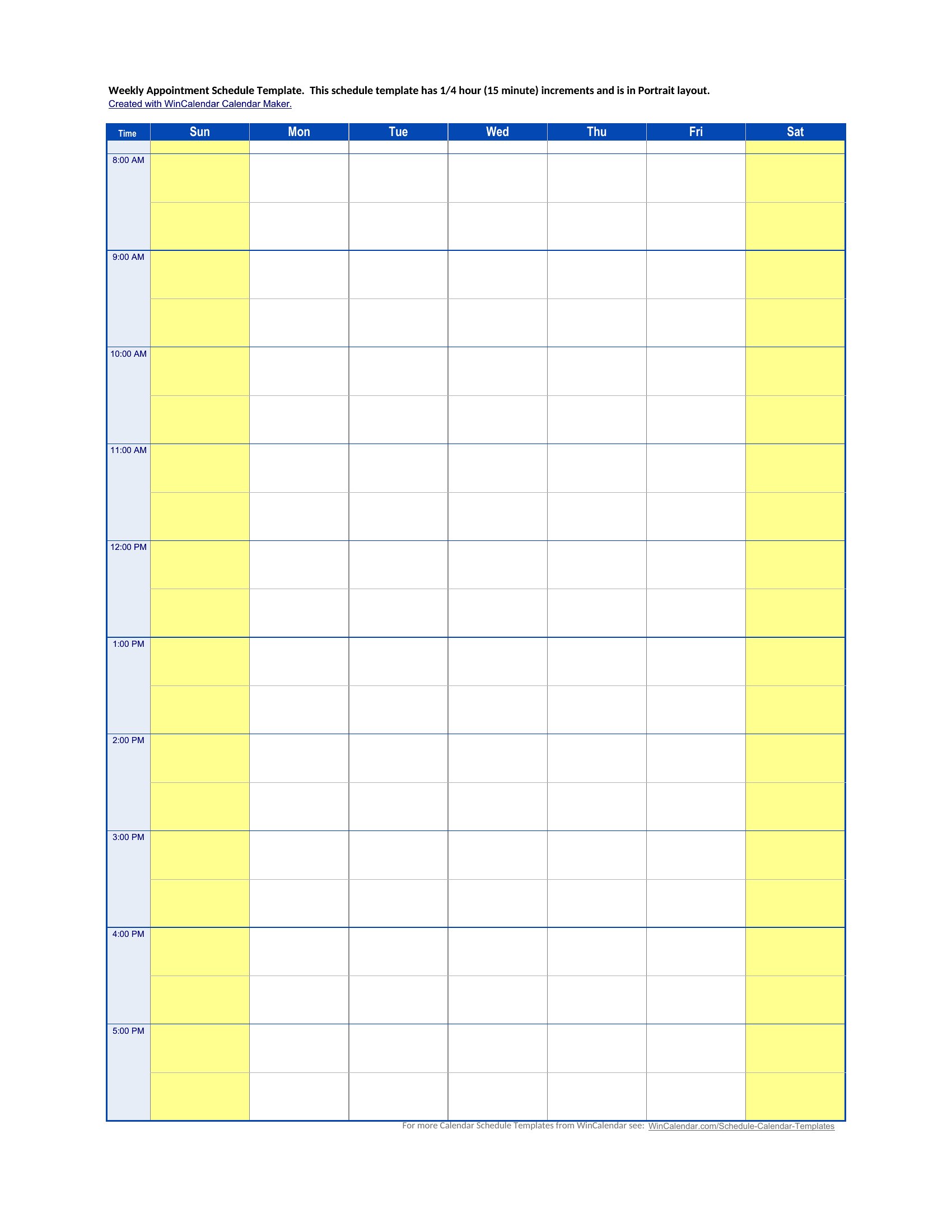
How to use this Appointment Schedule template
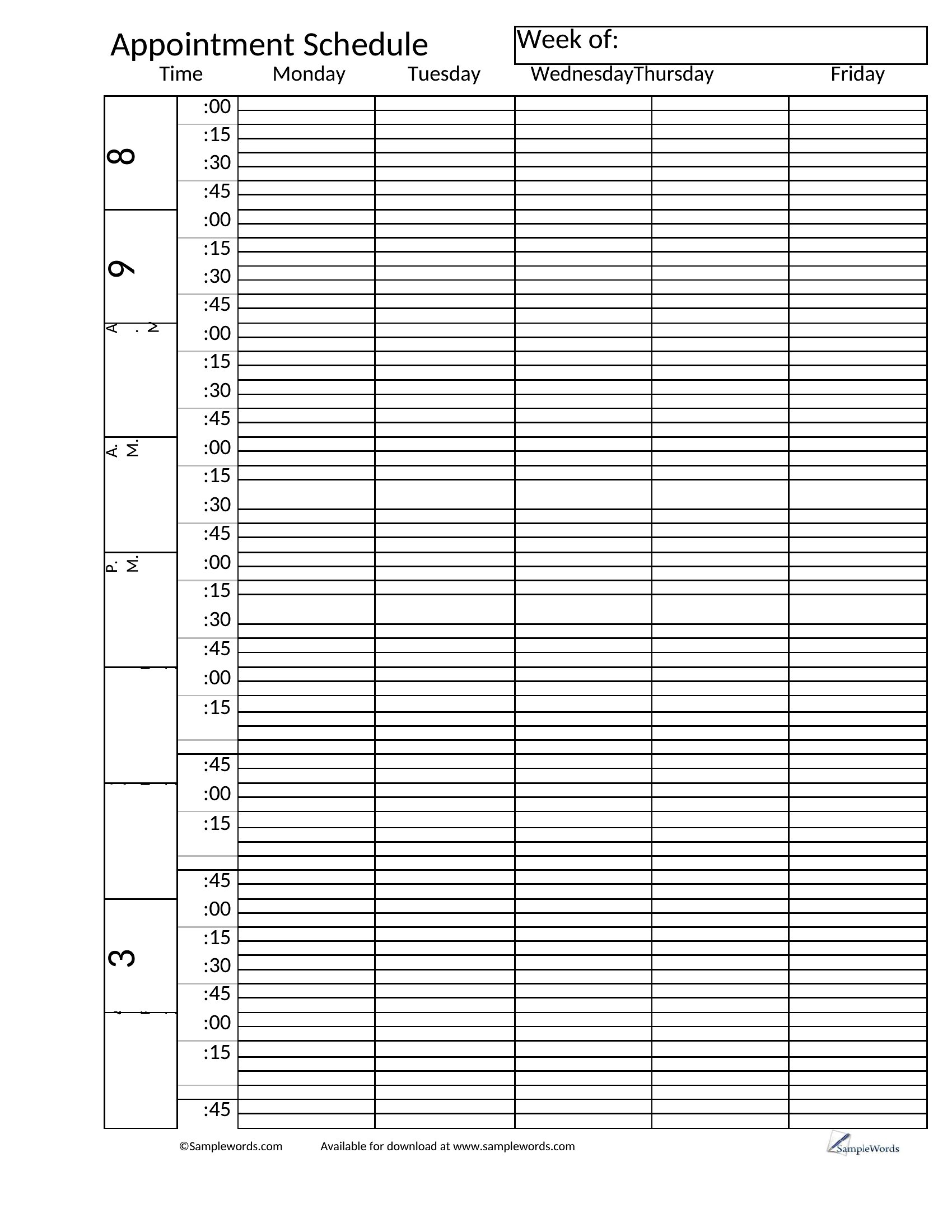
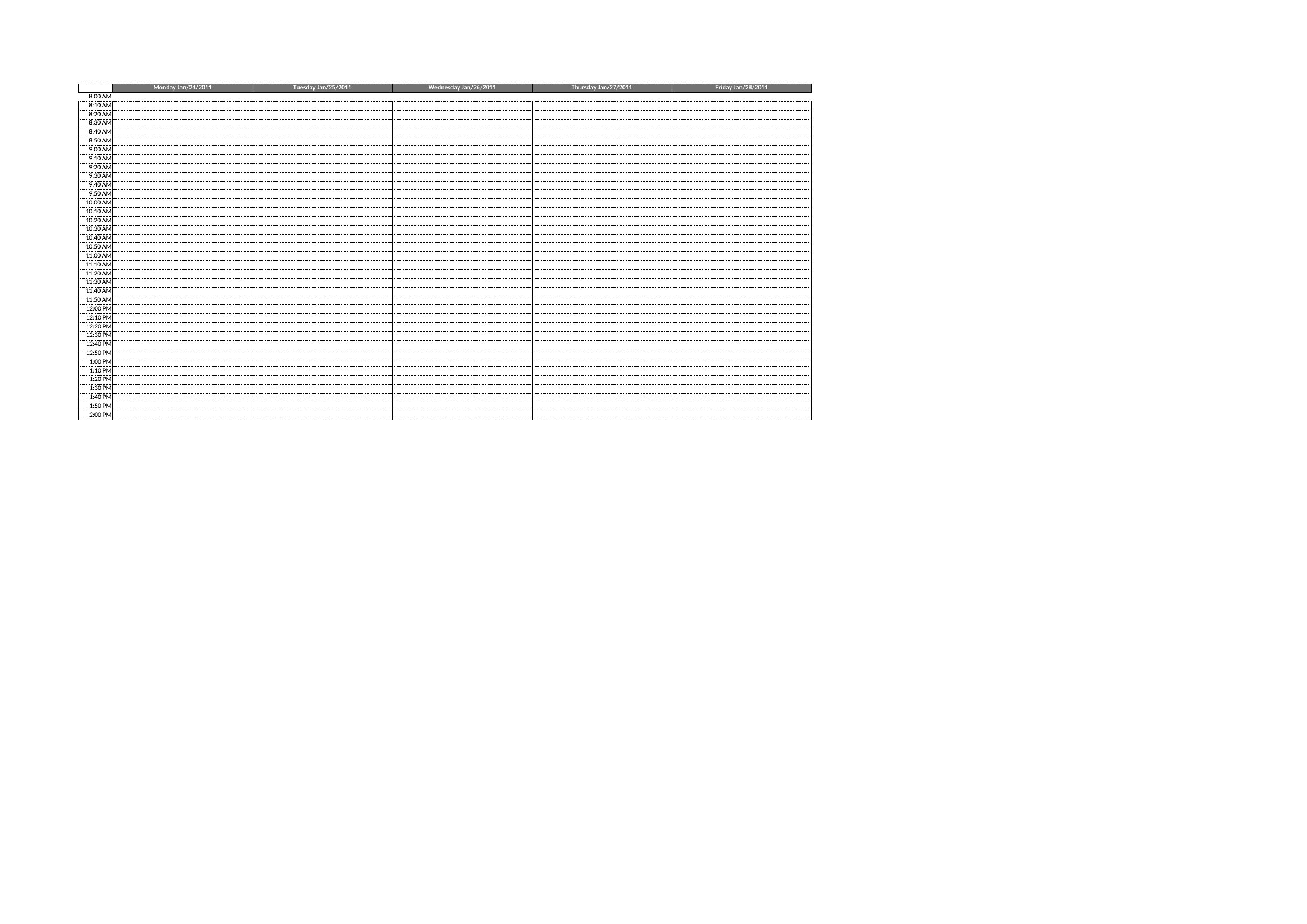
Why do some templates show hourly slots while others are blank grids?
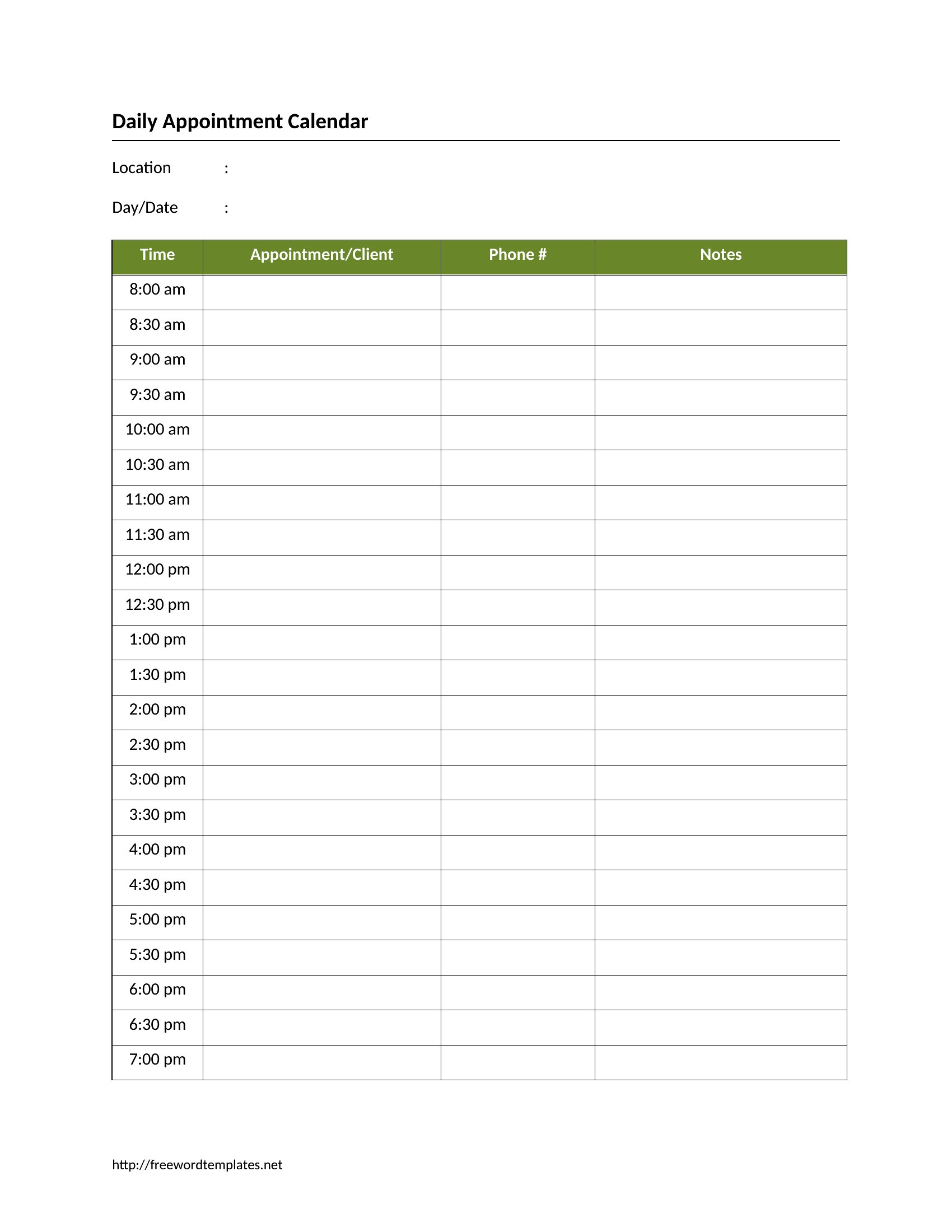
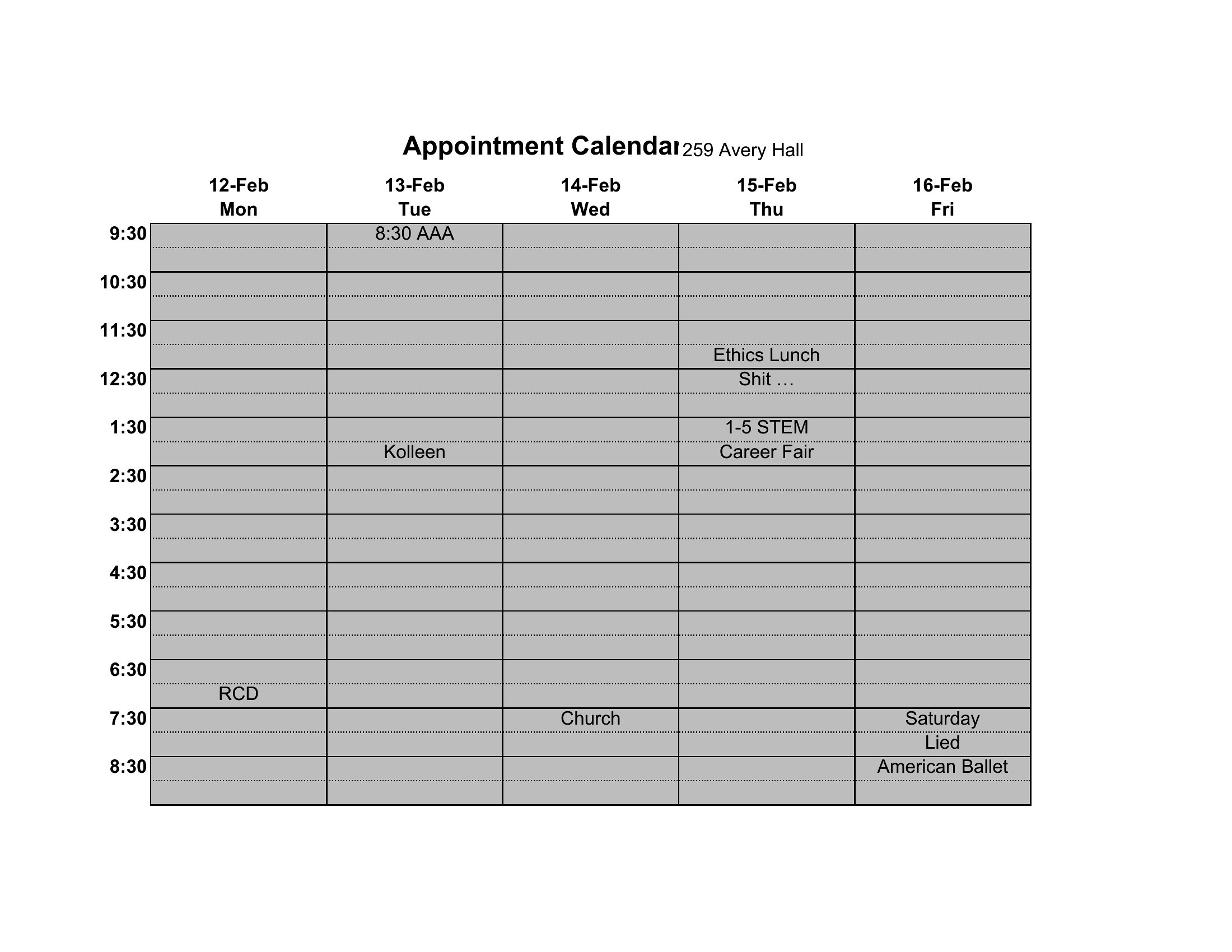
Hourly templates are designed for businesses with predictable appointment lengths, like salons or therapy sessions. Blank grids let you customize your own time increments—ideal for variable-length consultations (e.g., legal or medical appointments) or when you need to group multiple services under one time block. Start with the hourly version if you’re unsure, then adjust as needed.
Can I use these templates to integrate with online booking tools later?
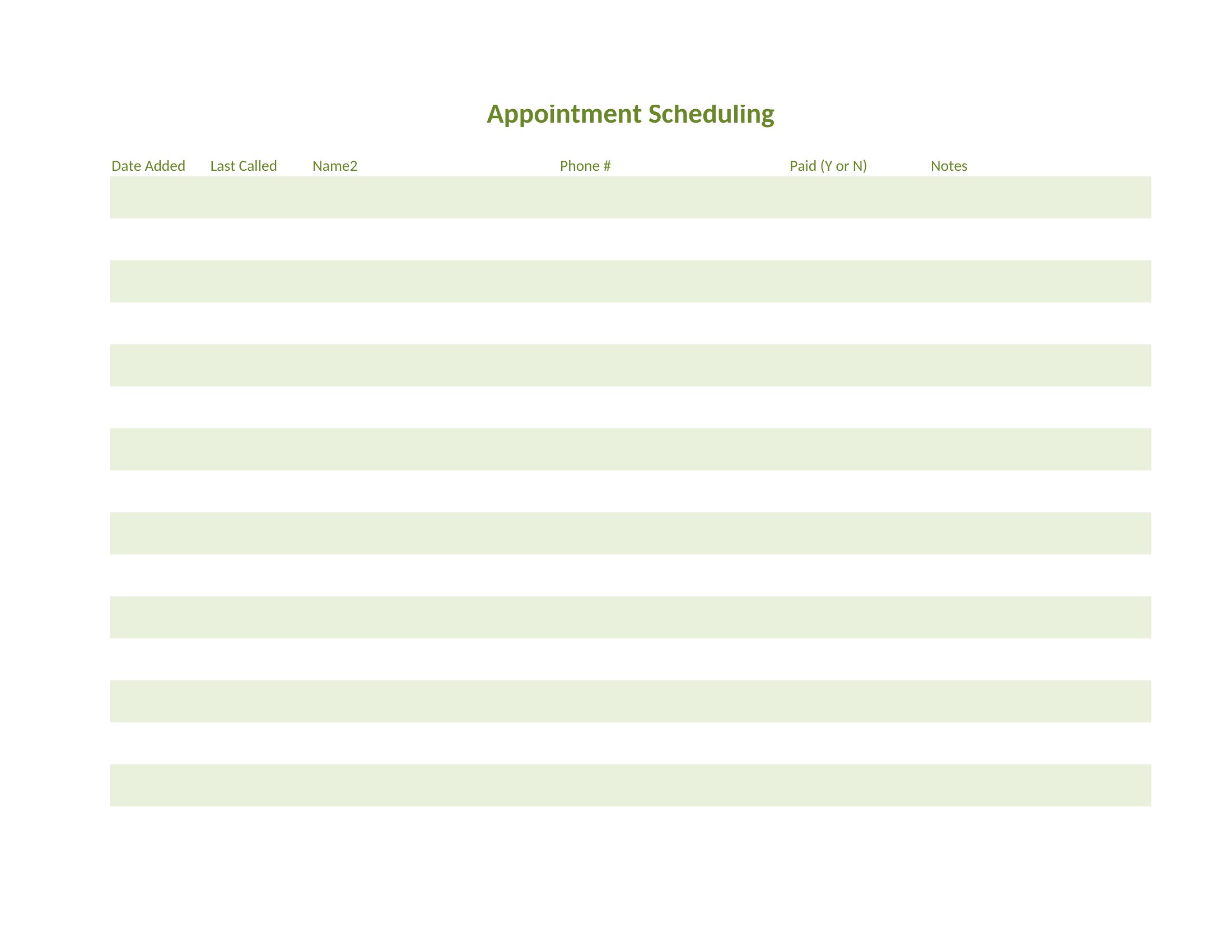
Yes, these templates are starting points for organizing your schedule. Many online booking systems (like Calendly or Square Appointments) sync with calendar data, so you can use the Excel or Word layout to map out your ideal time blocks before transferring them to your software. Just label columns consistently (e.g., ‘Time,’ ‘Client Name,’ ‘Service’) to make the transition smoother.
How do I adjust a template if my appointments run longer than 30 or 60 minutes?
In Excel, merge cells or widen time columns to accommodate longer slots—just ensure your time increments (e.g., 15-minute blocks) still work for your average appointment length. In Word, delete or adjust the pre-set time labels and redraw your grid with larger blocks. For example, a 90-minute therapy session might span three rows in a 30-minute grid or occupy two rows in a 45-minute setup.
Comments
Join the conversation
Sign in to share your thoughts and leave a comment on this resource.