
Free Daily Planner Templates (Word, Excel, PDF)
Daily by ericmiller
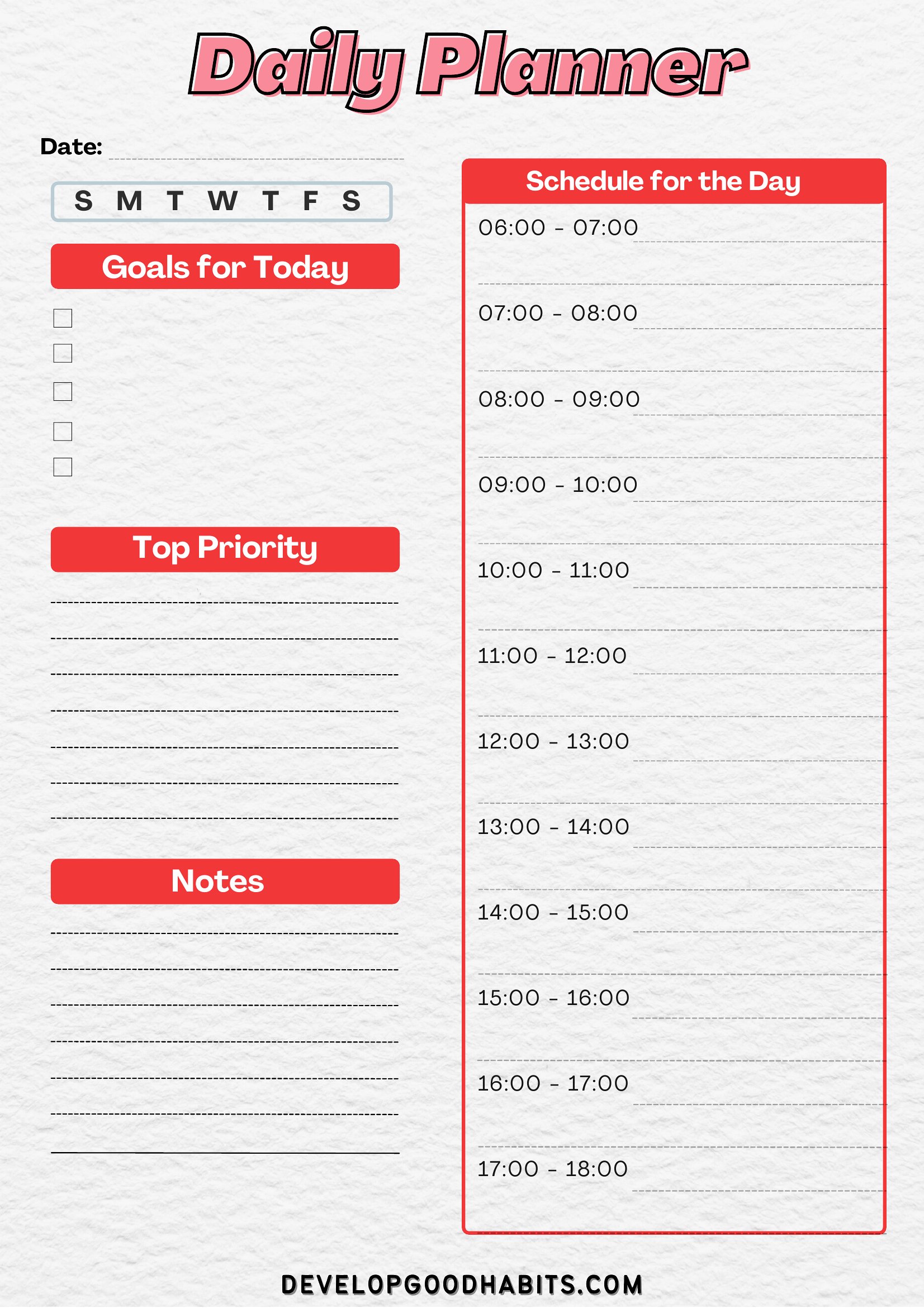
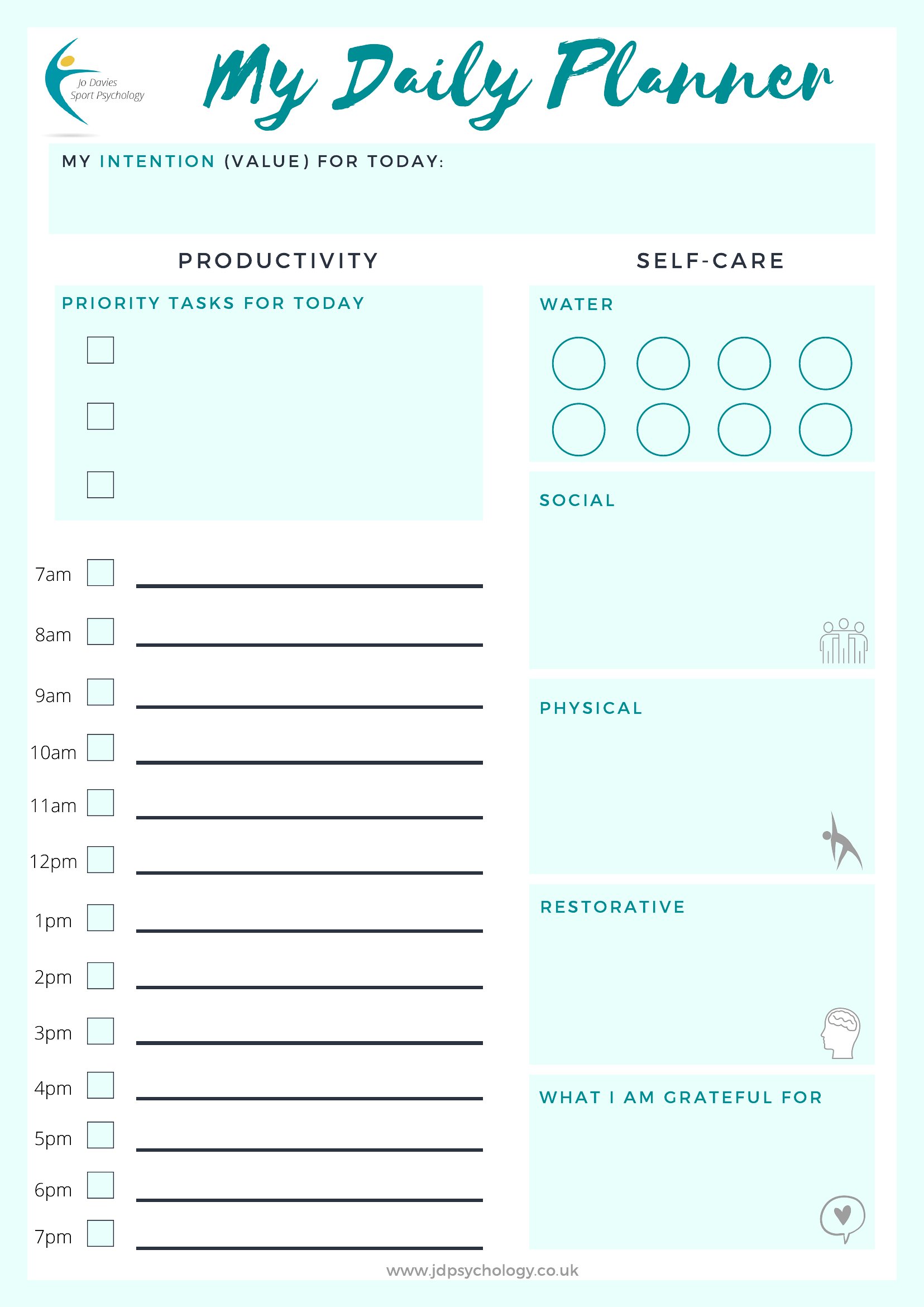
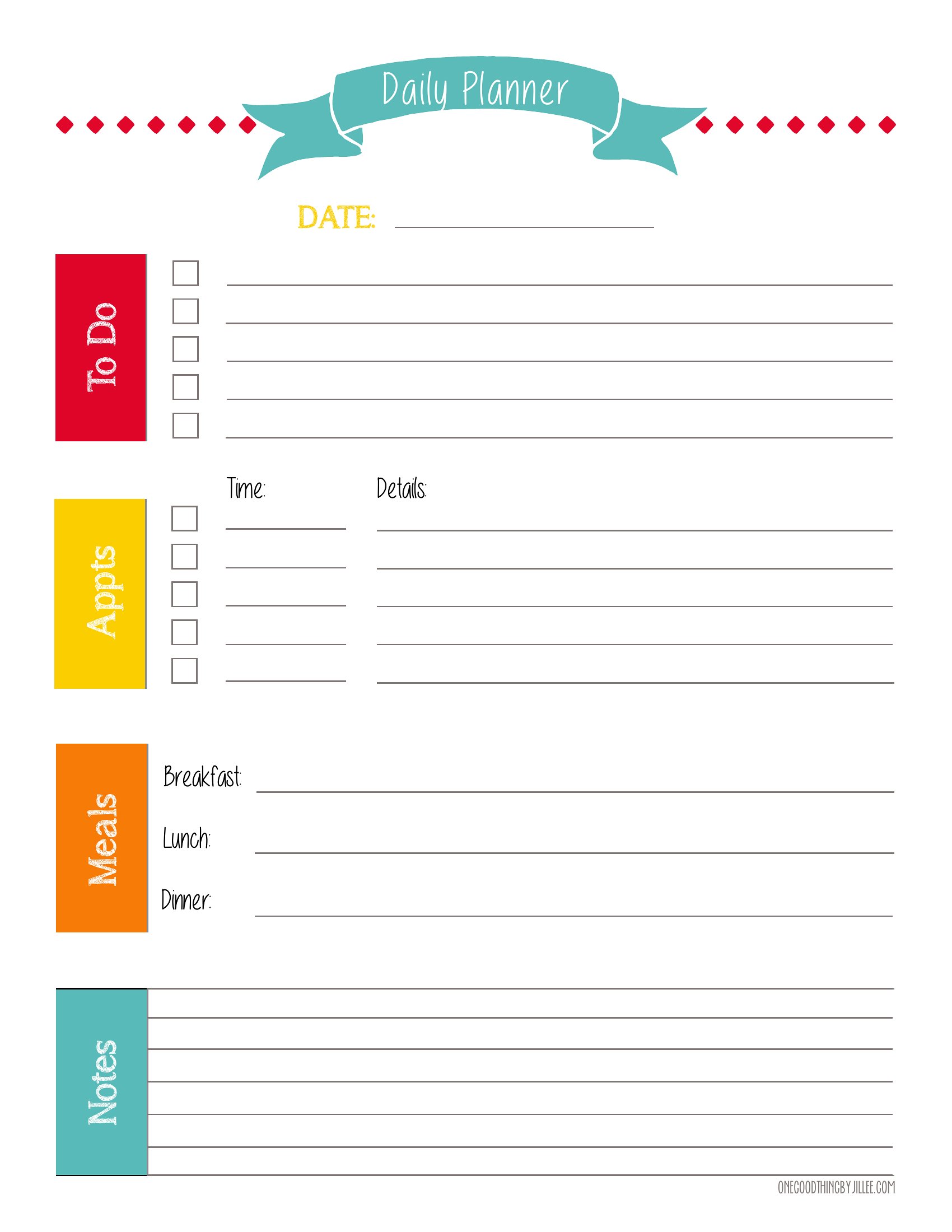
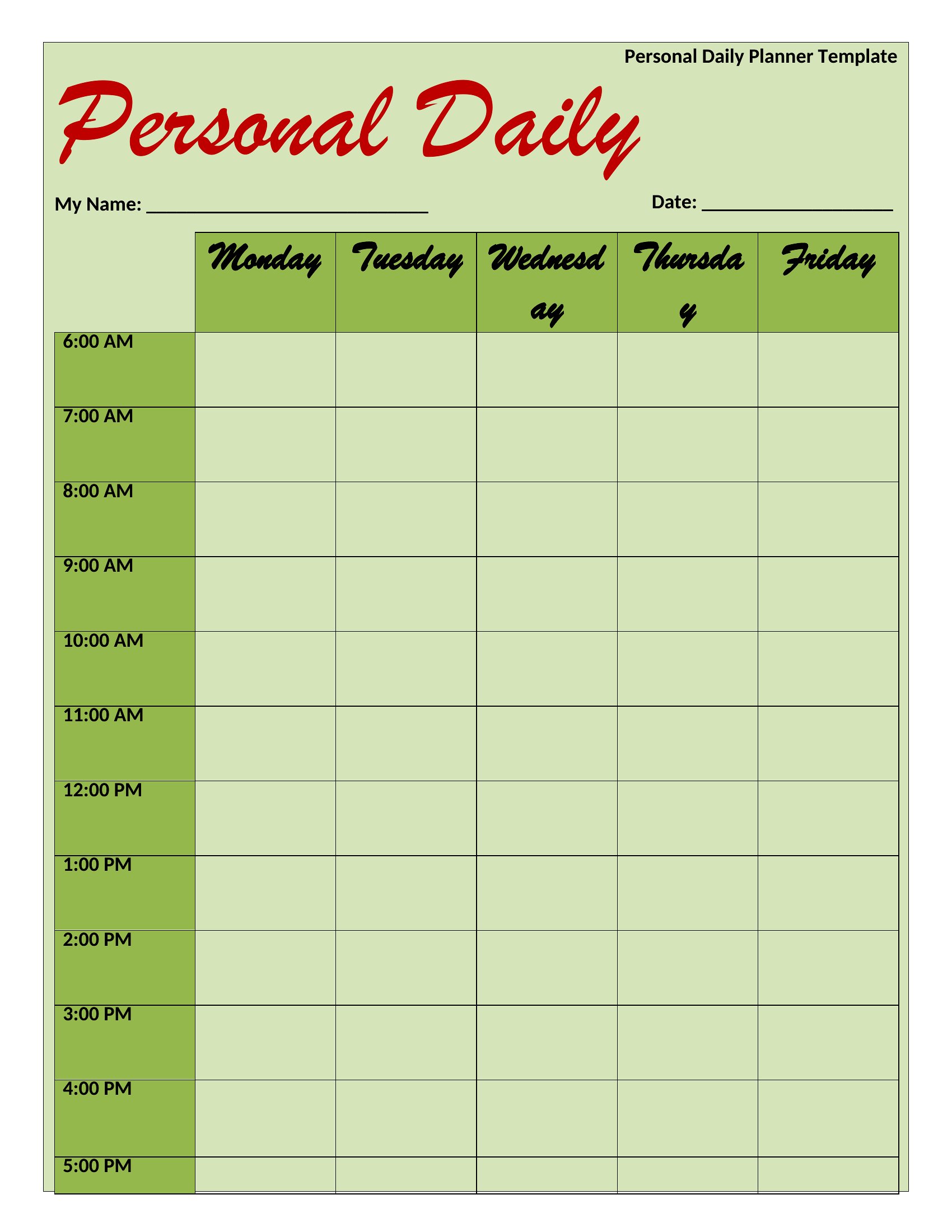
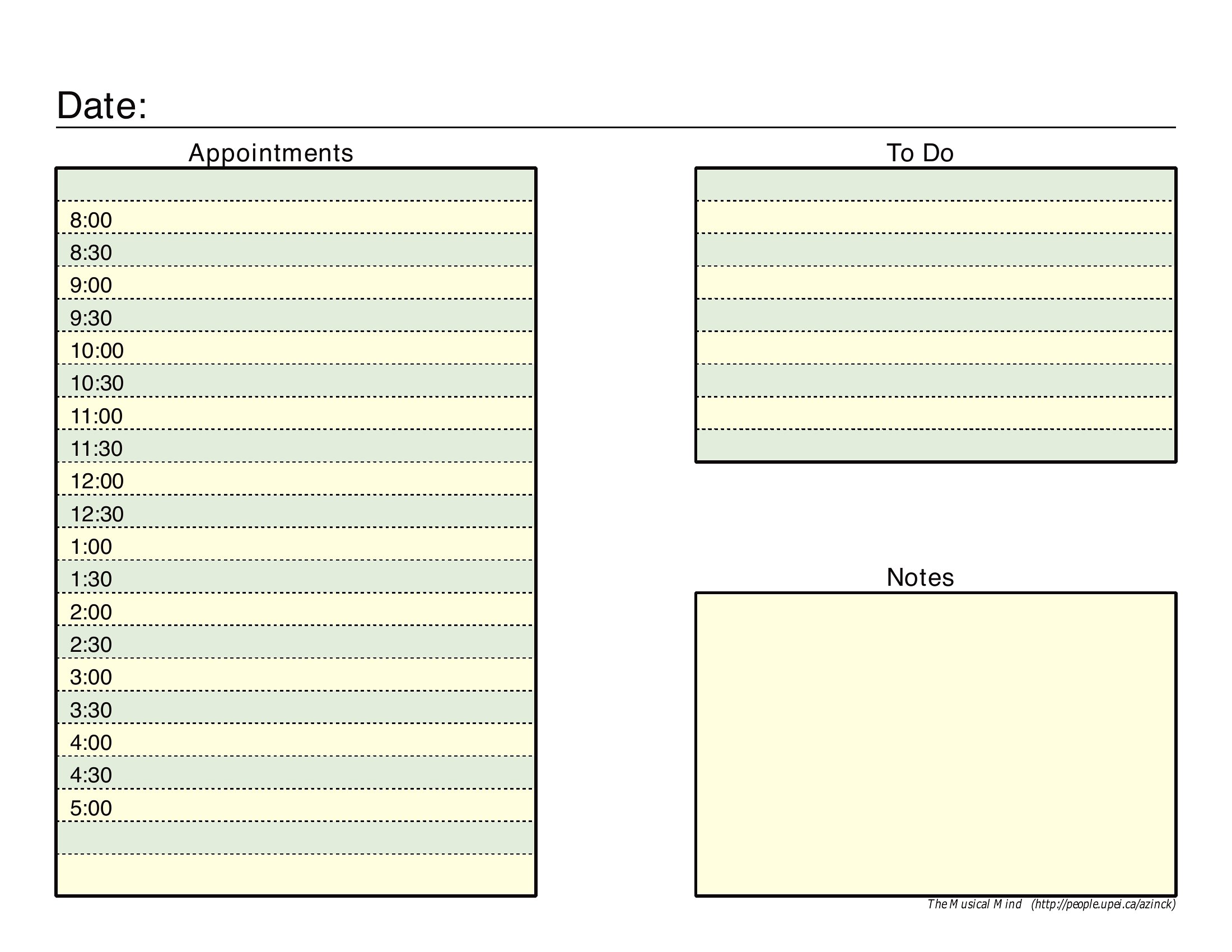
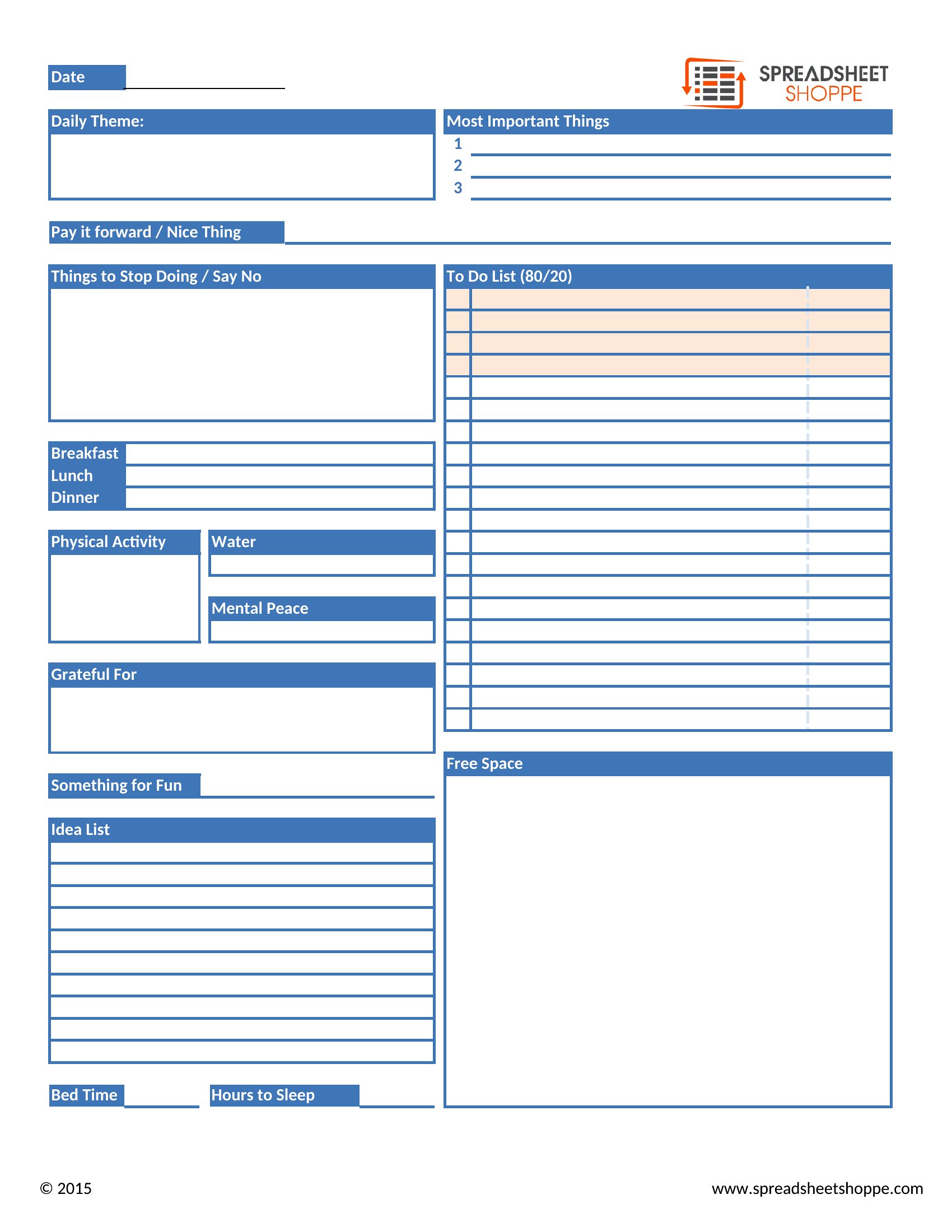
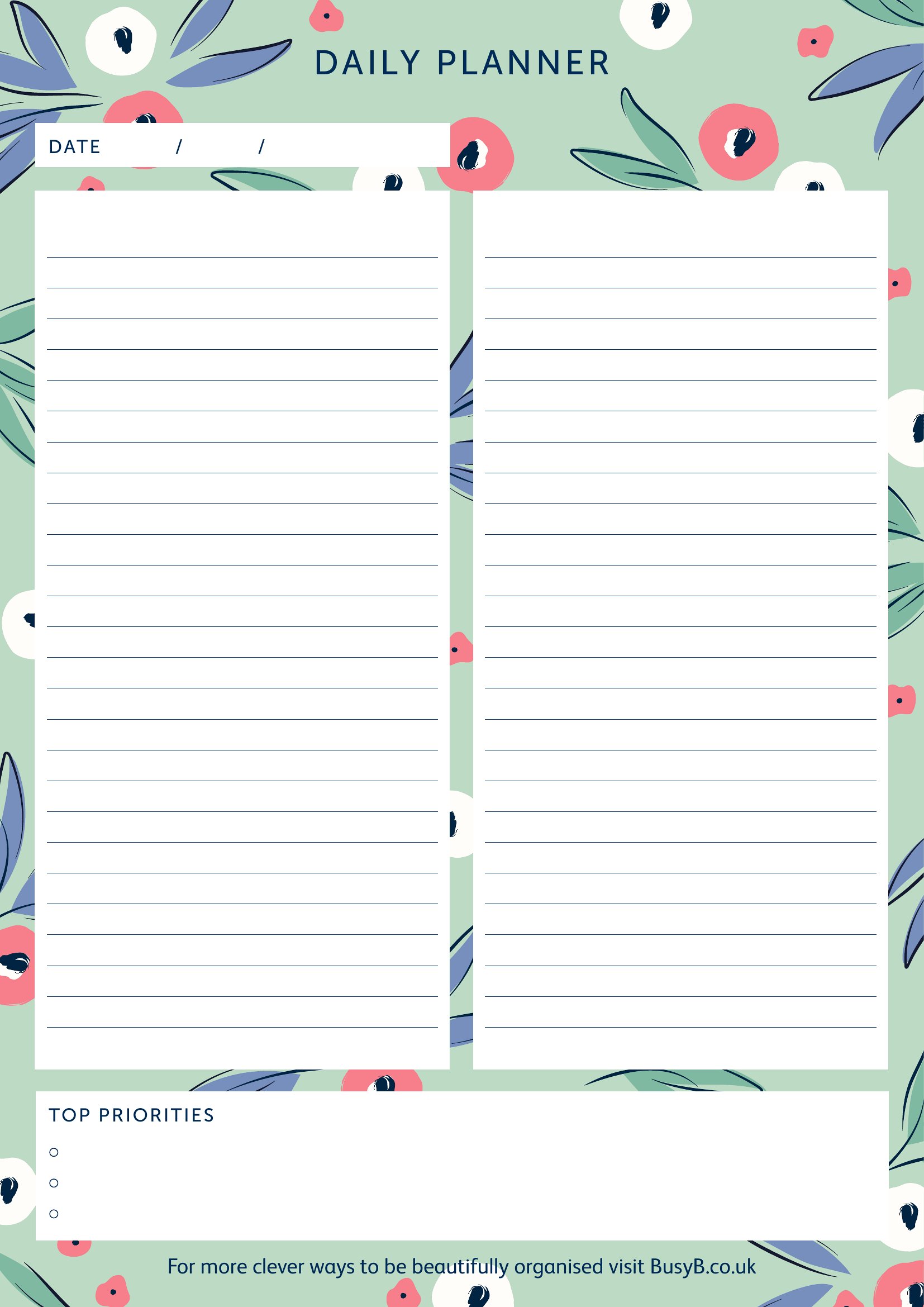
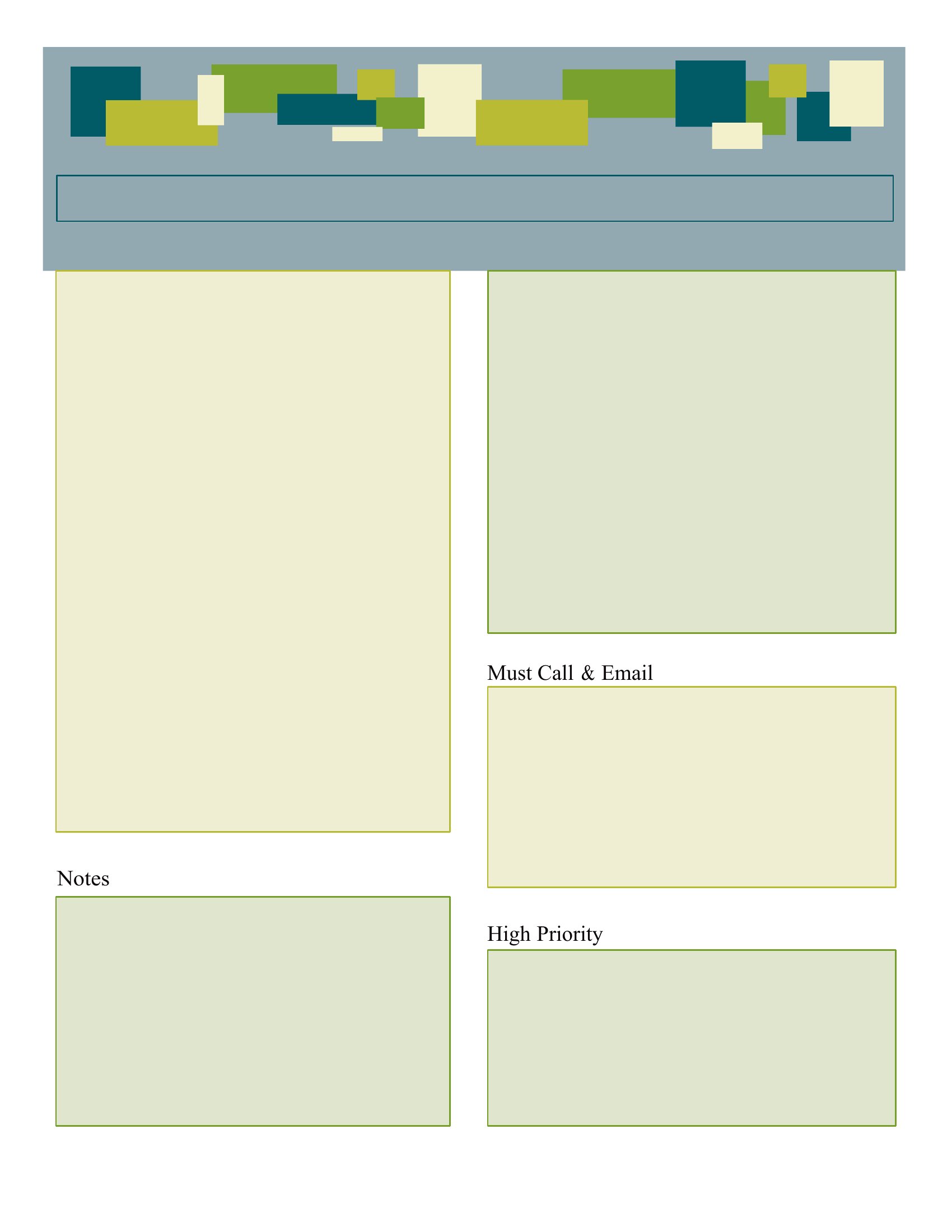
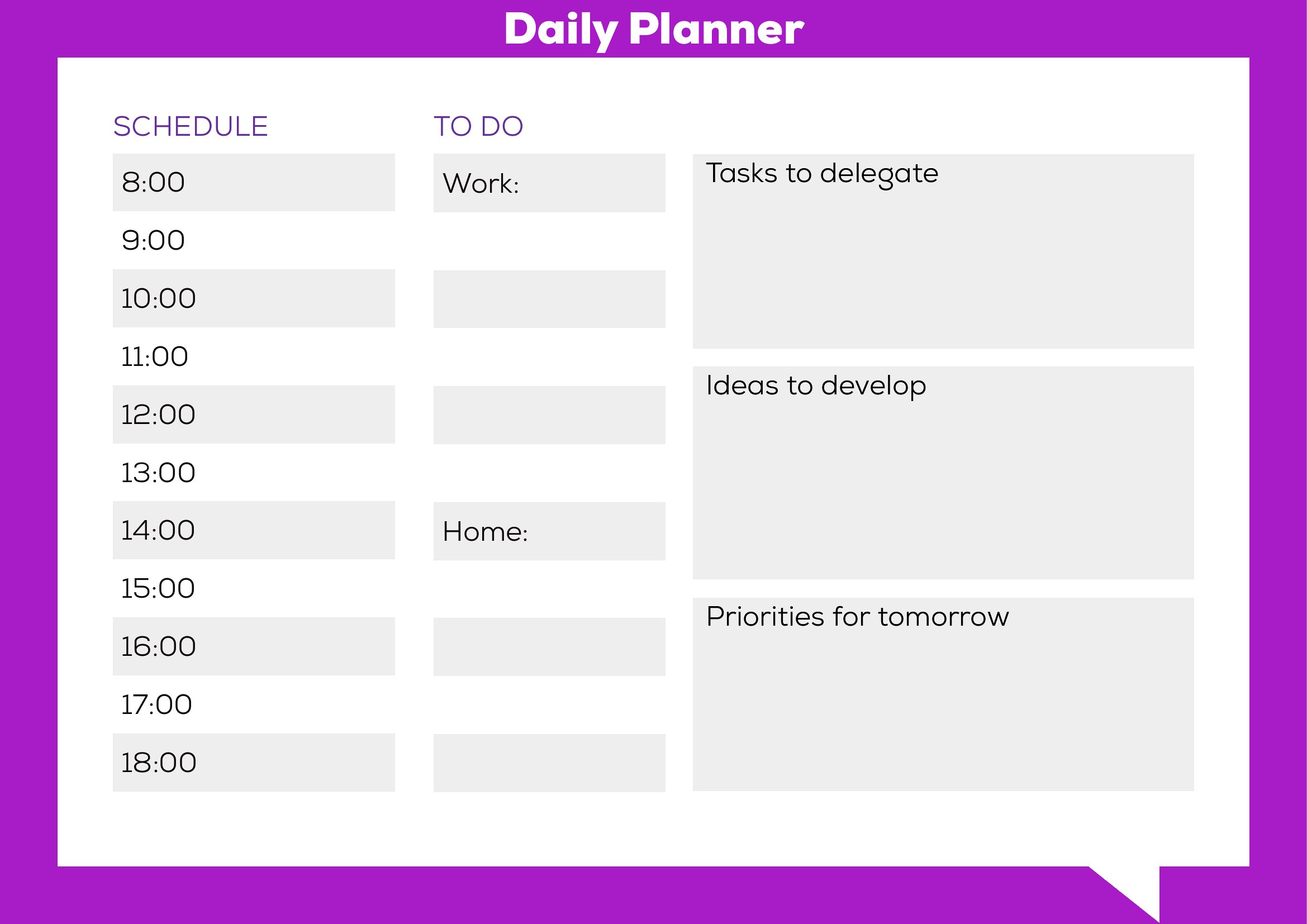
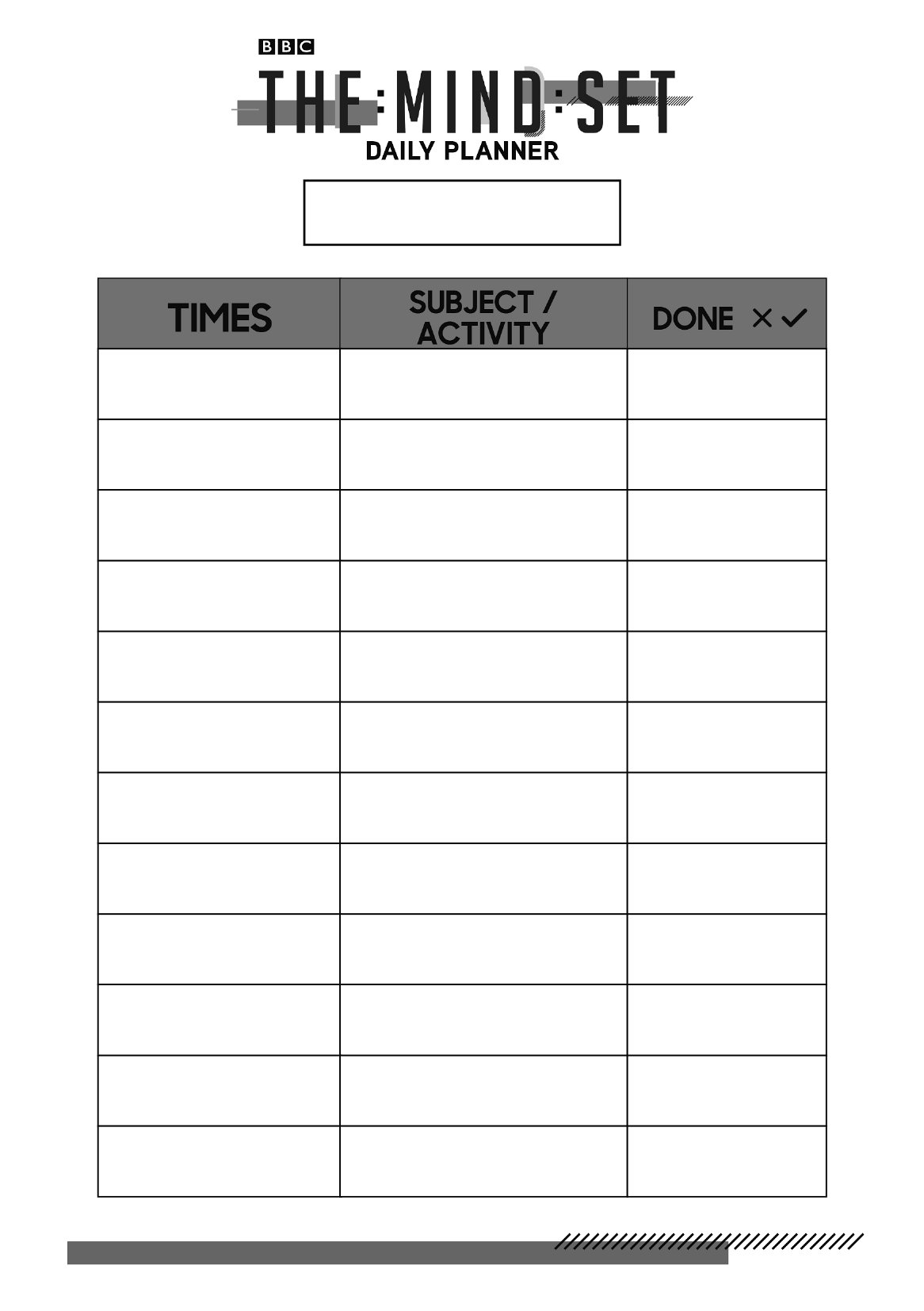
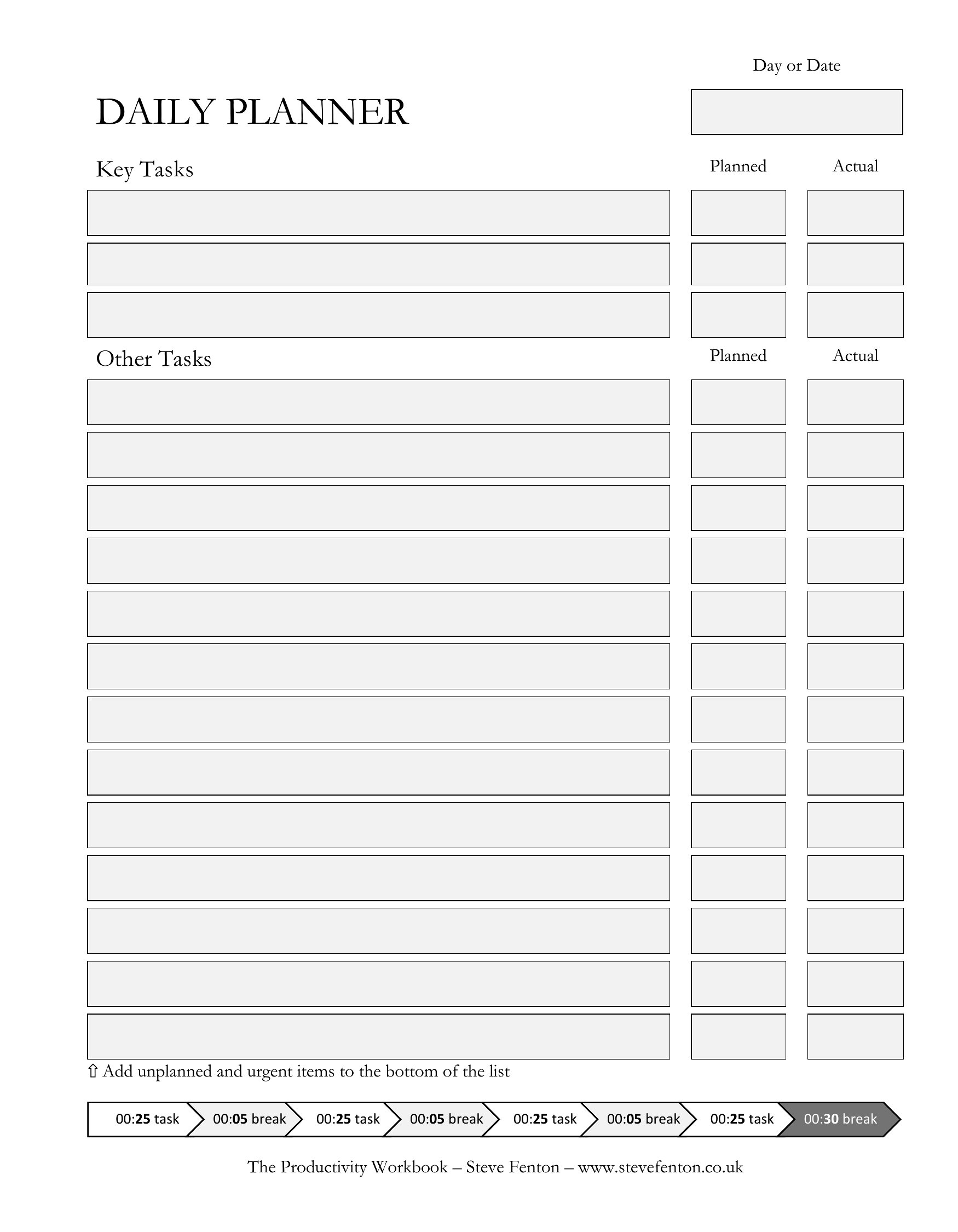
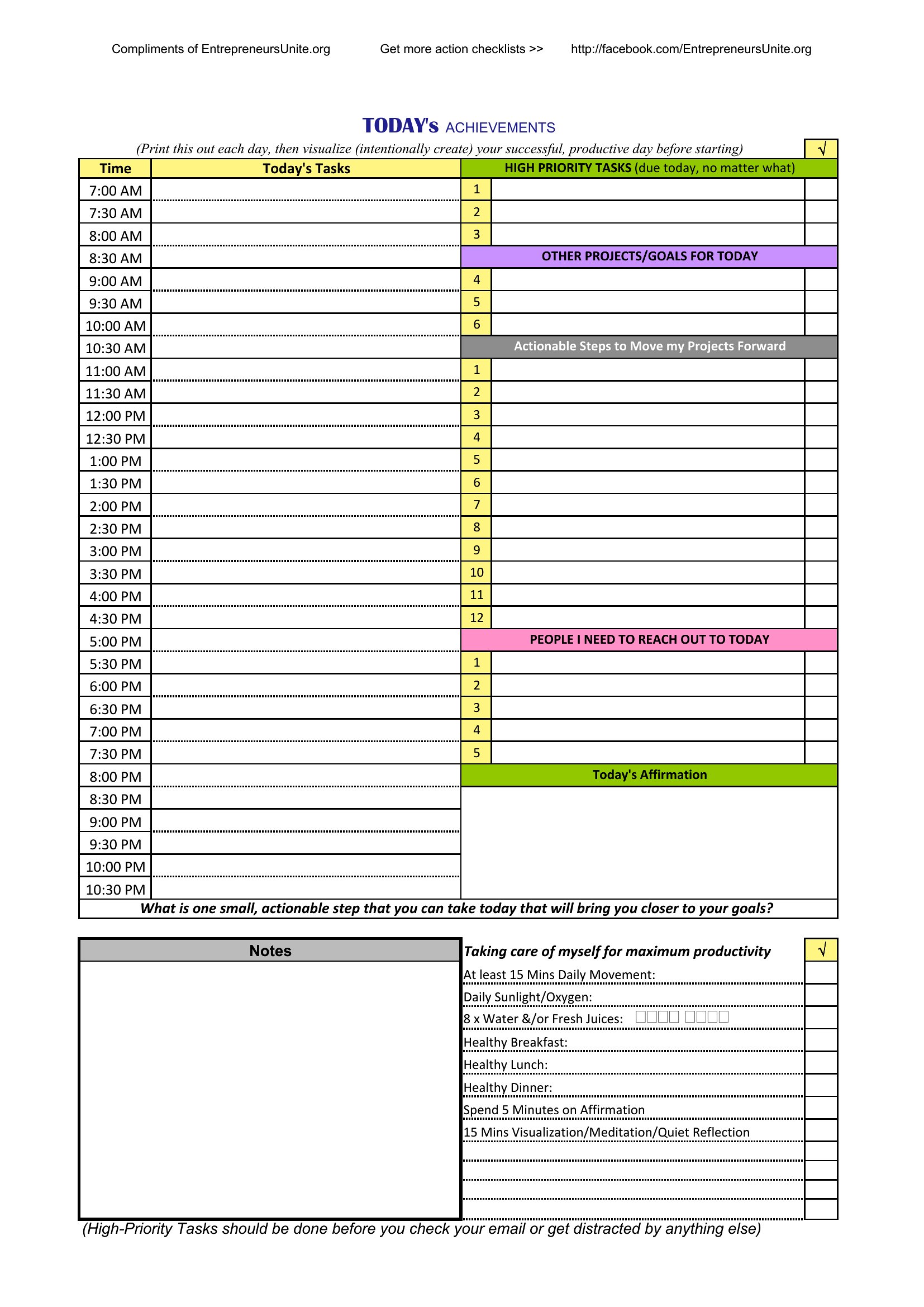
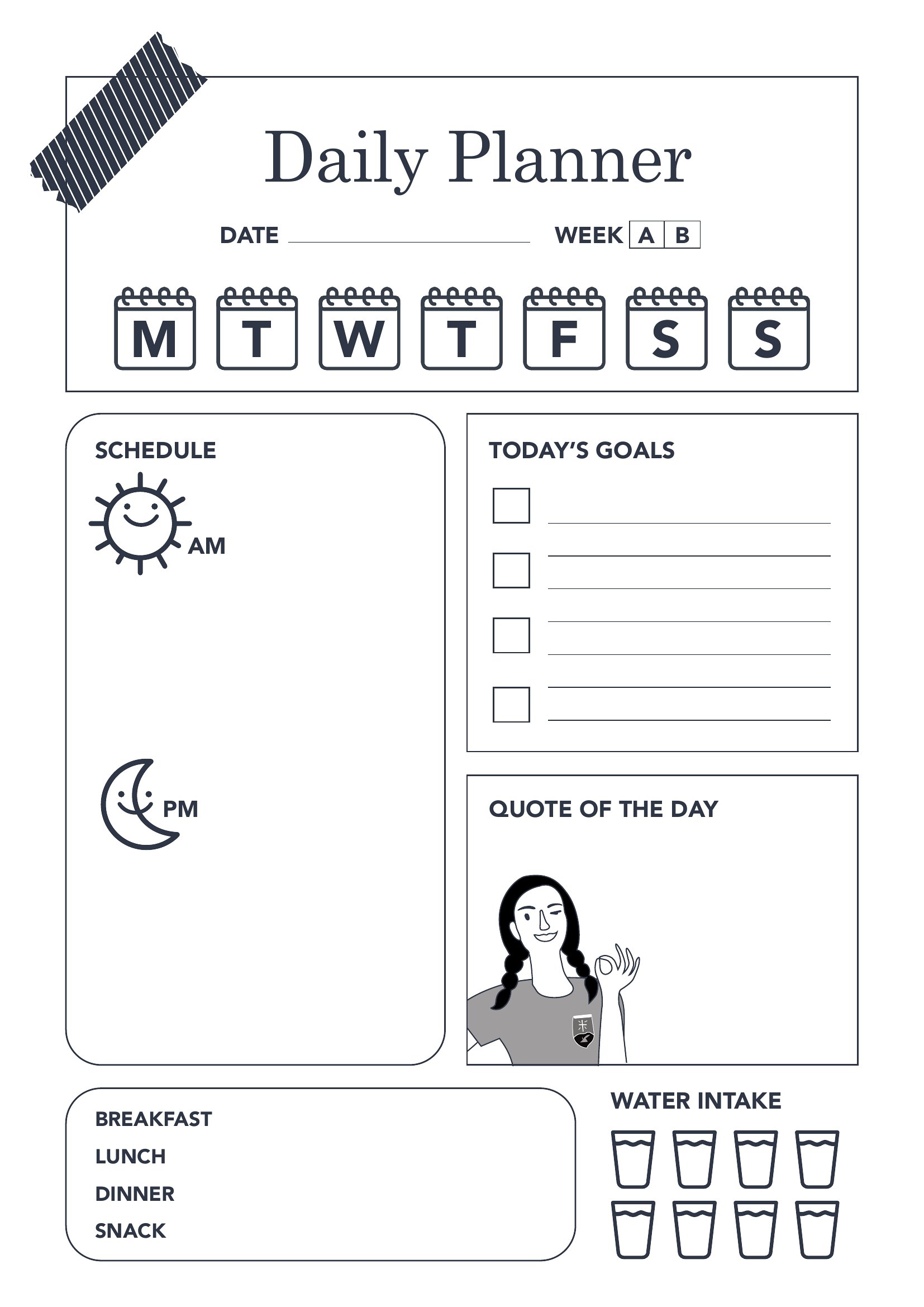
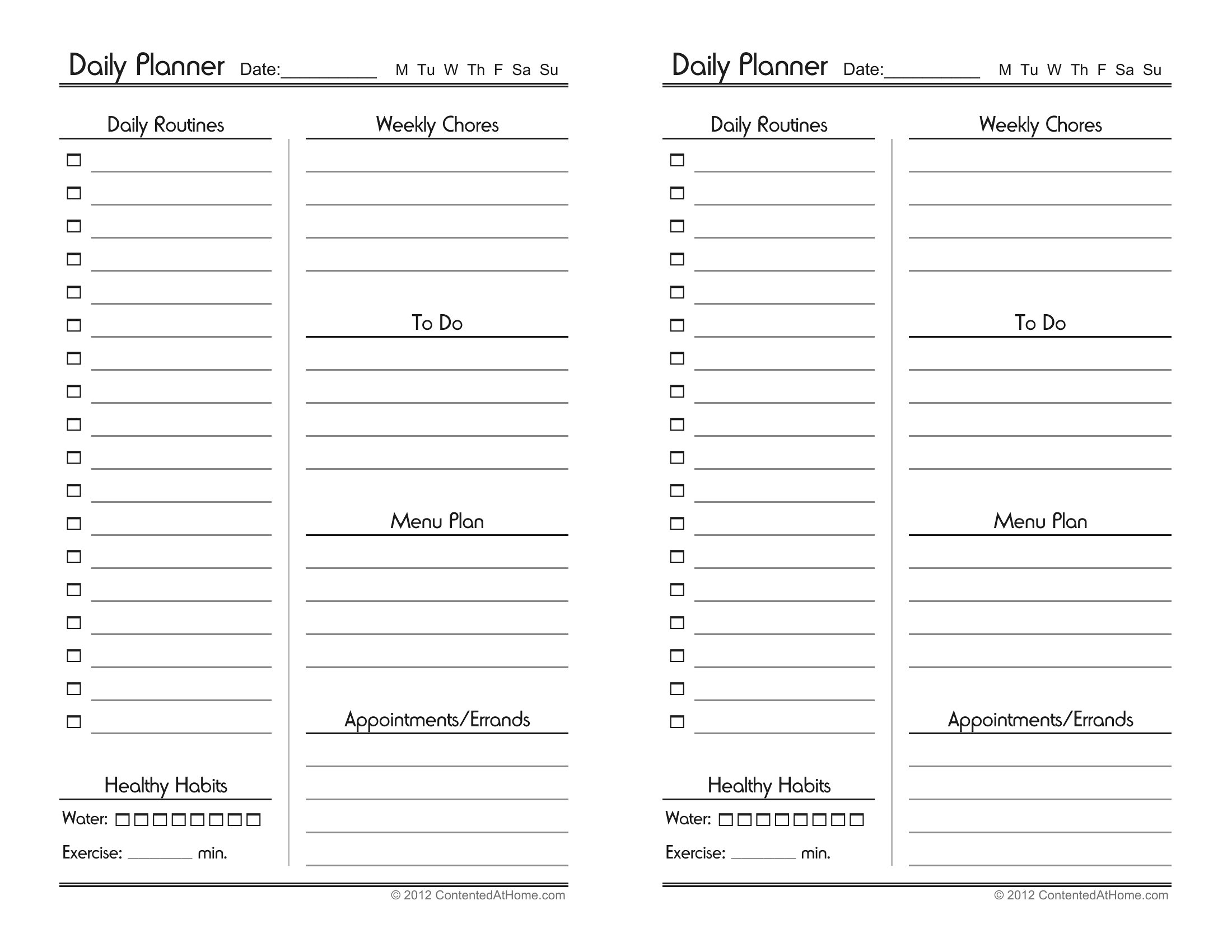
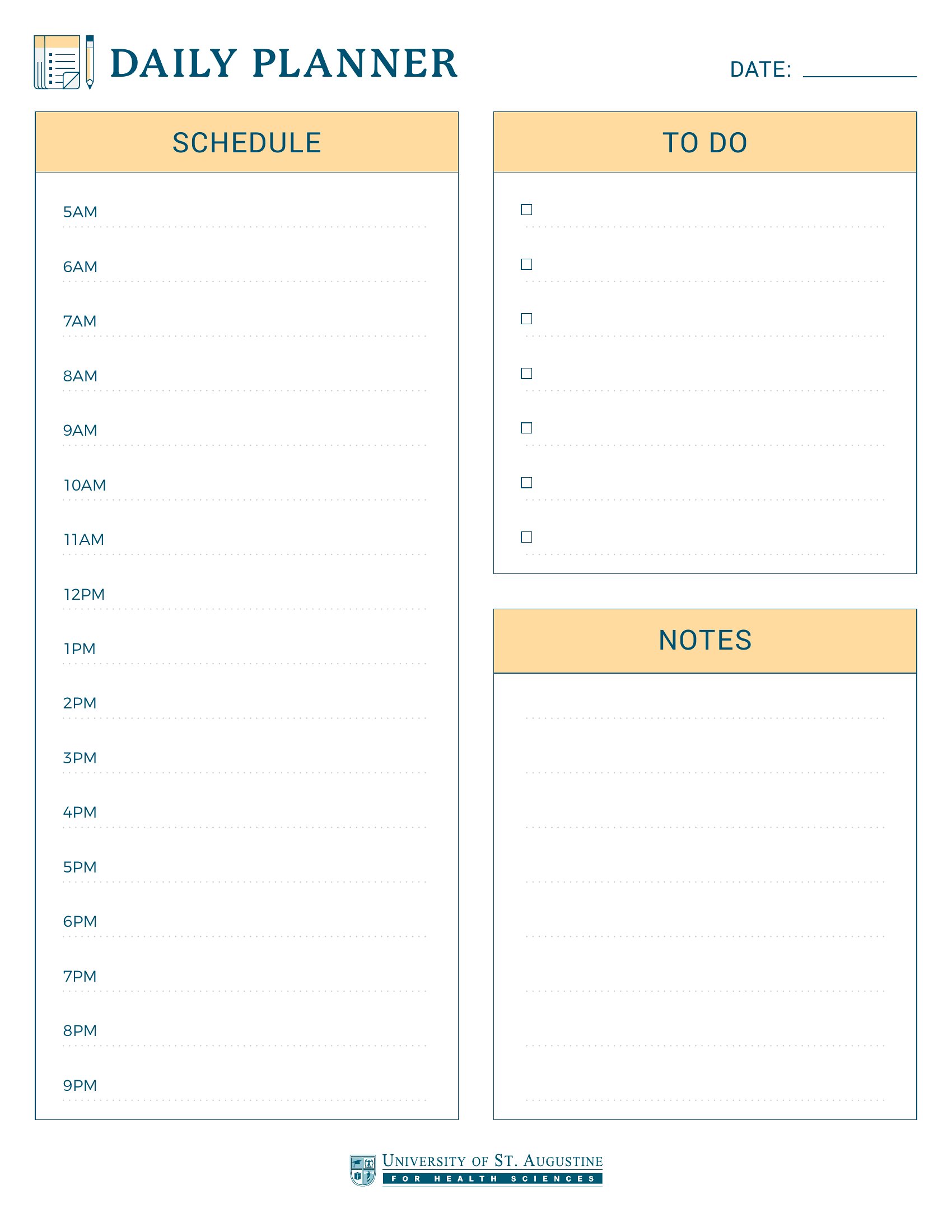
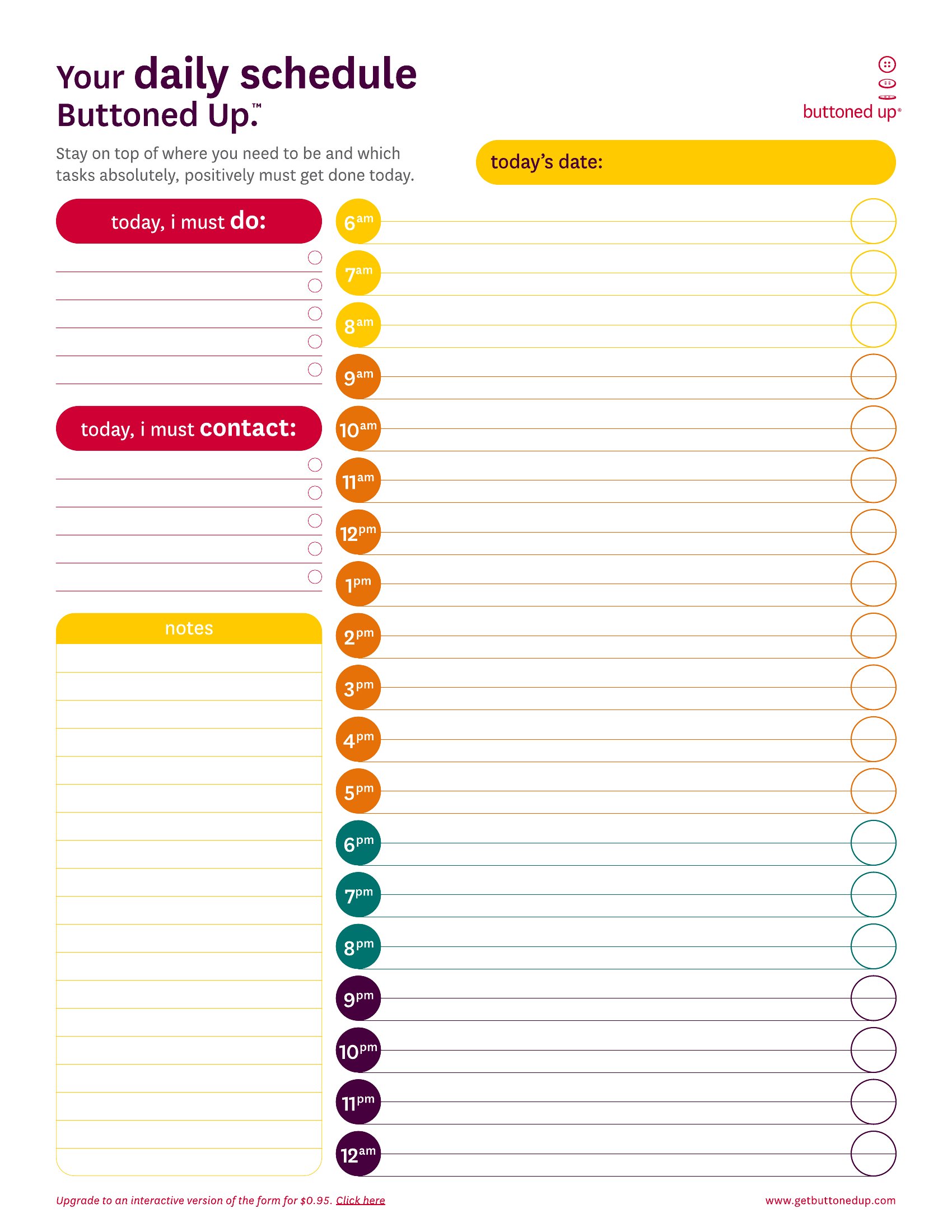
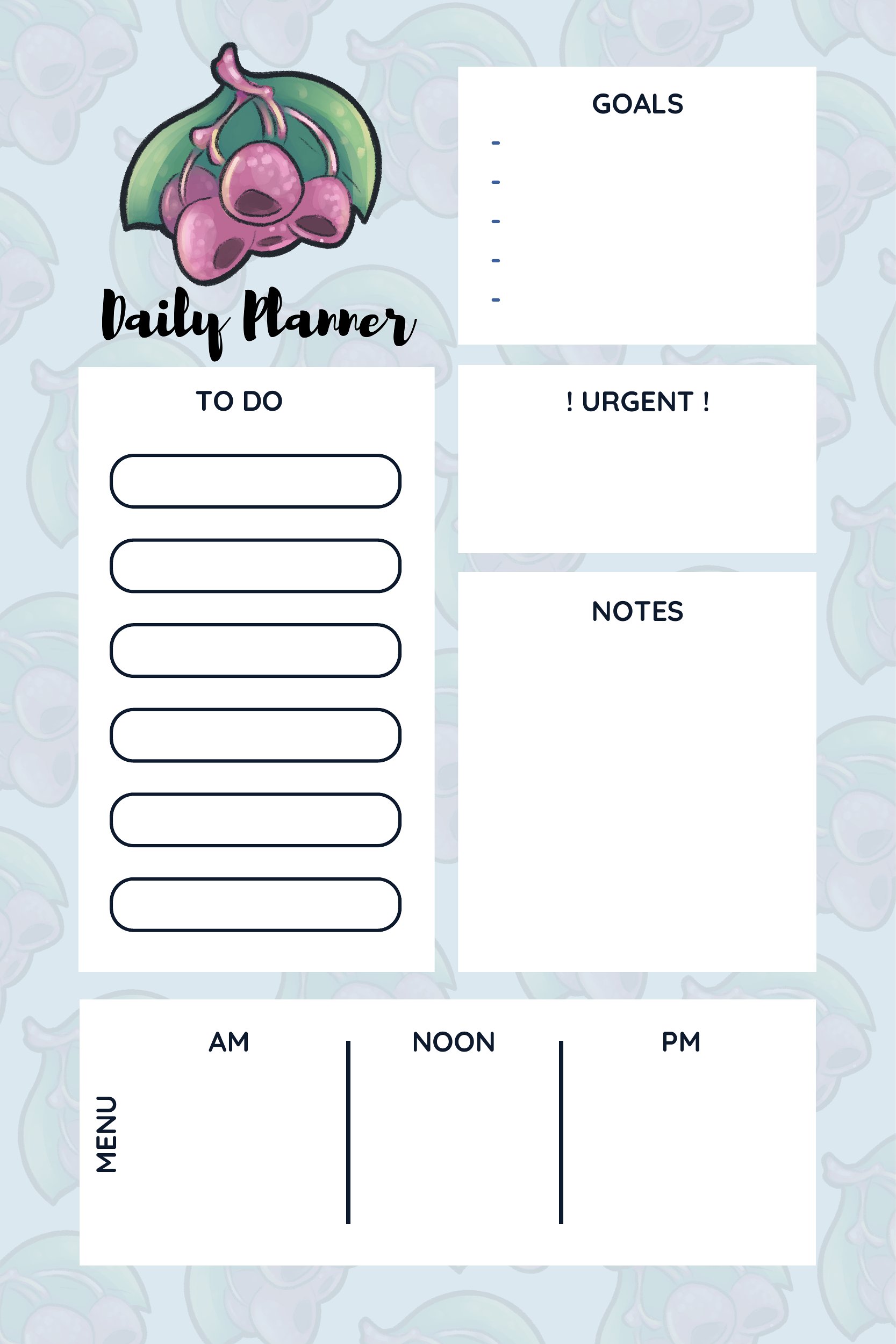
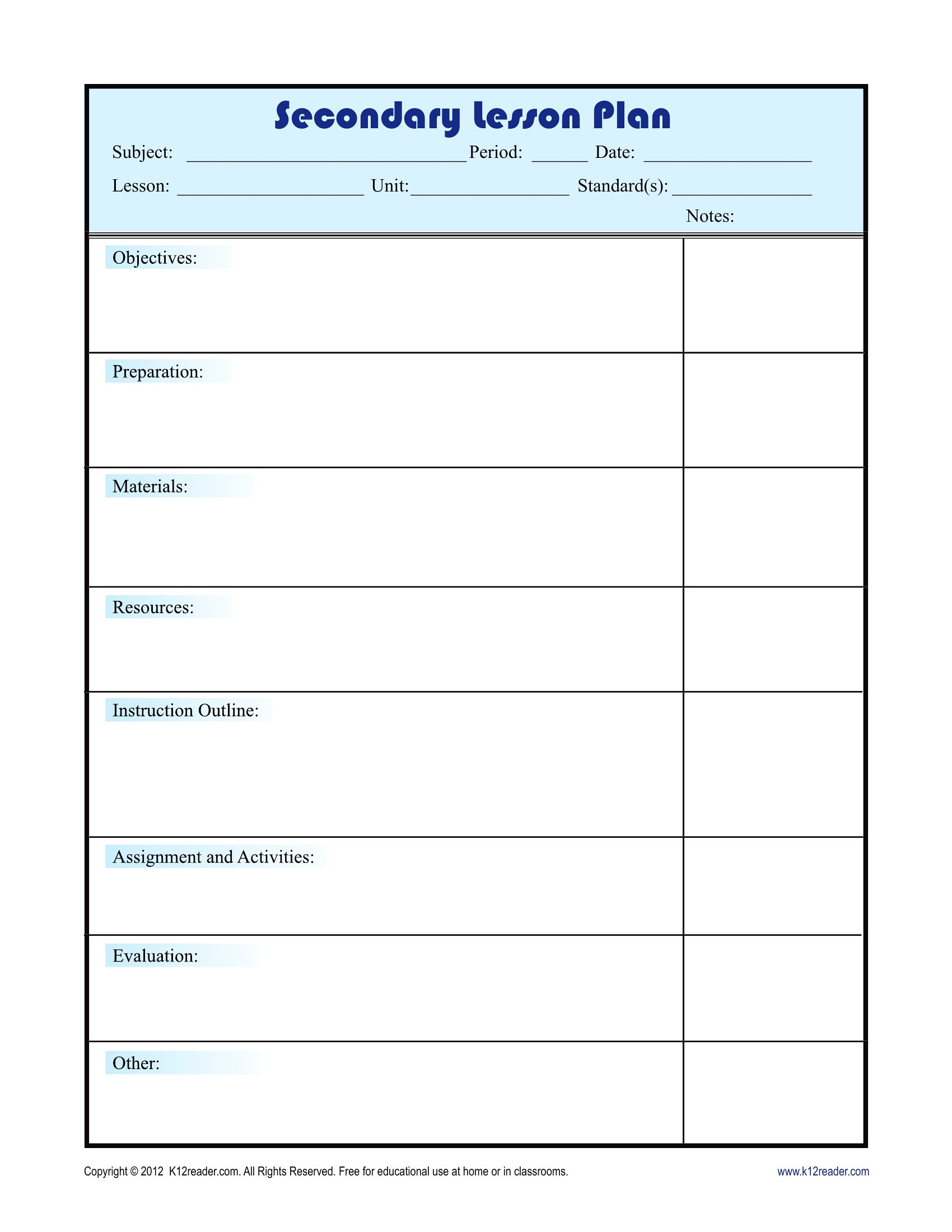
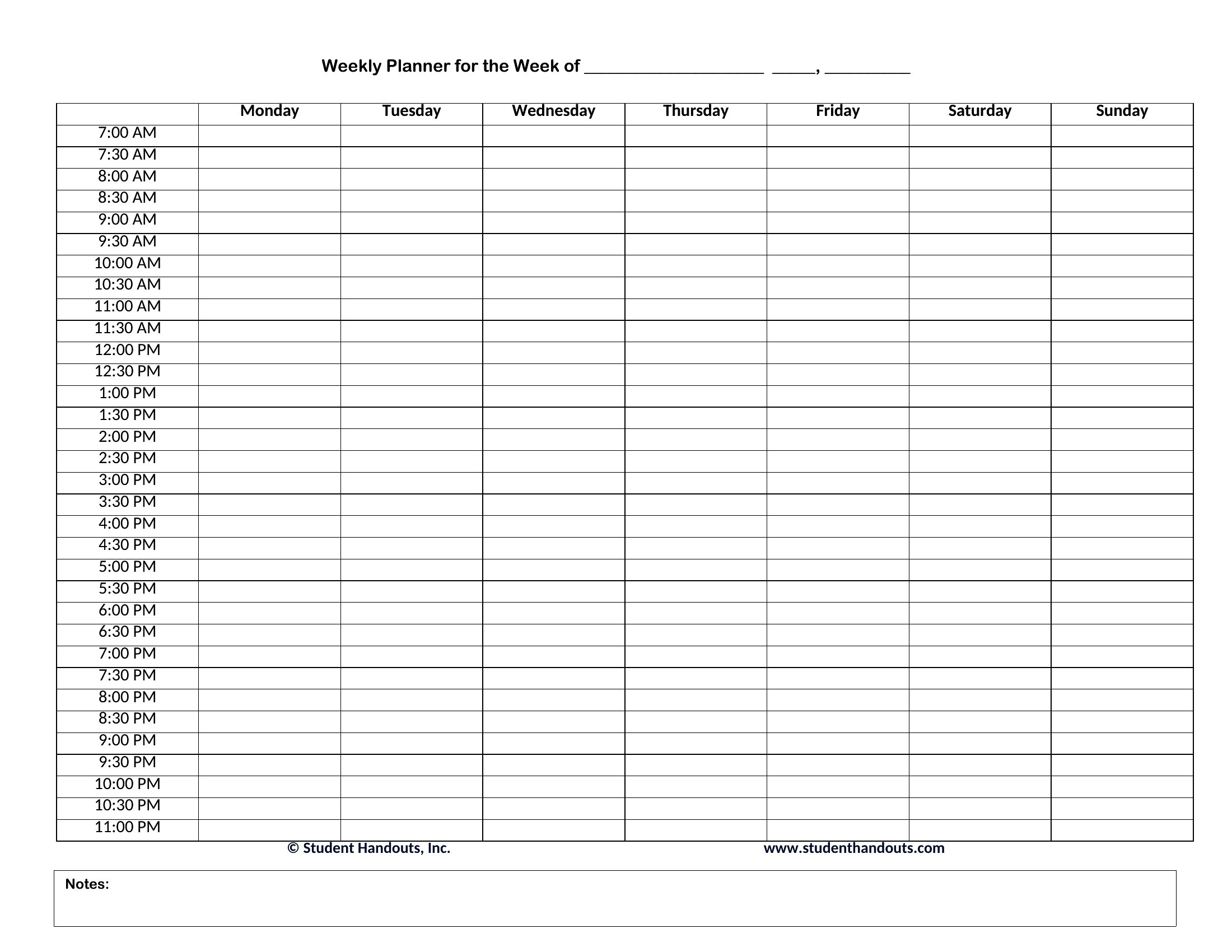
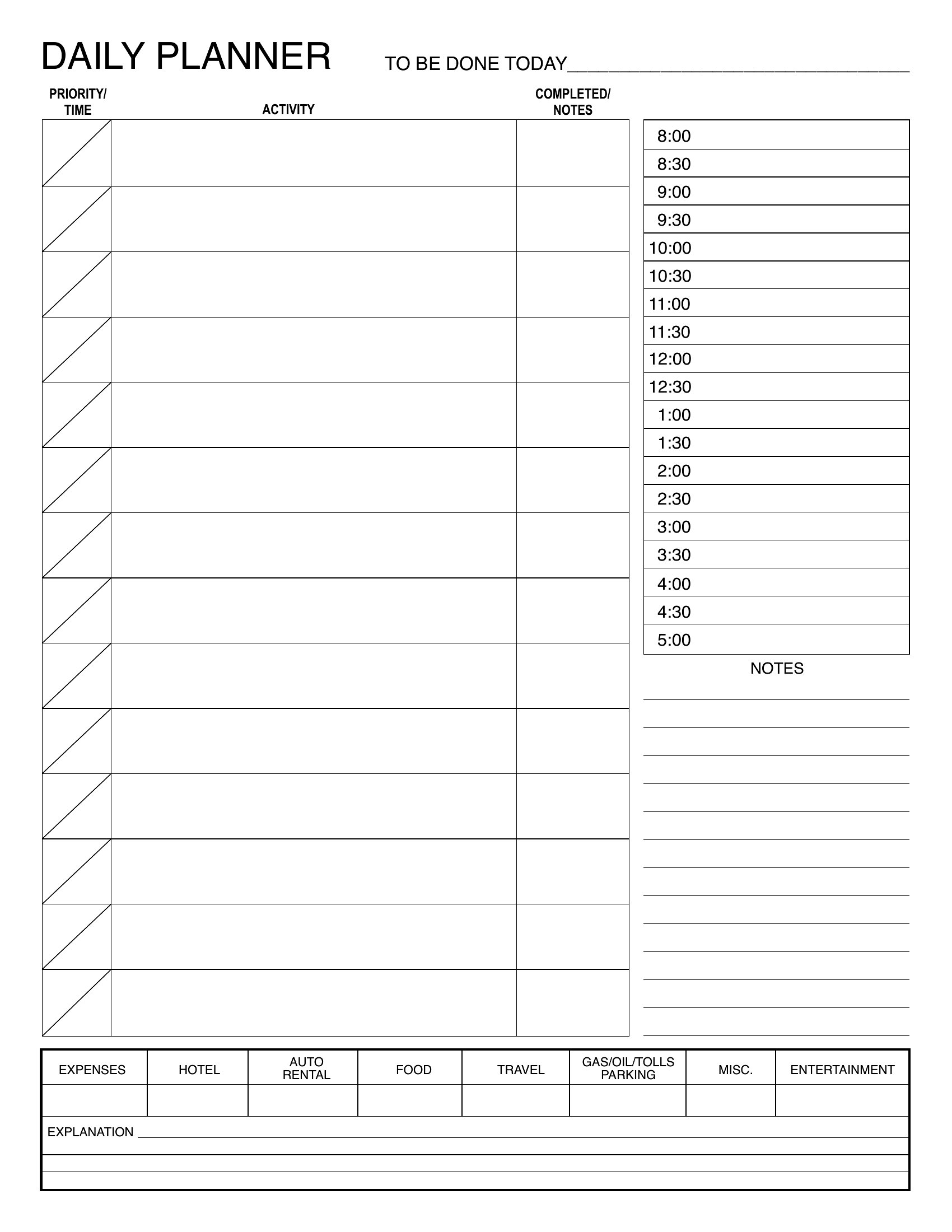
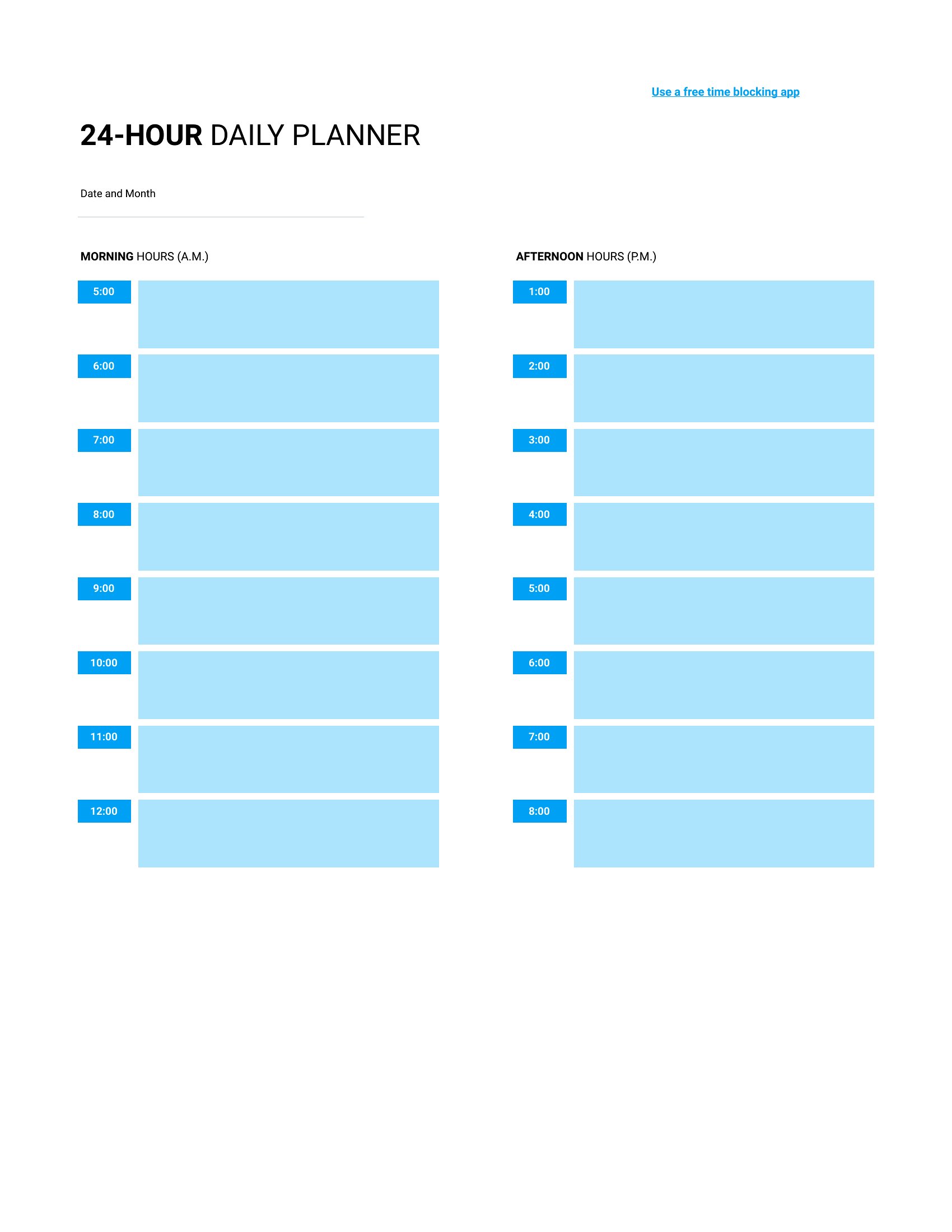
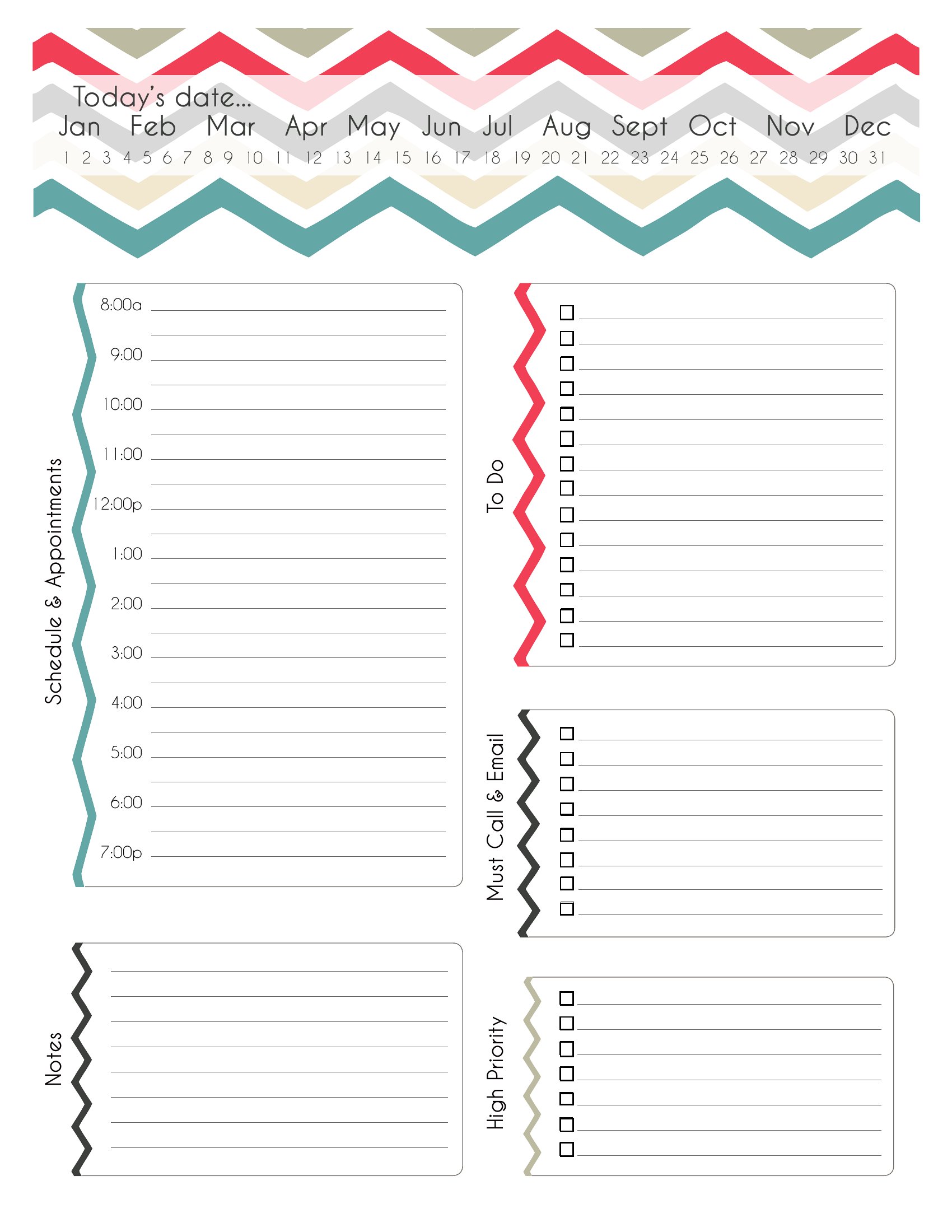
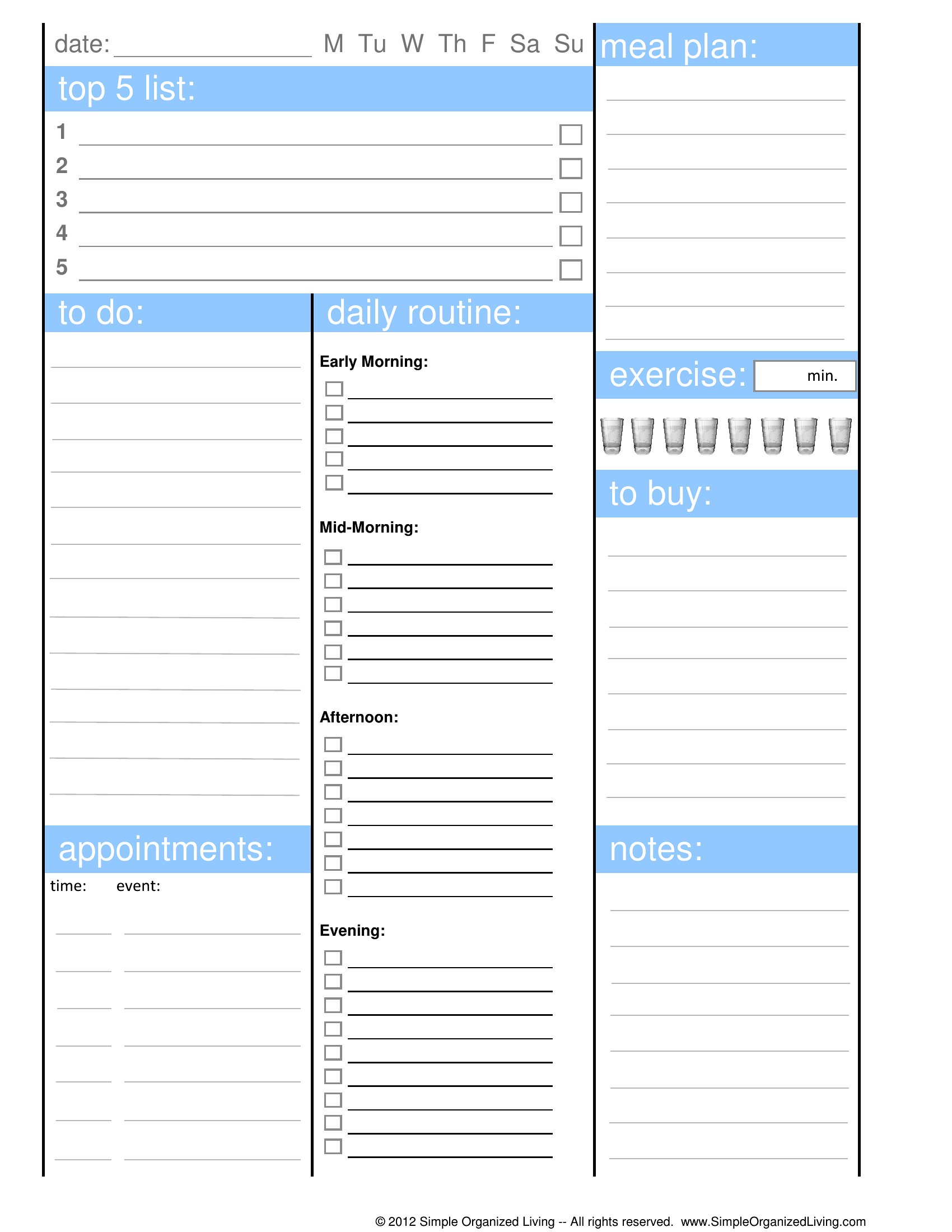
A daily planner turns a scattered morning into a clear plan, blocking out hours, listing priorities, and leaving room for notes. This collection of 51 planners ranges from simple hourly schedules to pages with sections for tasks, meals, and water intake. Students, professionals, and anyone trying to build a steadier routine can find a layout that fits the day.
Print the PDFs for a paper planner, edit the Word files to your liking, or use the Excel sheets to reuse the same layout every day. Map your top three tasks, slot in appointments, and check things off as you go. Pick the version that matches your style and start planning tomorrow tonight.
When to use this Daily Planner template
- A college student juggling classes, study sessions, and part-time shifts uses a daily planner to block out lecture hours, schedule library visits, and mark shift deadlines—keeping them on track without constant reminders.
- A working parent with two young children needs a planner with time slots for school drop-offs, work meetings, and grocery runs, paired with a sticky-note section for last-minute after-school activities.
- A freelance graphic designer who works from home selects a planner with hourly time blocks to dedicate focused hours to client projects while leaving space for breaks and creative brainstorming sessions.
- A retiree managing medications, doctor appointments, and volunteer commitments uses a detailed daily planner to log daily pill times, appointment reminders, and small goals like reading or gardening each day.
Which format should I download?
Choose Word if you need an editable planner to adjust sections—like adding custom categories for health tracking or project milestones—before printing. Excel is best for data-driven users who want formulas to auto-sum hours worked or tasks completed. Opt for PDF if you prefer a fixed, print-ready layout for a traditional paper planner, perfect for quick jotting and carrying in a bag.
Choose from 51 Daily Planner Templates
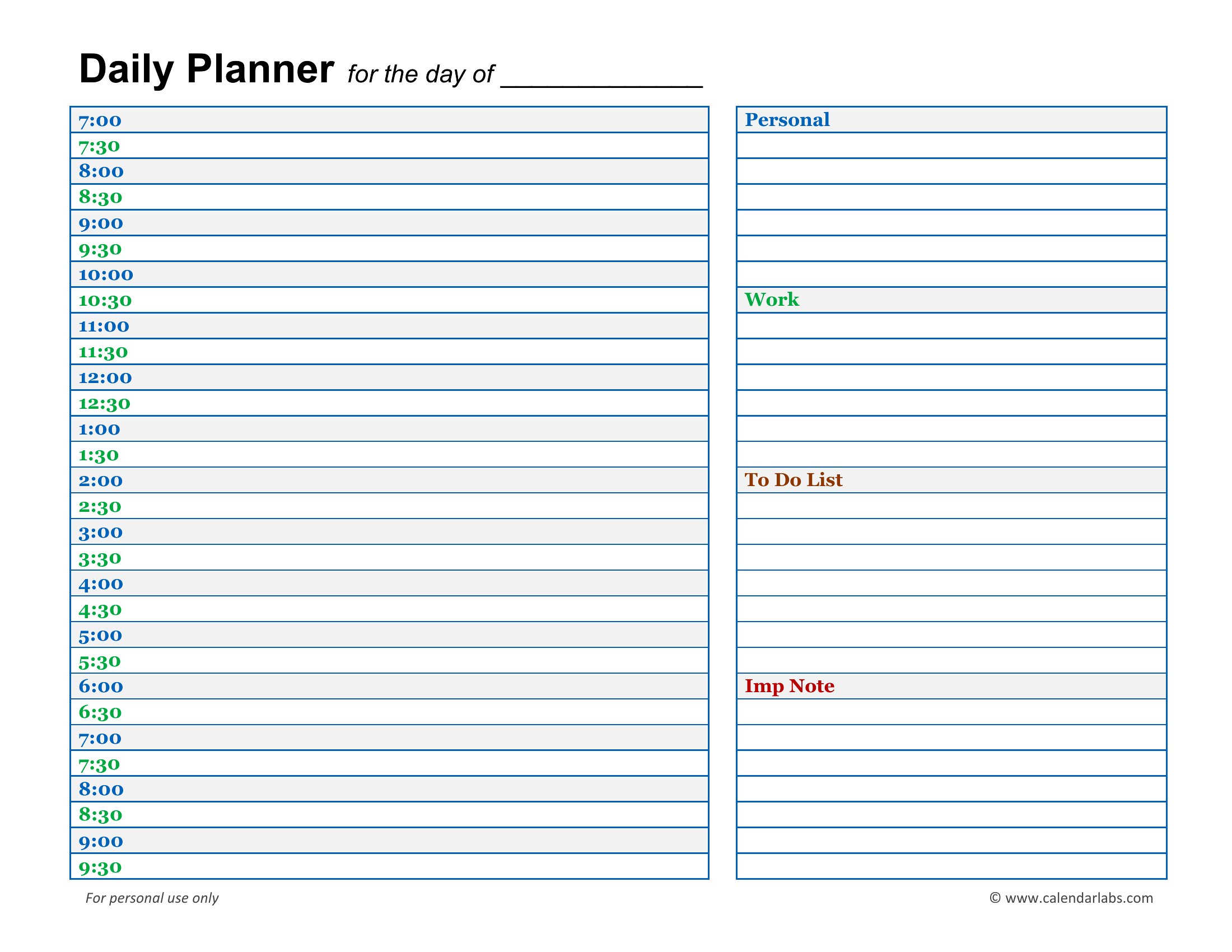
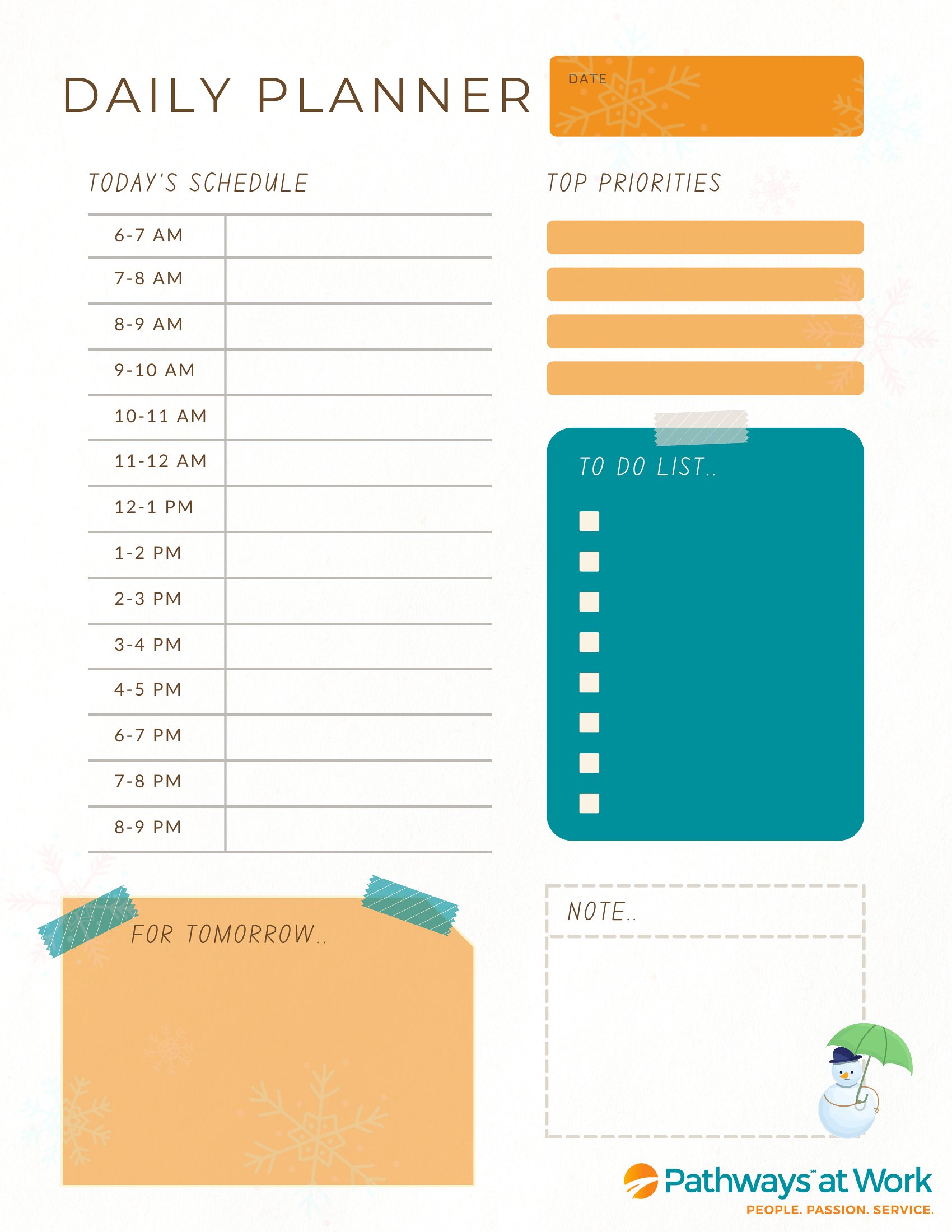
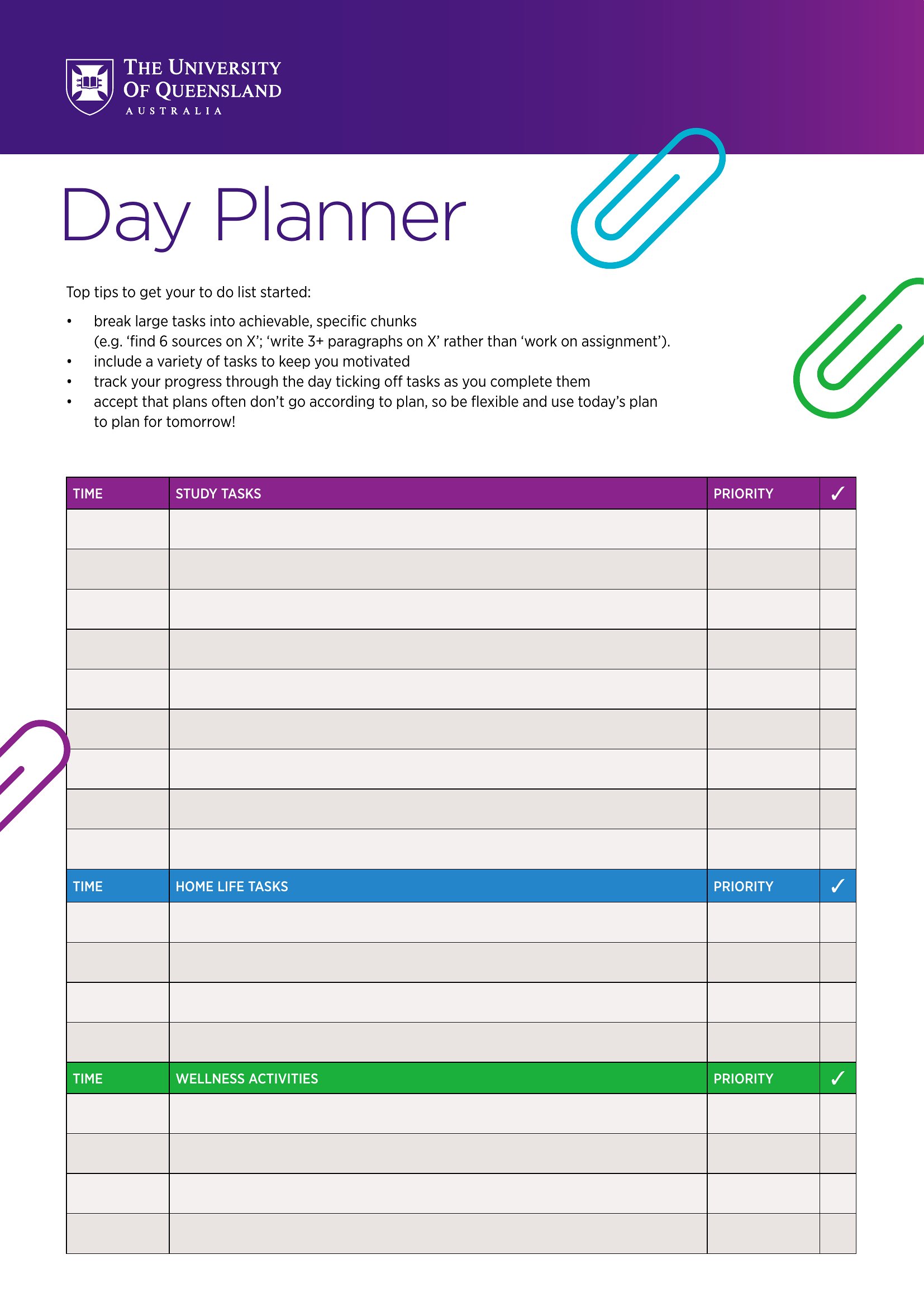
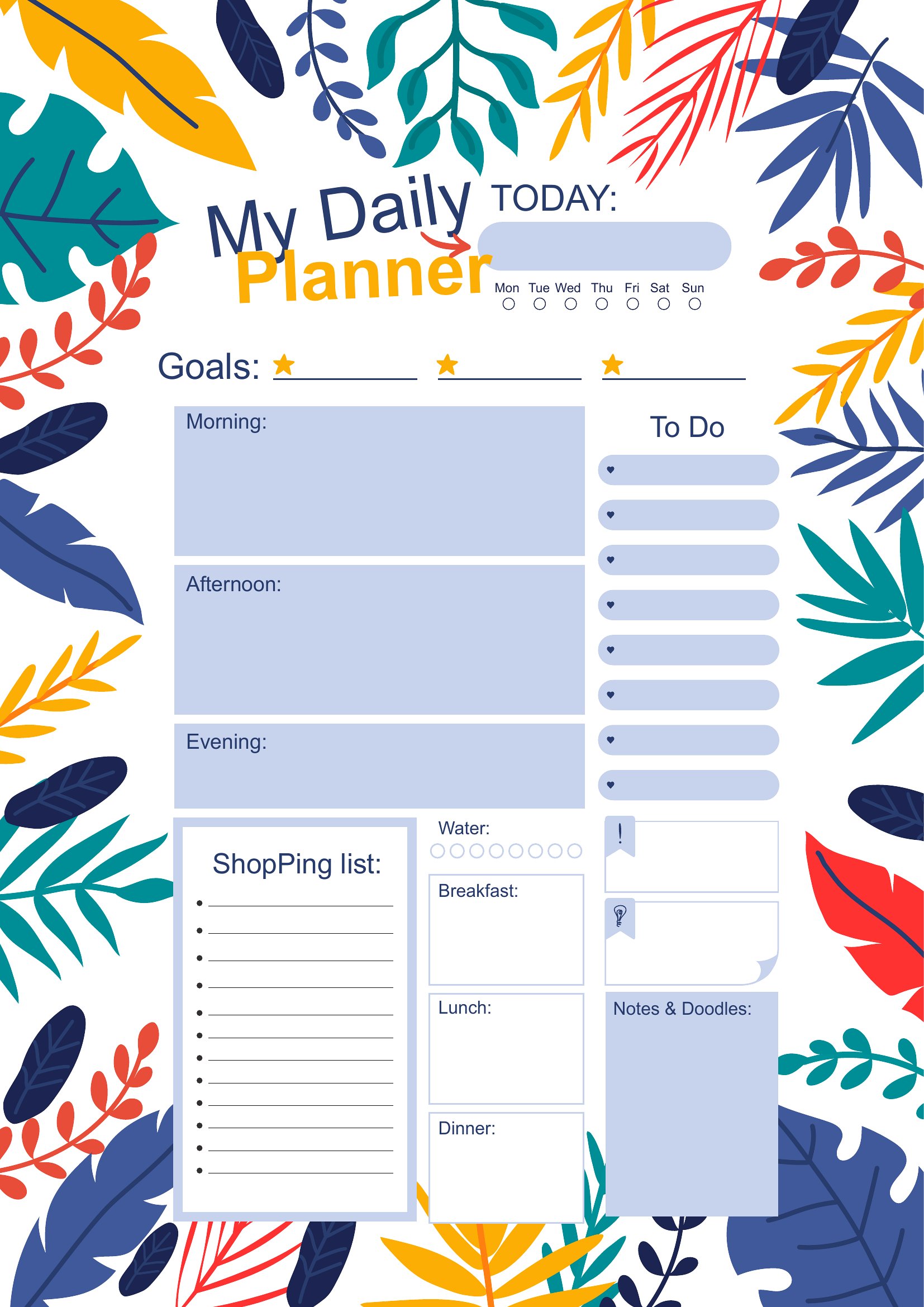
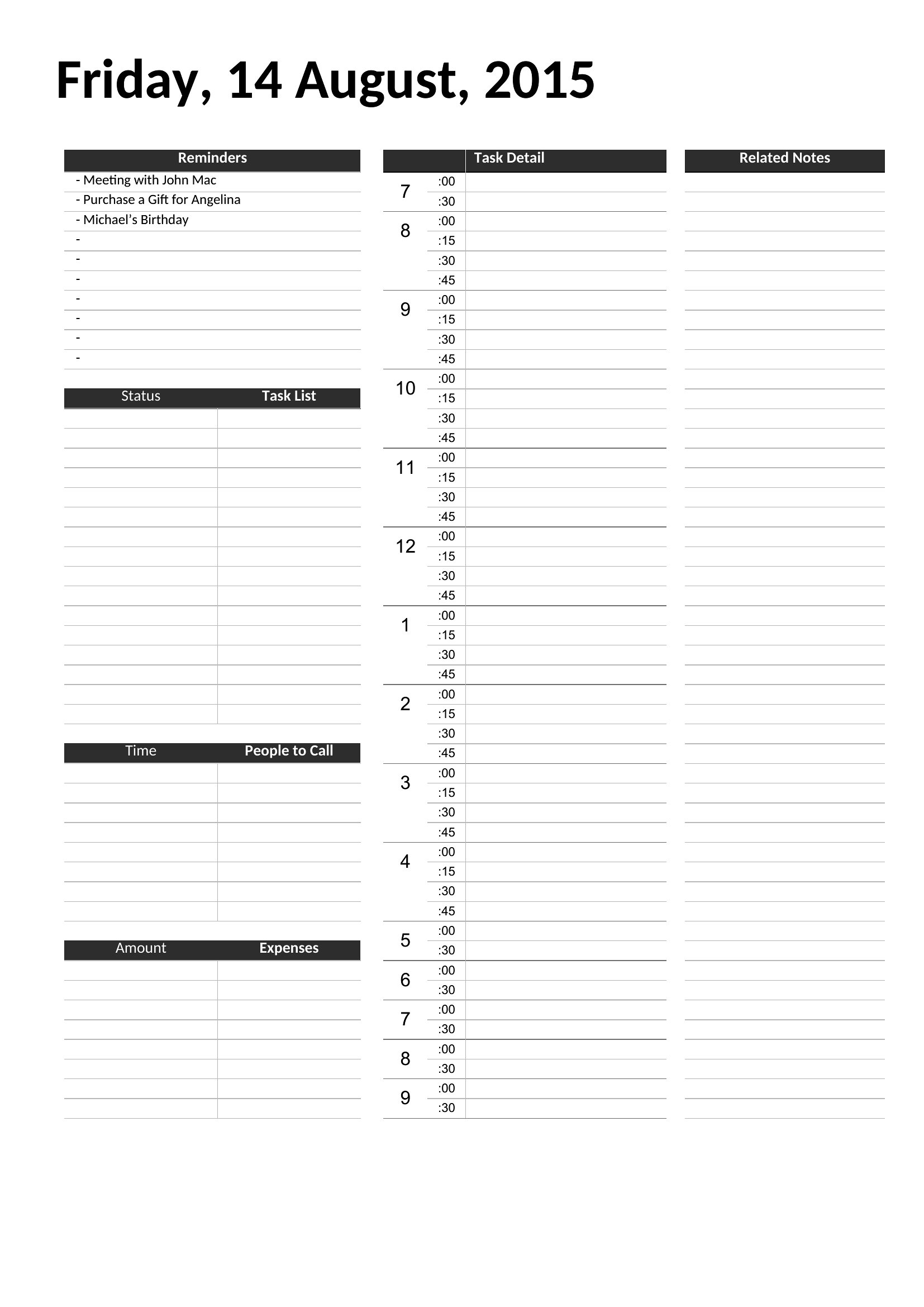
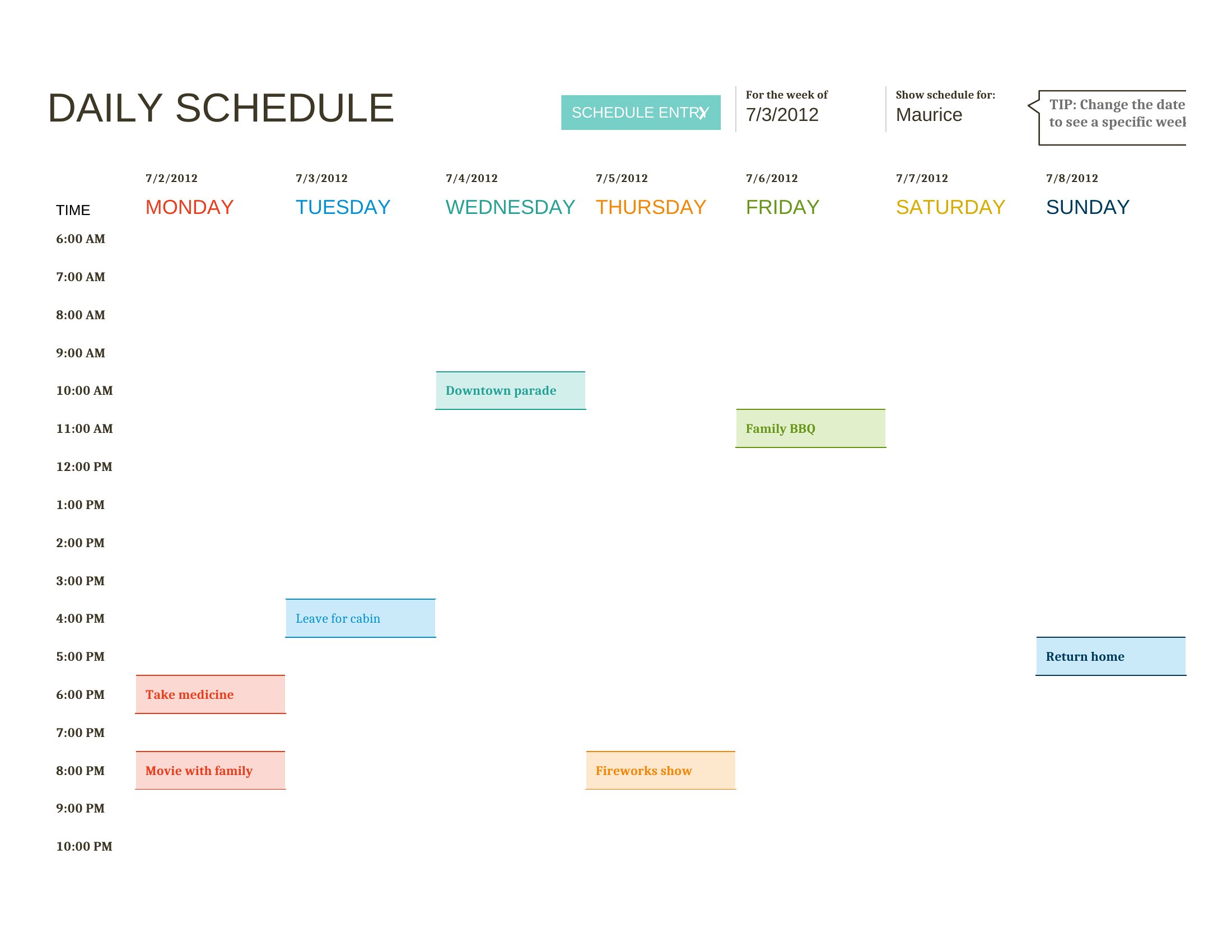
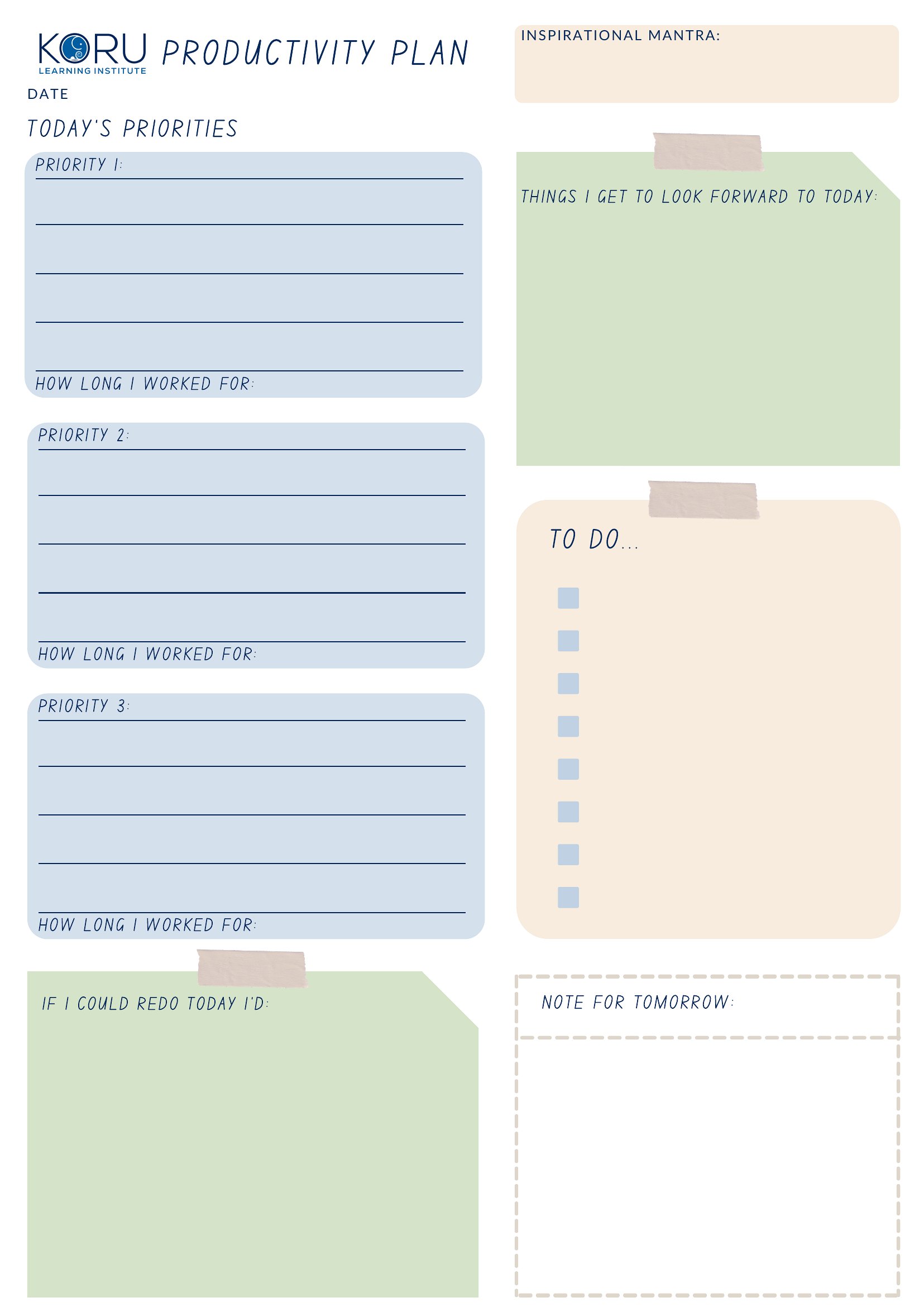
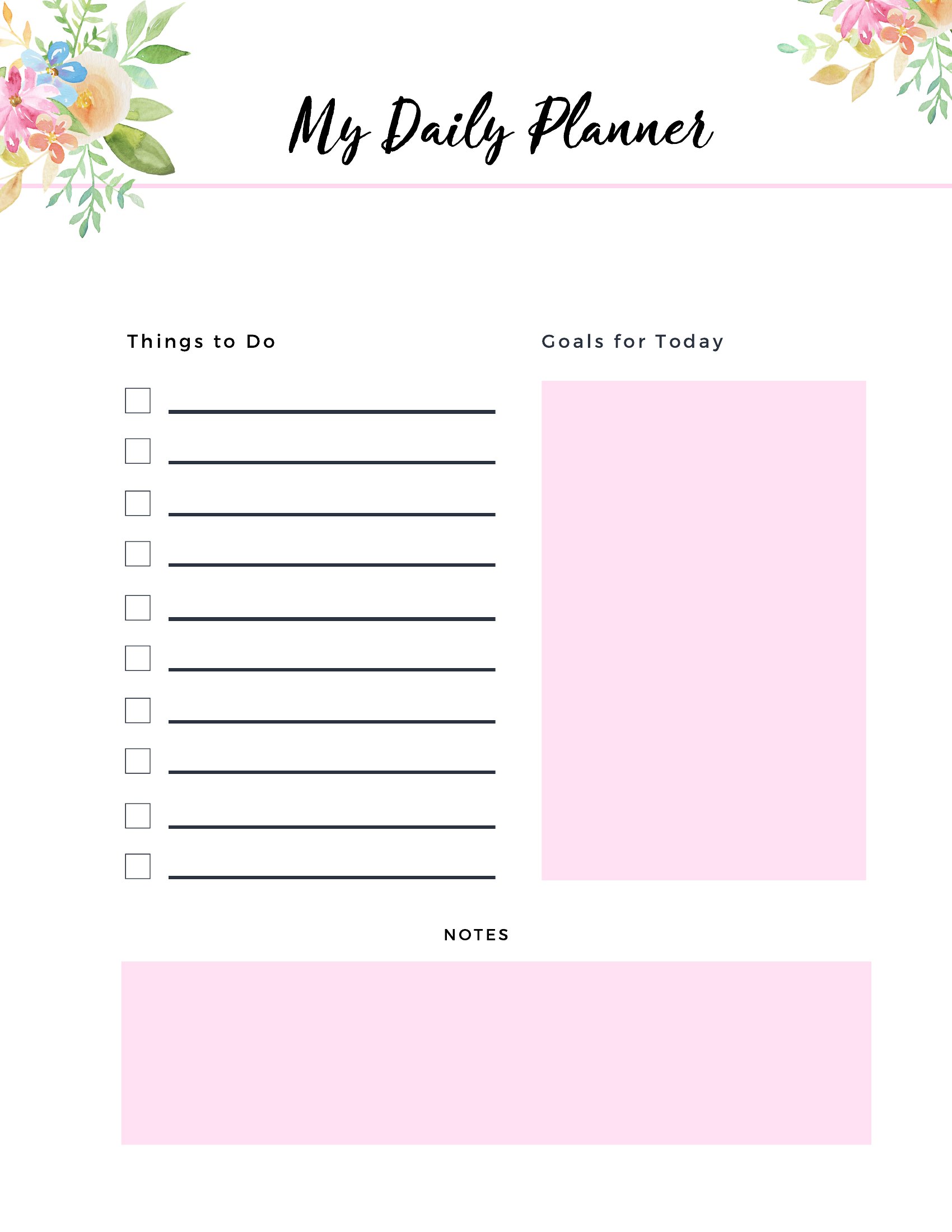
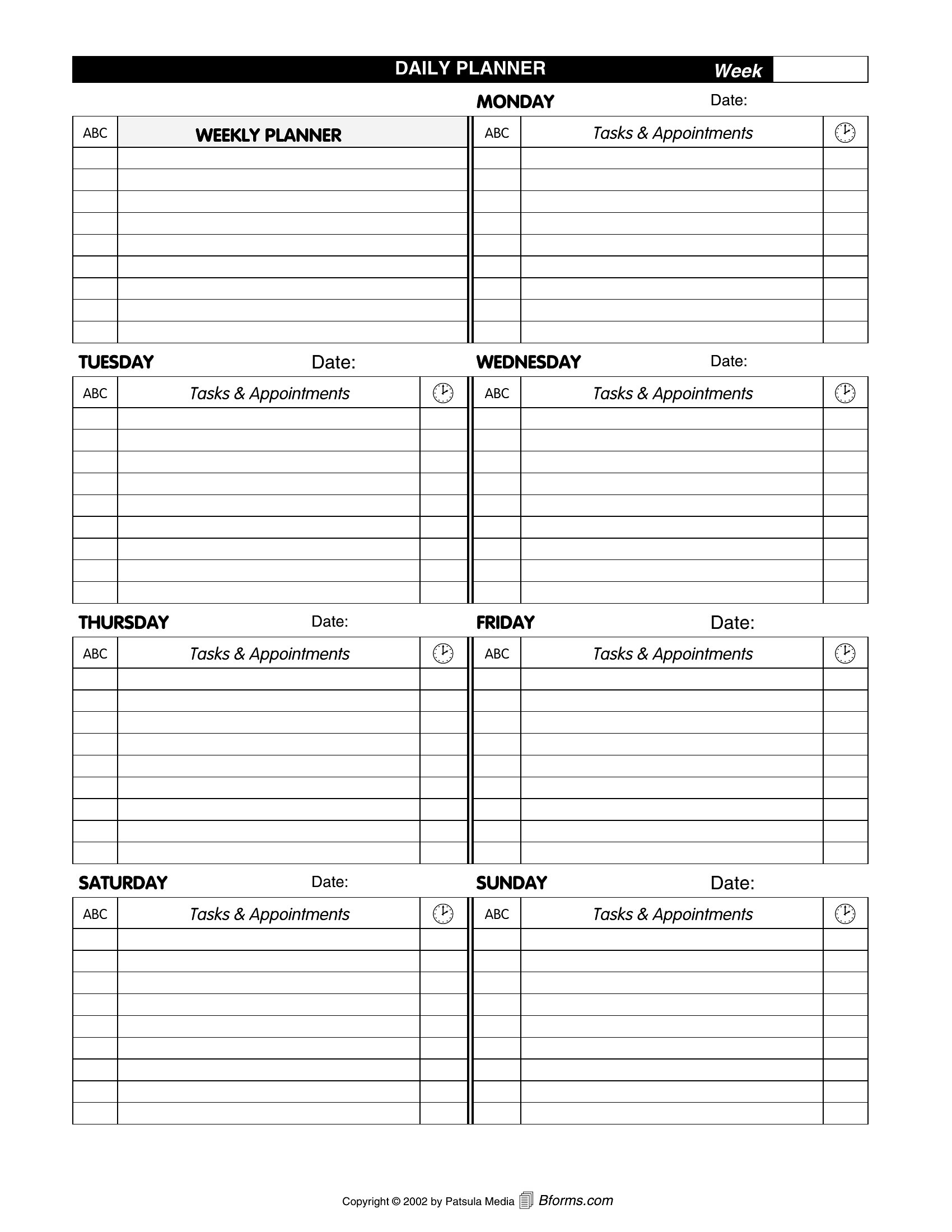
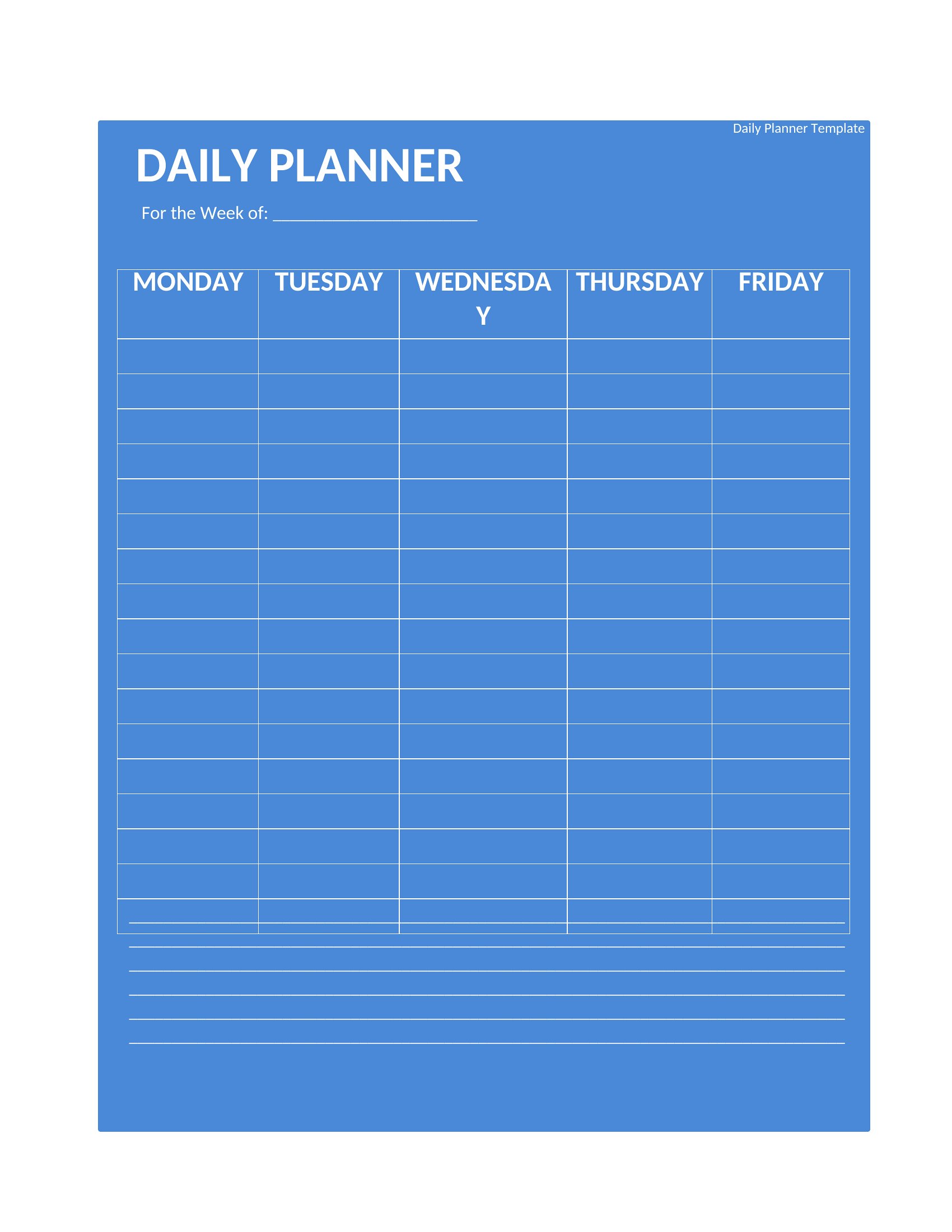
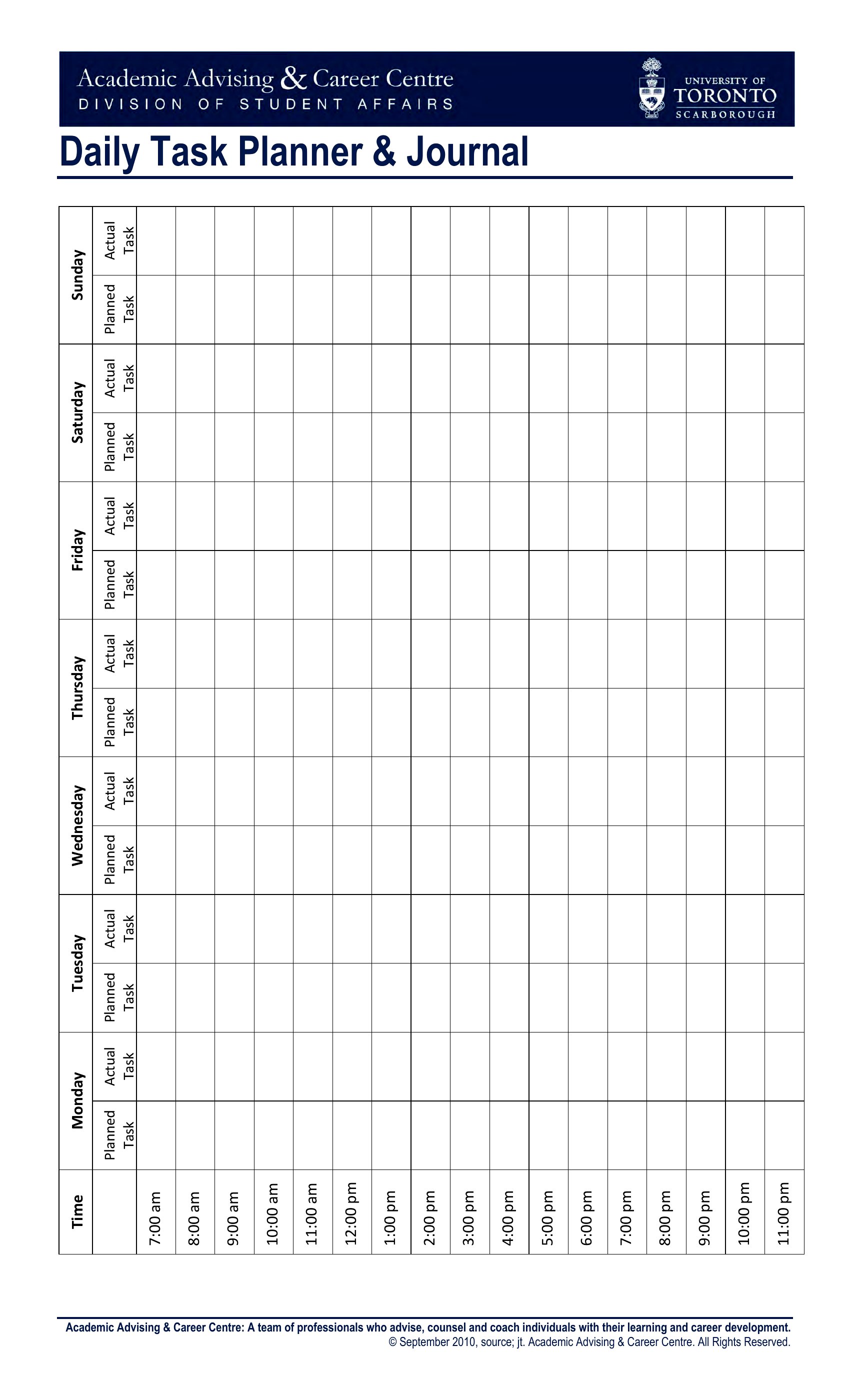
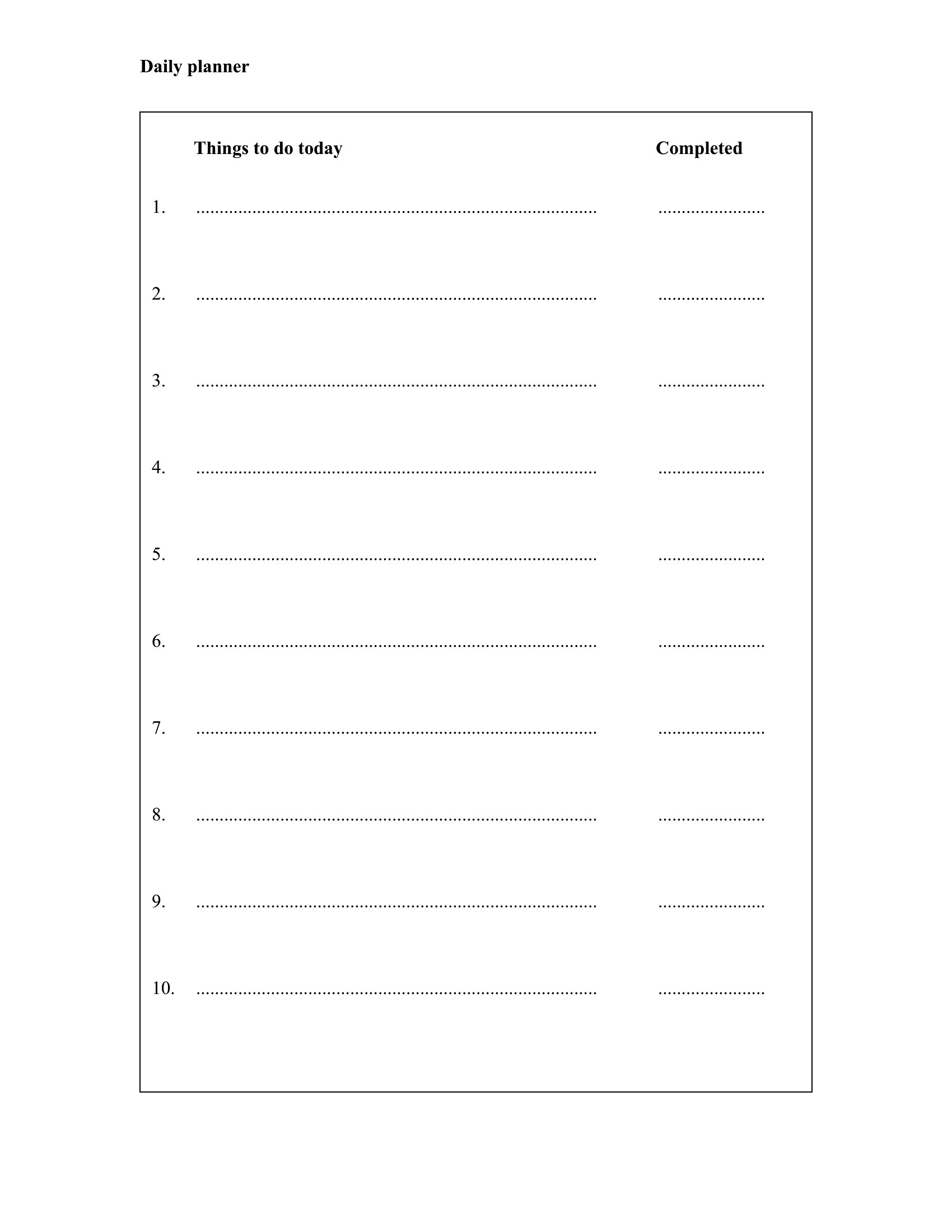
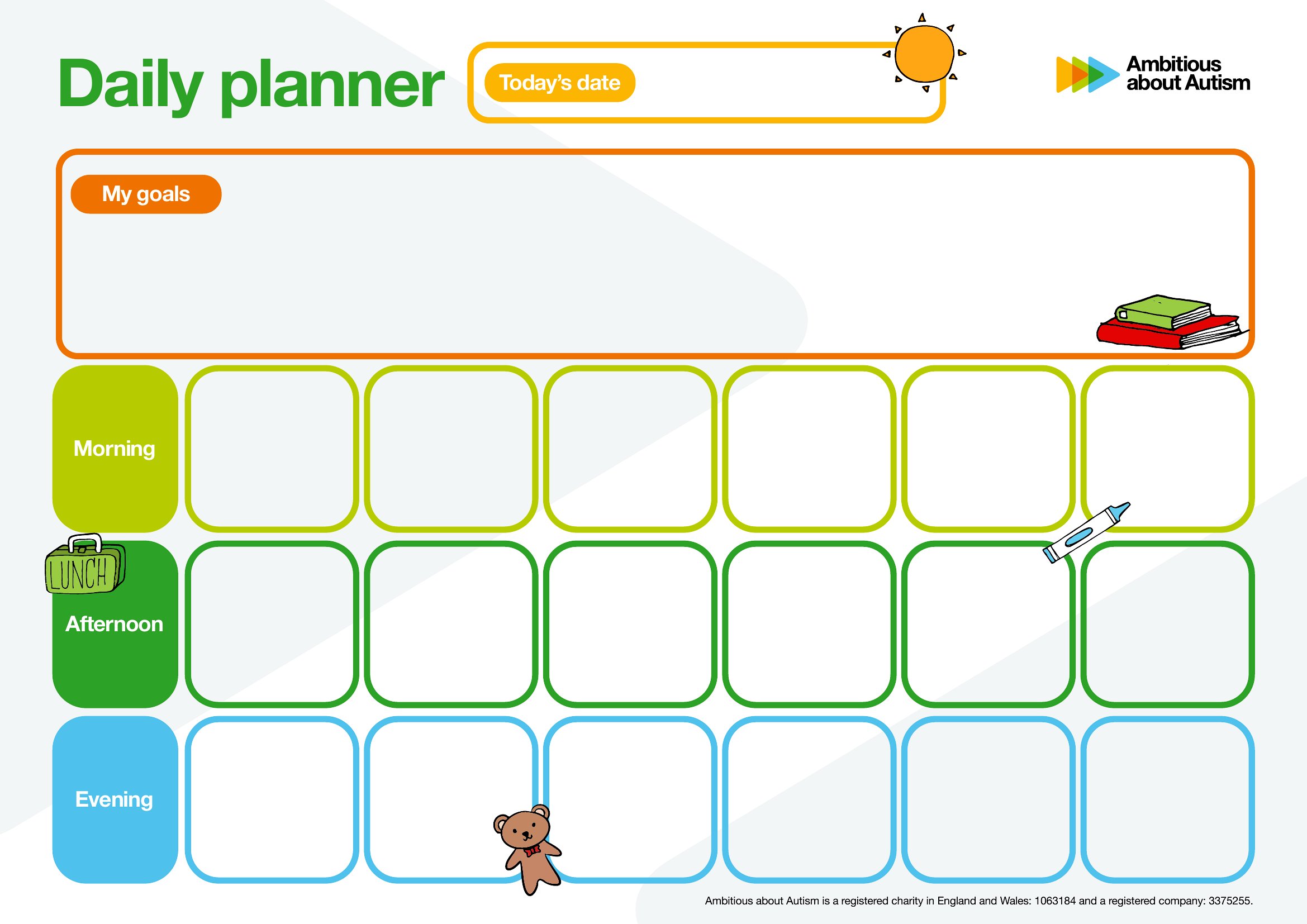
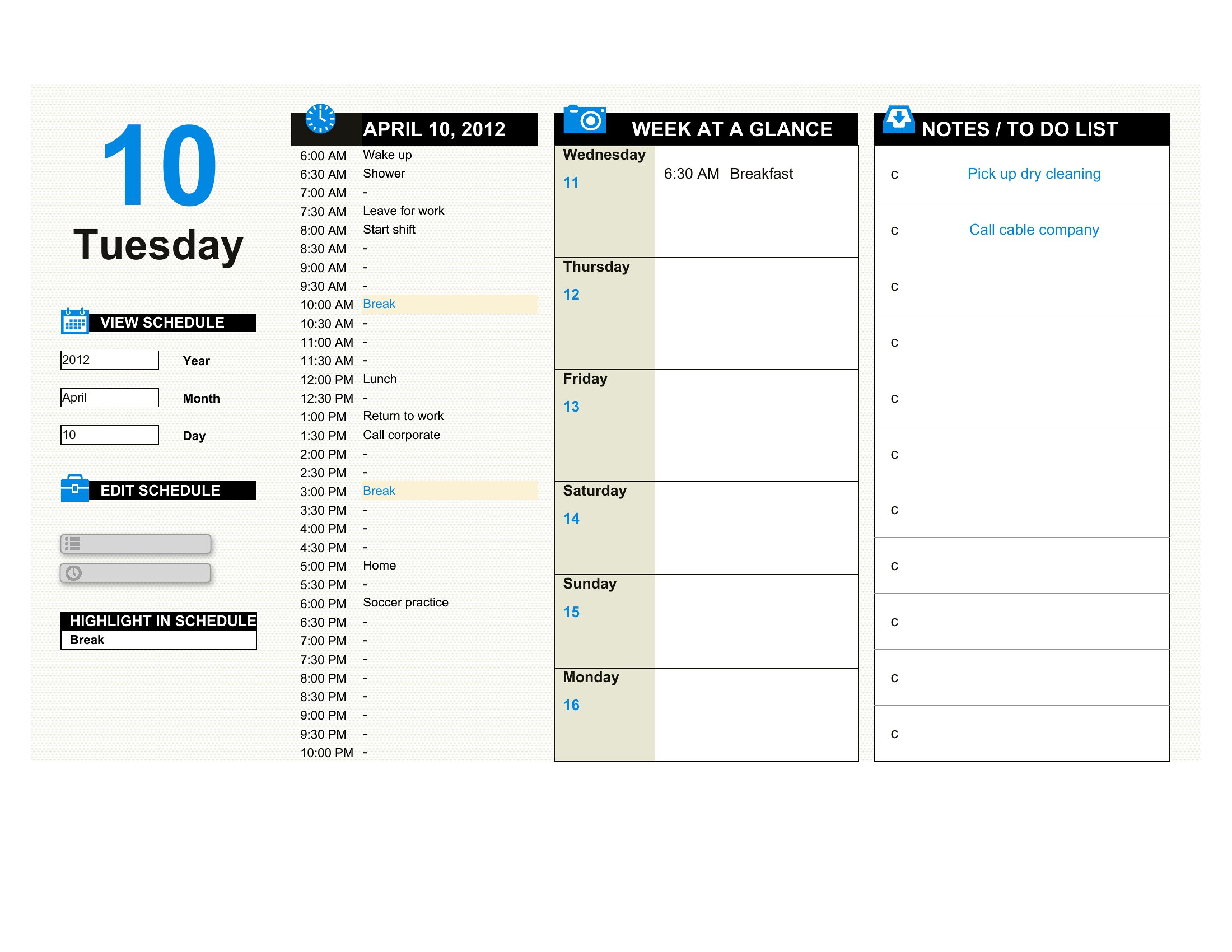
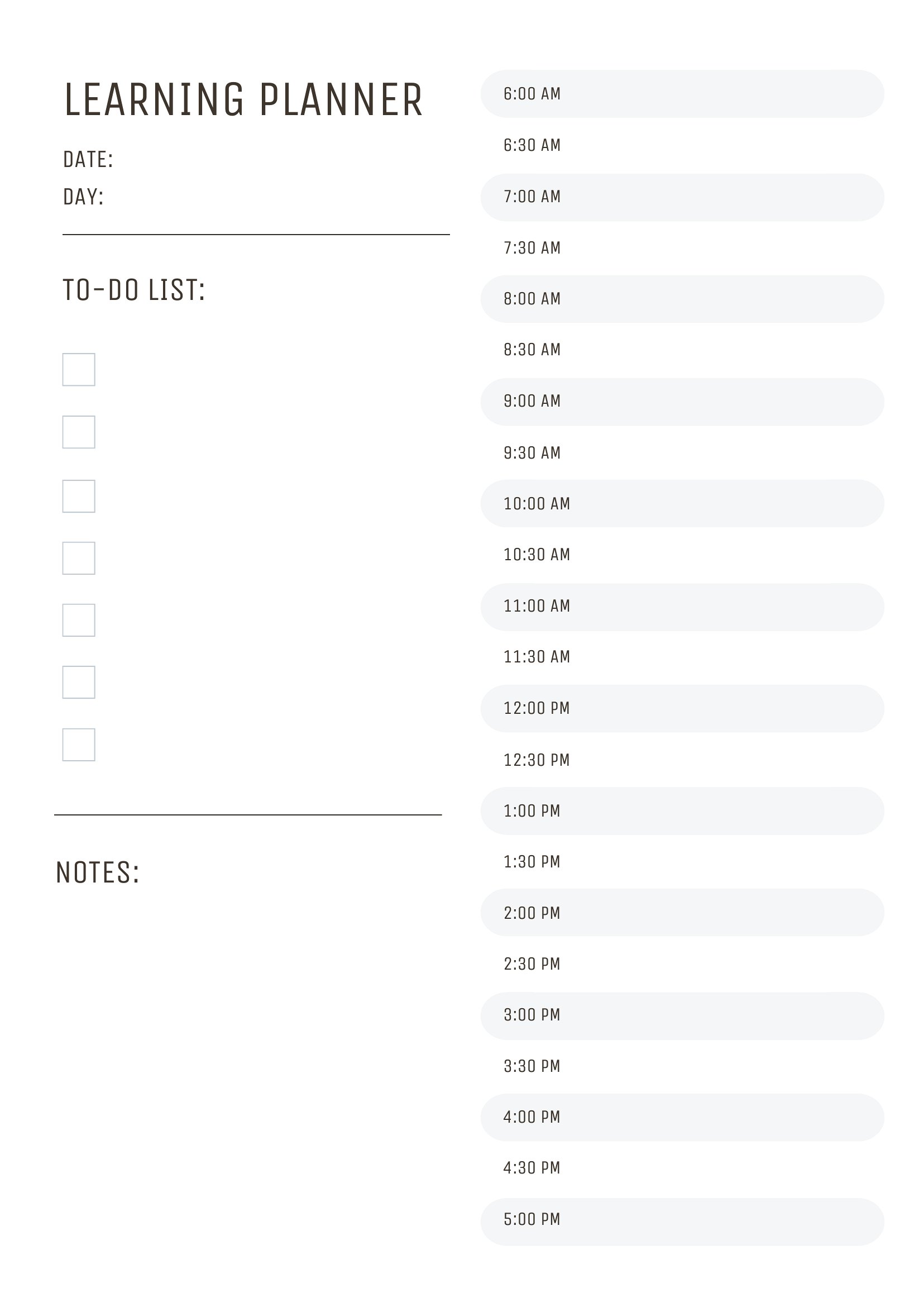
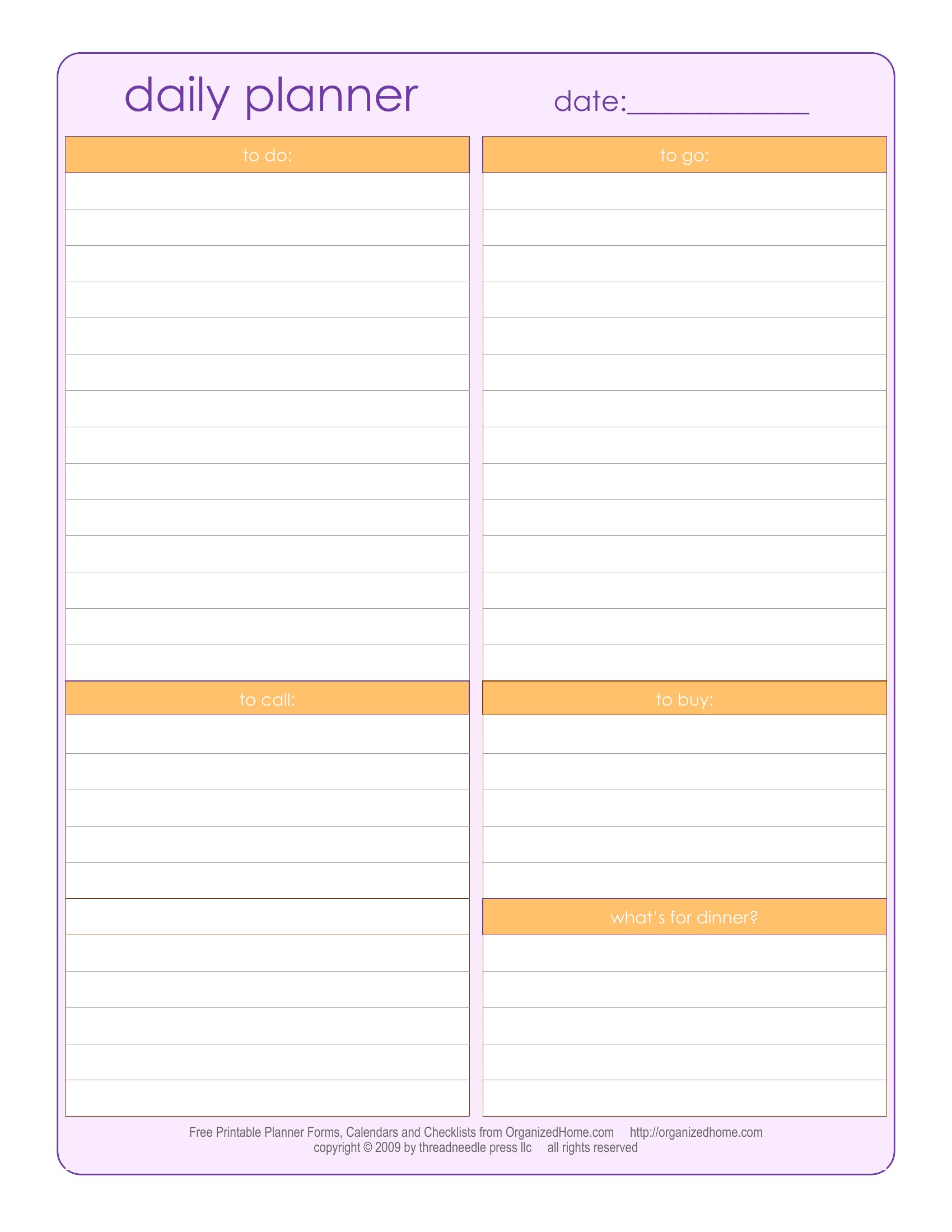
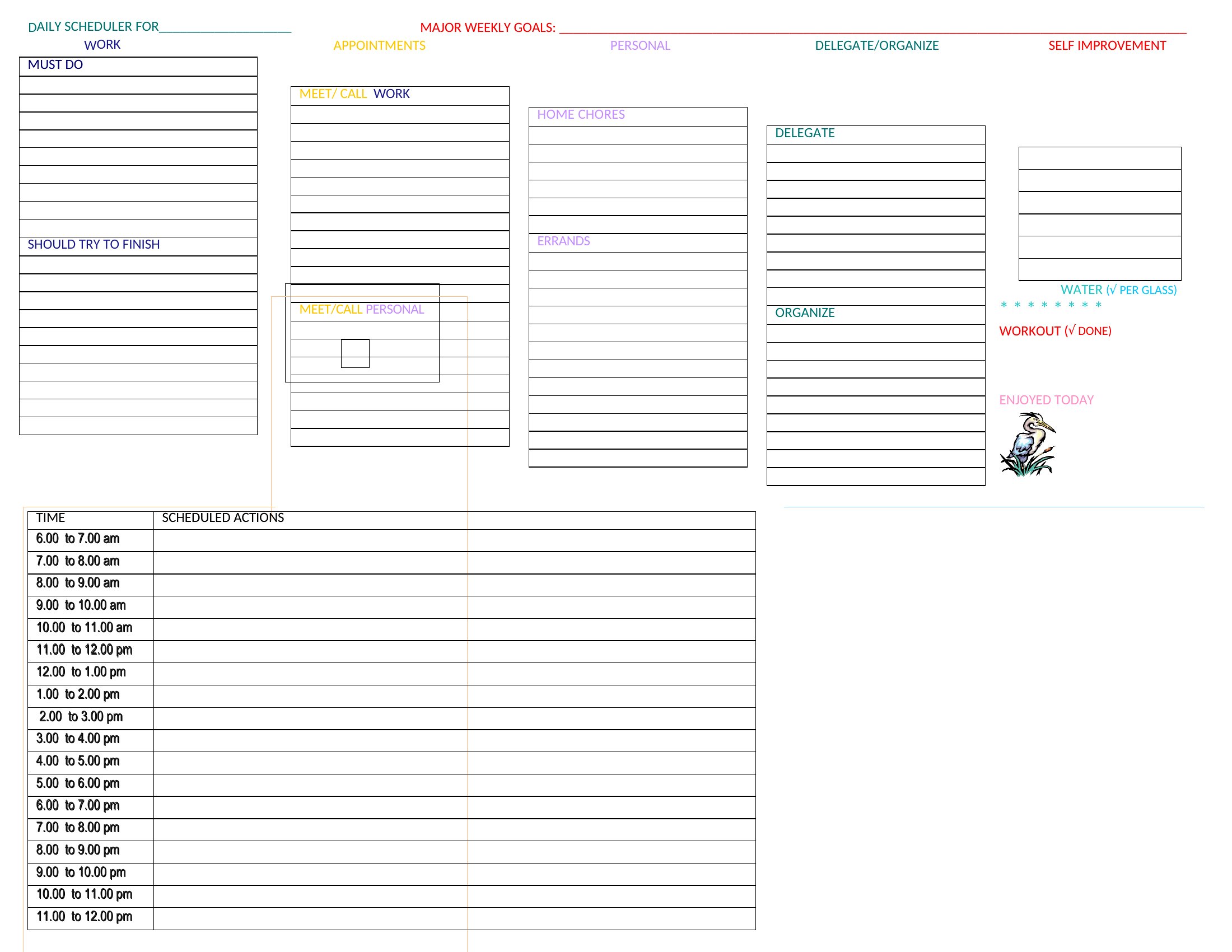
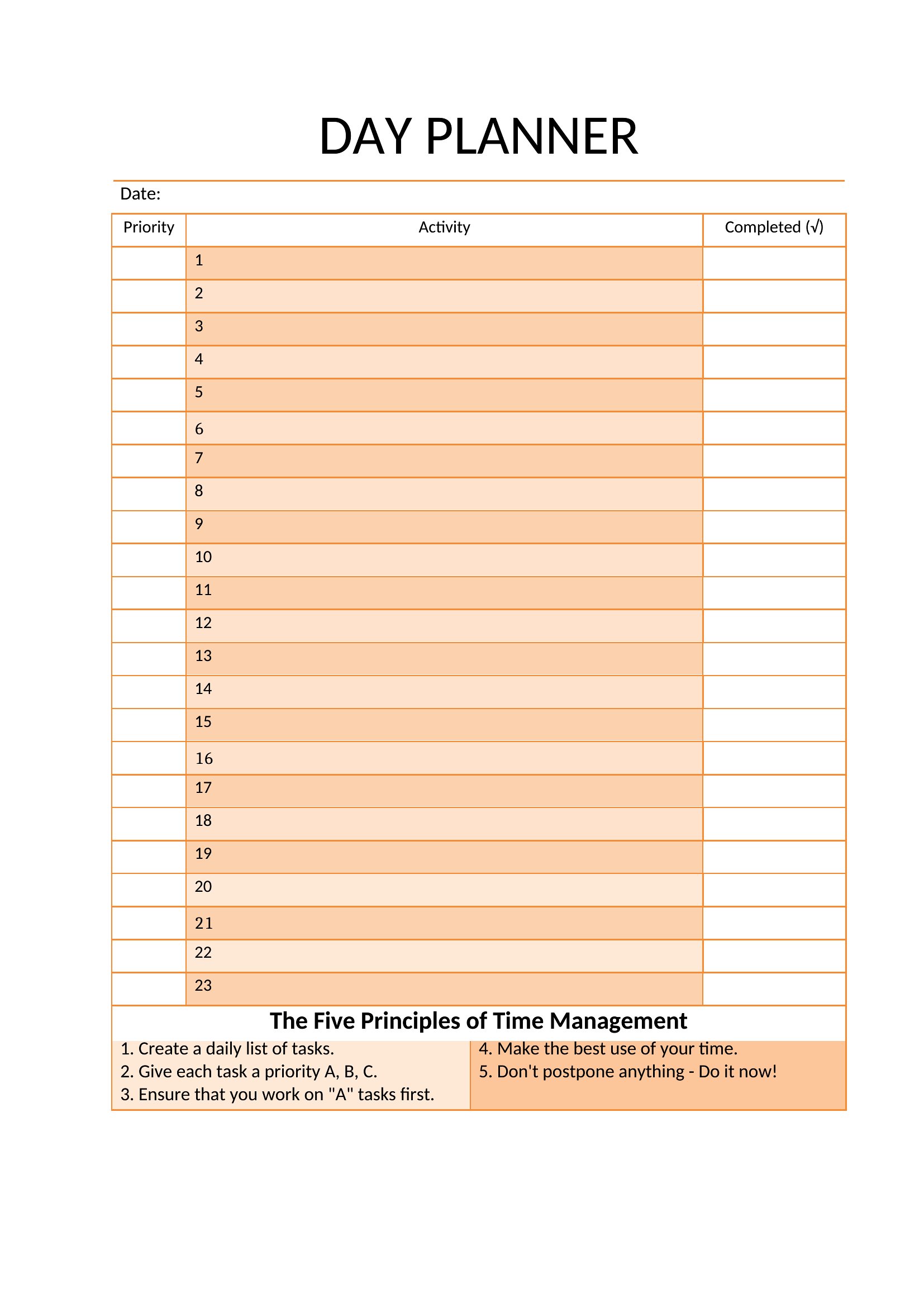
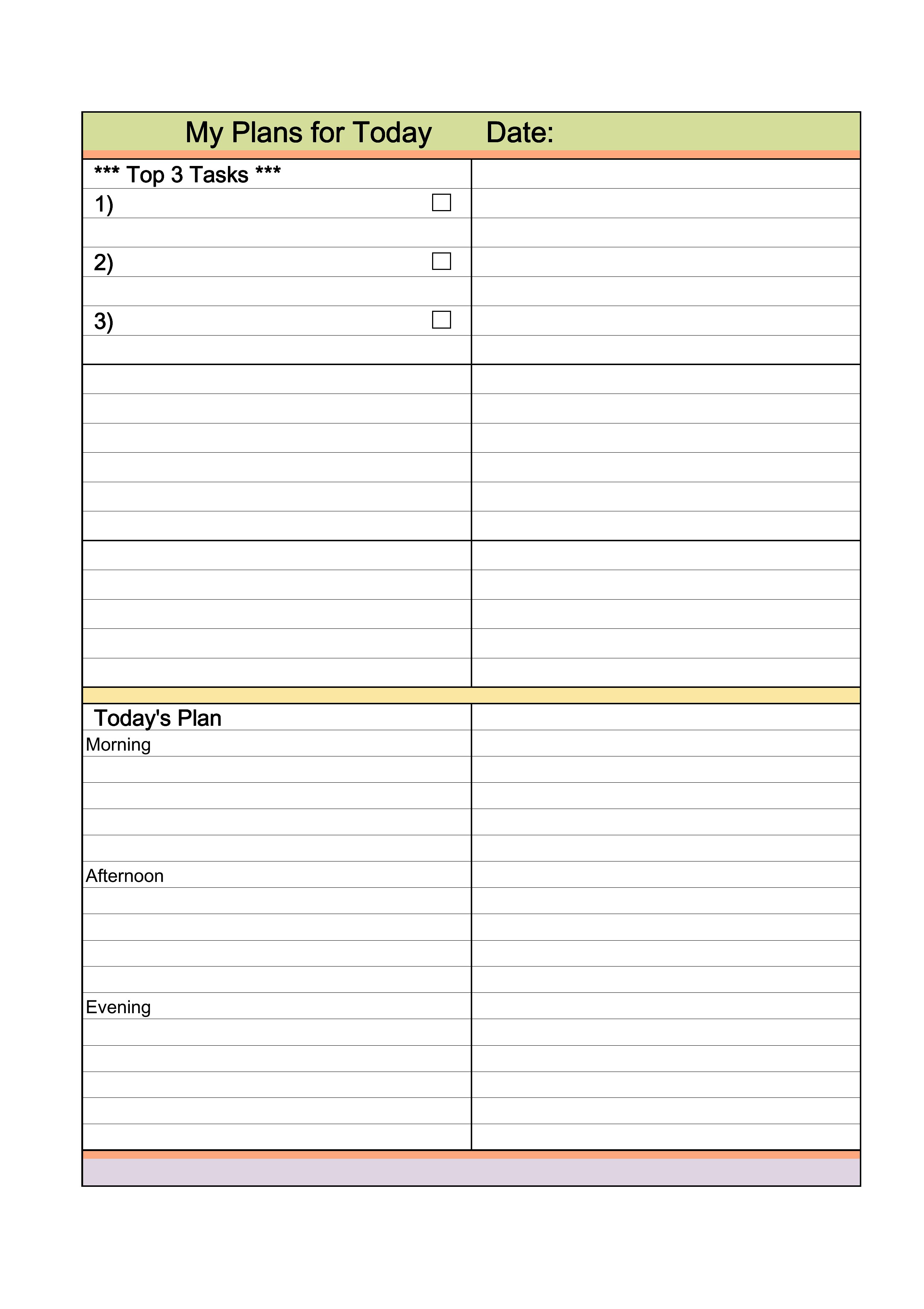
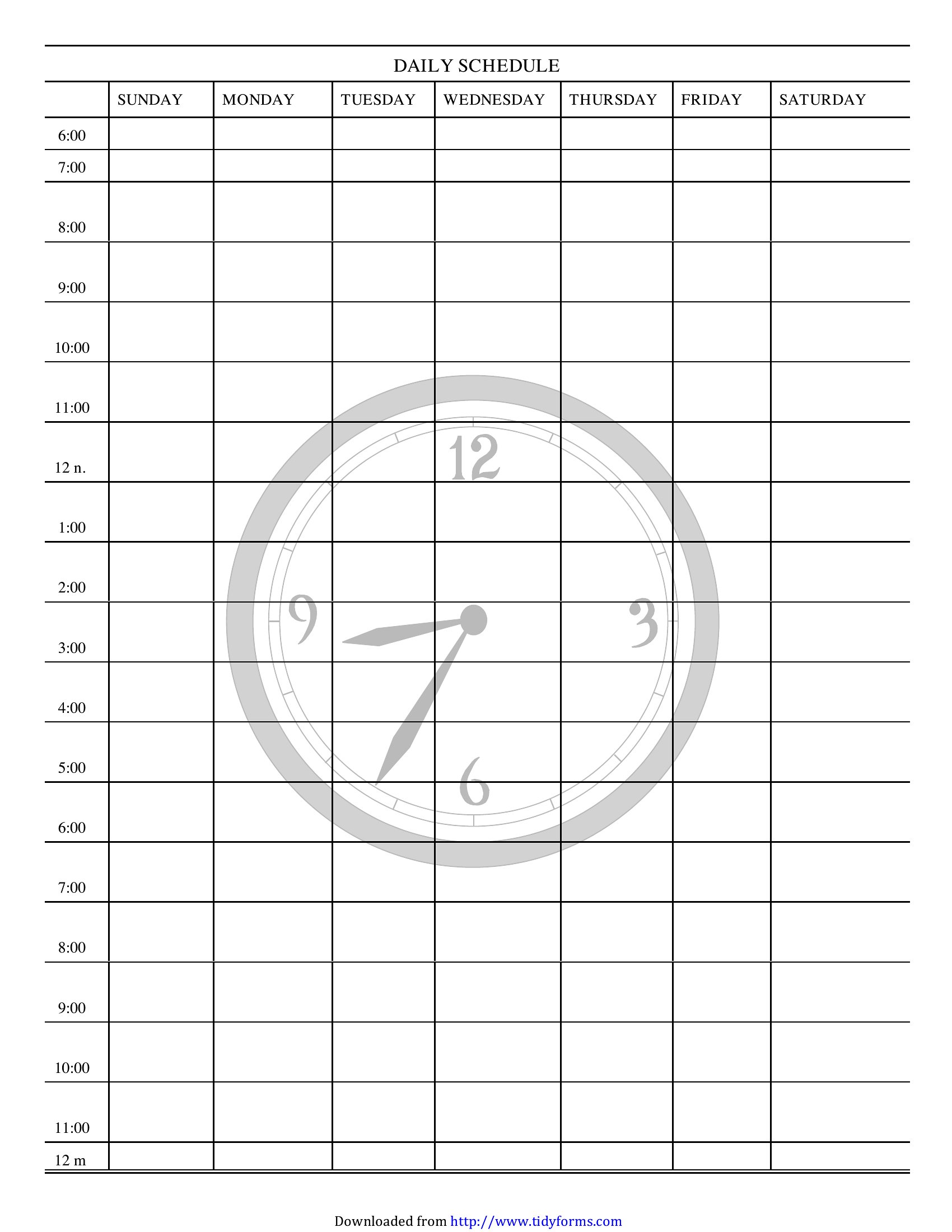
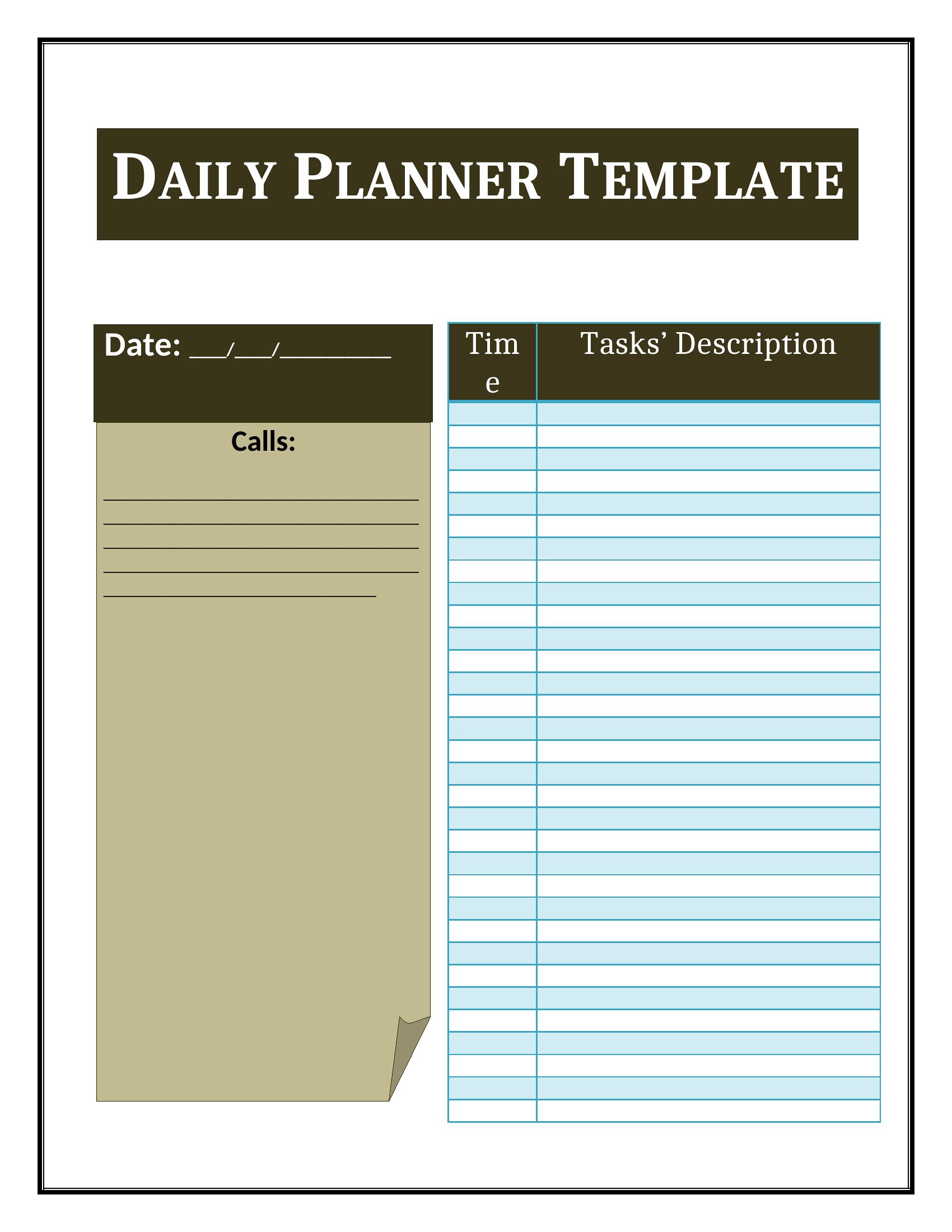
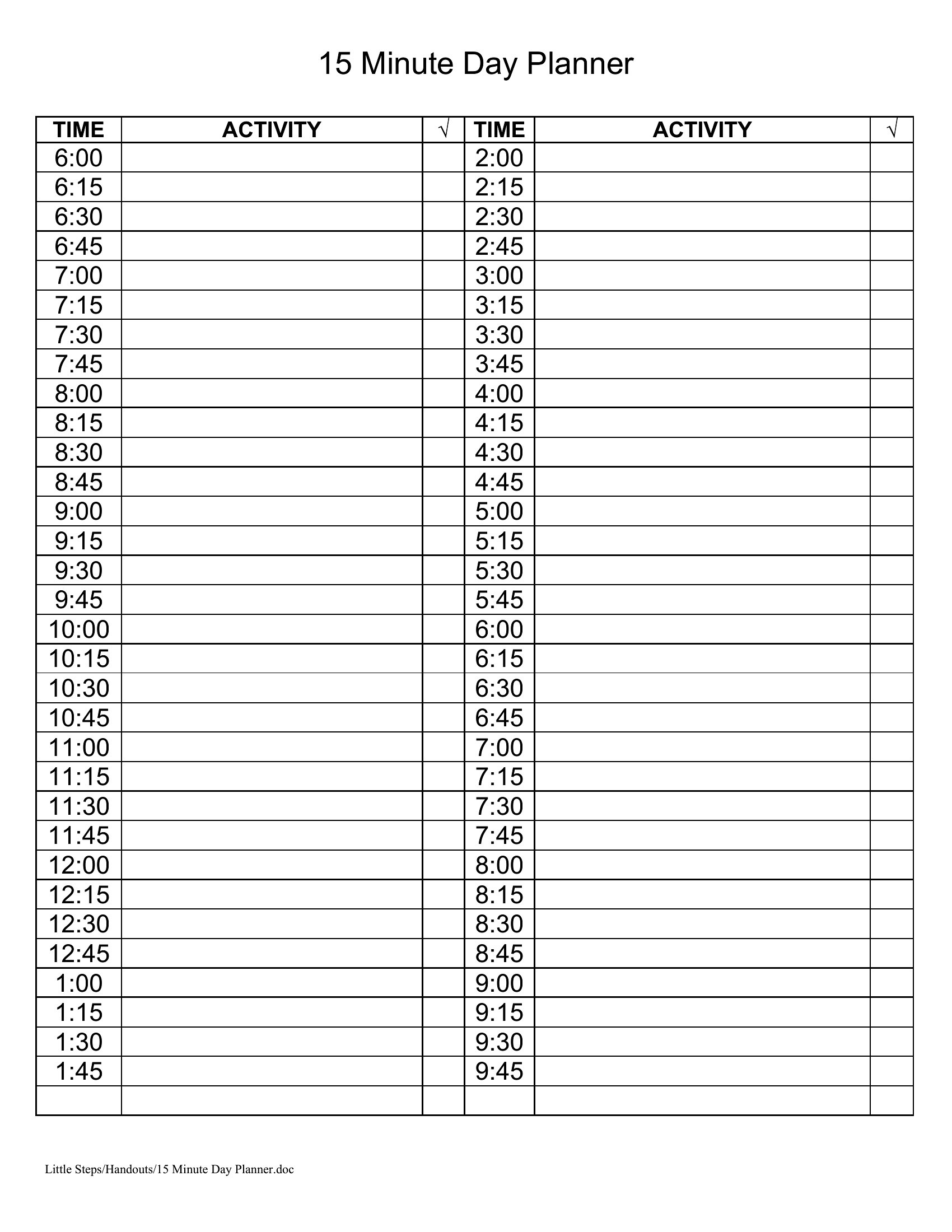
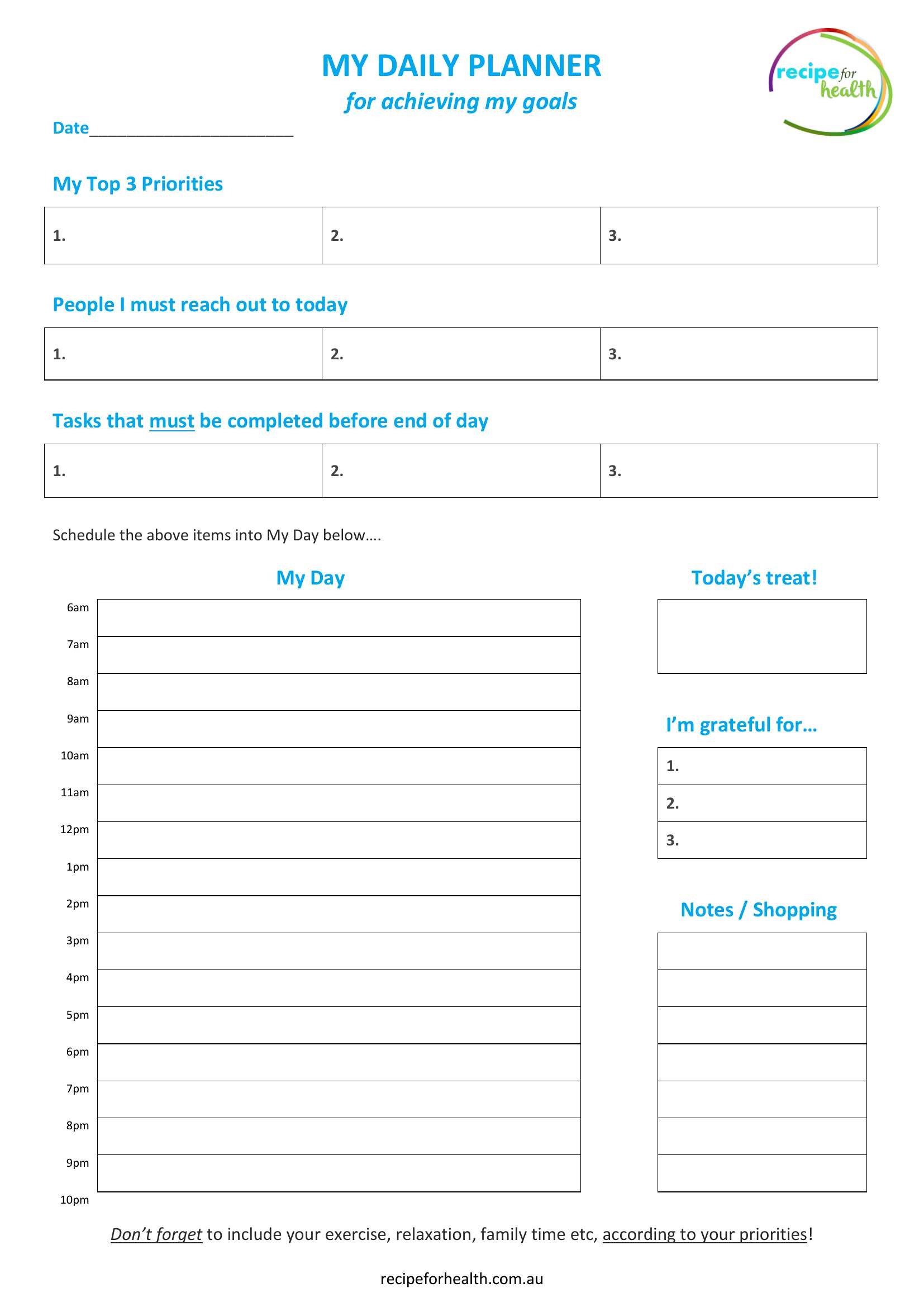
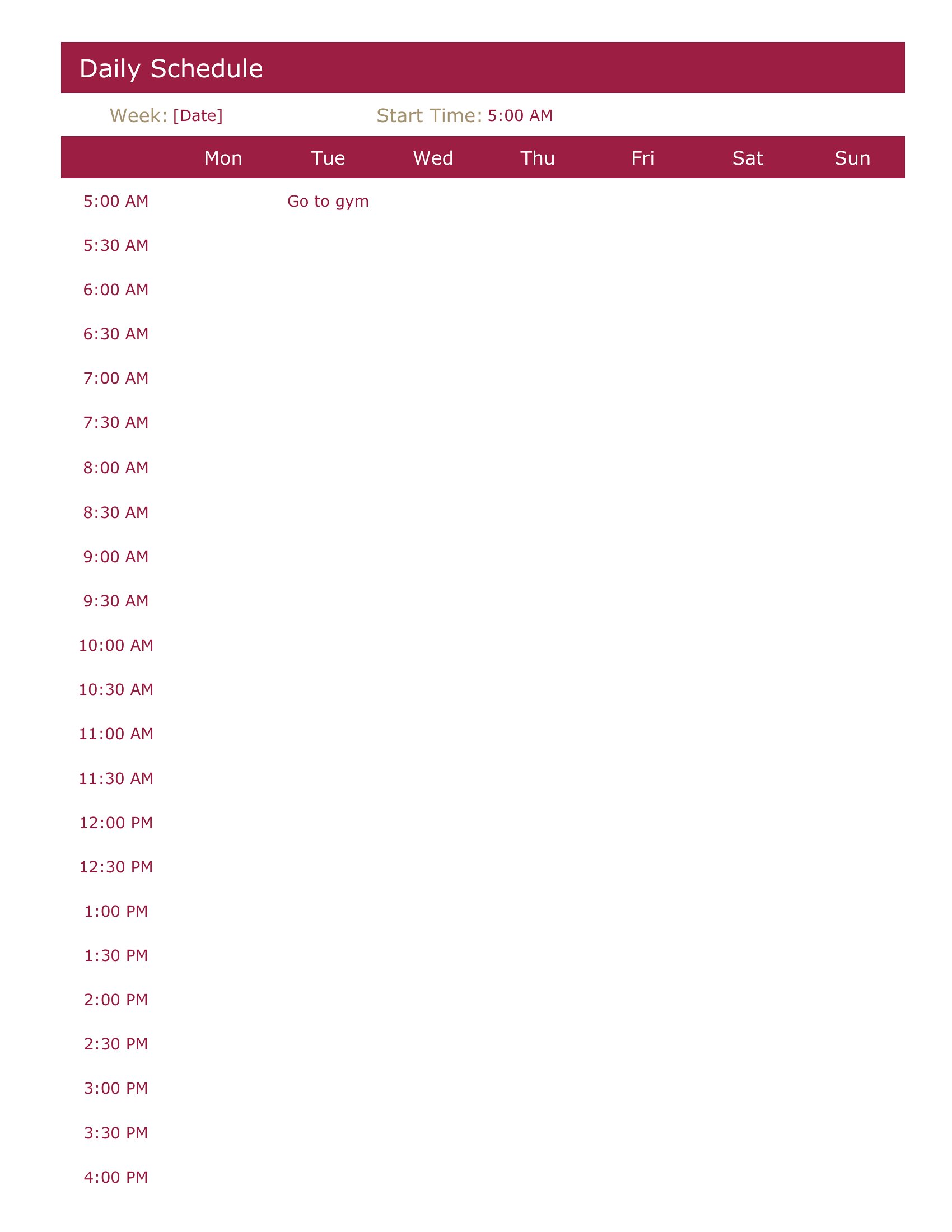
Word Daily Planner
How to use this Daily Planner template
How do I decide between a planner with time blocks vs. one with task lists?
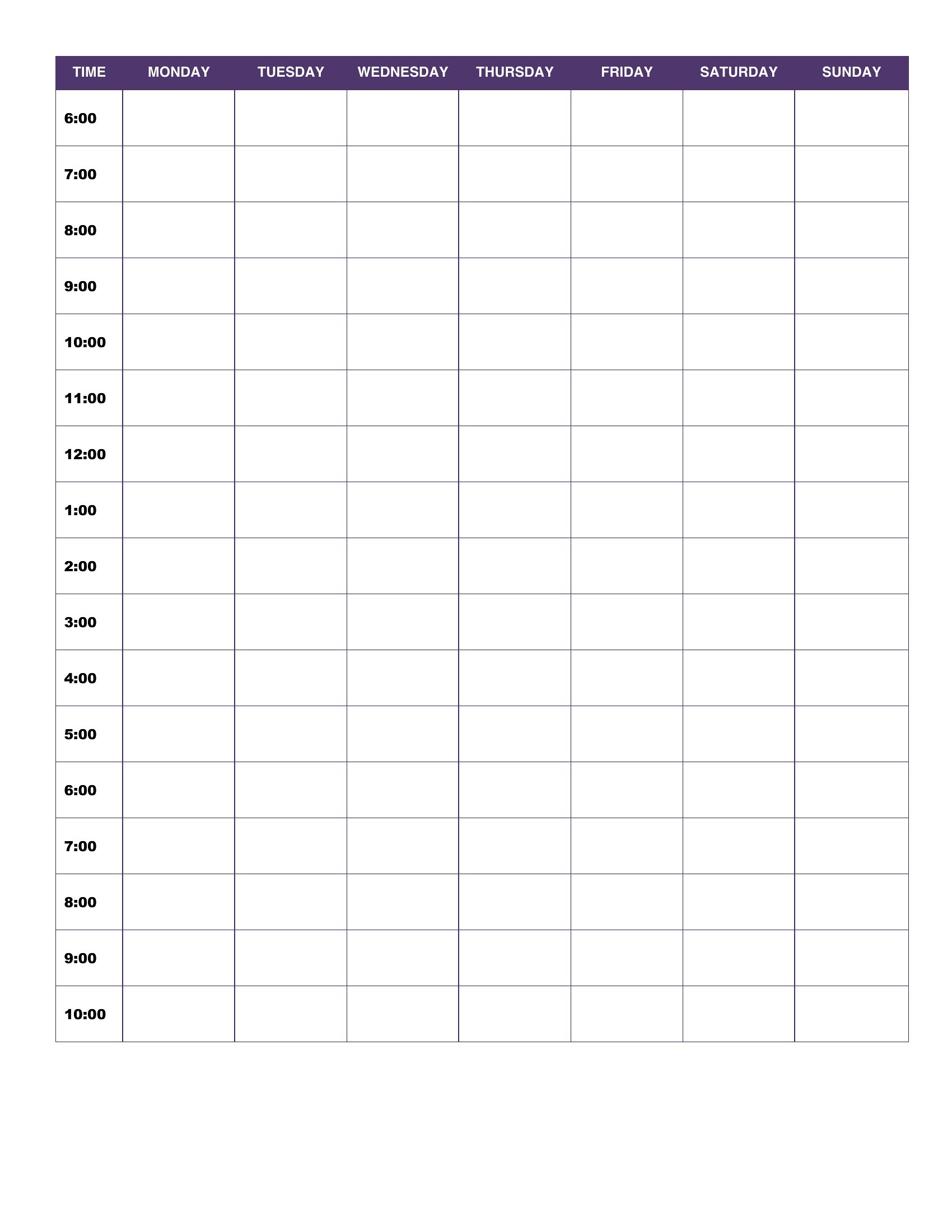
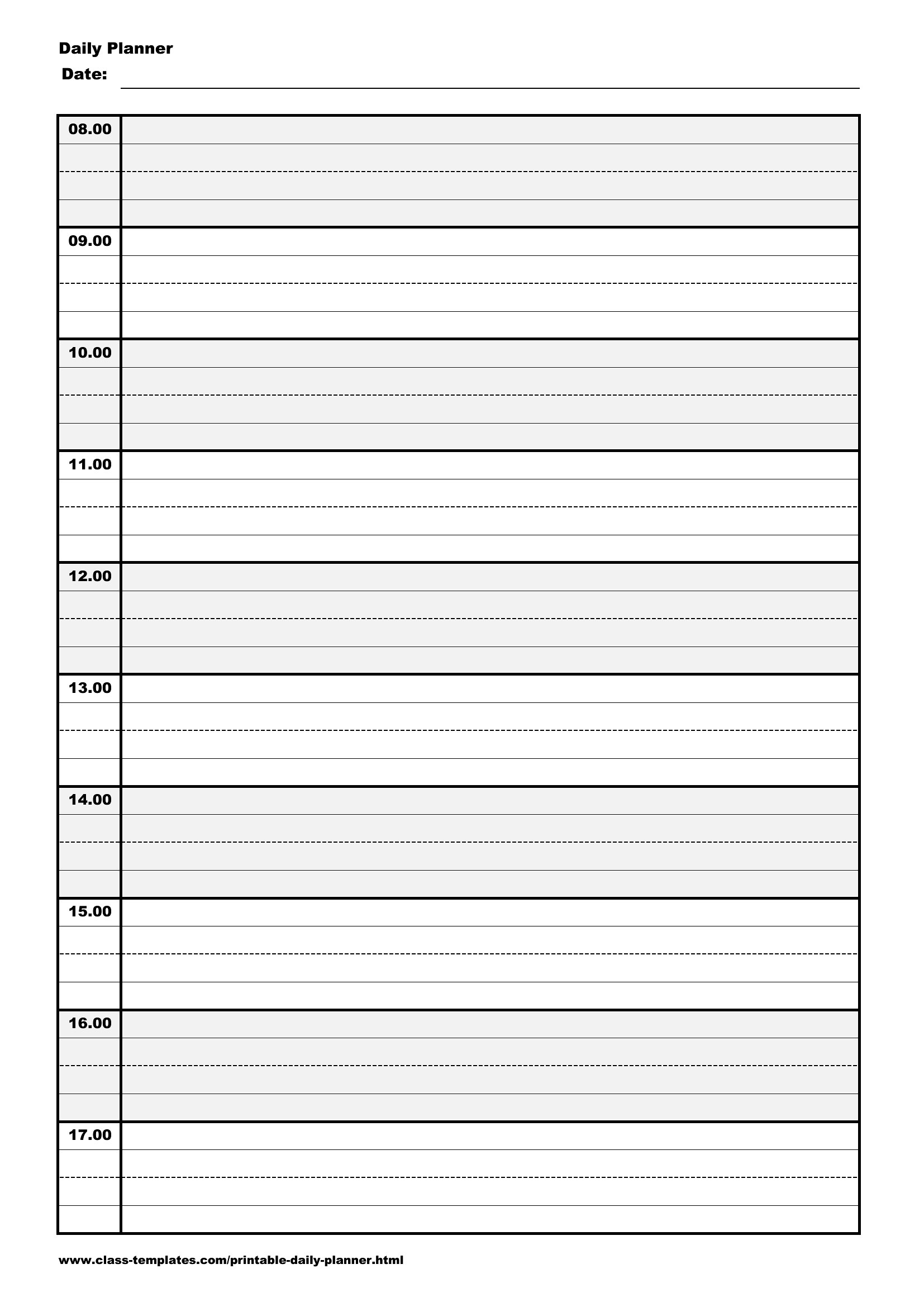
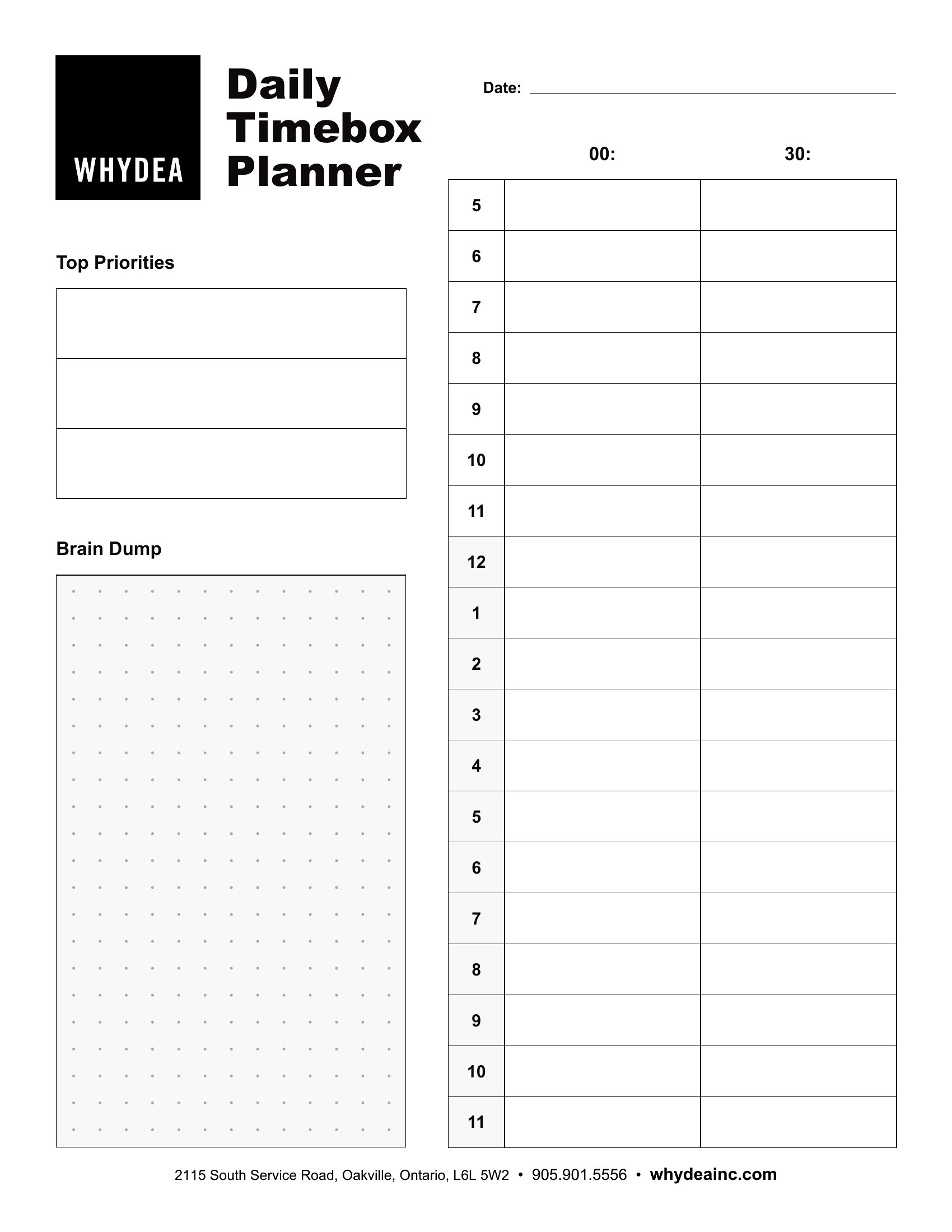
Time-block planners force you to assign specific hours to activities, ideal for structured routines like work or school. Task-list planners let you prioritize without rigid timing, better for flexible schedules with shifting deadlines or creative projects. Mix both: use time blocks for fixed commitments, lists for flexible to-dos.
Are these planners useful for someone with ADHD who struggles with consistency?
Yes, but consider formats with minimal visual clutter—like the blank Excel or PDF templates—and add color-coding for priorities. Time-block planners can help by breaking the day into smaller, manageable chunks. Pair it with a habit-tracking section for accountability. Start simple and adjust as needed.
Can I customize a daily planner to track both personal and work goals in the same layout?
Absolutely. The Word and Excel formats let you merge sections: dedicate the top half to work tasks (with deadlines) and the bottom half to personal goals (like exercise or reading). PDFs may need manual additions, but you can print multiple pages for different categories. Keep both areas visually distinct to avoid overlap.
Comments
Join the conversation
Sign in to share your thoughts and leave a comment on this resource.