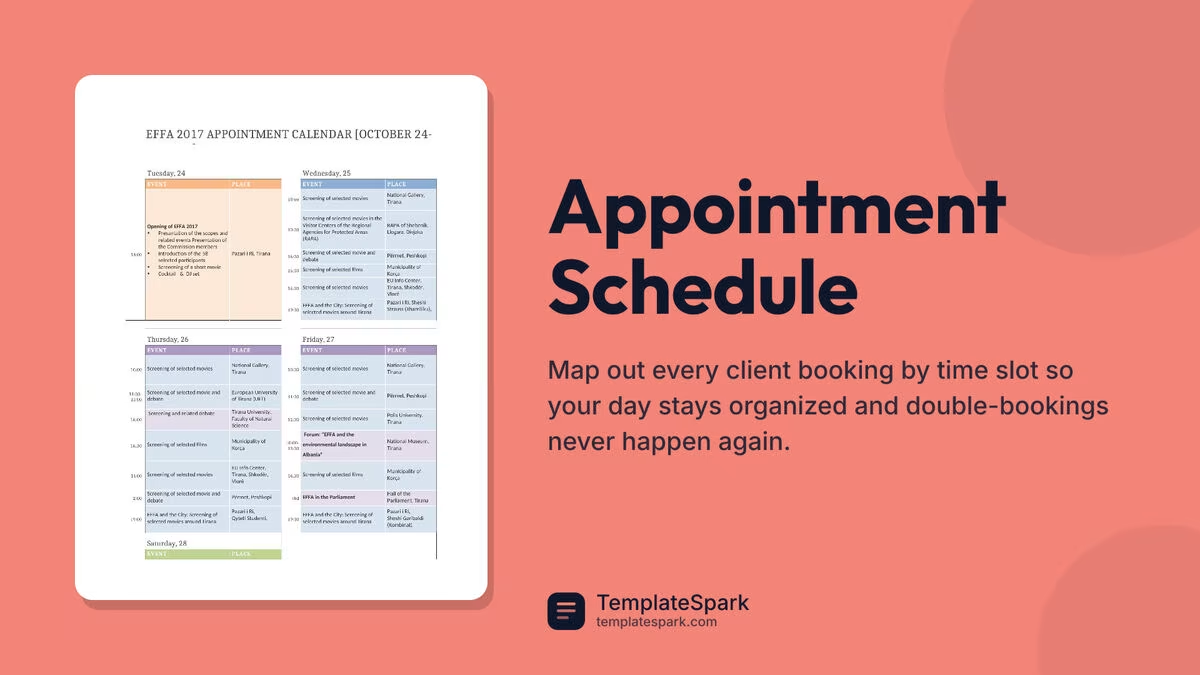
Free Appointment Schedule Templates (Word, Excel)
Daily by indiracaraballo
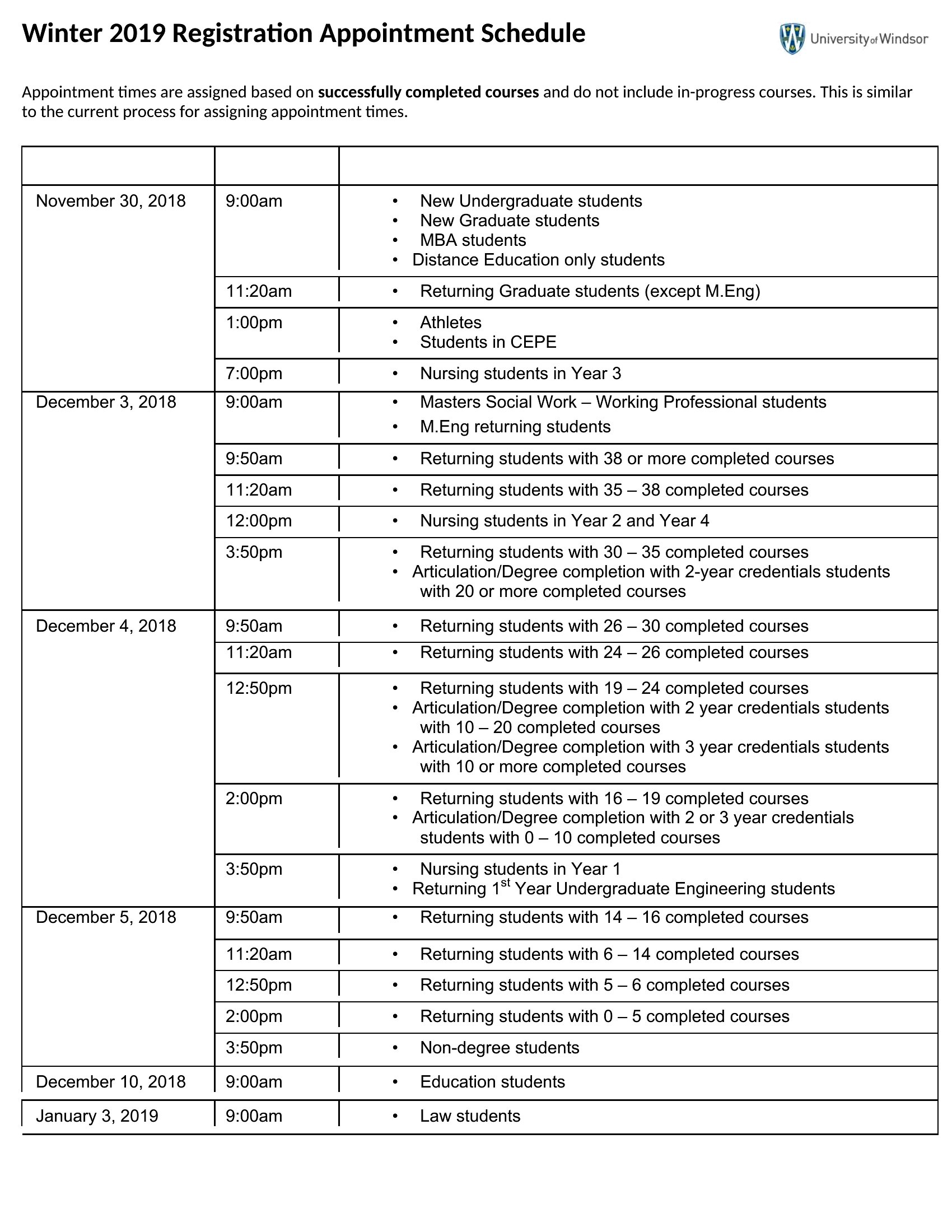
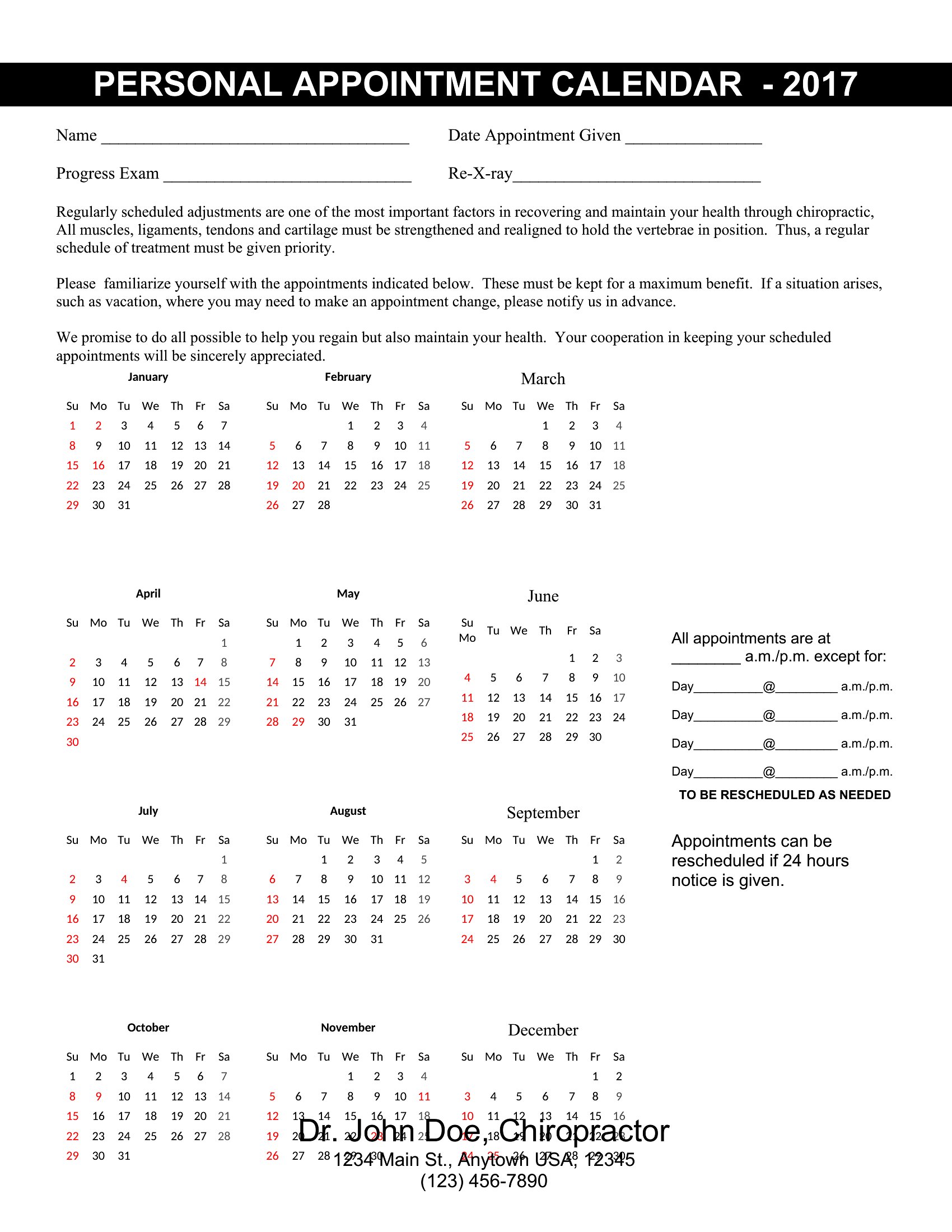
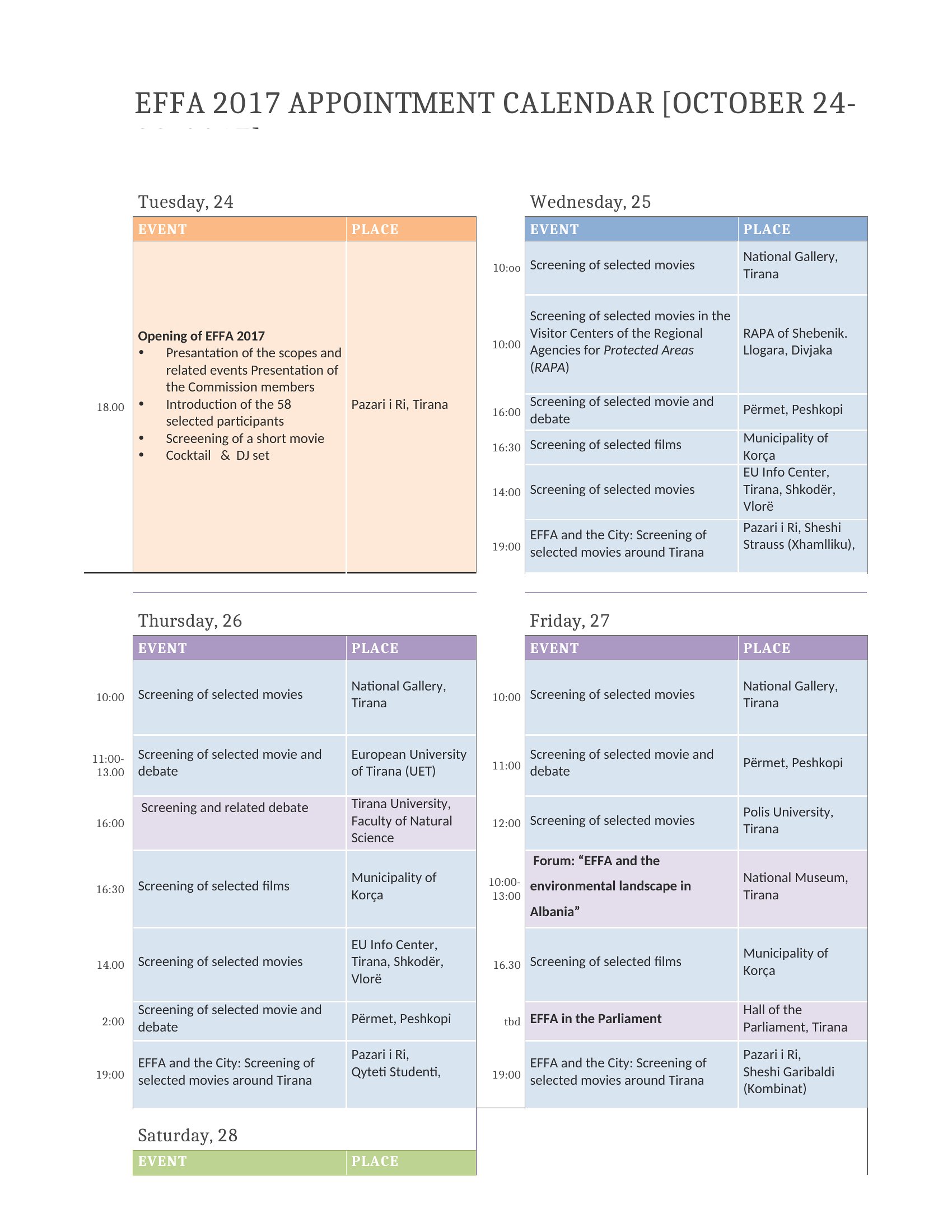
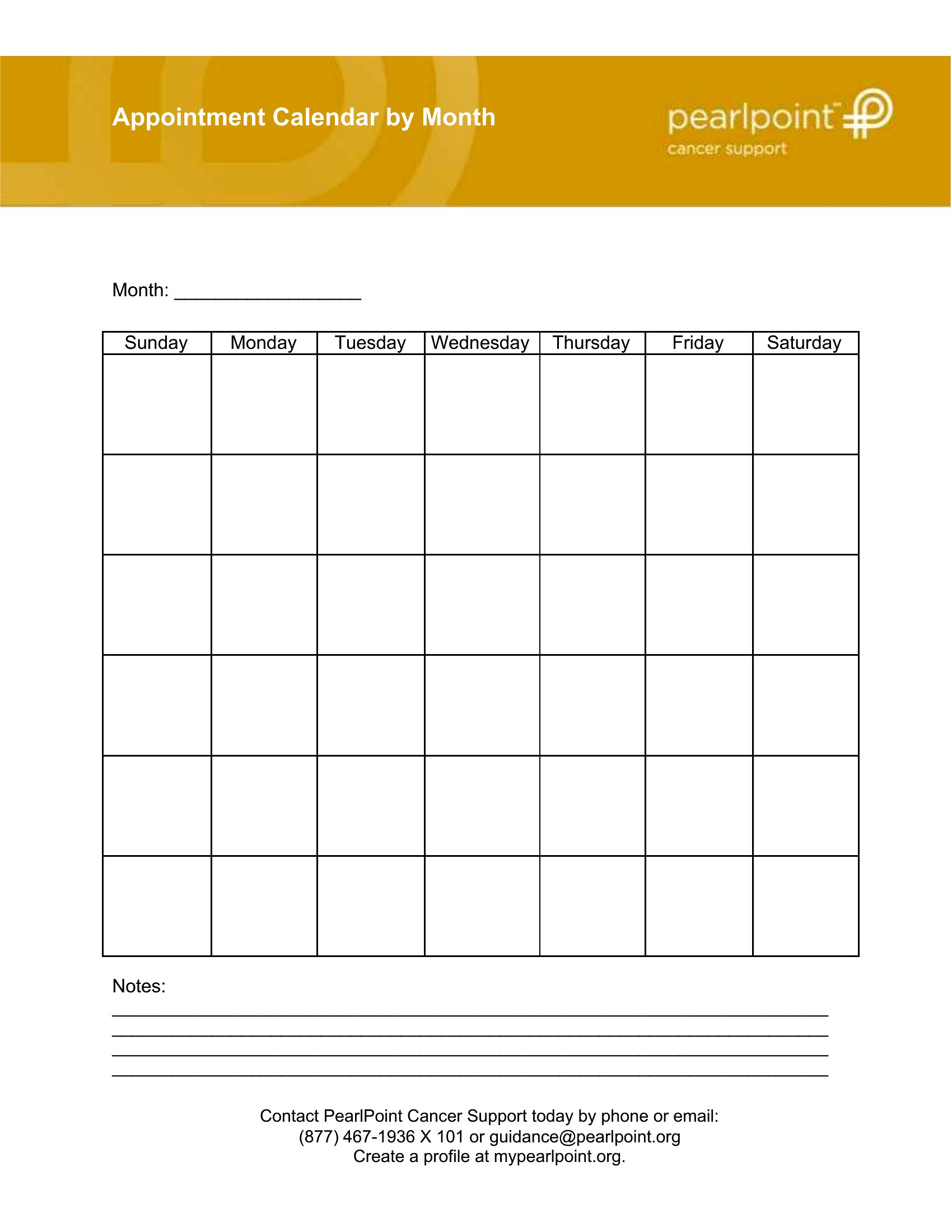
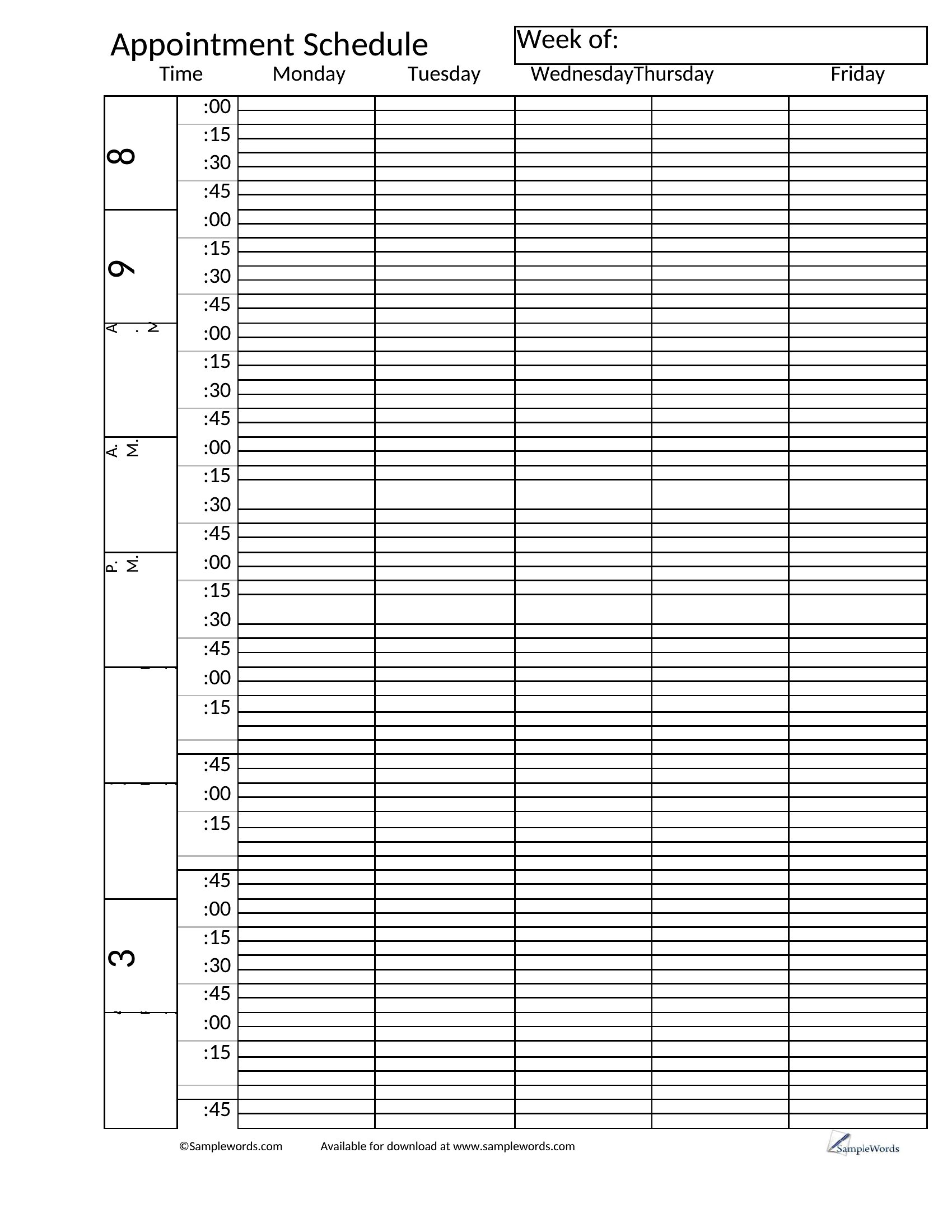
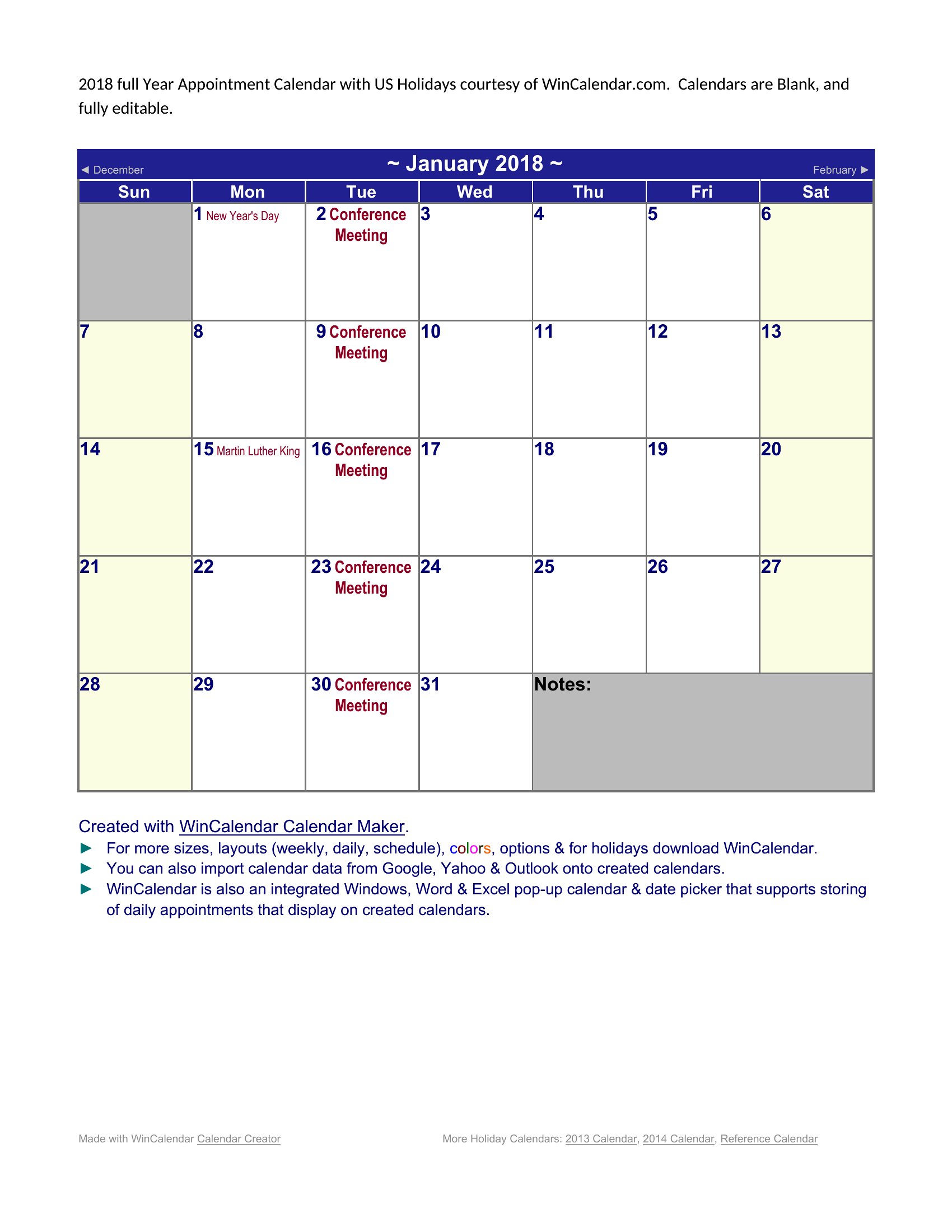
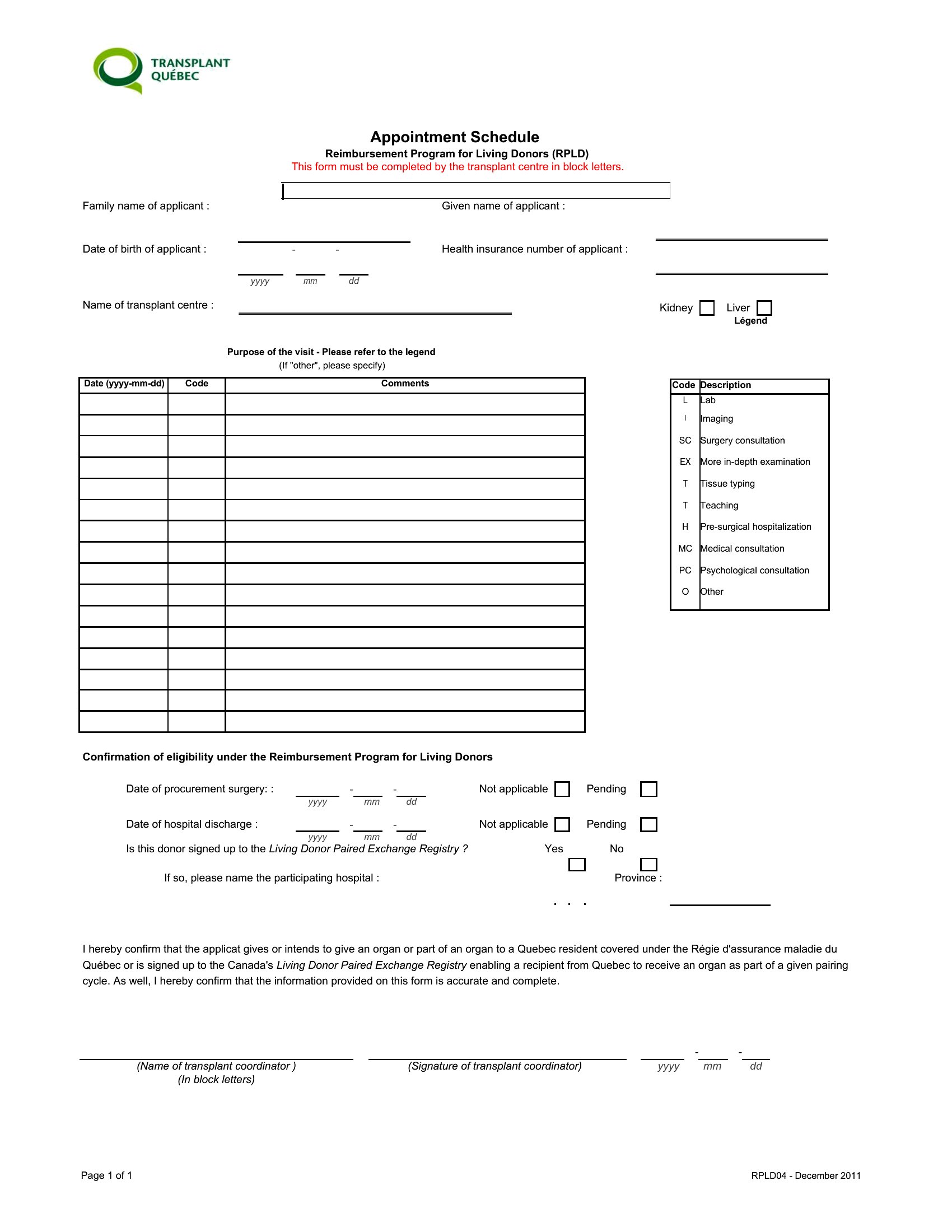
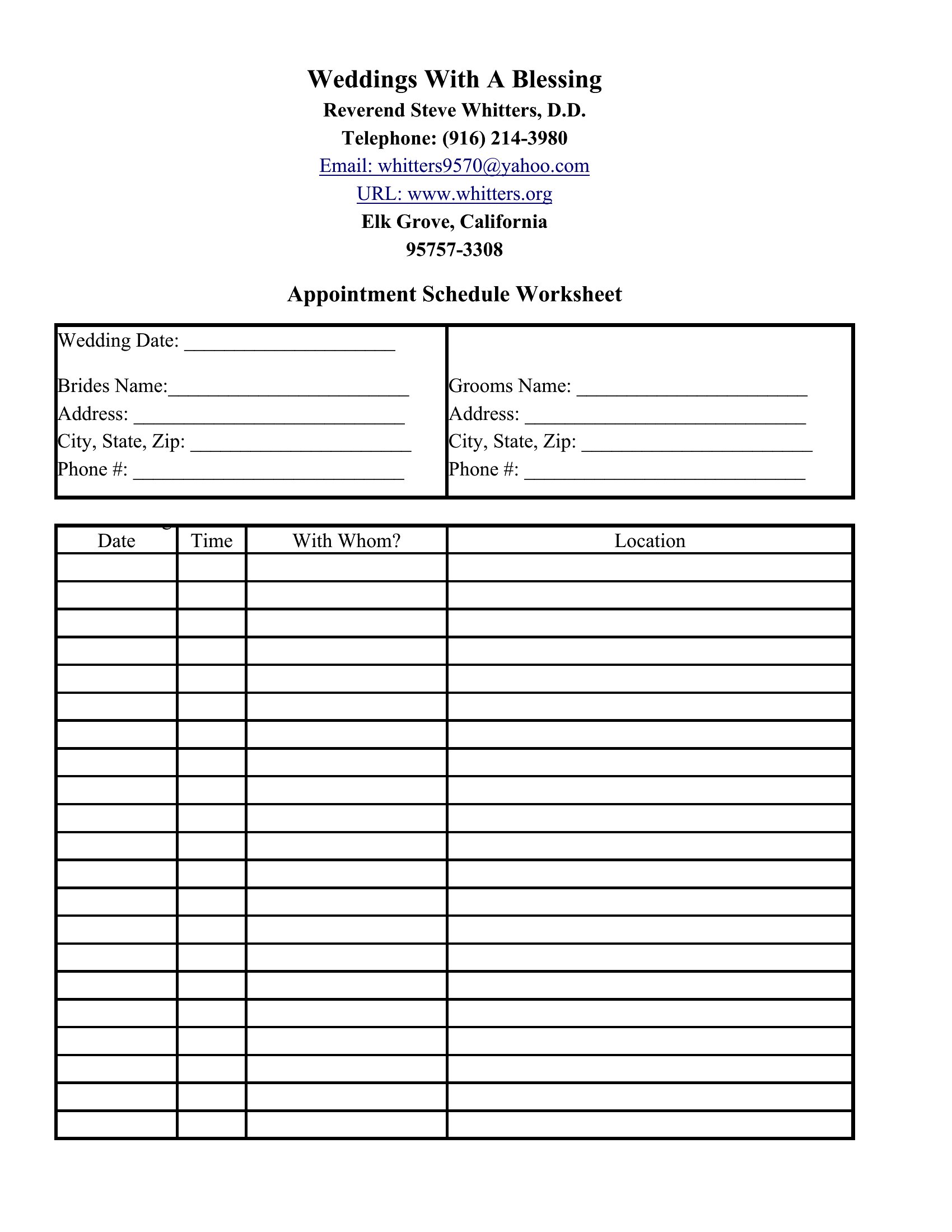
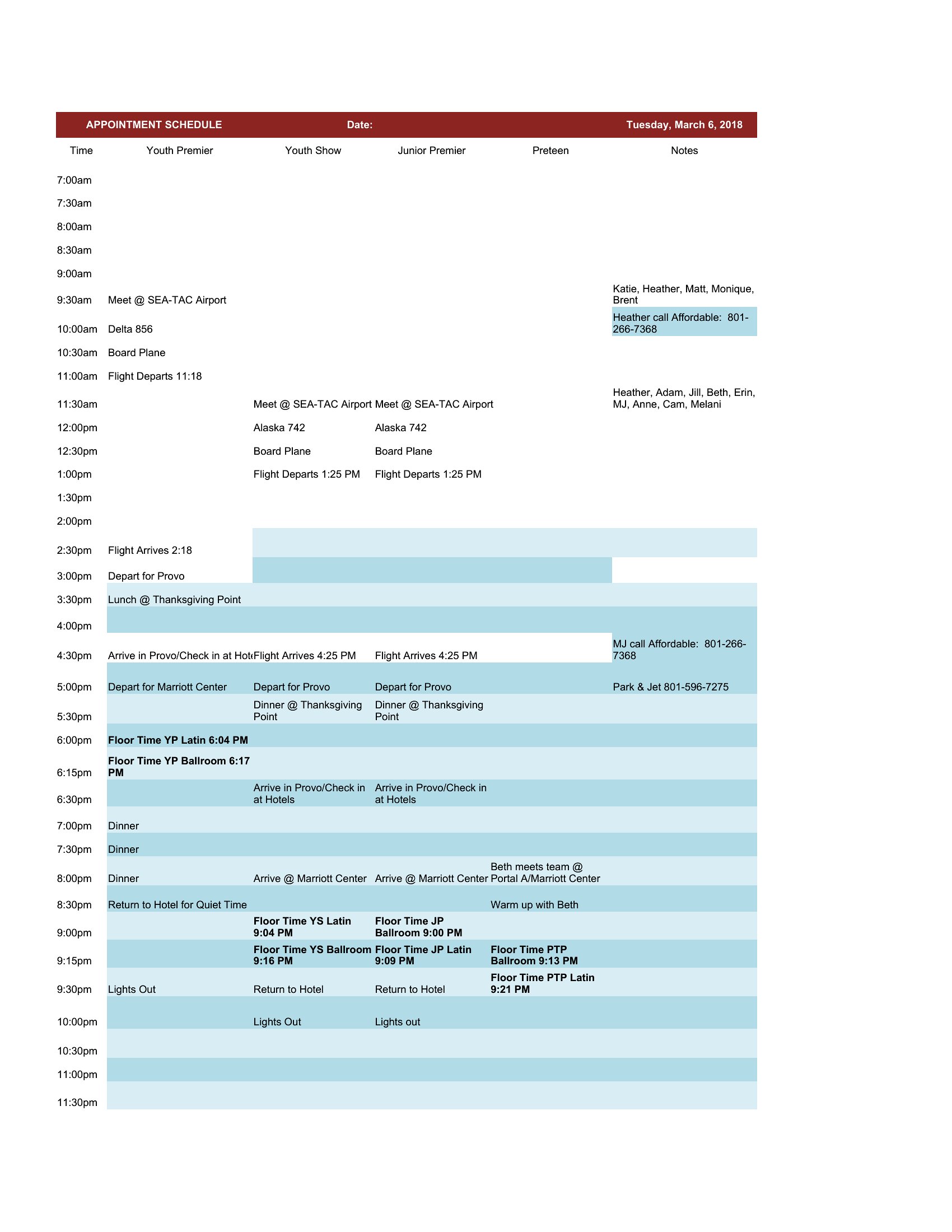
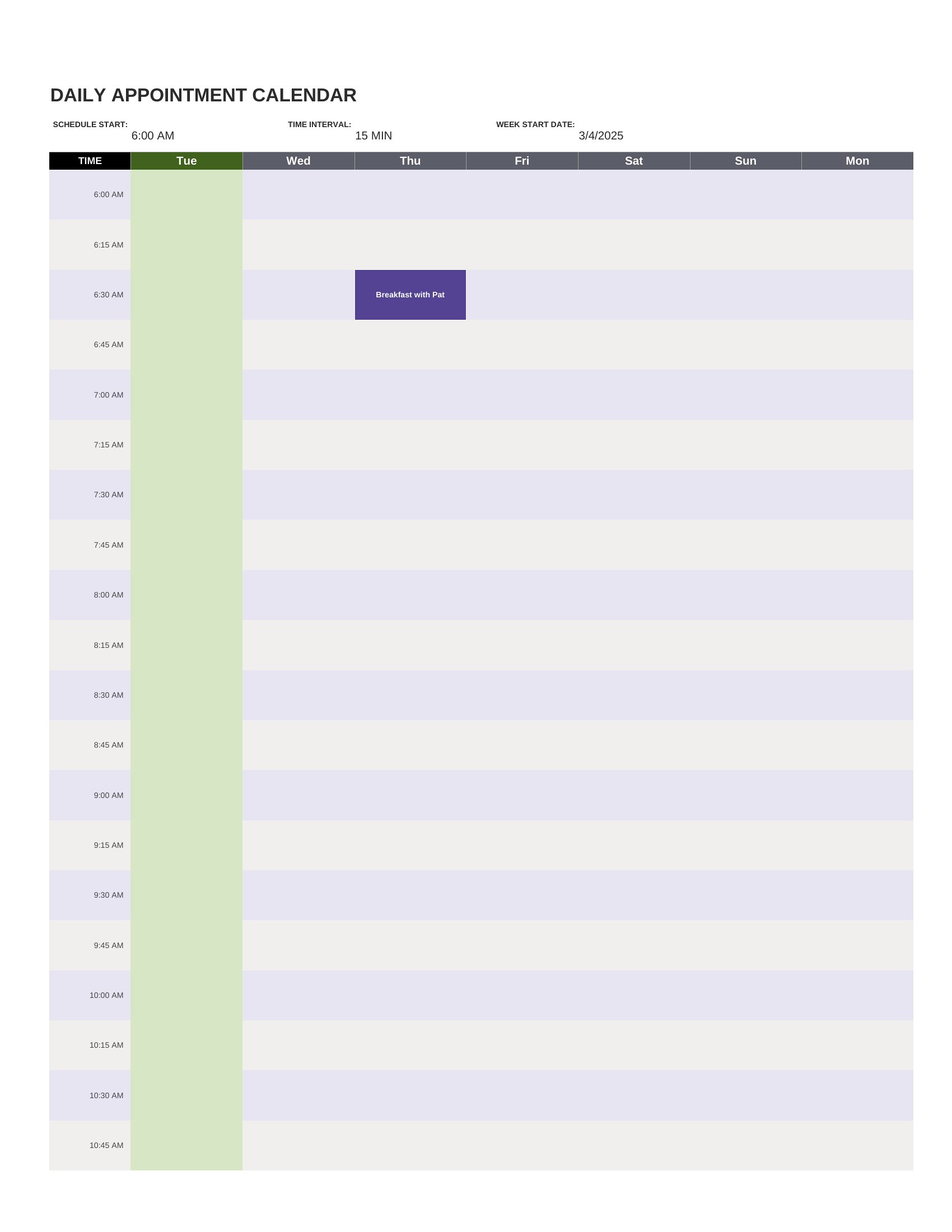
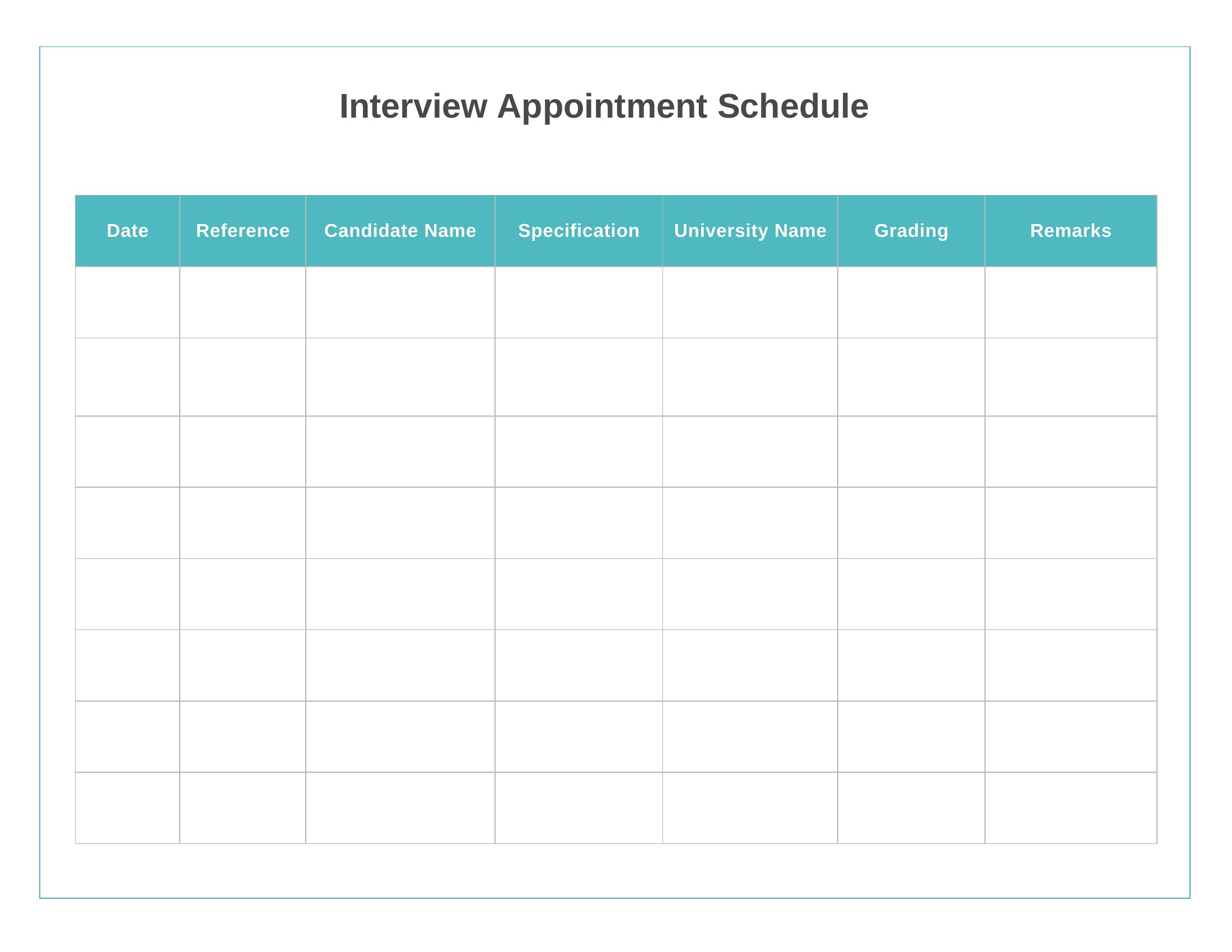
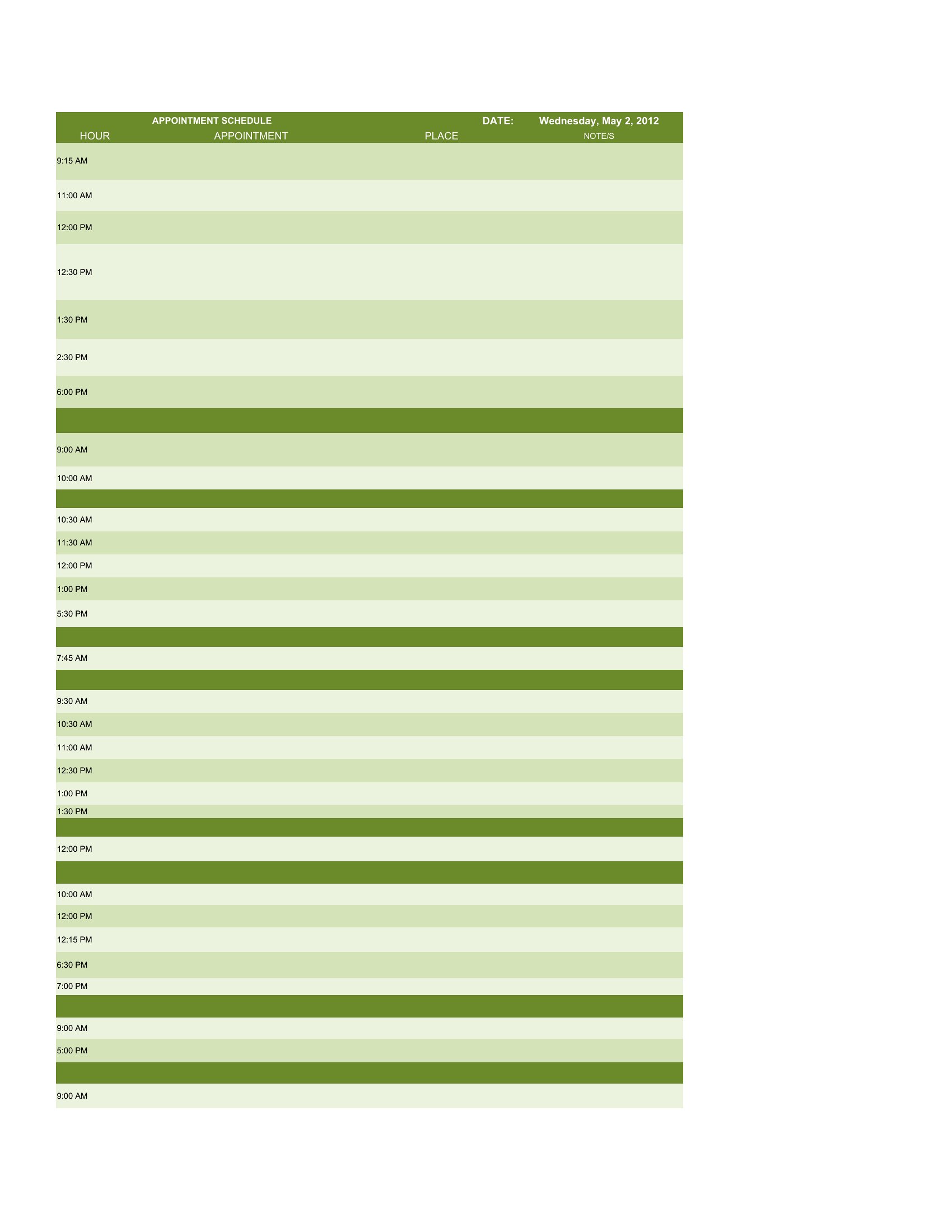
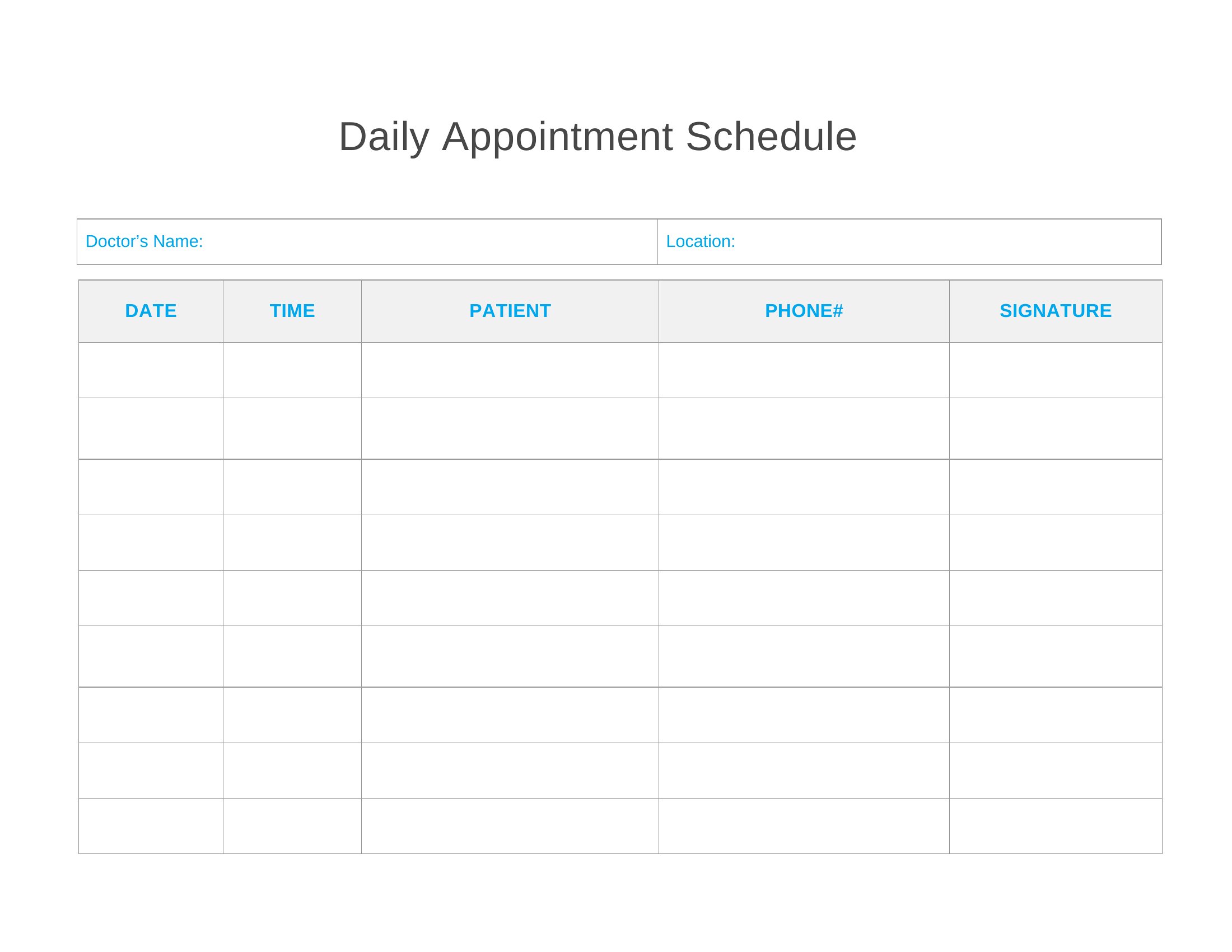
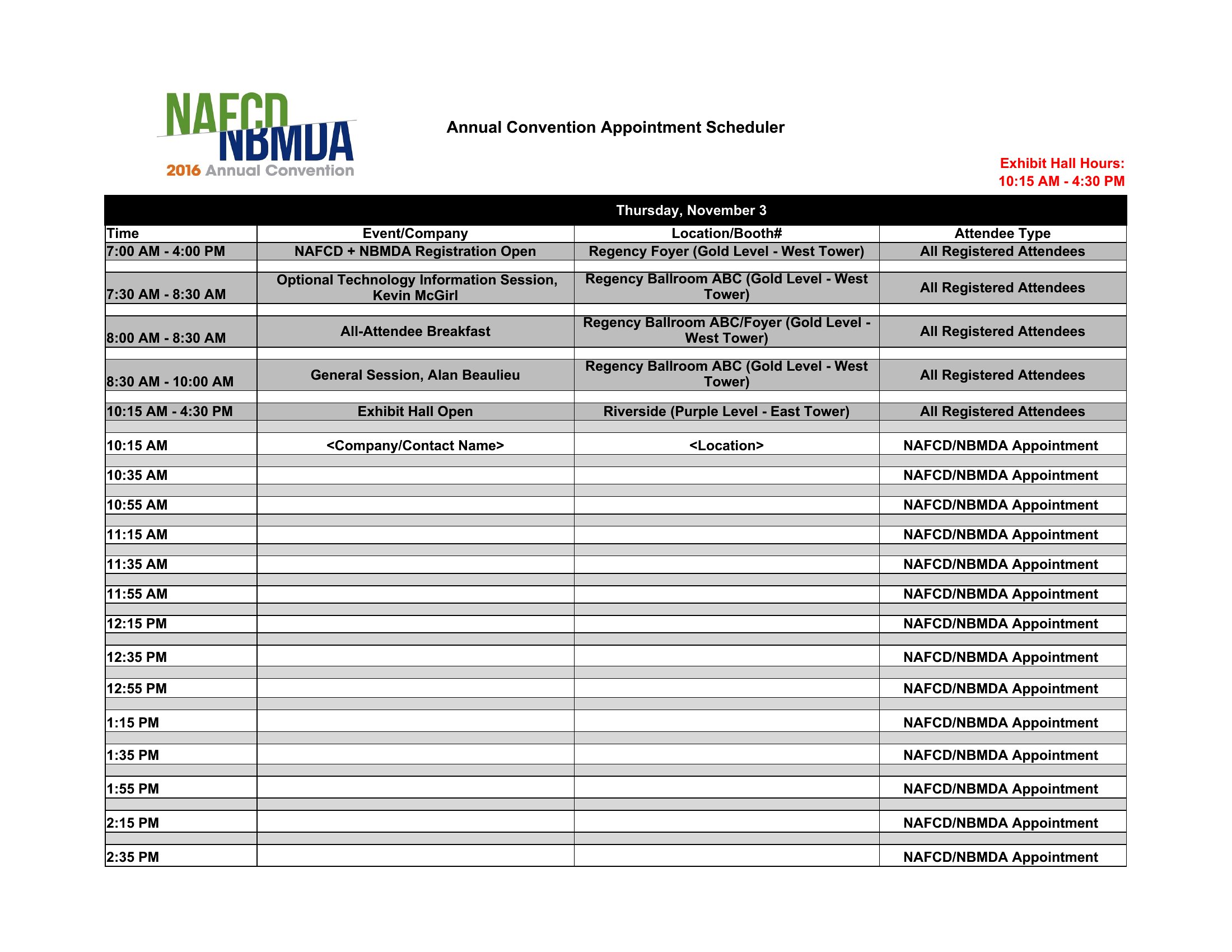
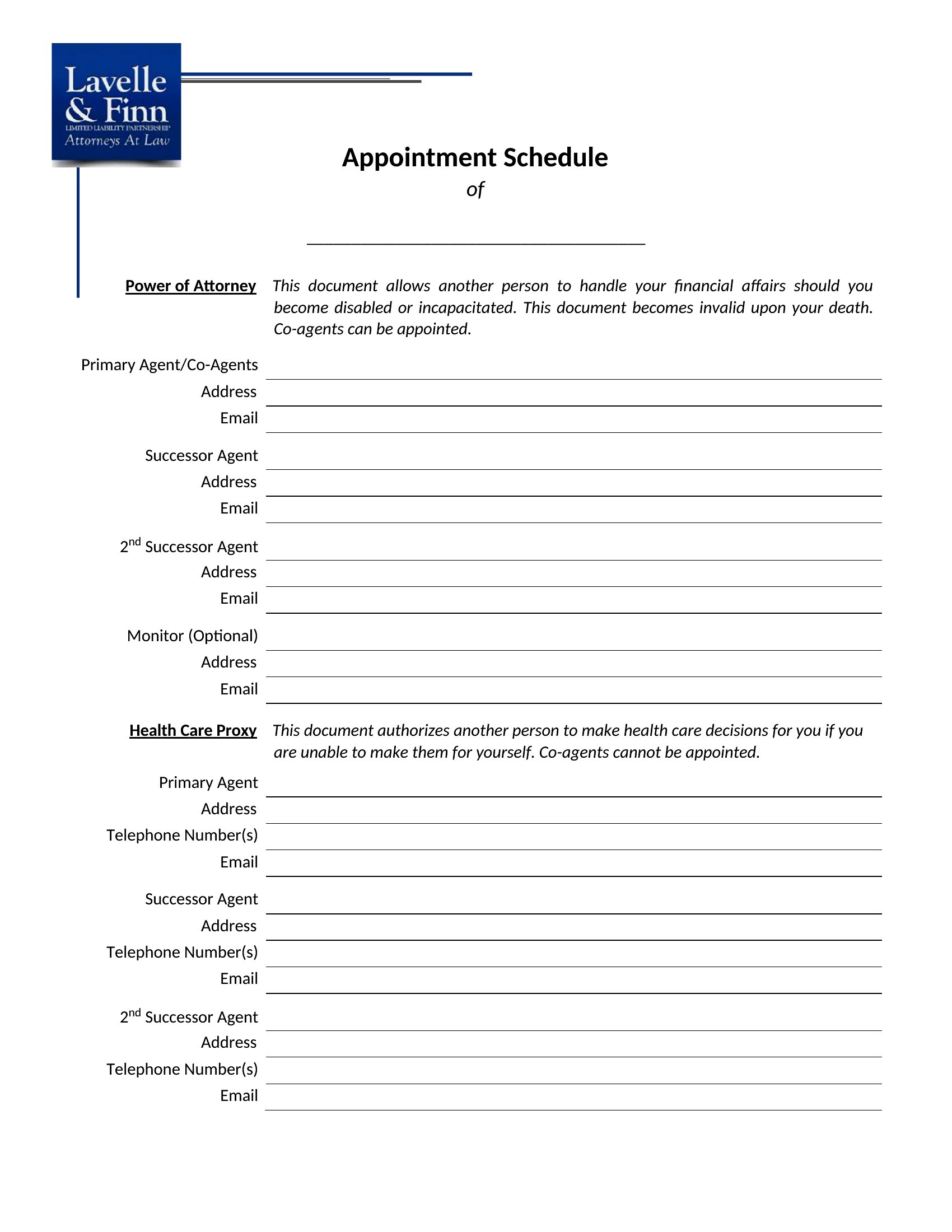
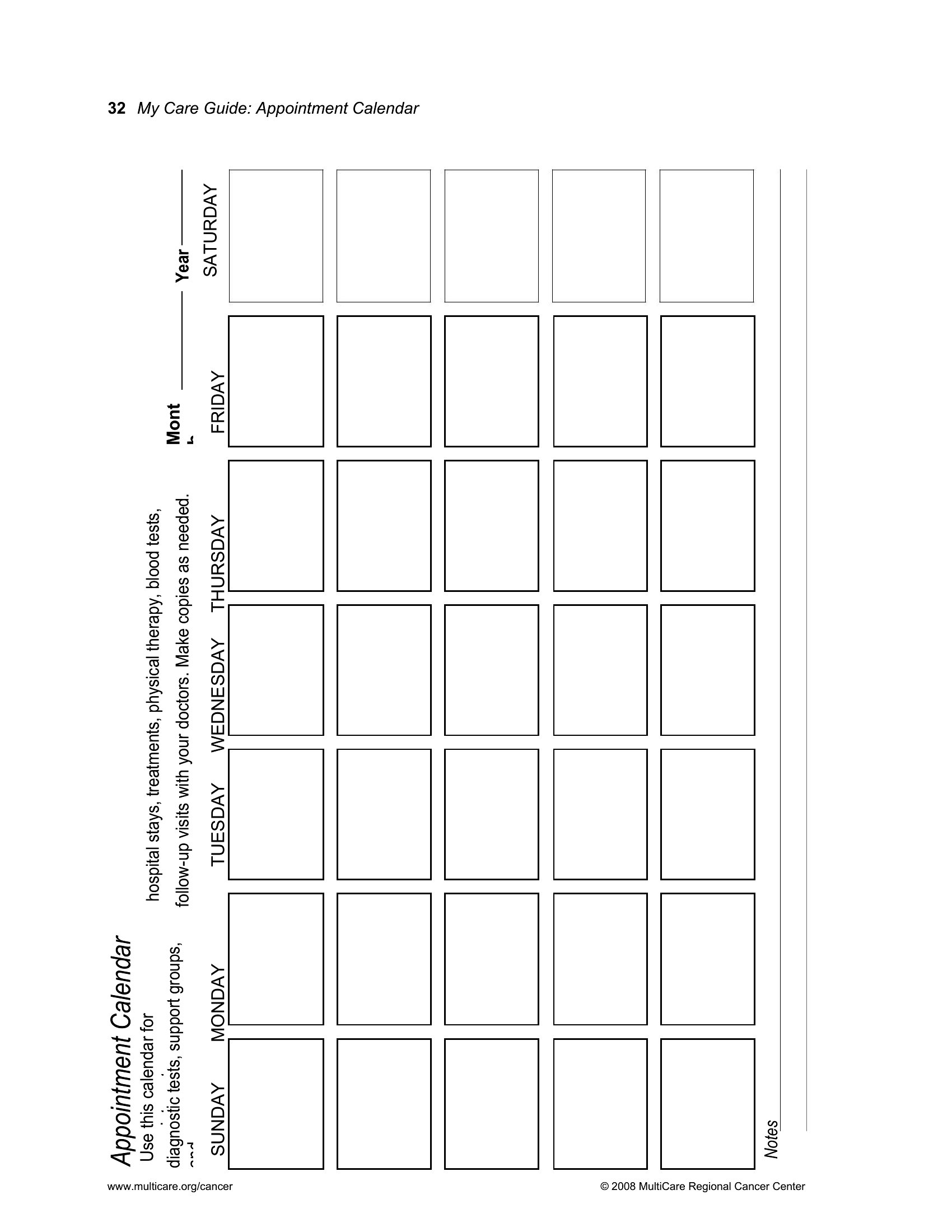
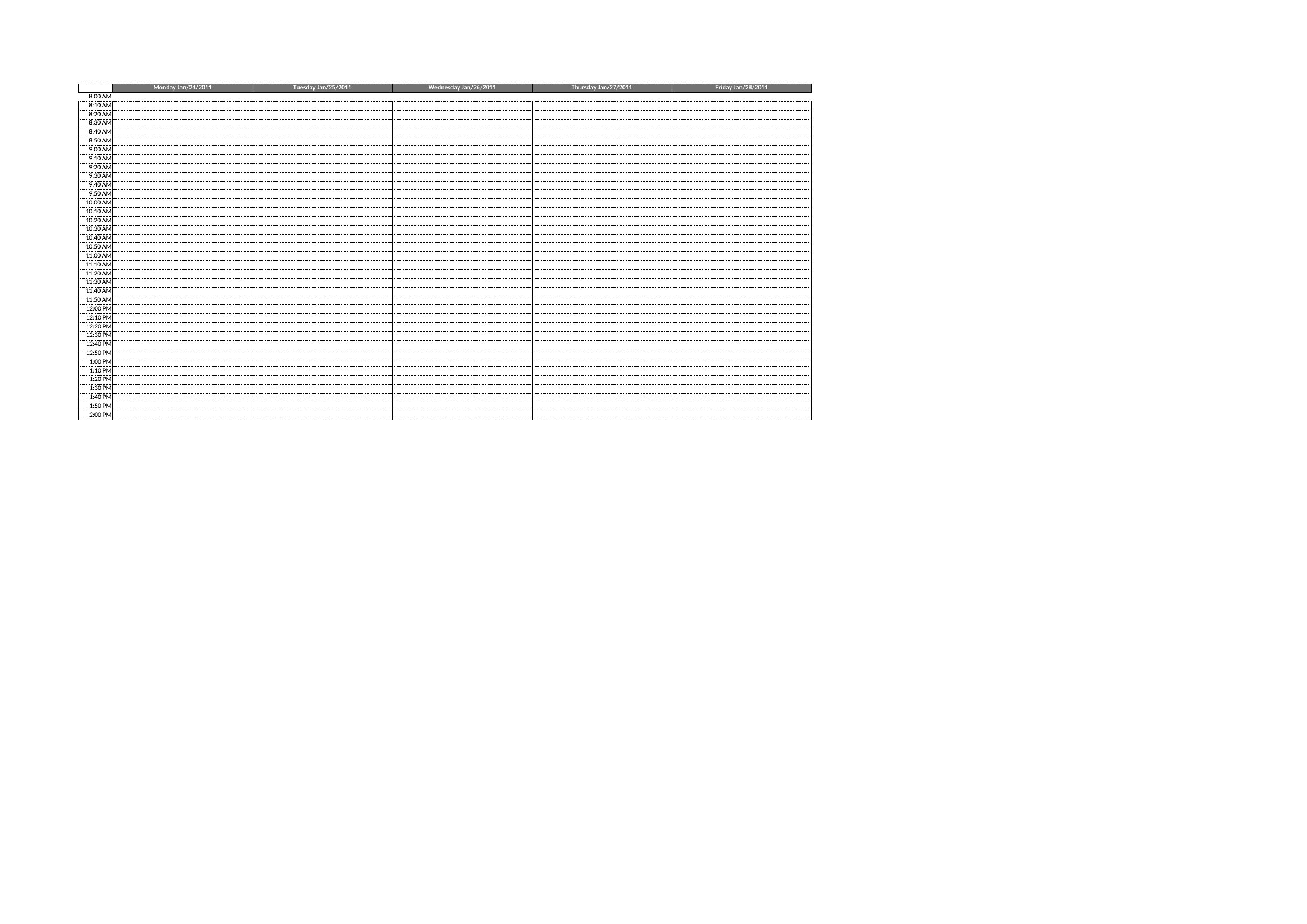
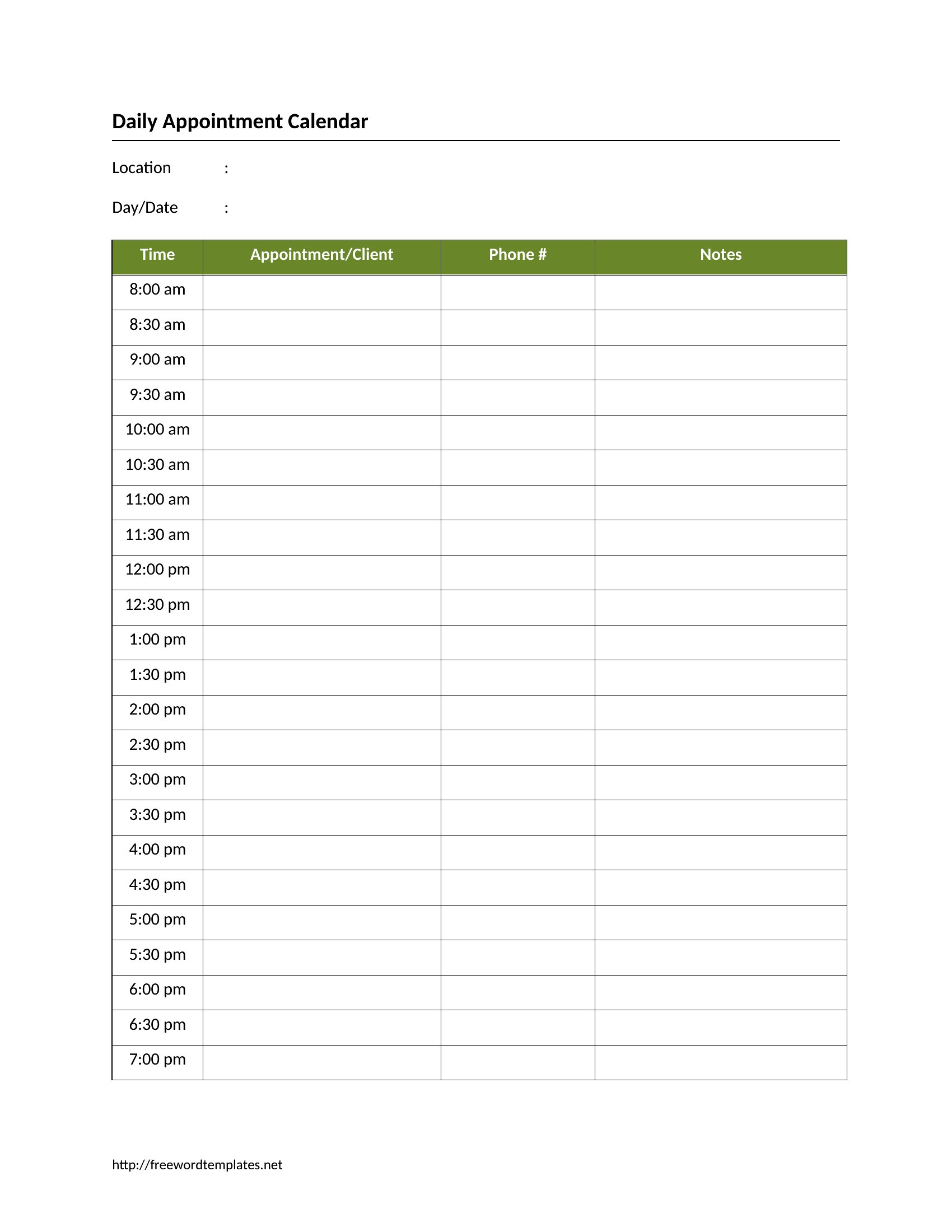
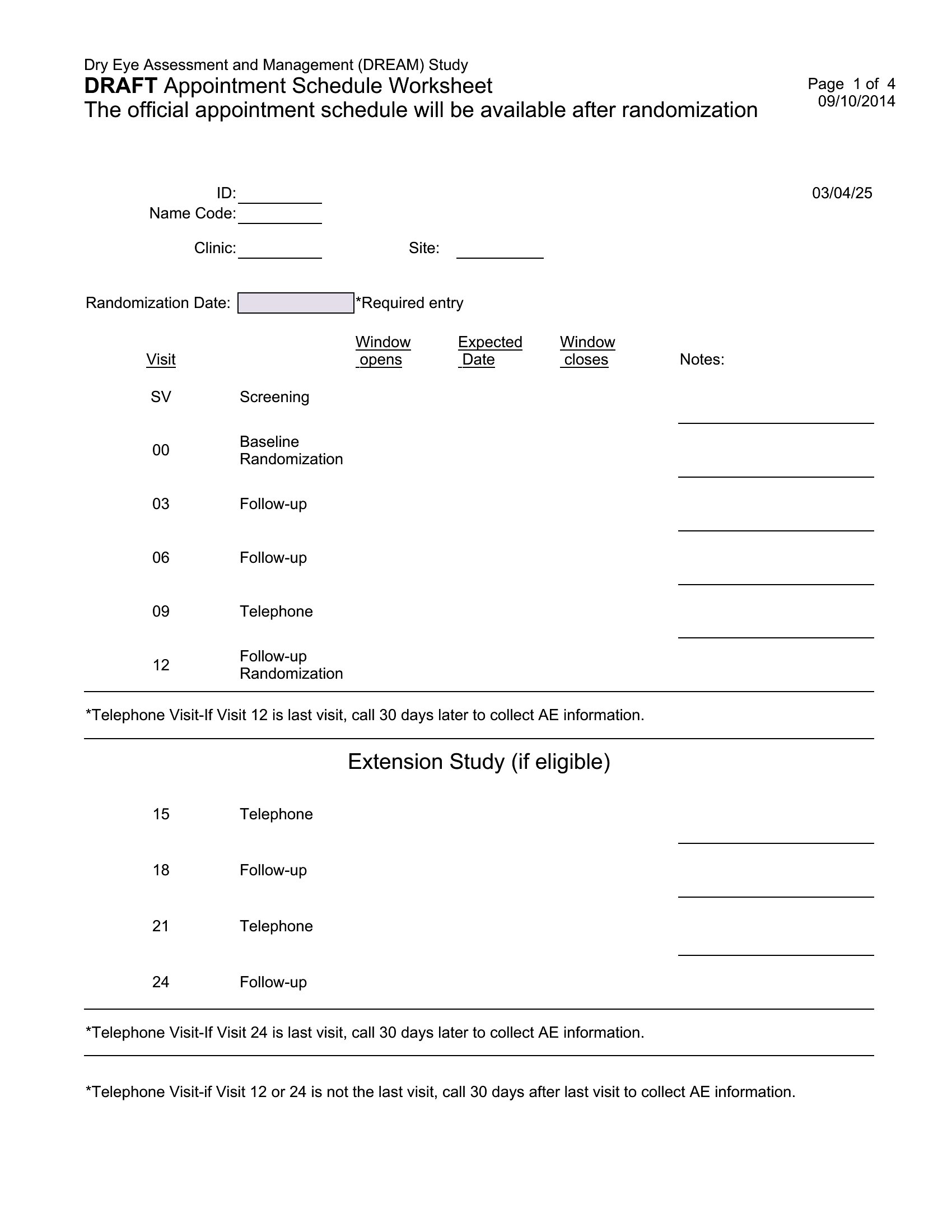
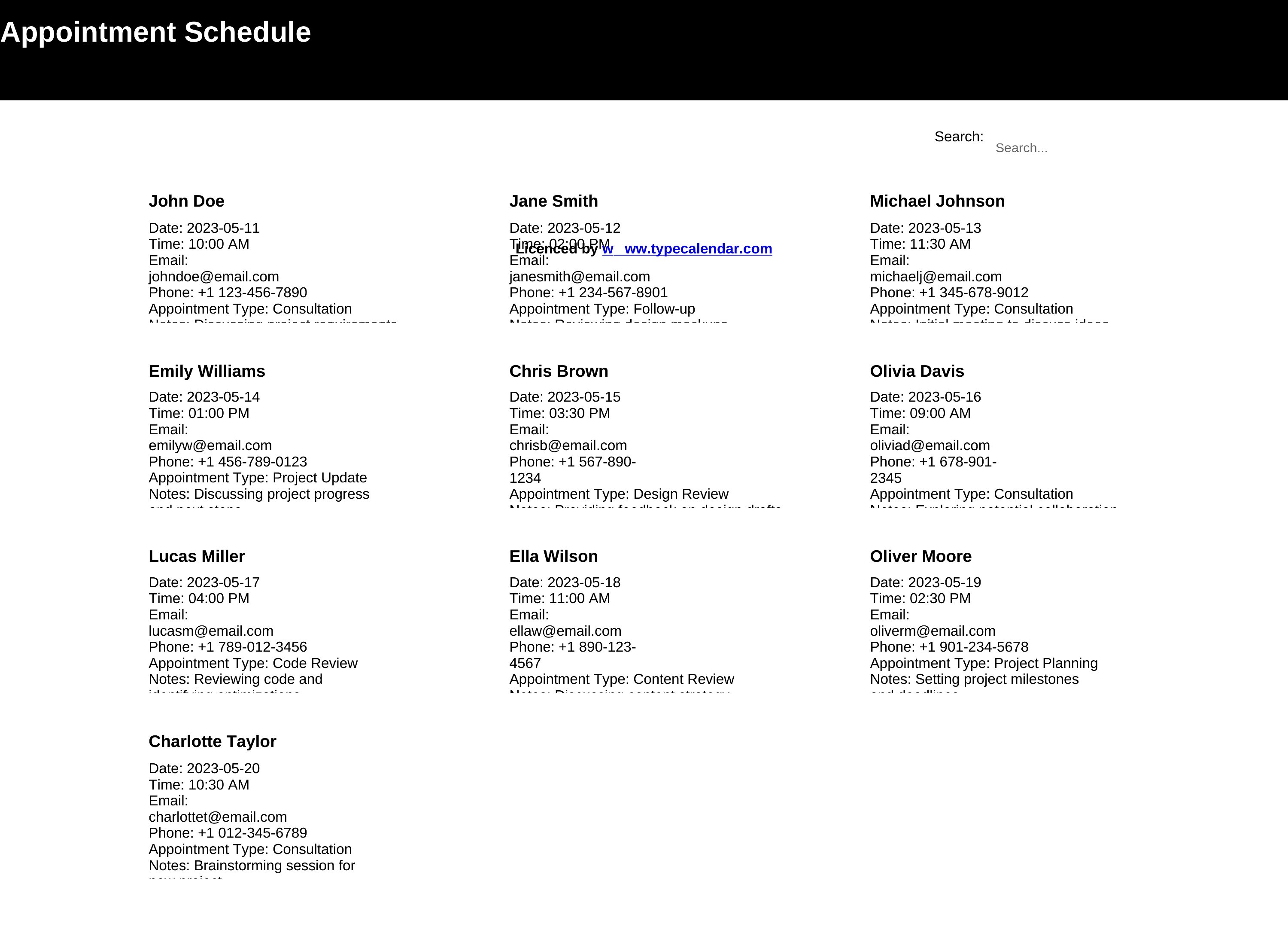
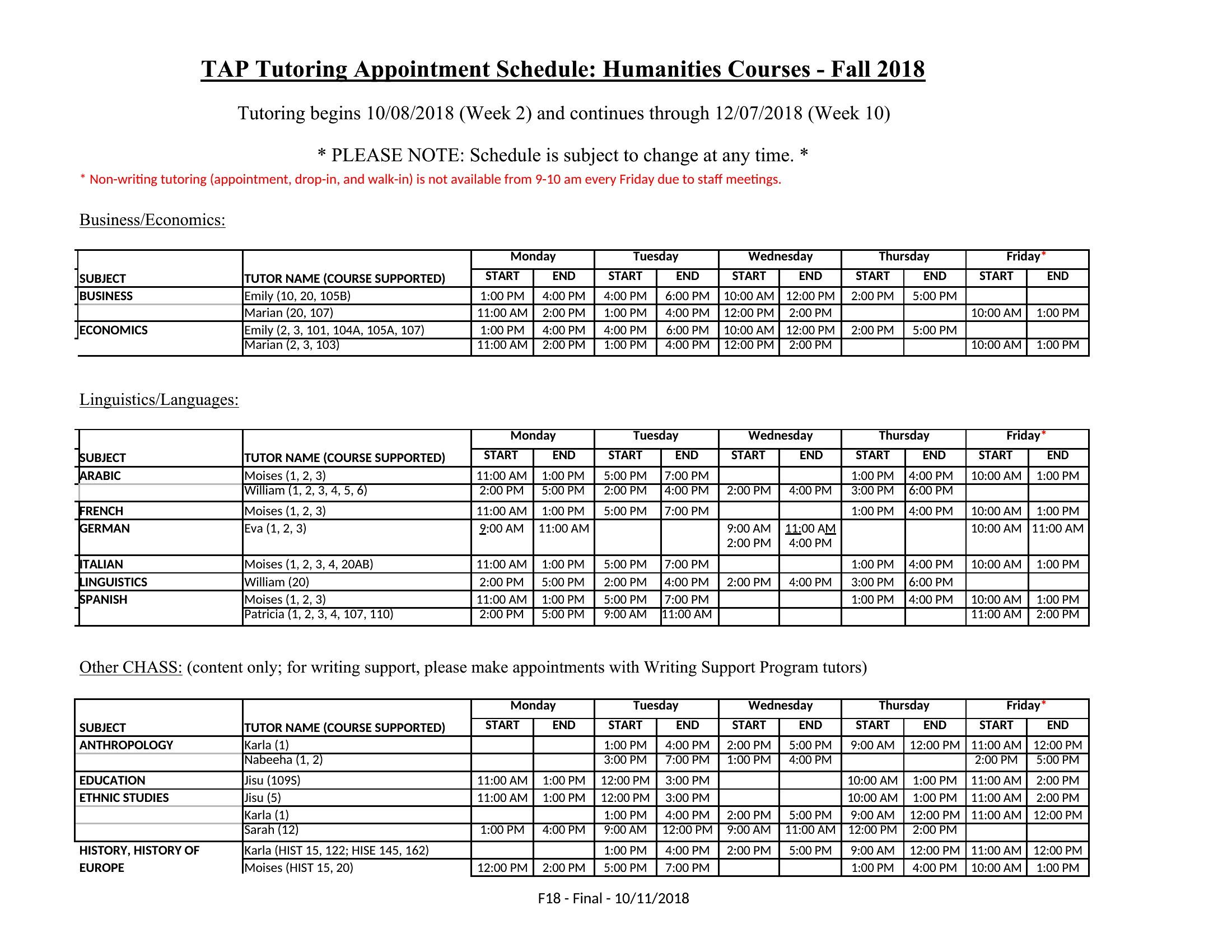
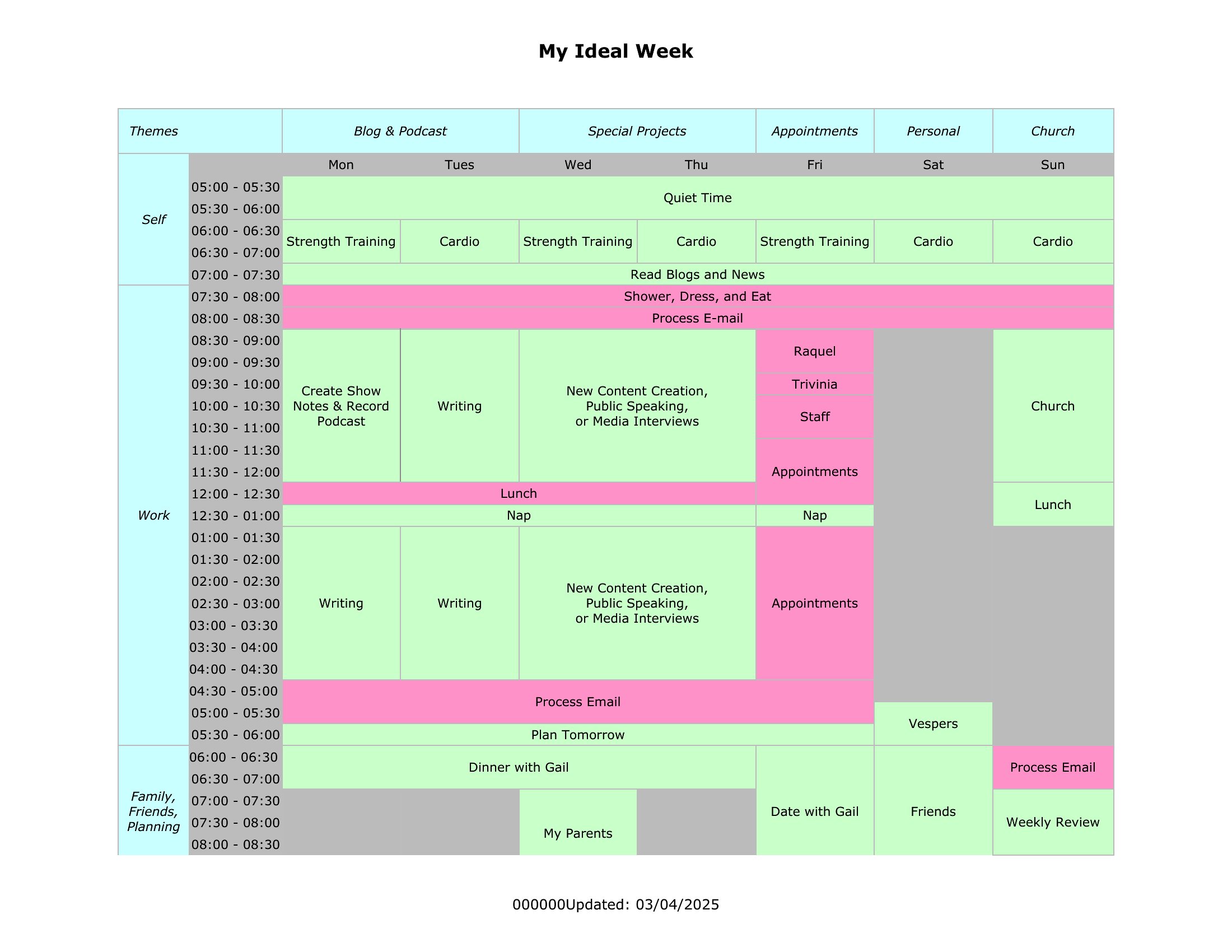
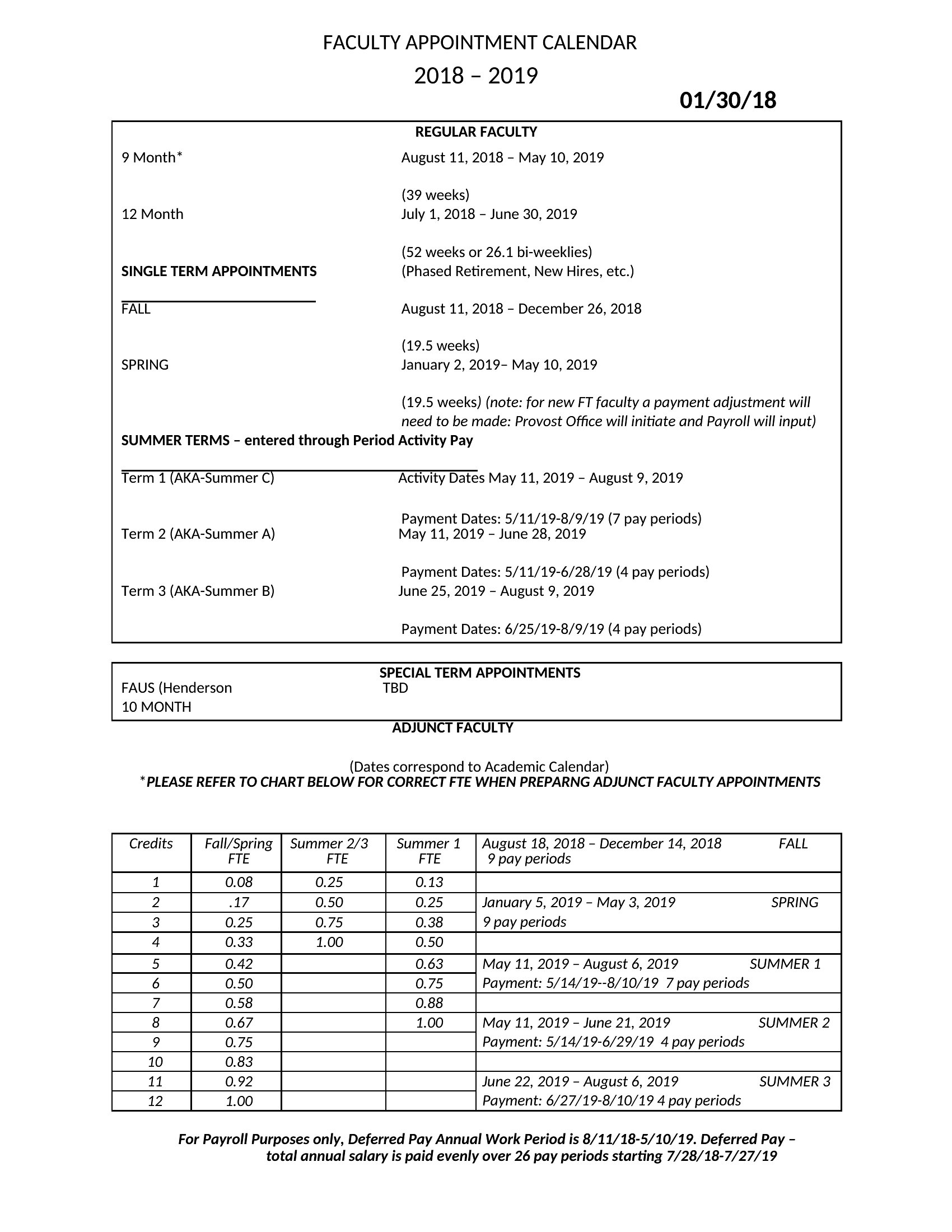
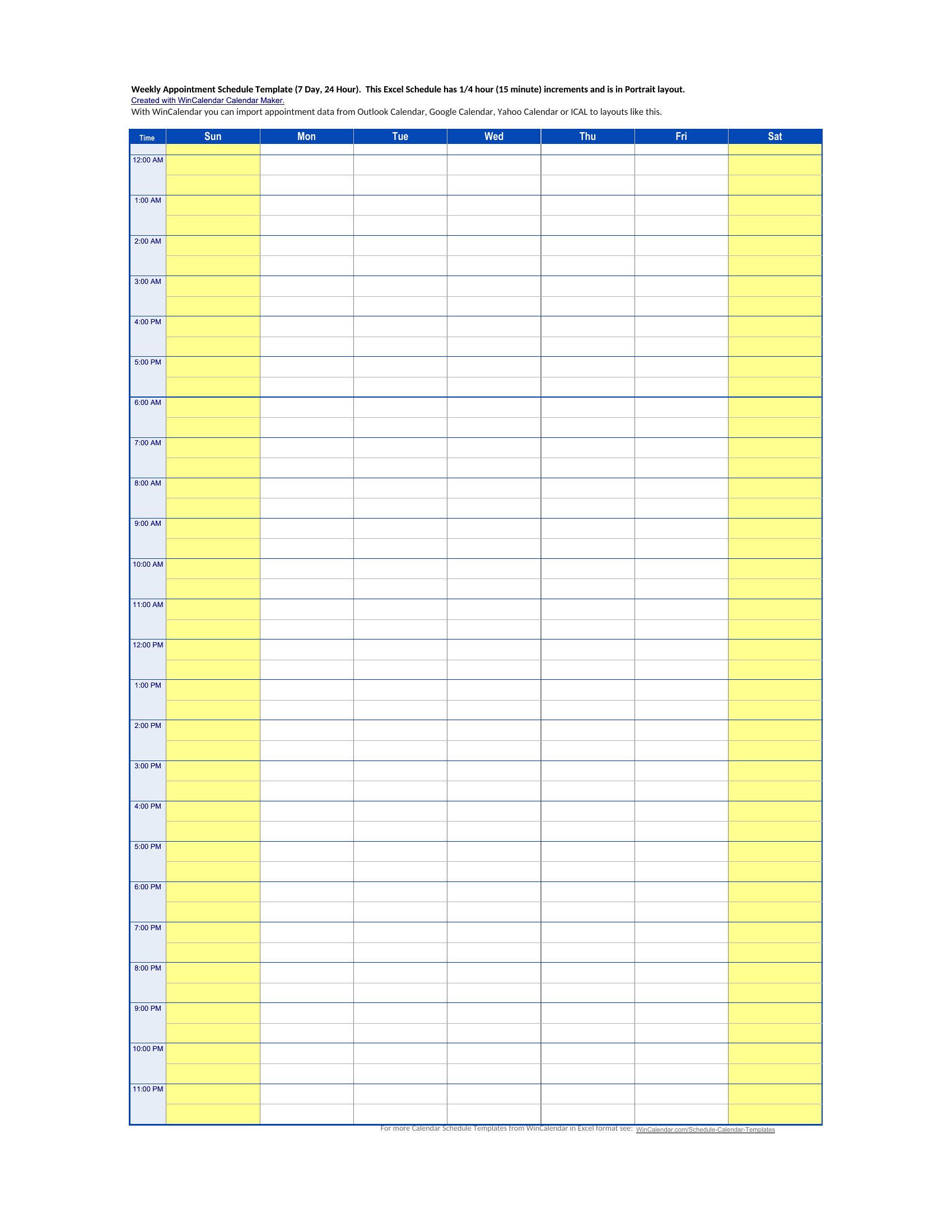
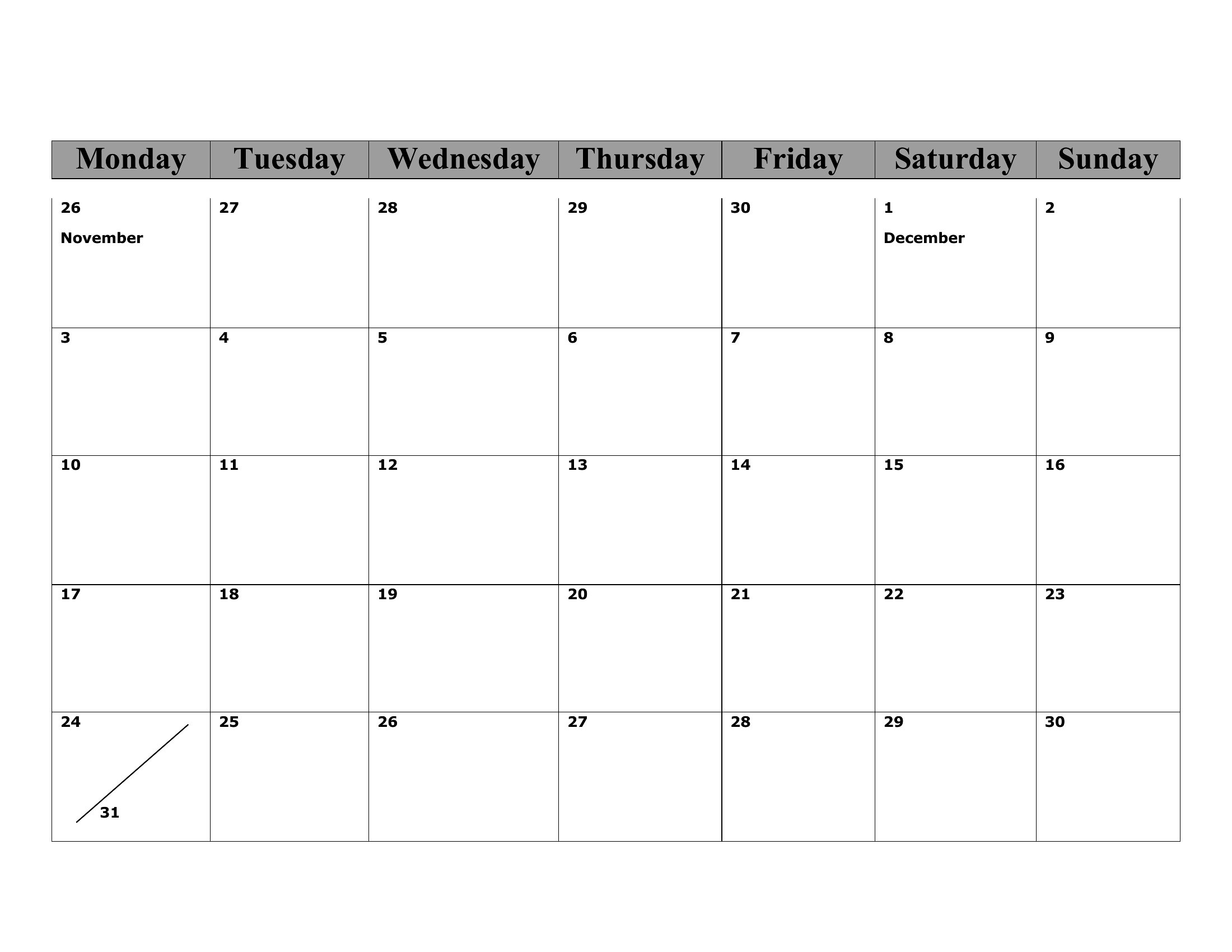
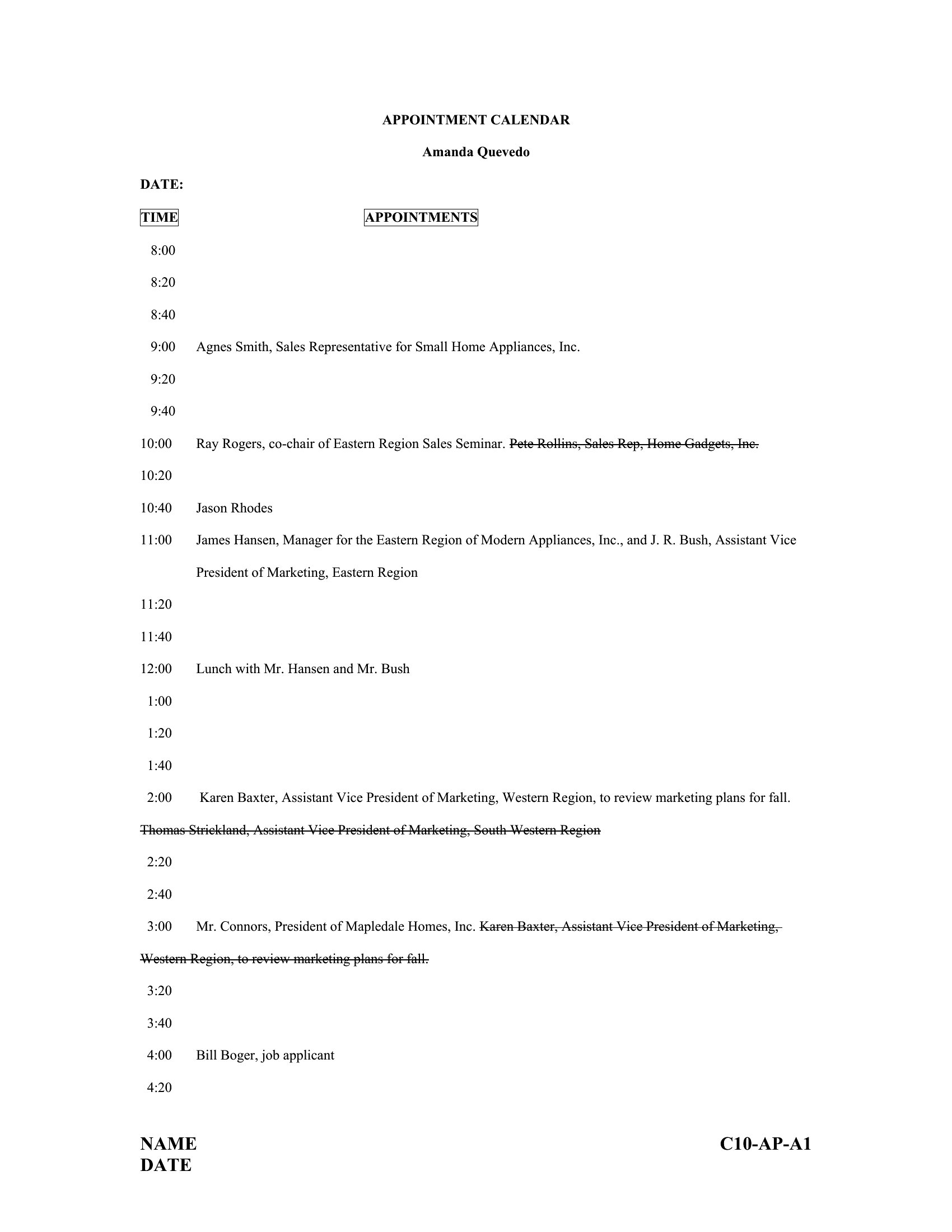
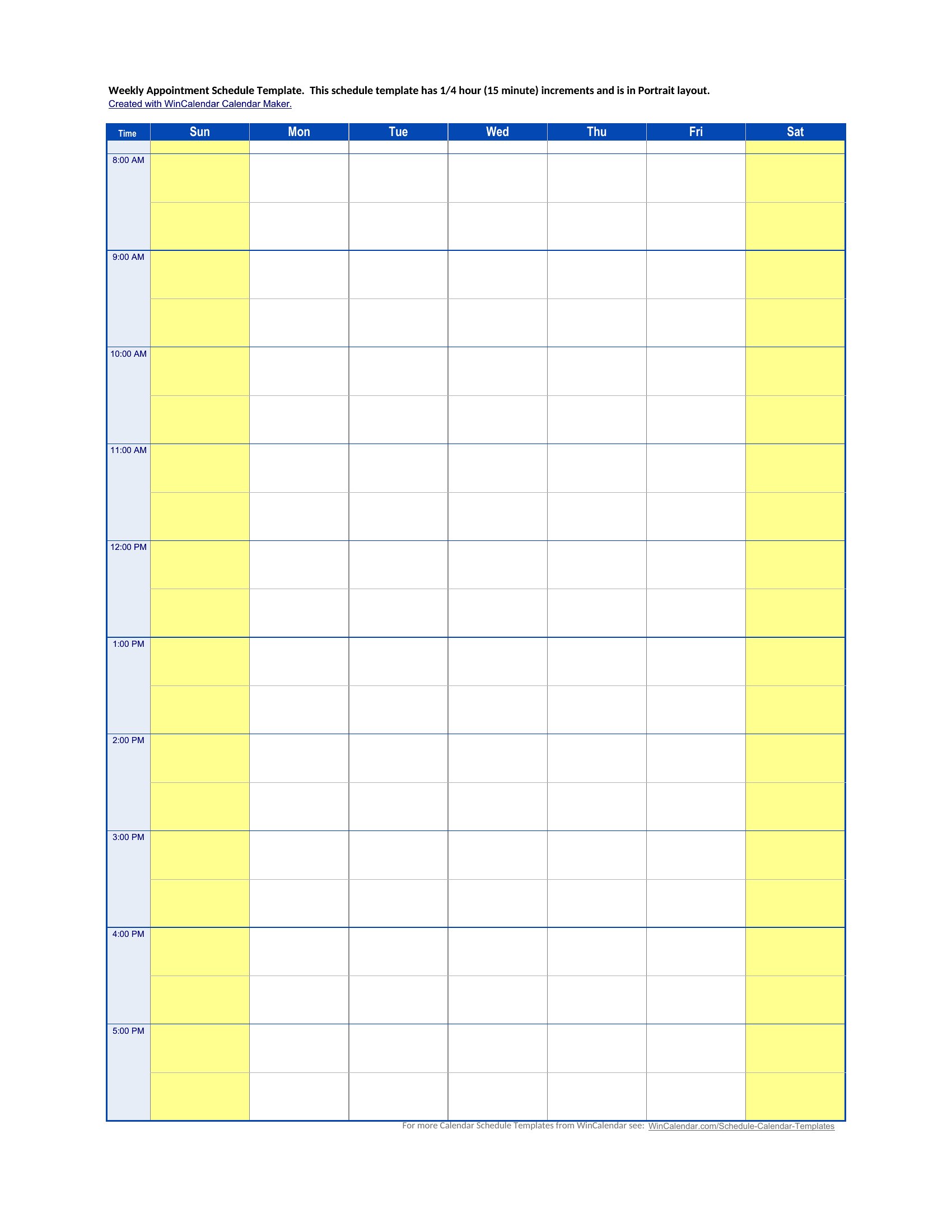
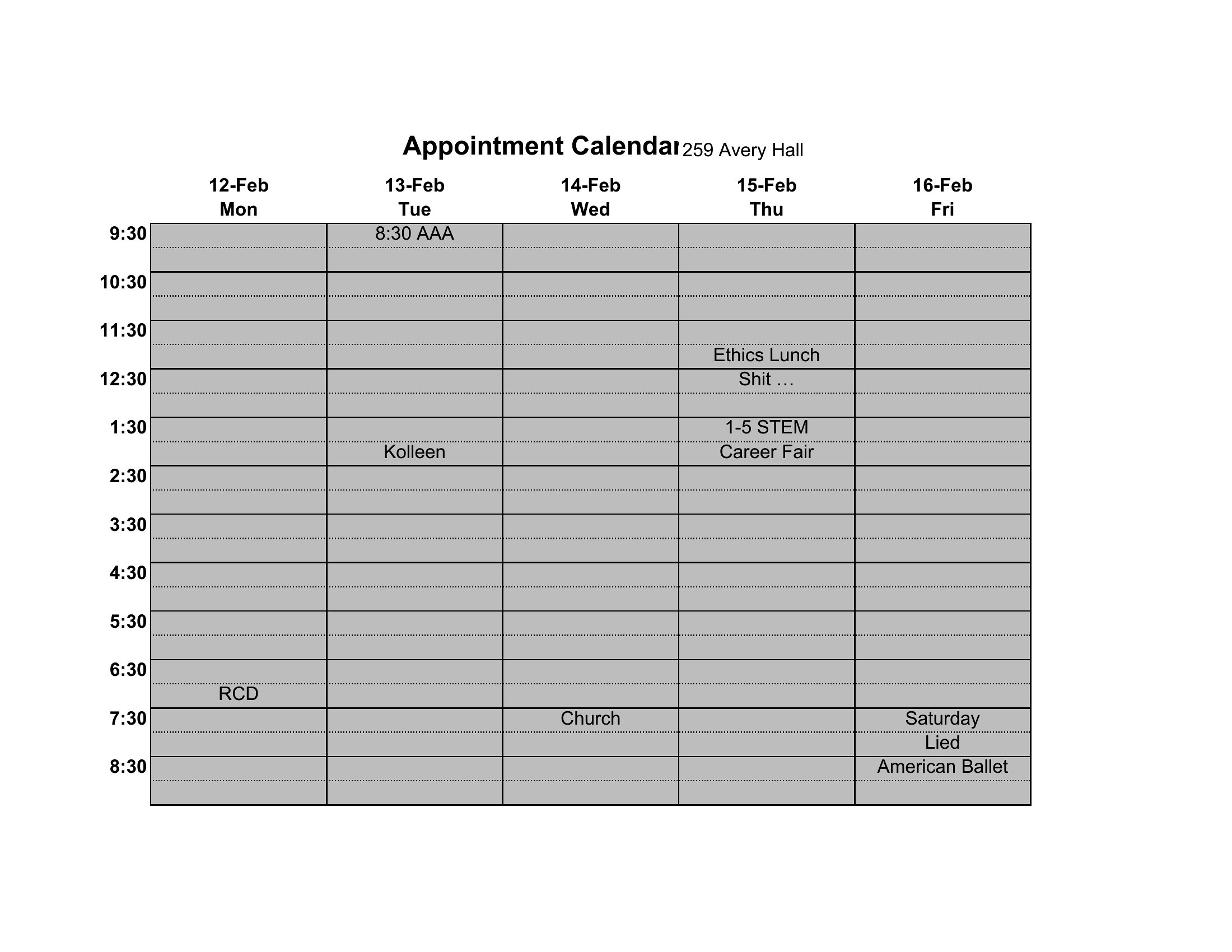
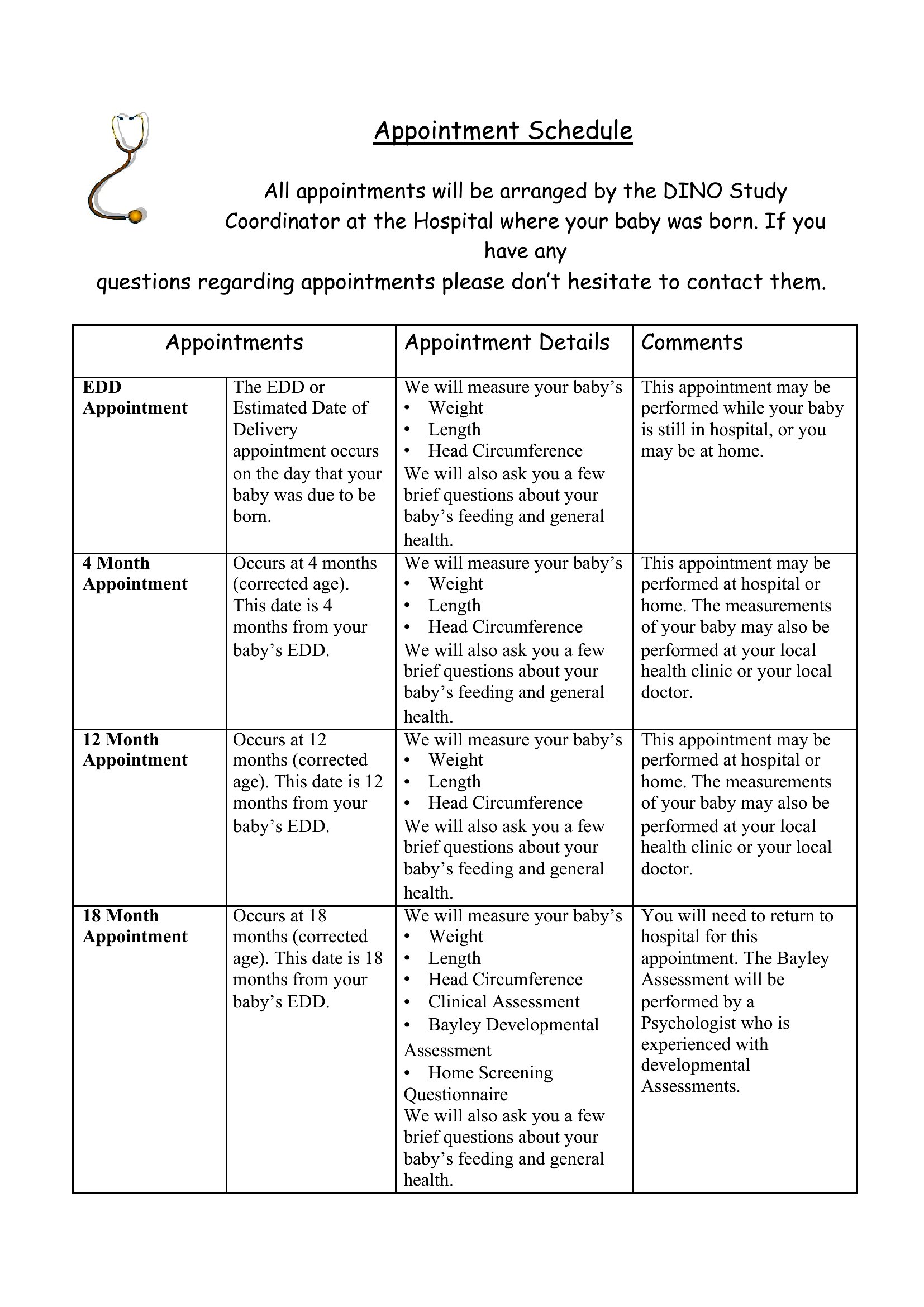
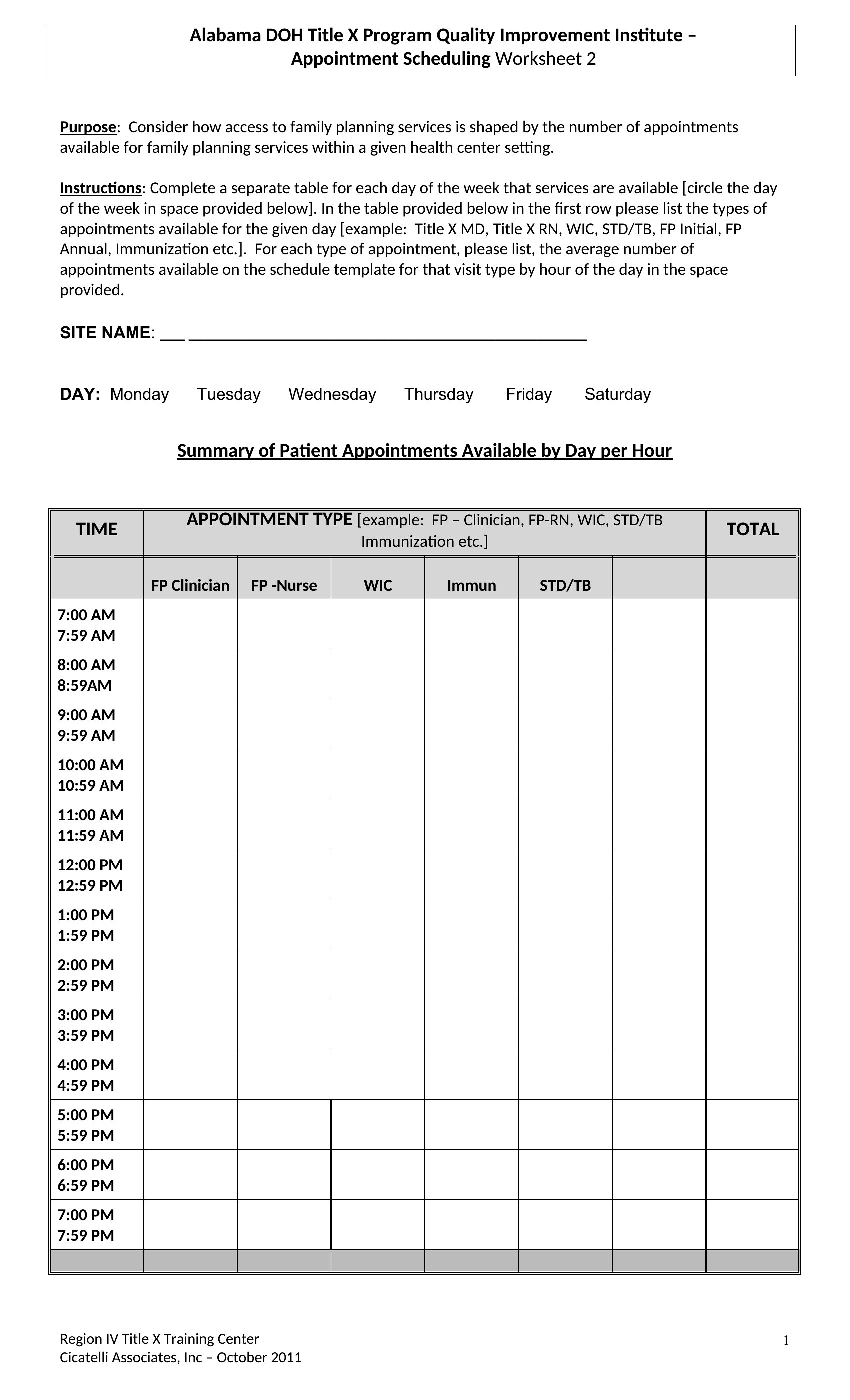
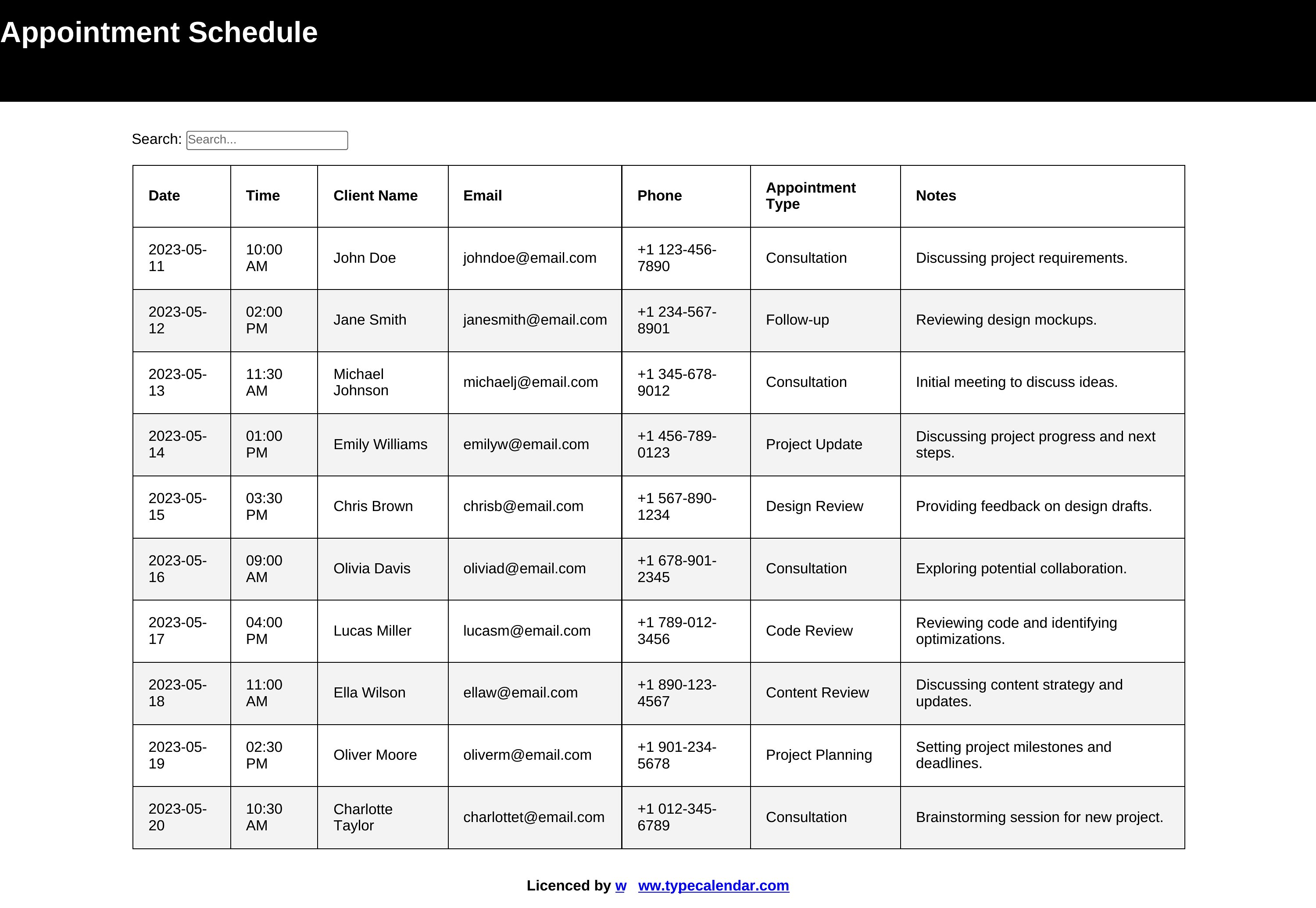
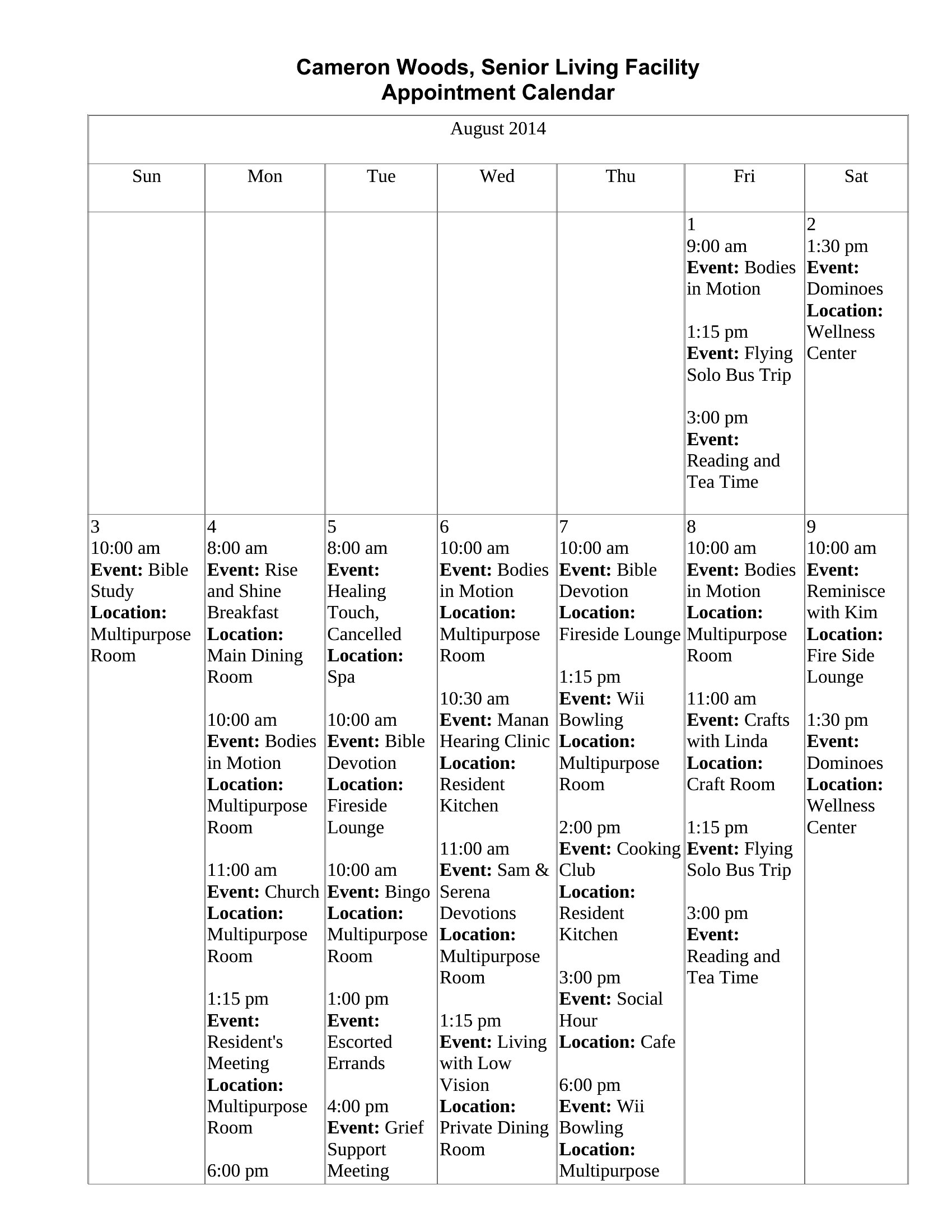
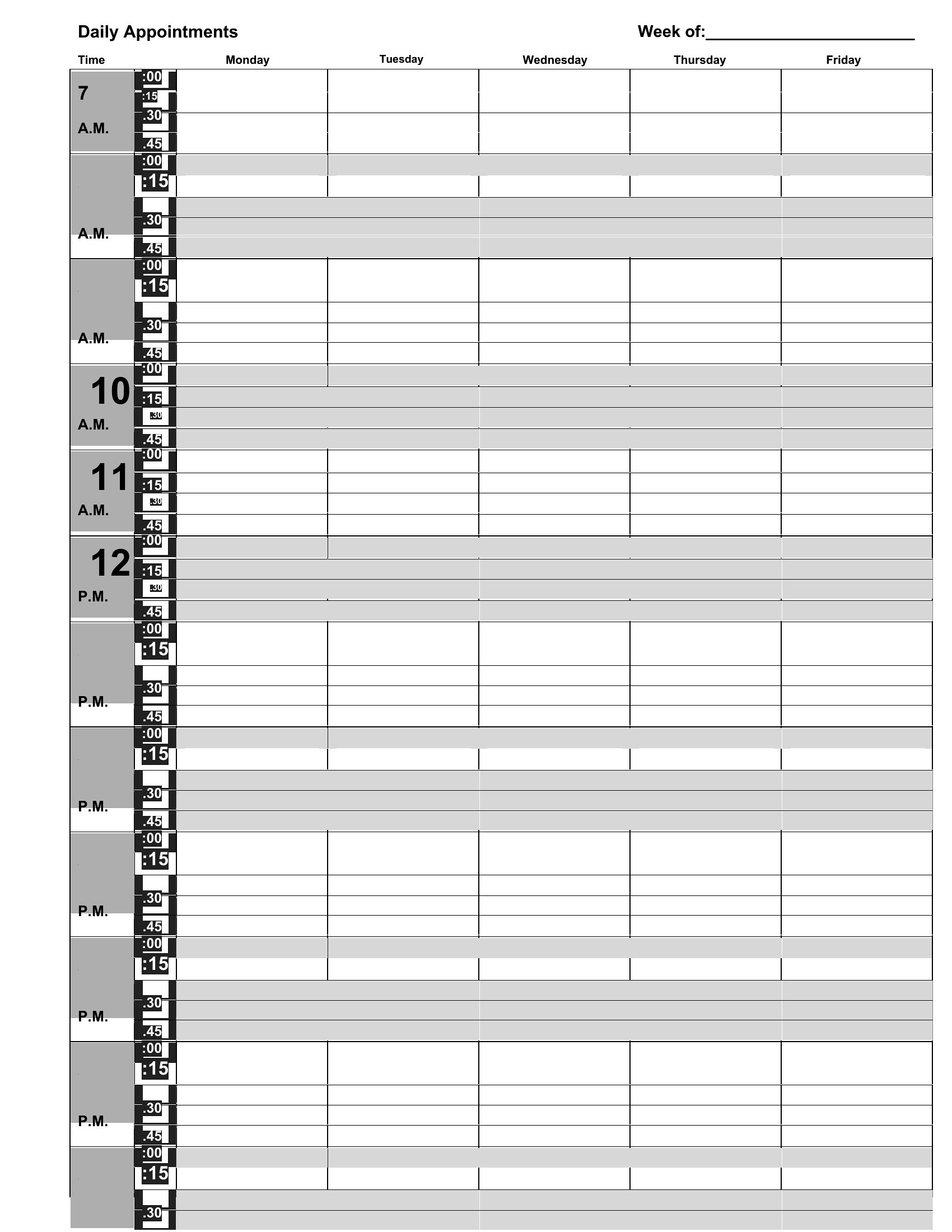
Keeping appointments organized prevents double-bookings and the awkward calls that follow. These 40 appointment schedule templates give clinics, salons, and small offices clean daily, hourly, and monthly layouts for booking clients. Receptionists and solo practitioners can manage a full calendar without paying for scheduling software.
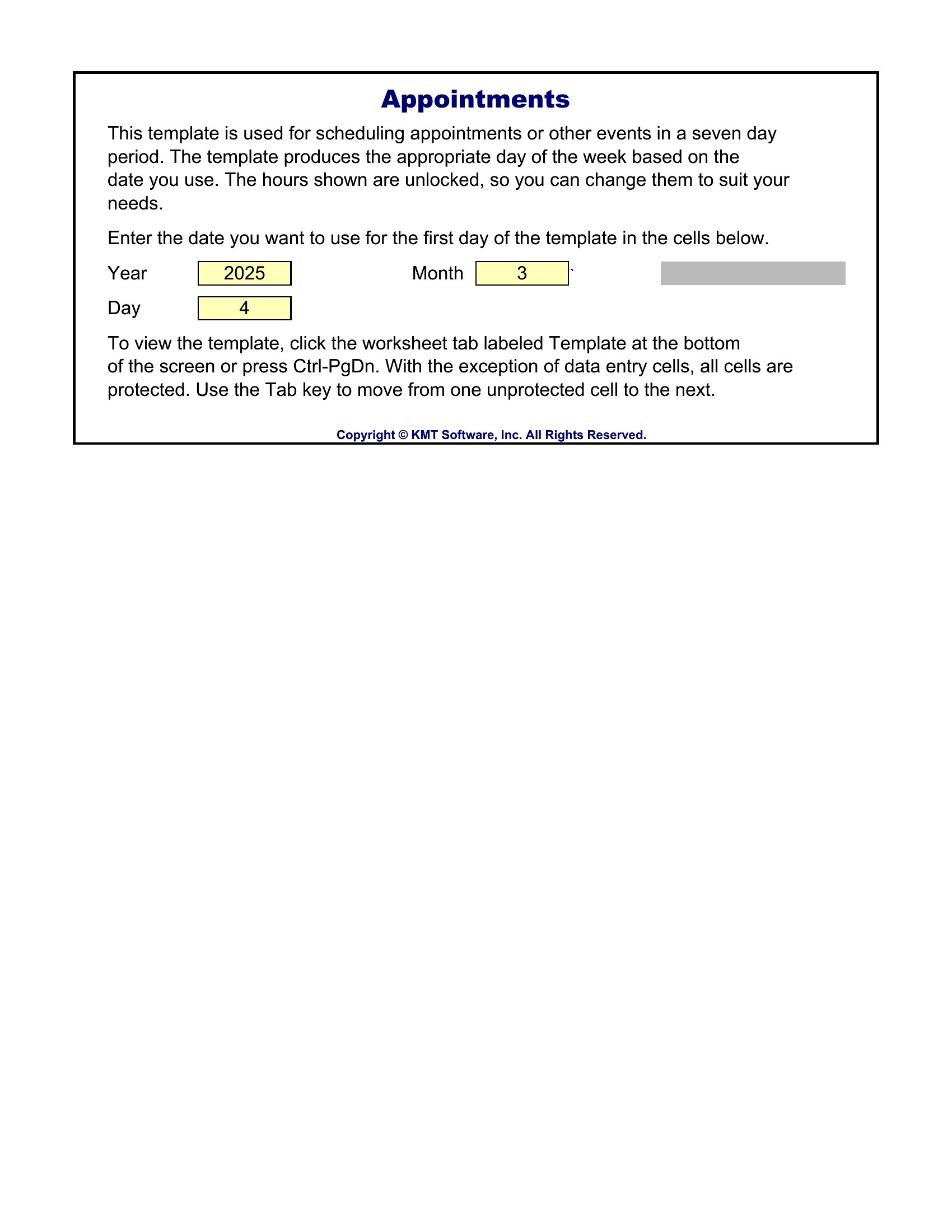
You'll find printable Word versions for a desk planner and Excel sheets that total your bookings and let you sort by day. Add your hours, block out breaks, and print the week ahead or keep it on screen. Download the format that fits your business and take control of your calendar.
Choose from 40 Appointment Schedule Templates
Frequently Asked Questions about Appointment Schedule Templates
Are these Appointment Schedule templates free to download?
Yes. Every Appointment Schedule template in this collection is free to download from TemplateSpark. Just open the template you need, download it, and start editing right away — no subscription required to get started.
What file formats are available for Appointment Schedule templates?
These Appointment Schedule templates are available in Word and Excel. Pick the format that matches your workflow — each download keeps the original layout so it looks right whether you open, print, or share it.
Can I edit these Appointment Schedule templates?
Yes. The editable files open in Microsoft Word (and compatible apps like Google Docs or LibreOffice), so you can change the text, colors, and layout to fit your needs, then save or export the finished Appointment Schedule document.
How many Appointment Schedule templates can I choose from?
This page collects 40 Appointment Schedule templates so you can compare styles and layouts in one place. Browse the options, open the one that fits your purpose best, and download it in your preferred format.
Can I use Appointment Schedule templates for commercial purposes?
In most cases, yes — these Appointment Schedule templates are intended for both personal and business use. Check the license note on the template before redistributing or reselling, and avoid sharing the source files as your own product.
What should an appointment schedule include?
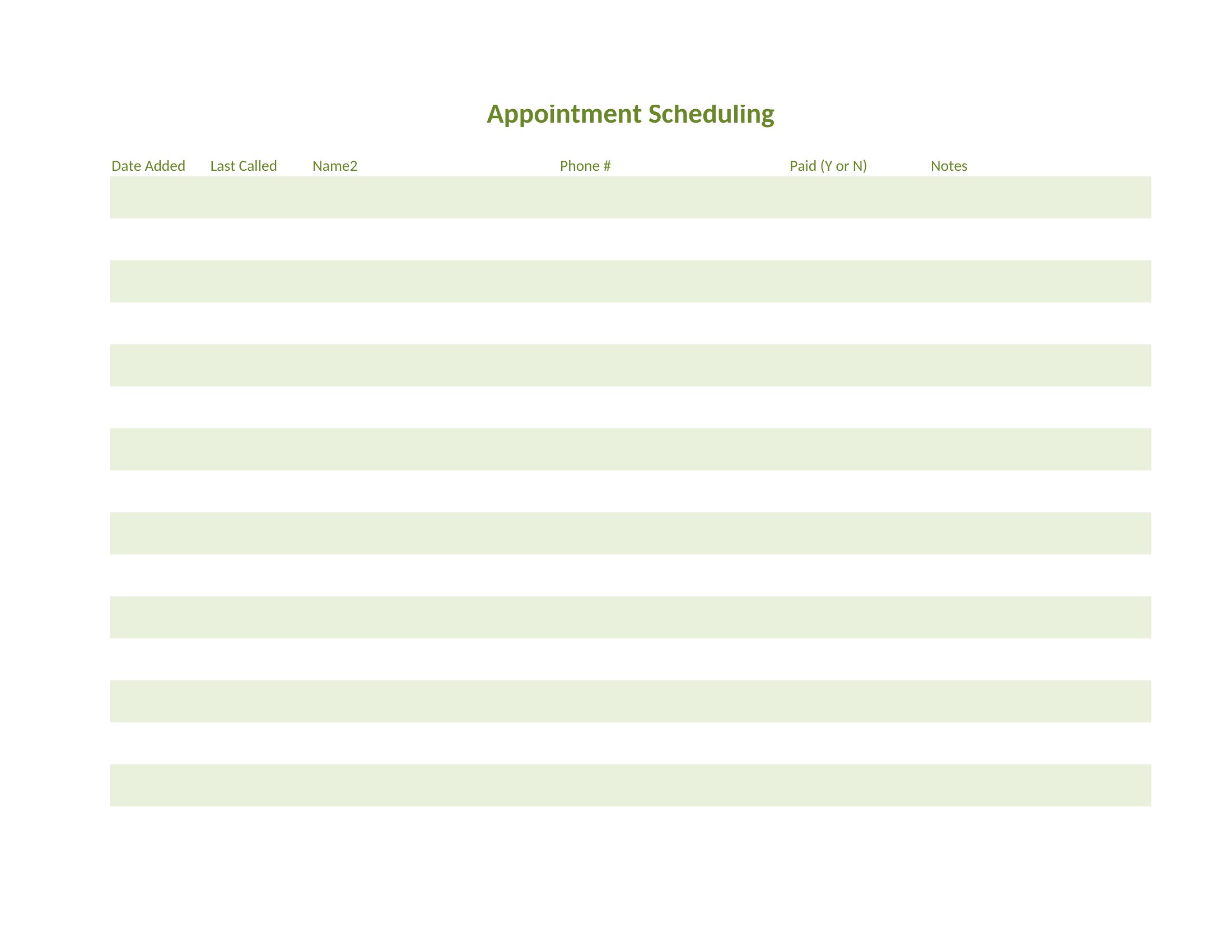
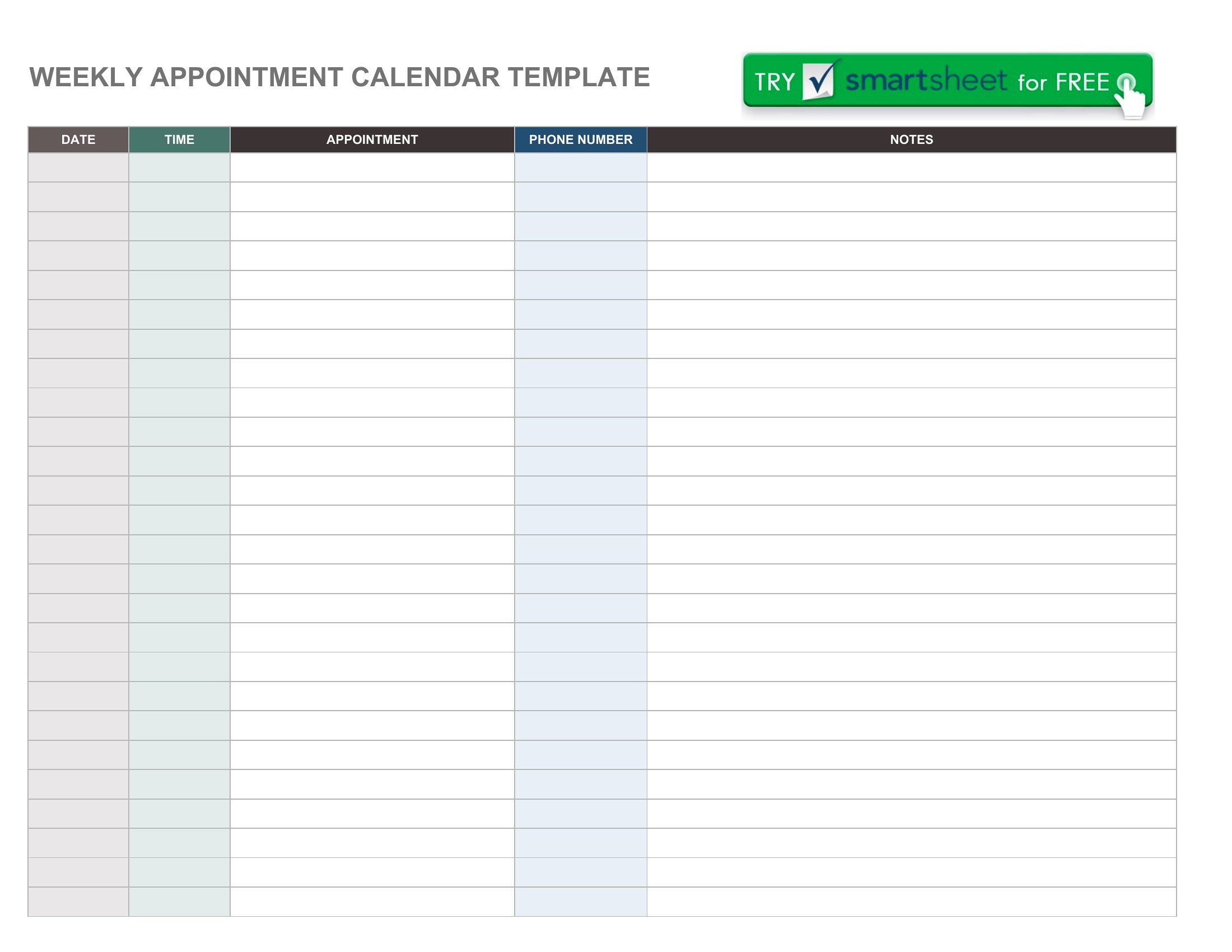
An appointment schedule should list the date, time slots, client or patient names, and the service or purpose of each booking. Adding contact details, duration, and notes helps. A clear daily, hourly, or monthly layout makes it easy to see availability and avoid double booking.
How does an appointment schedule prevent double booking?
By laying out time slots in a single view, an appointment schedule shows exactly which periods are taken and which are open. Booking each client into a specific slot, and checking the sheet before confirming, stops two people from being scheduled at the same time with the same provider.
What is the difference between a daily and a monthly appointment schedule?
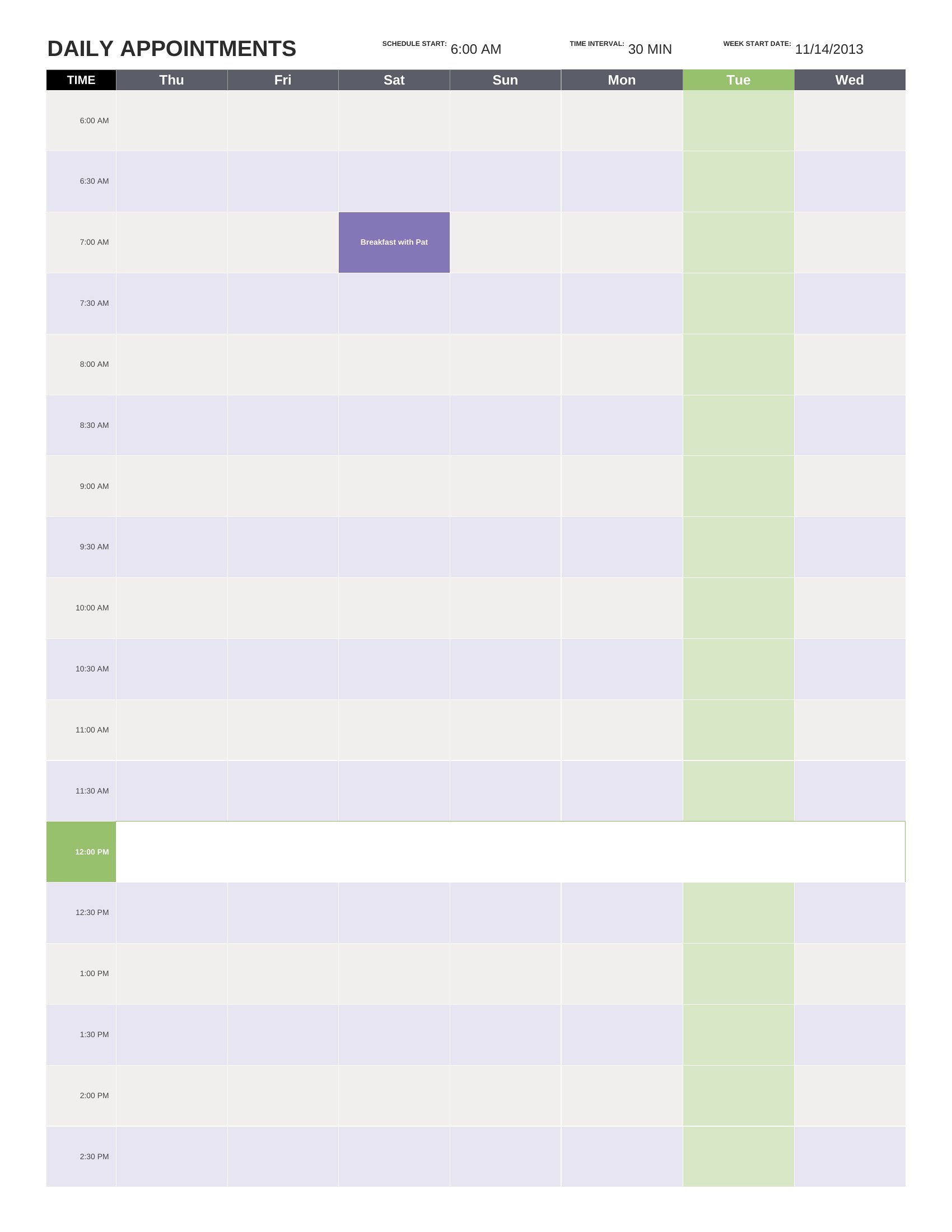
A daily schedule breaks one day into detailed time slots, ideal for busy clinics or salons managing many visits. A monthly schedule gives a broader overview of bookings across weeks, useful for planning ahead and spotting open days. Many offices use both together for full coverage.
Comments
Join the conversation
Sign in to share your thoughts and leave a comment on this resource.