Printable Appointment Card Templates (Word, Excel)
Applications by nataliafigueroa
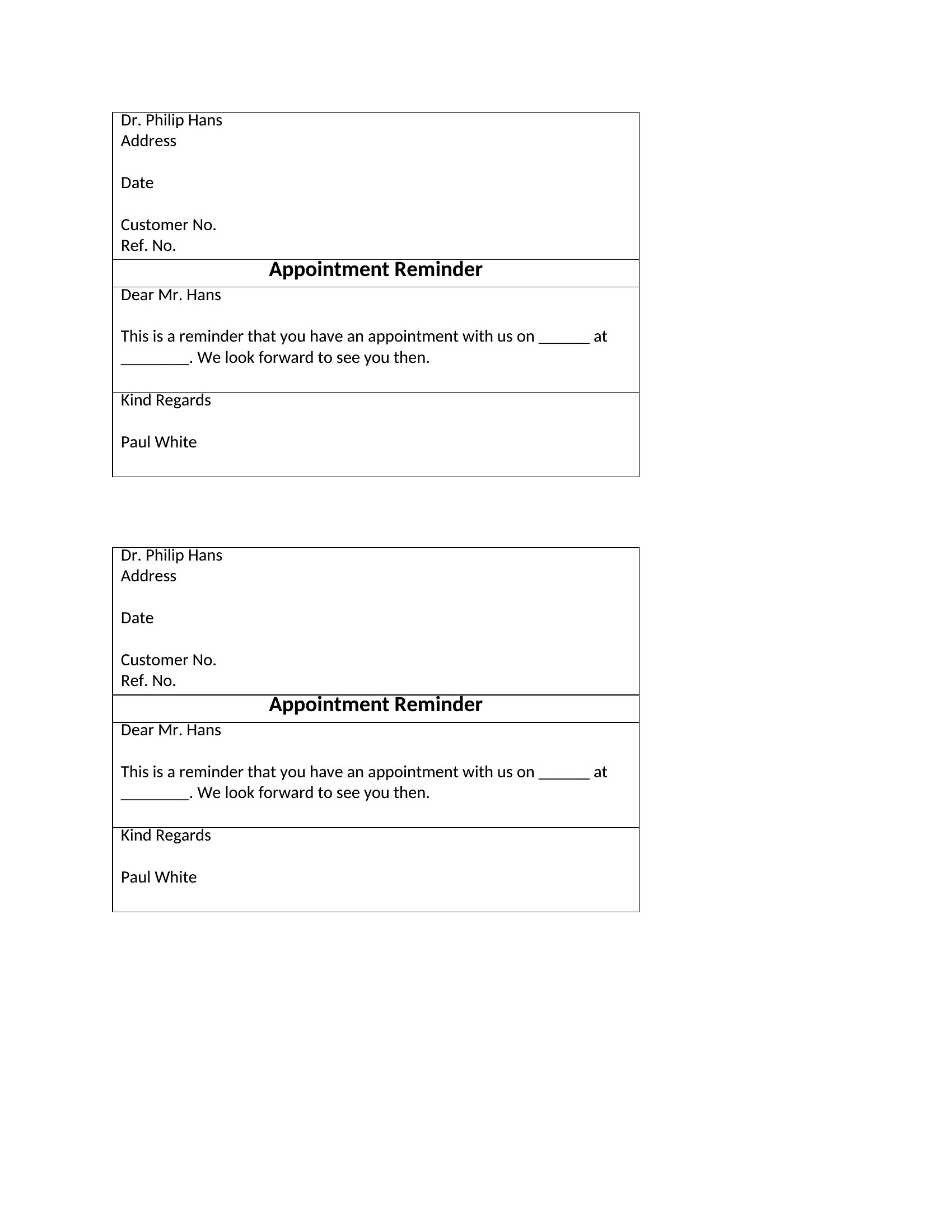
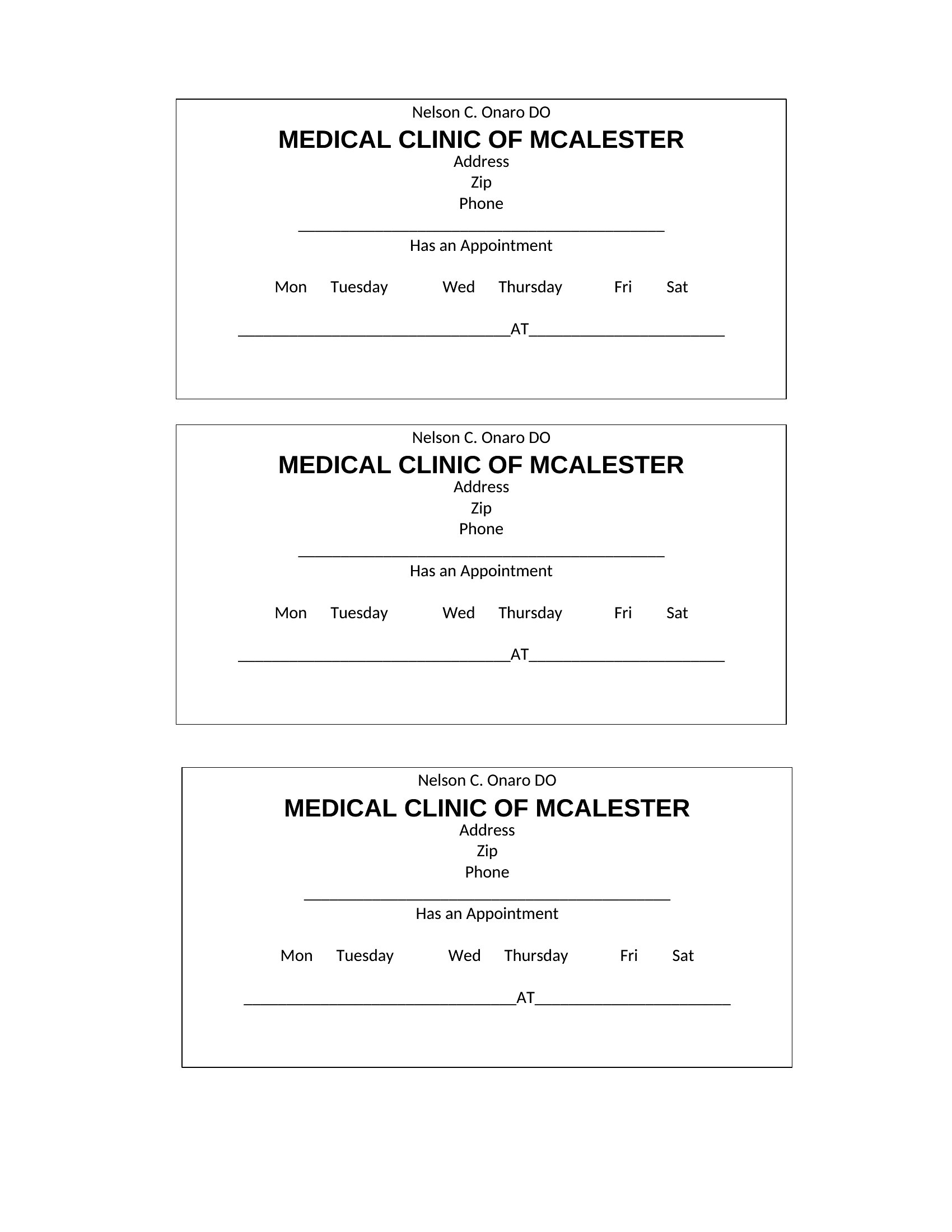
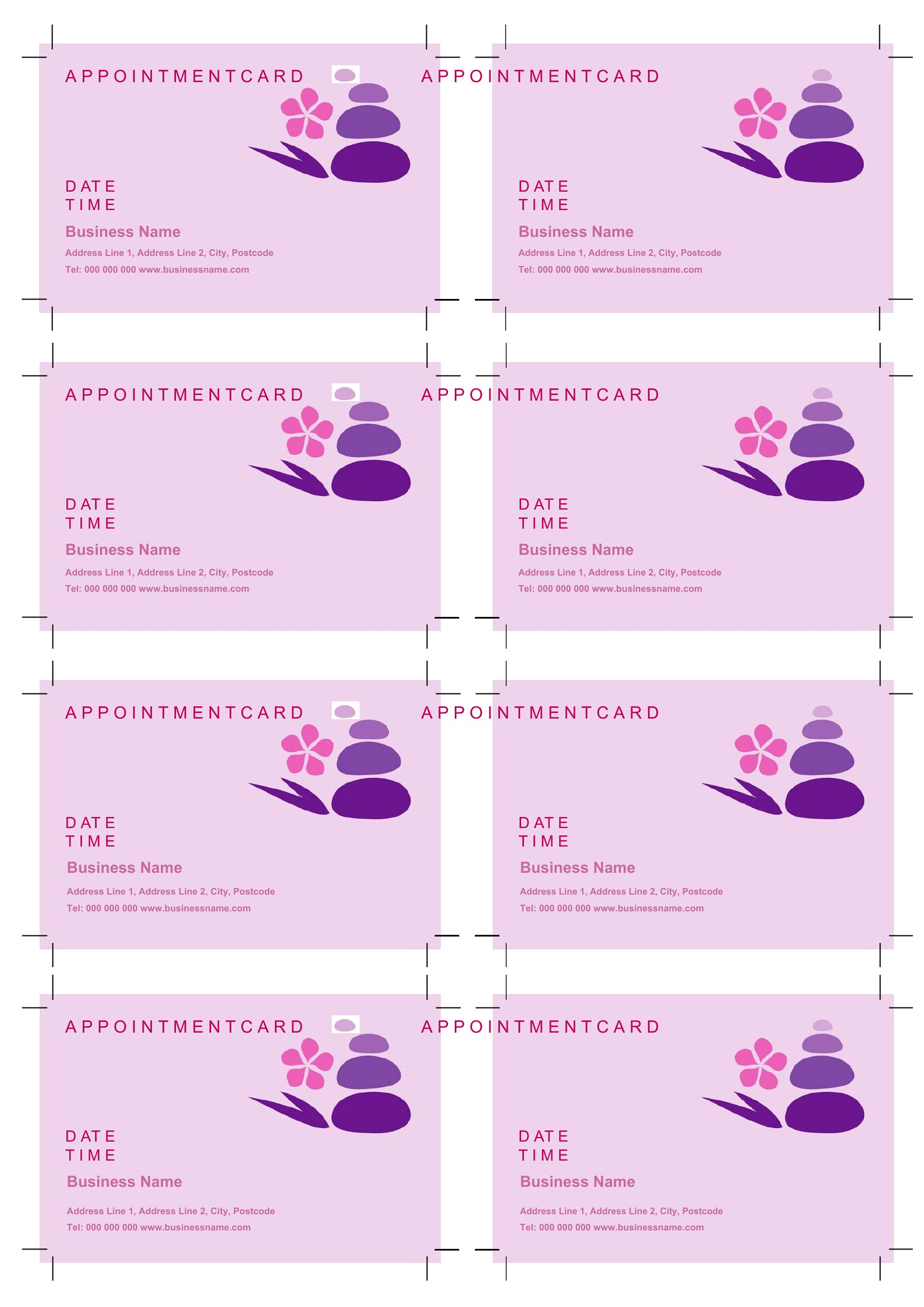
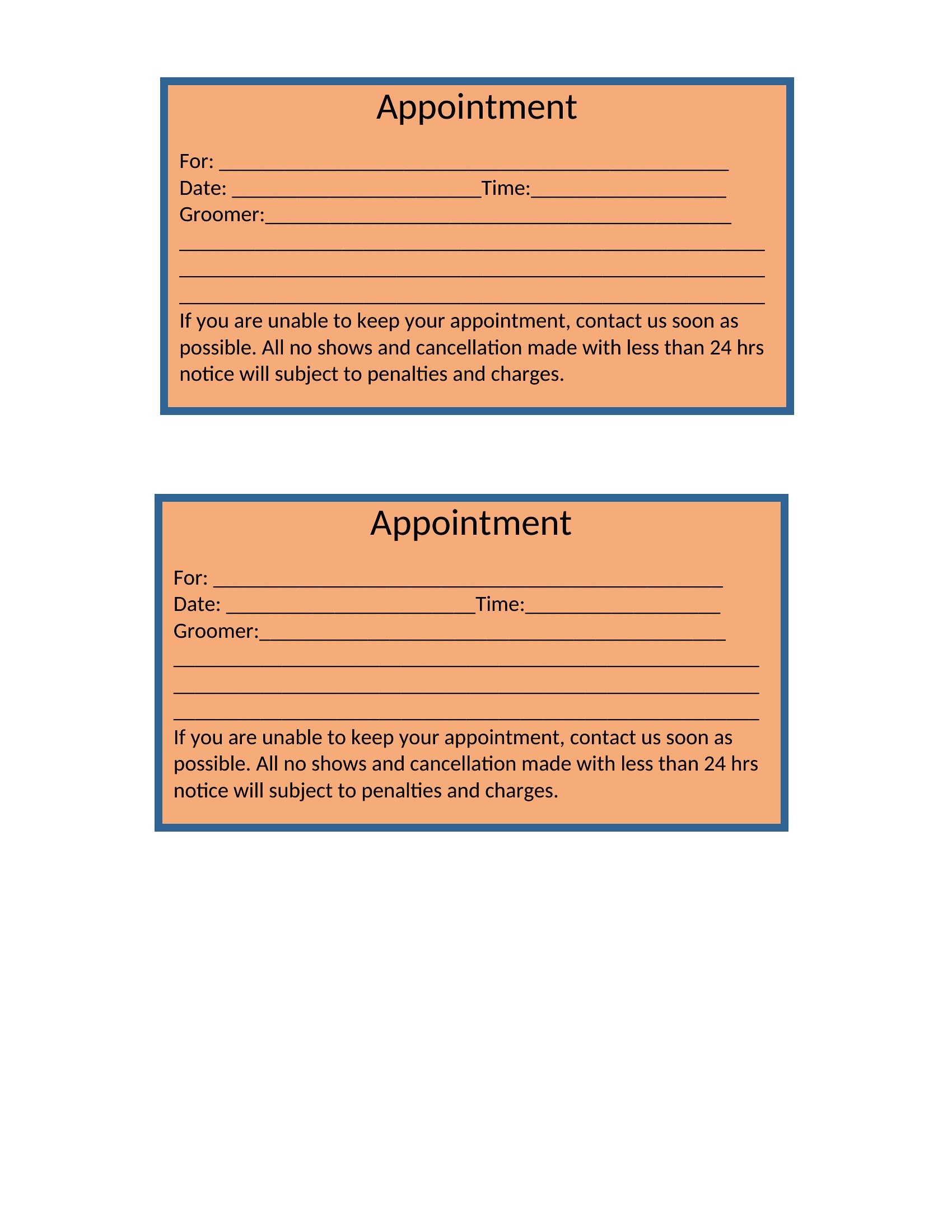
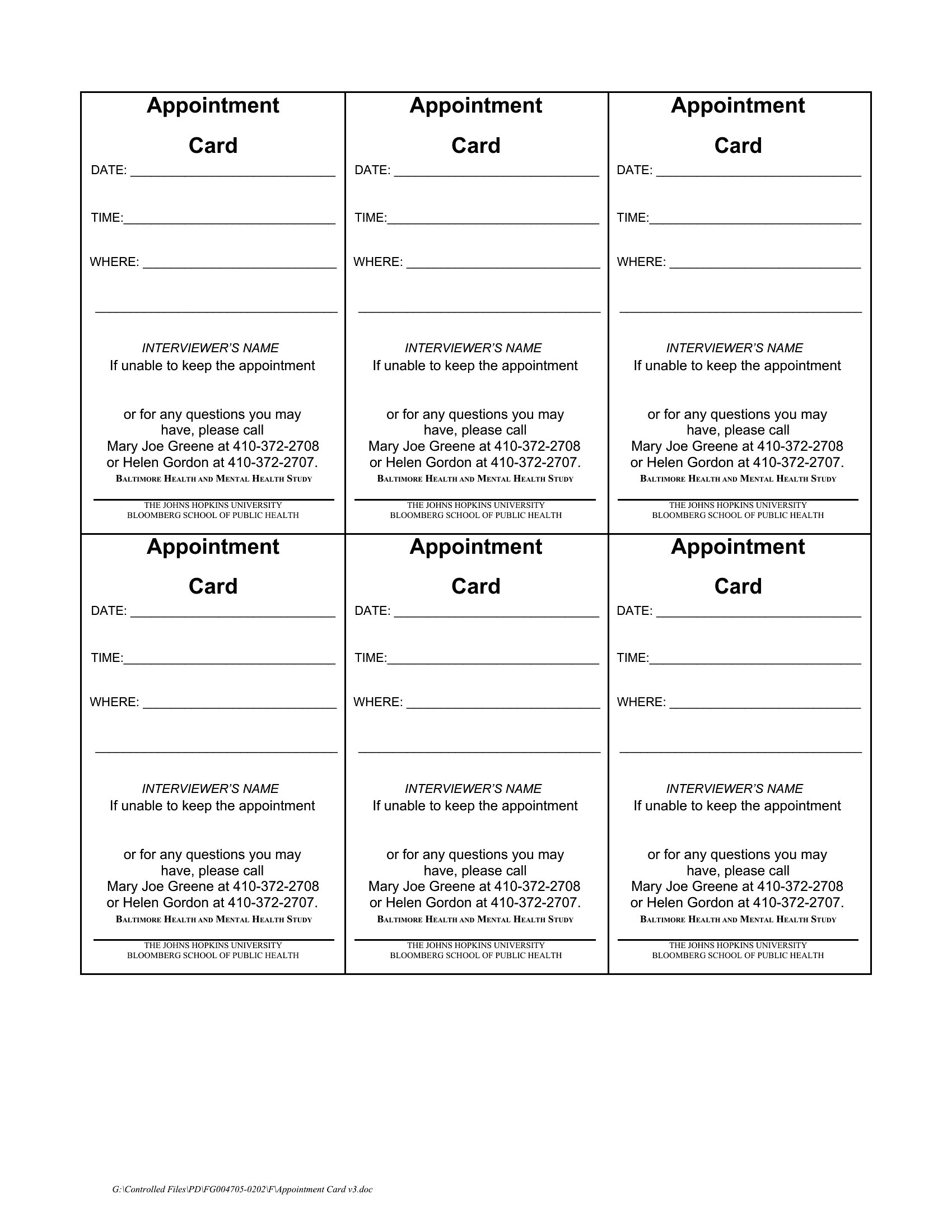
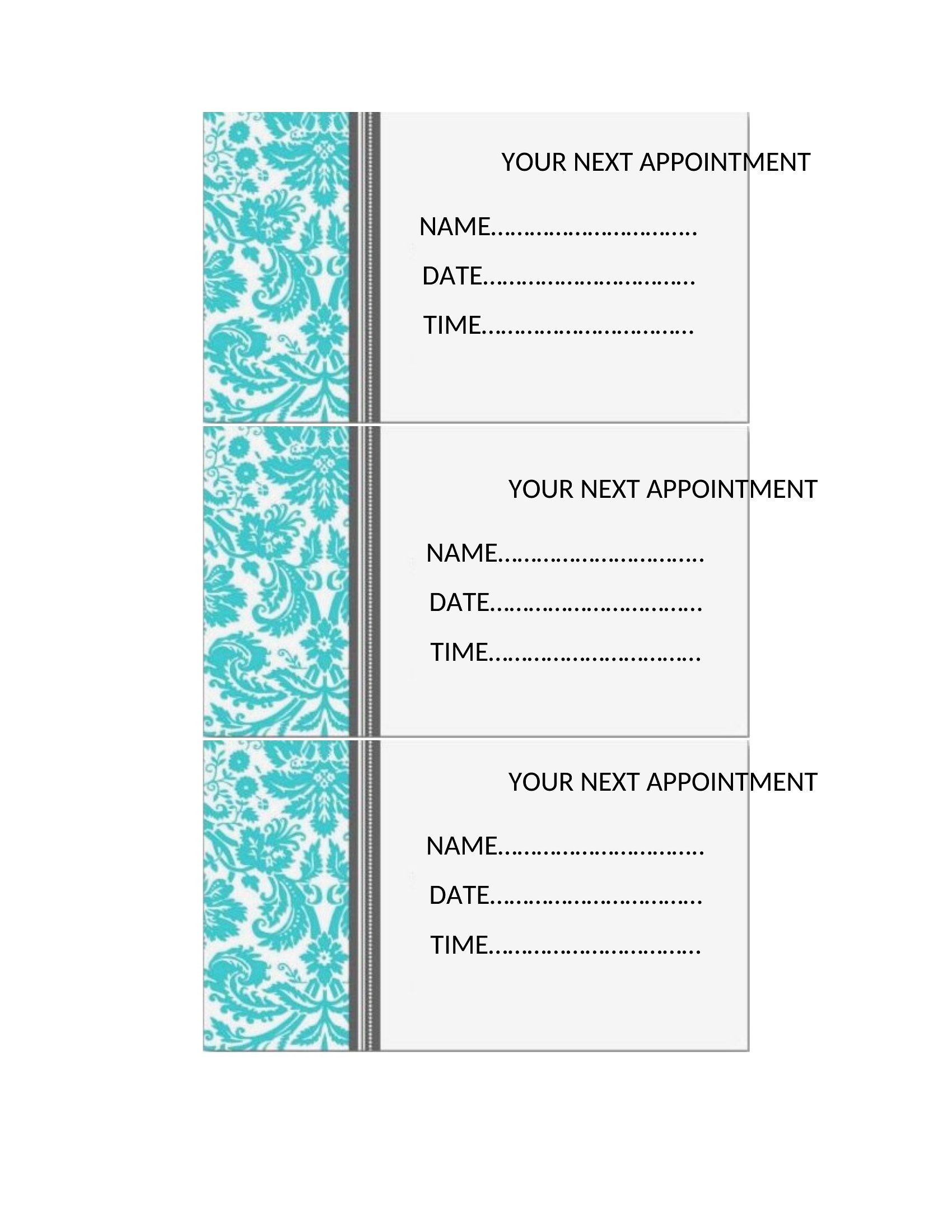
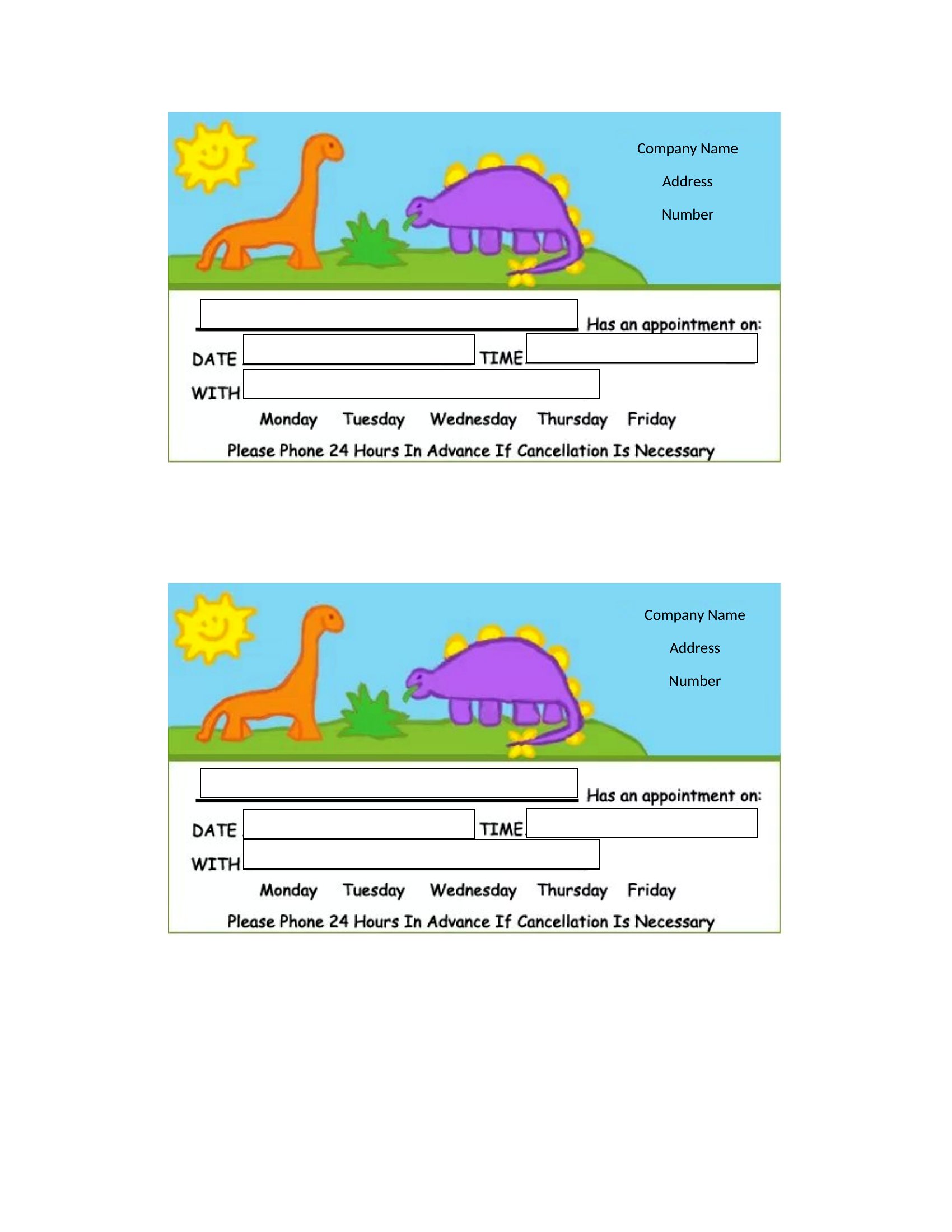
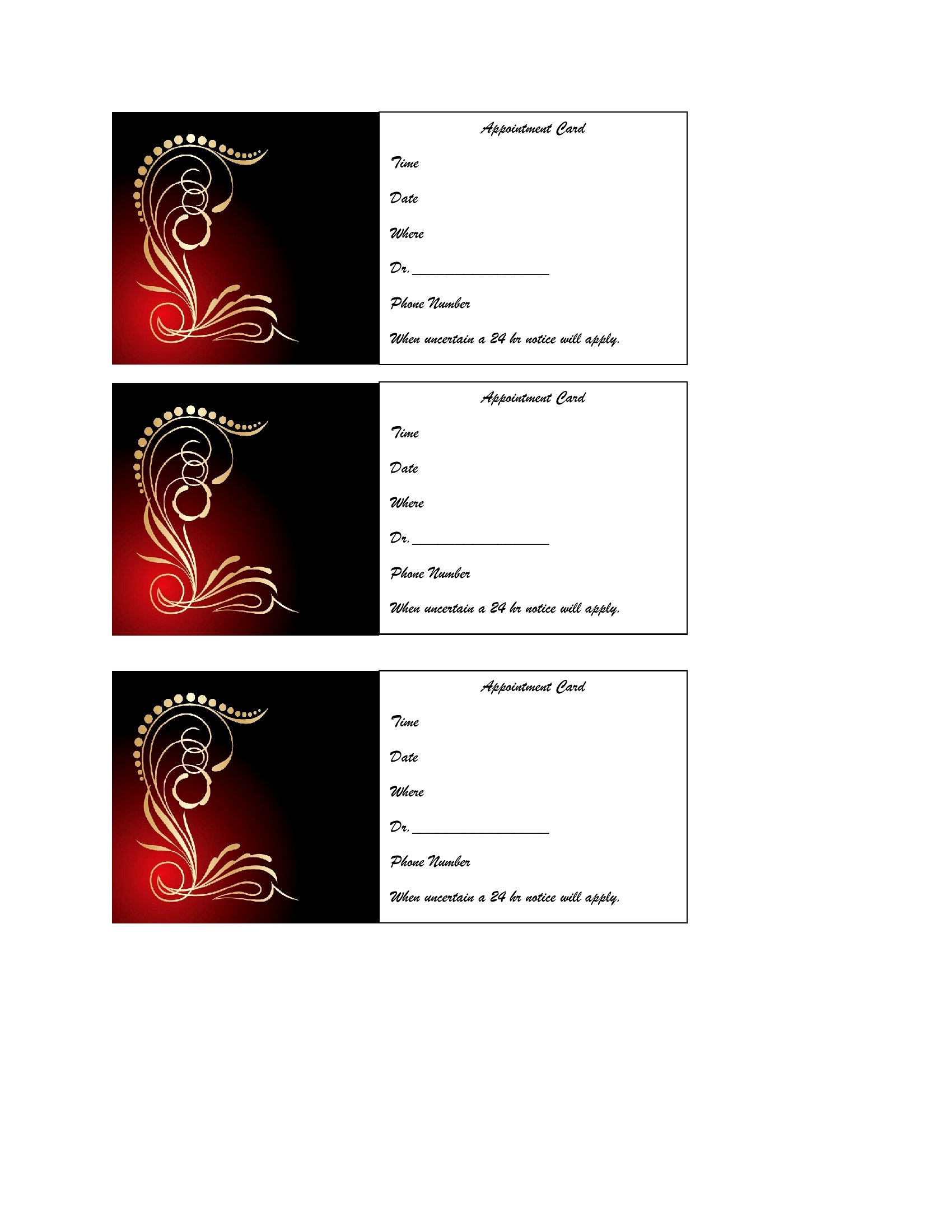
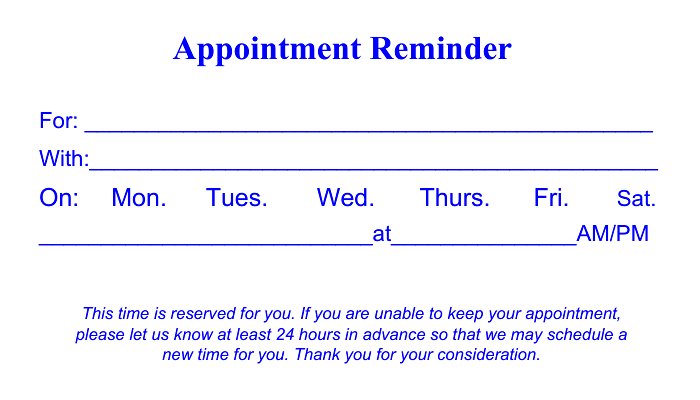
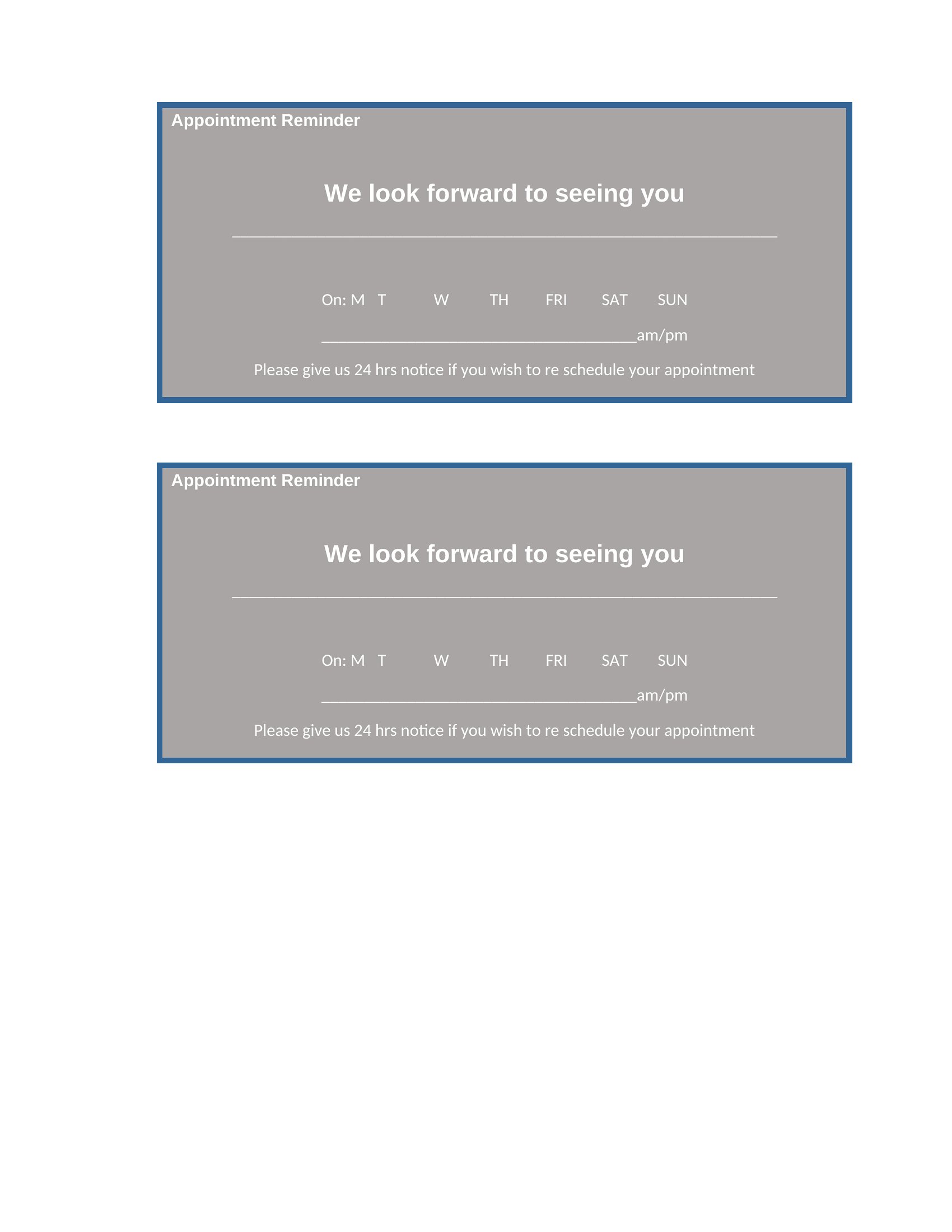
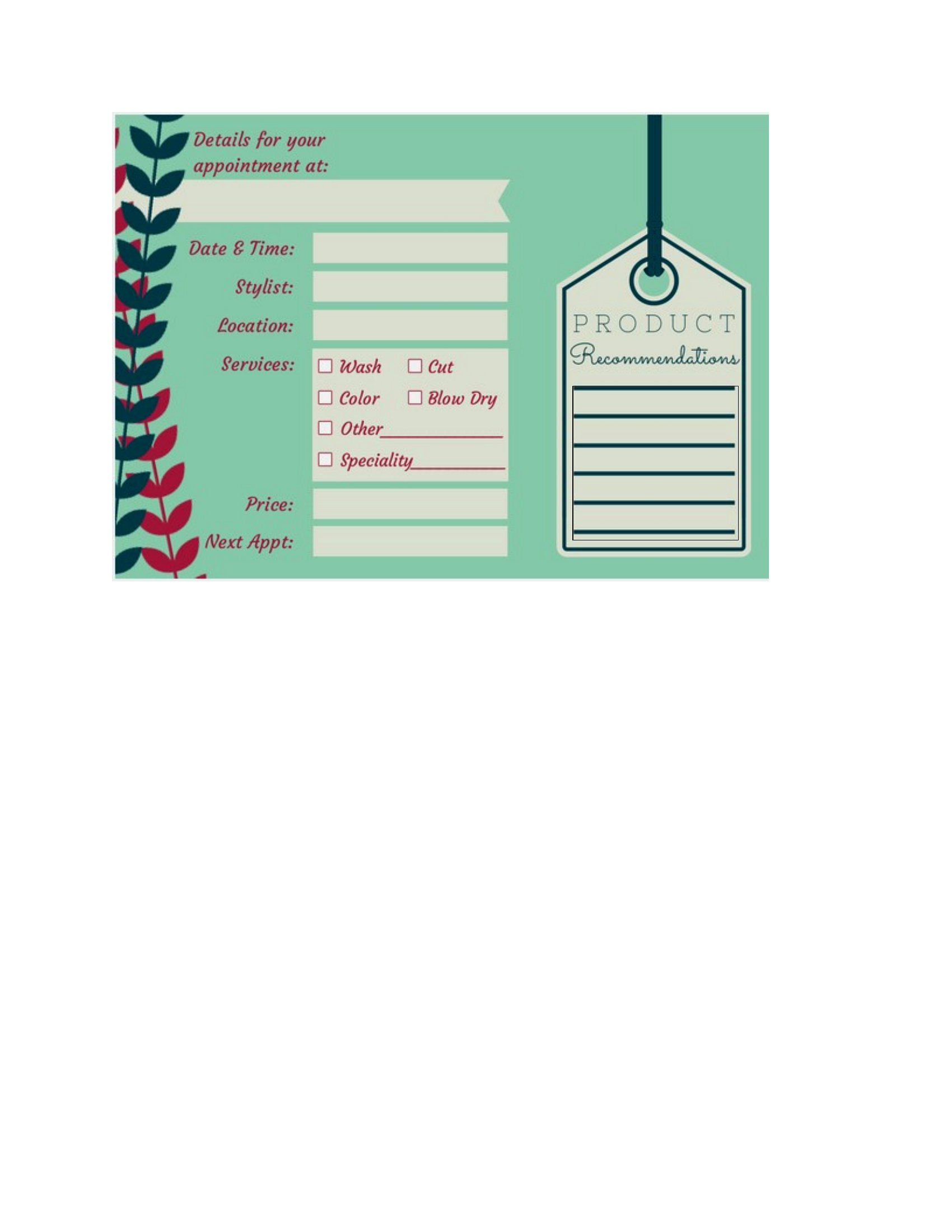
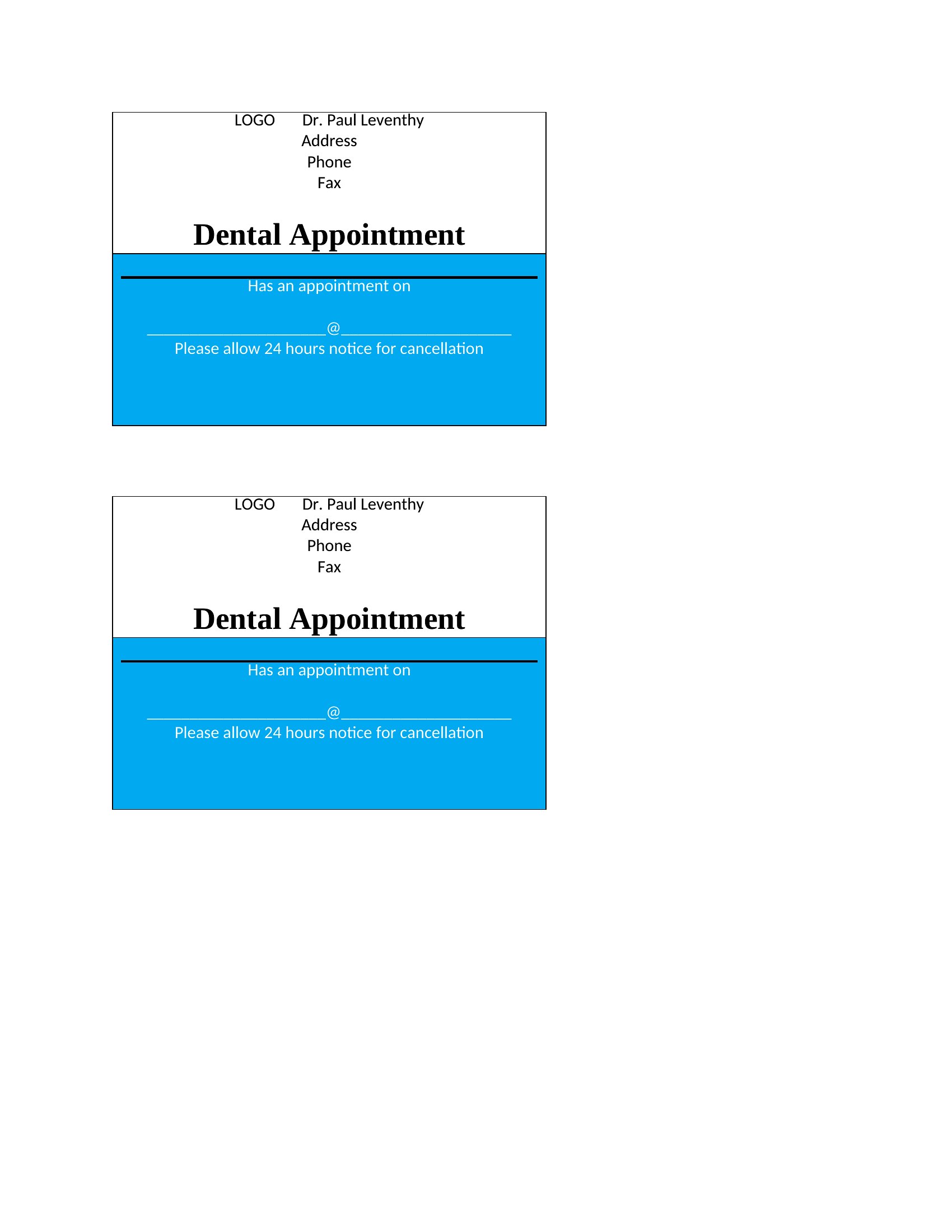
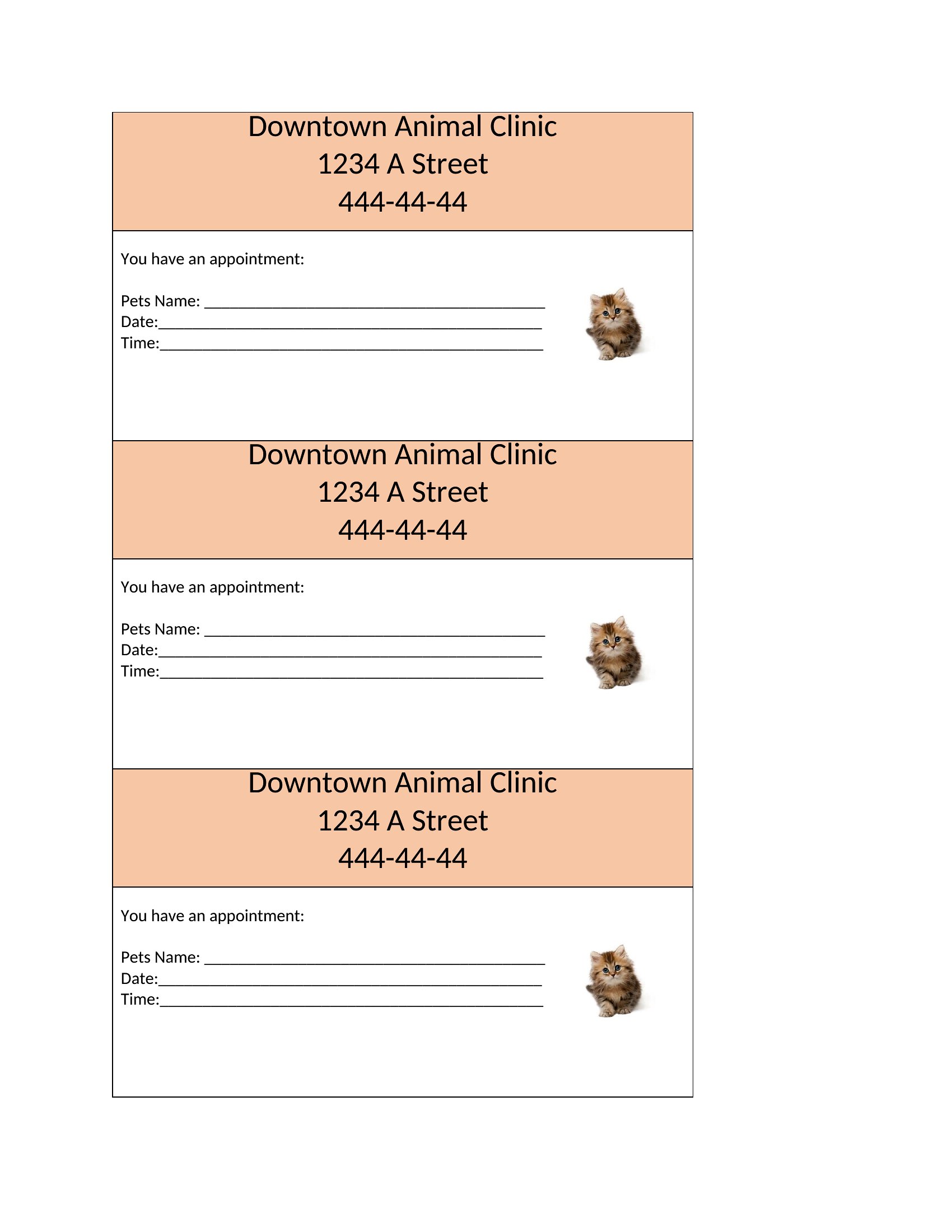
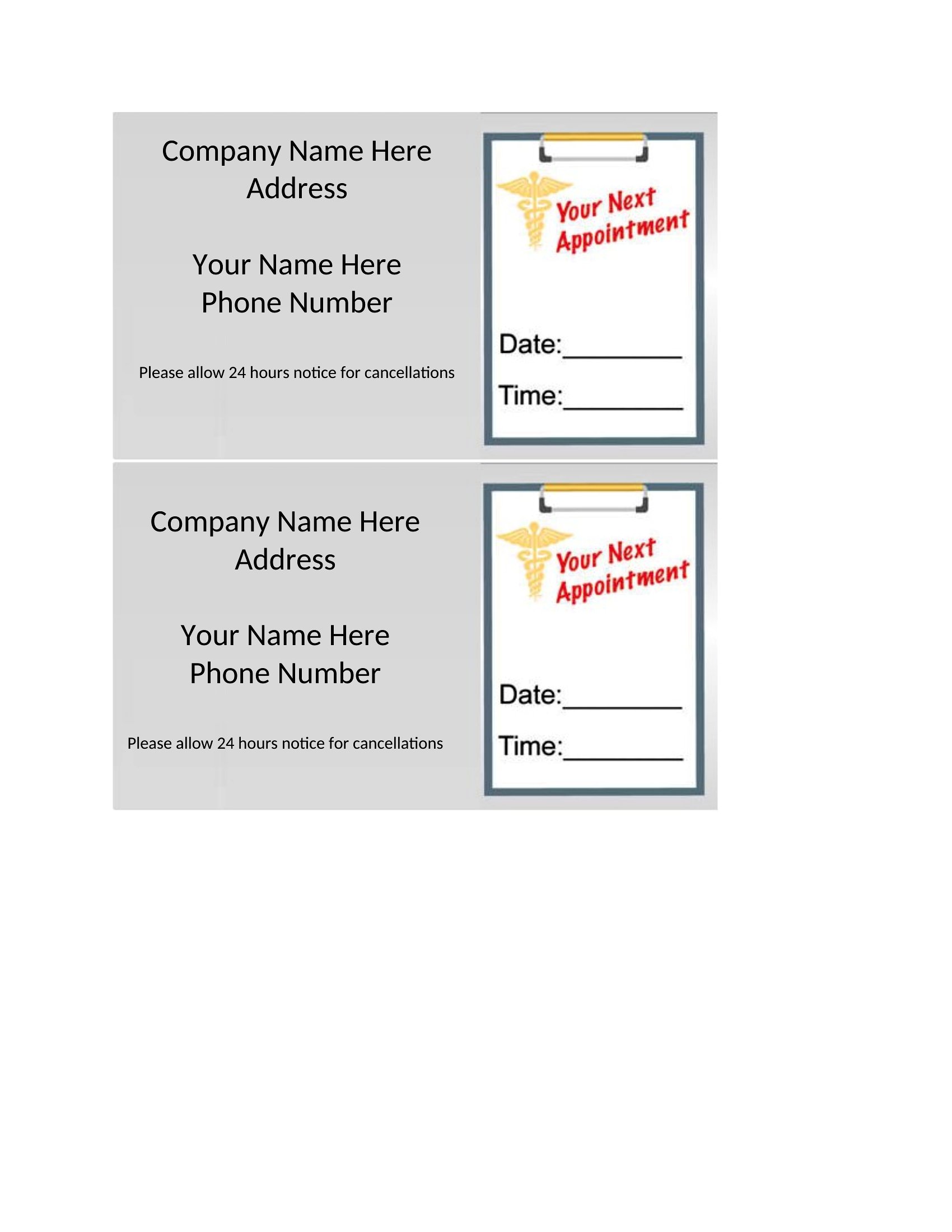
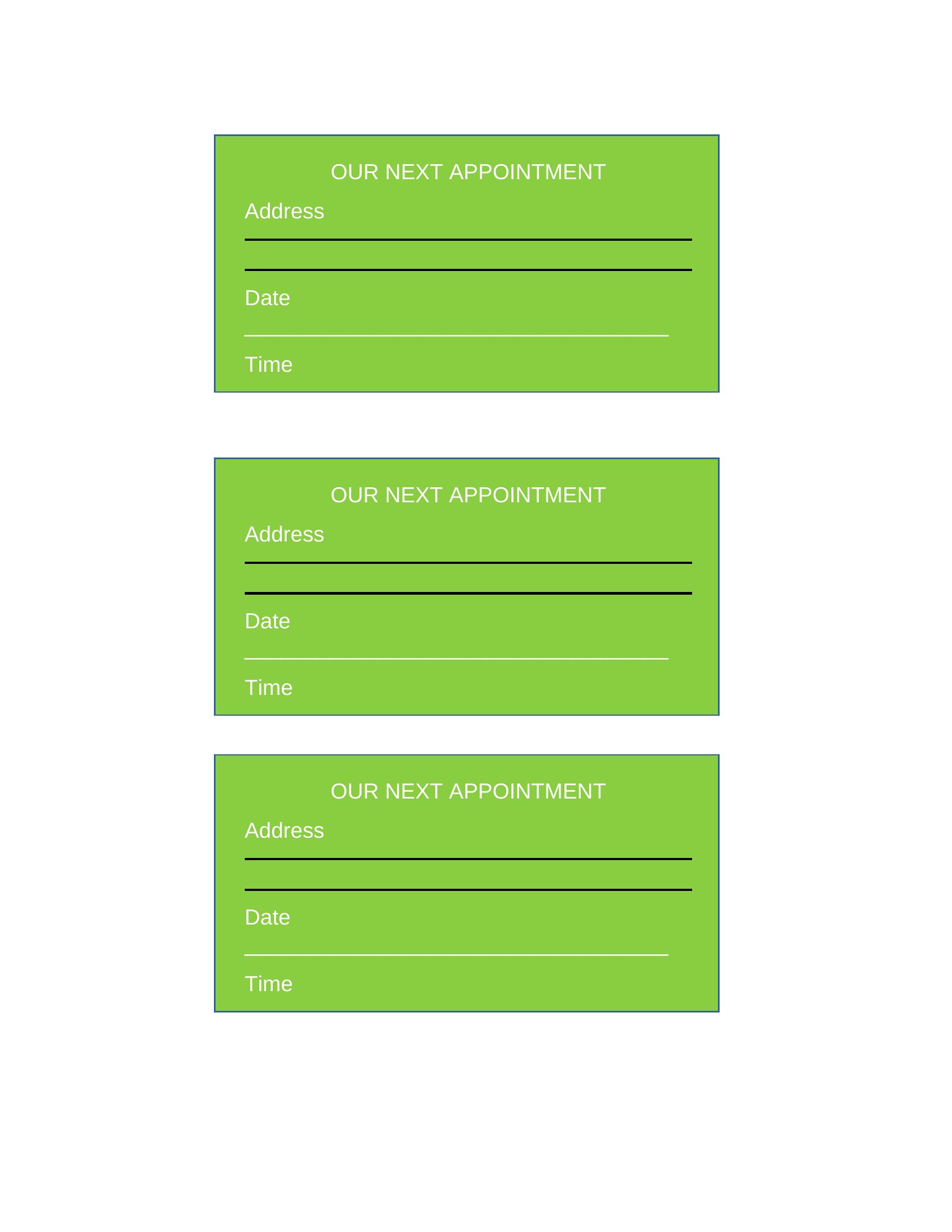
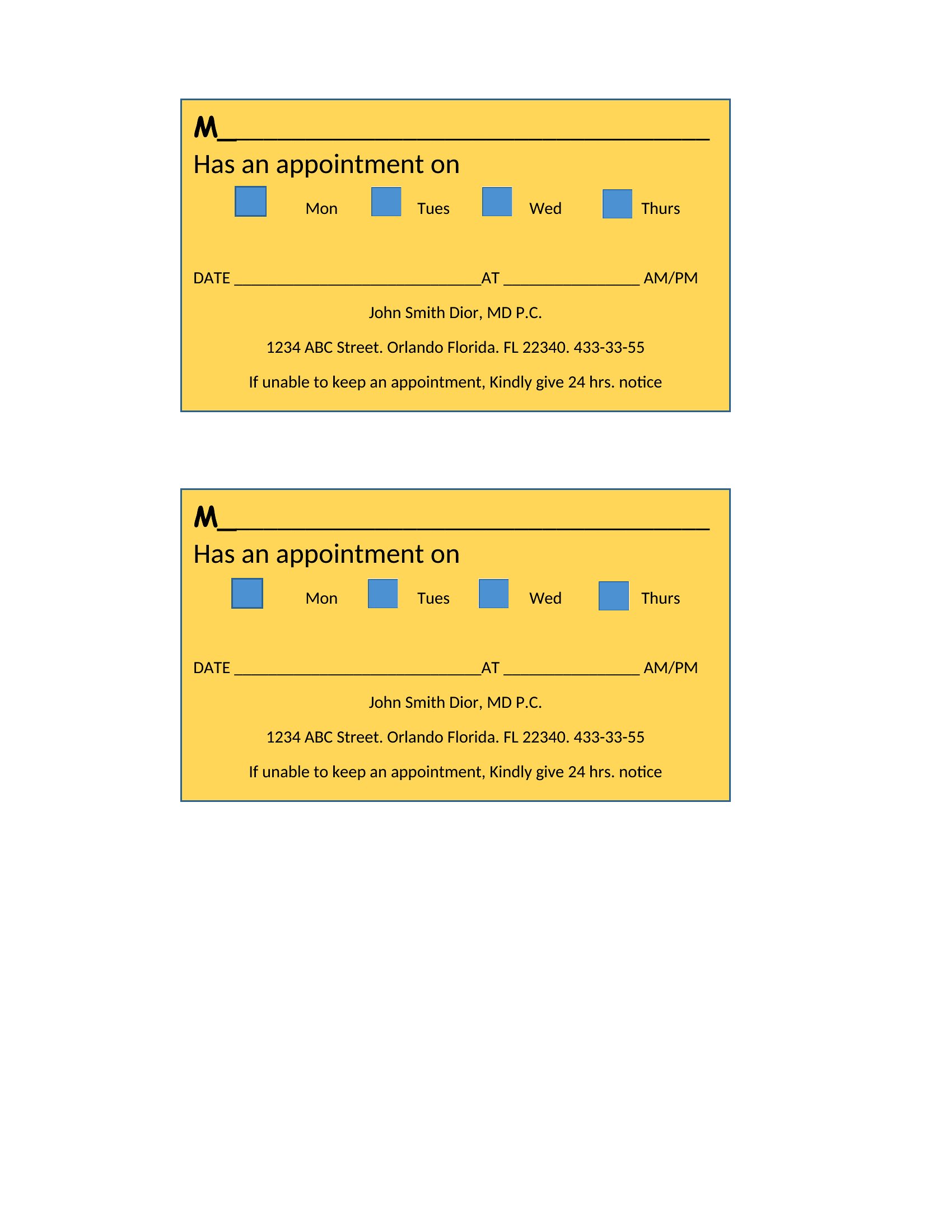
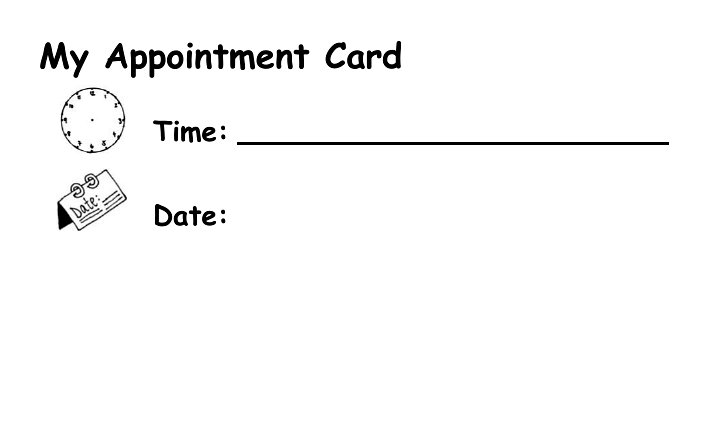
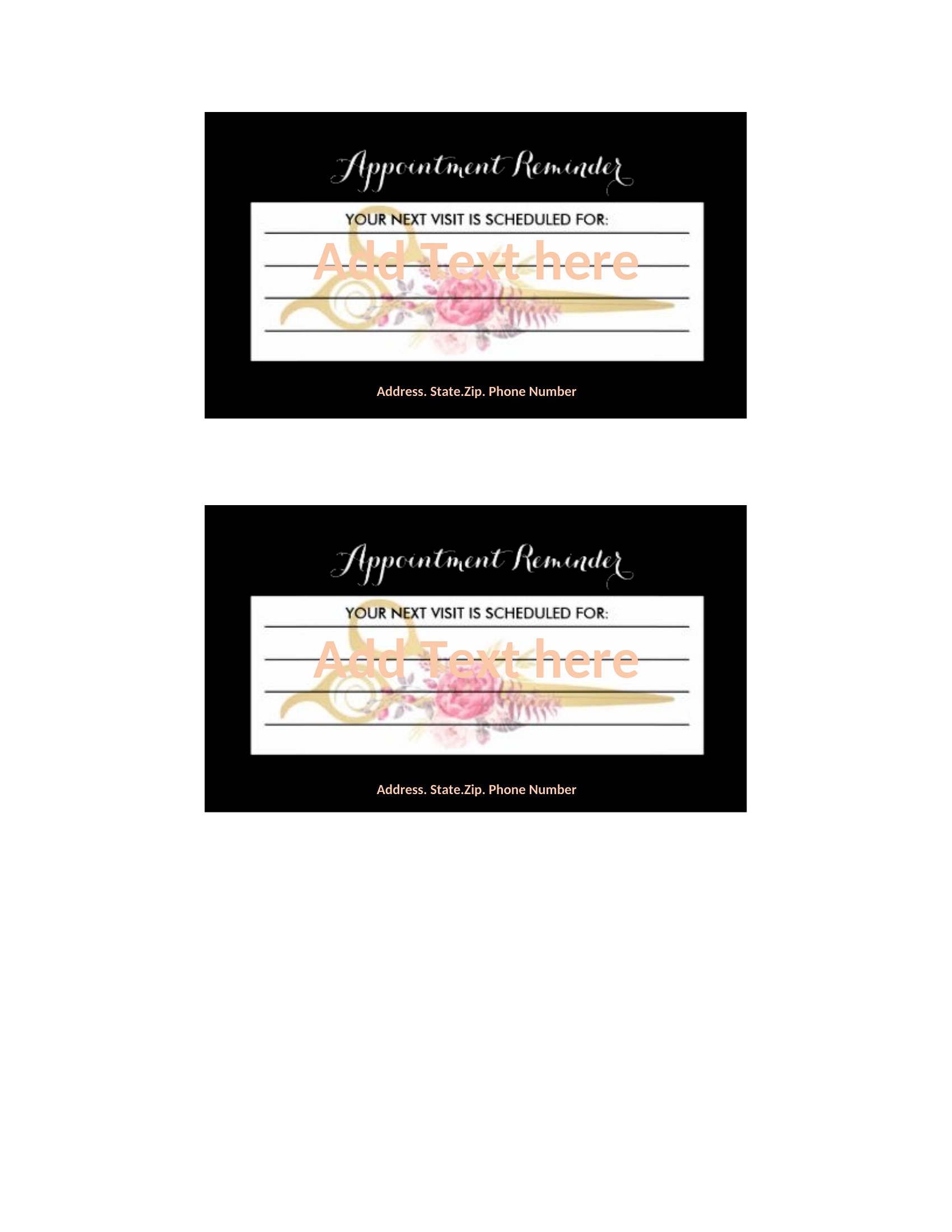
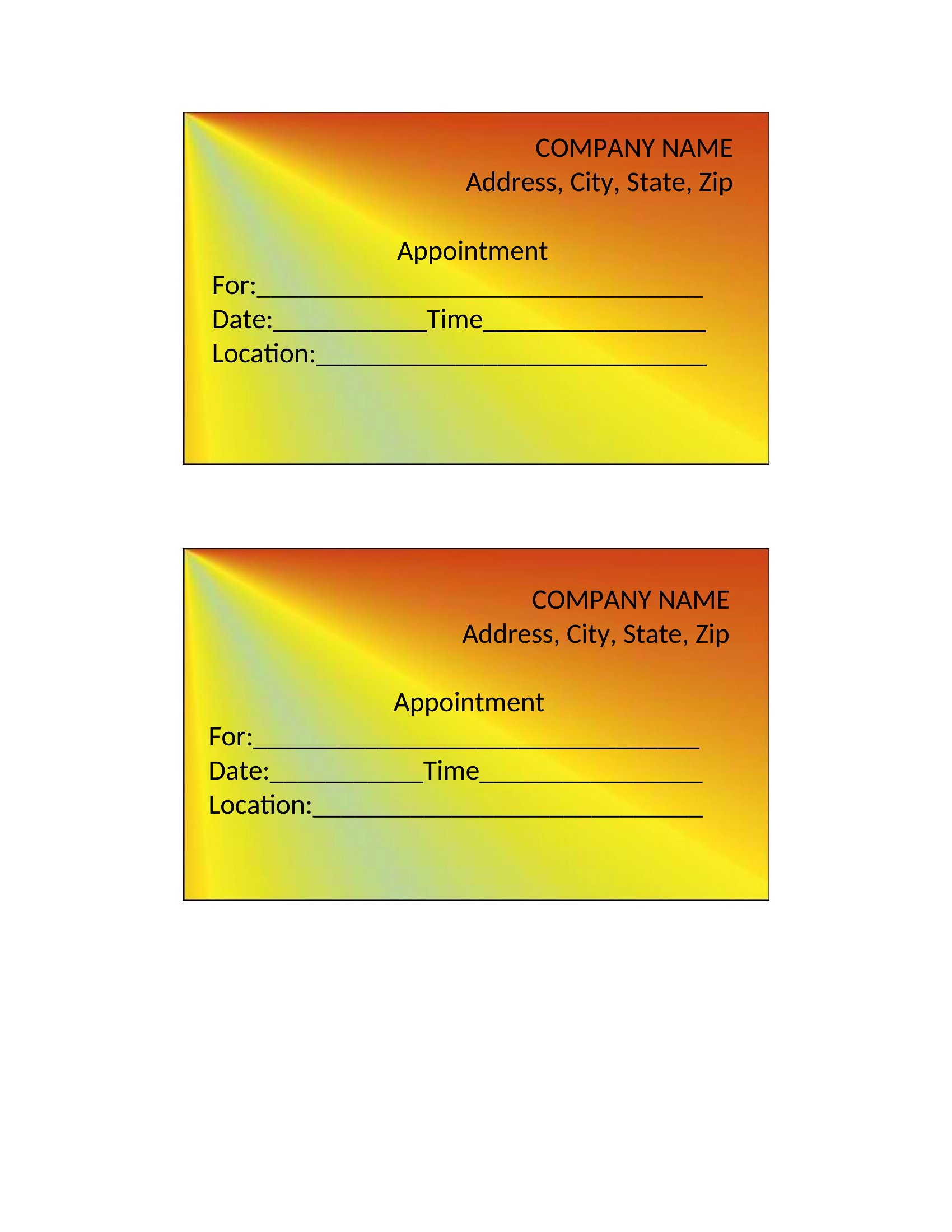
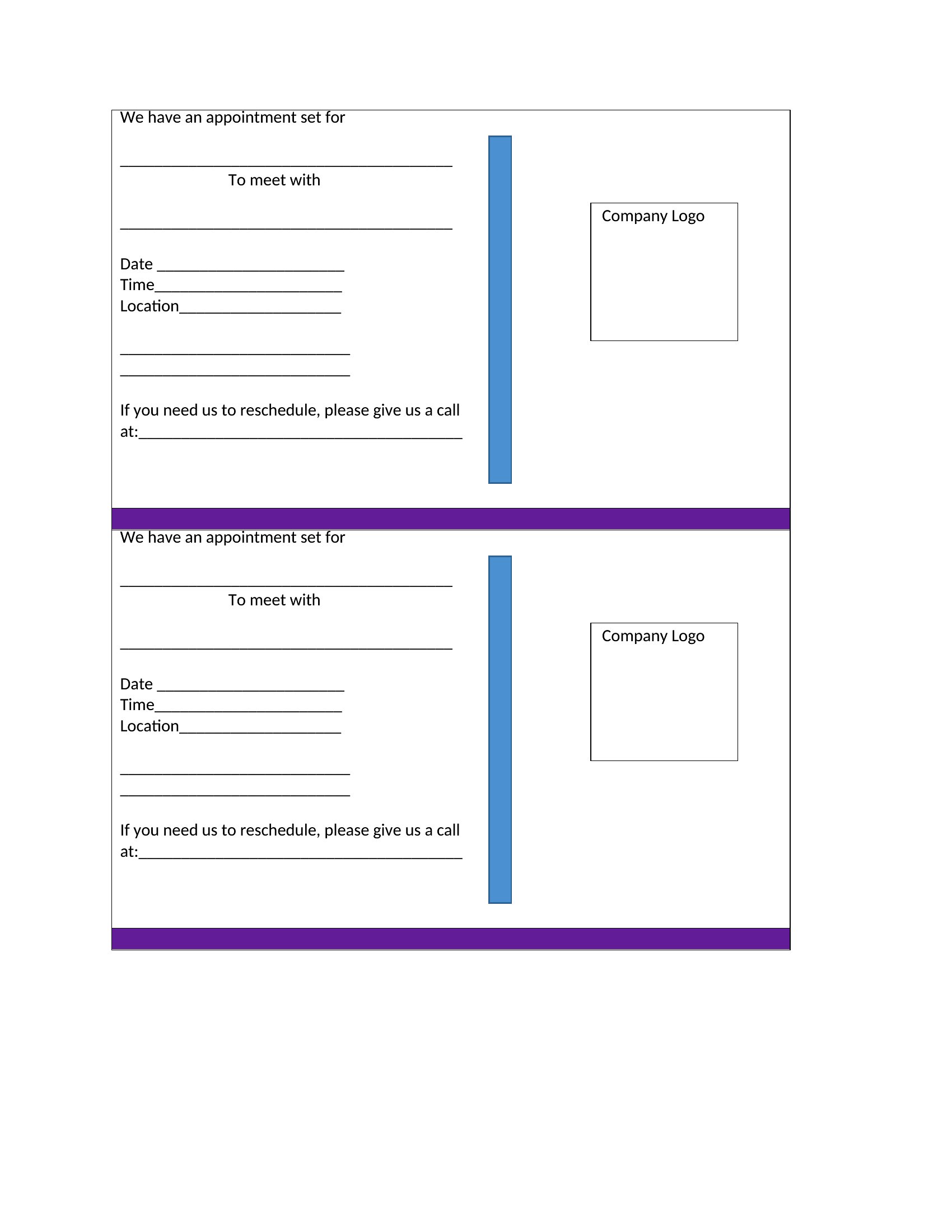
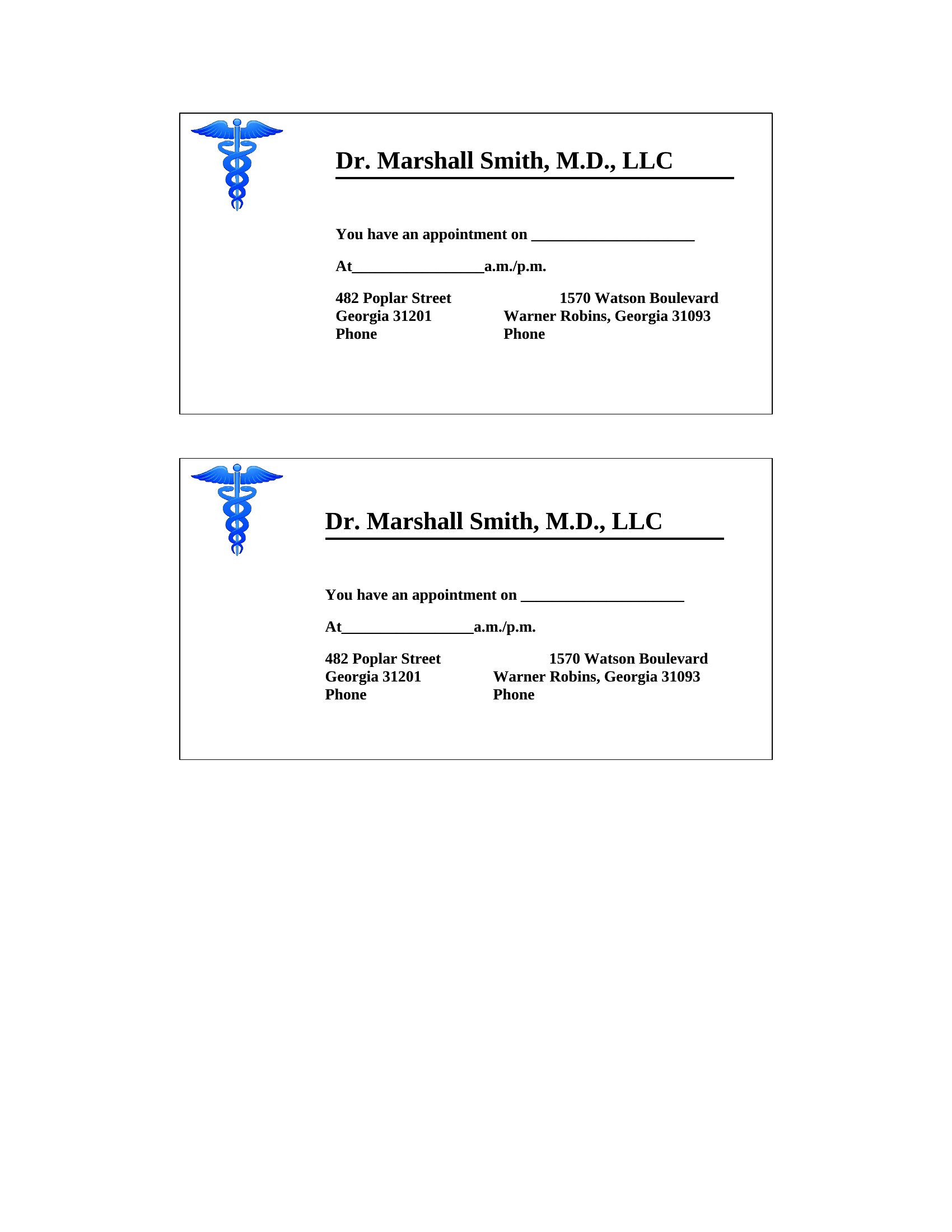
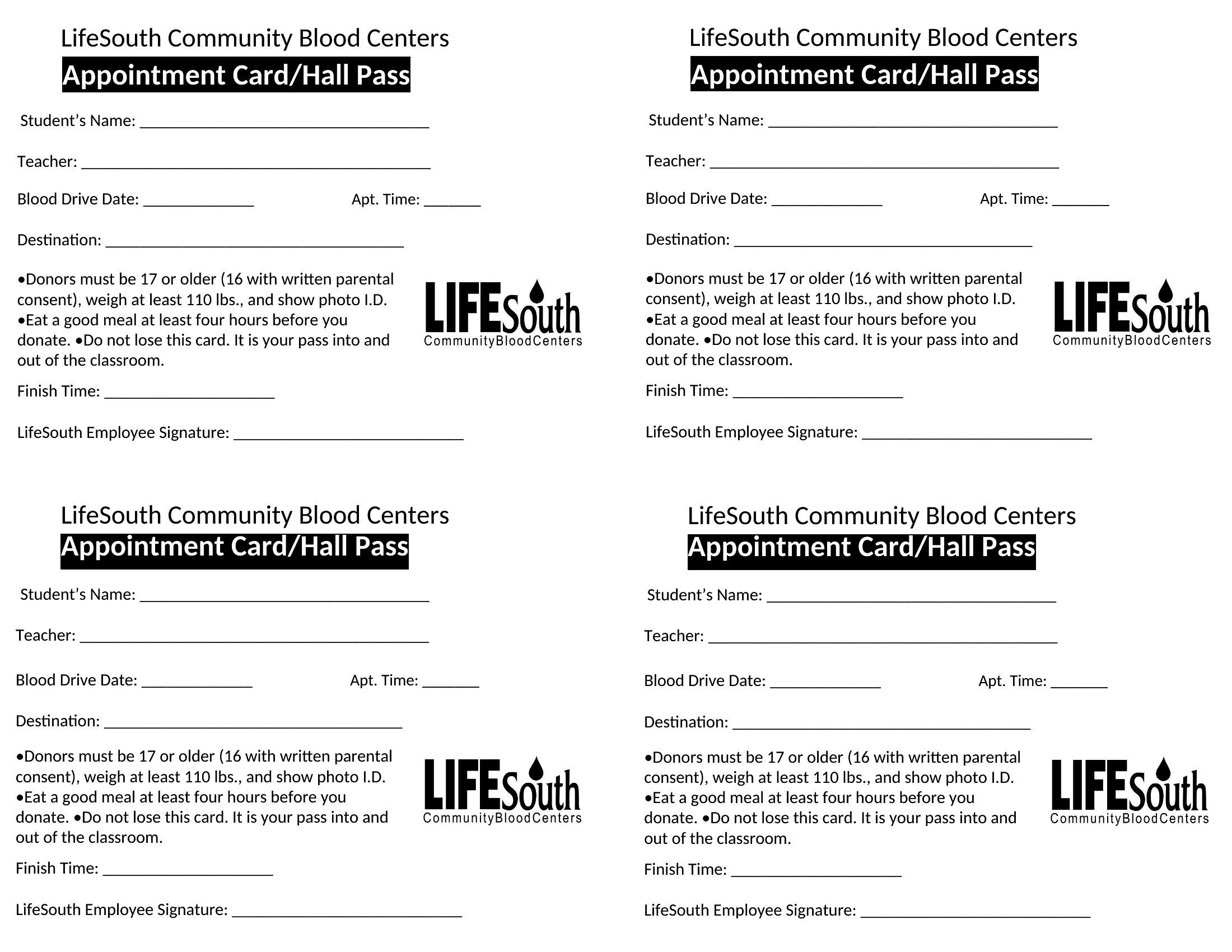
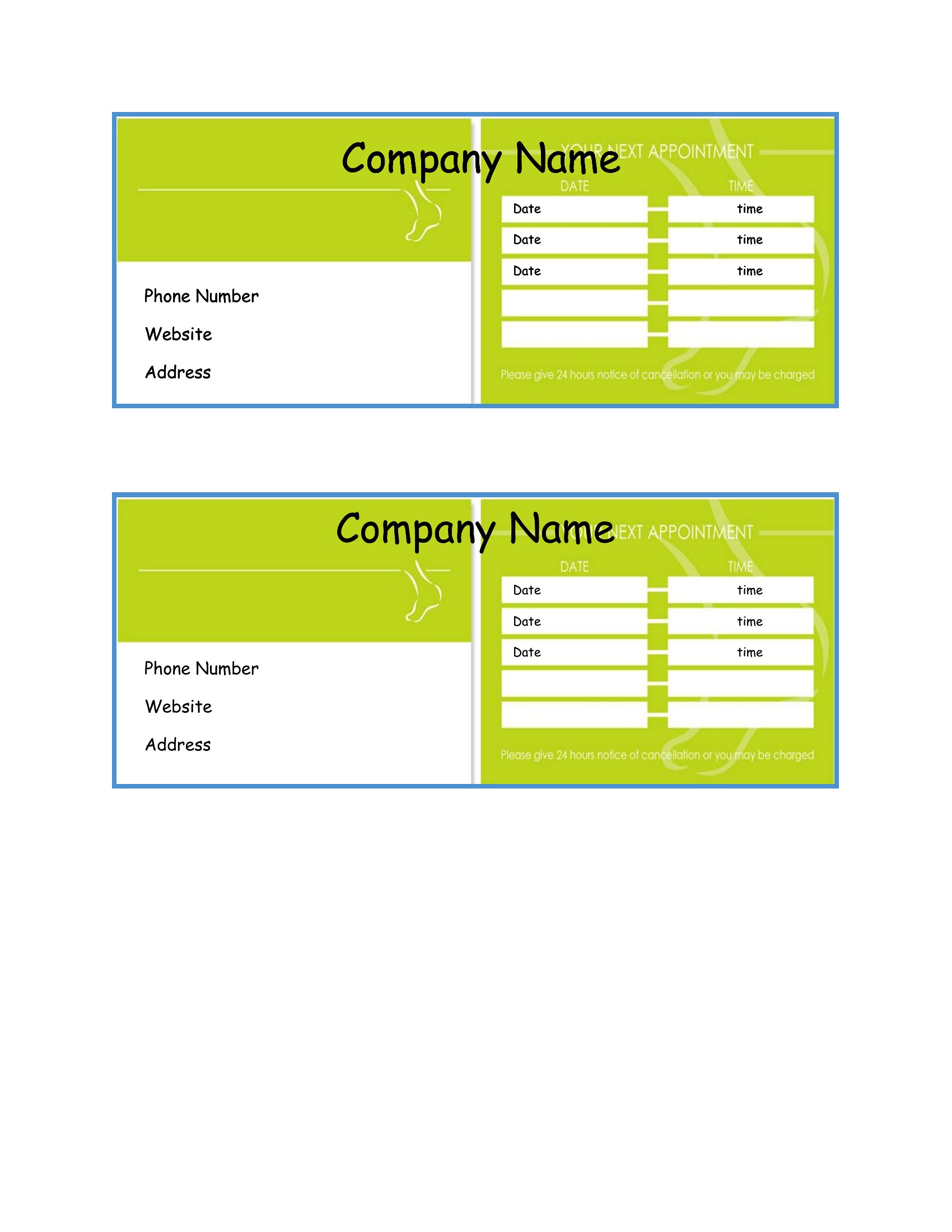
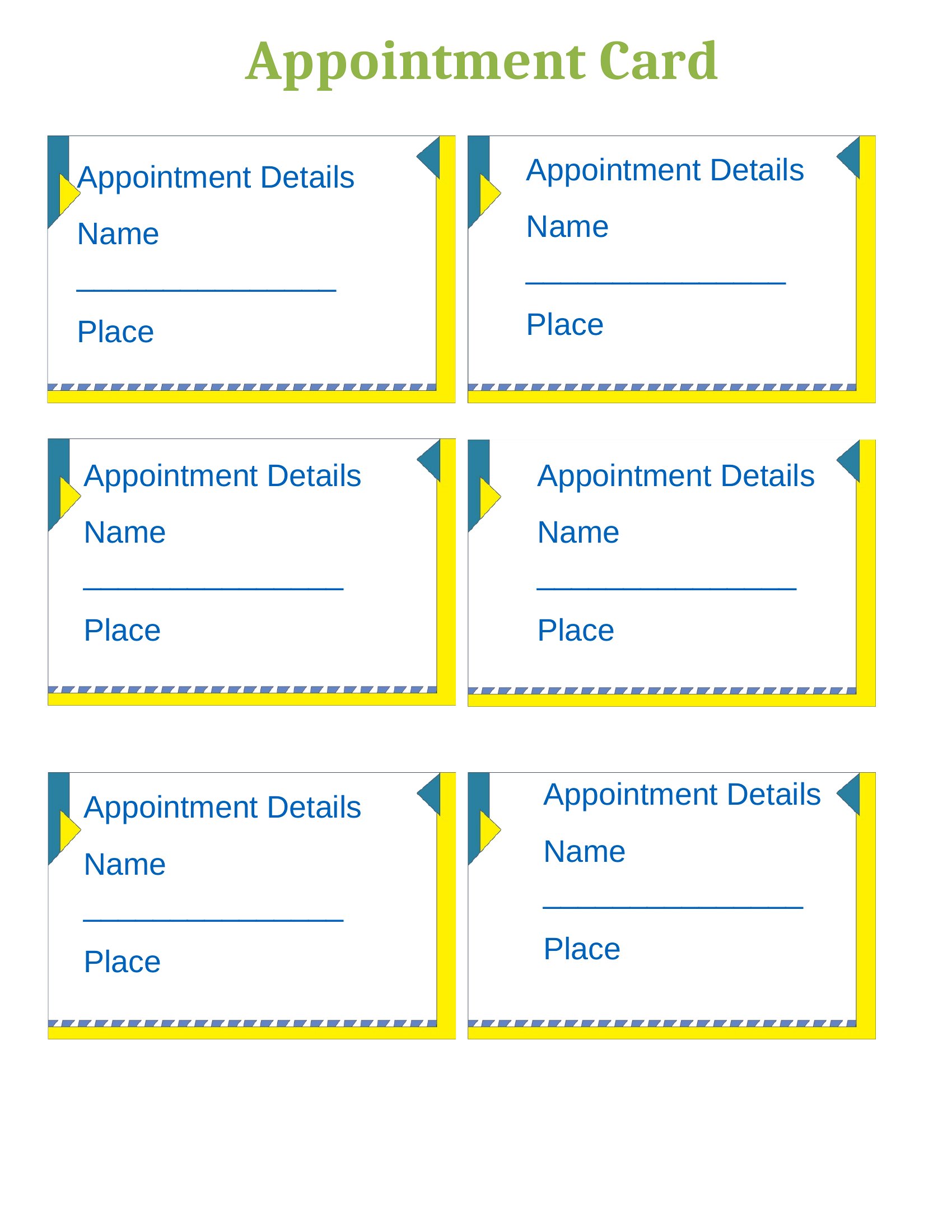
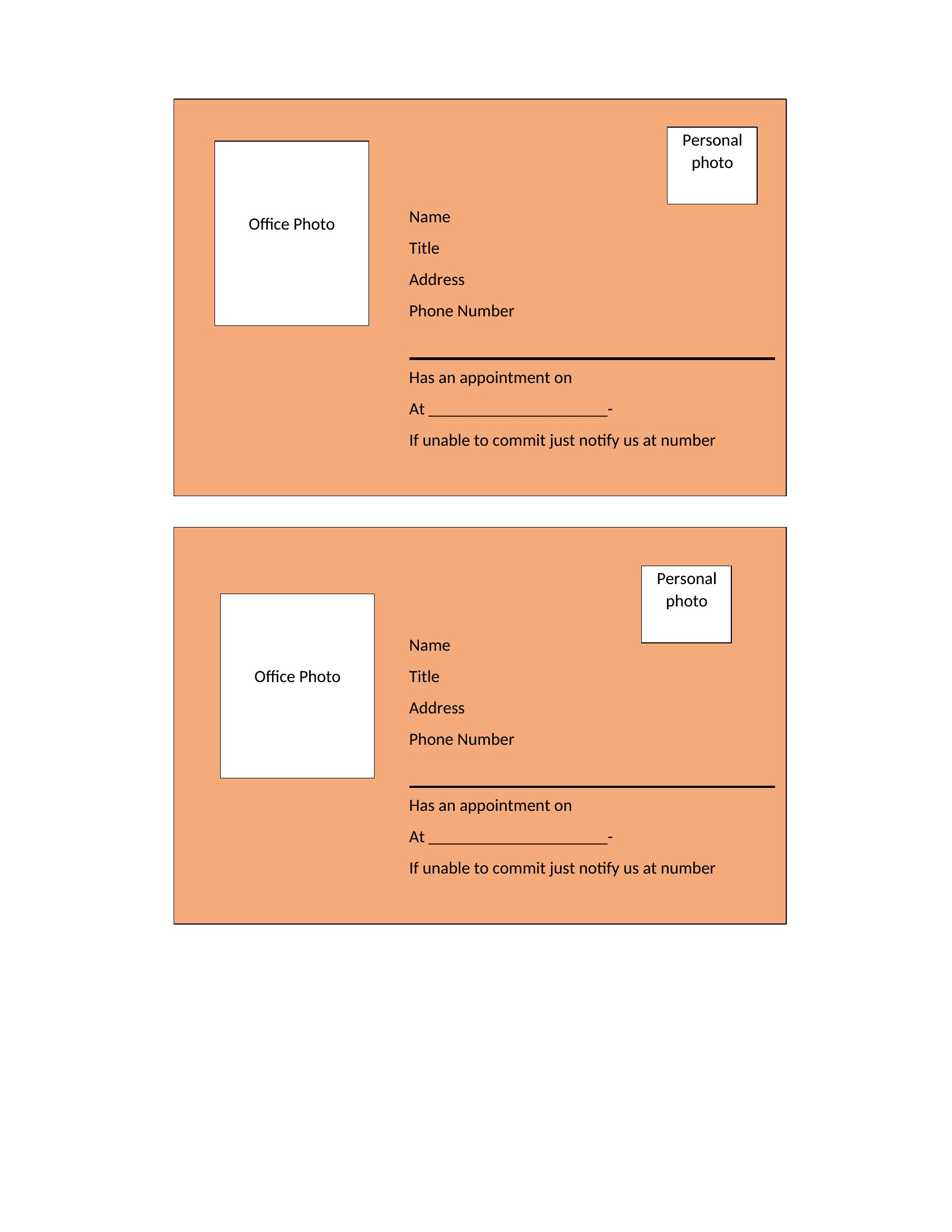
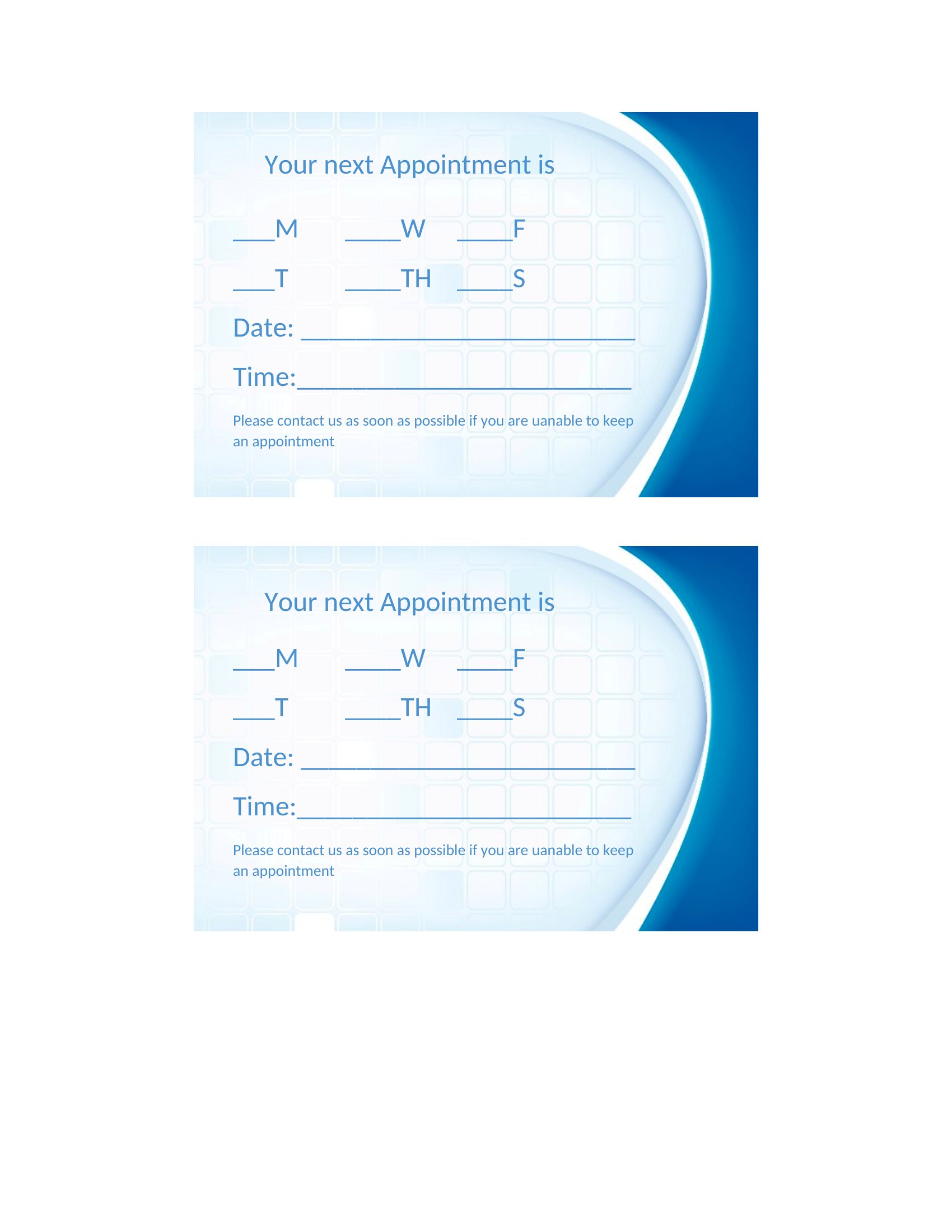
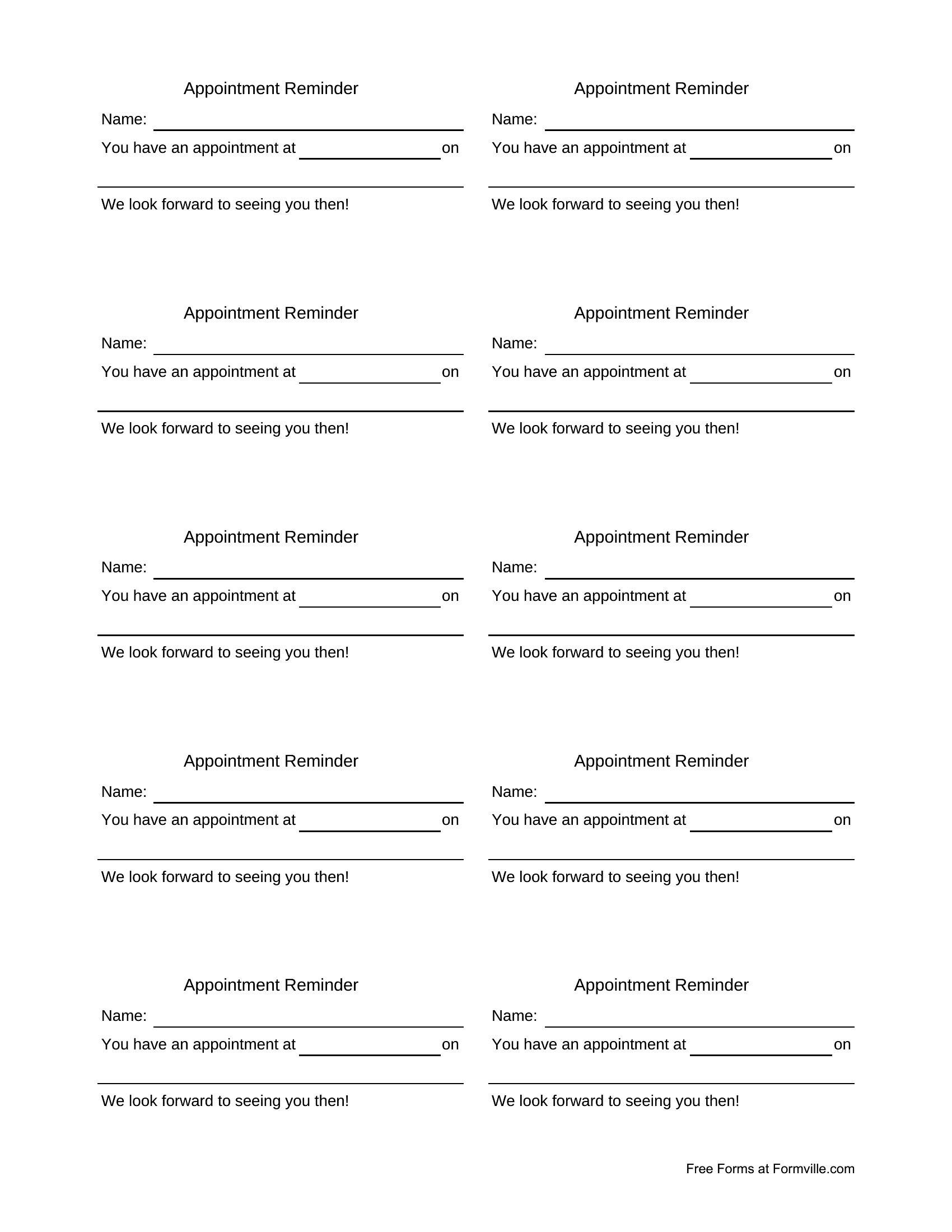
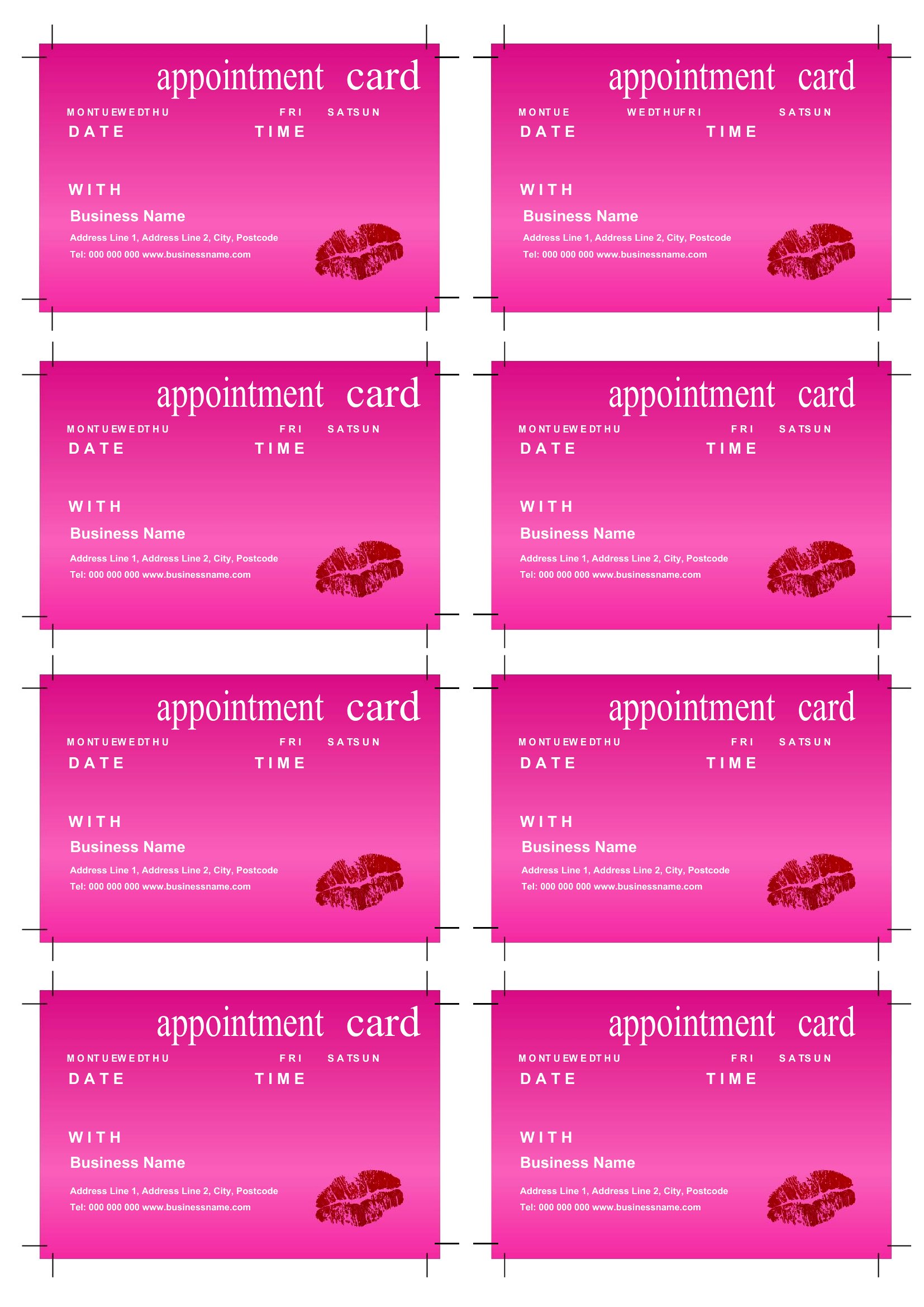
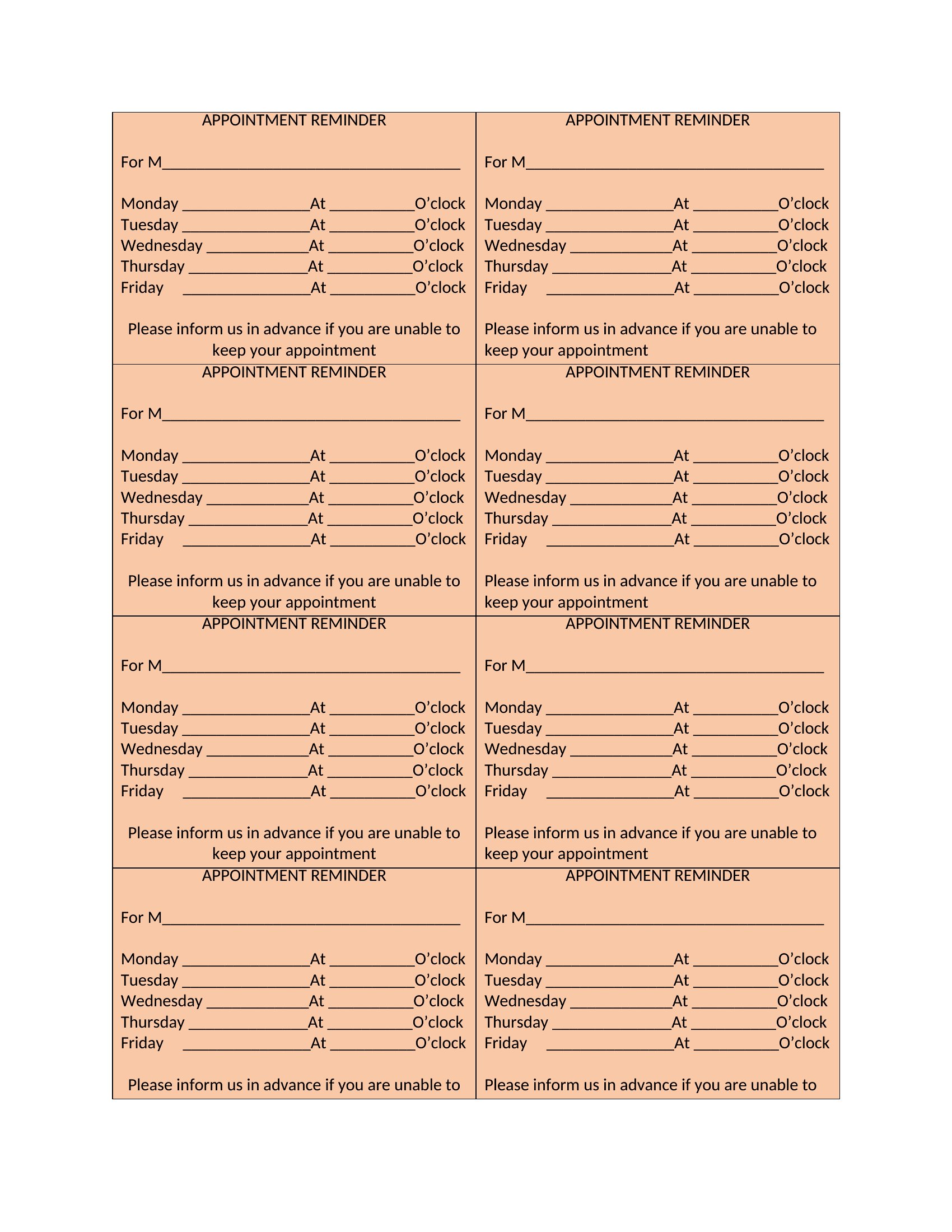
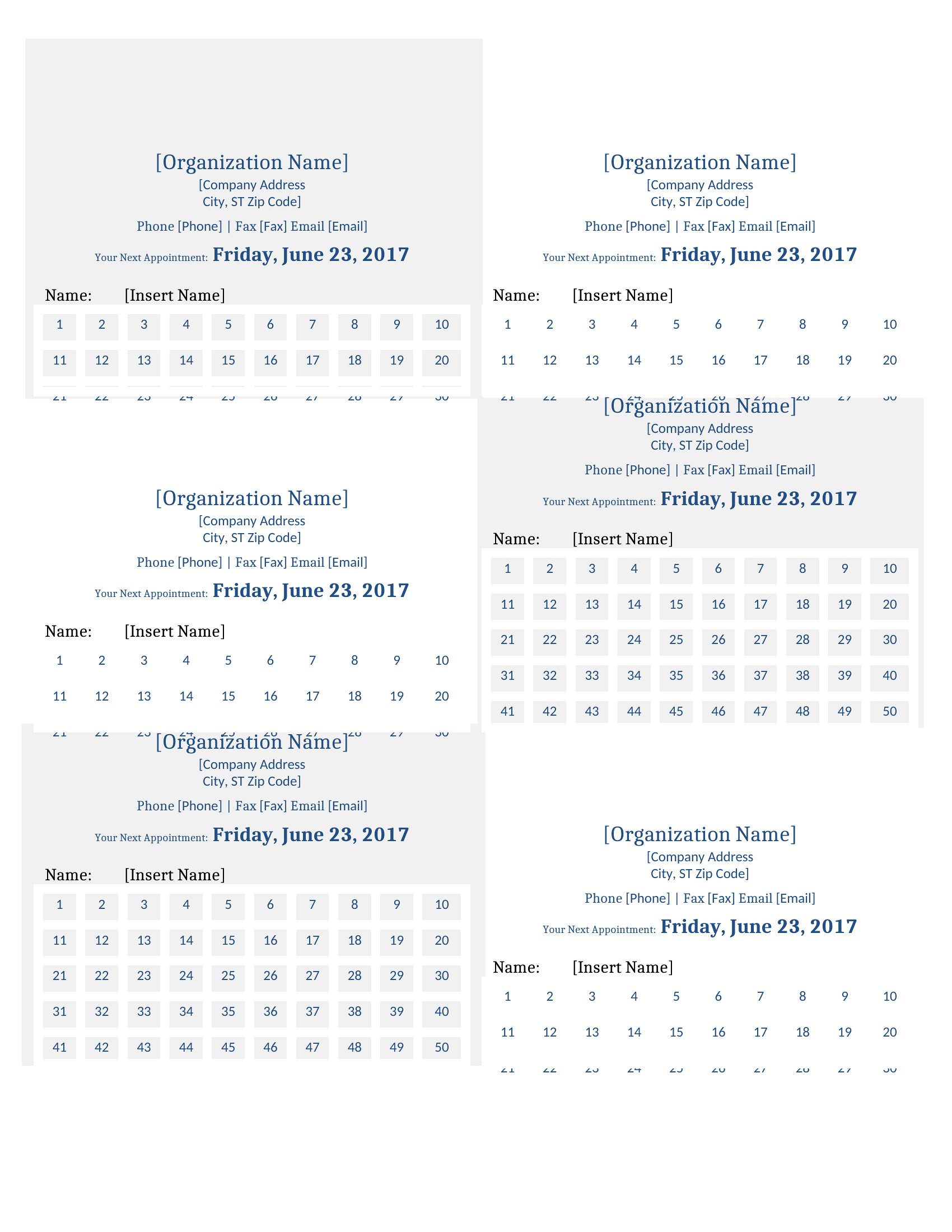
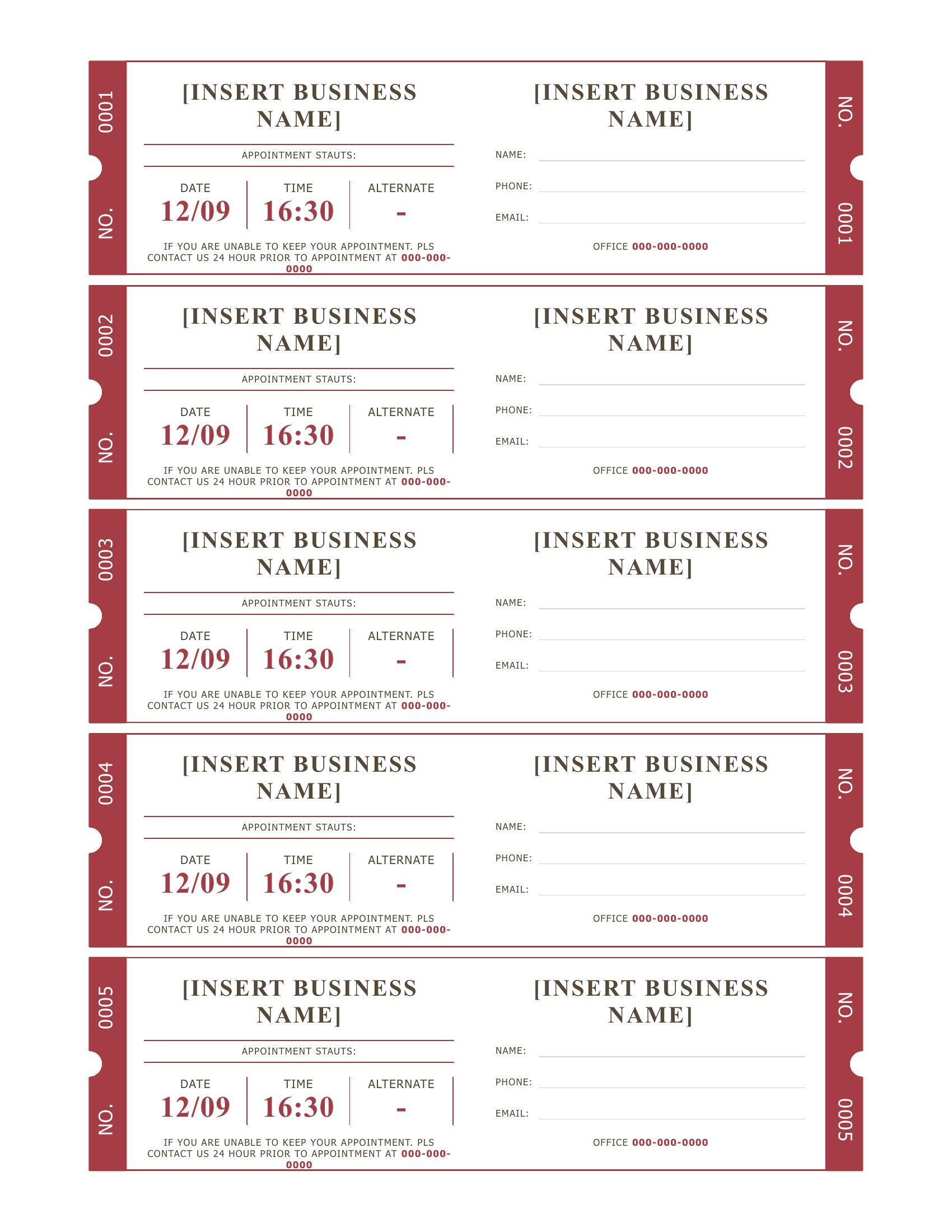
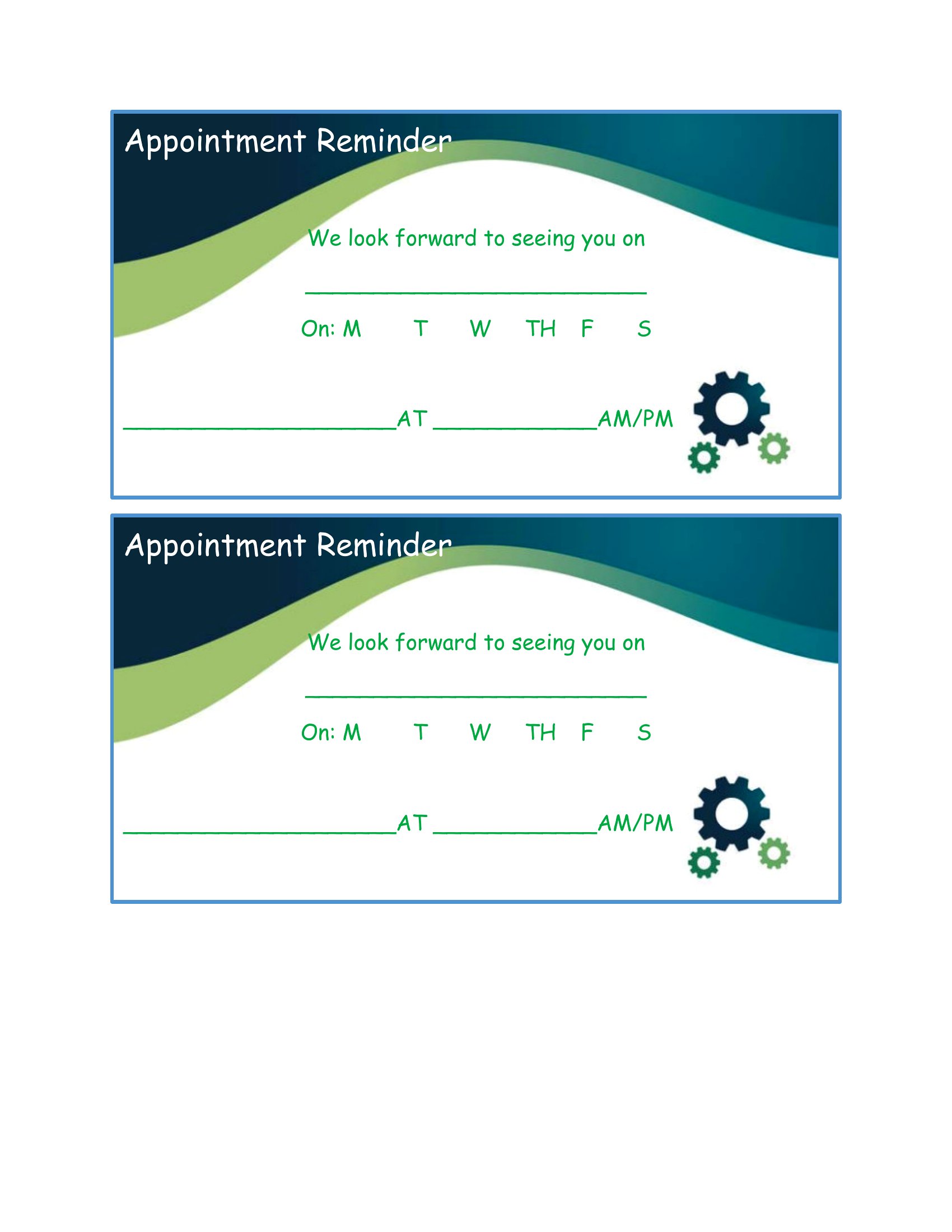
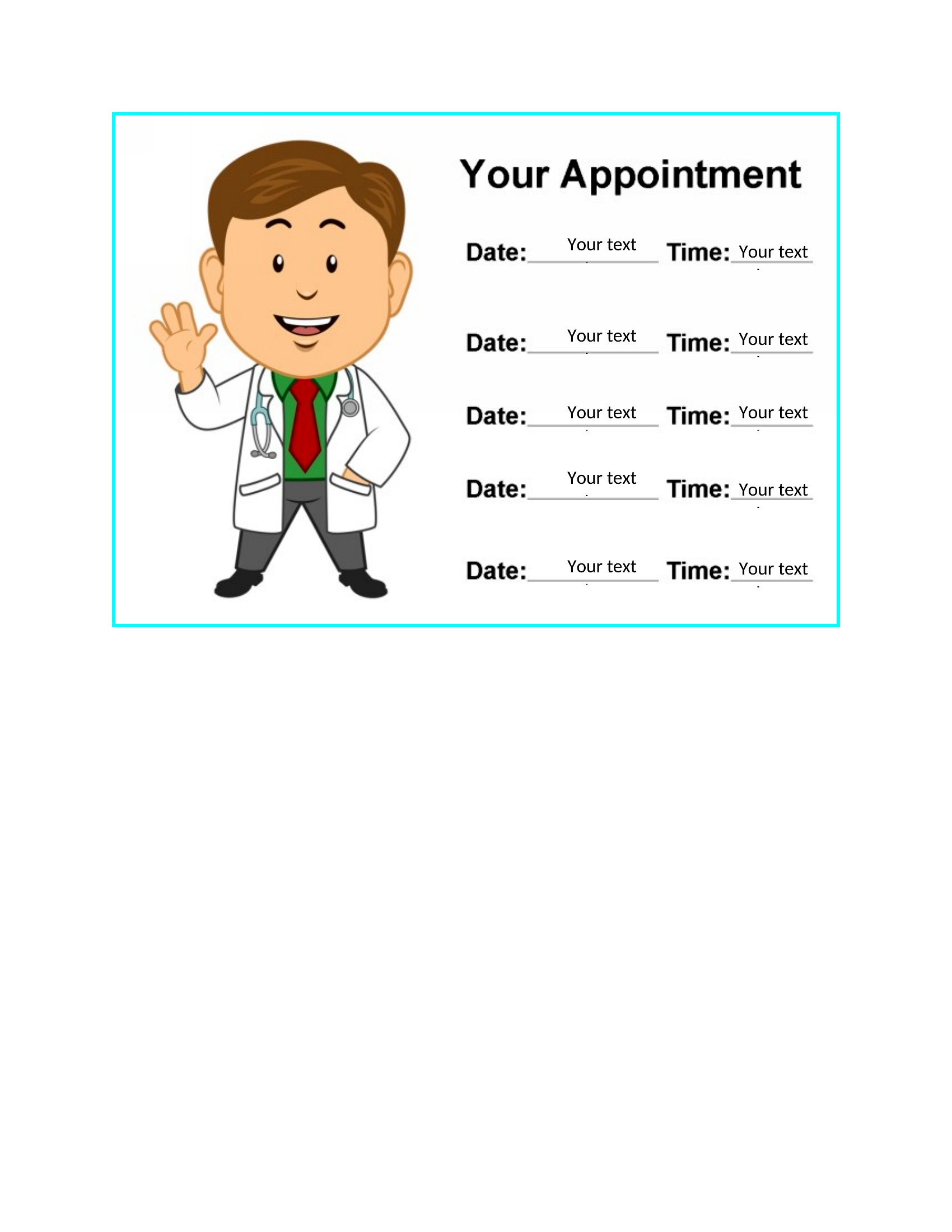
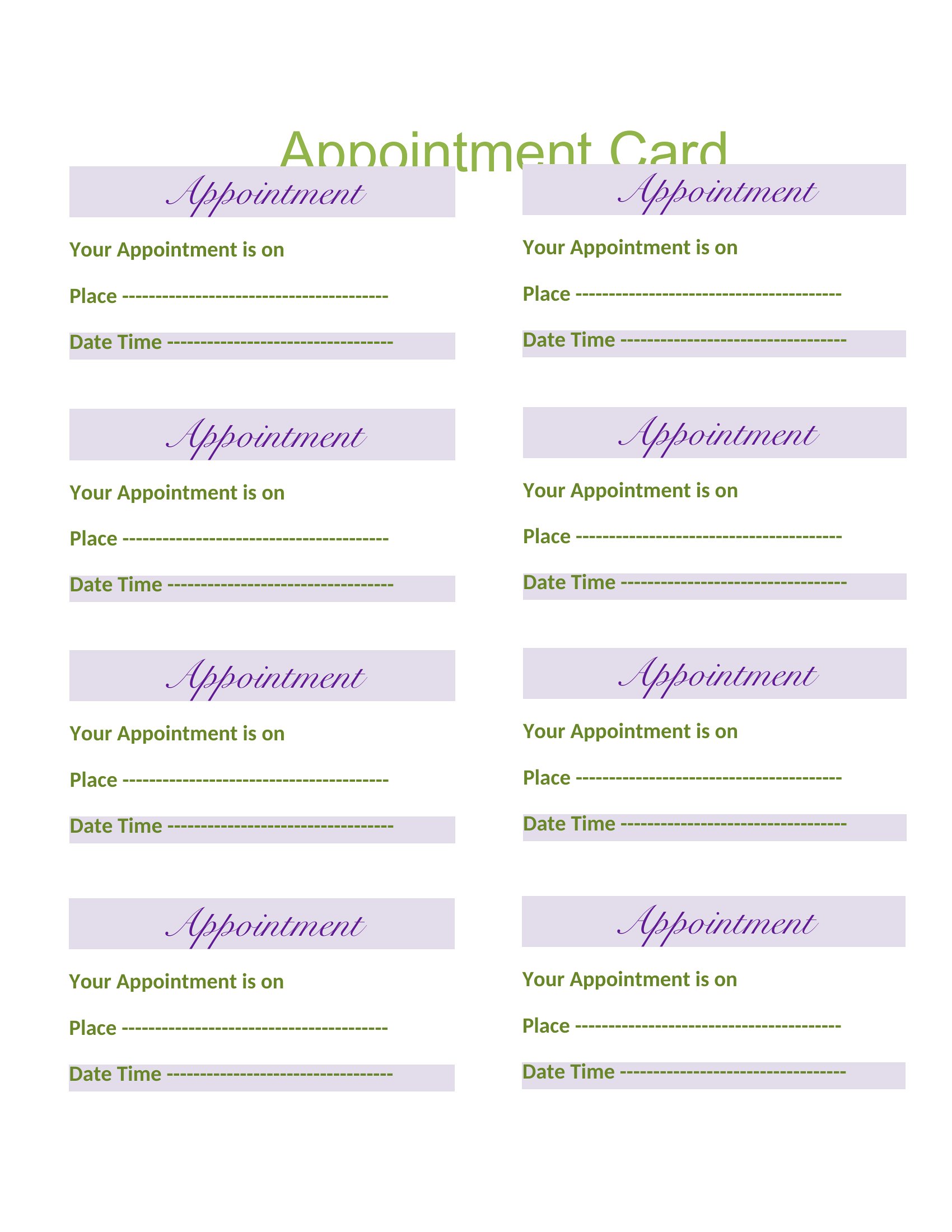
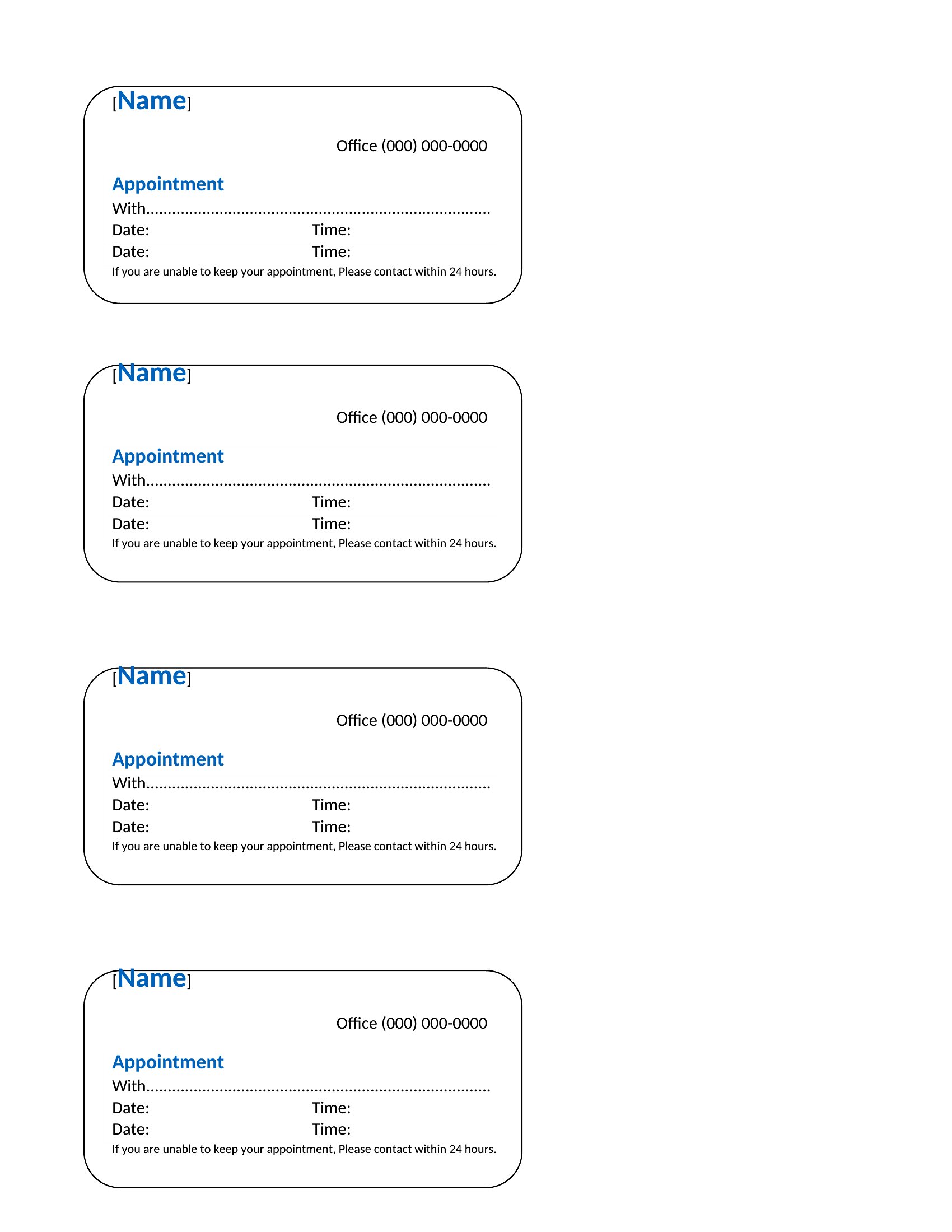
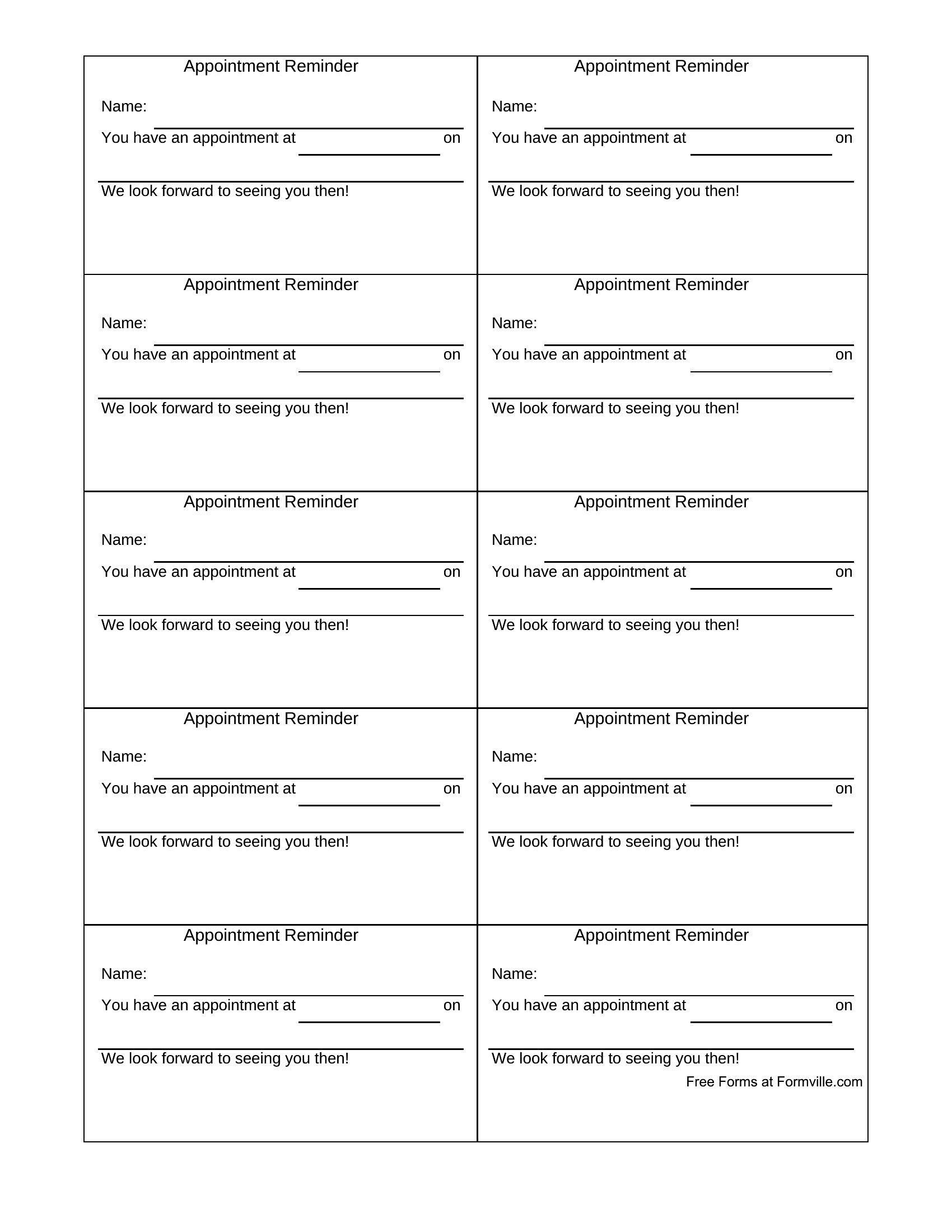
A simple appointment card cuts down on no-shows by giving people something to stick on the fridge. This set of 44 appointment card templates suits clinics, salons, dentists, and any office that books ahead, with space for the date, time, and a few reminders. Front-desk staff and solo practitioners can hand clients a tidy card in seconds.
Use the Word versions for quick edits or the Excel layouts when you want to print a sheet of cards at once. Add your business name and details, print, and cut them apart; no design skills required. Download the format that fits your practice and keep your schedule running smoothly.
Choose from 44 Appointment Card Templates
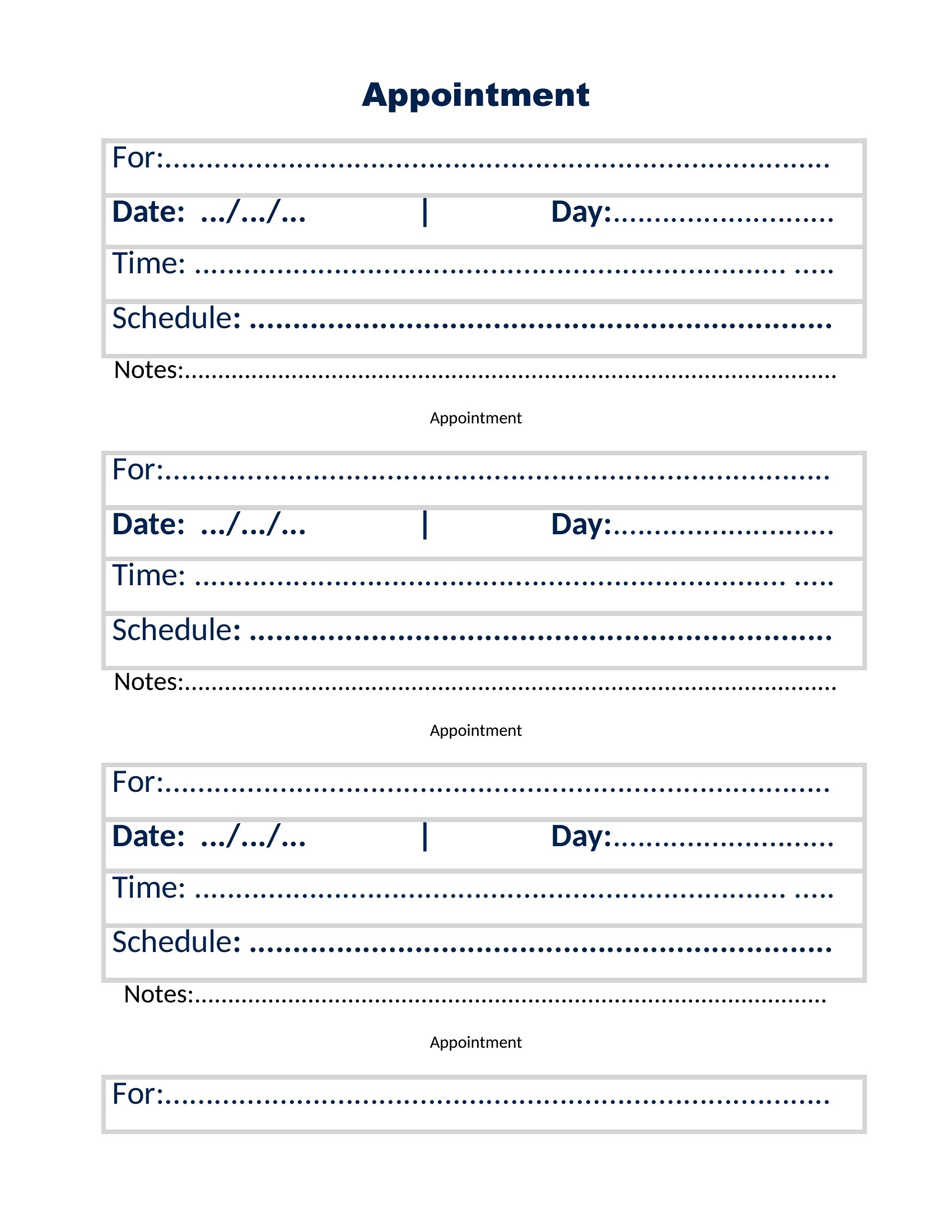
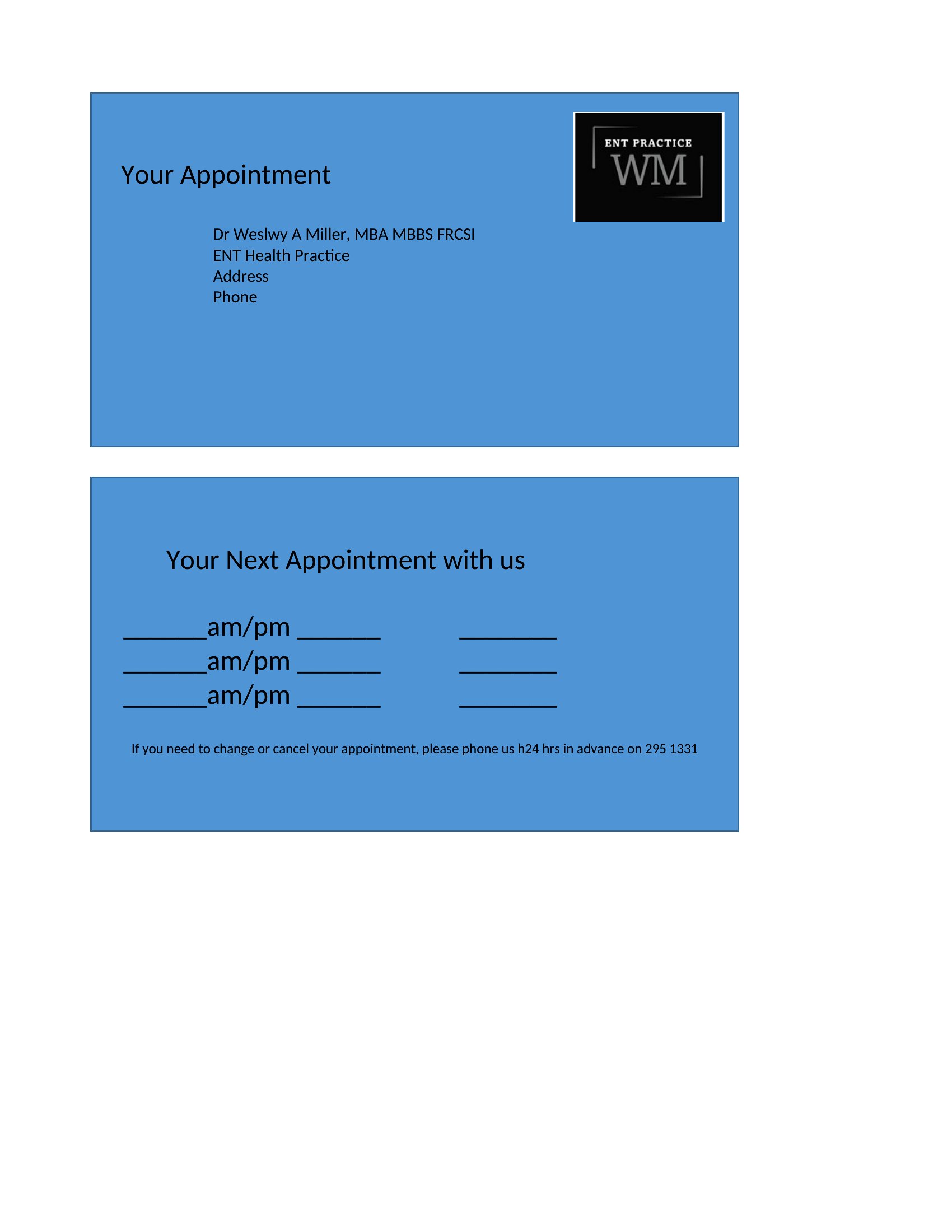
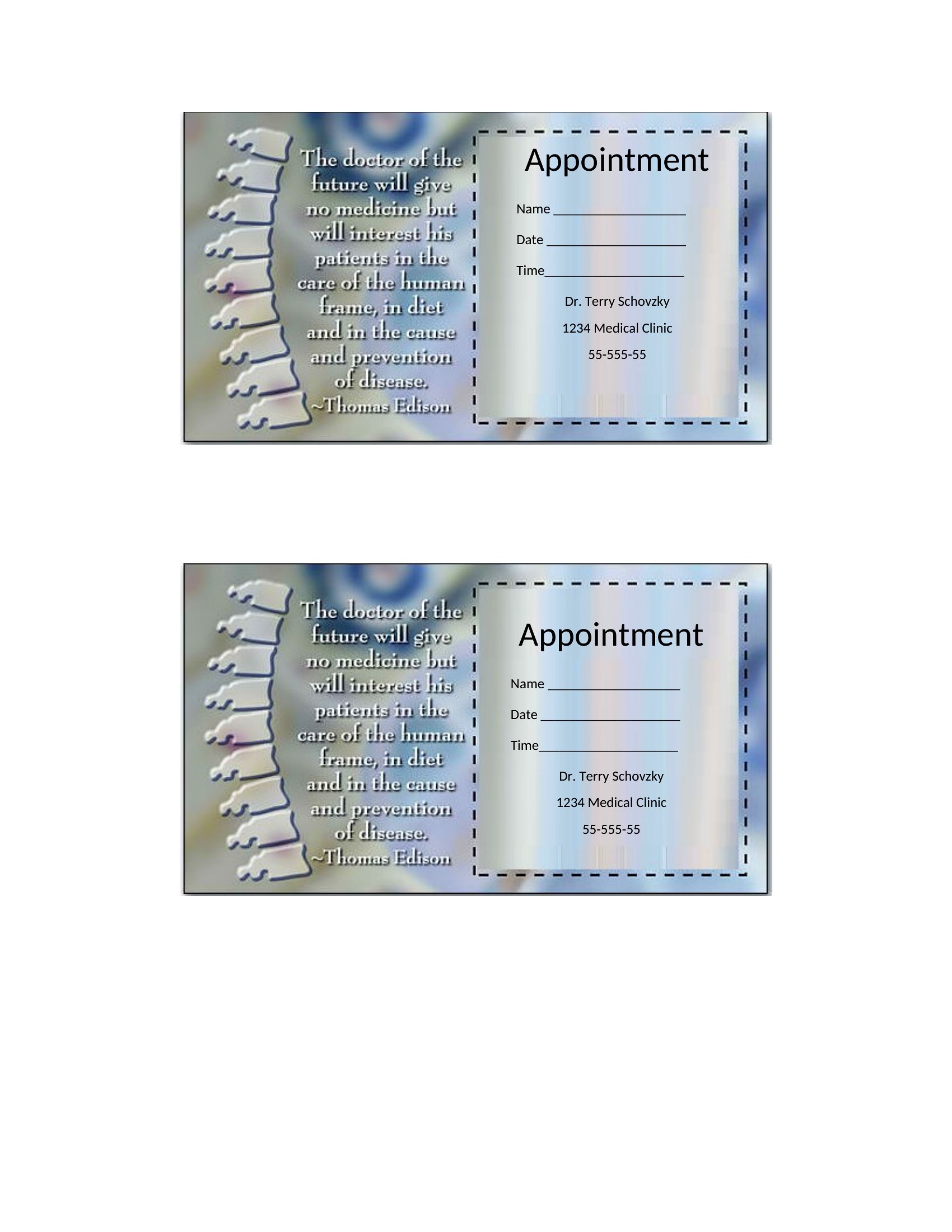
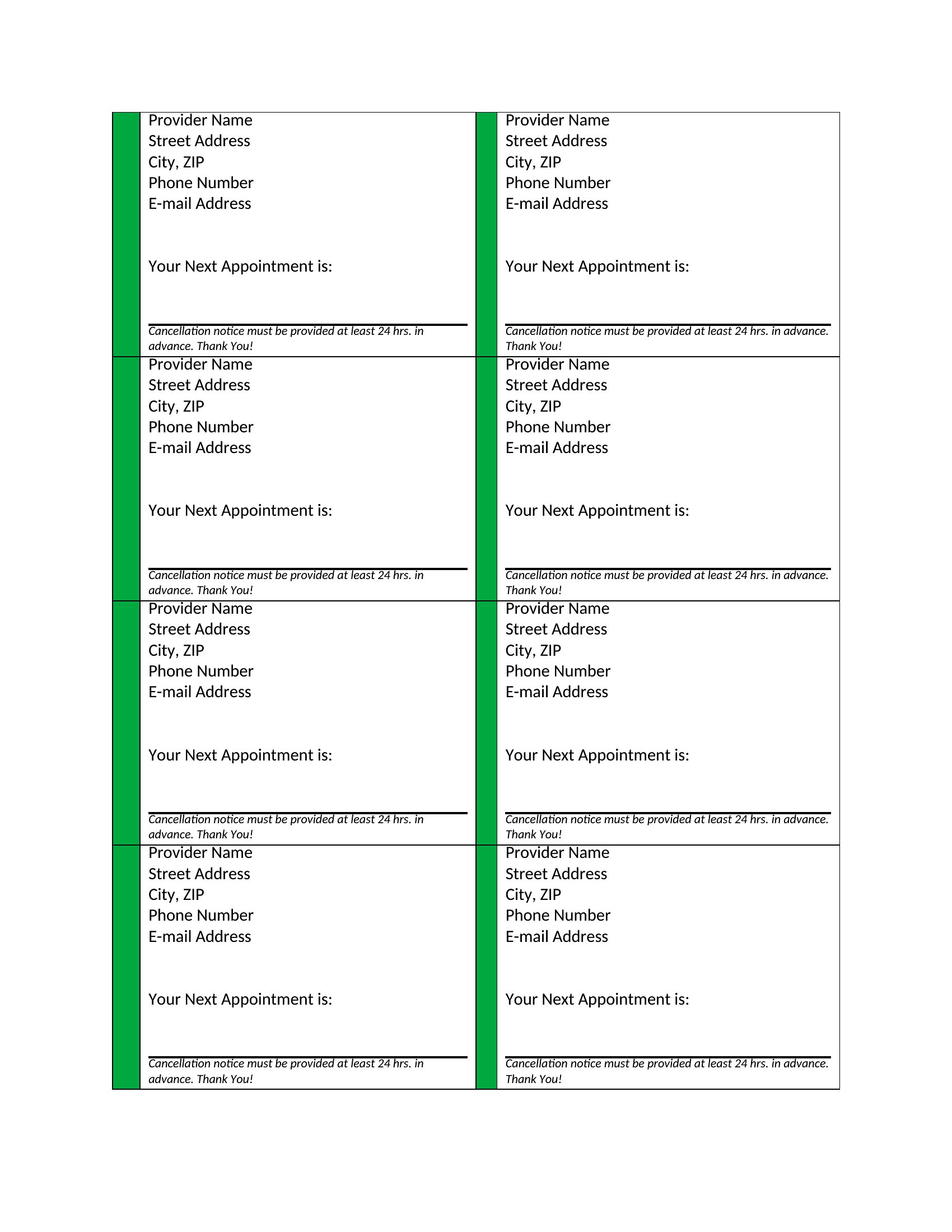
Appointment Card Pdf
Frequently Asked Questions about Appointment Card Templates
Are these Appointment Card templates free to download?
Yes. Every Appointment Card template in this collection is free to download from TemplateSpark. Just open the template you need, download it, and start editing right away — no subscription required to get started.
What file formats are available for Appointment Card templates?
These Appointment Card templates are available in Word and Excel. Pick the format that matches your workflow — each download keeps the original layout so it looks right whether you open, print, or share it.
Can I edit these Appointment Card templates?
Yes. The editable files open in Microsoft Word (and compatible apps like Google Docs or LibreOffice), so you can change the text, colors, and layout to fit your needs, then save or export the finished Appointment Card document.
How many Appointment Card templates can I choose from?
This page collects 44 Appointment Card templates so you can compare styles and layouts in one place. Browse the options, open the one that fits your purpose best, and download it in your preferred format.
Can I use Appointment Card templates for commercial purposes?
In most cases, yes — these Appointment Card templates are intended for both personal and business use. Check the license note on the template before redistributing or reselling, and avoid sharing the source files as your own product.
What should an appointment card include?
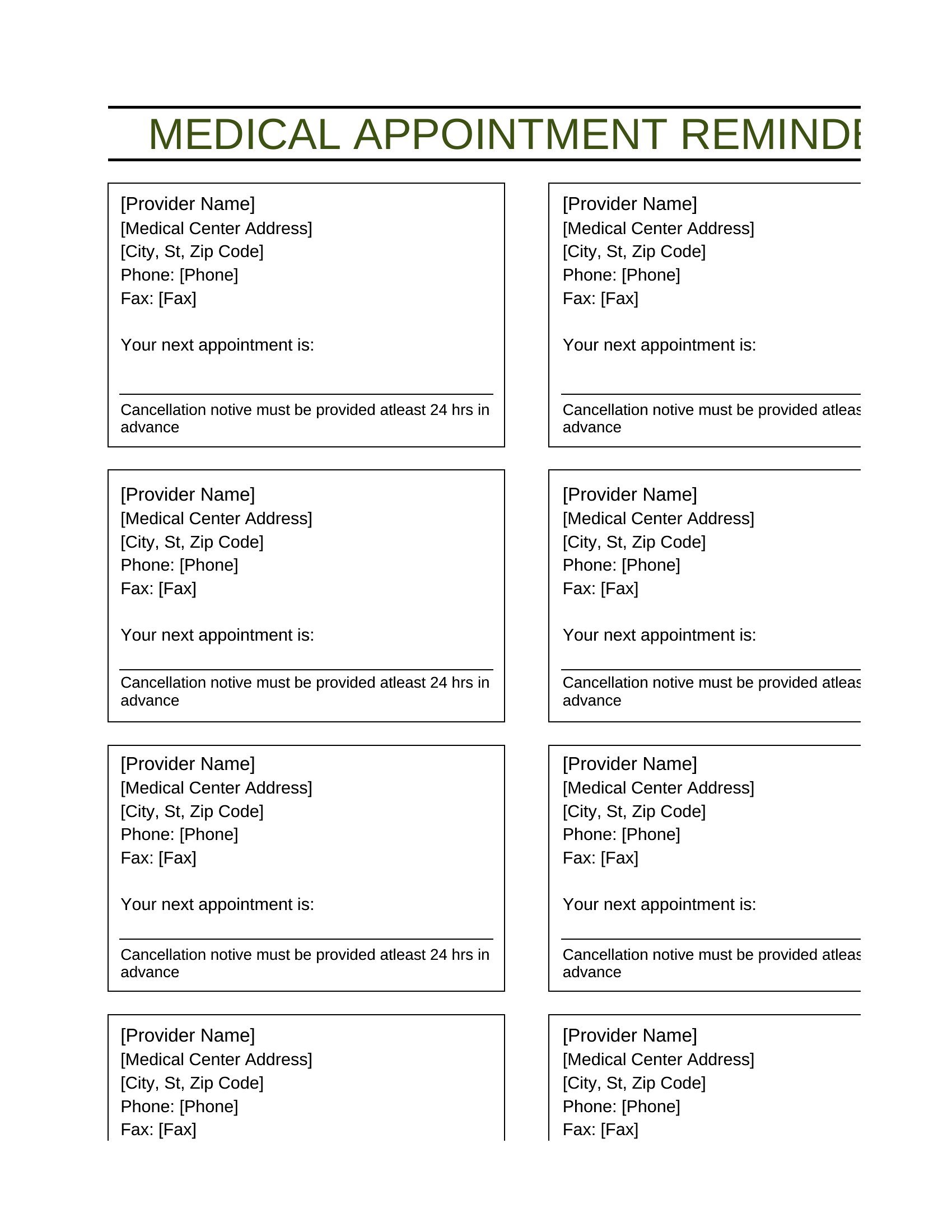
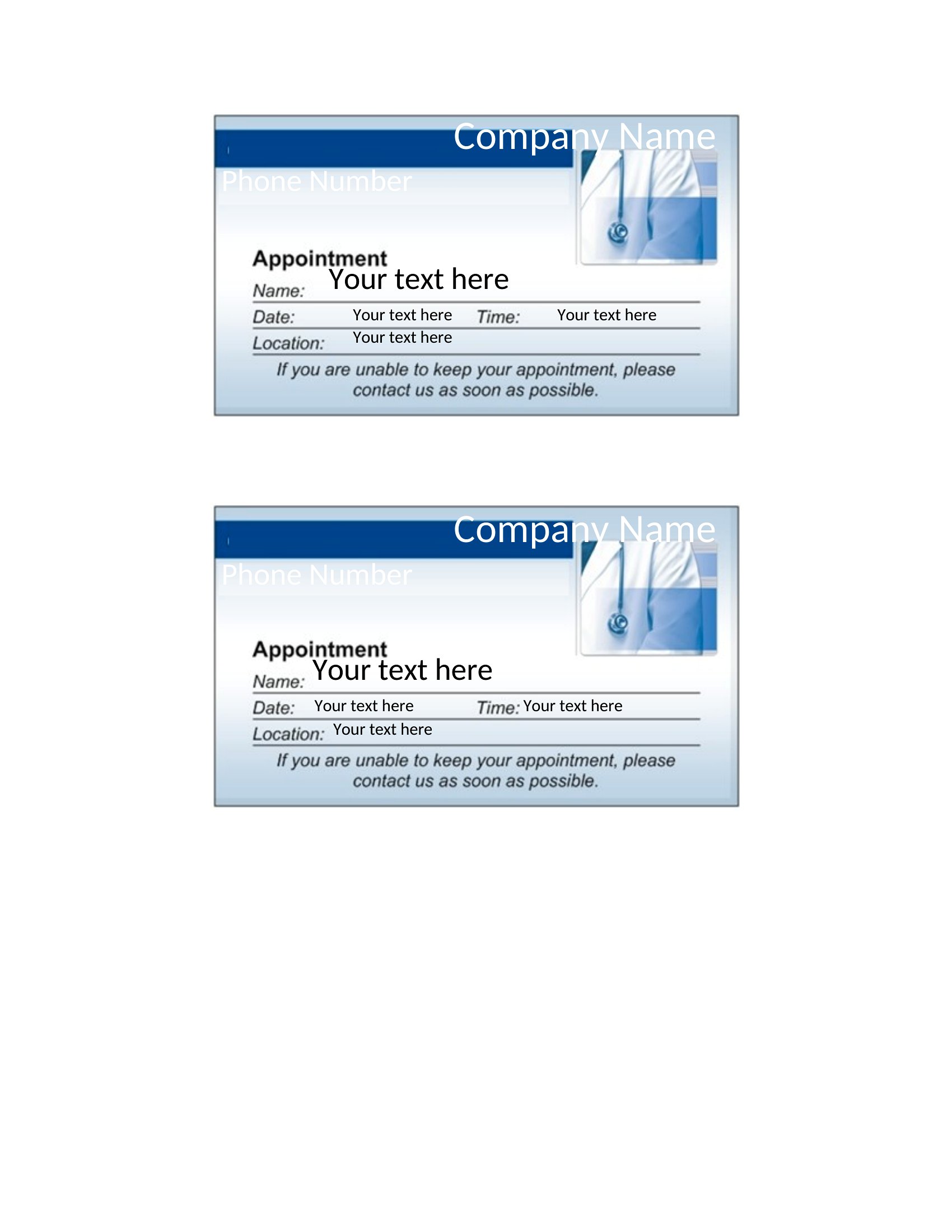
An appointment card should show the client's name, the appointment date and time, and the provider or business name with address and phone number. Many add space for multiple future visits, cancellation policies, and a short reminder note to help reduce missed appointments.
How do appointment cards help reduce no-shows?
Giving clients a physical card with the date and time creates a tangible reminder they can keep visible at home or work. It reinforces the commitment, makes rescheduling details easy to find, and lowers the chance someone forgets compared with a verbal confirmation alone.
Which businesses commonly use appointment cards?
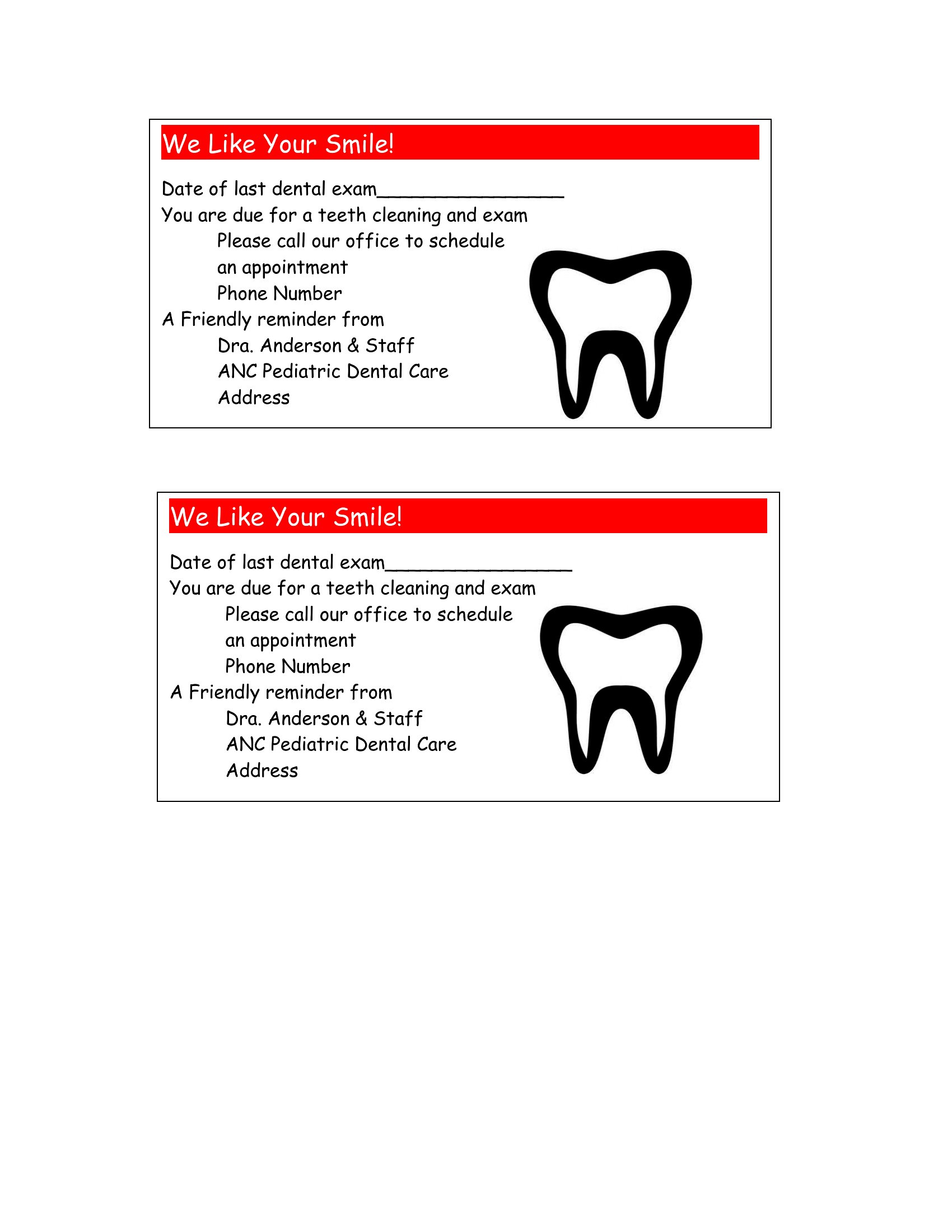
Clinics, dental offices, salons, spas, barbershops, and any service that books ahead use appointment cards. Front-desk staff and solo practitioners hand them out after a visit to confirm the next booking, keeping schedules organized and helping clients remember when to return.
Comments
Join the conversation
Sign in to share your thoughts and leave a comment on this resource.