
Free Employee Information Forms (Word, Excel, PDF)
Applications by sveinaagesen
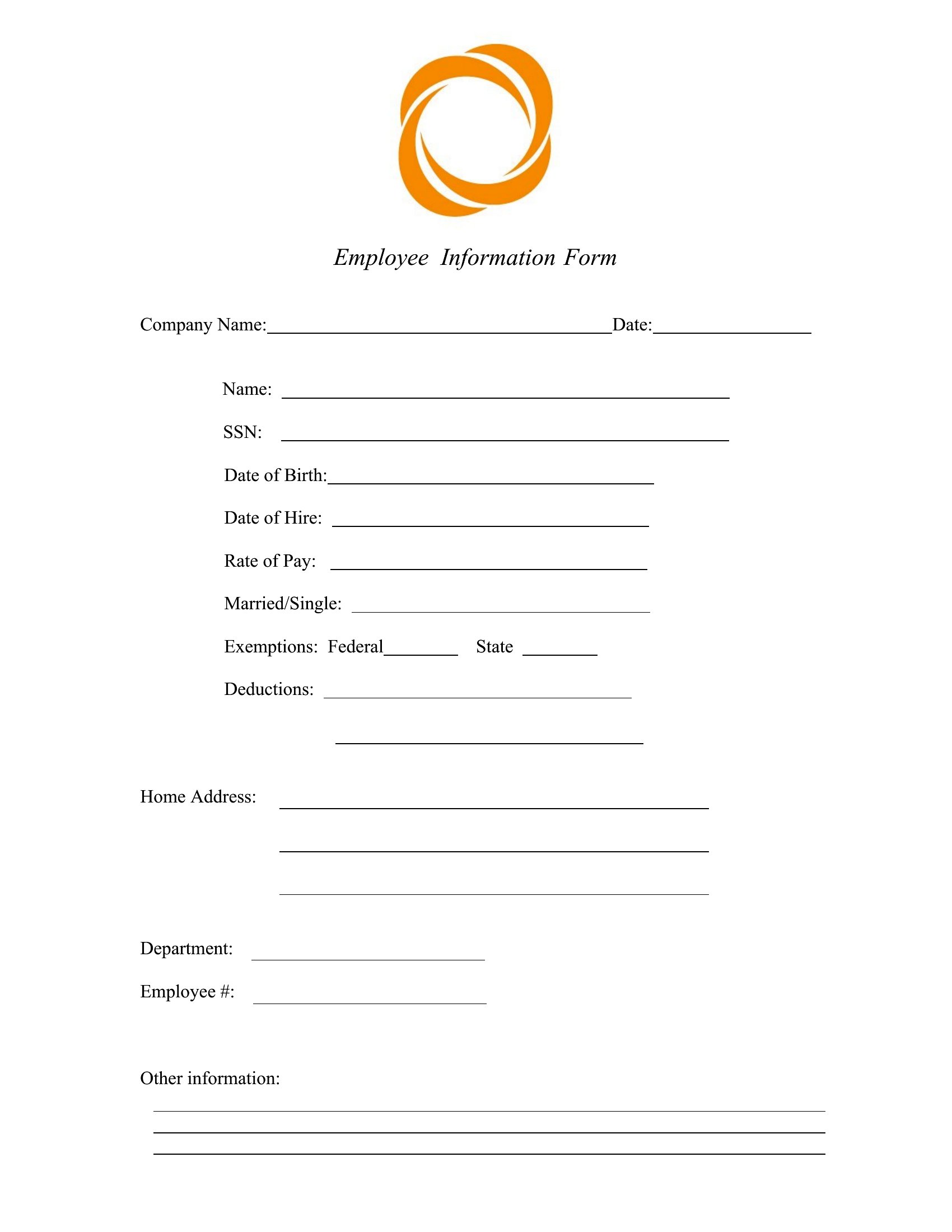
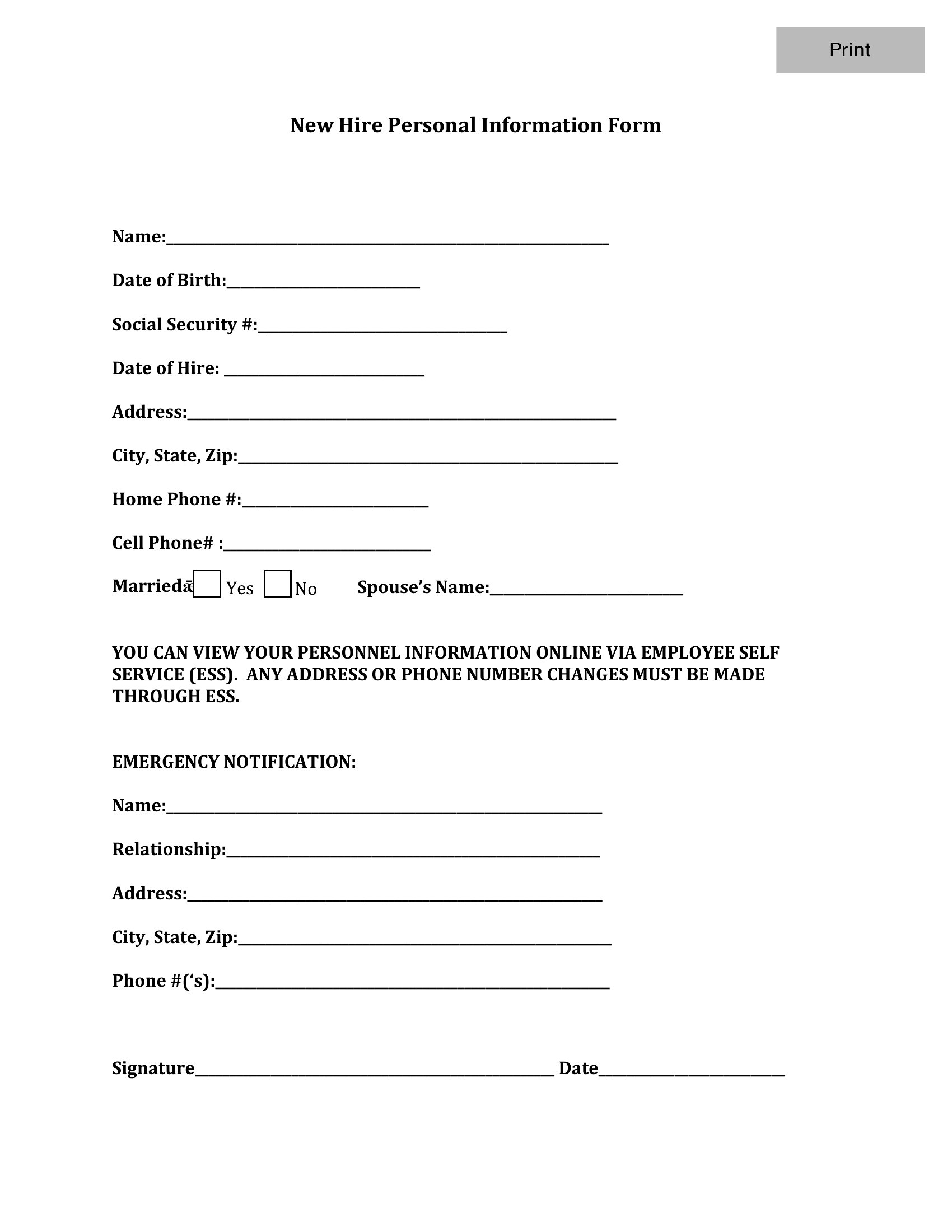
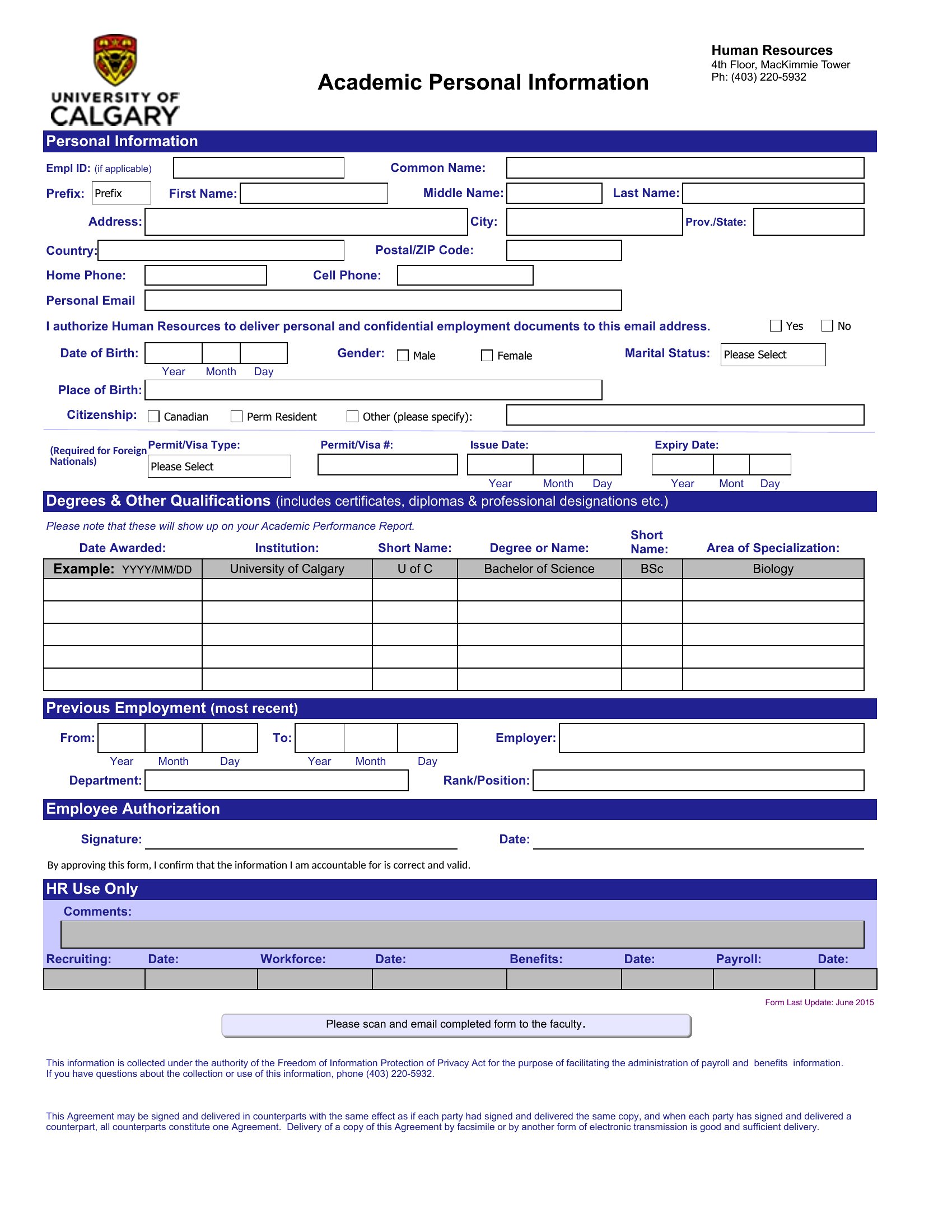
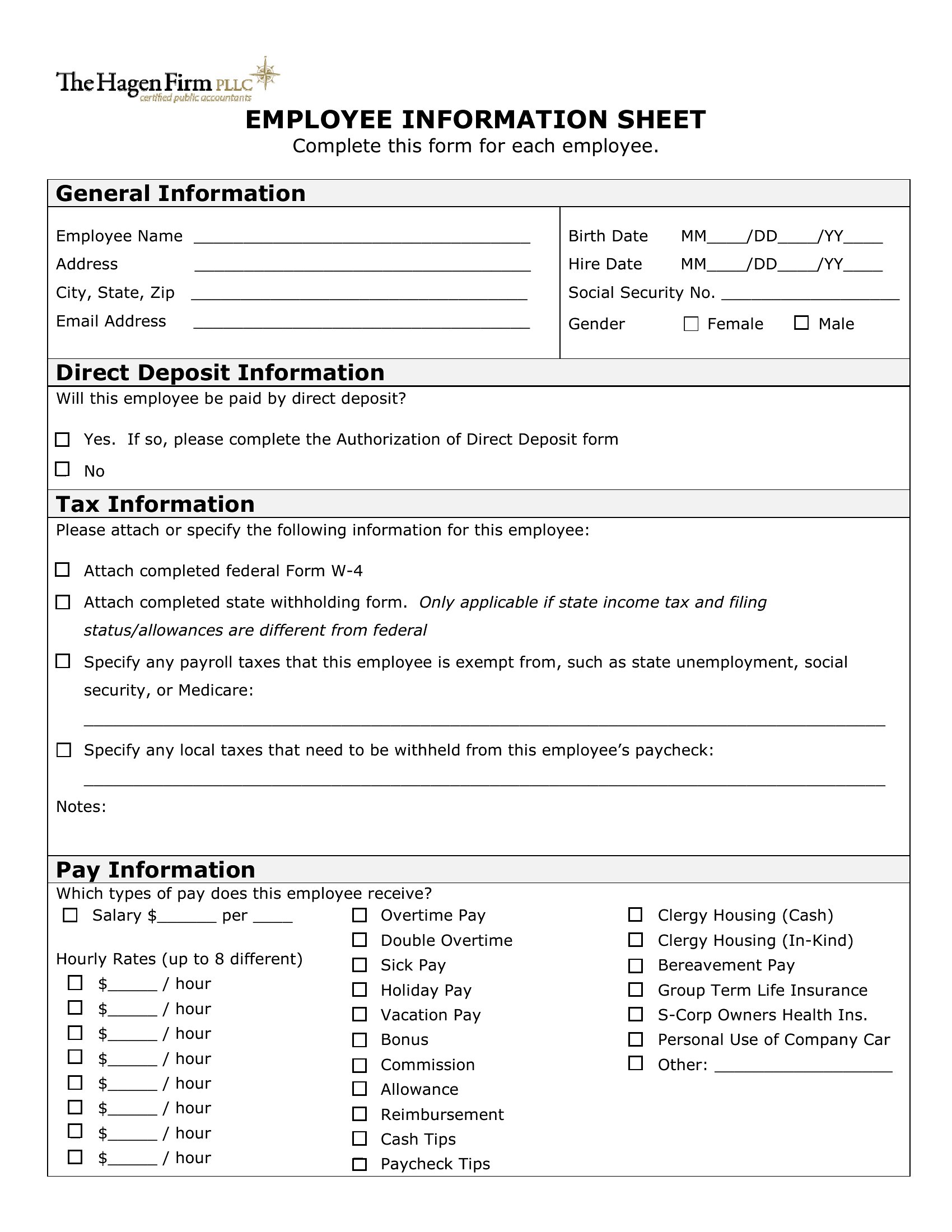
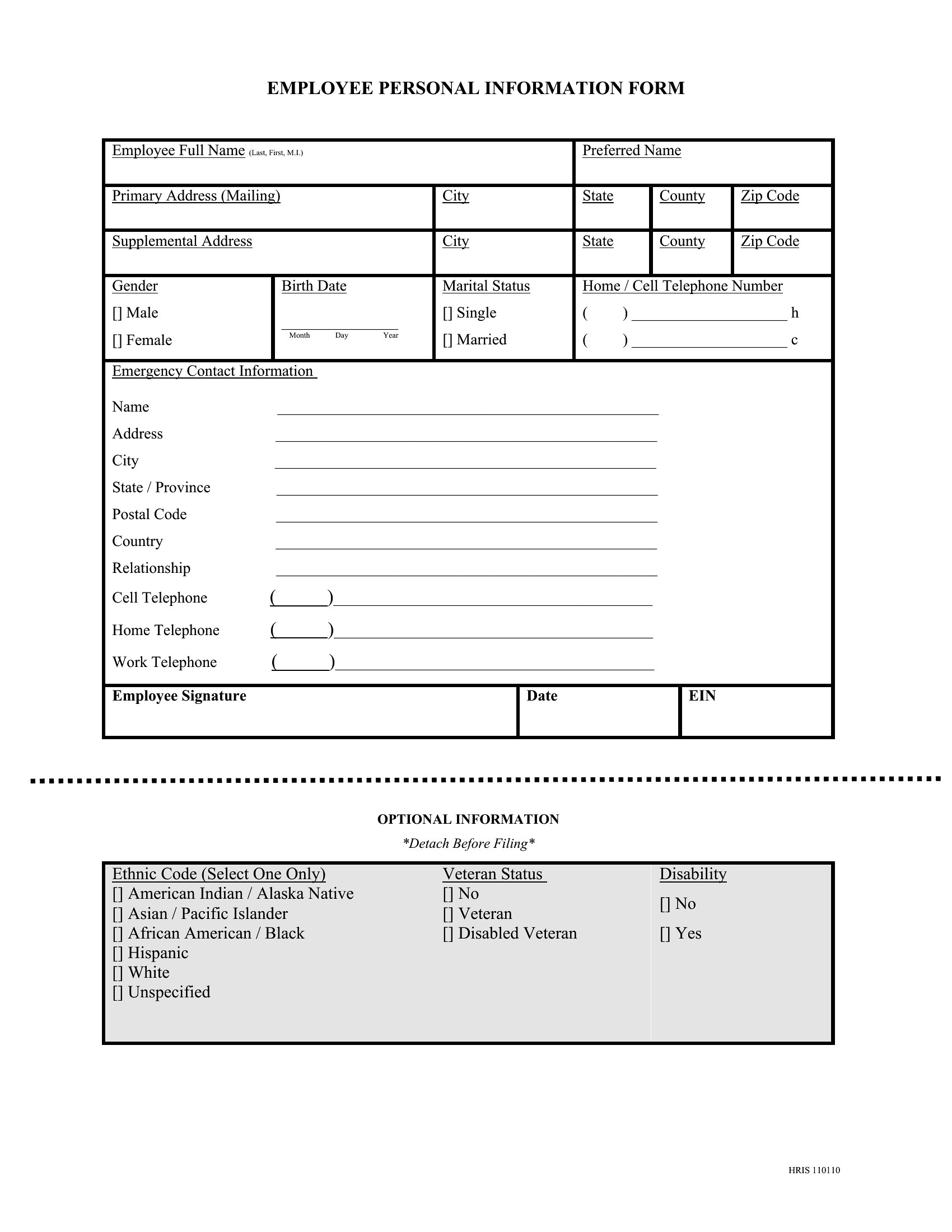
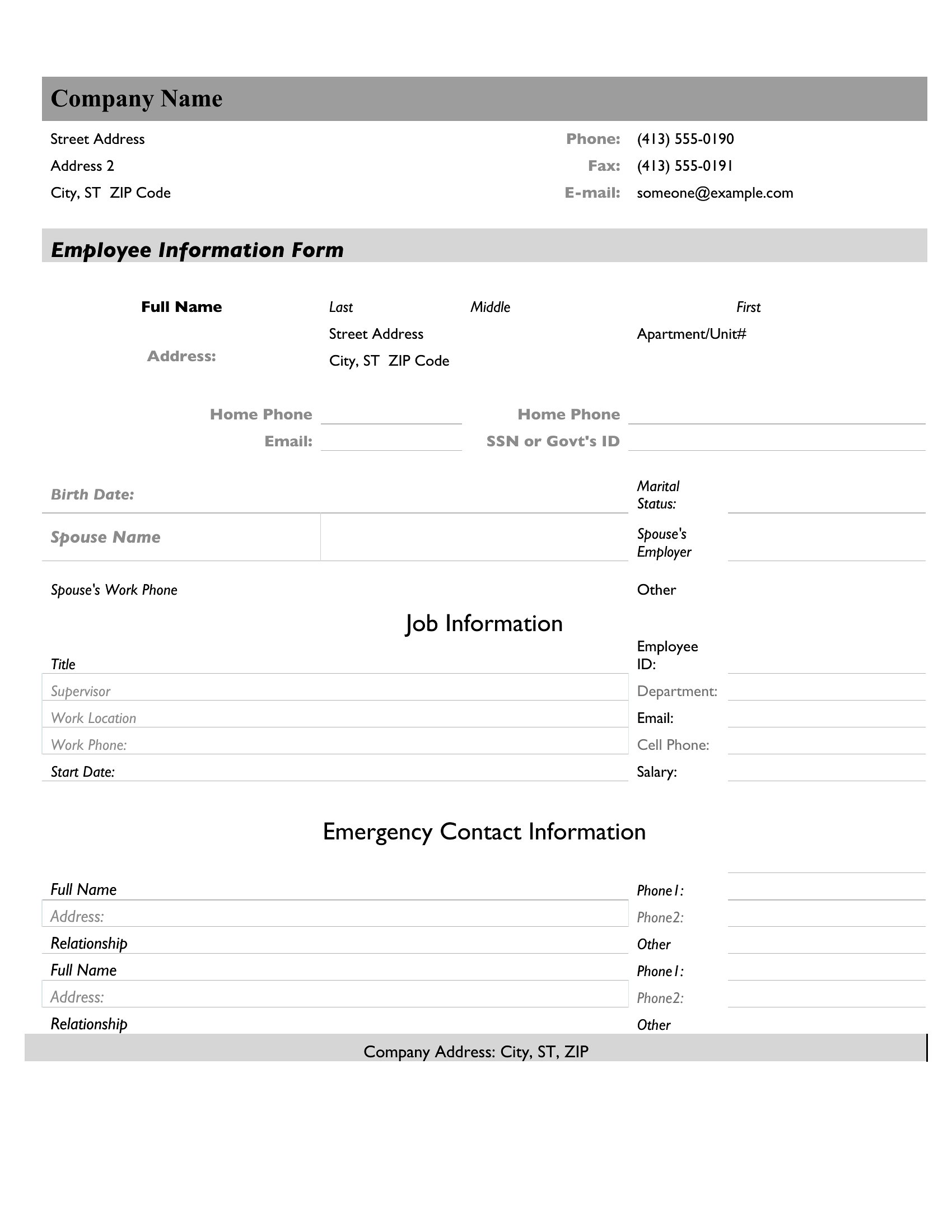
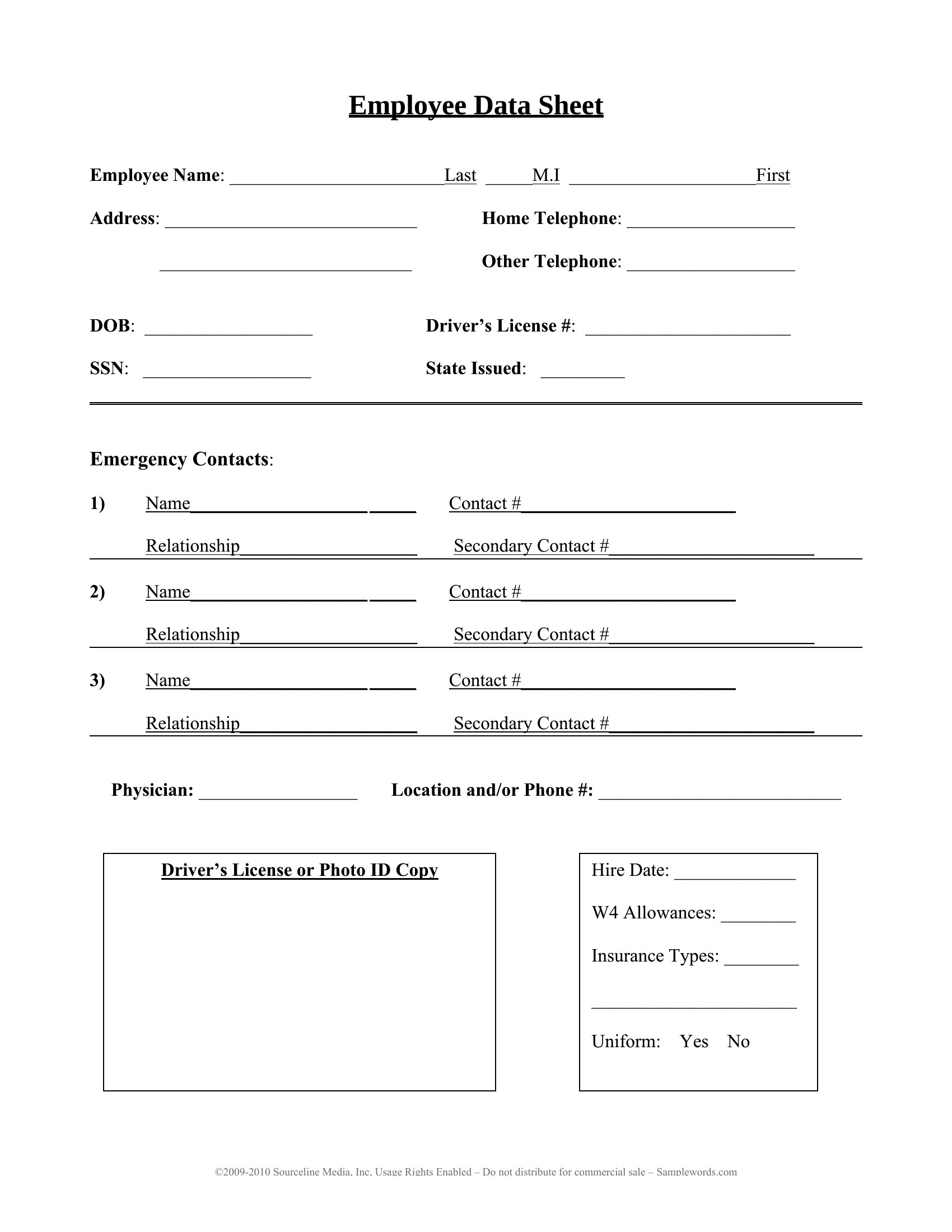
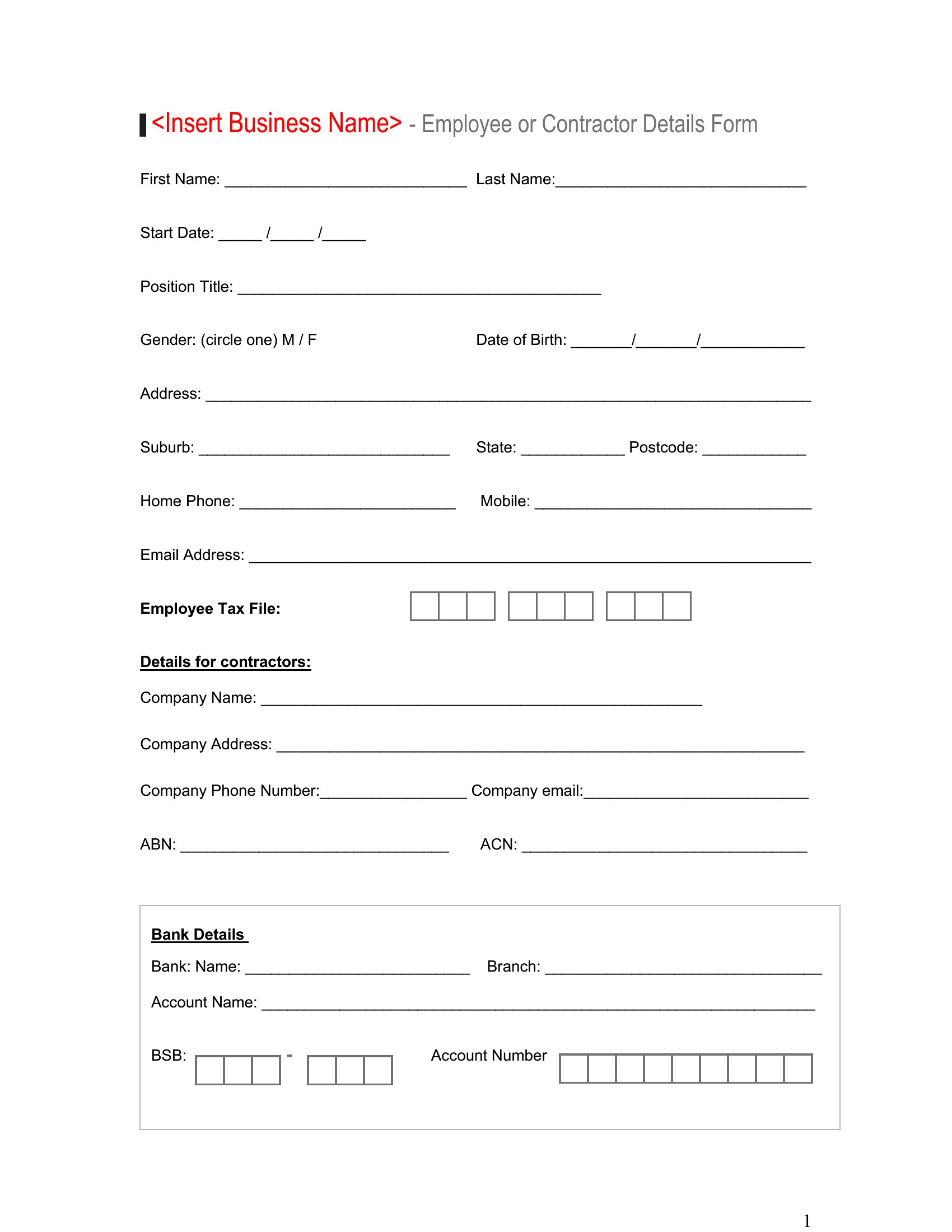
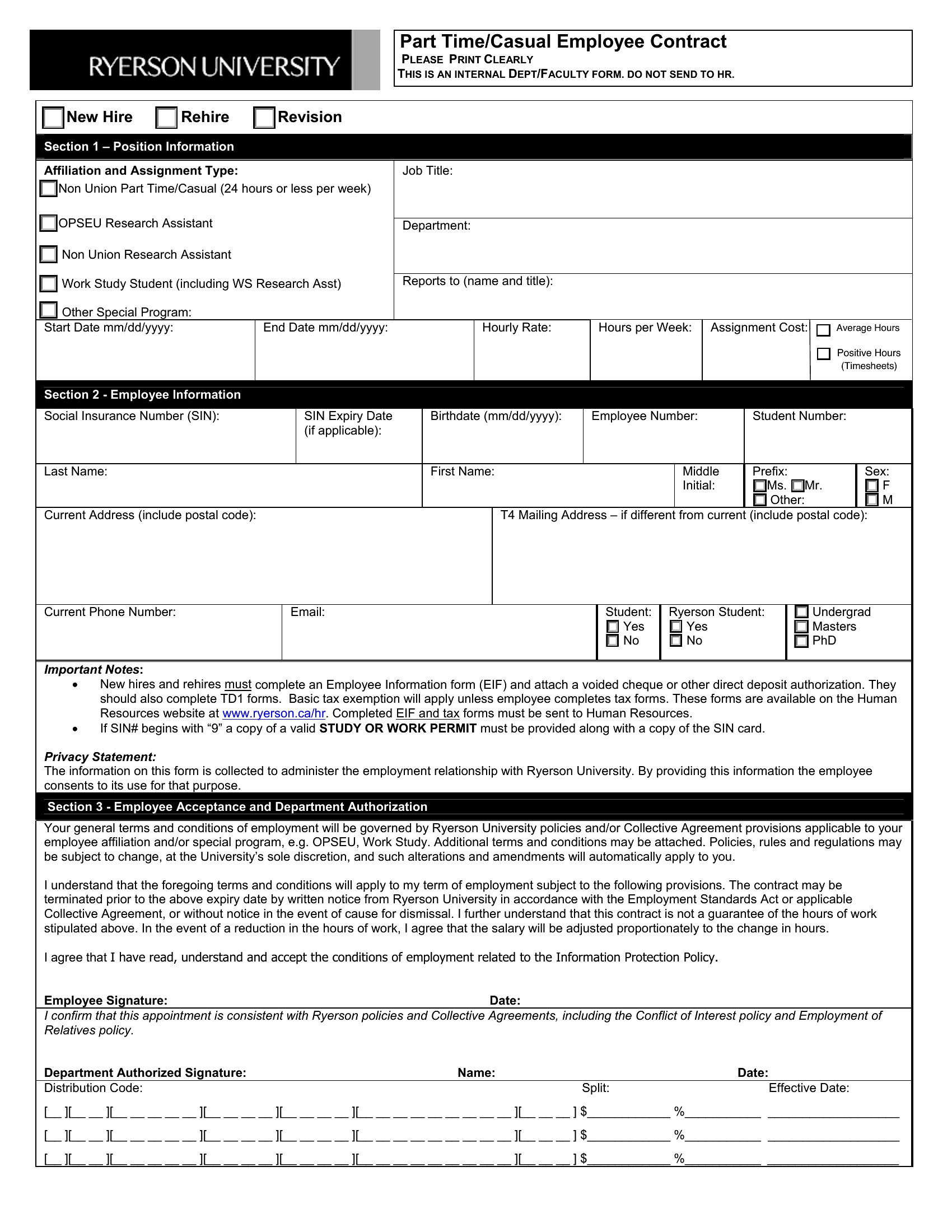
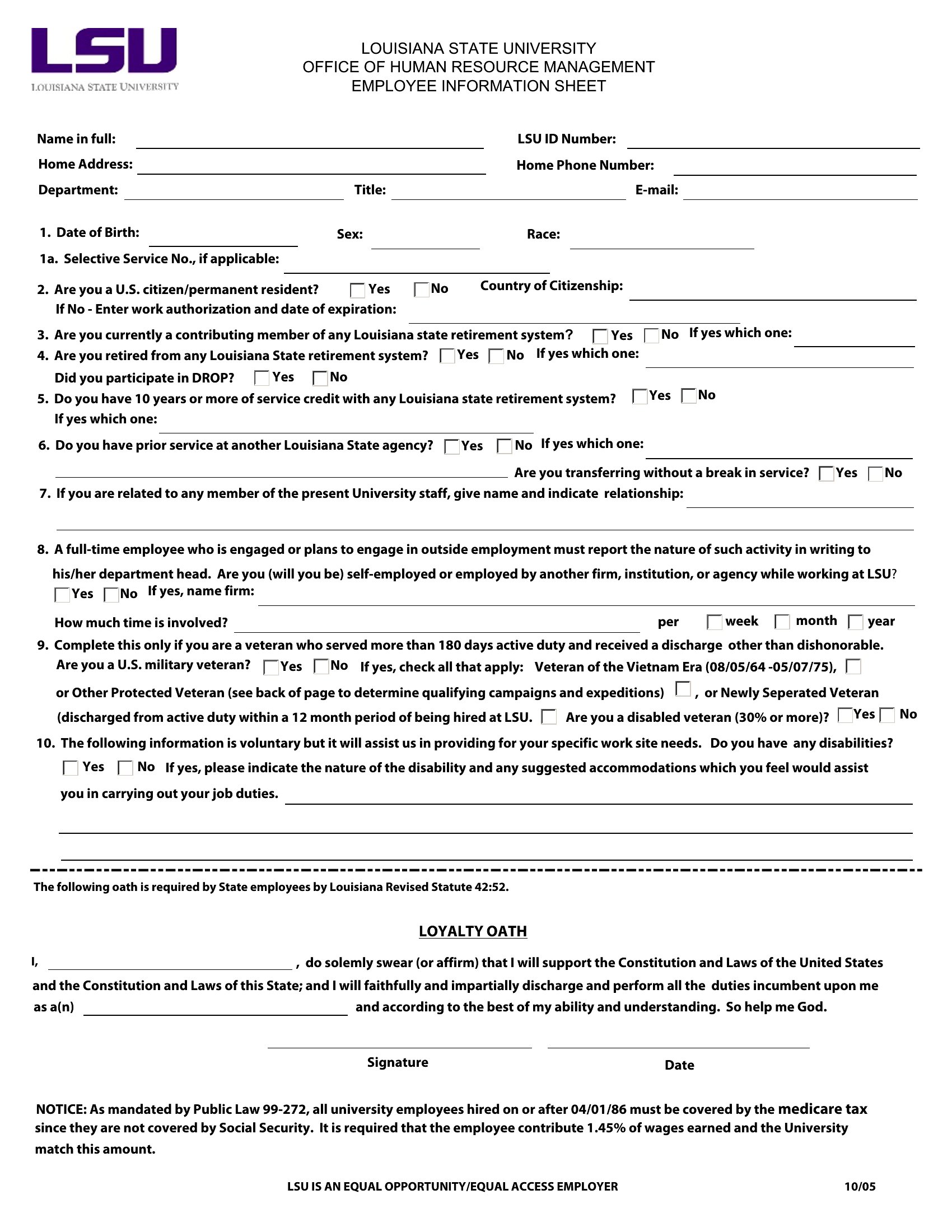
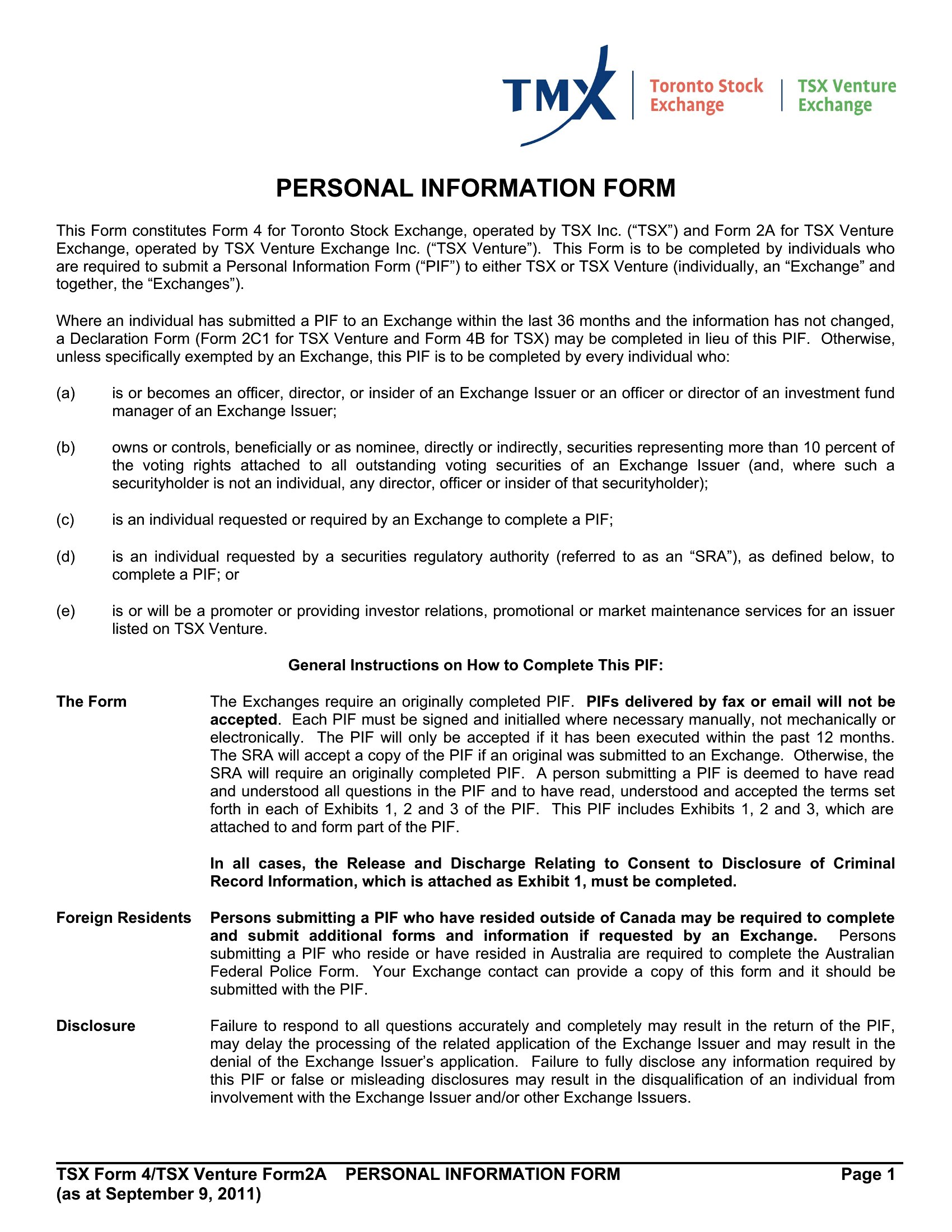
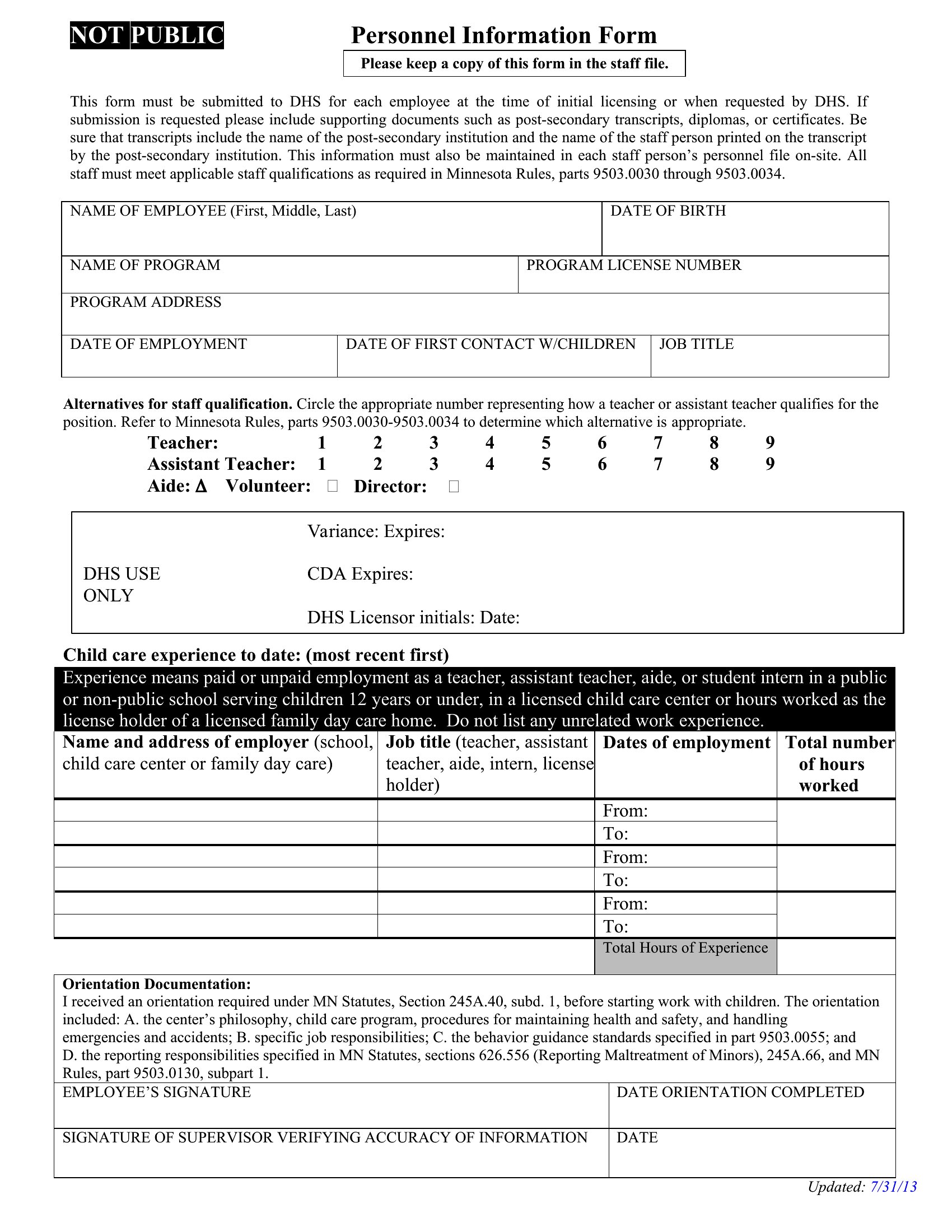
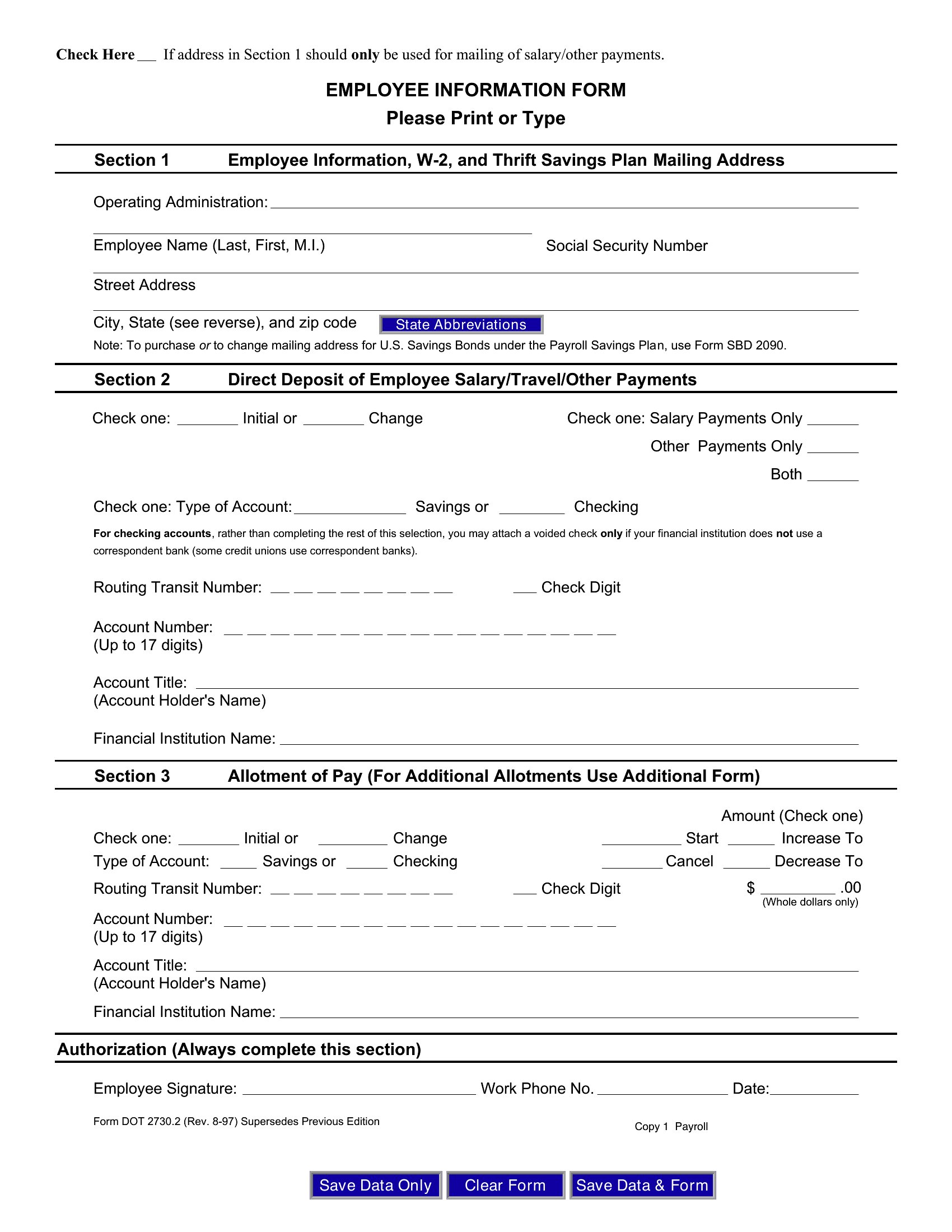
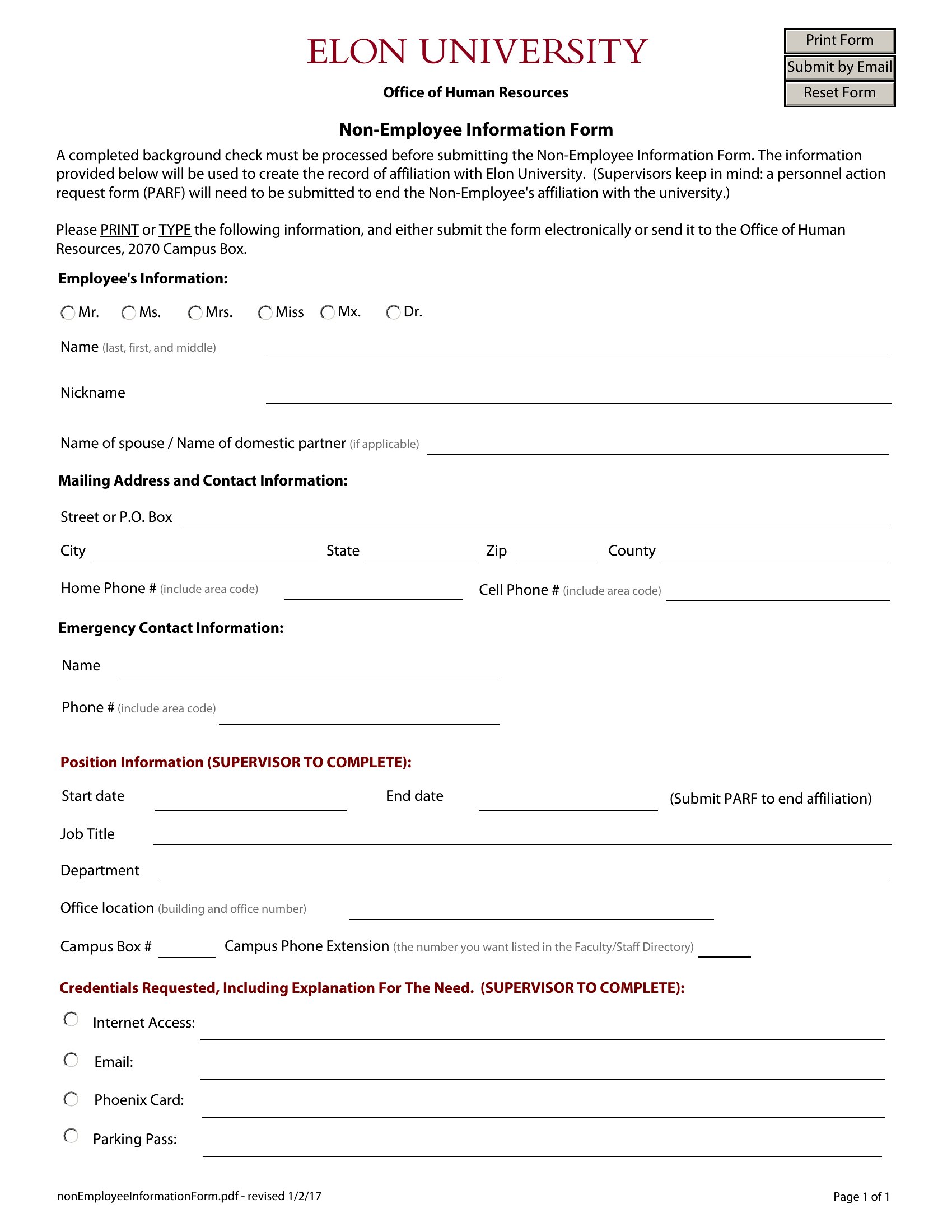
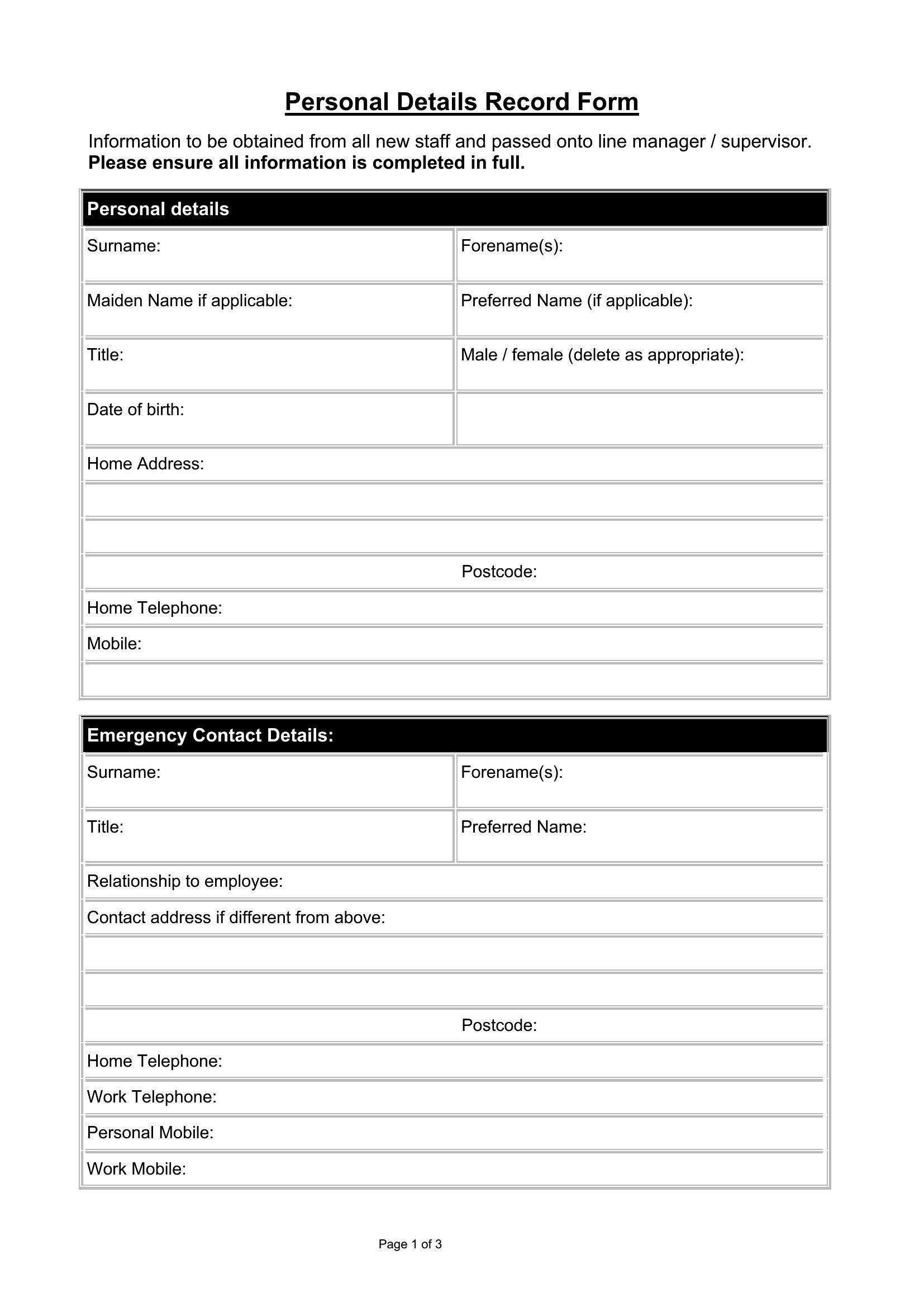
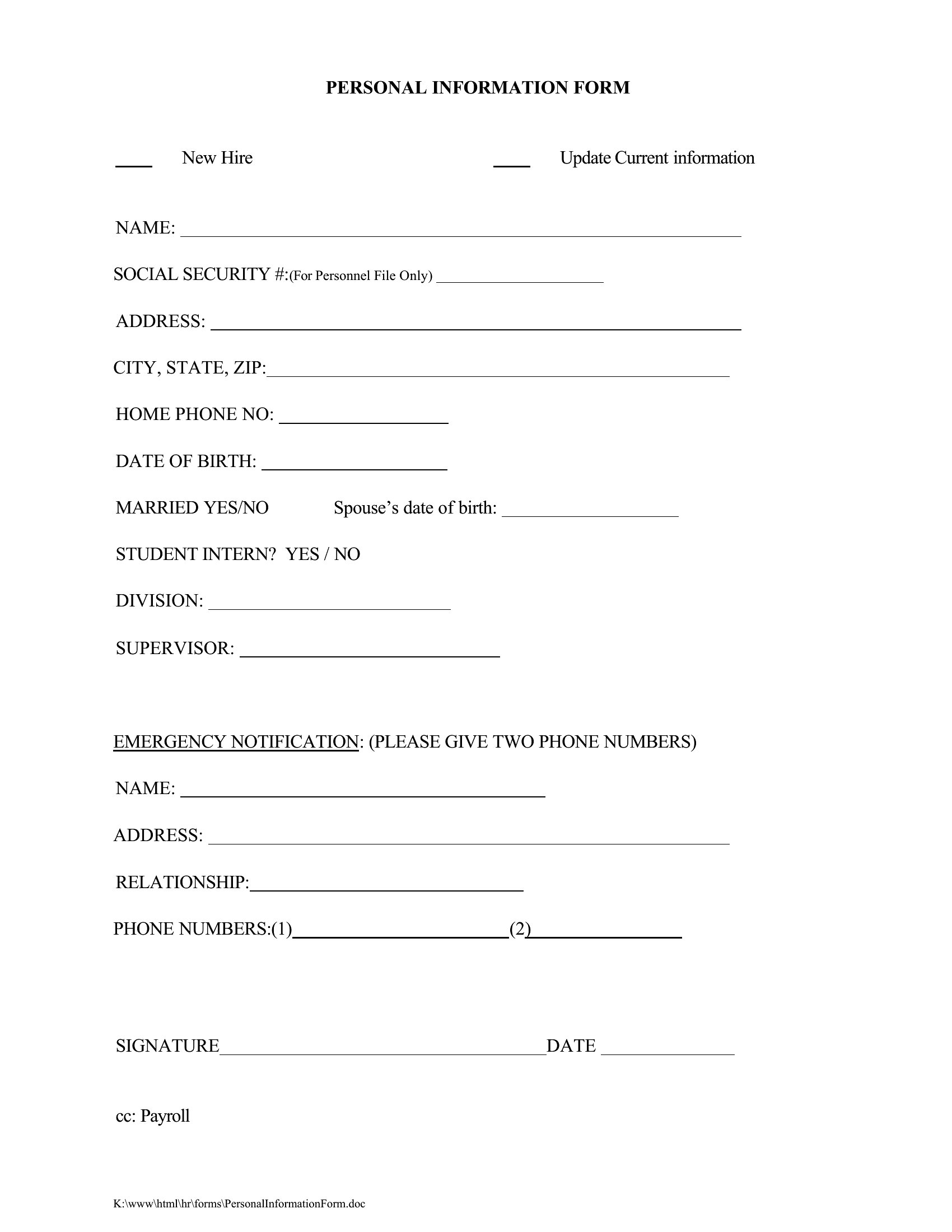
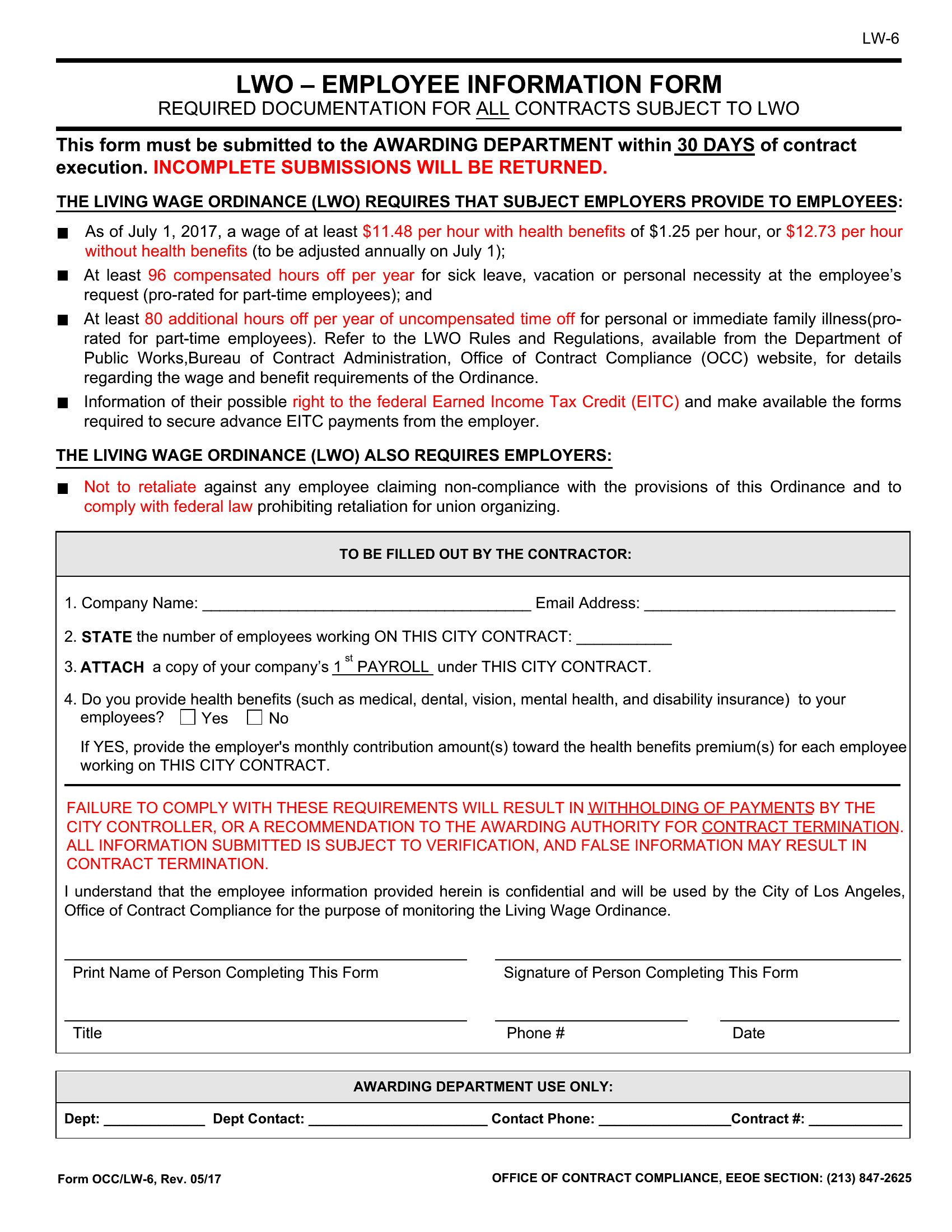
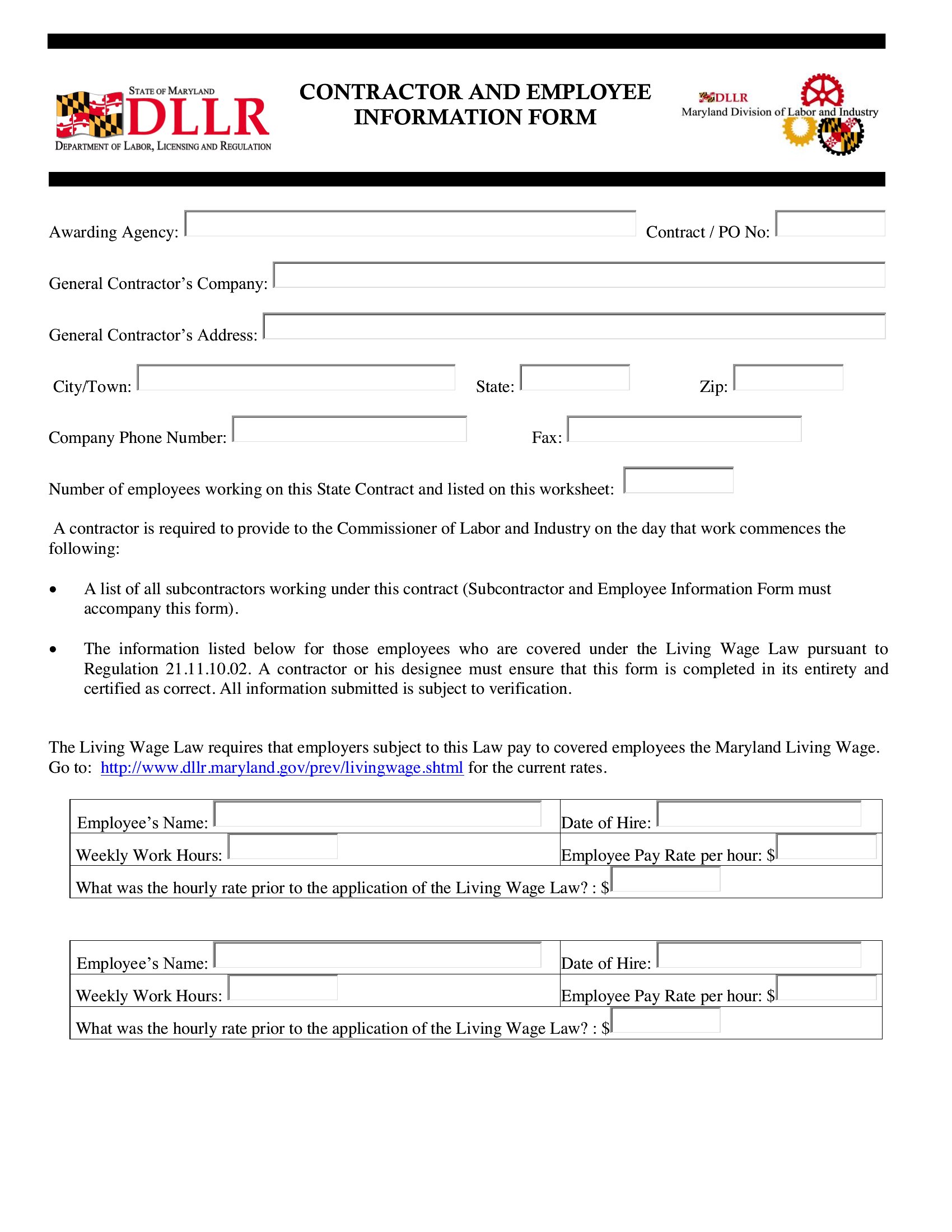
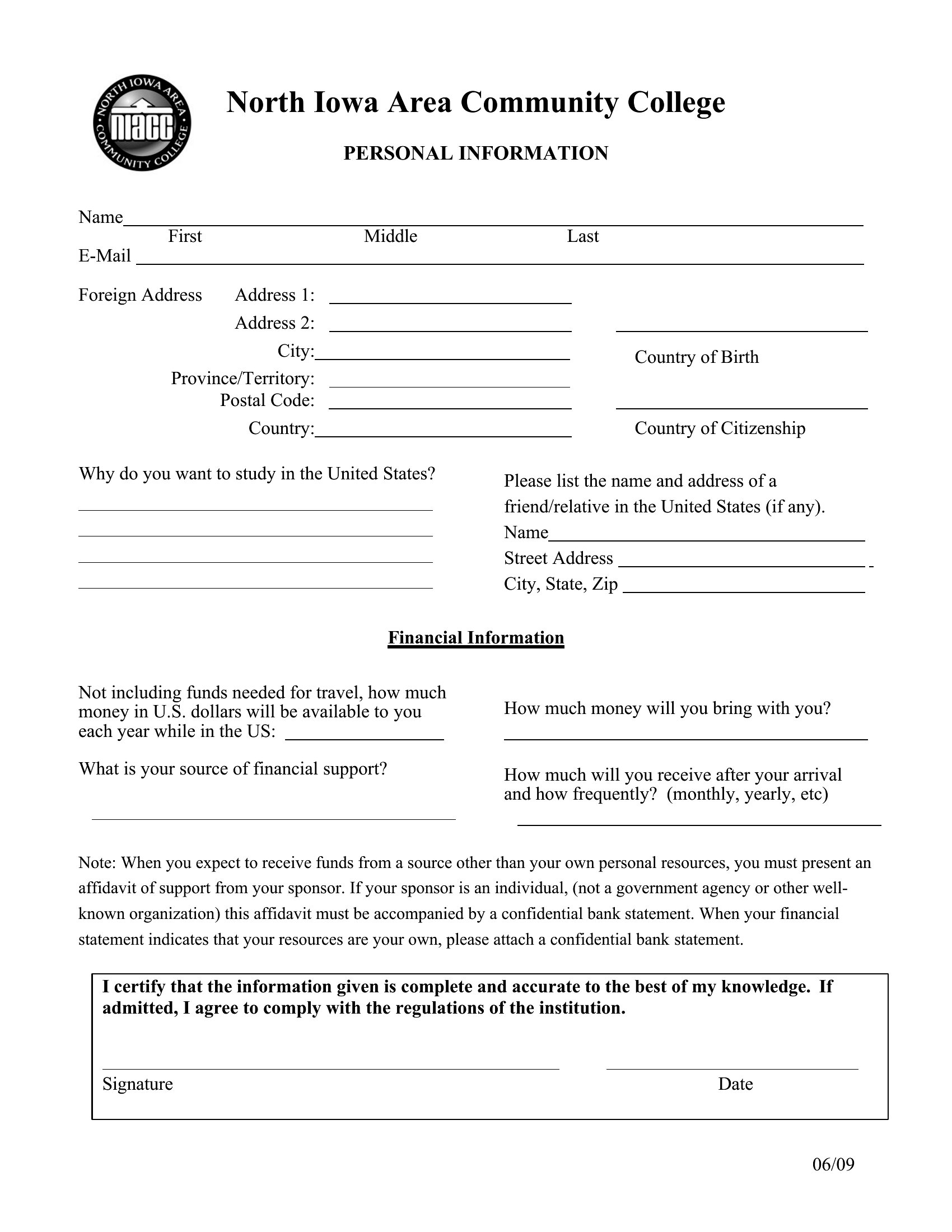
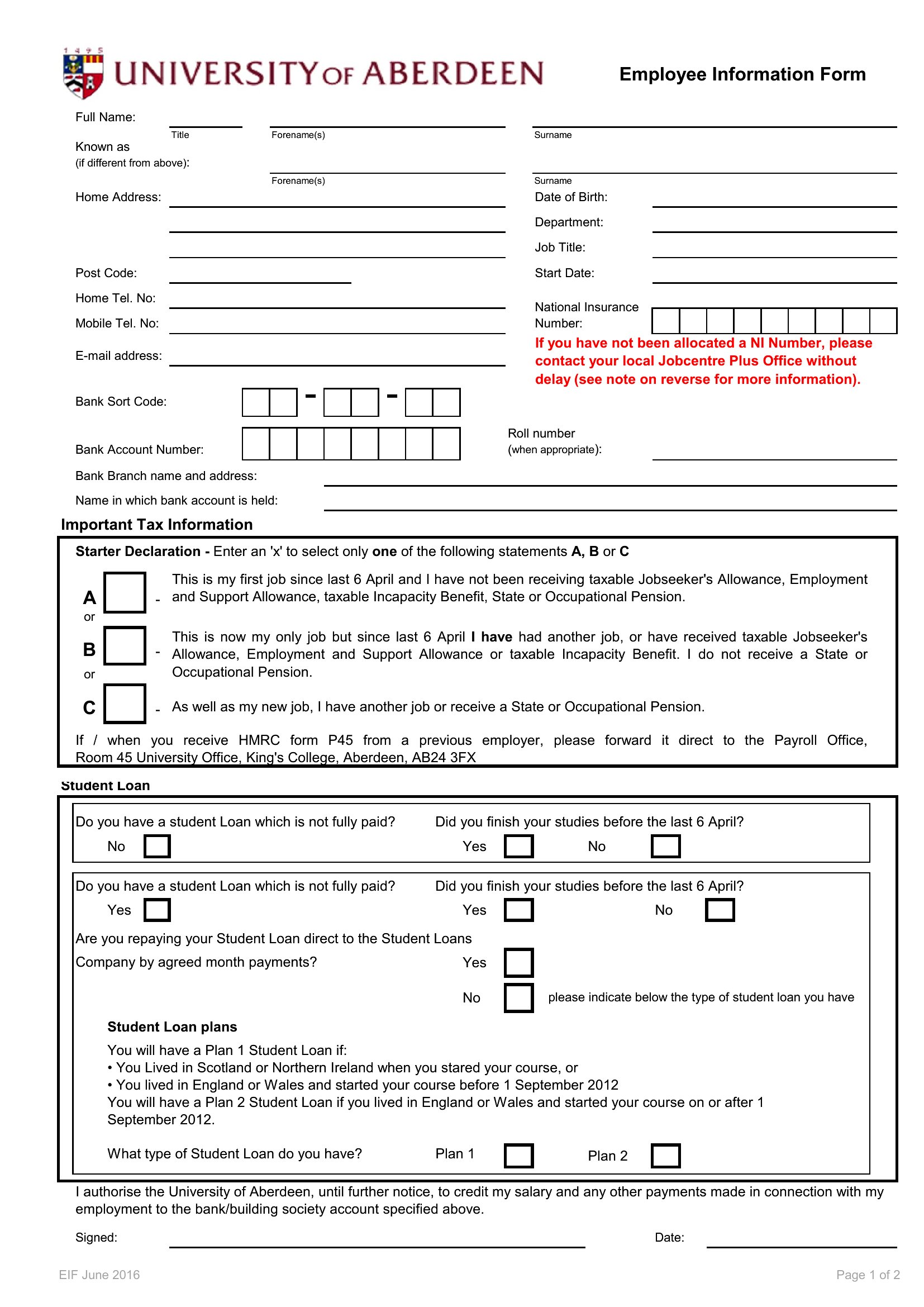
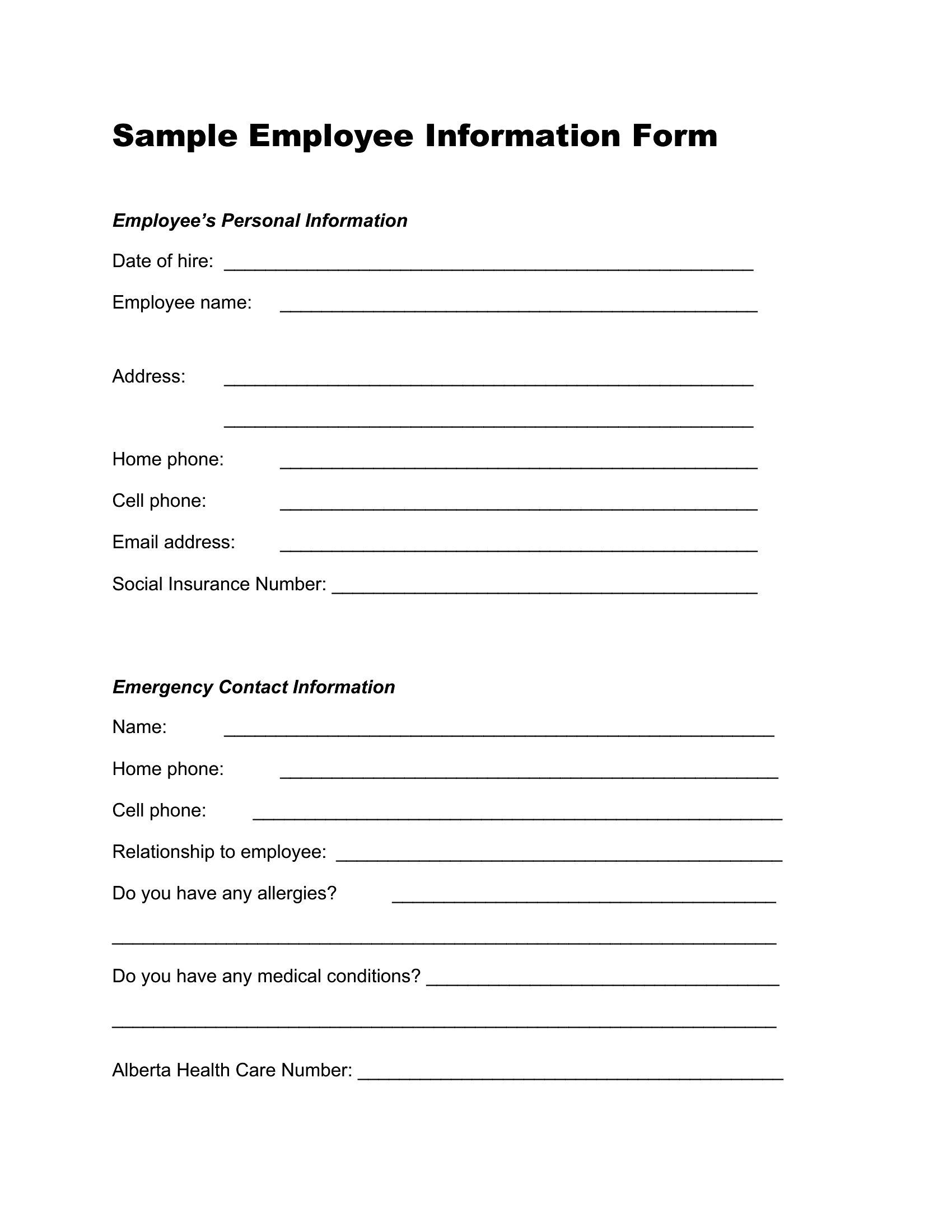
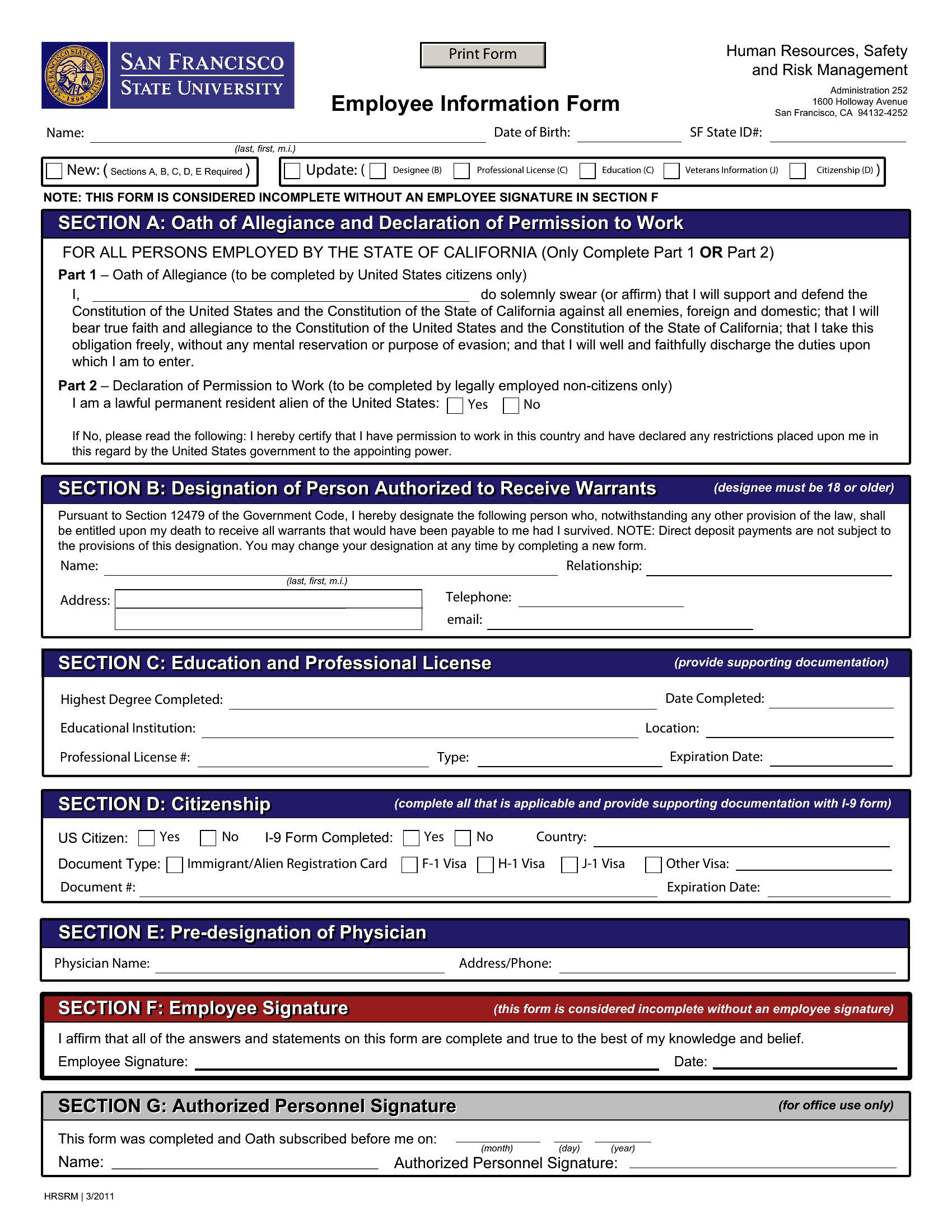
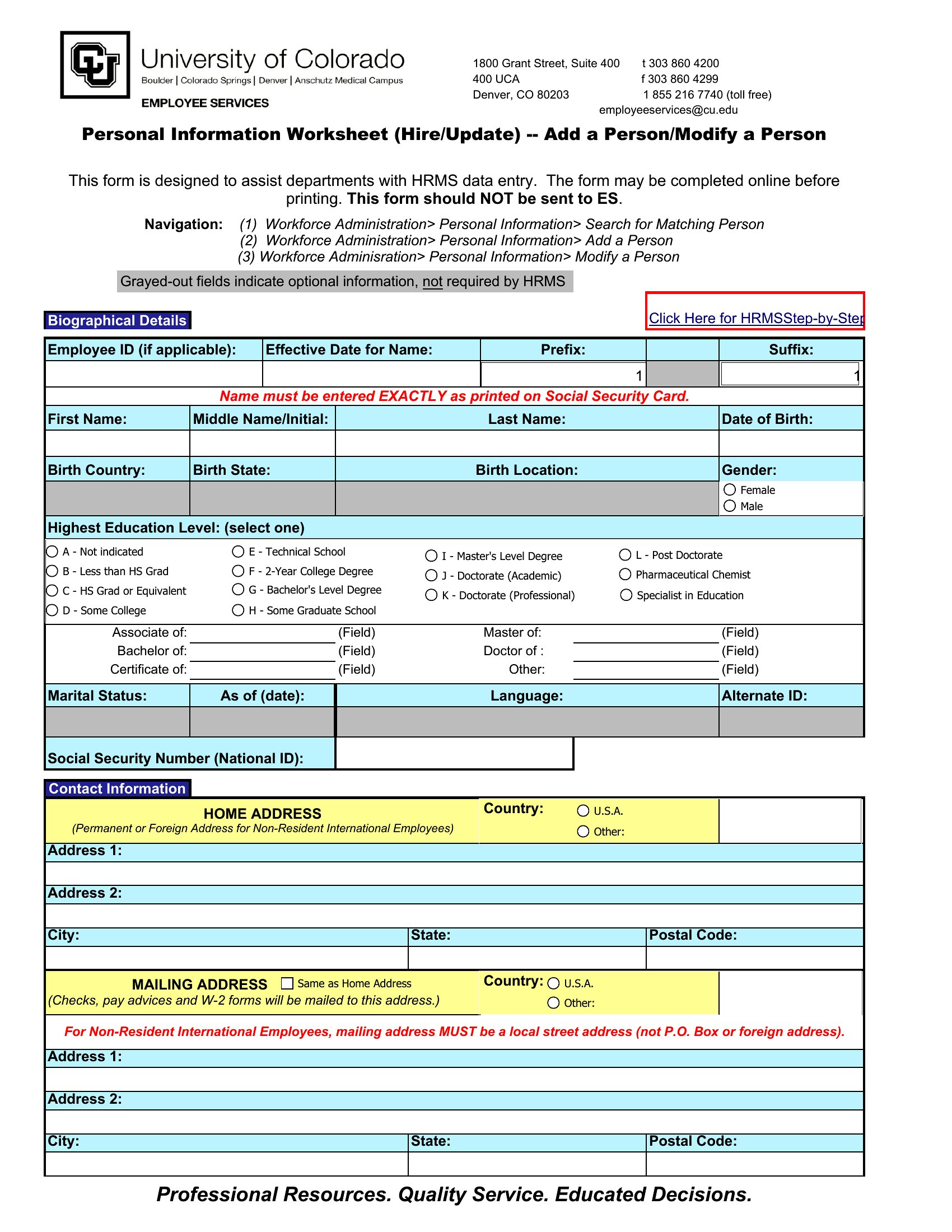
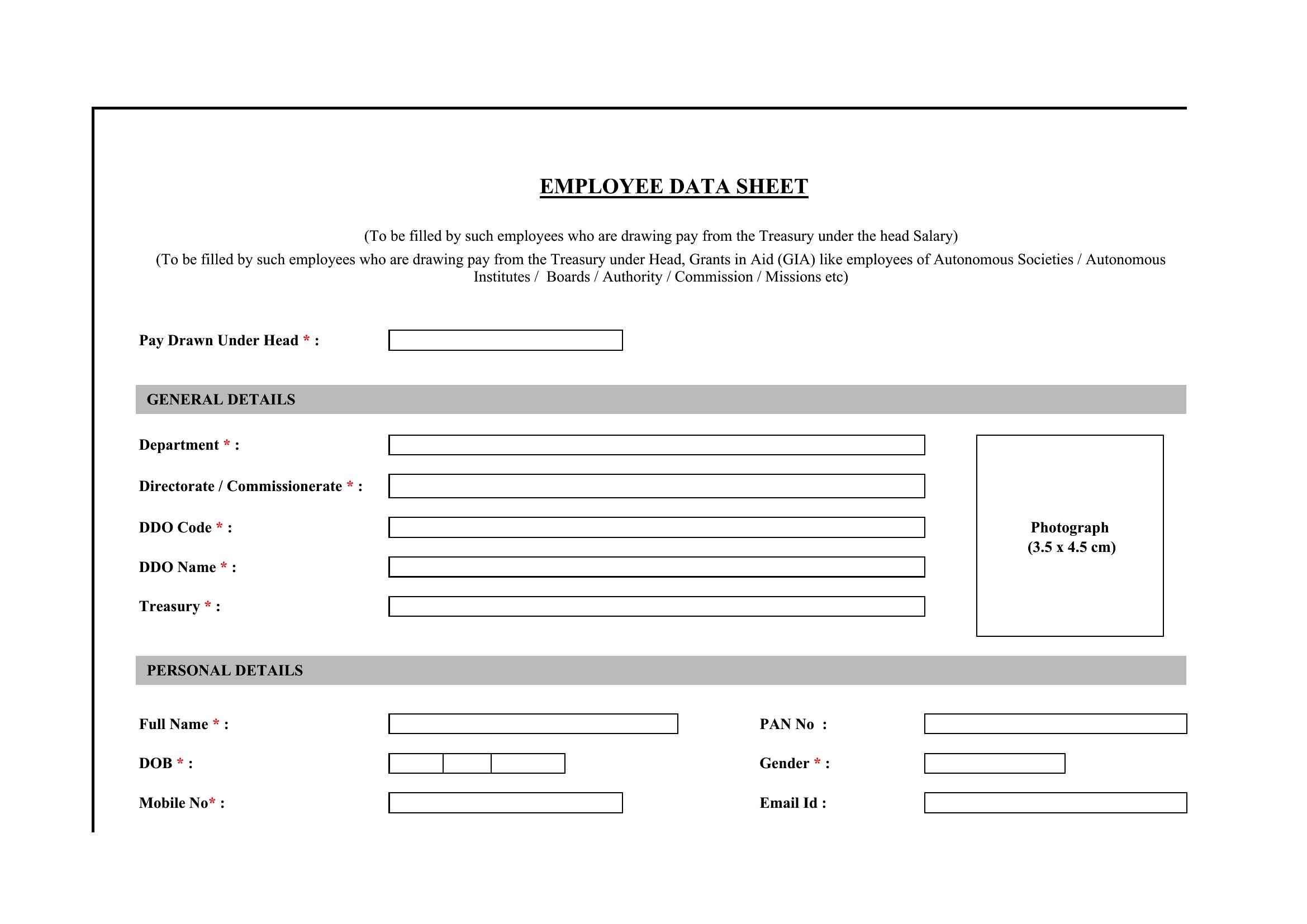
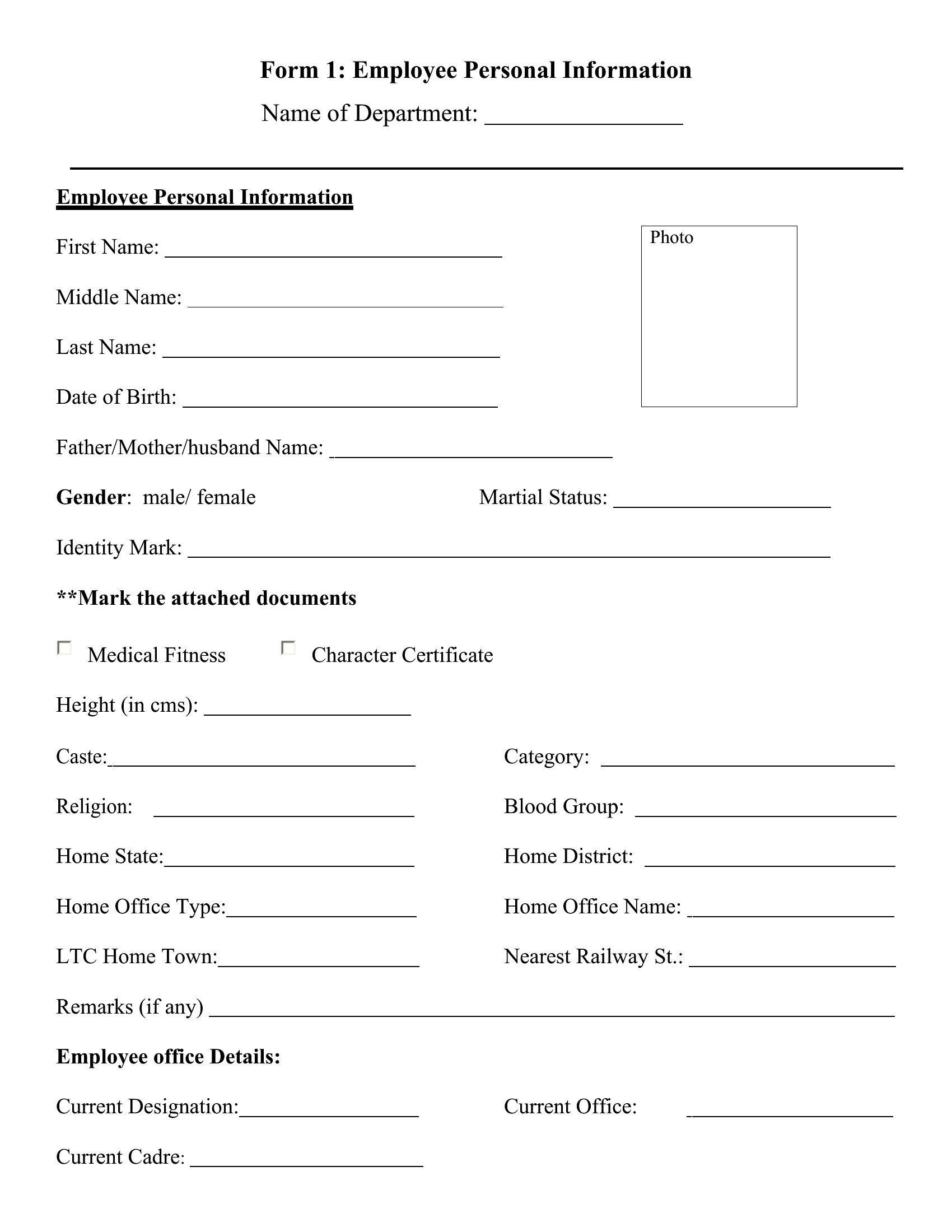
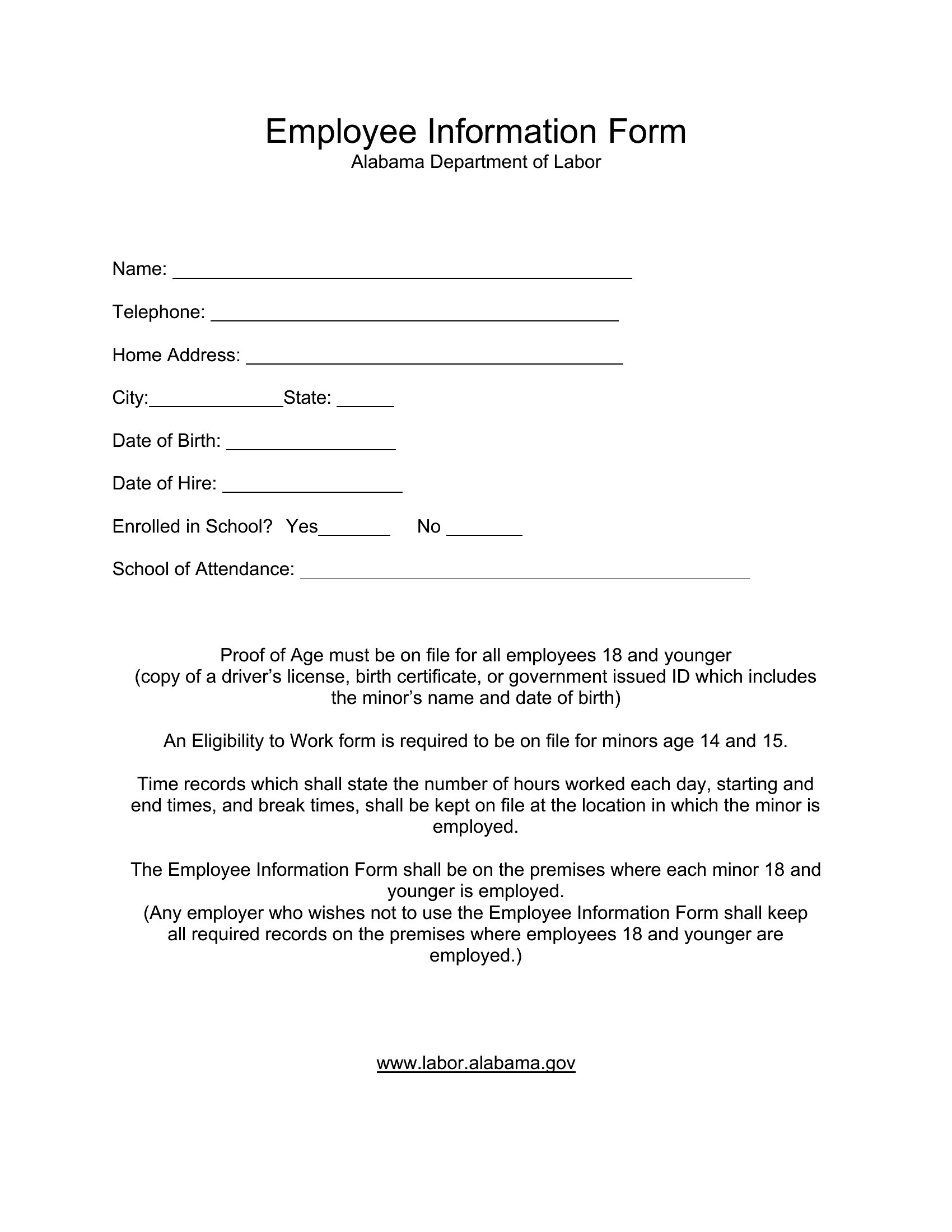
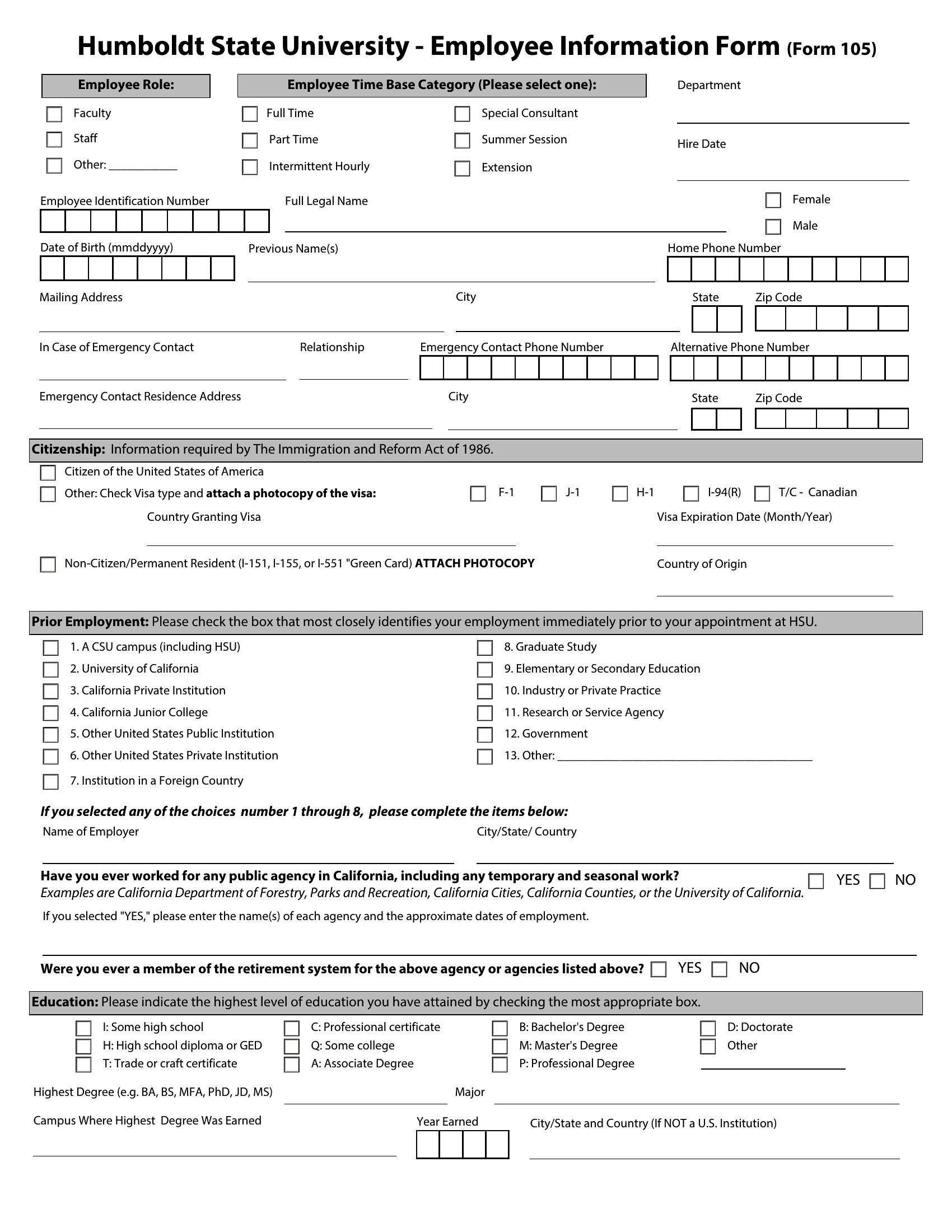
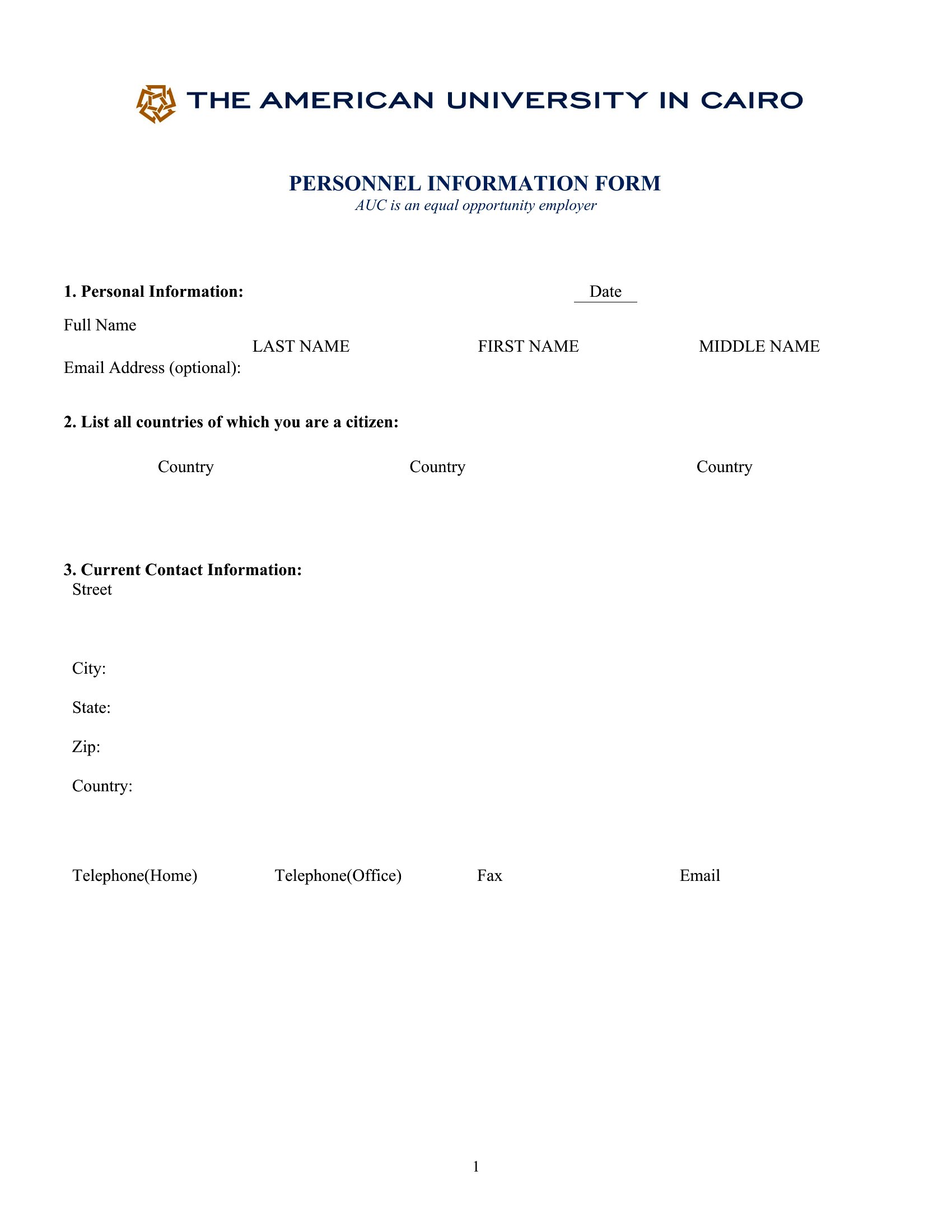
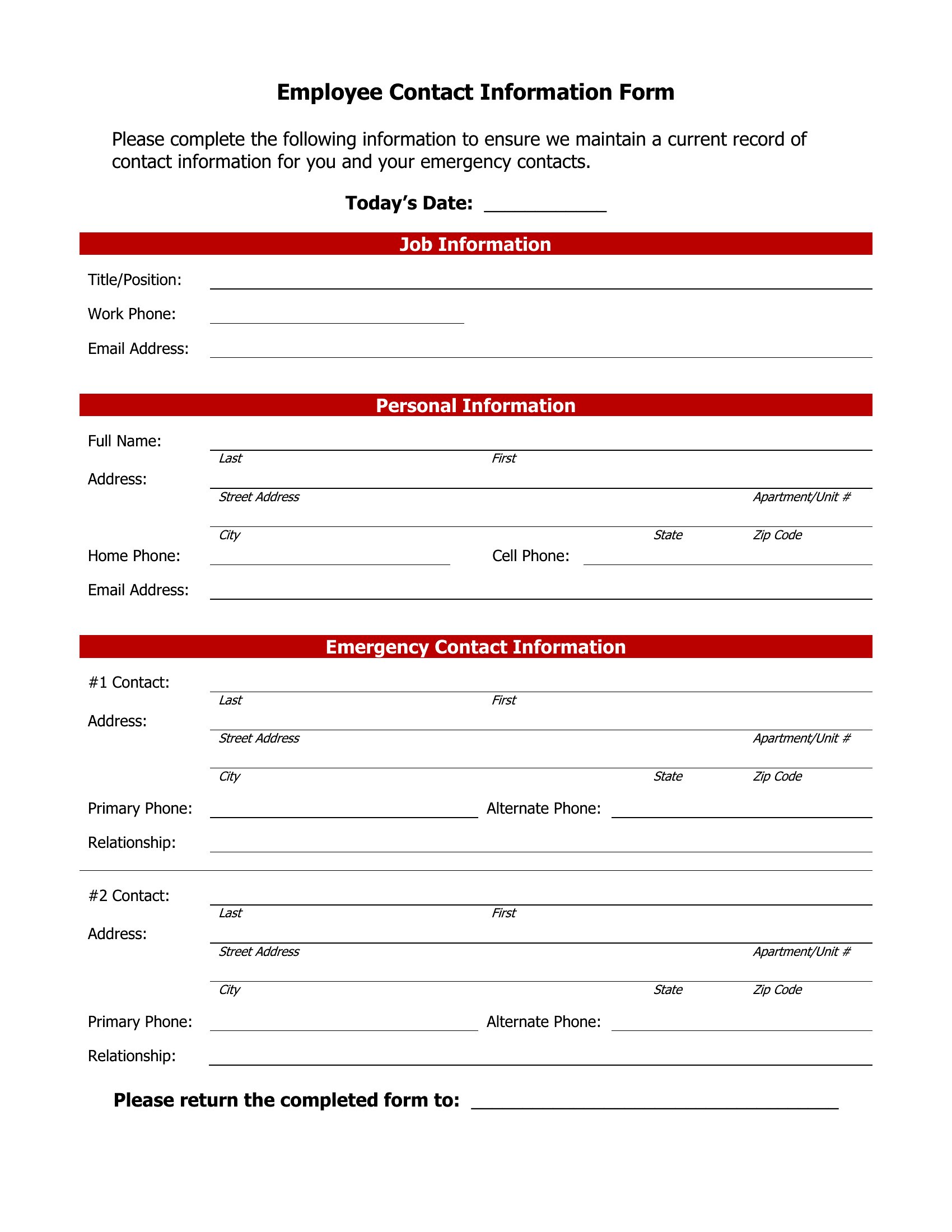
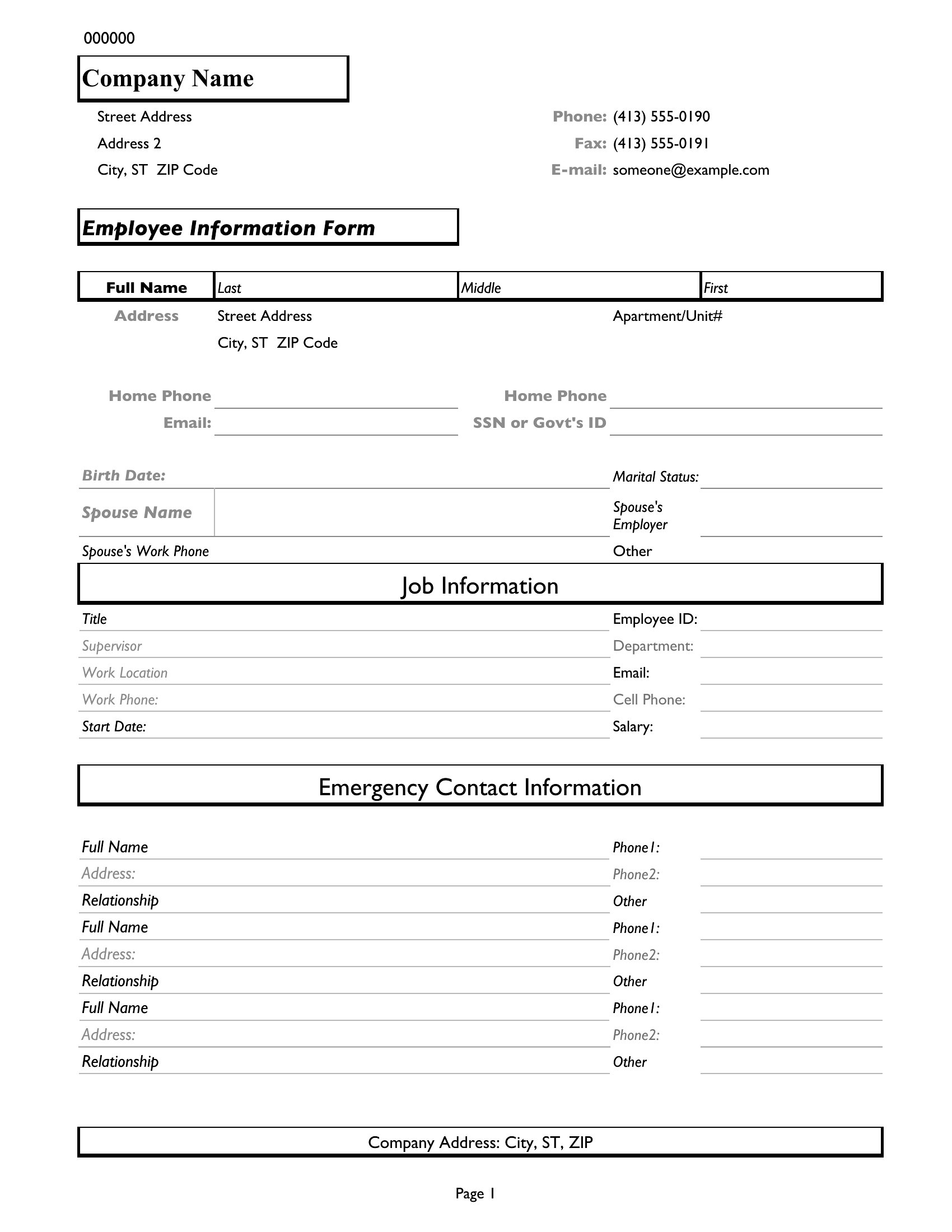
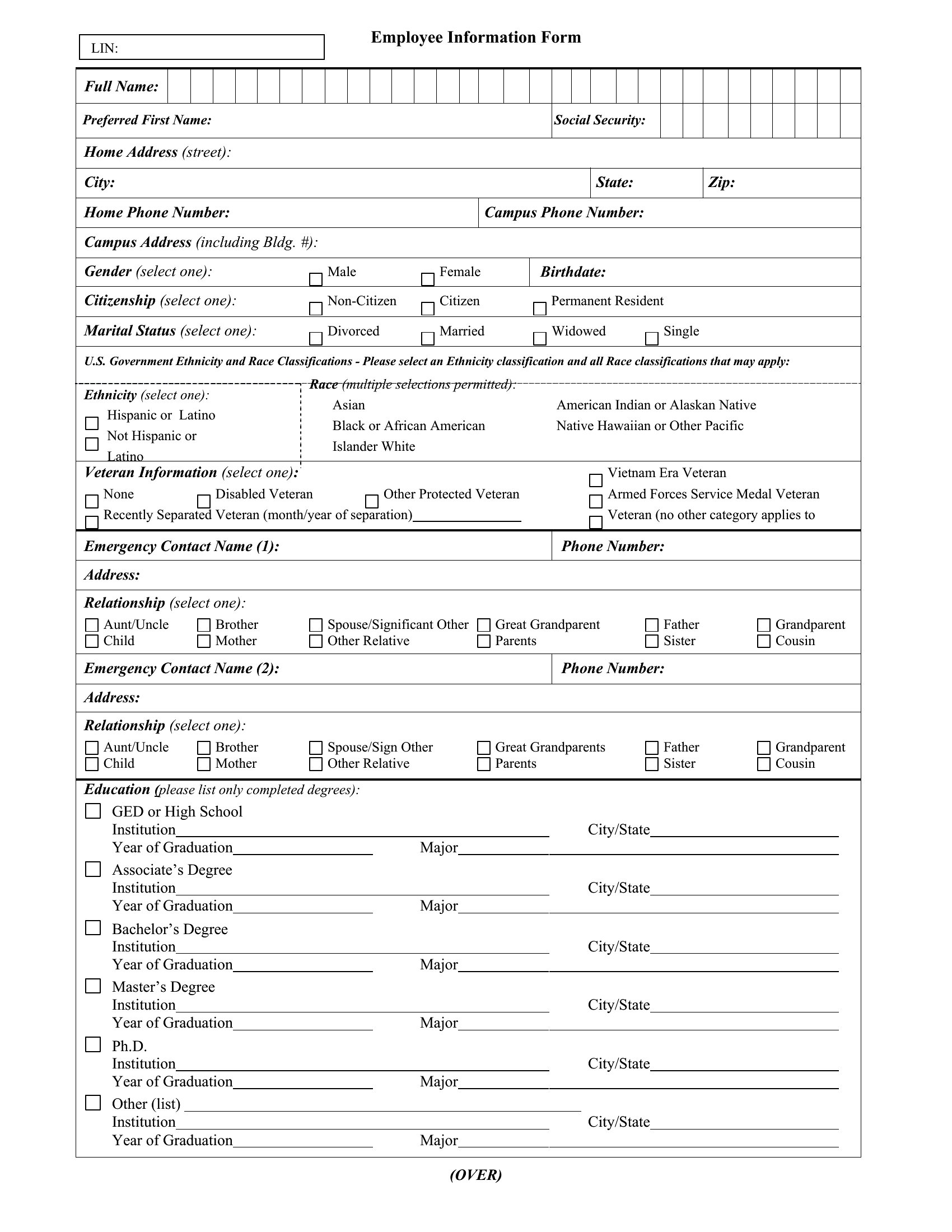
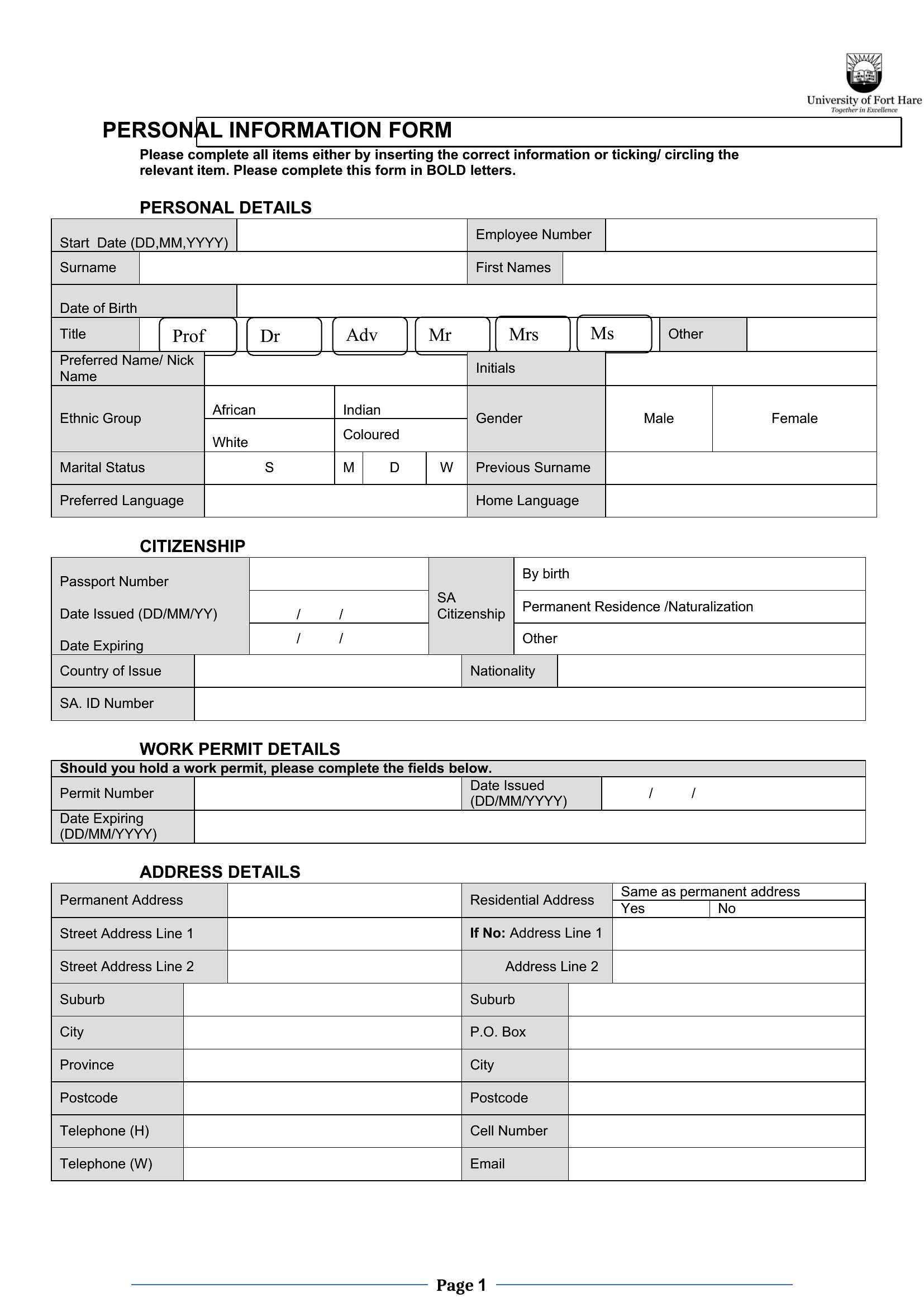
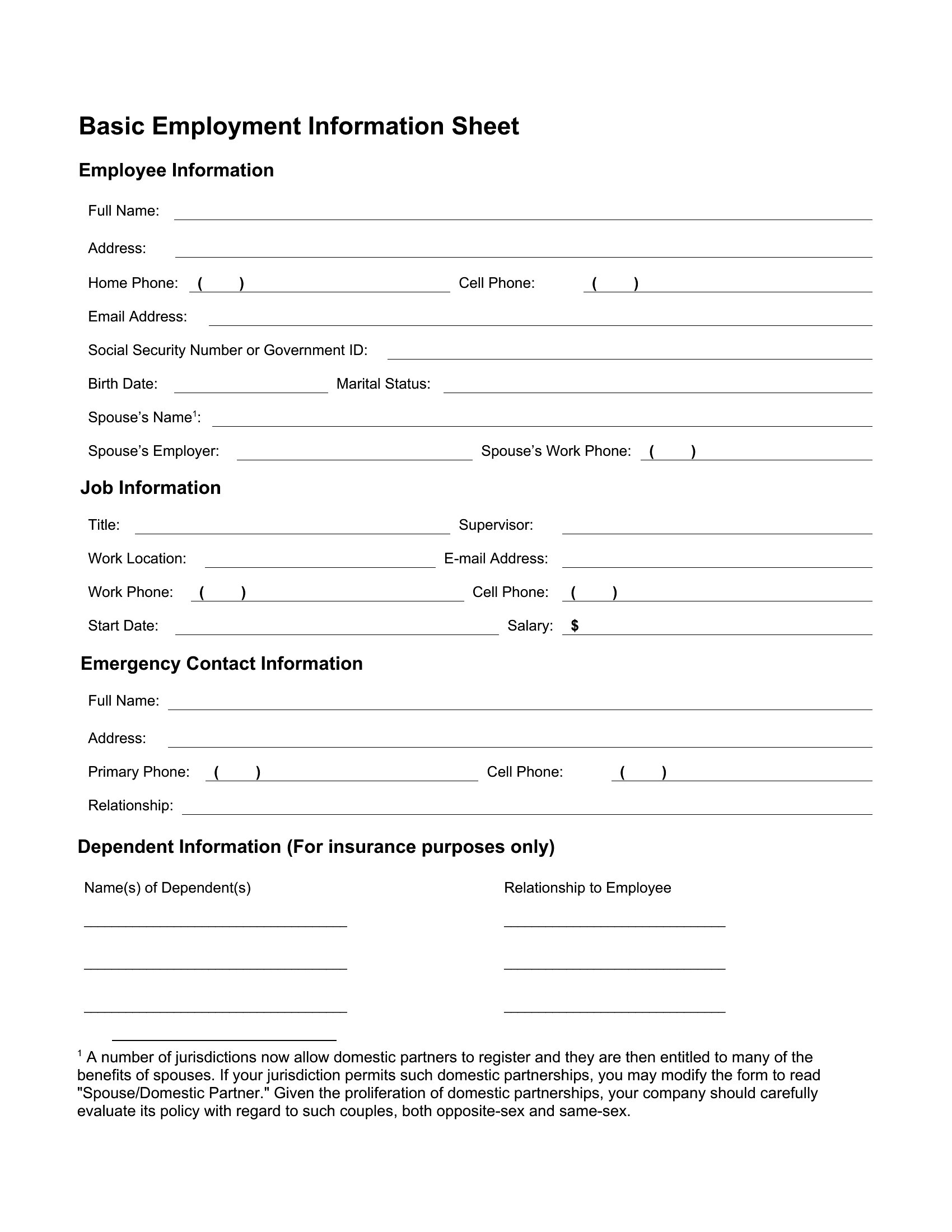
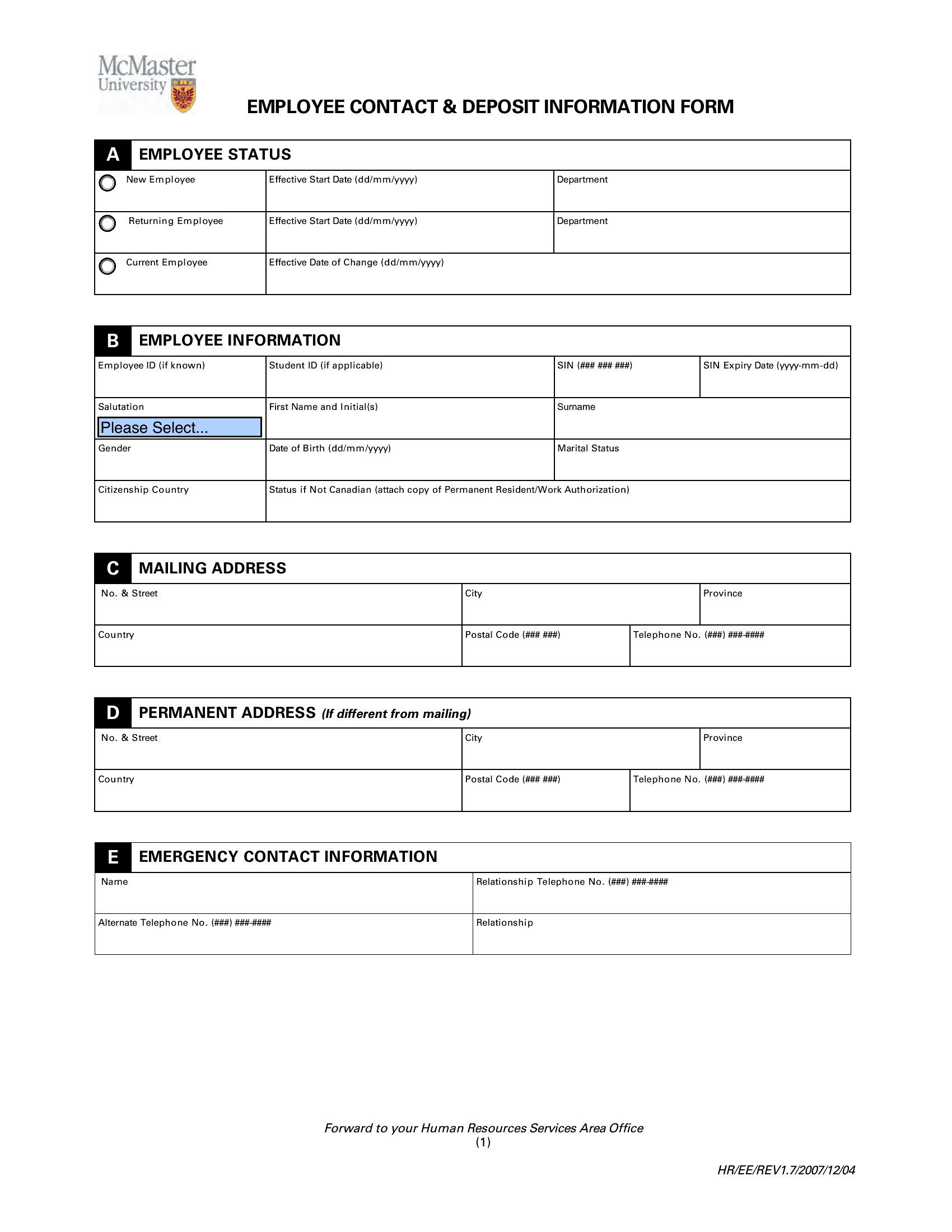
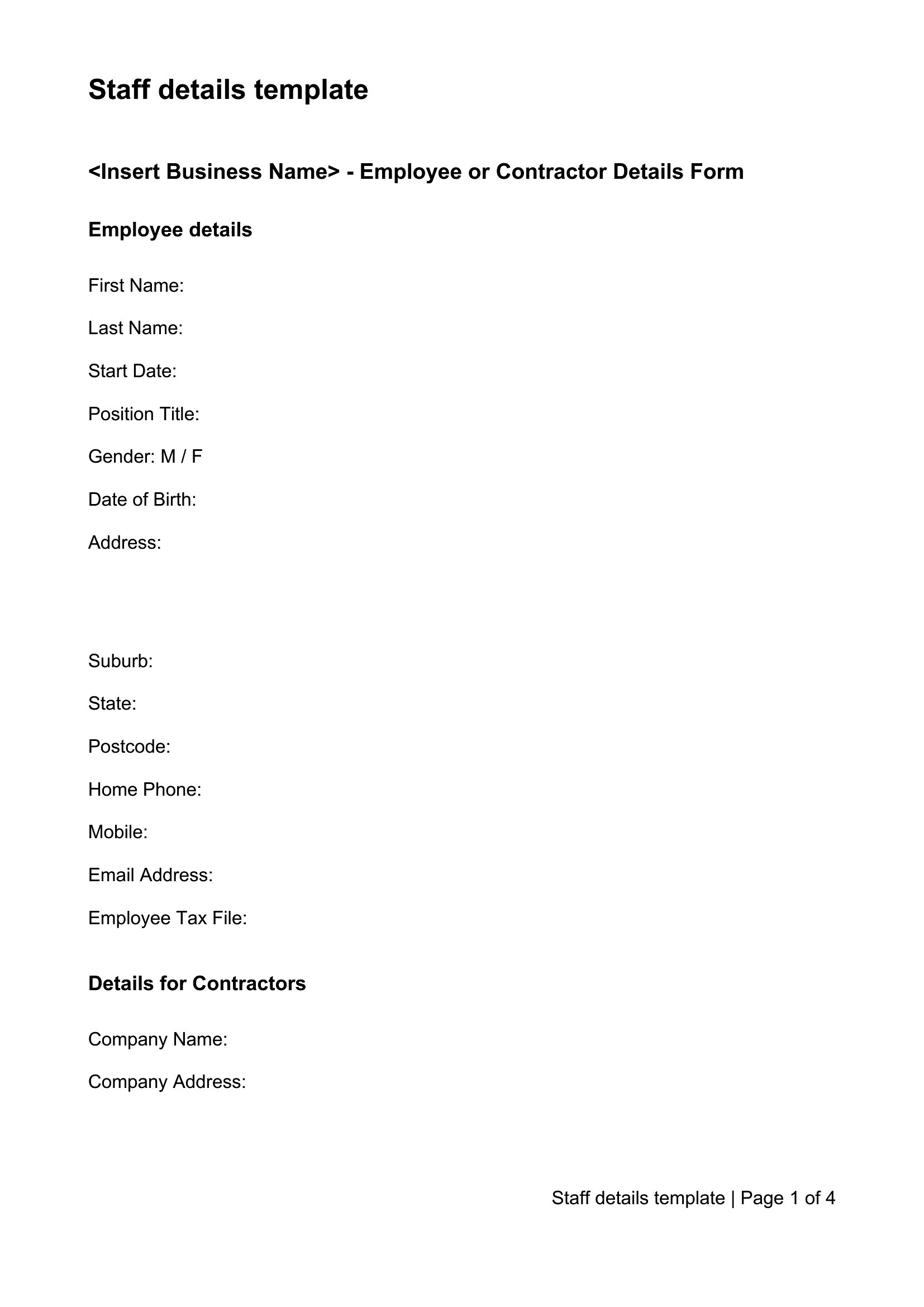
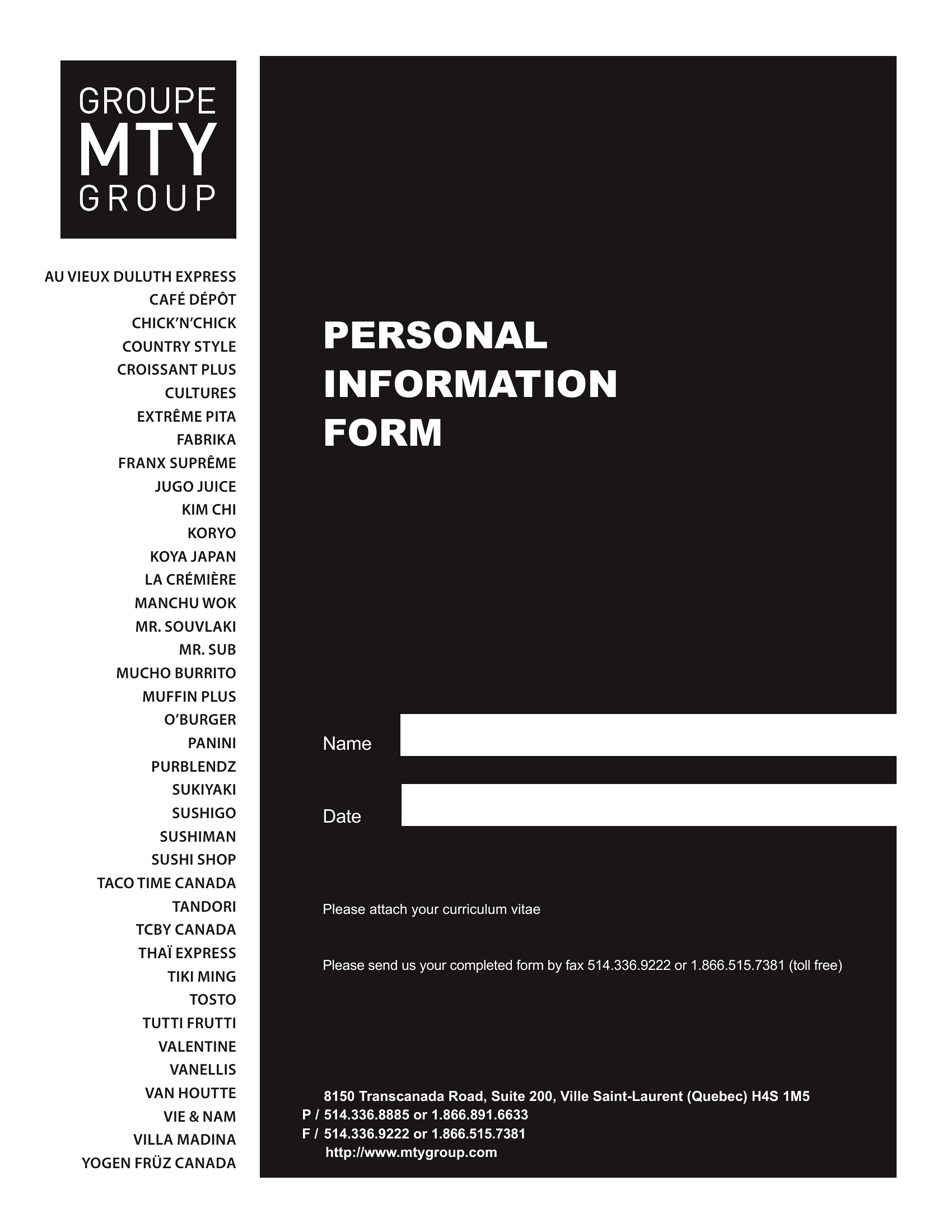
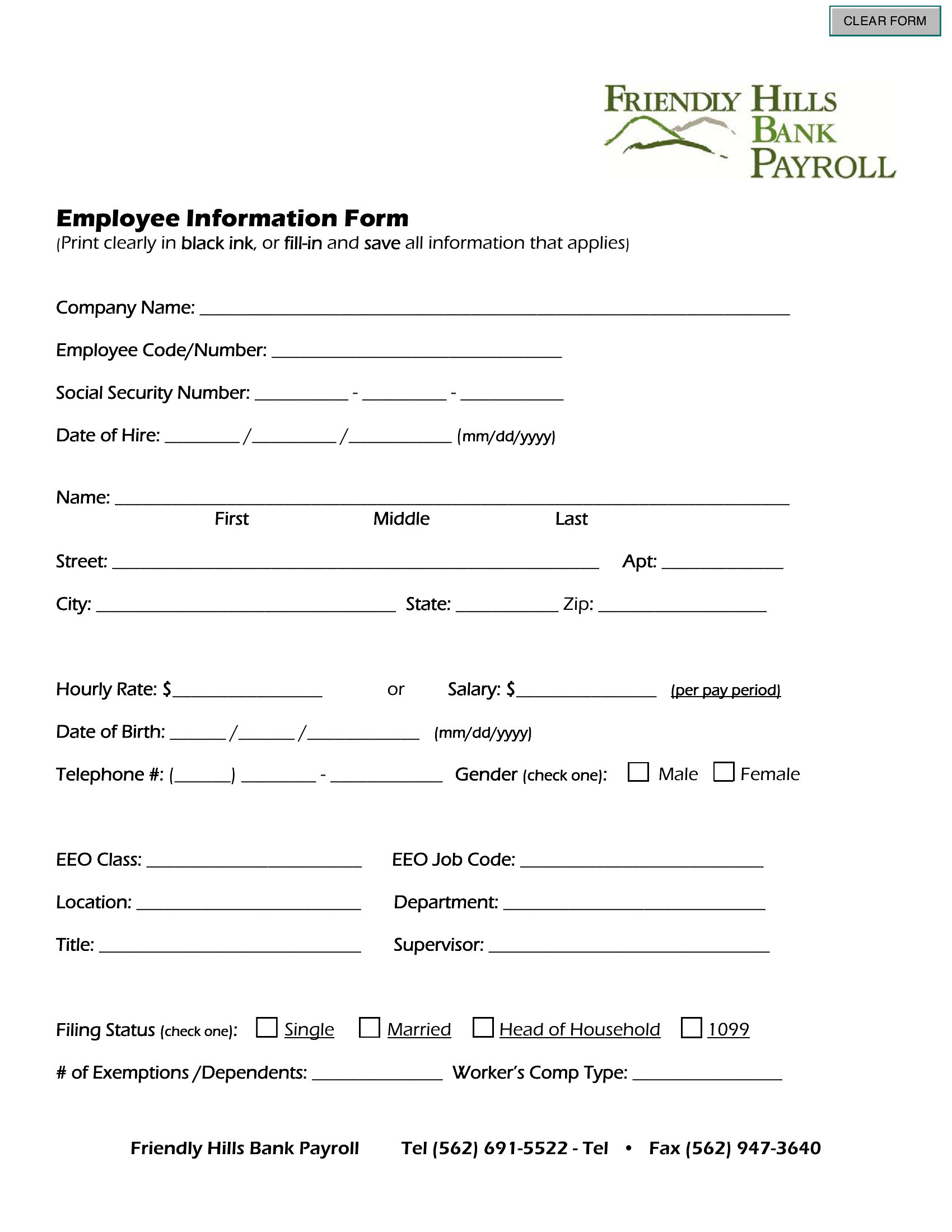
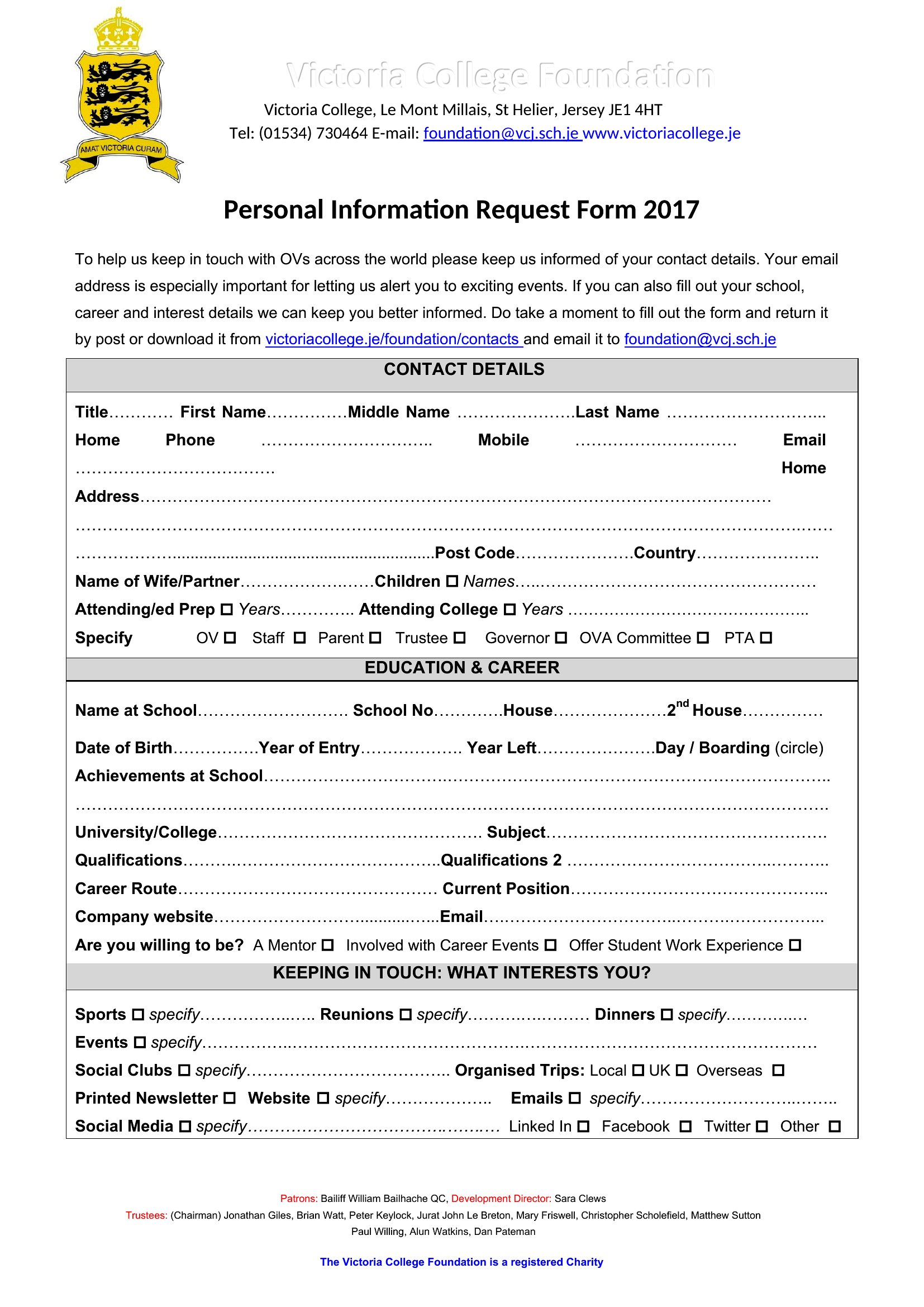
Onboarding a new hire means gathering contact details, emergency contacts, and payroll basics, and an employee information form keeps it all in one record. These 47 templates give HR teams and small-business owners a tidy way to collect what they need from day one.
You'll find editable Word and PDF versions for printing or filling on screen, plus Excel layouts for offices that keep staff data in a spreadsheet. Add the fields you need, and store completed forms securely given the personal details. Everything is free and ready to customize. Pick the form that fits your team and make onboarding smoother.
When to use this Employee Information Form template
- Small business owners hiring their first few employees need a simple way to collect tax forms, contact details, and emergency contacts without overwhelming new hires during their first week.
- HR coordinators at growing startups use these forms to streamline onboarding for remote teams, ensuring all payroll and compliance documents are submitted consistently before day one.
- Nonprofit organizations with tight budgets rely on editable Word templates to customize employee information sheets with volunteer-specific fields while keeping records organized for grant reporting.
- Healthcare clinics and dental offices use fillable PDFs to gather HIPAA-compliant contact info, insurance details, and emergency contacts from new staff while maintaining secure digital records.
Which format should I download?
Choose Word if you need a fully editable template to tailor fields (like company-specific policies) or merge form data into other HR documents later. The Excel format works best for offices that track employee records in spreadsheets, allowing you to directly input data into payroll or timekeeping systems. Opt for PDF when you require a fillable, print-ready version that can be securely shared digitally or completed on mobile devices during in-person onboarding. Avoid PDF if you need to modify the form after initial setup.
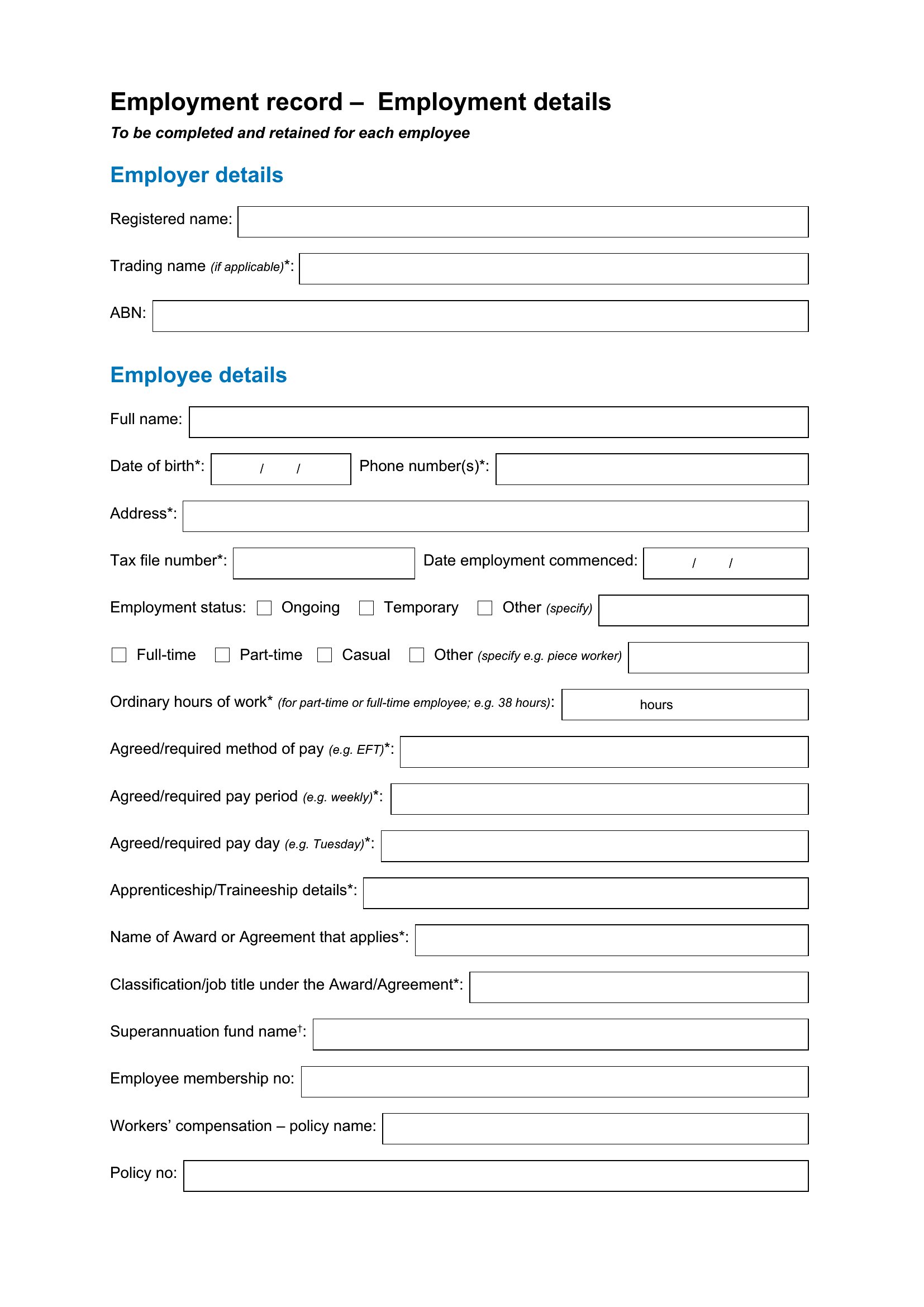
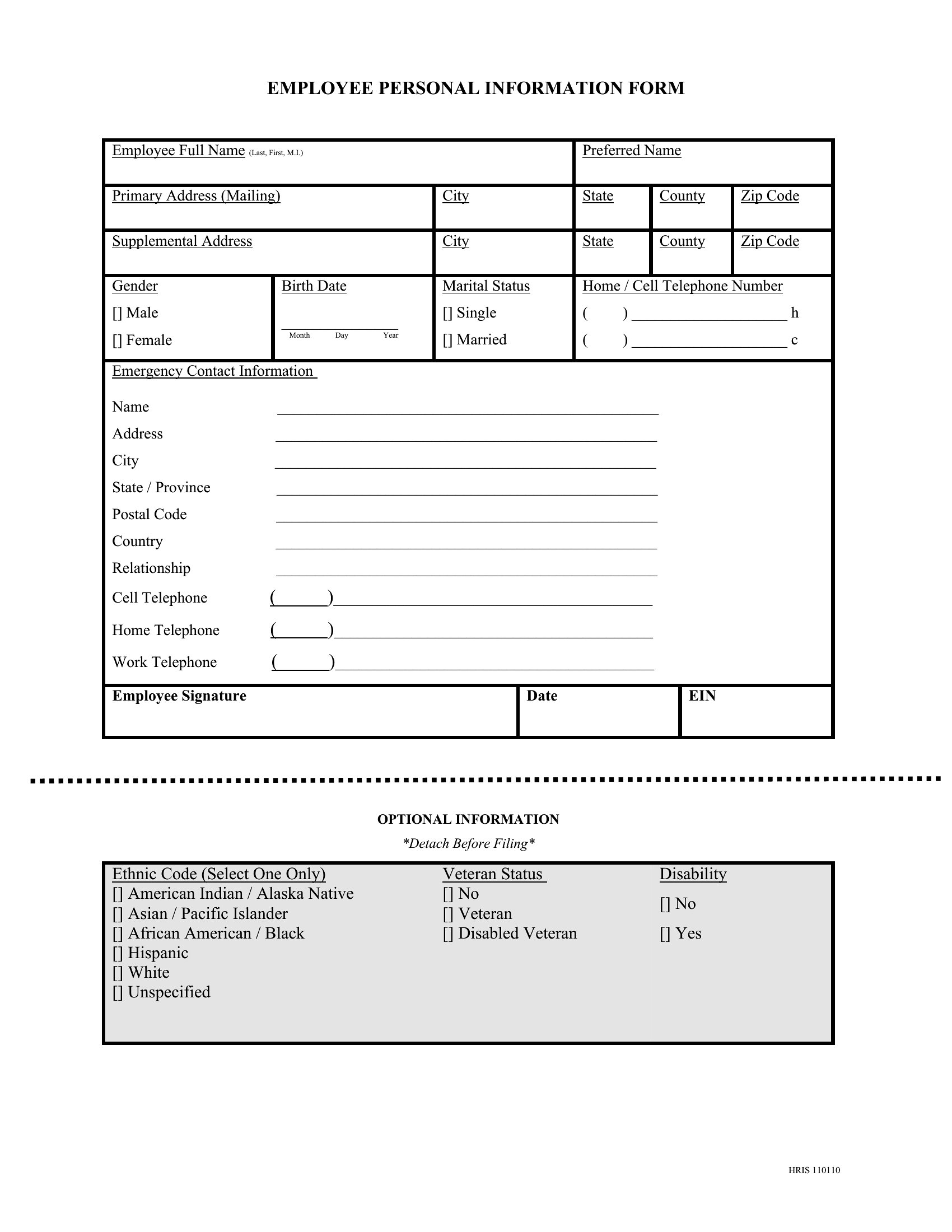
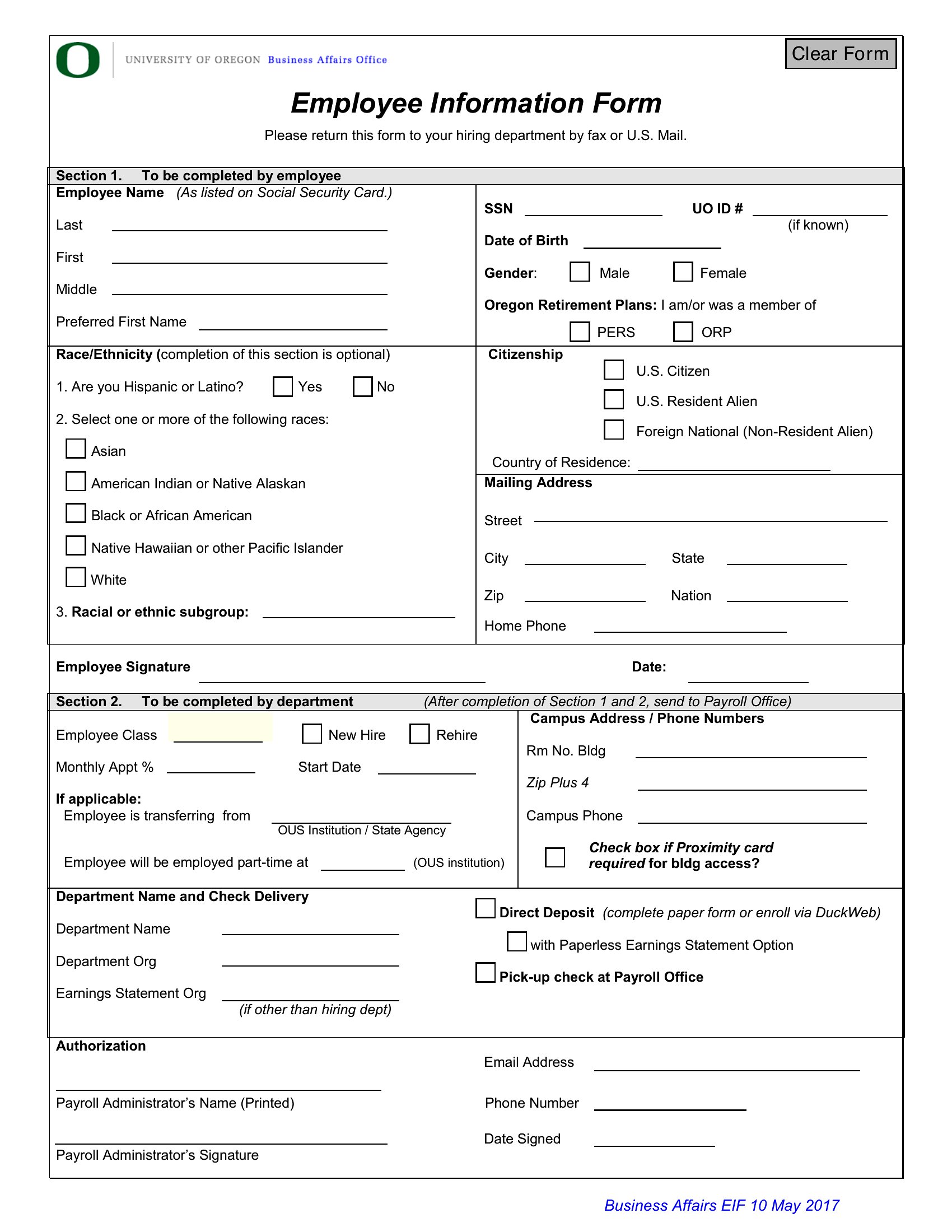
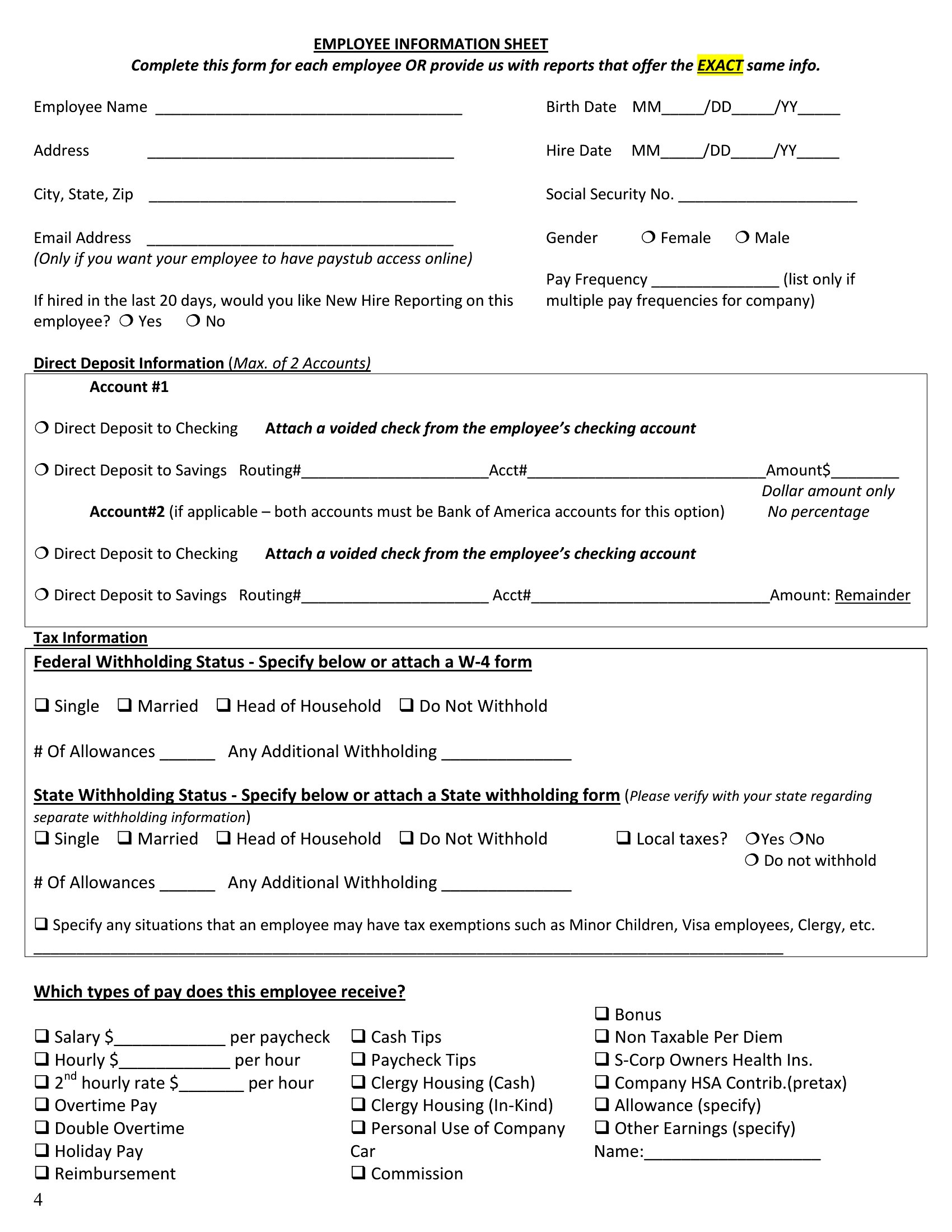
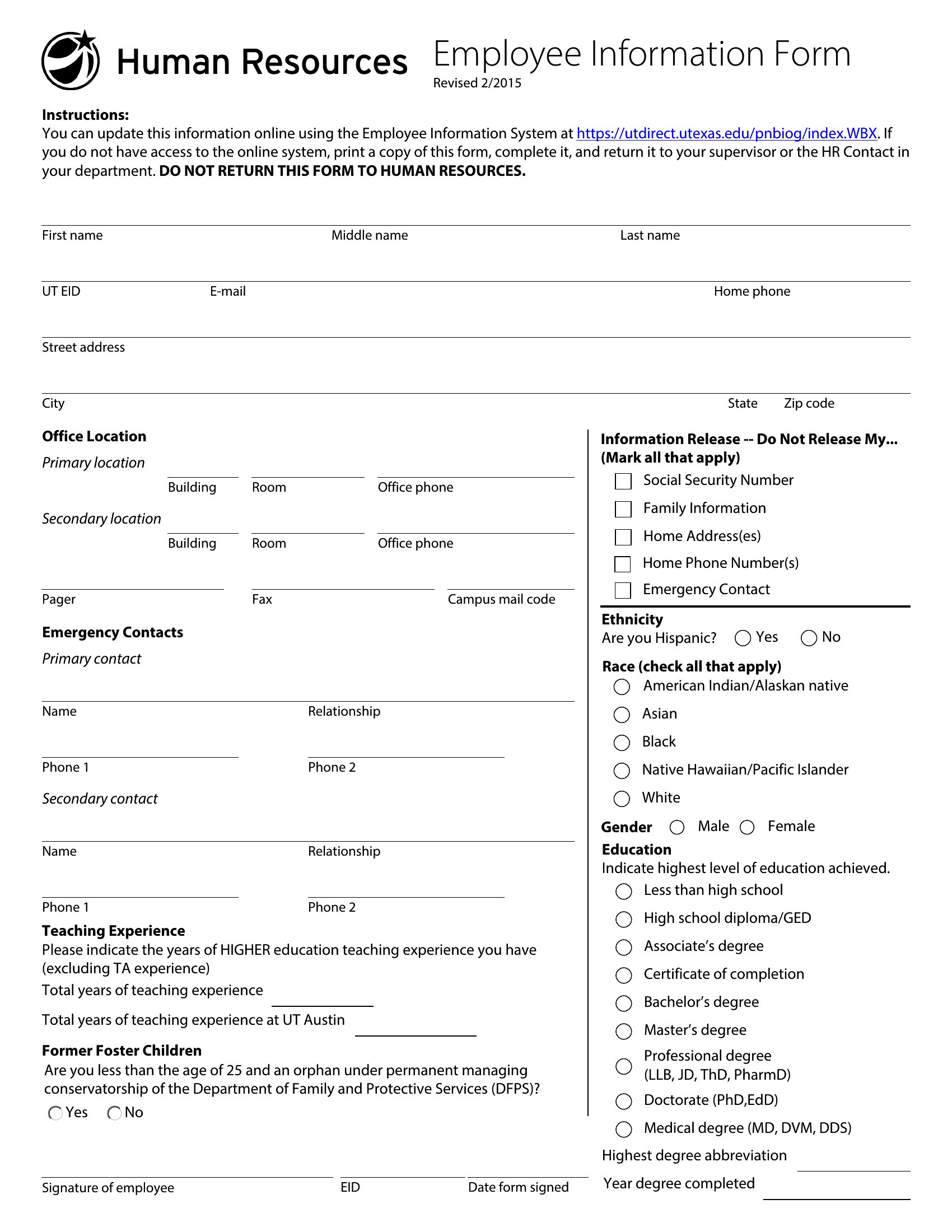
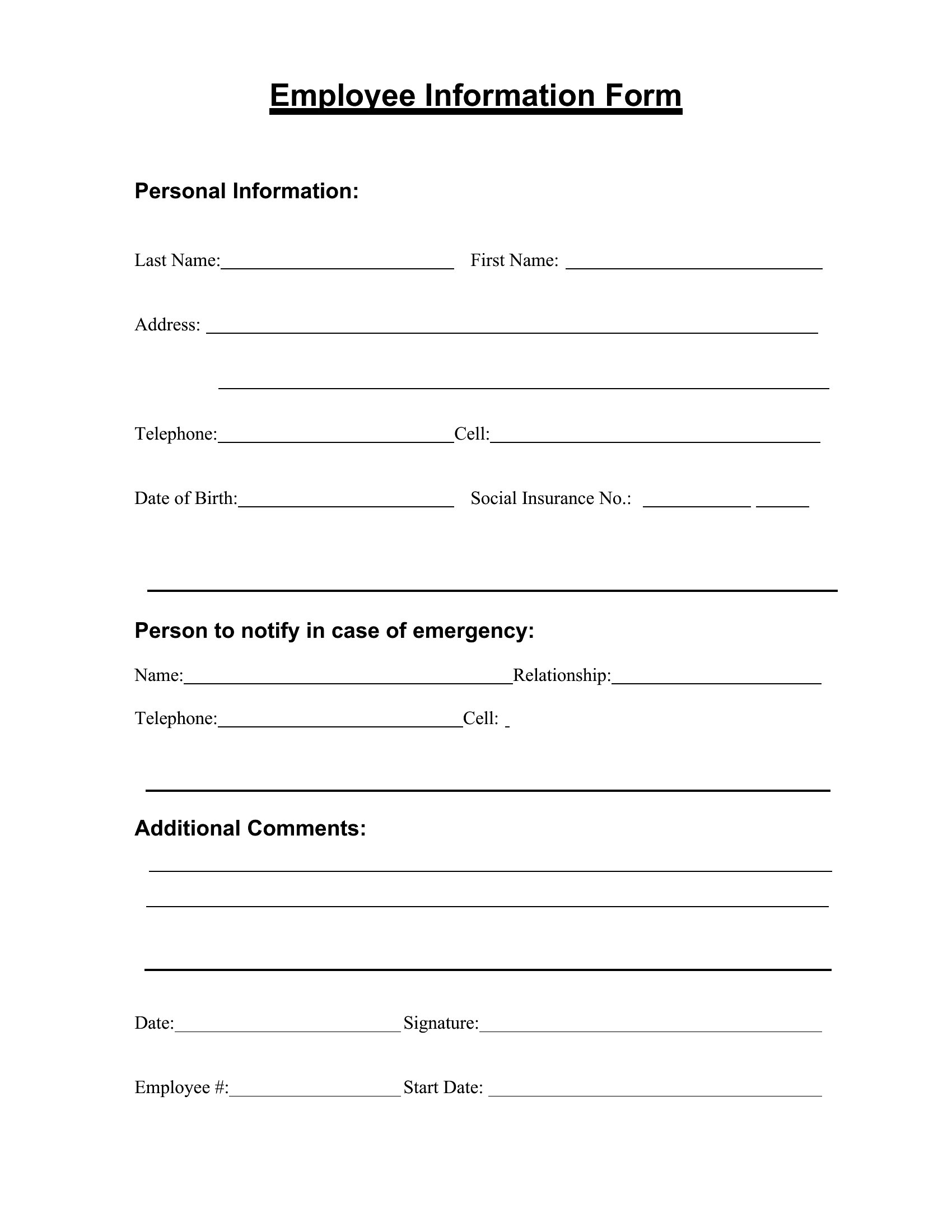
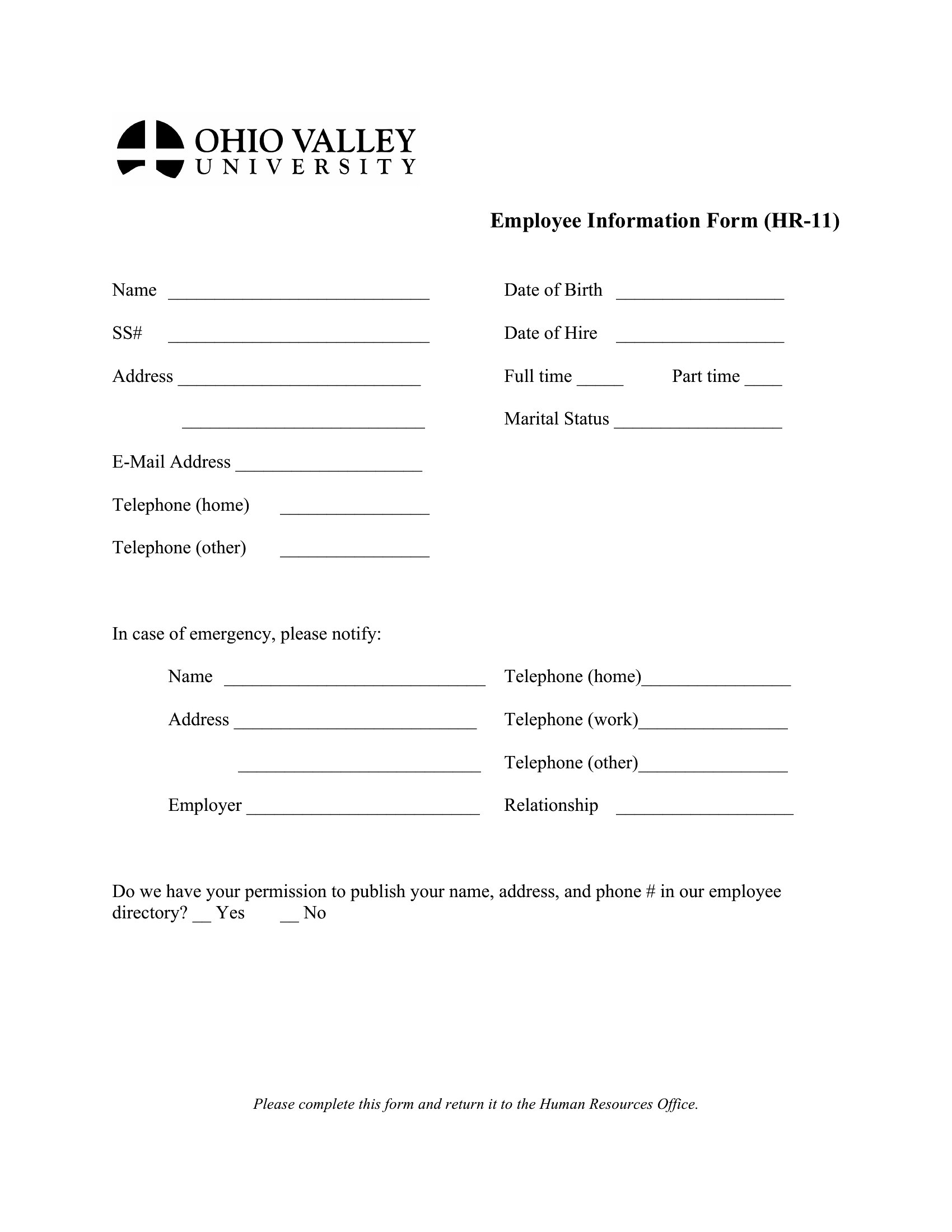
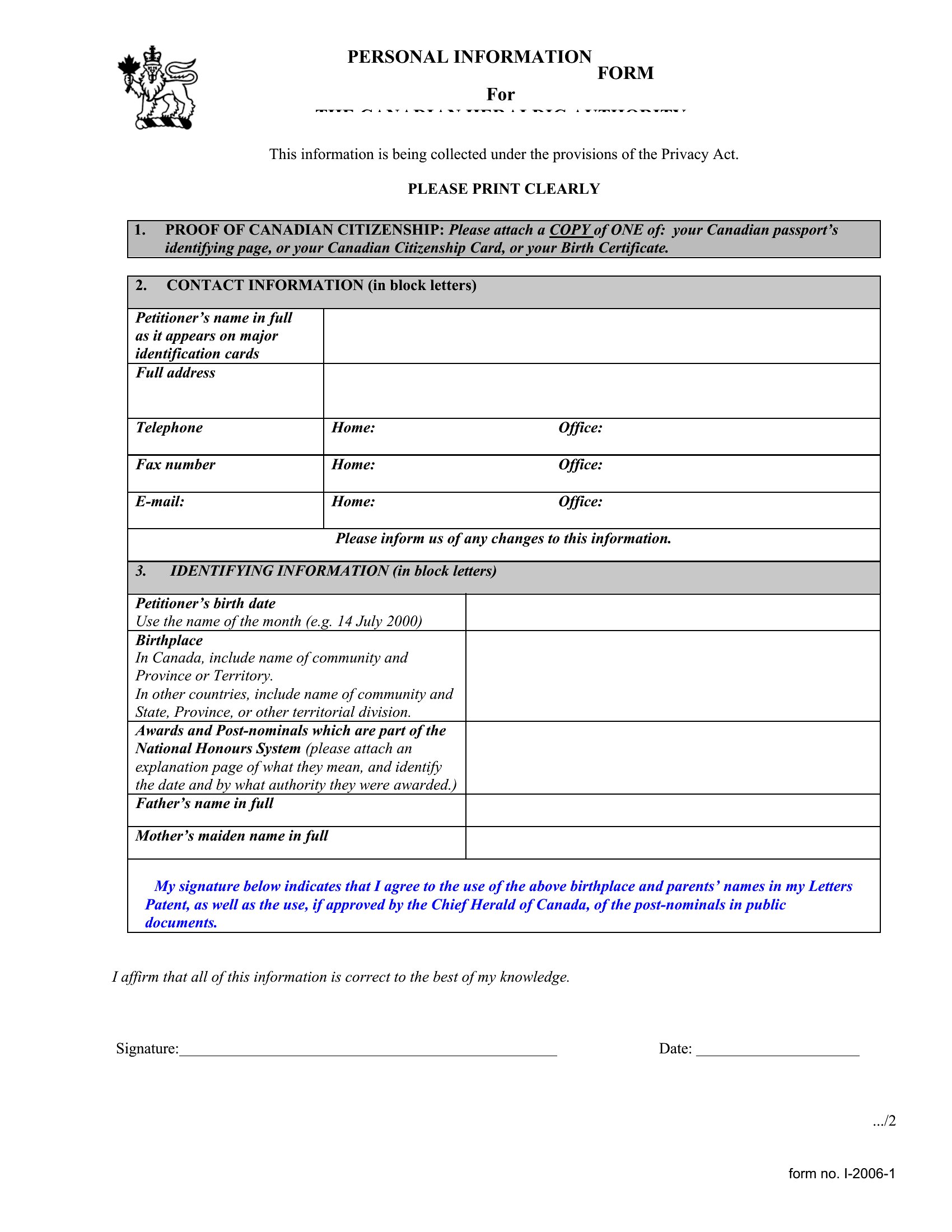
Choose from 47 Employee Information Form Templates
How to use this Employee Information Form template
How do I ensure the form complies with local labor laws?
These templates provide a starting point for collecting standard employee information, but laws vary by region regarding required disclosures (e.g., at-will employment status, wage notices). Consult your state’s labor board or a legal professional to verify mandatory fields before finalizing the form. Some templates include notes about common compliance areas, but they’re not a substitute for legal review.
Can I use these forms for contractors or only full-time employees?
While these templates are designed for full-time or part-time employees, you can adapt them for contractors by adding fields like tax classification (1099 vs. W-2), project details, or contract terms. However, contractor agreements often require additional legal language—consider a separate contractor intake form for clarity. Always check IRS or local guidelines for independent worker classifications.
What’s the best way to store completed forms securely?
For digital security, save PDFs in password-protected folders or use encrypted cloud storage (like a dedicated HR platform) to limit access. If storing paper copies, use locked filing cabinets labeled for confidential employee records. Avoid emailing completed forms unless encrypted, and shred old versions once new records are filed. Consult your IT or compliance team for industry-specific storage recommendations.
Comments
Join the conversation
Sign in to share your thoughts and leave a comment on this resource.