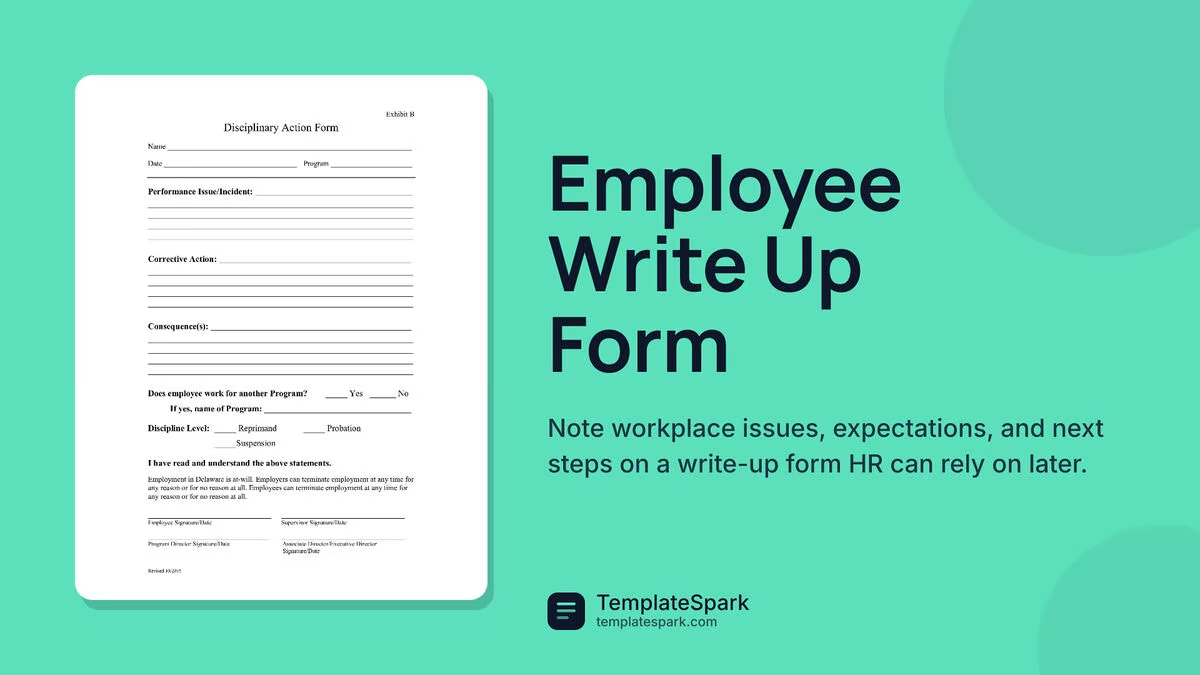
Free Employee Write-Up Forms (Word, PDF)
Applications by svitogorastepaniv
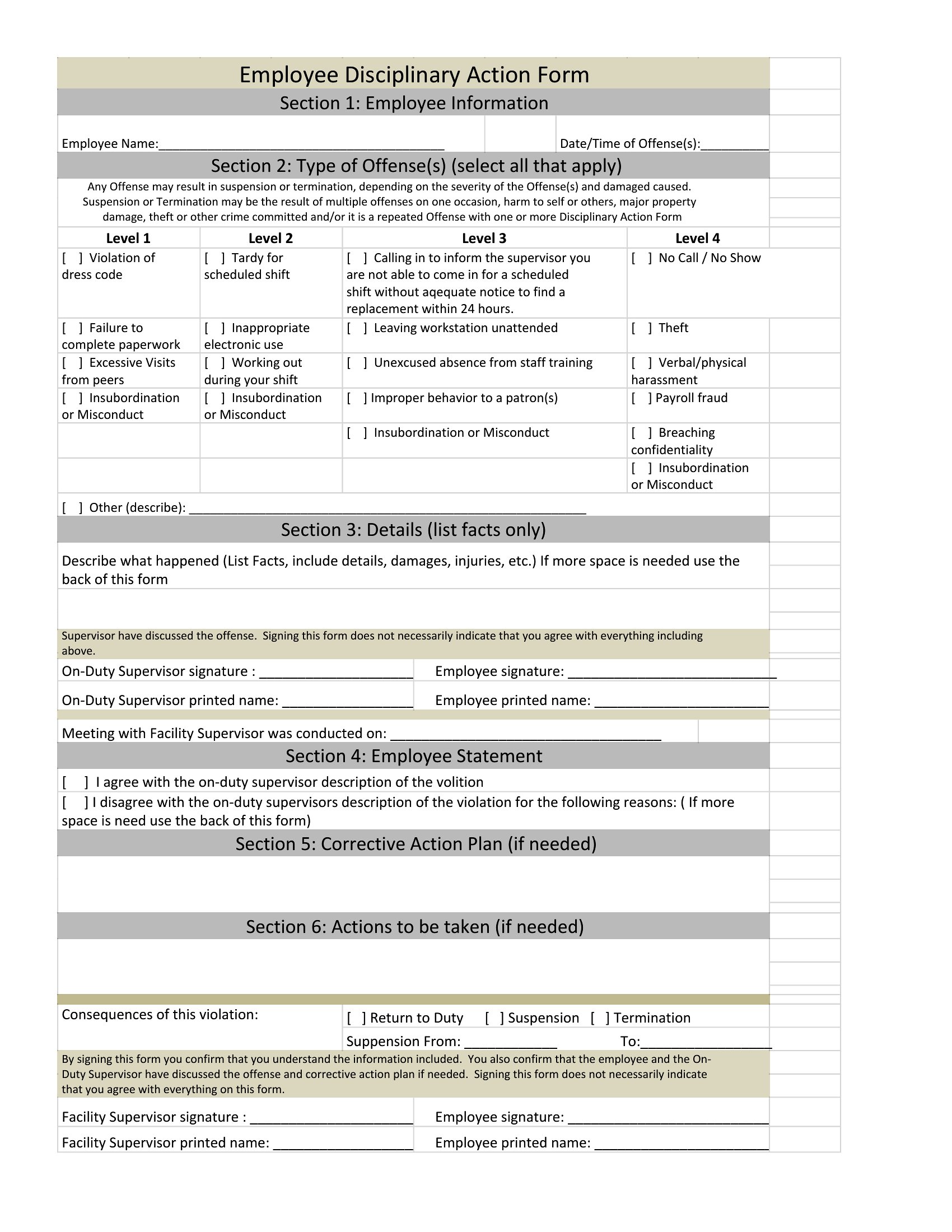
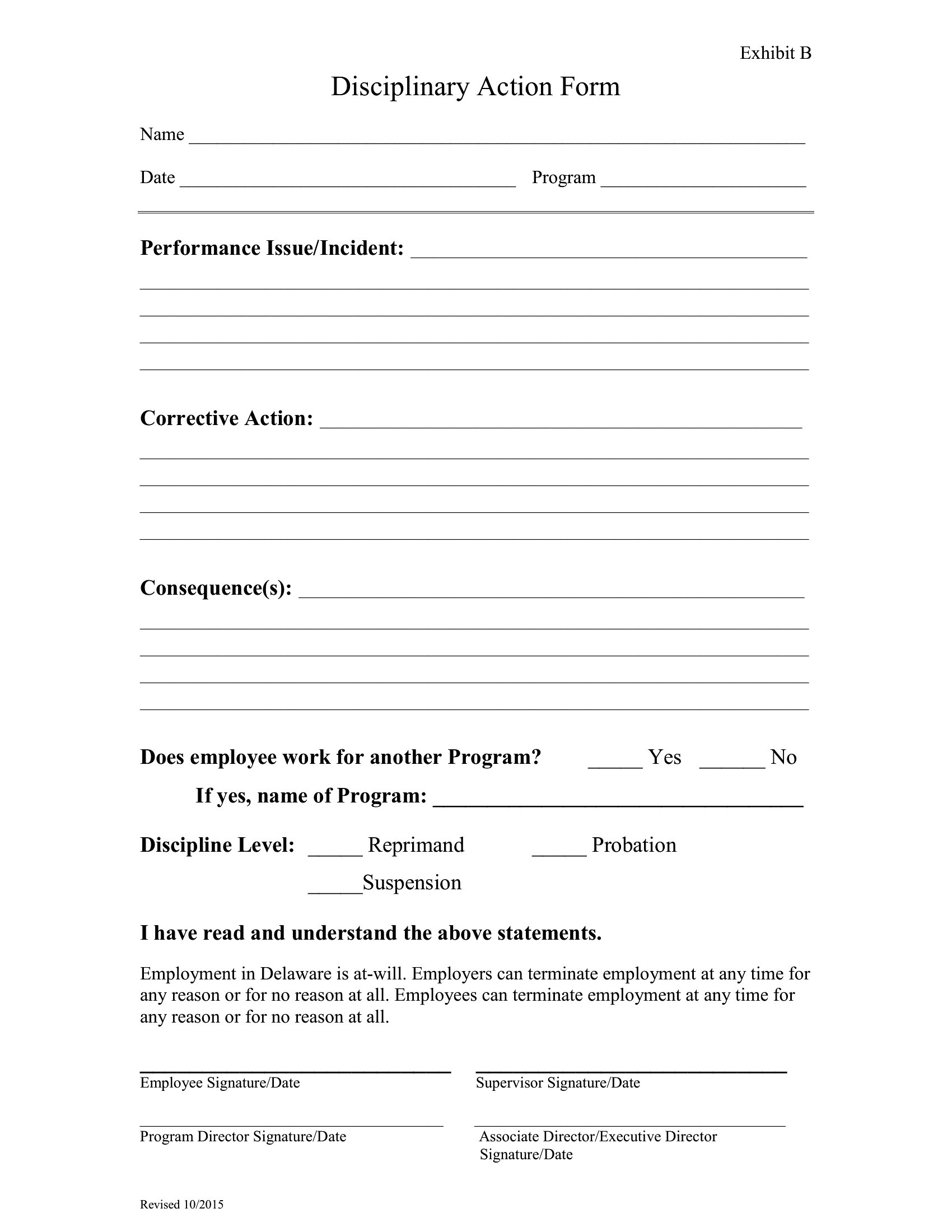
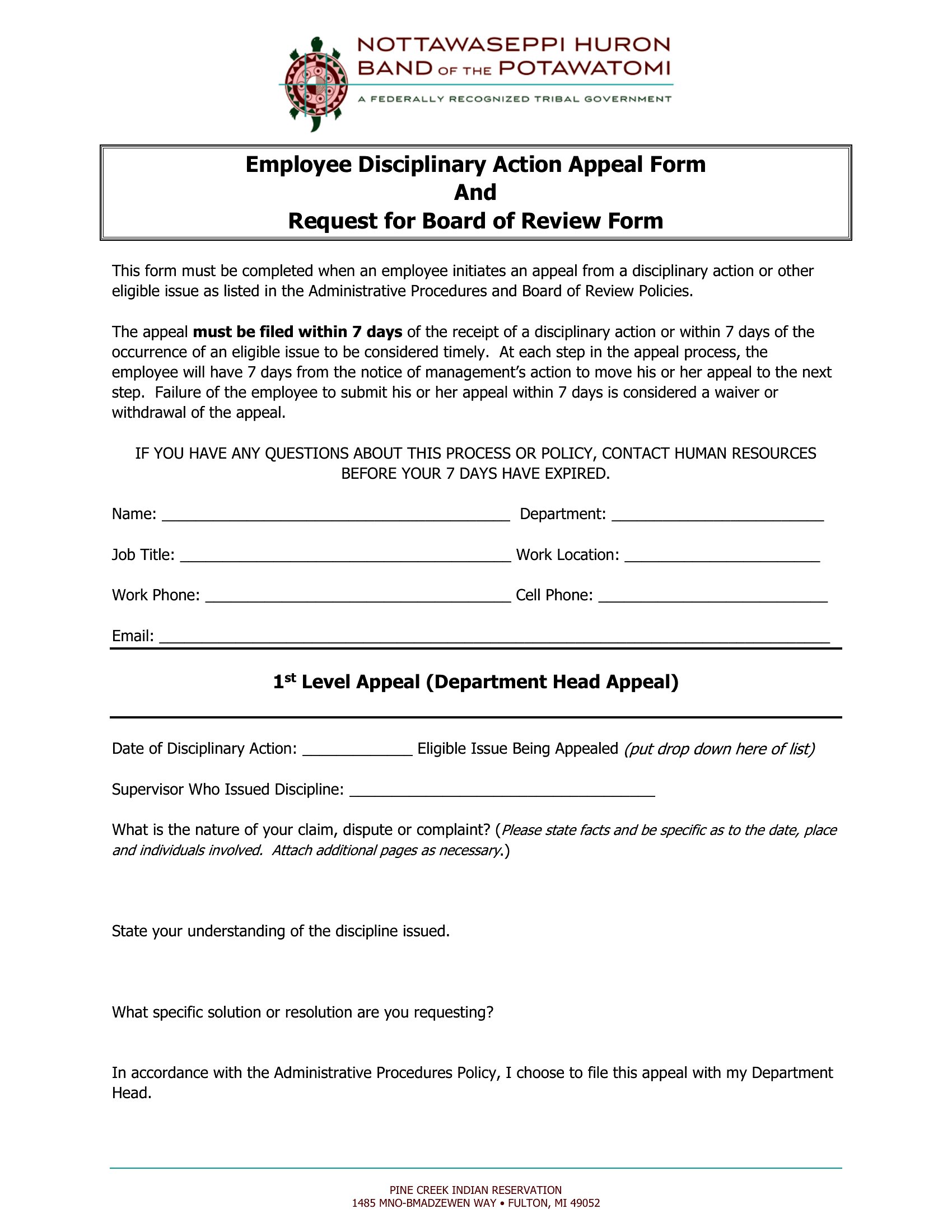
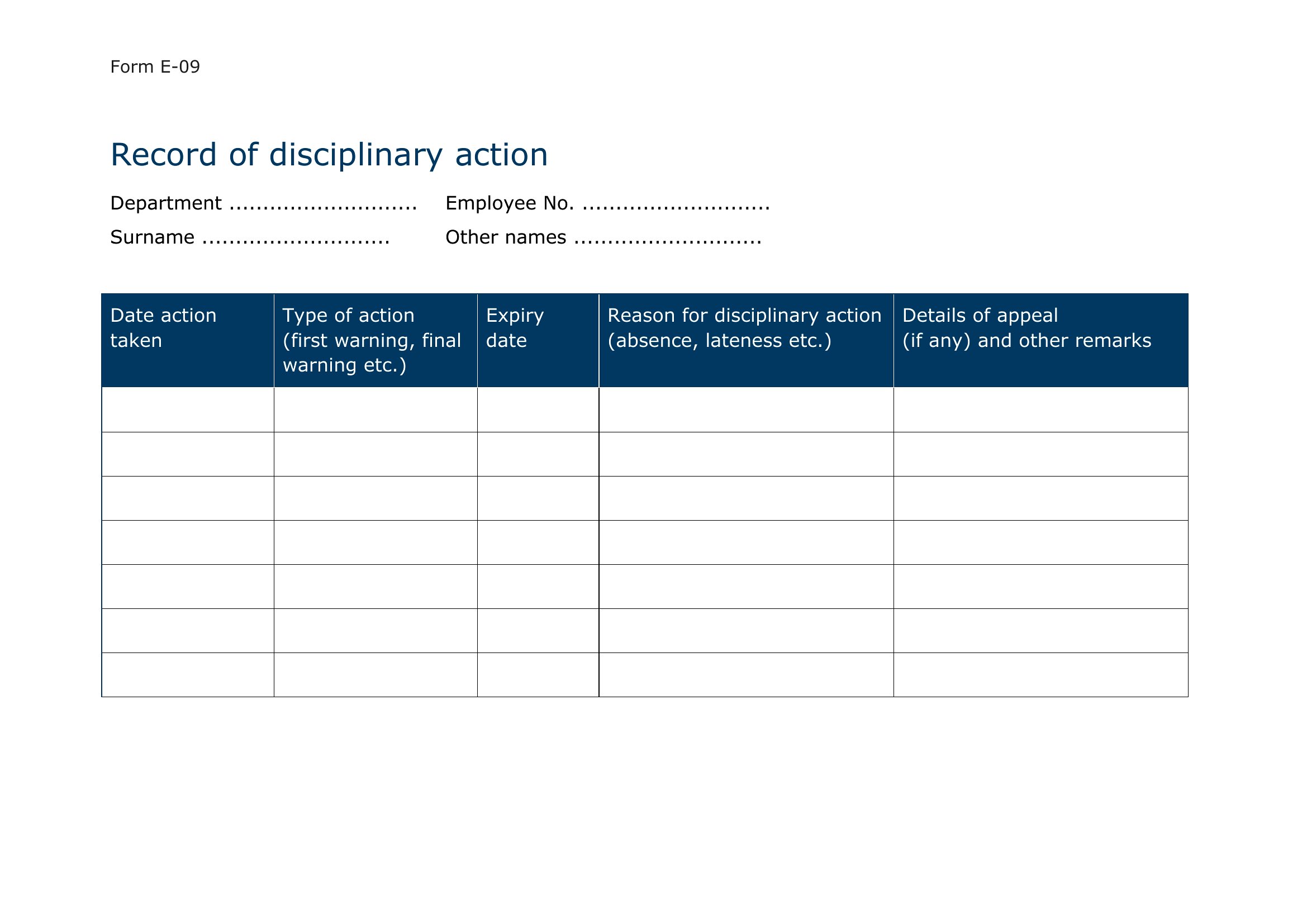
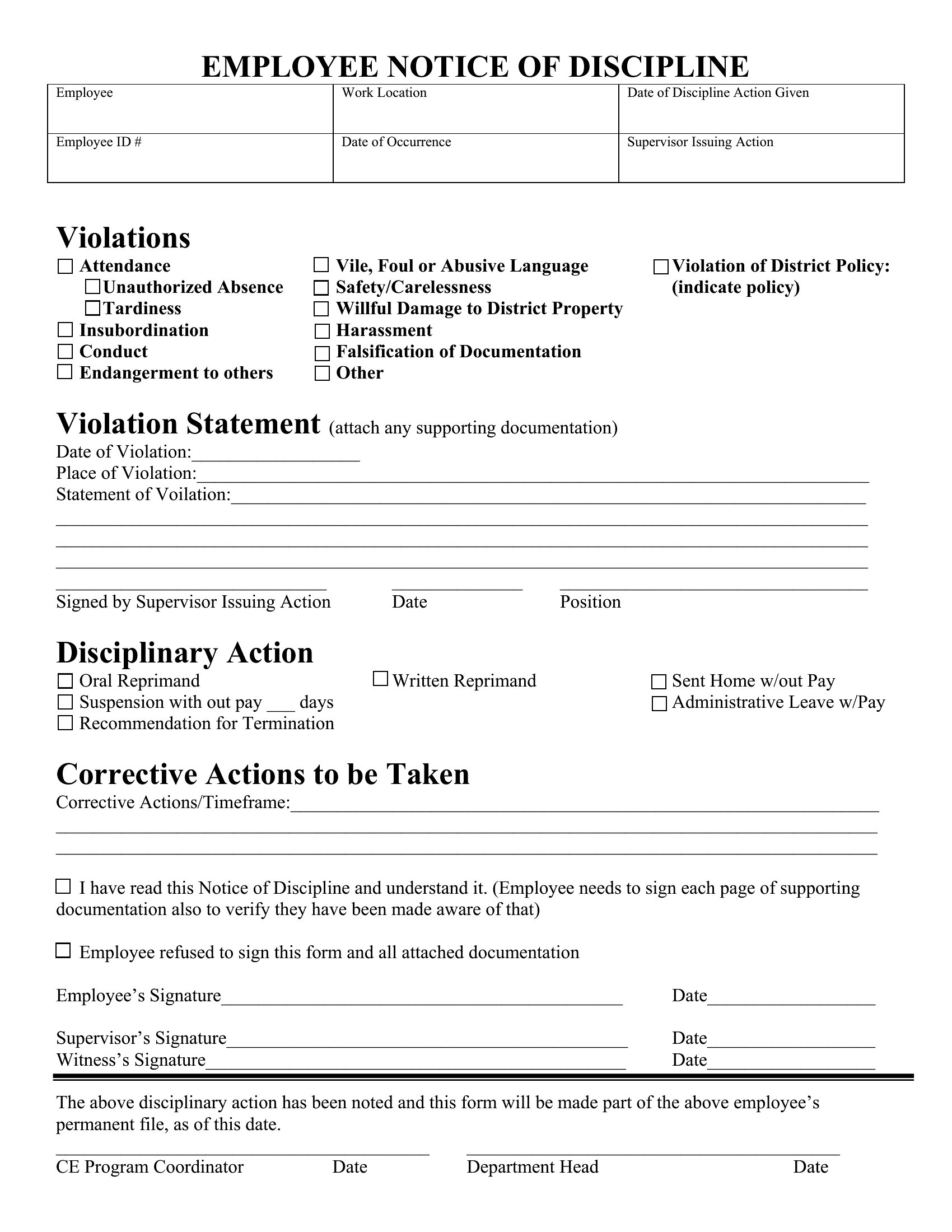
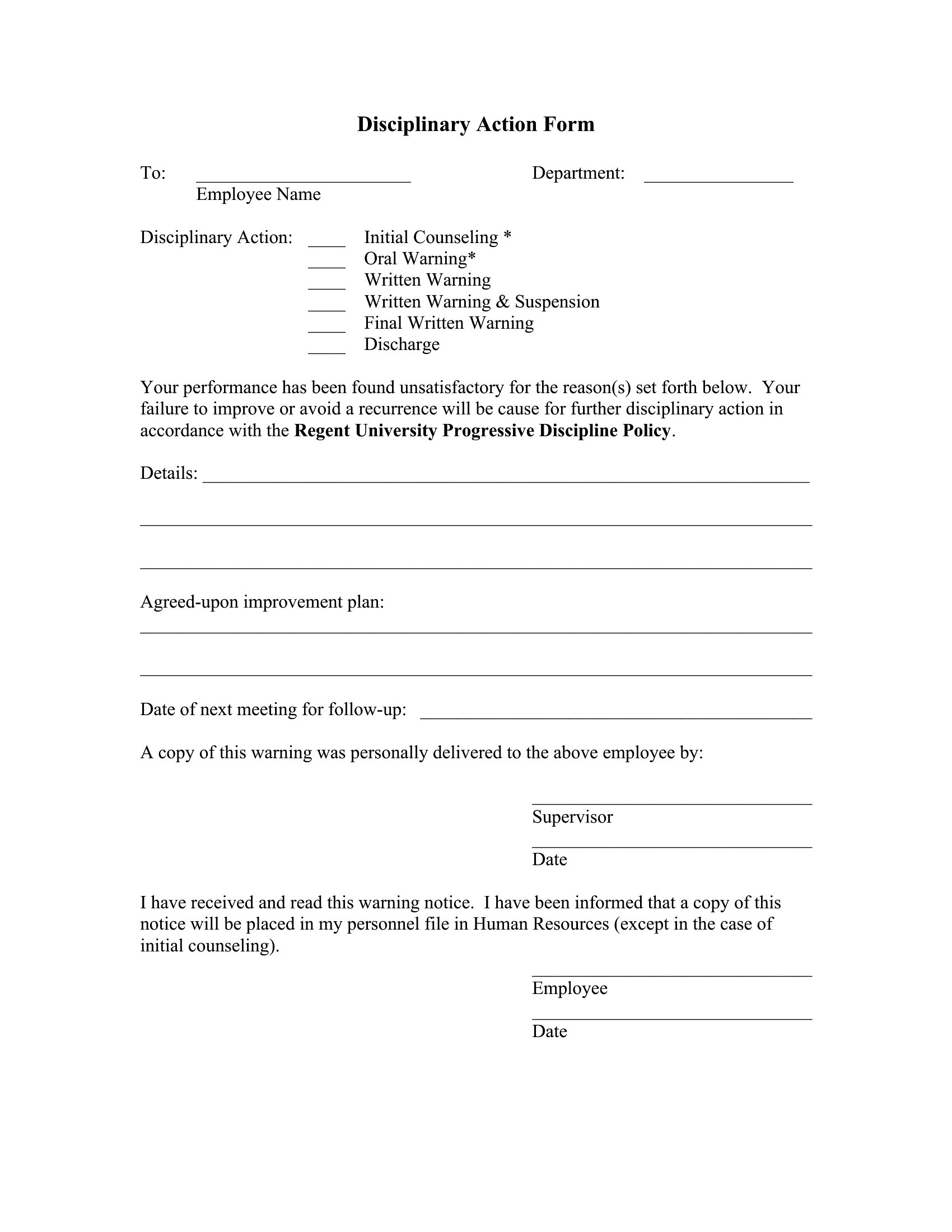
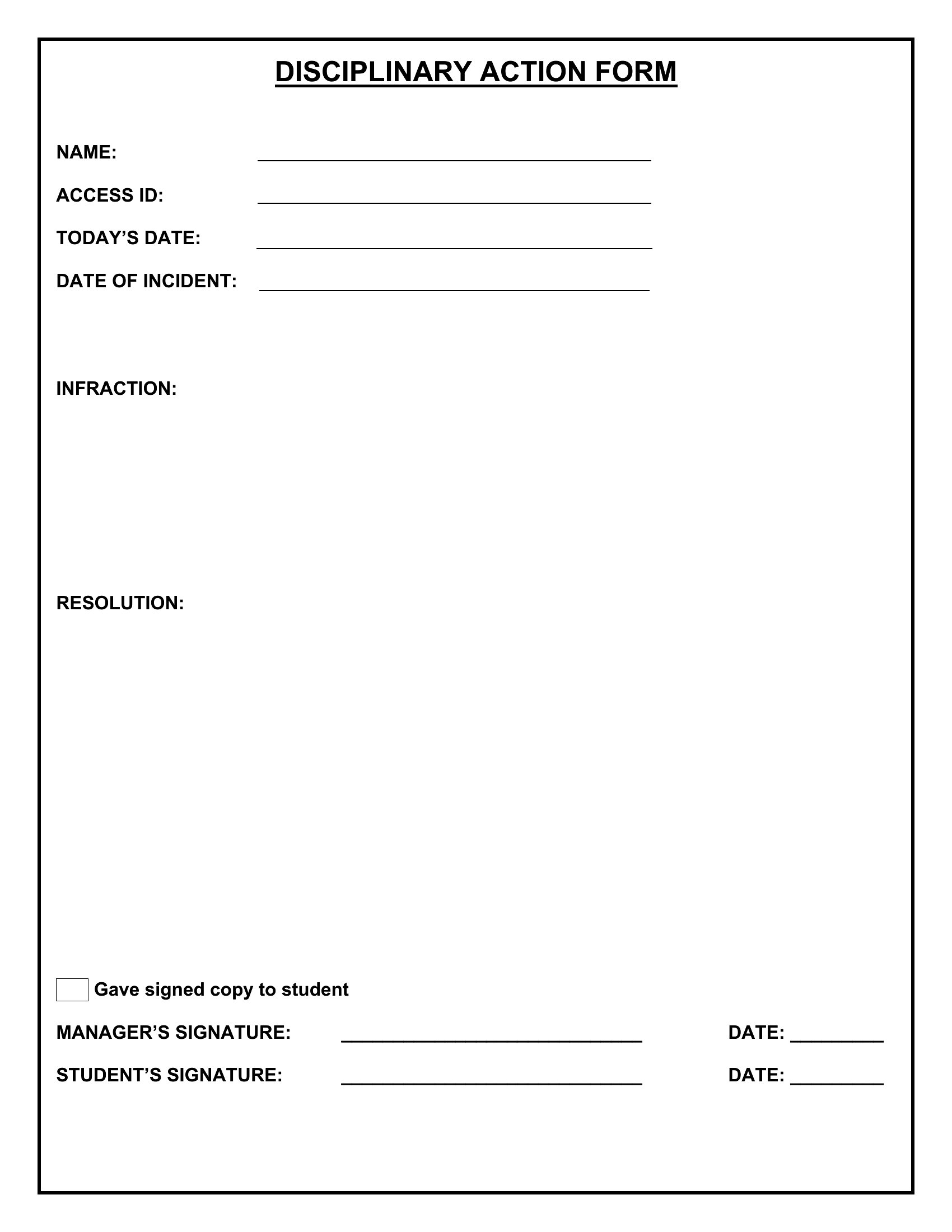
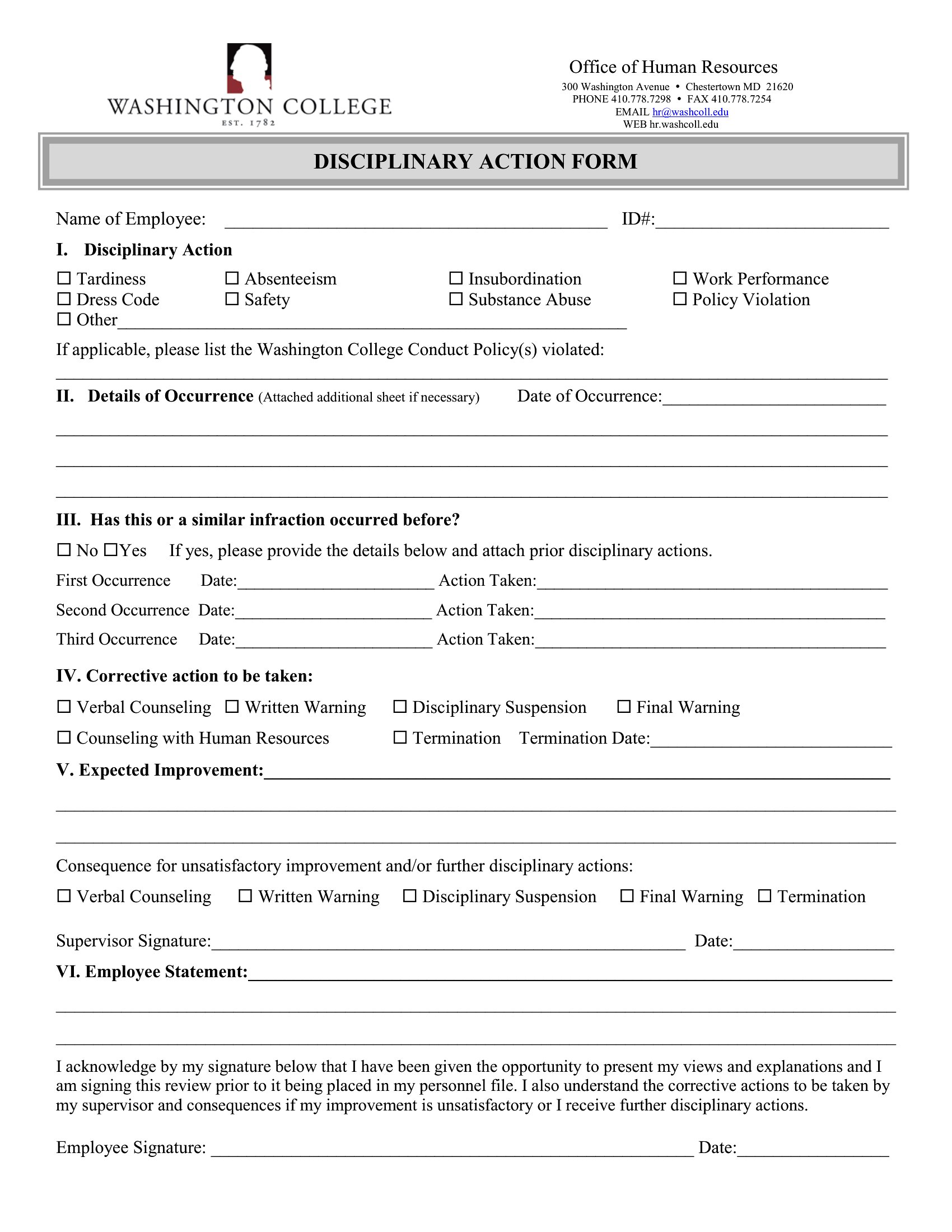
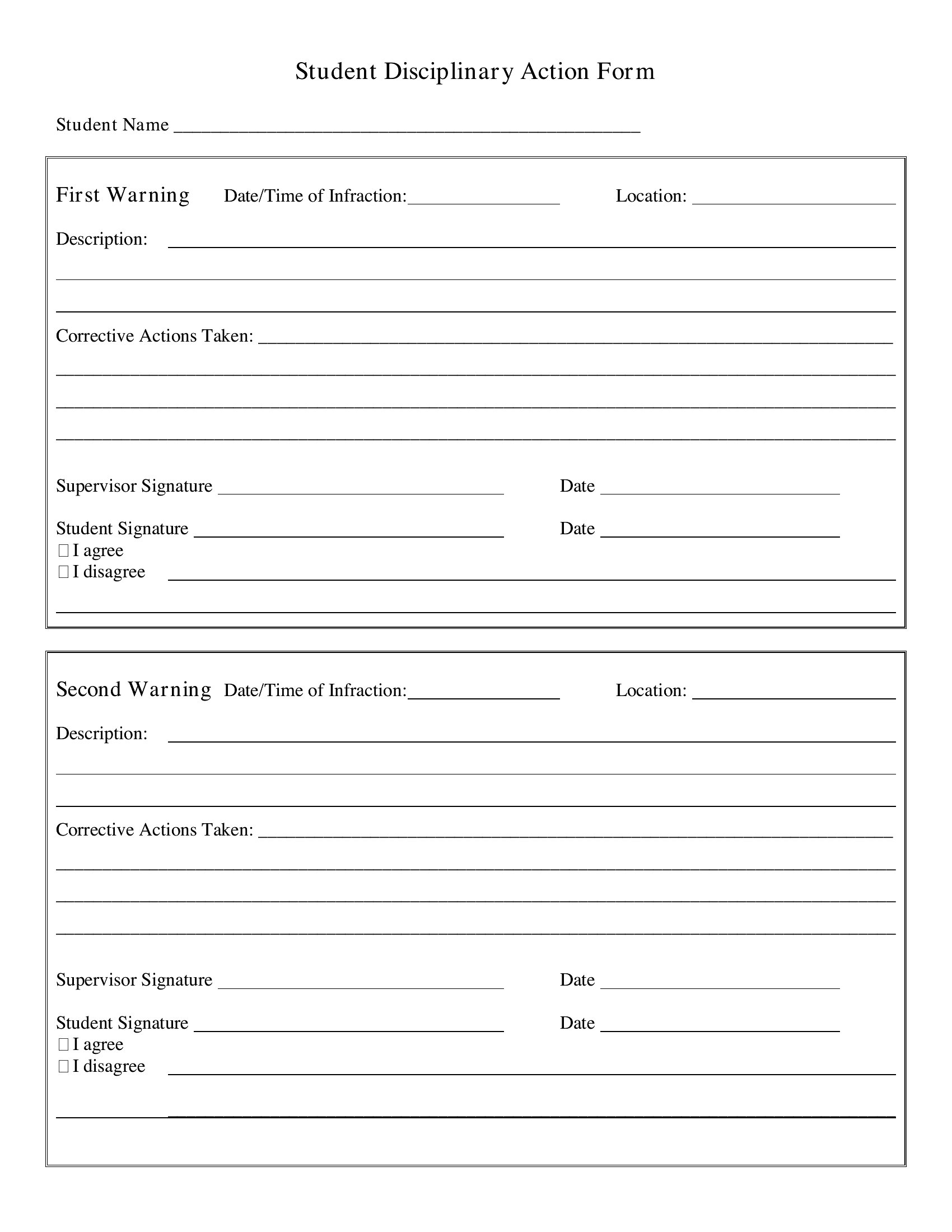
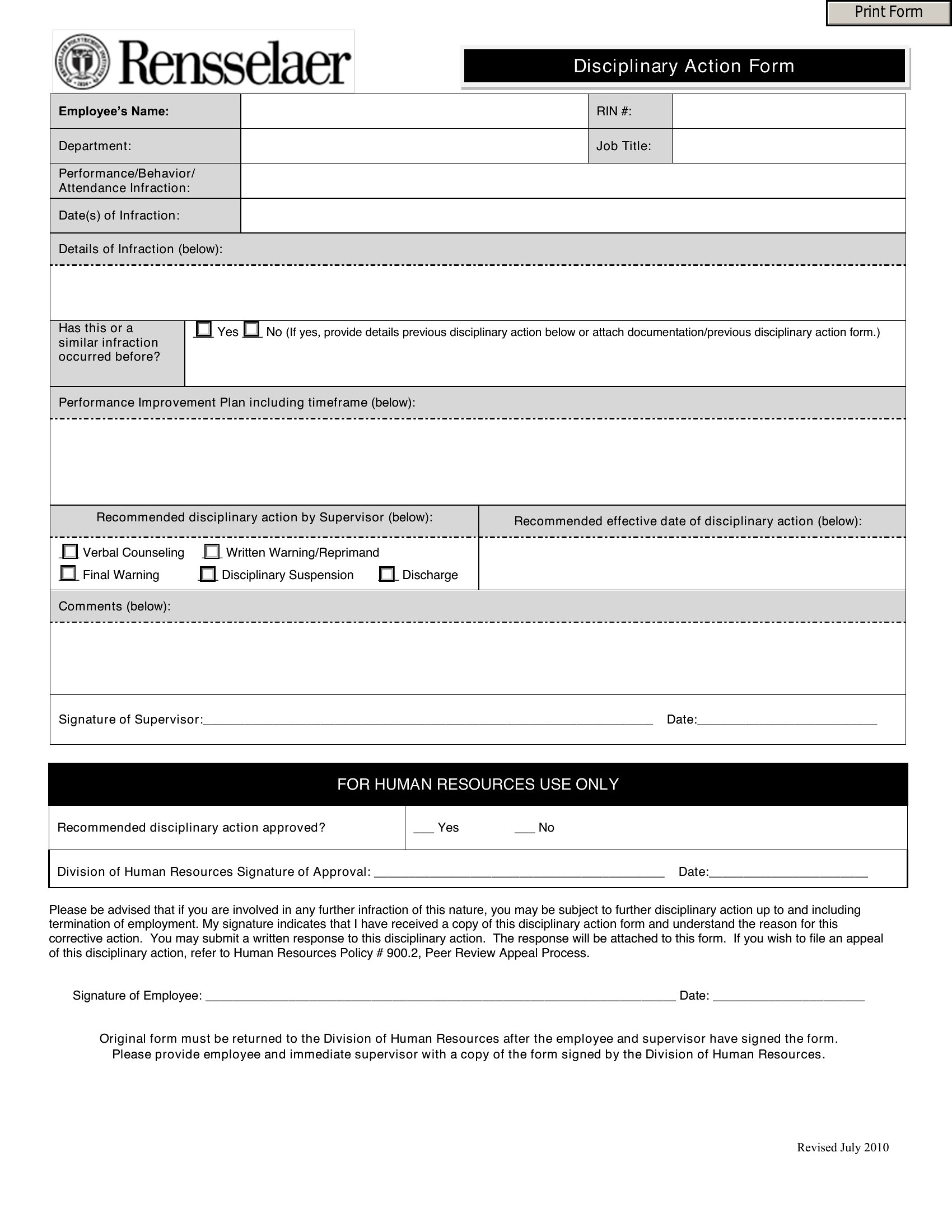
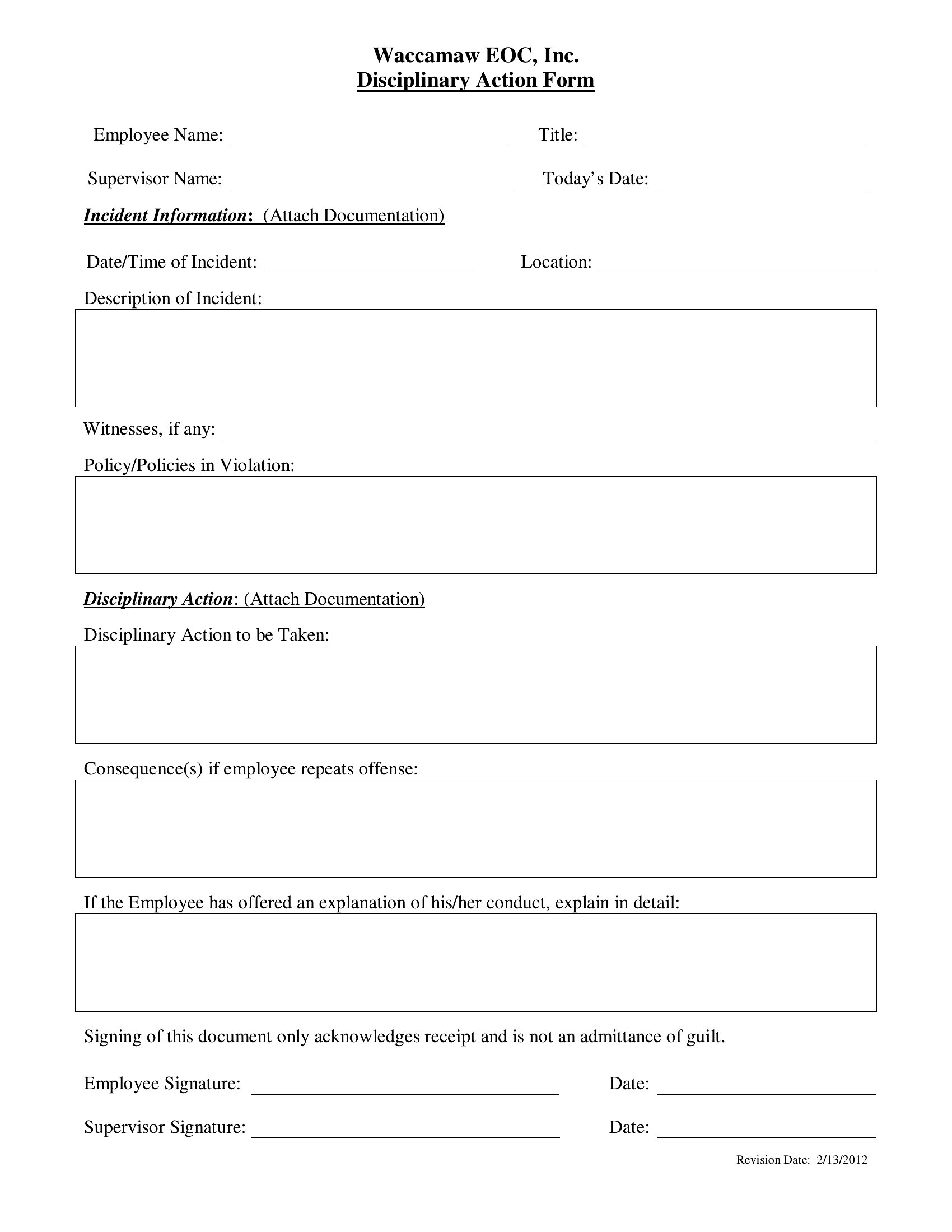
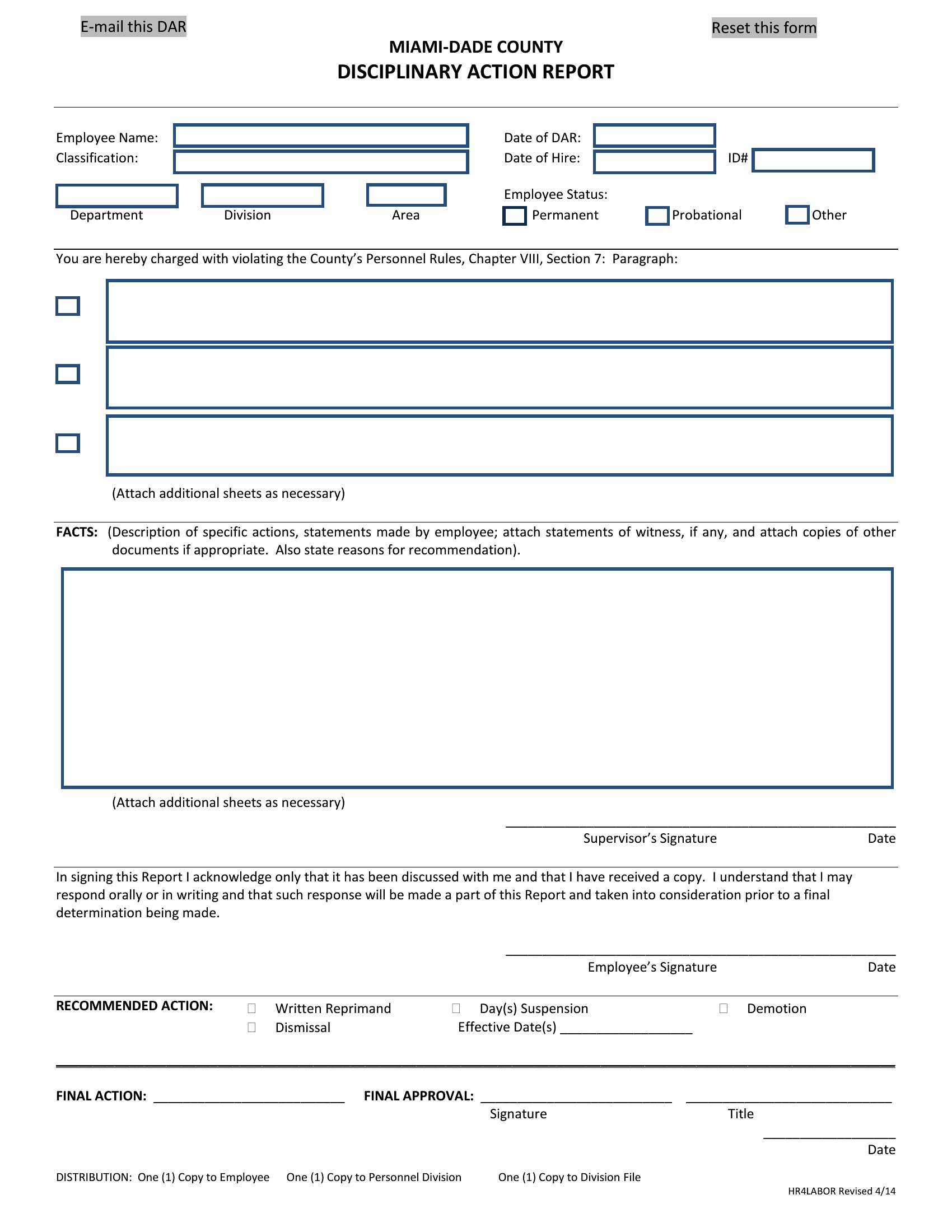
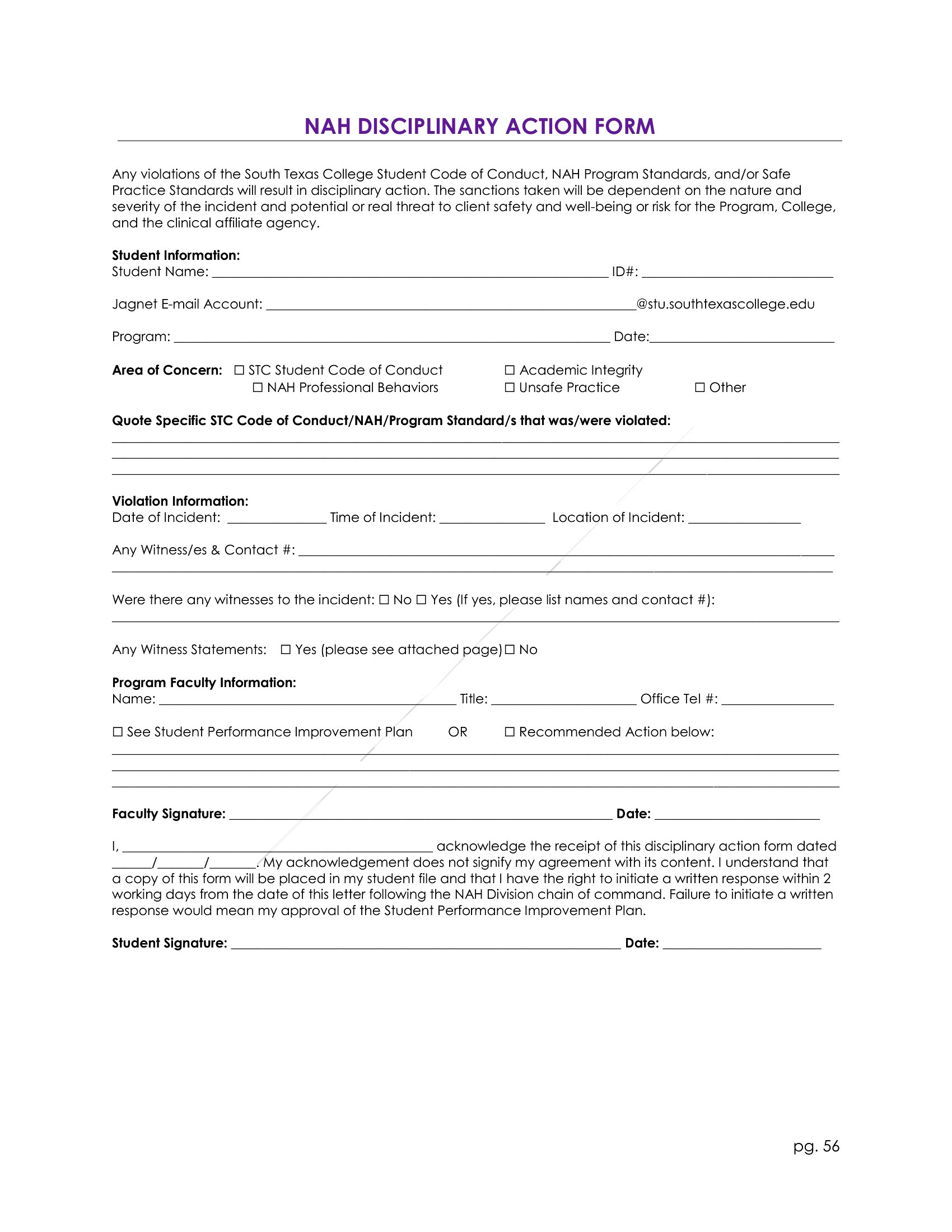
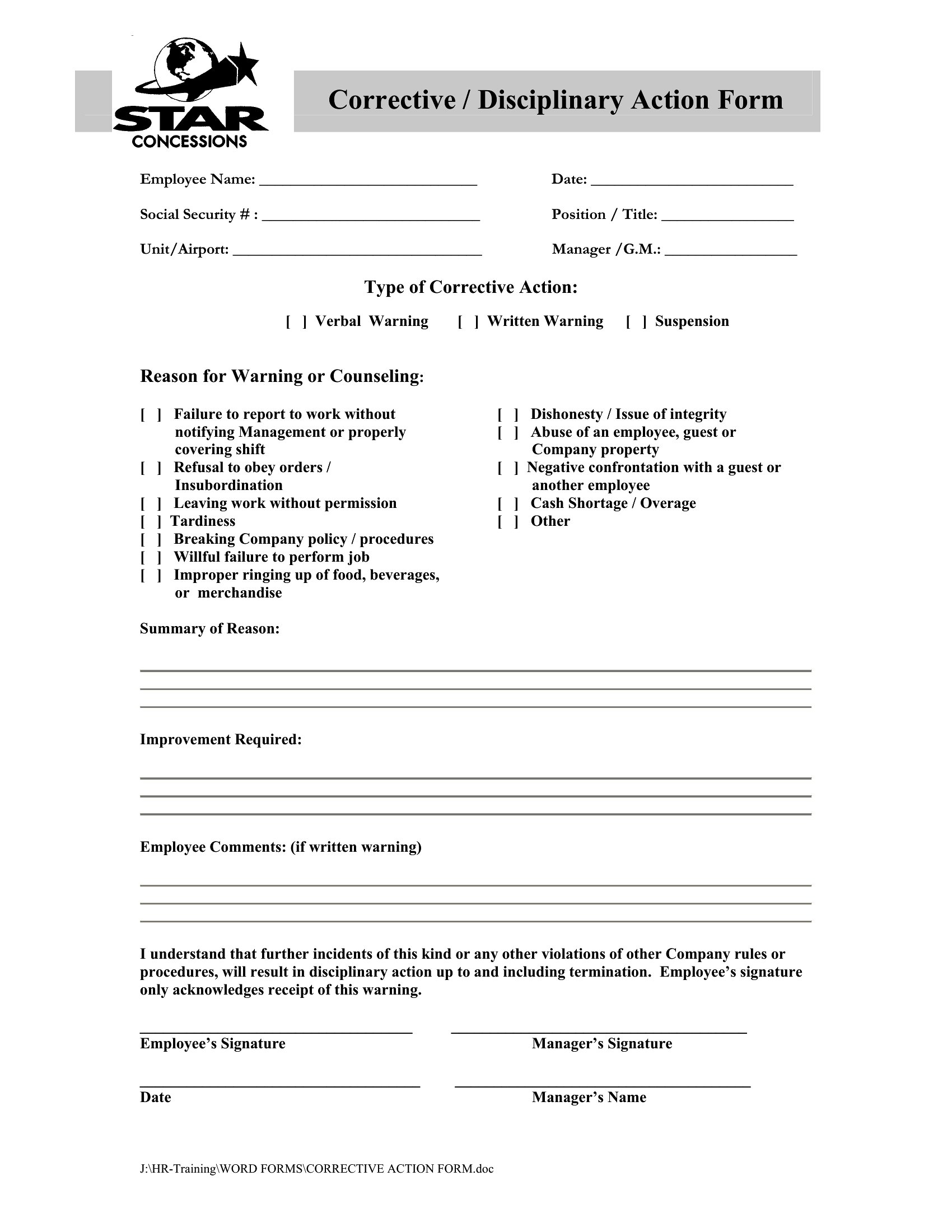
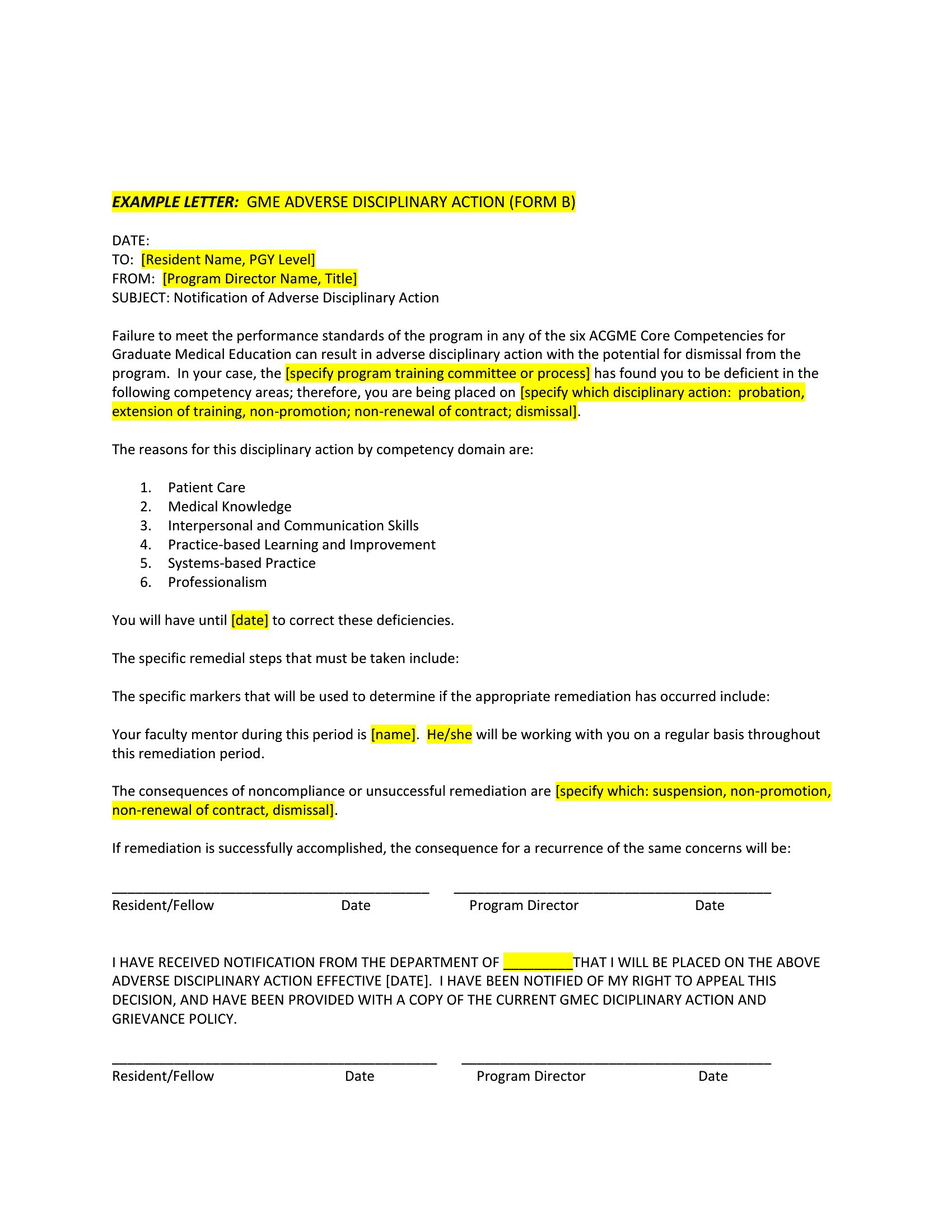
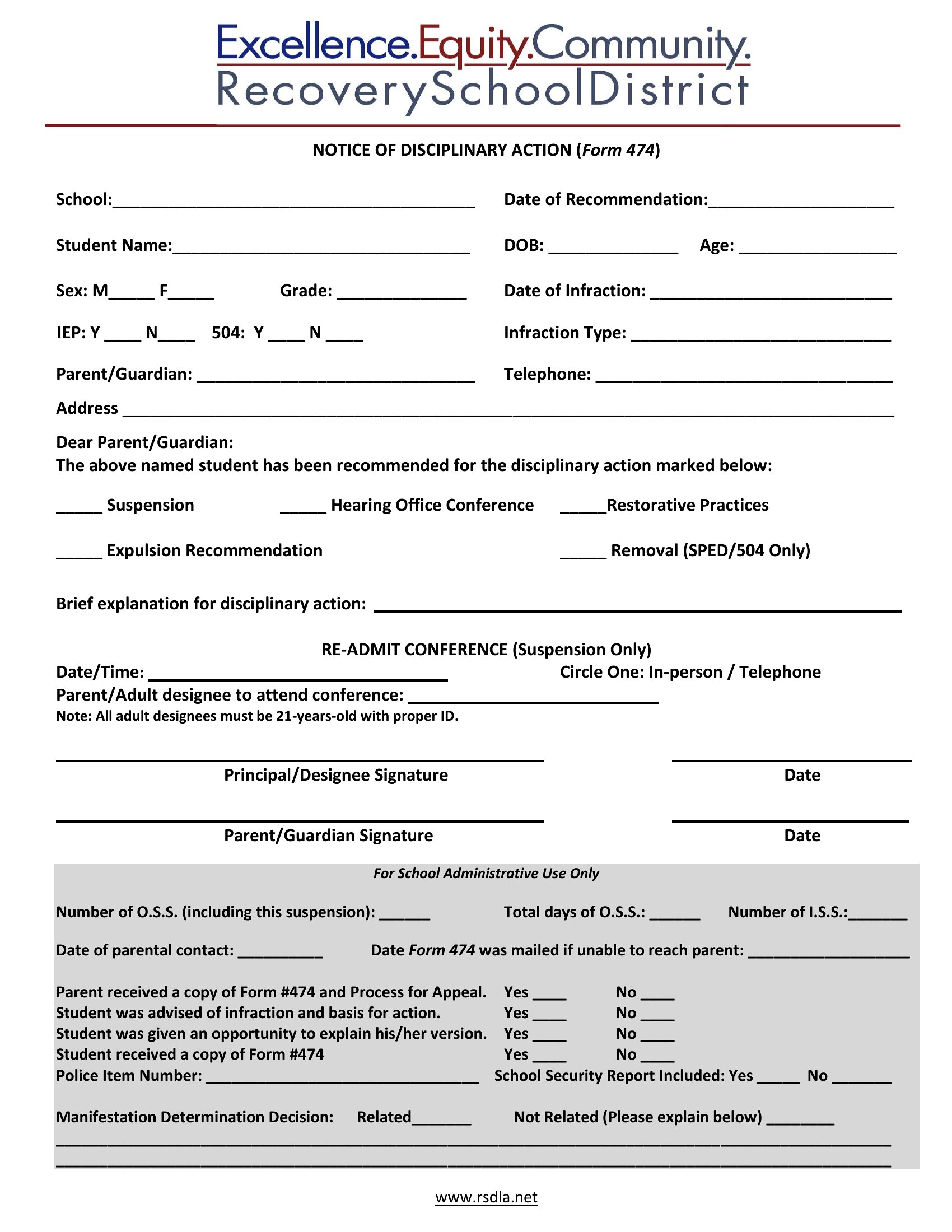
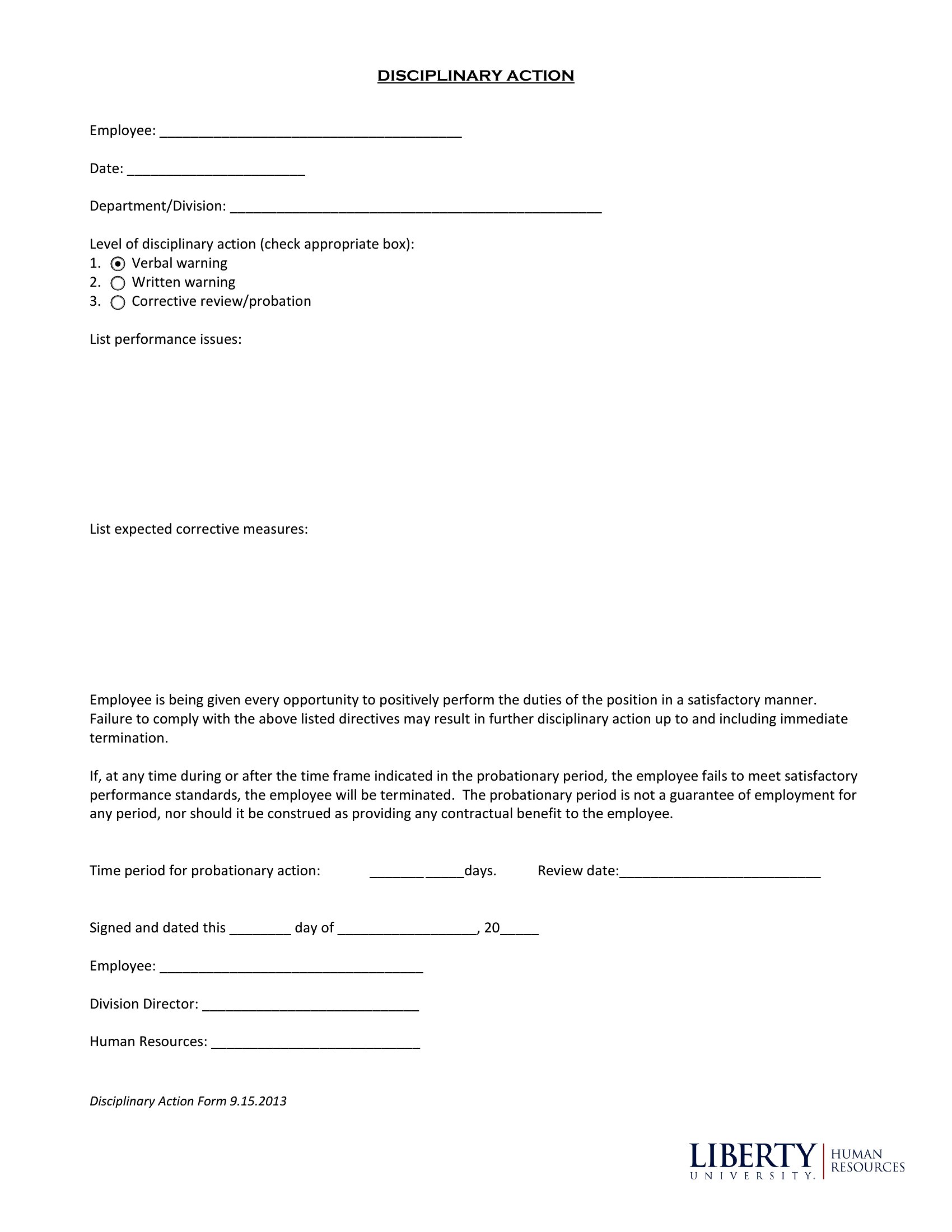
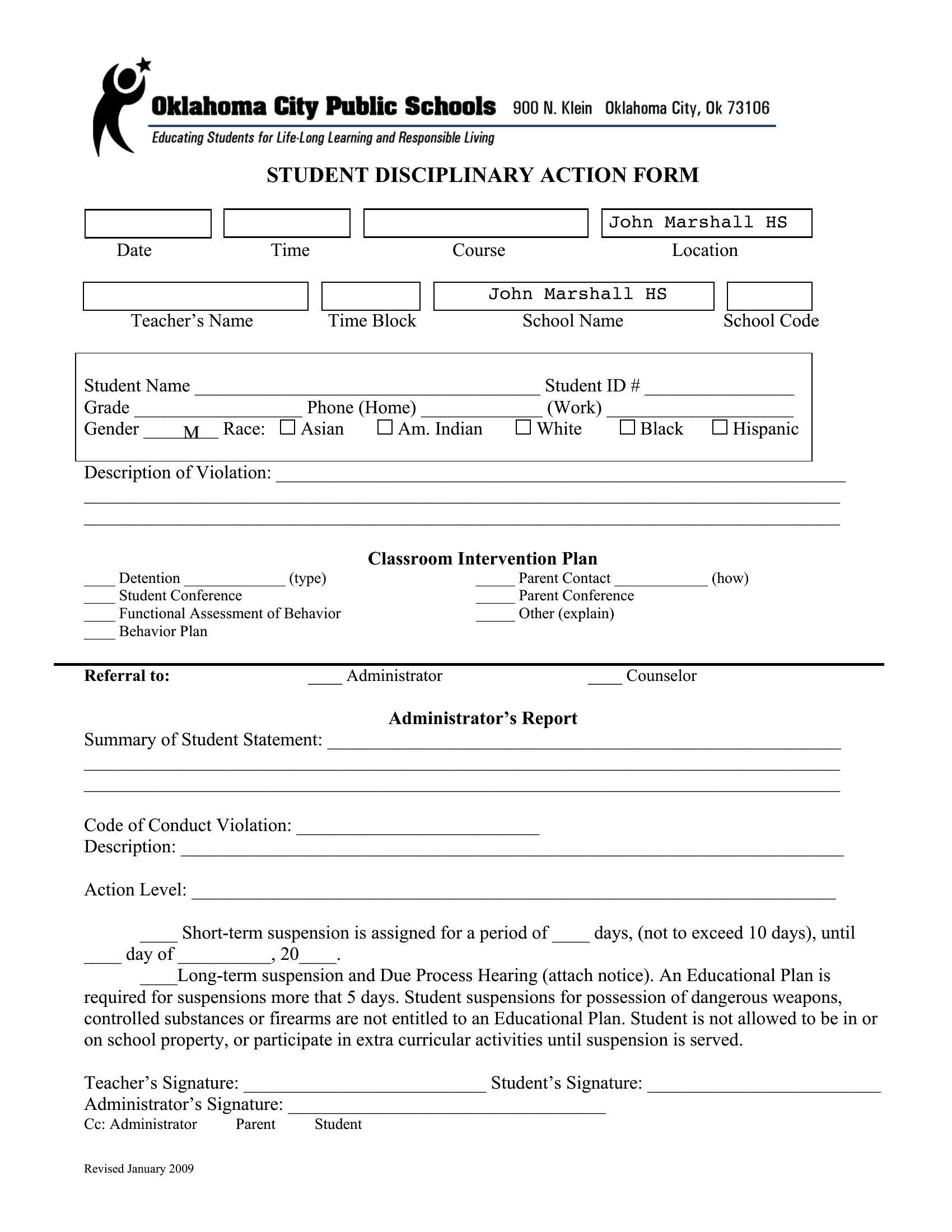
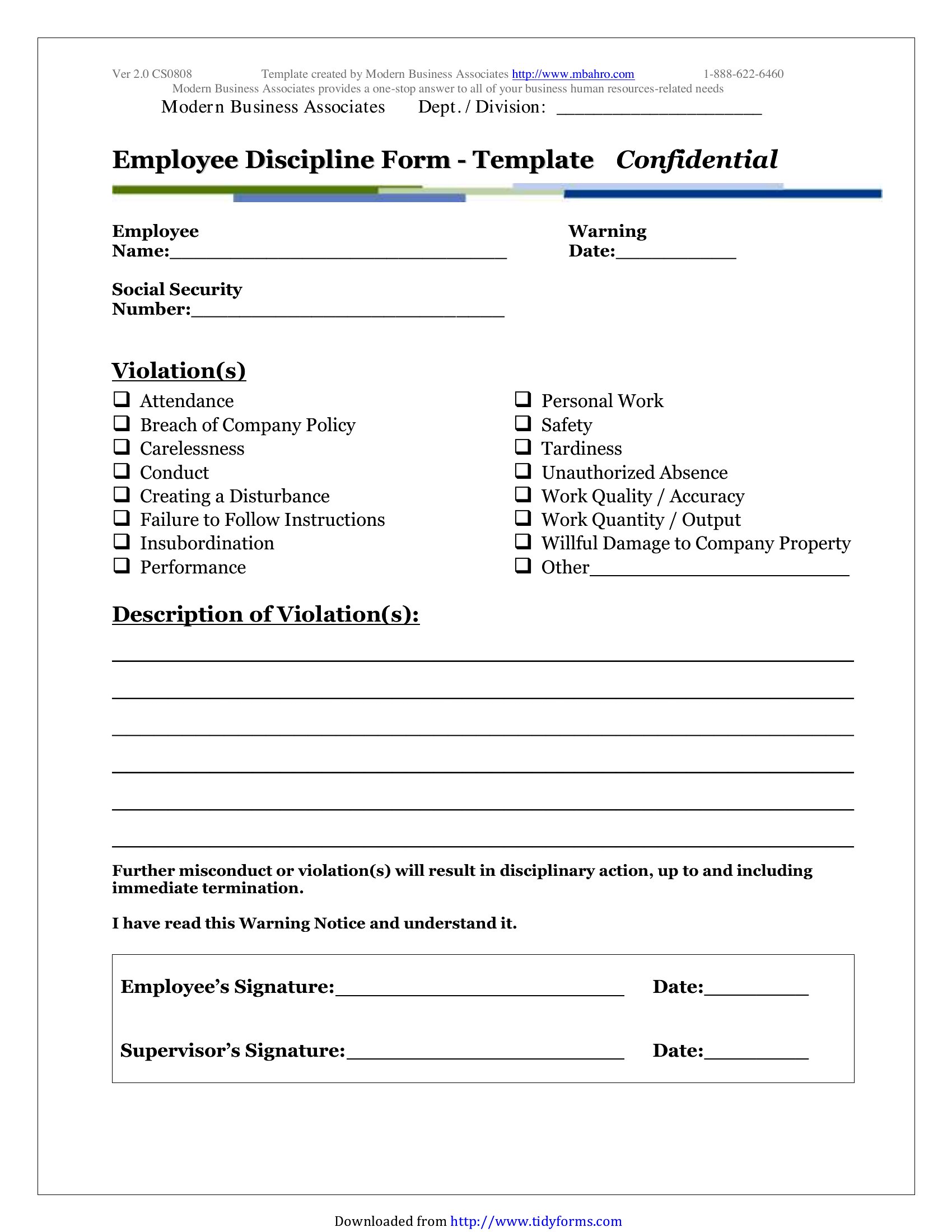
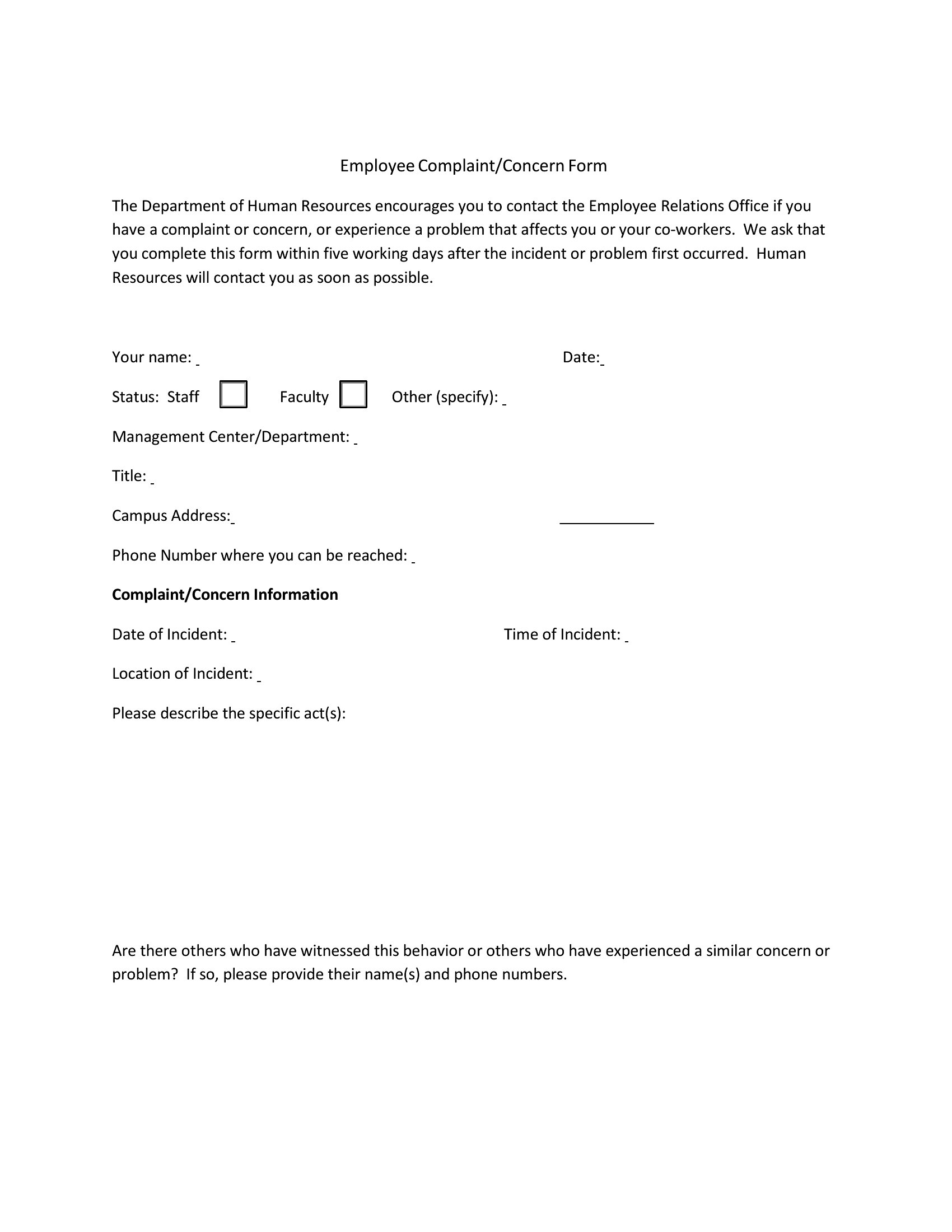
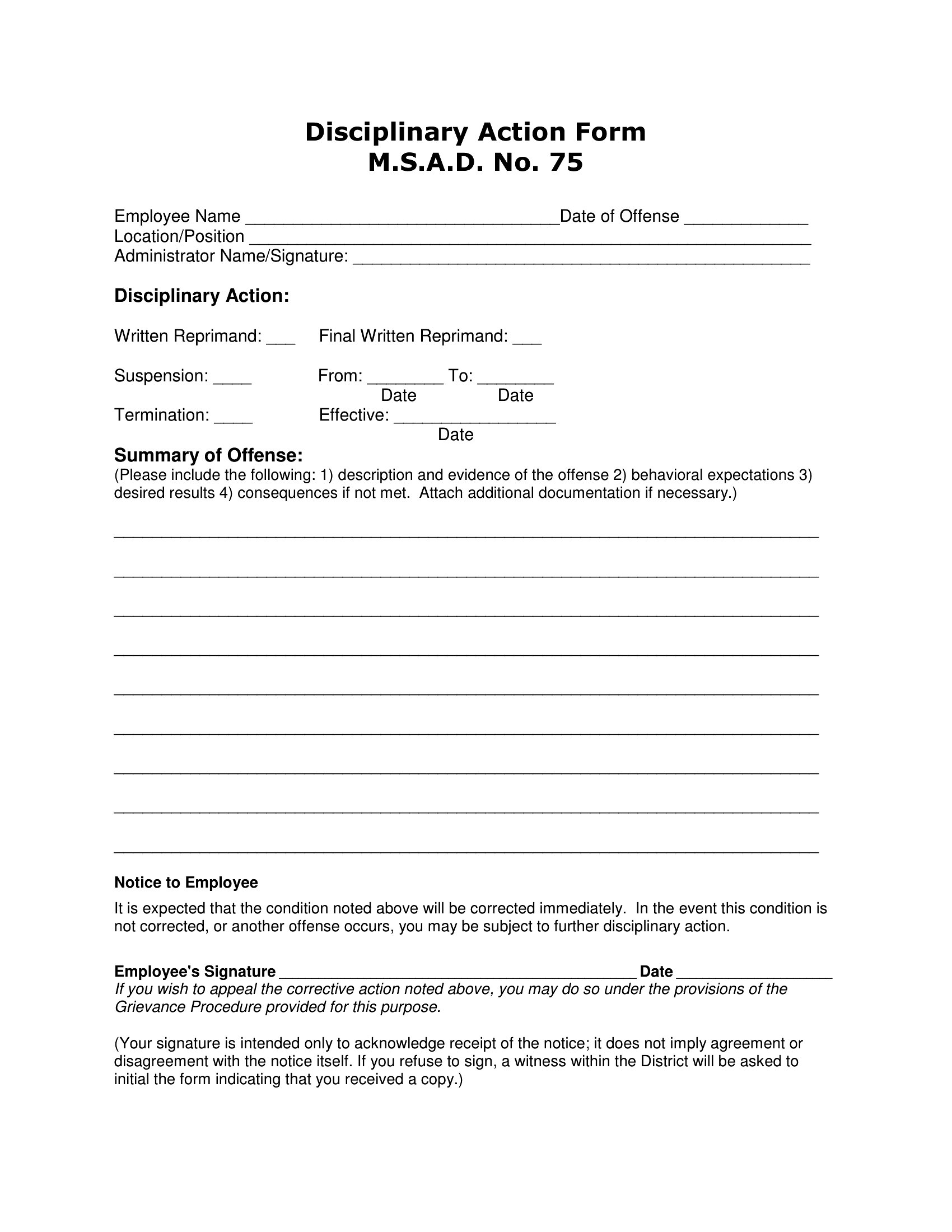
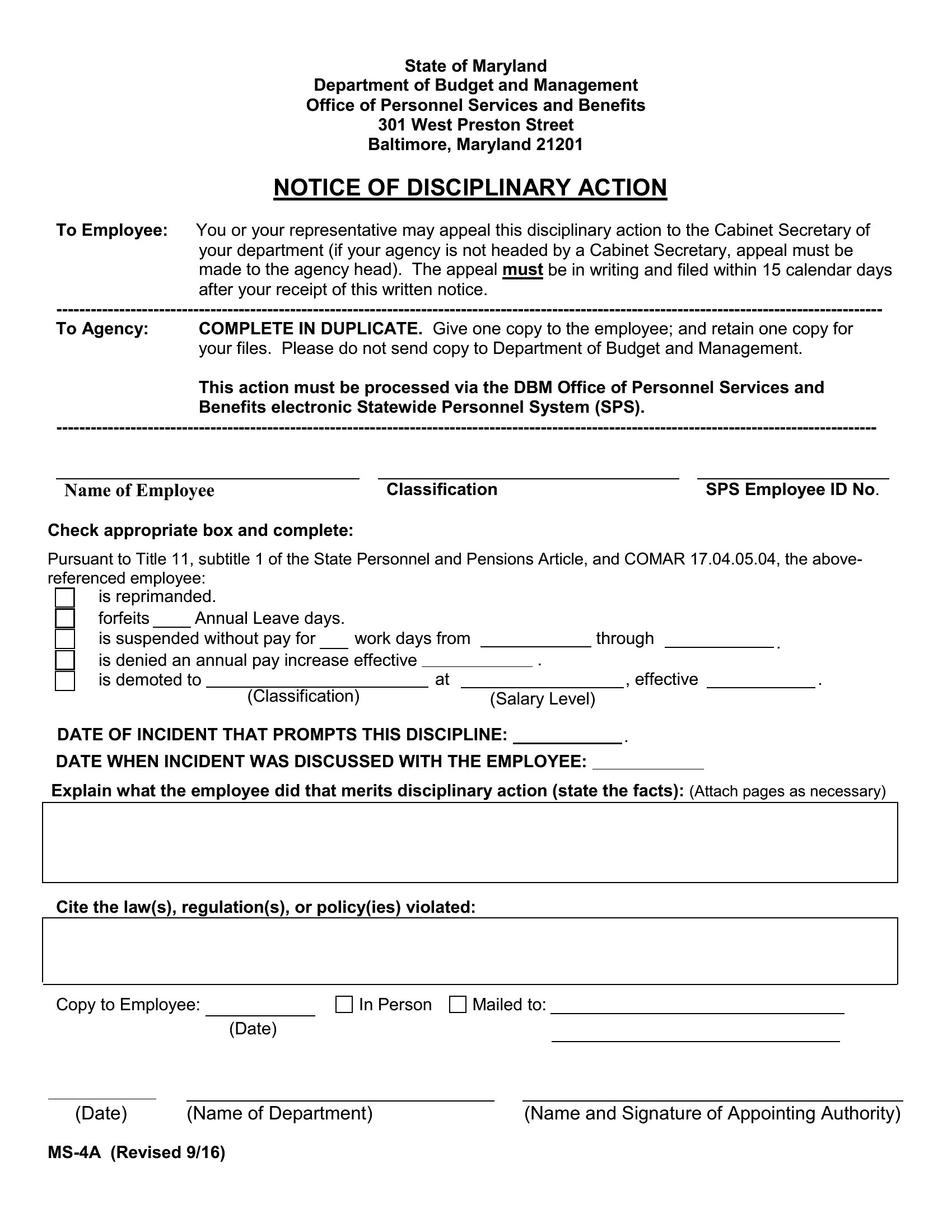
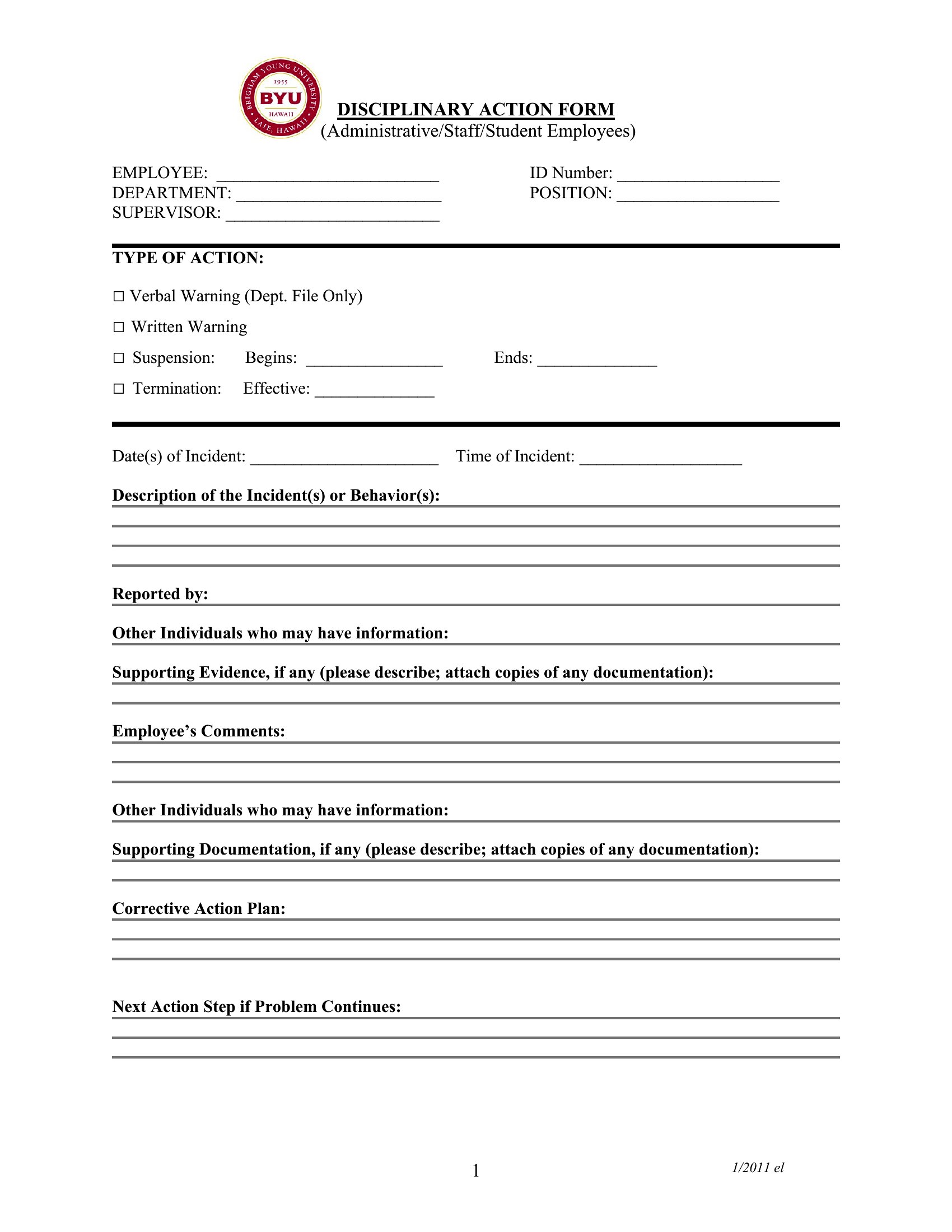
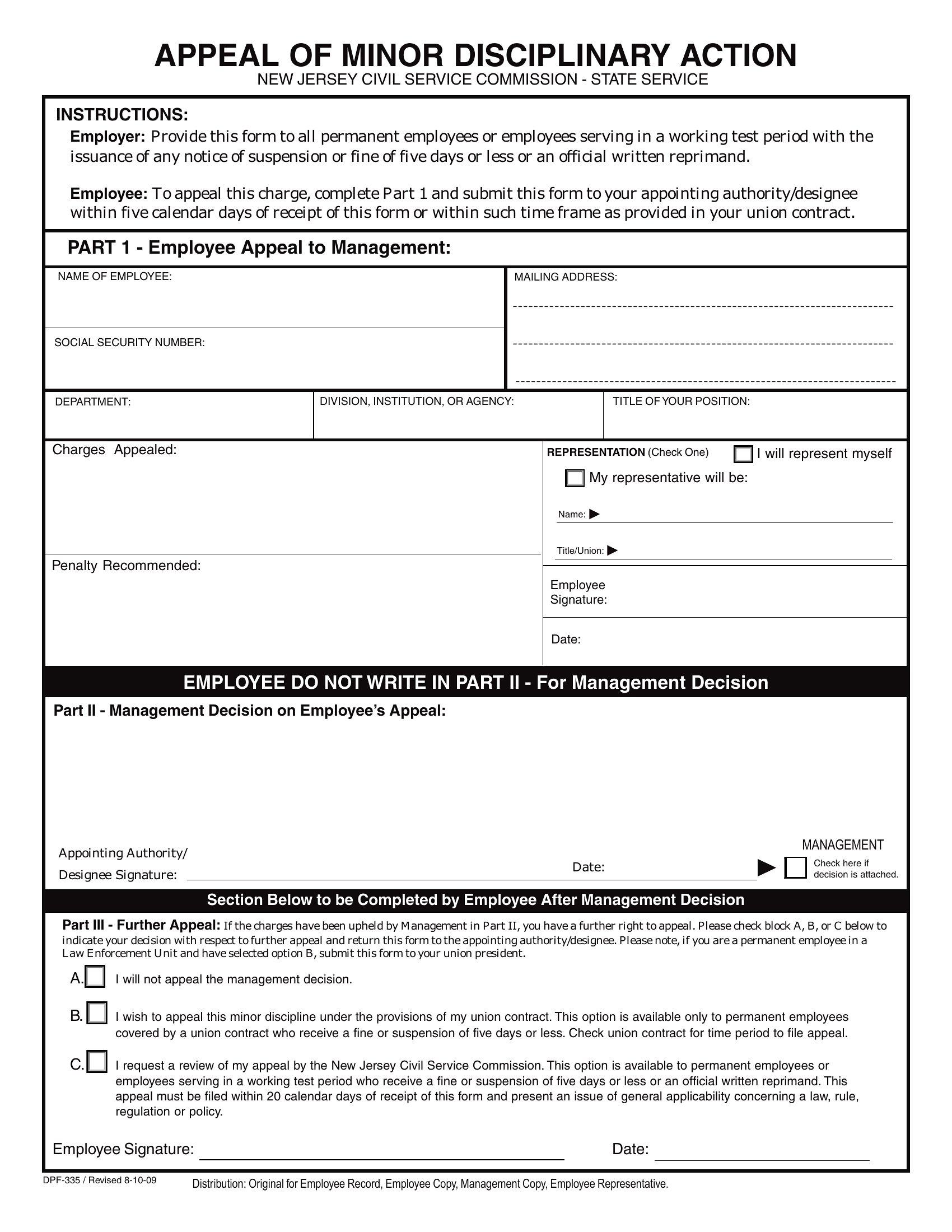
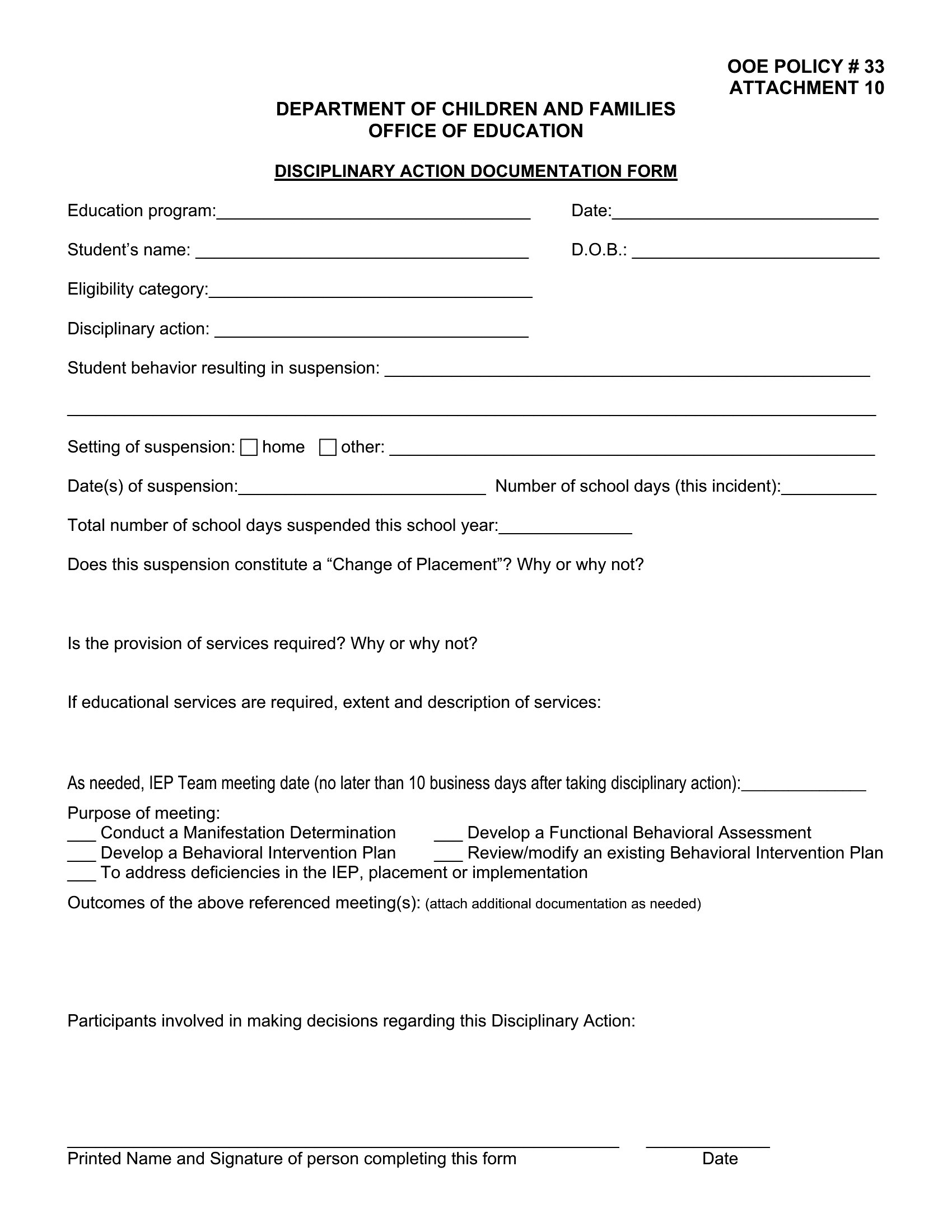
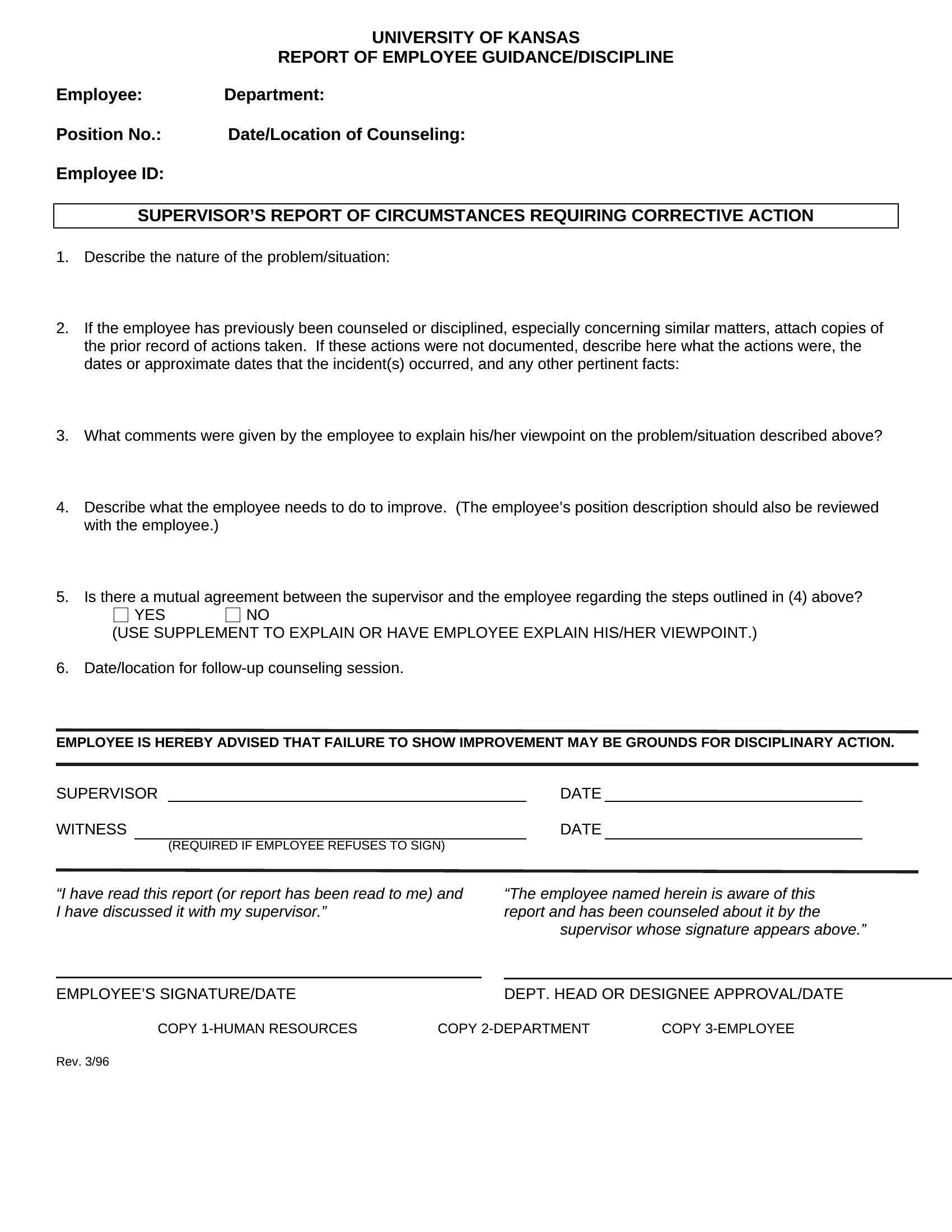
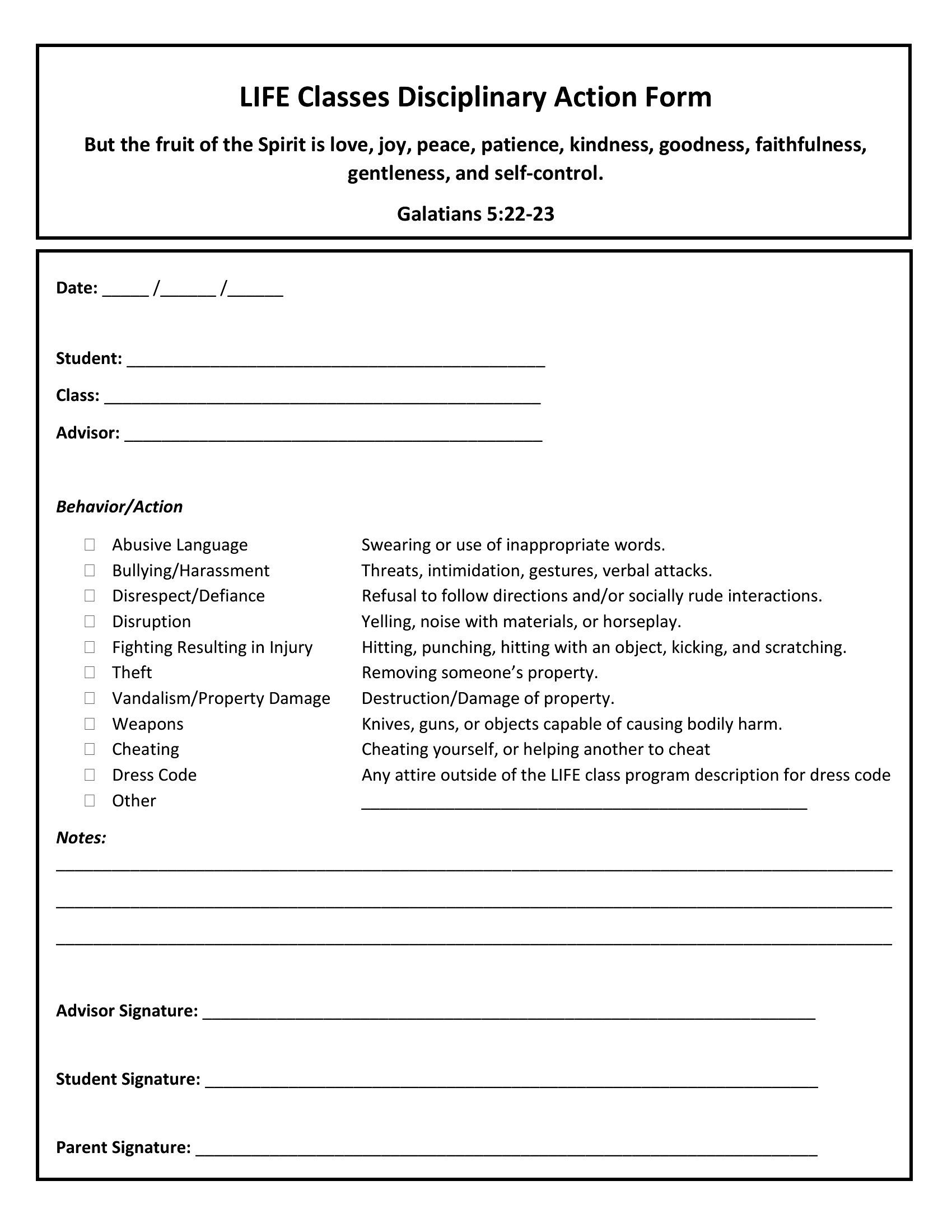
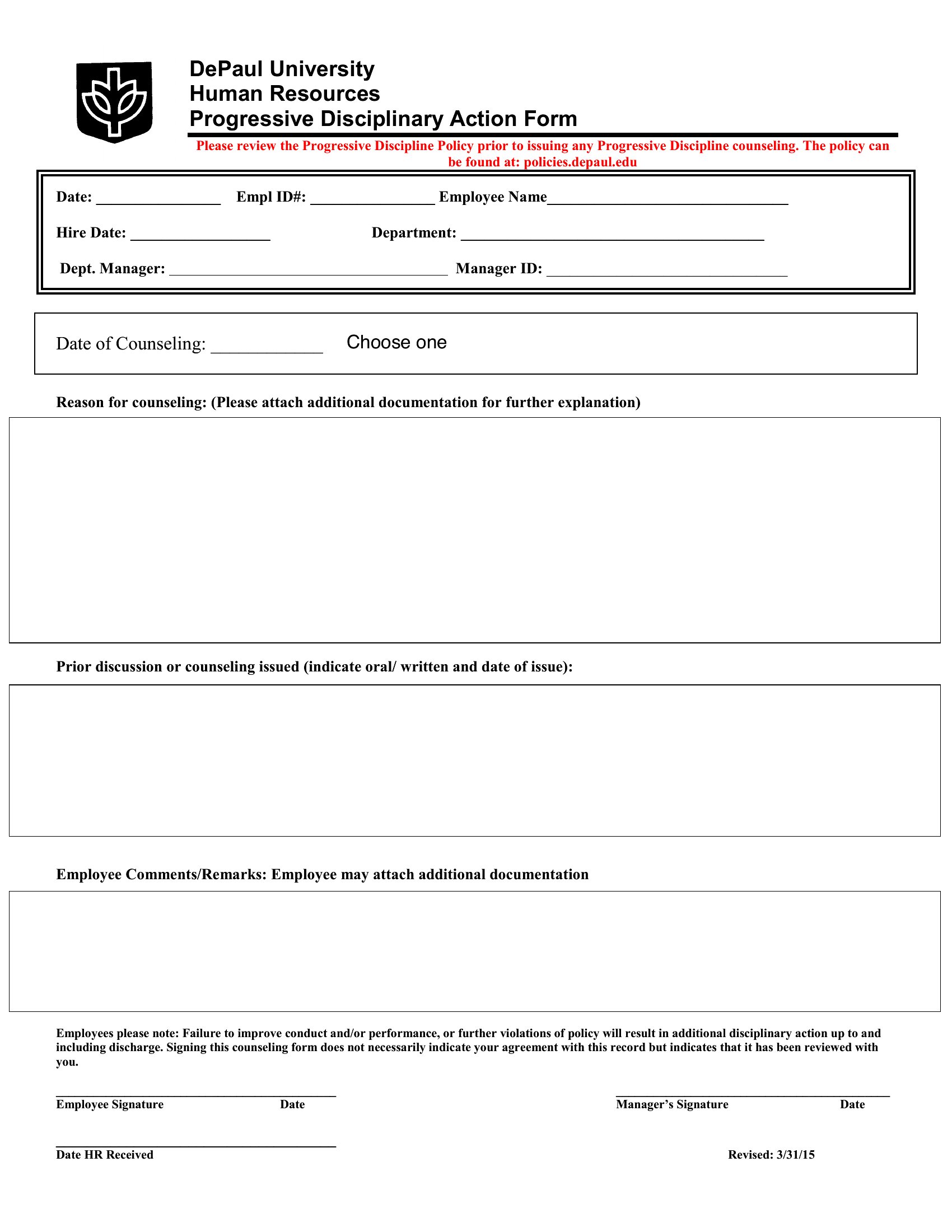
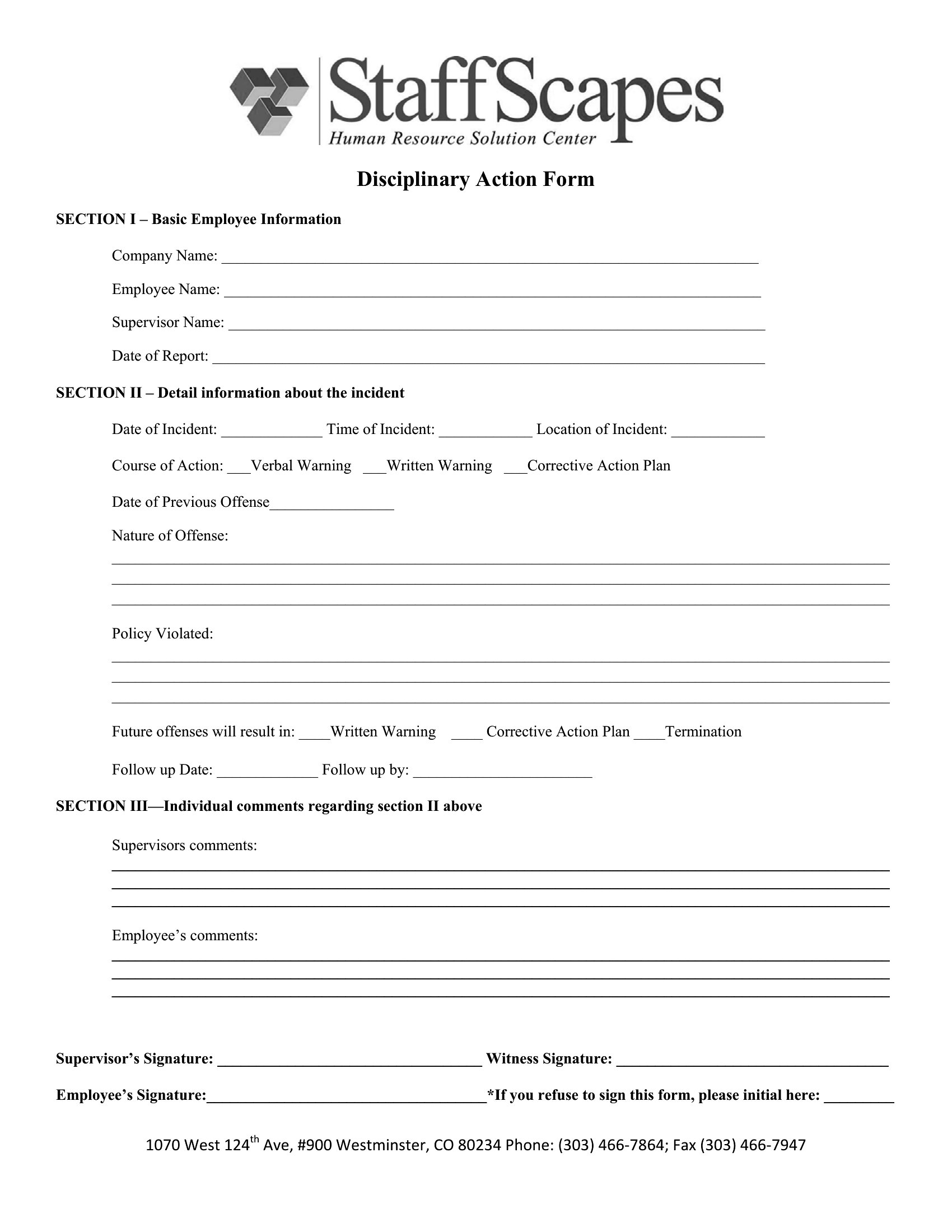
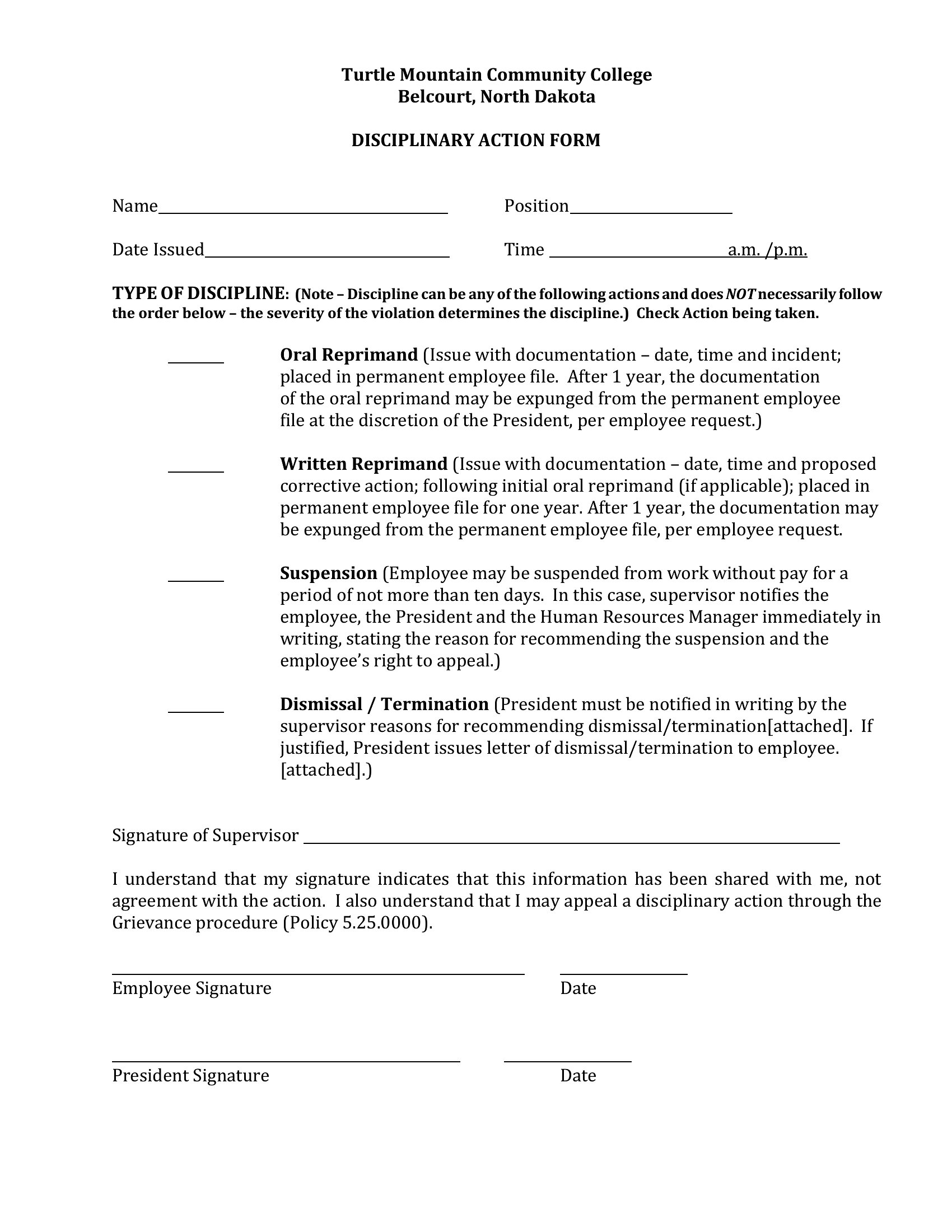
Documenting a workplace issue protects both the company and the employee, and a write-up form keeps the facts clear and consistent. This collection of 45 templates helps managers and HR record incidents, attendance problems, and performance concerns with space for the employee's response.
Choose editable Word files for easy edits or print-ready PDFs for the personnel file. Note the date, the issue, and the next steps, then have both parties sign. Employment rules vary by state, so follow your company policy and confirm anything unclear. Download the form that fits your process and keep your records airtight.
Choose from 45 Employee Write Up Form Templates
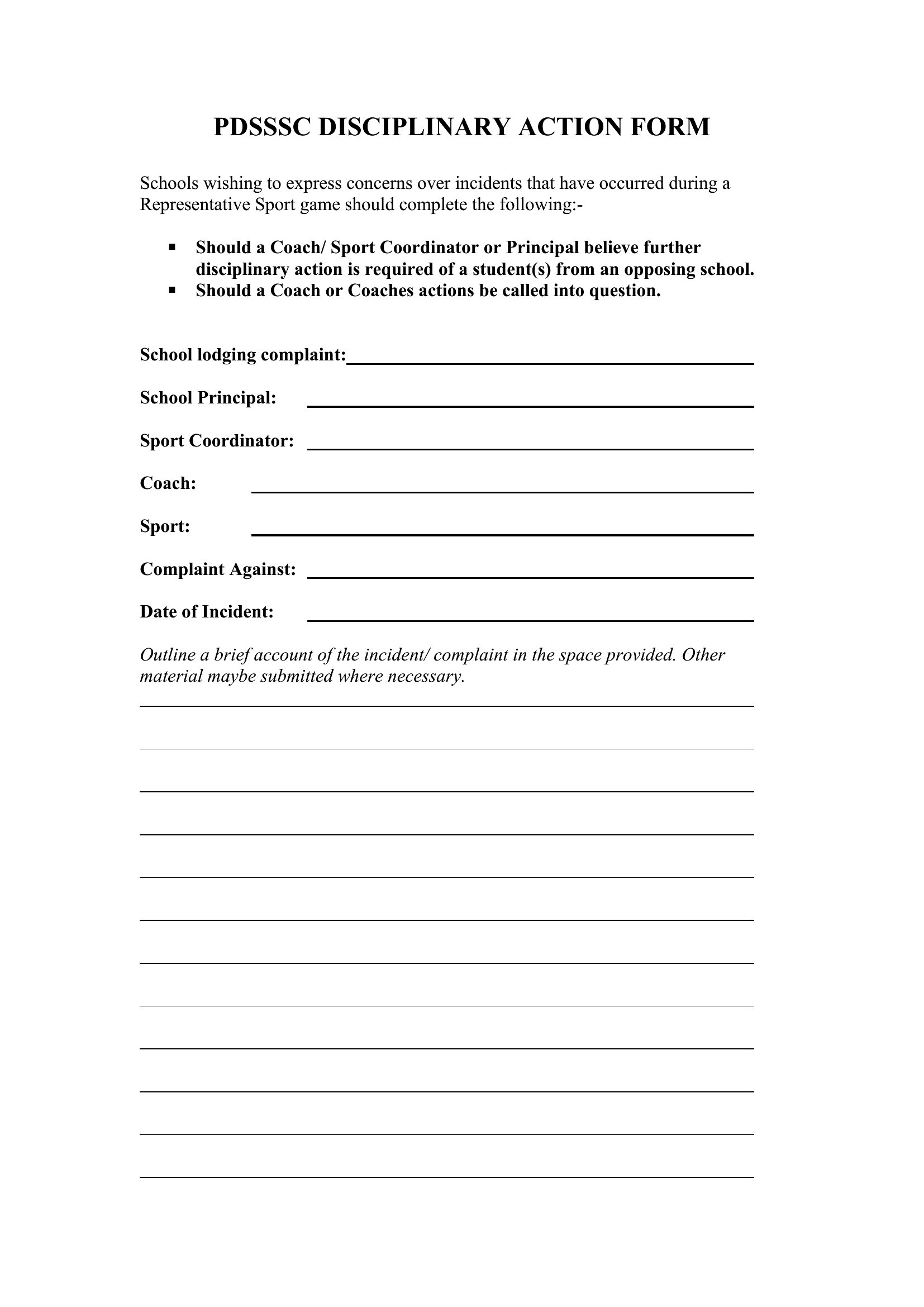
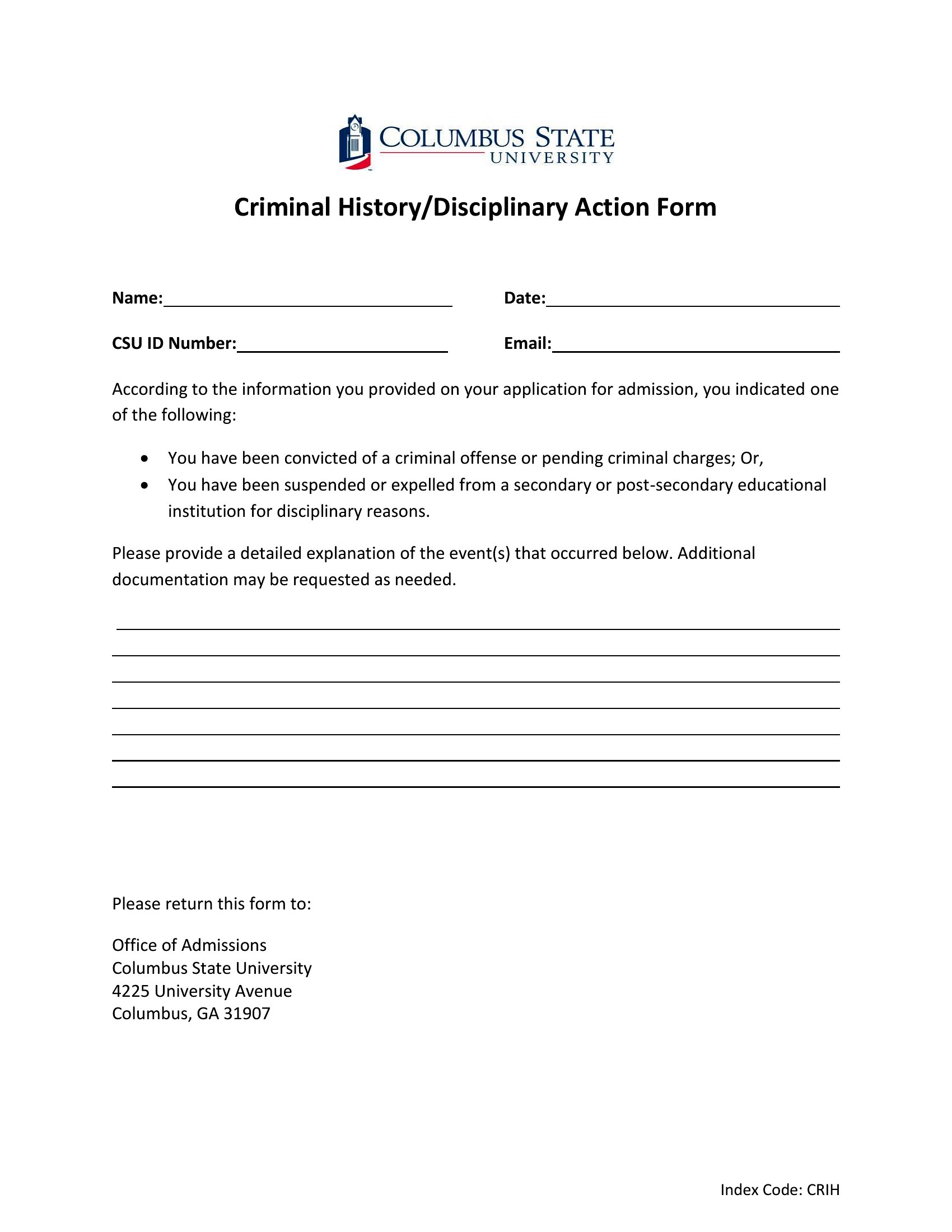
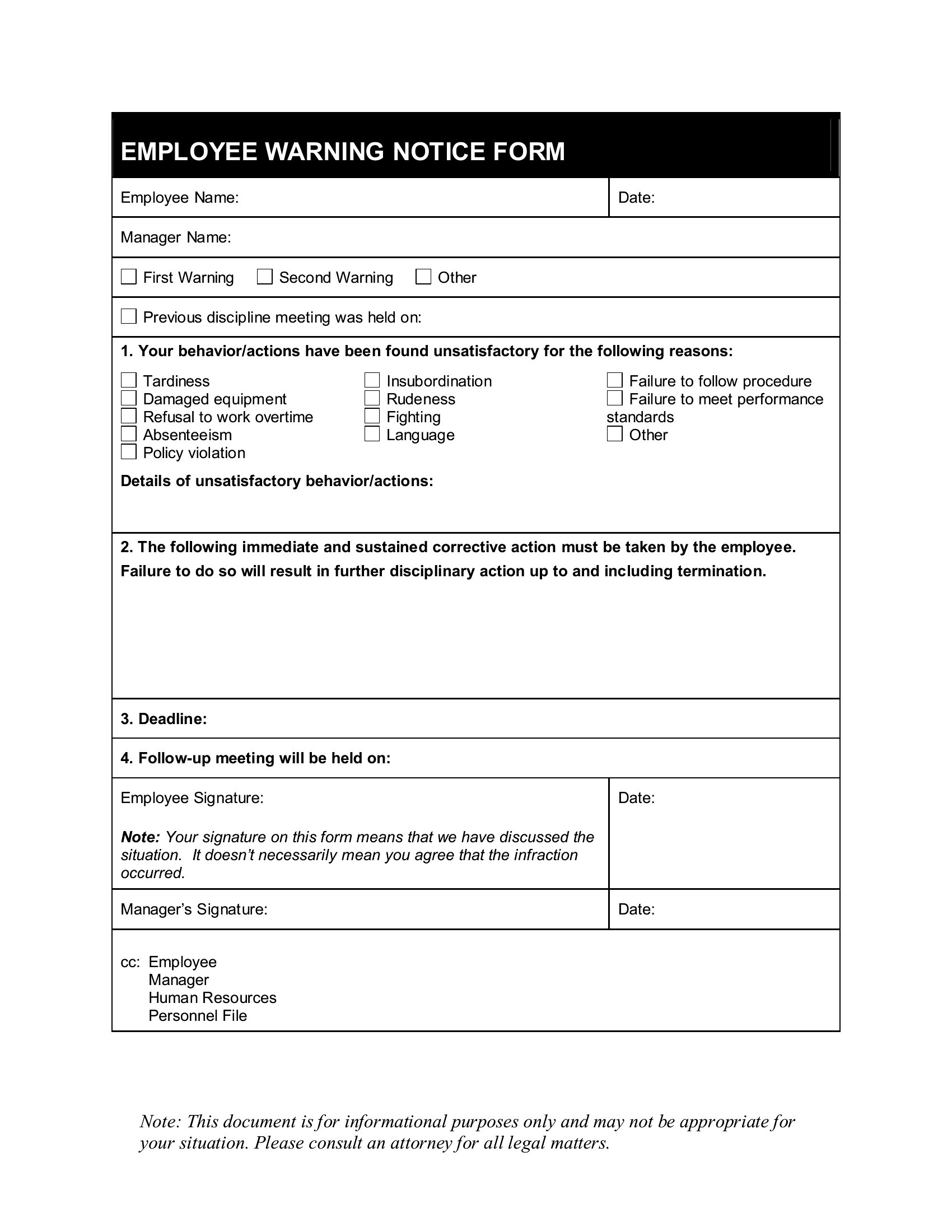

Frequently Asked Questions about Employee Write Up Form Templates
Are these Employee Write Up Form templates free to download?
Yes. Every Employee Write Up Form template in this collection is free to download from TemplateSpark. Just open the template you need, download it, and start editing right away — no subscription required to get started.
What file formats are available for Employee Write Up Form templates?
These Employee Write Up Form templates are available in Word and PDF. Pick the format that matches your workflow — each download keeps the original layout so it looks right whether you open, print, or share it.
Can I edit these Employee Write Up Form templates?
Yes. The editable files open in Microsoft Word (and compatible apps like Google Docs or LibreOffice), so you can change the text, colors, and layout to fit your needs, then save or export the finished Employee Write Up Form document.
How many Employee Write Up Form templates can I choose from?
This page collects 45 Employee Write Up Form templates so you can compare styles and layouts in one place. Browse the options, open the one that fits your purpose best, and download it in your preferred format.
Can I use Employee Write Up Form templates for commercial purposes?
In most cases, yes — these Employee Write Up Form templates are intended for both personal and business use. Check the license note on the template before redistributing or reselling, and avoid sharing the source files as your own product.
What is an employee write up form and when is it used?
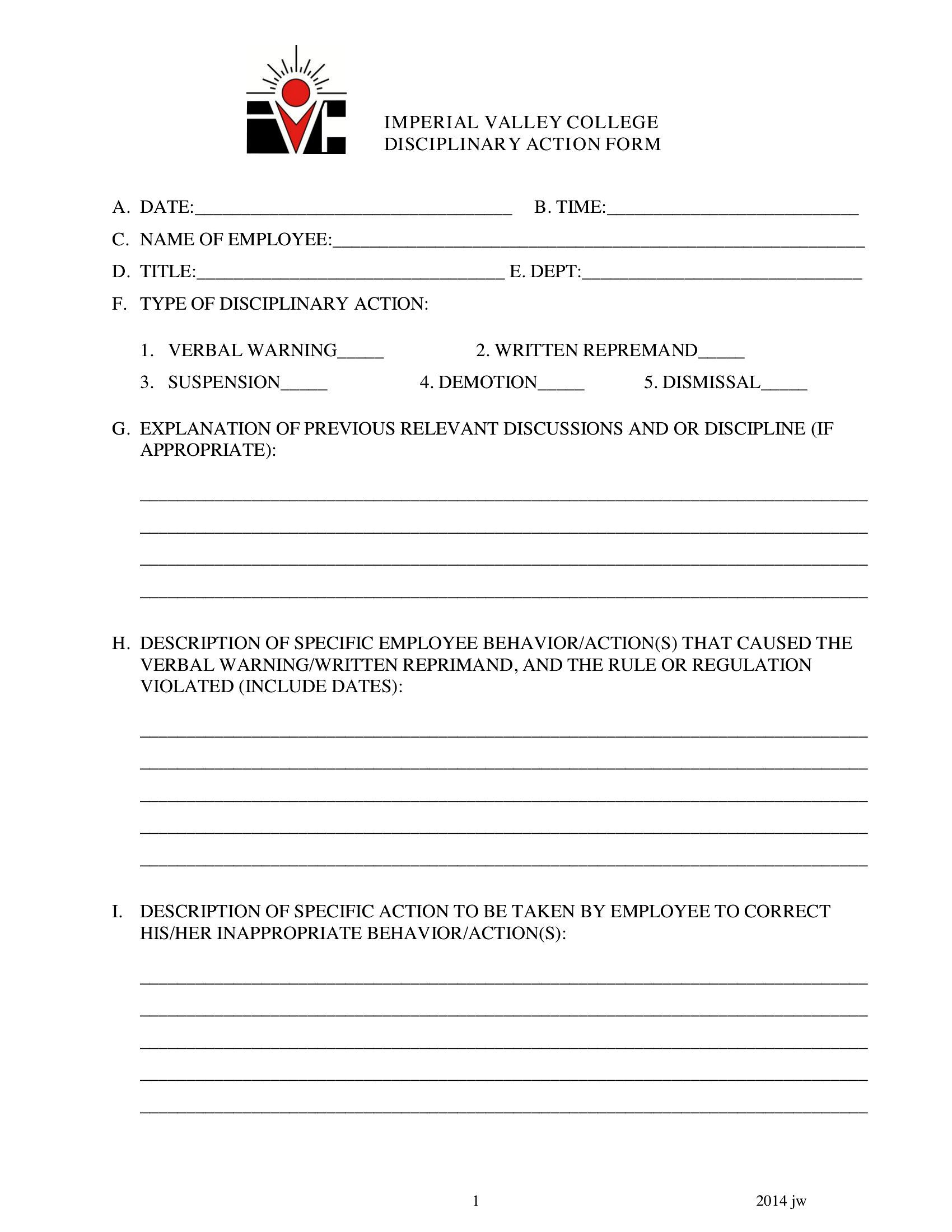
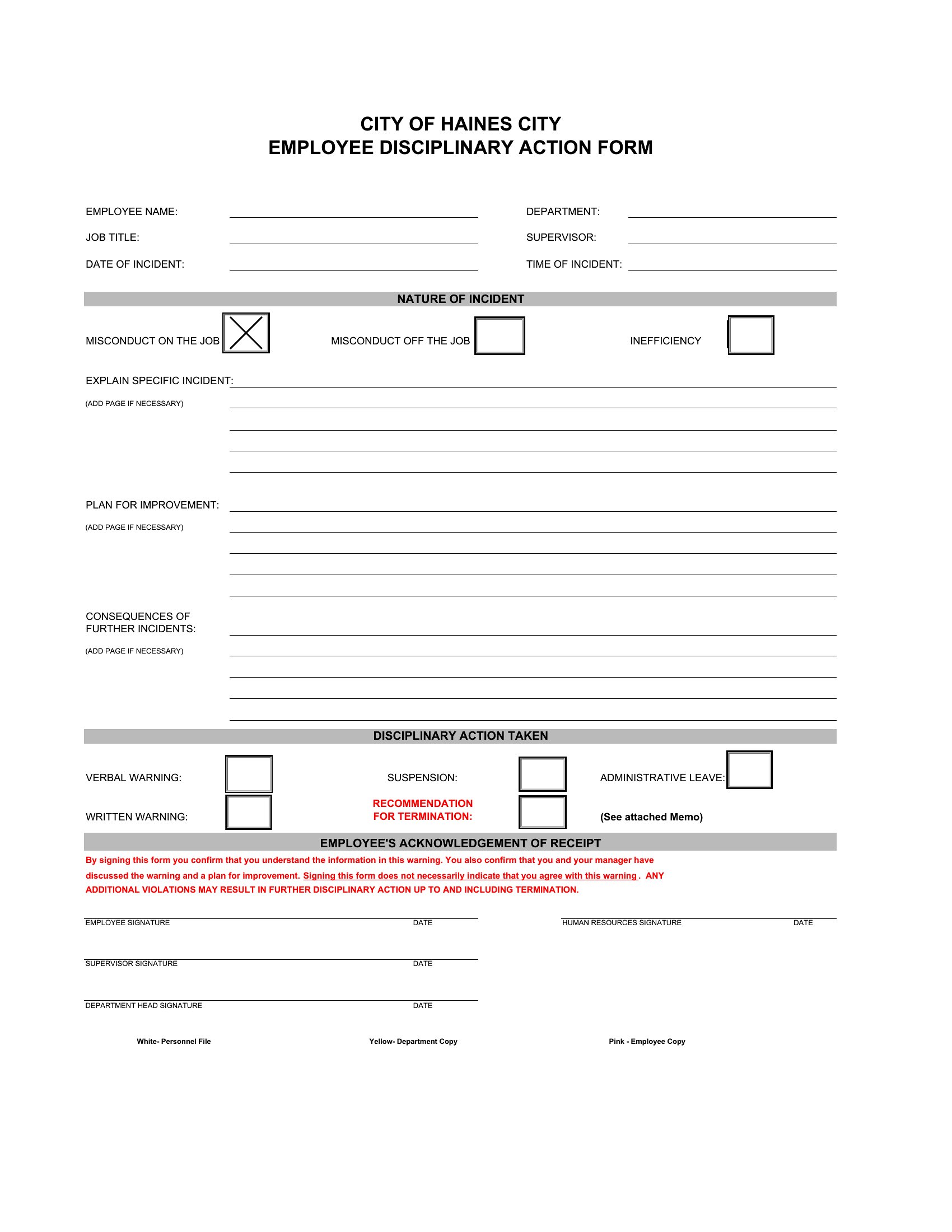
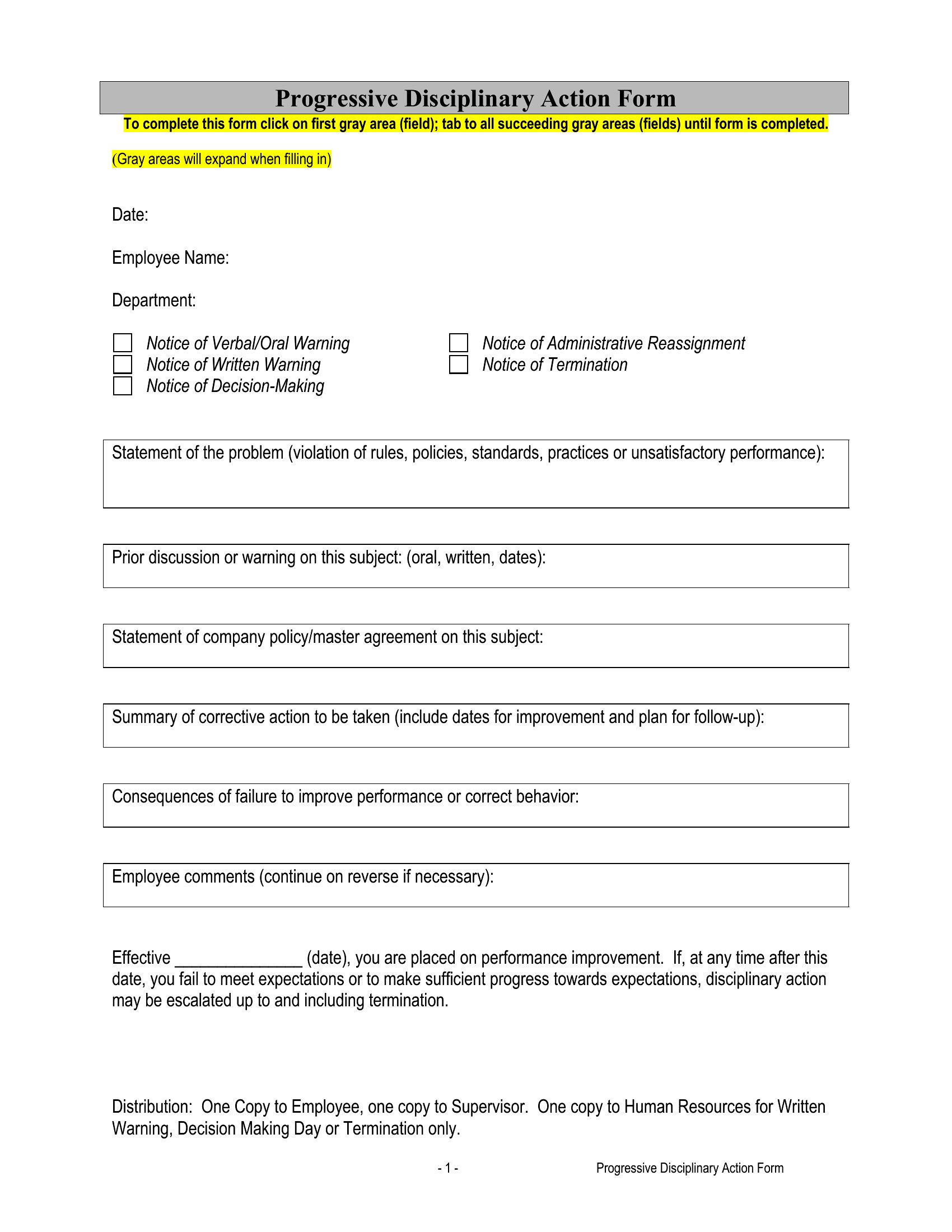
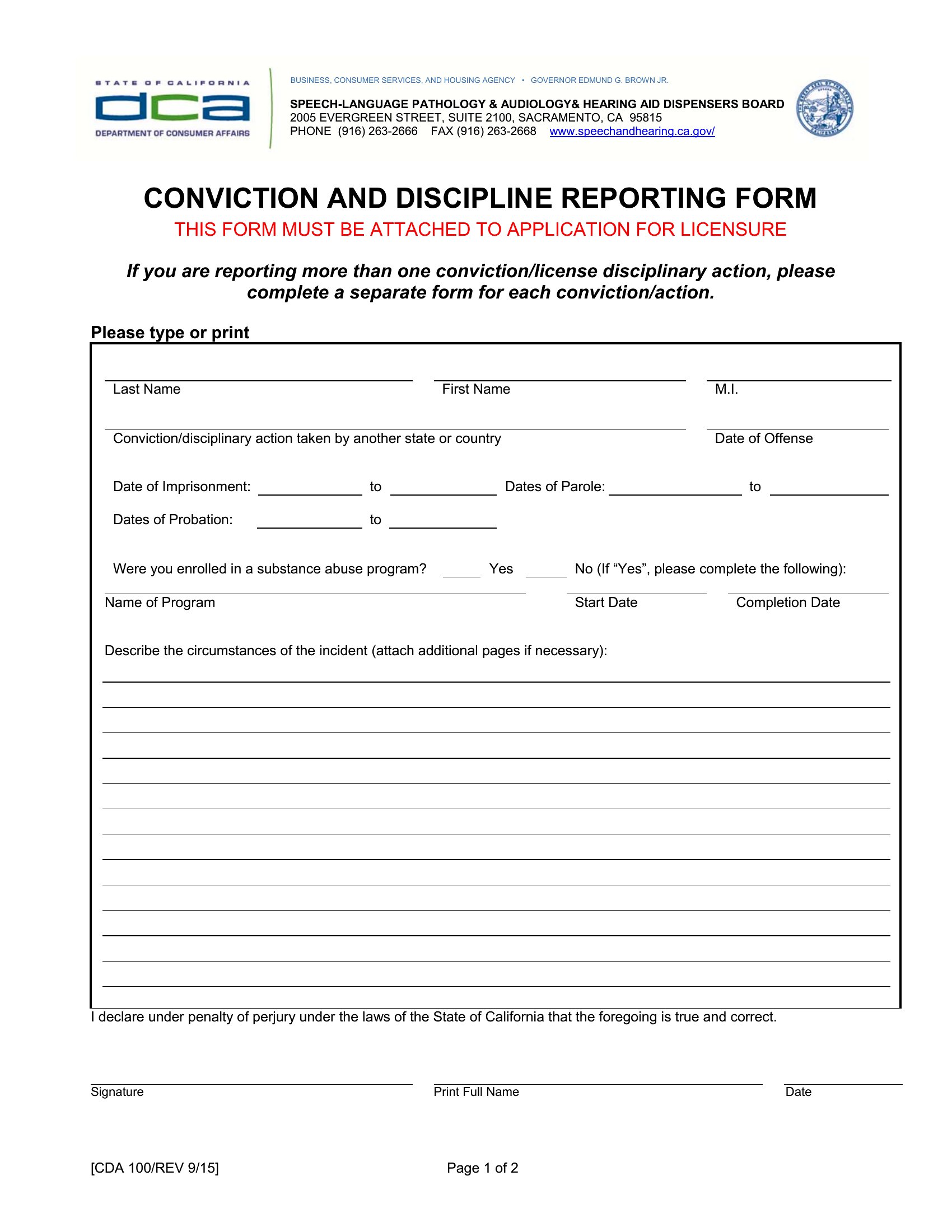
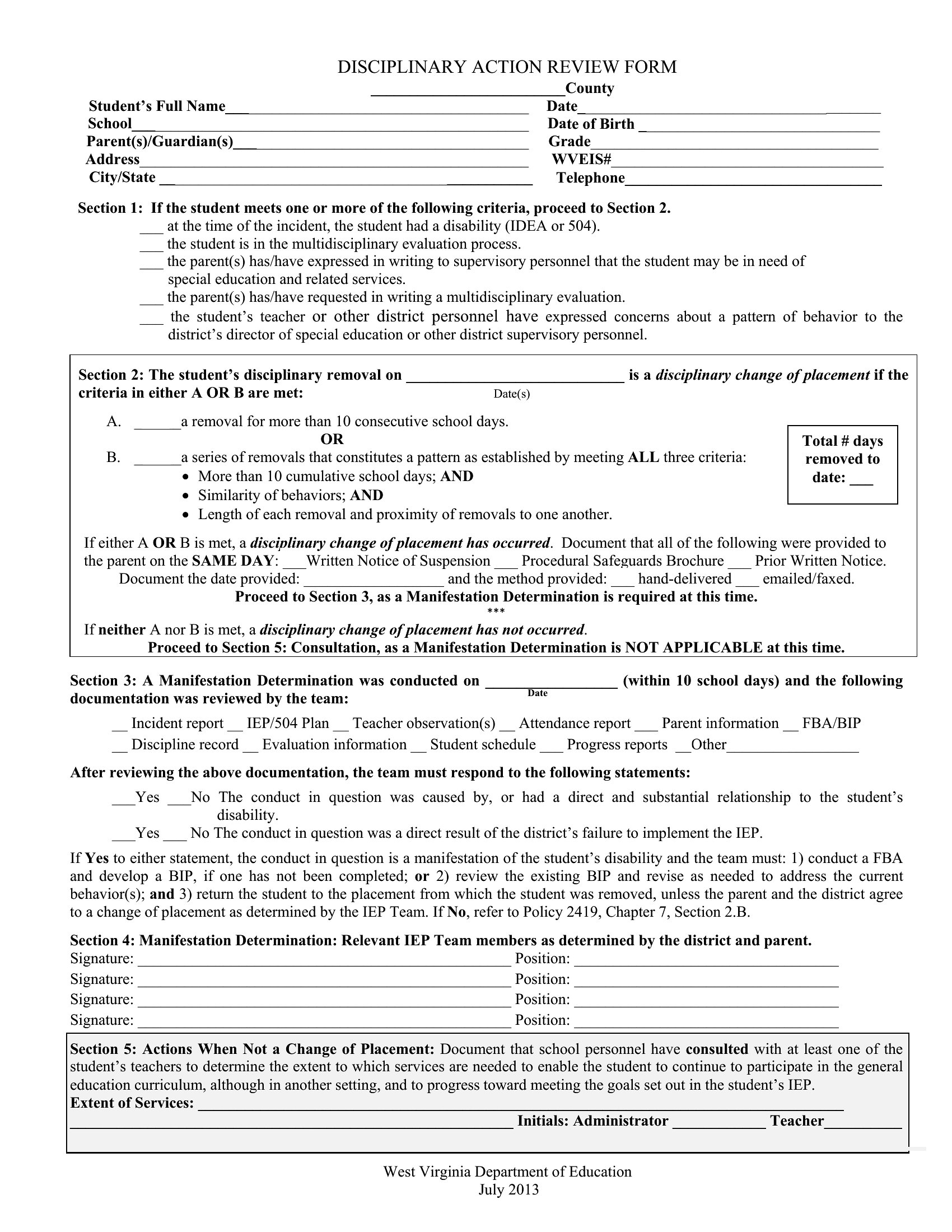
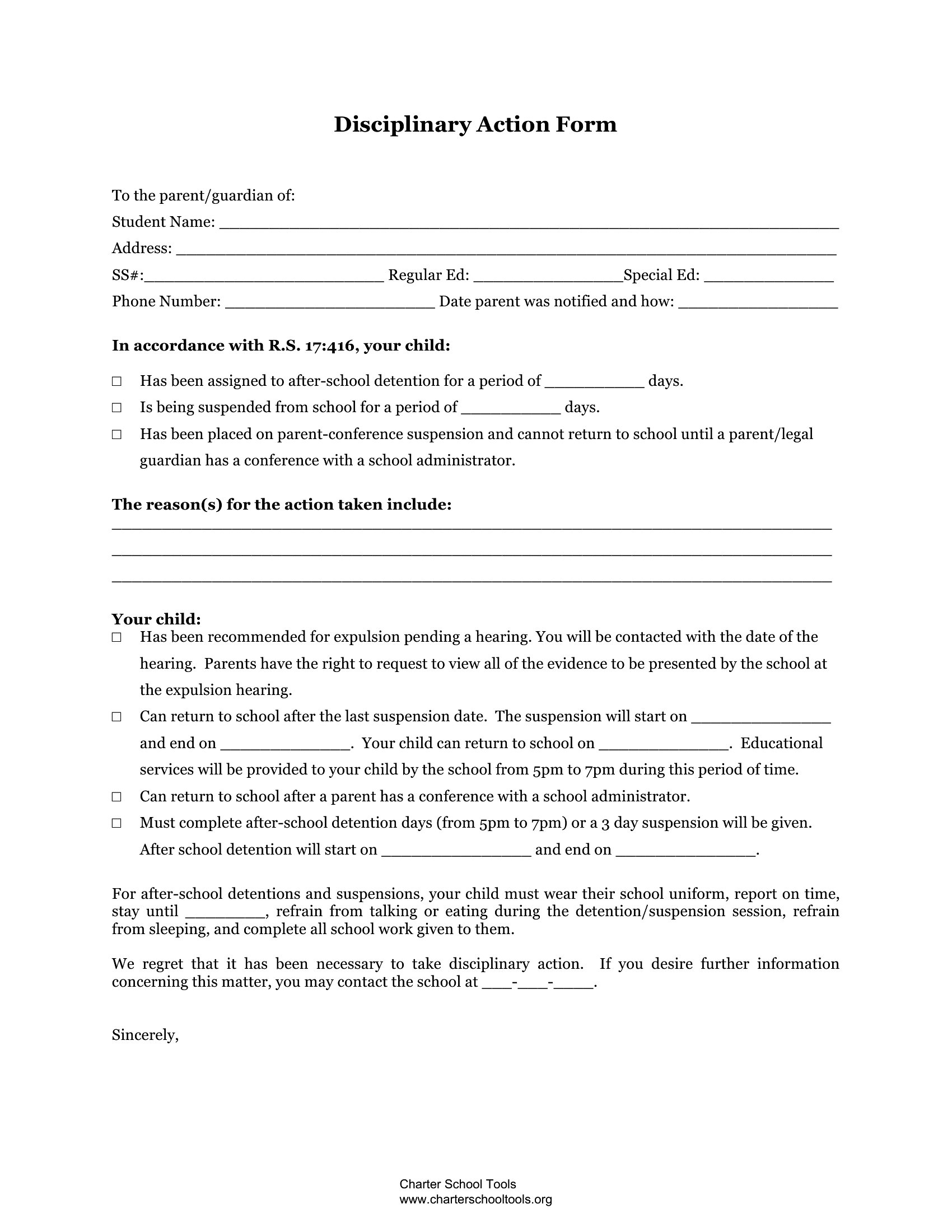
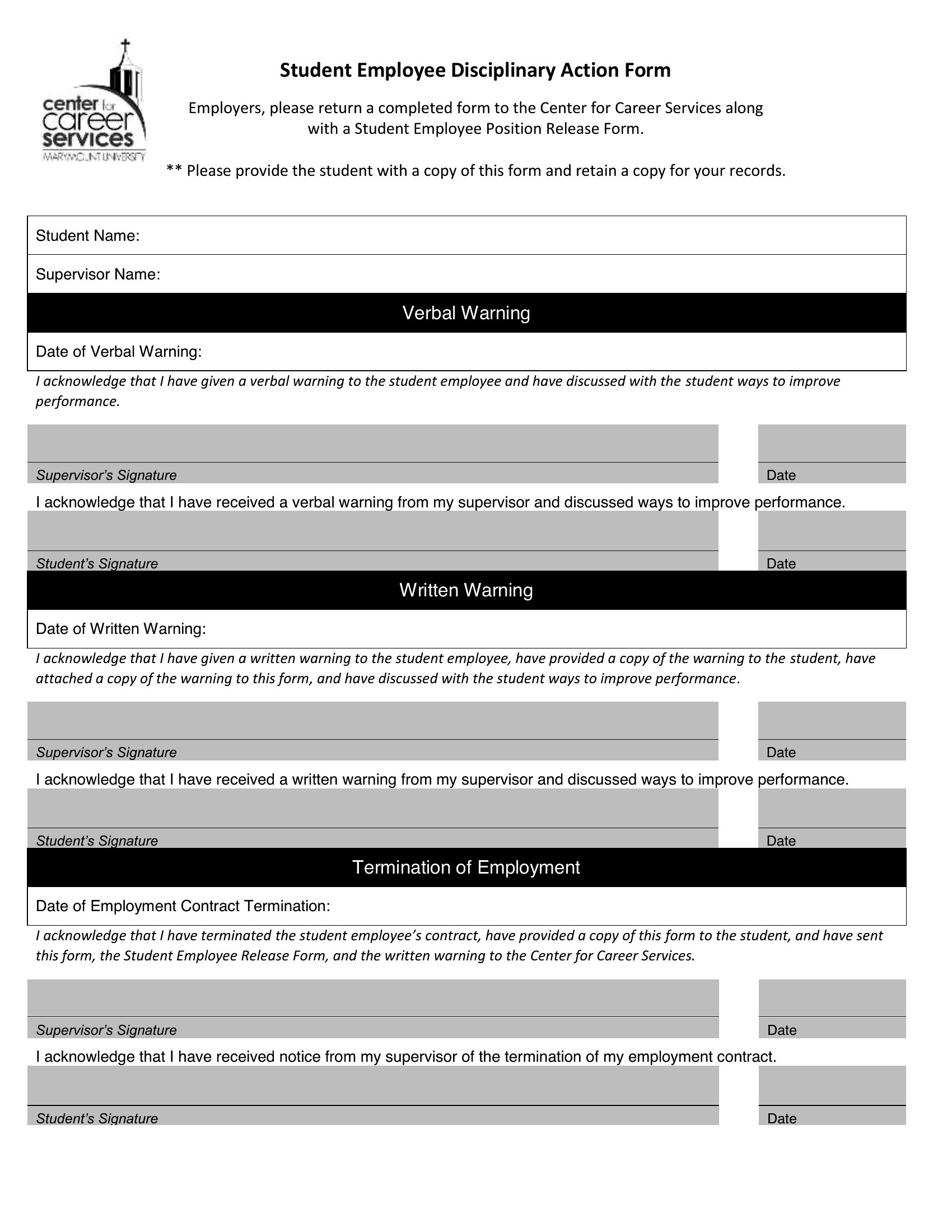
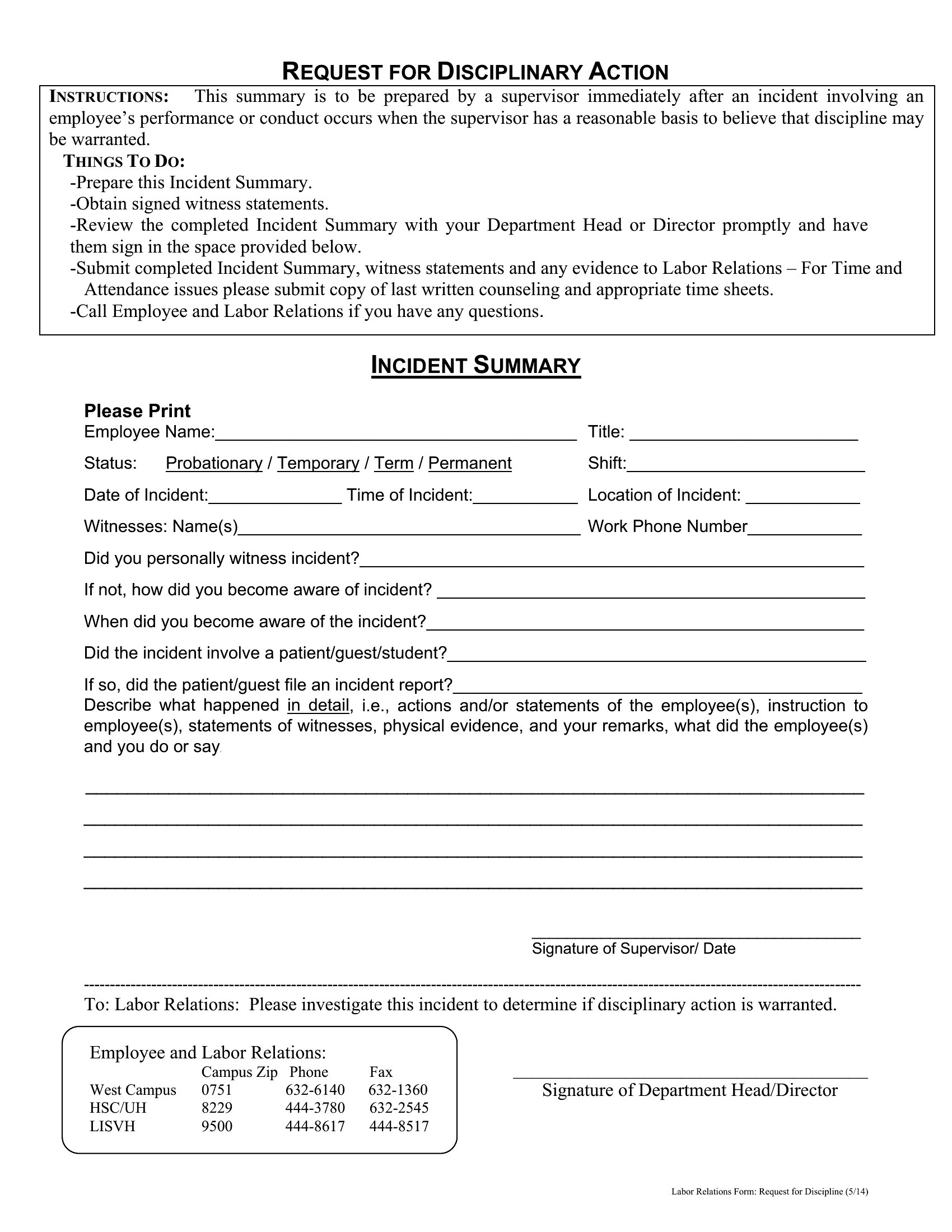
An employee write up form documents a workplace issue such as a policy violation, attendance problem, or performance concern. Managers or HR use it to record what happened, when, and any prior warnings. It creates a consistent paper trail that protects both the company and the employee.
What should an employee write up form include?
It should include the employee's name, date, and the type of issue, a factual description of the incident, the policy or expectation that was violated, and any previous warnings. It should also state corrective actions, consequences, space for the employee's response, and signatures from the manager and employee.
How should a manager document an incident on a write up form?
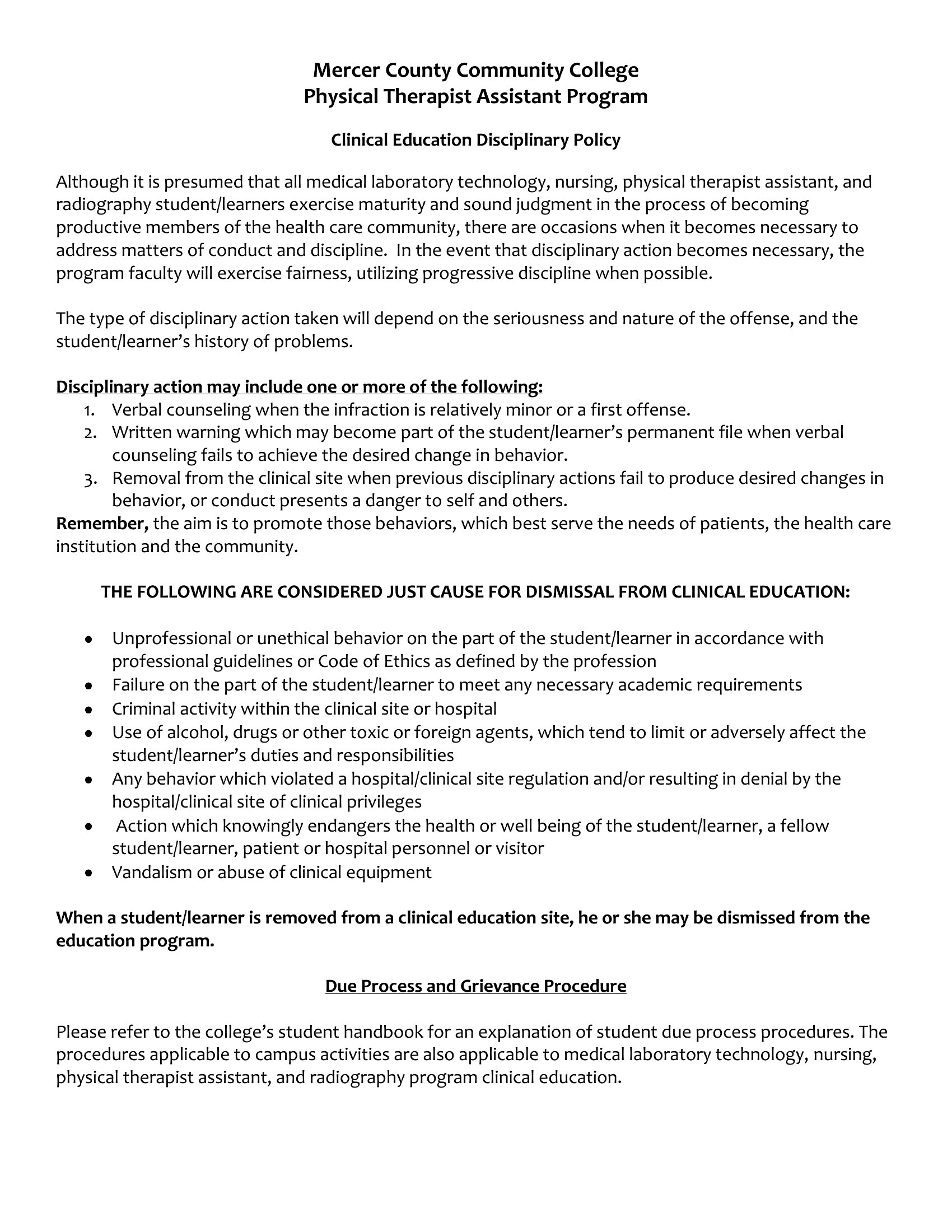
Stick to objective facts, recording specific dates, times, behaviors, and witnesses rather than opinions or emotions. Reference the exact rule or standard involved, note prior conversations, and clearly state expected improvements and next steps. Letting the employee add their response and sign keeps the record fair and balanced.
Comments
Join the conversation
Sign in to share your thoughts and leave a comment on this resource.