FAQ
Can I use these estimate templates to include a progress payment schedule without adding extra fields?
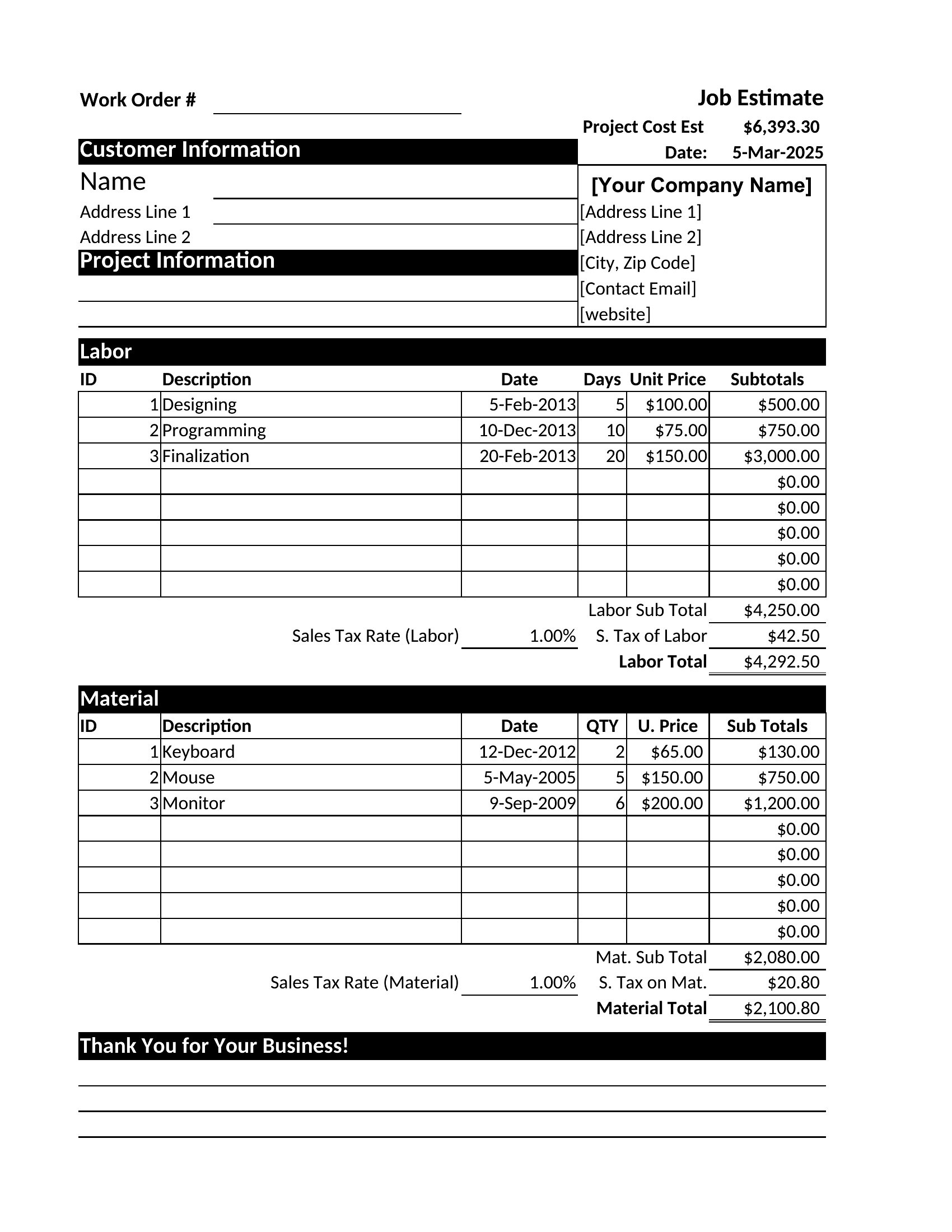
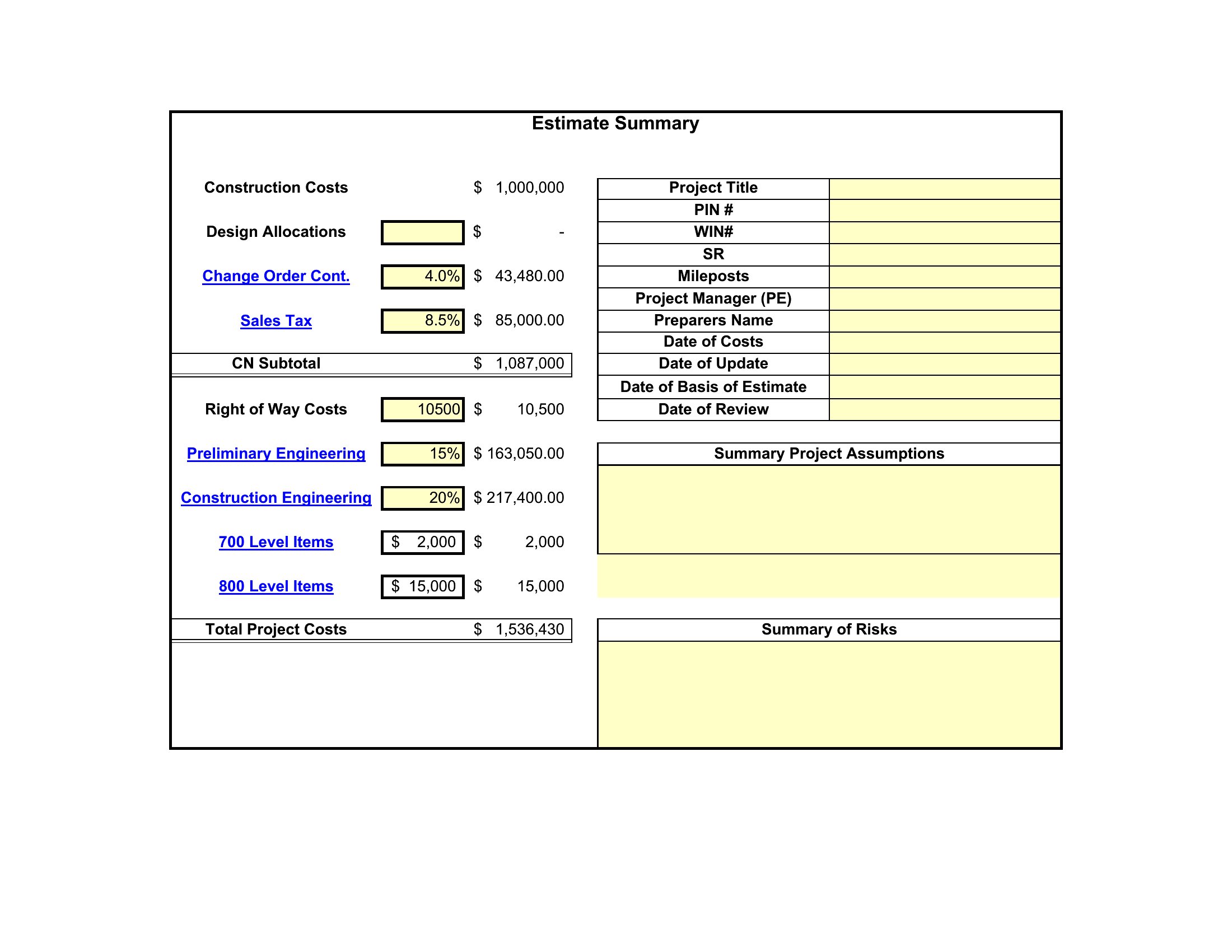
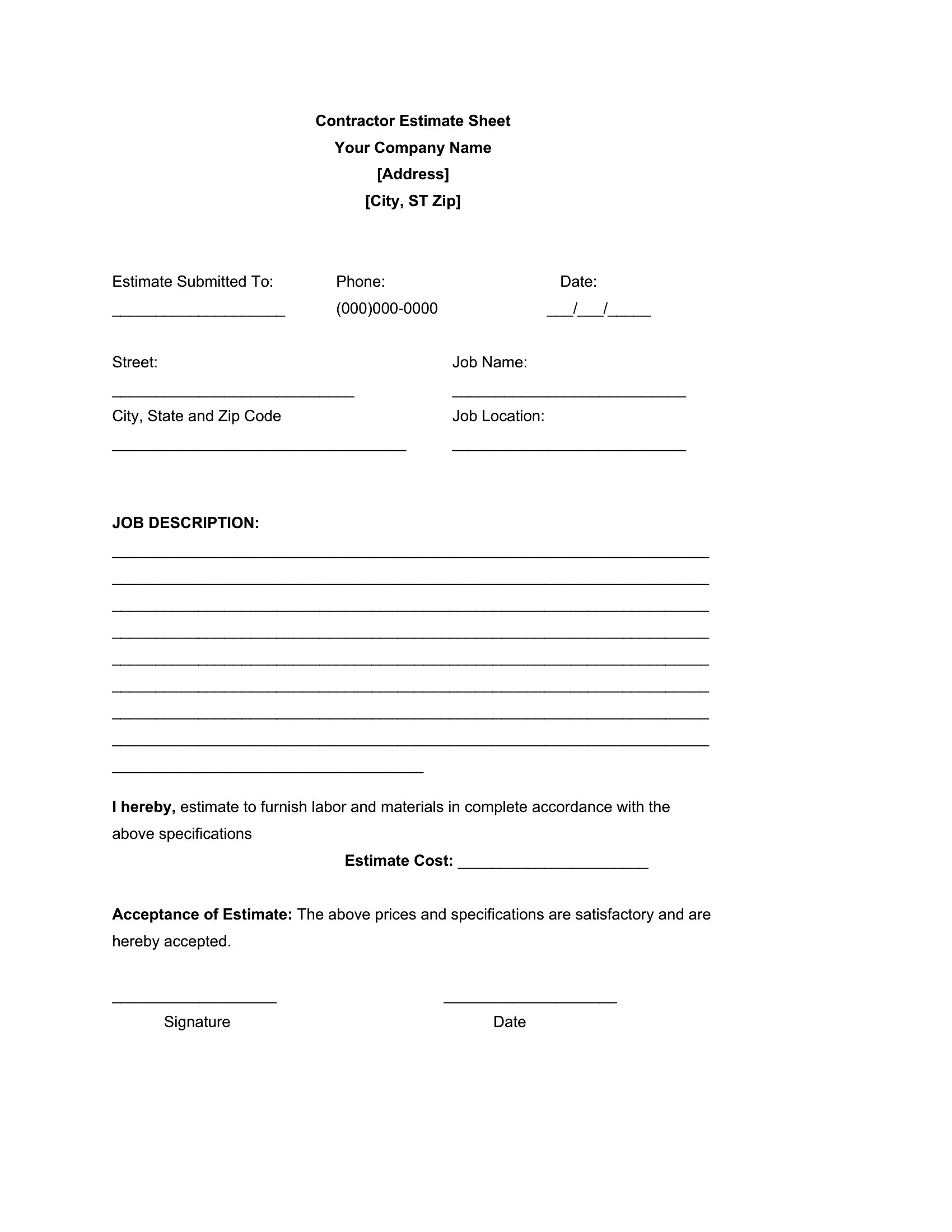
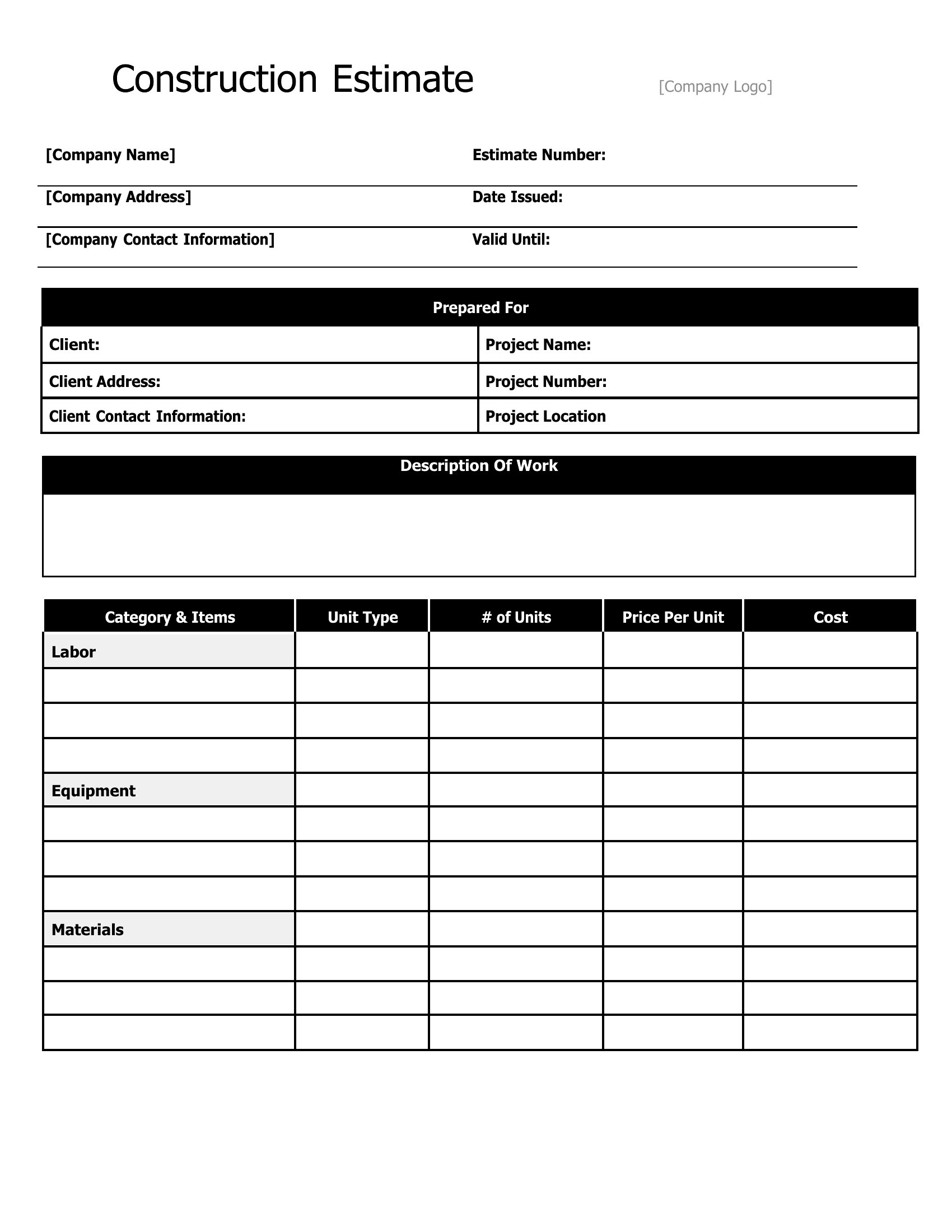
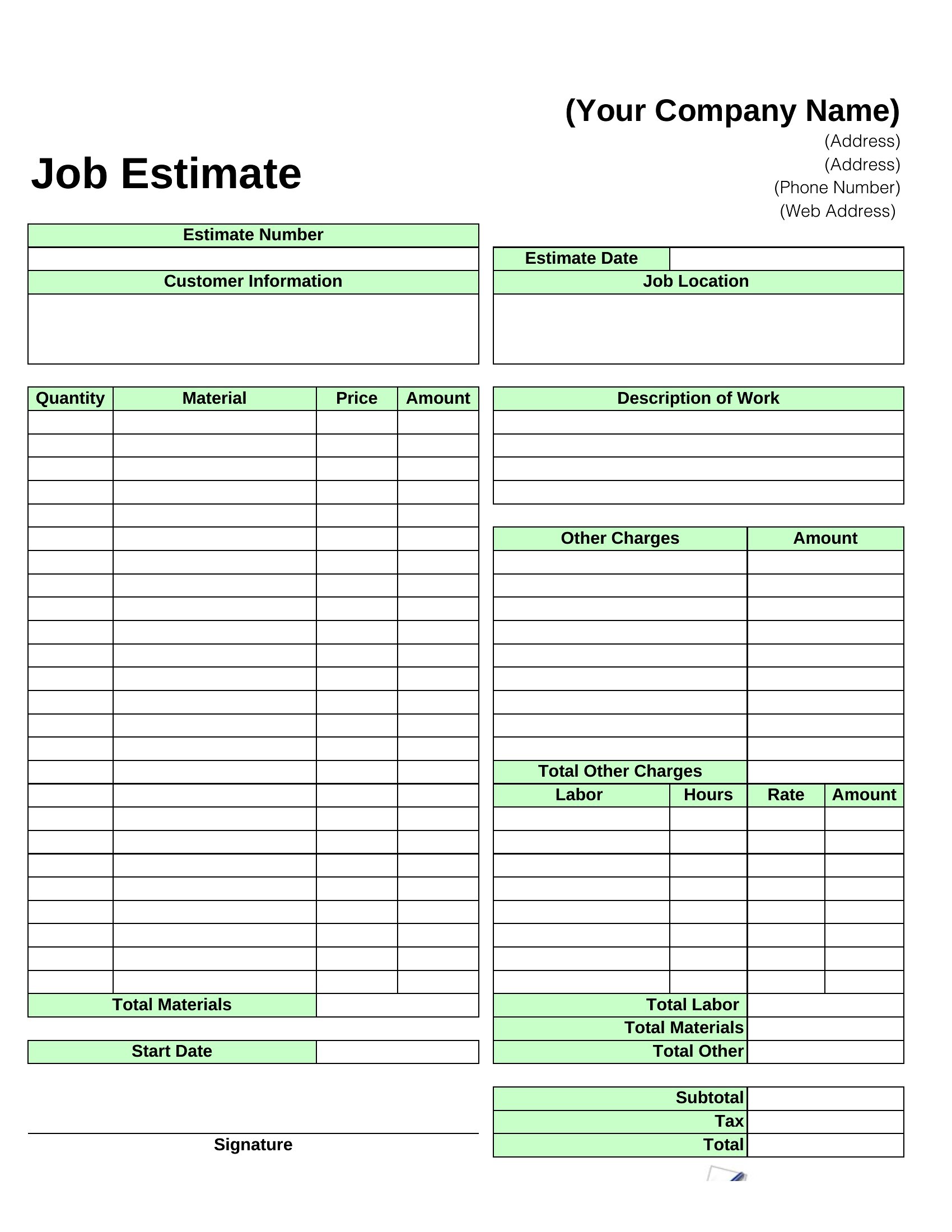
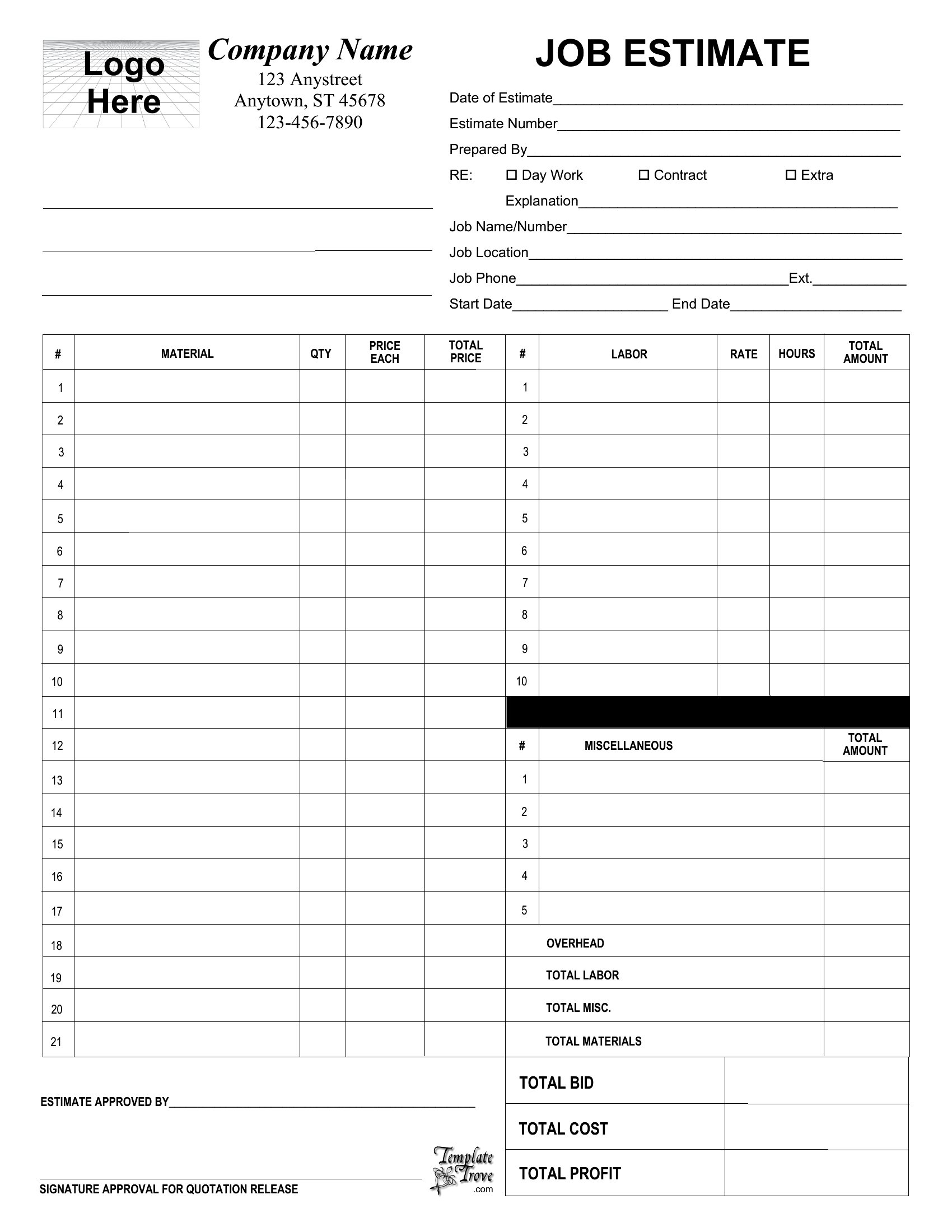
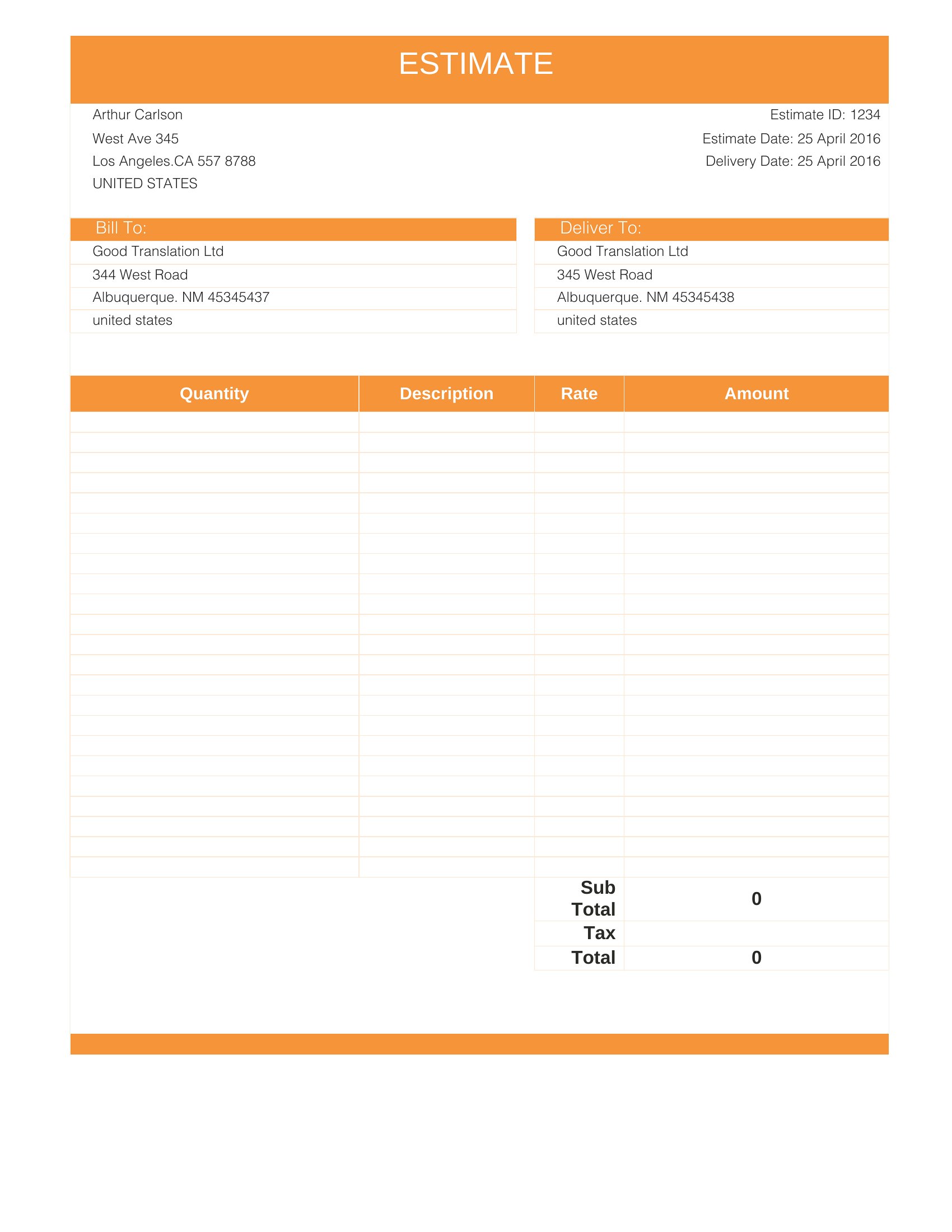
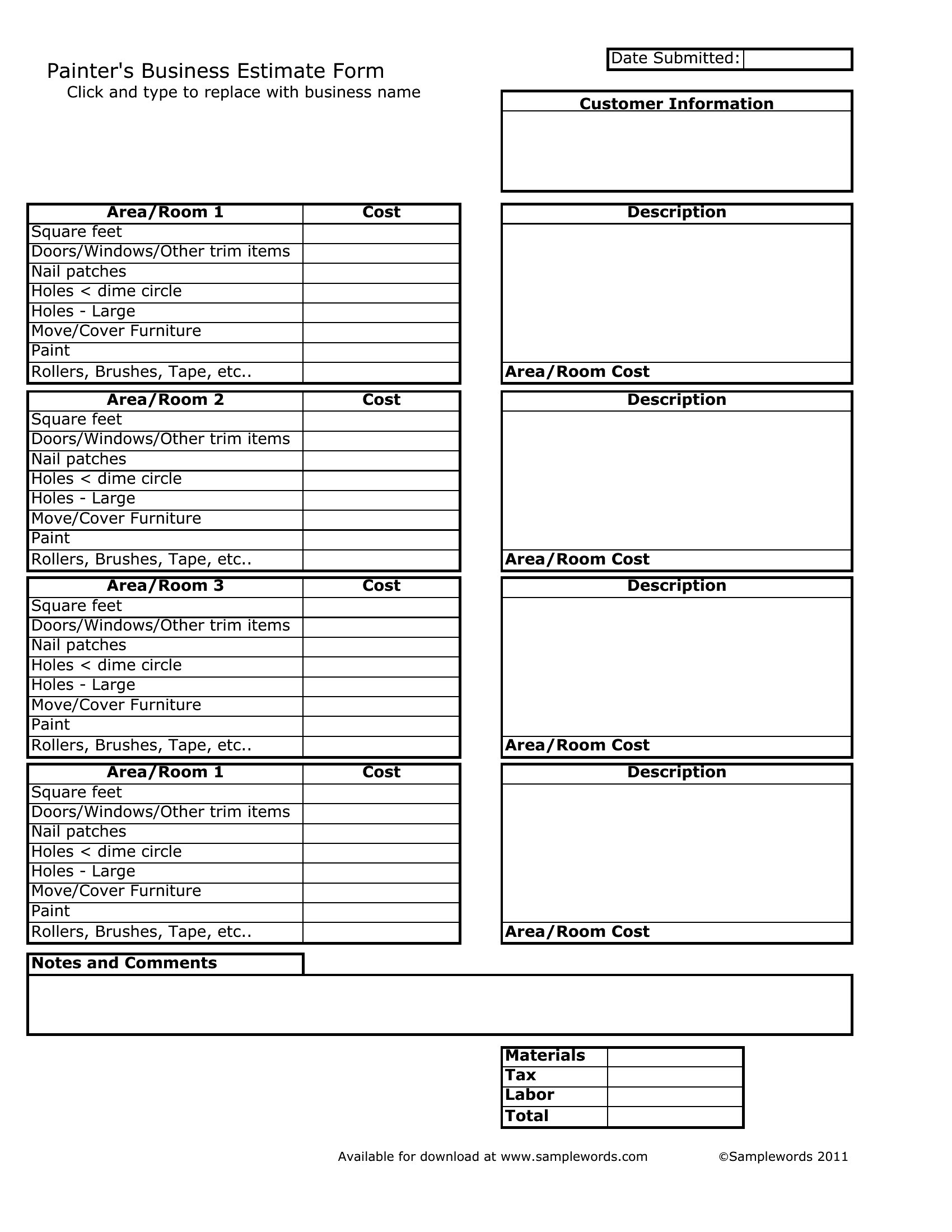
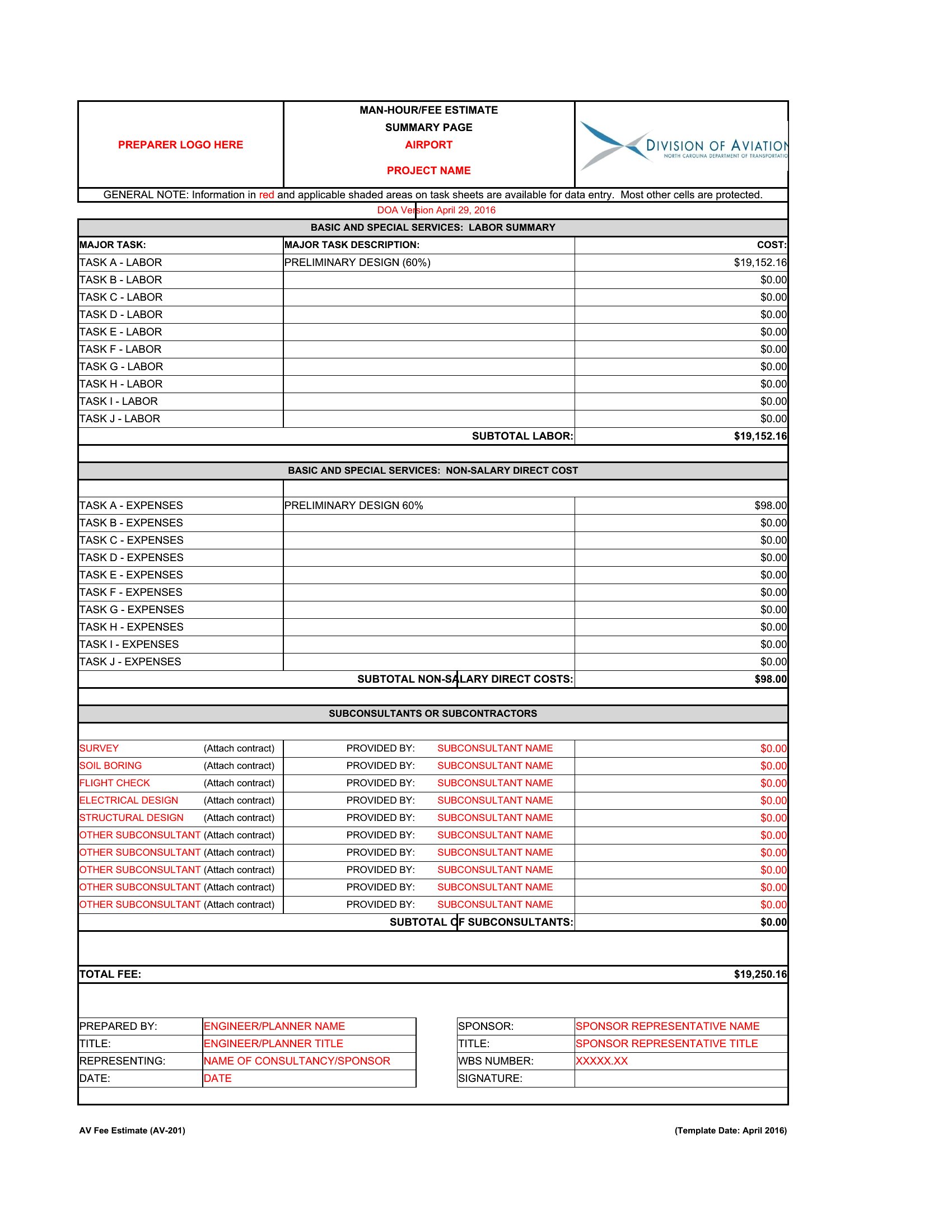
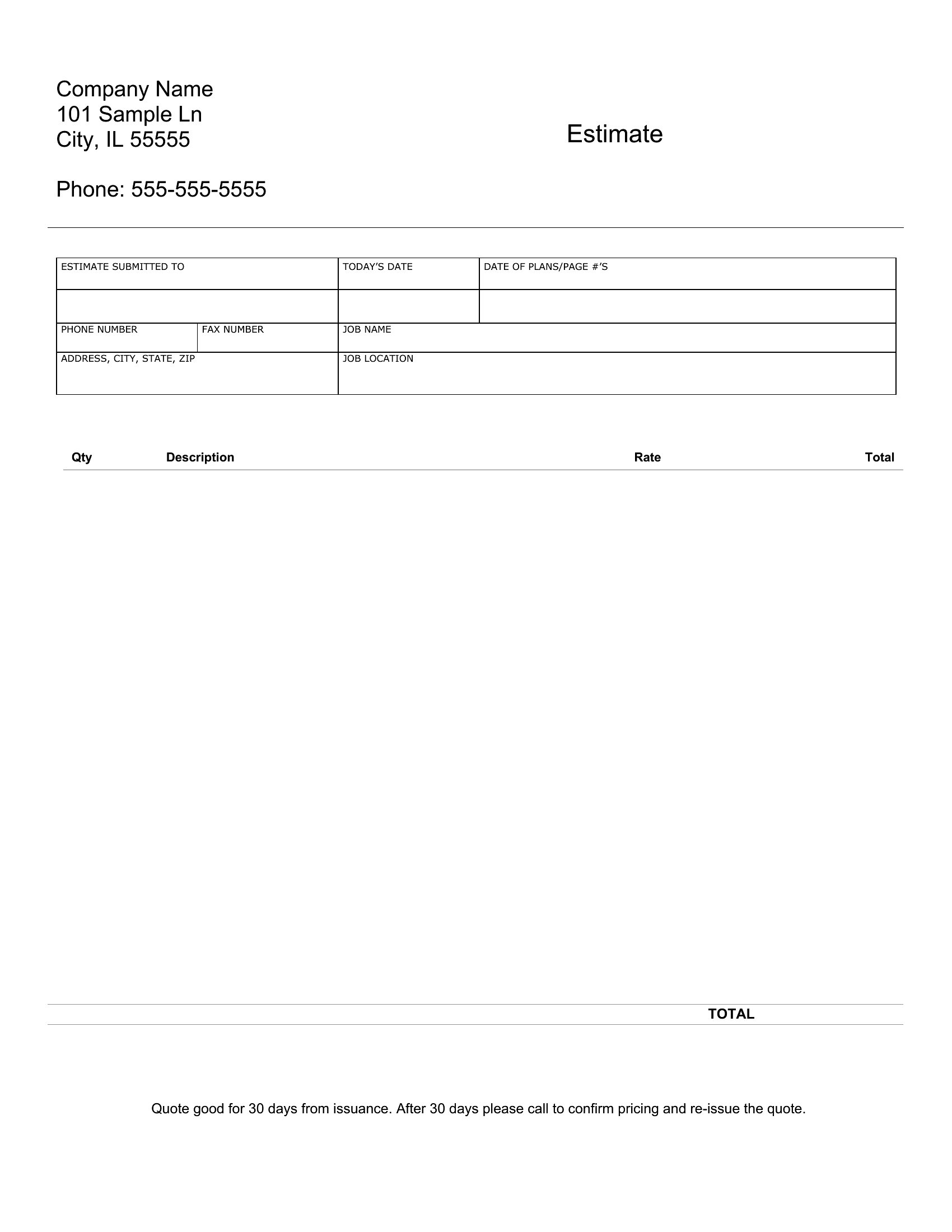
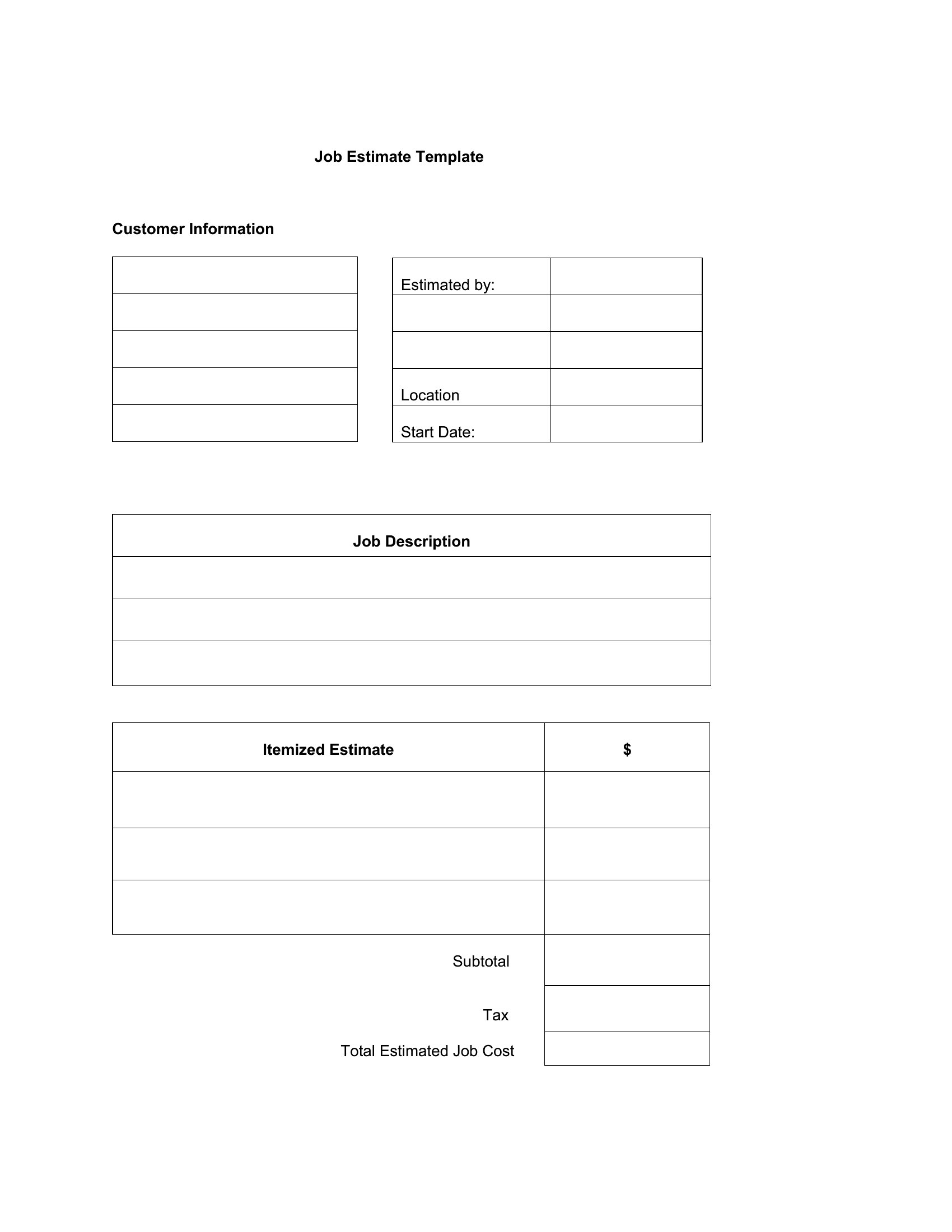
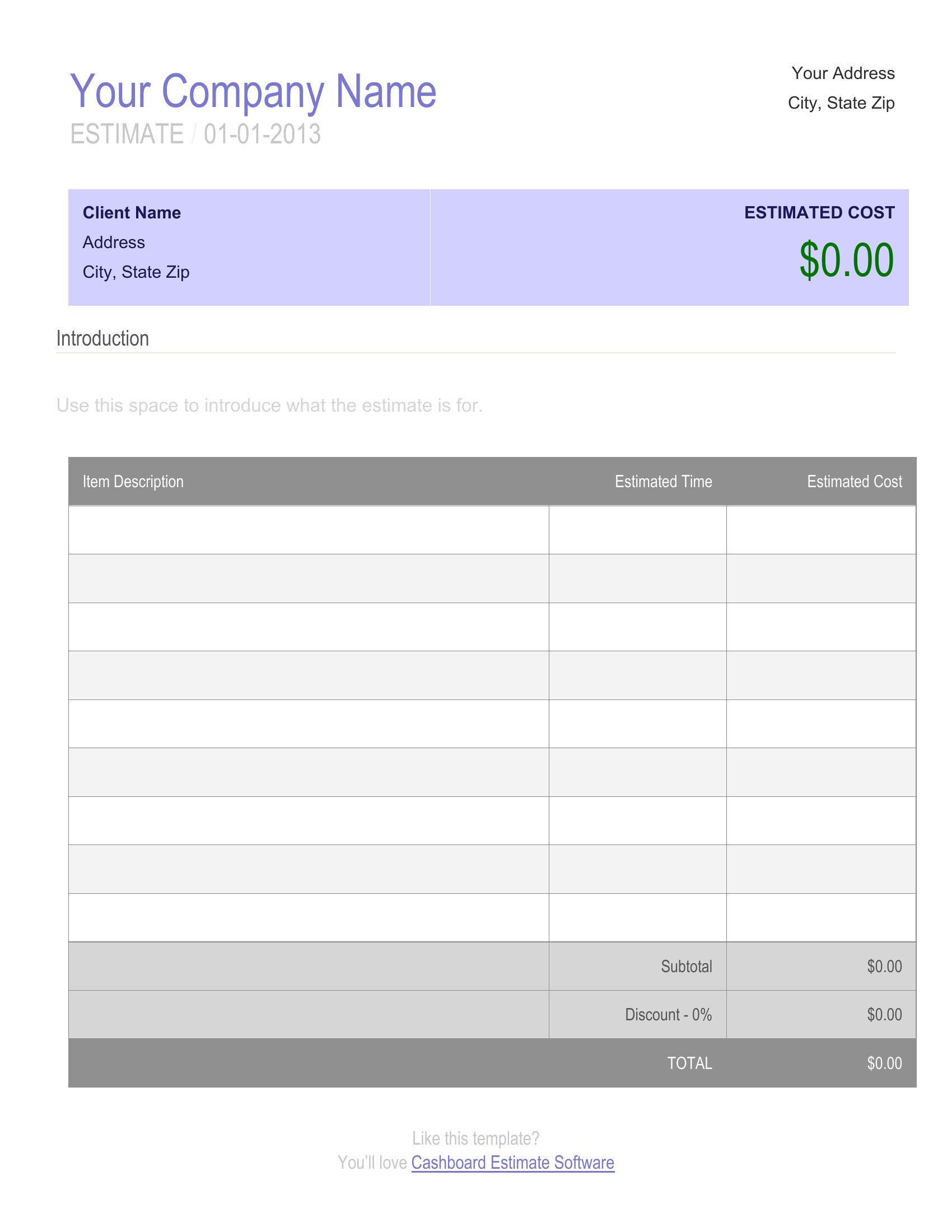
Yes, most templates in this collection have a ‘terms’ or ‘payment schedule’ section where you can outline milestones (e.g., 30% deposit, 40% mid-project). For Excel formats, add a separate column labeled ‘Payment Due’ next to line items to align costs with installments. Word templates often include a pre-formatted ‘Additional Notes’ box for this purpose, so you can keep it simple without cluttering the main table.
What’s the best way to handle estimates where material costs might change before the job starts?
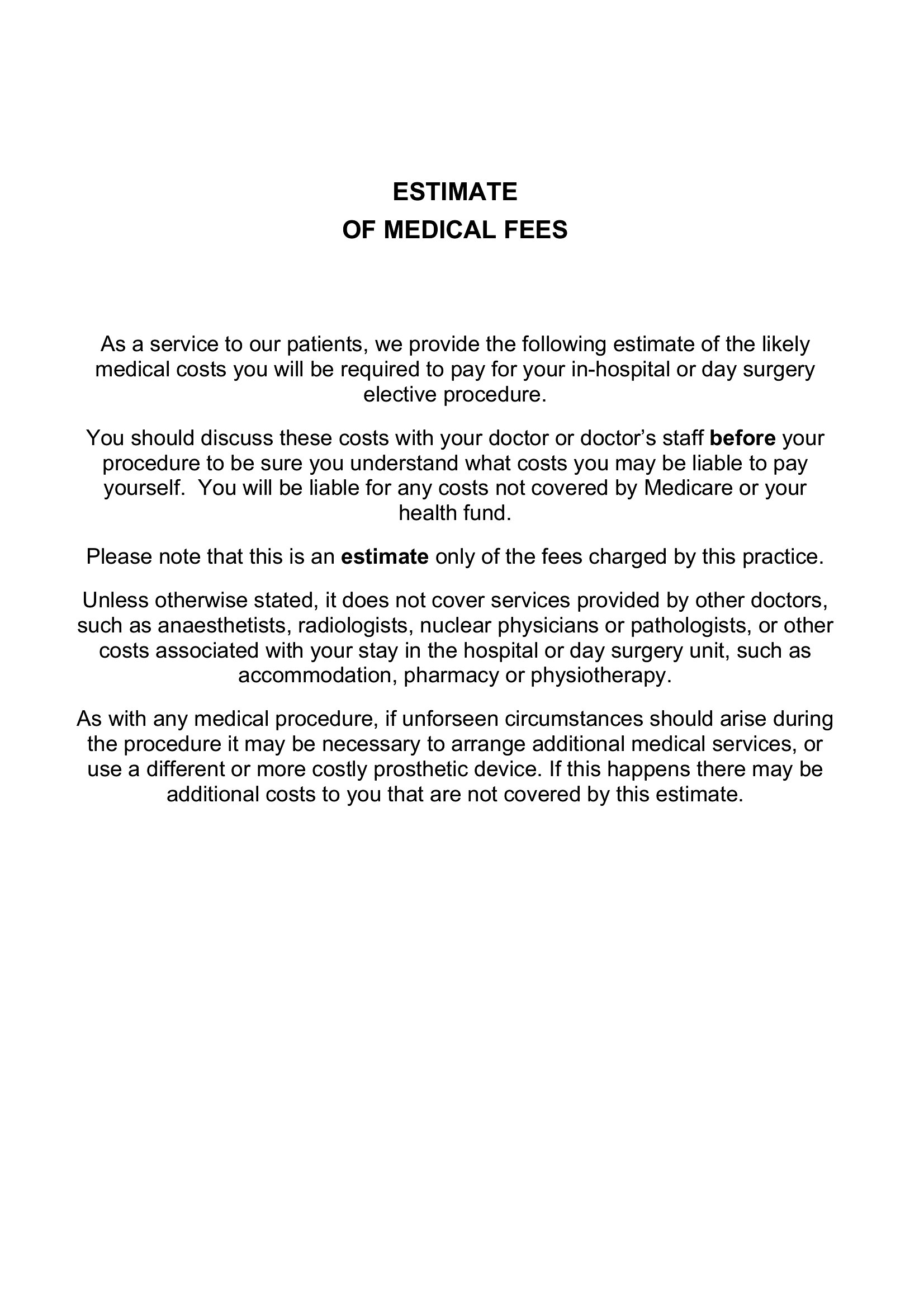
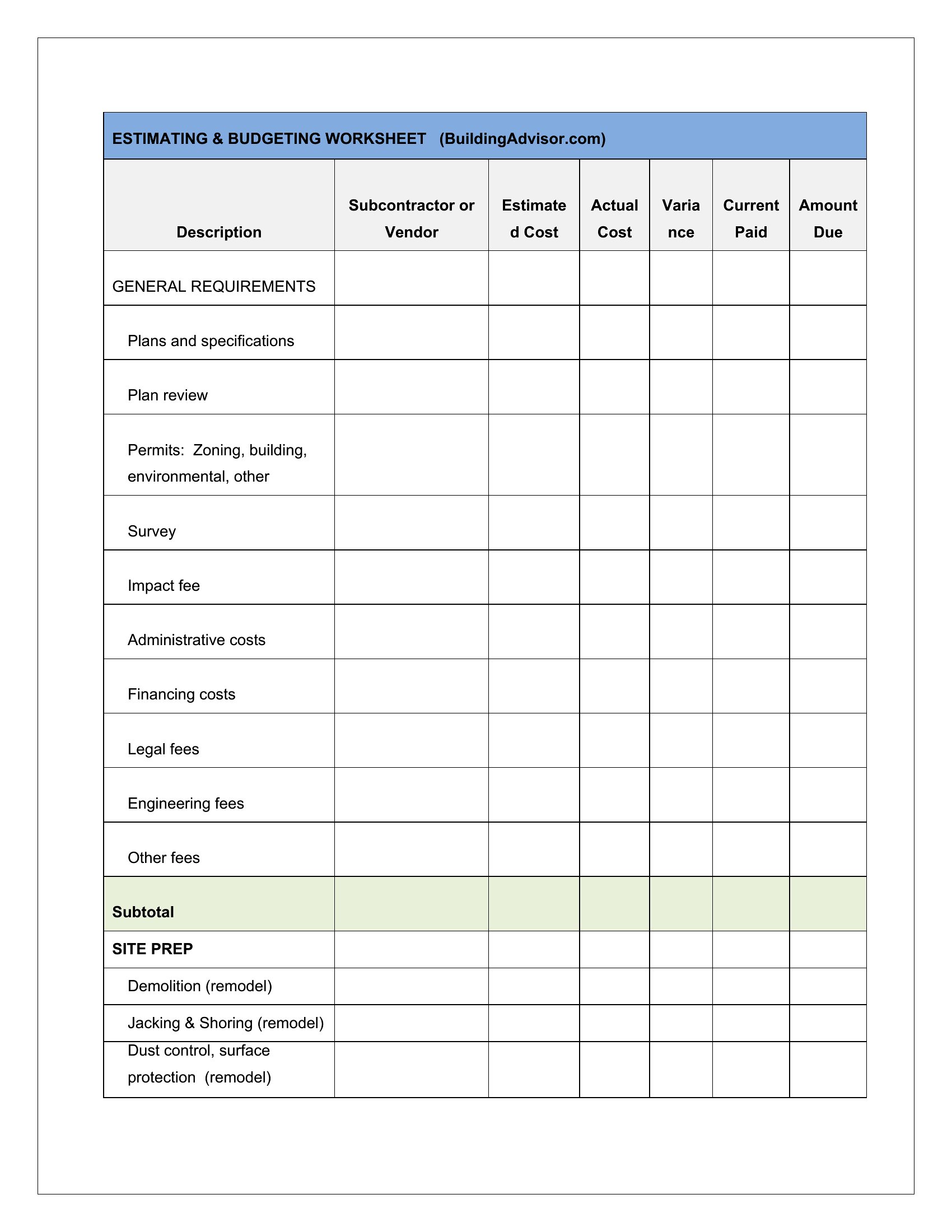
Use the Excel format to create a ‘Material Costs’ table with separate columns for ‘Estimated,’ ‘Actual,’ and ‘Difference.’ Link these to the total calculation so adjustments are automatic. For Word or PDF, note ‘Material costs subject to change; final price confirmed upon receipt of supplier invoices’ in the terms section. This protects you while keeping the estimate clear for the client.
Should I include a ‘not-to-exceed’ amount in my estimate, and how do these templates support that?
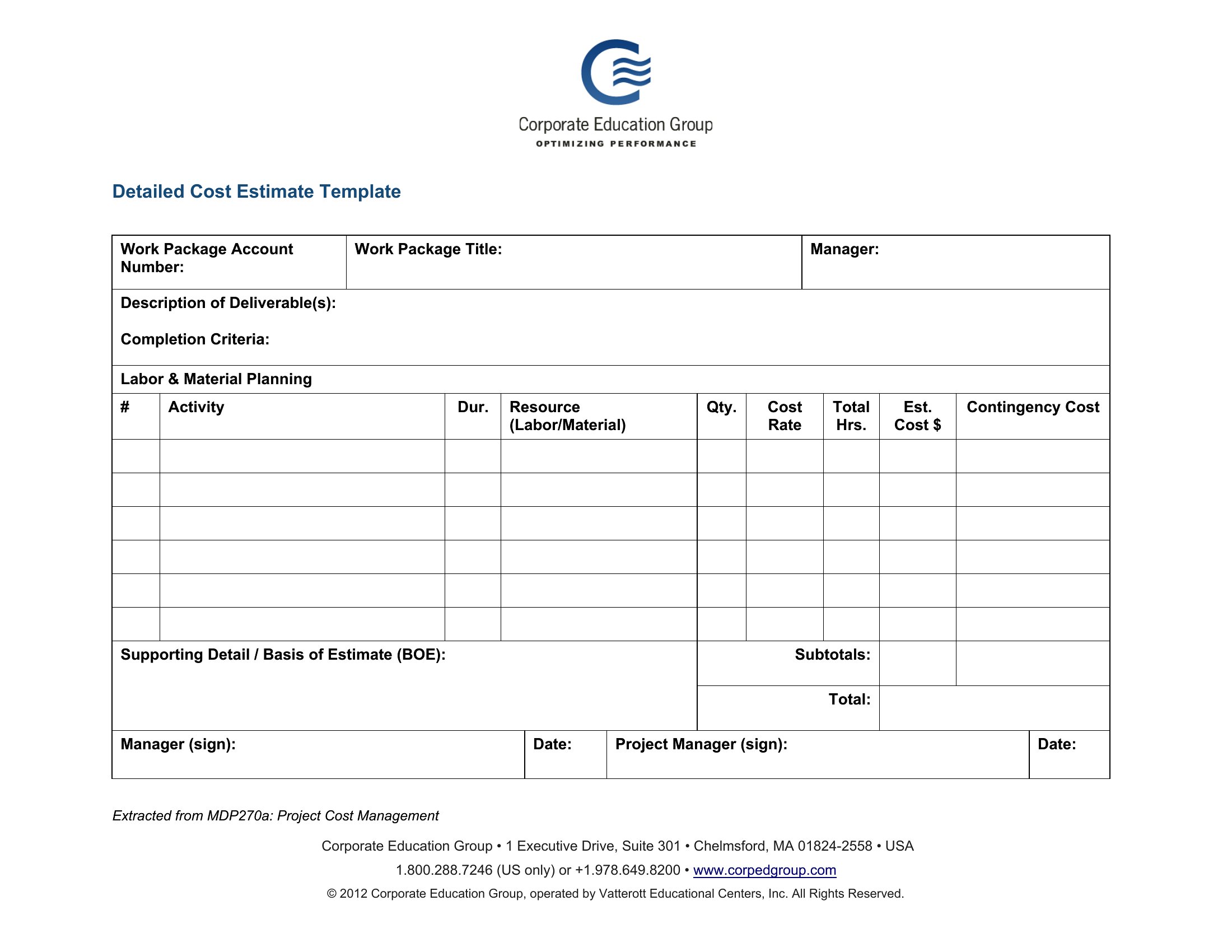
Including a ‘not-to-exceed’ figure is wise for projects with uncertain scope (e.g., renovations). Most Excel templates let you add a ‘Max Budget’ row summing labor, materials, and a 10% contingency. In Word or PDF, dedicate a bolded line under the total—like ‘Estimated Total: $X,XXX | Not-to-Exceed: $X,XXX (10% buffer included)’—and reference it in the terms. This sets expectations without overpromising.
Comments
Join the conversation
Sign in to share your thoughts and leave a comment on this resource.