Free Freelance Invoice Templates (Word, Excel, PDF)
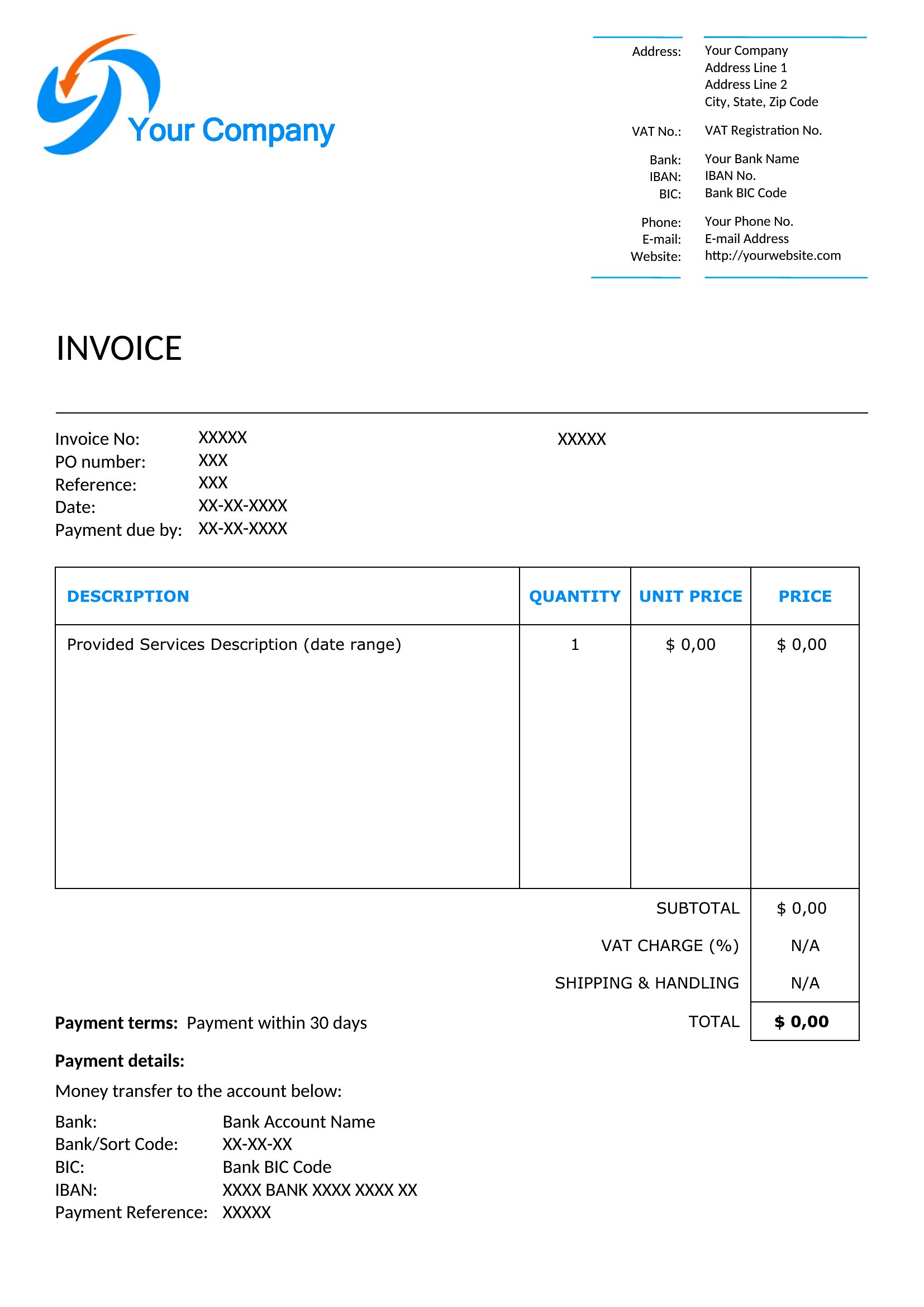
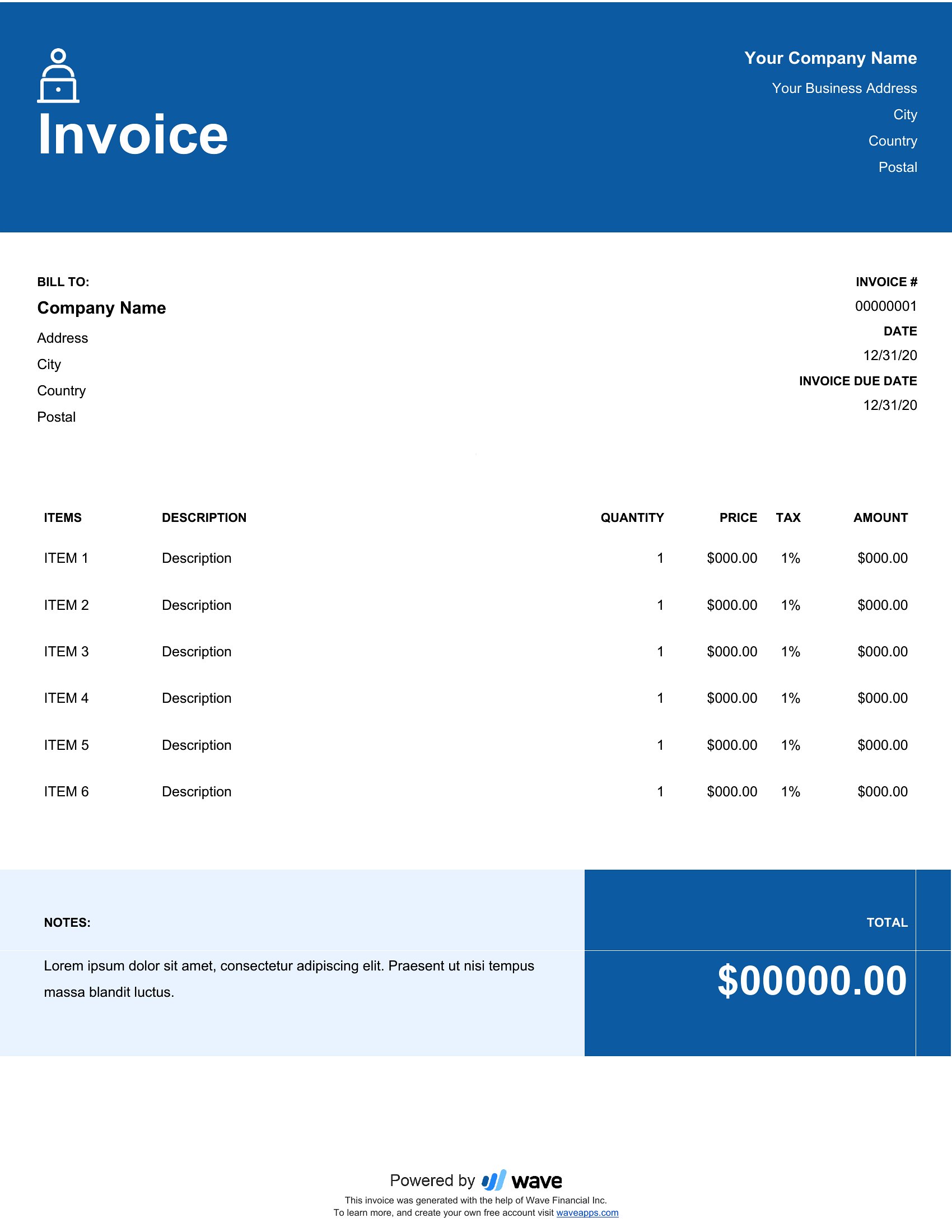
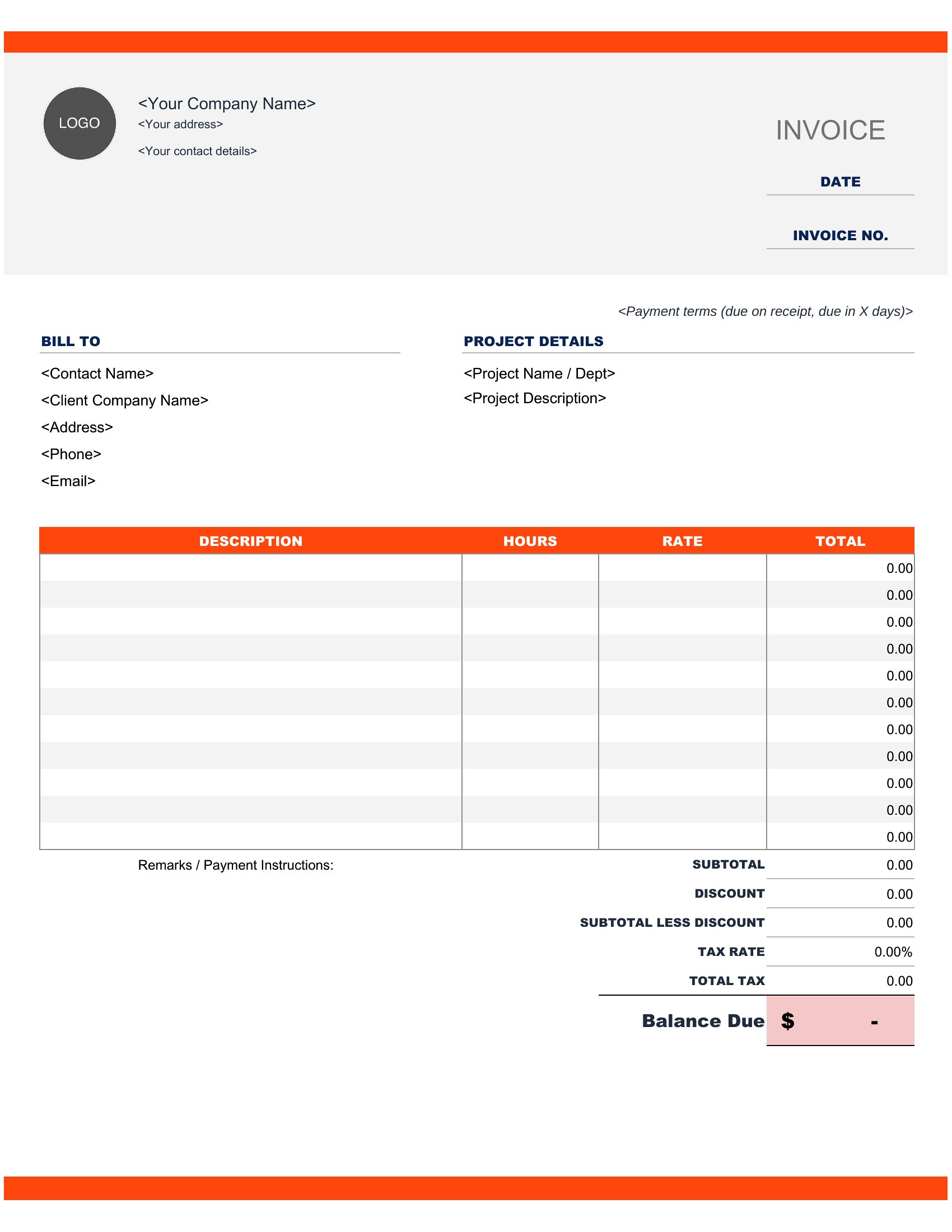
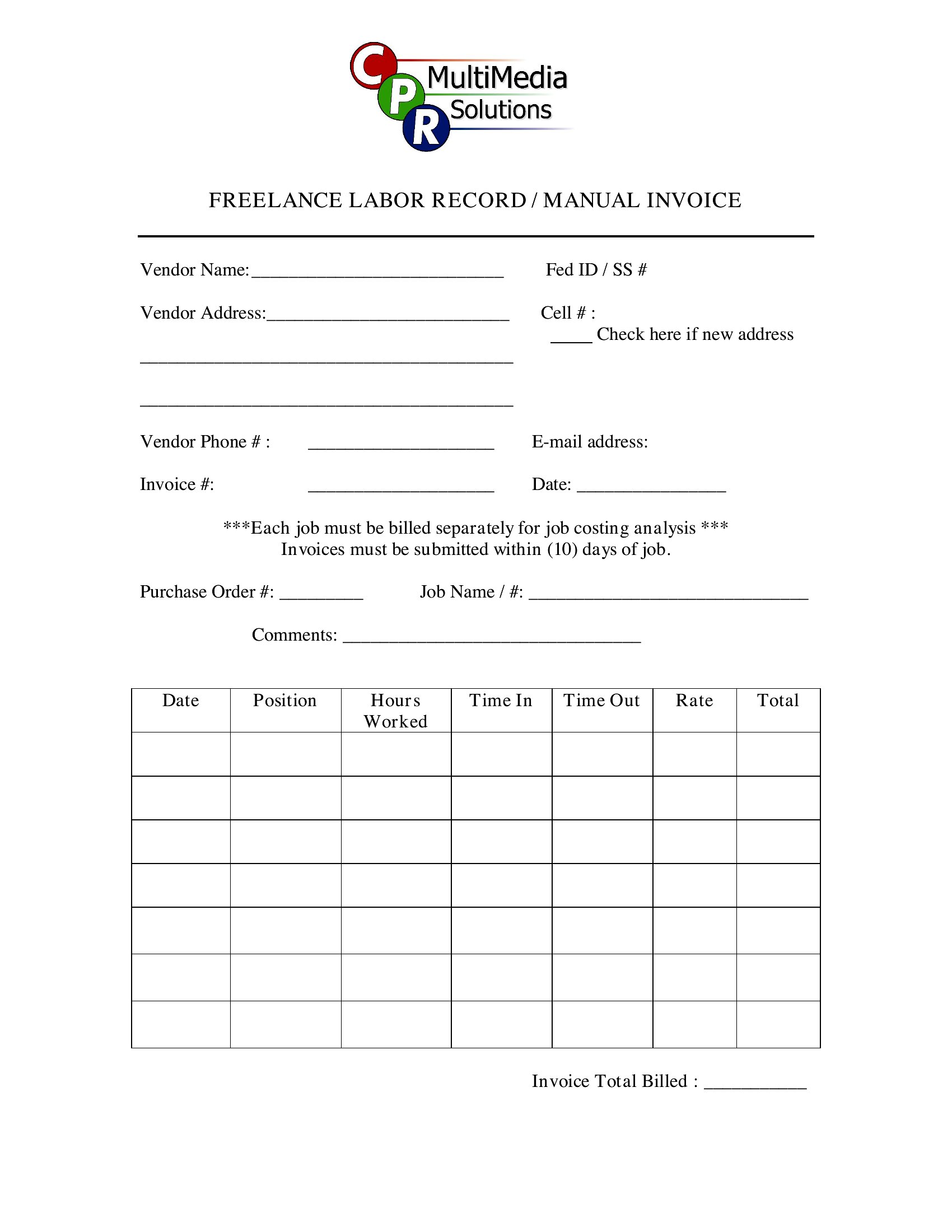
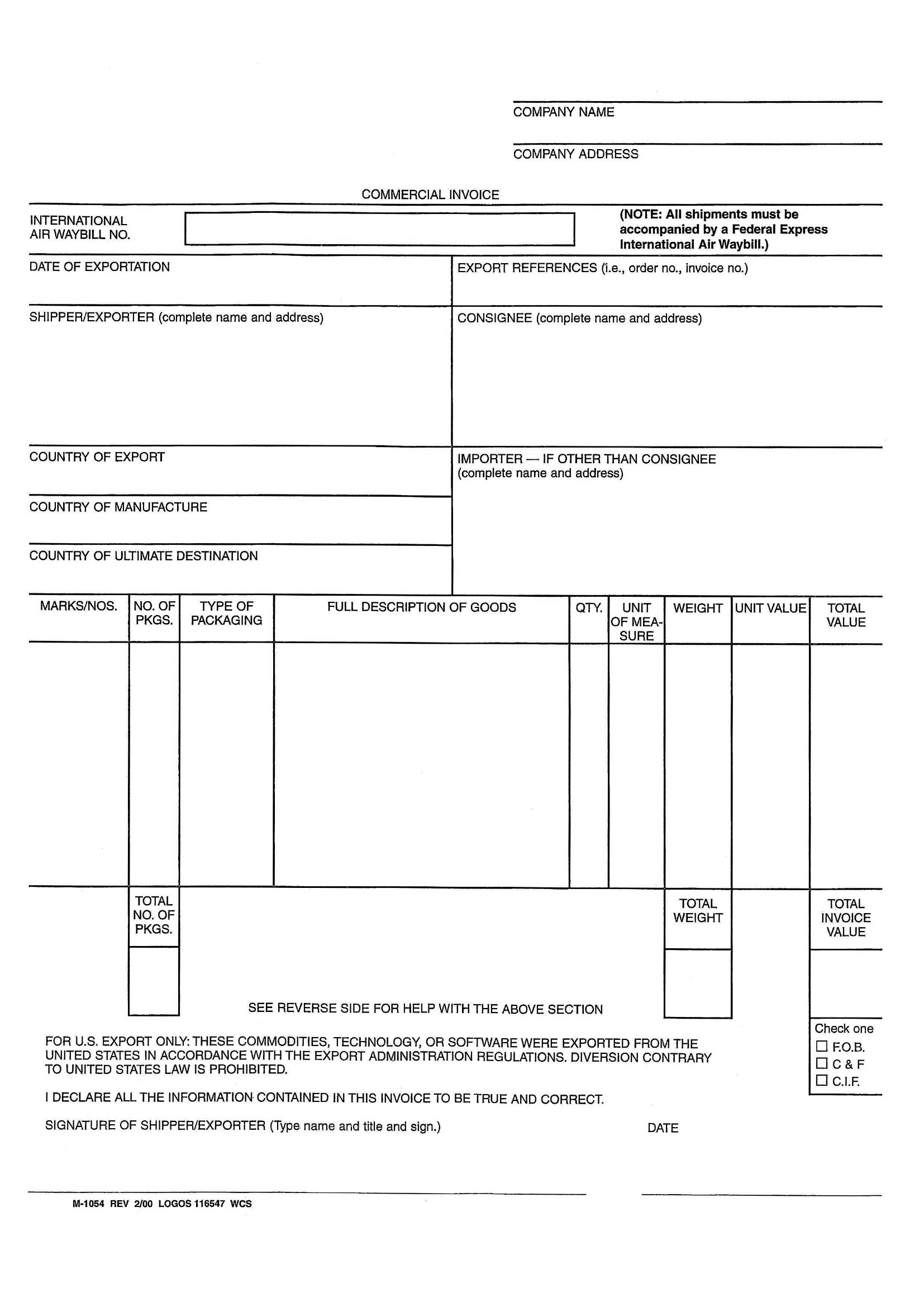
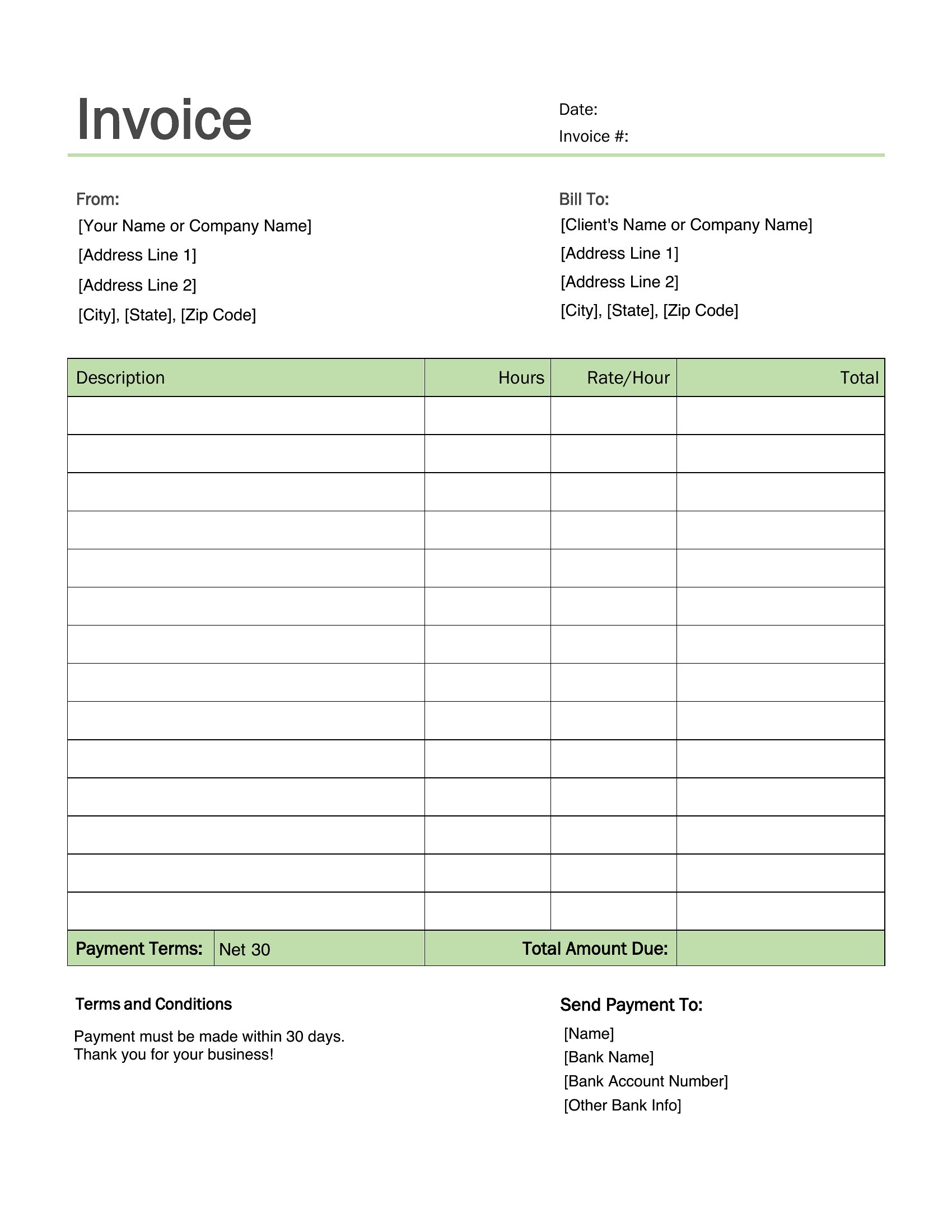
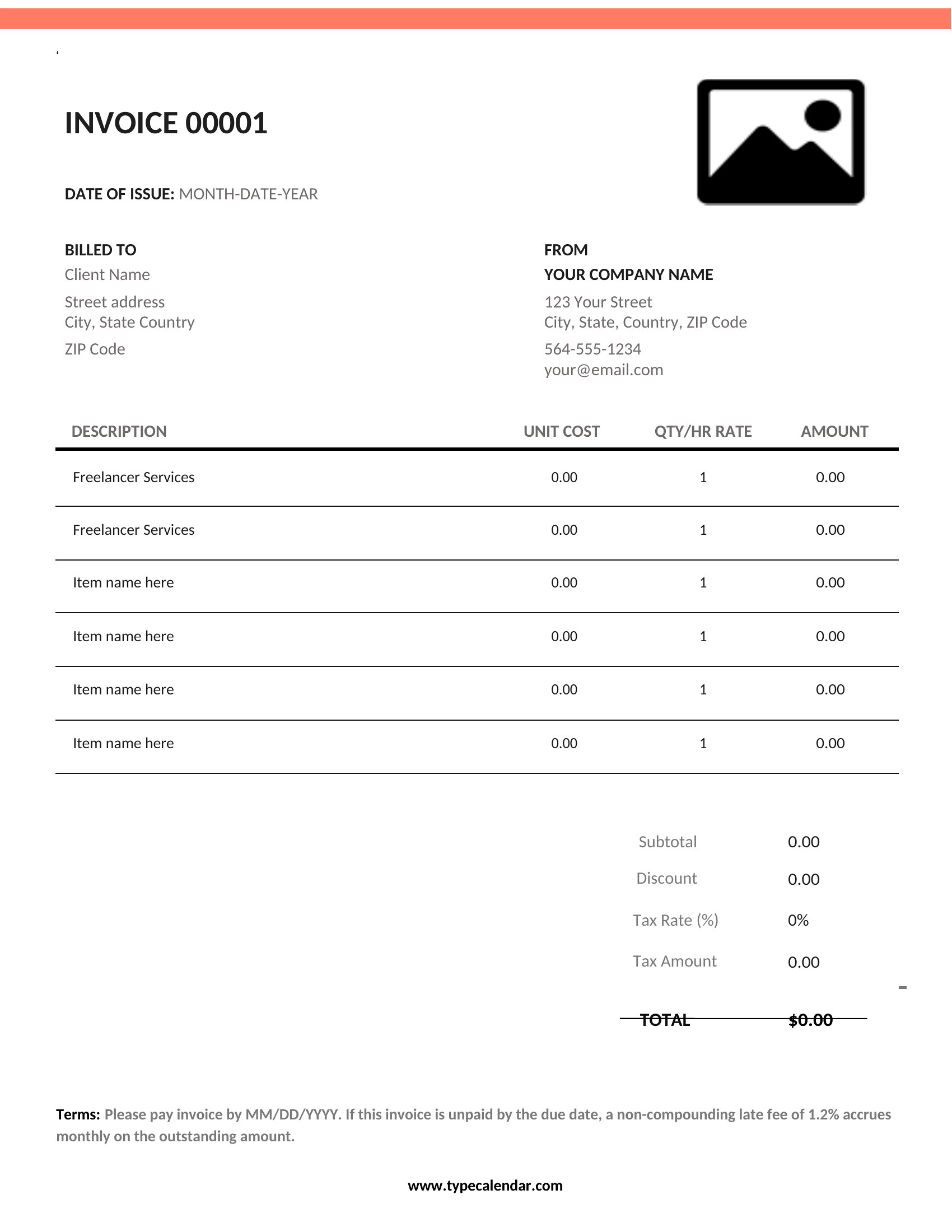
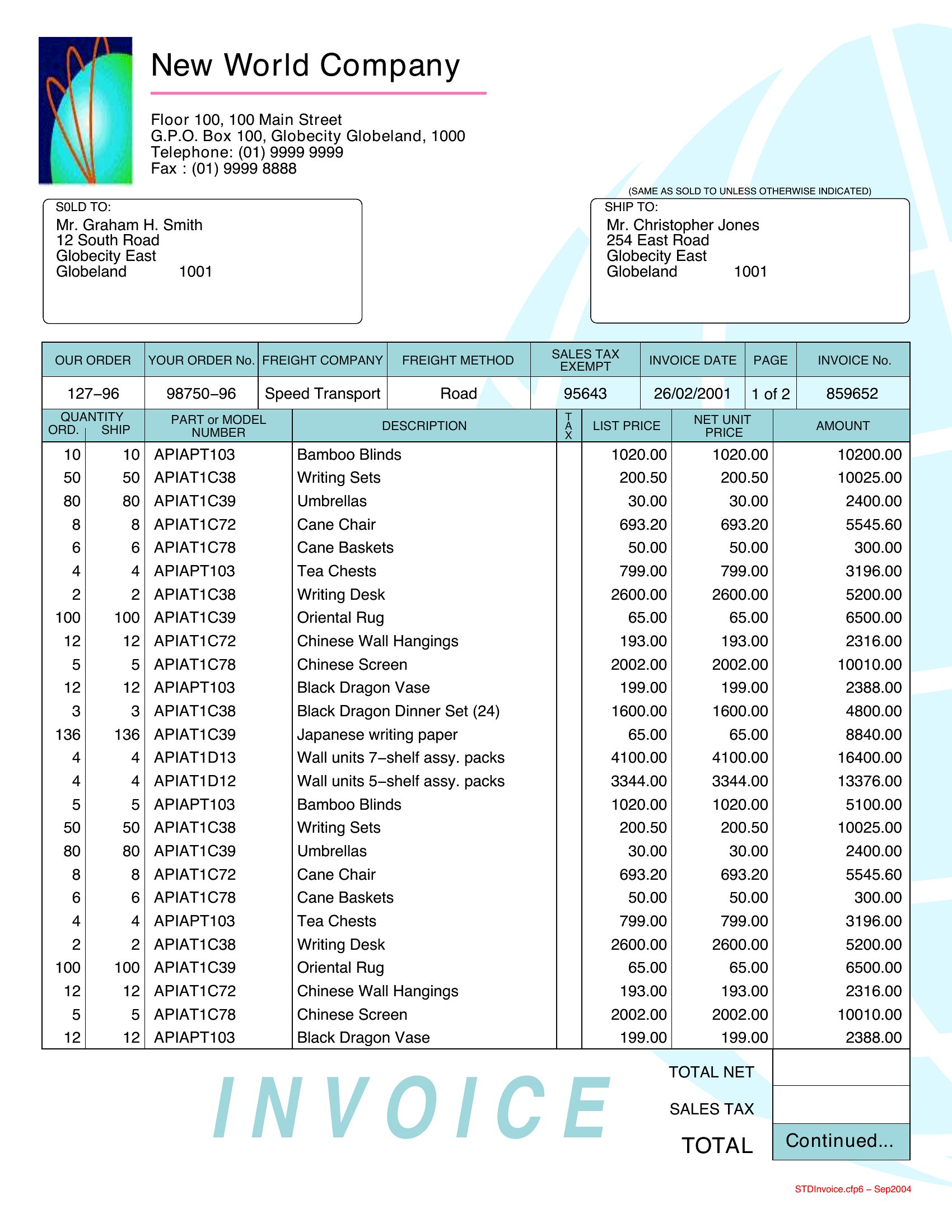
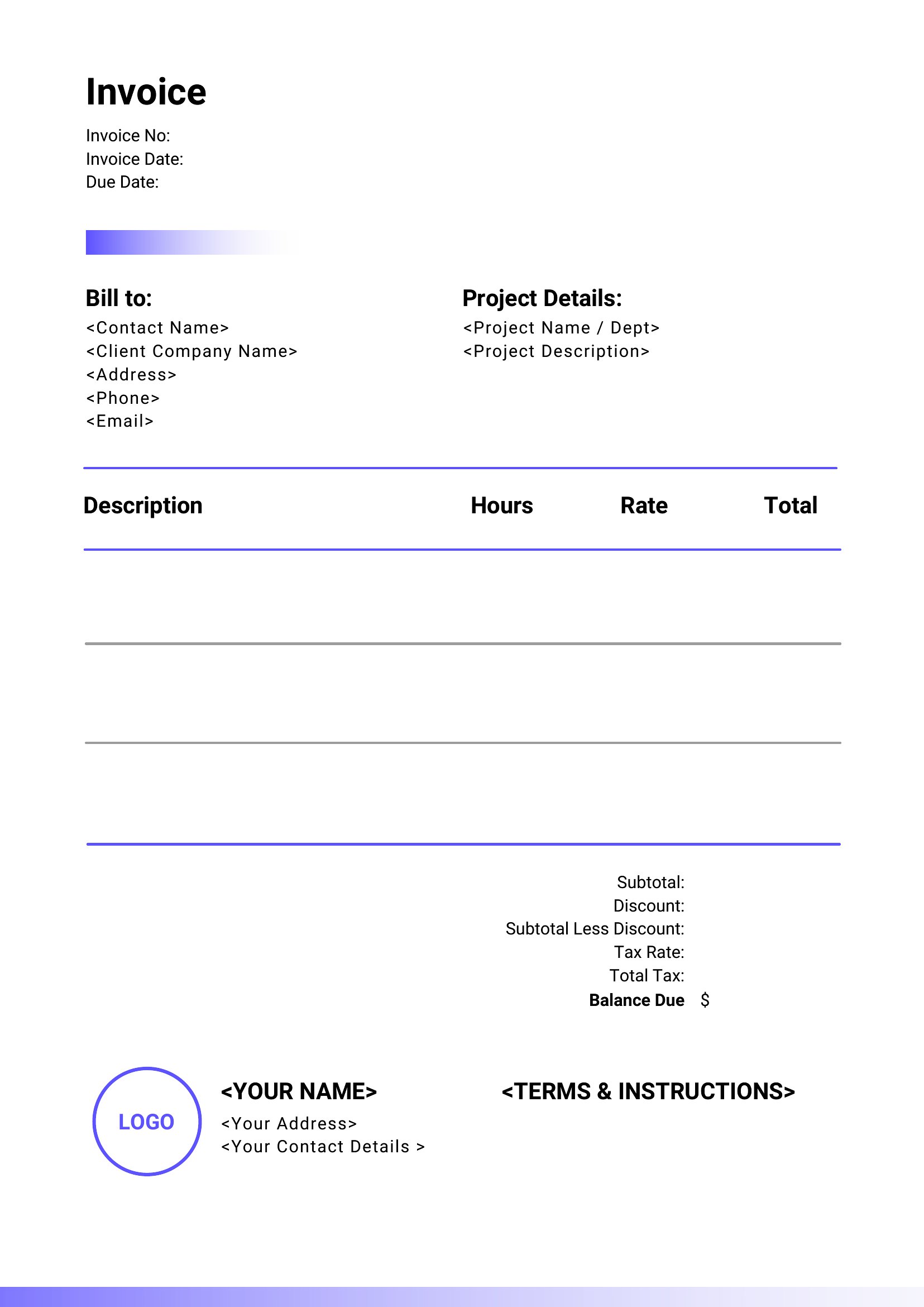
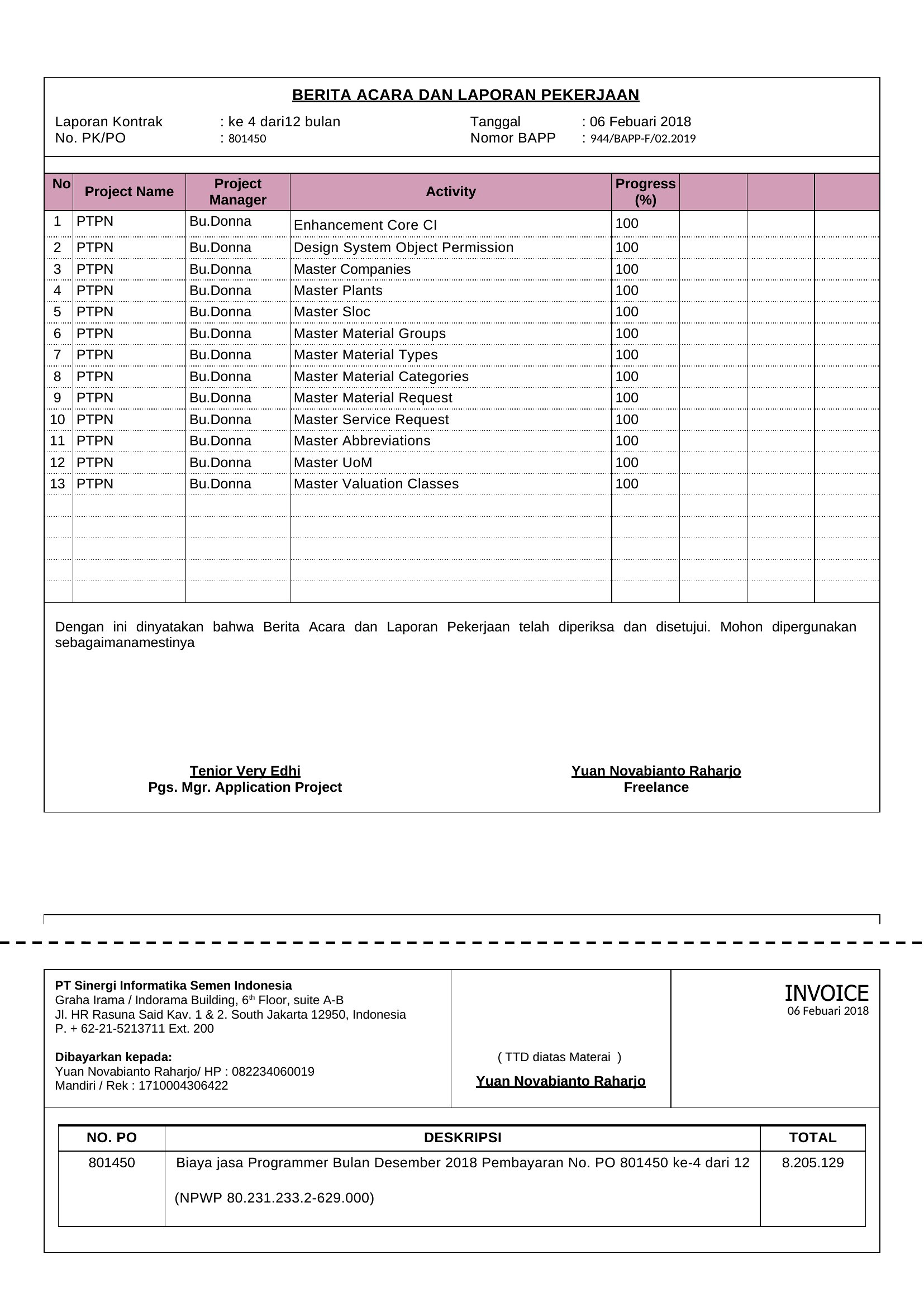
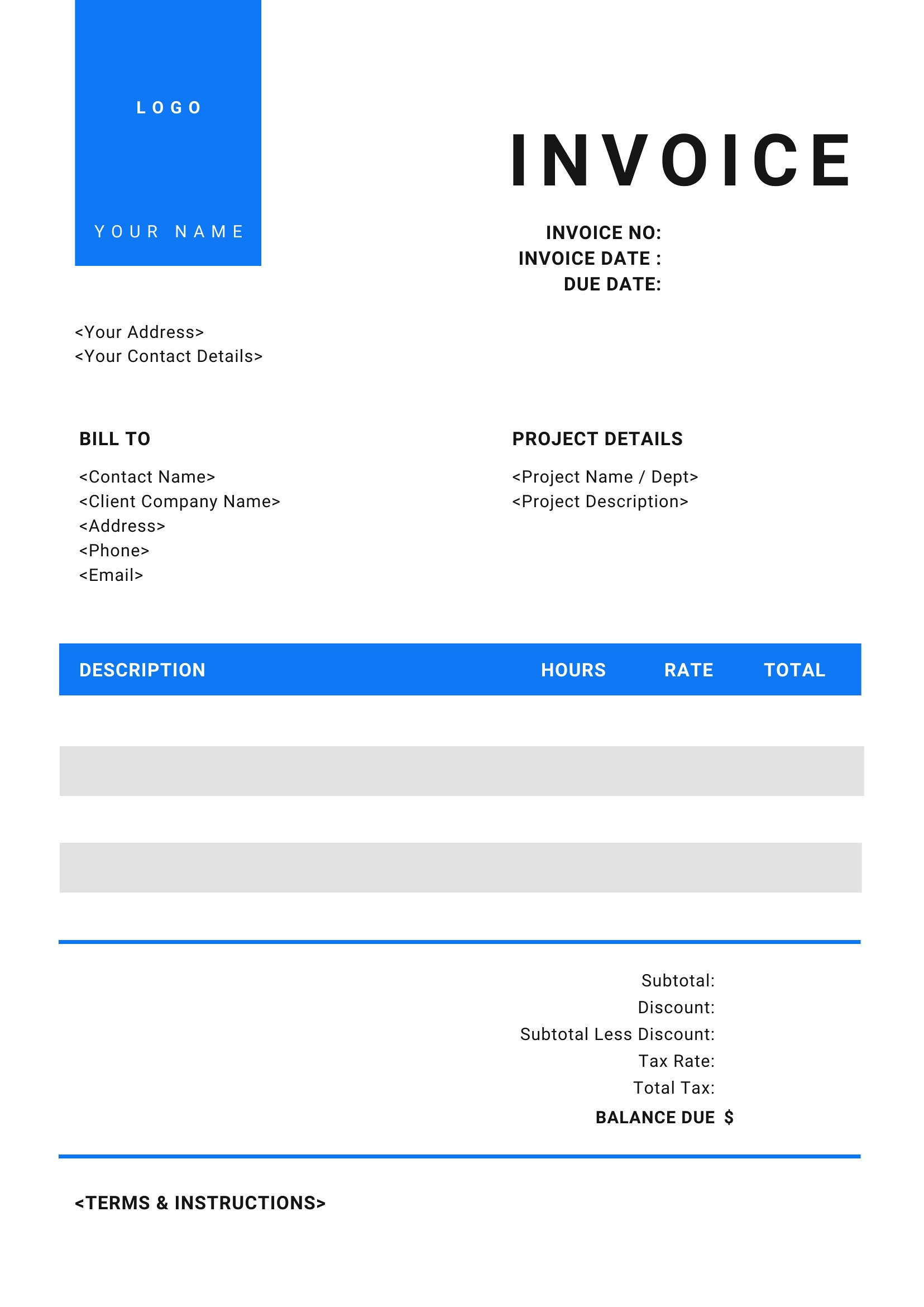
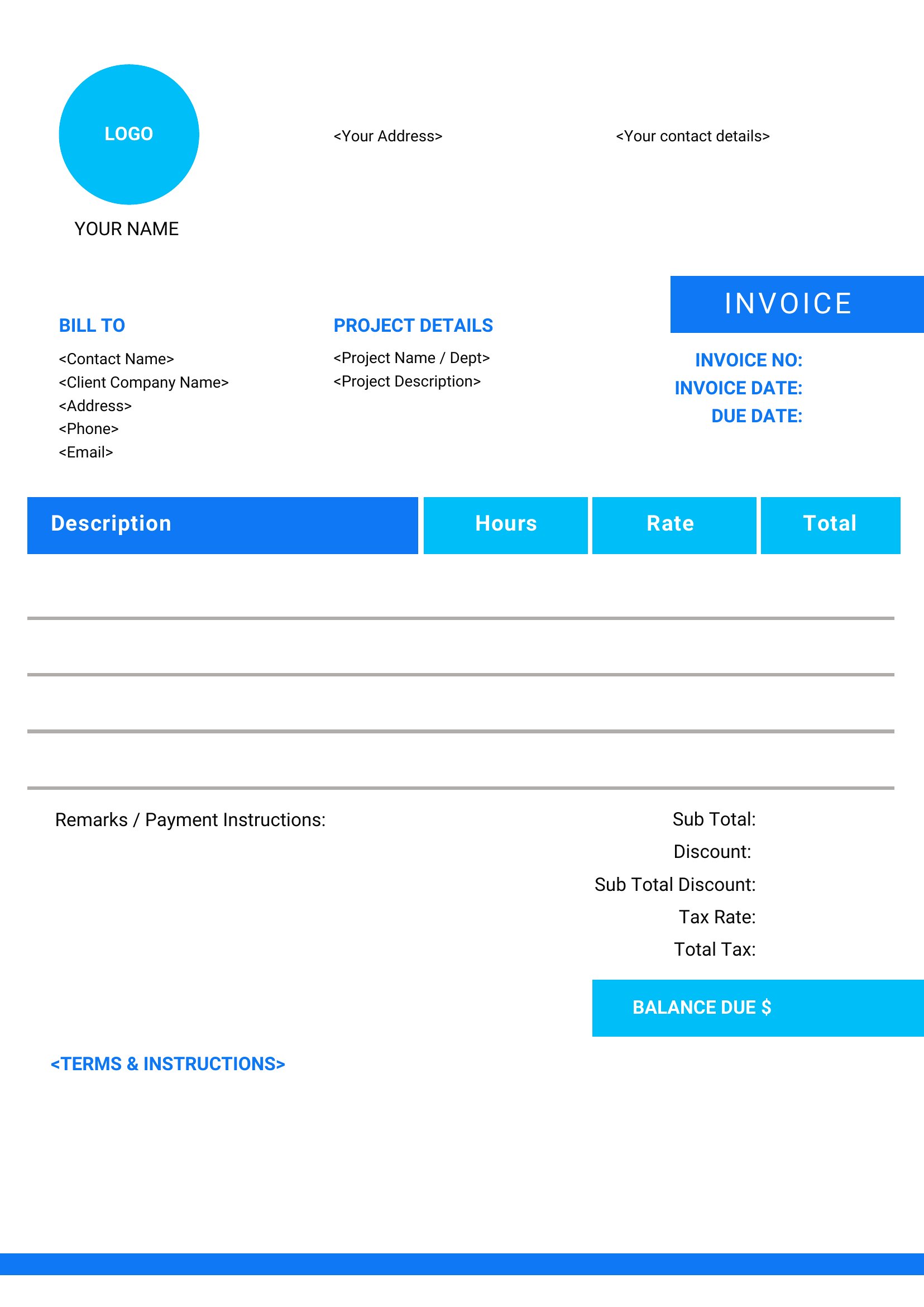
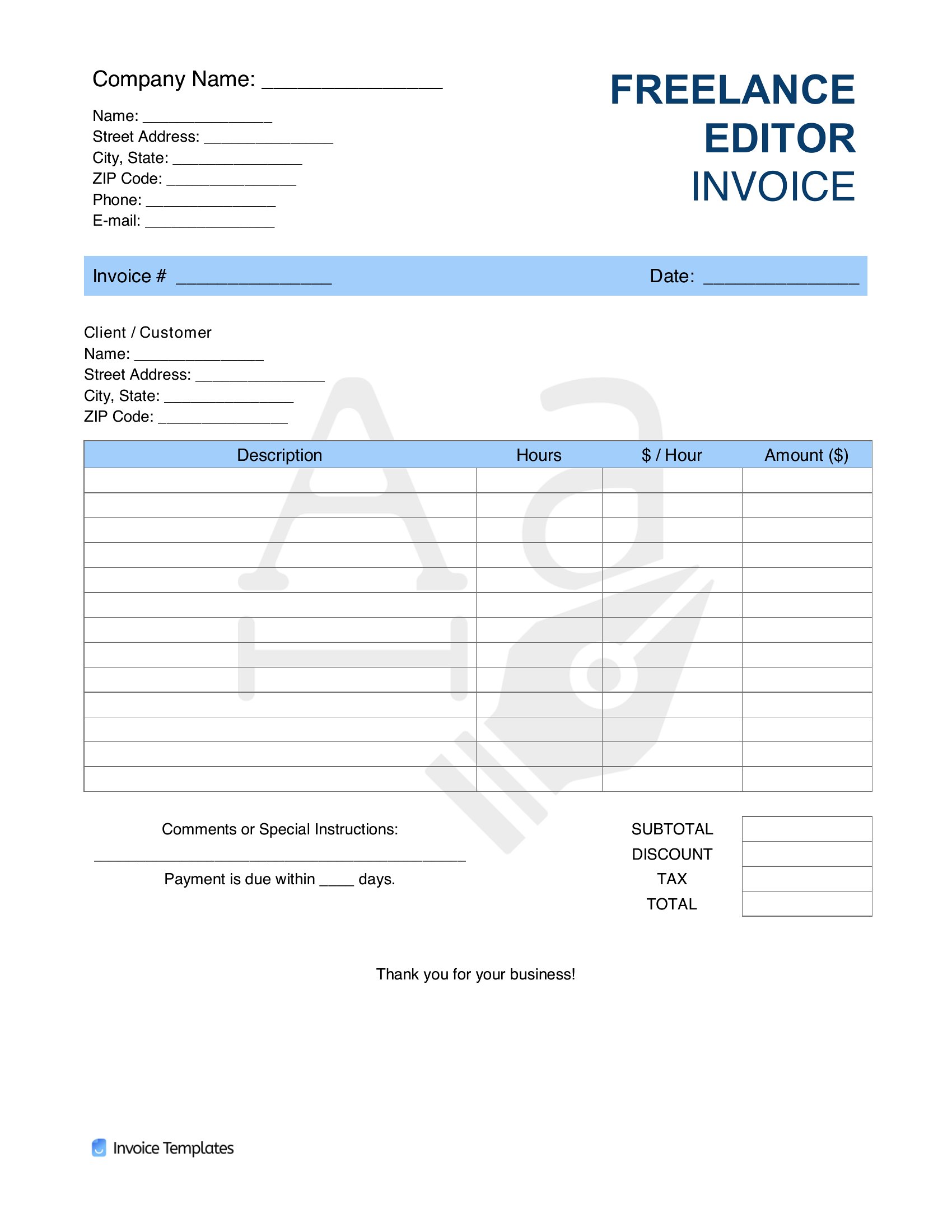
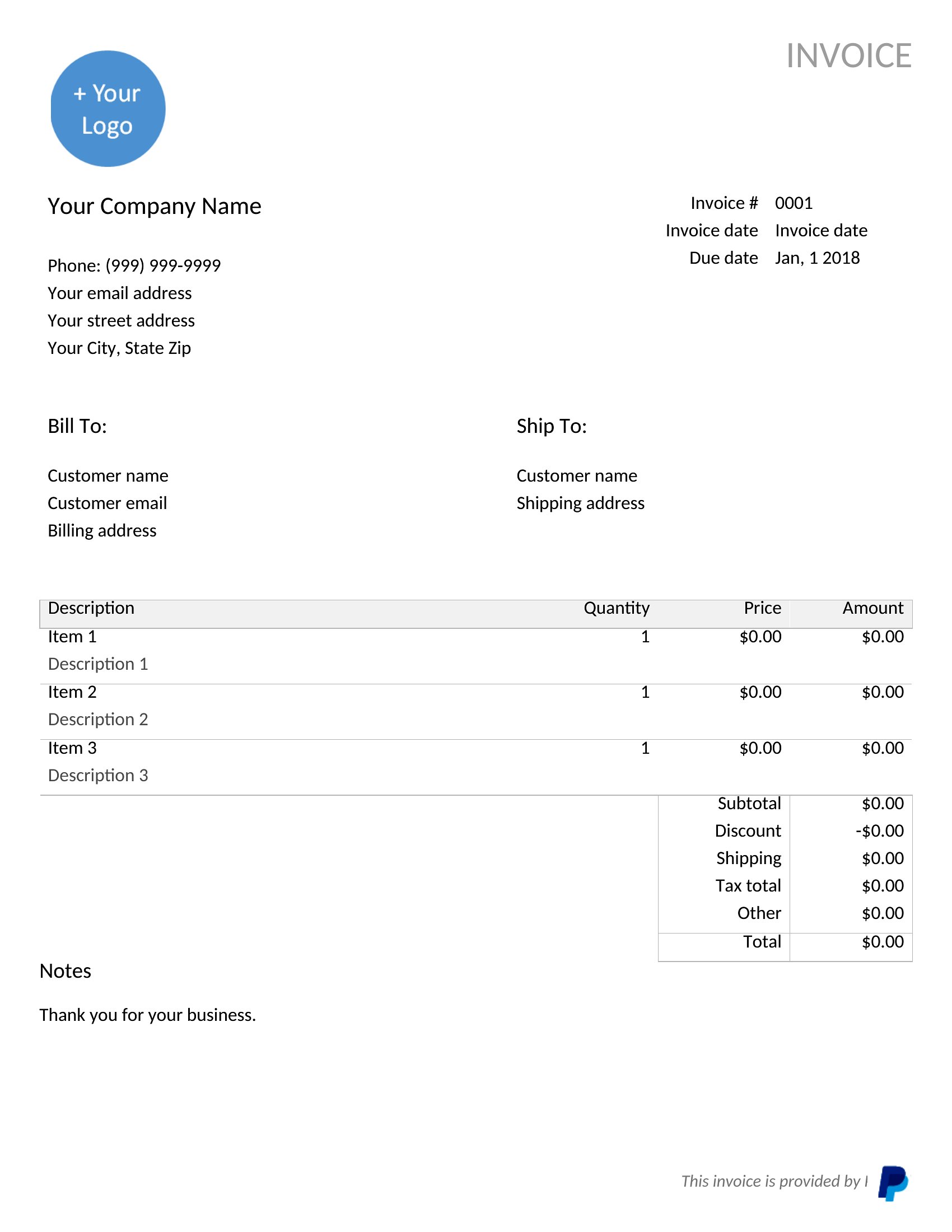
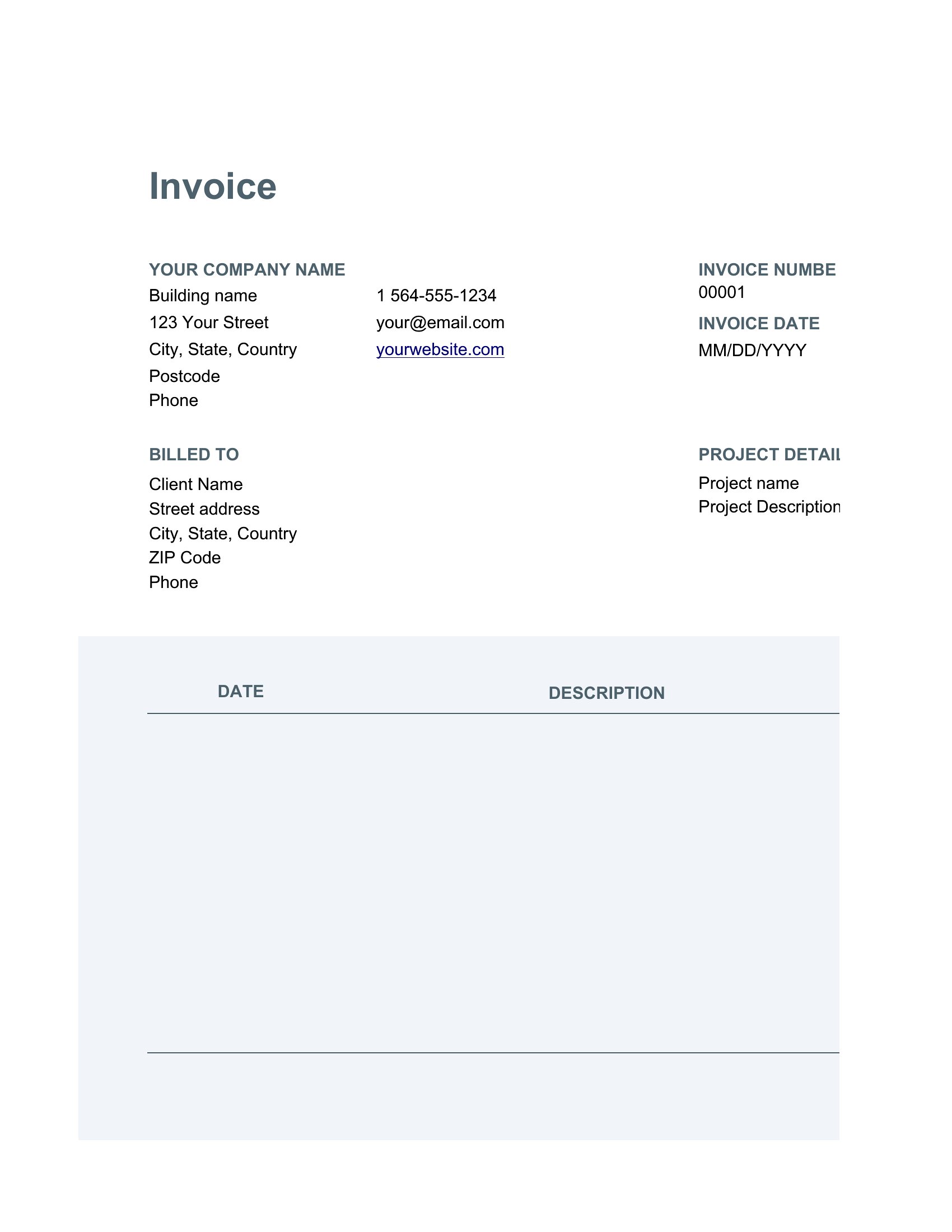
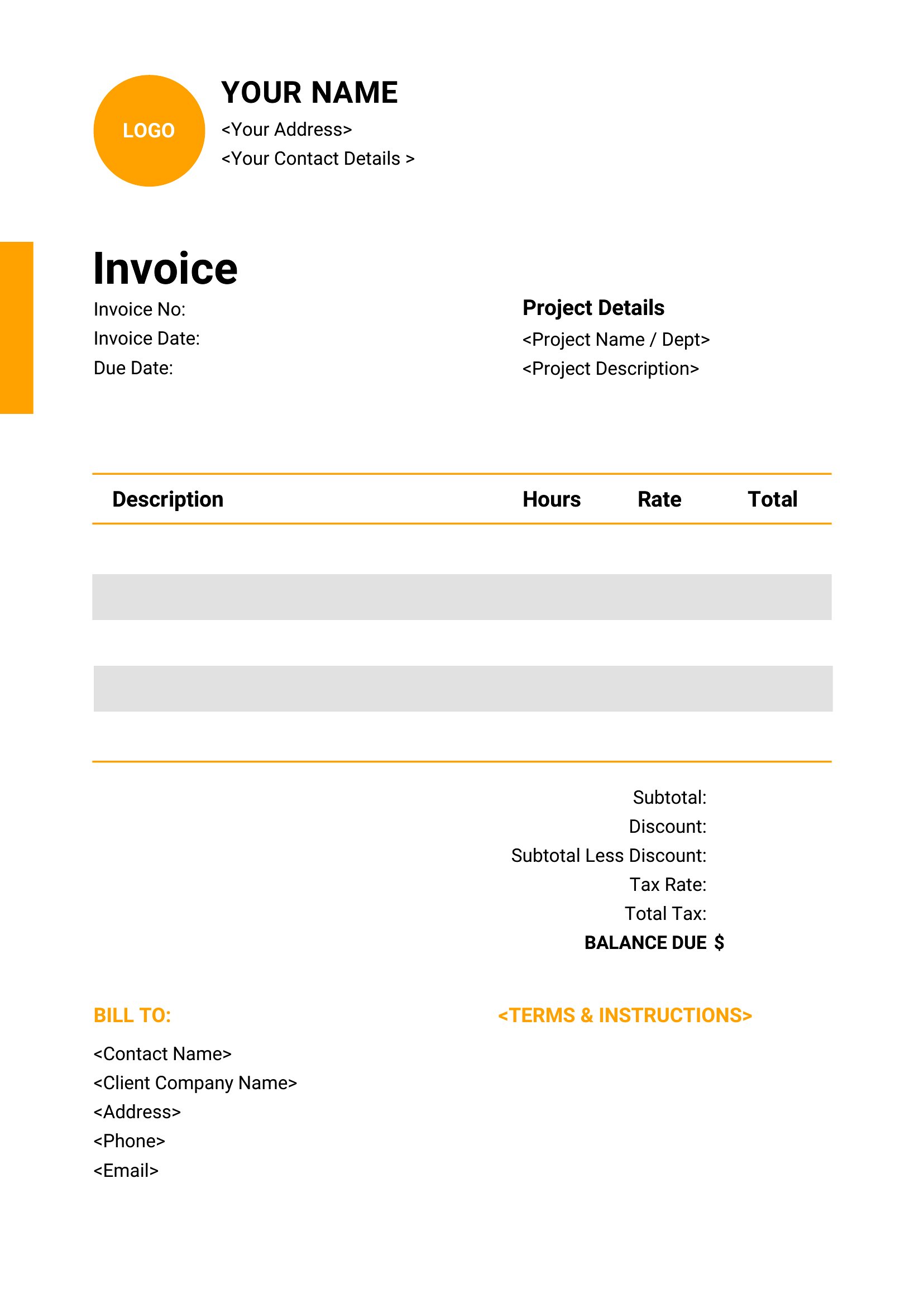
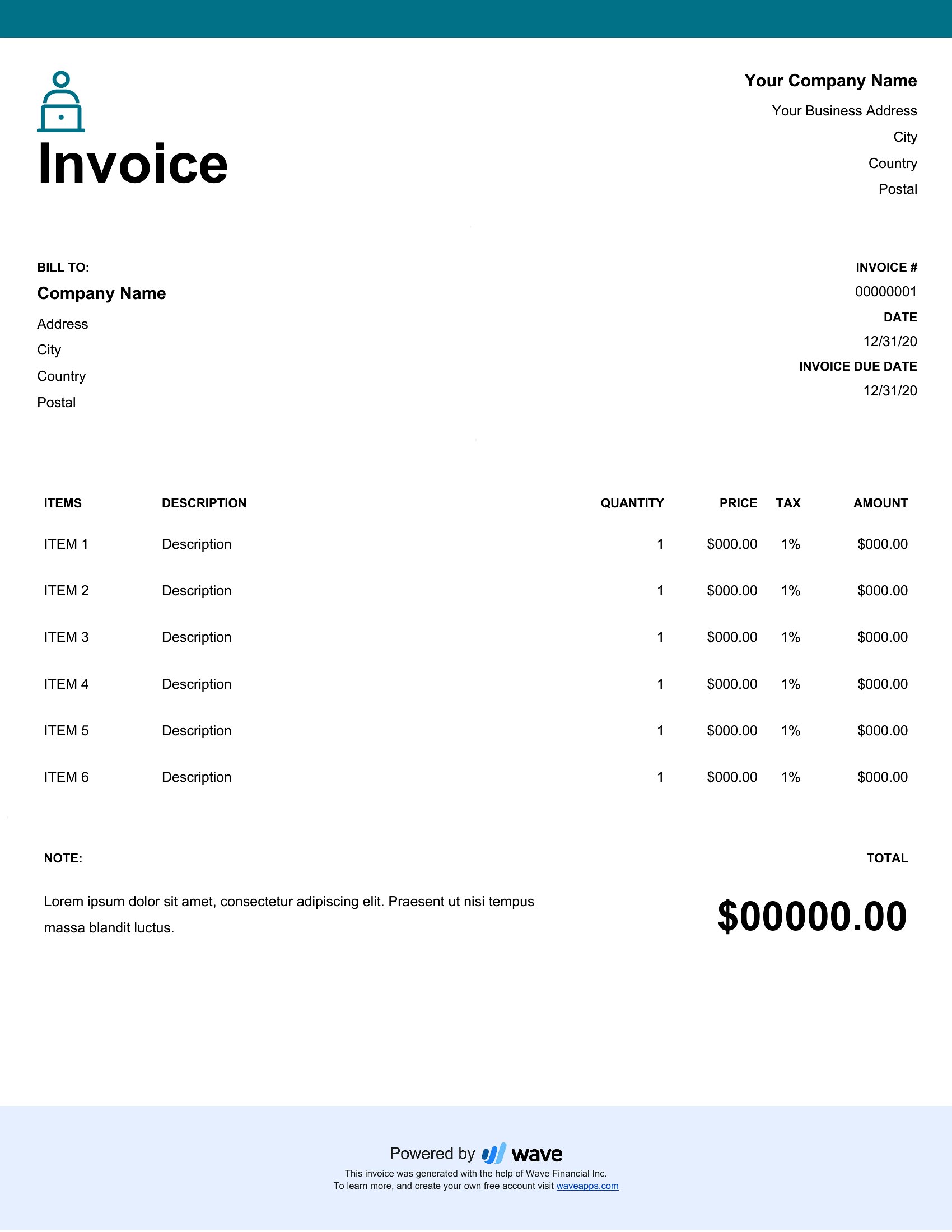
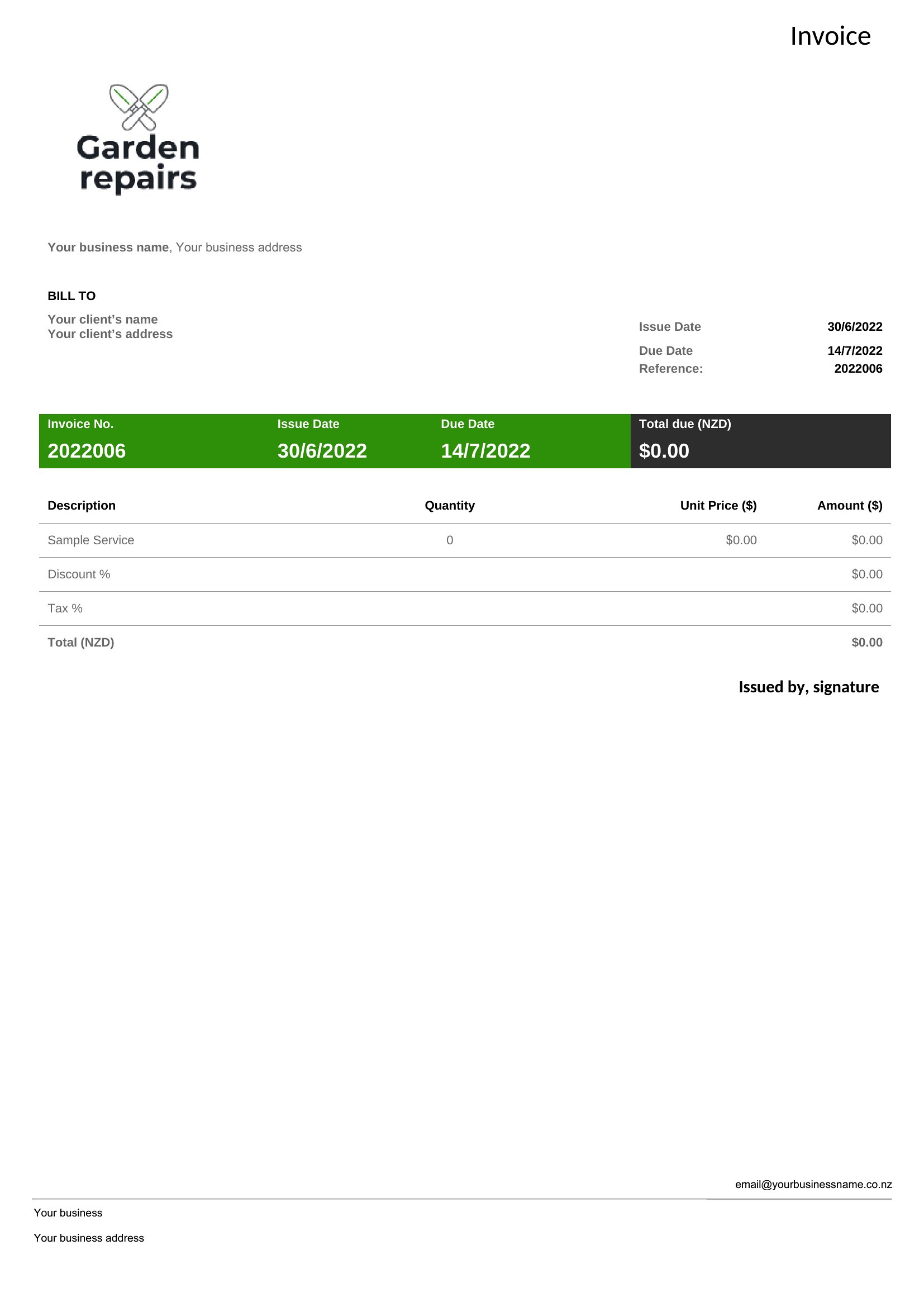
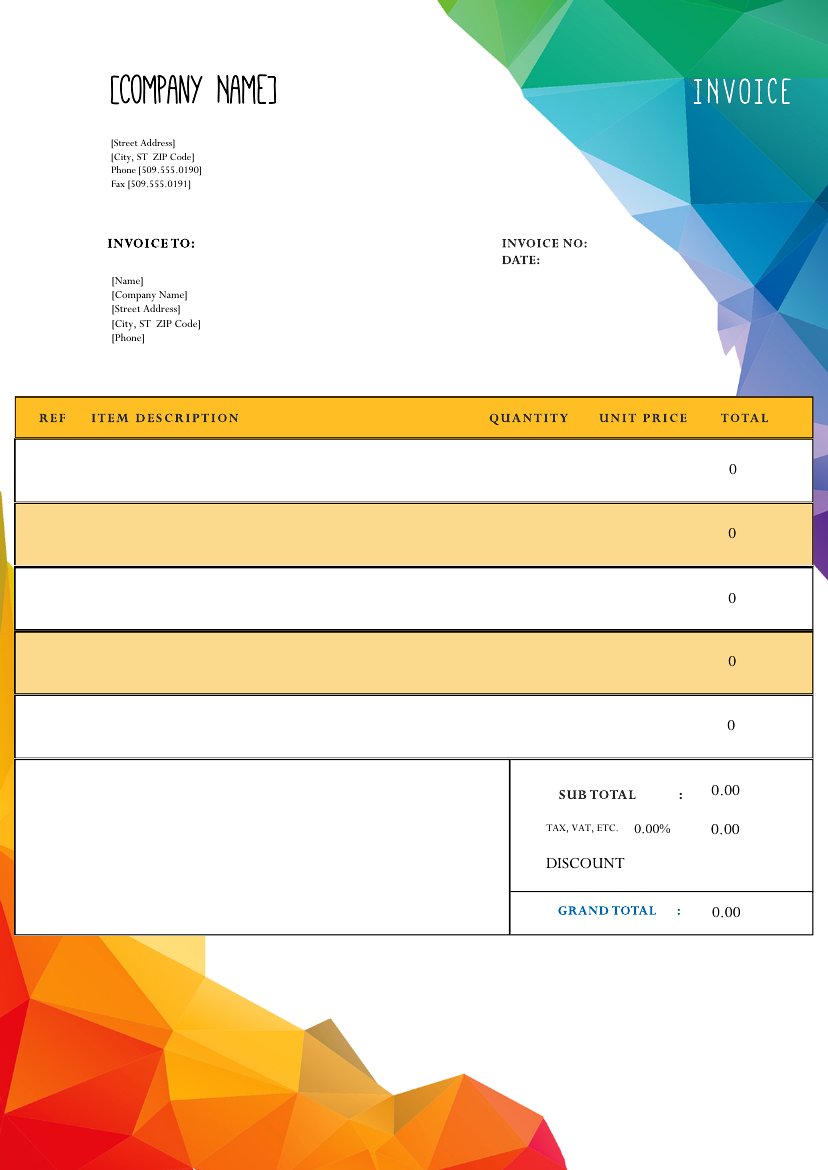
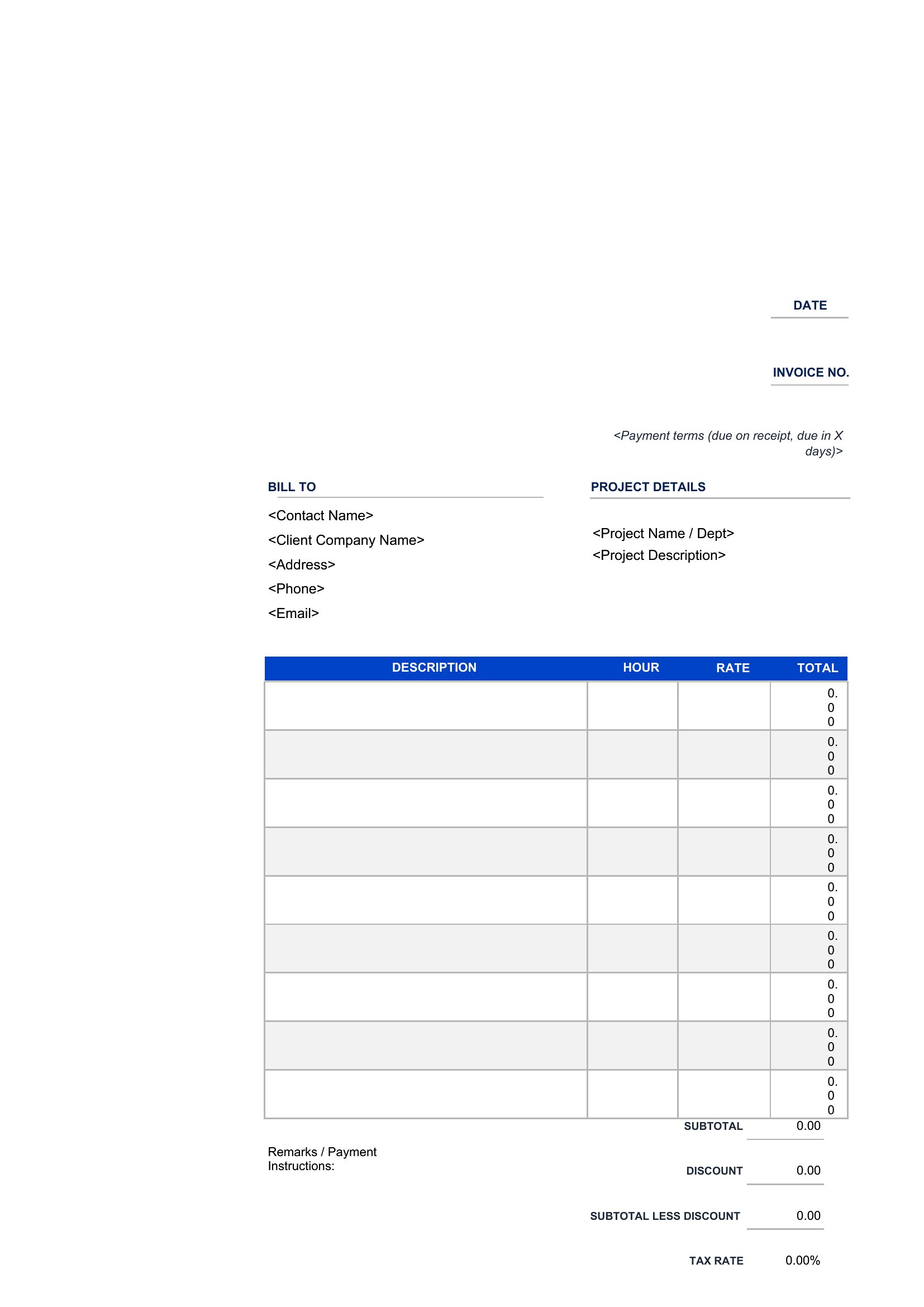
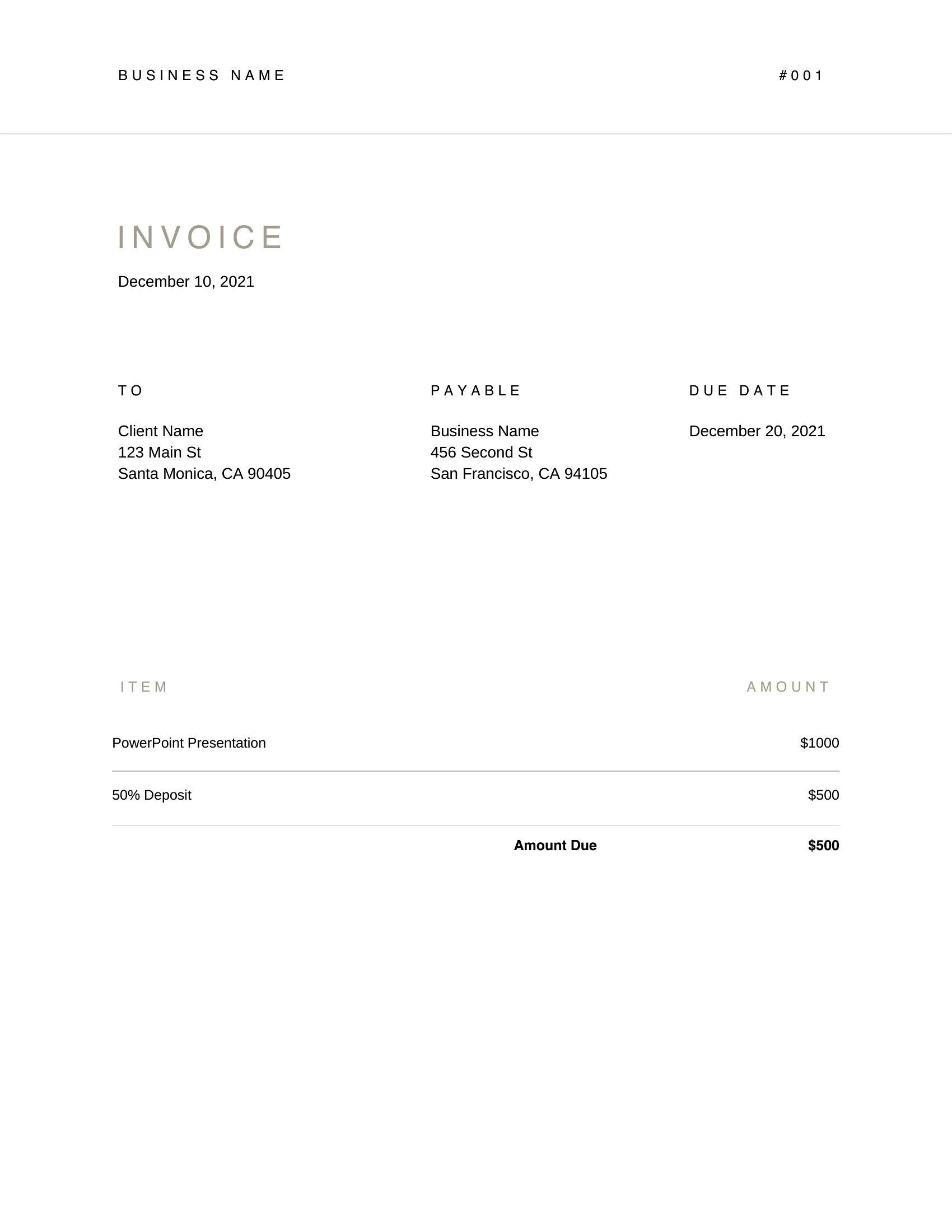
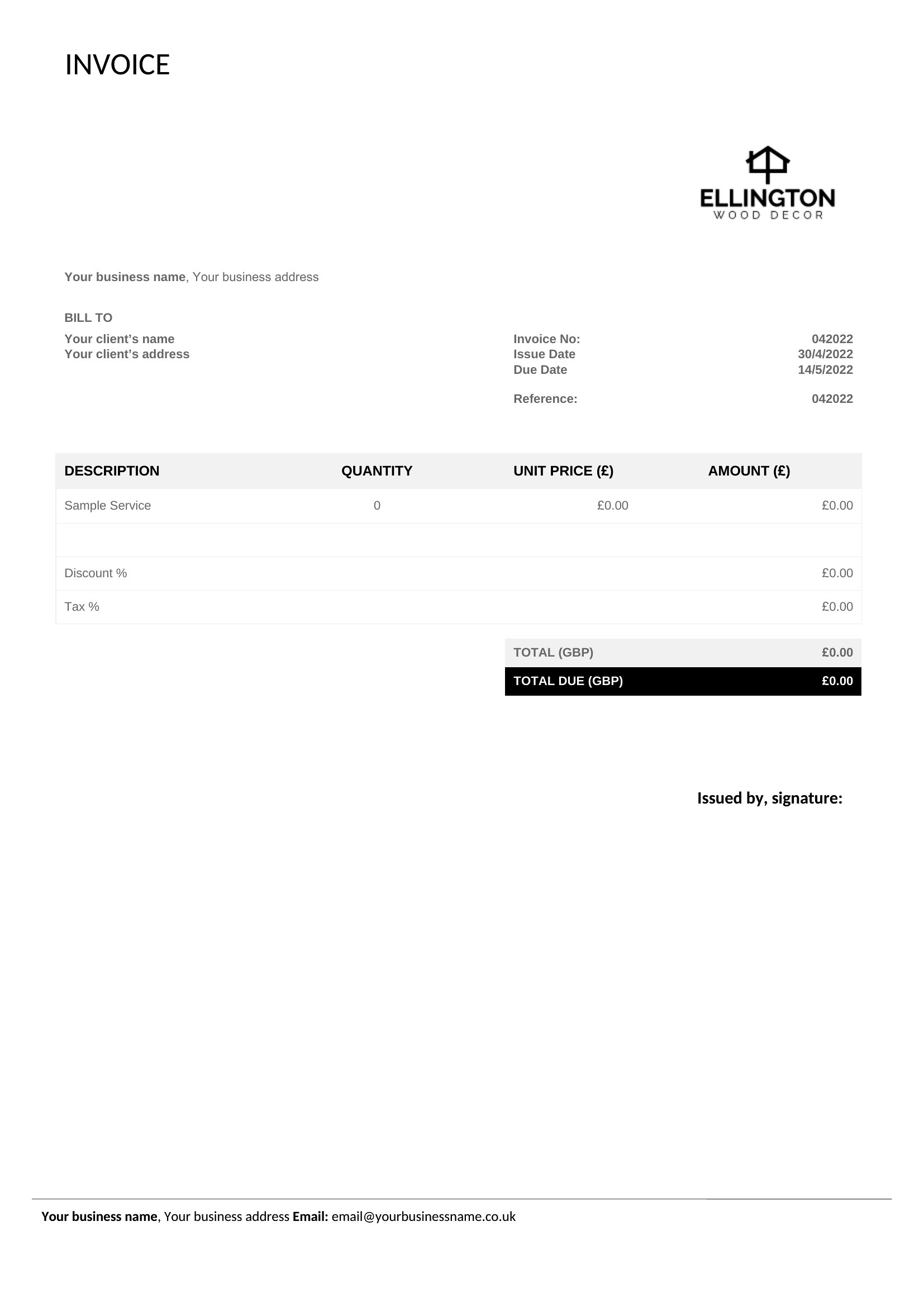
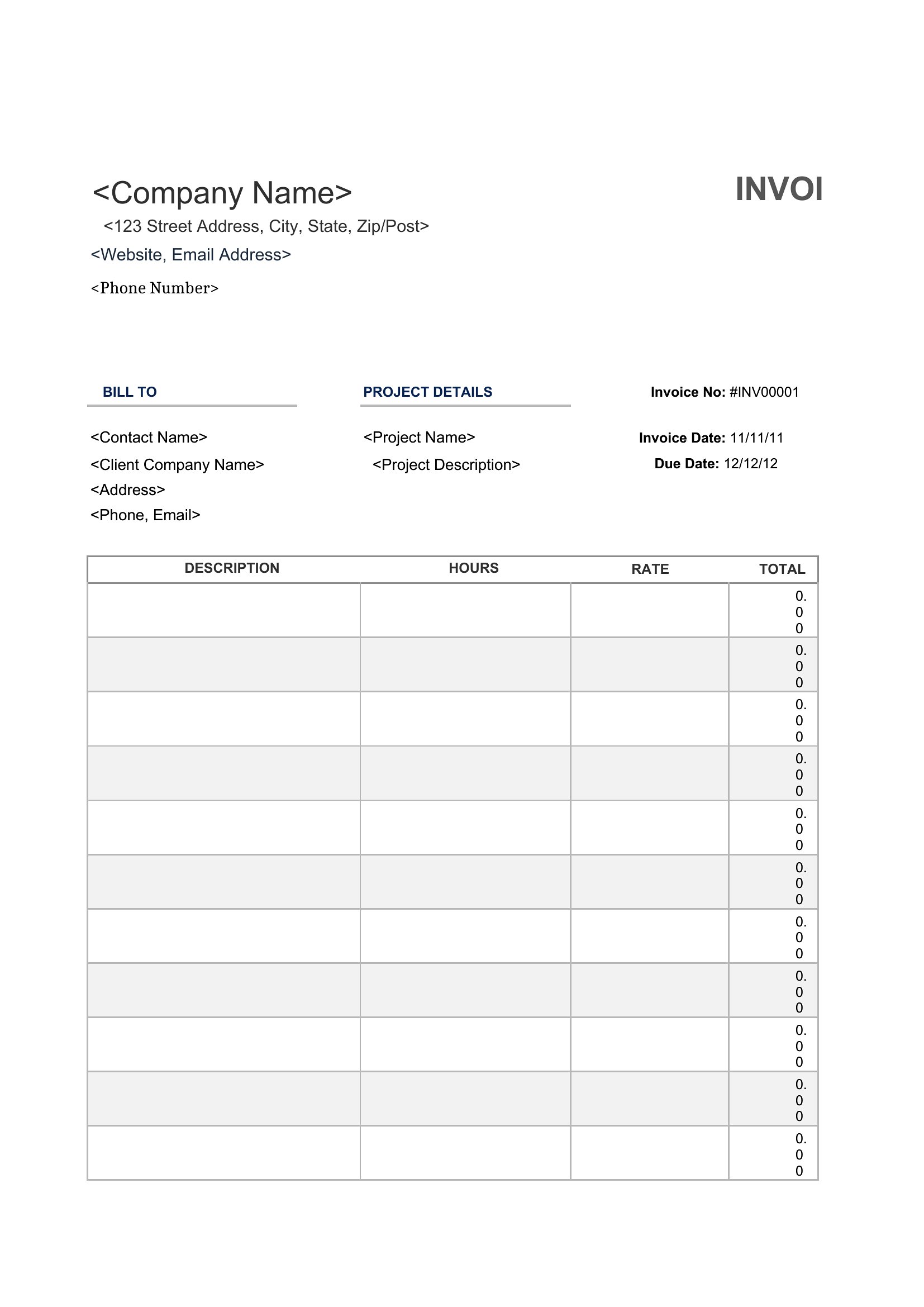
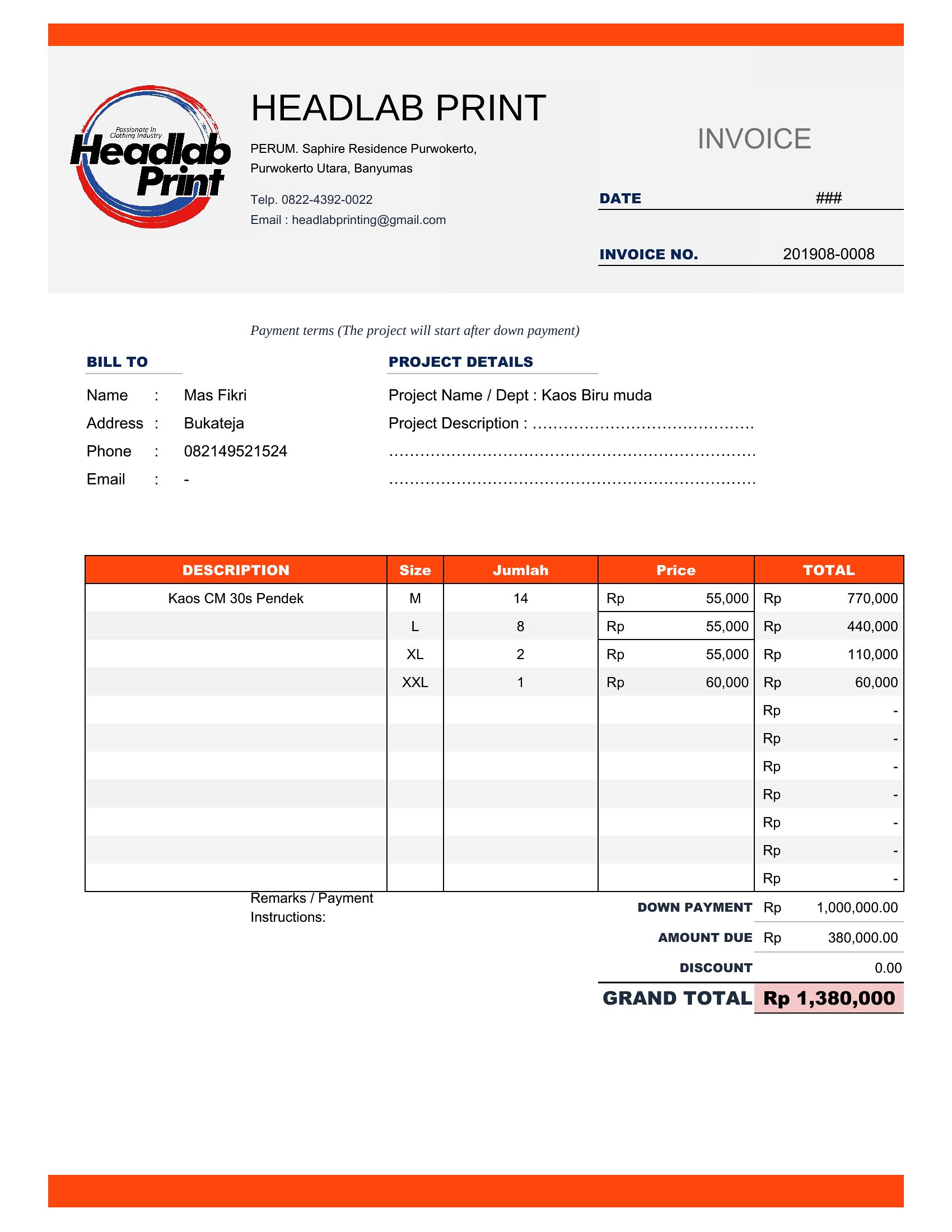
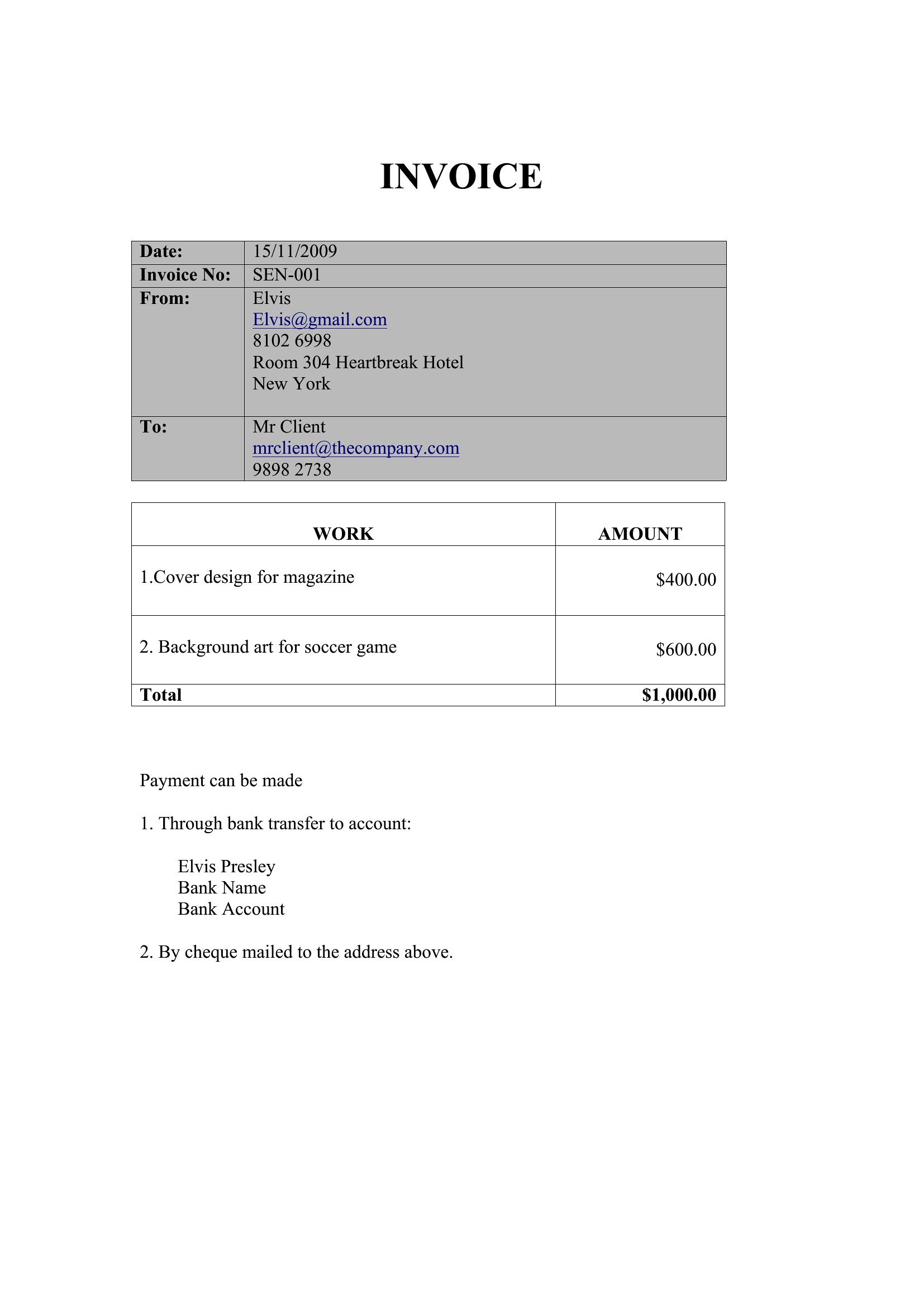
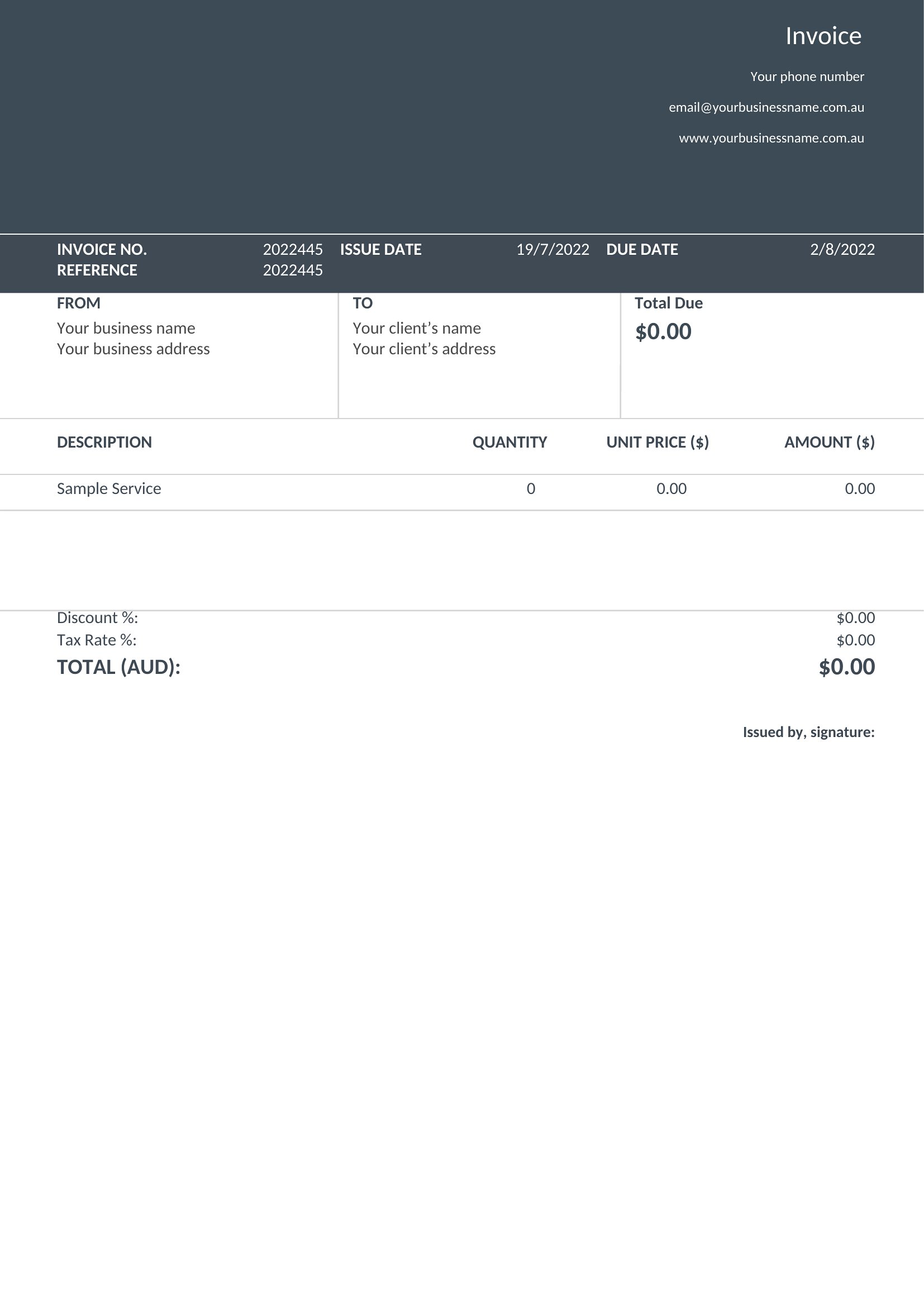
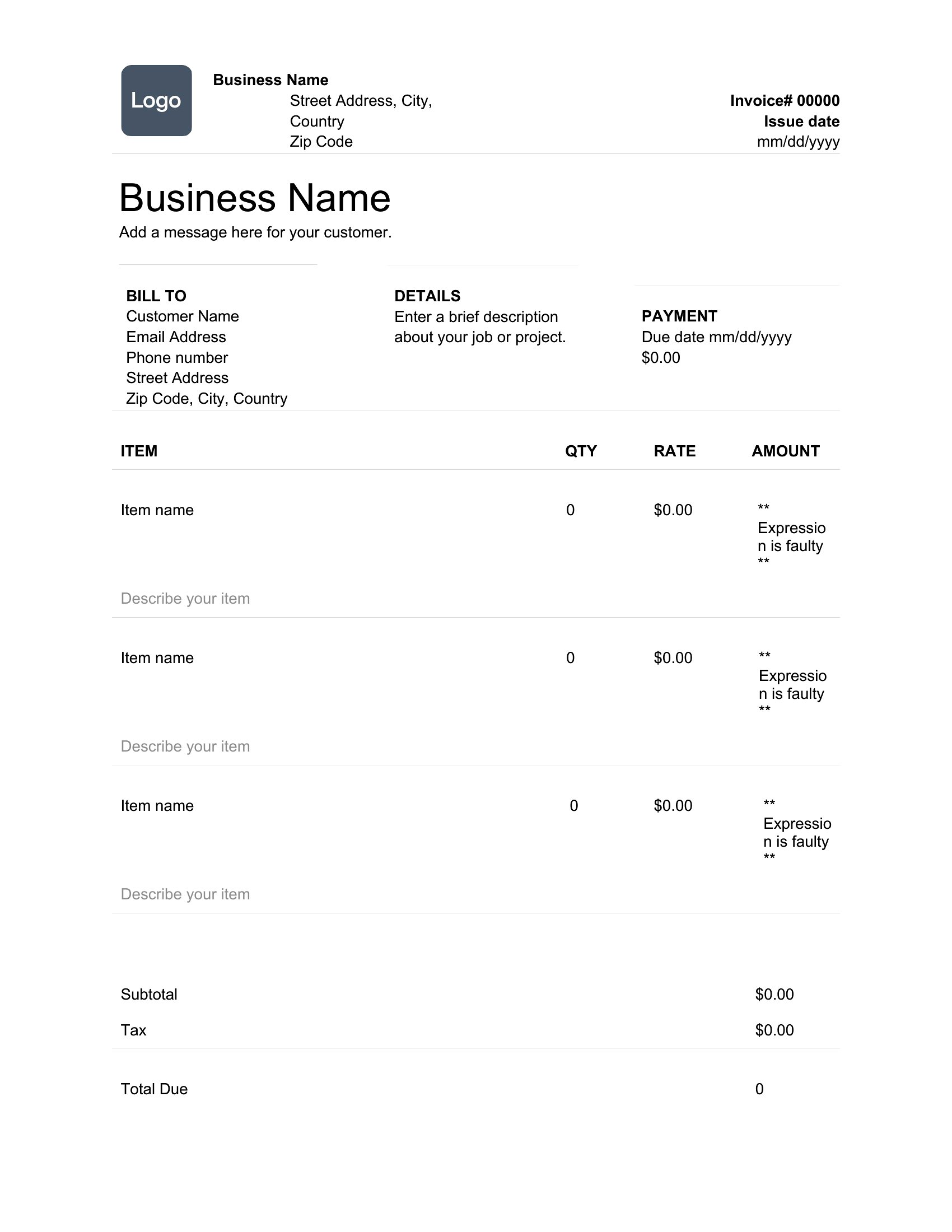
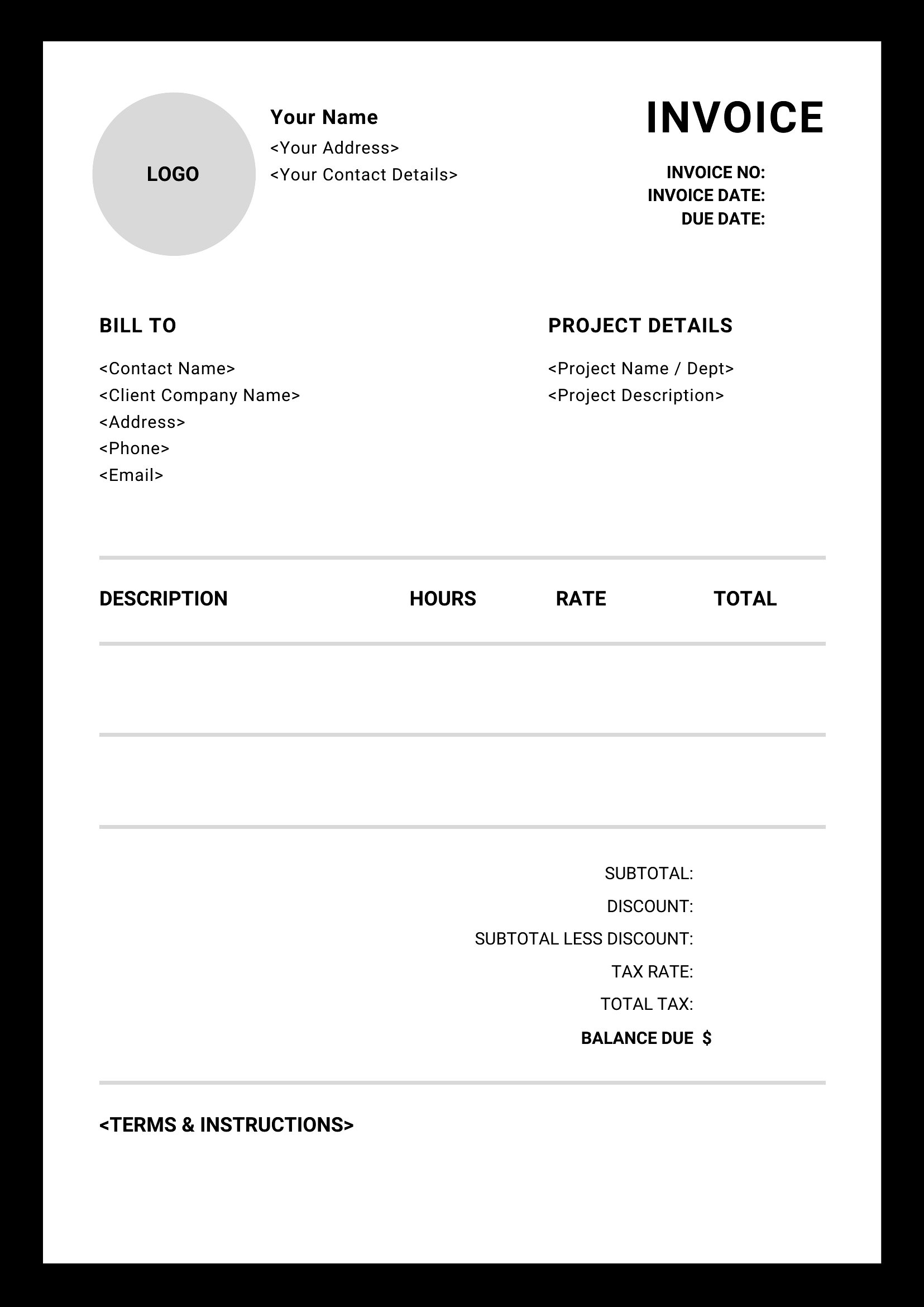
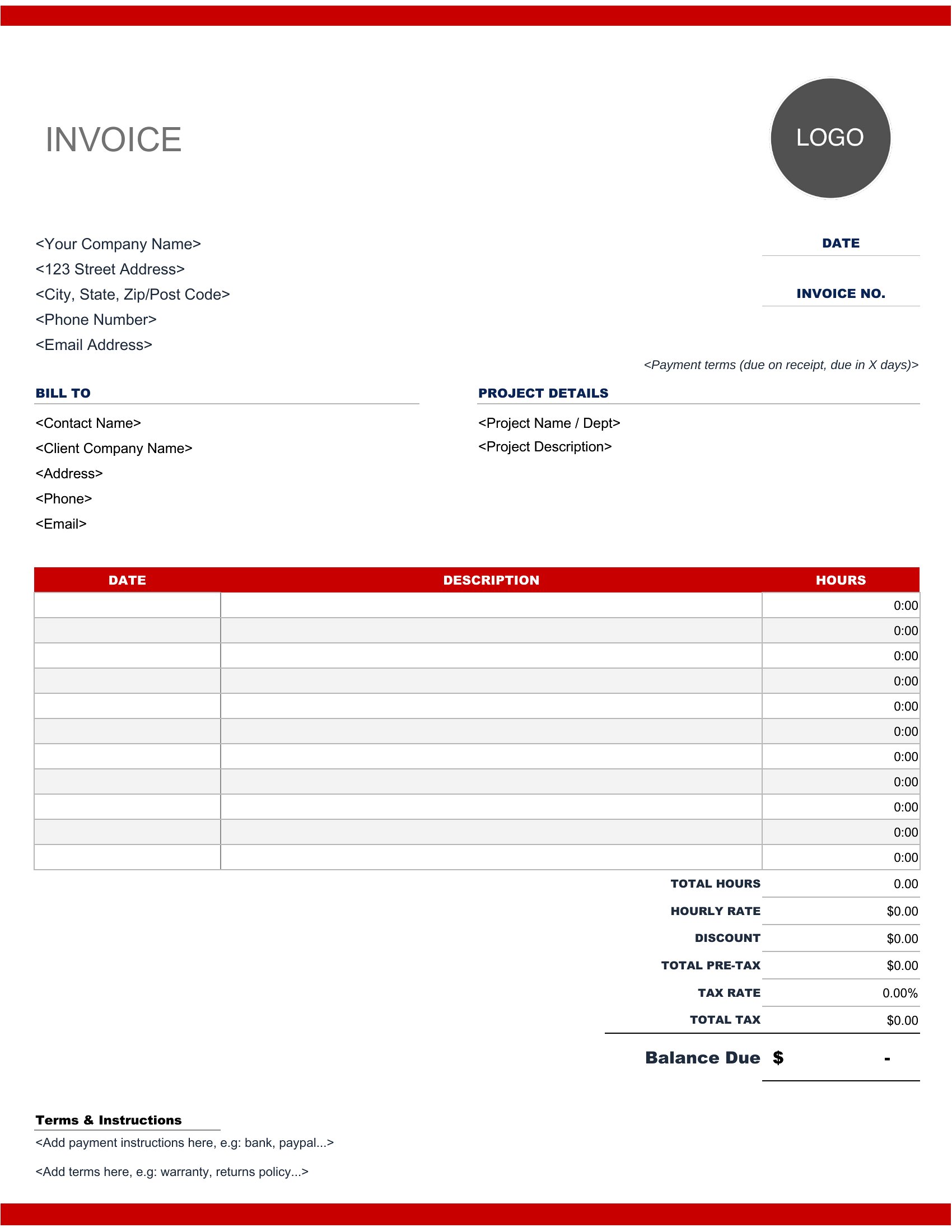
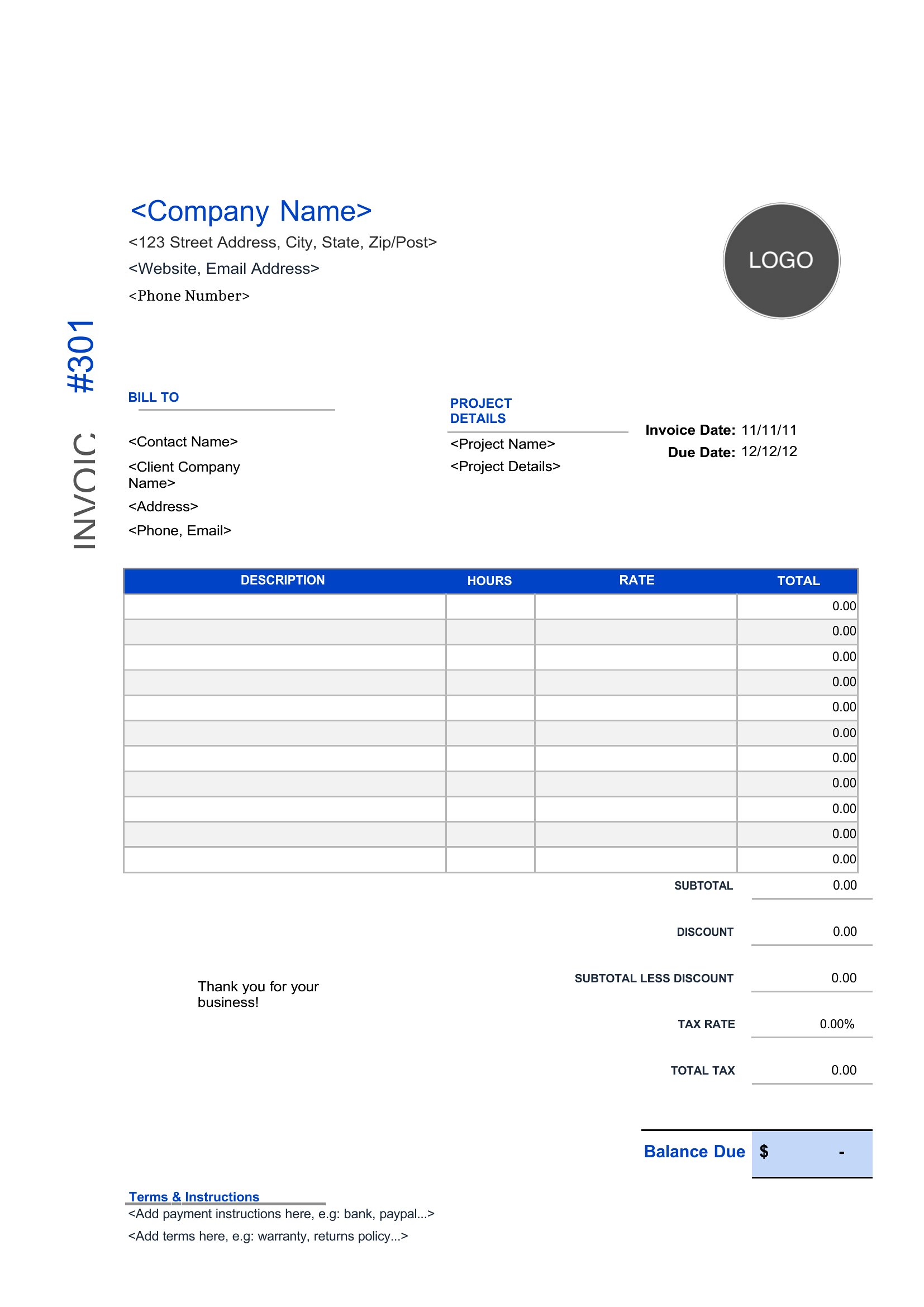
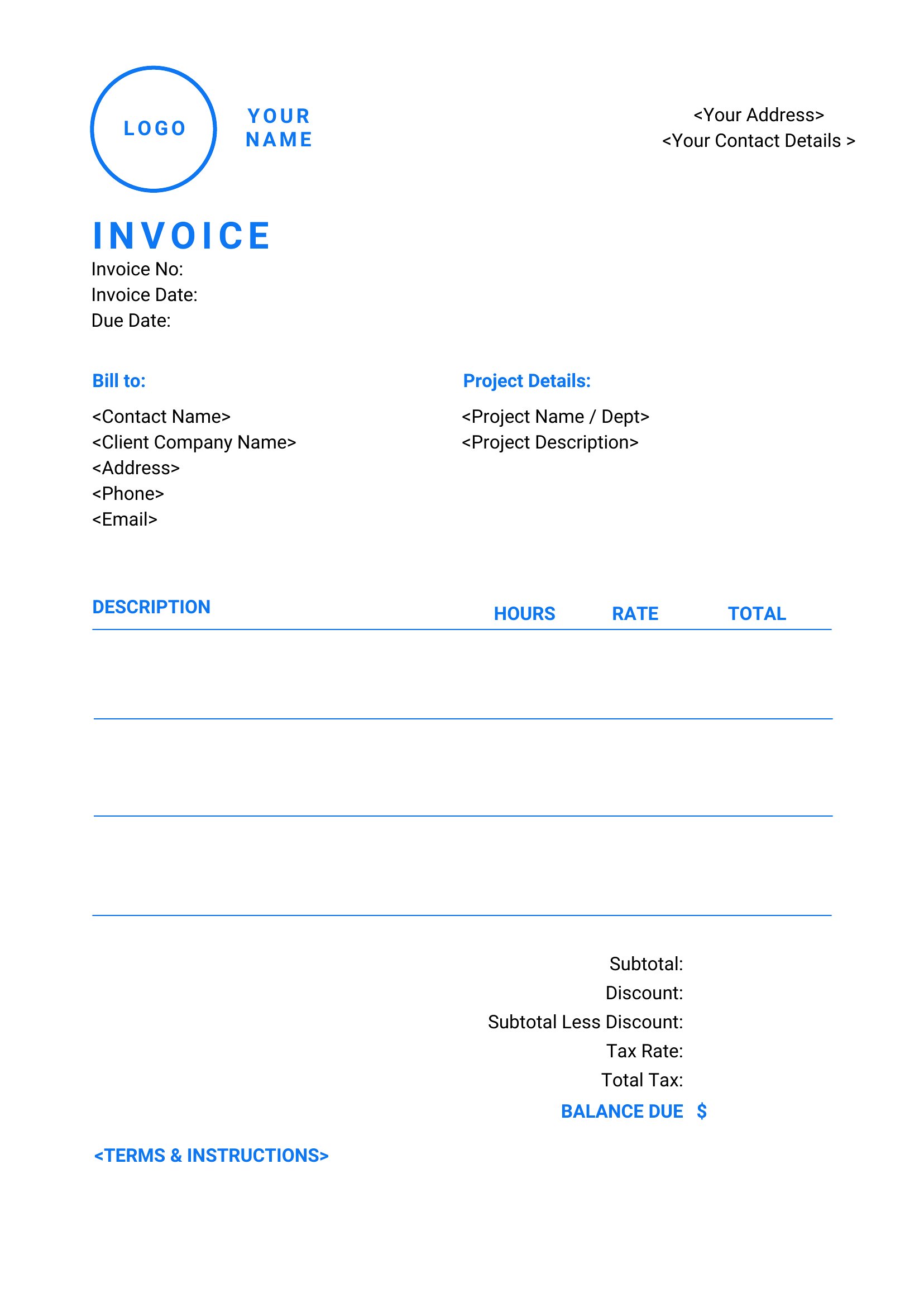
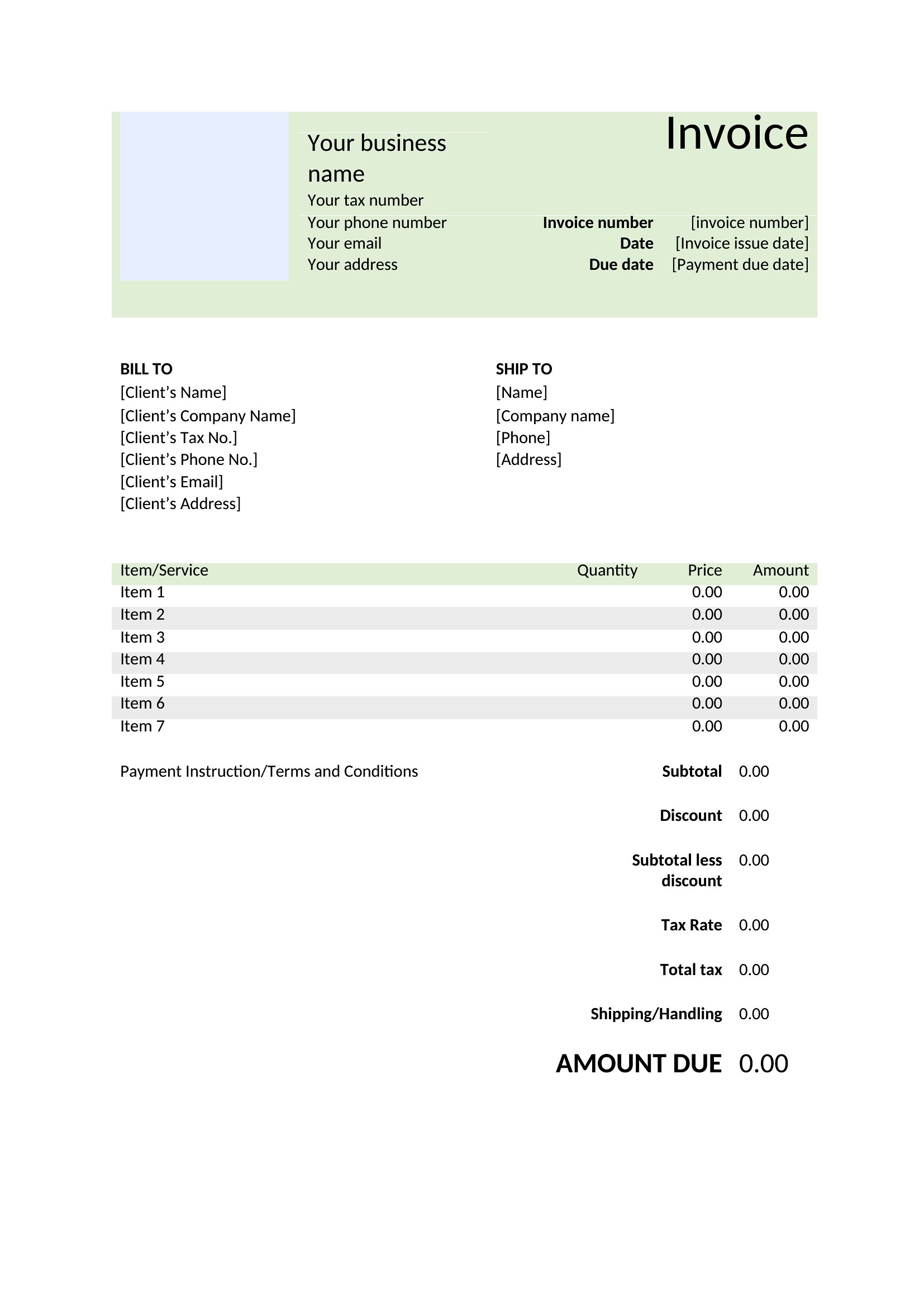
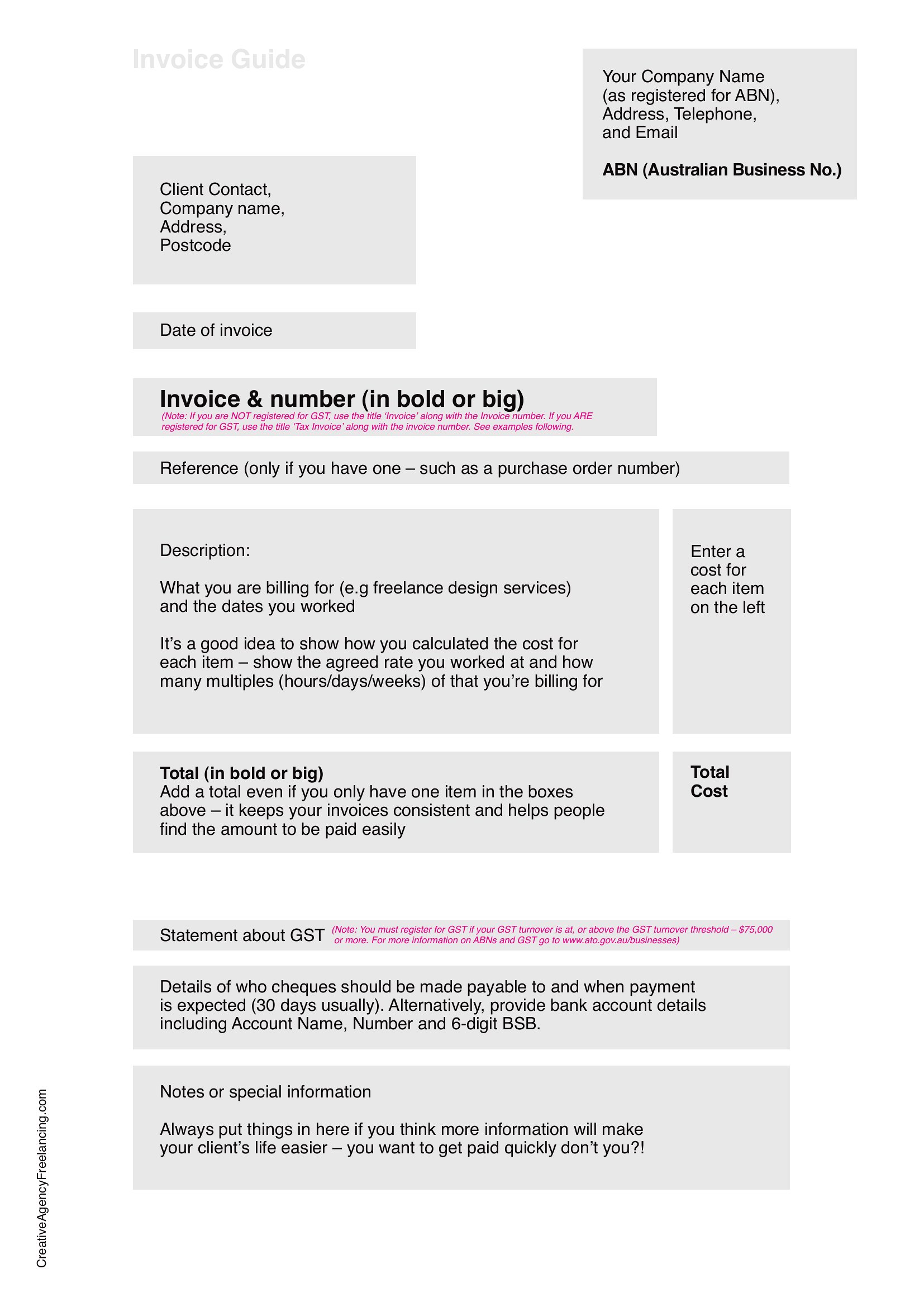
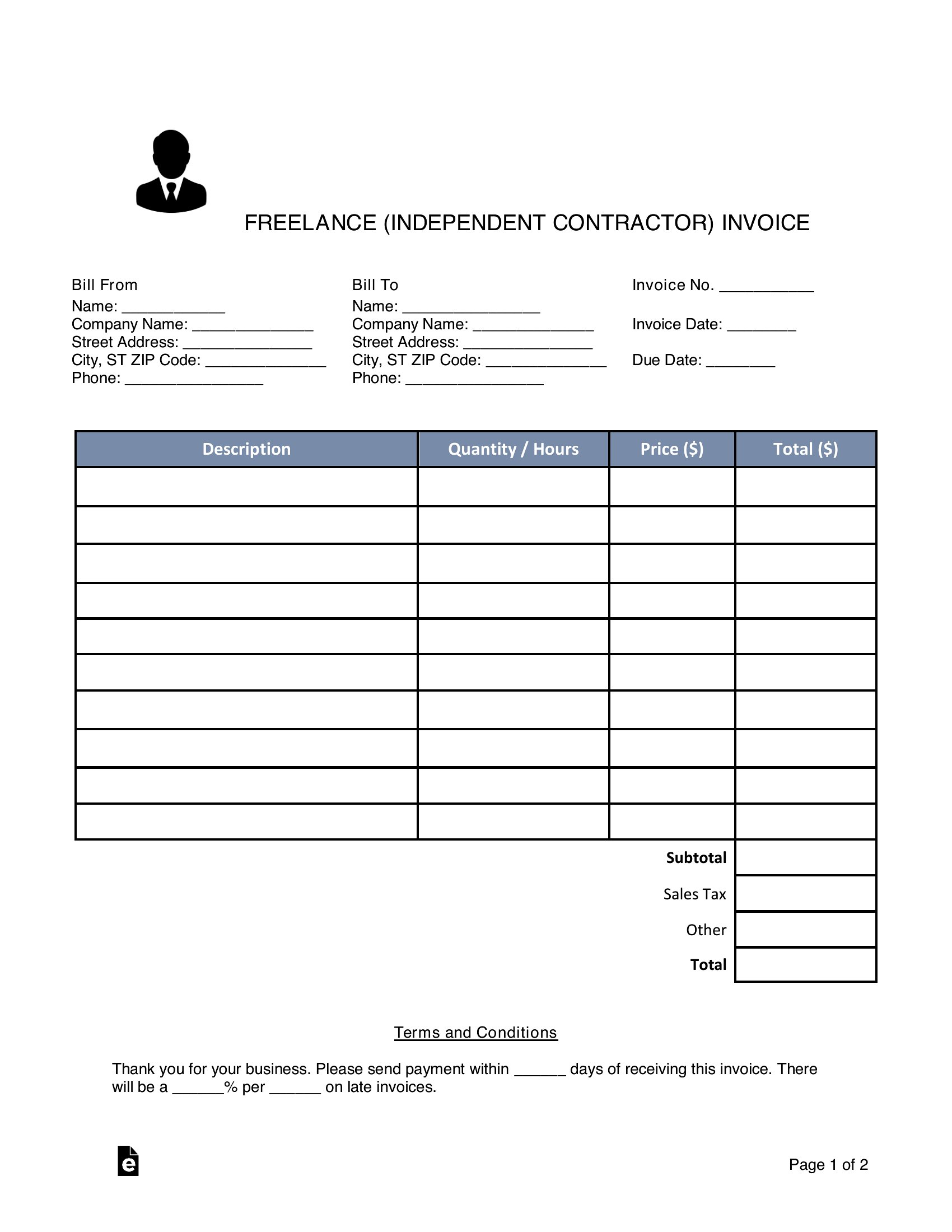
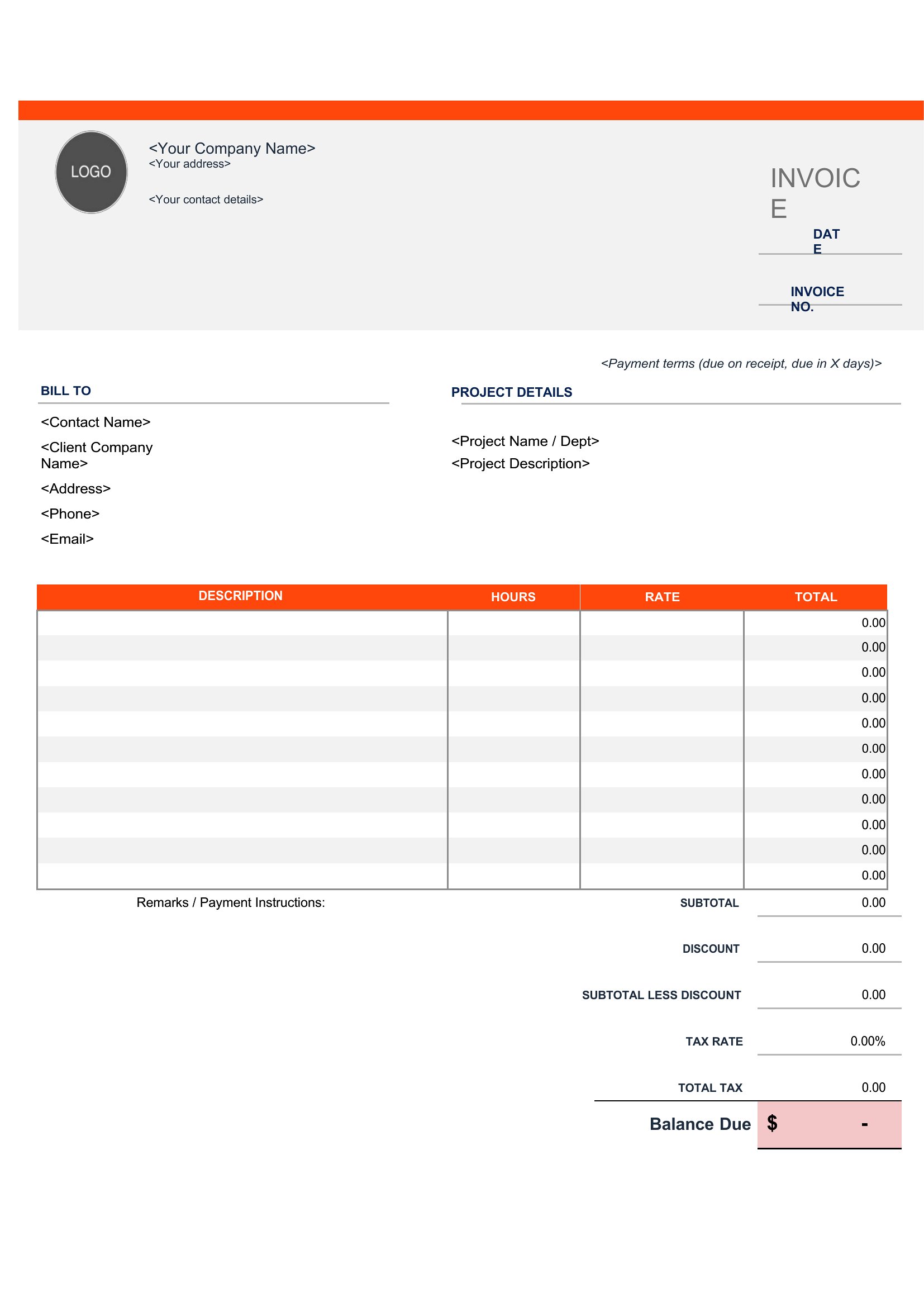
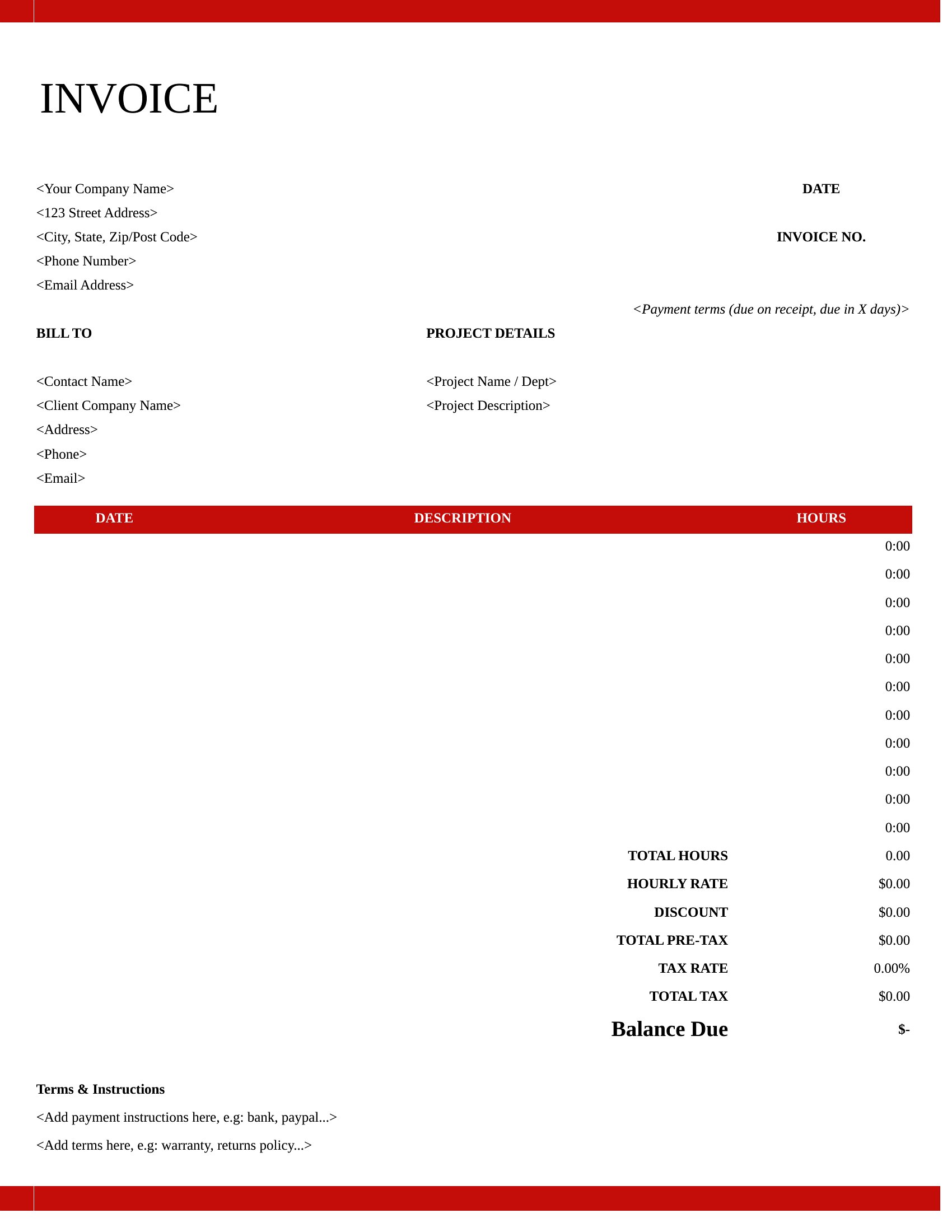
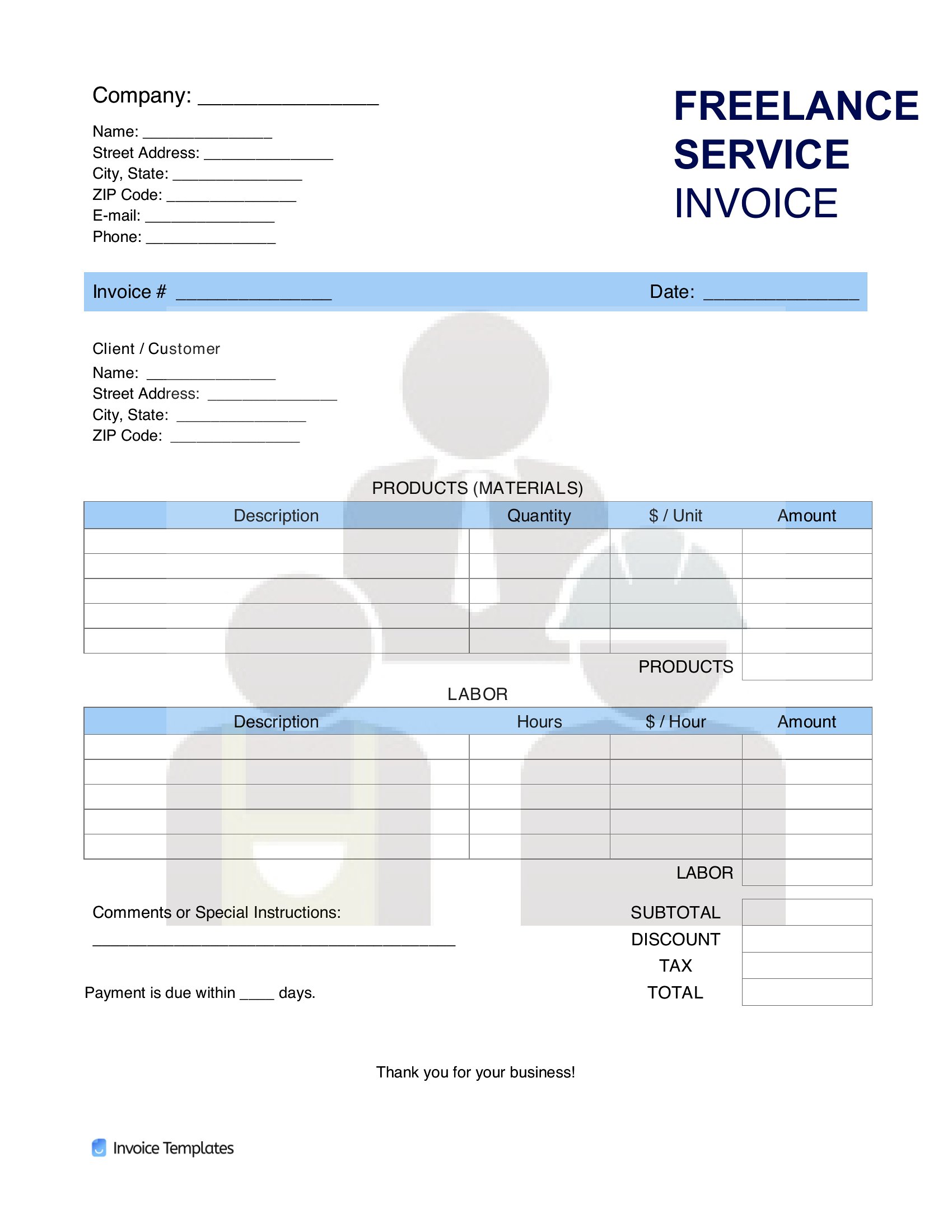
InvoicesFreelancers wear every hat, including bill collector, and a clean invoice makes that part feel less awkward. This collection of 42 templates gives writers, designers, developers, and consultants tidy layouts for hours, project rates, expenses, and tax, so getting paid stays simple.
Work in editable Word, Excel sheets that total your hours automatically, or print-ready PDFs that look sharp in a client's inbox. Add your rates, payment terms, and a due date, then send it off. Download the format that fits your business and spend less time chasing invoices, more time on the work.
When to use this Freelance Invoice template
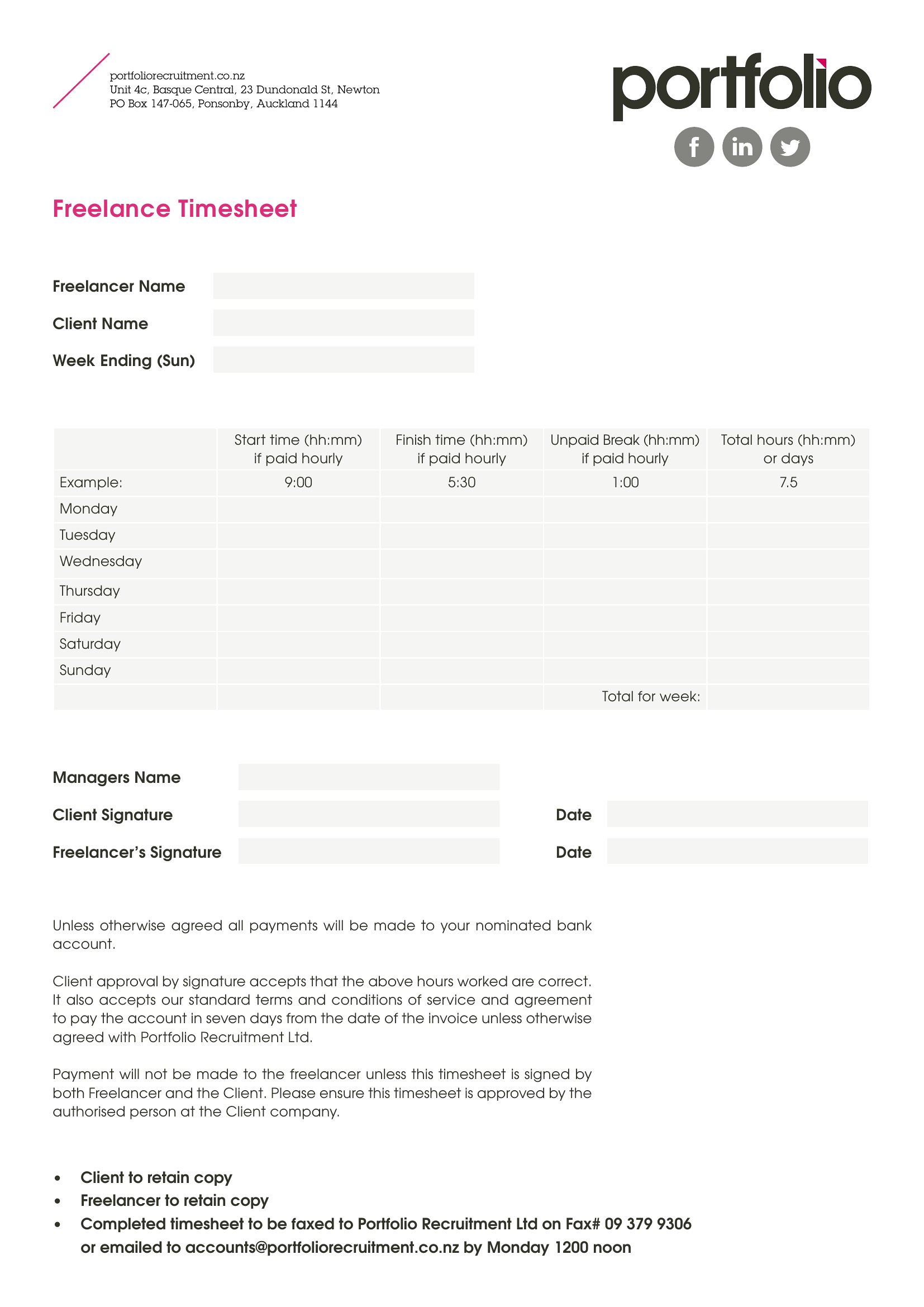
- A graphic designer who bills by the hour needs a simple way to track time spent on client projects and include it in invoices without manual calculations.
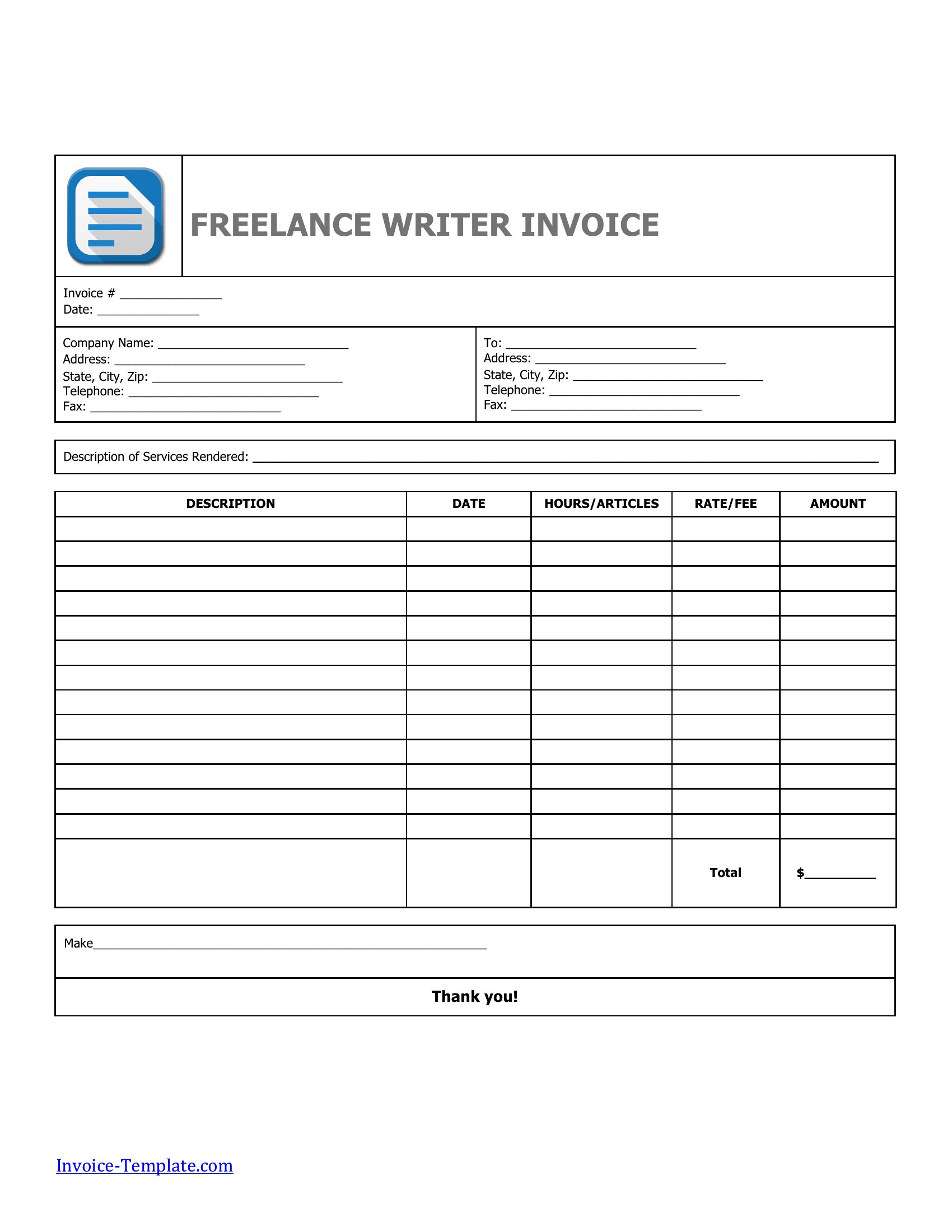
- A freelance writer juggling multiple short-term contracts wants a clean, professional PDF invoice that clearly lists deadlines and word counts to avoid disputes.
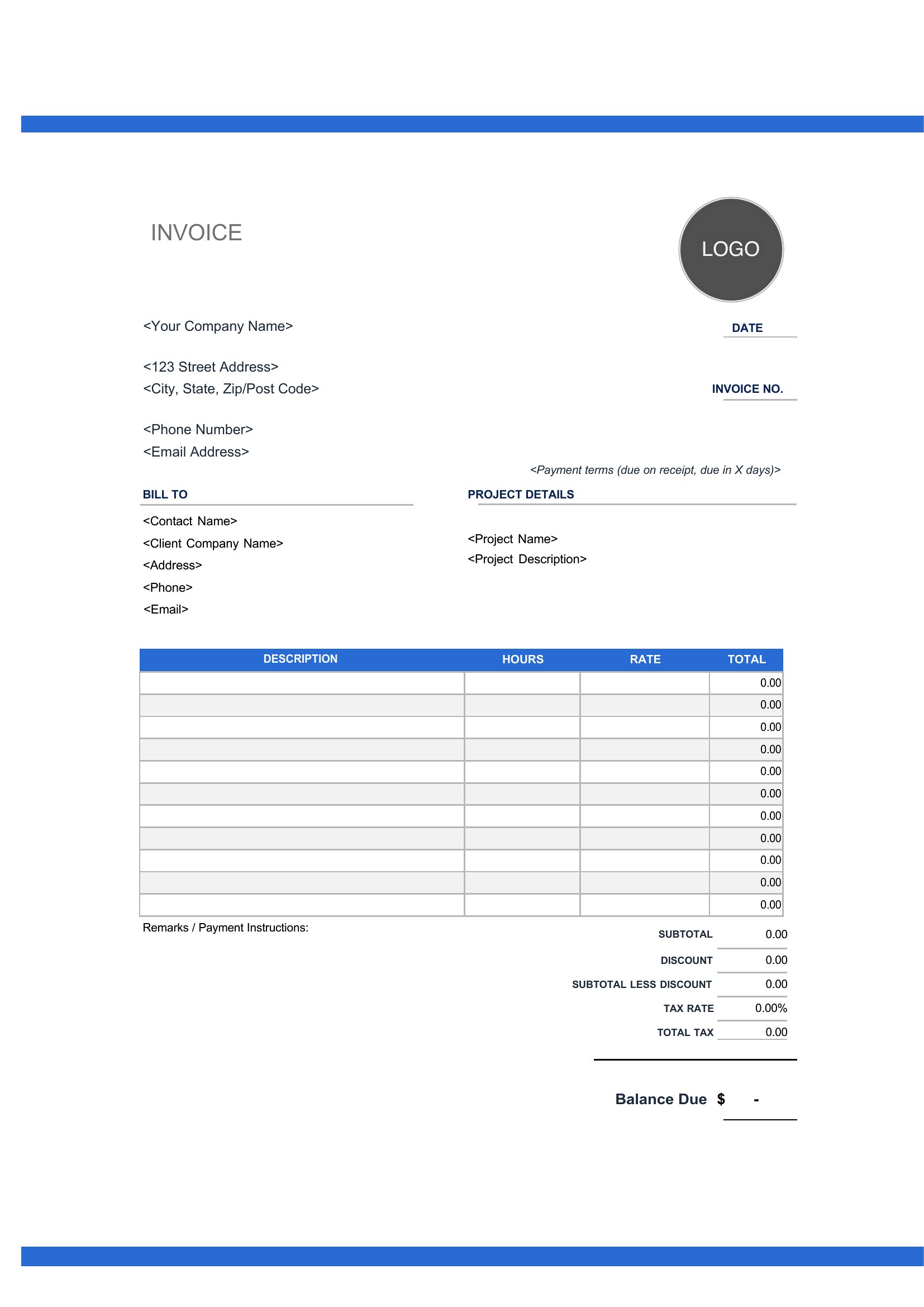
- A software developer billing for project-based work at varying rates needs an Excel template that automatically calculates subtotals, taxes, and grand totals.
- A marketing consultant working with small businesses requires a Word invoice template that includes spaces for detailed service descriptions and references past invoices.
Which format should I download?
Choose Word if you need editable invoices where you’ll customize terms, add client notes, or adjust formatting over time—ideal for freelancers who collaborate closely with clients. Pick Excel if you track billable hours or variable rates, as it simplifies calculations and can pull data from time sheets. Opt for PDF if you prefer a polished, print-ready design that clients can sign or save without editing, perfect for one-off invoices or industry norms that require fixed layouts. PDF is the best fit for freelancers who prioritize presentation and finality.
Choose from 42 Freelance Invoice Templates
How to use this Freelance Invoice template
How do I adjust the Excel template to match my hourly rate or project pricing structure?
Open the Excel invoice in your spreadsheet software, locate the rate cells (usually labeled ‘Rate’ or ‘Price’), and replace the sample values with your rates. If tracking hours, link the time entries to the calculation formula to auto-update totals. Save a copy before making changes to preserve the original template.
Can I include line items for reimbursable expenses like software subscriptions or travel costs?
Yes, most templates in this collection have a designated section for expenses. Add a line item for each cost (e.g., ‘Adobe Creative Cloud’ or ‘Mileage’) with the amount. In Excel, you may need to adjust the formula to include these in the subtotal. For Word or PDF, simply type the details into the expense table provided.
What’s the best way to ensure my PDF invoice looks professional when emailed to a client?
Use a high-resolution PDF template to avoid pixelation. Before sending, preview the document to check for cut-off text or misaligned elements. Save the file as a PDF/A format if your client requires archival compatibility, and consider adding your logo or a subtle watermark to reinforce branding. Avoid embedding sensitive data in the file itself.
Comments
Join the conversation
Sign in to share your thoughts and leave a comment on this resource.