FAQ
How do I adjust the Excel template to match my hourly rate or project pricing structure?
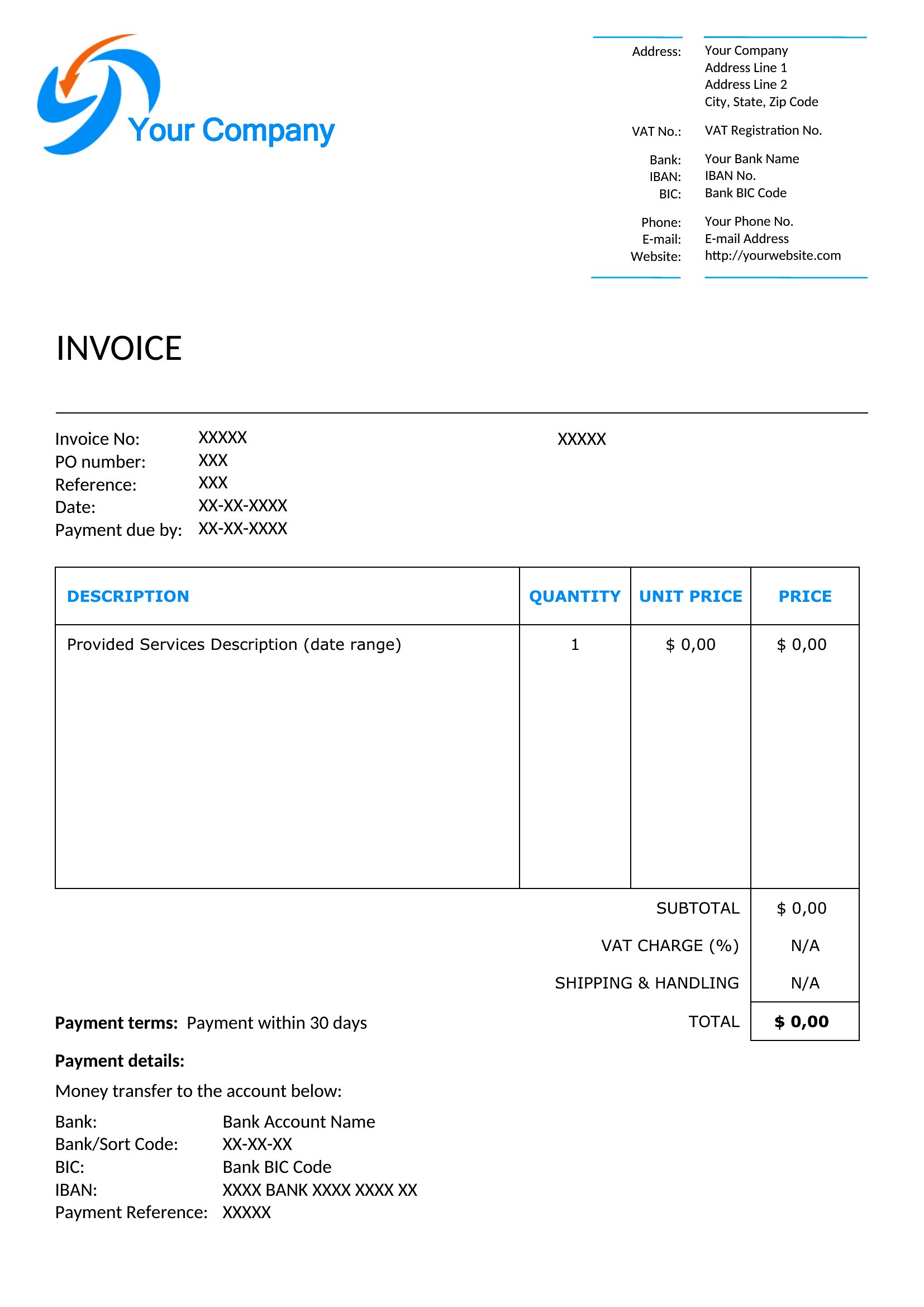
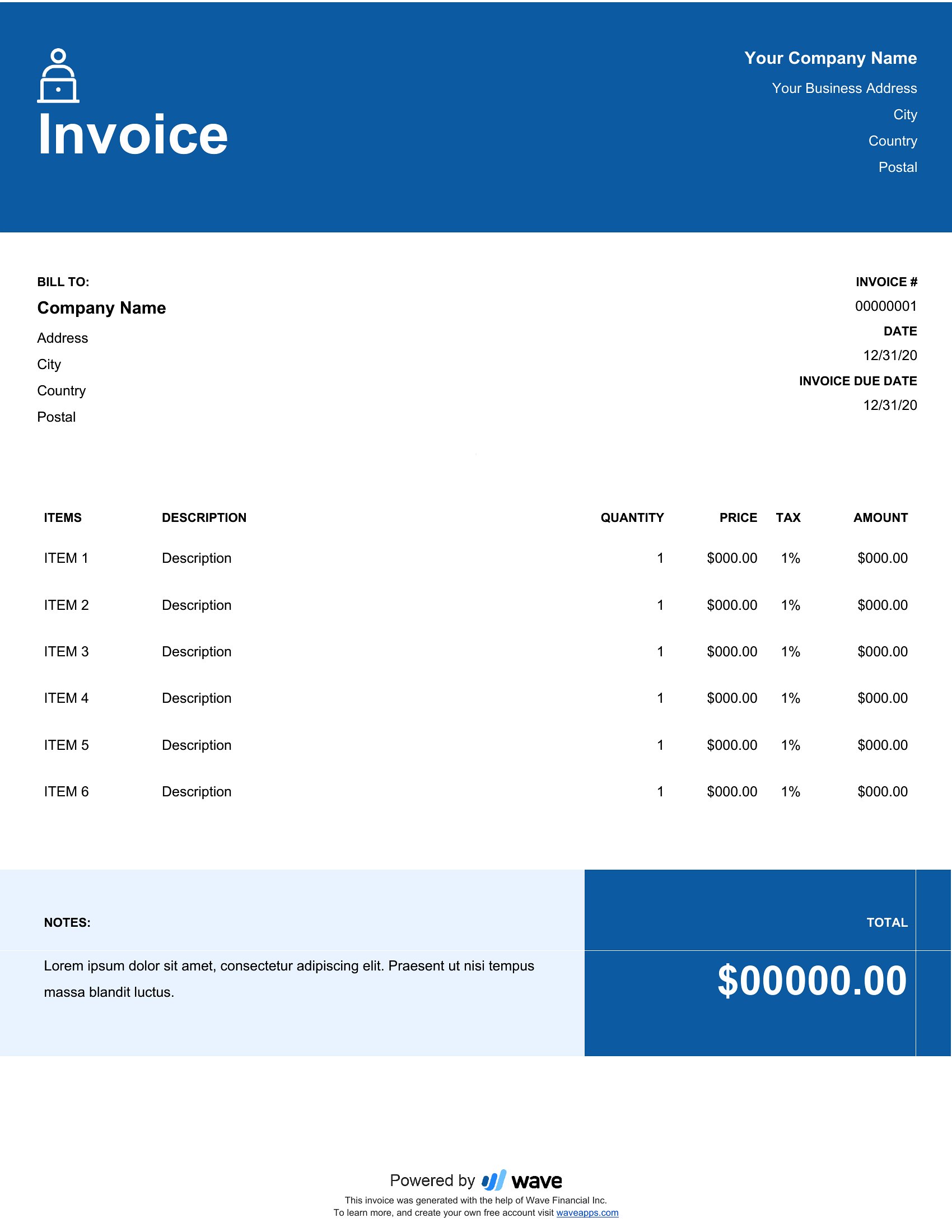
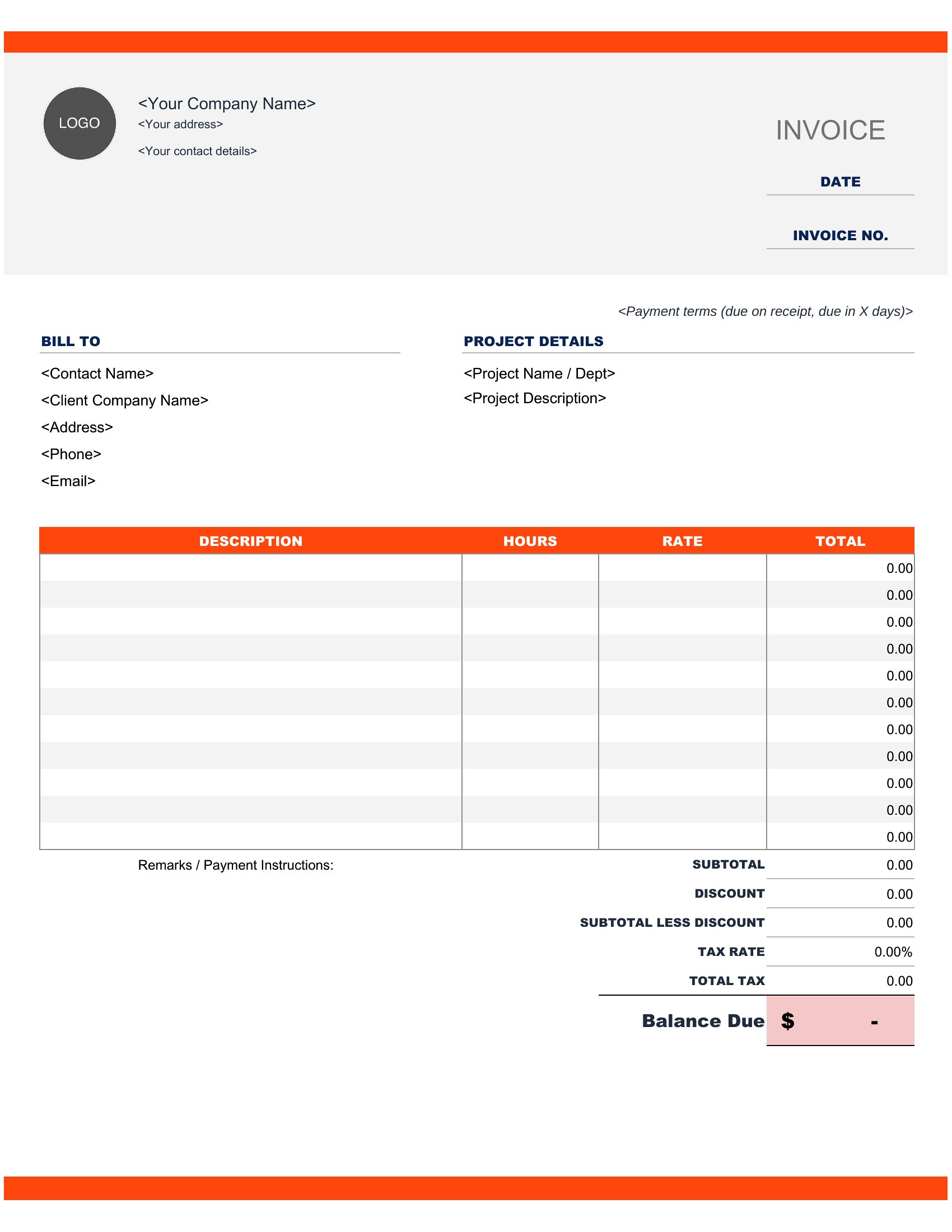
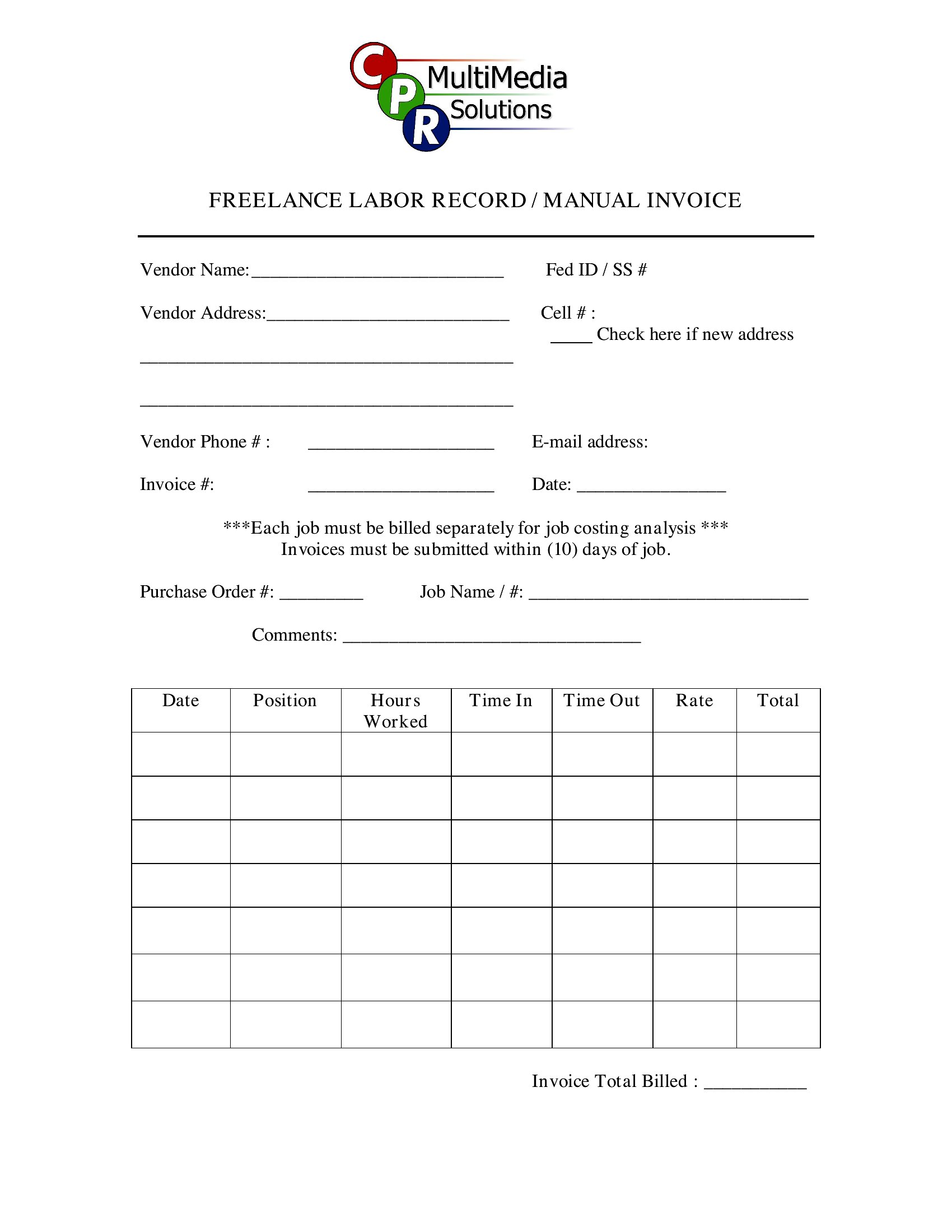
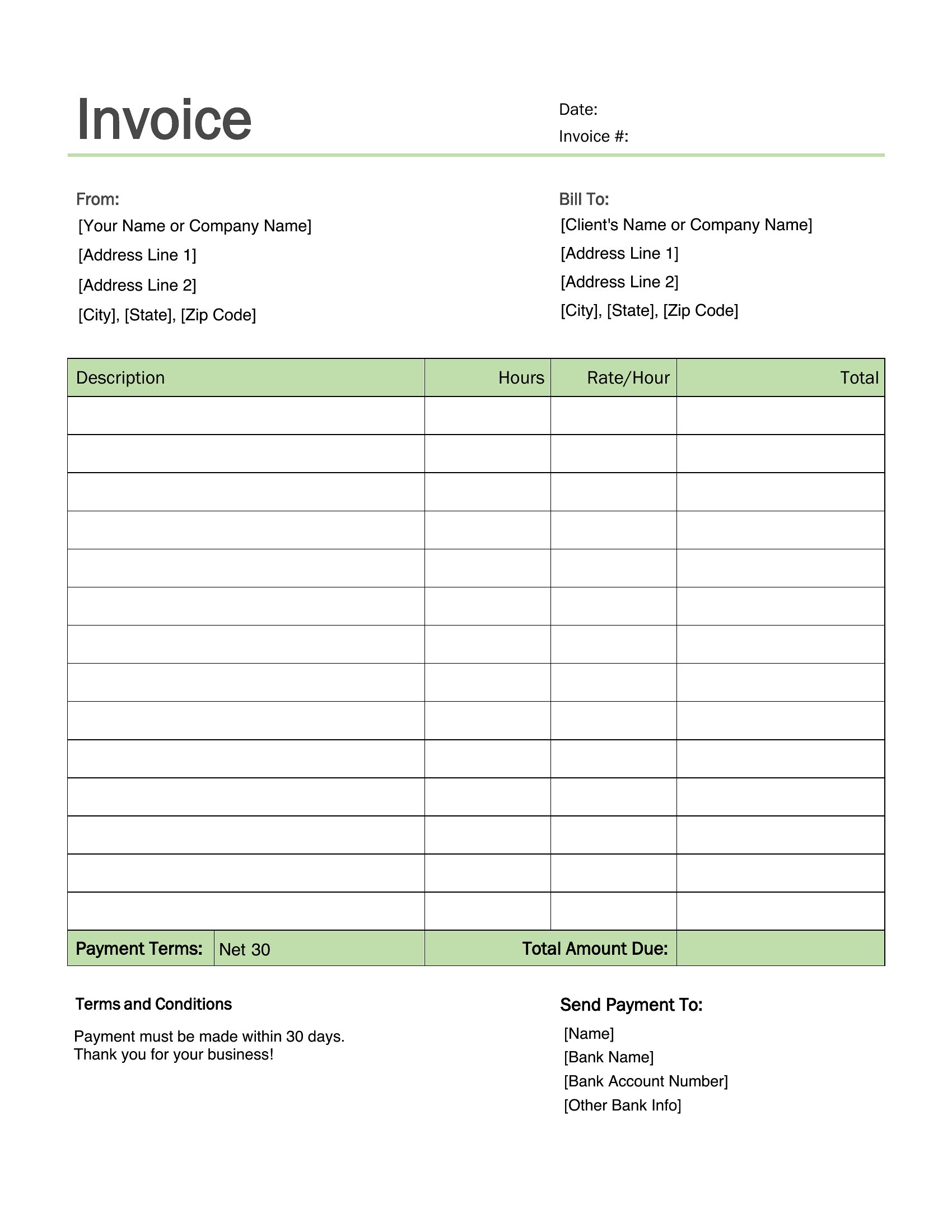
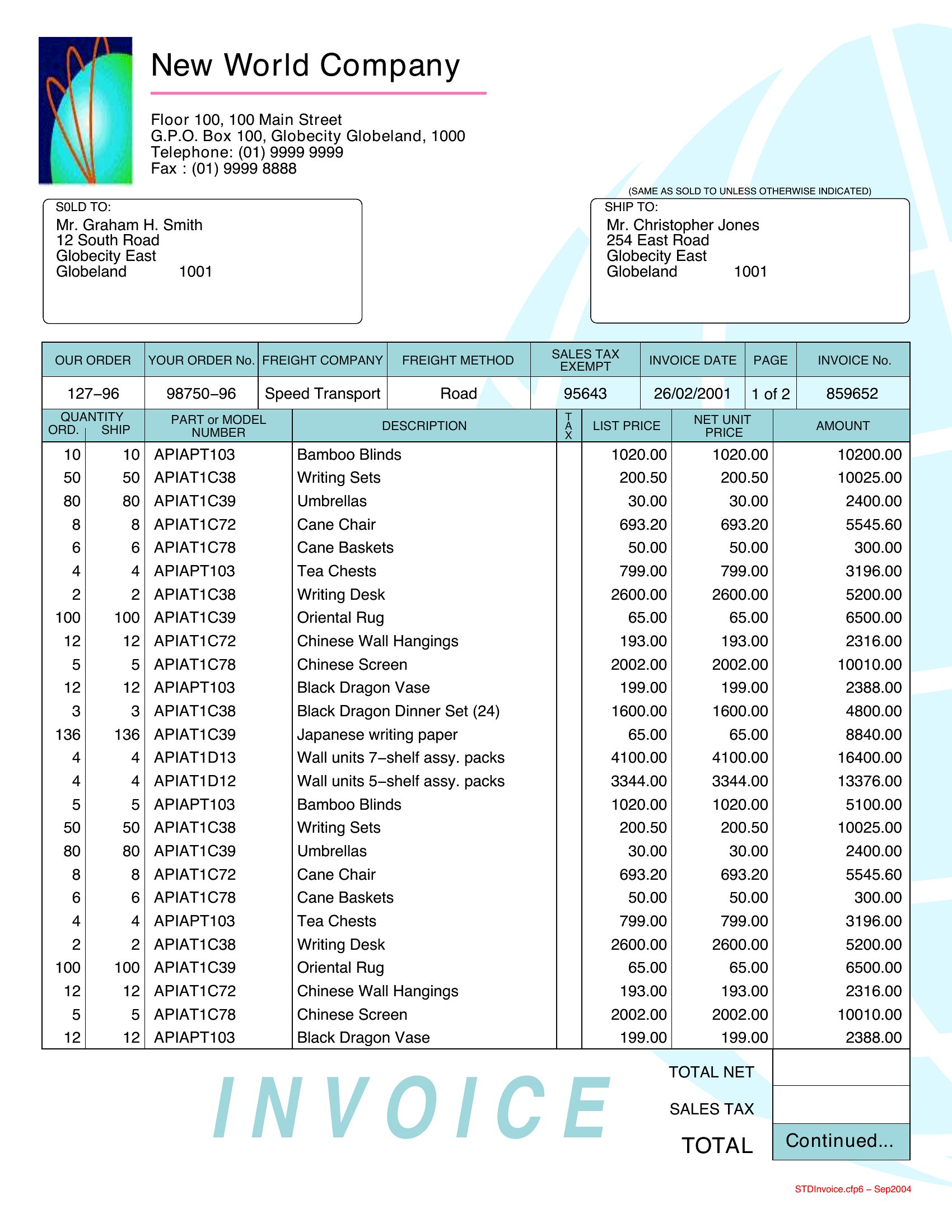
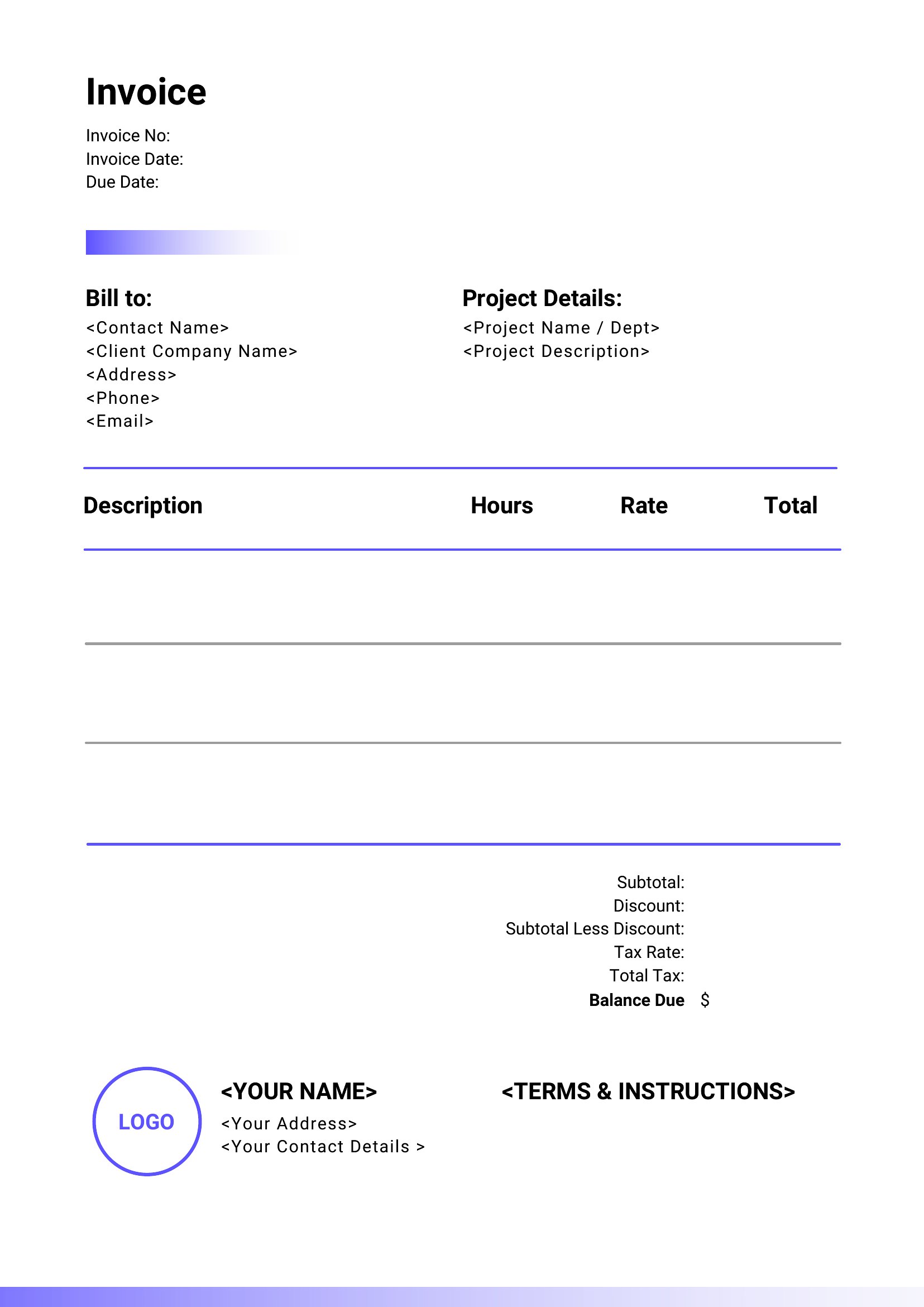
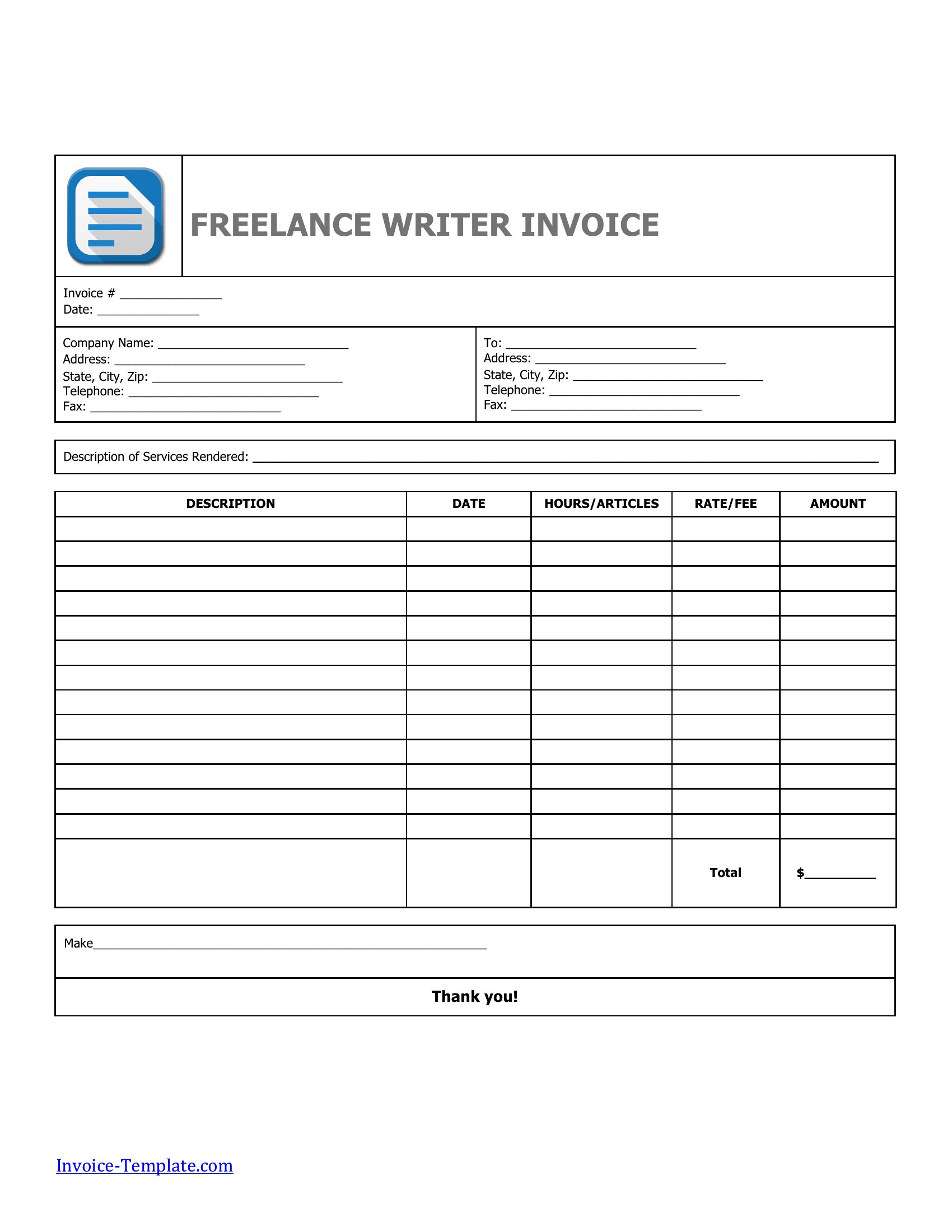
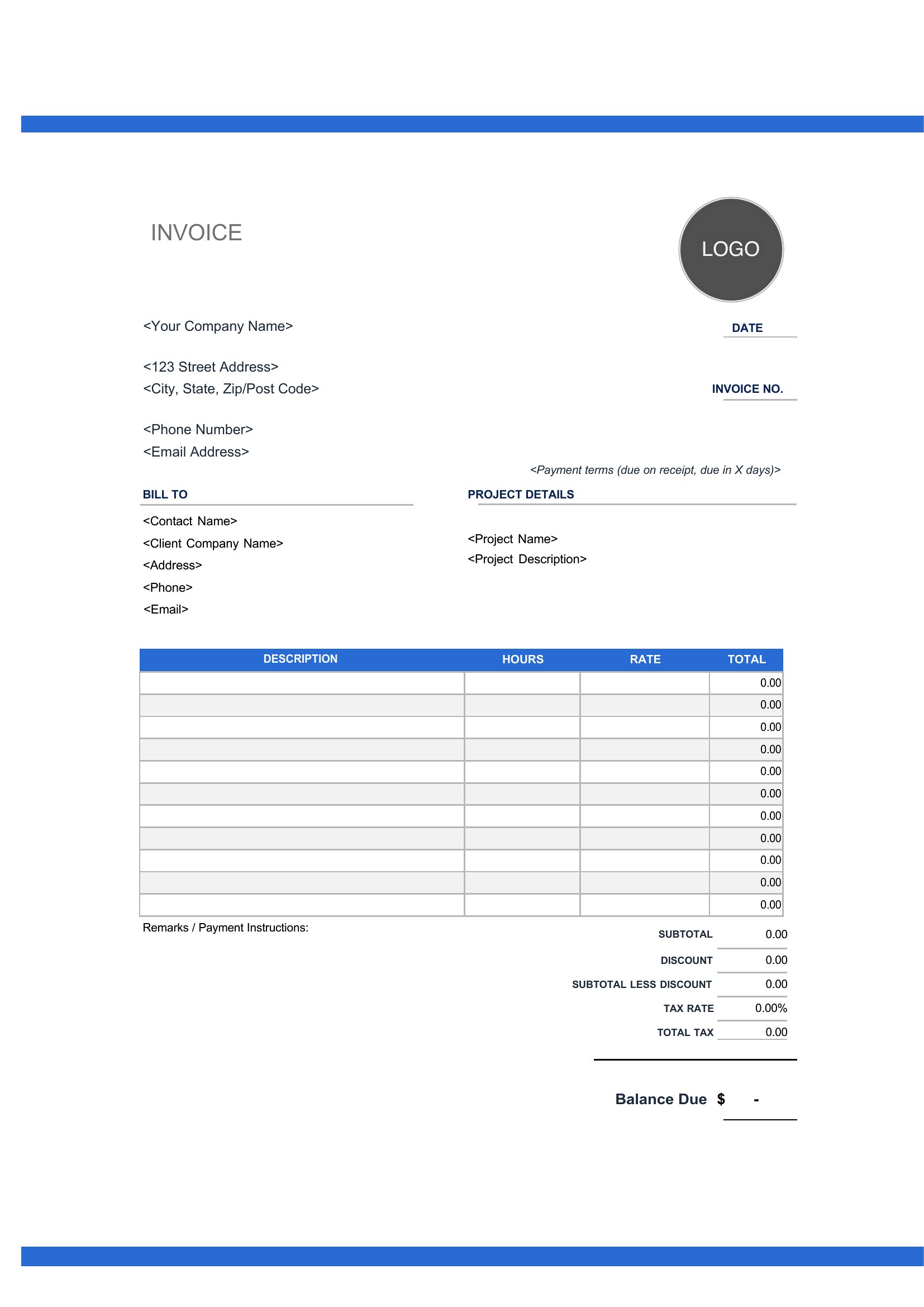
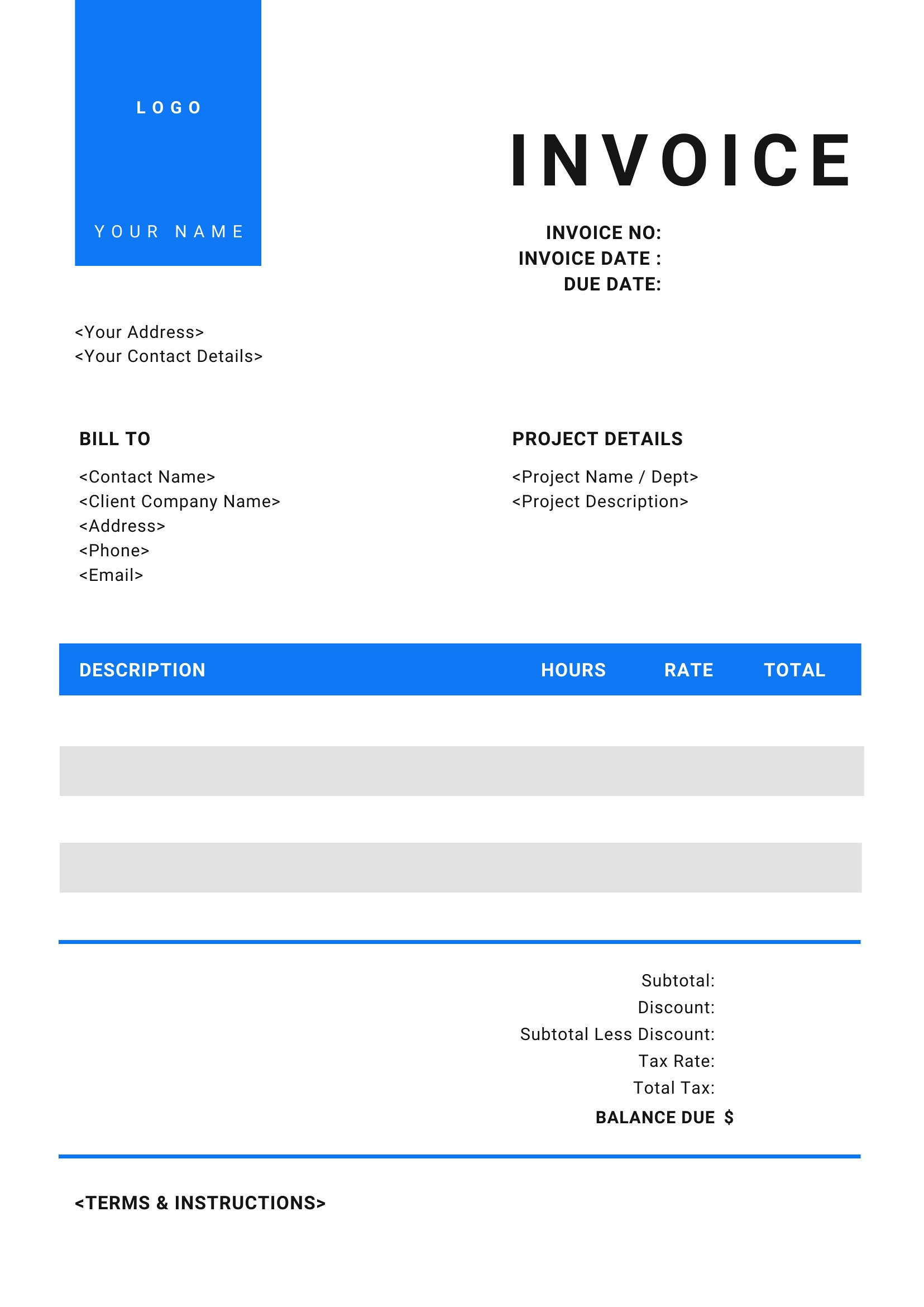
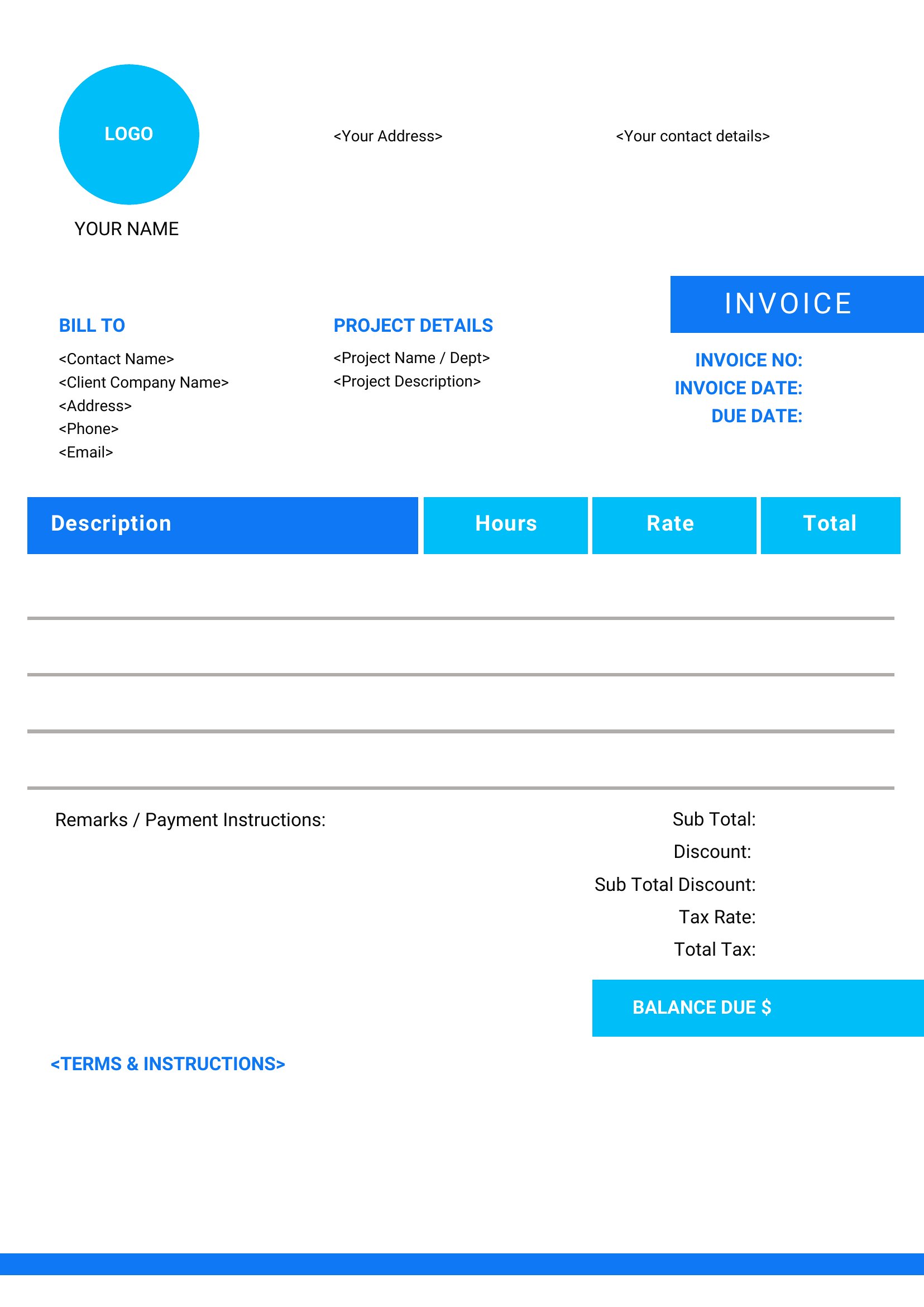
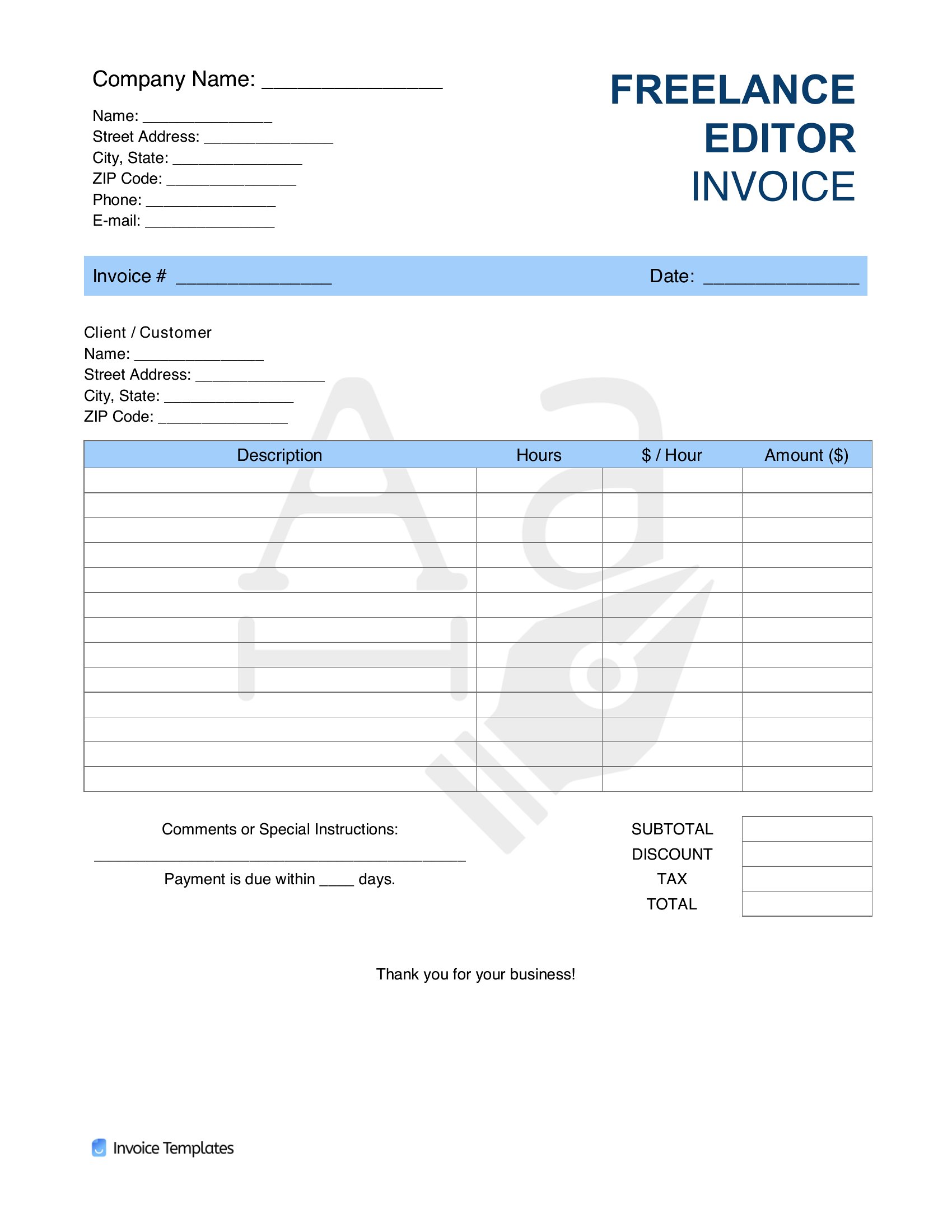
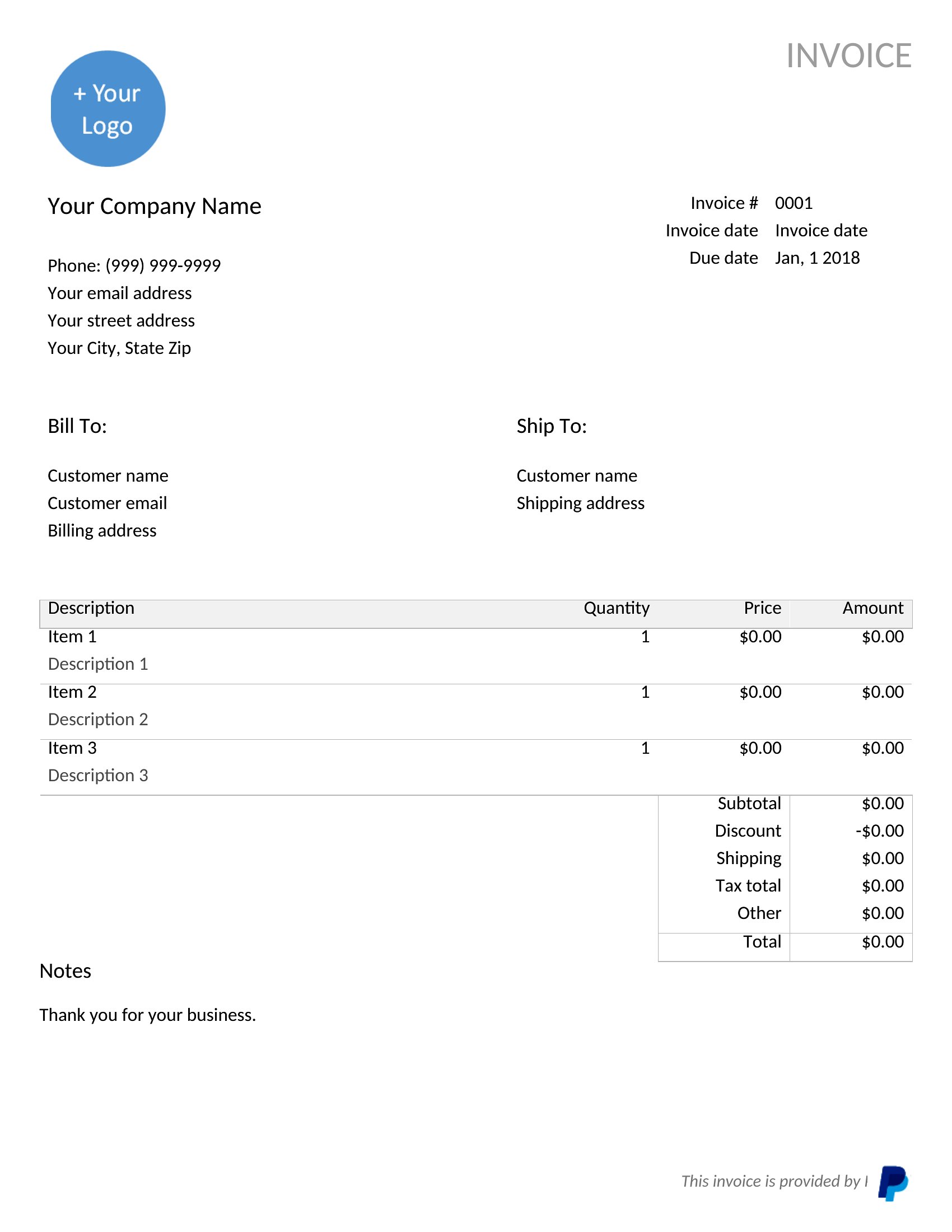
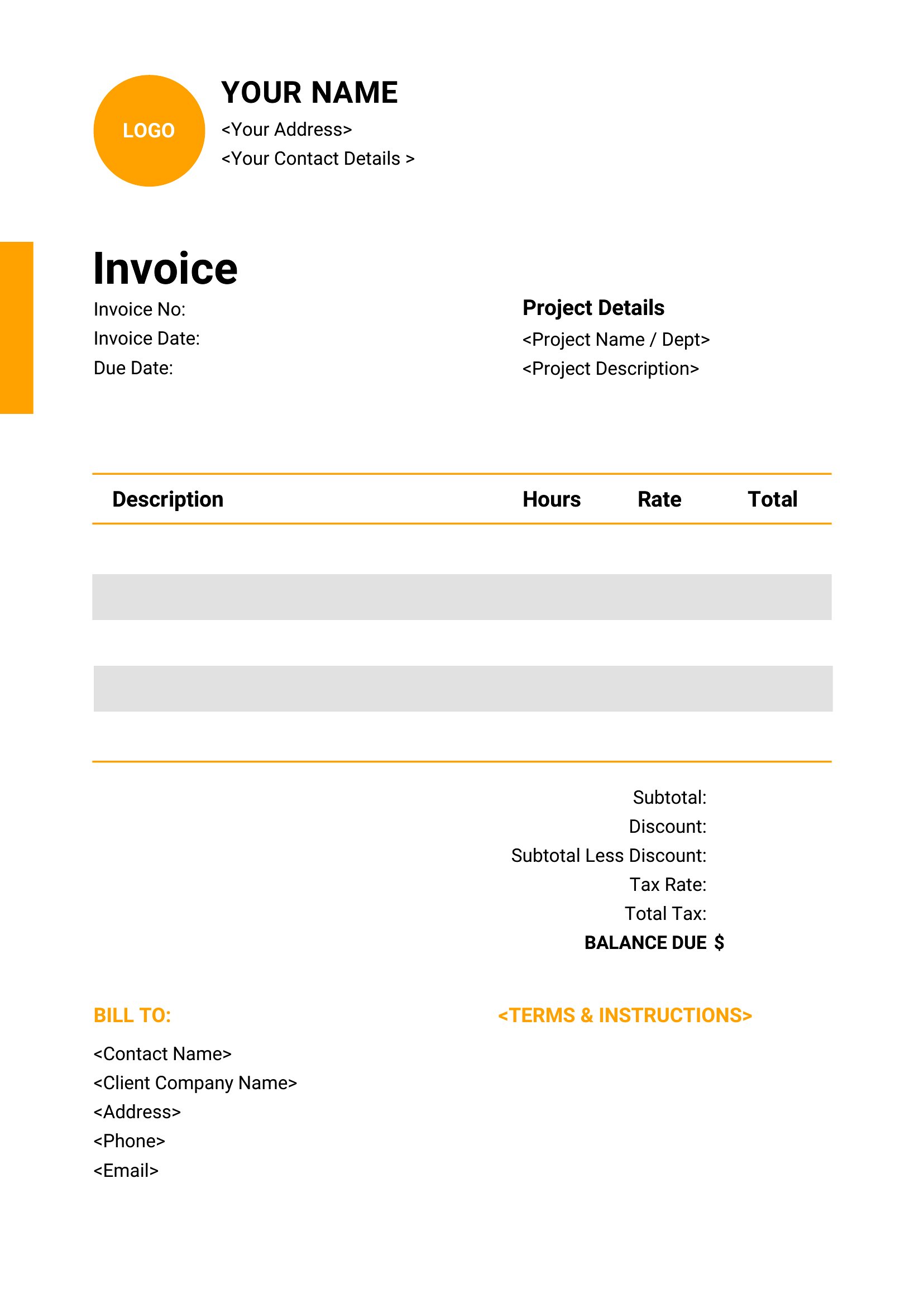
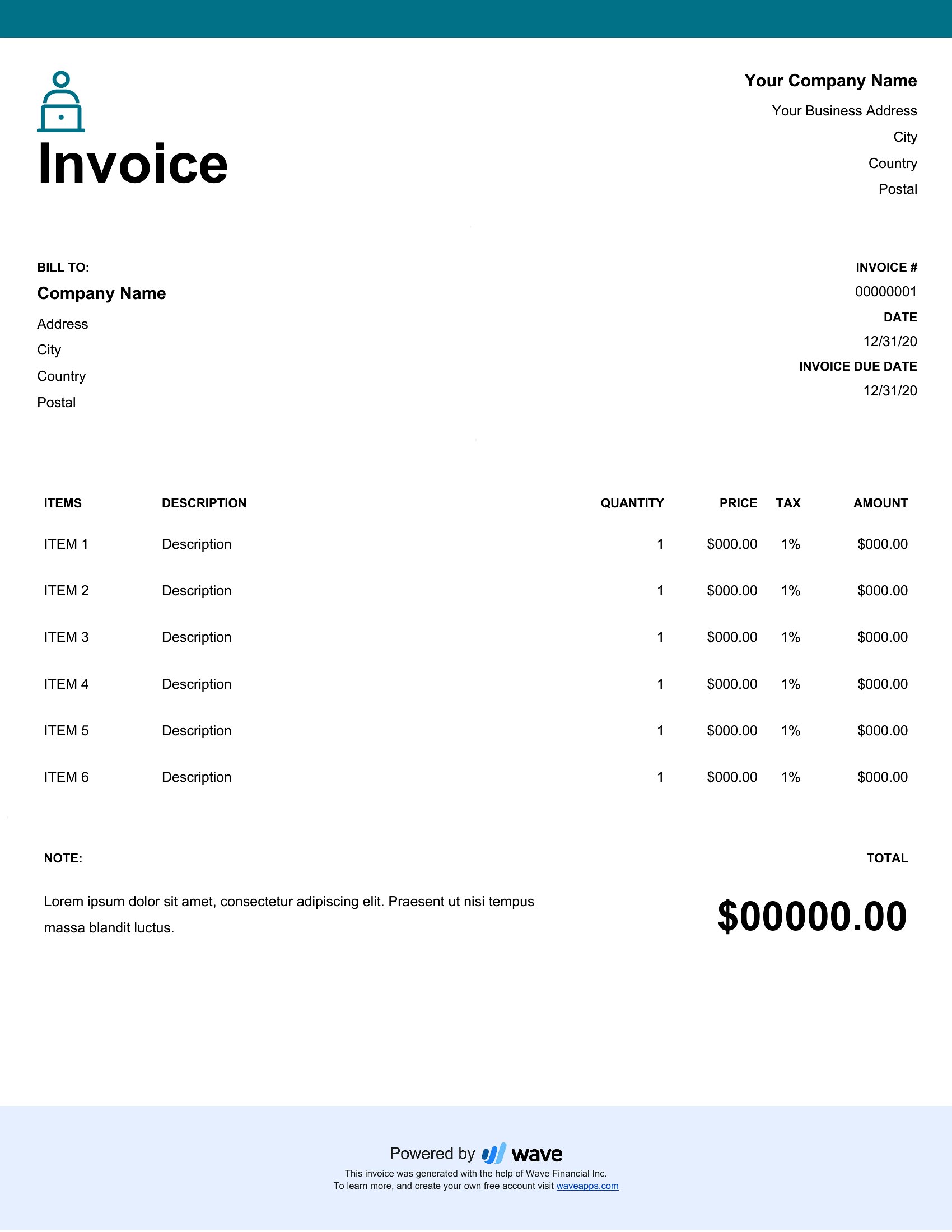
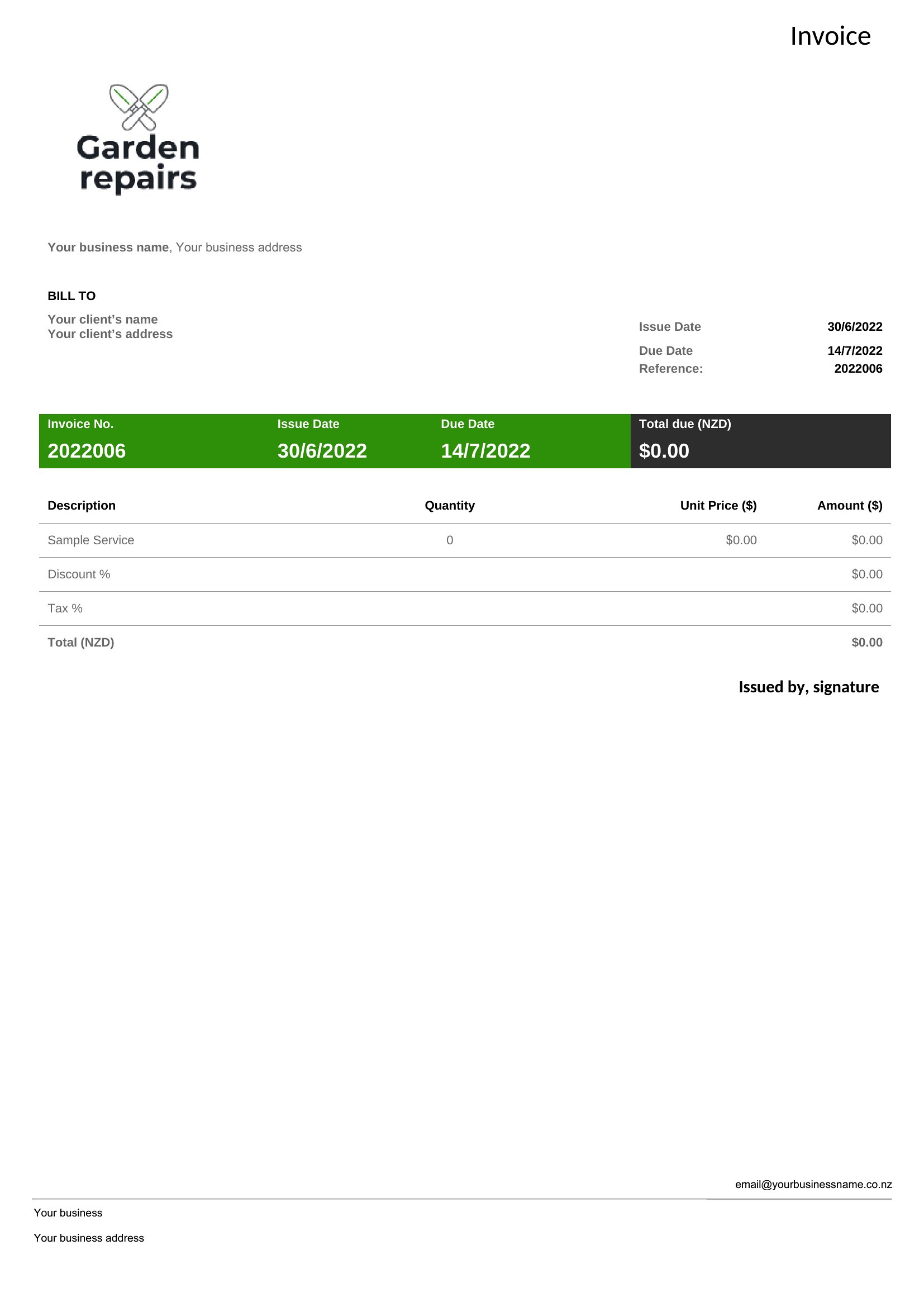
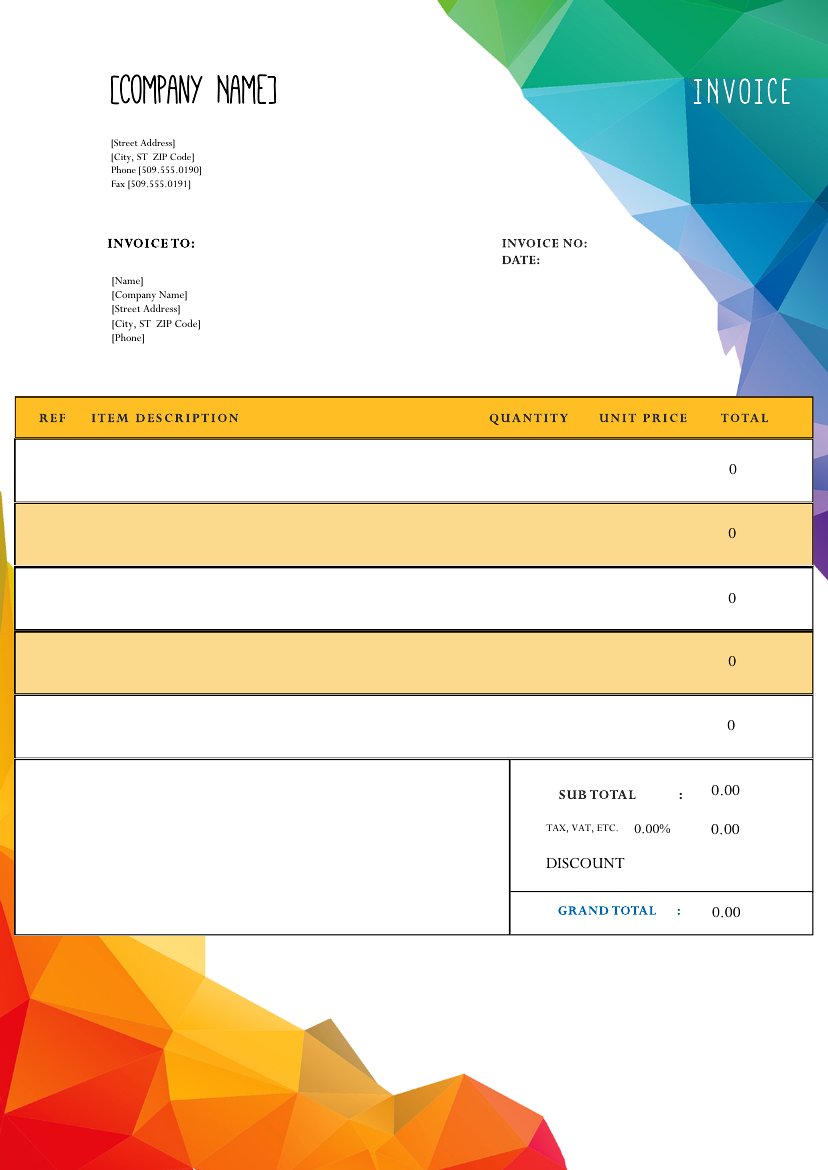
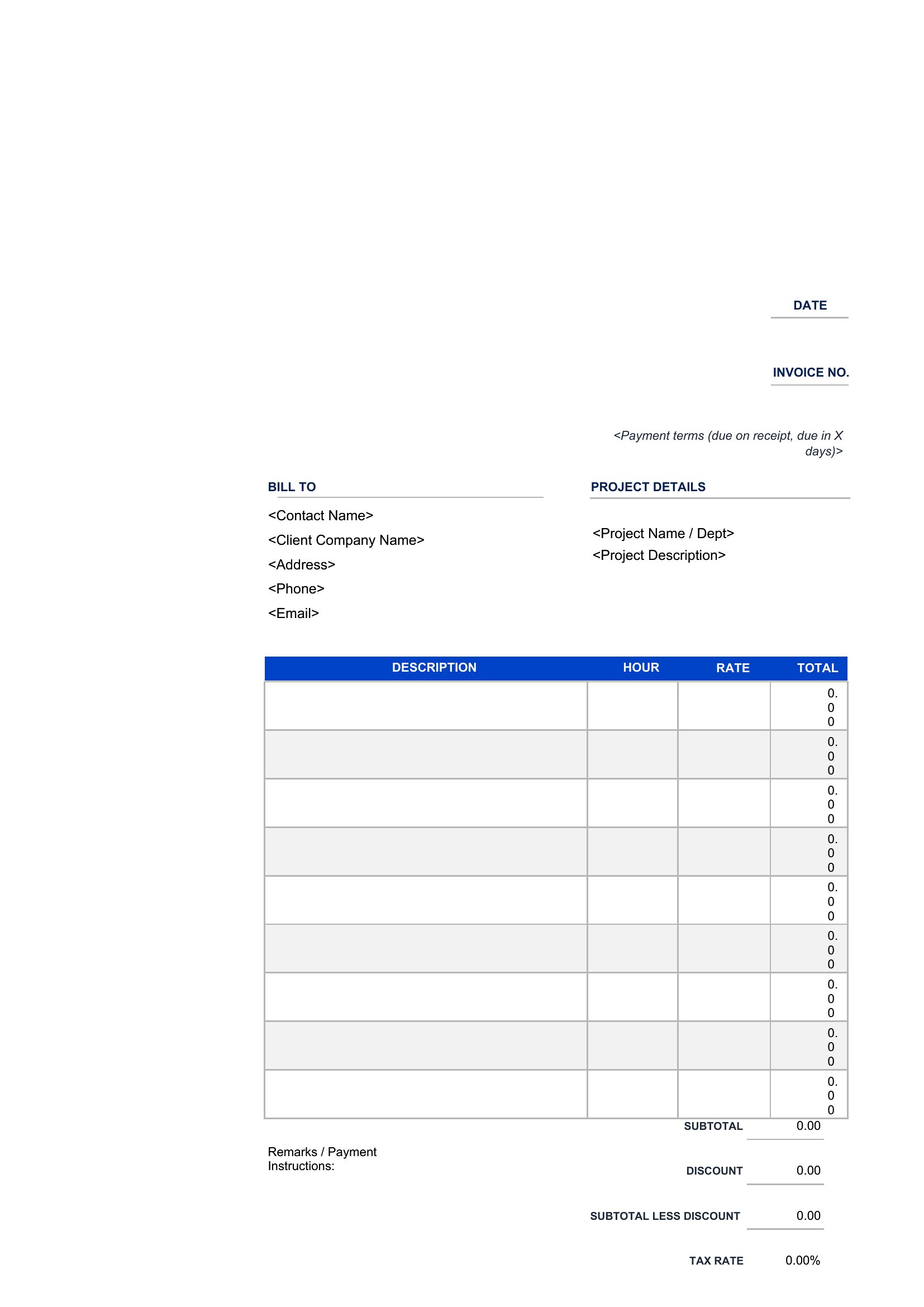
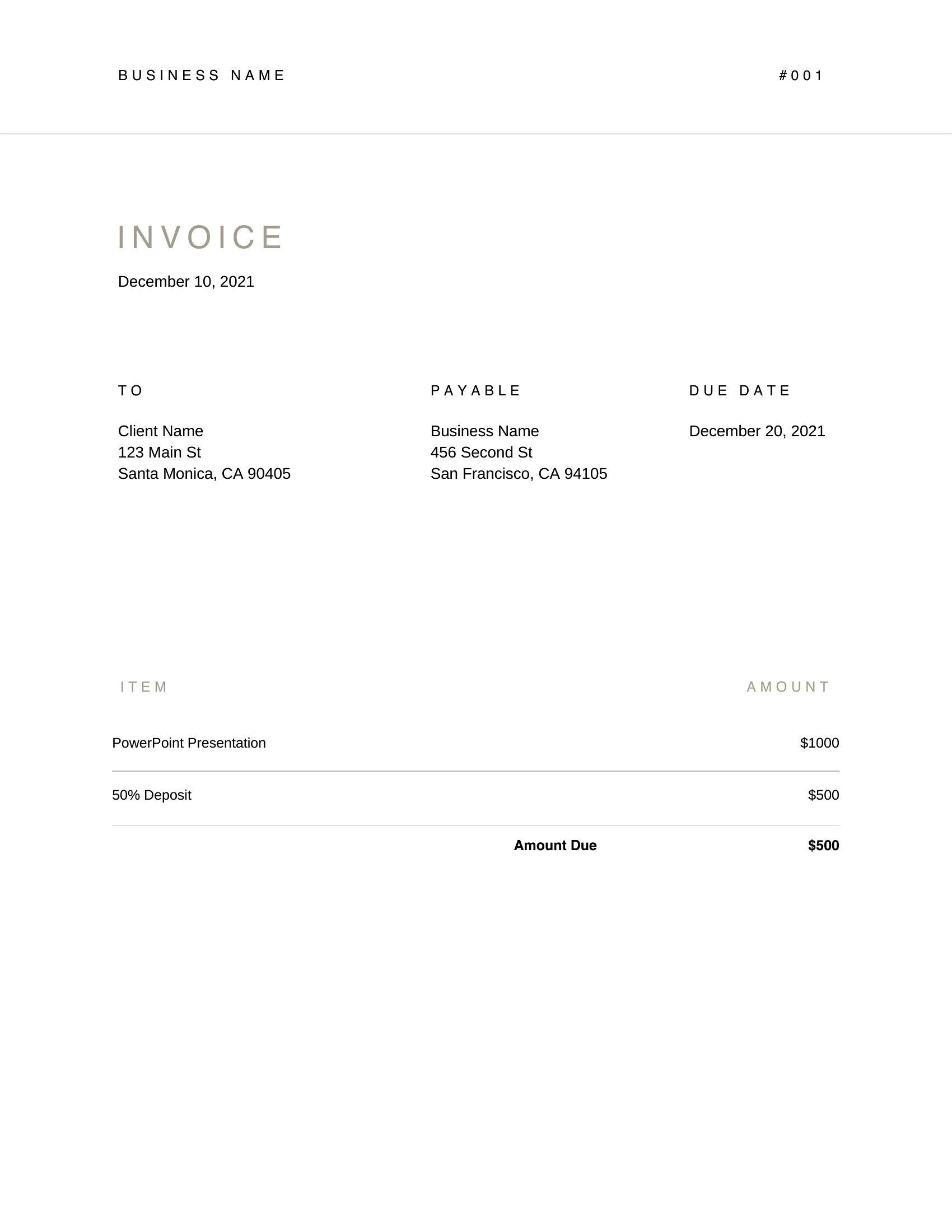
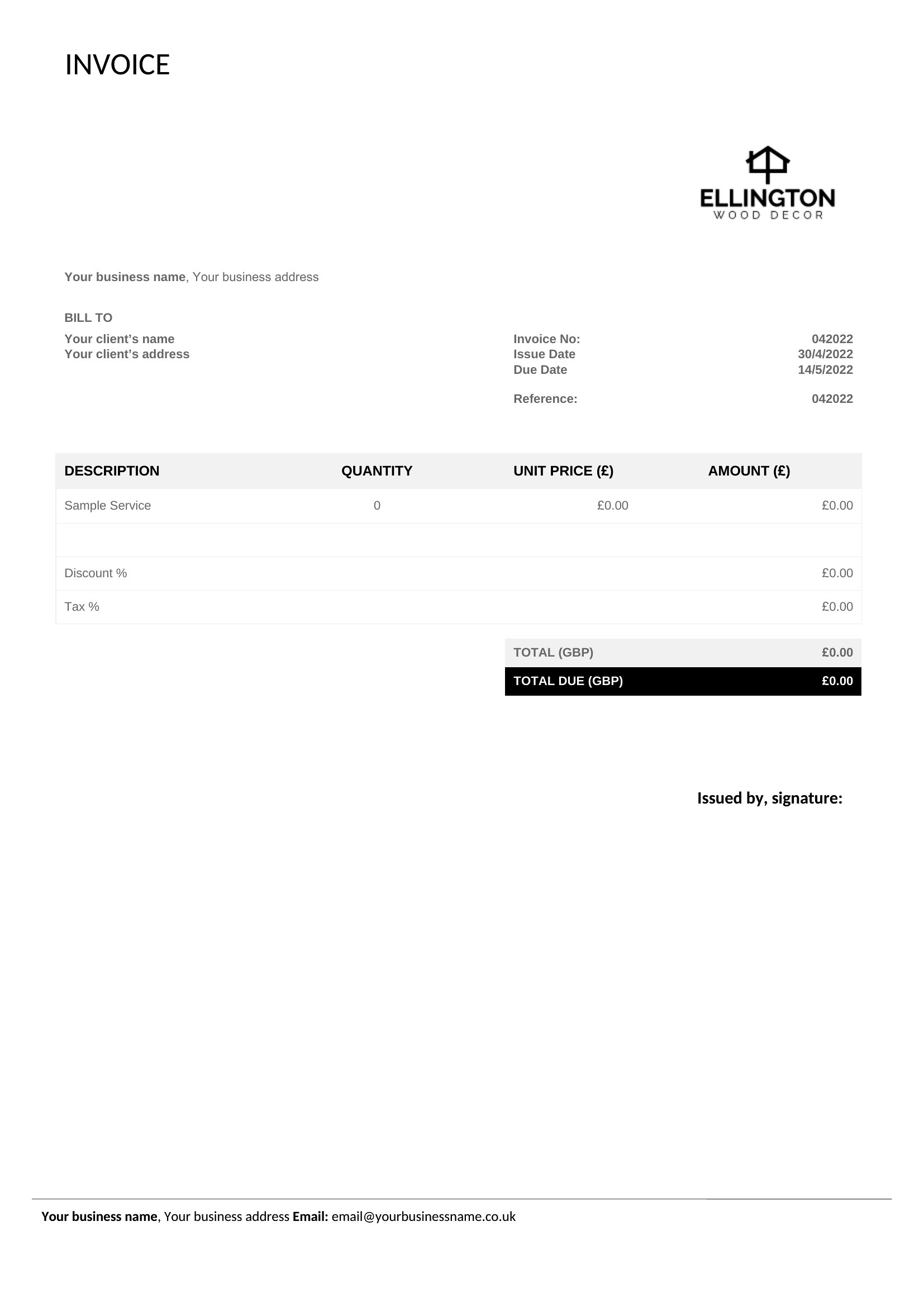
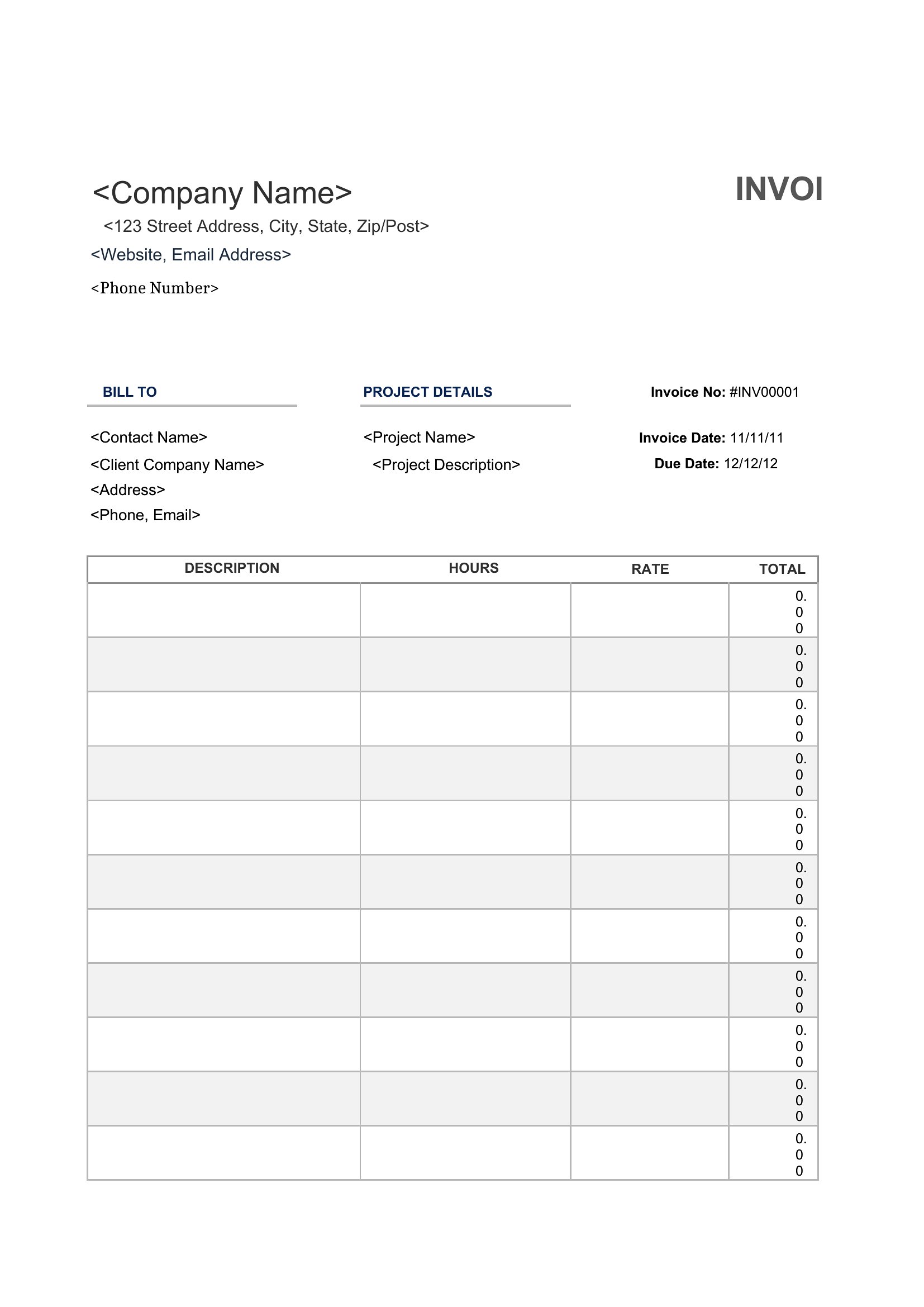
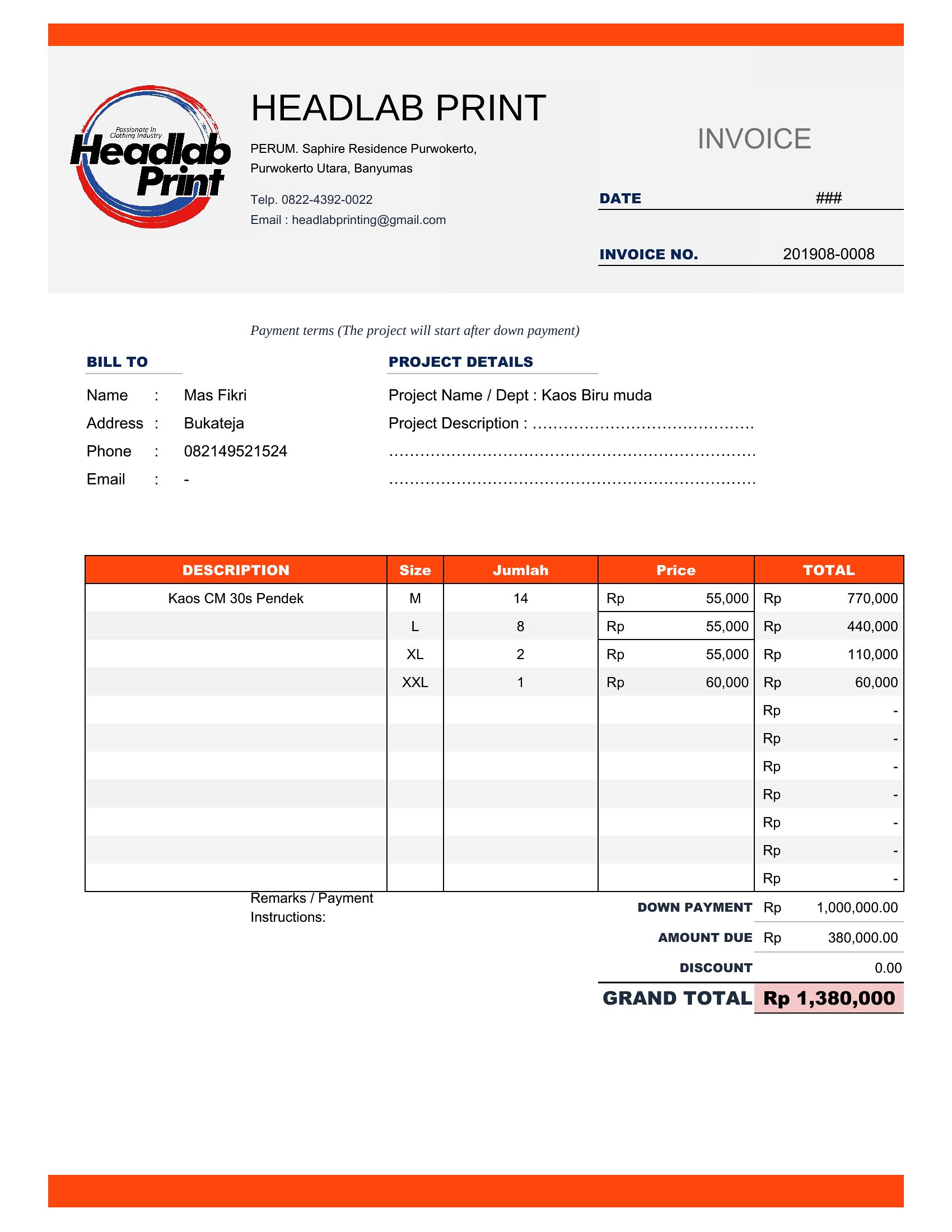
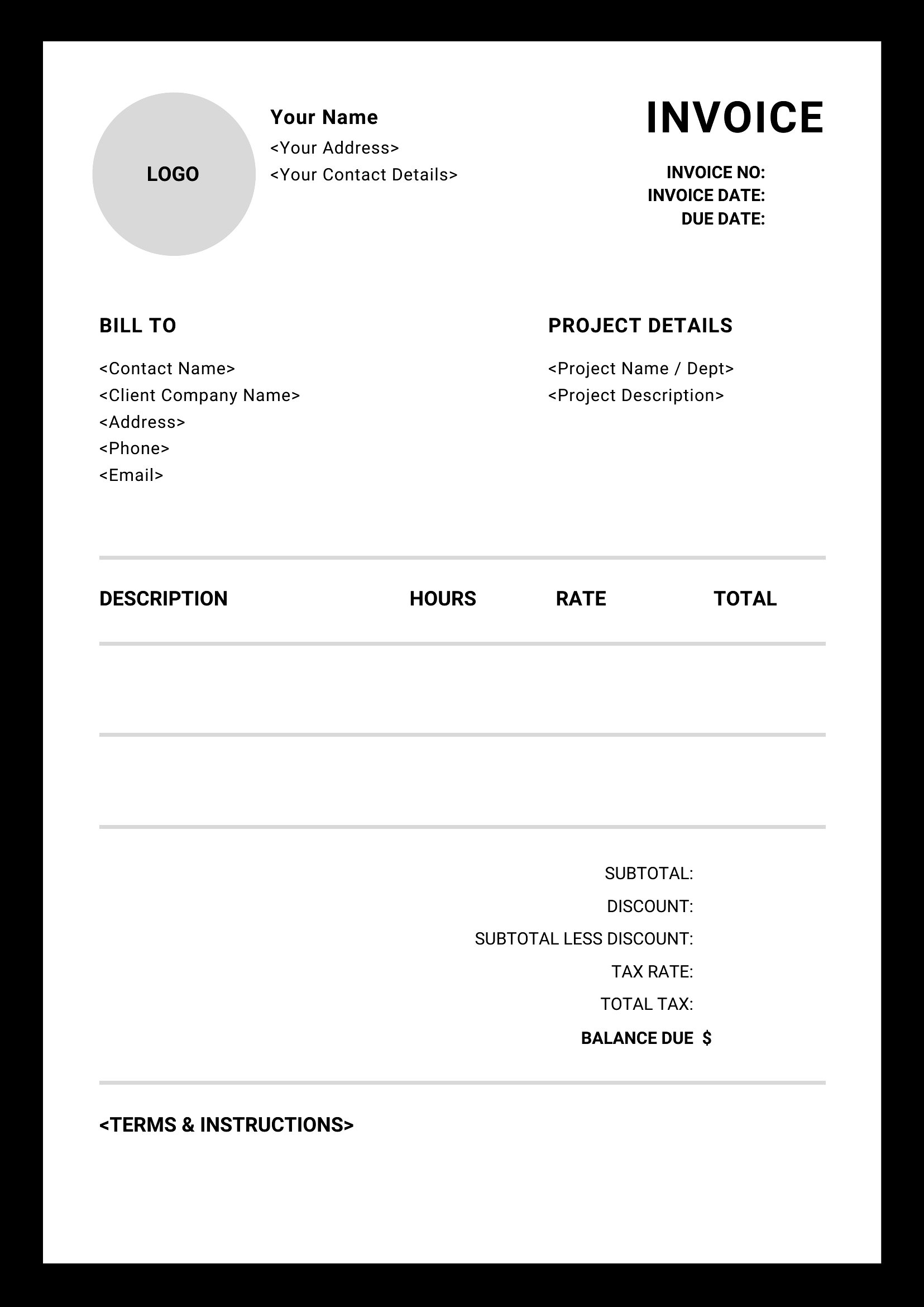
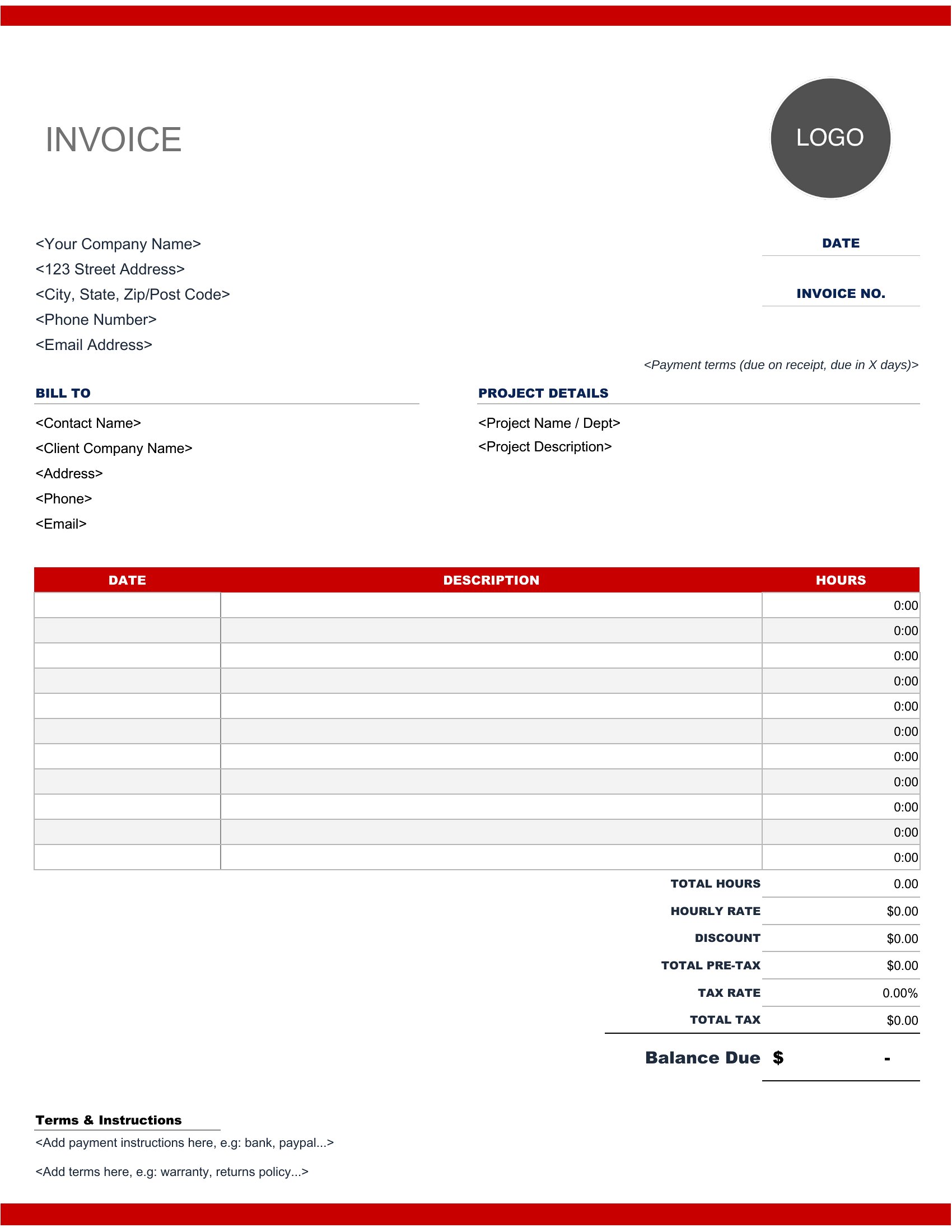
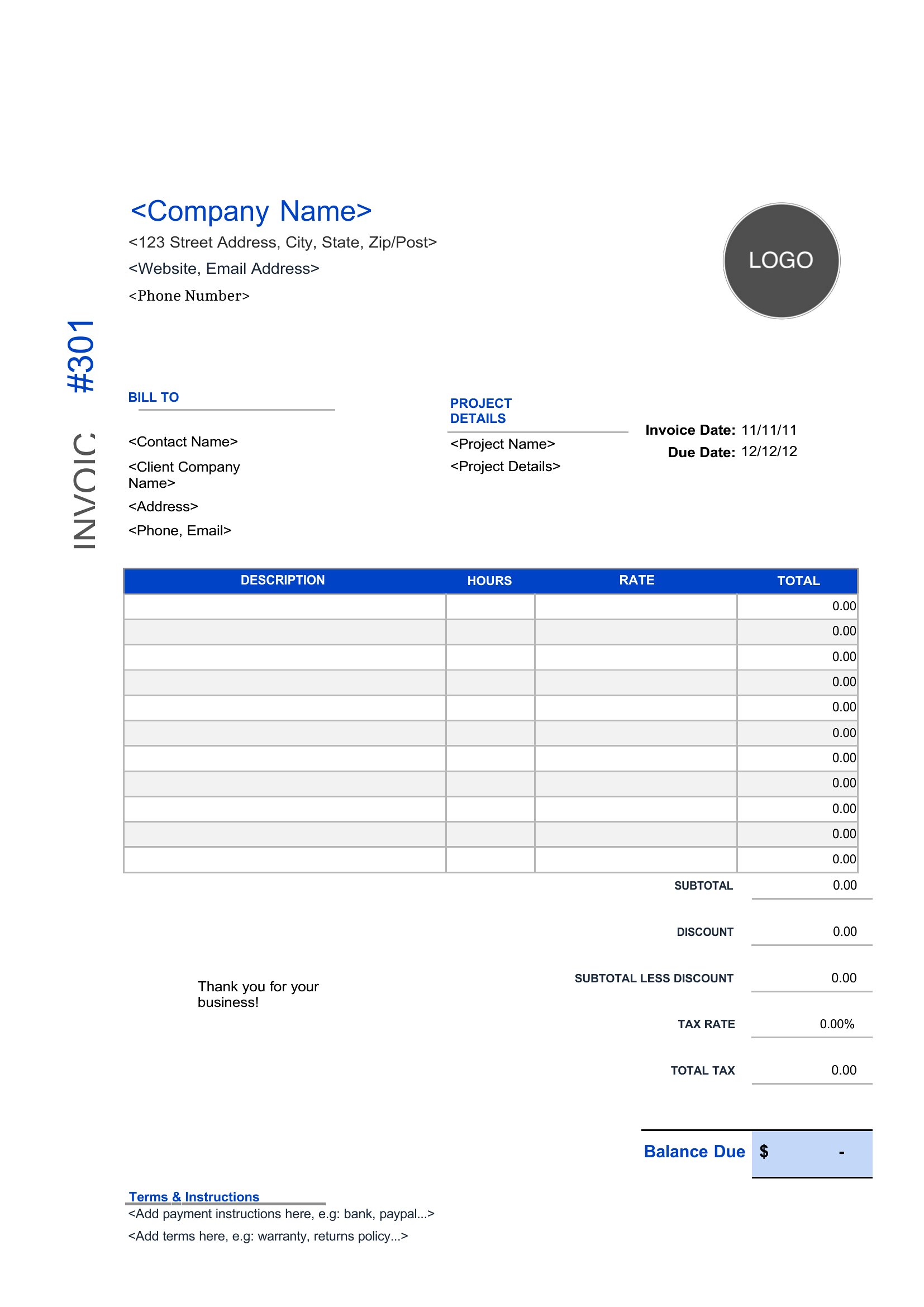
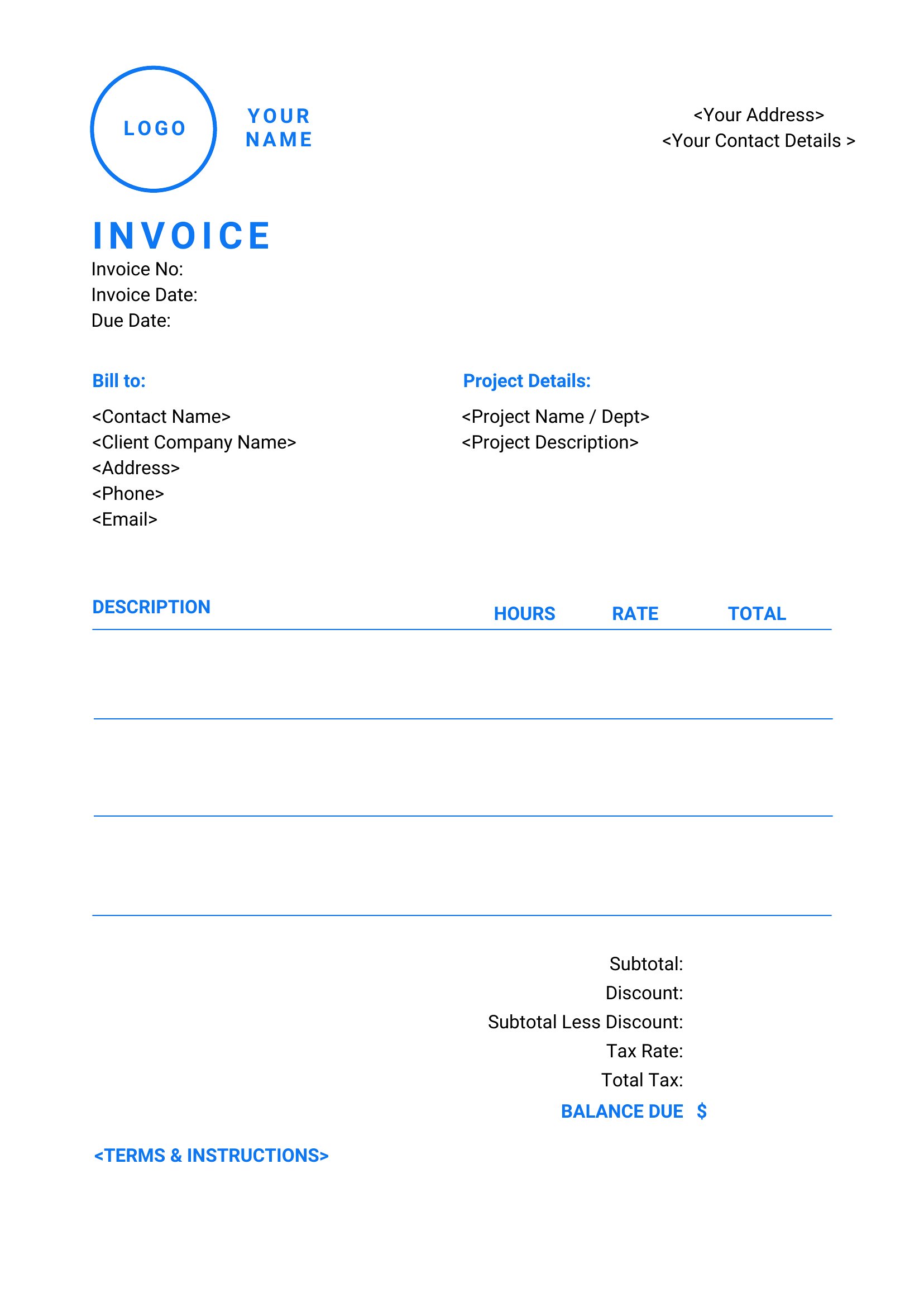
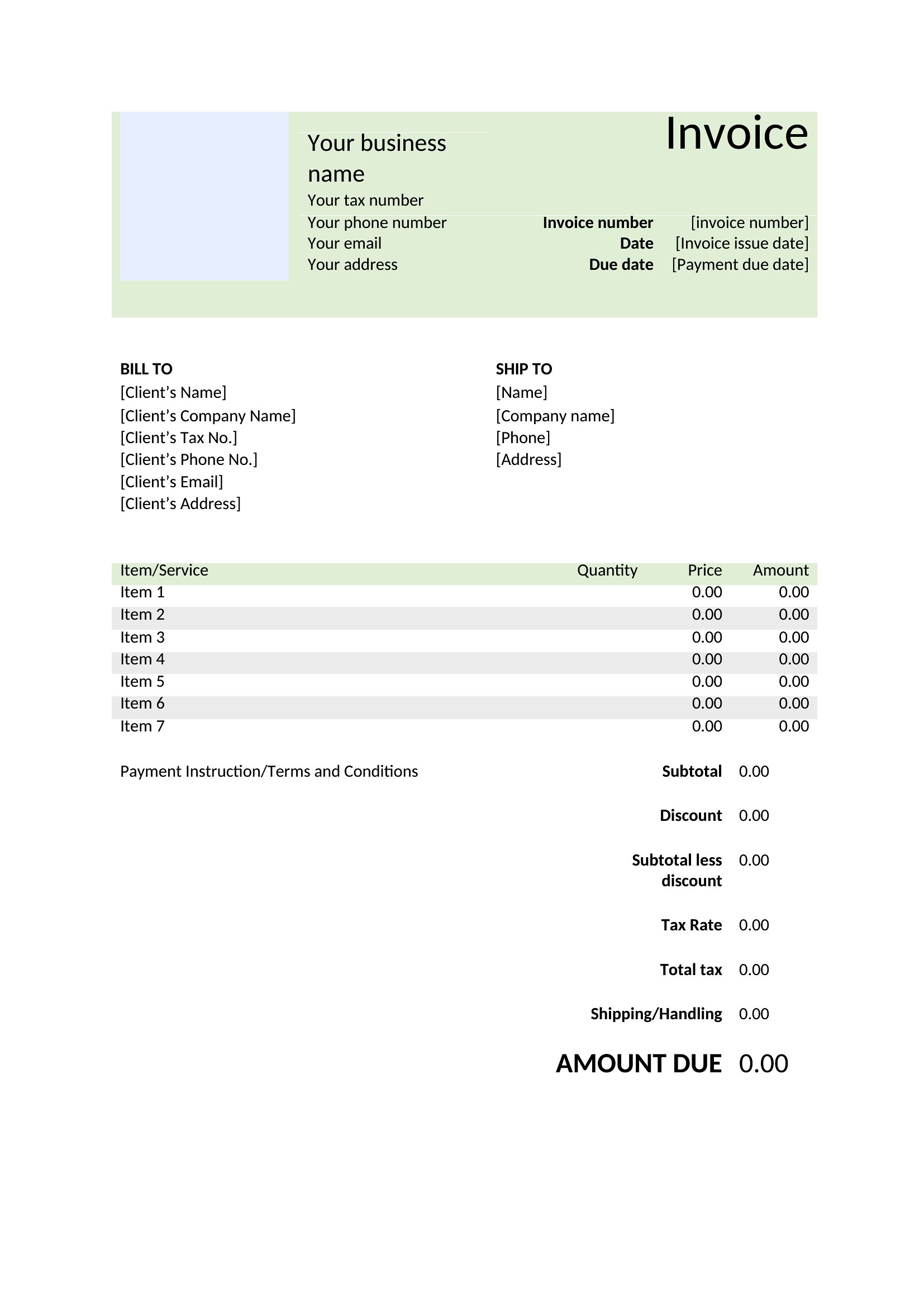
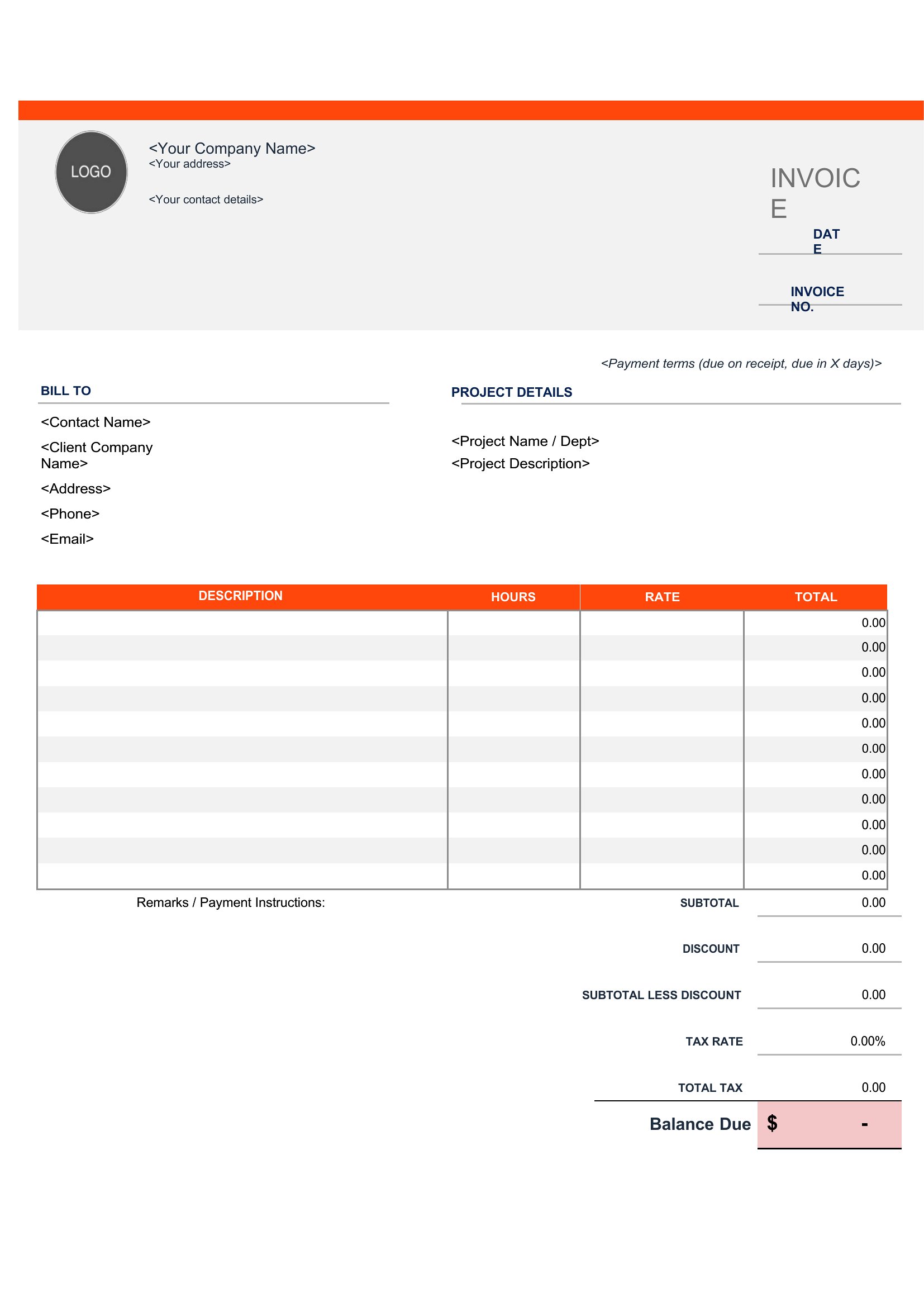
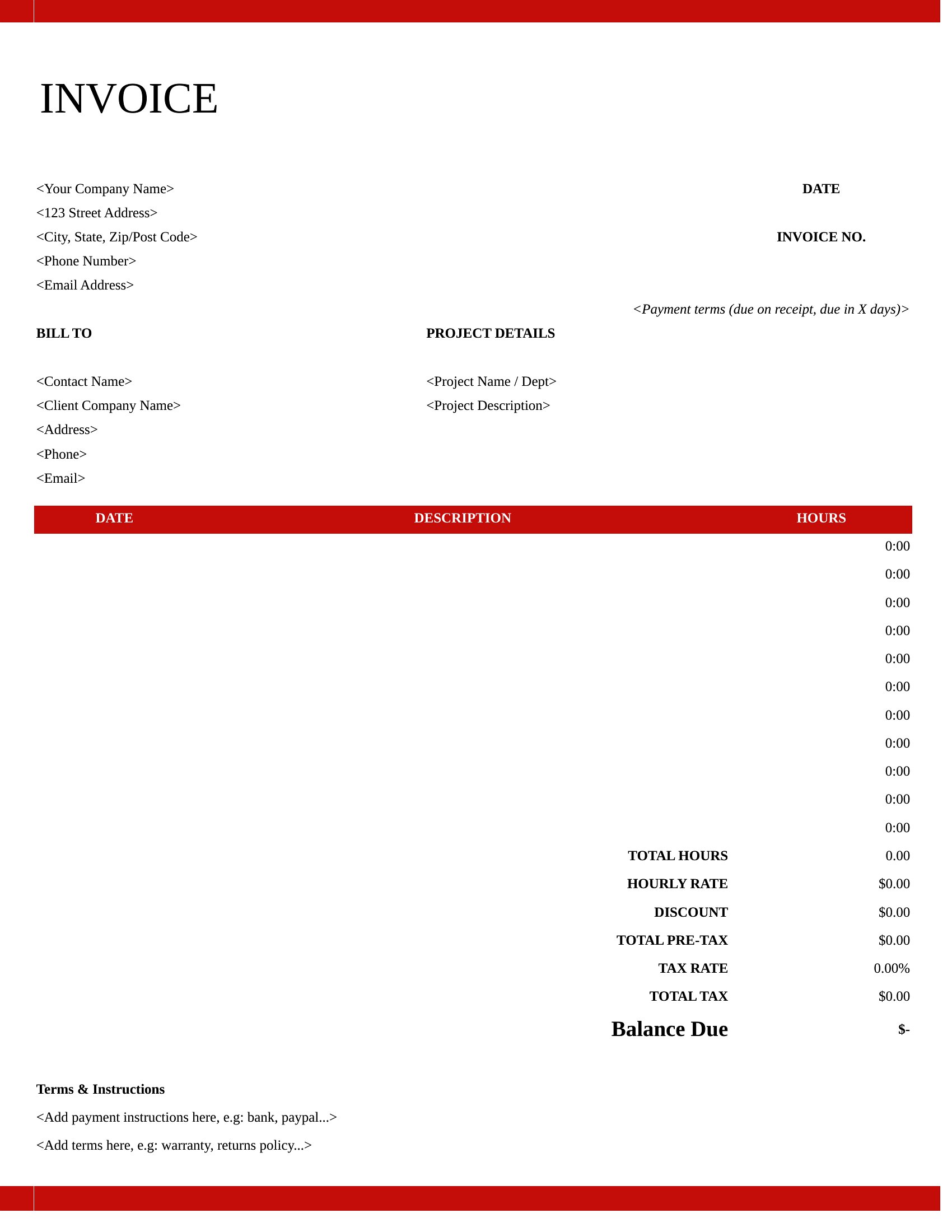
Open the Excel invoice in your spreadsheet software, locate the rate cells (usually labeled ‘Rate’ or ‘Price’), and replace the sample values with your rates. If tracking hours, link the time entries to the calculation formula to auto-update totals. Save a copy before making changes to preserve the original template.
Can I include line items for reimbursable expenses like software subscriptions or travel costs?
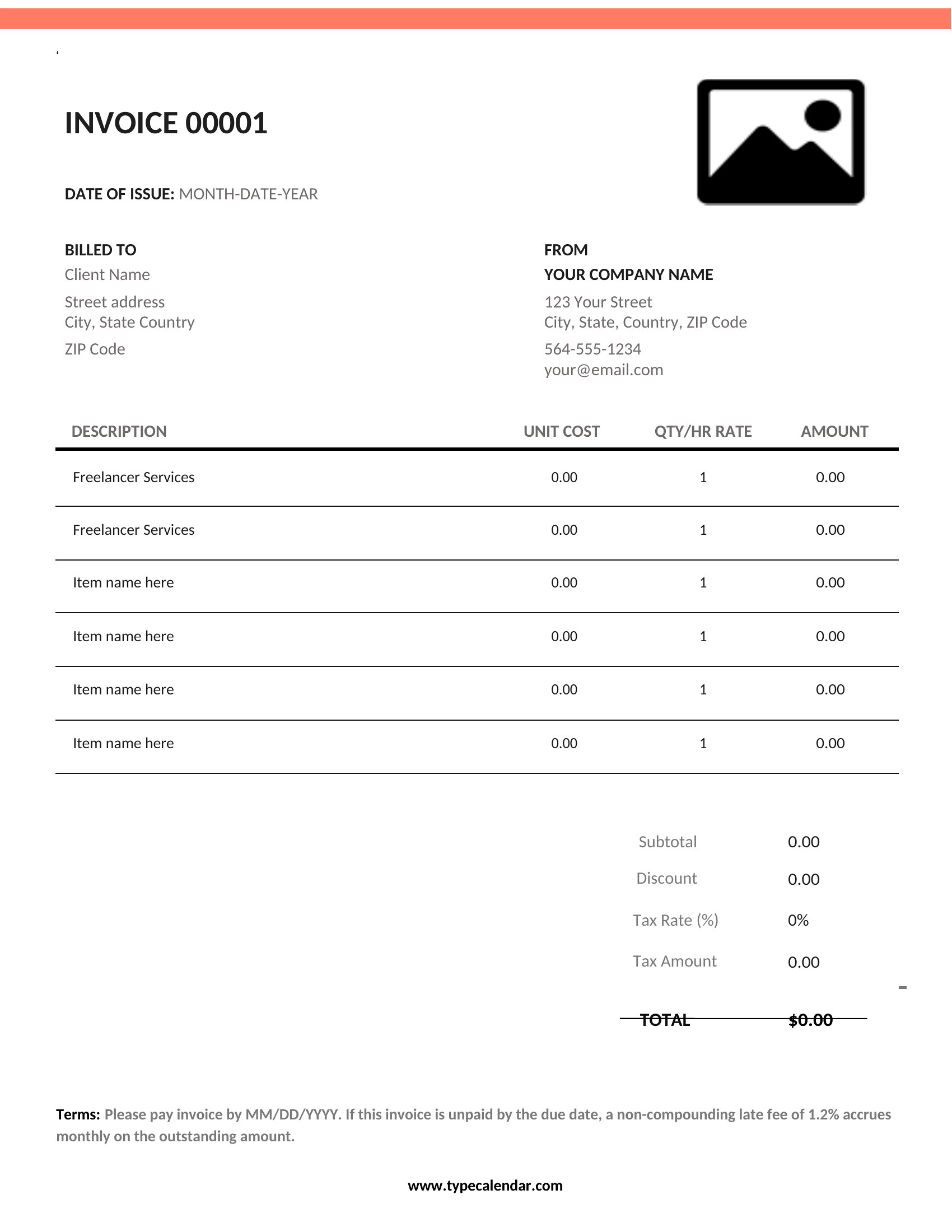
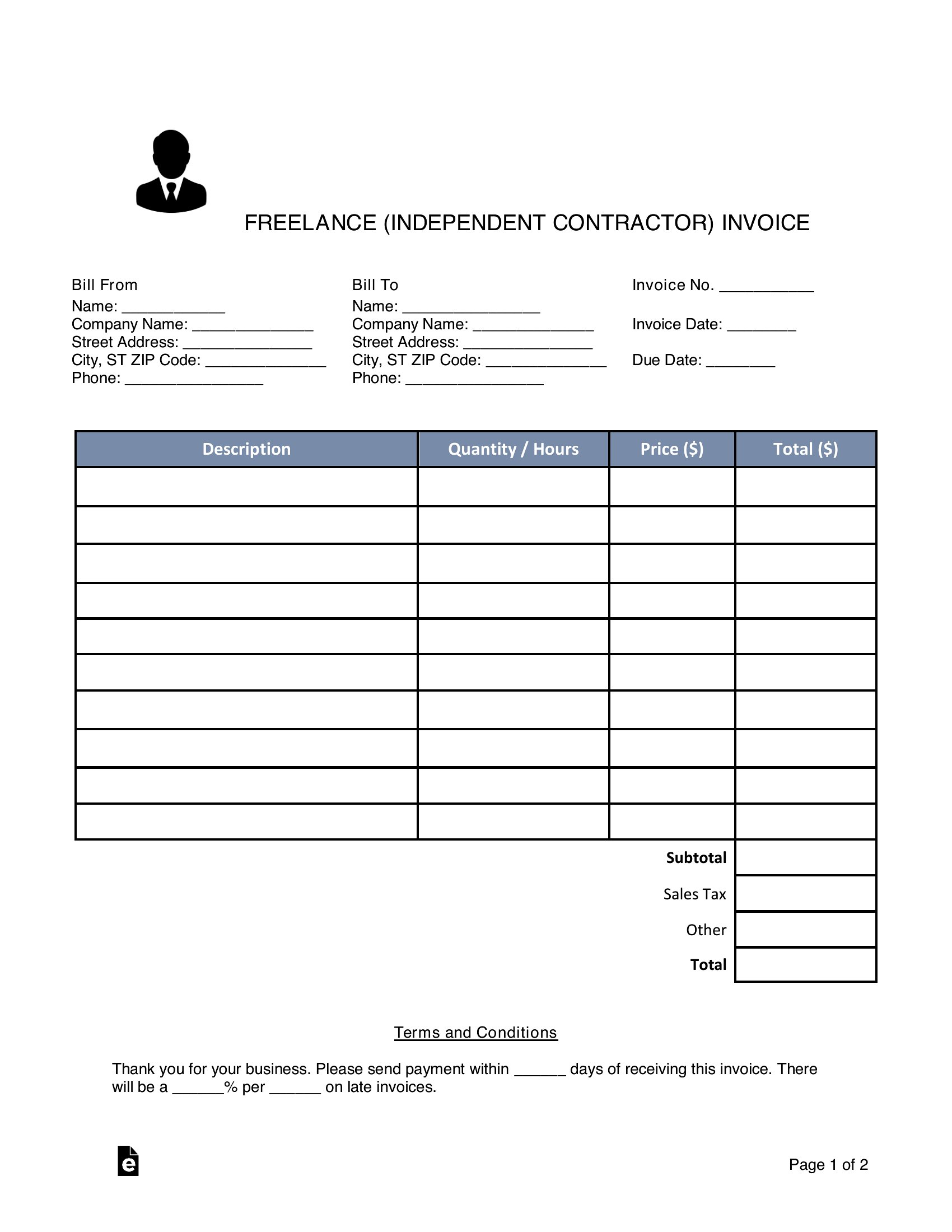
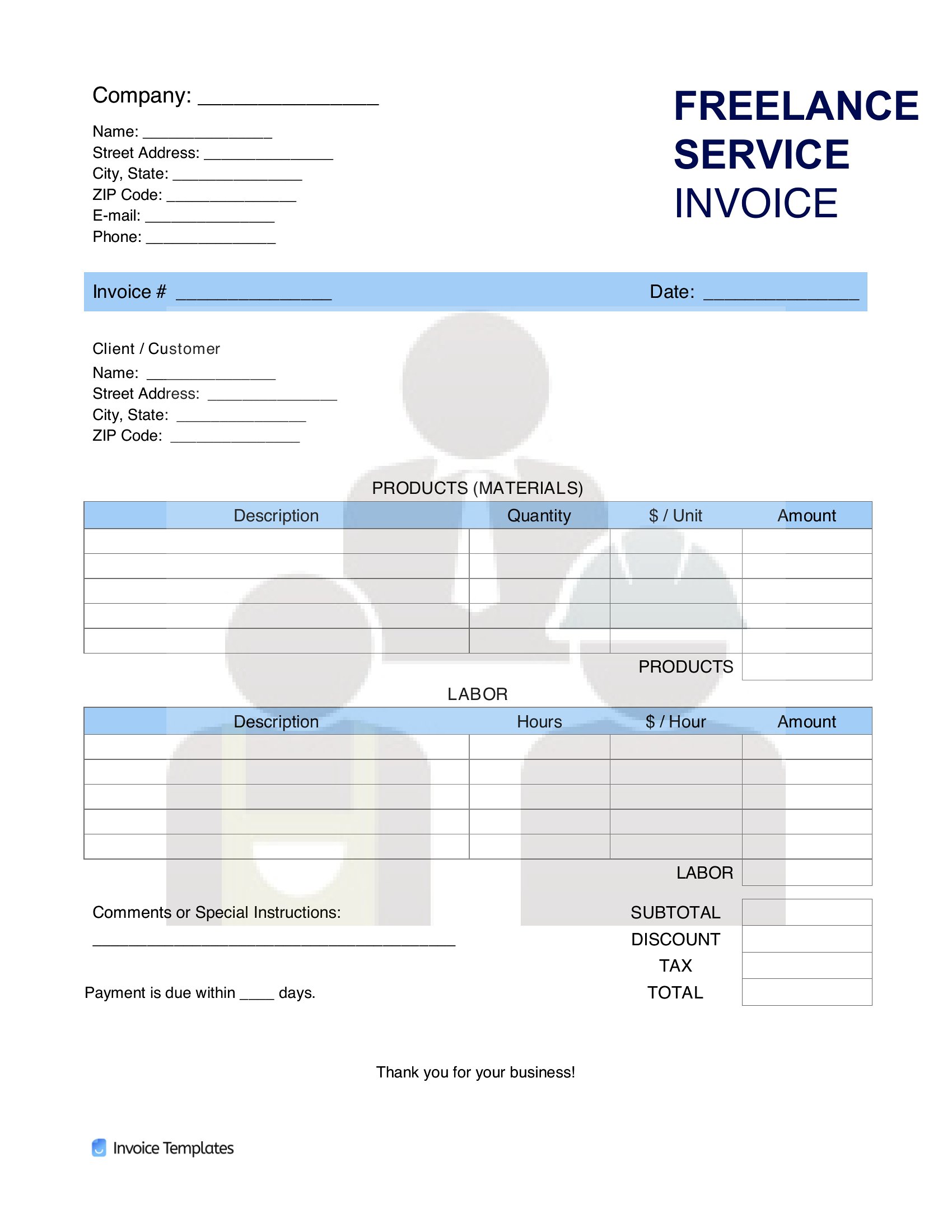
Yes, most templates in this collection have a designated section for expenses. Add a line item for each cost (e.g., ‘Adobe Creative Cloud’ or ‘Mileage’) with the amount. In Excel, you may need to adjust the formula to include these in the subtotal. For Word or PDF, simply type the details into the expense table provided.
What’s the best way to ensure my PDF invoice looks professional when emailed to a client?
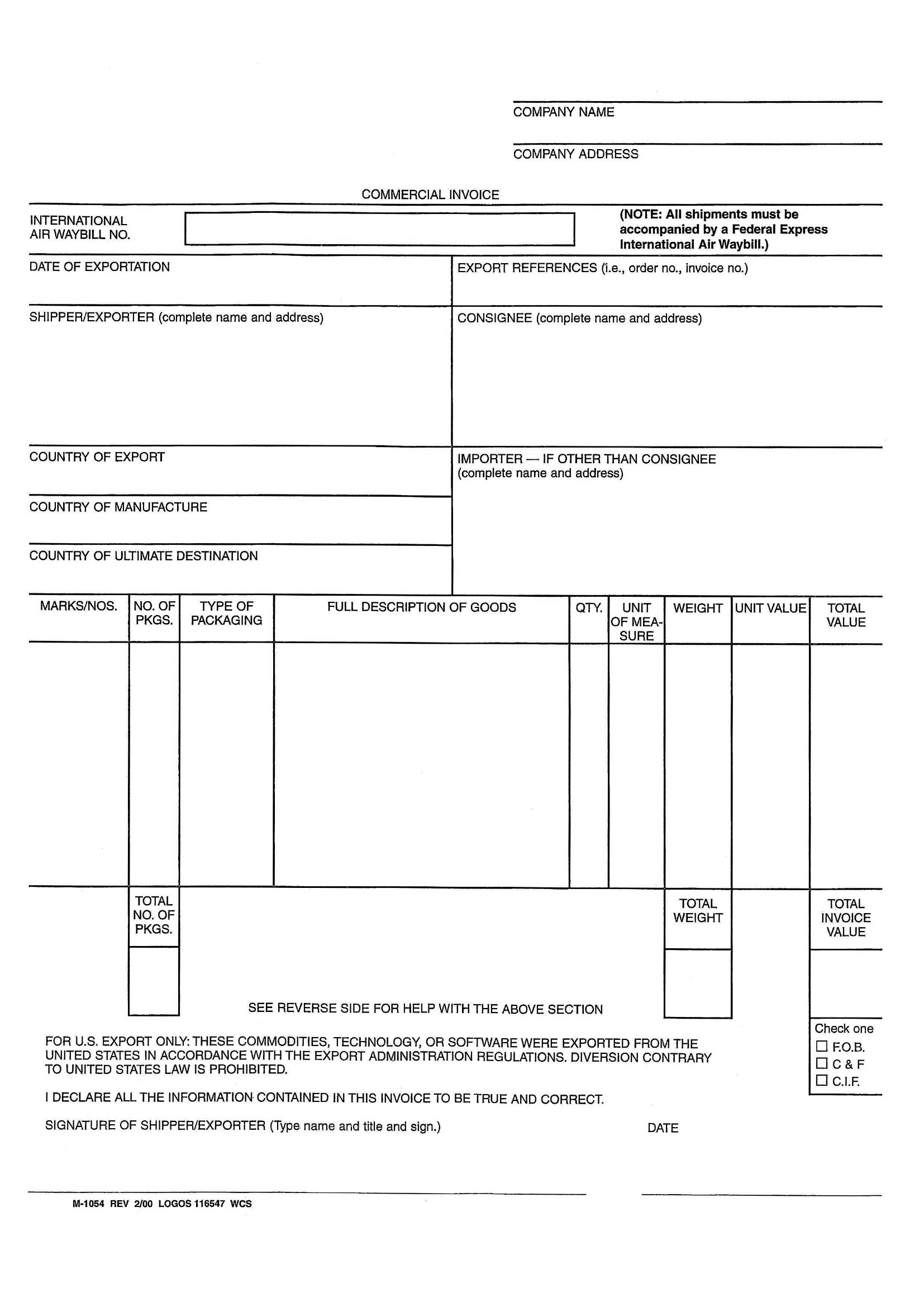
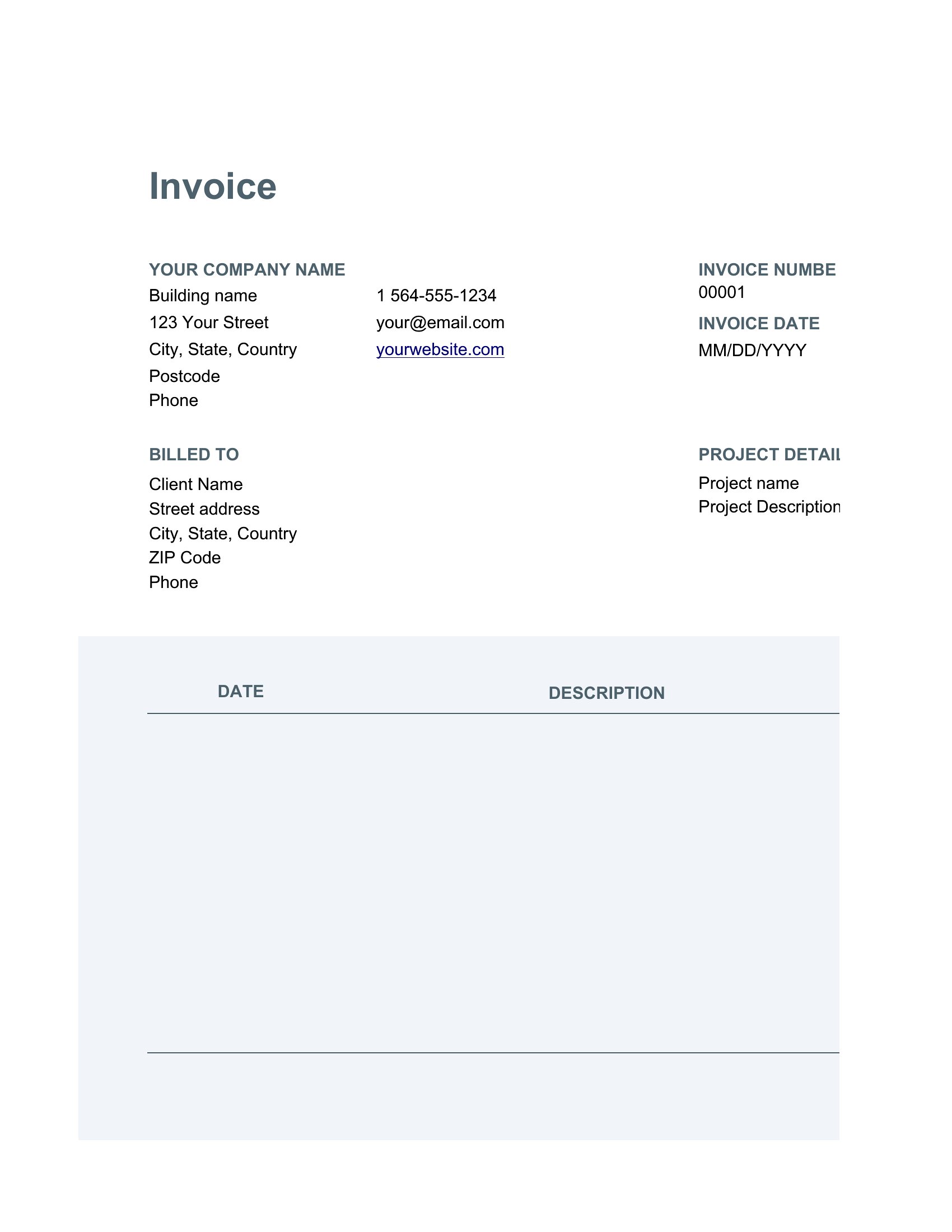
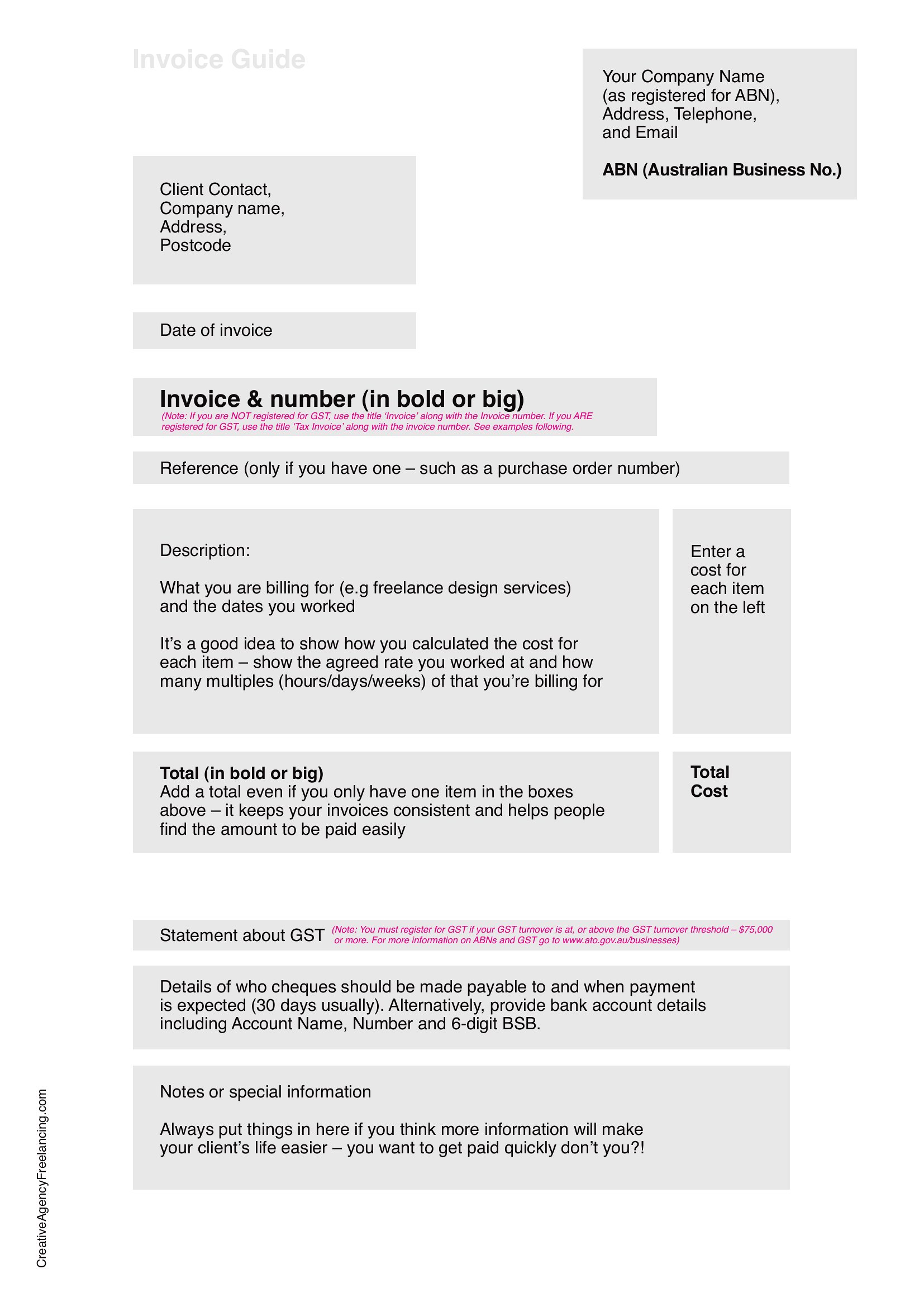
Use a high-resolution PDF template to avoid pixelation. Before sending, preview the document to check for cut-off text or misaligned elements. Save the file as a PDF/A format if your client requires archival compatibility, and consider adding your logo or a subtle watermark to reinforce branding. Avoid embedding sensitive data in the file itself.
Comments
Join the conversation
Sign in to share your thoughts and leave a comment on this resource.