

Skip to content
50% off this one-time $1.99 pack with HALFOFF — or unlimited with Pro.HALFOFF
Premium

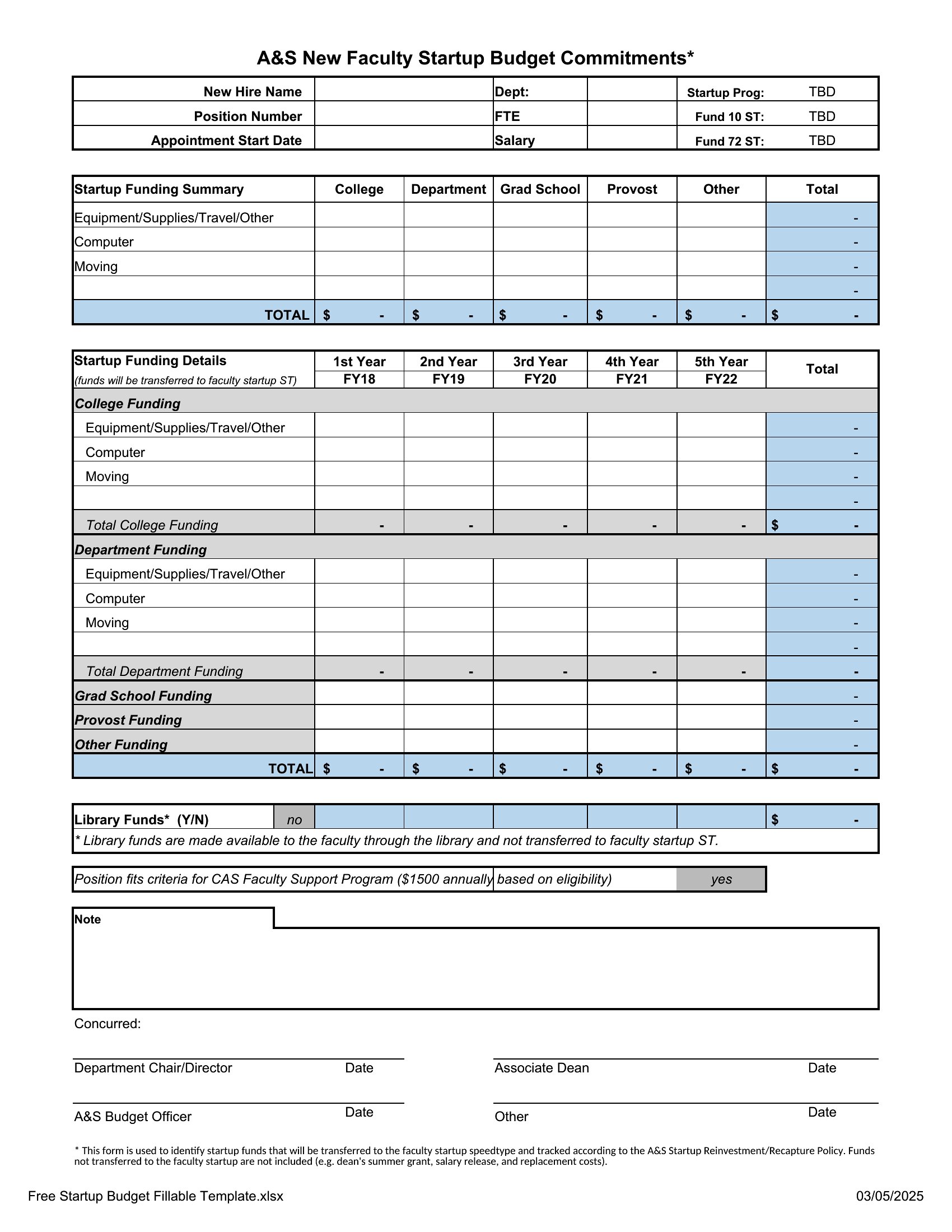
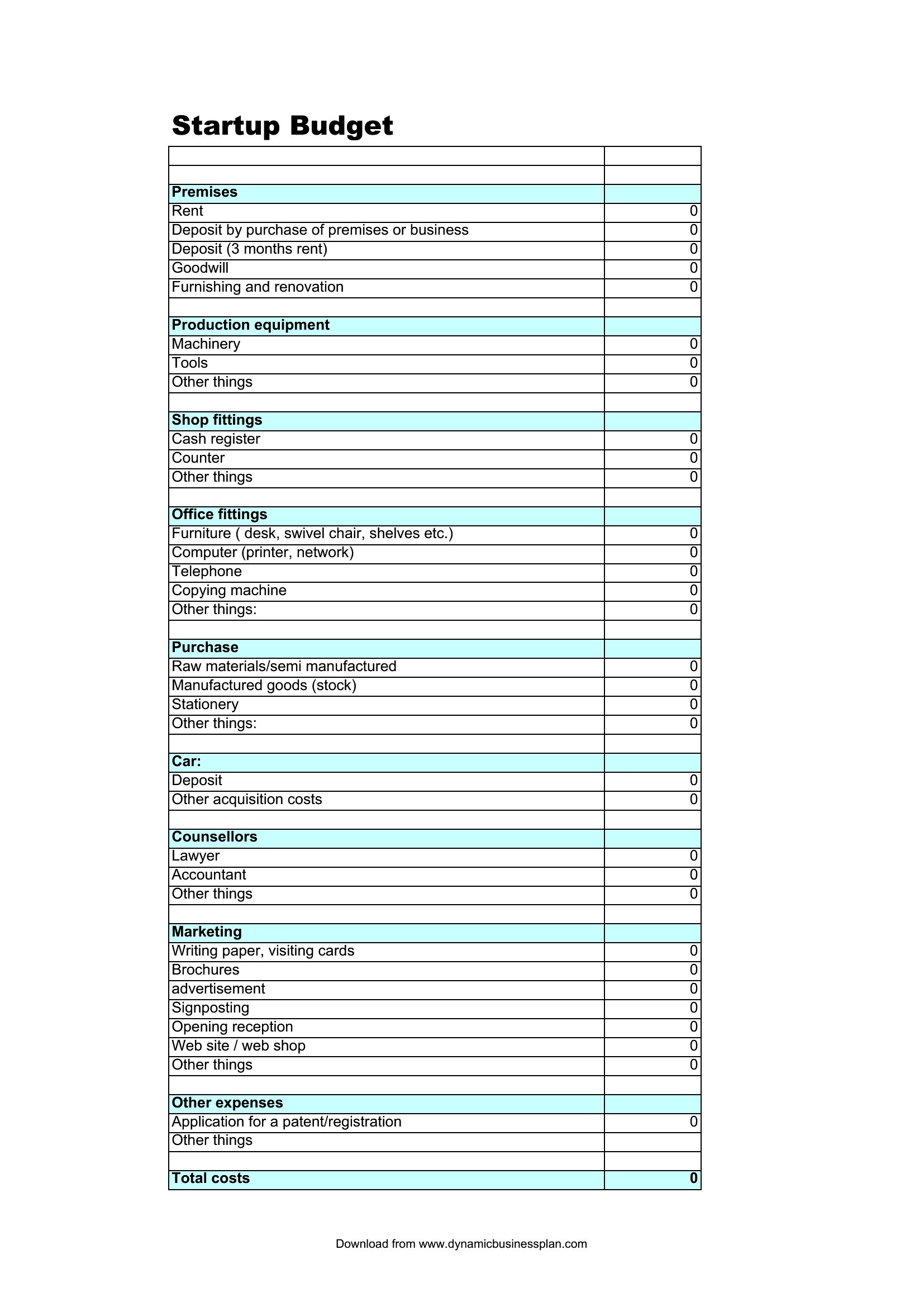
Free Startup Budget Templates (Word, Excel)

Statements
ceciliejorgensen by ceciliejorgensen
Updated 0 downloads 1 community comment

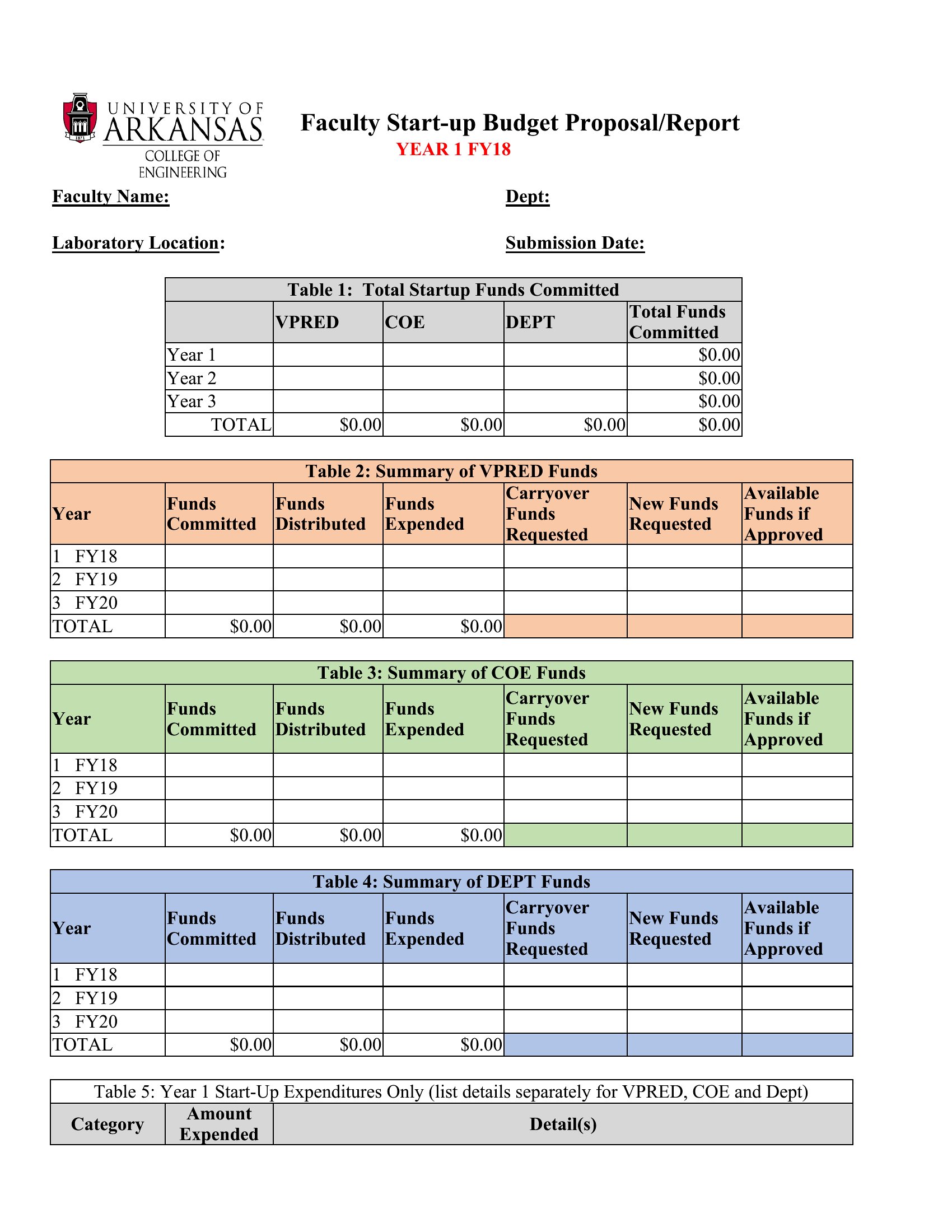
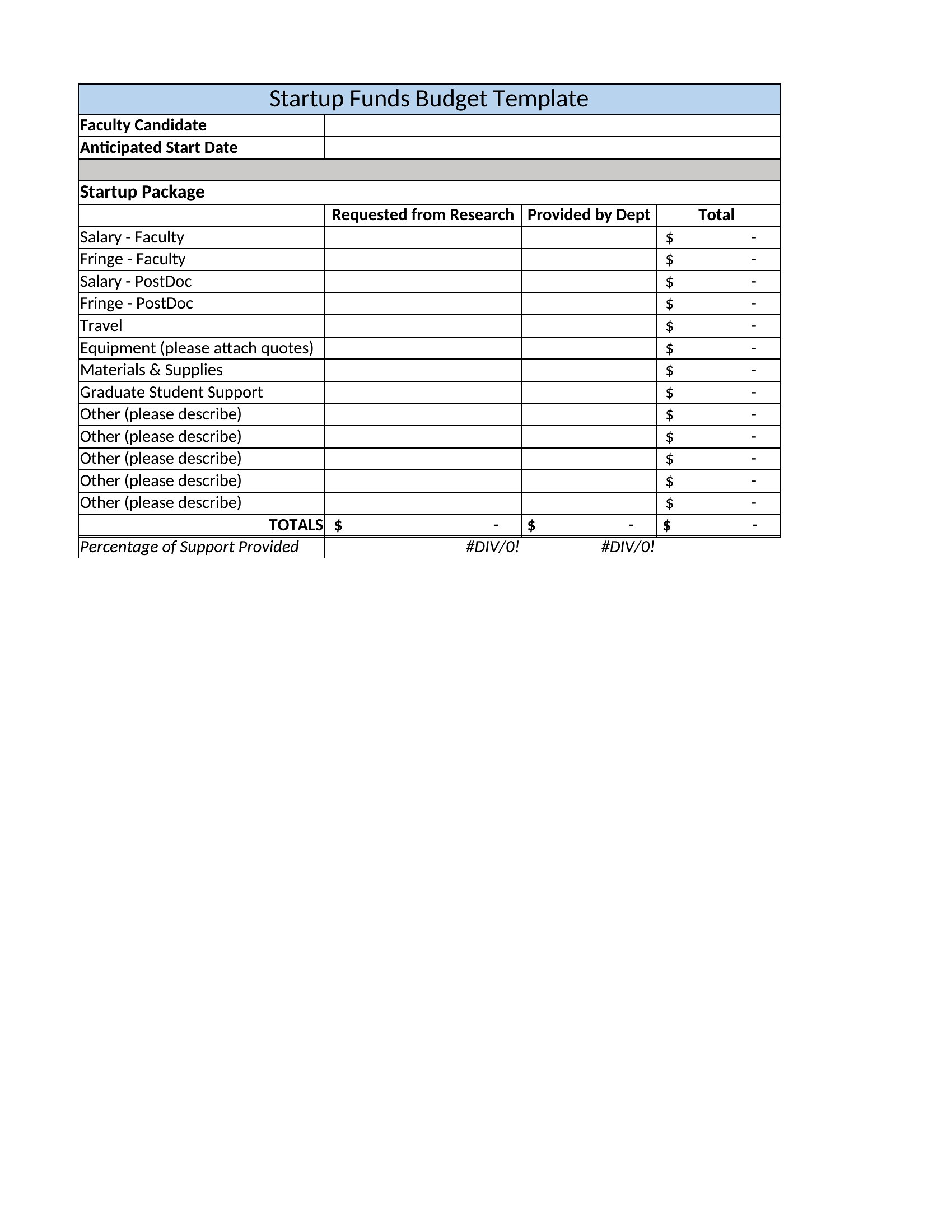
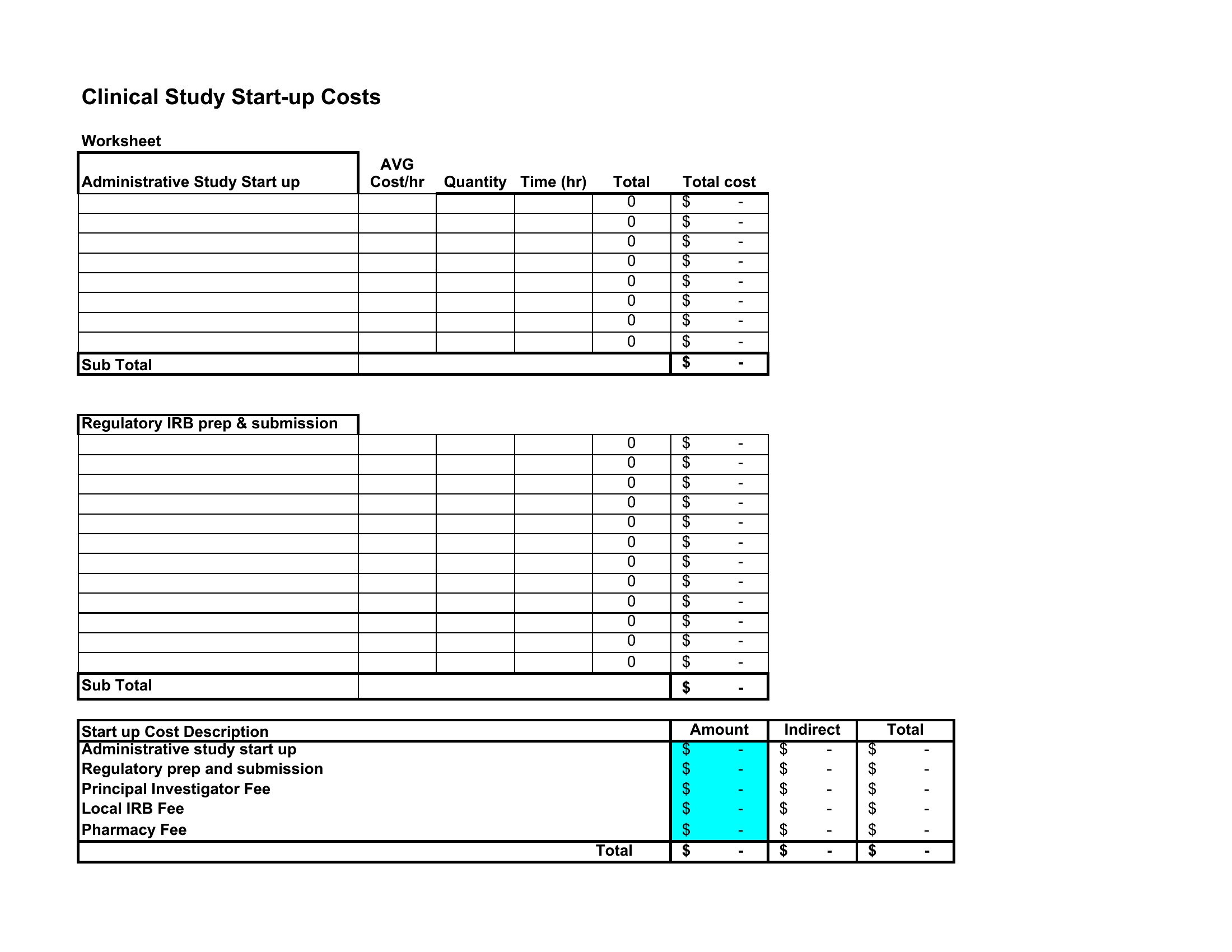
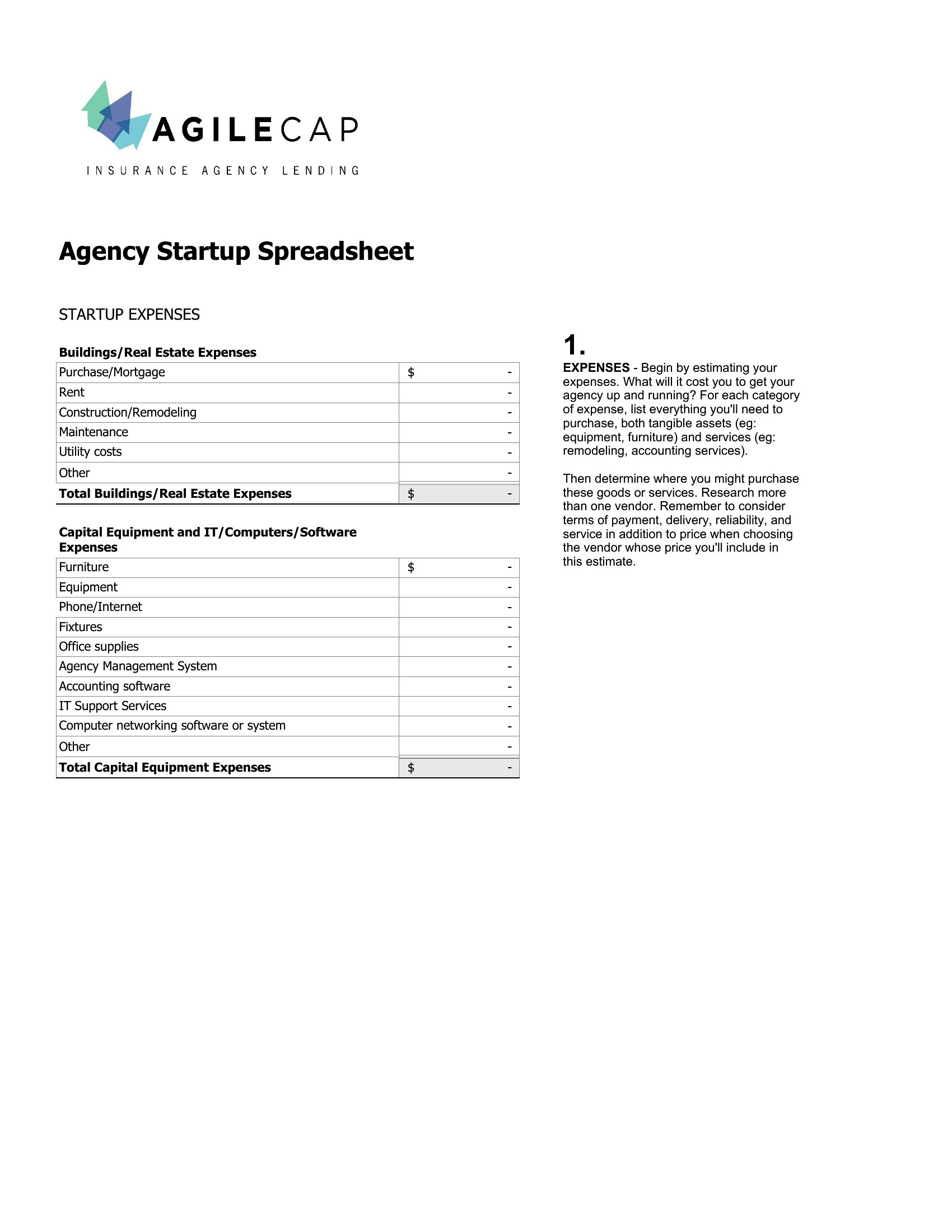
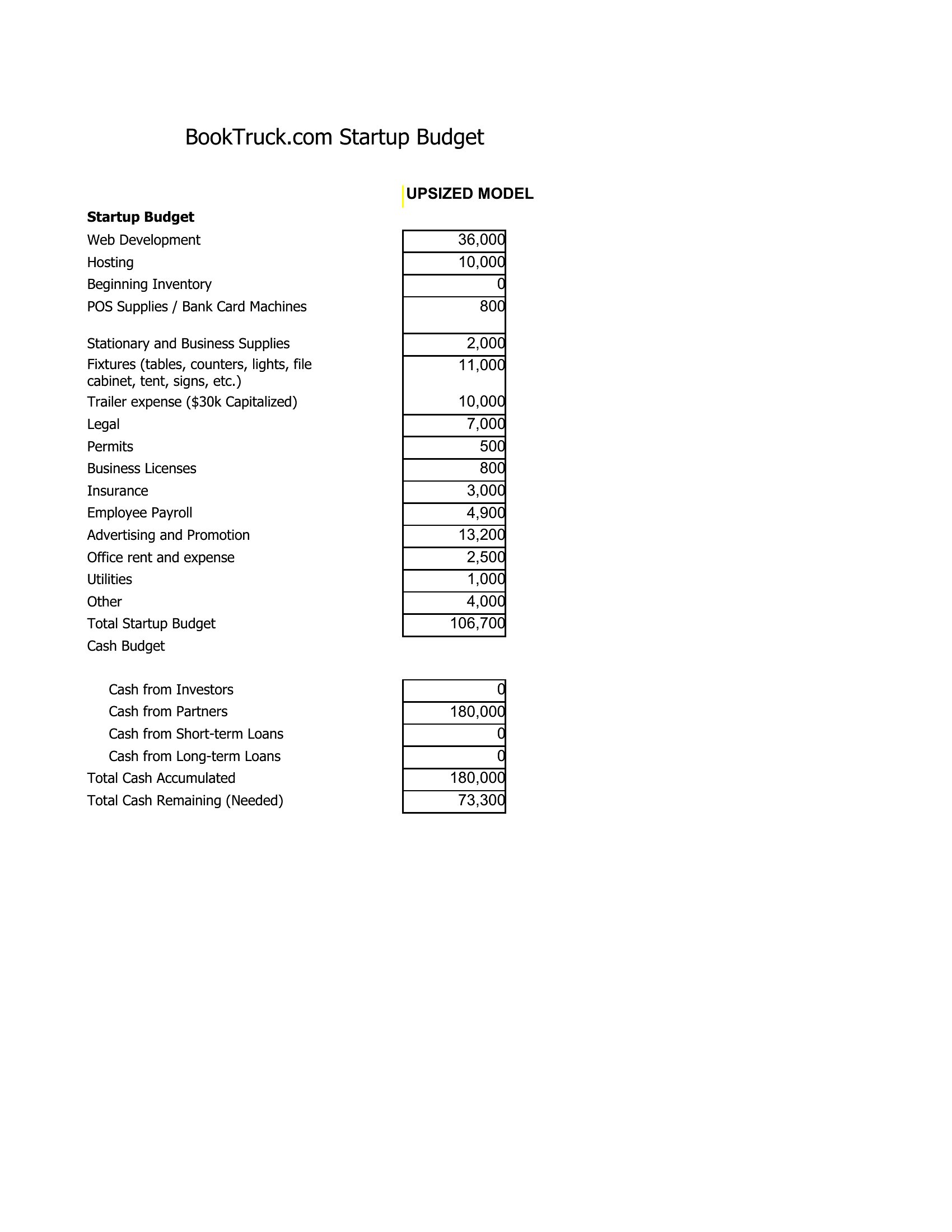
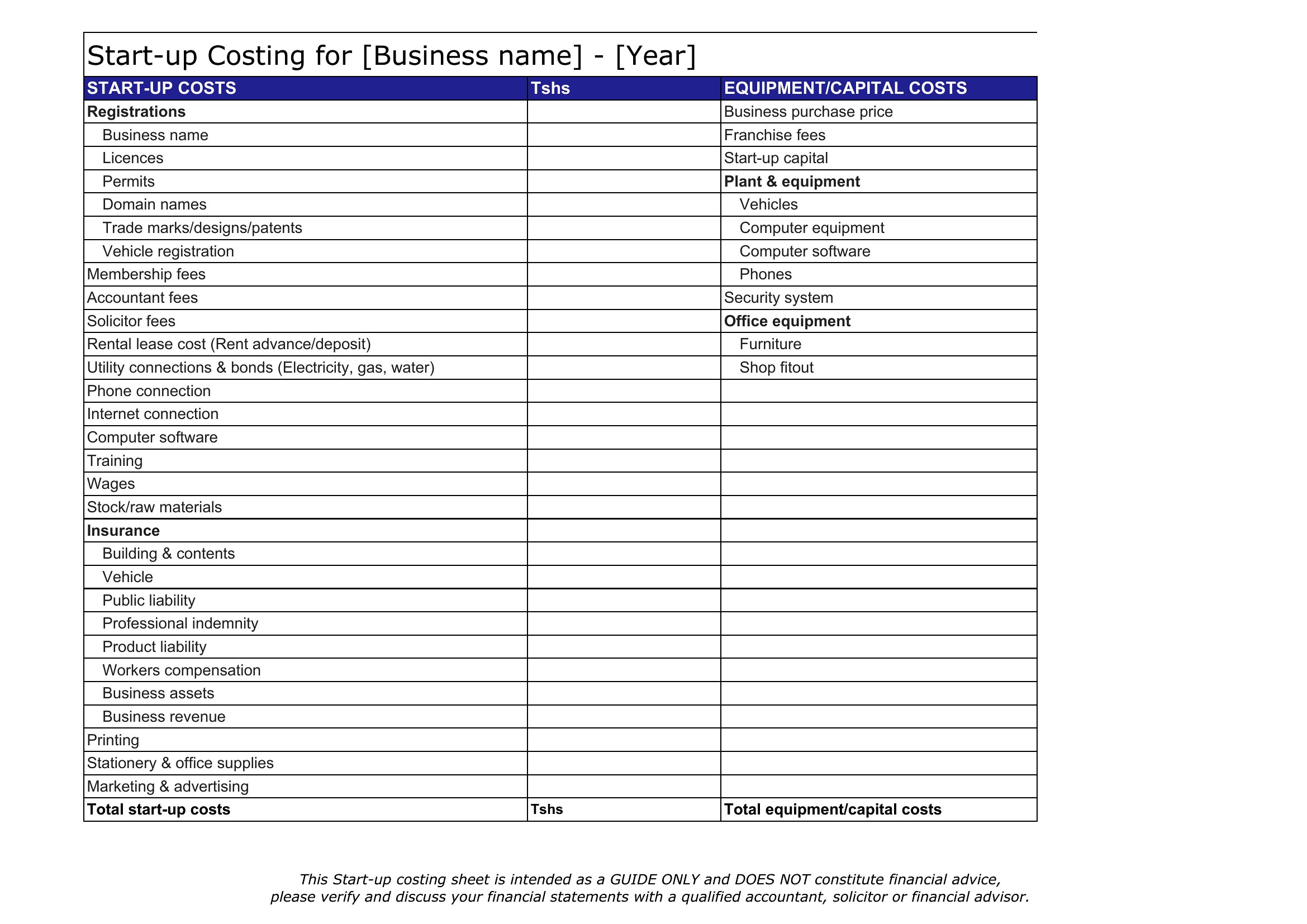
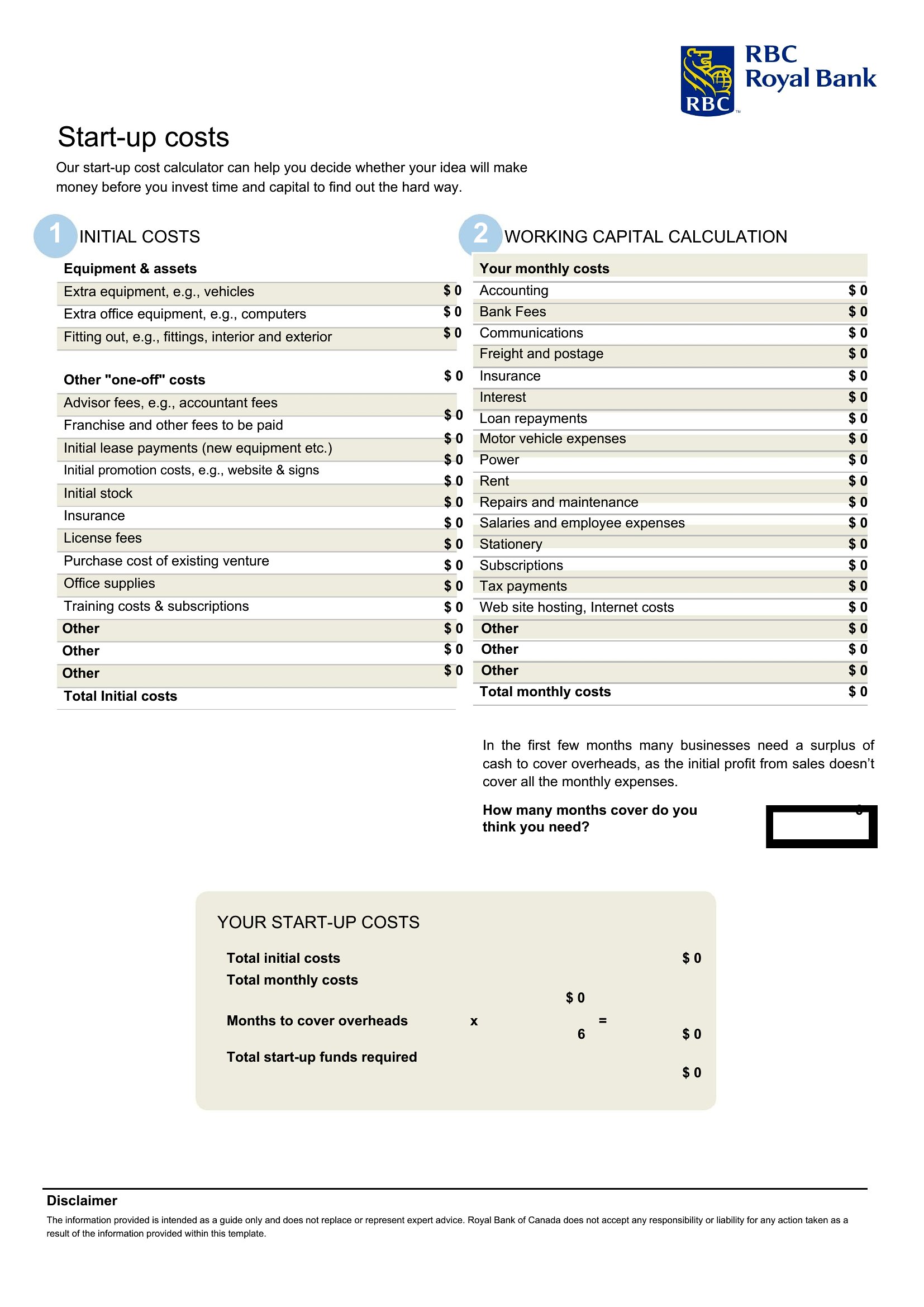
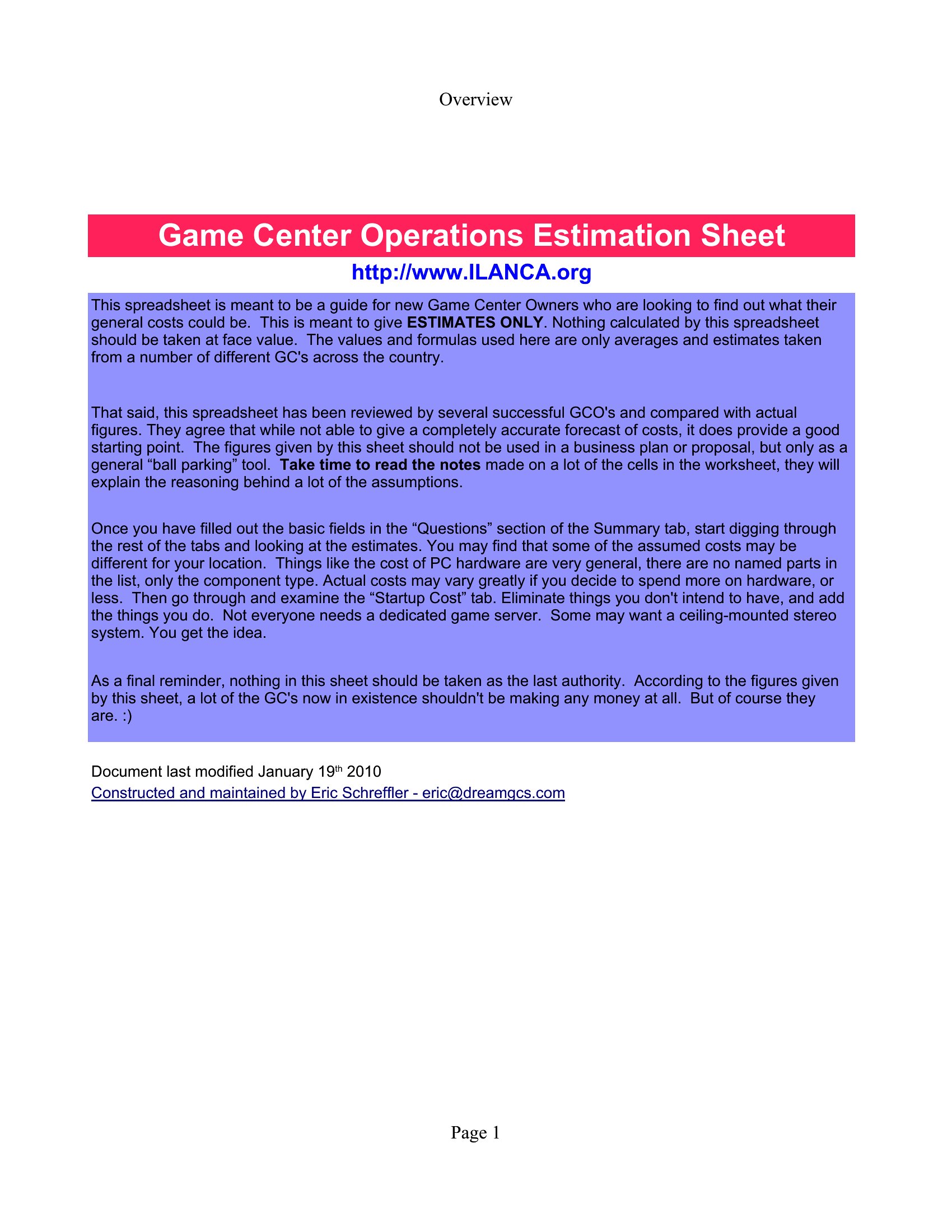
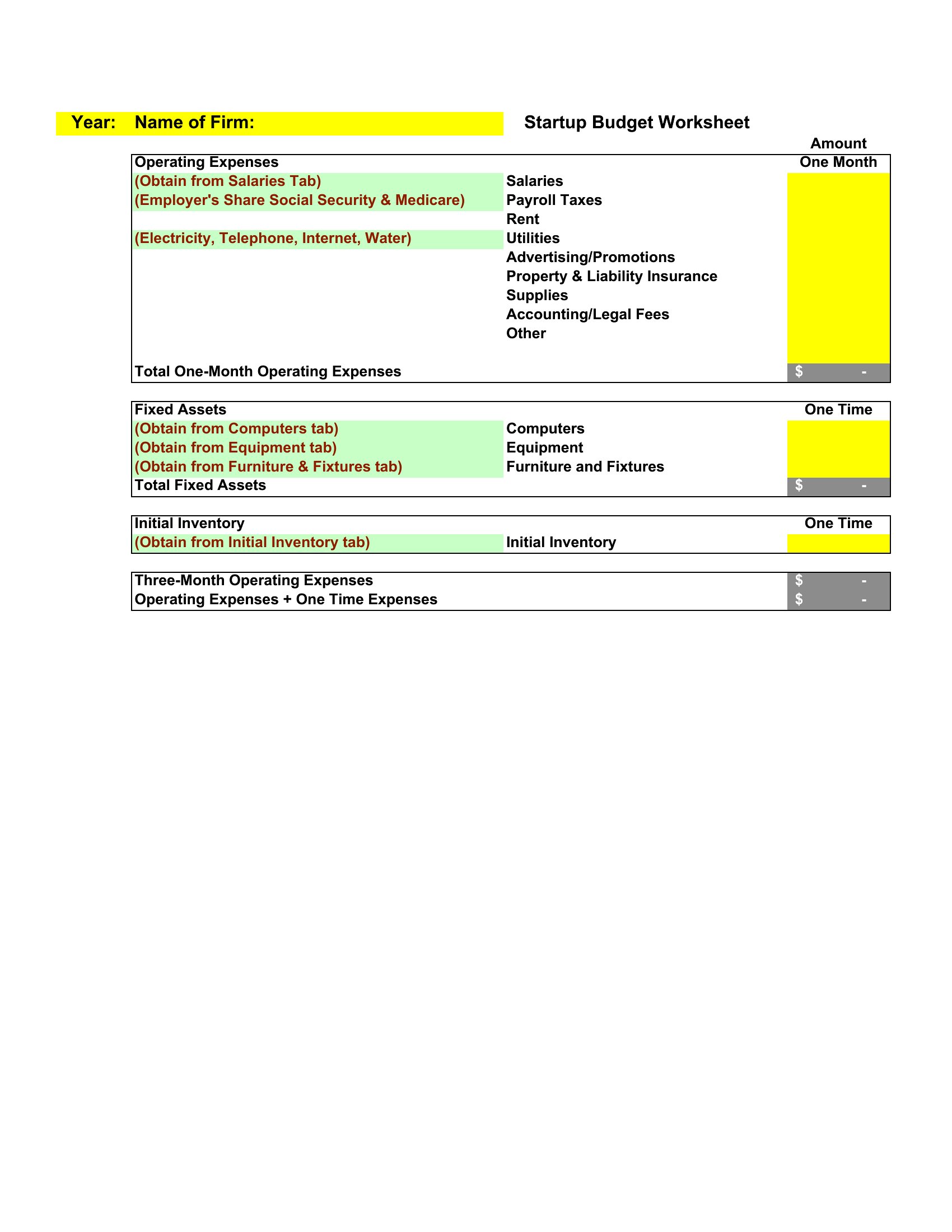
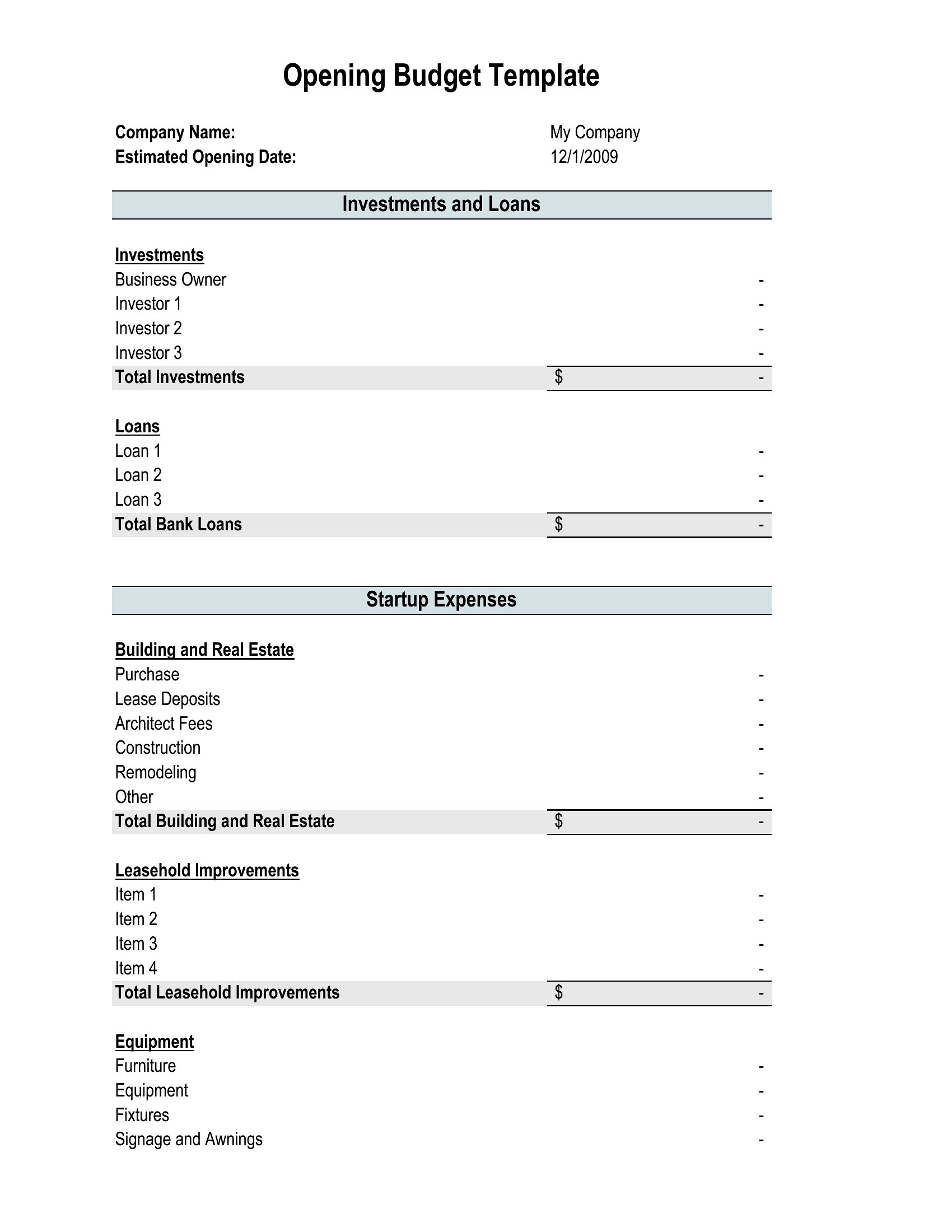
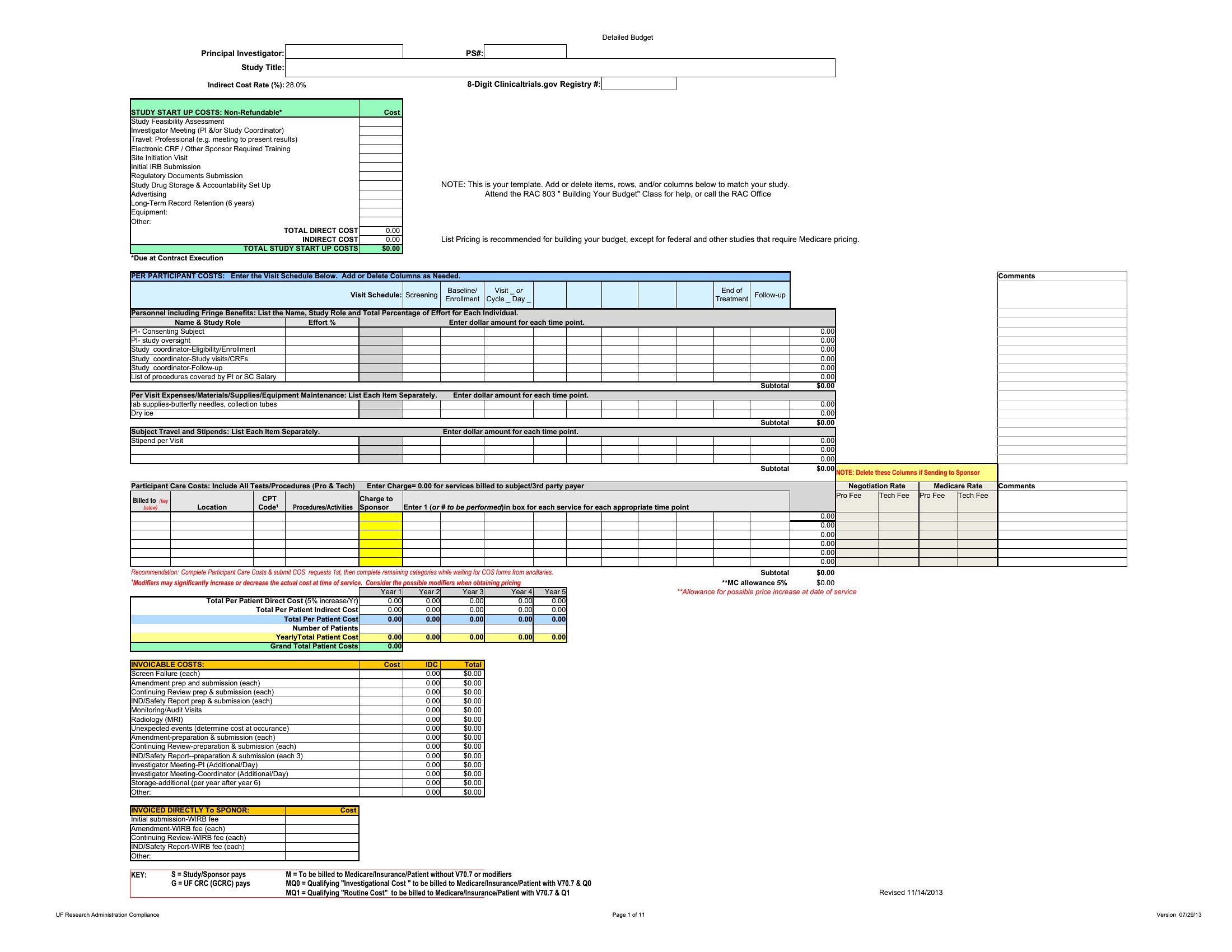
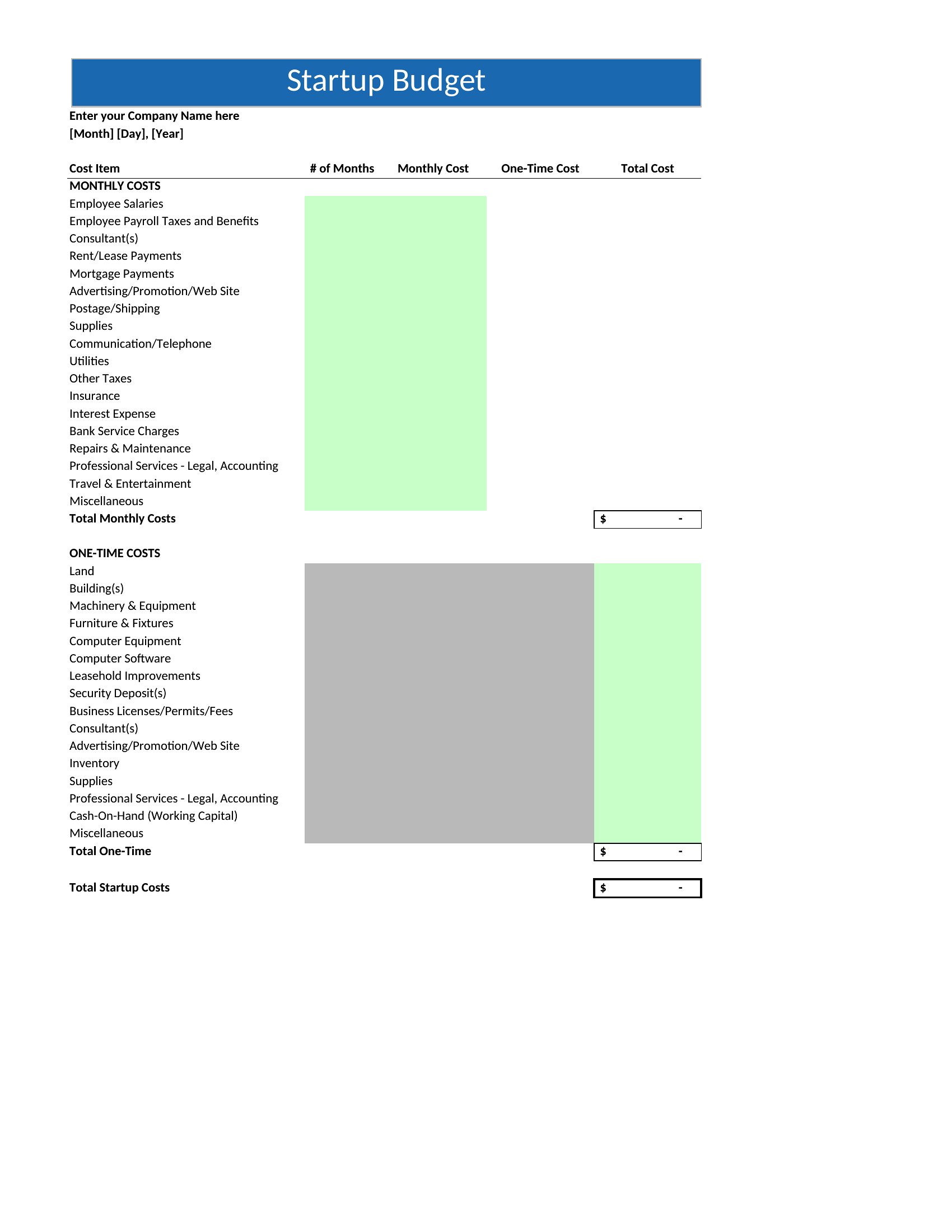
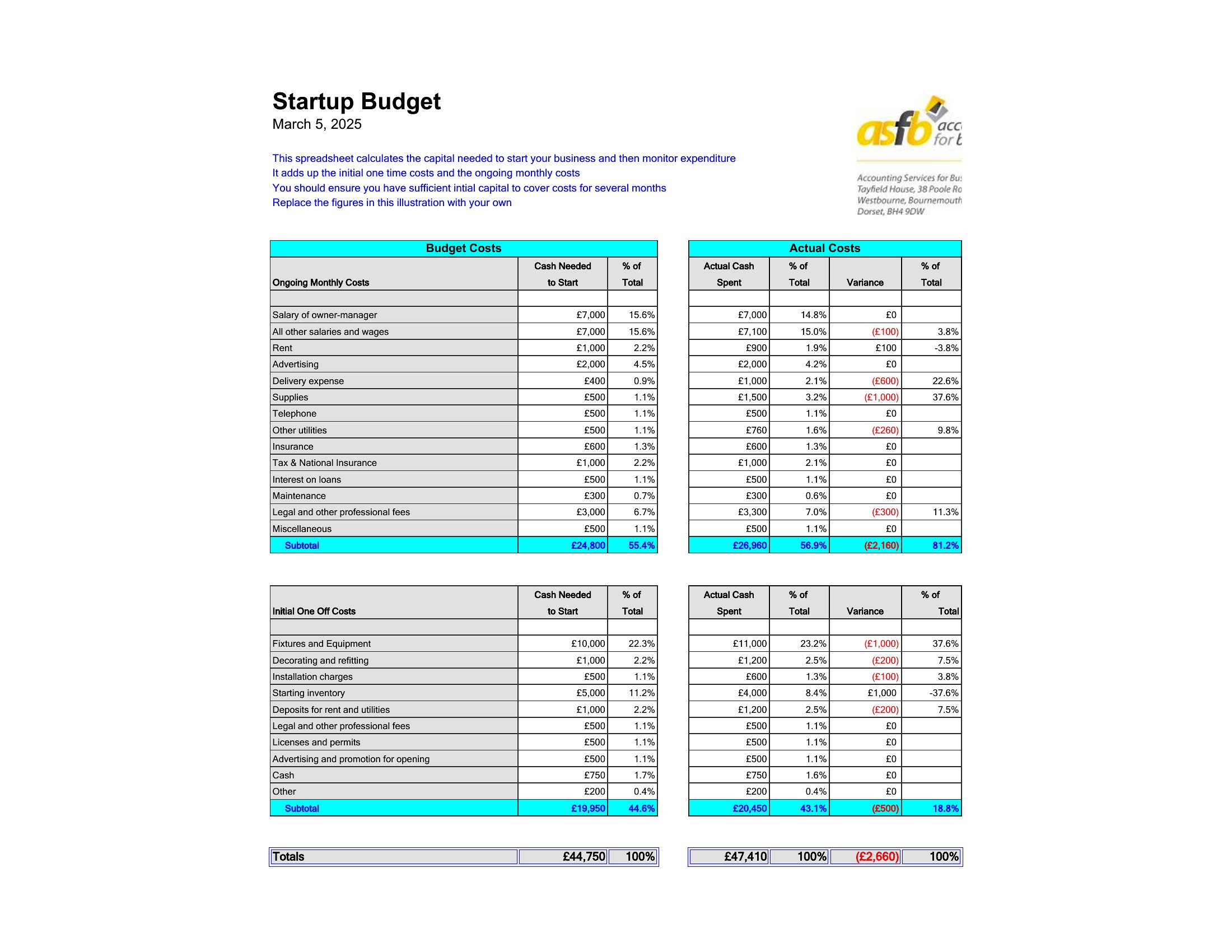
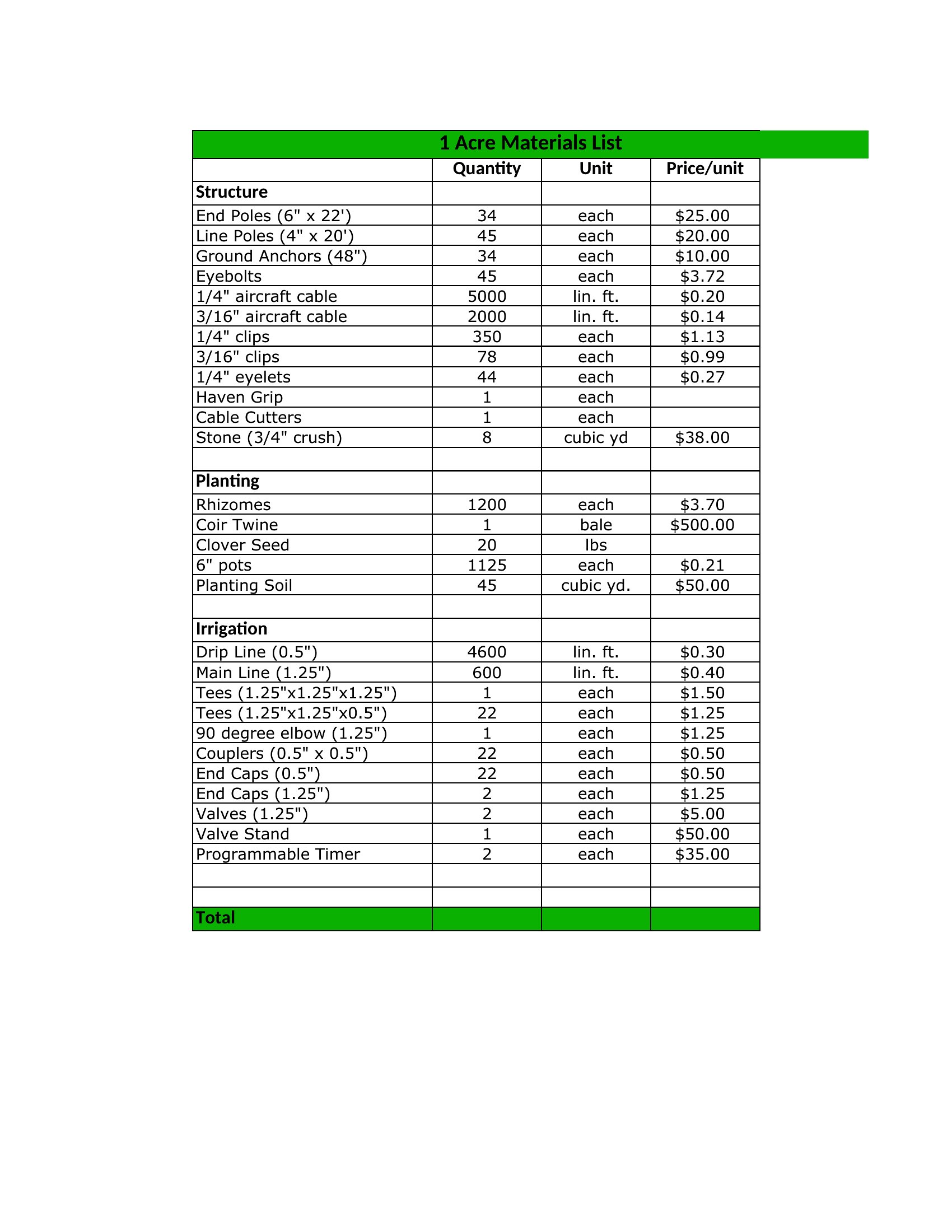
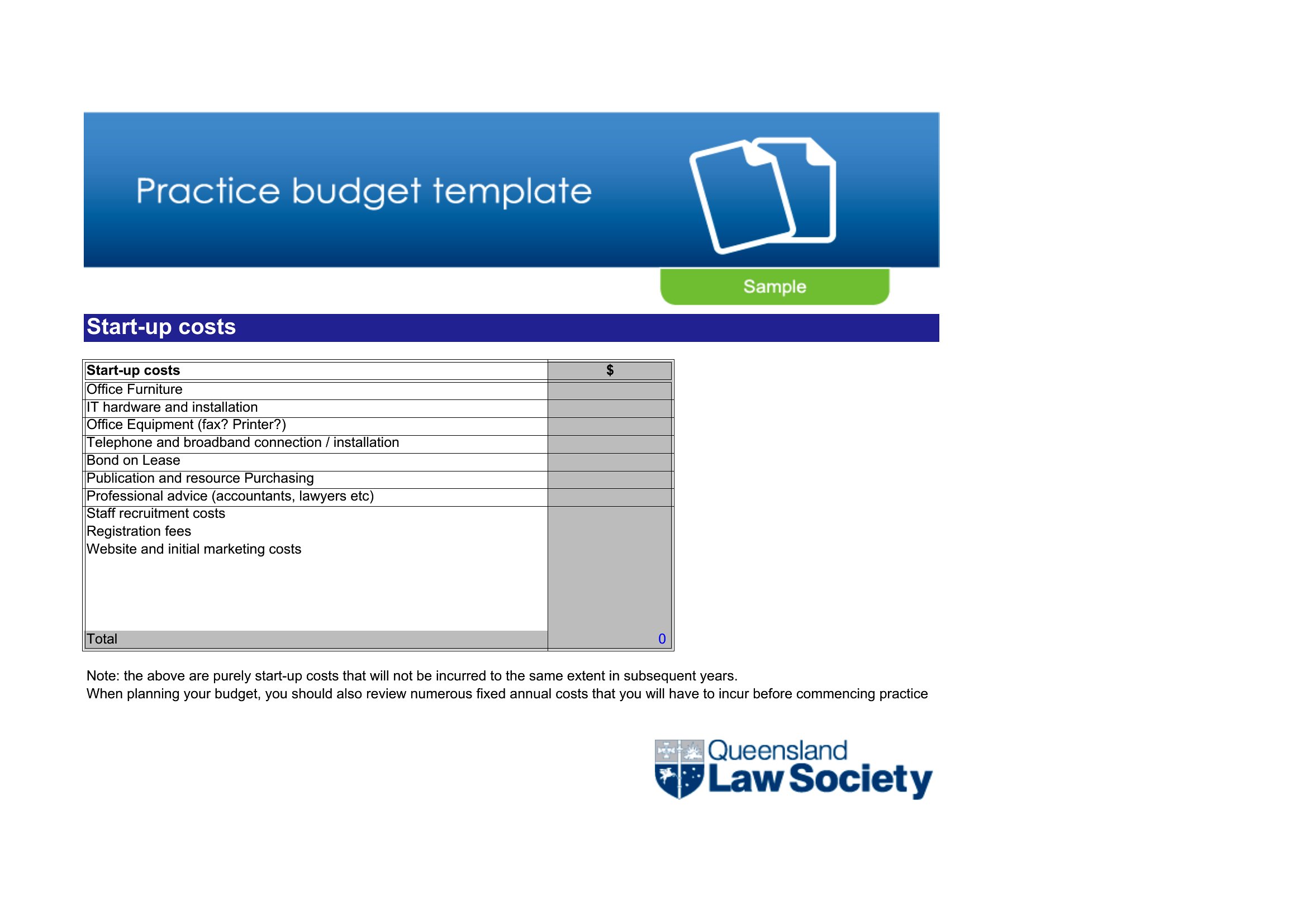
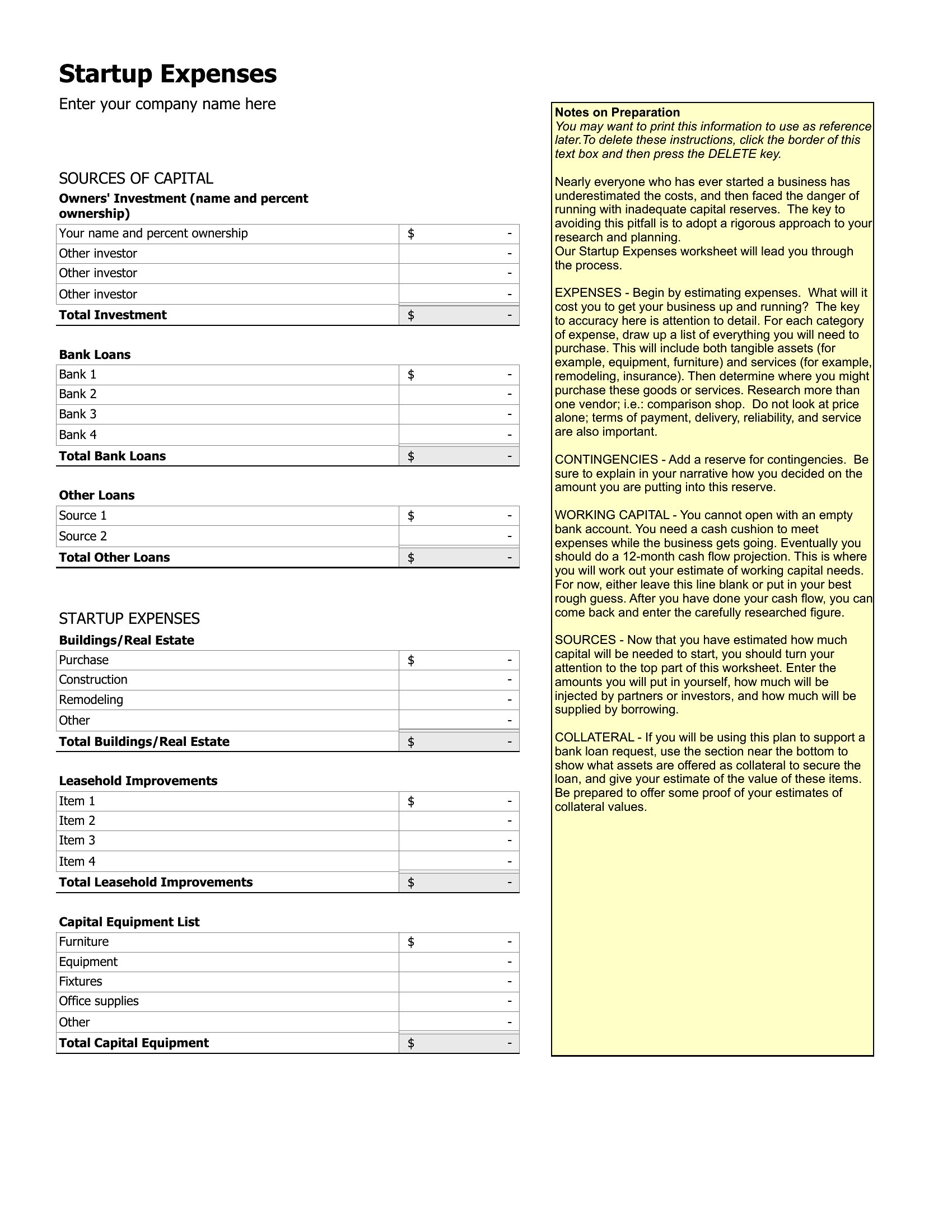
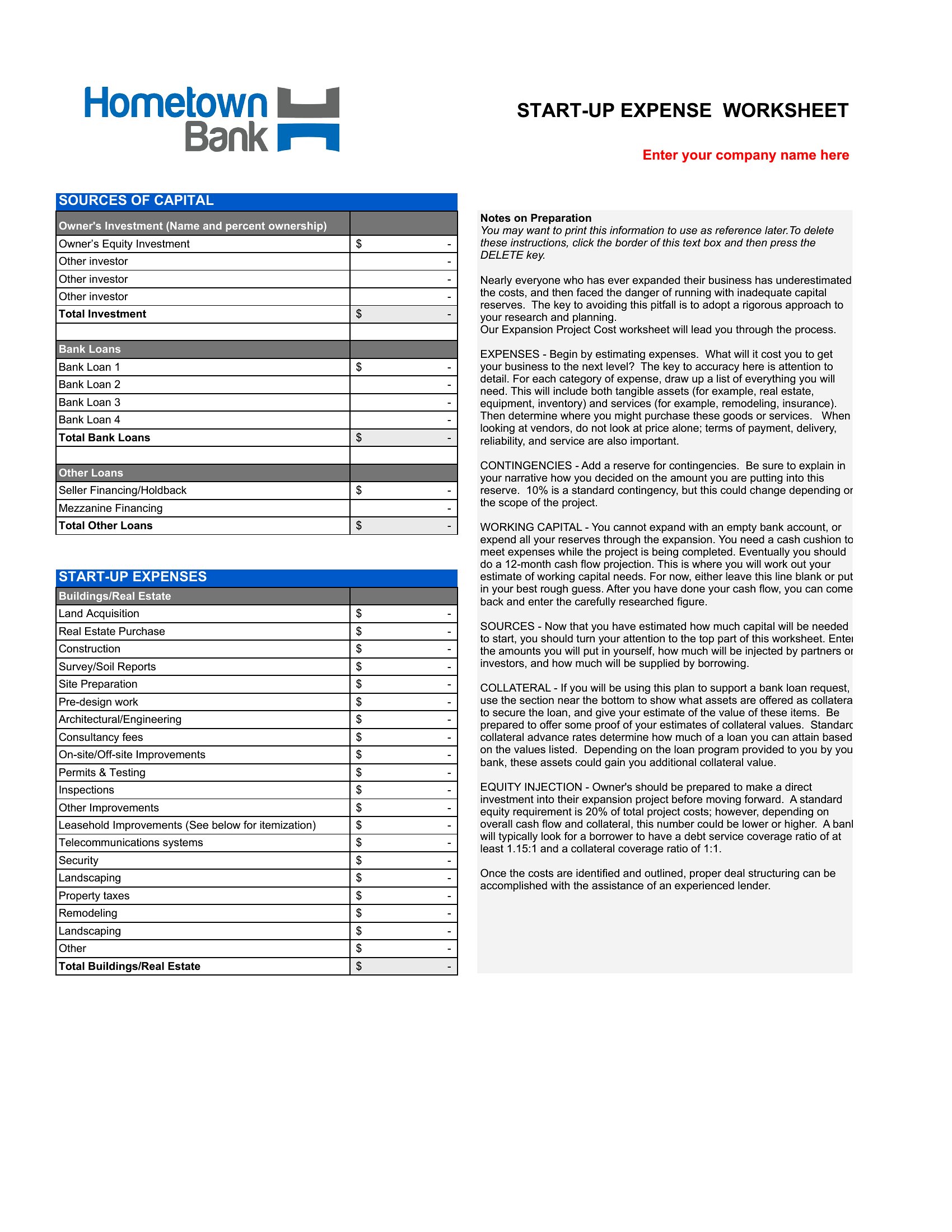
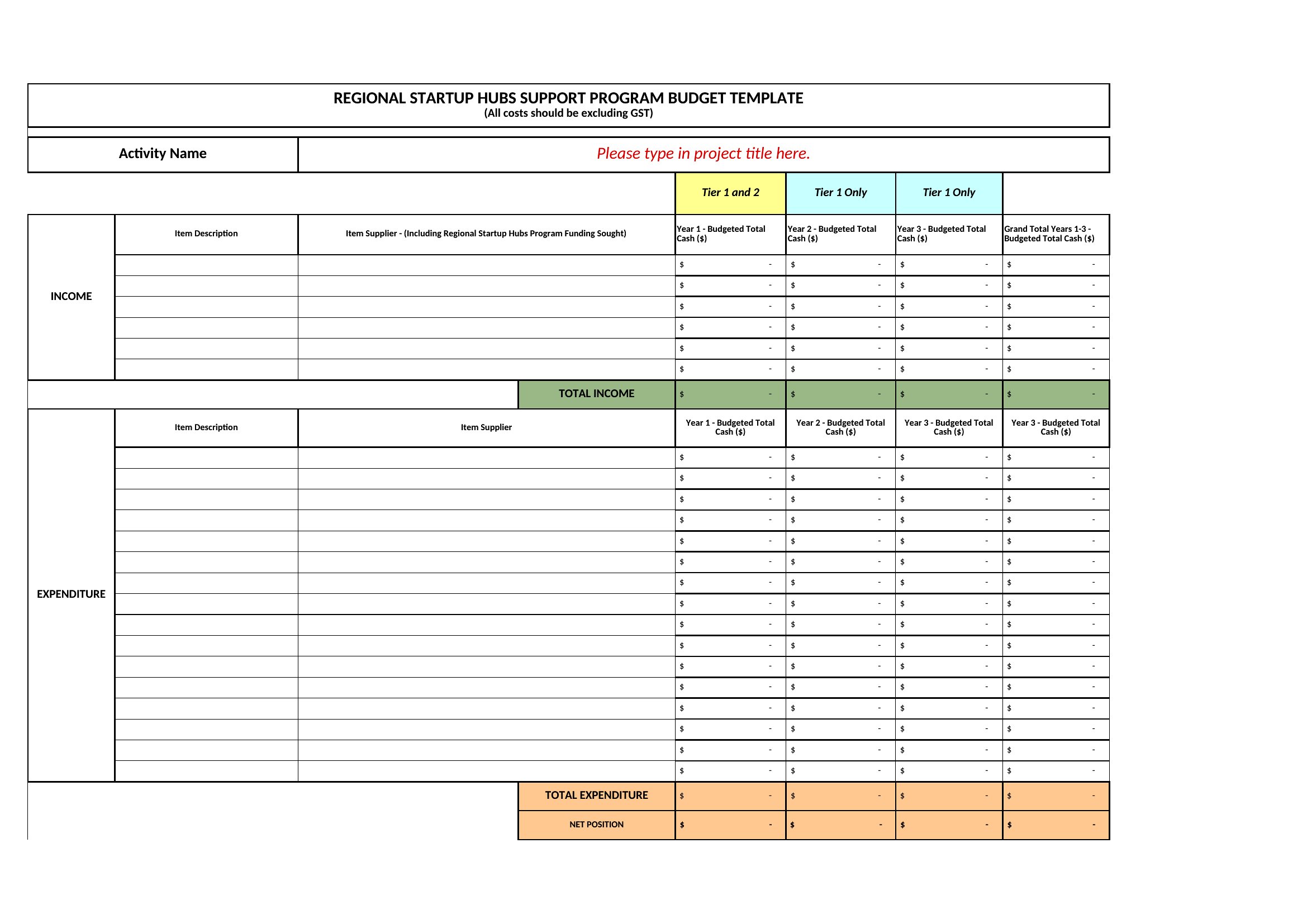
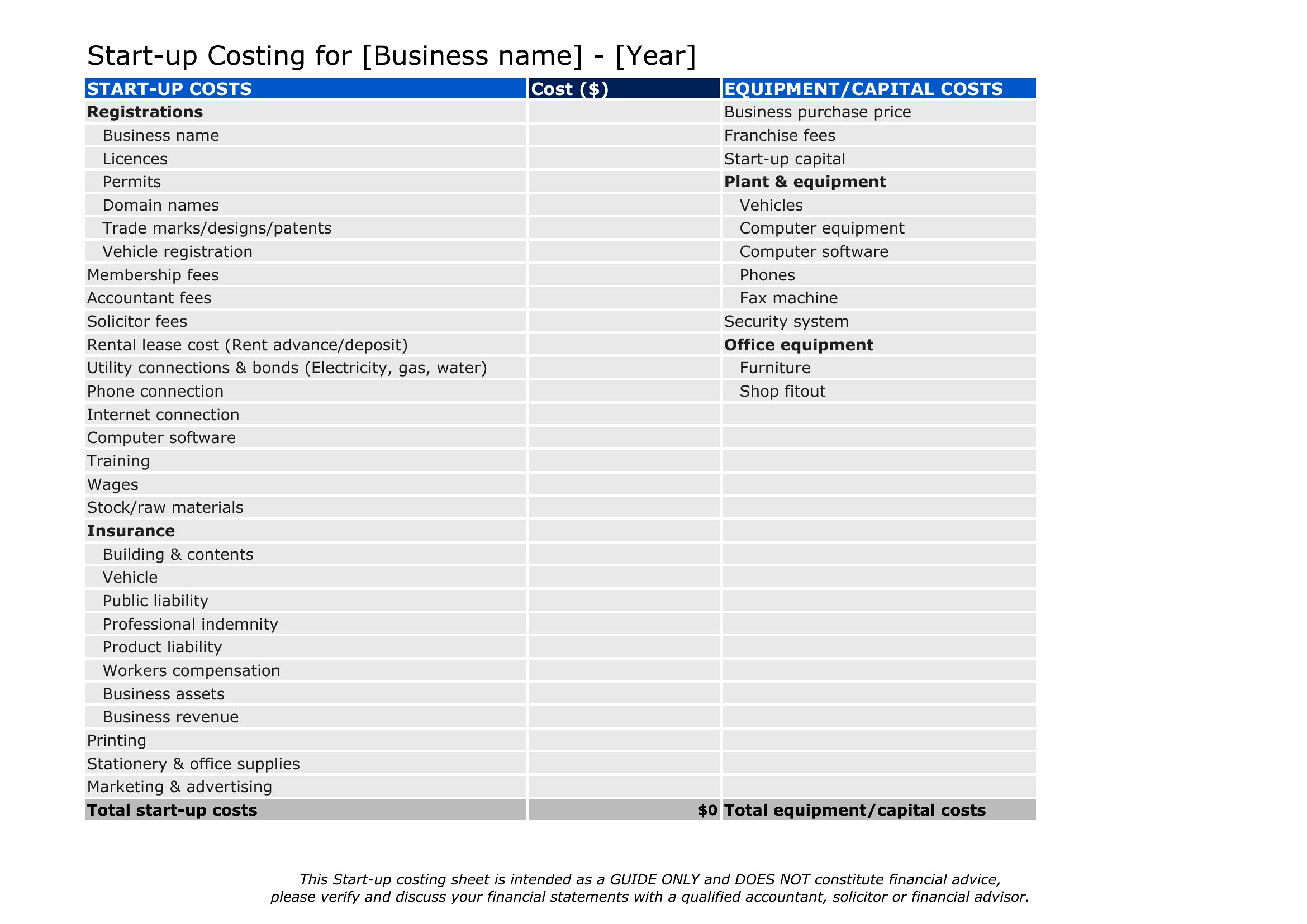
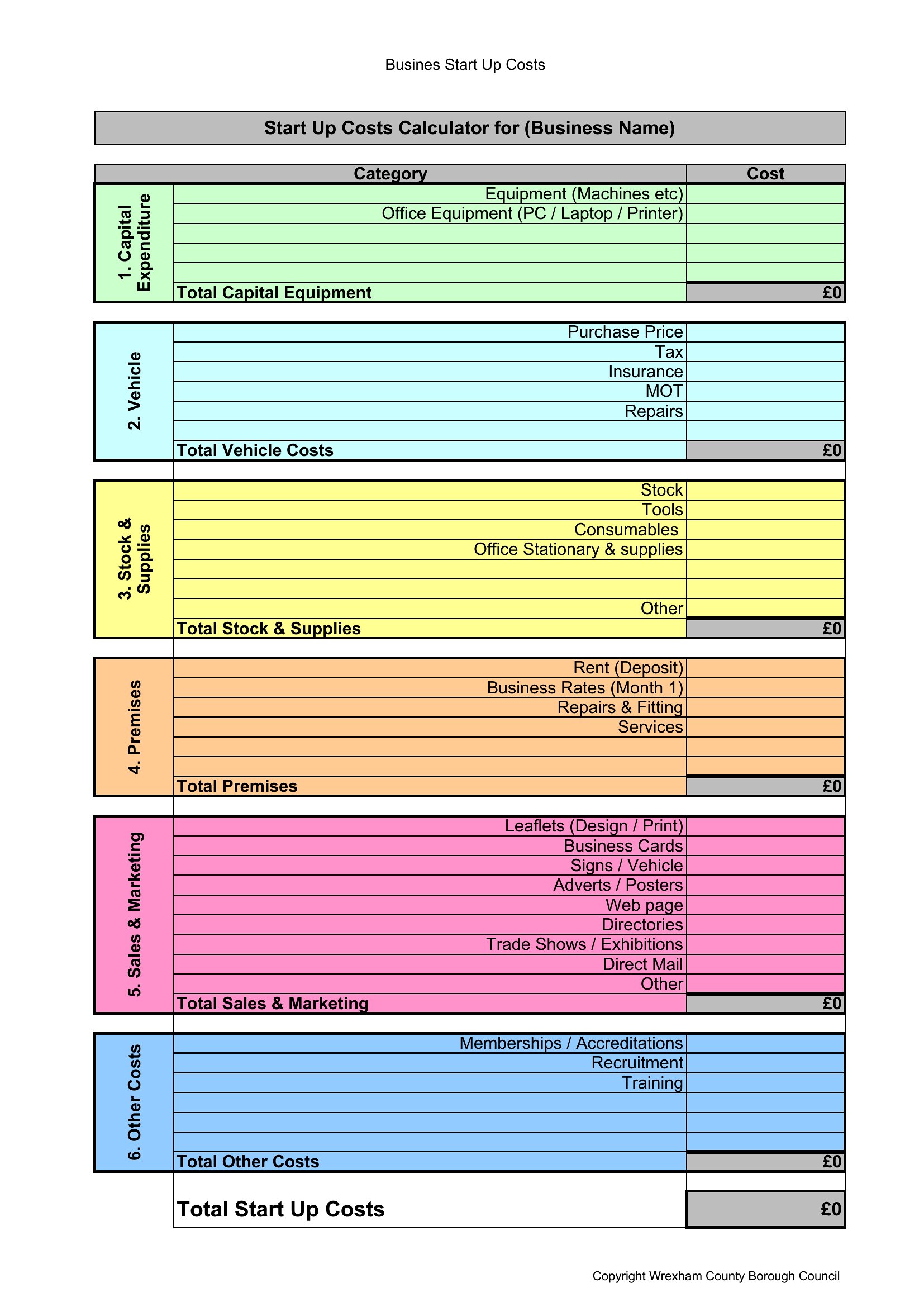
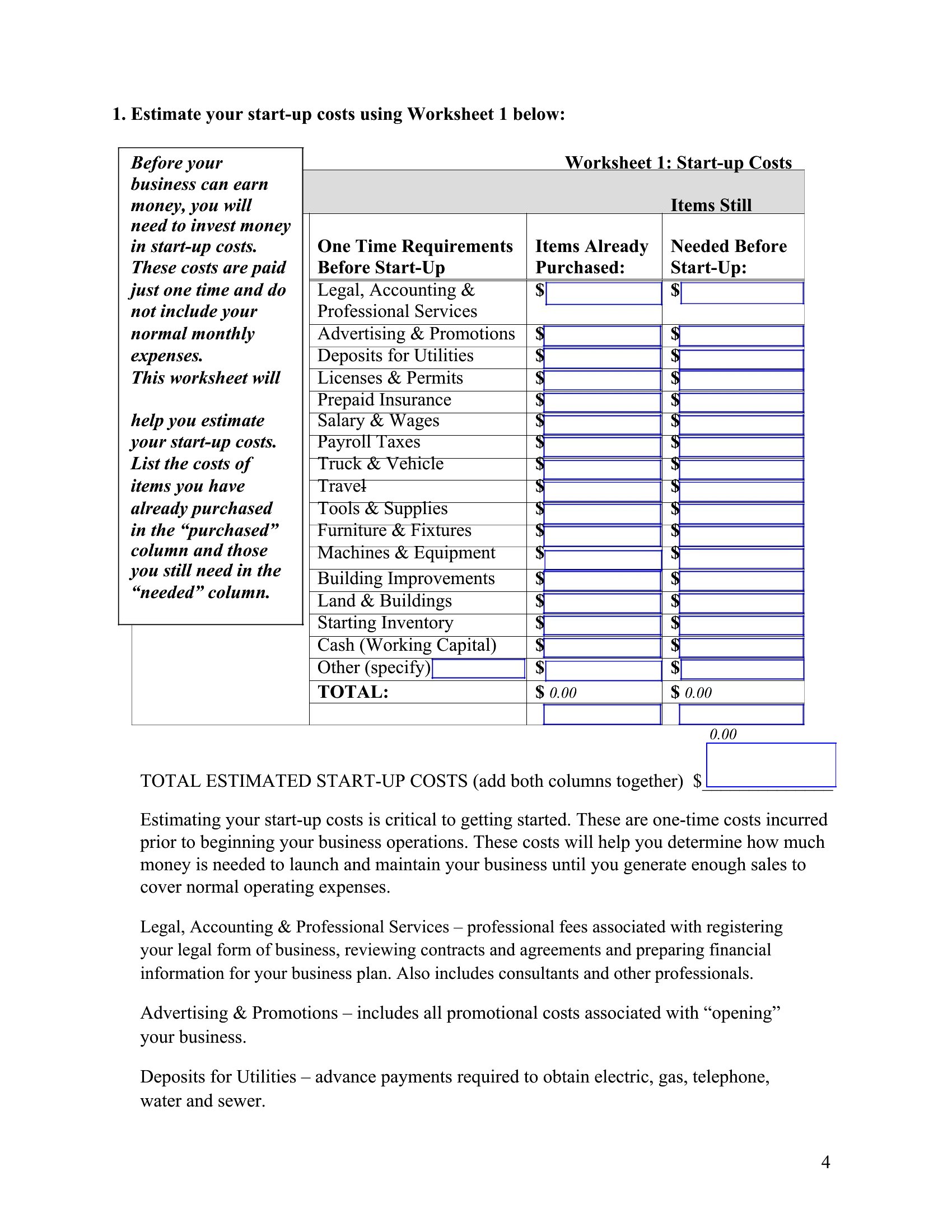
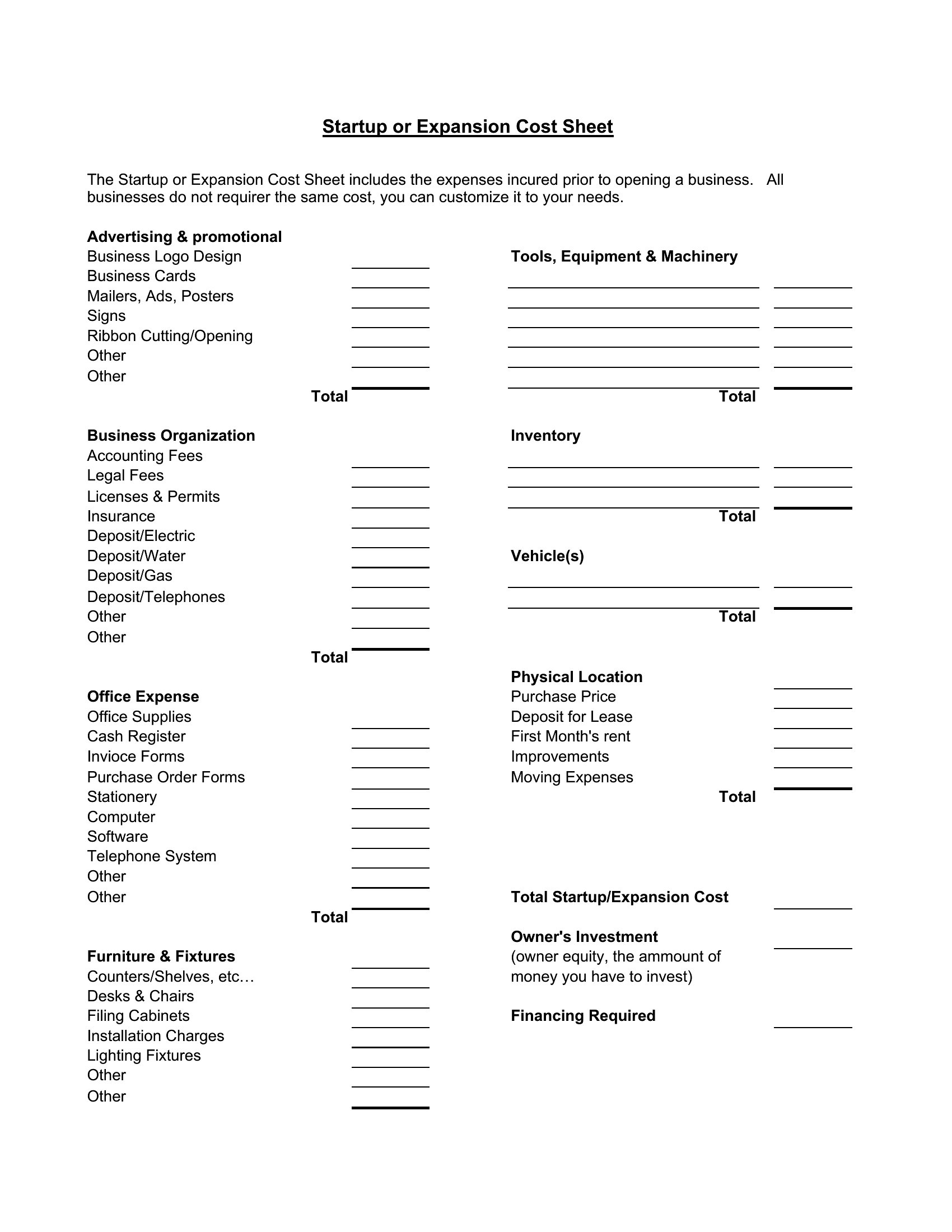
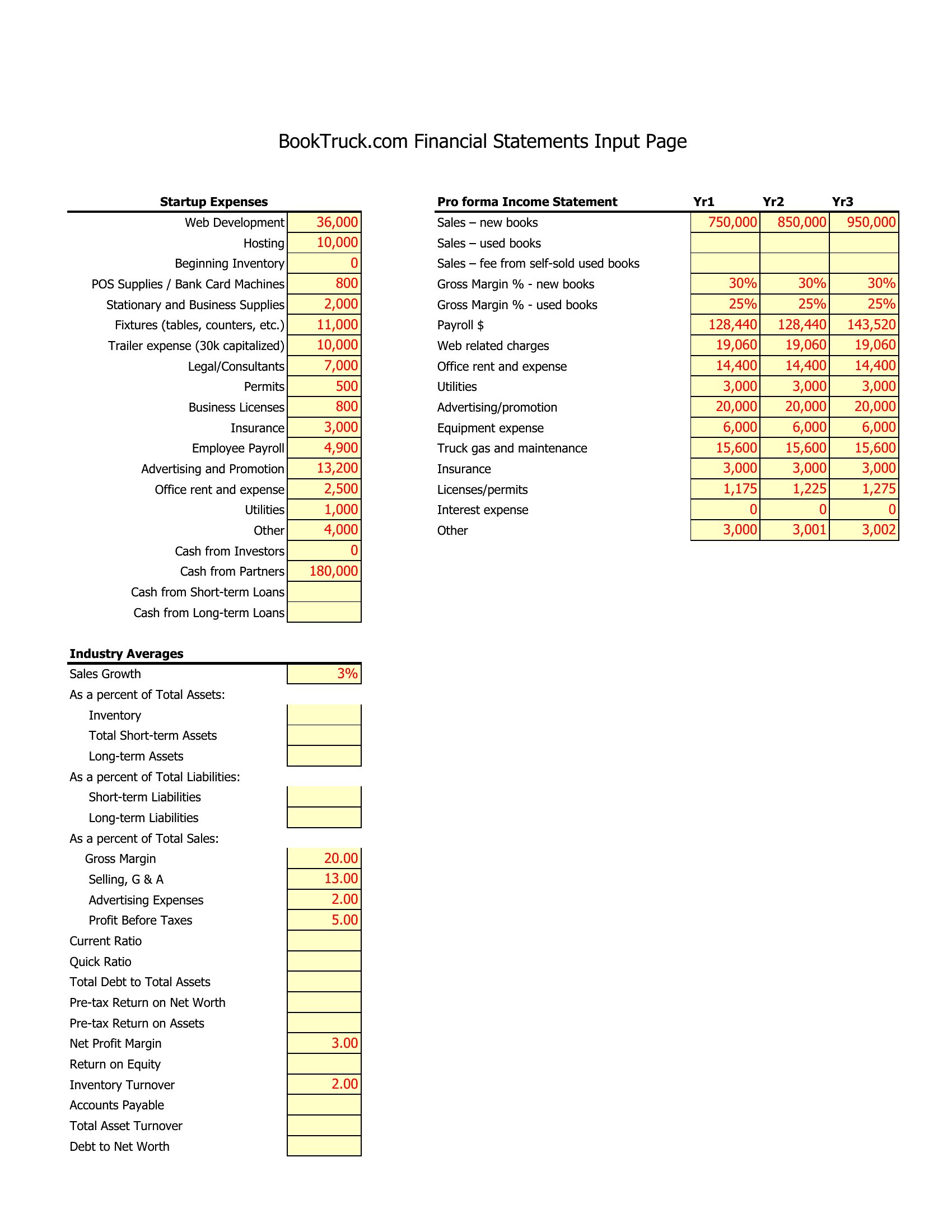
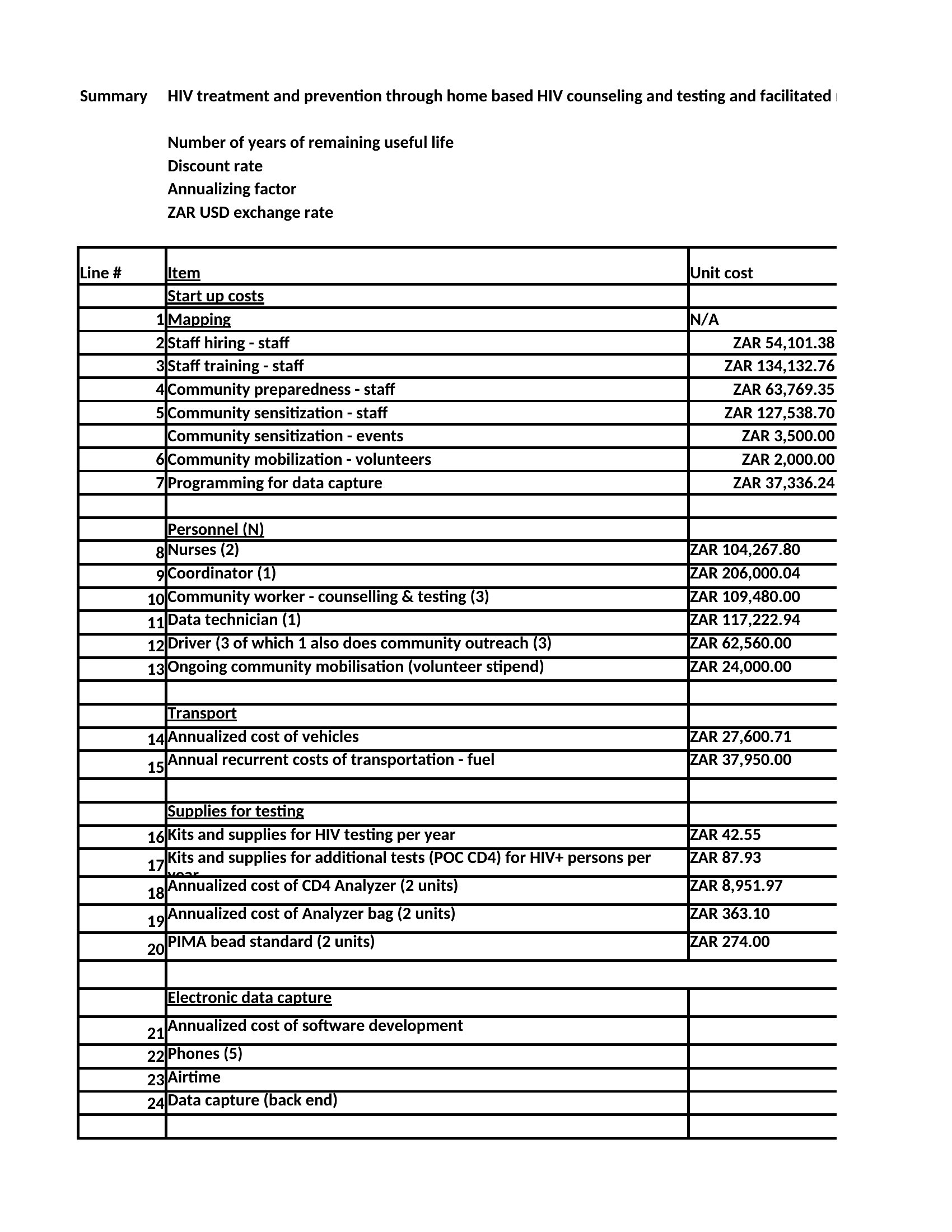
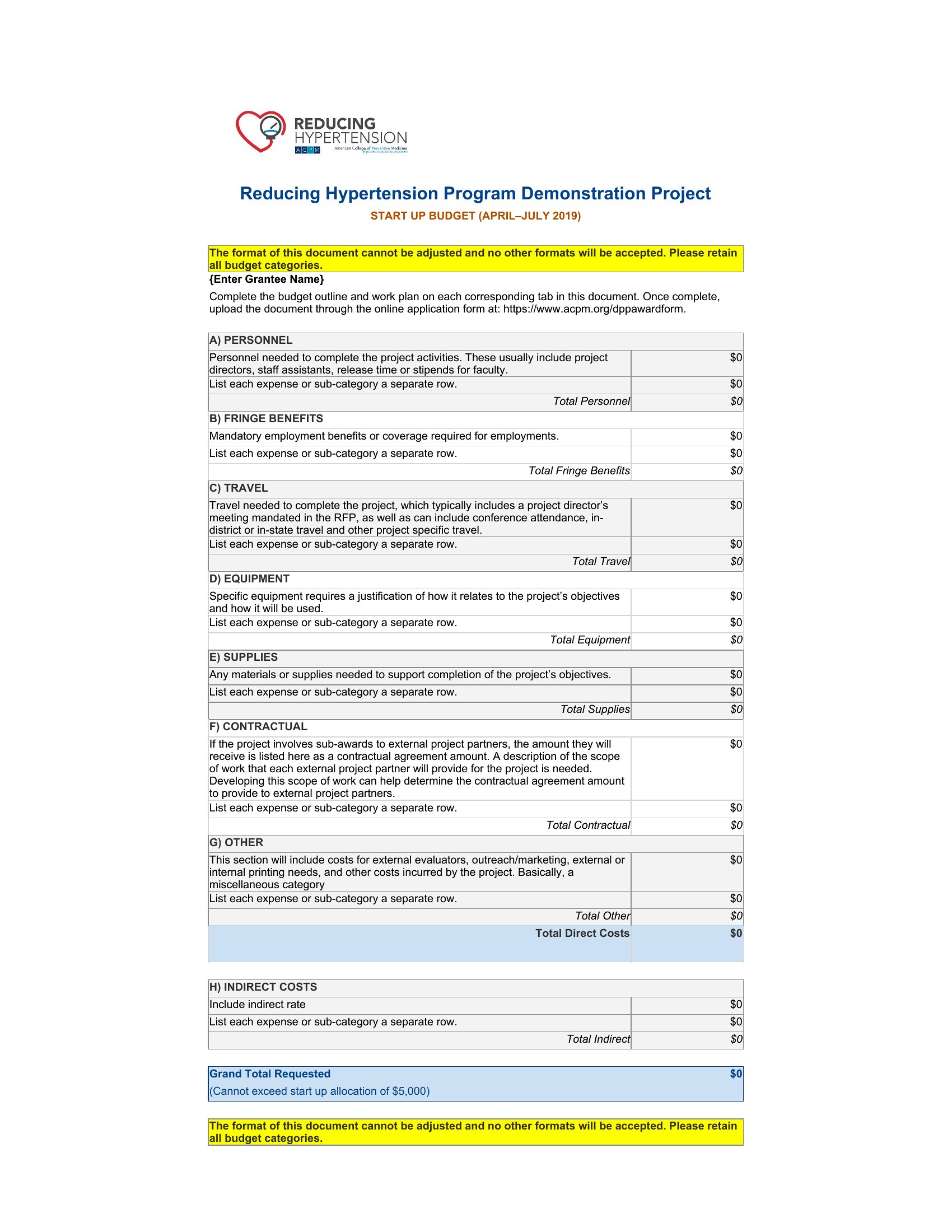
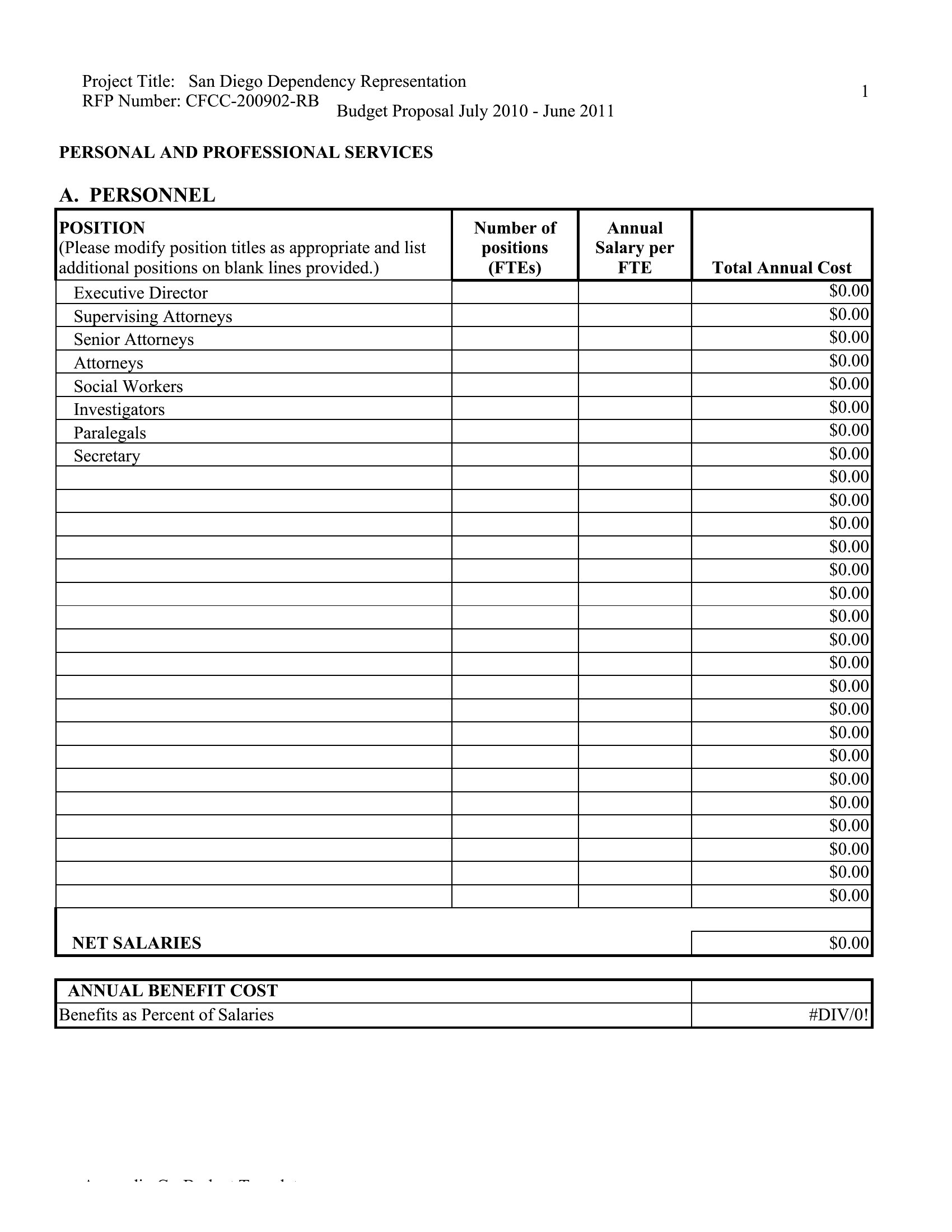
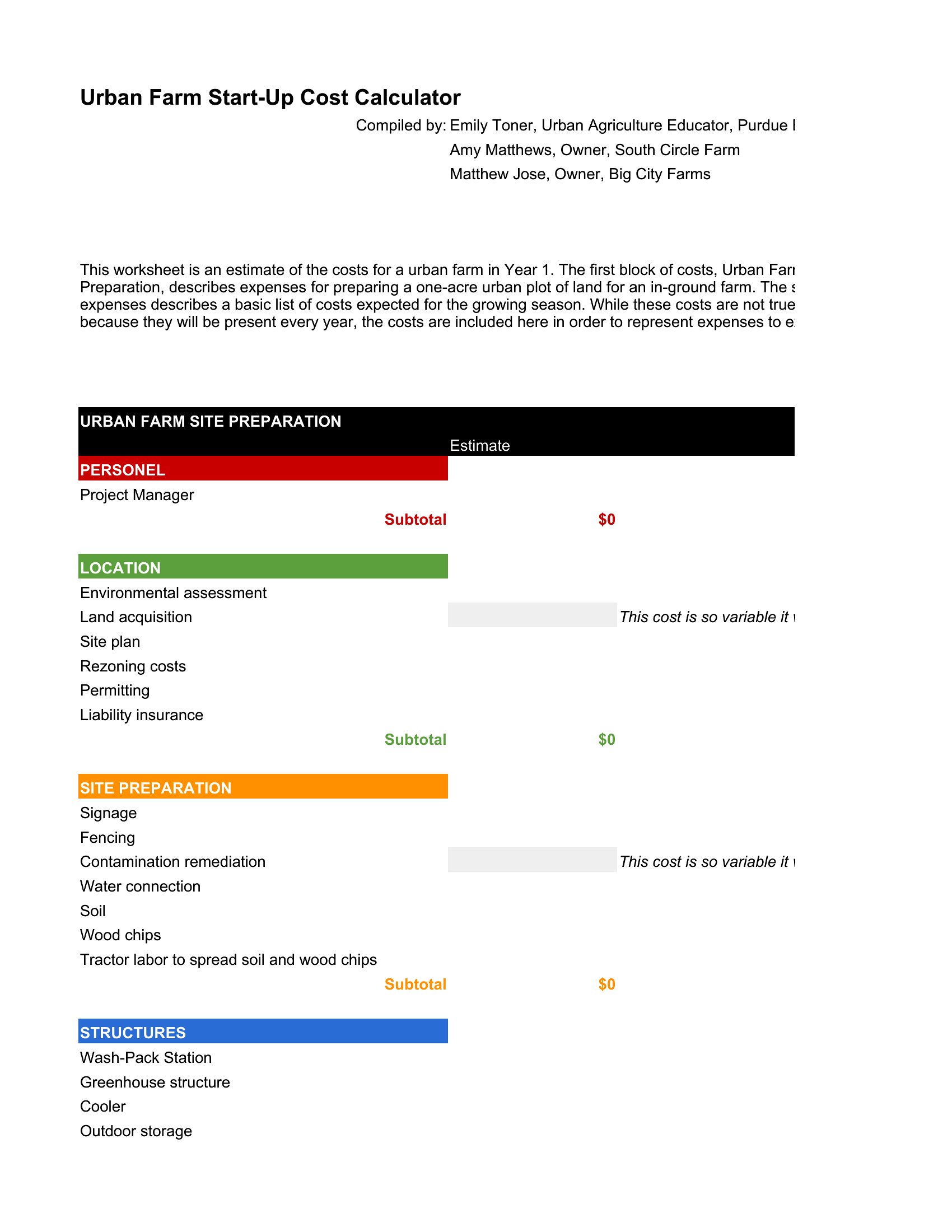
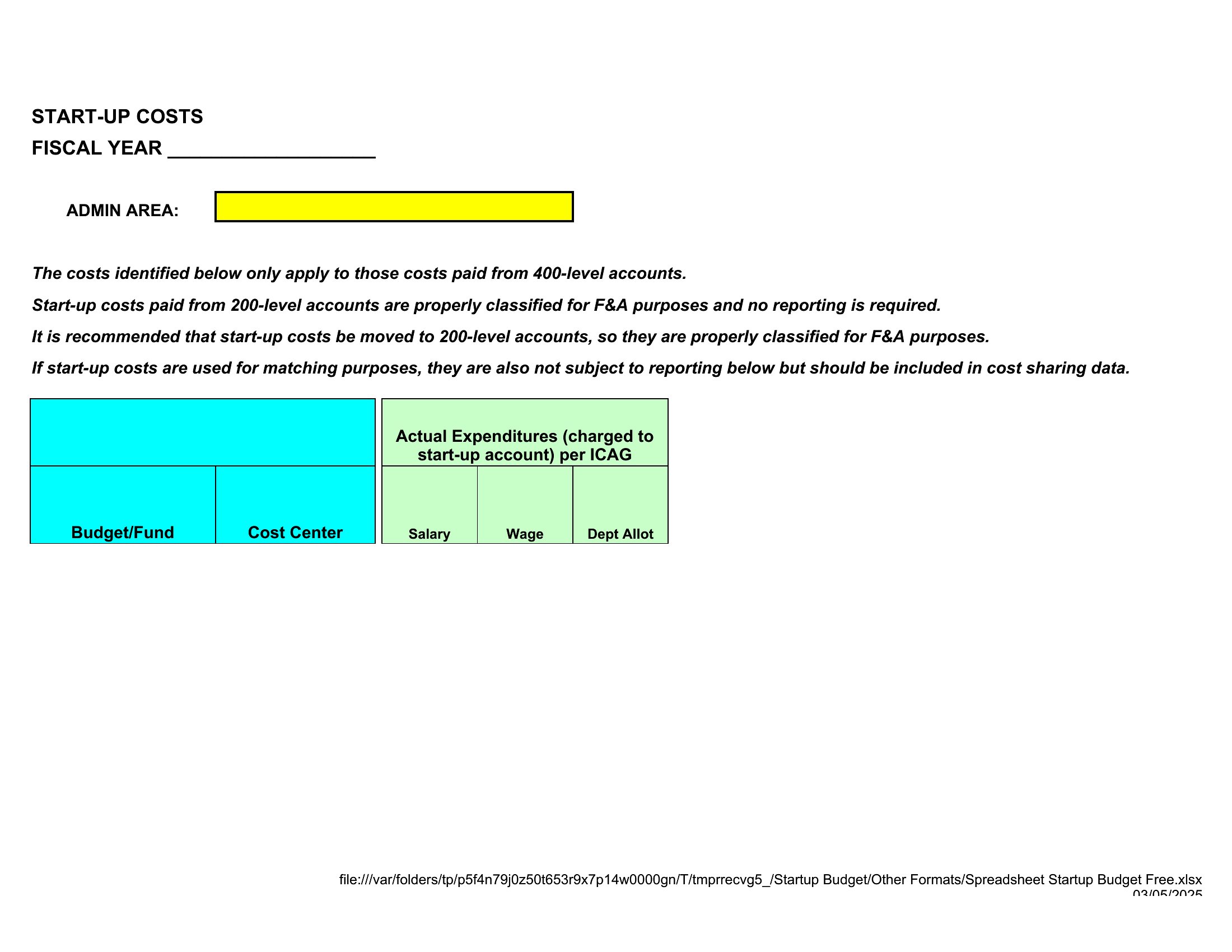
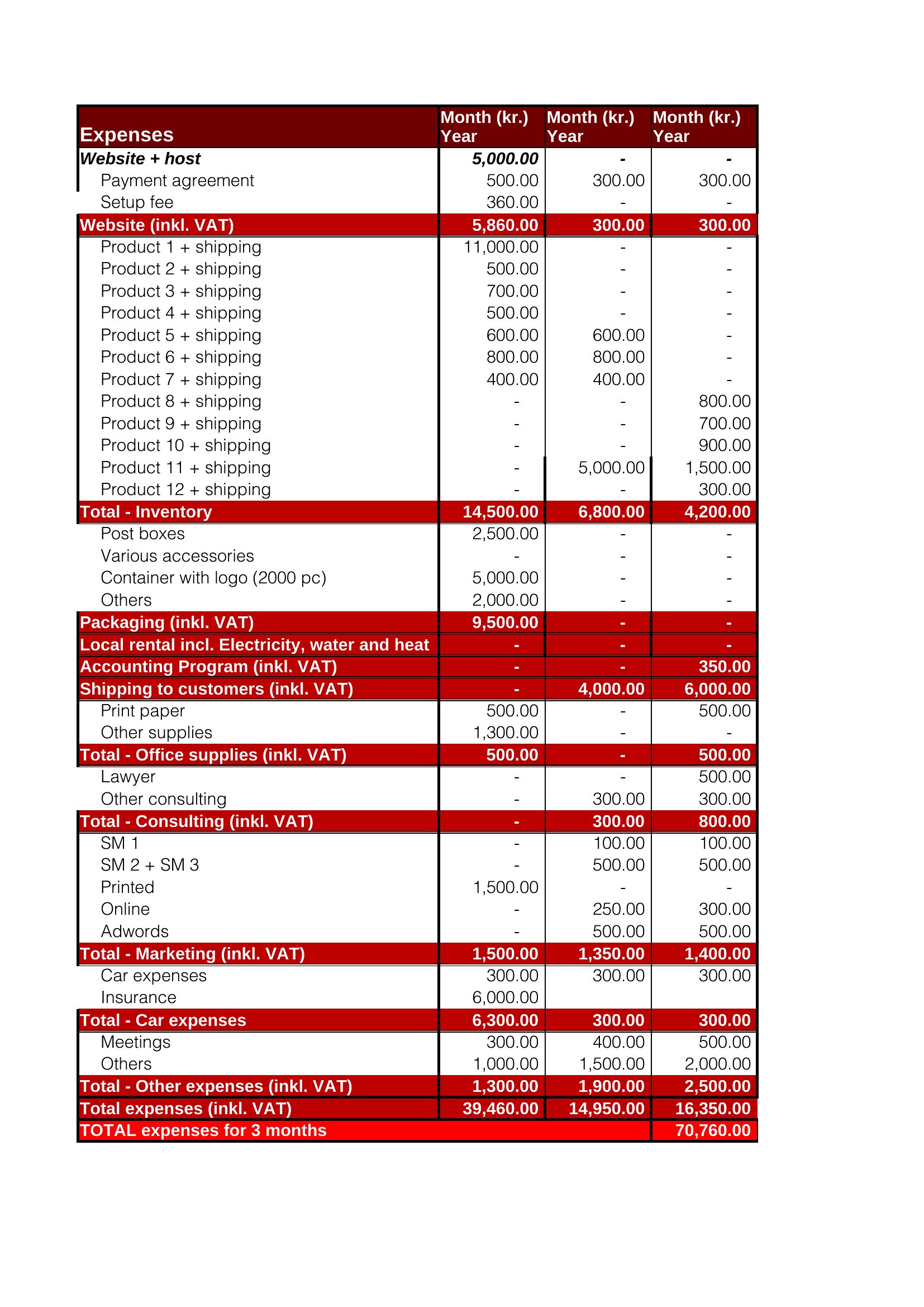
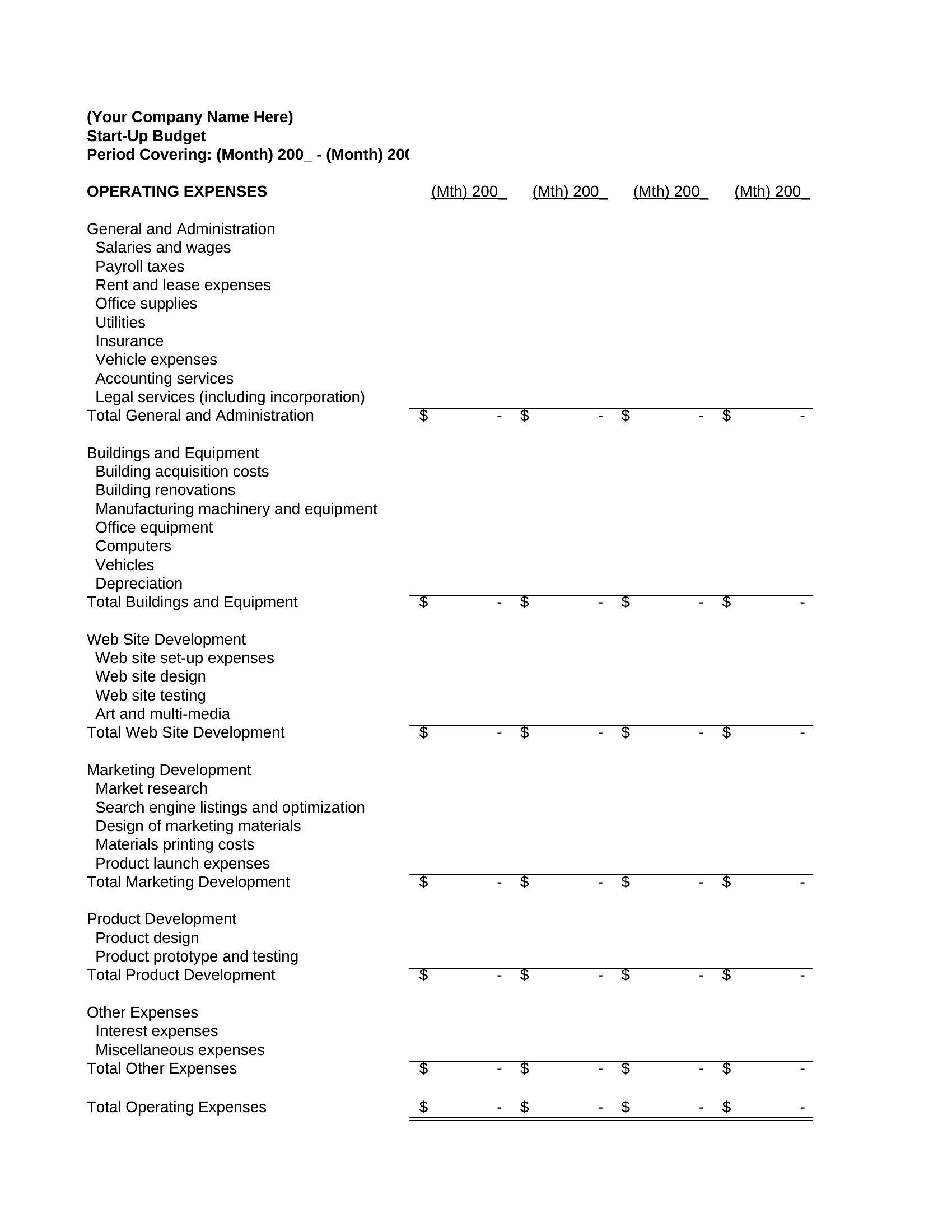
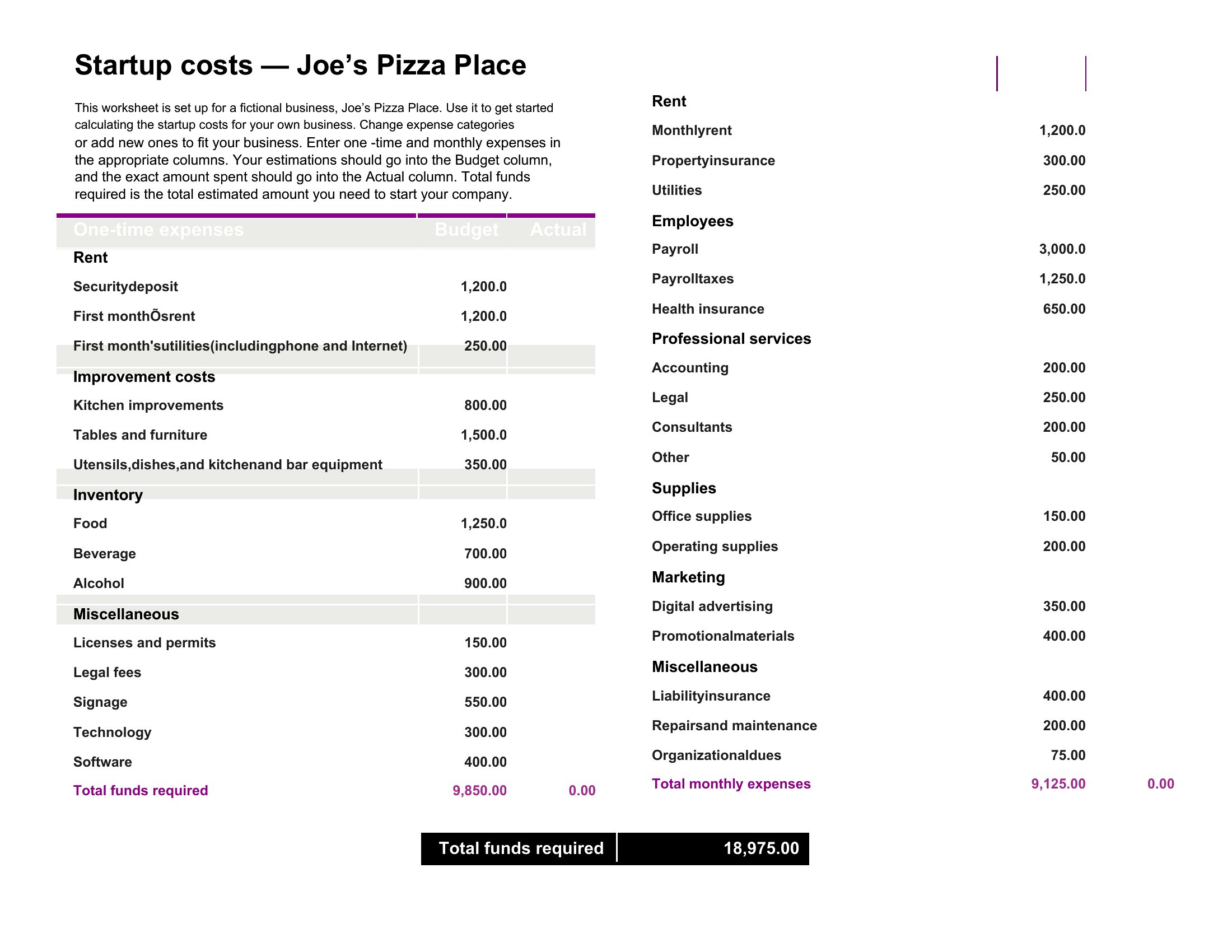
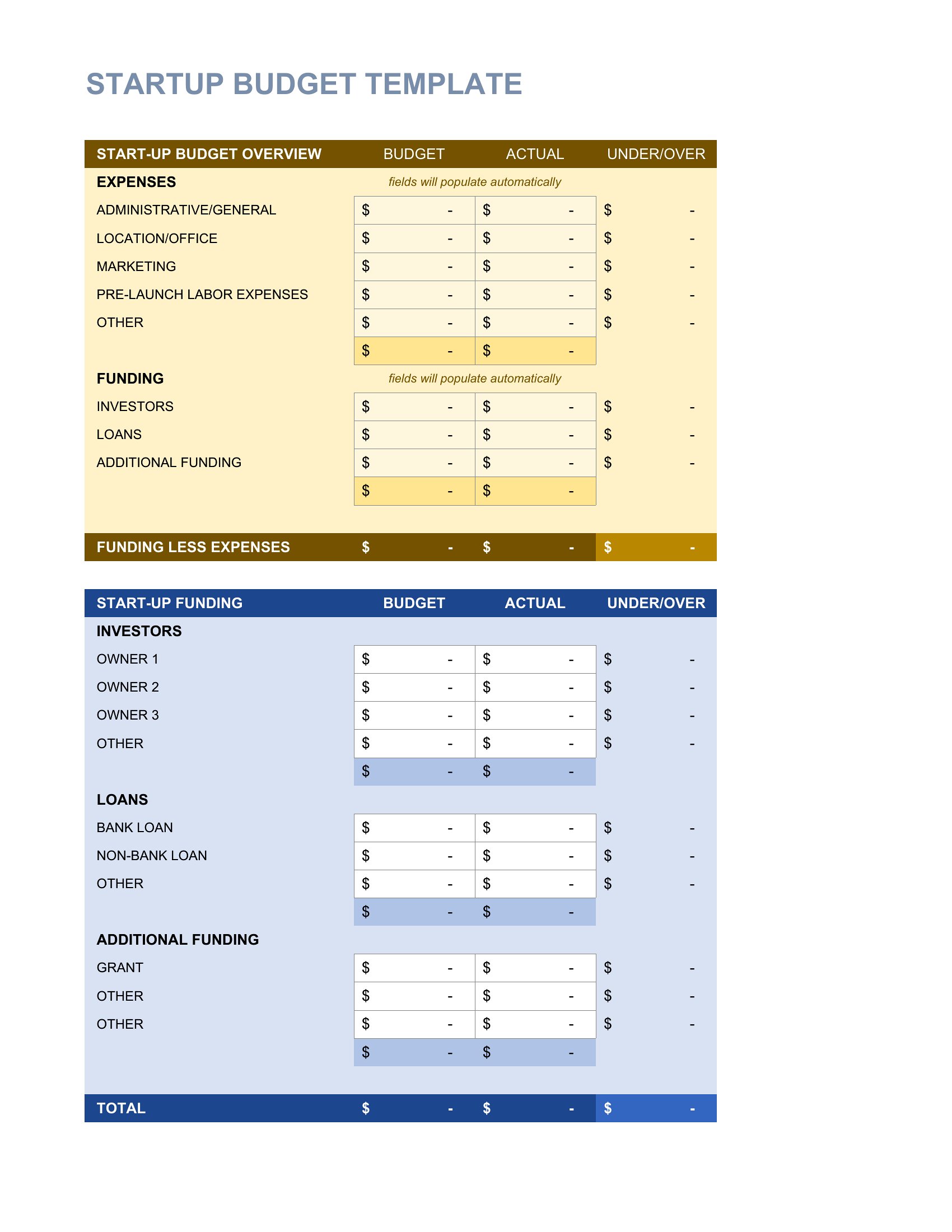
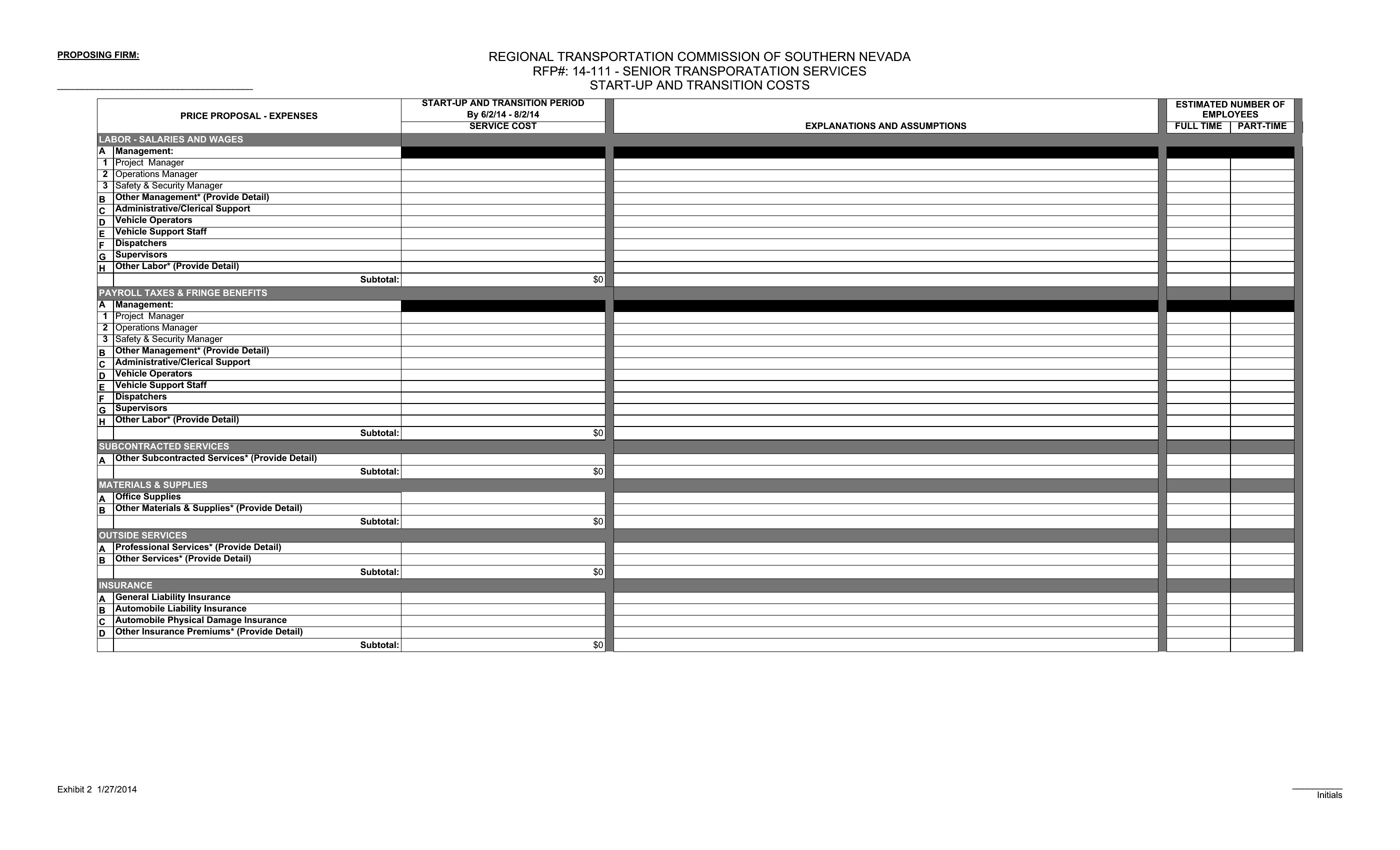
Launching a business burns through cash fast, and a startup budget helps founders see what it really costs to open the doors and keep them open. These 47 templates give entrepreneurs and small-business owners a framework for estimating one-time costs, monthly expenses, and the runway they'll need before revenue catches up.

The Excel versions total your costs and project cash flow as you adjust the numbers, while the Word layout works for a printed summary or a pitch. Plug in your estimates, separate the must-haves from the nice-to-haves, and revisit the figures as plans firm up. Treat the projections as estimates, not guarantees. Download the version that fits and plan your launch with clear eyes.

When to use this Startup Budget template

  • A bootstrapped founder with no prior accounting experience needs a simple way to track initial equipment purchases, software subscriptions, and first-month operational costs before securing funding.
  • A tech startup founder pitching investors must clearly outline projected monthly burn rates, hiring expenses, and the runway needed to reach profitability—while leaving room for adjustments as assumptions evolve.
  • A small-business owner transitioning from a side hustle to full-time needs to compare one-time legal and licensing fees against recurring costs like rent and payroll to avoid cash flow surprises.
  • A nonprofit startup director must allocate seed funding across program costs, staff salaries, and overhead while ensuring transparency for donors and grant reviewers.

Which format should I download?

WordExcel

Choose Excel if you need to dynamically adjust figures, test different scenarios, or integrate with accounting tools—it’s ideal for founders who’ll refine their budget over time. Opt for Word if you prefer a polished, static document for presentations or investor meetings, where visual clarity matters more than recalculations. The Excel templates here include built-in formulas for quick totals, while Word versions offer professional layouts for sharing without requiring spreadsheet expertise.

How to use this Startup Budget template

How do I adjust these templates if my startup’s costs are irregular, like seasonal inventory or project-based contracts?

Excel templates let you modify categories or add rows for variable costs, then recalculate totals instantly. For Word, duplicate or merge line items to group similar expenses, then manually update the subtotals. Both formats allow flexibility, but Excel automates the math for you.

Can I use these to compare a personal budget against startup expenses side by side?

Yes, but you’ll need to create separate worksheets or documents. Excel templates support multiple tabs for parallel tracking, while Word may require combining tables or using a separate sheet. Neither replaces professional financial planning, but they help visualize overlaps like shared utilities or personal guarantees.

What’s the best way to document assumptions behind my projected costs, like ‘rent includes a 10% utility surcharge’?

In Excel, add a comments section or notes tab to clarify assumptions. For Word, include a footnote or sidebar under each category. Both formats let you reference these notes later when revisiting the budget, but Excel’s version control is stronger for iterative updates.

Comments

Join the conversation

Sign in to share your thoughts and leave a comment on this resource.

Newsletter

Get Weekly Design Updates

Join our community to receive curated resources and inspiration.

Weekly Tips Resources Early Access

We respect your privacy. Confirmation email required. Privacy Policy