

FAQ
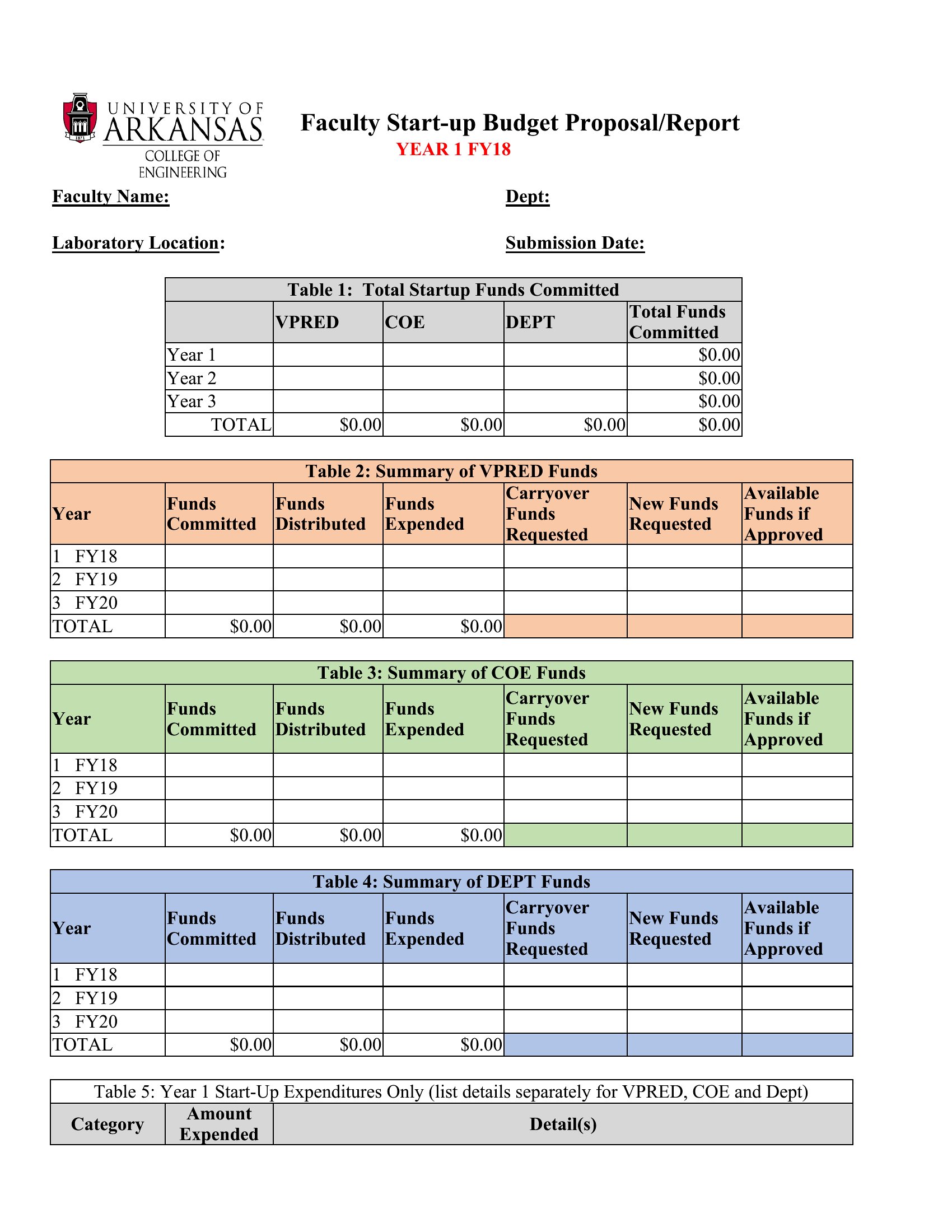
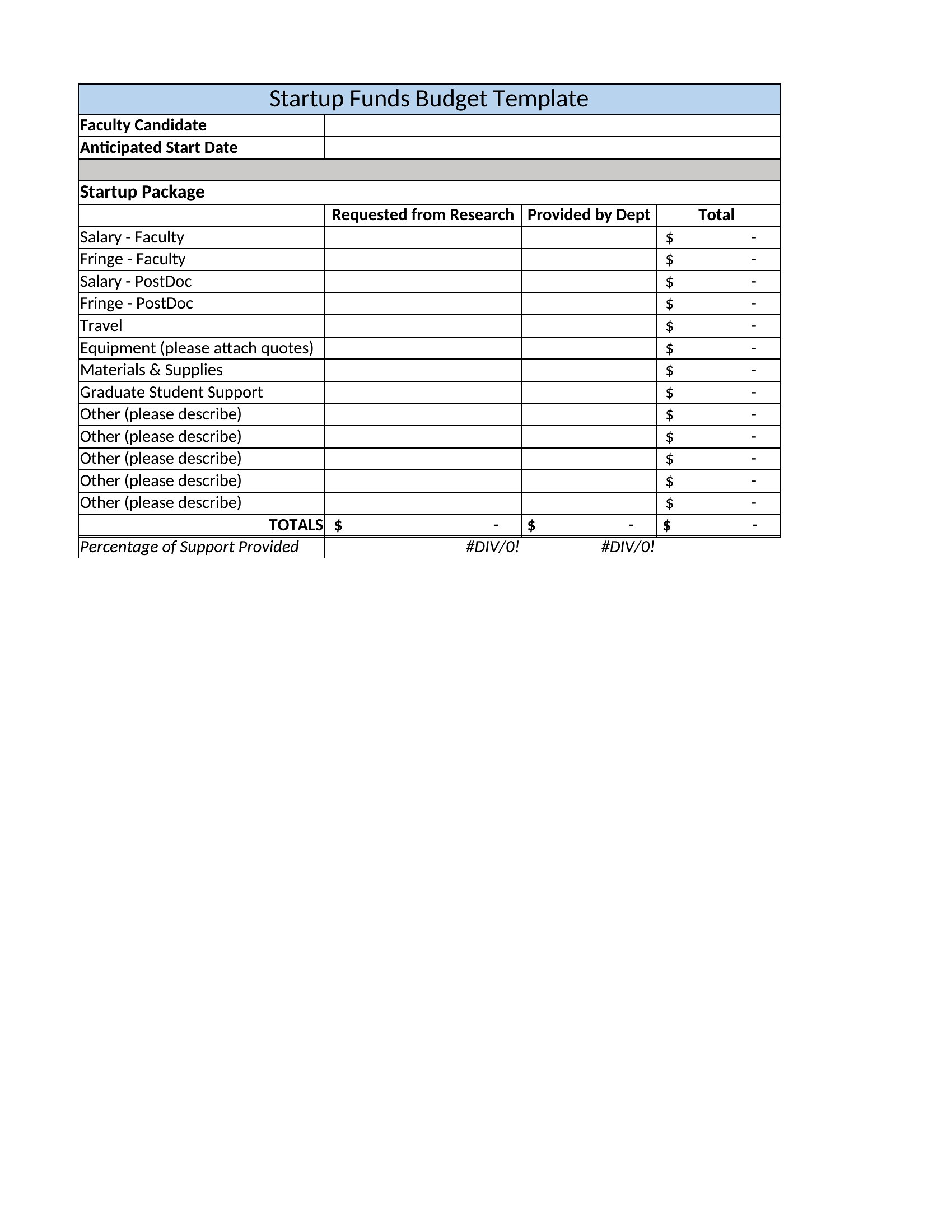
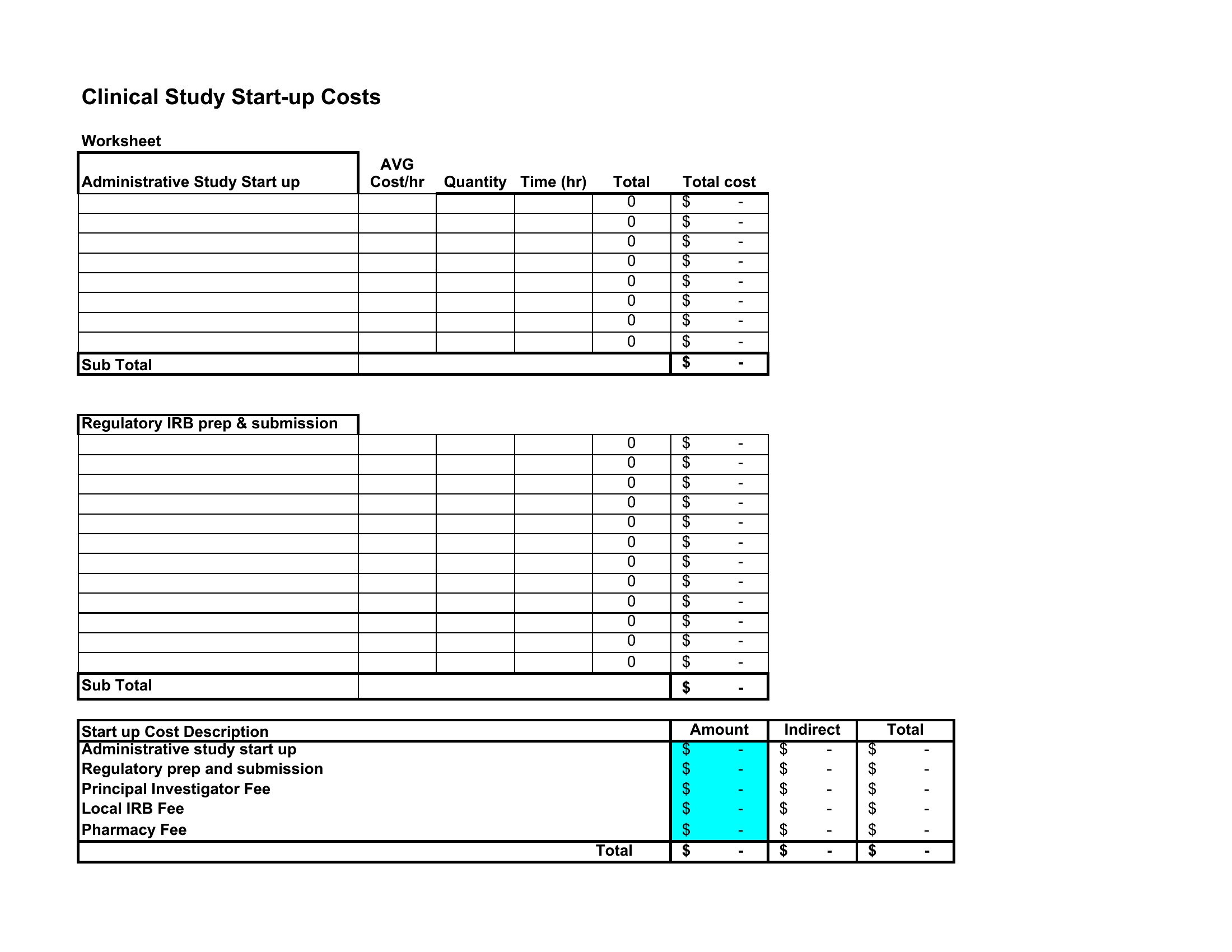
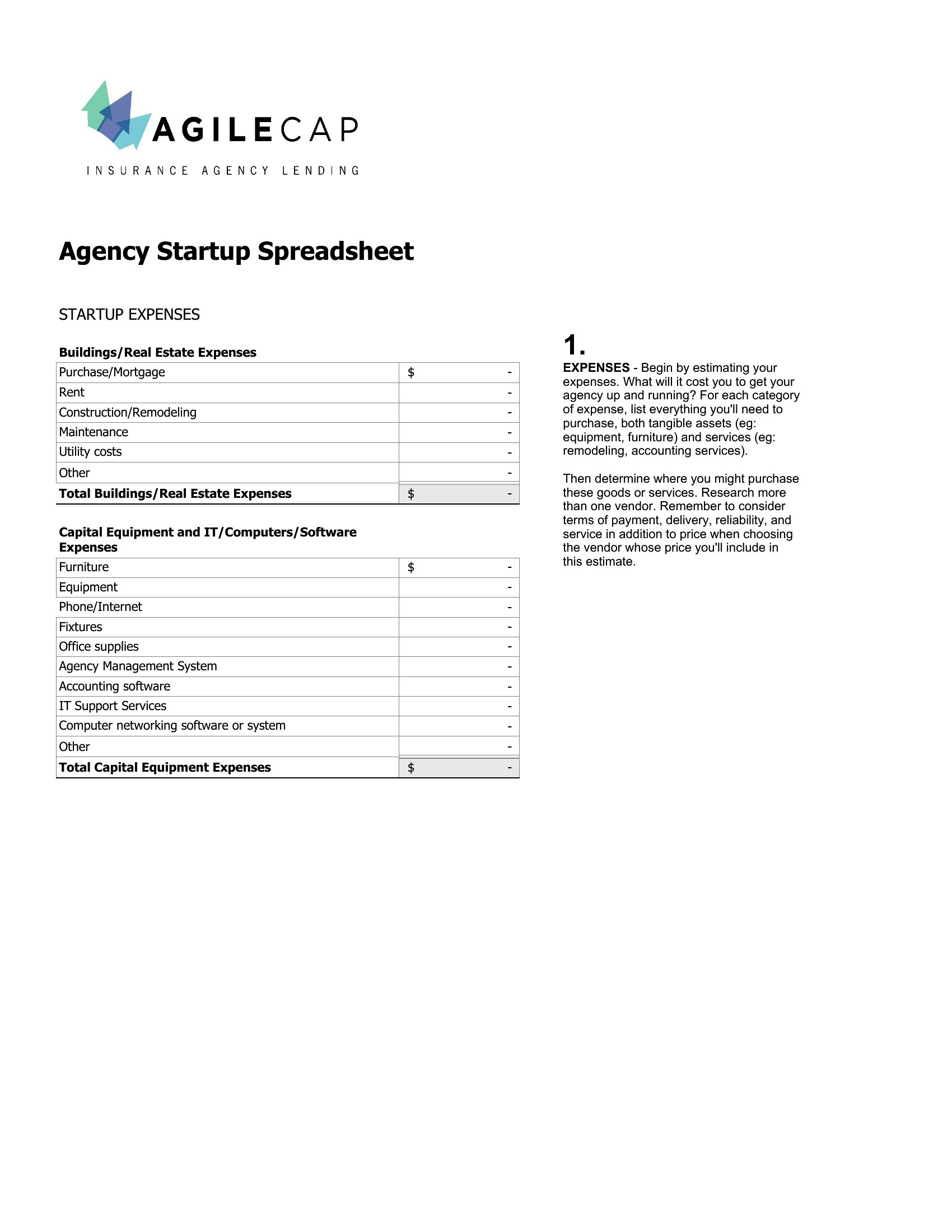
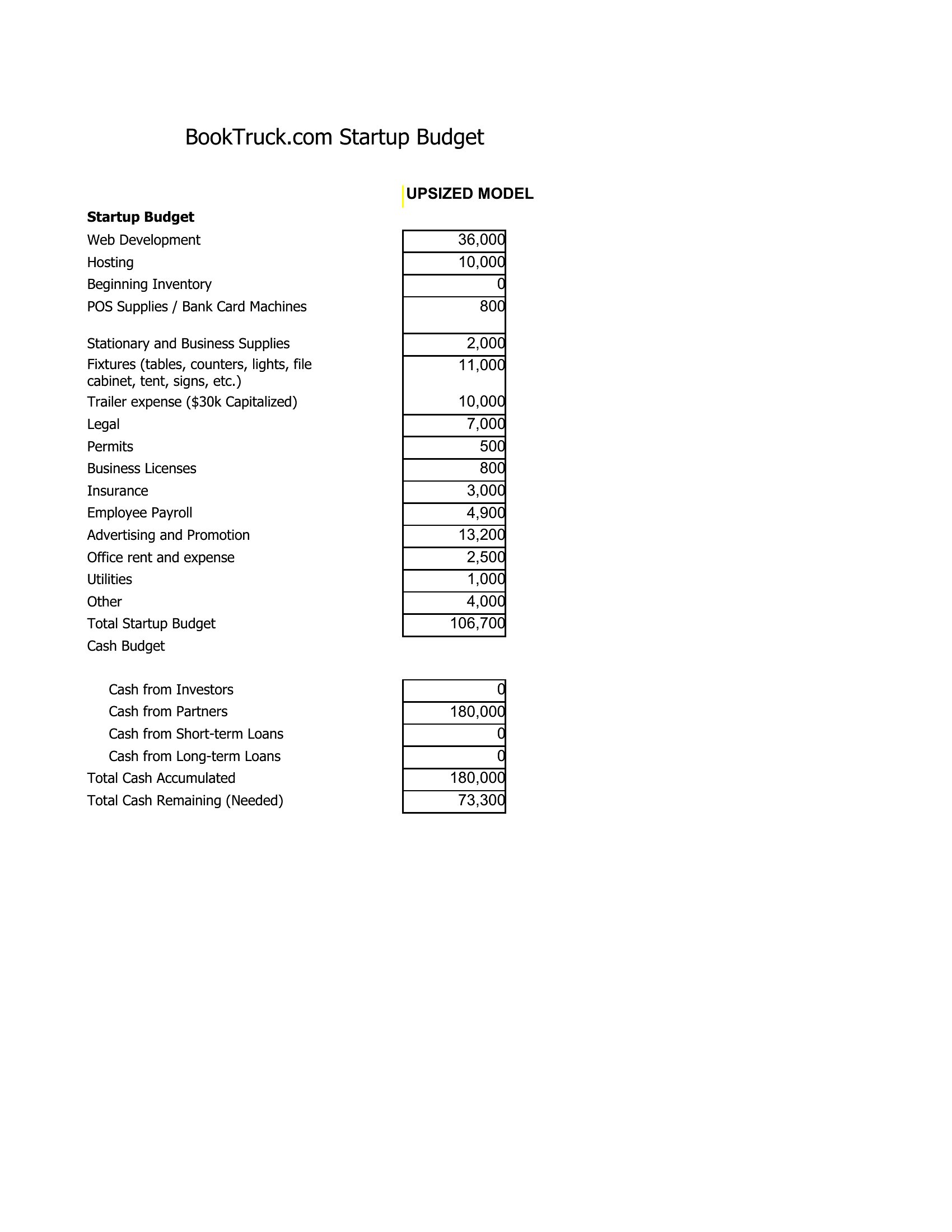
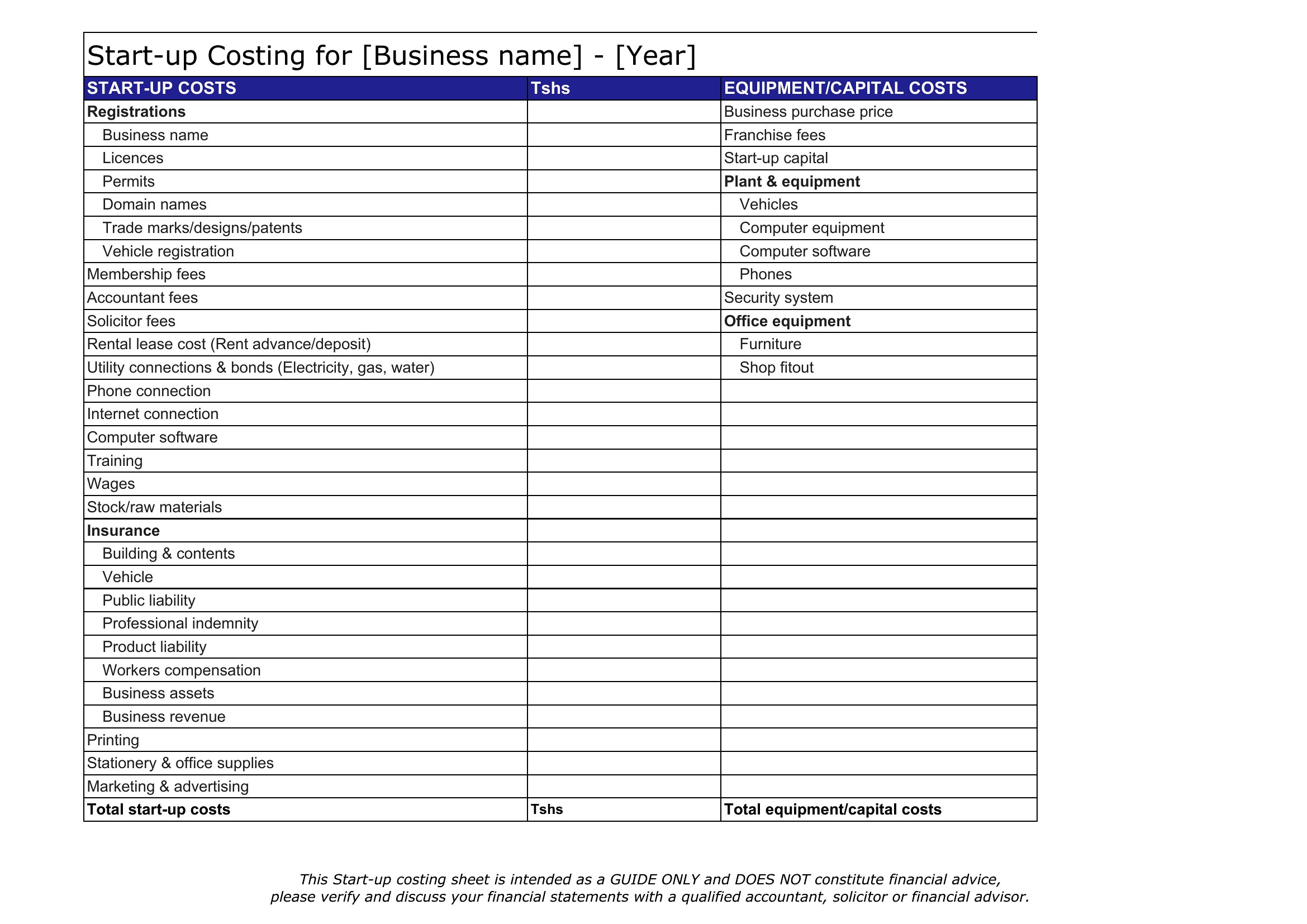
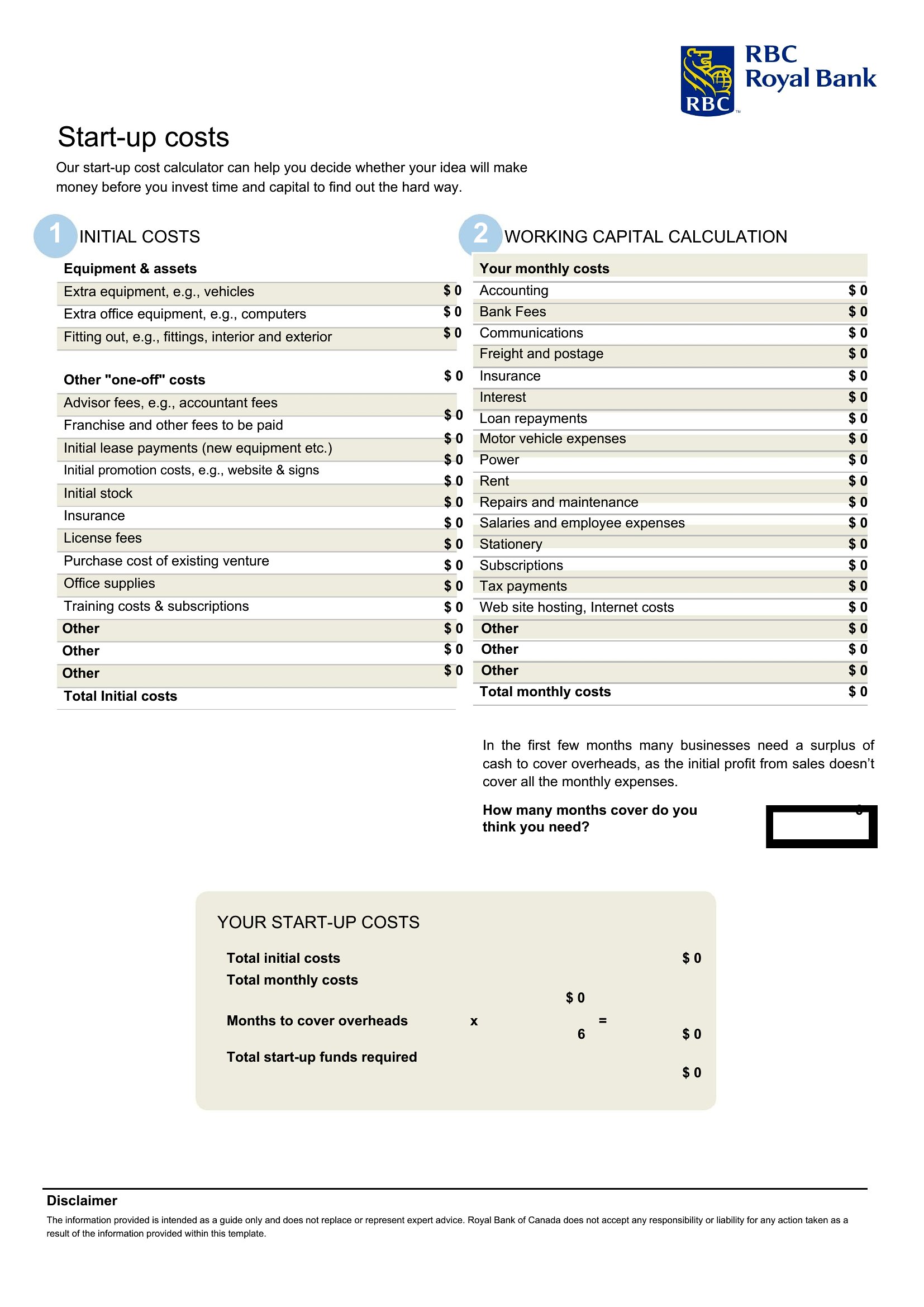
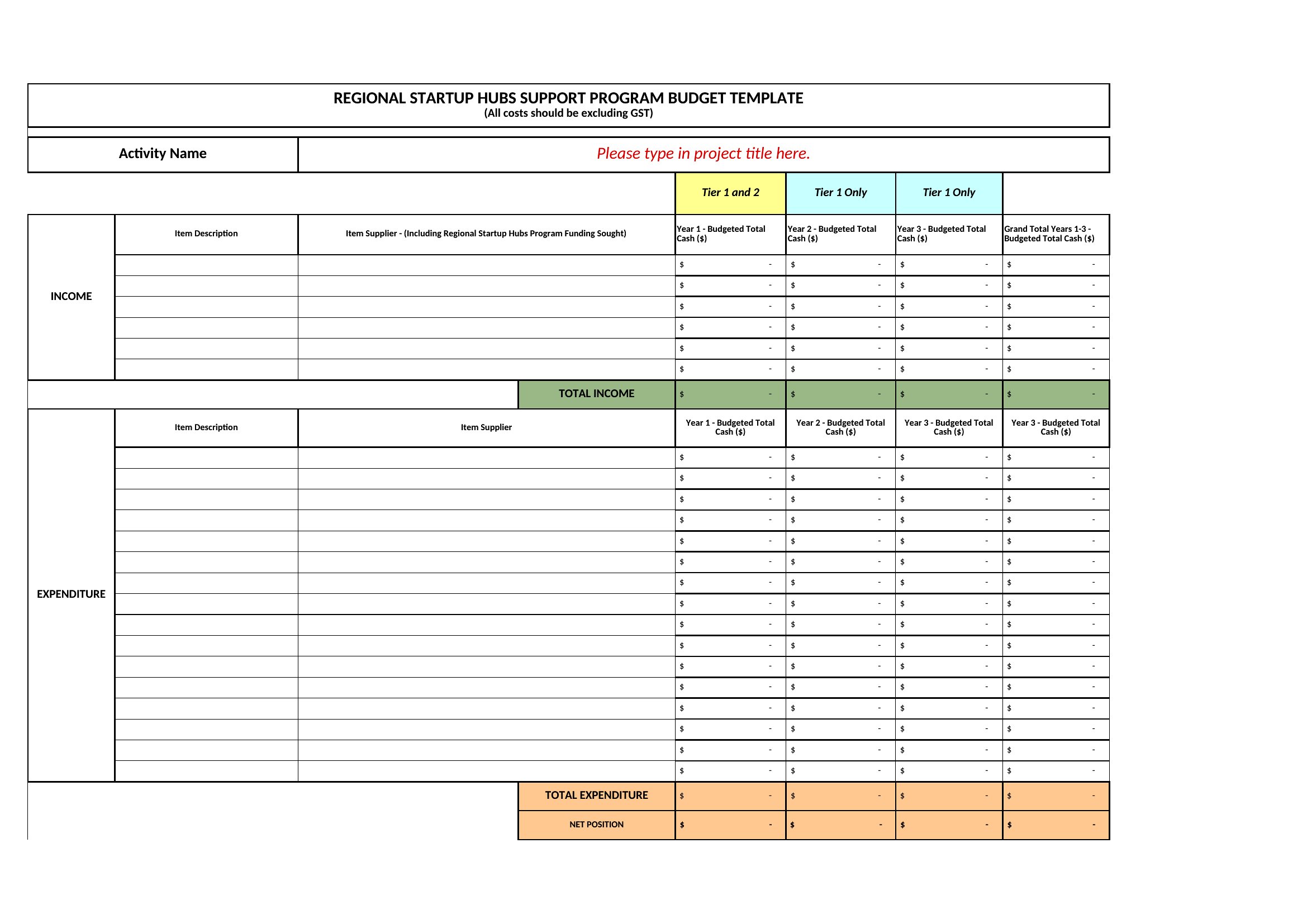
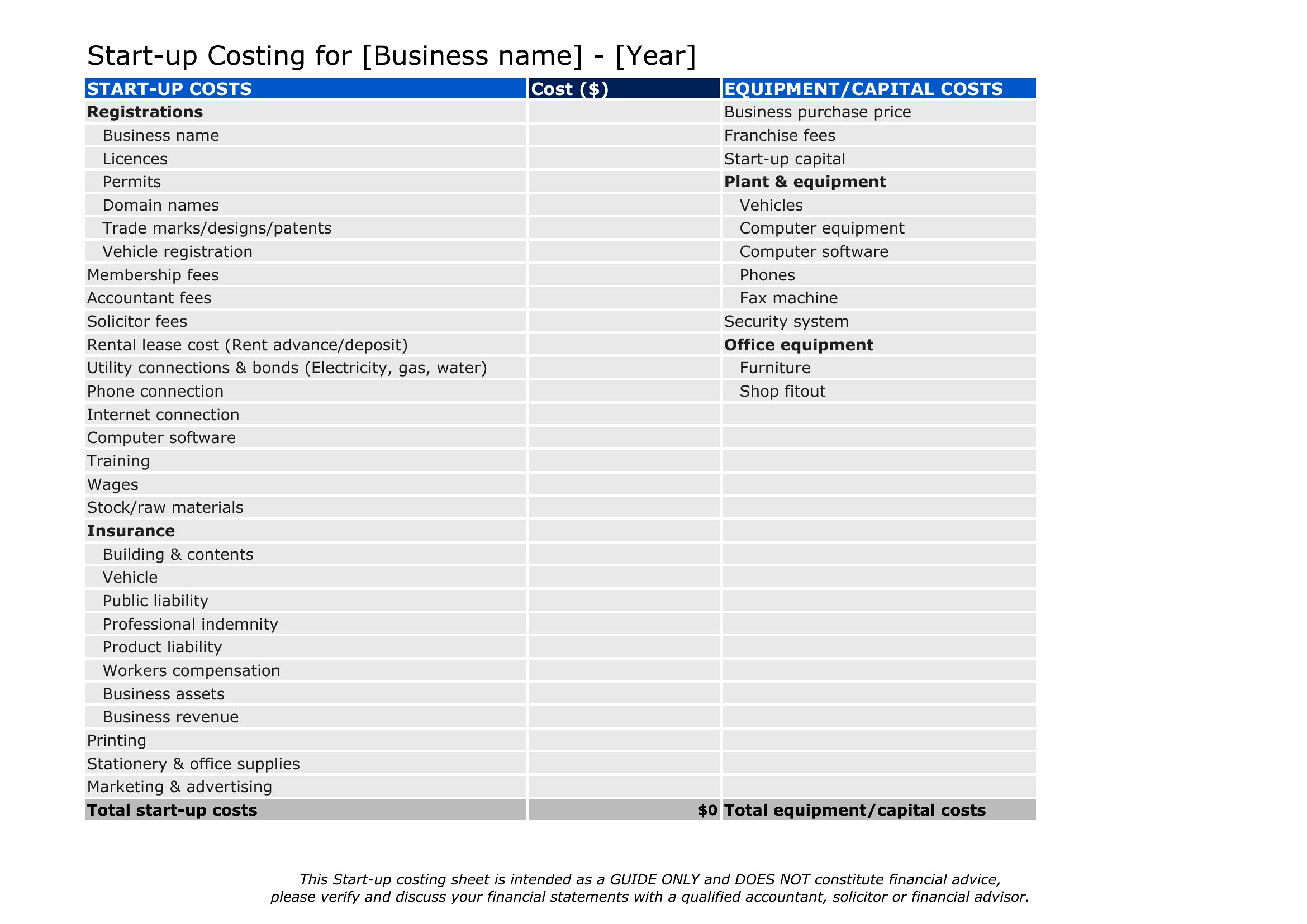
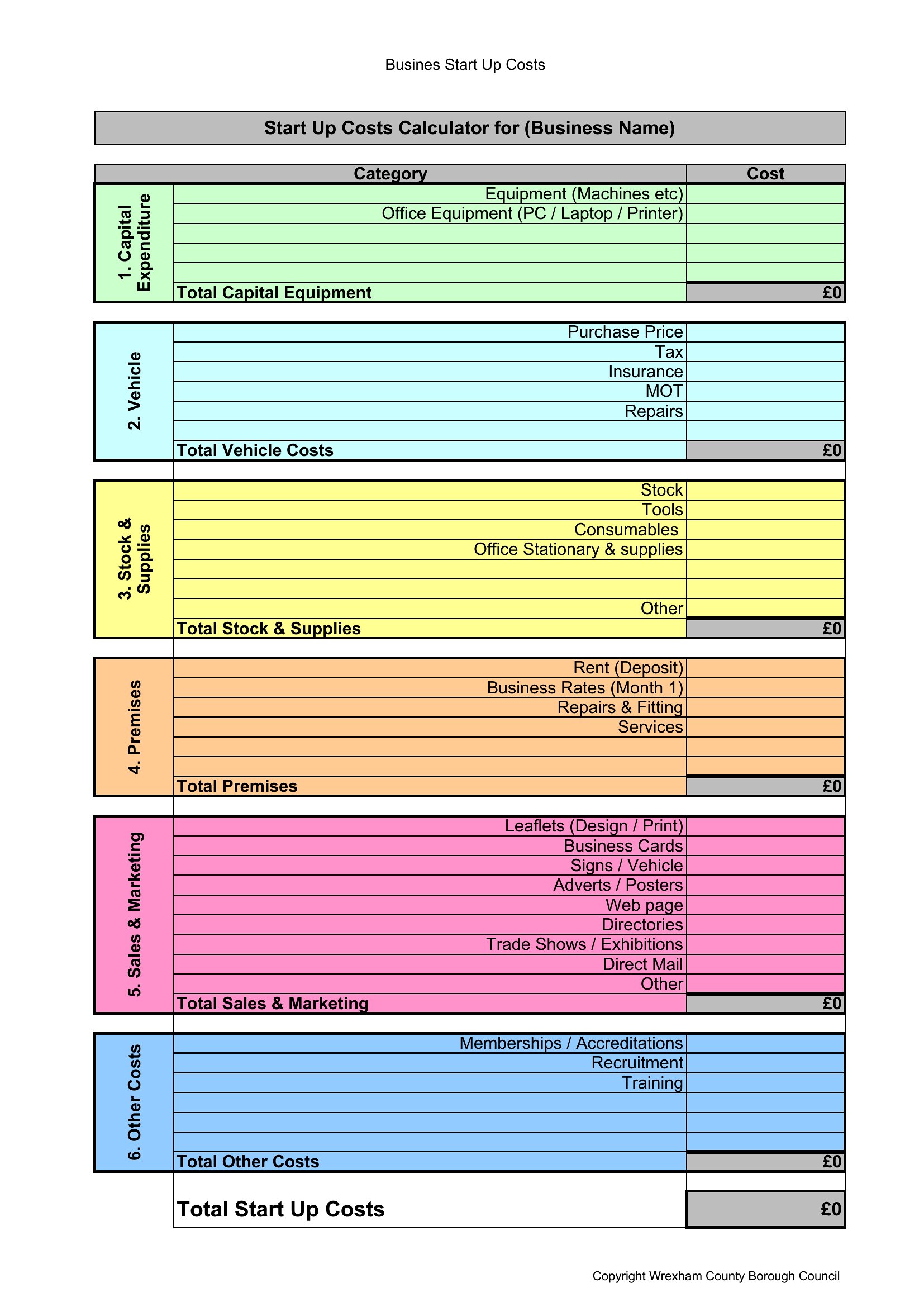
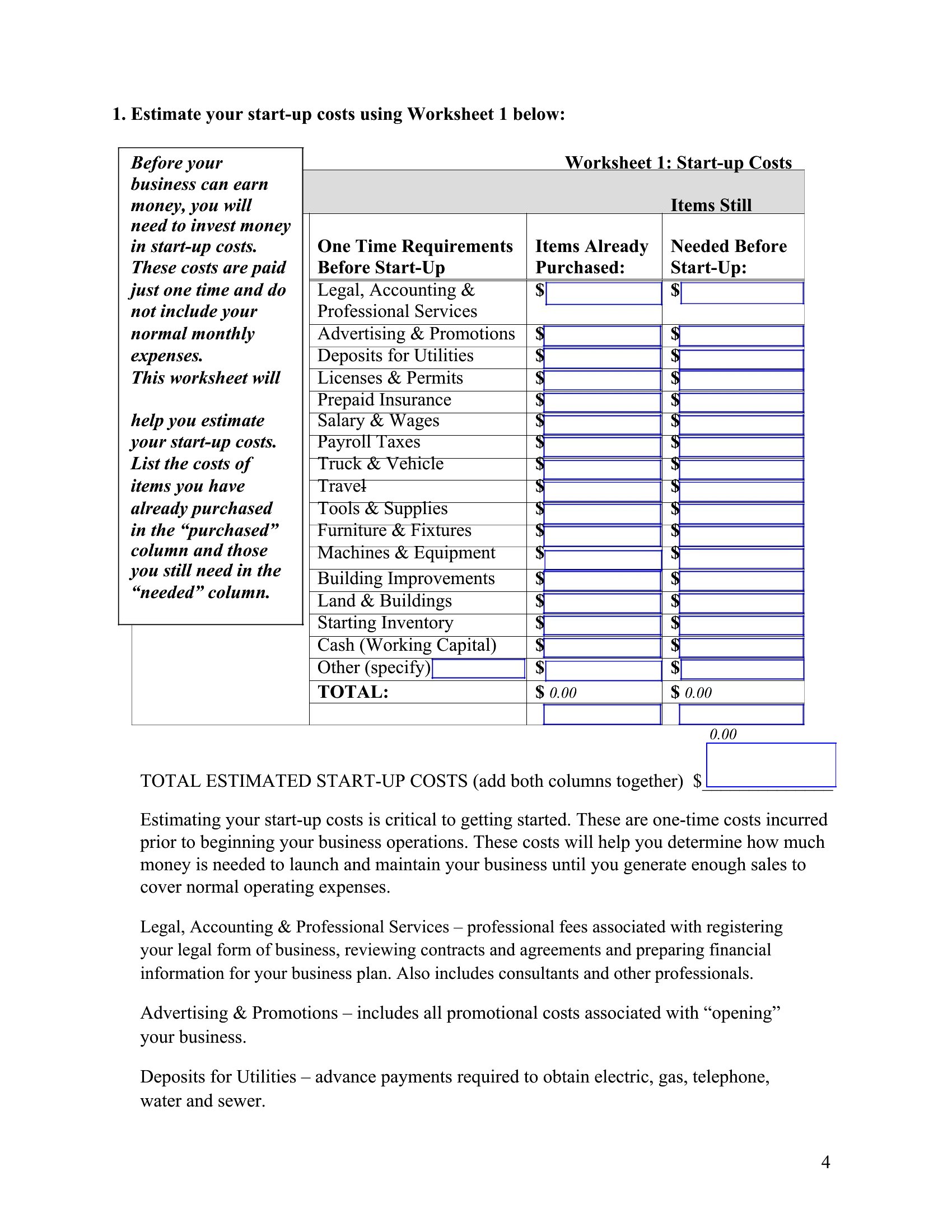
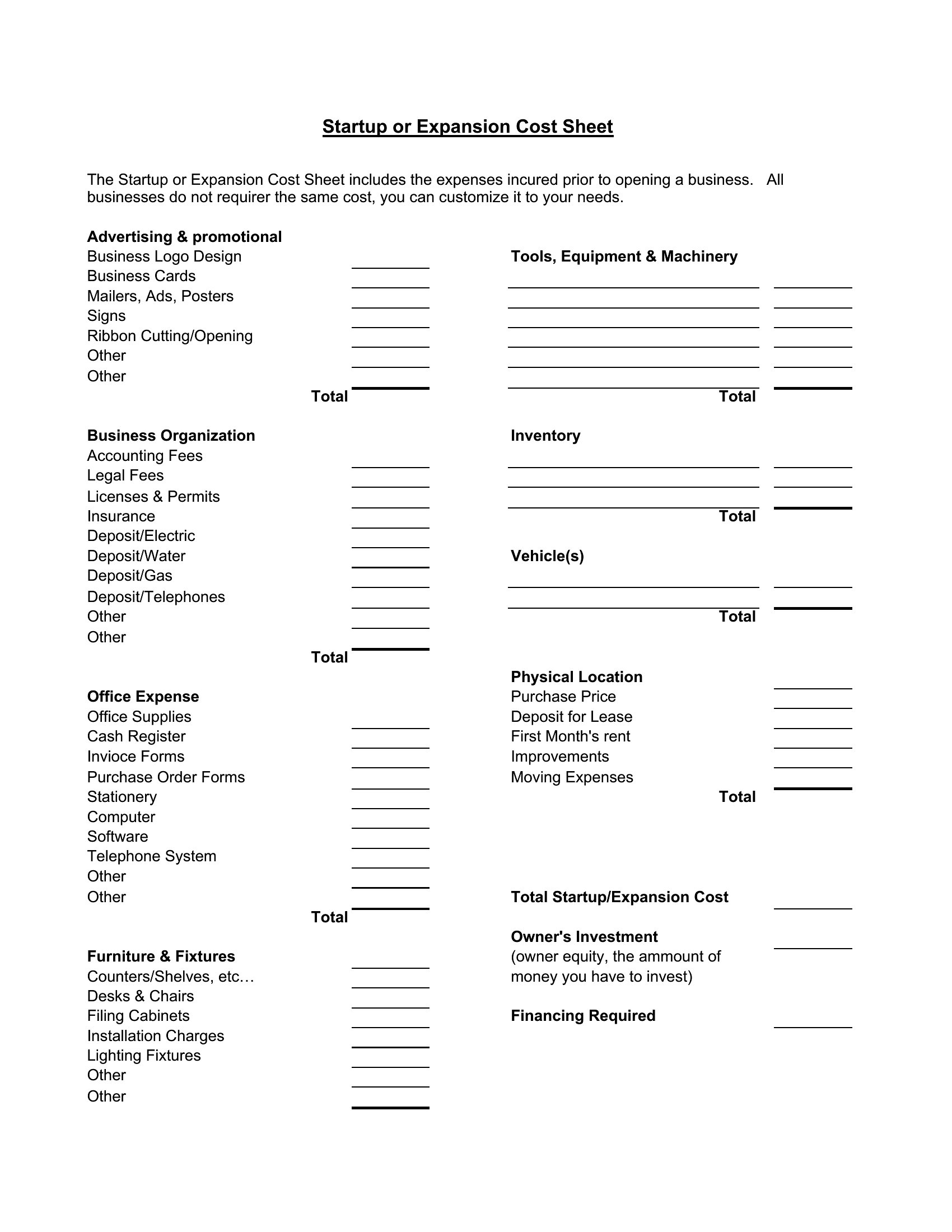
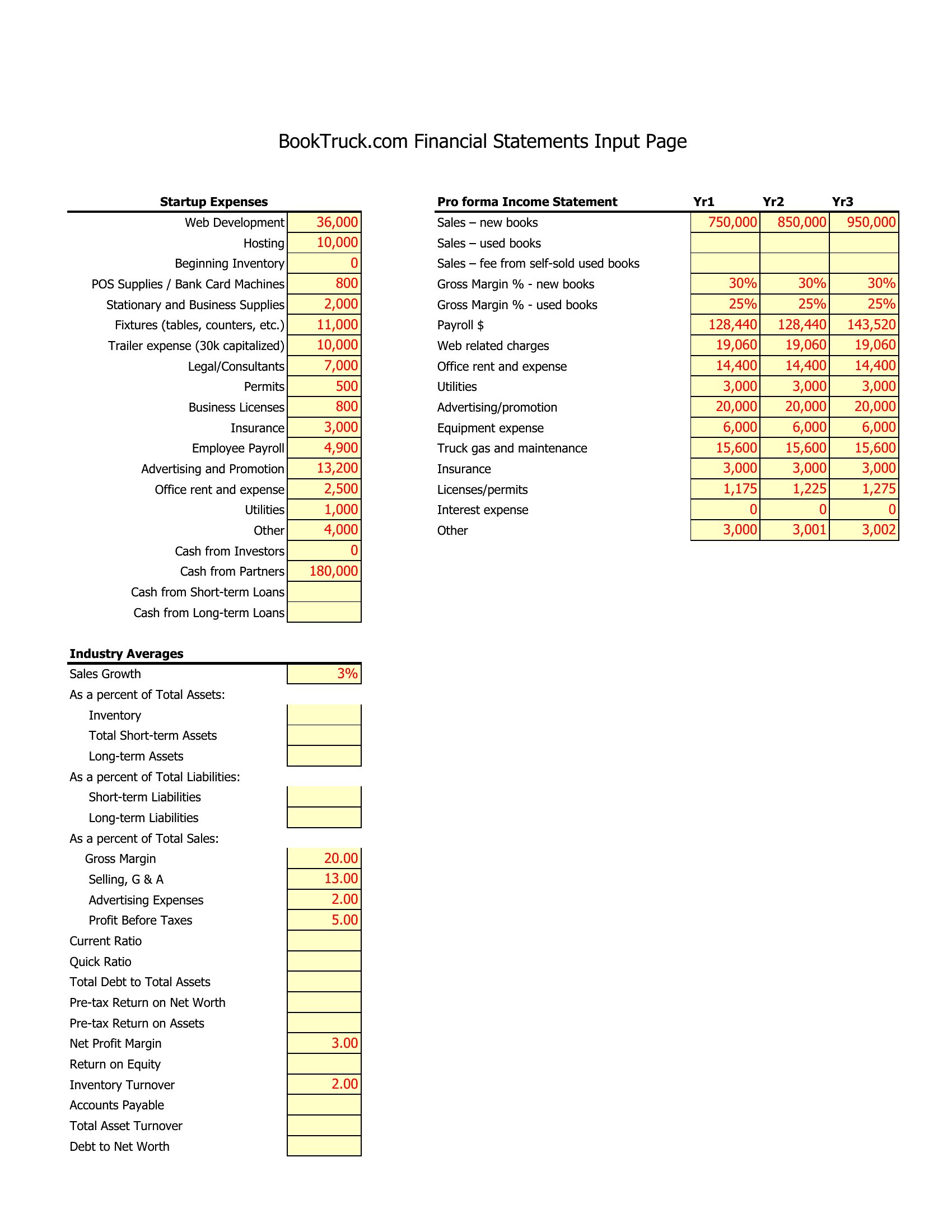
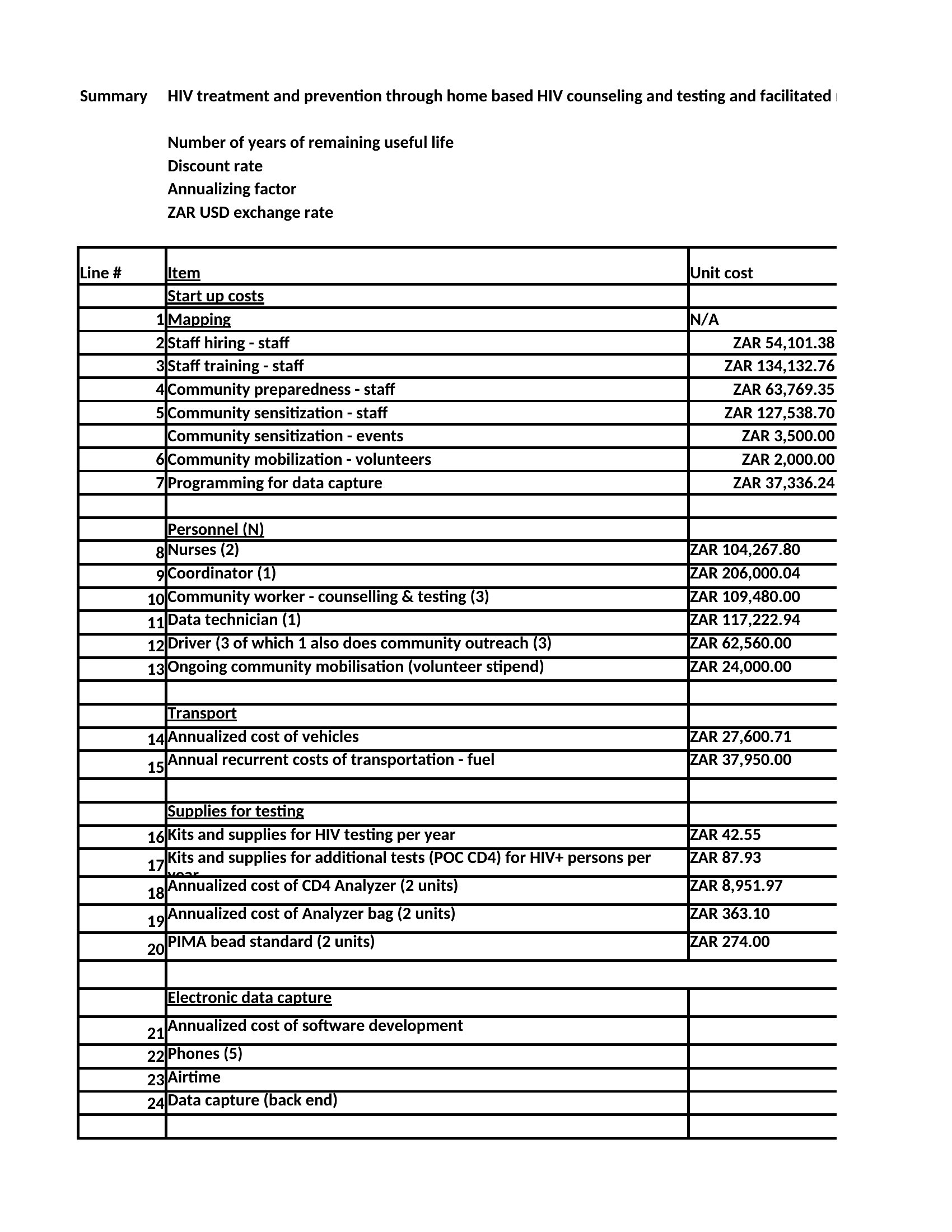
How do I adjust these templates if my startup’s costs are irregular, like seasonal inventory or project-based contracts?
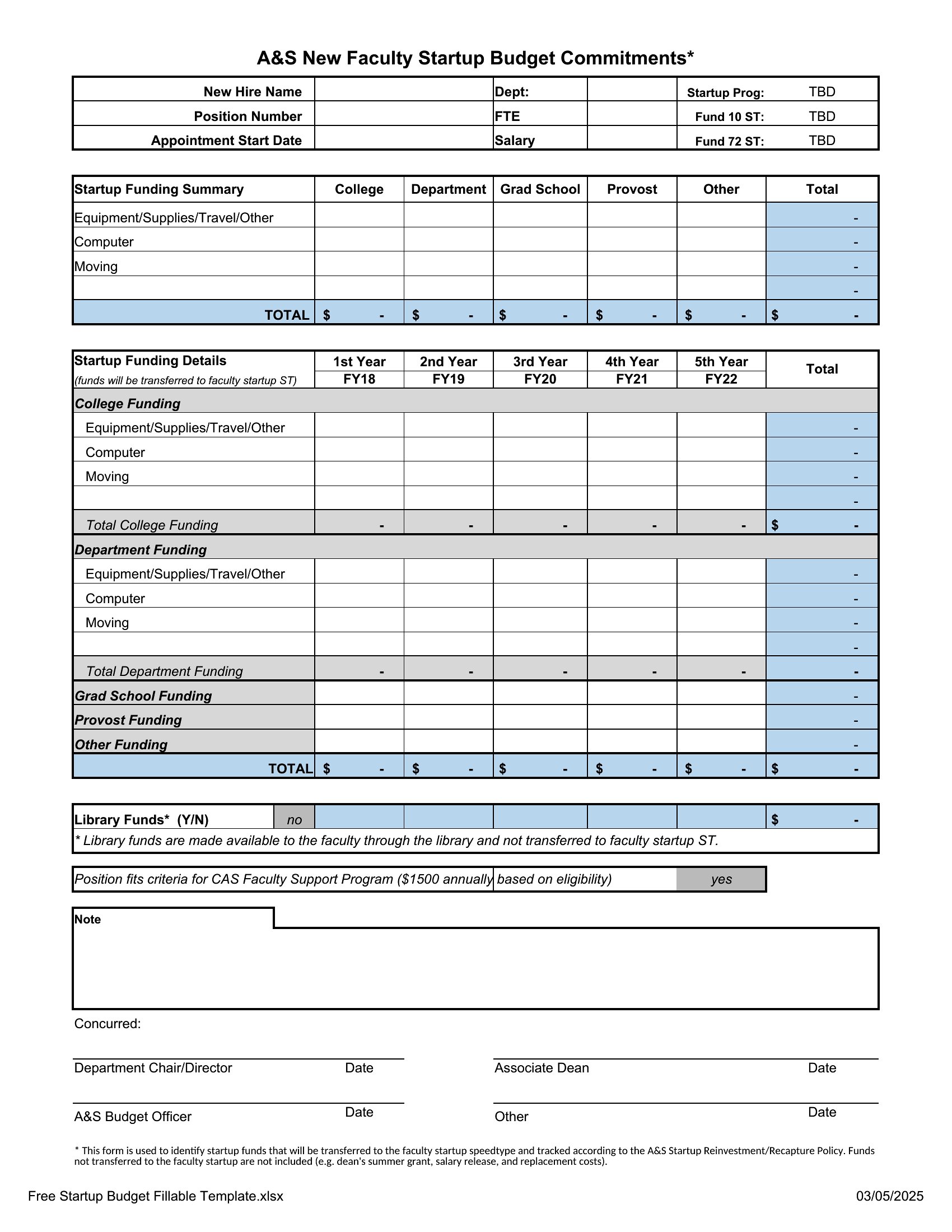
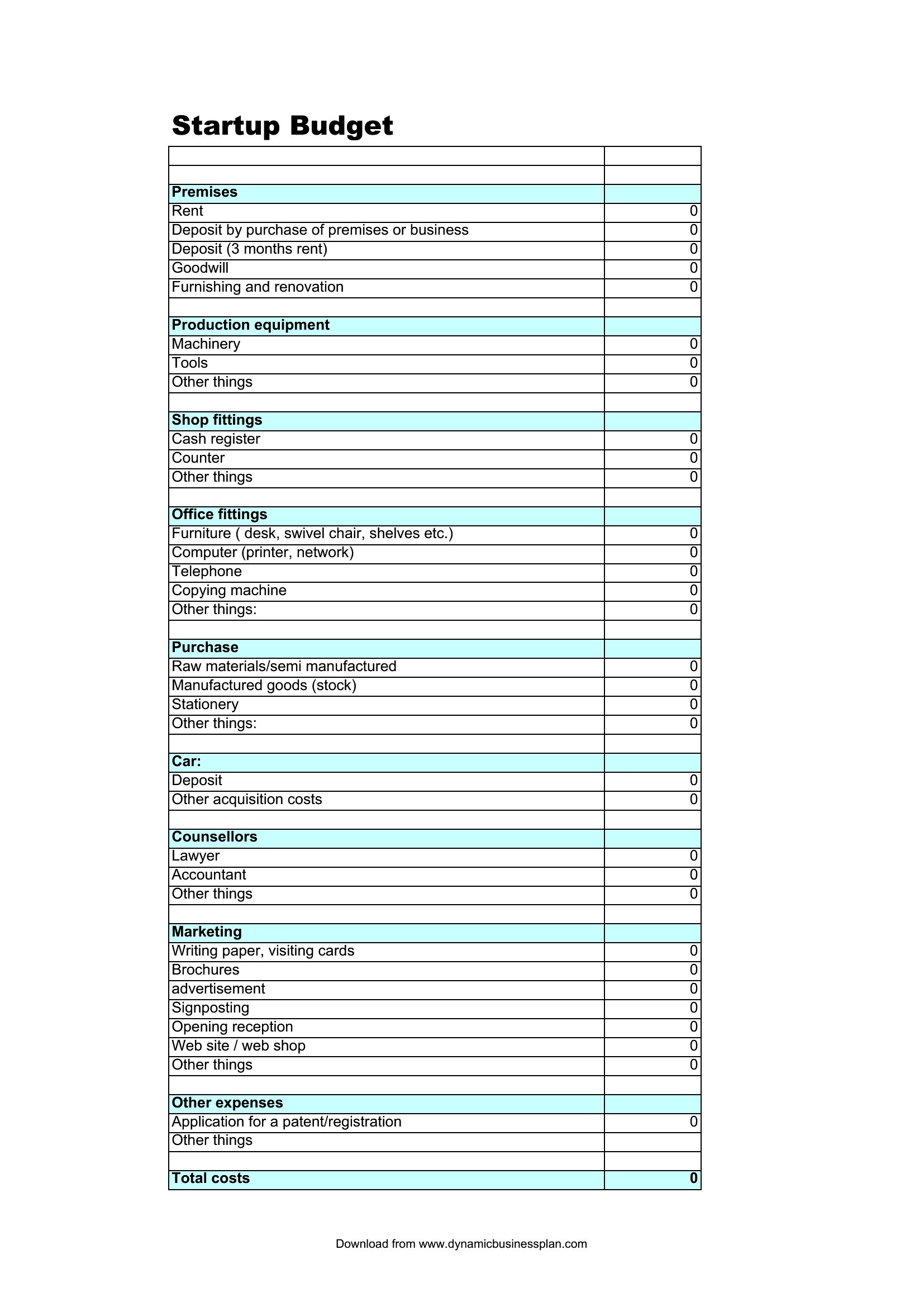
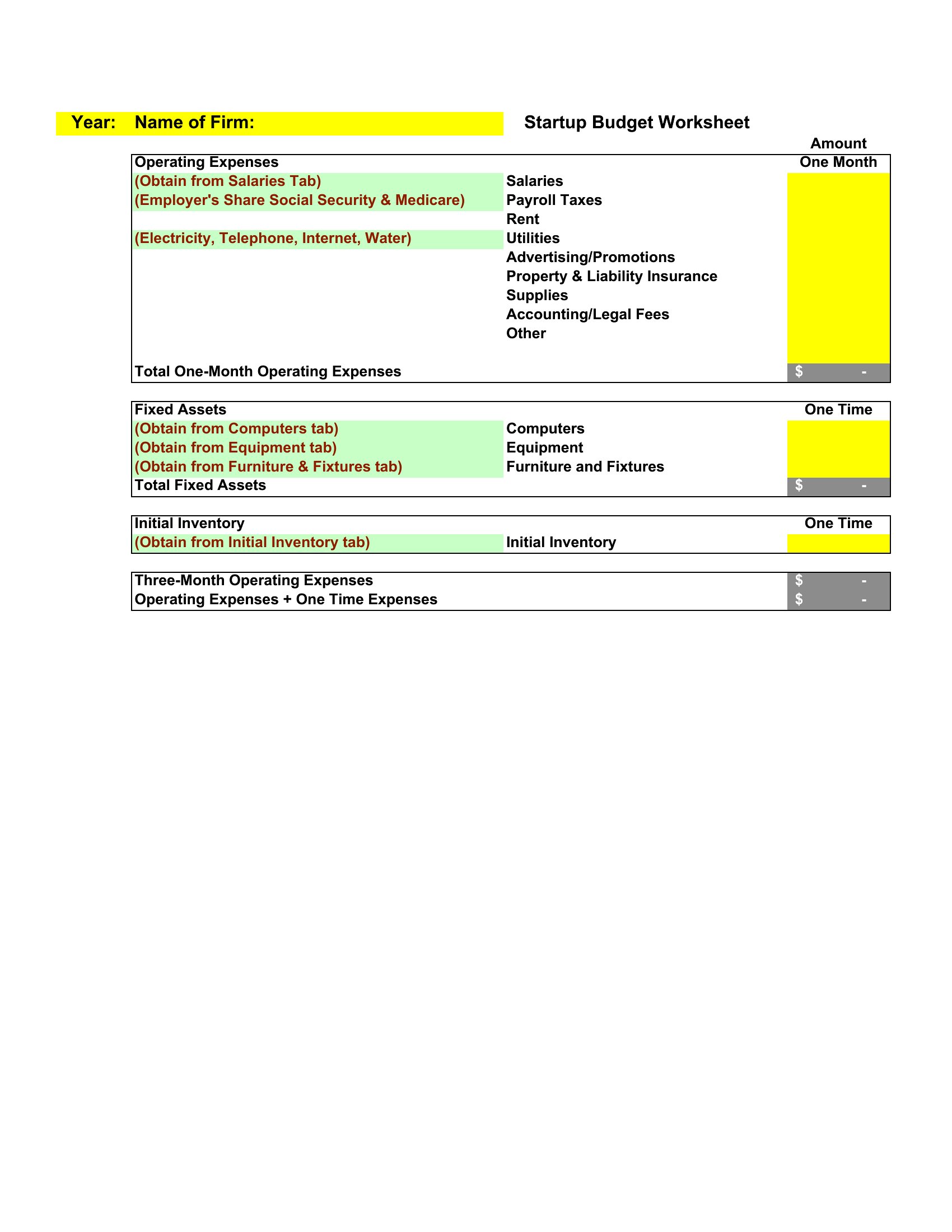
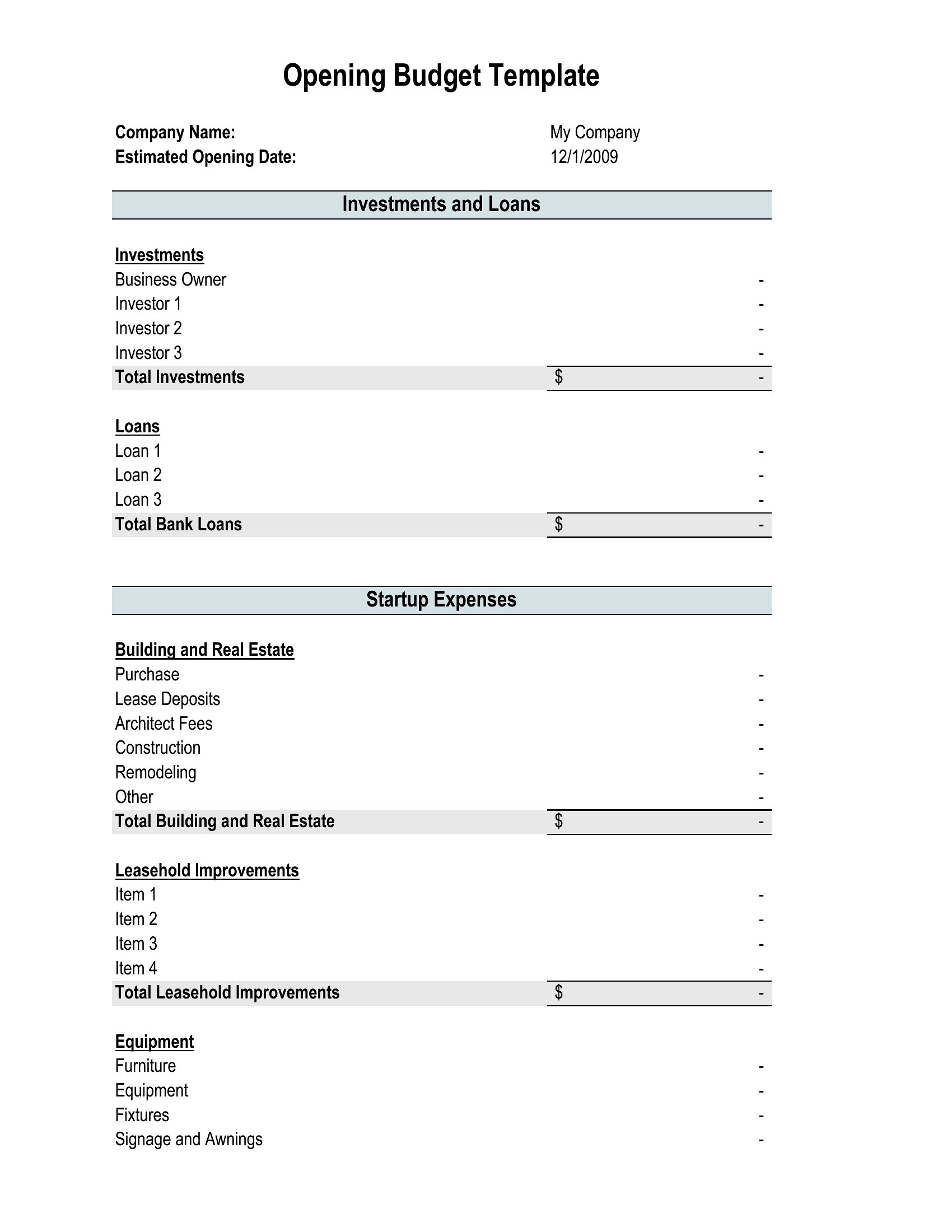
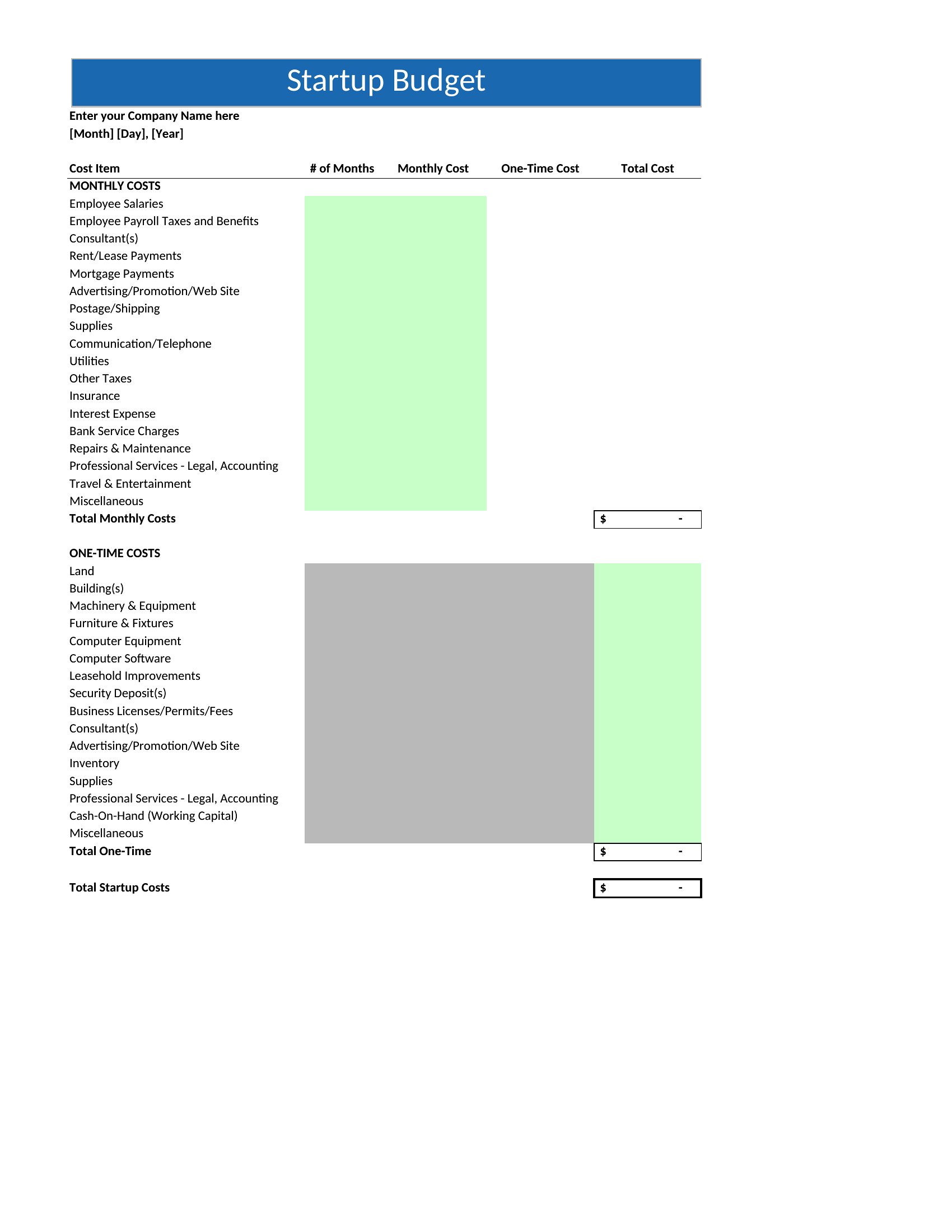
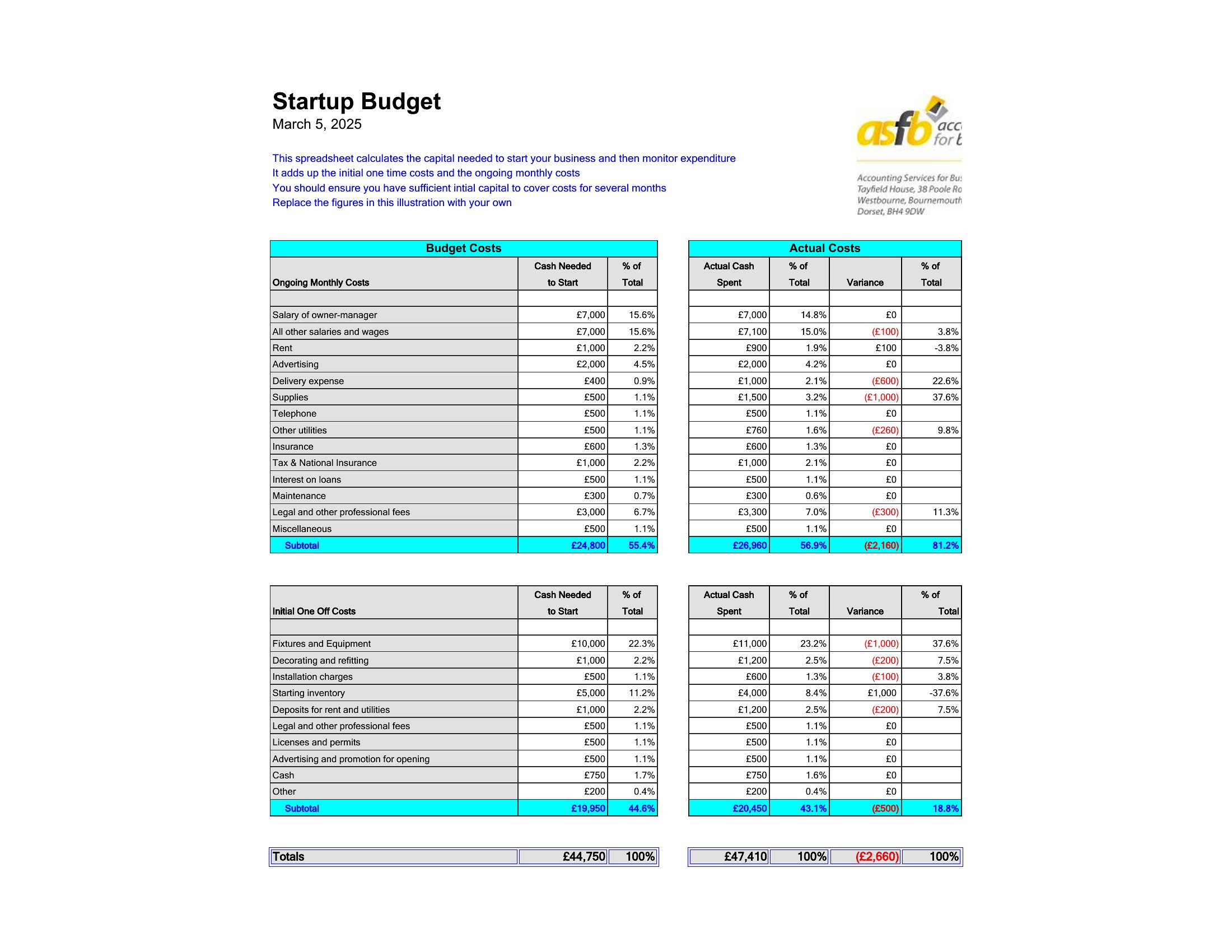
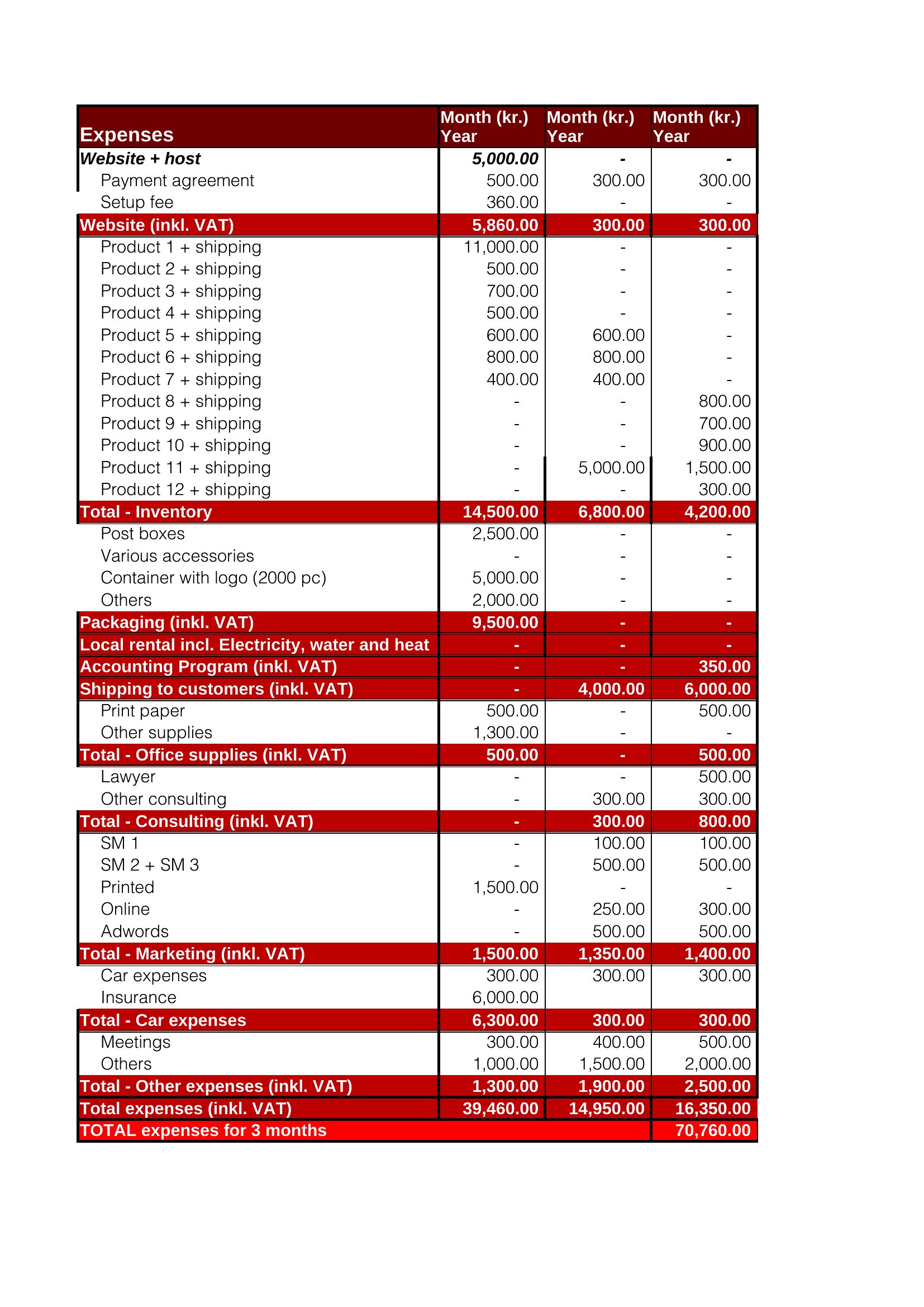
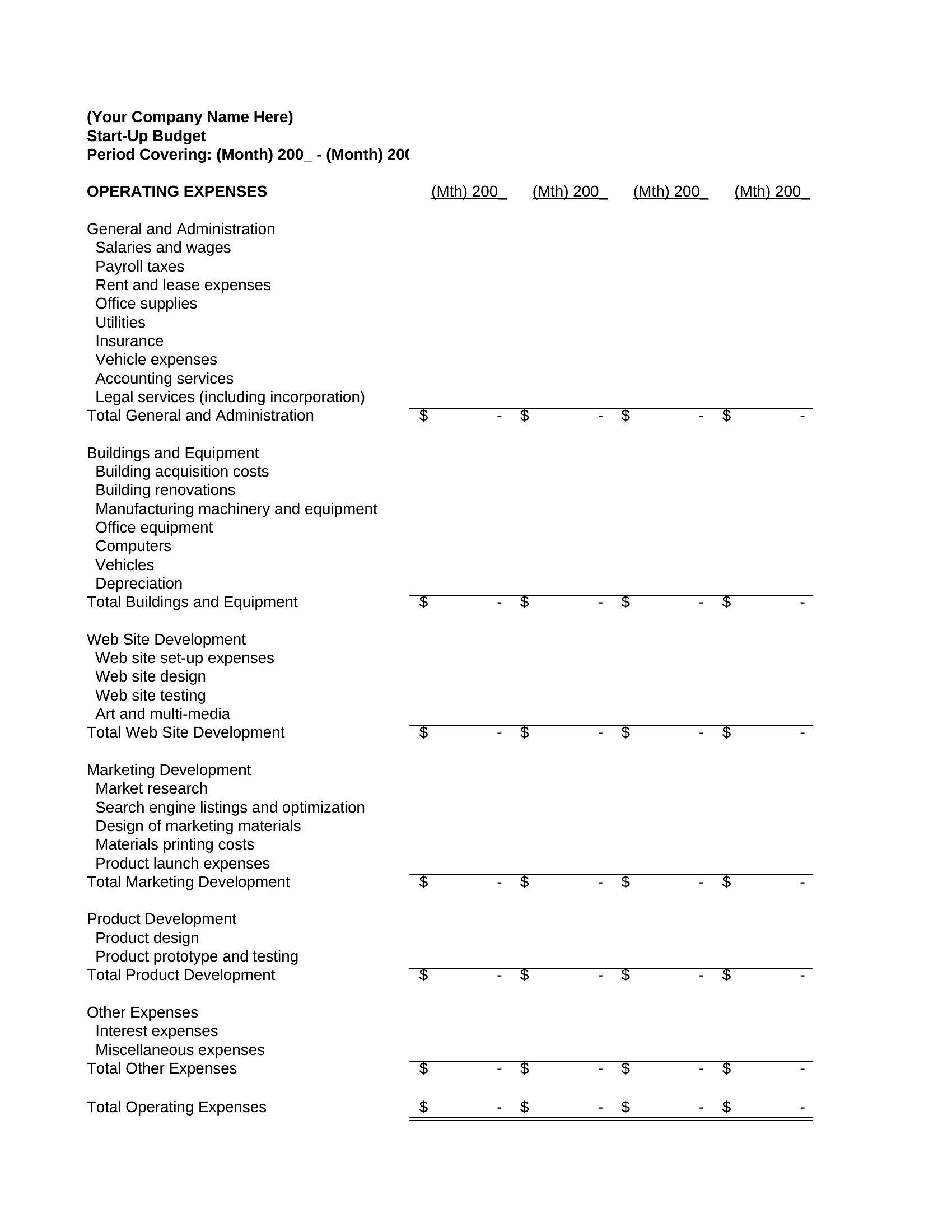
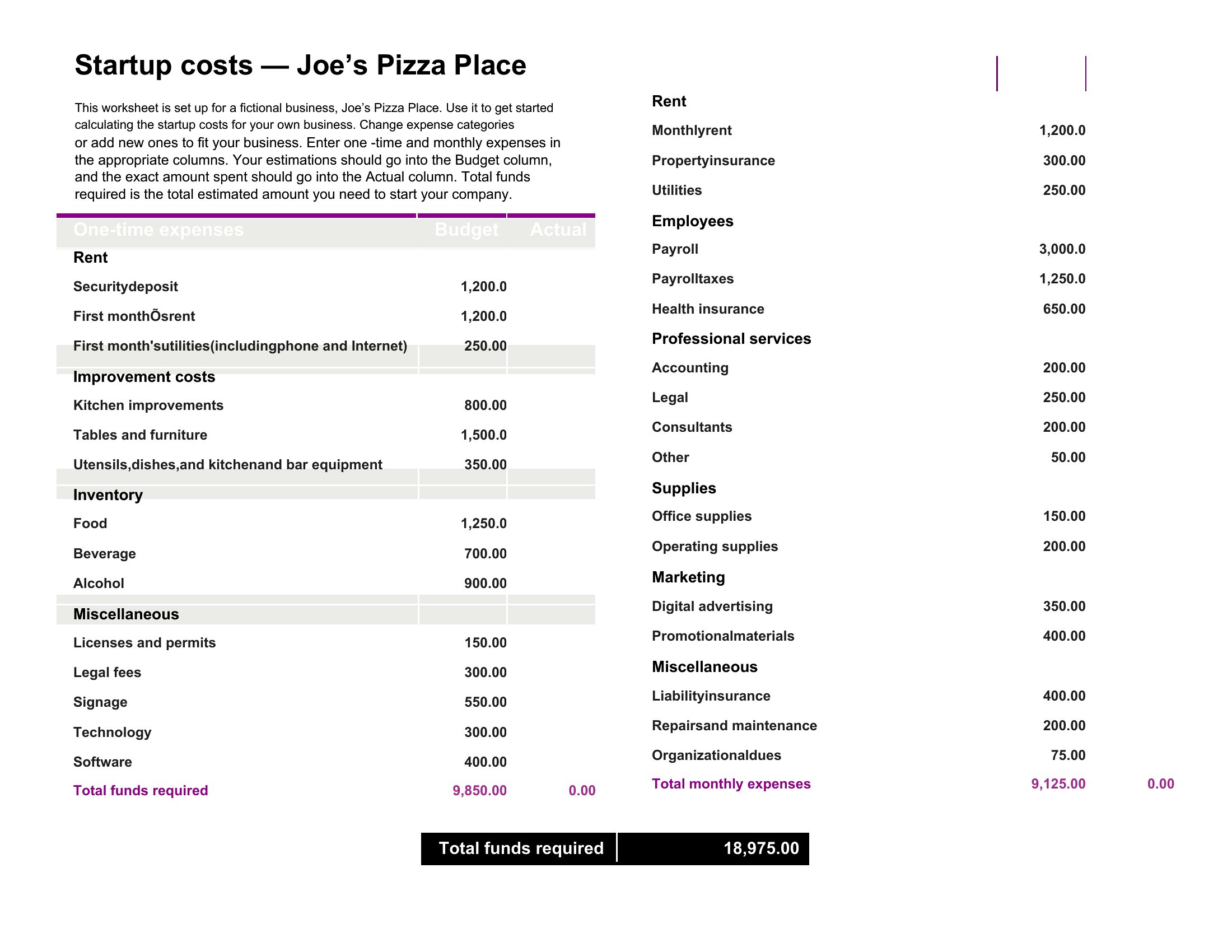
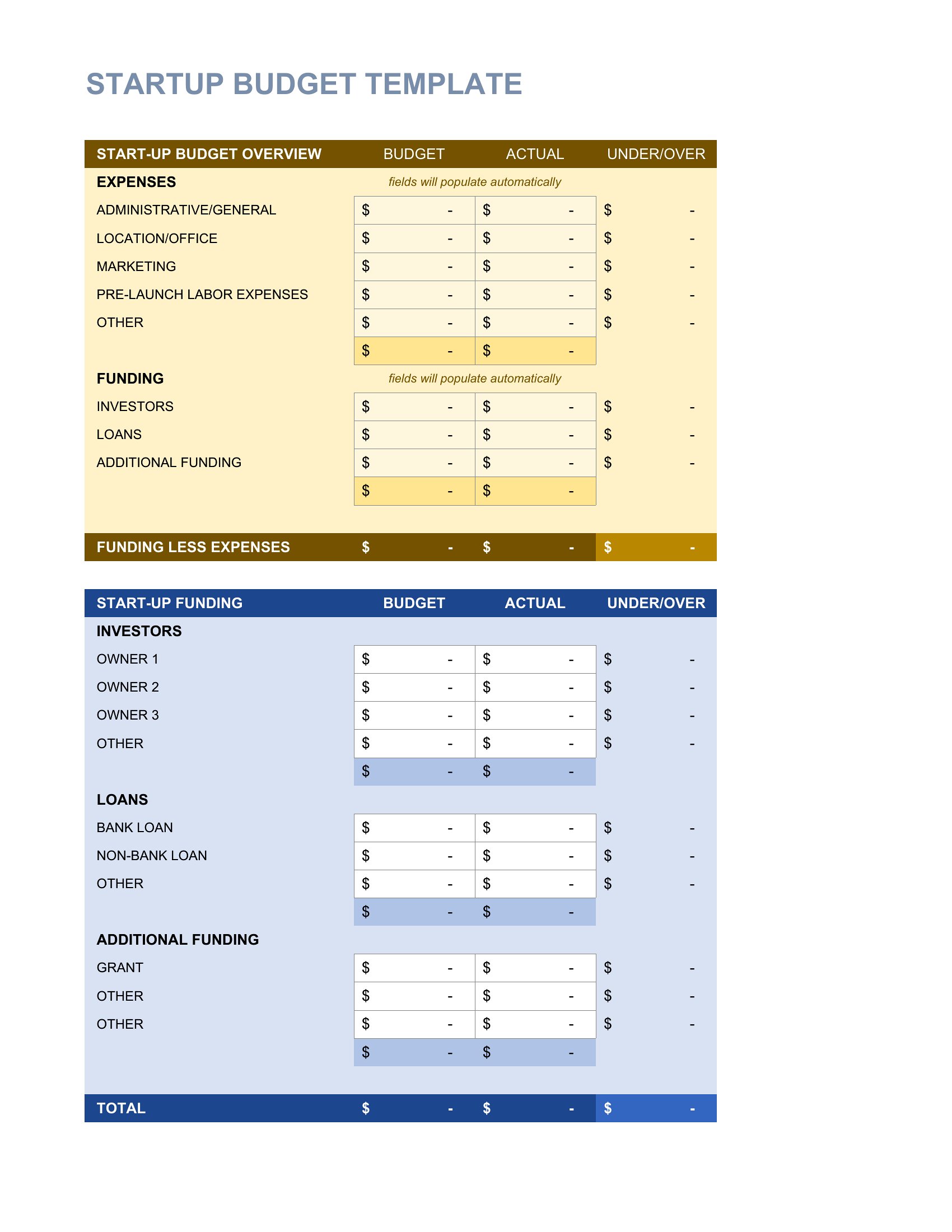
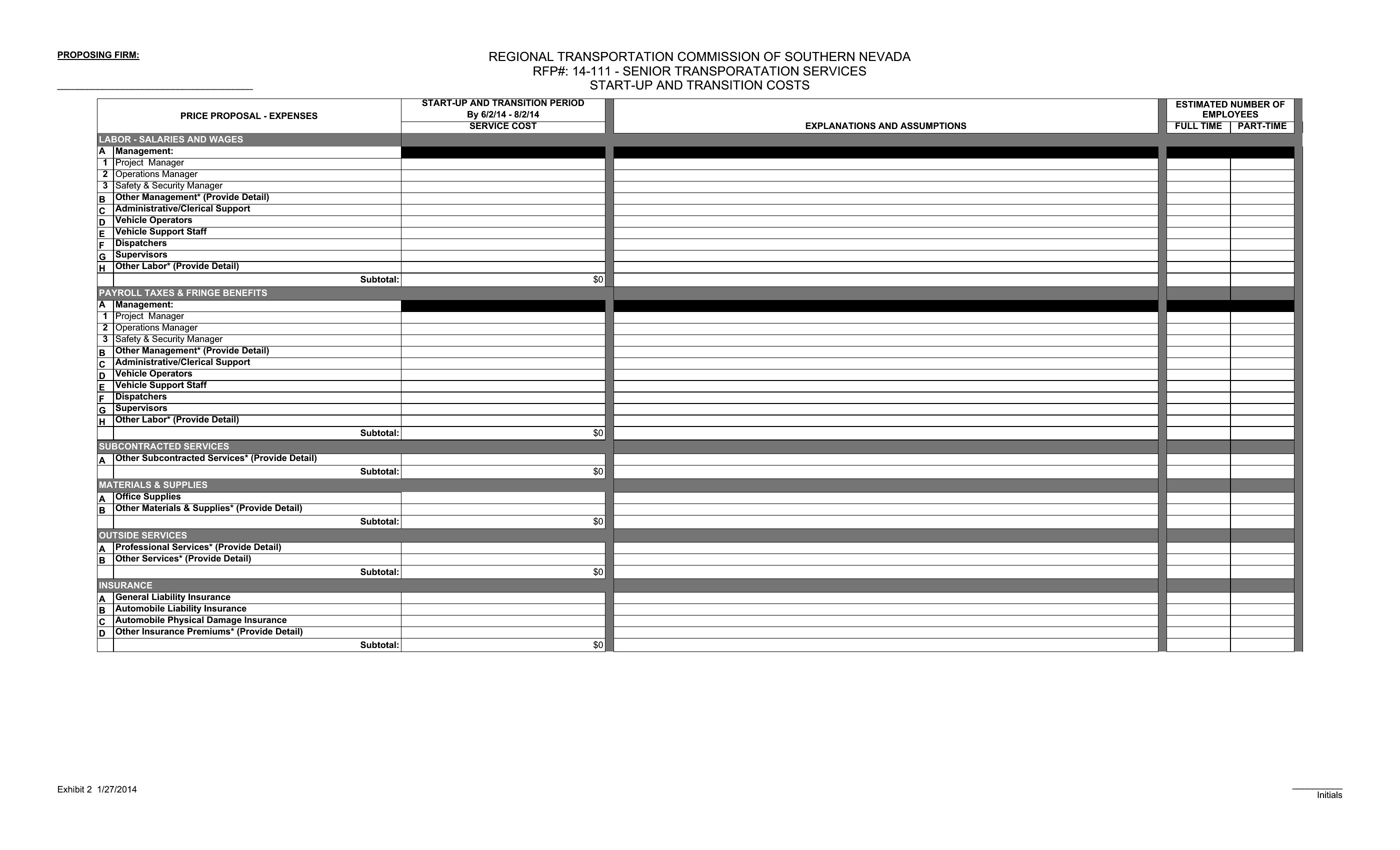
Excel templates let you modify categories or add rows for variable costs, then recalculate totals instantly. For Word, duplicate or merge line items to group similar expenses, then manually update the subtotals. Both formats allow flexibility, but Excel automates the math for you.
Can I use these to compare a personal budget against startup expenses side by side?
Yes, but you’ll need to create separate worksheets or documents. Excel templates support multiple tabs for parallel tracking, while Word may require combining tables or using a separate sheet. Neither replaces professional financial planning, but they help visualize overlaps like shared utilities or personal guarantees.
What’s the best way to document assumptions behind my projected costs, like ‘rent includes a 10% utility surcharge’?
In Excel, add a comments section or notes tab to clarify assumptions. For Word, include a footnote or sidebar under each category. Both formats let you reference these notes later when revisiting the budget, but Excel’s version control is stronger for iterative updates.
Comments
Join the conversation
Sign in to share your thoughts and leave a comment on this resource.