Skip to content
50% off this one-time $1.99 pack with HALFOFF — or unlimited with Pro.HALFOFF
Premium

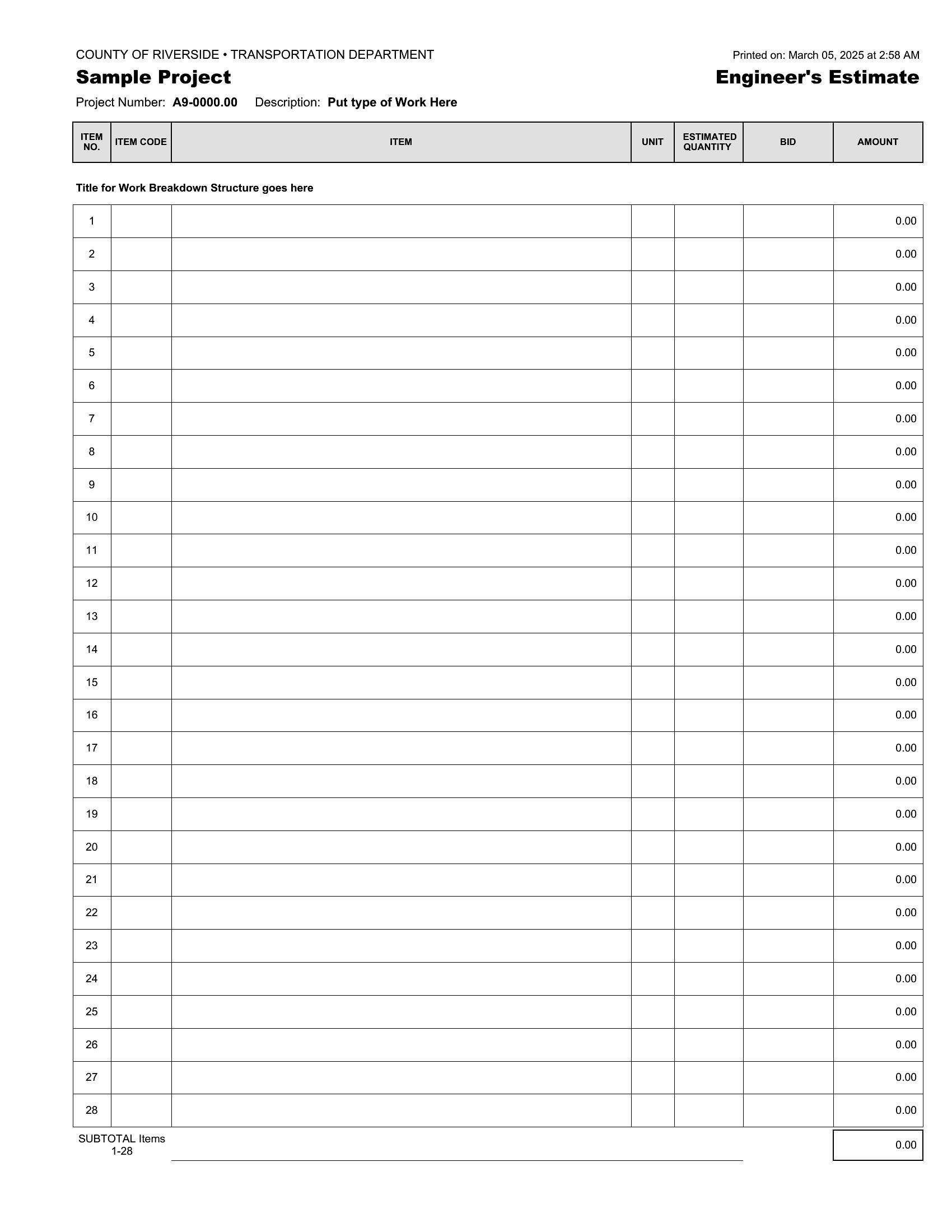
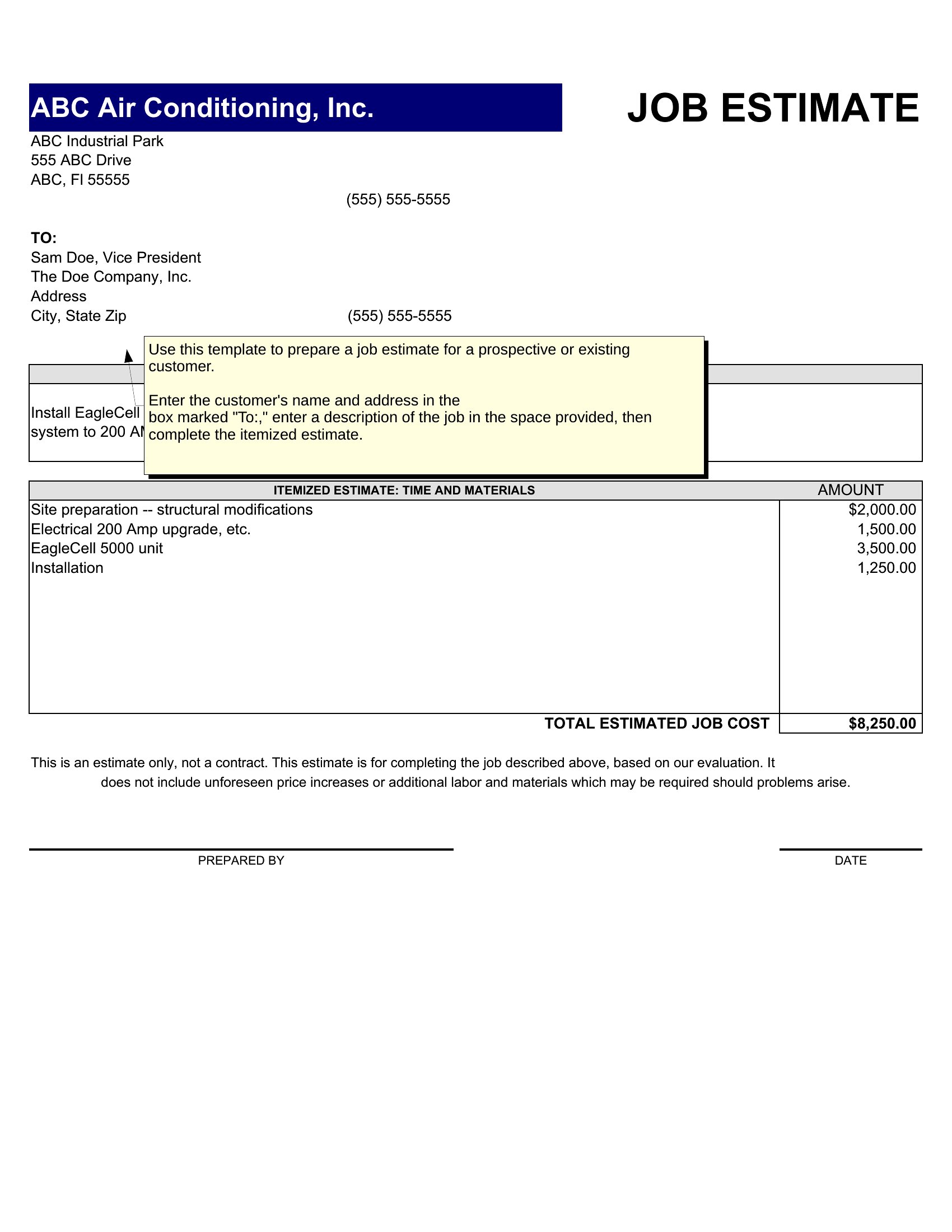
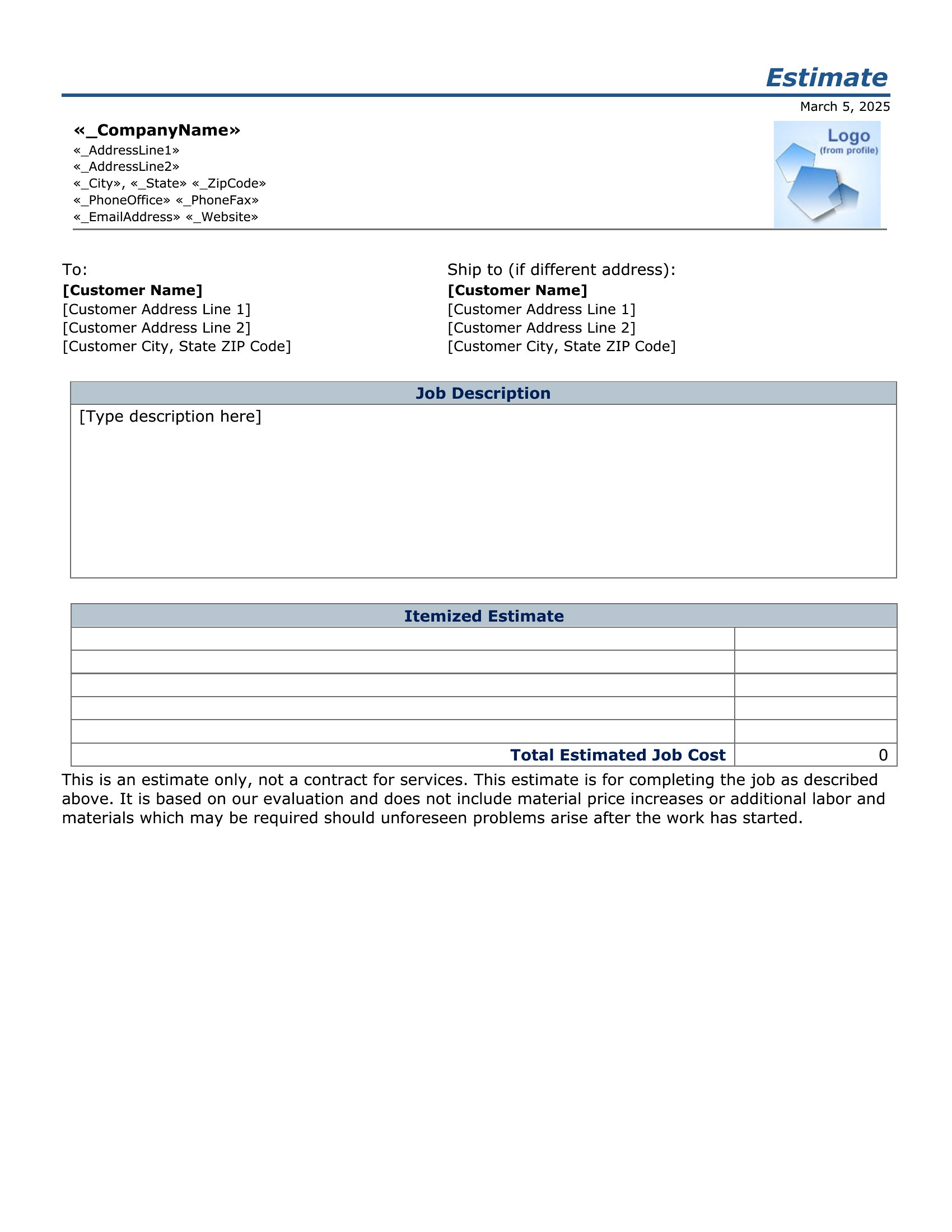
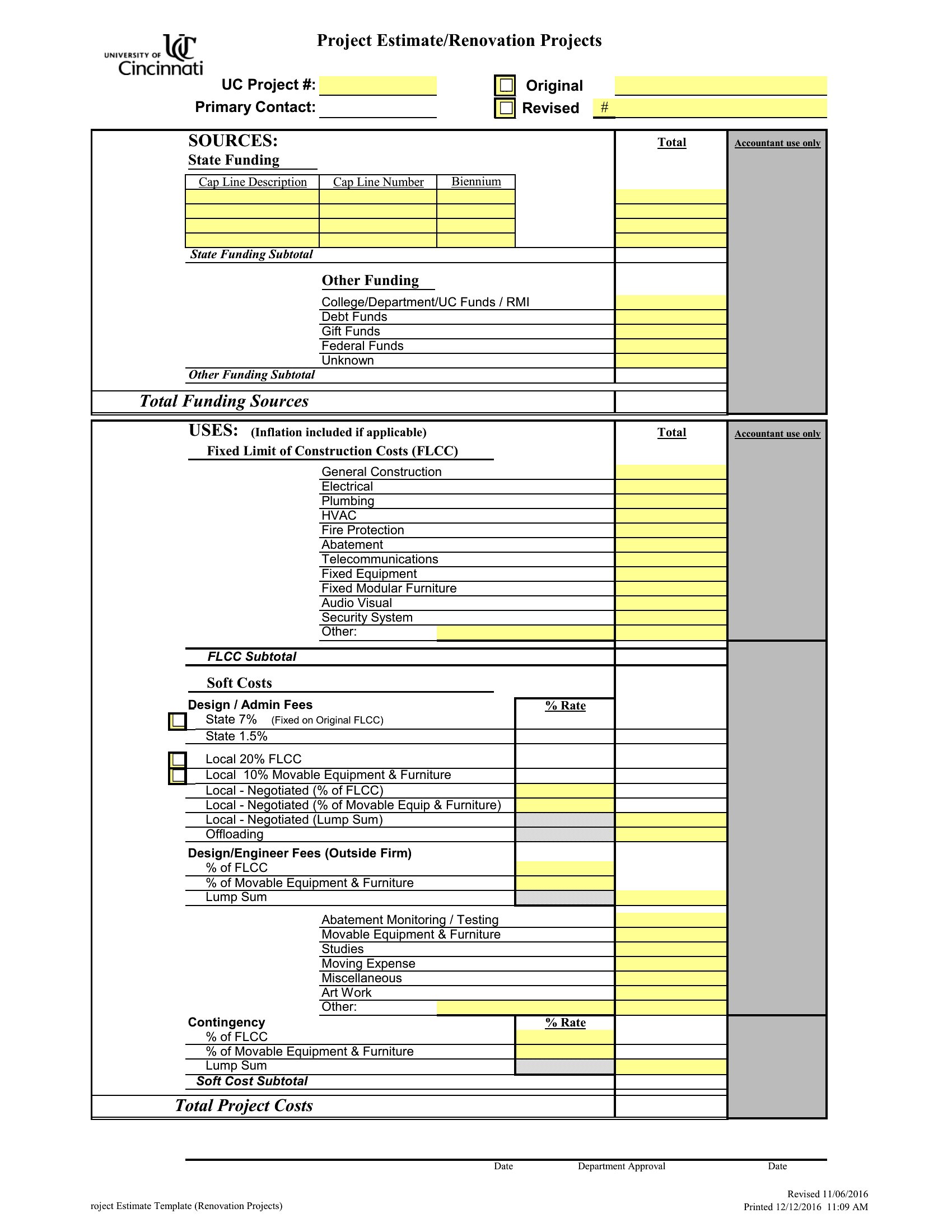
Free Estimate Templates (Word, Excel)

Invoices
jacobmeyer by jacobmeyer
Updated 0 downloads 1 community comment

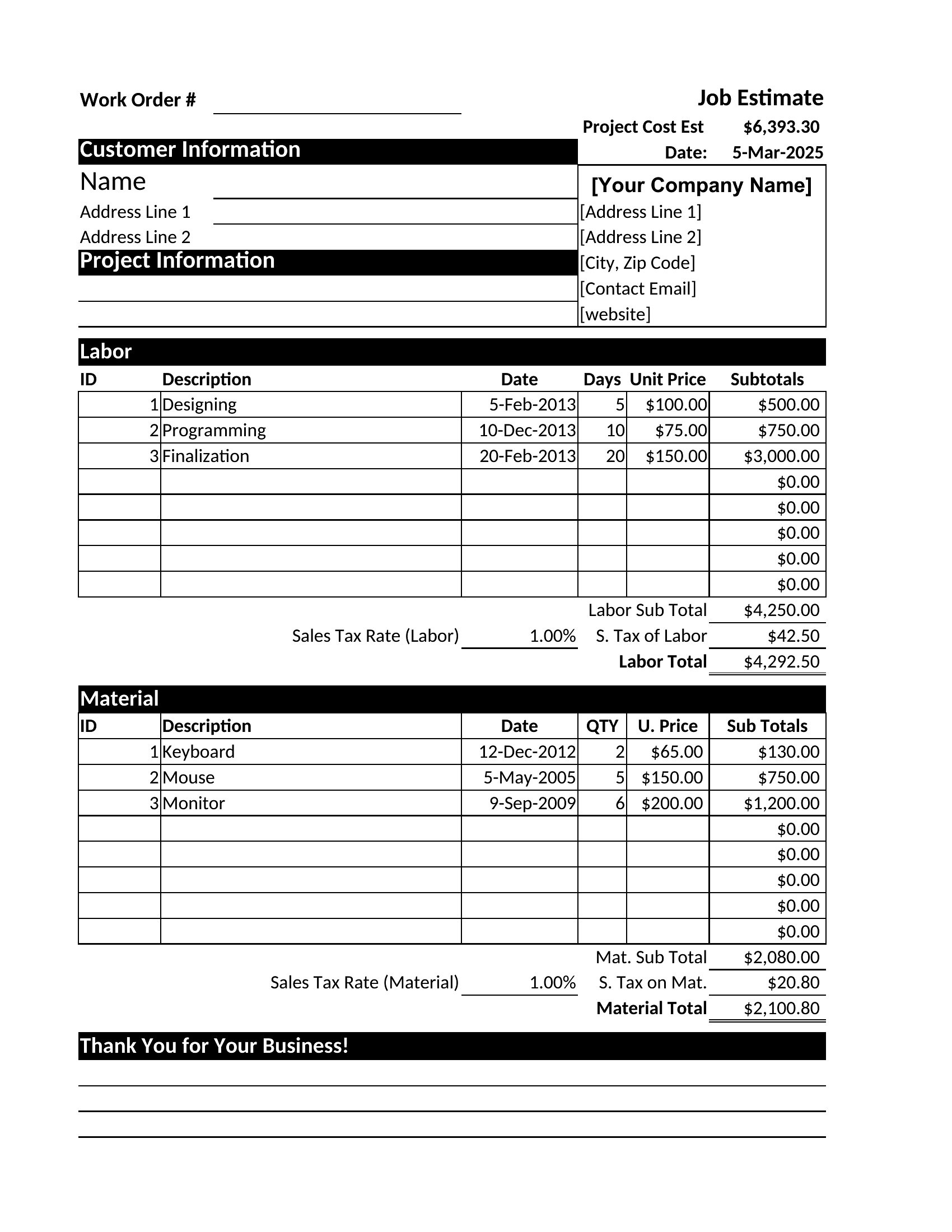
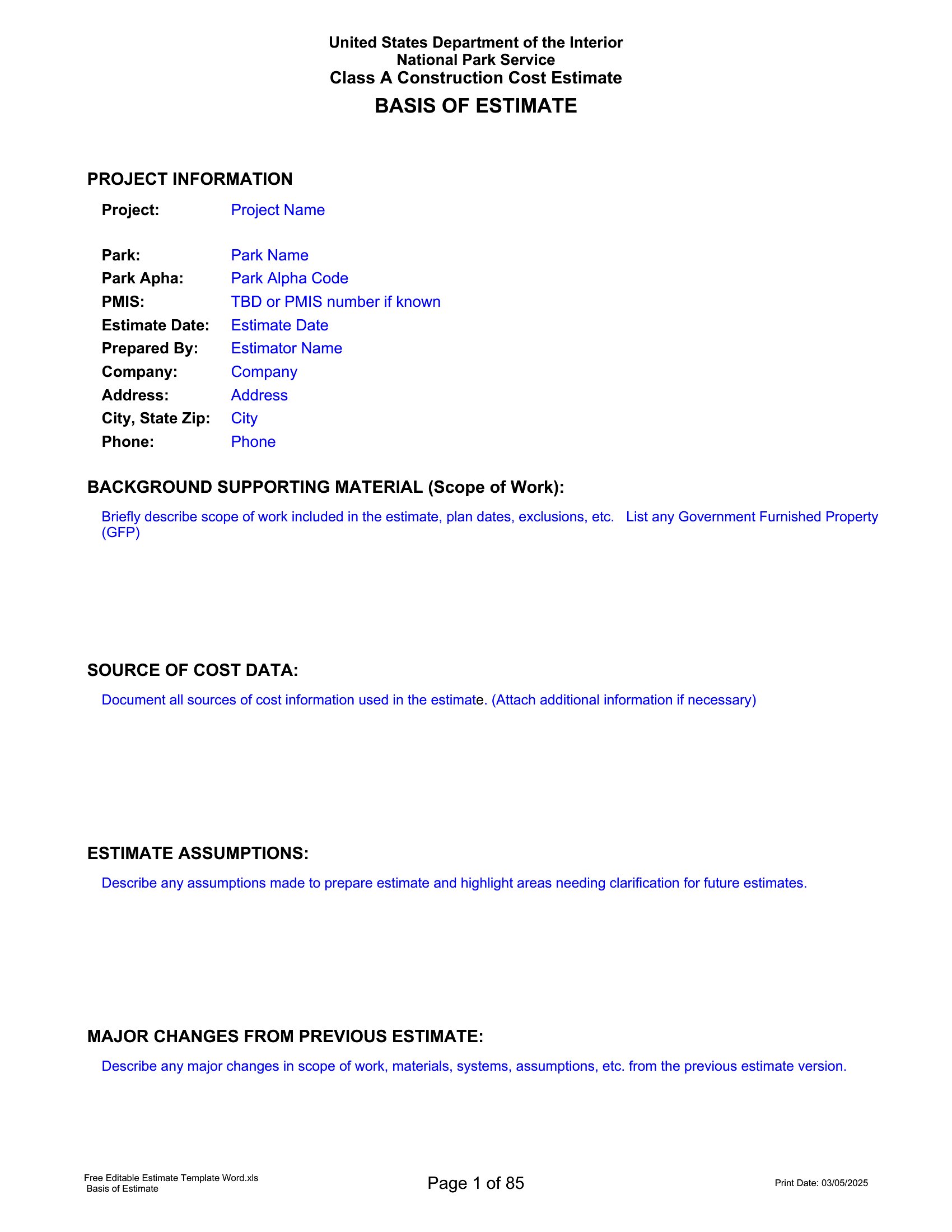
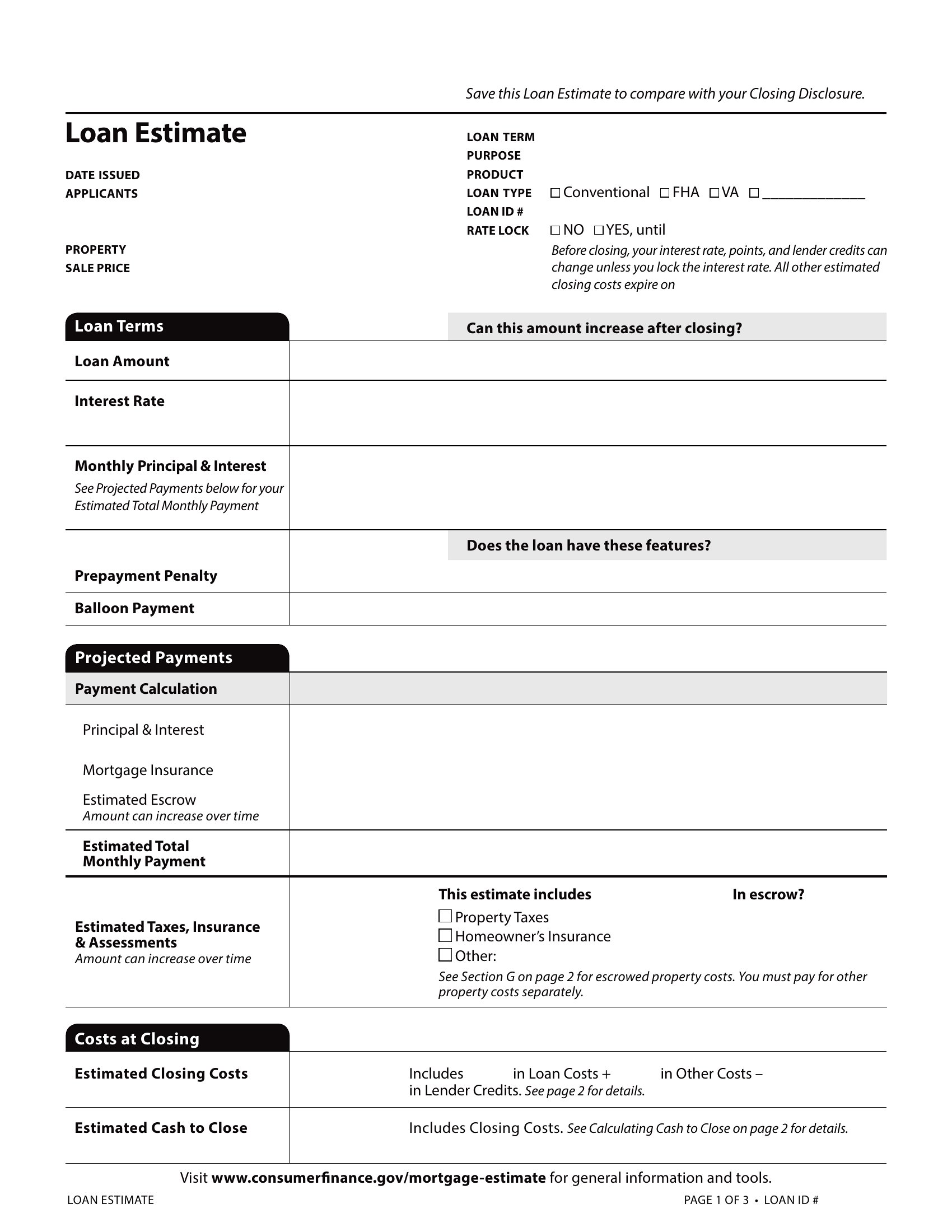
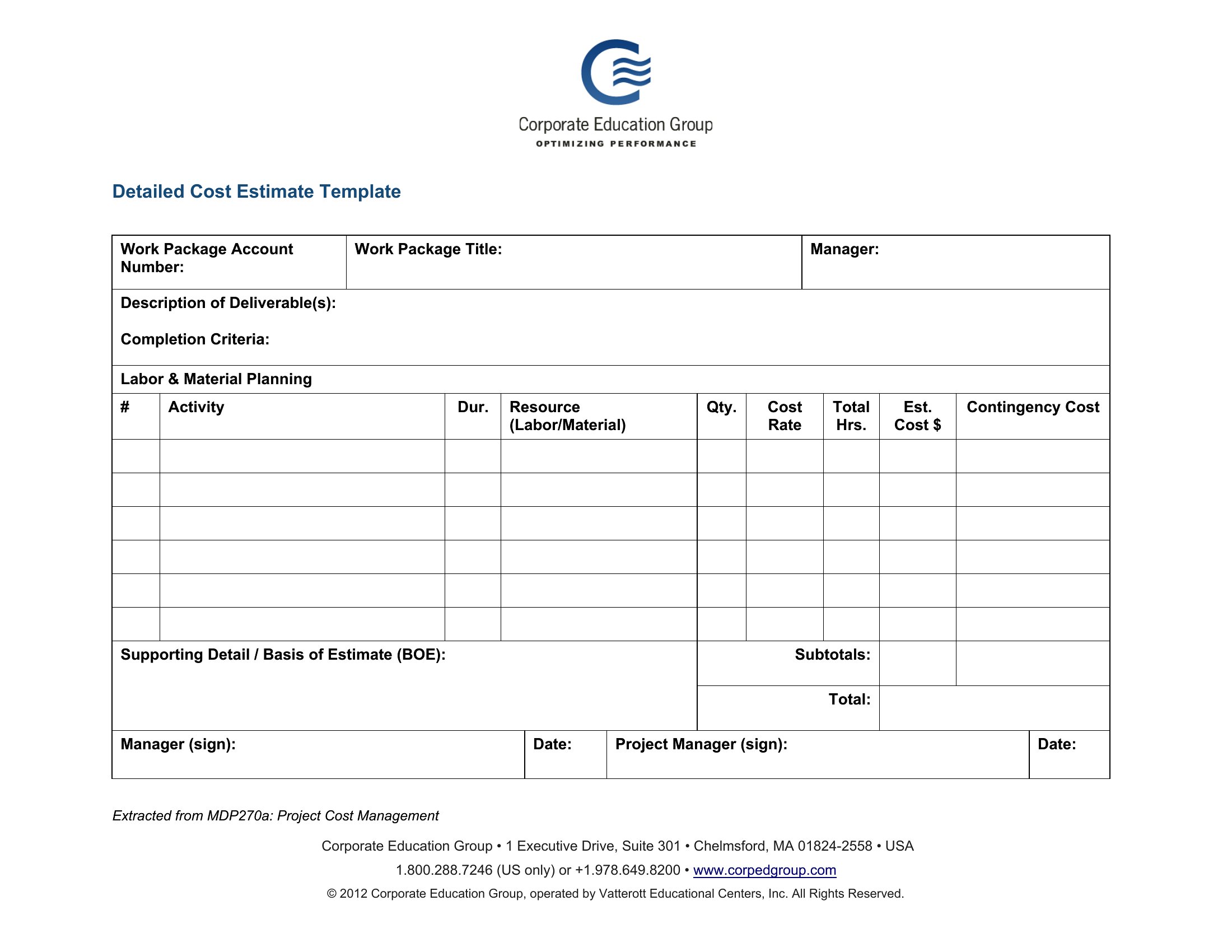
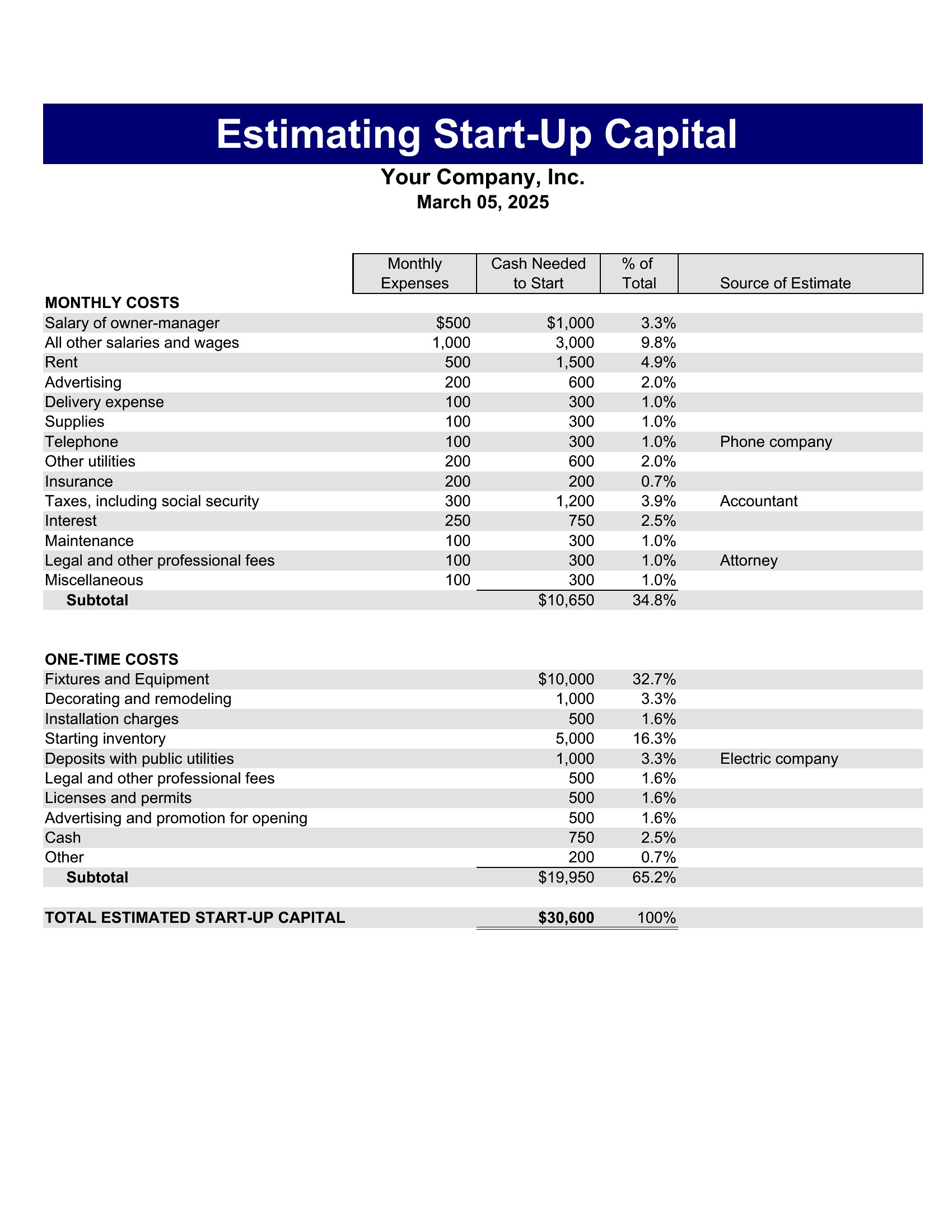
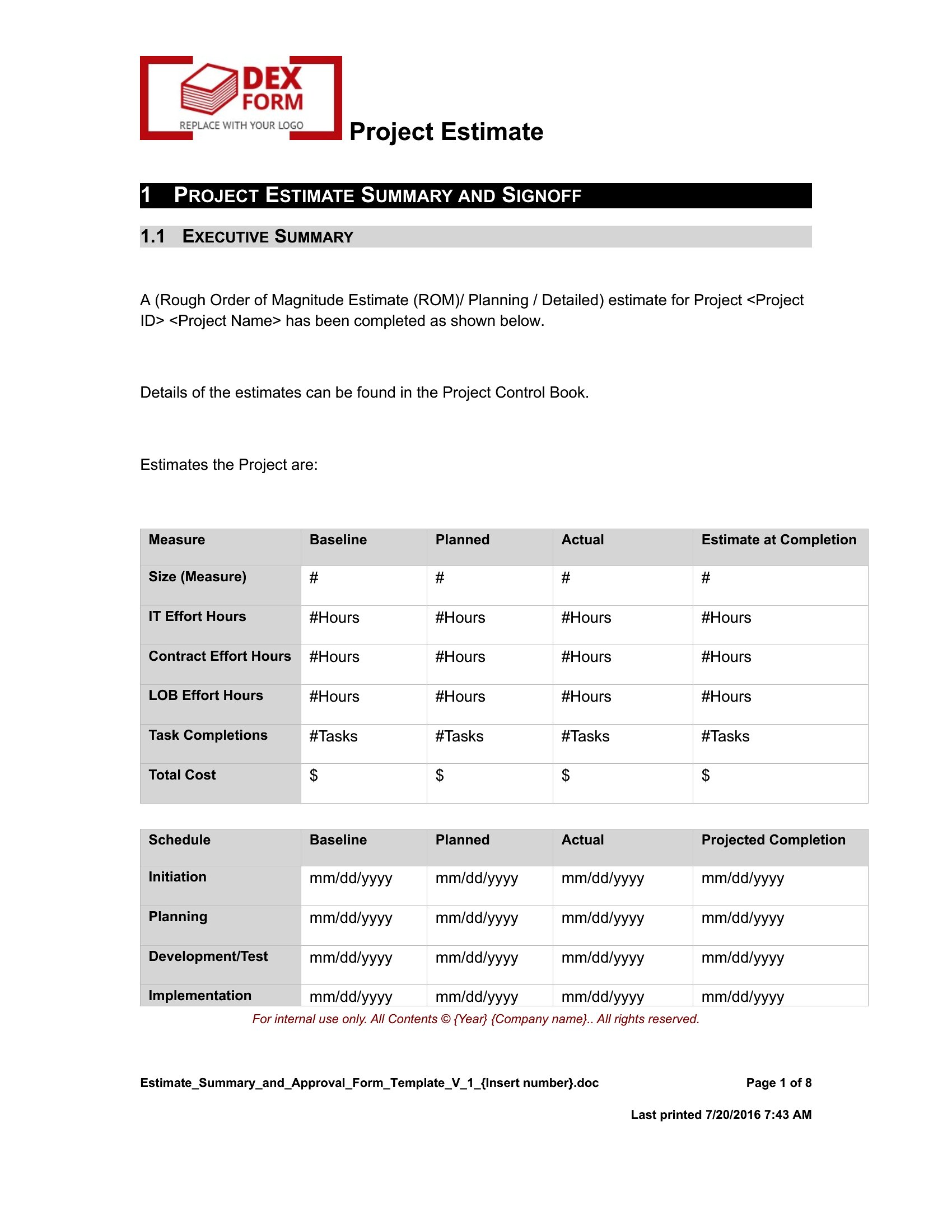
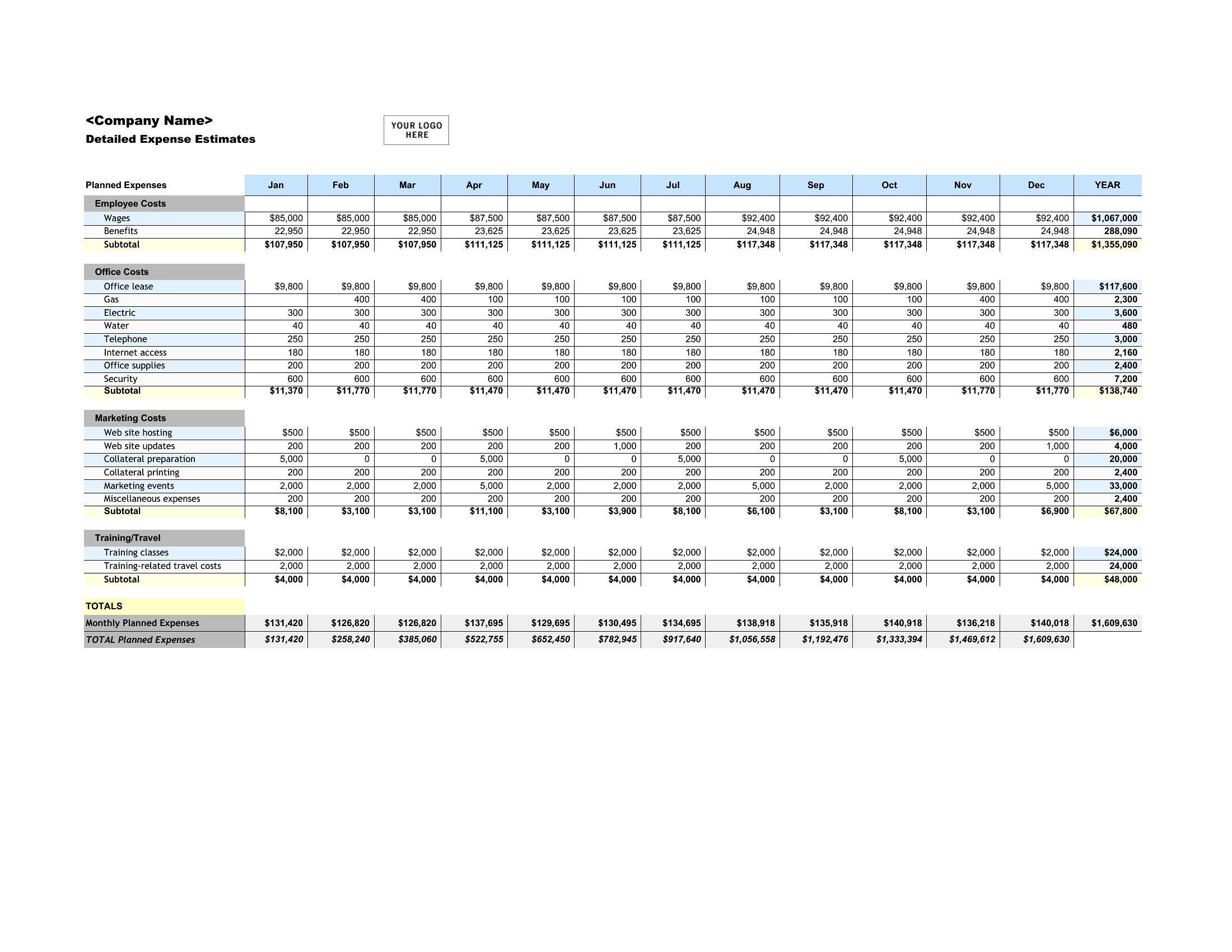
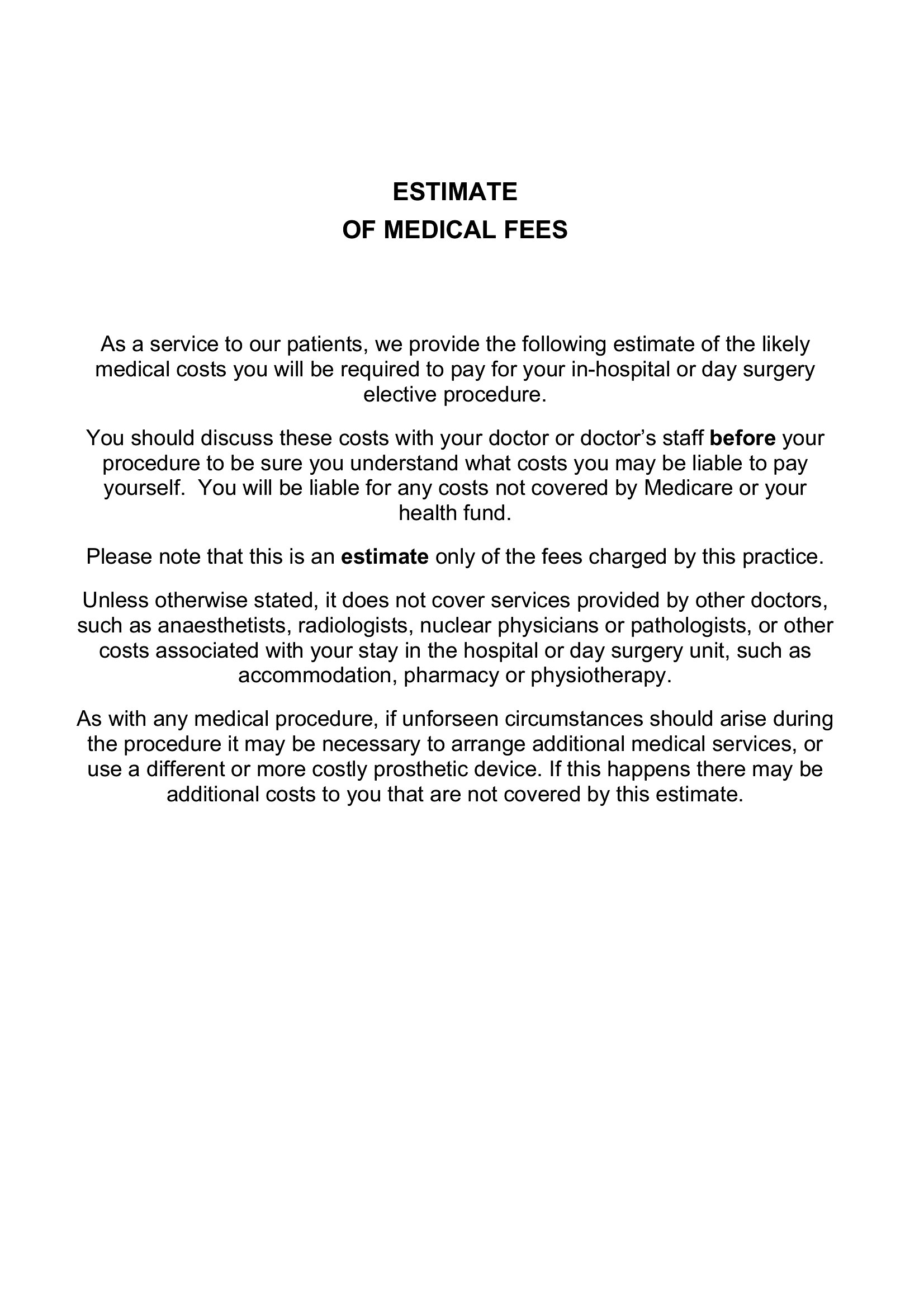
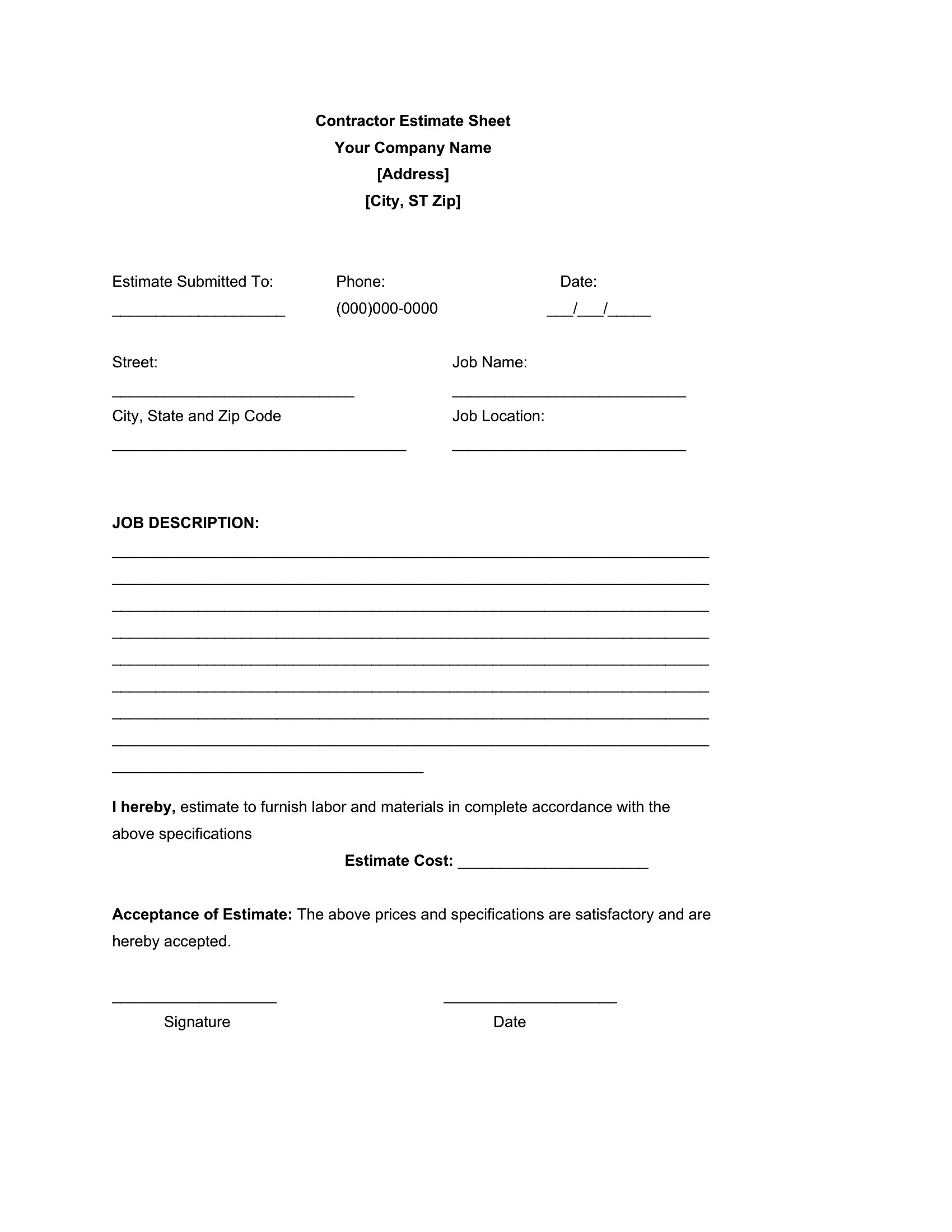
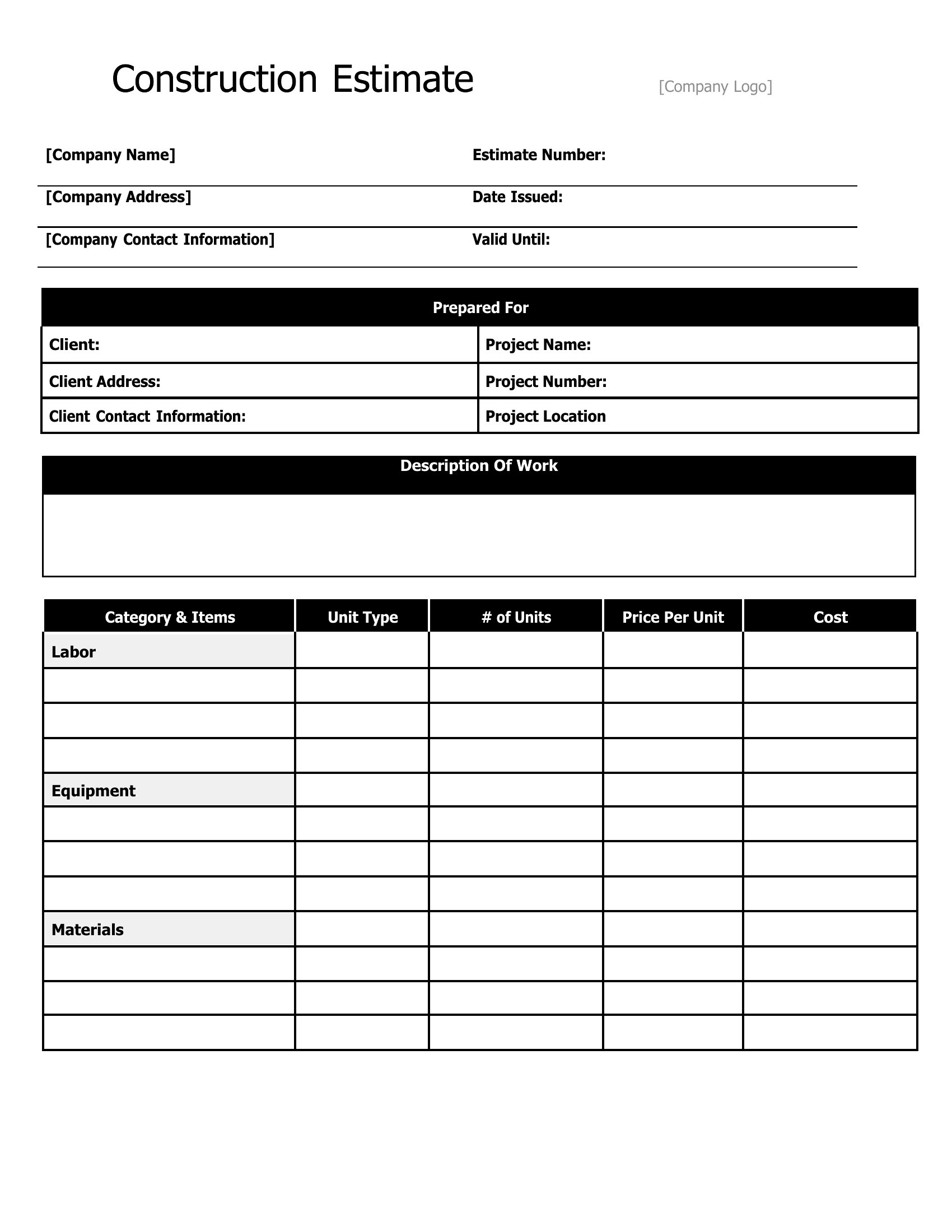
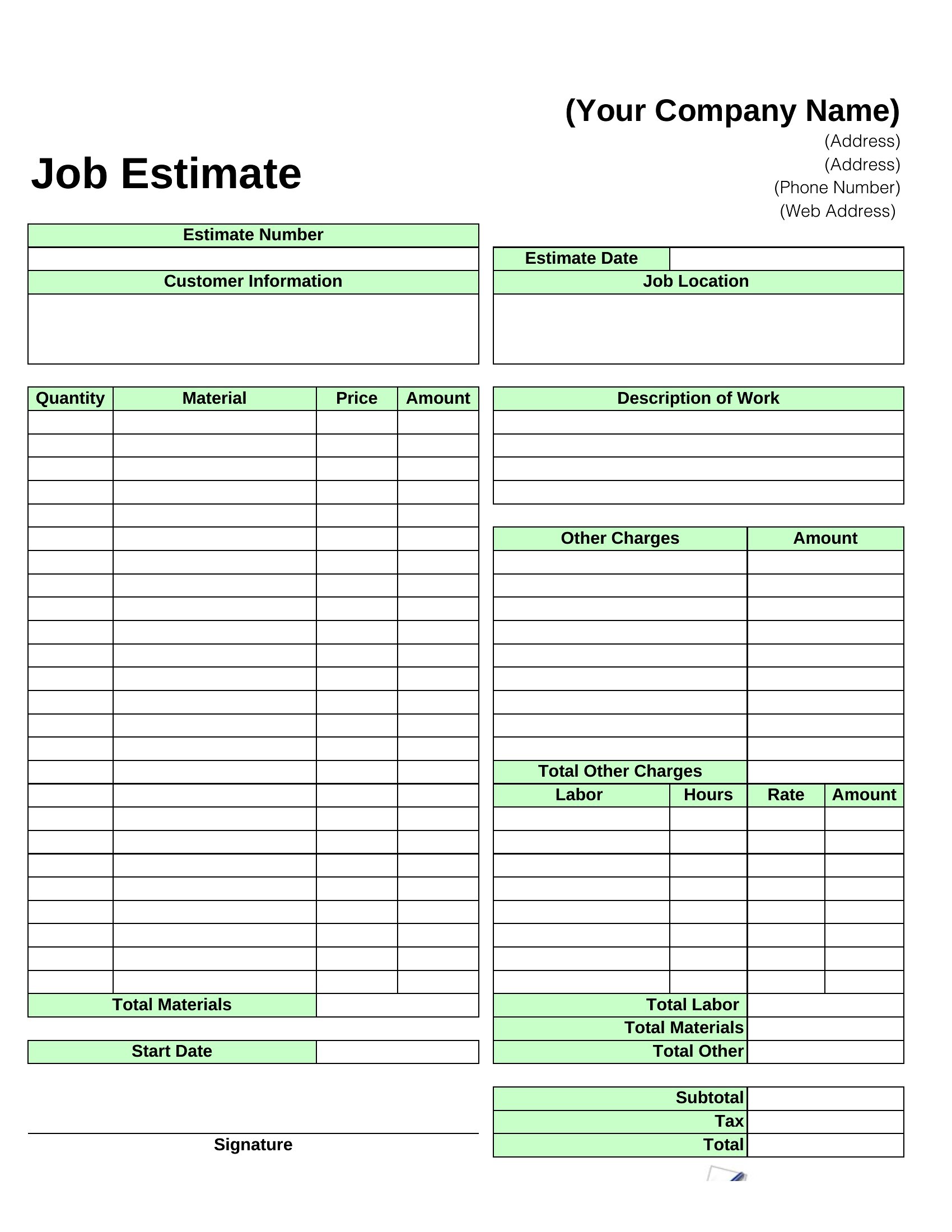
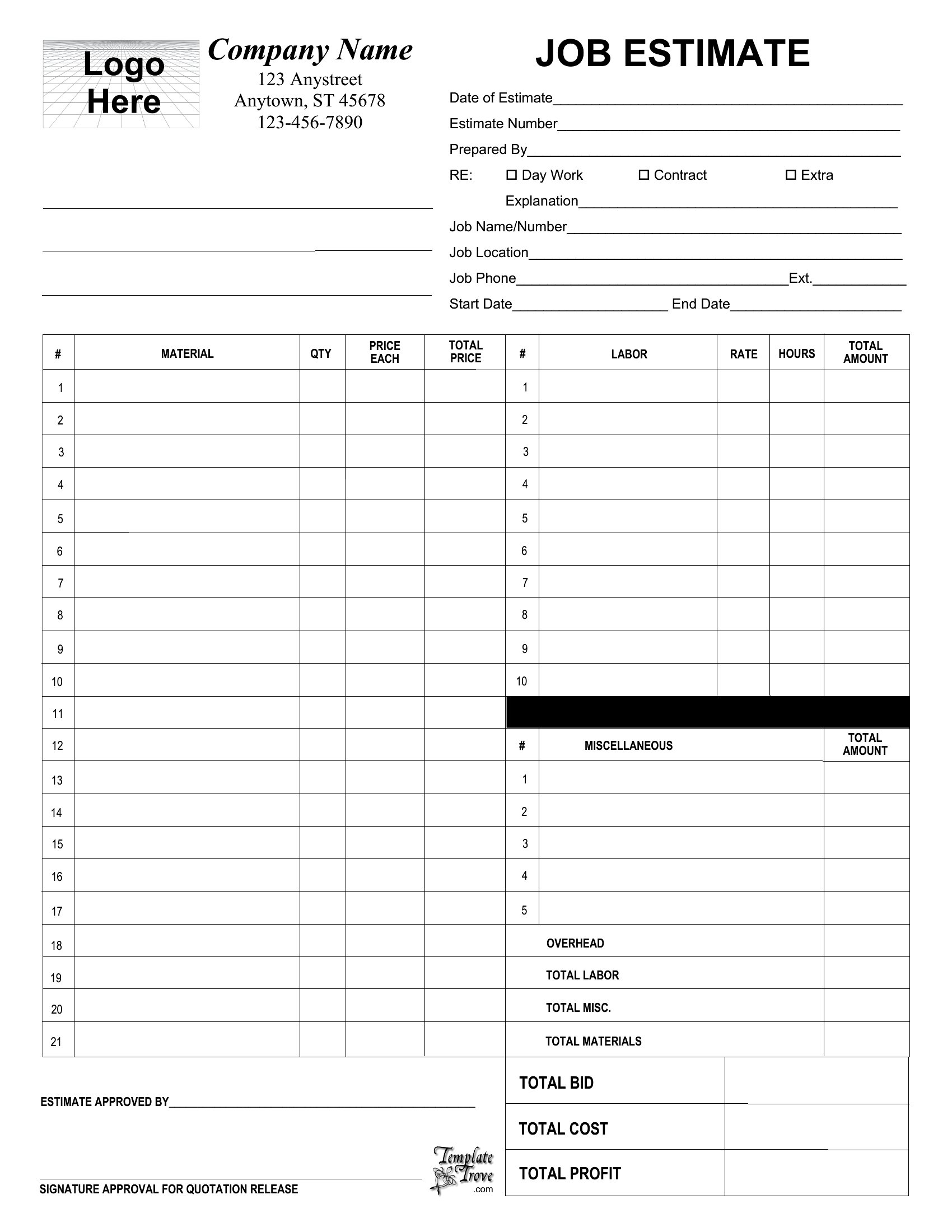
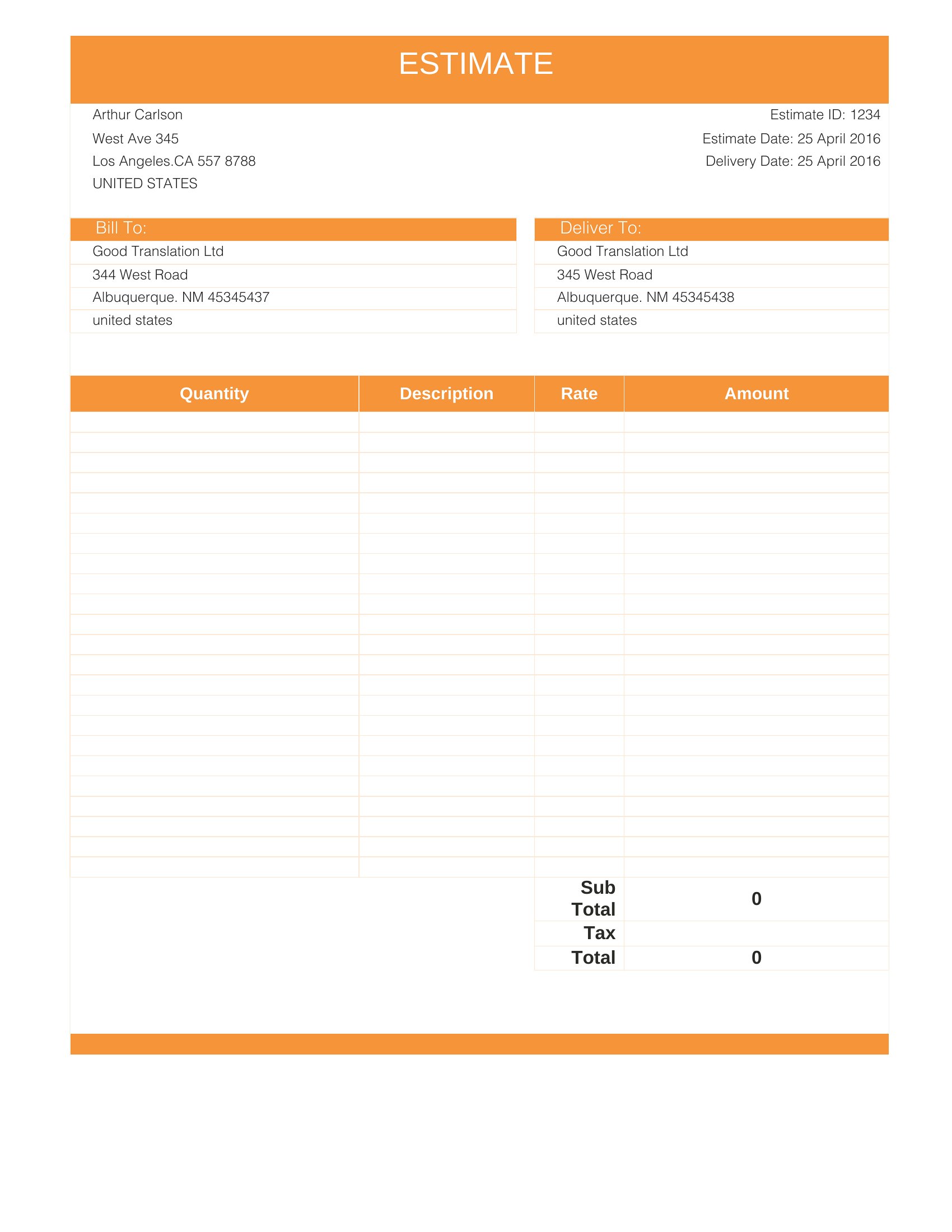
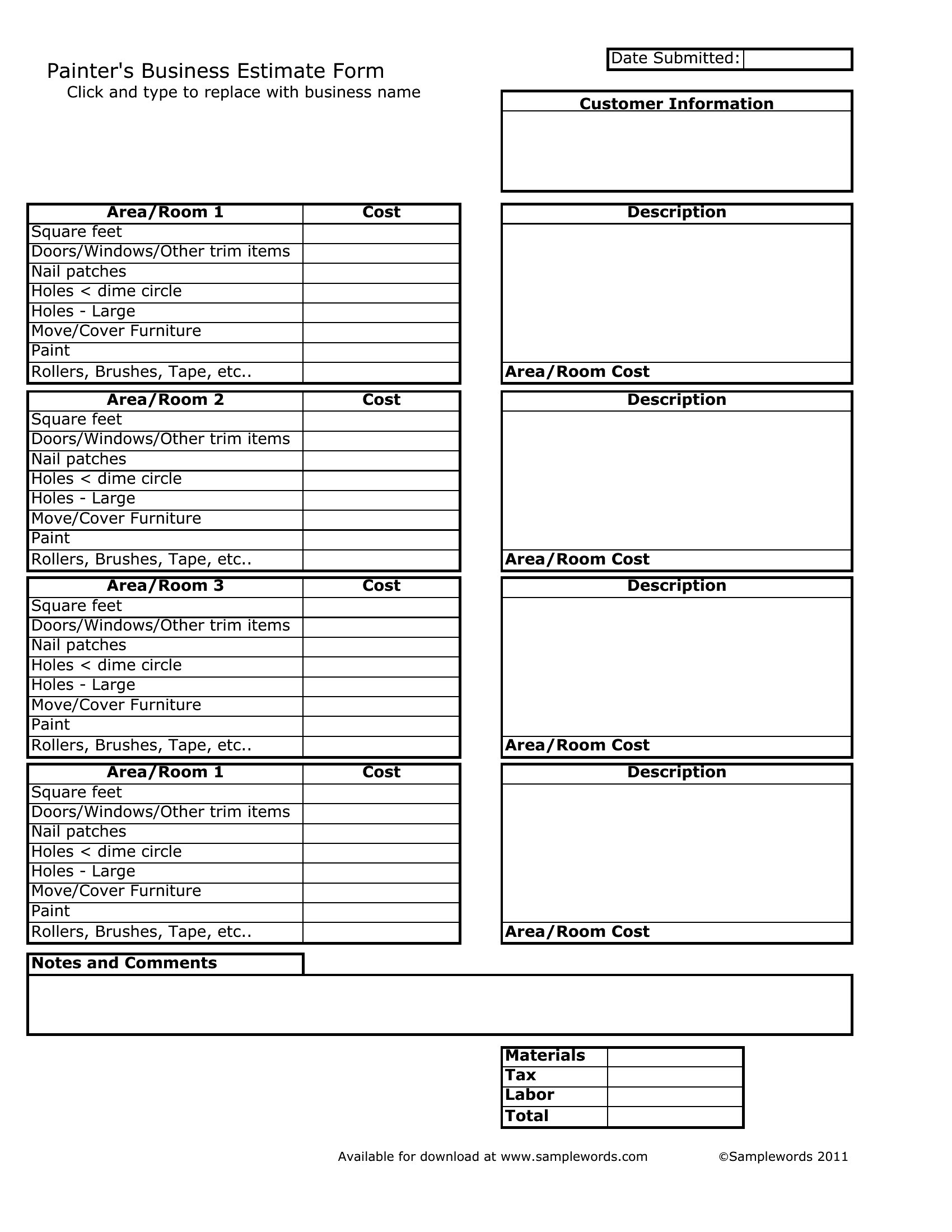
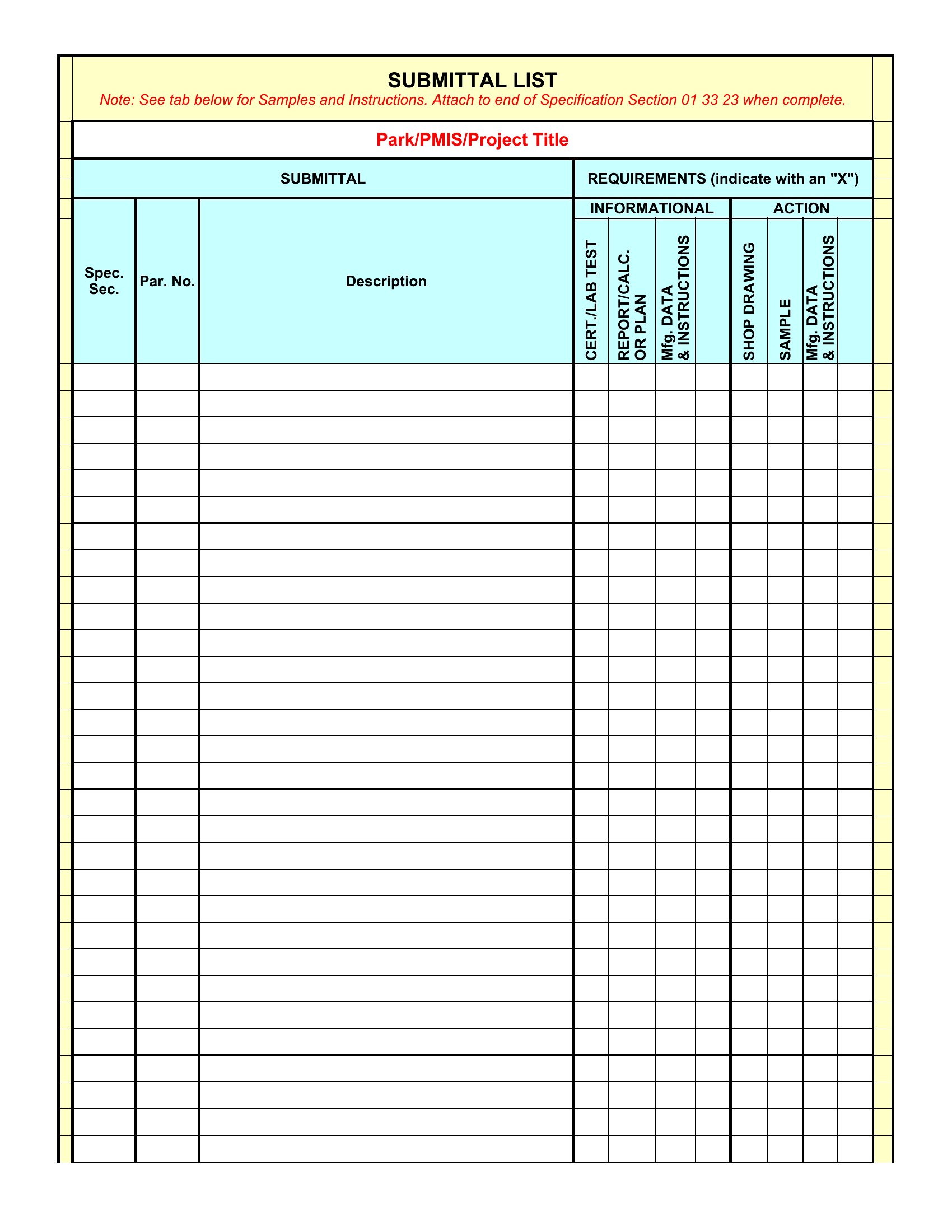
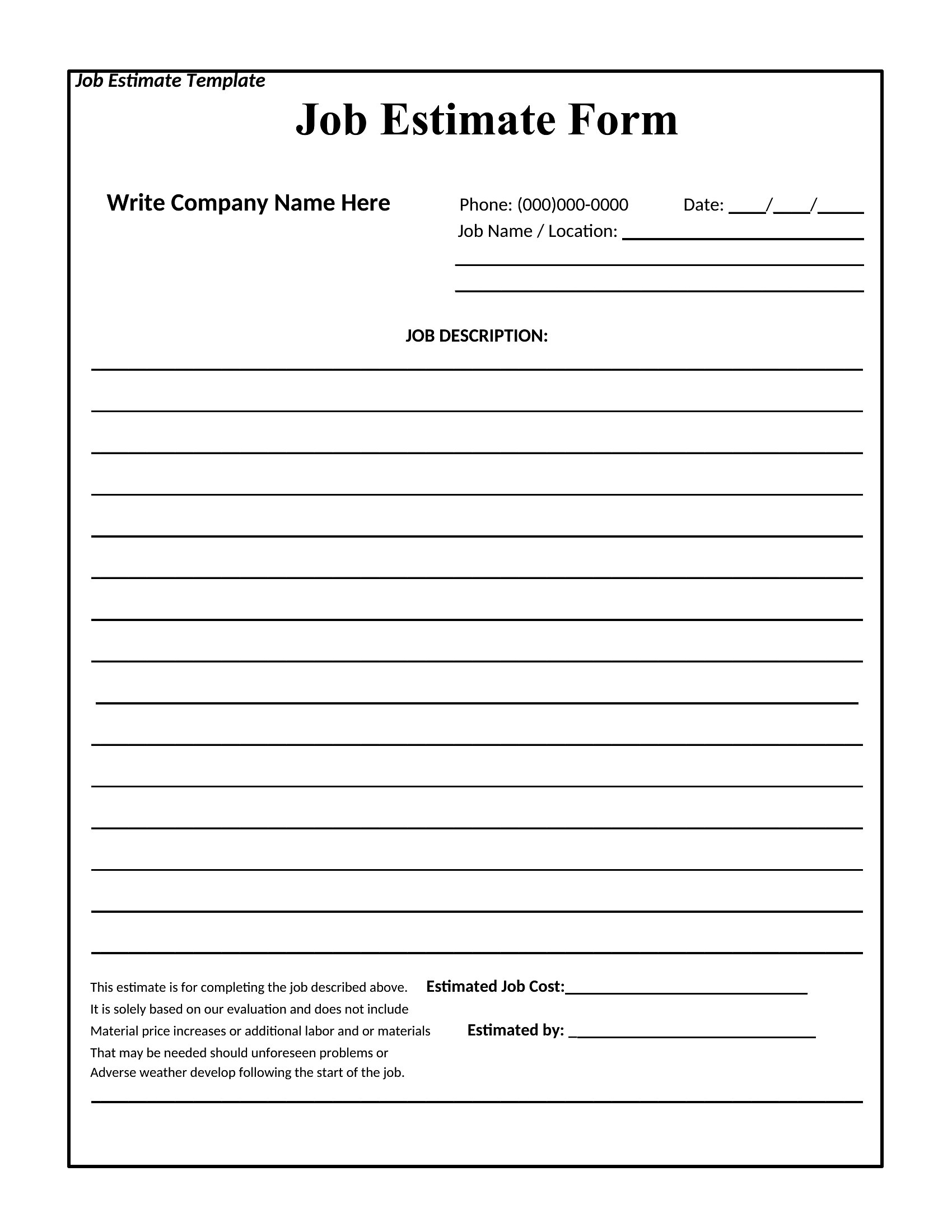
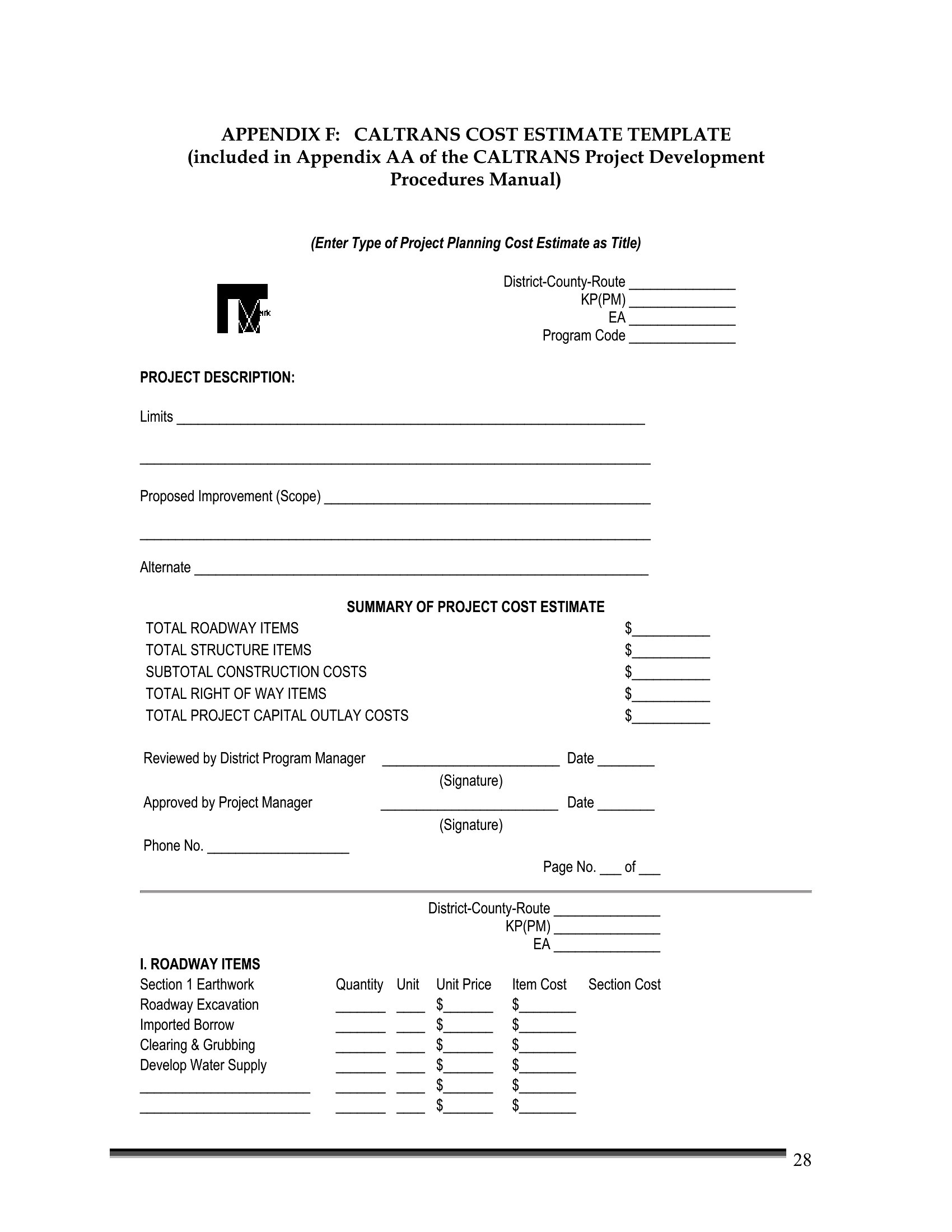
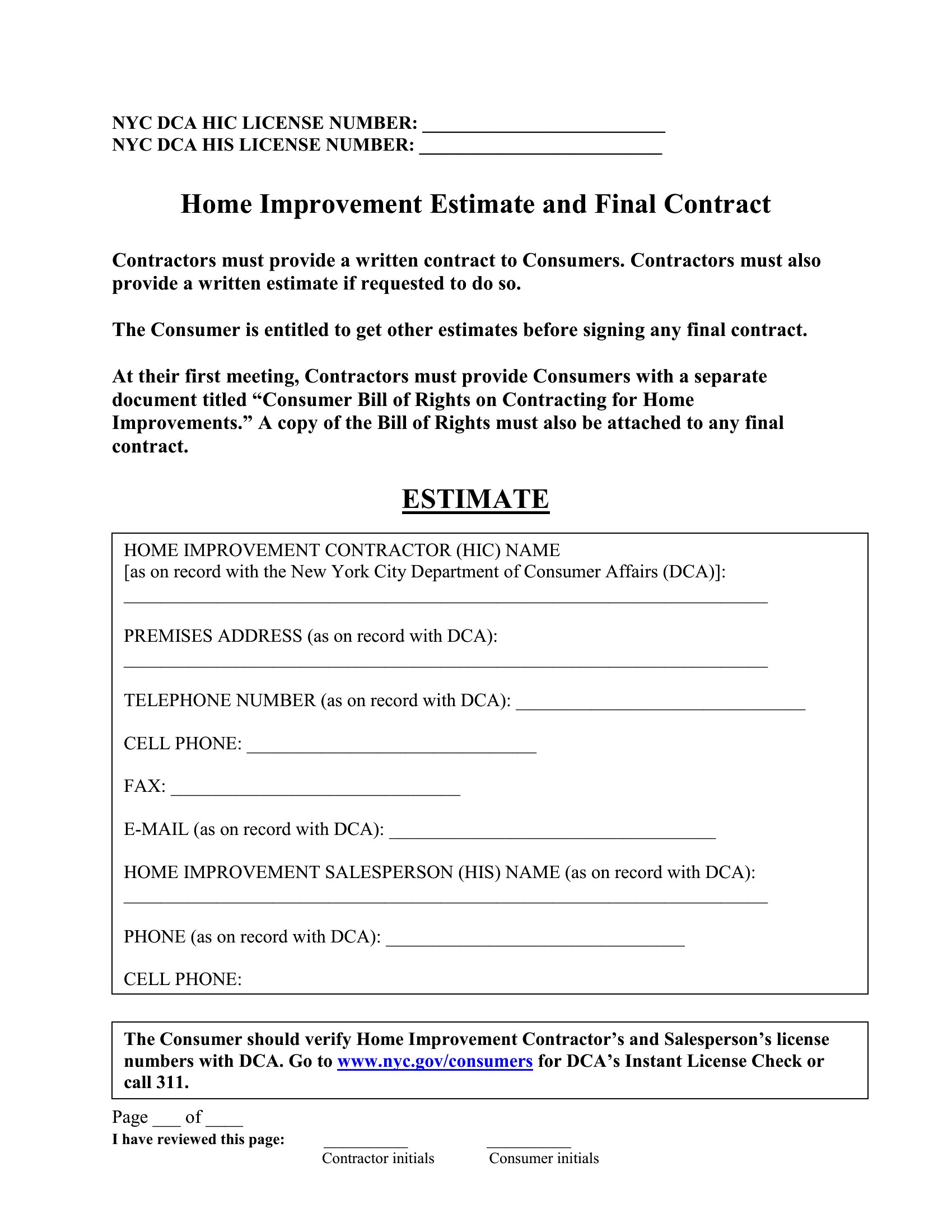
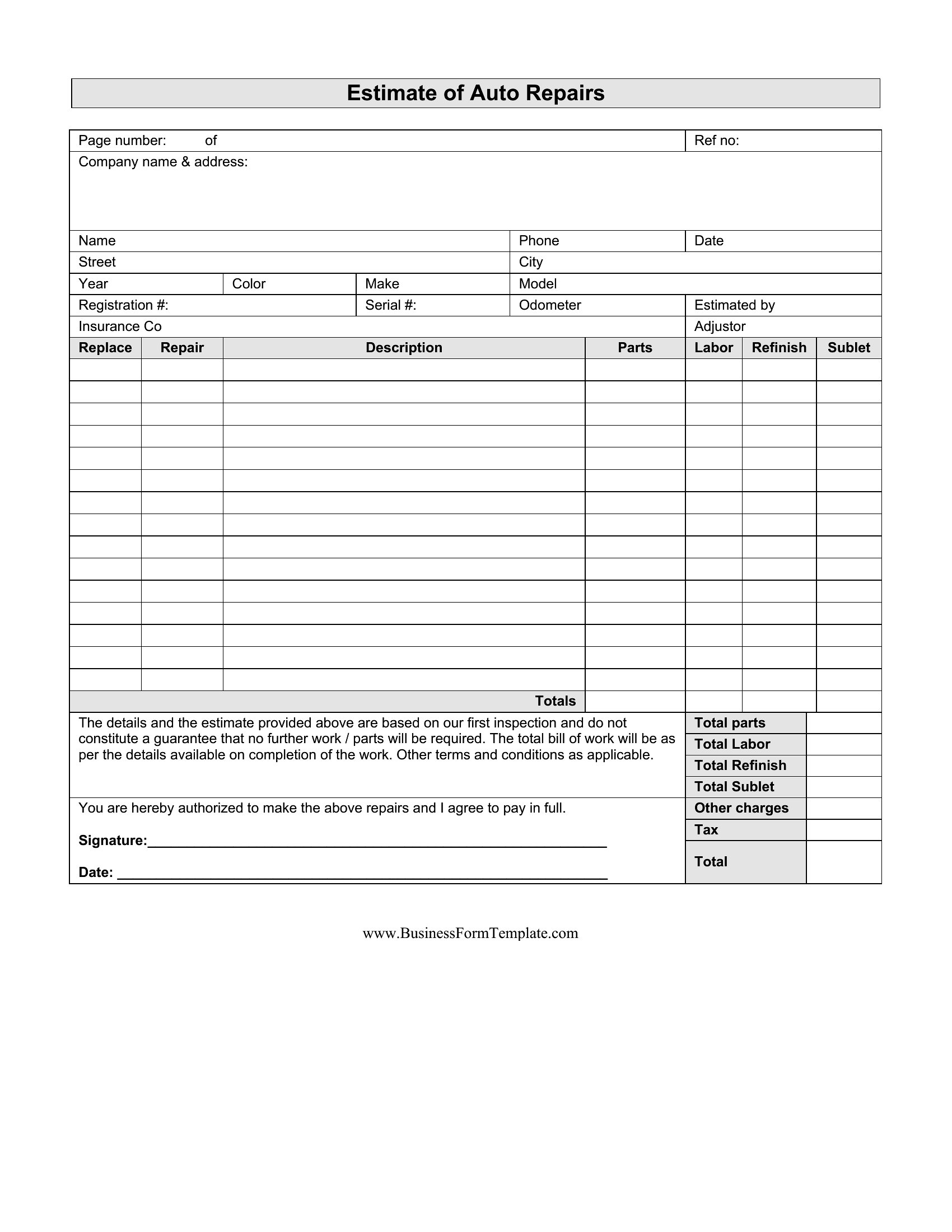
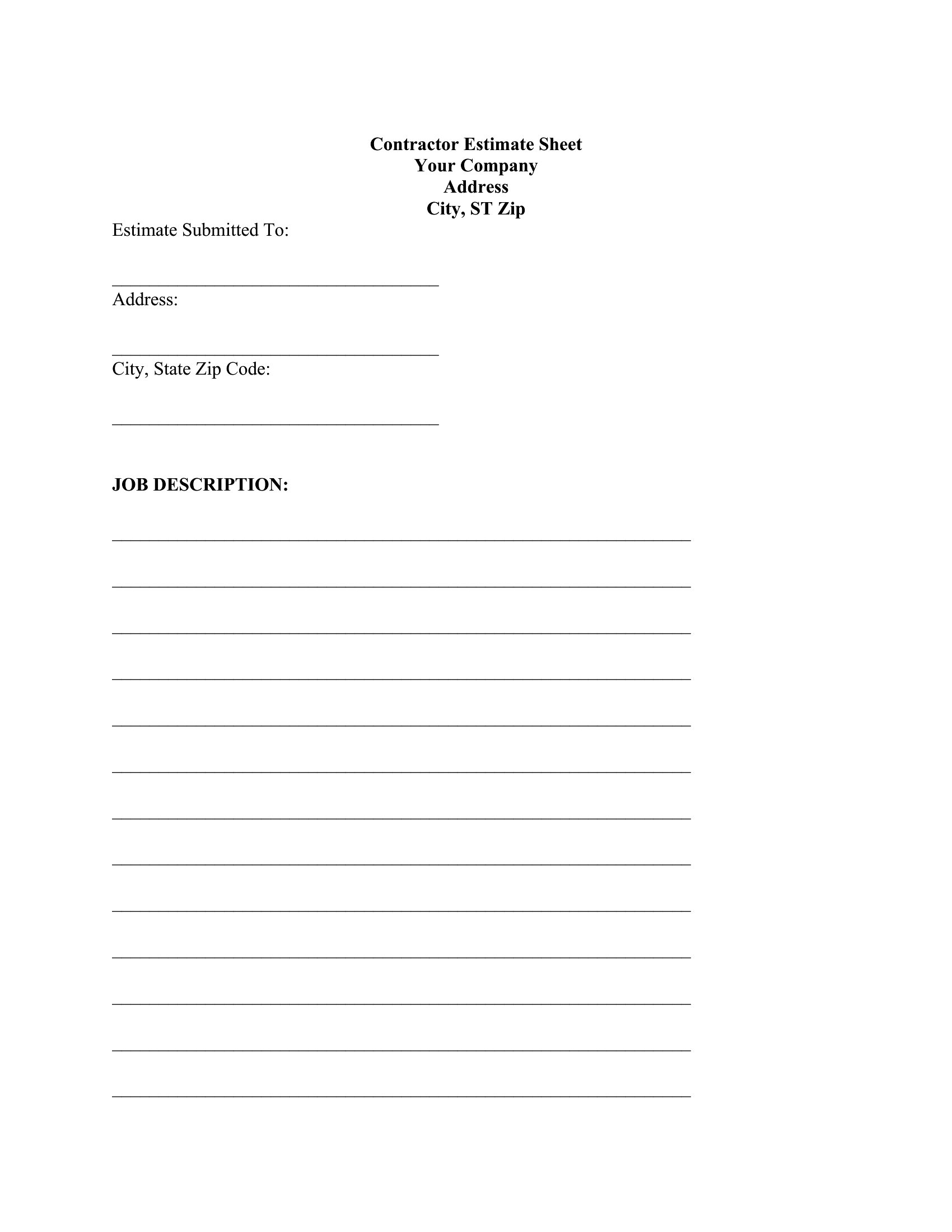
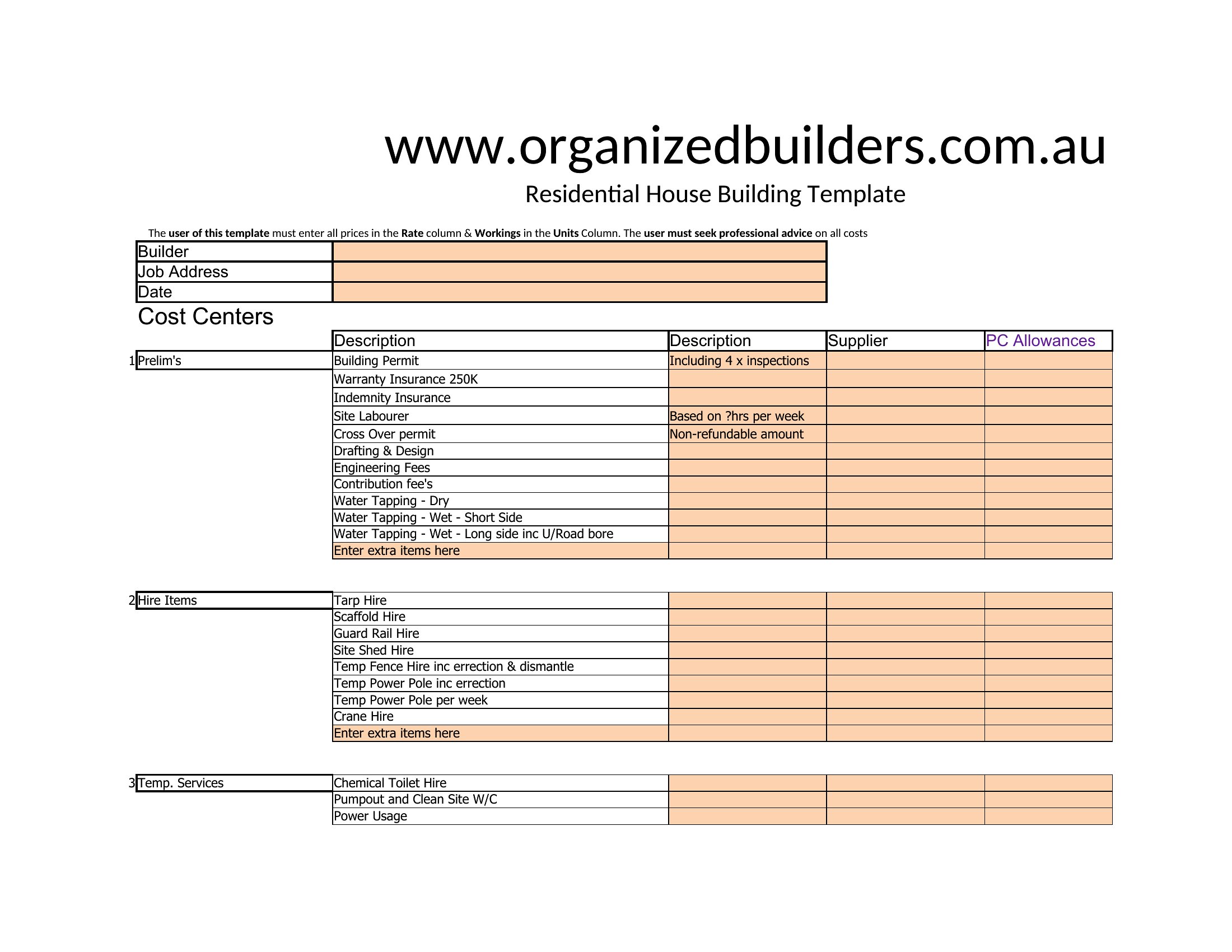
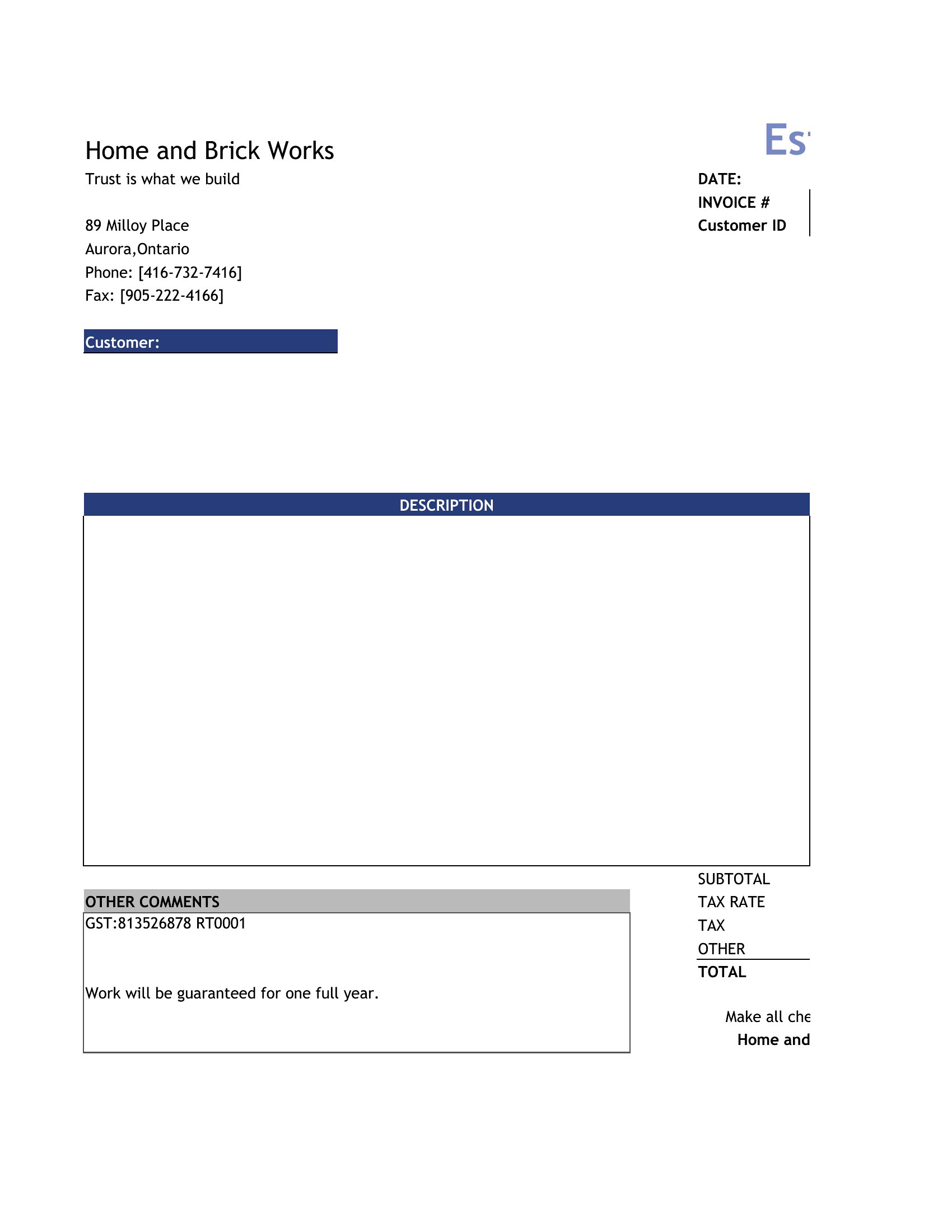
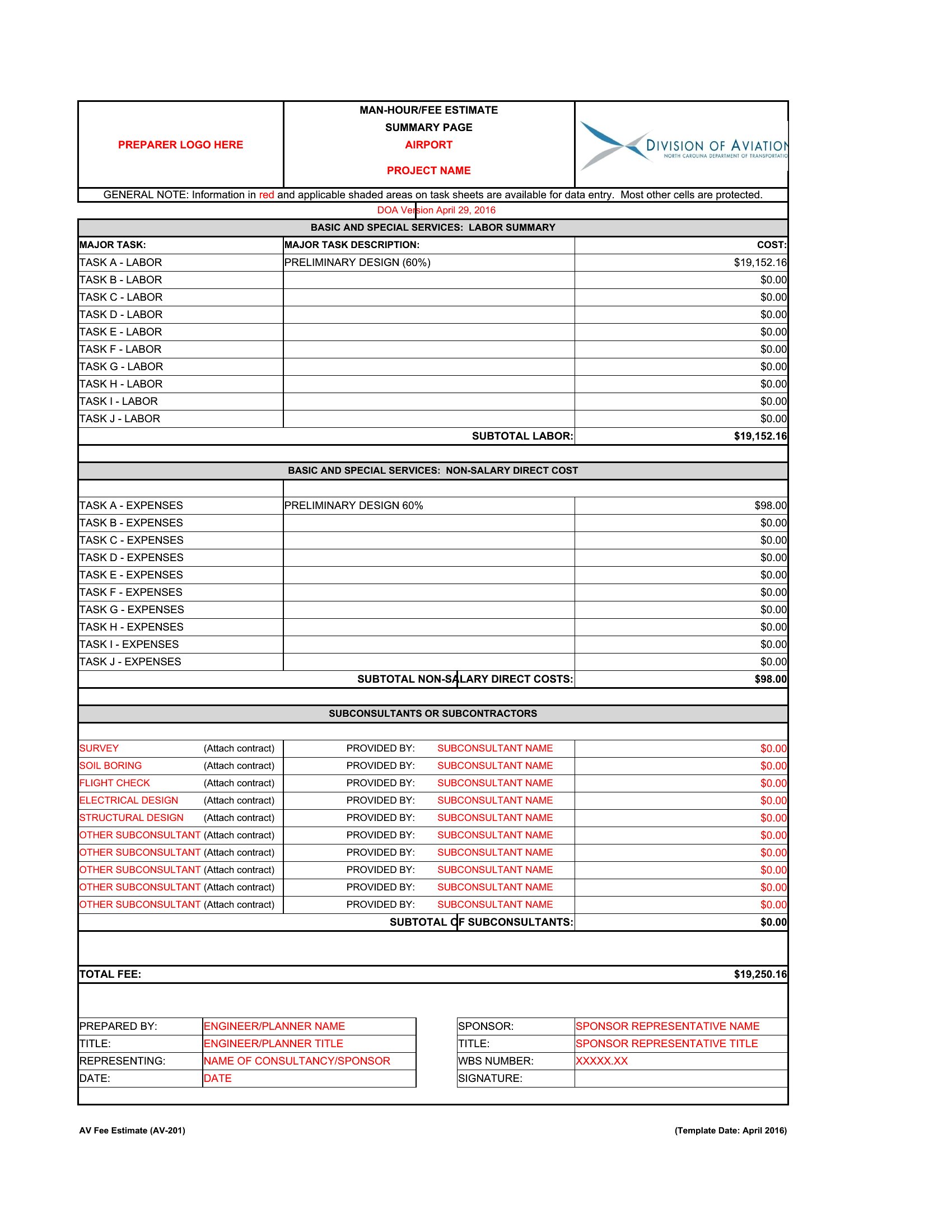
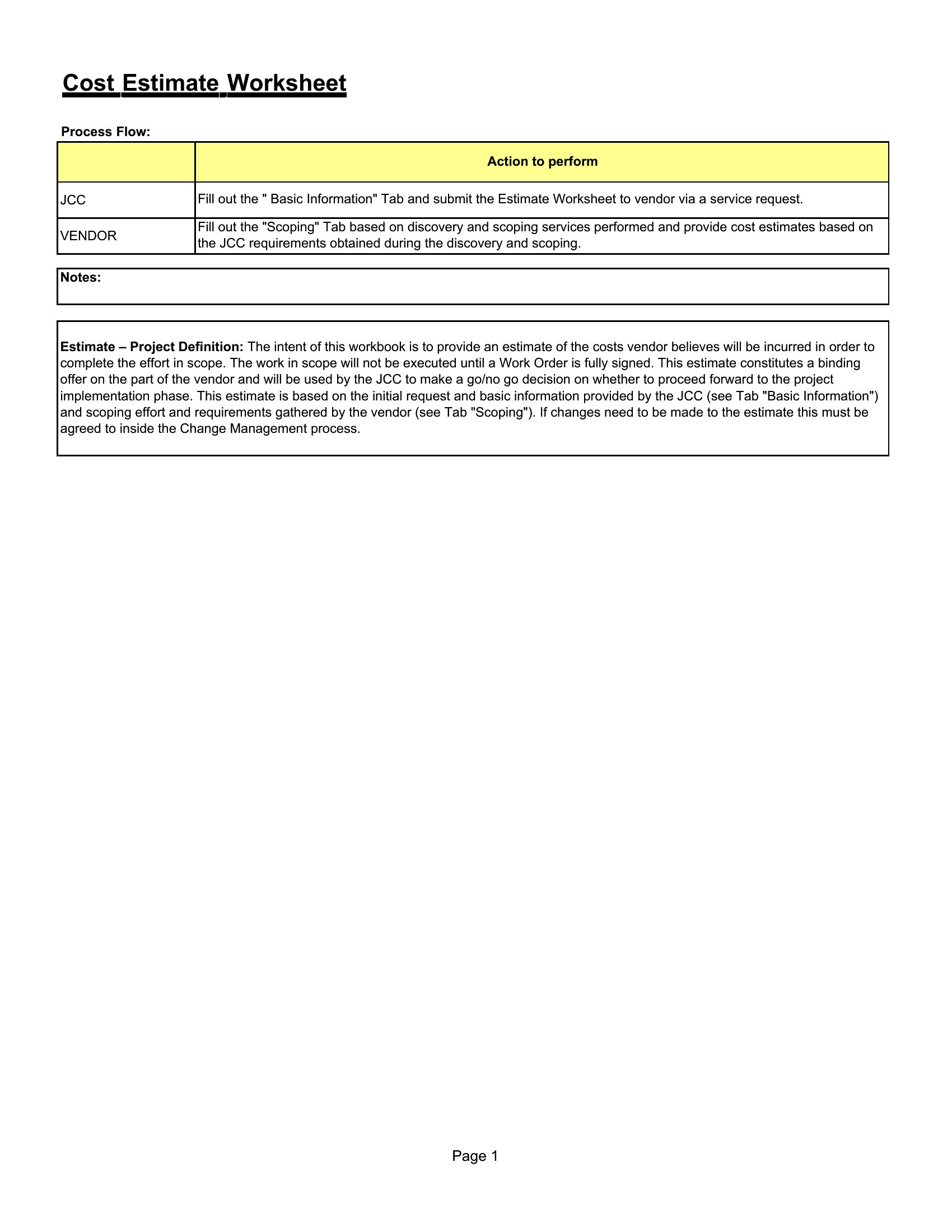
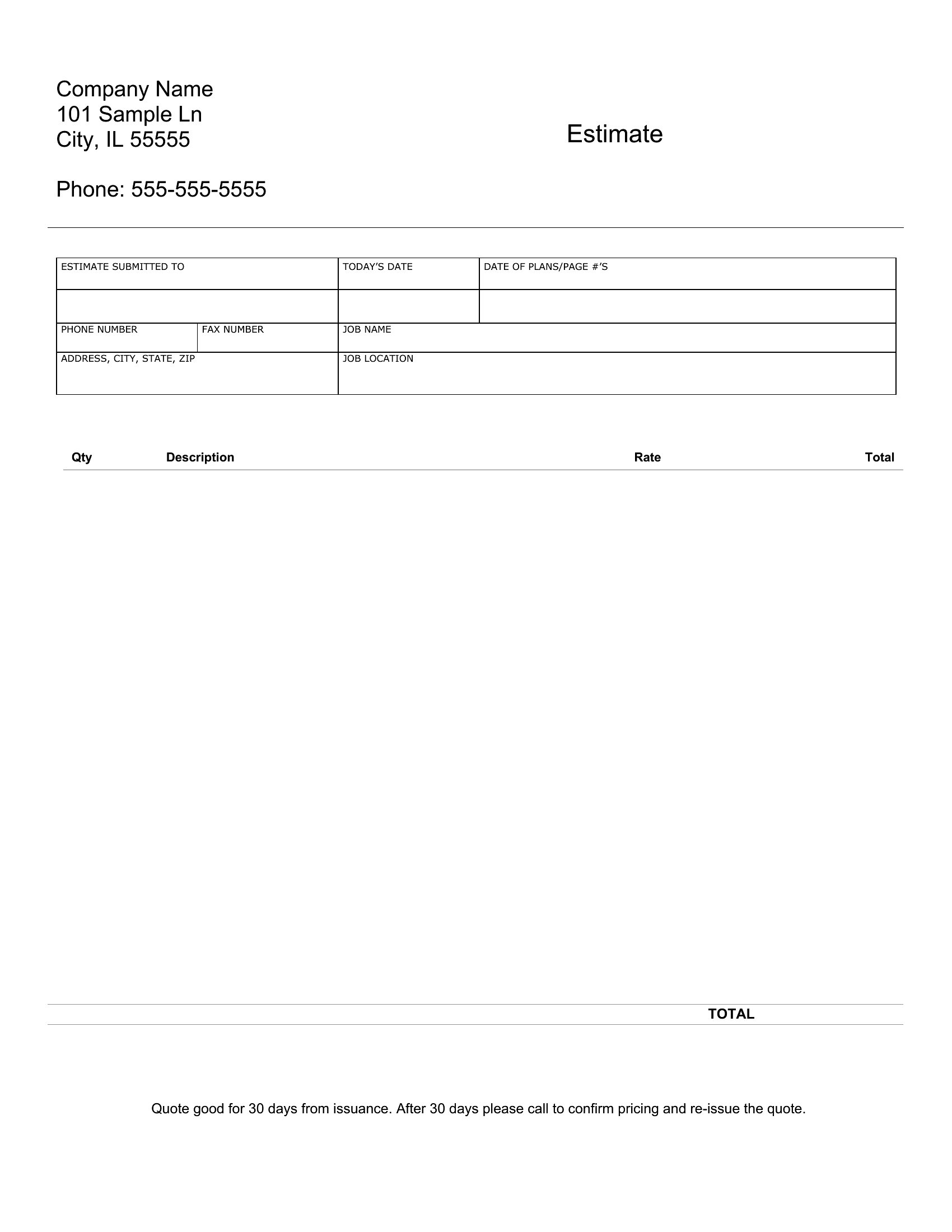
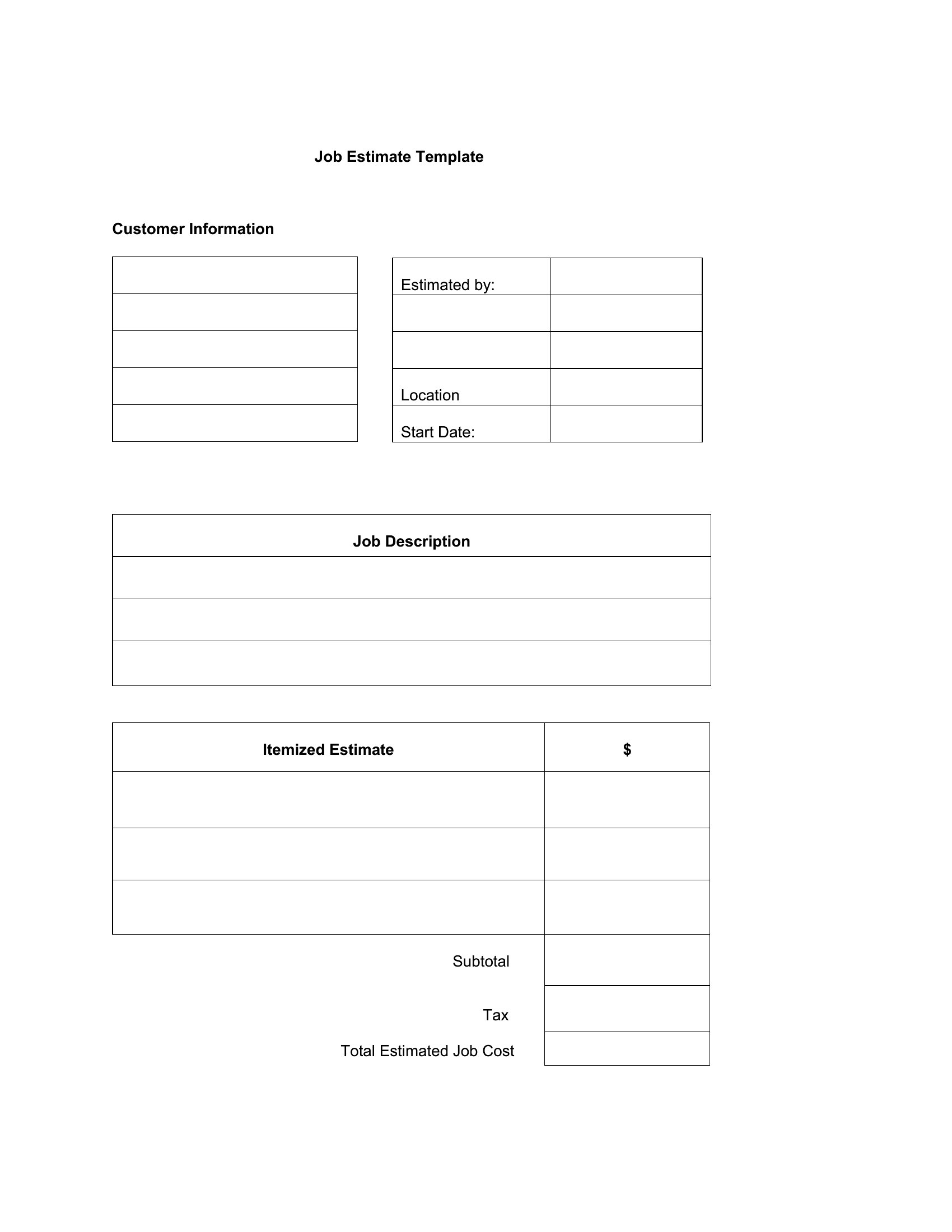
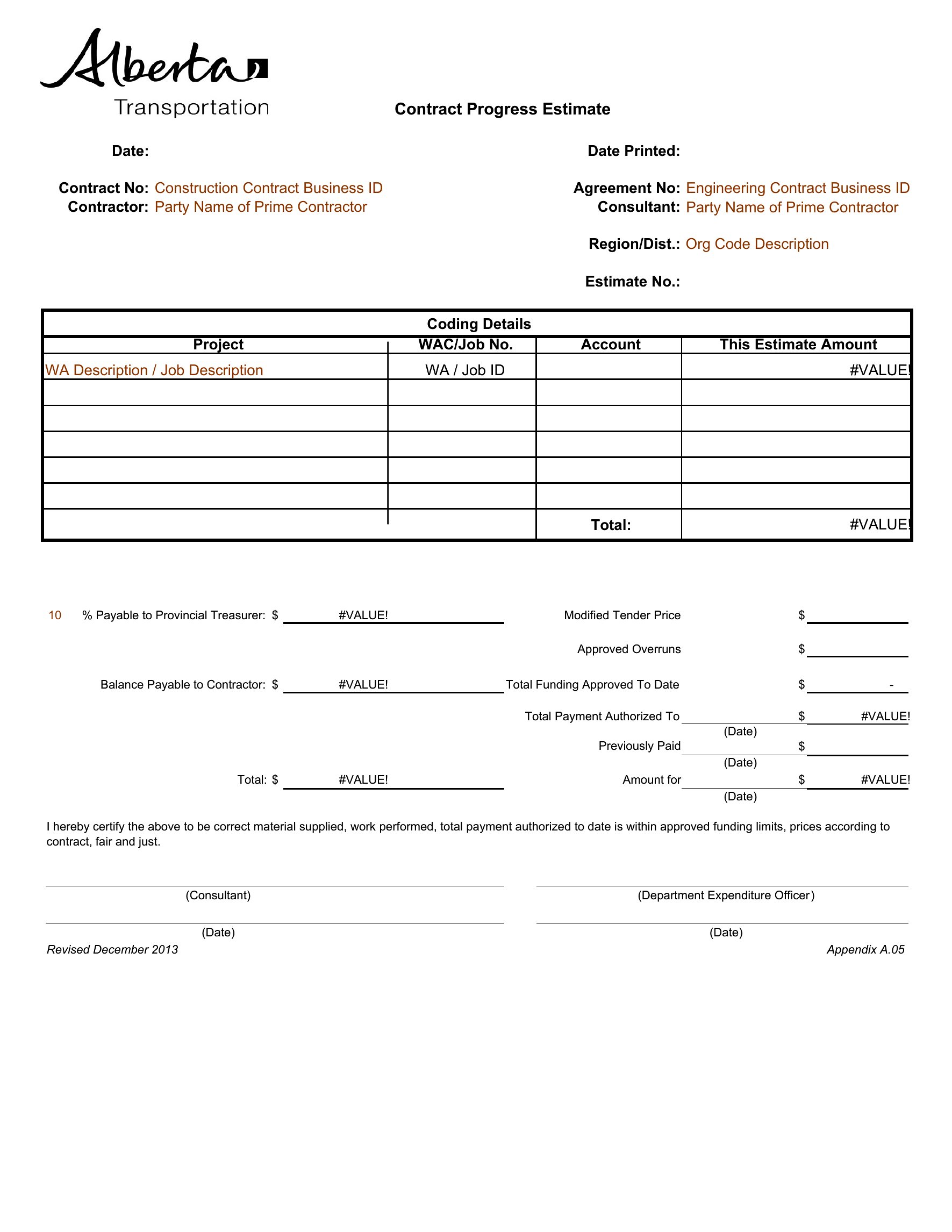
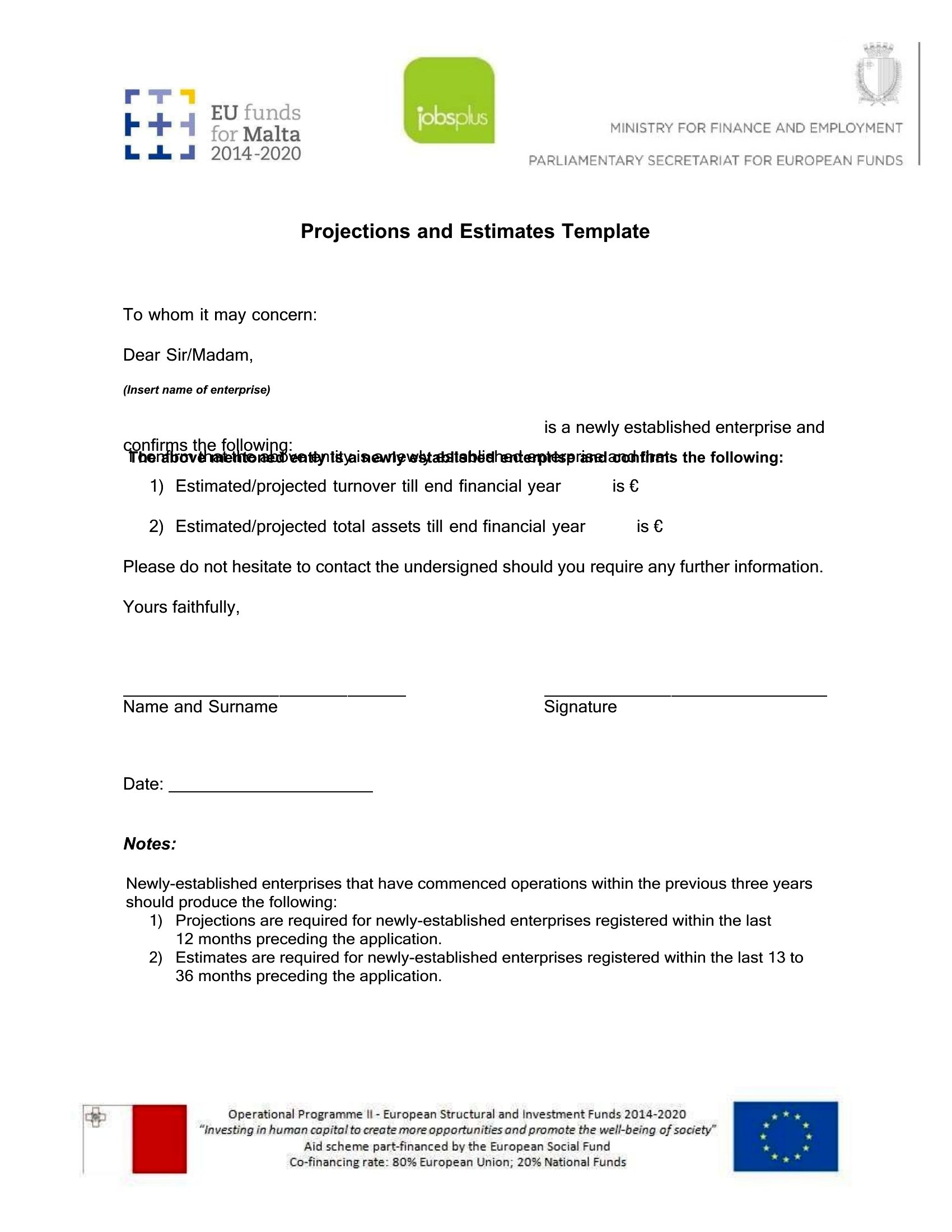
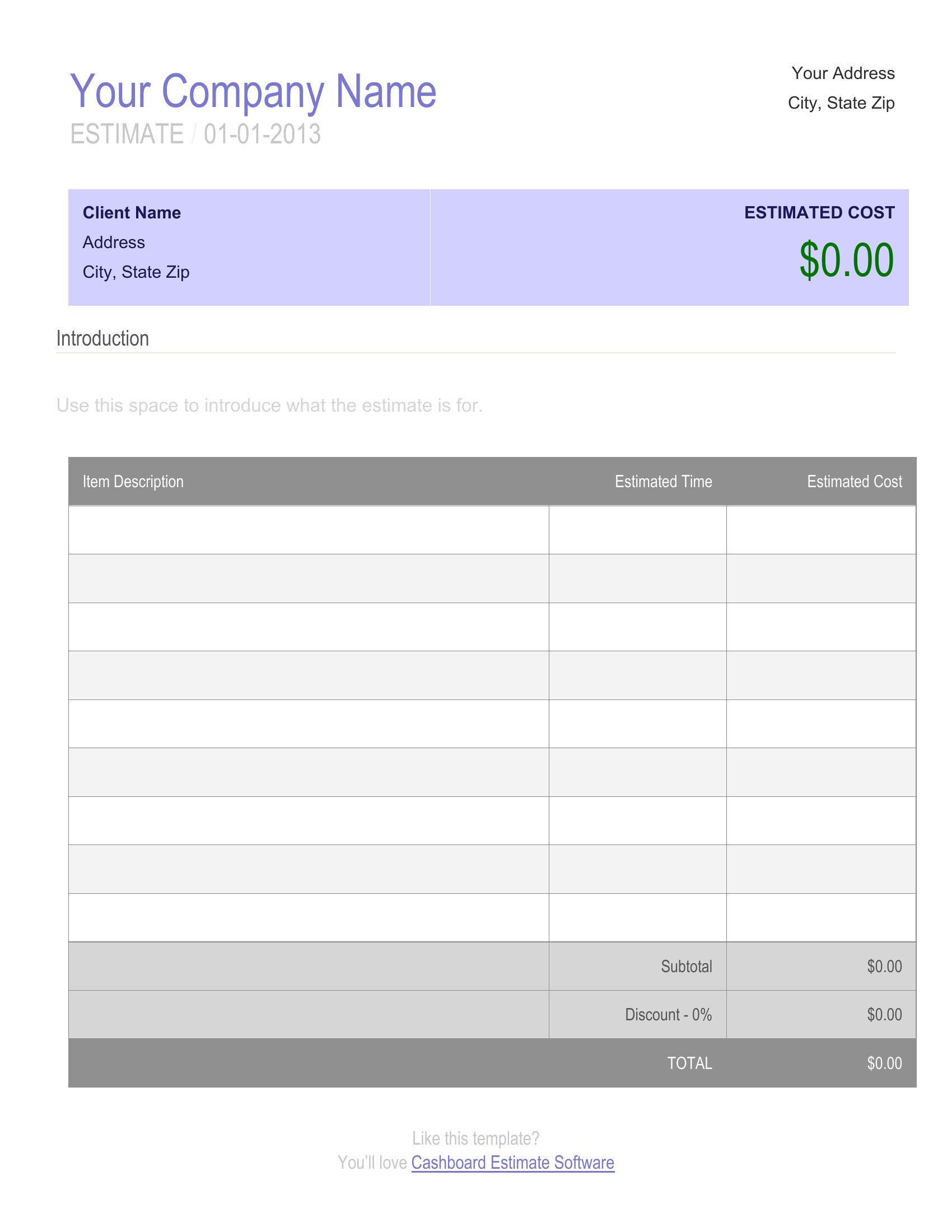
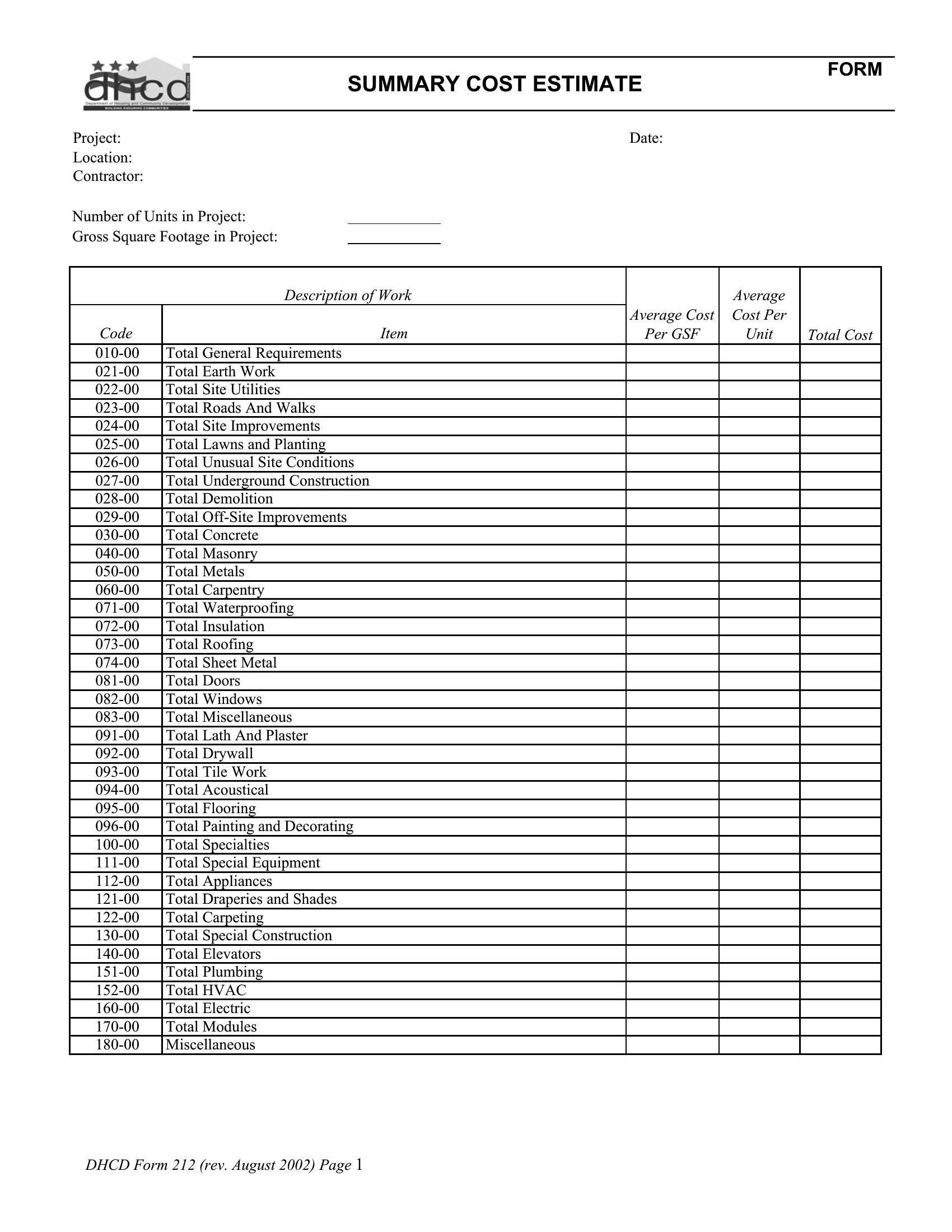
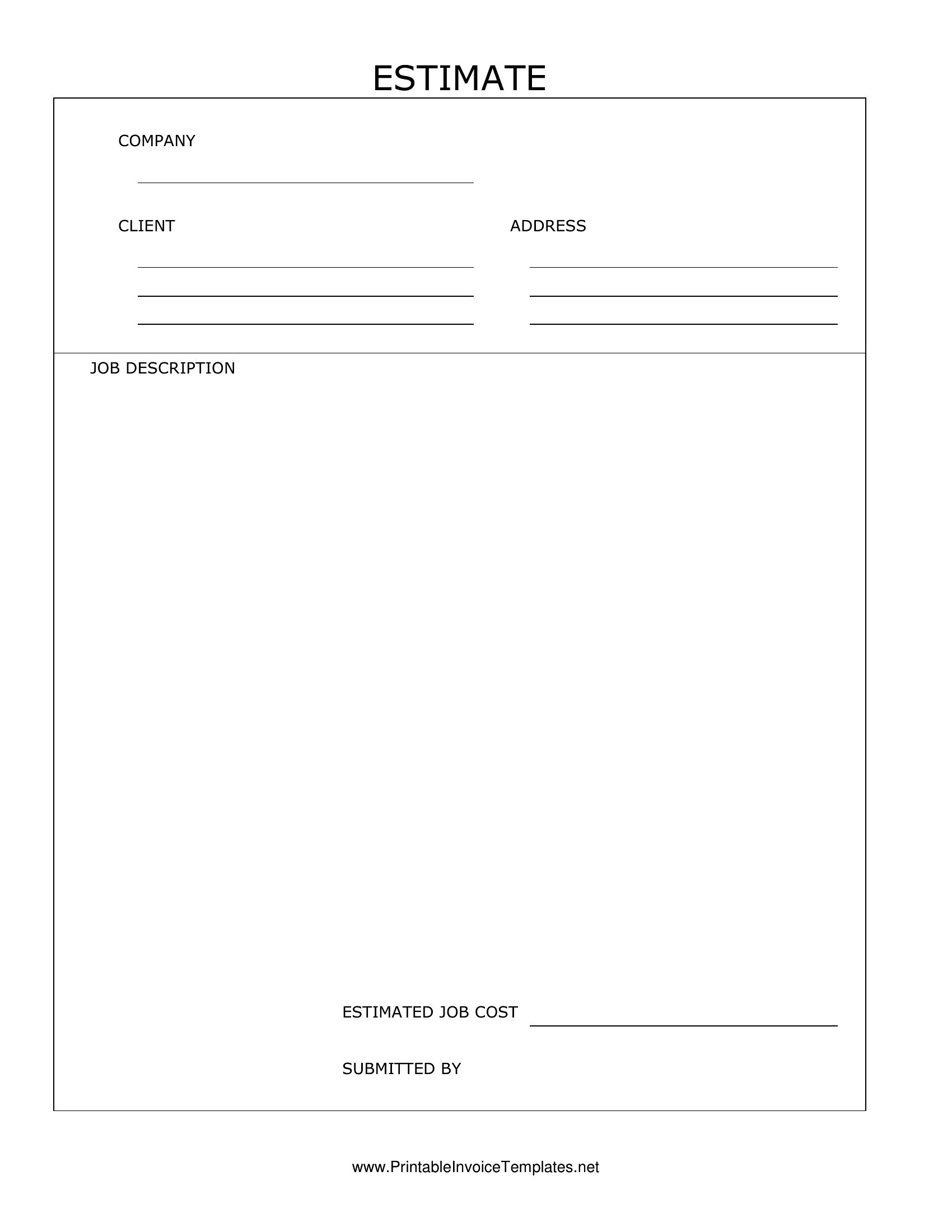
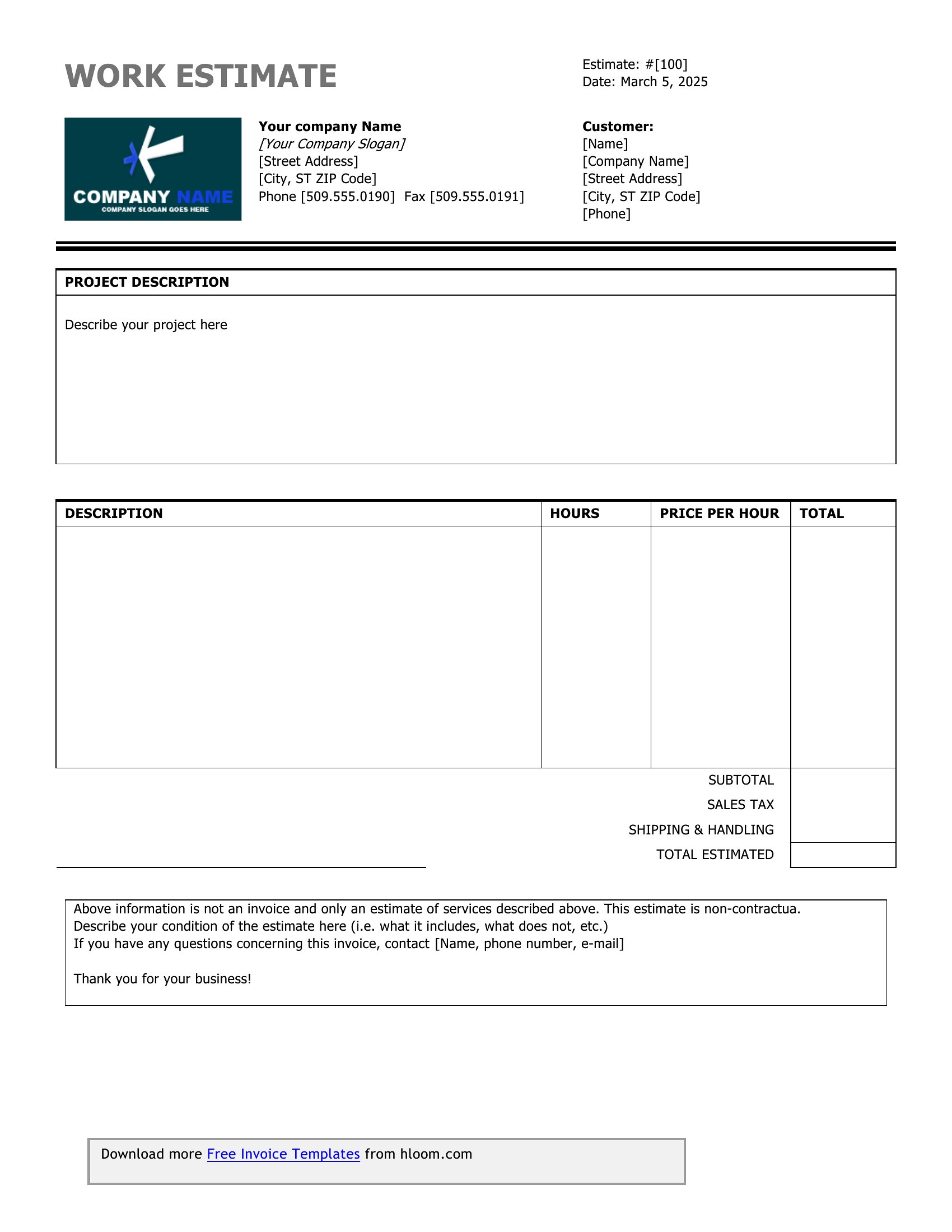
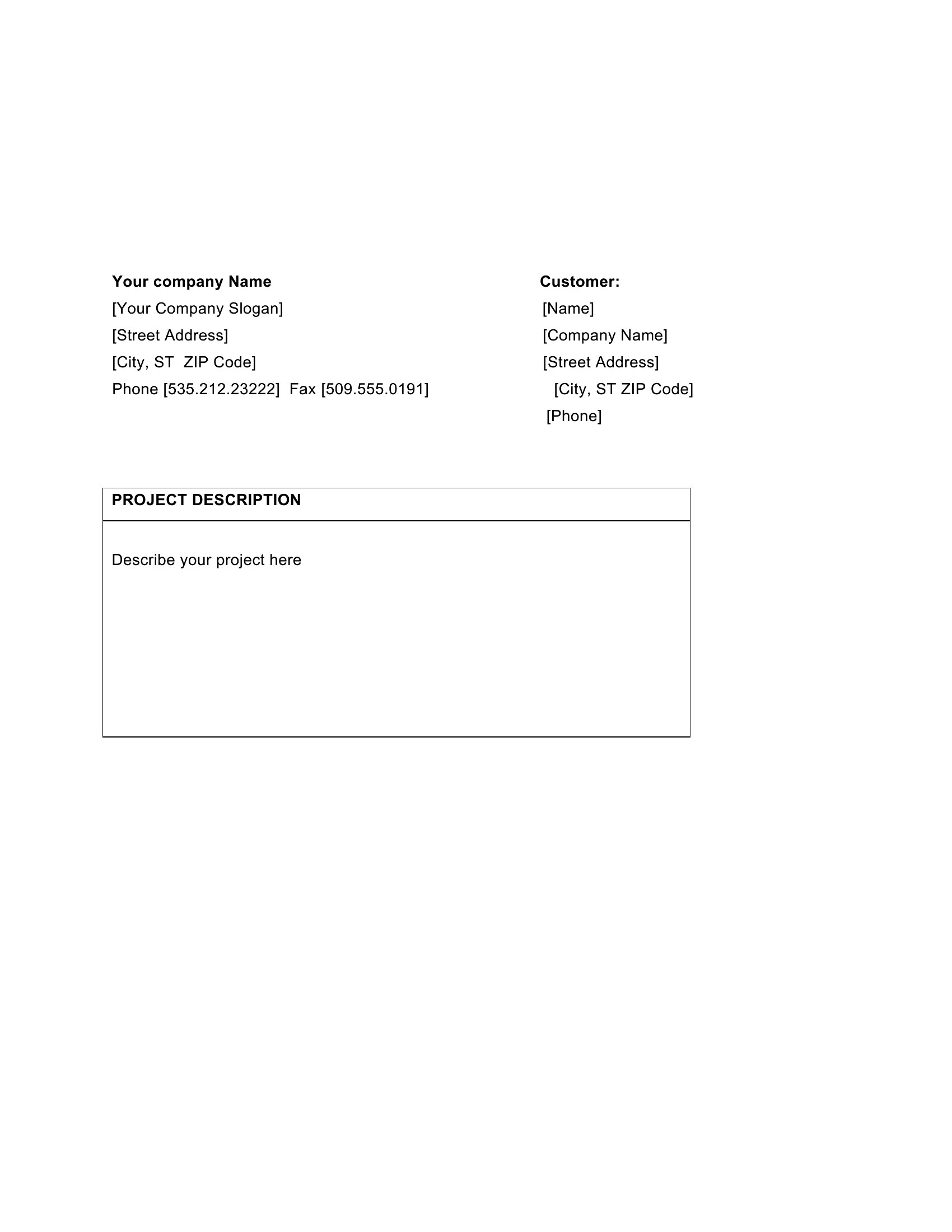
Giving a customer a clear price up front builds trust and wins more jobs, and a tidy estimate makes you look organized before the work even starts. This set of 47 estimate templates helps contractors, freelancers, and small-service businesses lay out labor, materials, and totals in a format clients can read and approve at a glance. Reusing a solid template means every quote you send looks consistent and professional.

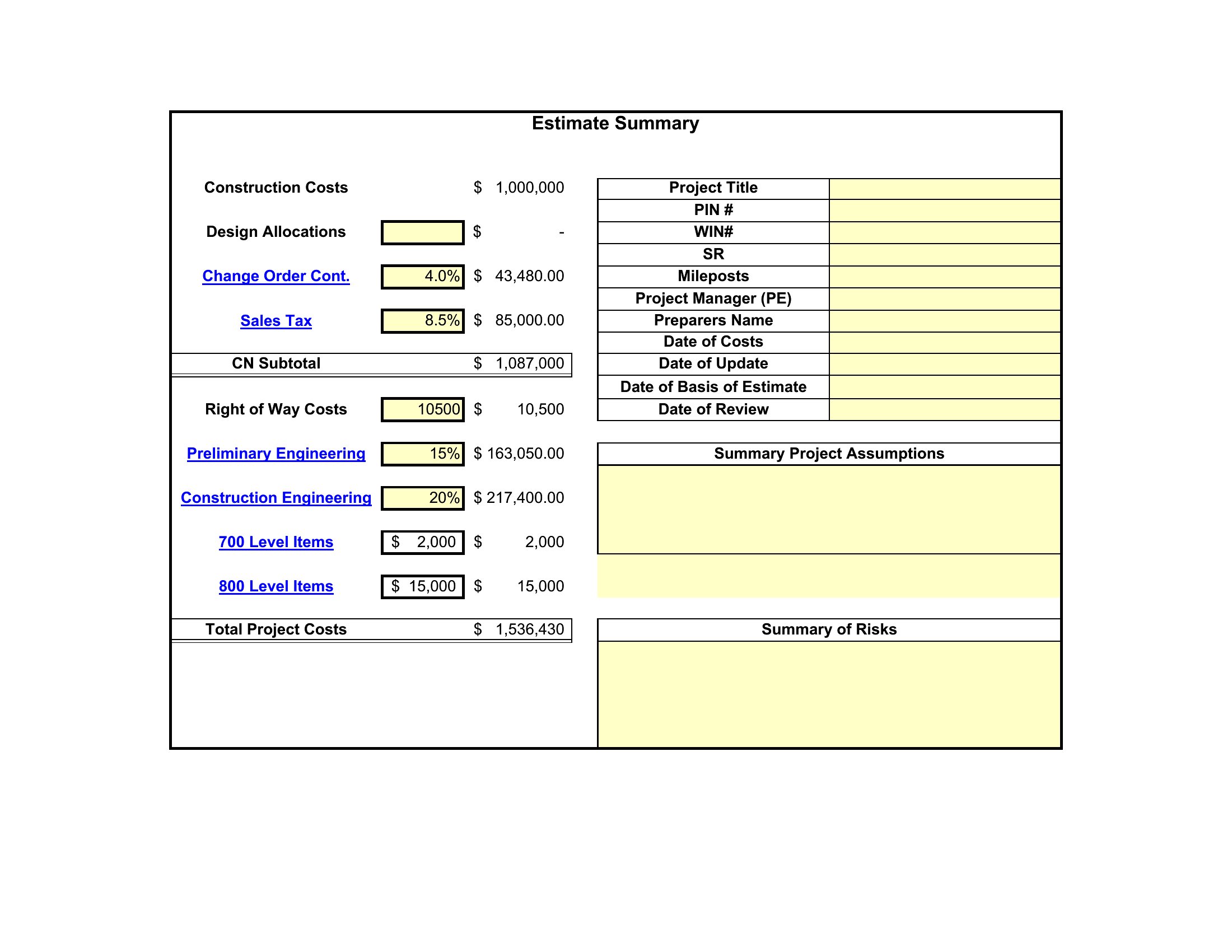
Formats include Word and PDF for clean, printable estimates, plus Excel sheets that add up line items and apply tax as you type. Drop in your rates, describe the scope, and adjust quantities for each job. When the customer says yes, the same numbers carry straight into your invoice. Choose the layout that fits your trade and start quoting in minutes.

When to use this Estimates template

  • A handyman with 5+ years of experience needs a professional estimate to send to homeowners before quotes expire—Word’s polished layouts let you add your logo and service history without tech hassles.
  • A freelance graphic designer bidding on a branding project wants a clean Excel estimate to break down hourly rates, deliverable tiers, and revision limits for clarity during client negotiations.
  • A roofing contractor using a tablet on jobsites needs a fillable PDF estimate that locks calculations (like material costs per sq. ft.) but lets them add handwritten notes for on-site adjustments before emailing clients.
  • A landscape designer working with municipal contracts requires an Excel-based estimate template to incorporate variable line-item costs (e.g., seasonal plant pricing) and automatically update totals when client requests scope changes.

Which format should I download?

WordExcelPDF

Choose Word if you prioritize branding—insert your company logo, adjust fonts, and format sections to mirror your invoices for consistency. The editable text fields work well for businesses with repeat clients who expect a standardized look. Stick with Excel when you need formulas to auto-calculate subtotals, taxes, or discounts based on client agreements—ideal for trades with fluctuating material costs. Opt for PDF if your clients prefer to sign electronically or print estimates (e.g., construction bids), as it preserves formatting and locks key details (like your terms) to prevent accidental edits.

Choose from 47 Estimates Templates

How to use this Estimates template

Can I use these estimate templates to include a progress payment schedule without adding extra fields?

Yes, most templates in this collection have a ‘terms’ or ‘payment schedule’ section where you can outline milestones (e.g., 30% deposit, 40% mid-project). For Excel formats, add a separate column labeled ‘Payment Due’ next to line items to align costs with installments. Word templates often include a pre-formatted ‘Additional Notes’ box for this purpose, so you can keep it simple without cluttering the main table.

What’s the best way to handle estimates where material costs might change before the job starts?

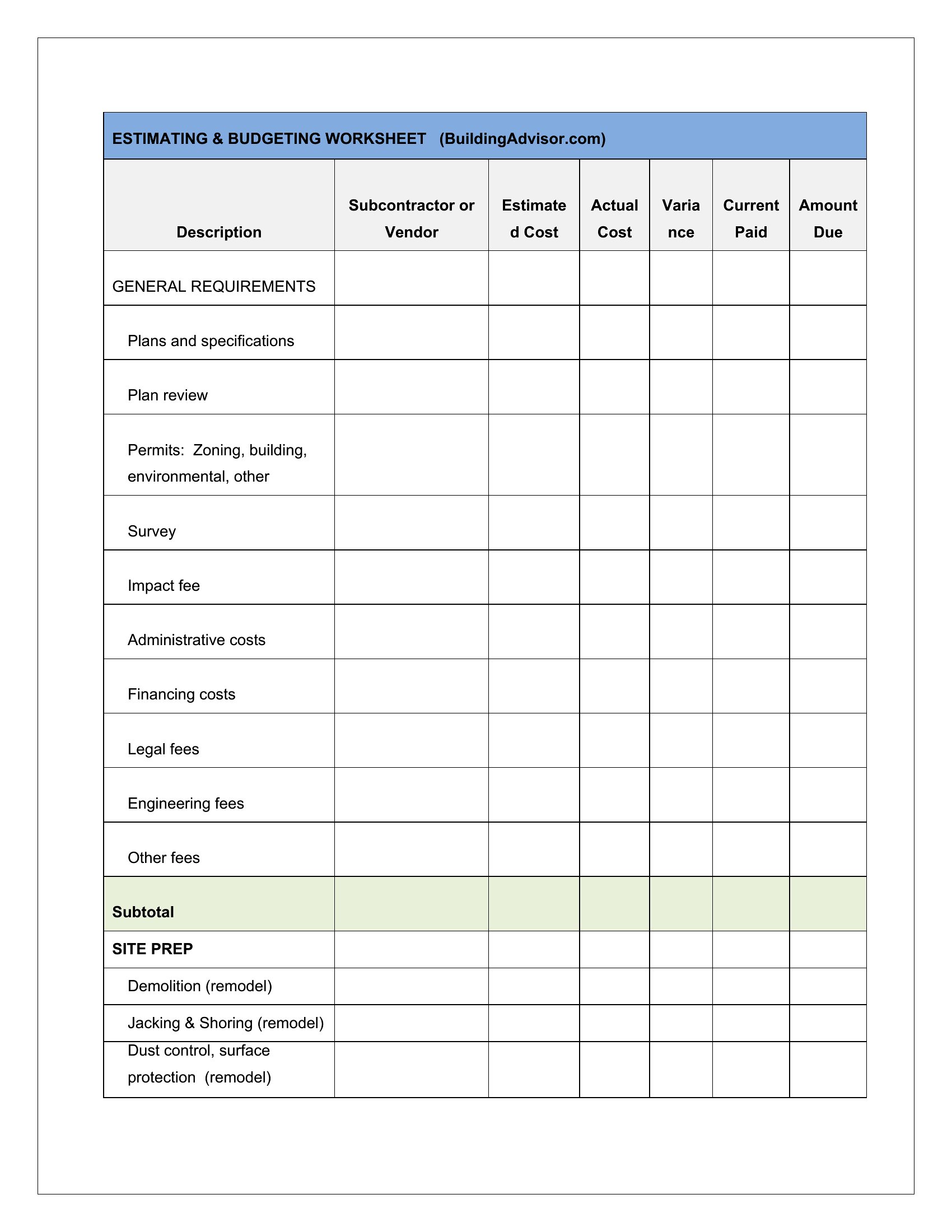
Use the Excel format to create a ‘Material Costs’ table with separate columns for ‘Estimated,’ ‘Actual,’ and ‘Difference.’ Link these to the total calculation so adjustments are automatic. For Word or PDF, note ‘Material costs subject to change; final price confirmed upon receipt of supplier invoices’ in the terms section. This protects you while keeping the estimate clear for the client.

Should I include a ‘not-to-exceed’ amount in my estimate, and how do these templates support that?

Including a ‘not-to-exceed’ figure is wise for projects with uncertain scope (e.g., renovations). Most Excel templates let you add a ‘Max Budget’ row summing labor, materials, and a 10% contingency. In Word or PDF, dedicate a bolded line under the total—like ‘Estimated Total: $X,XXX | Not-to-Exceed: $X,XXX (10% buffer included)’—and reference it in the terms. This sets expectations without overpromising.

Comments

Join the conversation

Sign in to share your thoughts and leave a comment on this resource.

Newsletter

Get Weekly Design Updates

Join our community to receive curated resources and inspiration.

Weekly Tips Resources Early Access

We respect your privacy. Confirmation email required. Privacy Policy