Free Construction Estimate Templates (Word, Excel, PDF)
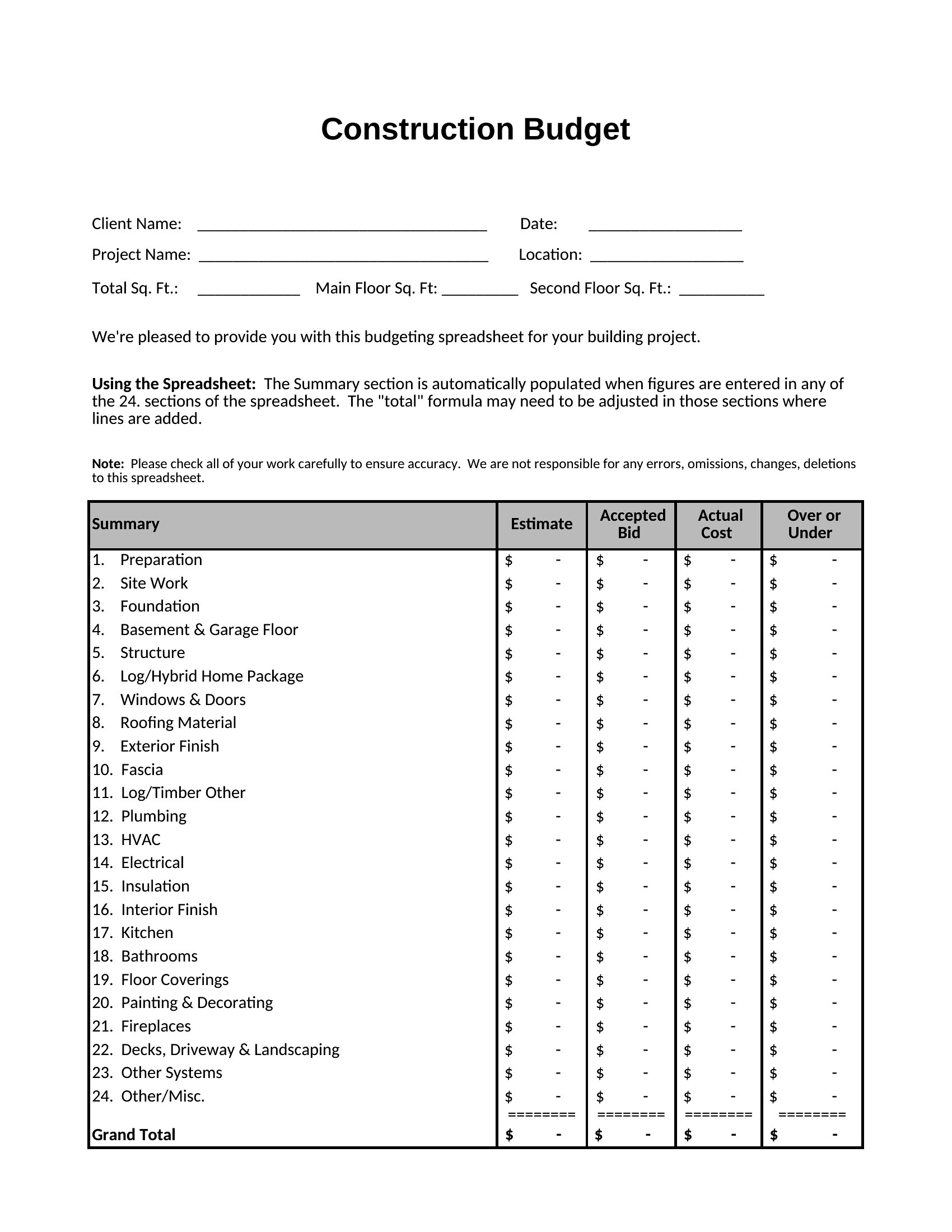
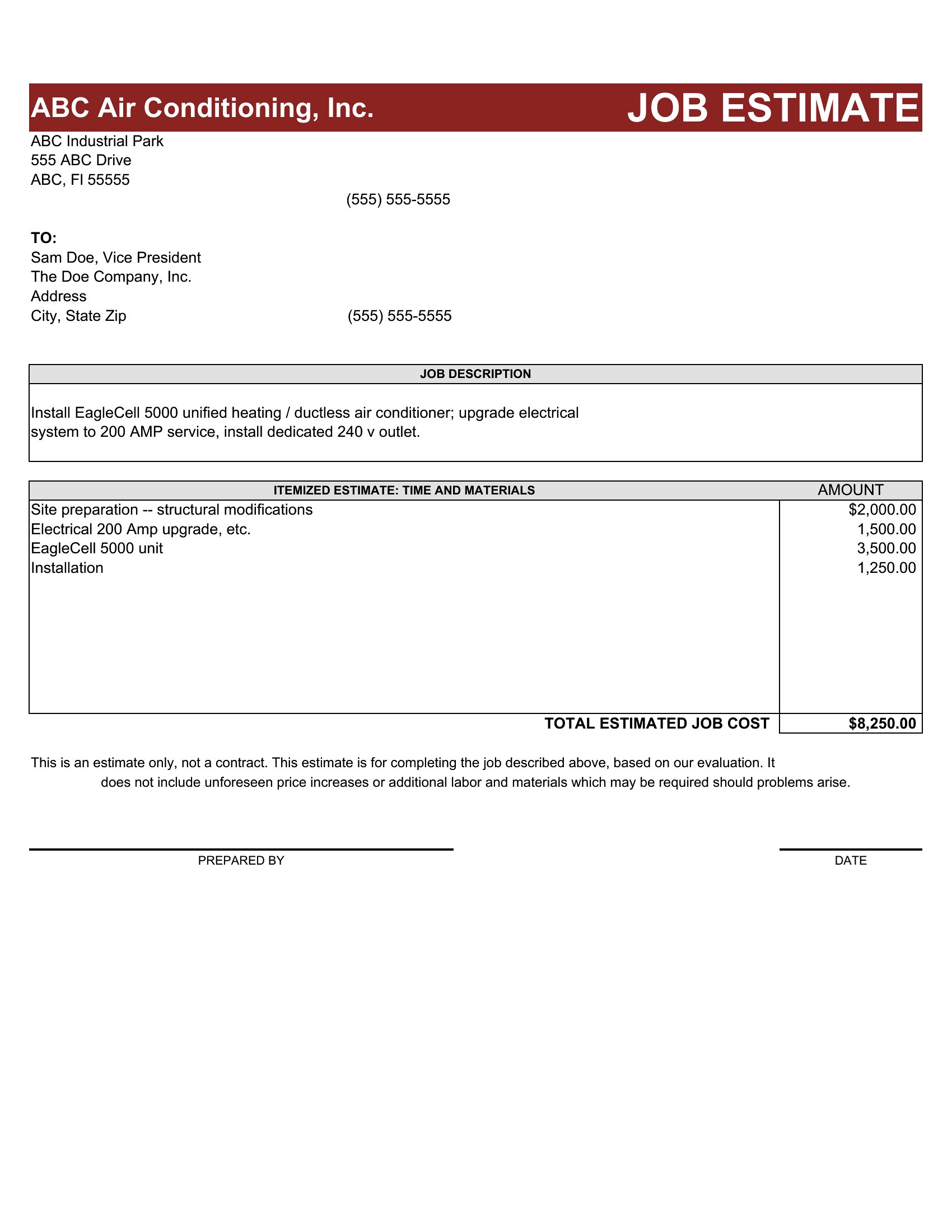
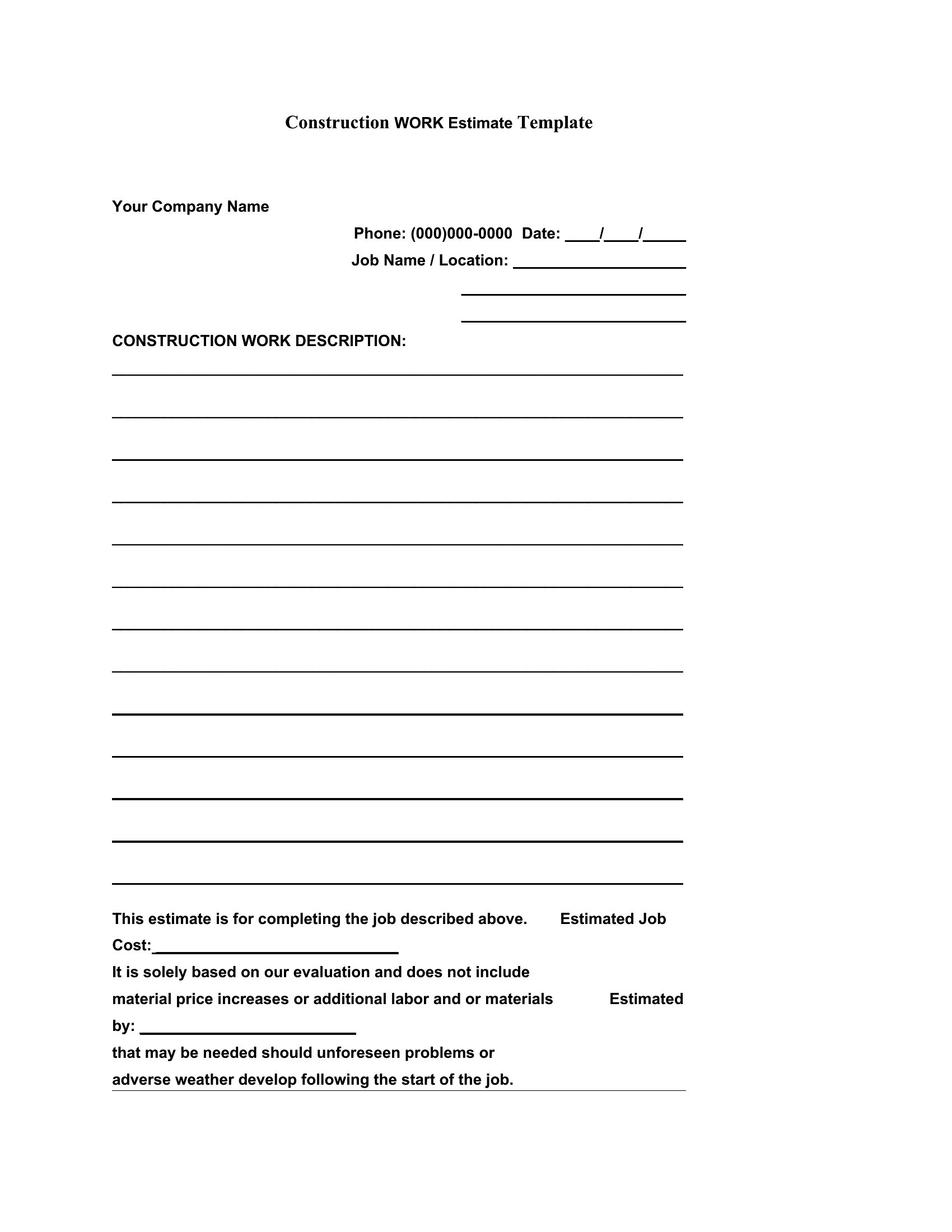
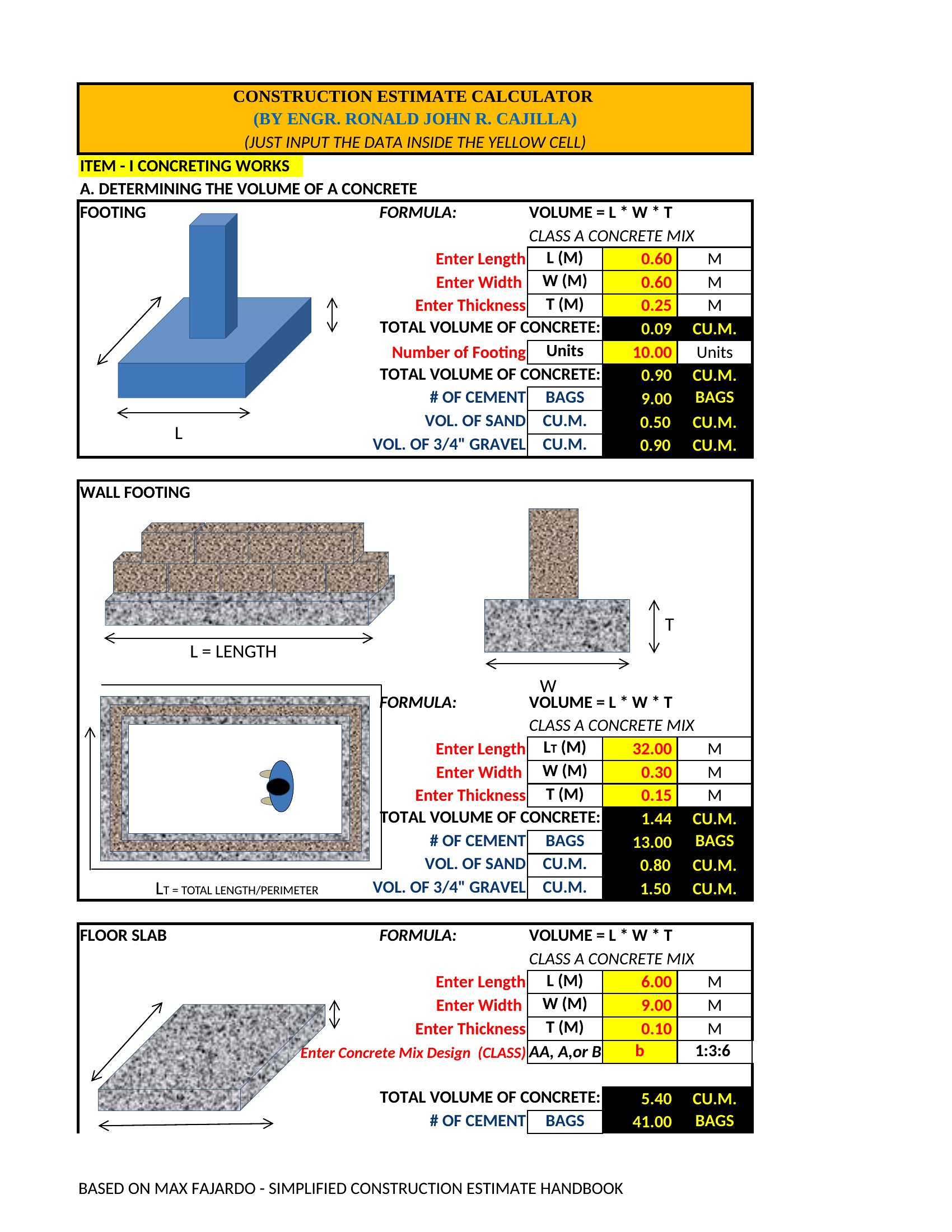
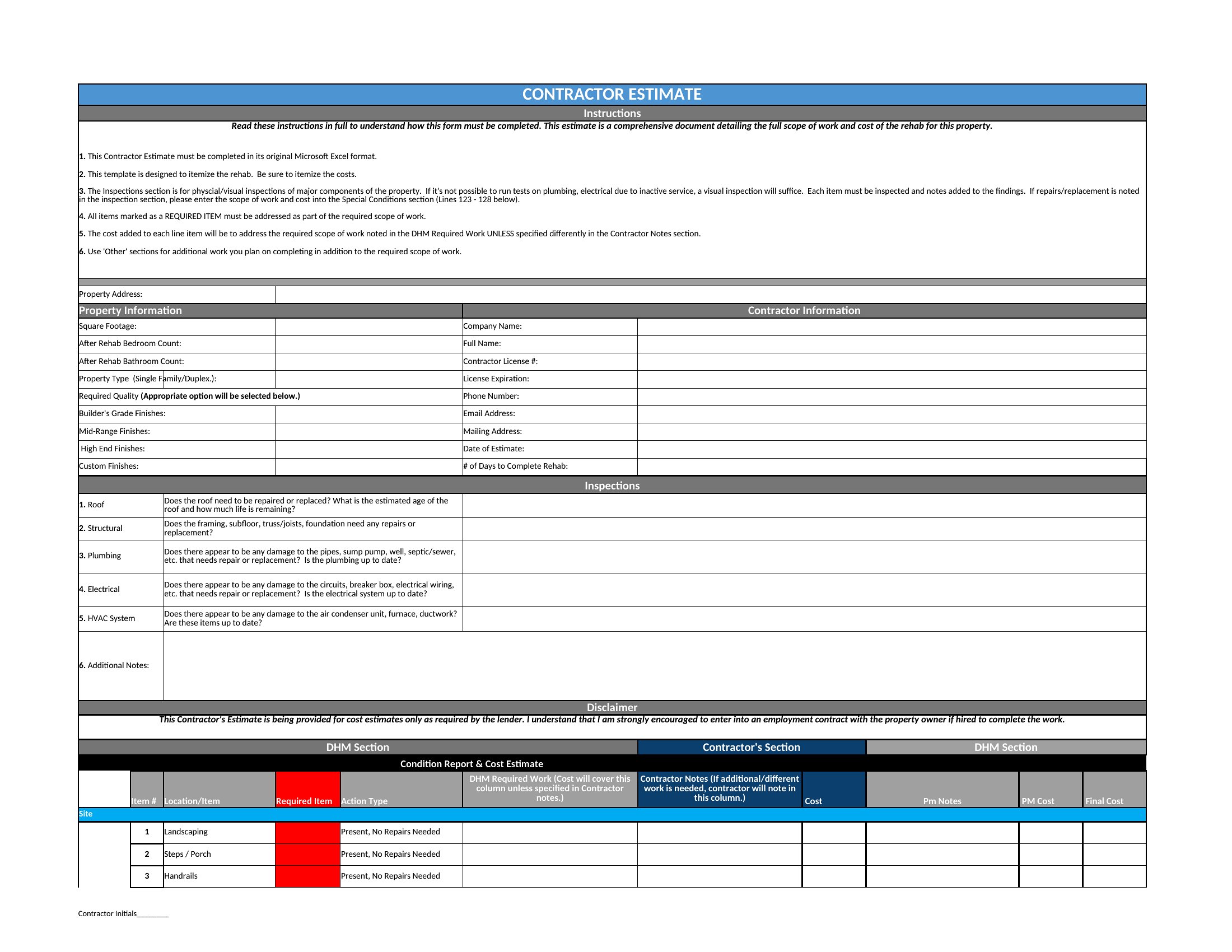
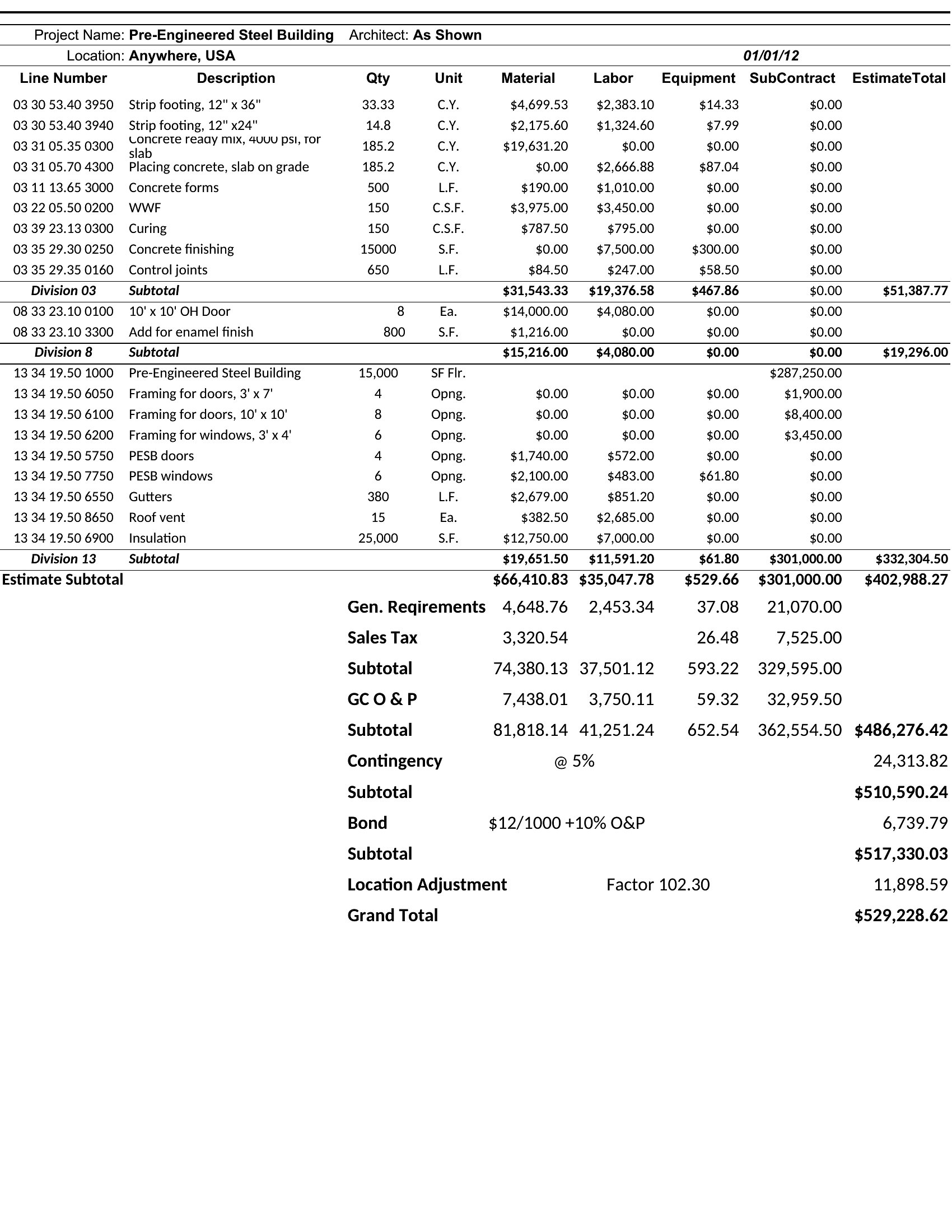
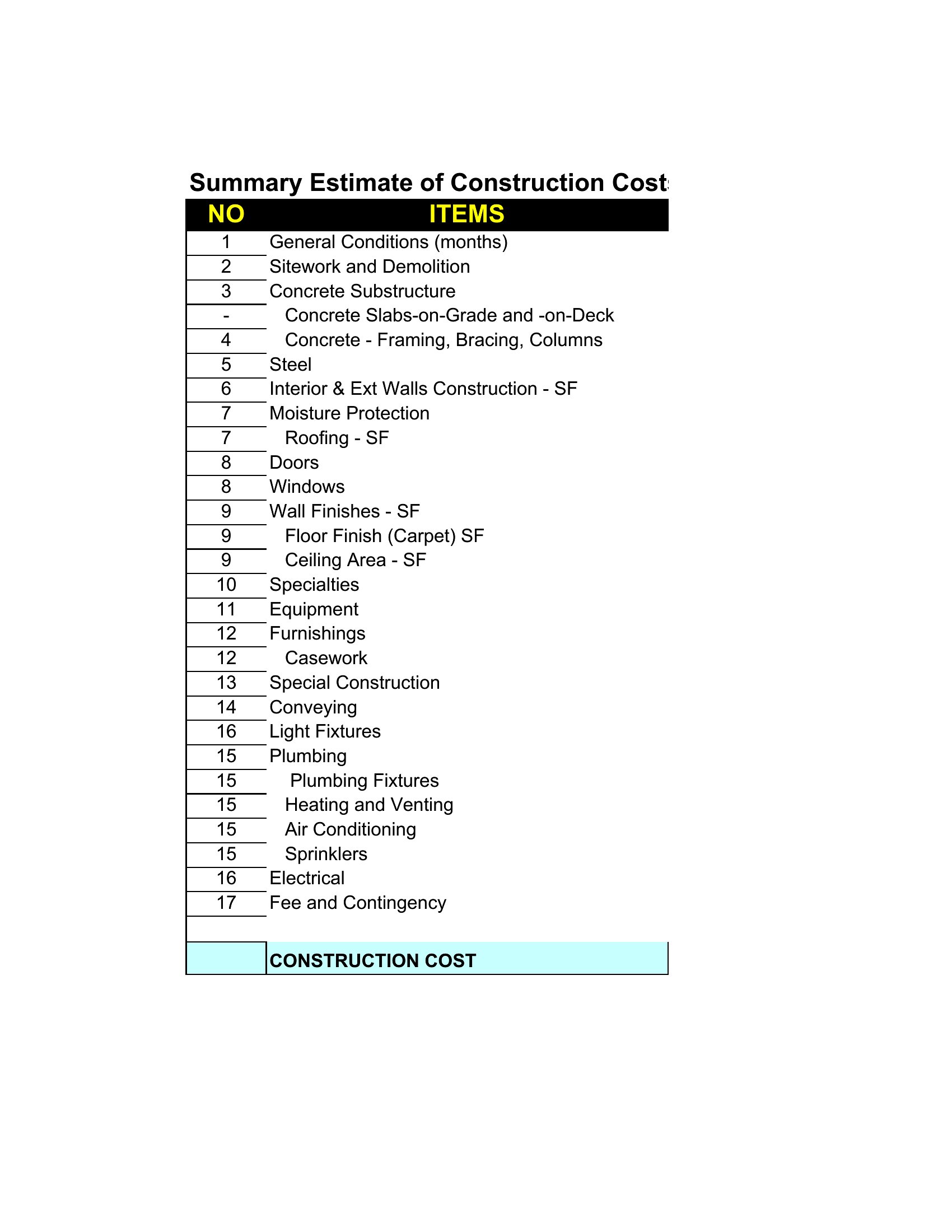
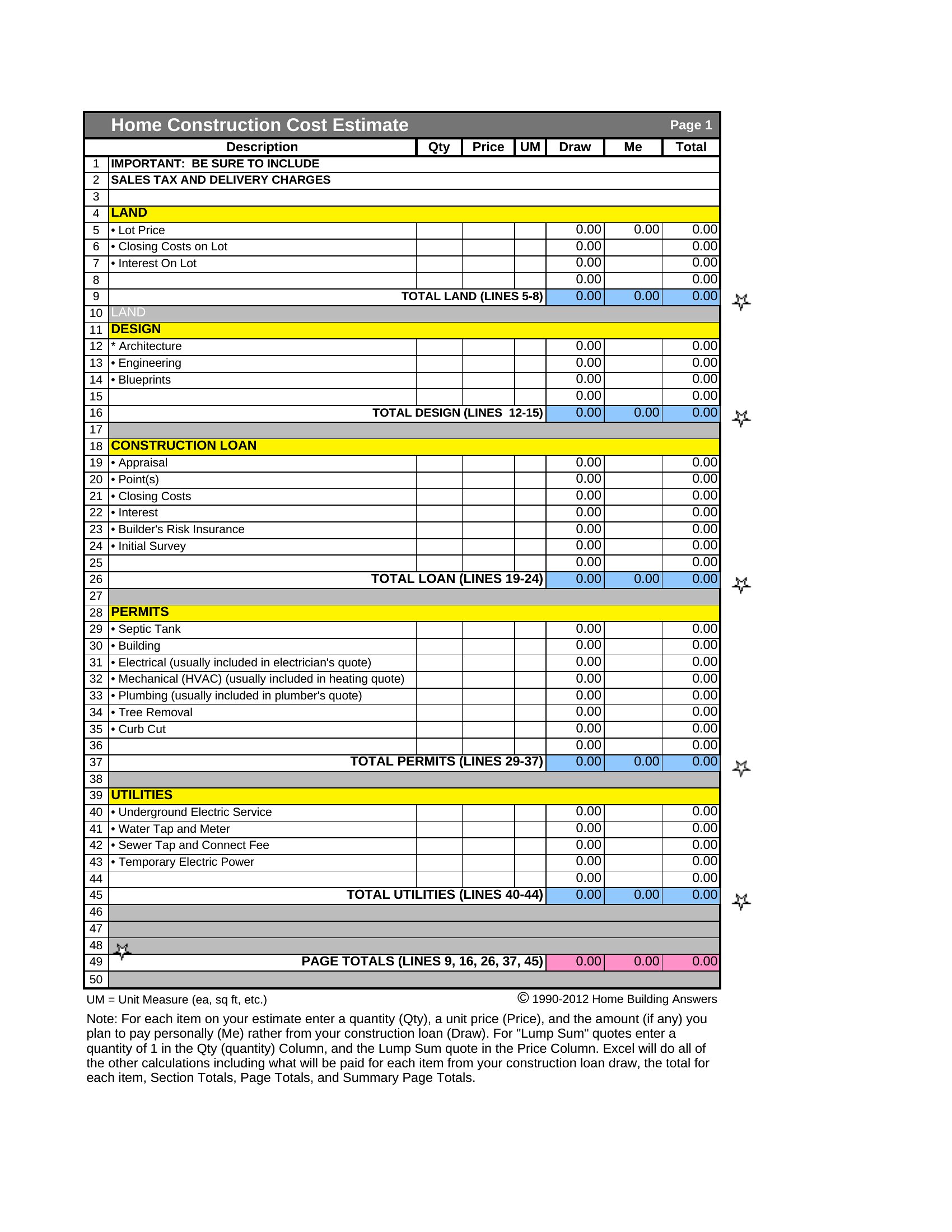
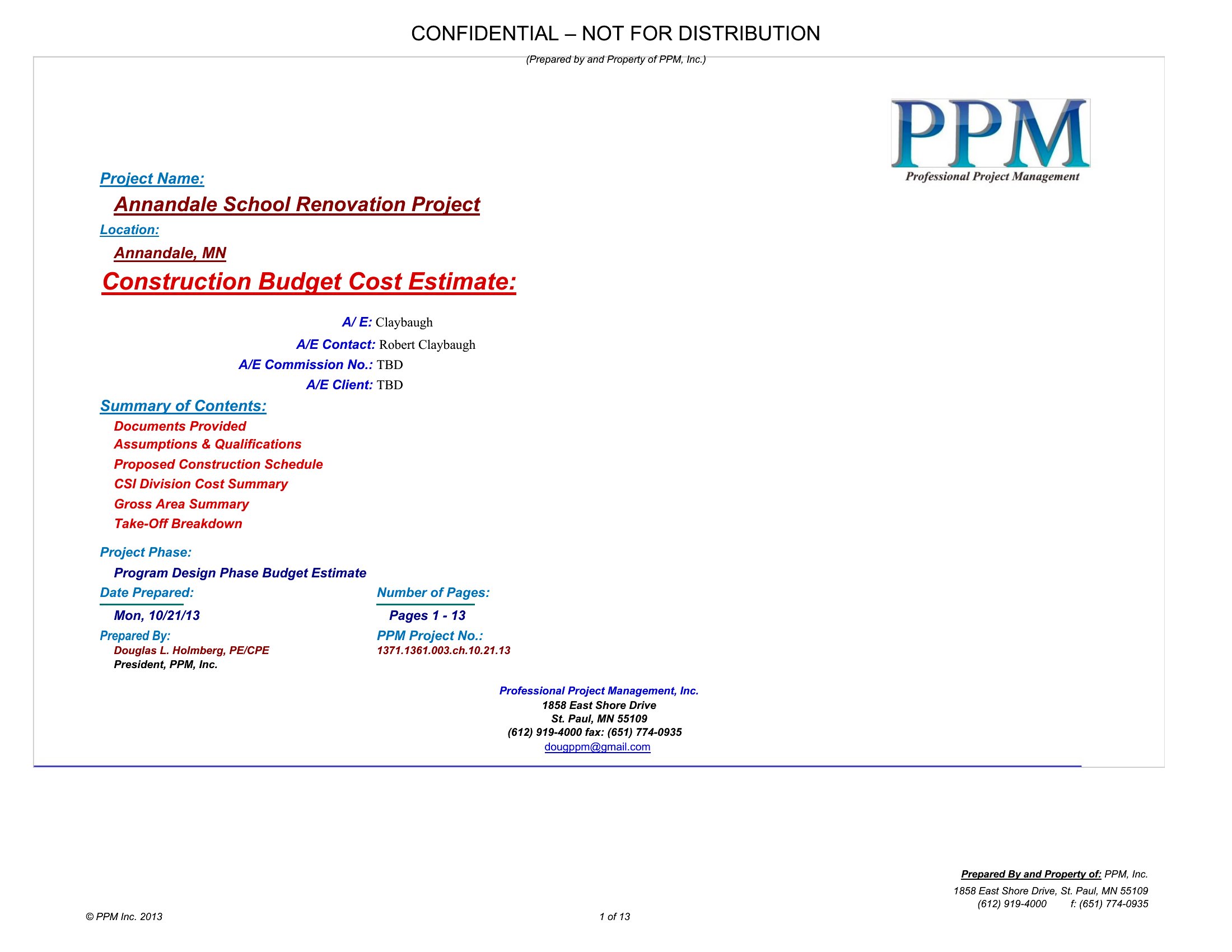
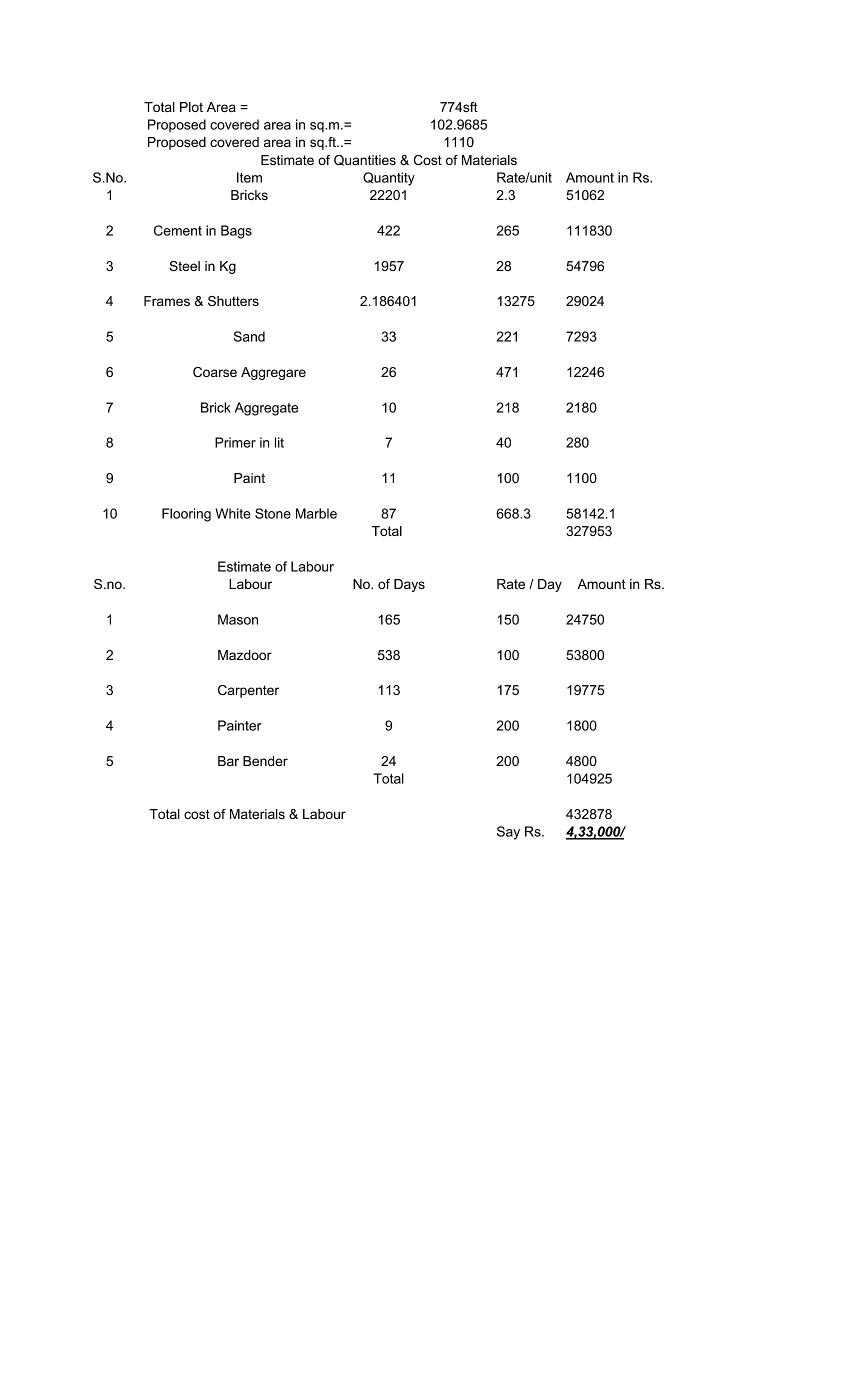
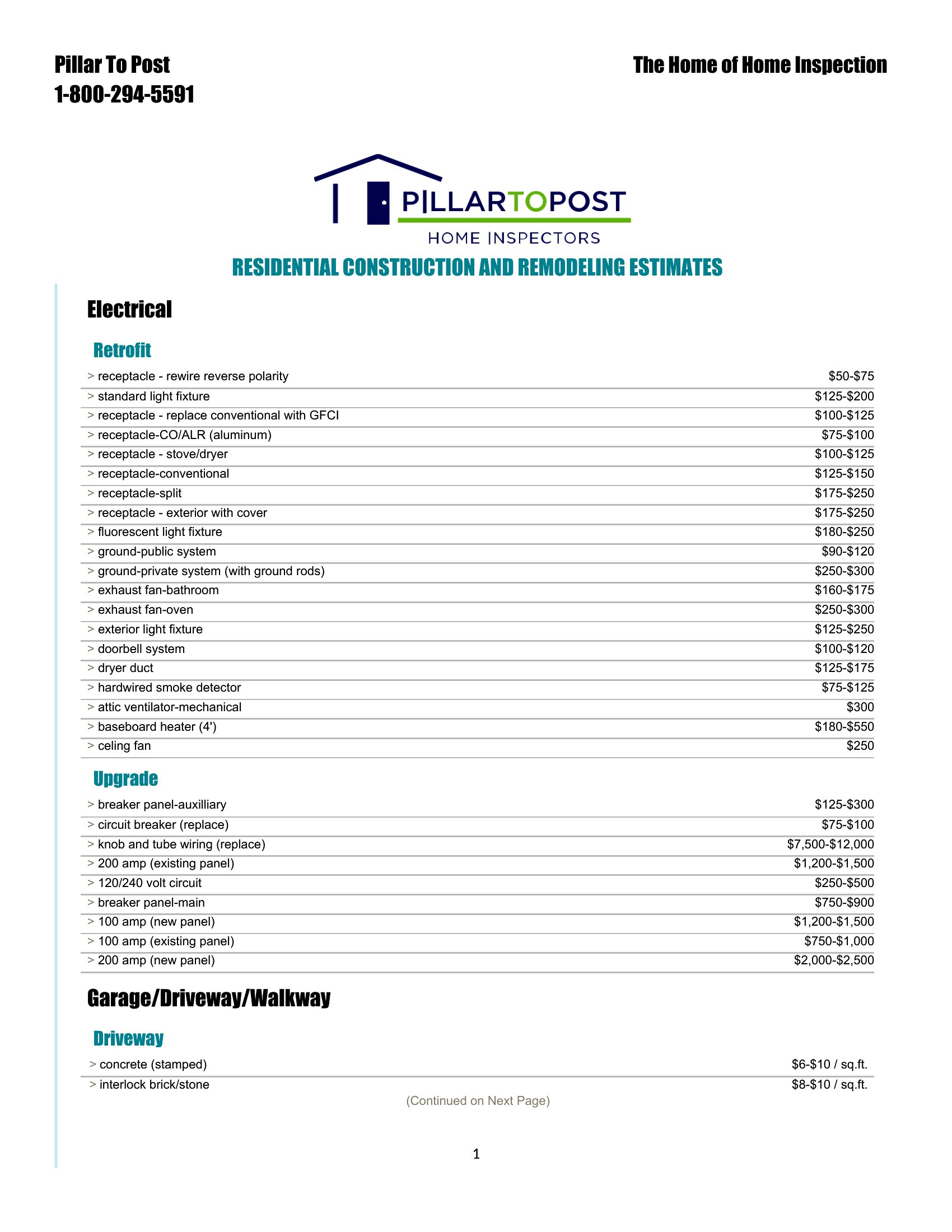
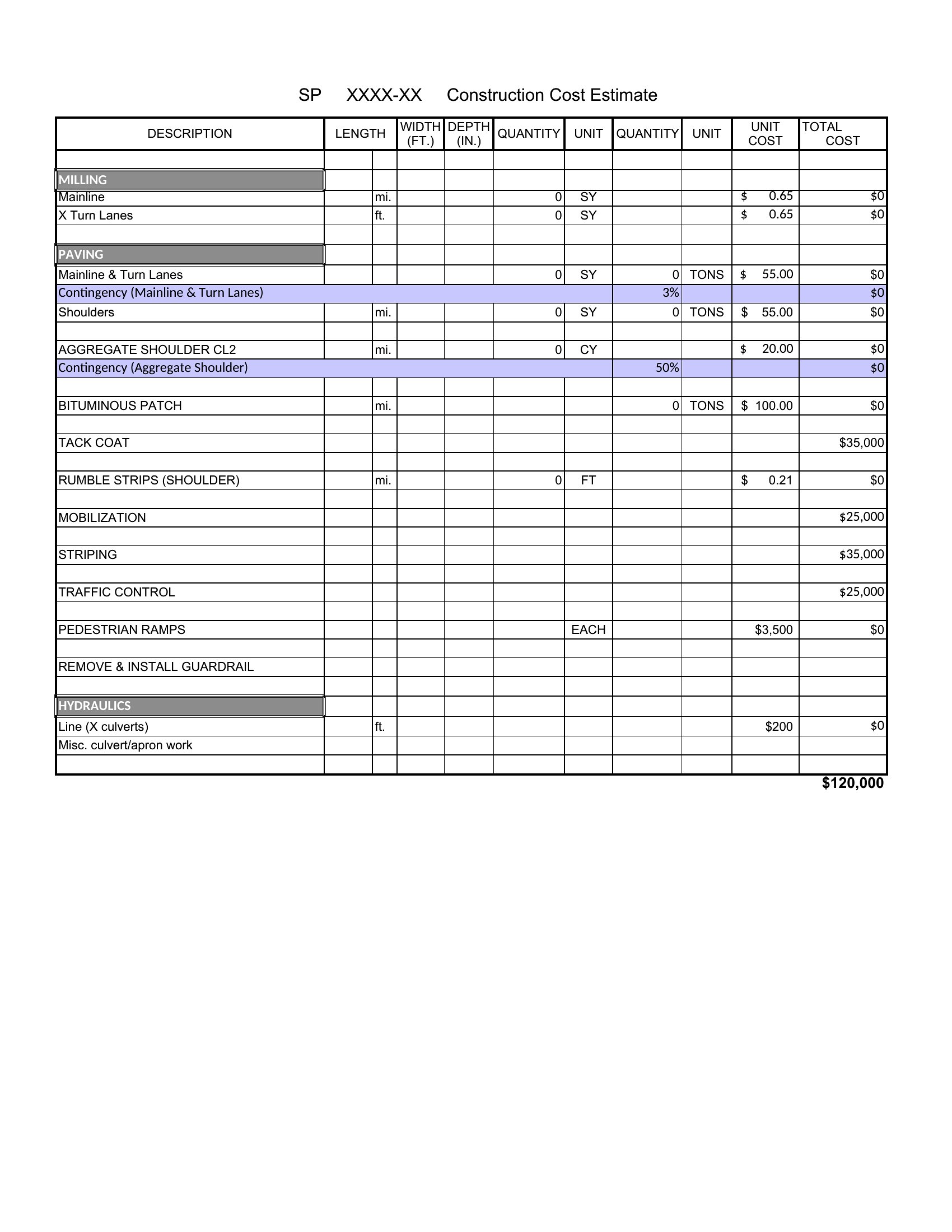
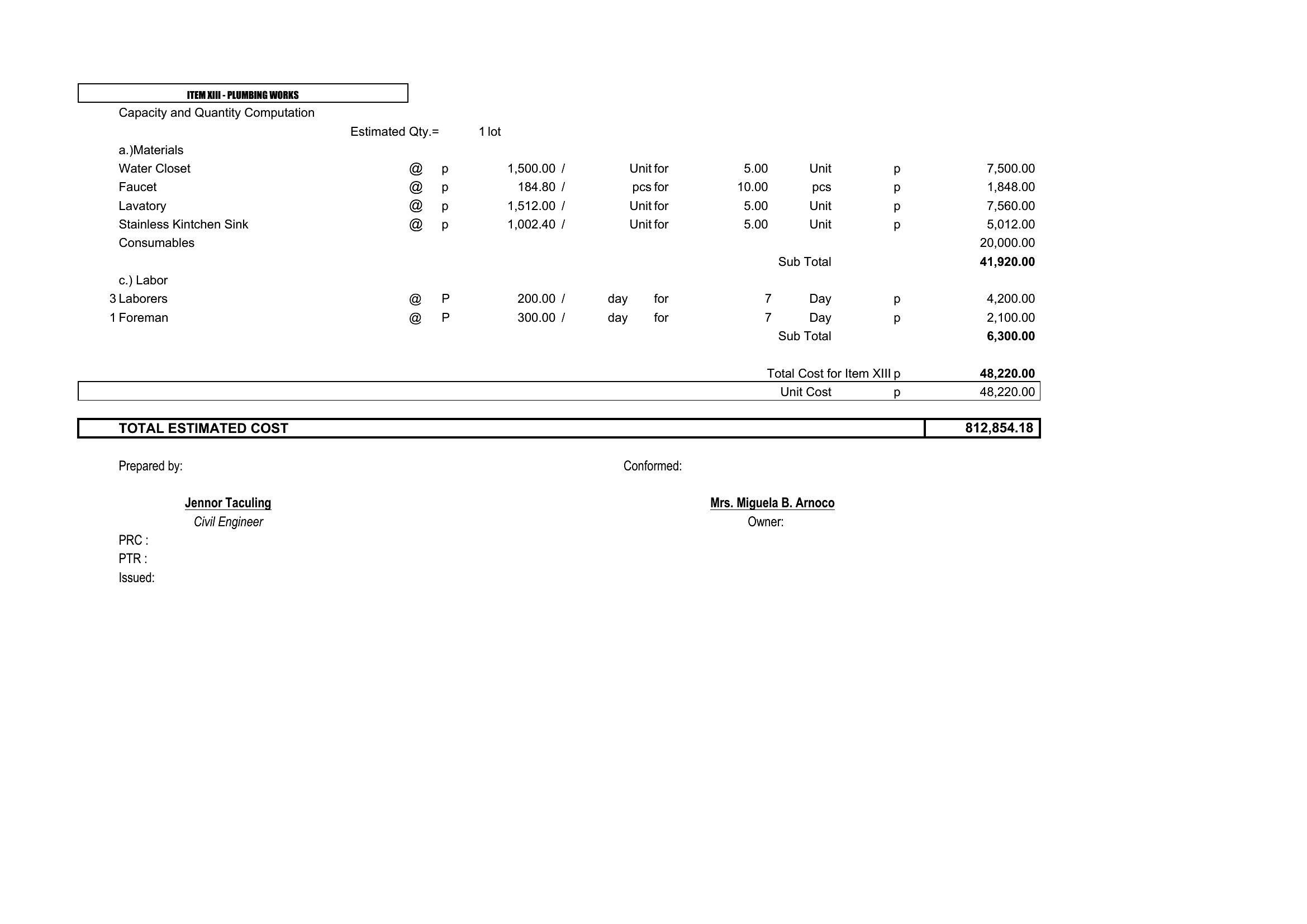
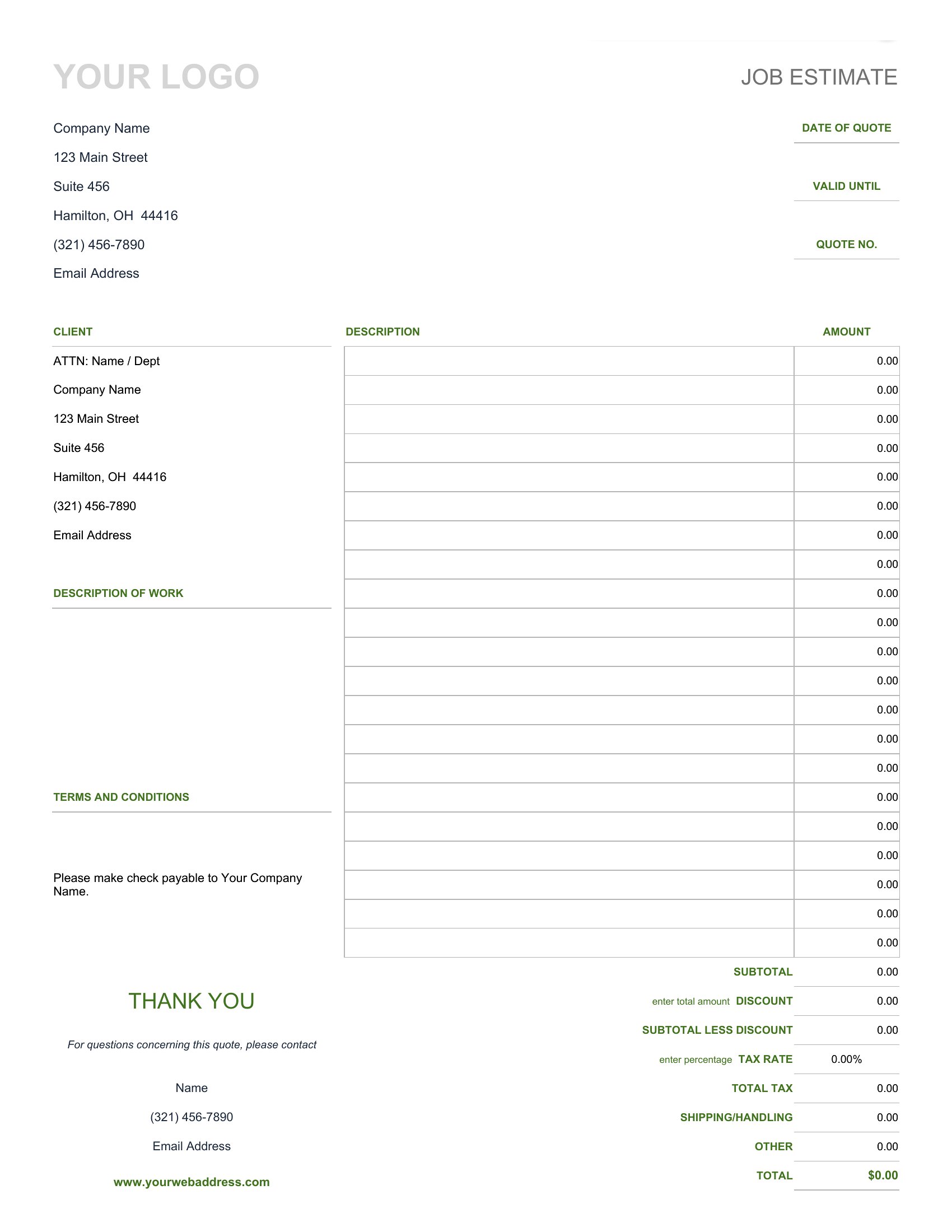
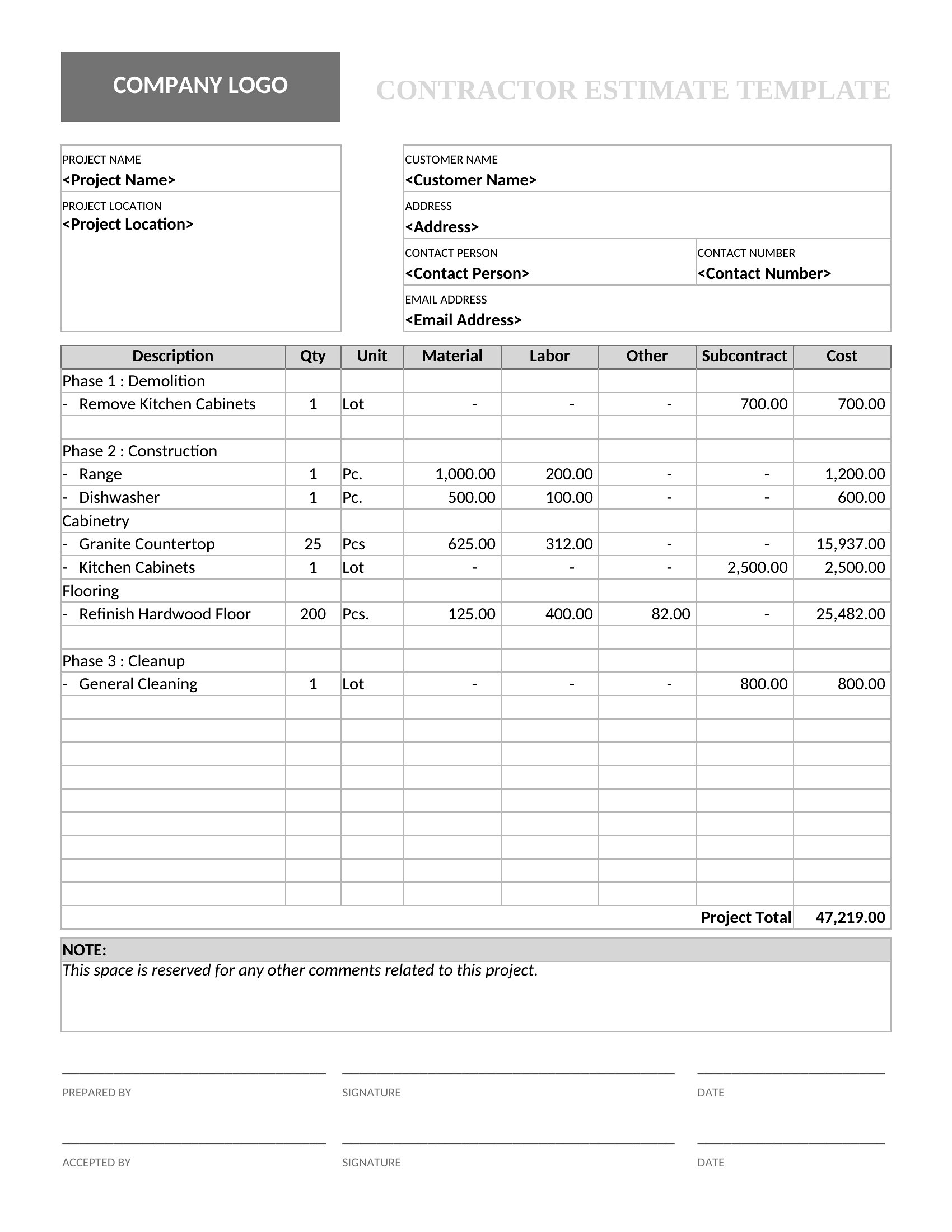
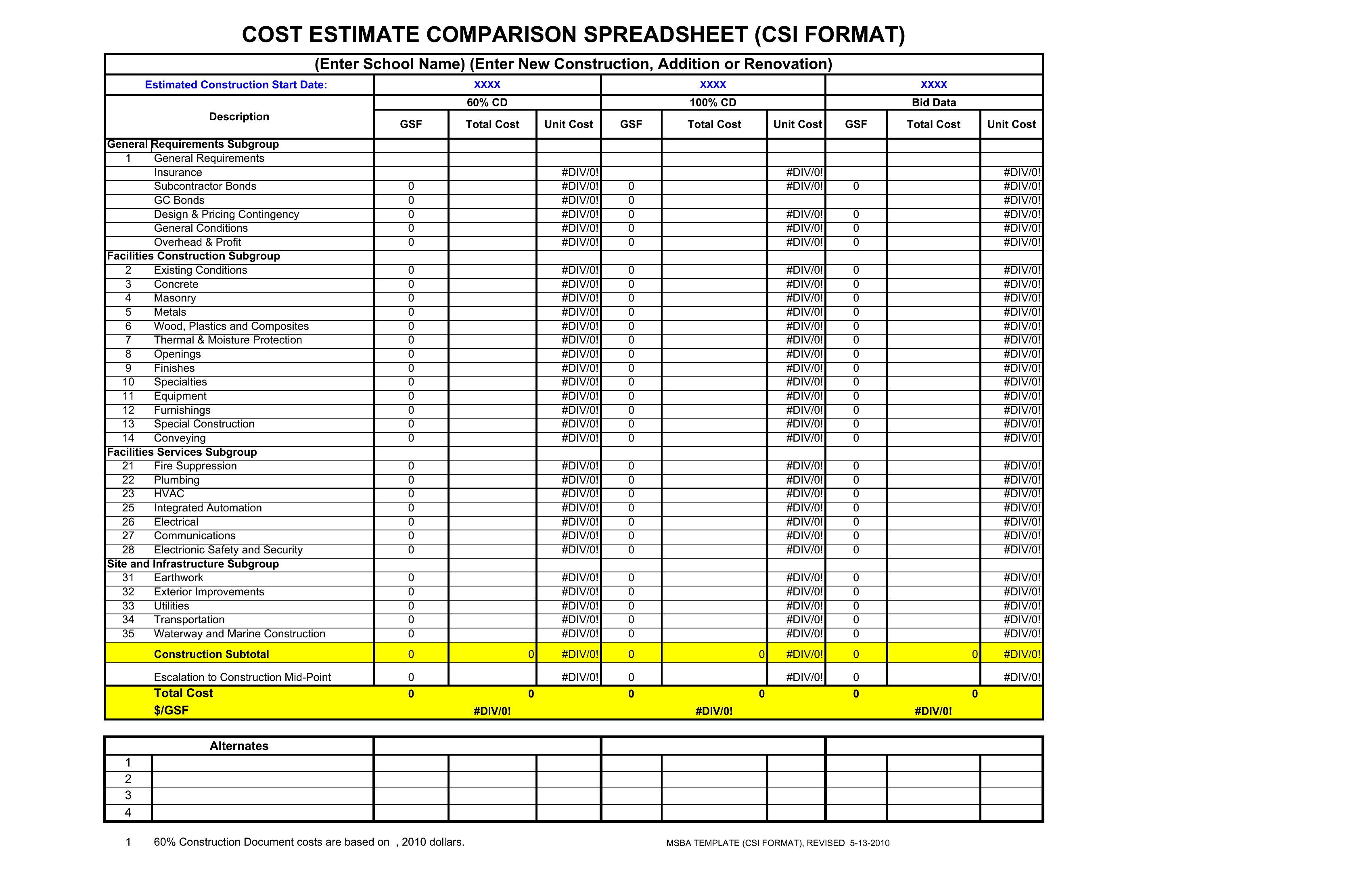
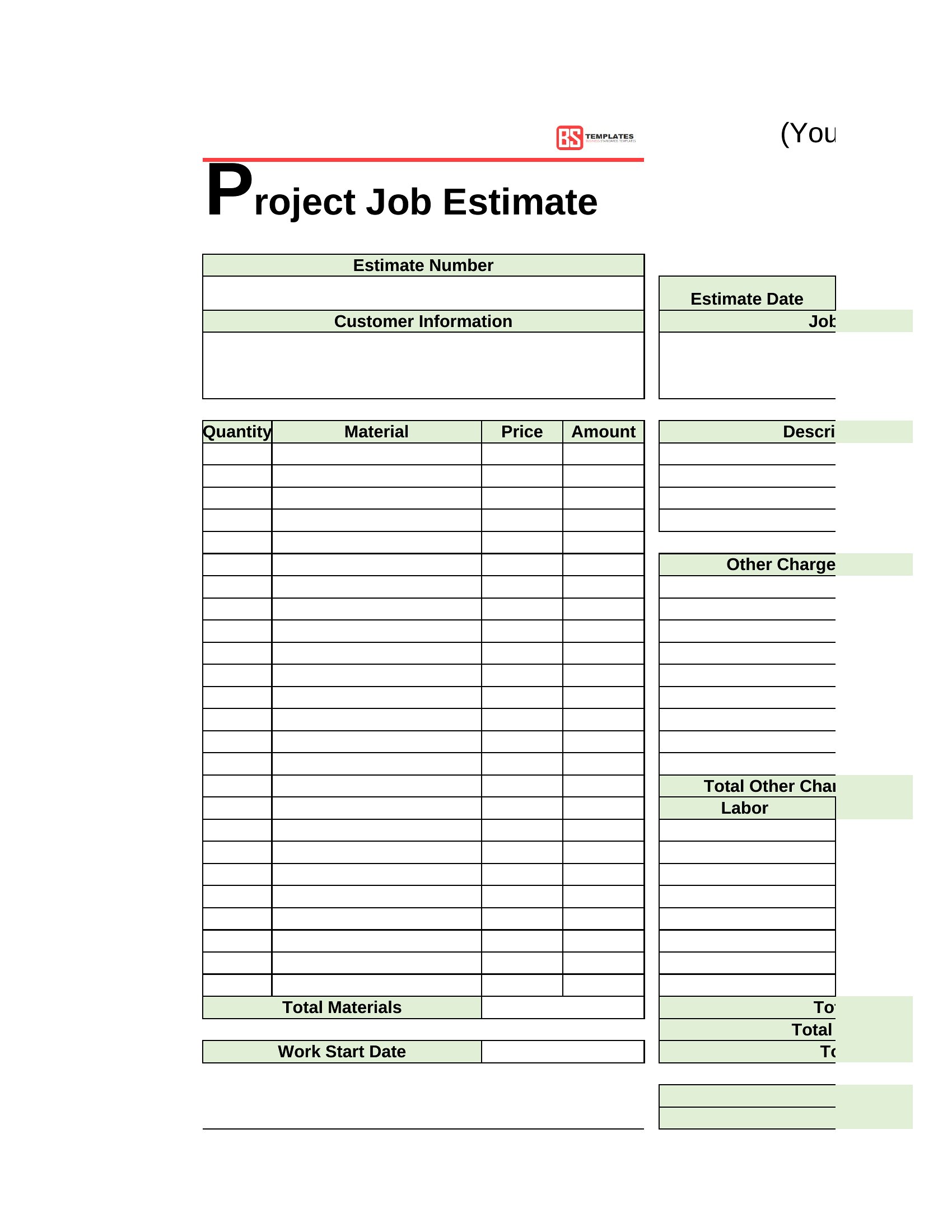
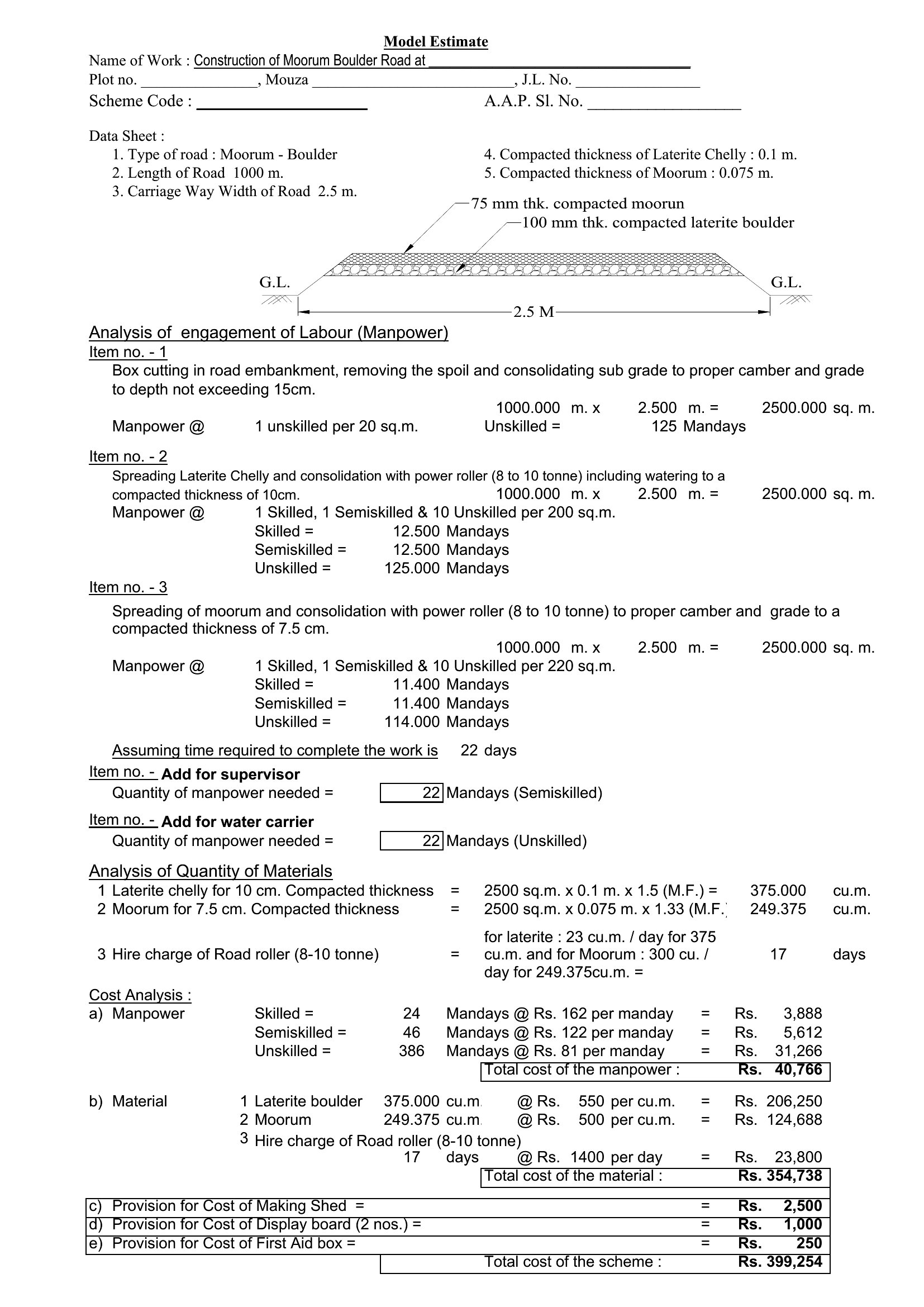
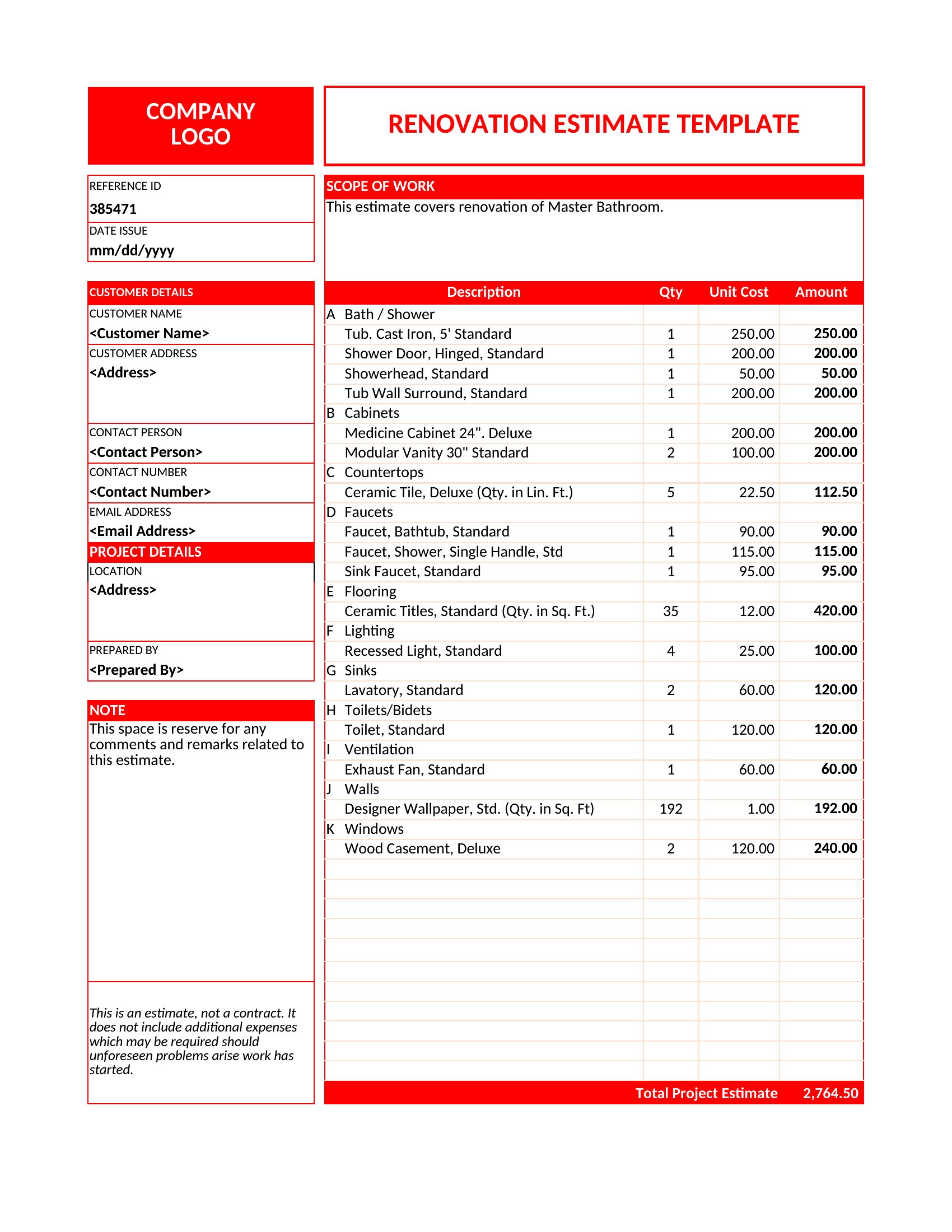
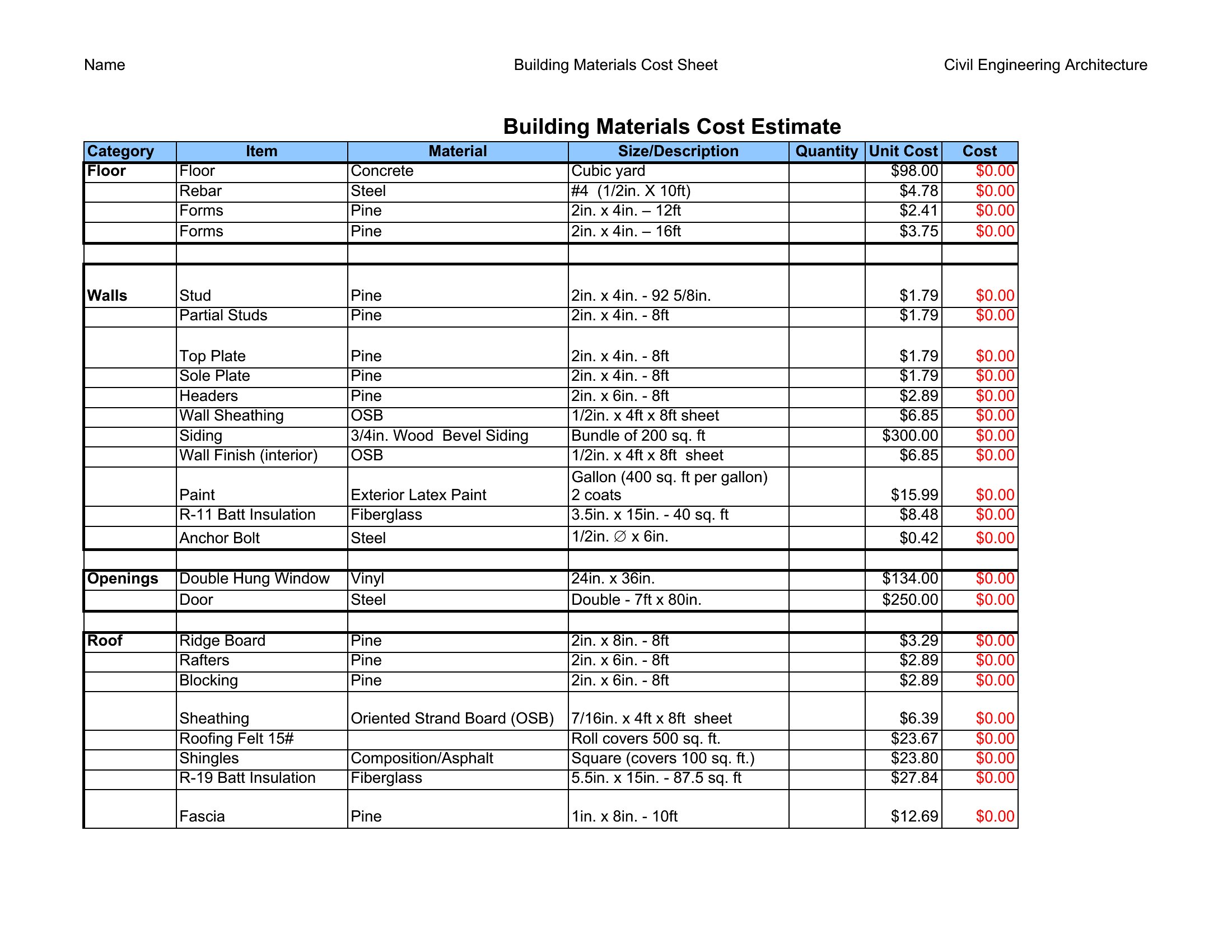
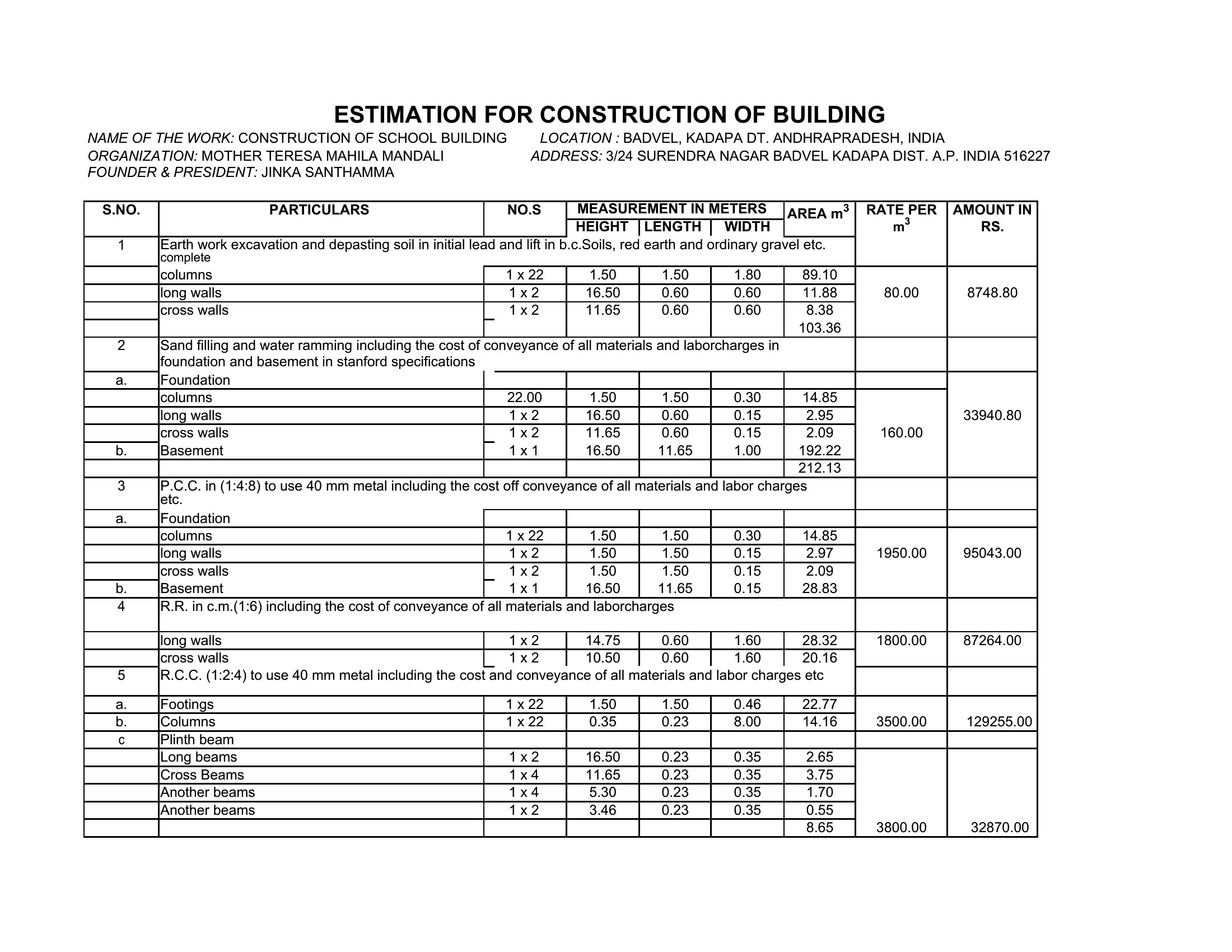
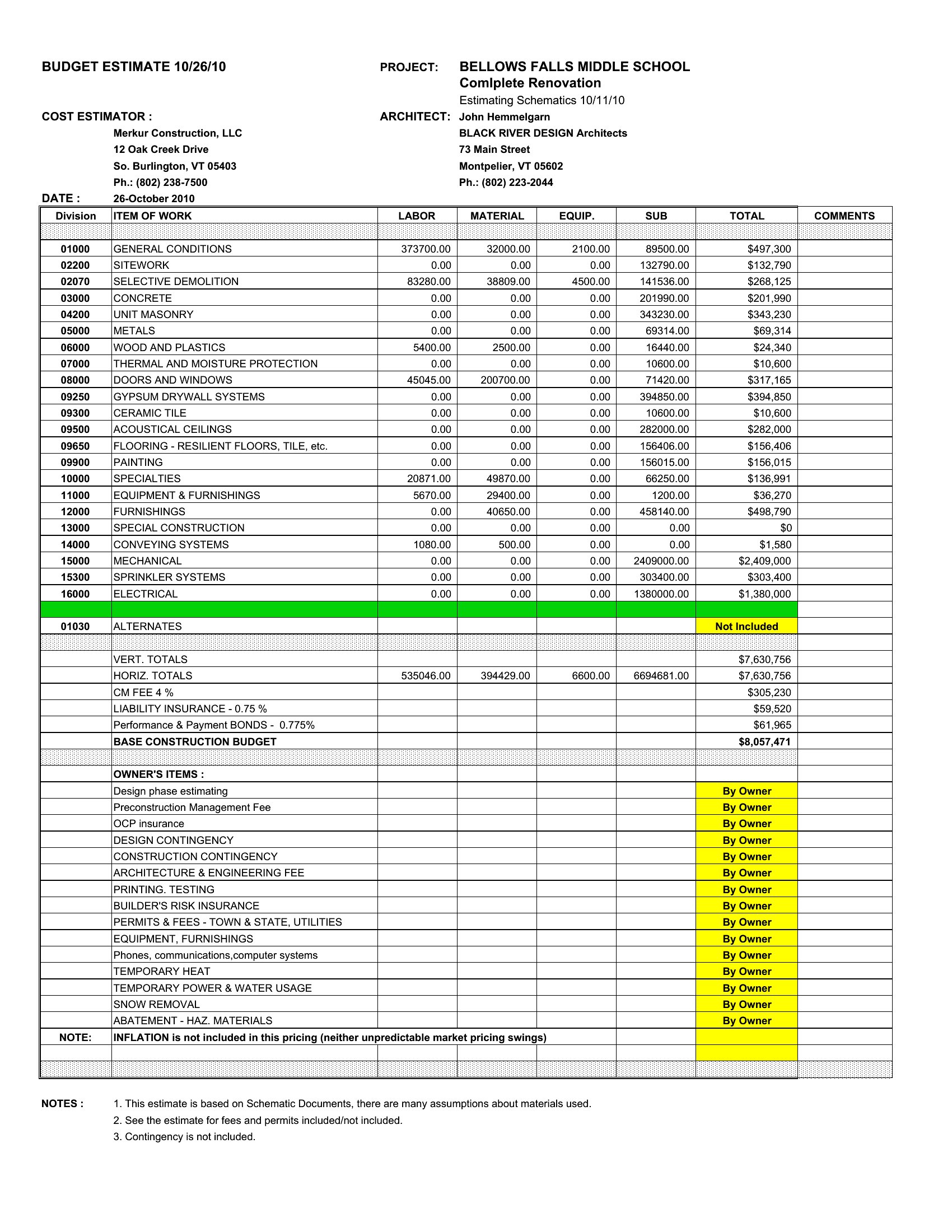
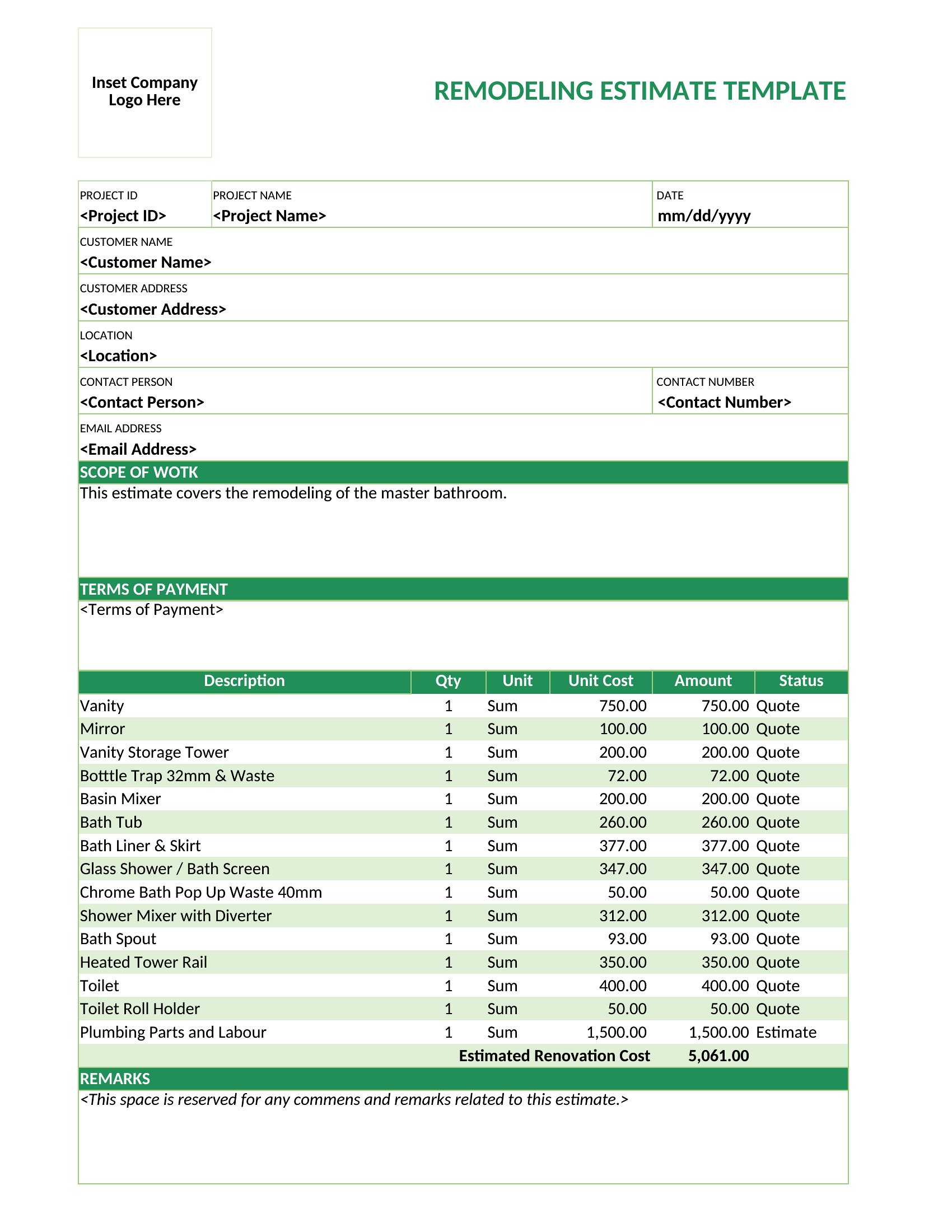
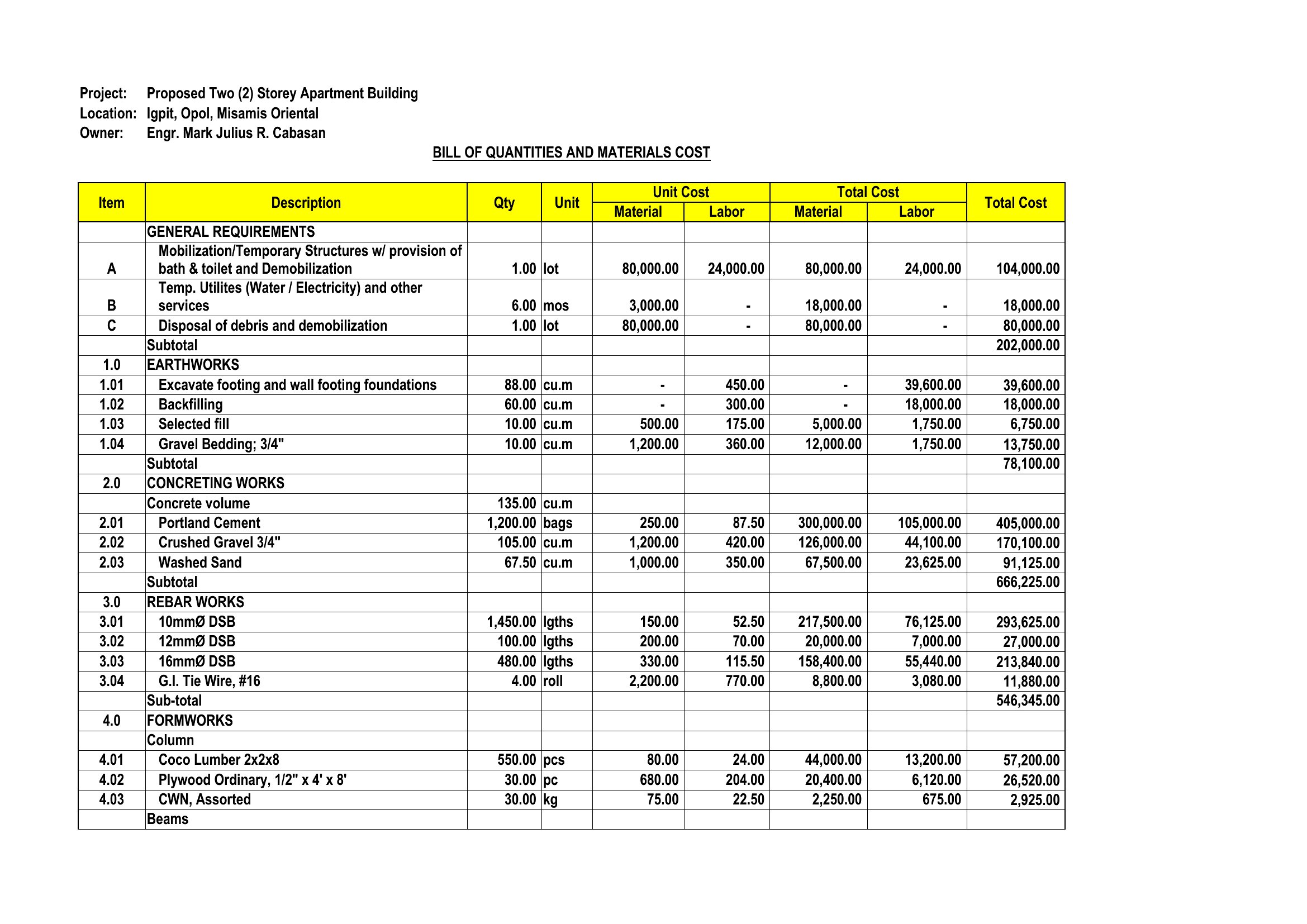
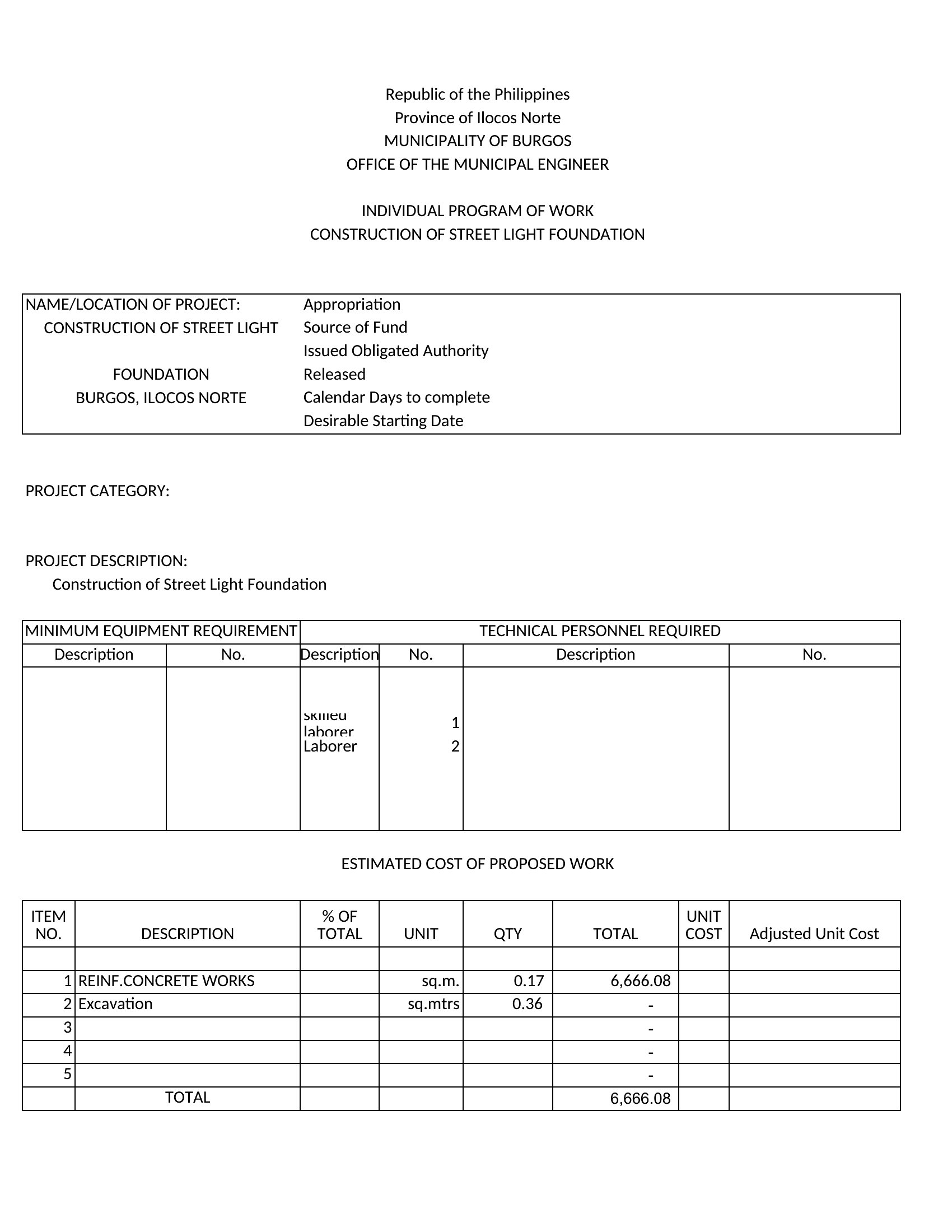
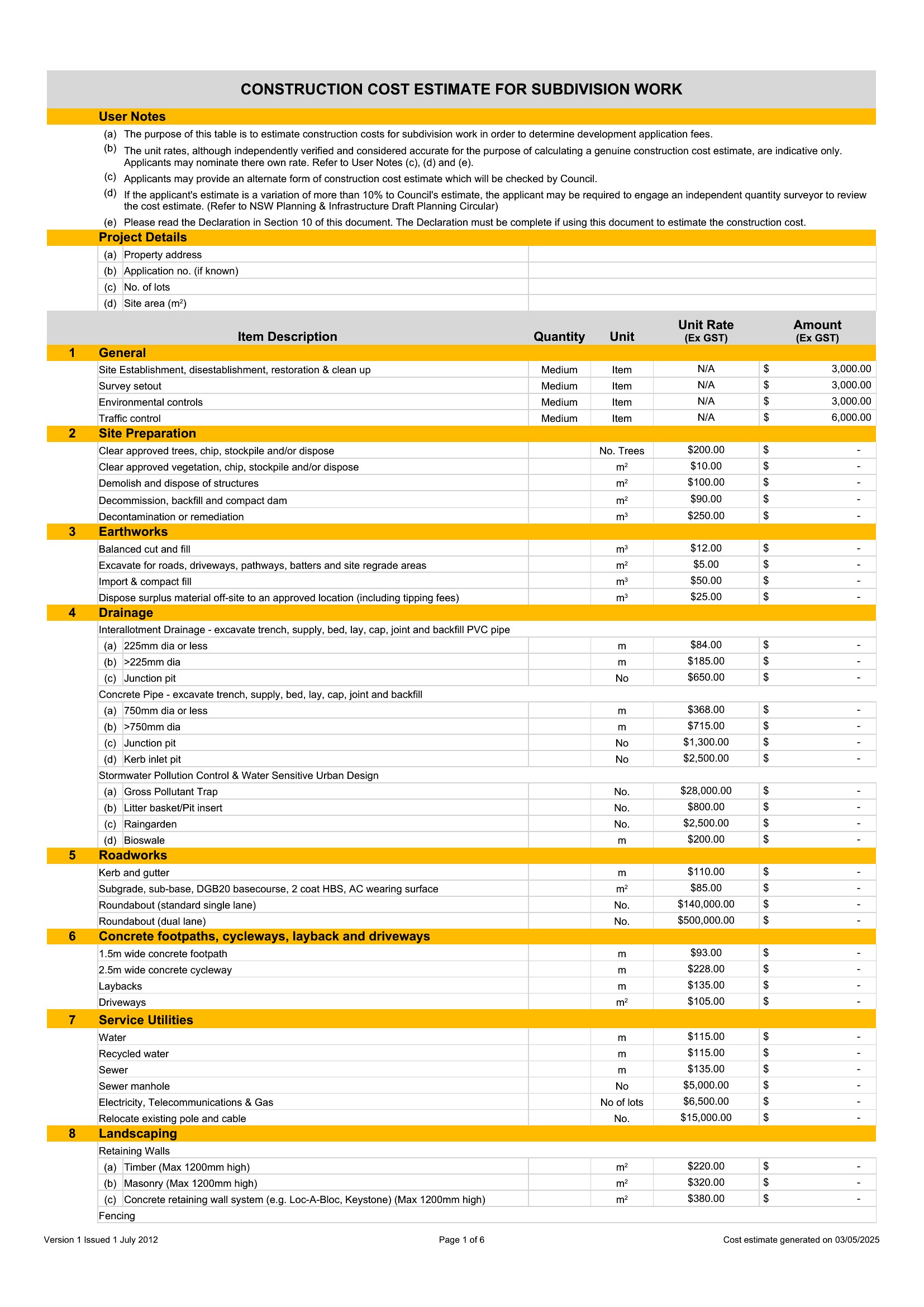
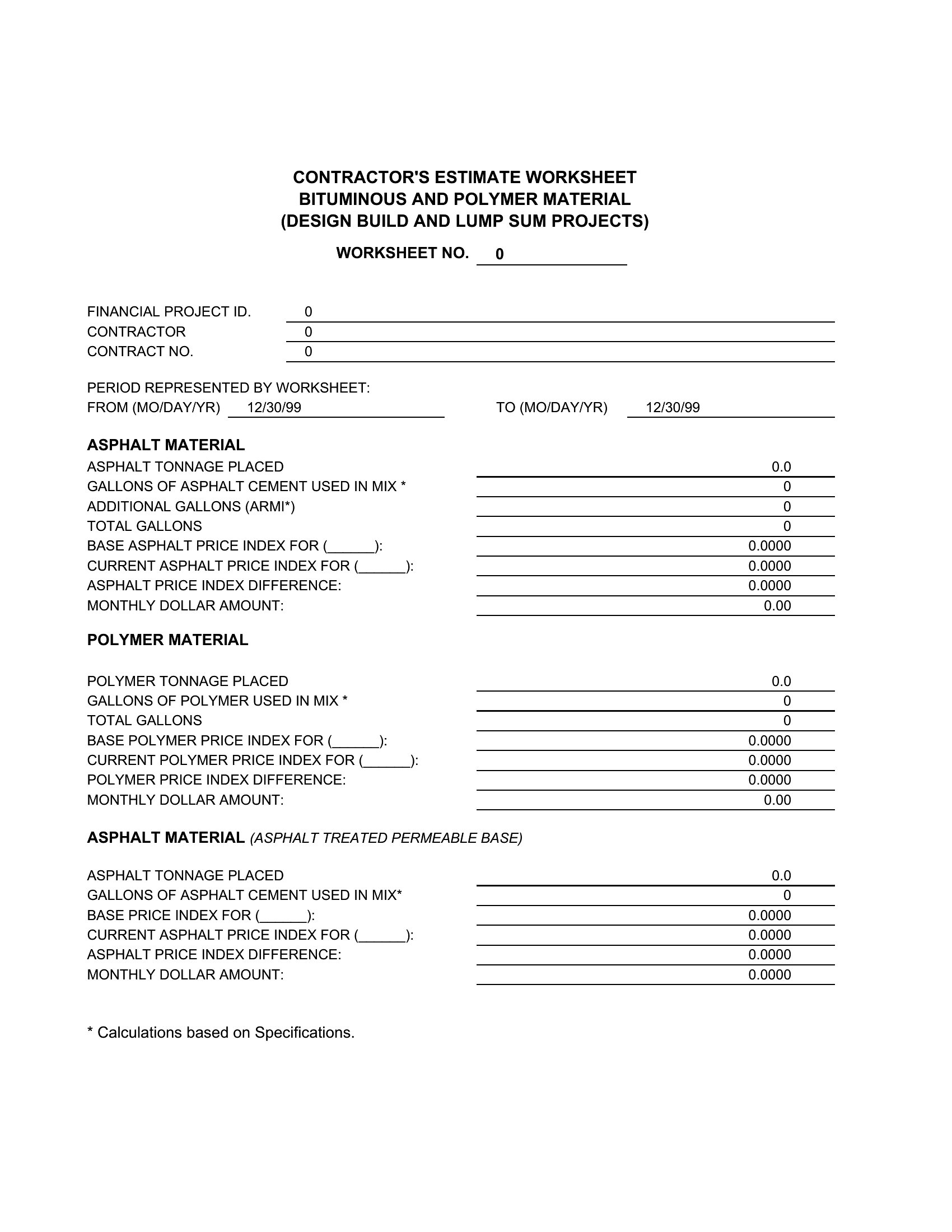
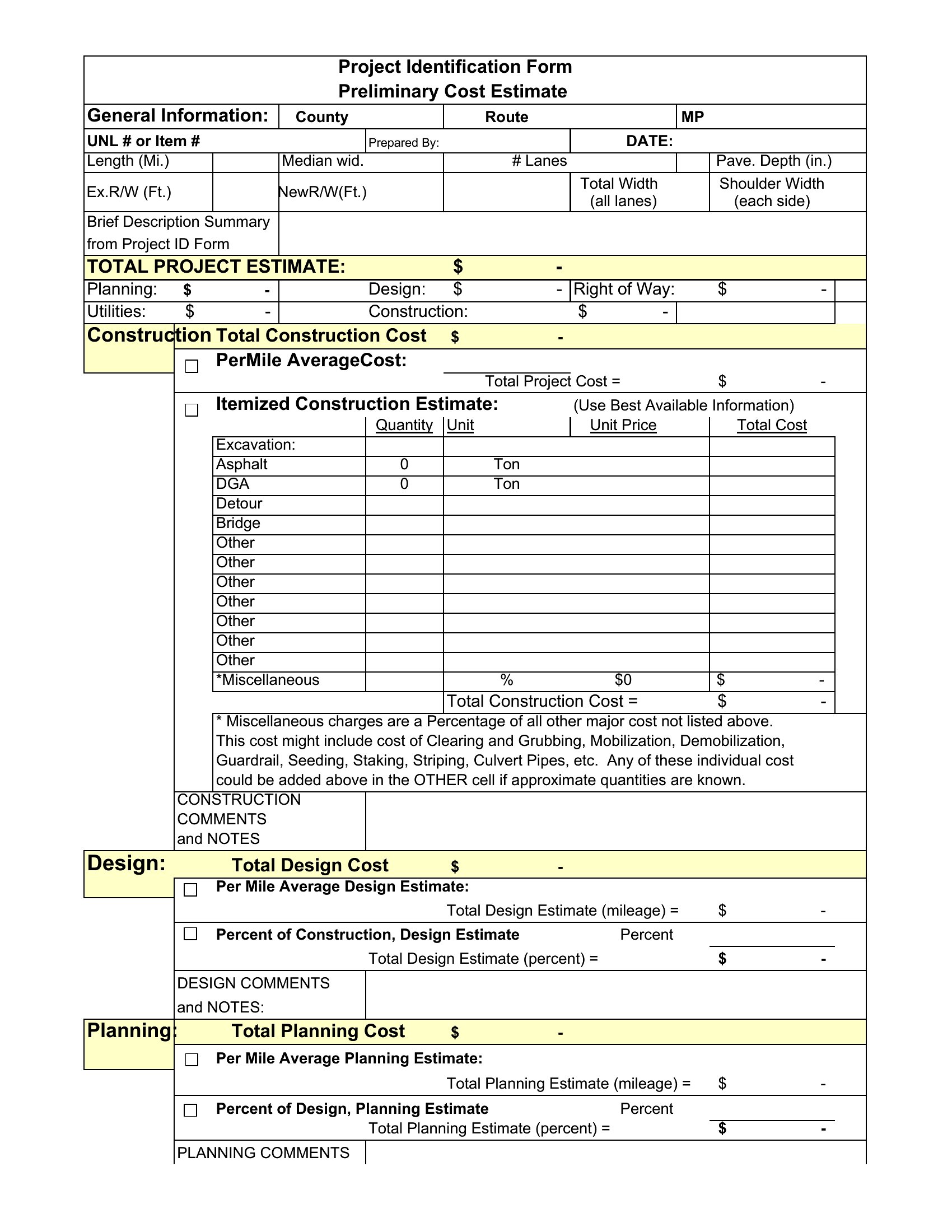
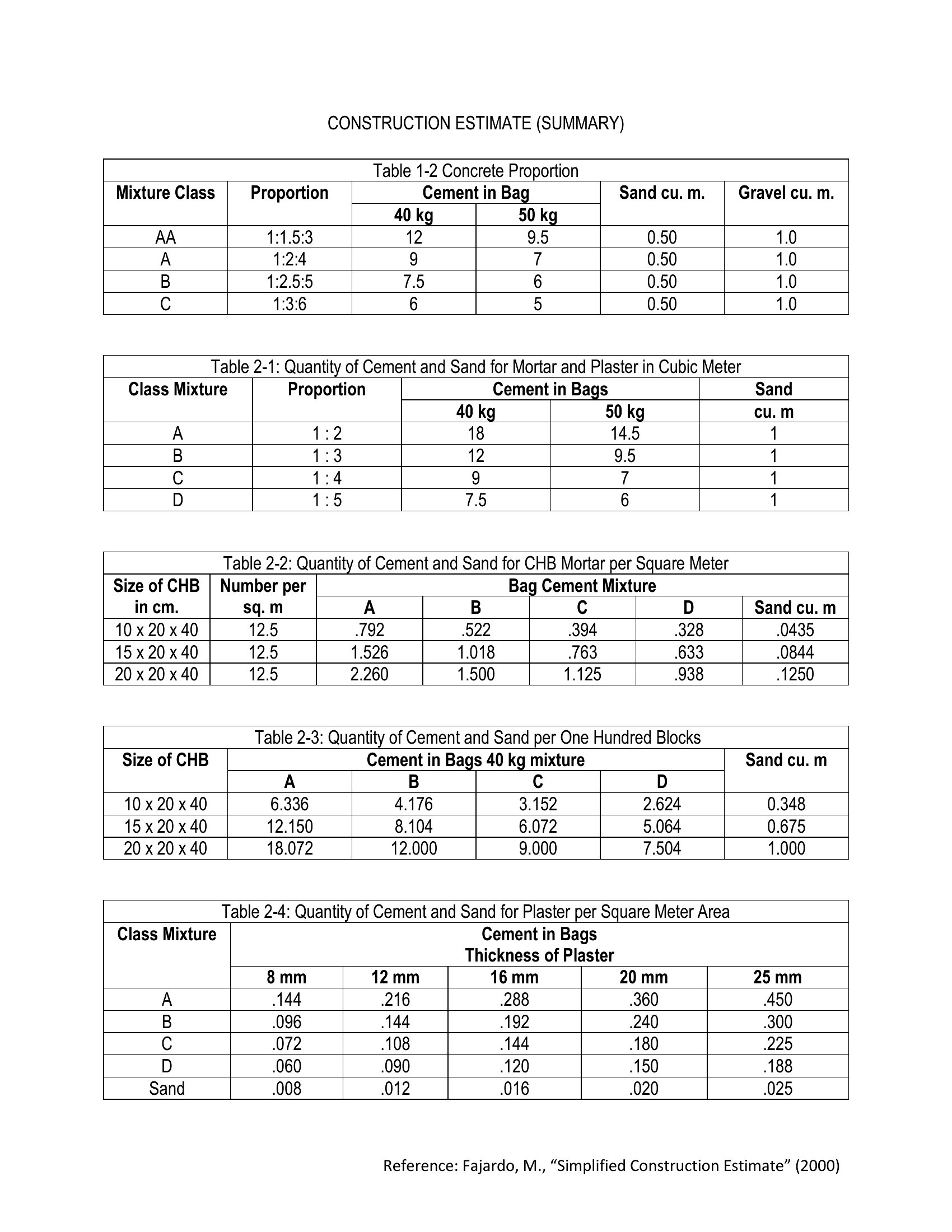
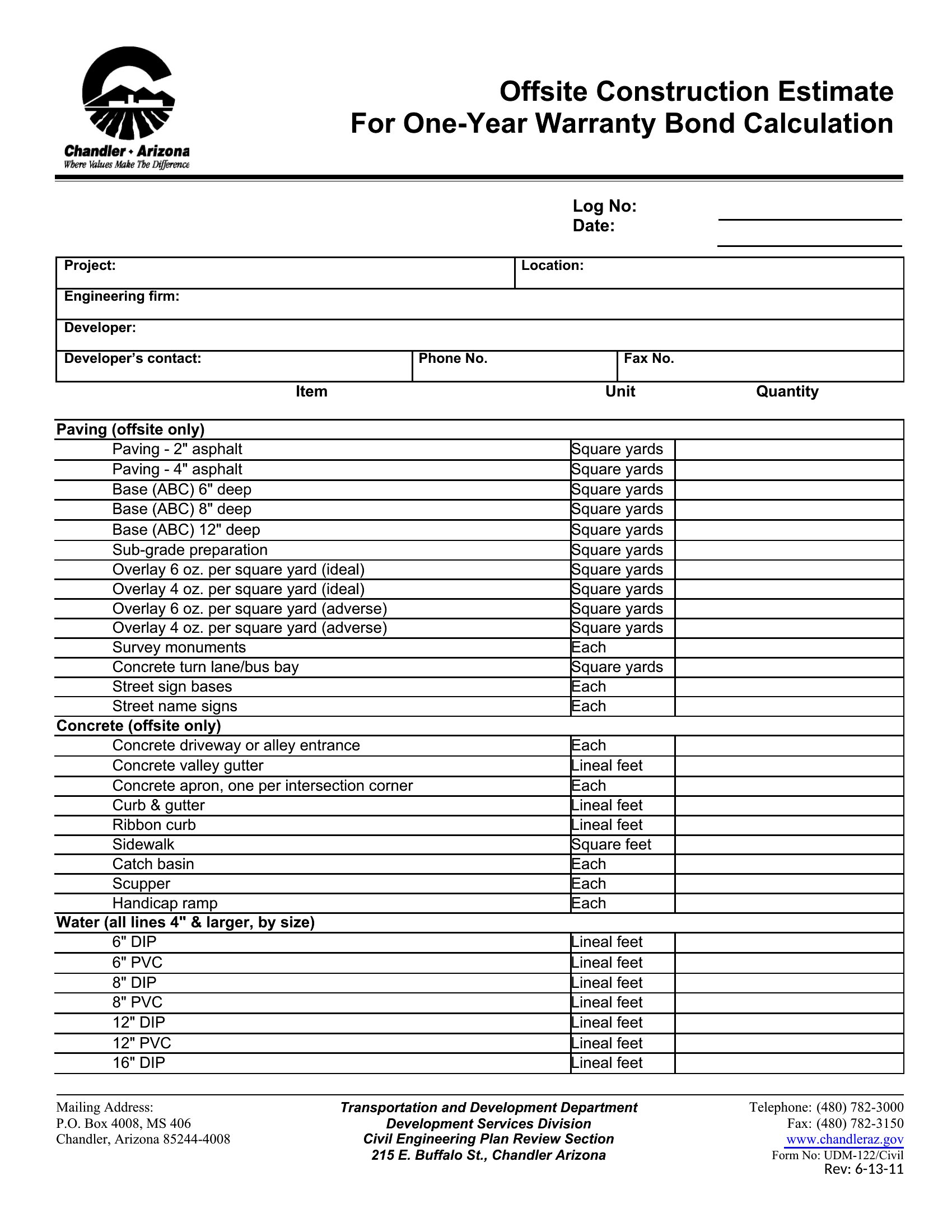
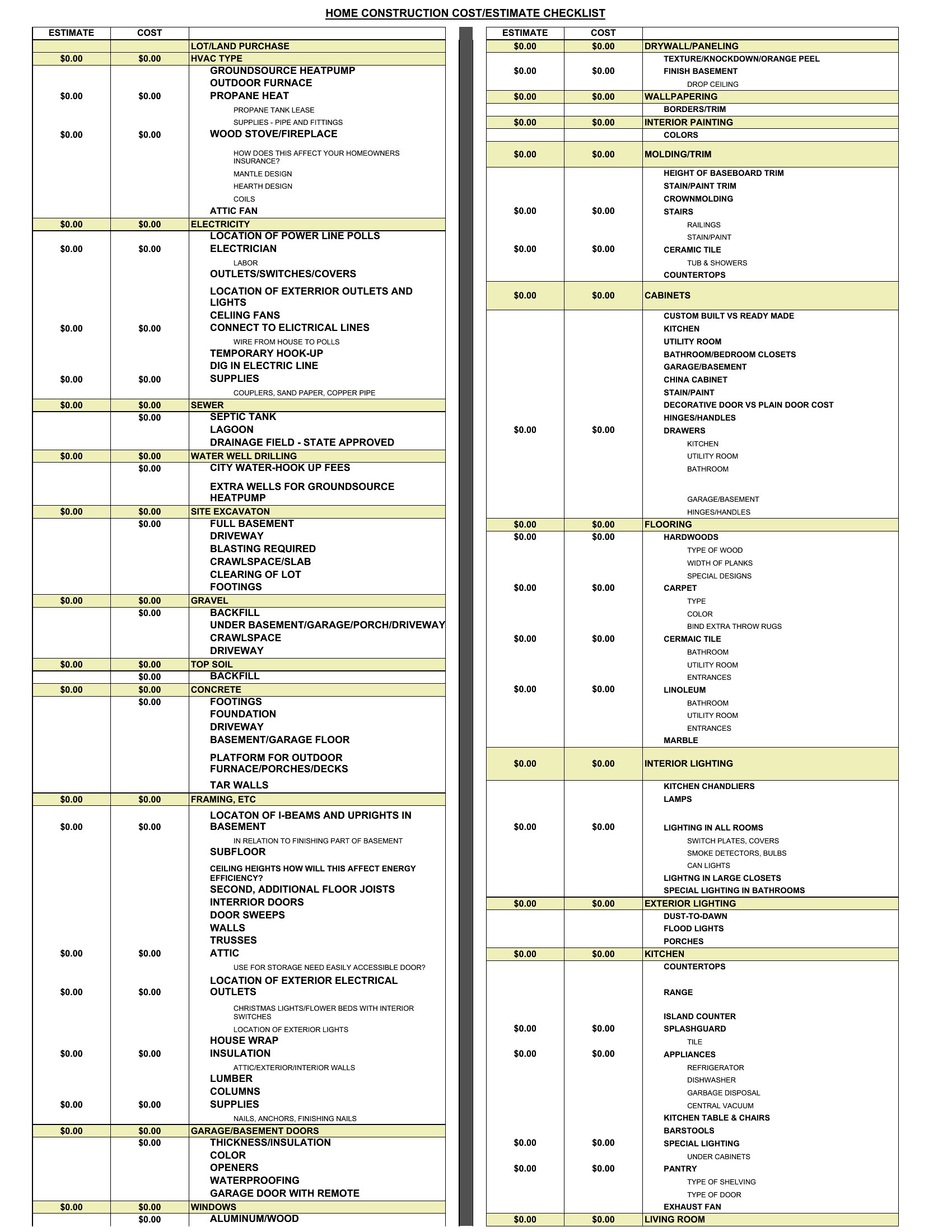
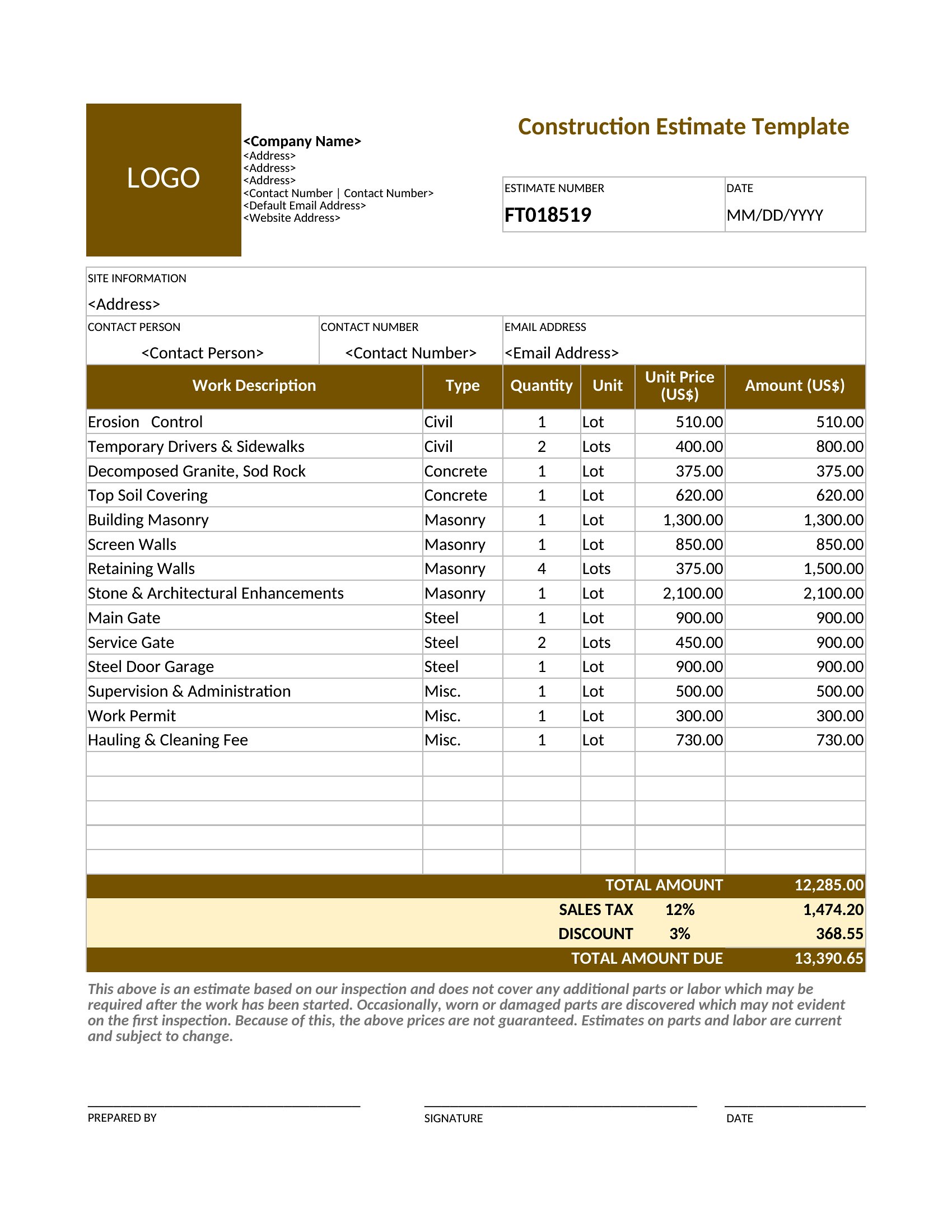
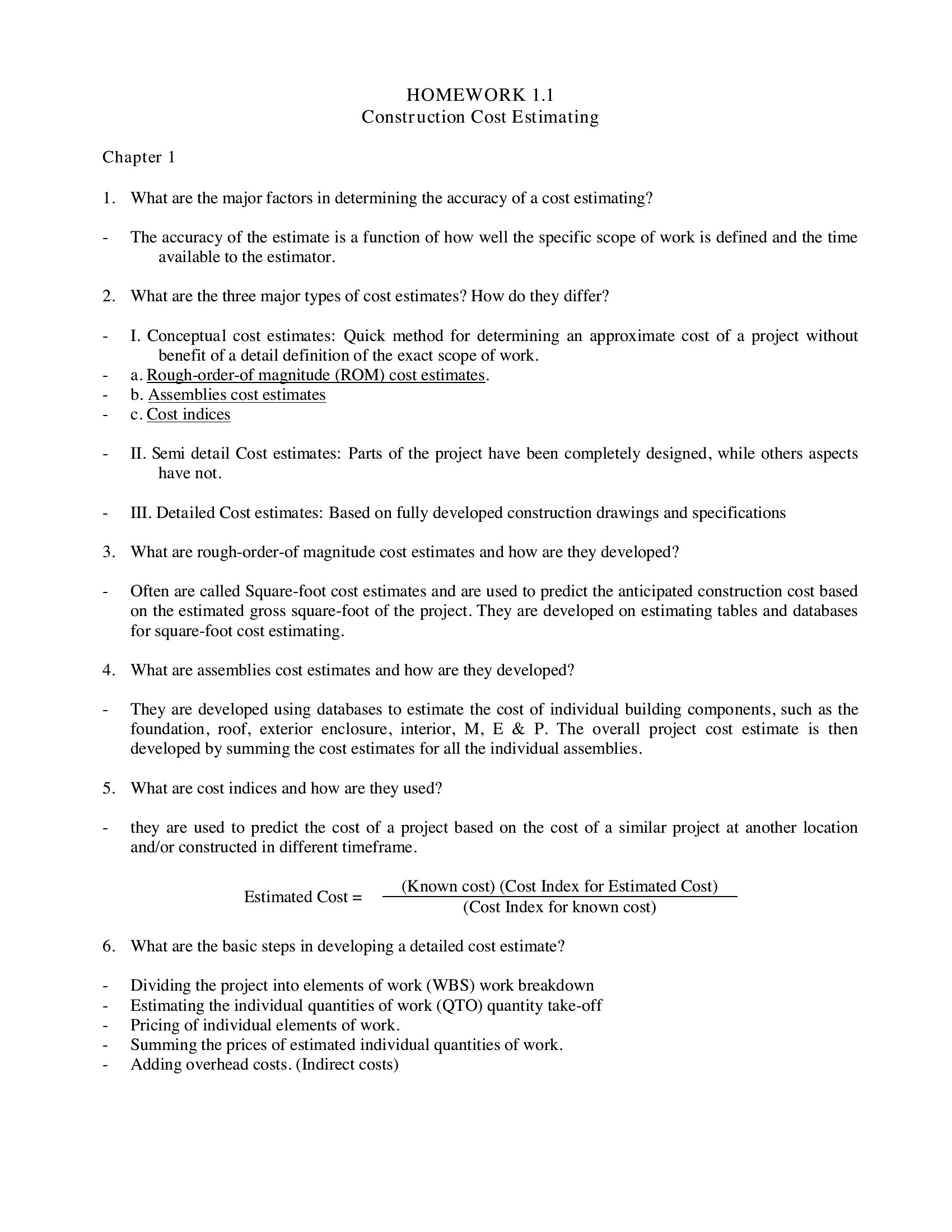
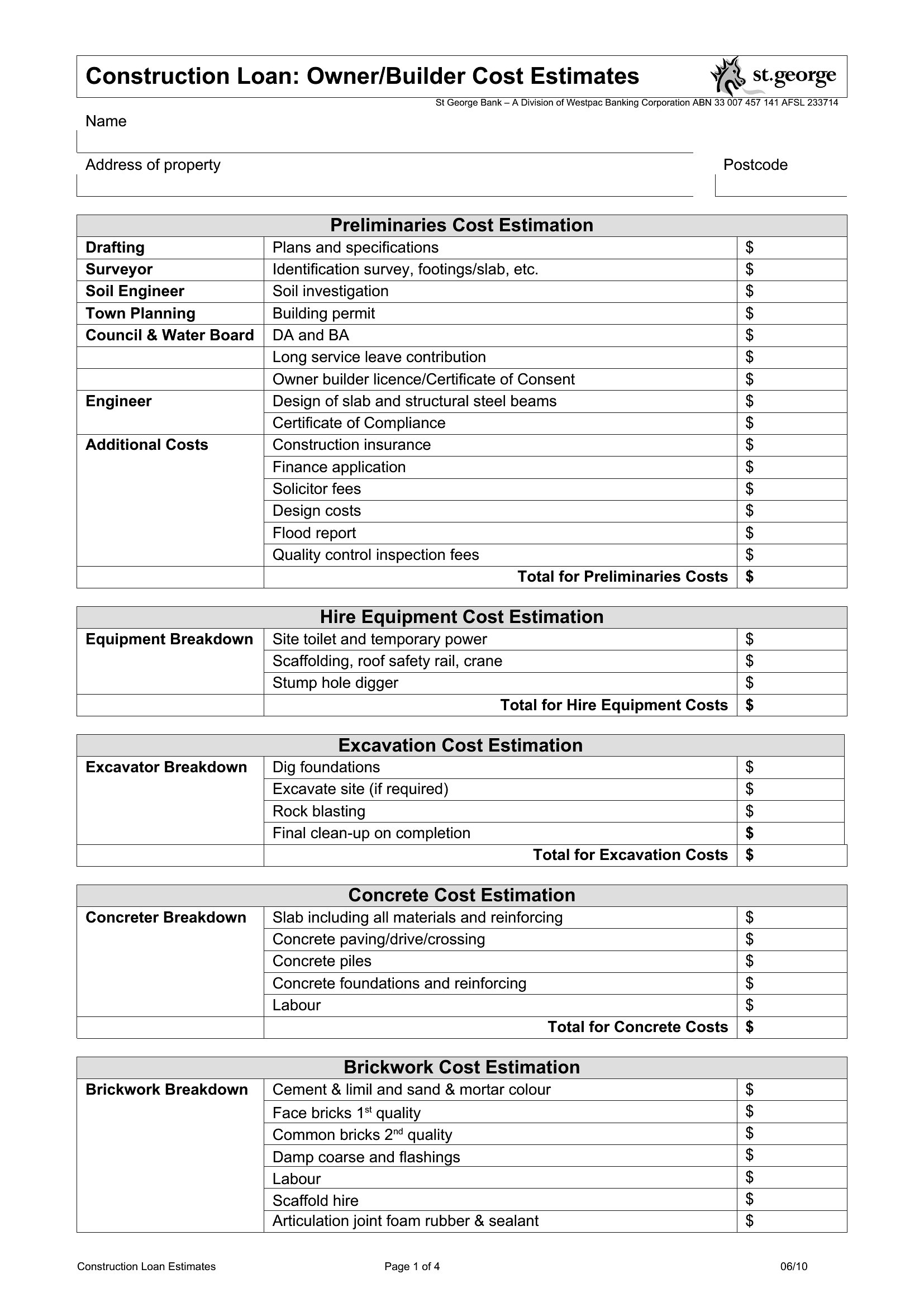
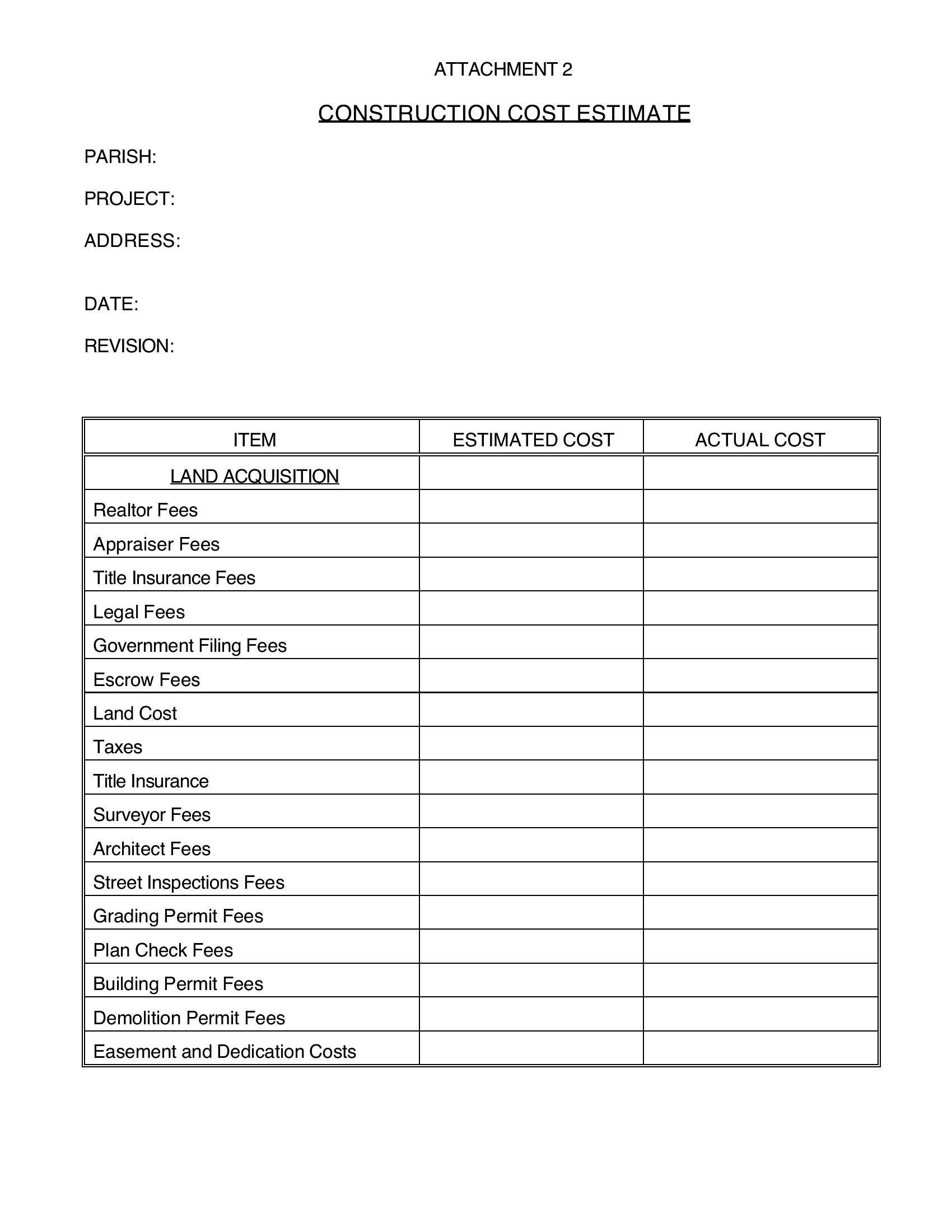
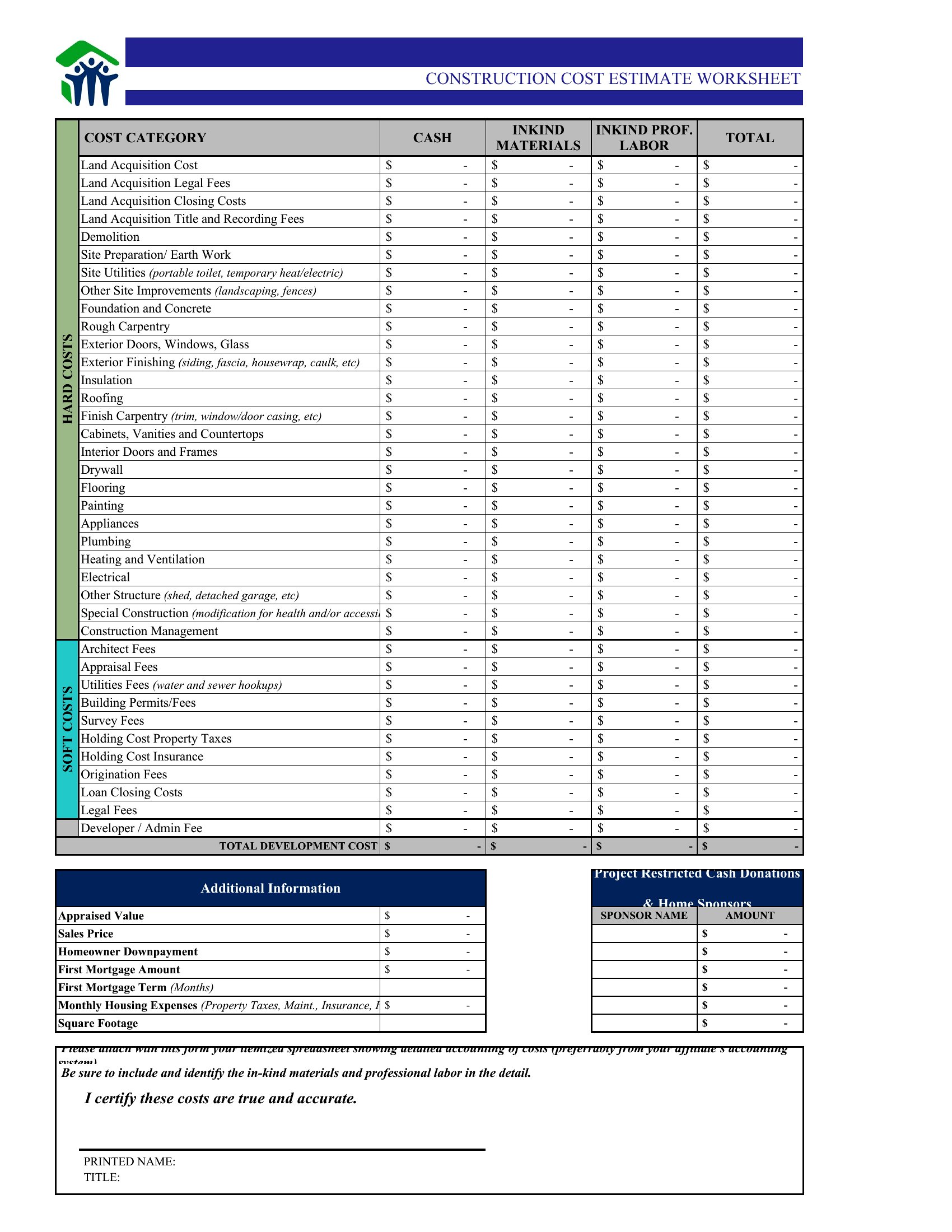
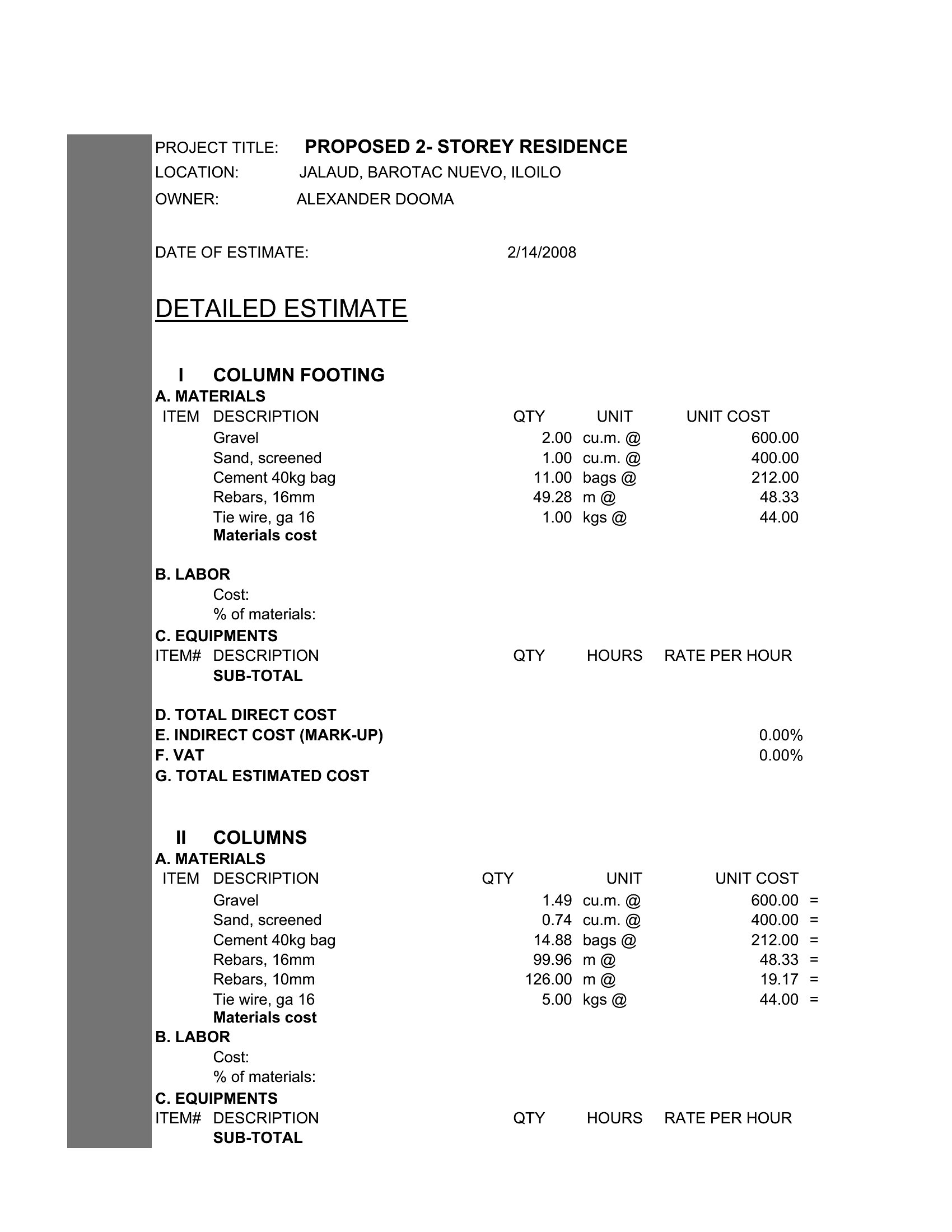
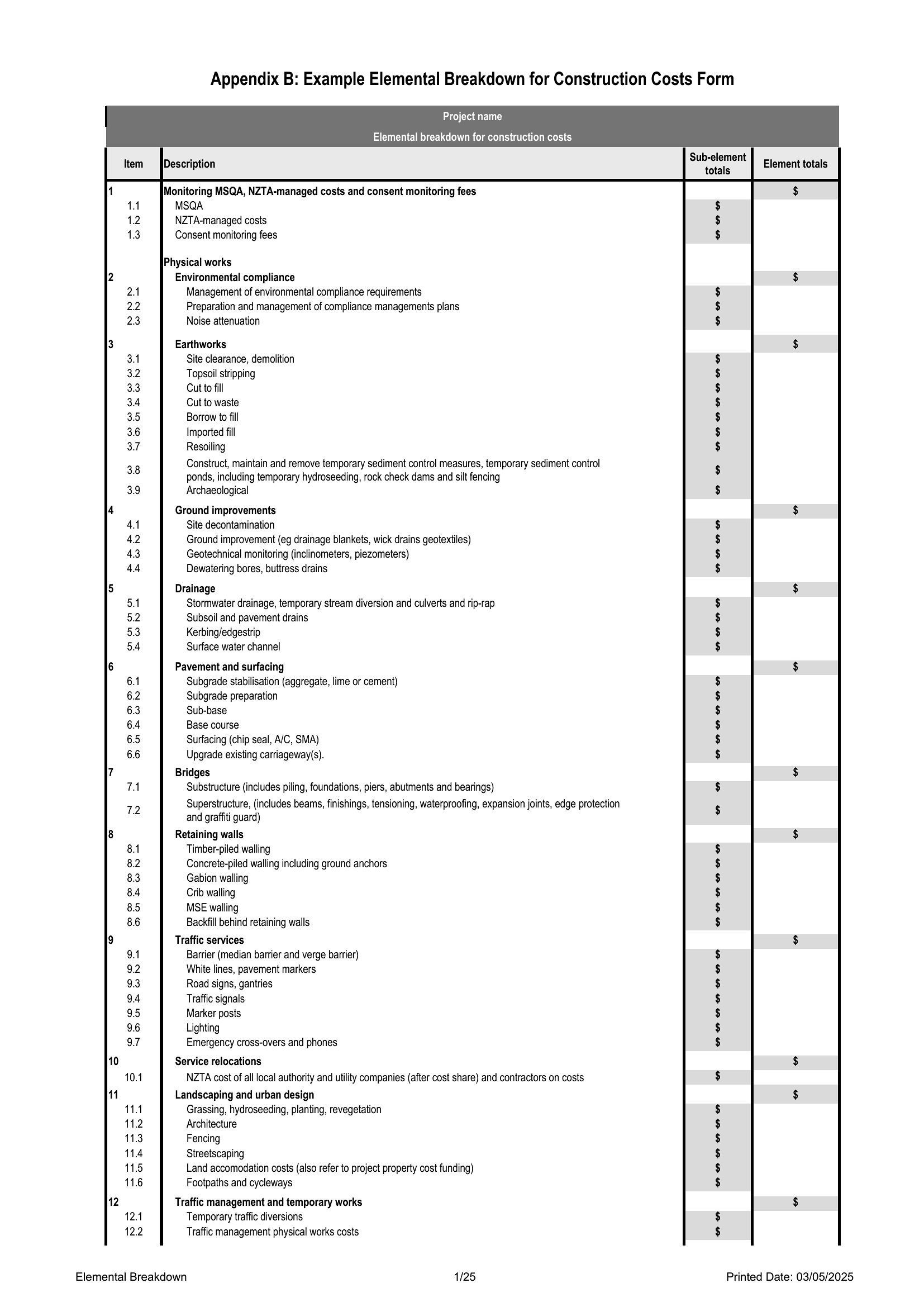
InvoicesWinning a job often comes down to a clear, professional estimate that the client can trust. These 41 construction estimate templates help contractors and builders break a project into labor, materials, and costs so the bid adds up and looks legitimate. Each layout itemizes the work with room for quantities, rates, and totals.
The Excel versions total each section and the grand bid automatically, the Word files suit edits and notes, and the PDFs send as a polished quote. List the scope, plug in your prices, and hand the client an estimate that stands up to comparison. Download the format that fits your trade and quote your next project with confidence.
When to use this Construction Estimate template
- A small general contractor bidding on a residential deck installation needs to calculate lumber, hardware, and labor costs per square foot to submit a competitive bid that covers overhead while leaving room for negotiation.
- A specialty subcontractor, like an HVAC installer, wants to present a line-item estimate to a commercial developer, breaking down ductwork, equipment, and permits to clarify their scope and justify pricing before the main contractor issues a purchase order.
- A construction project manager reviewing a complex renovation for a client must compare three vendors’ material quotes—steel beams, drywall, and plumbing fixtures—to produce a single cohesive estimate that aligns with the client’s budget and timeline.
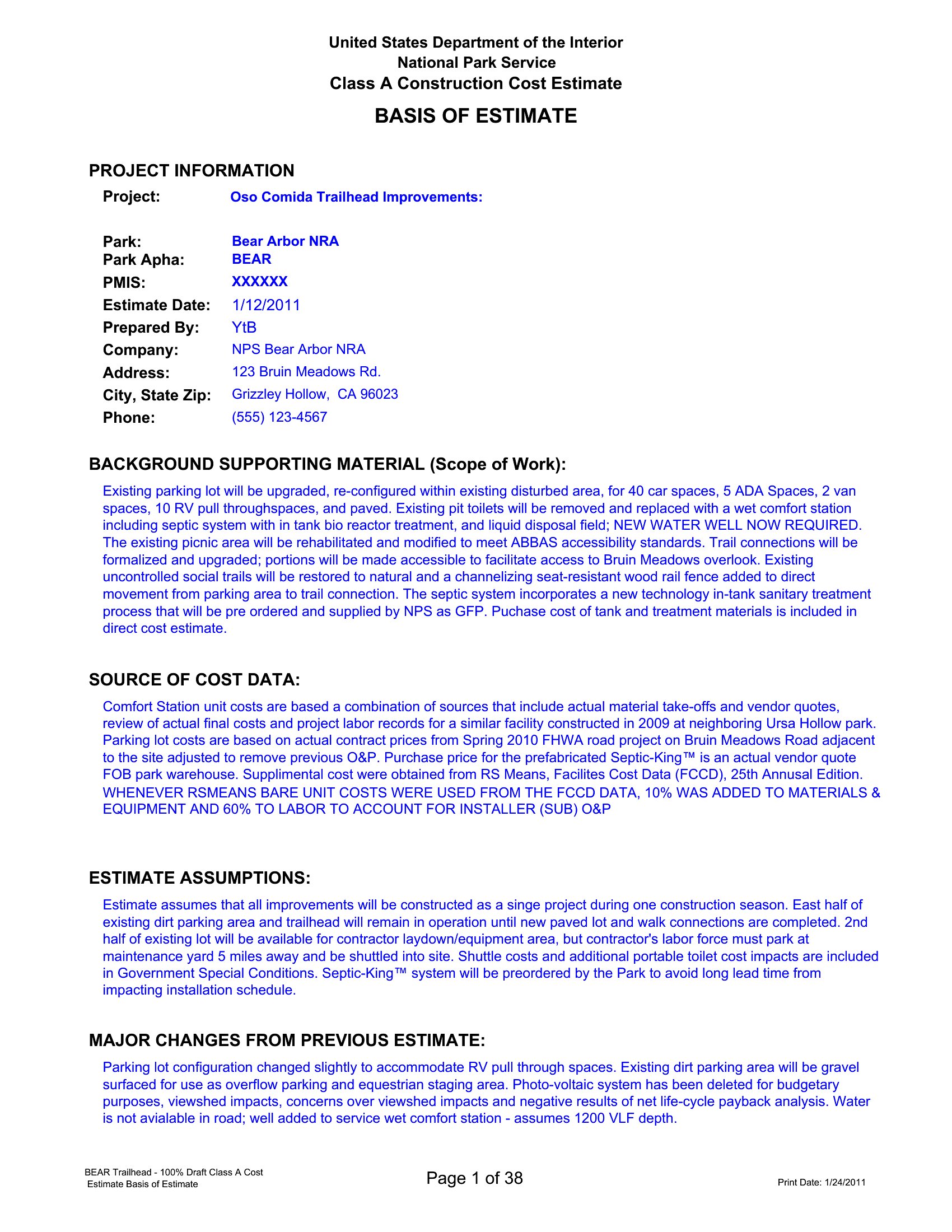
- A startup construction firm preparing for its first government bid needs a compliant template that separates labor hours, equipment rental, and contingency fees while adhering to public procurement formatting rules for transparency.
Which format should I download?
Choose Word if you need to customize the estimate repeatedly—adding your company logo, adjusting line items, or merging it with other contract documents. Excel is ideal for contractors who handle multiple bids, as it auto-calculates subtotals, taxes, and grand totals while allowing side-by-side comparisons of material costs. Use PDF for final client submissions, ensuring the estimate remains uneditable and professionally formatted for printing or emailing. The PDF format also suits scenarios where the client requires a digital signature or needs to share the estimate securely without altering the original figures.
How to use this Construction Estimate template
How do I adjust these templates for different types of construction projects, like residential versus commercial?
Start by reviewing the line items in the template and adding or removing sections specific to your project type. For example, residential estimates often include labor hours for framing and roofing, while commercial estimates may need permits, inspections, and equipment rental categories. Use the Excel versions to create custom formulas for recurring costs, or duplicate the Word or PDF template and modify the headers to reflect the project scope.
Can I use these templates to include a breakdown of overhead and profit margins without confusing the client?
Yes, many of these templates include a ‘Miscellaneous’ or ‘Contingency’ section where you can allocate a percentage for overhead, taxes, and profit. Clearly label this section and consider adding a note explaining that it covers business expenses and ensures the project remains viable. Avoid embedding profit margins in line items—keep them transparent but grouped under administrative costs to maintain professionalism.
What’s the best way to handle revisions if a client requests changes after I’ve submitted an estimate?
If using Word or Excel, save a revised copy with a version number (e.g., ‘Revised Estimate_v2’) and highlight changes in yellow or track changes. For PDFs, create a new document with ‘Revised Estimate’ in the title and annotate additions or deletions. Always communicate changes clearly in a cover email or attached revision log, and note if the changes affect the total bid or timeline. Document these revisions for your records in case of disputes.
Comments
Join the conversation
Sign in to share your thoughts and leave a comment on this resource.