
Skip to content
50% off this one-time $1.99 pack with HALFOFF — or unlimited with Pro.HALFOFF
Premium

Free Timesheet Templates (Excel, PDF)

Data
danilolemoine by danilolemoine
Updated 0 downloads 1 community comment

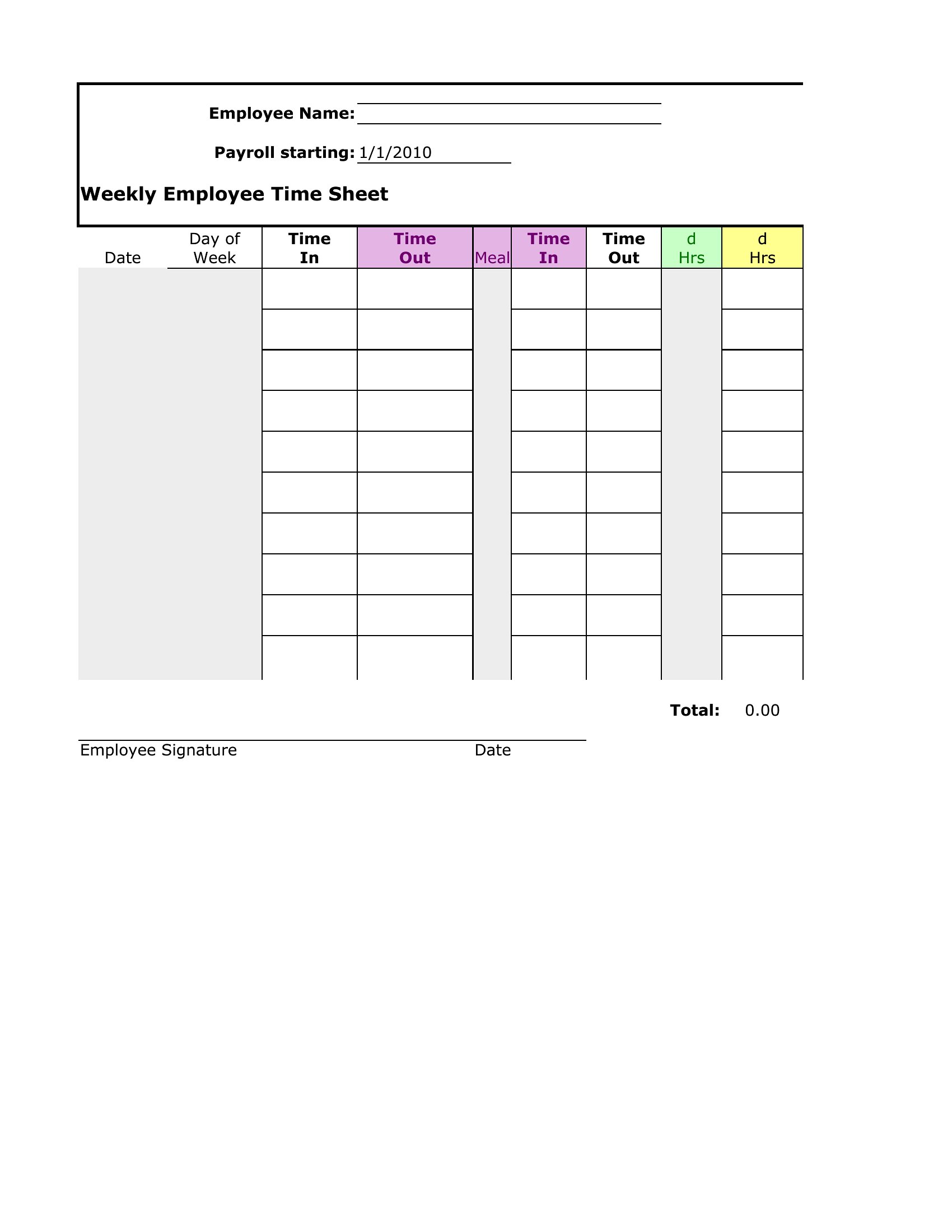
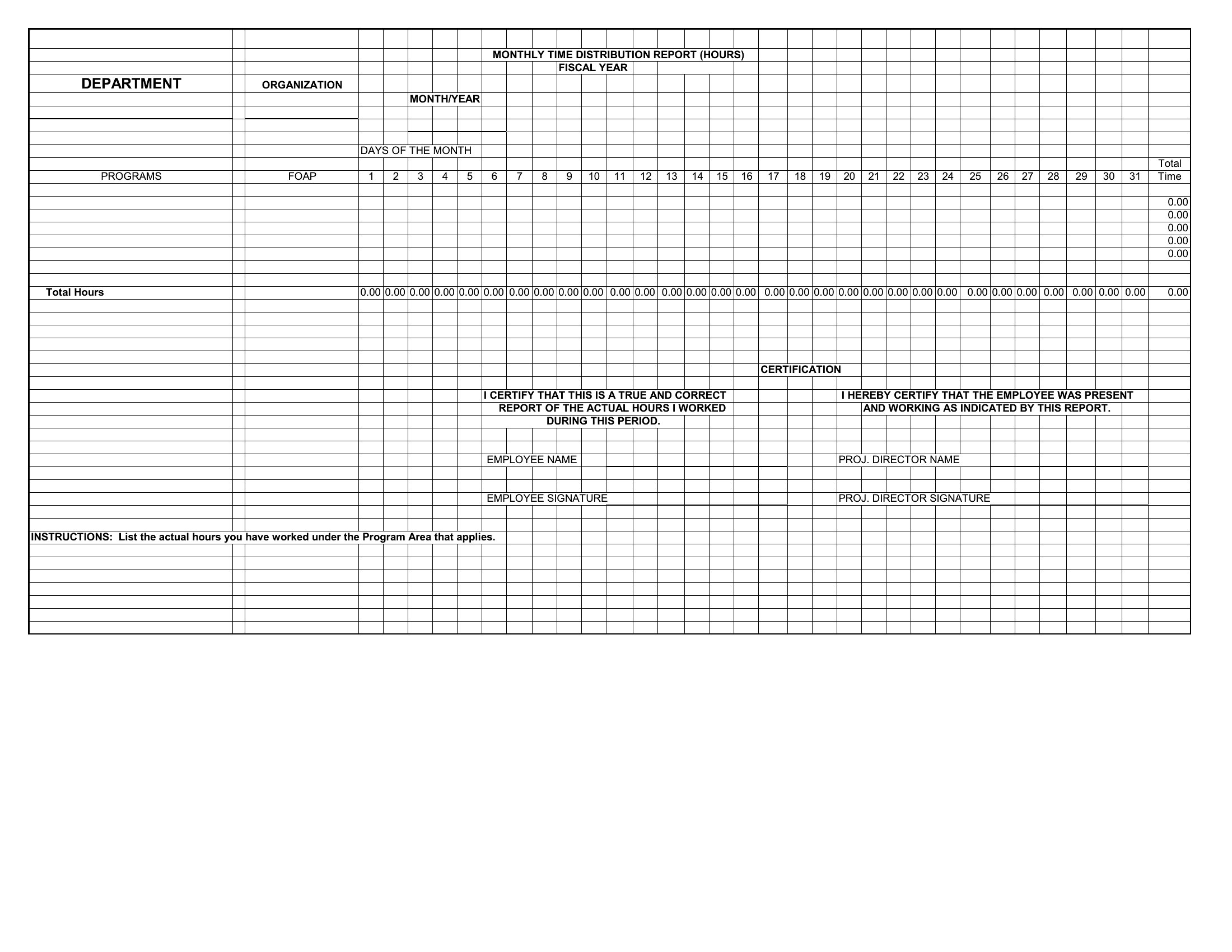
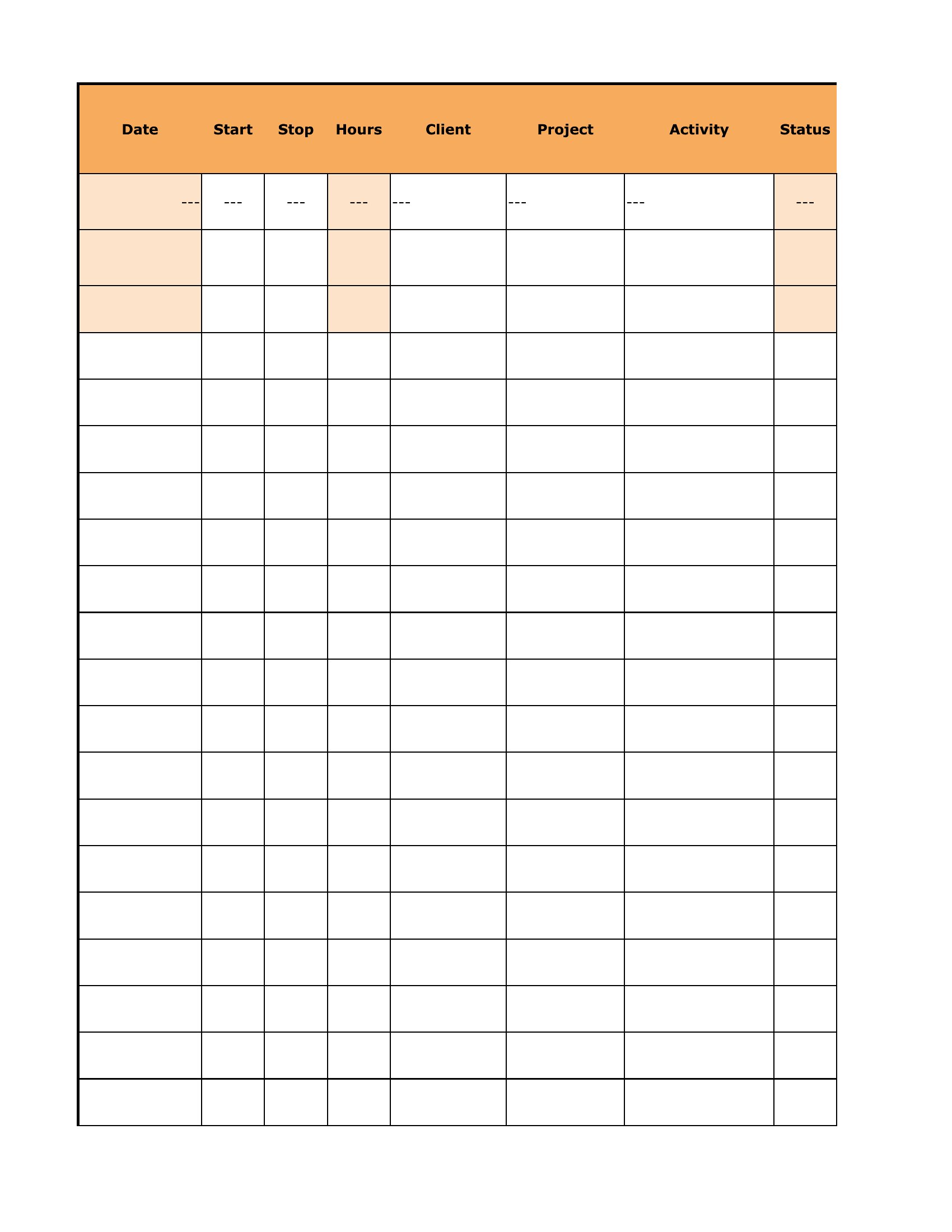
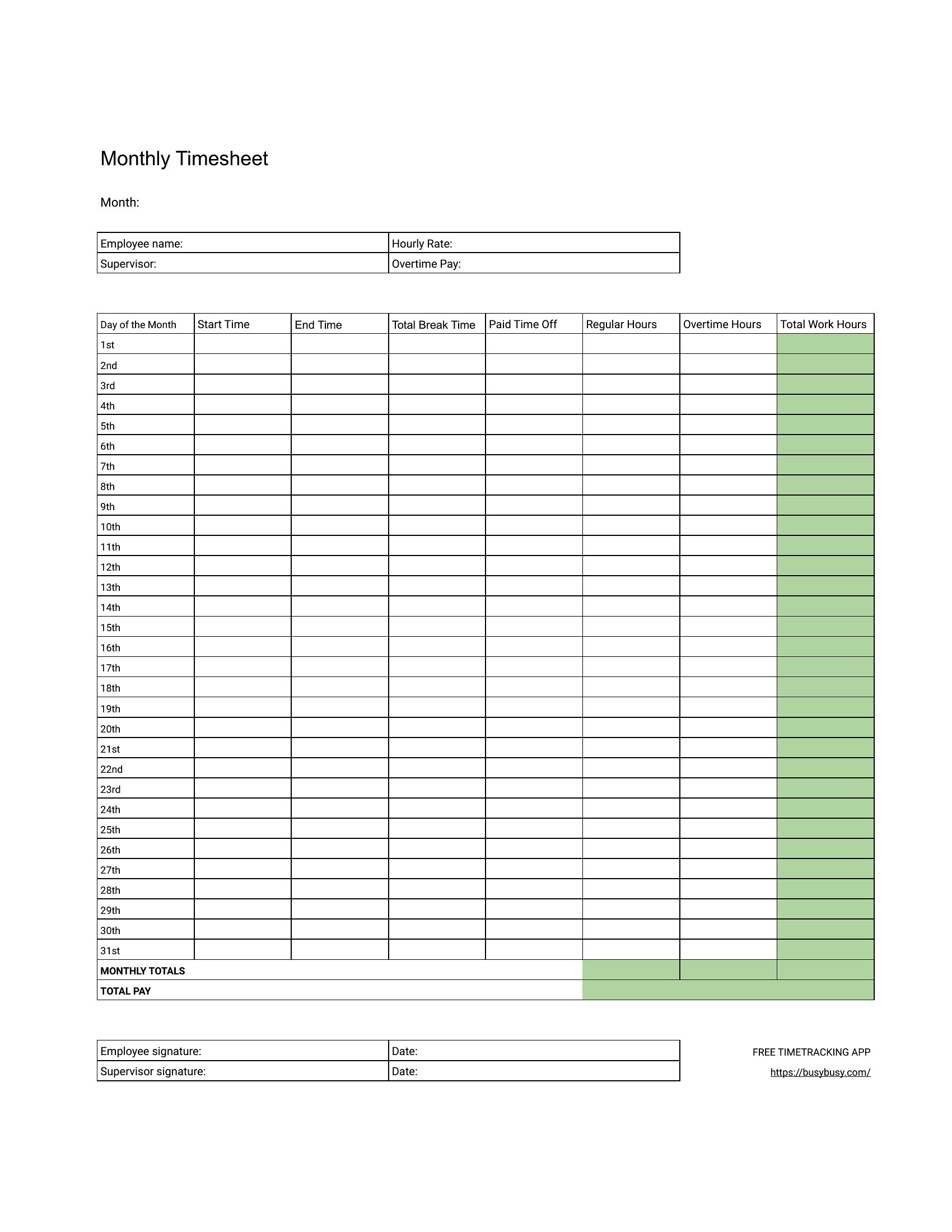
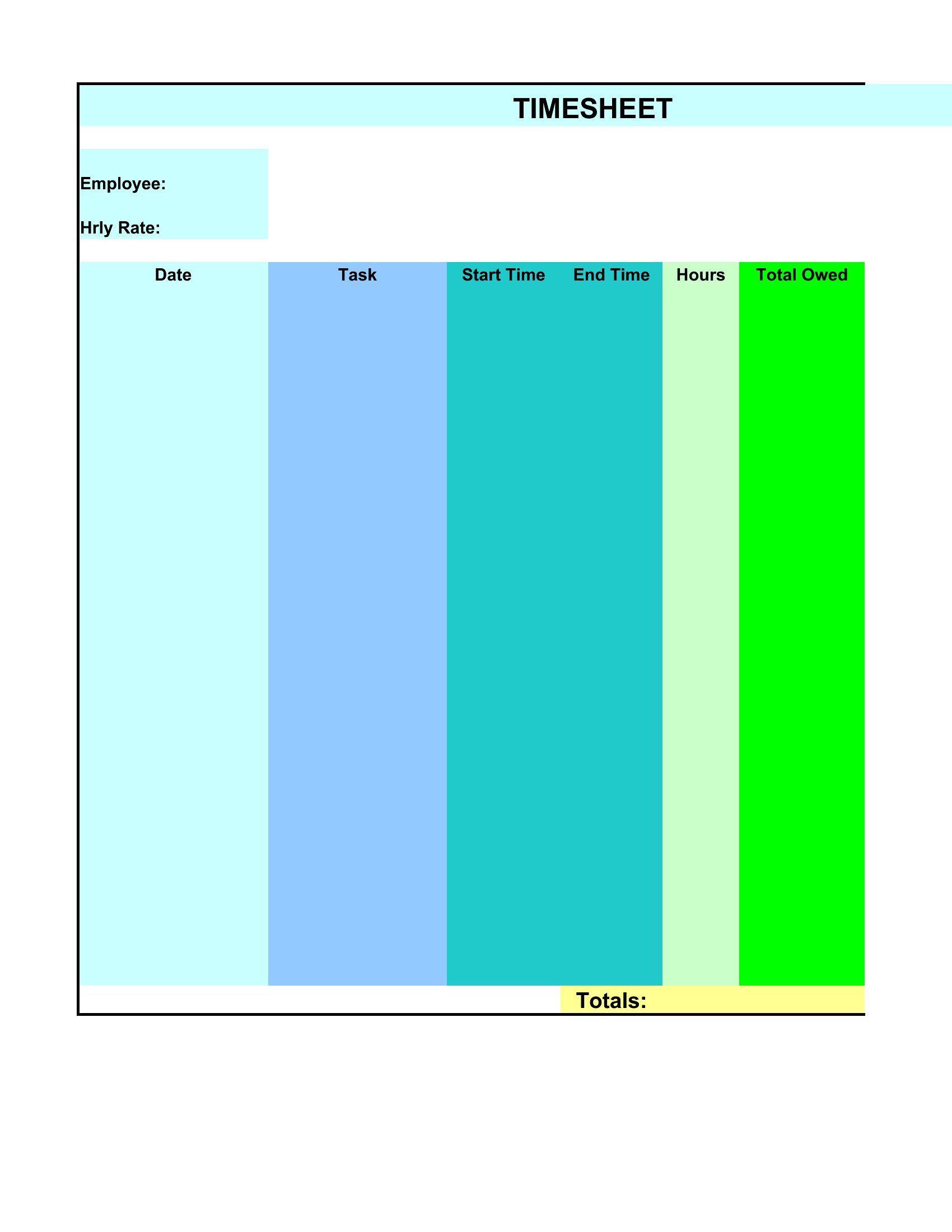
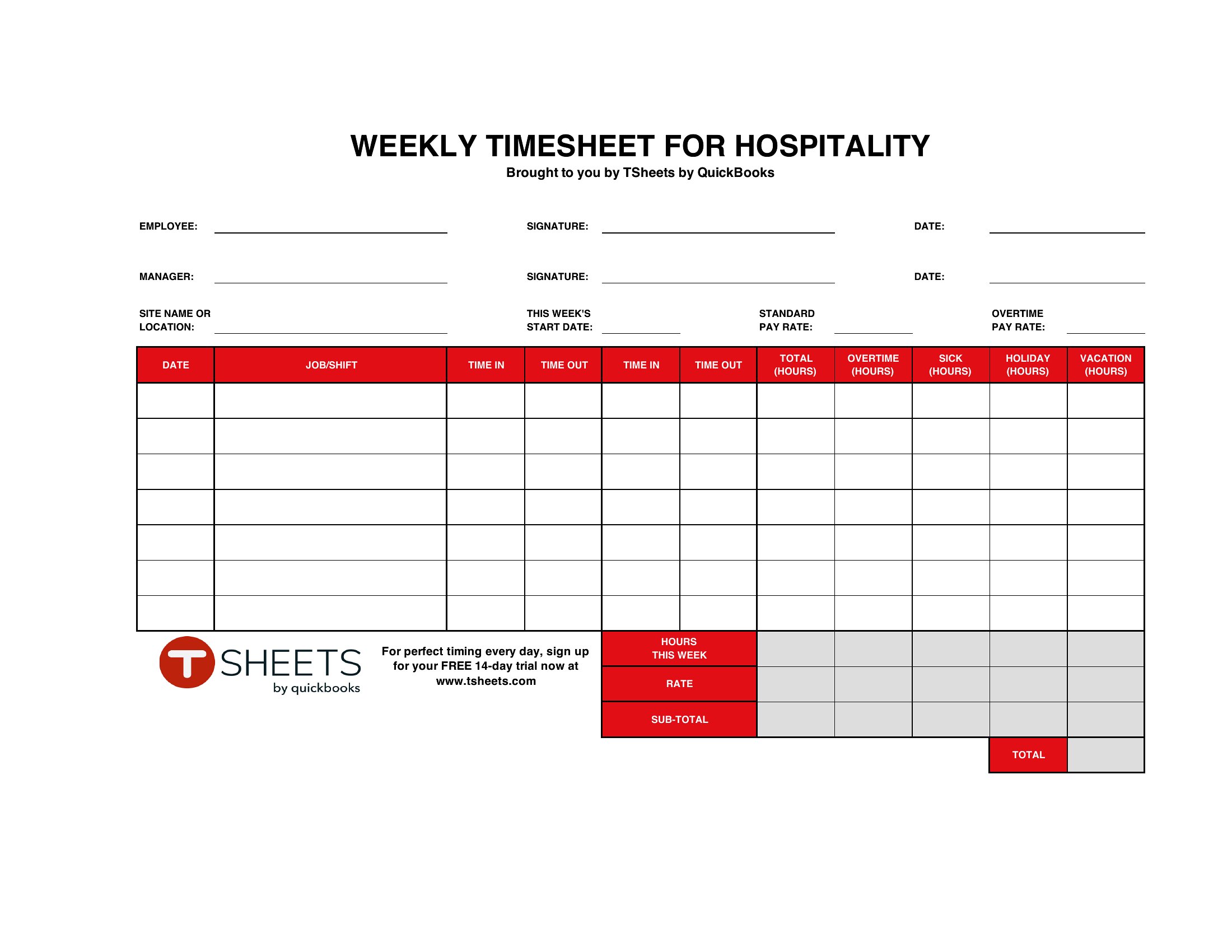
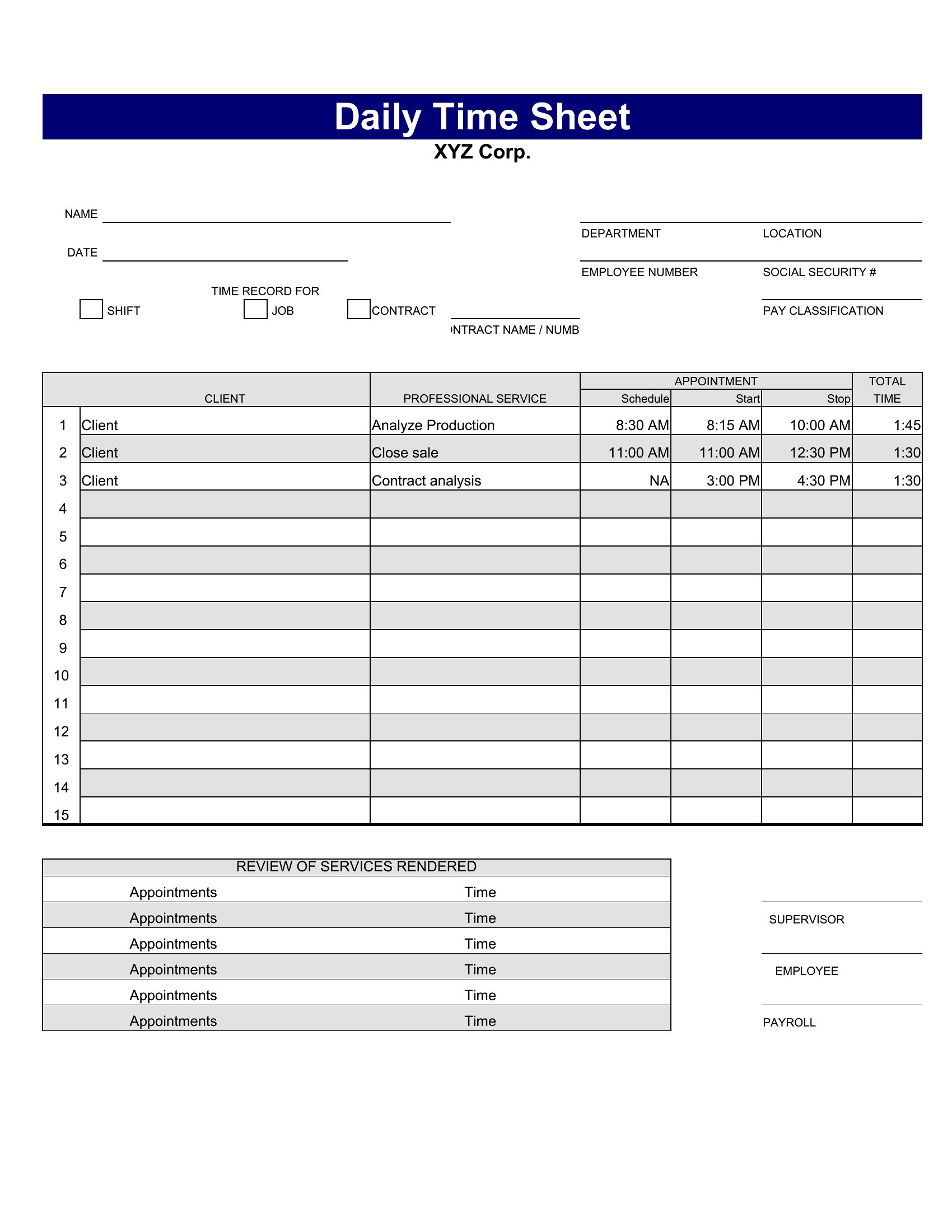
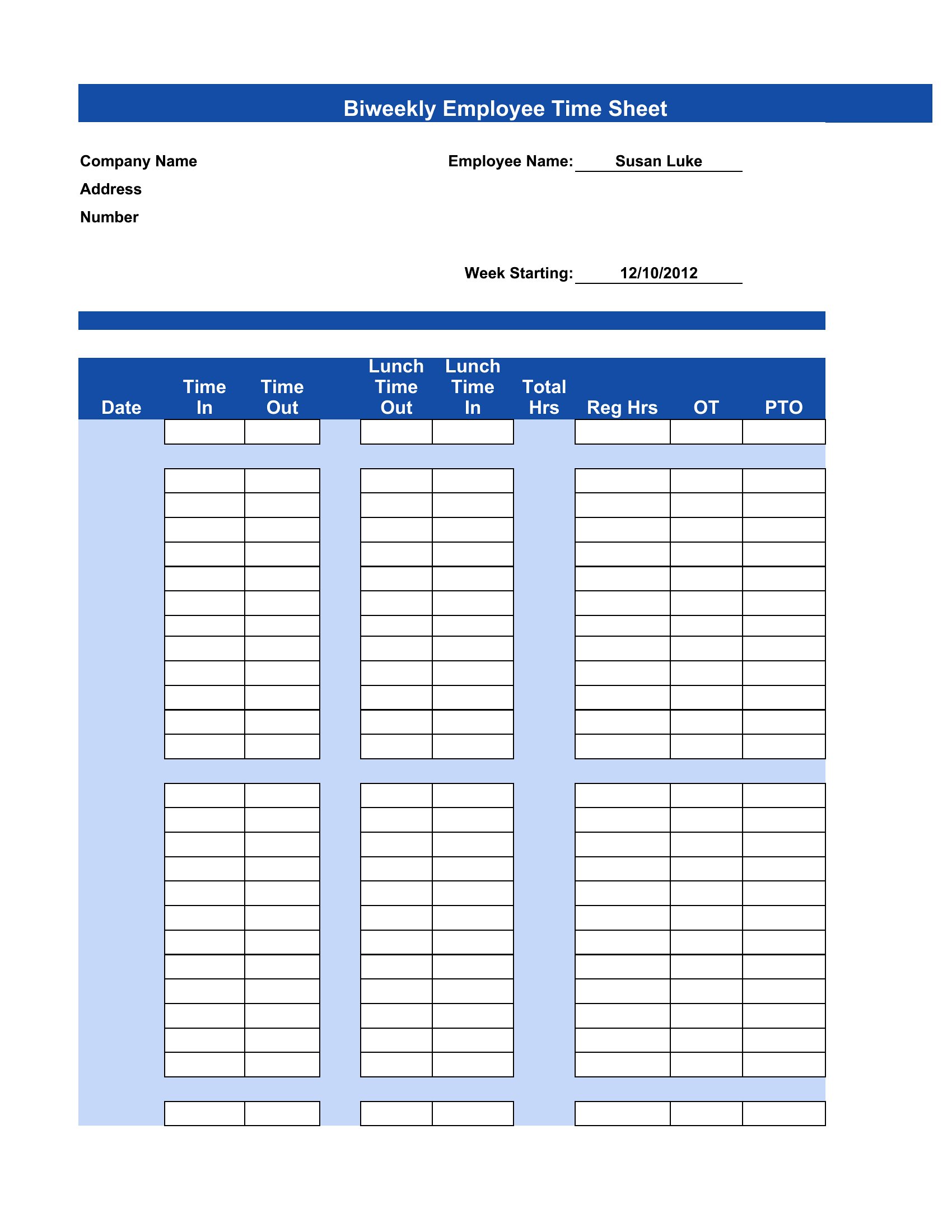
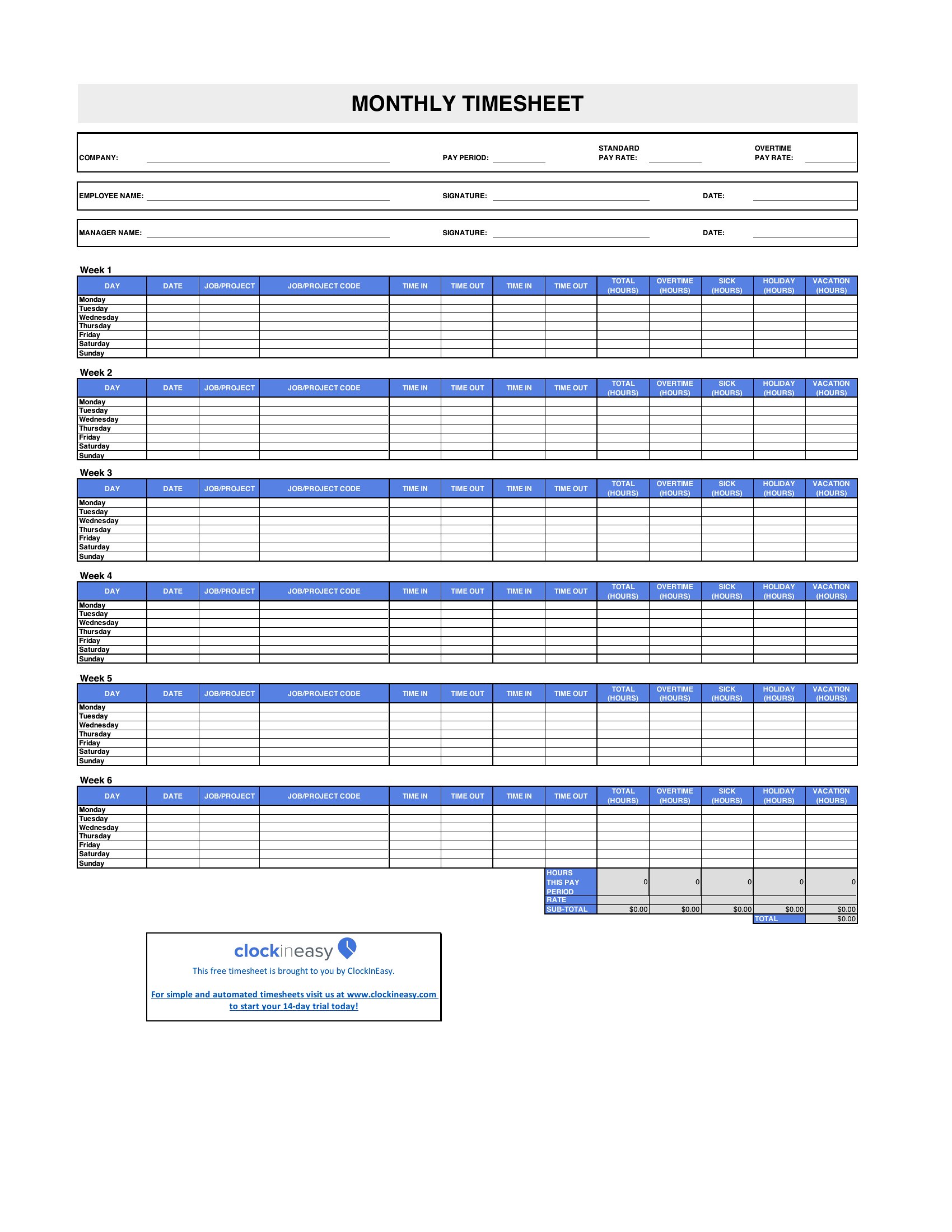
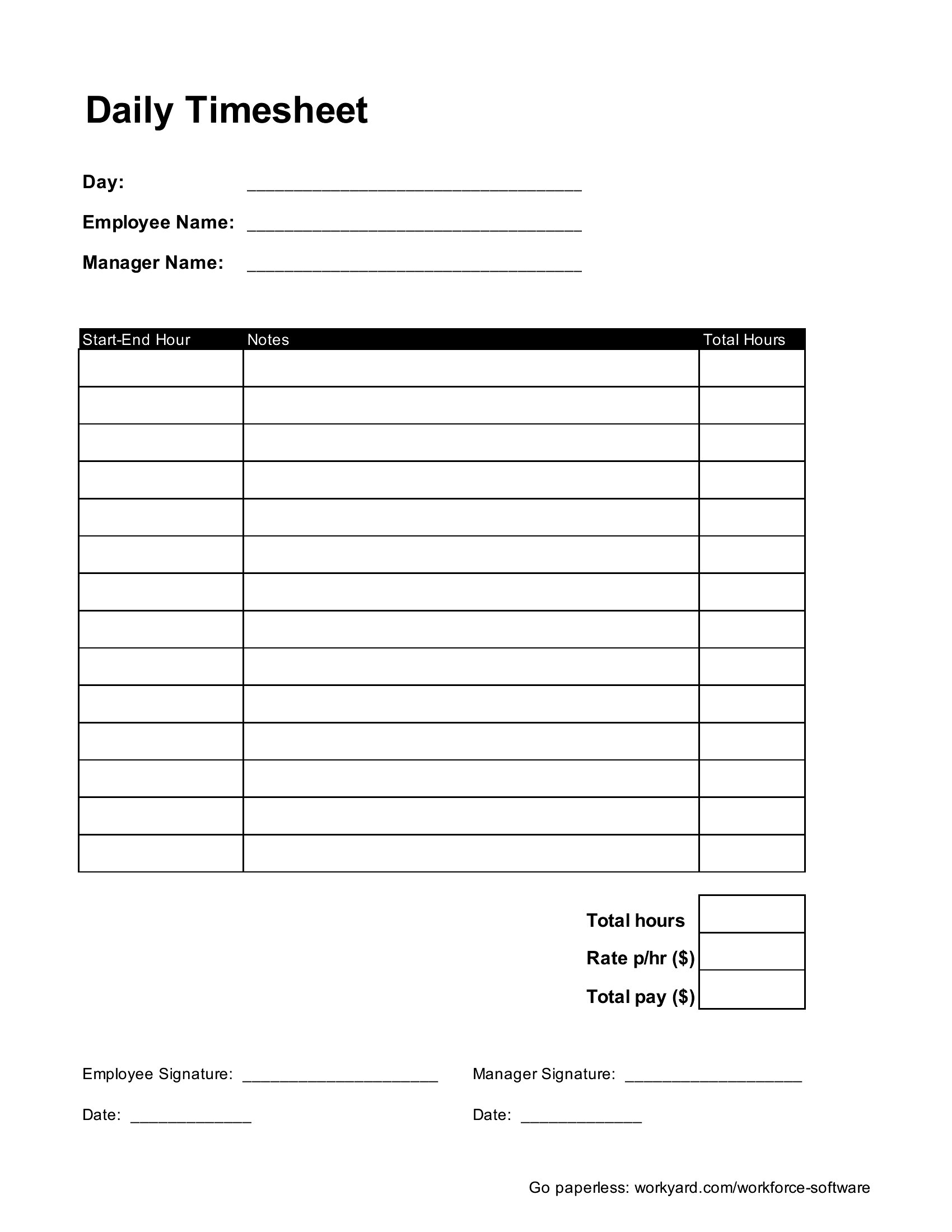
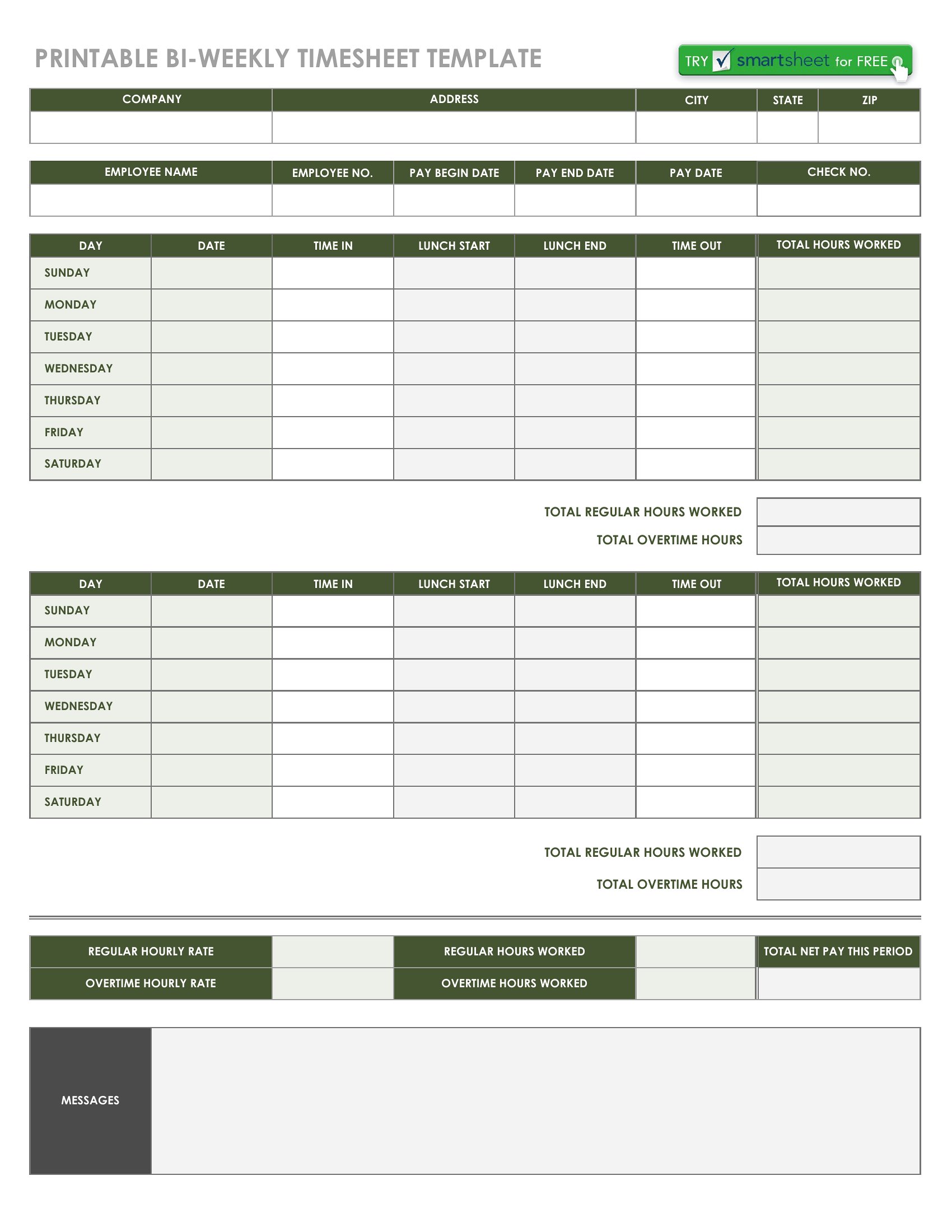
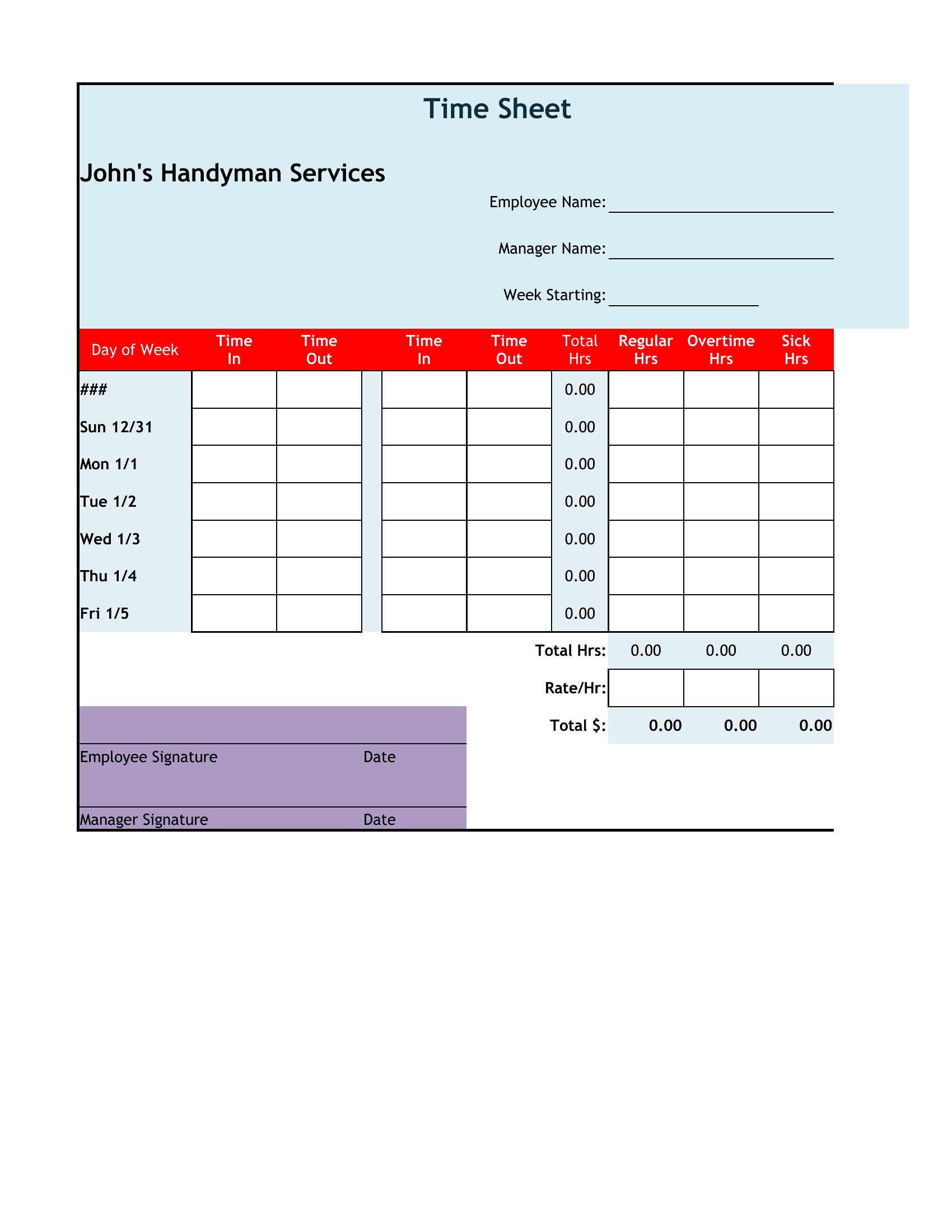
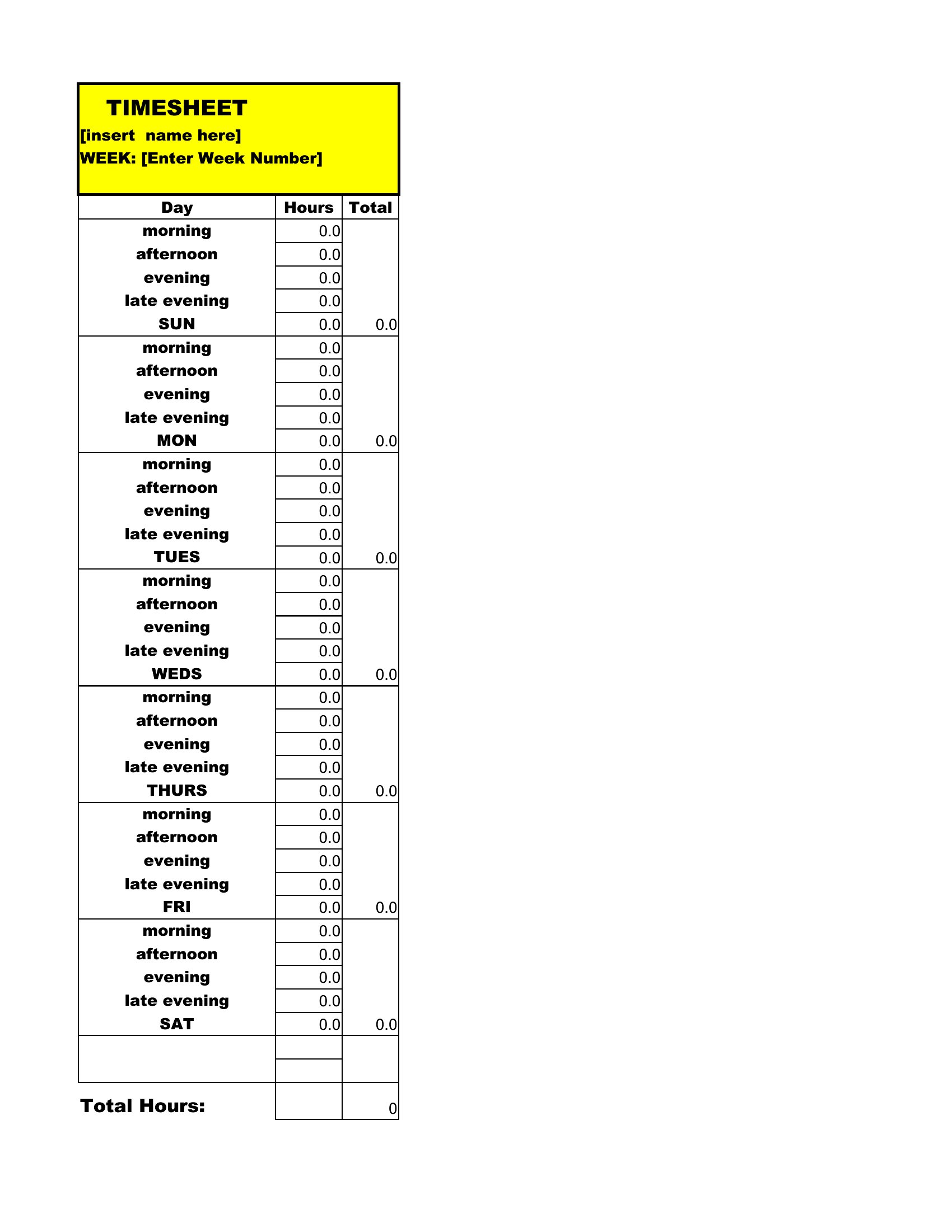
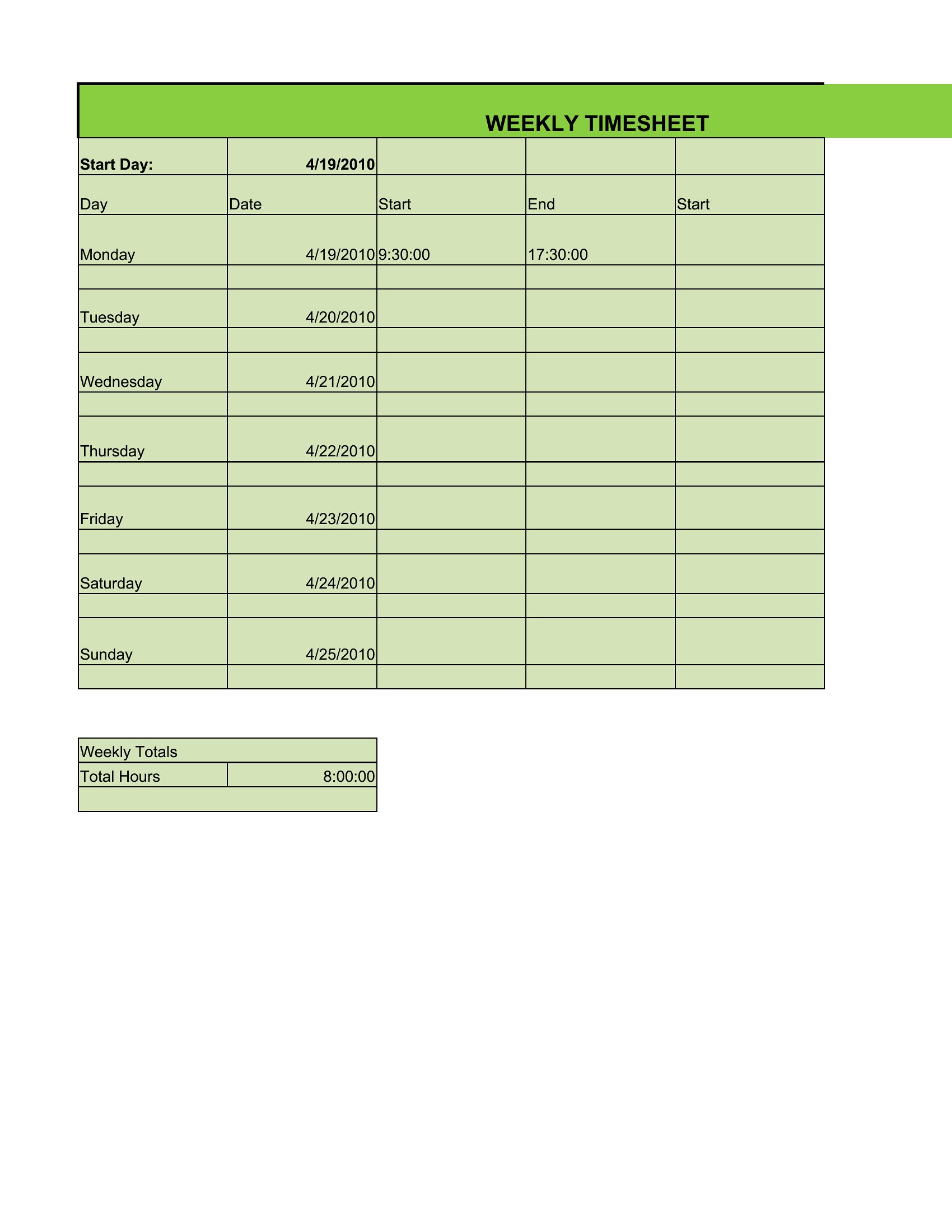
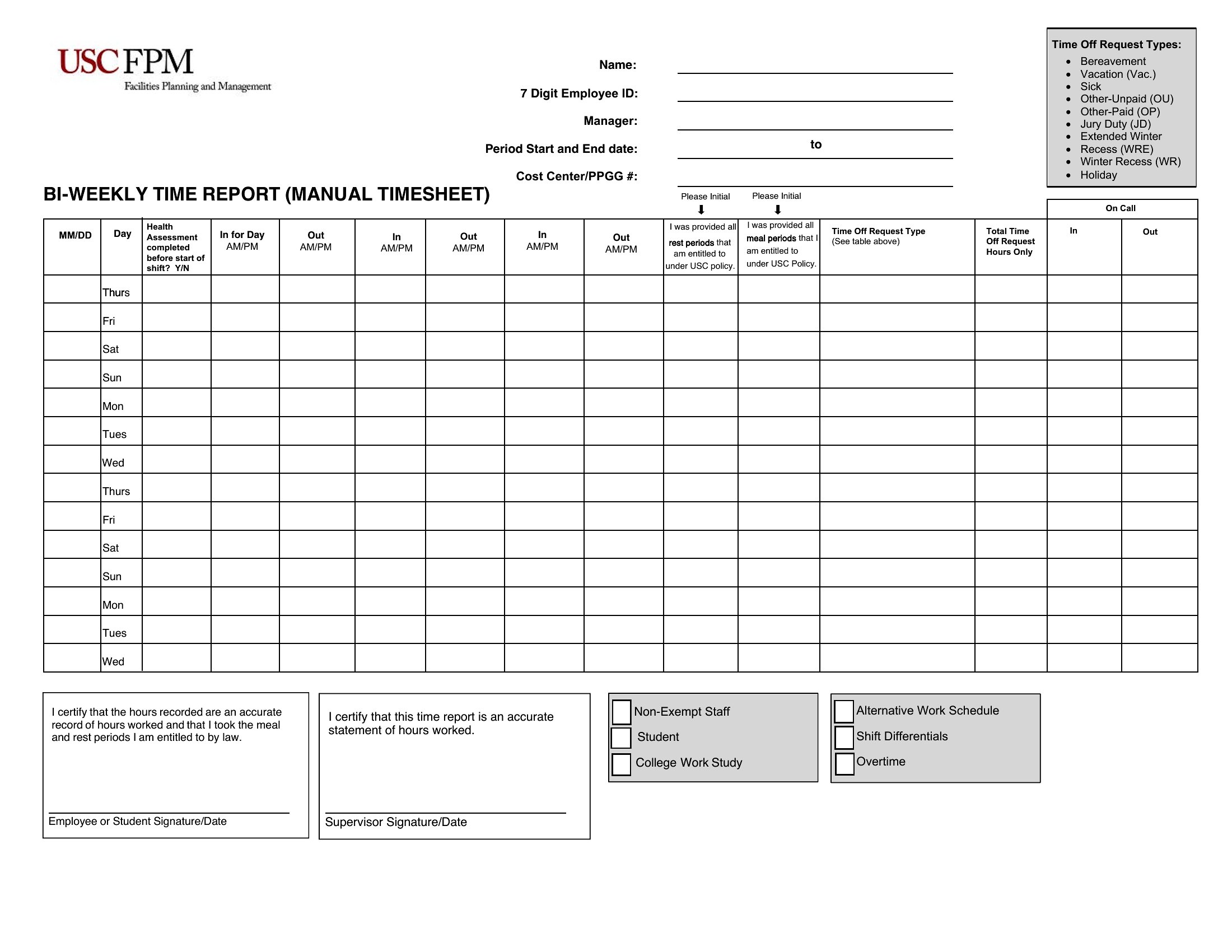
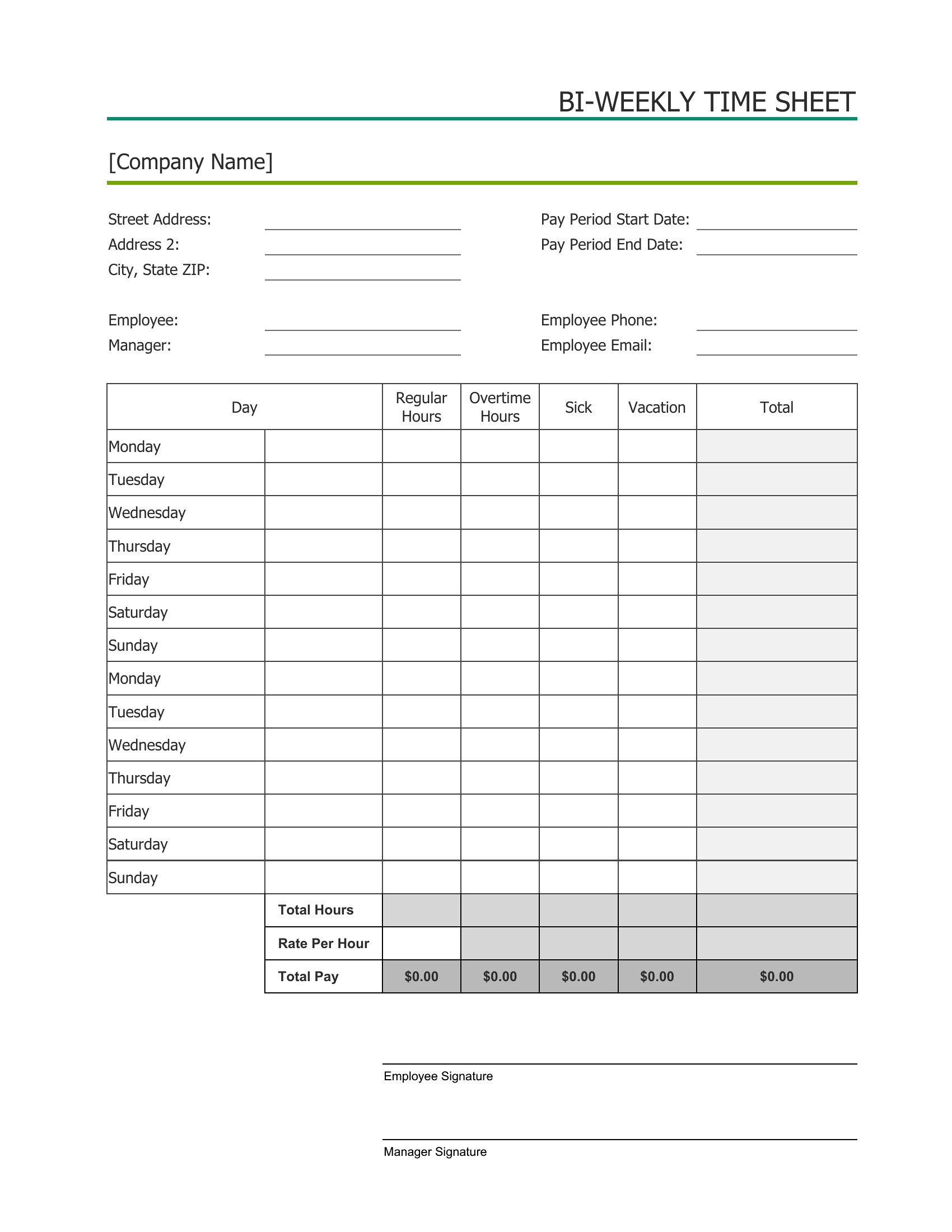
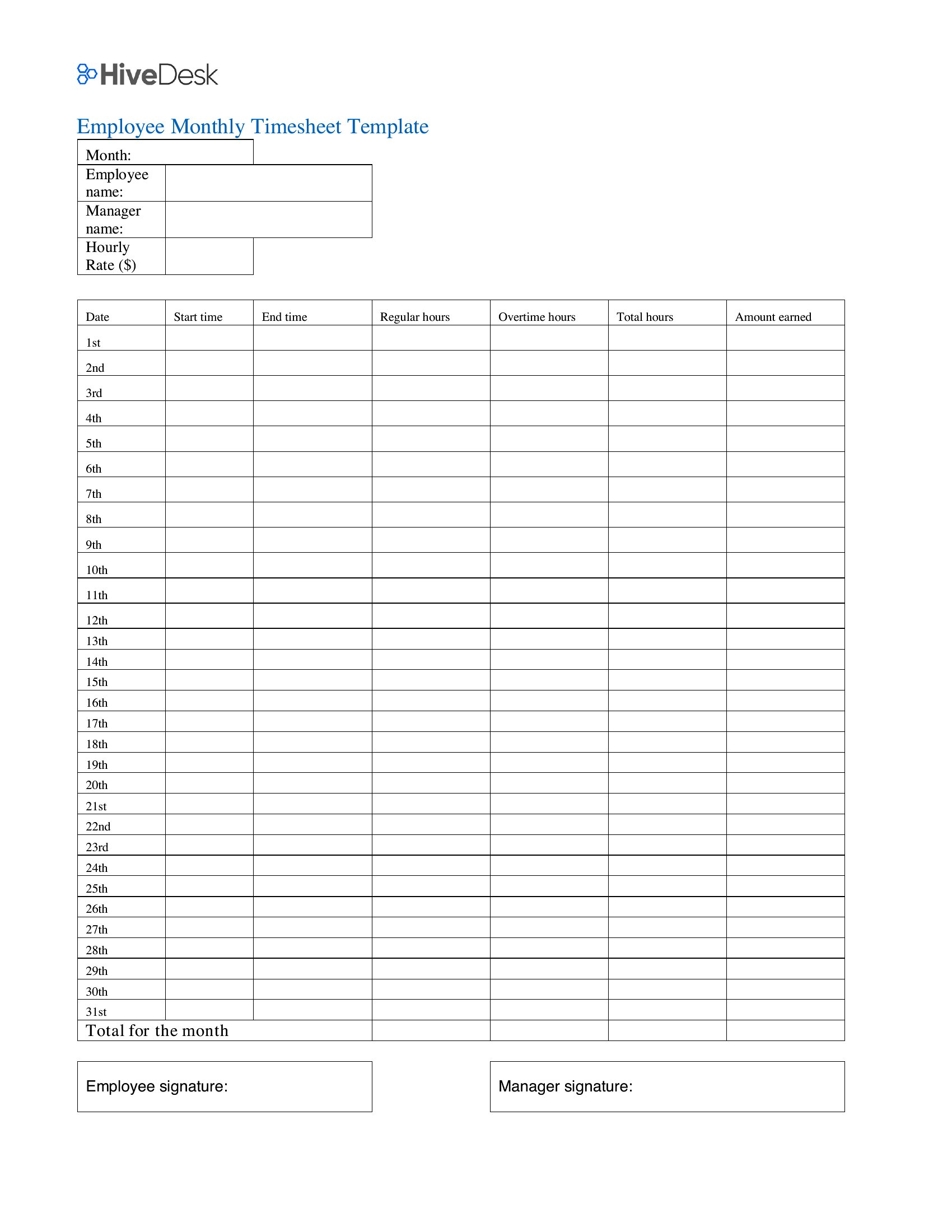
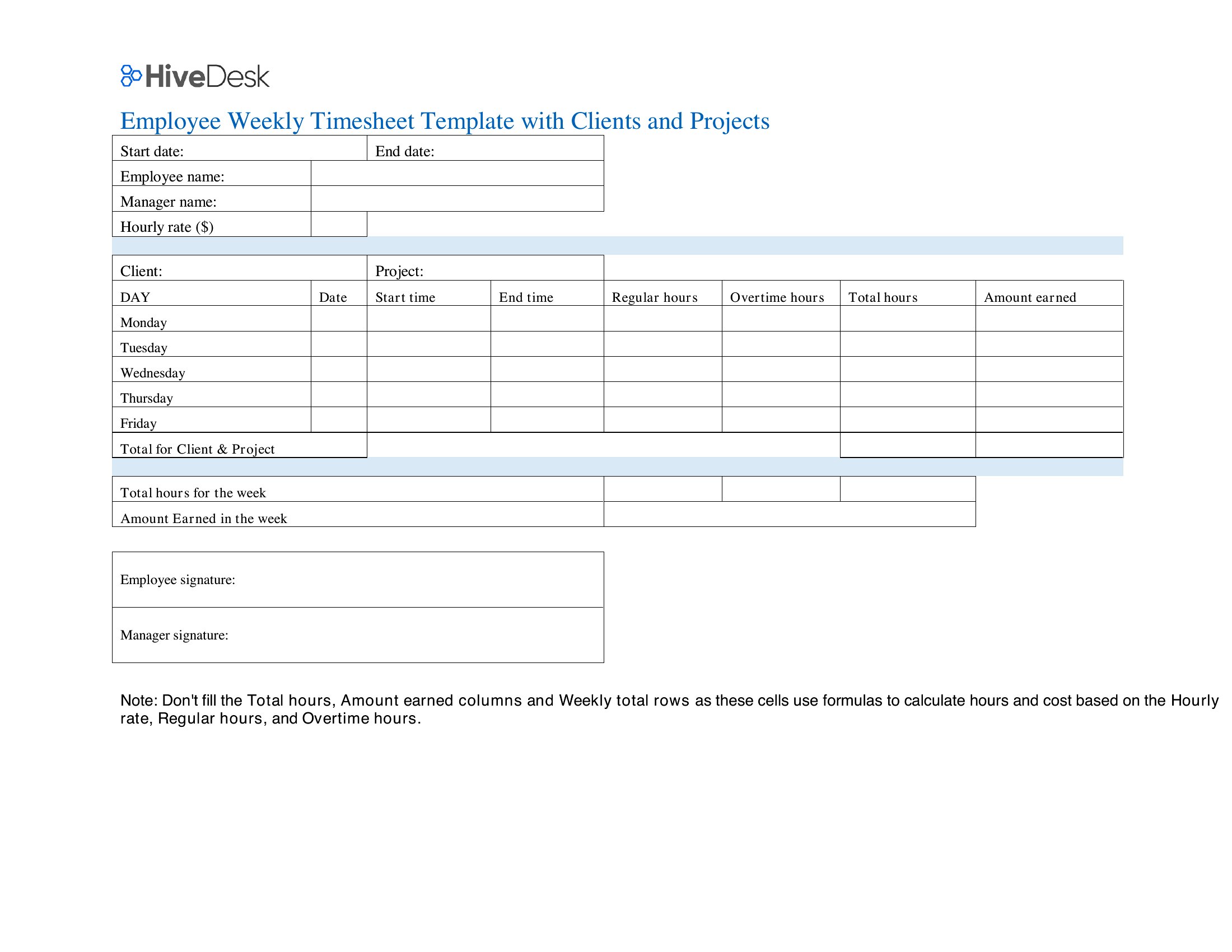
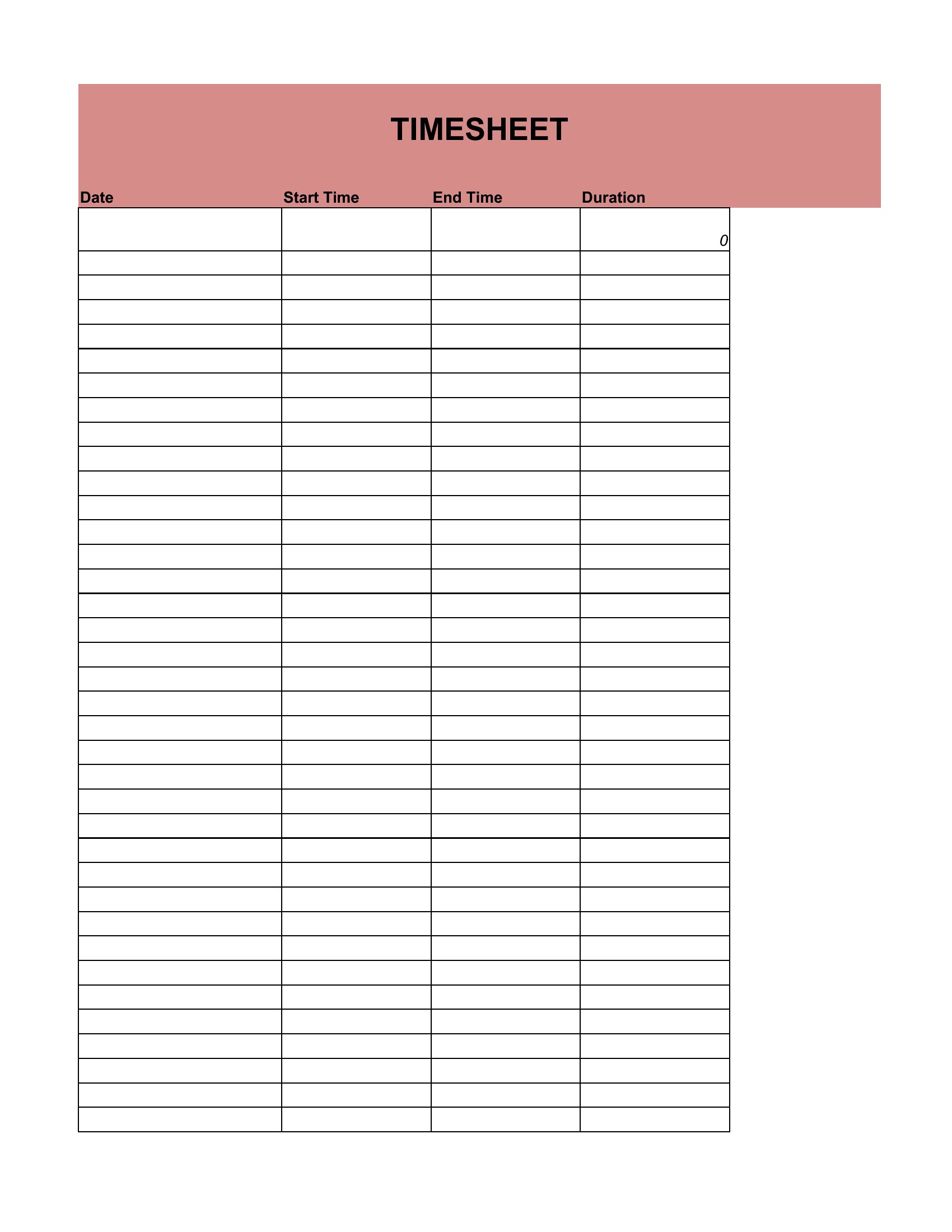
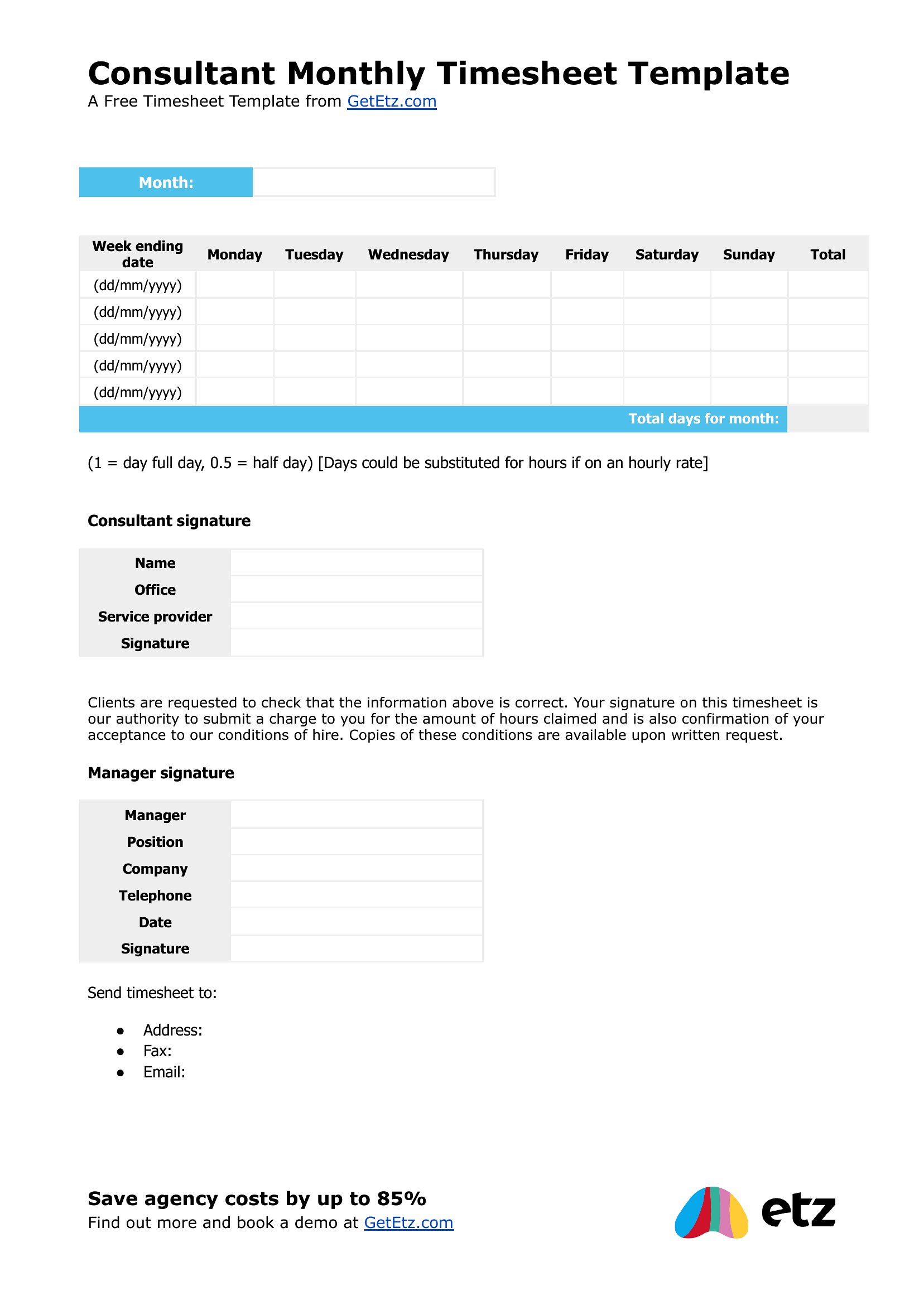
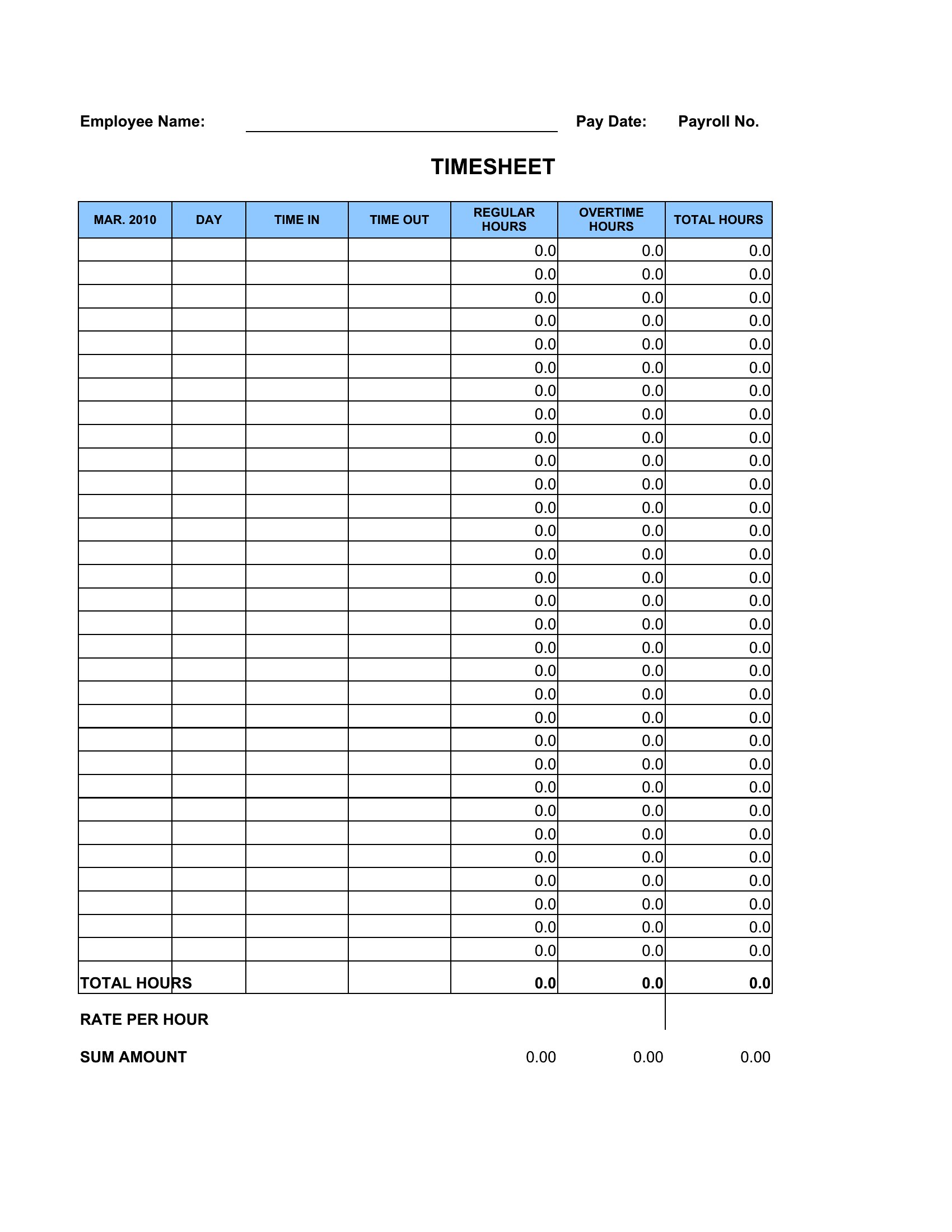
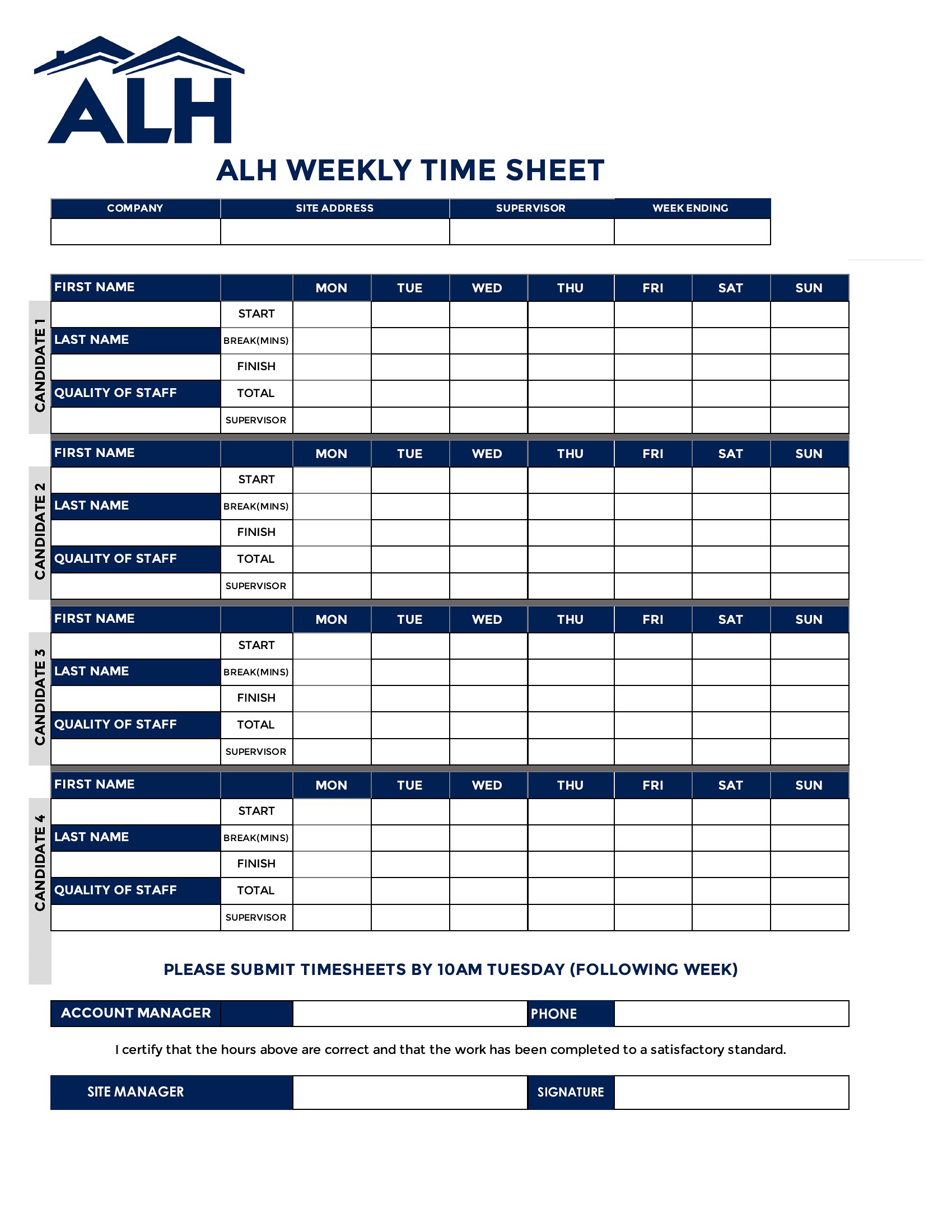
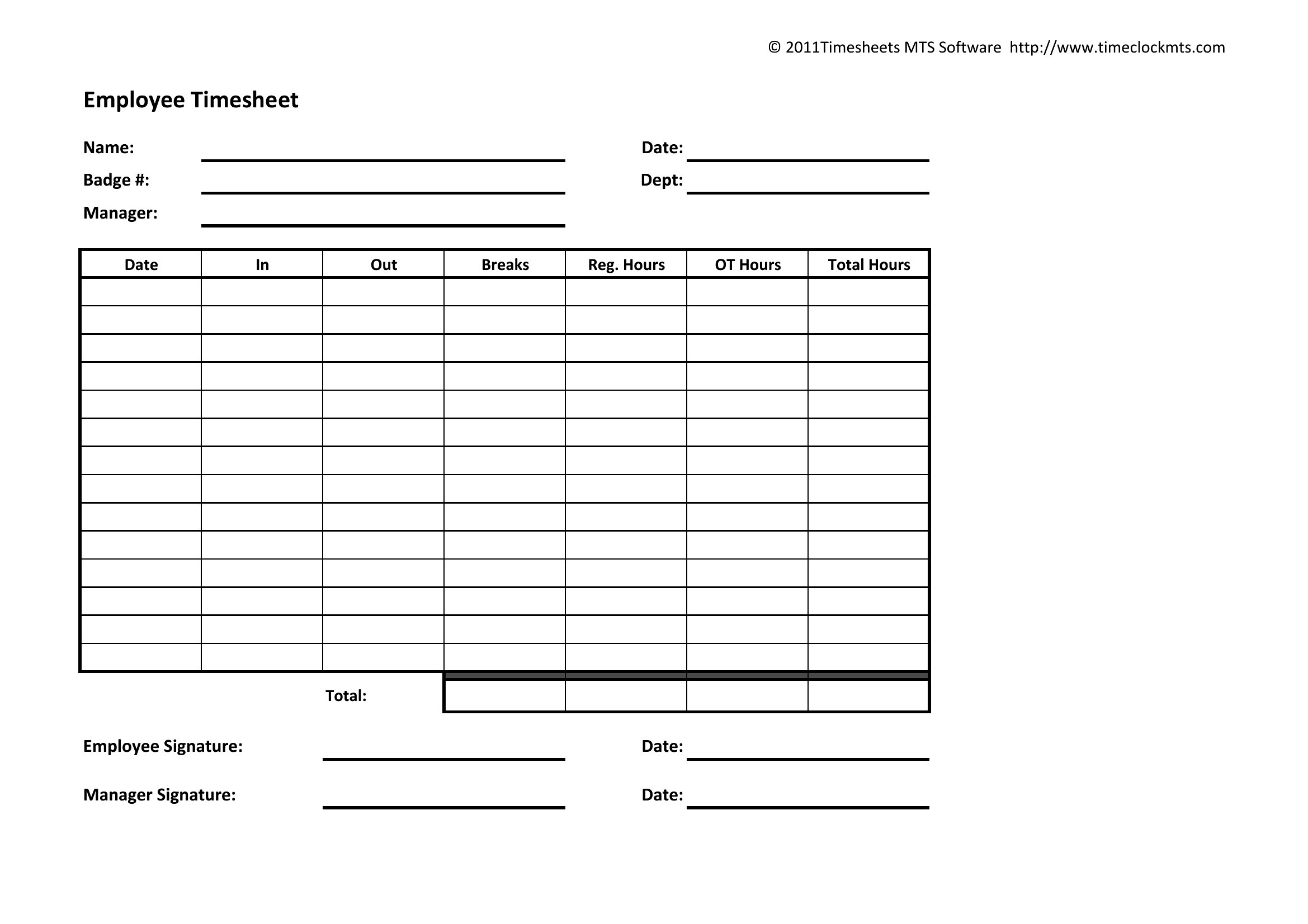
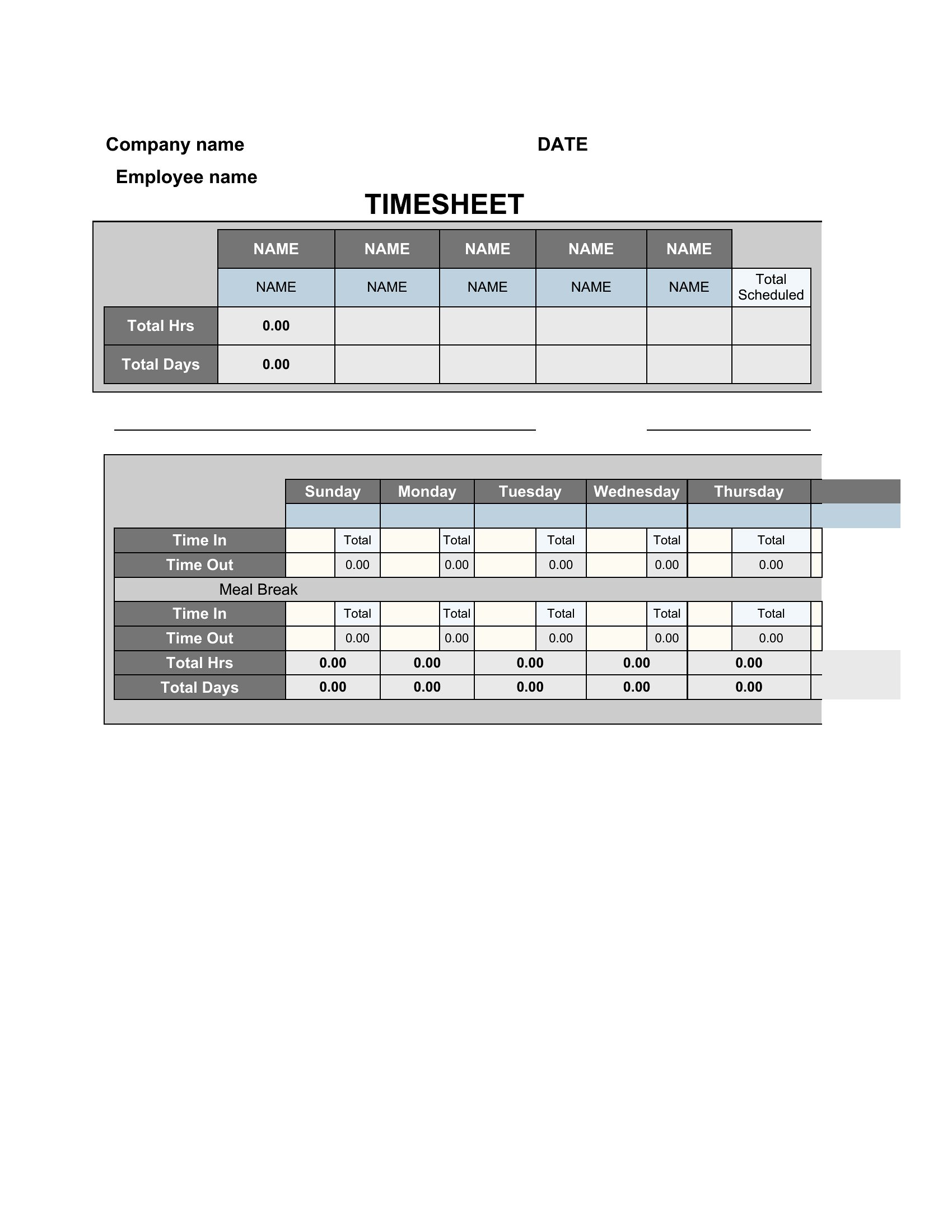
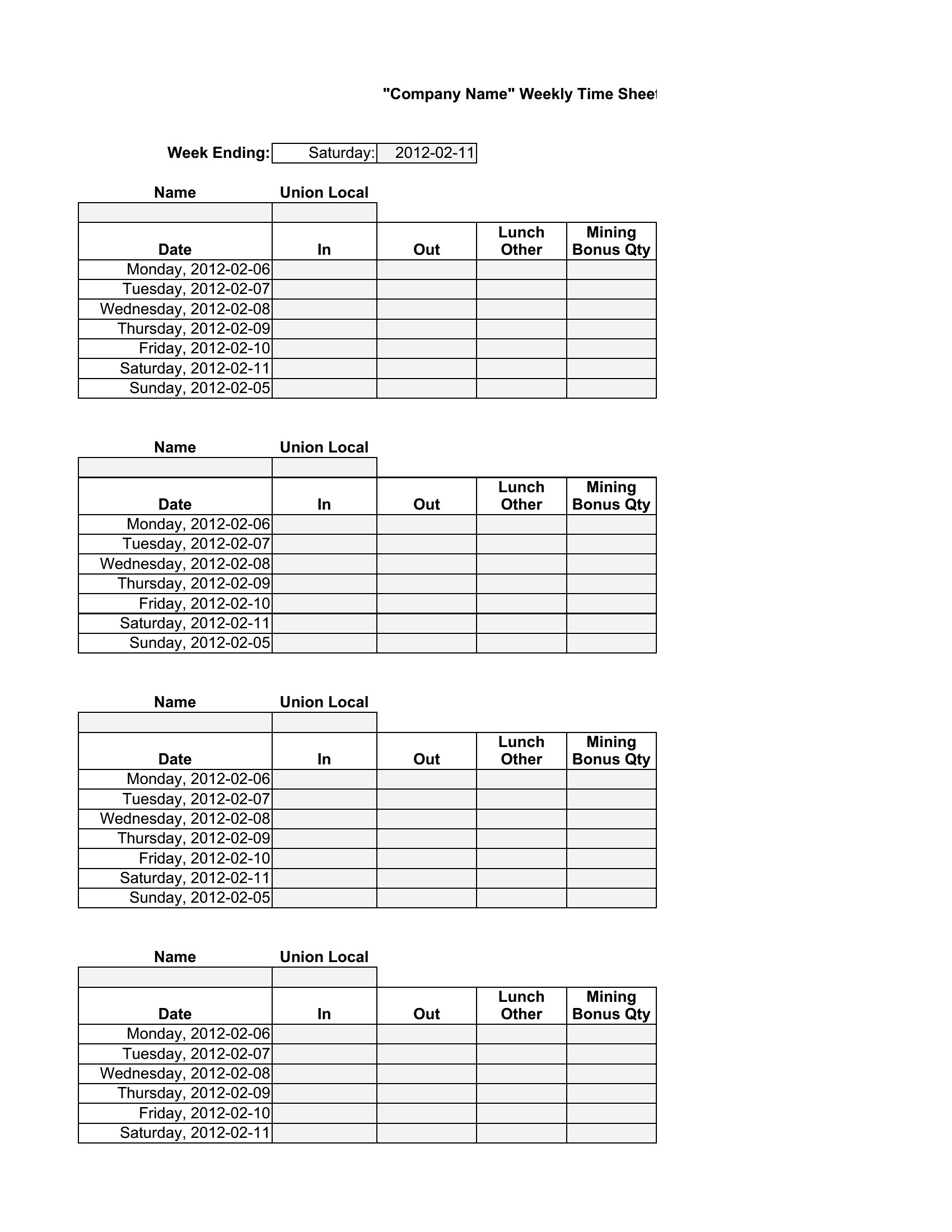
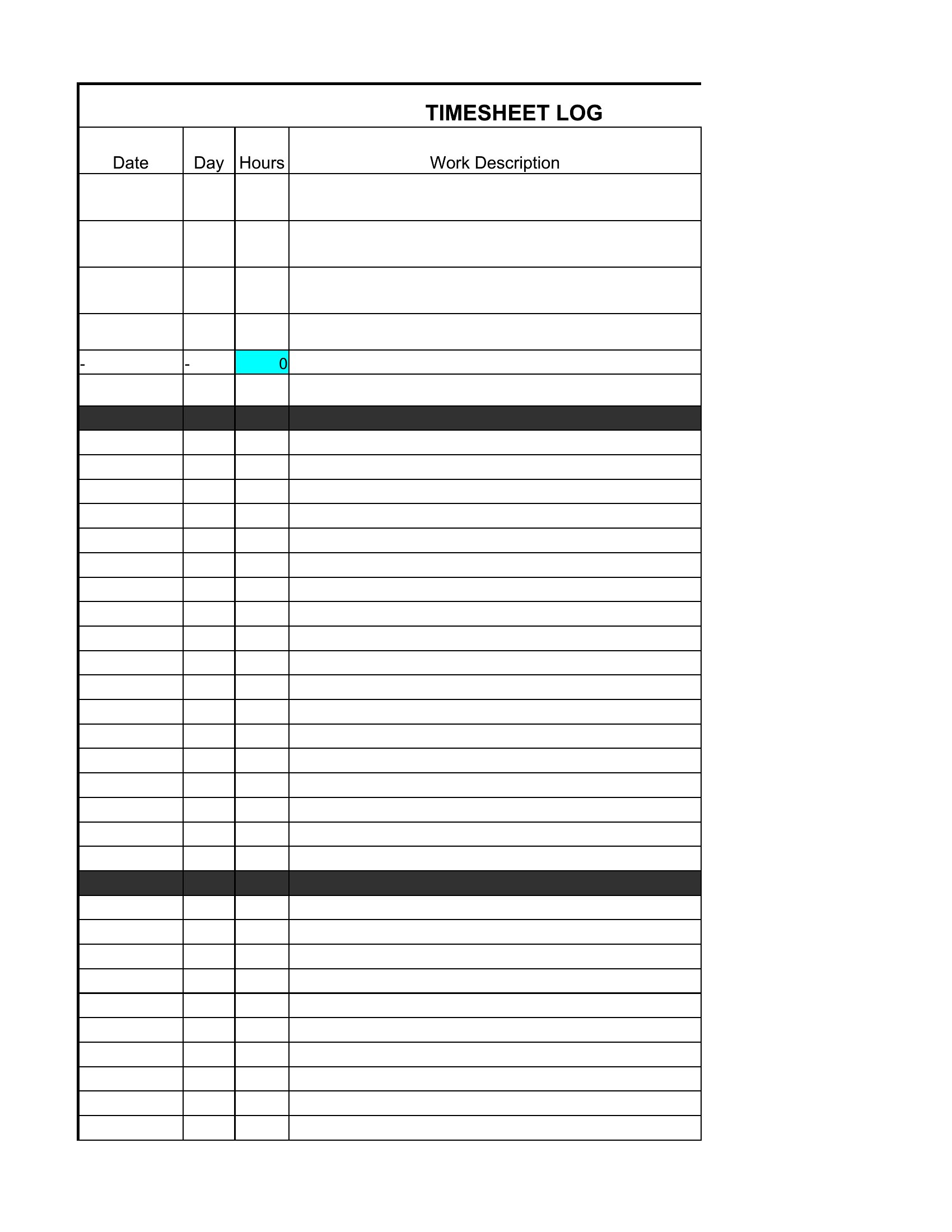
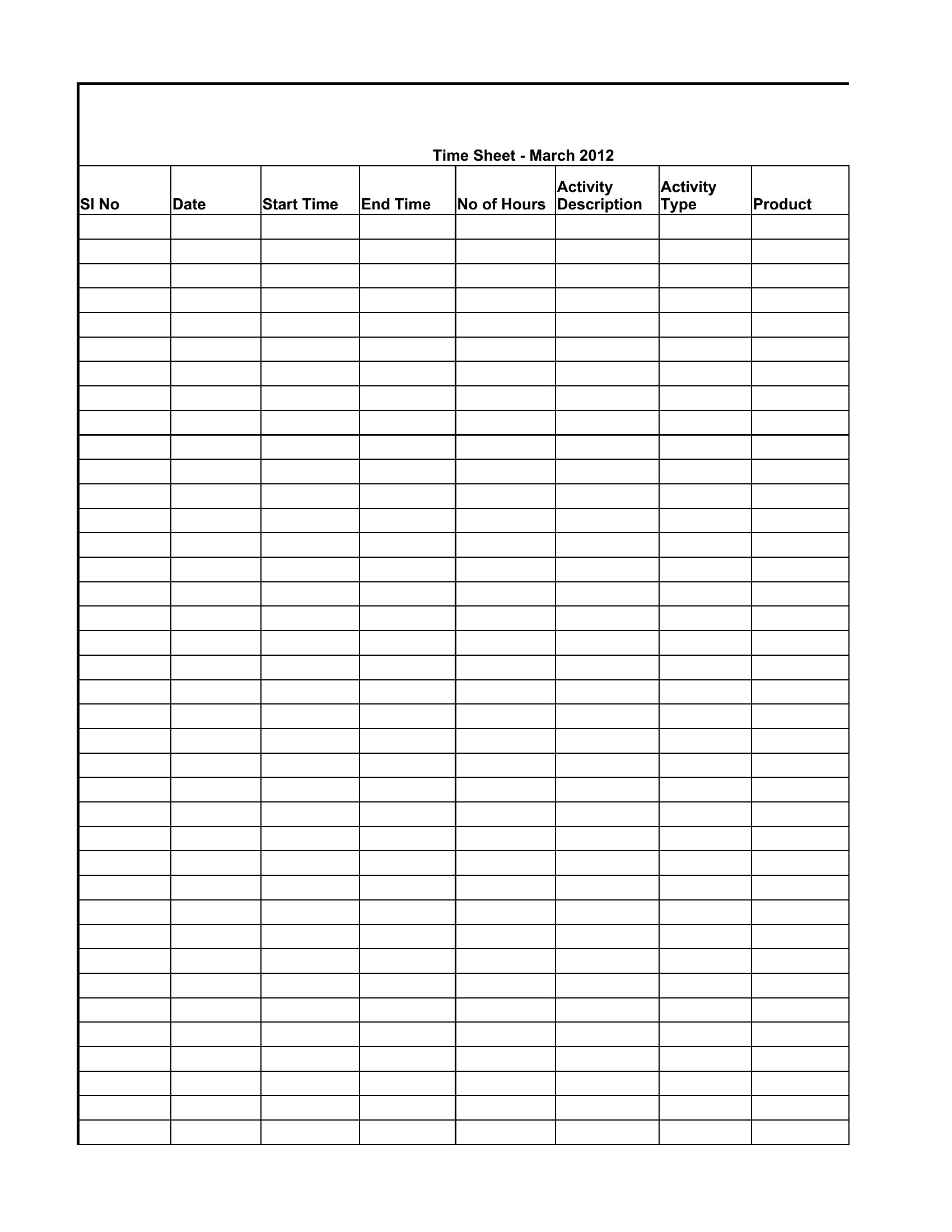
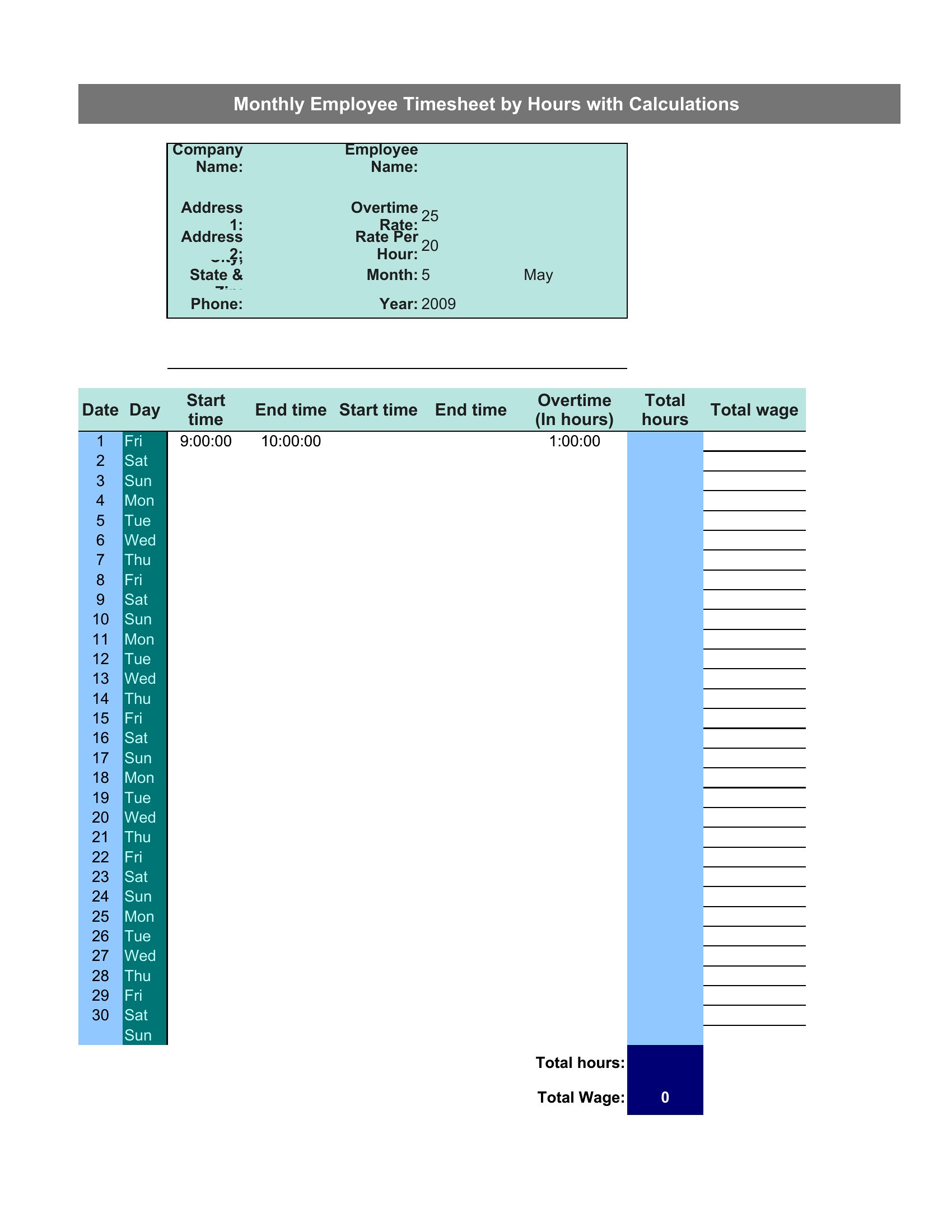
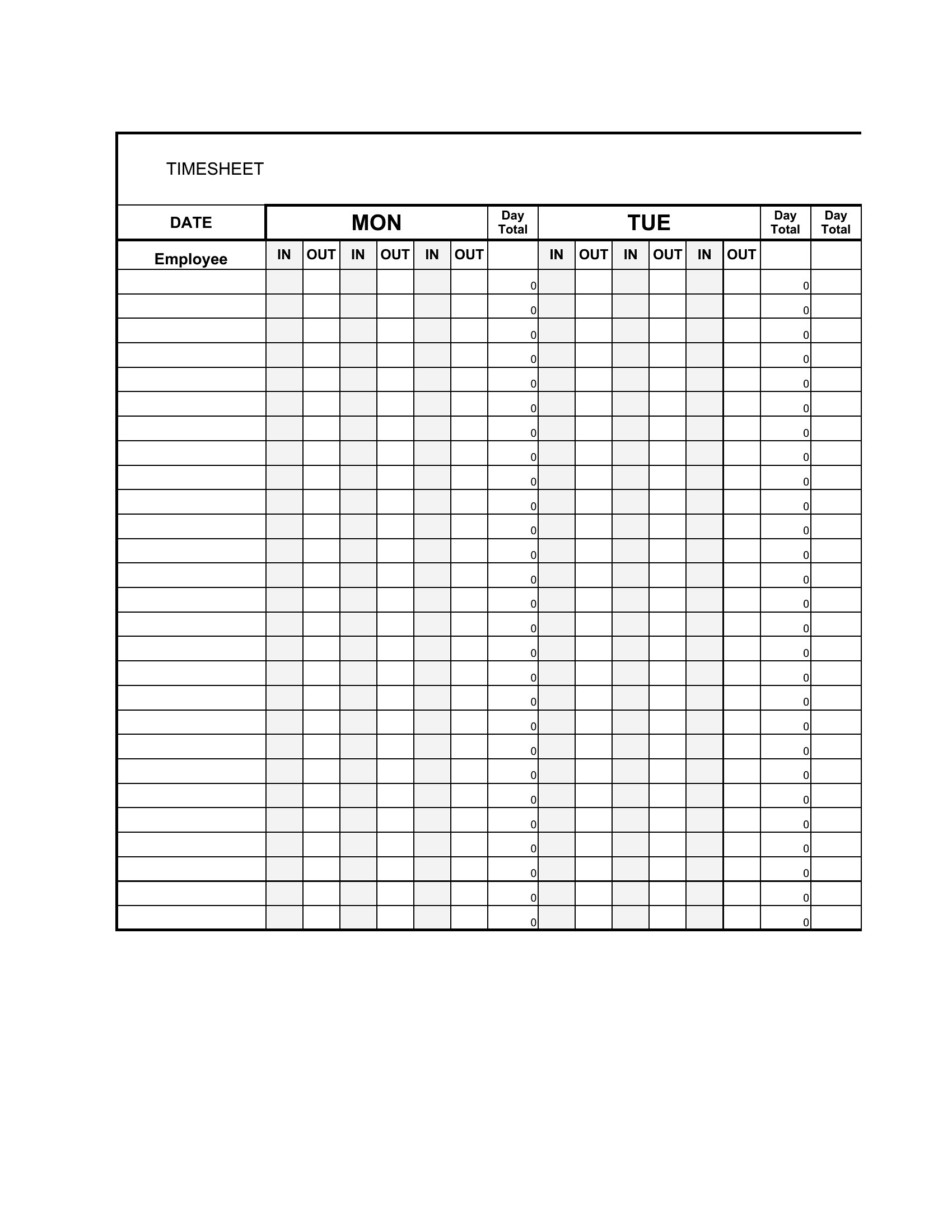
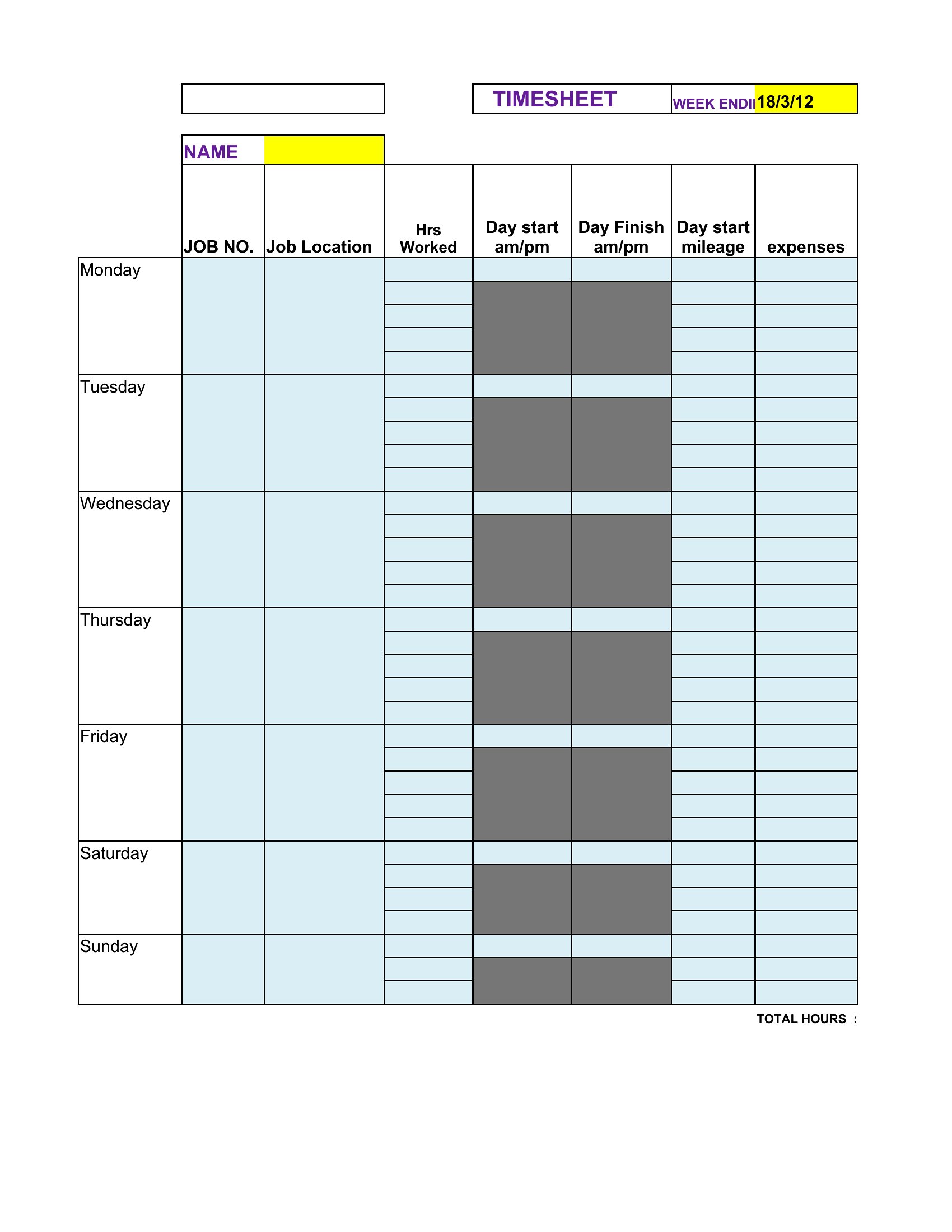
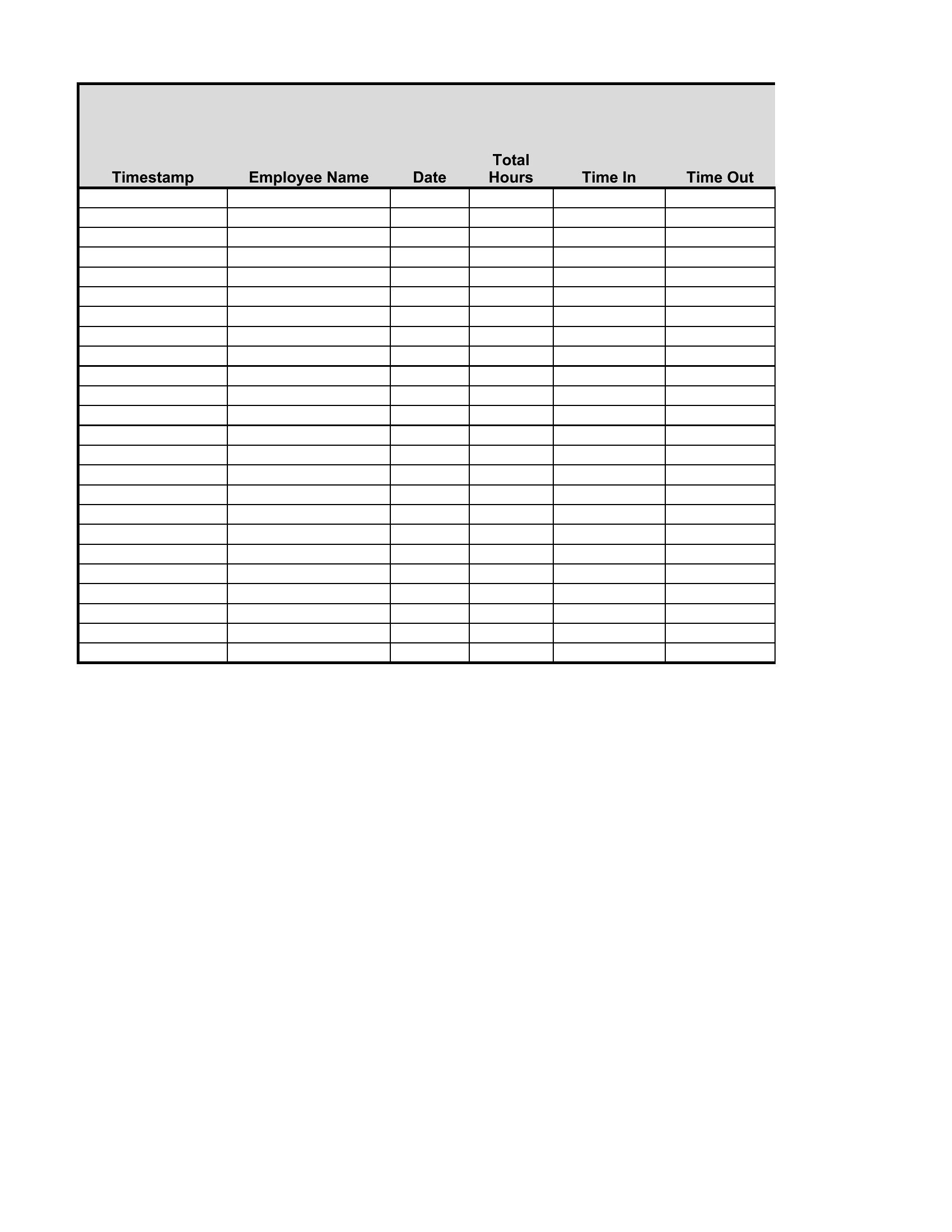
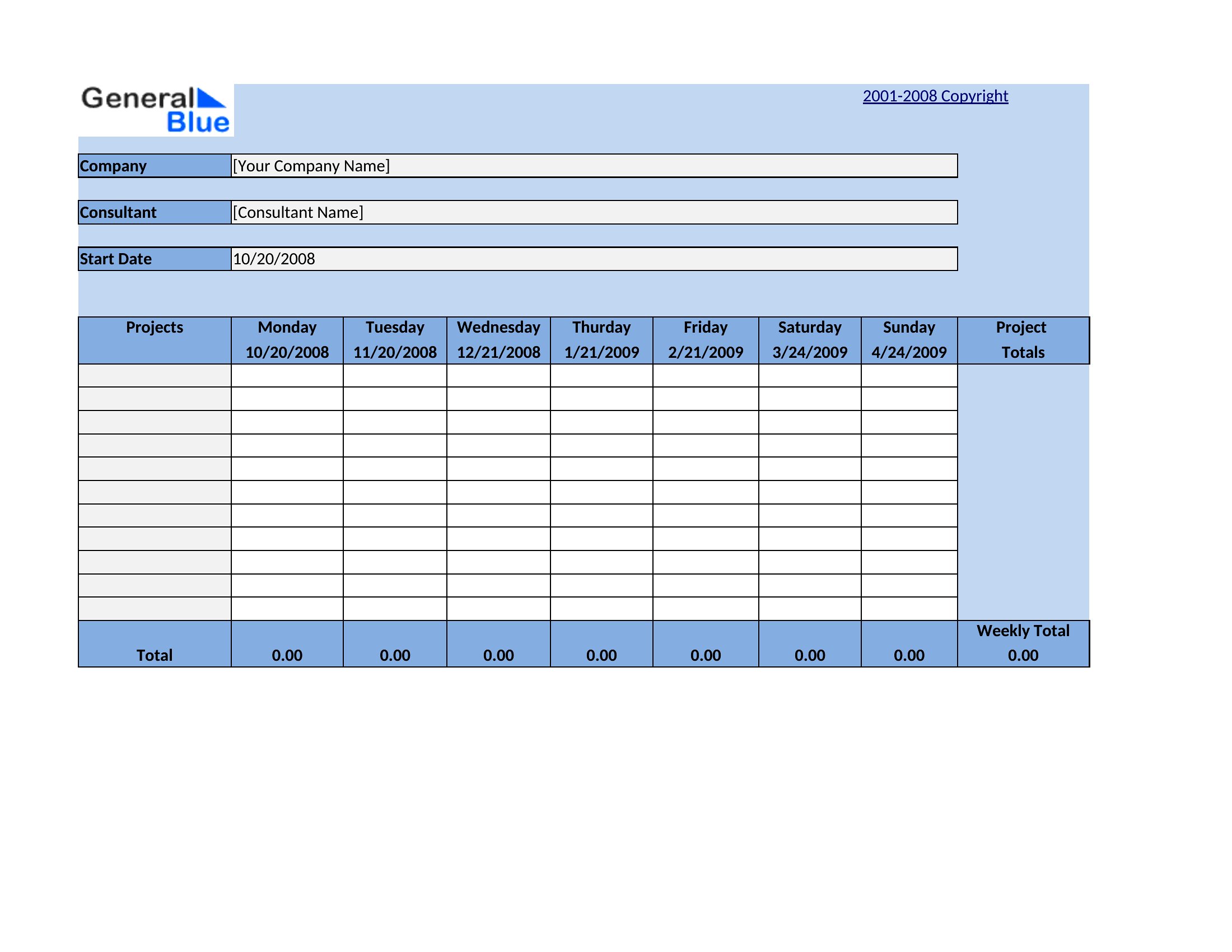
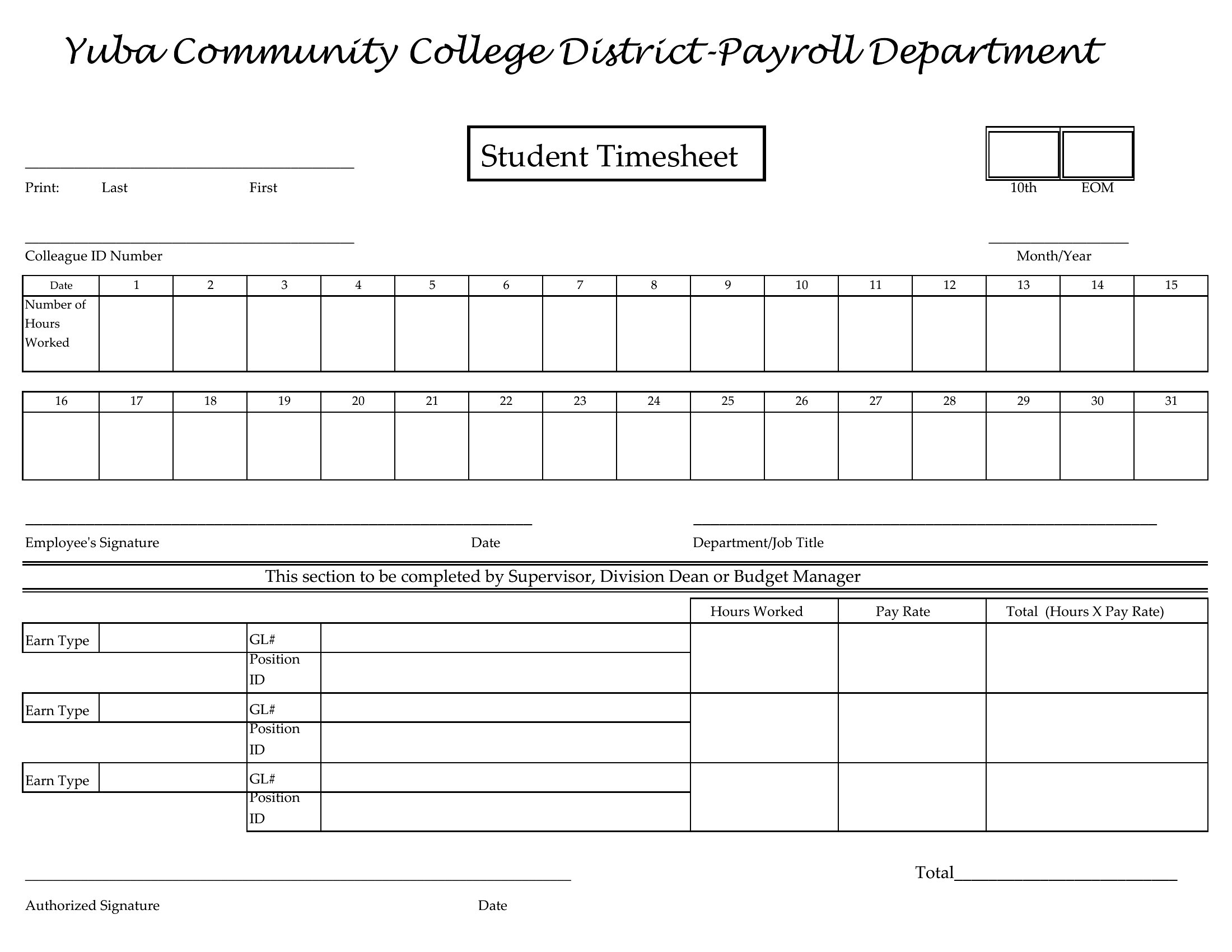
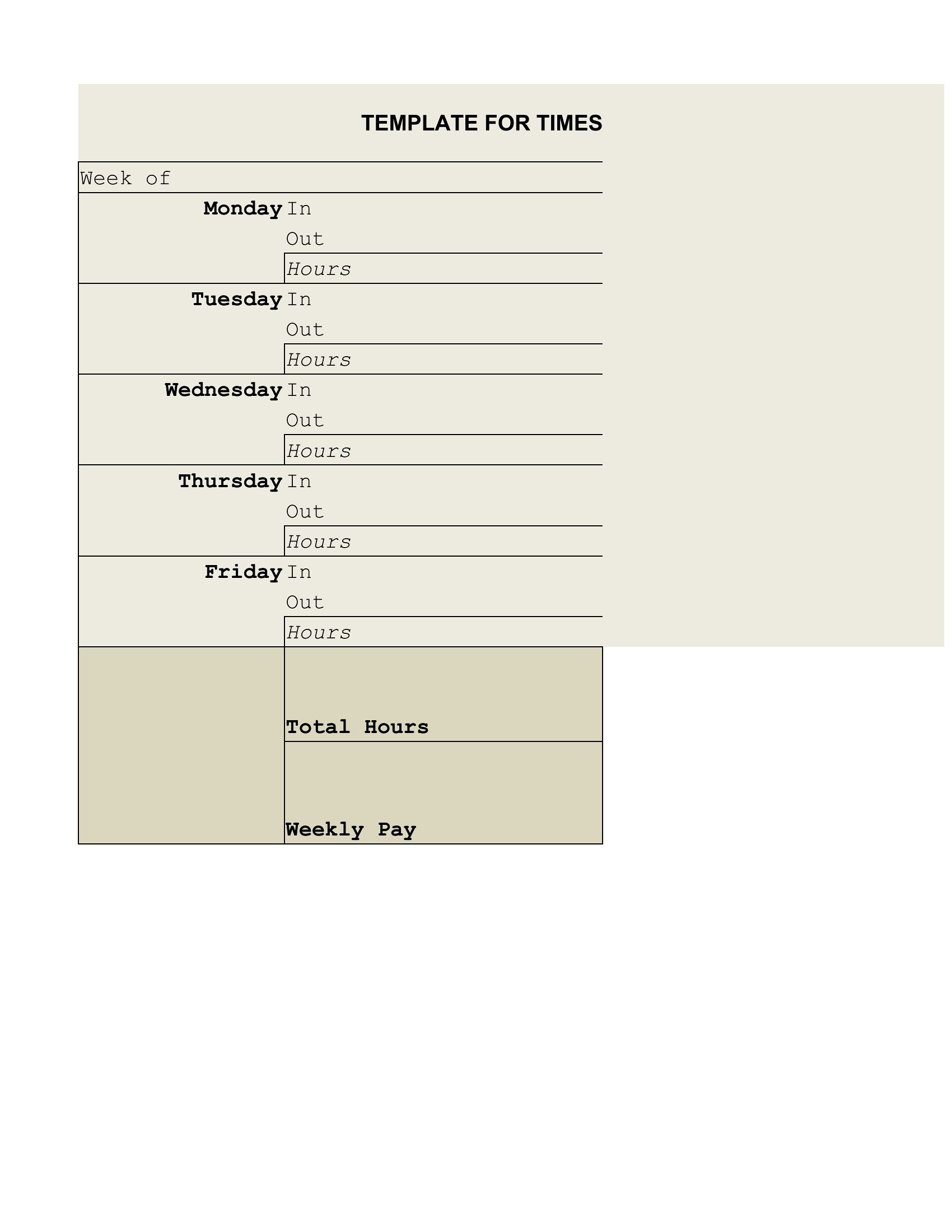
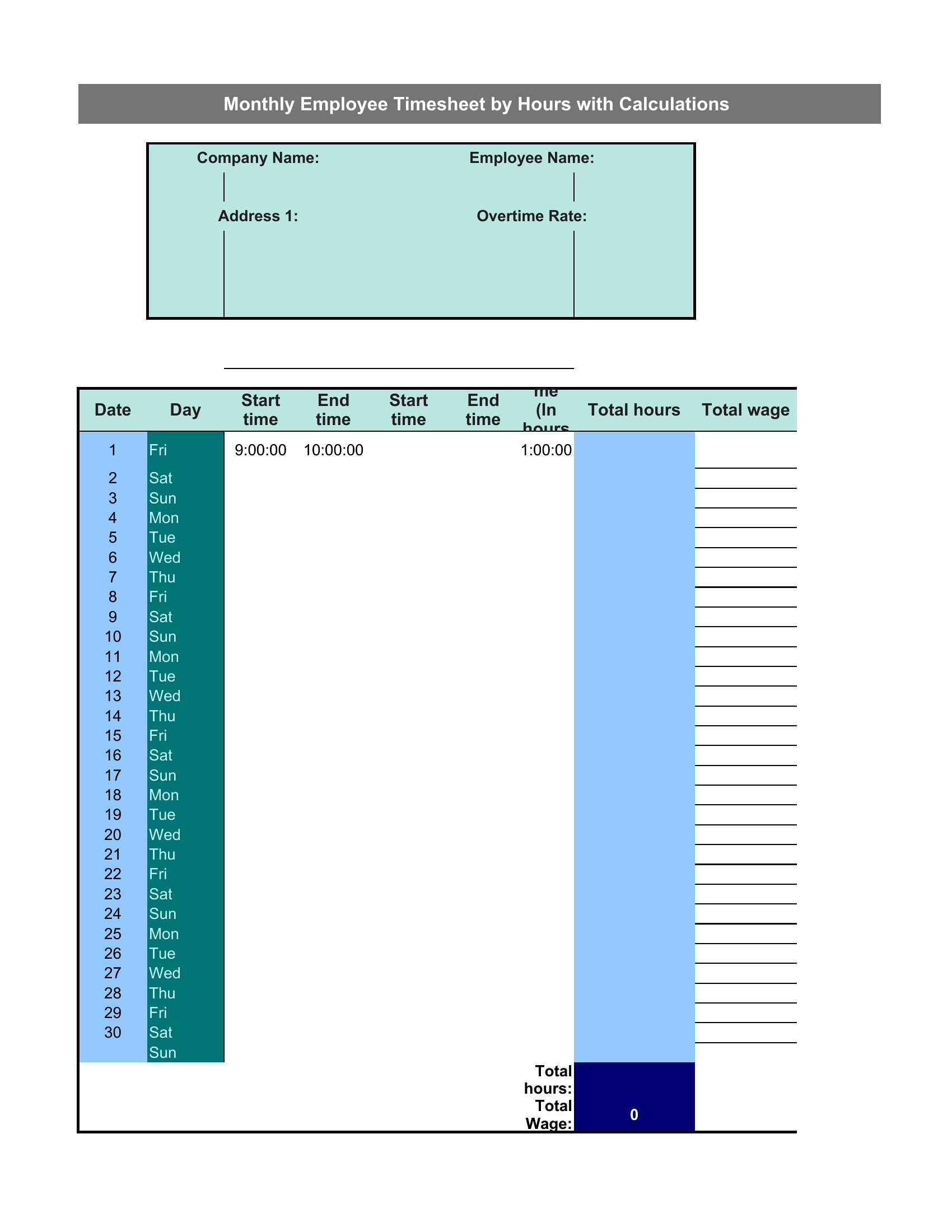
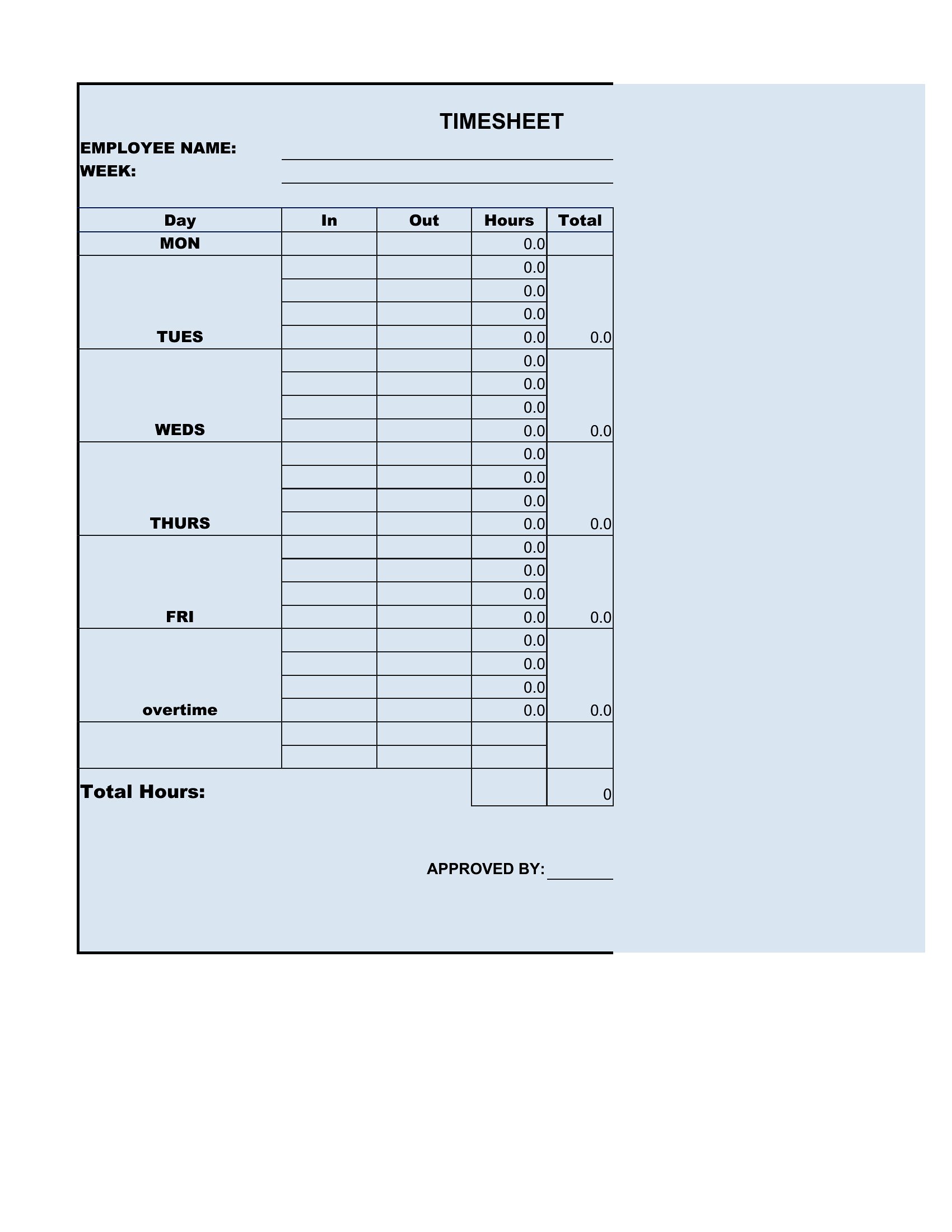
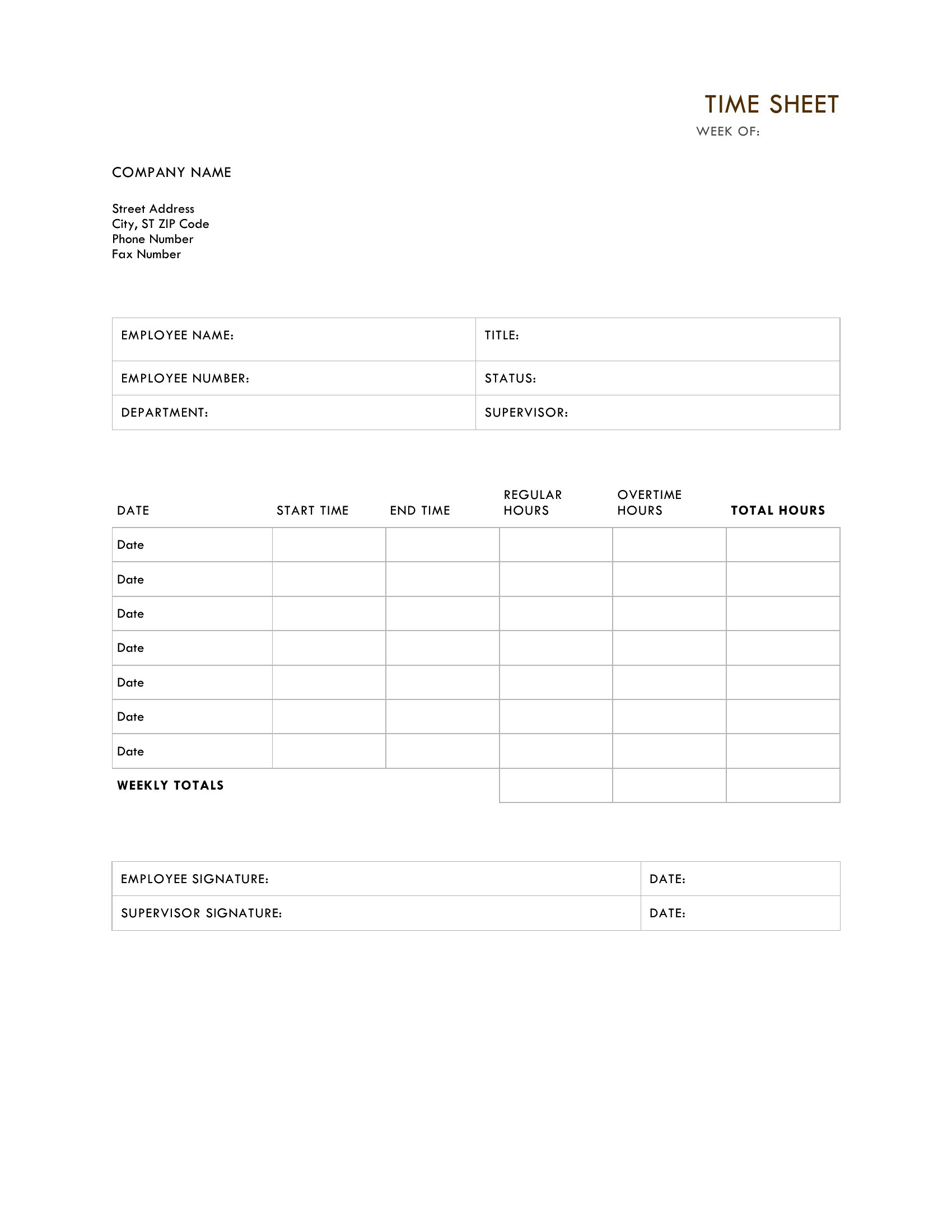
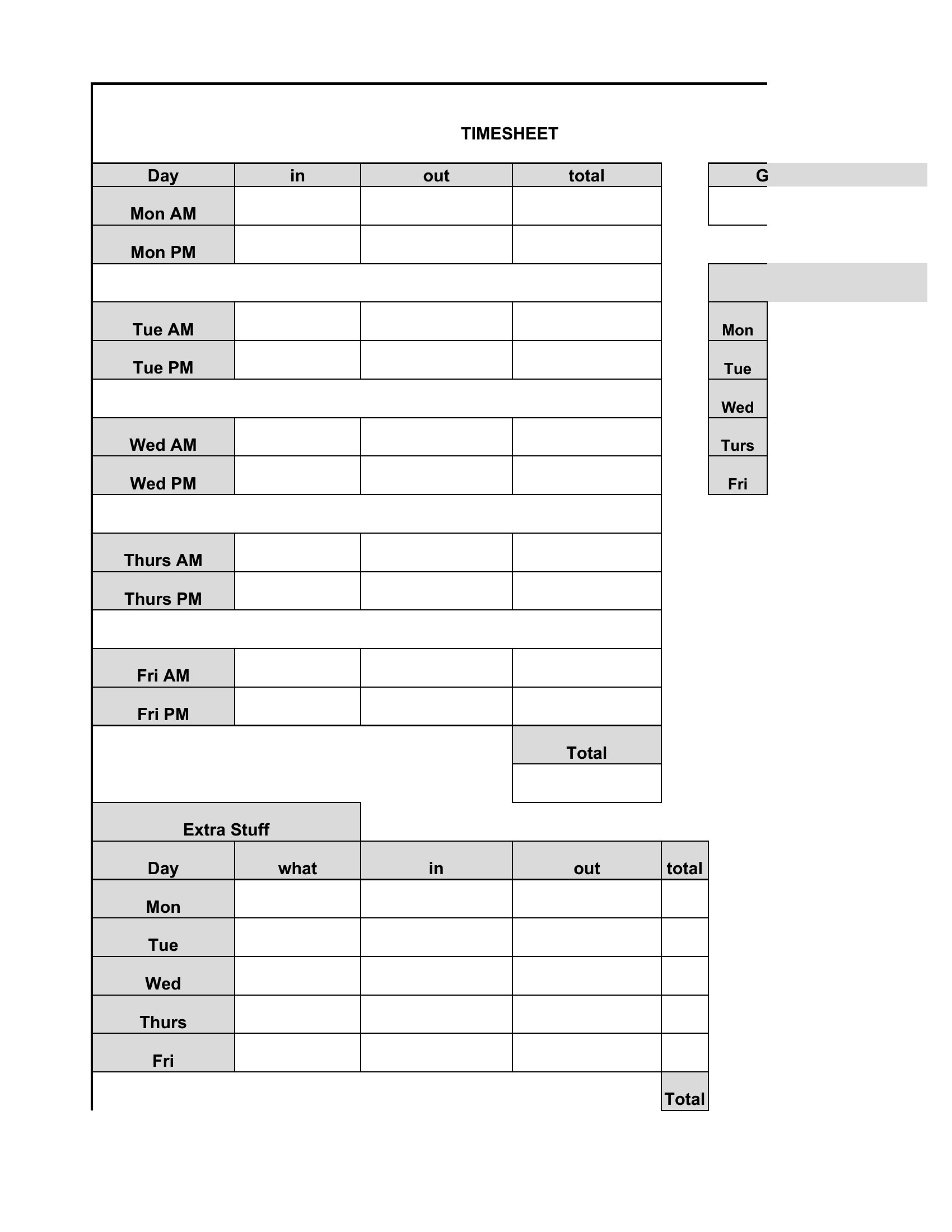
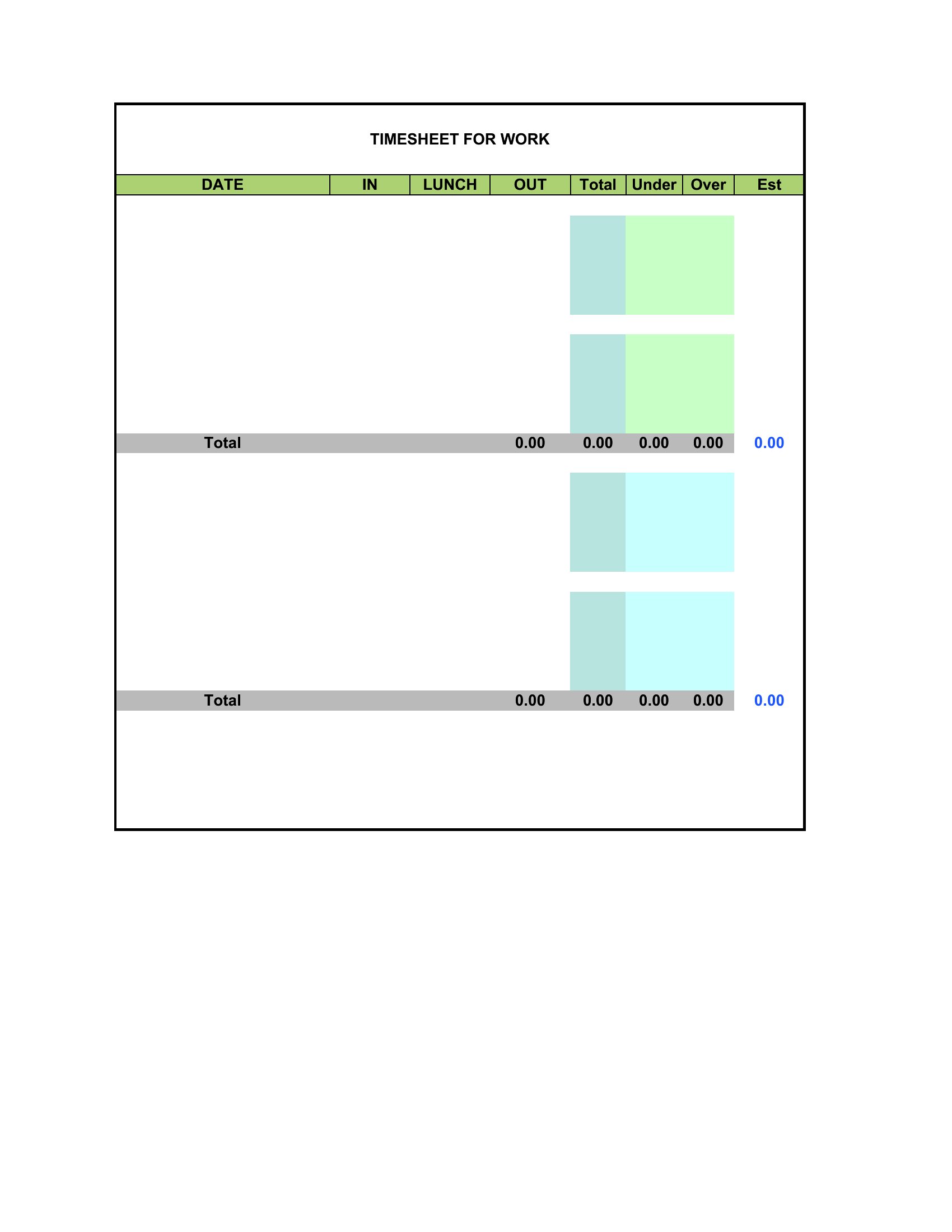
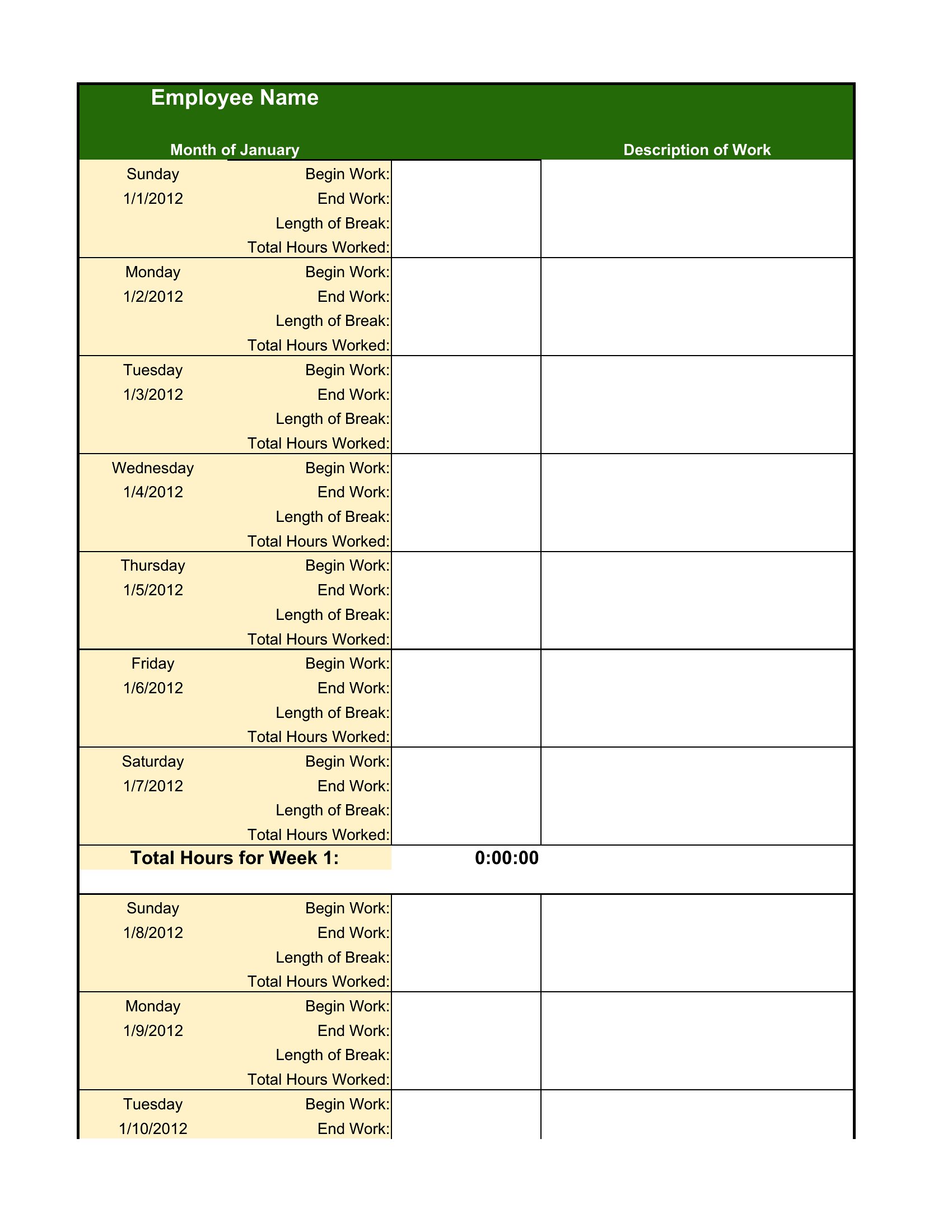
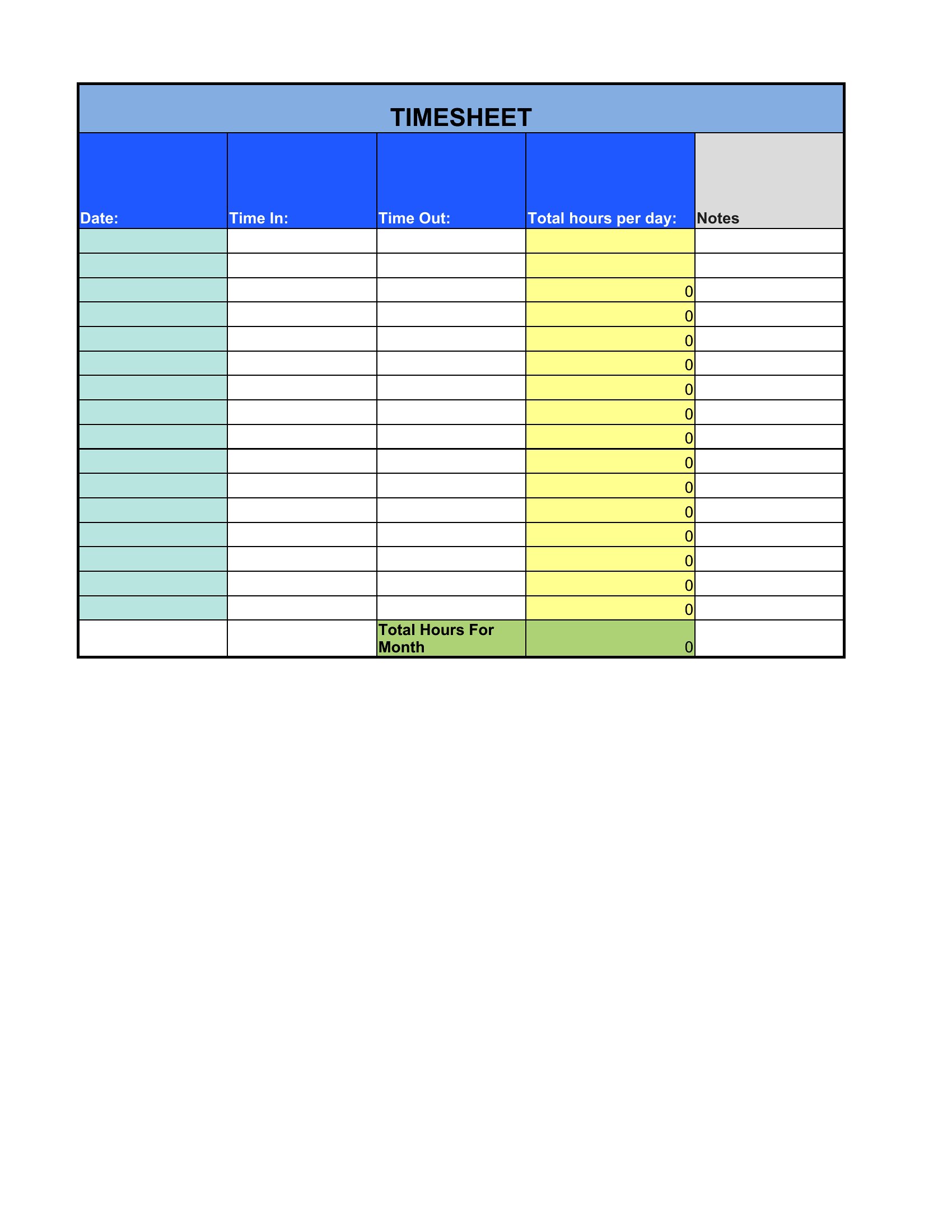
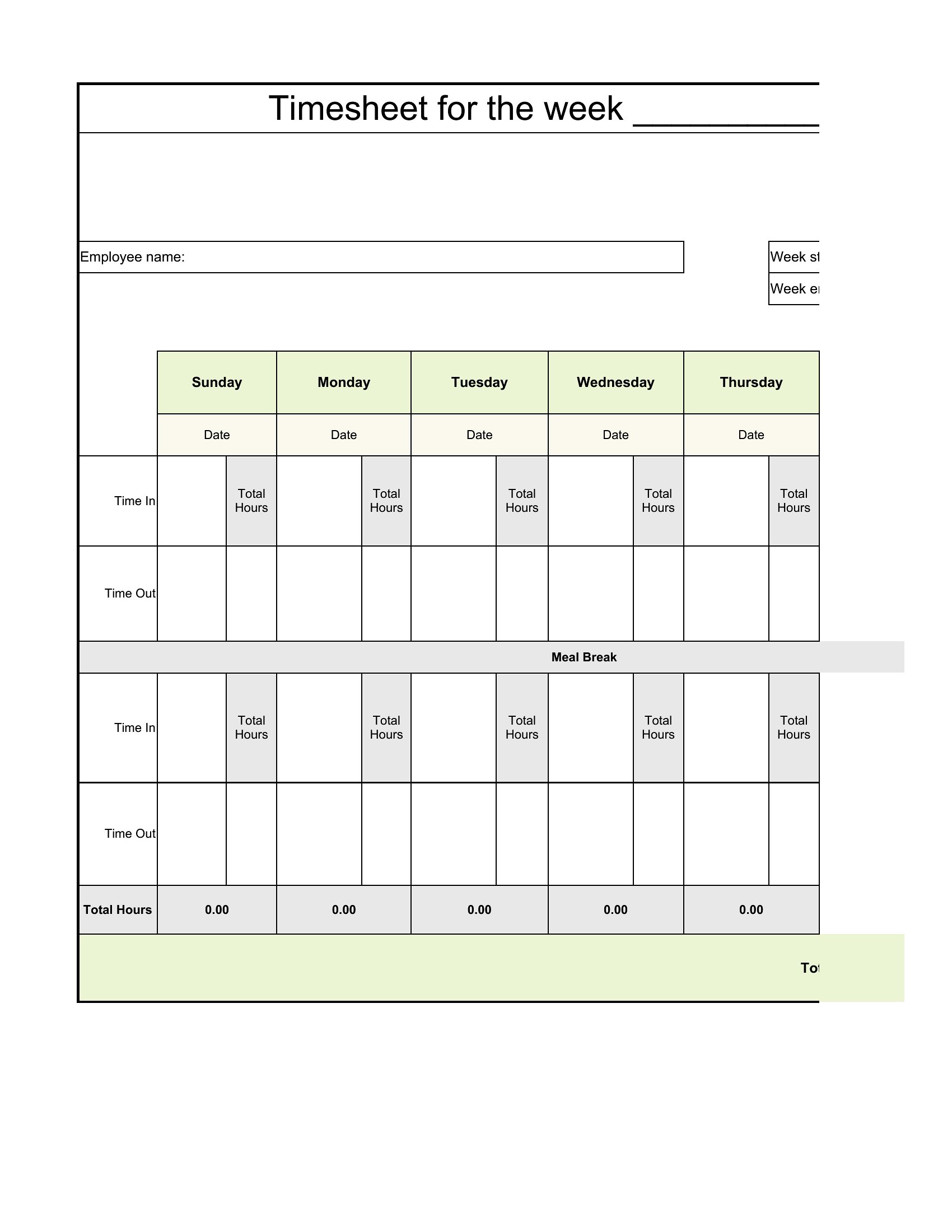
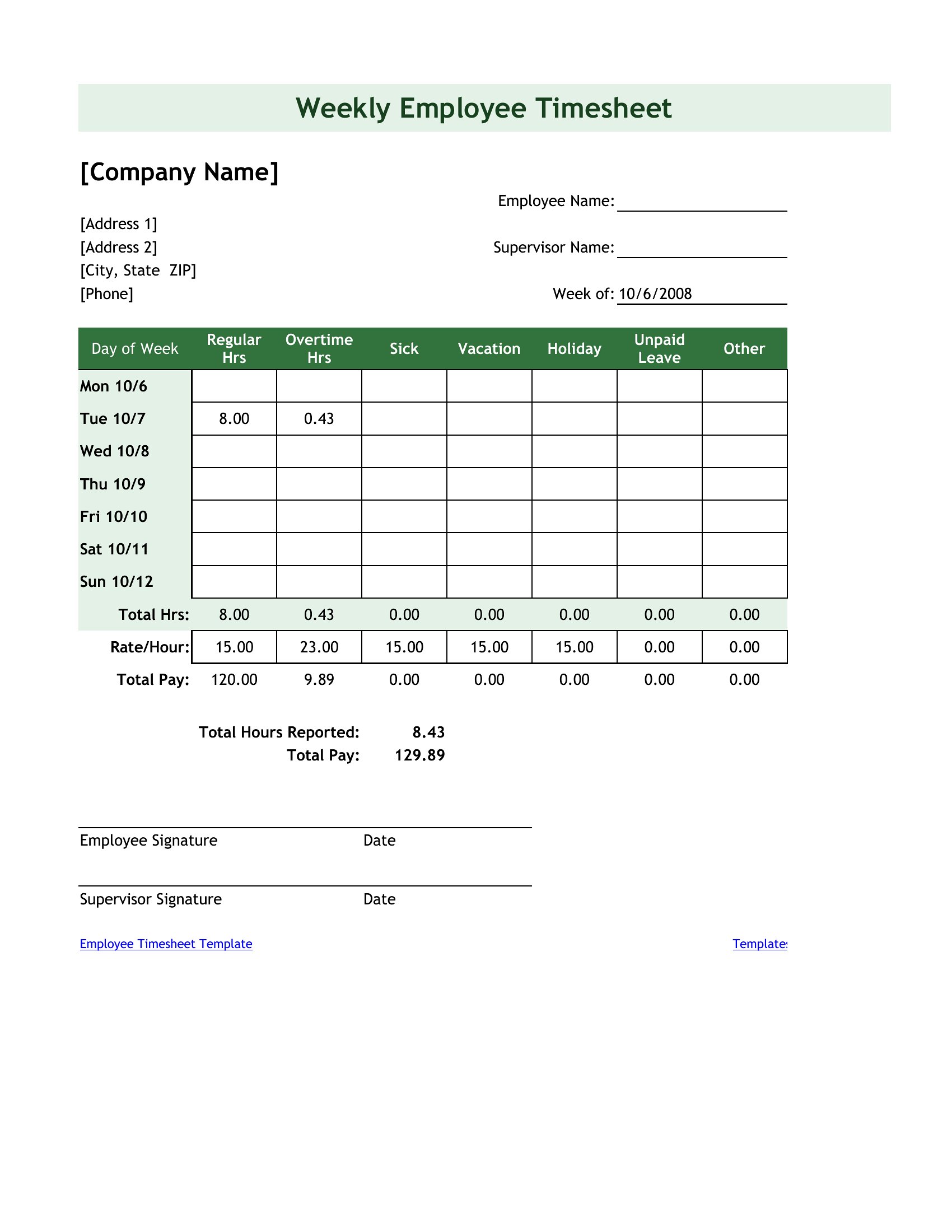
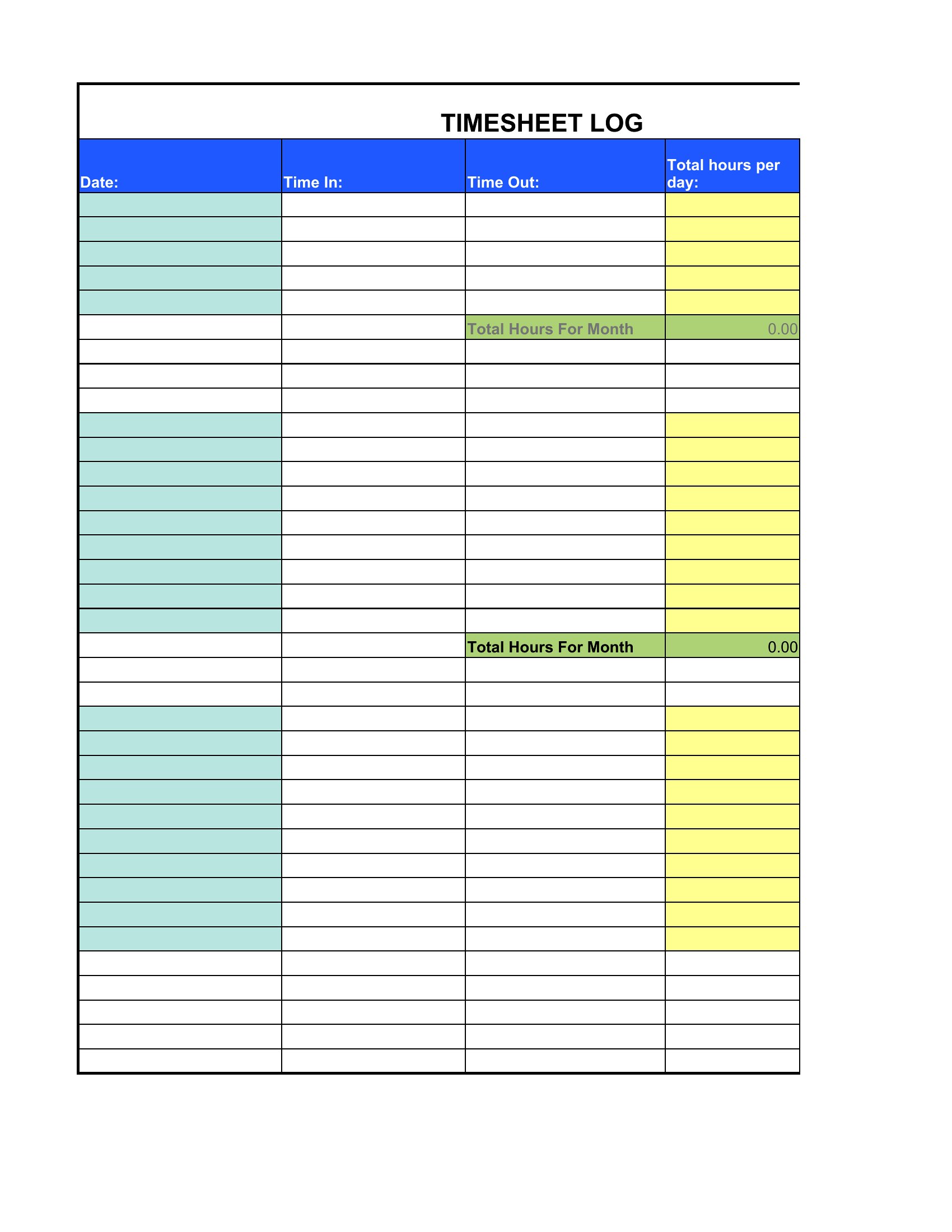
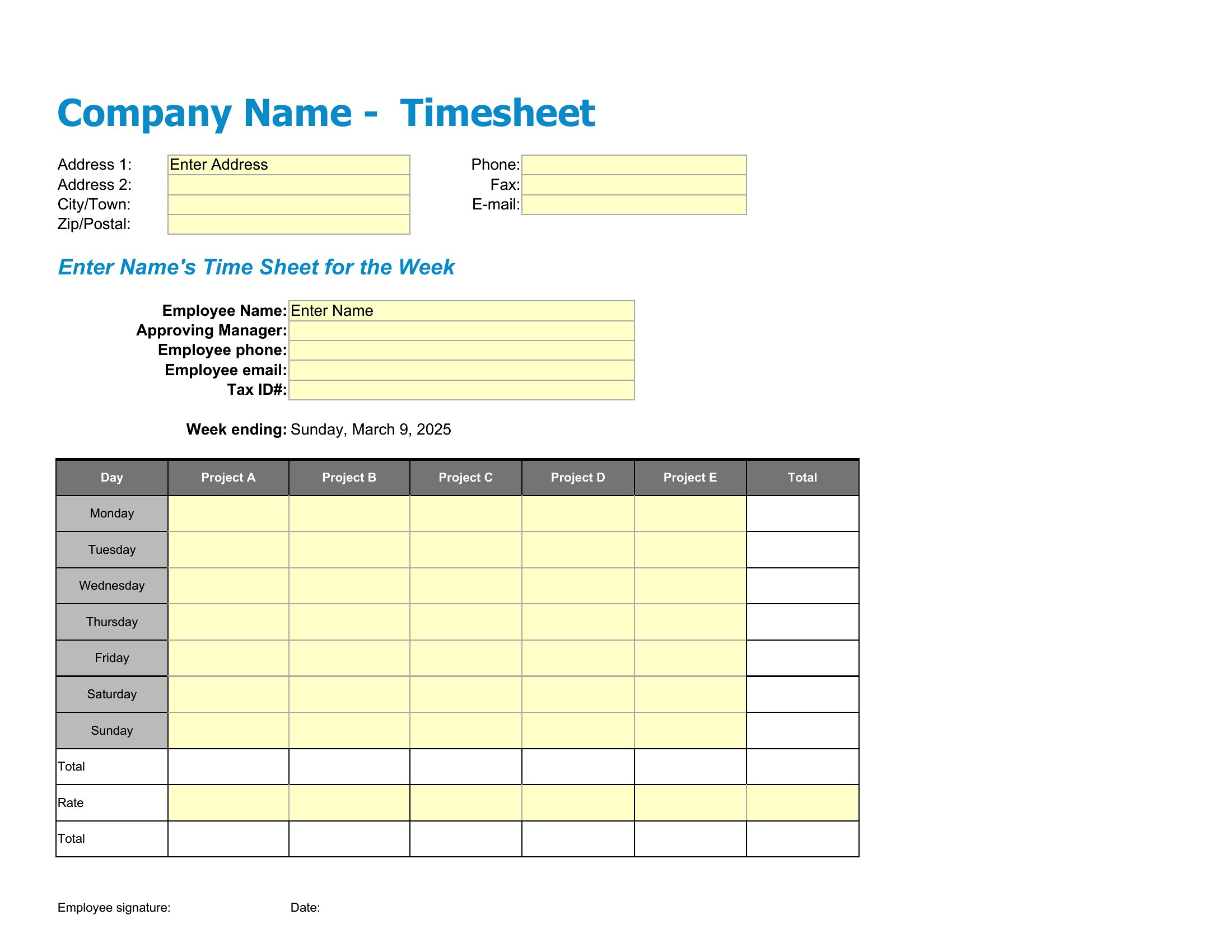
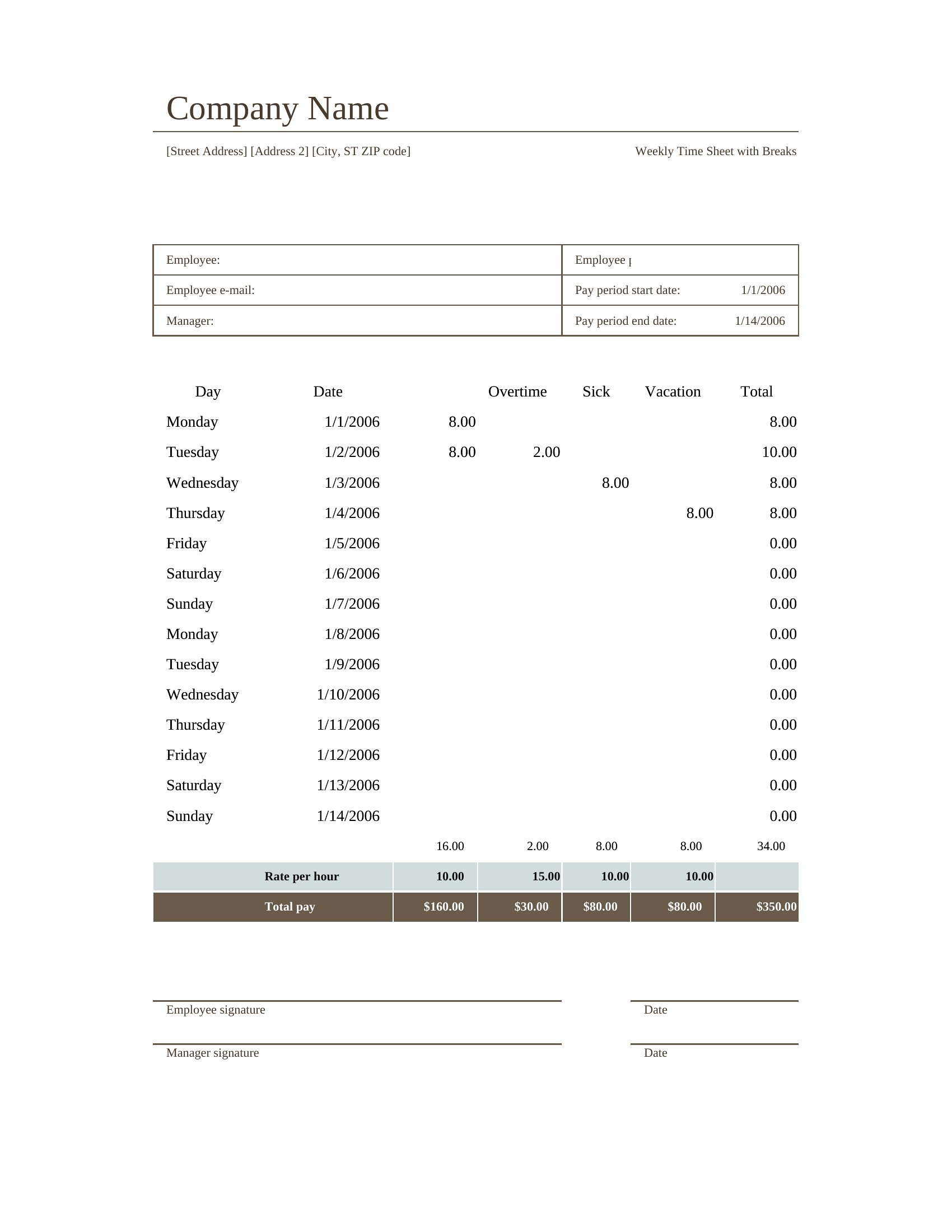
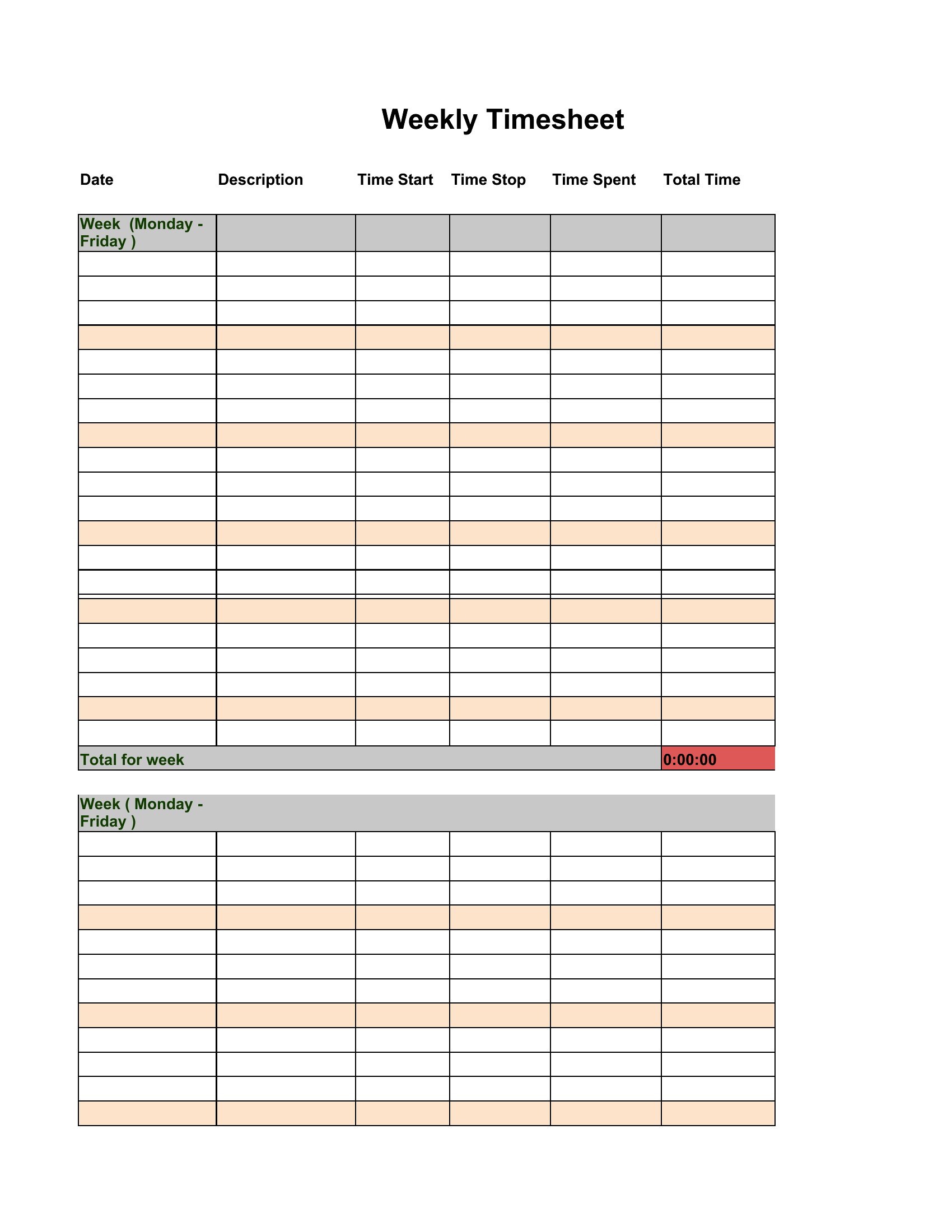
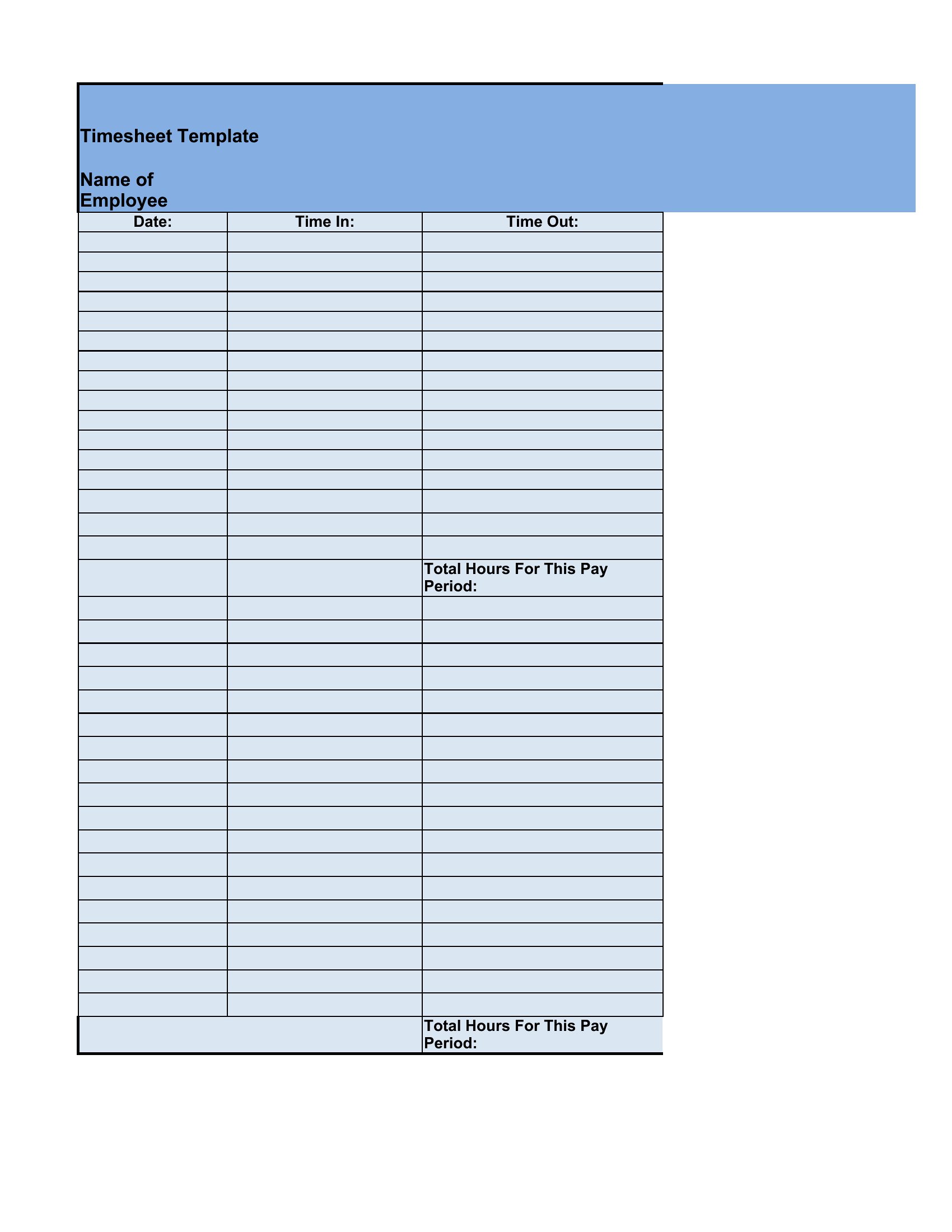
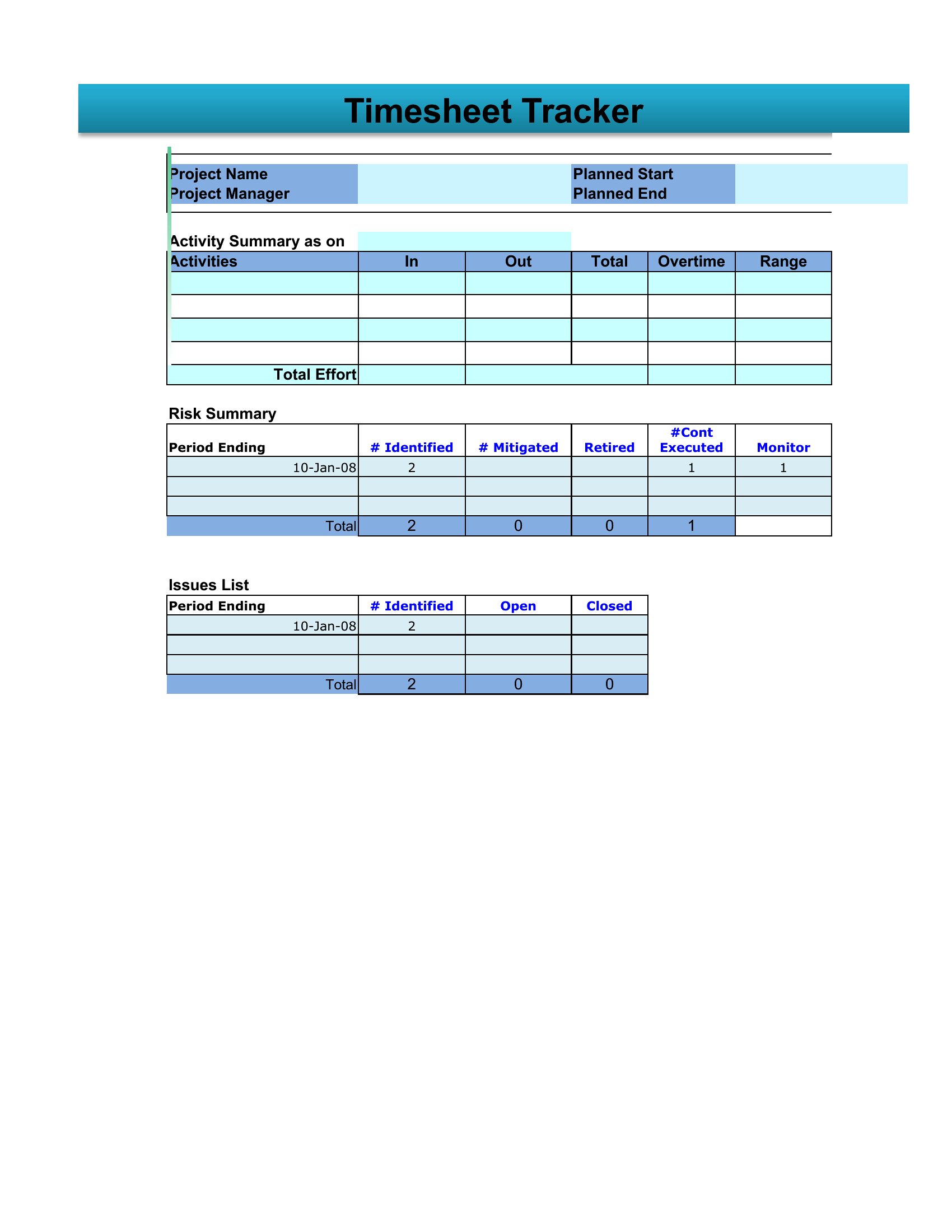
Accurate hours keep payroll fair and billing honest, and a clear timesheet makes recording them painless for everyone. This set of 54 timesheet templates helps employees, freelancers, and managers log start and end times, breaks, and totals for daily, weekly, or biweekly periods. A consistent format means fewer payroll questions and a clean record if hours are ever disputed.

The Excel versions add up your hours and overtime automatically as you type, while the print-ready PDFs are great for posting a sheet to fill in by hand. Enter your times, note any breaks, and let the totals roll up at the end of the period. Use one per person or per project, whatever fits your setup. Pick the layout that suits your workflow and keep your time records tidy and reliable.

When to use this Timesheet template

  • Small business owners tracking employee hours for payroll processing to avoid overtime miscalculations and ensure compliance with labor laws.
  • Freelancers billing hourly clients who need to document exact time spent on projects to justify invoices and prevent disputes over deliverables.
  • HR managers reviewing weekly timesheets to spot inconsistencies before payroll runs, reducing the risk of errors in part-time or shift-based employee compensation.
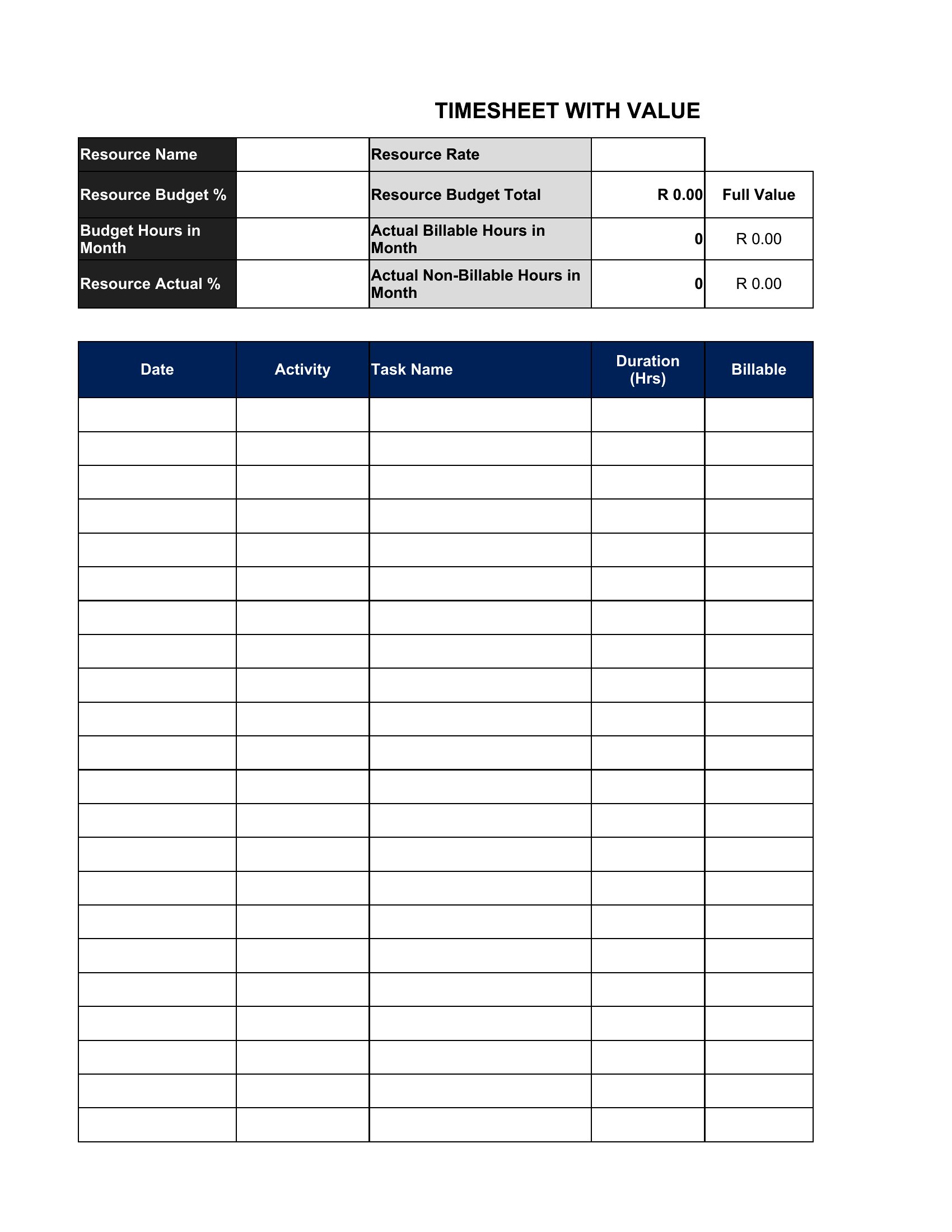
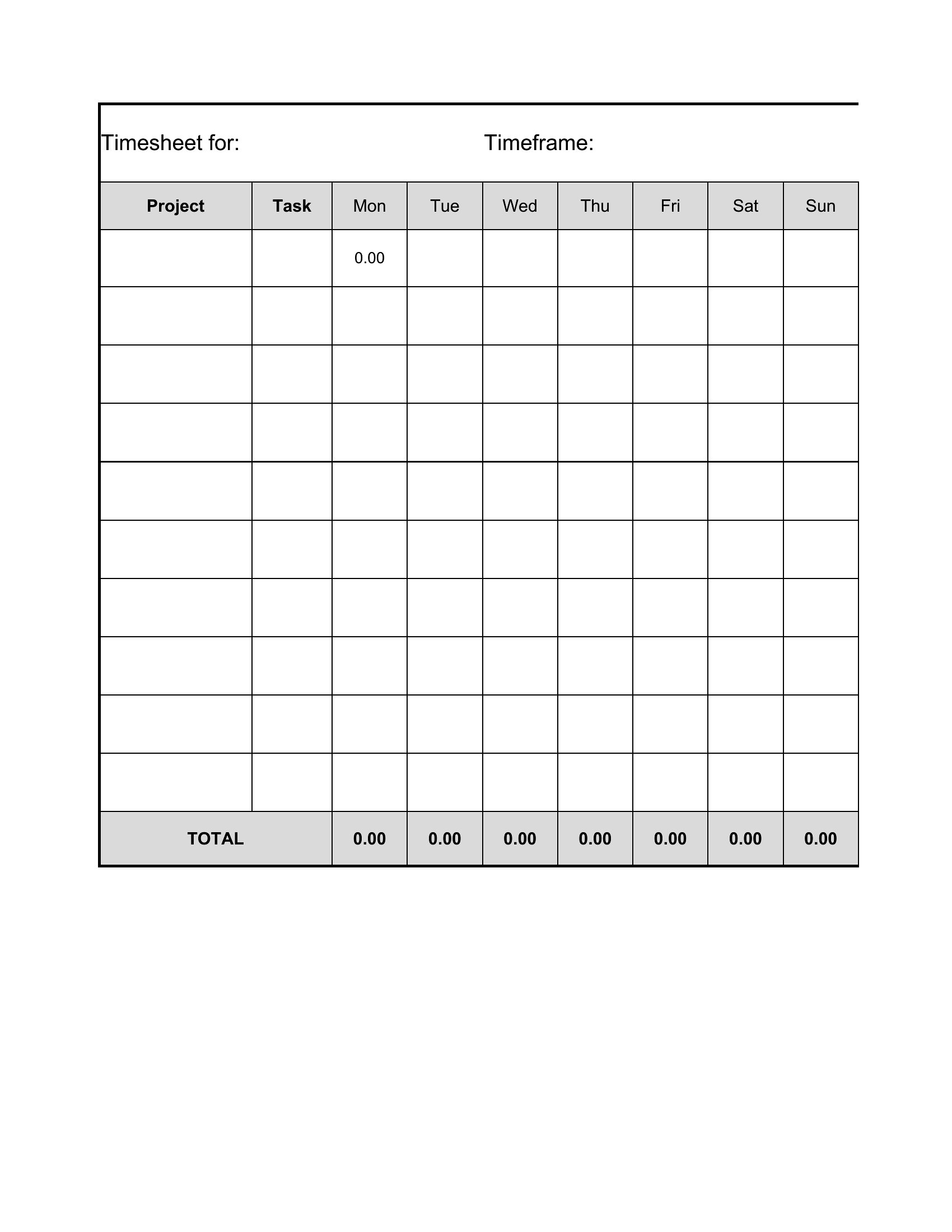
  • Project managers allocating team time to tasks and clients, using timesheets to cross-check budgets and flag when projects are exceeding allocated hours.

Which format should I download?

ExcelPDF

Choose Excel for timesheets if you need automated calculations (like daily totals, overtime, or project breakdowns) and plan to update entries frequently. The spreadsheet format also works well for teams sharing digital files, as formulas can recalculate instantly. Opt for PDF if you require a static, printable record—ideal for freelancers sending invoices to clients or managers archiving approved timesheets for audits. PDFs are also better for mobile use if you’re logging hours on the go without access to a computer.

How to use this Timesheet template

Can these timesheets help with overtime tracking for salaried employees?

These templates are designed primarily for hourly workers, but some include sections for tracking extra hours. Salaried employees should consult labor laws or HR policies, as overtime rules for exempt employees differ by region. The Excel versions can be manually adjusted to flag hours over a threshold if needed, but they’re not a substitute for legal or payroll advice.

What’s the best way to use these templates for remote teams across different time zones?

For remote teams, use the Excel format and share a single file via cloud storage (like Google Drive or Dropbox) so everyone logs hours in one place. Set a clear deadline for submissions and include a column for time zone adjustments. PDFs are less practical for shared use unless each team member submits their own file daily. Always confirm local labor laws for remote work requirements in different regions.

Do these templates account for split shifts or irregular work schedules?

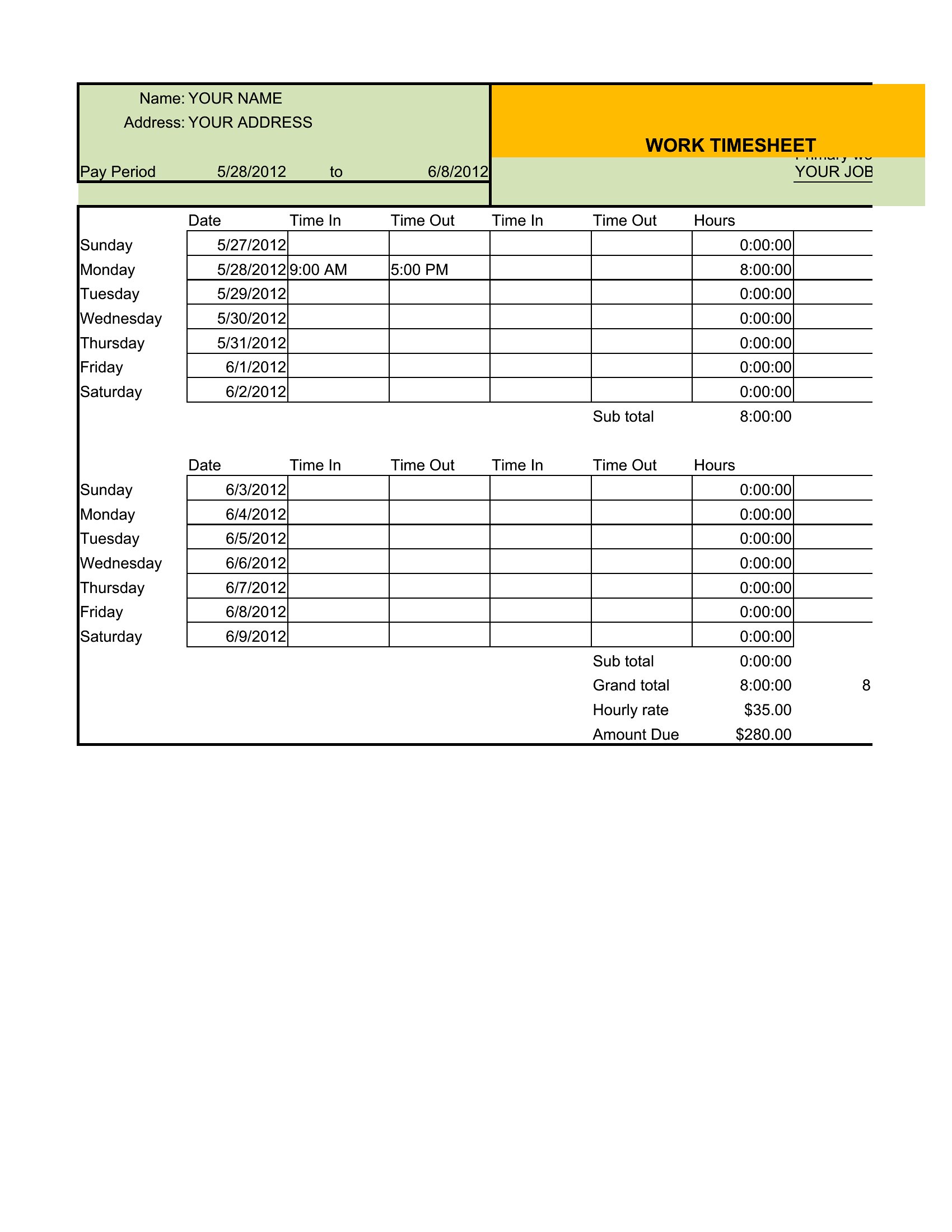
Yes, many templates include sections for multiple start/end times per day, which works for split shifts or jobs with staggered hours. The Excel versions often allow you to add rows or adjust formulas to fit unique schedules. For highly irregular shifts, note that manual entry may still be needed, and some templates may require minor customization to avoid confusion in payroll calculations.

Comments

Join the conversation

Sign in to share your thoughts and leave a comment on this resource.

Newsletter

Get Weekly Design Updates

Join our community to receive curated resources and inspiration.

Weekly Tips Resources Early Access

We respect your privacy. Confirmation email required. Privacy Policy