Free Time Log Templates (Word, Excel, PDF)
DataTemplates
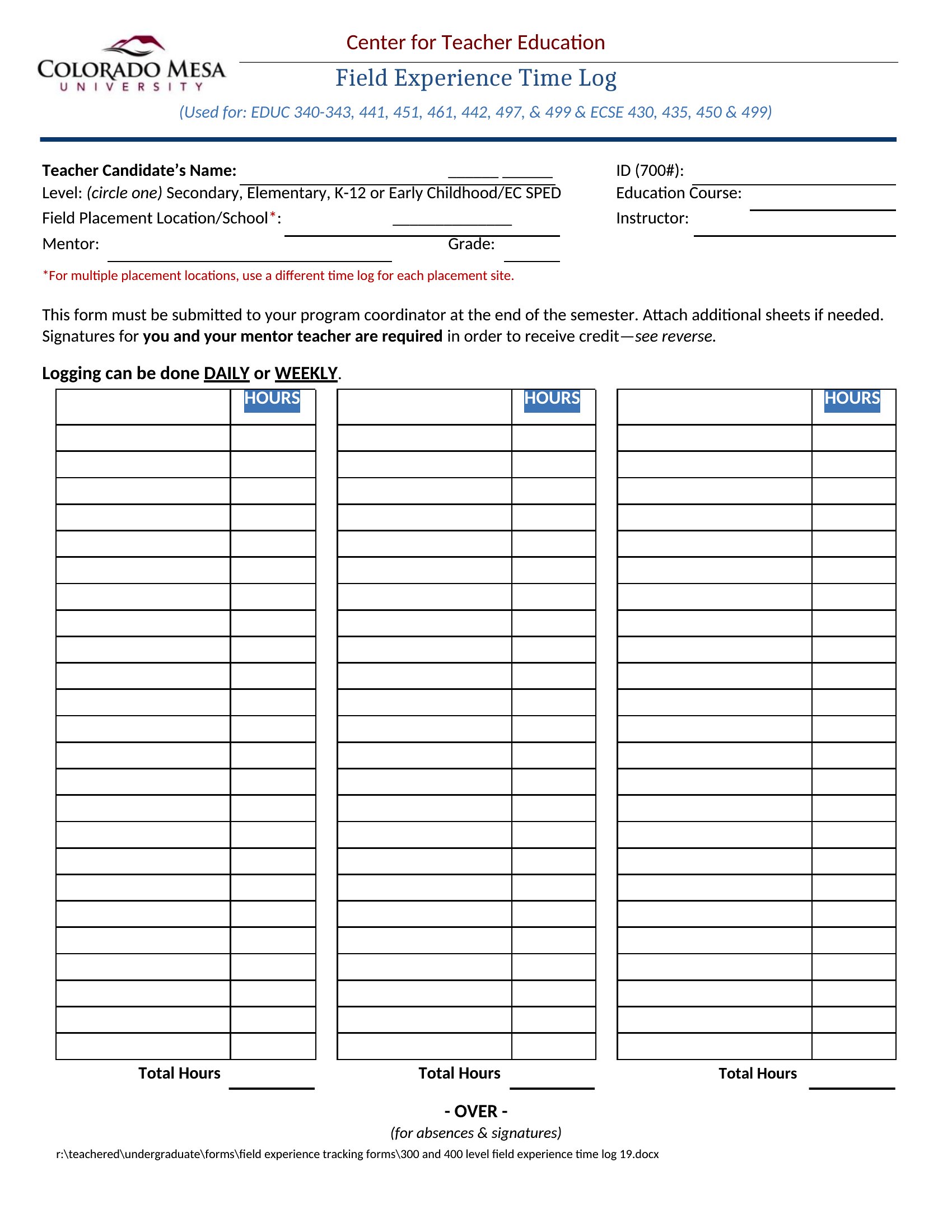
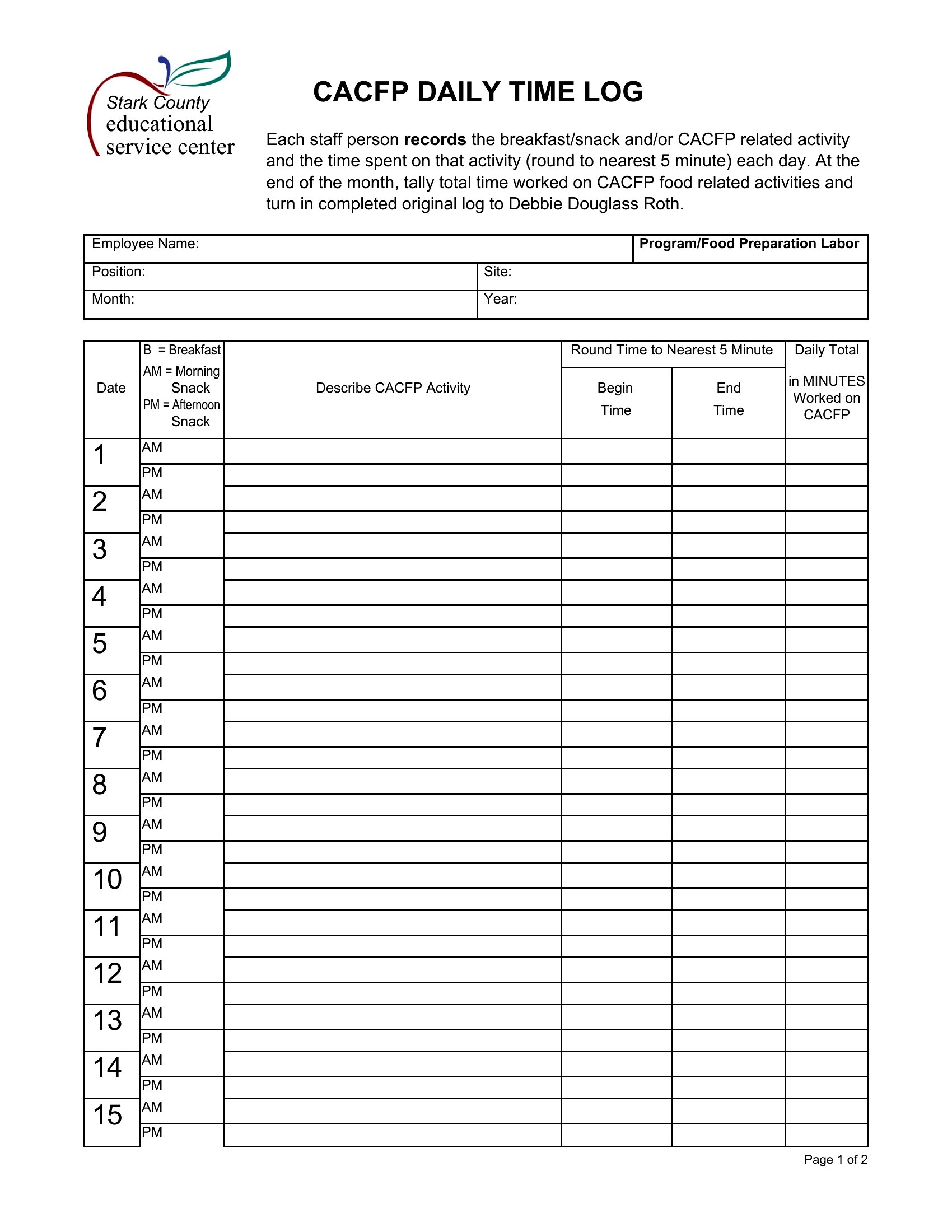
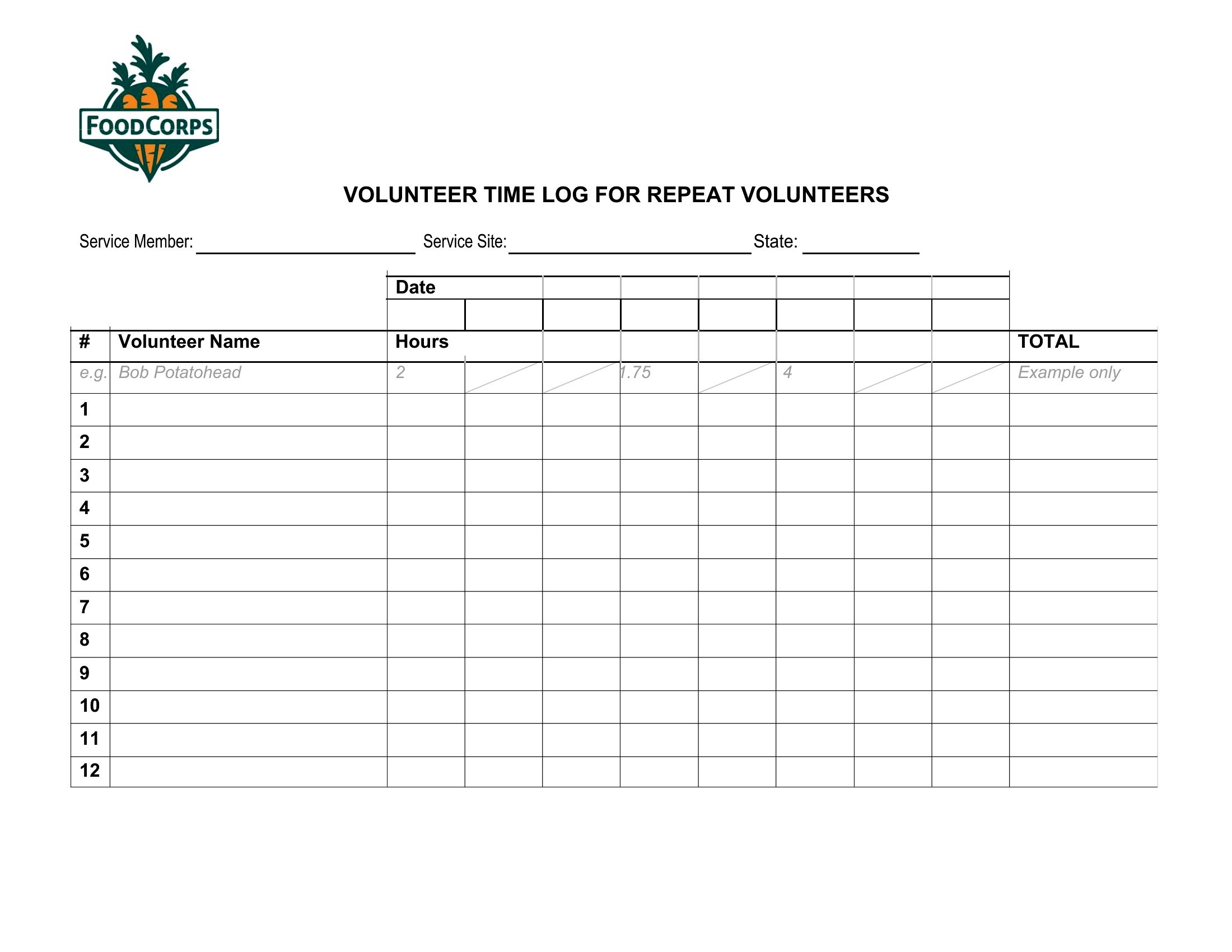
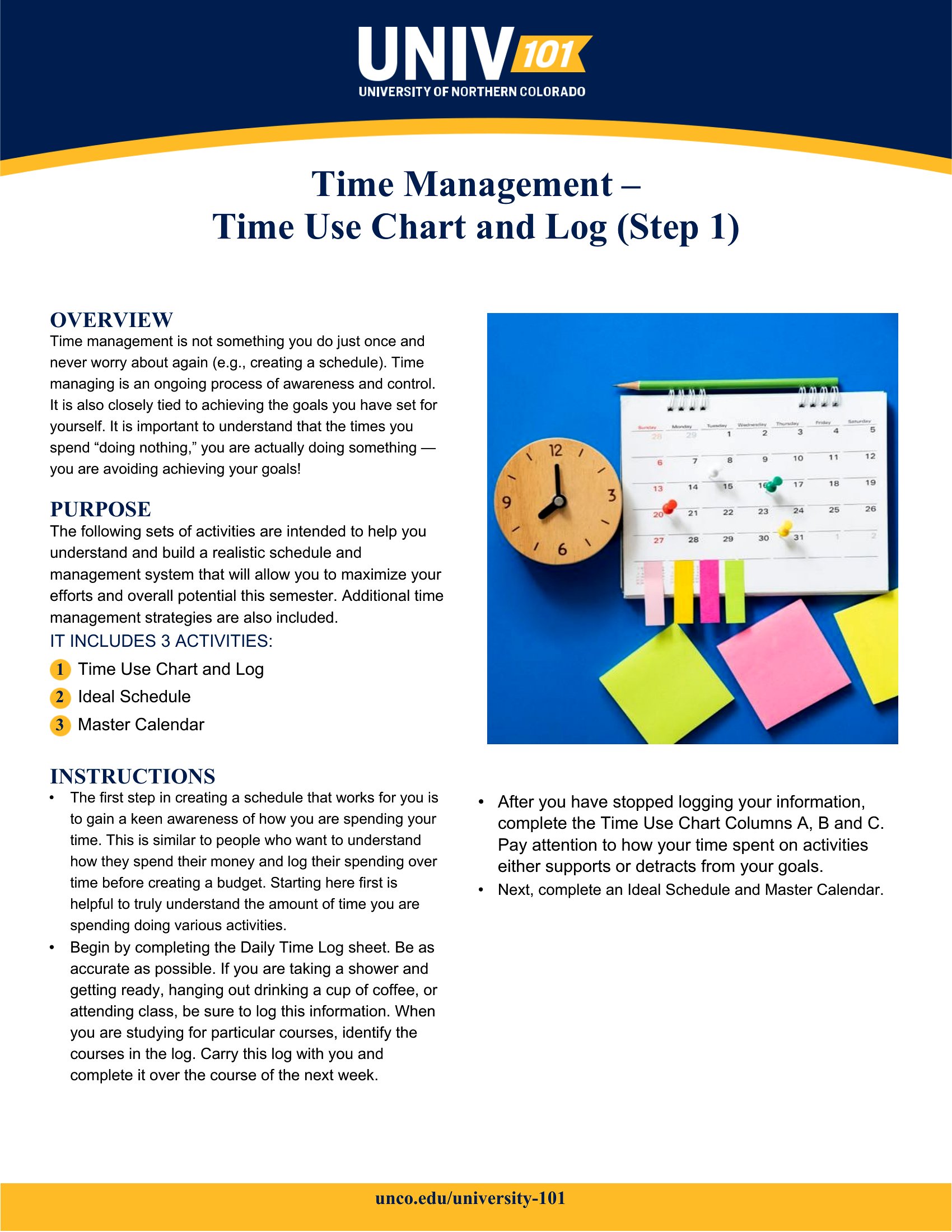
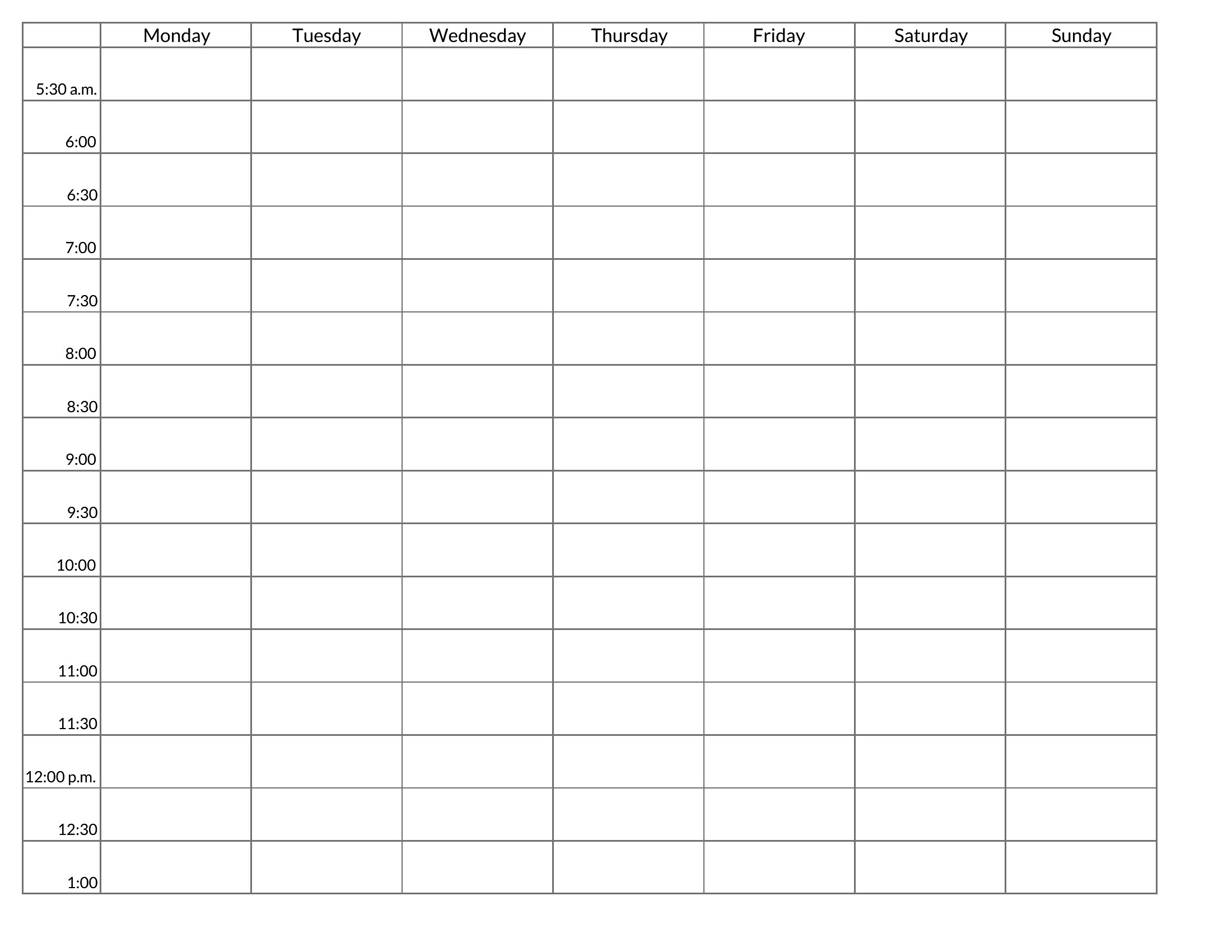
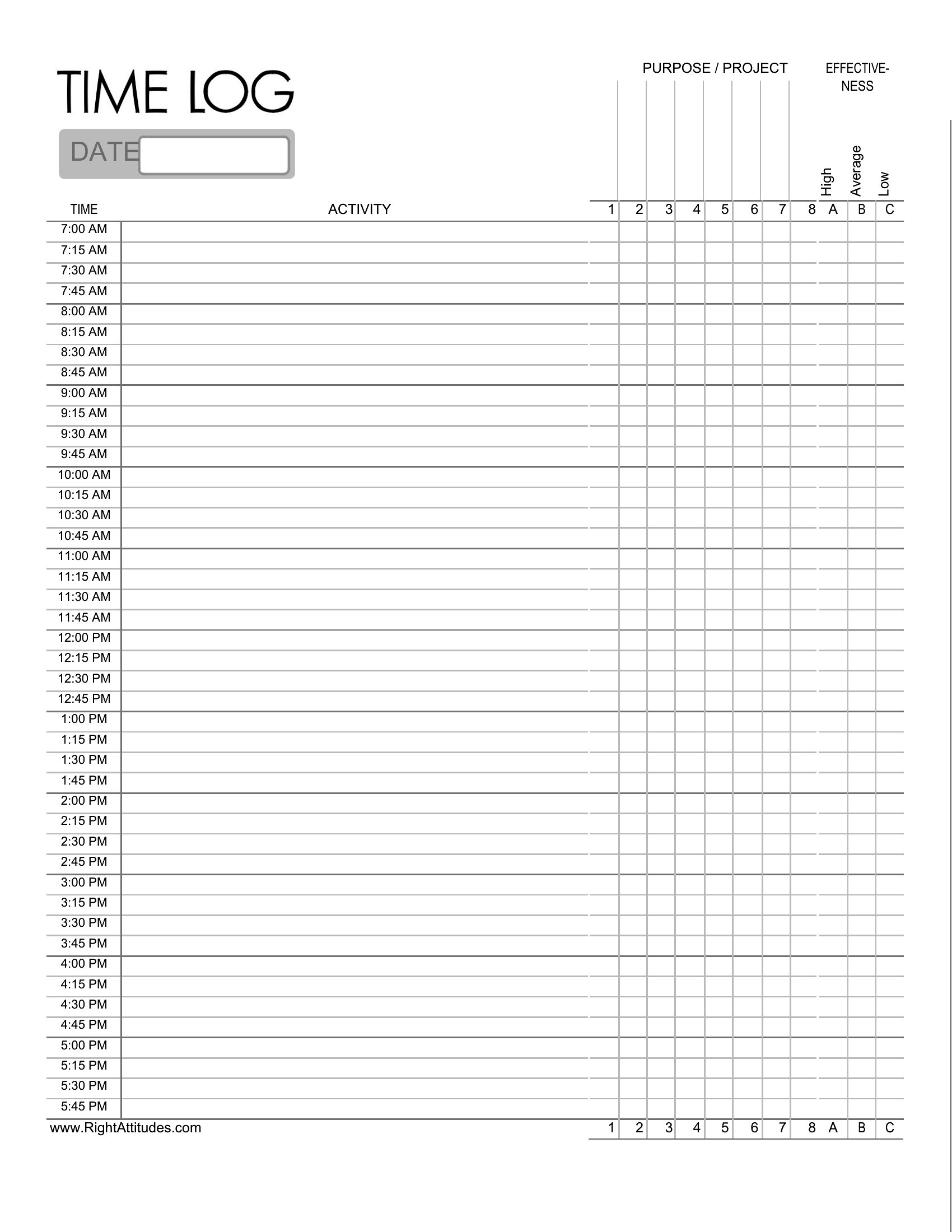
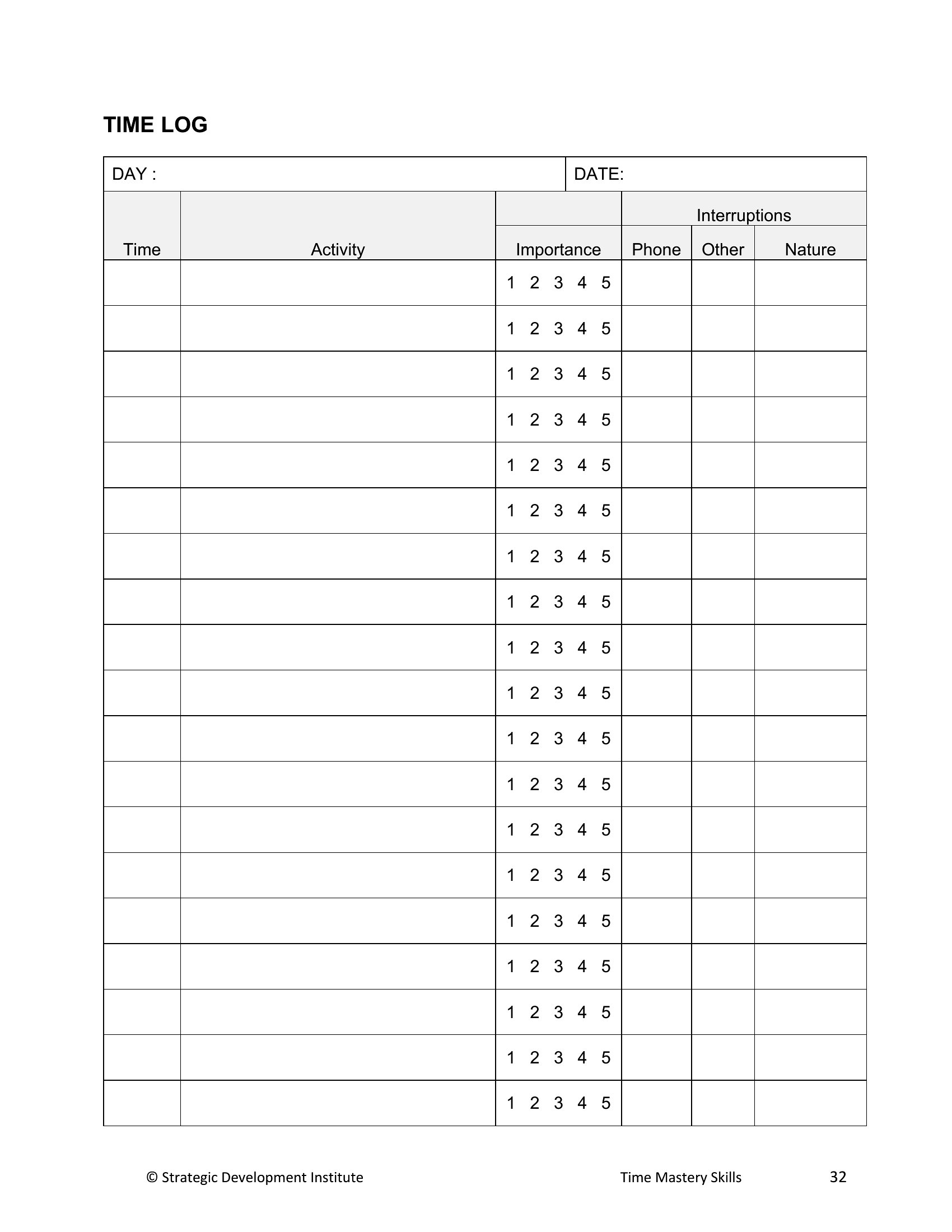
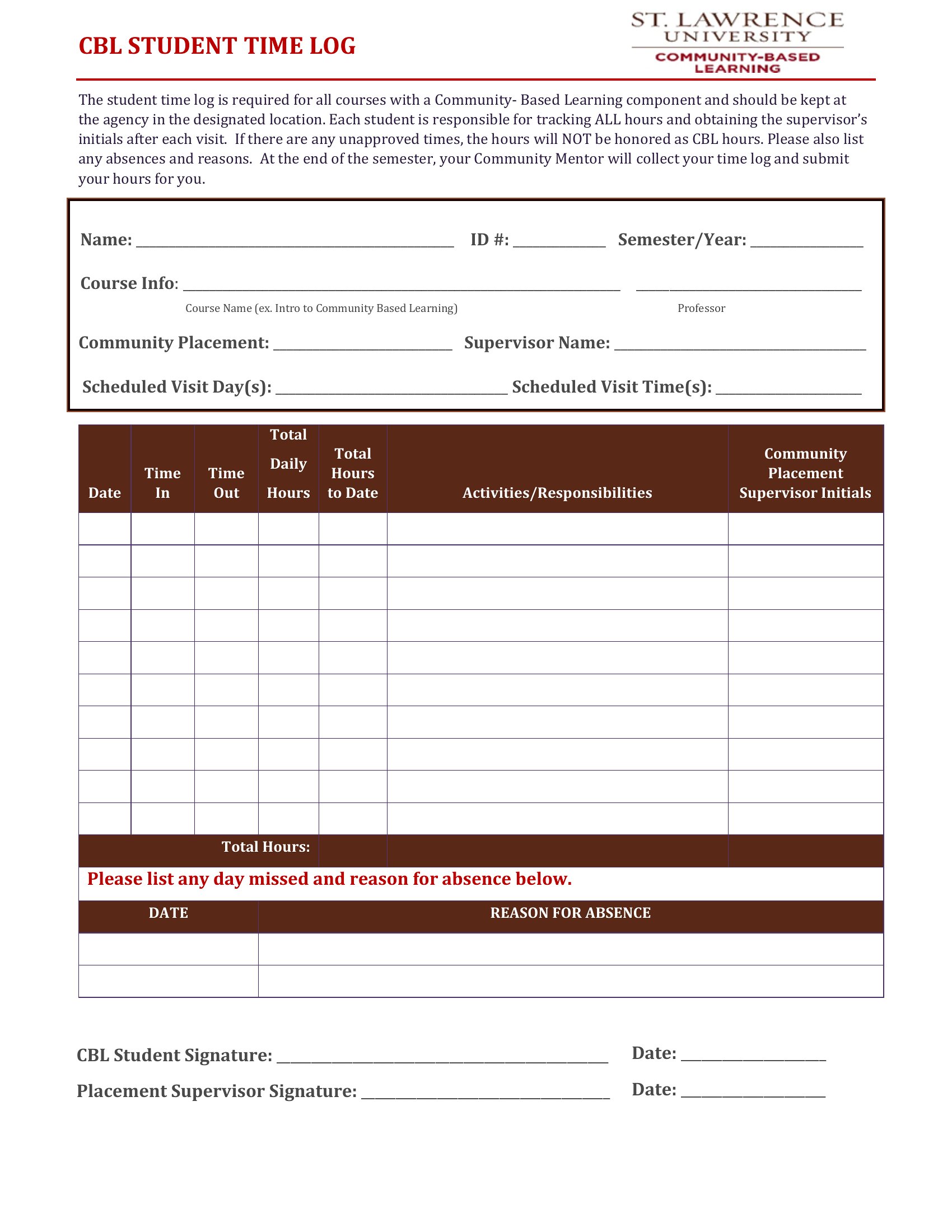
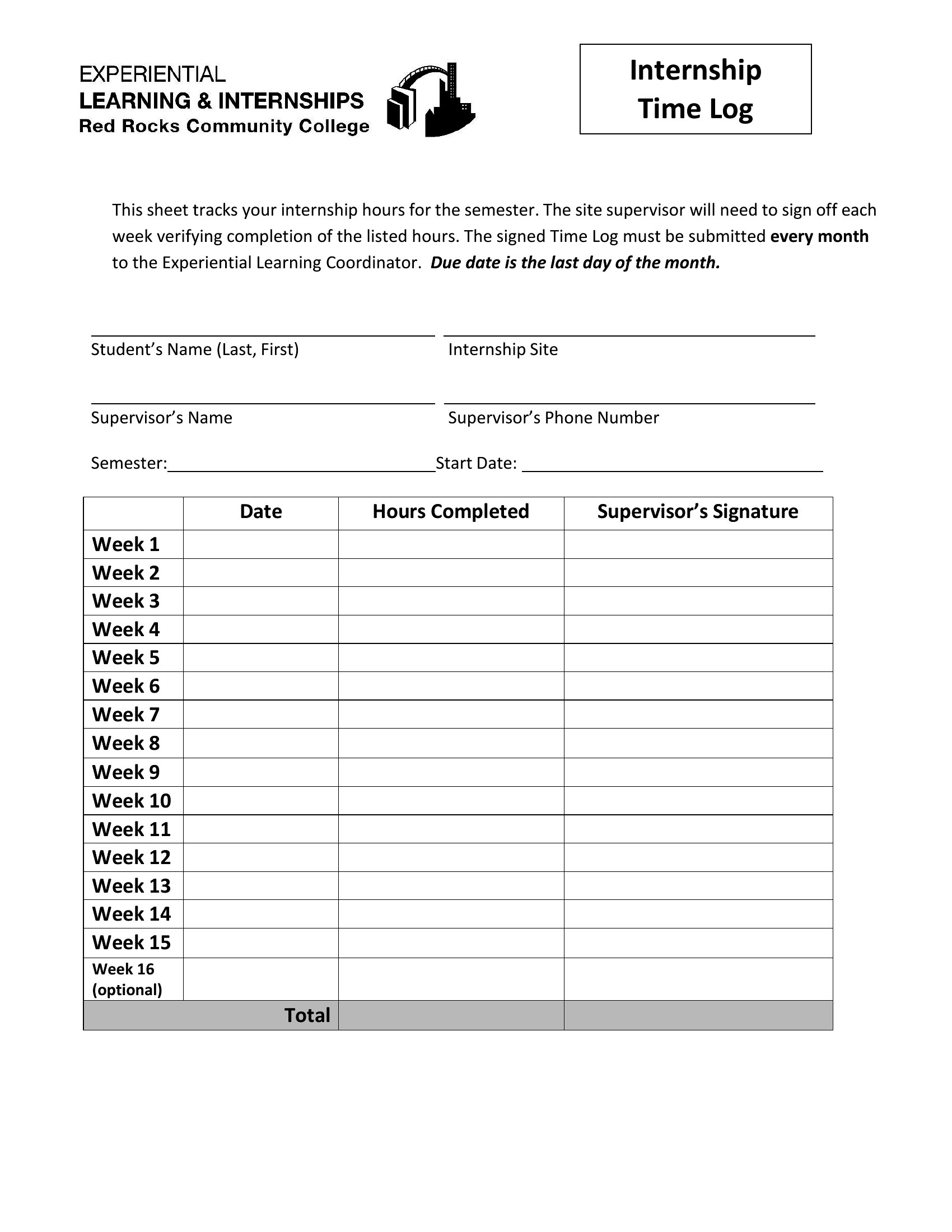
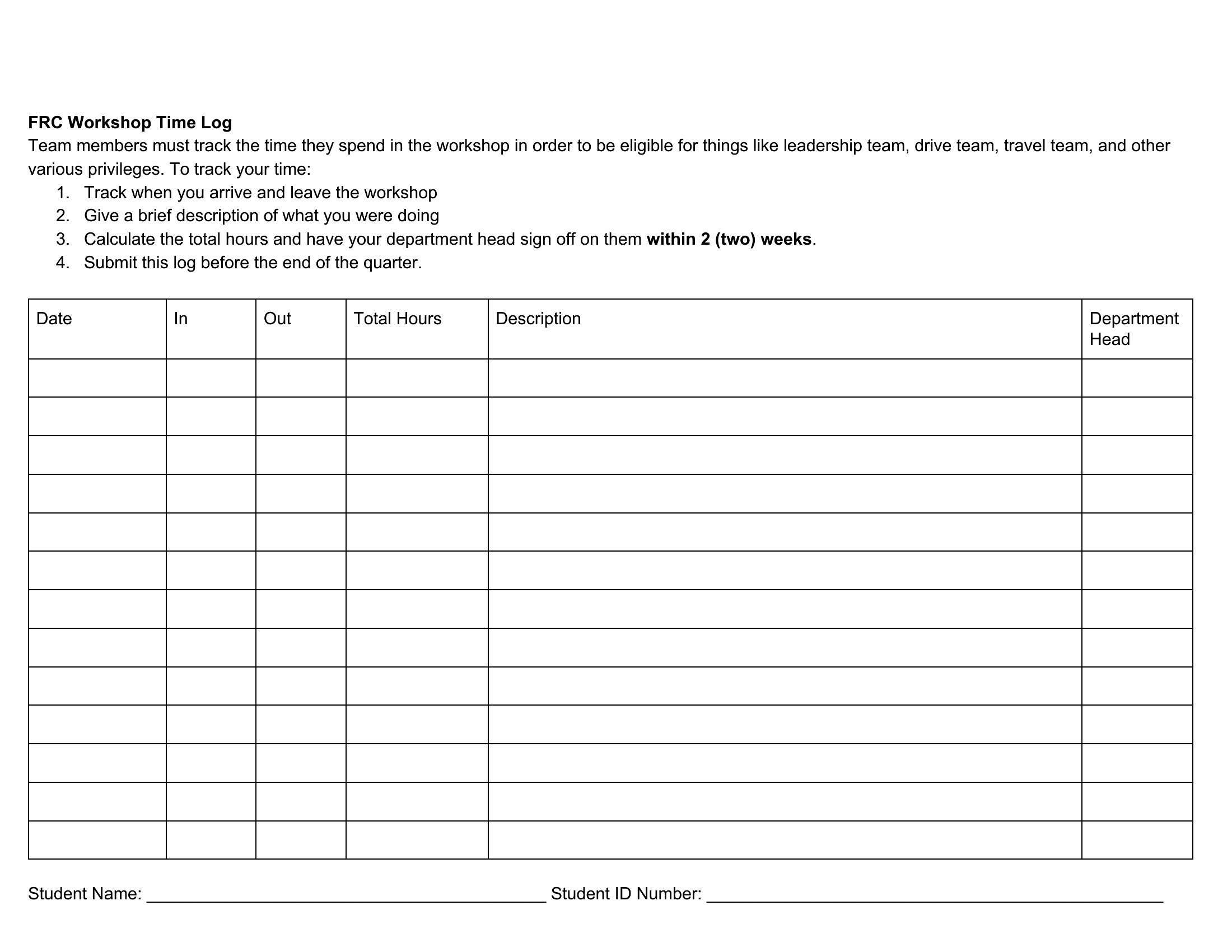
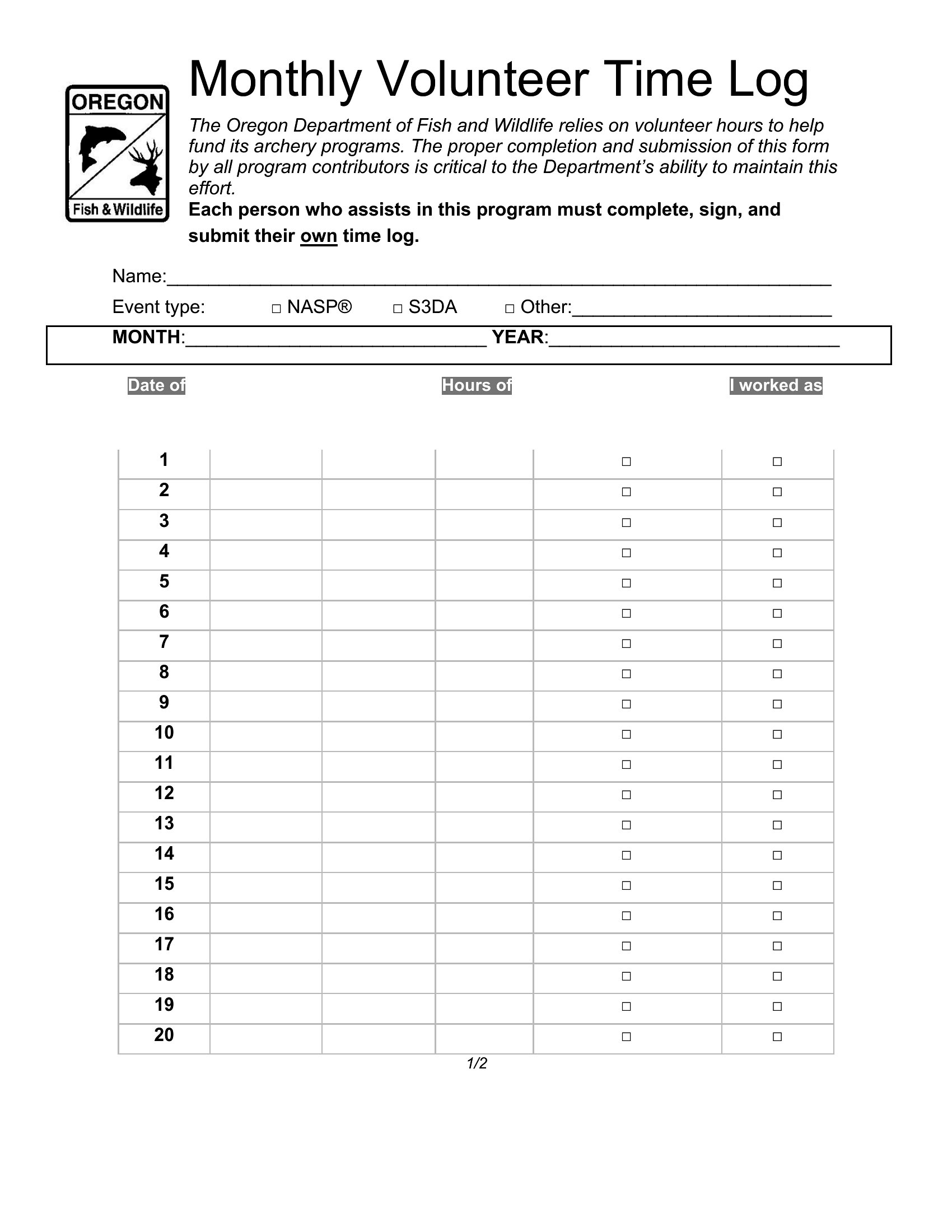
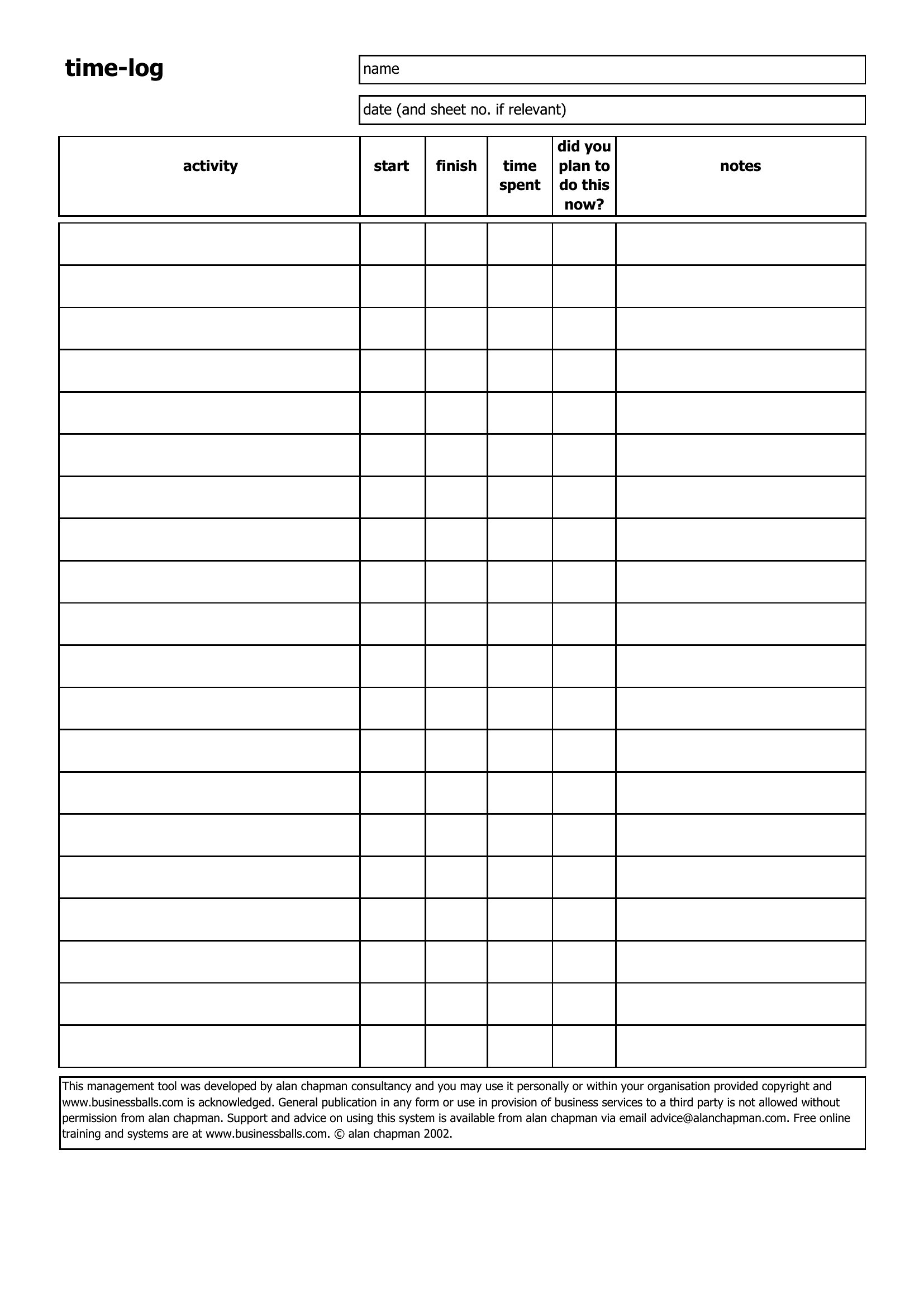
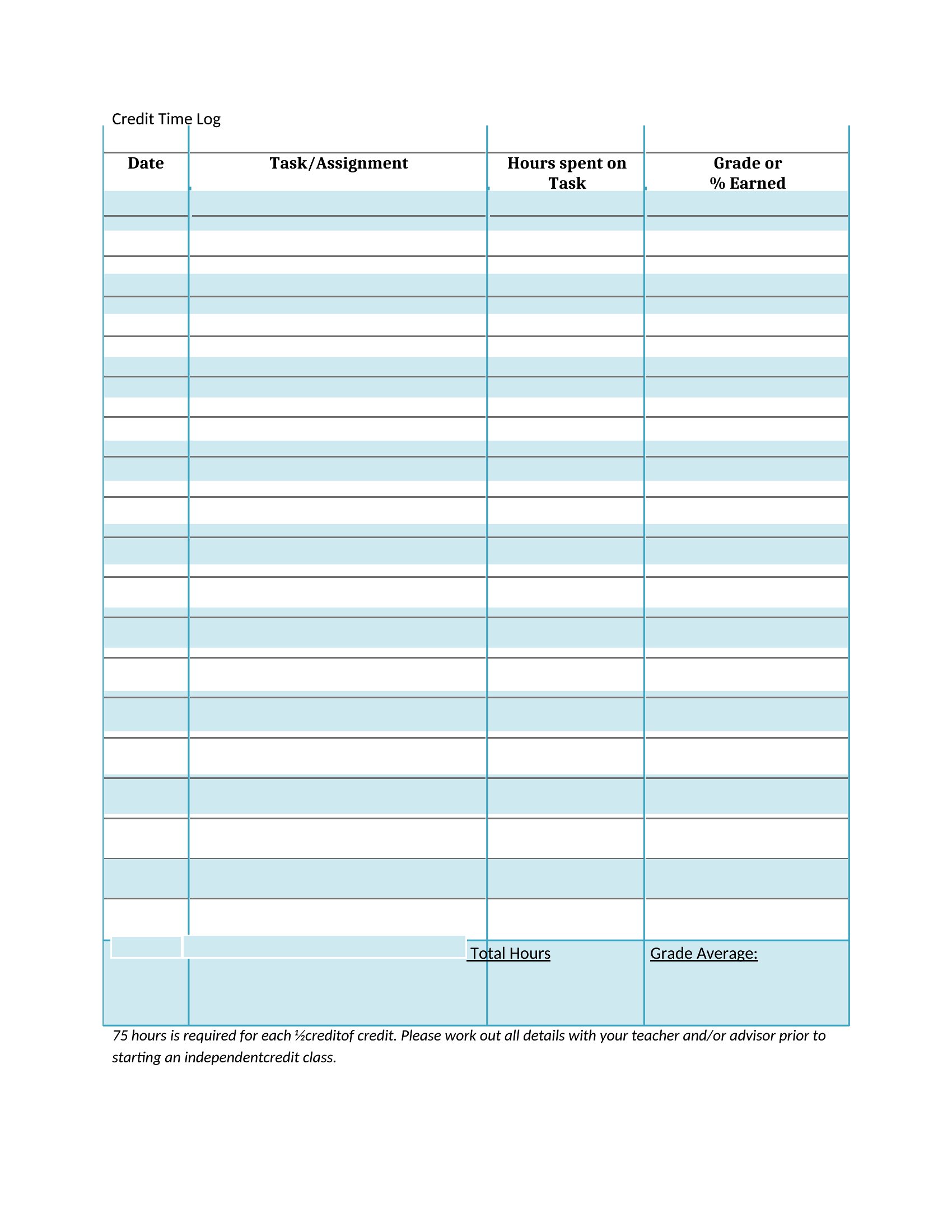
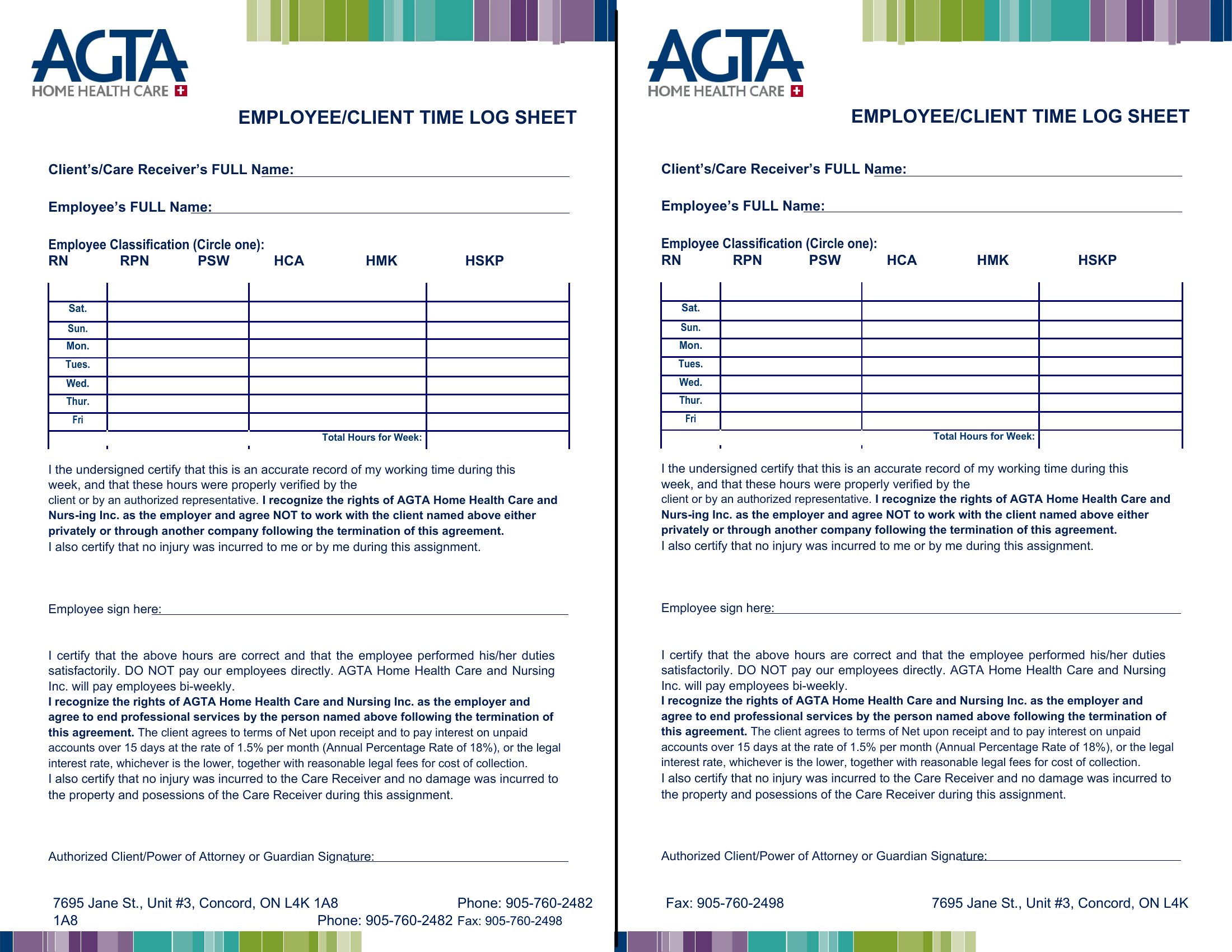
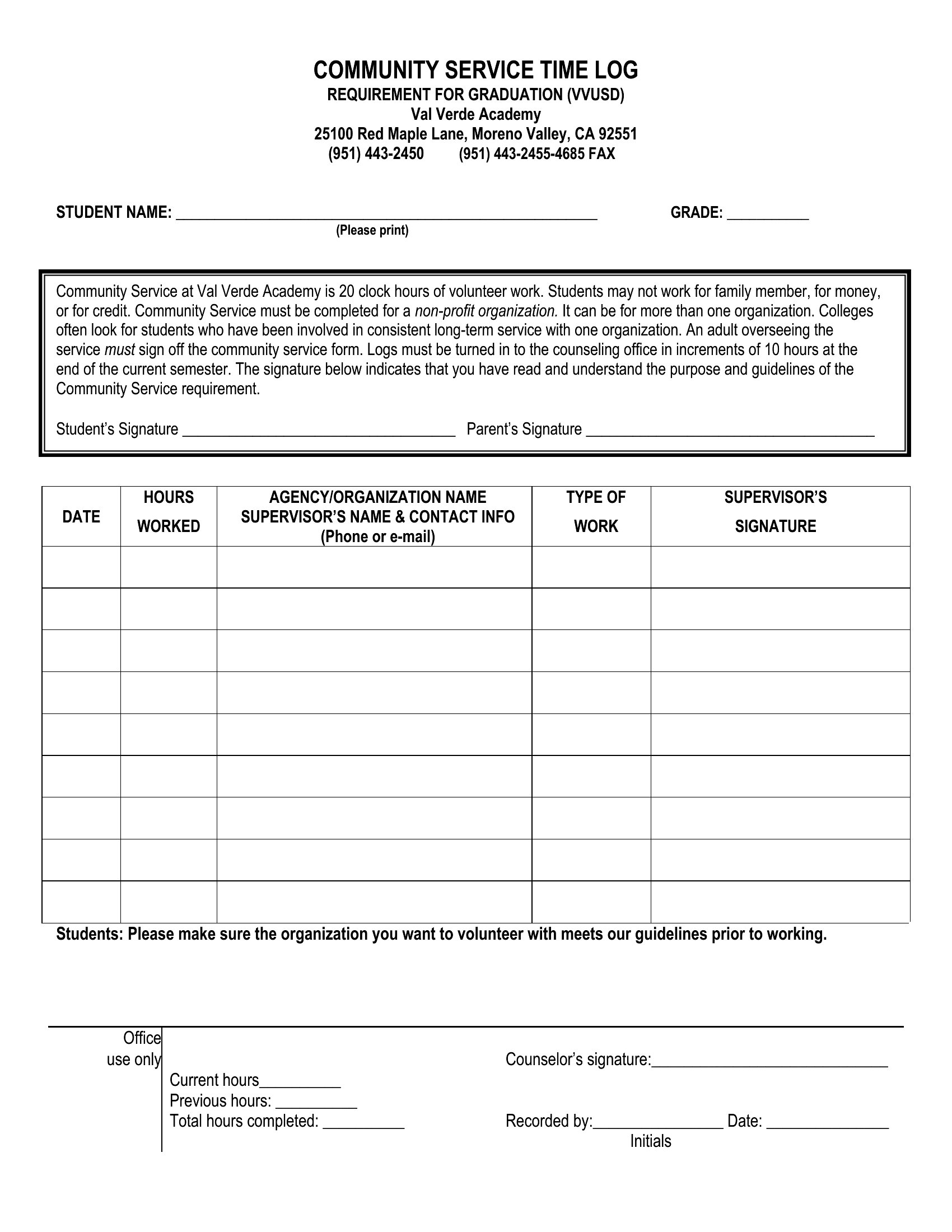
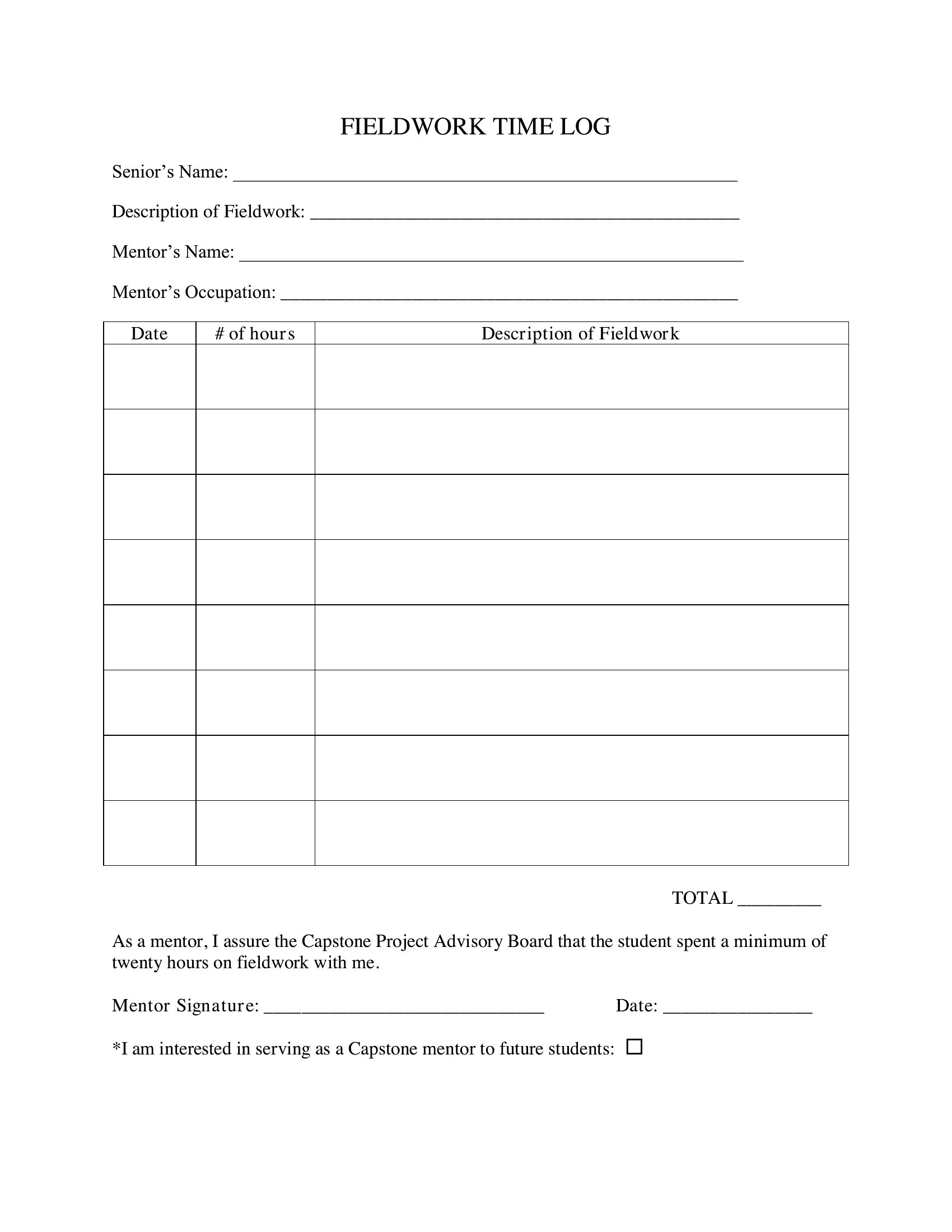
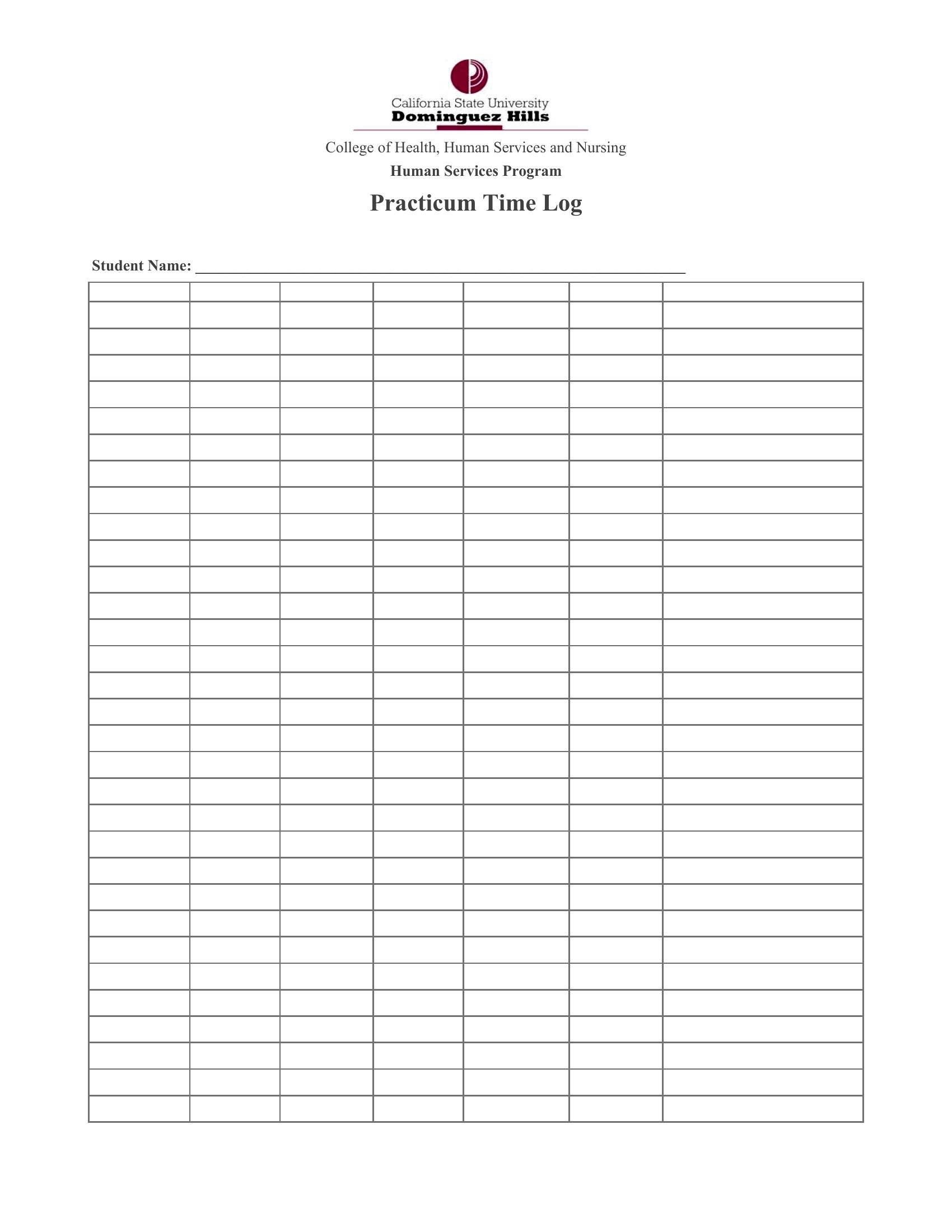
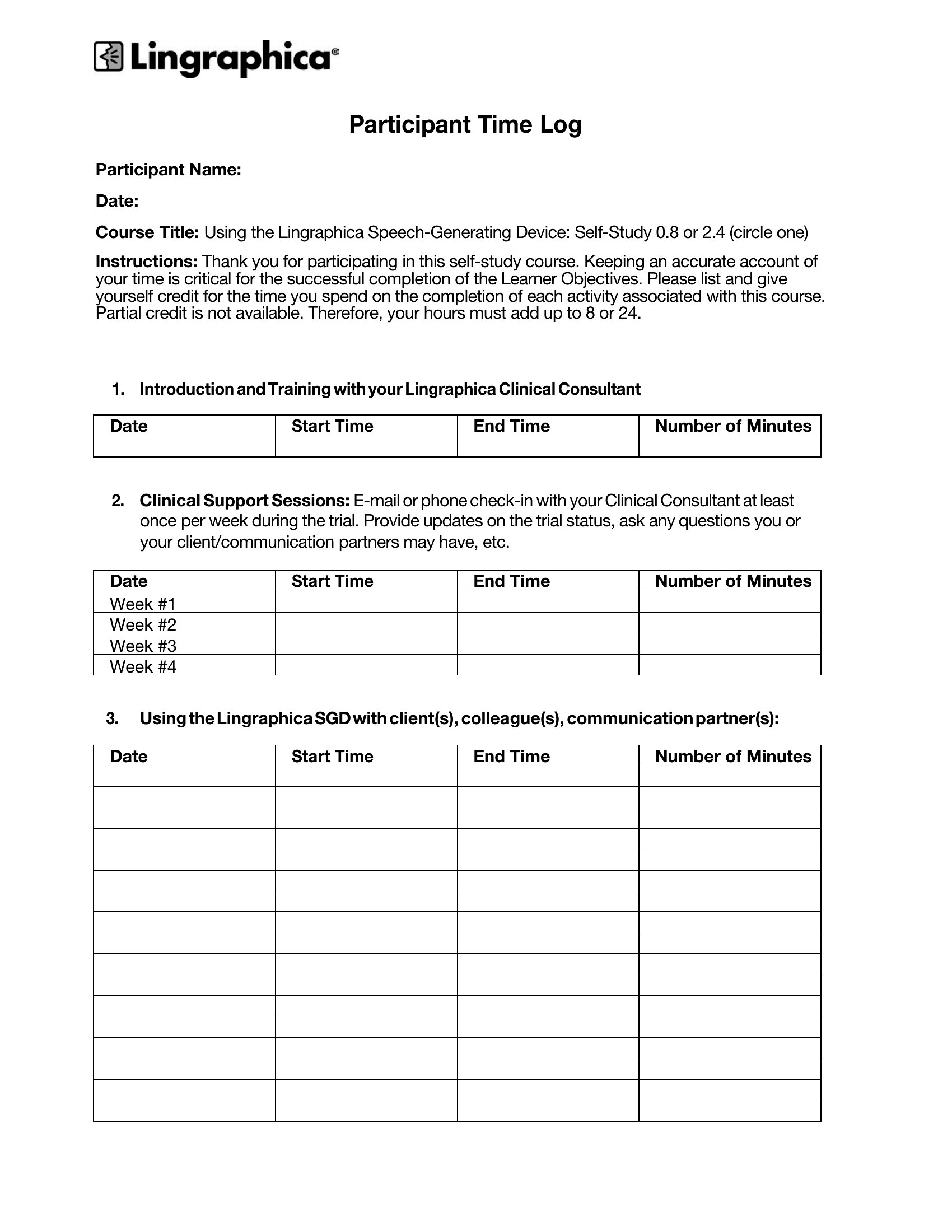
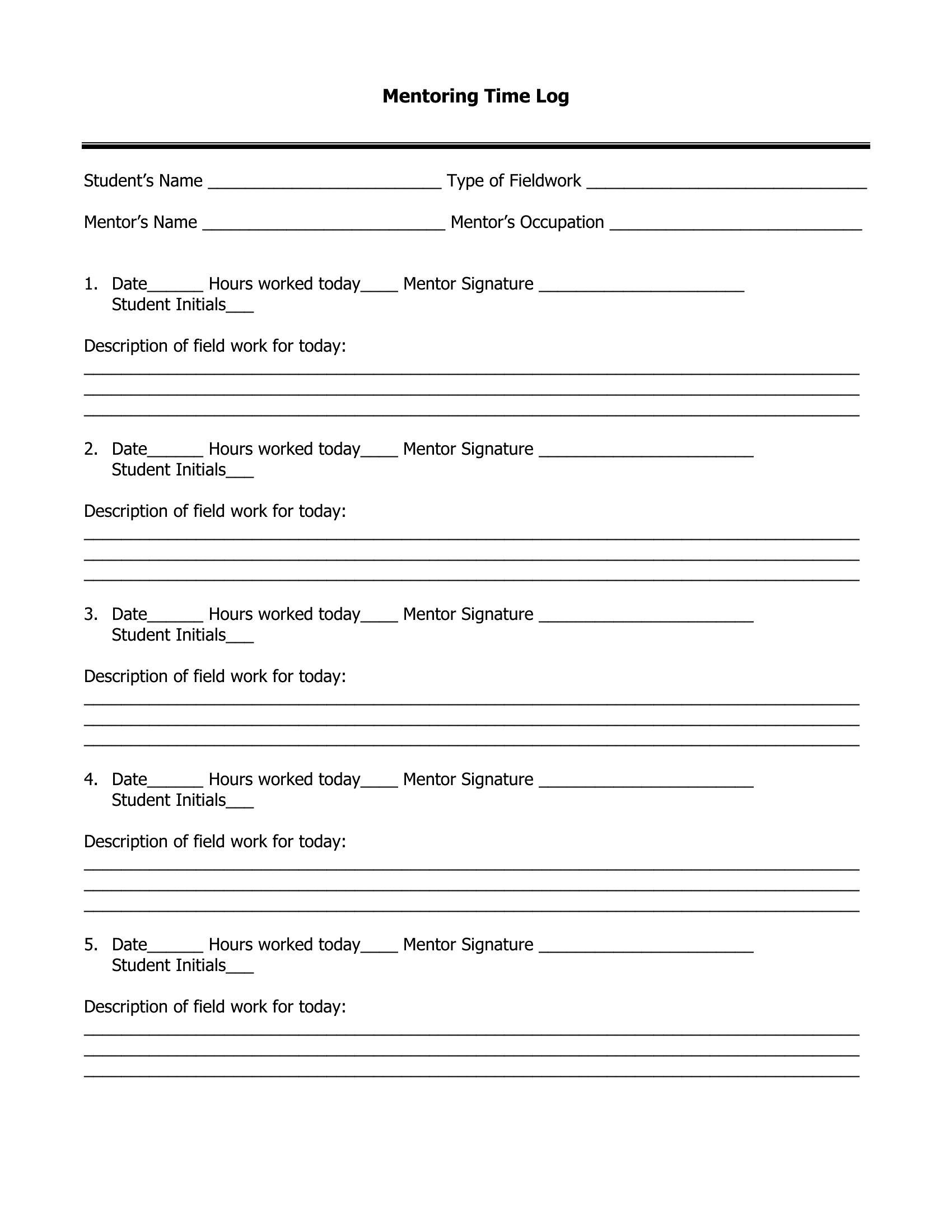
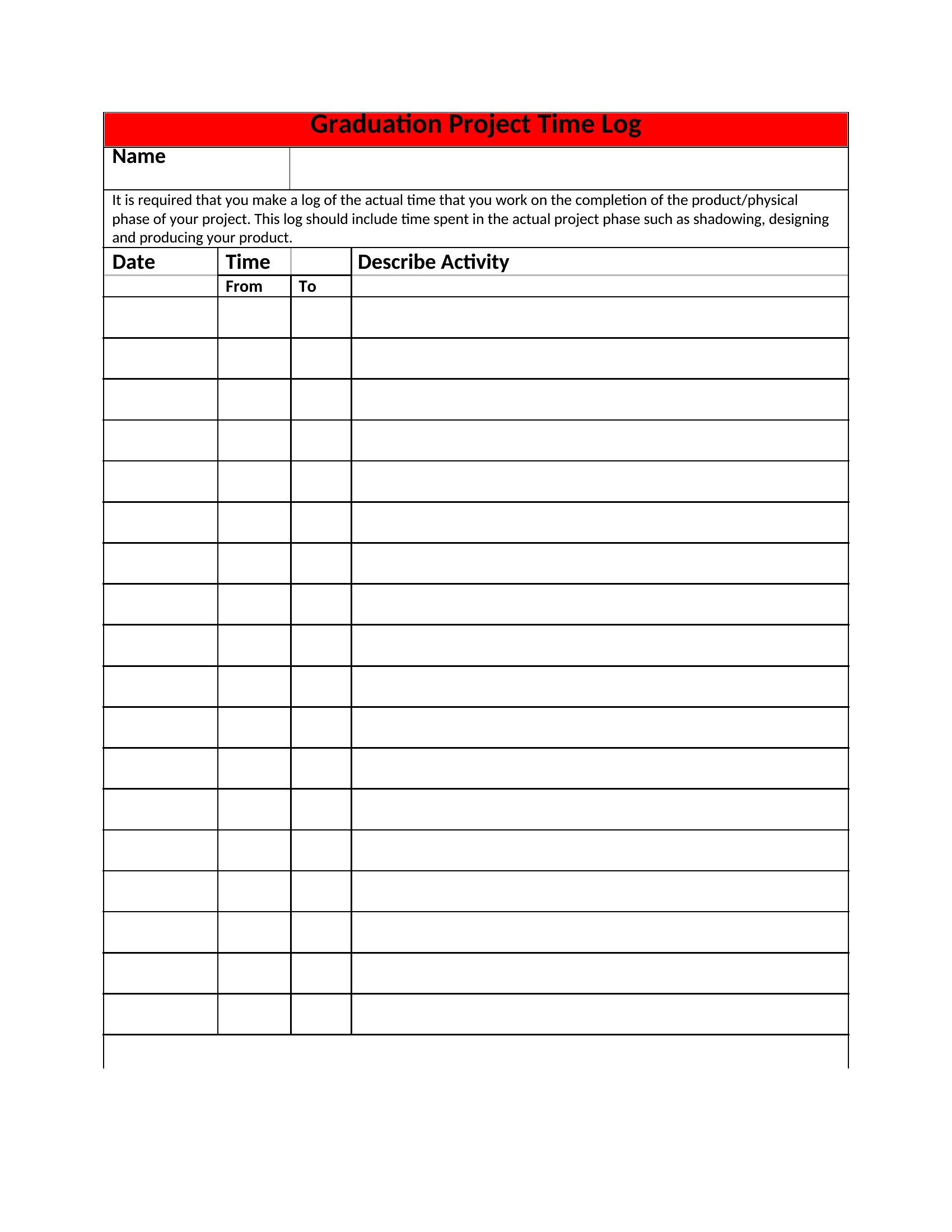
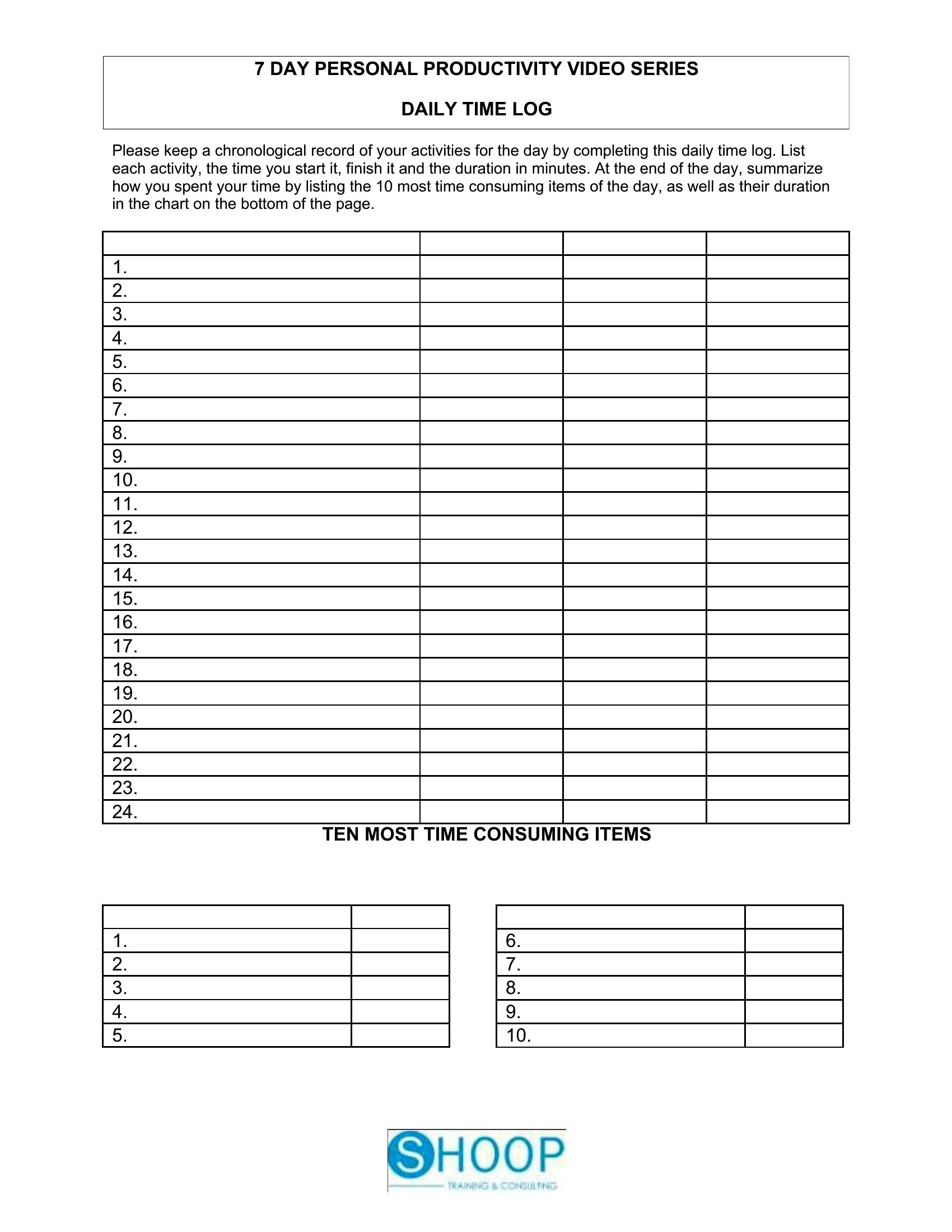
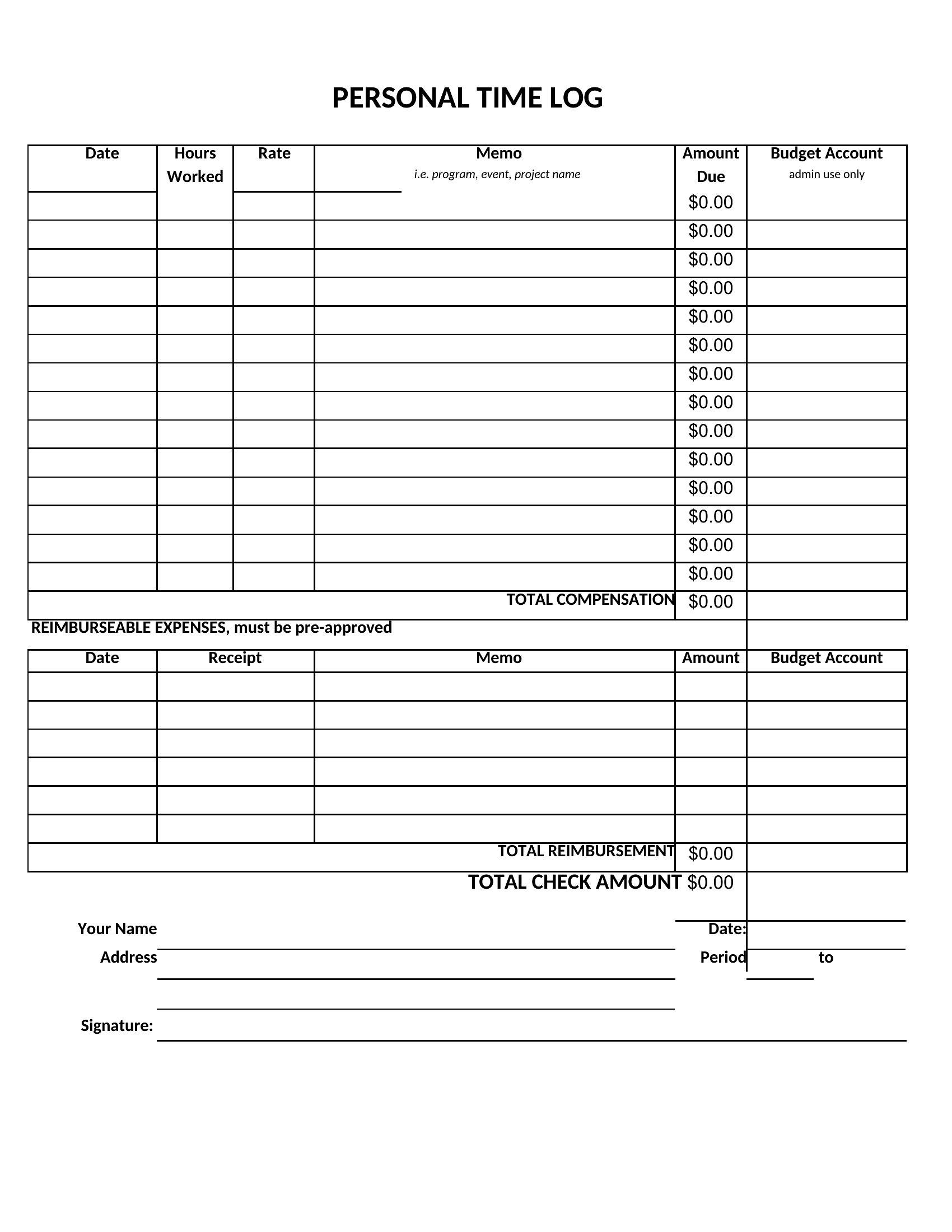
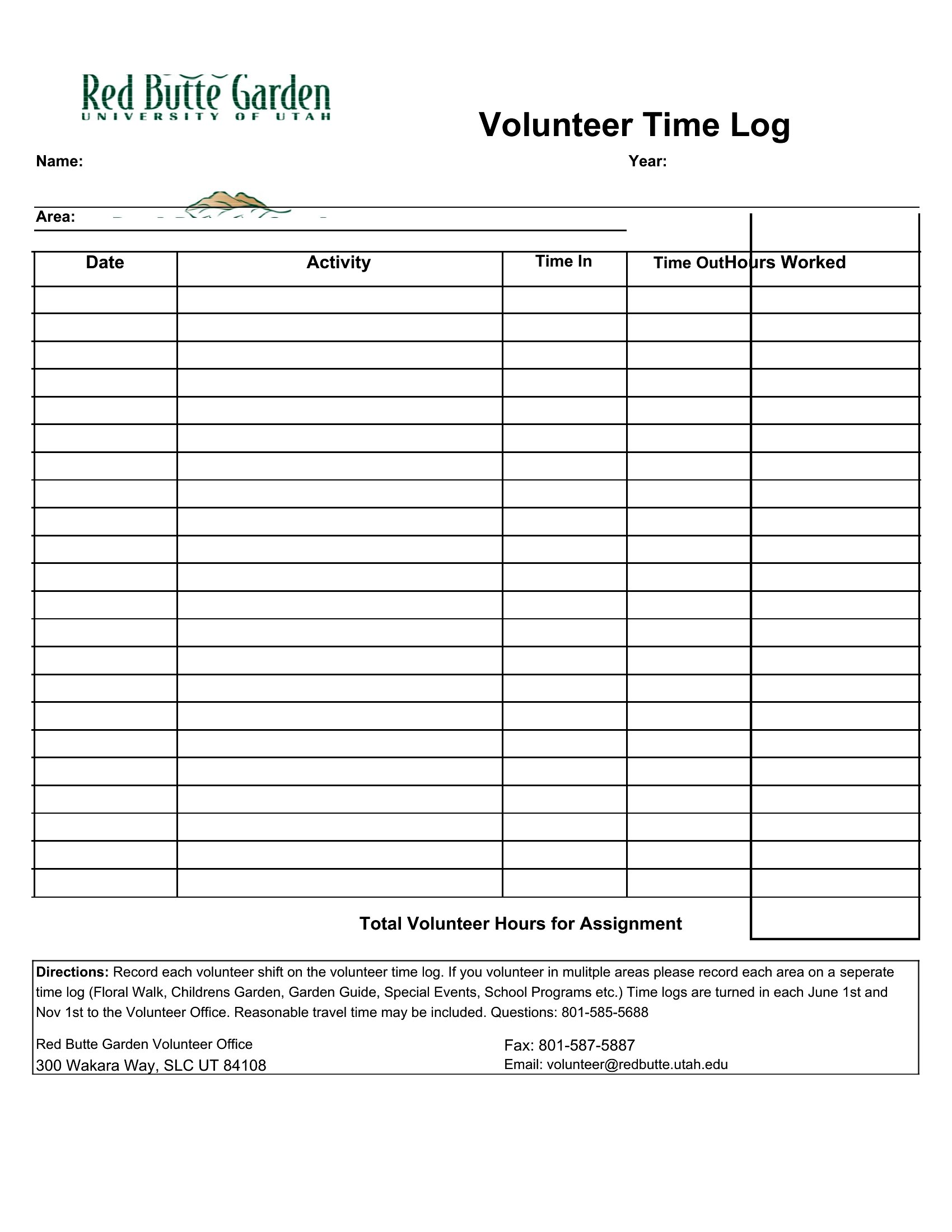
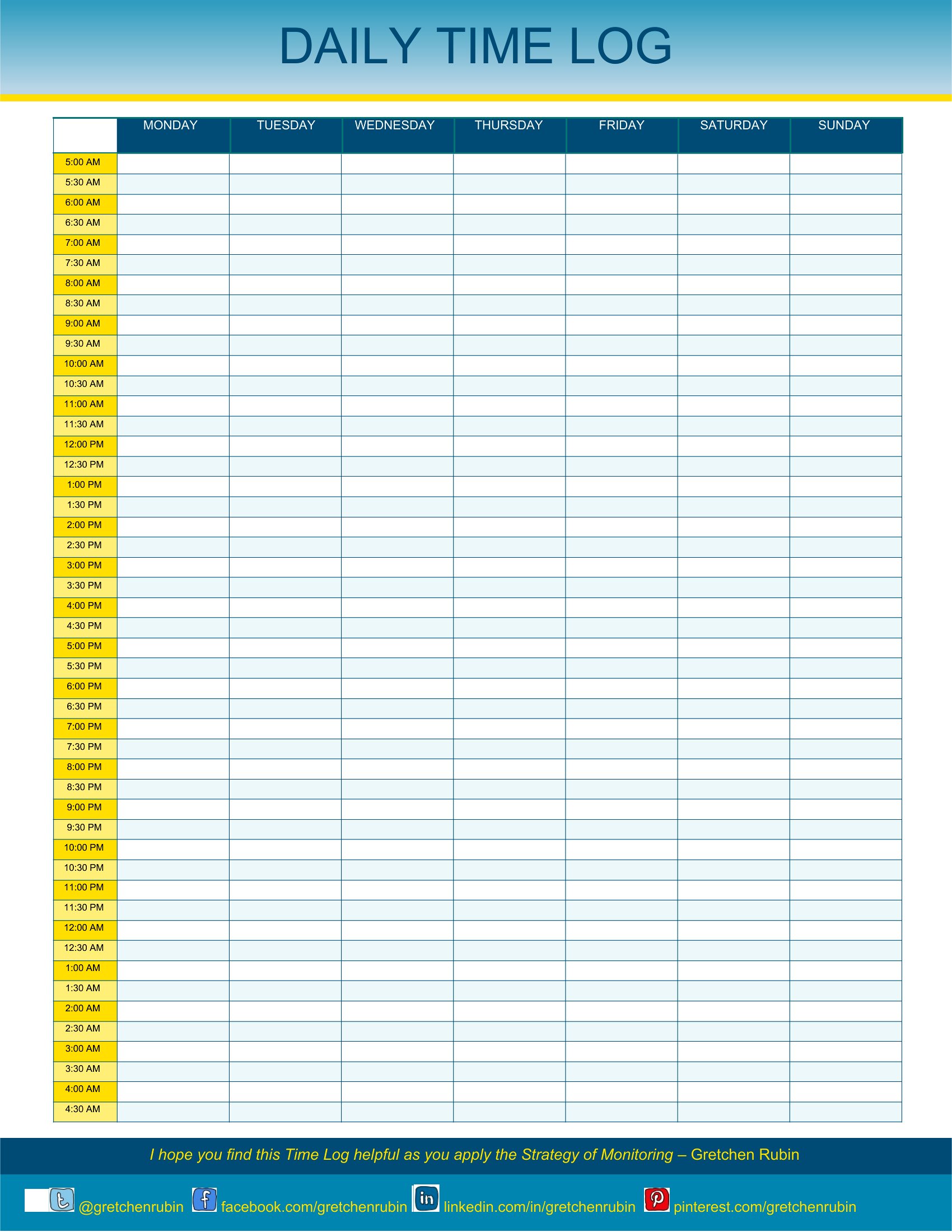
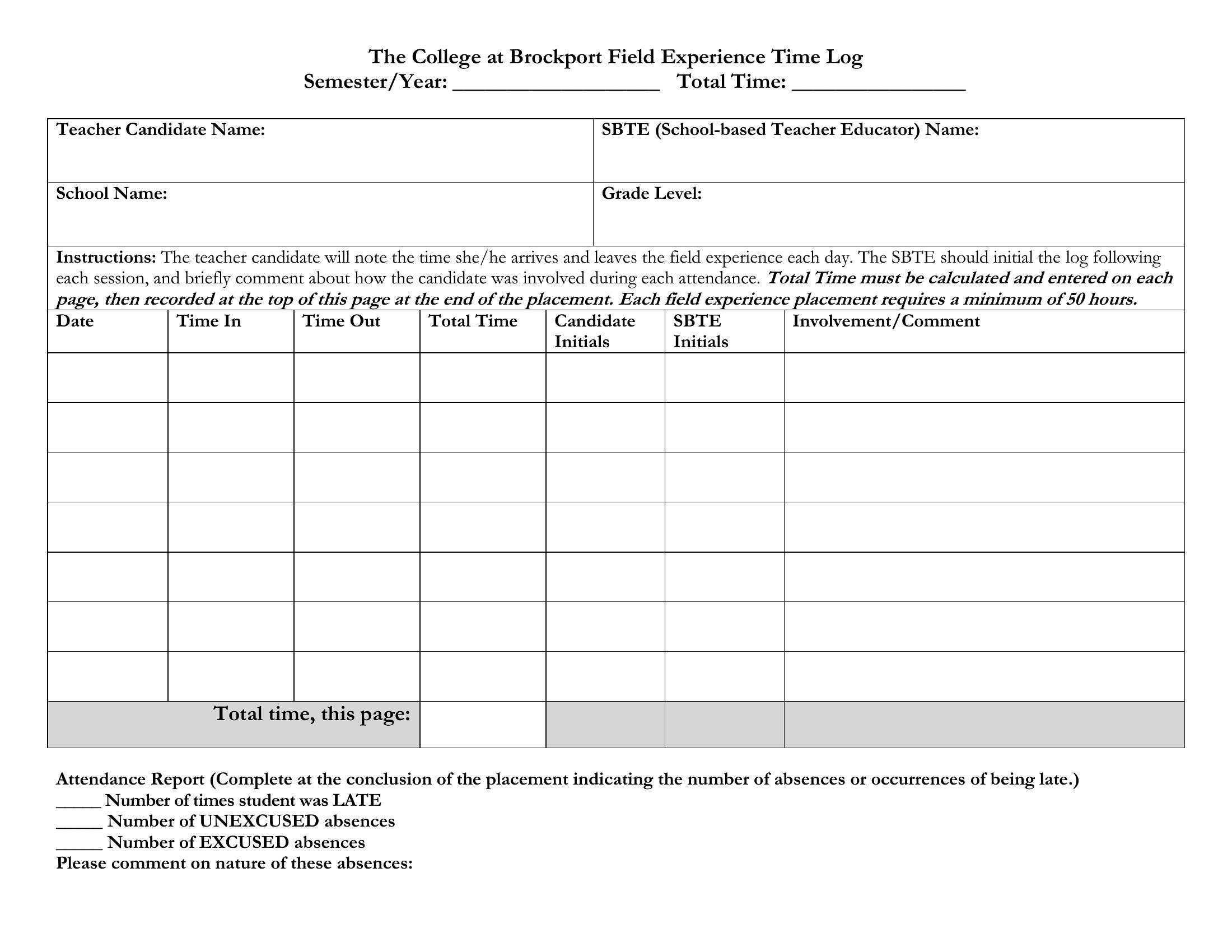
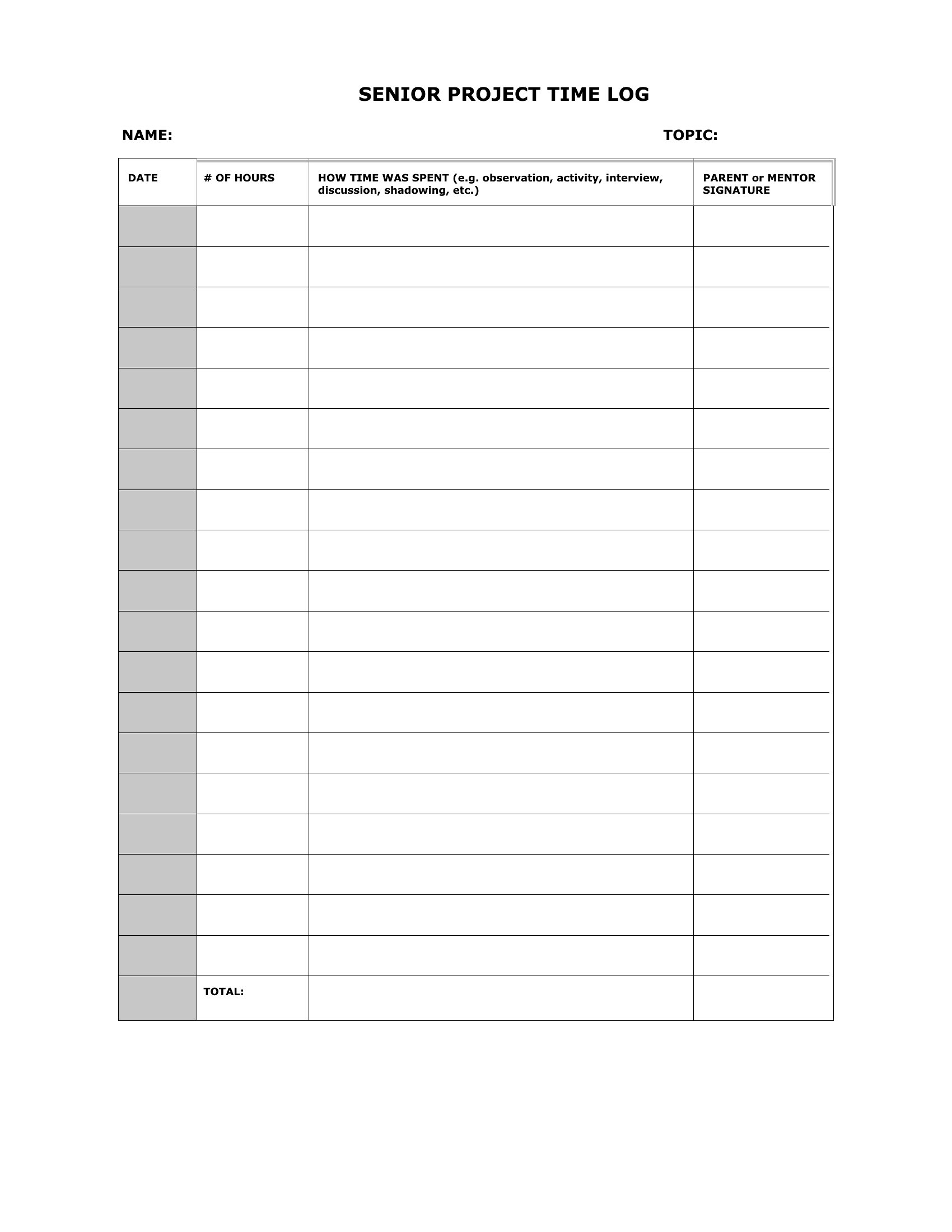
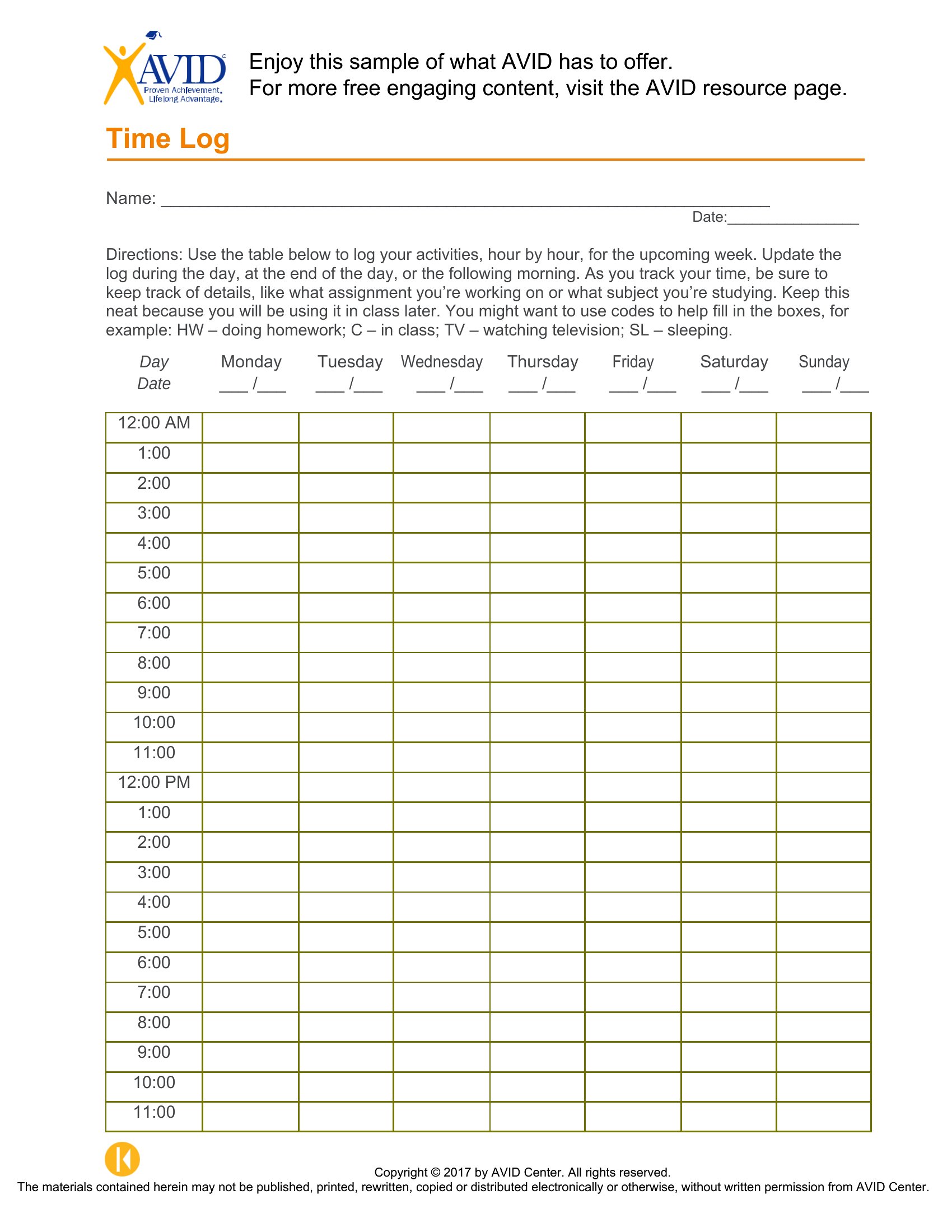
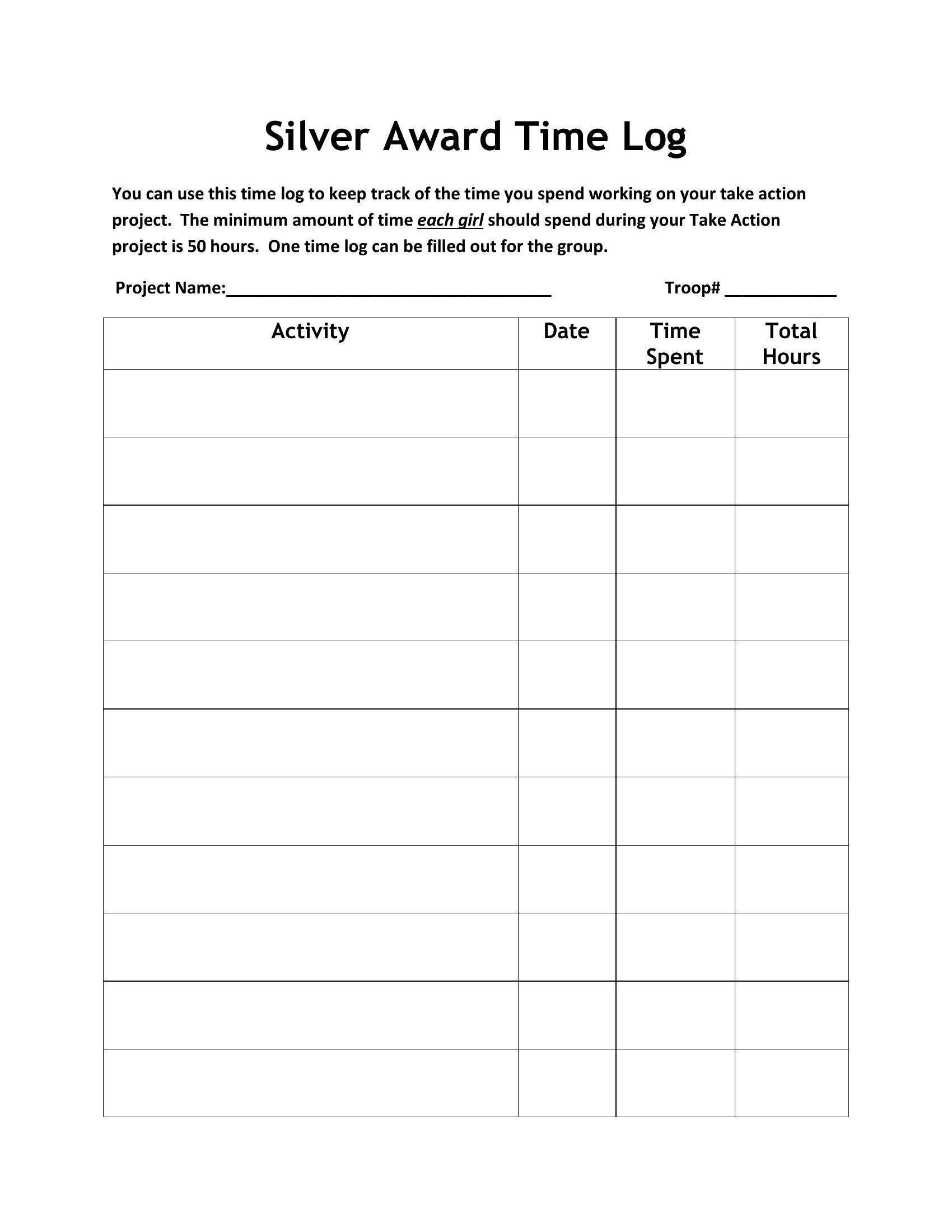
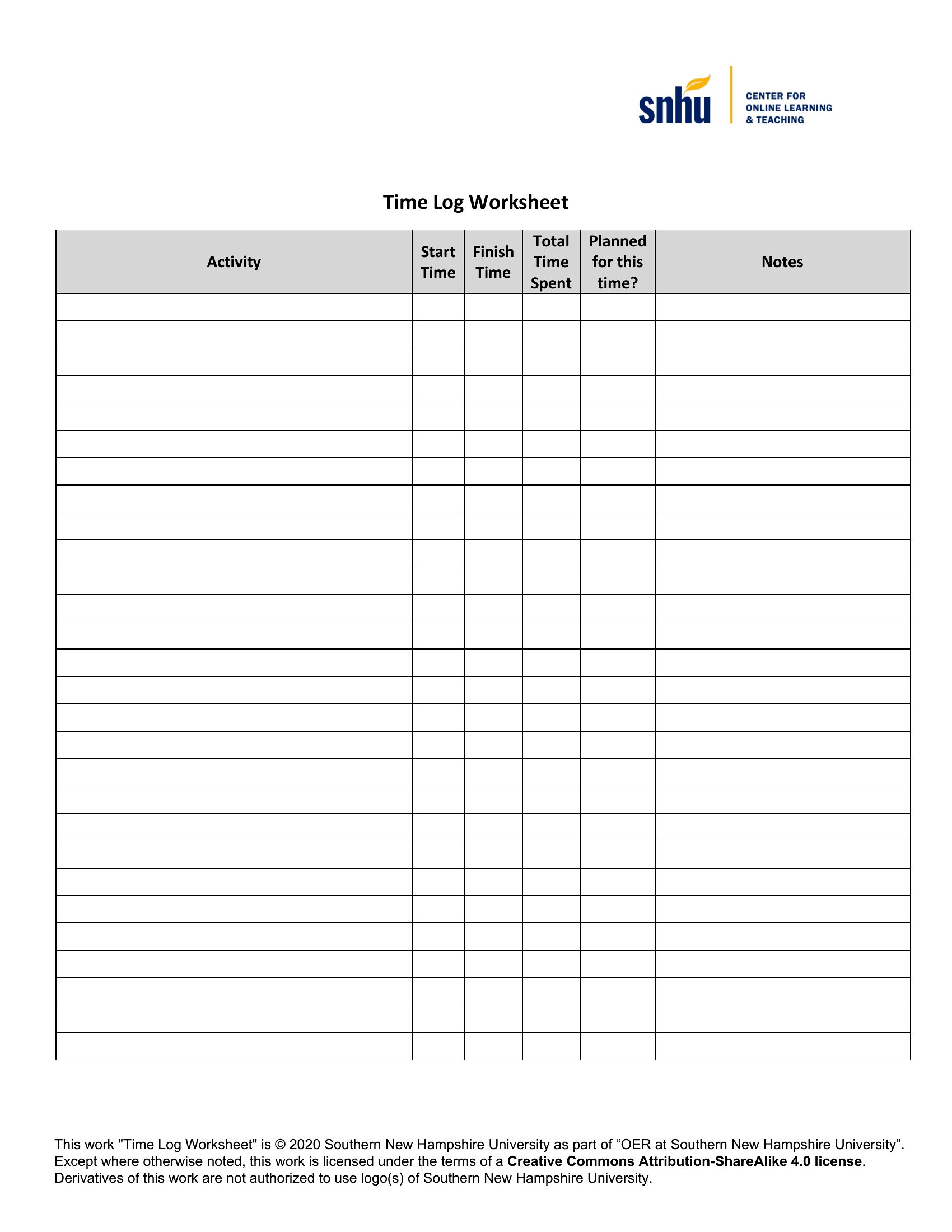
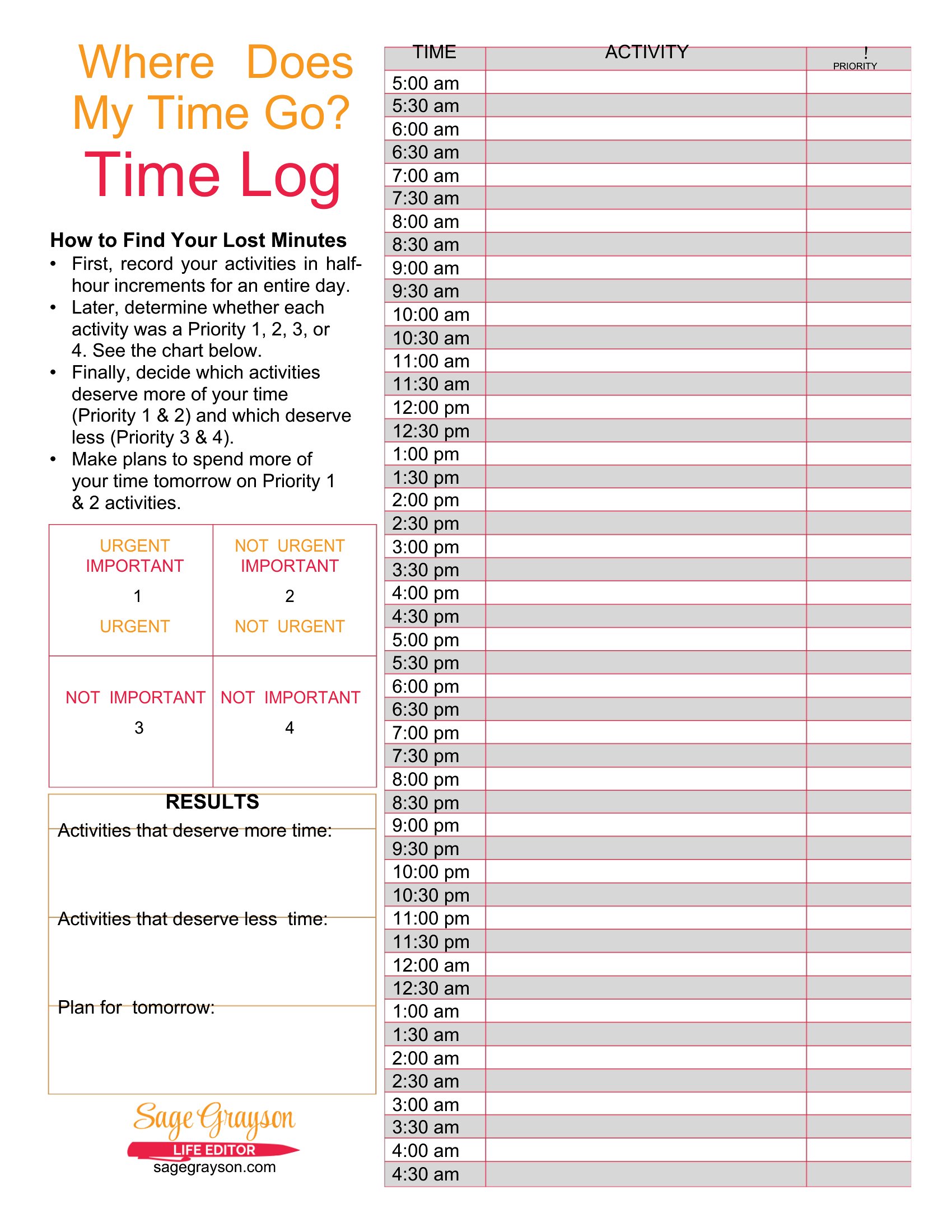
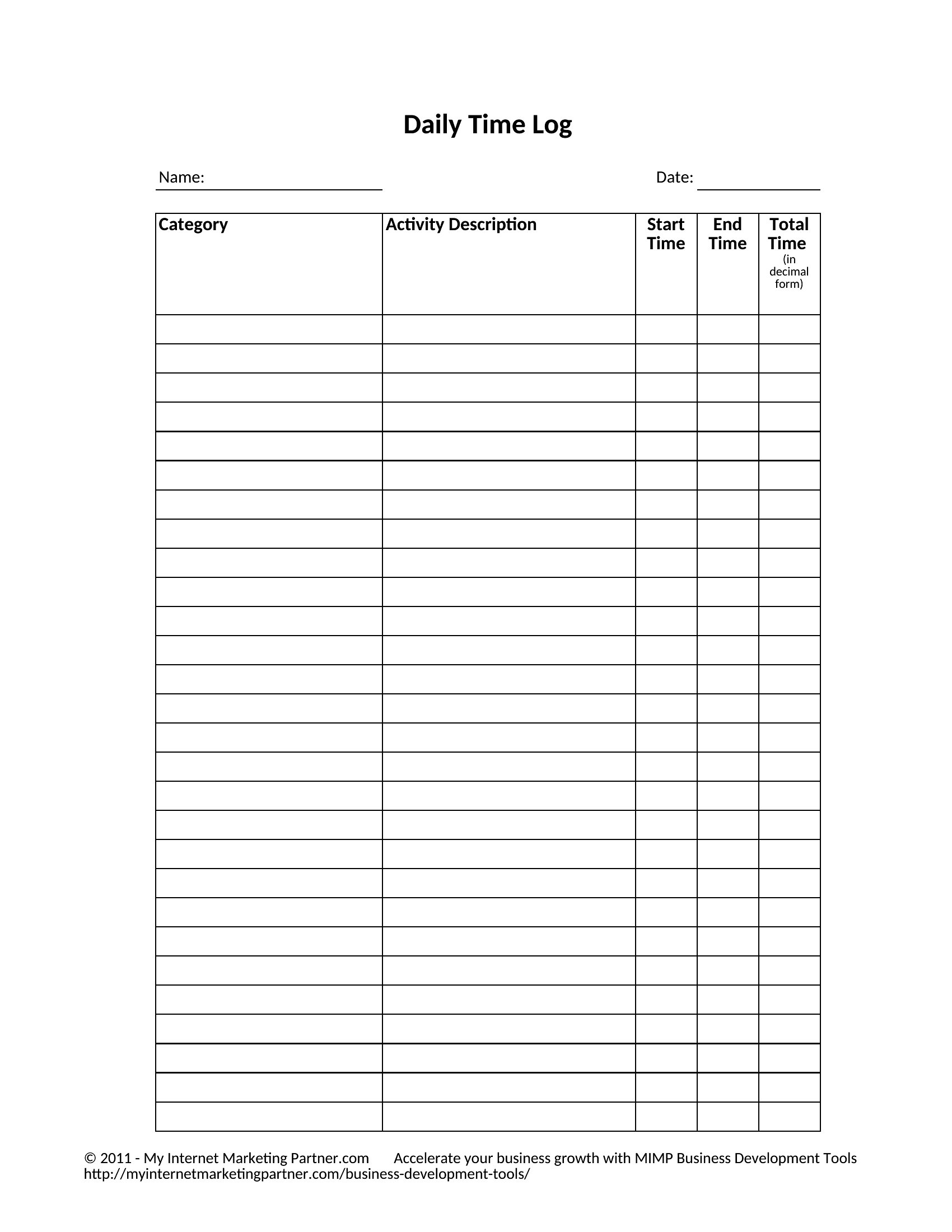
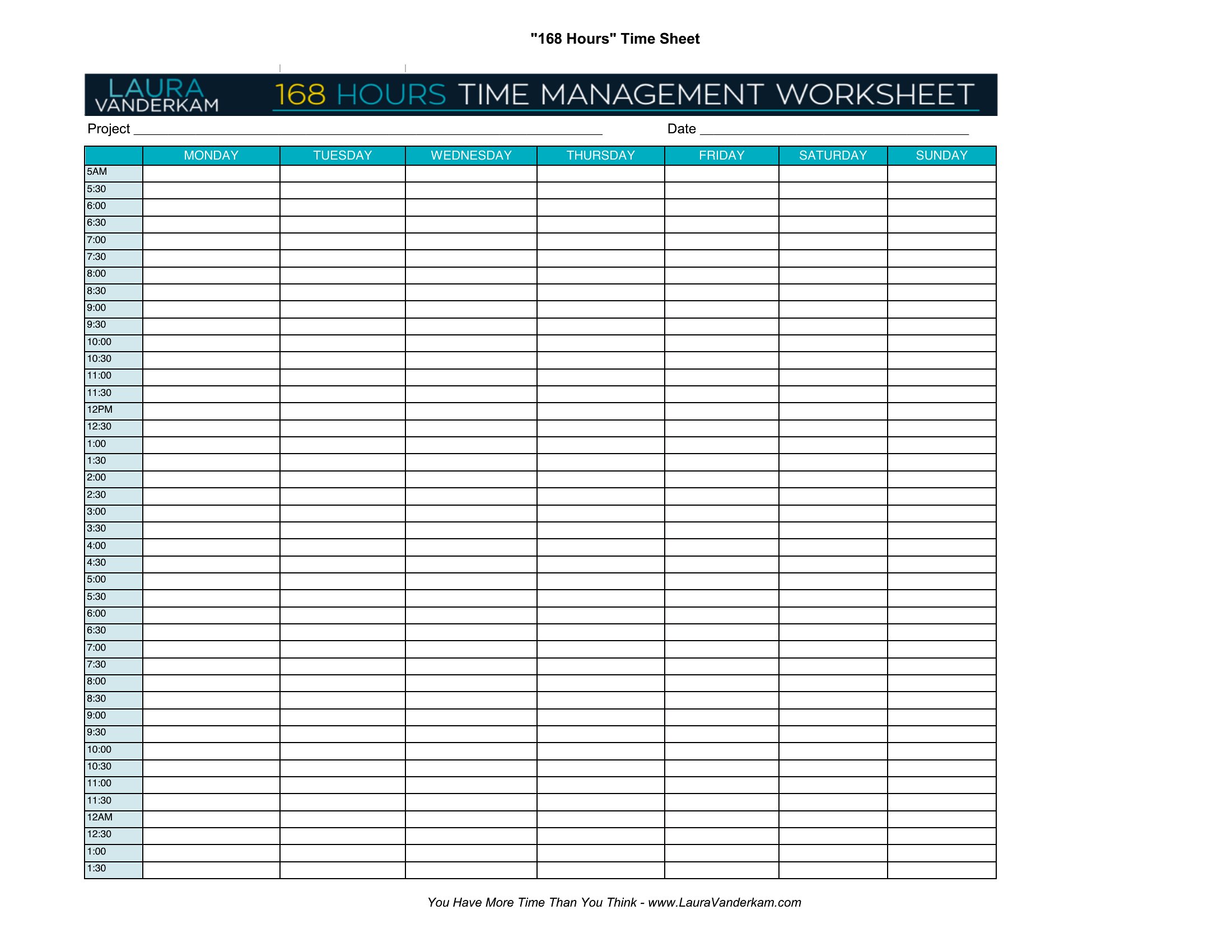
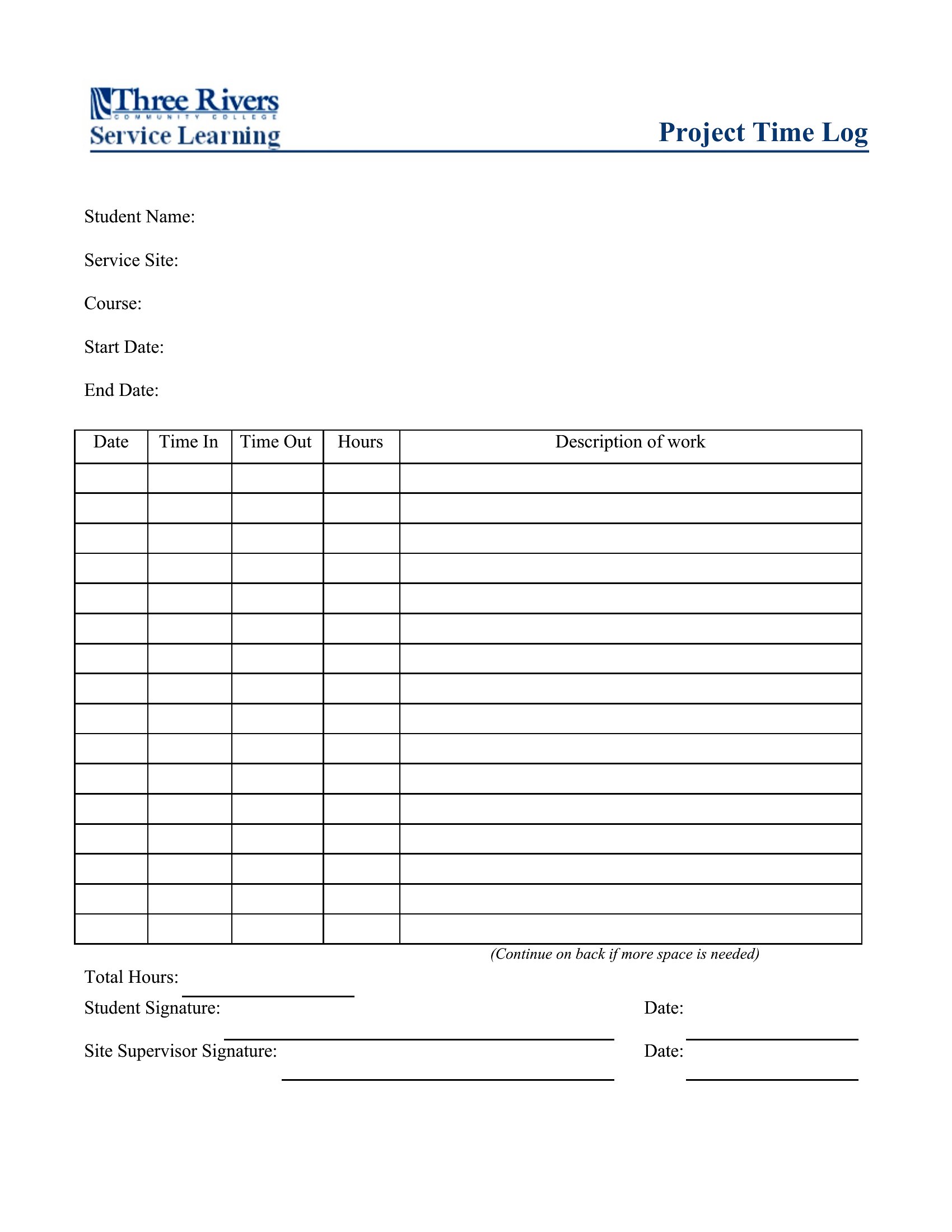
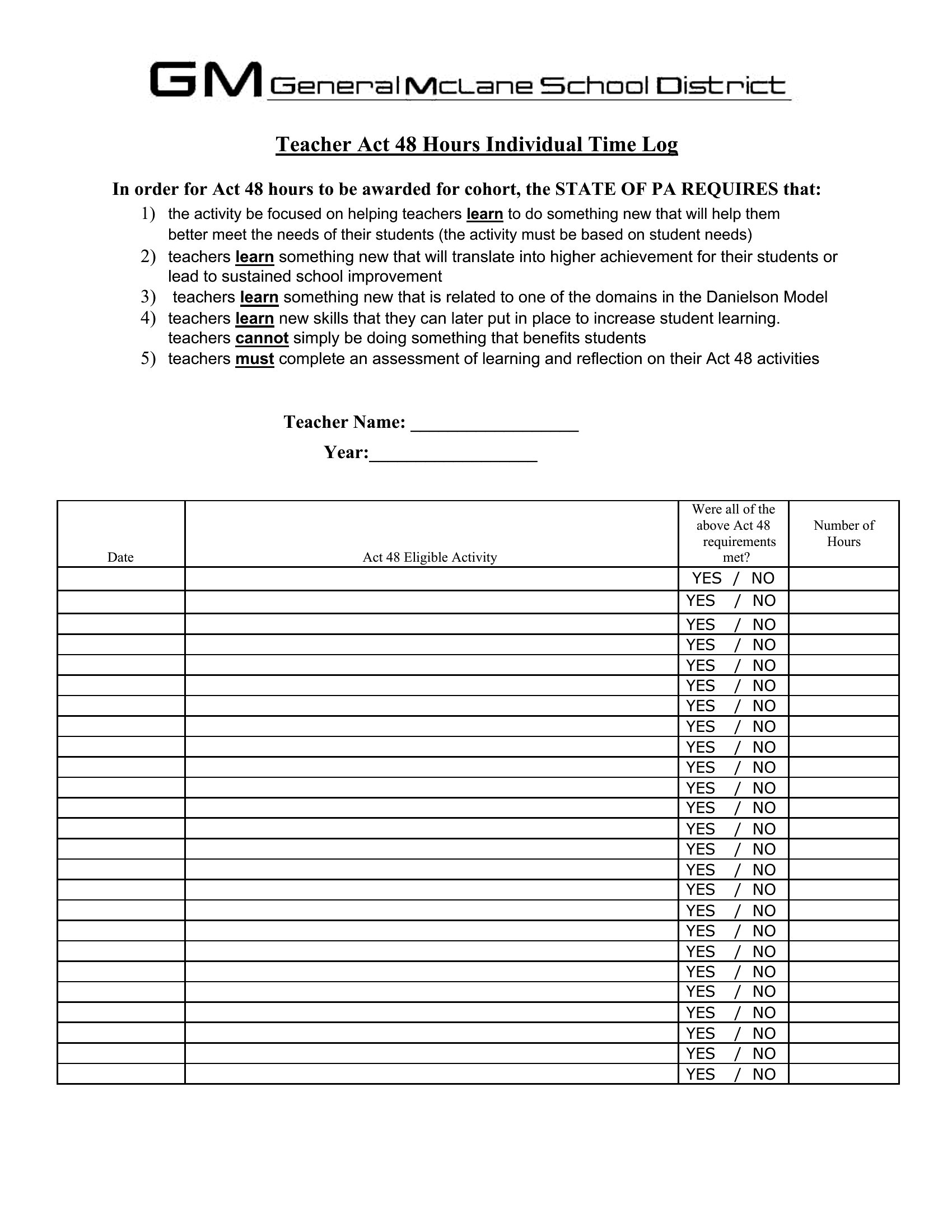
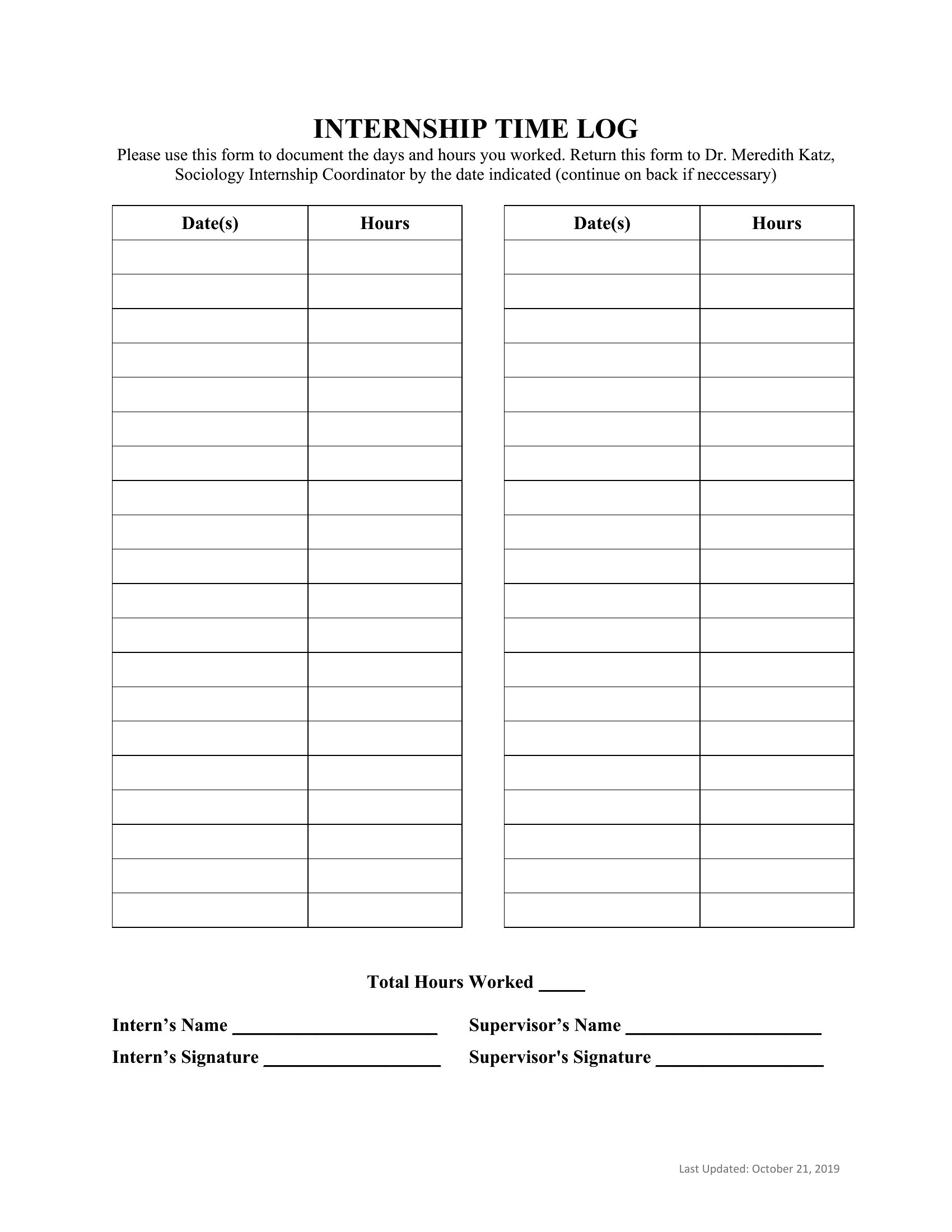
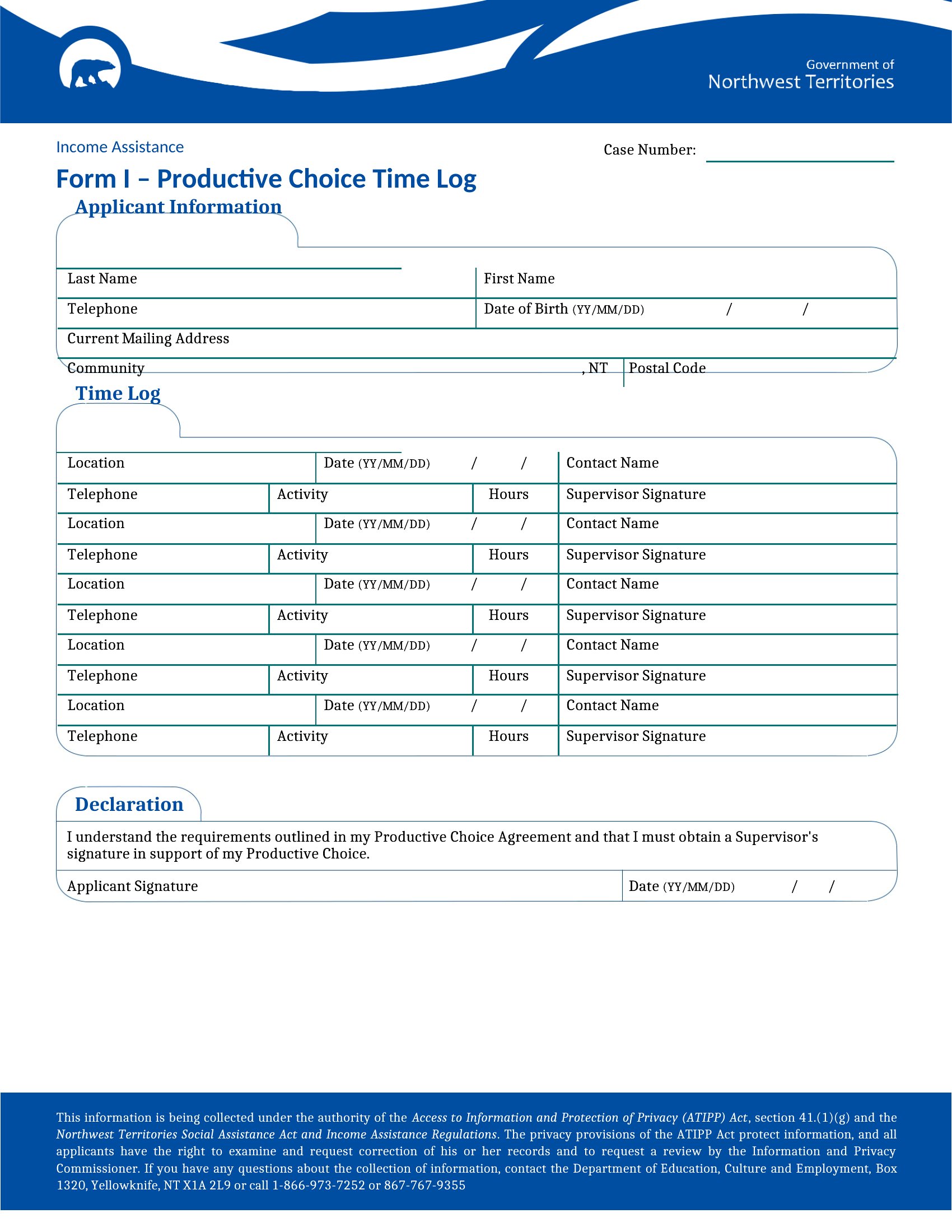
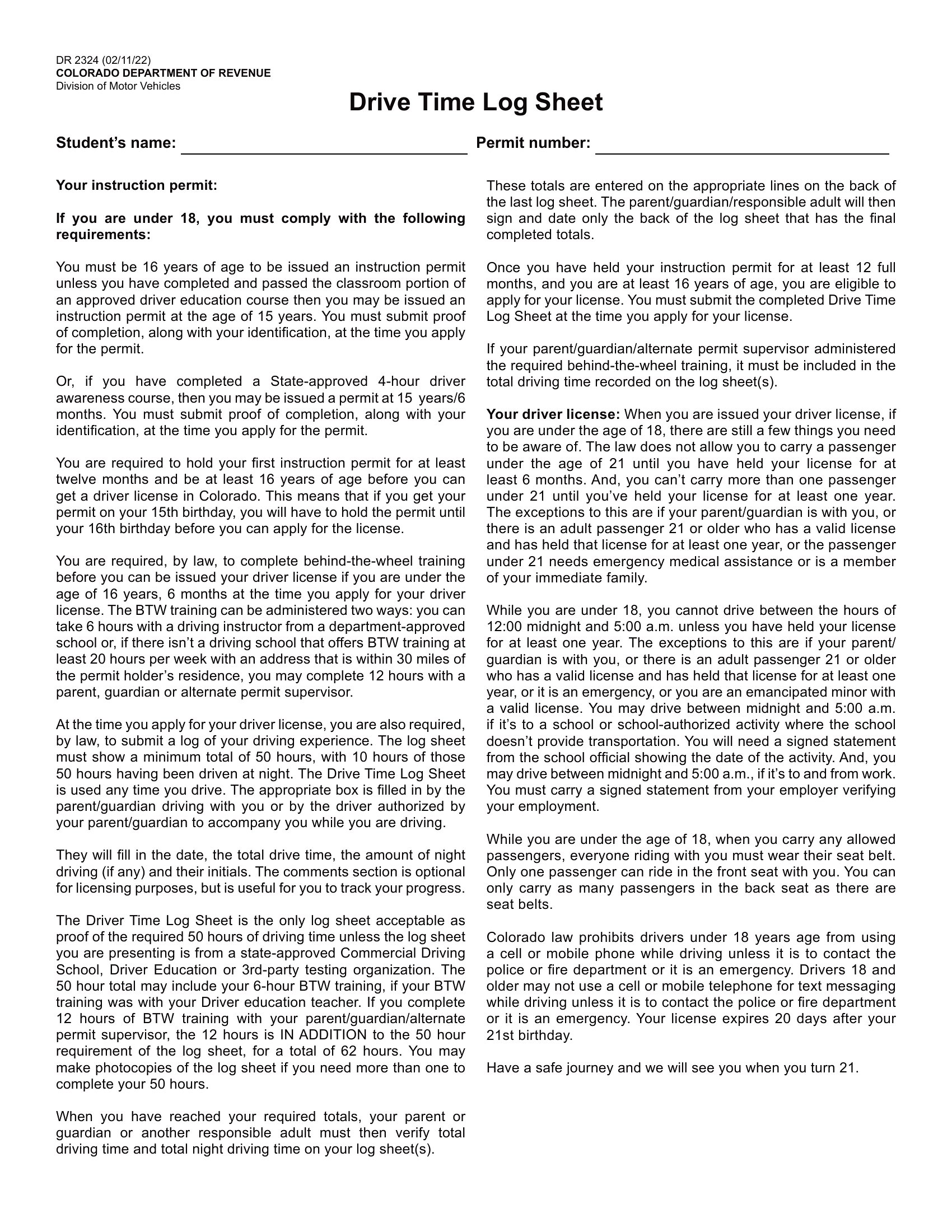
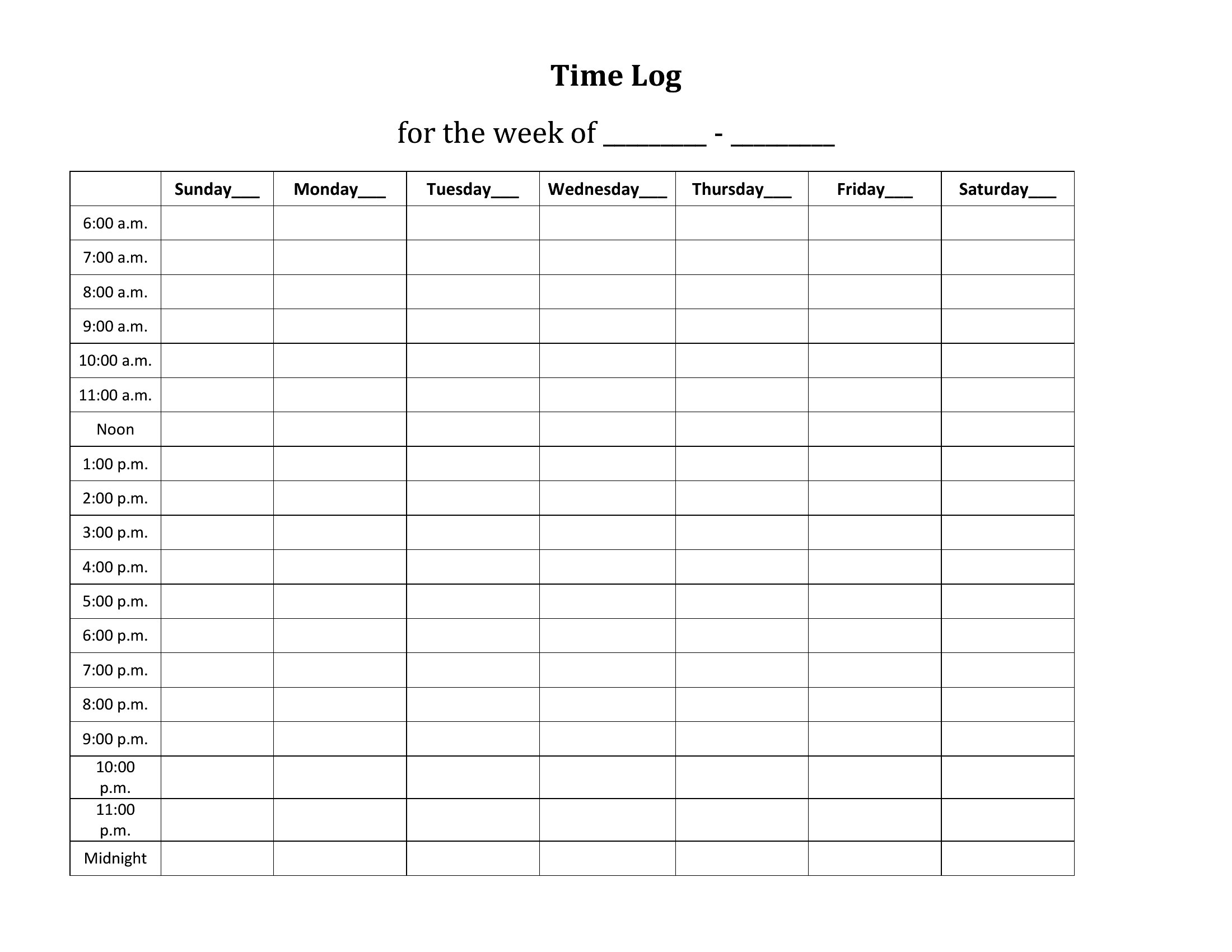
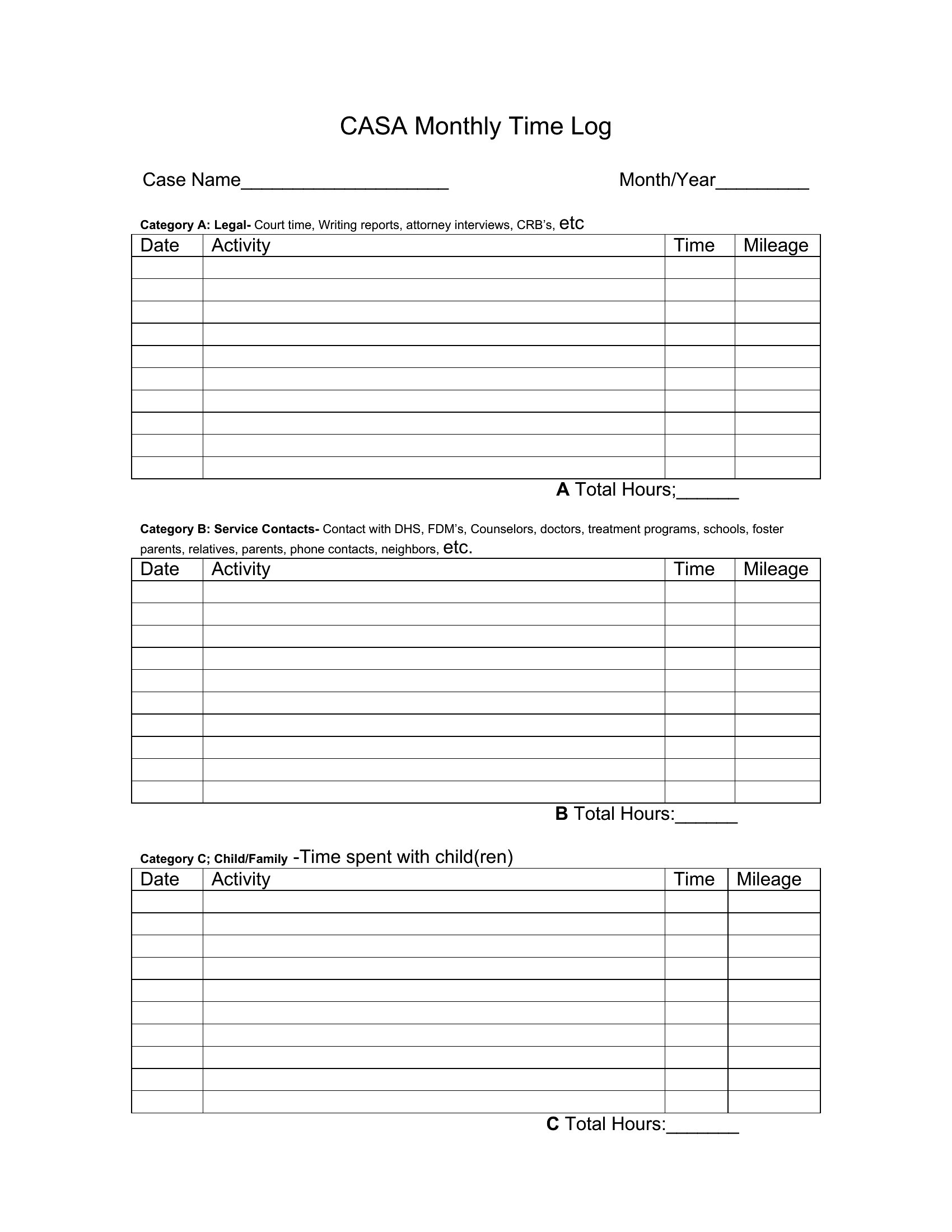
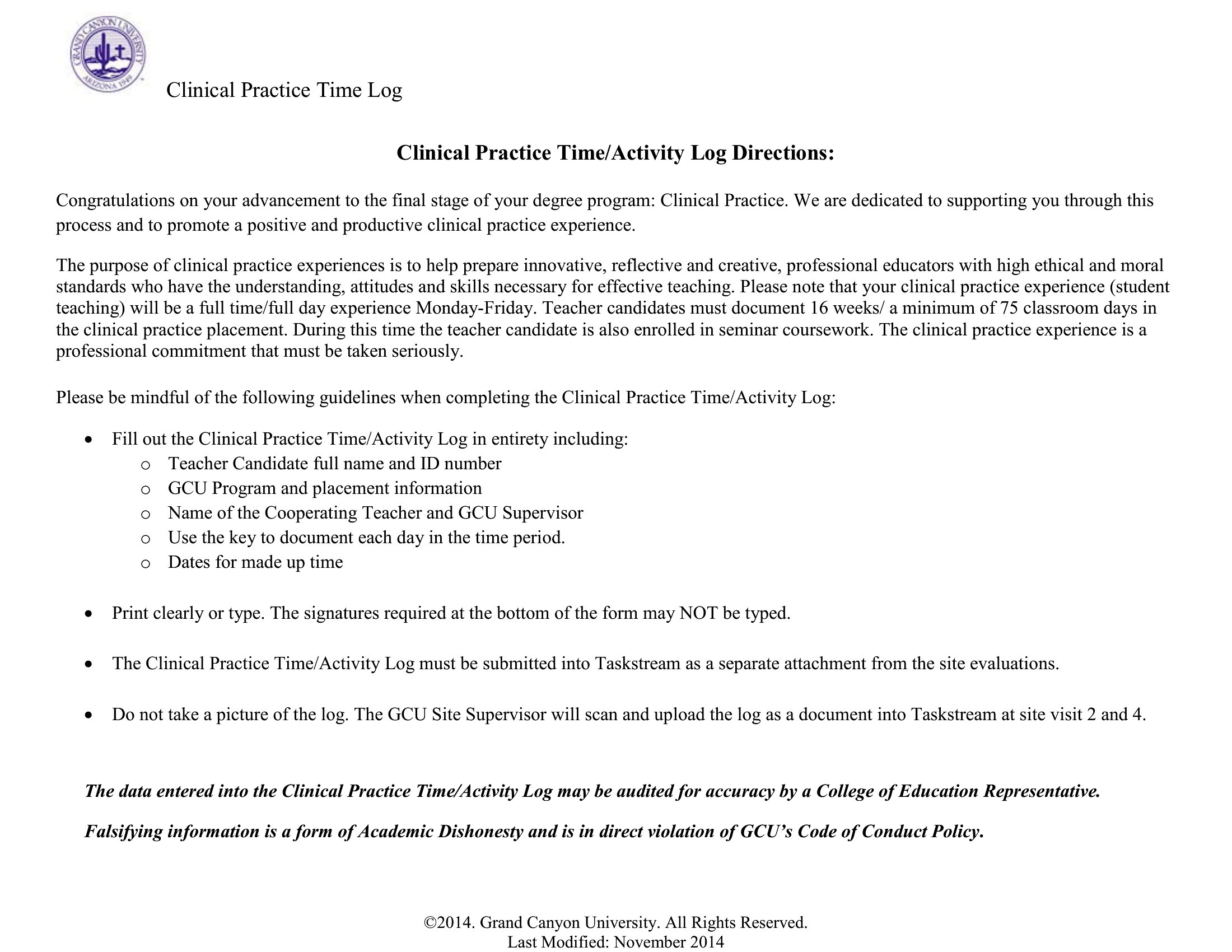
Pdf Time Log
FAQ
Can I use these time logs to track time for multiple clients or projects at once?
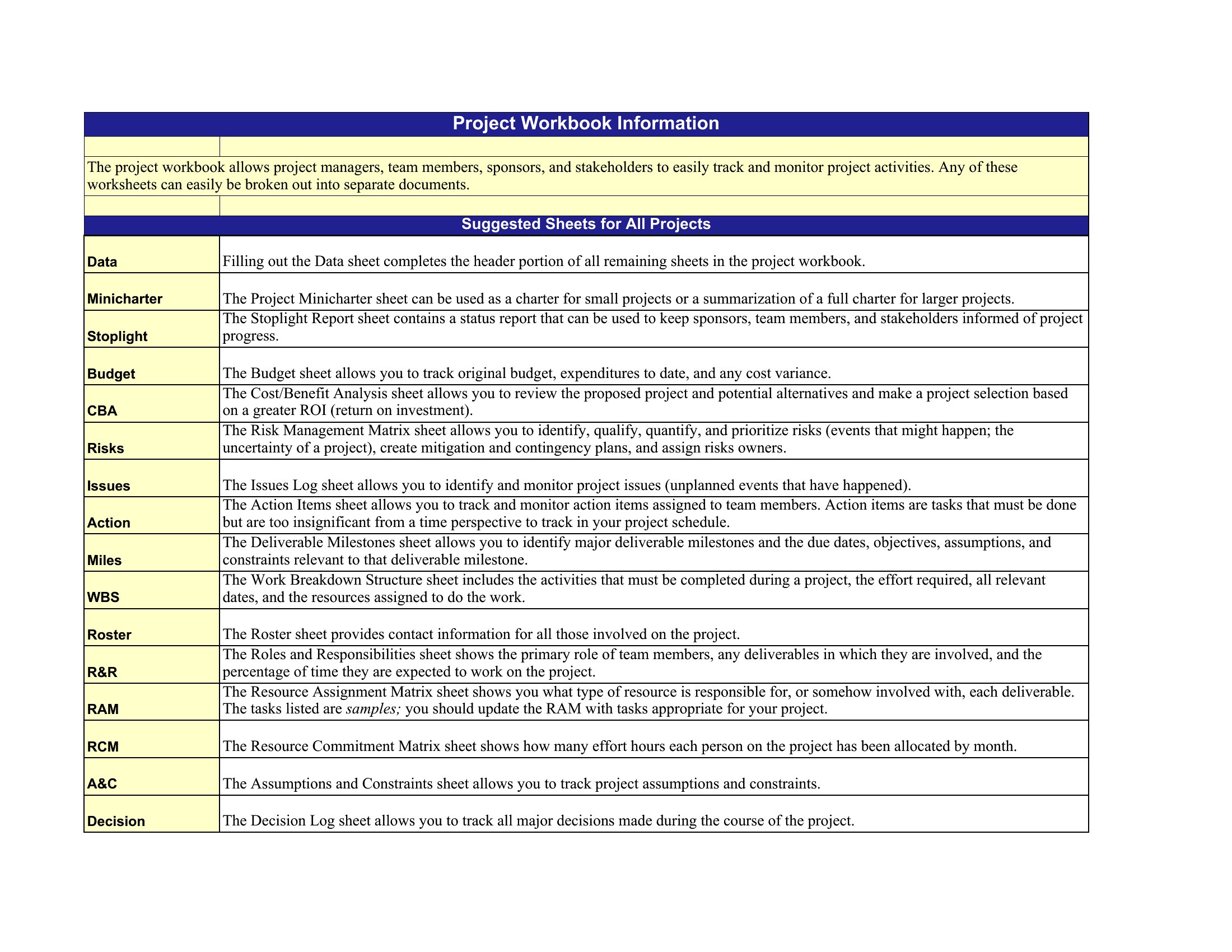
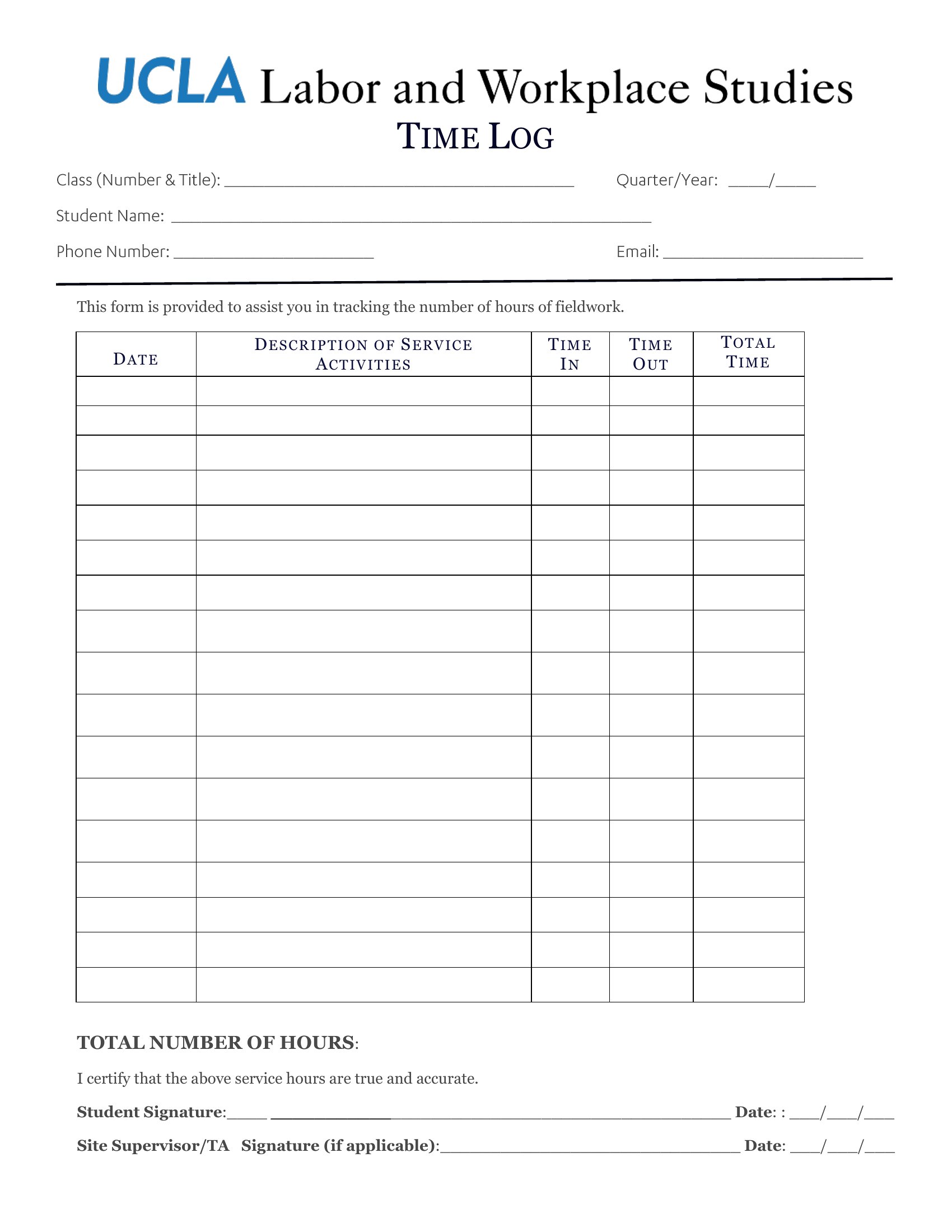
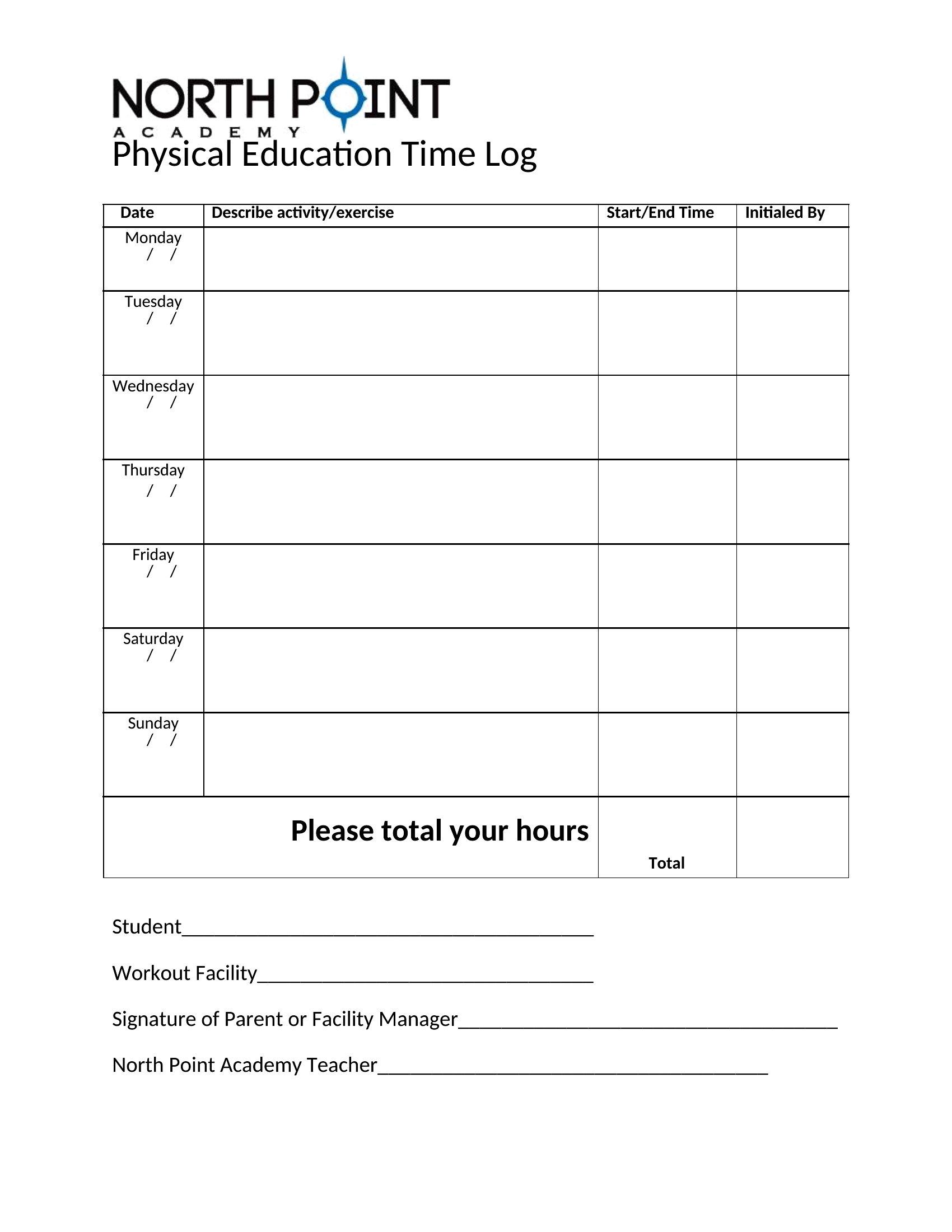
Yes, most templates include sections for labeling tasks by client or project. The Excel versions let you use dropdown menus or color-coding to quickly sort entries, while Word and PDF templates often have columns ready for manual categorization. For complex tracking, combine a time log with a project management tool to link hours directly to invoicing or deadlines.
What’s the best way to ensure my time logs are accurate for billing clients?
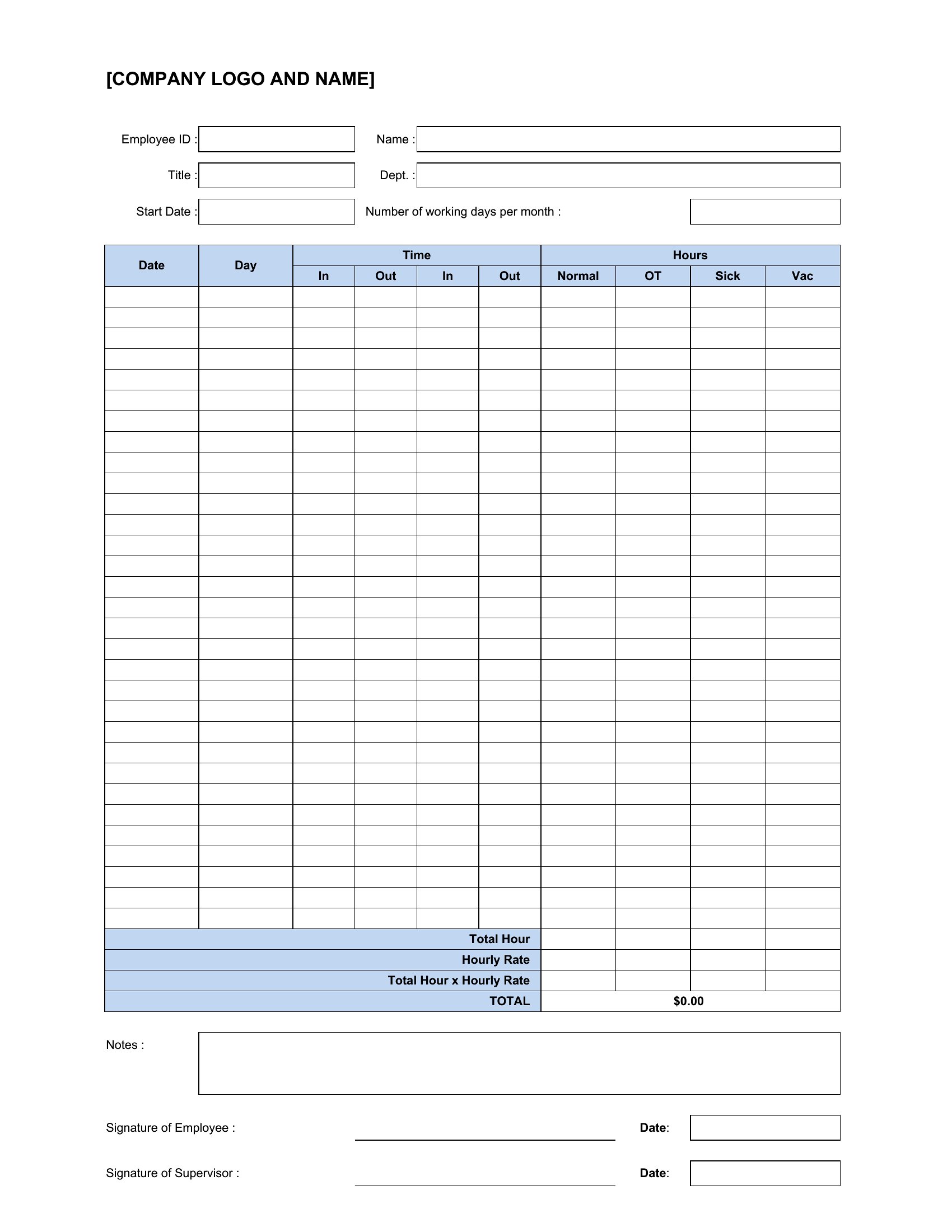
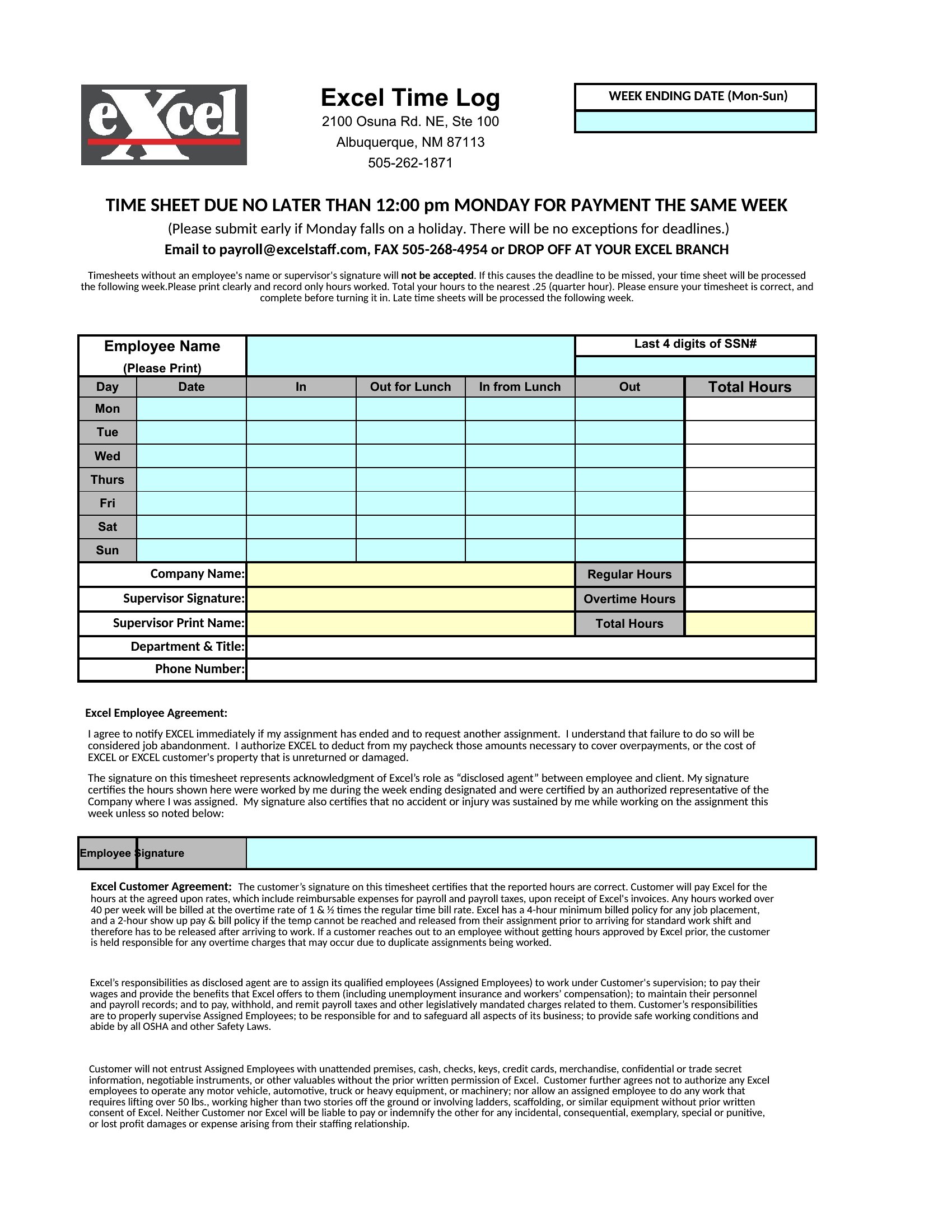
Start and stop times are critical for billing—use the Excel templates with timestamp fields to minimize errors. For added precision, set phone or computer reminders to log transitions between tasks, or use a time-tracking app to sync with your template. Always review entries before finalizing to catch discrepancies, like overlapping time blocks or missing tasks.
How do these templates help with identifying time-wasting habits?
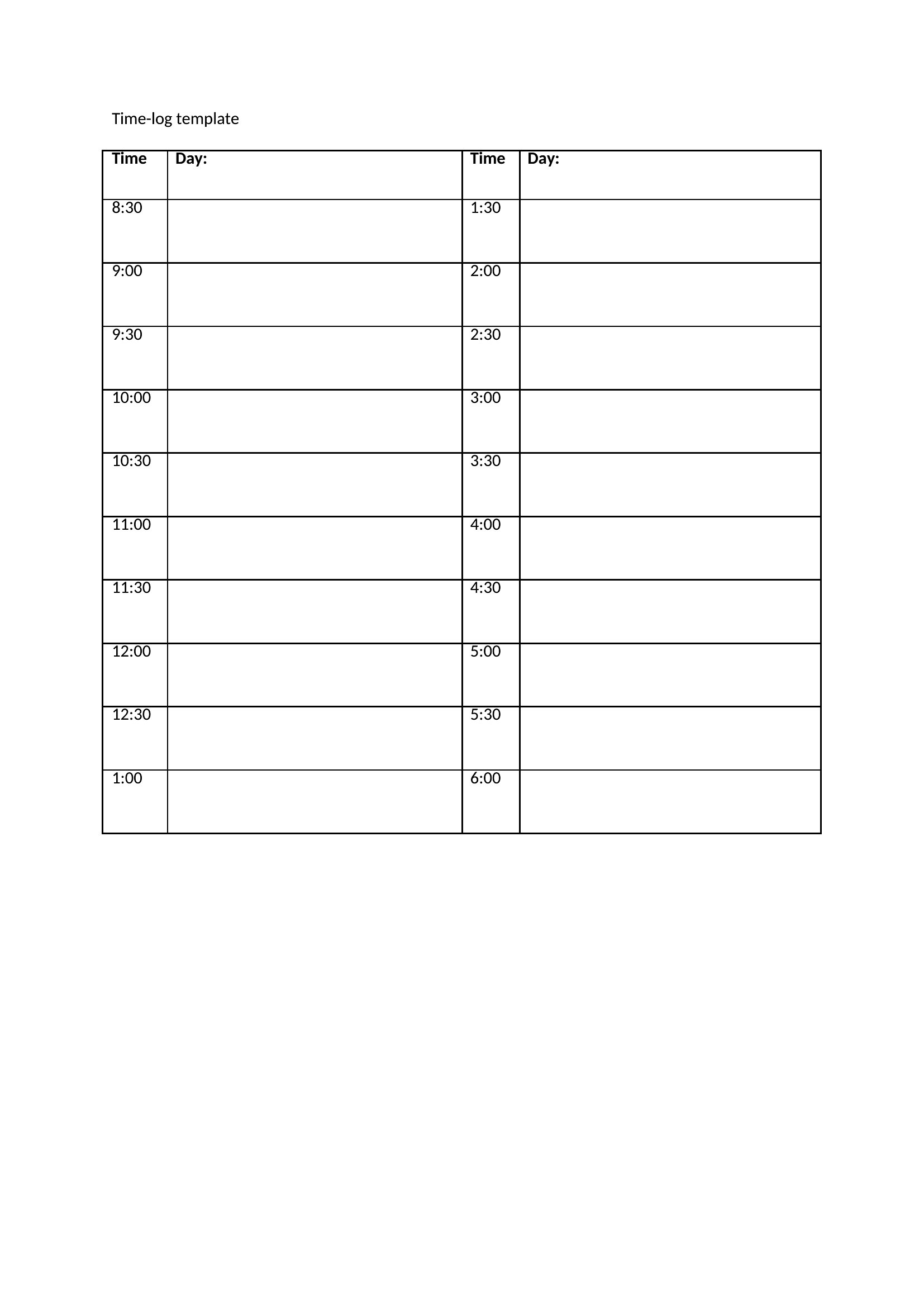
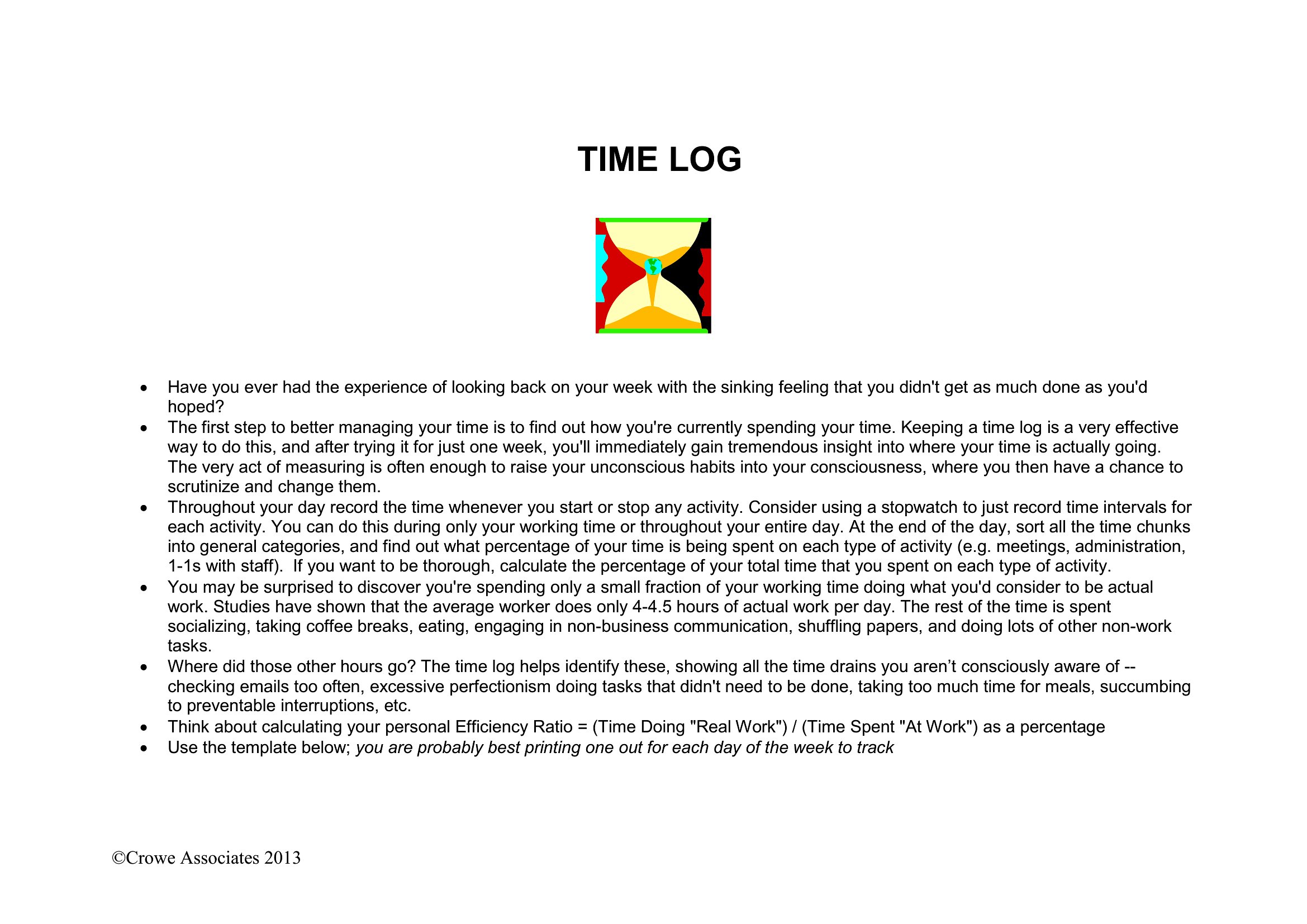
The templates encourage consistency by prompting you to log every task, including breaks and distractions. After a week of entries, focus on patterns: Are meetings running long? Do certain tasks consistently take more time than budgeted? The Excel versions can even highlight outliers with conditional formatting. Use these insights to adjust your schedule or delegate tasks more effectively.
Comments
Join the conversation
Sign in to share your thoughts and leave a comment on this resource.