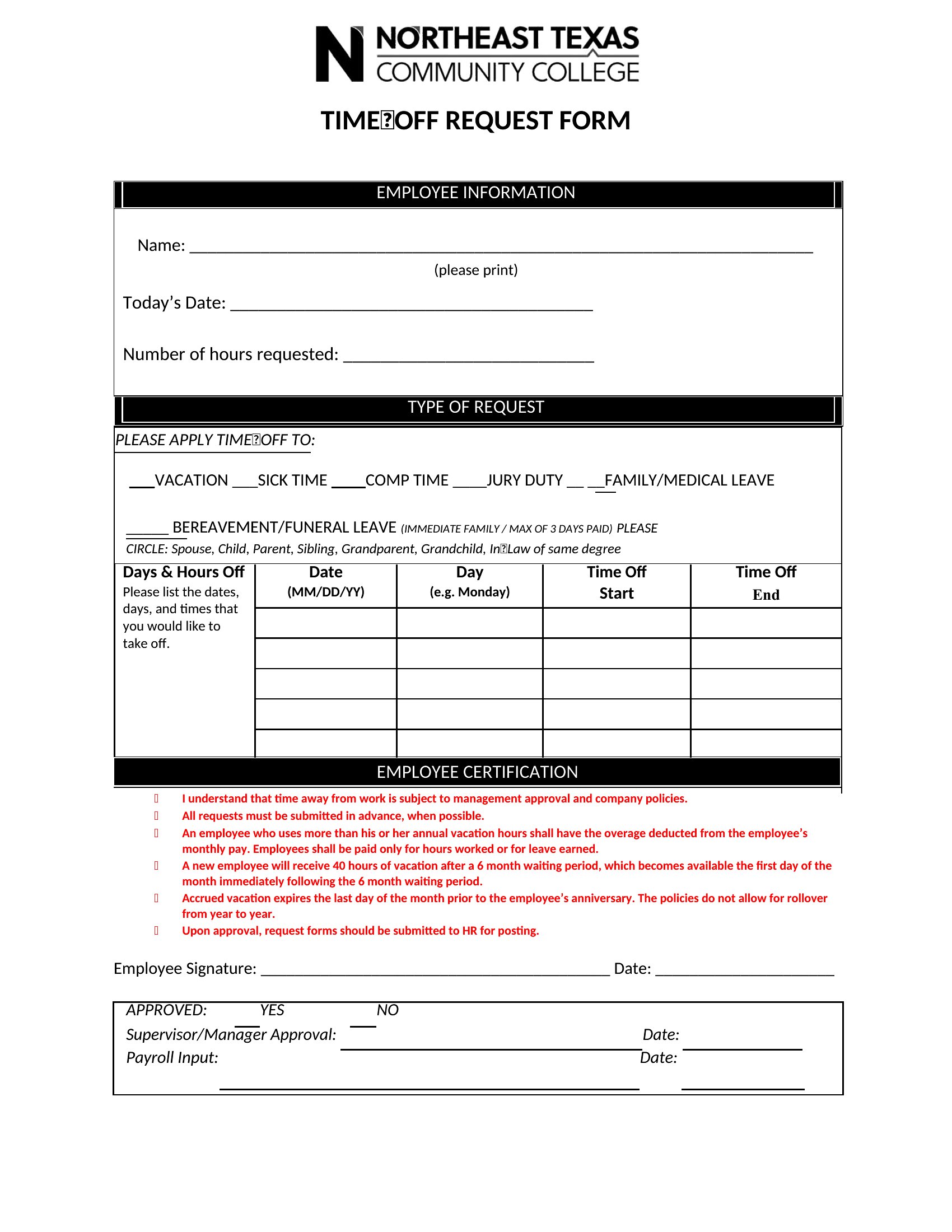
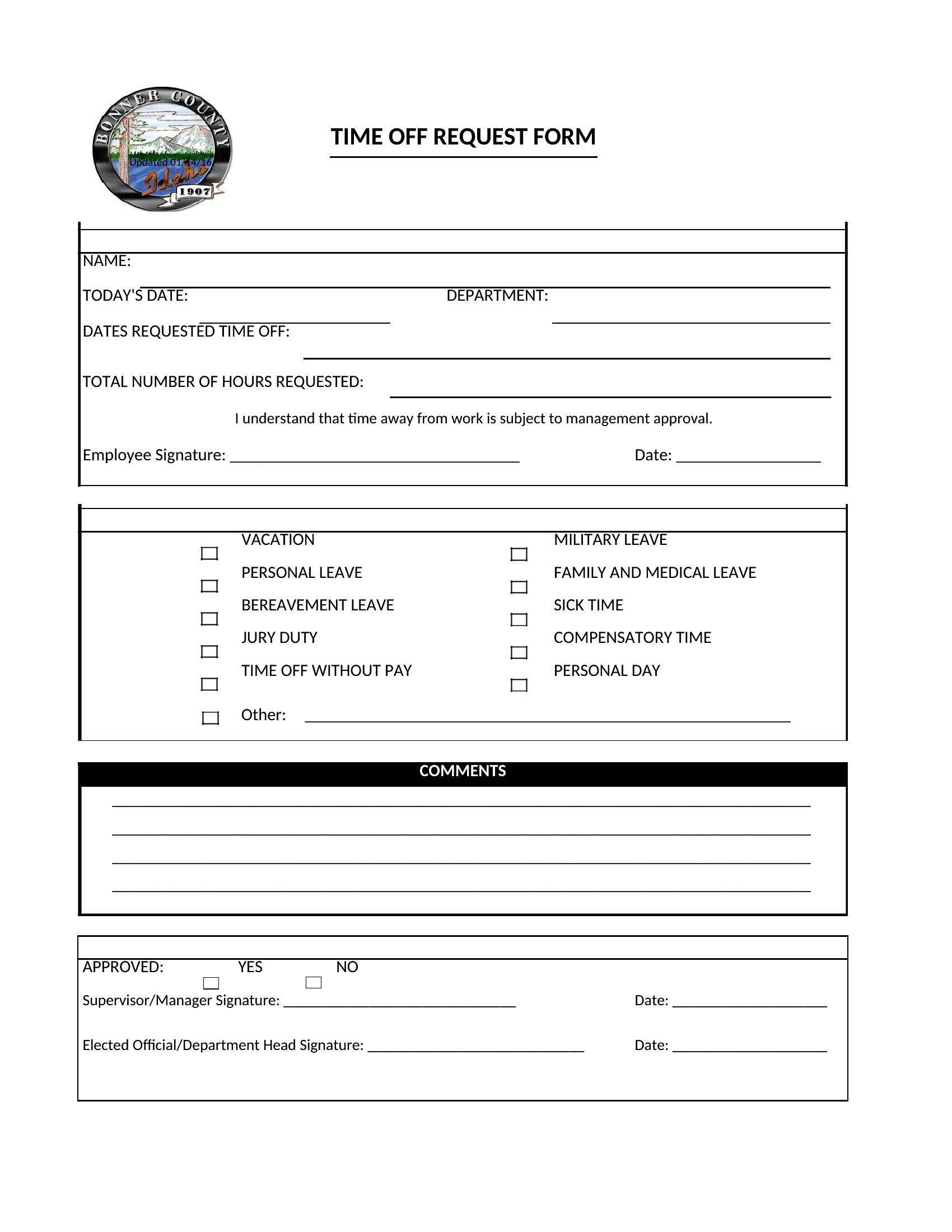
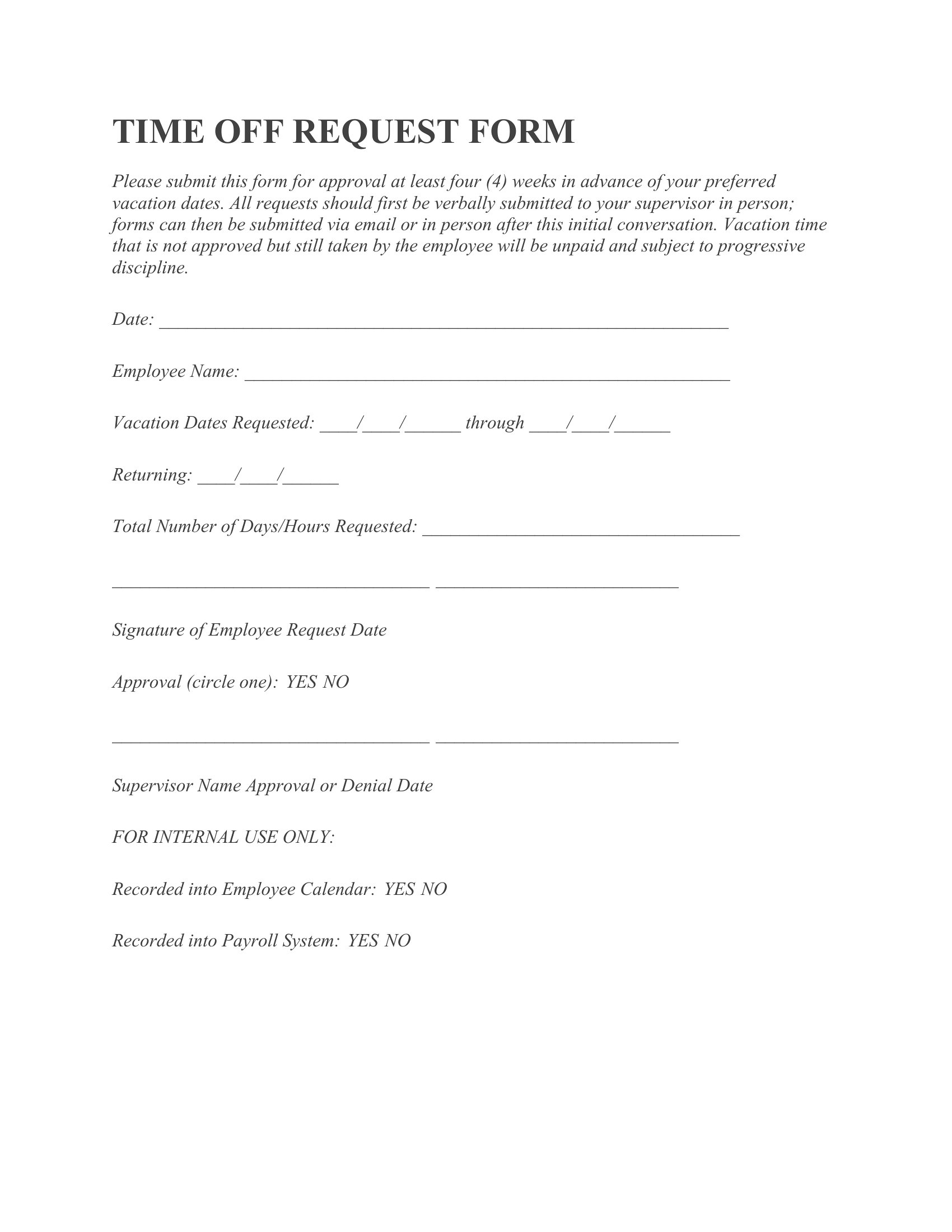
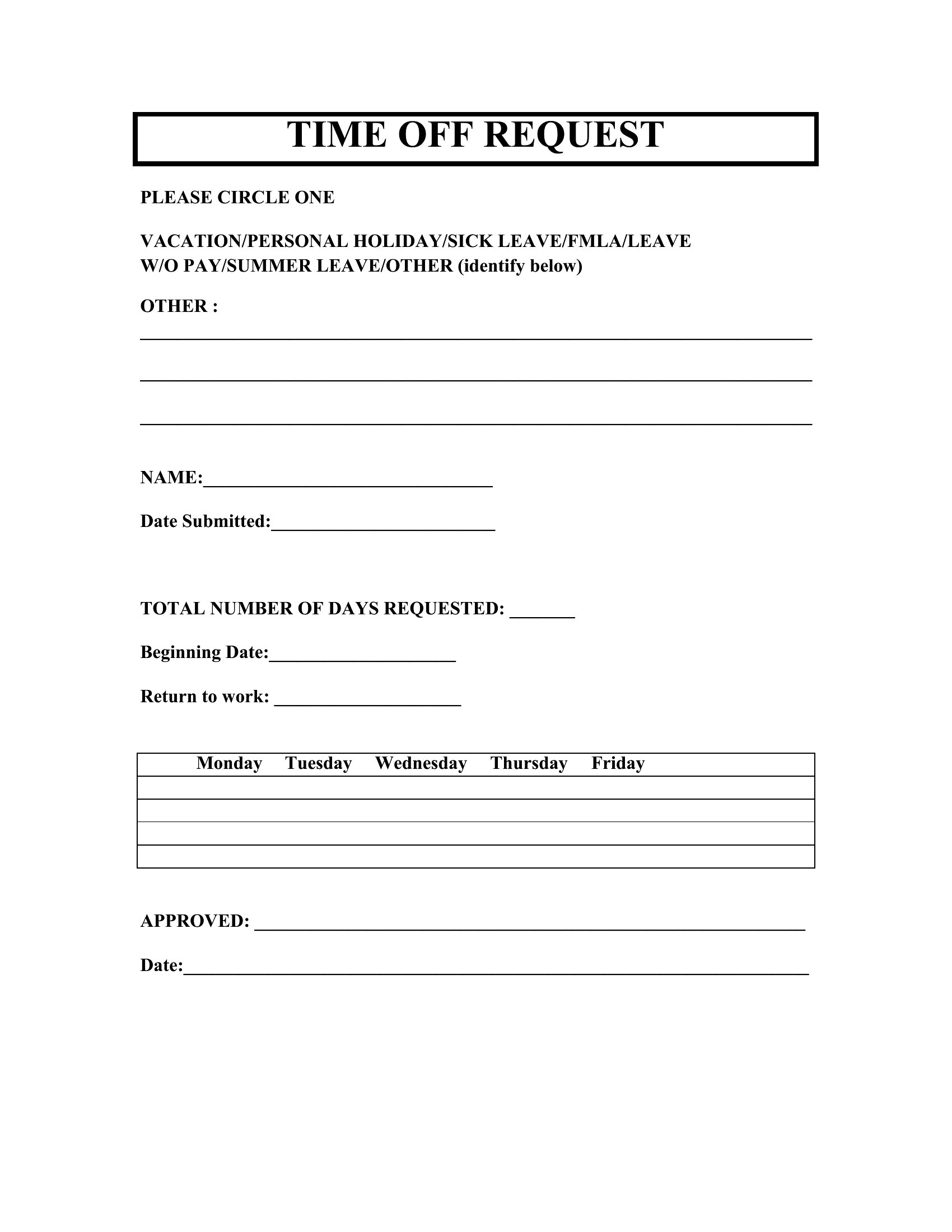
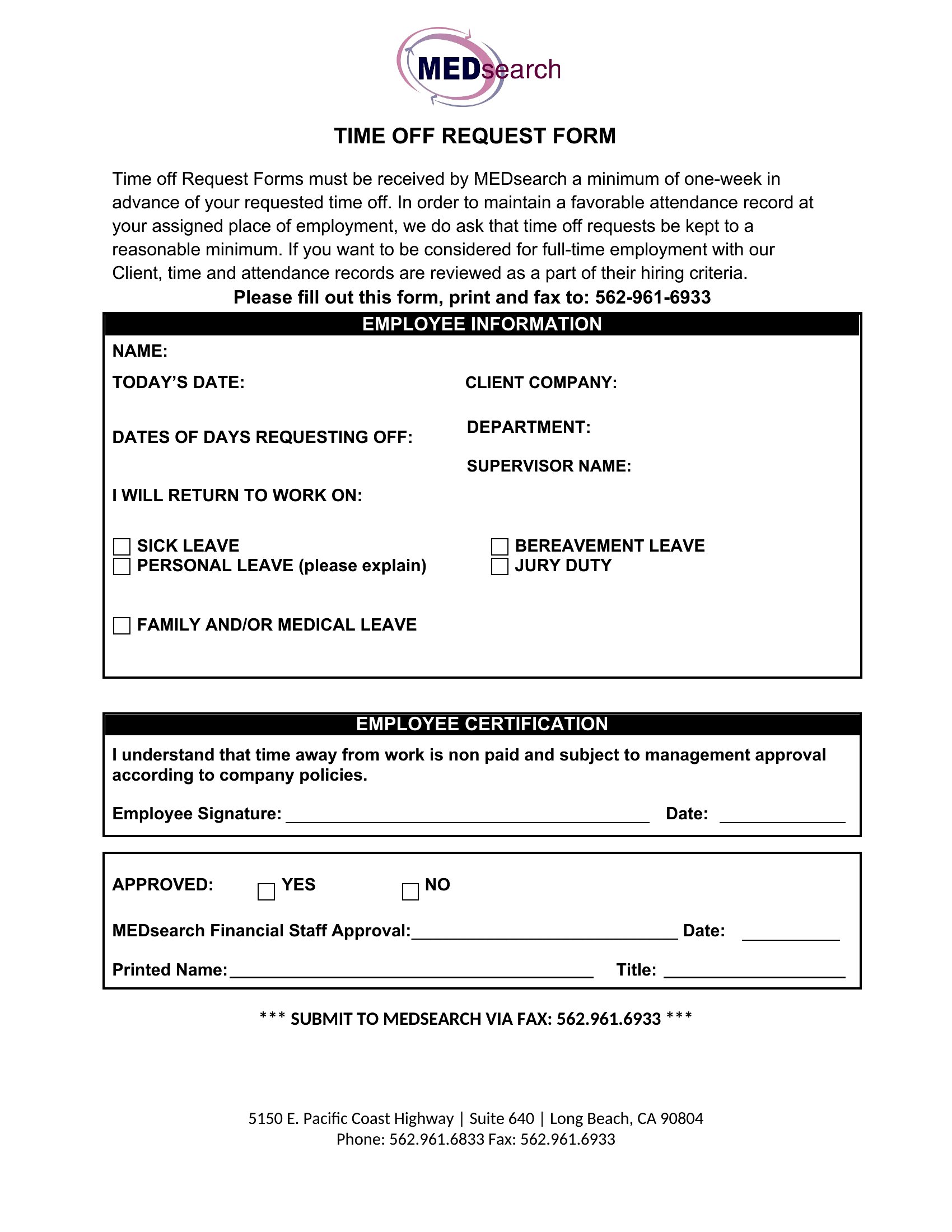
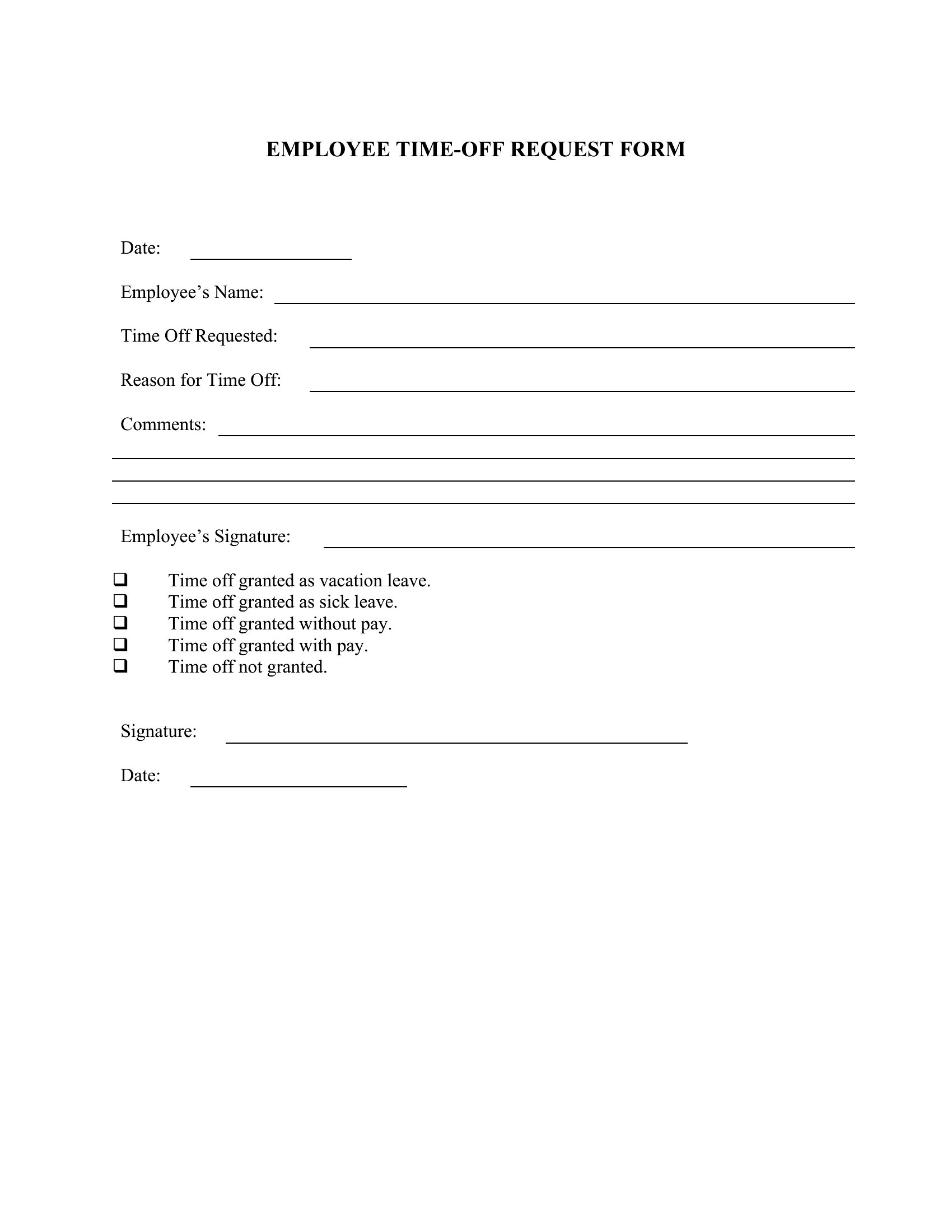
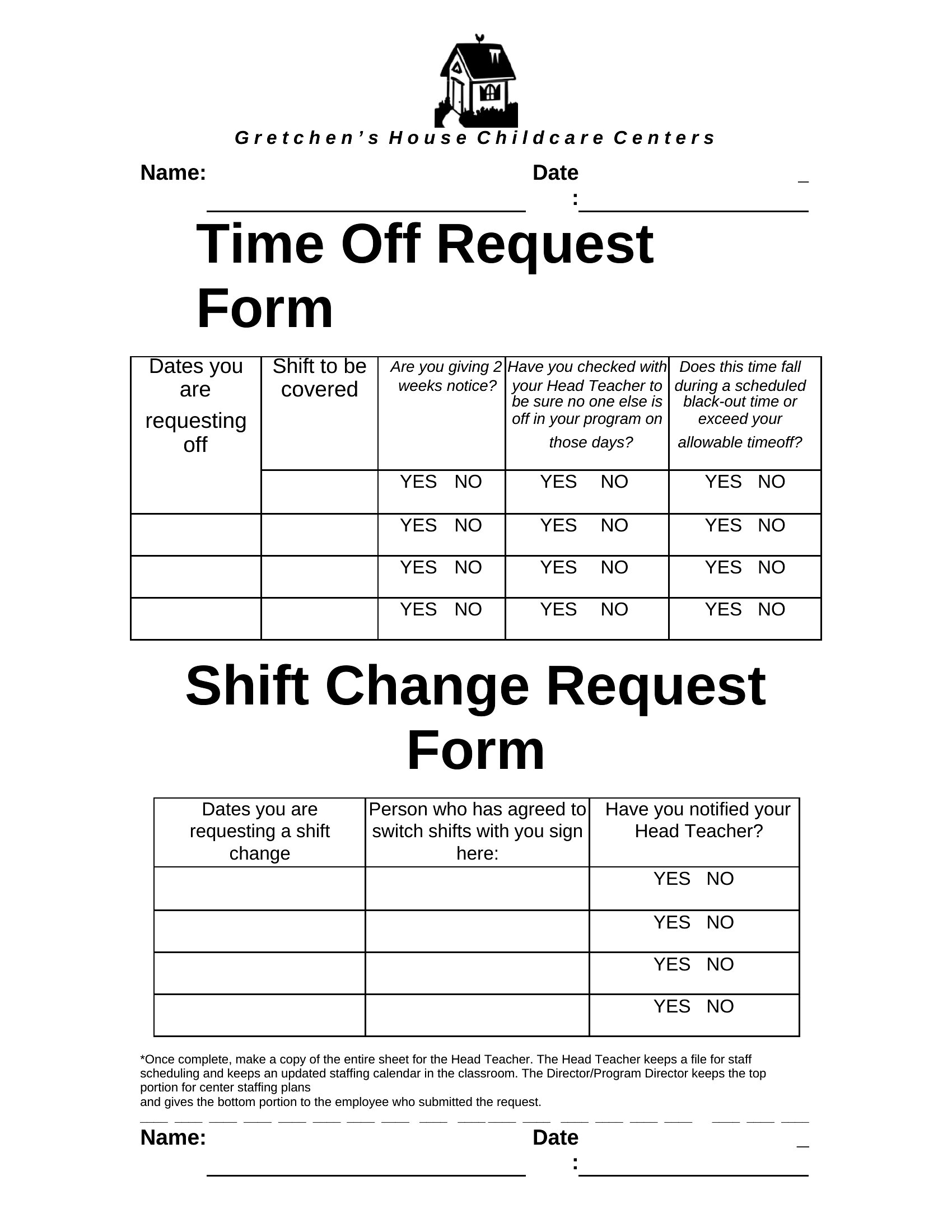
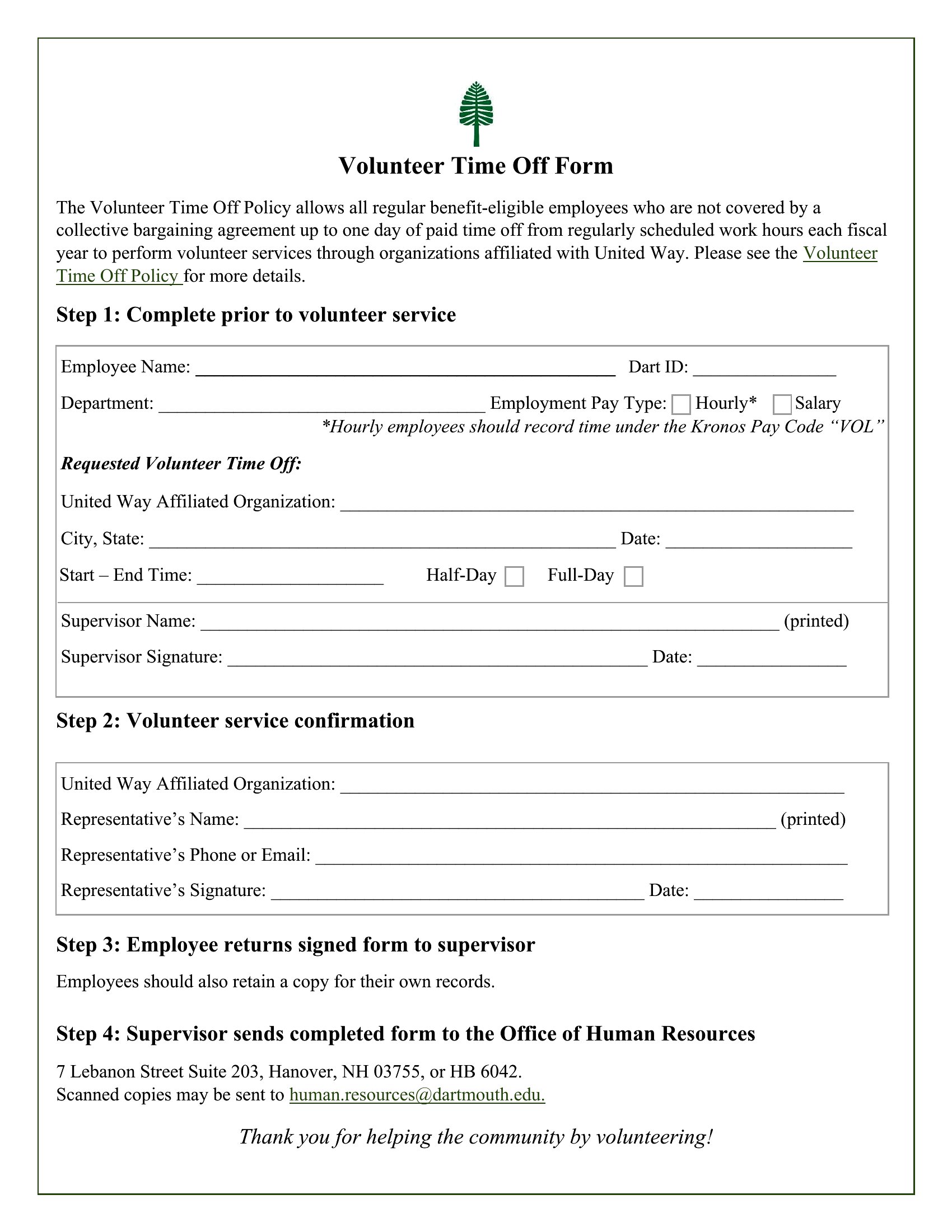
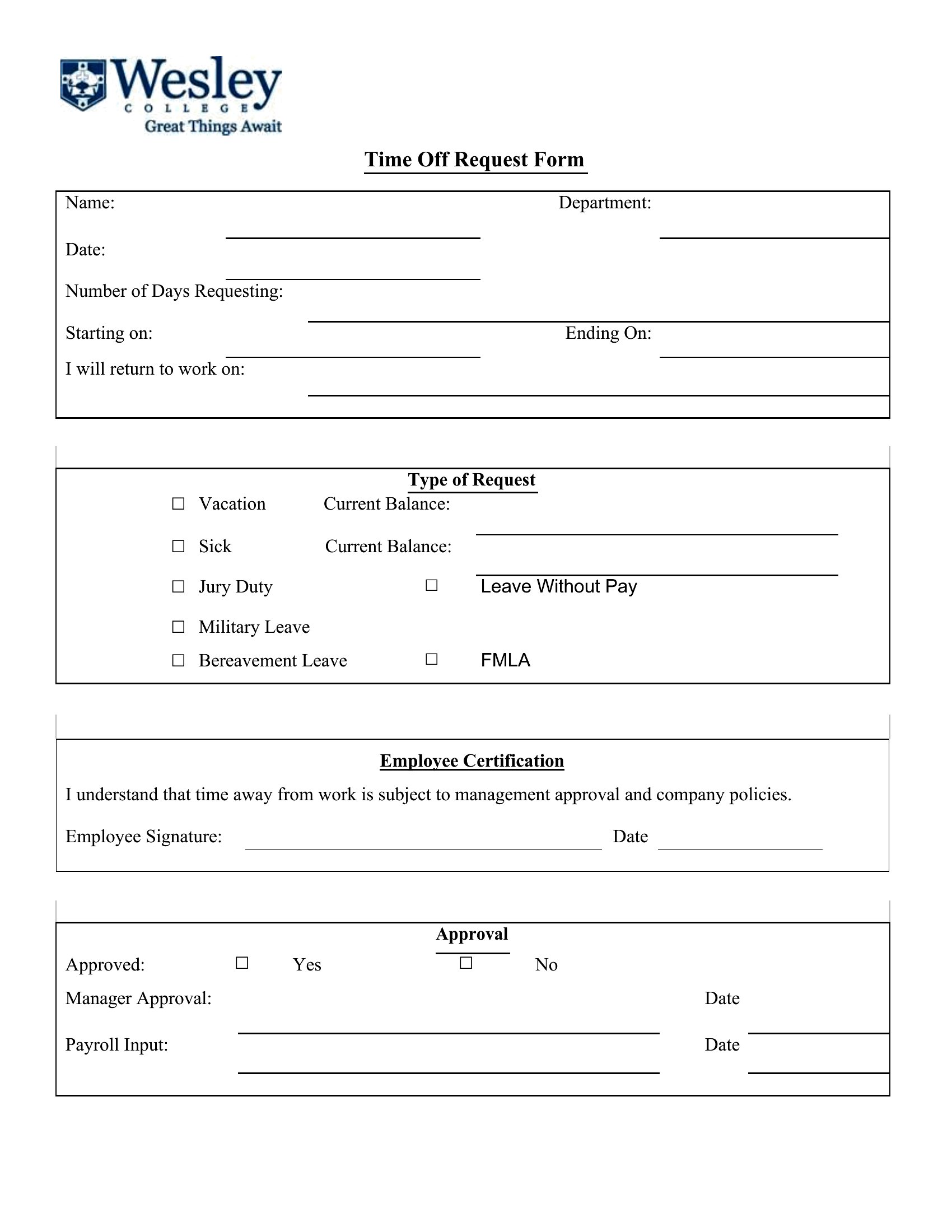
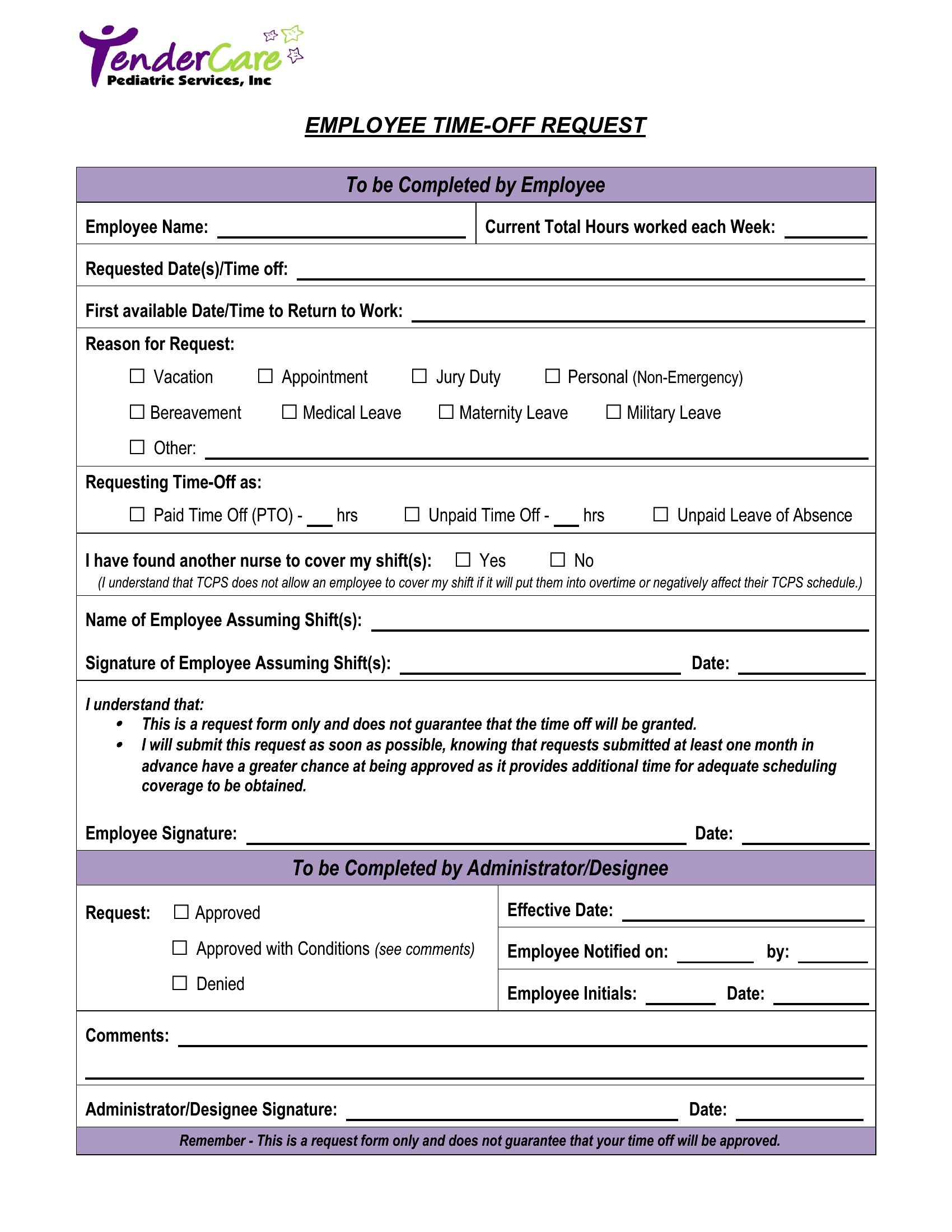
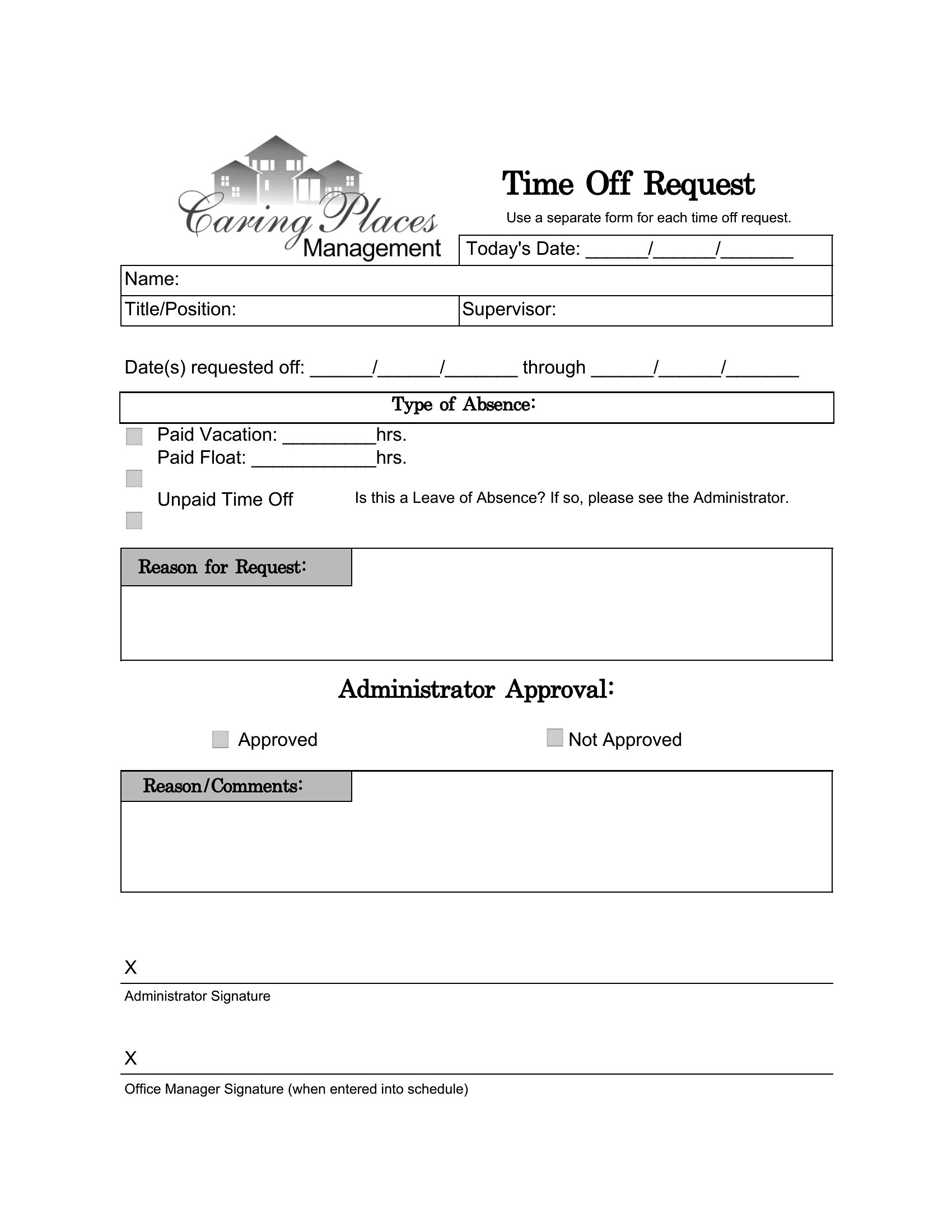
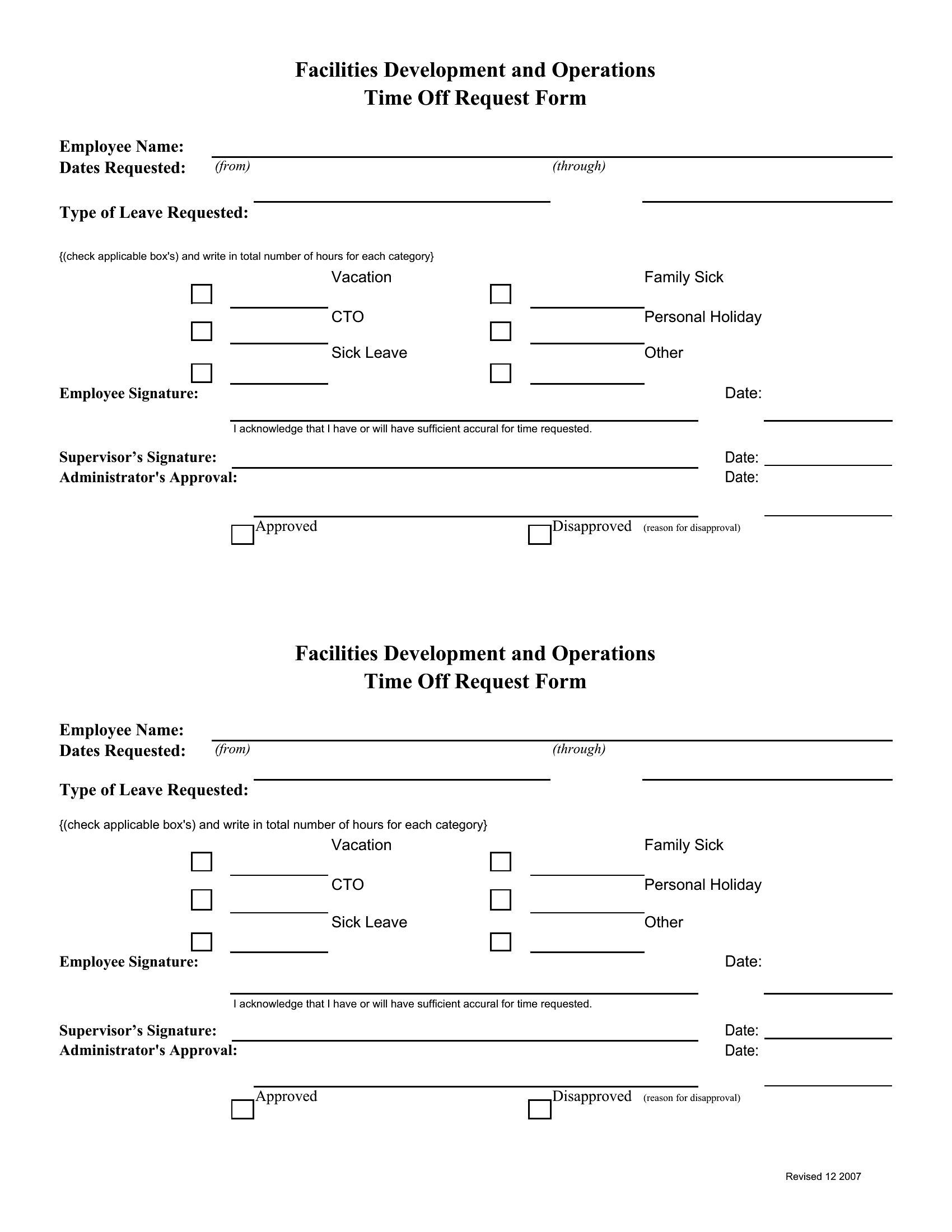
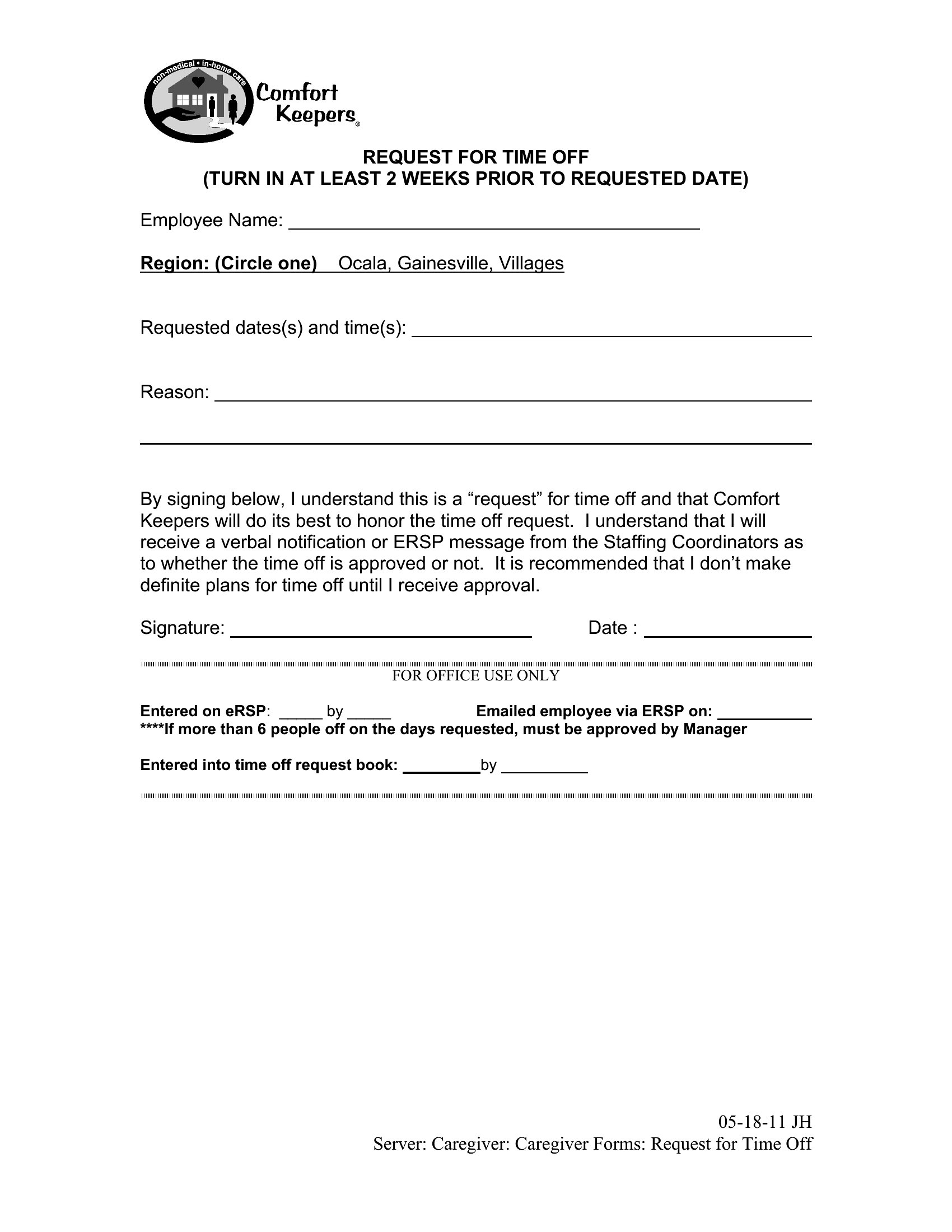
Free Time Off Request Forms (Word)
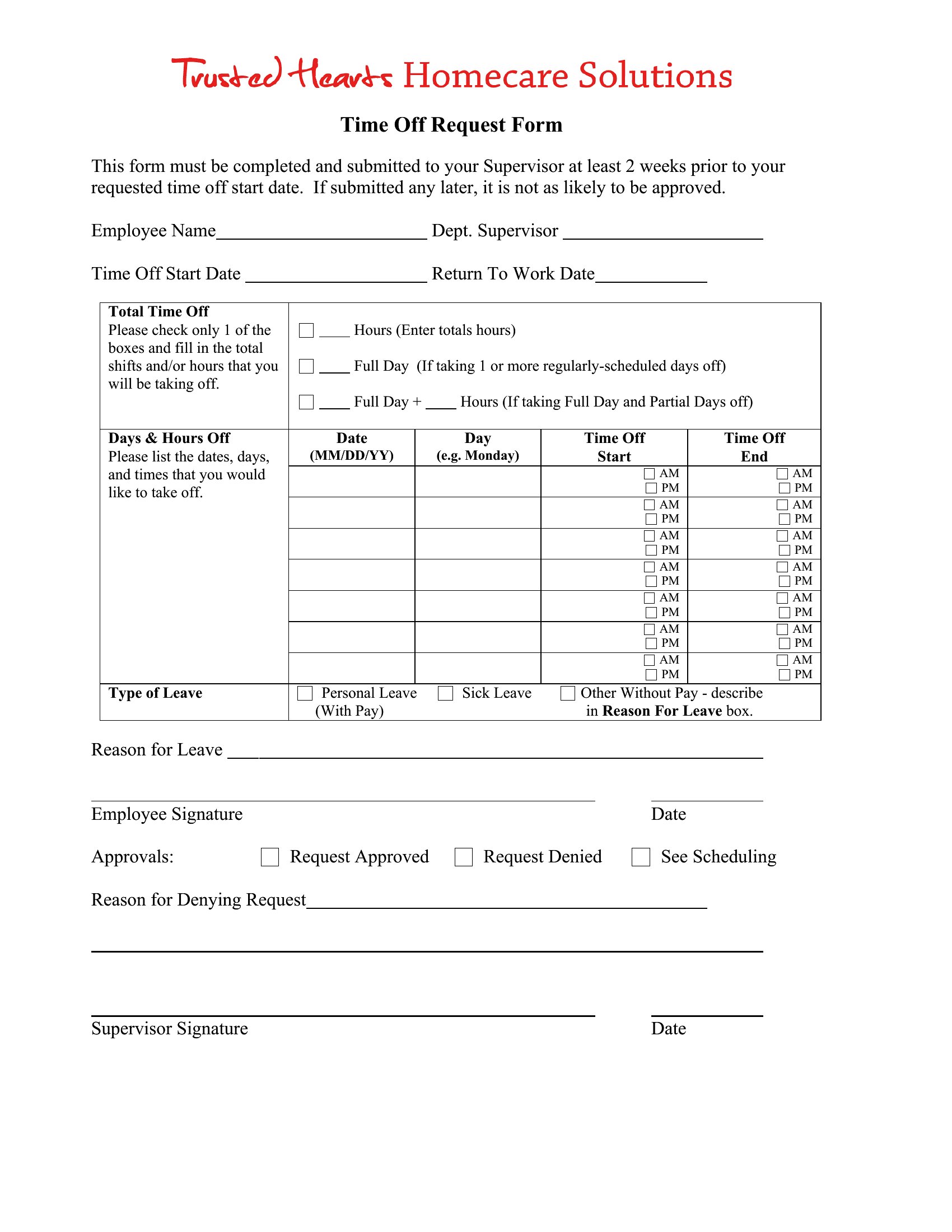
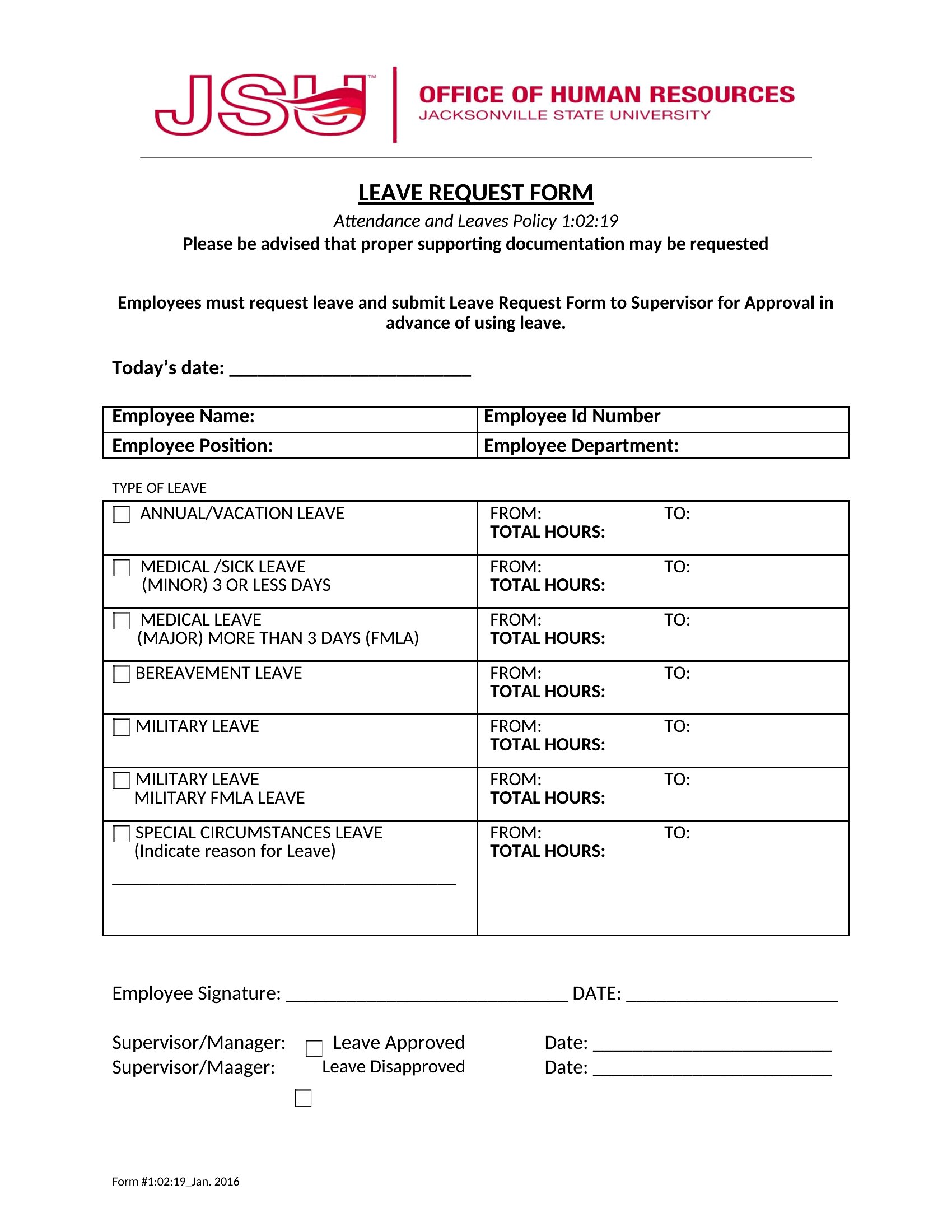
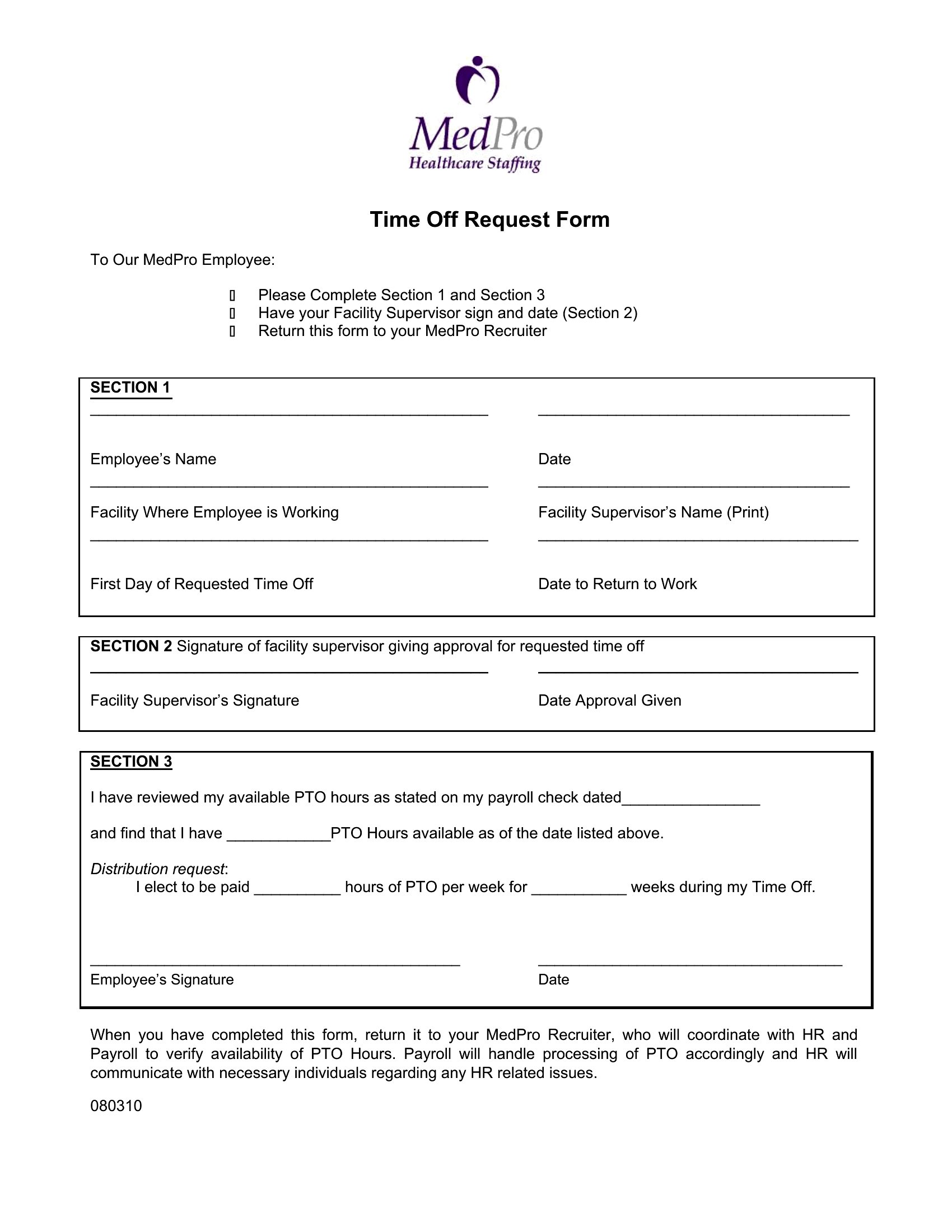
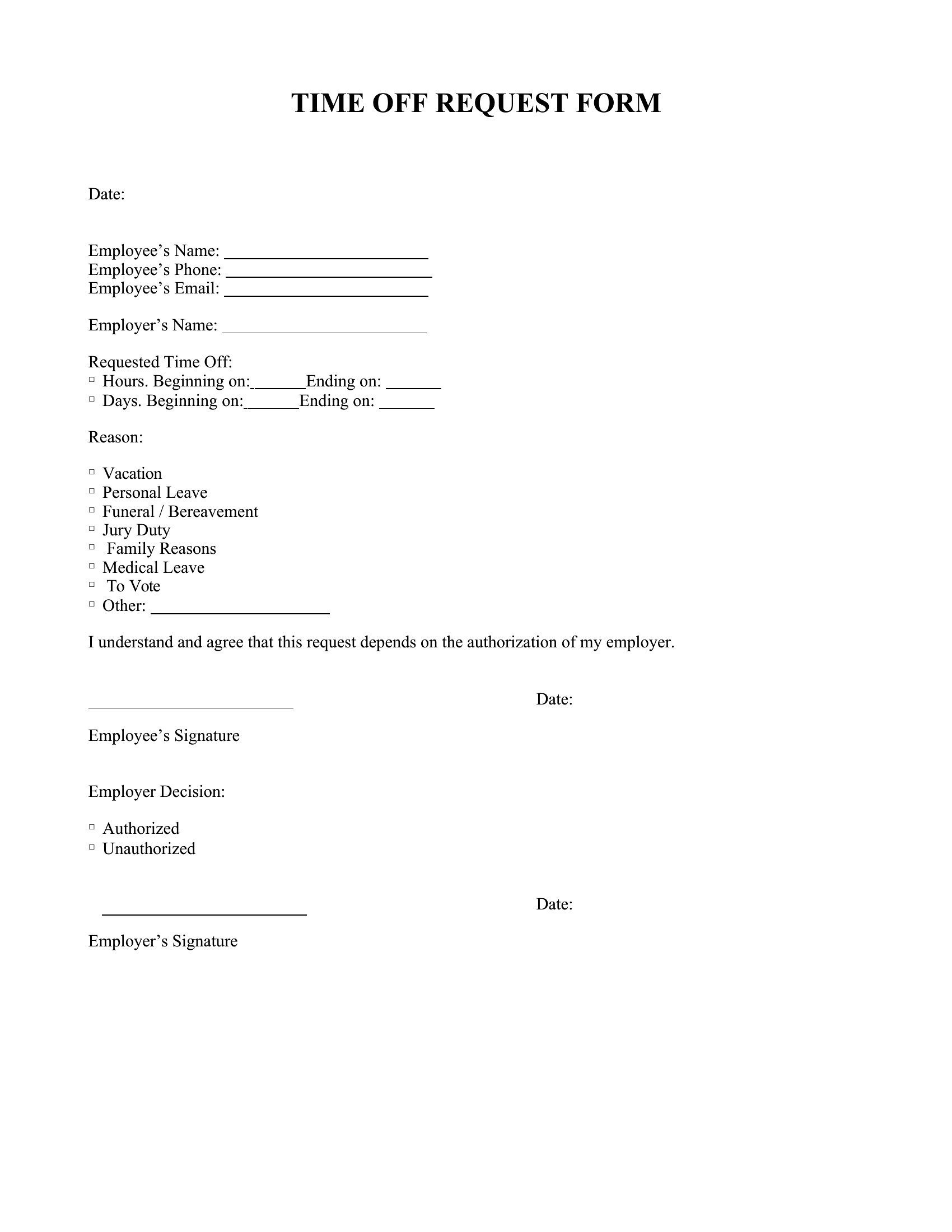
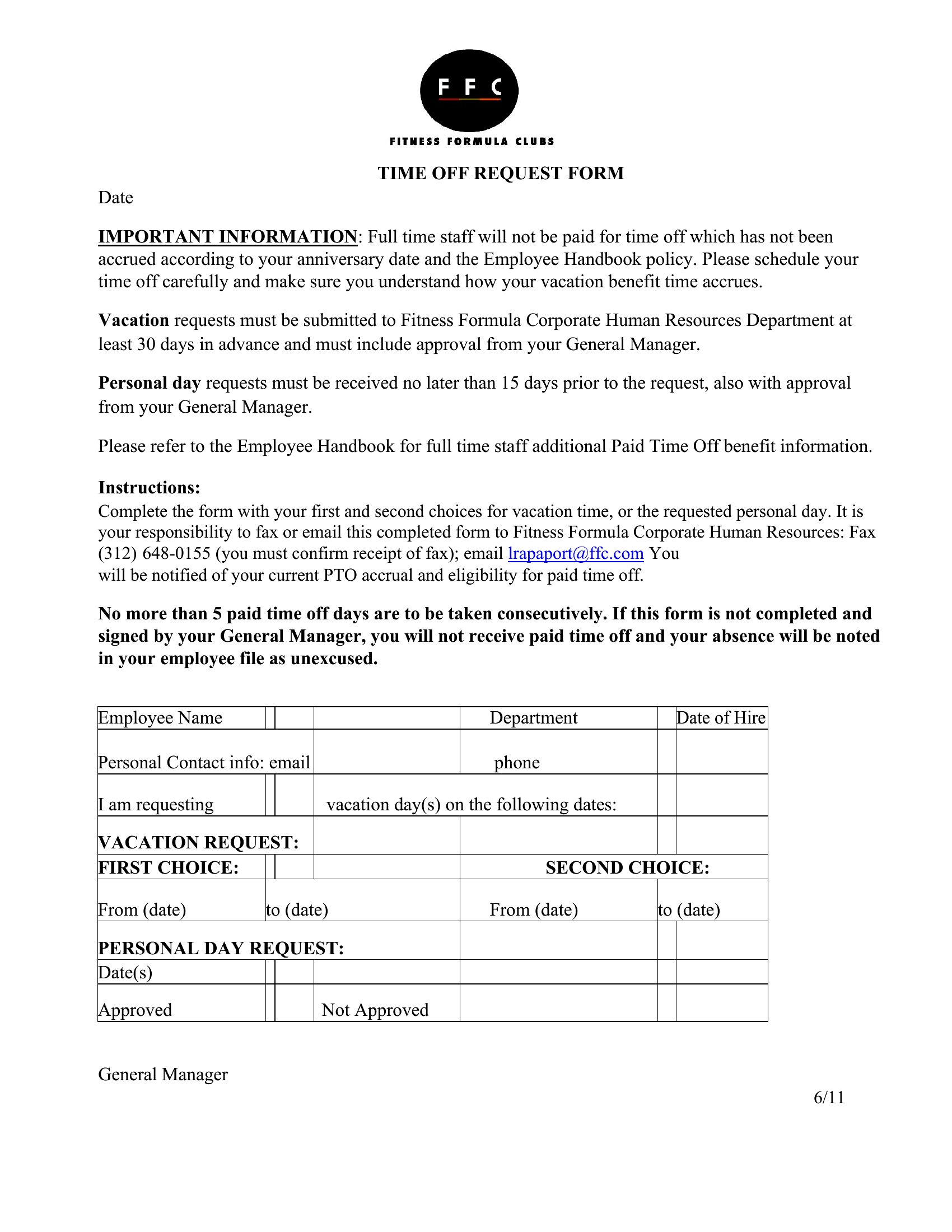
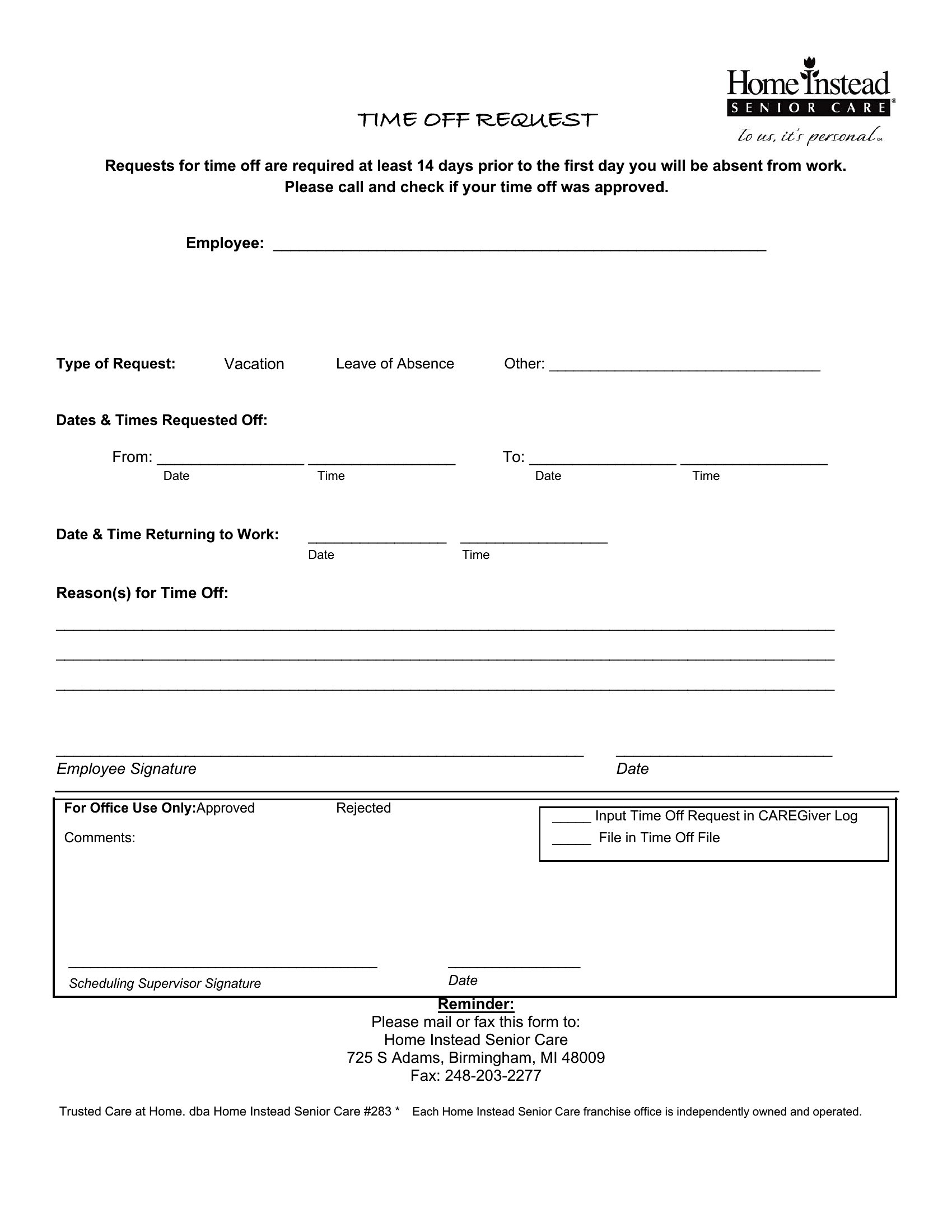
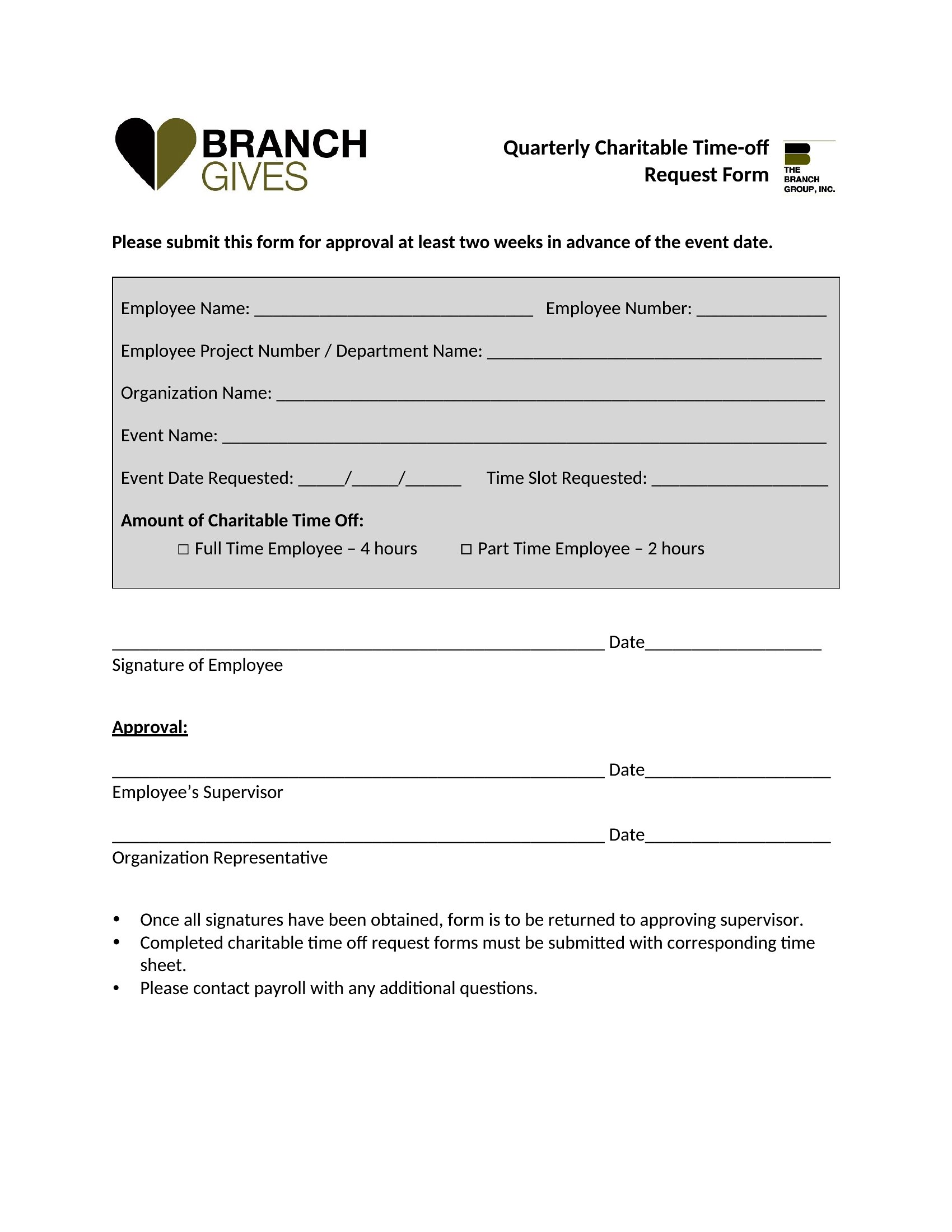
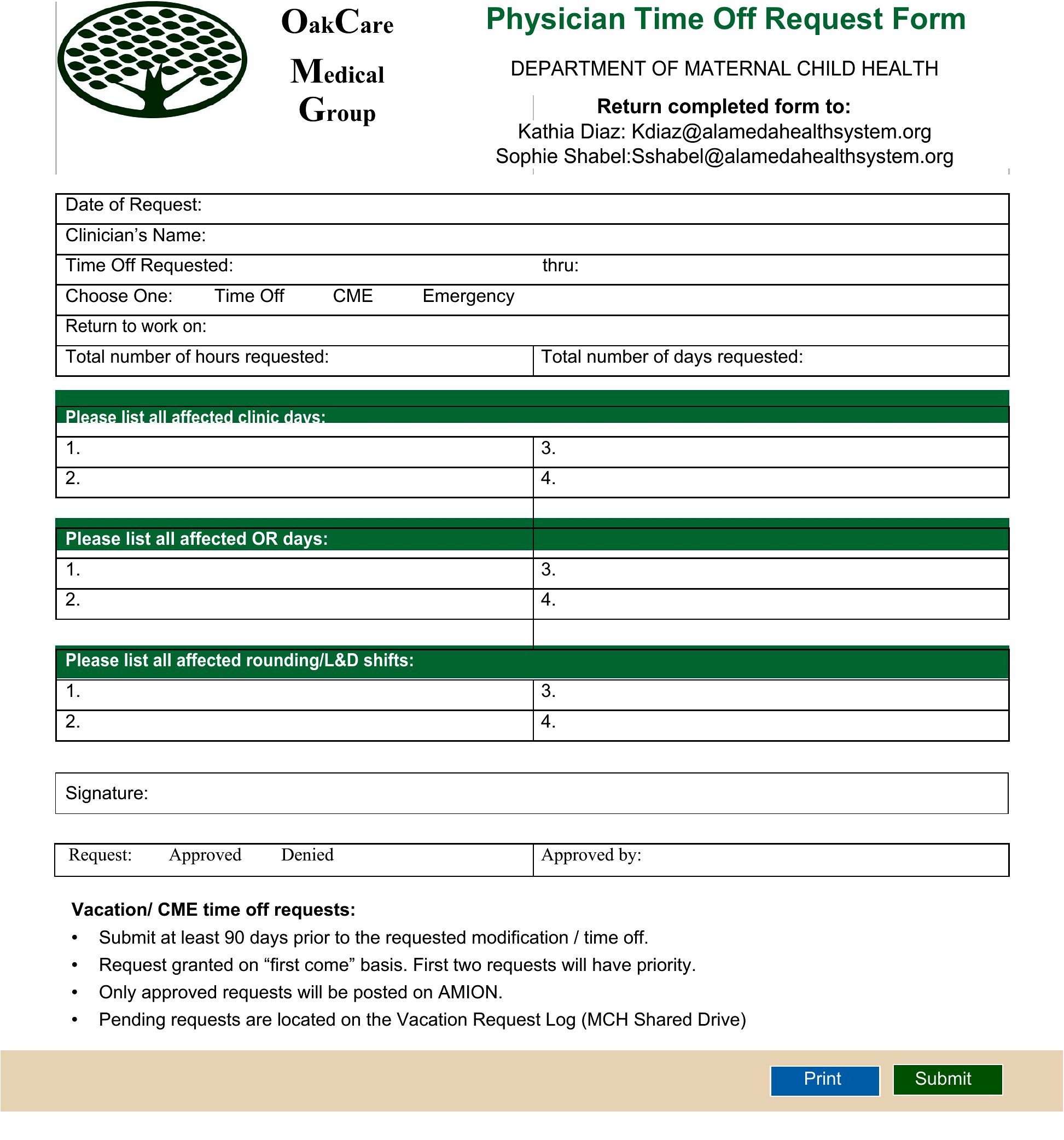
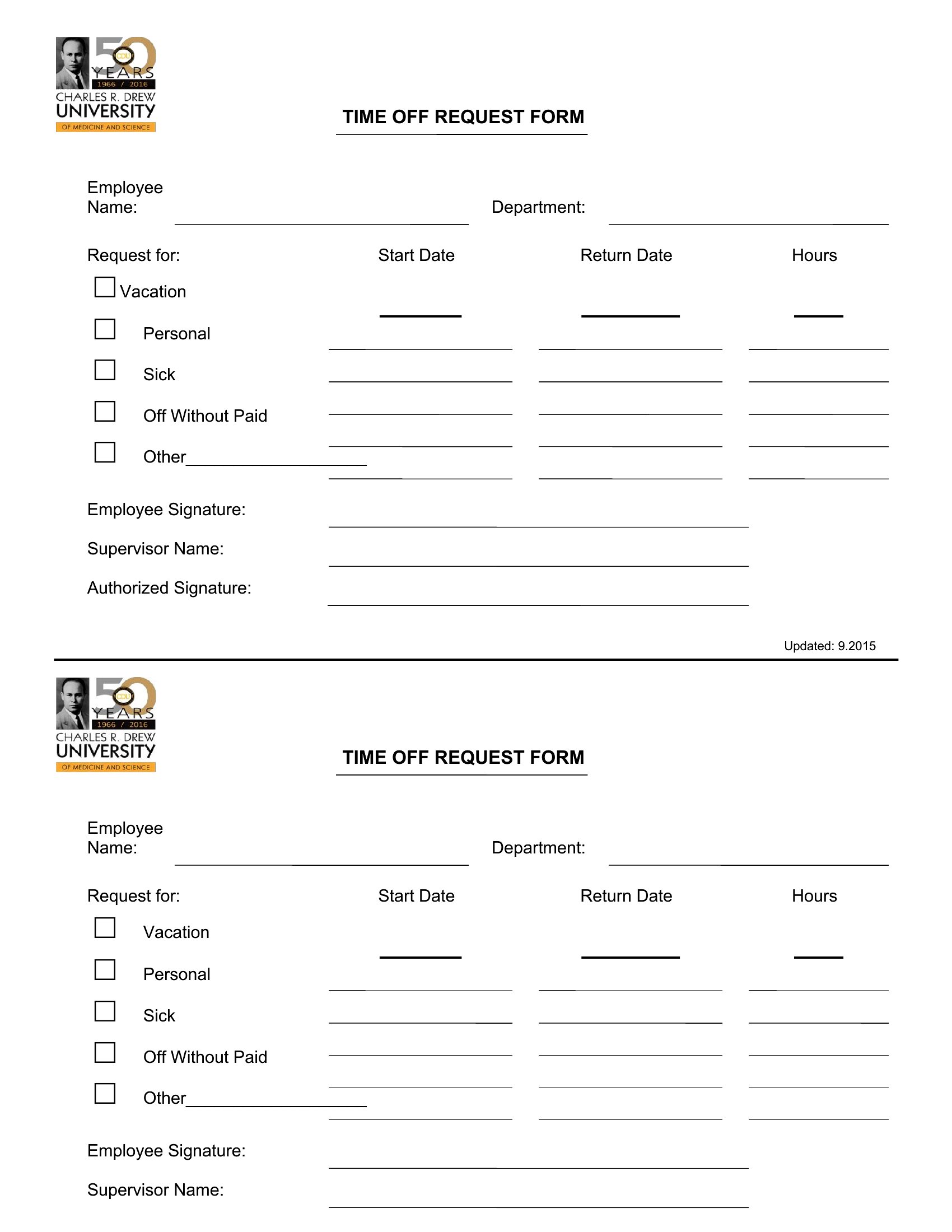
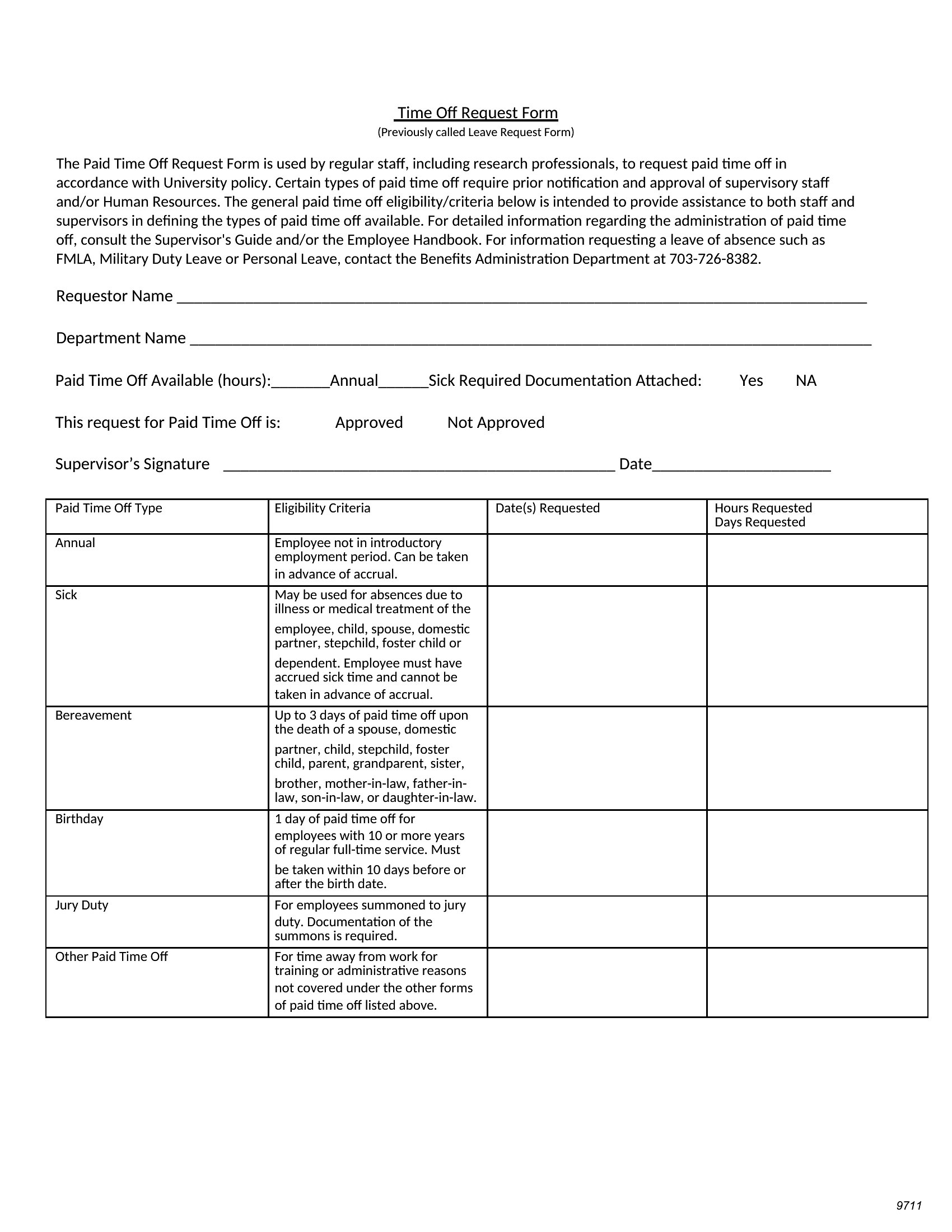
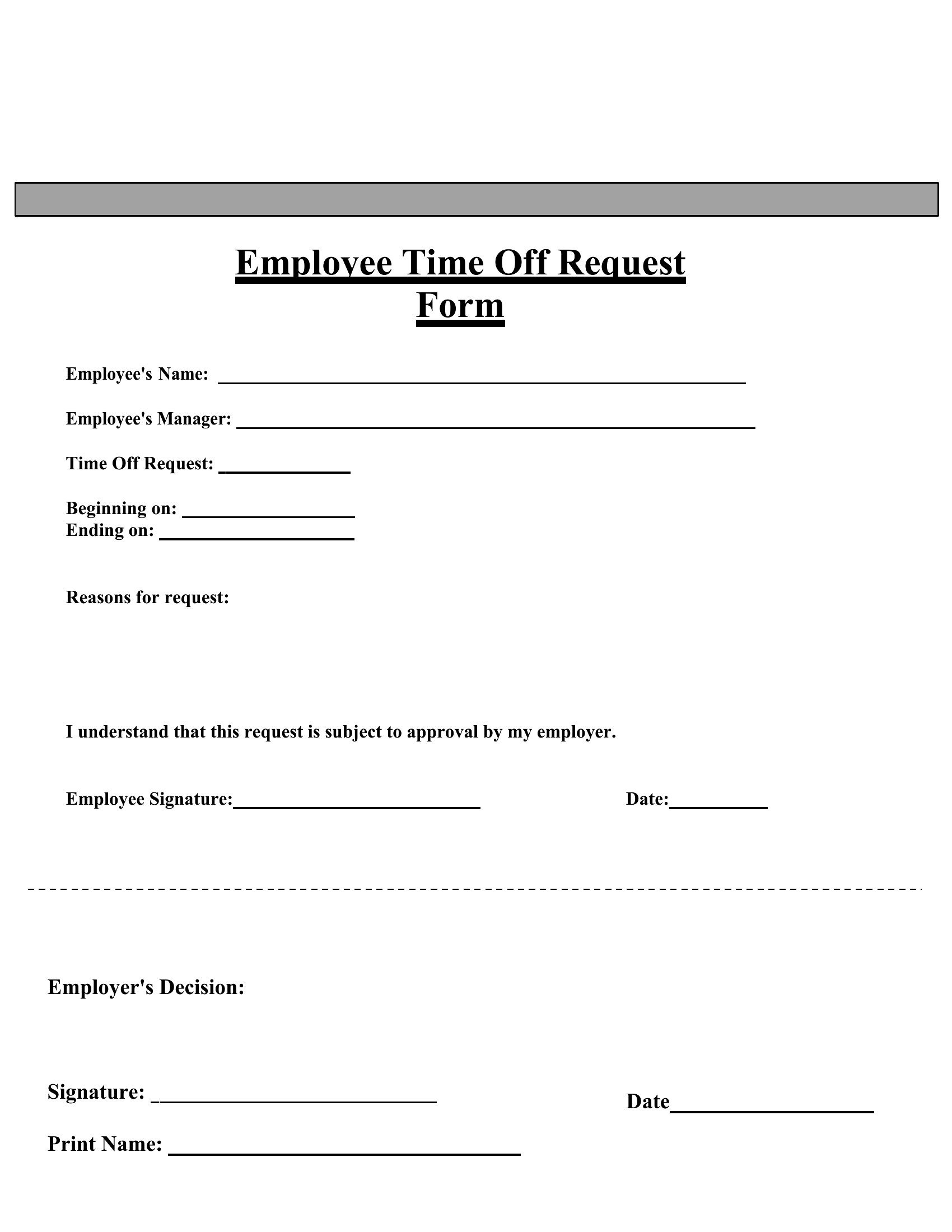
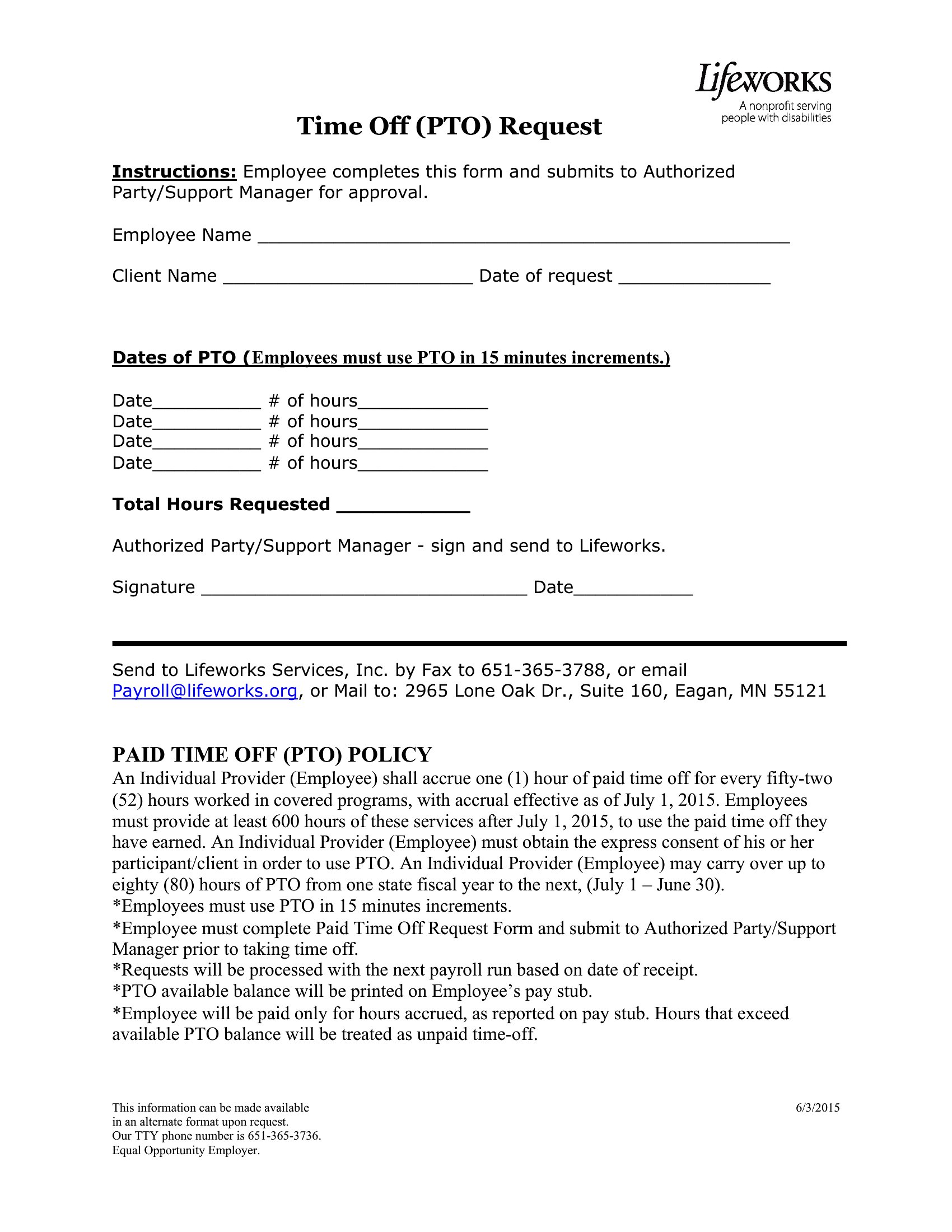
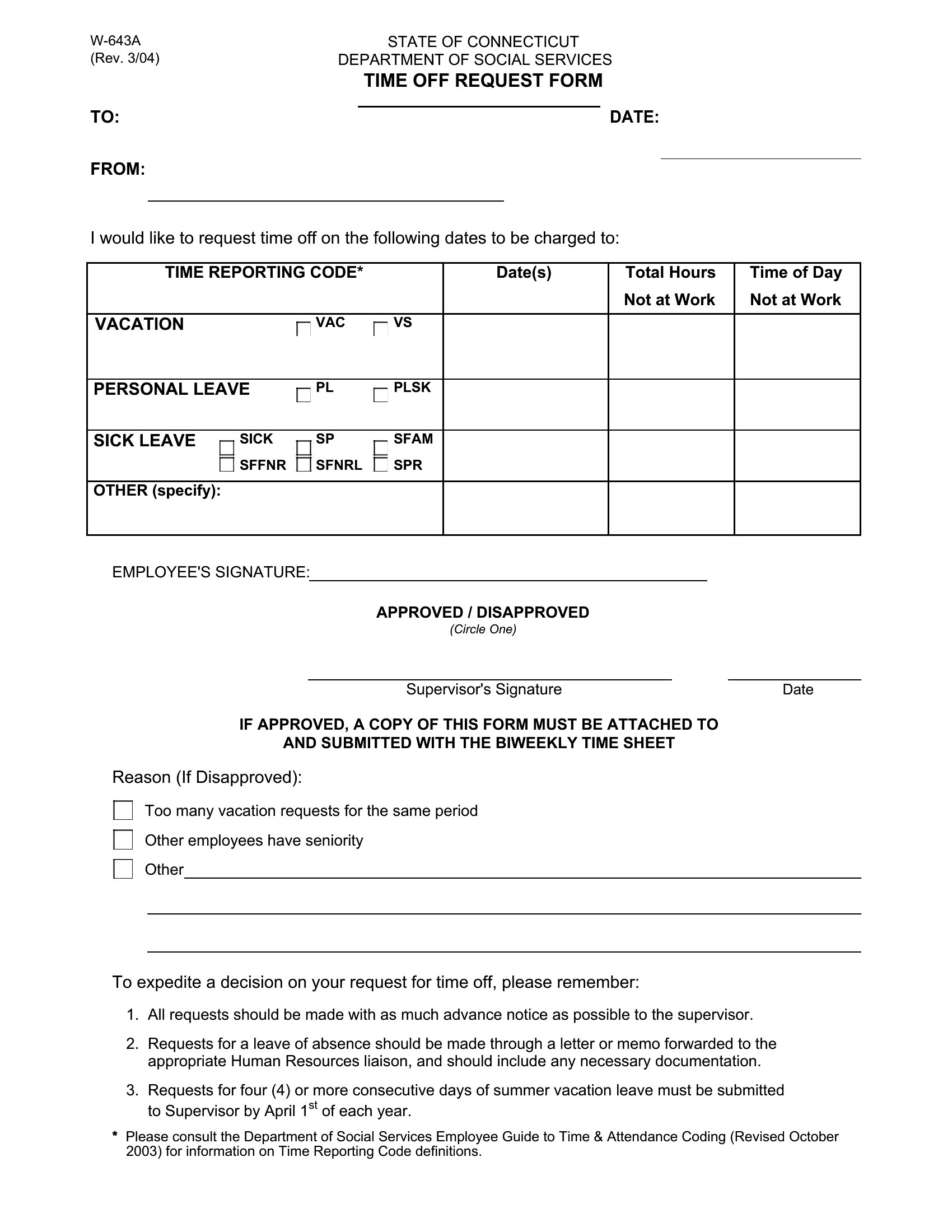
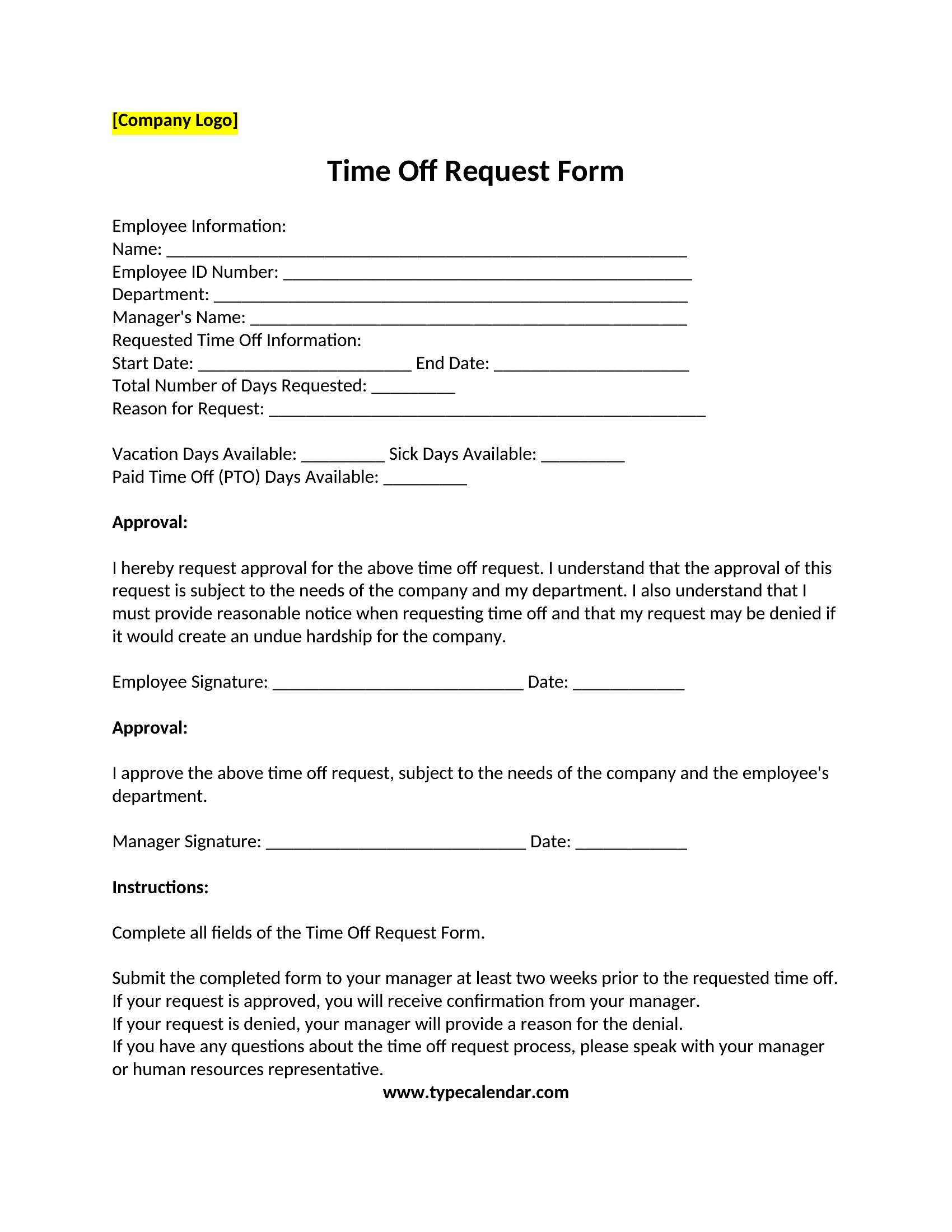
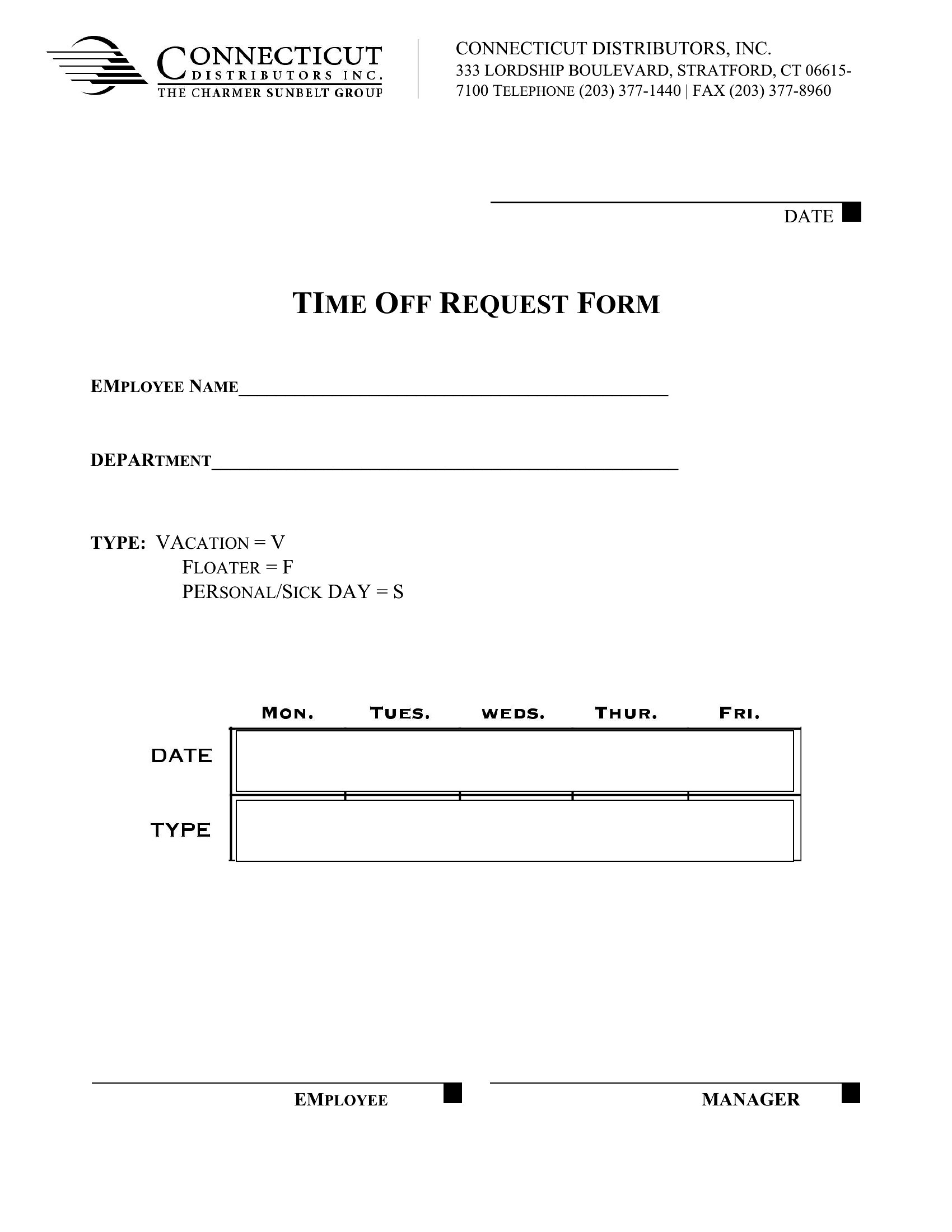
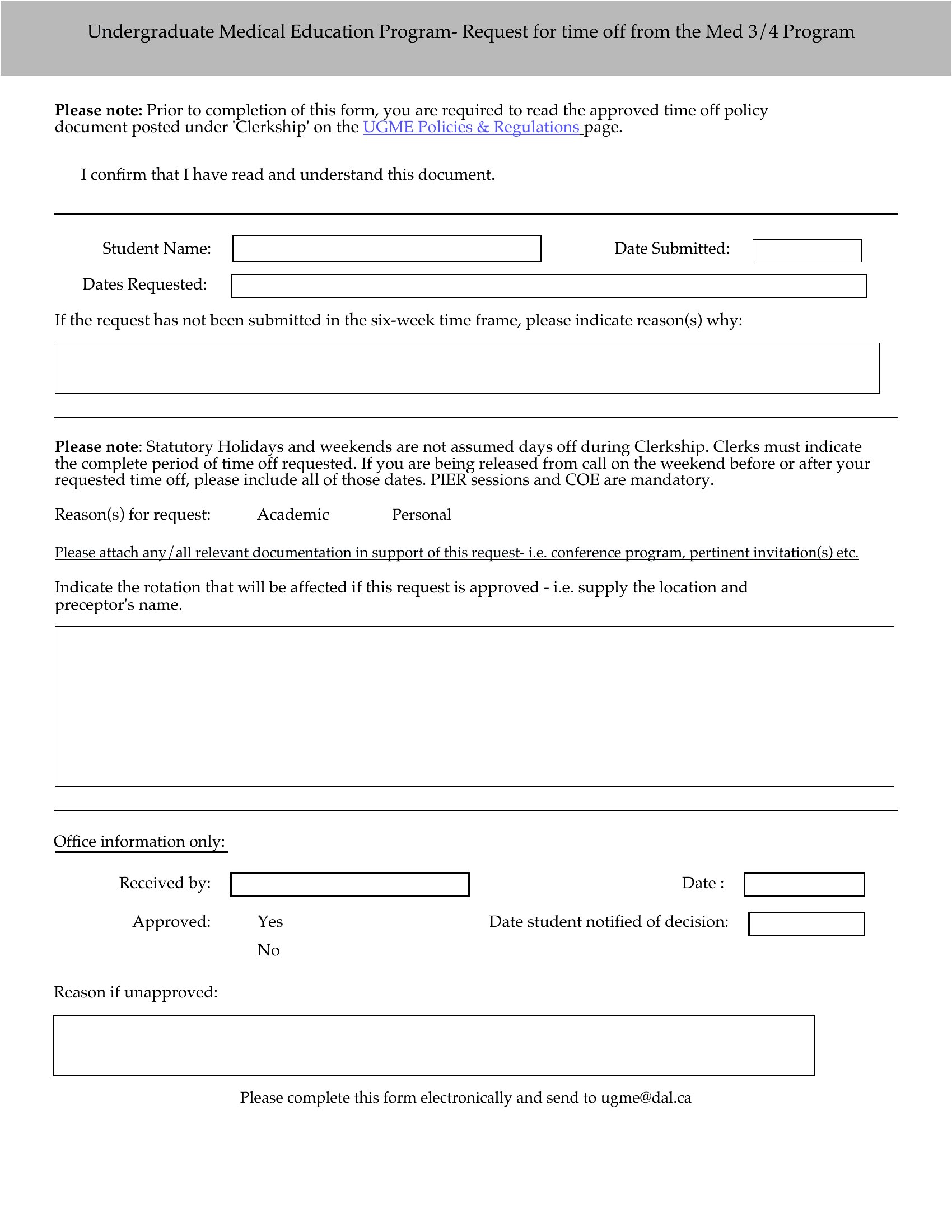
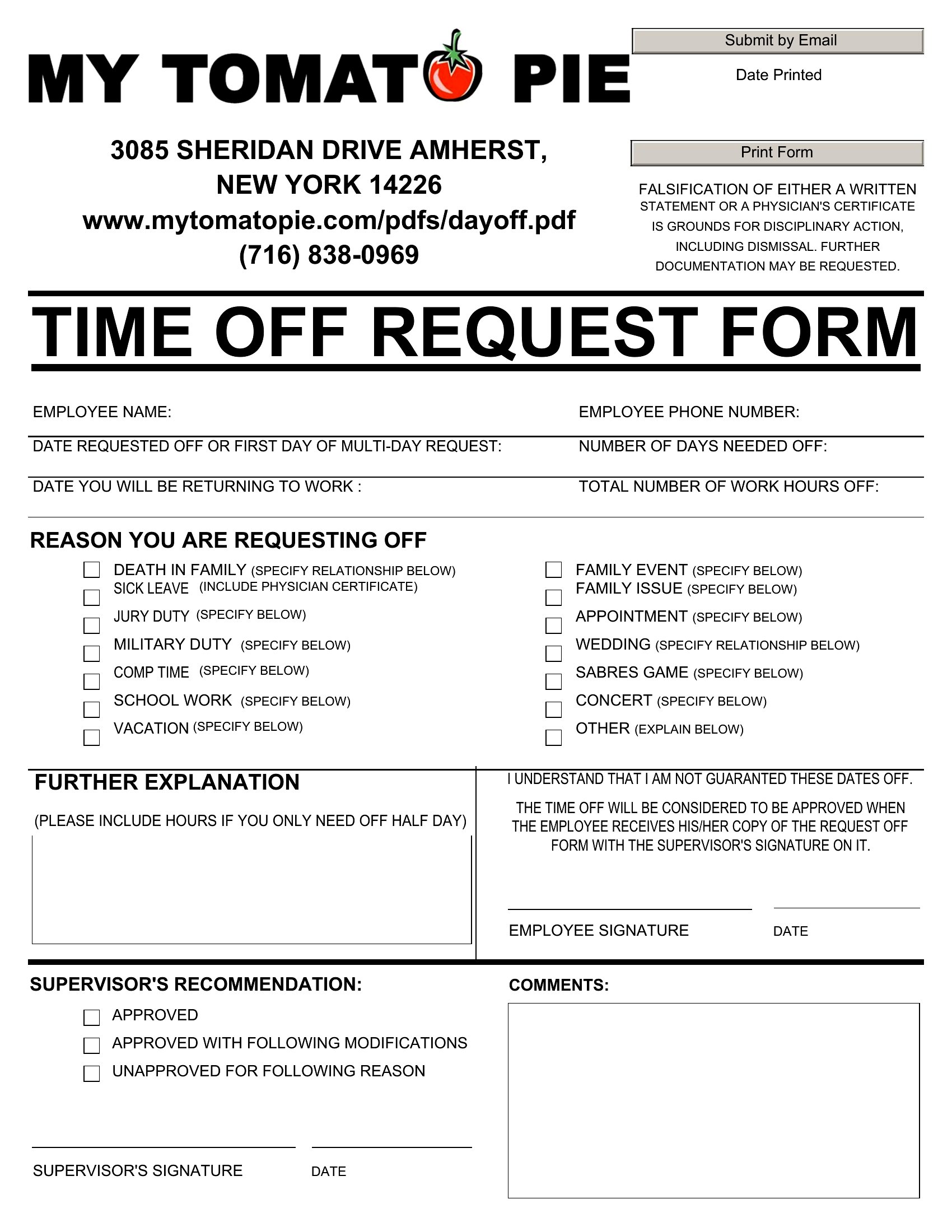
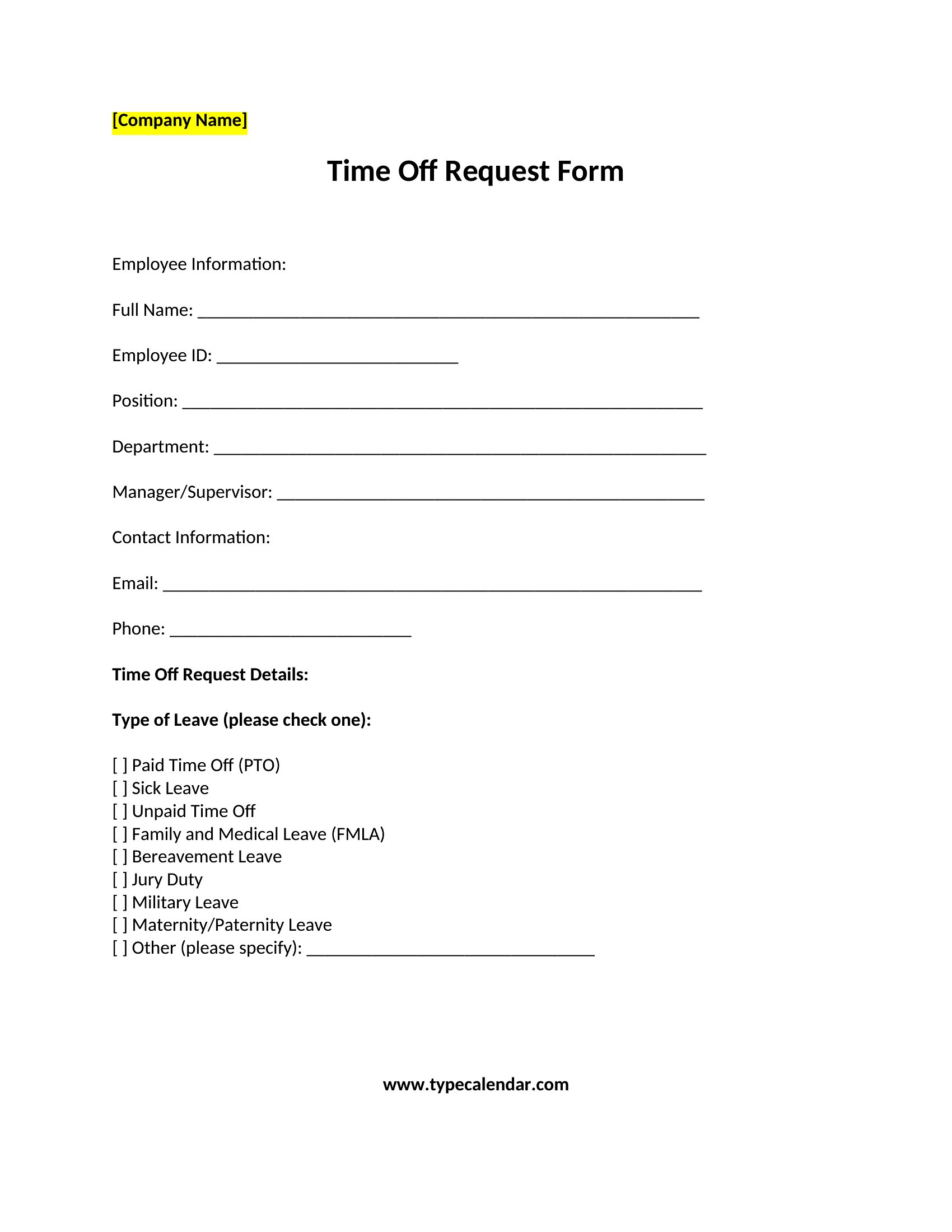
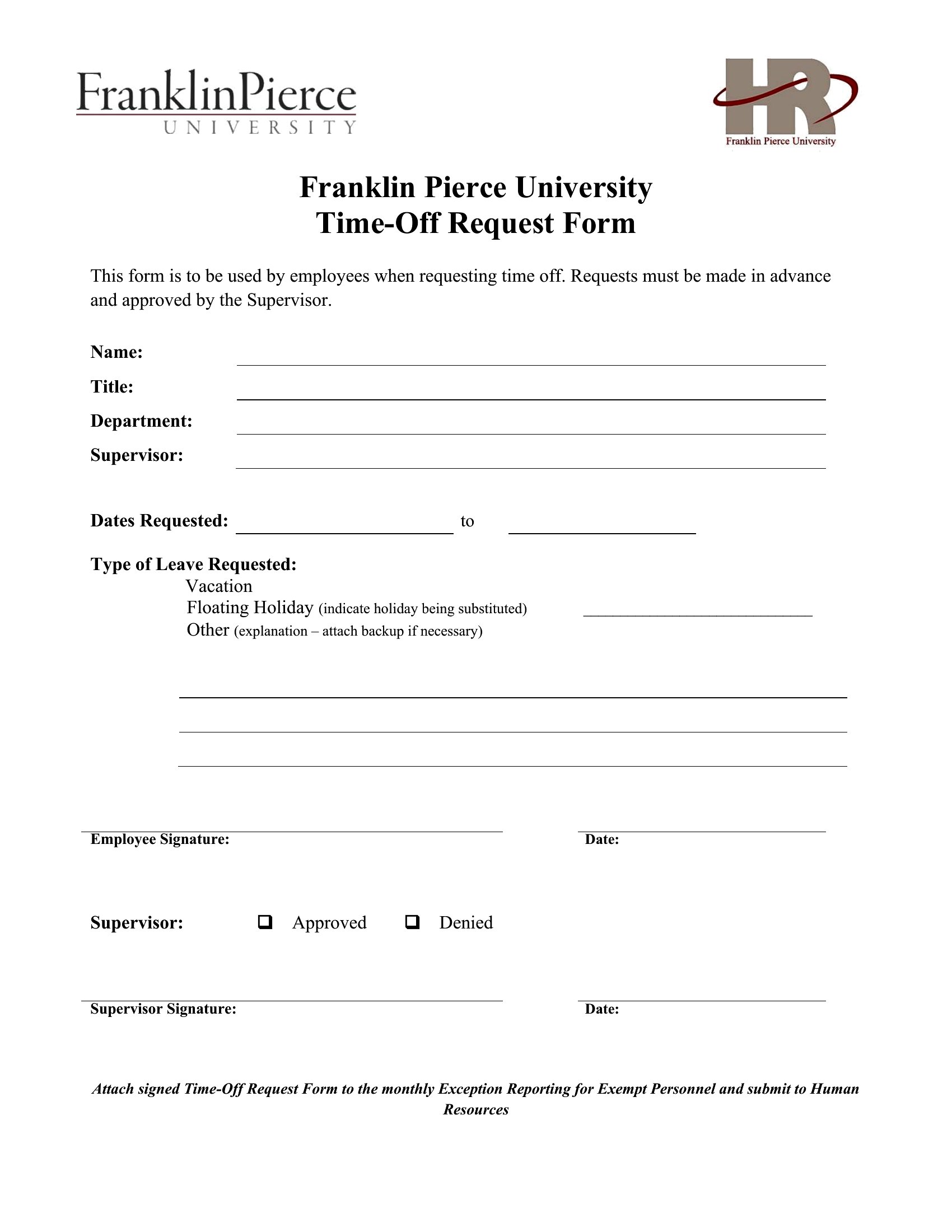
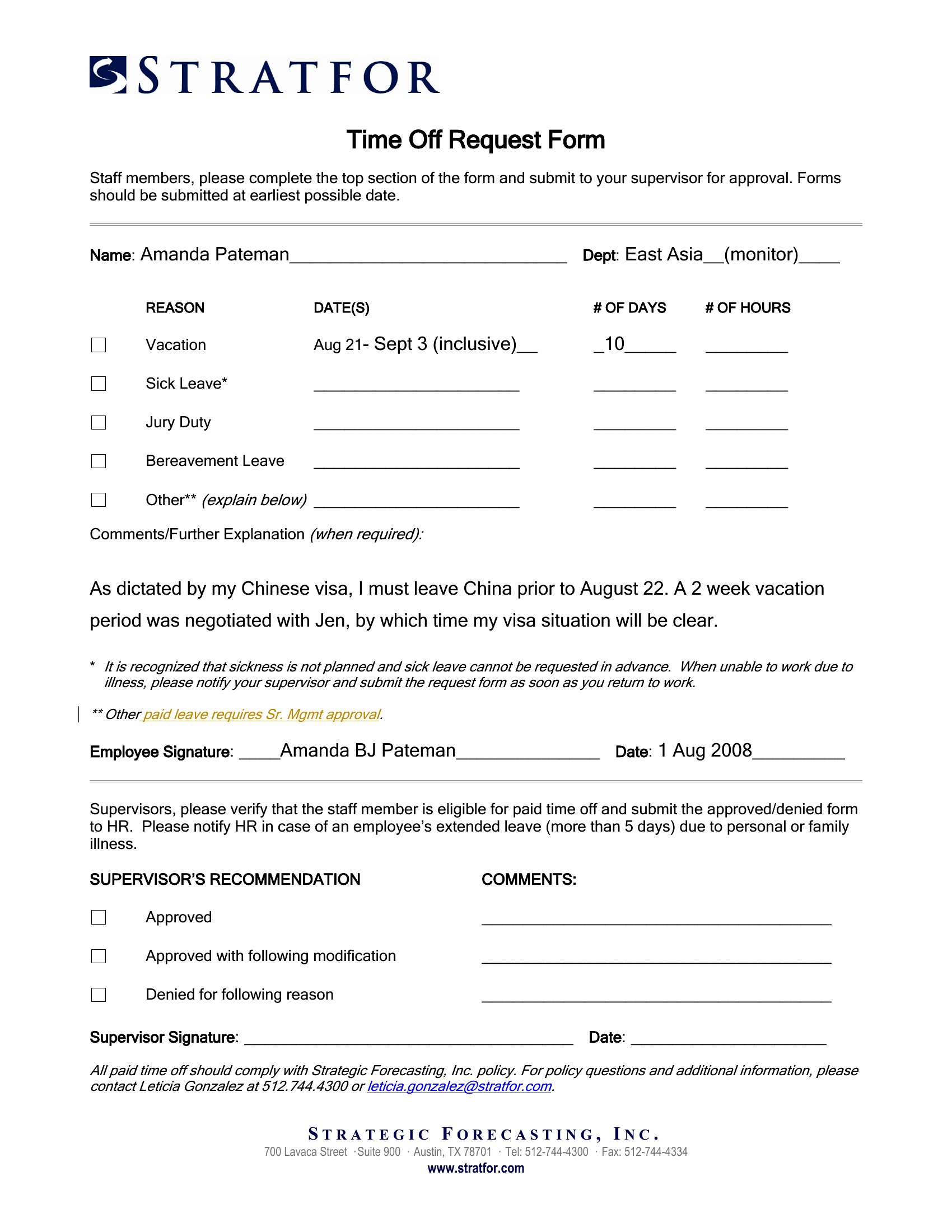
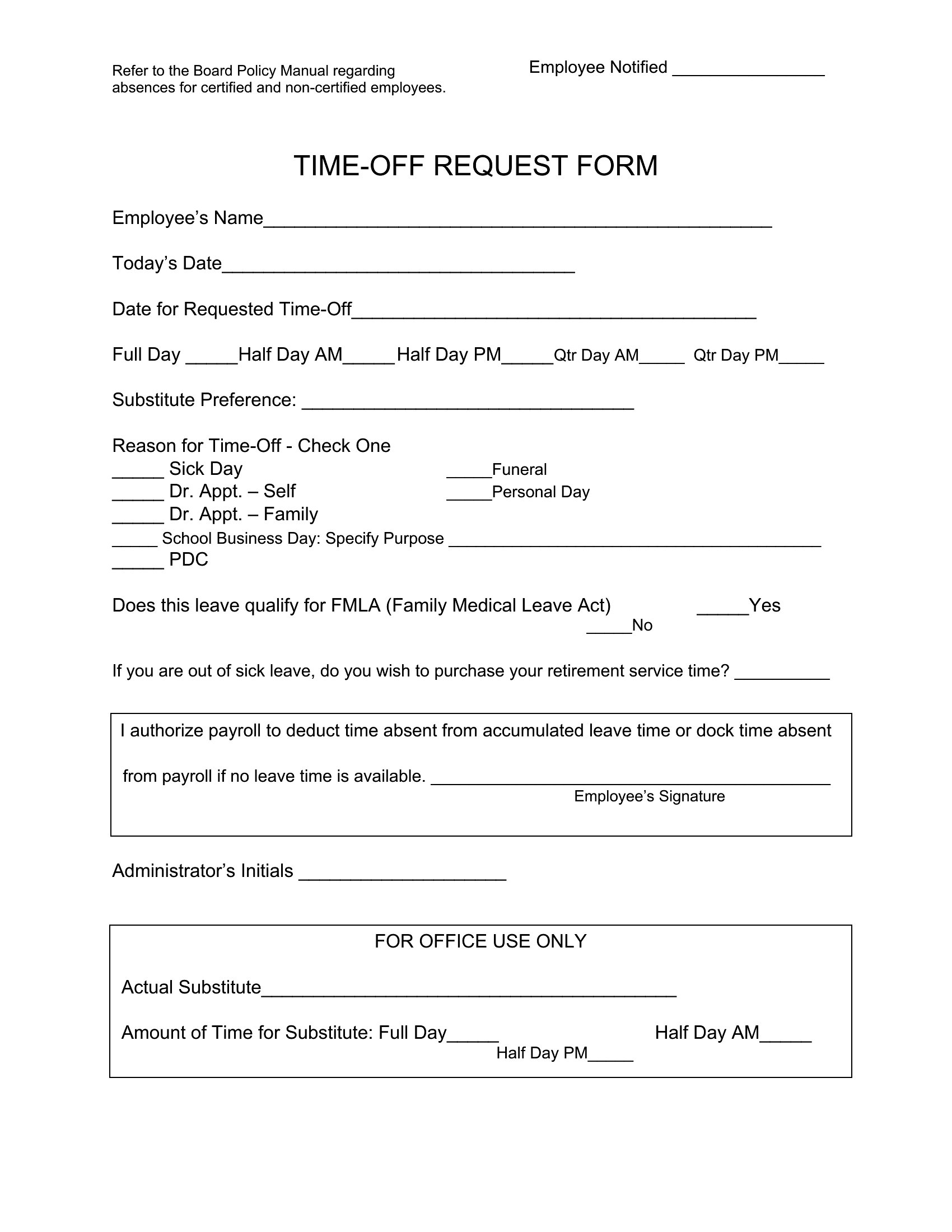
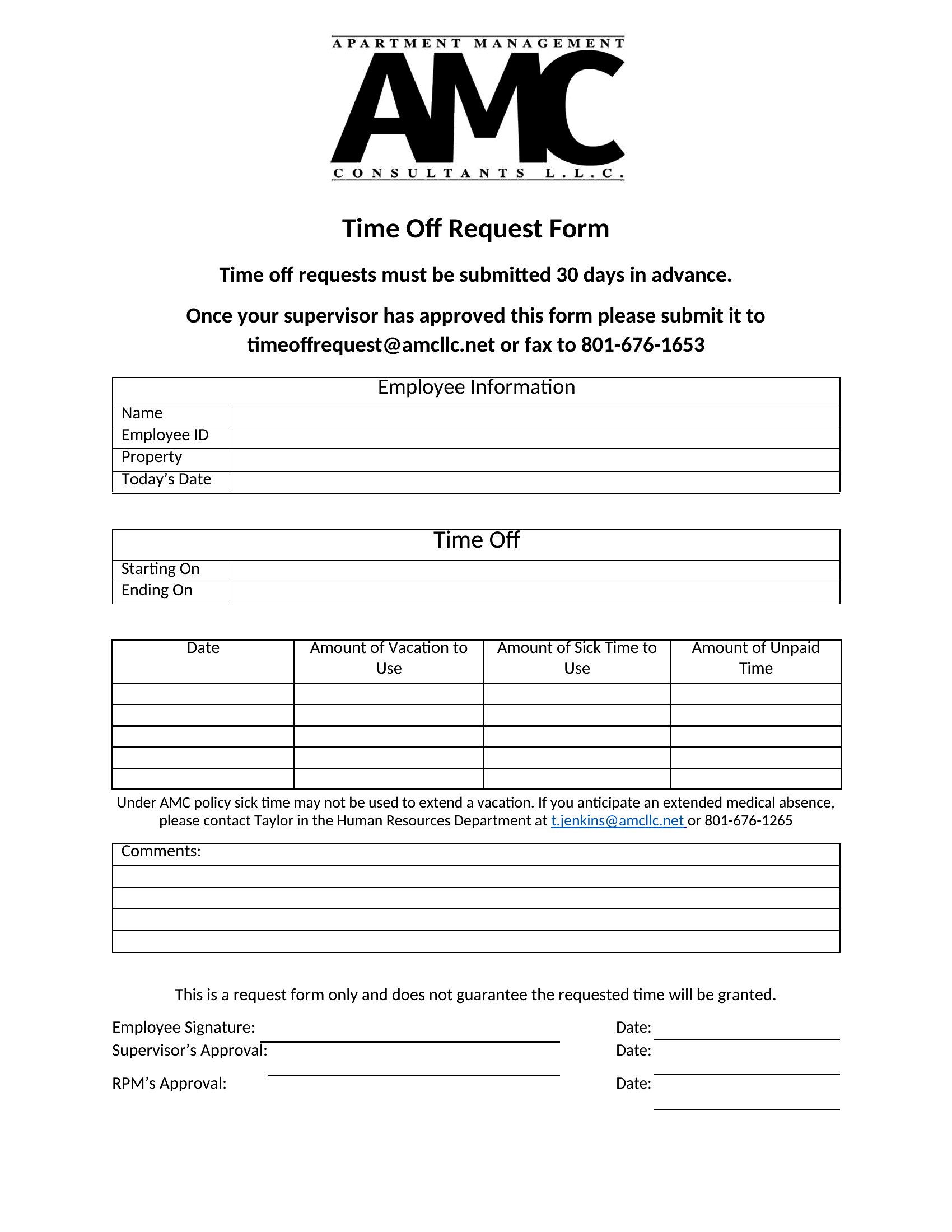
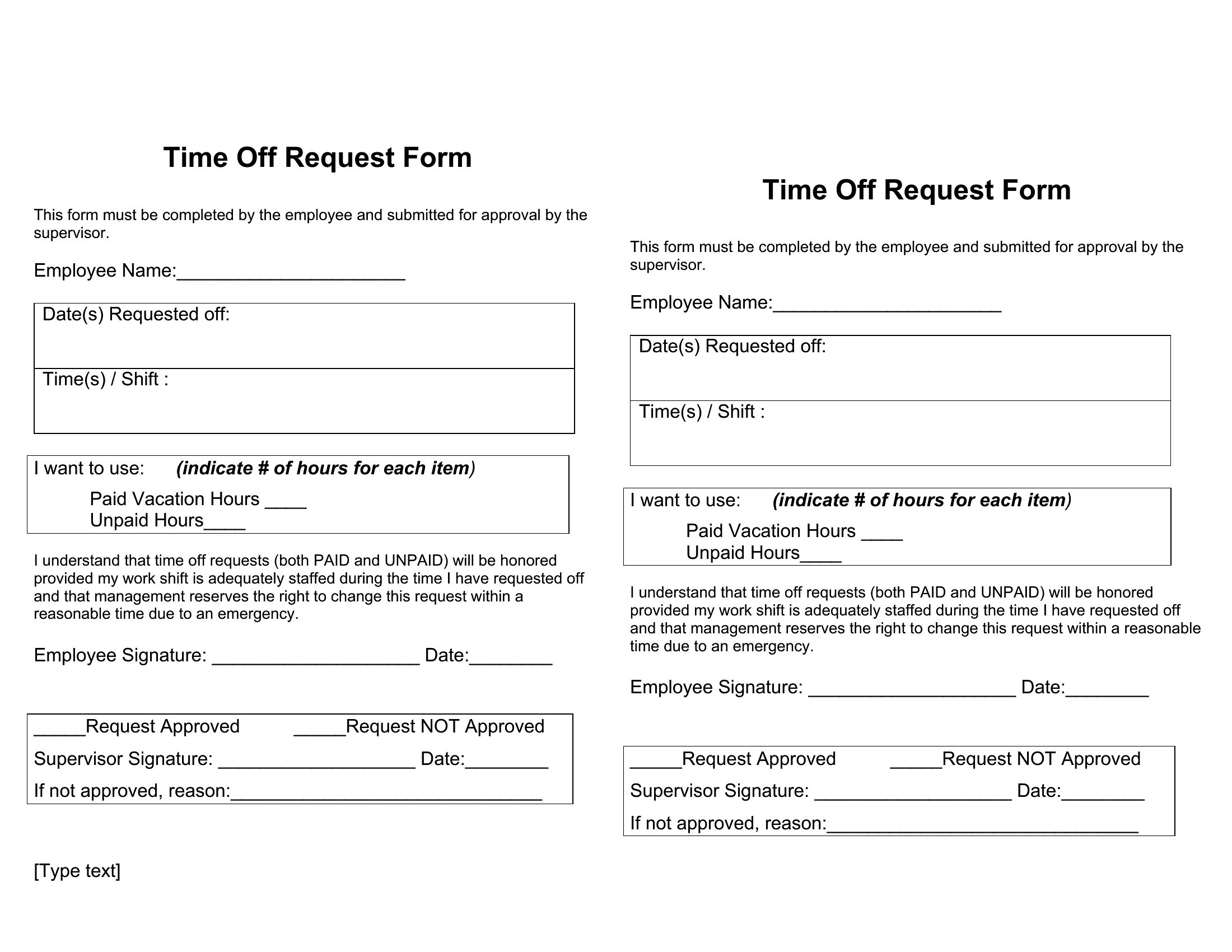
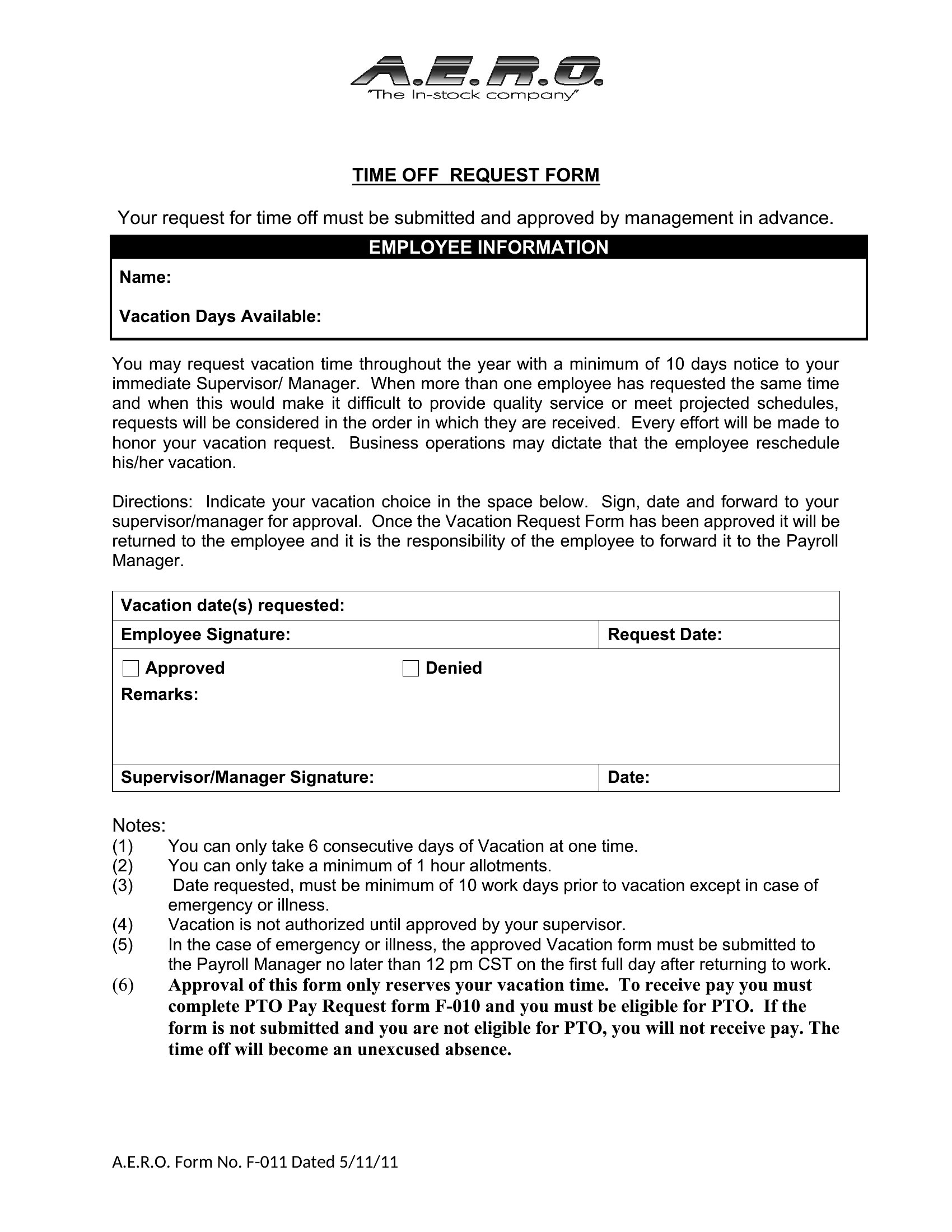
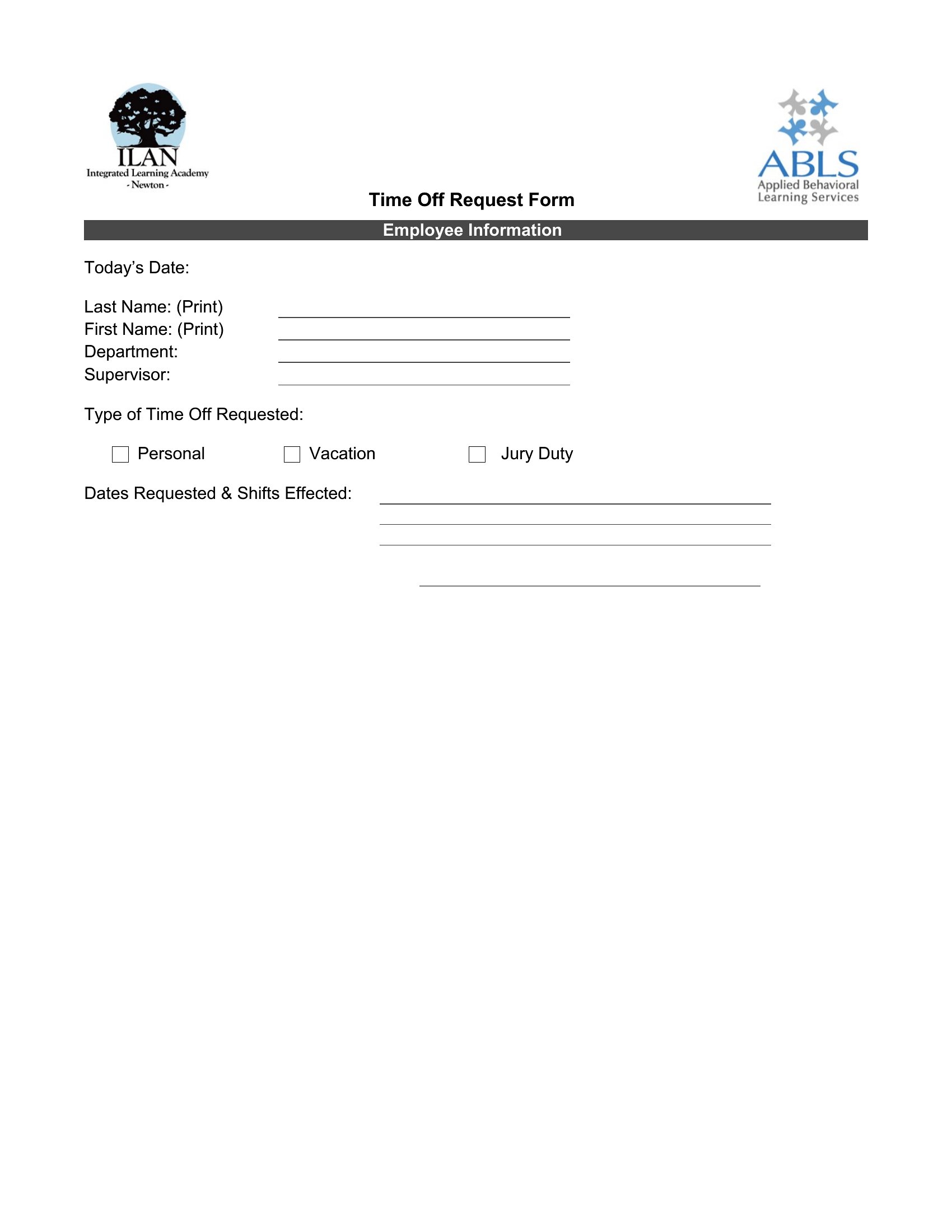
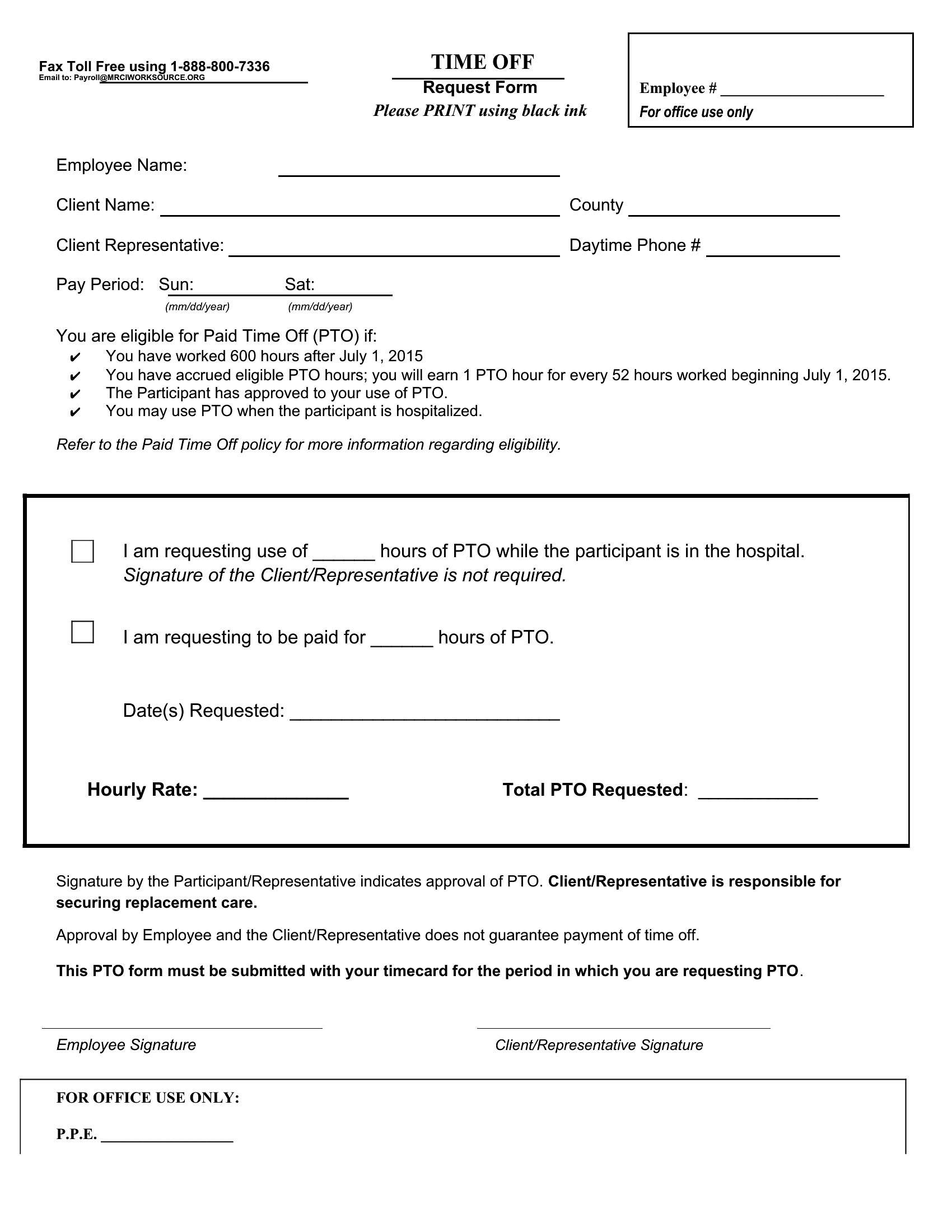
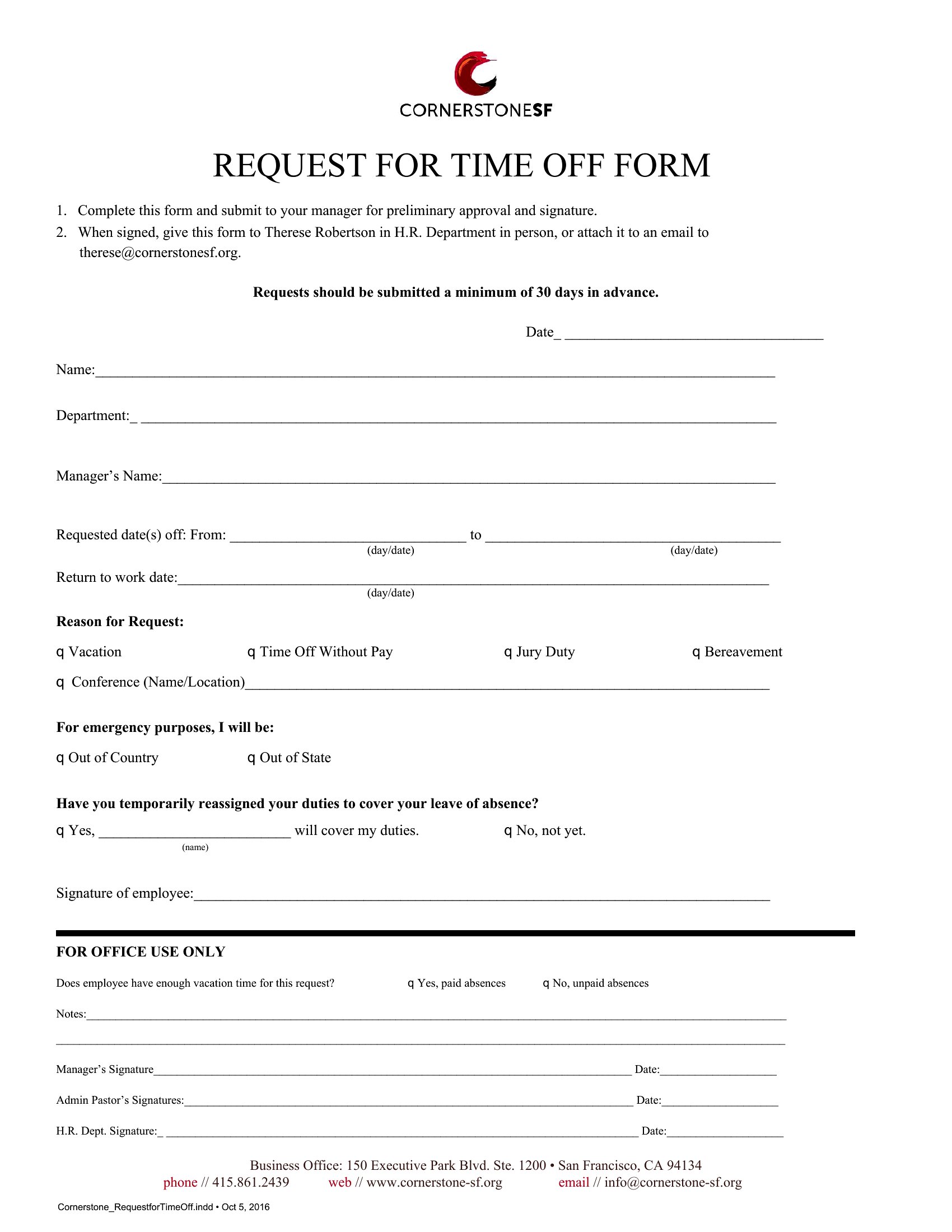
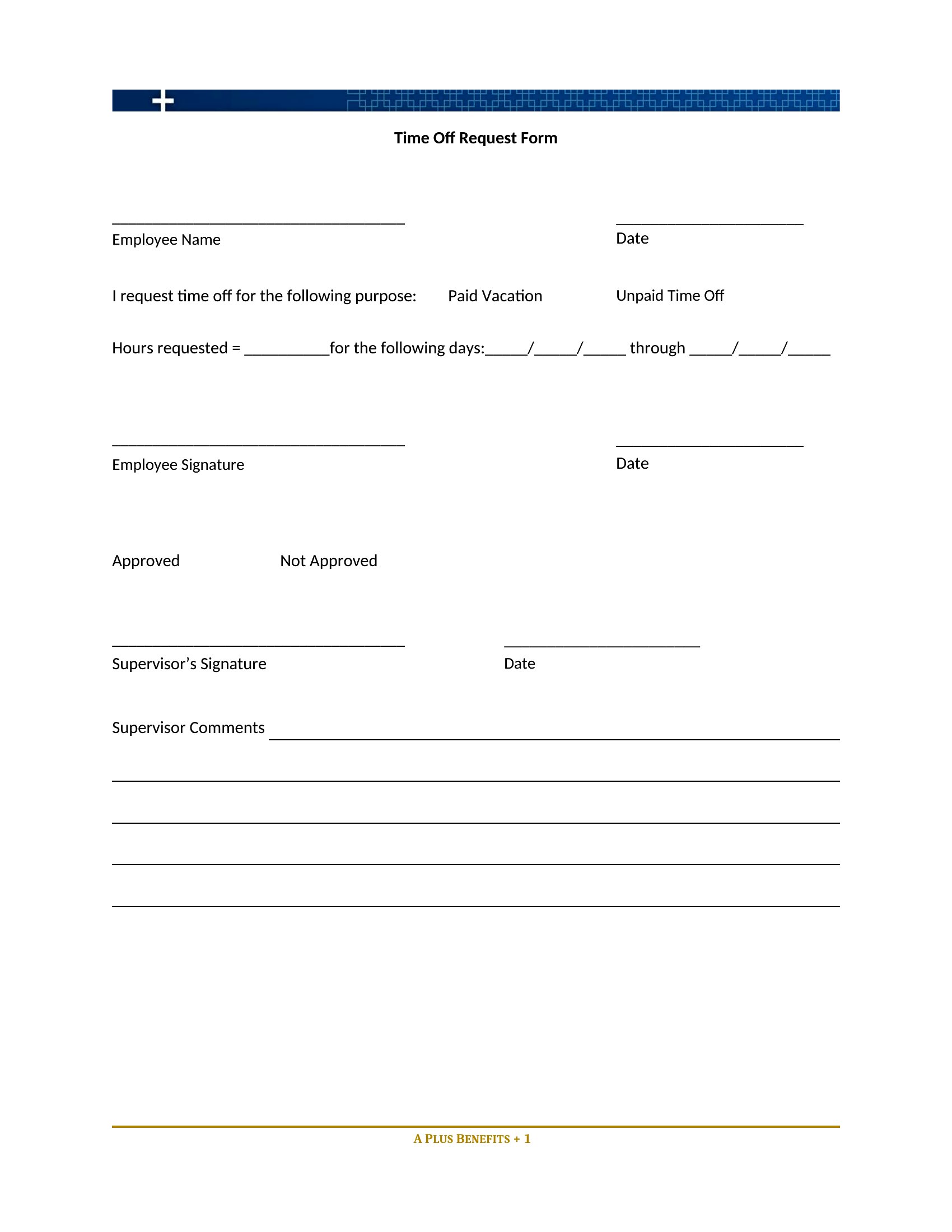
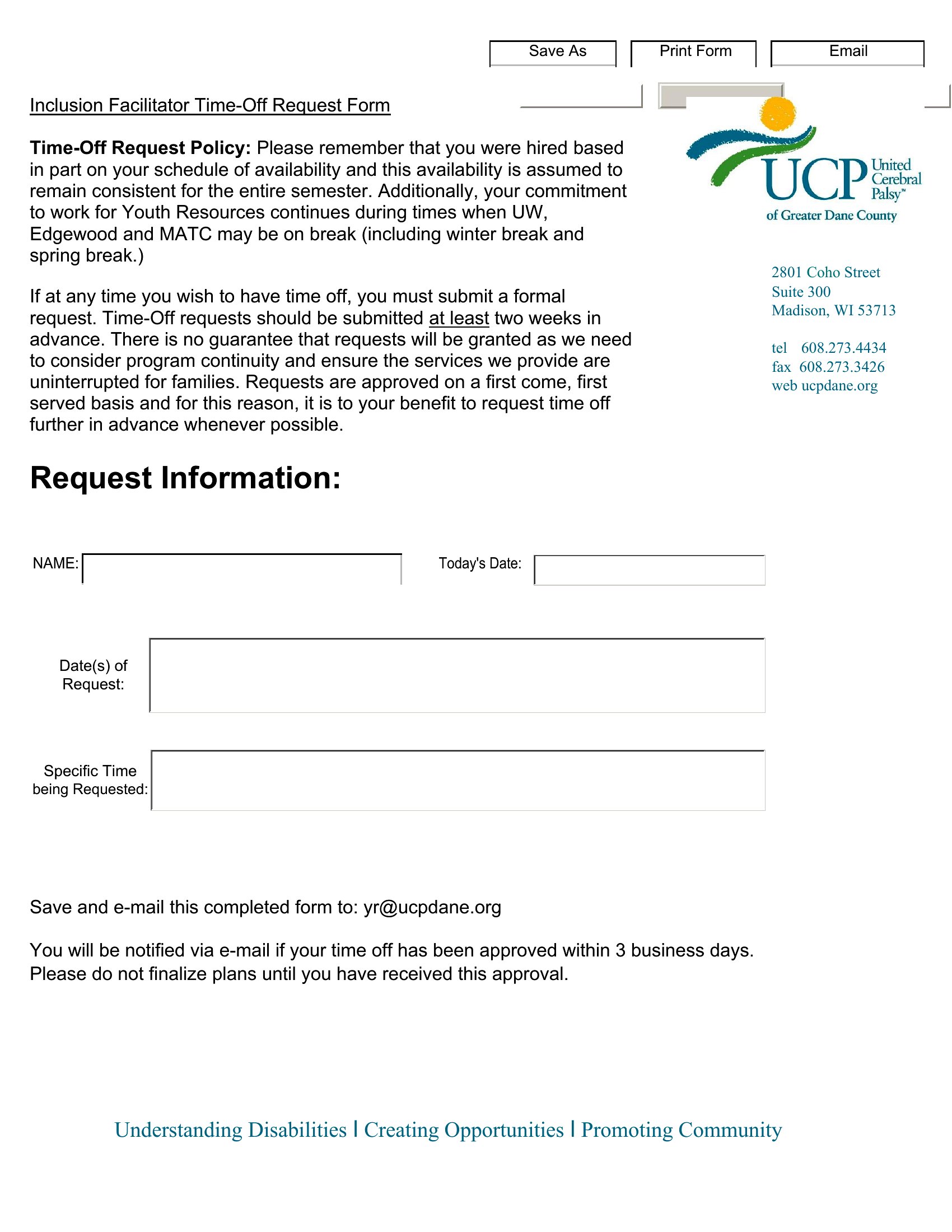
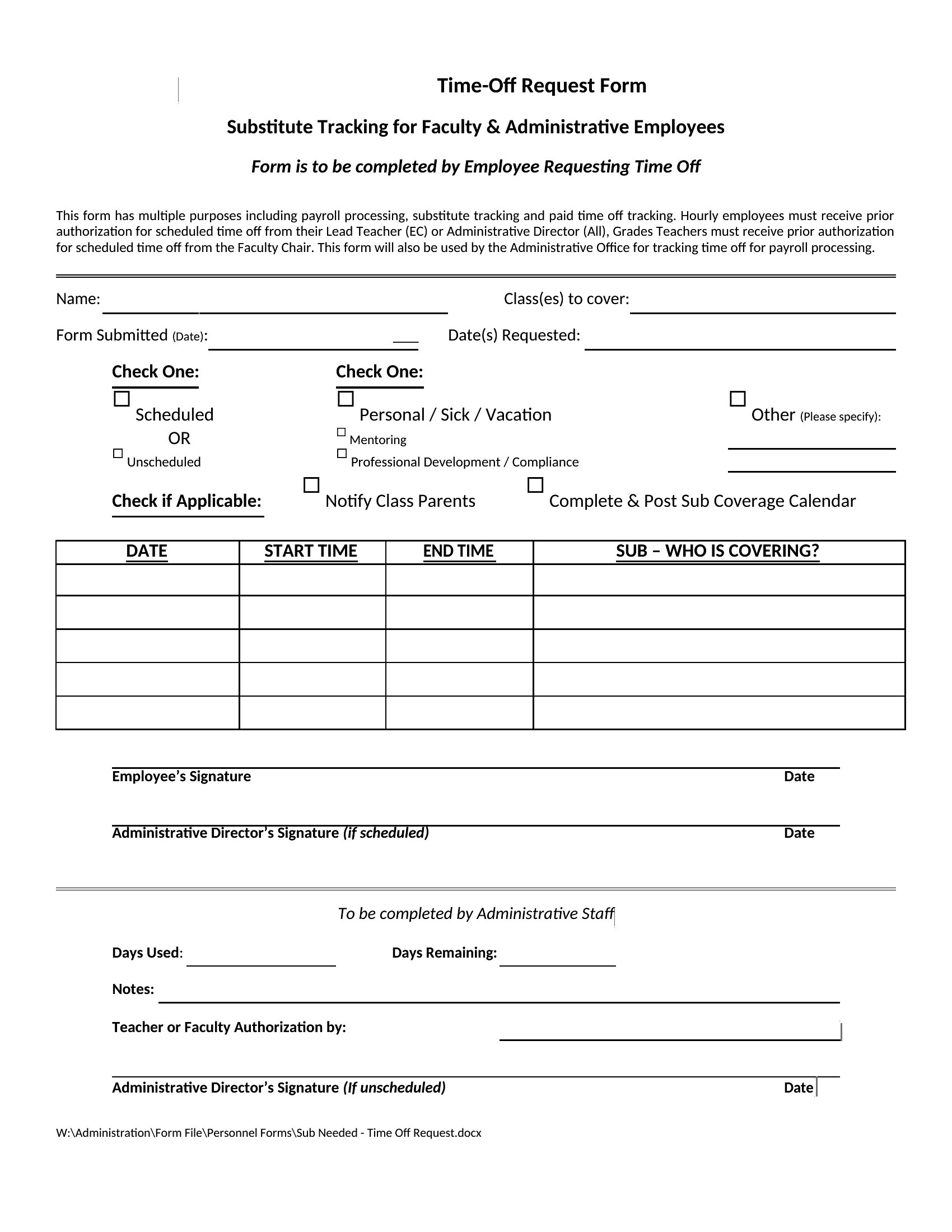
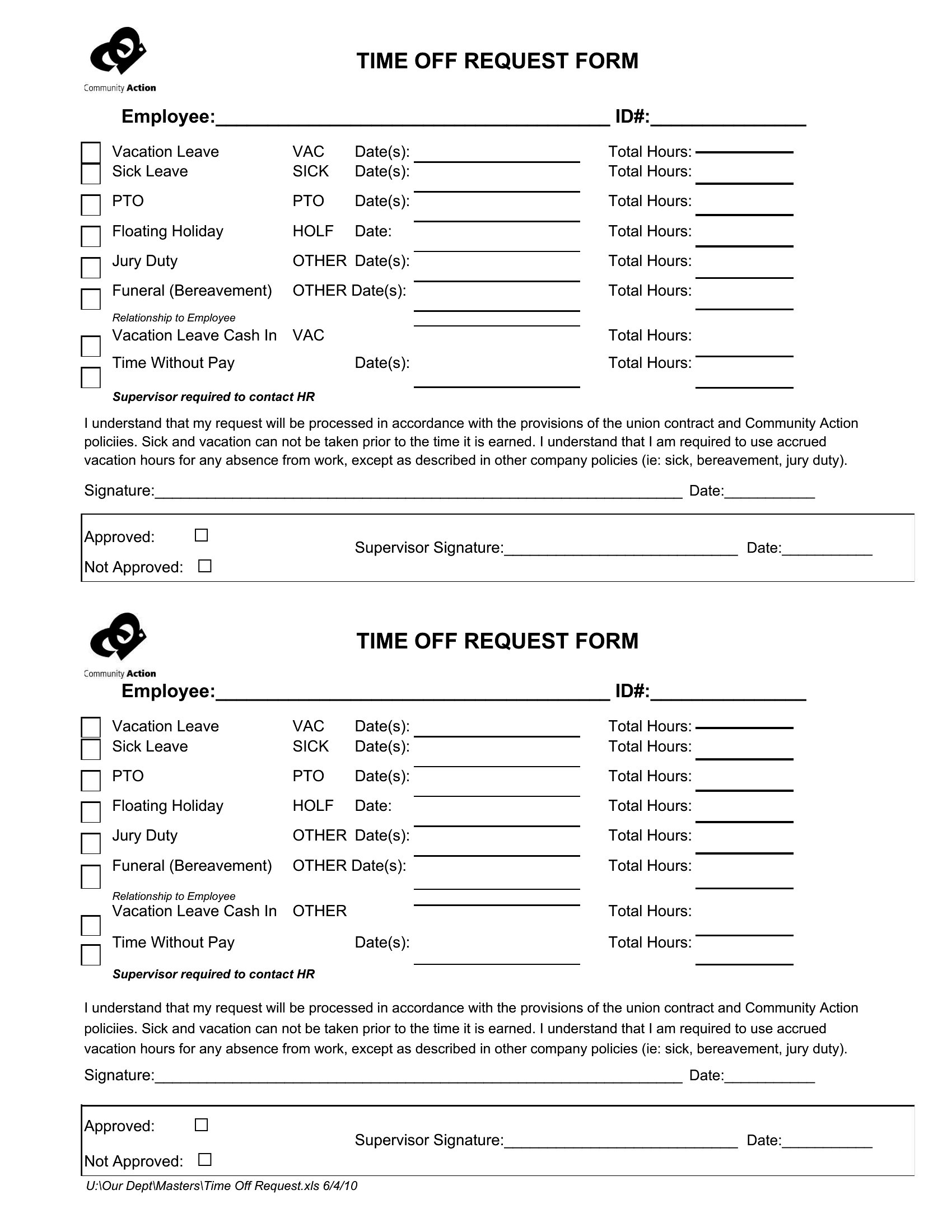
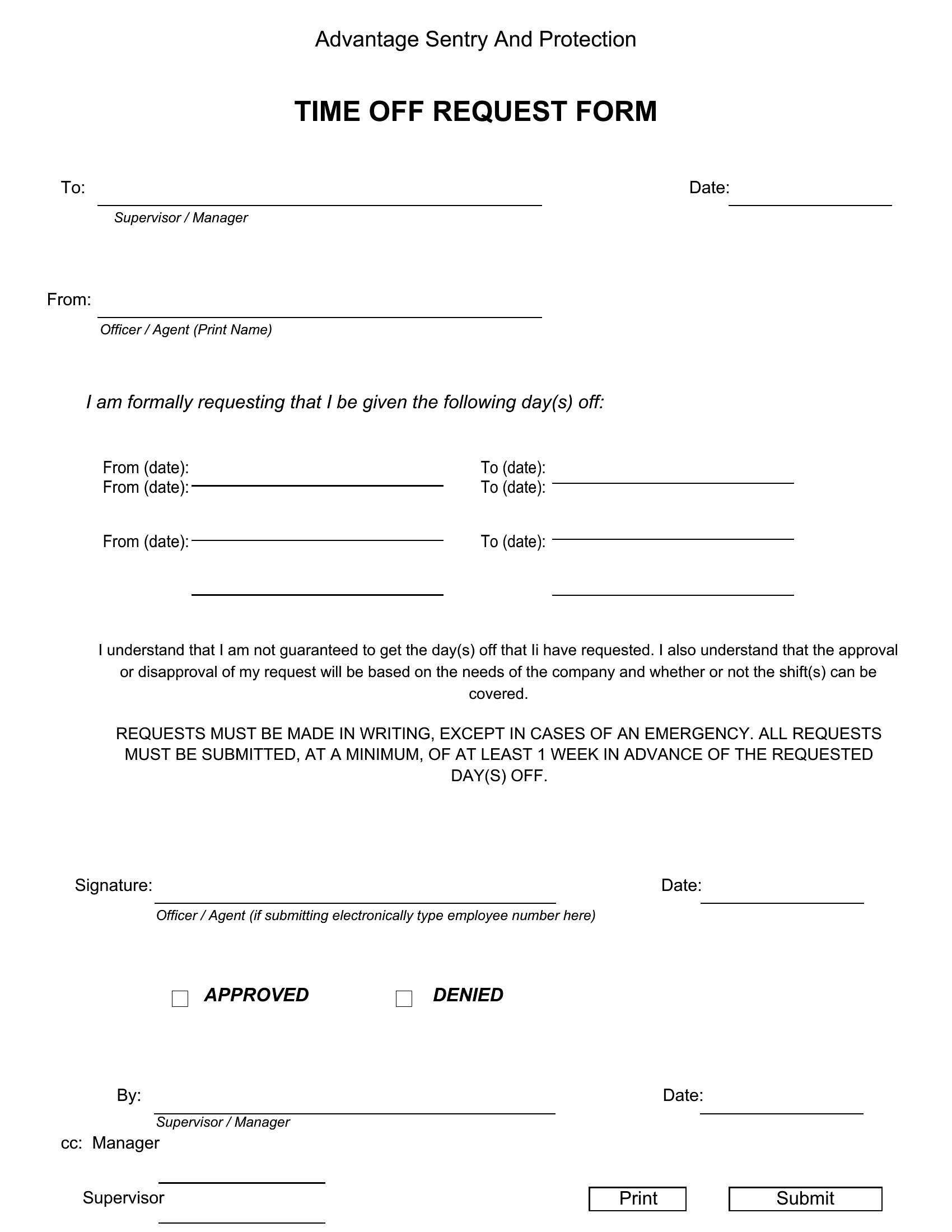
ApplicationsKeeping vacation and sick leave organized gets messy fast when requests arrive by text, email, and hallway chat. A standard time off request form fixes that by giving employees one place to note the dates, reason, and coverage plan before a manager signs off. This collection of 45 forms suits small businesses, HR teams, and shift-based workplaces that need a clear paper trail for paid leave, comp time, and unpaid days.
Every form is editable in Word, so you can drop in your company name, adjust the leave categories, and set the approval lines to match your policy. Print a stack for the break room or share the file for staff to fill in on a computer. There's nothing fancy to learn here, just a tidy request and approval flow you can roll out this week. Grab the layout that fits your team.
When to use this Time Off Request Form template
- Small business owners managing part-time retail staff who frequently request shifts off without prior notice, needing a structured record of time-off approvals.
- HR coordinators at a mid-sized law firm tracking PTO for summer associates and paralegals, where leave policies vary by department and tenure.
- Restaurant managers overseeing hourly kitchen and server teams who often request time off last-minute, requiring a quick but compliant submission process.
- Nonprofit directors planning annual board retreats and volunteer schedules, where multiple stakeholders need to coordinate leave without disrupting operations.
Which format should I download?
Use the Word format for this collection because it’s the only option, offering easy customization for your organization’s specific leave policies. Choose it when you need to adjust fields (e.g., adding company-specific approval workflows or multi-language support) or merge the form into larger HR documents. Word also works well if your team submits requests digitally via email attachments or shared drives, as it preserves formatting across devices.
How to use this Time Off Request Form template
Can I add a field for tracking accrued PTO balances on this form?
Yes, the Word templates allow you to insert a section for employees to list their current PTO balance, but you’ll need to update the form annually or manually track balances separately. For automated tracking, pair this with your payroll or HR software. Always verify local labor laws to ensure compliance with disclosure requirements.
Is it okay to use this form for unpaid leave, like bereavement or jury duty?
These templates can support unpaid leave requests, but you may need to add specific sections for documentation (e.g., court notices for jury duty). Clearly label the form to distinguish it from paid time off, and consult an employment lawyer to ensure it aligns with your state’s leave laws, like the Family and Medical Leave Act (FMLA) where applicable.
How do I handle time-off requests that overlap with a team member’s approved leave?
Add a notes section to the form for employees to explain coverage plans (e.g., cross-training another staff member) or attach a backup schedule if needed. Managers should review all overlapping requests together to avoid gaps. Consider including a checkbox for “coverage agreed upon” to streamline approvals and reduce back-and-forth communication.
Comments
Join the conversation
Sign in to share your thoughts and leave a comment on this resource.