FAQ
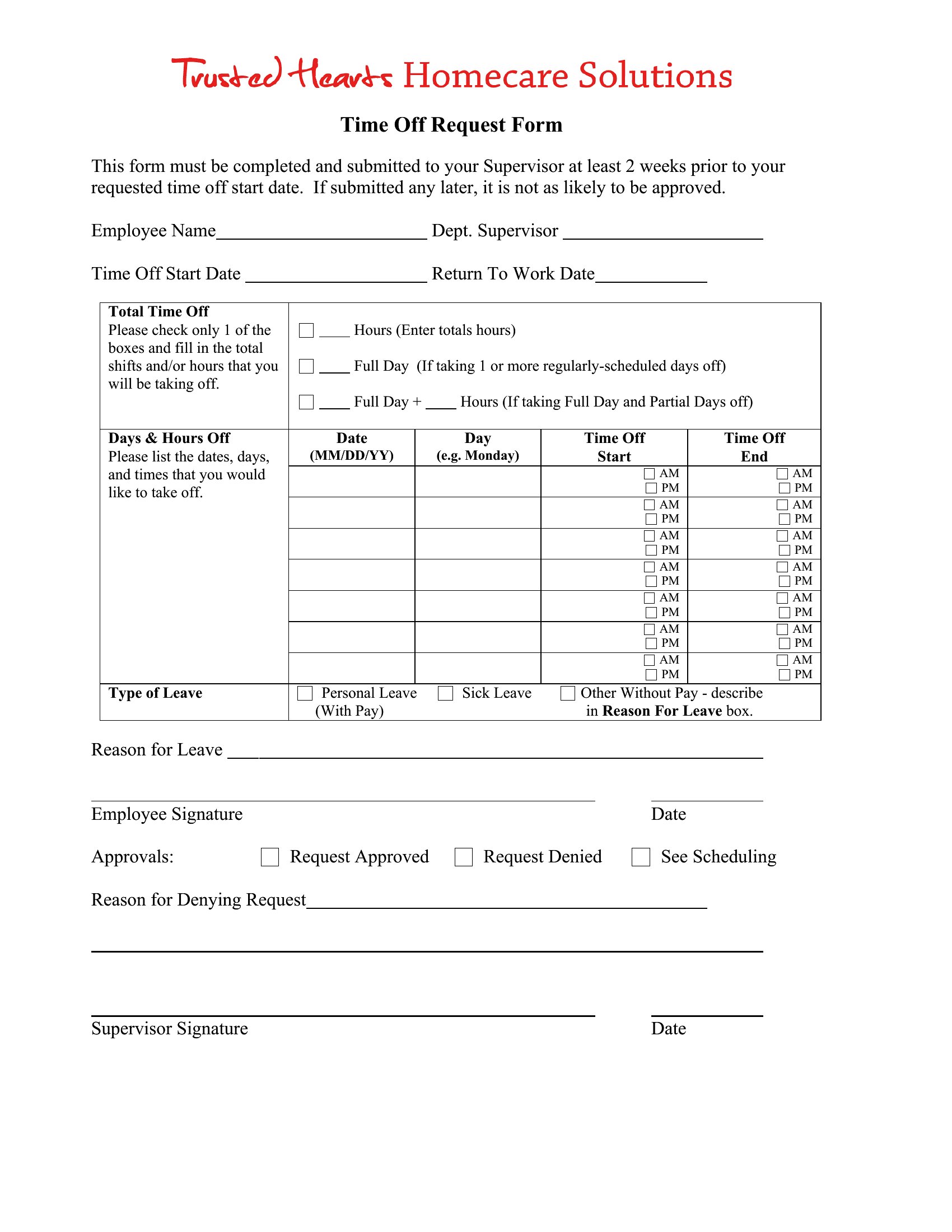
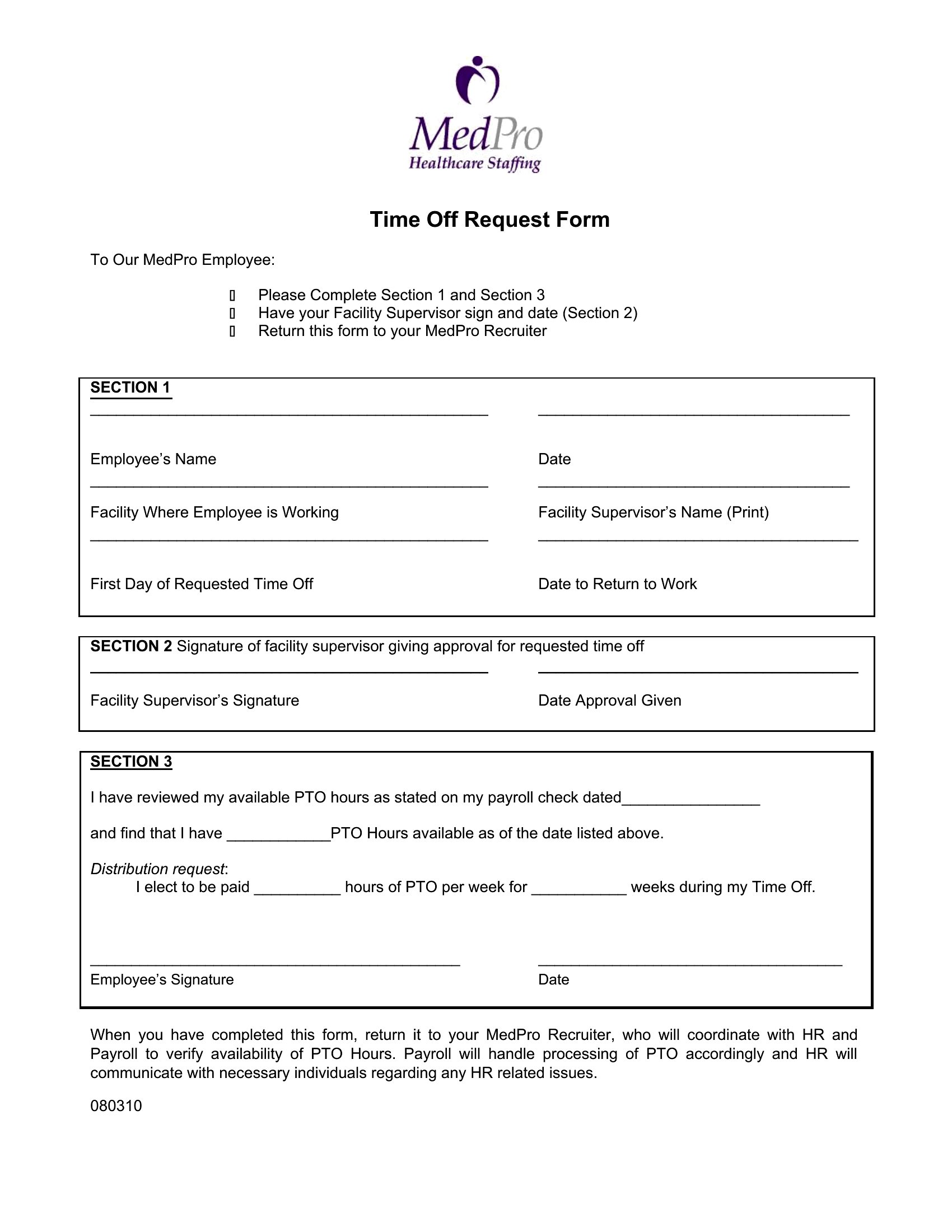
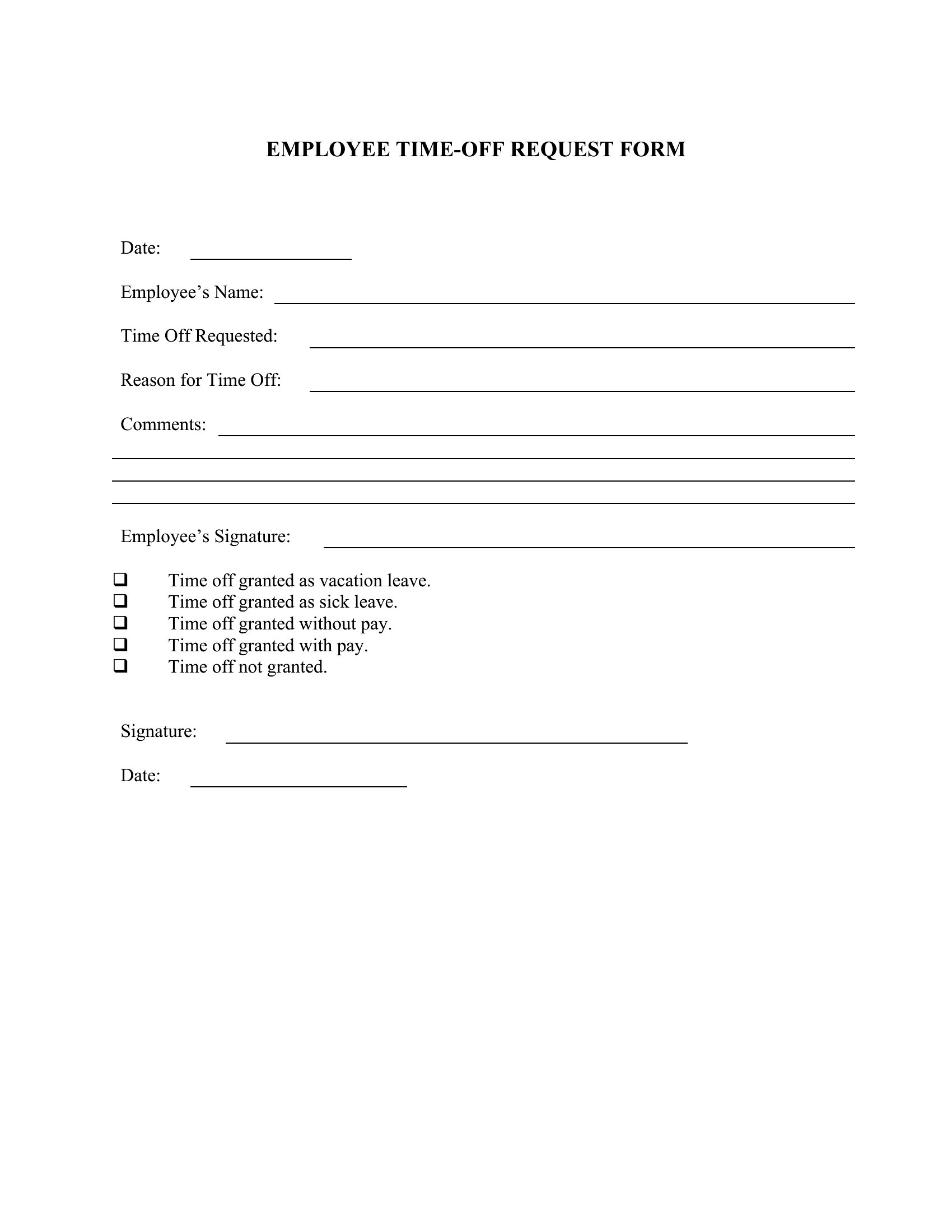
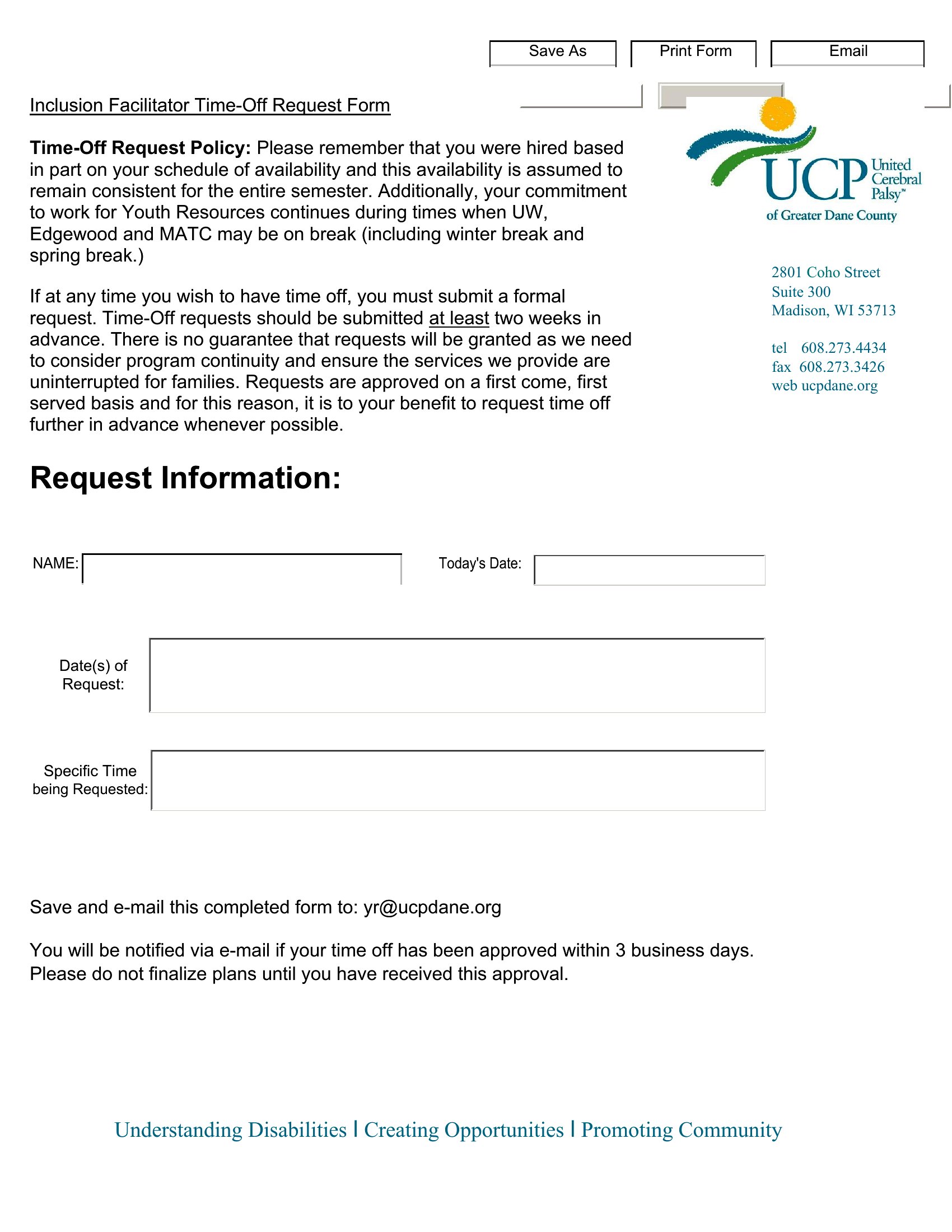
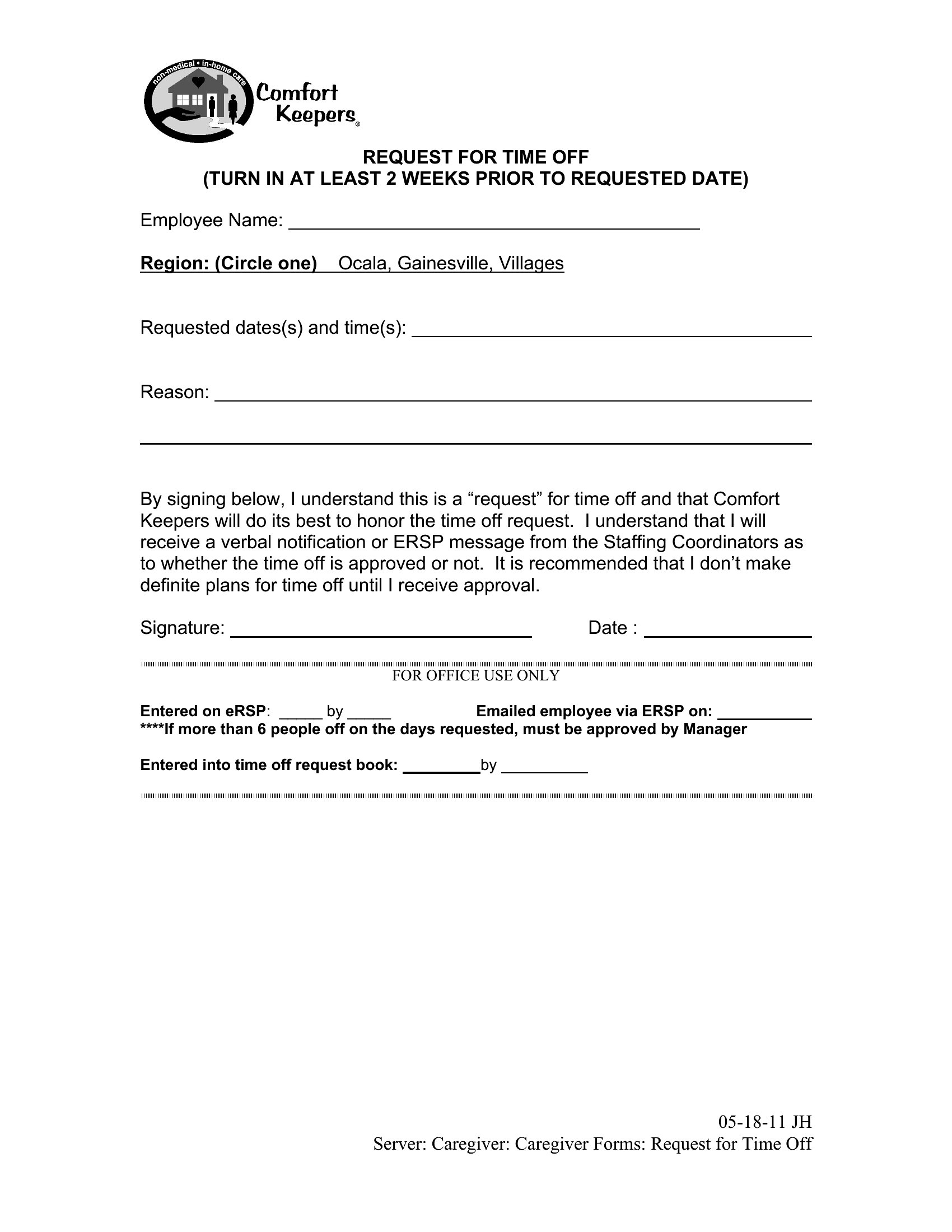
Can I add a field for tracking accrued PTO balances on this form?
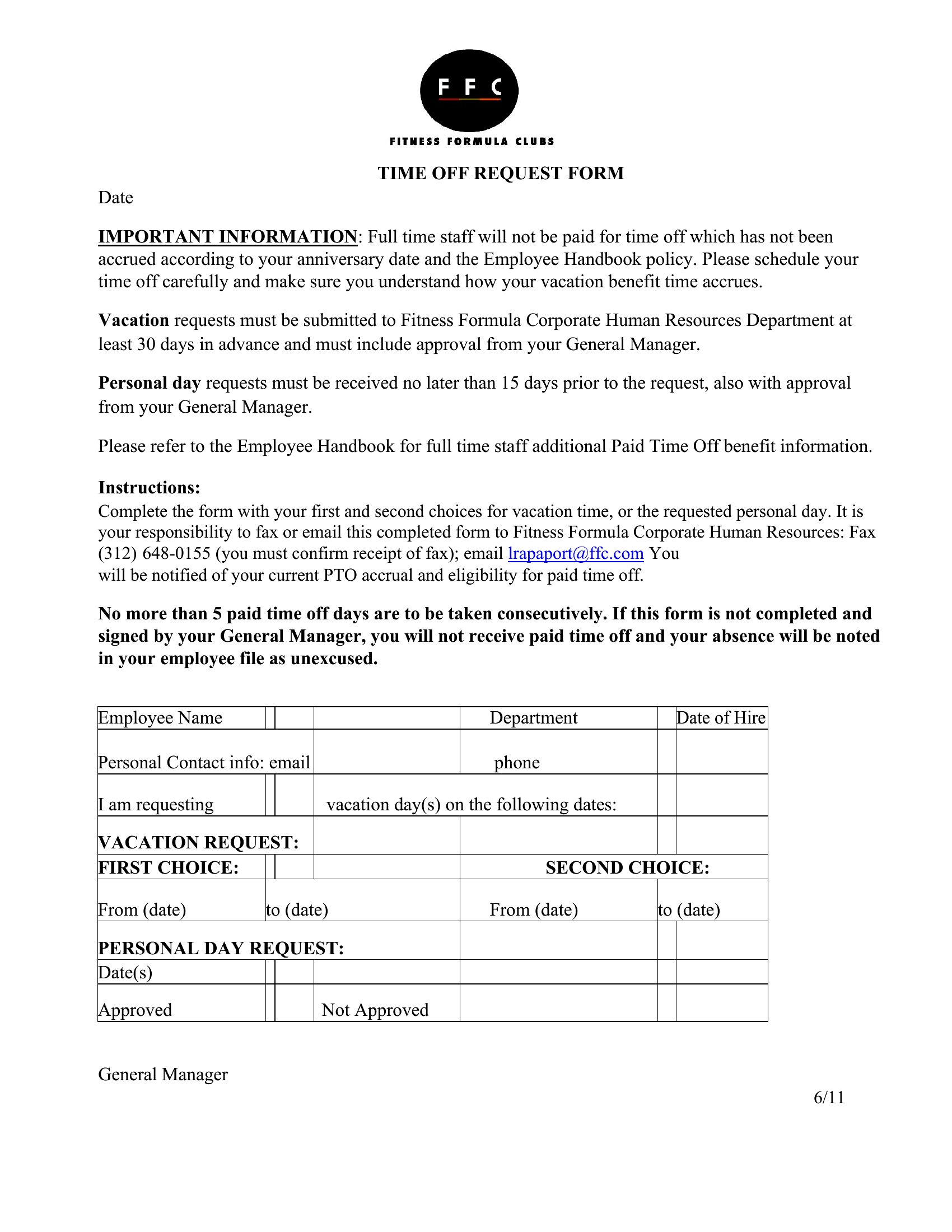
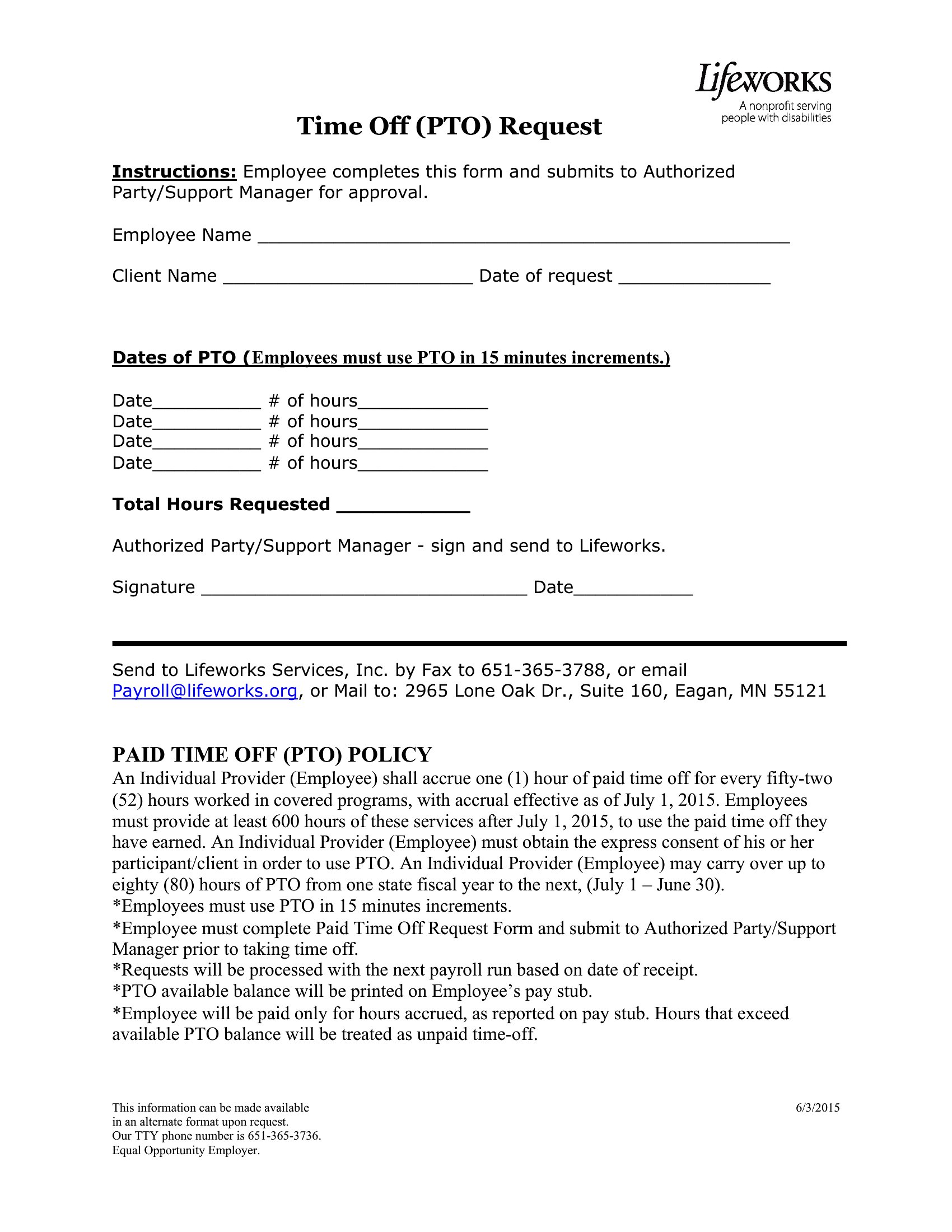
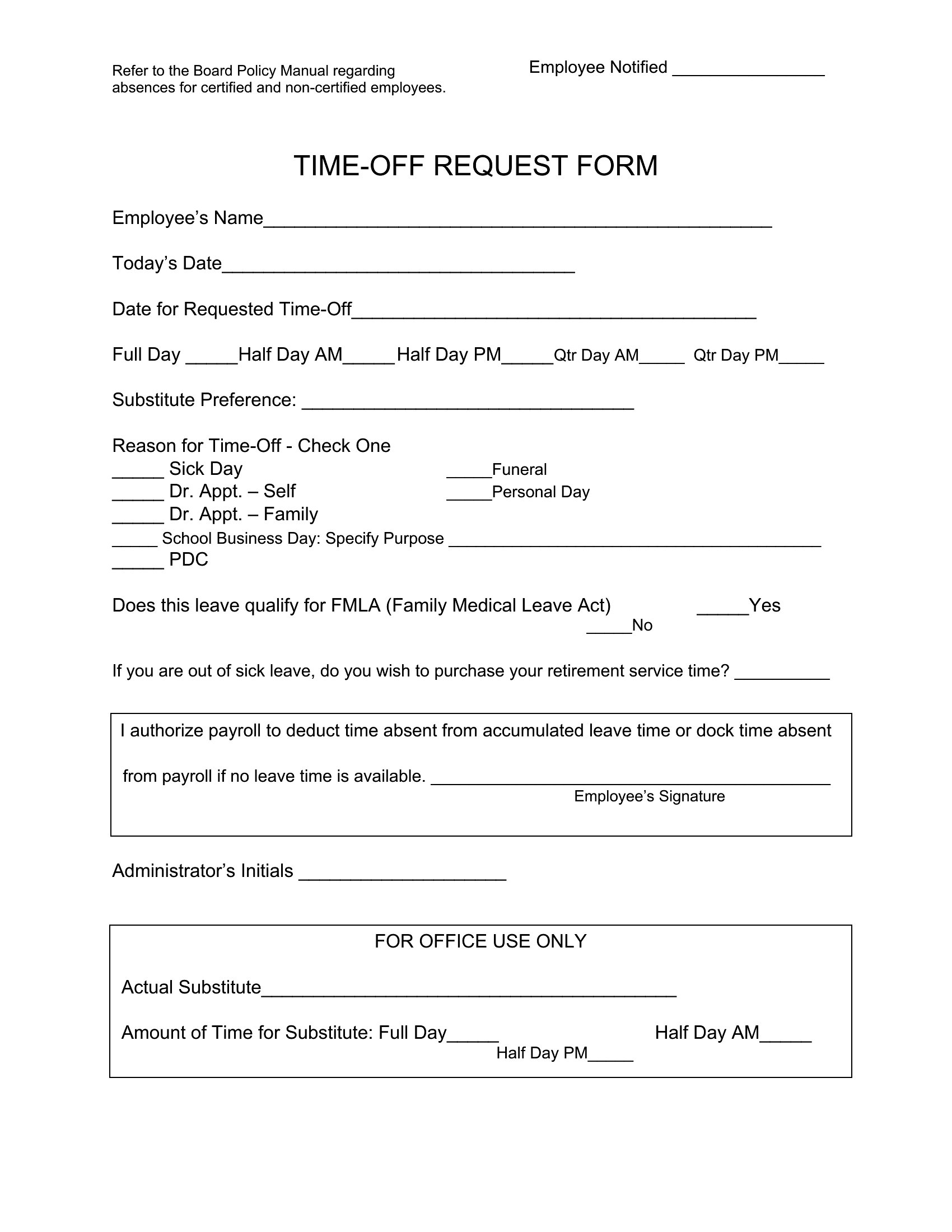
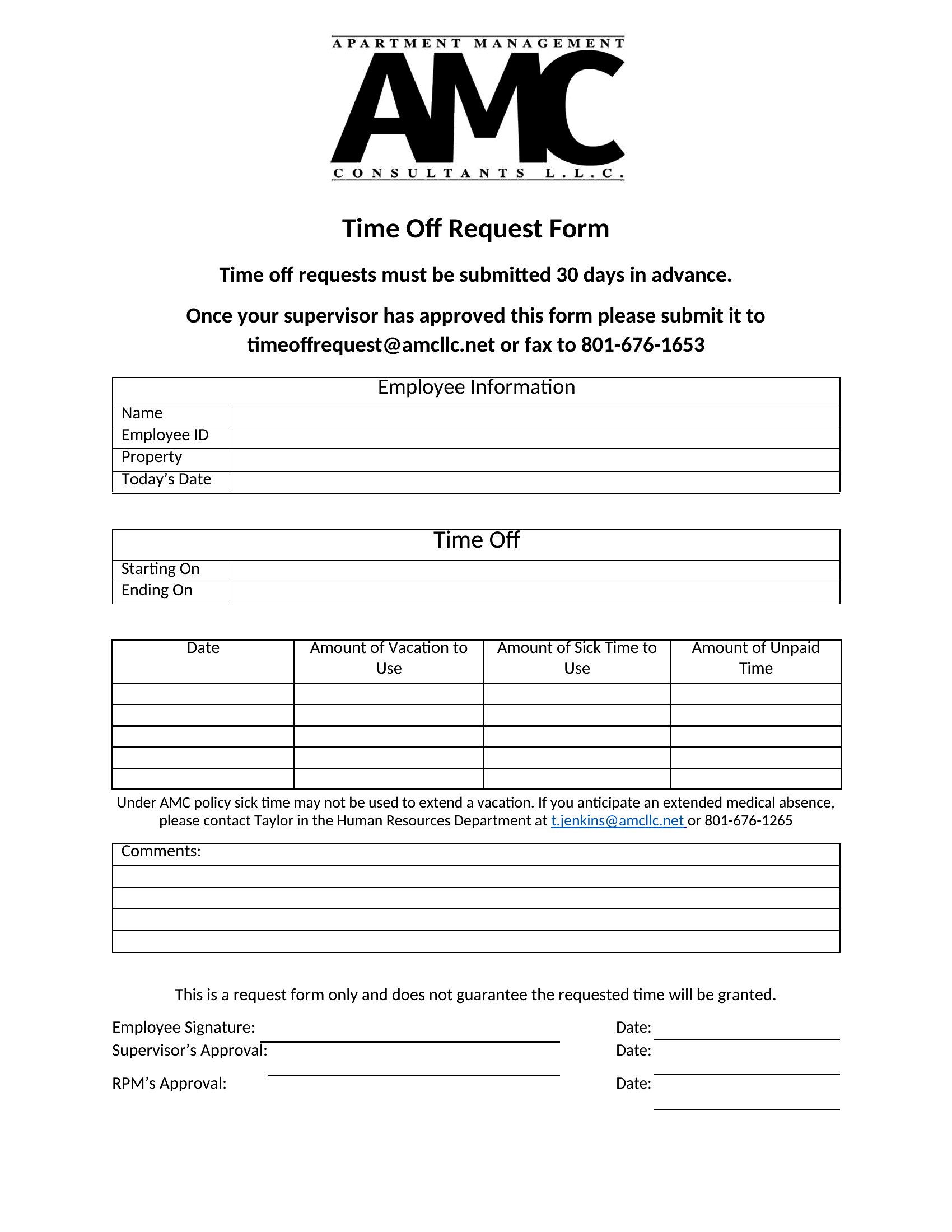
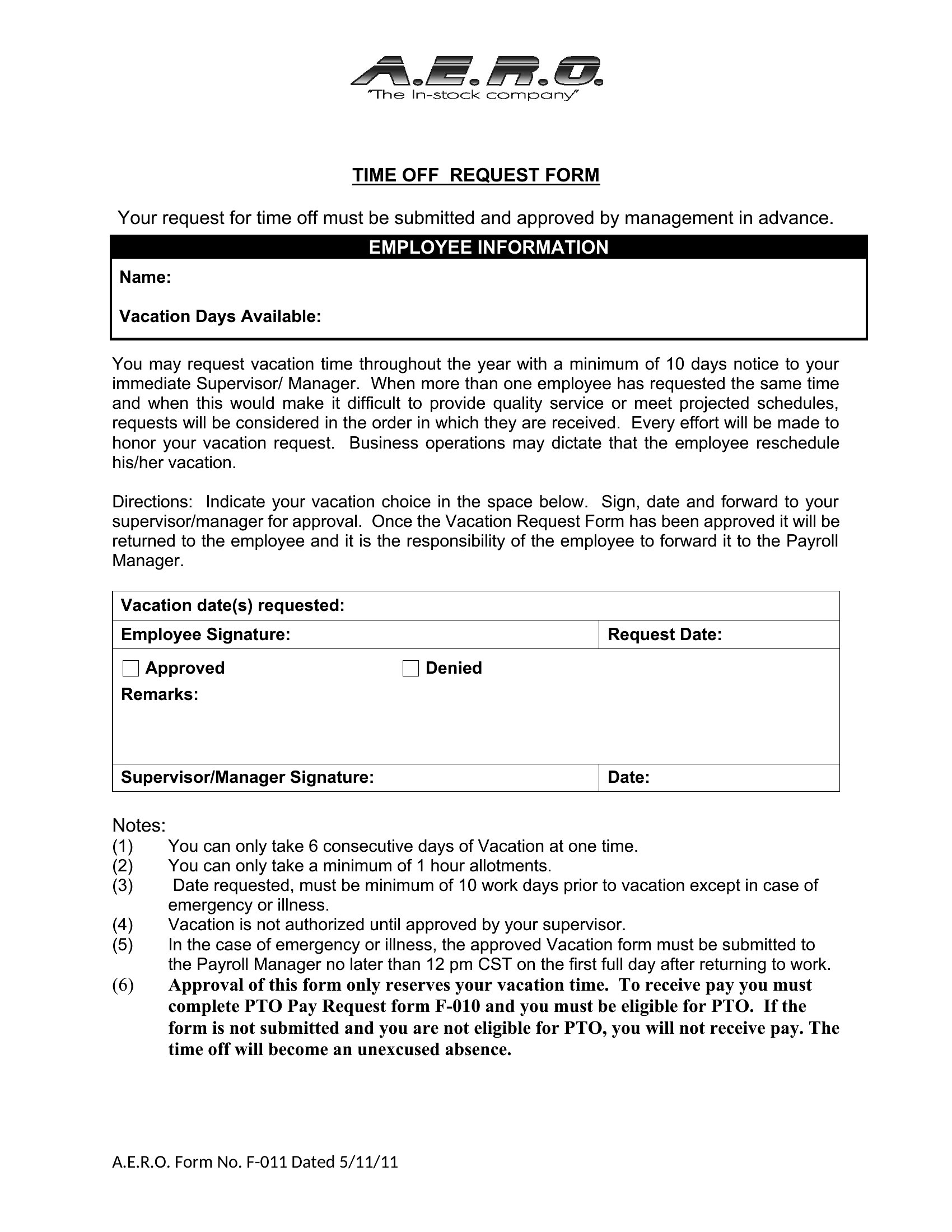
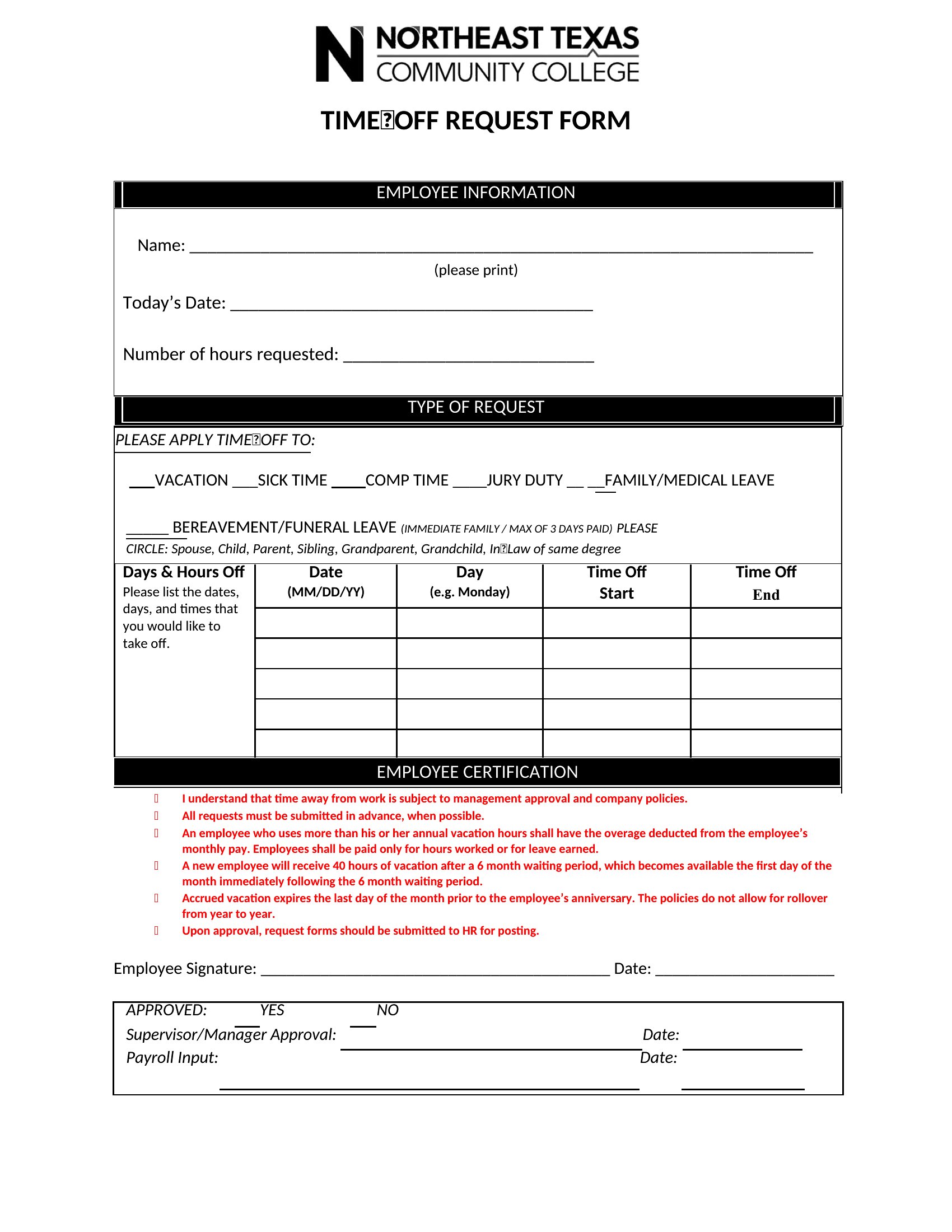
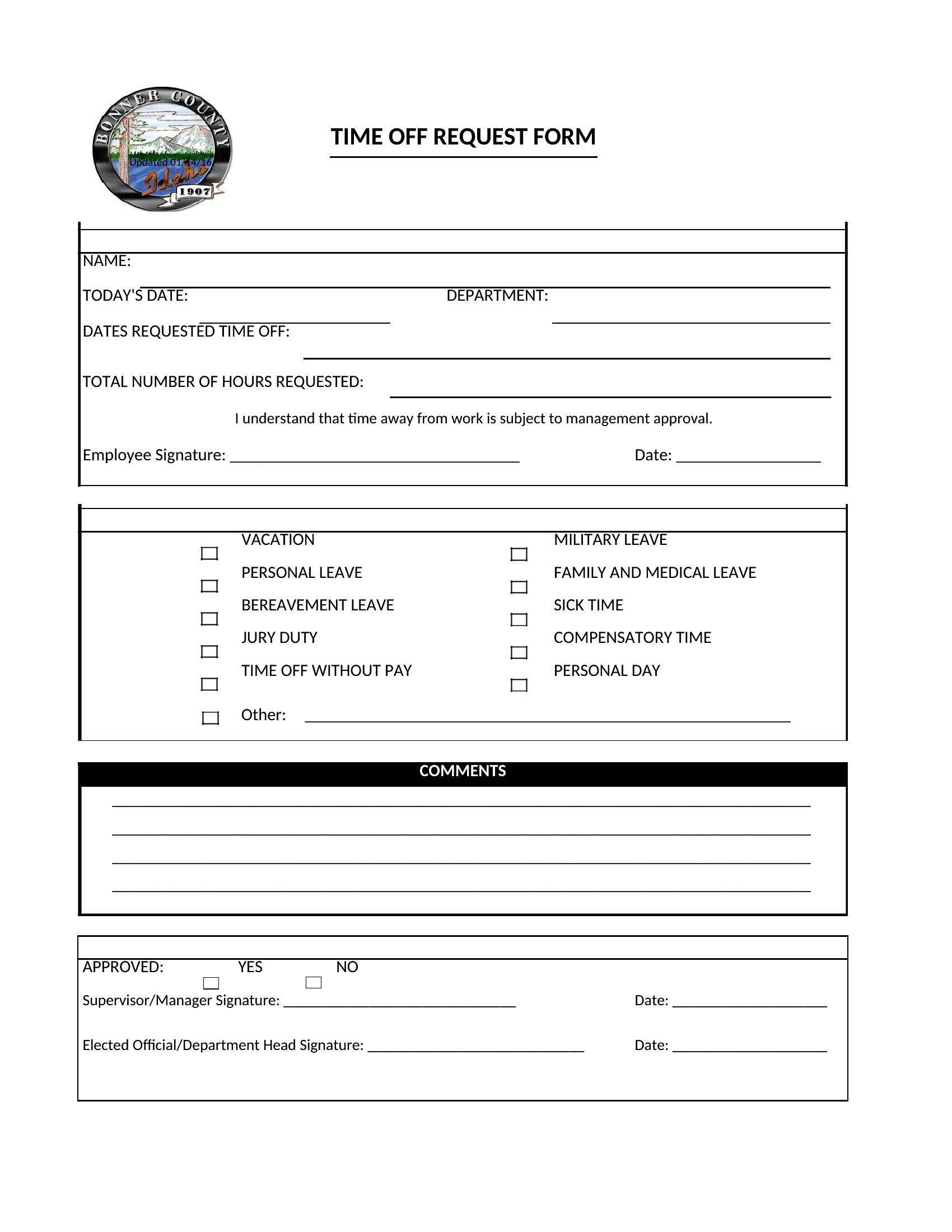
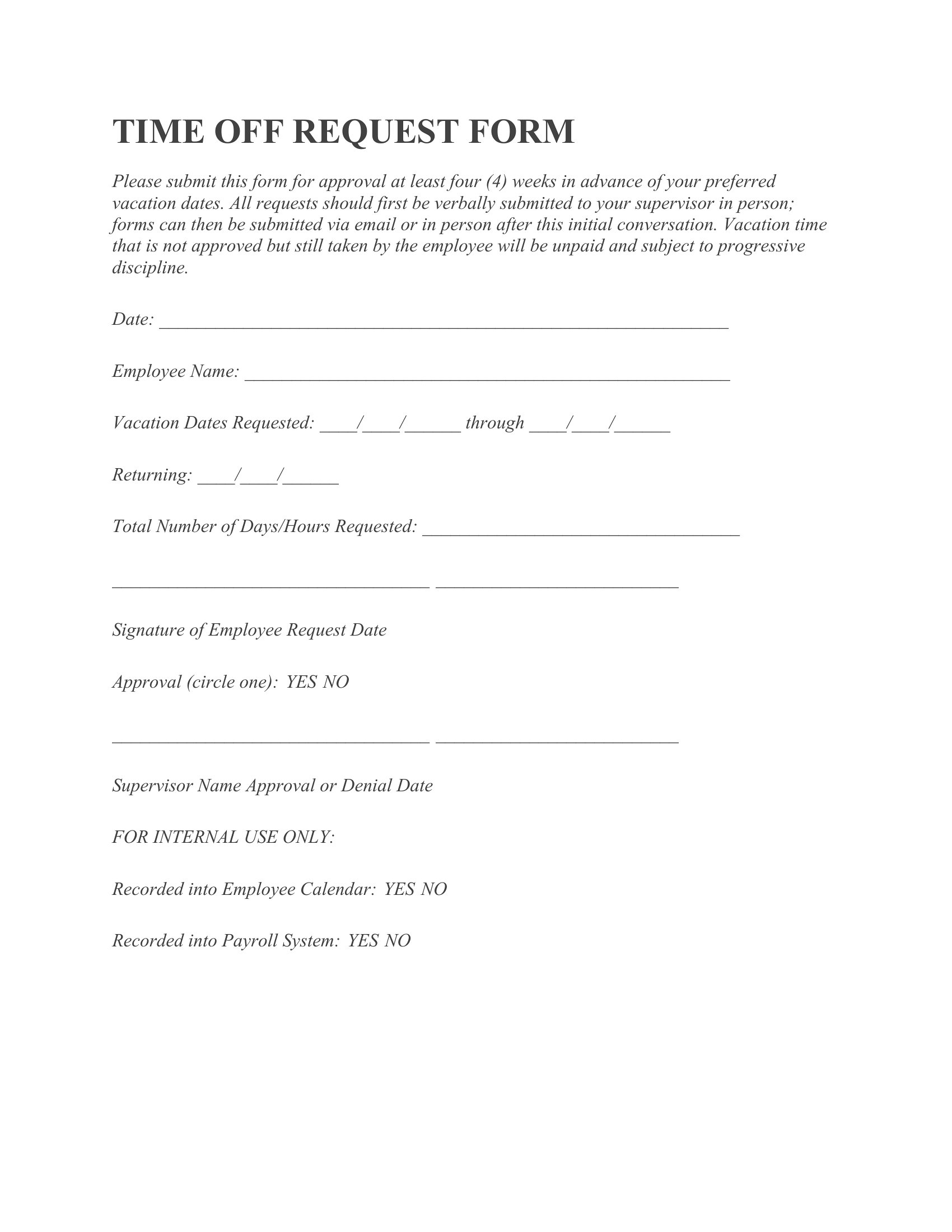
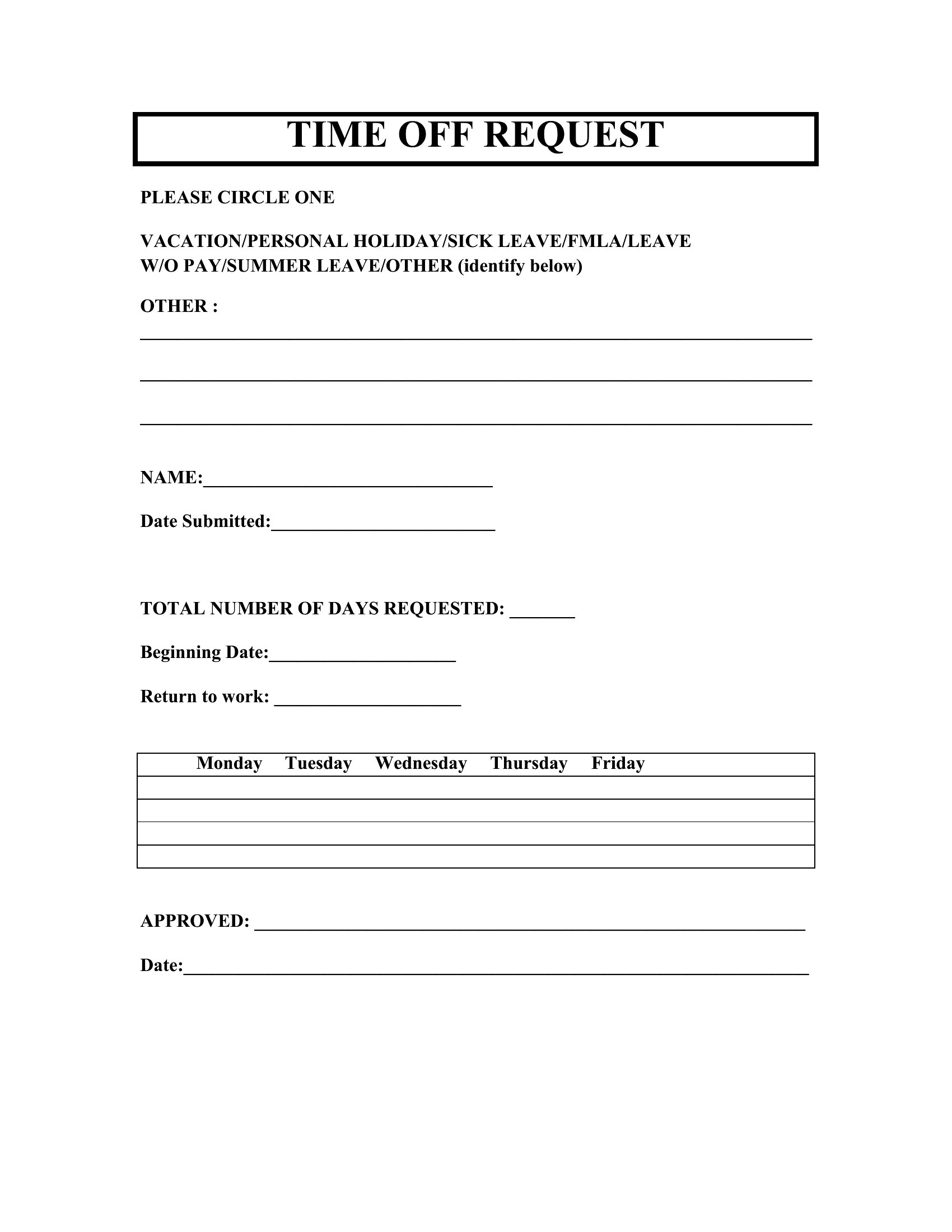
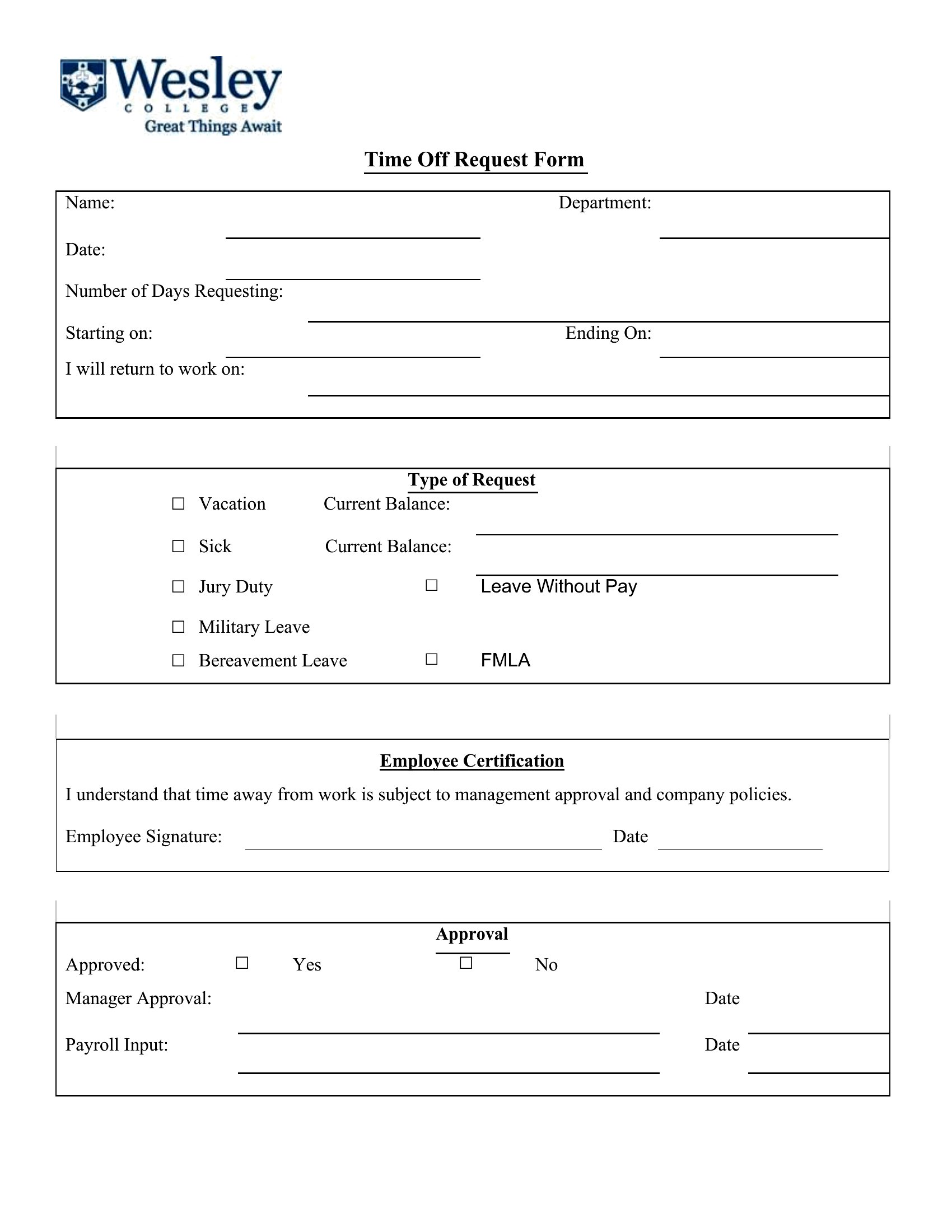
Yes, the Word templates allow you to insert a section for employees to list their current PTO balance, but you’ll need to update the form annually or manually track balances separately. For automated tracking, pair this with your payroll or HR software. Always verify local labor laws to ensure compliance with disclosure requirements.
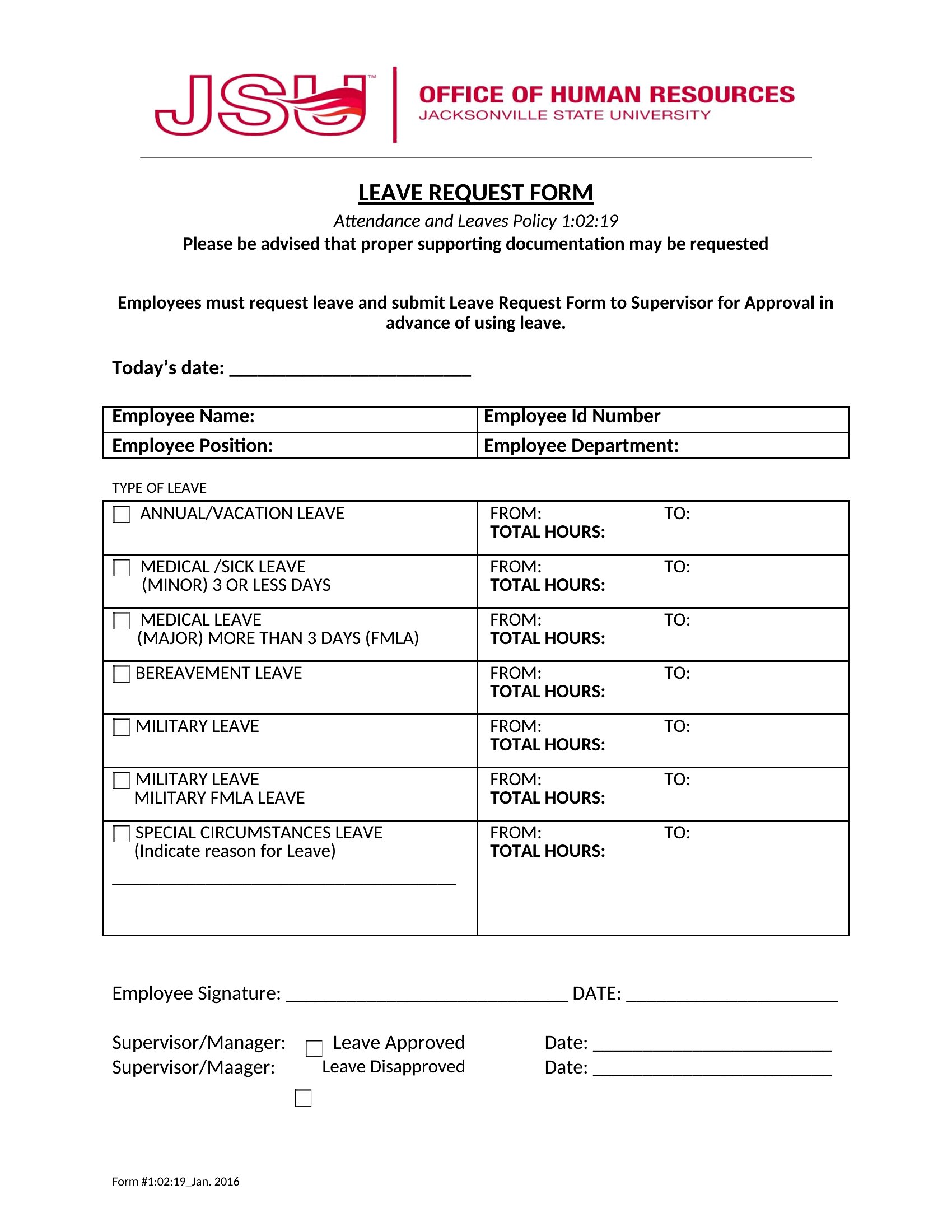
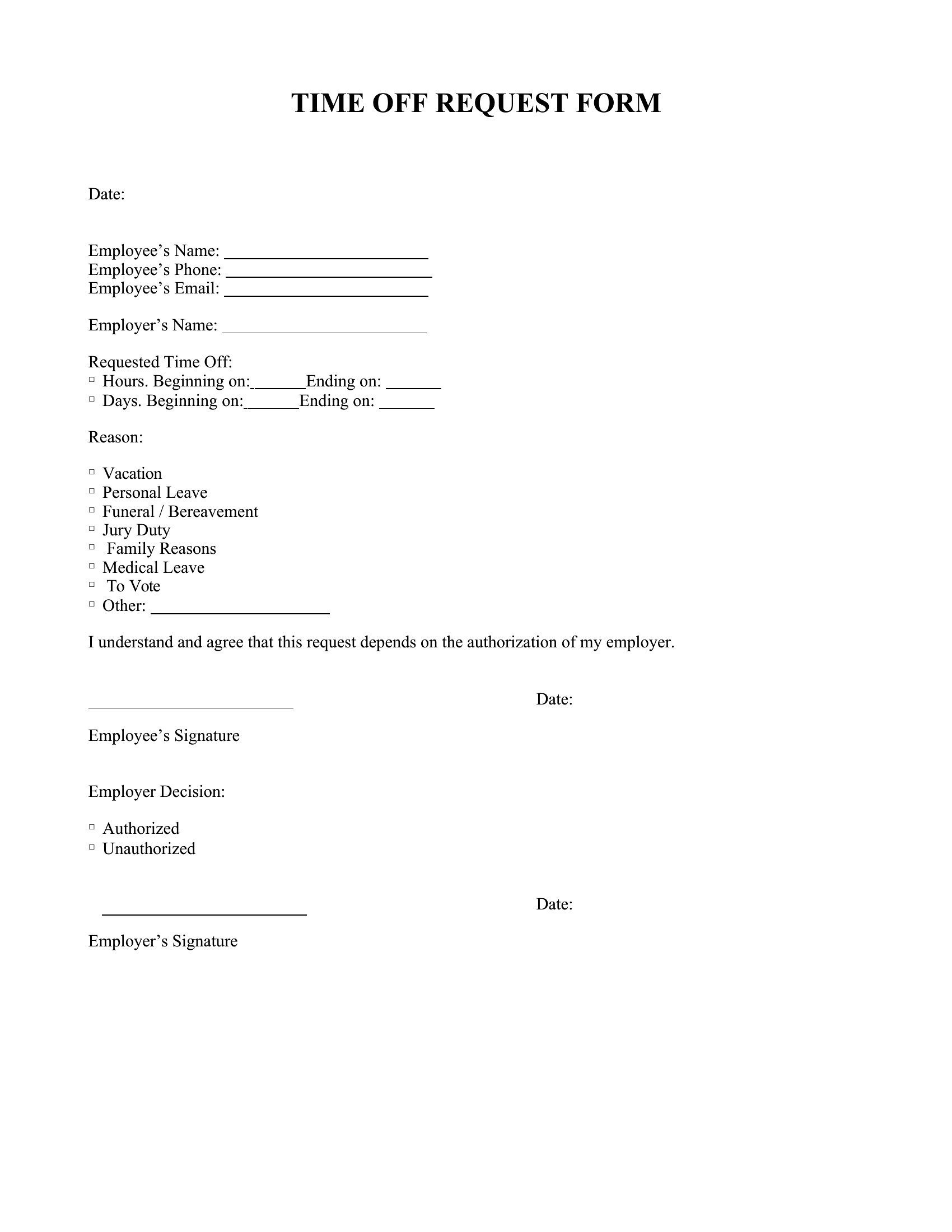
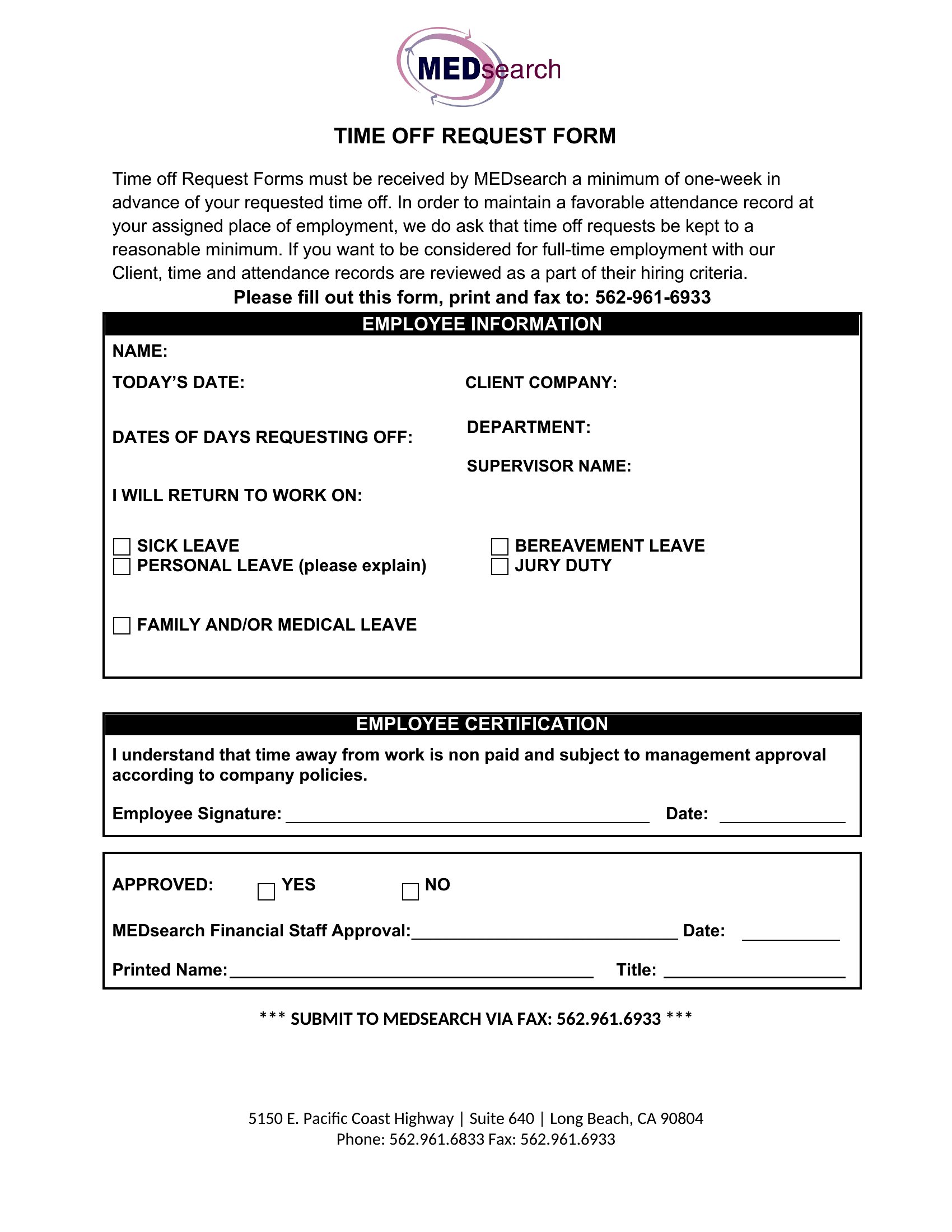
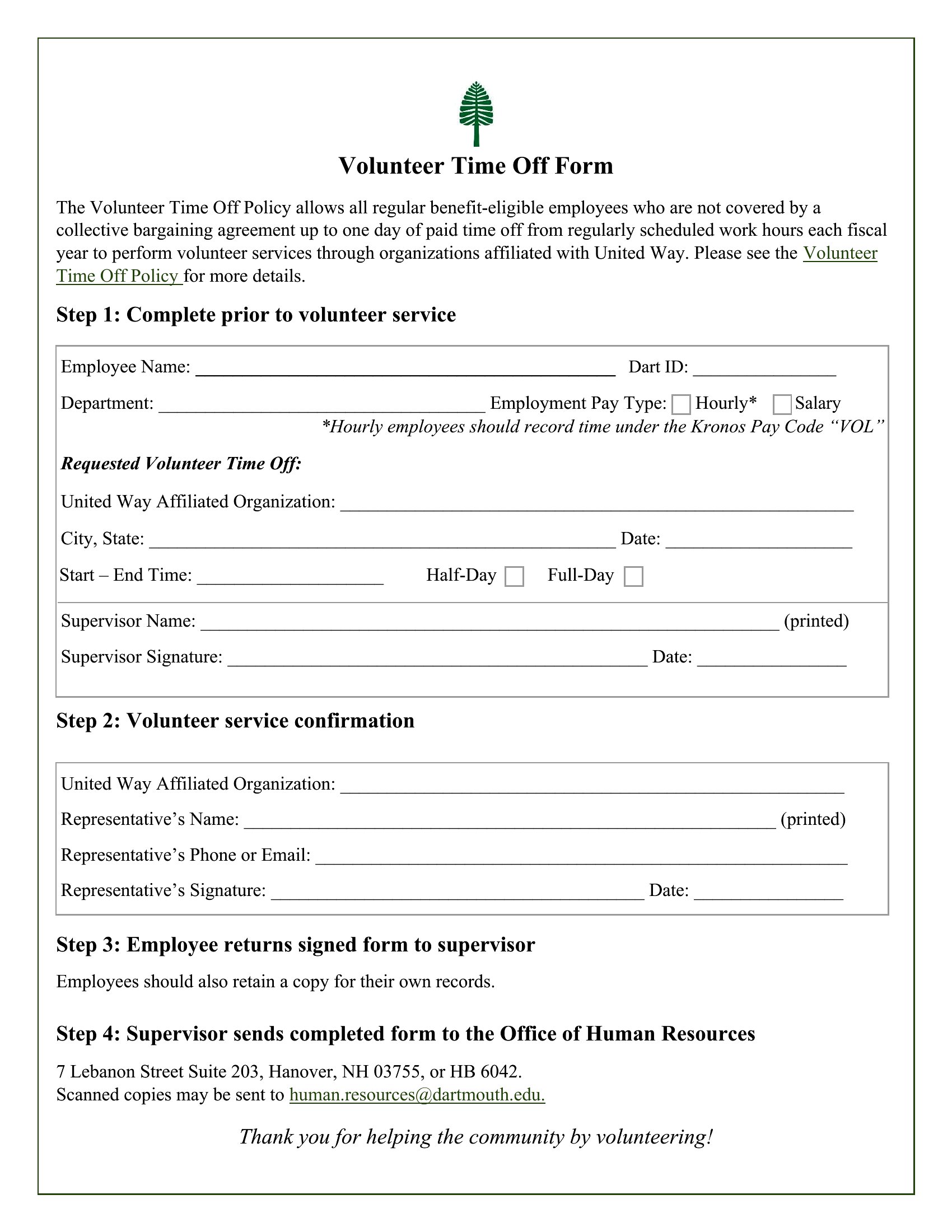
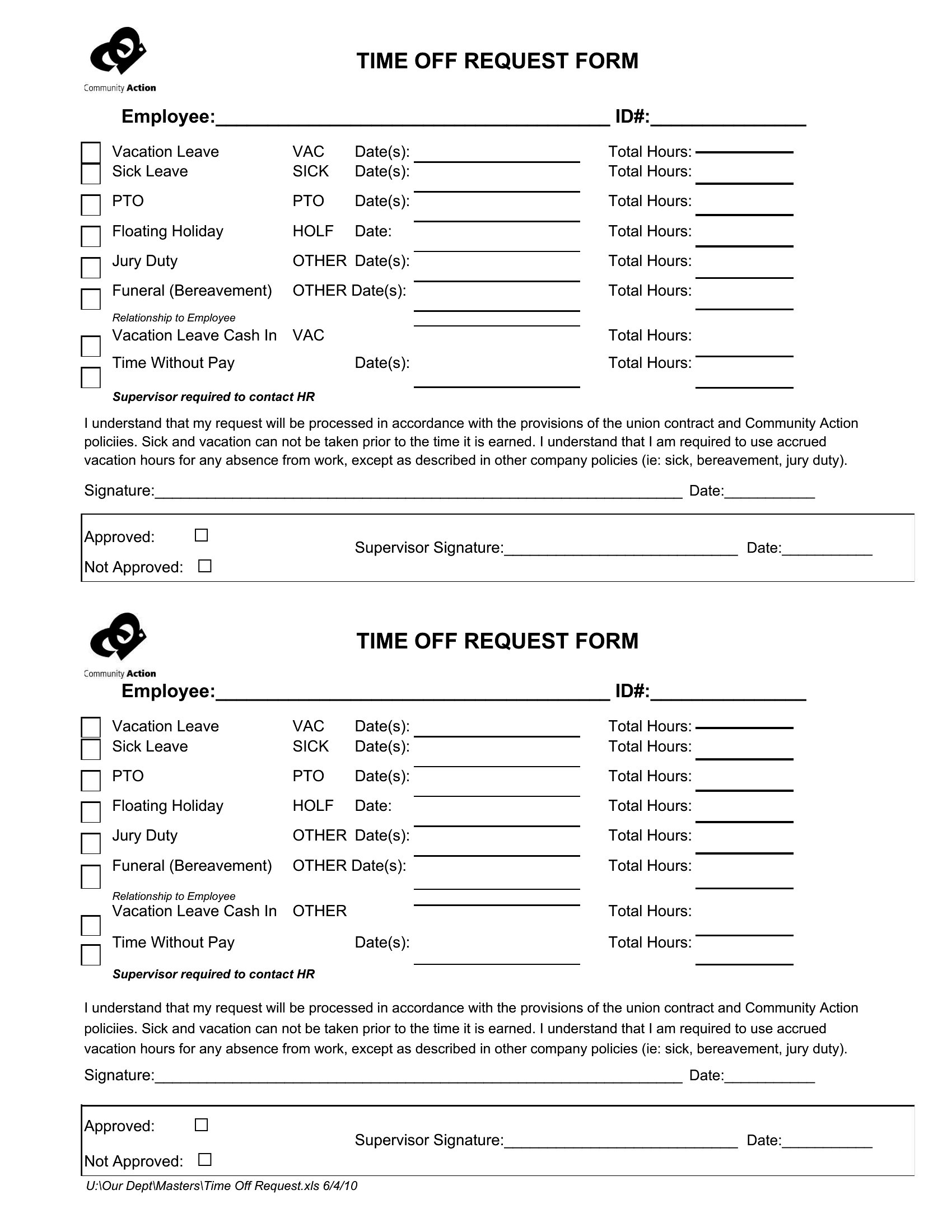
Is it okay to use this form for unpaid leave, like bereavement or jury duty?
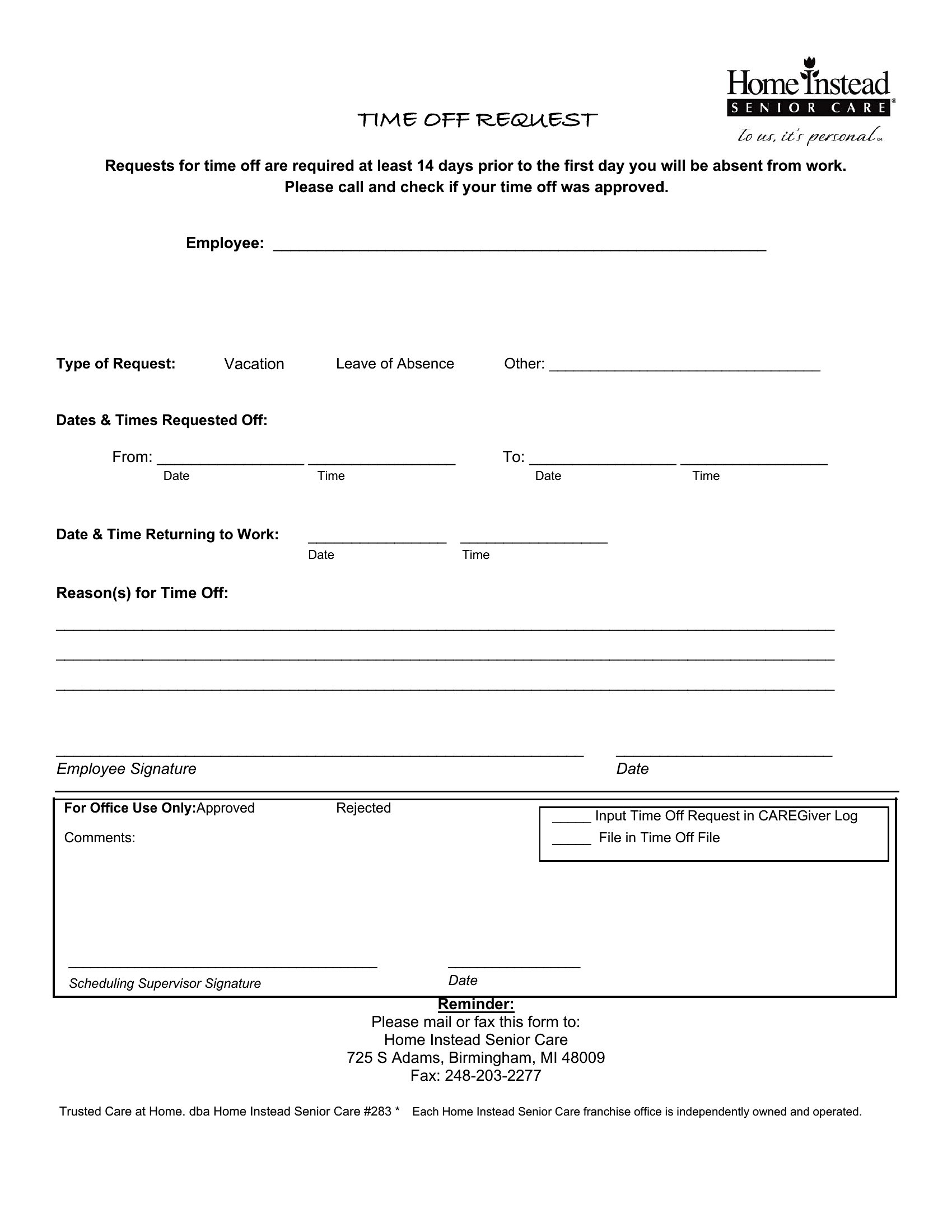
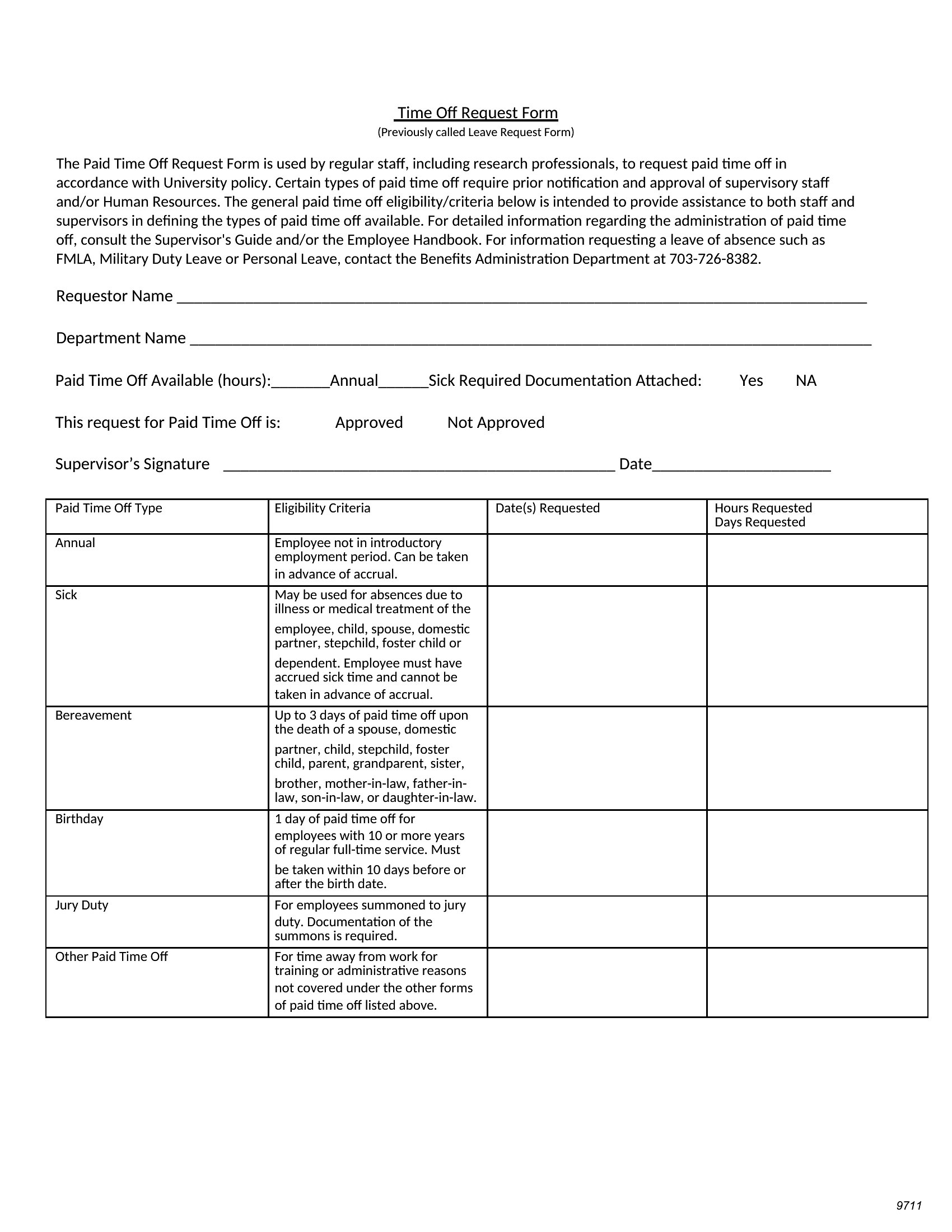
These templates can support unpaid leave requests, but you may need to add specific sections for documentation (e.g., court notices for jury duty). Clearly label the form to distinguish it from paid time off, and consult an employment lawyer to ensure it aligns with your state’s leave laws, like the Family and Medical Leave Act (FMLA) where applicable.
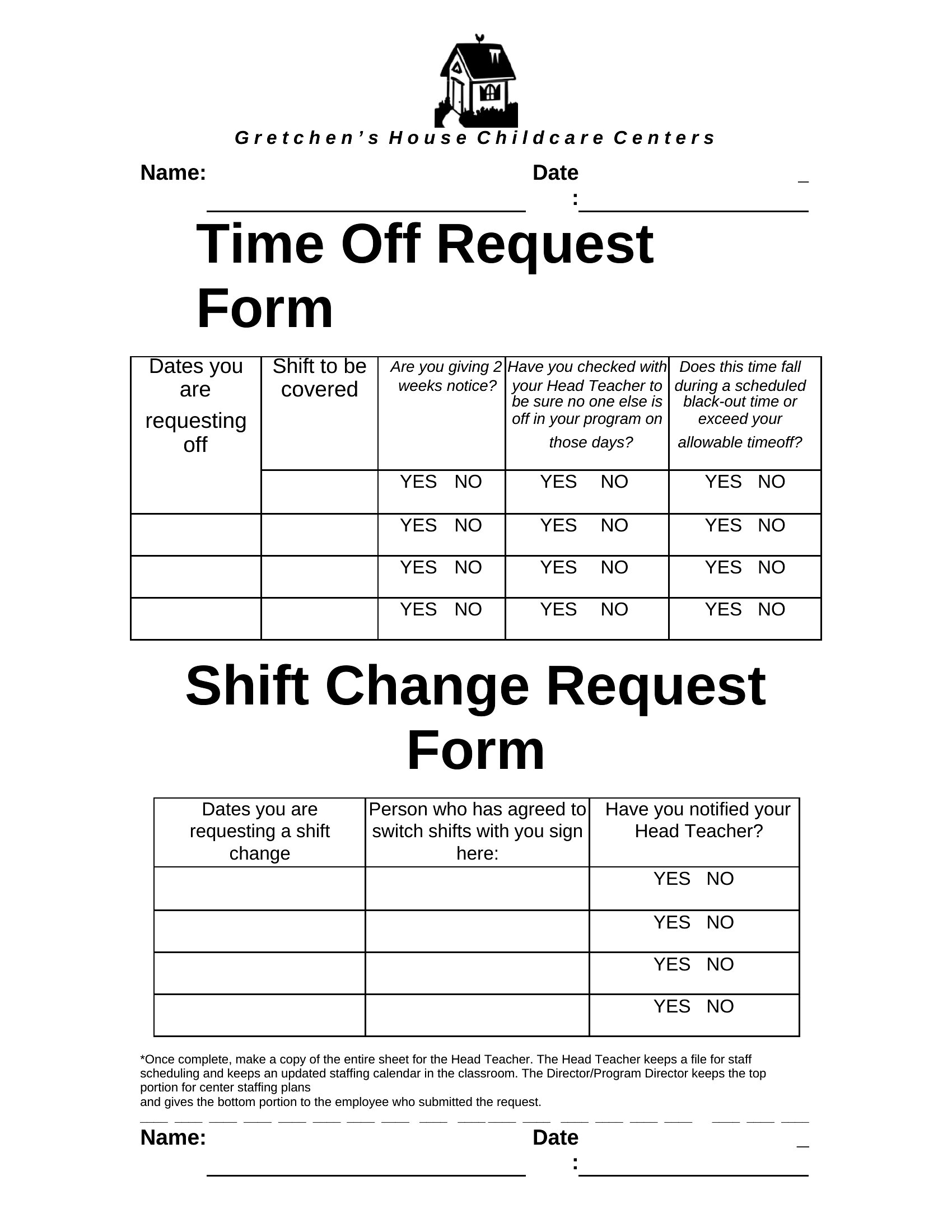
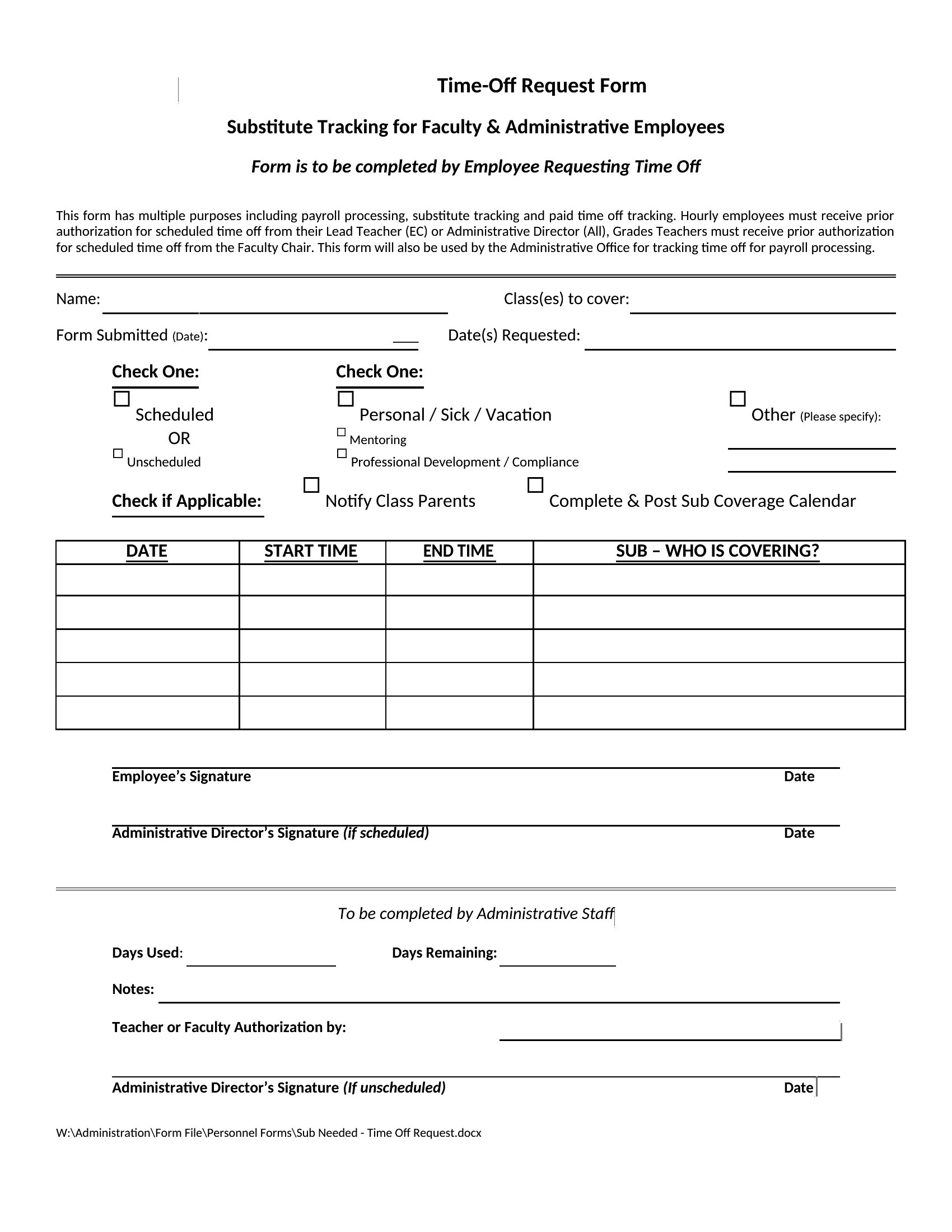
How do I handle time-off requests that overlap with a team member’s approved leave?
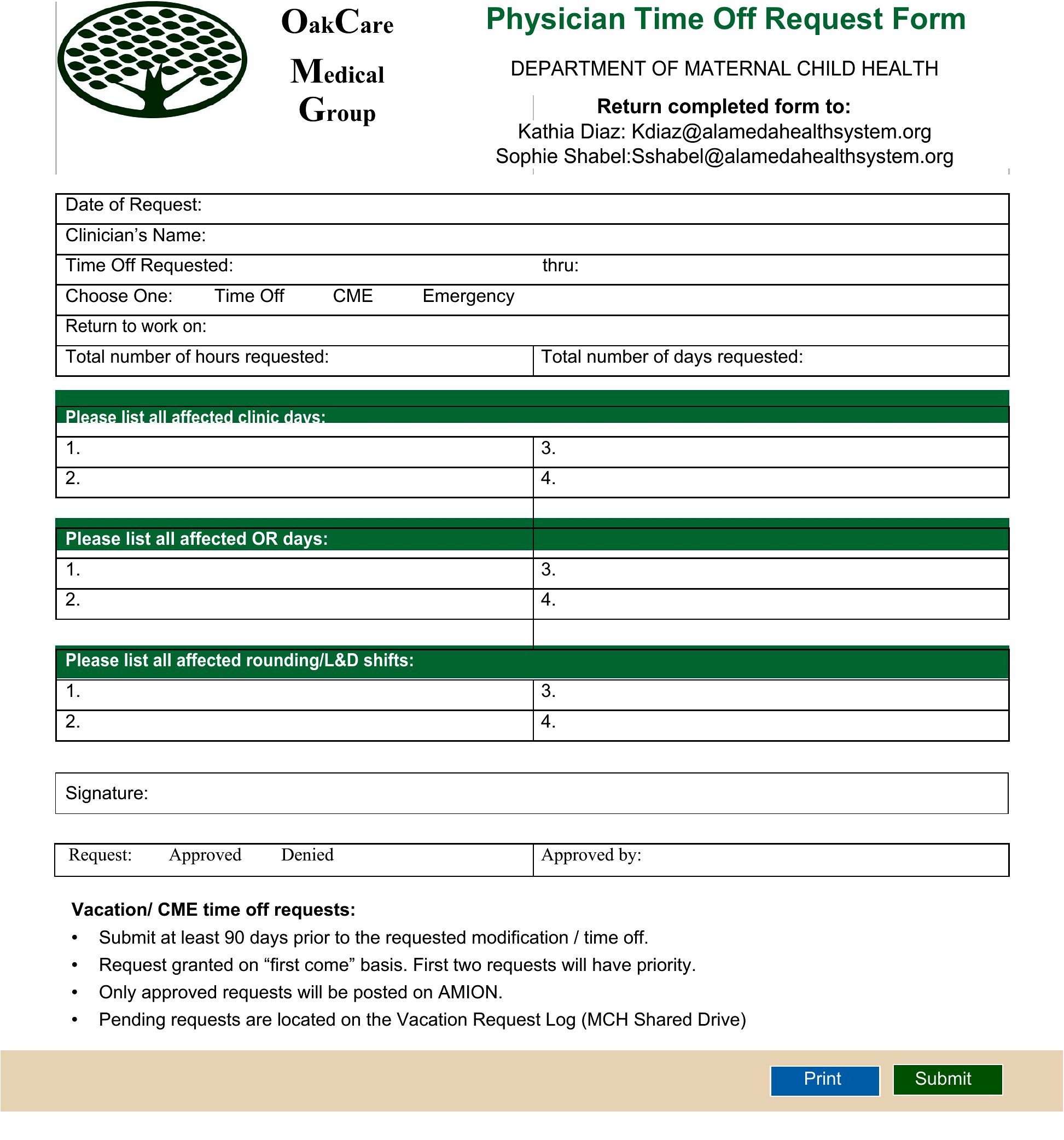
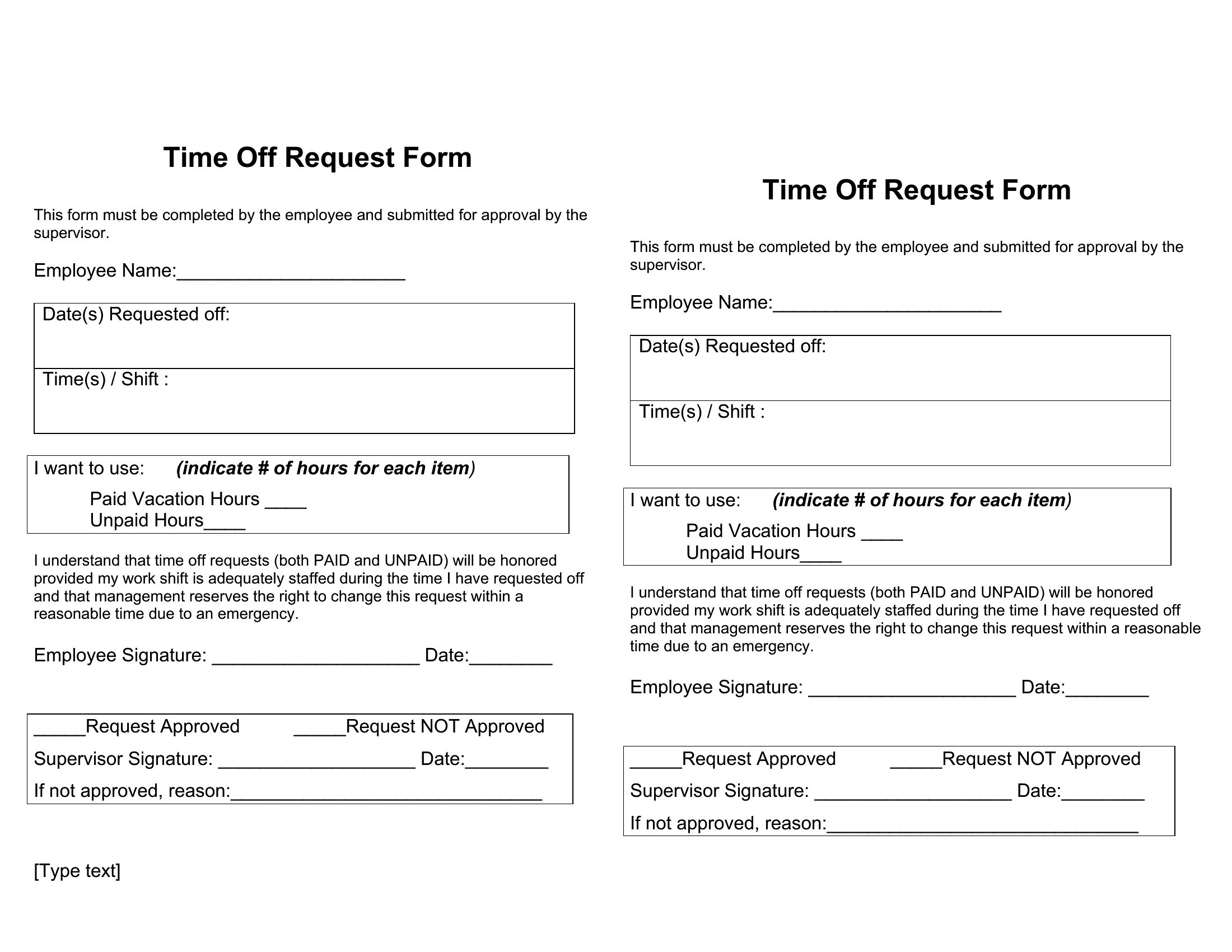
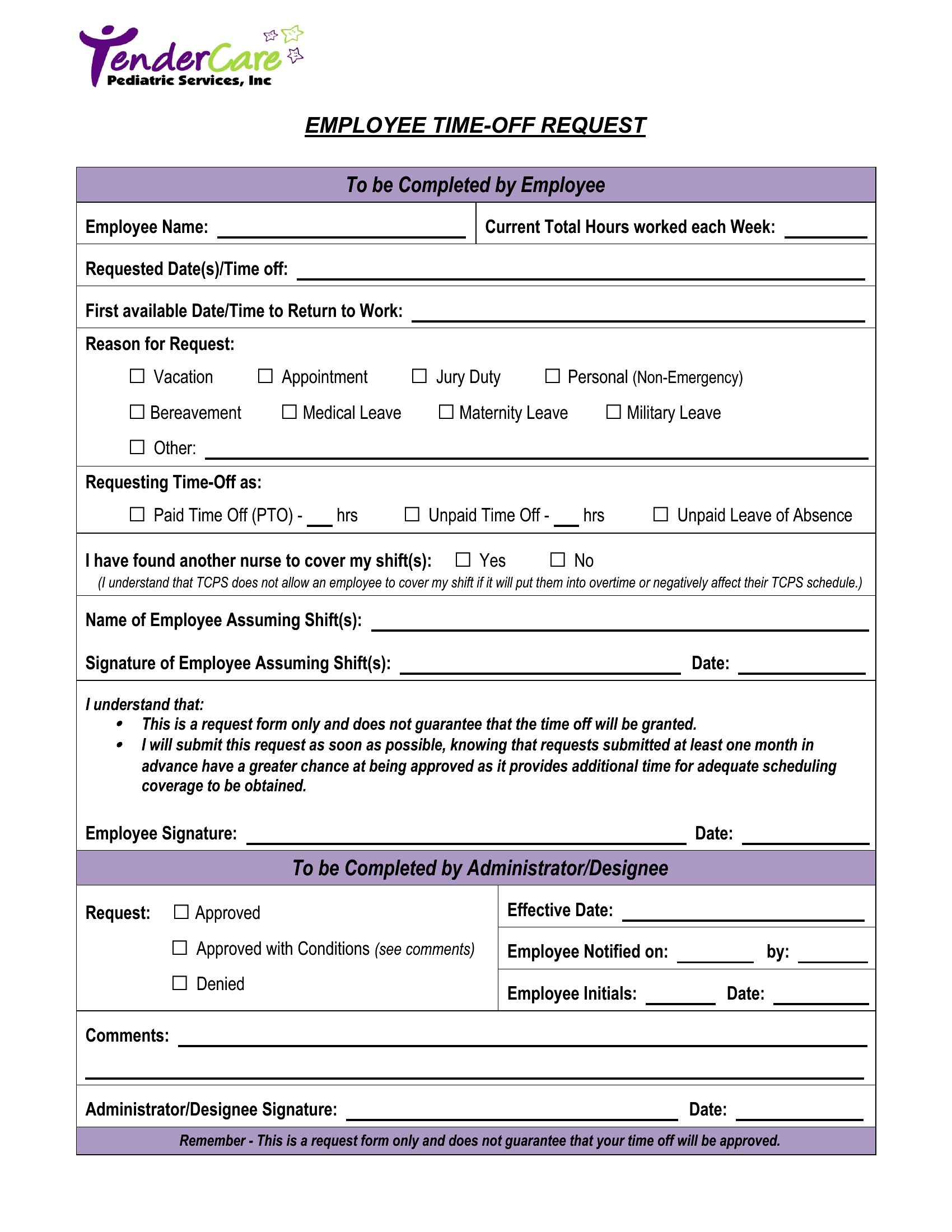
Add a notes section to the form for employees to explain coverage plans (e.g., cross-training another staff member) or attach a backup schedule if needed. Managers should review all overlapping requests together to avoid gaps. Consider including a checkbox for “coverage agreed upon” to streamline approvals and reduce back-and-forth communication.
Comments
Join the conversation
Sign in to share your thoughts and leave a comment on this resource.