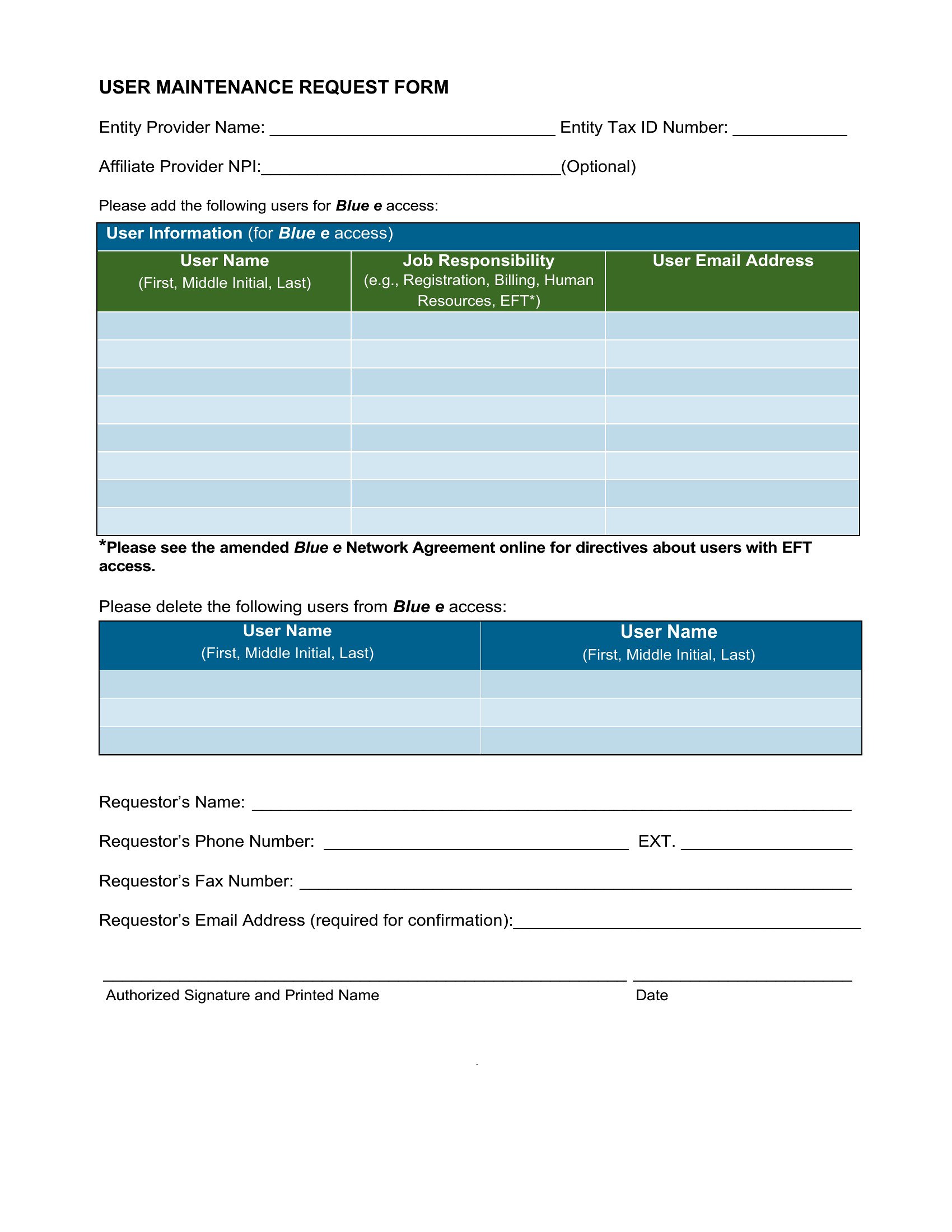
Free Maintenance Request Forms (Word, Excel, PDF)
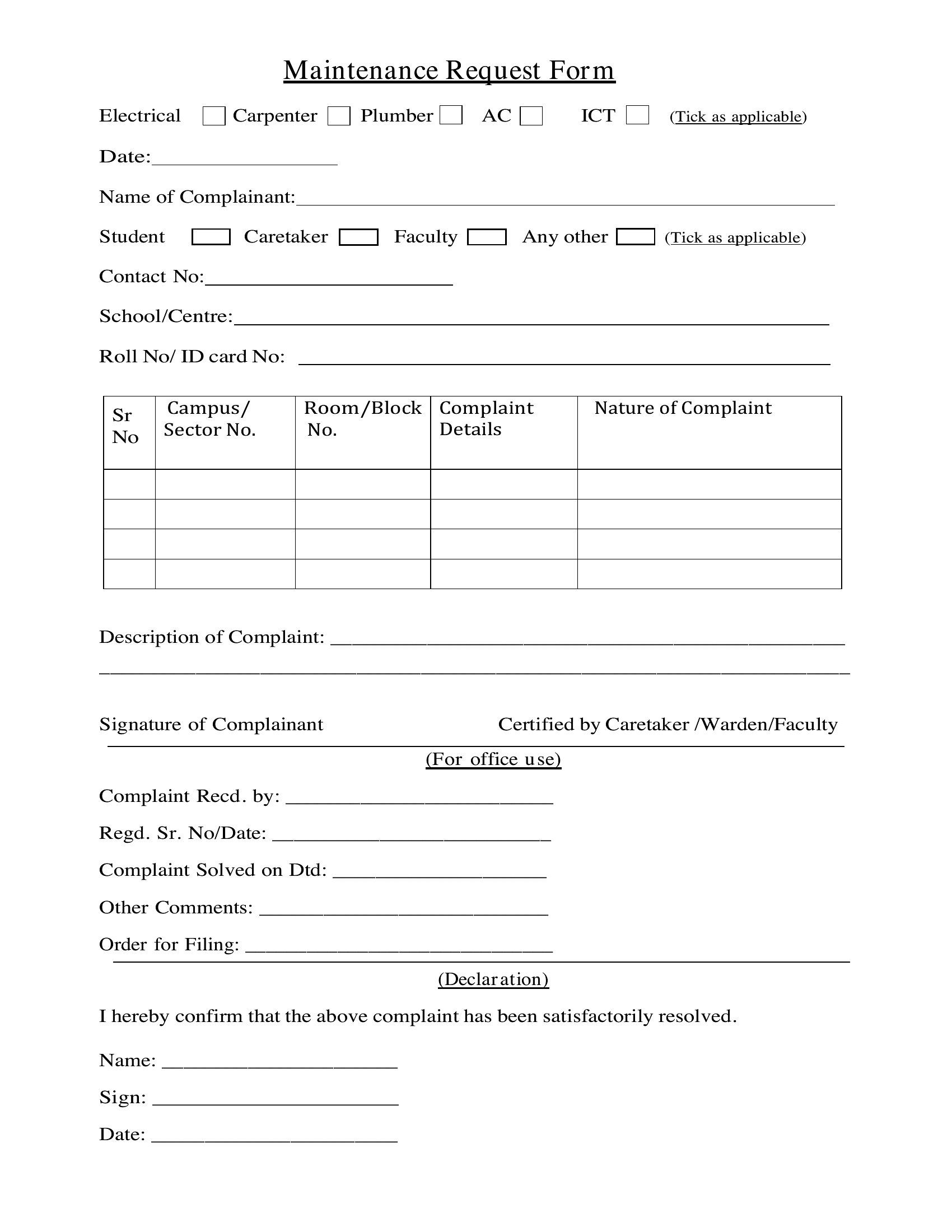
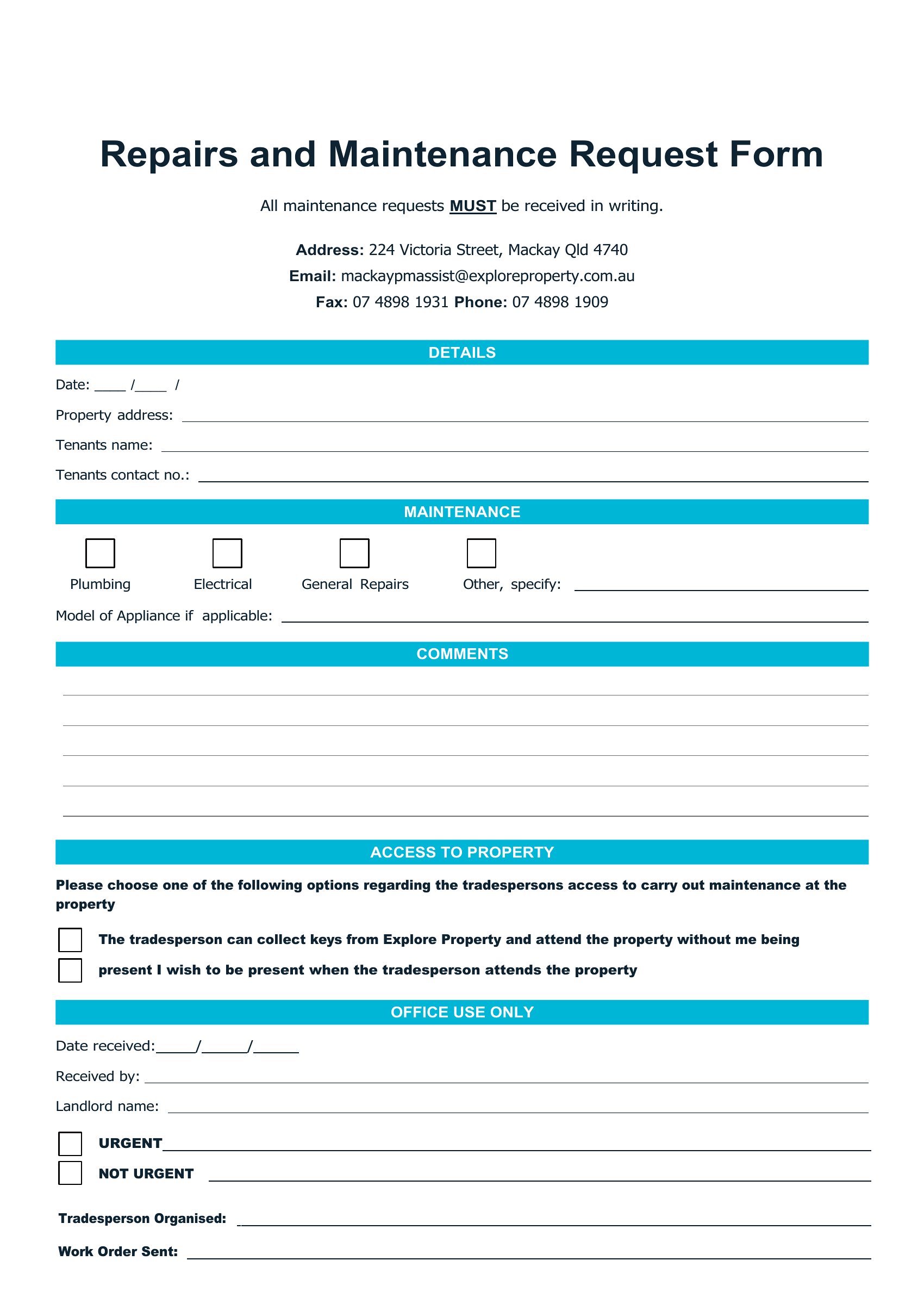
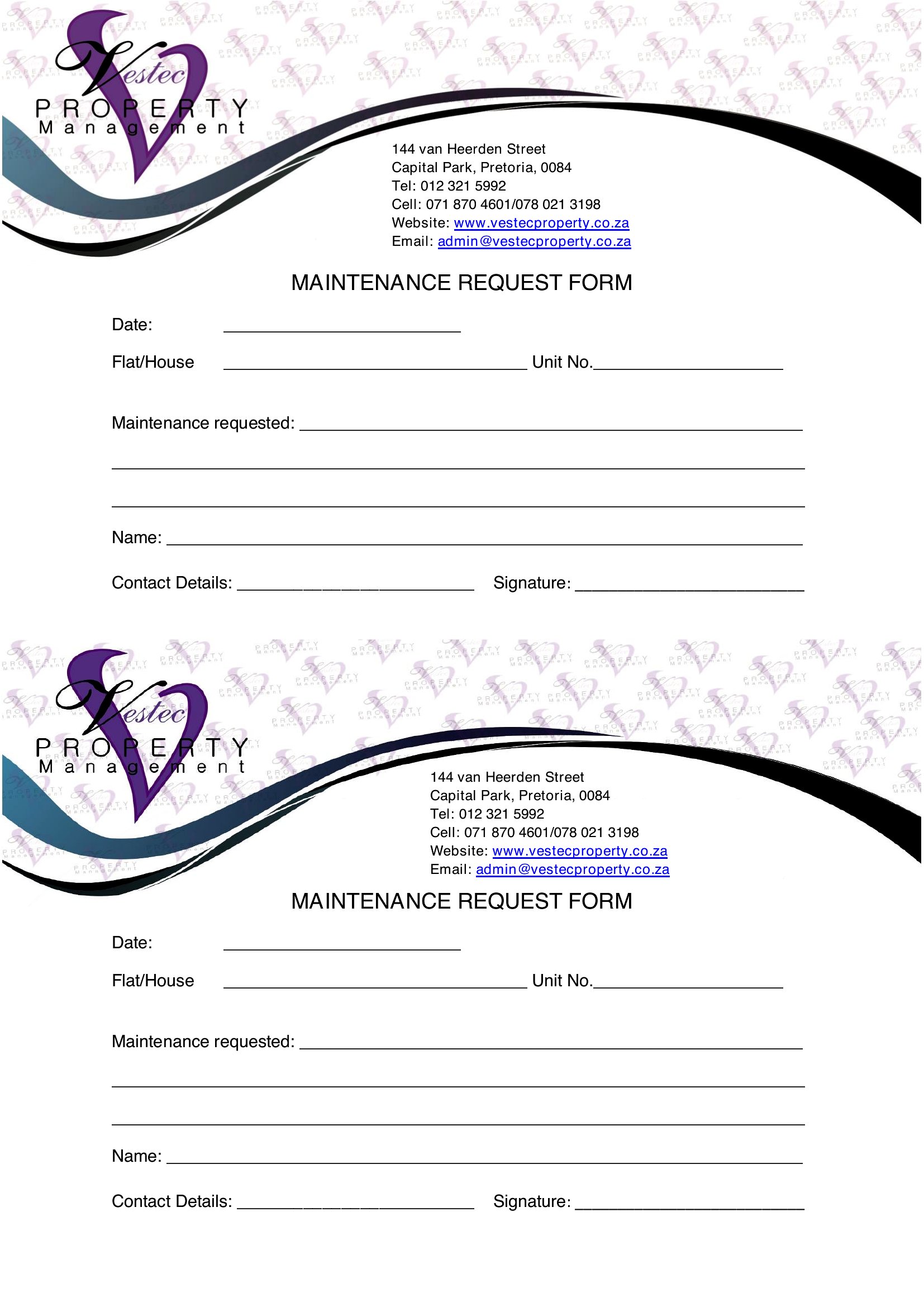
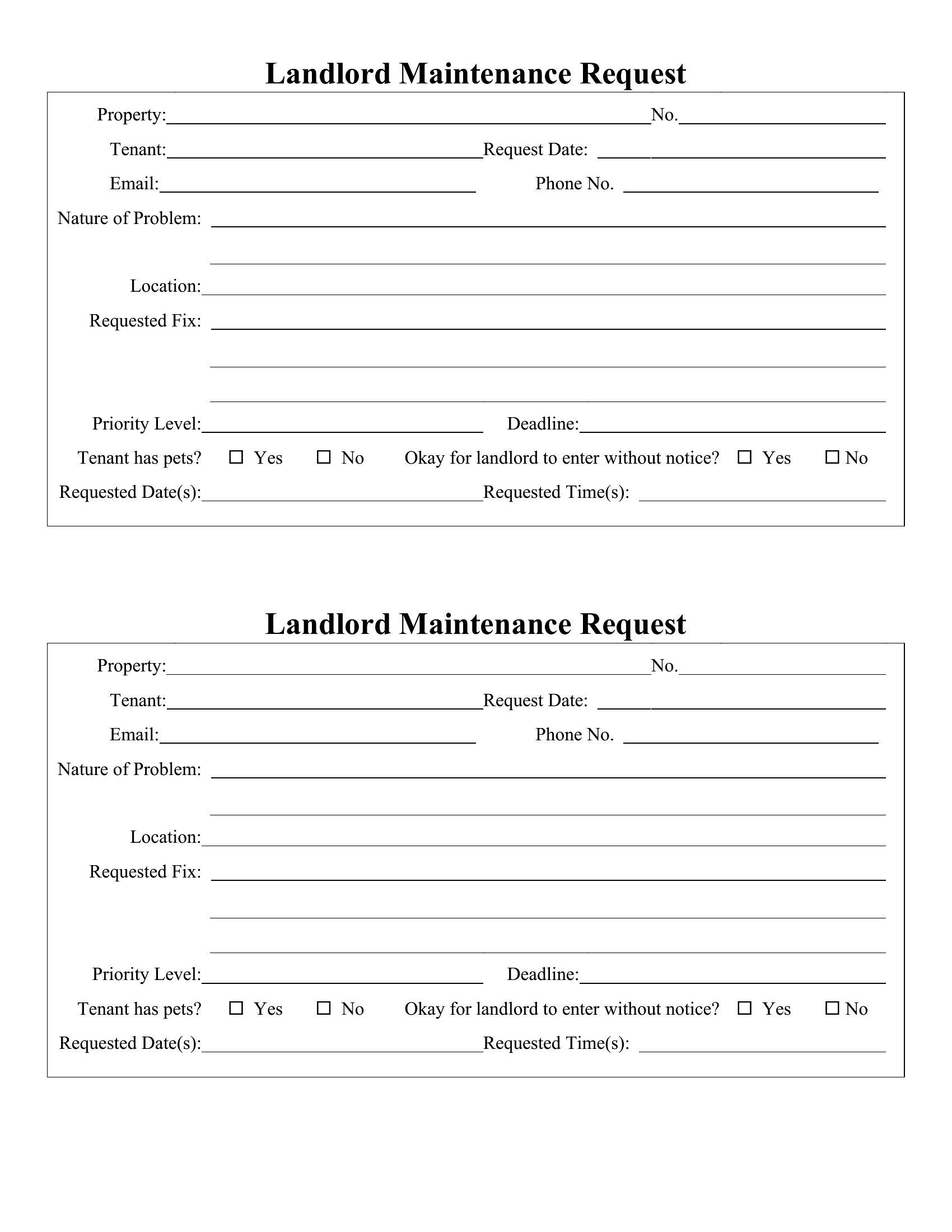
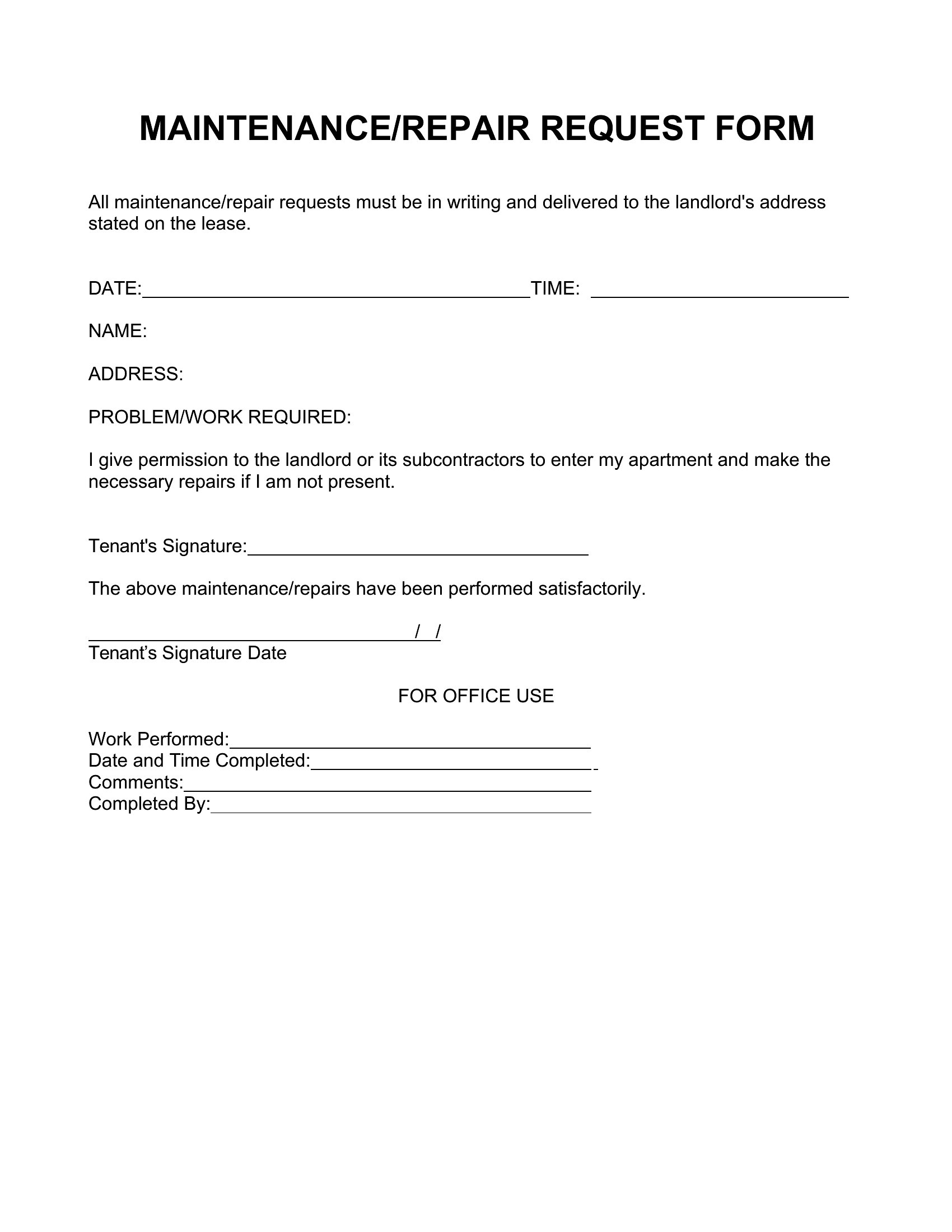
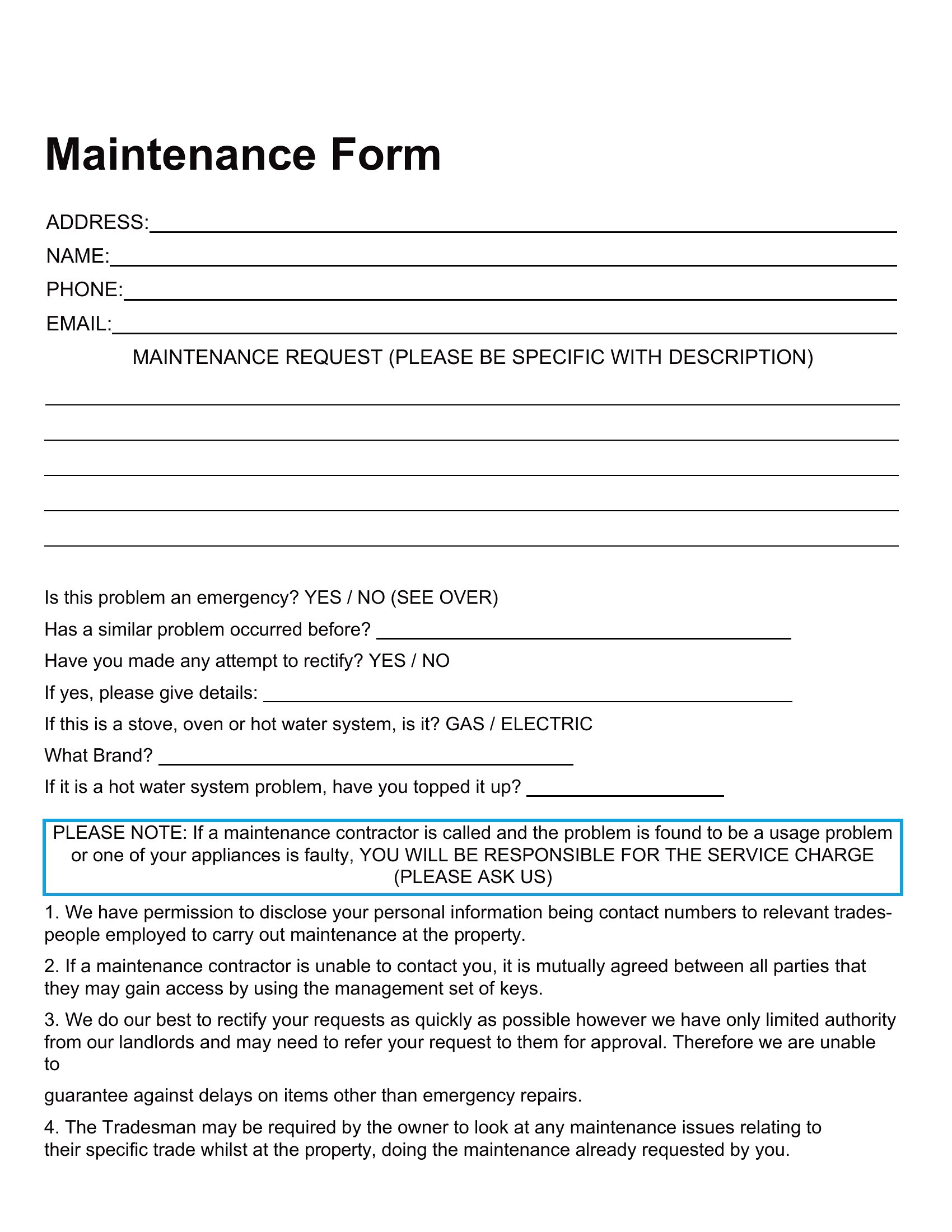
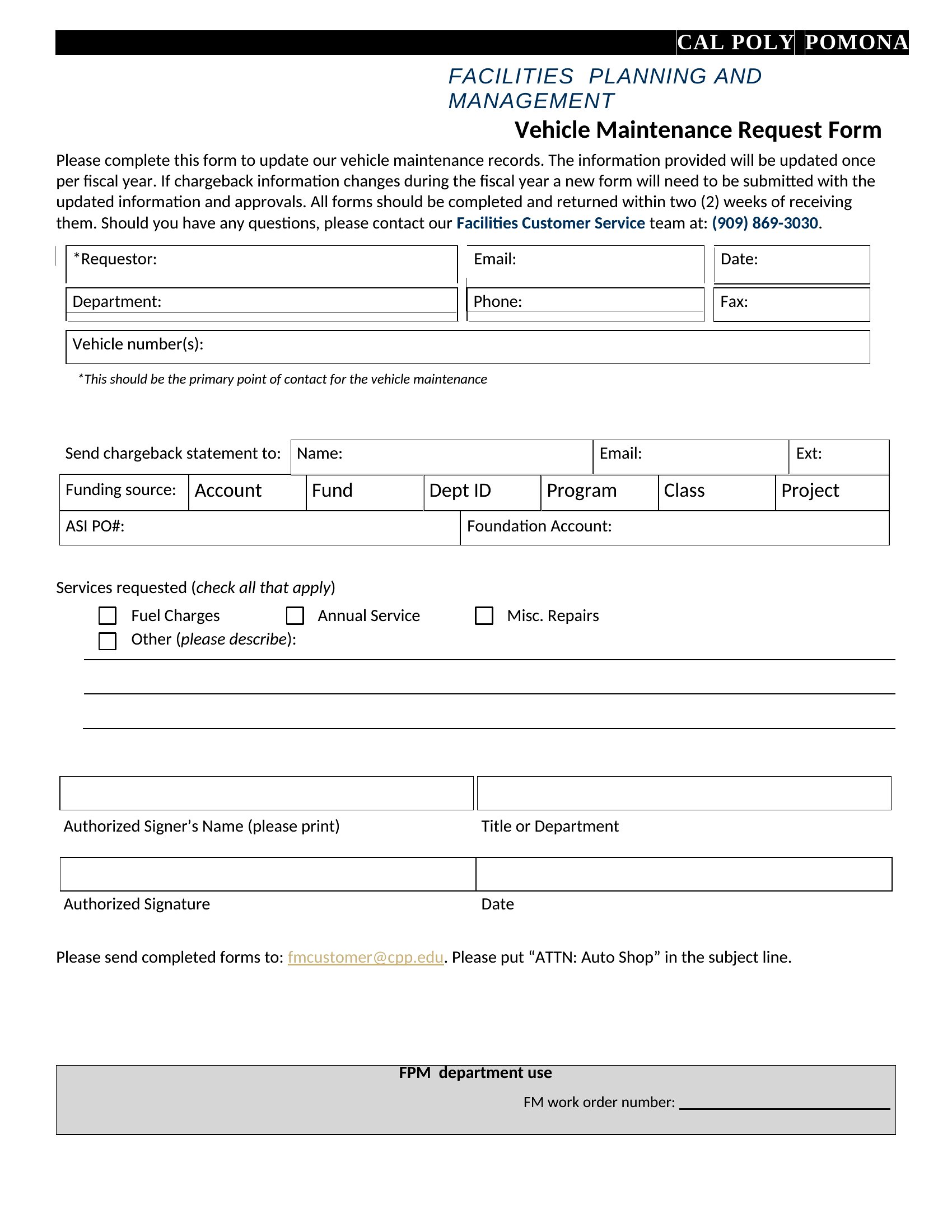
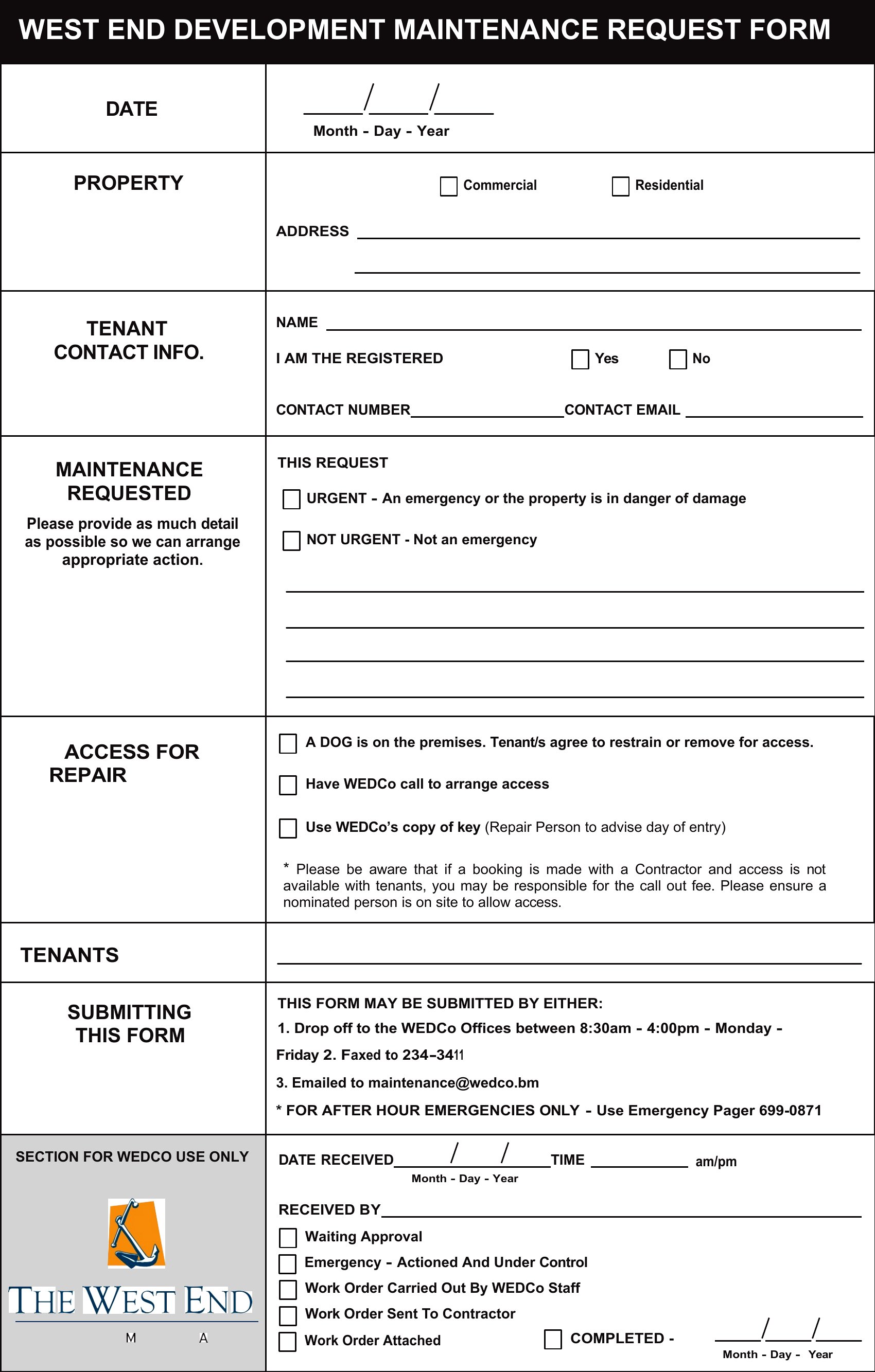
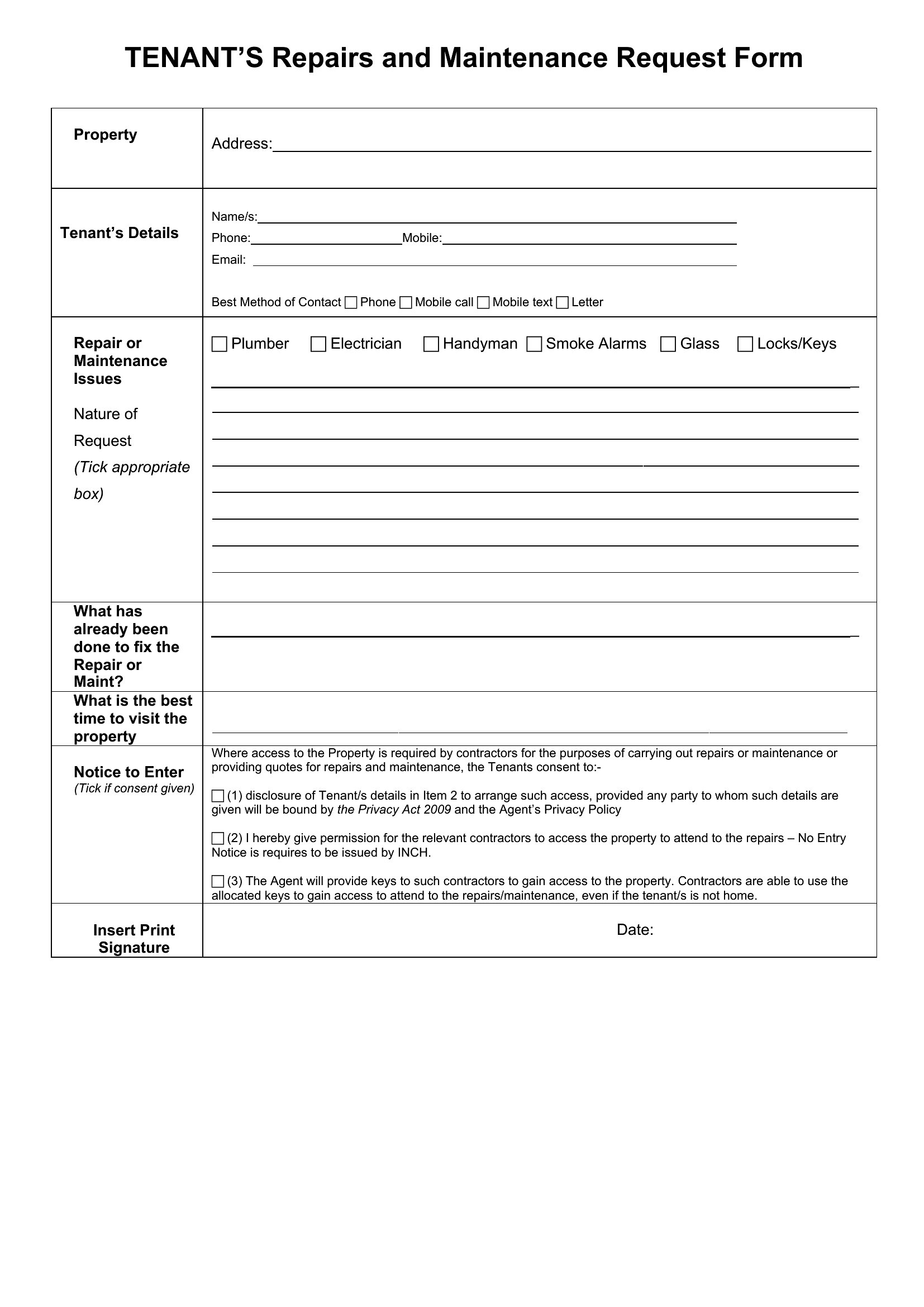
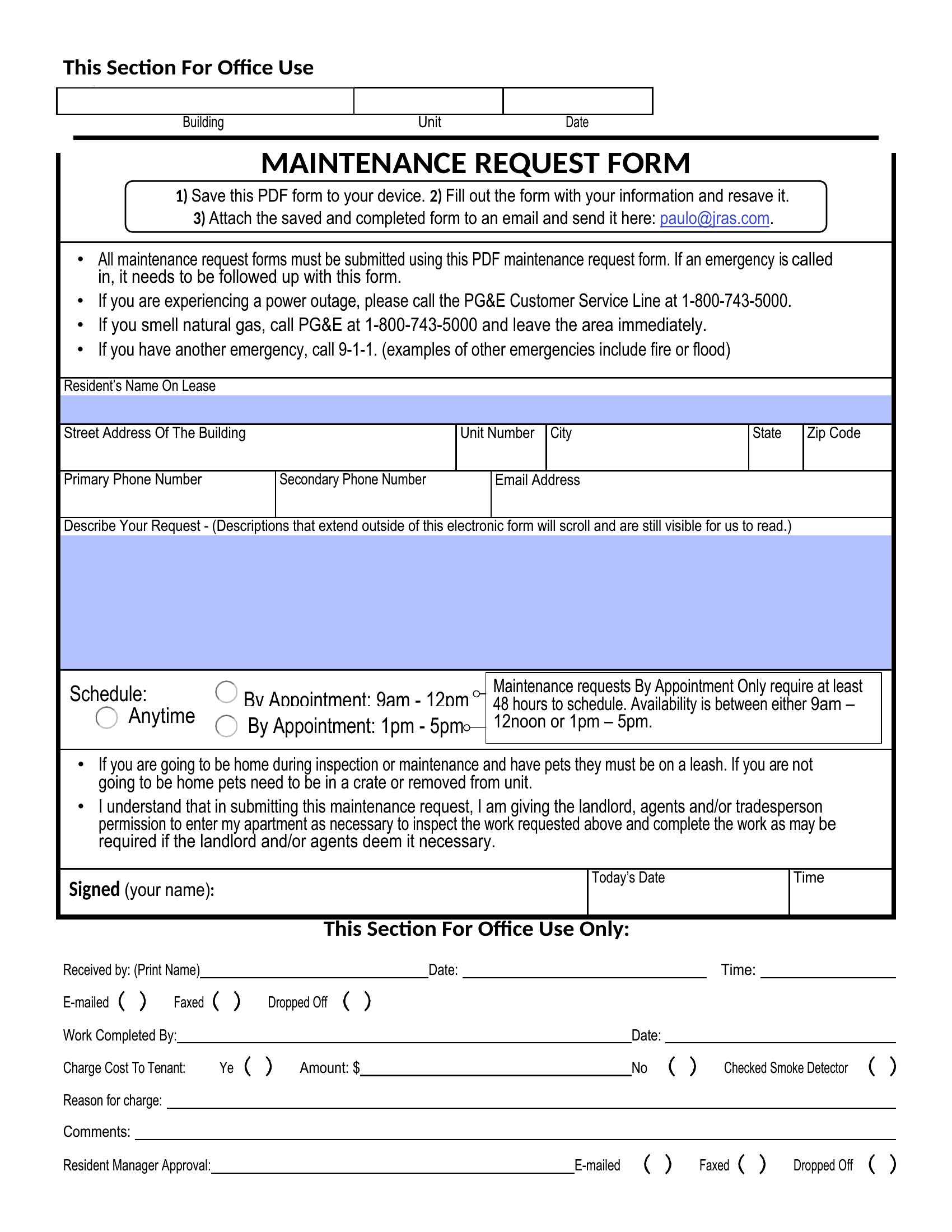
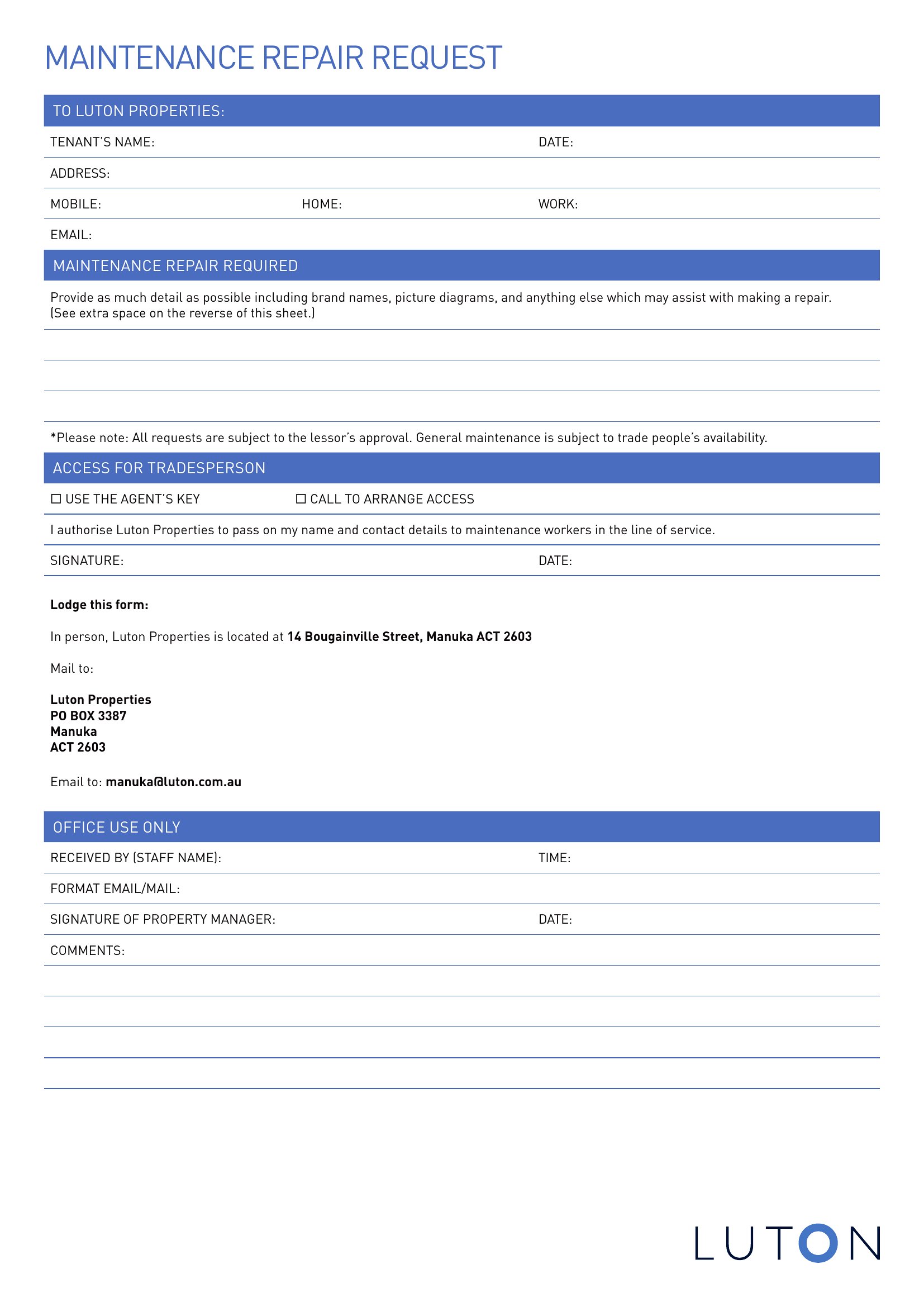
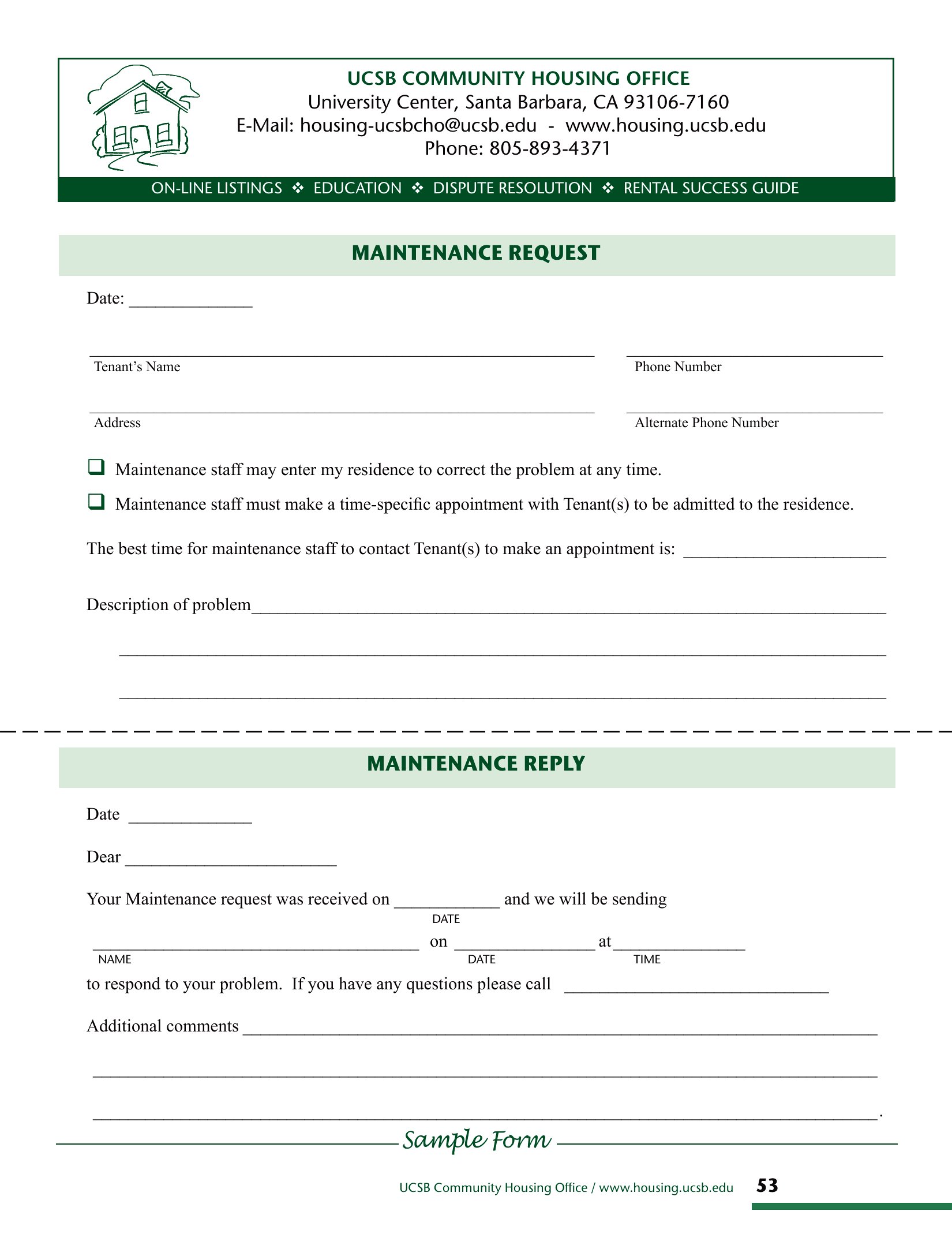
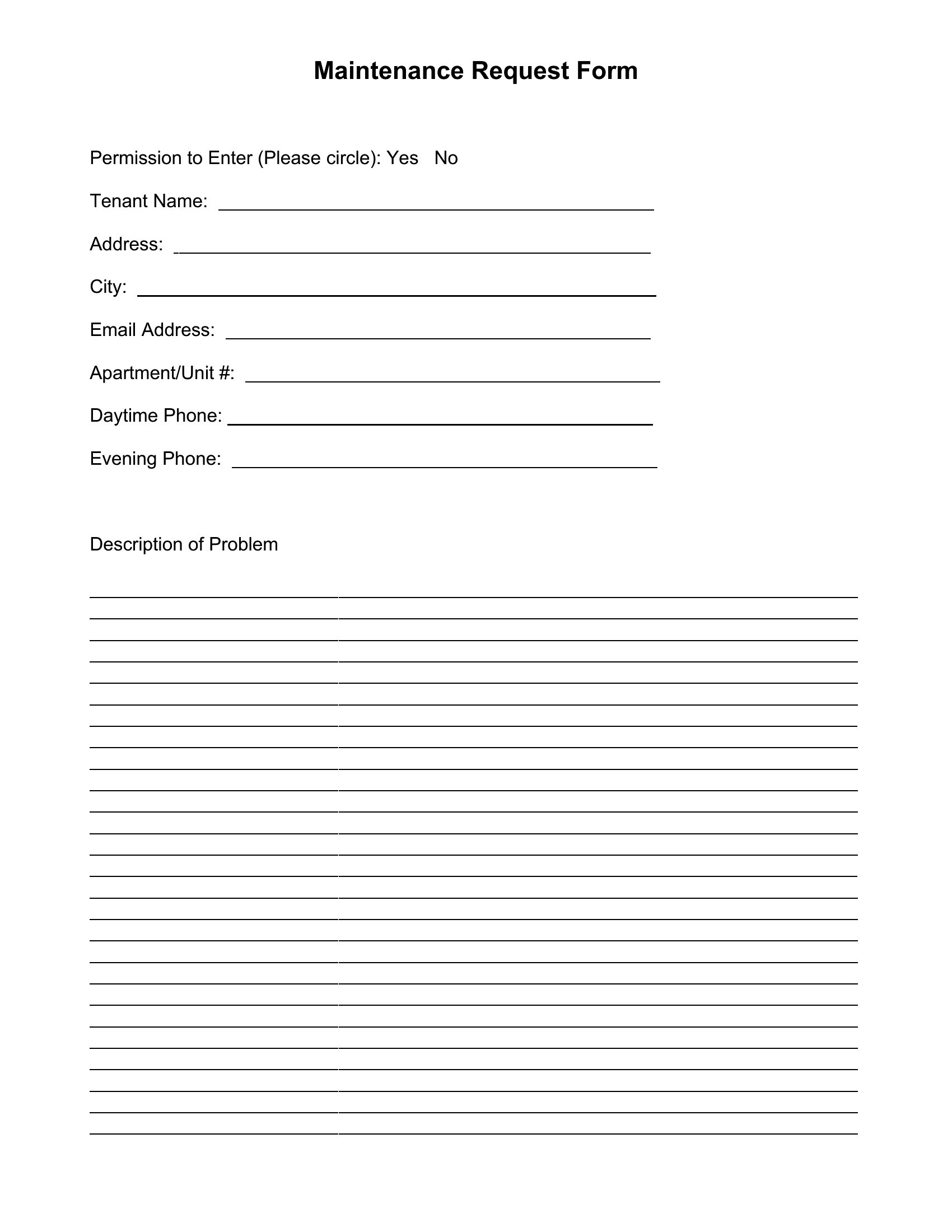
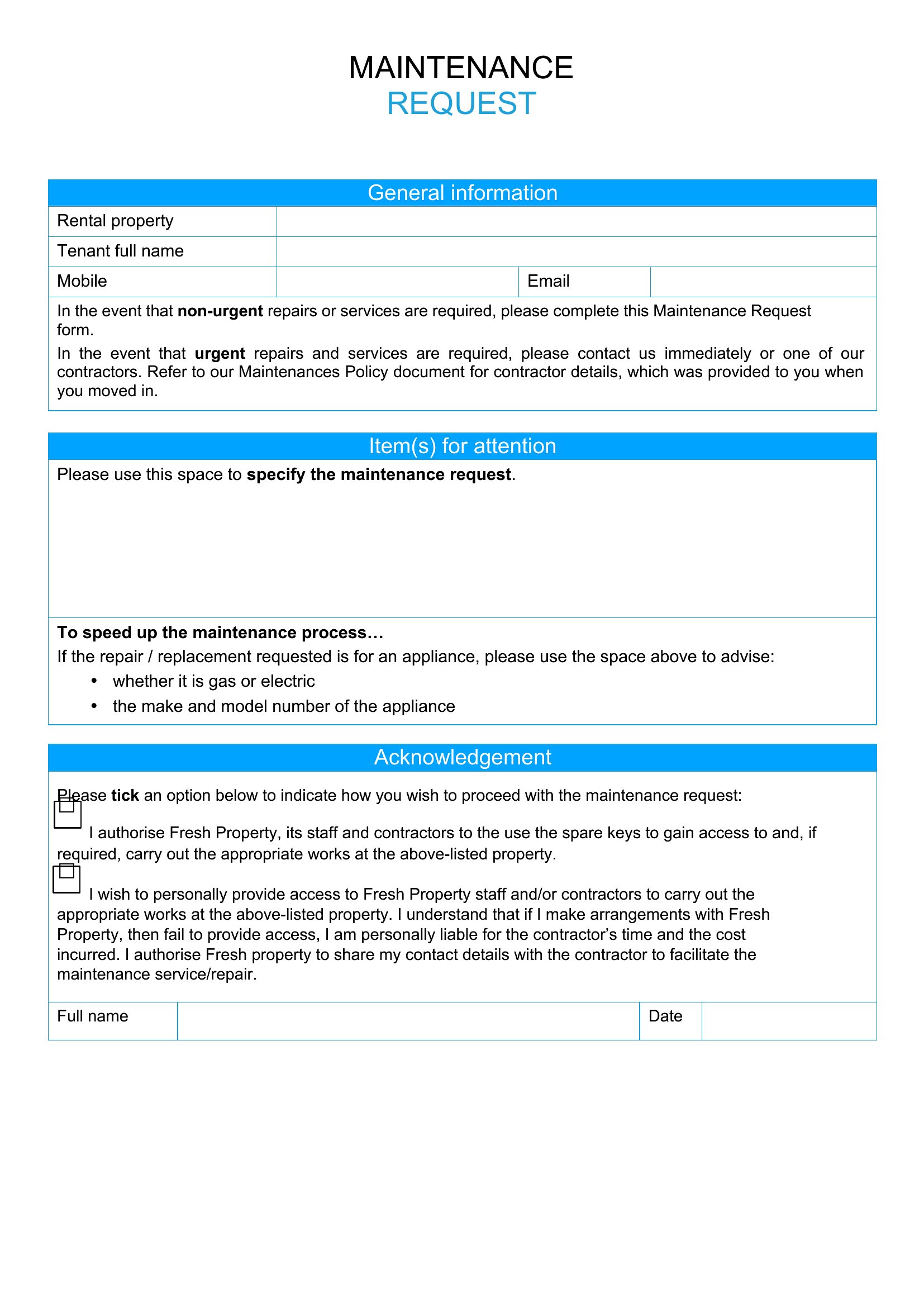
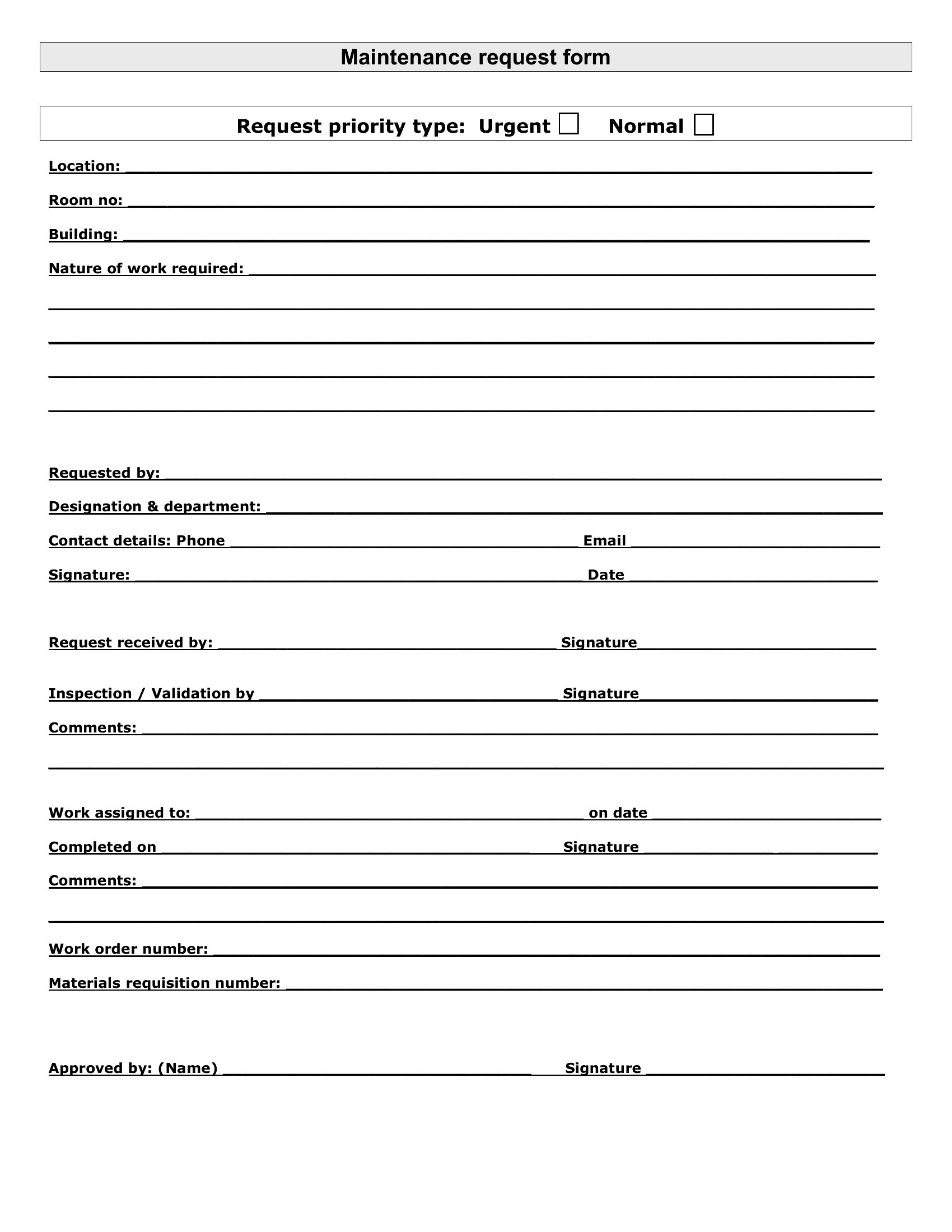
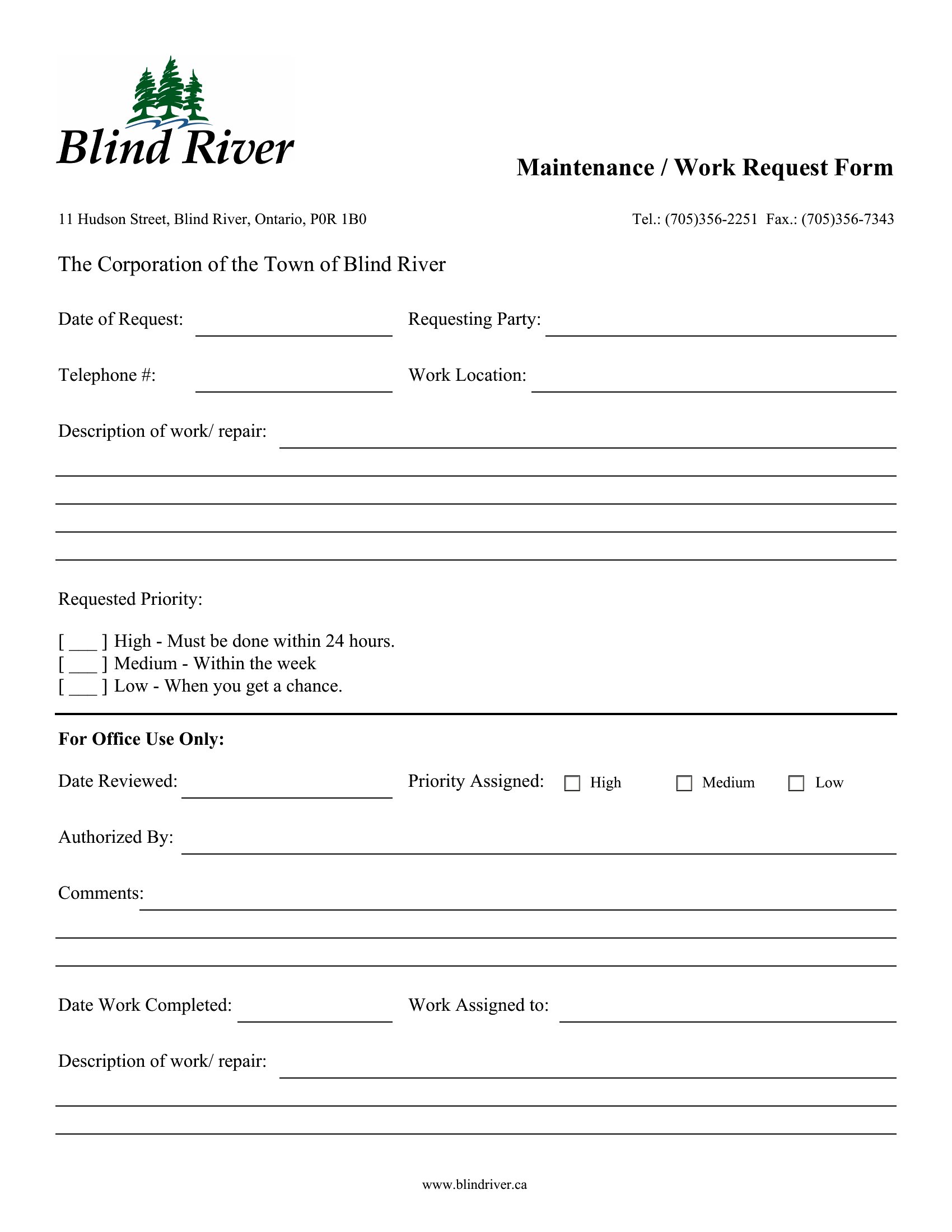
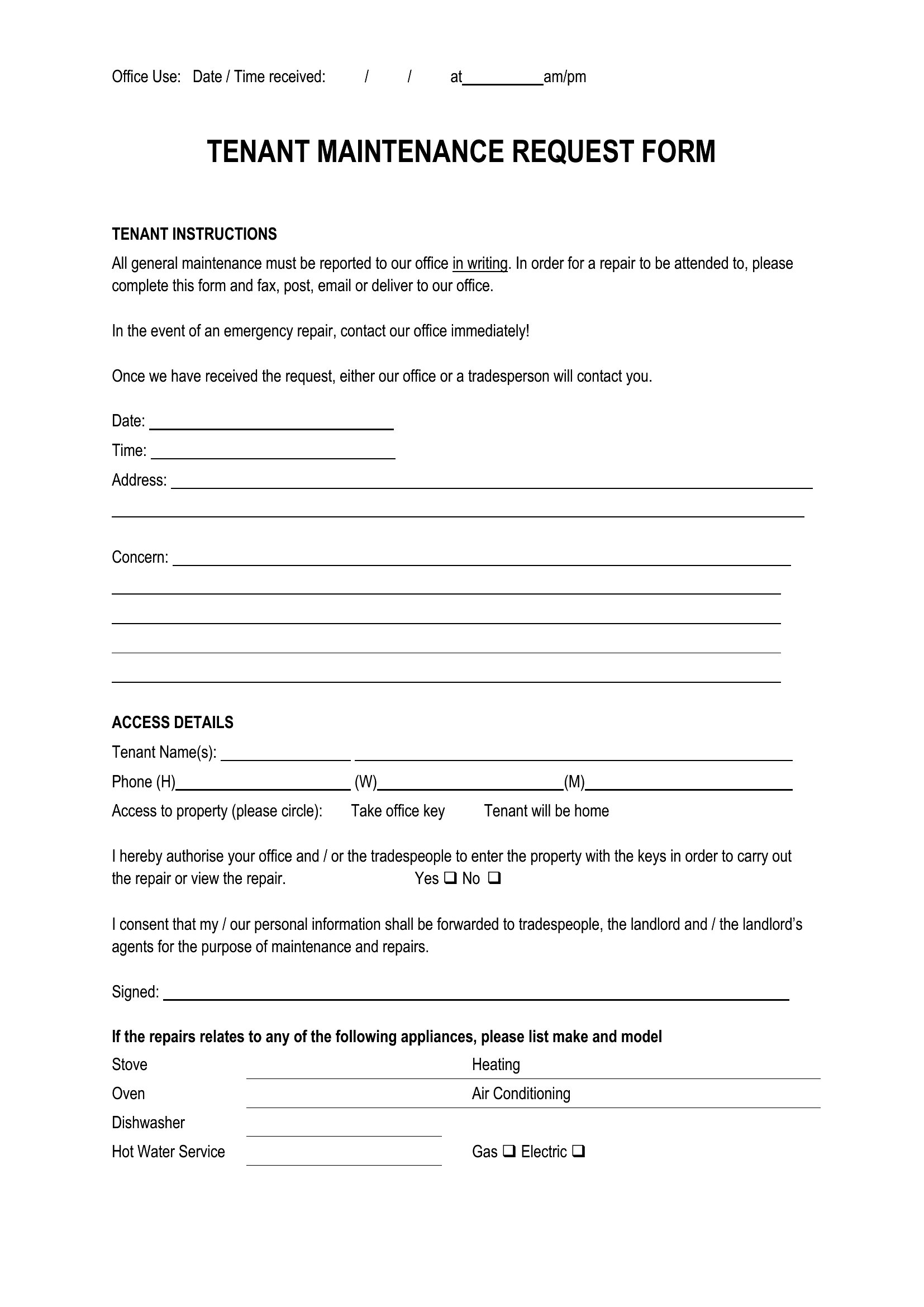
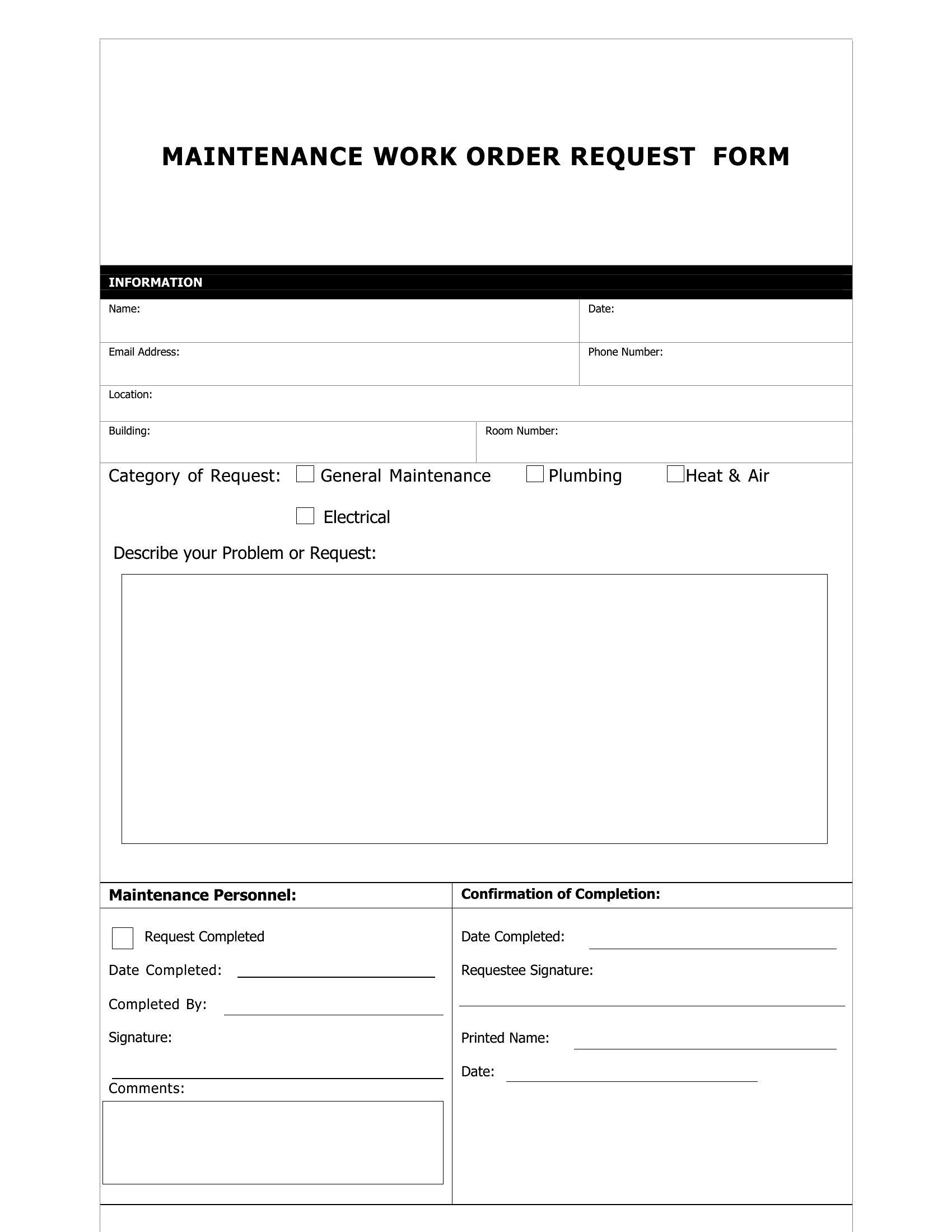
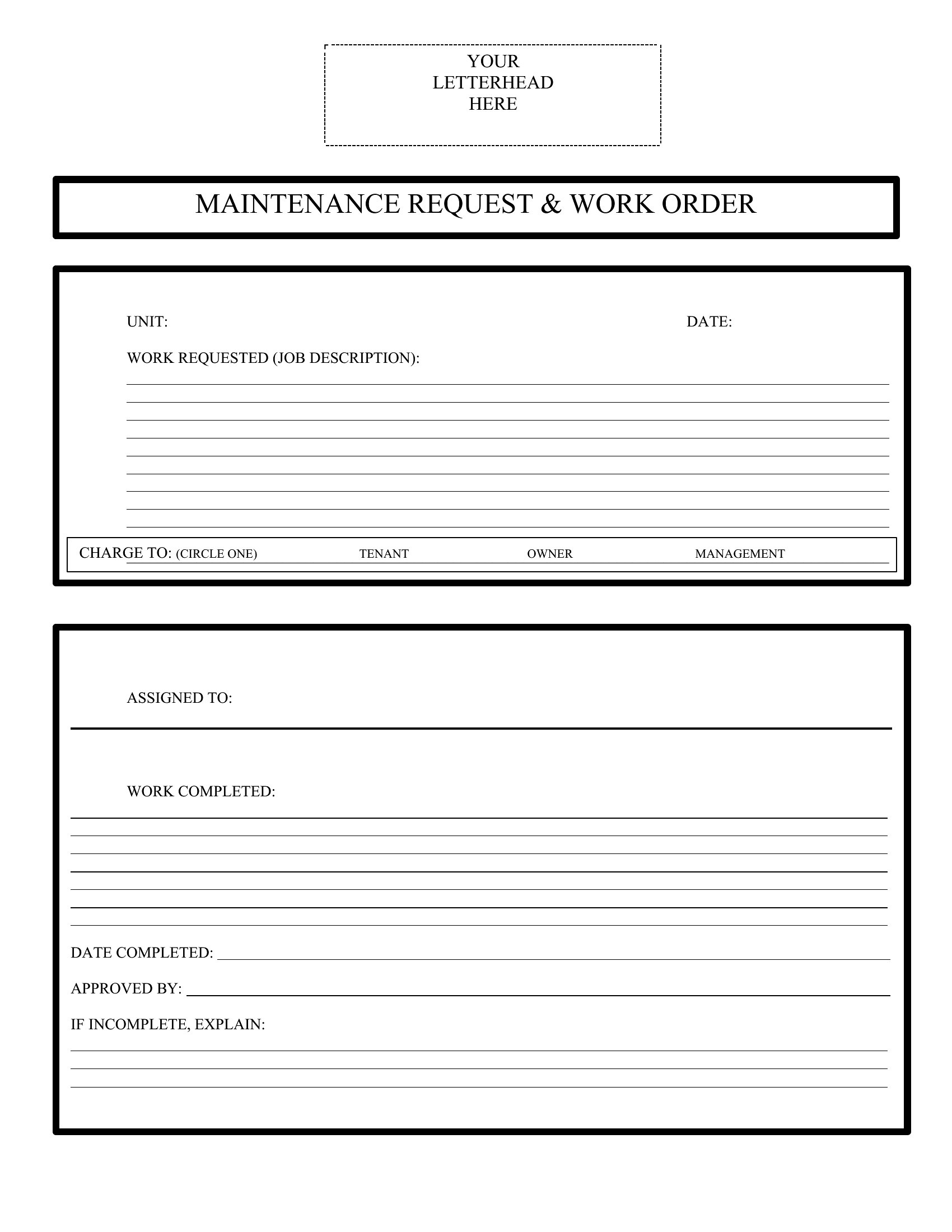
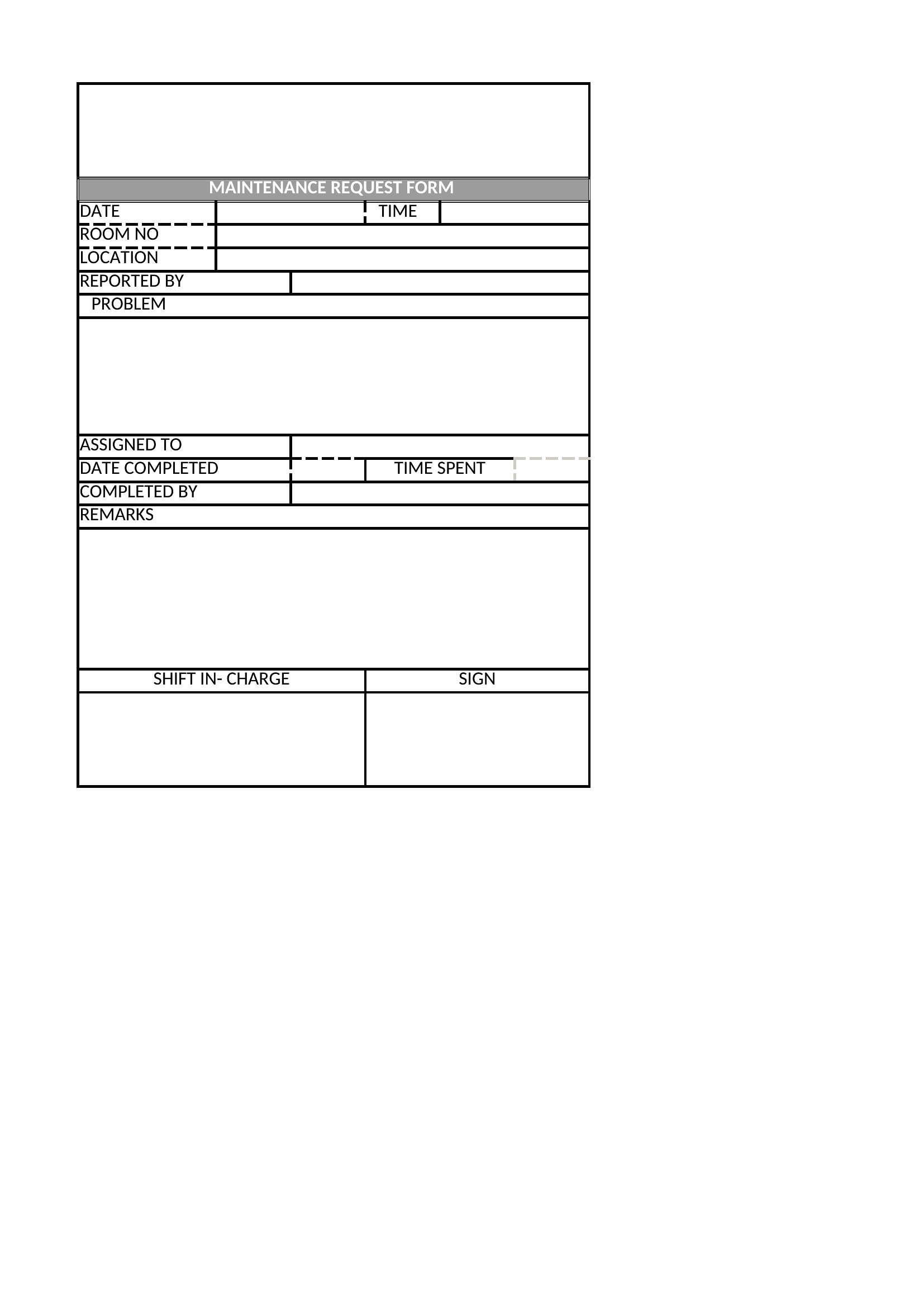
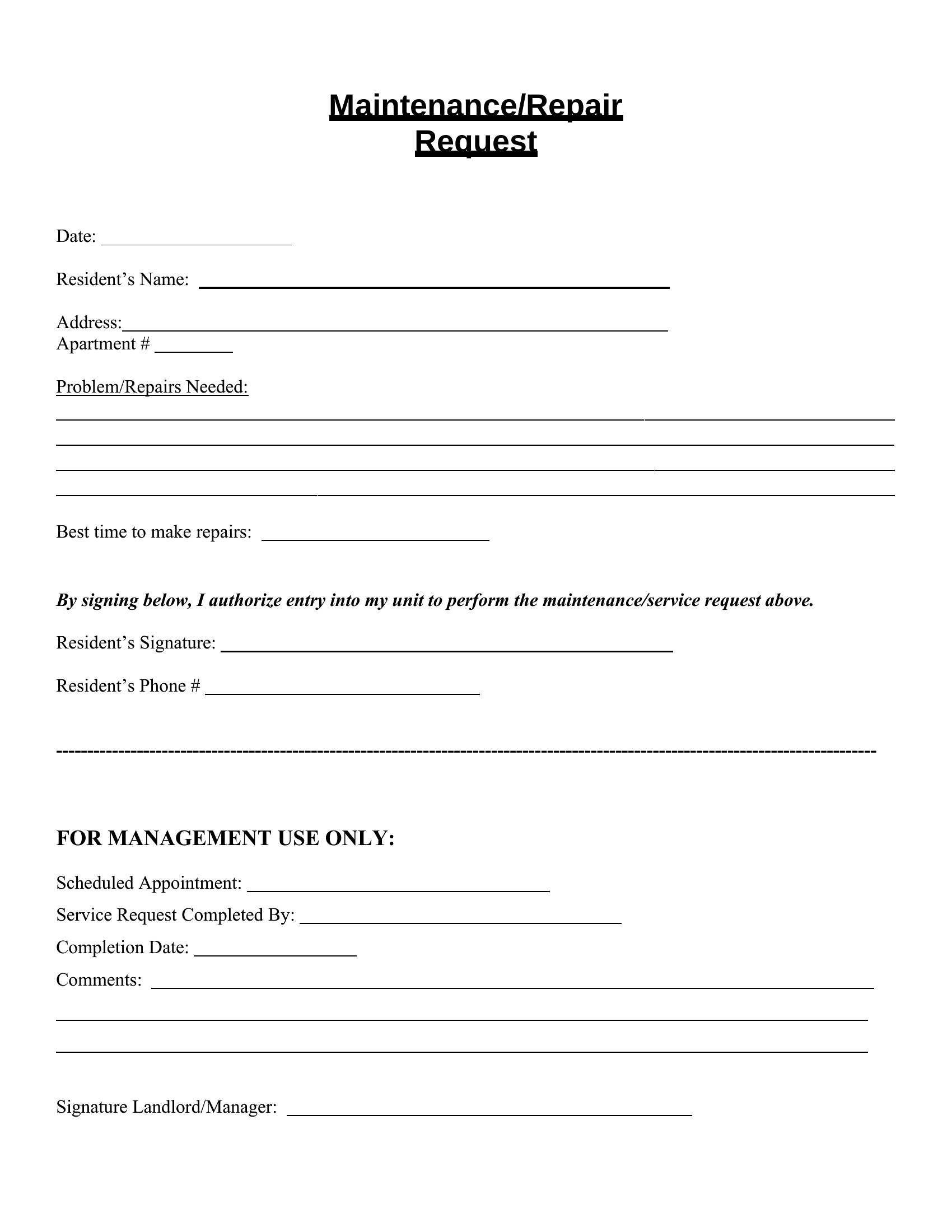
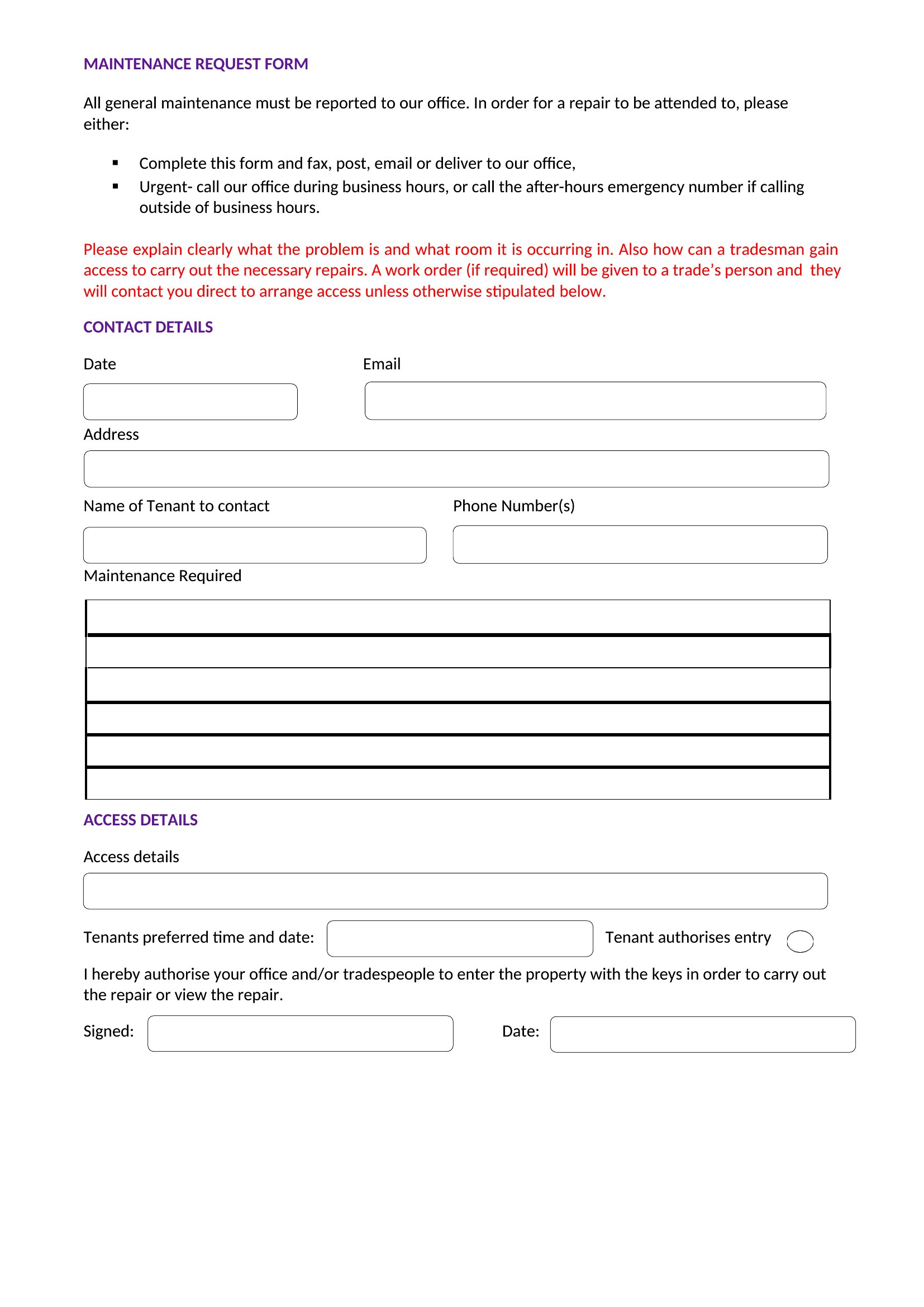
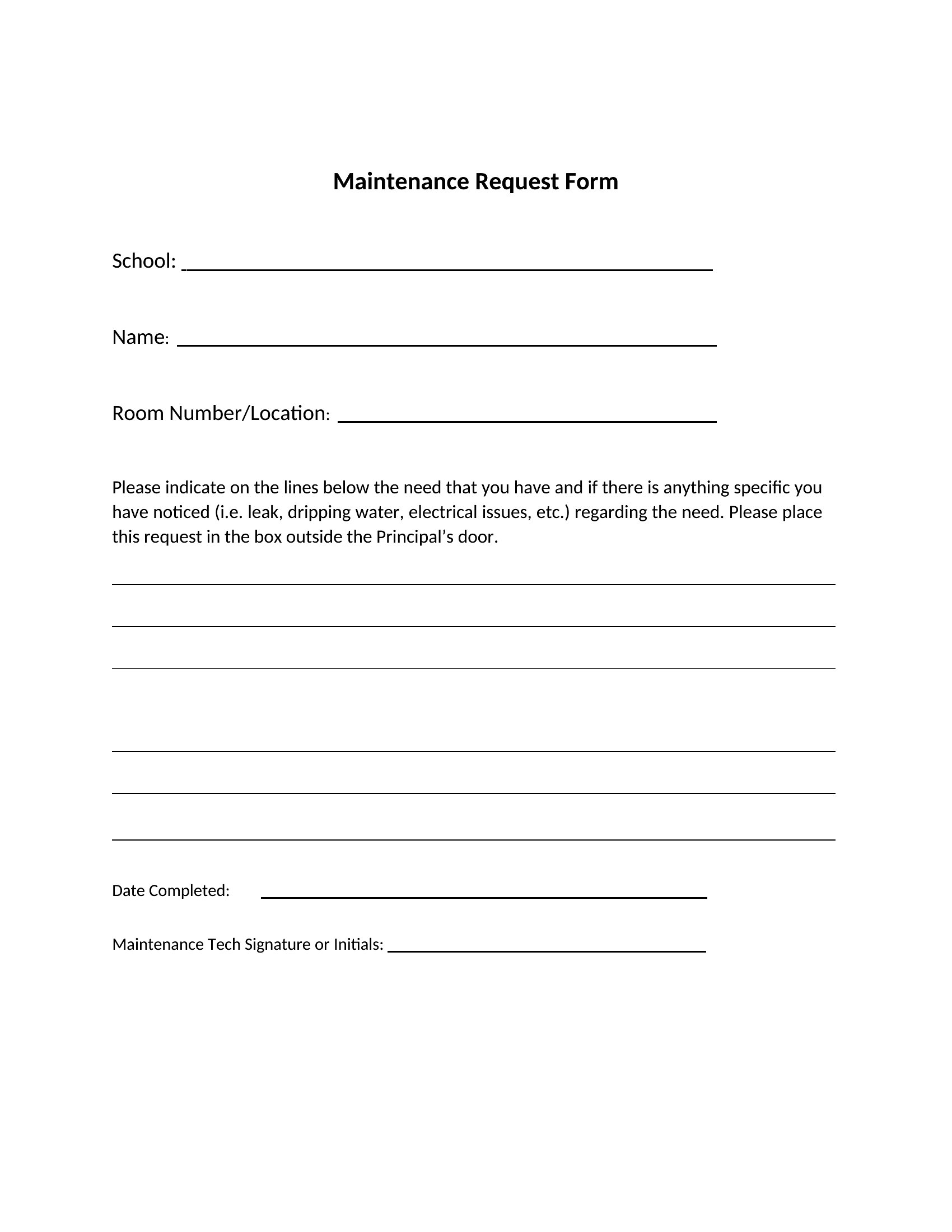
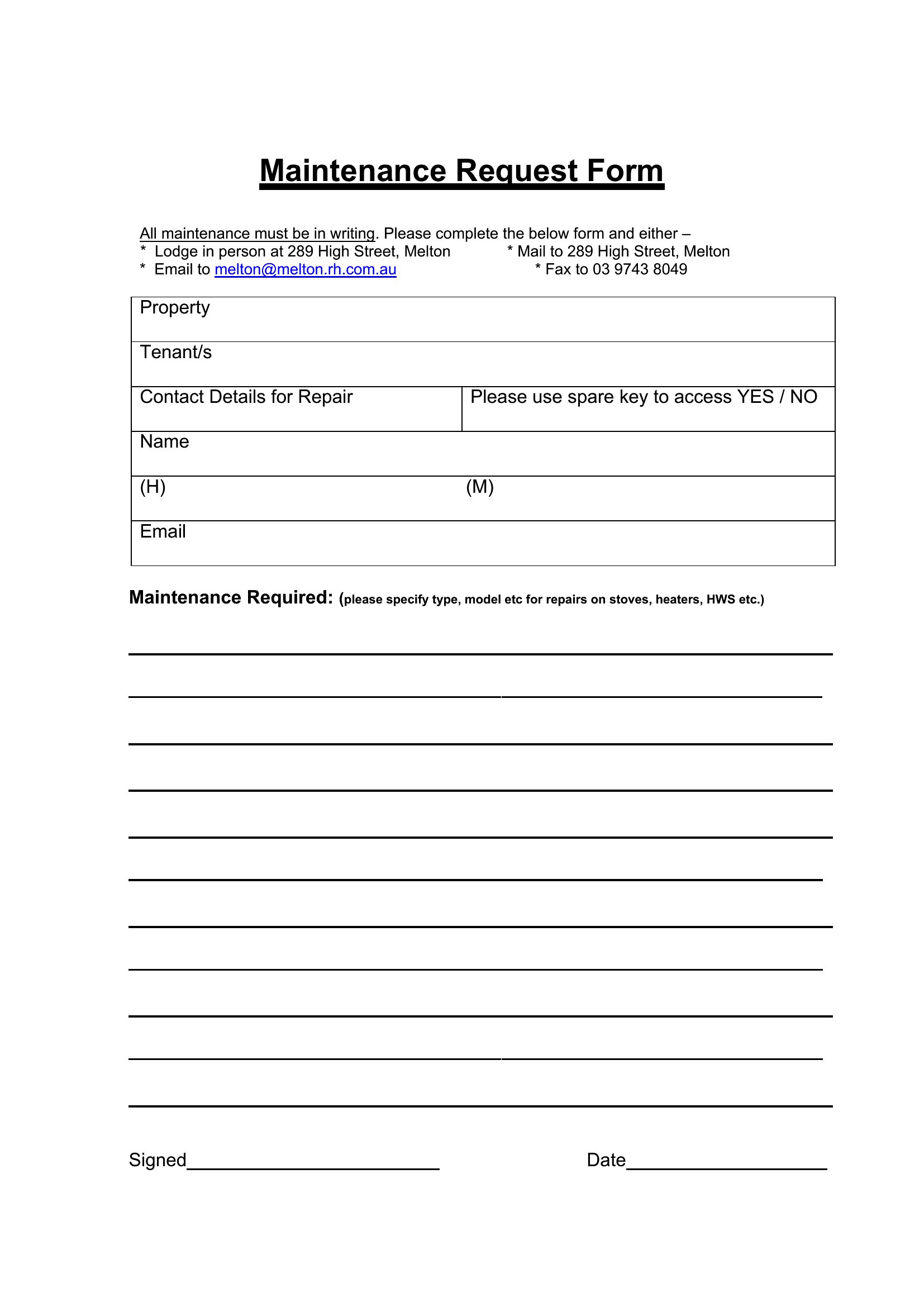
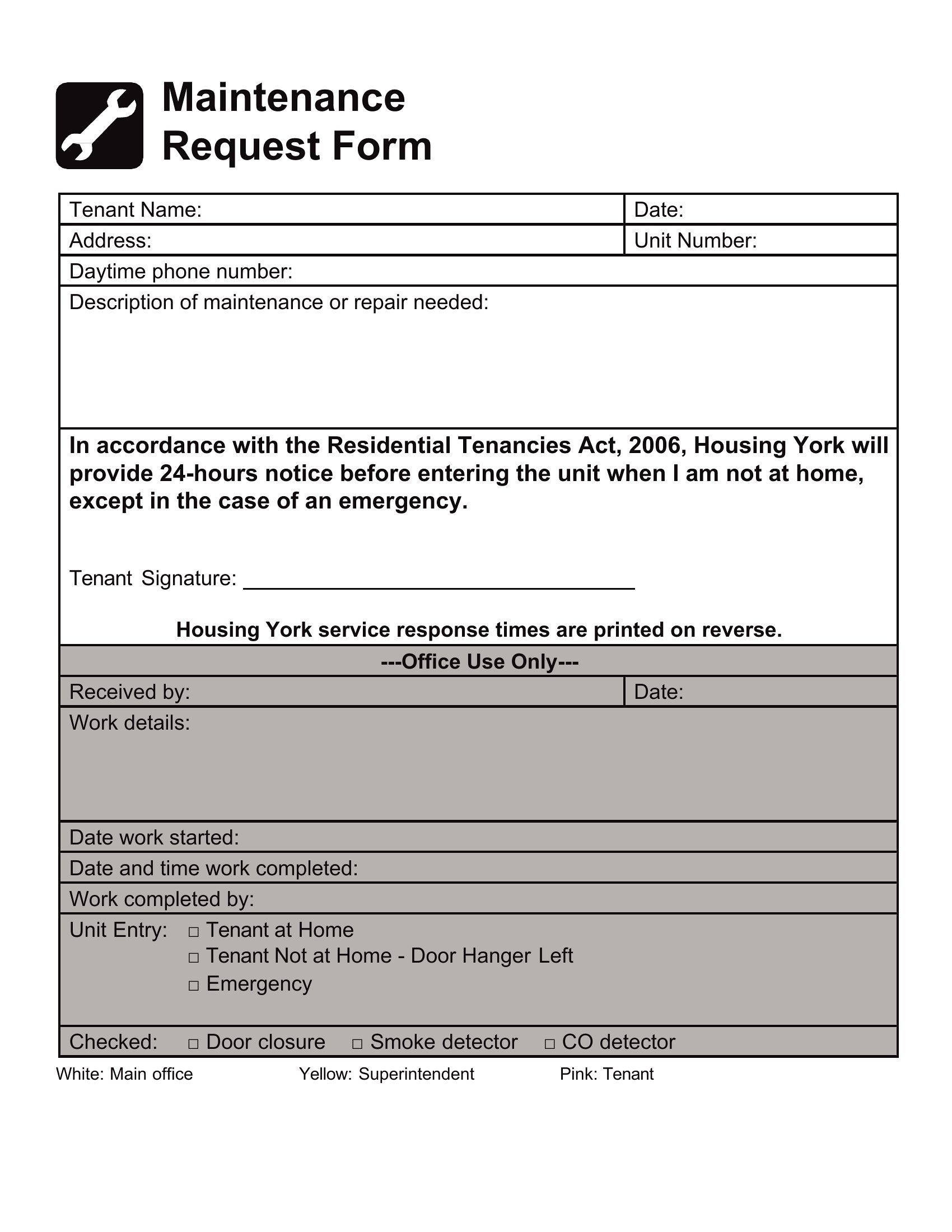
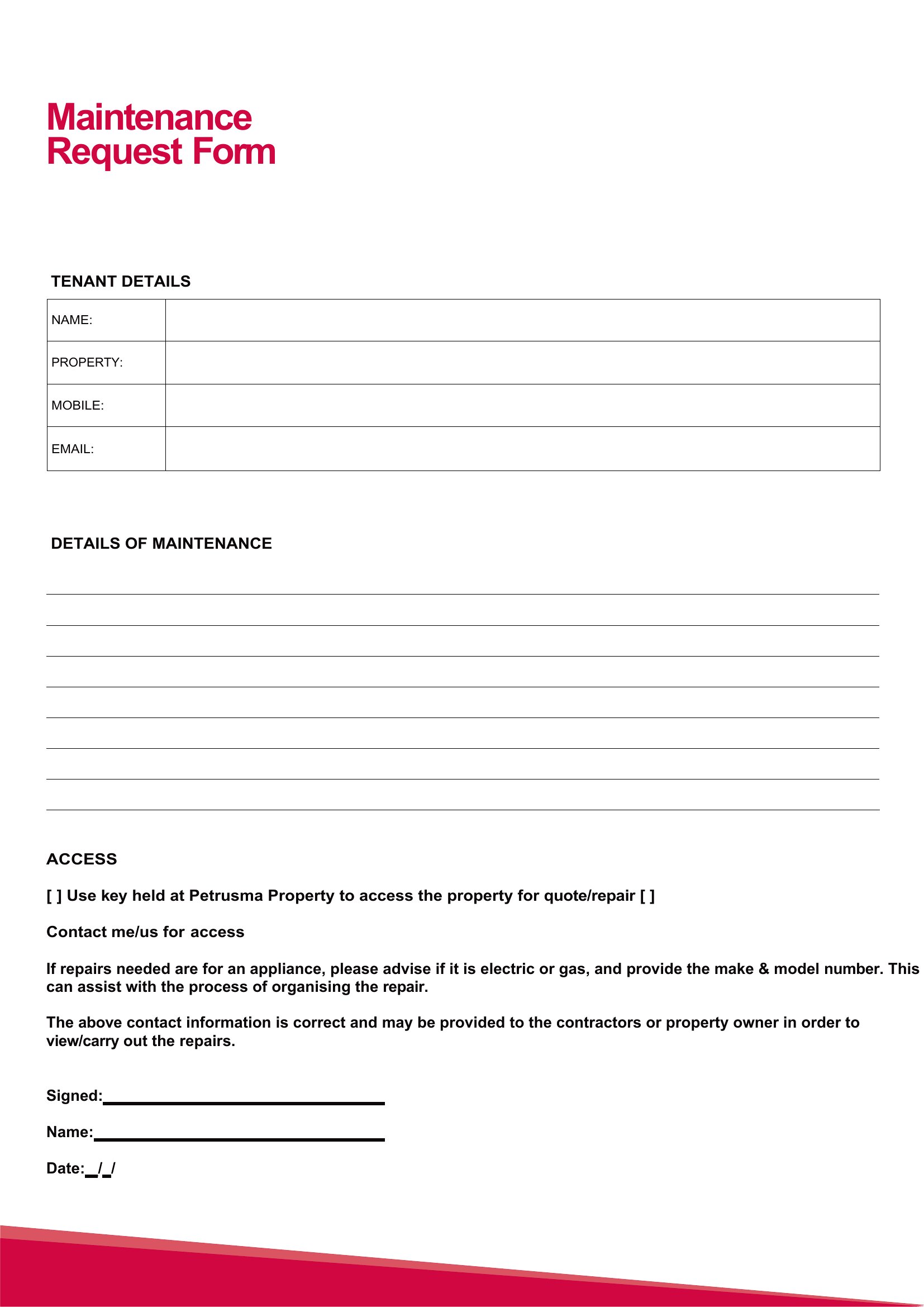
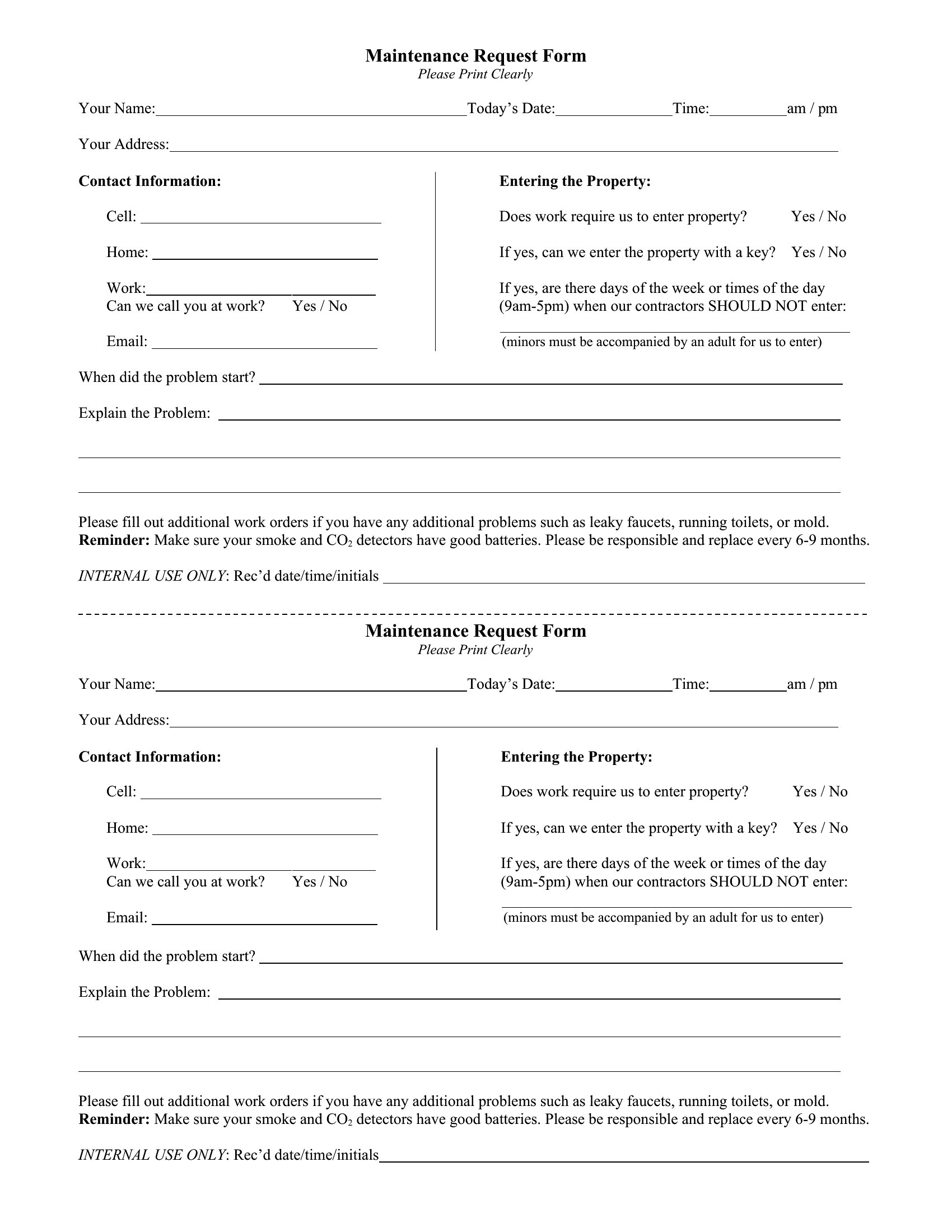
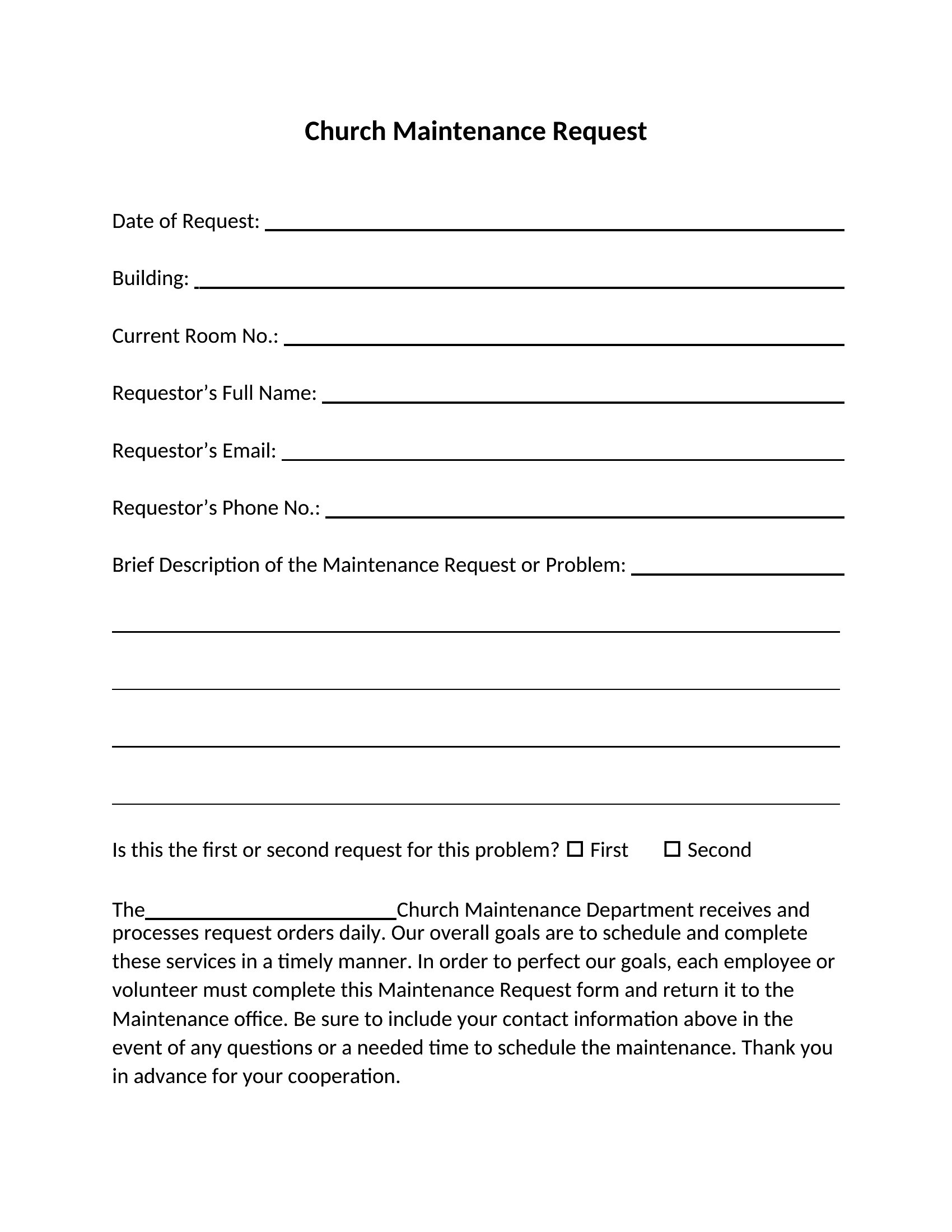
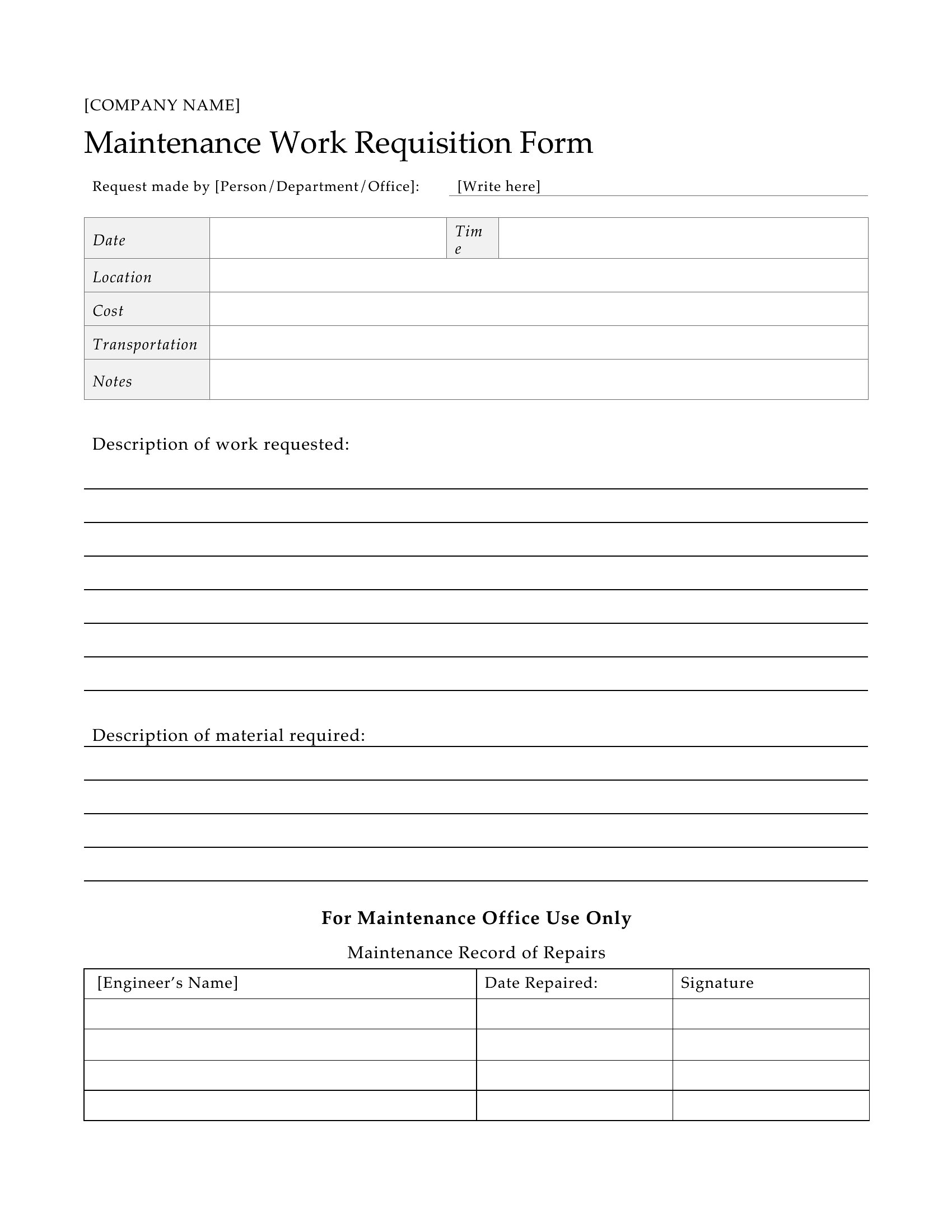
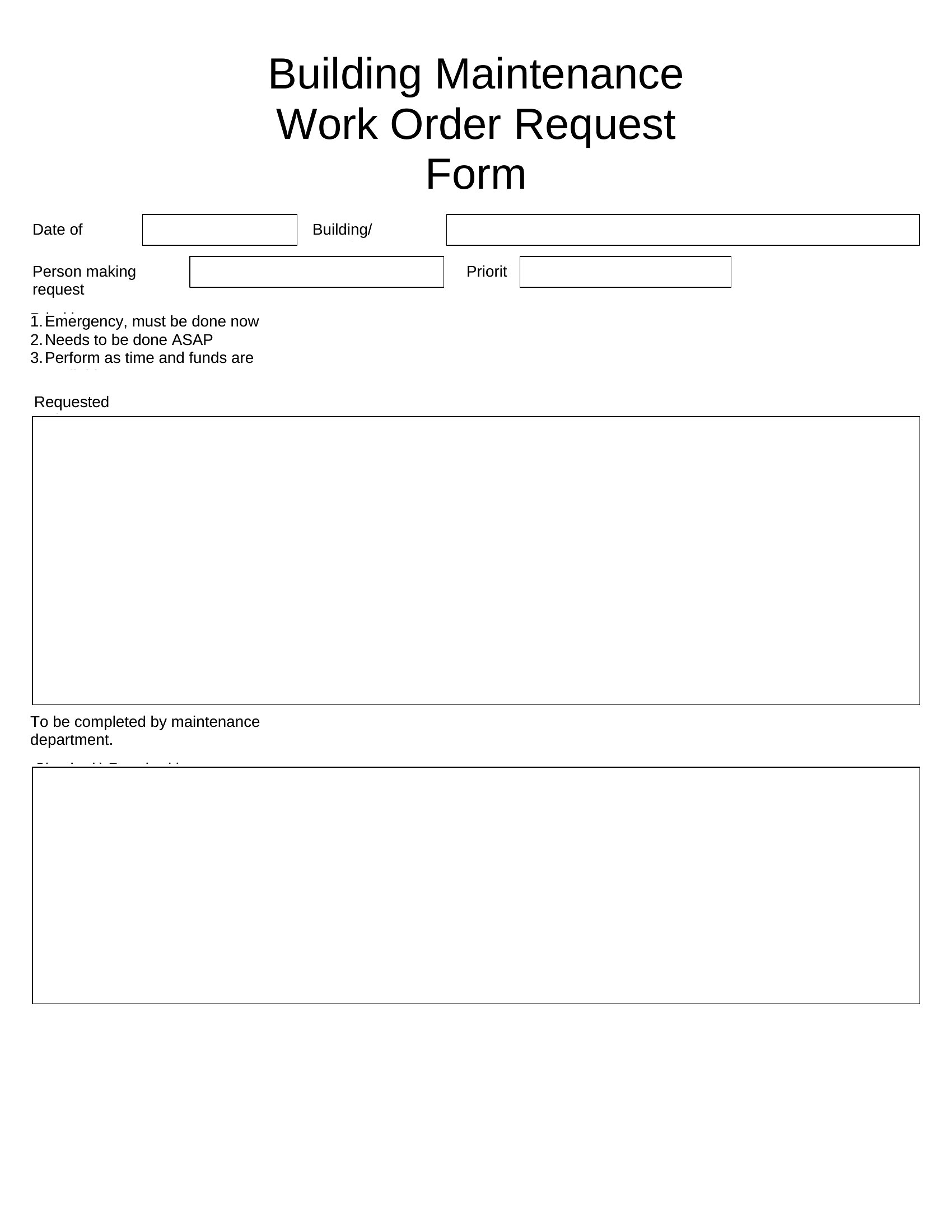
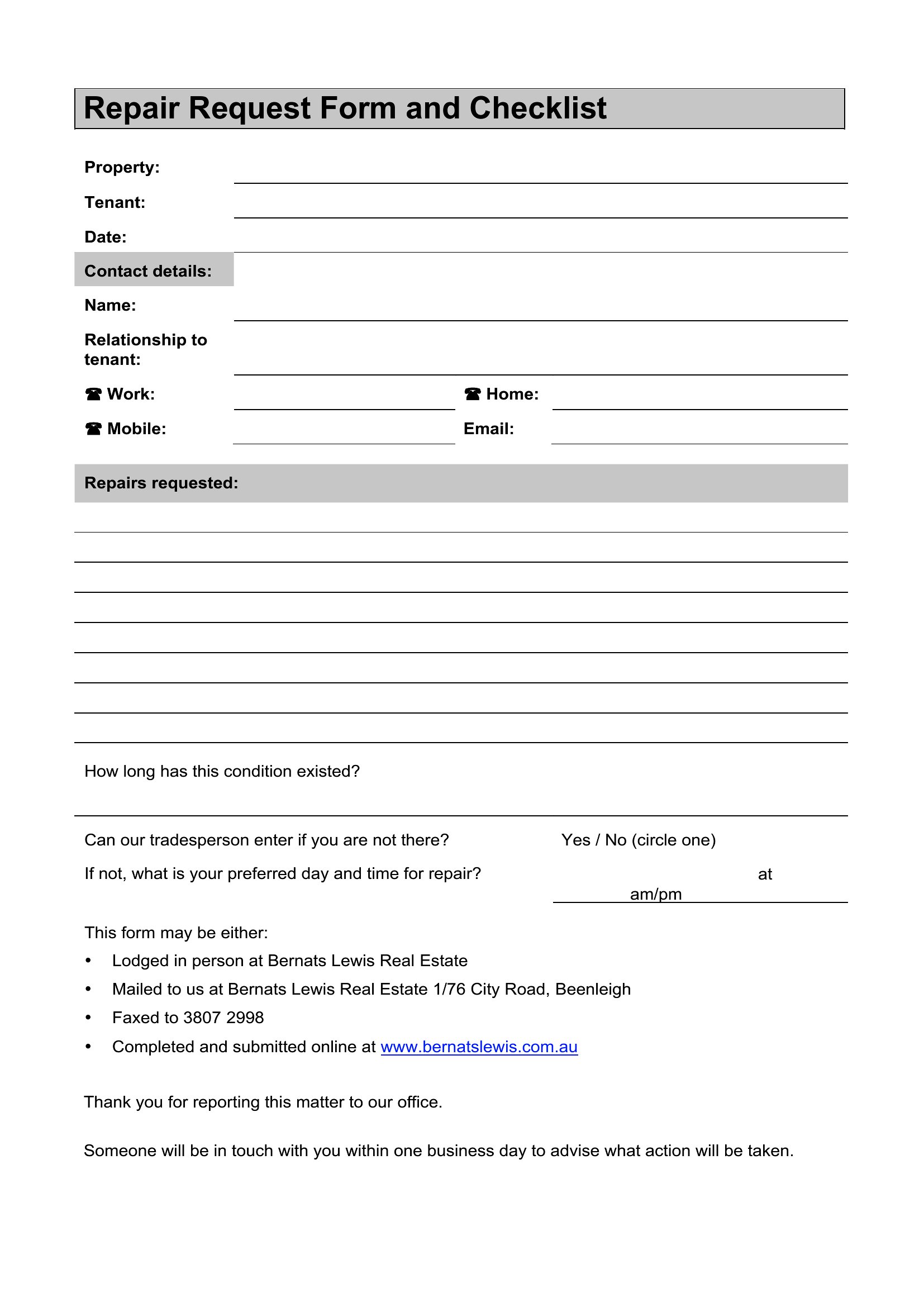
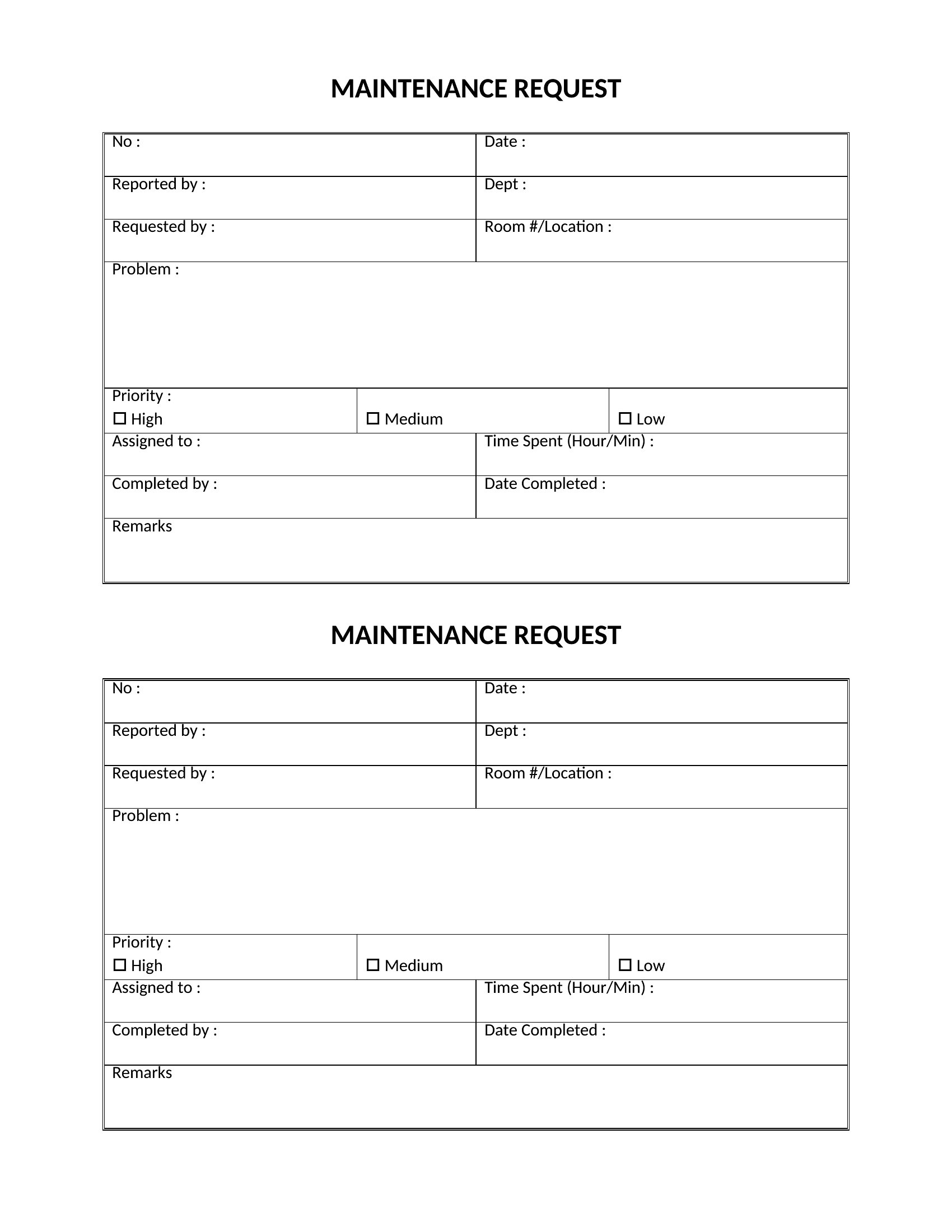
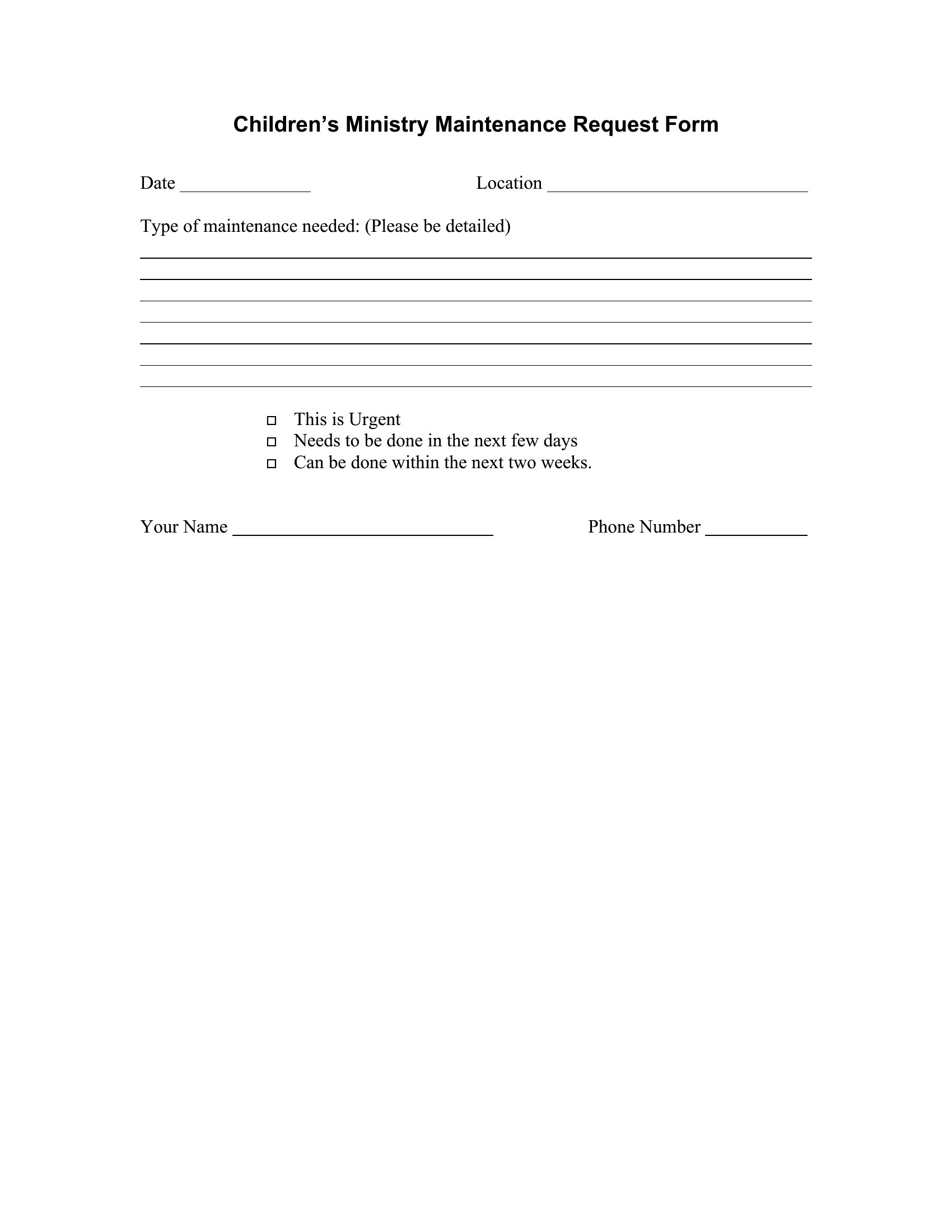
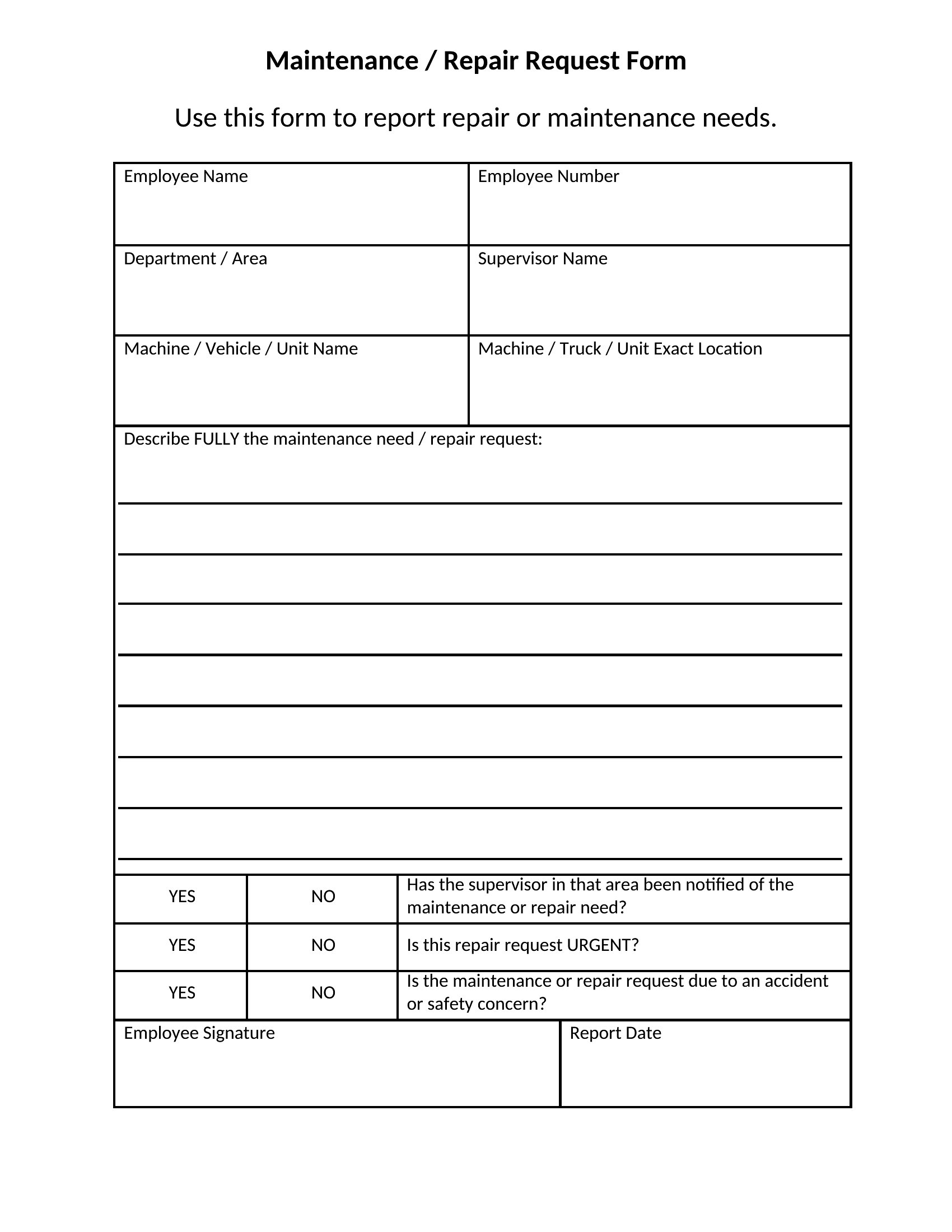
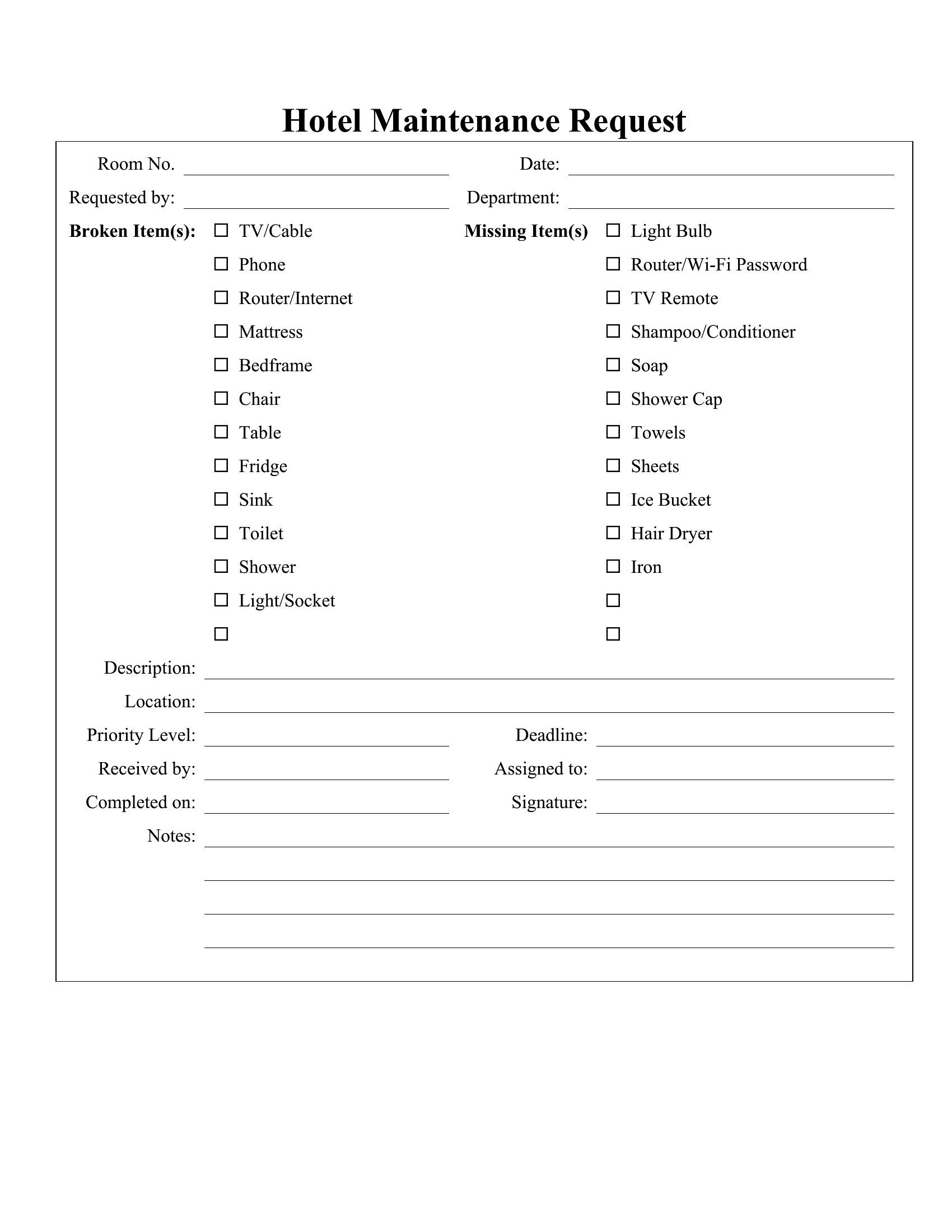
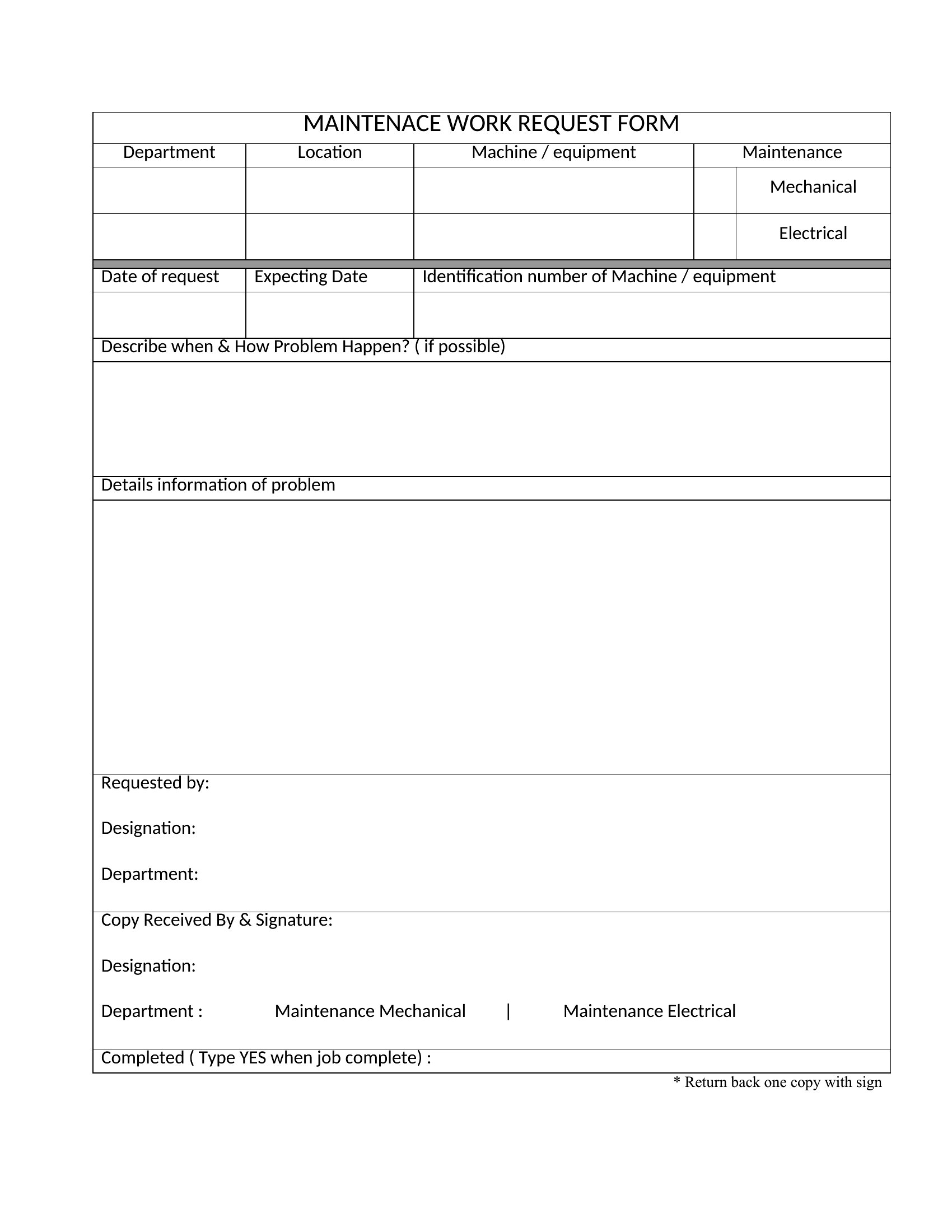
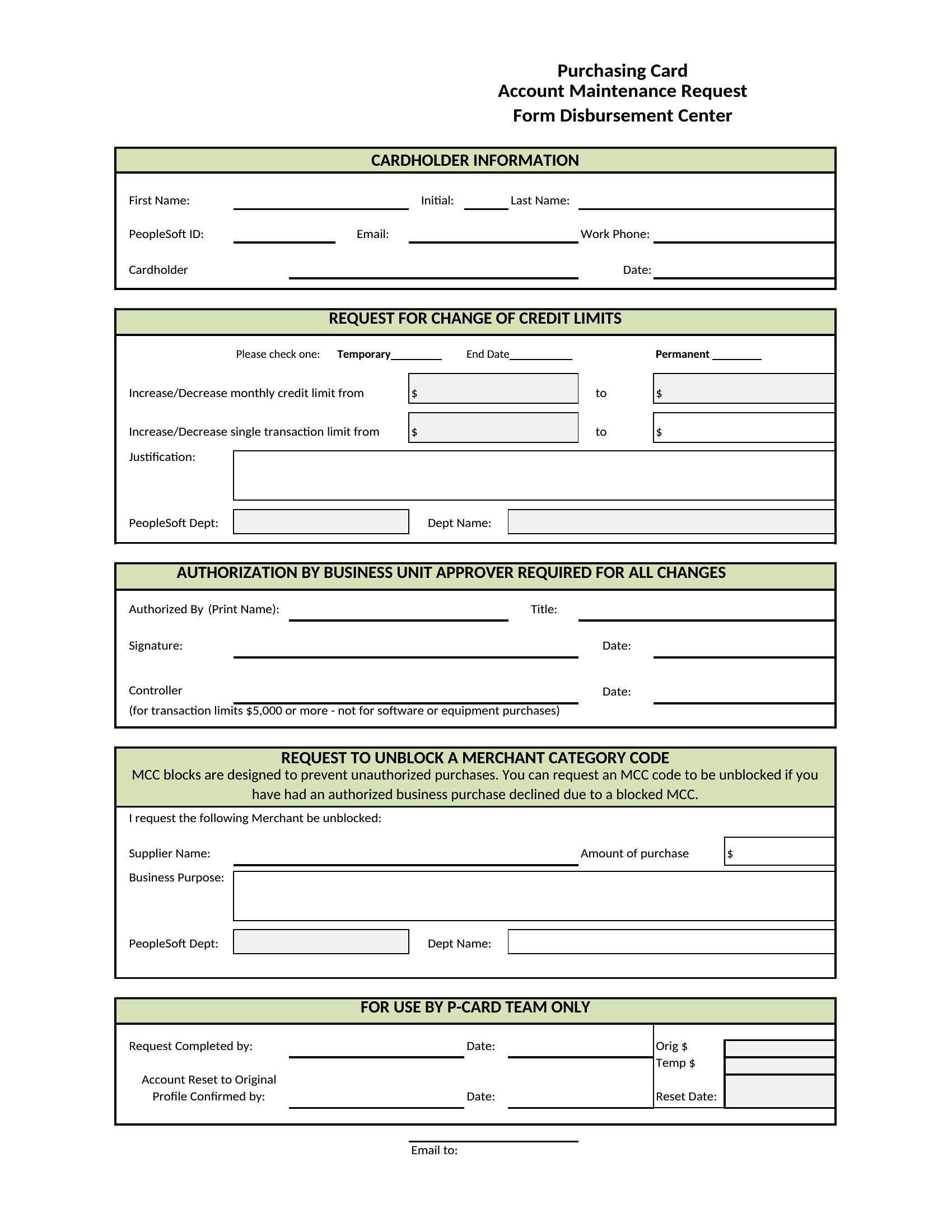
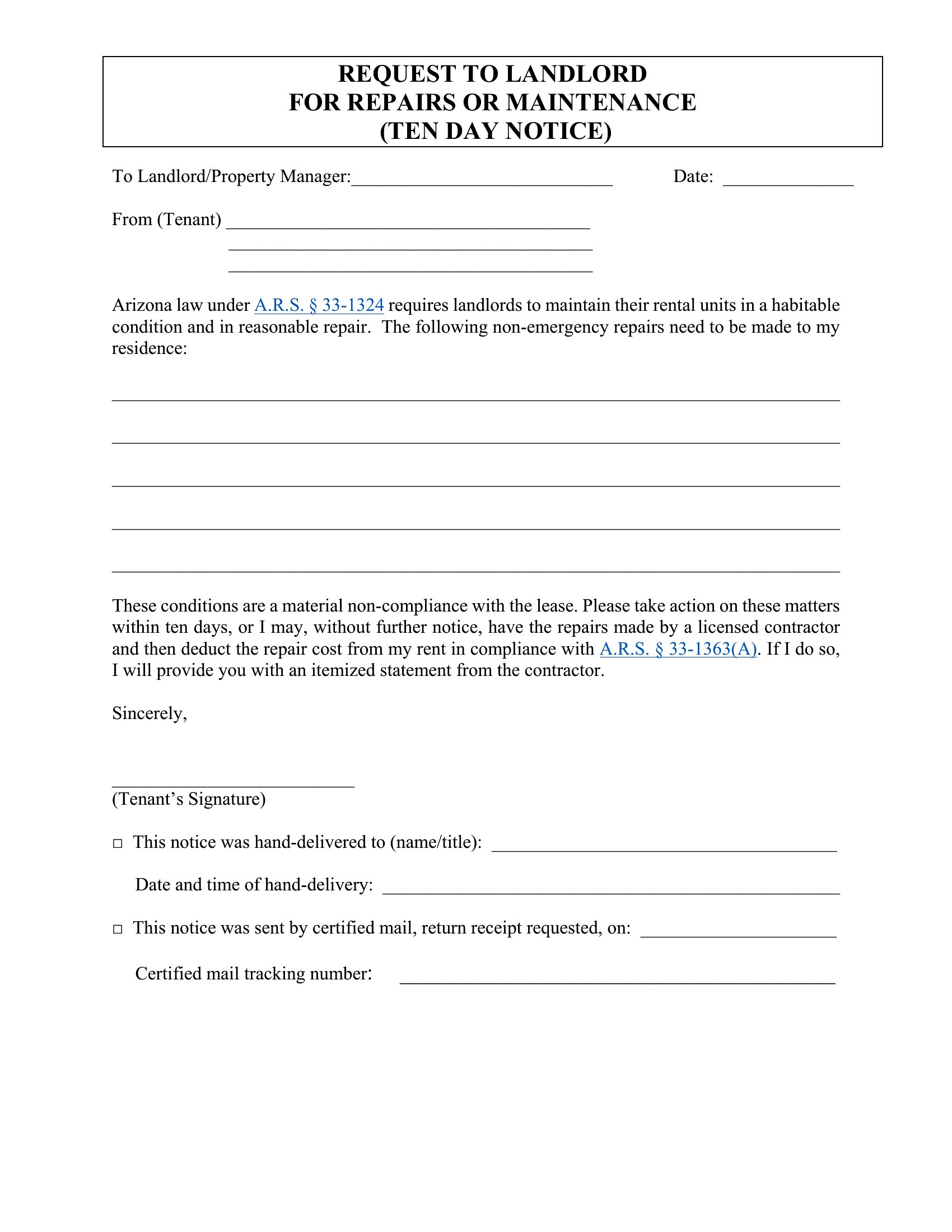
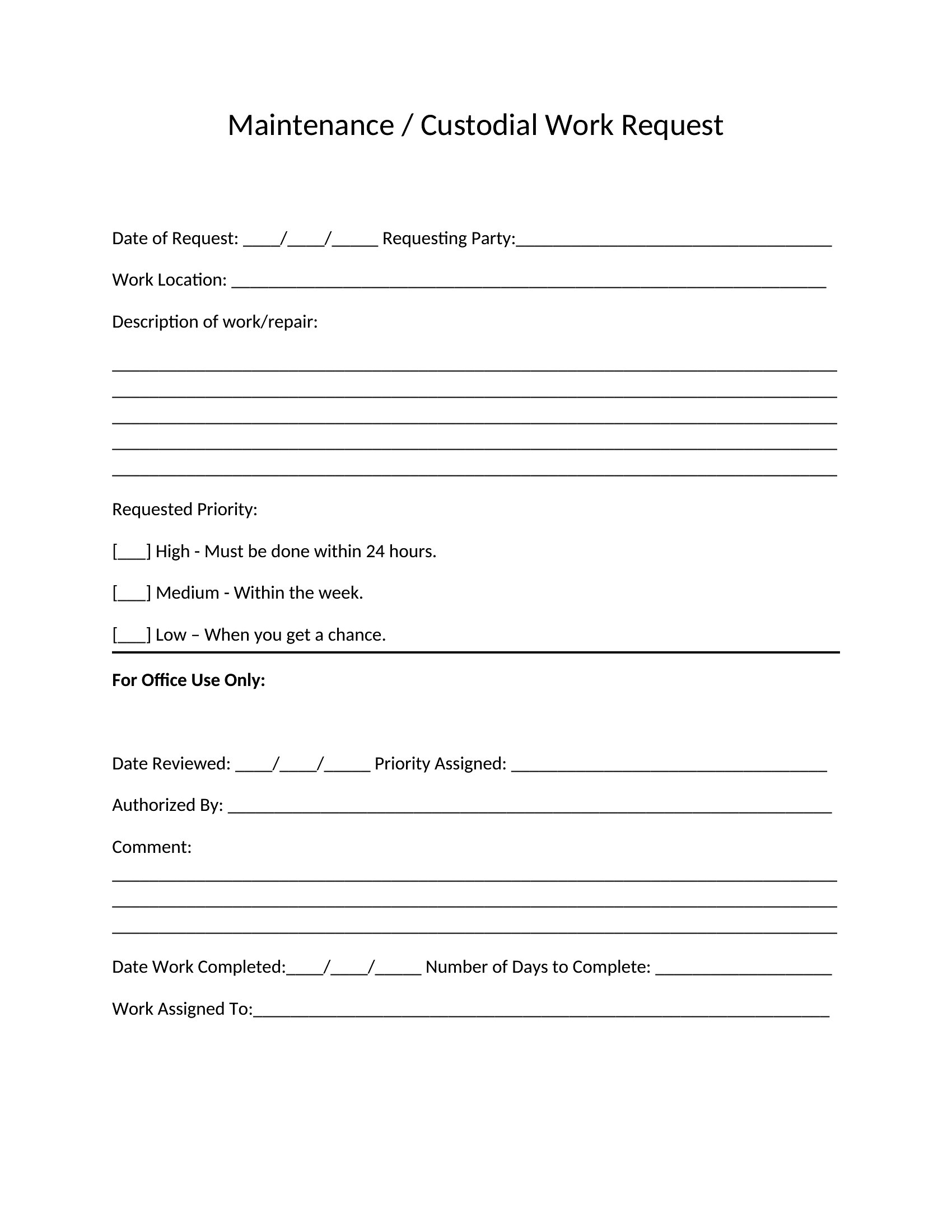
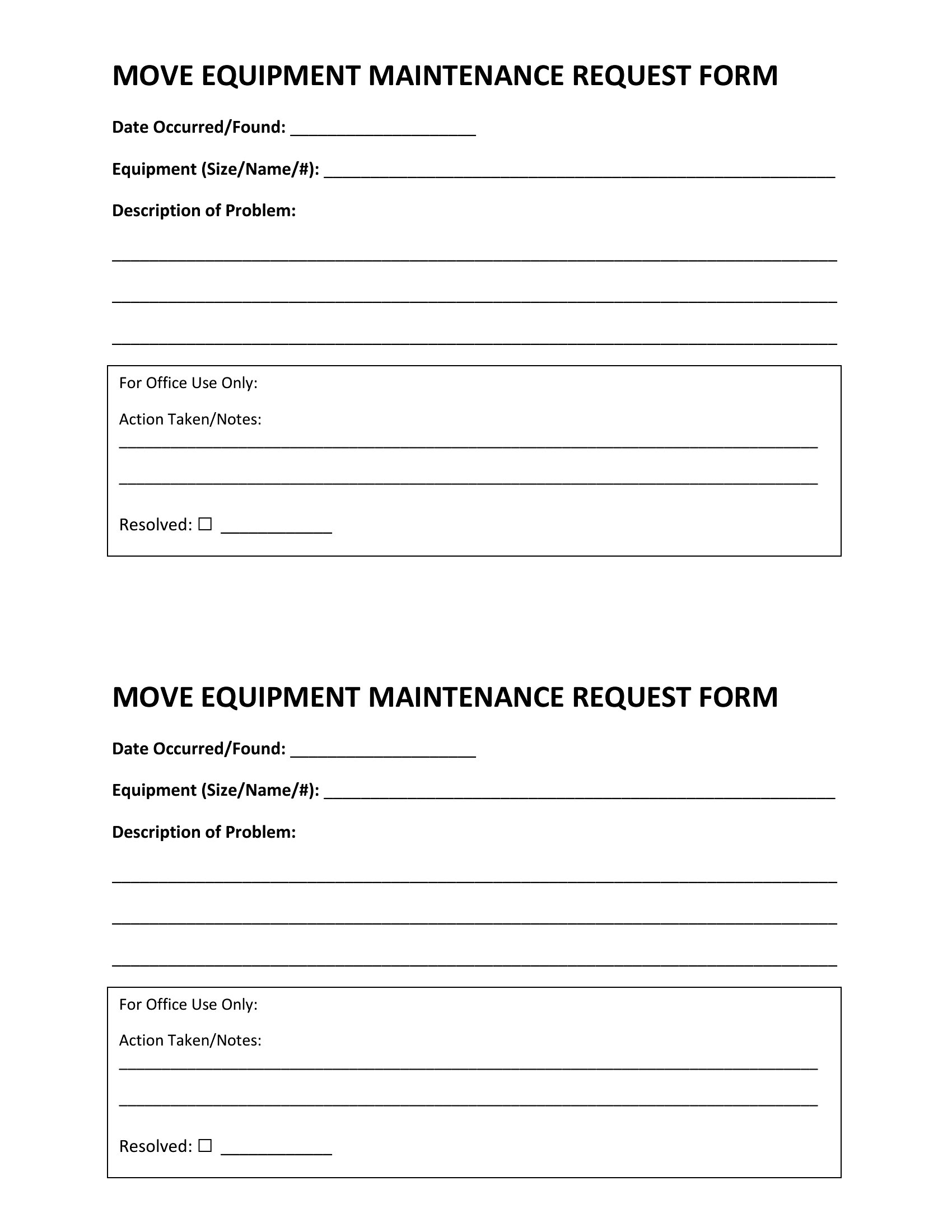
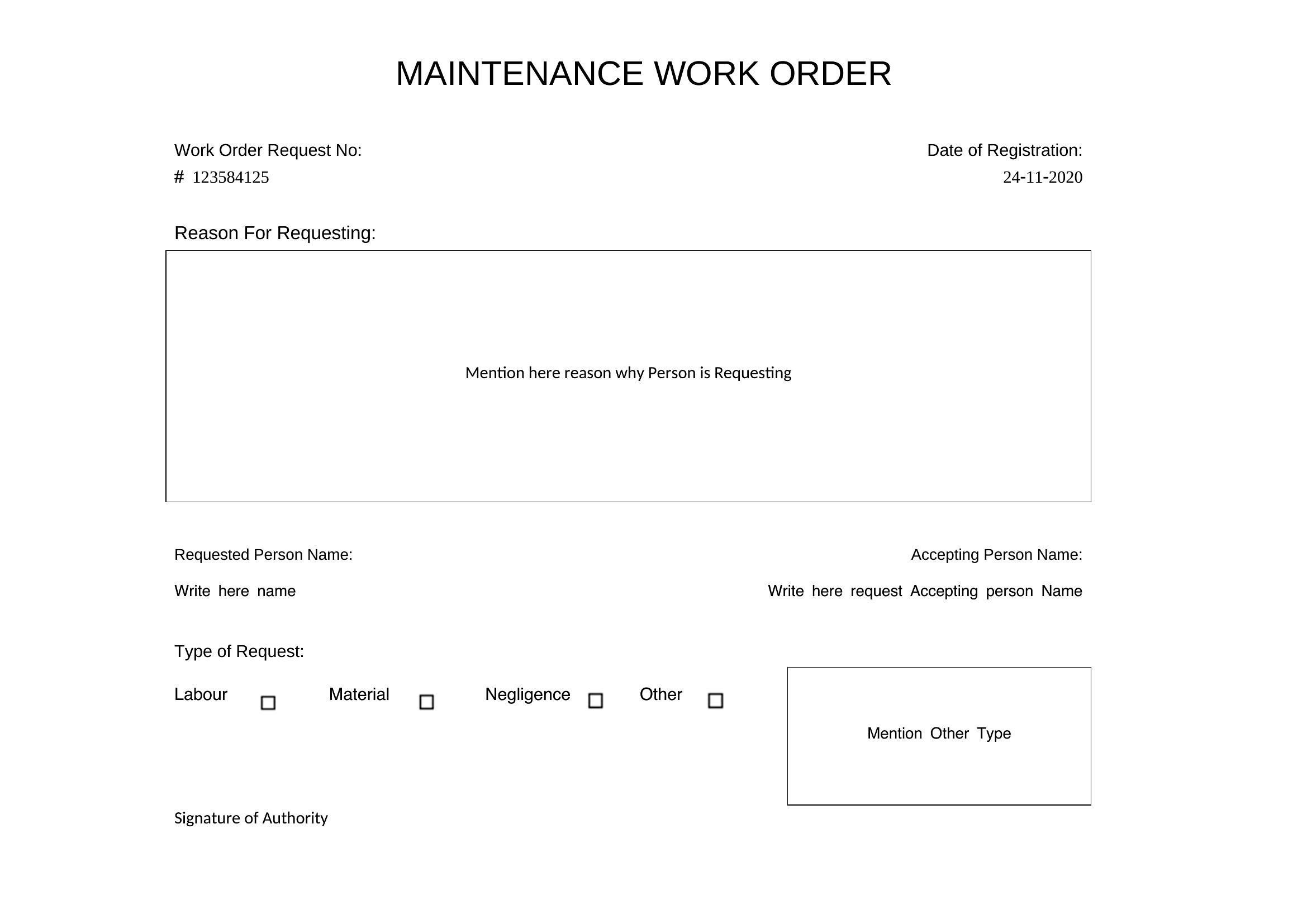
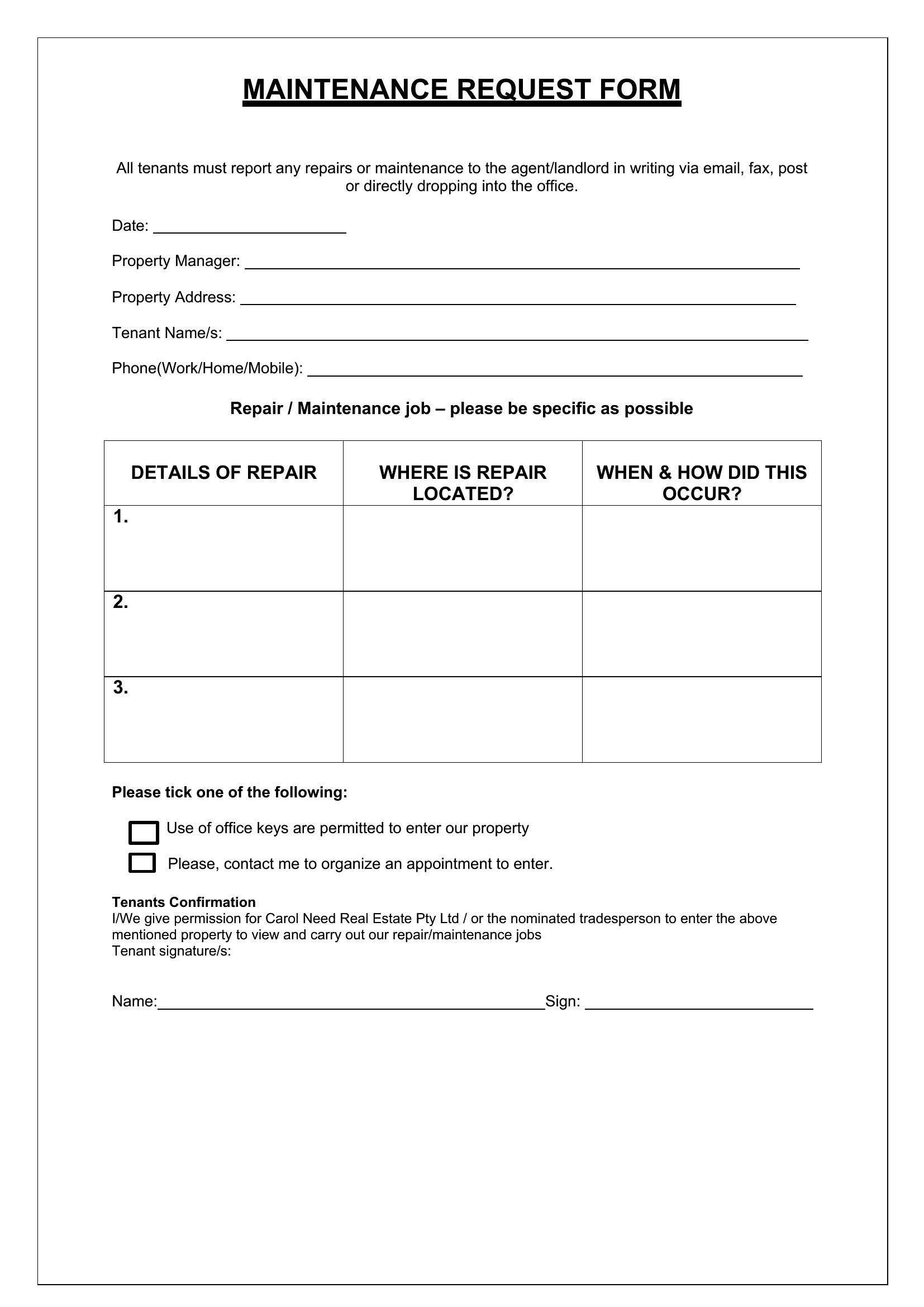
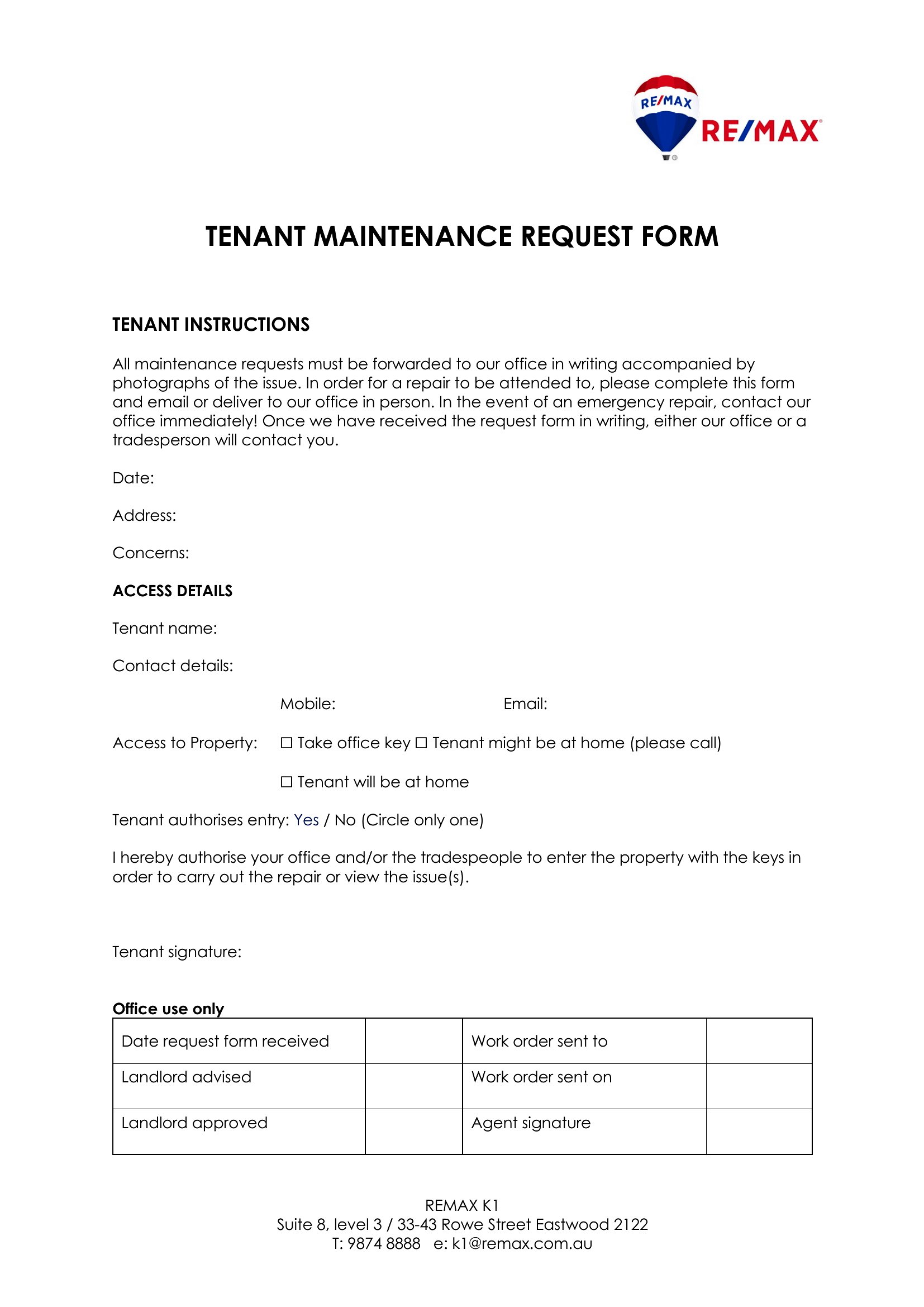
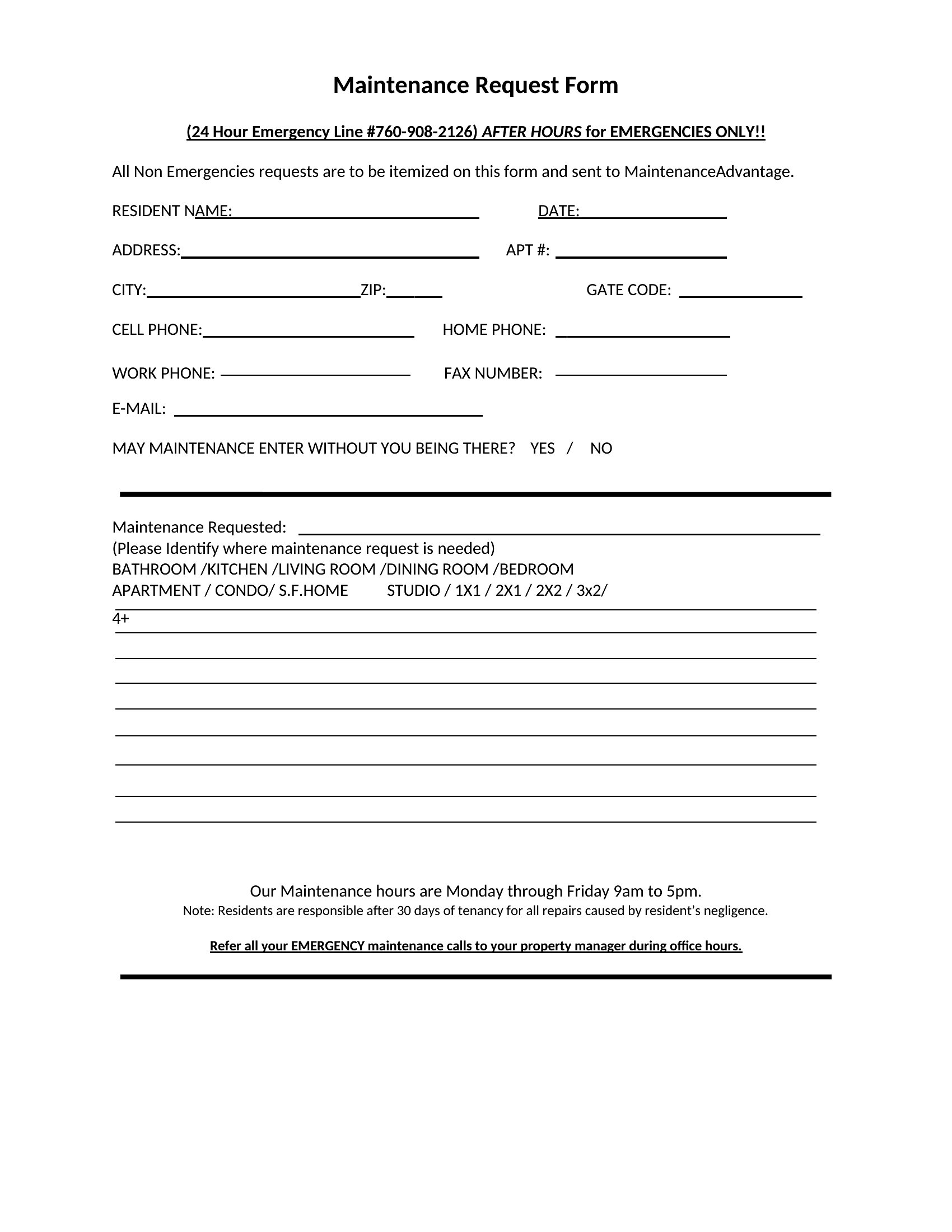
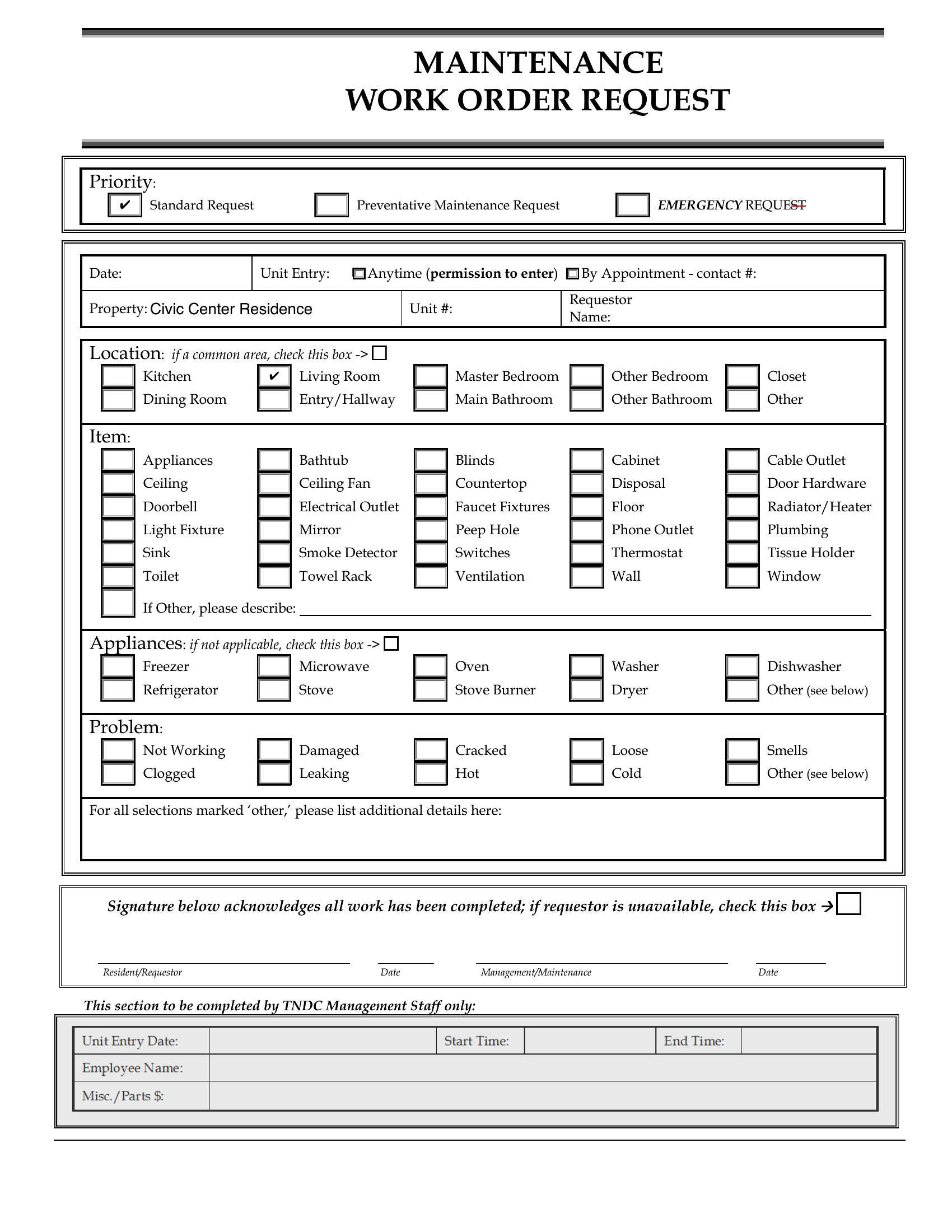
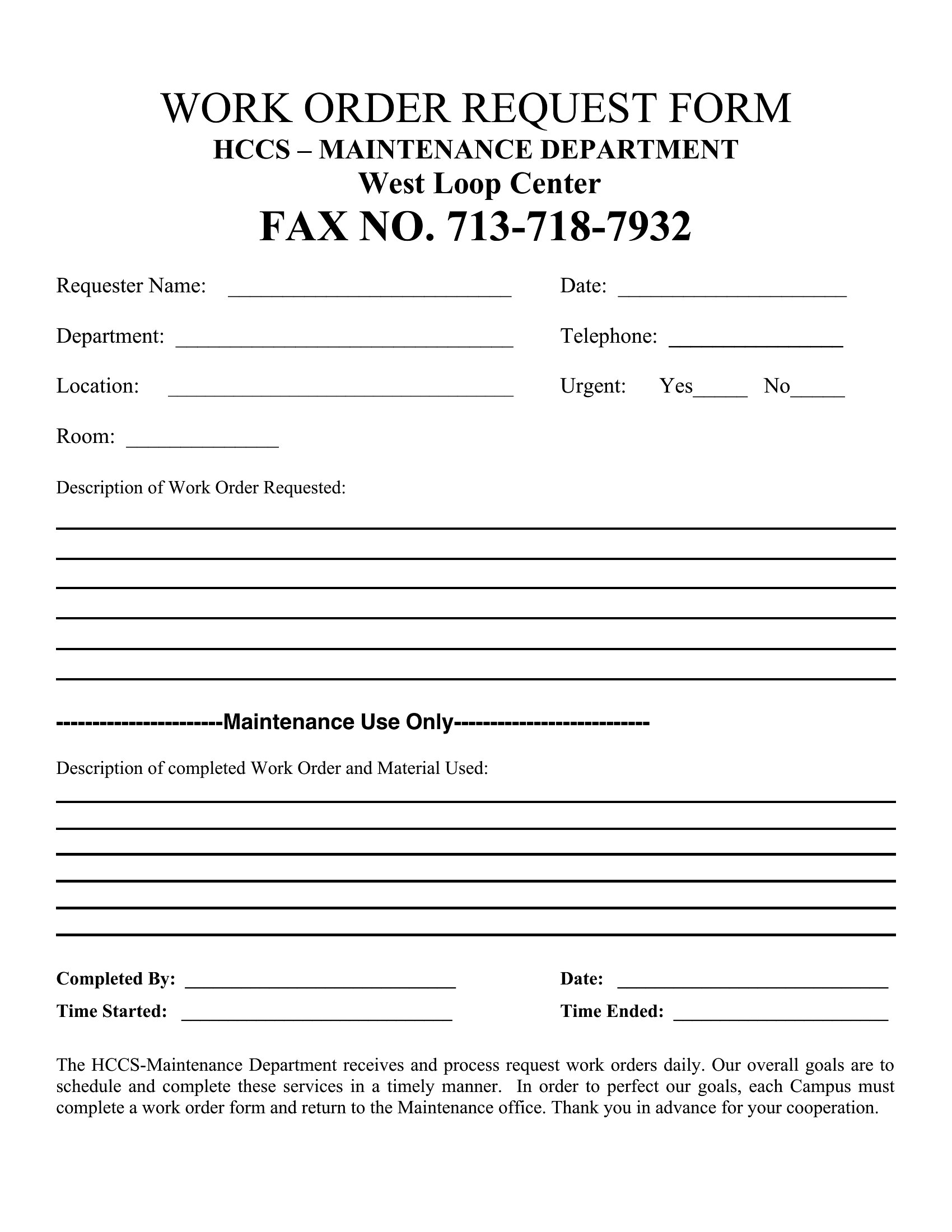
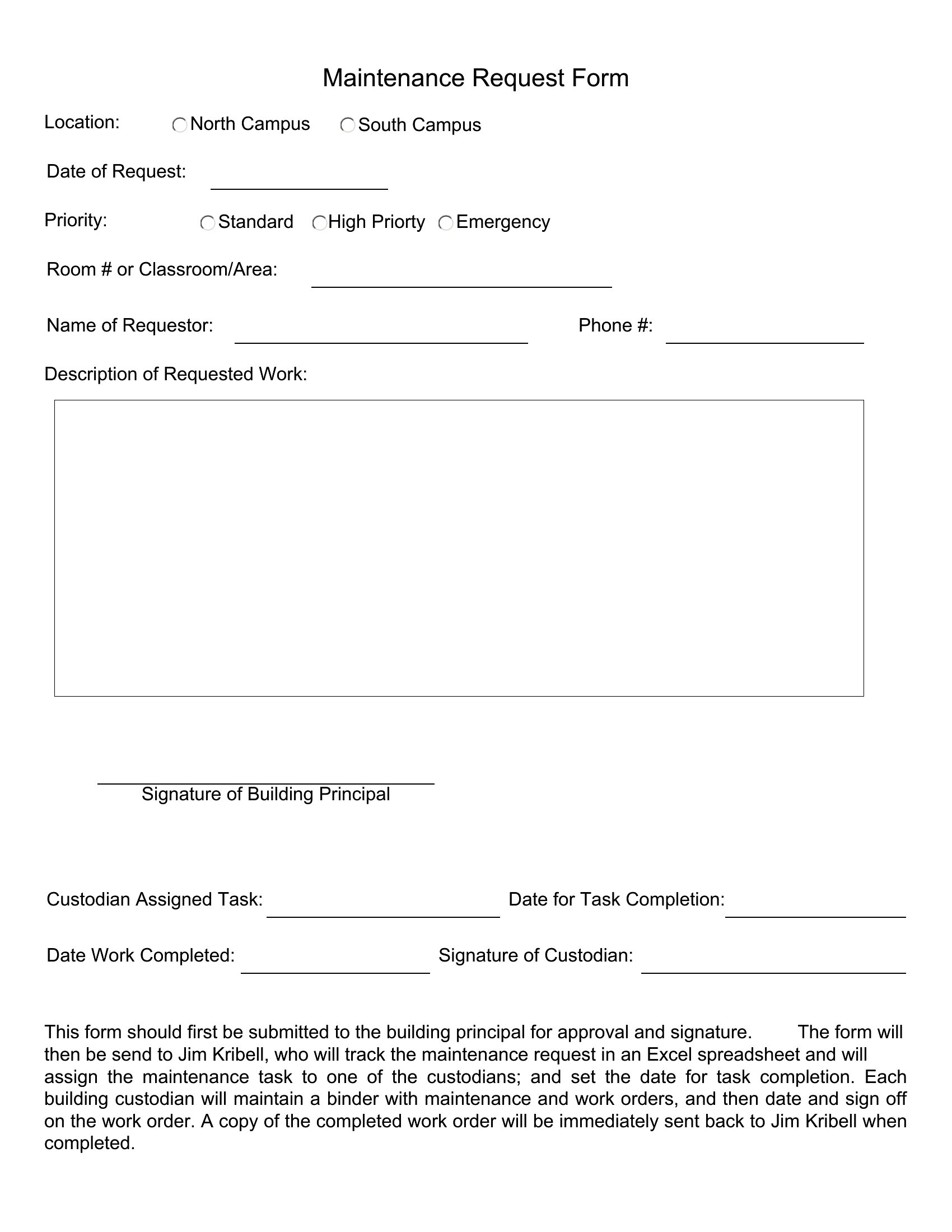
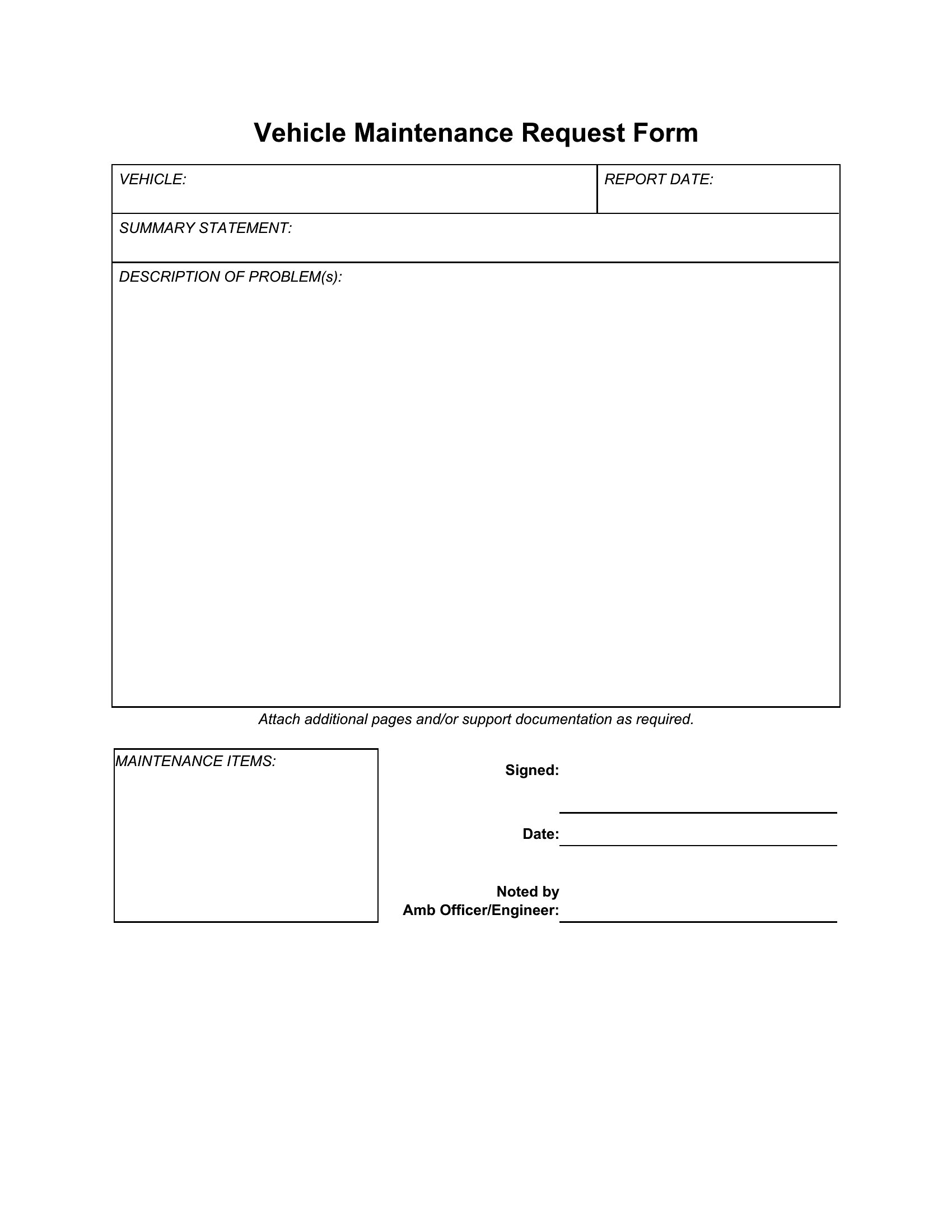
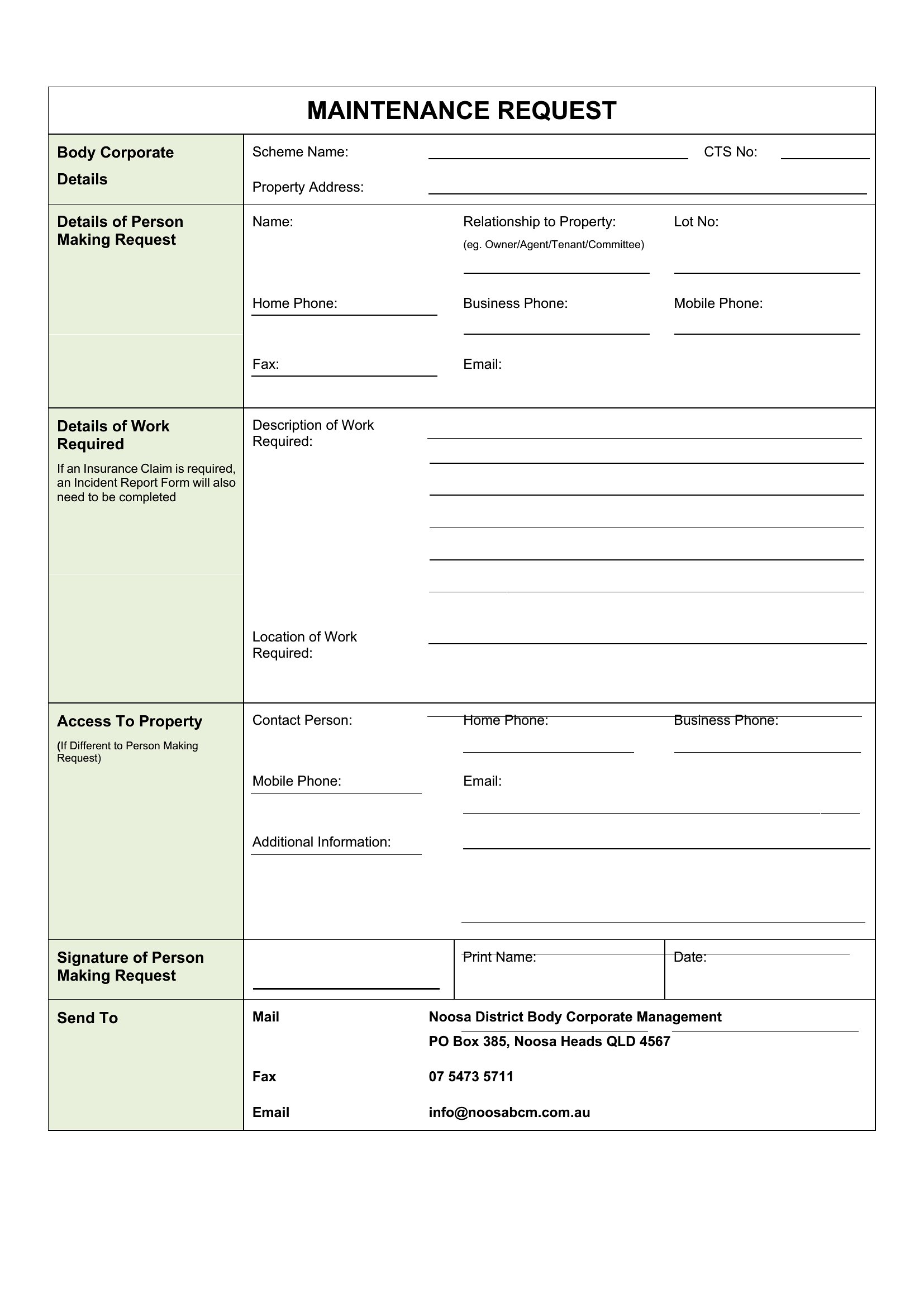
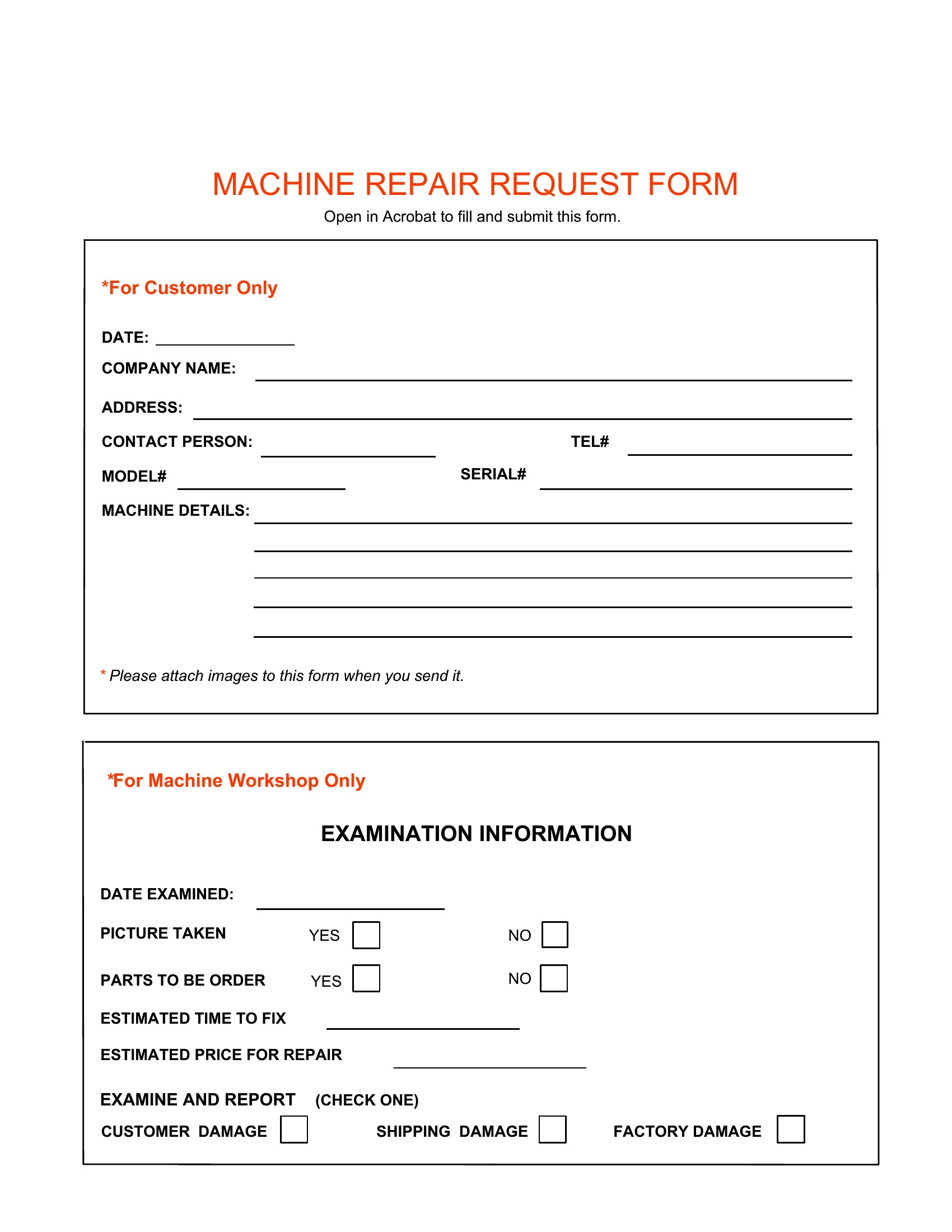
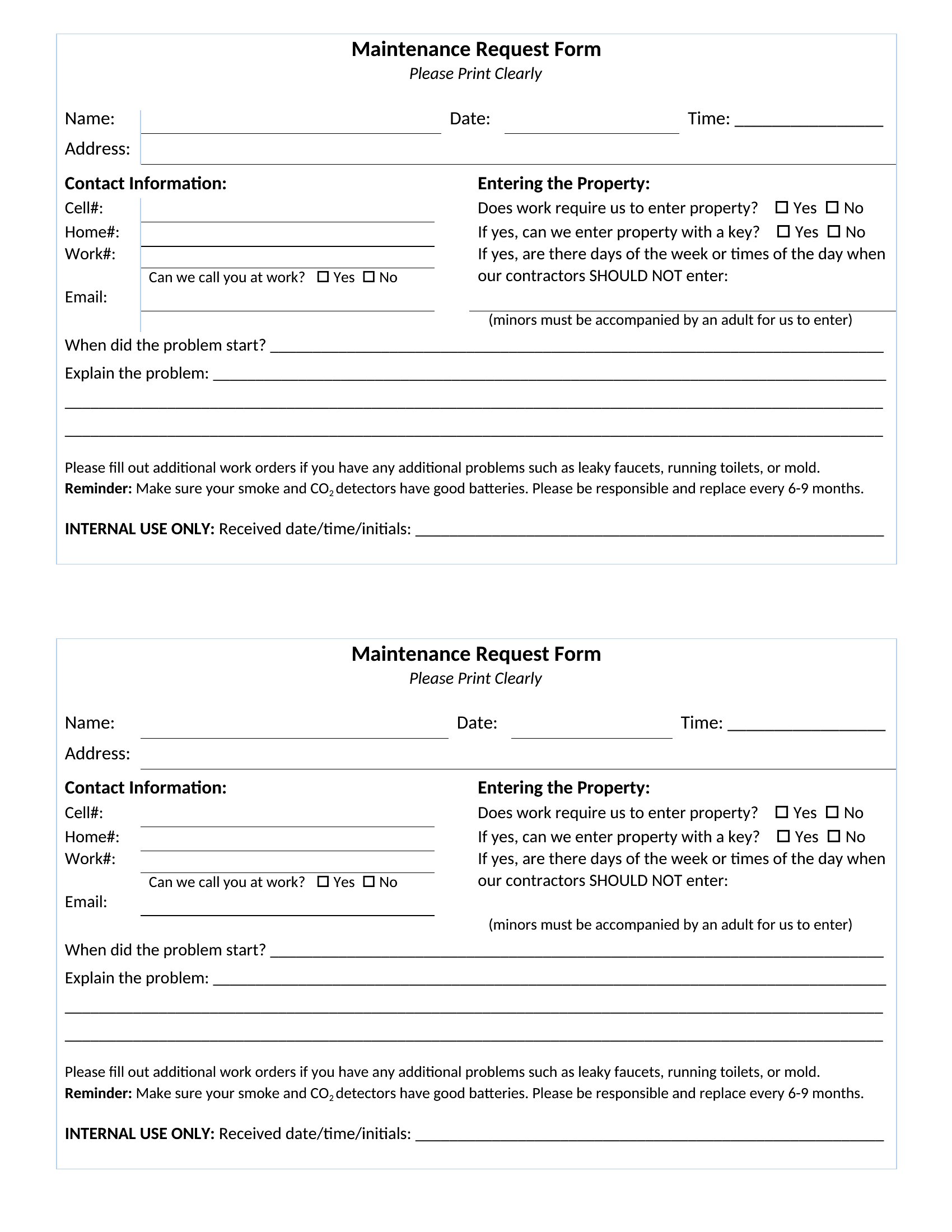
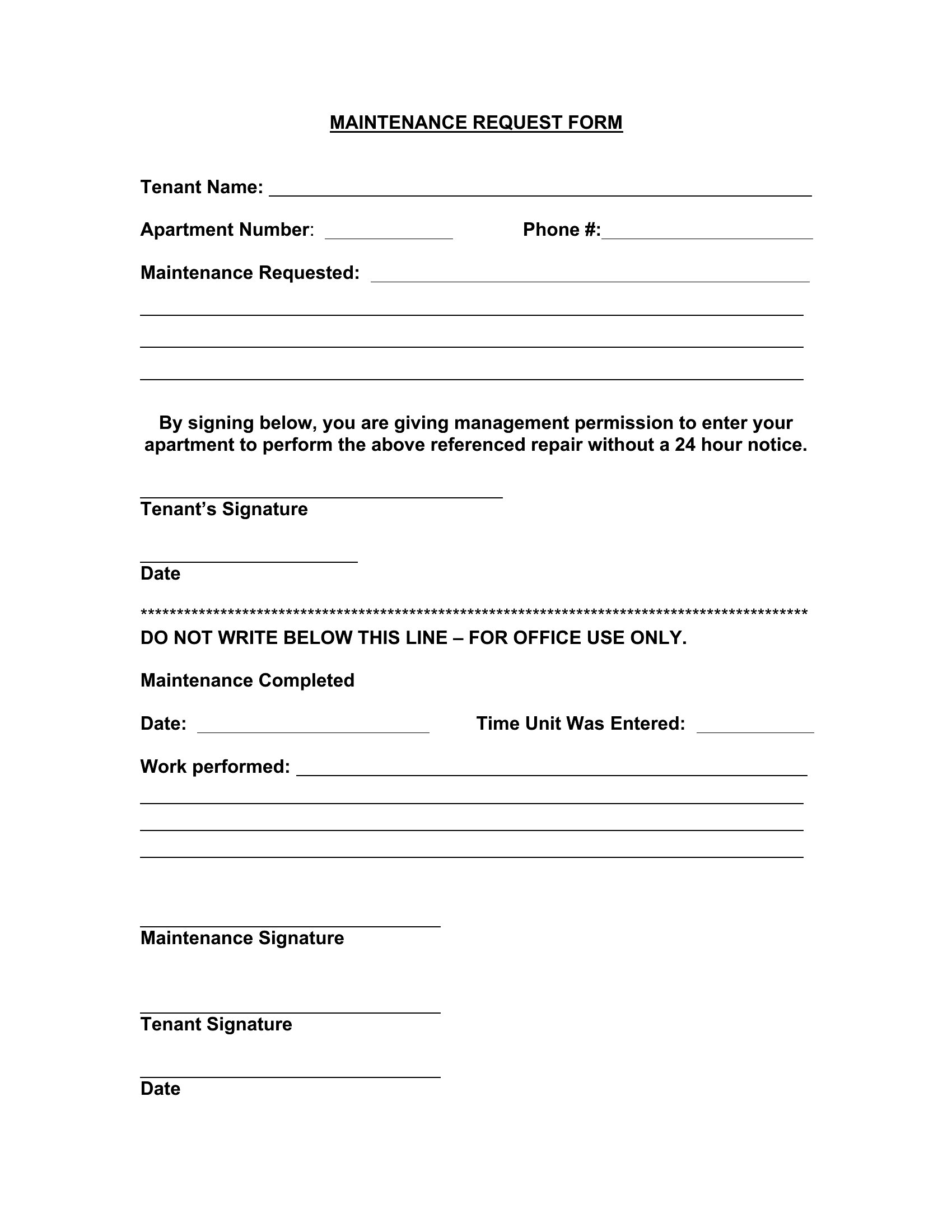
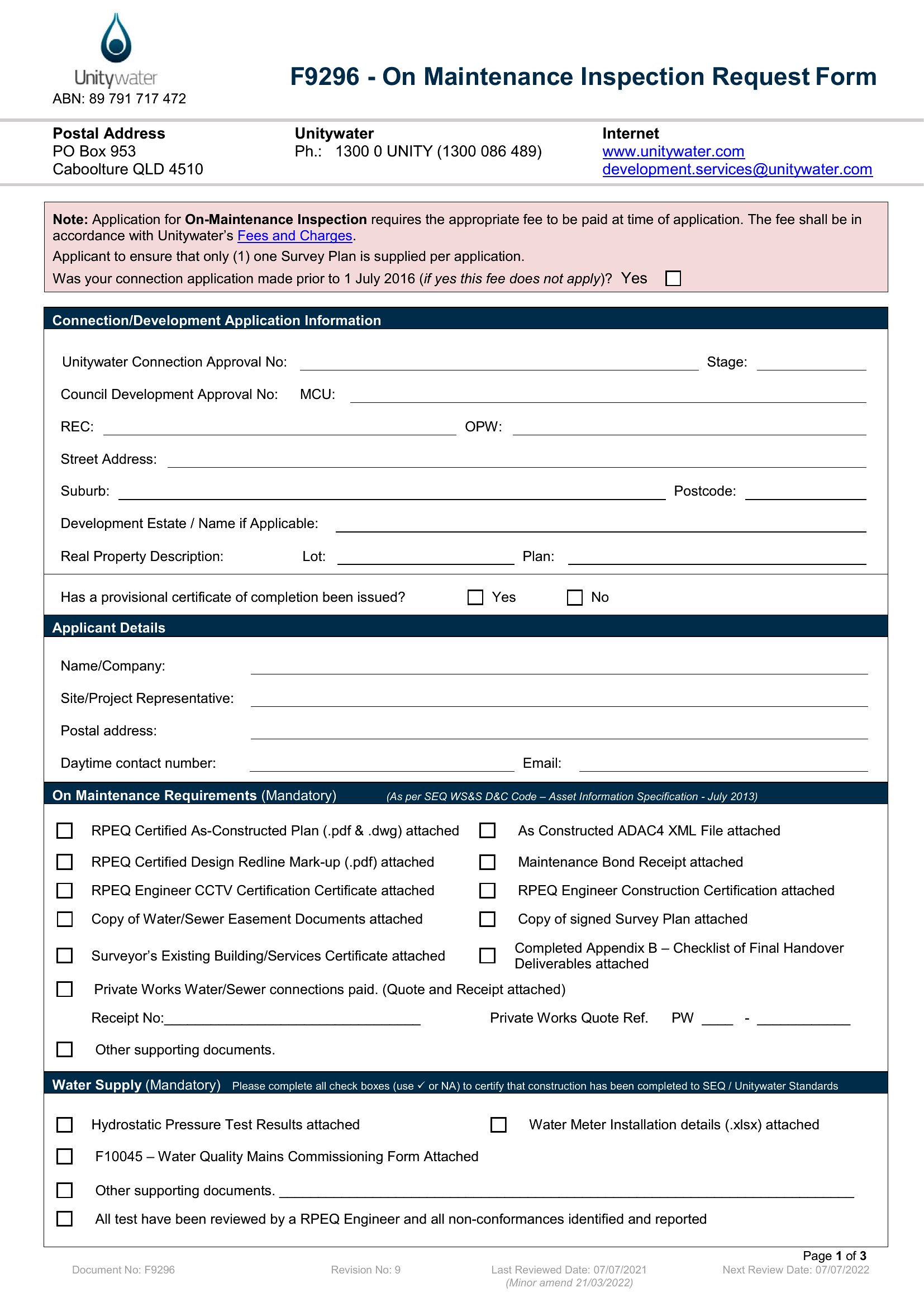
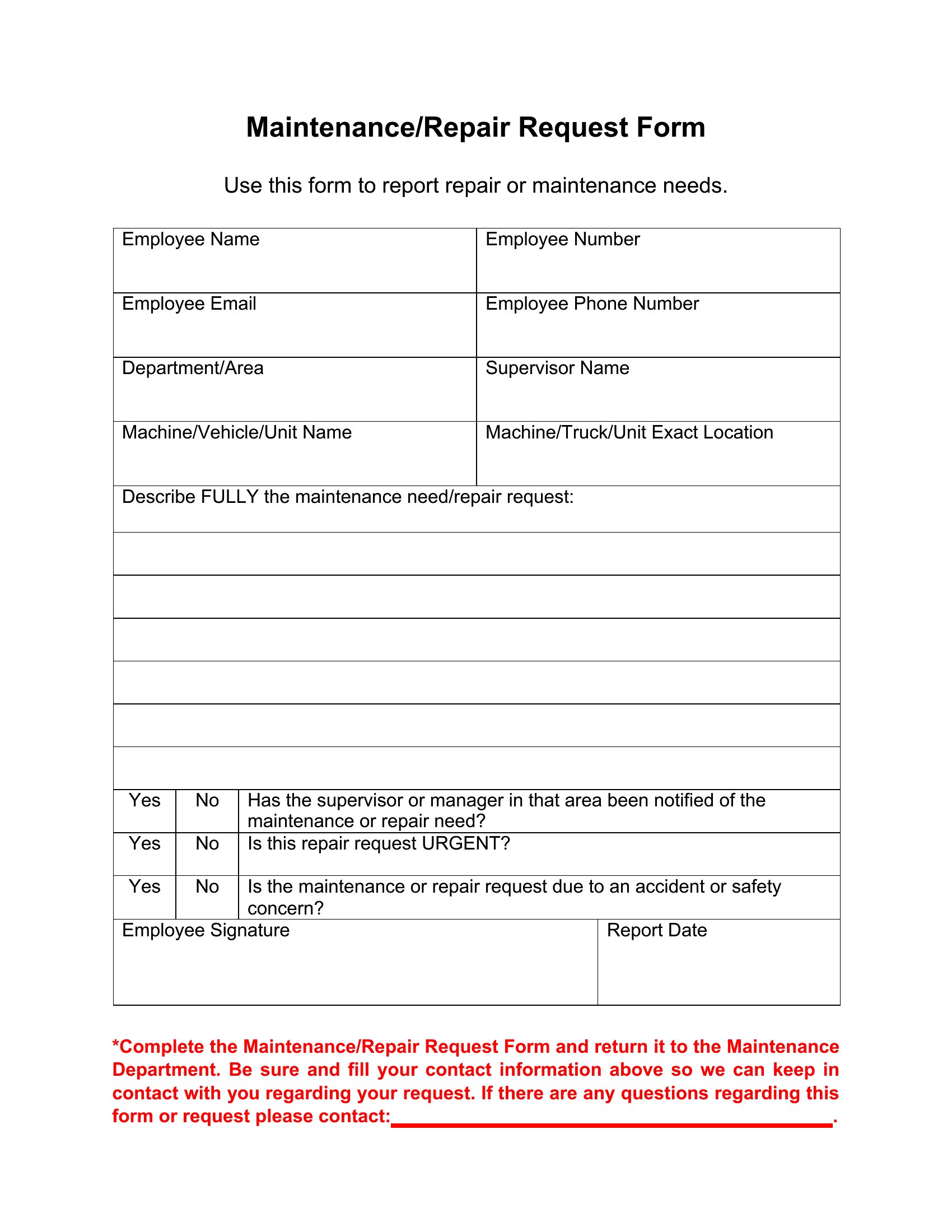
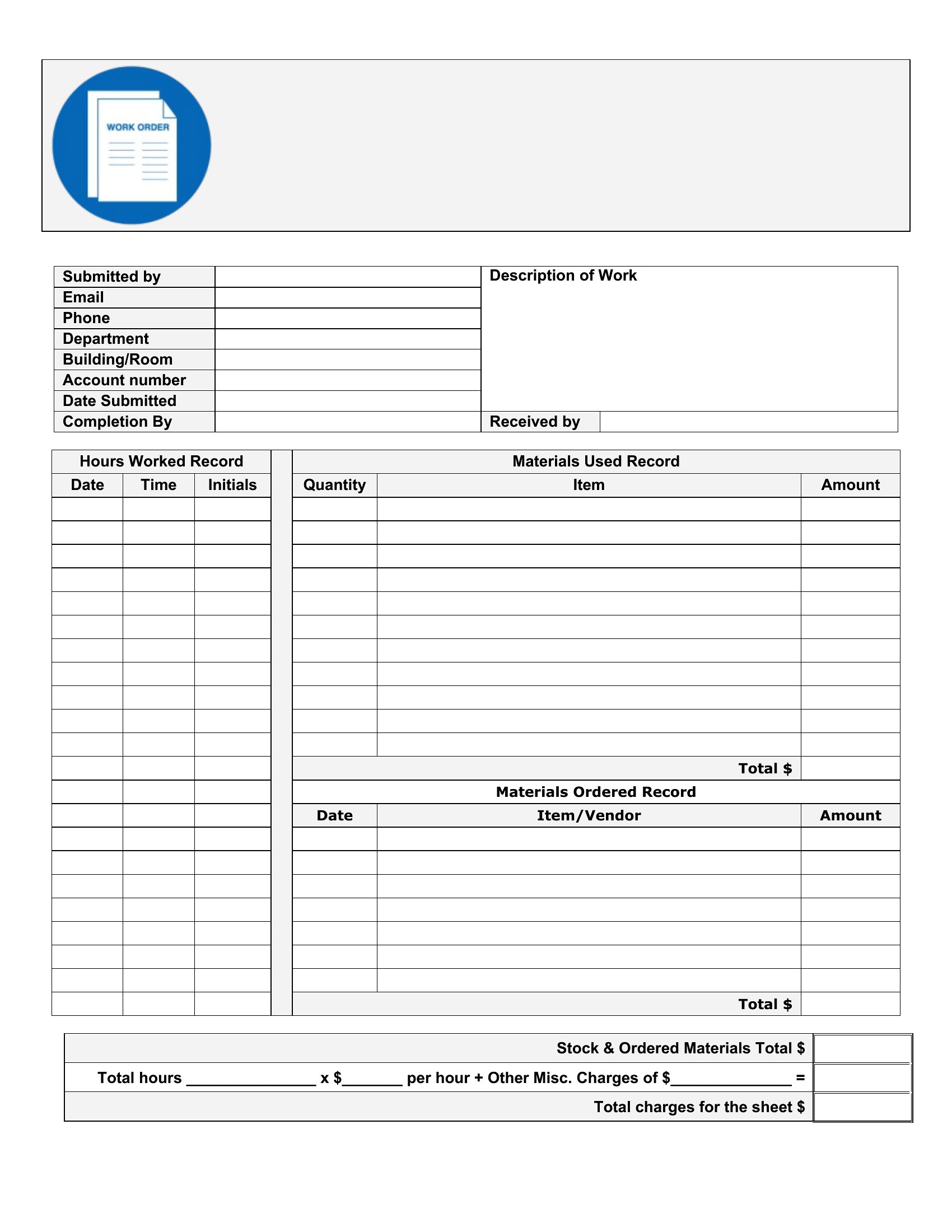
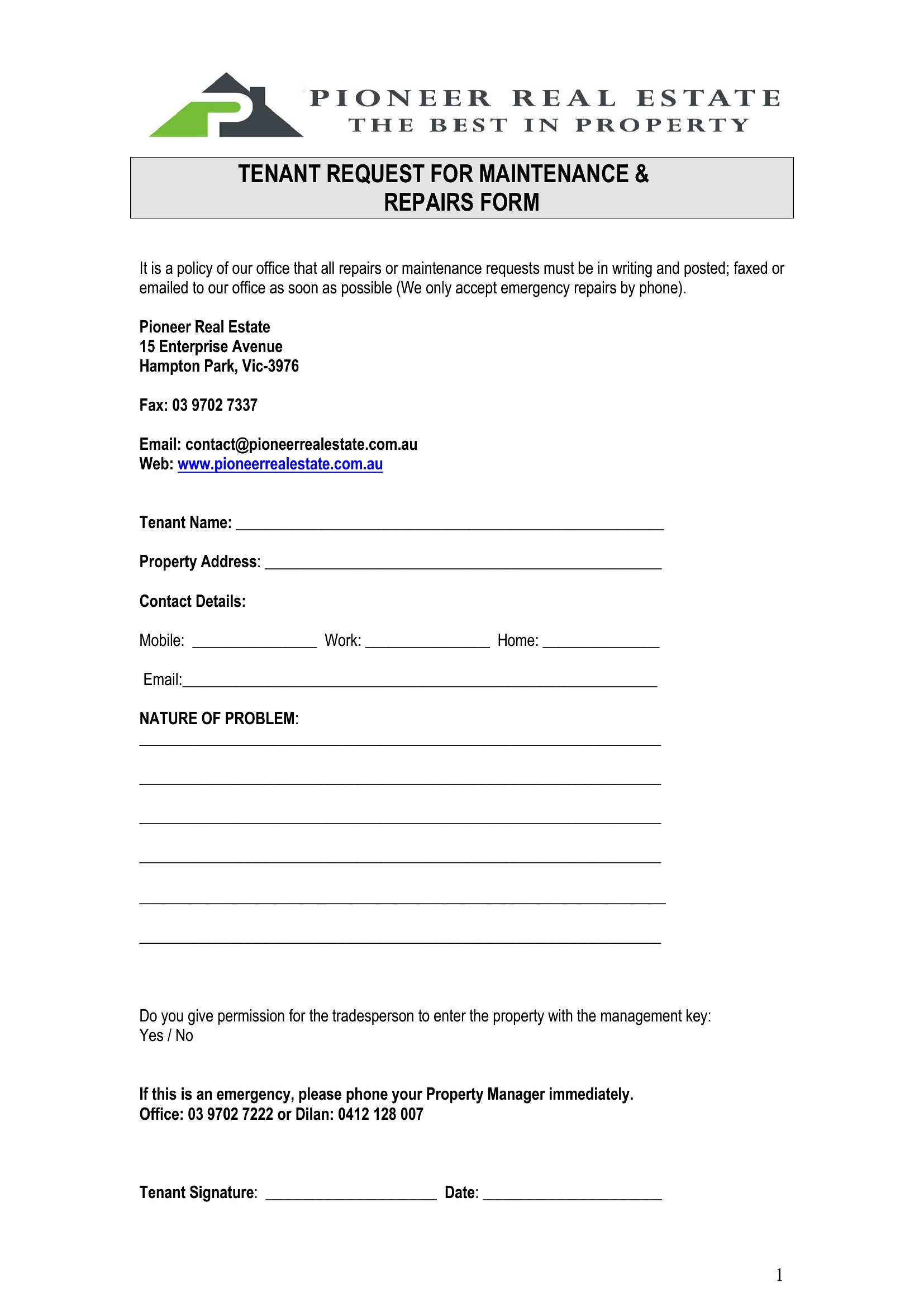
ApplicationsTenants and staff need an easy way to report a leak, a broken appliance, or a faulty light, and a maintenance request form makes those requests trackable. This collection of 65 templates helps landlords, property managers, and facilities teams log who reported what, where, and how urgent it is, so nothing slips through the cracks.
You'll find Word and PDF versions for printed or emailed requests, plus Excel sheets for managers tracking multiple jobs at once. Add your property details, set up priority levels, and you've got a system tenants can actually use. Everything is free and ready to edit. Download the form that fits your setup and improve how repairs get reported.
When to use this Maintenance Request Form template
- A property manager at a 50-unit apartment complex needs a digital form to streamline tenant repairs, ensuring urgent issues like plumbing leaks get prioritized while tracking follow-ups without phone tag.
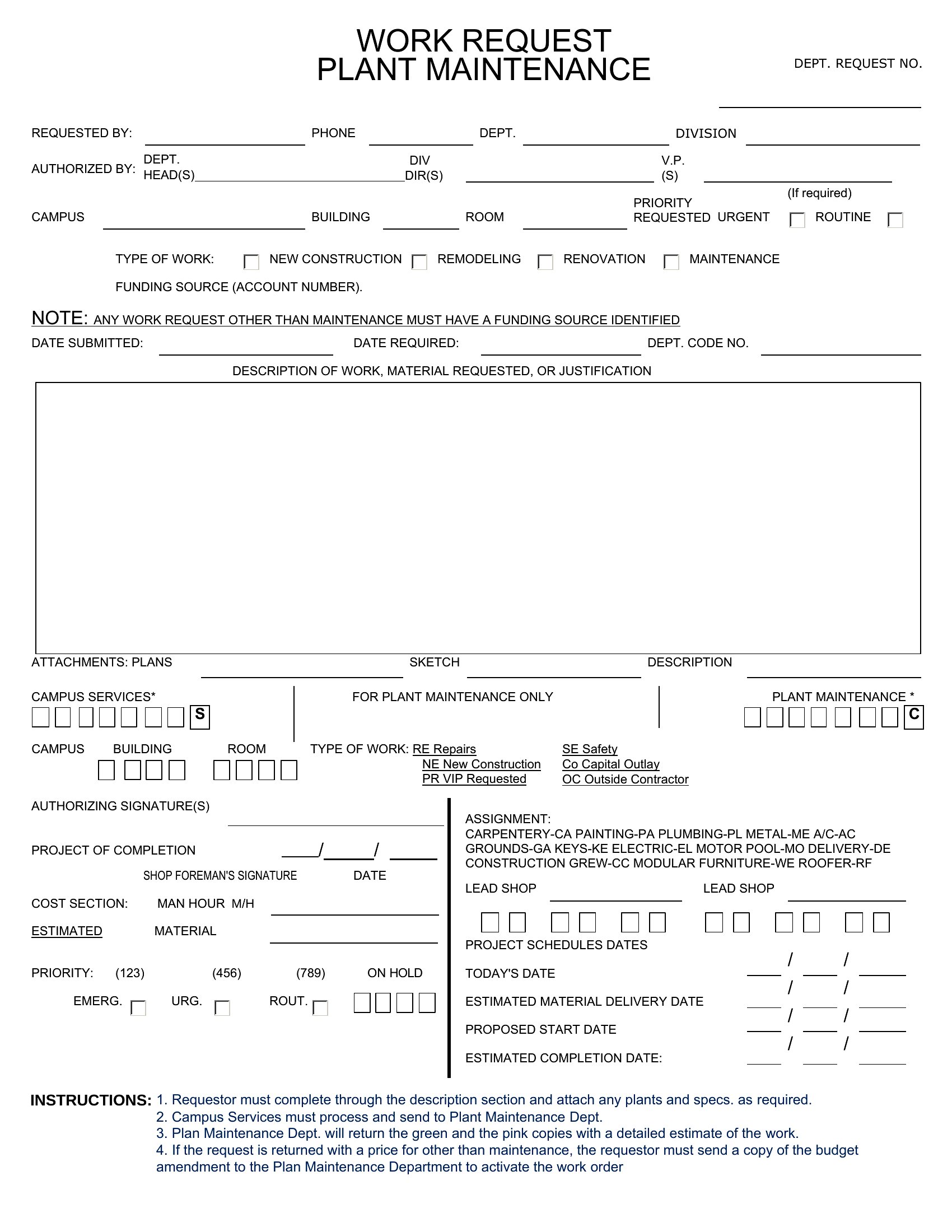
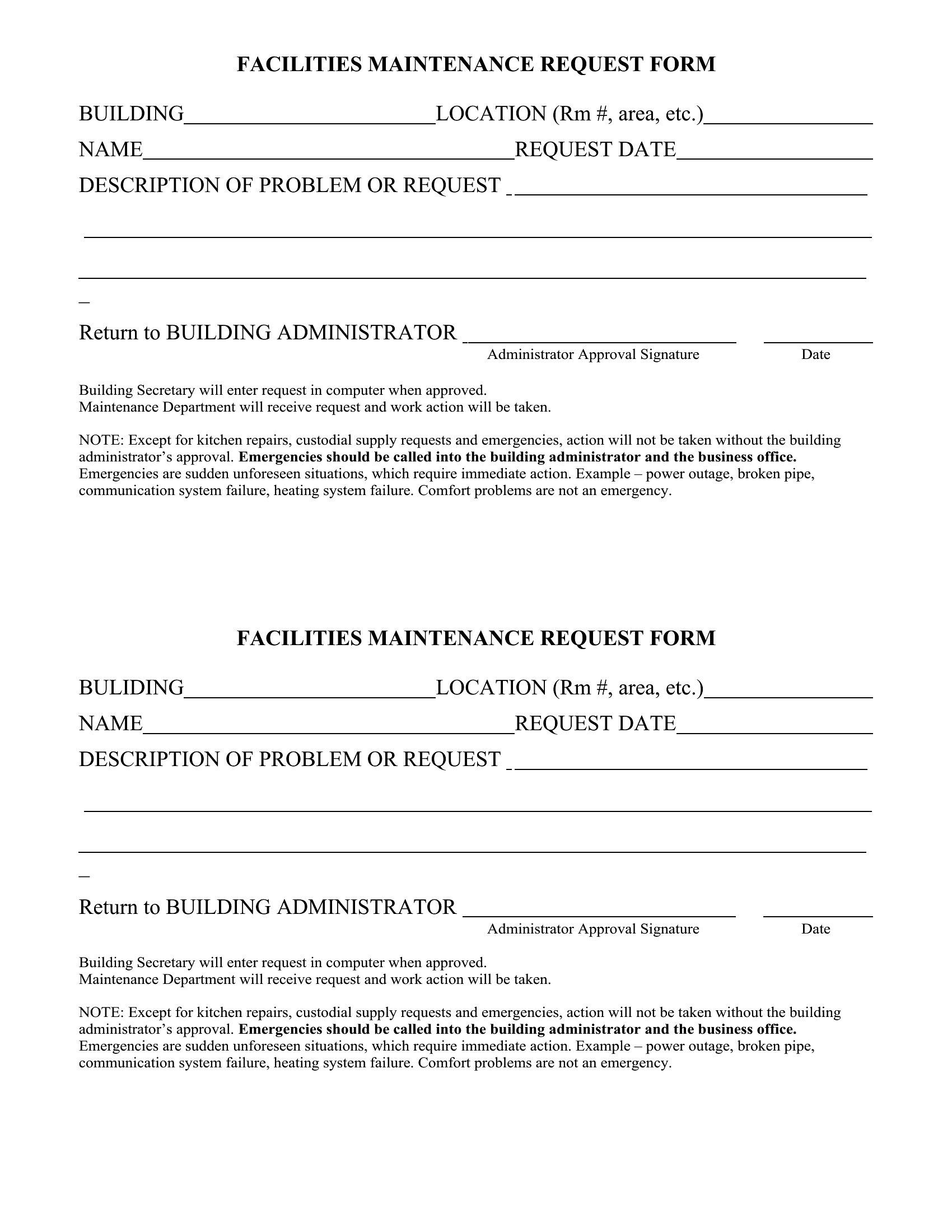
- Facilities staff at a corporate office building uses a printable form to log maintenance requests from employees, categorizing them by department and criticality so repair crews can respond faster during business hours.
- A landlord with multiple rental properties requires a customizable template to document maintenance requests from tenants, including photos and urgency ratings, so repair contractors can address issues systematically.
- A nonprofit housing organization needs a simple, bilingual form to collect maintenance requests from low-income tenants, ensuring requests are organized and assigned to volunteers or contractors efficiently.
Which format should I download?
Choose Word if you need a fully editable template that tenants or staff can fill out digitally before printing or emailing—ideal for internal teams that want to adjust fields or add branding. Opt for Excel when tracking requests alongside work orders, budgets, or completion statuses in a spreadsheet for data analysis. Select PDF for a no-frills, print-ready form that tenants can fill by hand or email as an attachment, ensuring compatibility across devices without editing tools.
How to use this Maintenance Request Form template
Can I include specific fields like tenant name or unit number in the form?
Yes, most templates in this collection include customizable fields for tenant names, unit numbers, dates, descriptions of issues, and urgency levels. You can easily add or remove fields in Word or Excel to match your property’s needs. PDFs are best left as fillable forms if you want locked-in fields for consistency.
How do I ensure the form captures the urgency of a maintenance issue?
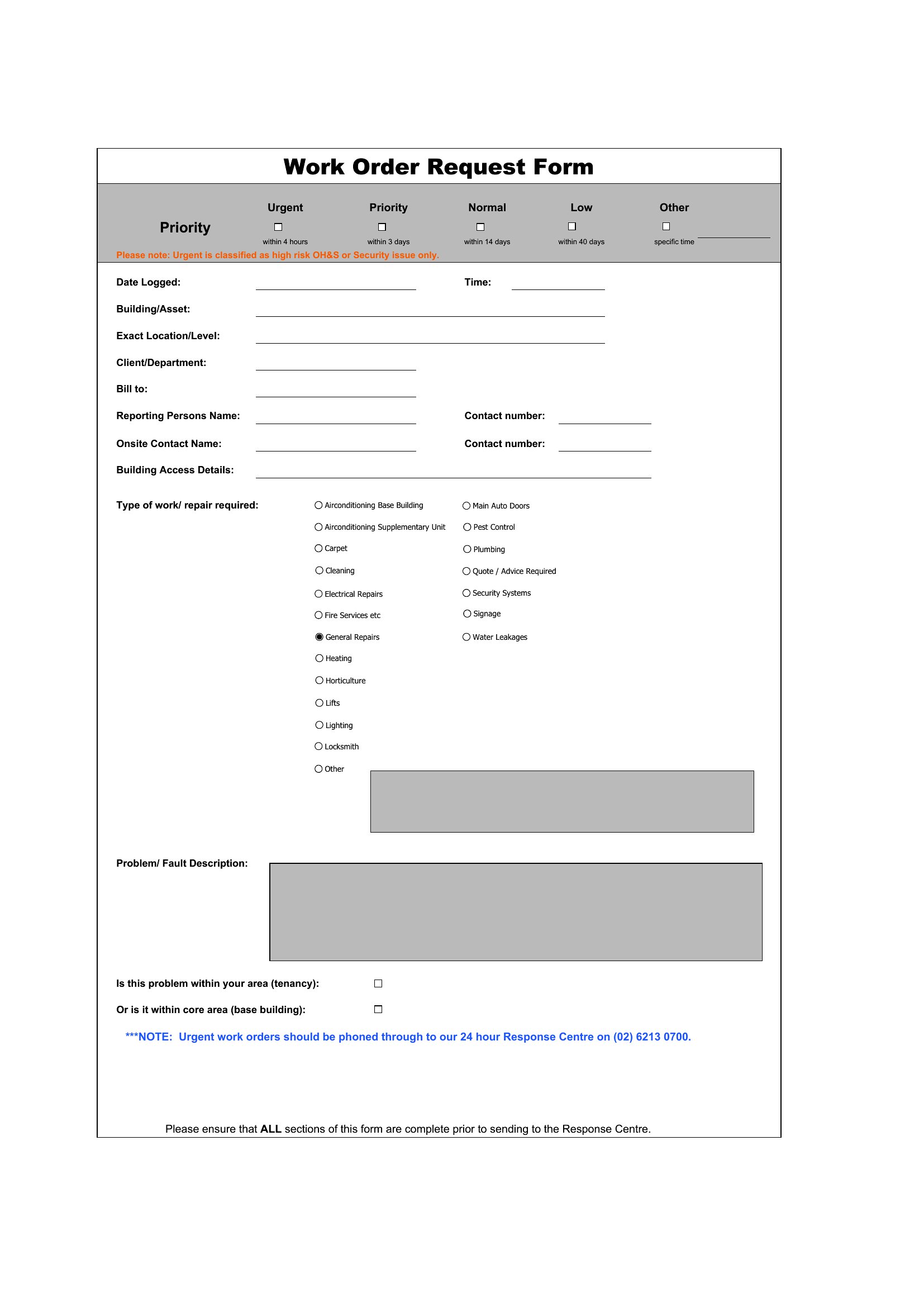
Many templates feature dropdown menus or checkboxes for urgency levels (e.g., ‘Emergency,’ ‘High,’ ‘Low’). For Word/Excel, you can add color-coding or conditional formatting to highlight critical requests. In PDFs, use required fields to ensure tenants select an urgency before submitting.
Is there a template that works for both residential and commercial properties?
Yes, several templates in this collection are versatile enough for both uses, but commercial properties may need additional fields like ‘department affected’ or ‘downtime impact.’ Start with the general ‘Maintenance Request Form’ and adjust fields in Word or Excel to fit your specific needs.
Comments
Join the conversation
Sign in to share your thoughts and leave a comment on this resource.