

Skip to content
50% off this one-time $1.99 pack with HALFOFF — or unlimited with Pro.HALFOFF
Premium

Free Equipment Maintenance Logs (Word, Excel)

Data
marinicepinto by marinicepinto
Updated 0 downloads Quality-checked template

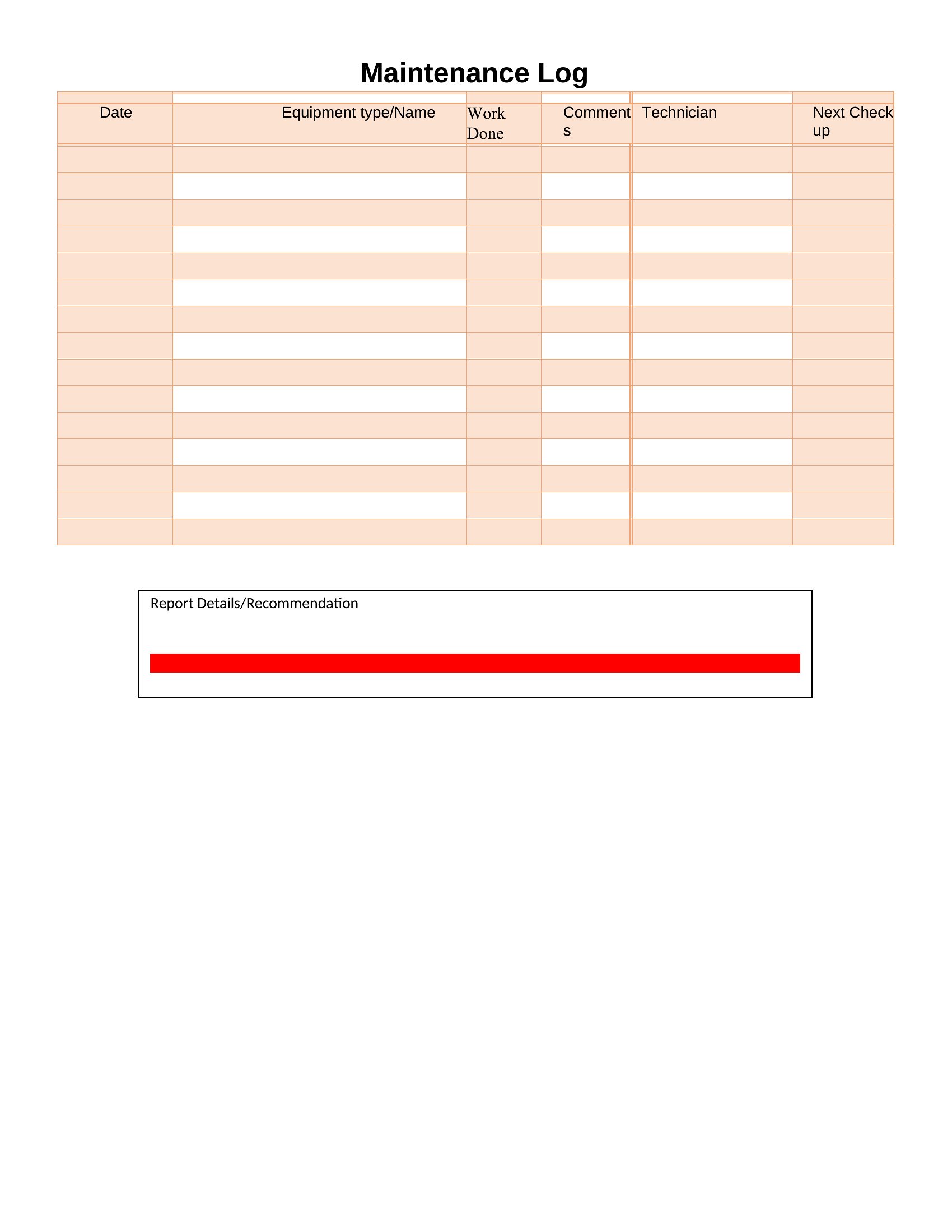
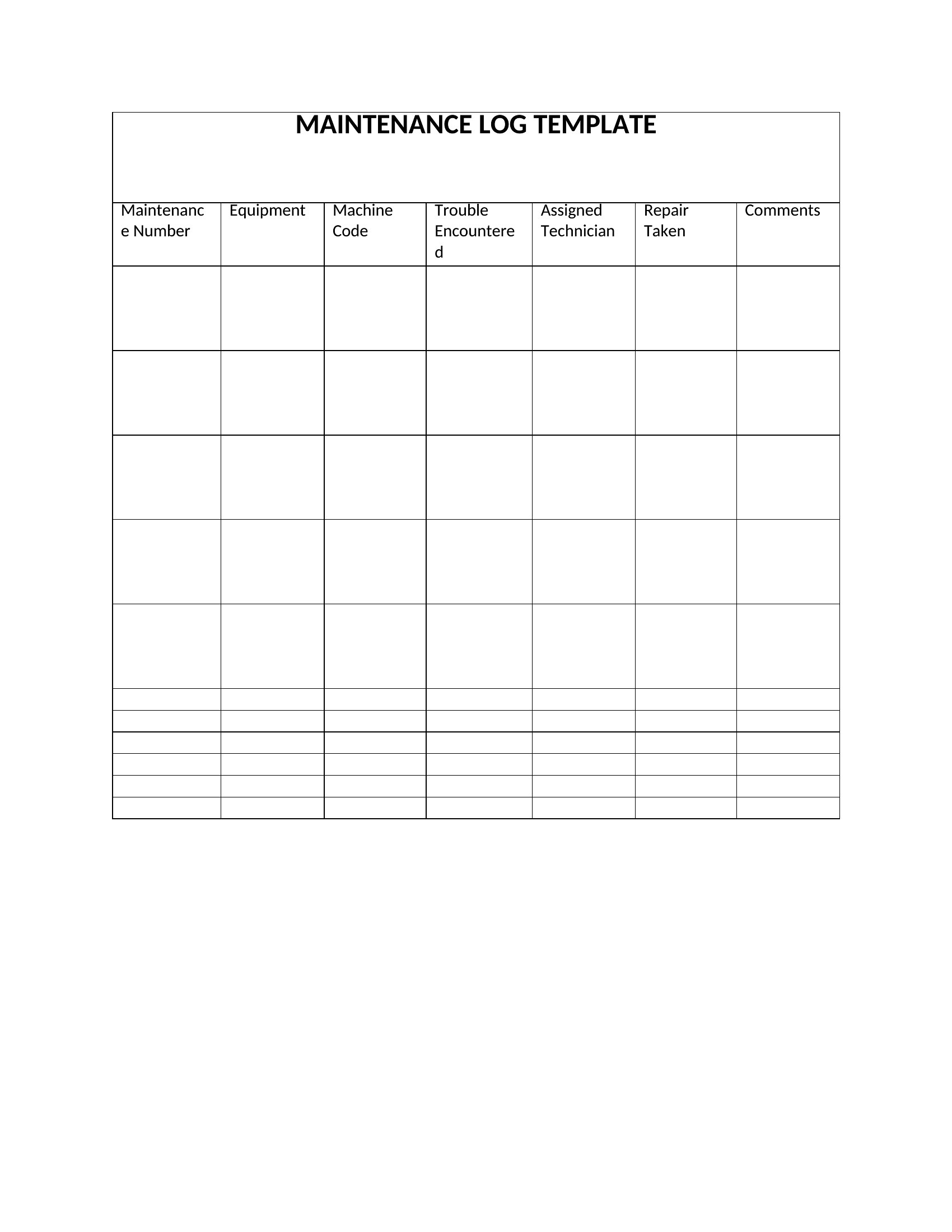
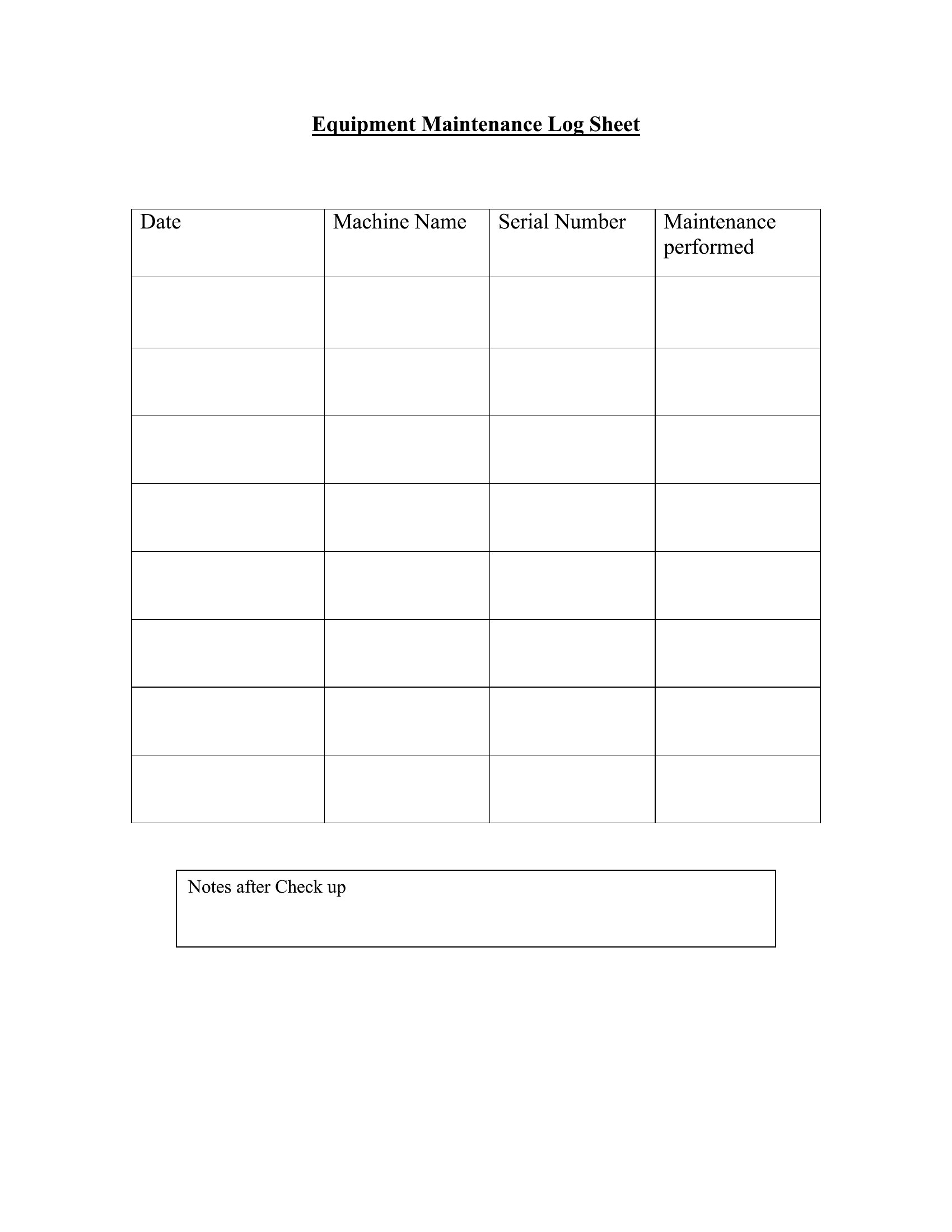
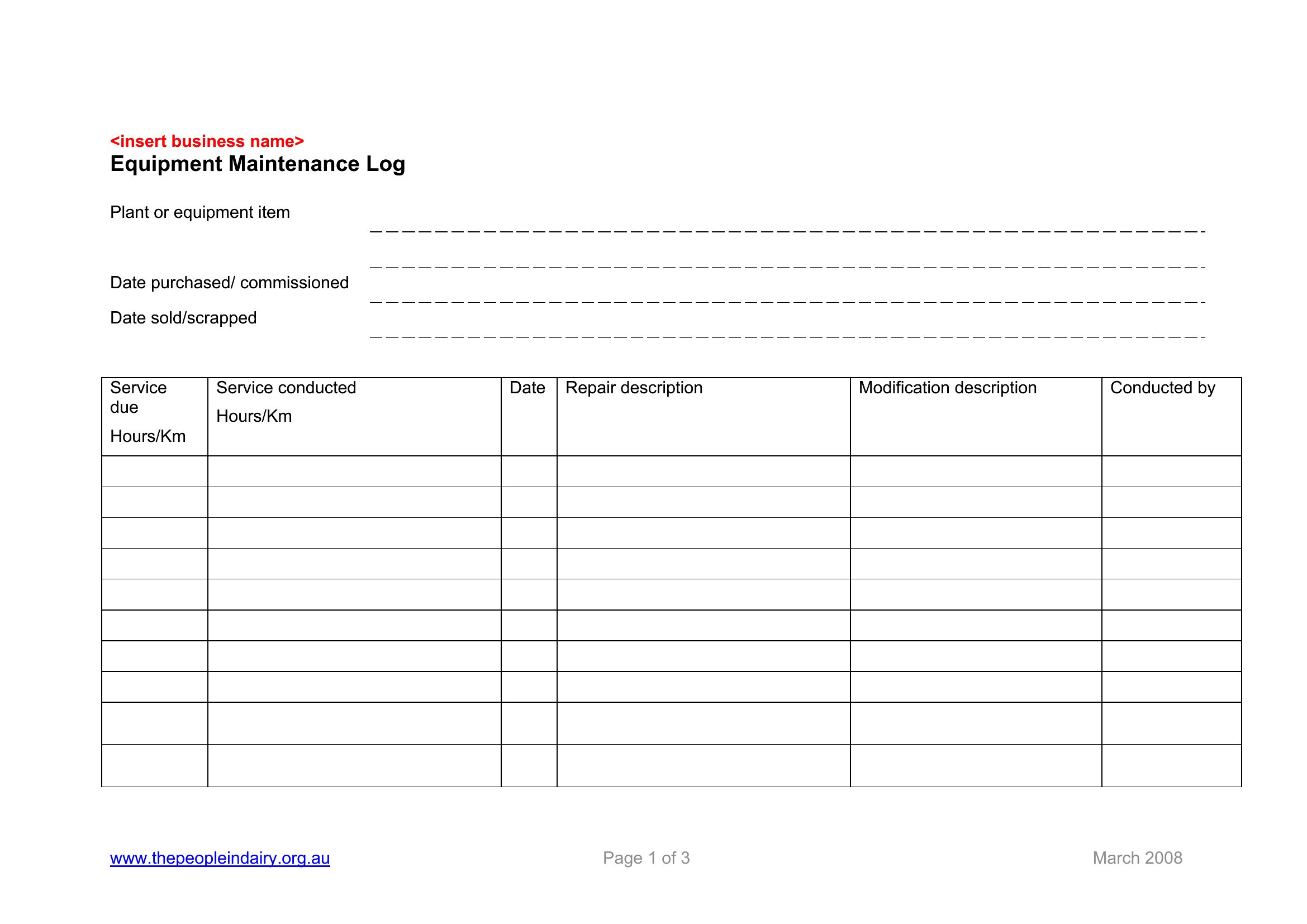
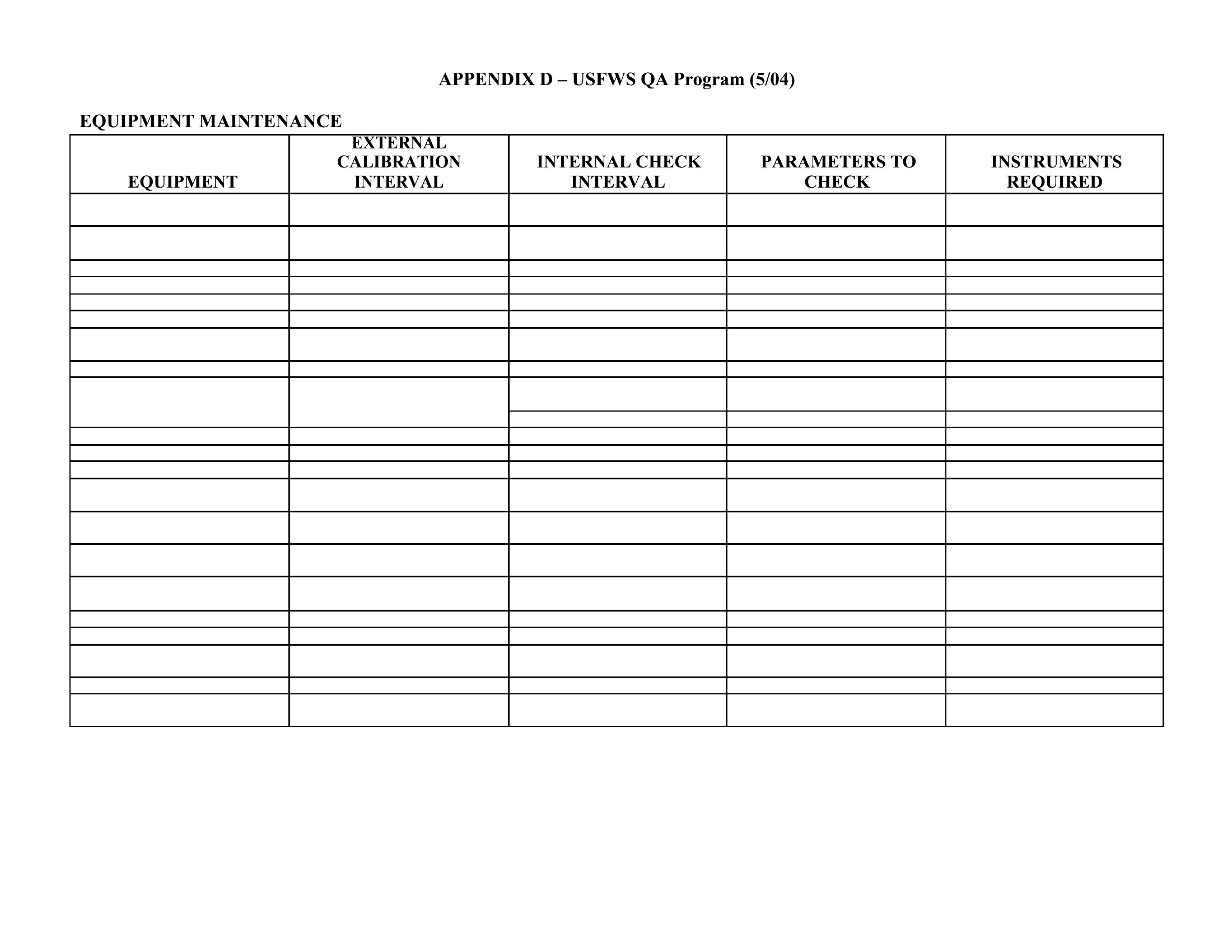
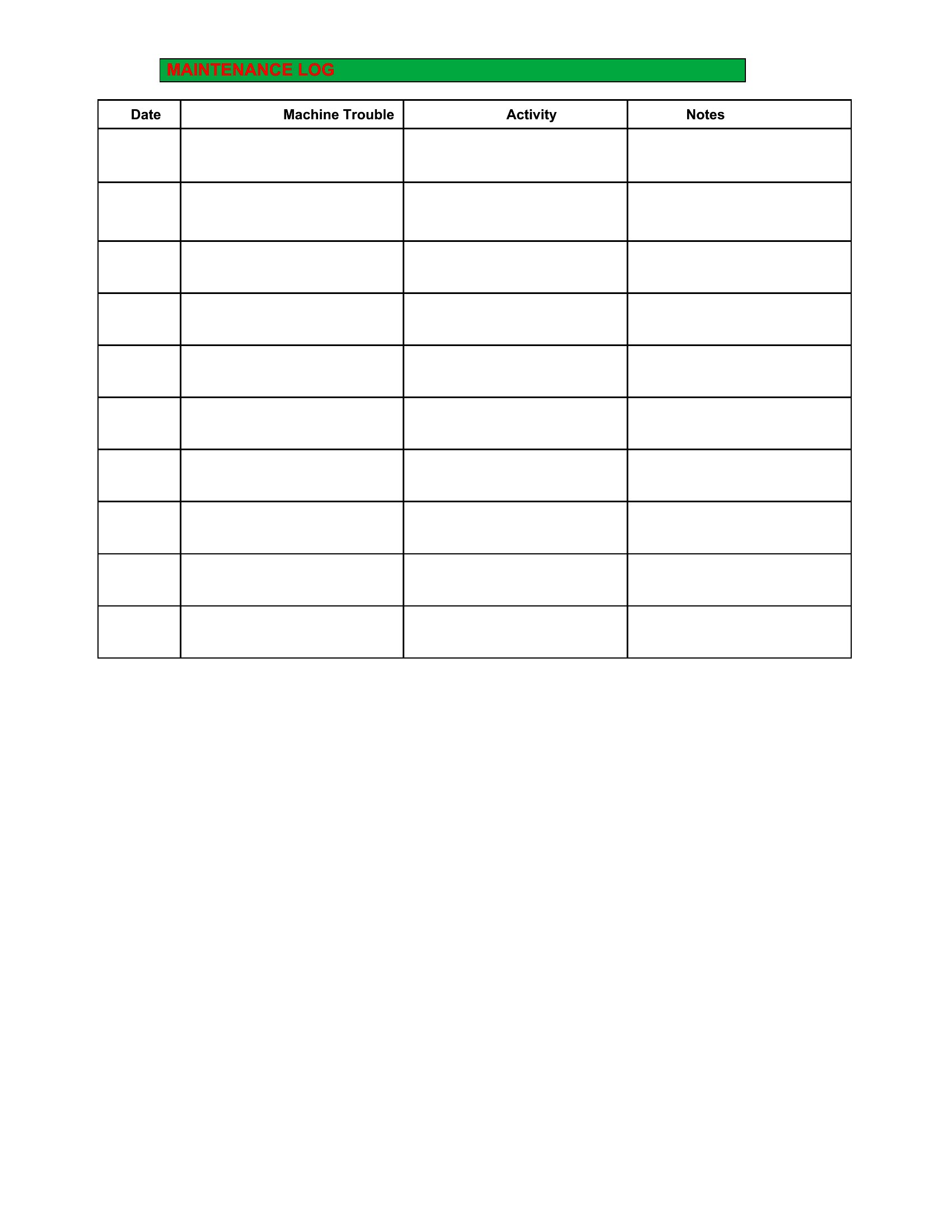
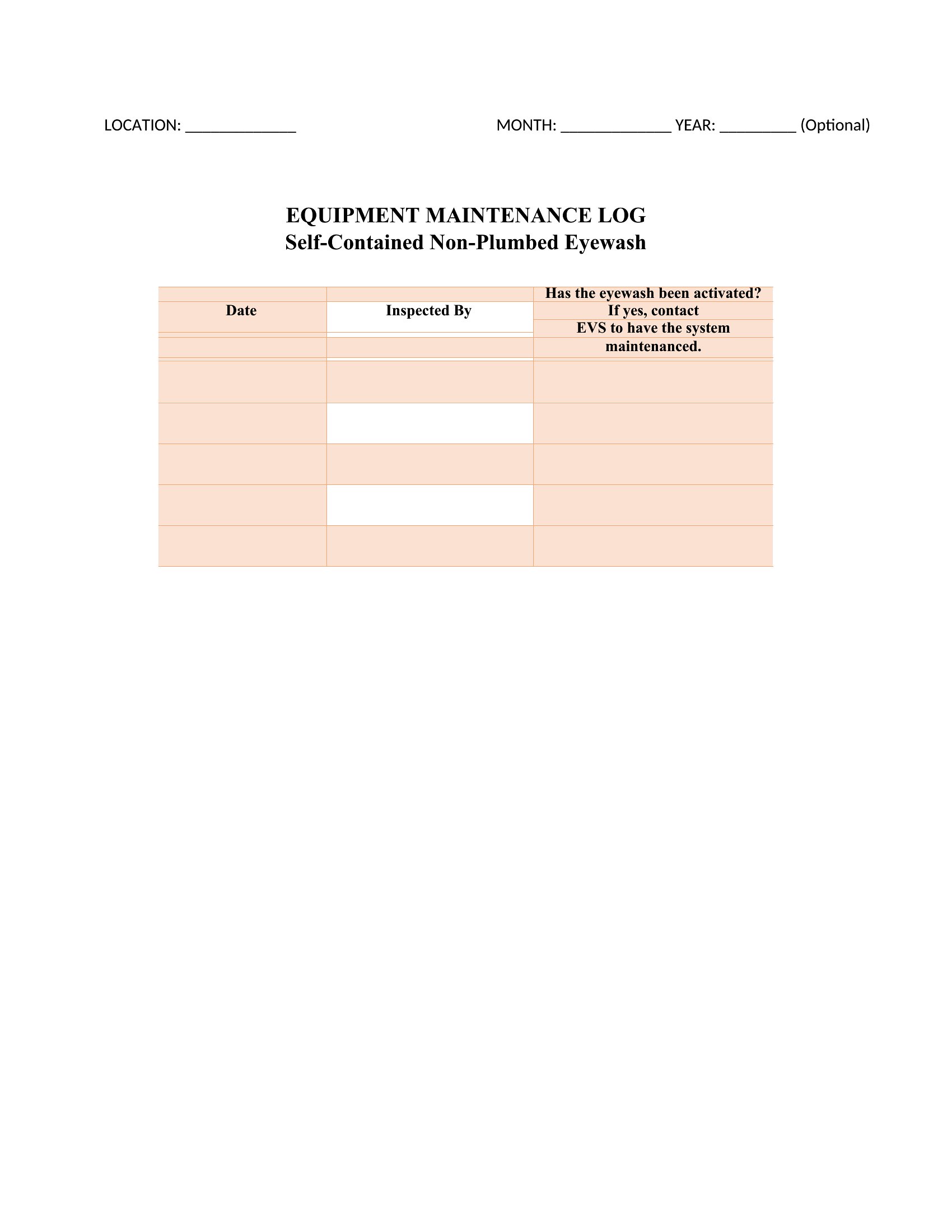
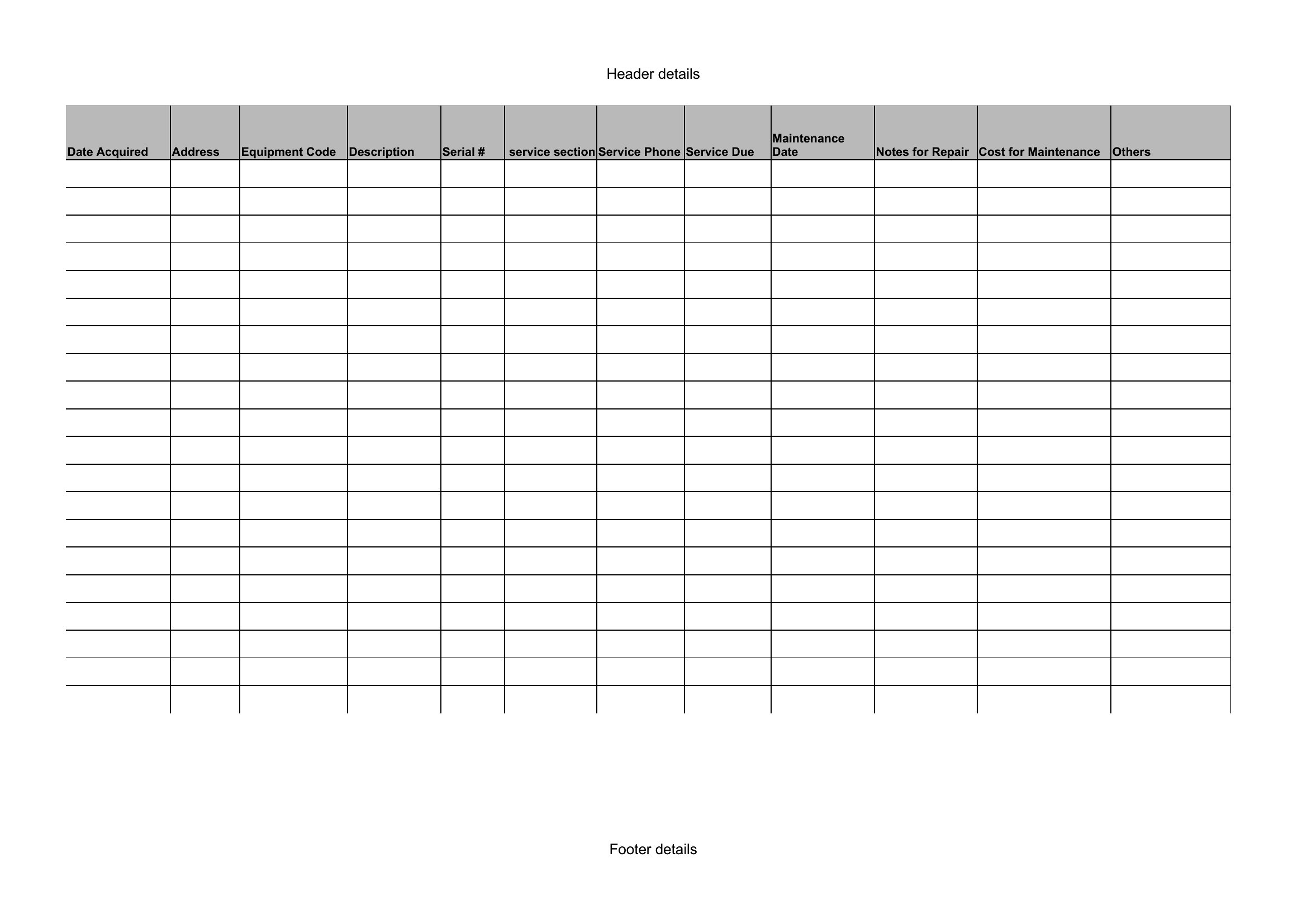
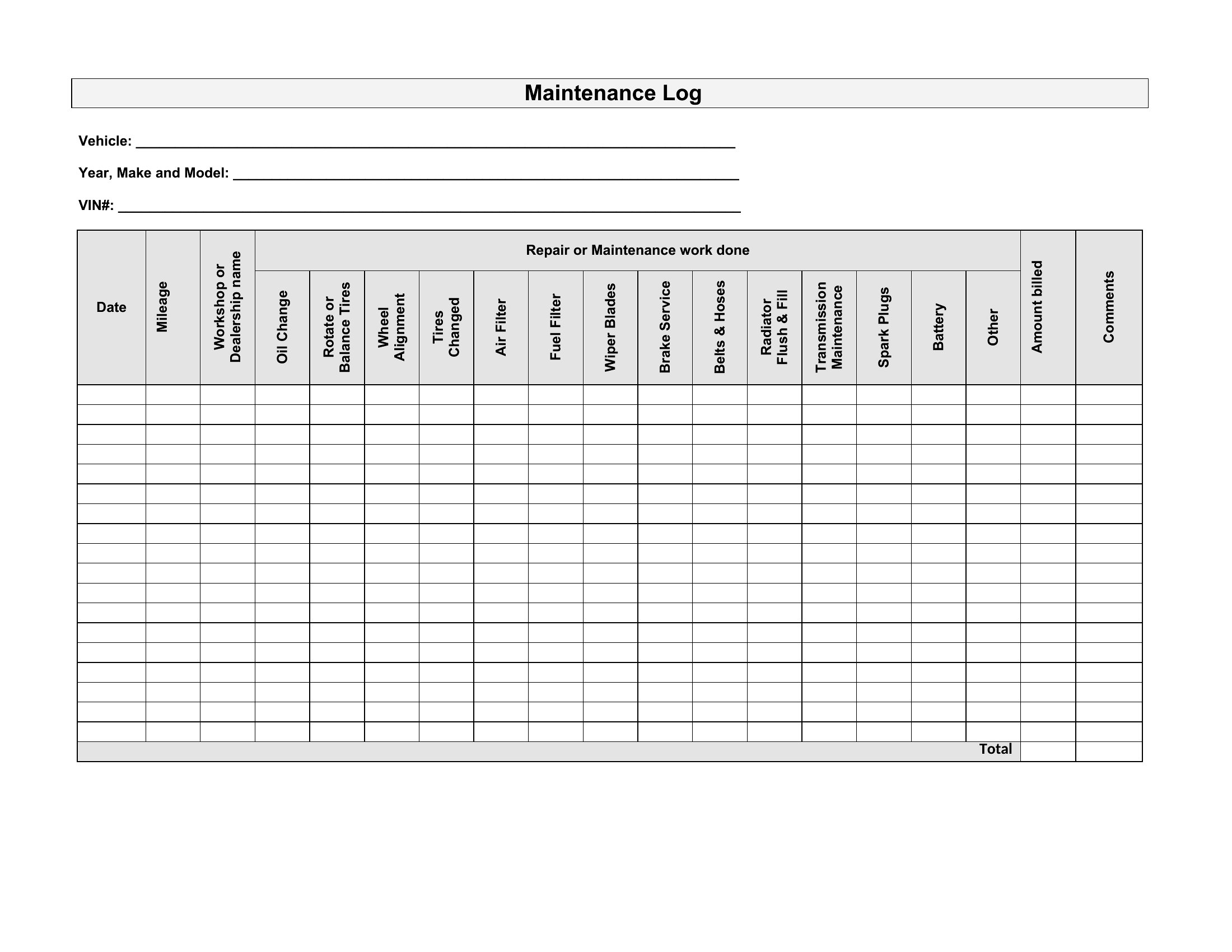
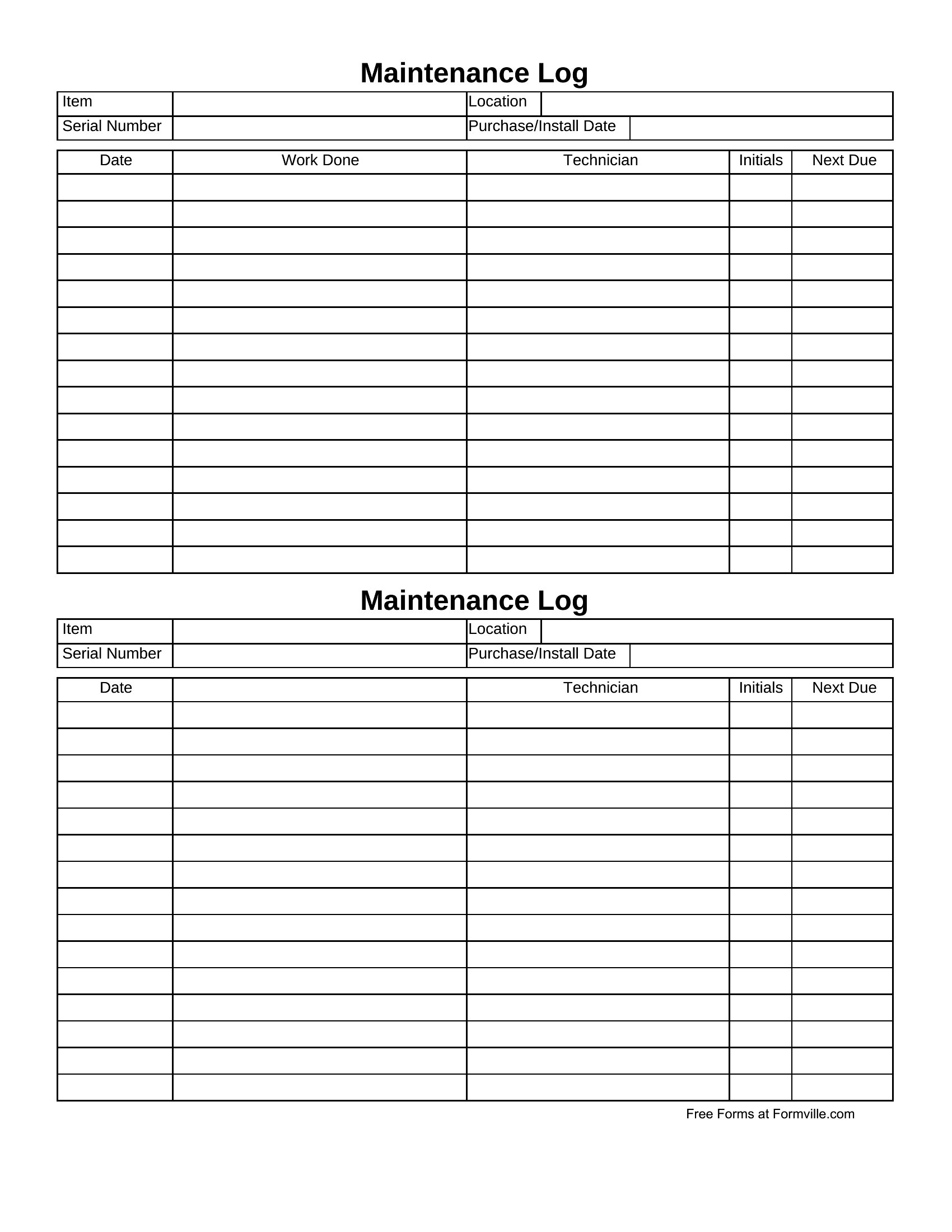
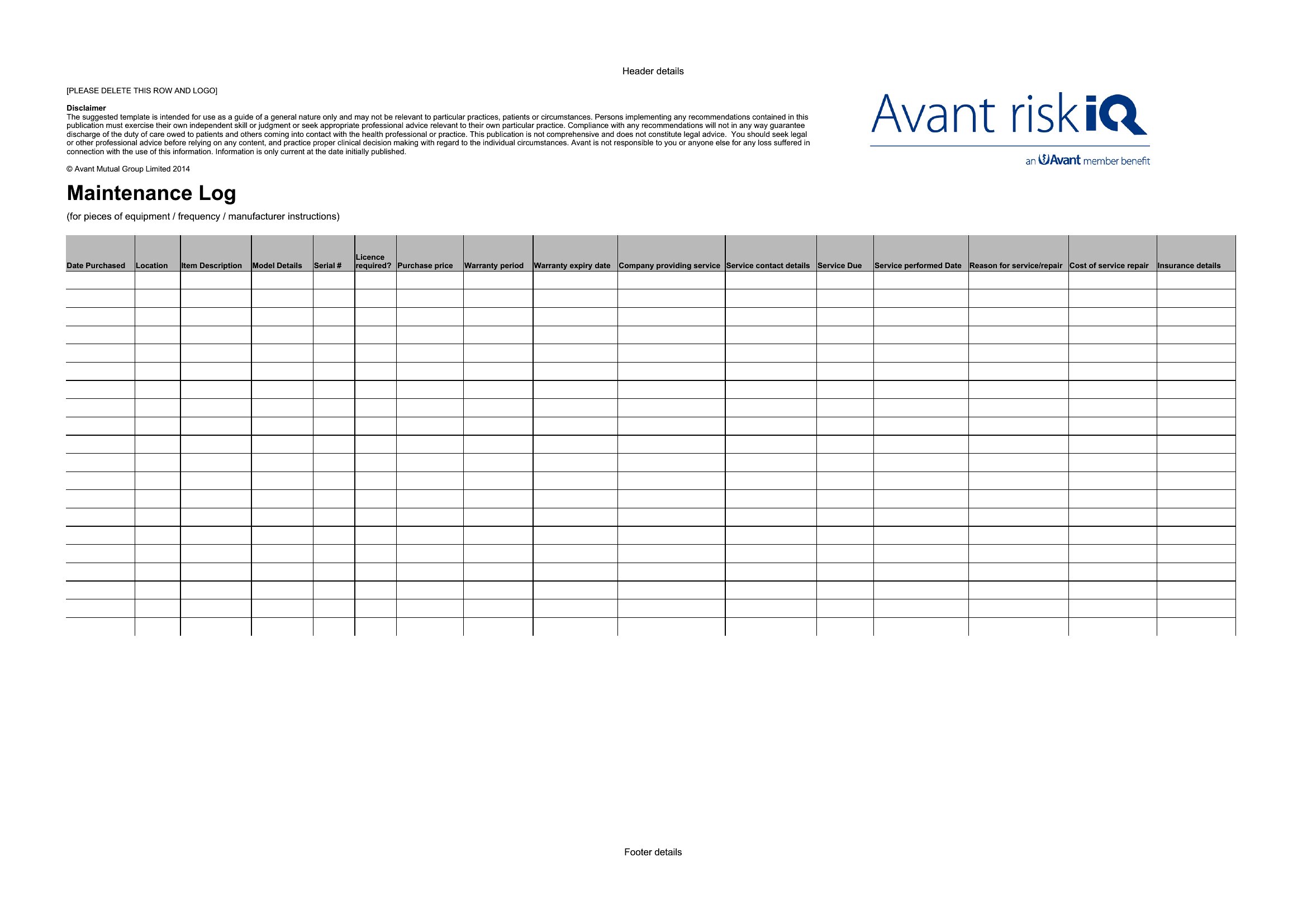
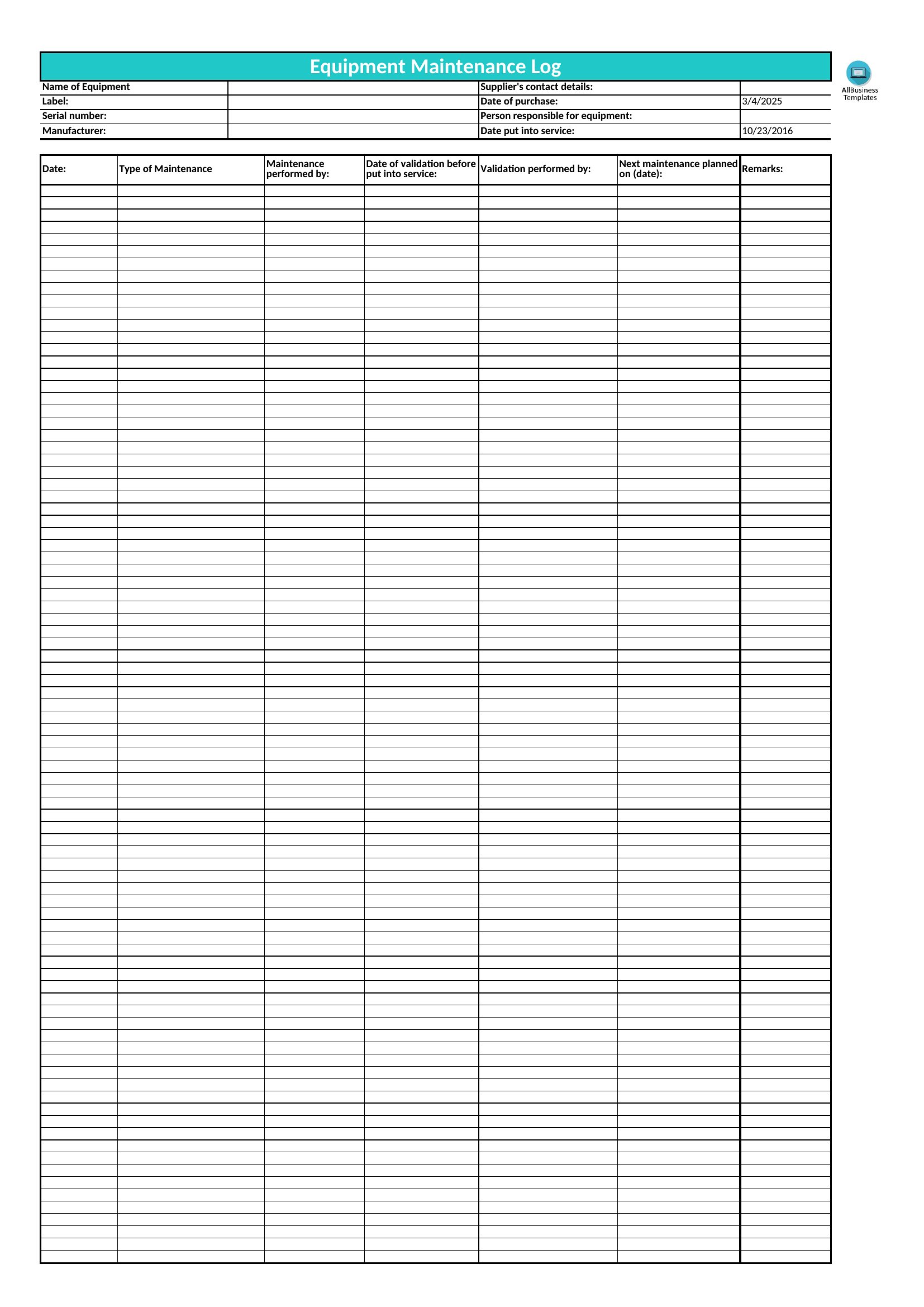
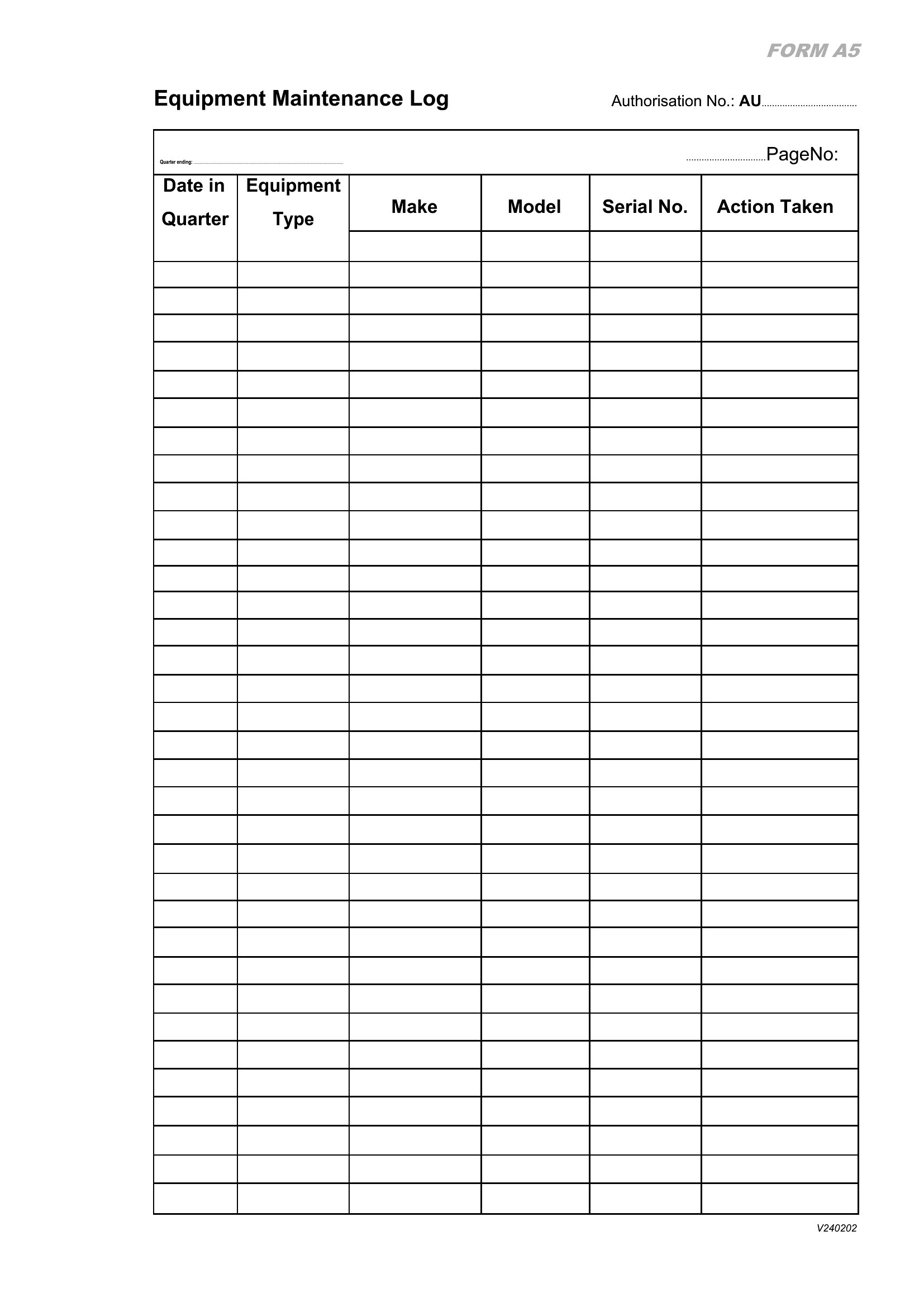
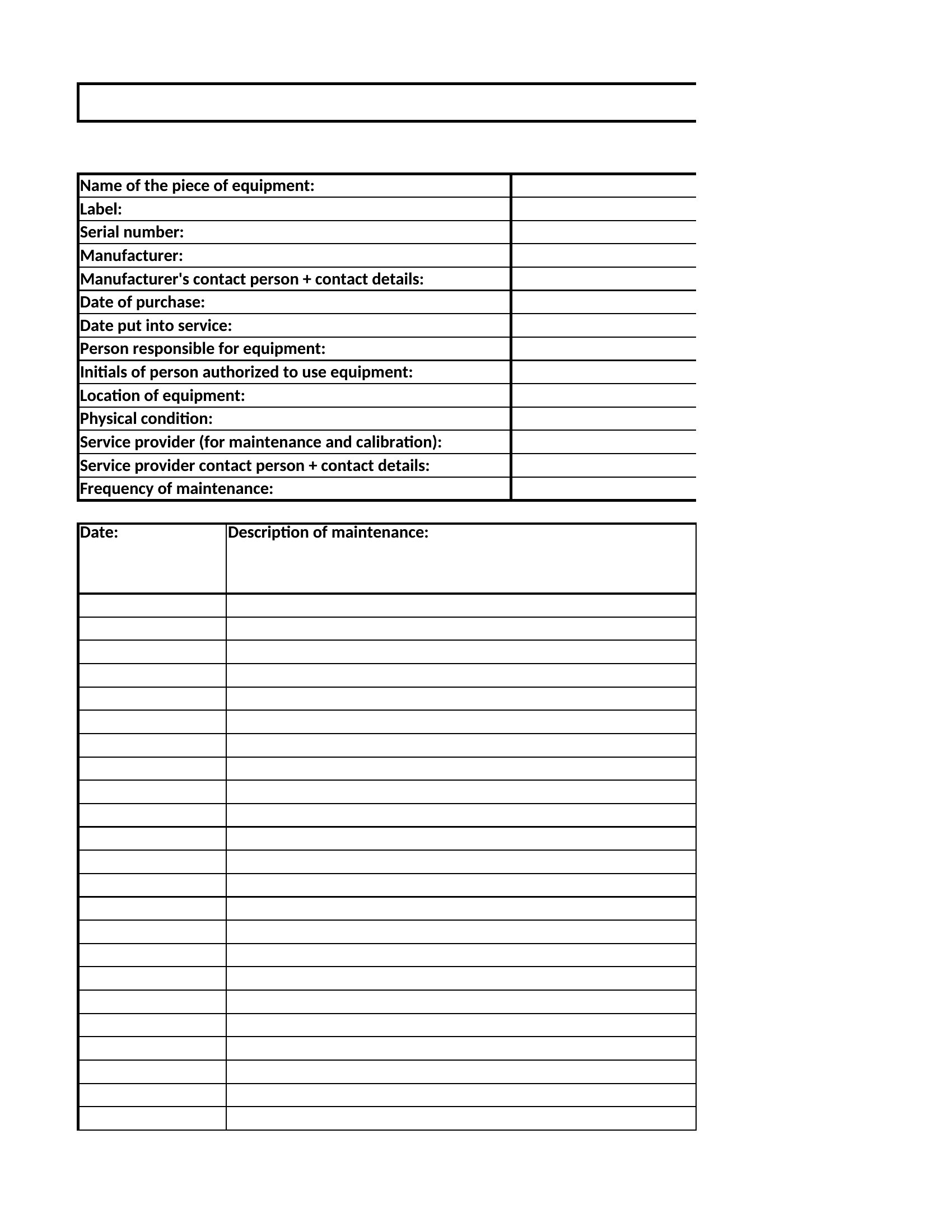
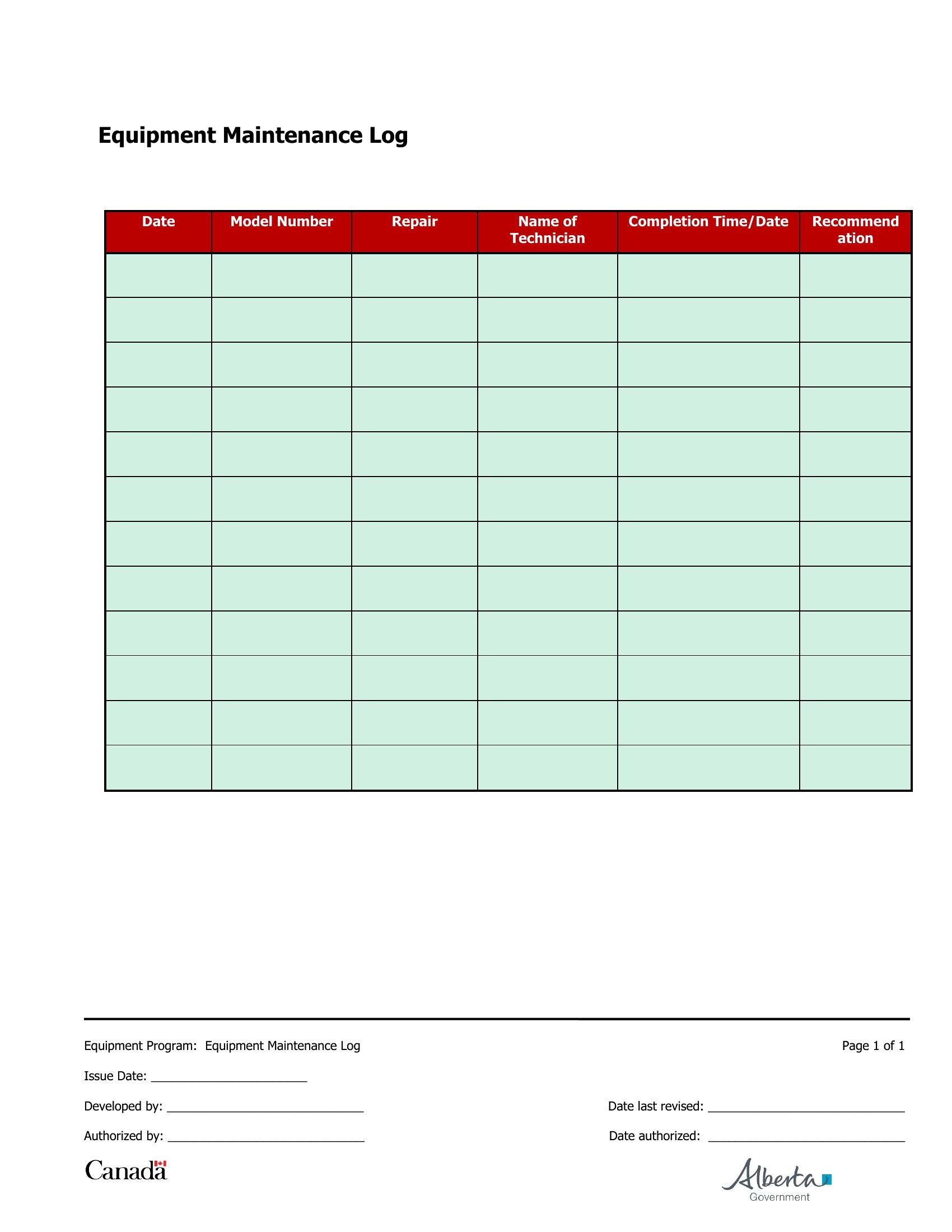
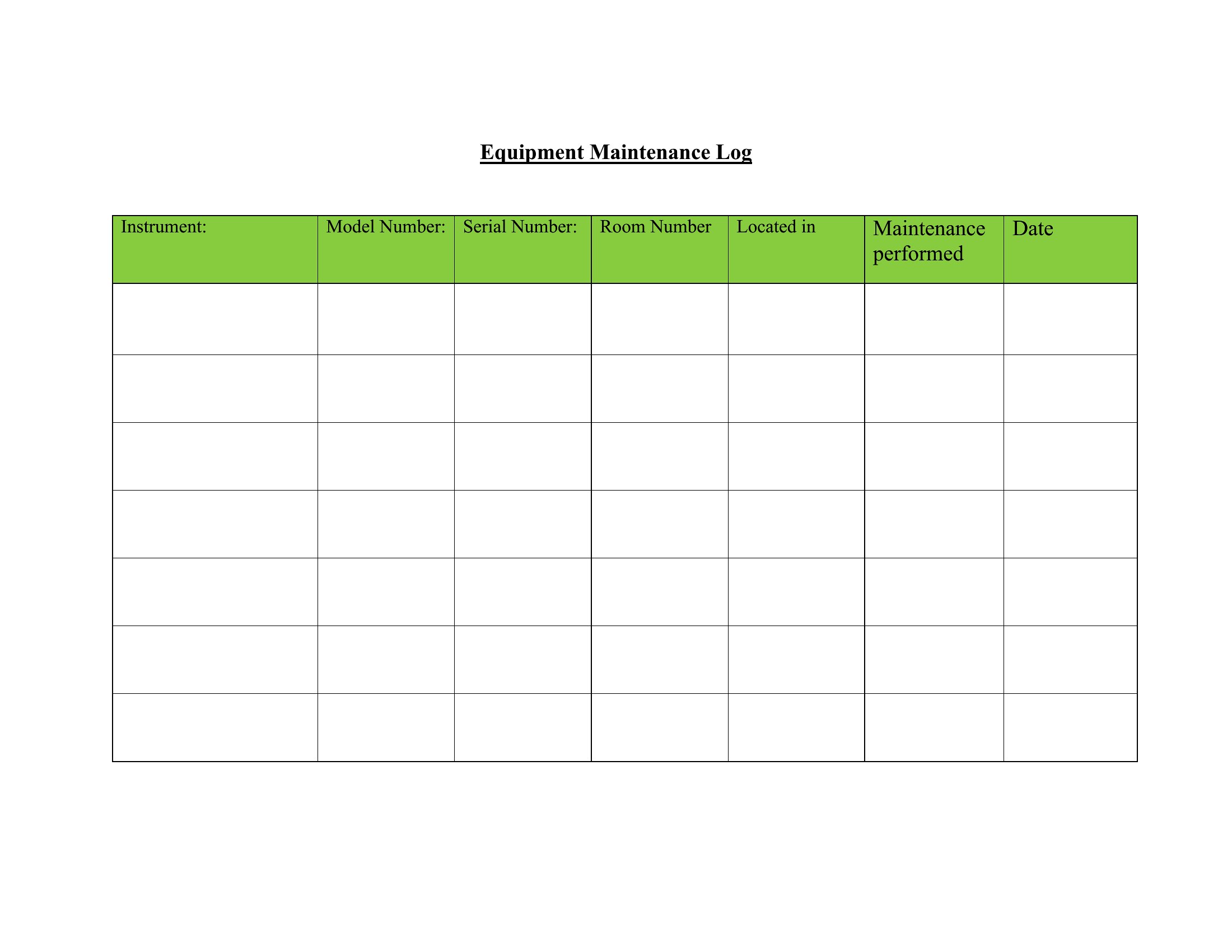
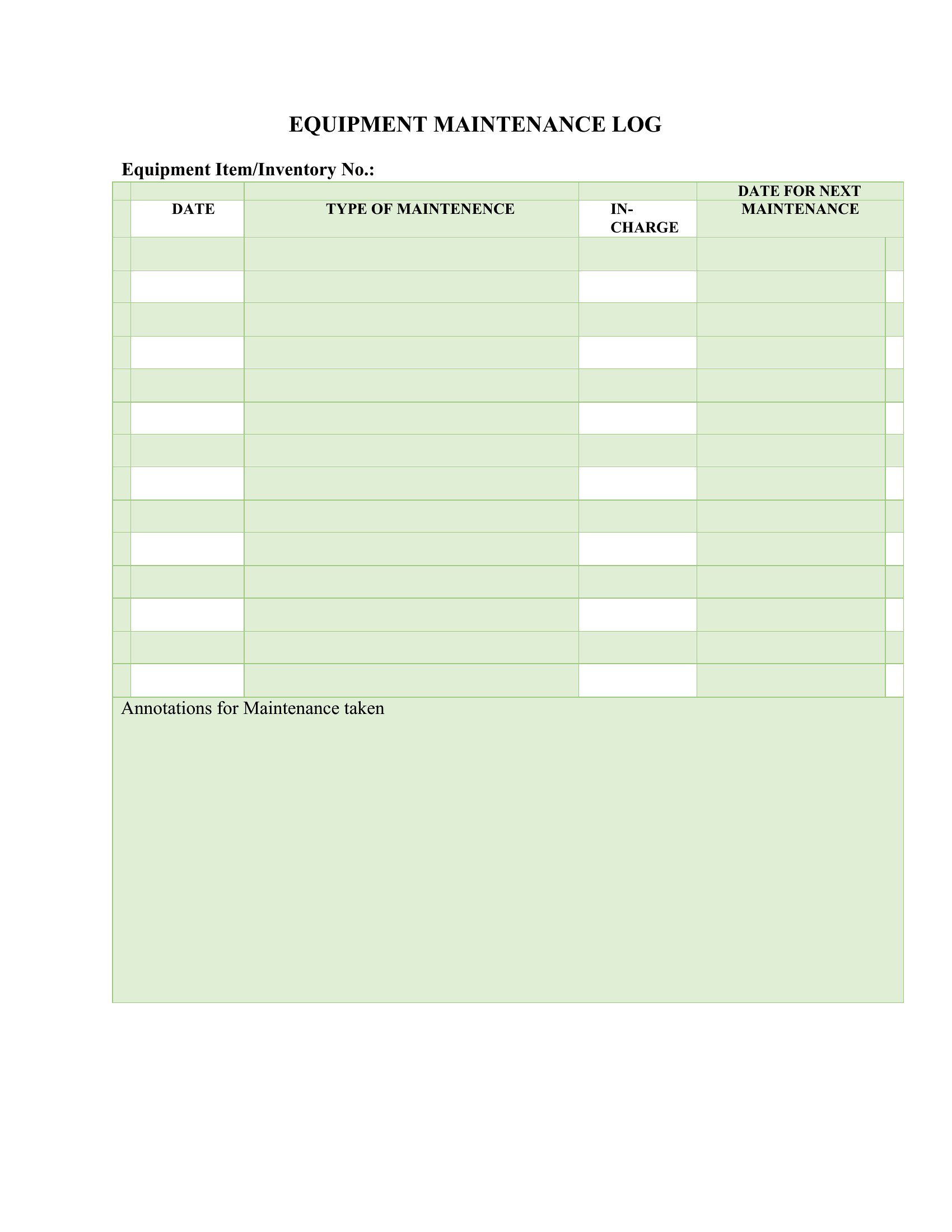
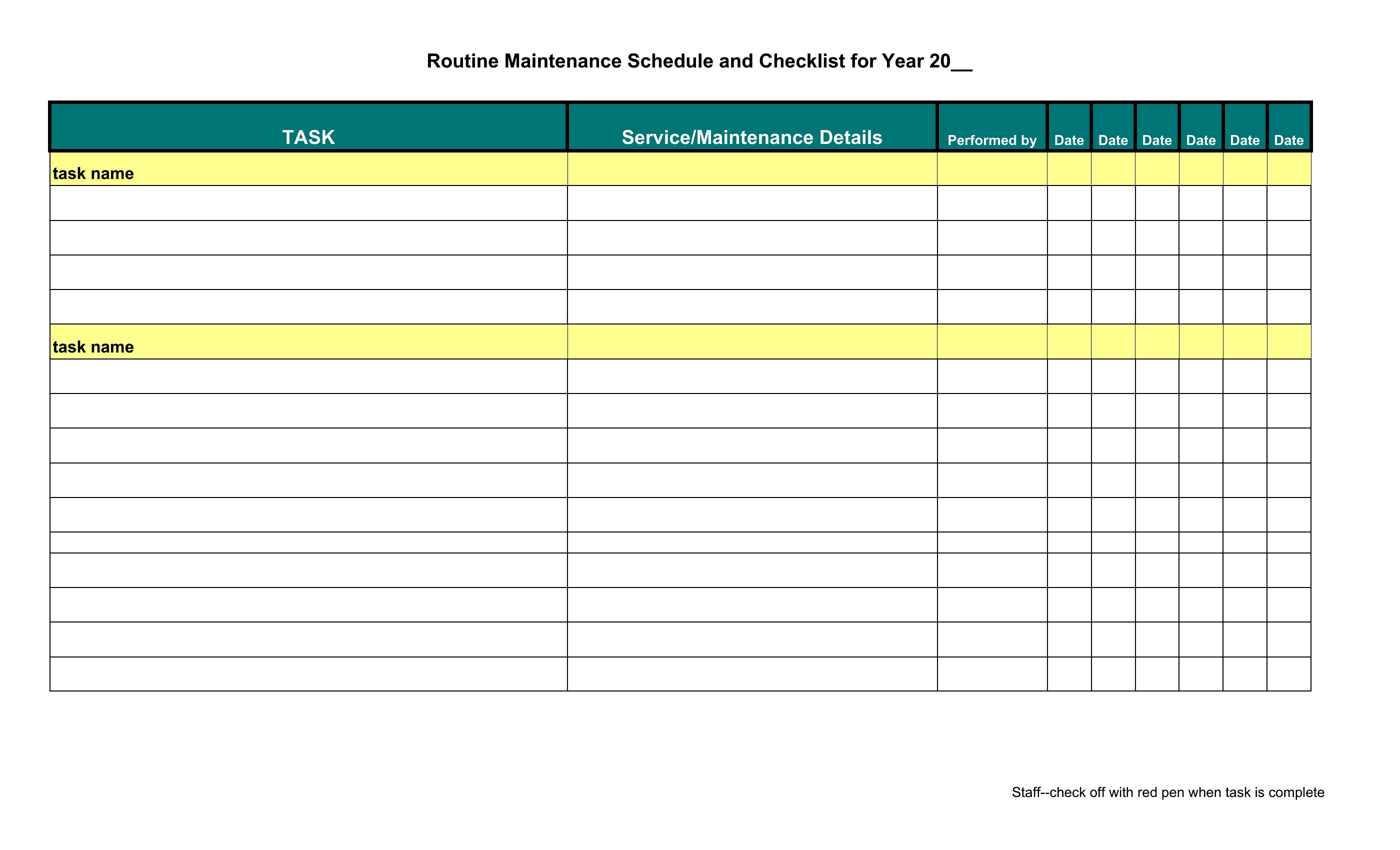
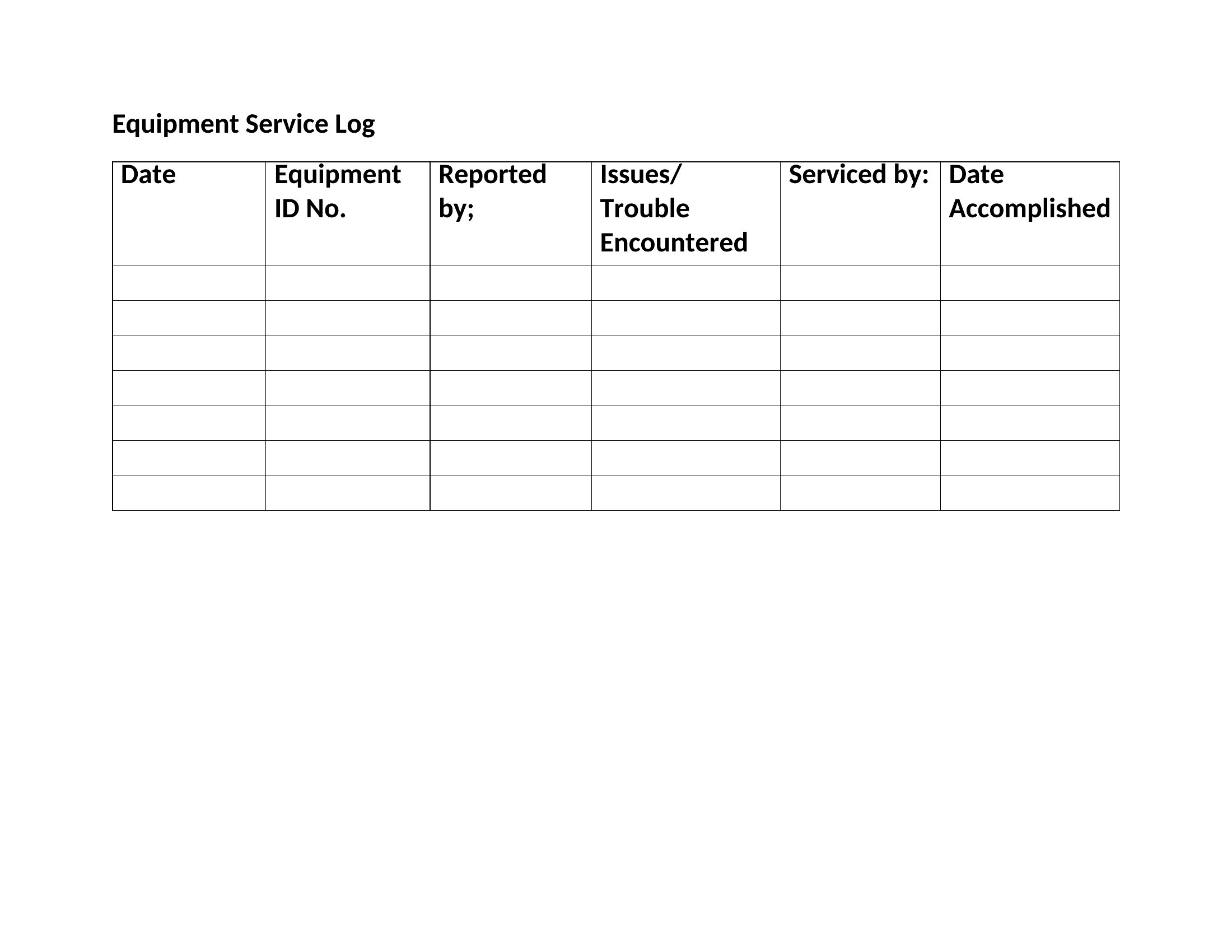
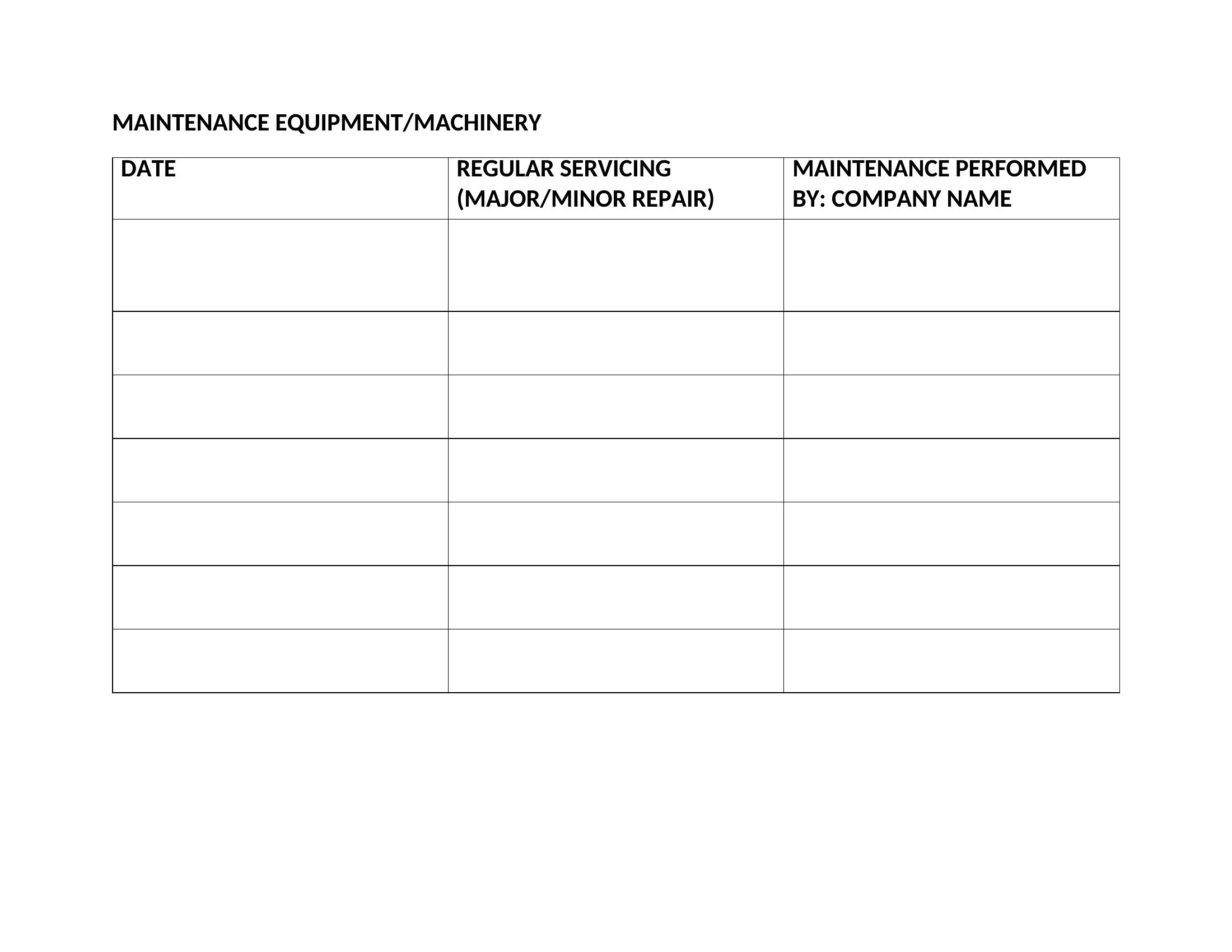
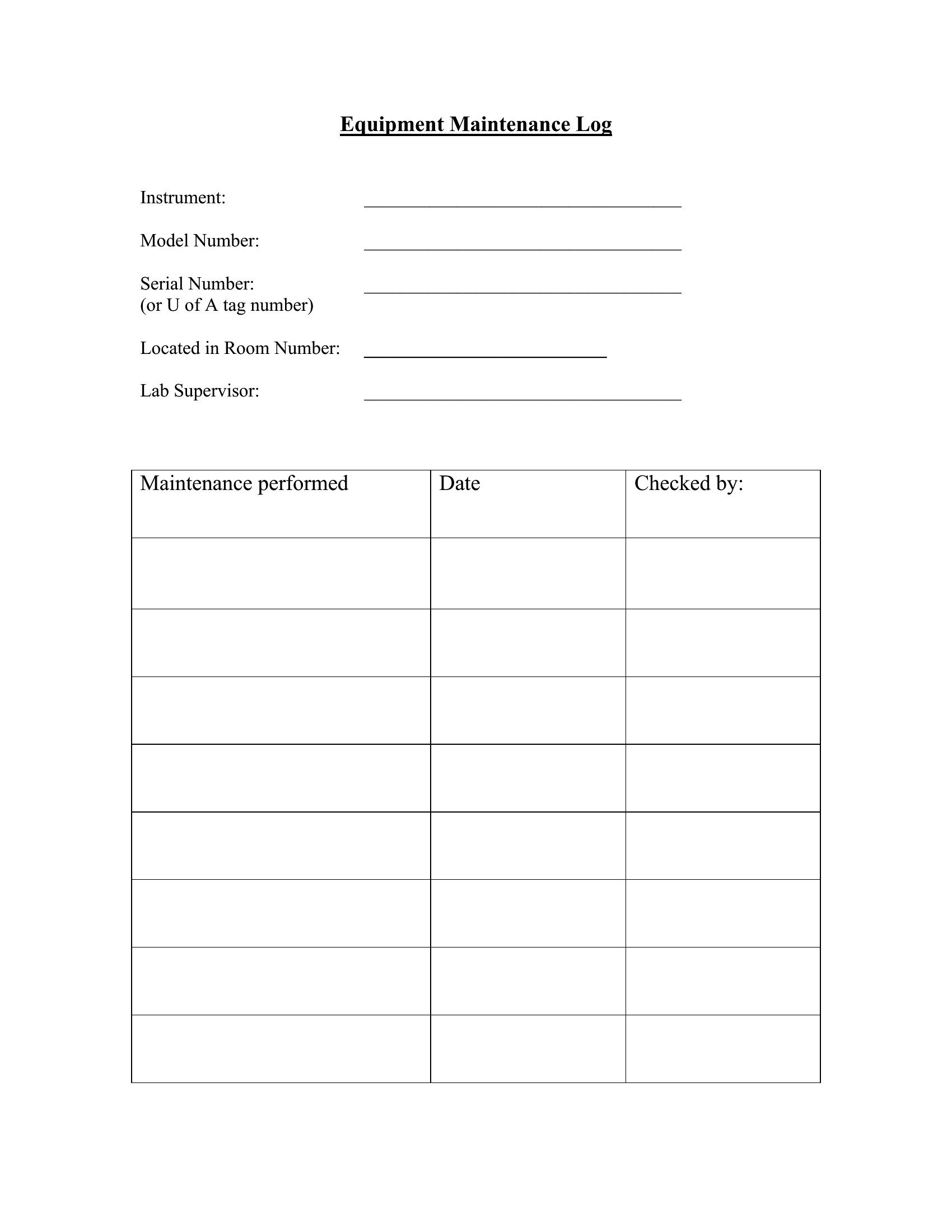
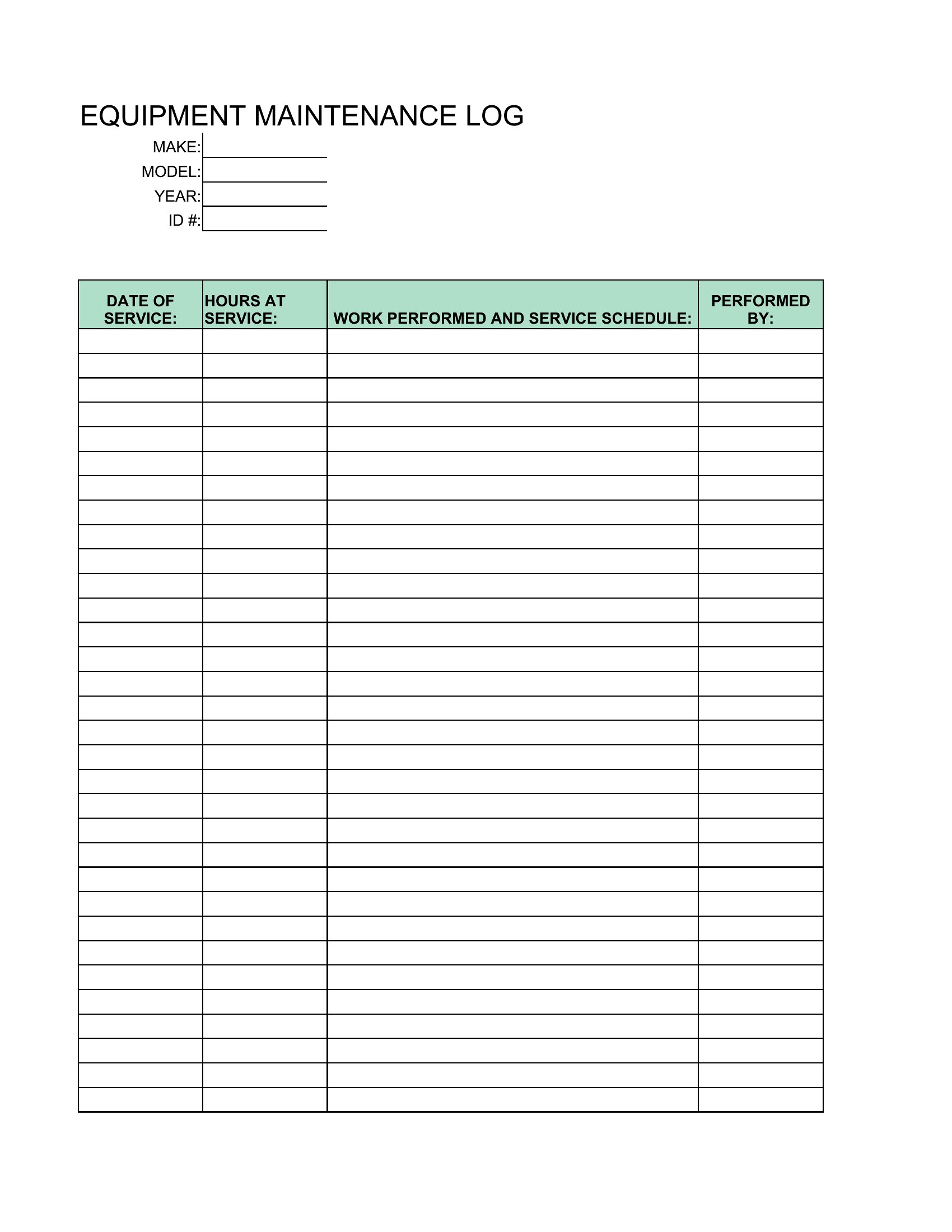
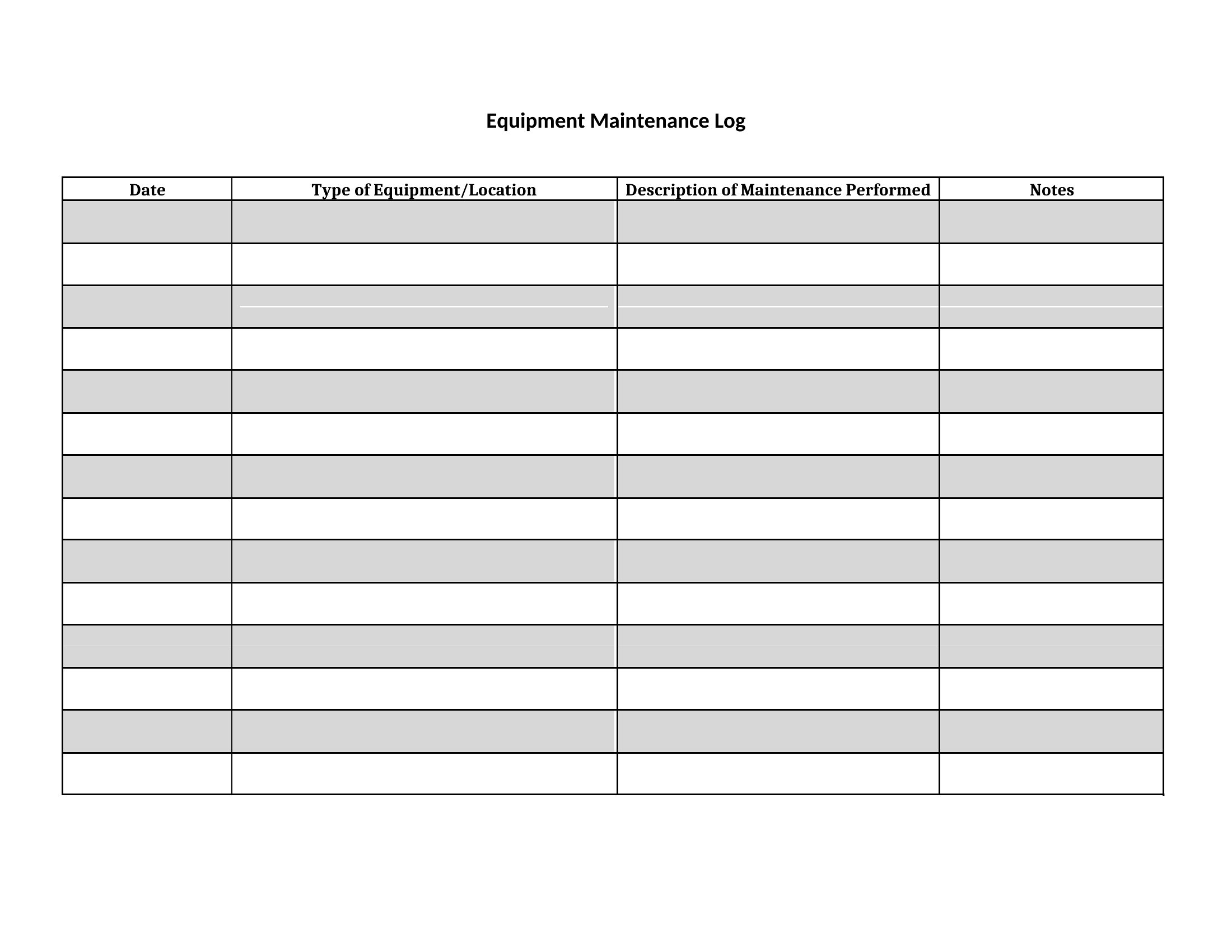
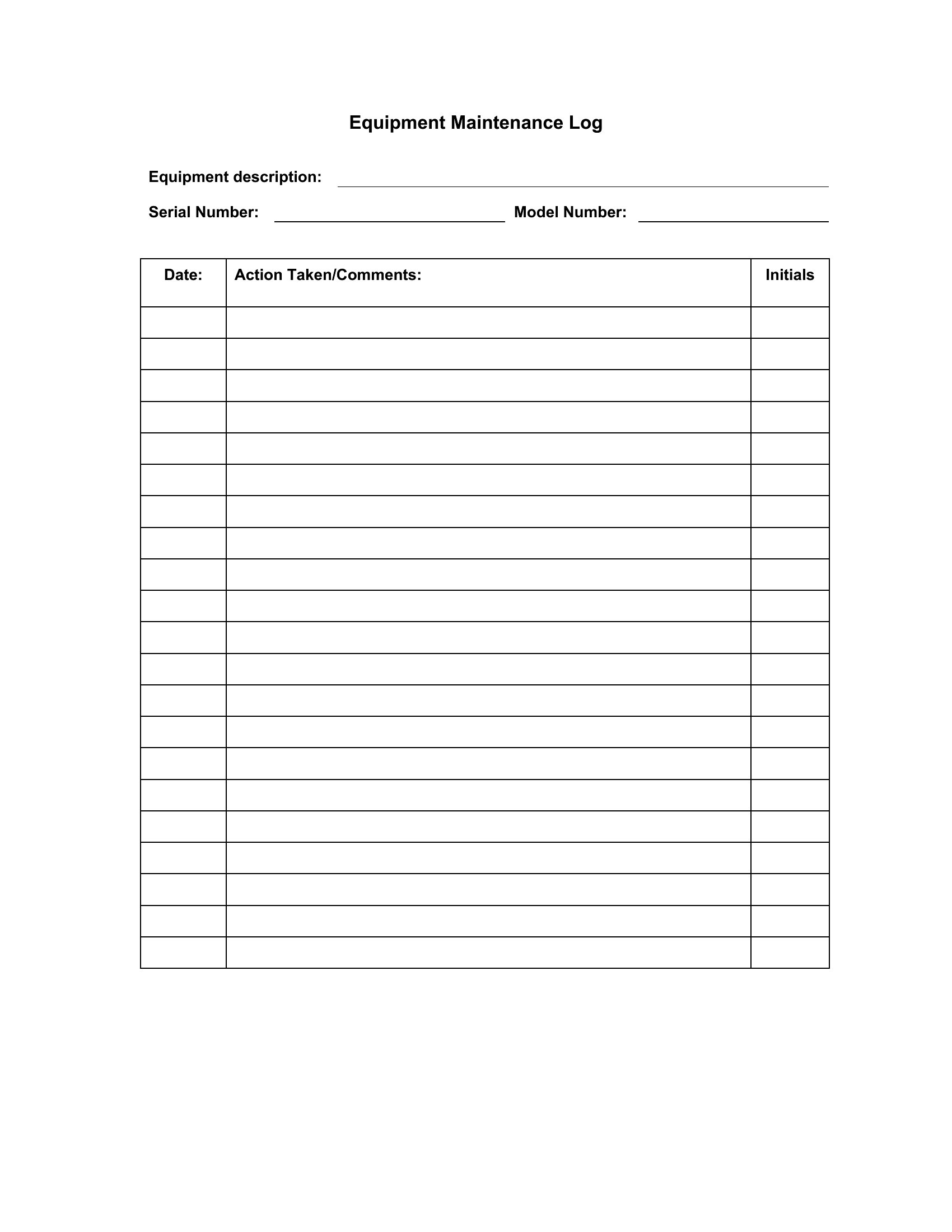
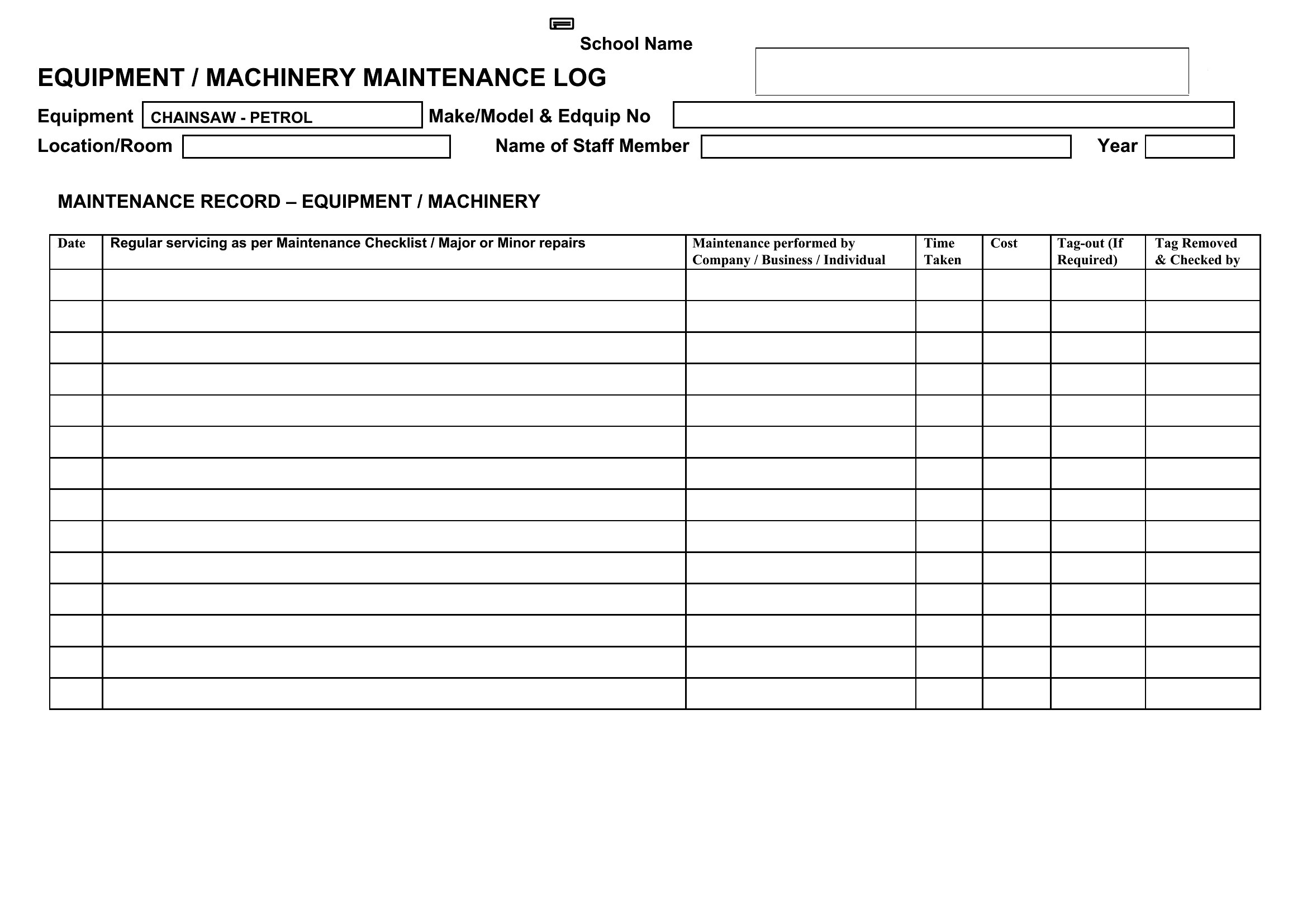
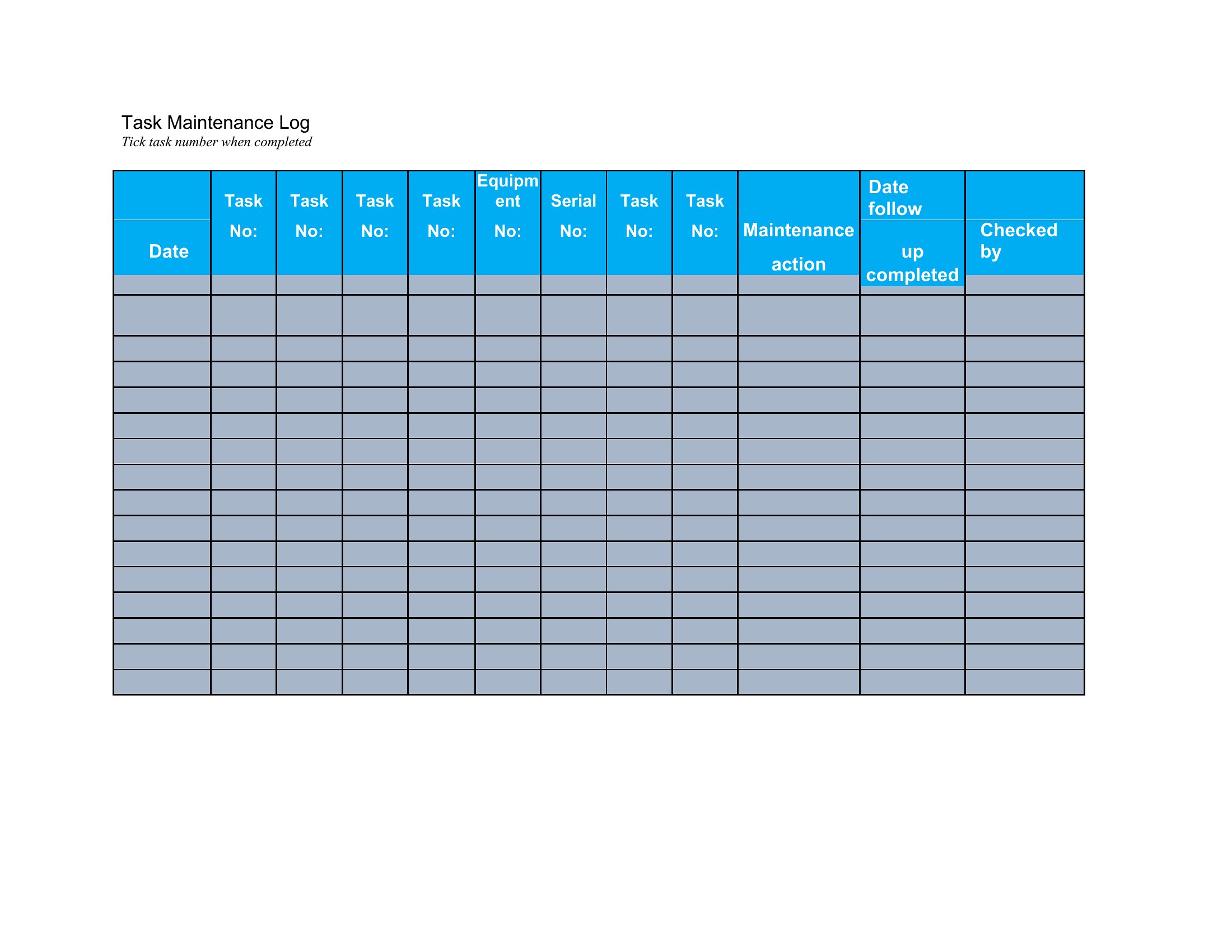
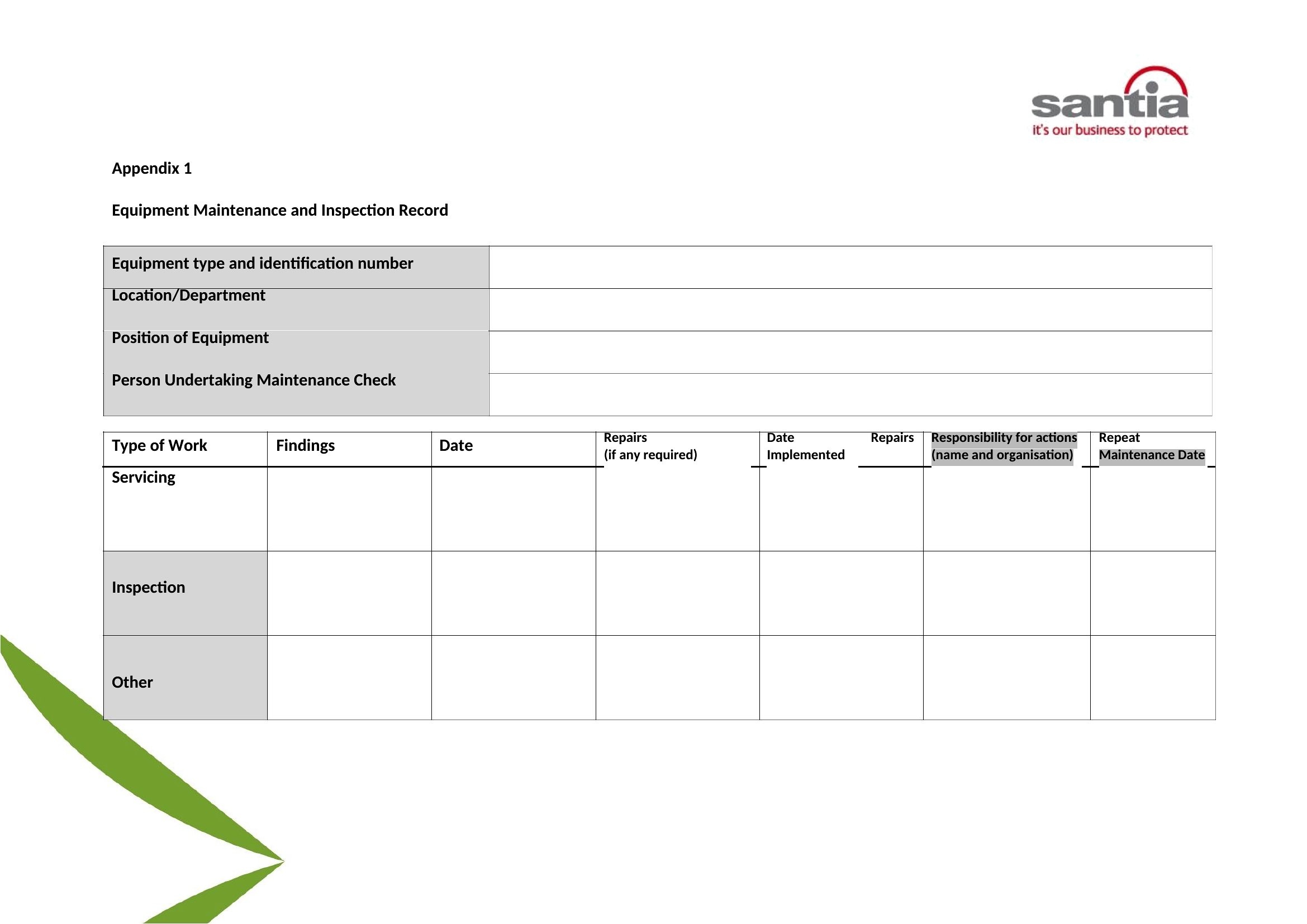
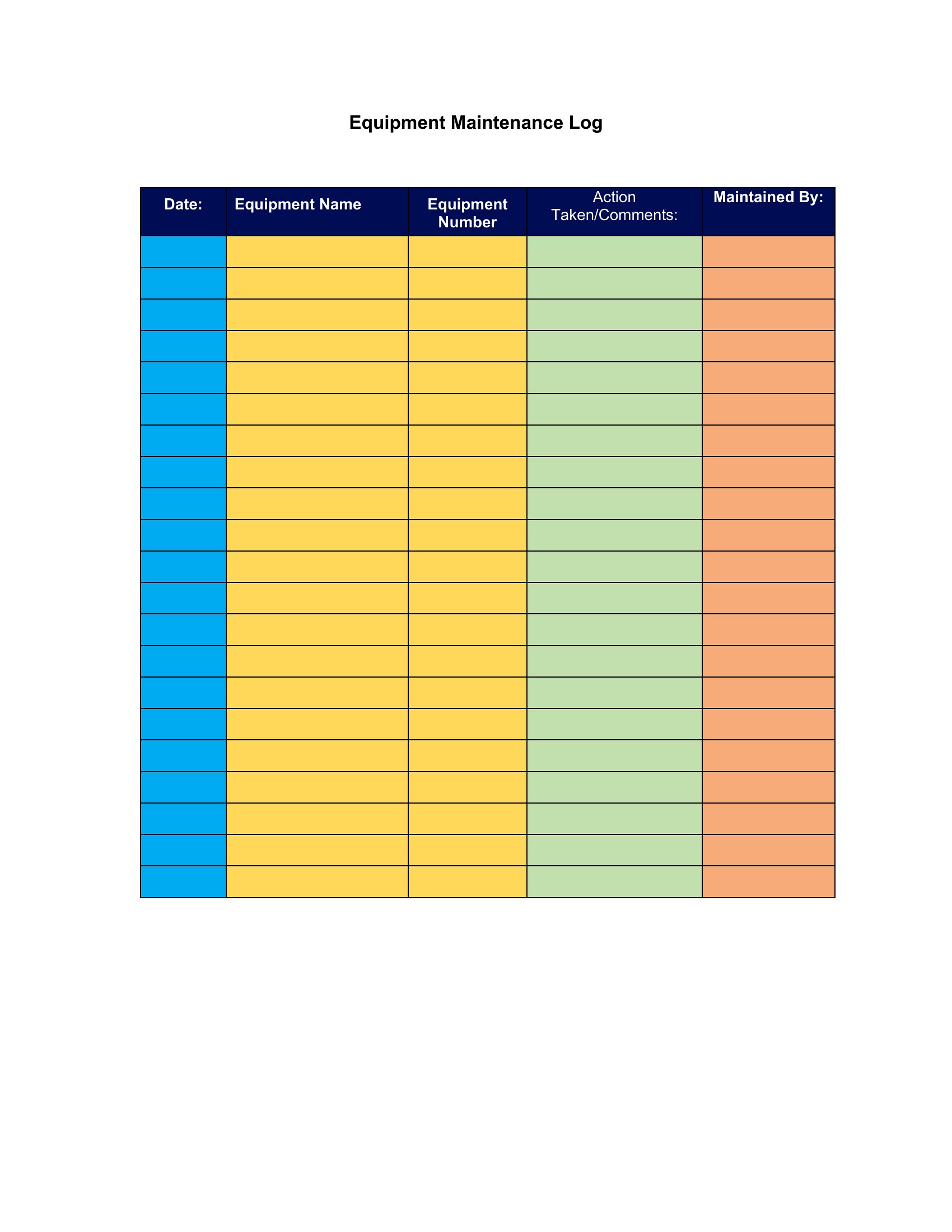
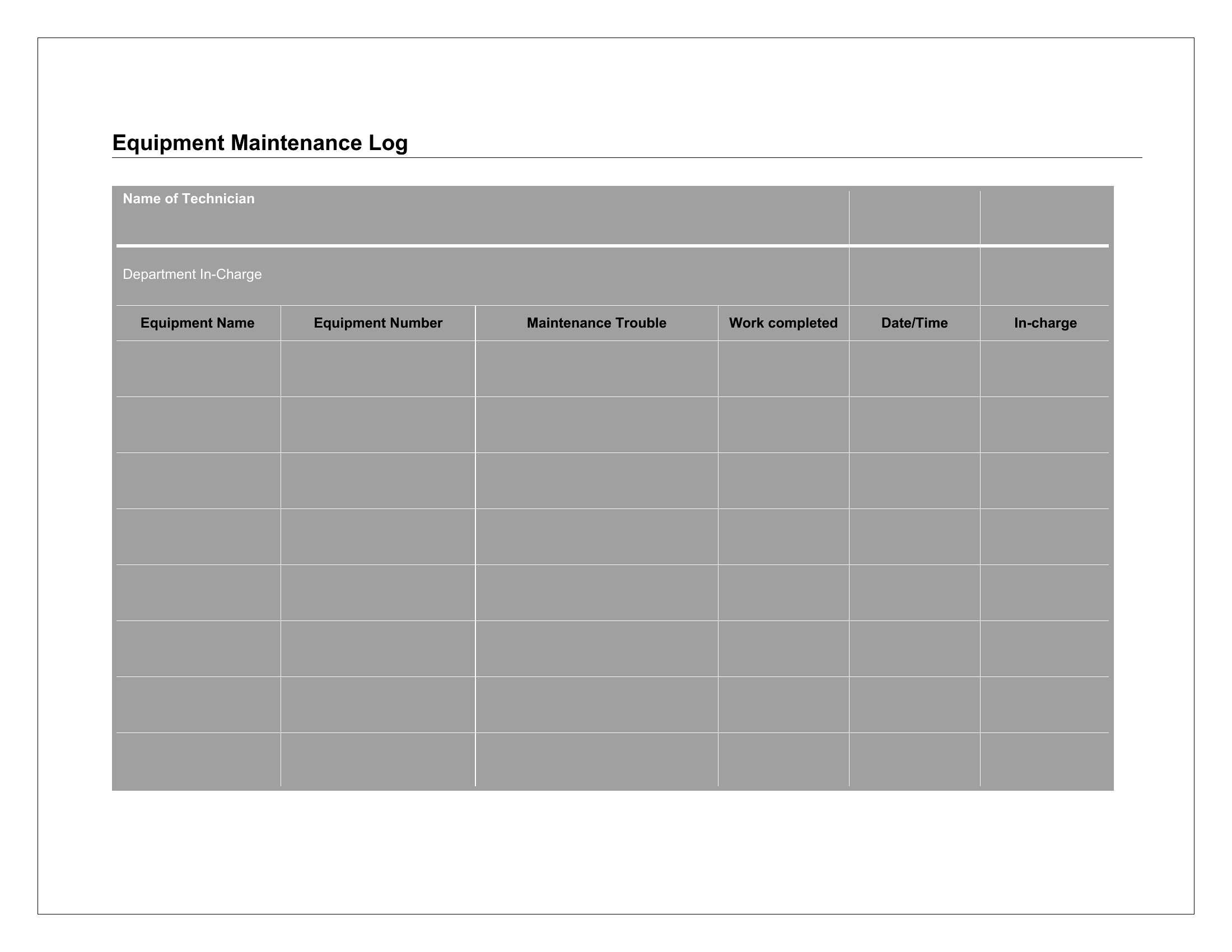
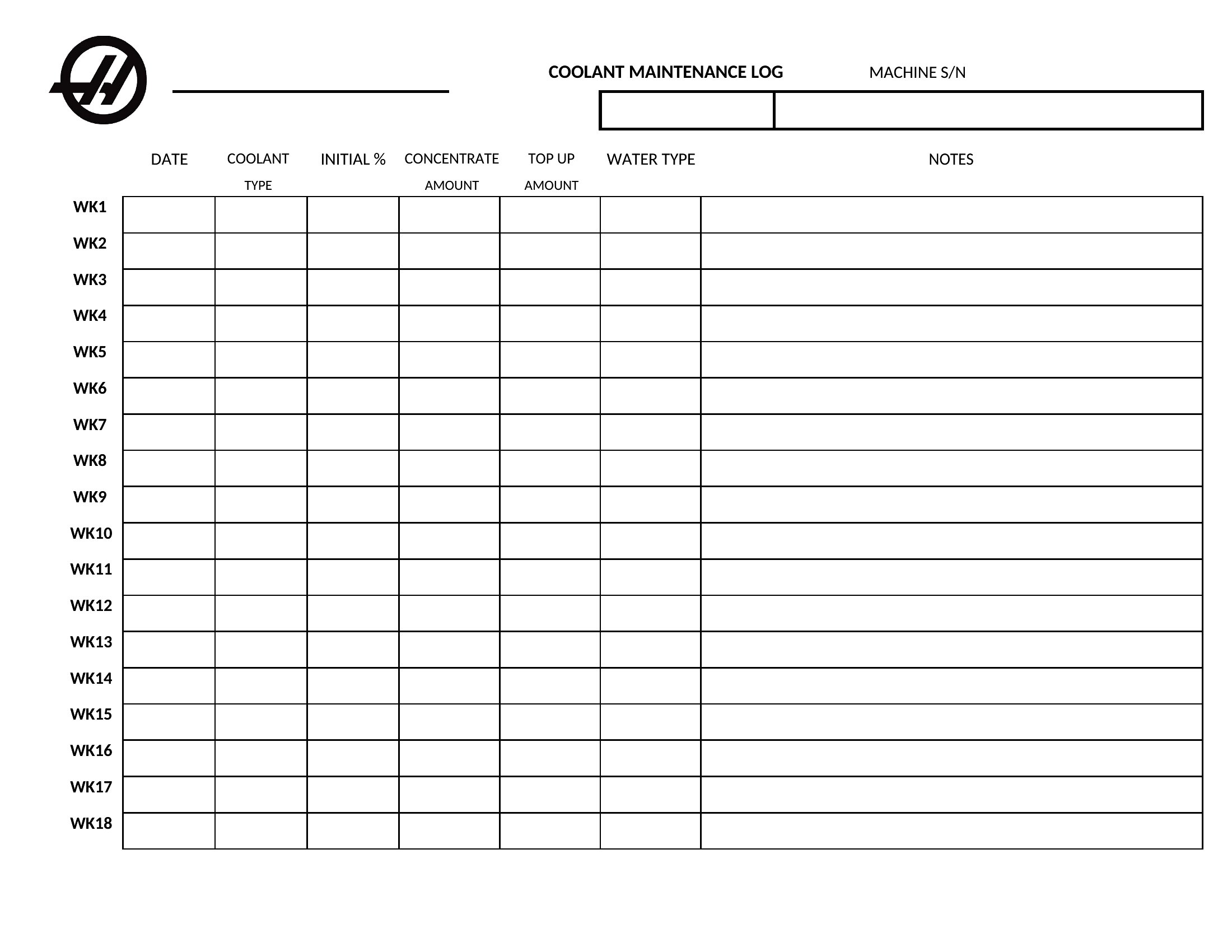
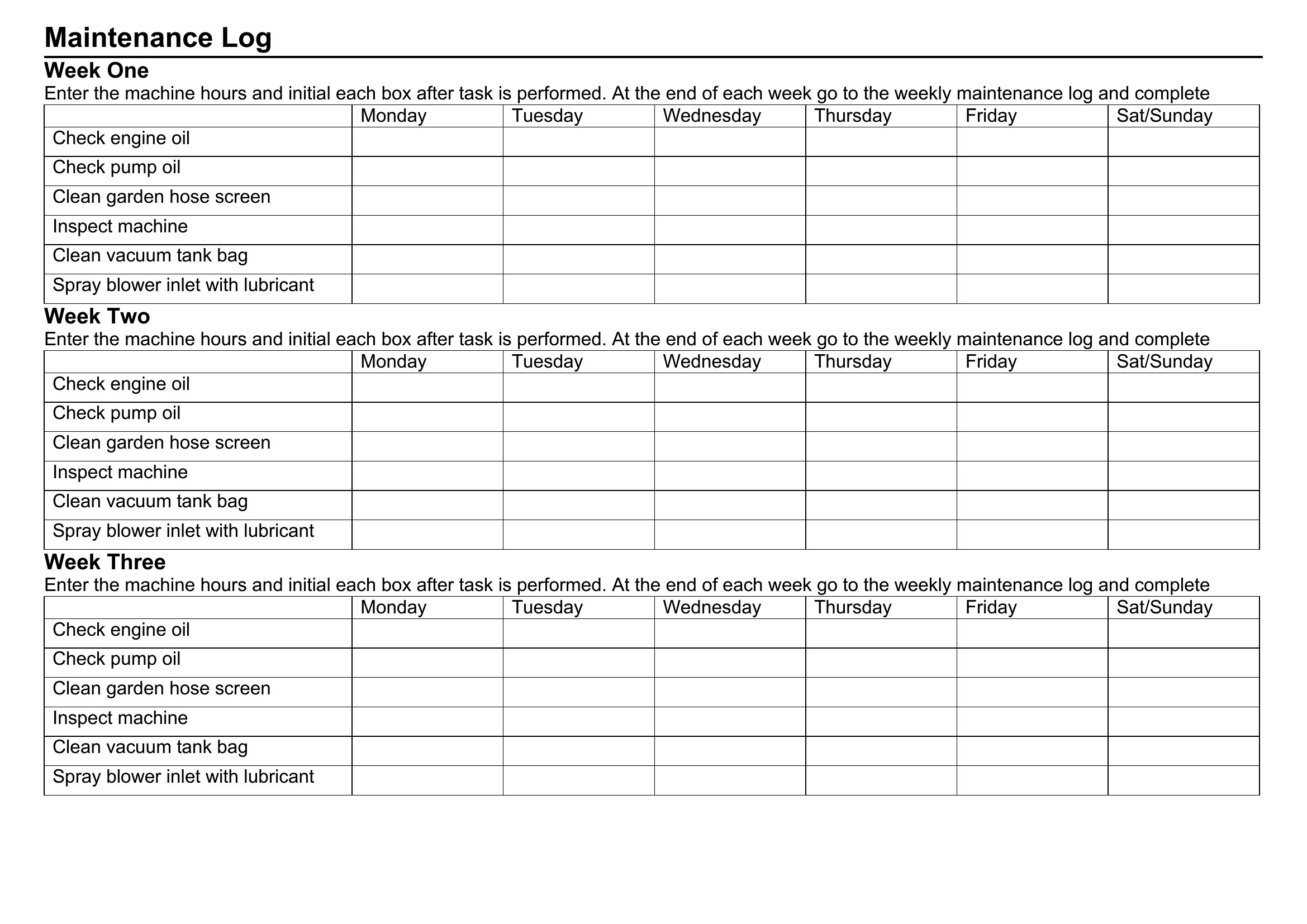
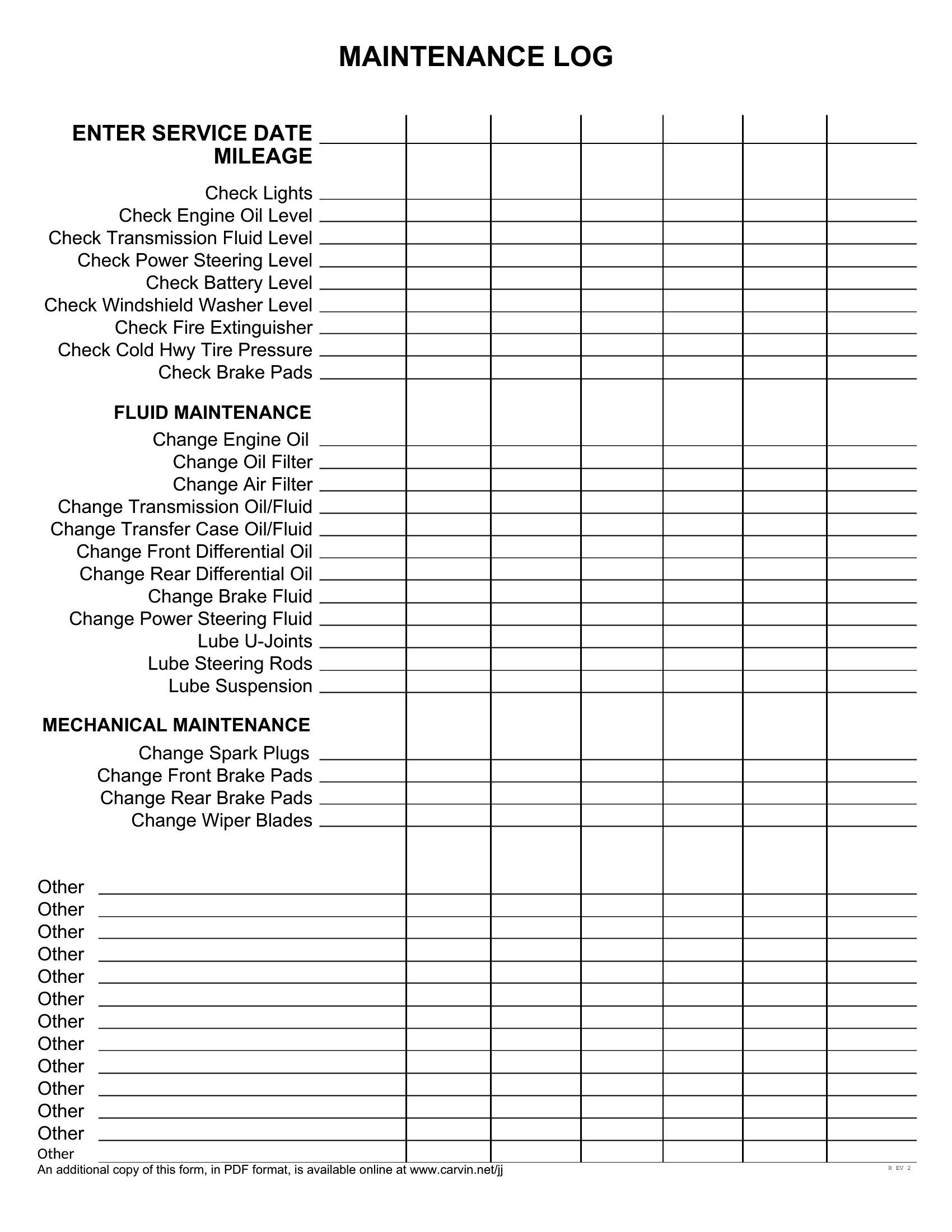
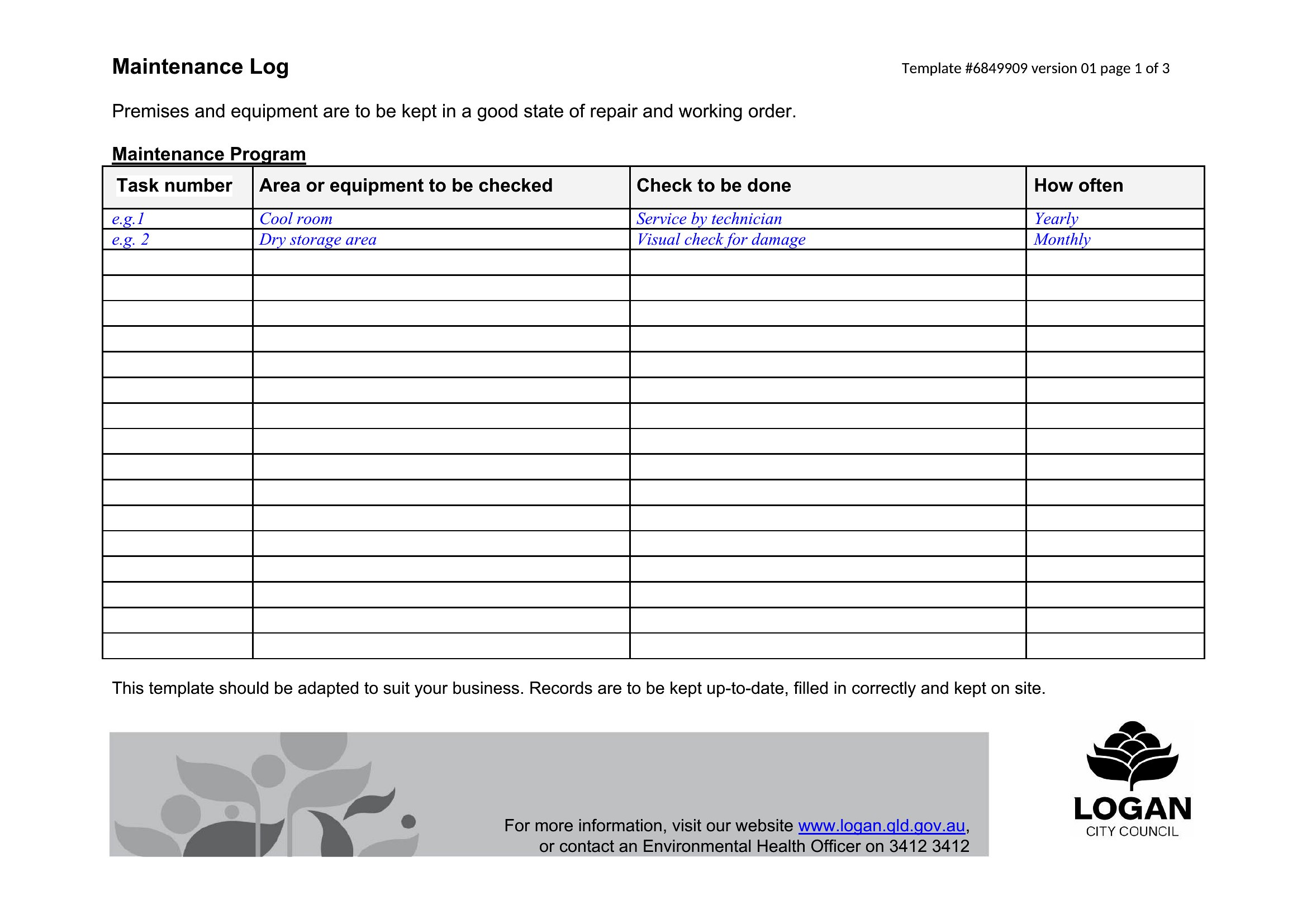
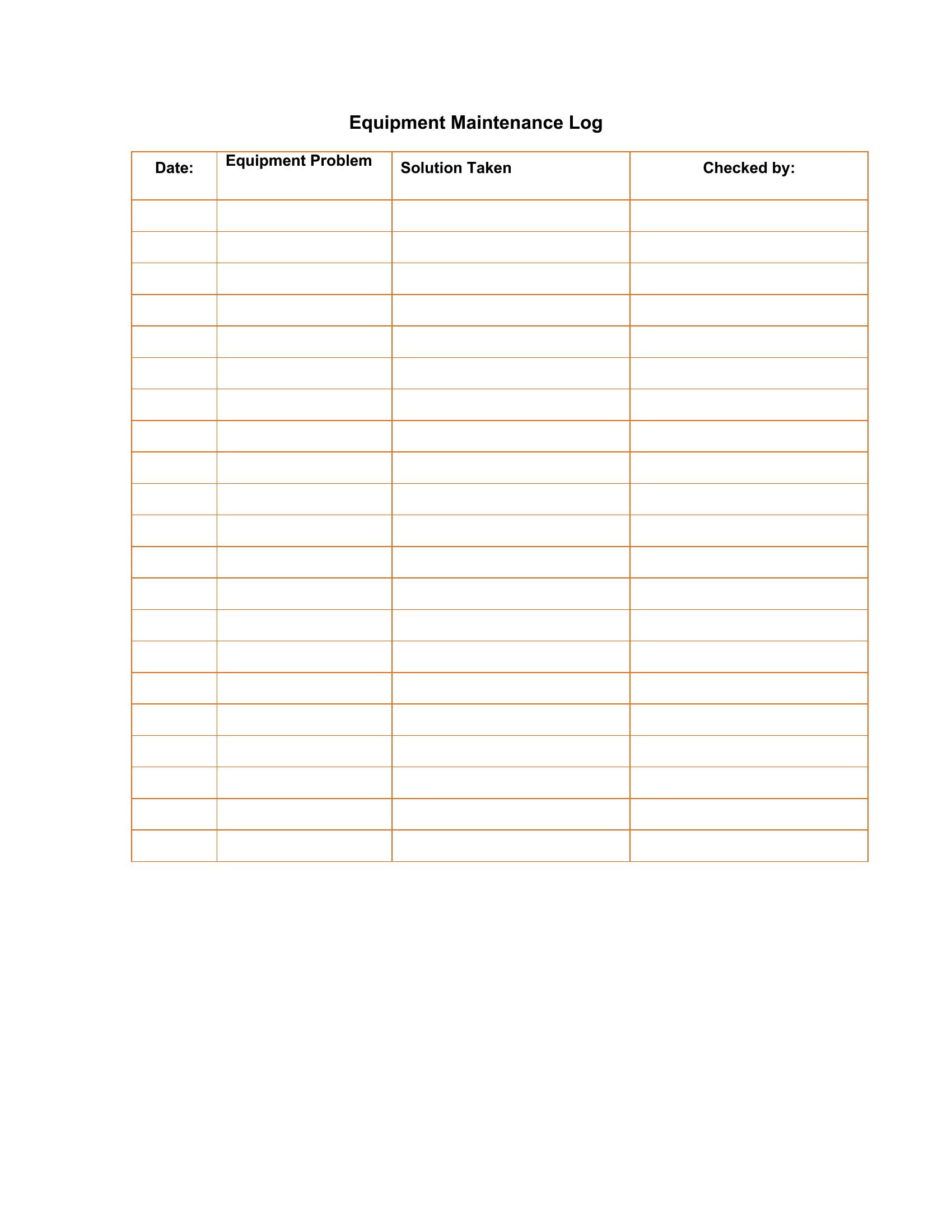
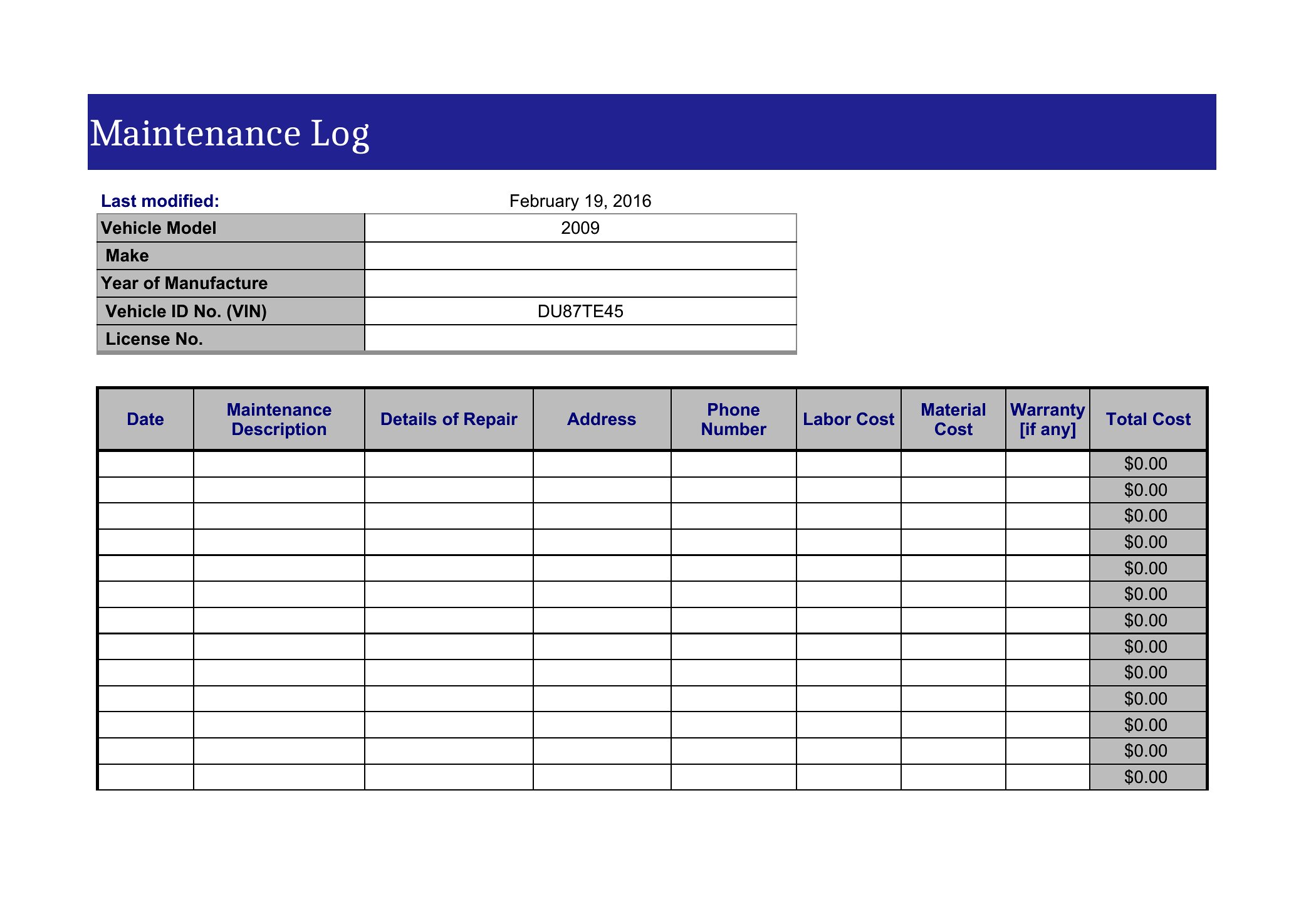
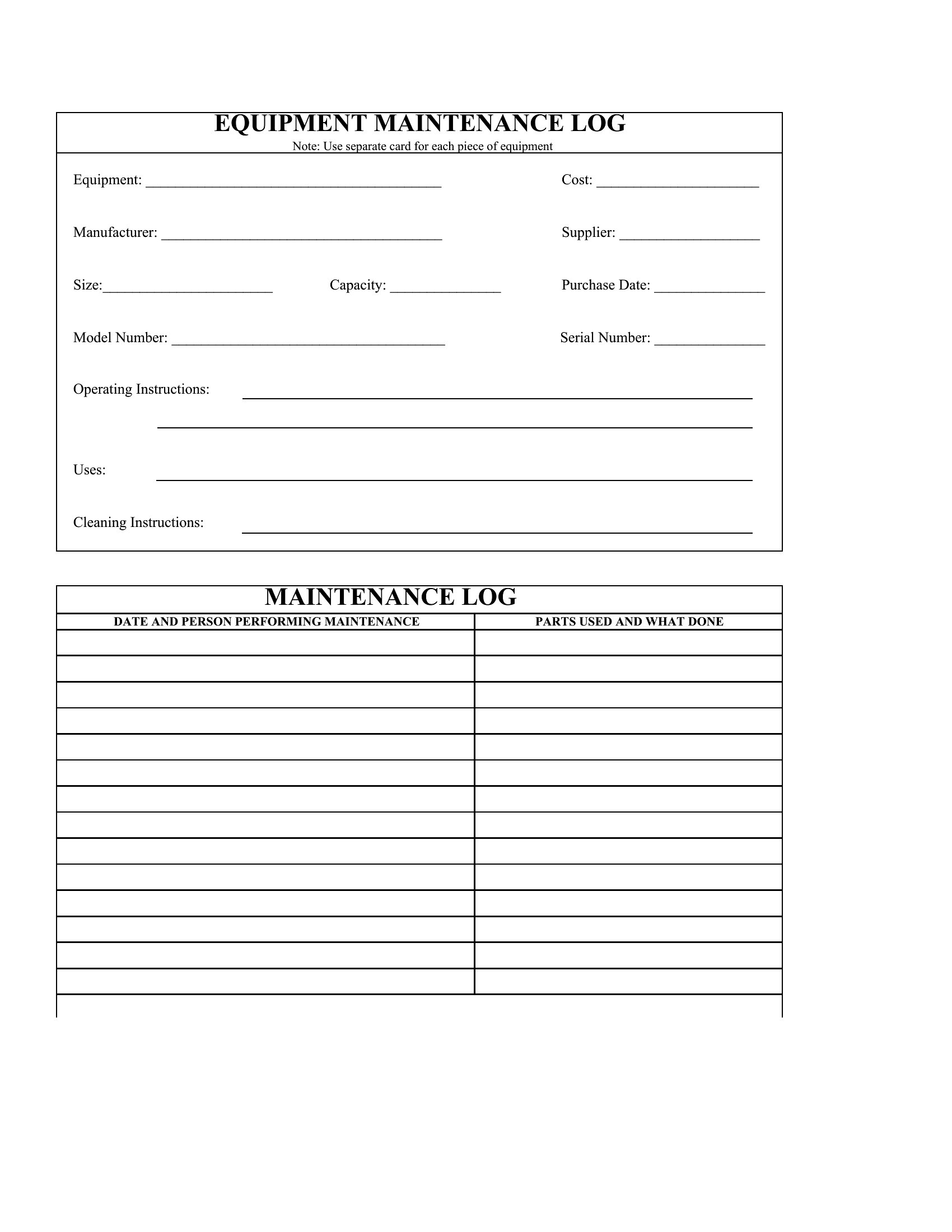
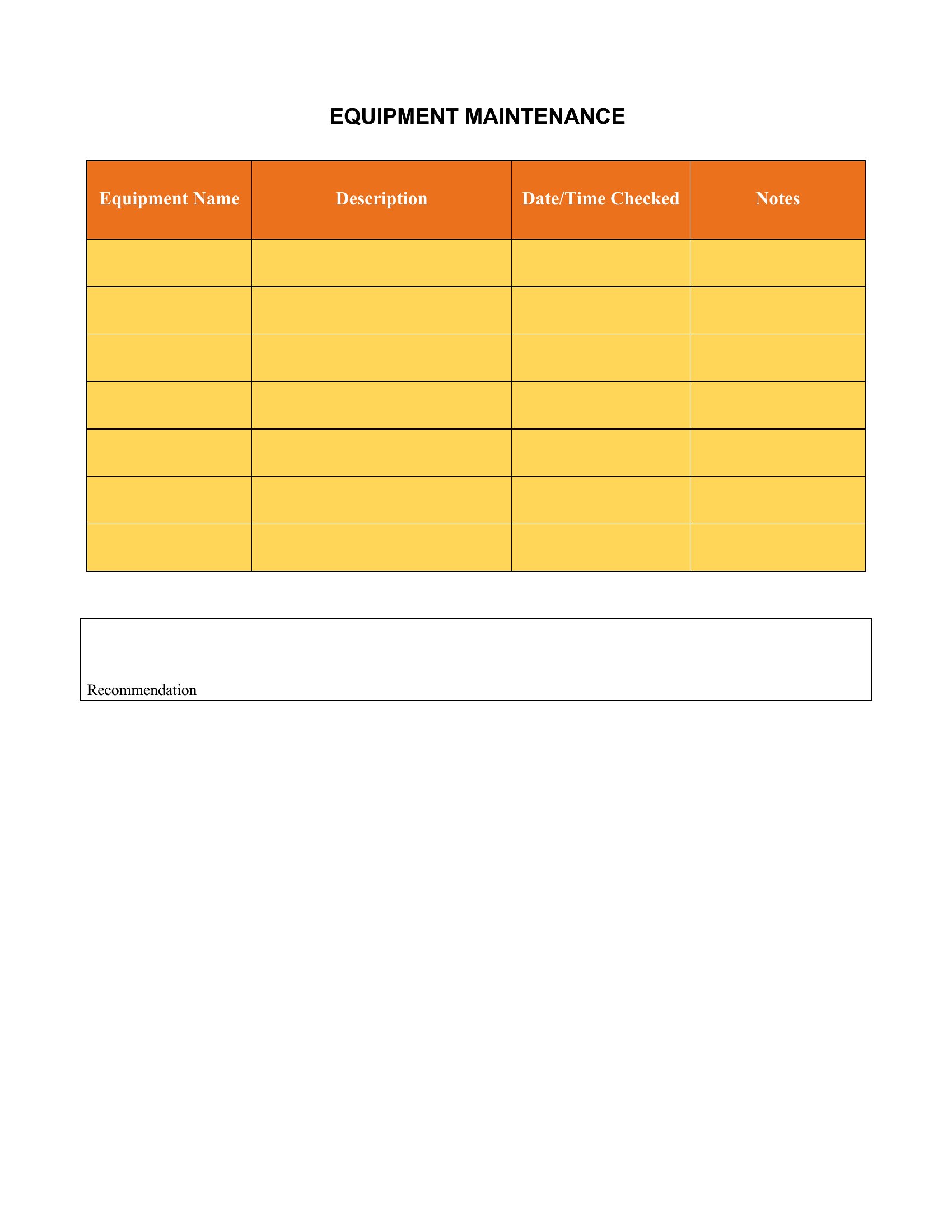
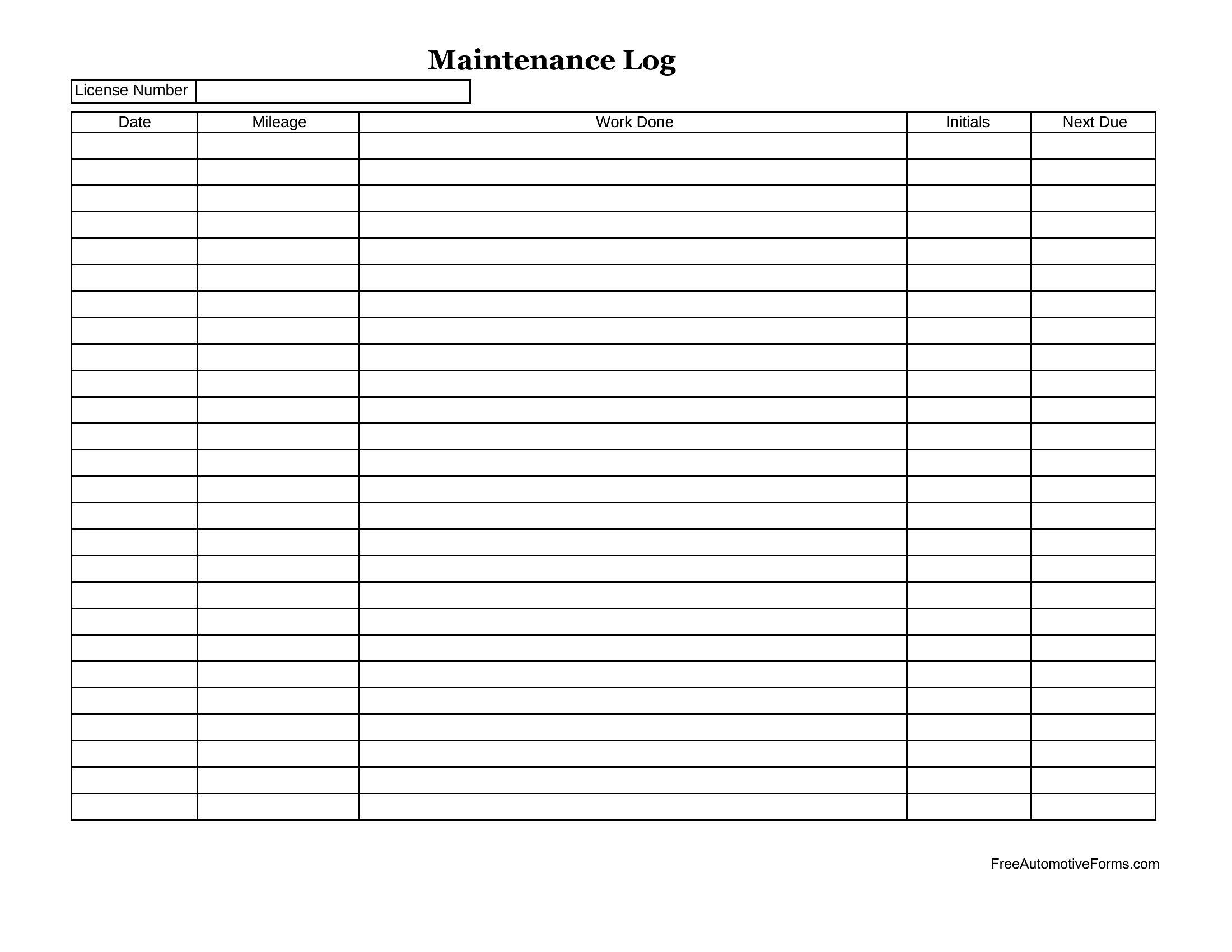
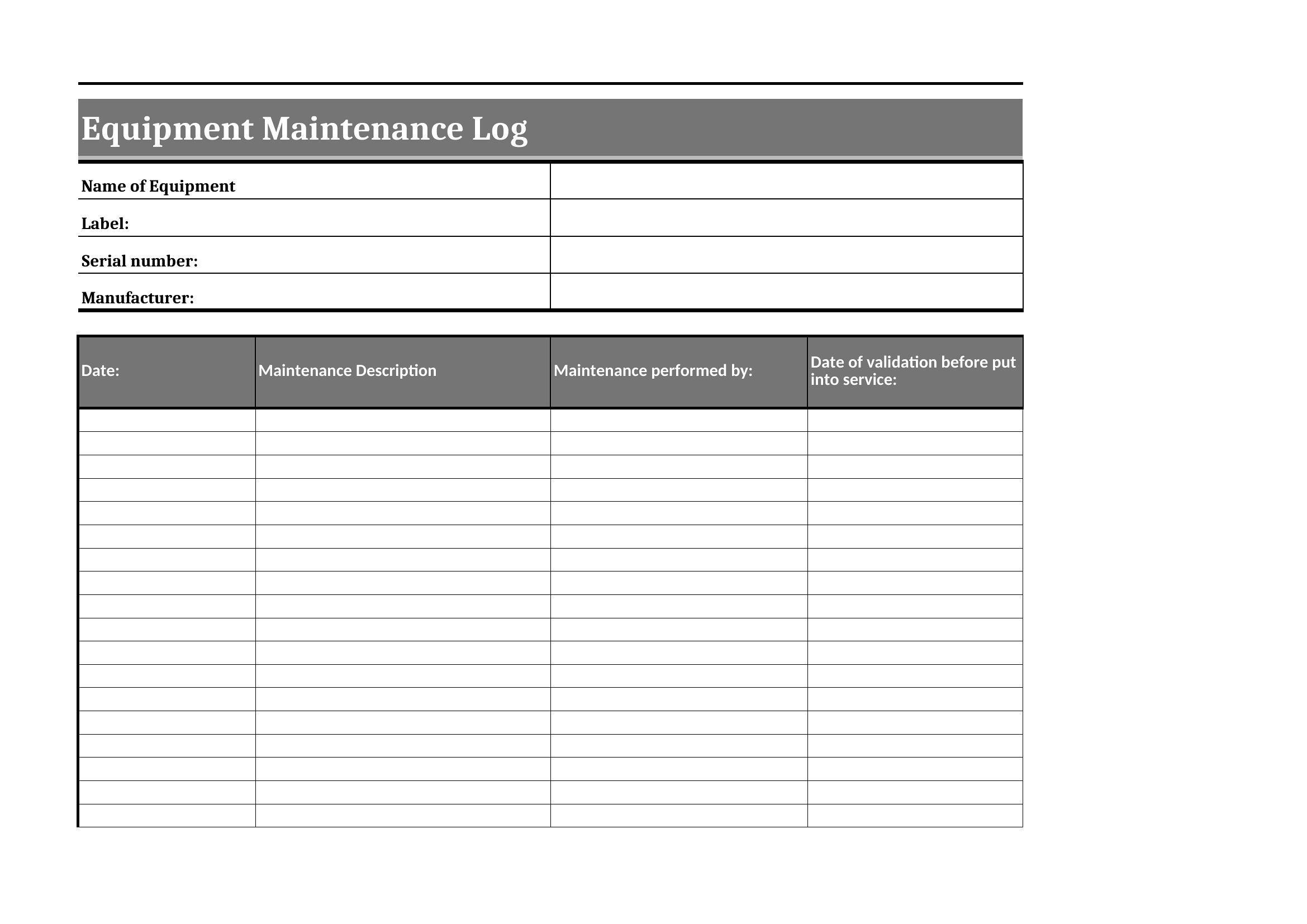
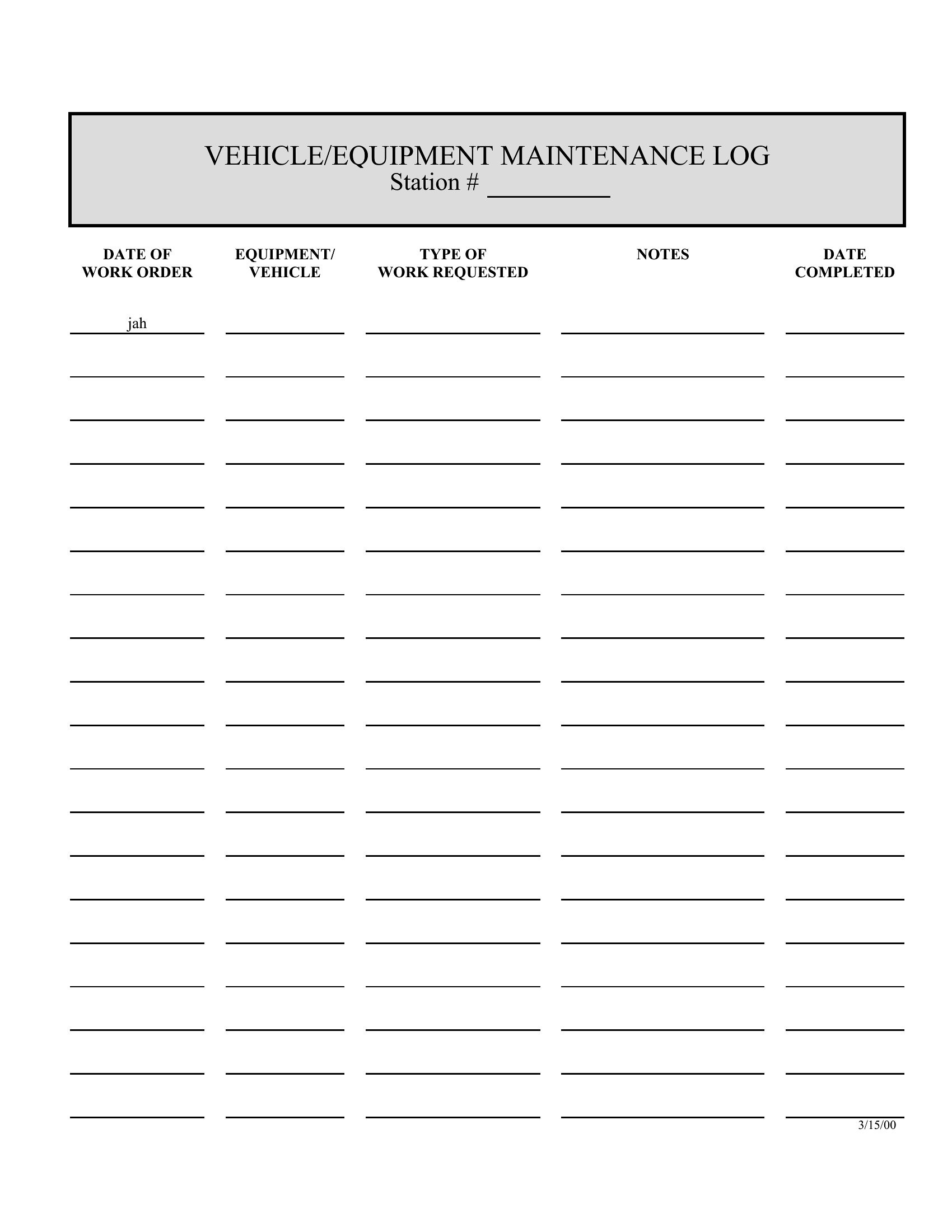
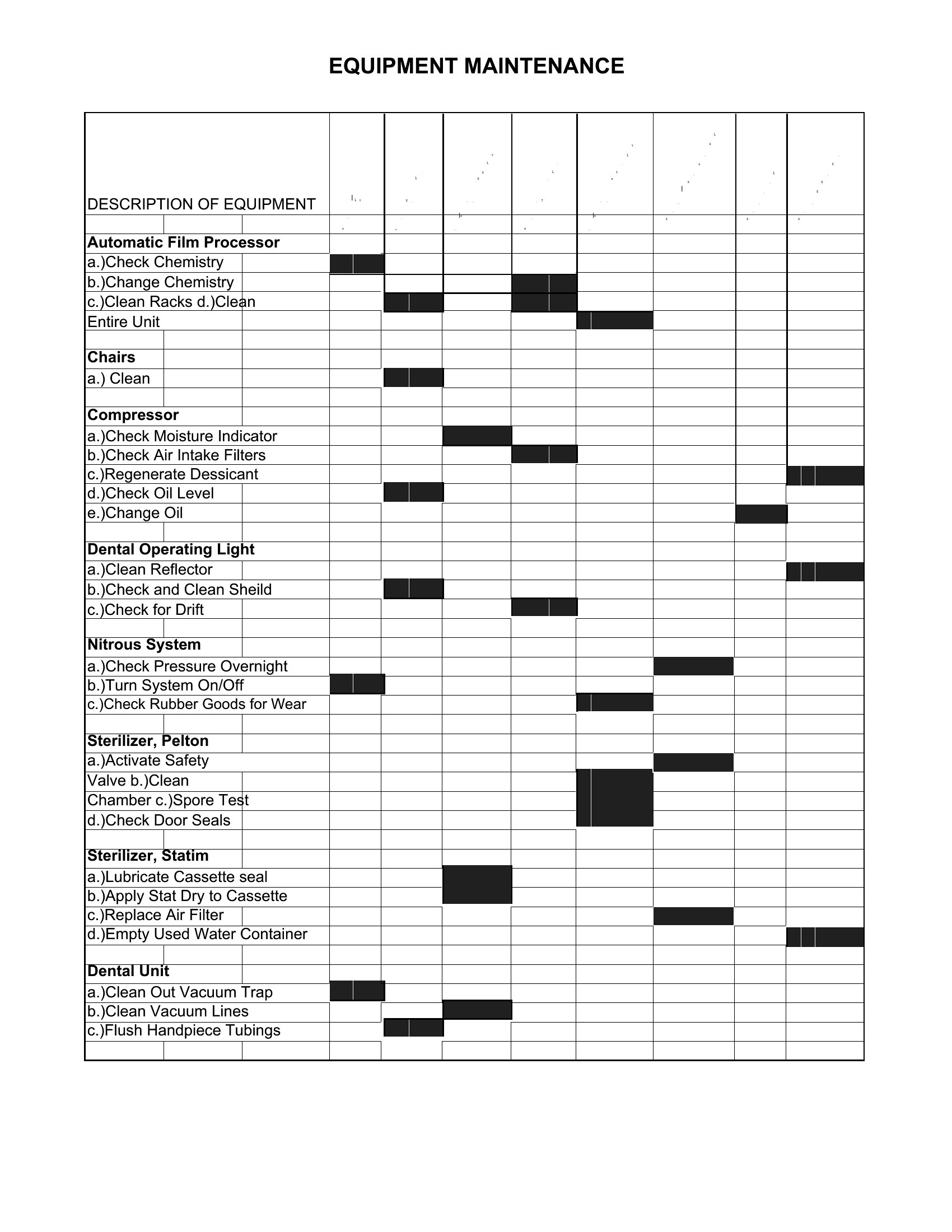
Regular upkeep is a lot easier to stay on top of when every service and repair is written down in one place. This collection of 43 equipment maintenance log templates helps facility managers, mechanics, and operations teams track inspections, part replacements, and routine checks. The layouts give you columns for dates, tasks, technicians, and notes, so the maintenance history is always at hand.

Excel versions let you sort and total entries, while the Word files print for a clipboard by the machine. Log each job as it happens, schedule the next one, and you'll catch small problems before they turn into breakdowns. Download the log that fits your equipment and start your maintenance record today.

When to use this Equipment Maintenance Log template

  • Factory floor supervisors need to document daily machine checks and oil changes for heavy equipment to prevent unexpected breakdowns during peak production shifts.
  • Small business owners managing rental vehicles track tire rotations, fluid top-ups, and seasonal inspections to comply with lease agreements and avoid costly penalties.
  • HVAC technicians use logs to record filter replacements, refrigerant levels, and unit performance tests before and after service calls to justify billing and track warranty claims.
  • Warehouse operations staff log forklift battery charges, brake tests, and lift inspections weekly to ensure OSHA compliance and extend equipment lifespan in high-traffic zones.

Which format should I download?

WordExcel

Choose Word if you need a fillable, print-ready log that your team can edit directly on computers or share via email—ideal for office-based maintenance coordinators who prioritize readability and annotations. Opt for Excel when you want to analyze trends over time, such as comparing failure rates across equipment types or flagging machines due for service with conditional formatting. Excel is best for data-driven teams who plan to input logs into larger inventory or asset management systems later.

How to use this Equipment Maintenance Log template

Can these logs help prove compliance during an OSHA or safety audit?

These templates provide a structured record of inspections, repairs, and technician signatures, which can serve as evidence of due diligence. However, they should be paired with actual maintenance records and training logs for full compliance. Always consult a safety professional to tailor logs to your specific industry regulations.

What’s the best way to organize logs for multiple pieces of equipment in one facility?

Use a separate tab or sheet in Excel for each machine type (e.g., ‘Conveyor Belts,’ ‘Air Compressors’) with a master index tab linking to each. In Word, create sections with dividers for different equipment zones or use headers to categorize logs by department. Color-coding or consistent column headers will make searches faster.

Should we include space for supplier or part manufacturer details in the log?

Yes, adding a column for part numbers, manufacturer names, and warranty details can streamline reordering and troubleshooting. This is especially useful for facilities with specialized equipment where compatibility issues are common. Start with a few key columns, then expand based on what your team finds most helpful during the first few weeks of use.

Comments

Join the conversation

Sign in to share your thoughts and leave a comment on this resource.

Newsletter

Get Weekly Design Updates

Join our community to receive curated resources and inspiration.

Weekly Tips Resources Early Access

We respect your privacy. Confirmation email required. Privacy Policy