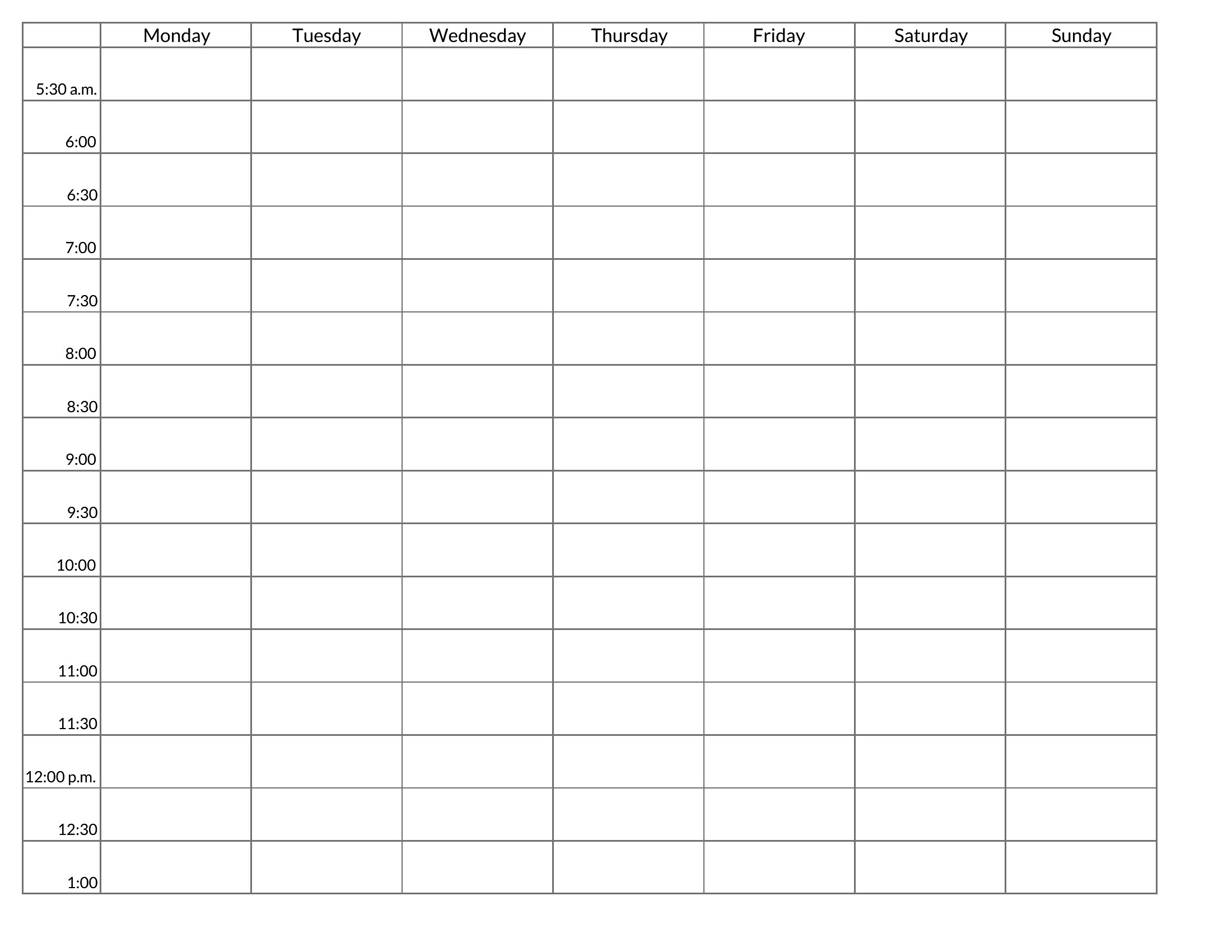
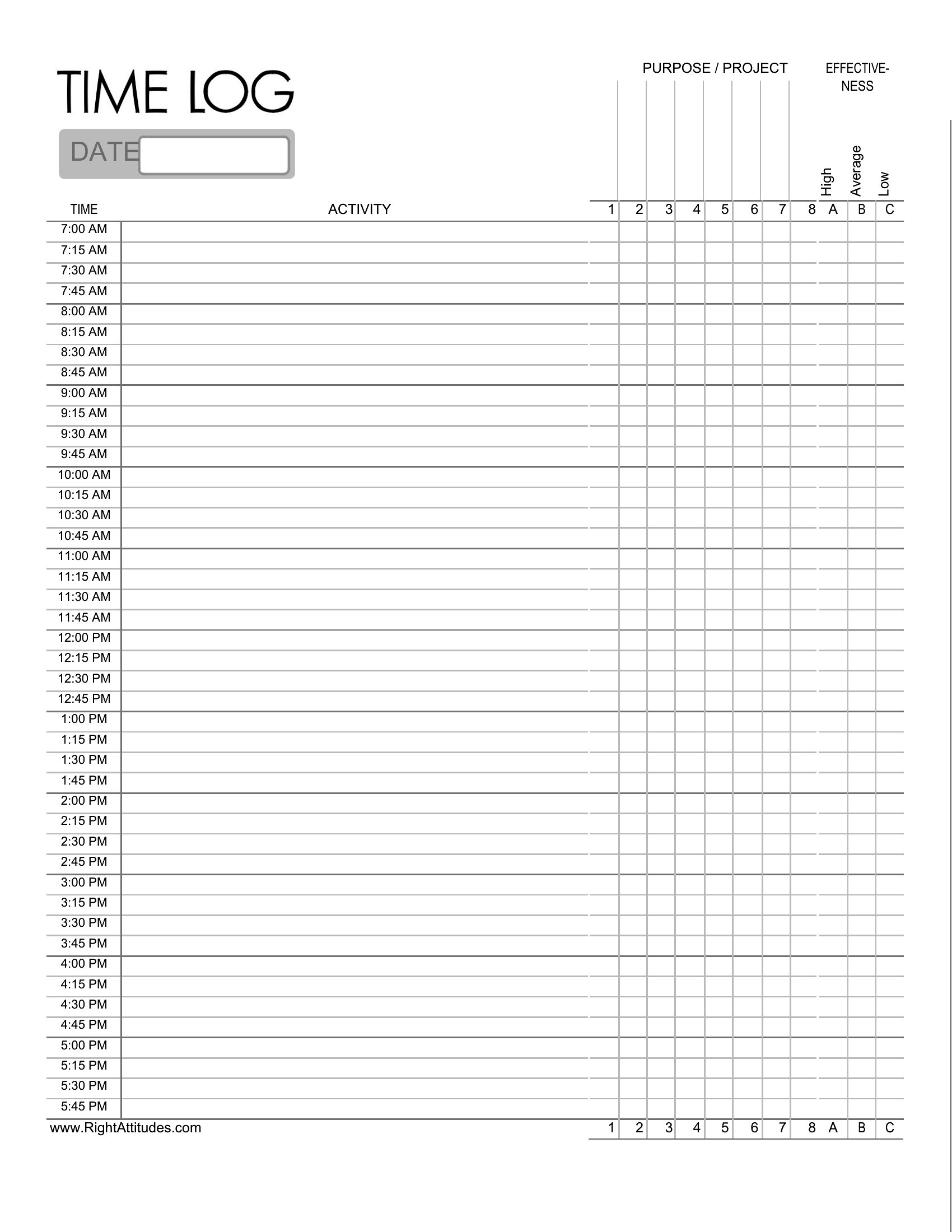
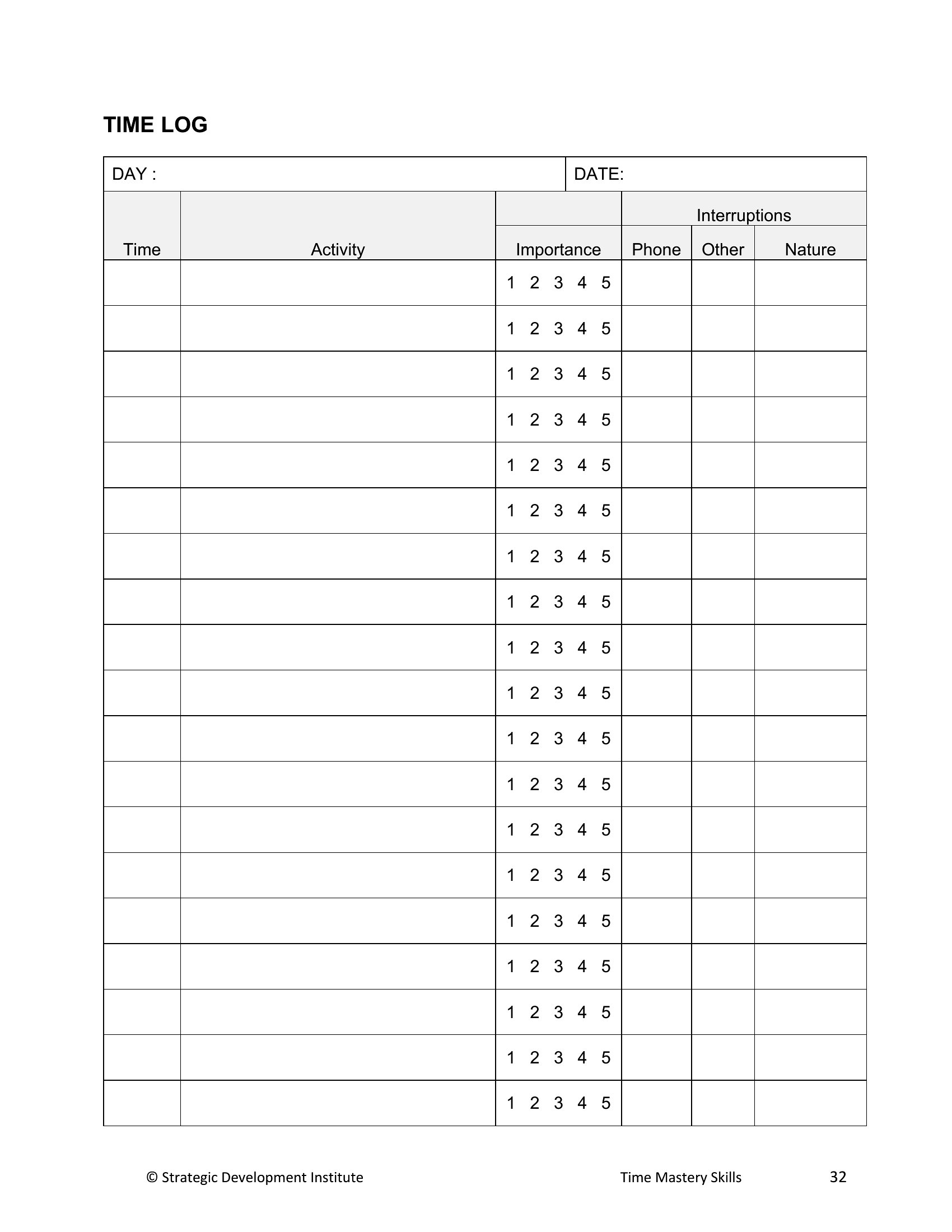
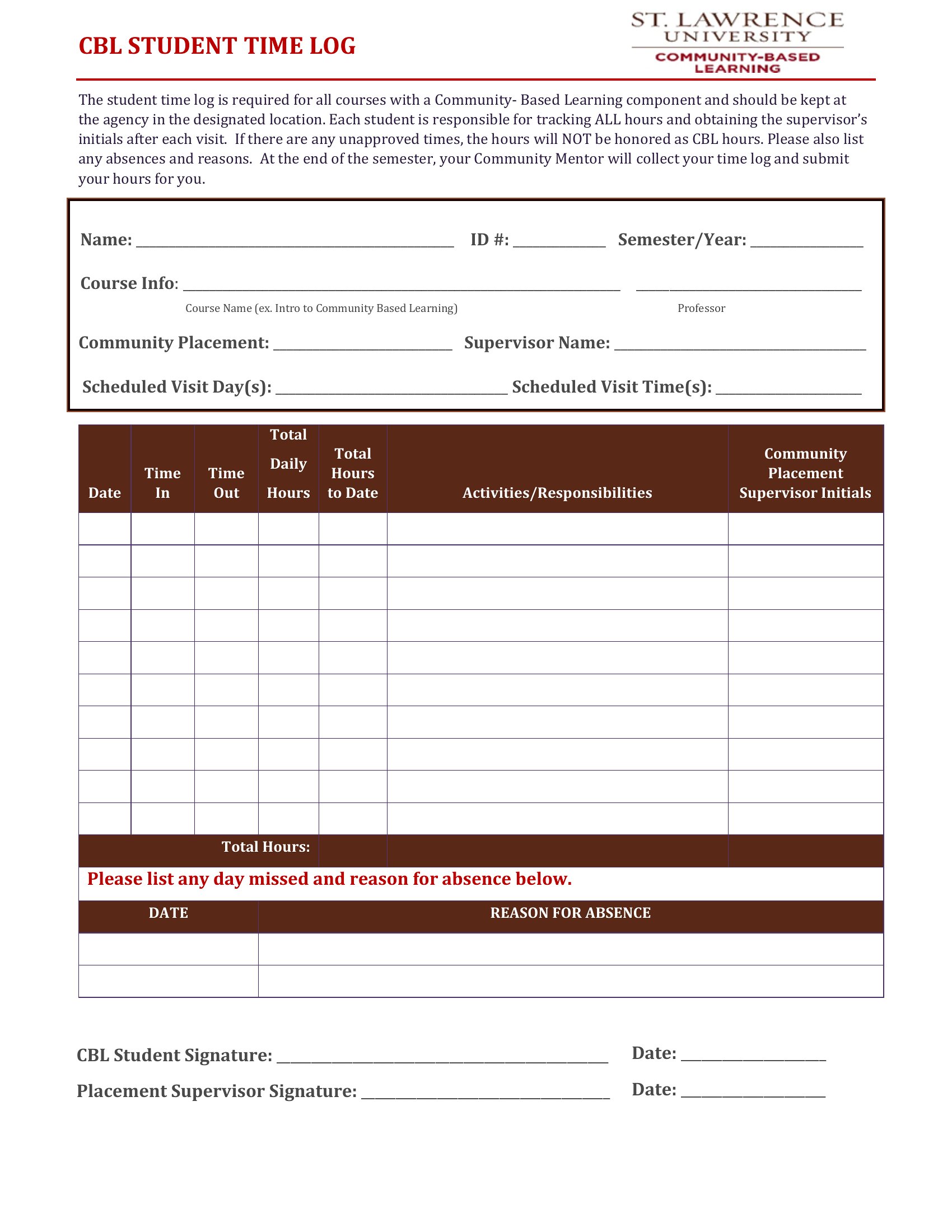
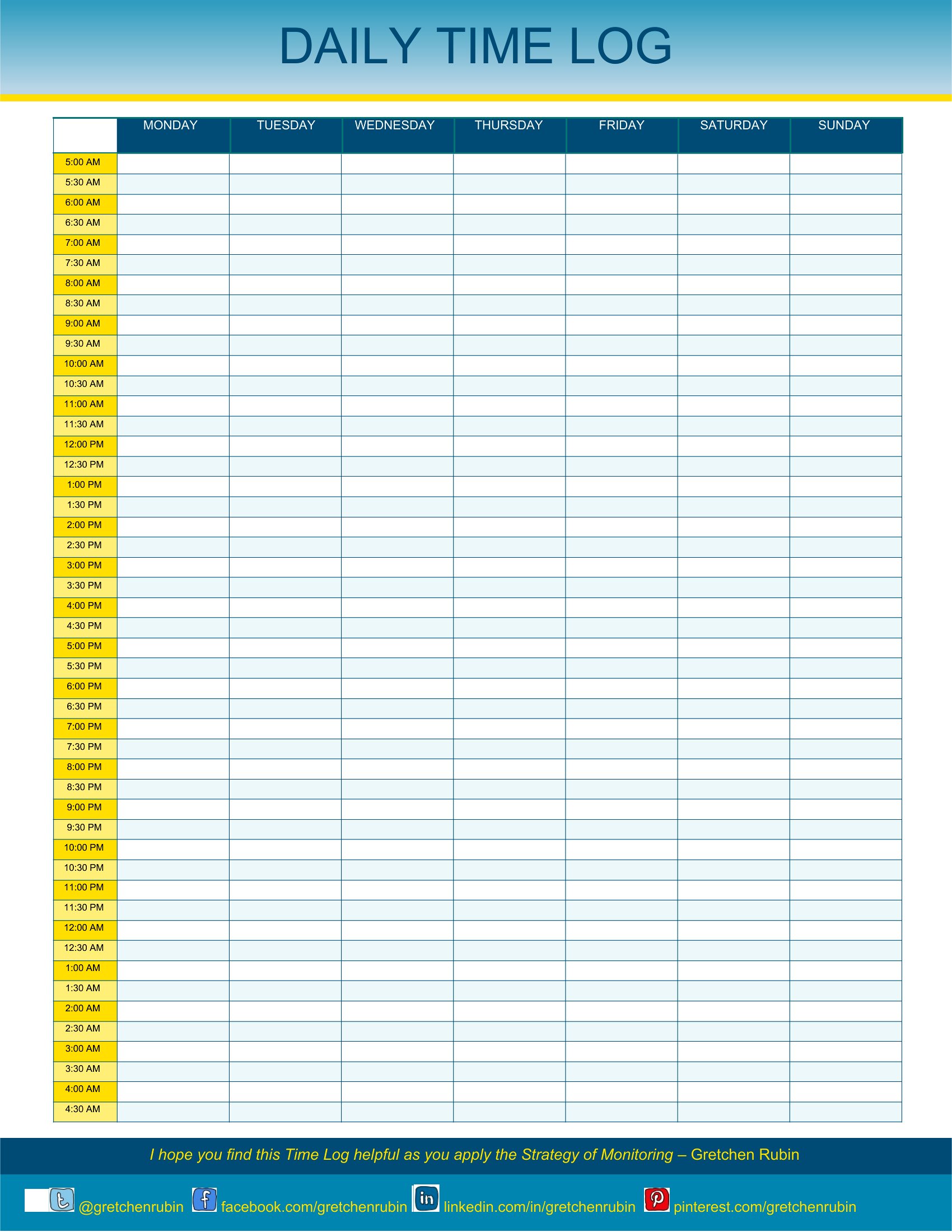
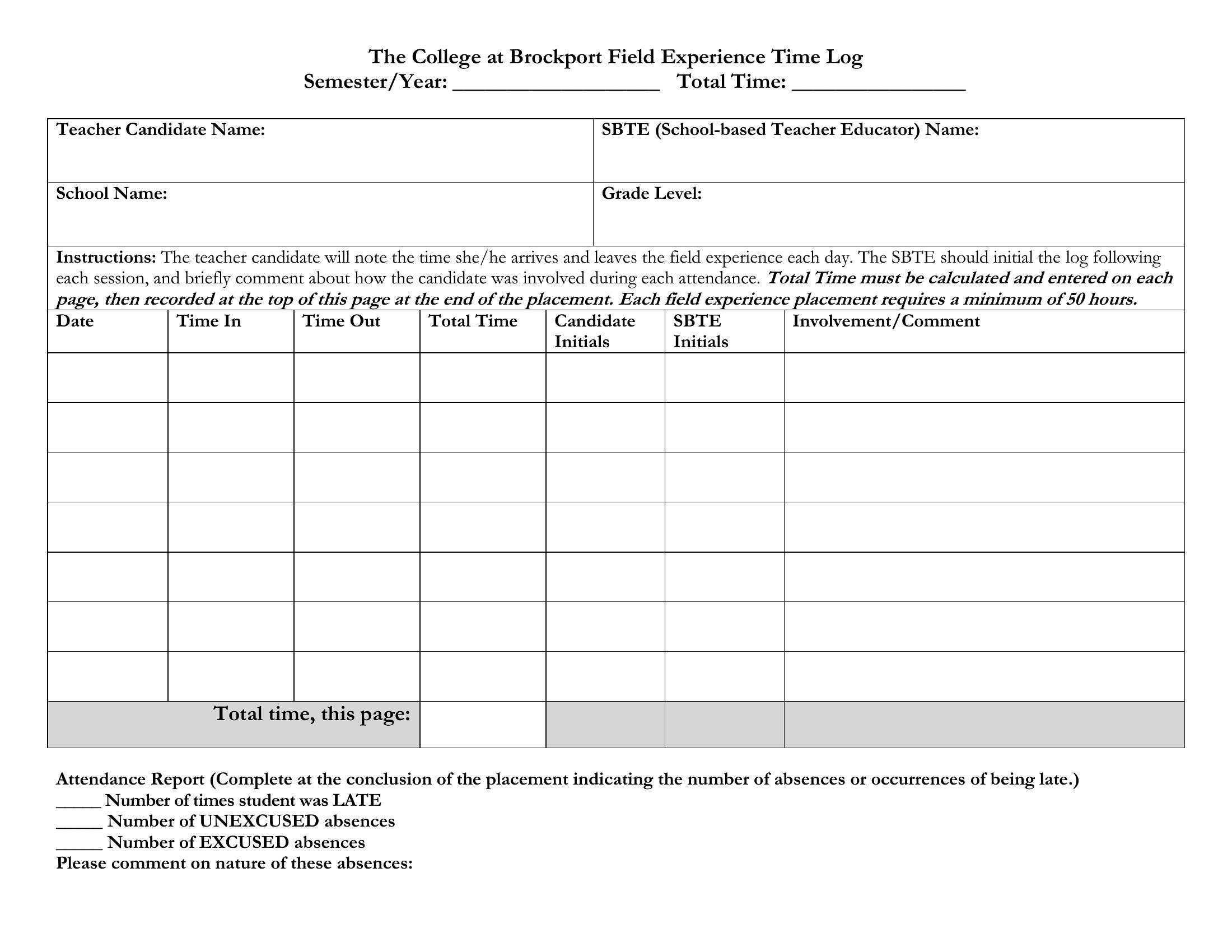
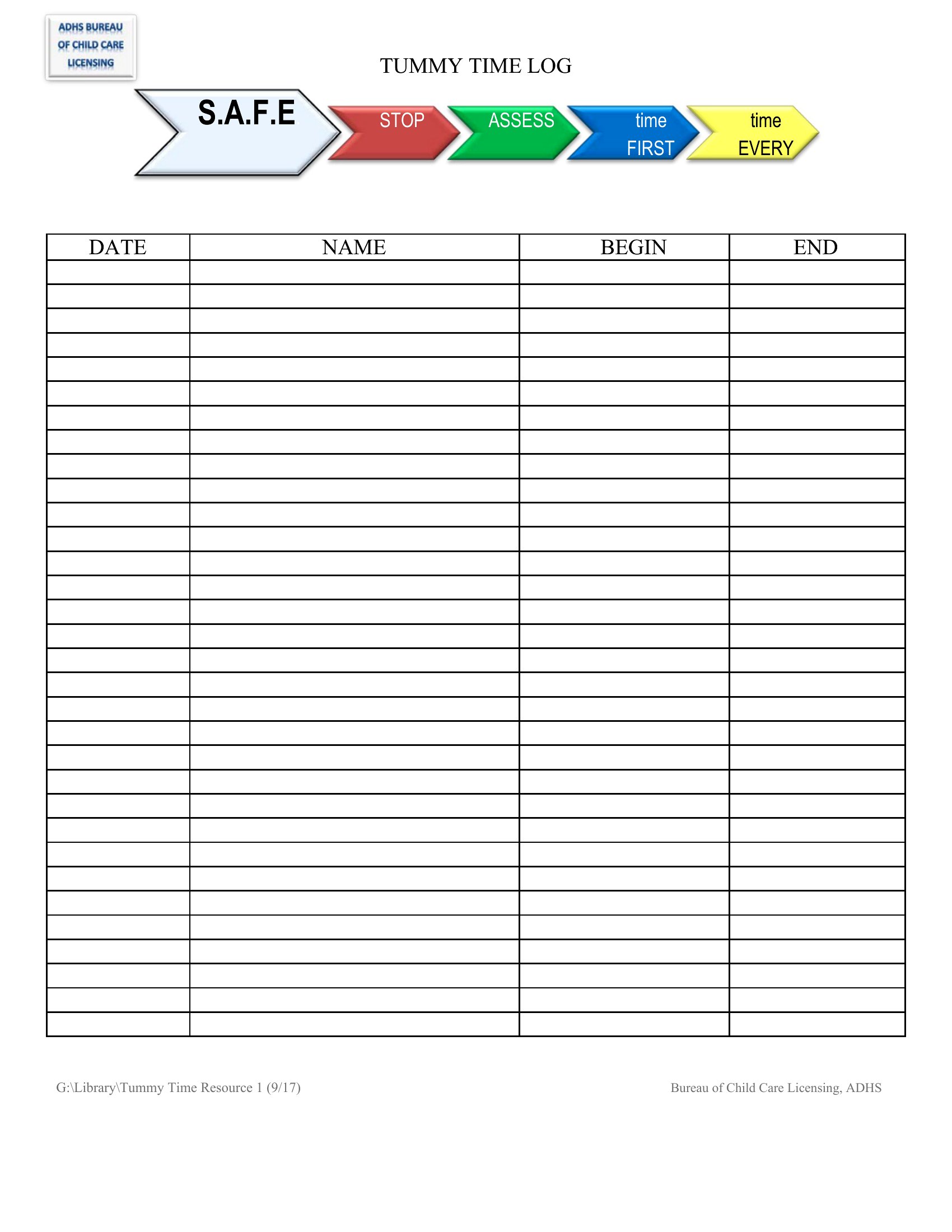
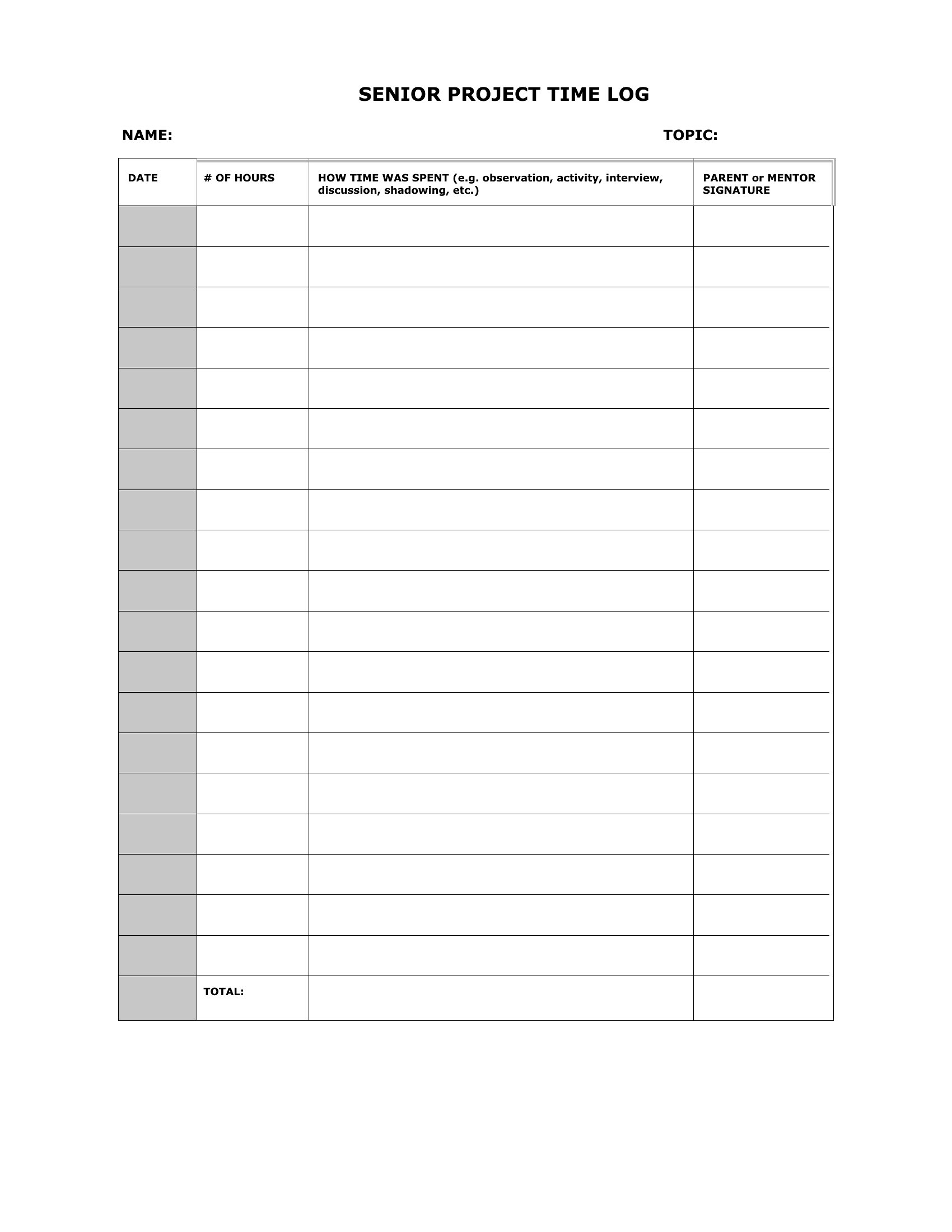
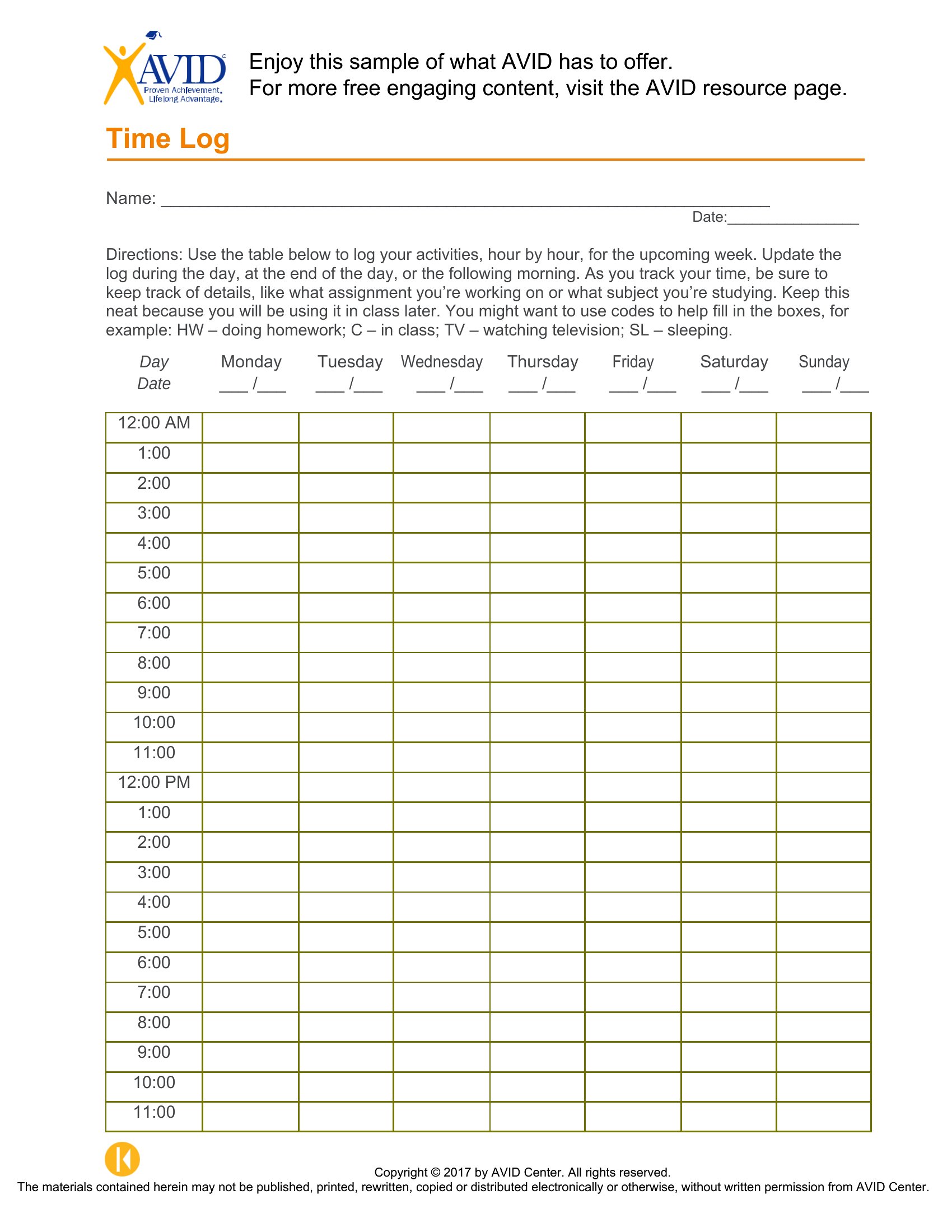
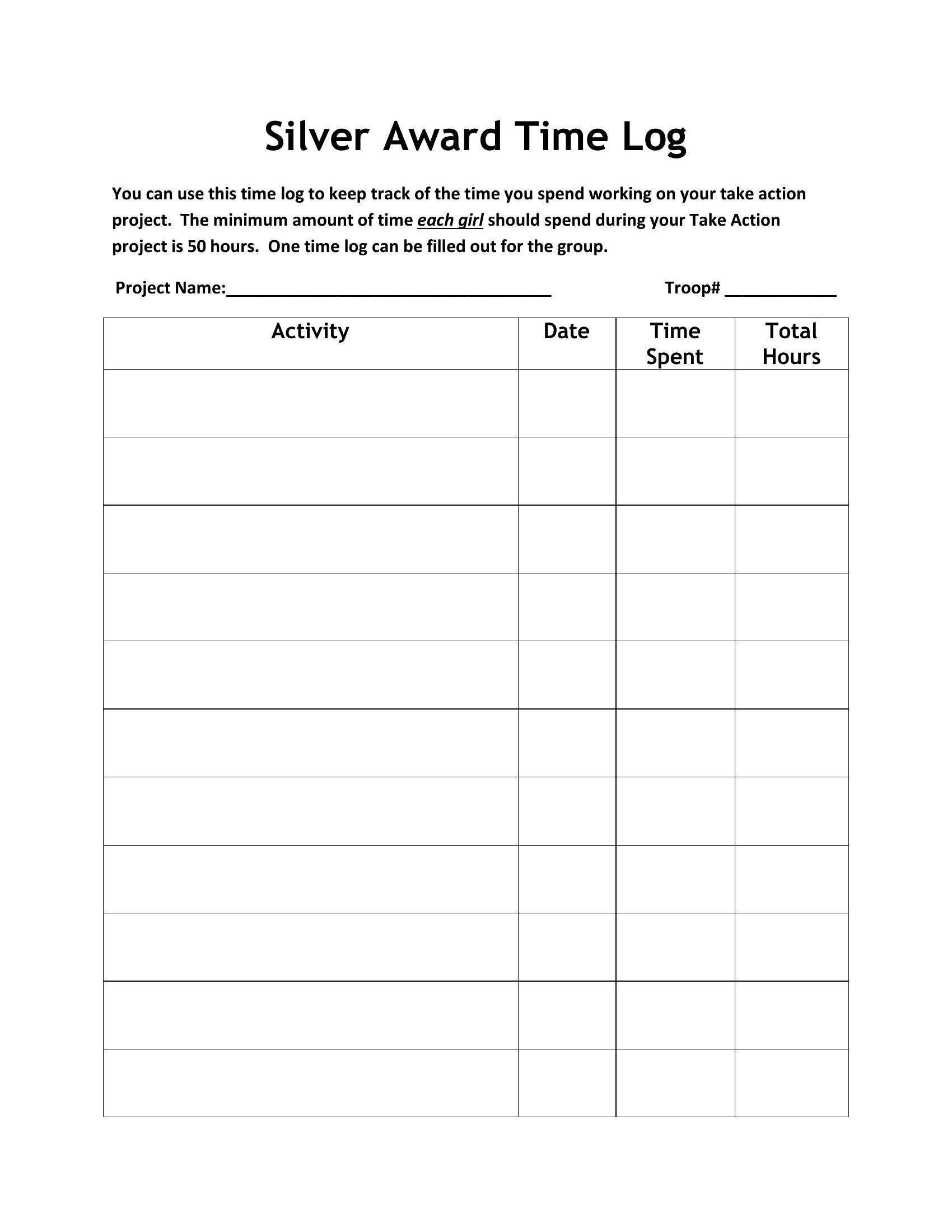
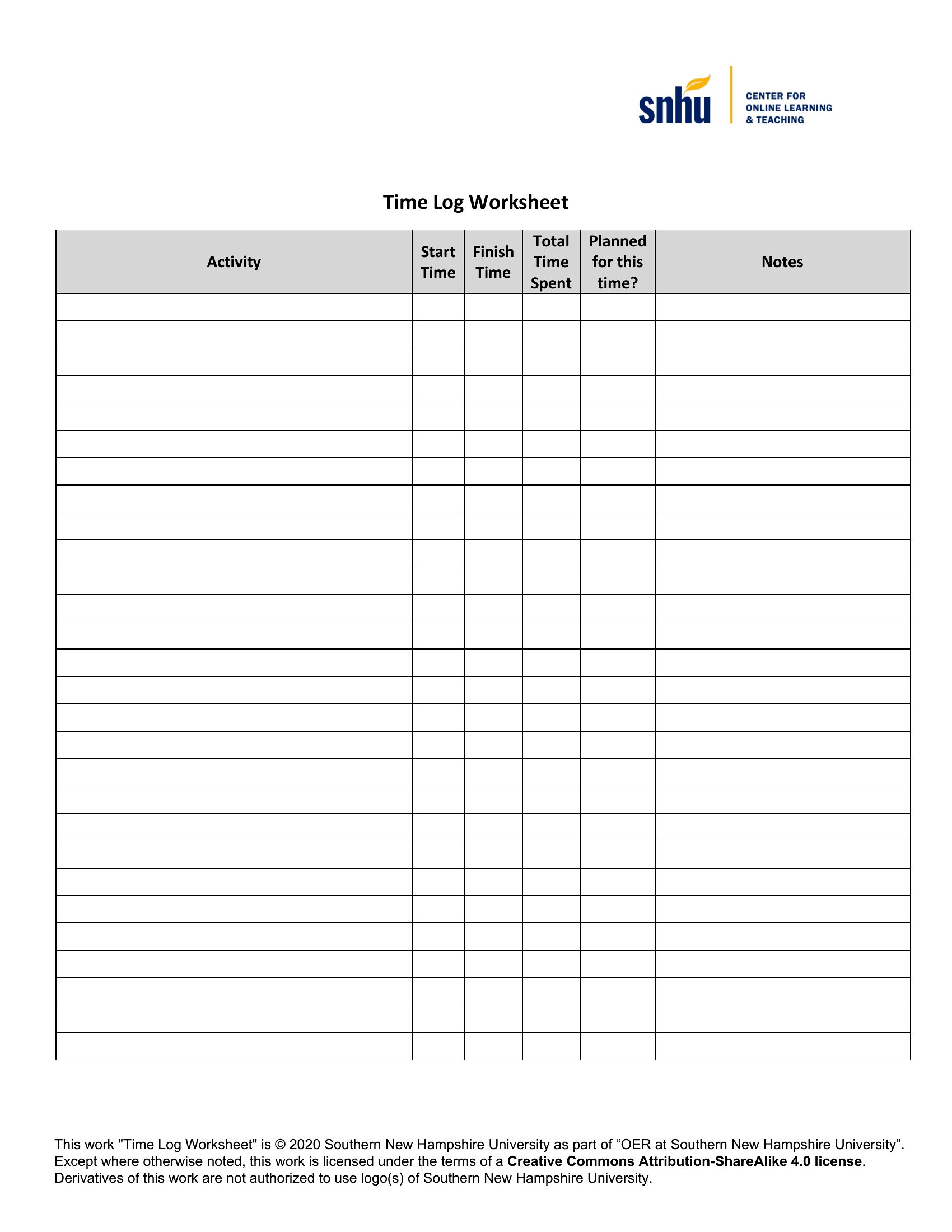
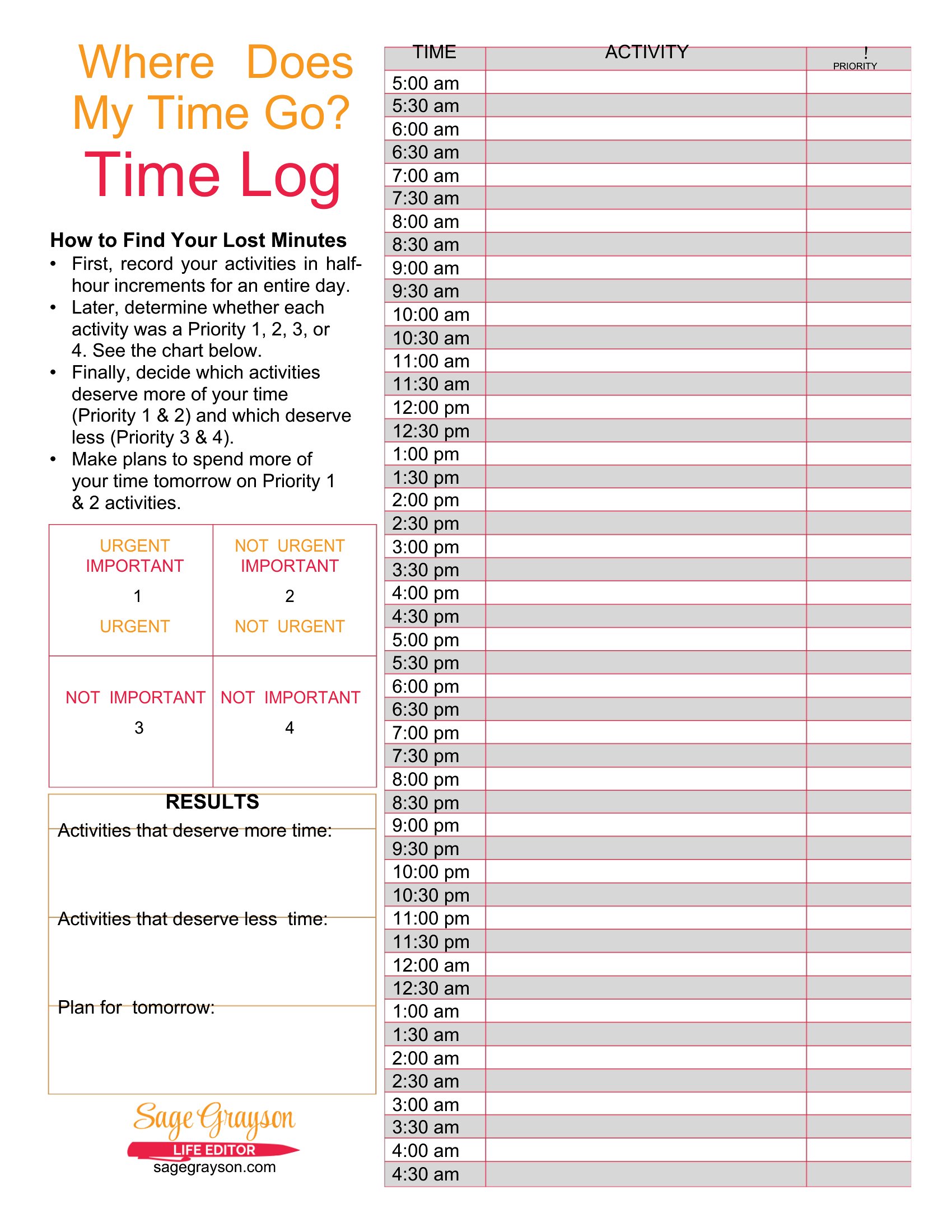
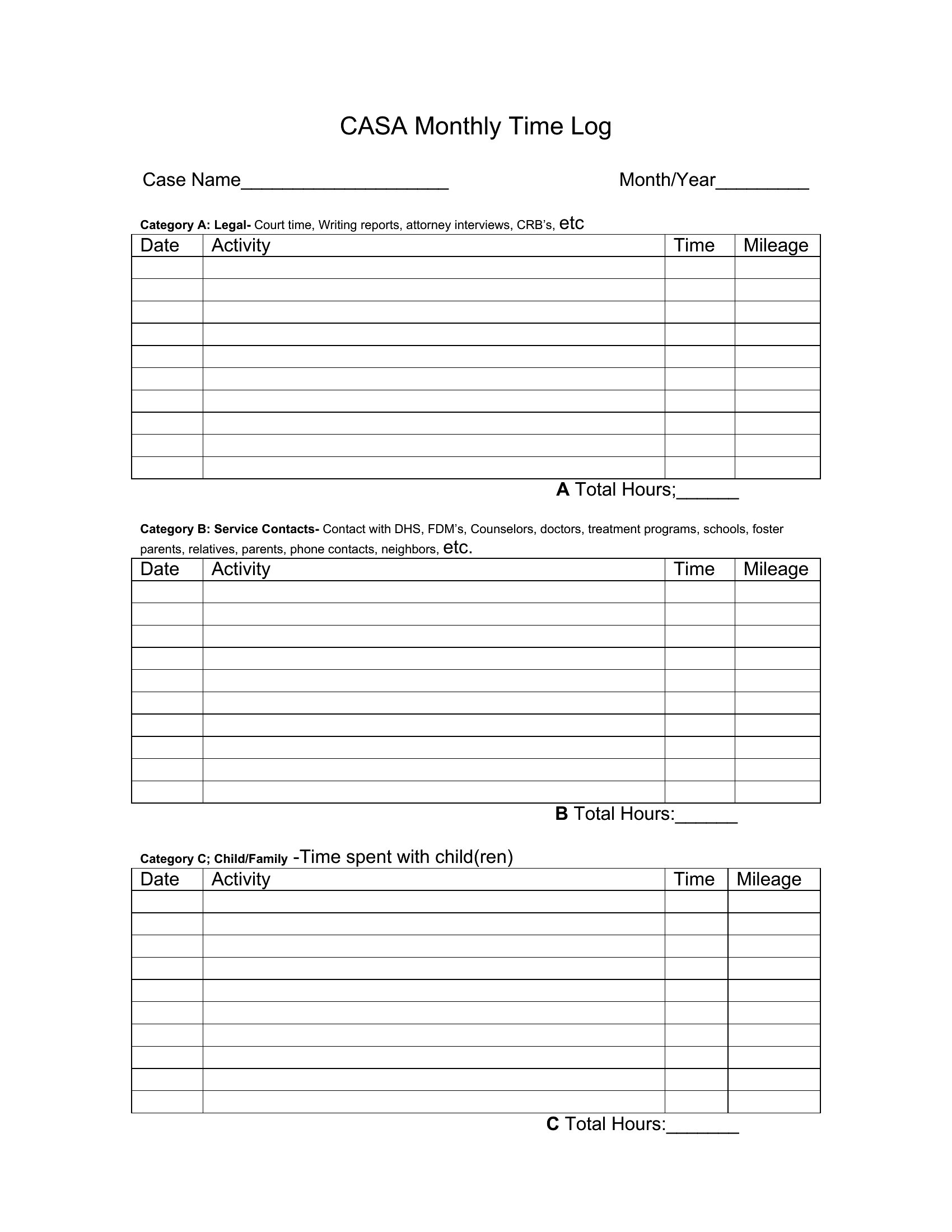
Free Time Log Templates (Word, Excel, PDF)
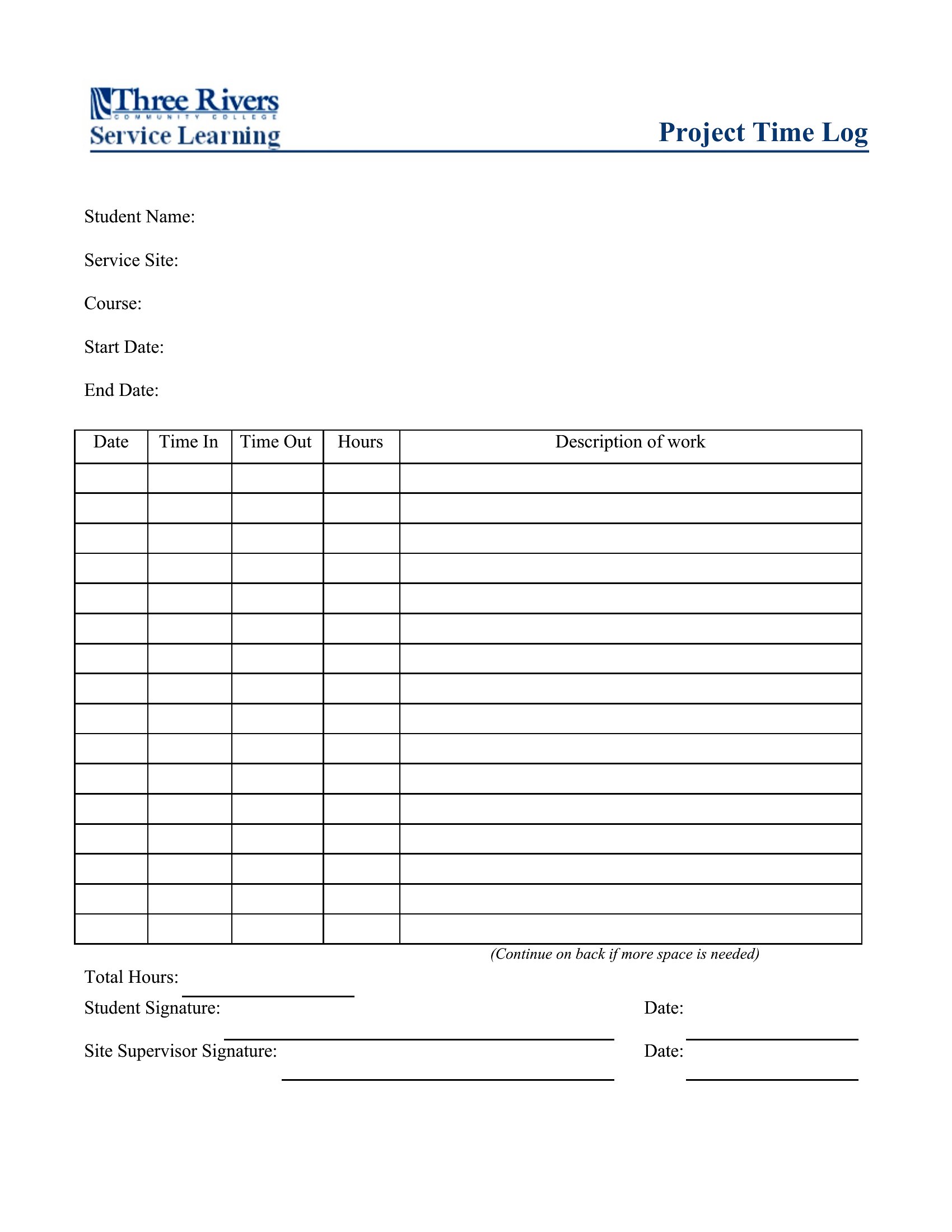
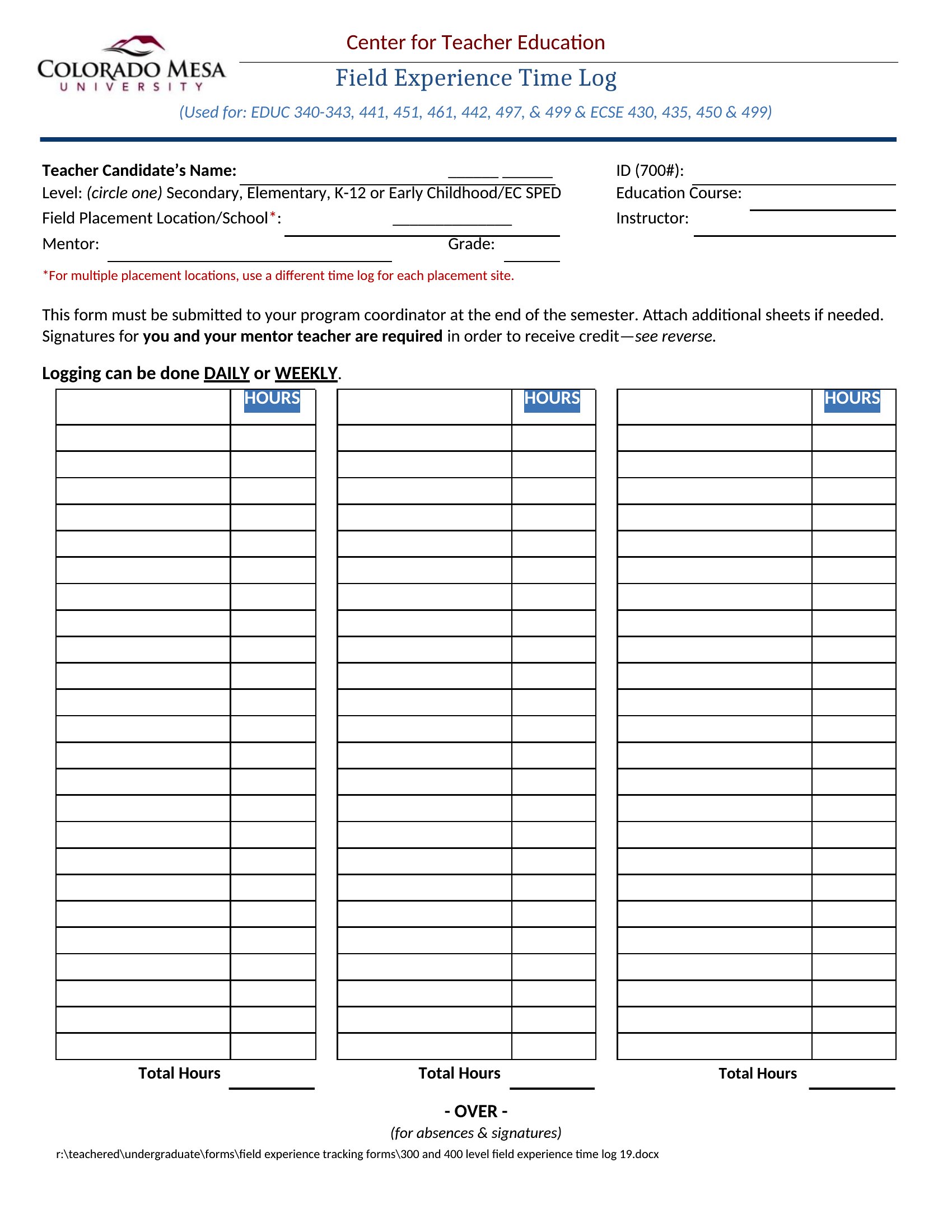
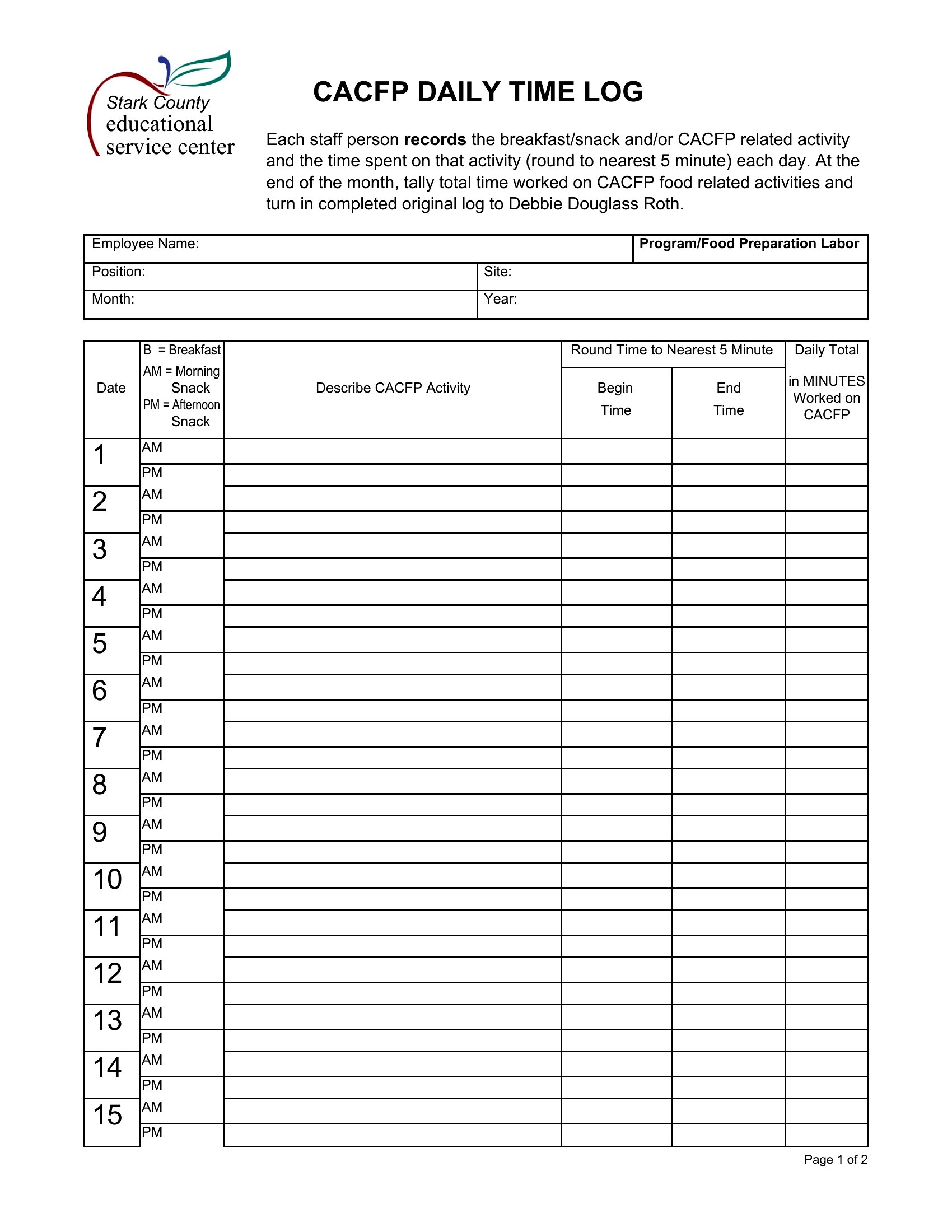
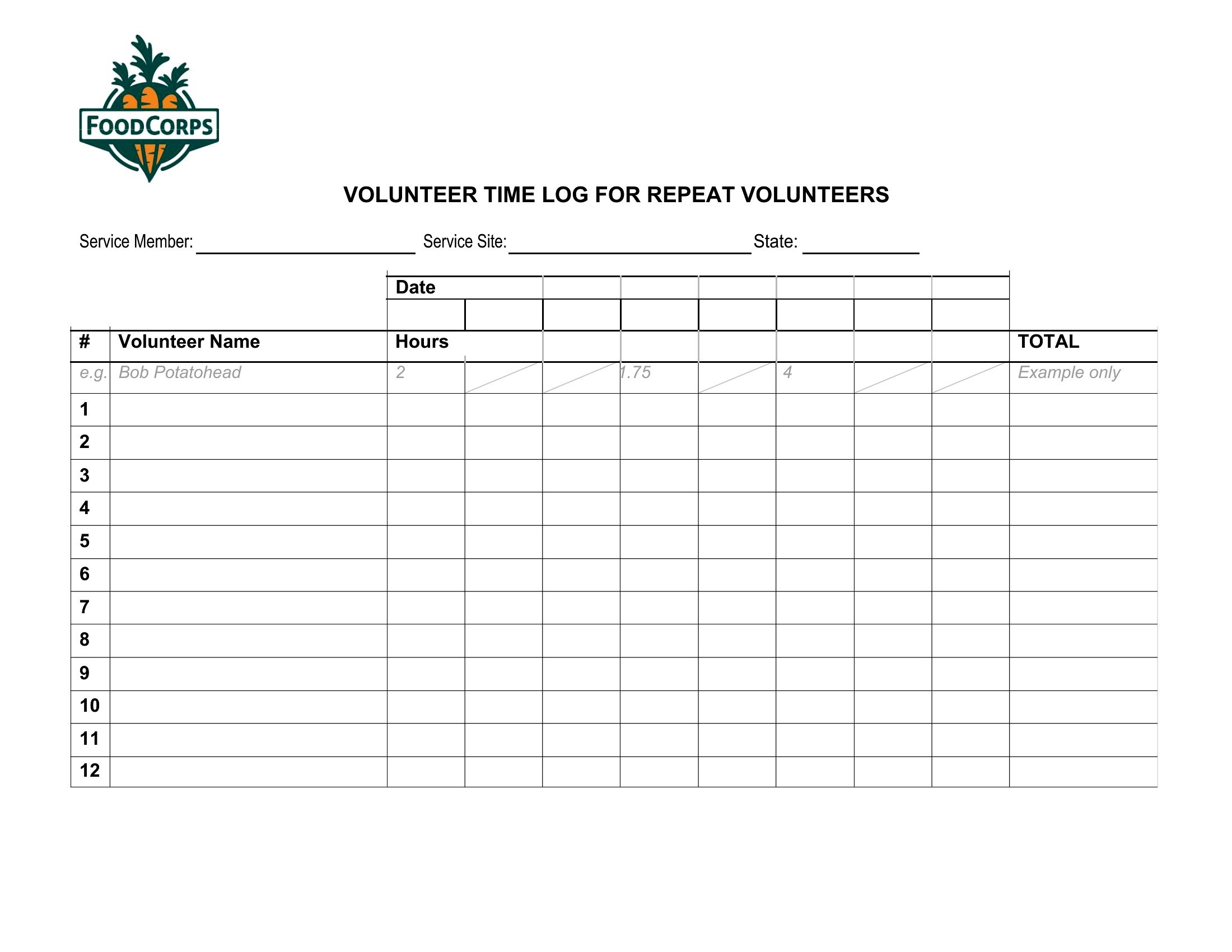
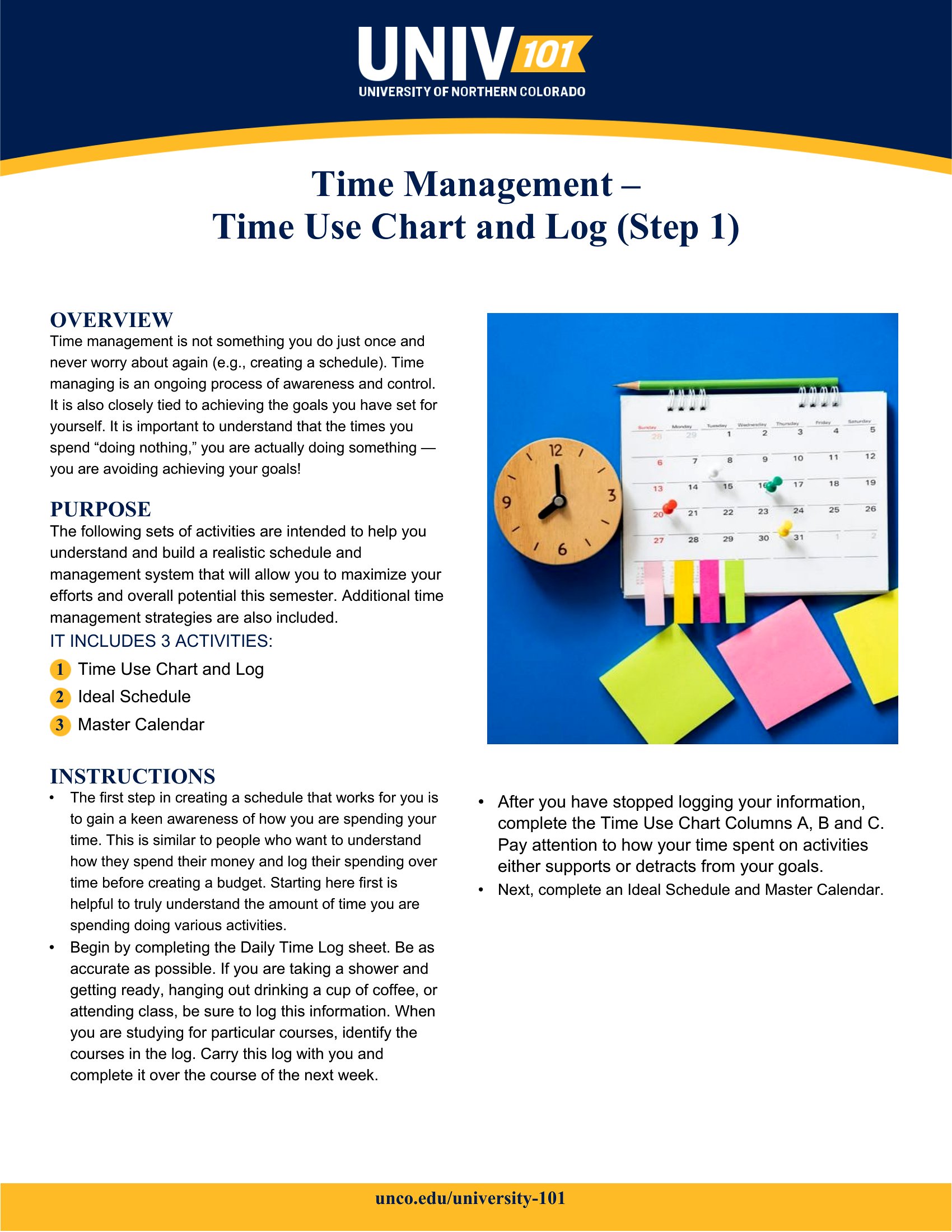
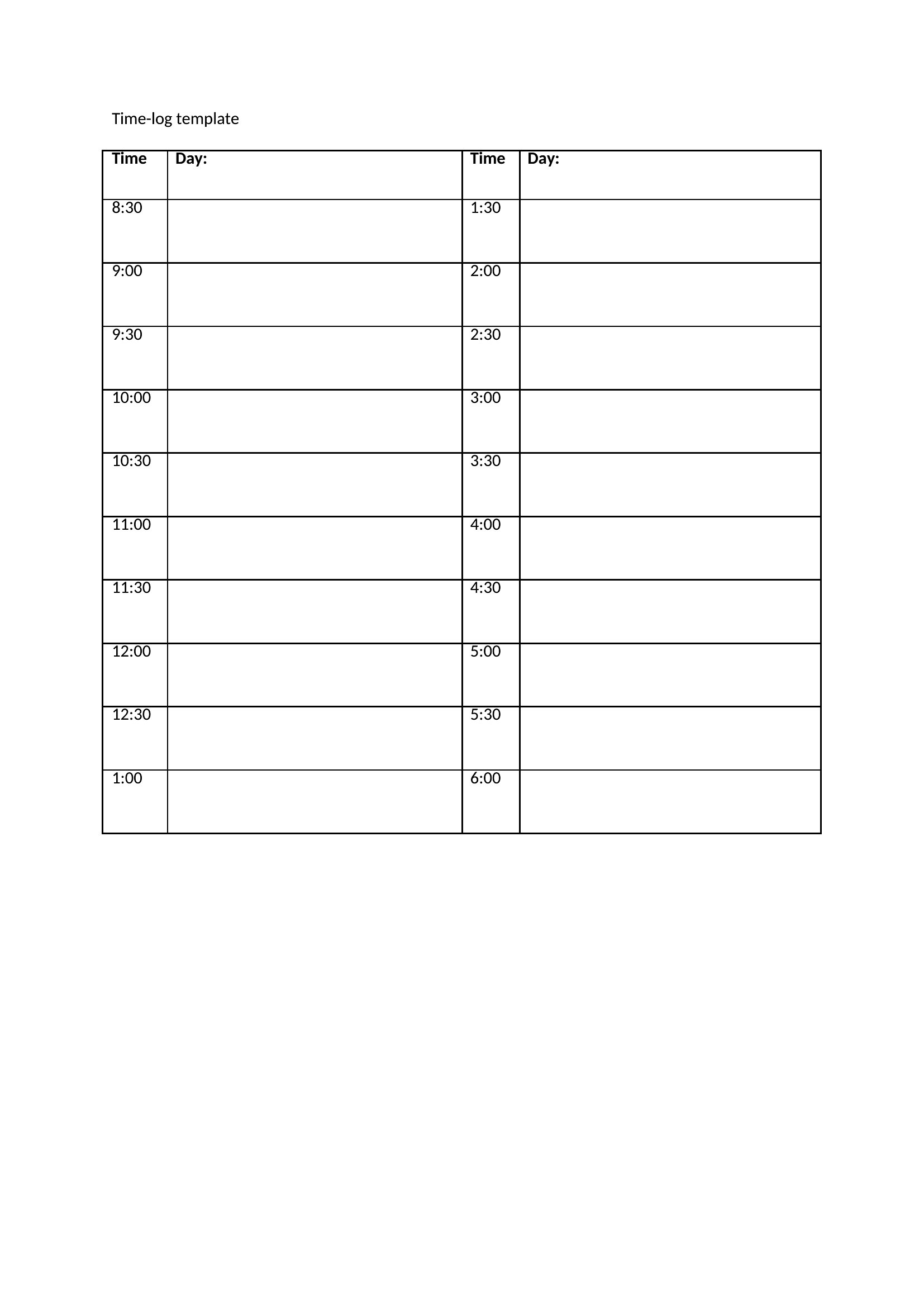
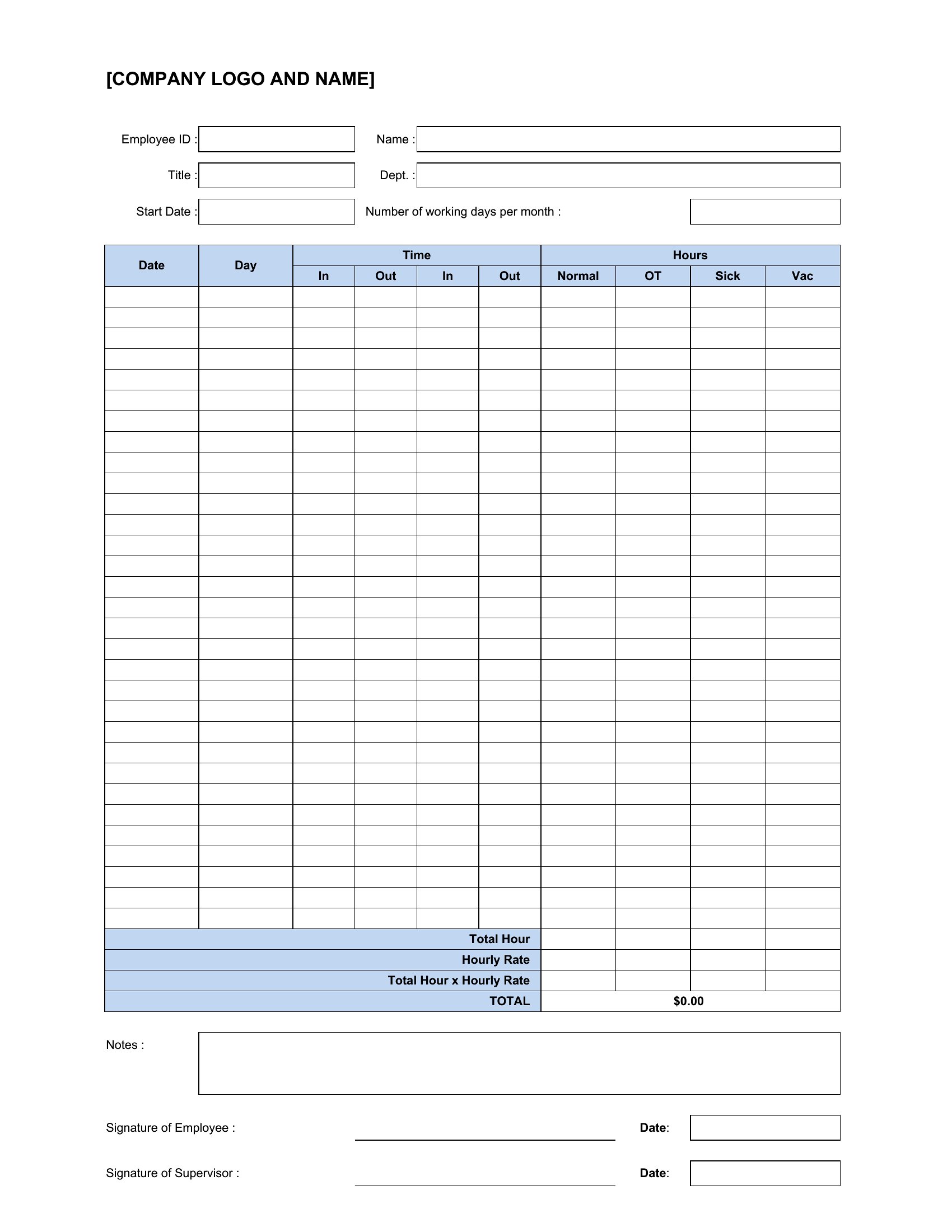
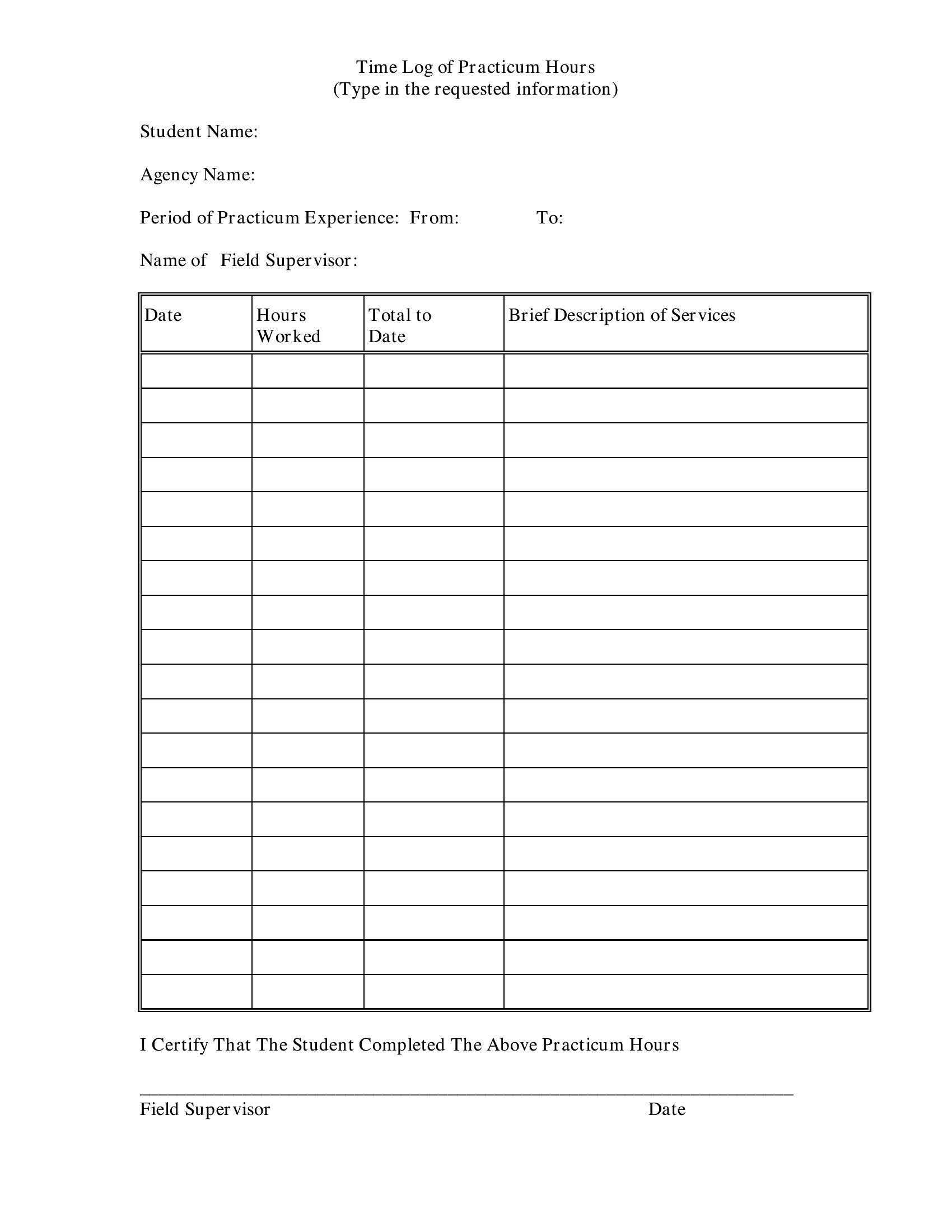
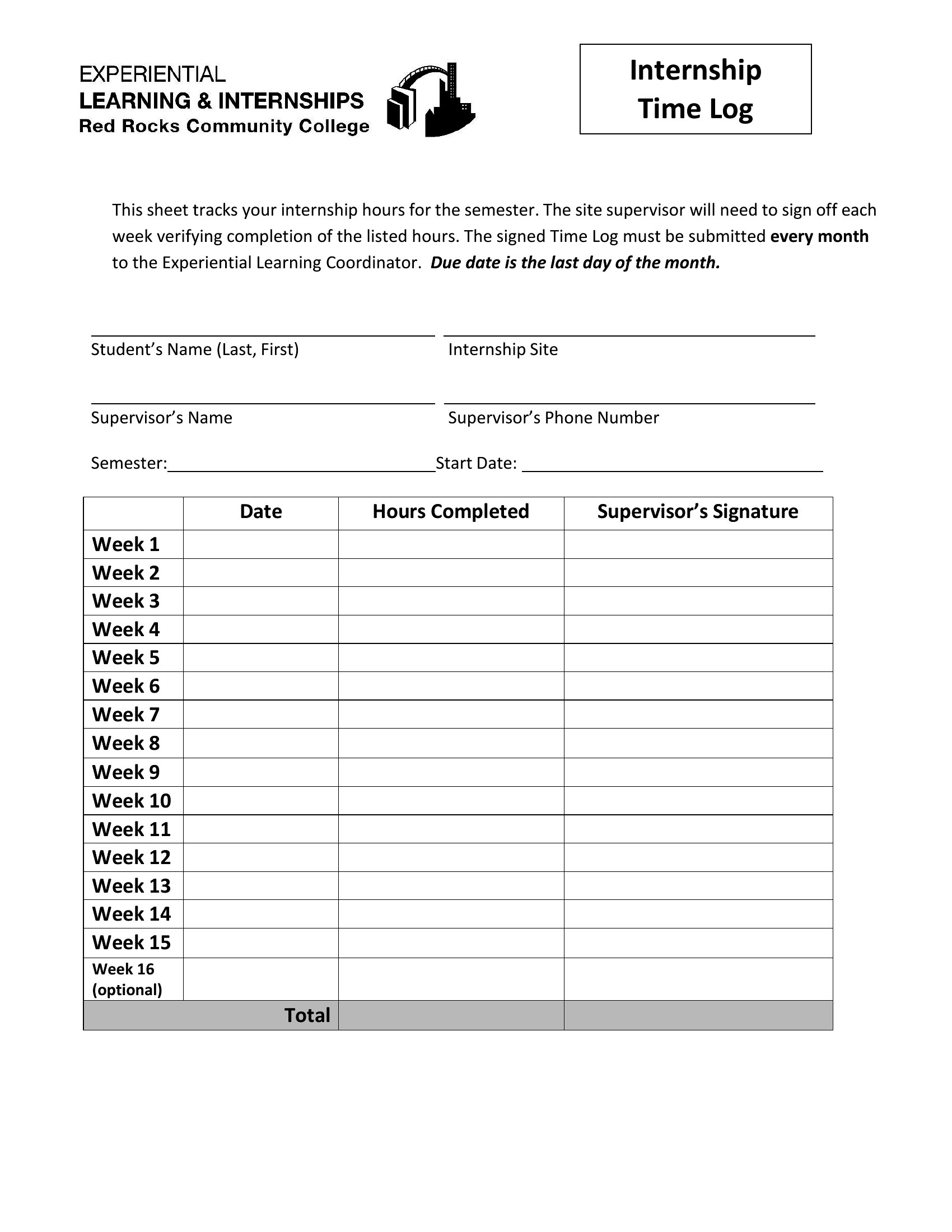
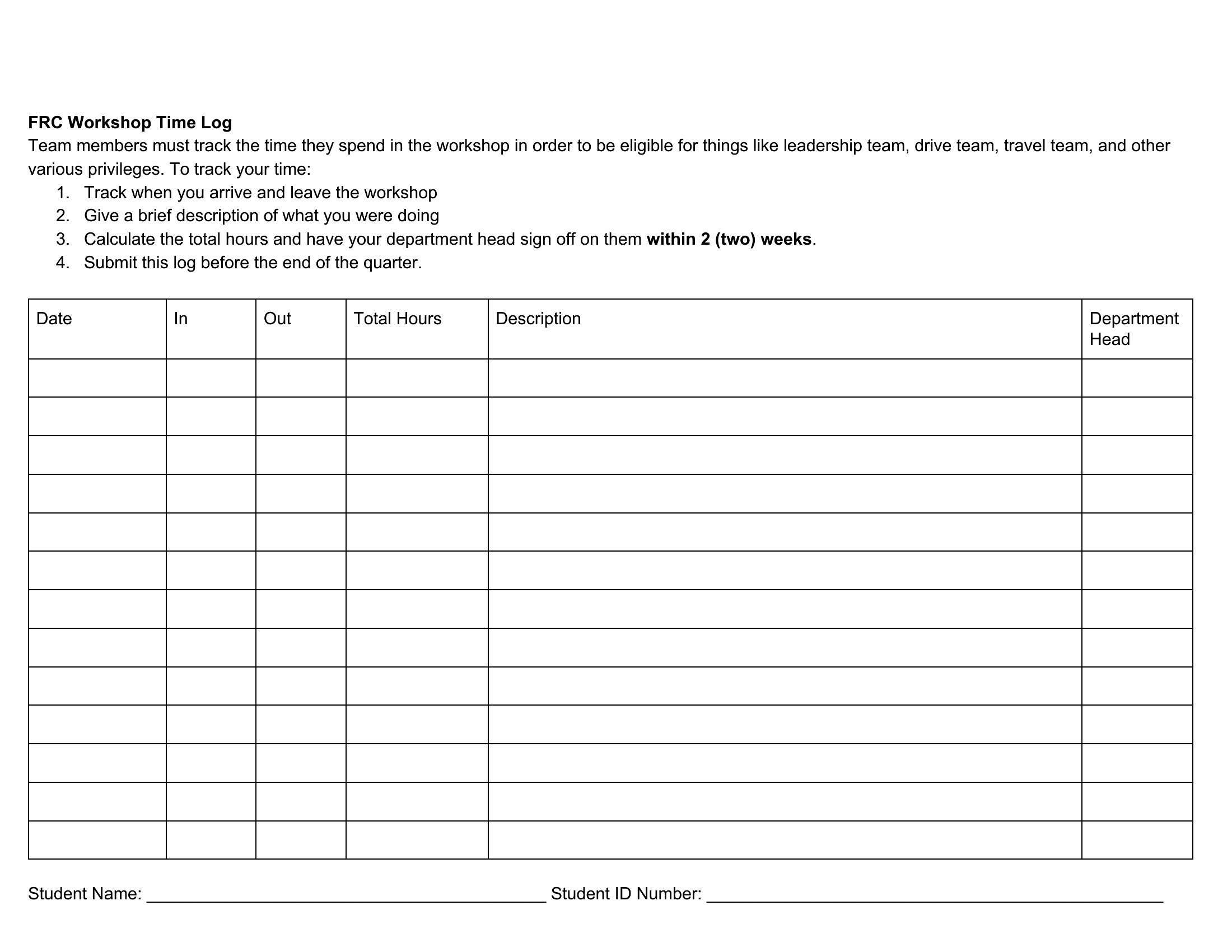
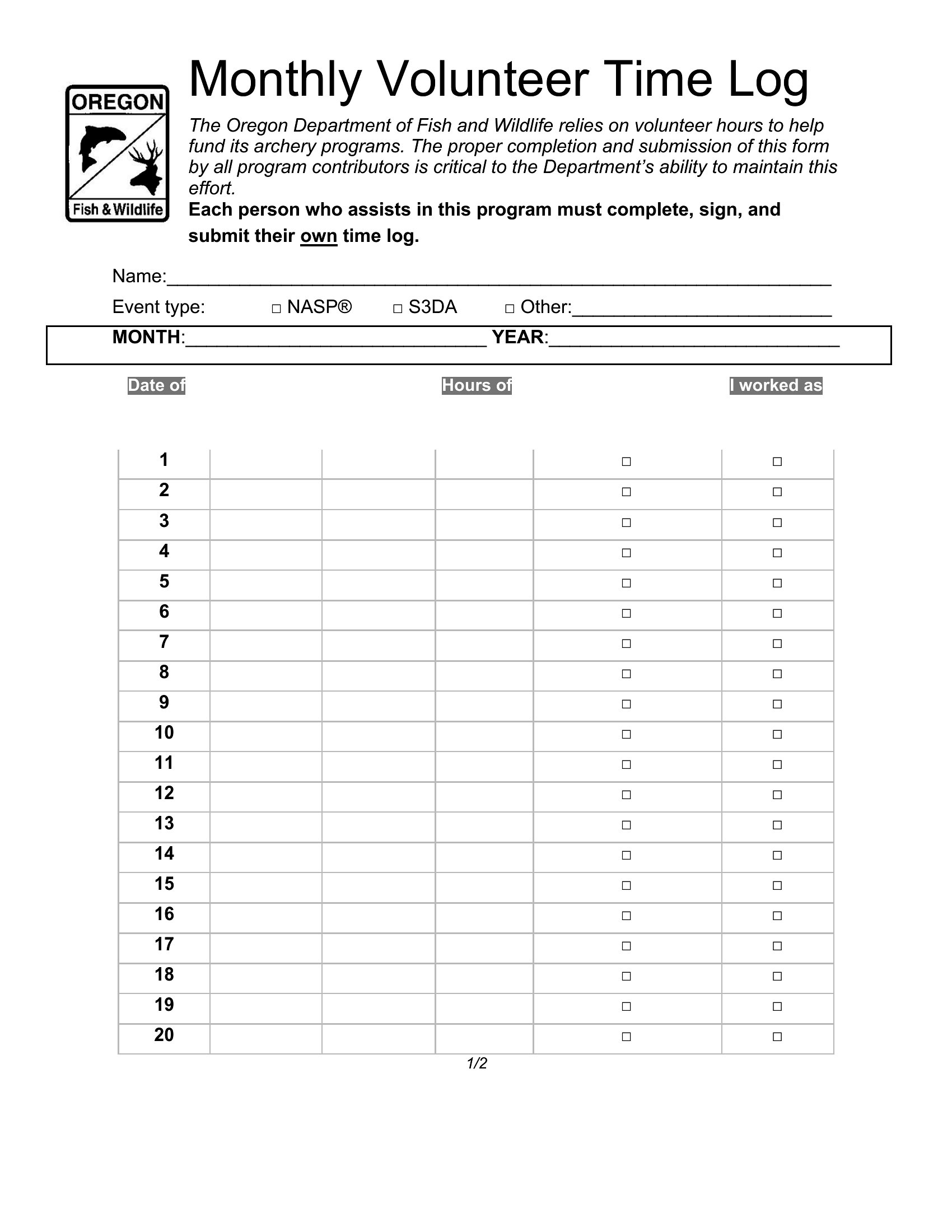
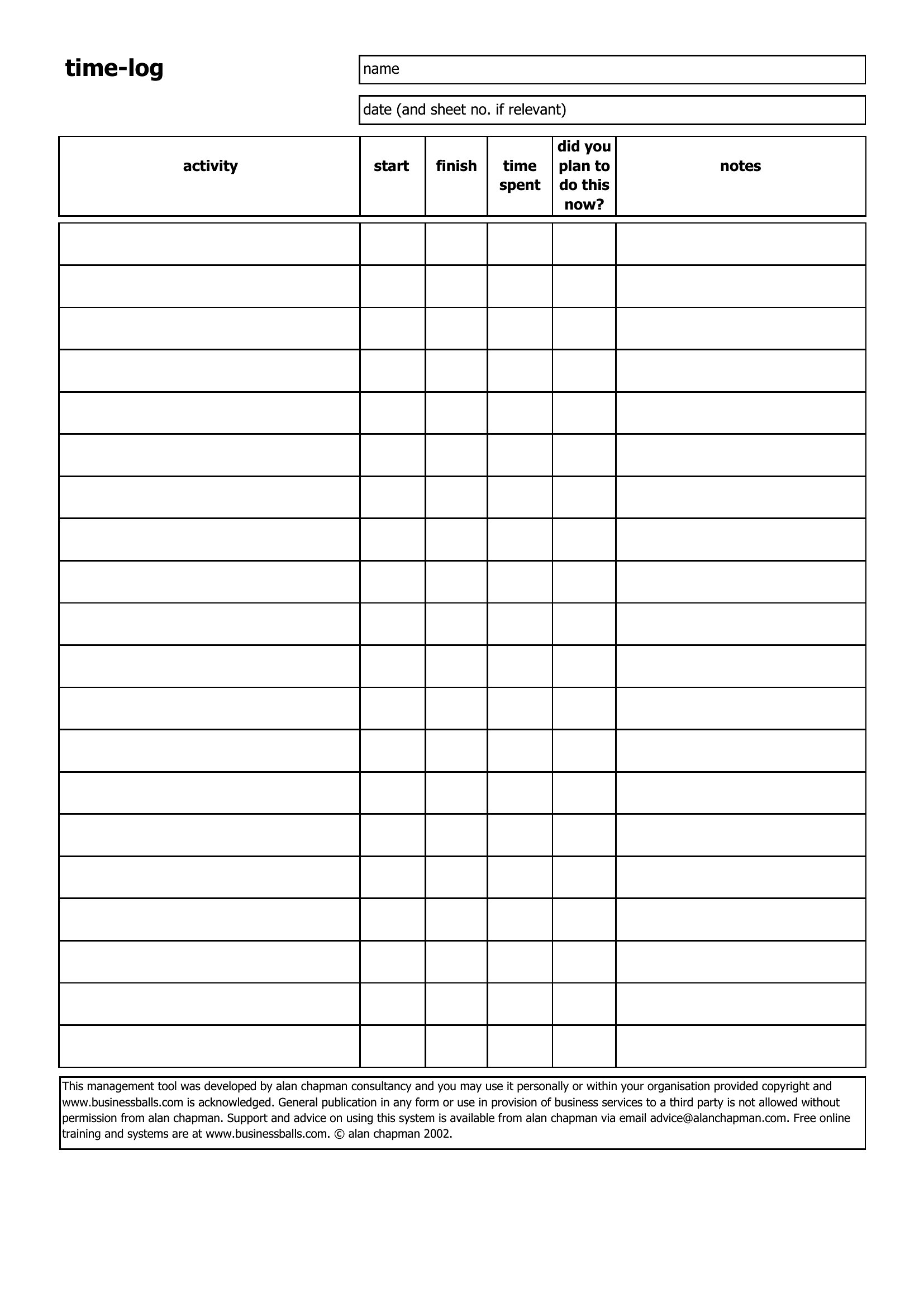
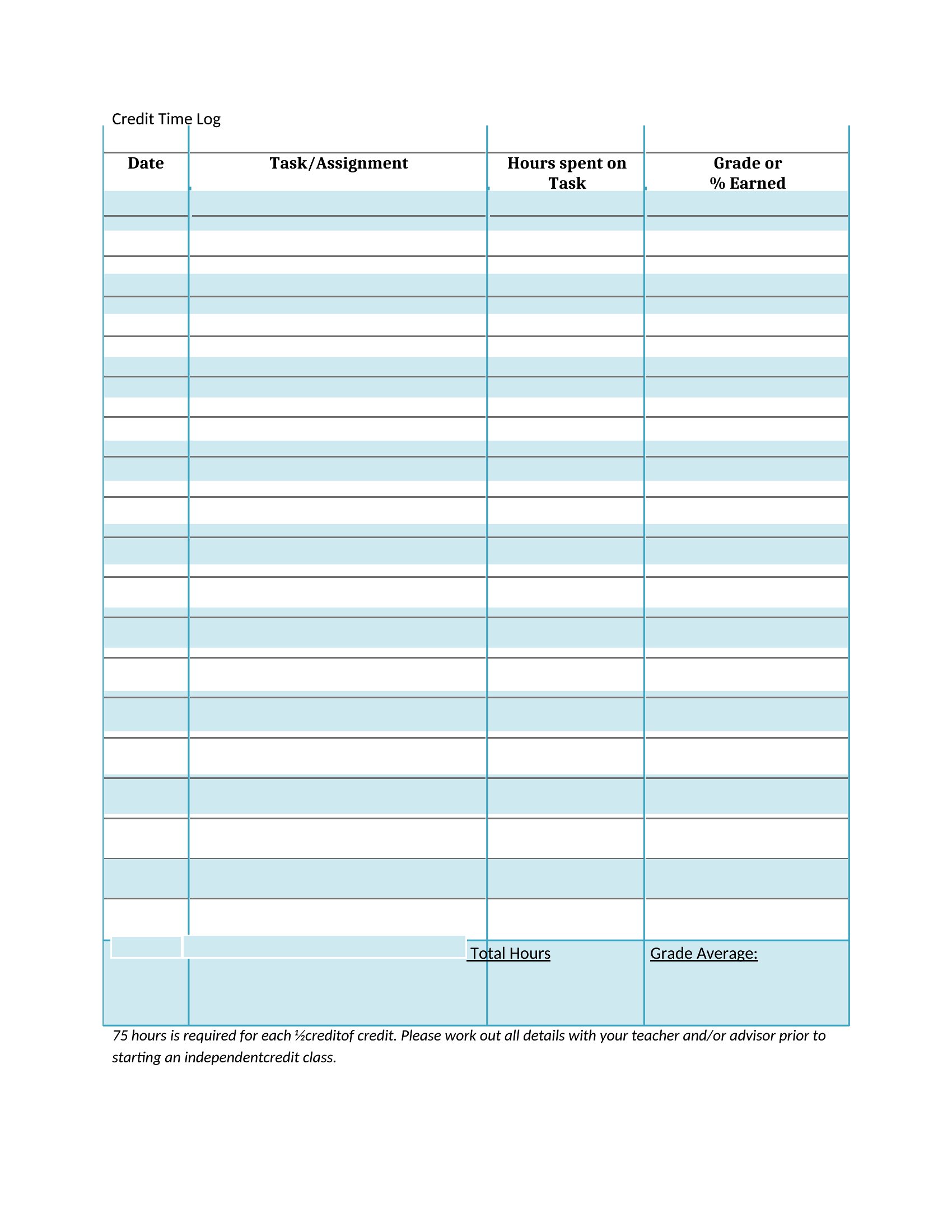
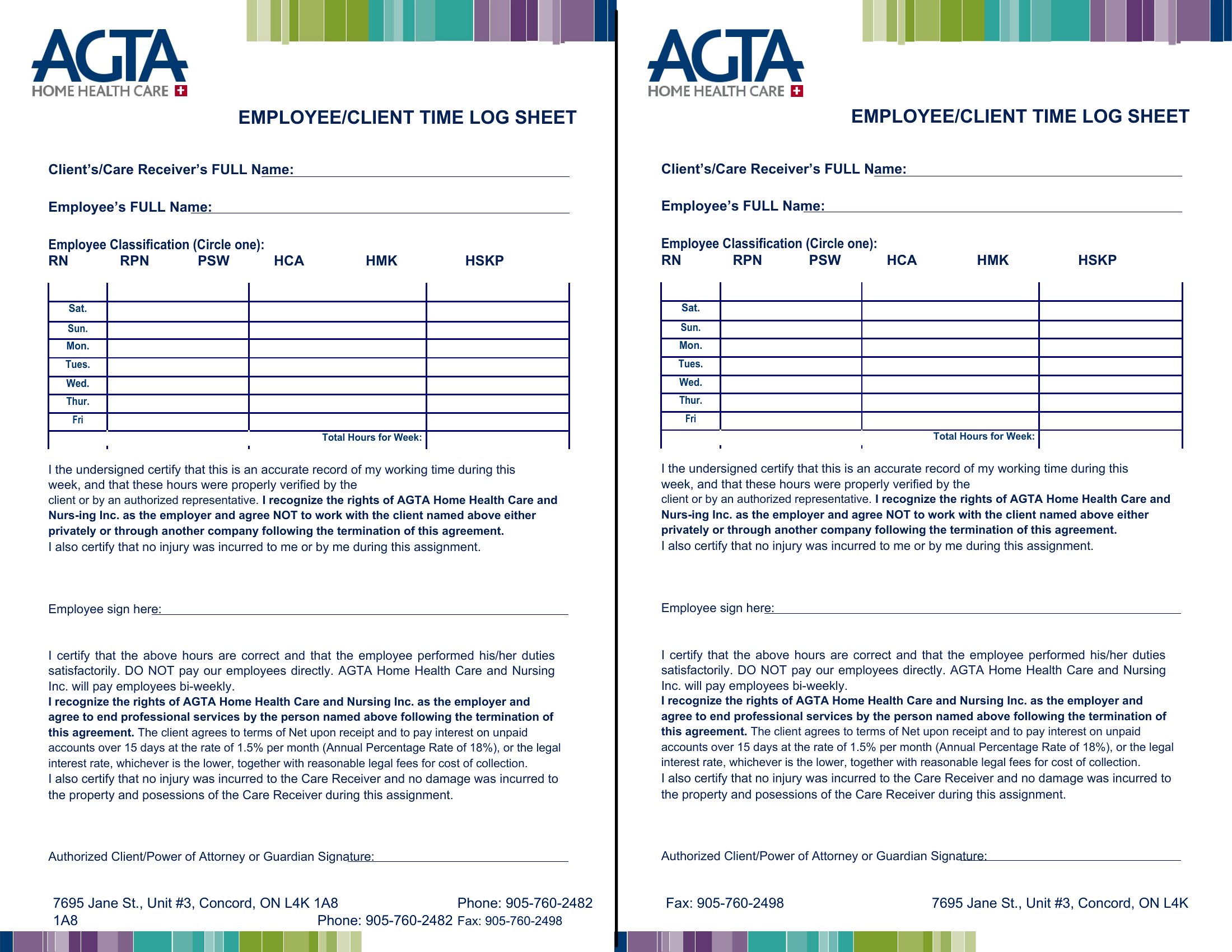
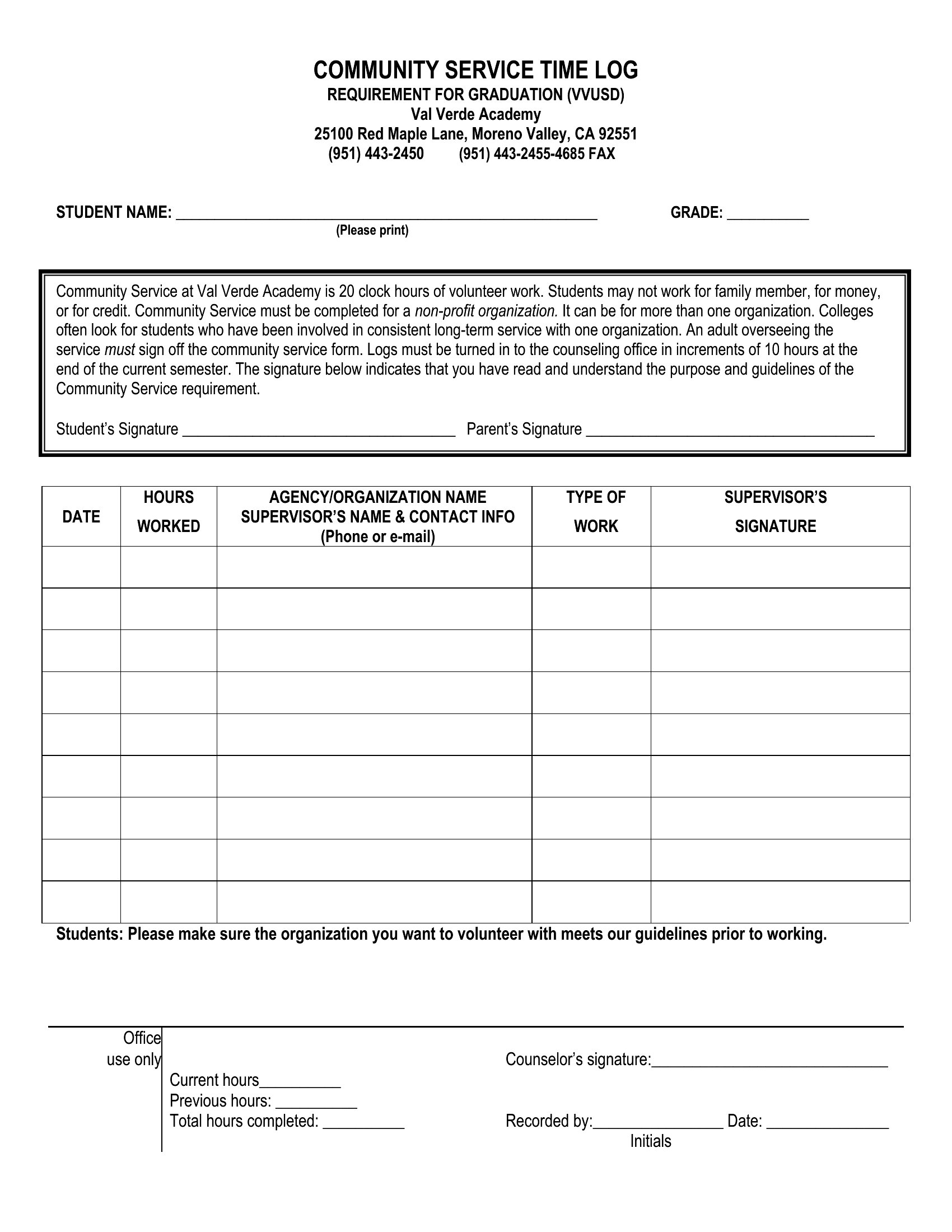
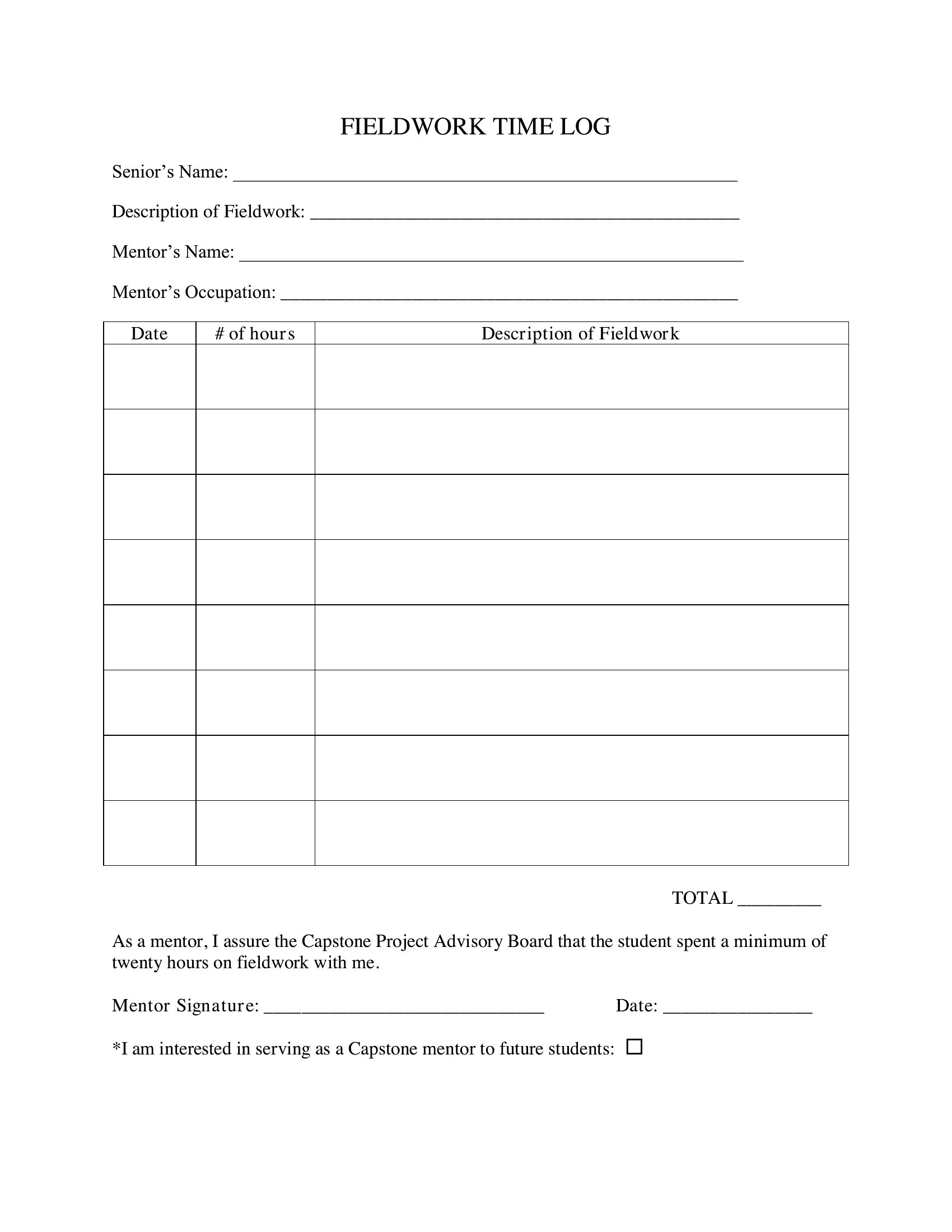
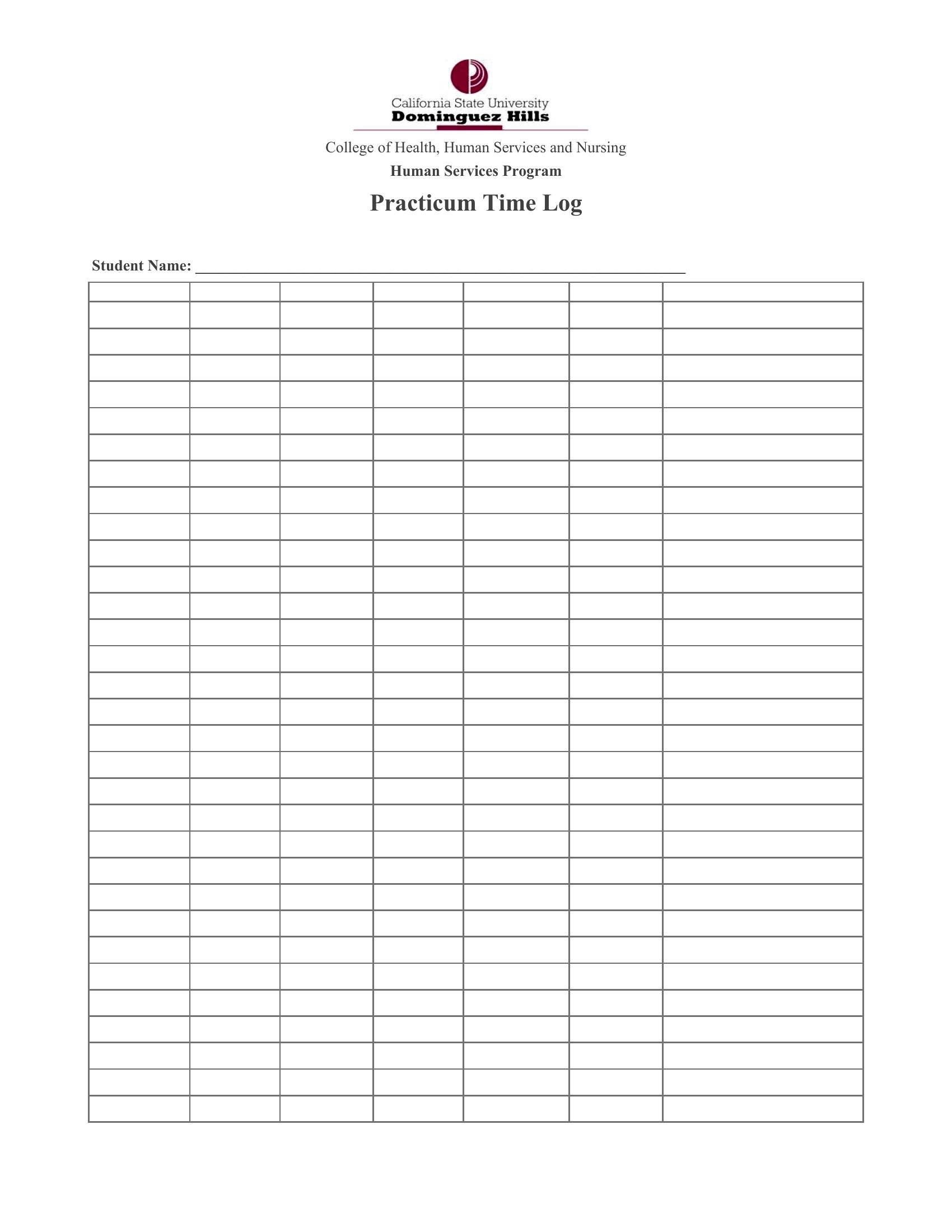
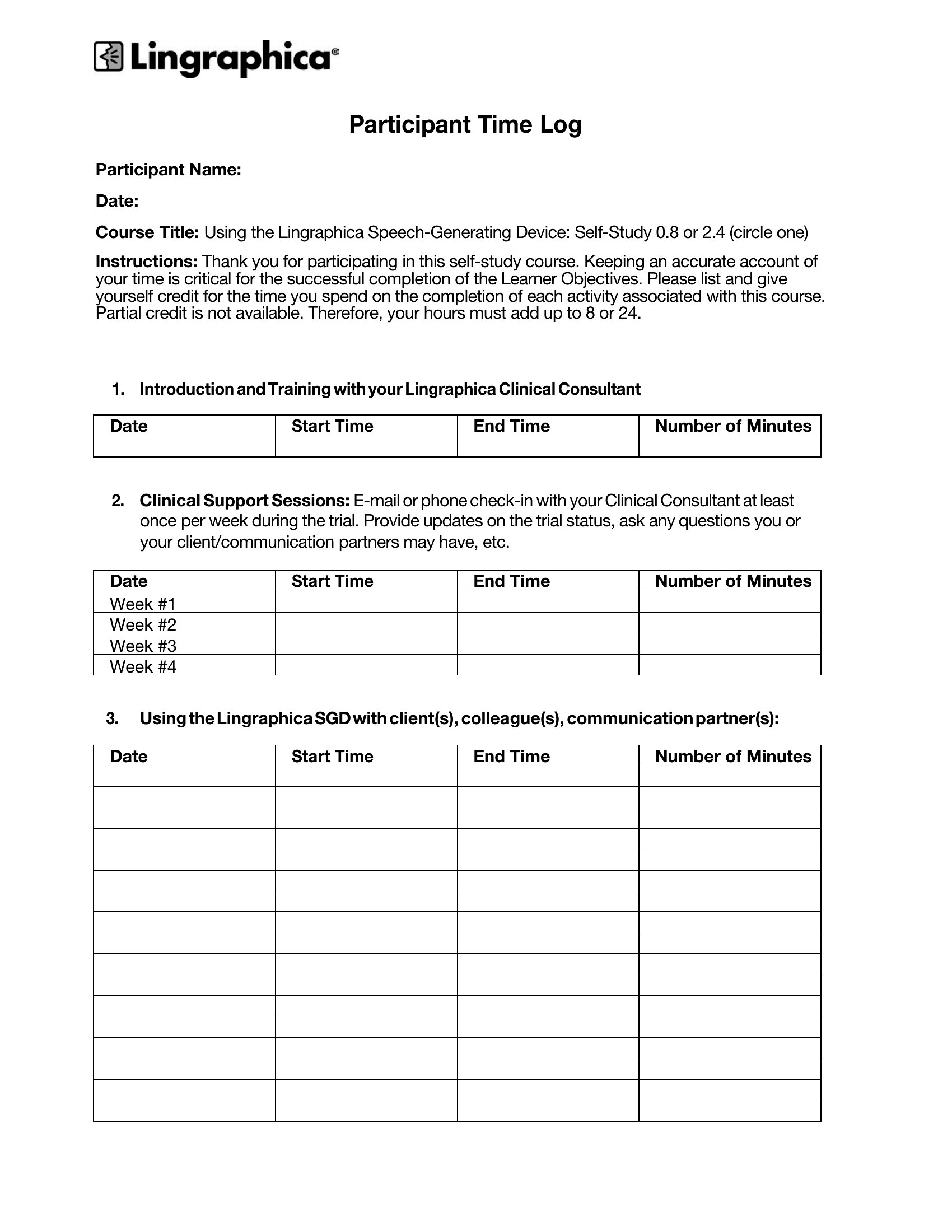
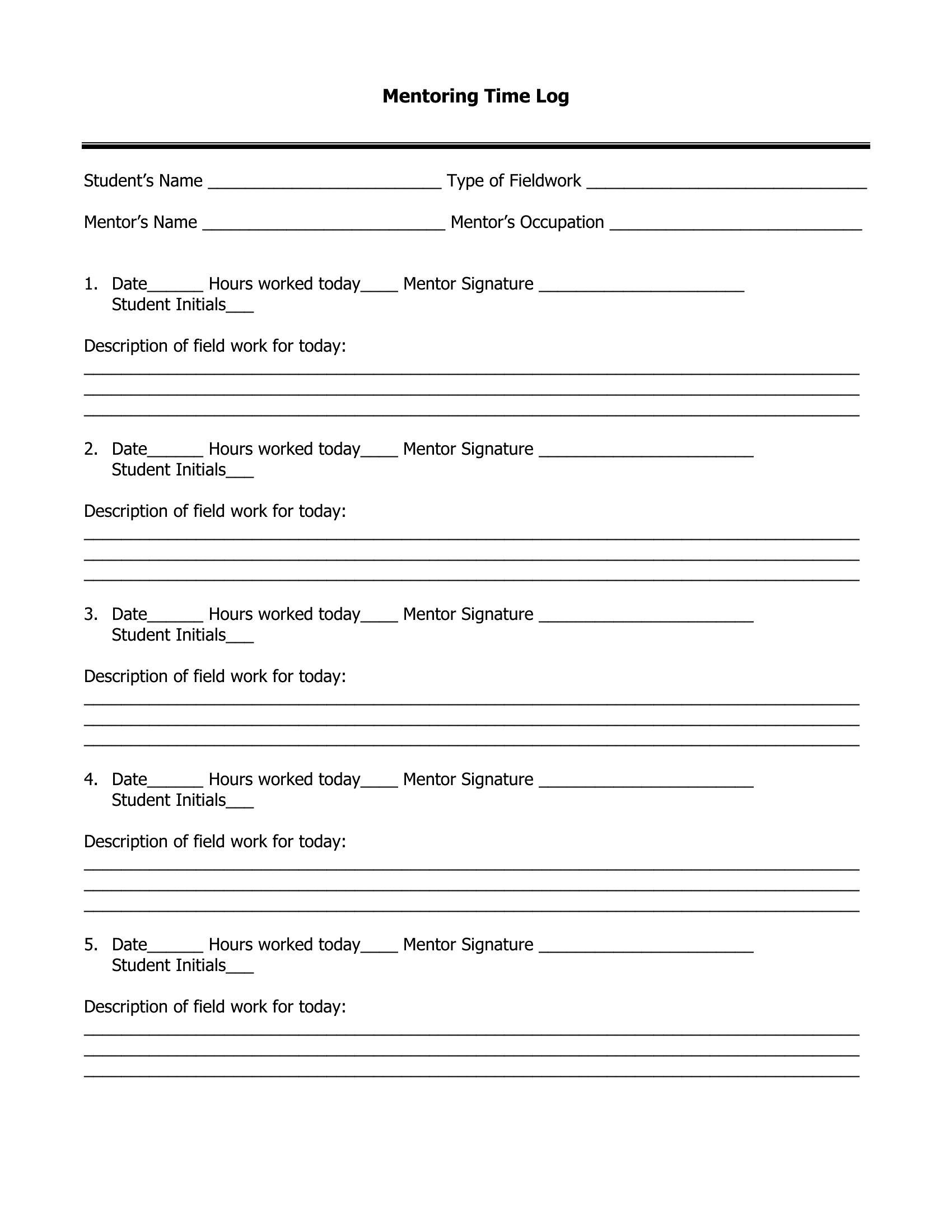
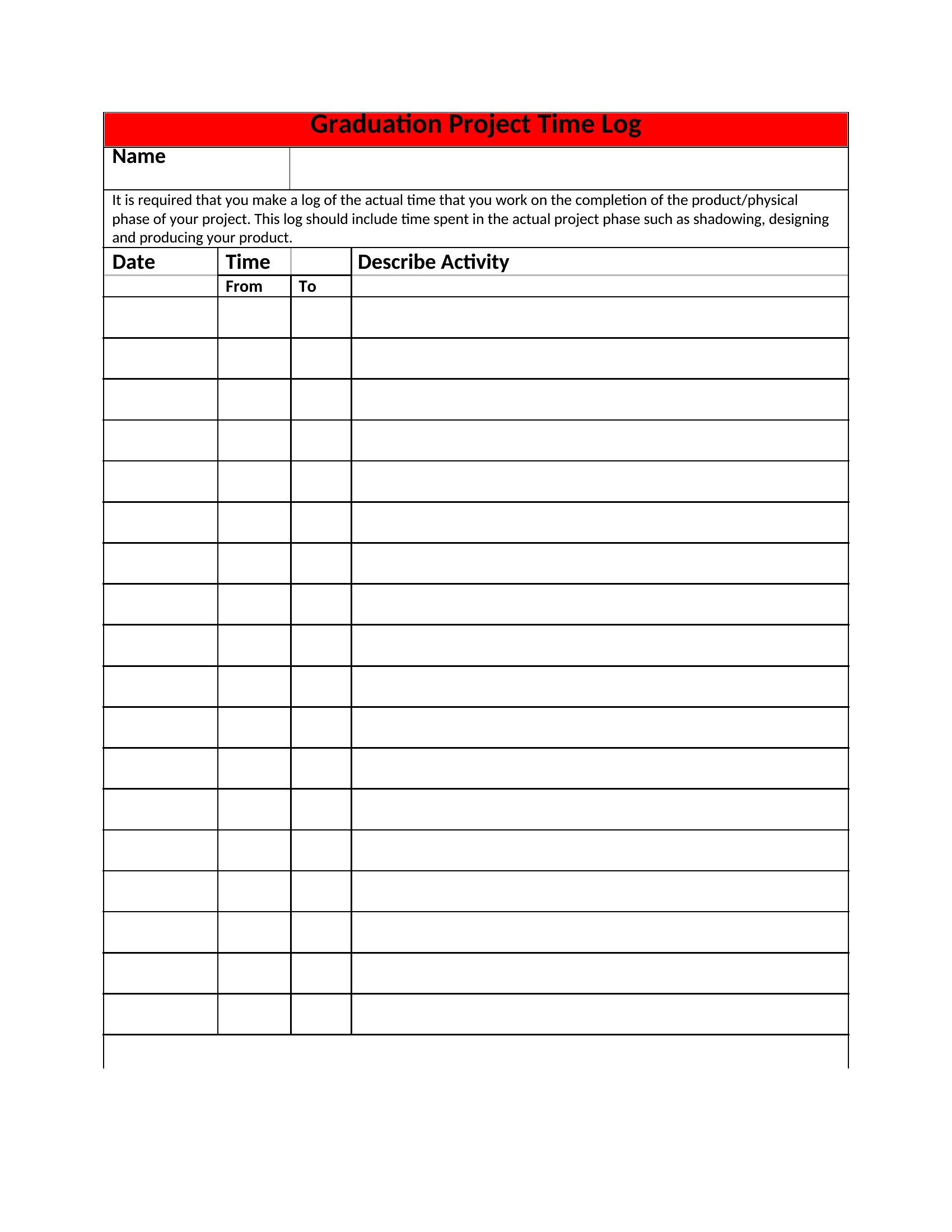
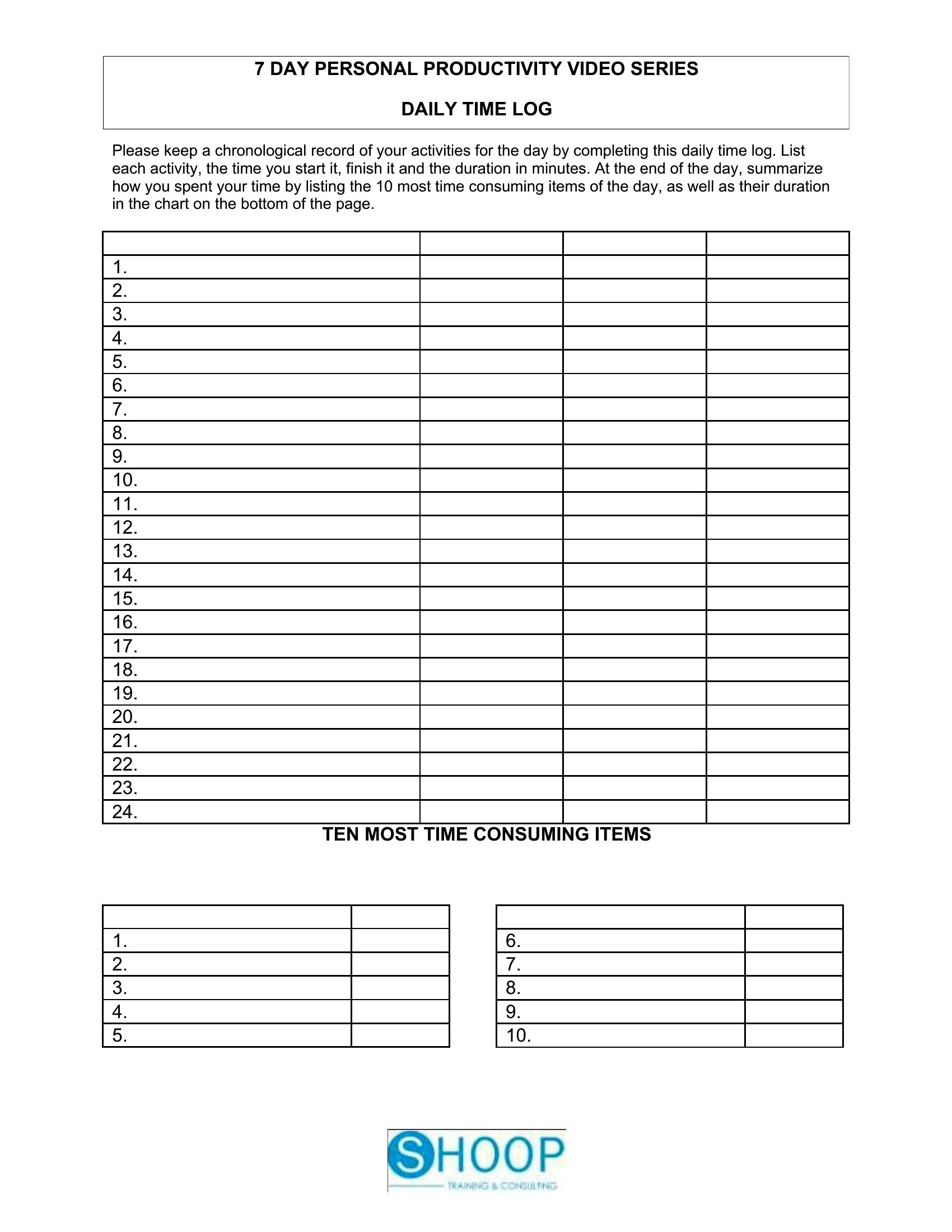
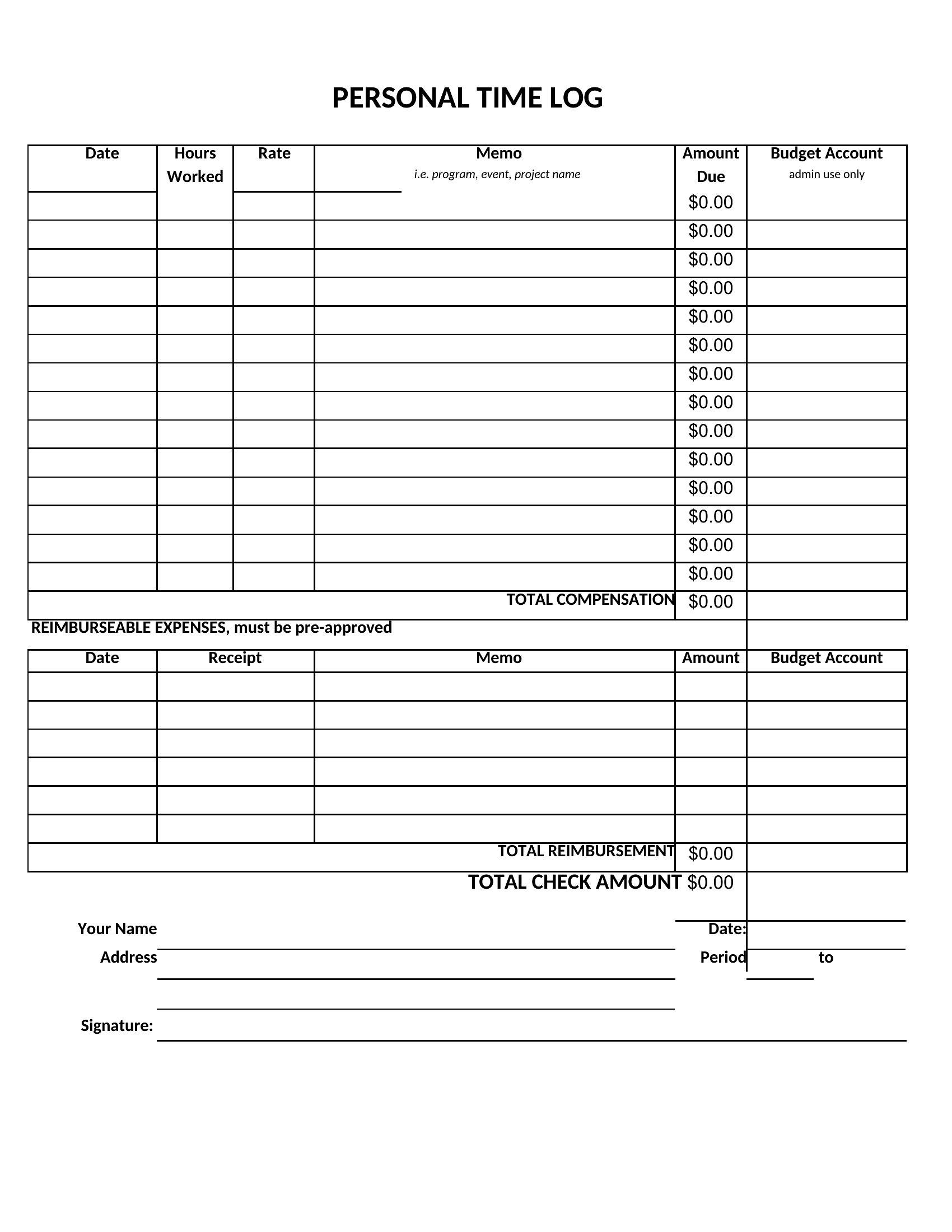
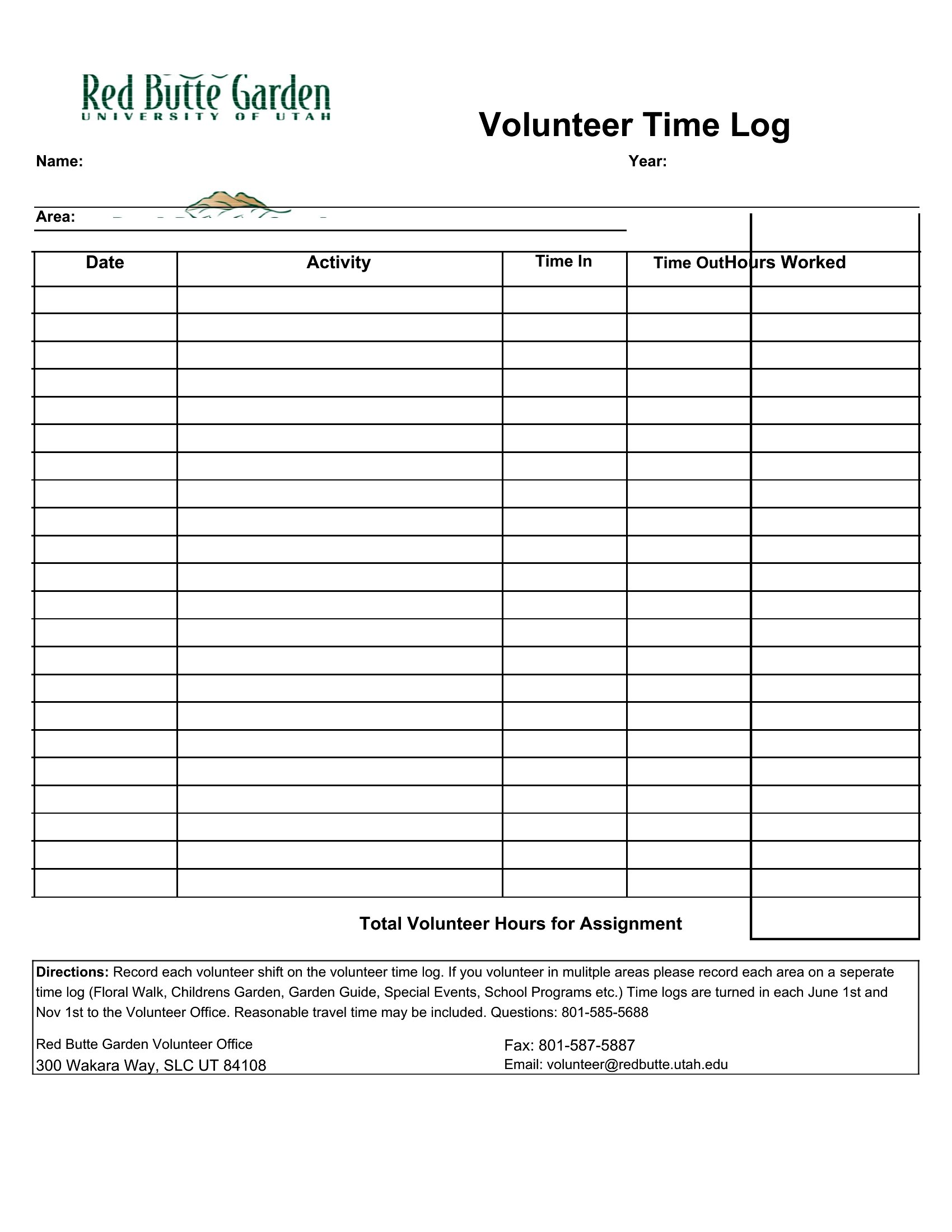
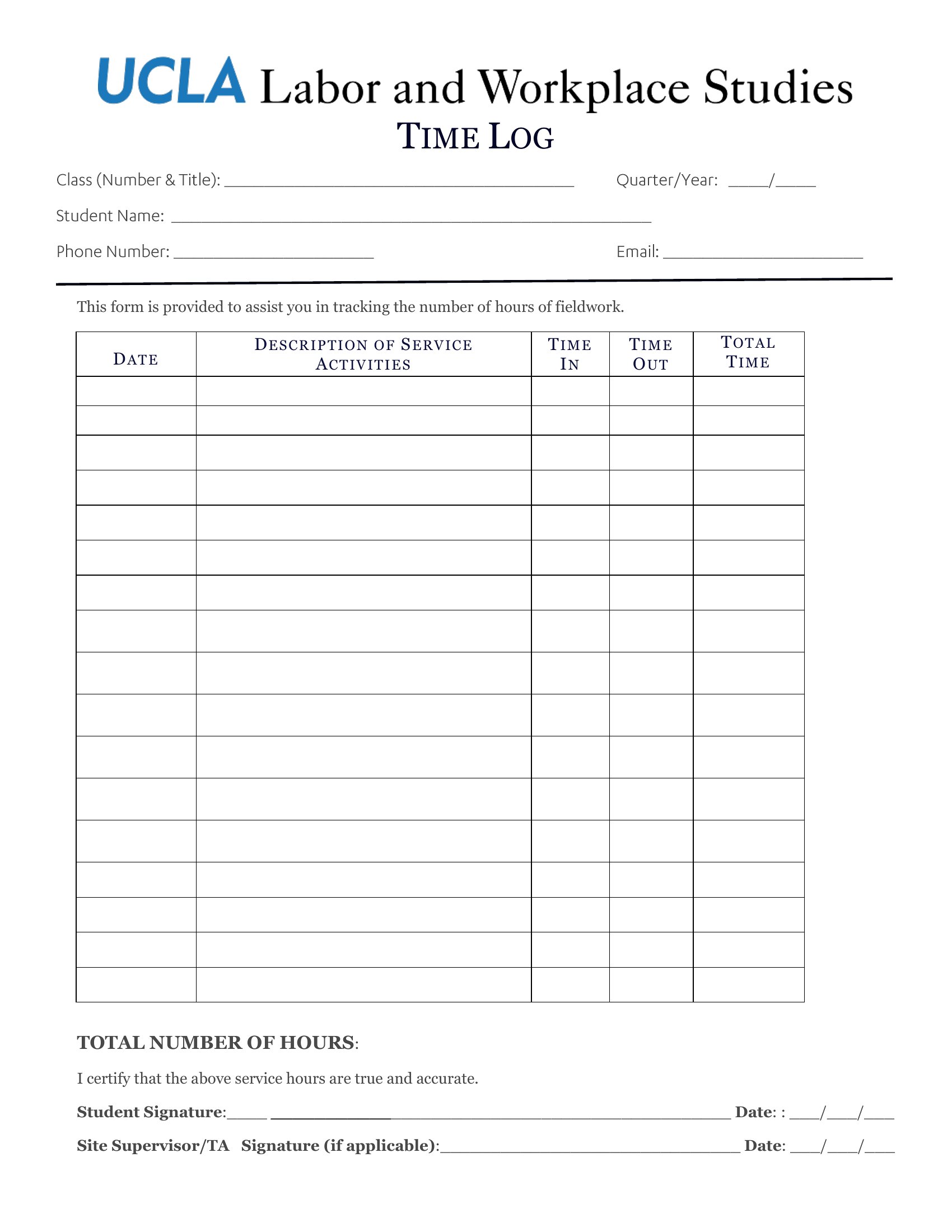
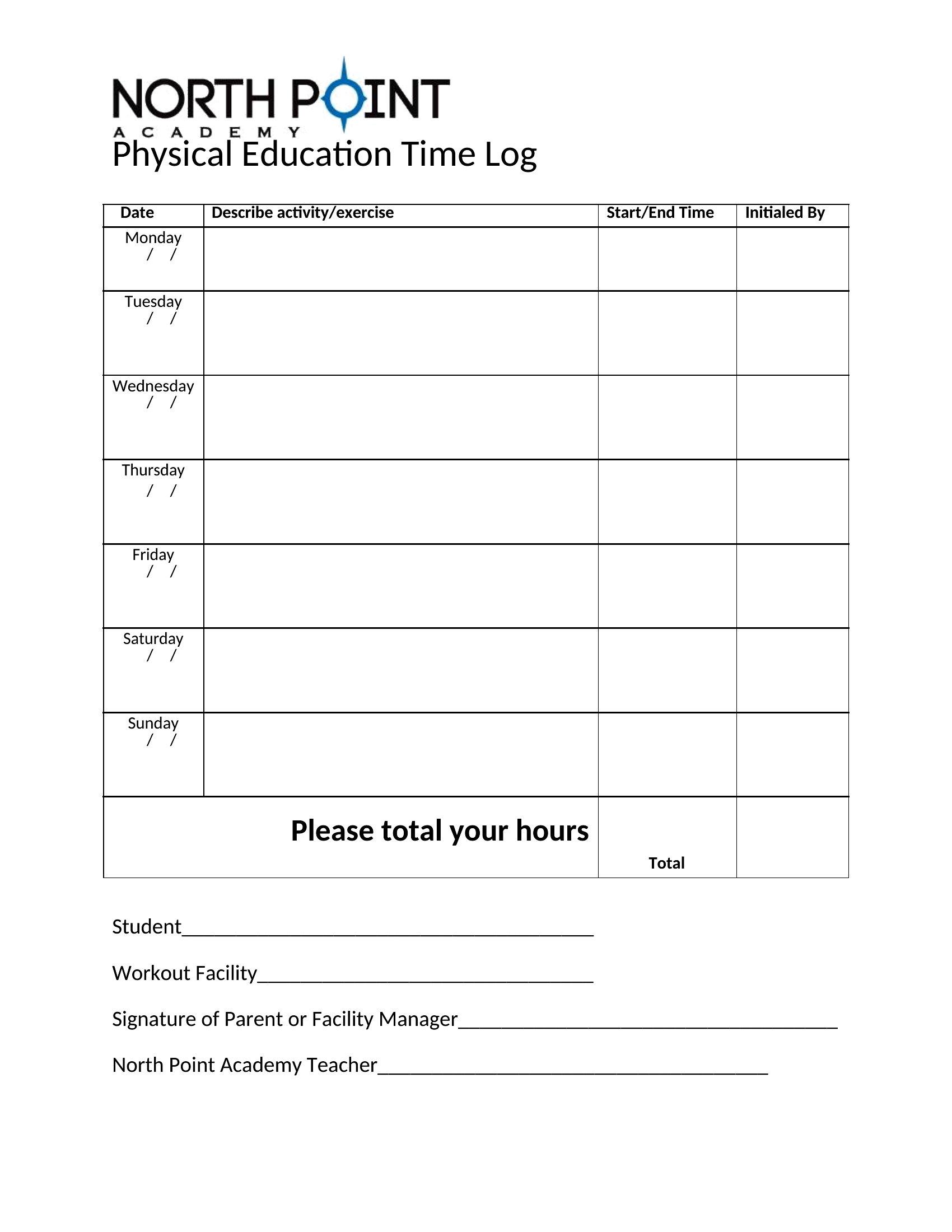
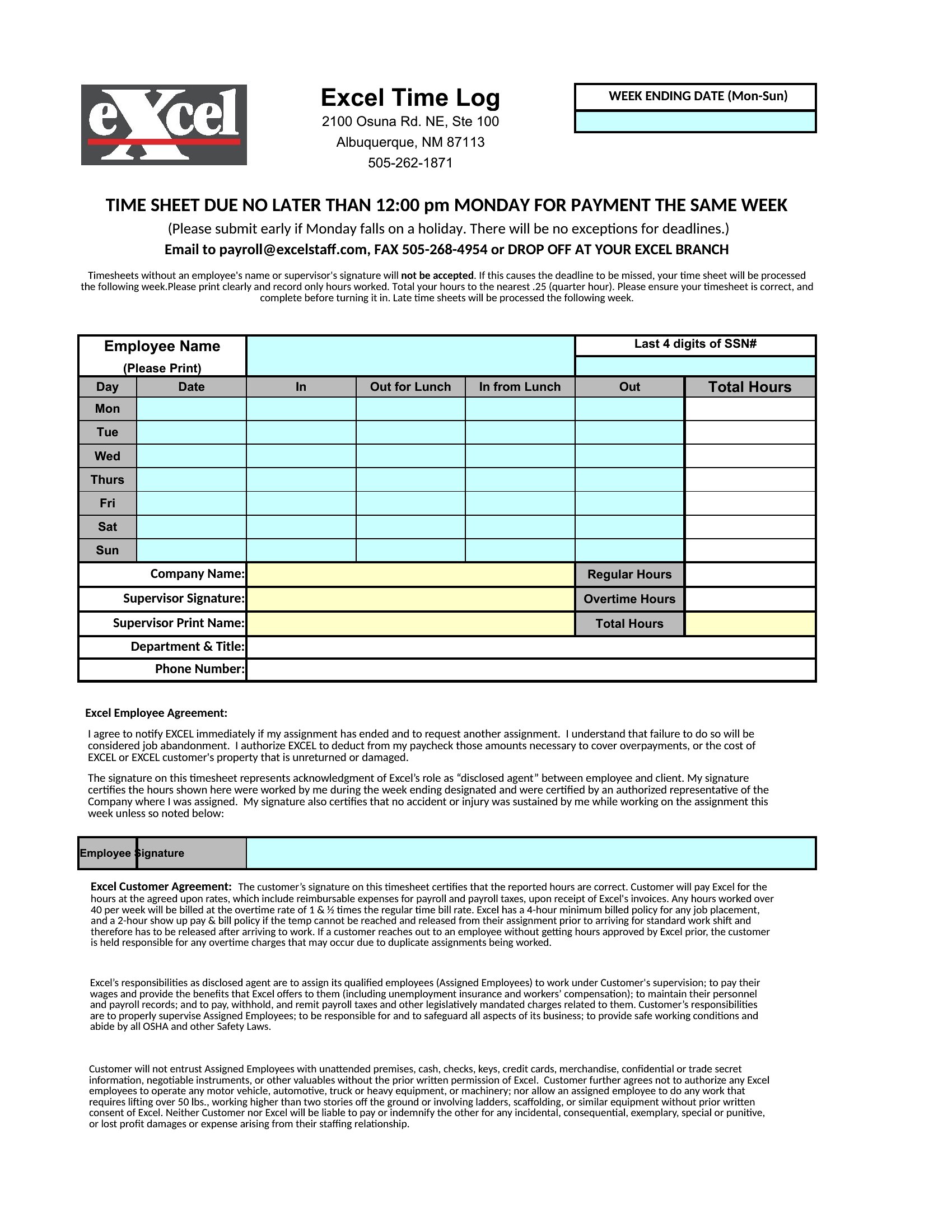
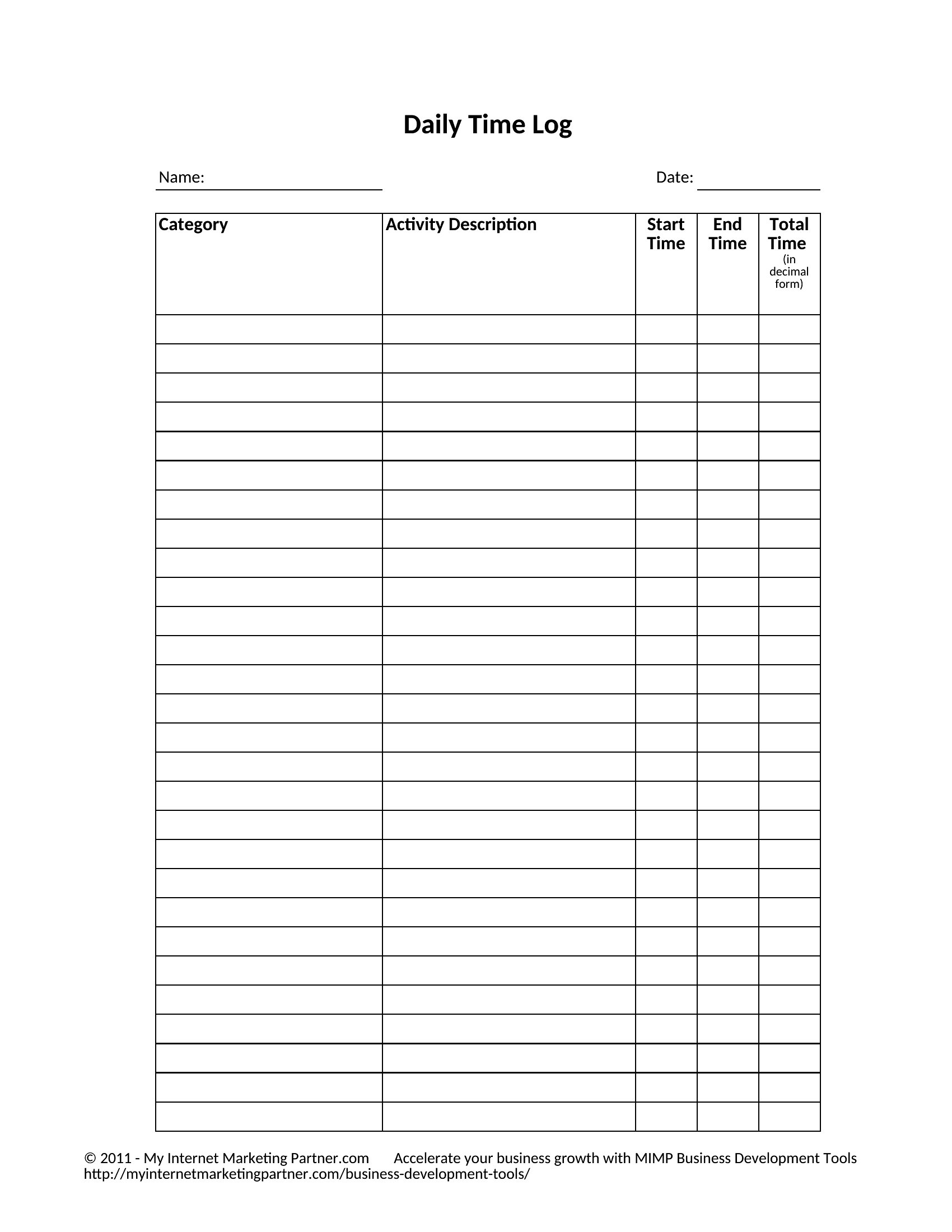
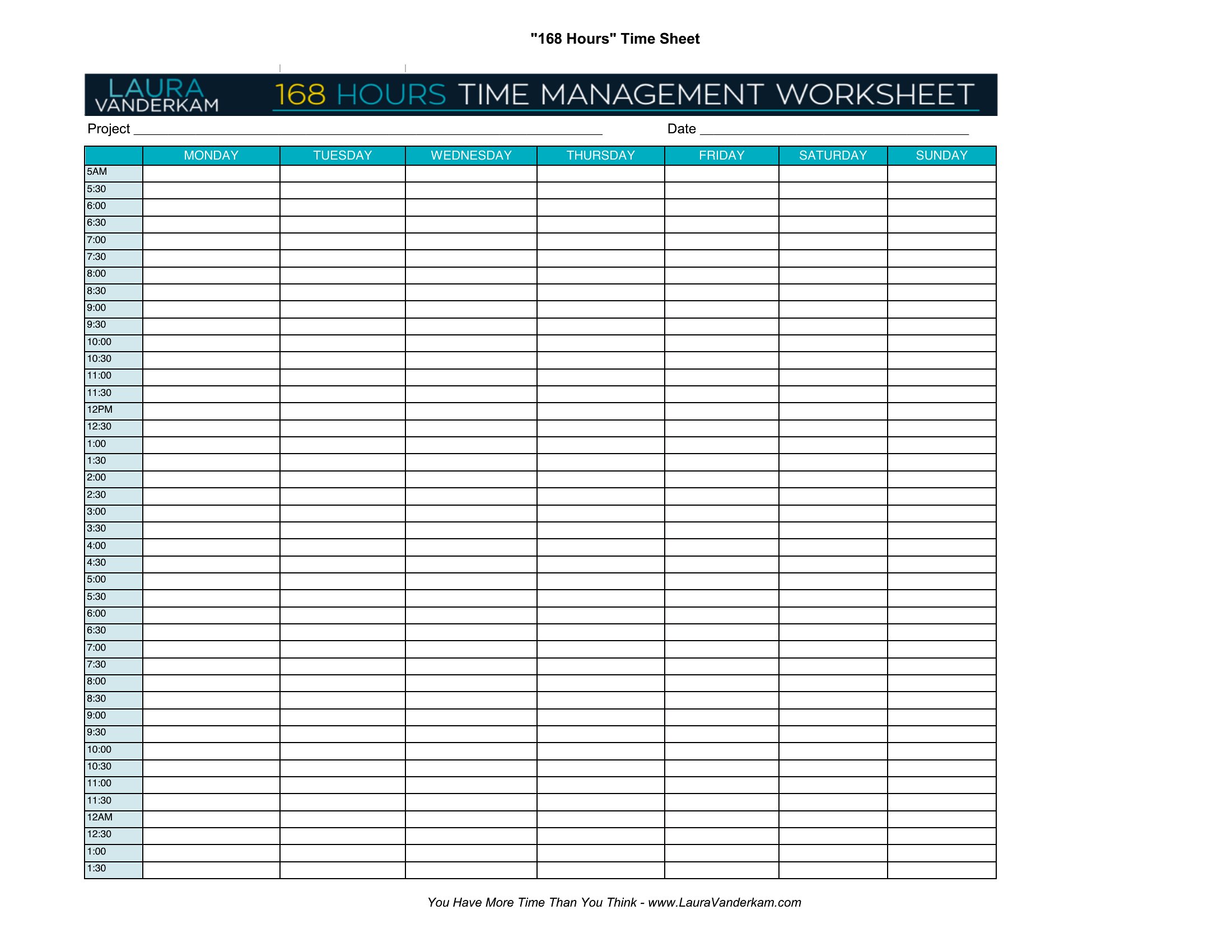
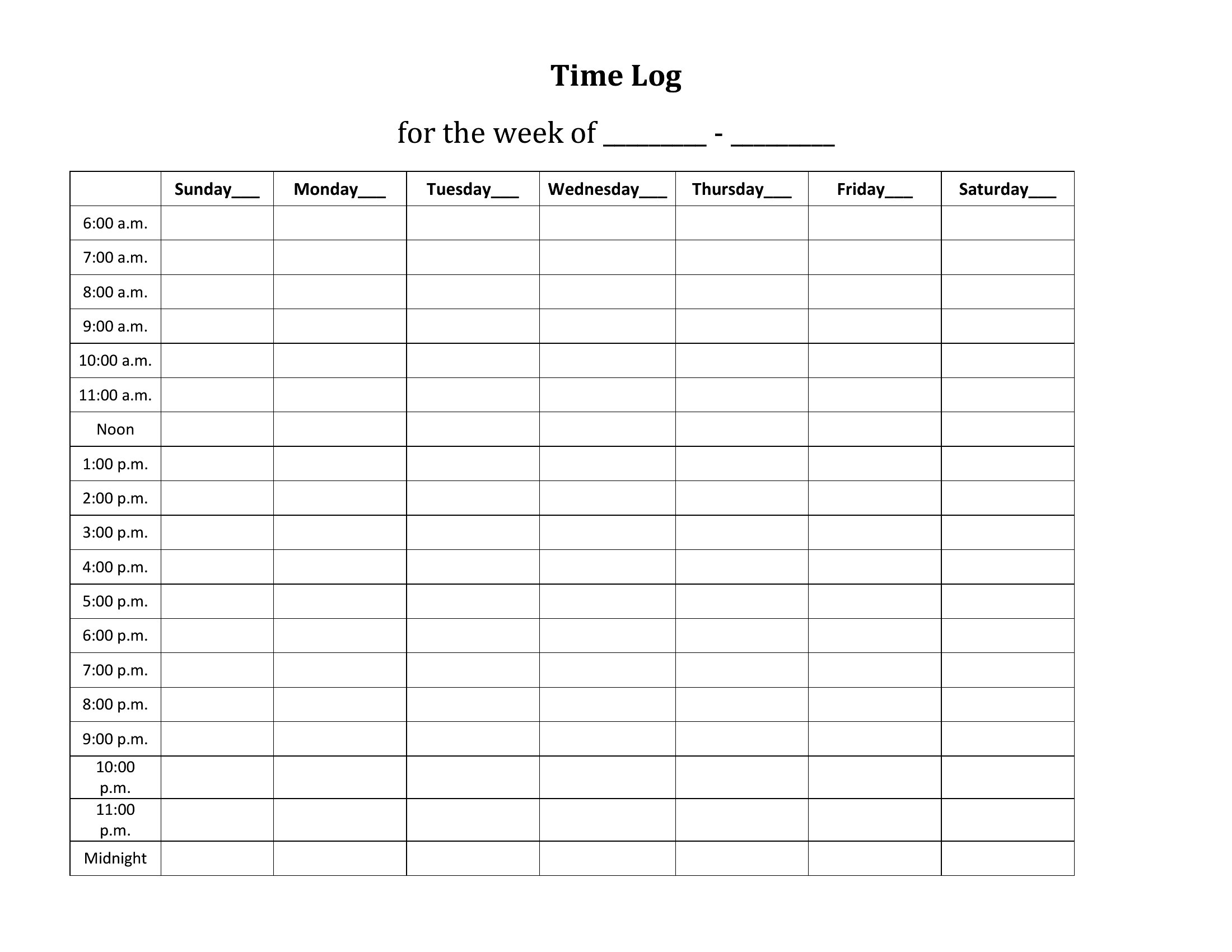
DataEver finish a day with no idea where the hours went? A time log brings that back into focus. These 50 time log templates help freelancers, students, and professionals record tasks, start and stop times, and total hours spent on each project. The layouts suit billing clients, studying, and personal productivity.
The Excel versions tally your hours automatically, the Word files let you reshape the categories, and the PDFs print for a desk or planner. Note each task as you switch, and you'll have an honest picture of your day by evening. Download the format that fits your routine and start tracking your time.
When to use this Time Log template
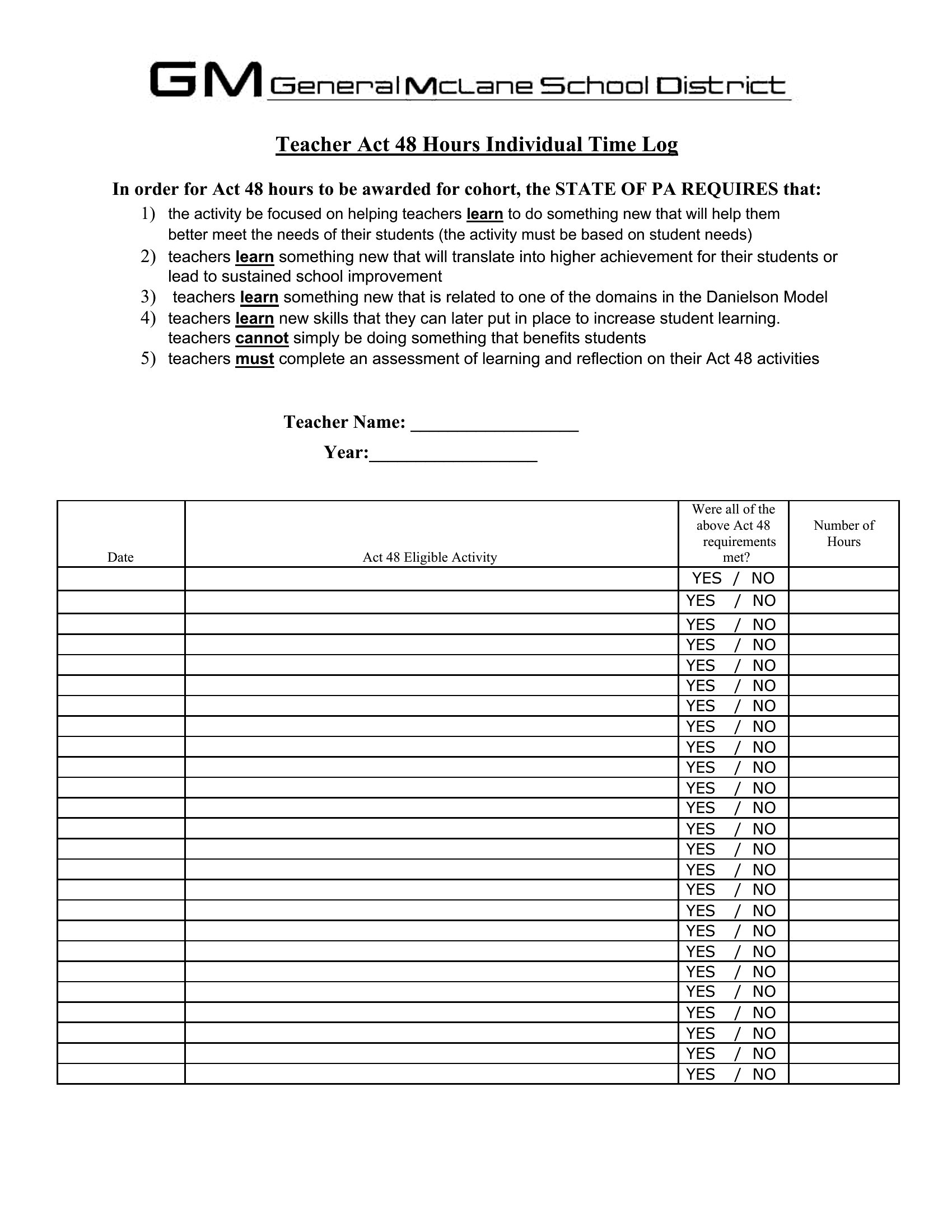
- A freelance graphic designer tracking billable hours for three active client projects, needing to log start/stop times and detailed task descriptions daily to calculate accurate invoices.
- A law student studying for bar exams who wants to document weekly study sessions by topic, including breaks, to identify patterns in productivity and retain focus during marathon prep.
- A project manager coordinating a remote team’s time on a tight deadline, using shared time logs to cross-check progress against milestones and flag delays before they impact the client’s timeline.
- A small business owner juggling administrative tasks, customer calls, and inventory checks who needs a simple system to later review how time was divided across priorities and adjust their weekly schedule accordingly.
Which format should I download?
Use the Excel format if you need automatic calculations, such as total hours per task or project, and prefer sorting/filtering data to analyze productivity trends over time. Choose Word when you want flexibility to customize the layout—adding columns for notes, client details, or task priorities—or if you’ll be sharing the log with others for feedback. The PDF format is ideal for a secure, uneditable record, especially if you’re submitting time logs to a client or supervisor who doesn’t need to modify them. These templates avoid complex design, focusing on clarity and functionality.
Choose from 50 Time Log Templates
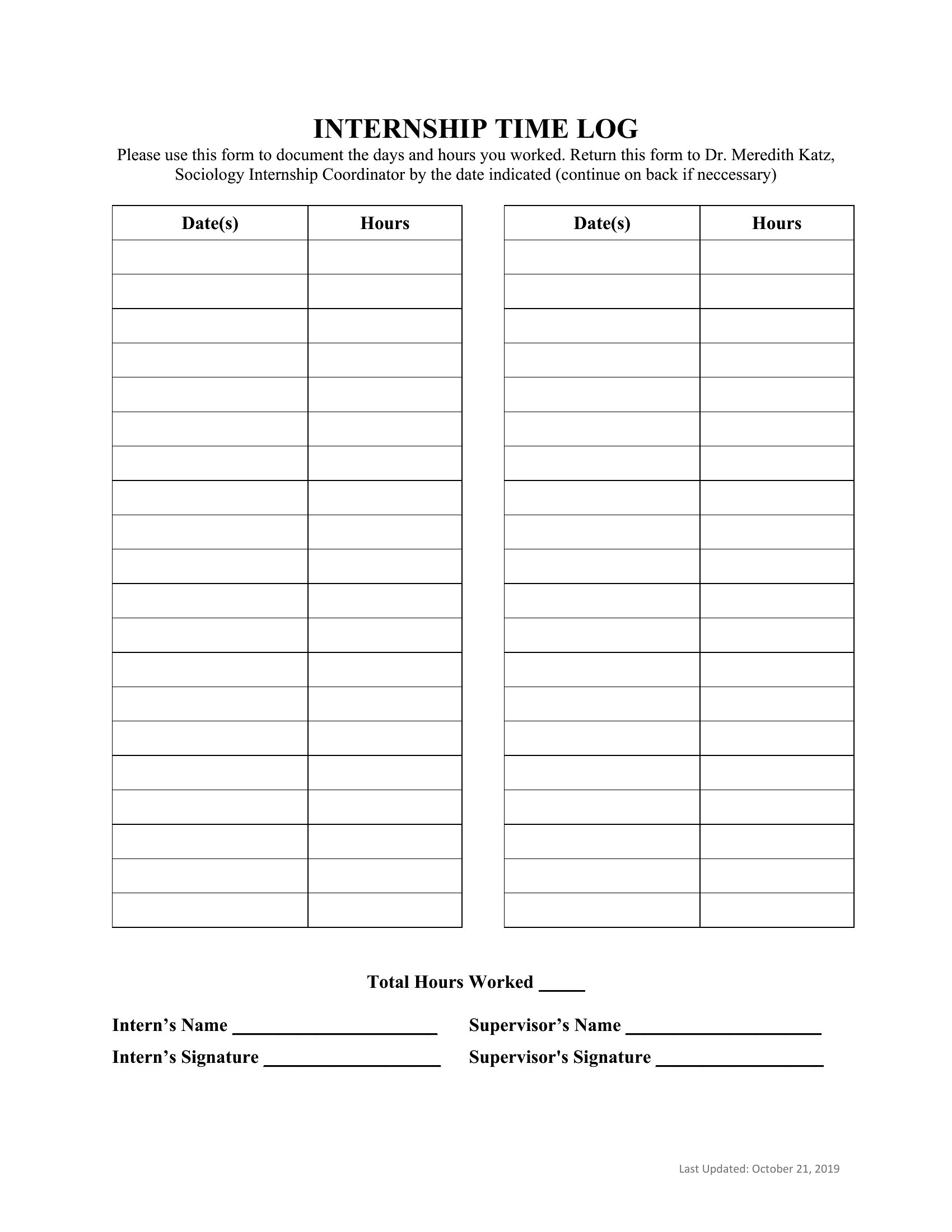
How to use this Time Log template
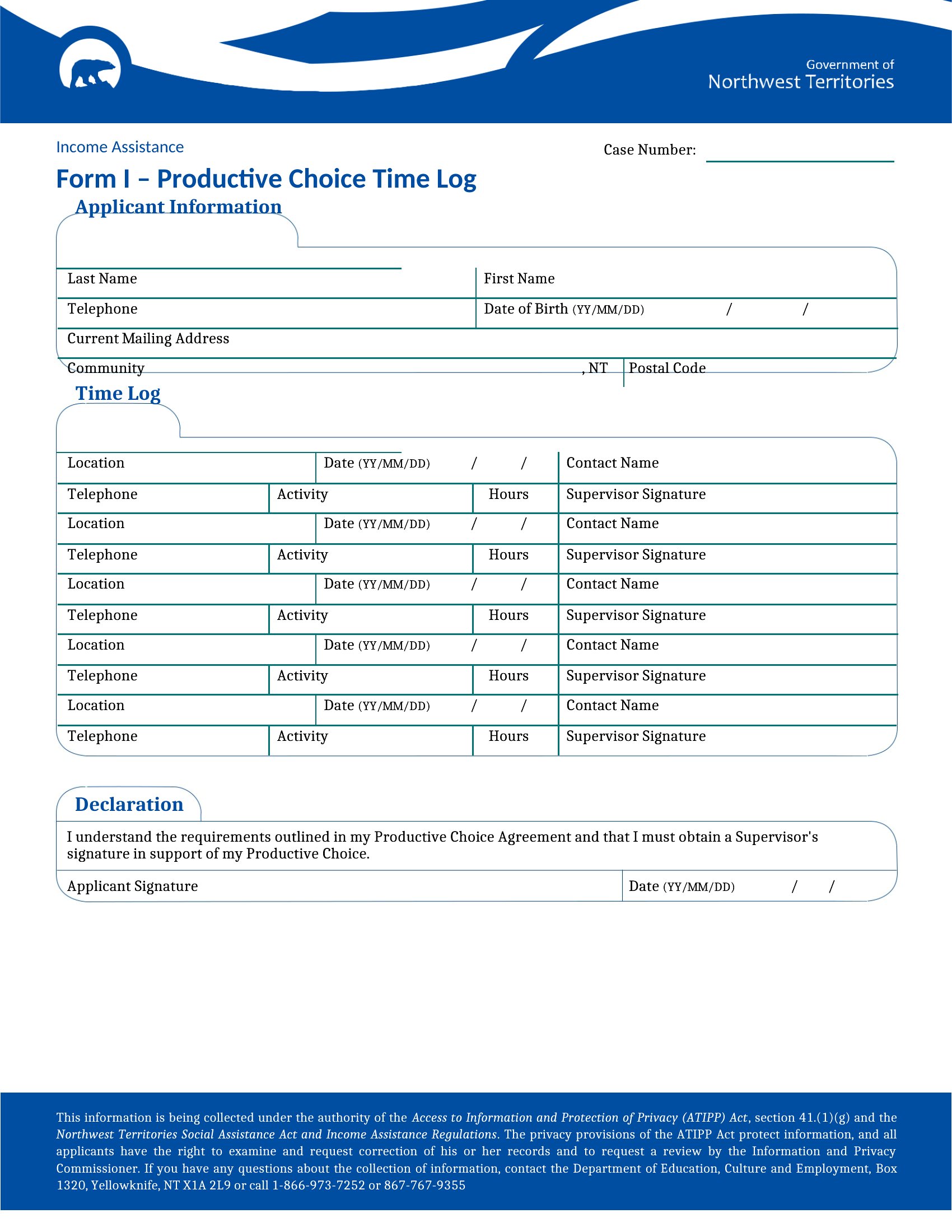
Can I use these time logs to track time for multiple clients or projects at once?
Yes, most templates include sections for labeling tasks by client or project. The Excel versions let you use dropdown menus or color-coding to quickly sort entries, while Word and PDF templates often have columns ready for manual categorization. For complex tracking, combine a time log with a project management tool to link hours directly to invoicing or deadlines.
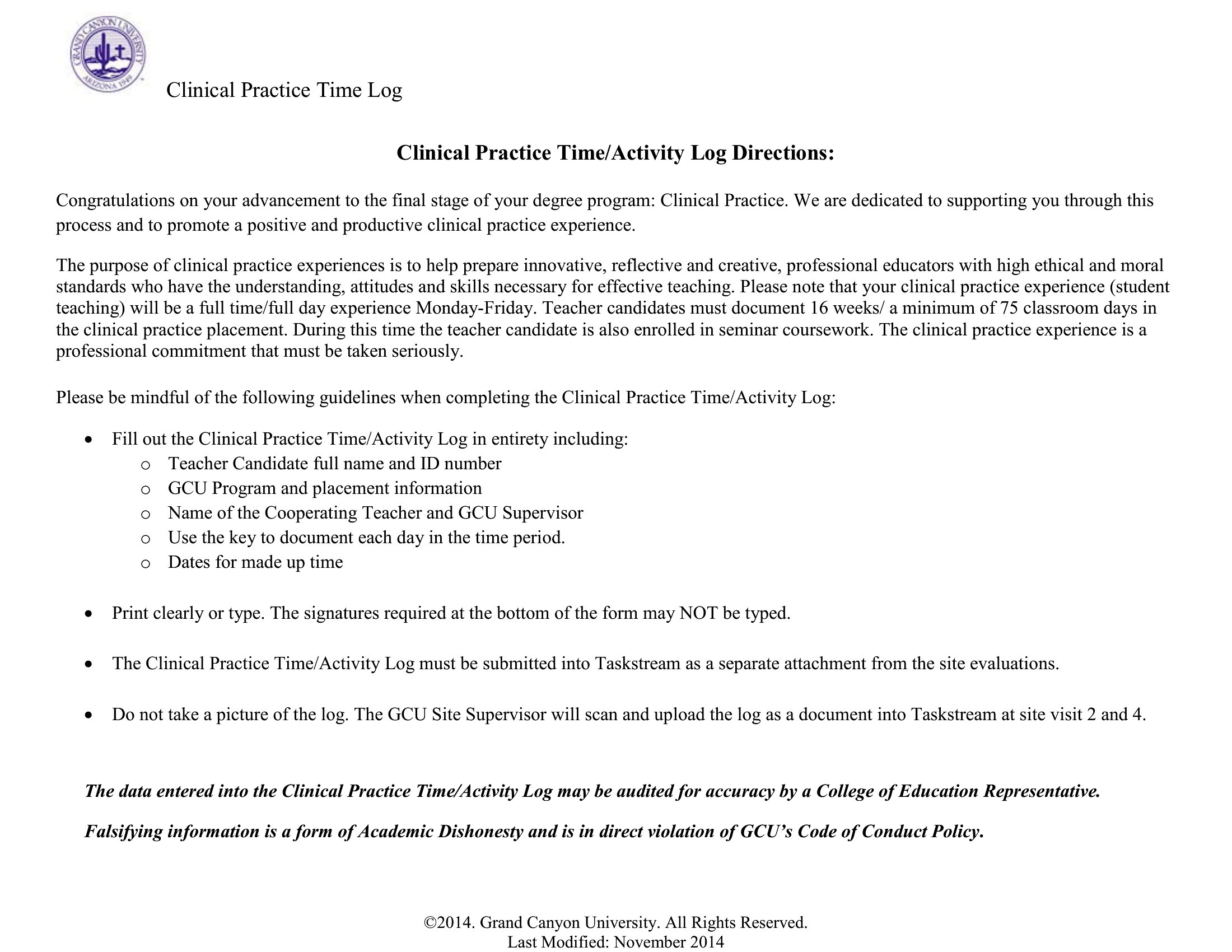
What’s the best way to ensure my time logs are accurate for billing clients?
Start and stop times are critical for billing—use the Excel templates with timestamp fields to minimize errors. For added precision, set phone or computer reminders to log transitions between tasks, or use a time-tracking app to sync with your template. Always review entries before finalizing to catch discrepancies, like overlapping time blocks or missing tasks.
How do these templates help with identifying time-wasting habits?
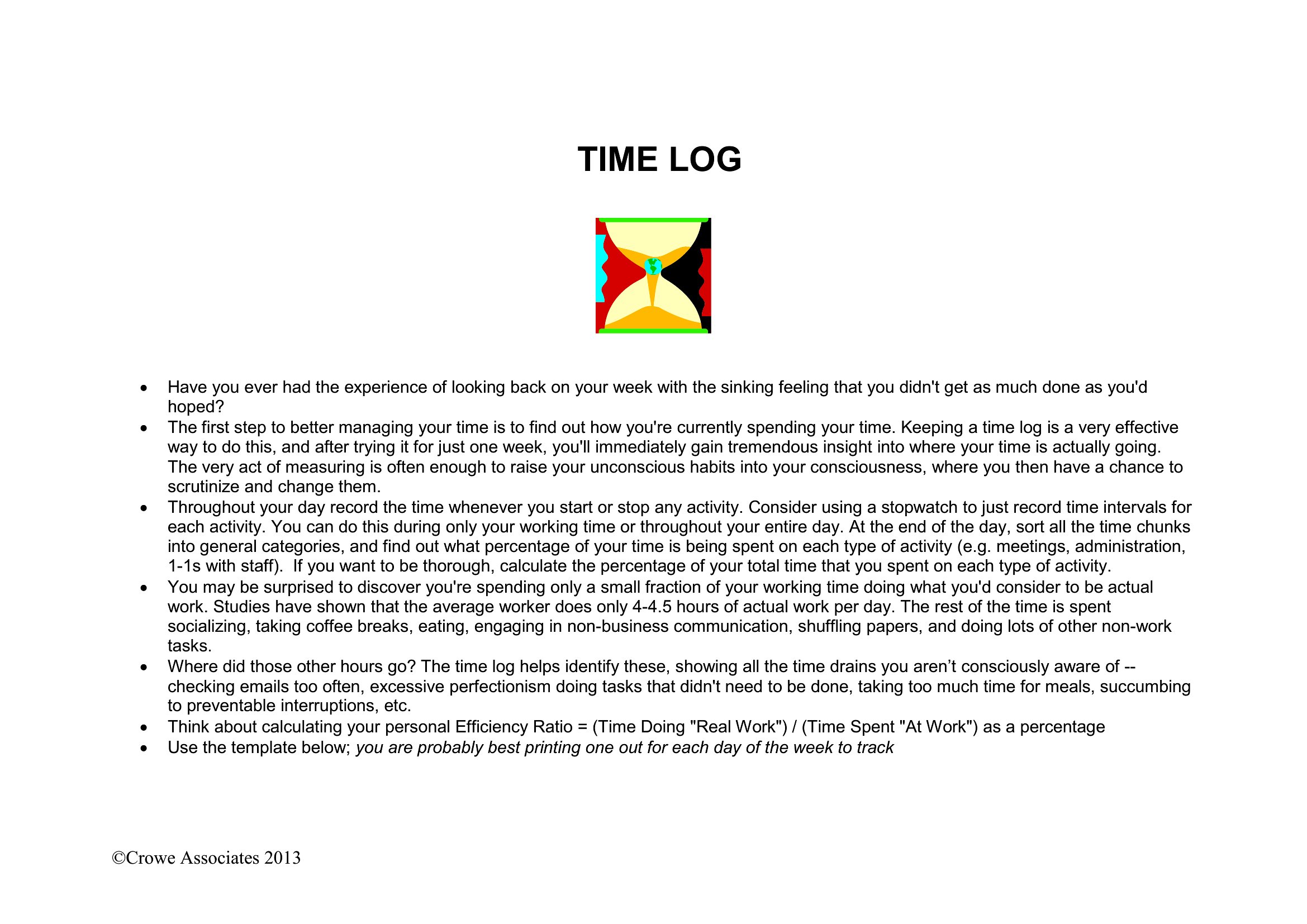
The templates encourage consistency by prompting you to log every task, including breaks and distractions. After a week of entries, focus on patterns: Are meetings running long? Do certain tasks consistently take more time than budgeted? The Excel versions can even highlight outliers with conditional formatting. Use these insights to adjust your schedule or delegate tasks more effectively.
Comments
Join the conversation
Sign in to share your thoughts and leave a comment on this resource.