Free Excel Dashboard Templates (Excel)
DataTemplates

Excel Dashboards

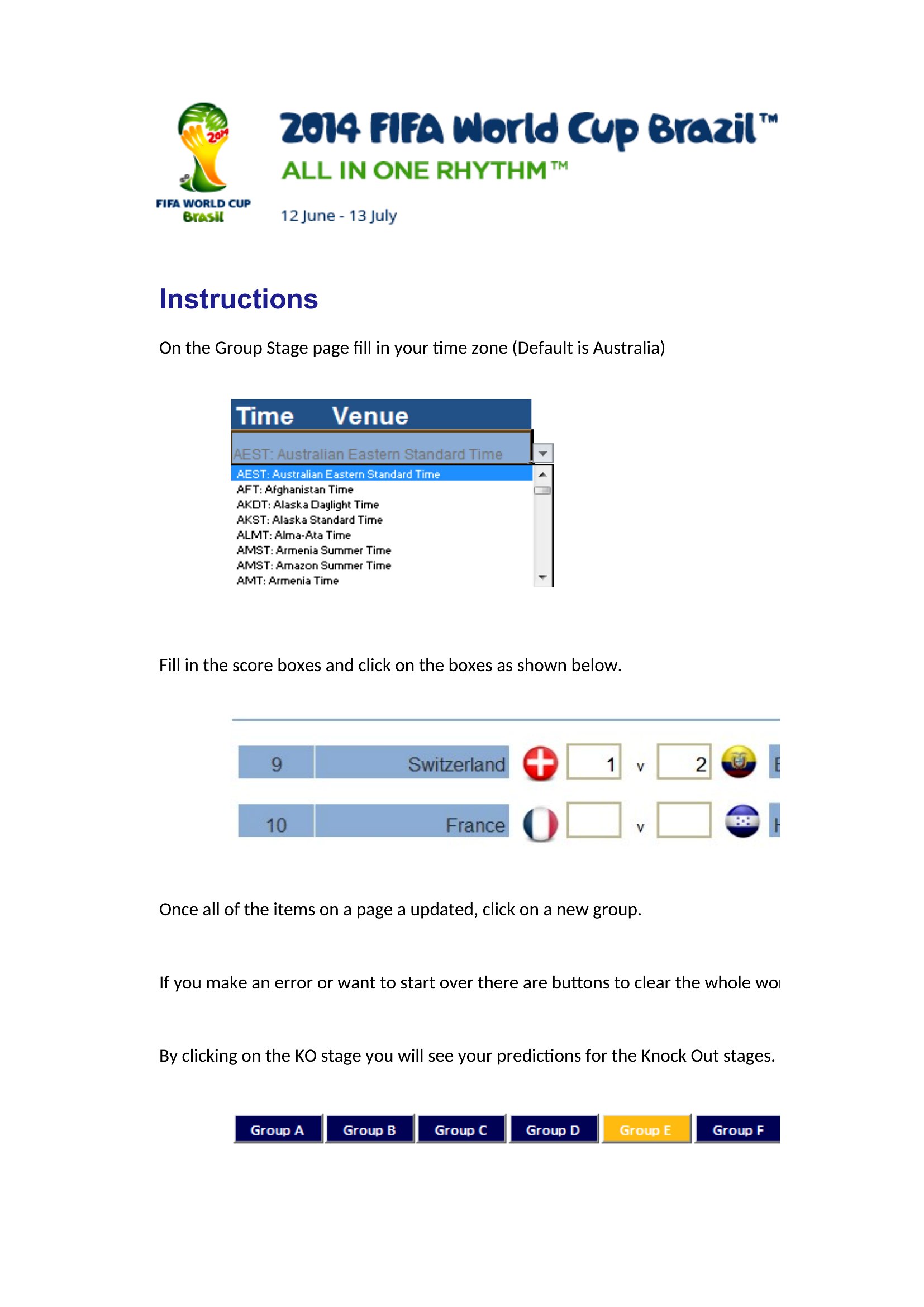
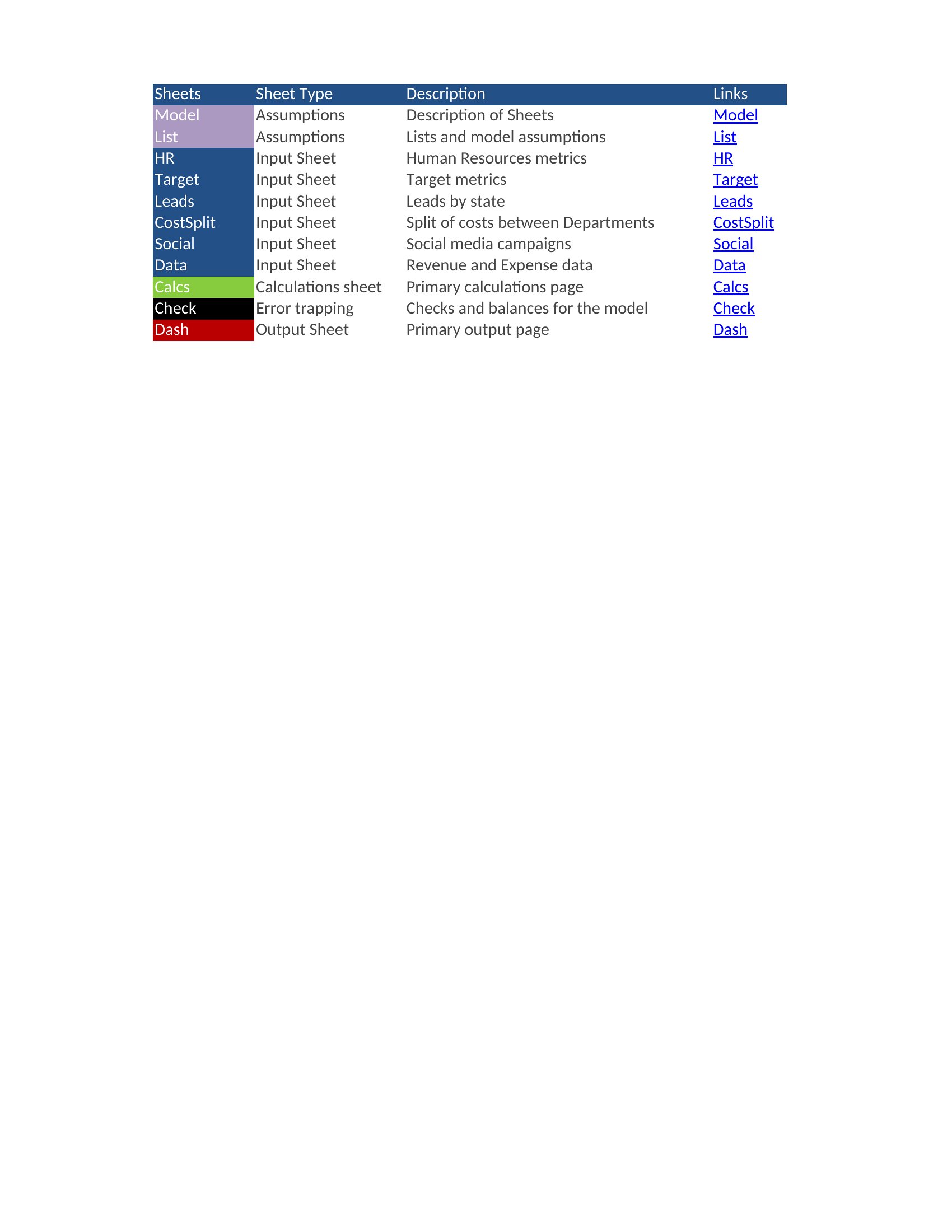
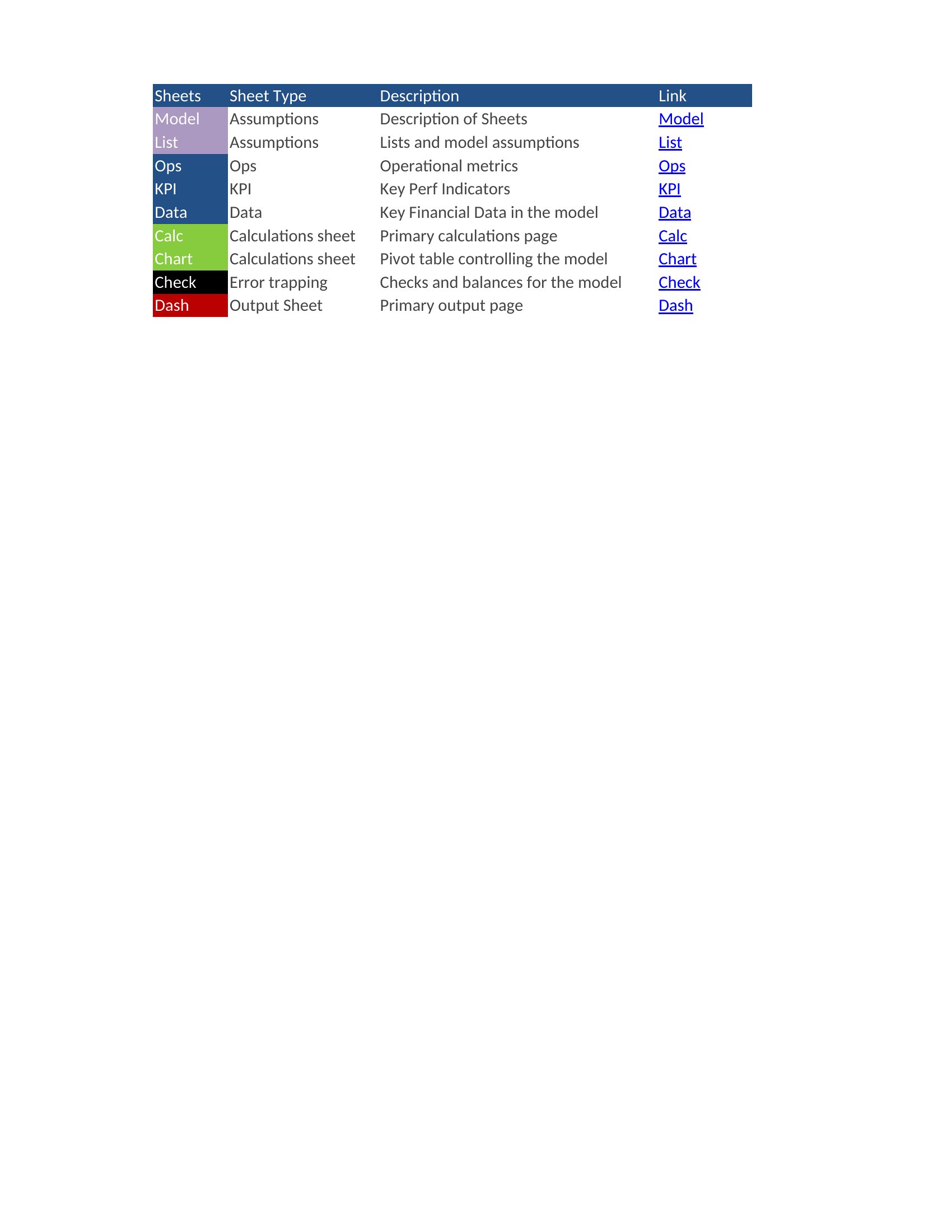

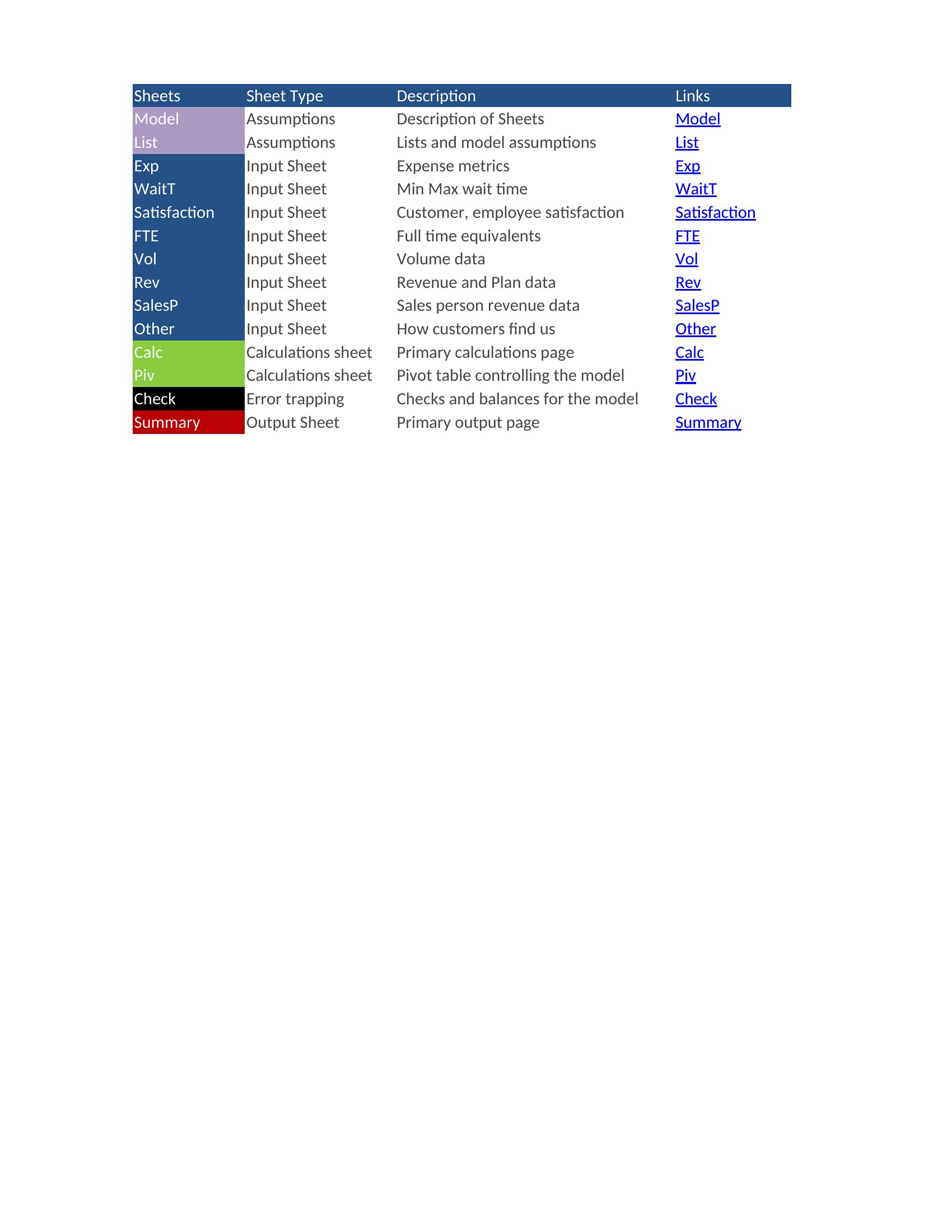

Dashboards Excel

Dashboard Excel
Excel Dashboard
FAQ
Can these dashboards pull data from external sources like Google Sheets or a CRM?
Yes, but setup varies by template. Some include pre-built connections for tools like Google Sheets or require Power Query to link to databases or APIs. Check the template’s description for compatibility notes. For CRMs like Salesforce, you’ll typically need to export data first or use Excel’s Get Data feature.
How do I adjust the KPI thresholds or color-coding in the templates?
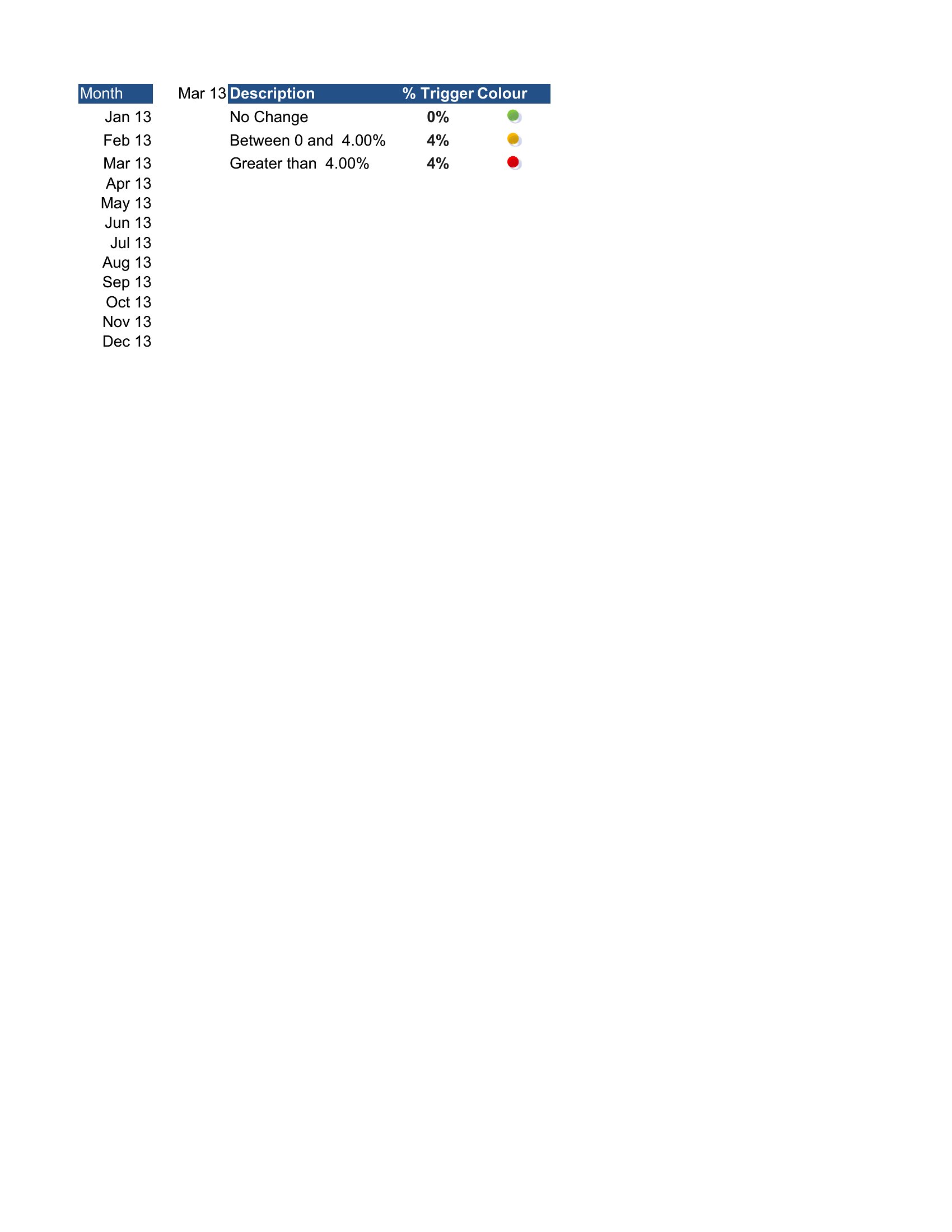
Most templates use conditional formatting or simple IF formulas tied to cell values. Open the ‘Settings’ or ‘Config’ sheet (if included) to modify thresholds, or edit the underlying formula in the chart data range. For dynamic ranges, ensure your data source names match exactly. Save a backup copy before experimenting.
What’s the best way to share these dashboards with stakeholders who don’t use Excel?
Export the dashboard as a static PDF for one-time reviews or use Excel Online to share a read-only link. For interactive access, save the file to OneDrive/SharePoint and set permissions. Note that shared users won’t see real-time updates unless the file is re-opened with fresh data. Consider exporting key charts as PNGs for presentations.
Comments
Join the conversation
Sign in to share your thoughts and leave a comment on this resource.