Skip to content
50% off this one-time $1.99 pack with HALFOFF — or unlimited with Pro.HALFOFF
Premium

Free Multiple Project Trackers (Word, Excel)

Project
martanunez by martanunez
Updated 0 downloads Quality-checked template

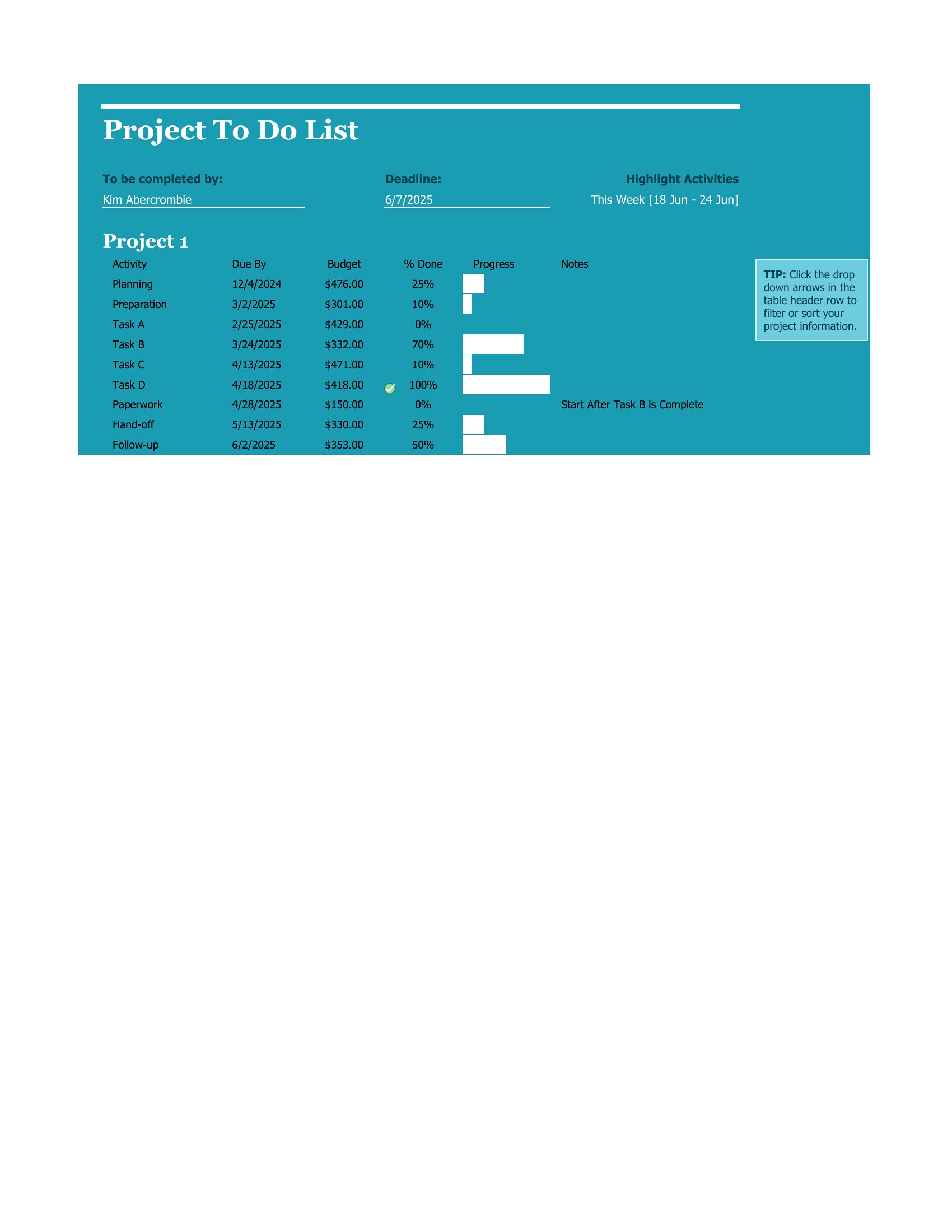
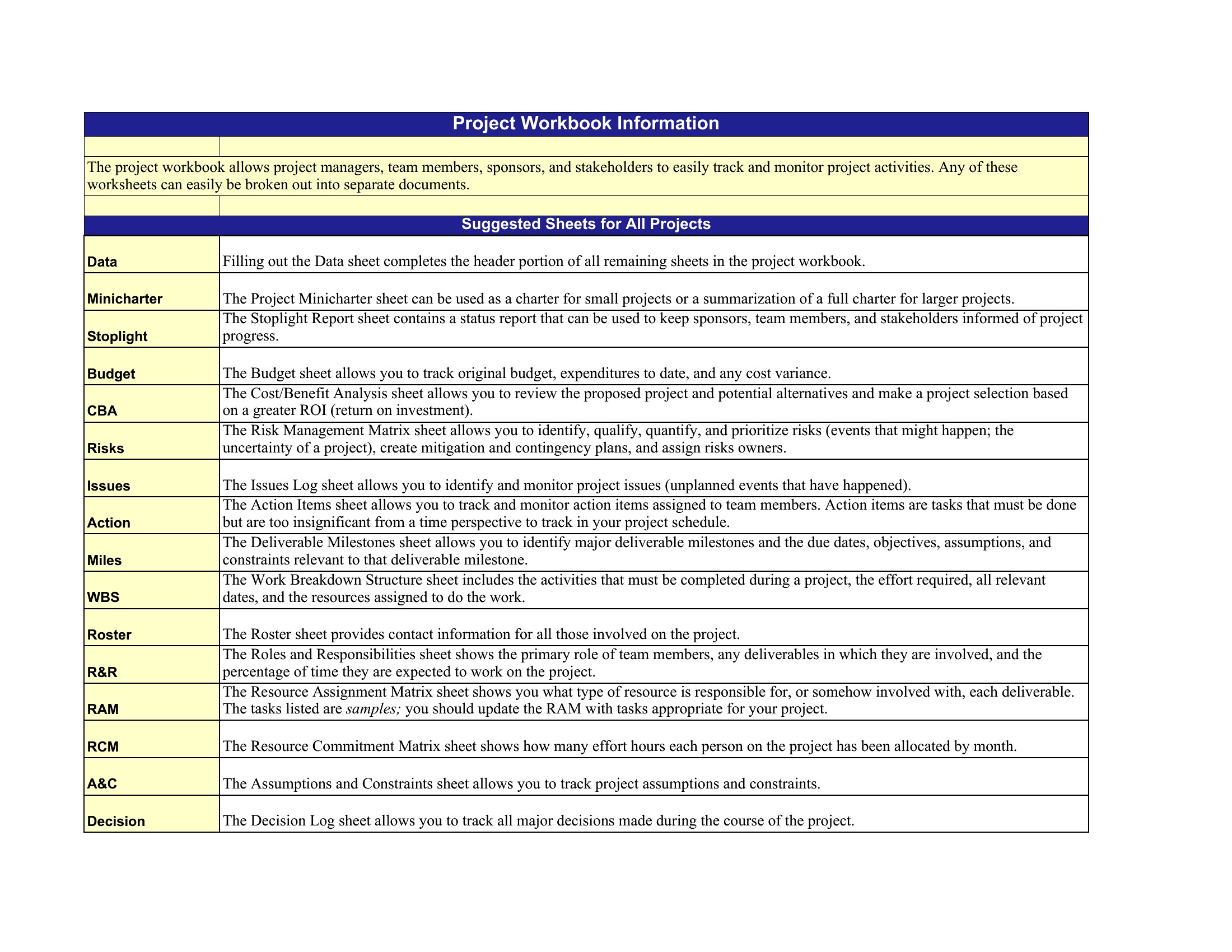
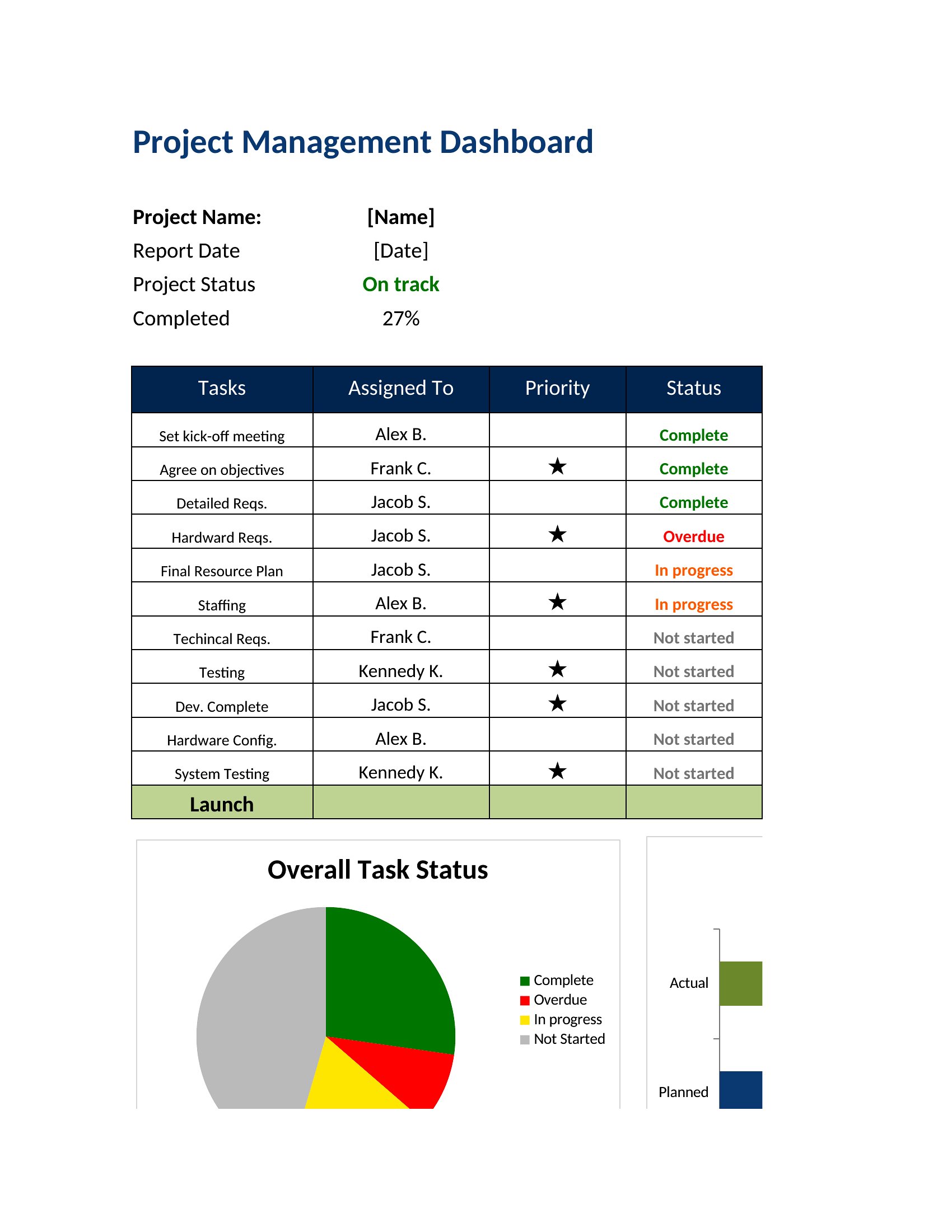
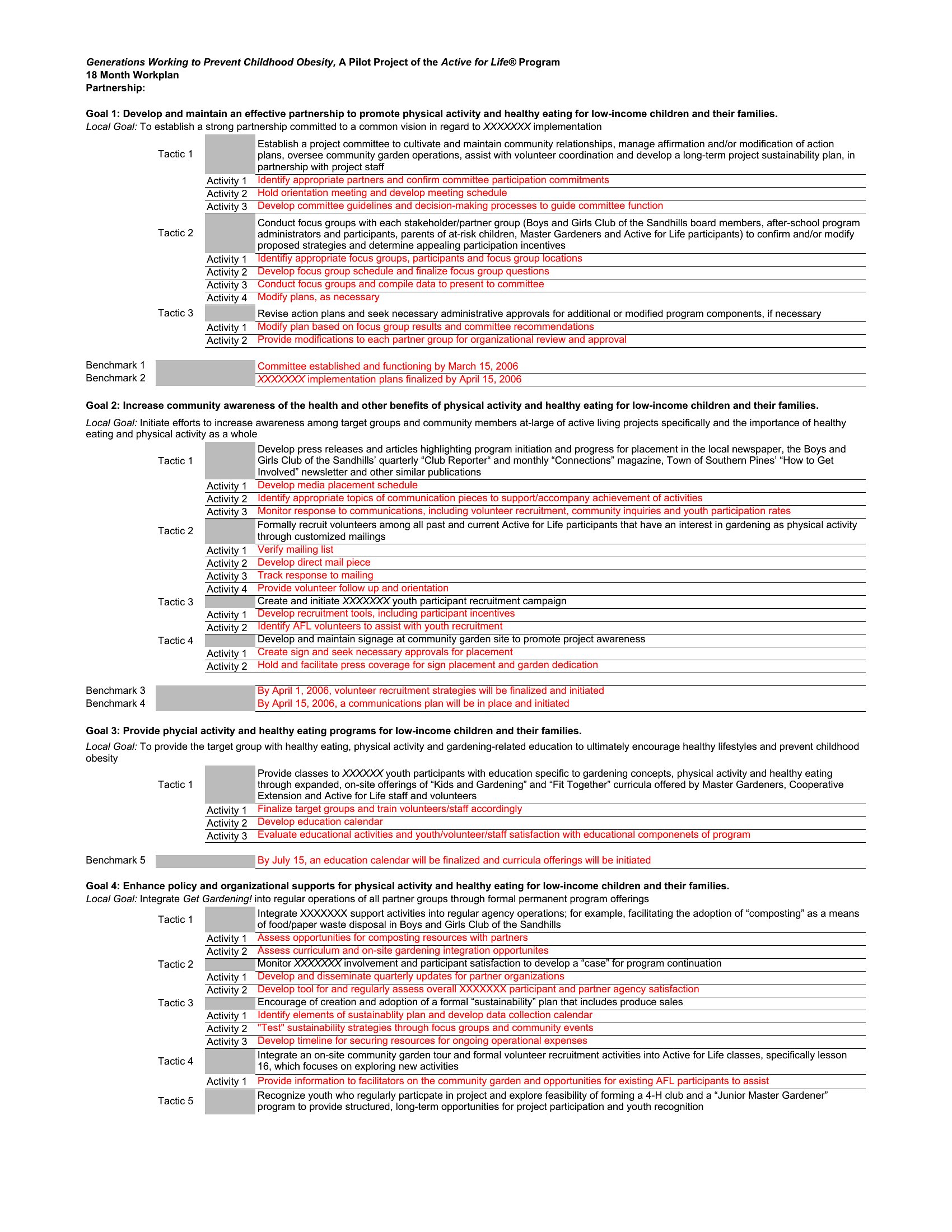
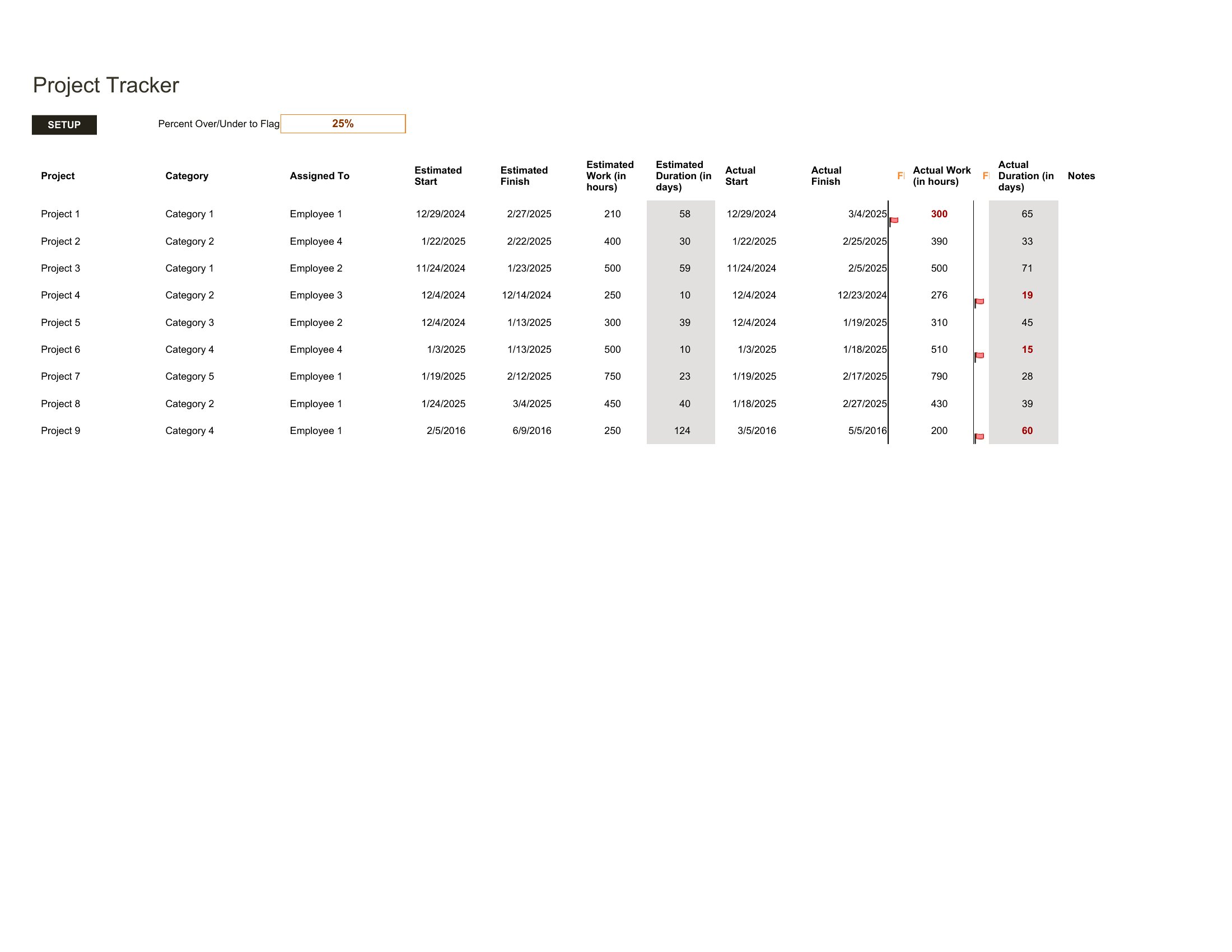
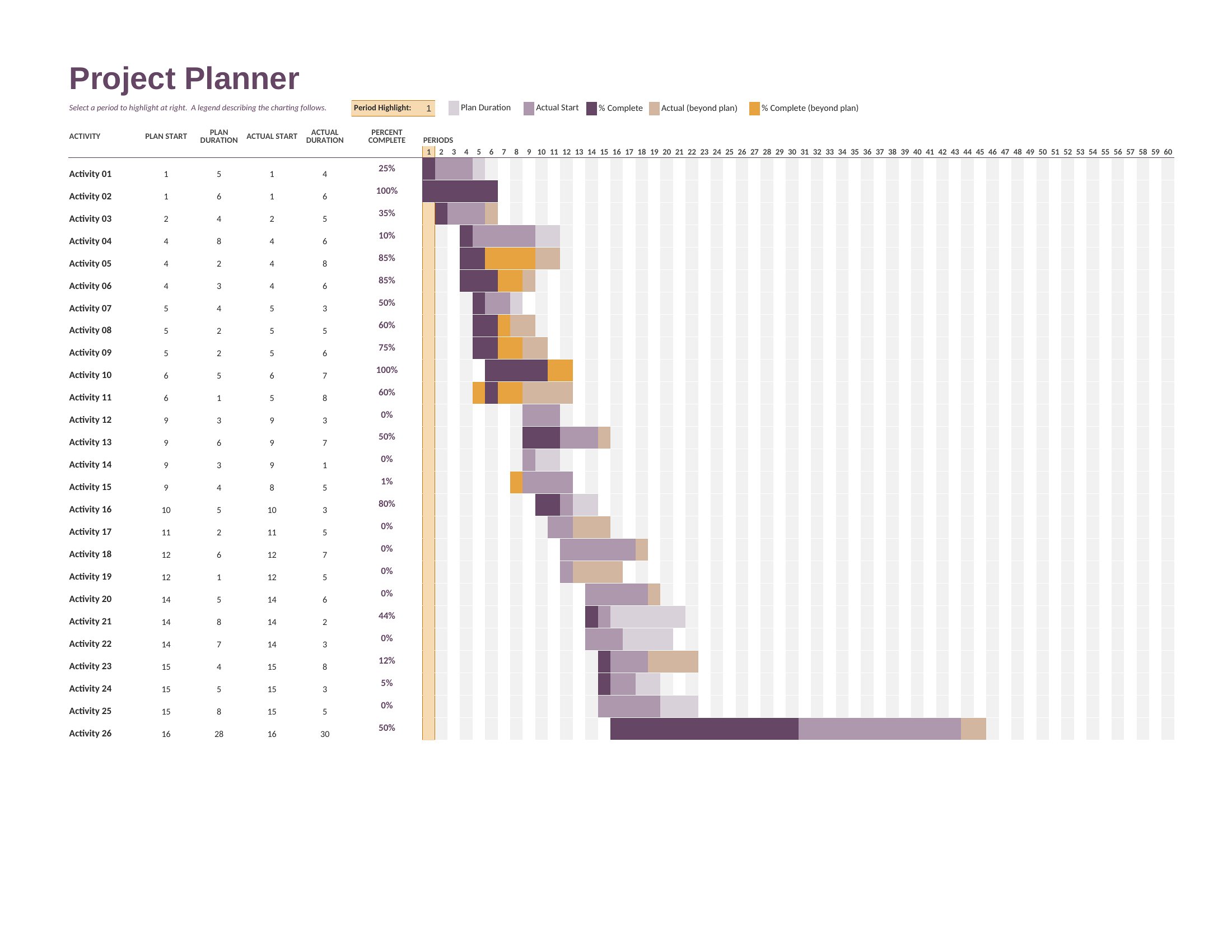
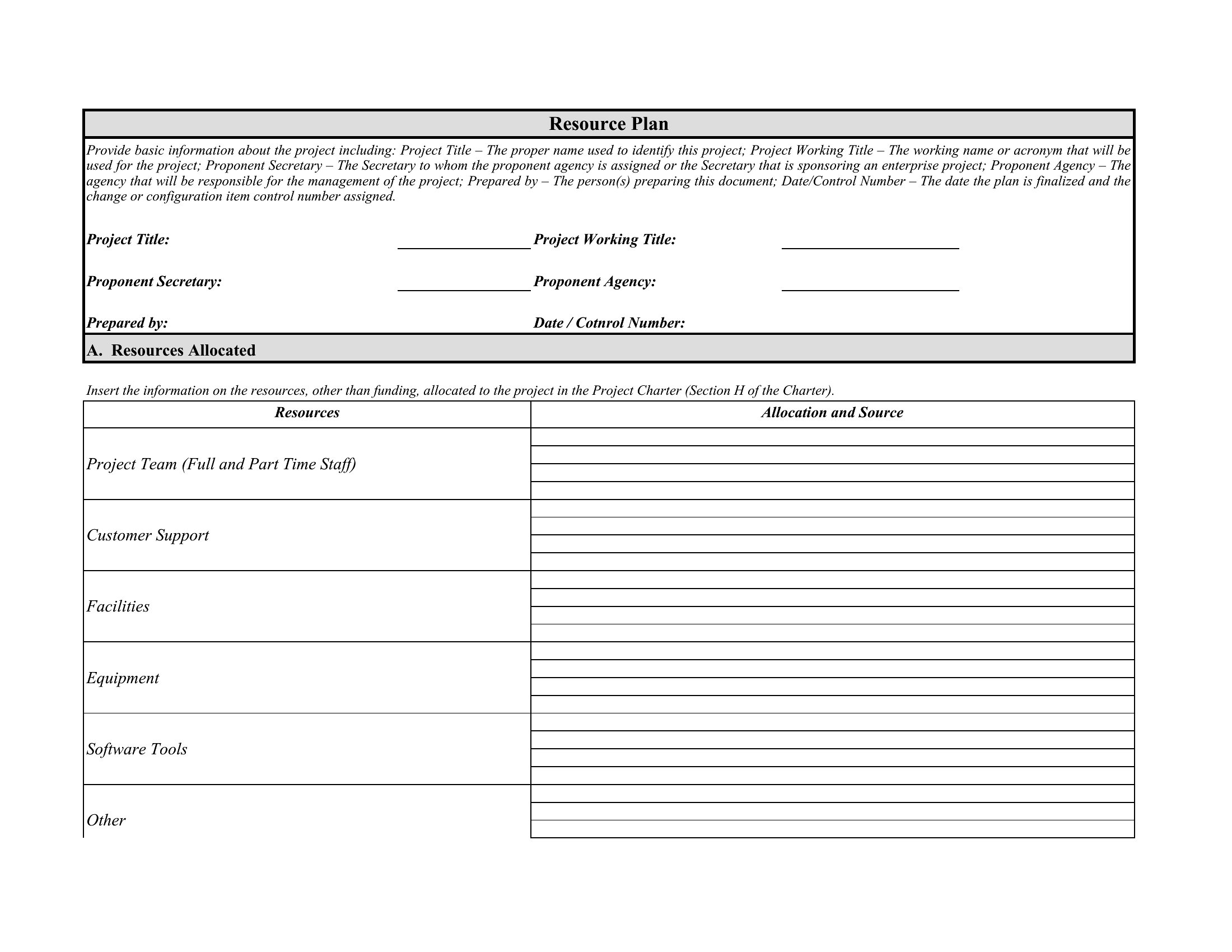
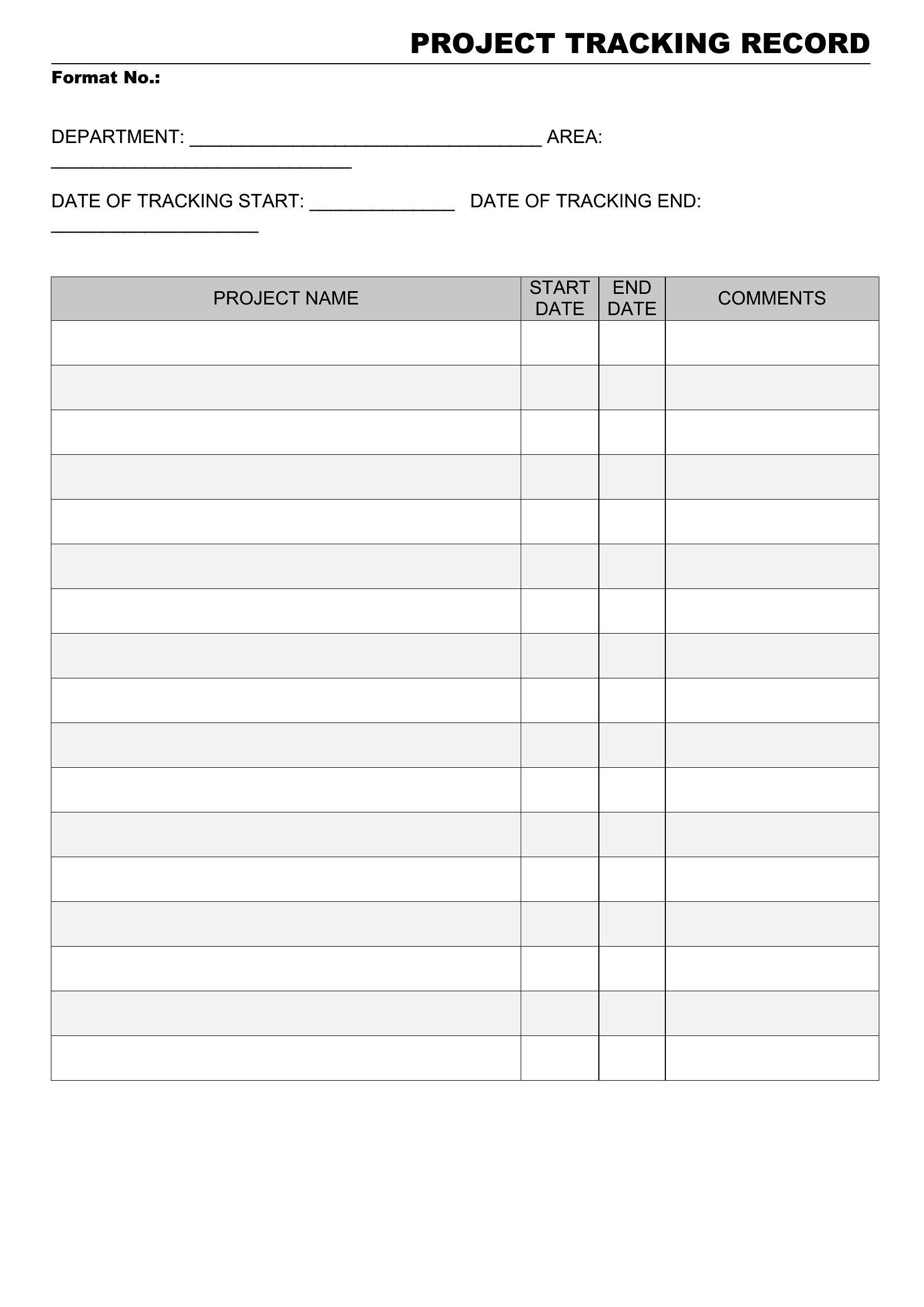
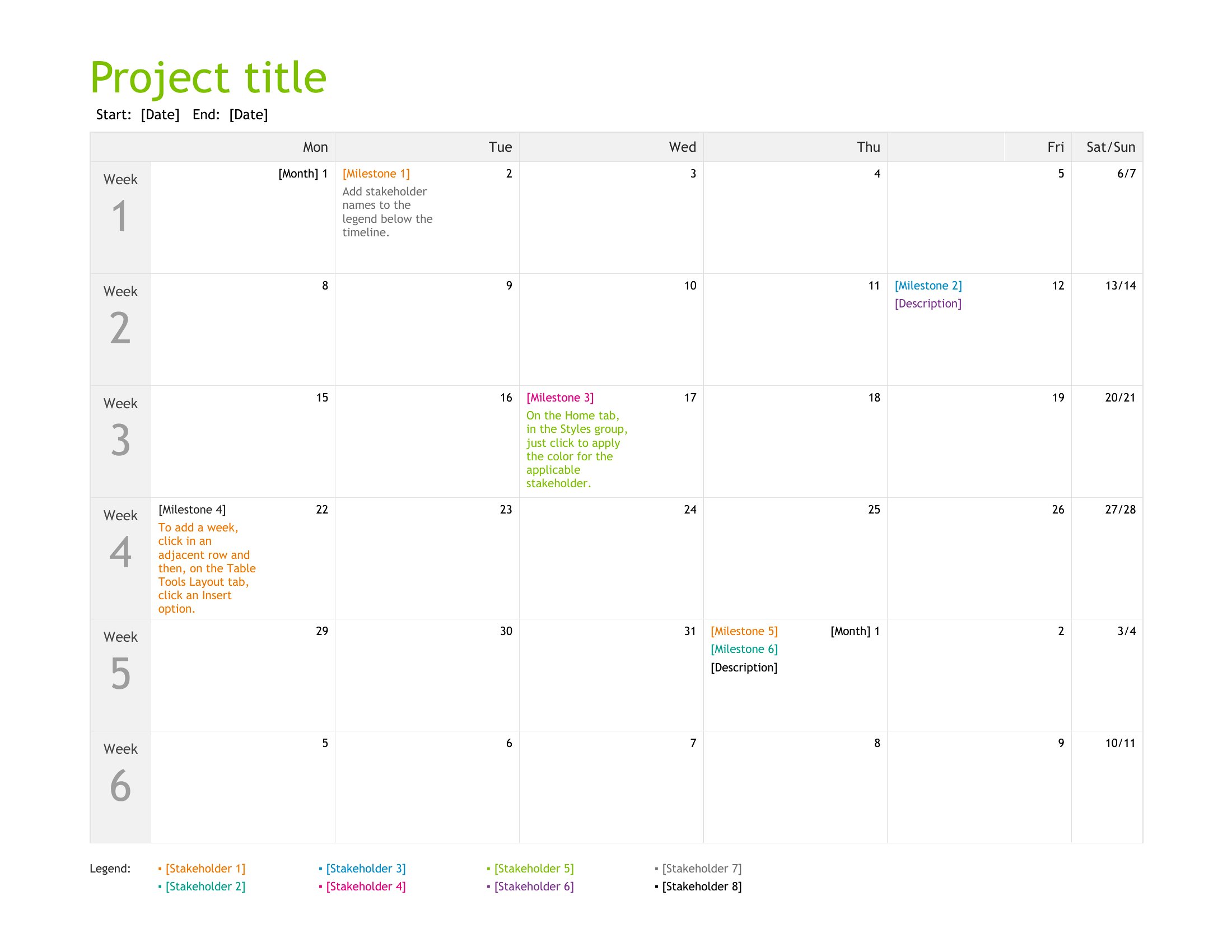
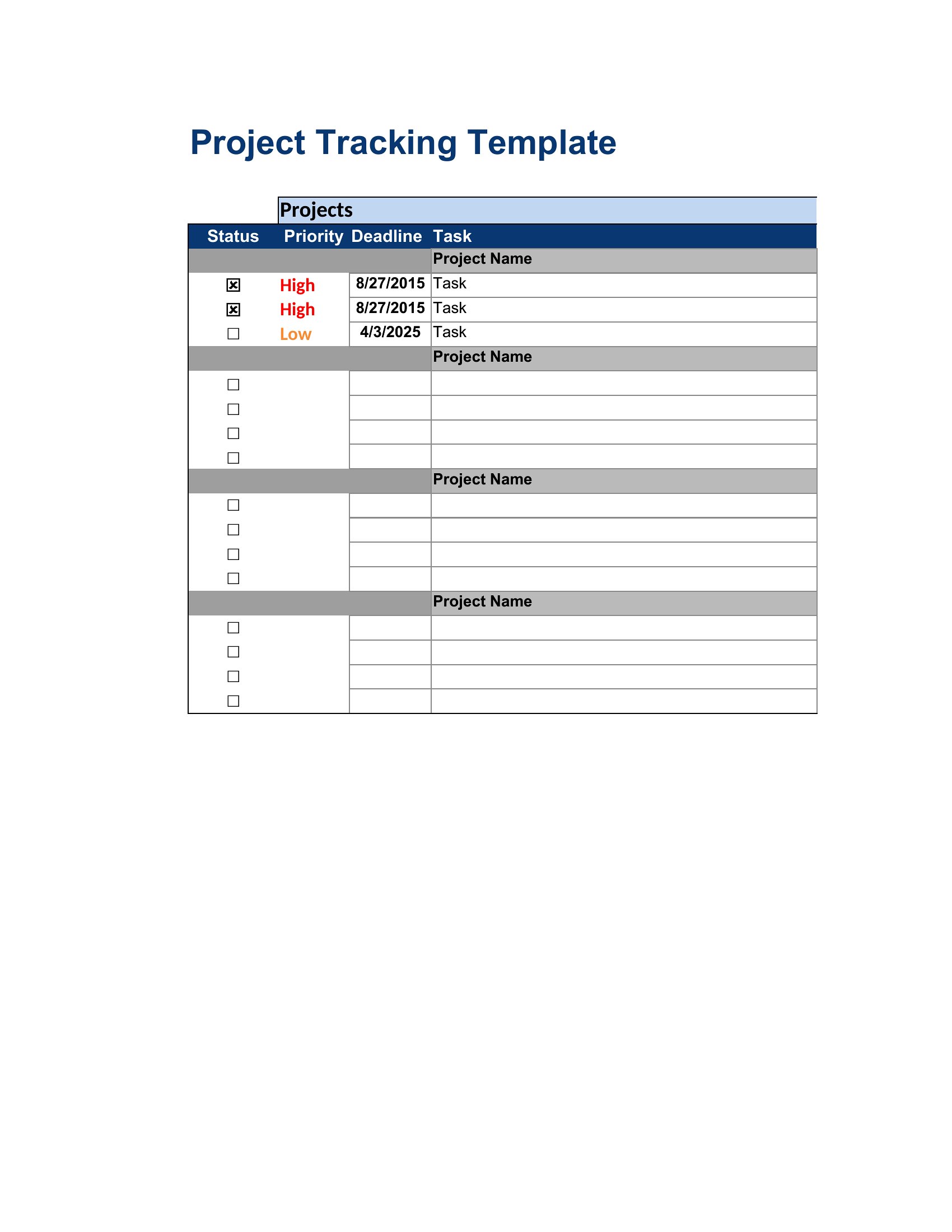
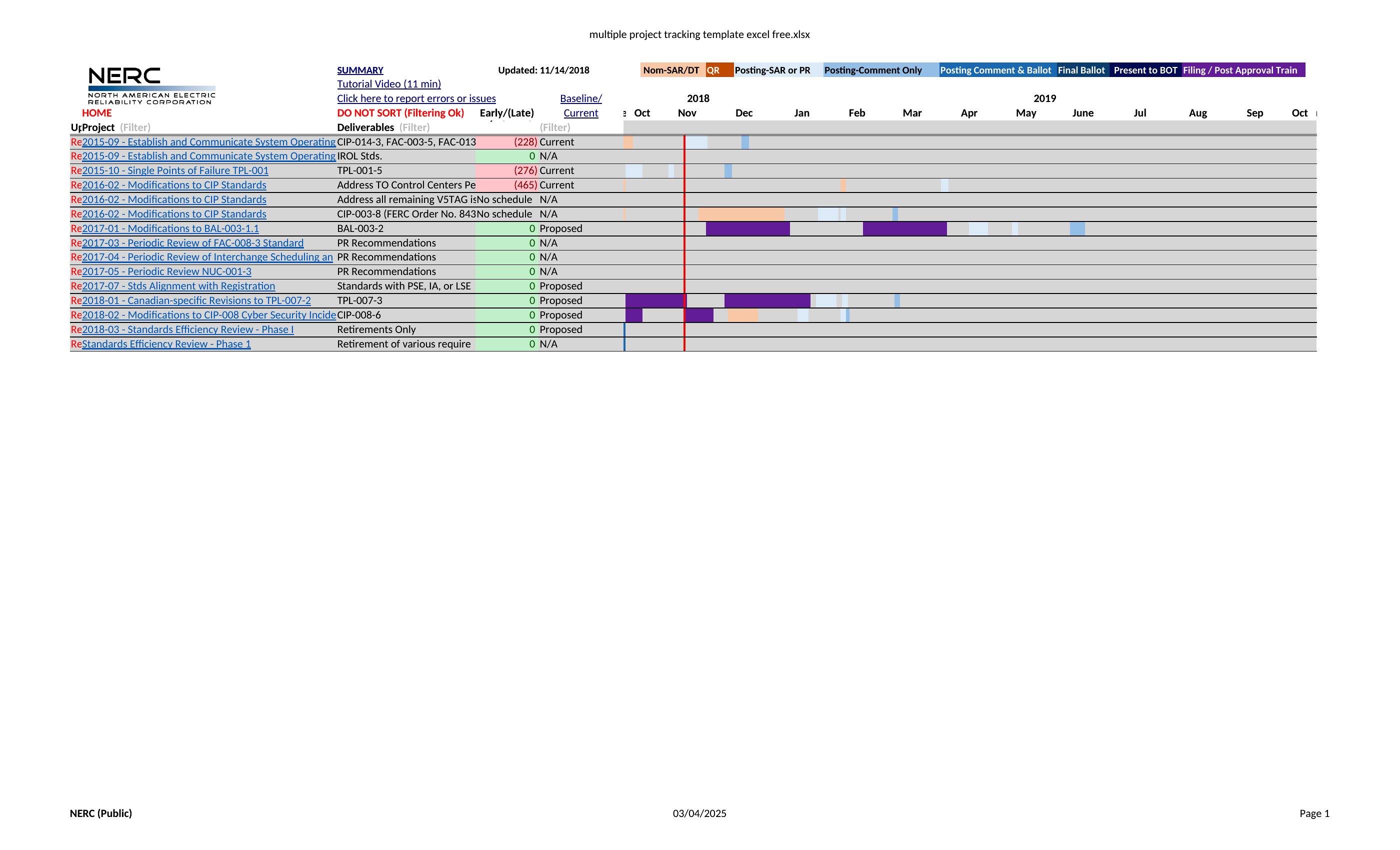
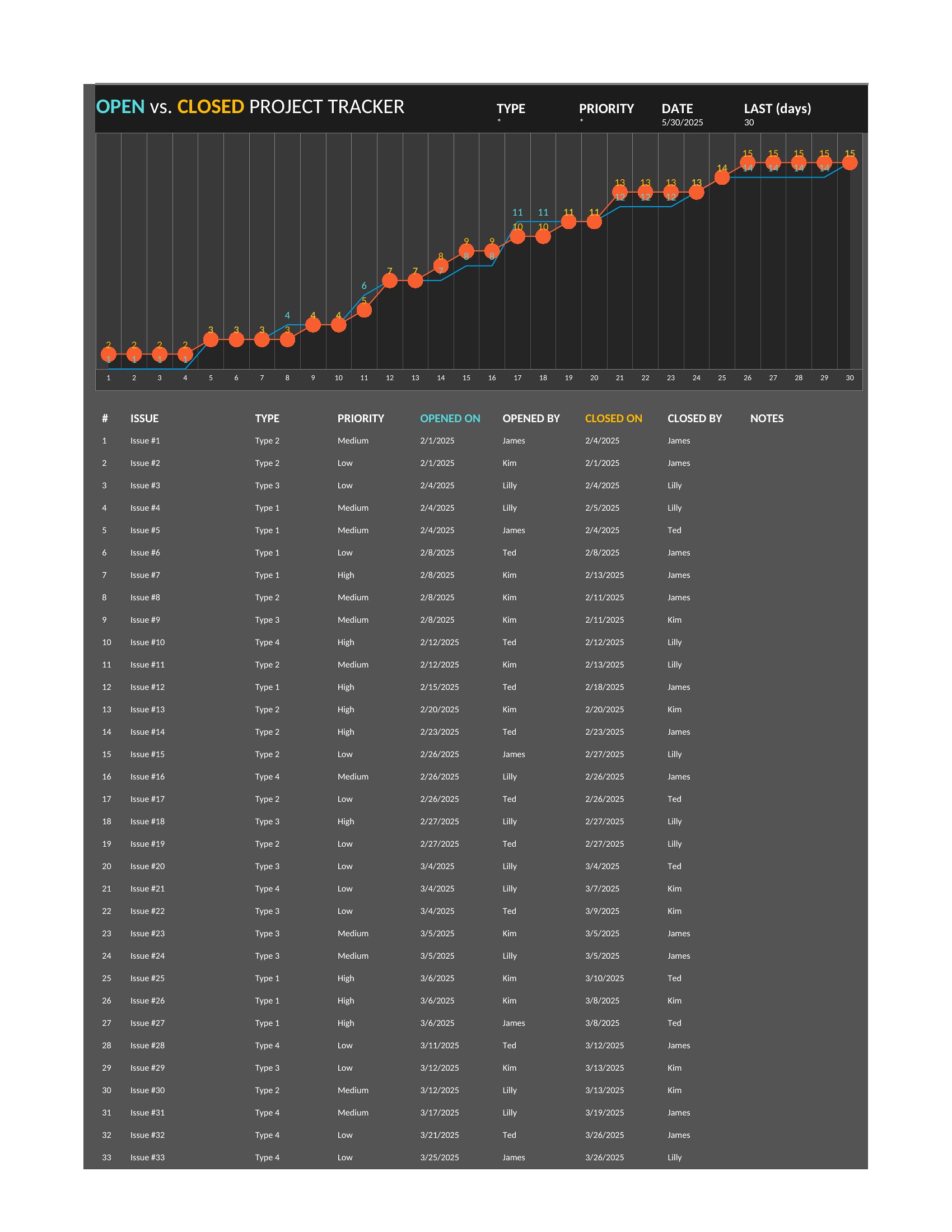
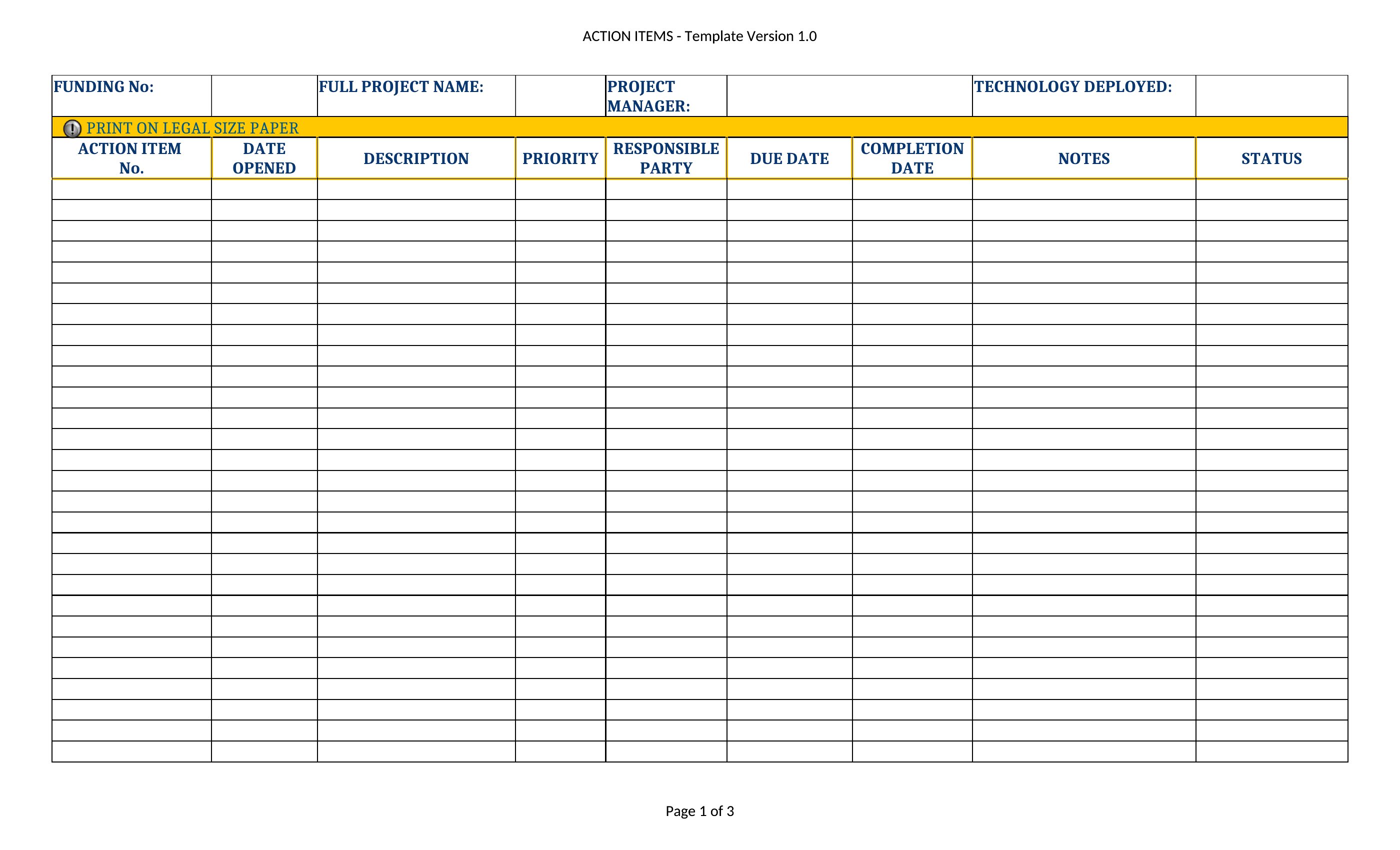
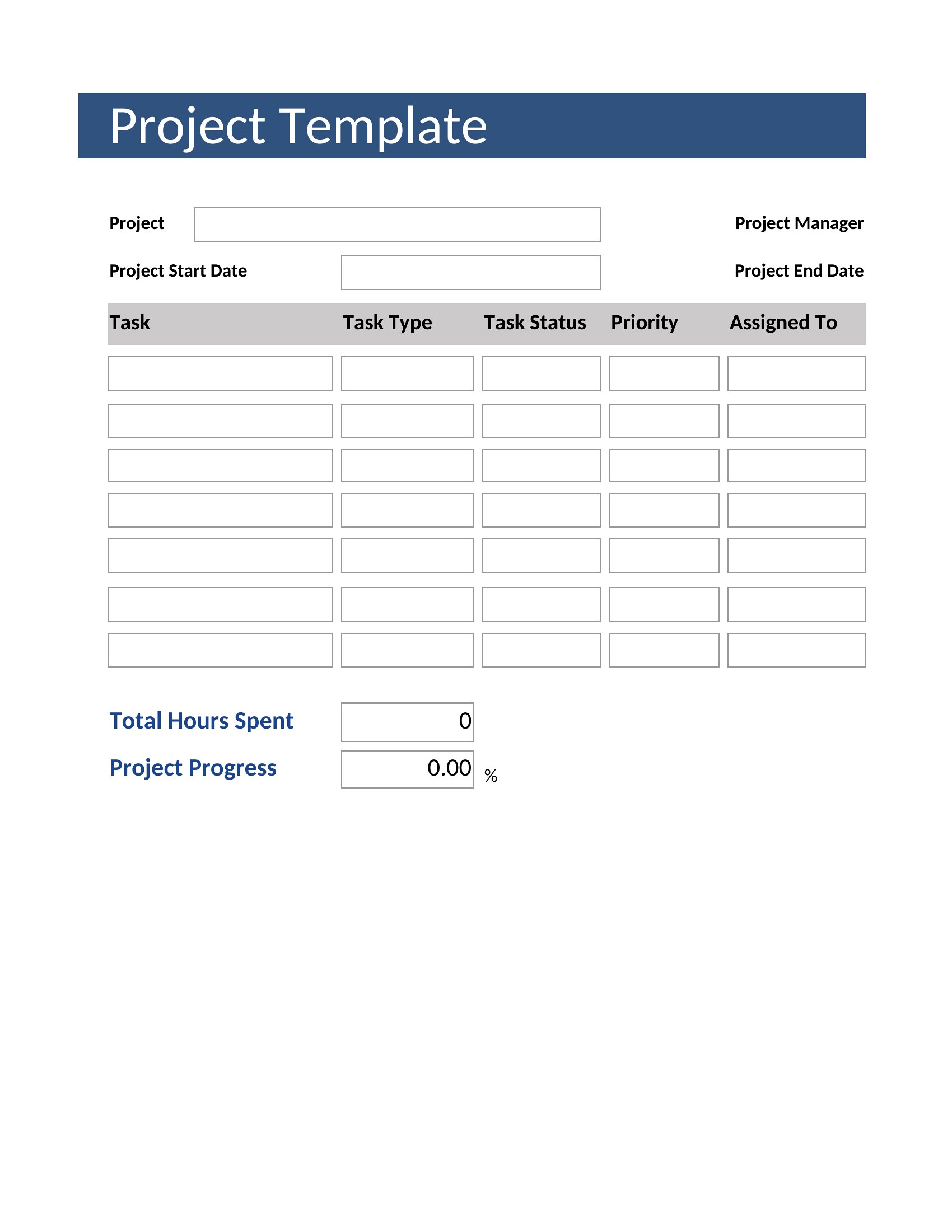
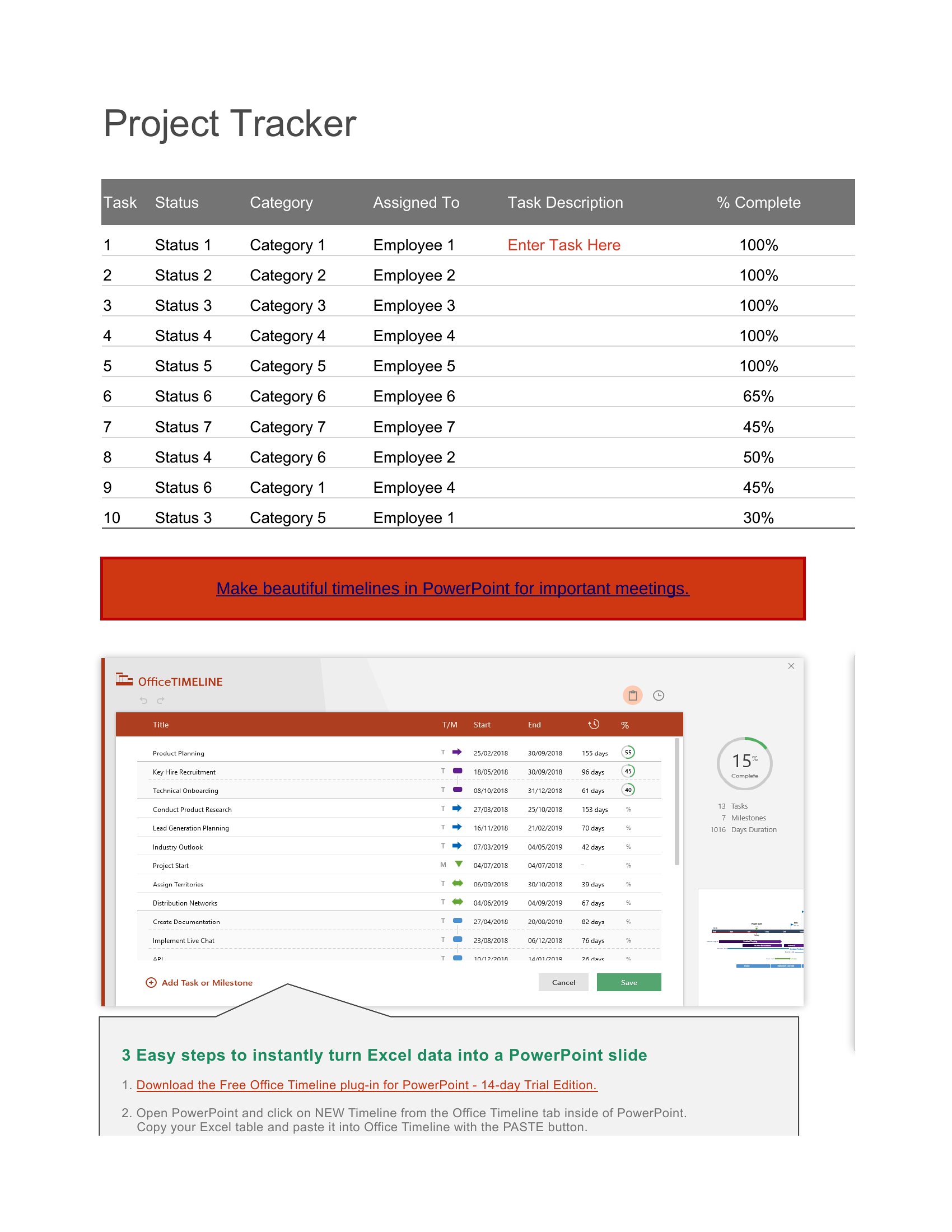
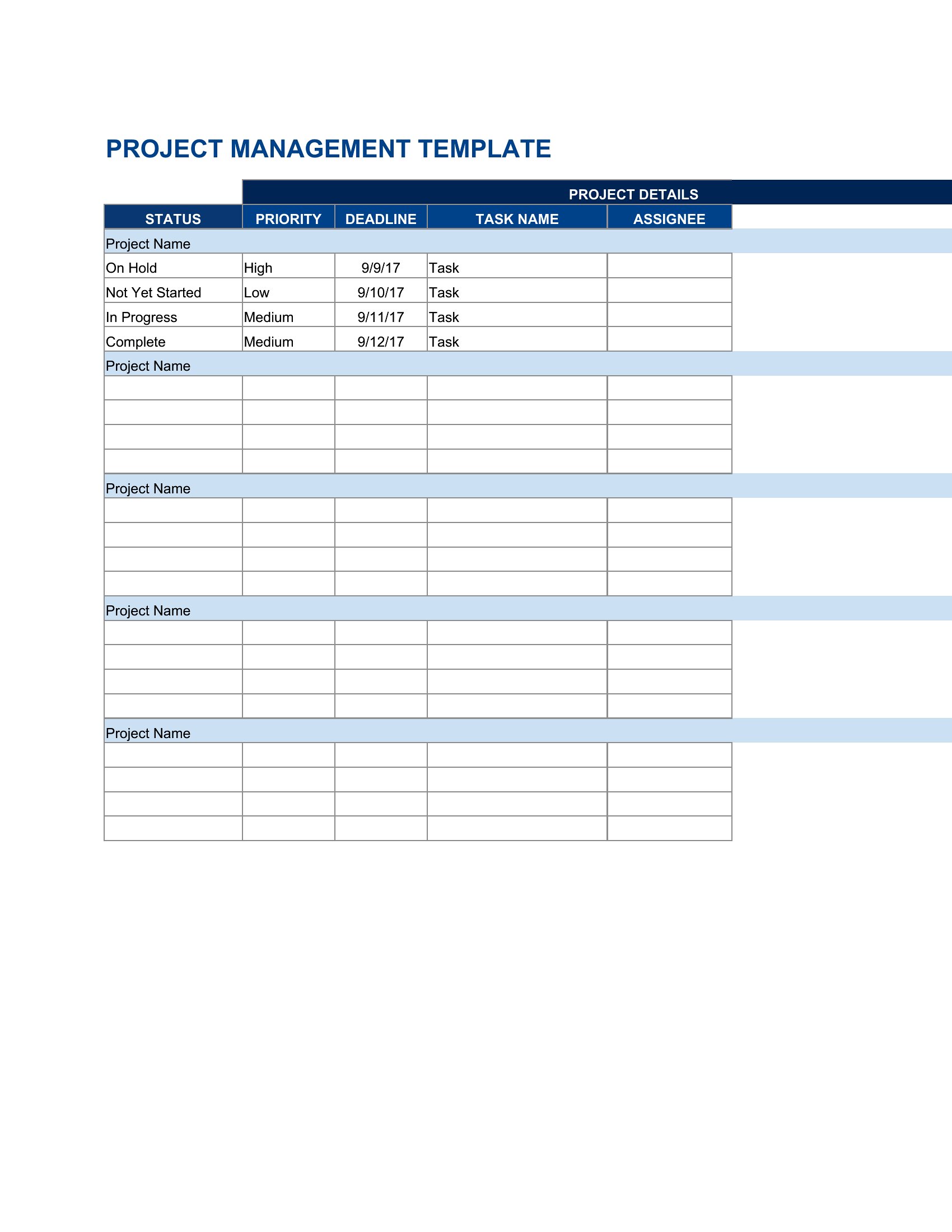
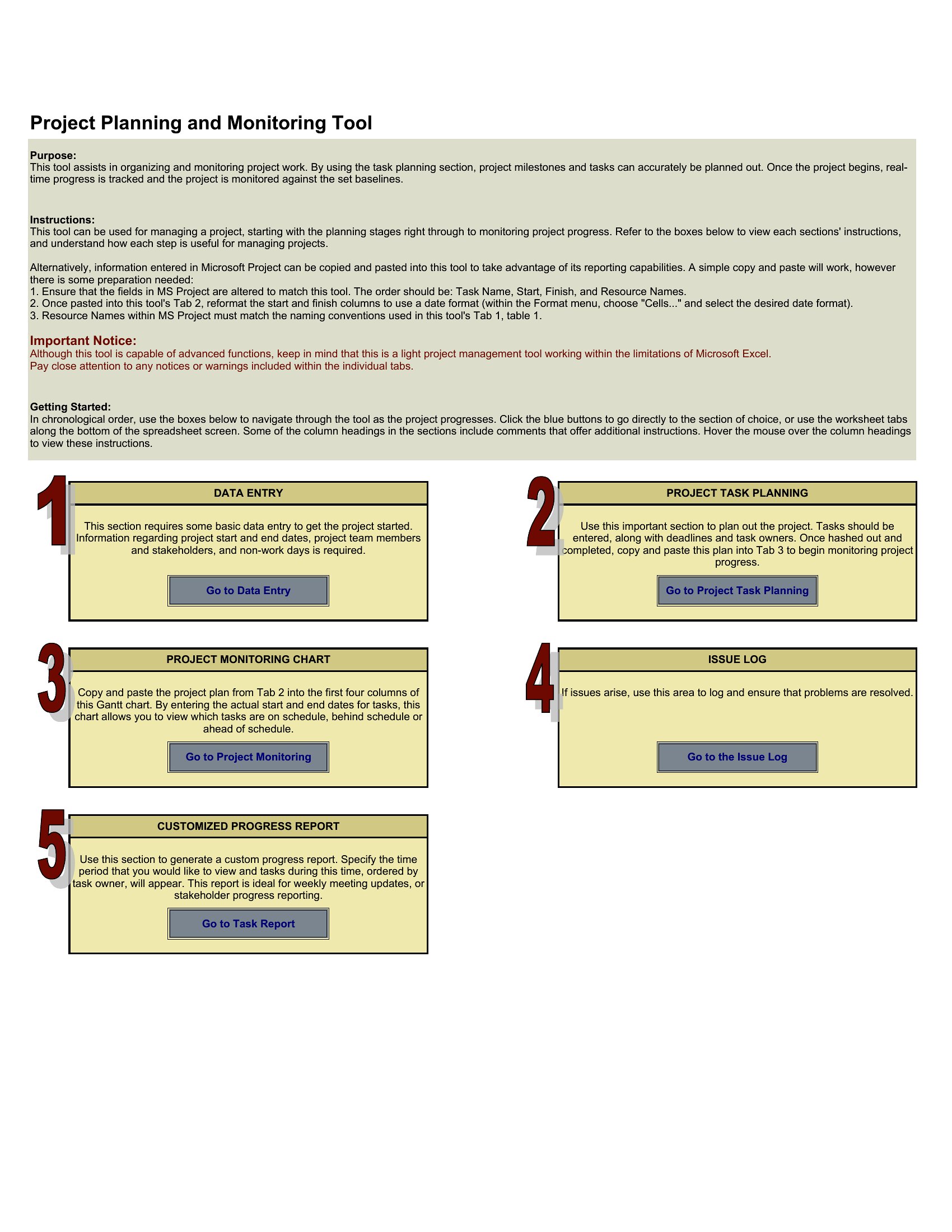
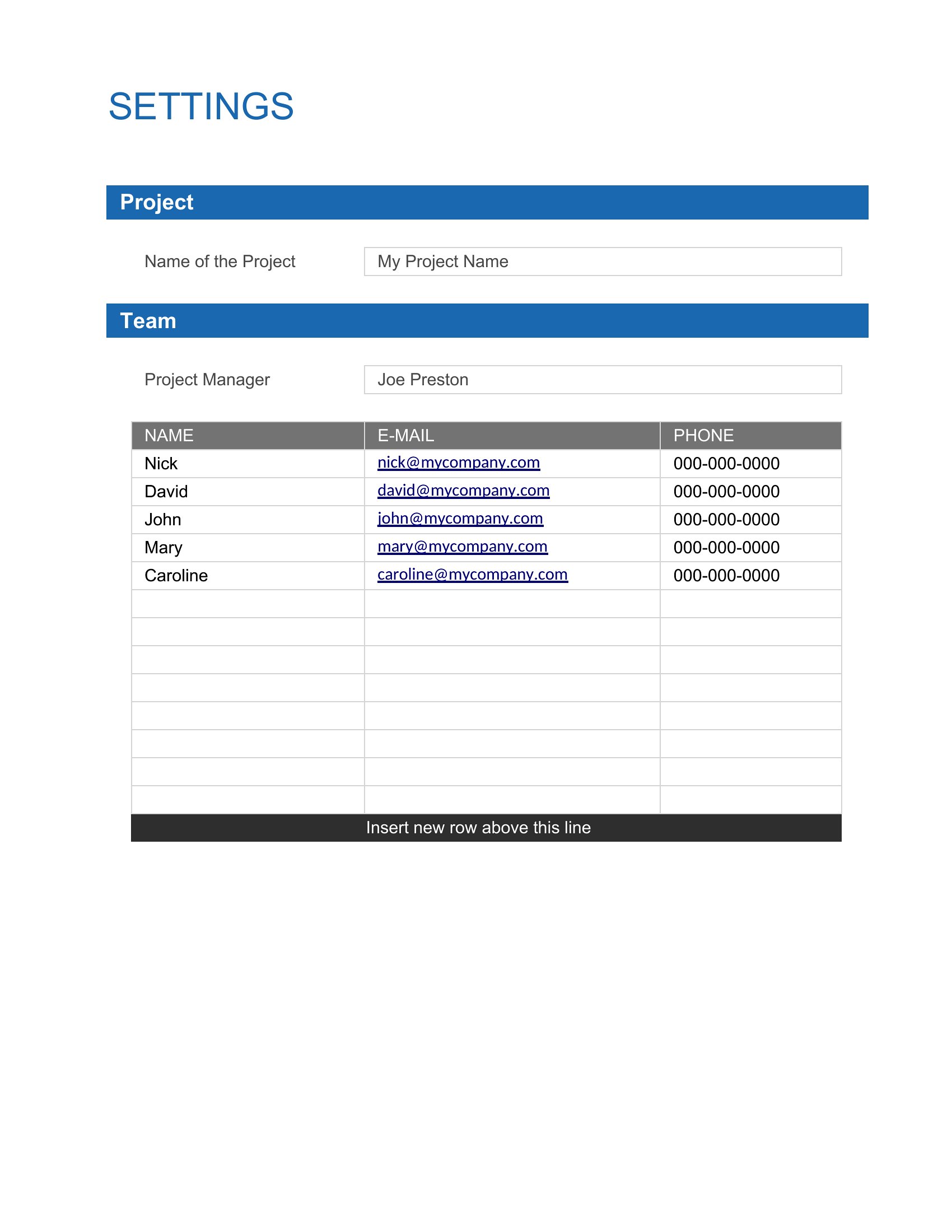
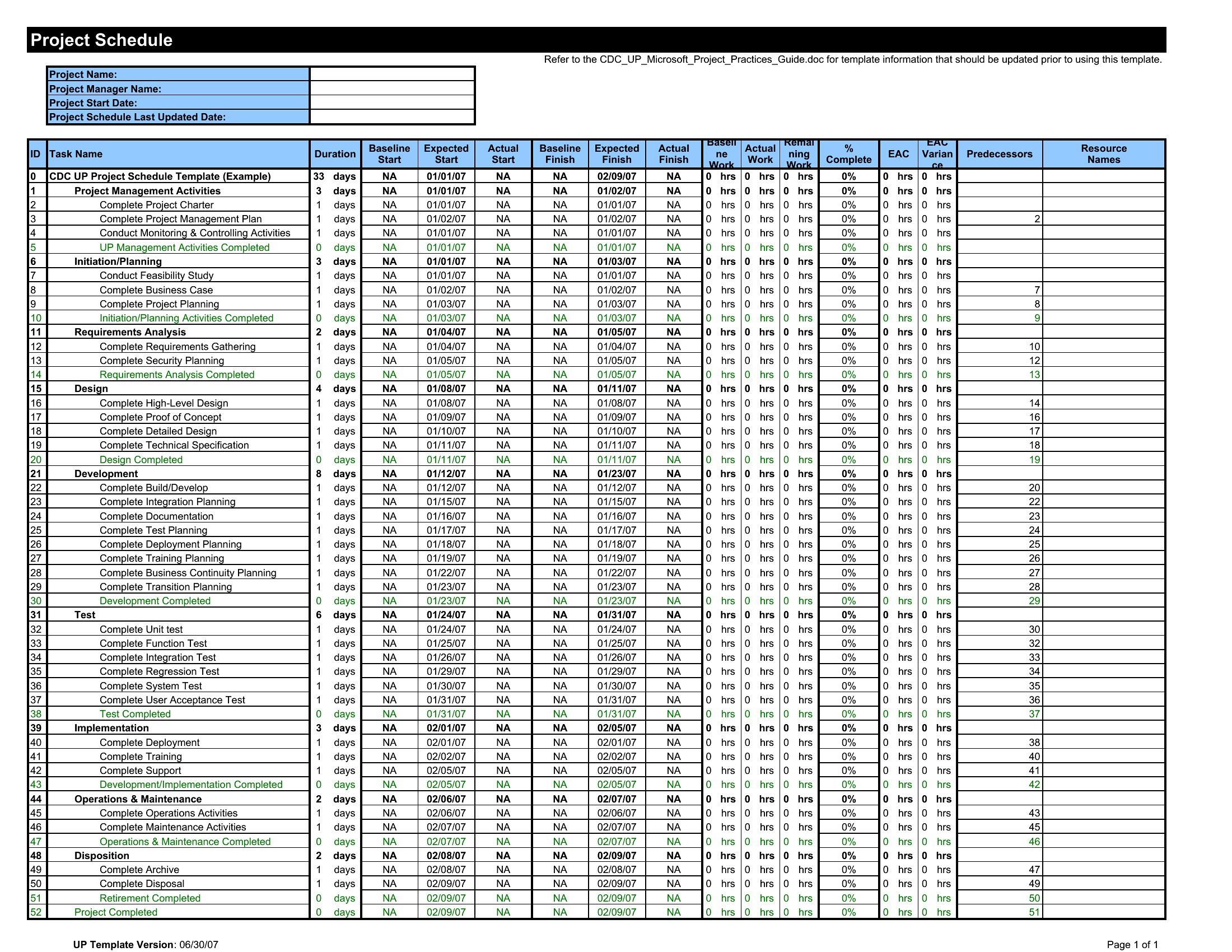
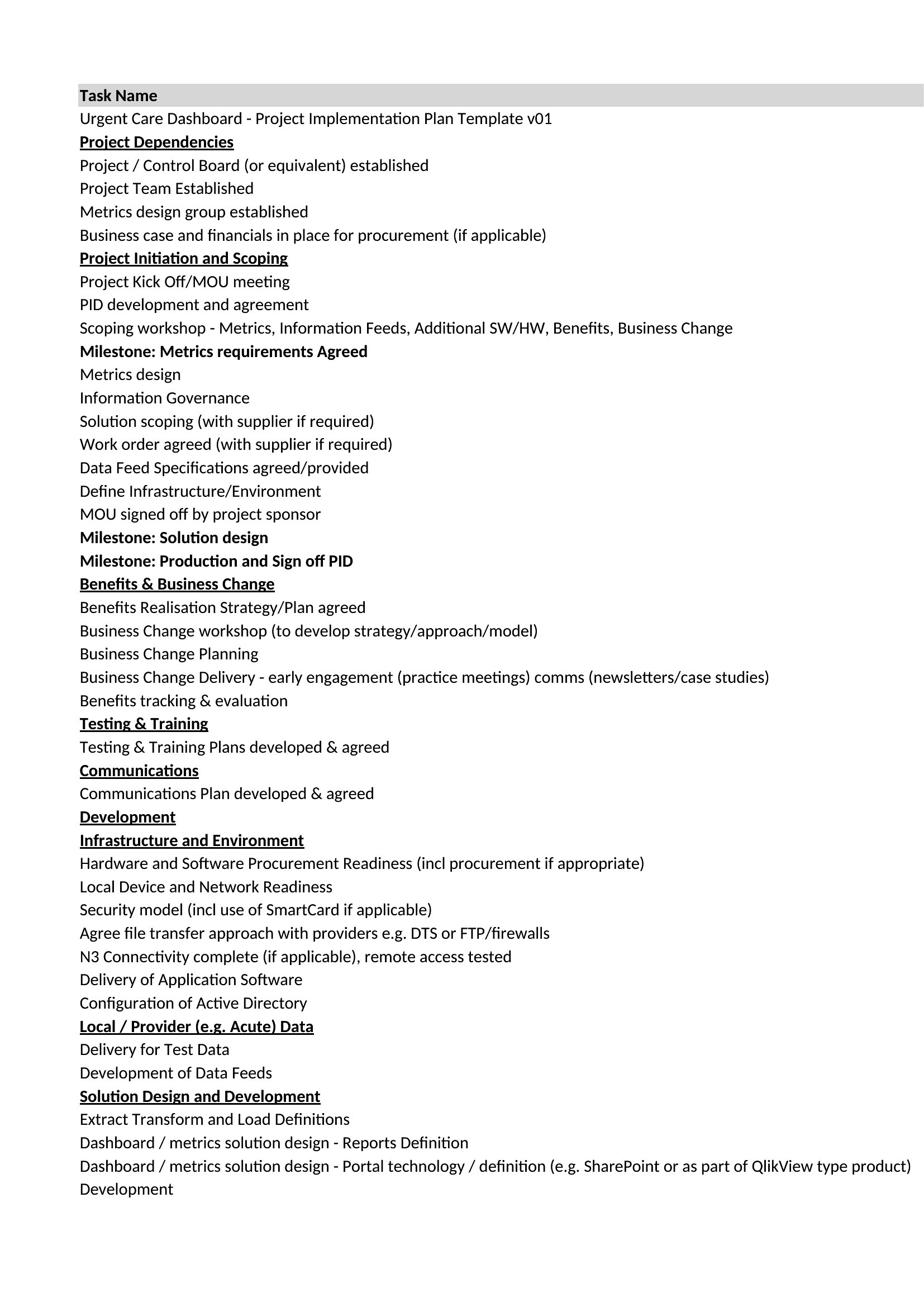
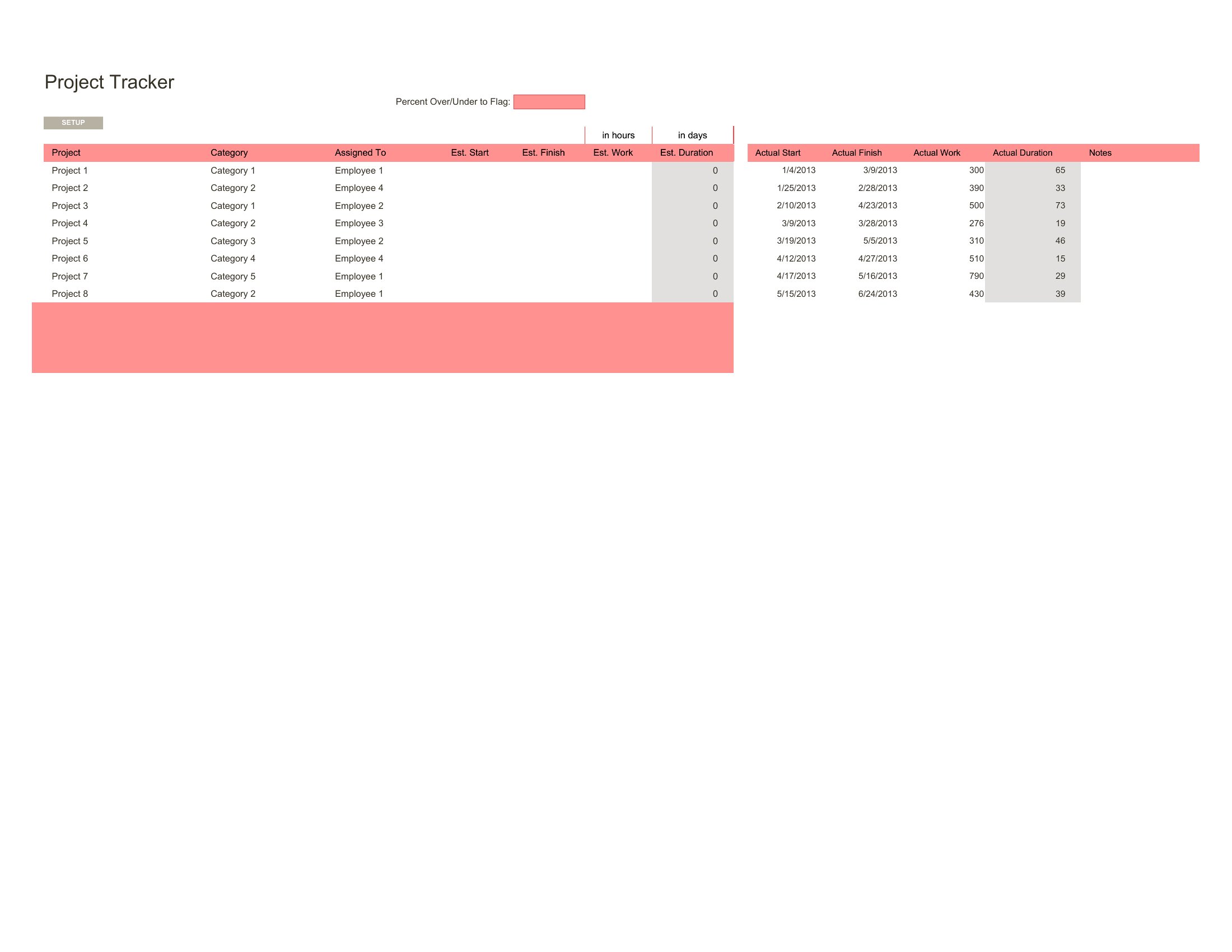
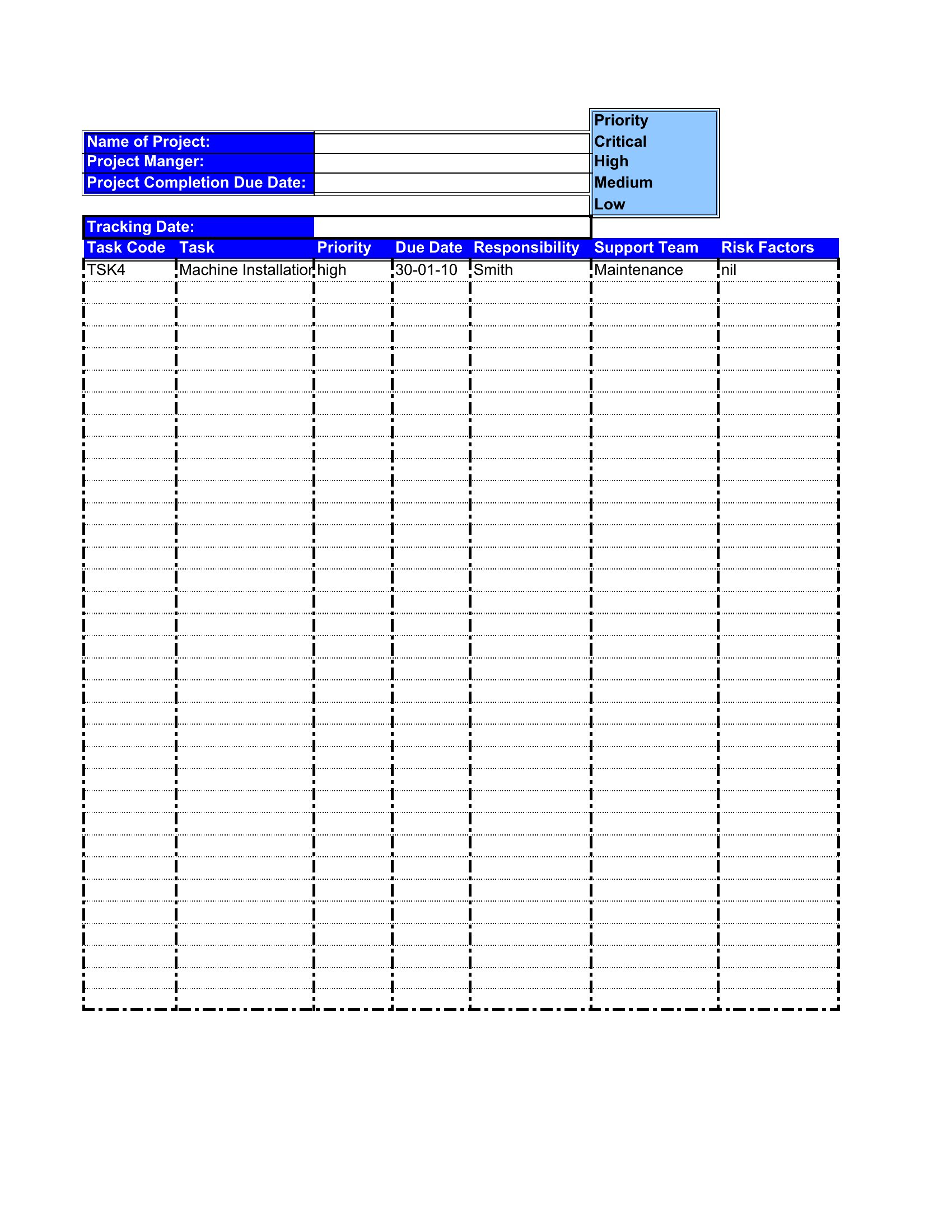
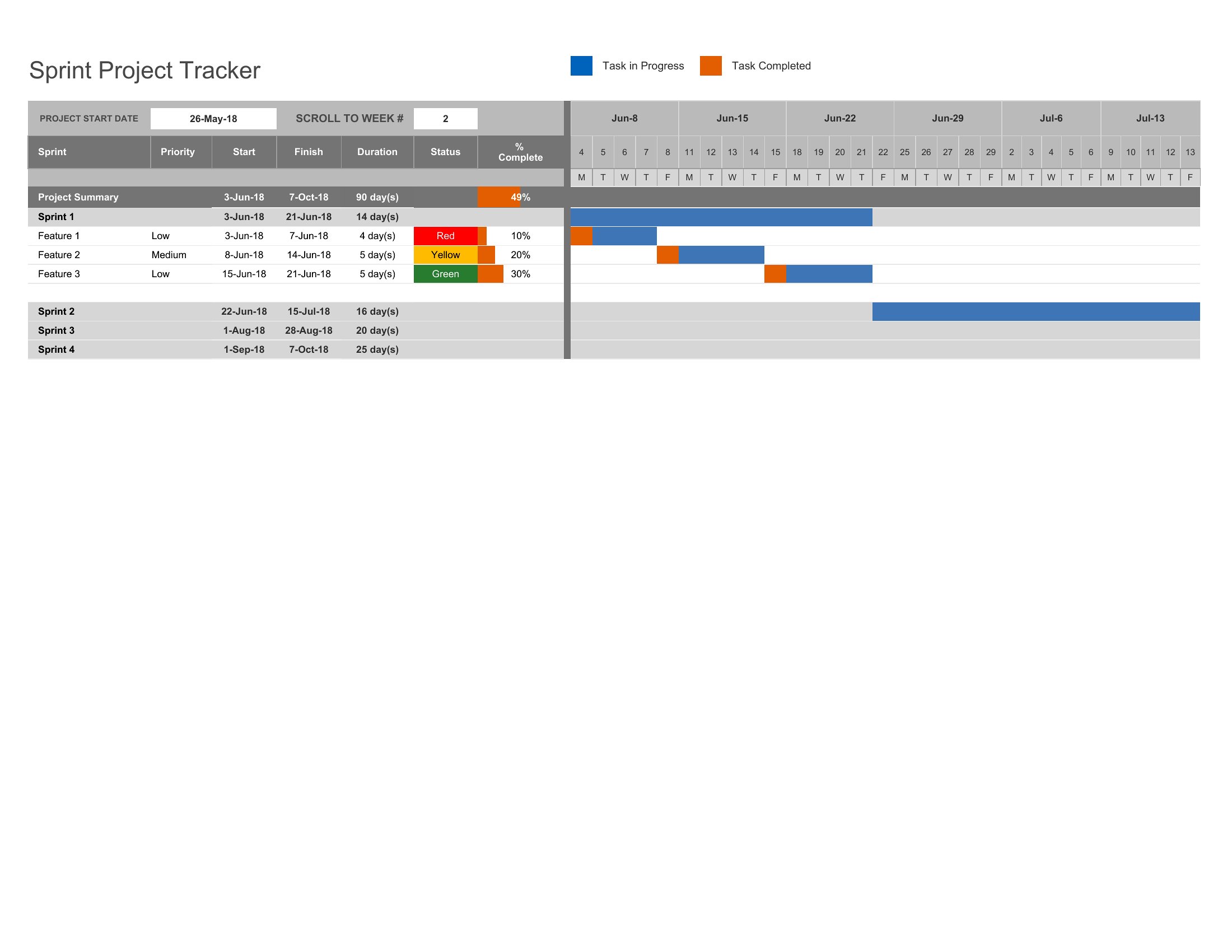
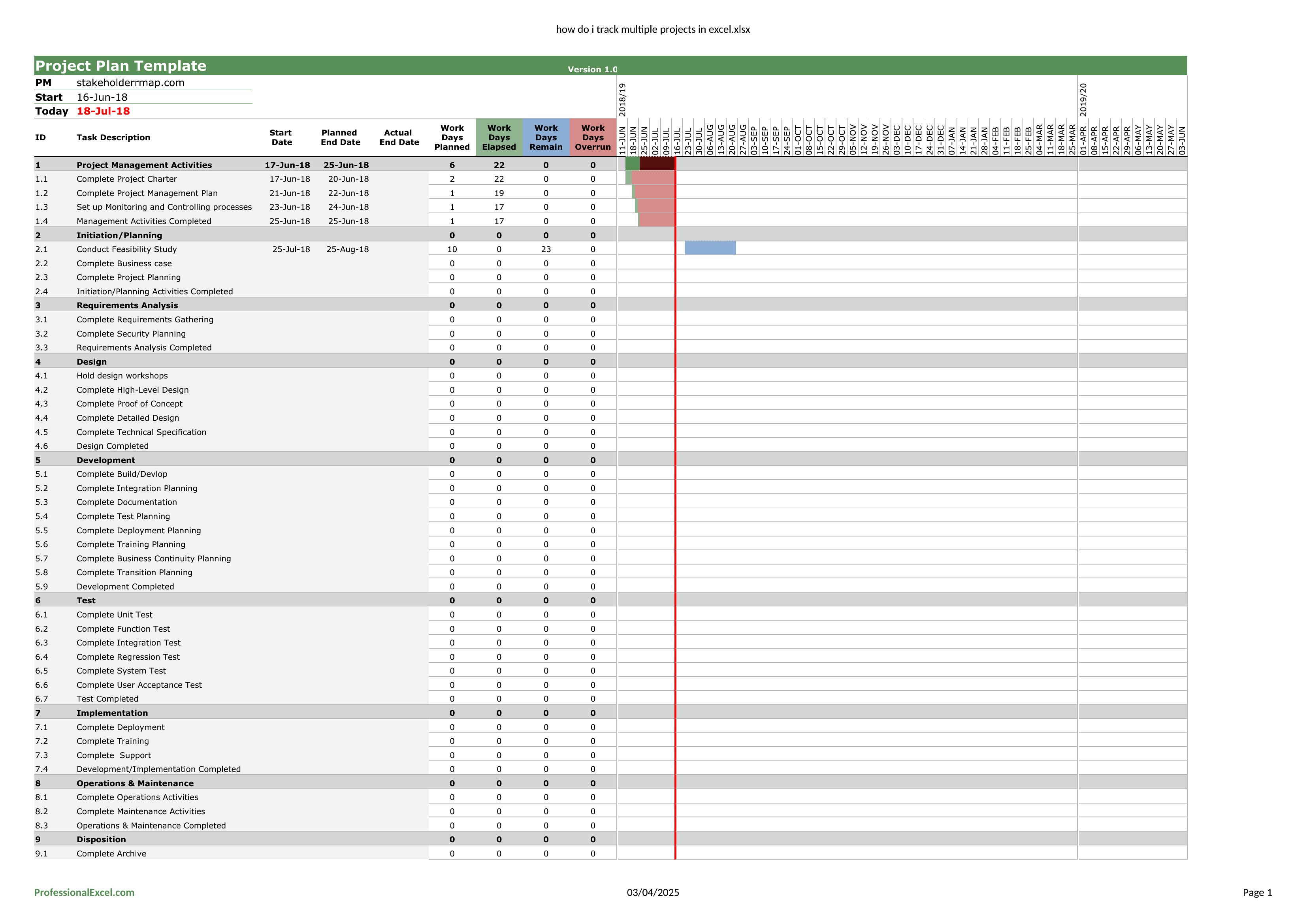
Juggling several projects at once gets unwieldy fast without a single view of deadlines, owners, and status. This set of 38 templates gives project managers and team leads a dashboard-style way to track multiple projects side by side, from task lists to milestone calendars.

Excel versions do the heavy lifting, updating totals and timelines as you type, while Word layouts work for written status summaries. Plug in your projects, assign dates and owners, and watch the overview come together. Everything is free and ready to customize. Download the tracker that matches how you work and keep every project in one place.

When to use this Multiple Project Tracking template

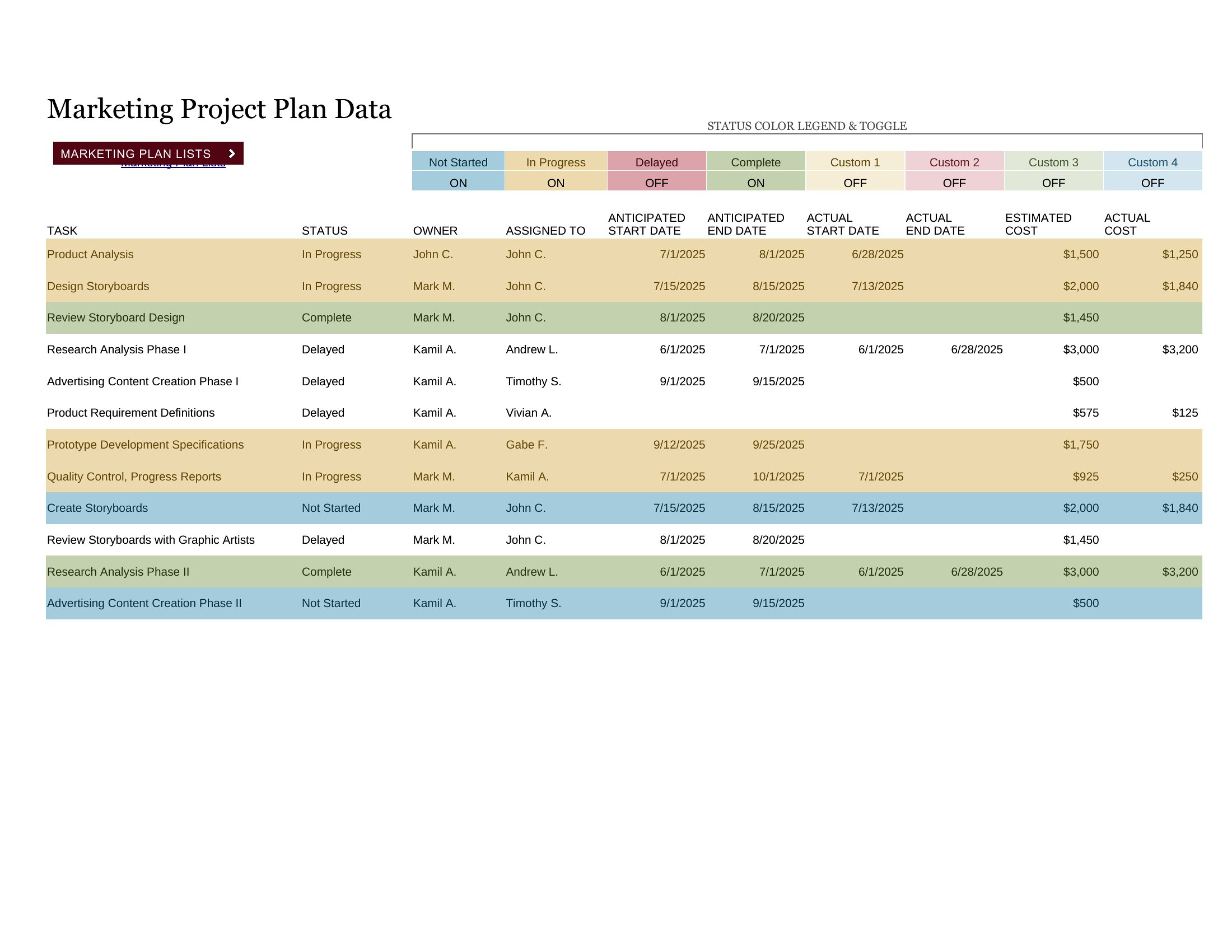
  • A marketing team lead managing three campaigns with overlapping deadlines needs a consolidated view to assign tasks, track progress, and flag delays before client reports are due.
  • A freelance consultant juggling client deliverables across different industries uses these templates to align invoicing deadlines, project milestones, and resource allocation in one place.
  • An operations manager overseeing facility upgrades, IT system migrations, and vendor contracts requires a side-by-side comparison of timelines to reallocate staff when one project falls behind.
  • A research team coordinating fieldwork, lab analysis, and grant reporting relies on these templates to cross-reference participant timelines, budget allocations, and publication deadlines across multiple studies.

Which format should I download?

WordExcel

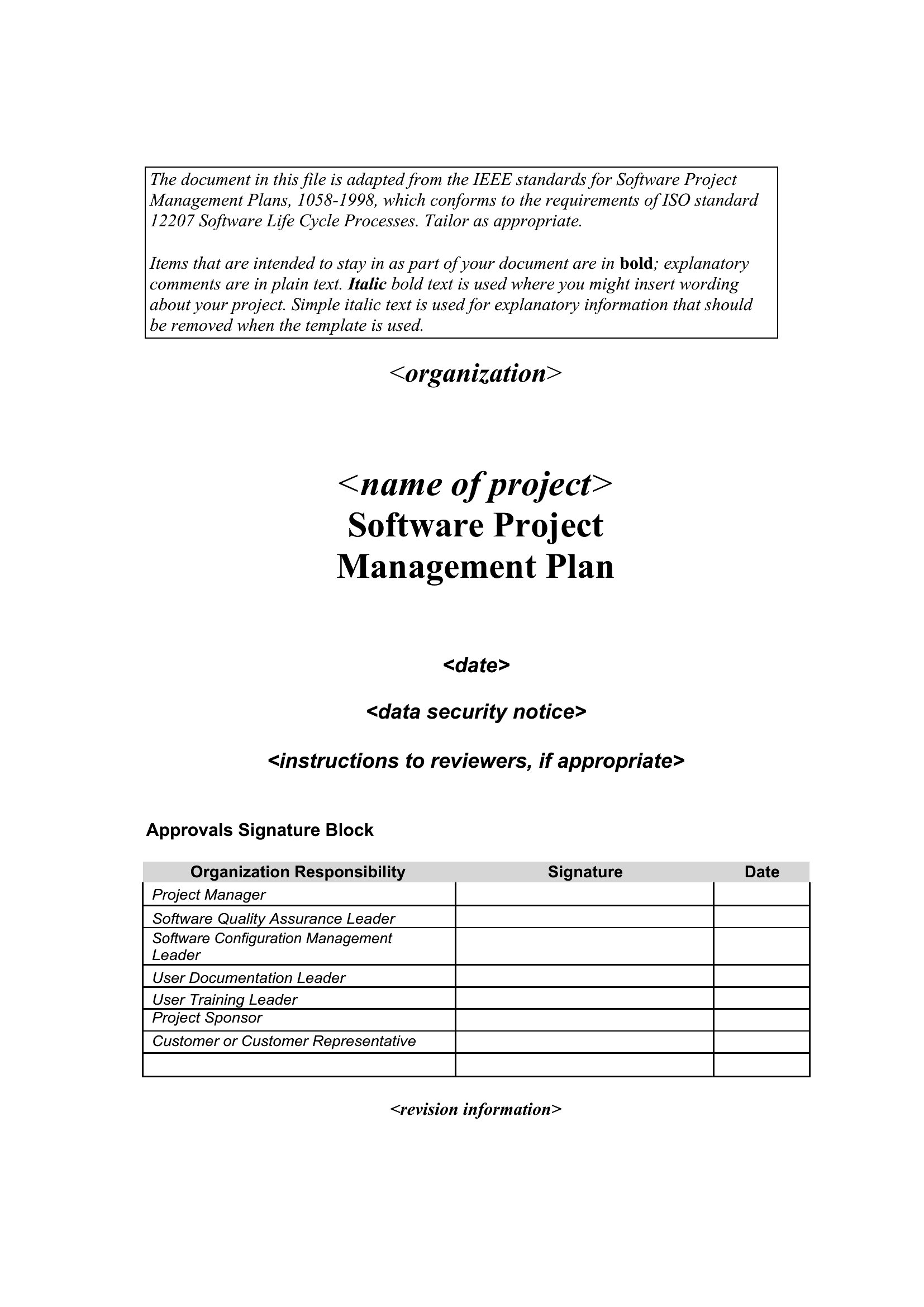
Choose Excel for dynamic tracking where numbers, dates, and automated calculations (like progress percentages or total hours) need to update in real time as projects evolve. The Excel templates are ideal for data-heavy scenarios where you’ll compare budgets, timelines, or resource allocation across projects. Opt for Word when you need a polished, narrative-driven status report or a client-facing update that combines visual timelines with written explanations of progress, risks, and next steps. Word formats work best for presentations, meeting handouts, or documentation that requires more descriptive context than raw data can provide.

How to use this Multiple Project Tracking template

Can I use these templates to track projects with different budgeting structures (e.g., fixed-price vs. hourly) in the same spreadsheet?

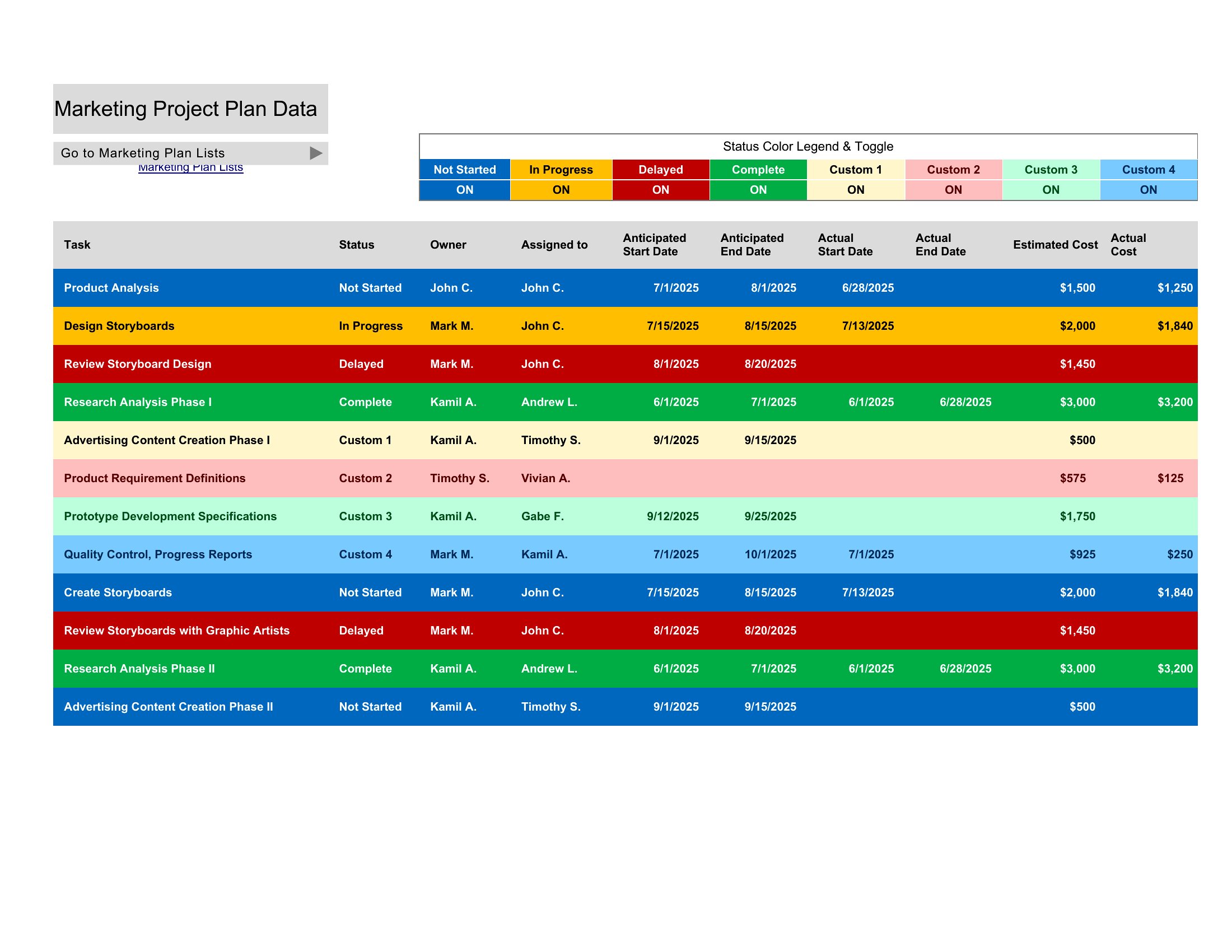
Yes, the Excel templates are designed to accommodate varied budgeting methods. You can create separate tabs or sections for each project type, then use conditional formatting or color-coding to distinguish between fixed-price allocations and hourly tracking columns. Some templates even include formulas to auto-calculate total costs based on the method you’re using for each project.

How do I adapt these templates for projects with recurring tasks that happen on different schedules?

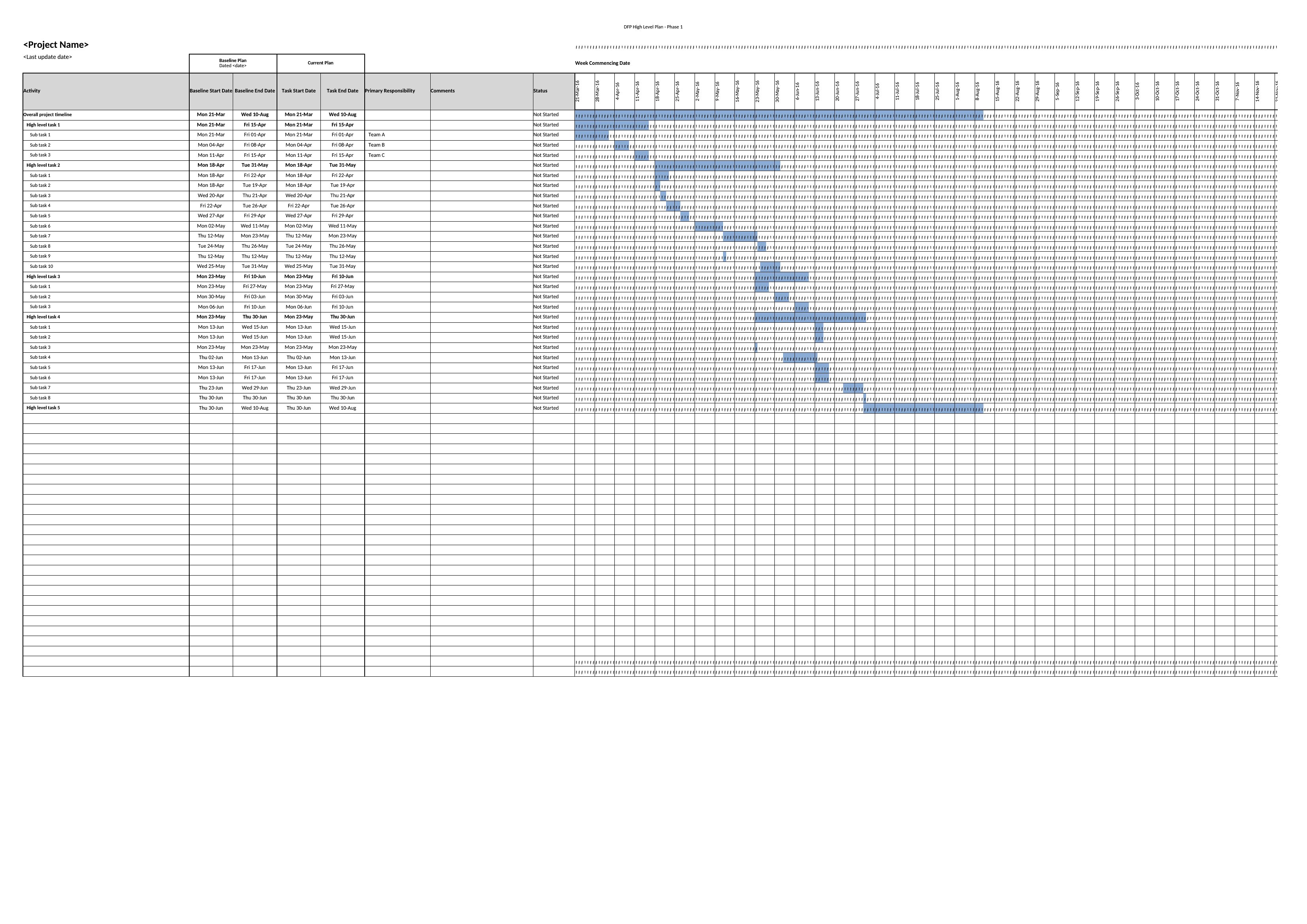
For recurring tasks, use the Excel templates’ timeline or Gantt-style sections to mark repeating milestones (e.g., weekly check-ins or monthly reviews) with recurring date placeholders. Add a notes column to specify the frequency and adjust the duration bars accordingly. In Word, include a dedicated section for recurring tasks with a simple table listing the task, frequency, and owner, then update it manually each cycle.

Are there templates here that help prioritize projects when resources are limited?

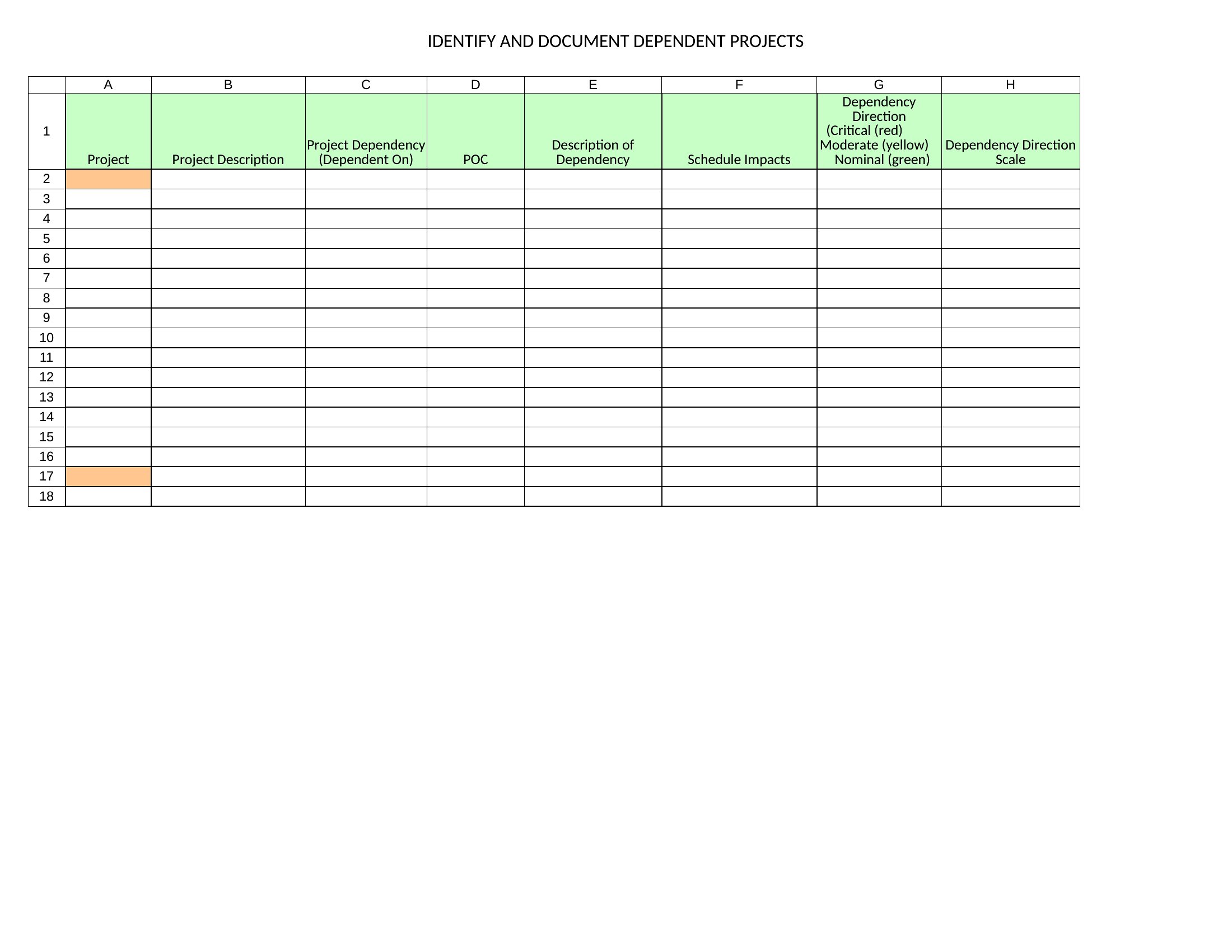
Yes, several templates include priority matrices or risk assessment sections to help you visually rank projects by urgency, impact, or resource dependency. For example, you can assign color-coded labels (e.g., red for critical, yellow for high-priority) to each project in the Excel dashboards or use the Word layouts’ status summary tables to list projects in order of priority. Some also include space to note dependencies so you can quickly see which projects must take precedence.

Comments

Join the conversation

Sign in to share your thoughts and leave a comment on this resource.

Newsletter

Get Weekly Design Updates

Join our community to receive curated resources and inspiration.

Weekly Tips Resources Early Access

We respect your privacy. Confirmation email required. Privacy Policy