
Free Vacation Tracker Templates (Word, Excel, PDF)
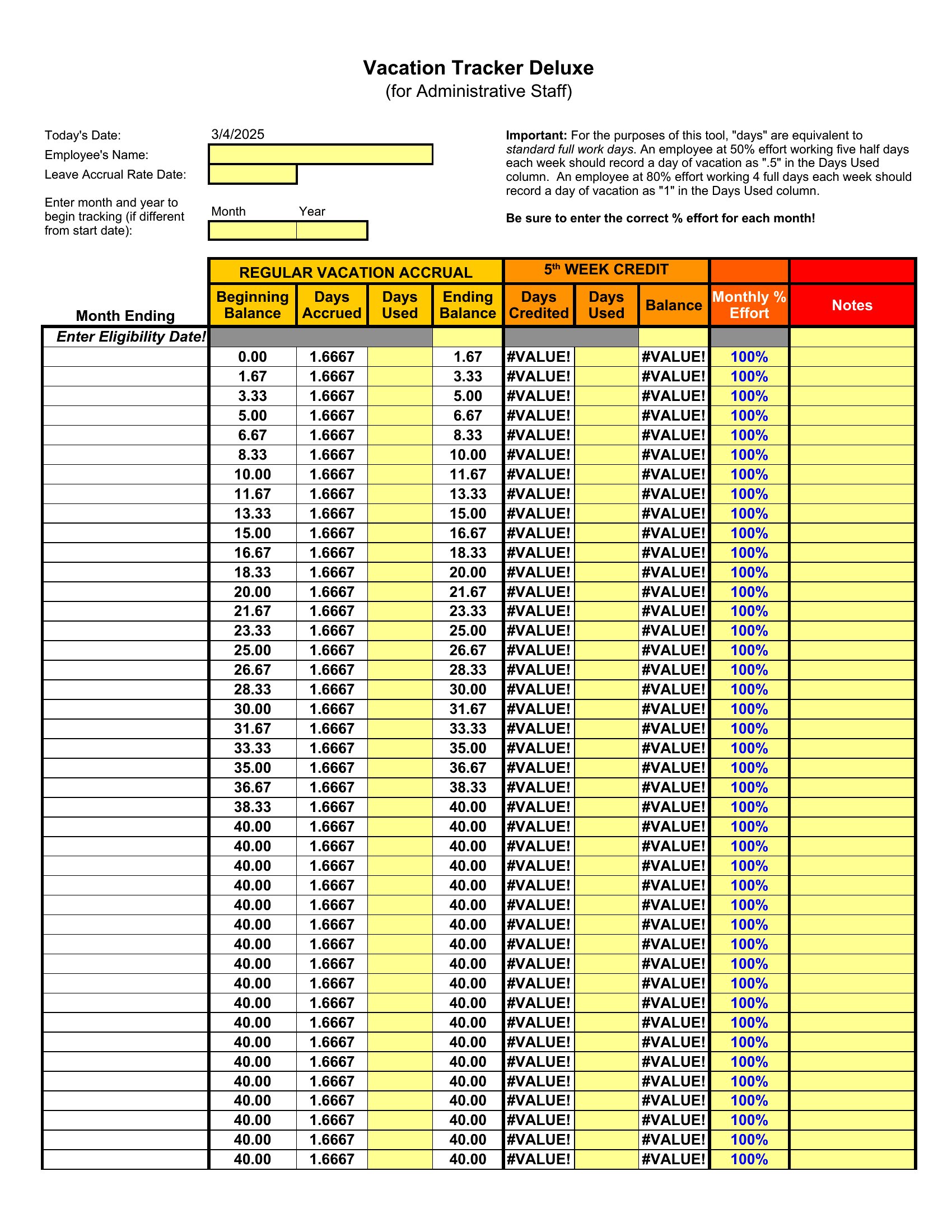
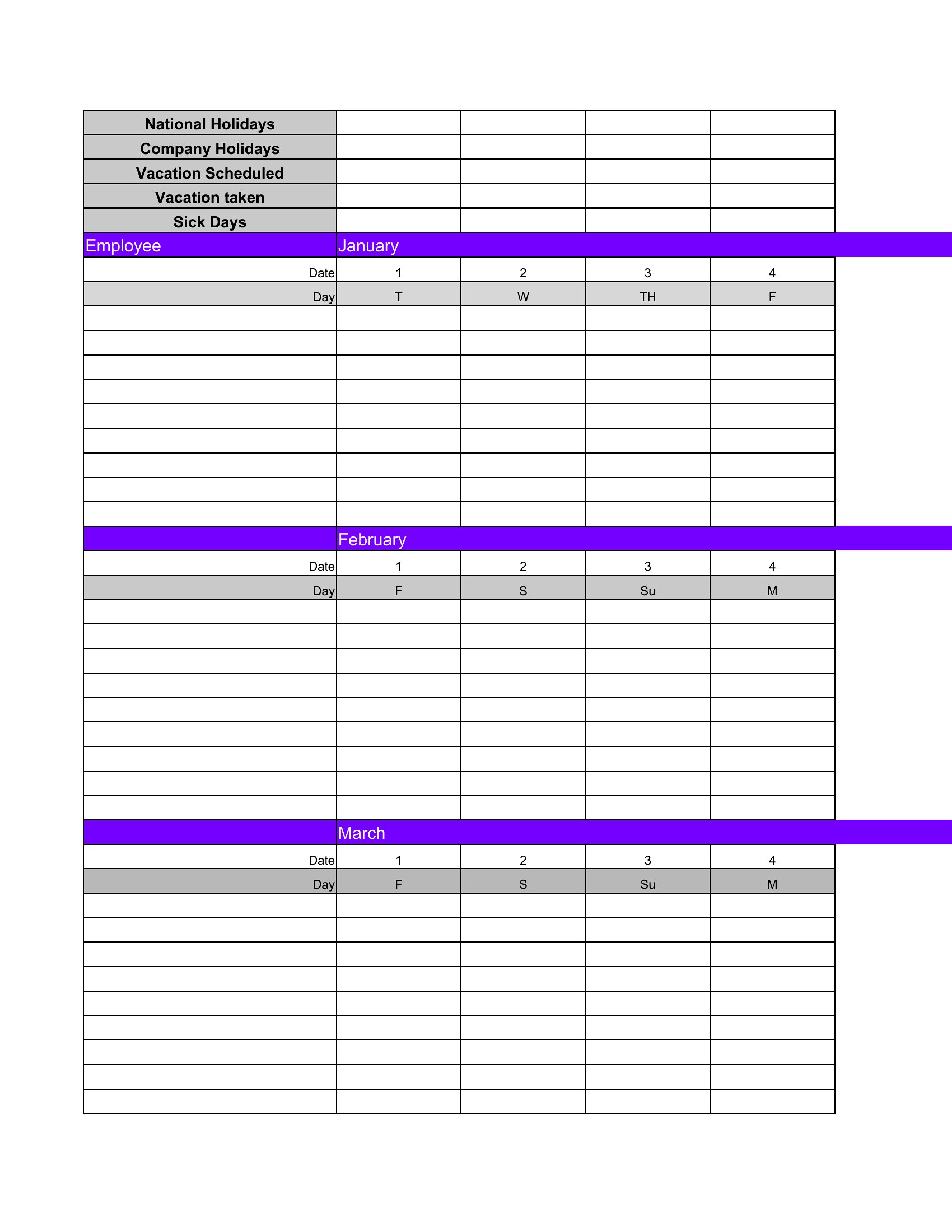
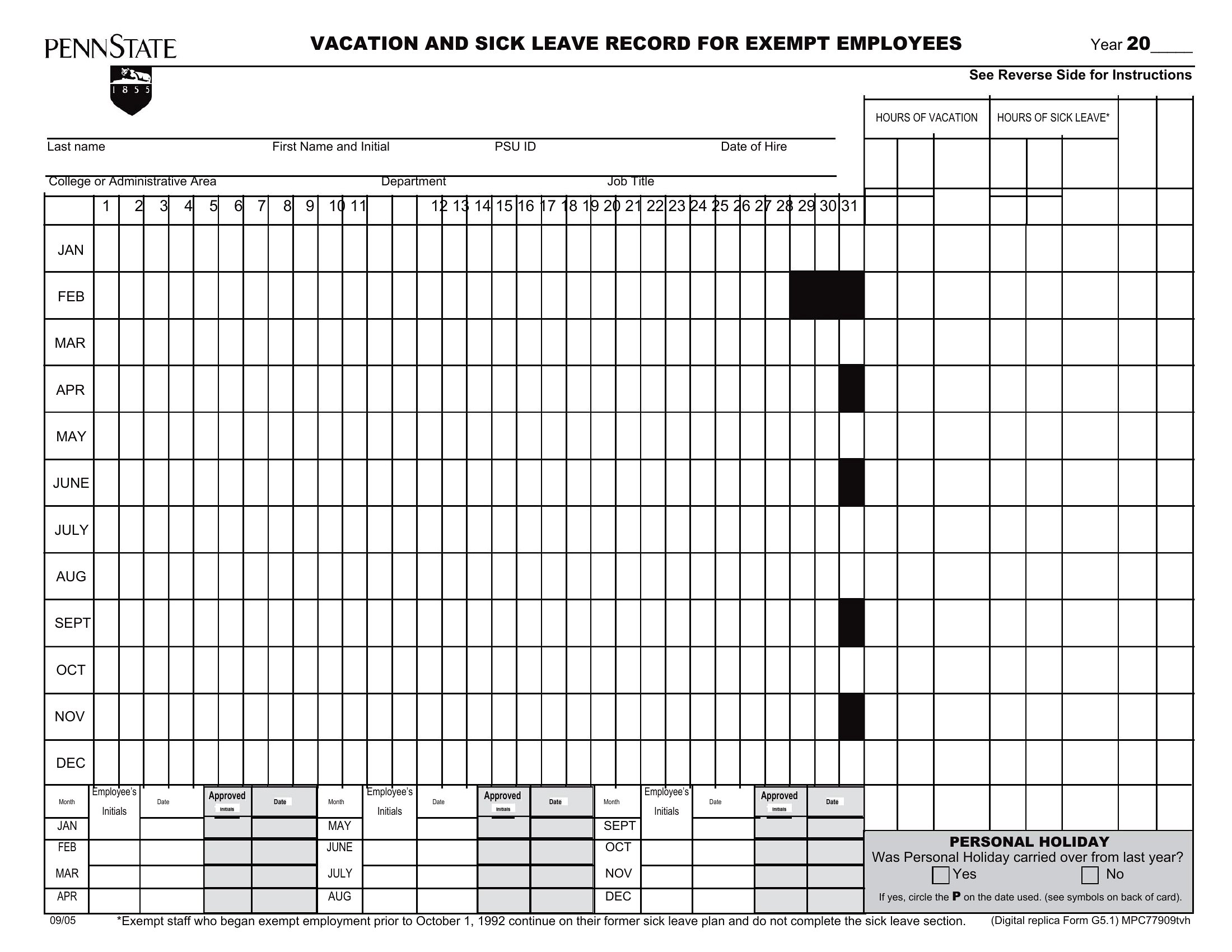
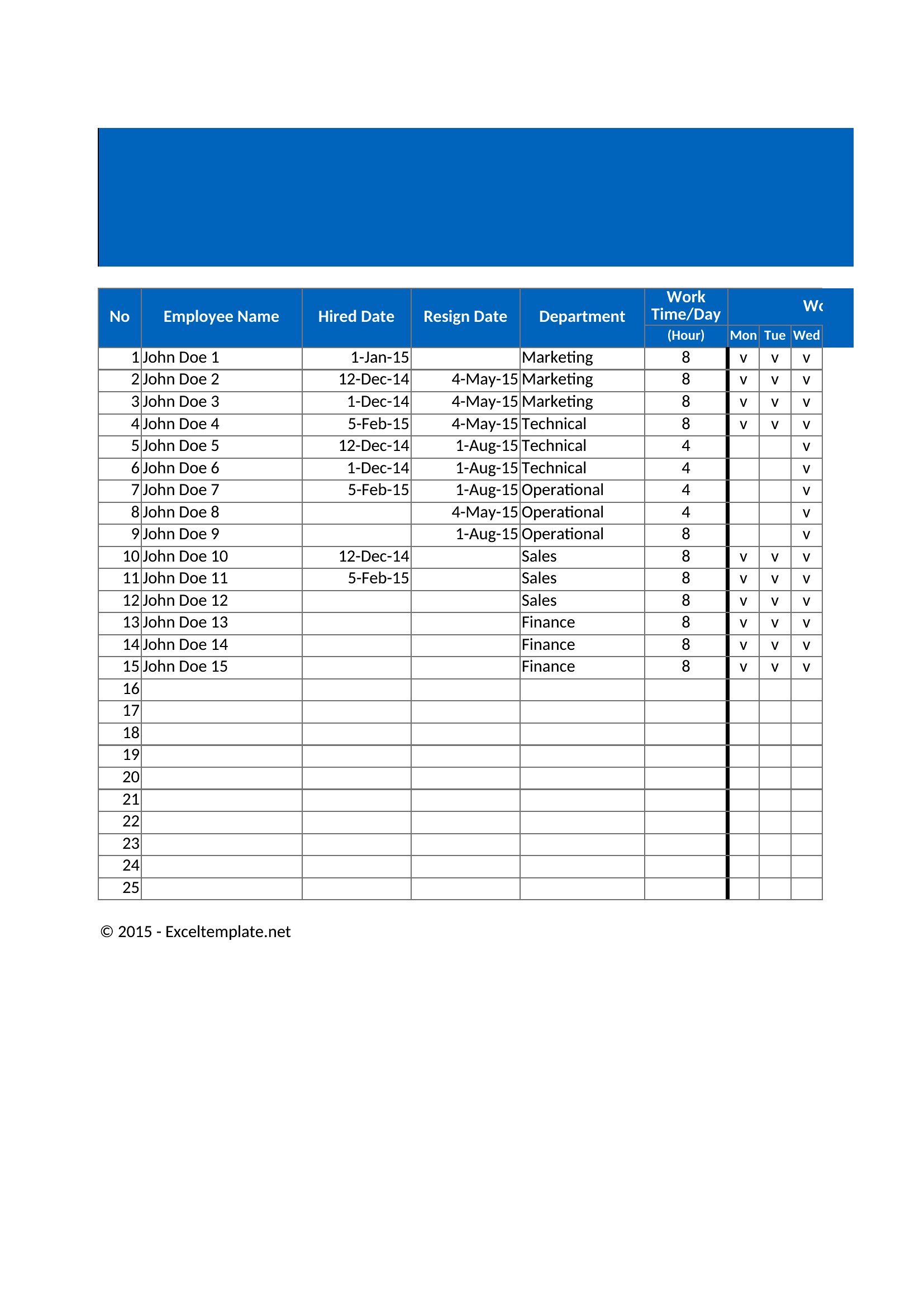
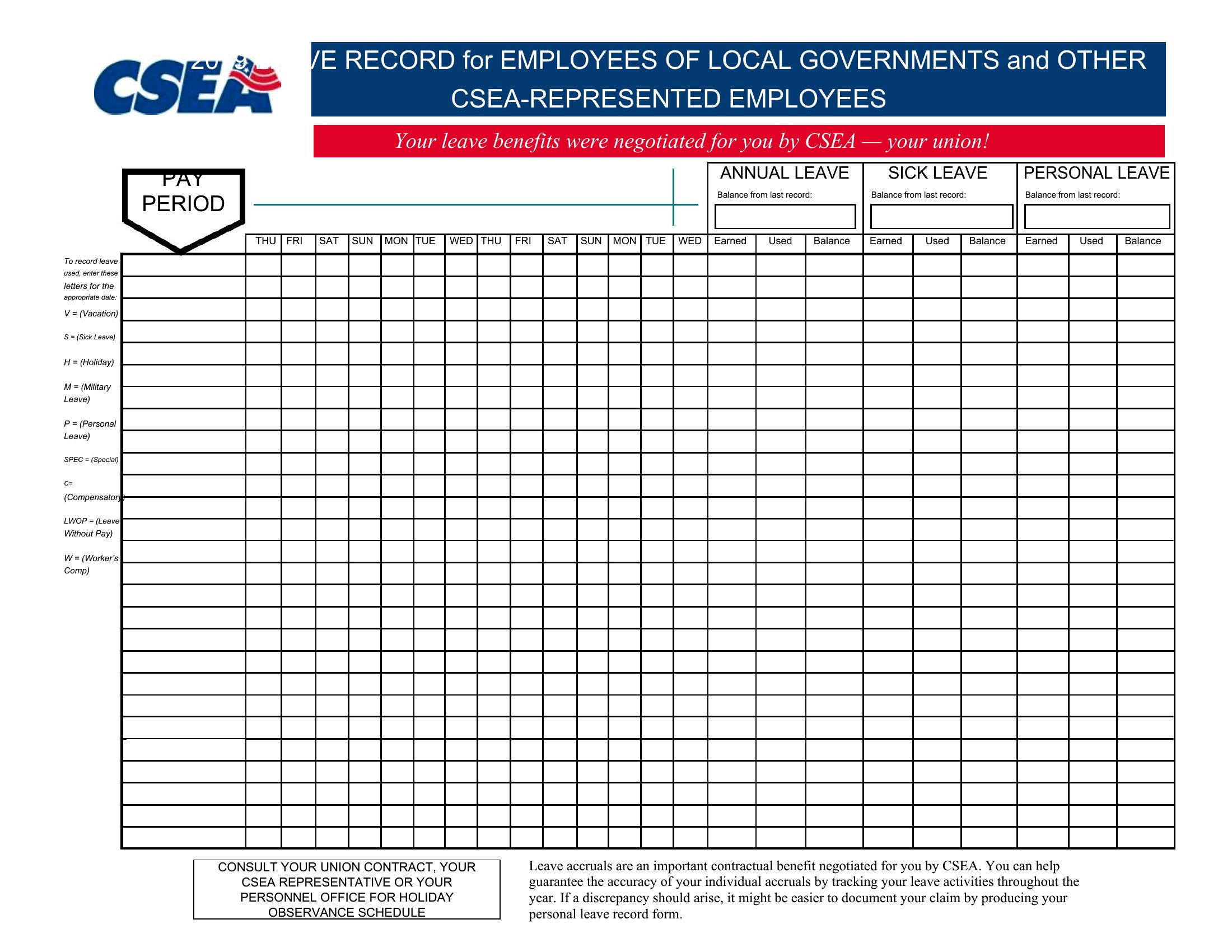
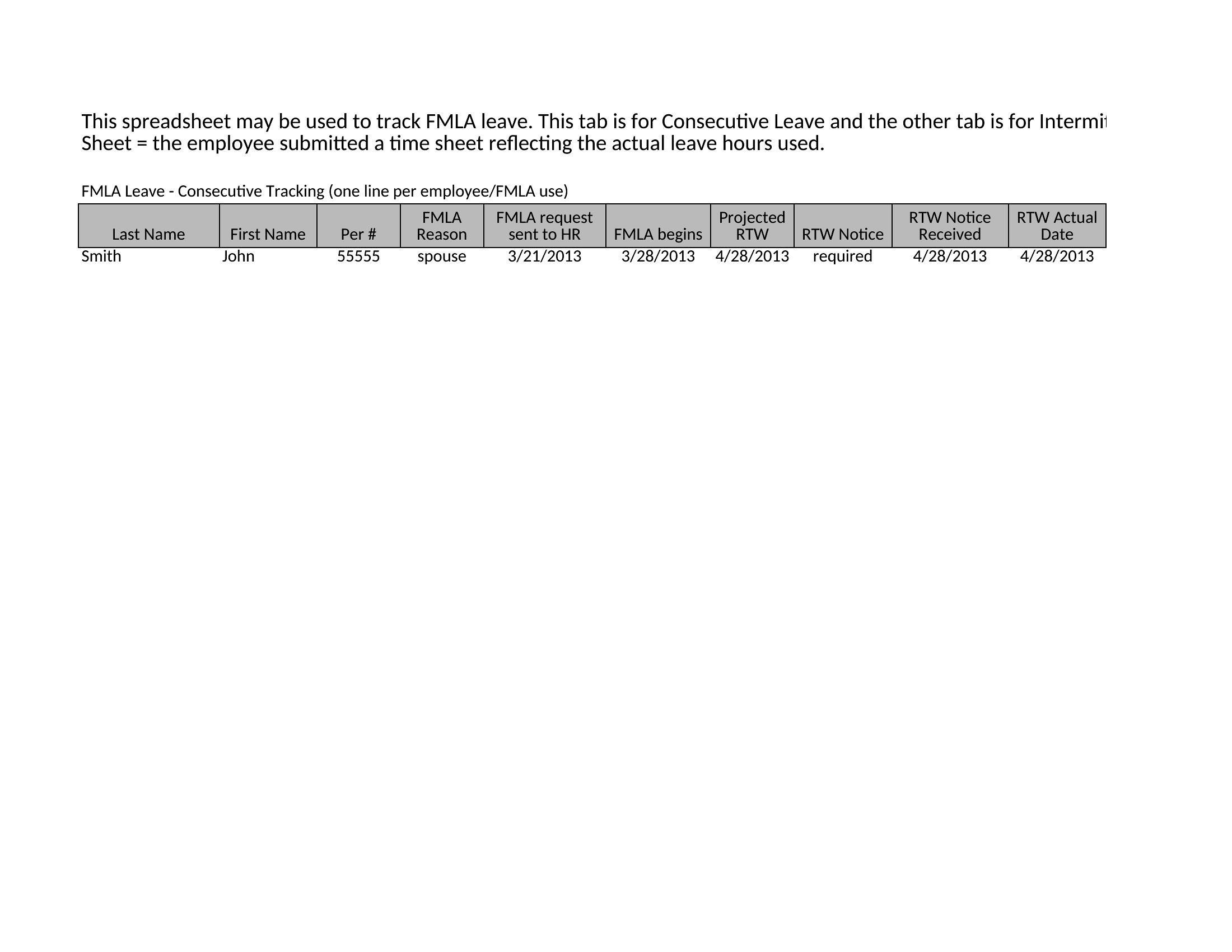
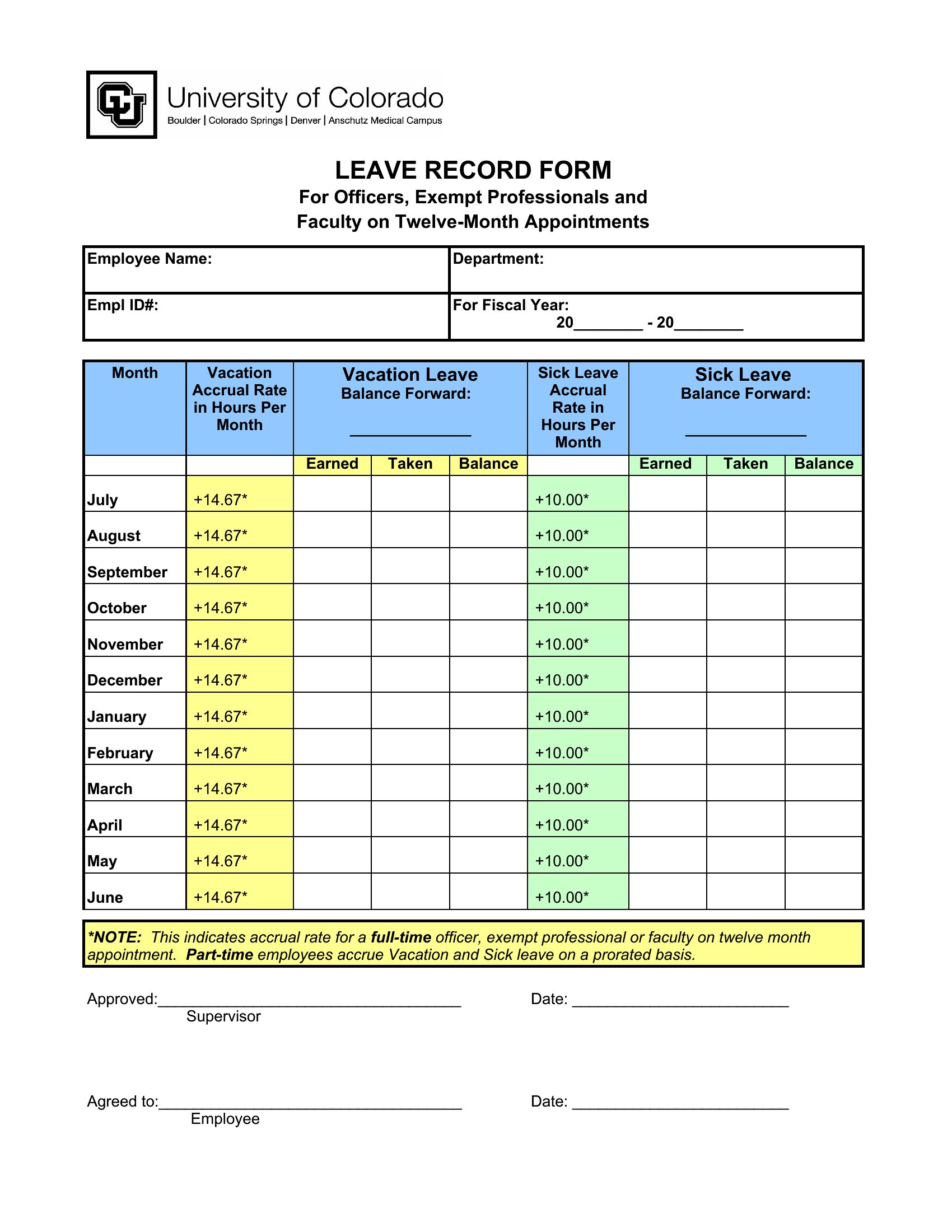
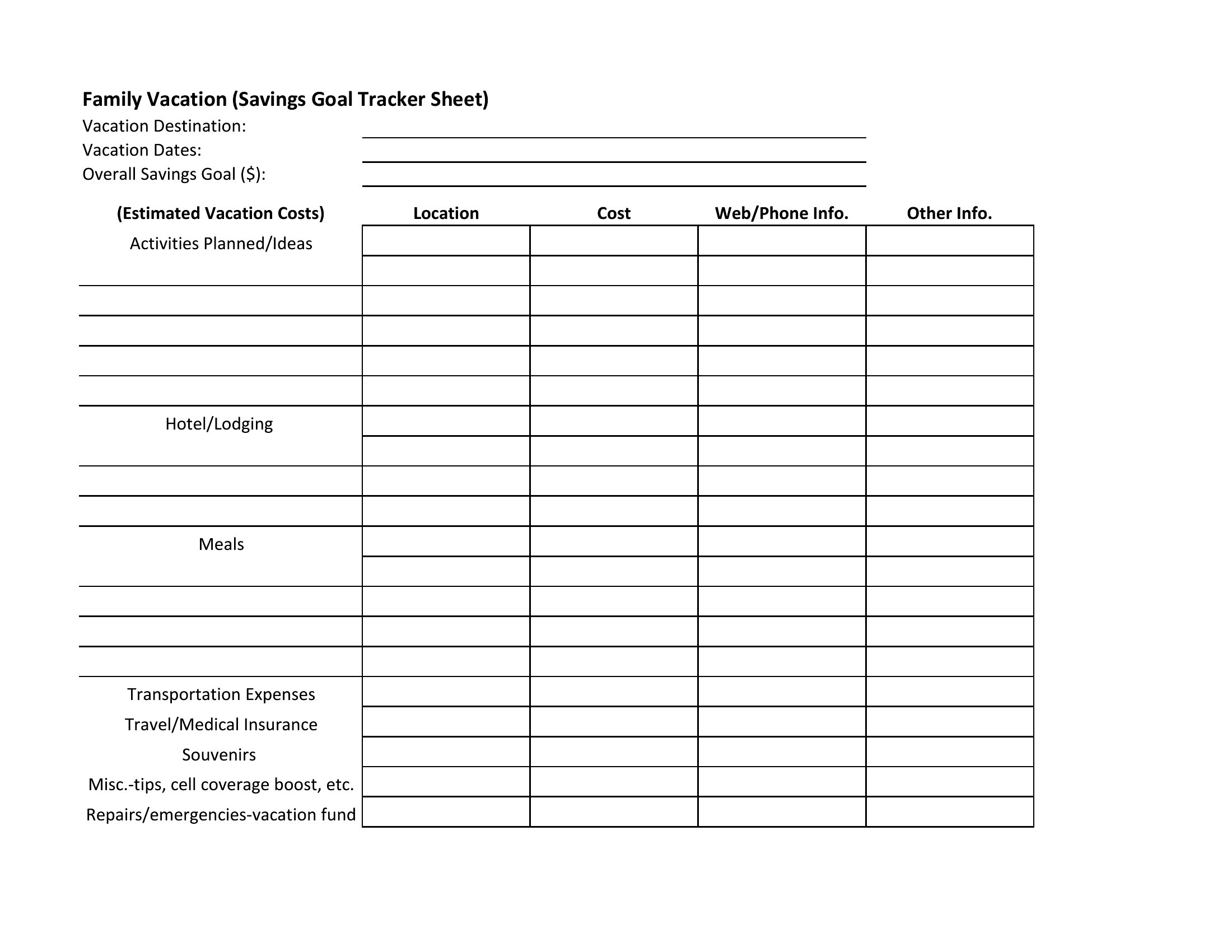
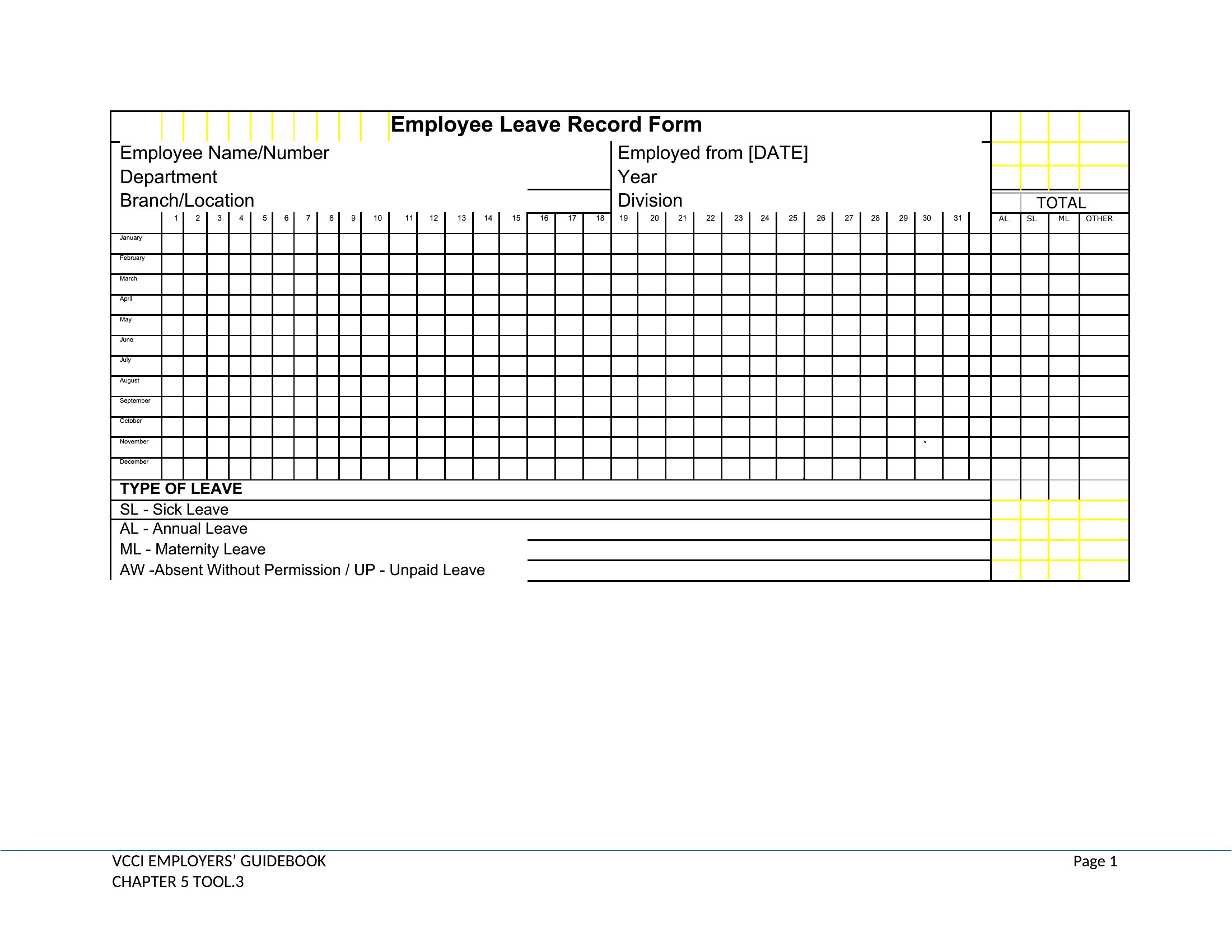
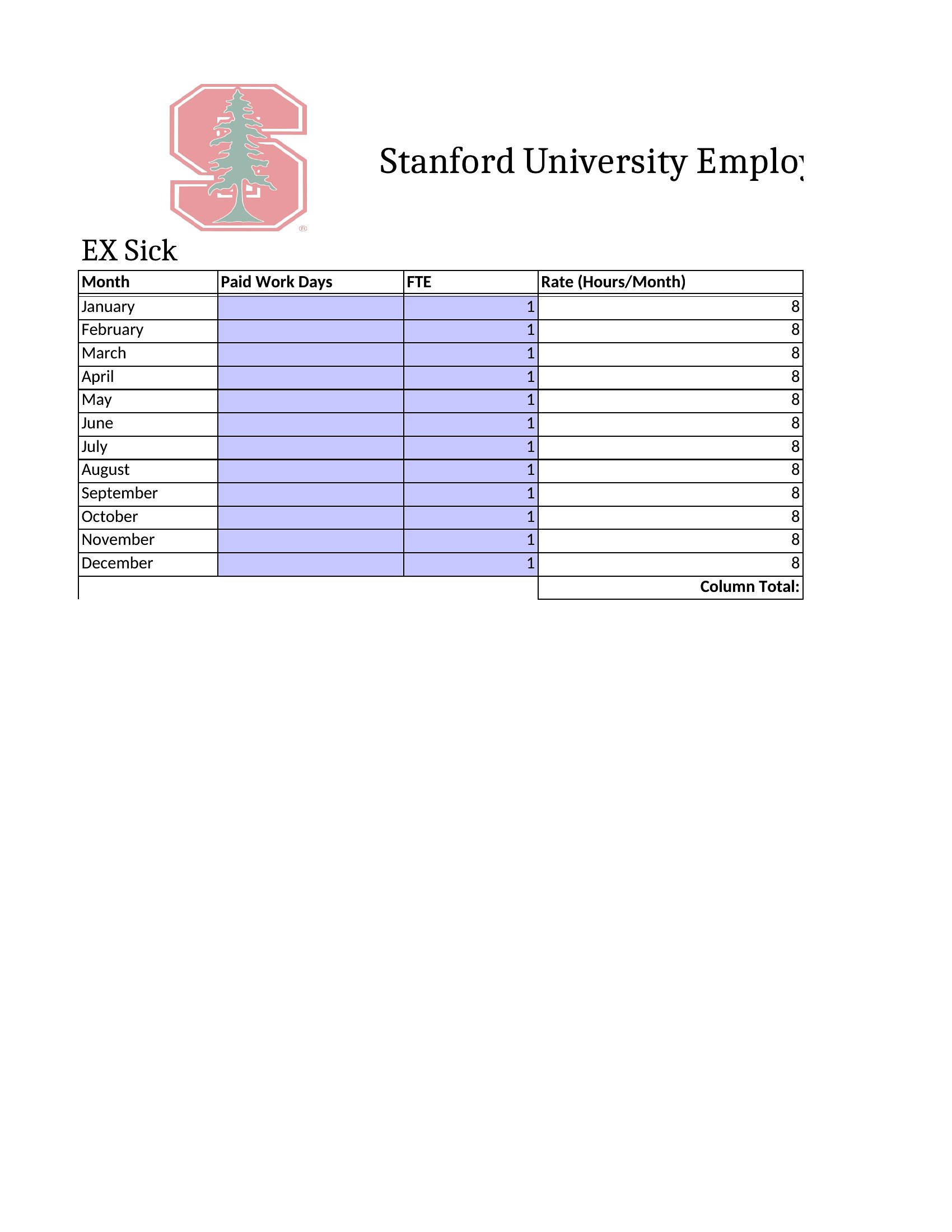
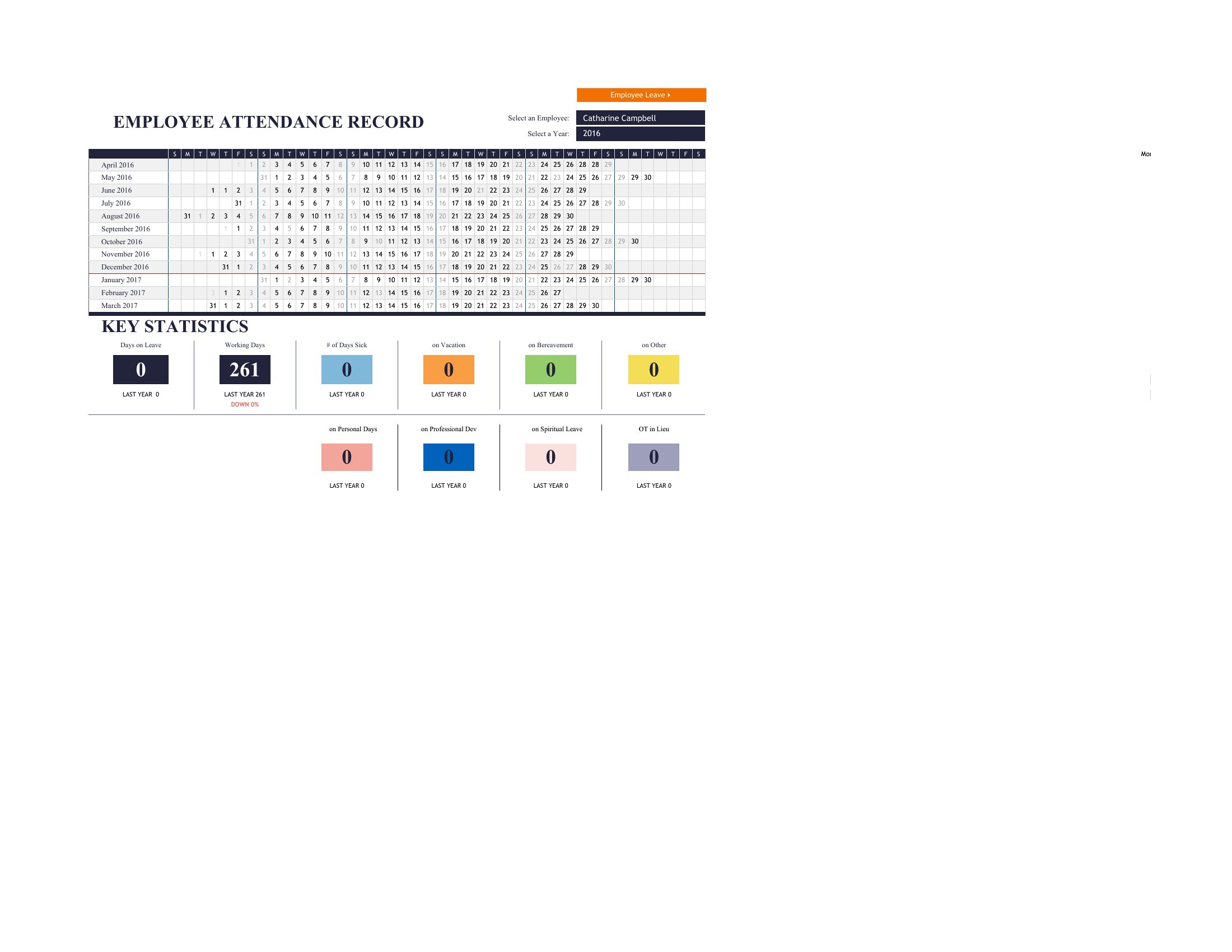
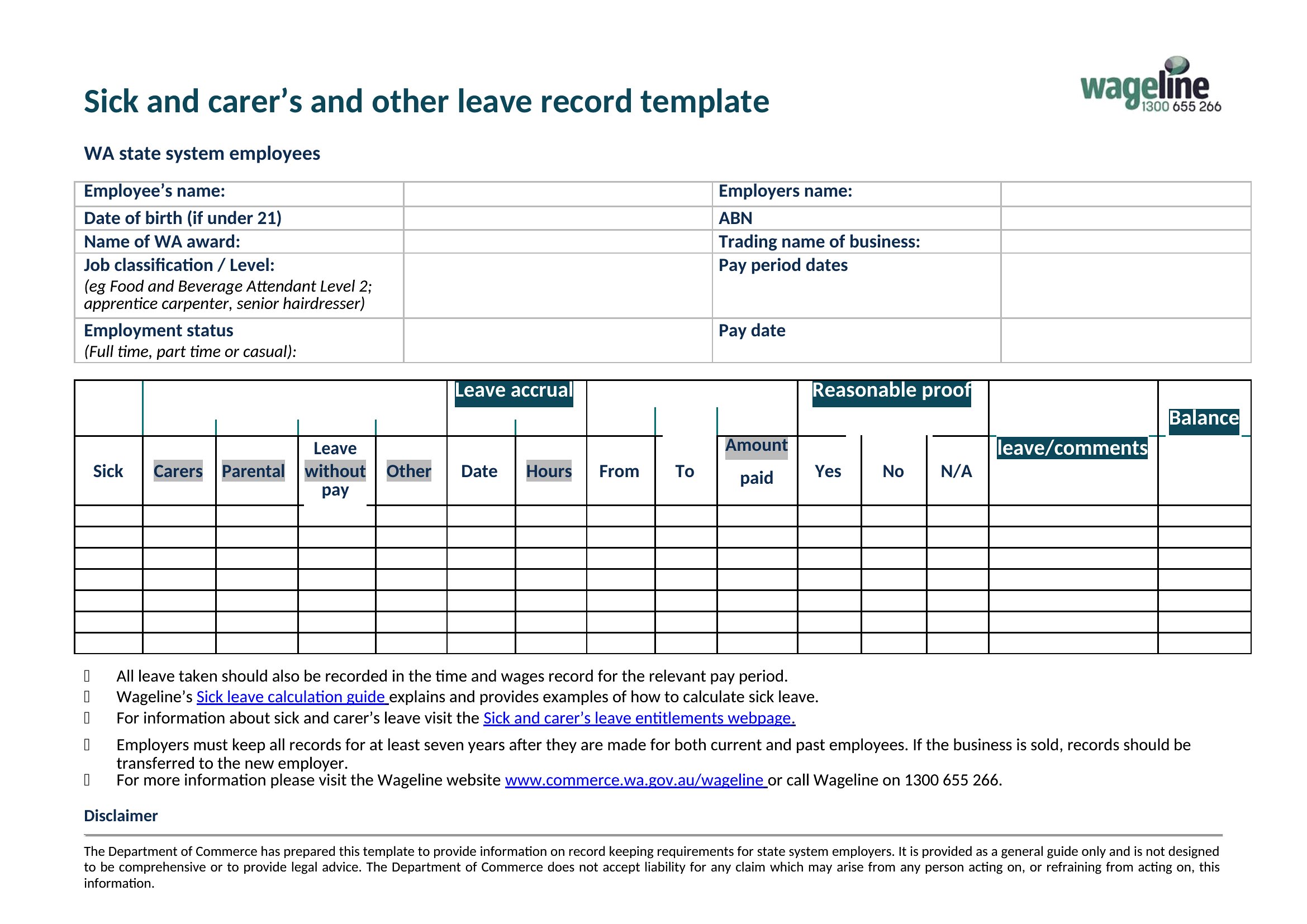
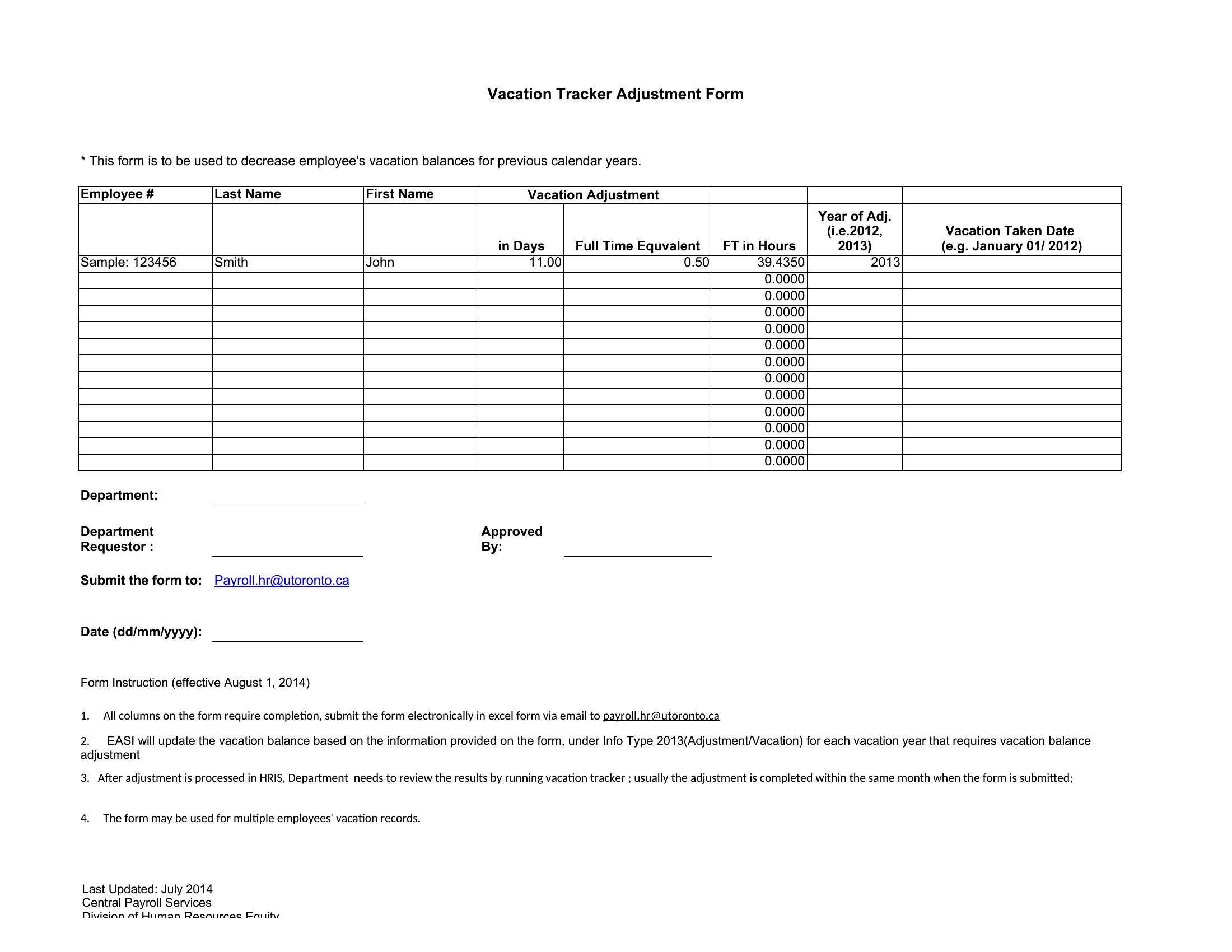
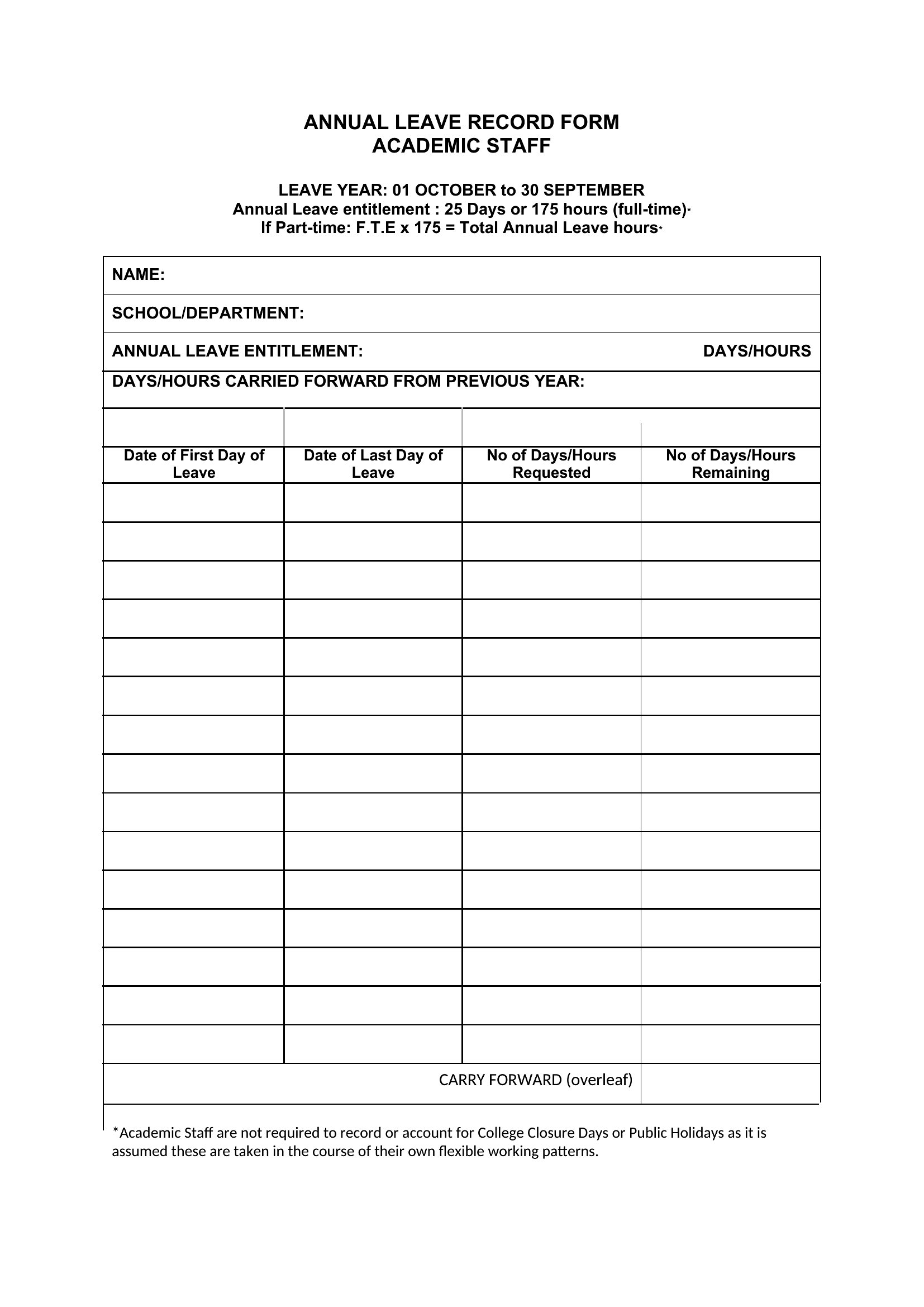
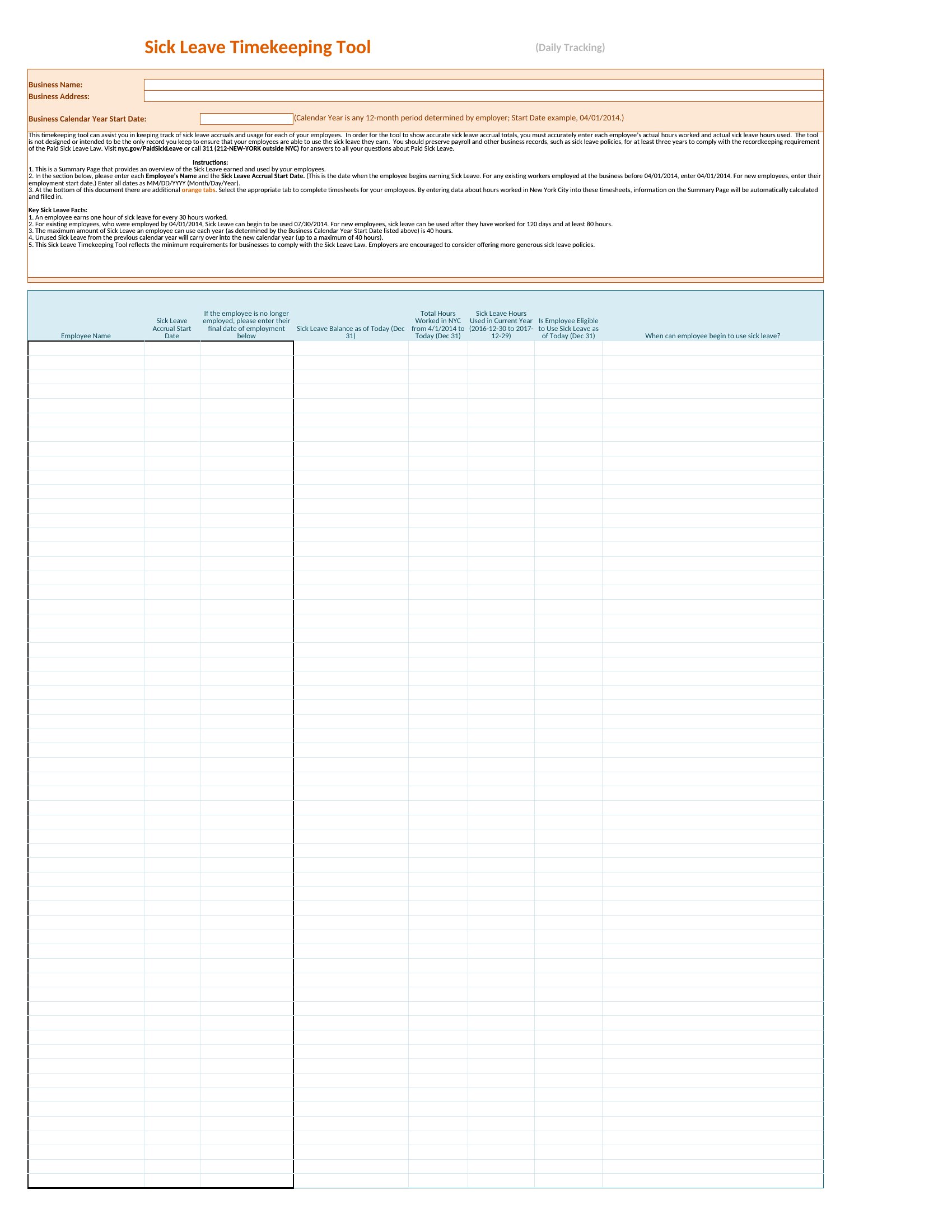
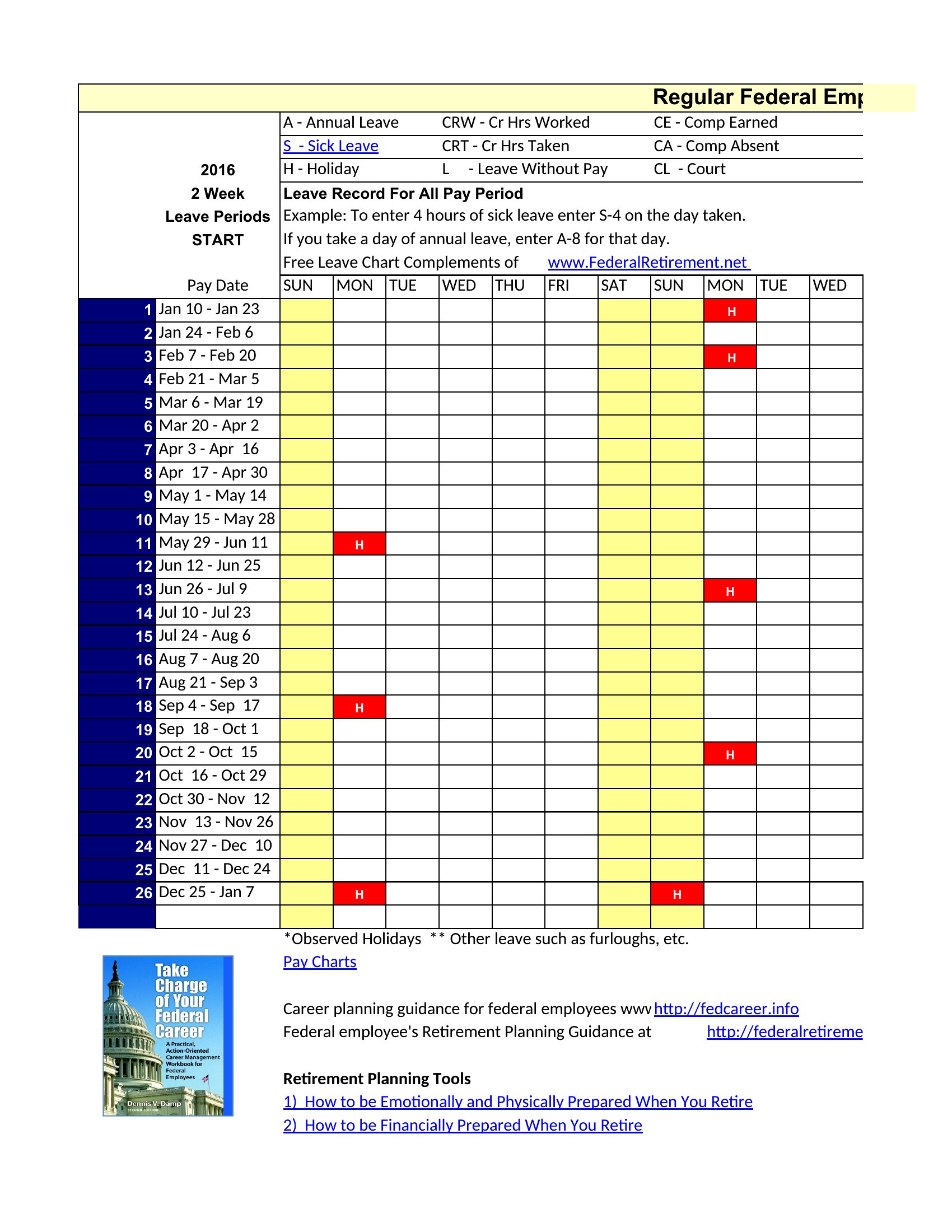
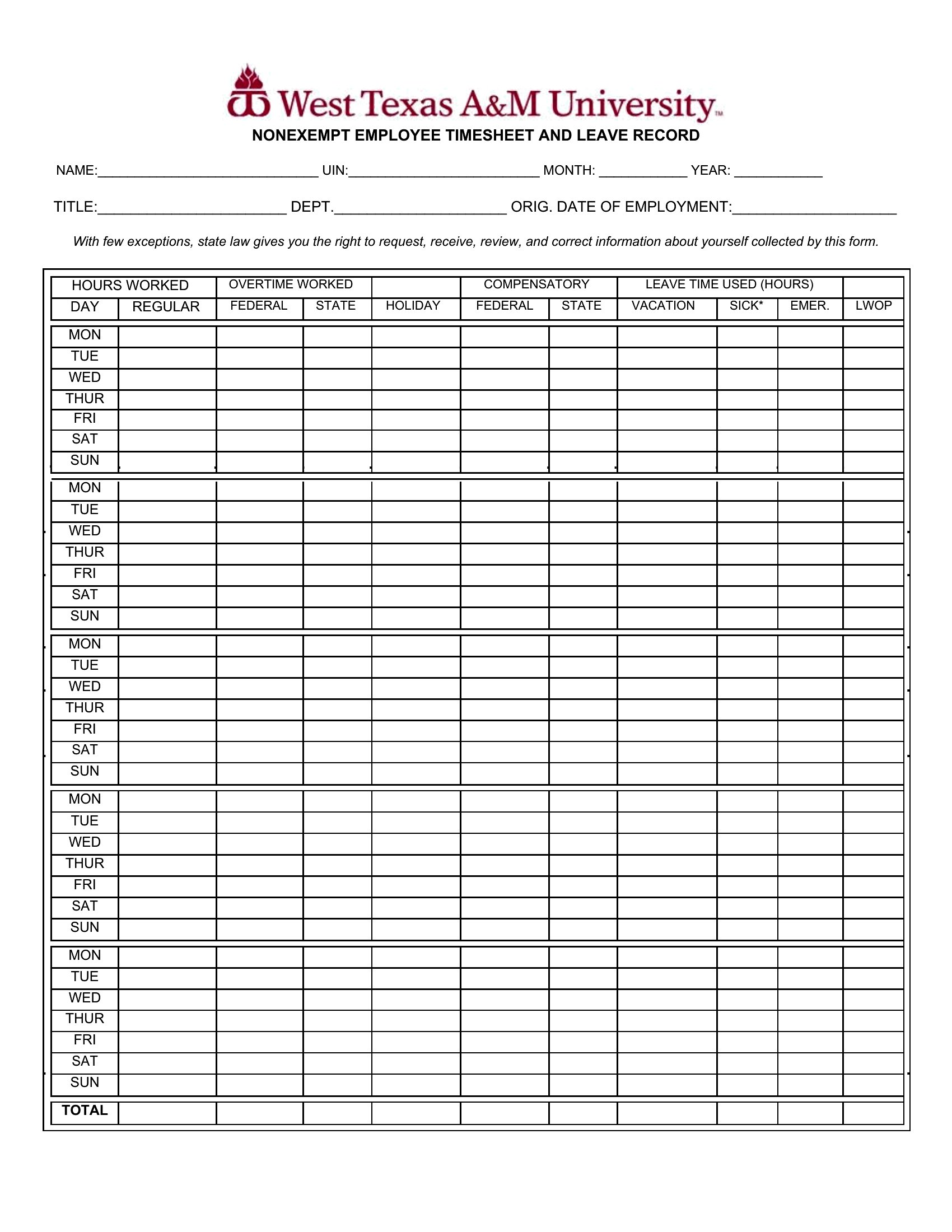
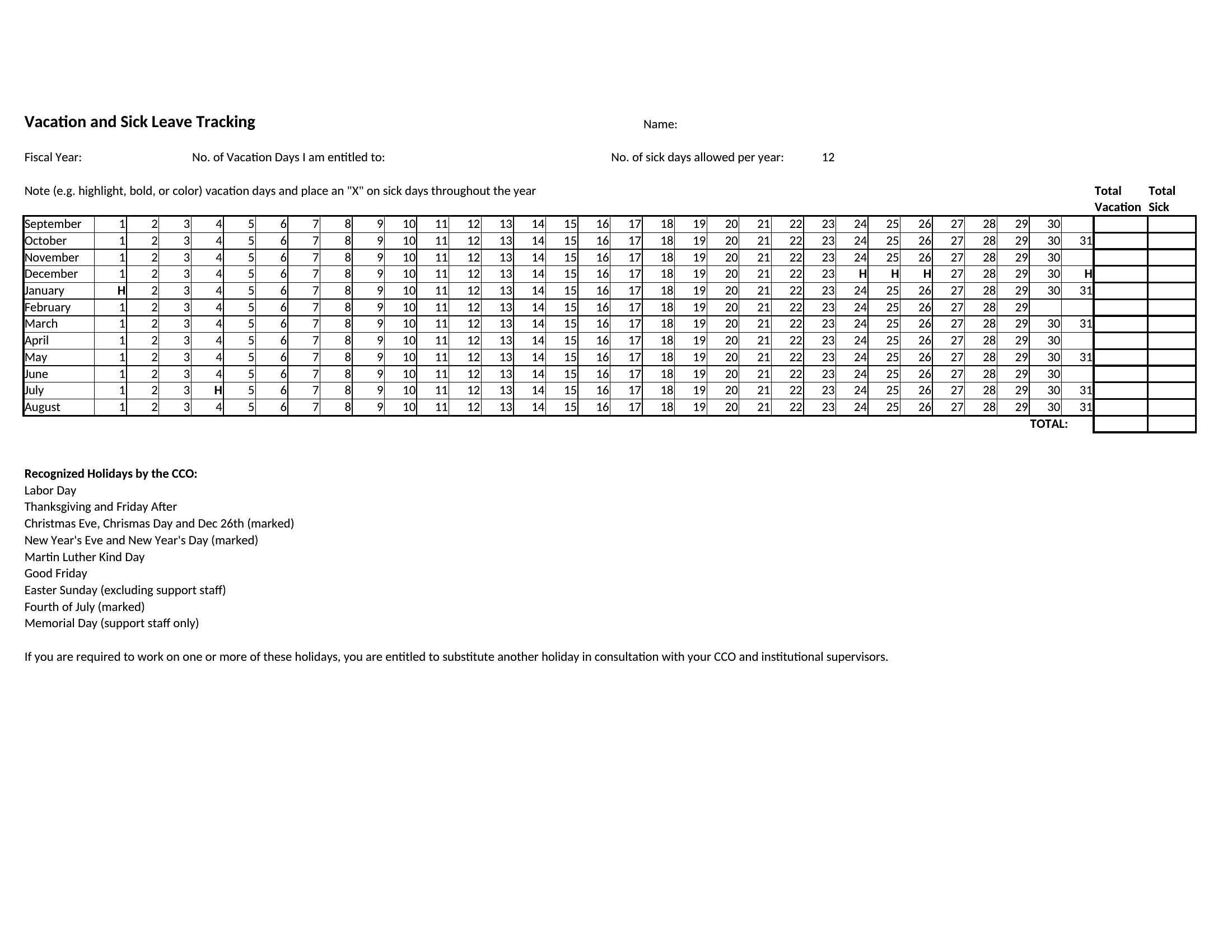
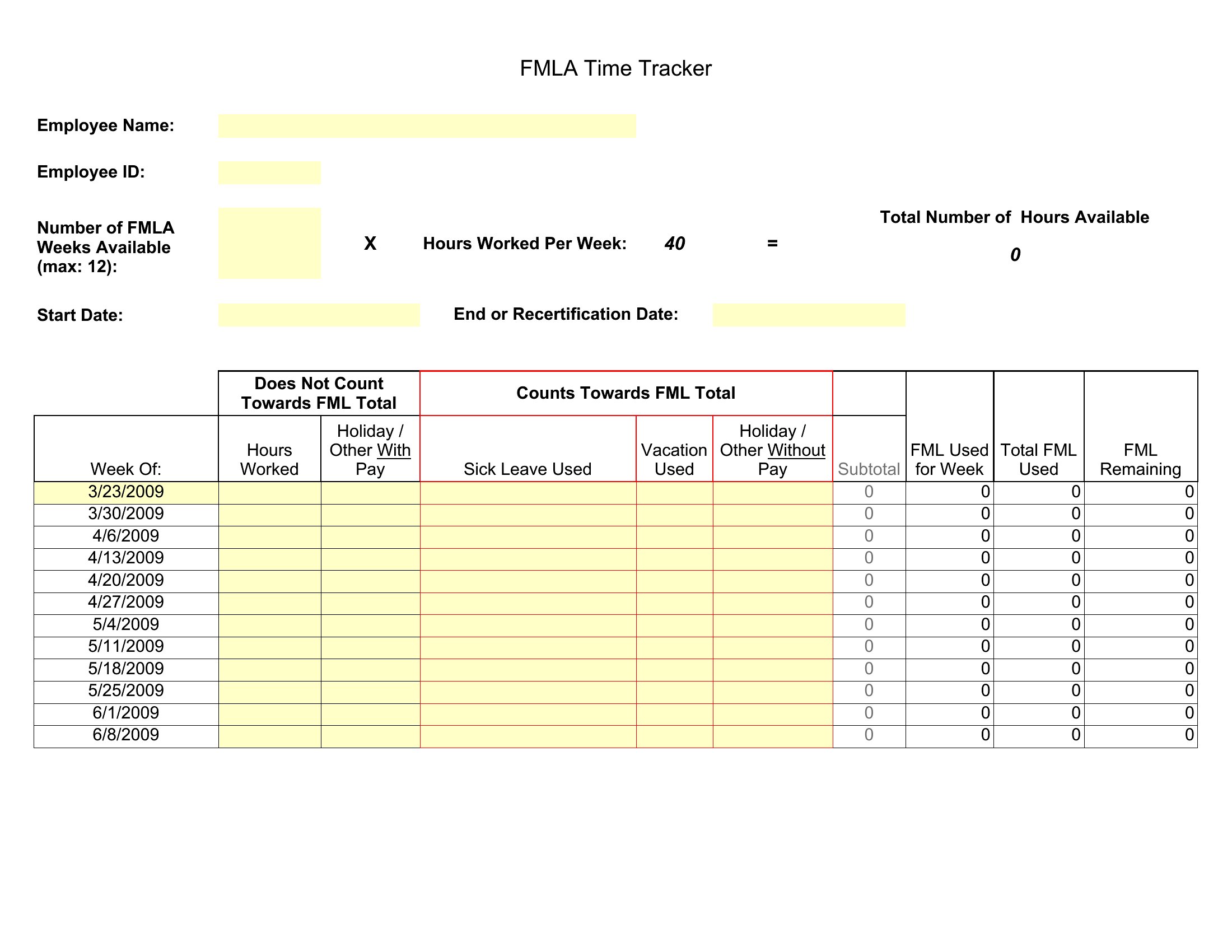
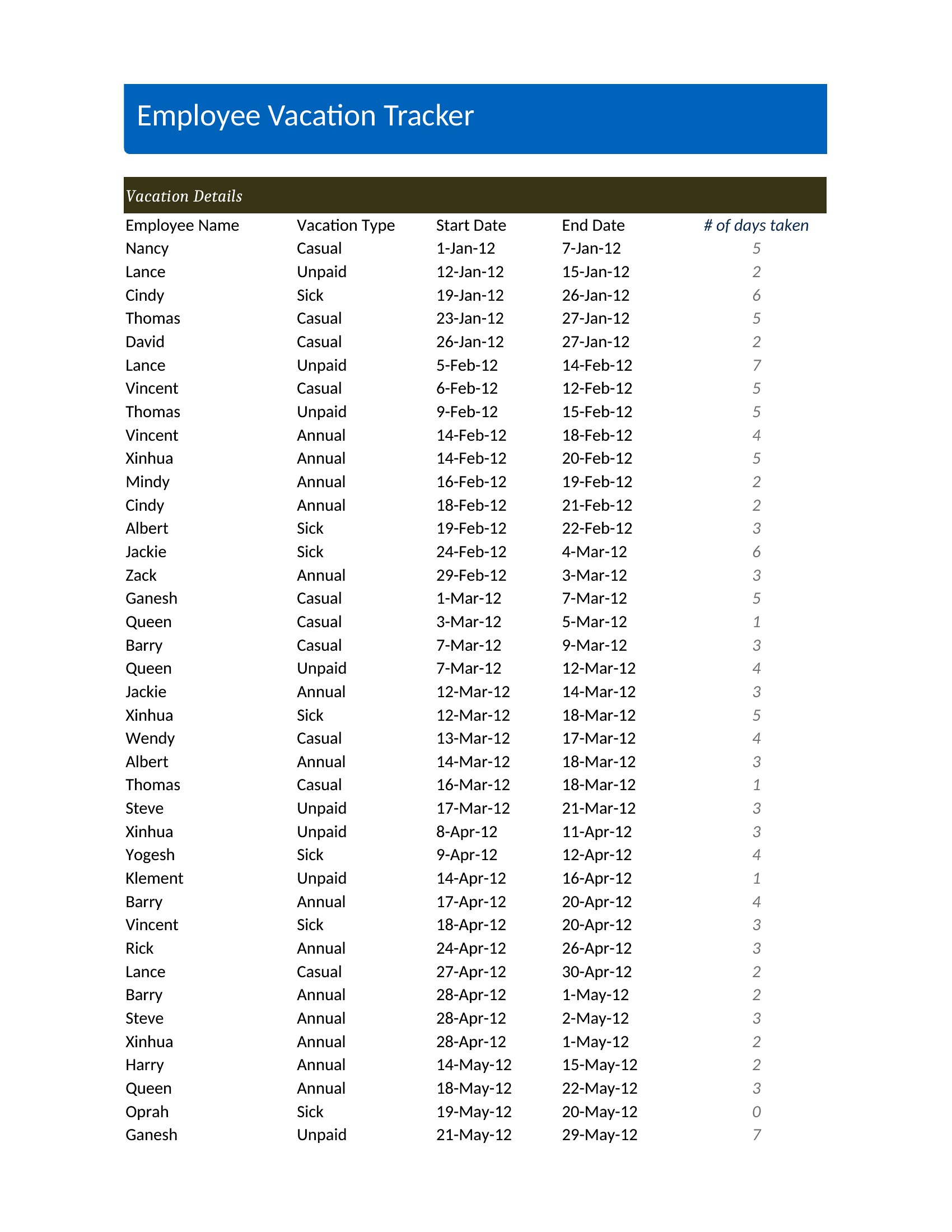
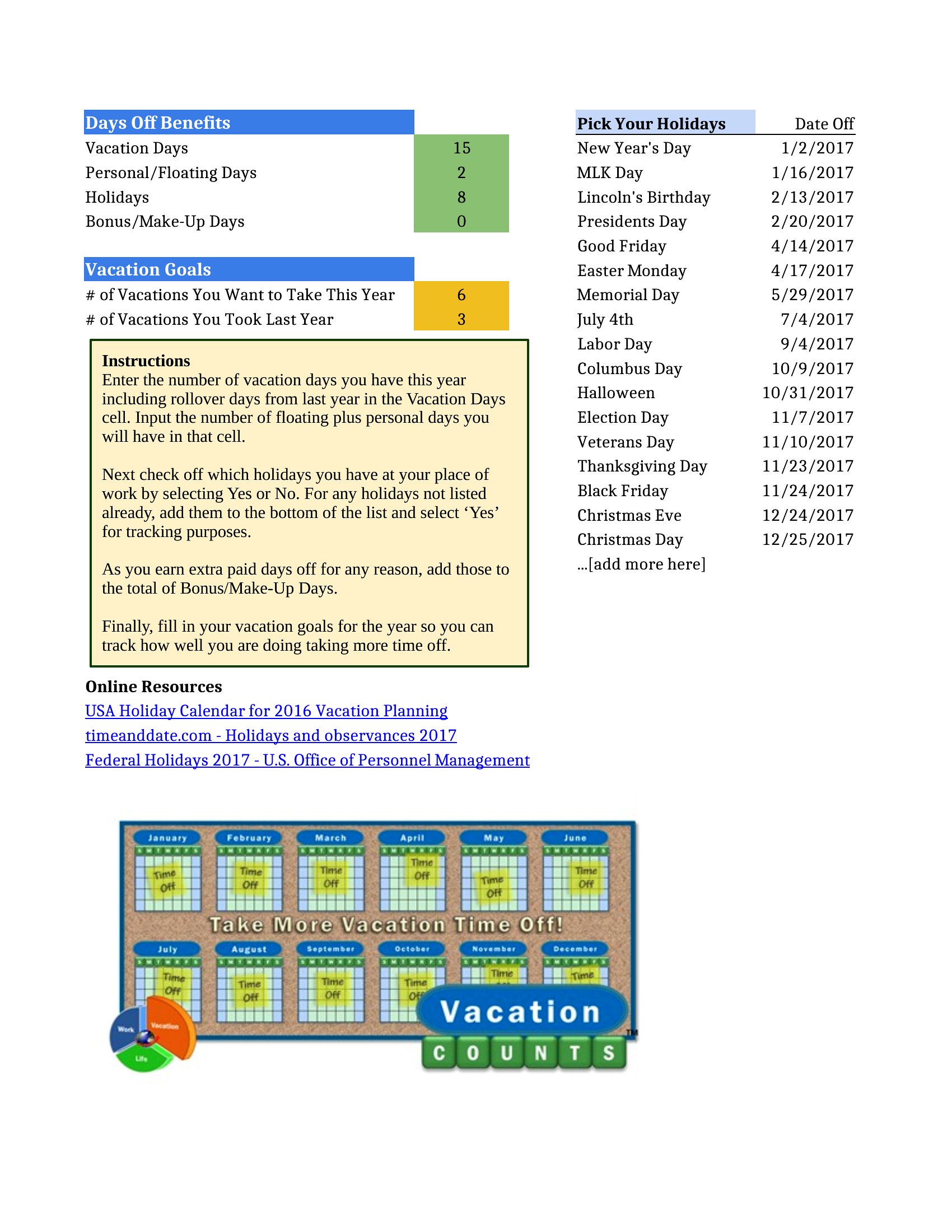
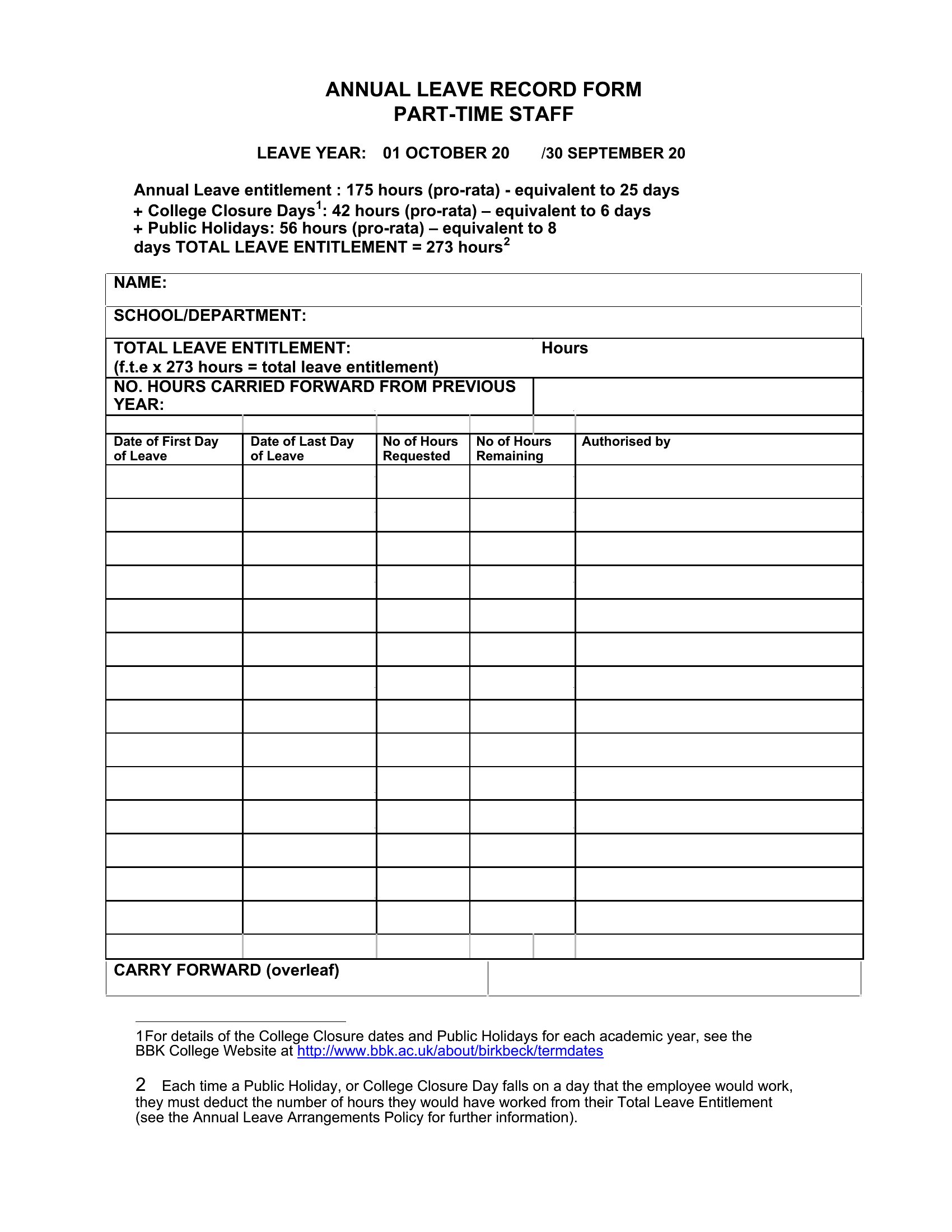
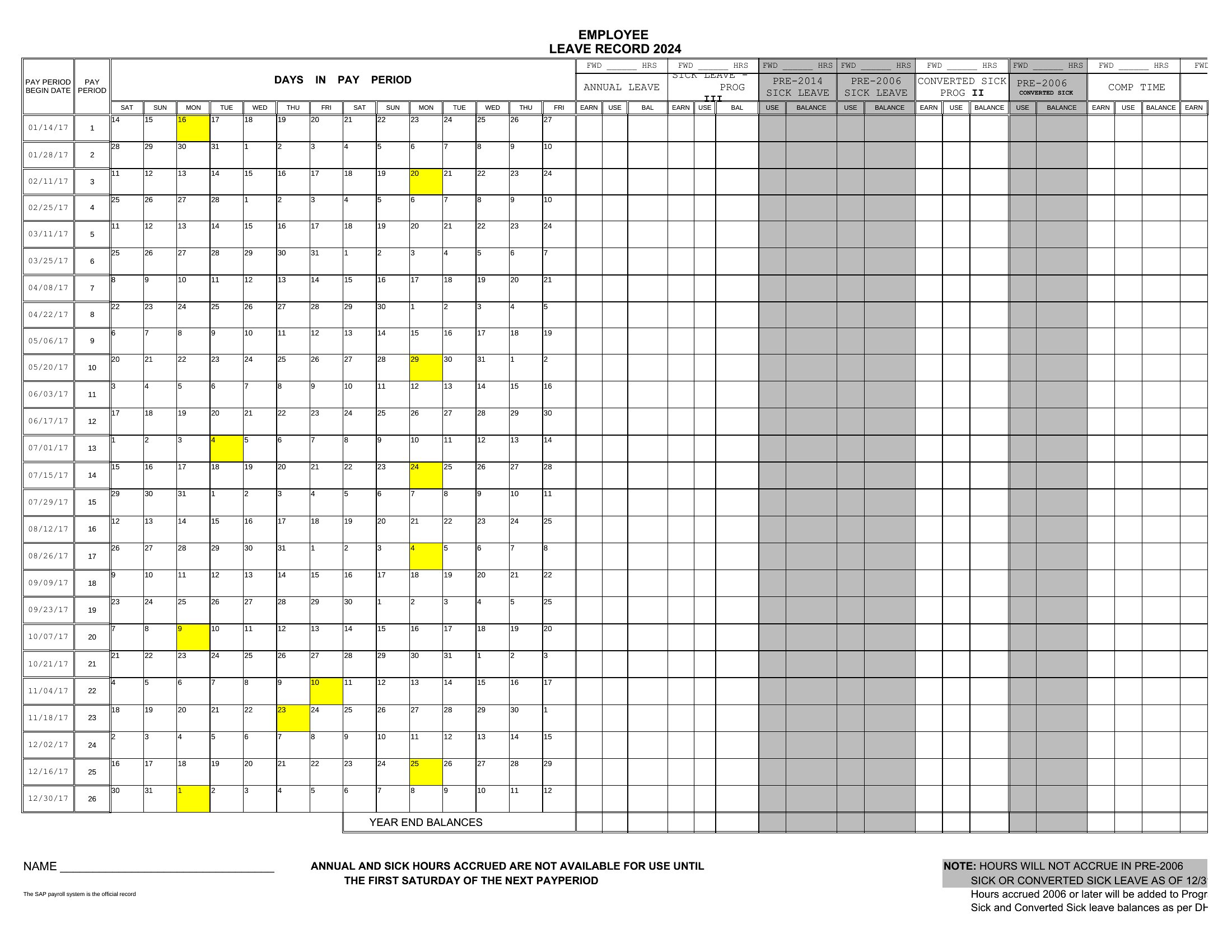
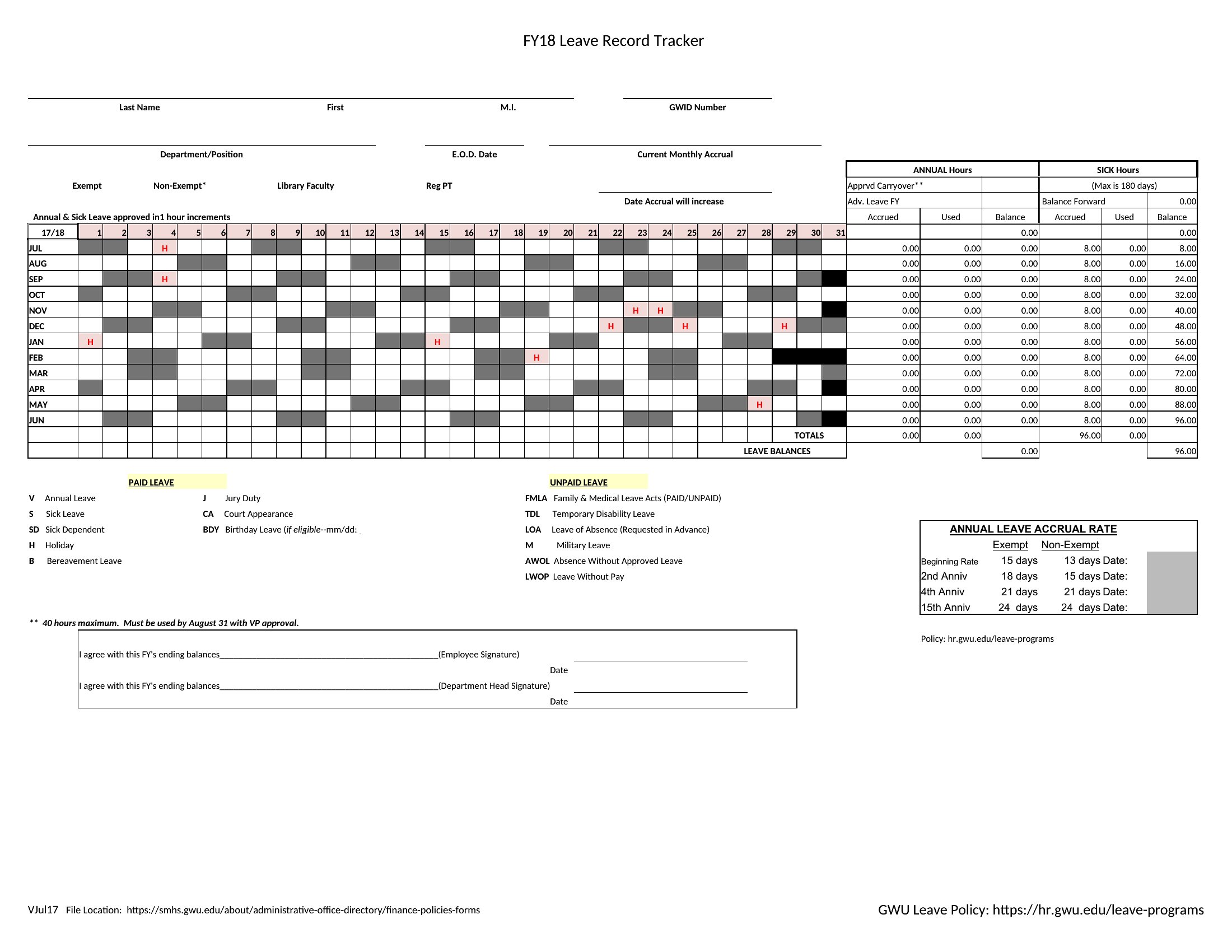
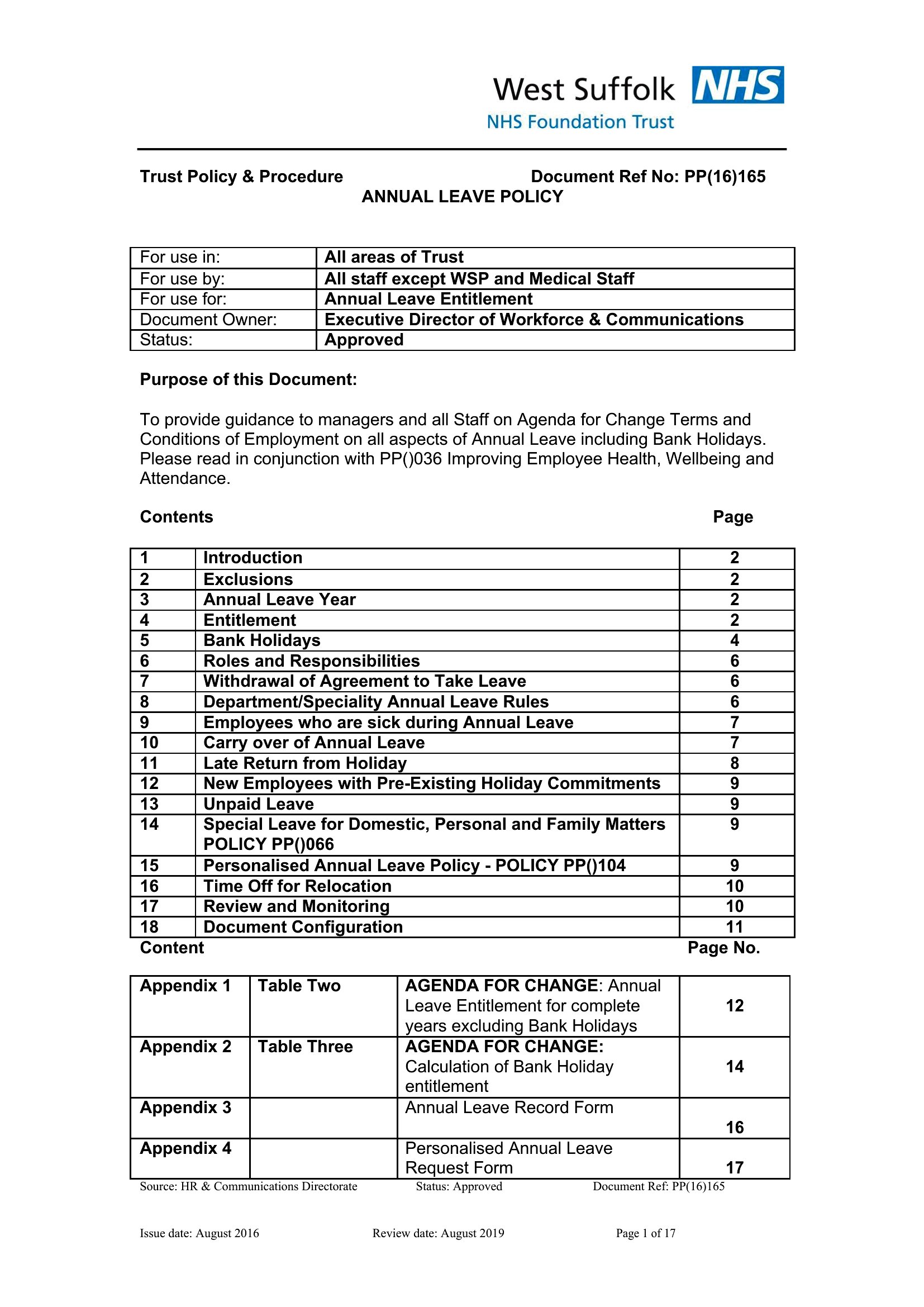
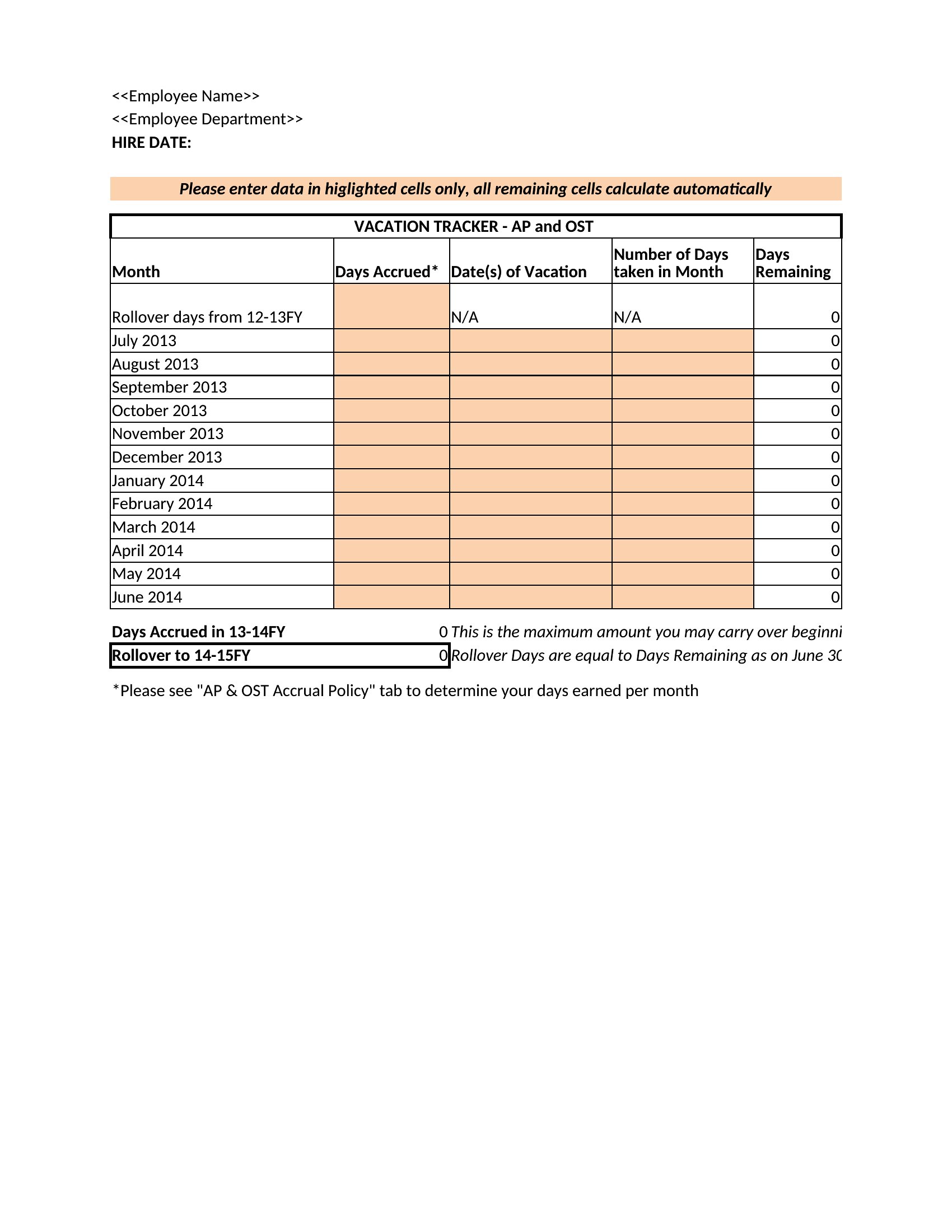
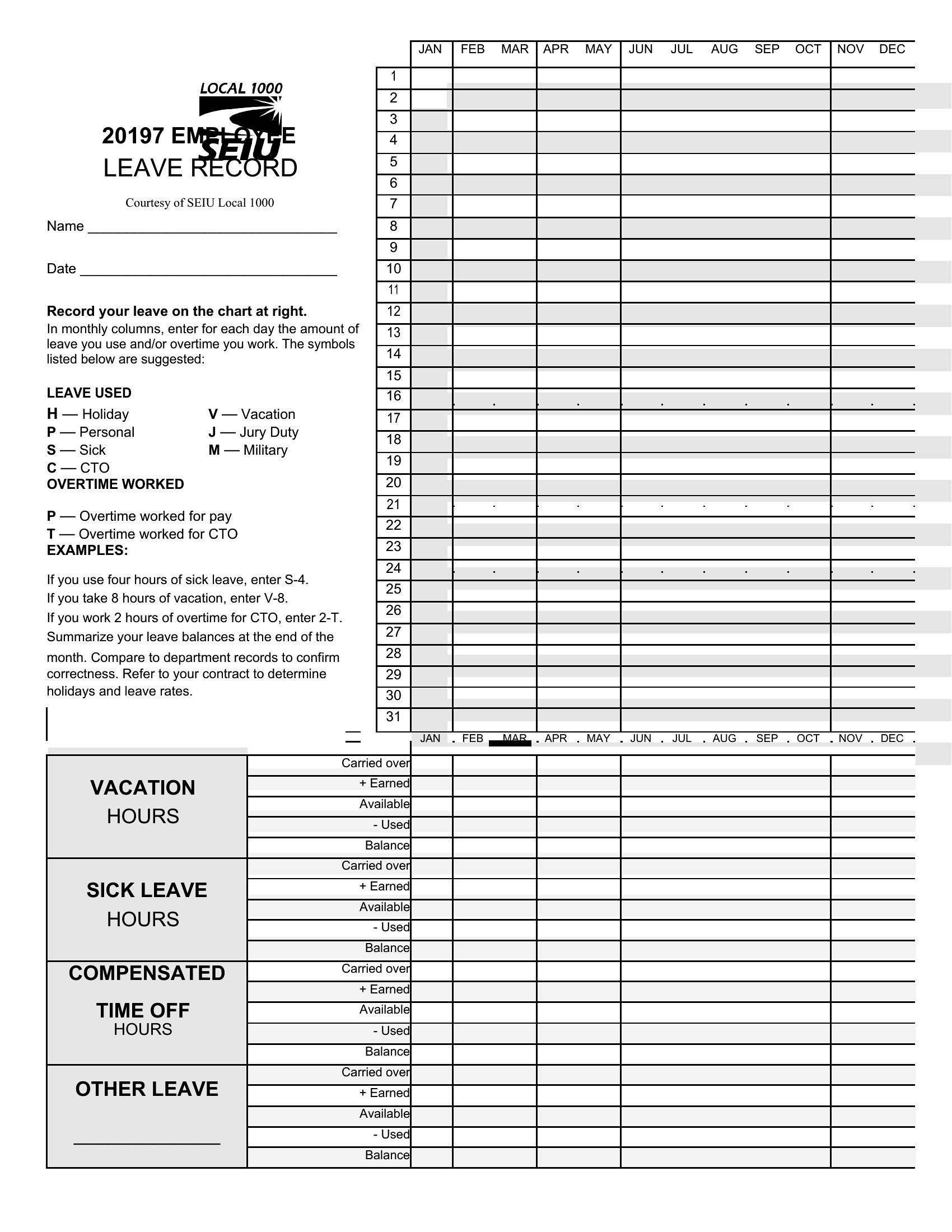
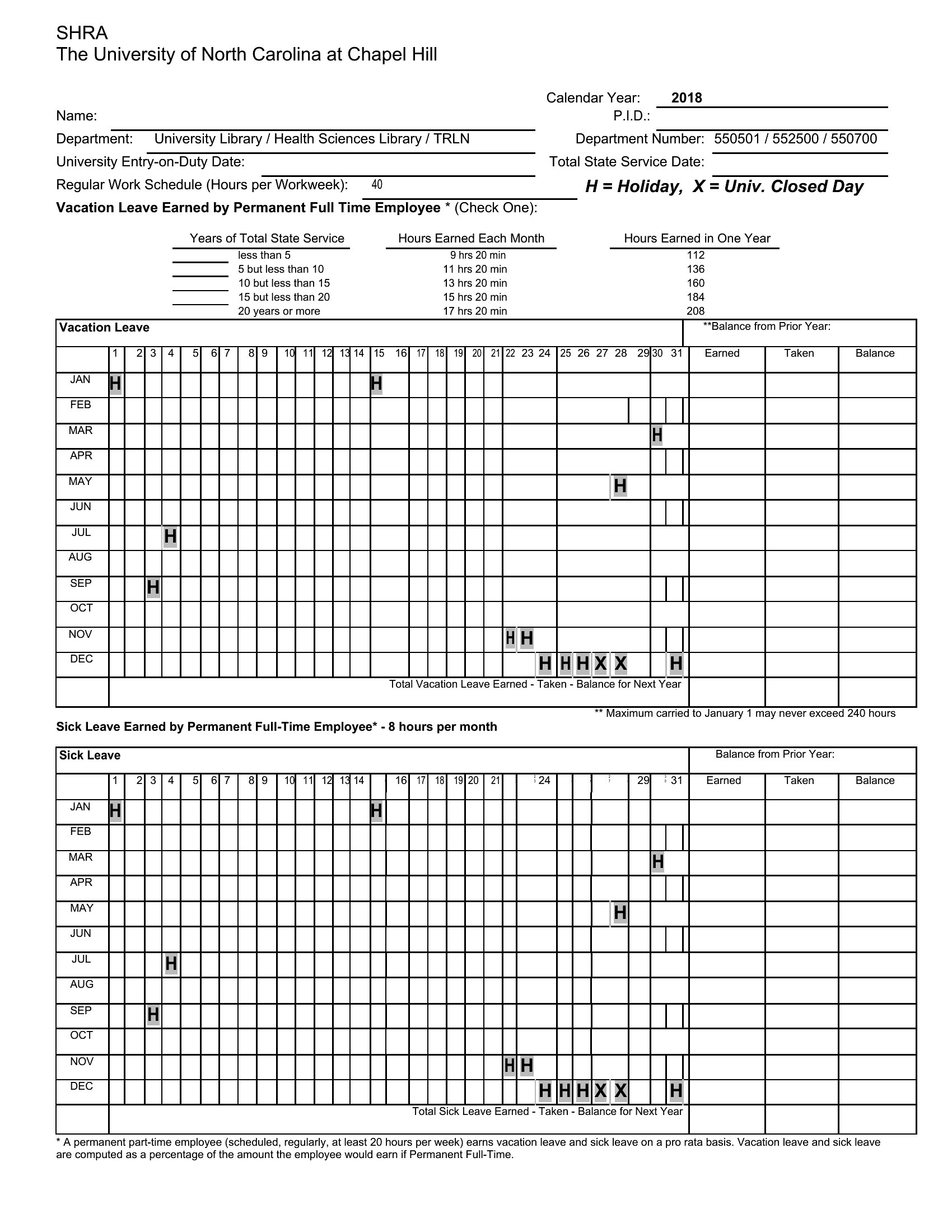
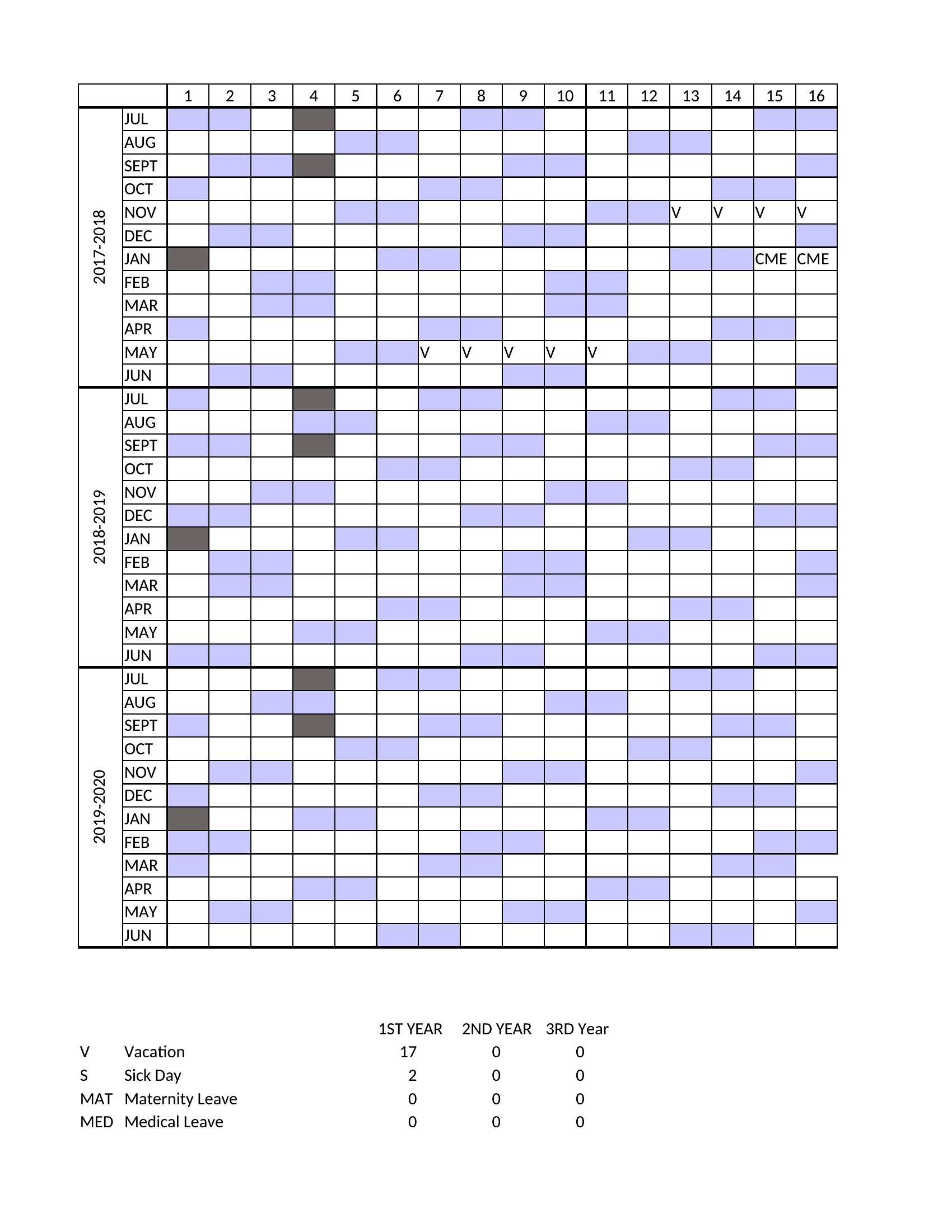
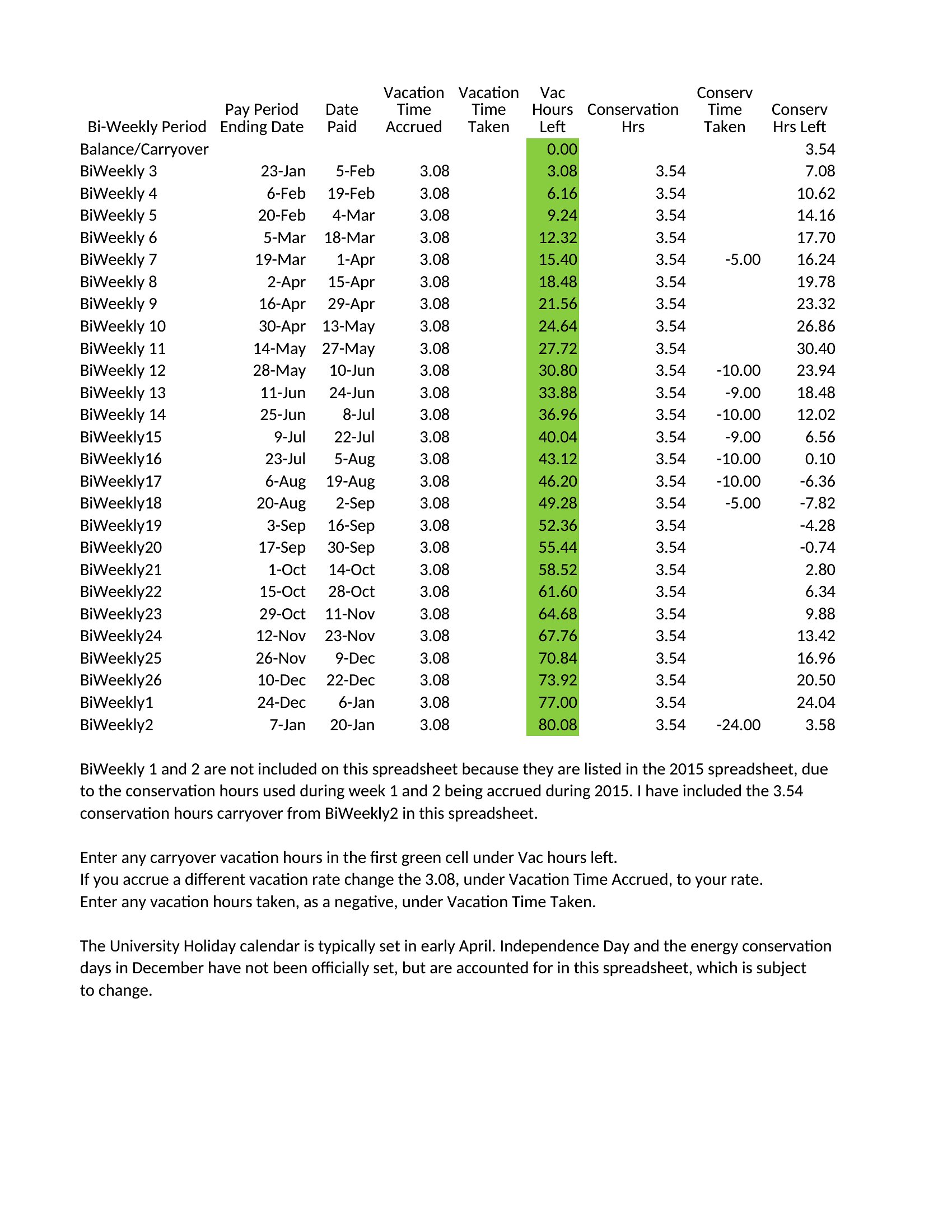
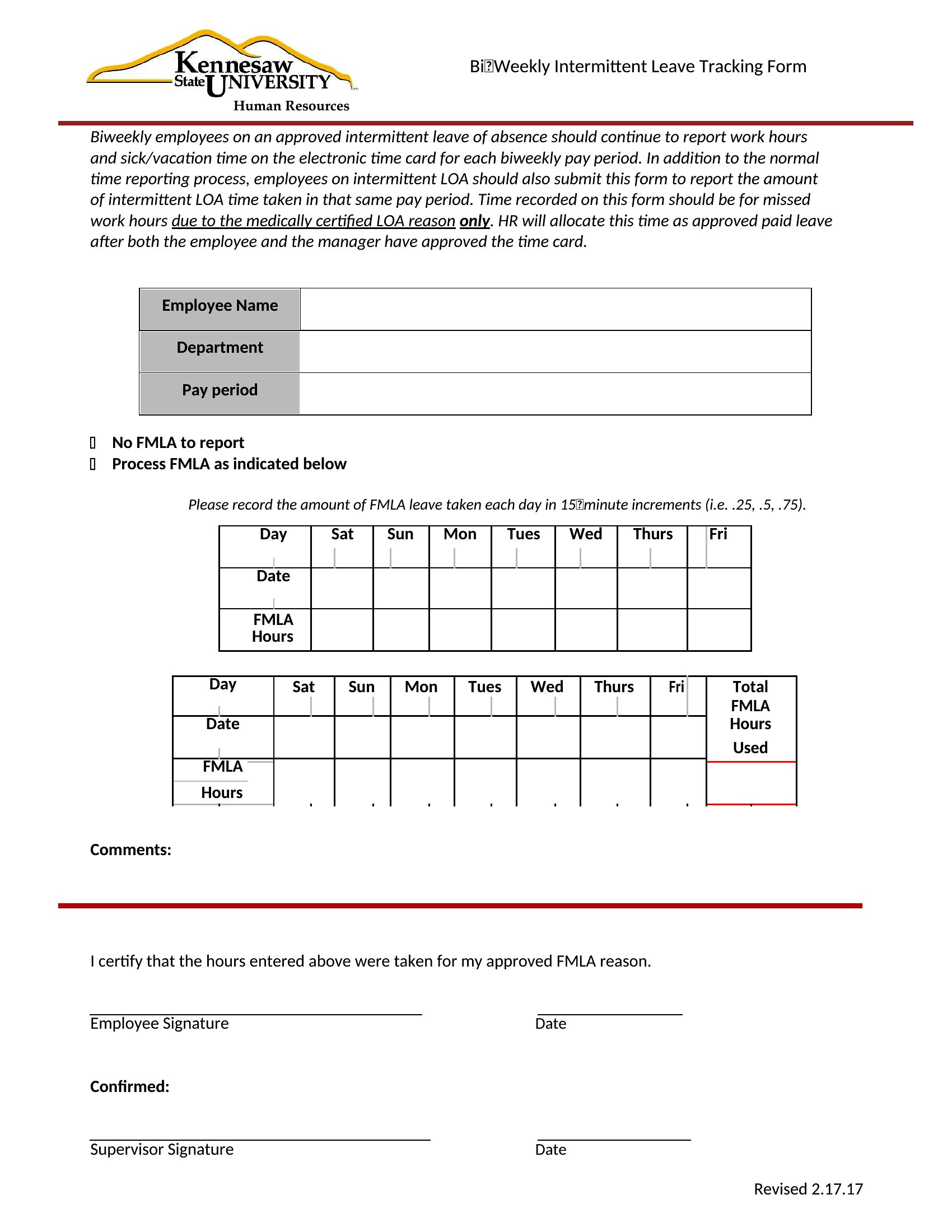
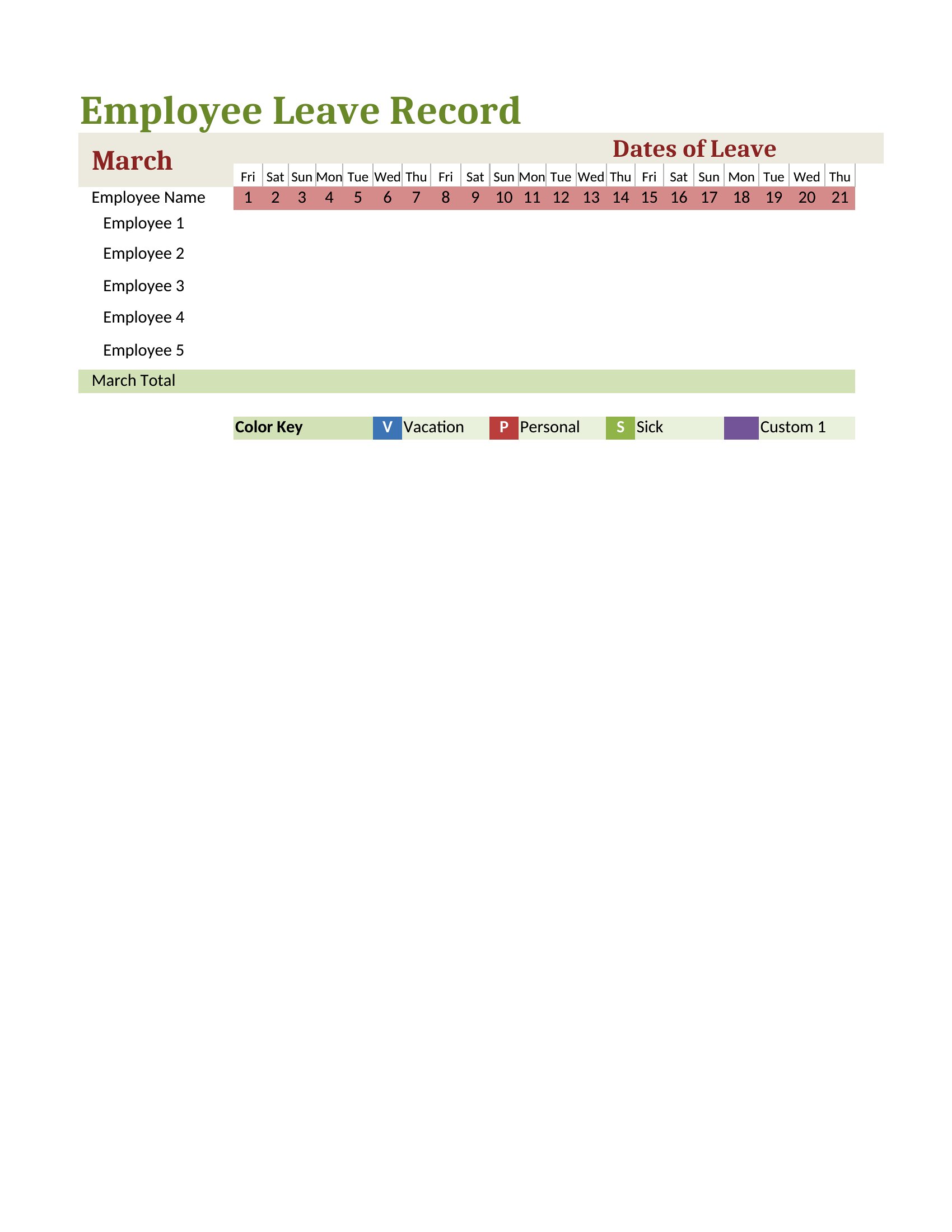
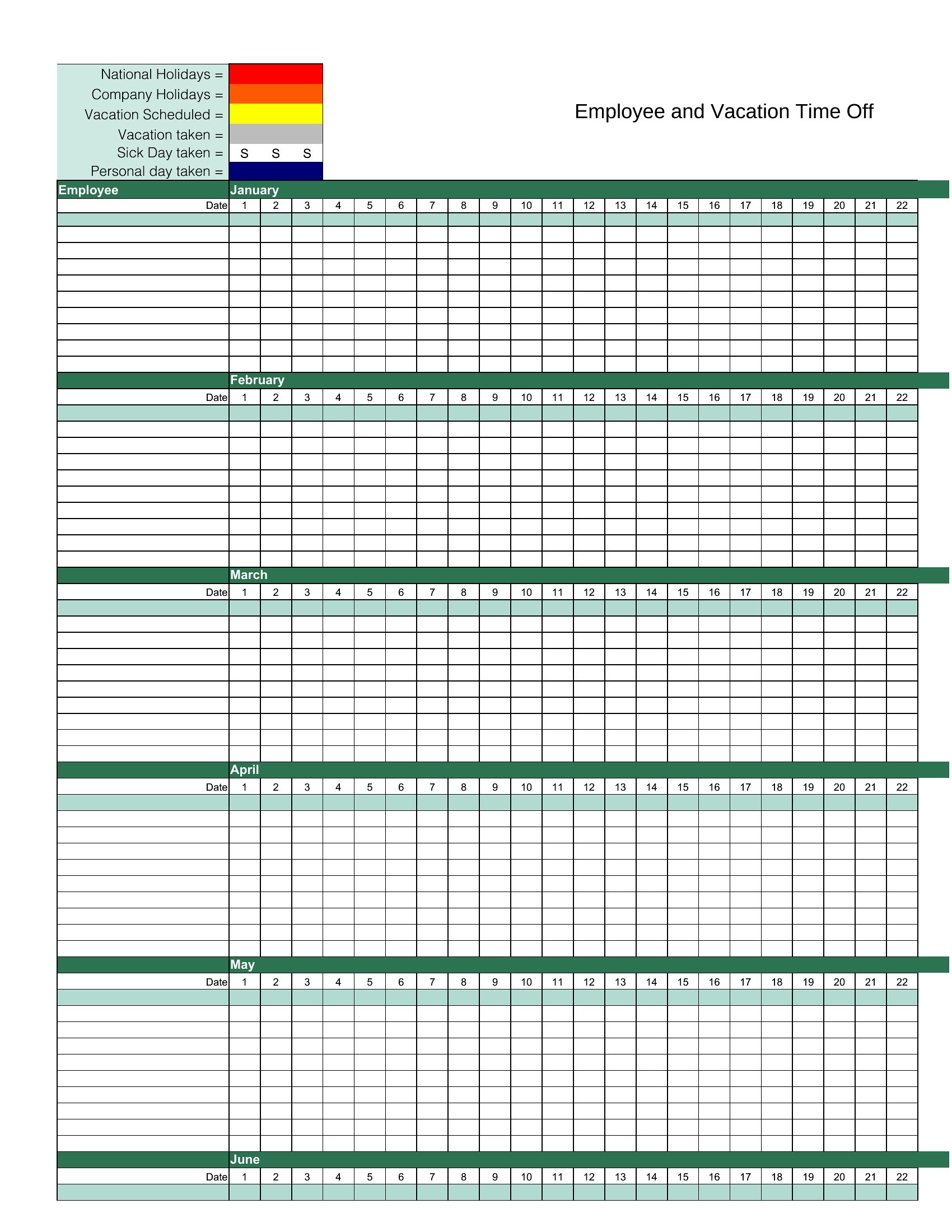
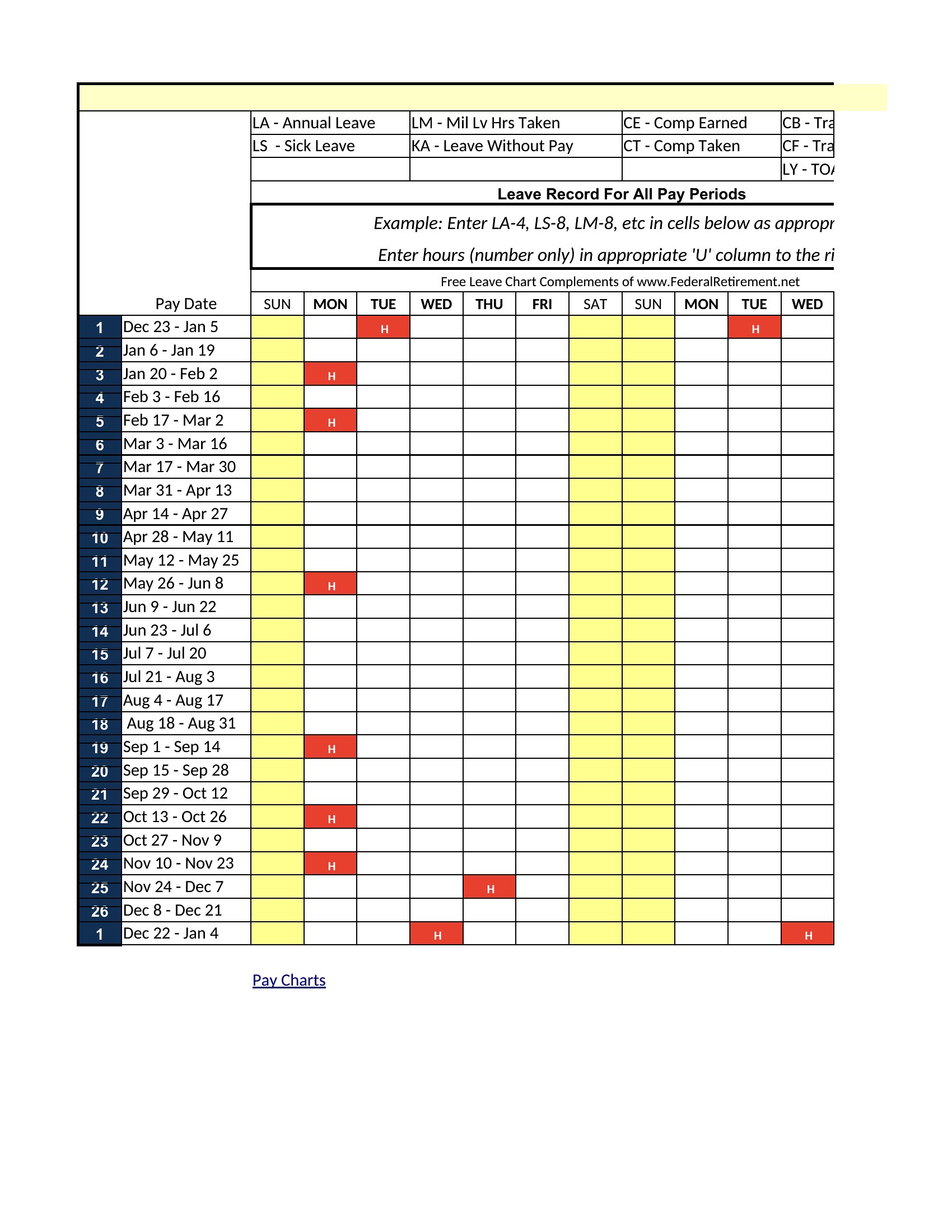
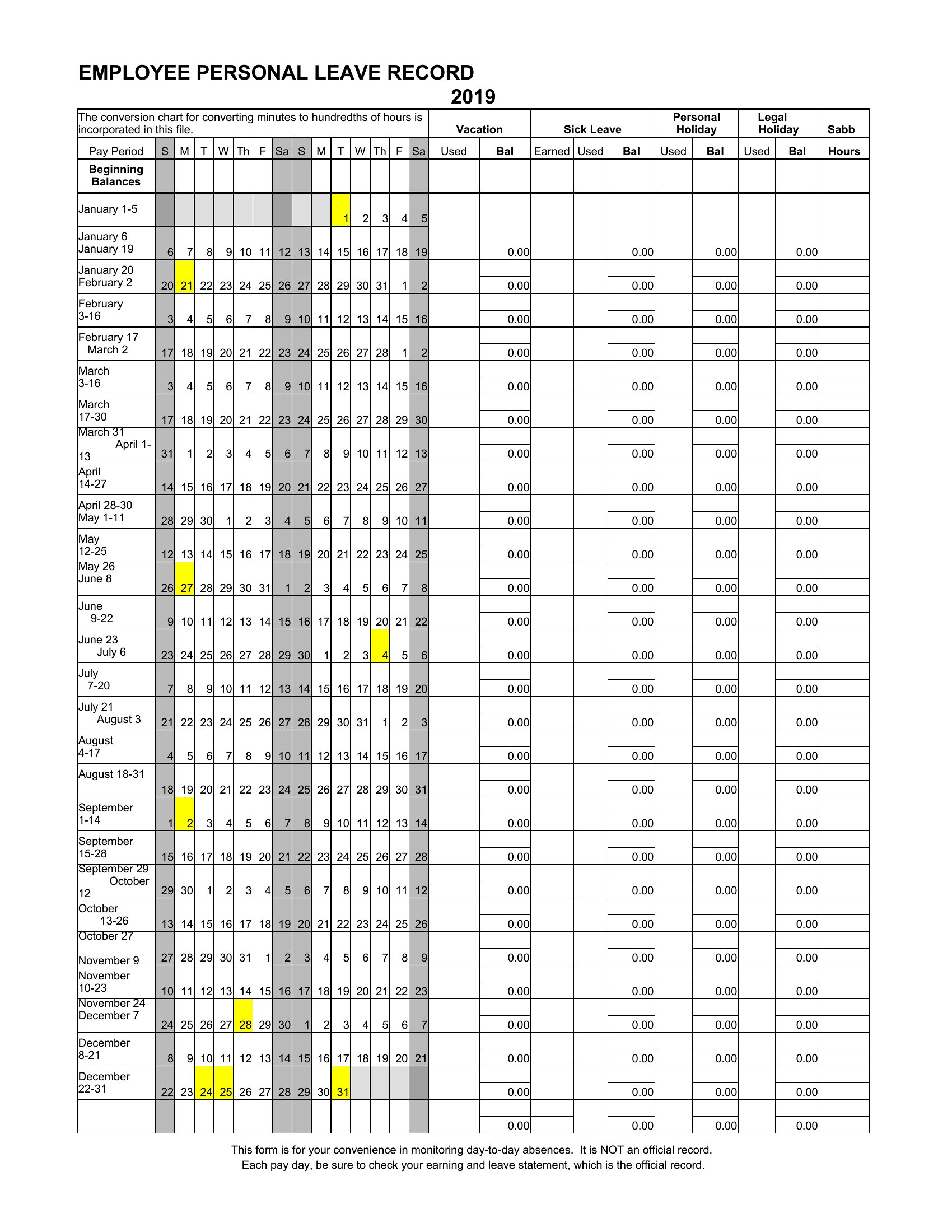
DataKeeping tabs on who's off and when stops a small team from ending up short-staffed during a busy week. This set of 49 vacation tracker templates helps managers and HR staff log time-off requests, balances, and approvals across the team so the calendar stays clear and coverage stays covered.
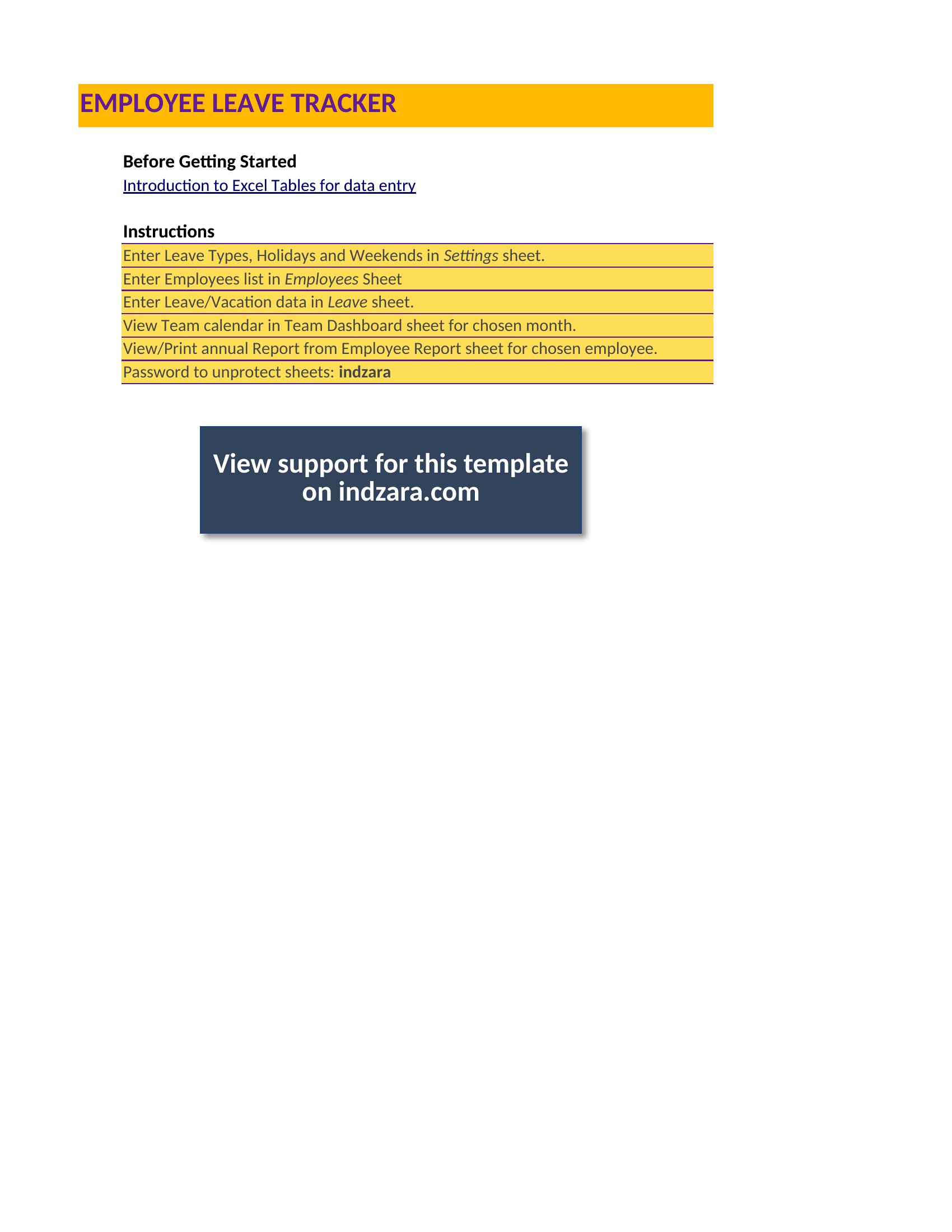
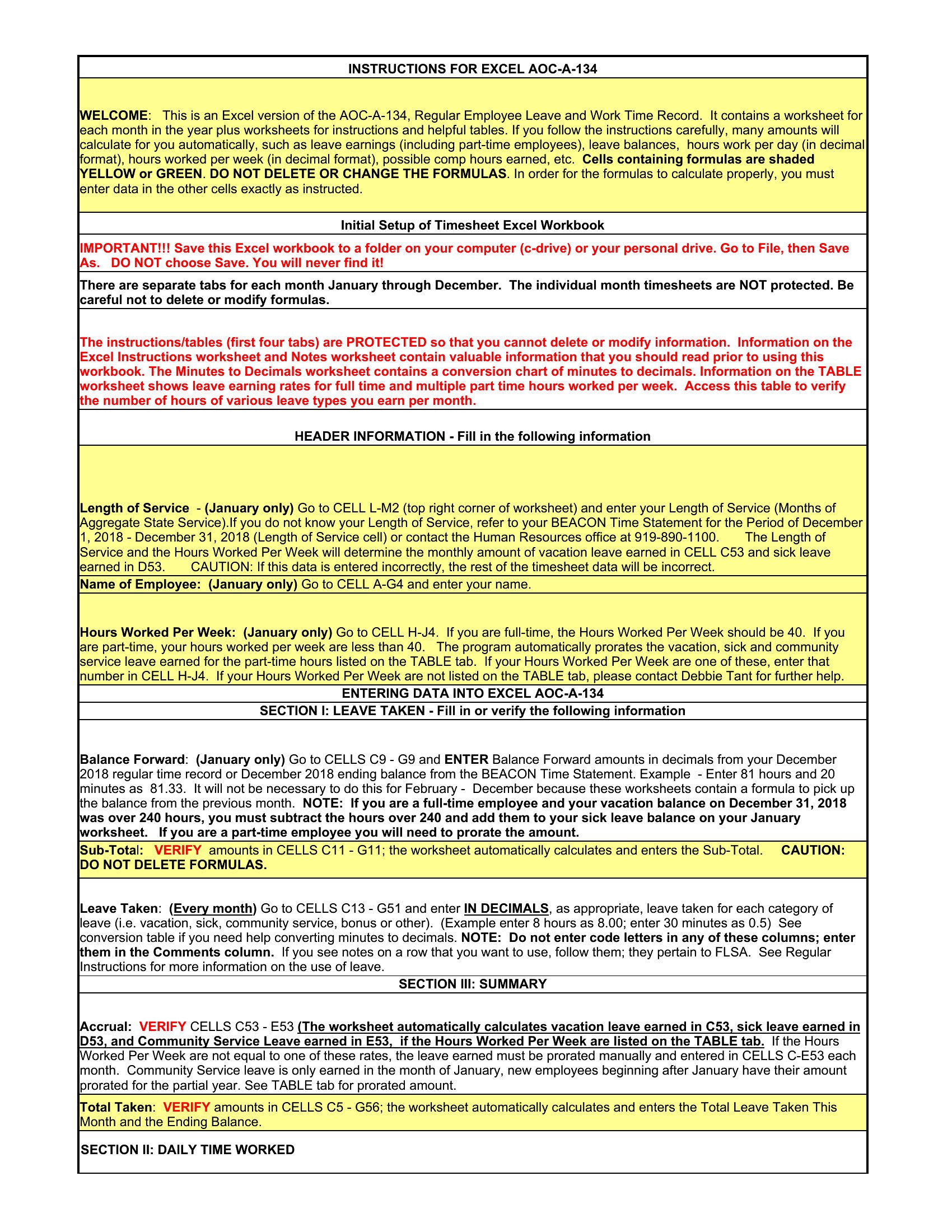
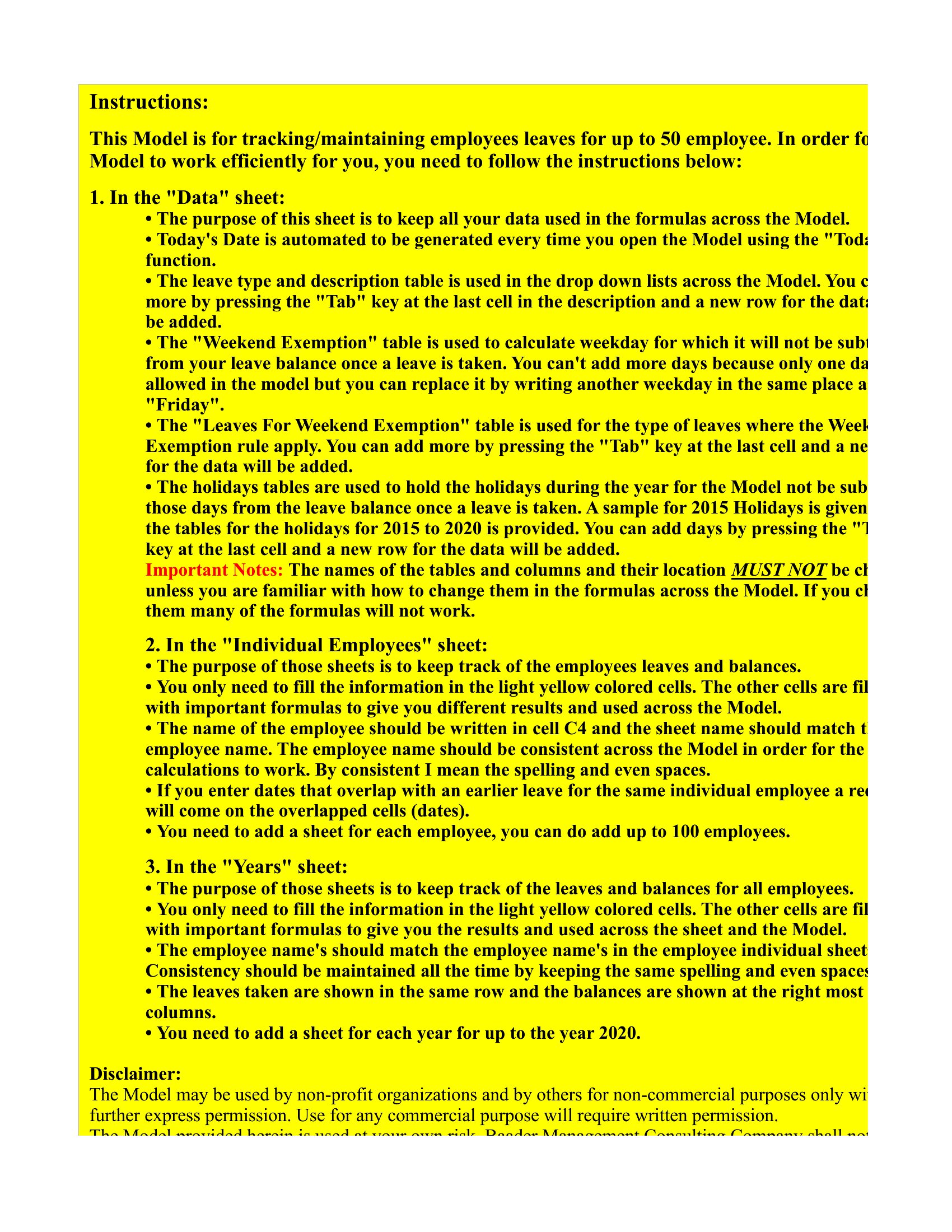
The Excel versions calculate remaining days and flag overlaps, while the Word and PDF copies make for an easy printed overview. Enter each request, update balances as days are used, and share the tracker so everyone can see the schedule. Download the version that fits your team and manage time off without the spreadsheet headaches.
When to use this Vacation Tracker template
- Small business managers logging annual leave requests from 10+ employees to ensure seasonal coverage during holidays like Black Friday or summer rushes.
- HR coordinators at startups tracking PTO balances for remote teams spread across different time zones to avoid scheduling conflicts during global project deadlines.
- School administrators monitoring substitute teacher availability and staff vacation plans to maintain classroom coverage during parent-teacher conference weeks.
- Nonprofit coordinators planning volunteer shifts by tracking personal days and community event participation to guarantee smooth operations during fundraiser weekends.
Which format should I download?
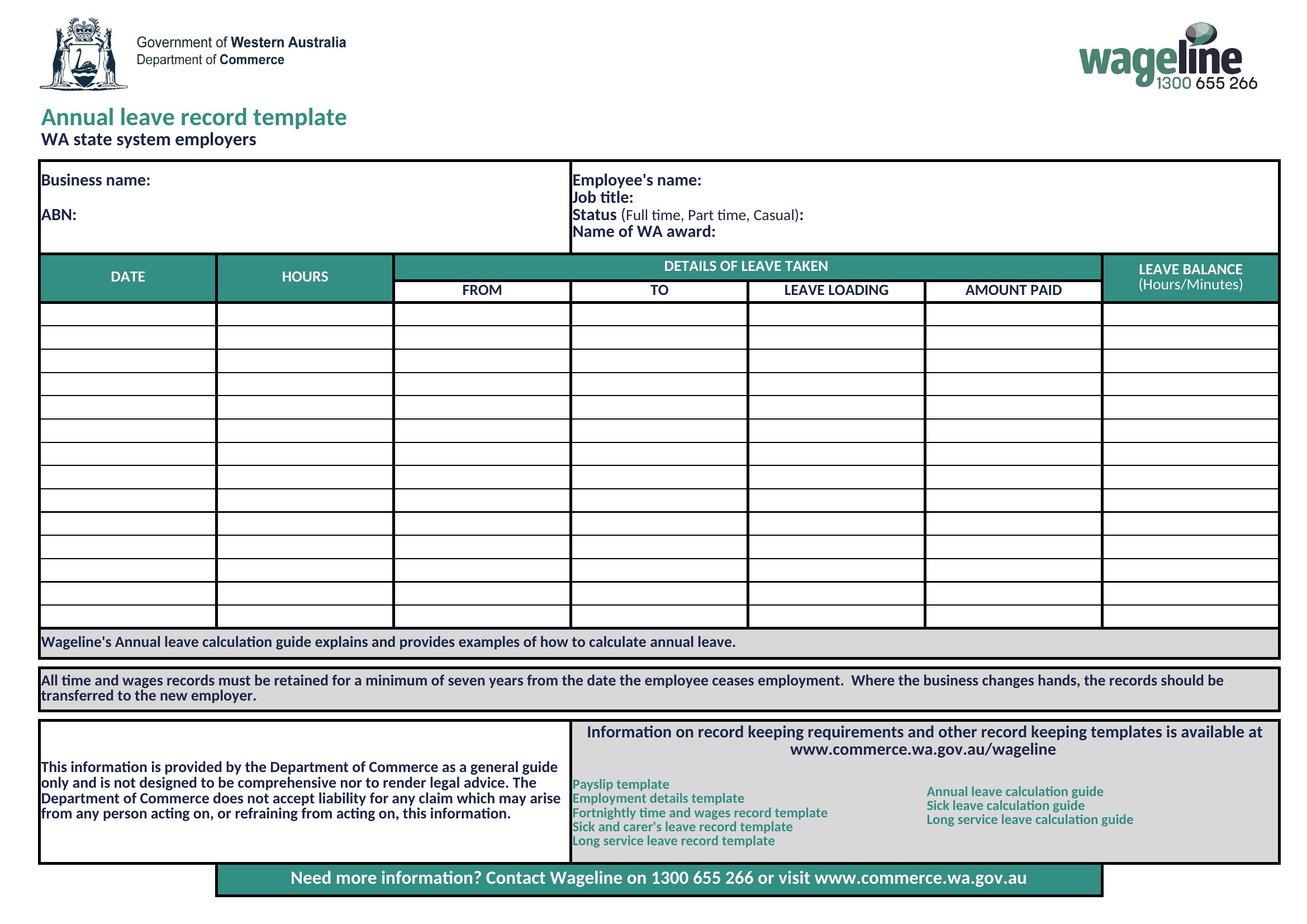
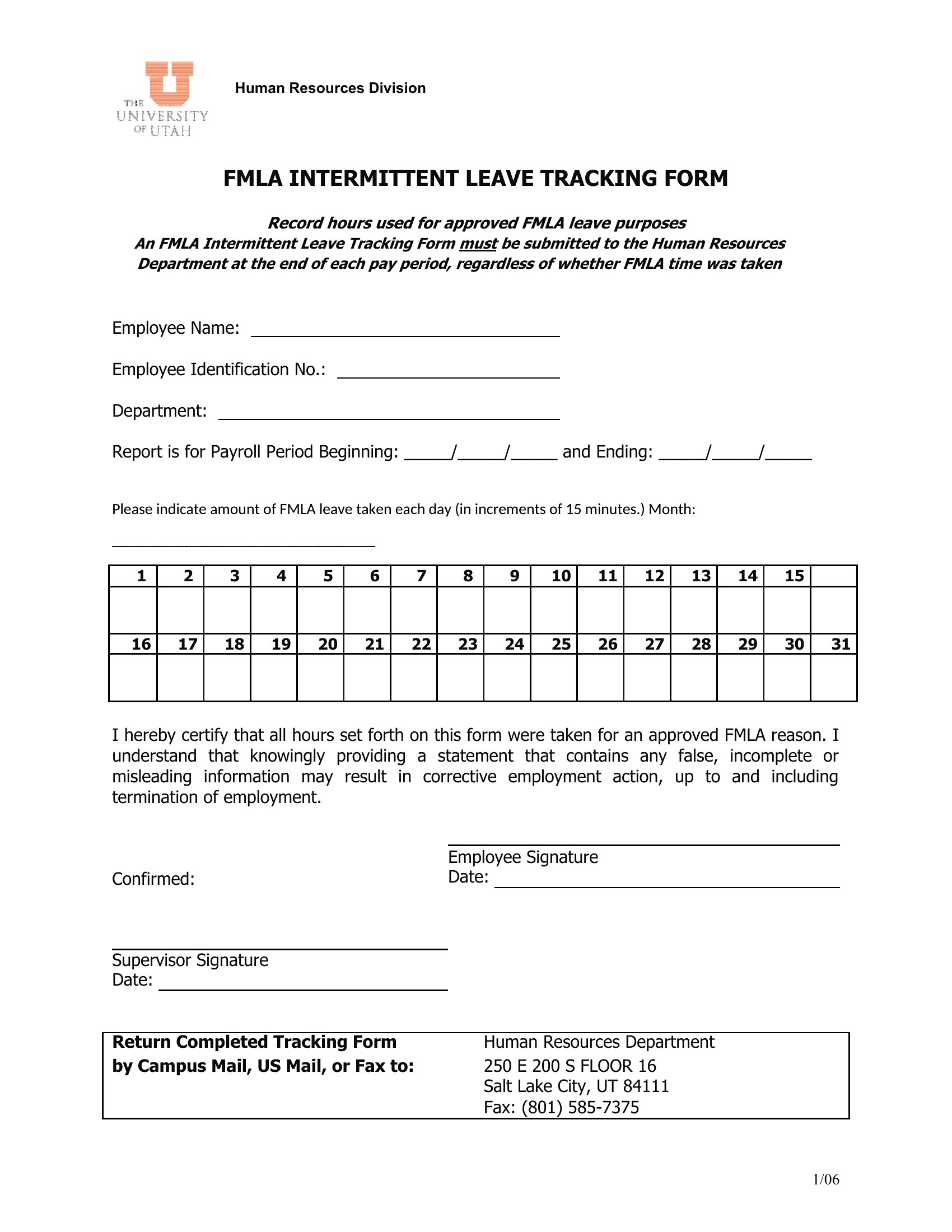
Use Excel if you need automated calculations for remaining leave days, color-coded scheduling, or conditional formatting to highlight conflicts—ideal for teams with fluctuating workloads. Choose Word if you prefer a shareable, editable document for HR approval workflows or customizable notes, such as medical leave details. Opt for PDF when you need a static, print-ready version for employee handbooks or compliance audits requiring unalterable records.
Choose from 49 Vacation Tracker Templates
How to use this Vacation Tracker template
How do these templates handle employees with varying leave balances, like part-time staff or seasonal hires?
Most templates include separate columns for full-time/part-time balances or customizable formulas in Excel. Word and PDF versions may require manual adjustments, so check if the template labels fields like 'hours per week' or 'contract type.' For accurate tracking, combine with your payroll system data.
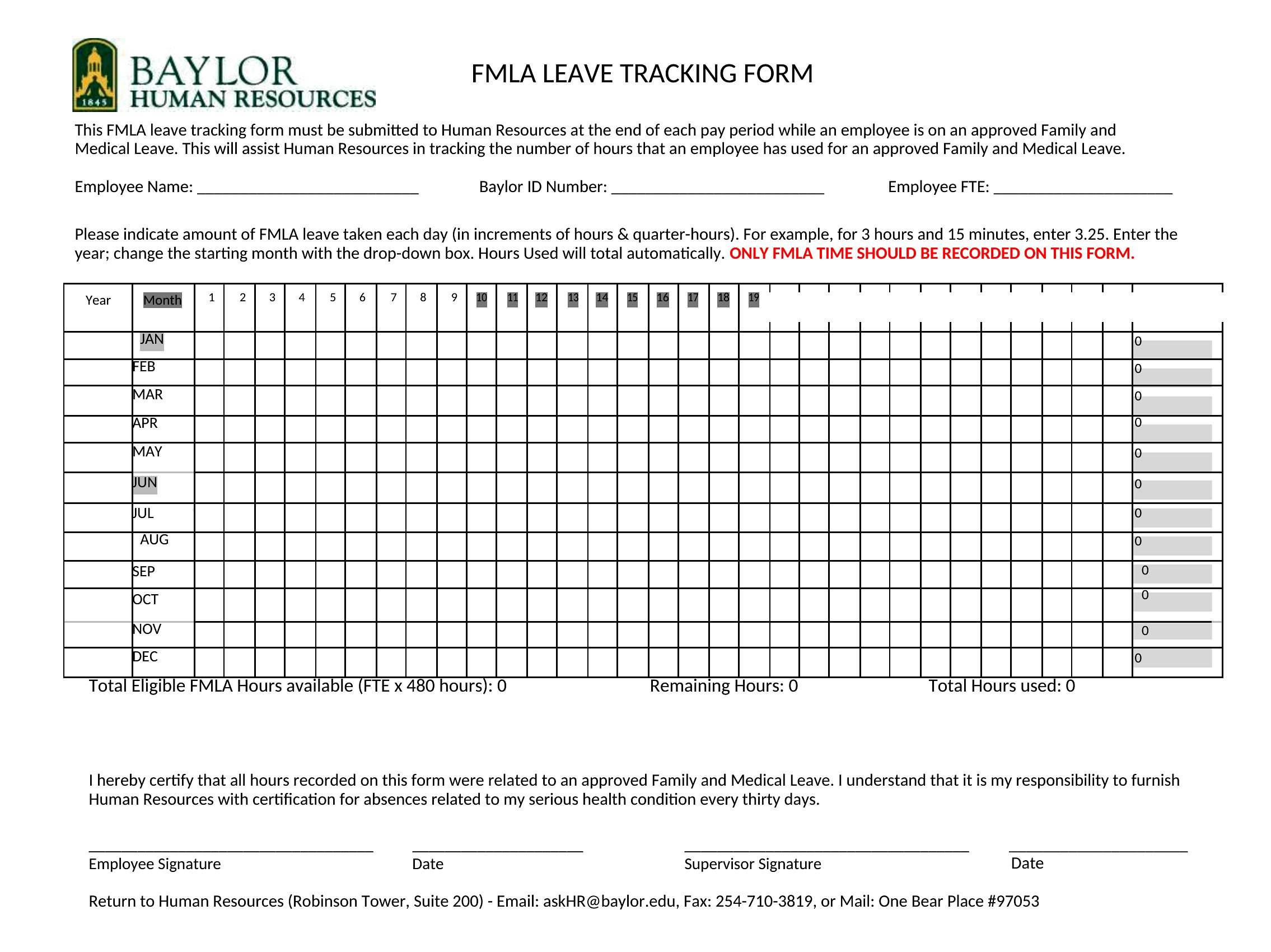
Can these templates track both vacation and unpaid leave, such as sabbaticals or jury duty, in one system?
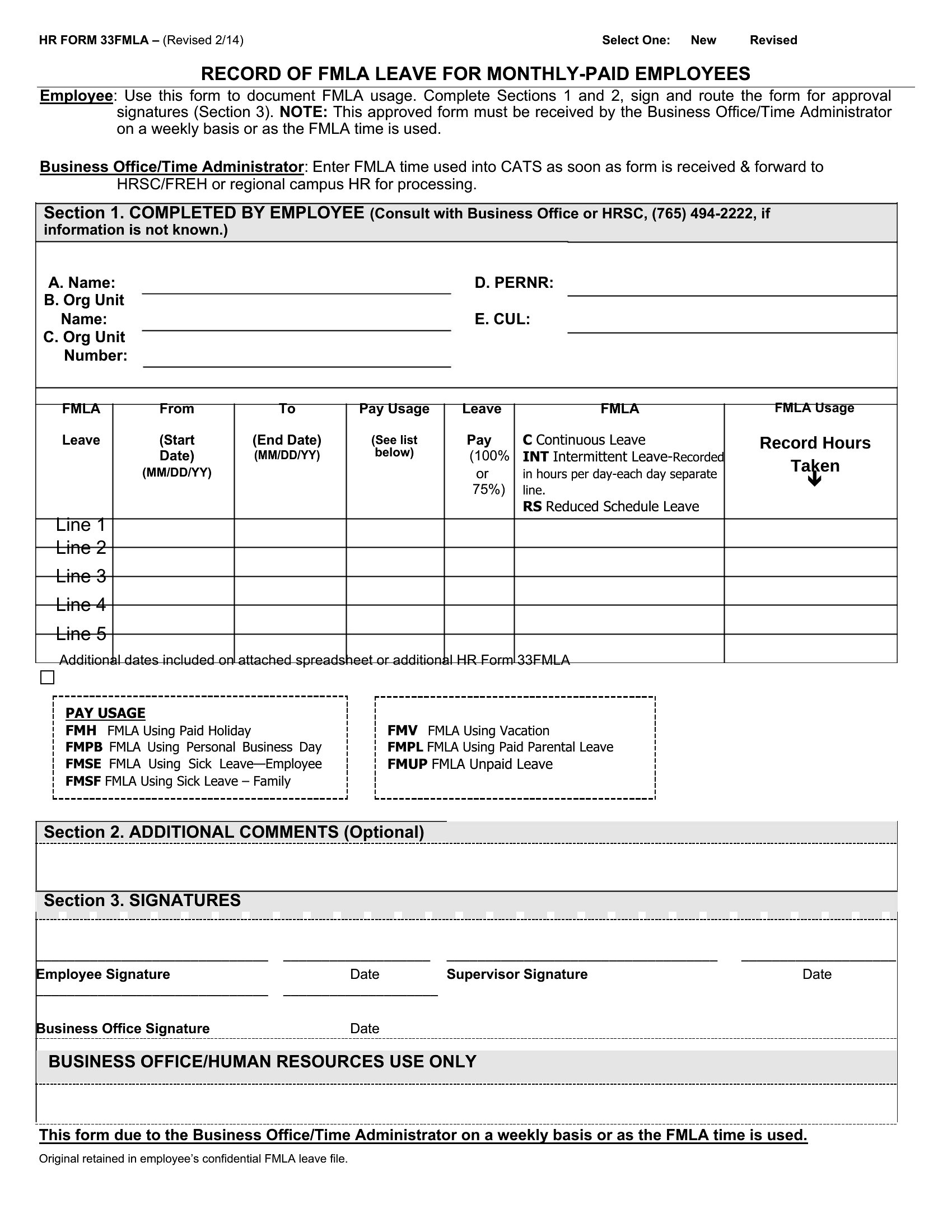
Yes, many templates feature customizable categories like 'Paid Time Off,' 'Unpaid Leave,' and 'Special Absences.' Excel formats often allow you to toggle visibility for different leave types, while Word/PDF versions may need merged tables or additional pages. Always test with your specific leave policies first.
What’s the best way to use these templates if our team works across multiple countries with different labor laws?
Start with the Excel format to input country-specific leave entitlements (e.g., EU vacation days vs. US PTO) in separate sheets or columns. Use conditional formatting to flag discrepancies, like unpaid leave limits. For legal compliance, consult an employment lawyer to adapt the template—these are tools, not legal advice.
Comments
Join the conversation
Sign in to share your thoughts and leave a comment on this resource.