Skip to content
50% off this one-time $1.99 pack with HALFOFF — or unlimited with Pro.HALFOFF
Premium

Printable Goal Tracker Templates (Word, Excel, PDF)
Worksheets
joscelinoaraujo by joscelinoaraujo
Updated 0 downloads Quality-checked template

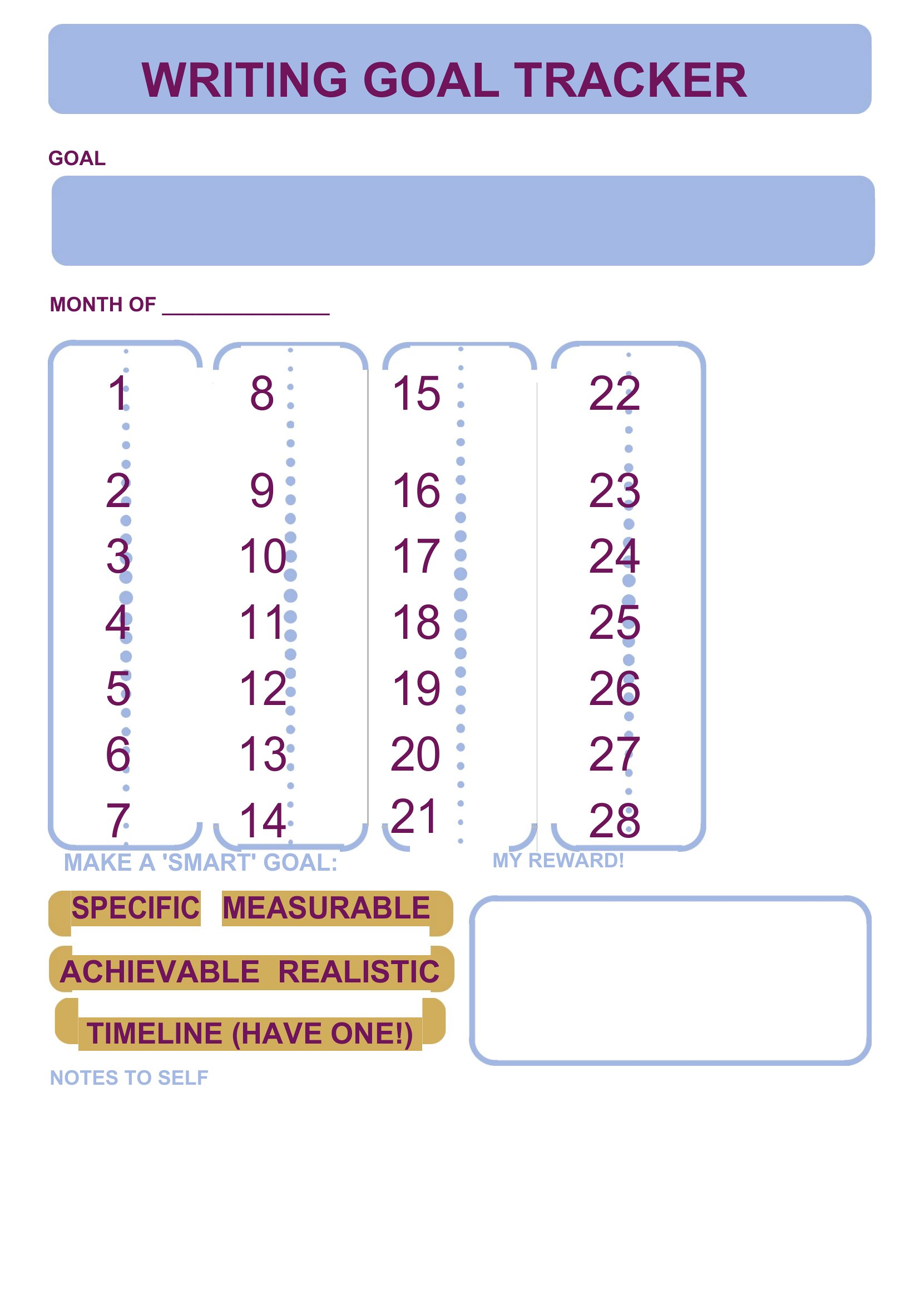
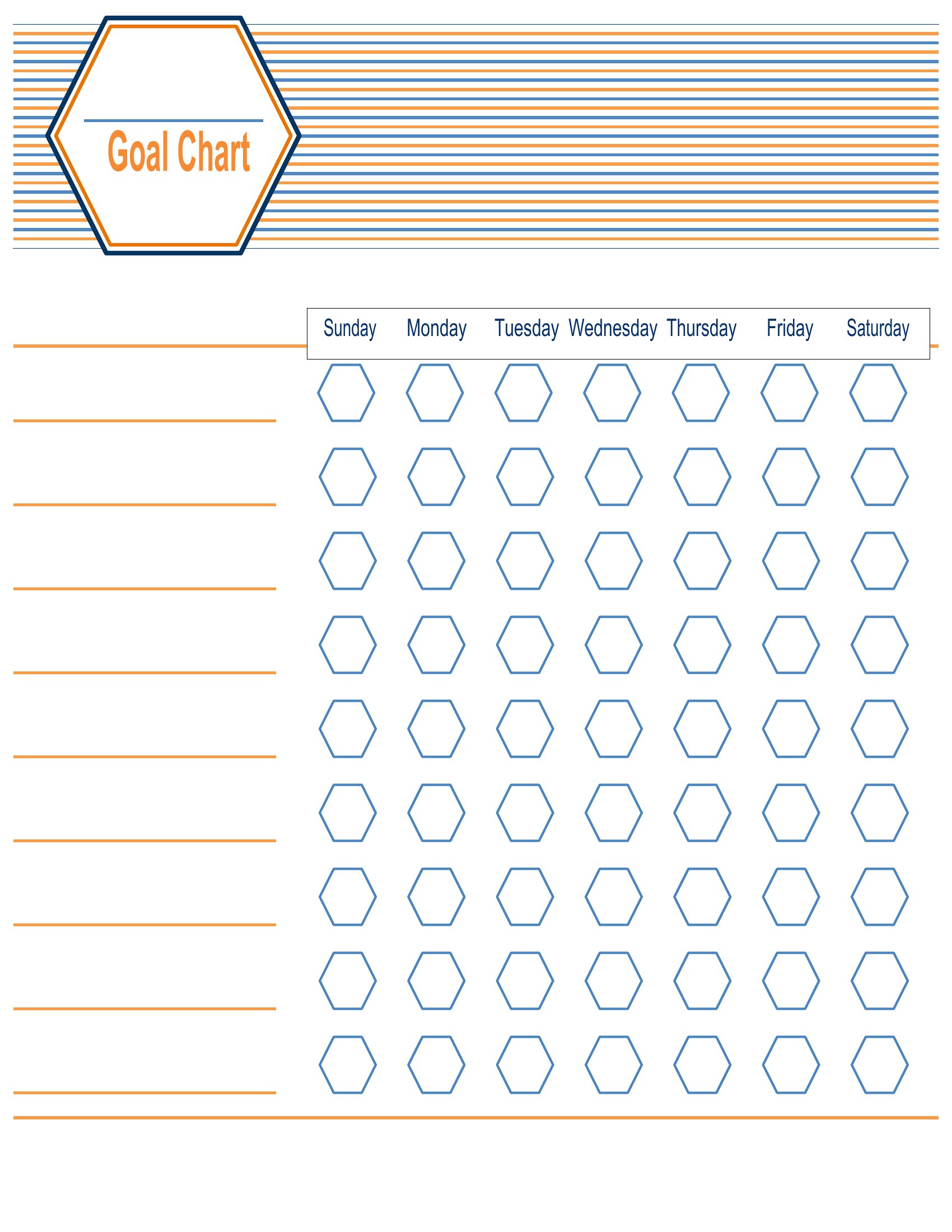
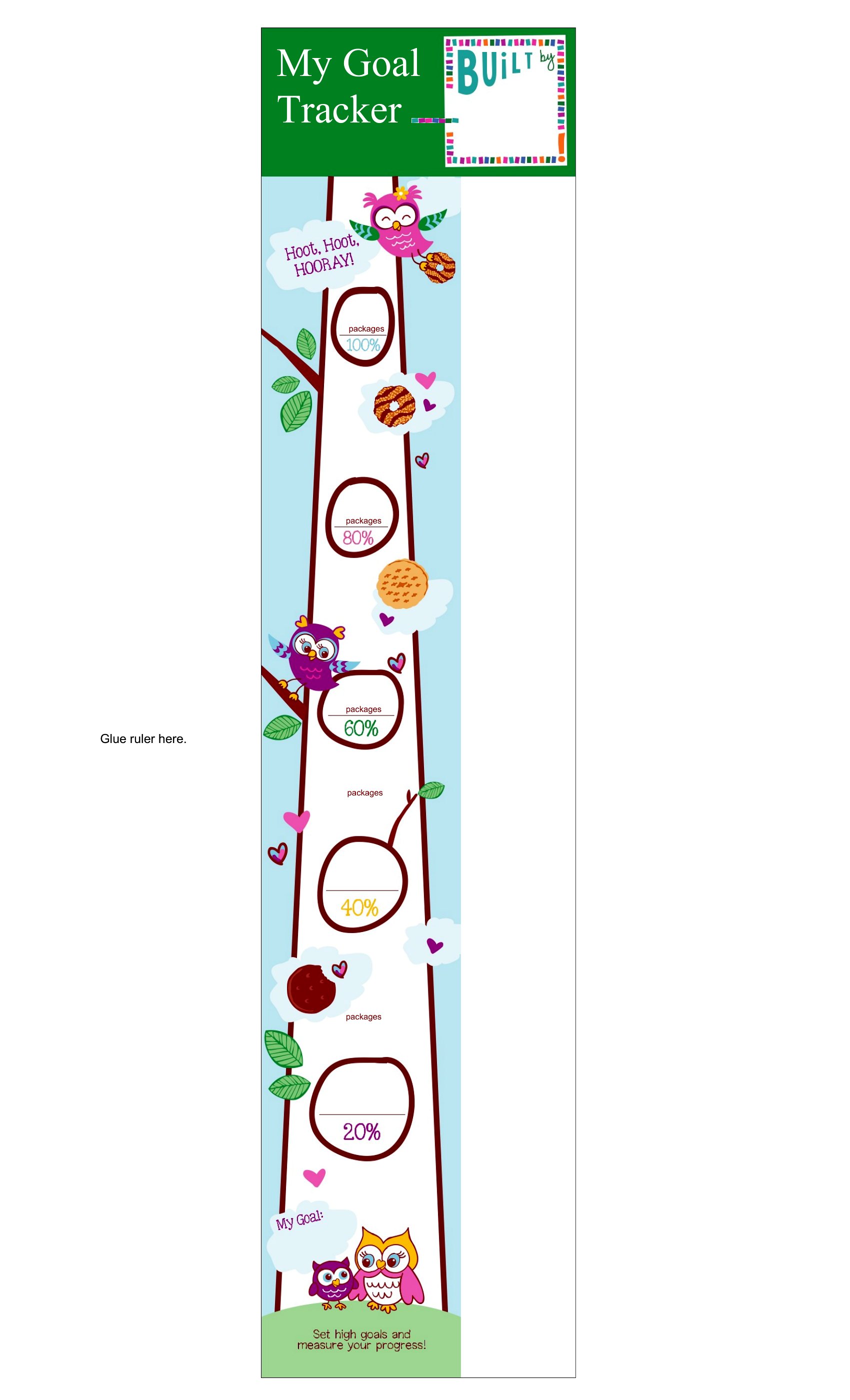
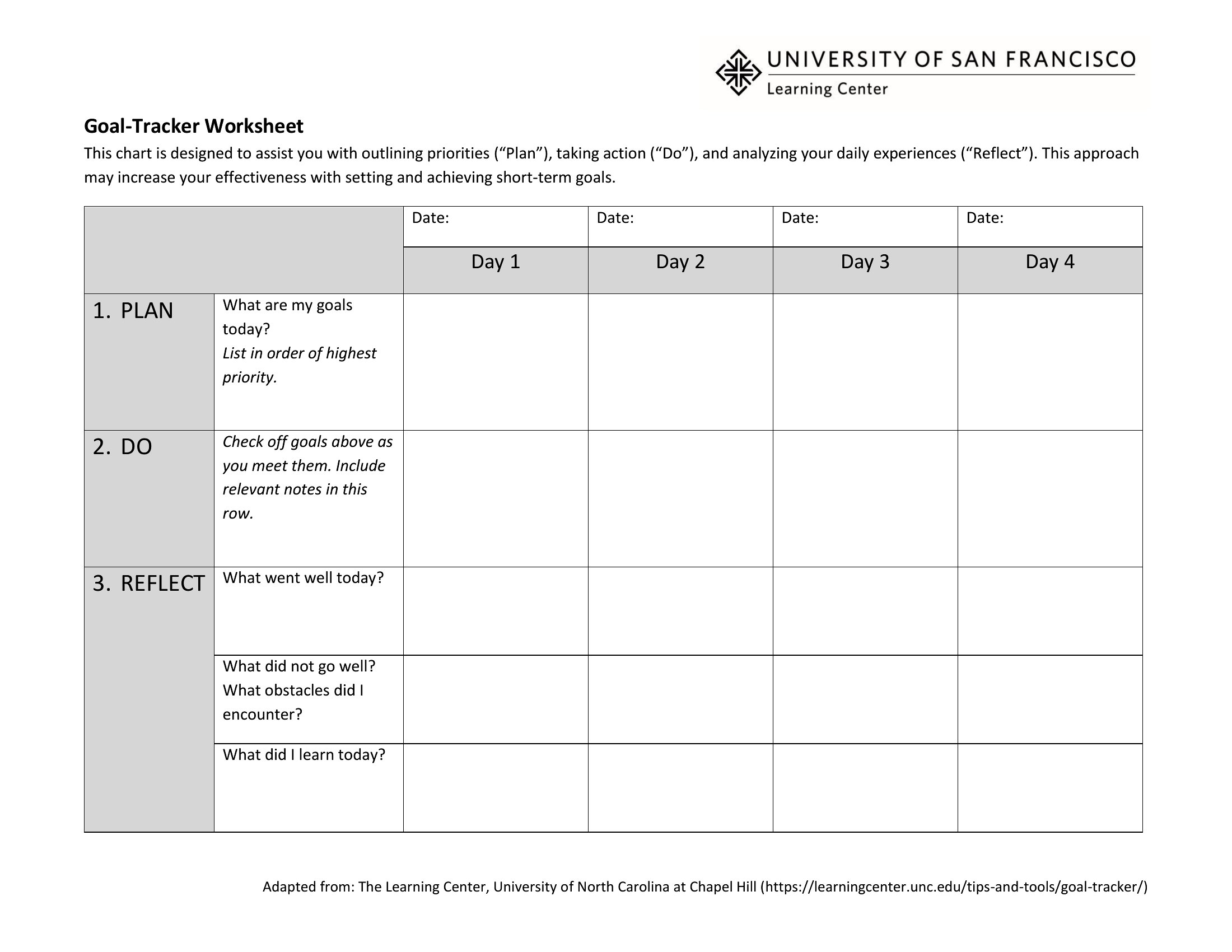
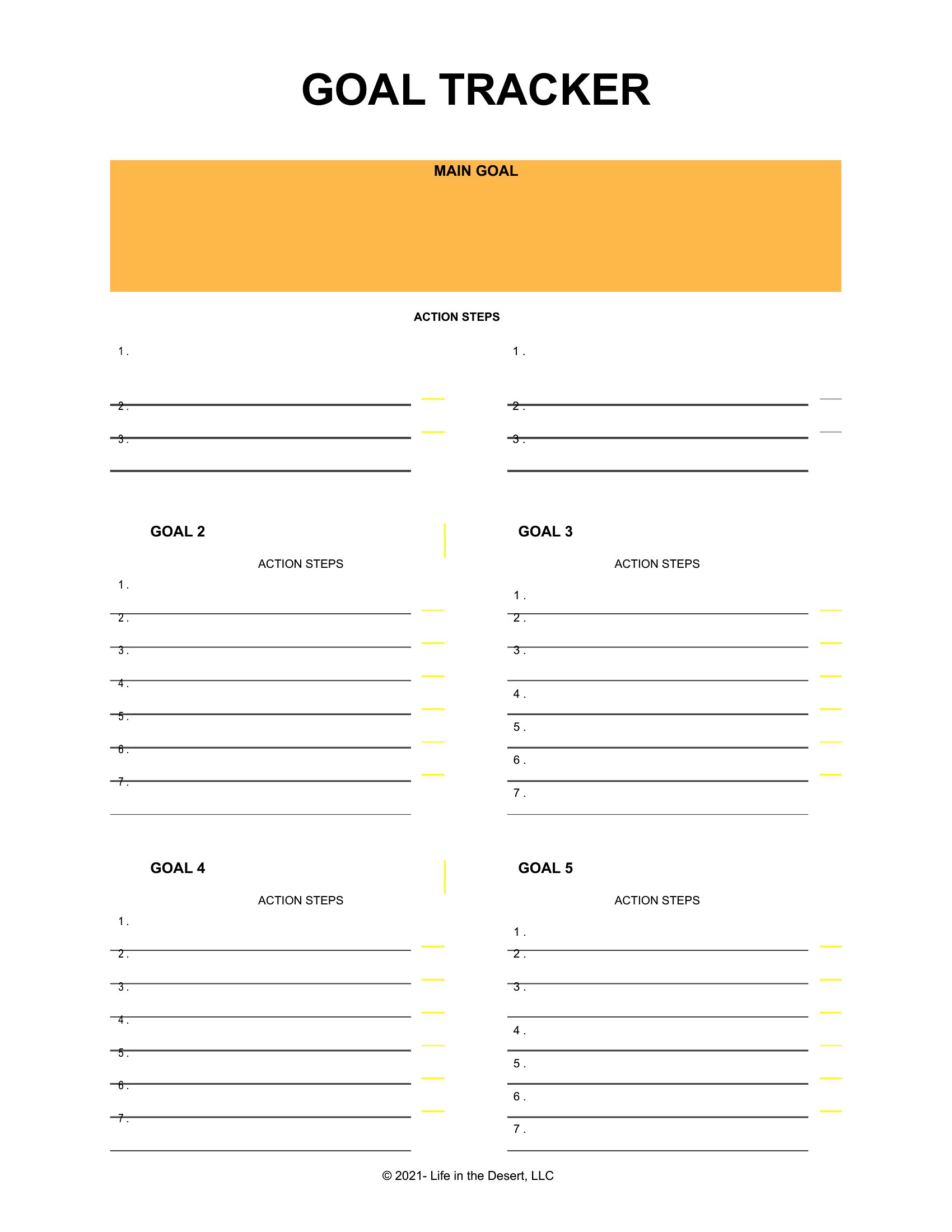
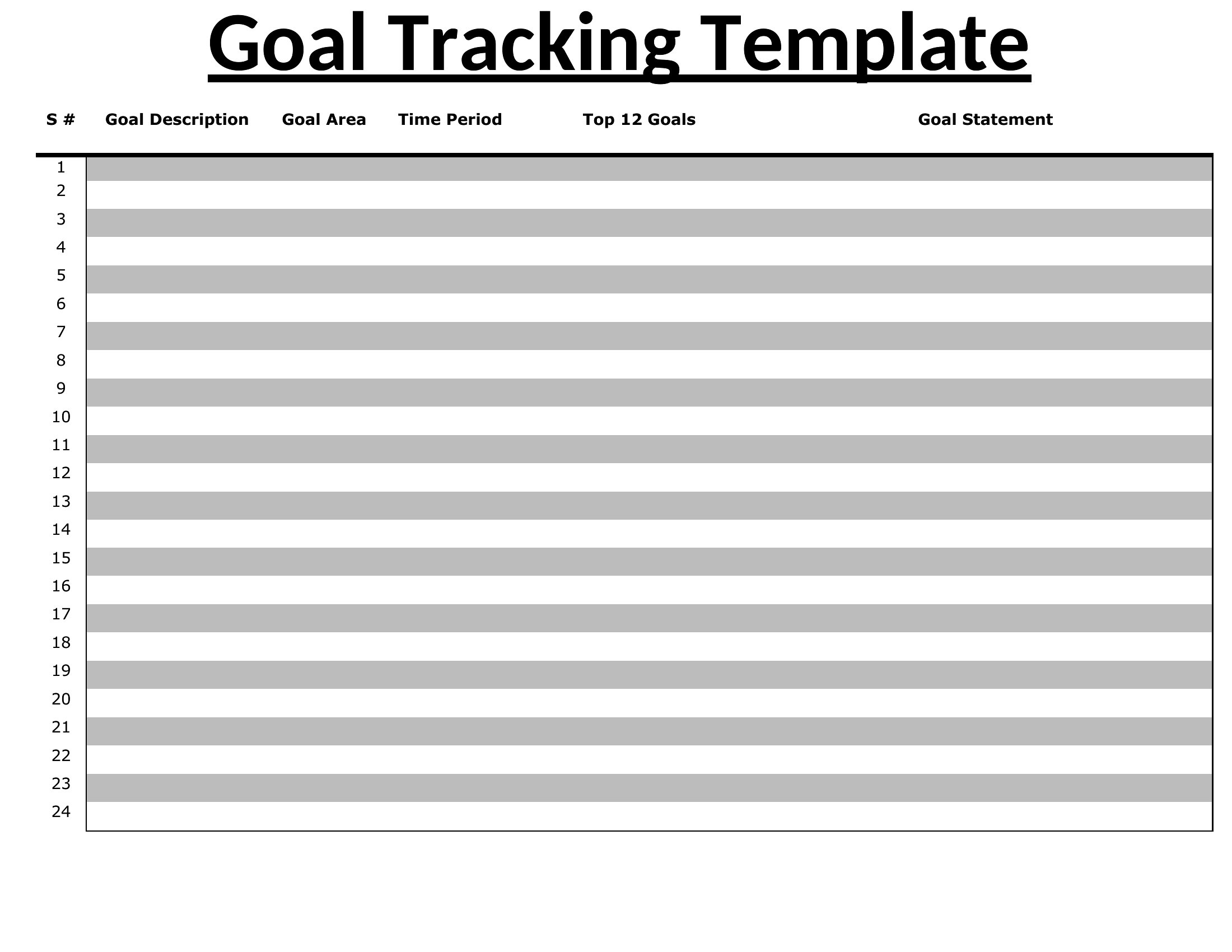
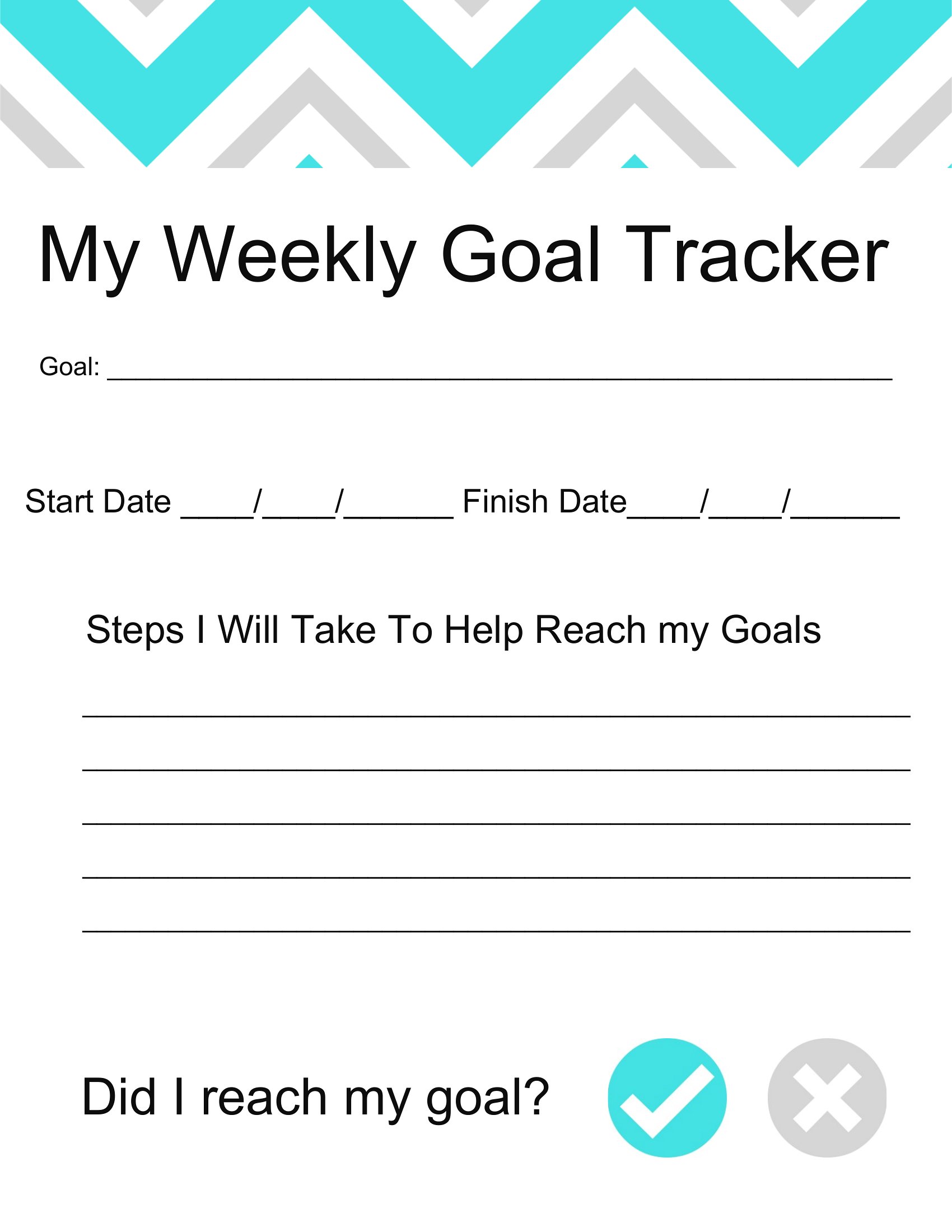
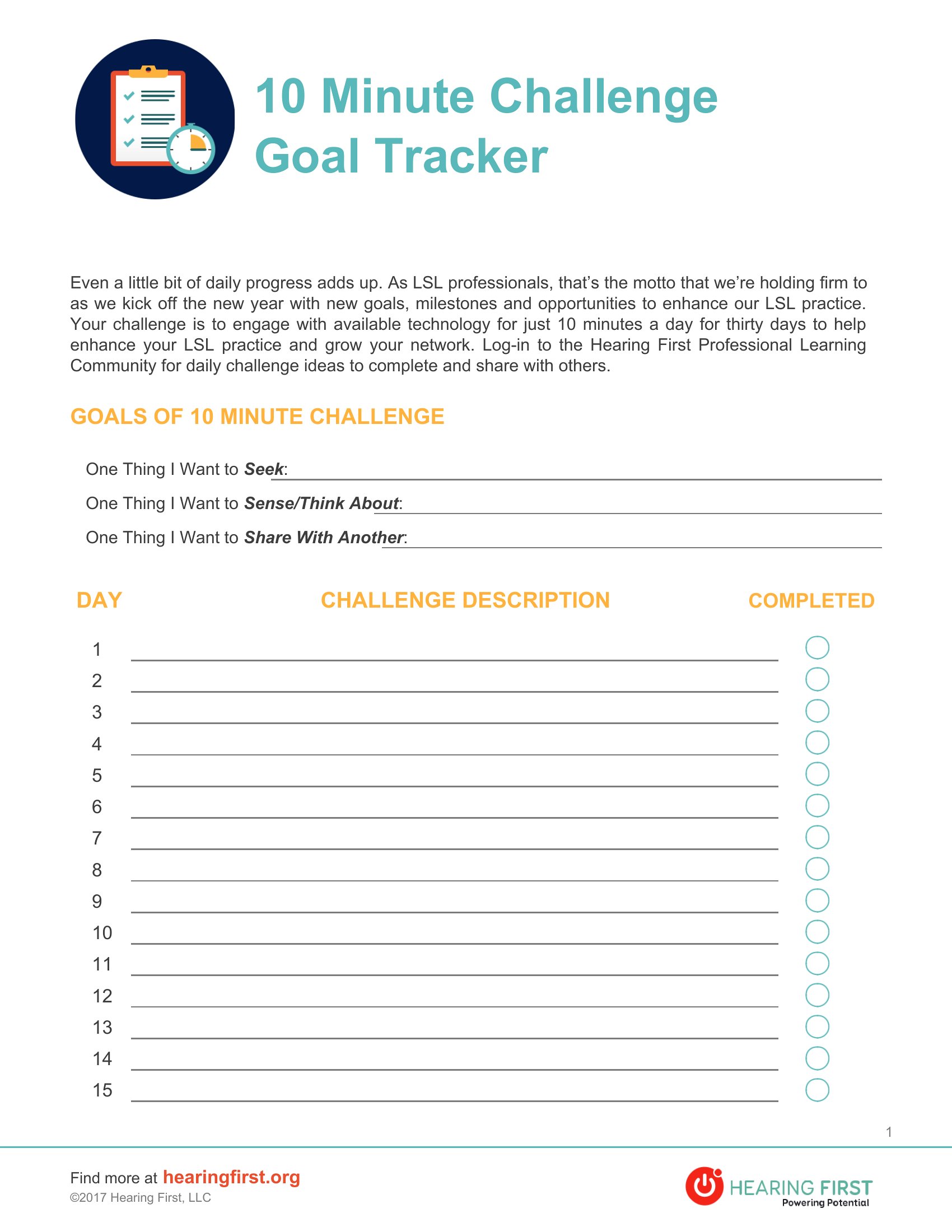
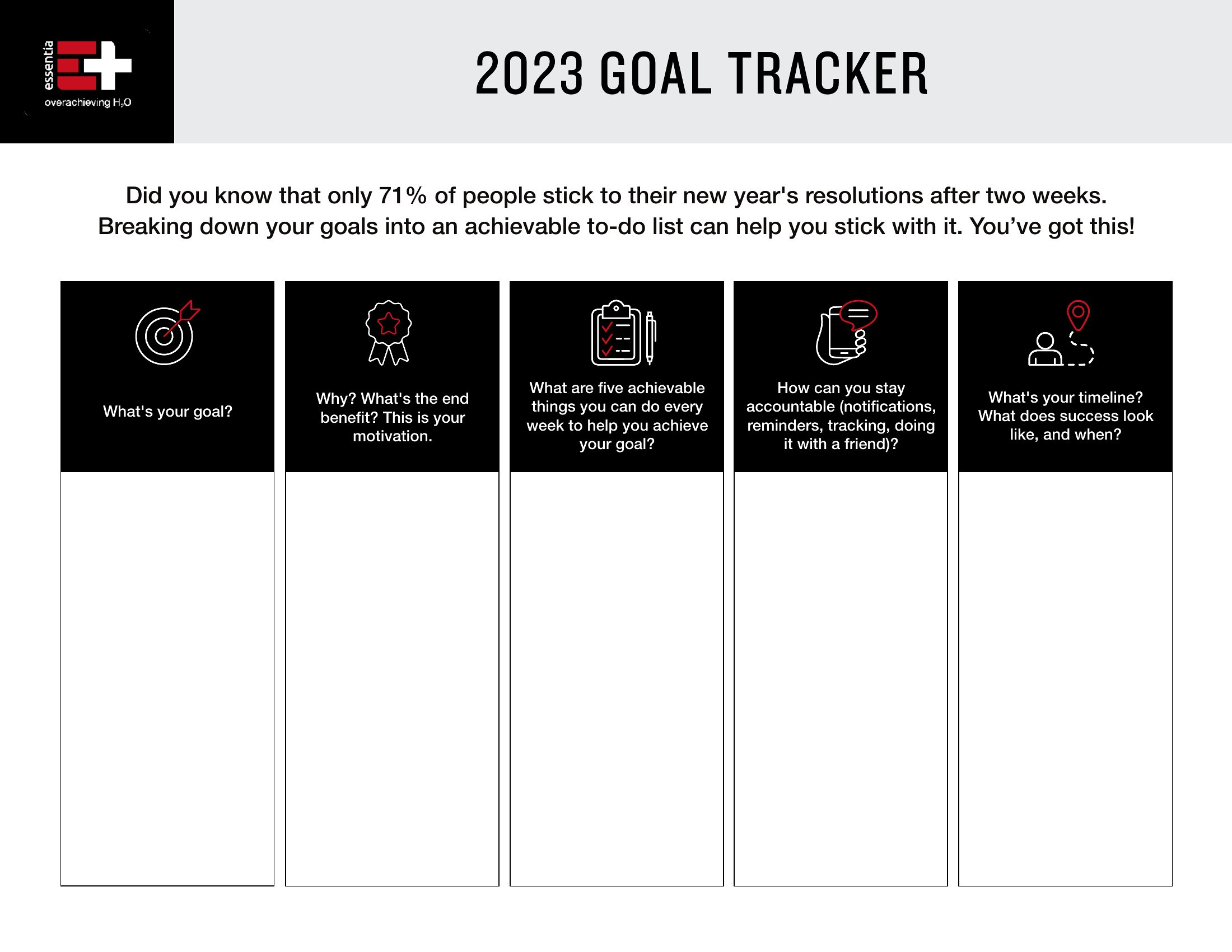
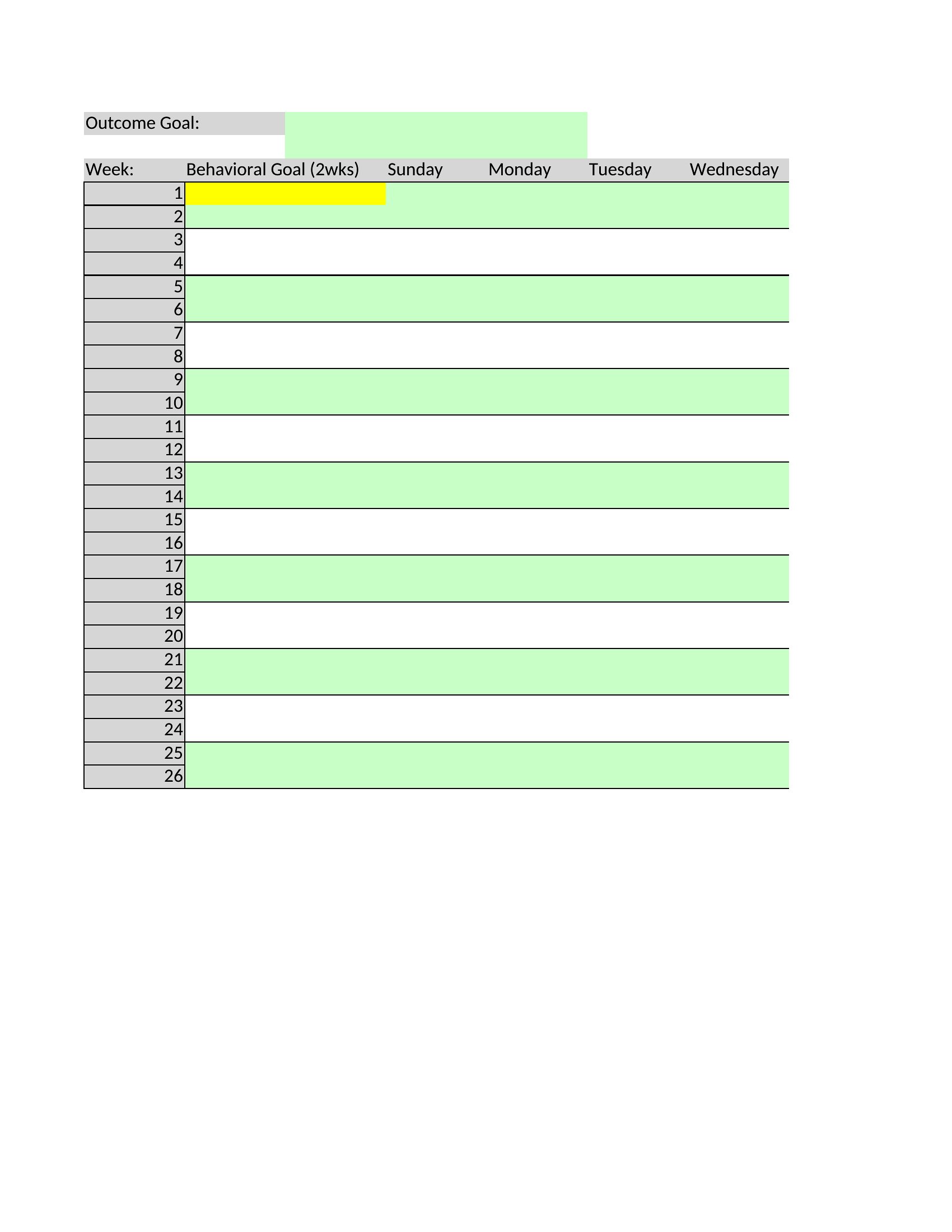
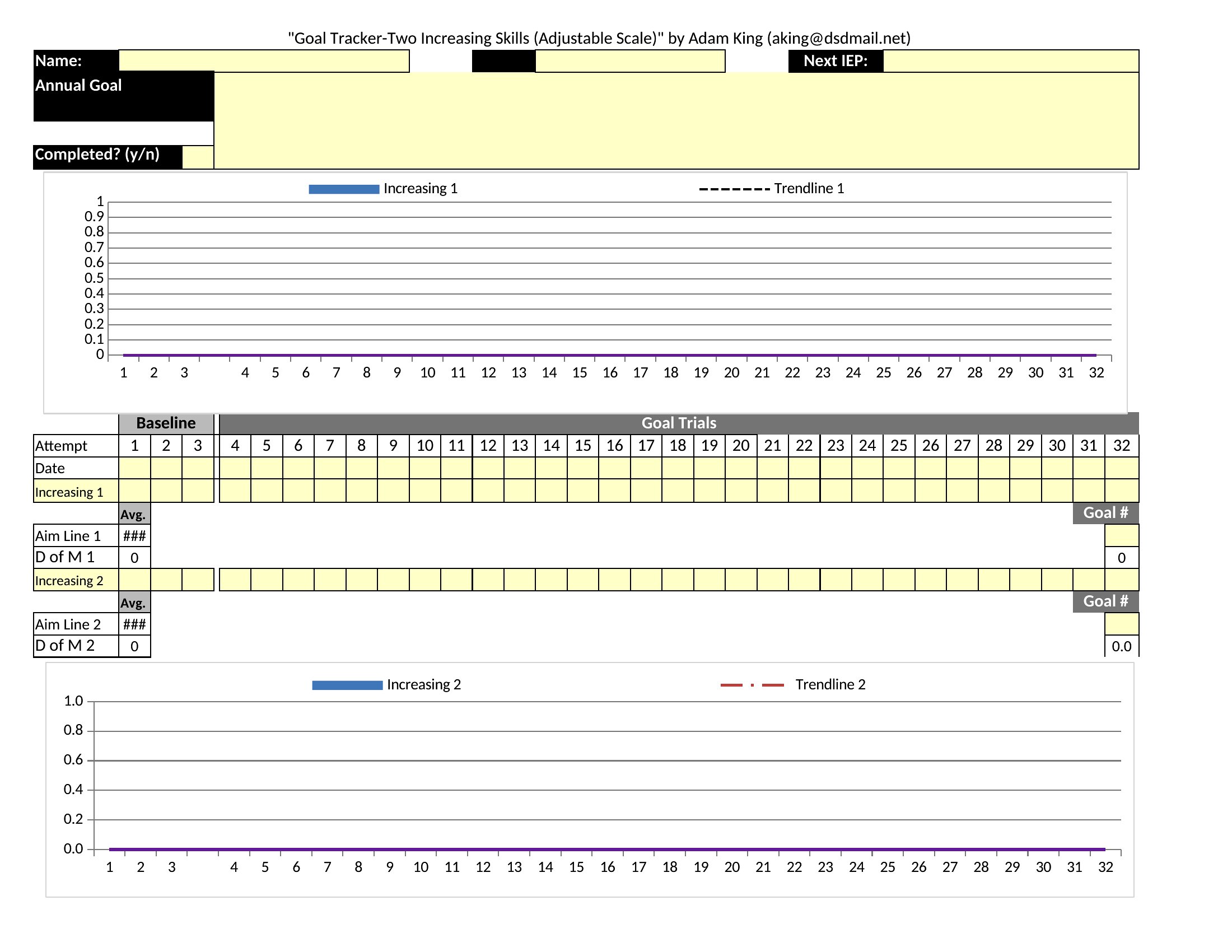
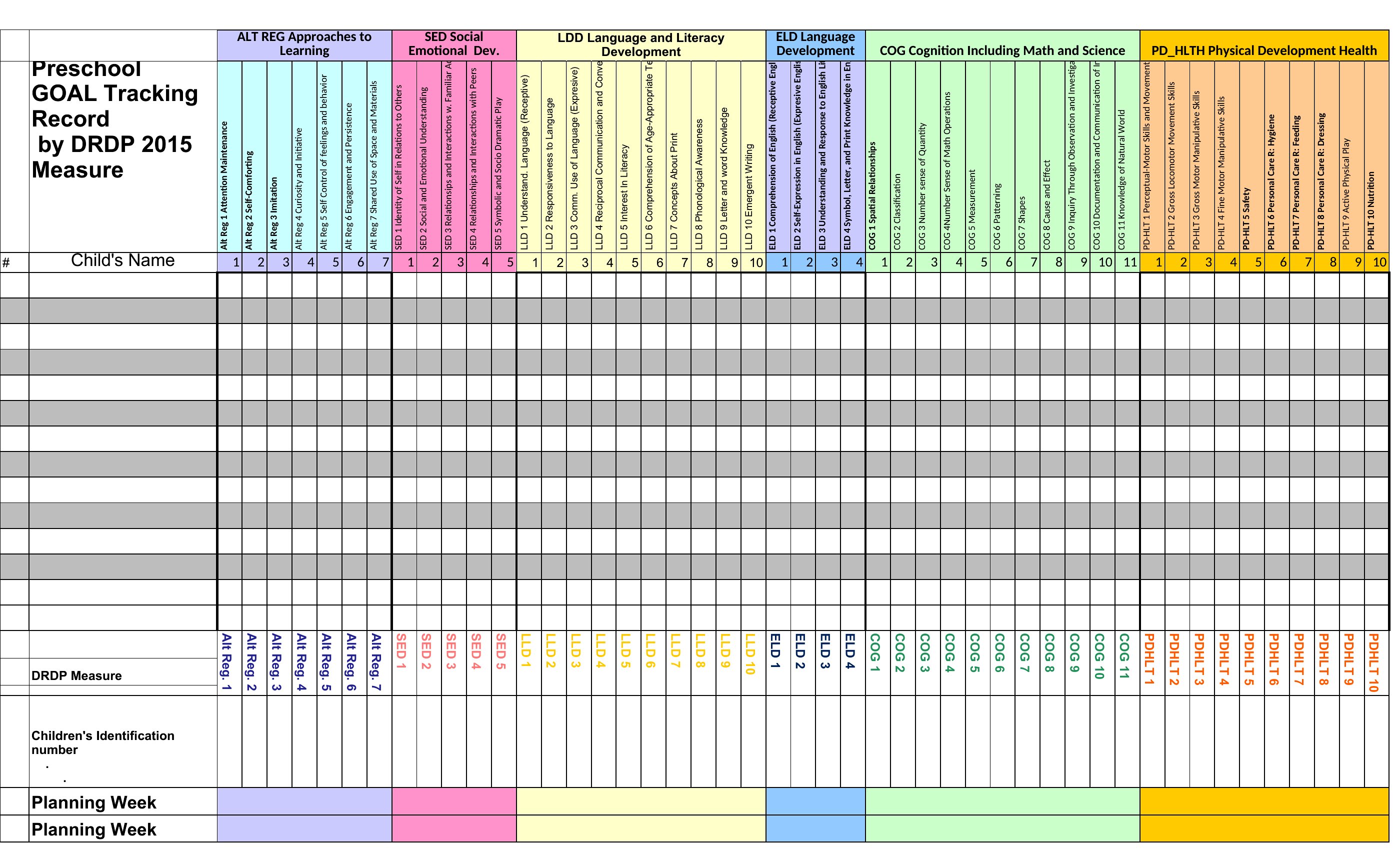
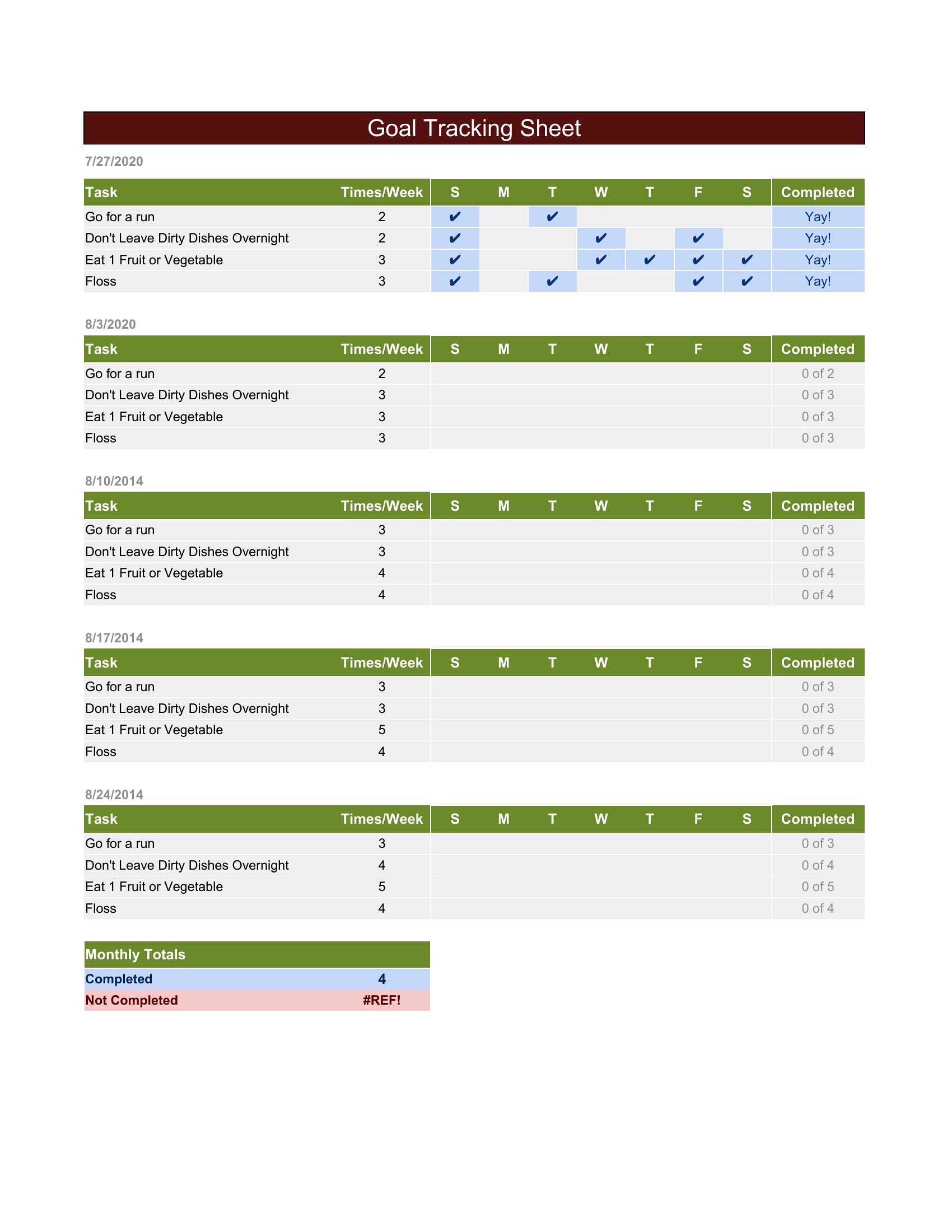
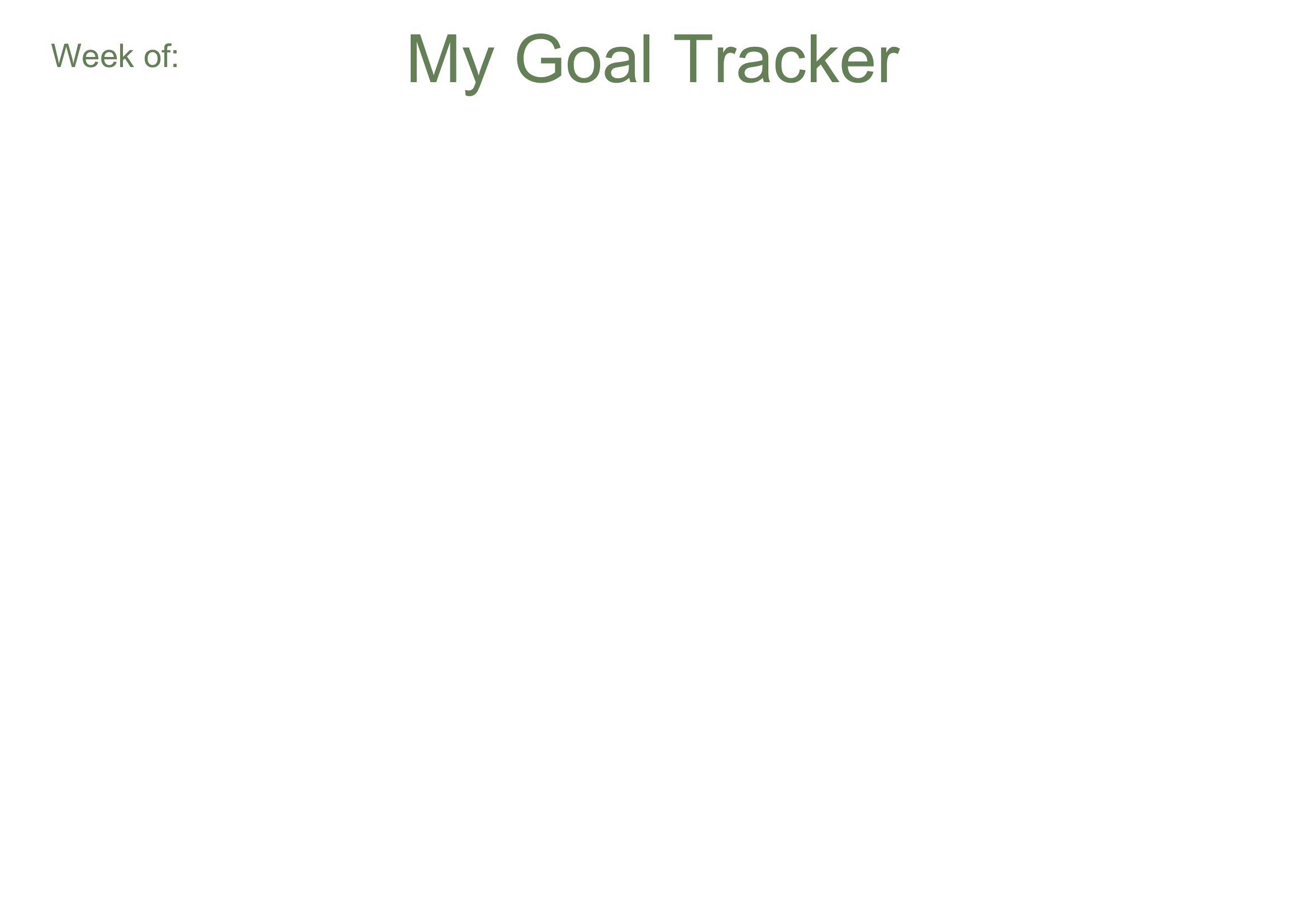
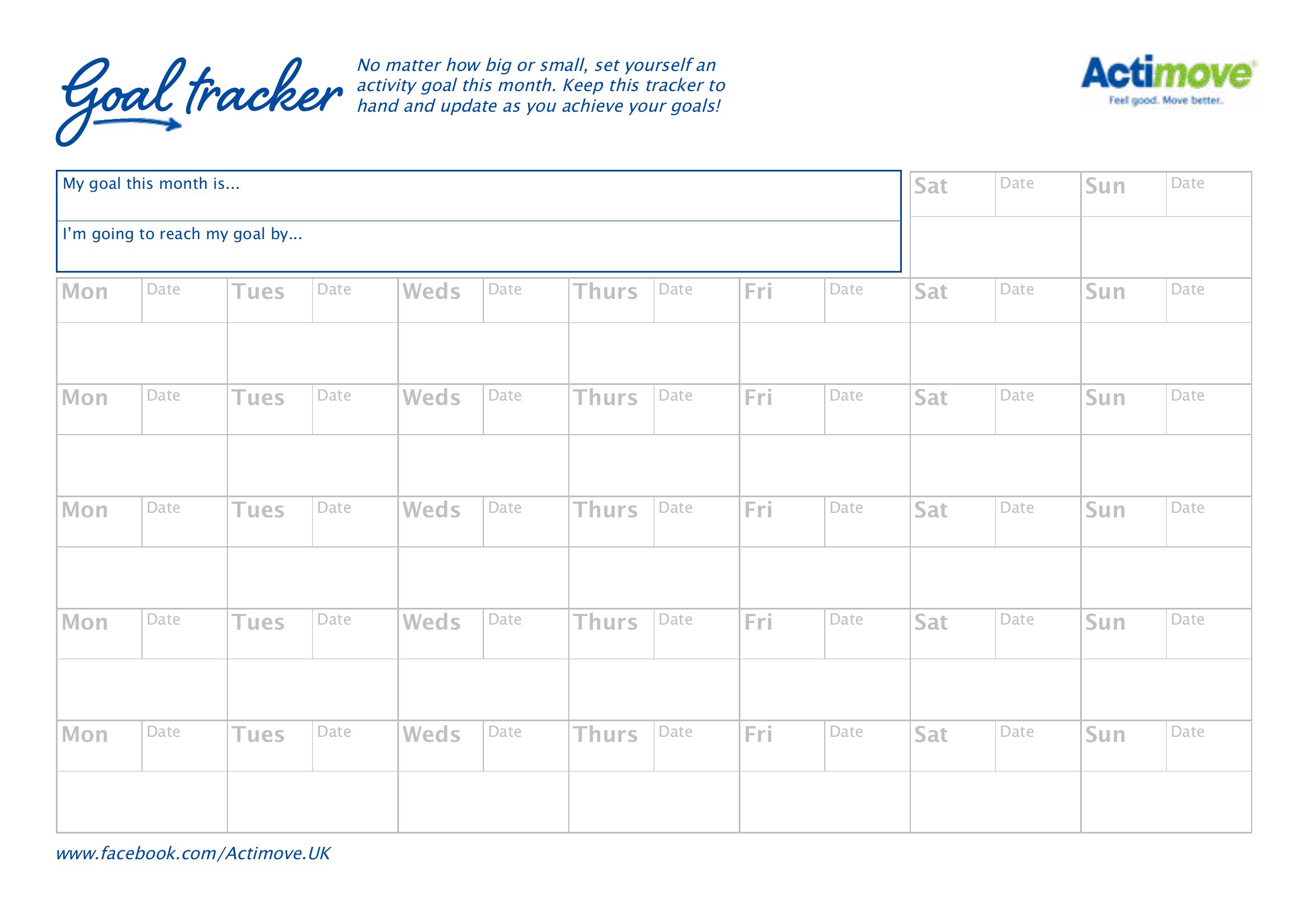
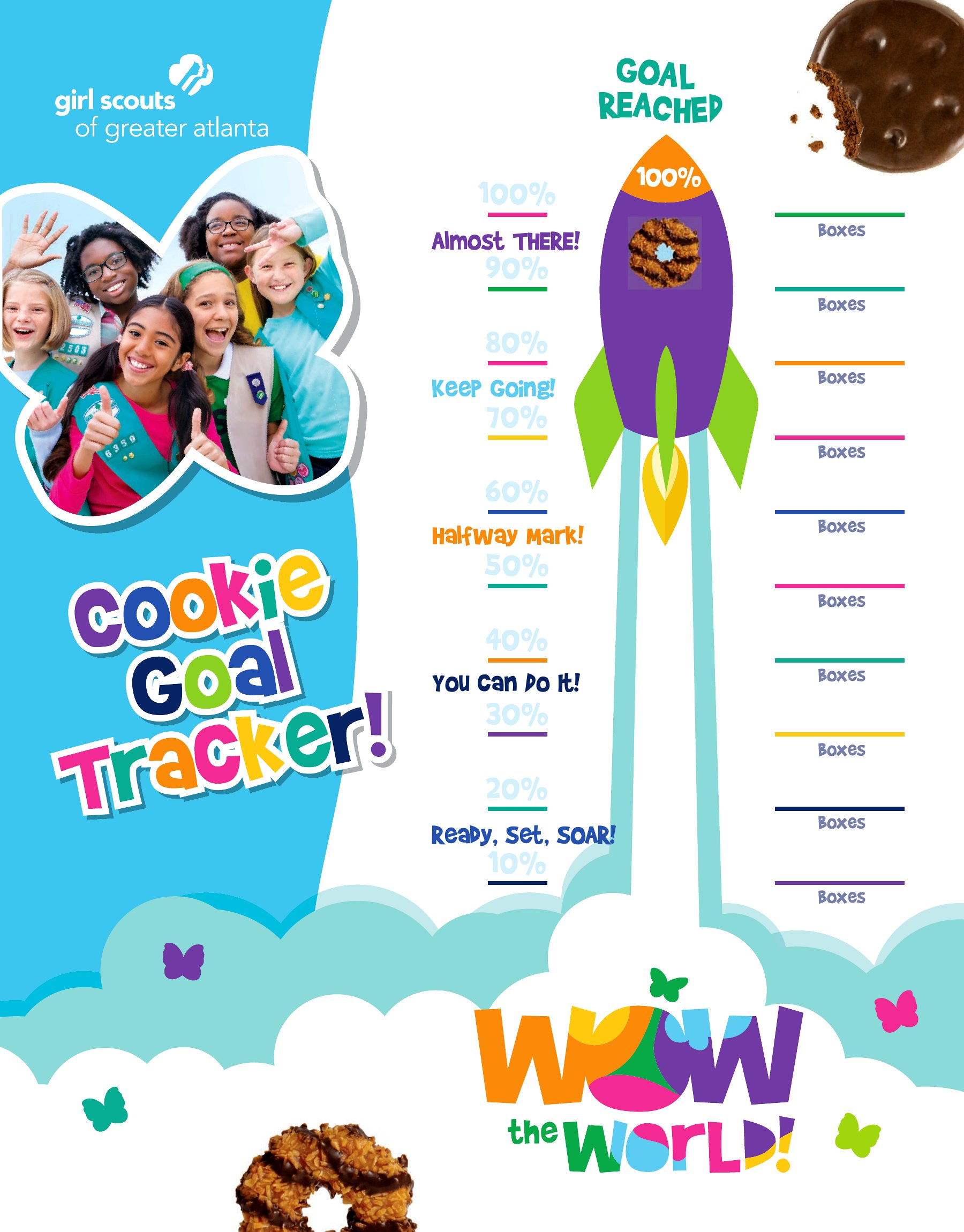
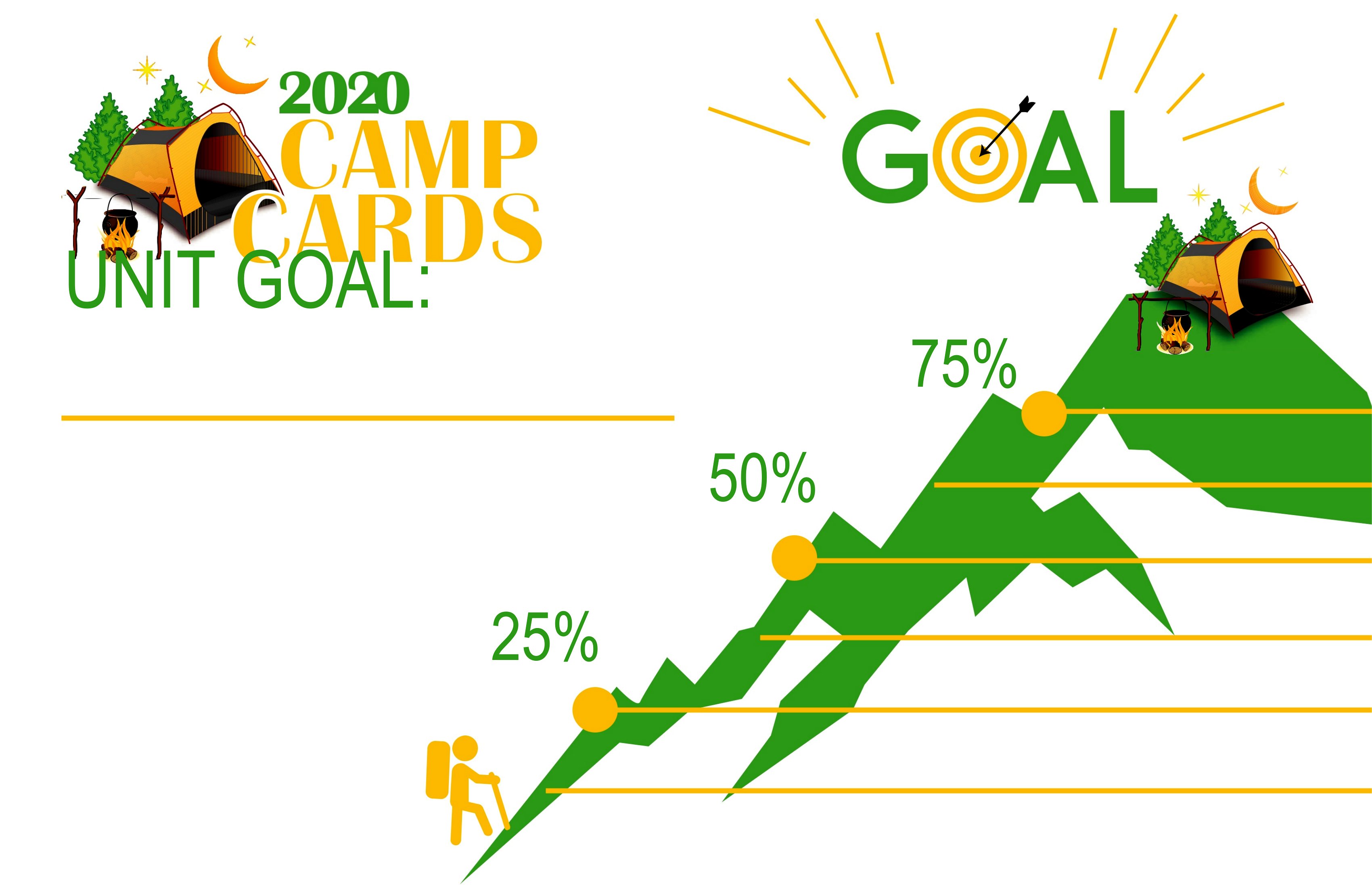
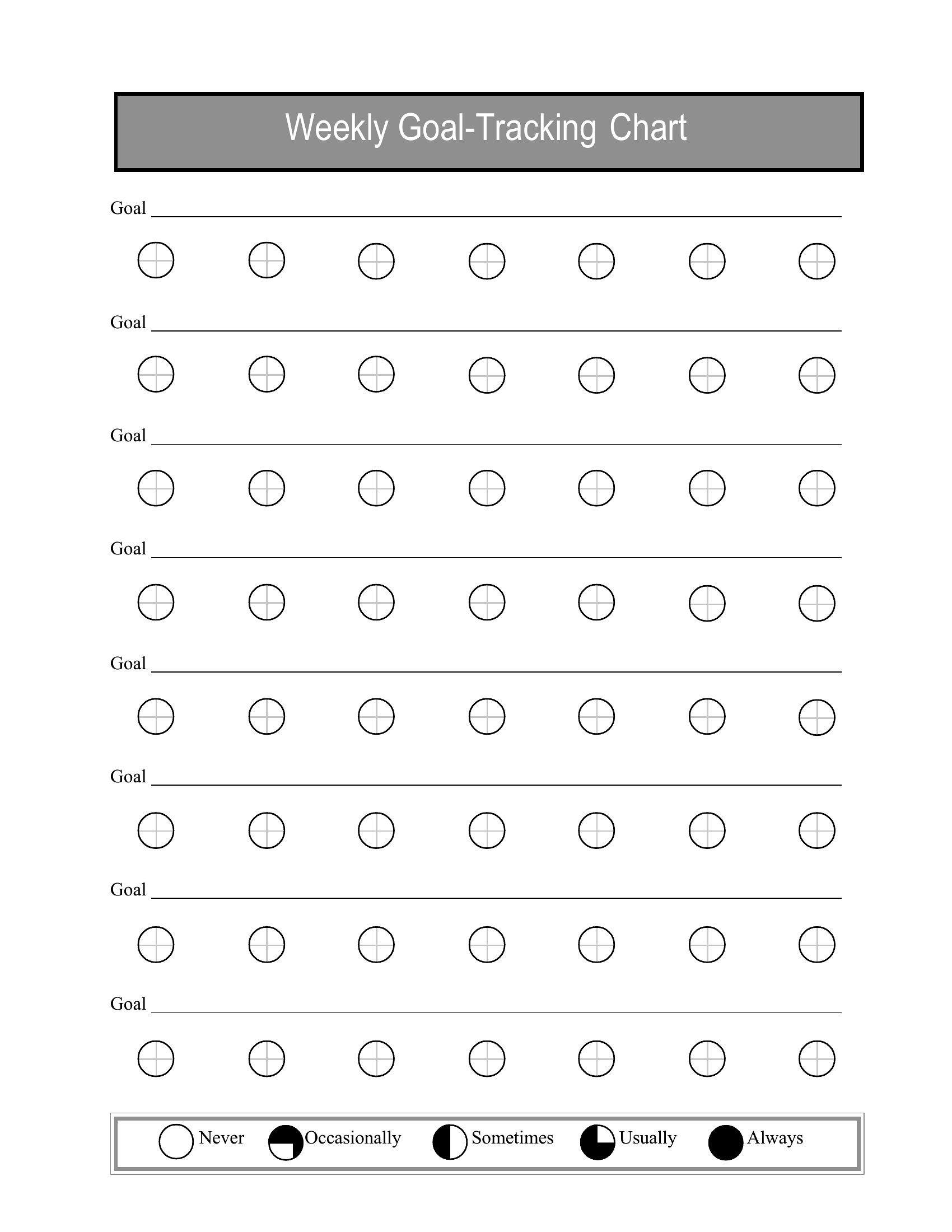
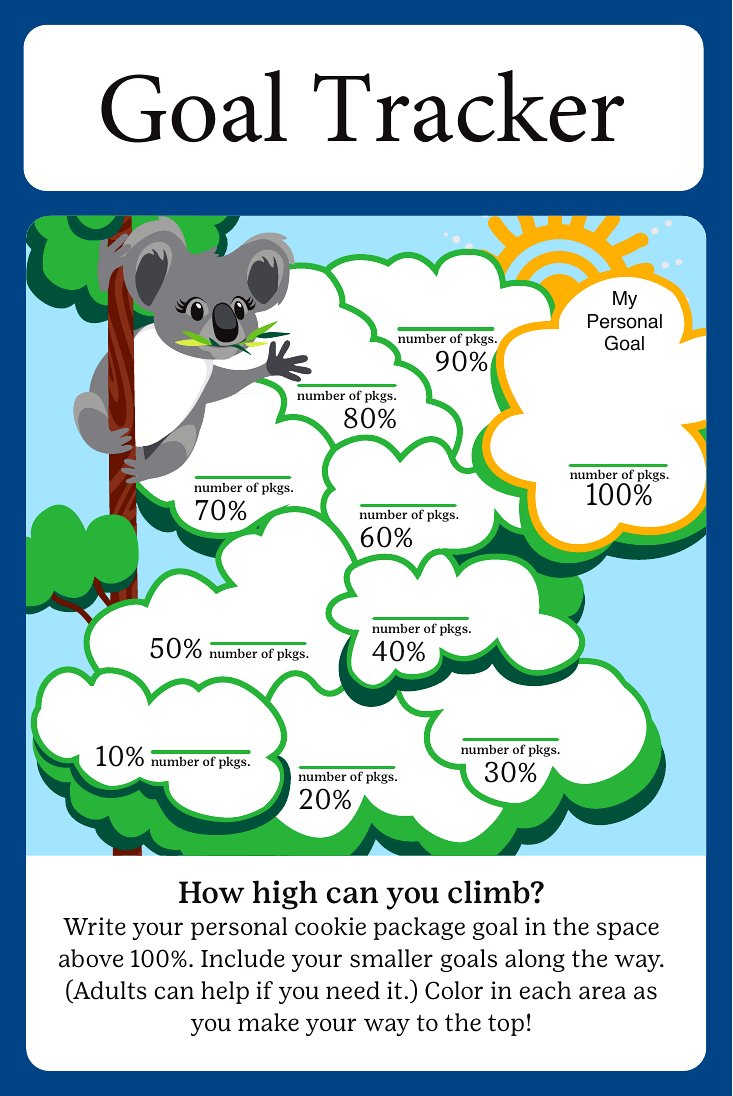
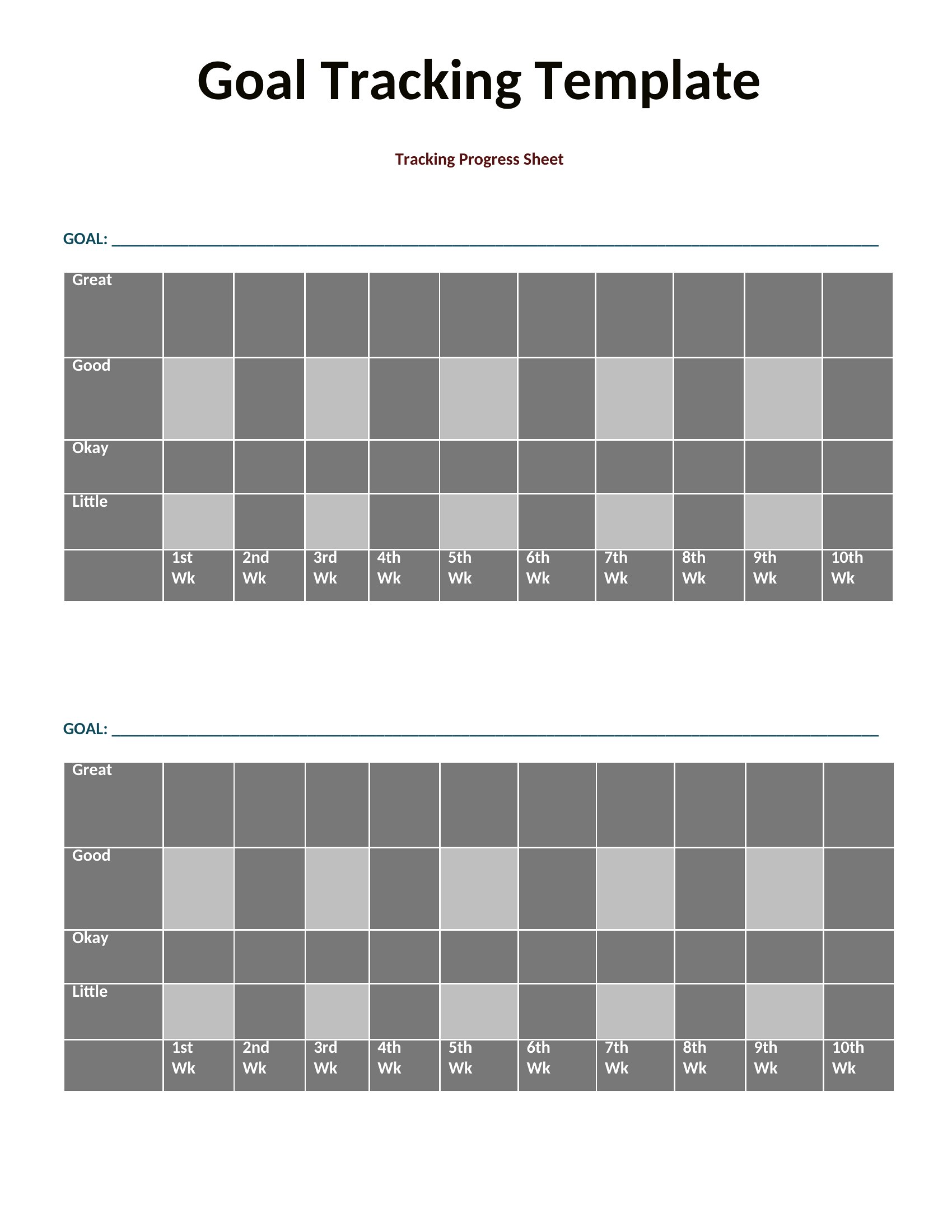
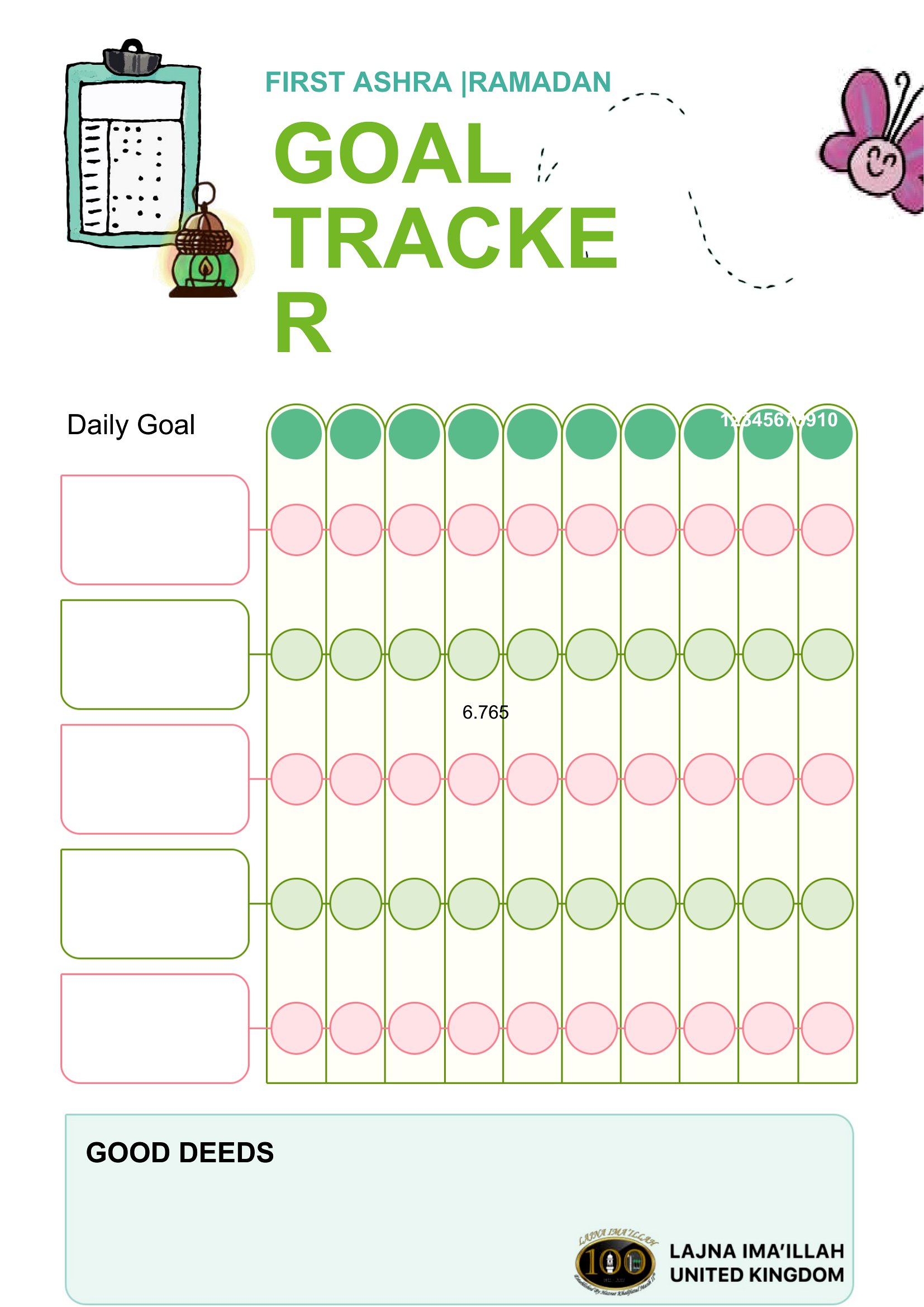
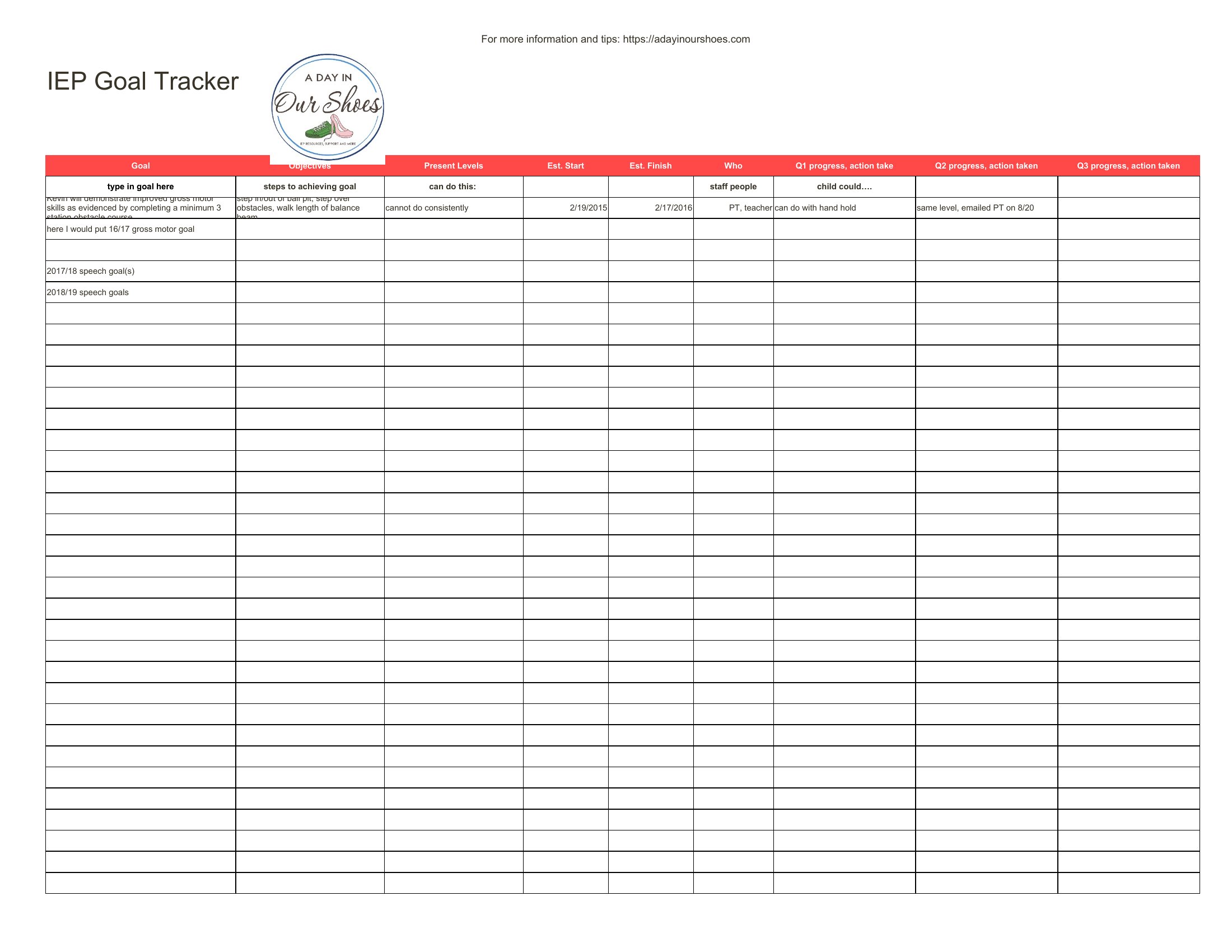
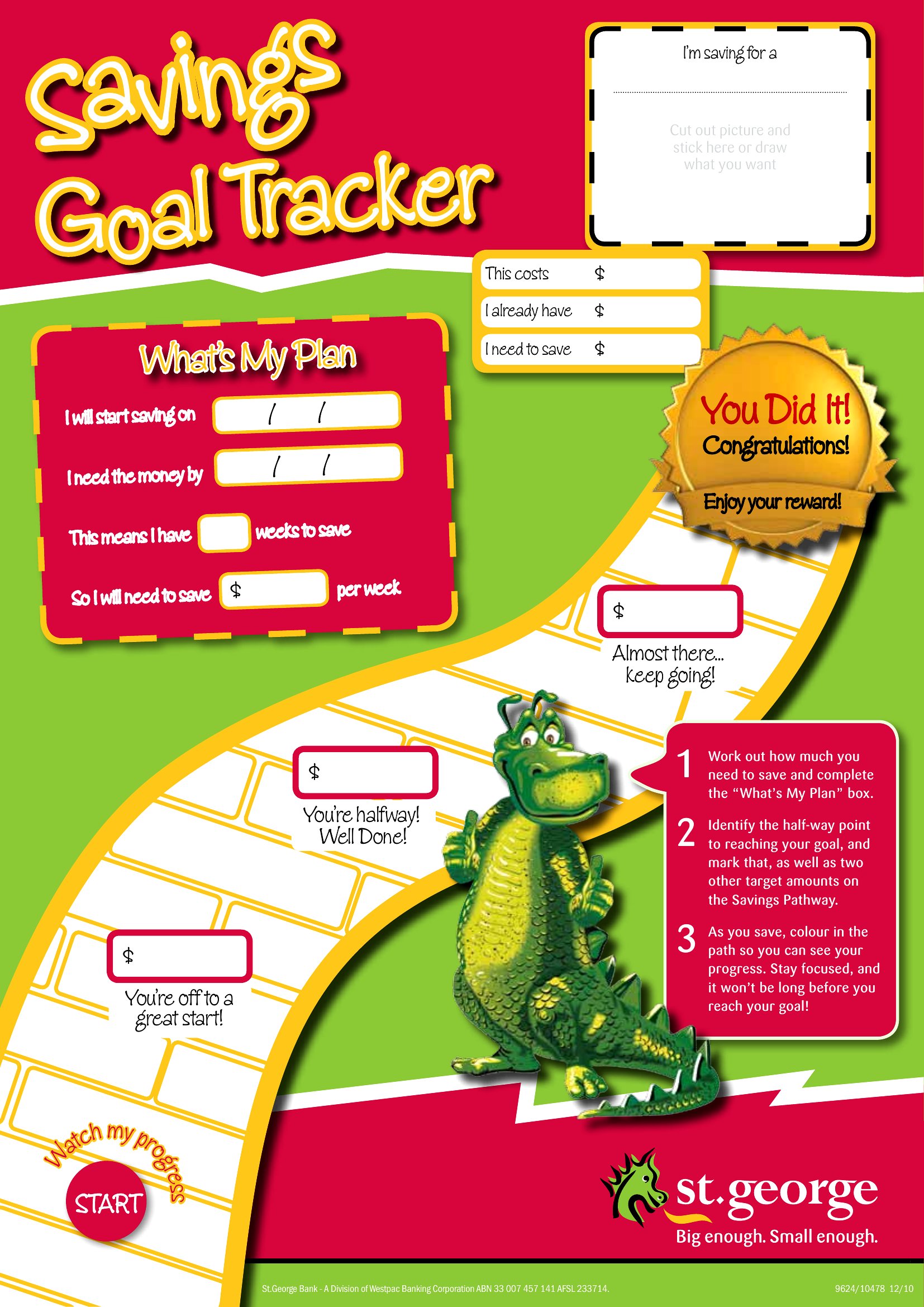
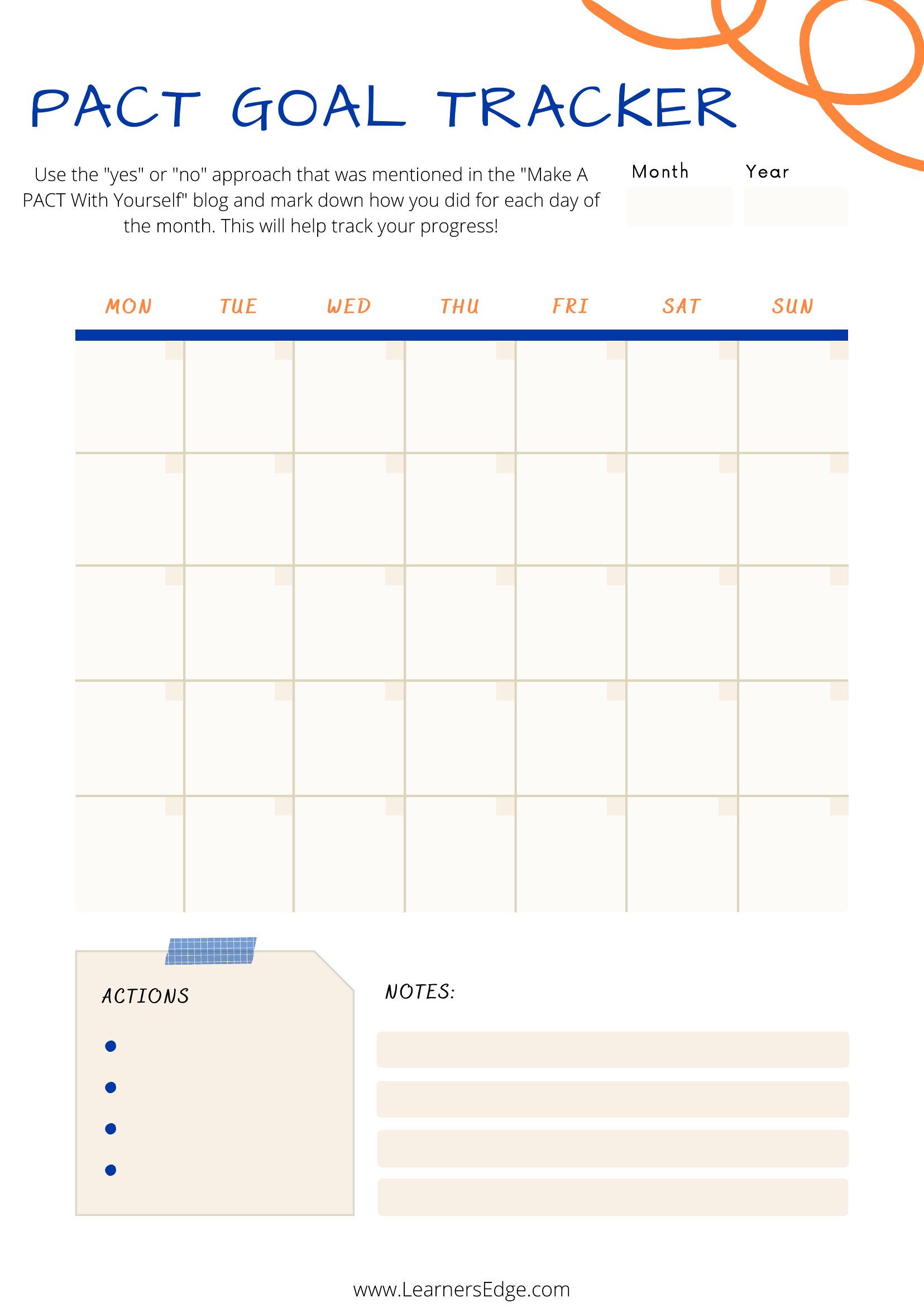
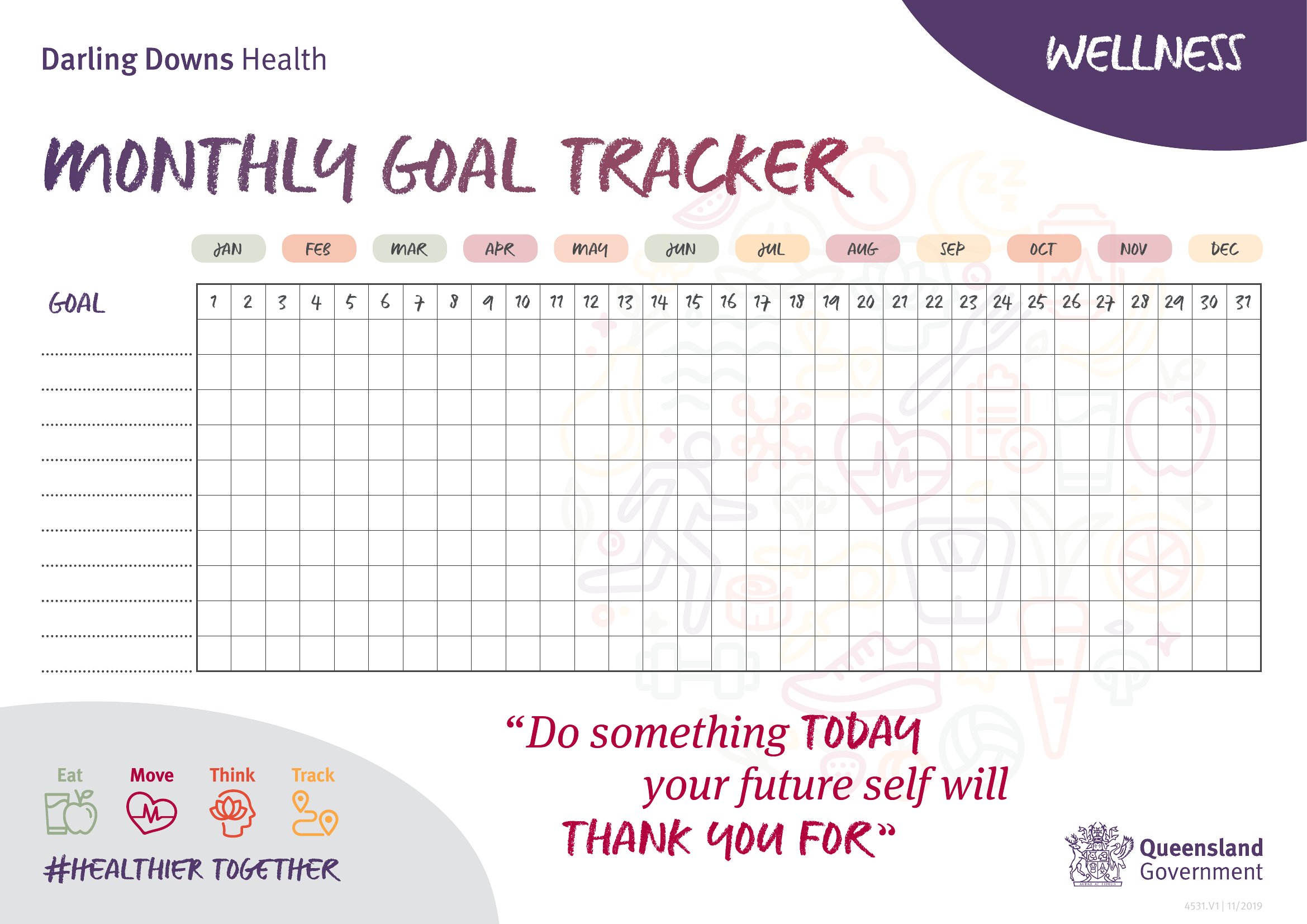
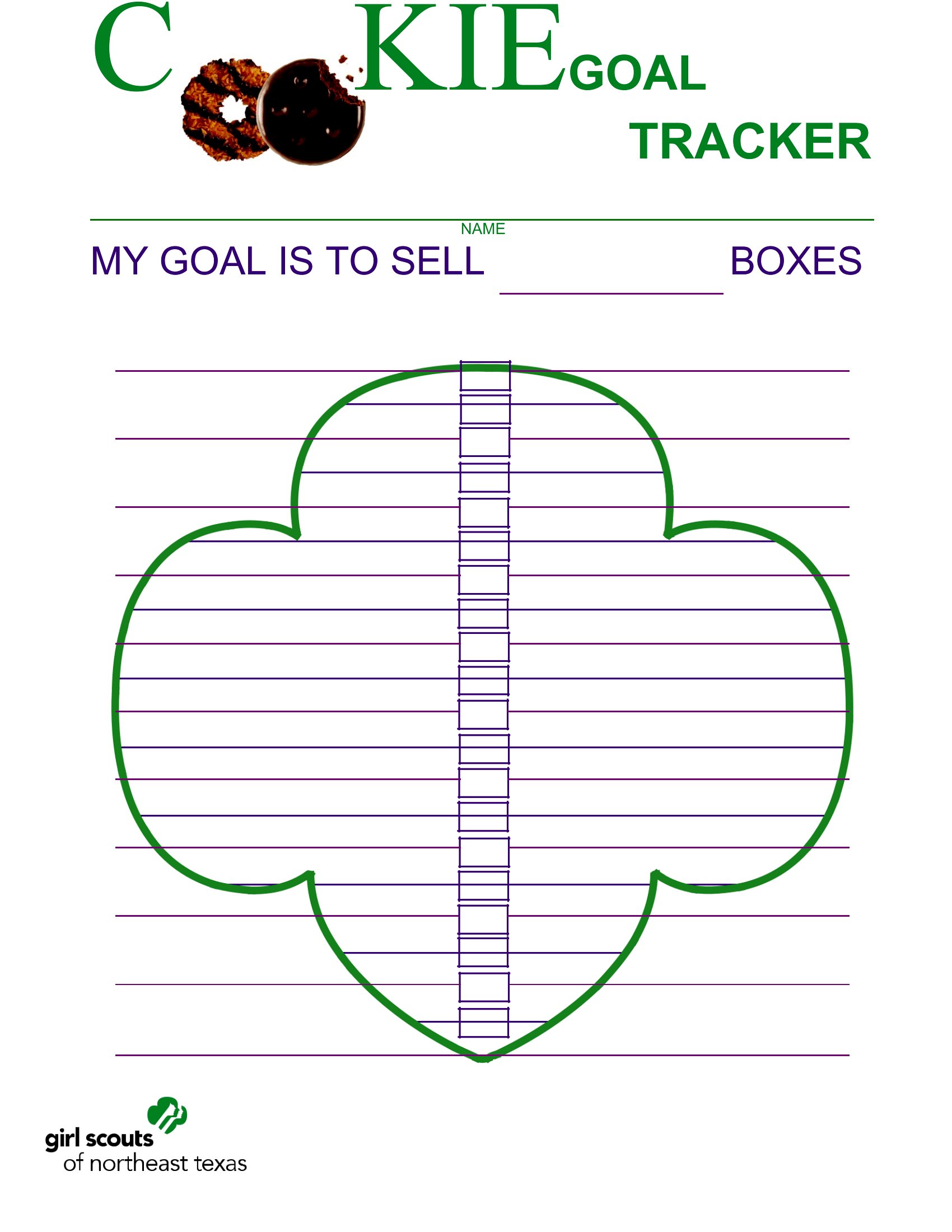
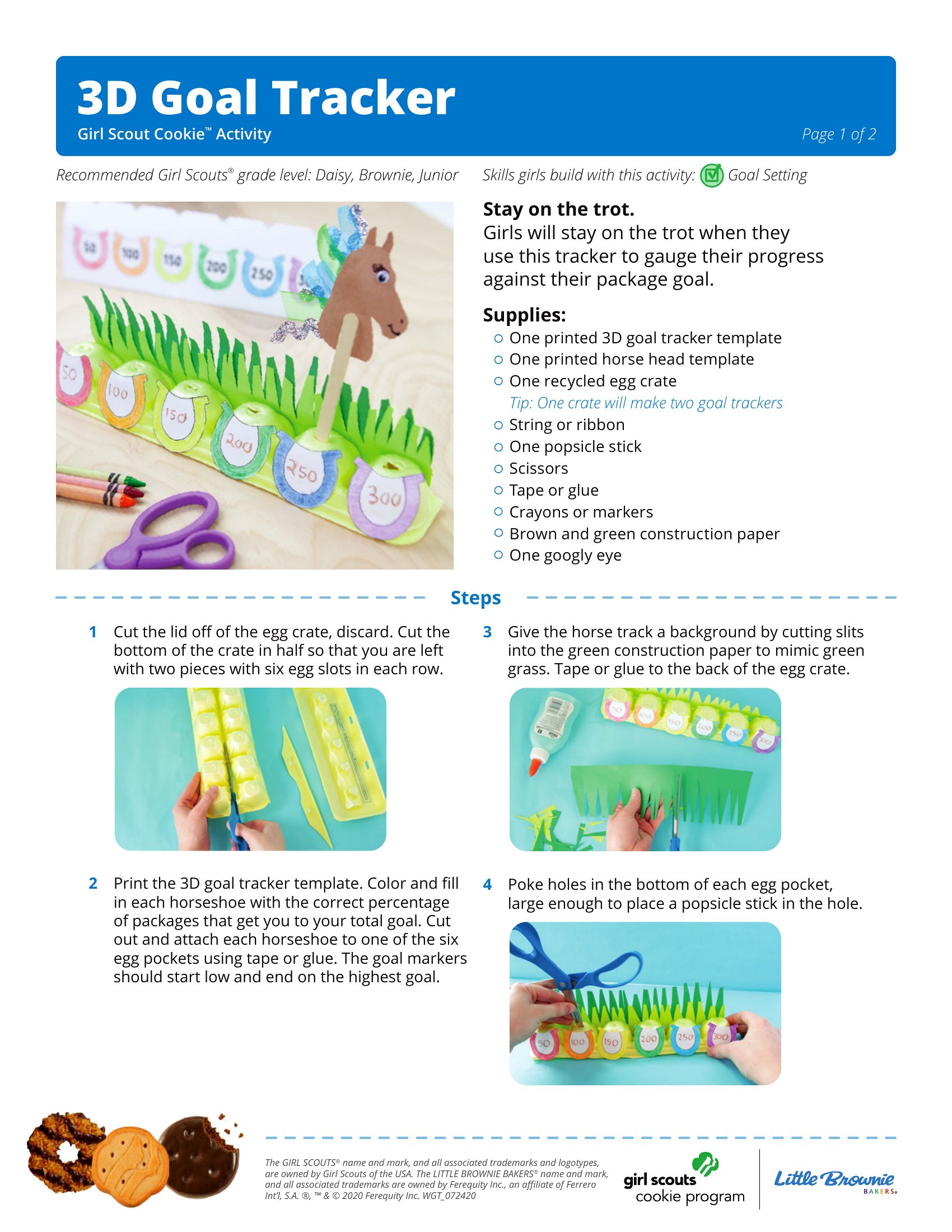
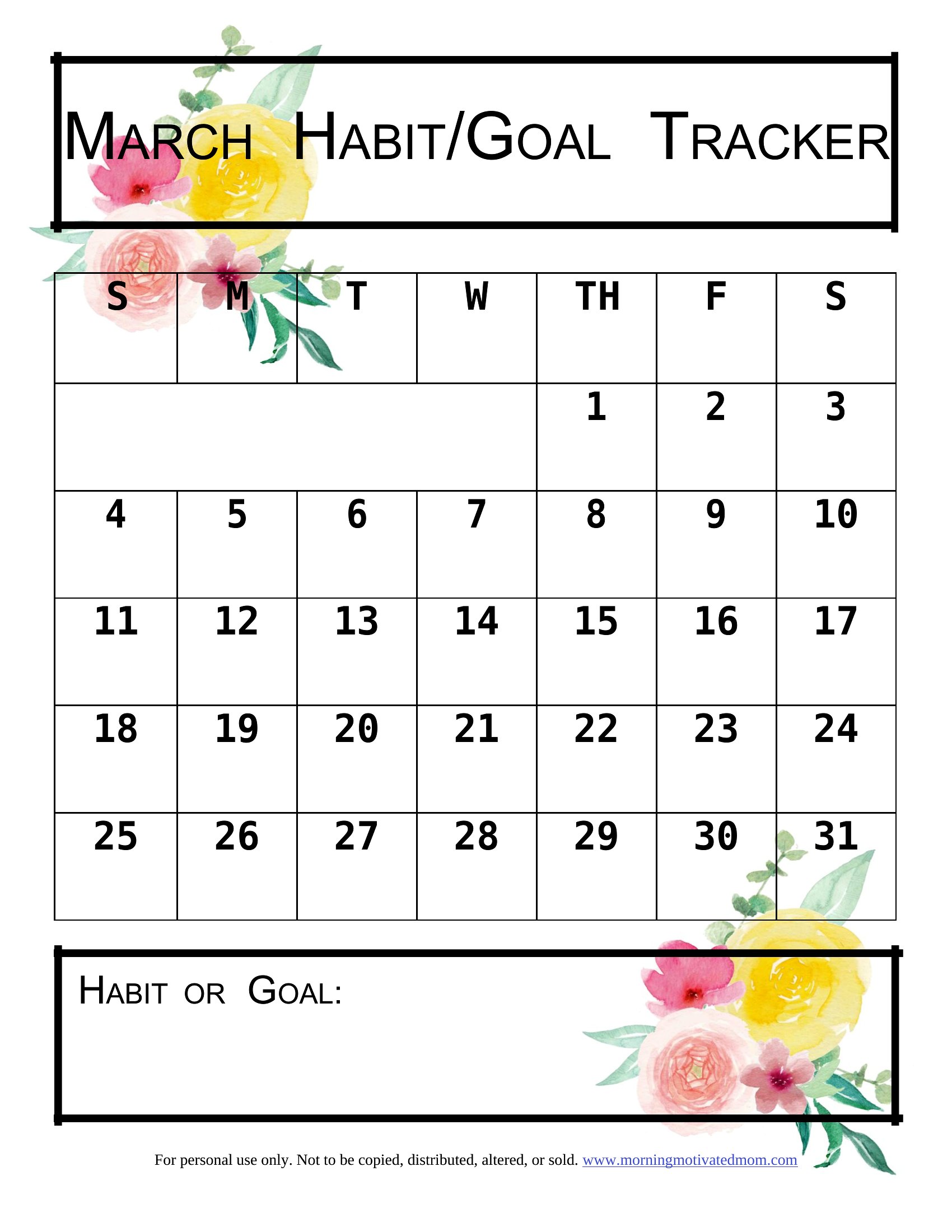
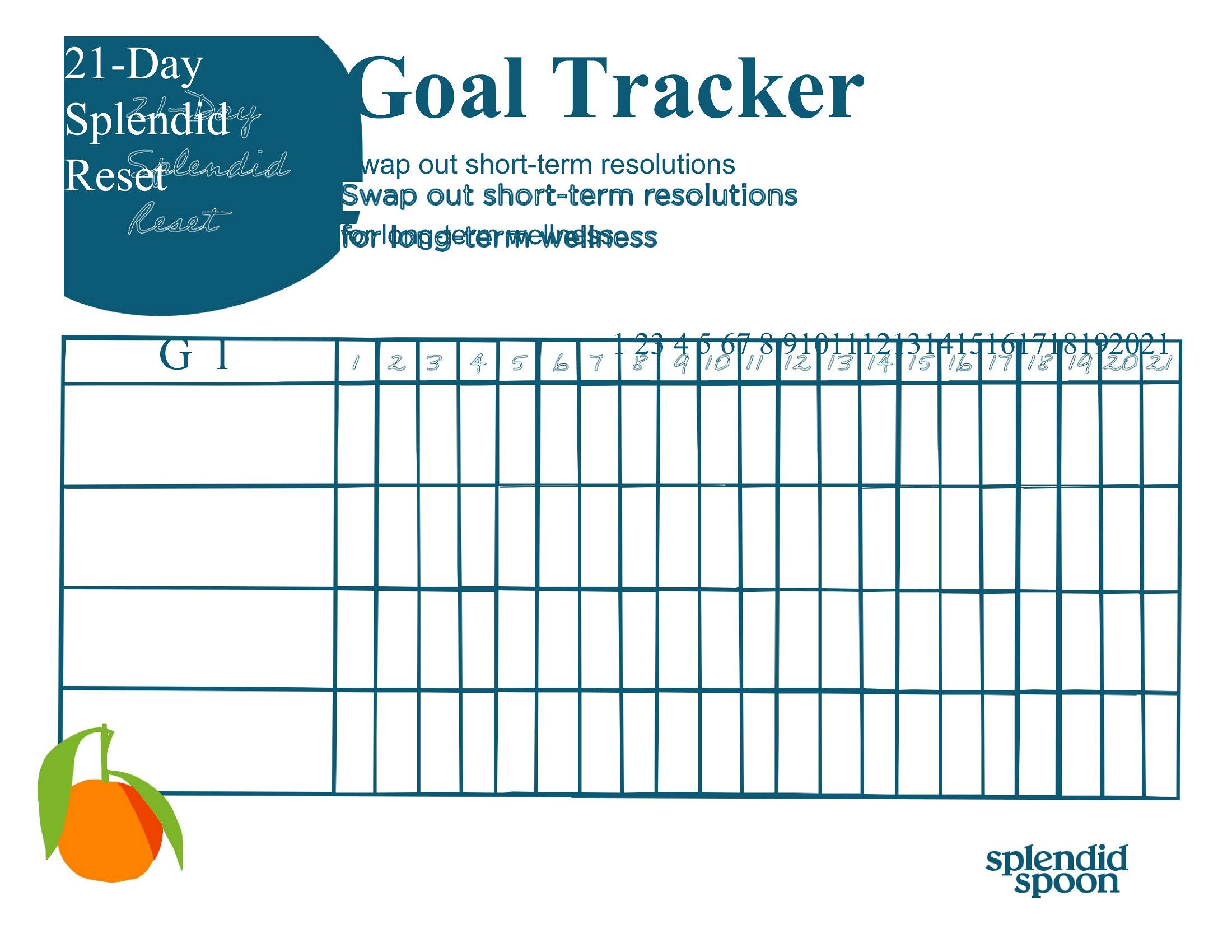
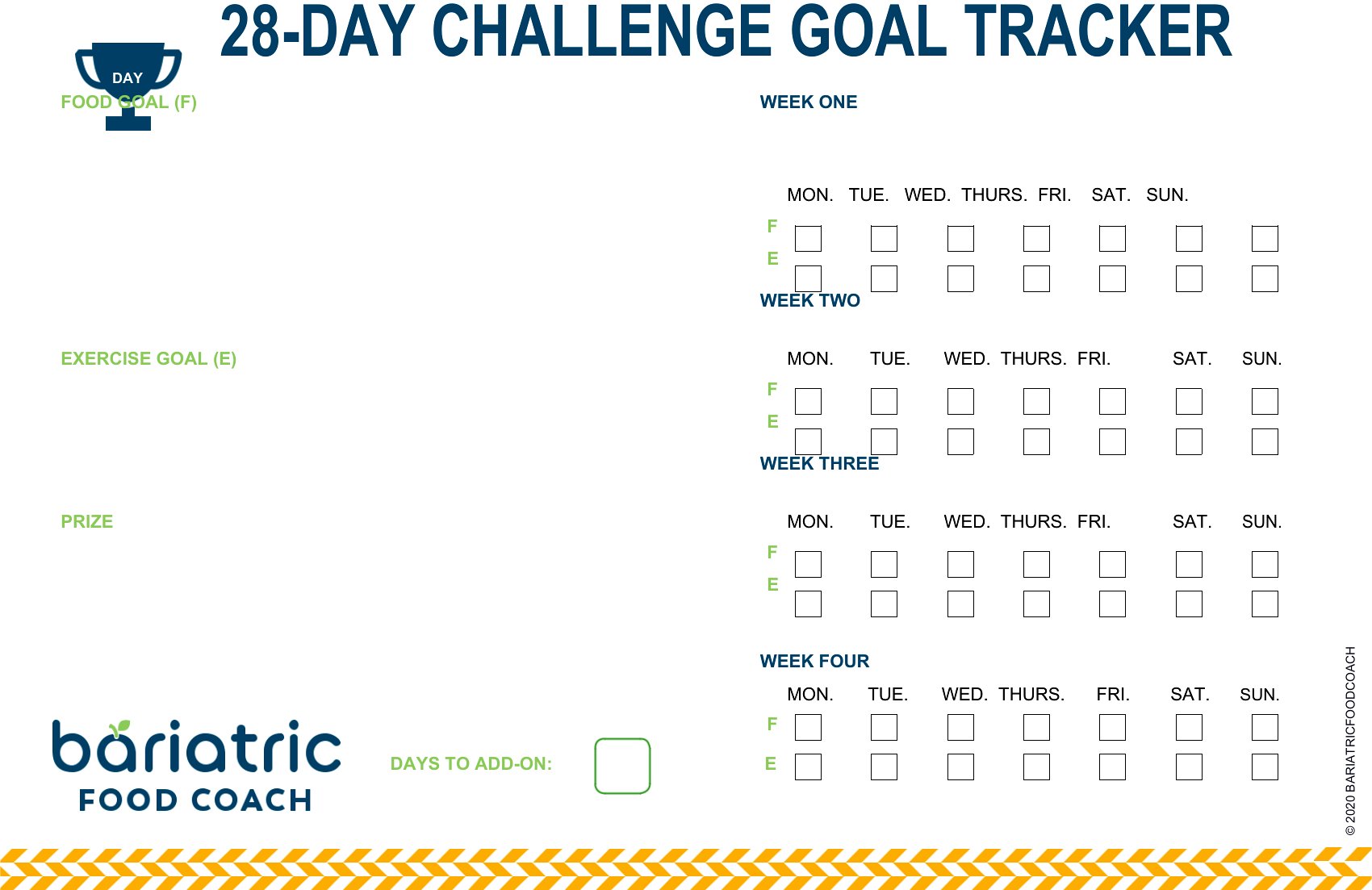
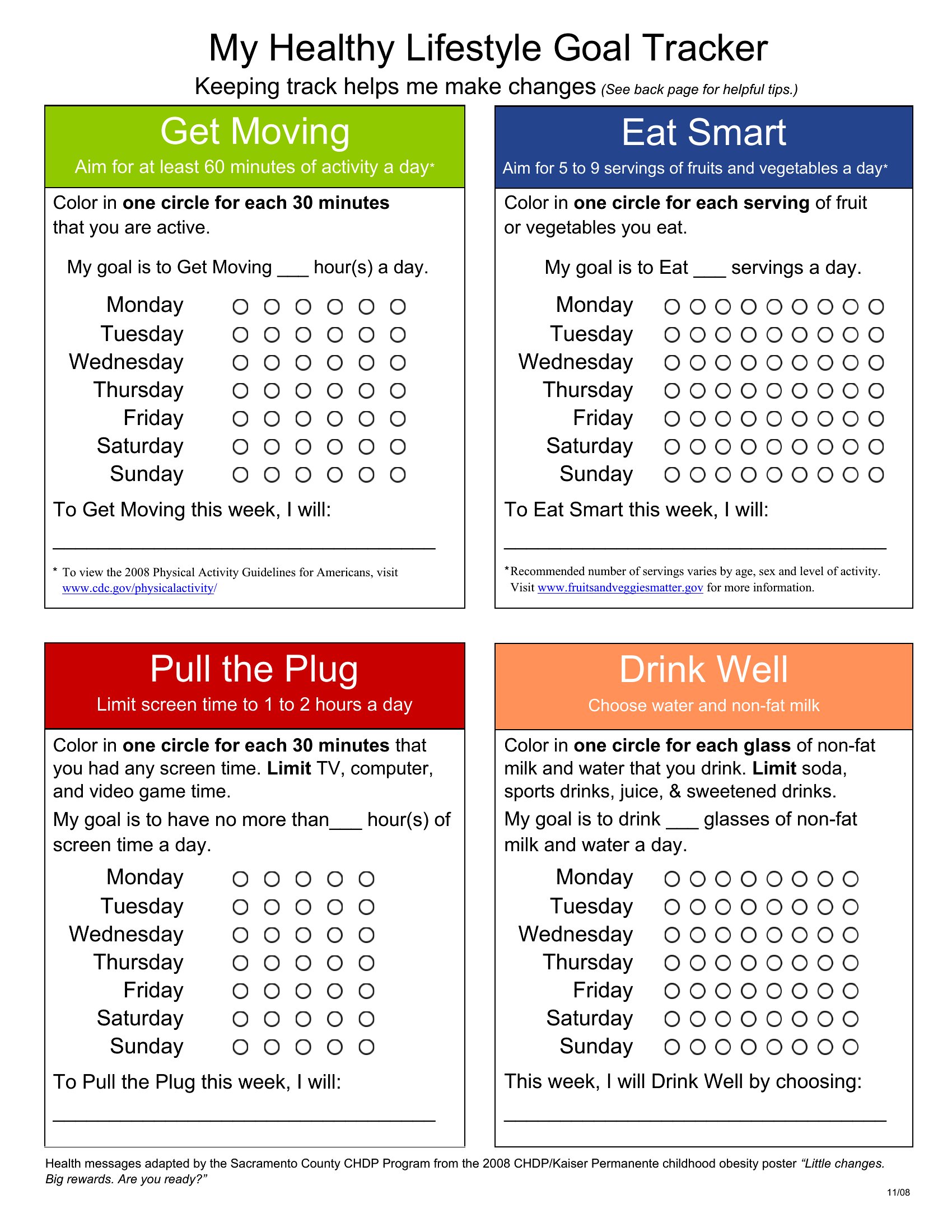
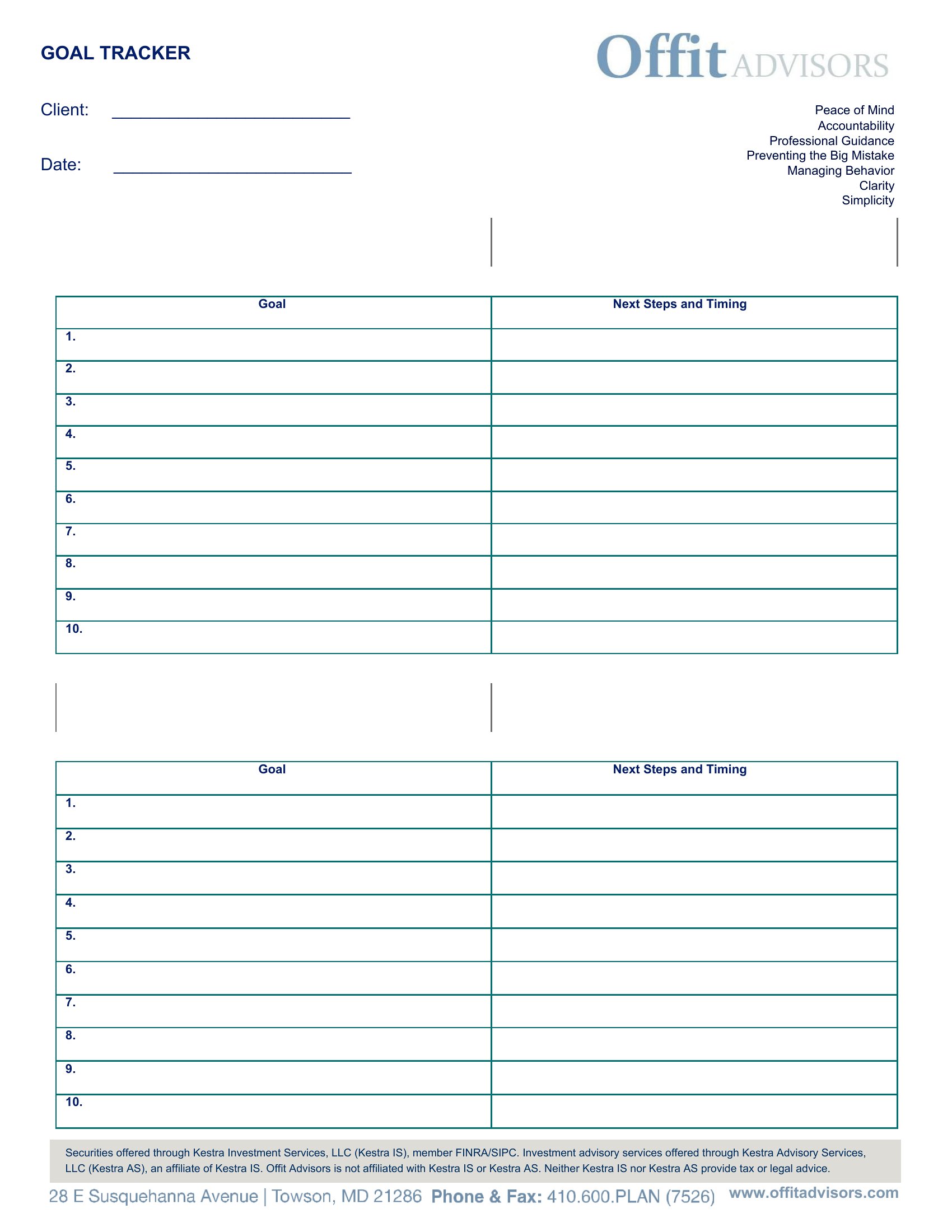
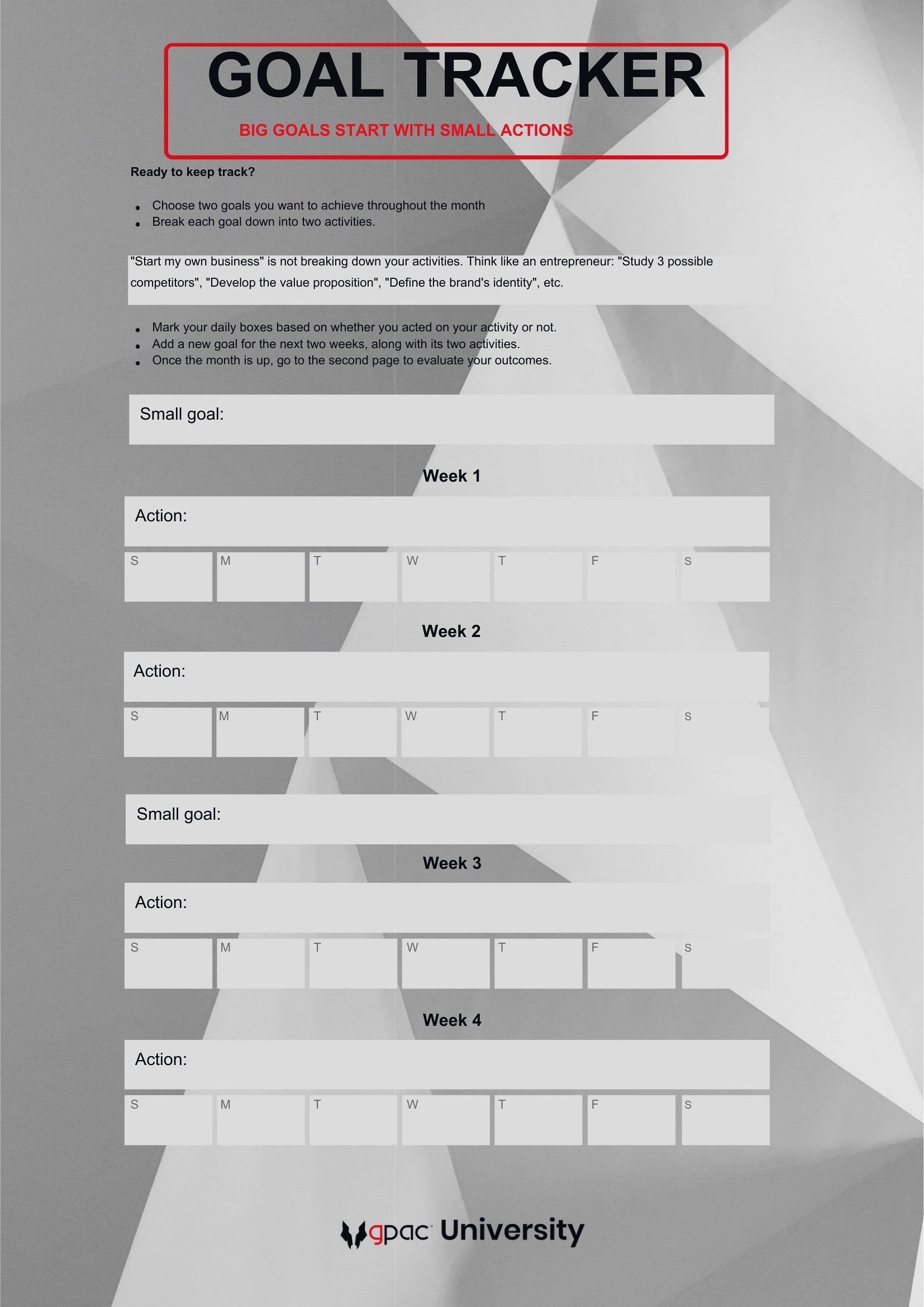
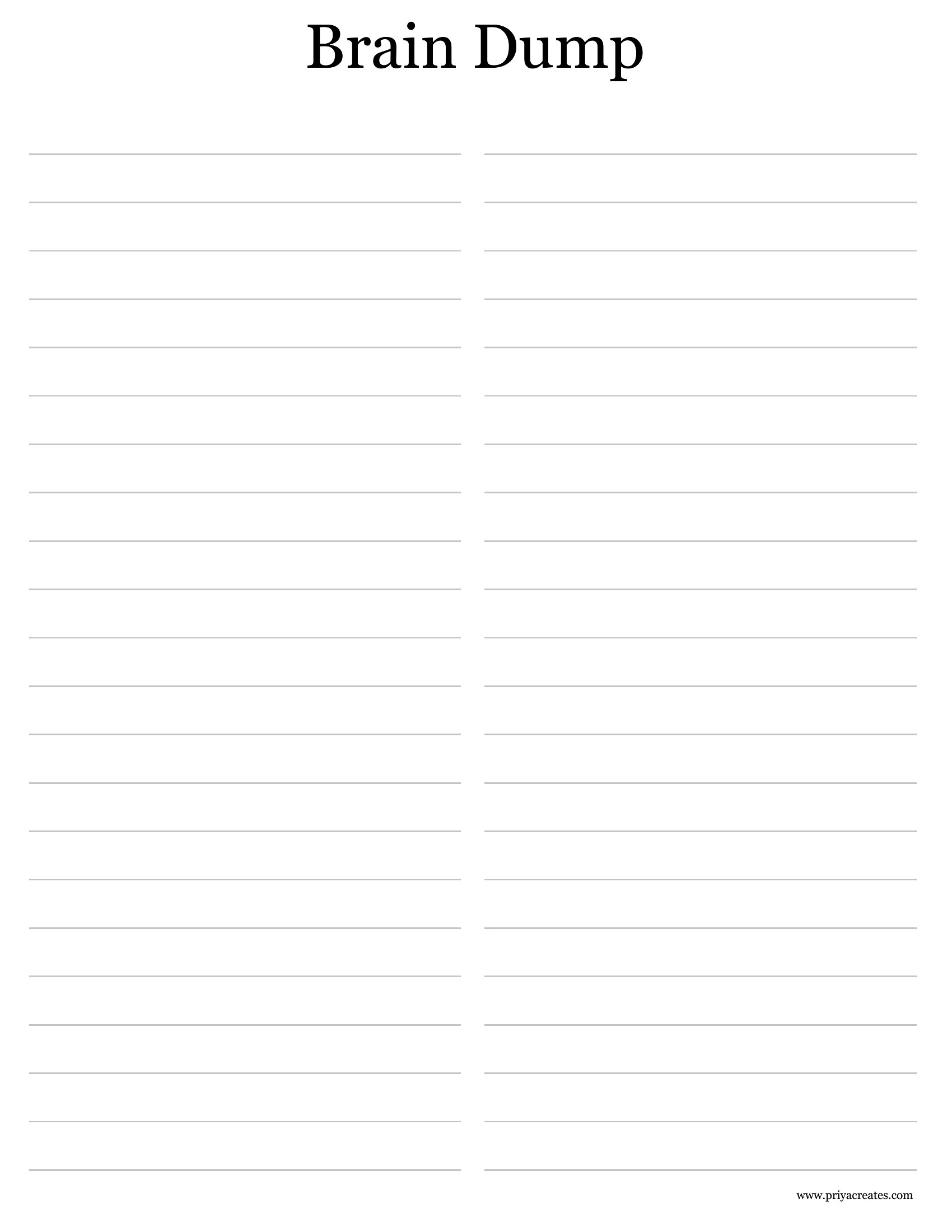
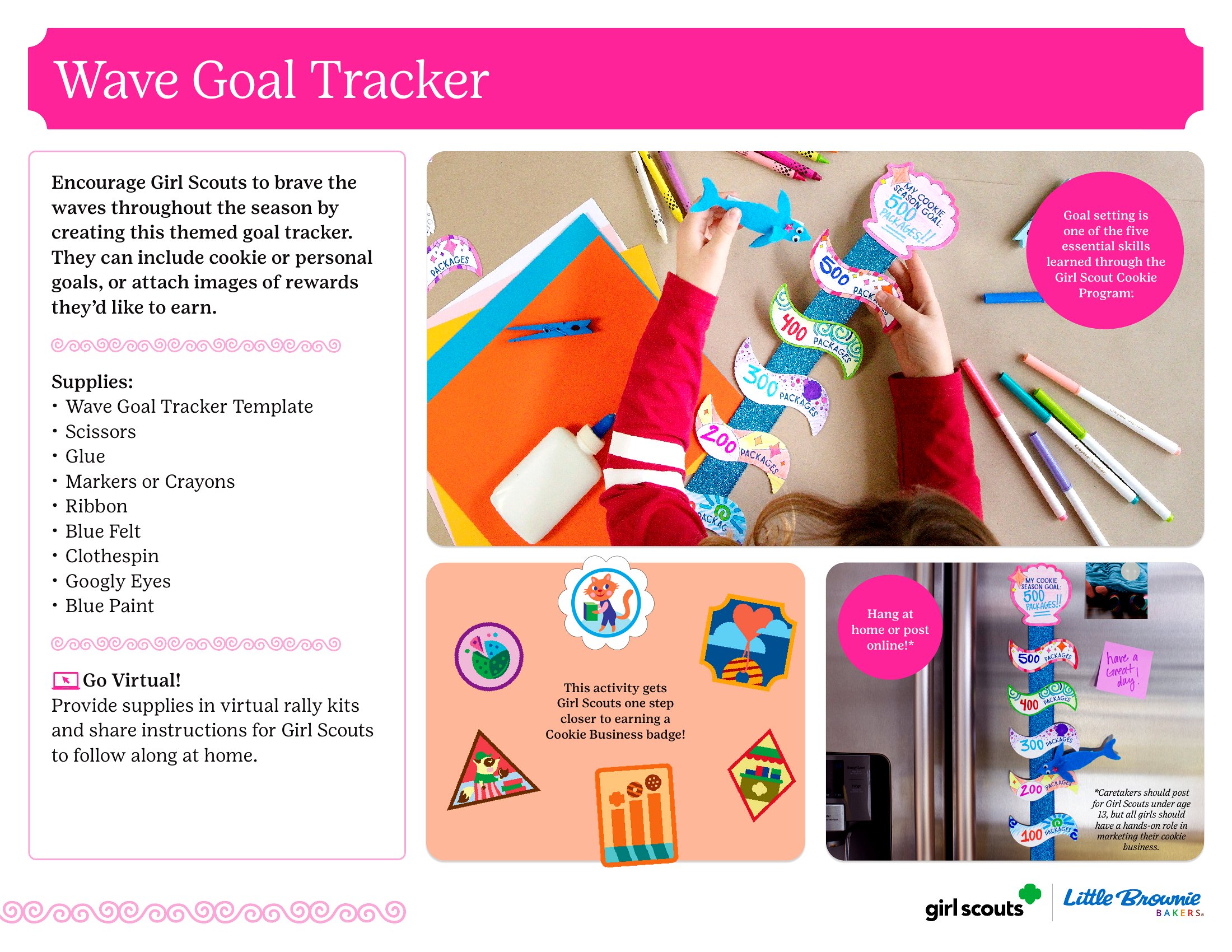
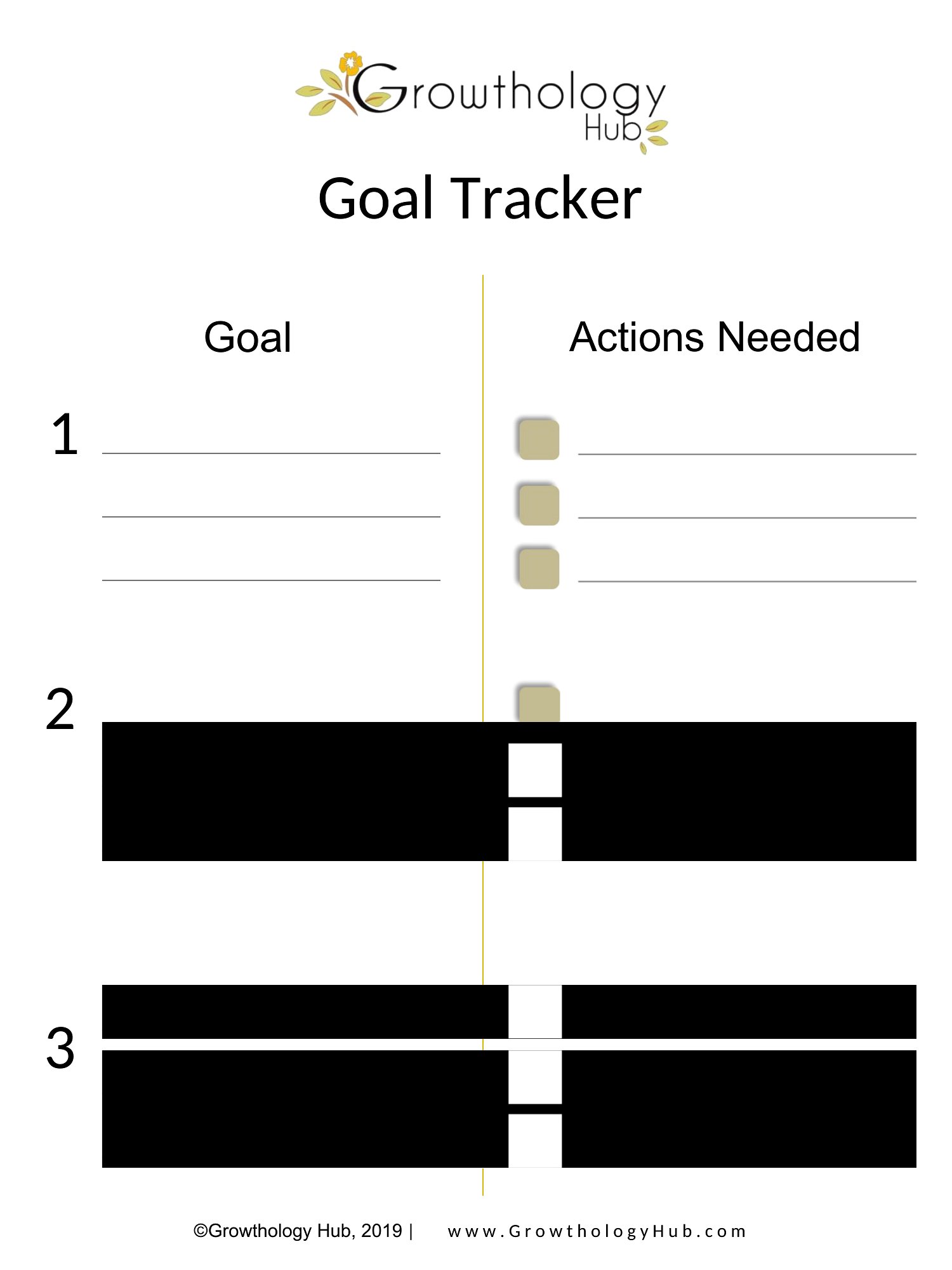
Goals are easier to reach when you can see your progress instead of just hoping you're on track. This set of 50 goal tracker templates covers personal goals, savings targets, fitness plans, and project milestones, with layouts for daily, weekly, and yearly check-ins. Anyone trying to build a habit or hit a target can find a style that keeps them motivated.
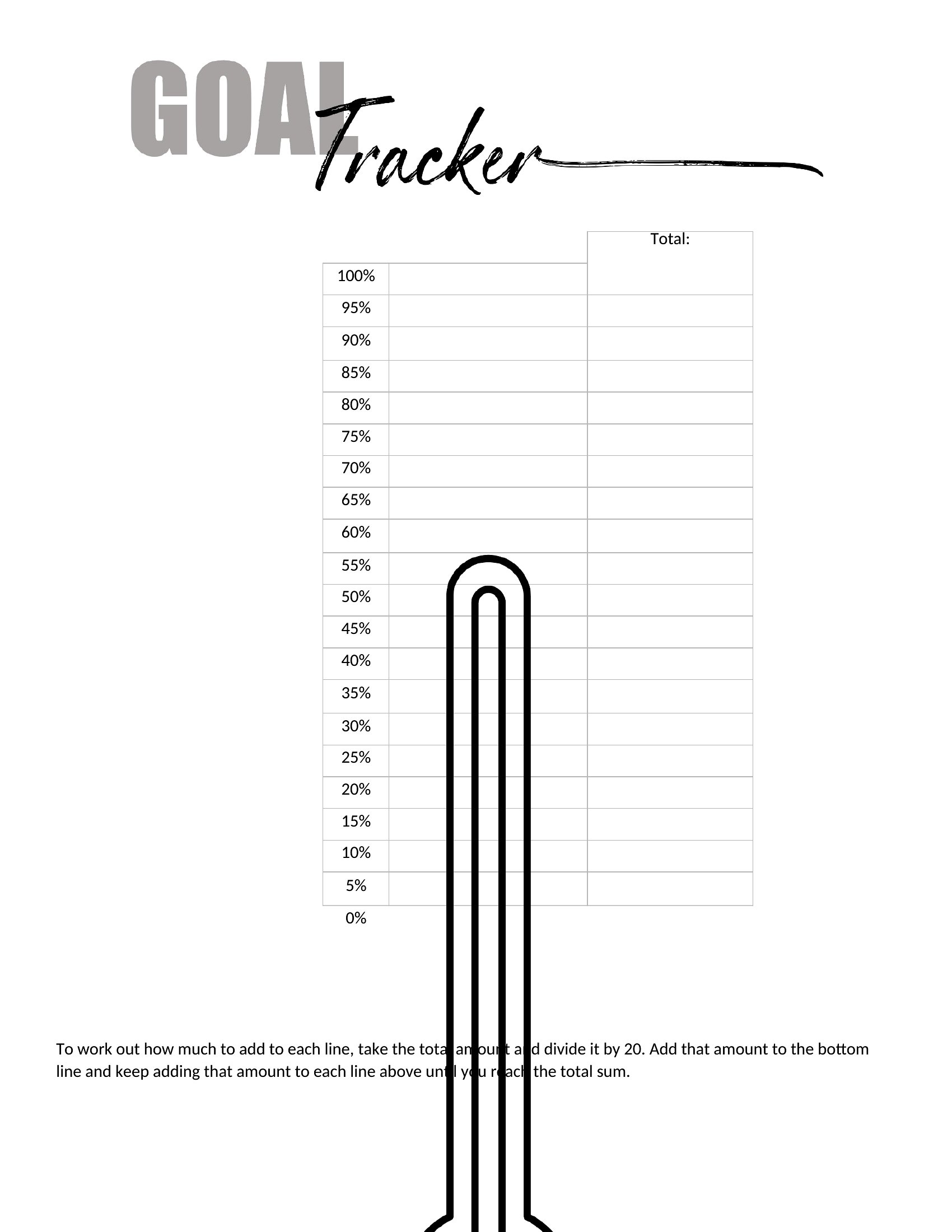
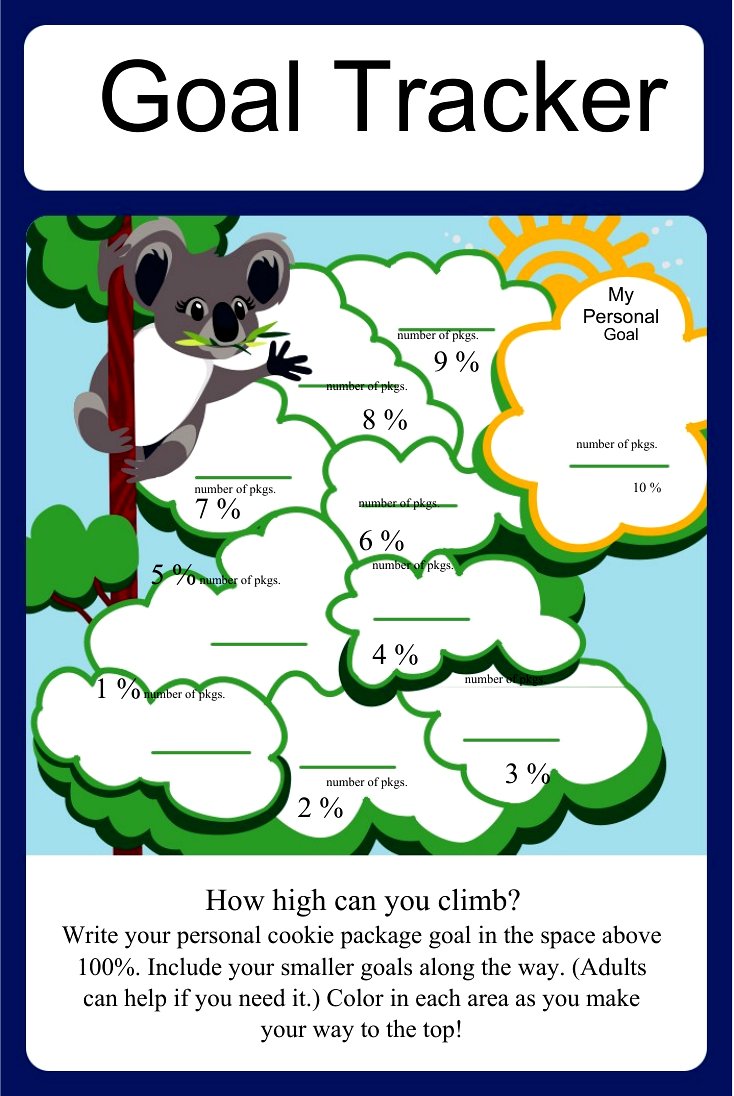
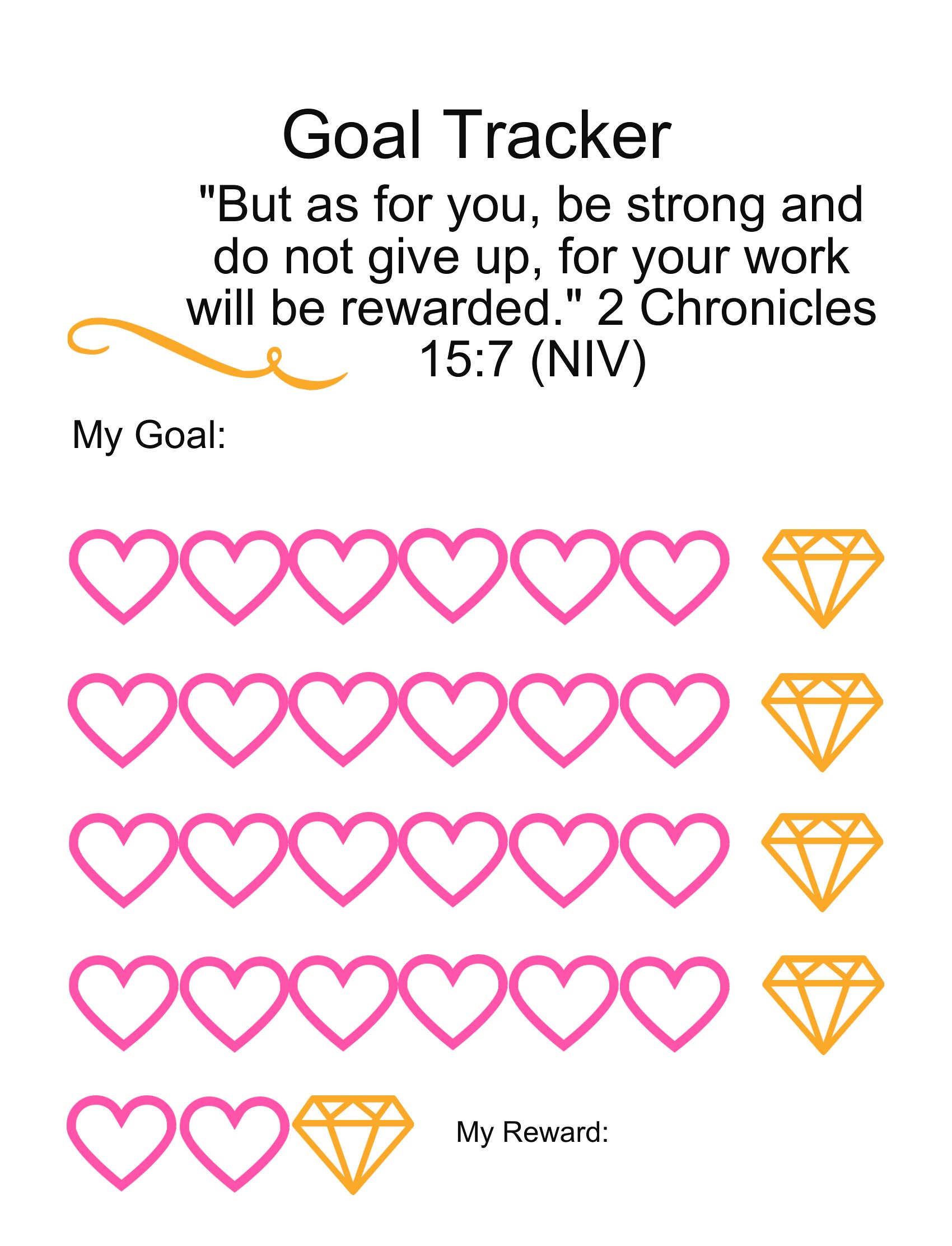
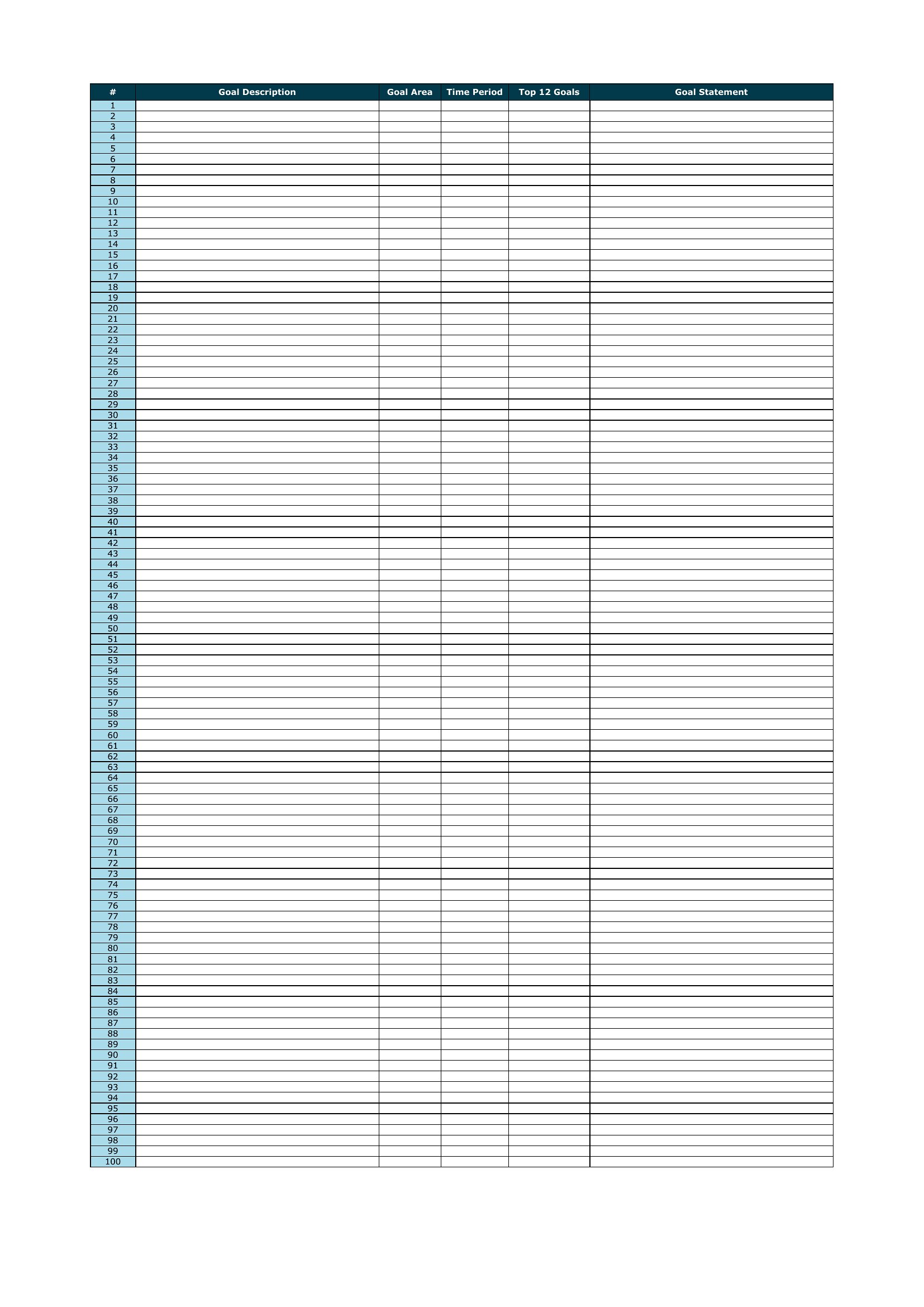
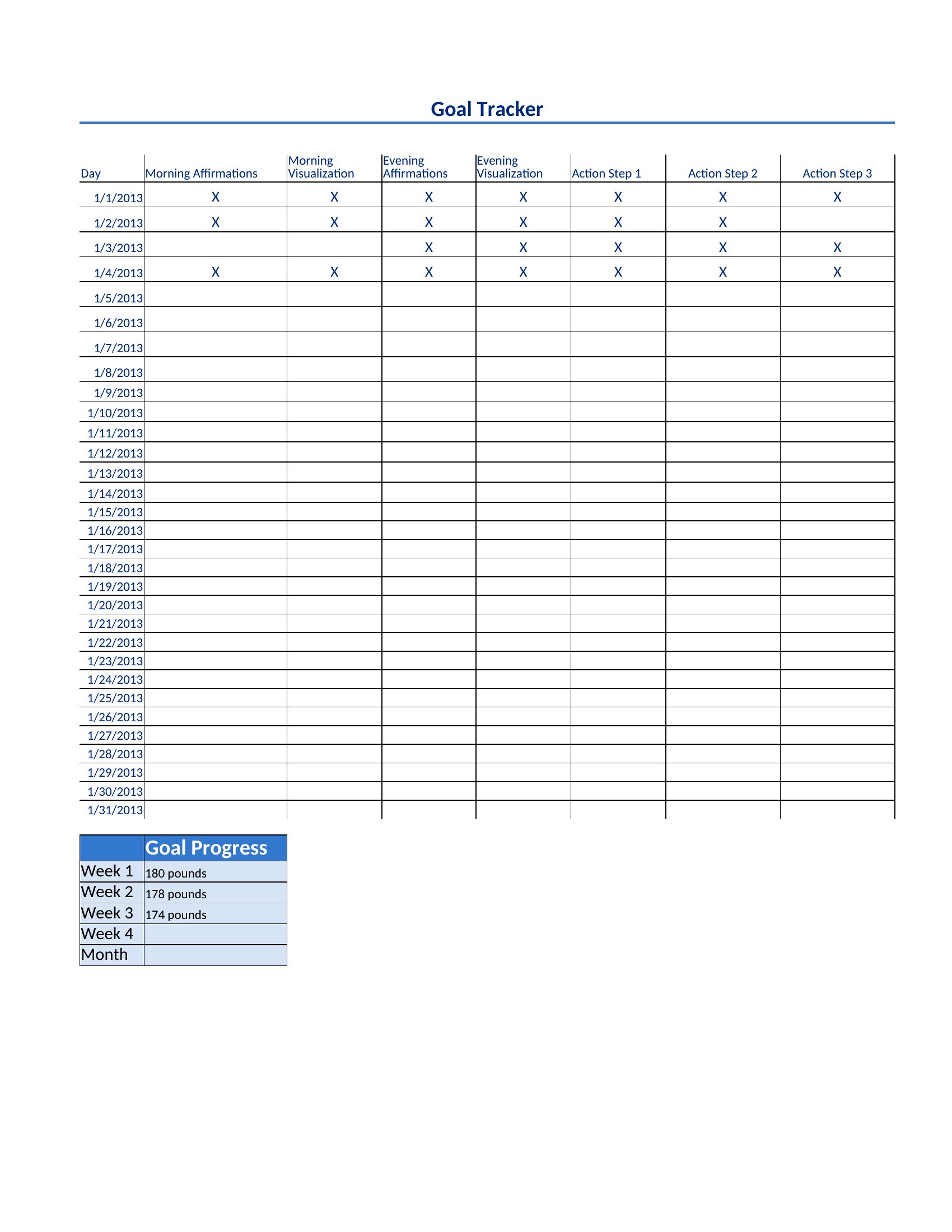
You'll find printable PDFs and Word versions for filling in by hand, plus Excel sheets that tally progress as you update them. Pin one up, color in your wins, and watch the momentum build. Download the tracker that fits your goal and start making progress you can actually see.

When to use this Goal Tracker template

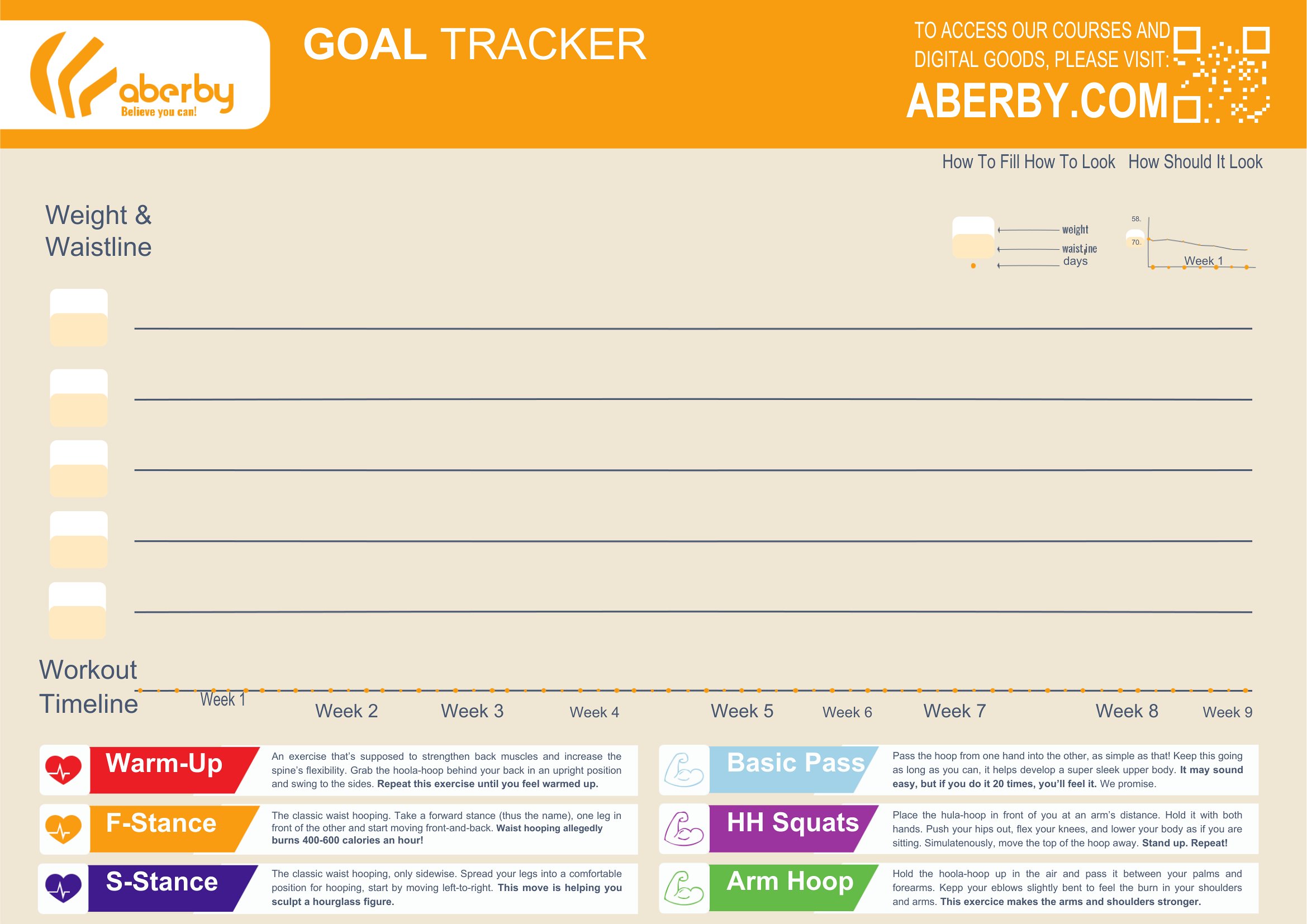
  • A fitness trainer coaching clients through 12-week transformation programs can use these to set weekly strength, mobility, and nutrition milestones—helping clients visually track progress toward their end-of-program goals.
  • Small business owners launching a new product line need structured templates to align team members on quarterly sales targets, marketing deadlines, and inventory goals, ensuring everyone stays accountable to the launch timeline.
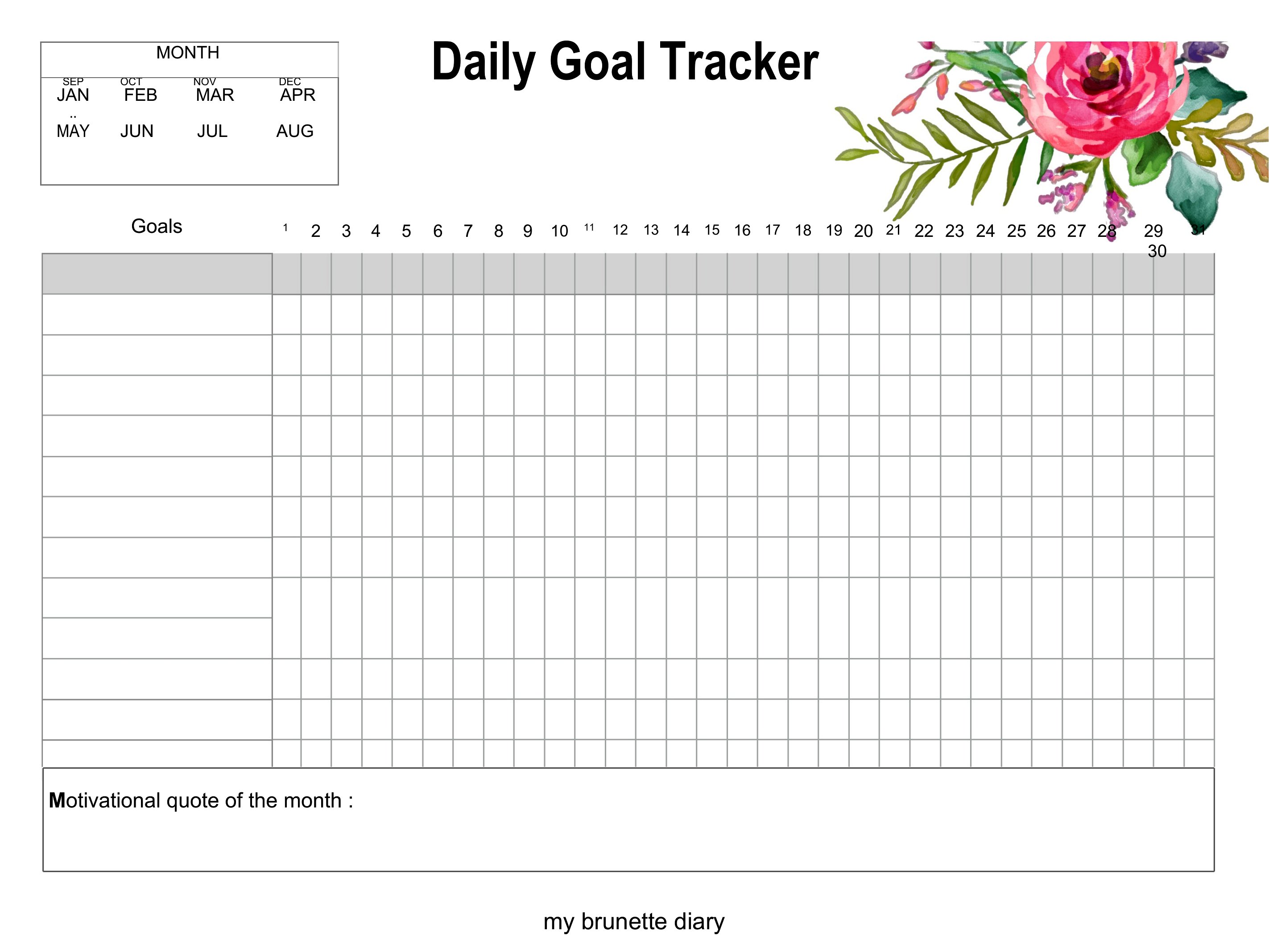
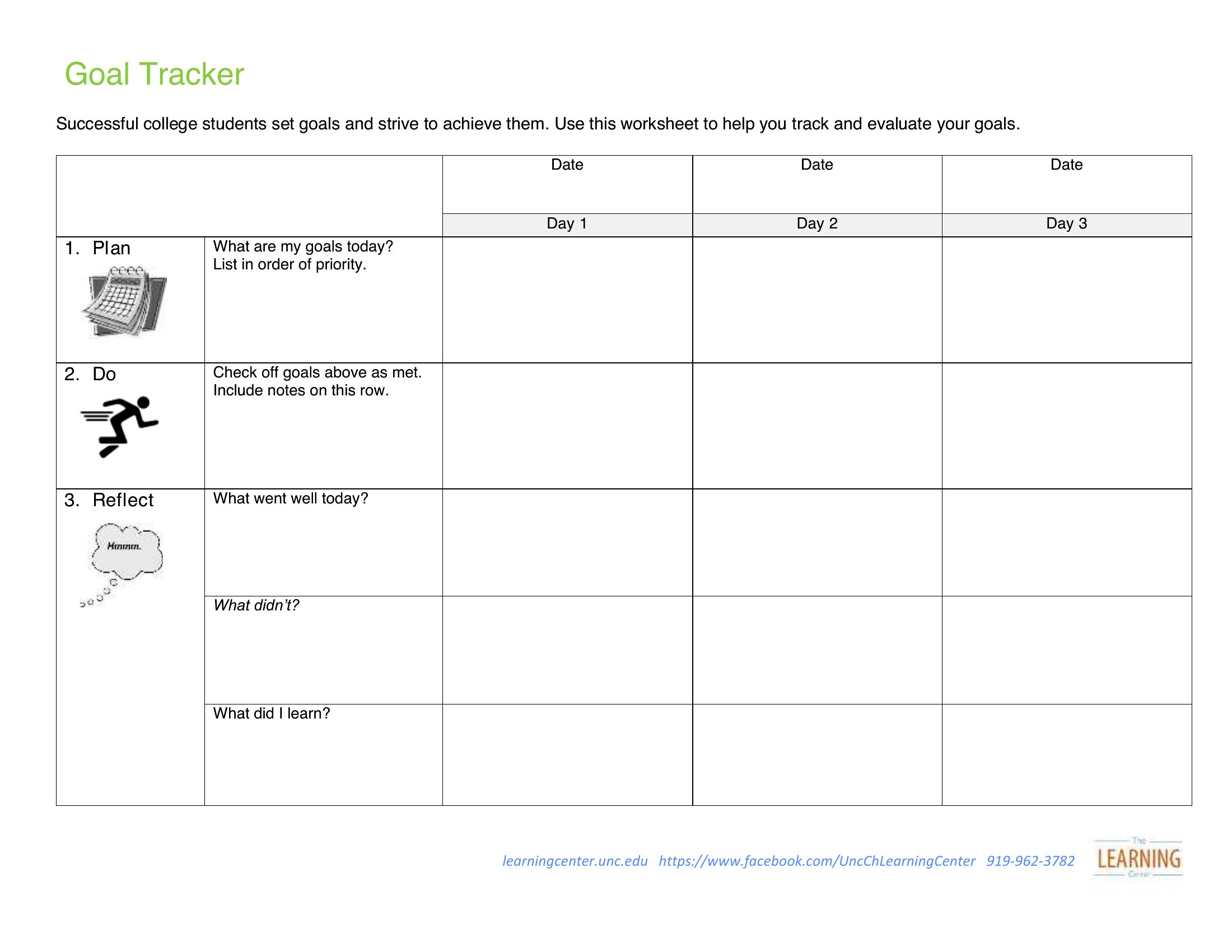
  • College students juggling internships, exams, and extracurriculars can break down semester-long objectives into daily or weekly micro-tasks, like study hours and networking events, to avoid burnout and stay on top of deadlines.
  • Nonprofit volunteers organizing community fundraisers can distribute printable PDF trackers to team members to log donor contacts, event prep tasks, and fundraising milestones, keeping everyone aligned on the campaign’s progress toward their $25,000 goal.

Which format should I download?

WordExcelPDF

Choose Word for editable, customizable trackers that need frequent updates—like a fitness client’s evolving workout plan or a business owner’s shifting quarterly targets. Excel is ideal for data-driven tracking, such as savings goals with conditional formatting for progress bars or project milestones with formula-driven benchmarks. Opt for PDF when distributing finalized, printable versions to teams or clients who shouldn’t modify the layout, like a nonprofit’s volunteer tracker for fundraising events. Avoid PDF if you’ll need to adjust numbers or text later.

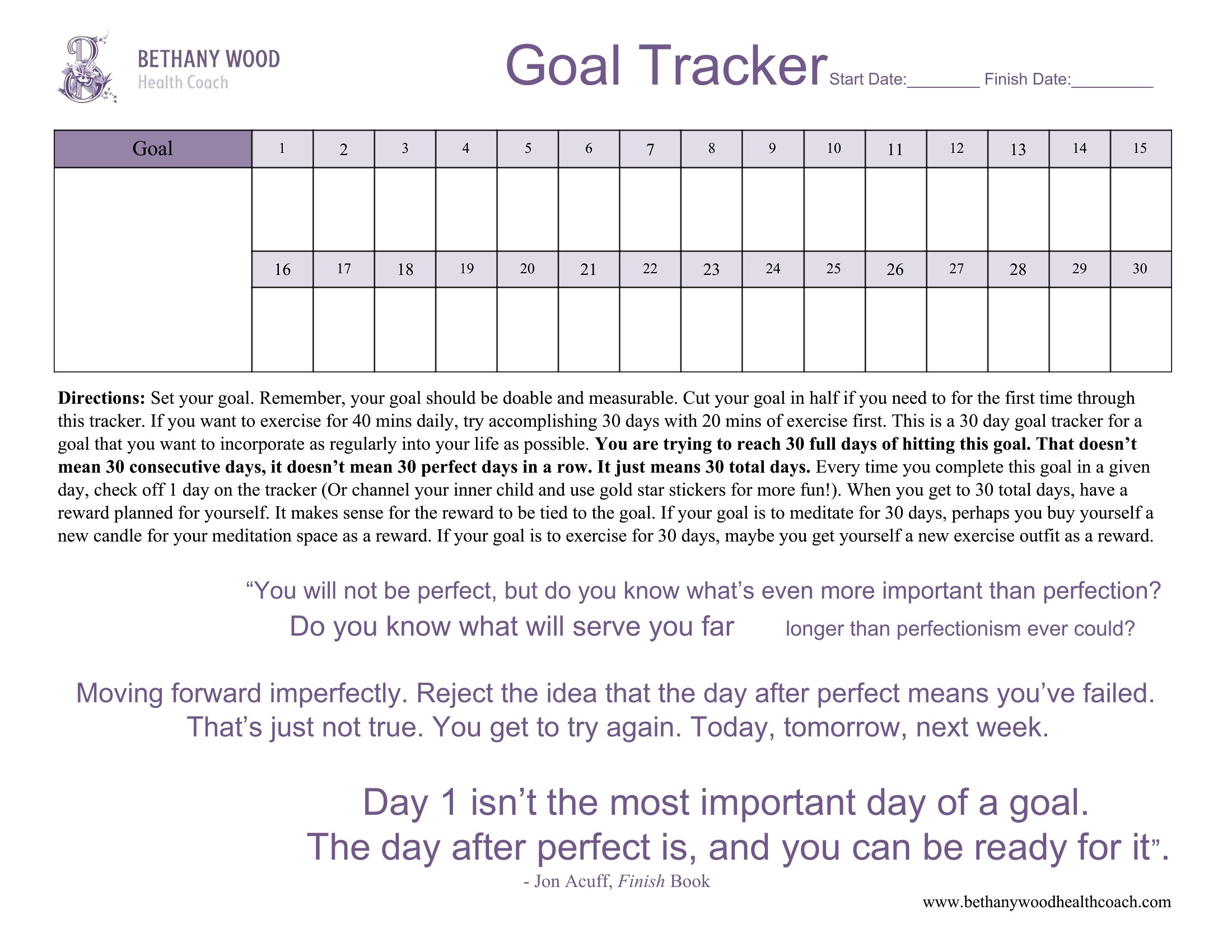
Choose from 50 Goal Tracker Templates
How to use this Goal Tracker template

Can I use these goal trackers to monitor both personal and professional objectives in the same template?

Some templates in this collection are designed to be versatile, like the yearly or project milestone trackers, which can accommodate both work and personal goals. However, for strict separation—for example, tracking confidential work KPIs alongside personal fitness—the Word and Excel formats allow you to duplicate or password-protect sheets/tabs to maintain privacy. Always review the template’s structure before combining sensitive data.
How do I adjust an Excel goal tracker if my target date or milestone changes after I’ve started using it?

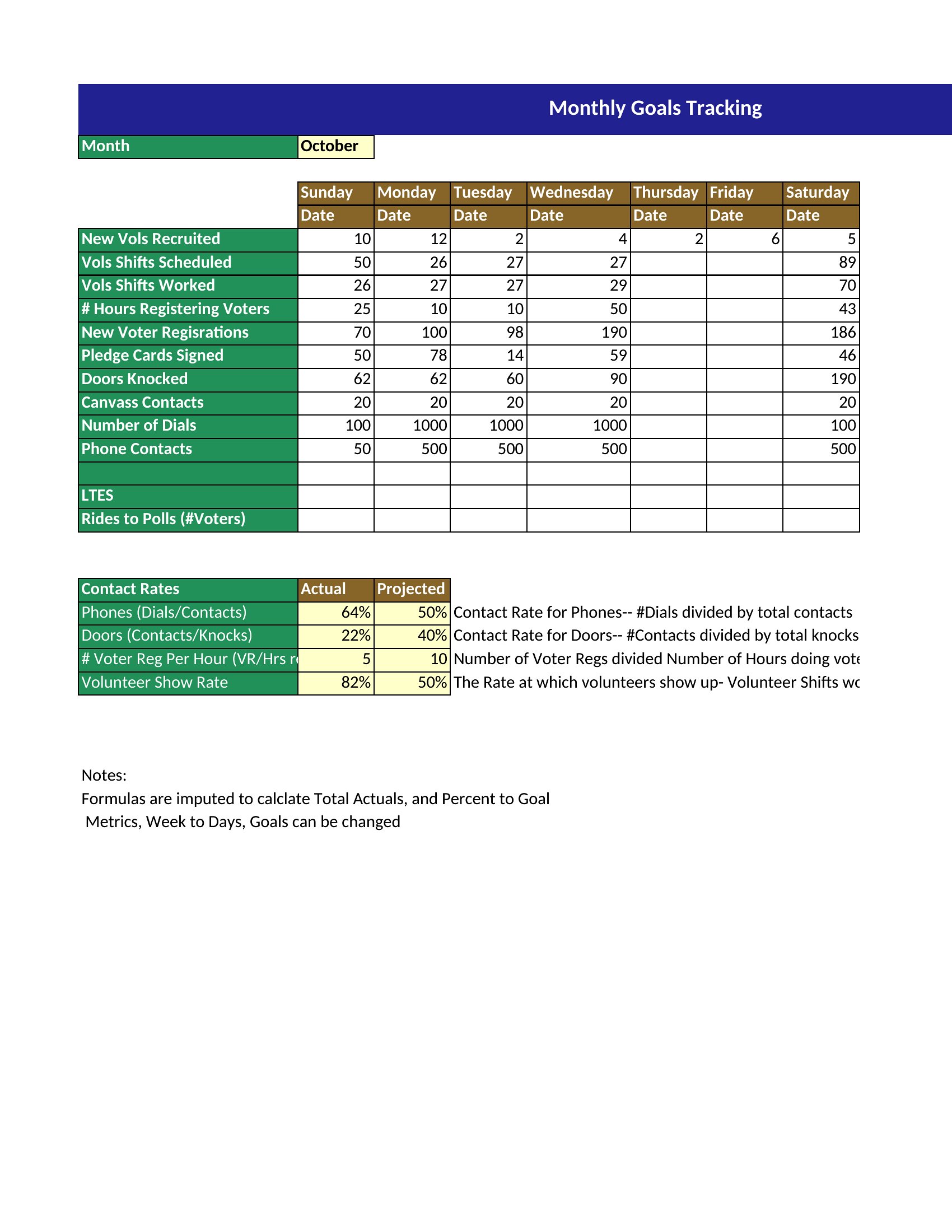
Most Excel templates in this set include formula-driven progress bars or conditional formatting tied to cells, so updating your target date or milestone in the designated cell (e.g., “Goal Amount” or “Deadline”) will automatically recalculate your progress. For static visuals like bar graphs, you may need to manually adjust the chart data range or use the template’s embedded instructions to refresh the linked cells.
Are the printable PDF goal trackers designed to work with digital tools like Google Calendar or Trello?

The PDF templates are static and not directly integratable with tools like Google Calendar or Trello, but you can manually transfer key dates or milestones into those platforms. For seamless integration, the Excel and Word formats are better suited—Excel can link to Google Sheets for automation, and Word files can be exported to OneNote or Evernote for cross-platform tracking. Always save a digital backup of the original template before editing.
Comments

Join the conversation

Sign in to share your thoughts and leave a comment on this resource.

Newsletter

Get Weekly Design Updates

Join our community to receive curated resources and inspiration.

Weekly Tips Resources Early Access

We respect your privacy. Confirmation email required. Privacy Policy