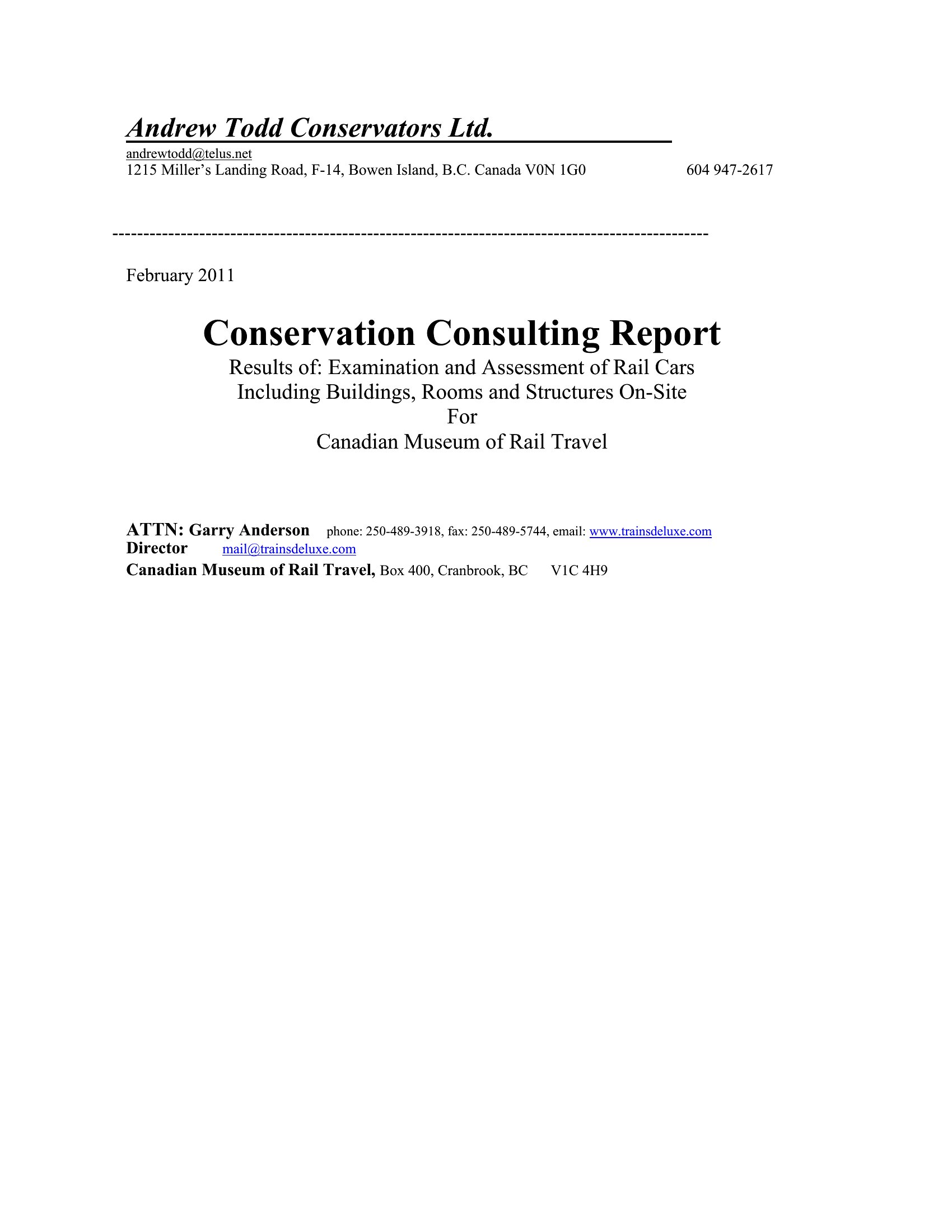
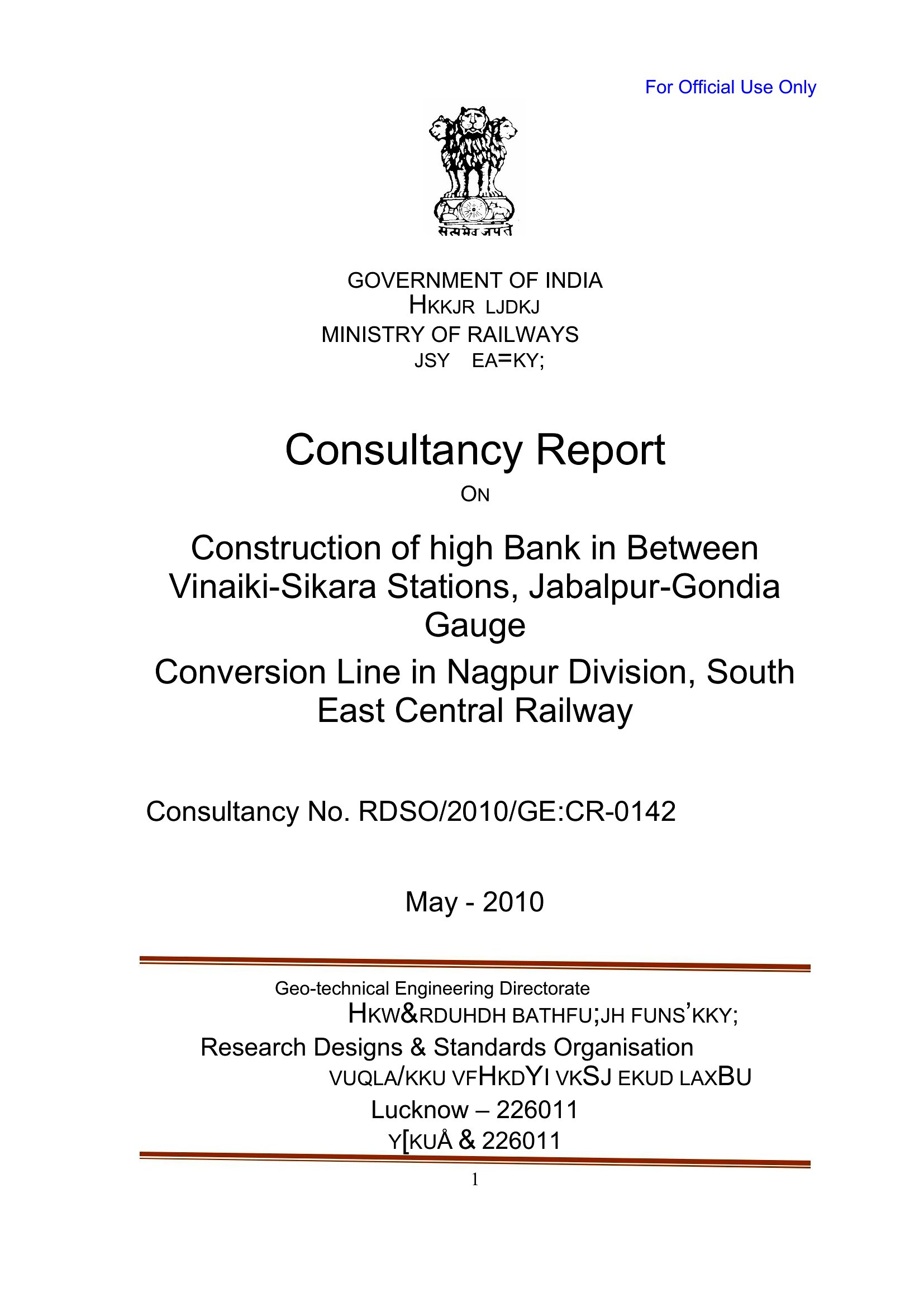
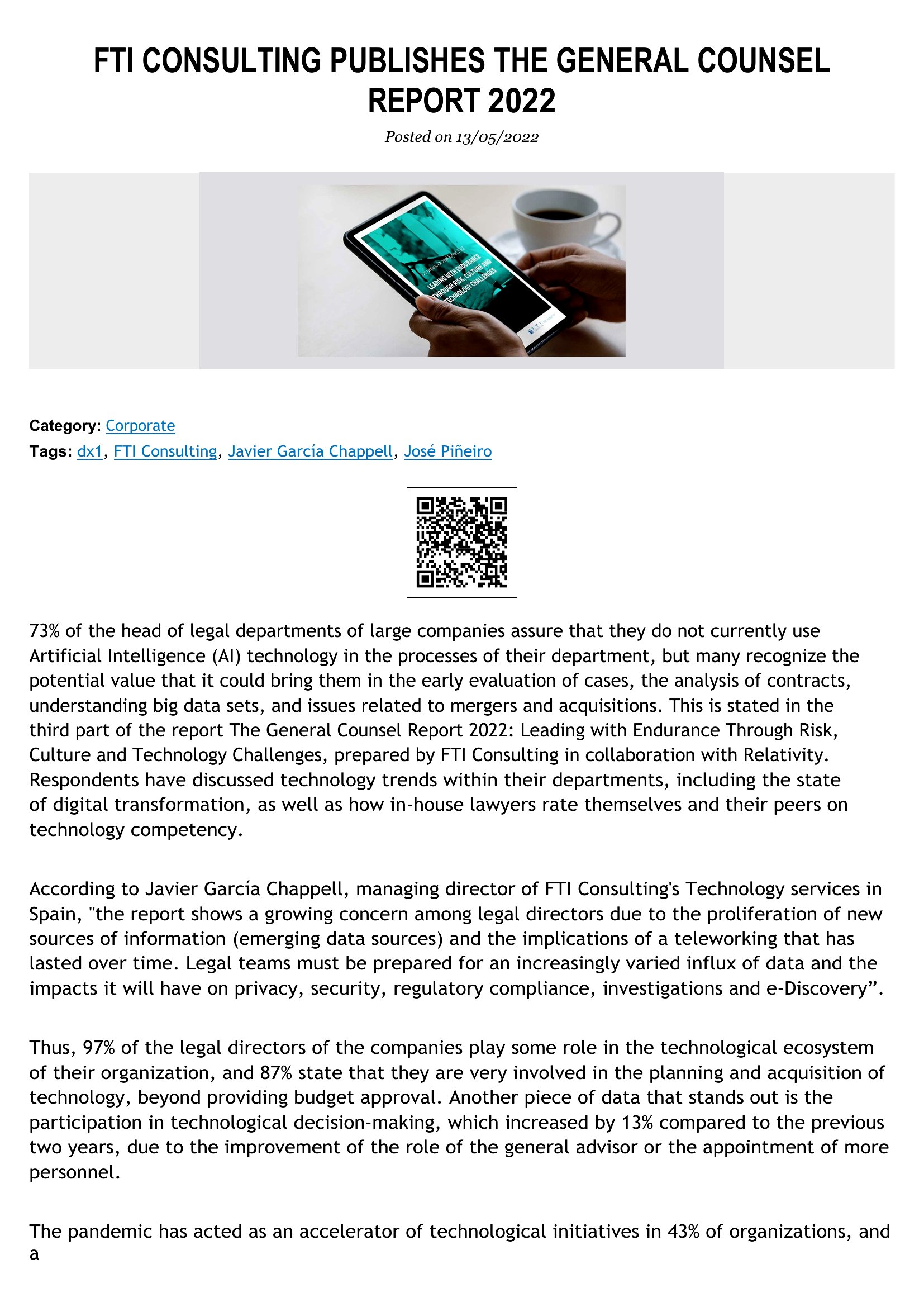
Free Consulting Report Templates (Word)
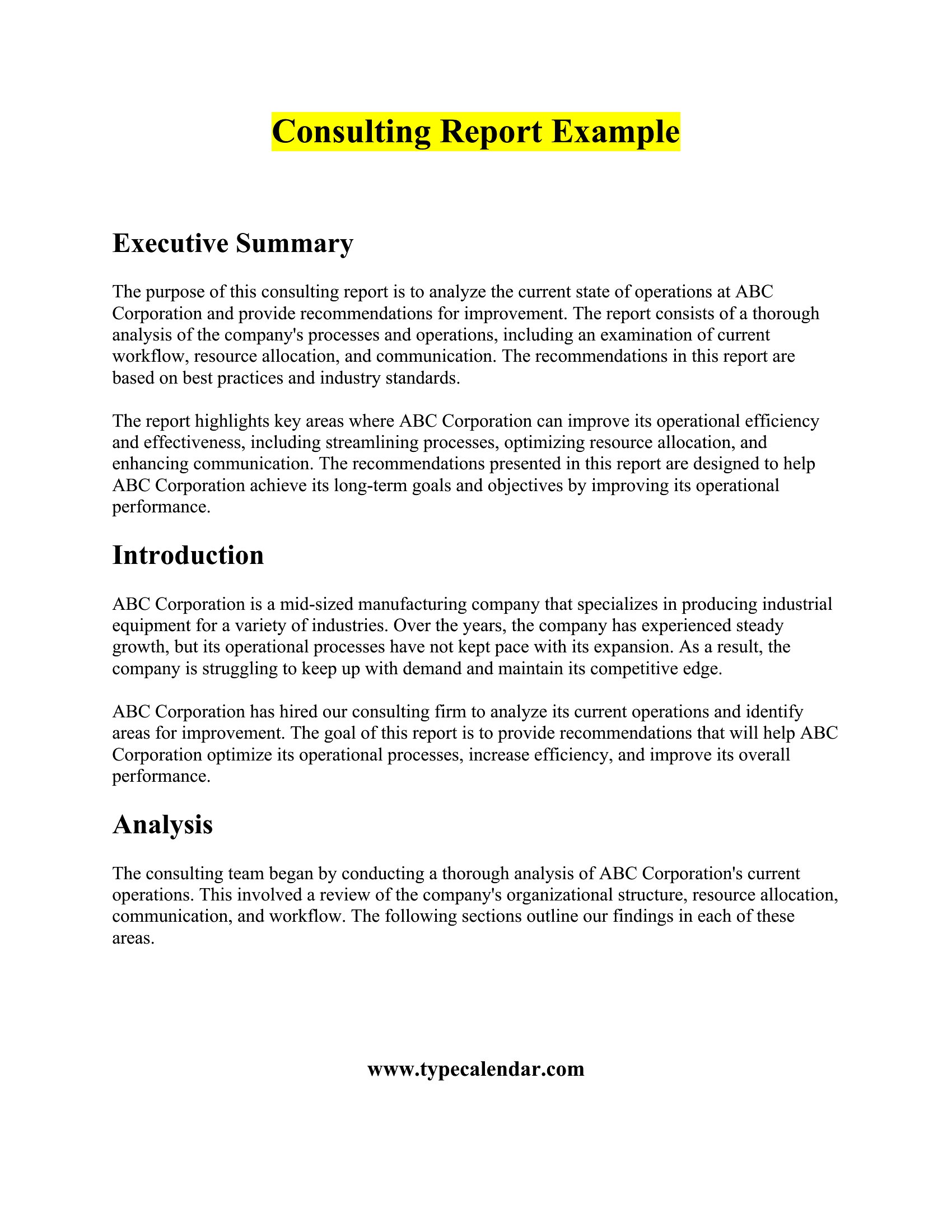
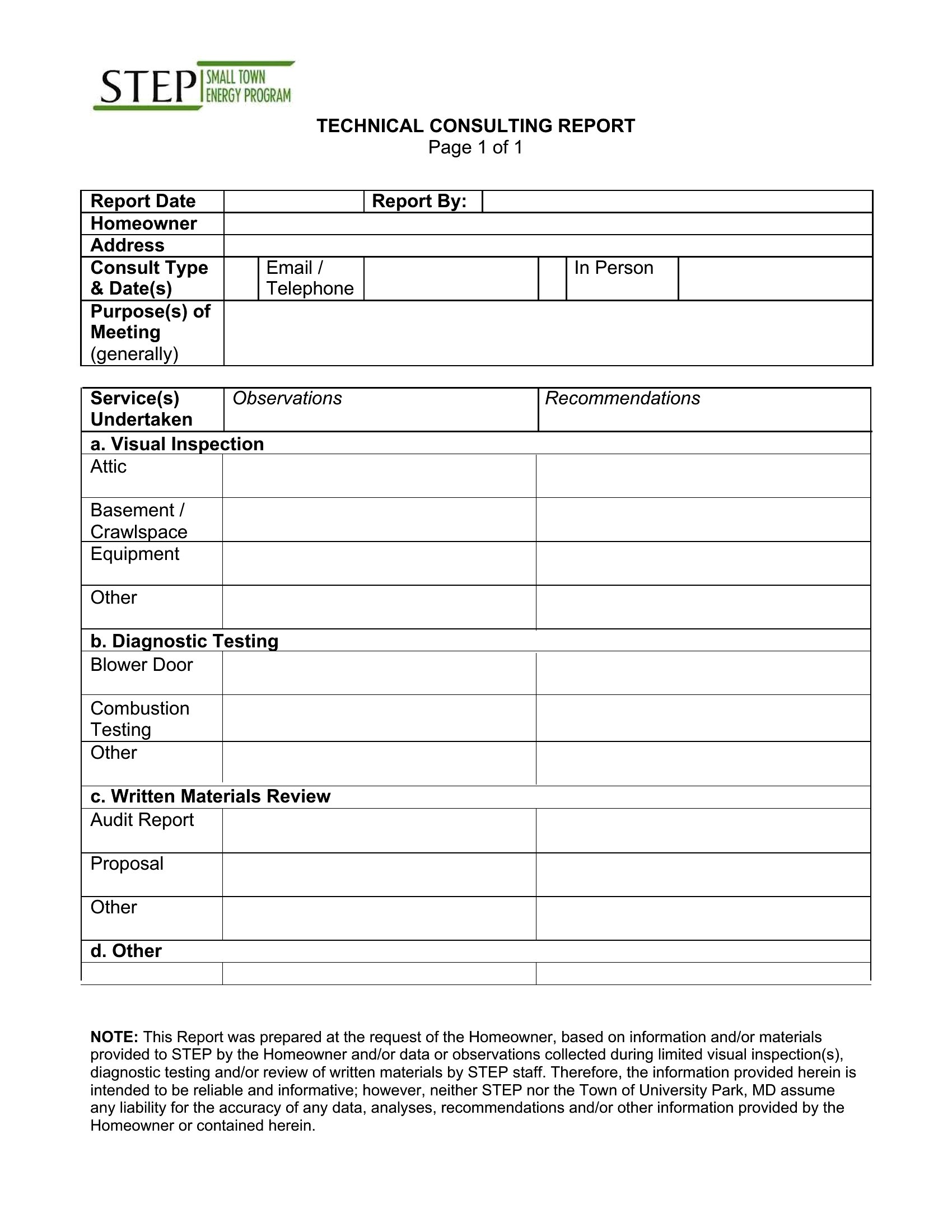
AnalysisClients pay for clarity, and a well-structured report is how consultants deliver it. This collection of 54 consulting report templates covers findings, analysis, and recommendations, with formats for monthly updates, project reviews, and final deliverables. Independent advisers and consulting teams can present their work in a layout that looks professional without hours of formatting.
Each template is editable in Microsoft Word, so you can drop in your data, charts, and conclusions and keep the styling consistent across every section. Swap in the client's name, adjust the headings to fit the engagement, and the report is ready to send. Pick the structure that matches your project and make it your own.
When to use this Consulting Report template
- A small business owner hires a financial consultant to analyze cash flow issues and needs a clear, actionable report to present to investors for a funding round.
- An IT consulting firm delivering a cybersecurity audit to a mid-sized healthcare provider requires a structured report to highlight vulnerabilities and compliance gaps for executive leadership.
- A nonprofit board member asks a strategic consultant to evaluate program efficiency and wants a concise, visually supported report to justify budget reallocations to donors.
- A management consultant working with a retail chain on supply chain optimization needs a template to summarize data trends, recommend process changes, and align with stakeholder priorities.
Which format should I download?
All 54 templates are designed exclusively for Word, which is ideal for consulting reports requiring flexibility, collaboration, and polished formatting. Use Word when you need to embed tables, charts, or footnotes, or when multiple stakeholders will review and edit the document before finalization.

Choose from 54 Consulting Report Templates

How to use this Consulting Report template
How should I structure the executive summary in a consulting report to ensure it’s both concise and impactful?
Start with a 1-2 sentence problem statement, then summarize your key findings and top recommendations. Avoid jargon and use bullet points or a short table to highlight critical metrics. The goal is to give busy decision-makers the essence of your work so they can quickly grasp its value.
What’s the best way to present conflicting data or opposing viewpoints in a consulting report without undermining credibility?
Acknowledge differing perspectives in a dedicated section labeled ‘Alternative Views’ or ‘Considerations.’ Present the data objectively, then clearly state why your recommended approach aligns with the client’s goals. This transparency builds trust while reinforcing your expertise.
Should I include appendices in a consulting report, and if so, what type of details belong there?
Use appendices for supplementary material that supports but isn’t essential to the main narrative—such as raw survey data, detailed methodologies, or secondary research sources. Keep appendices concise; if they’re too lengthy, consider linking to a separate digital document instead.
Comments
Join the conversation
Sign in to share your thoughts and leave a comment on this resource.