FAQ
How can I make sure my status report stays consistent across weekly updates?
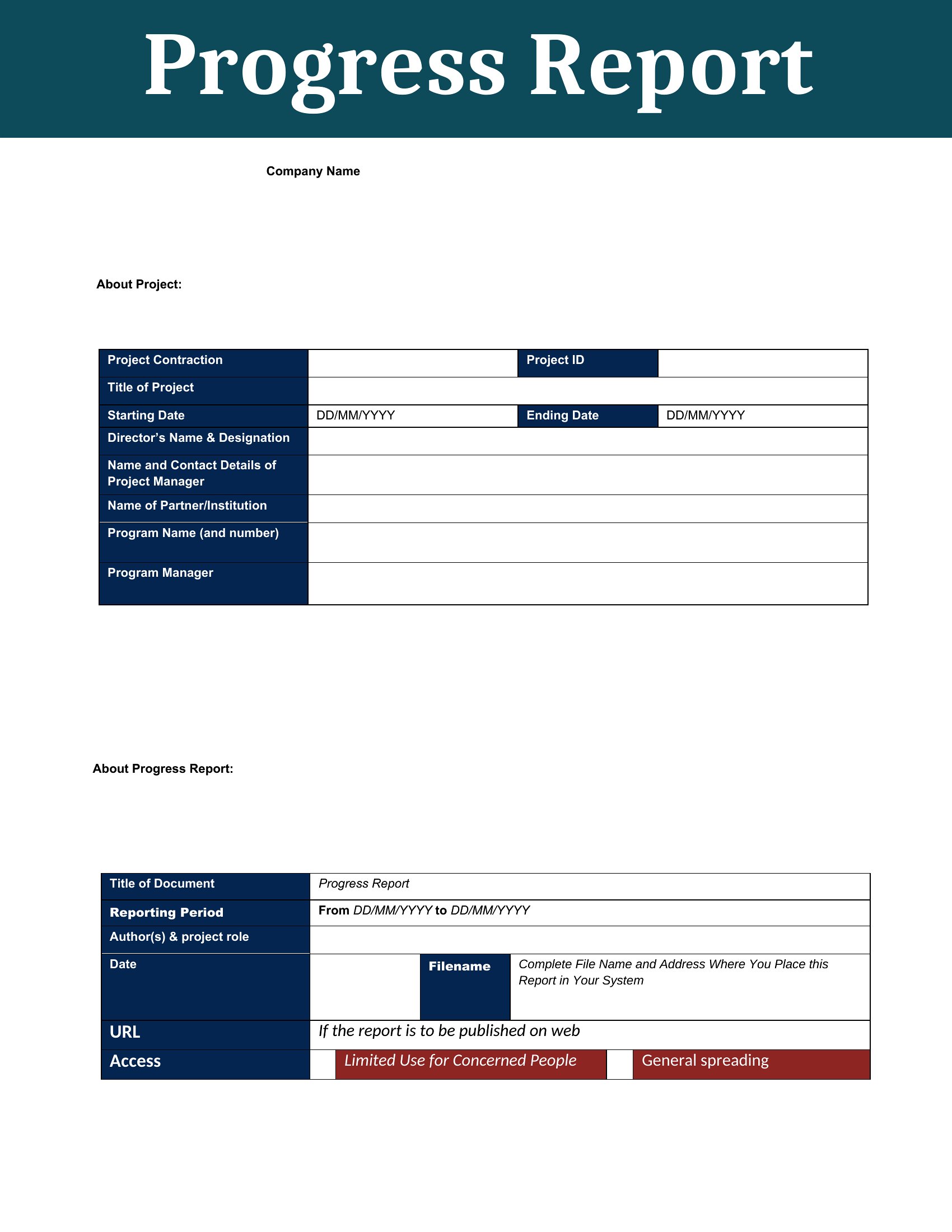
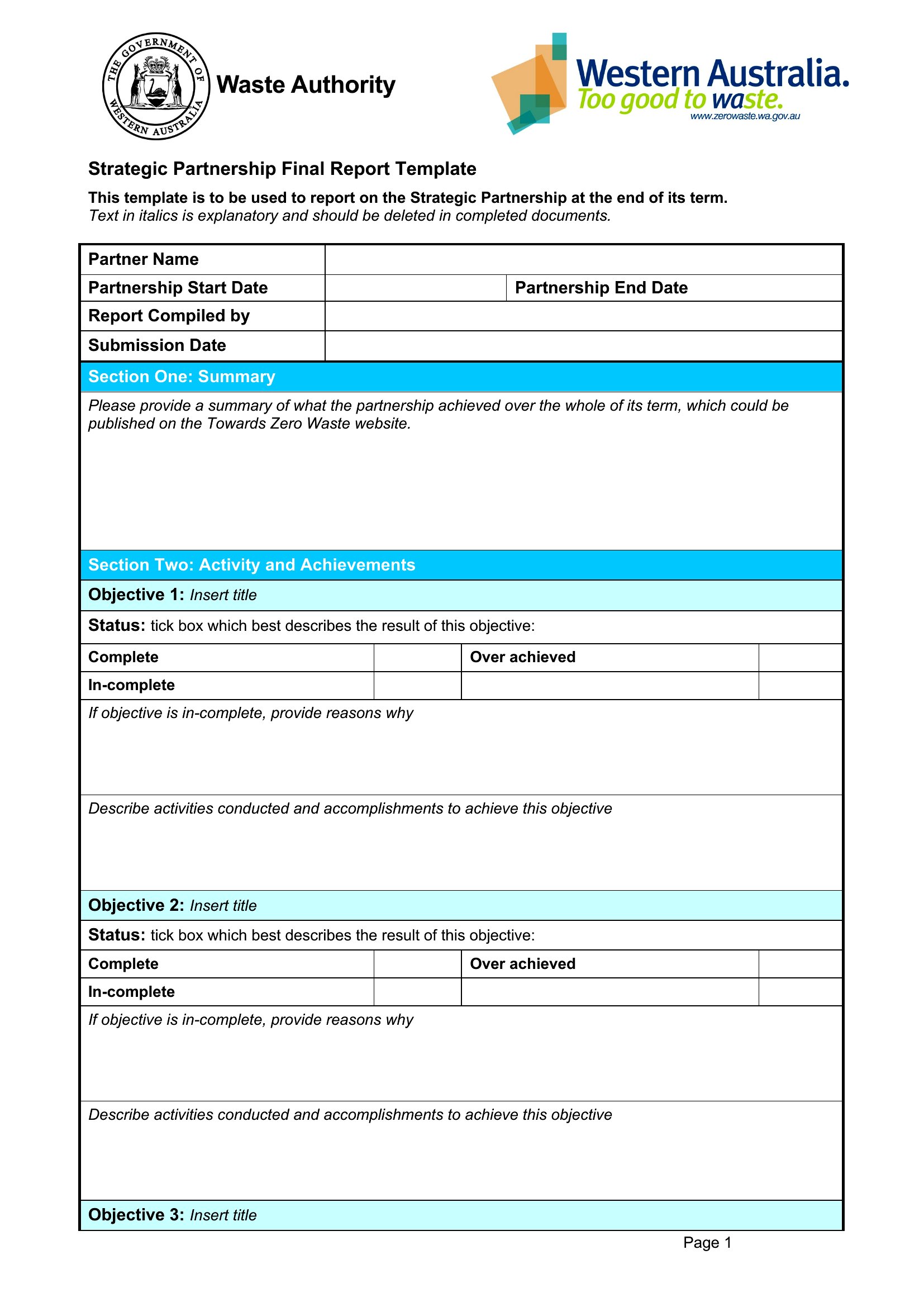
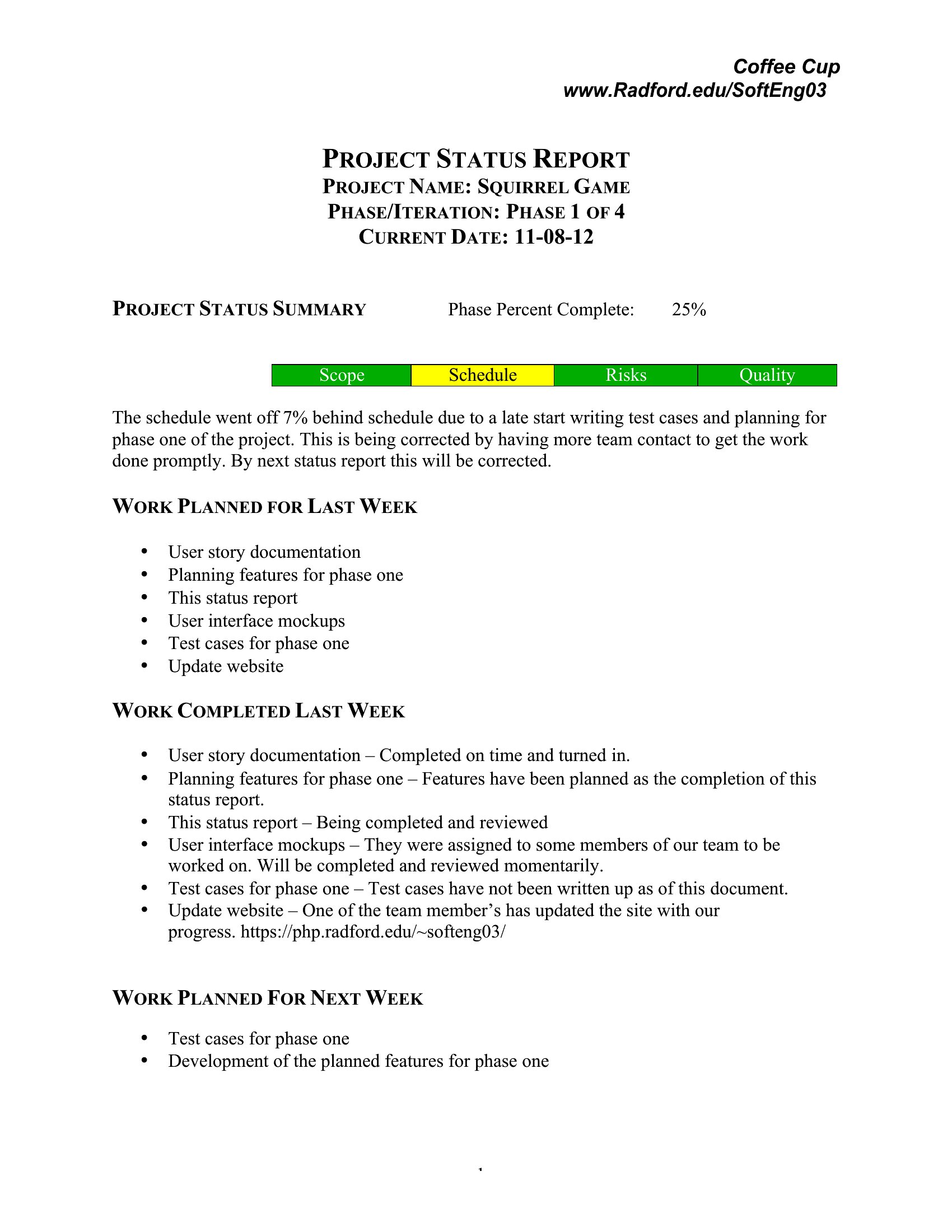
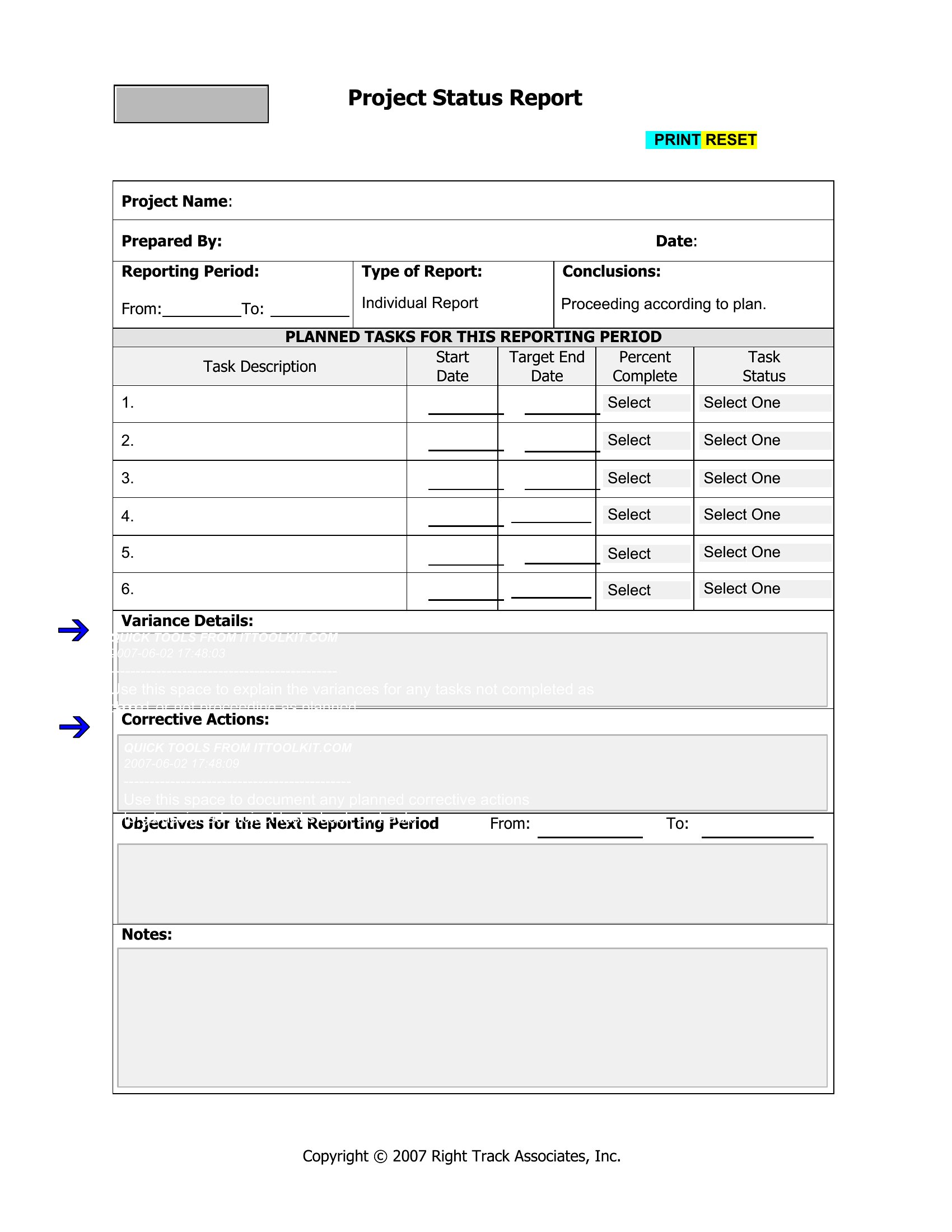
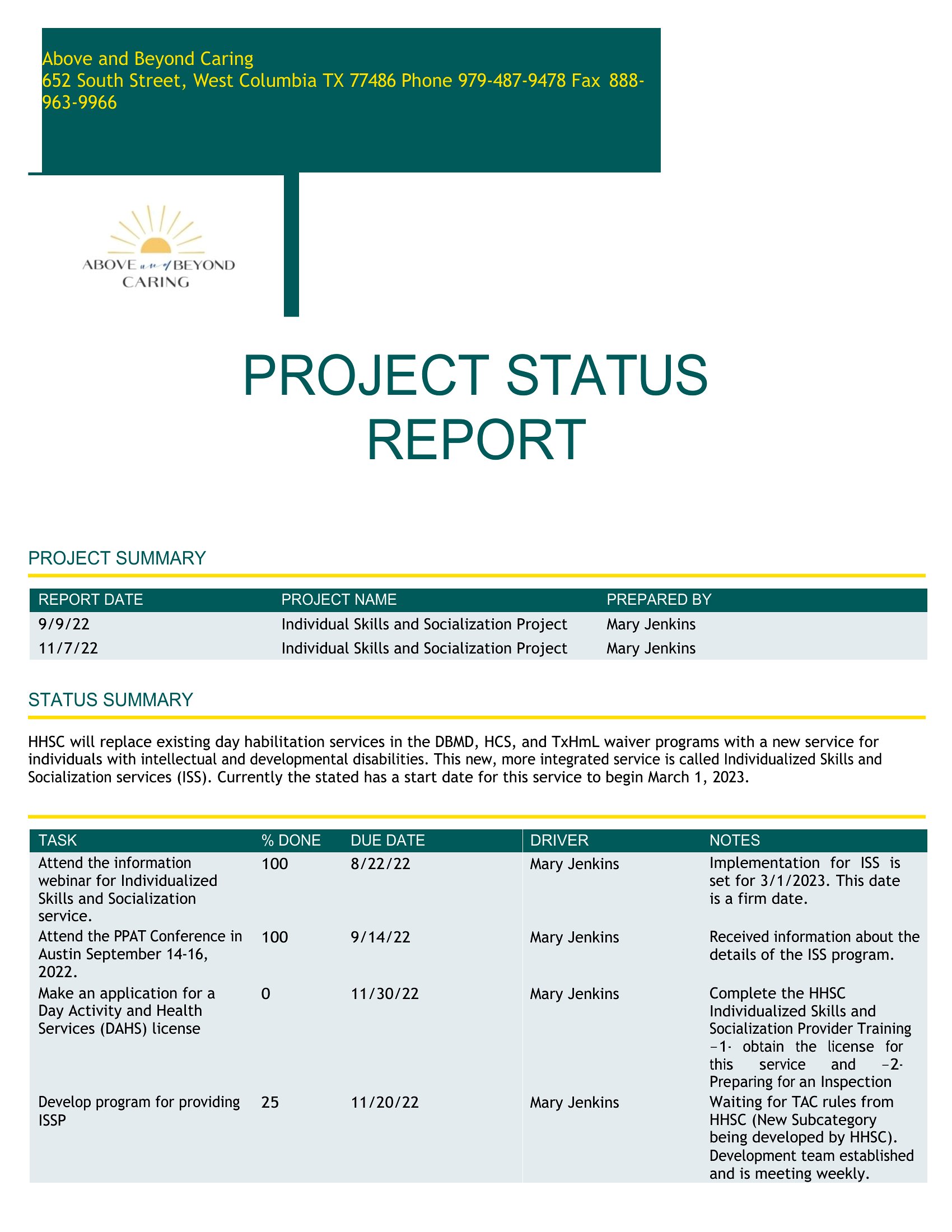
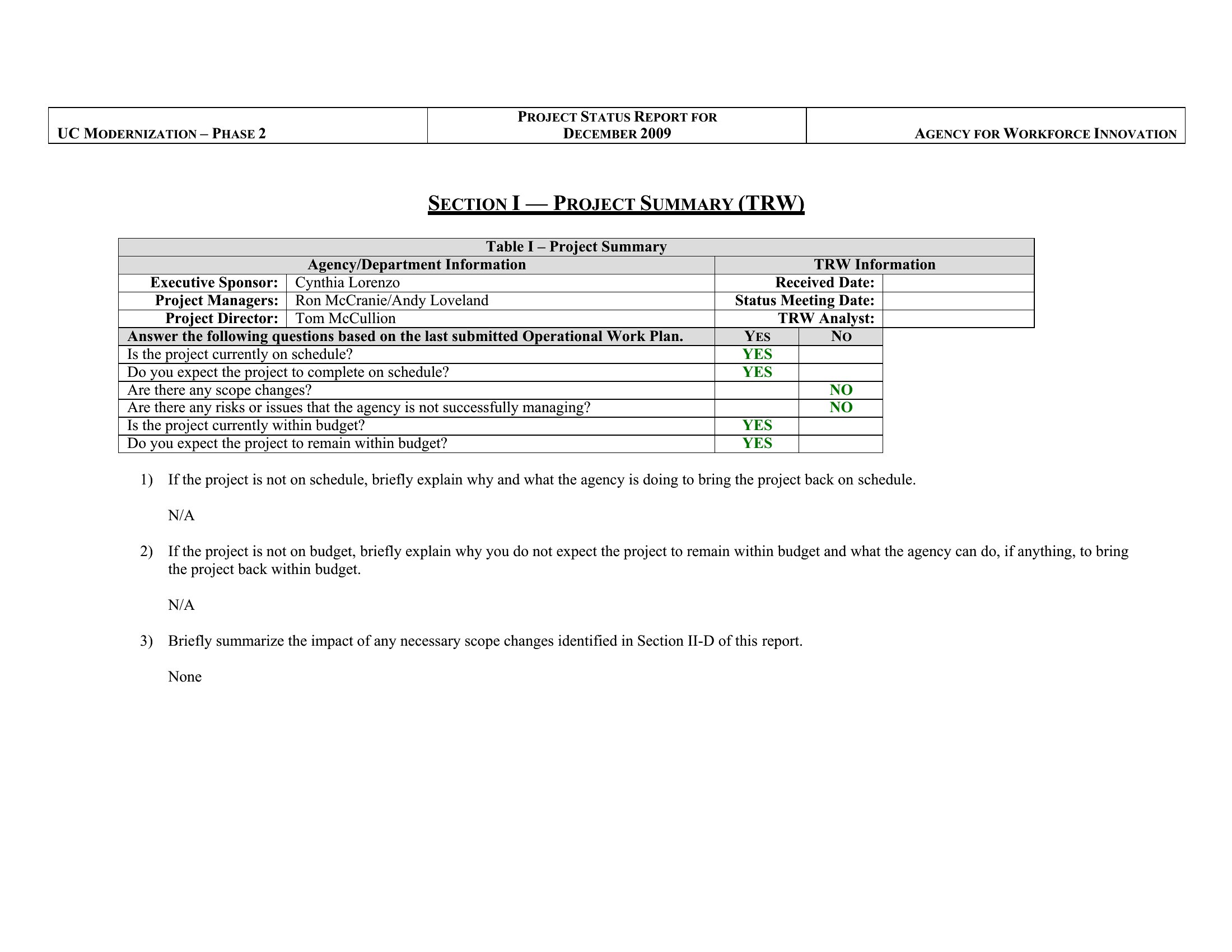
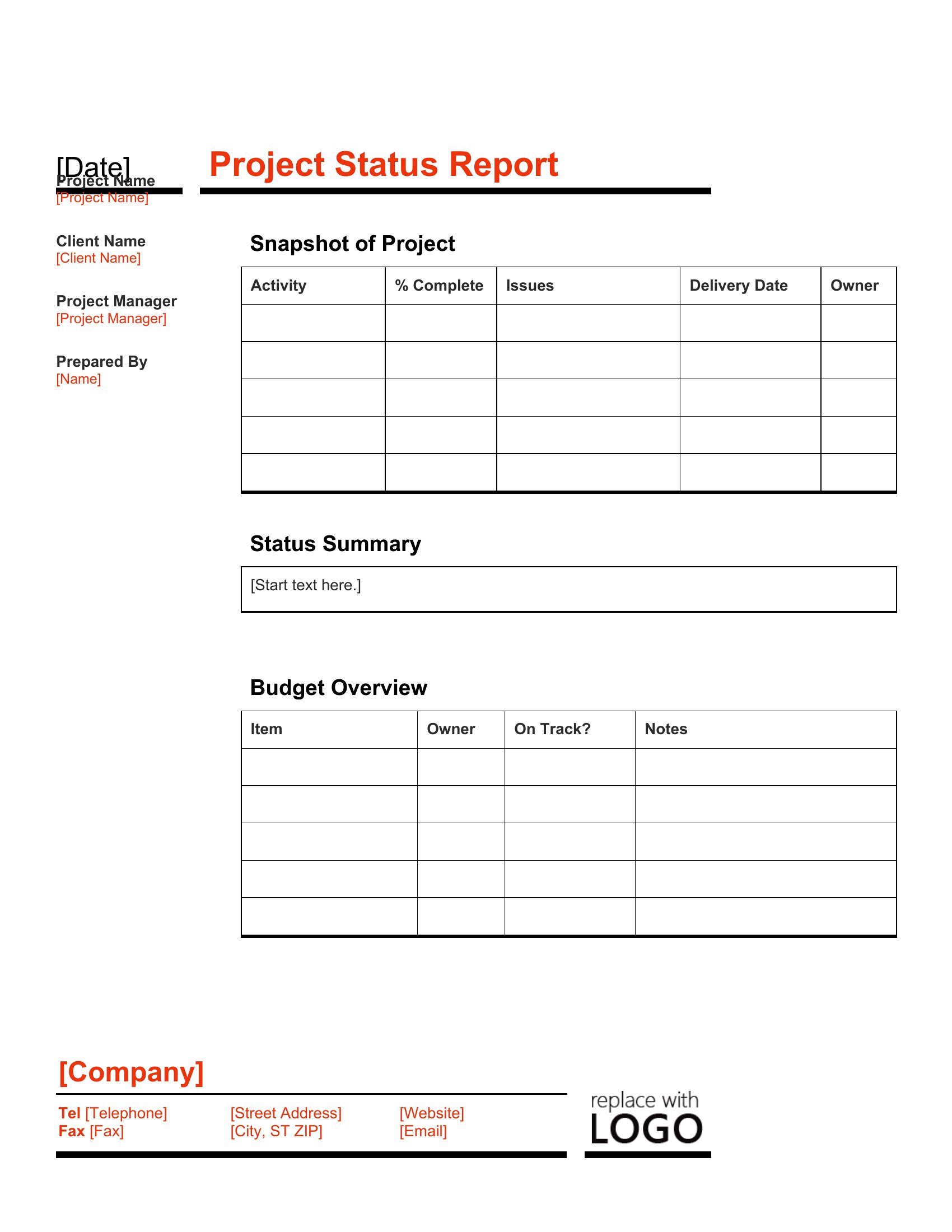
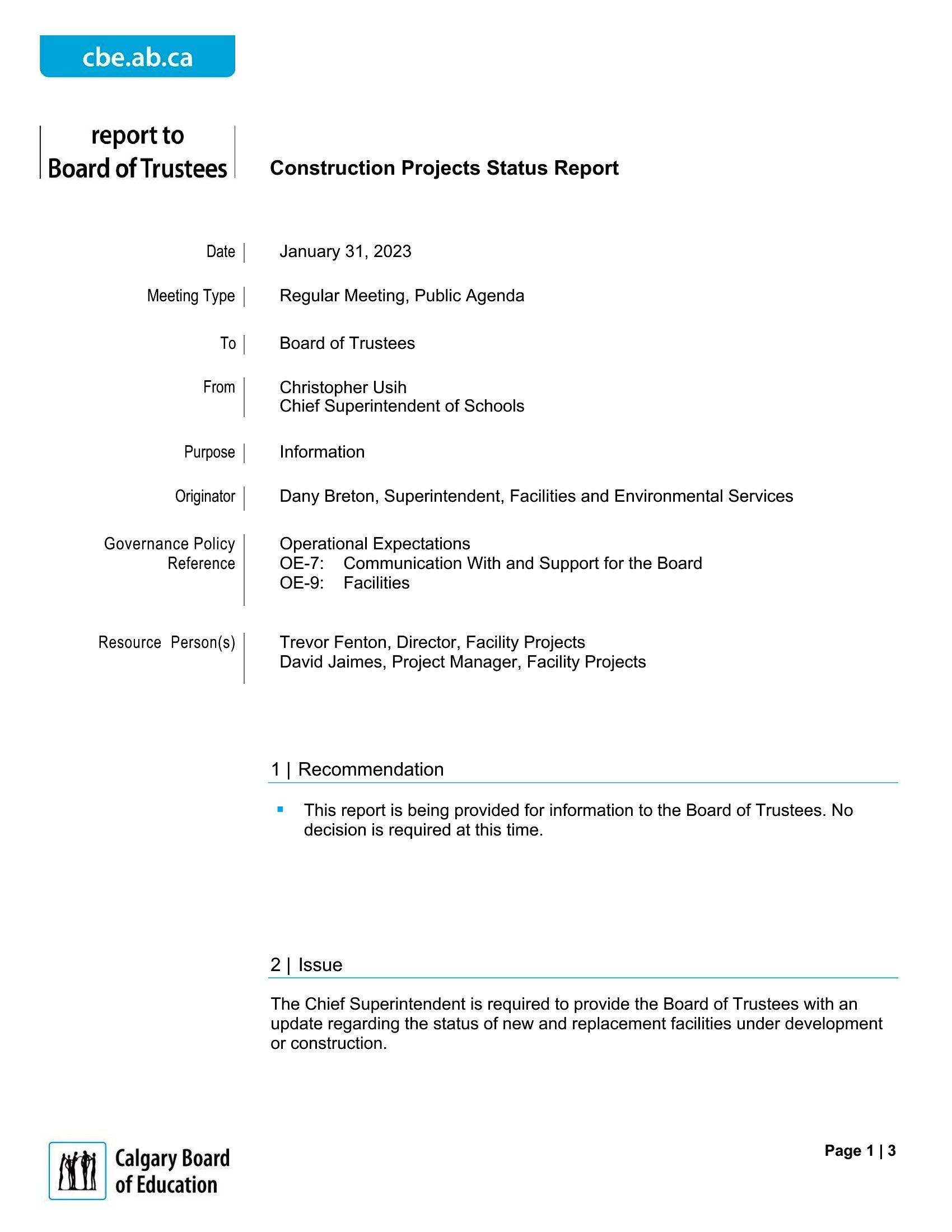
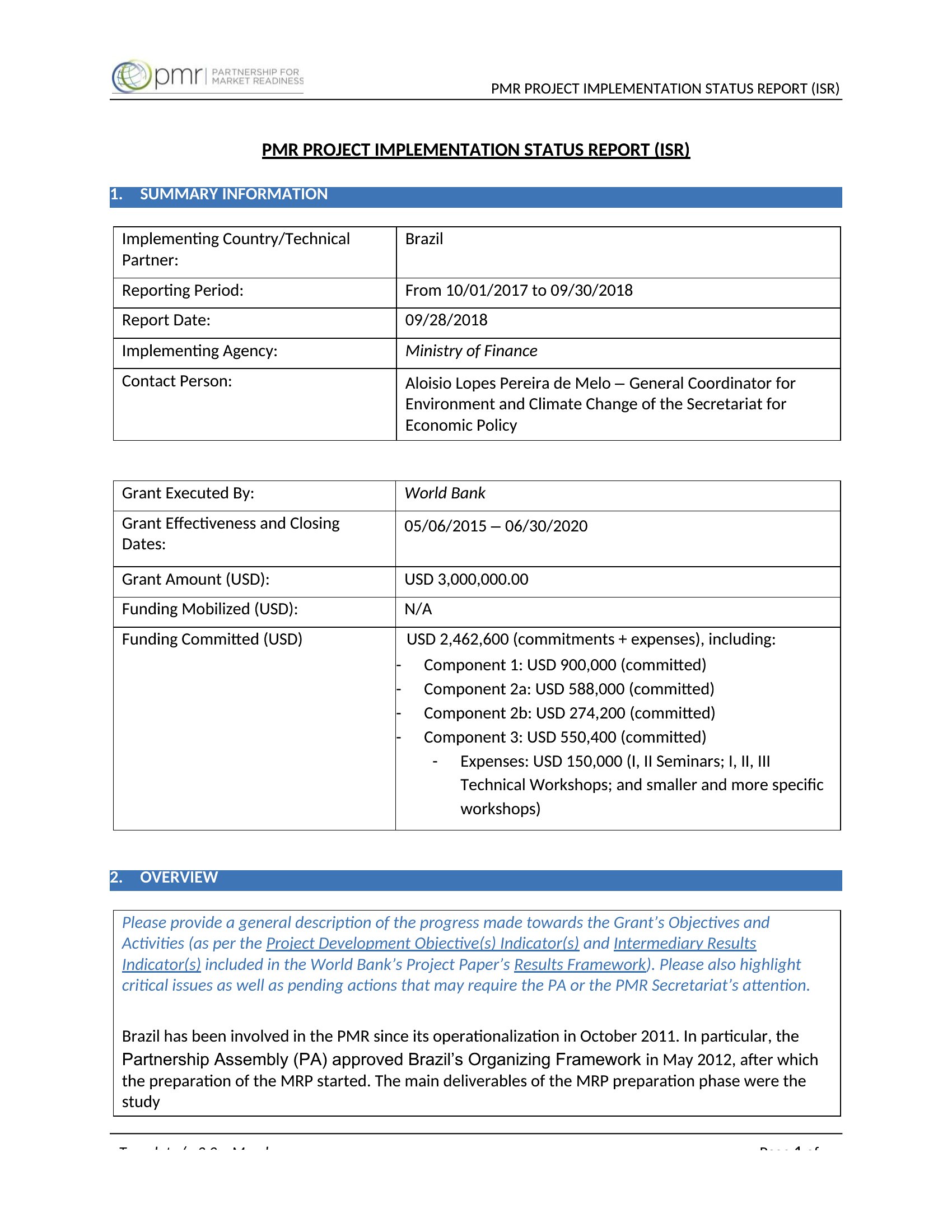
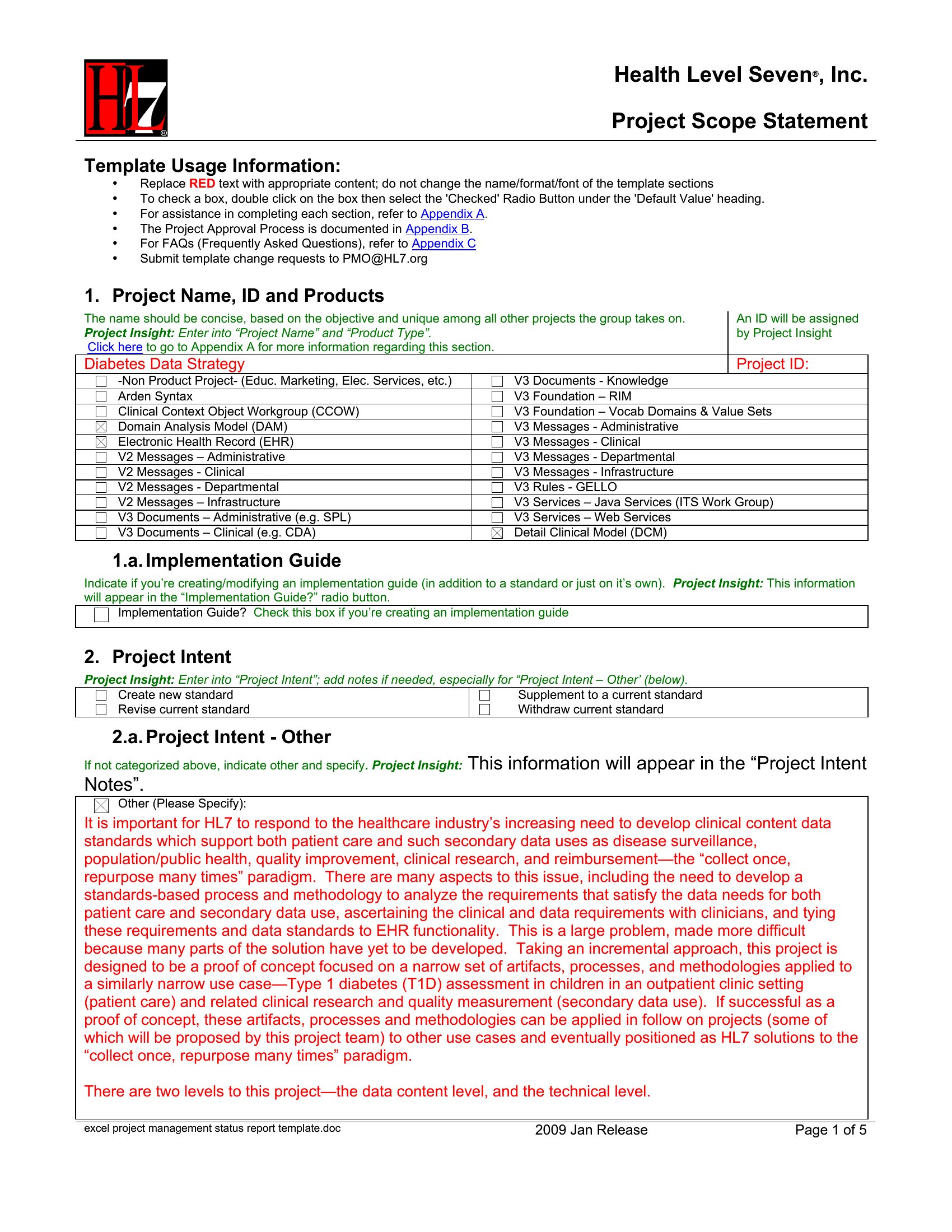
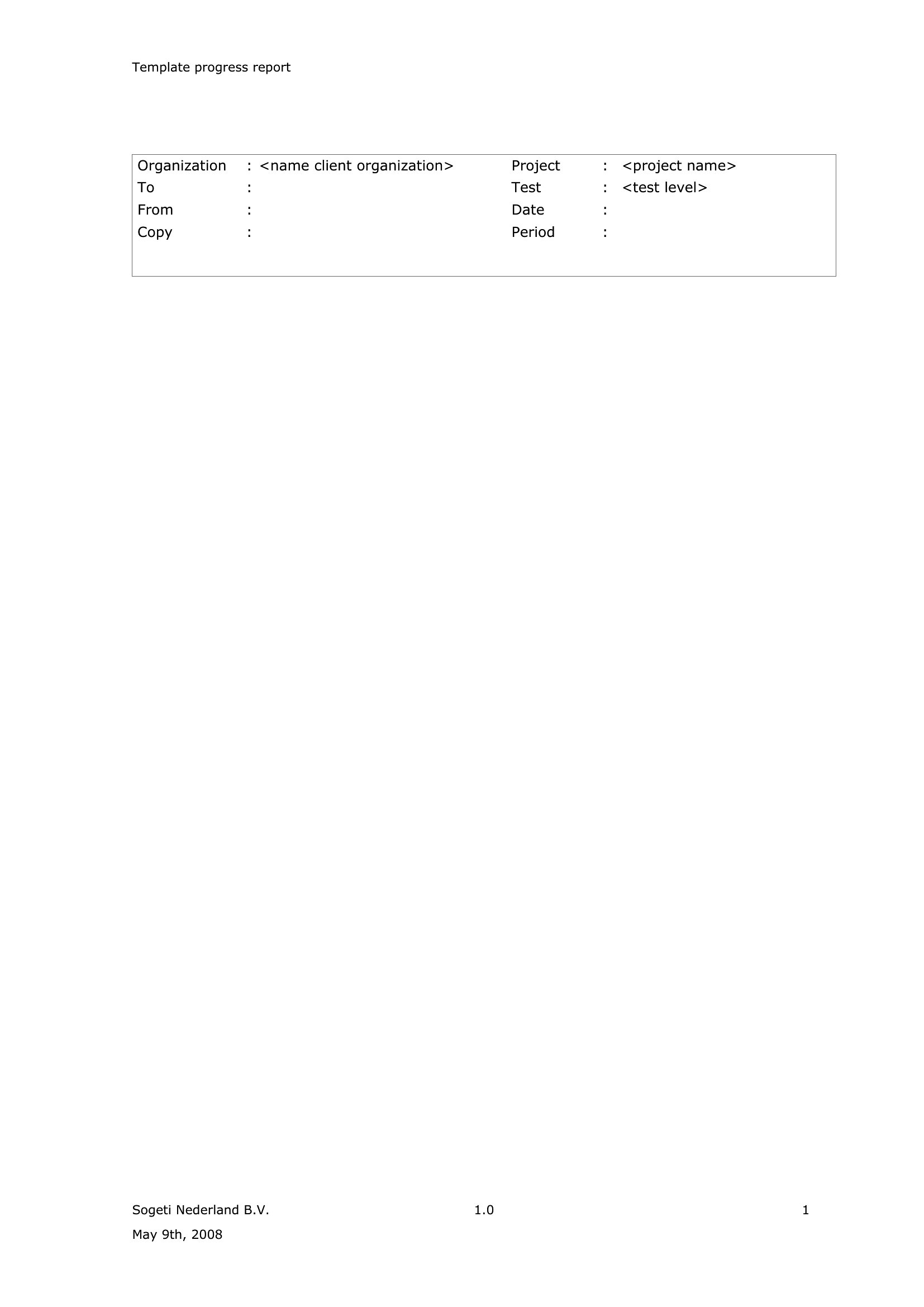
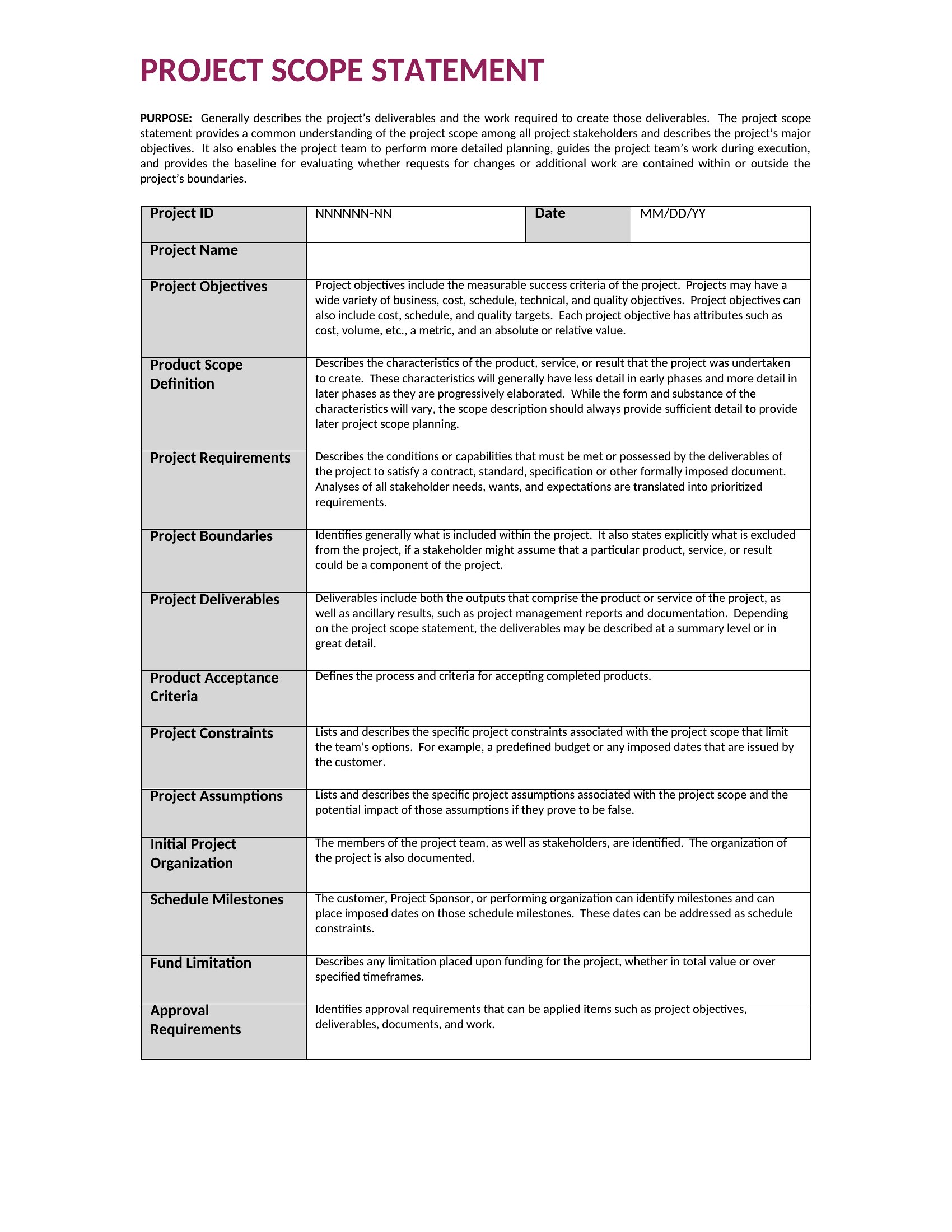
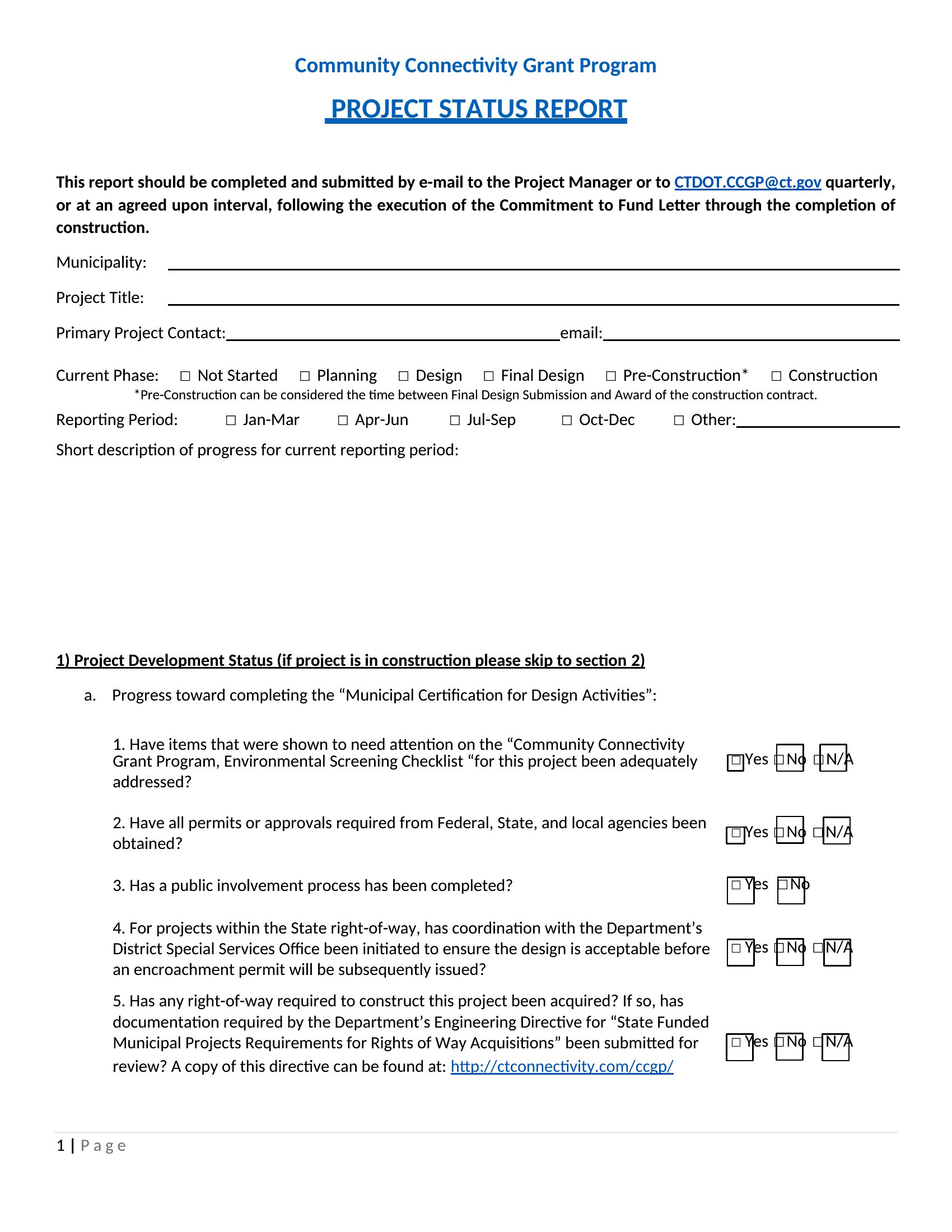
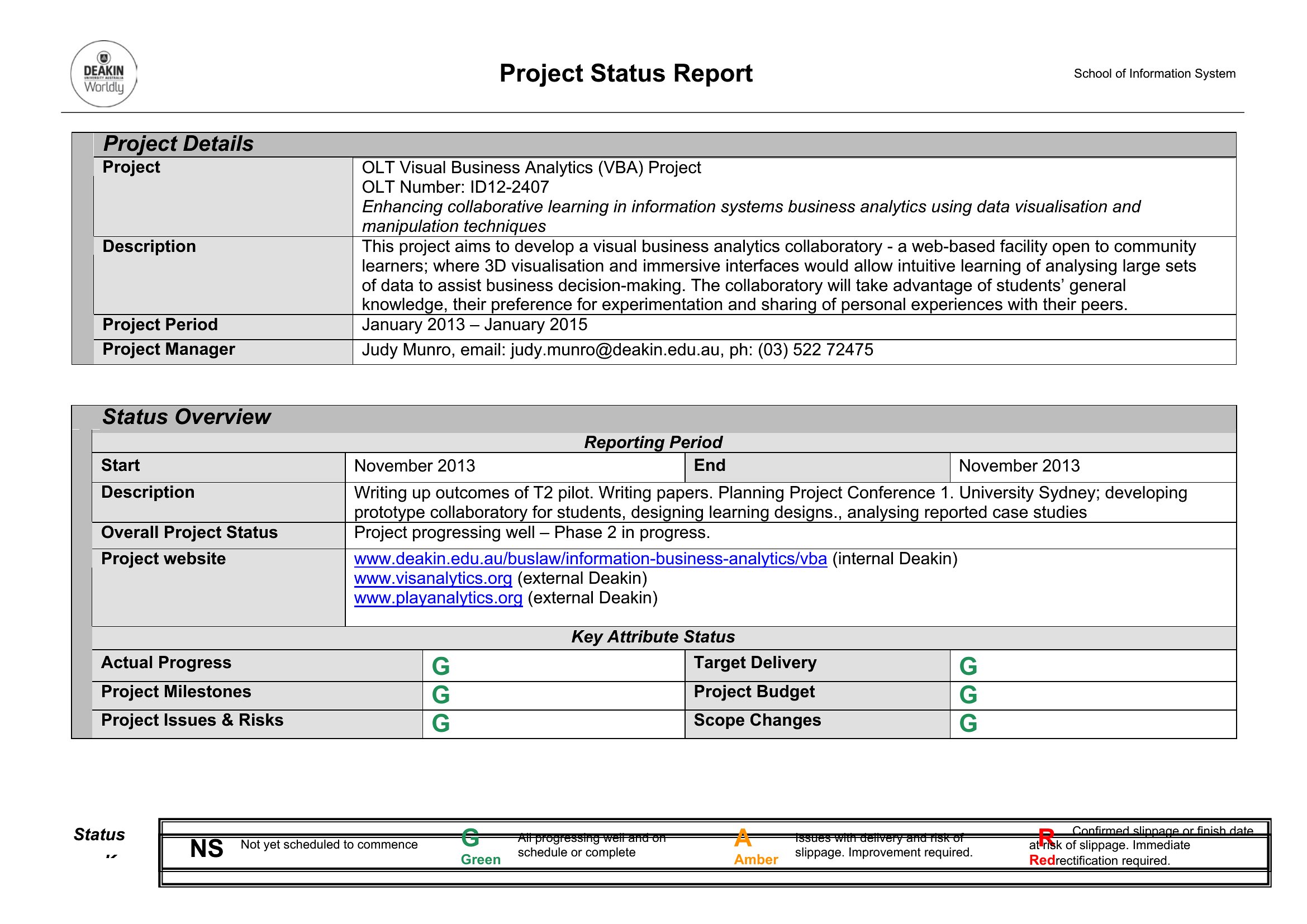
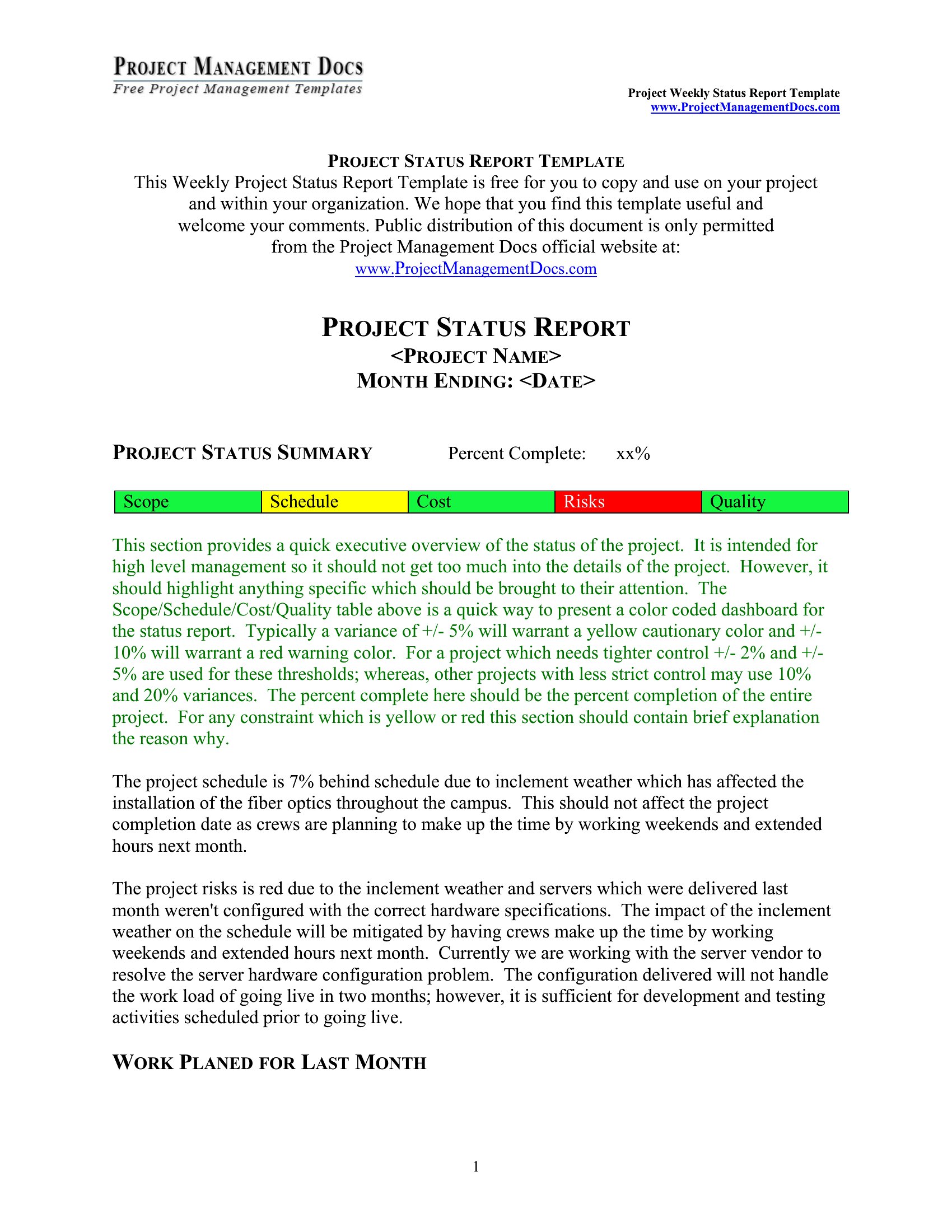
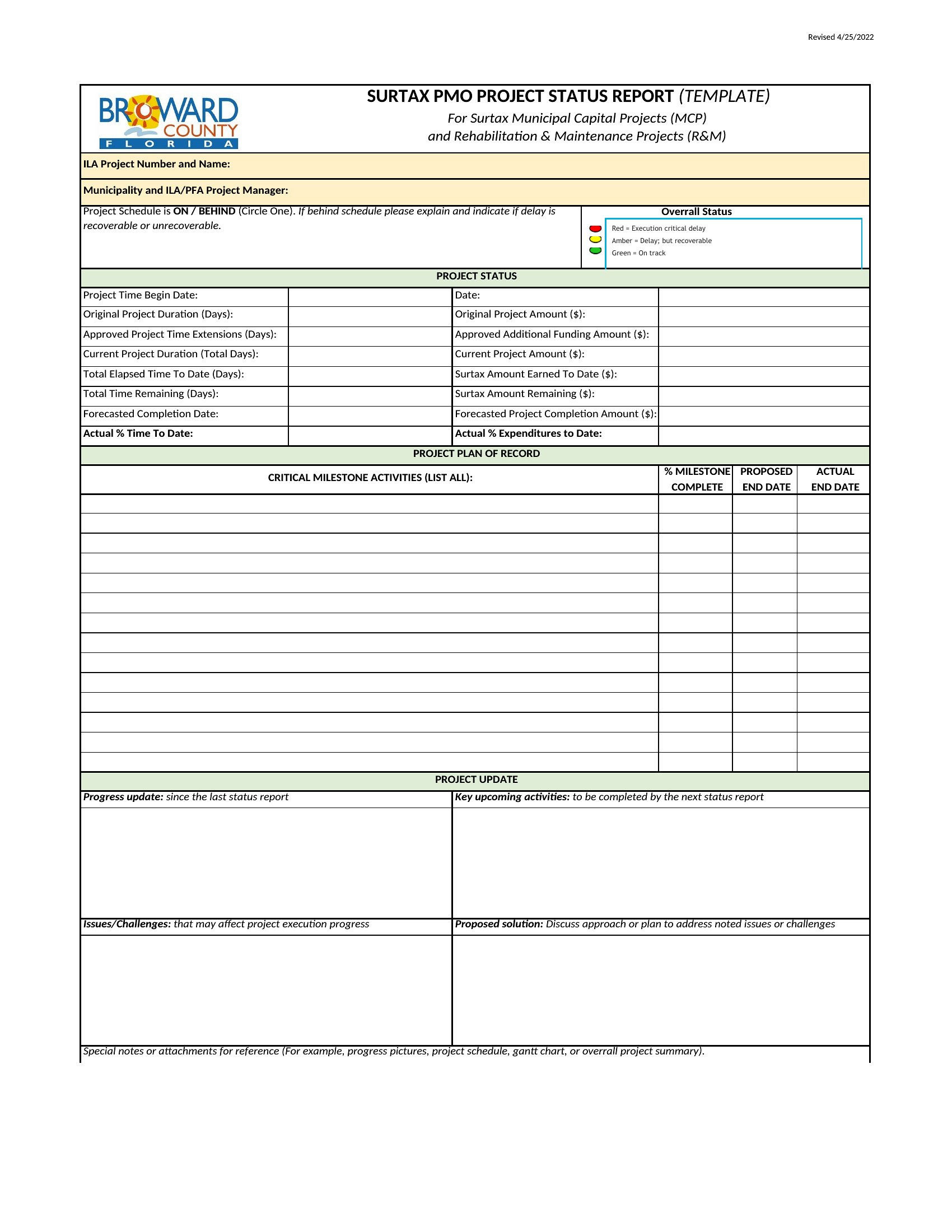
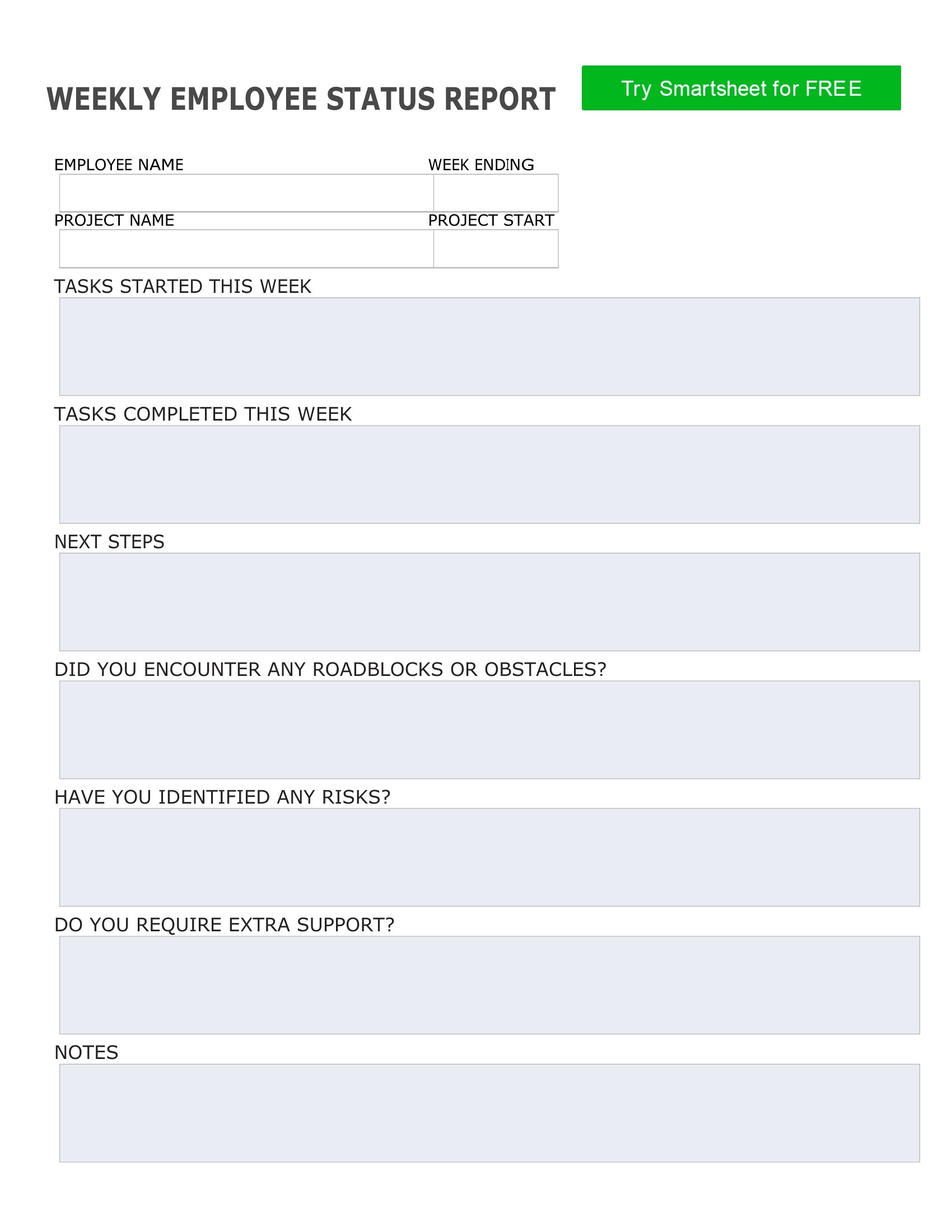
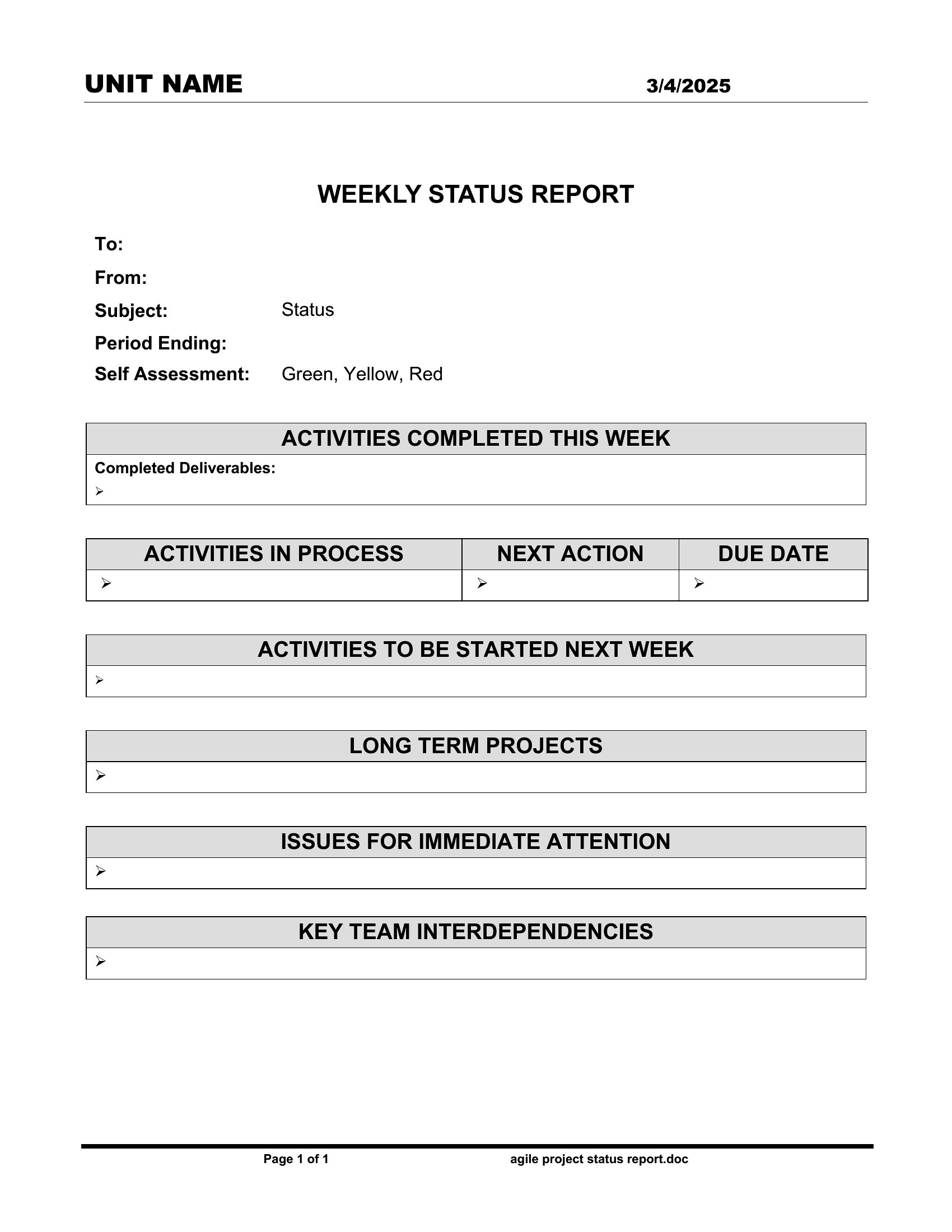
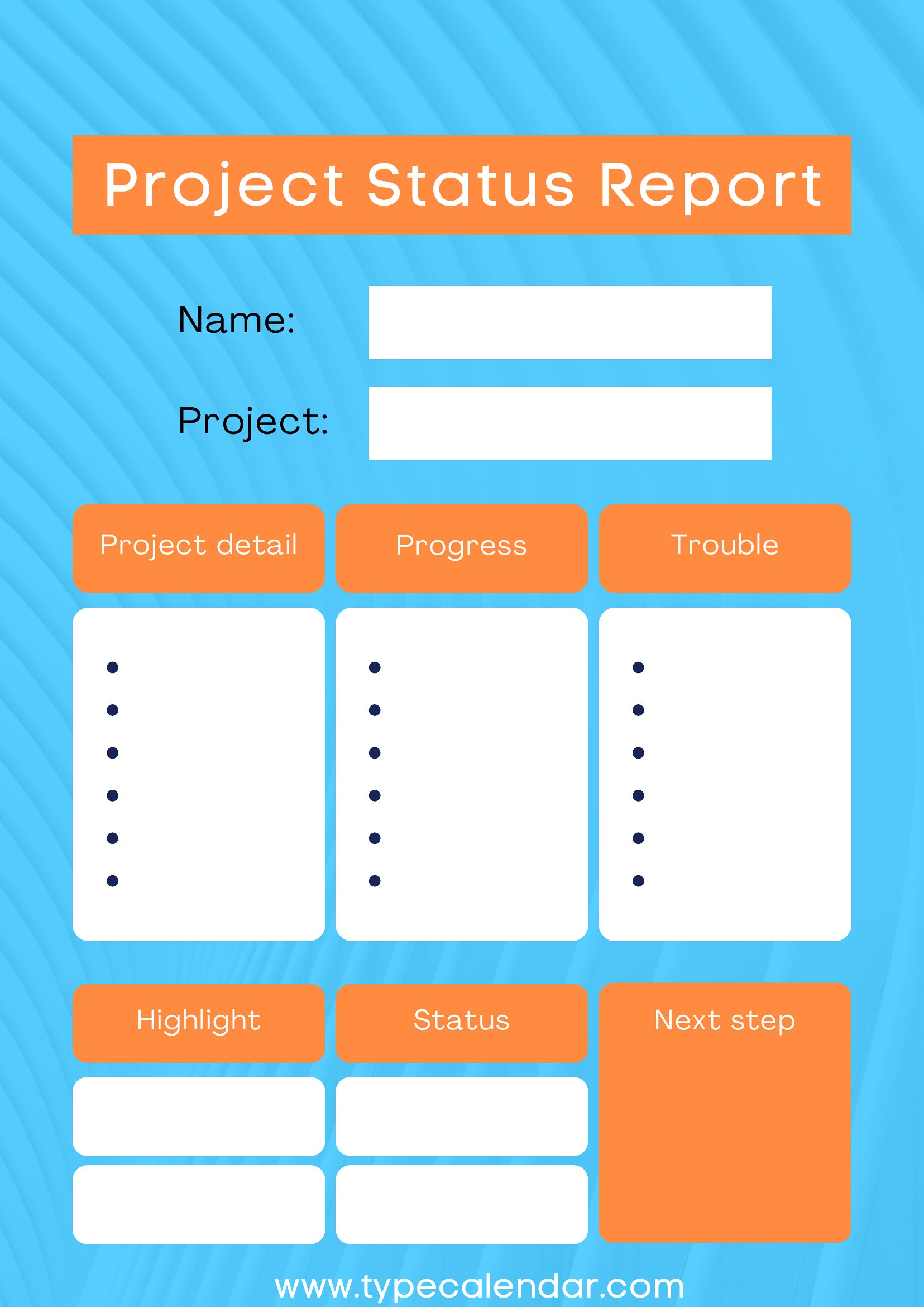
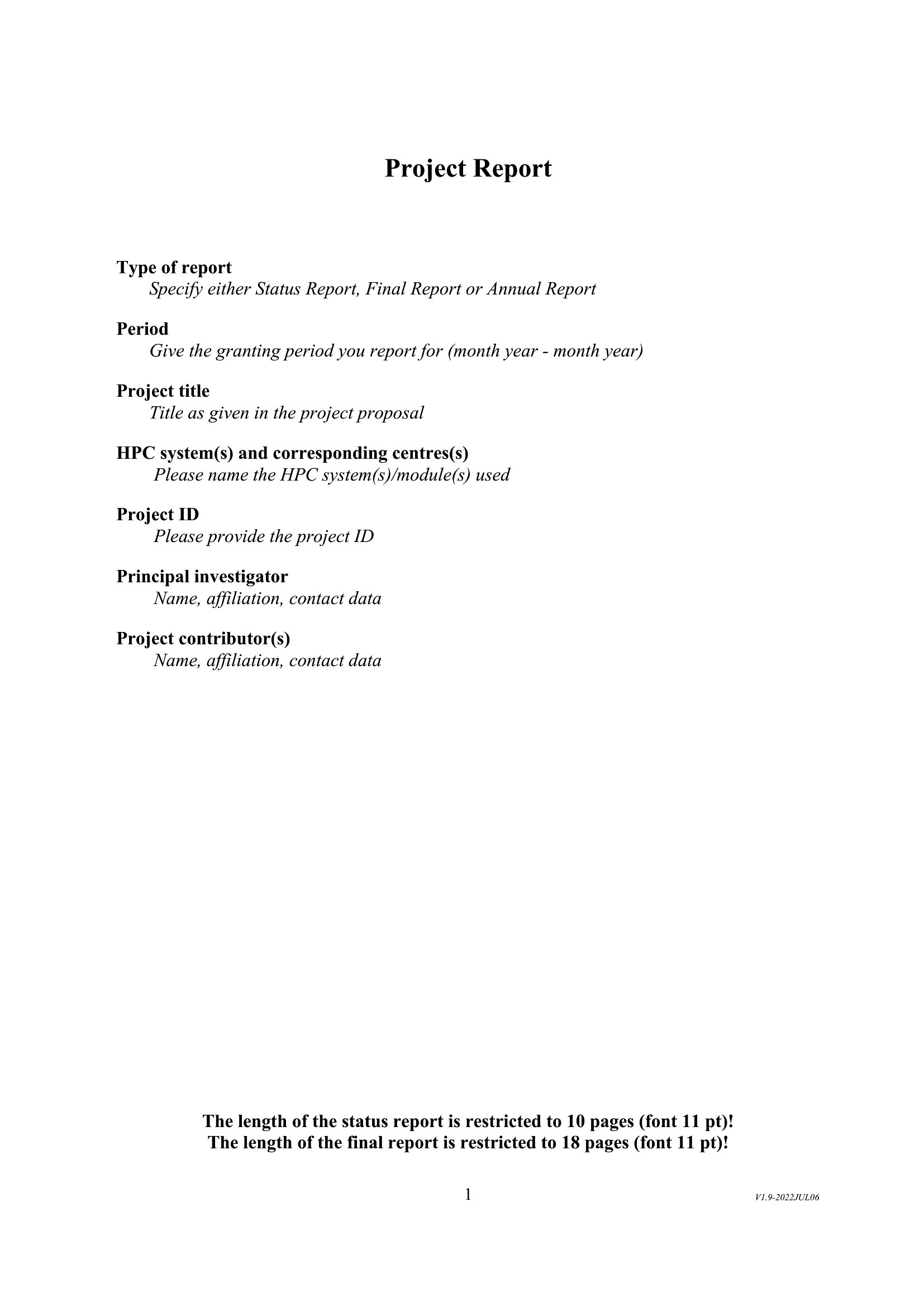
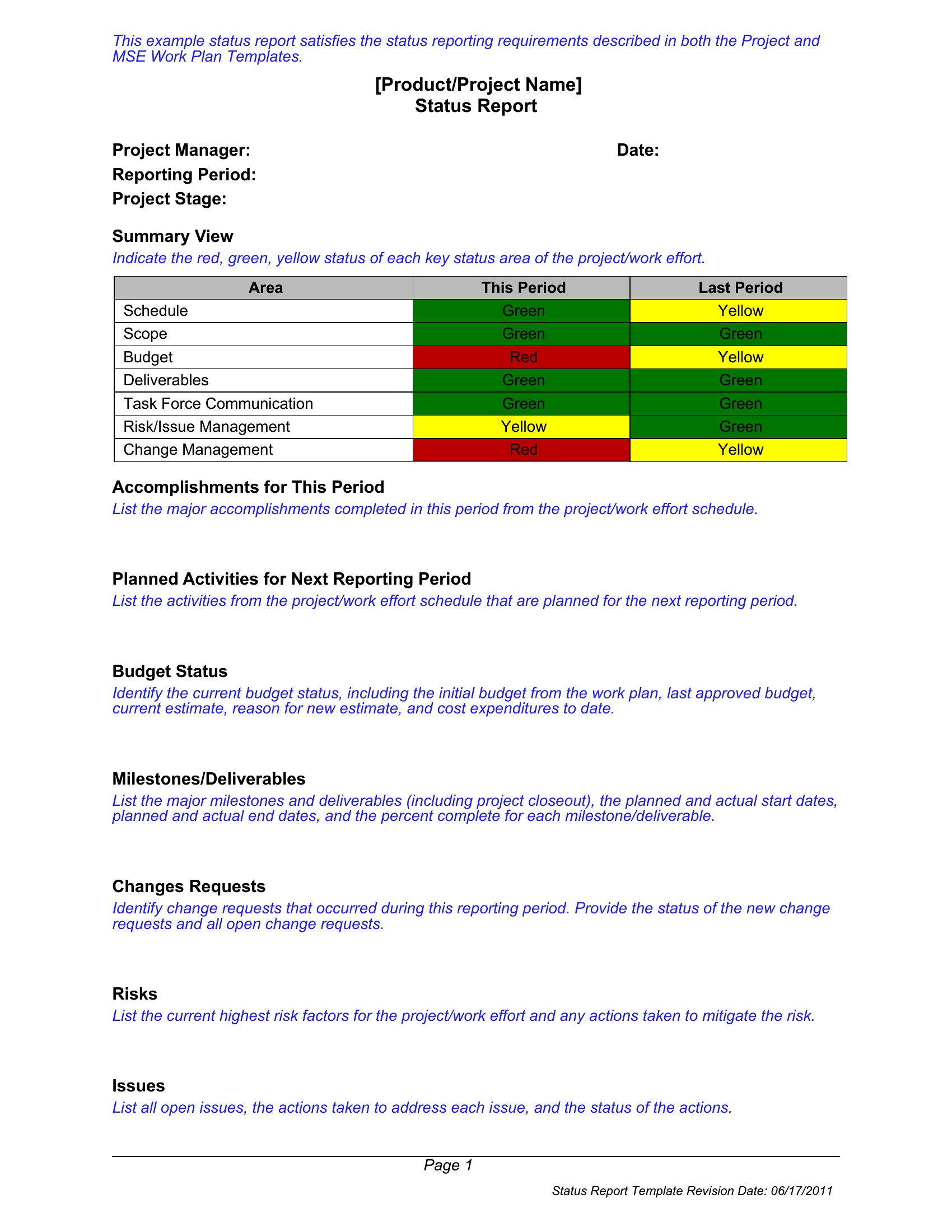
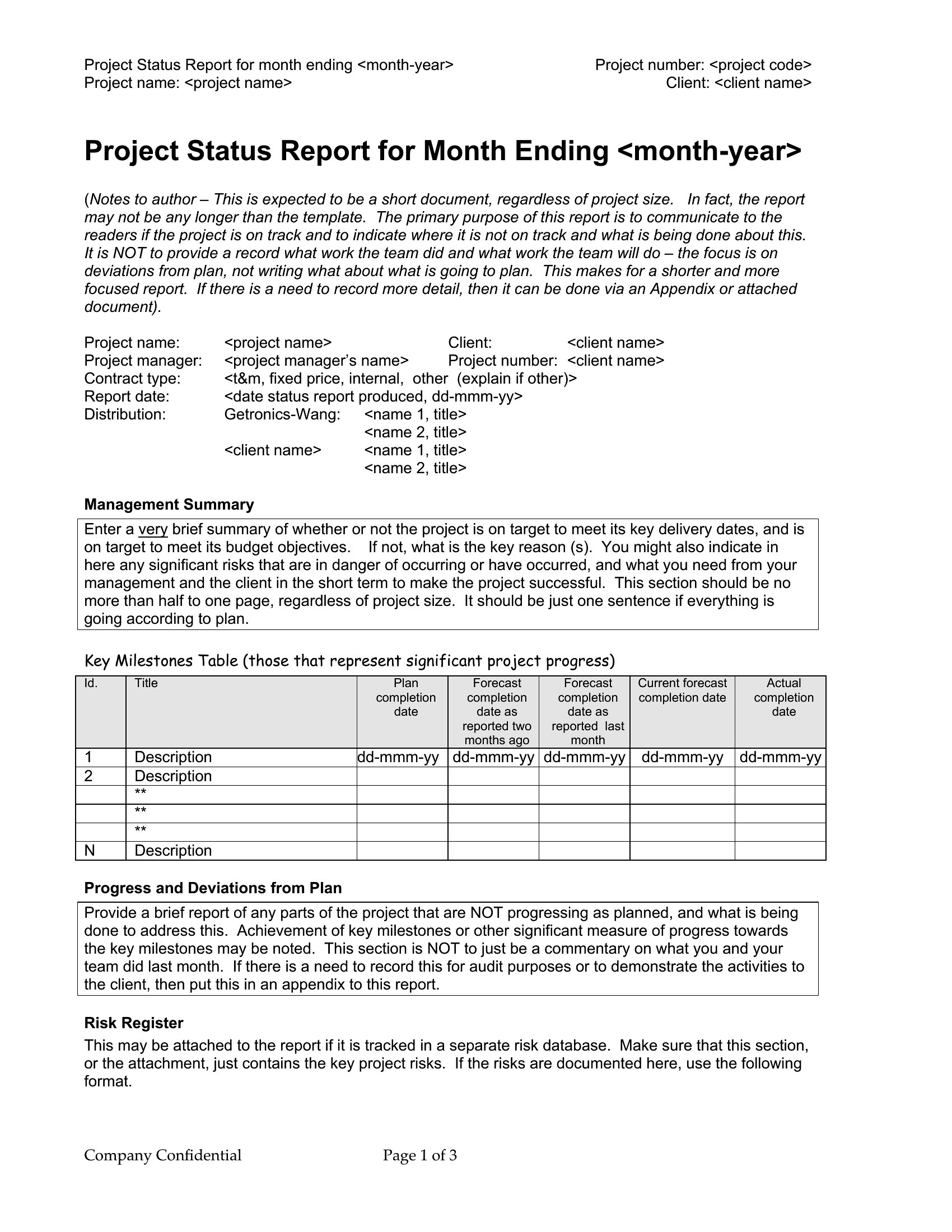
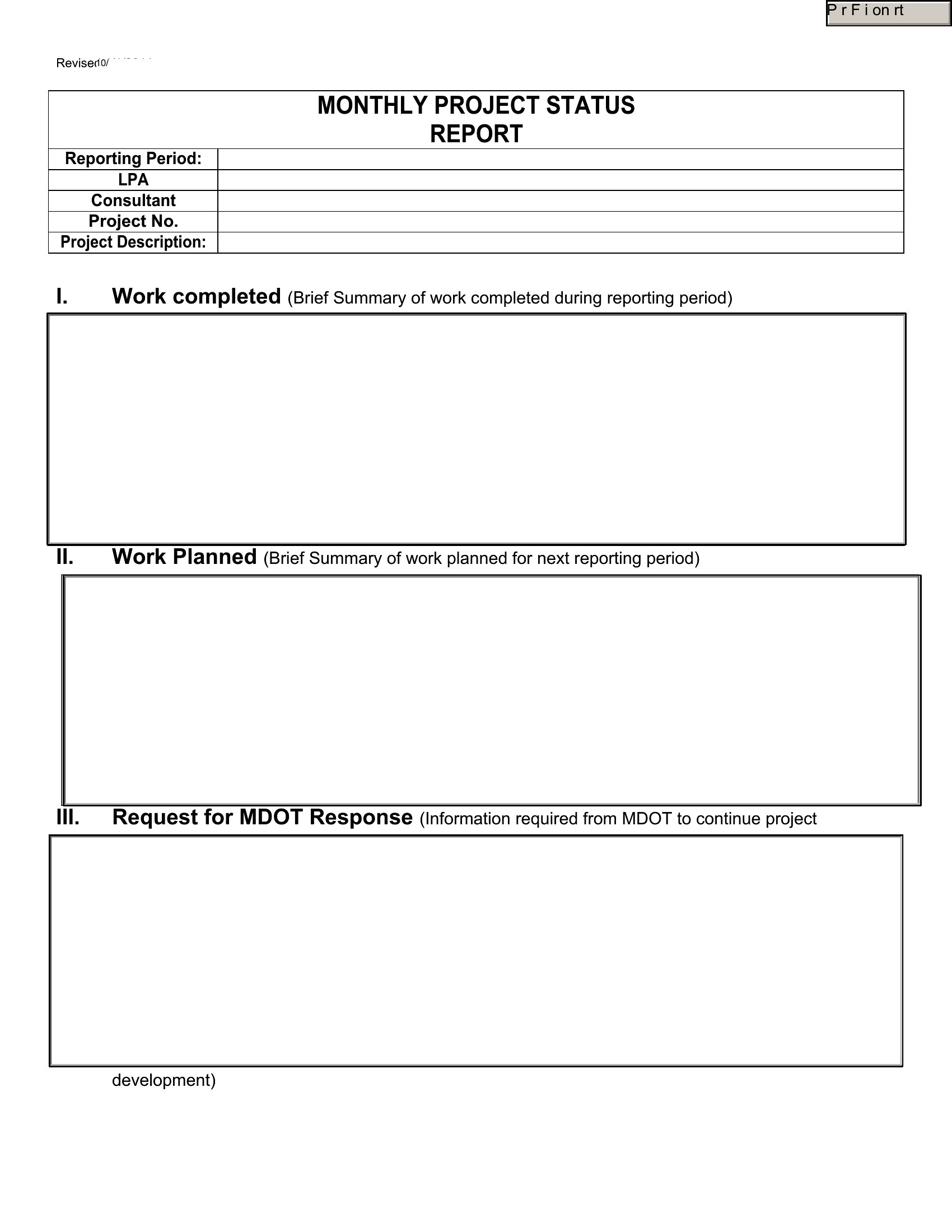
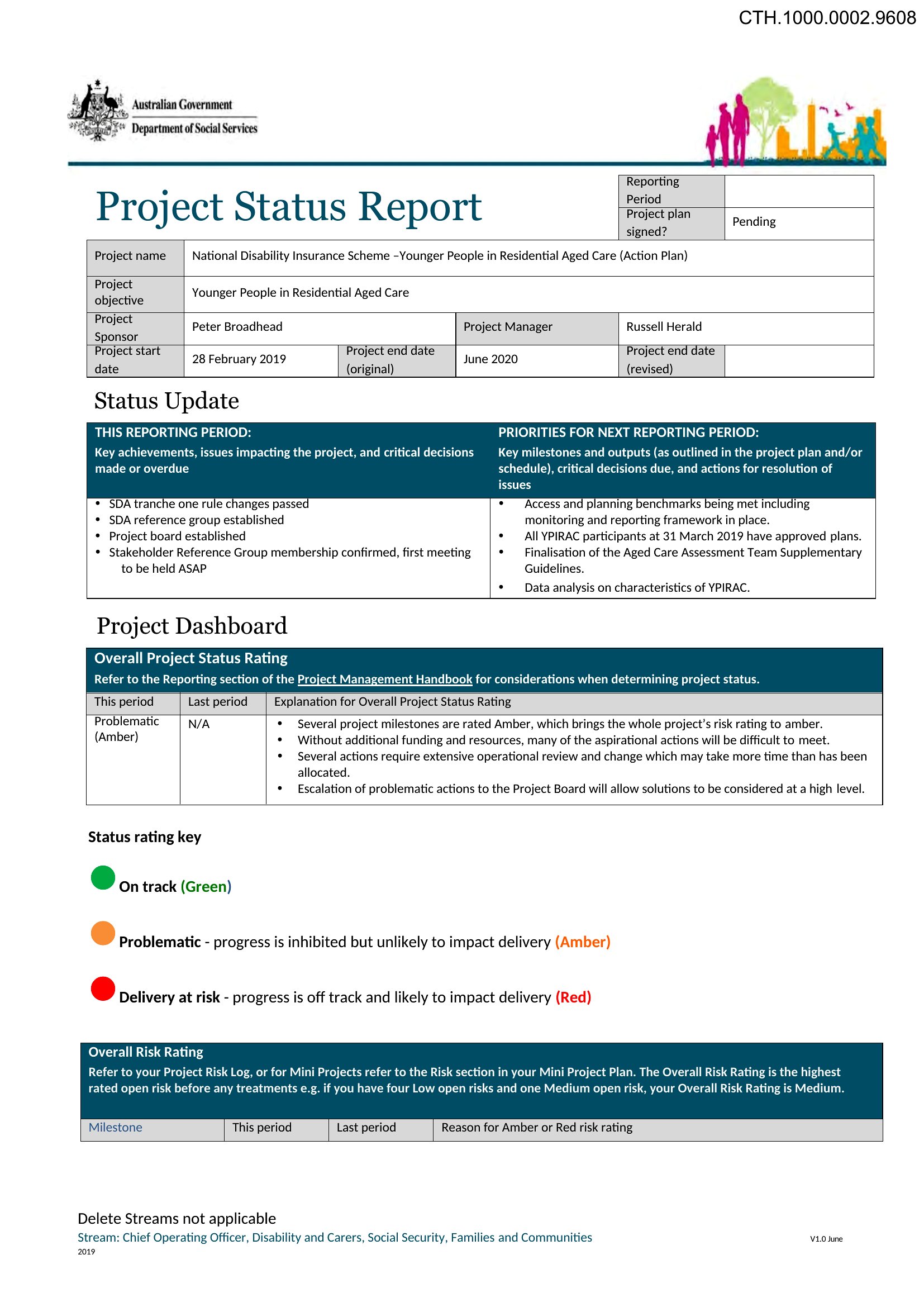
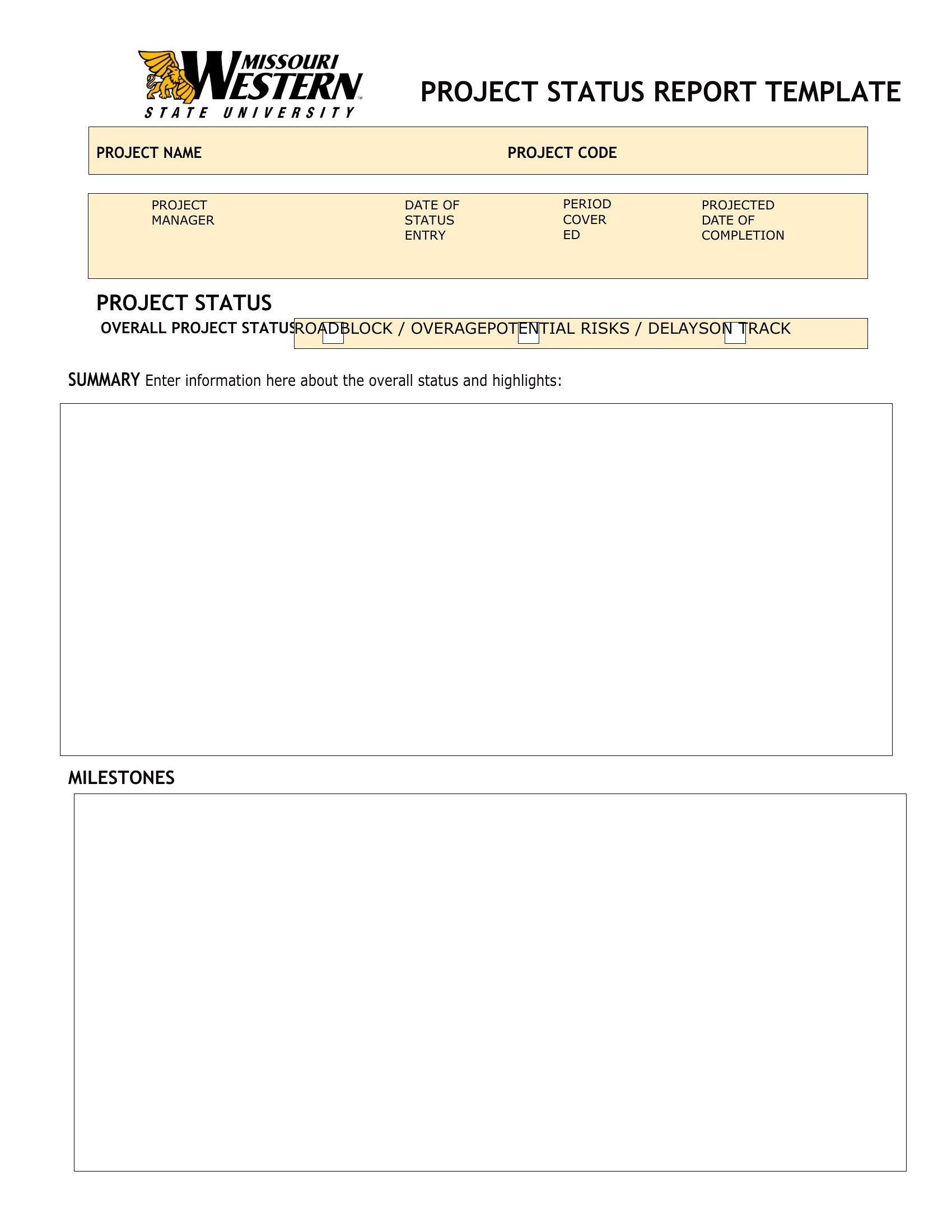
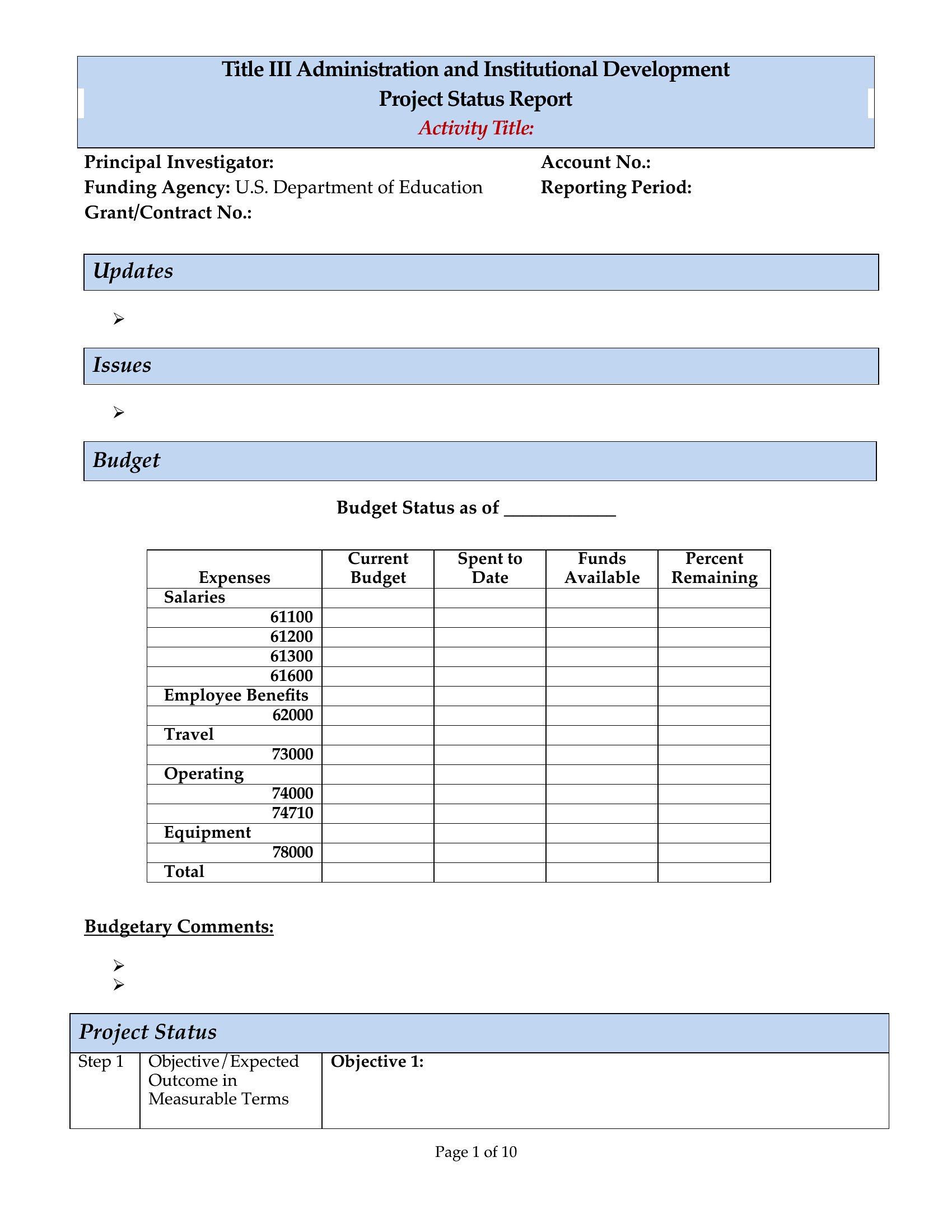
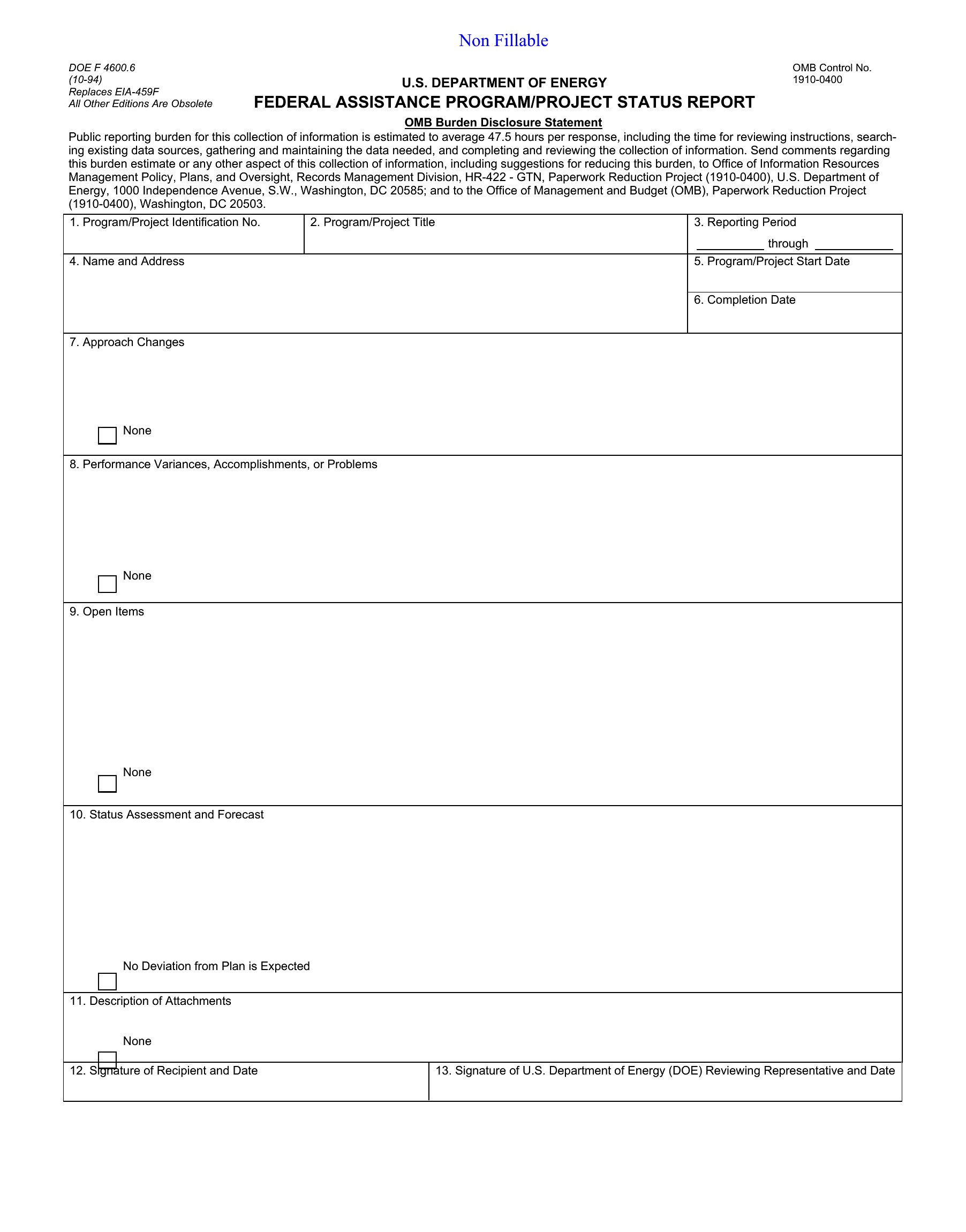
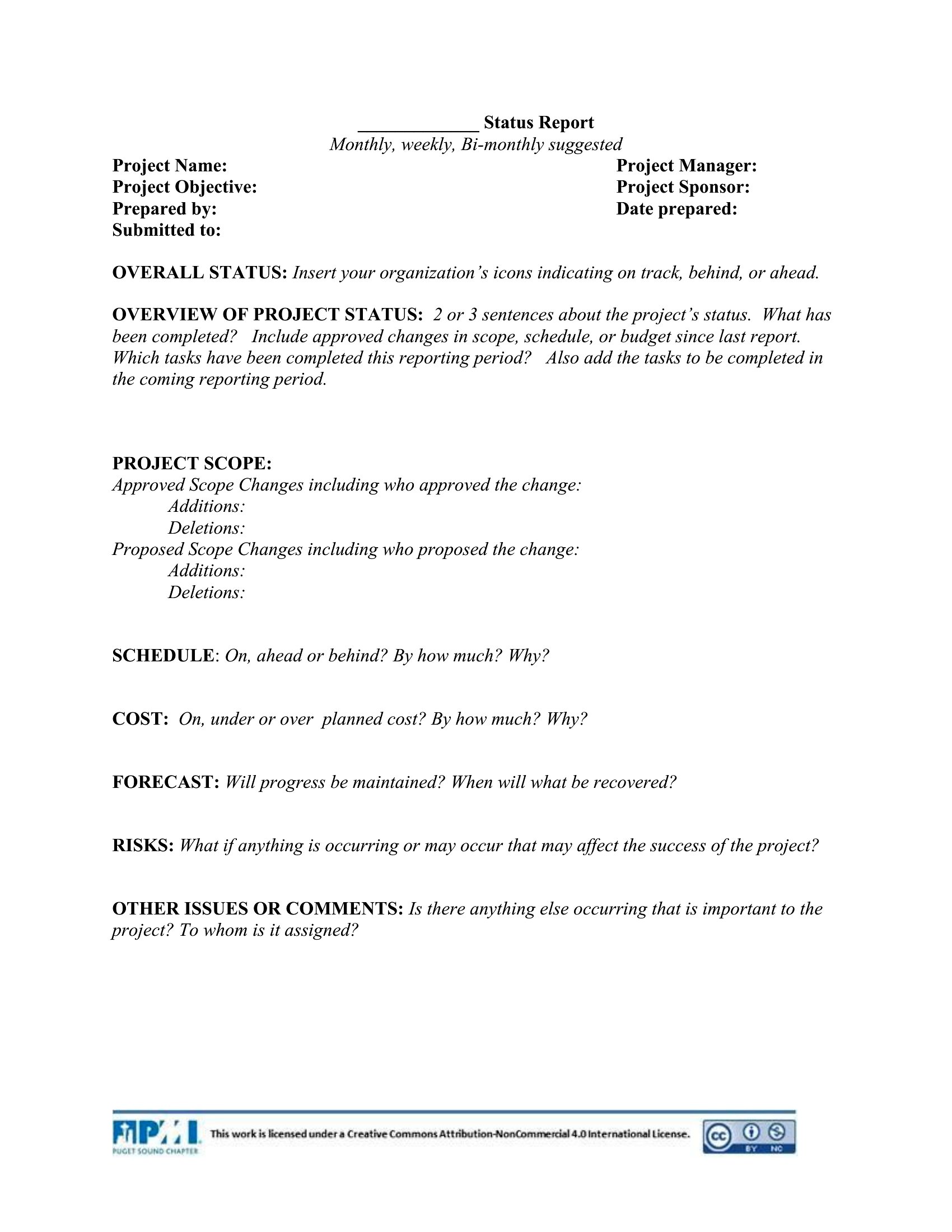
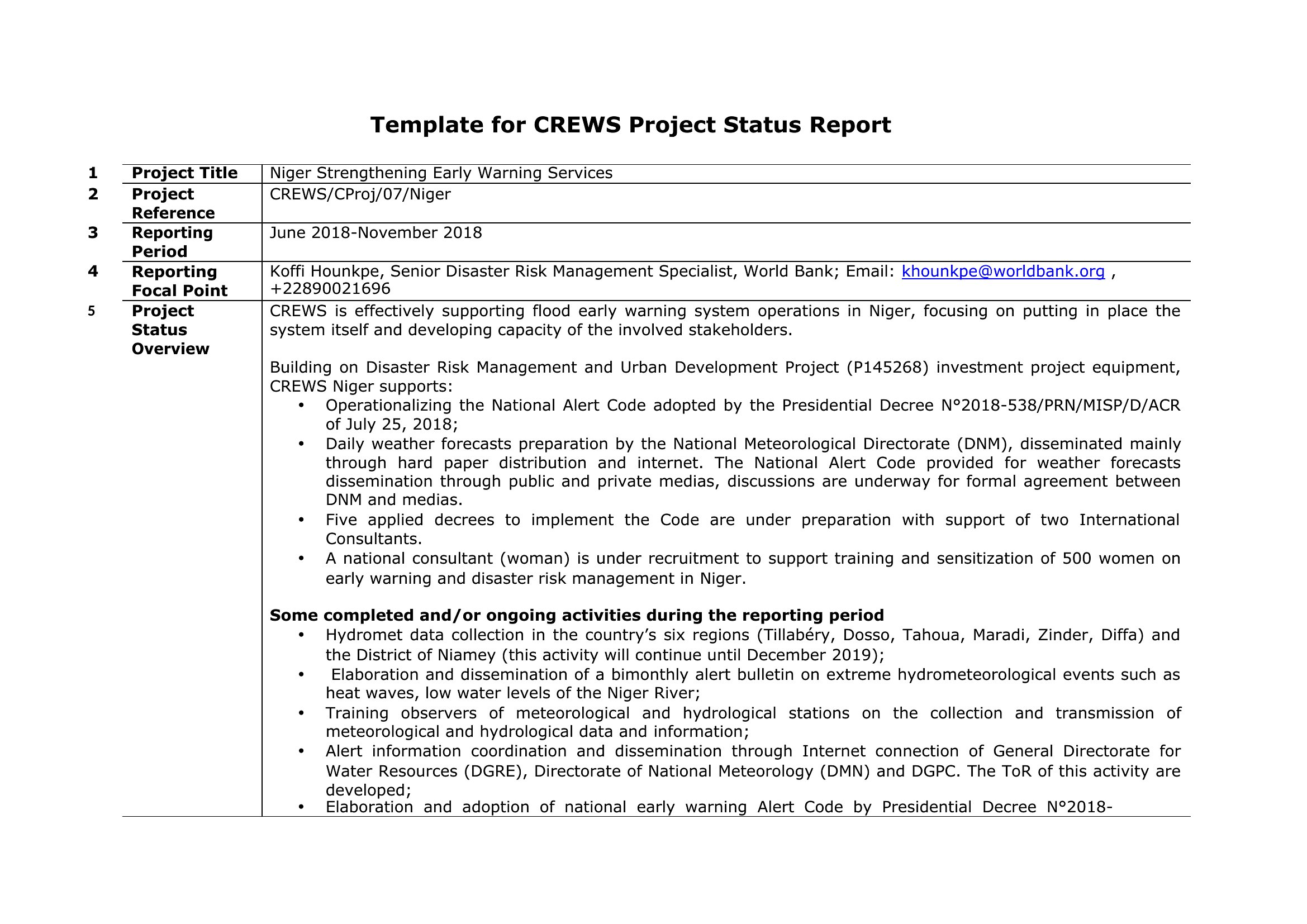
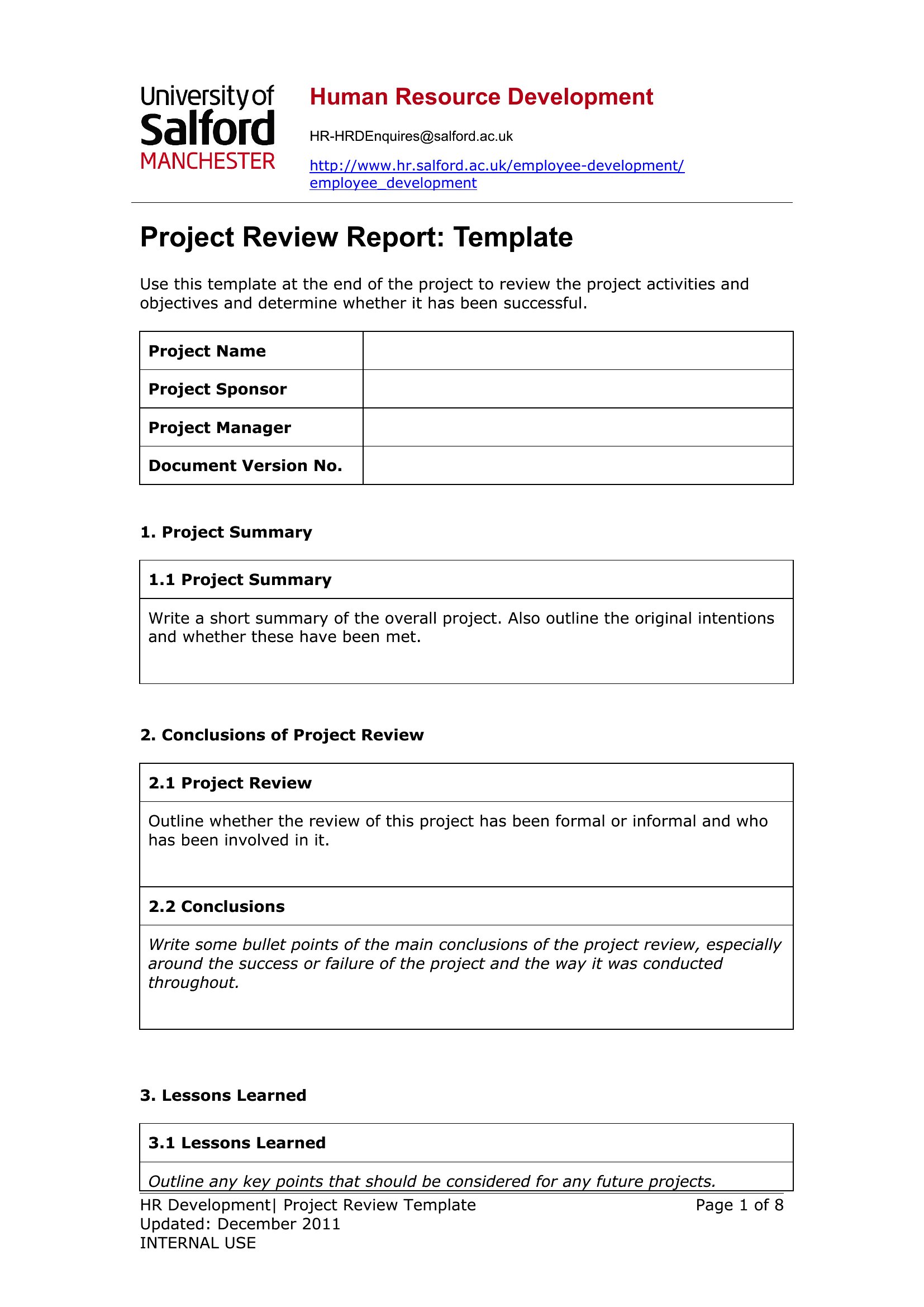
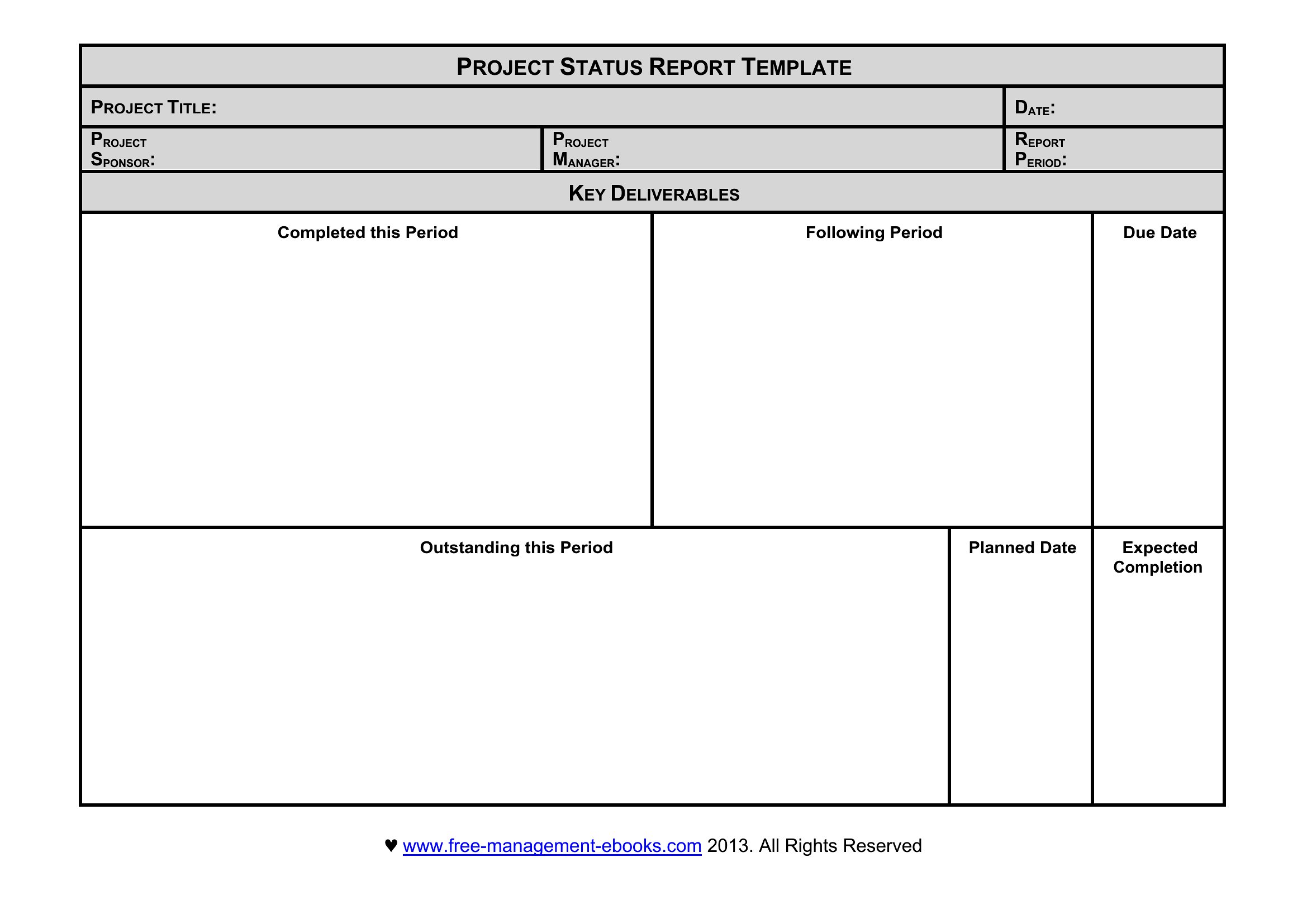
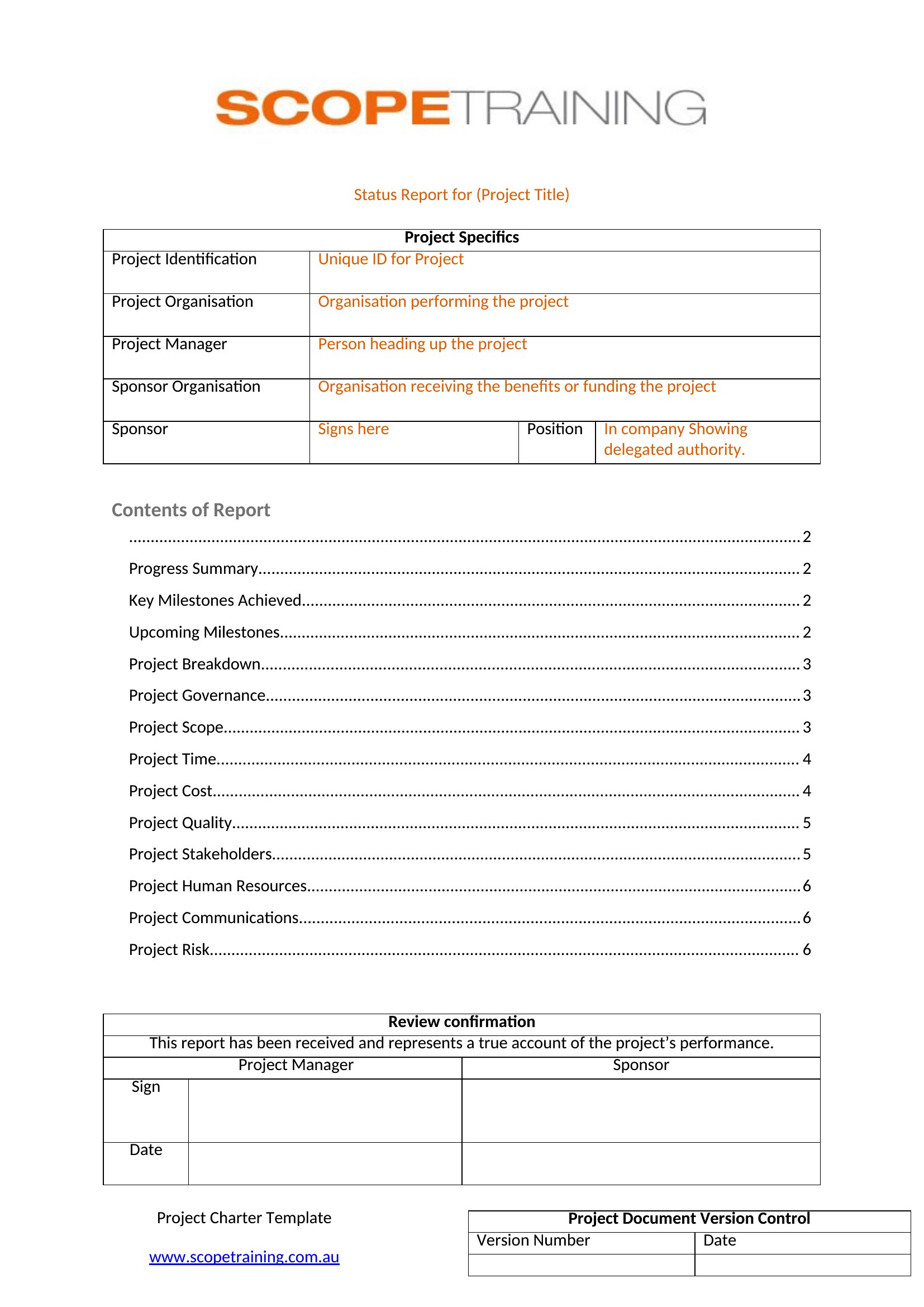
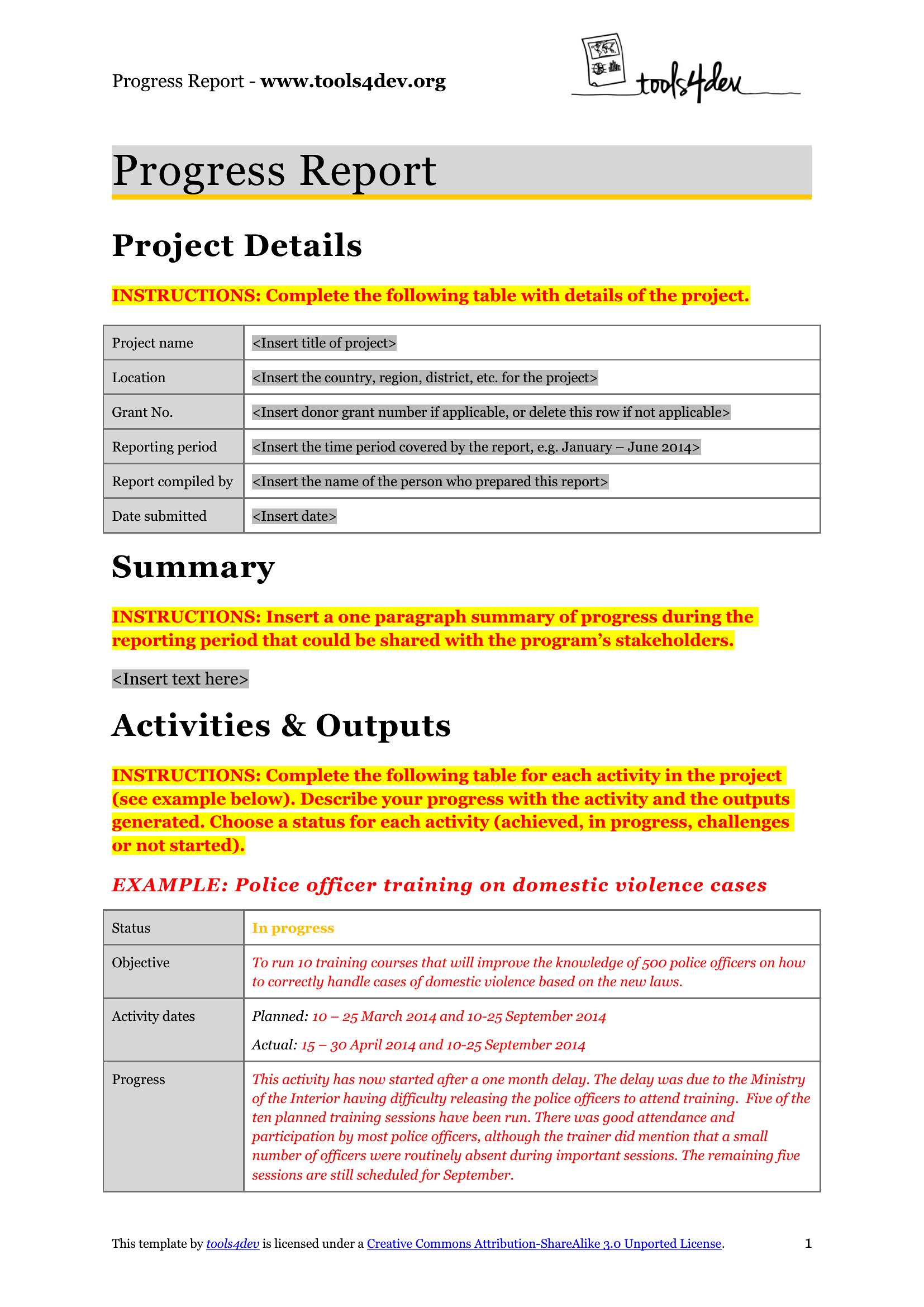
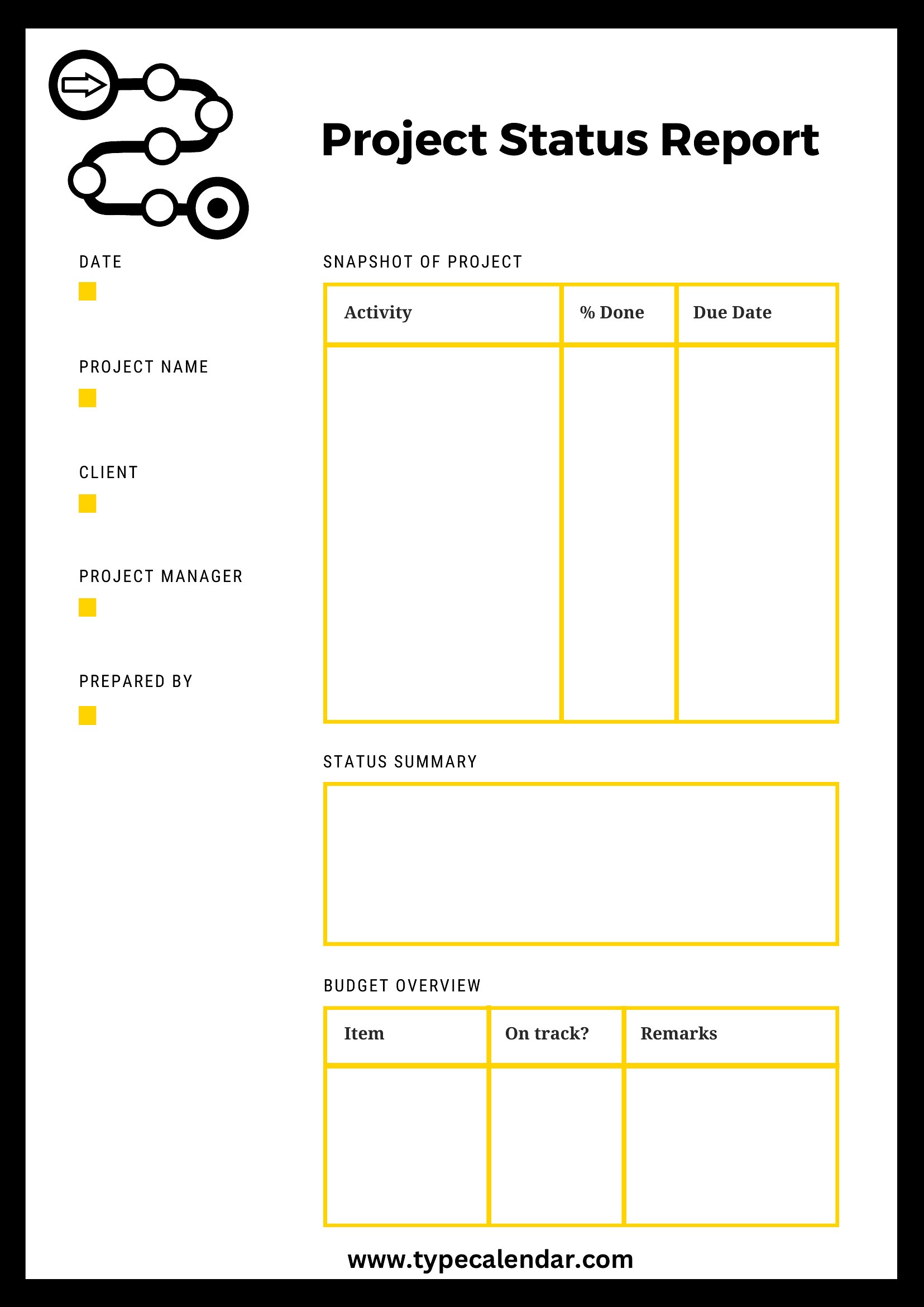
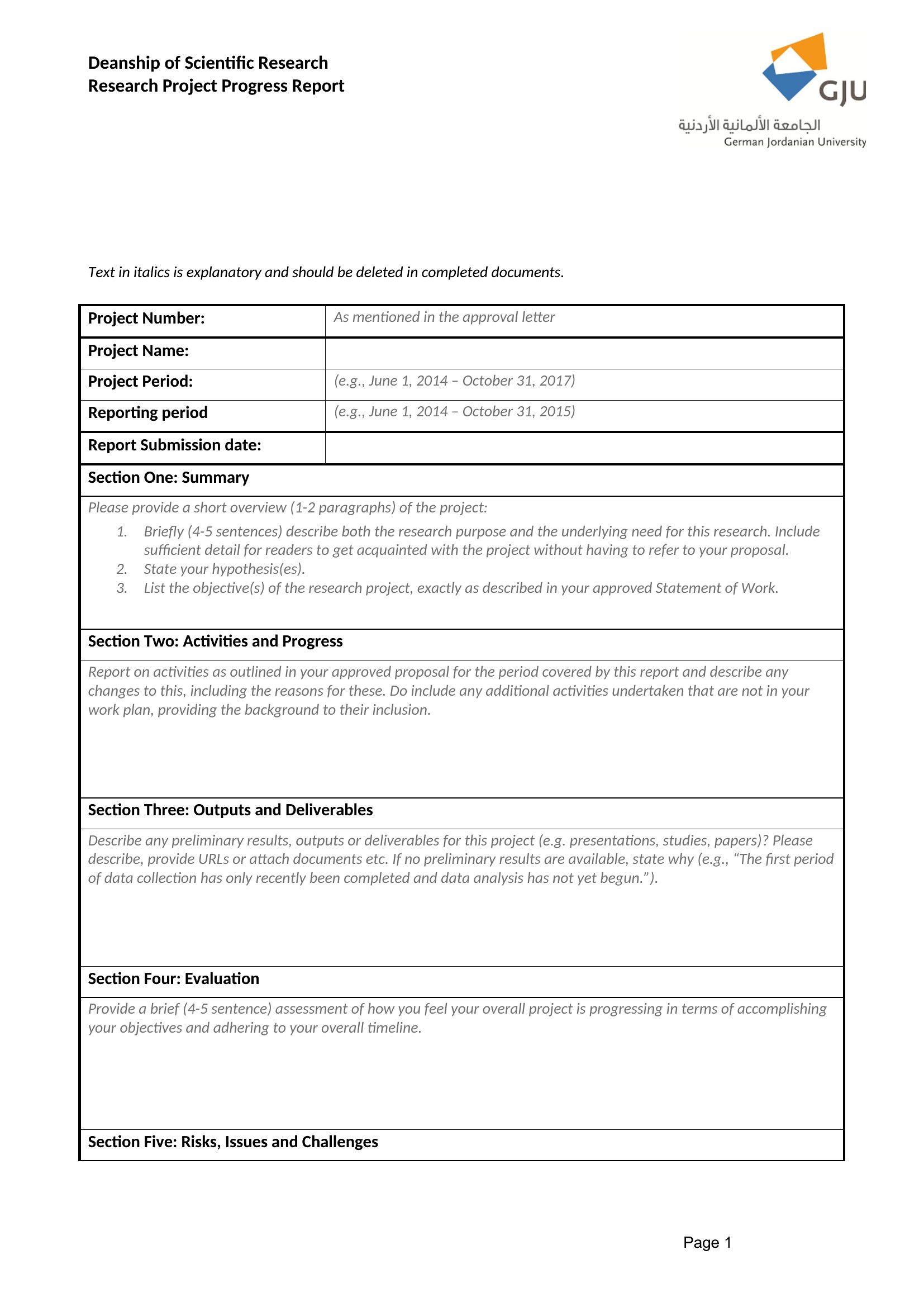
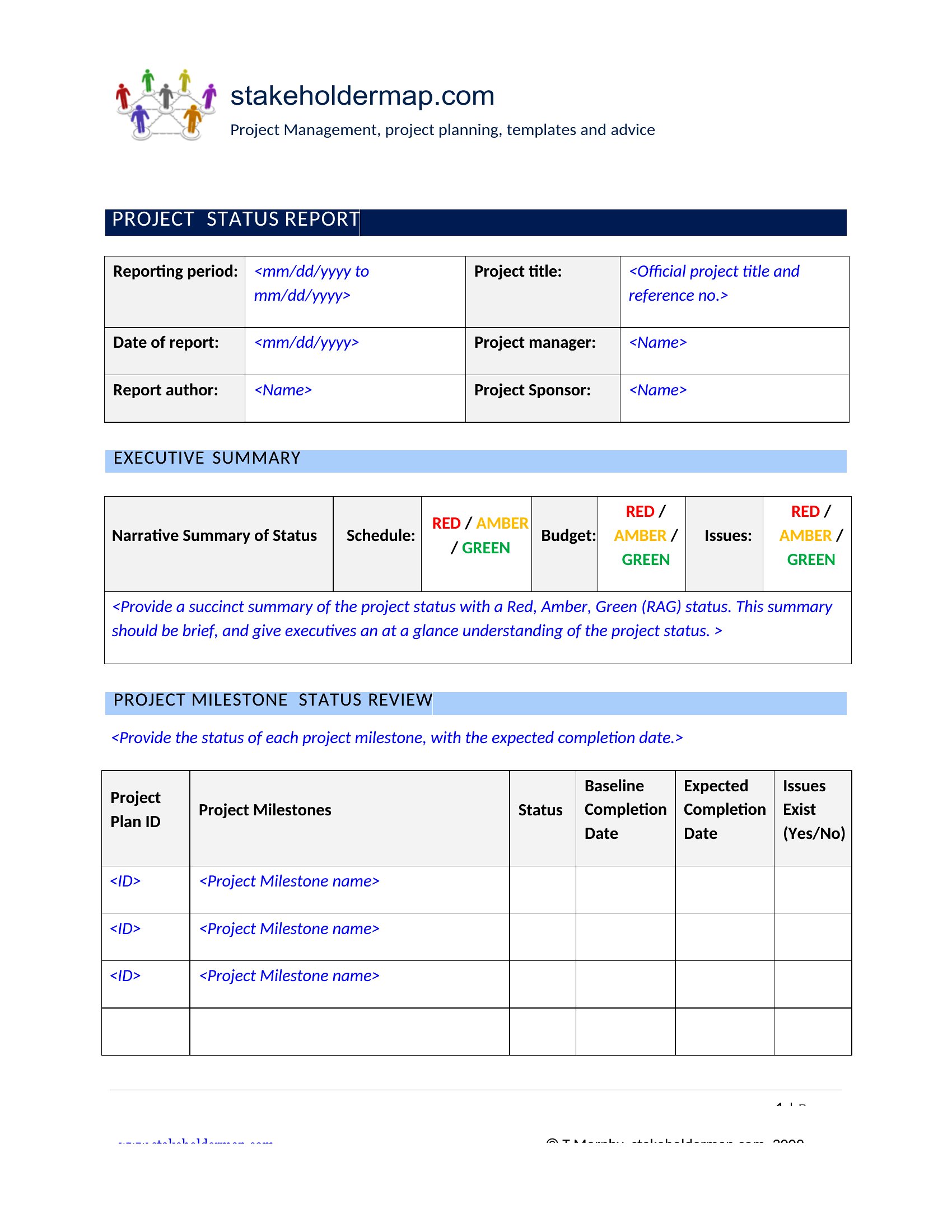
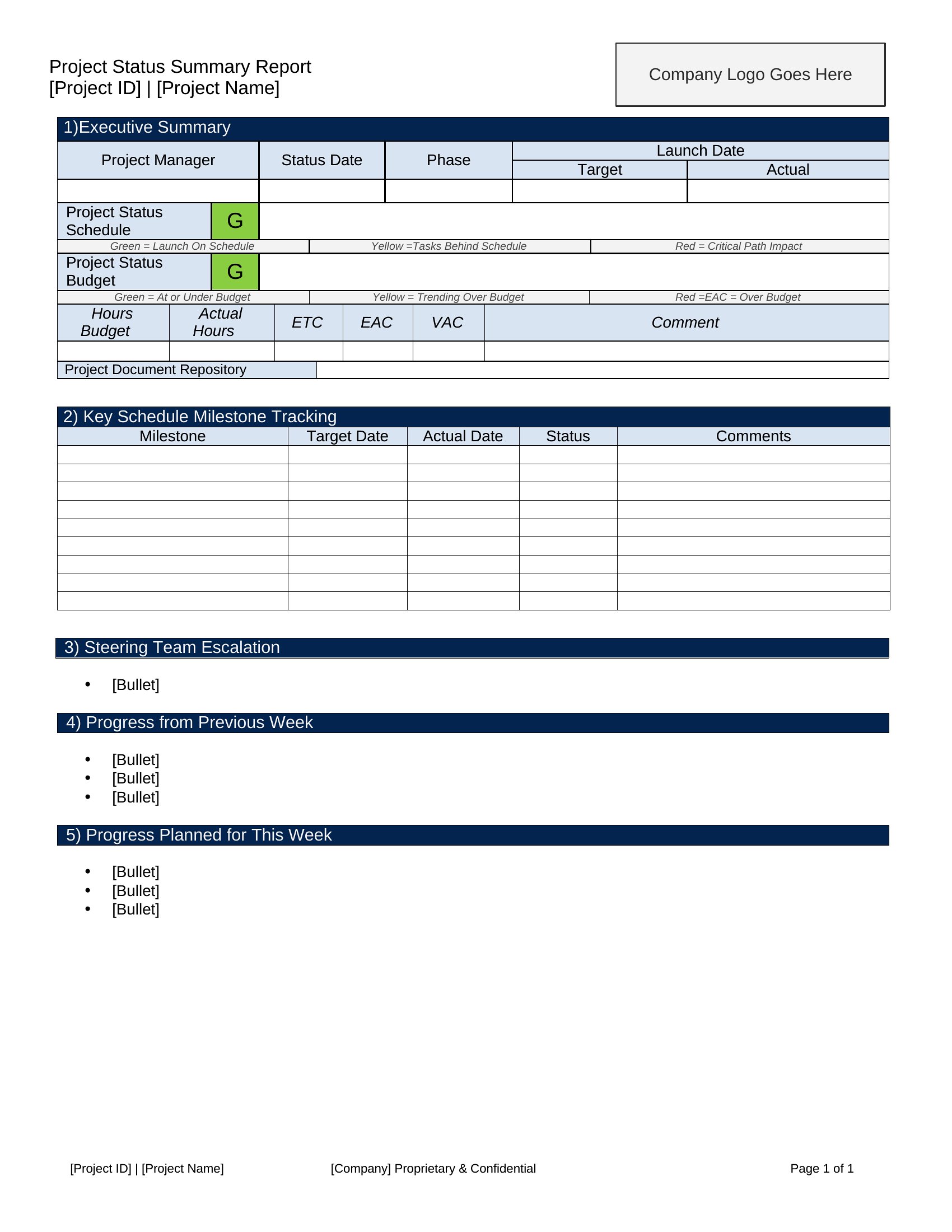
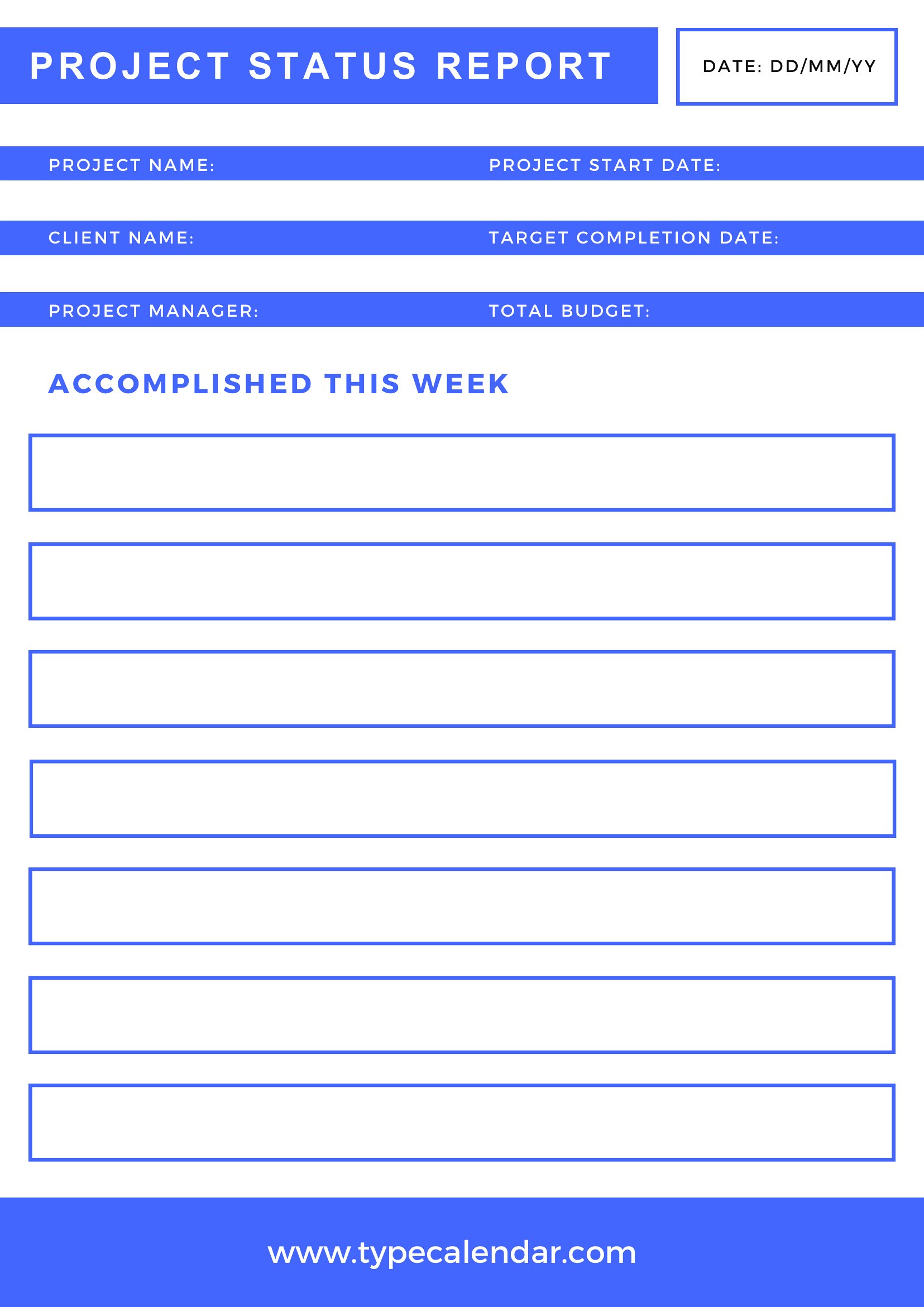
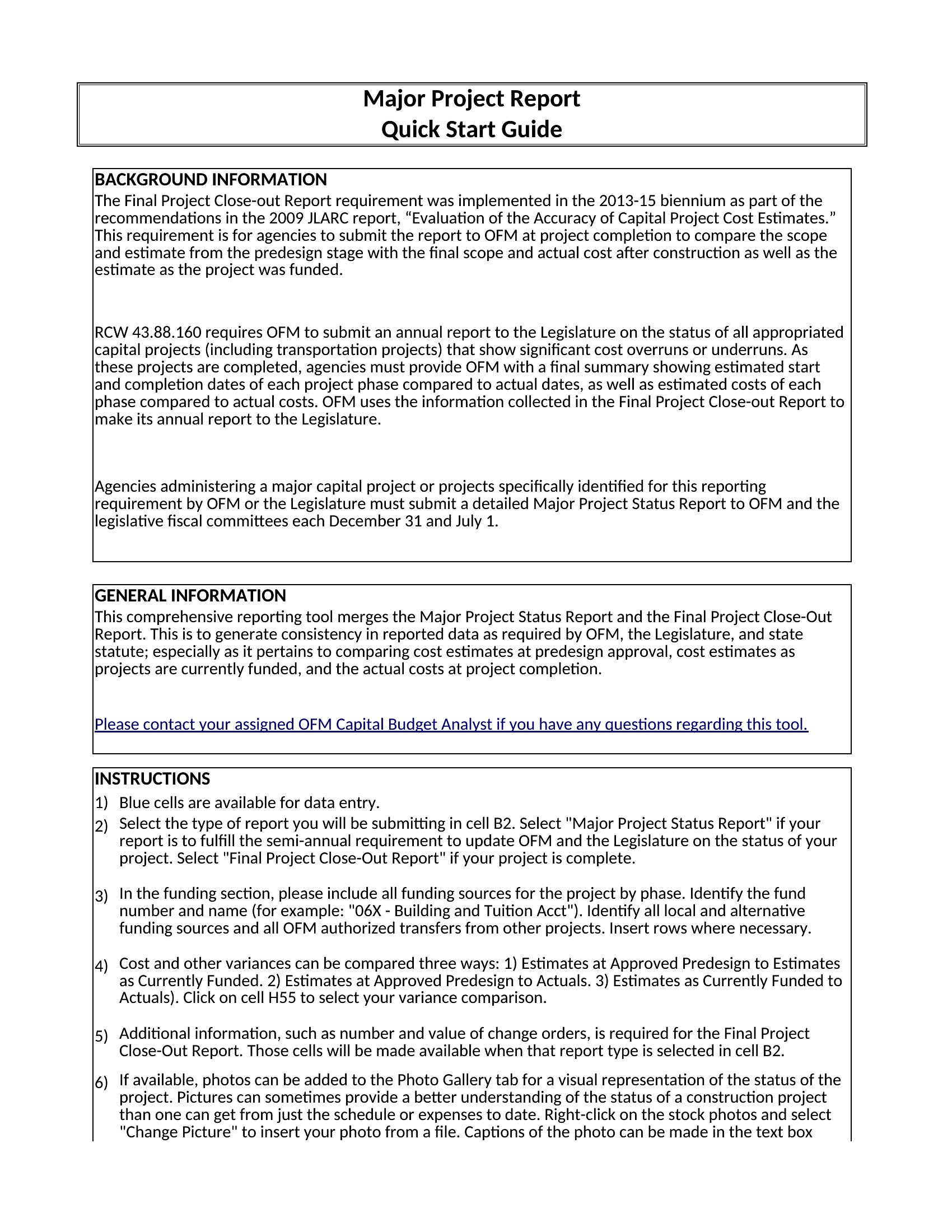
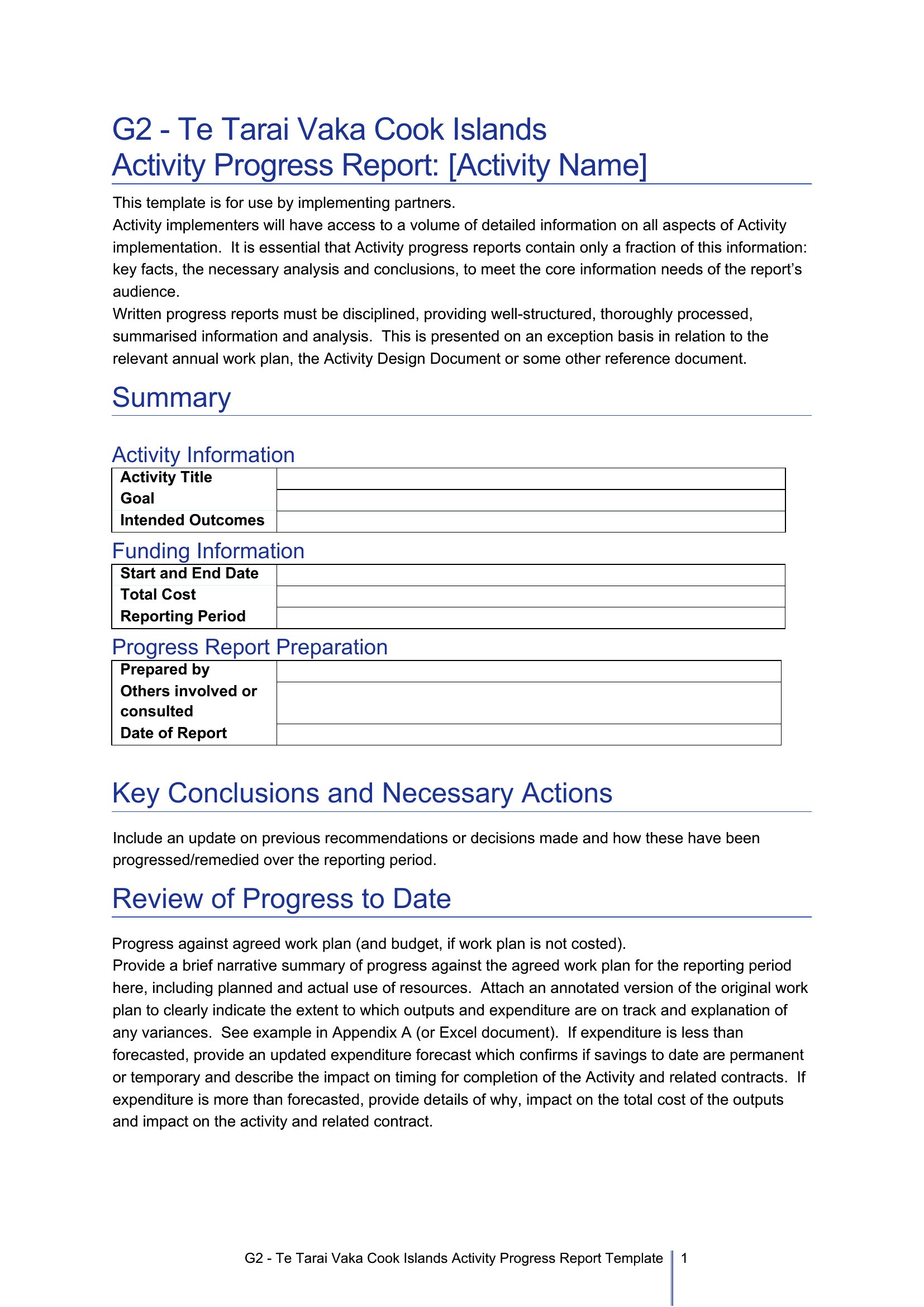
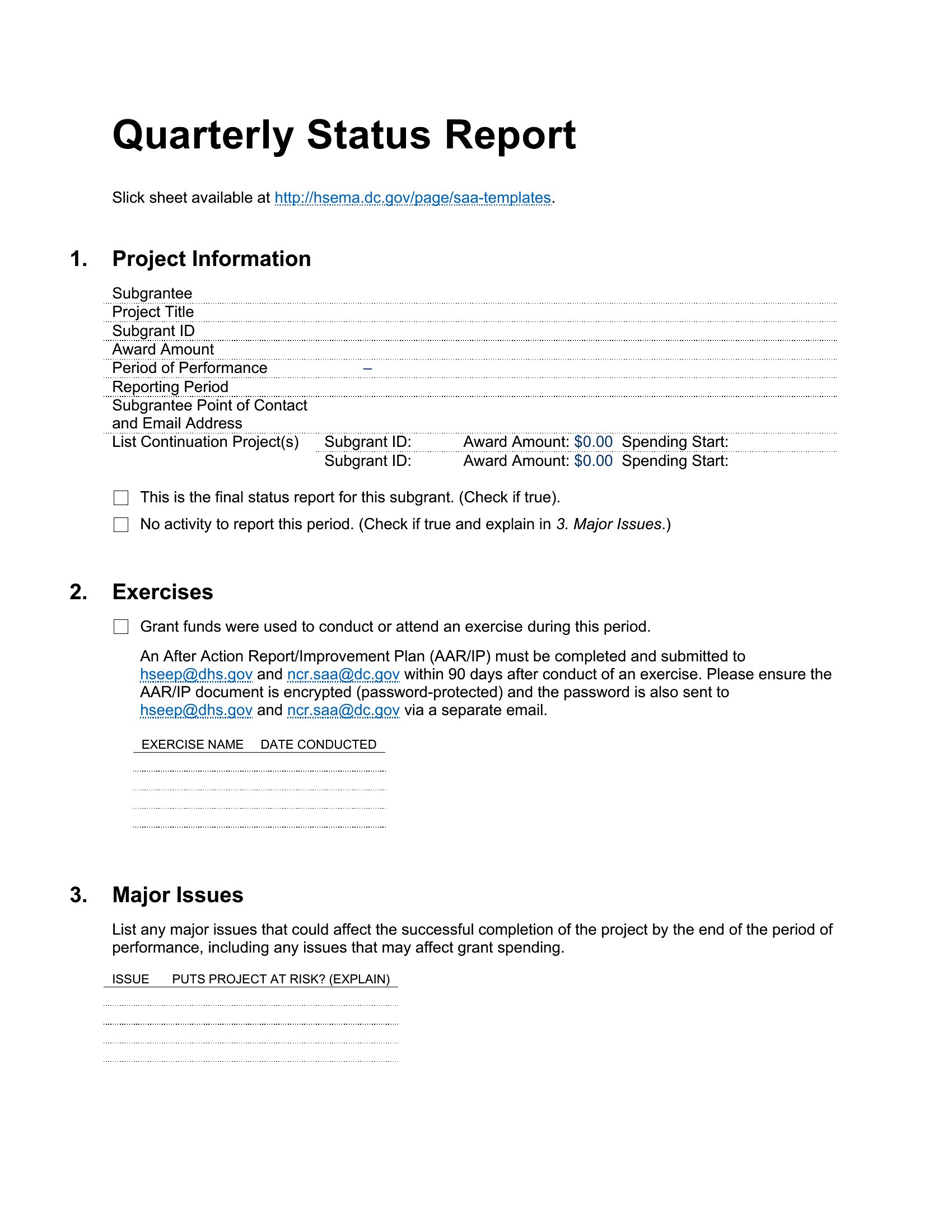
Use a template with predefined sections like *Progress*, *Blockers*, and *Next Steps*—these ensure you cover key areas every time. For Agile teams, include columns for *Sprint Goal*, *Completed Tasks*, and *Impediments* to maintain structure. Save a master copy and reuse it weekly to avoid reinventing the format.
What’s the best way to highlight urgent issues without overwhelming stakeholders?
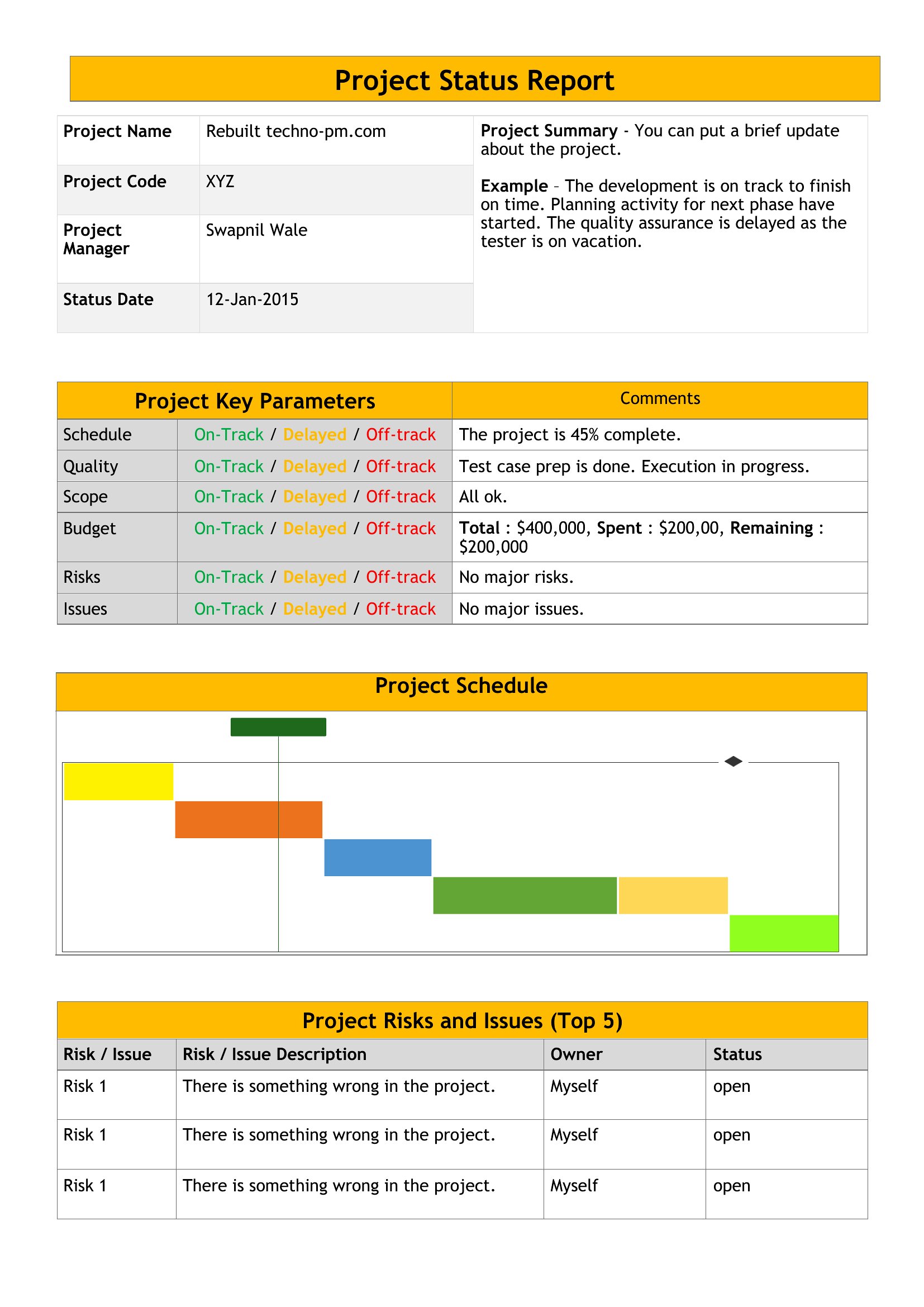
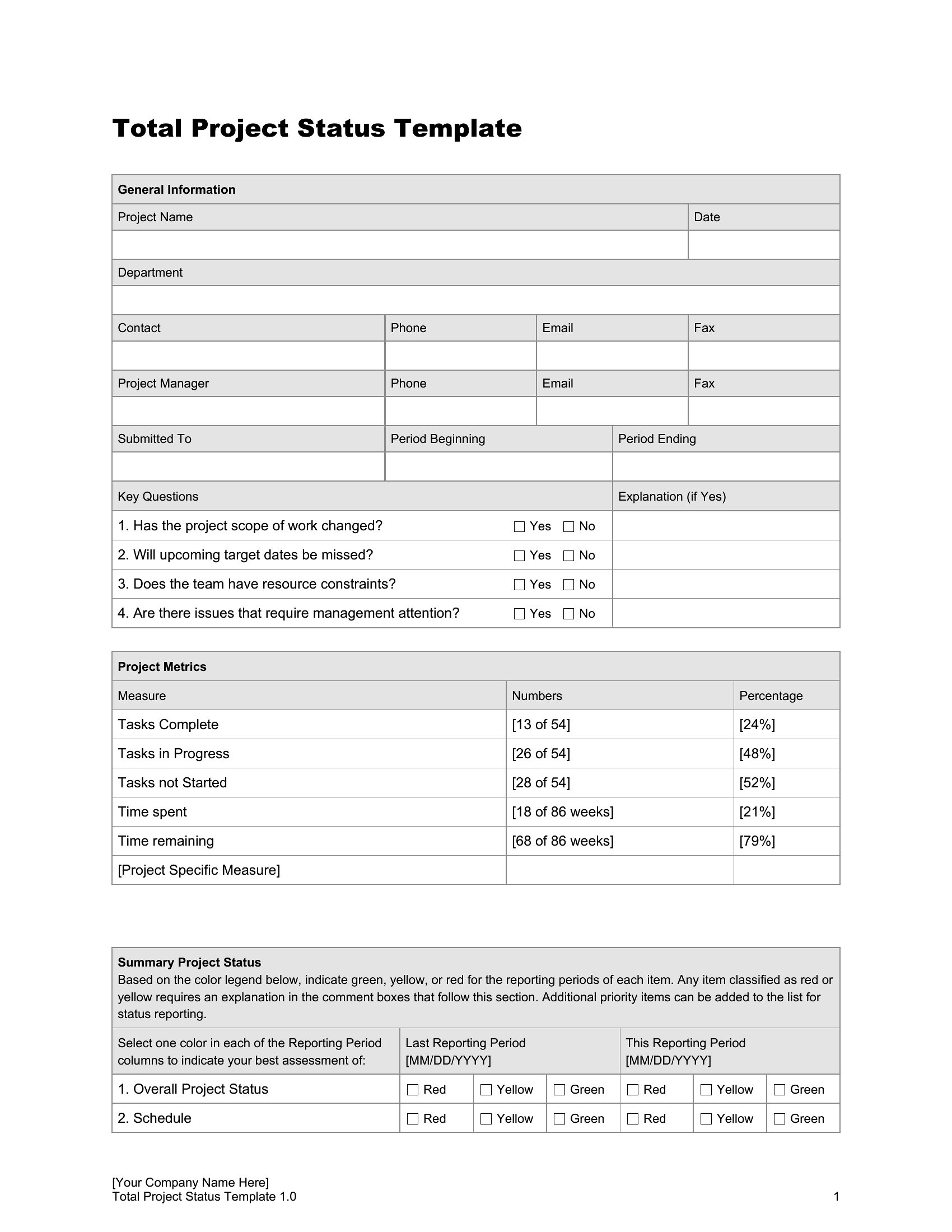
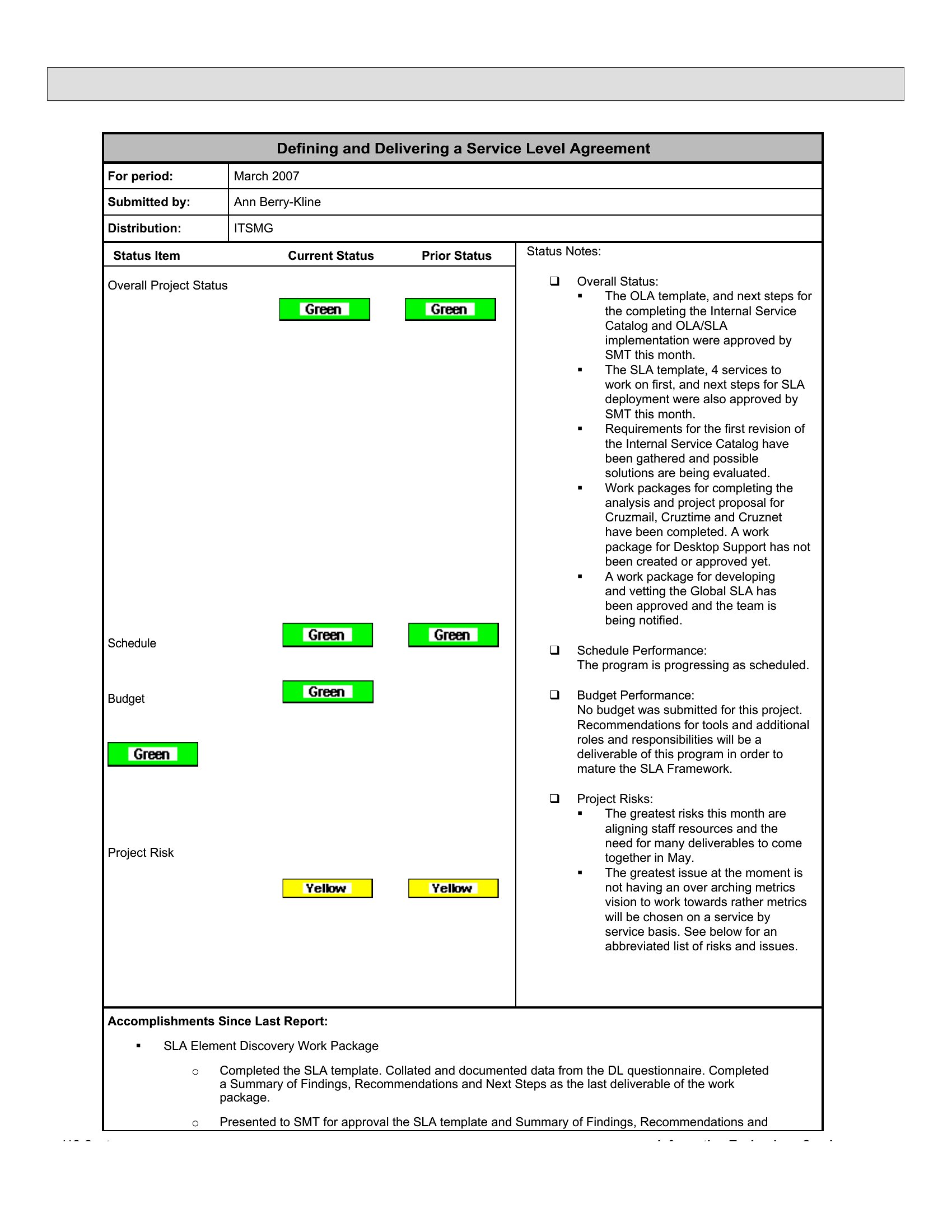
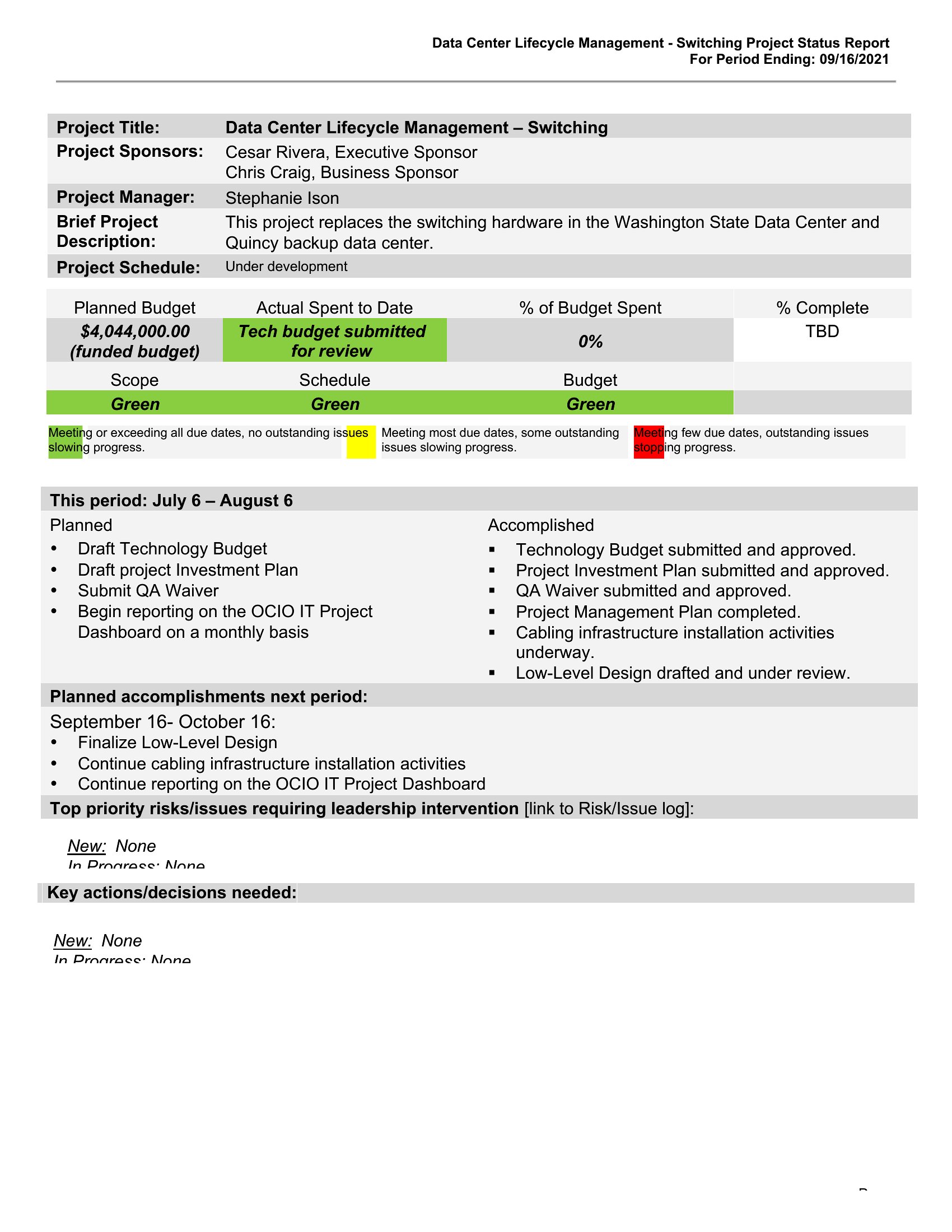
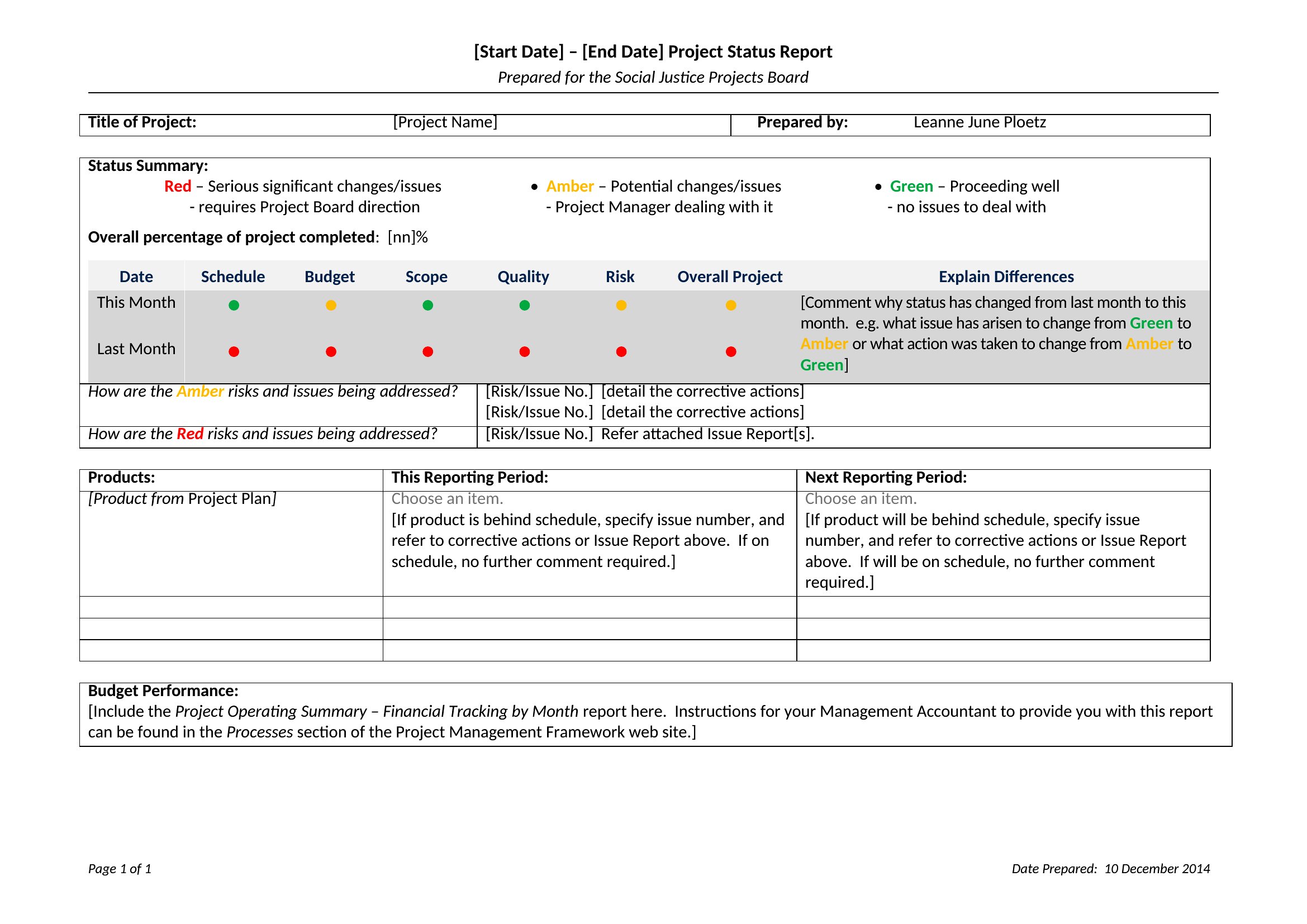
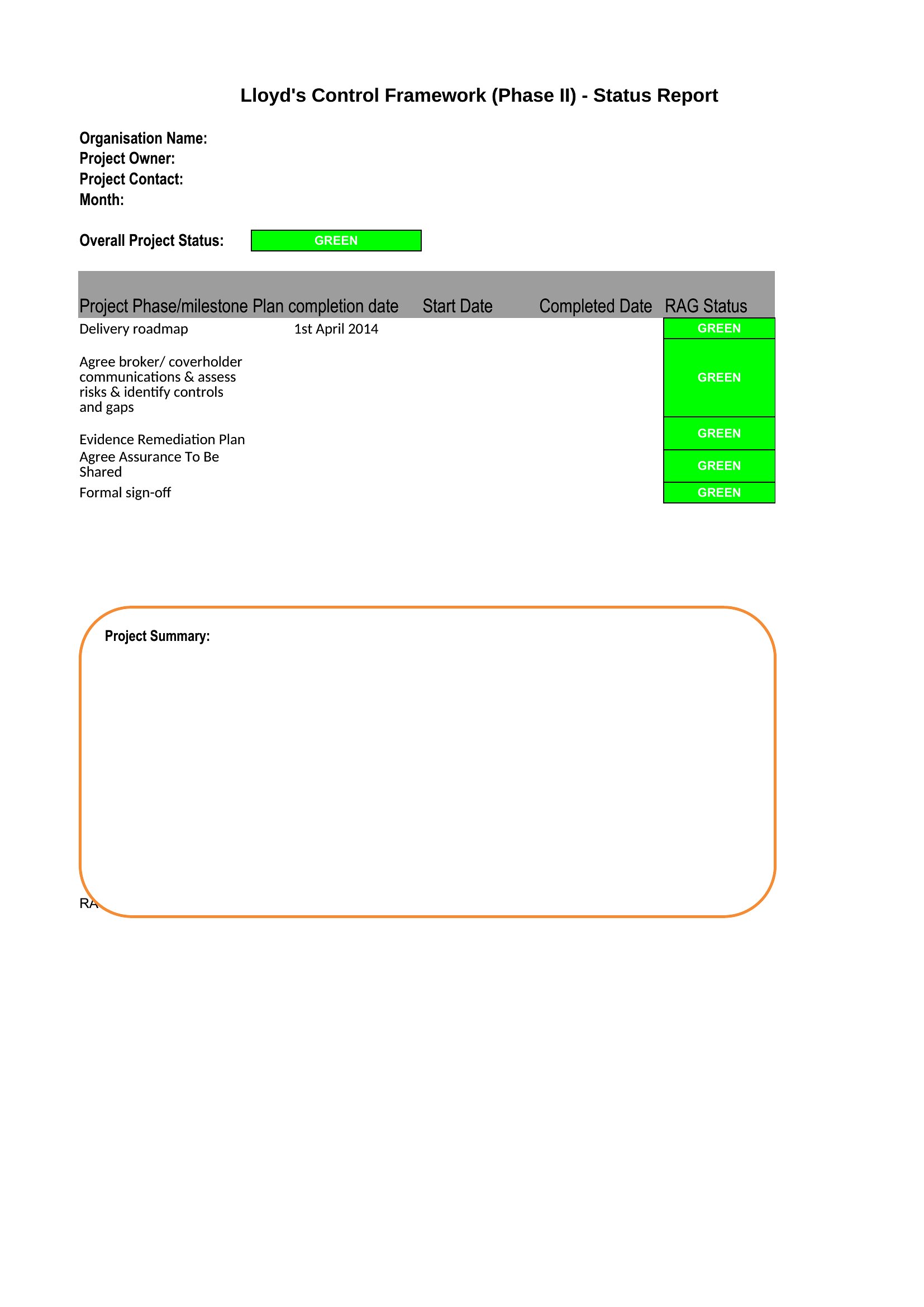
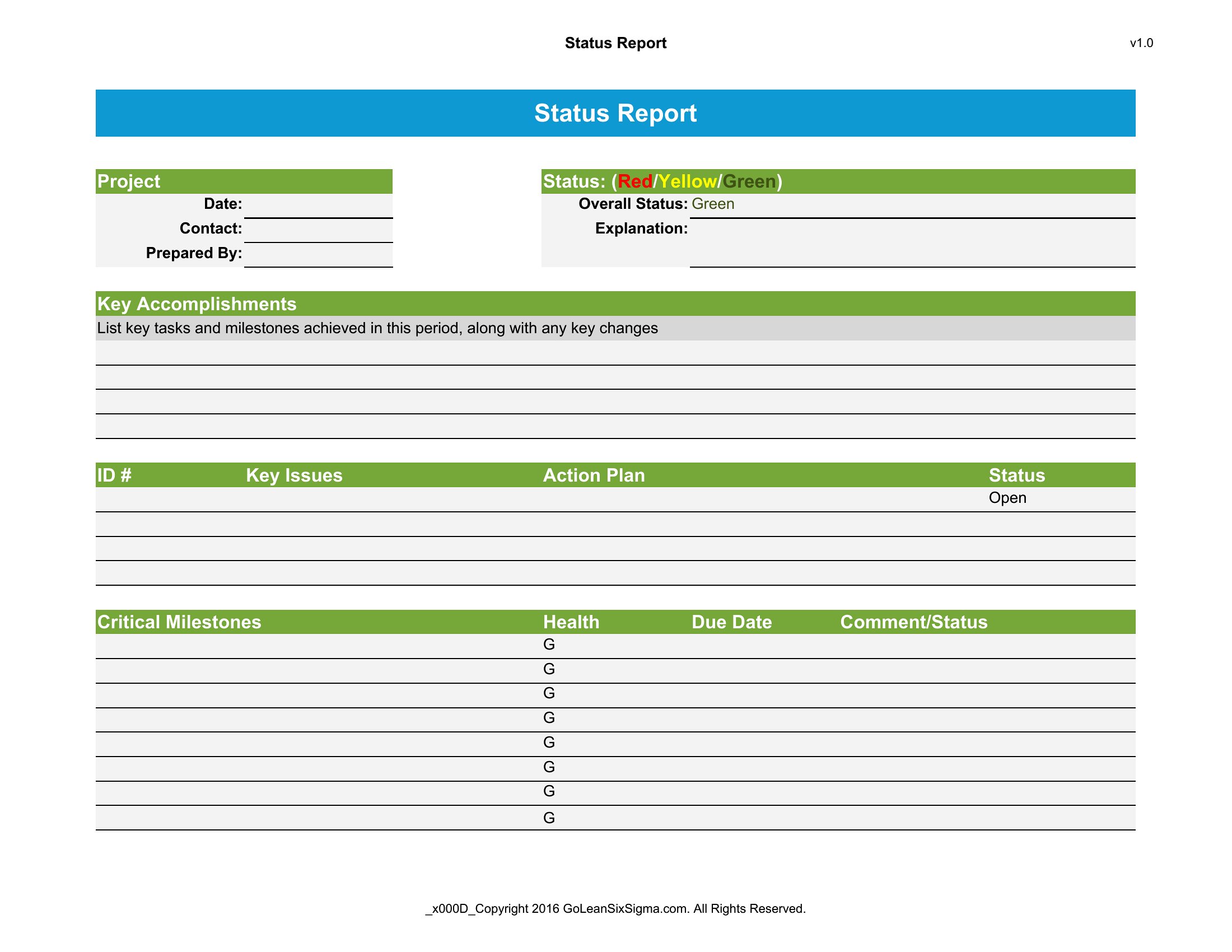
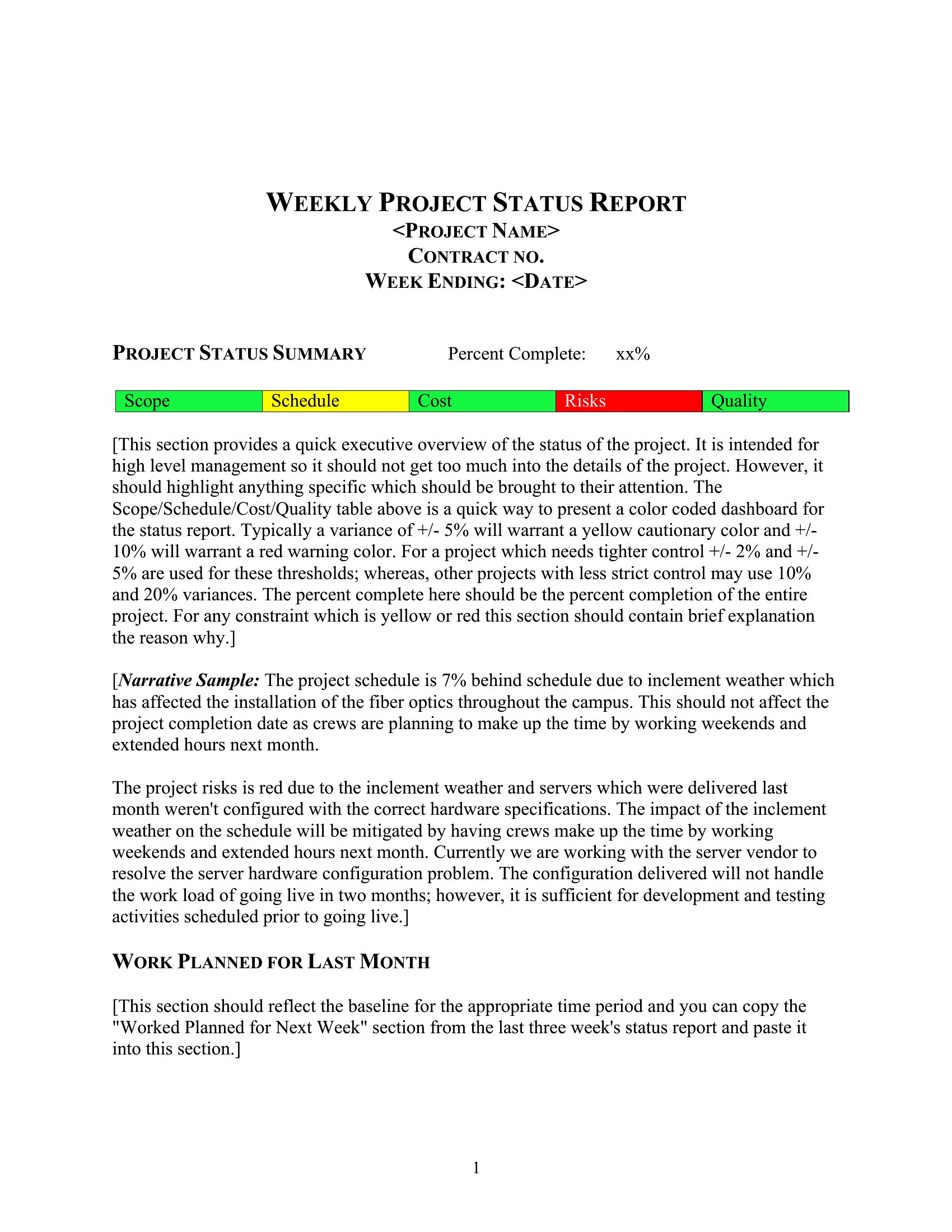
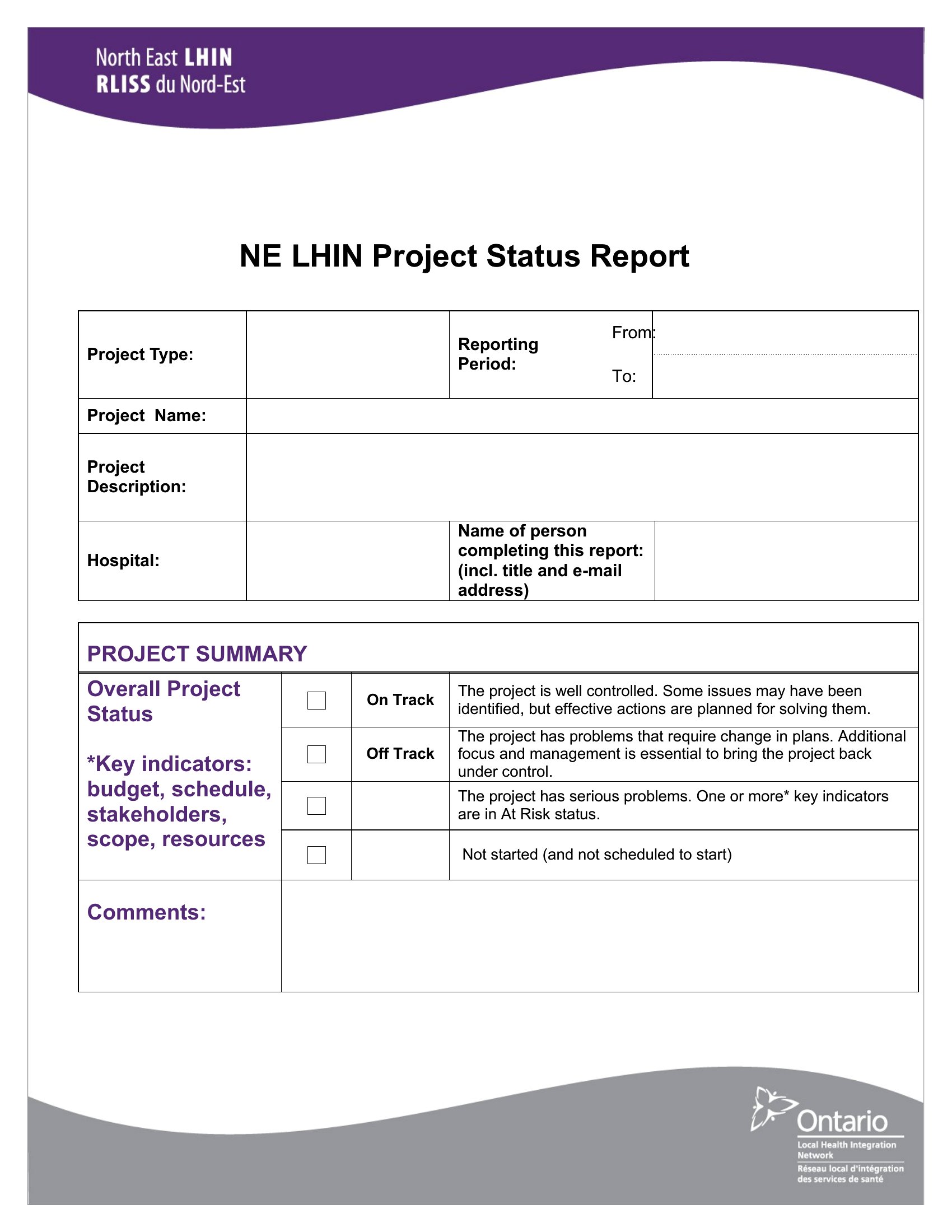
Flag risks or blockers in a separate, visually distinct section (e.g., a red box or bolded header). Use a traffic-light system (green/yellow/red) in Excel or Word to quickly signal priority. Limit this section to 2–3 critical items—detailed context can go in a notes appendix if stakeholders ask for it.
Can I combine a status report with action items for my team?
Yes, add a dedicated *Action Items* or *Owner + Deadline* table at the end of your report. Assign each task to a specific person and include due dates. For Agile teams, link tasks to sprint goals. For non-teams, use a simple two-column format: *Task* and *Responsible Party*—keep it scannable so recipients can act without digging.
Comments
Join the conversation
Sign in to share your thoughts and leave a comment on this resource.