Free Status Report Templates (Word, Excel, PDF)
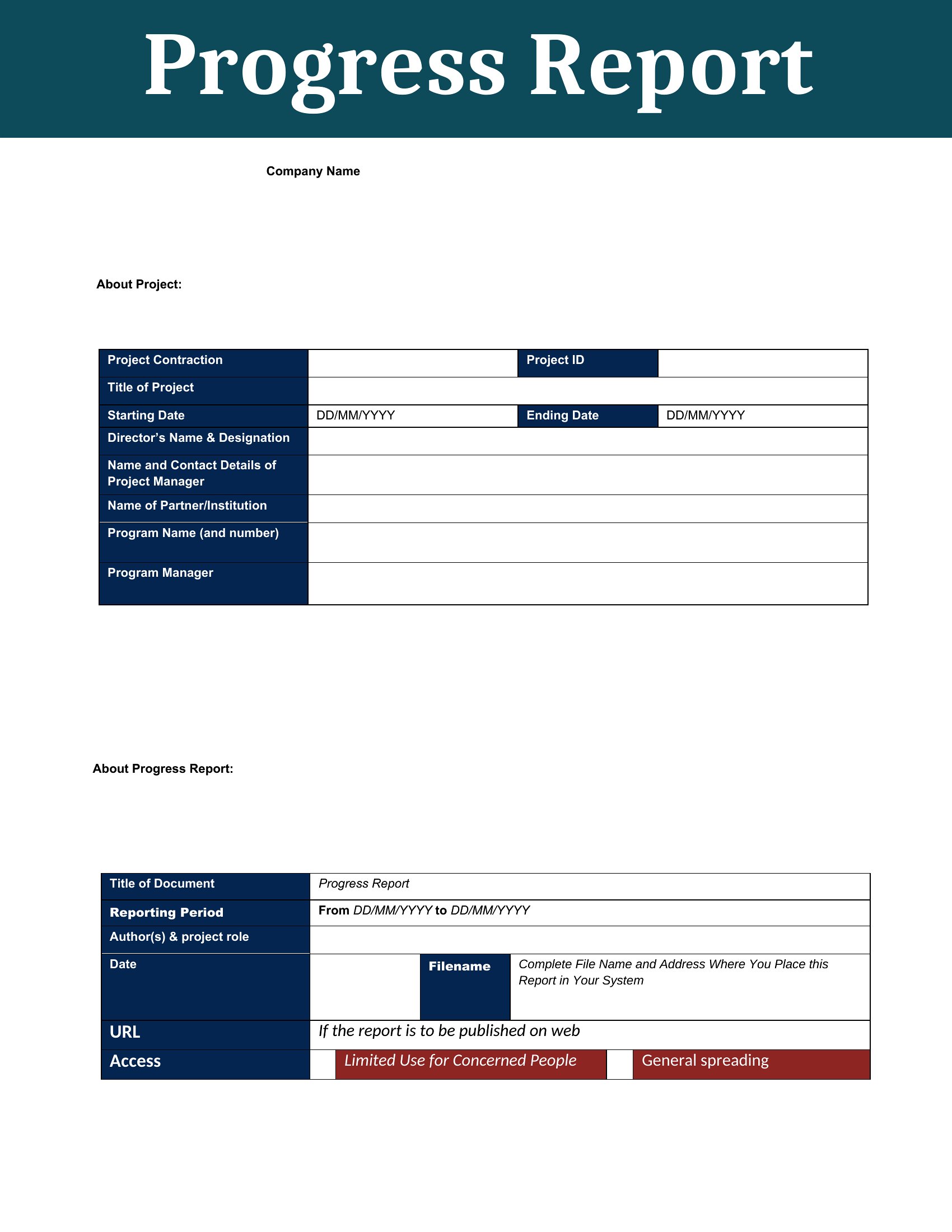
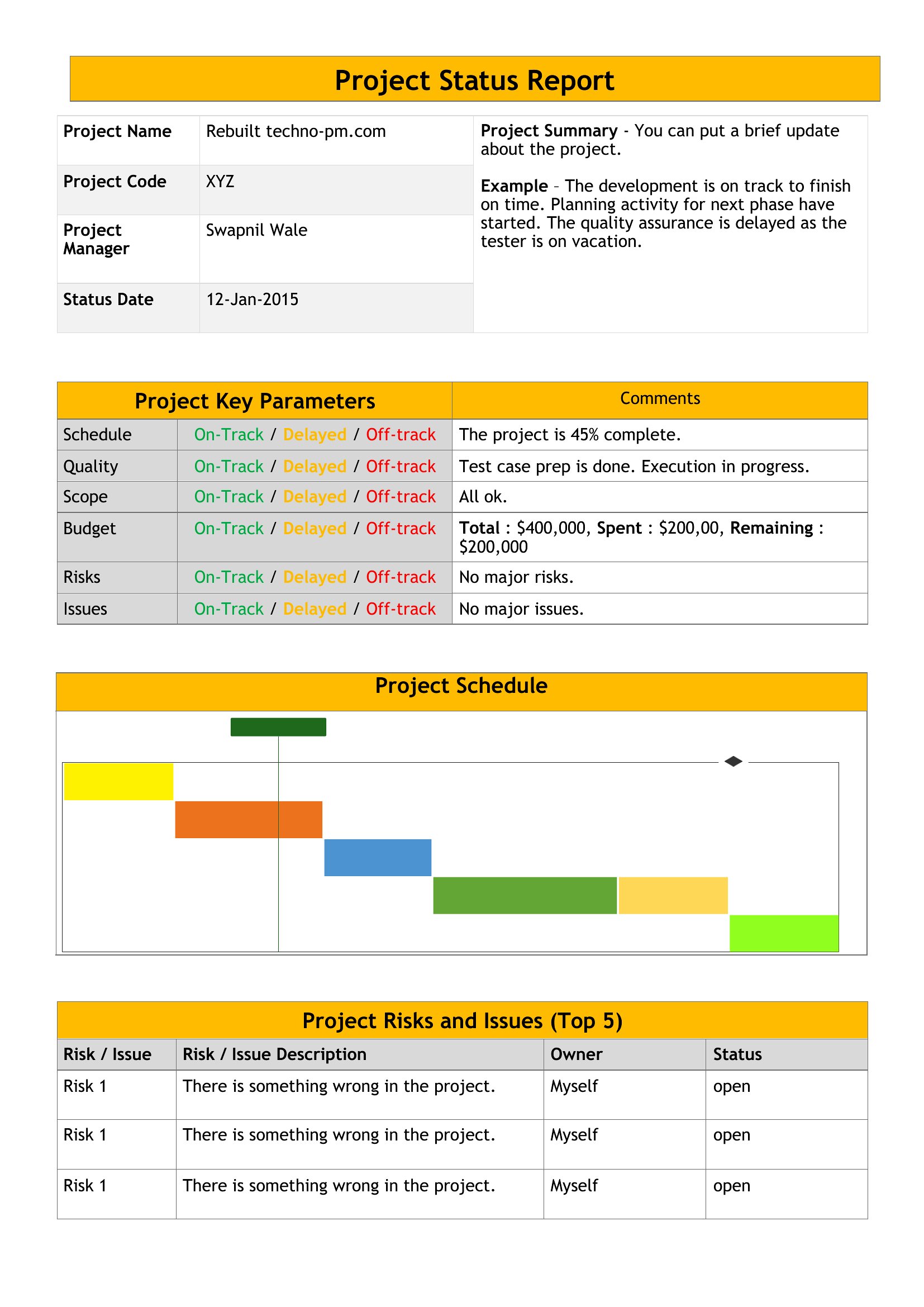
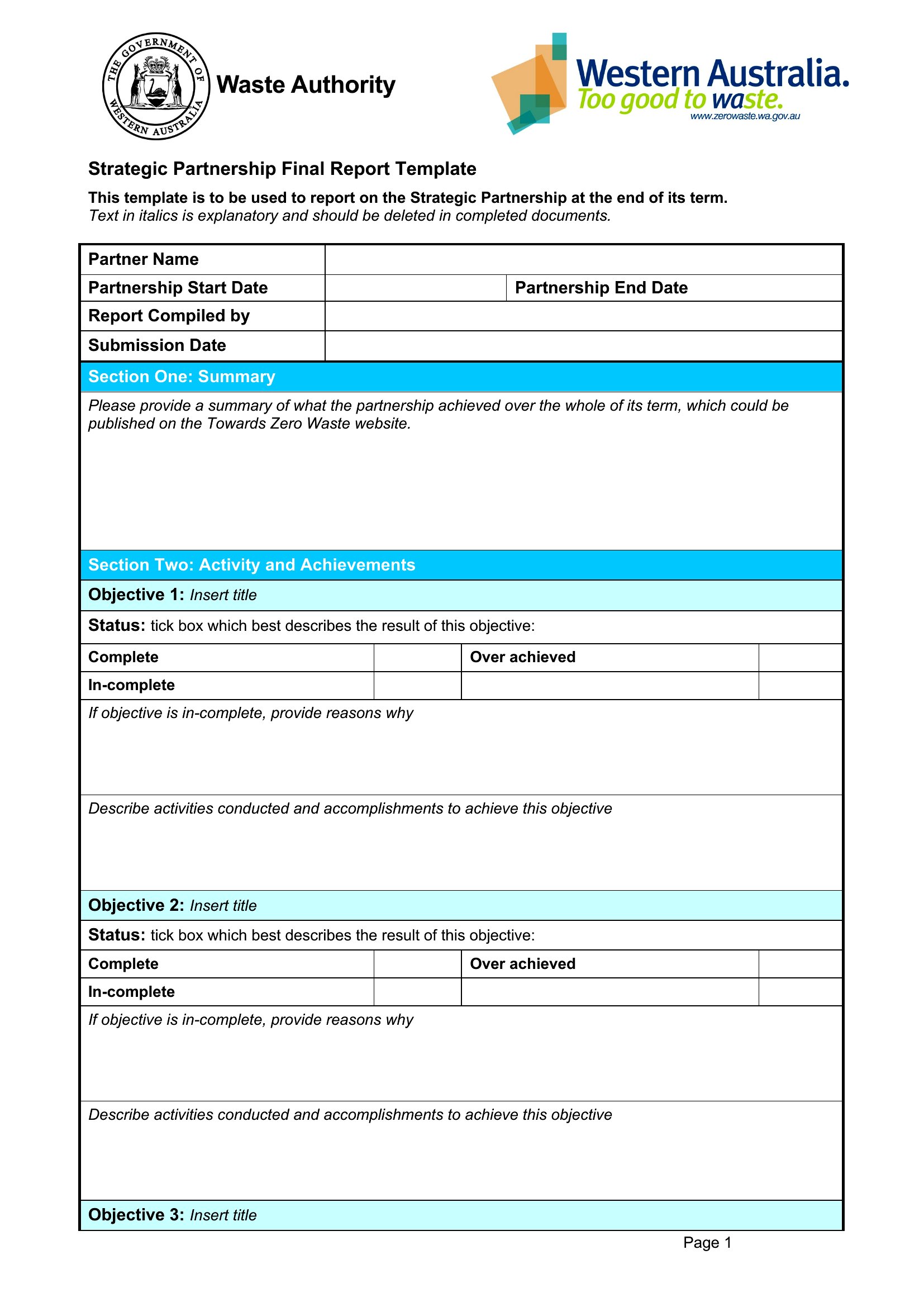
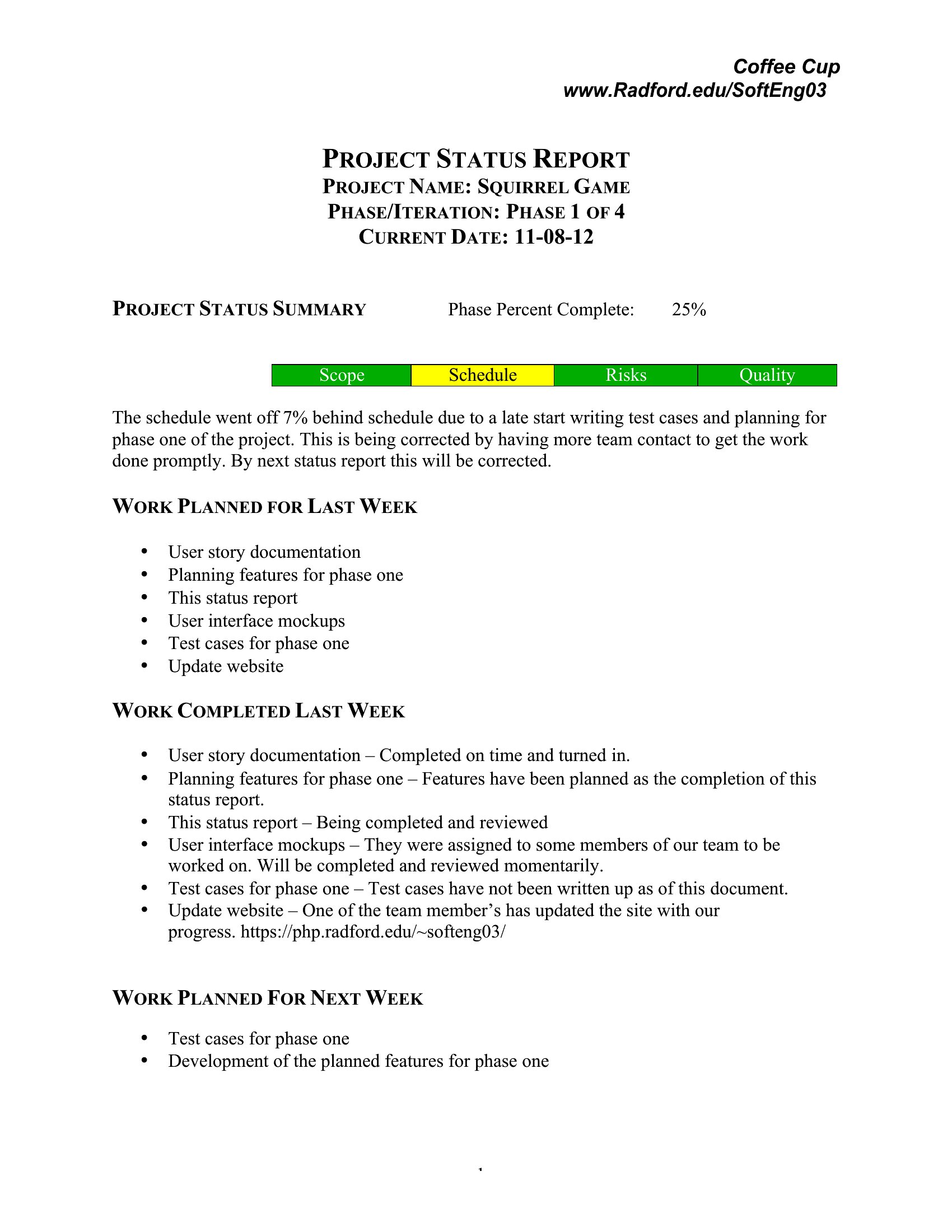
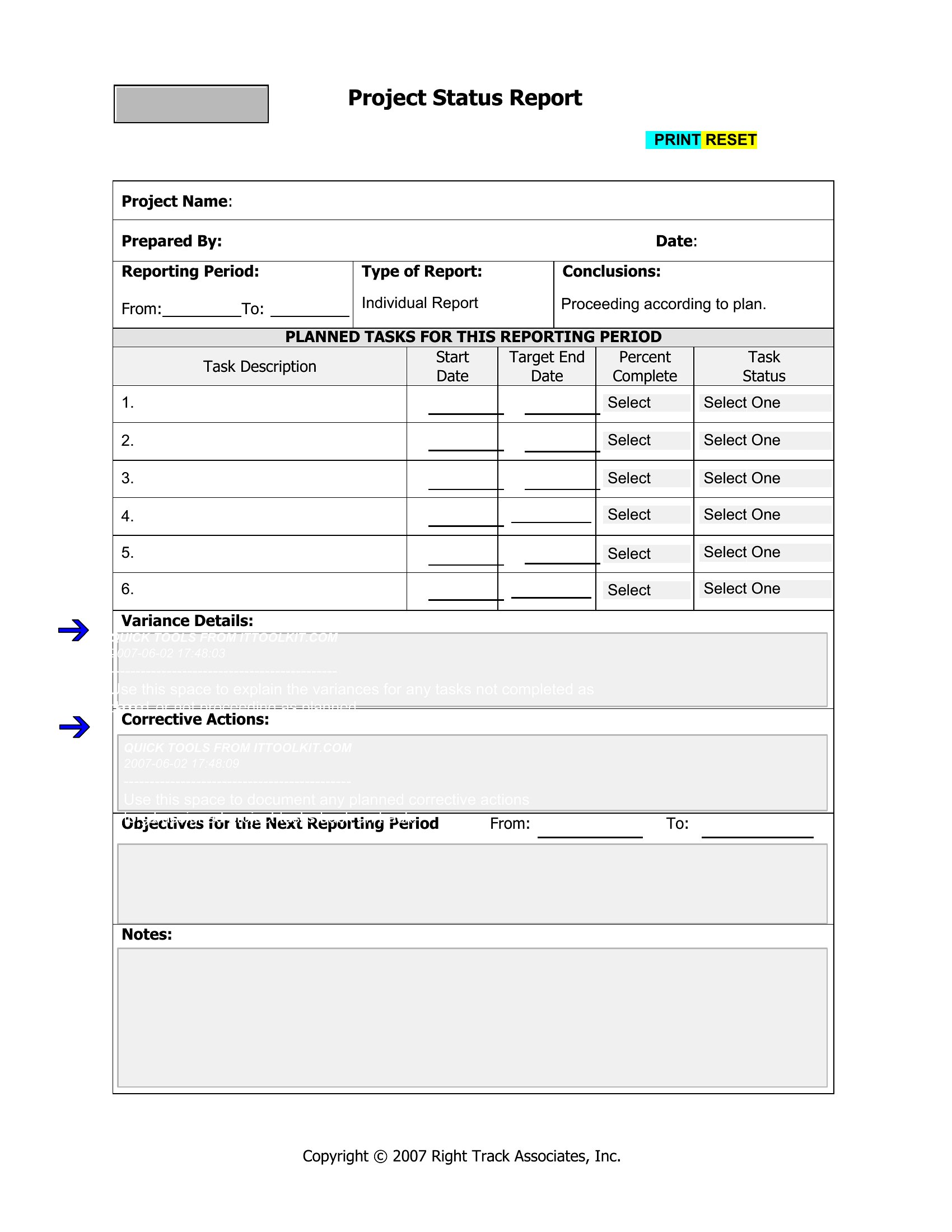
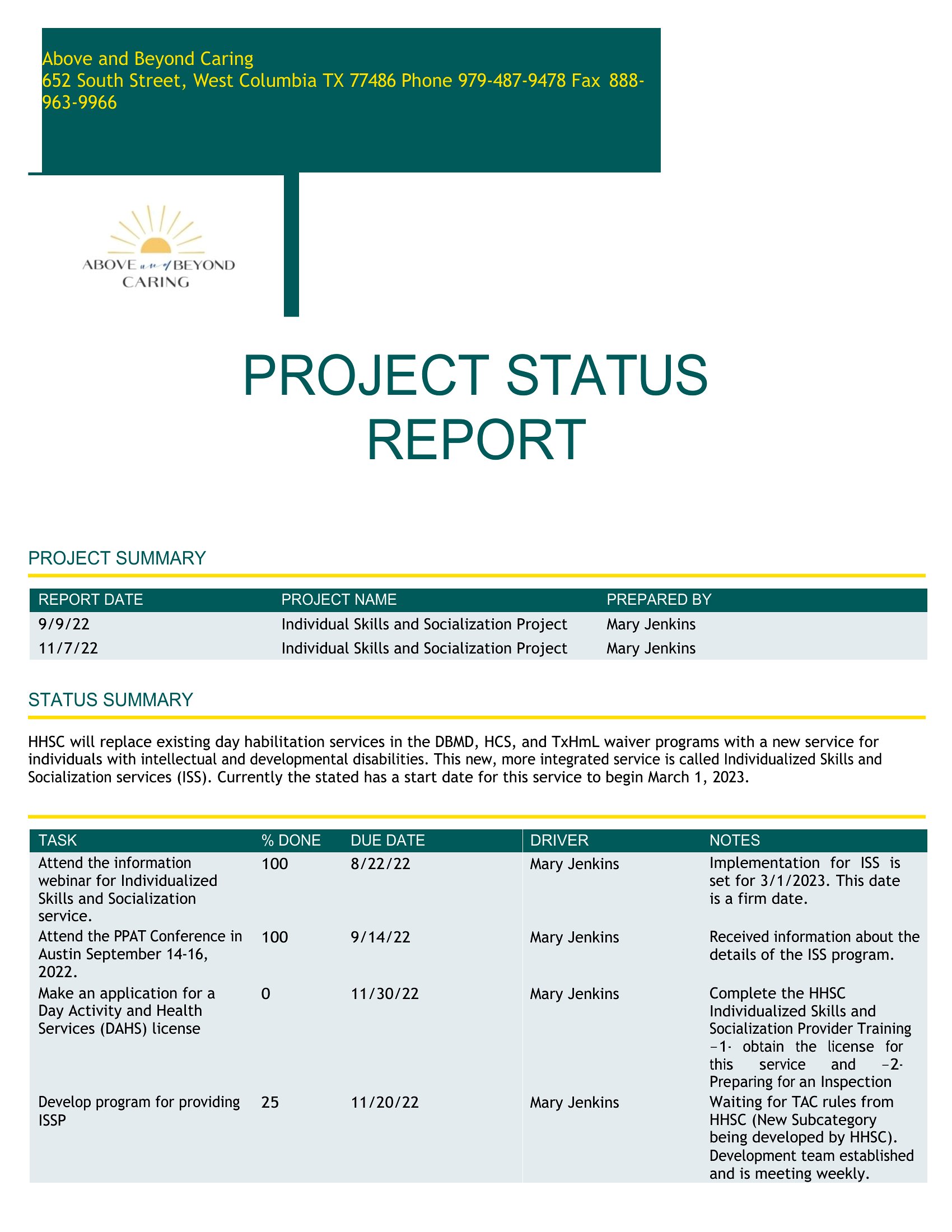
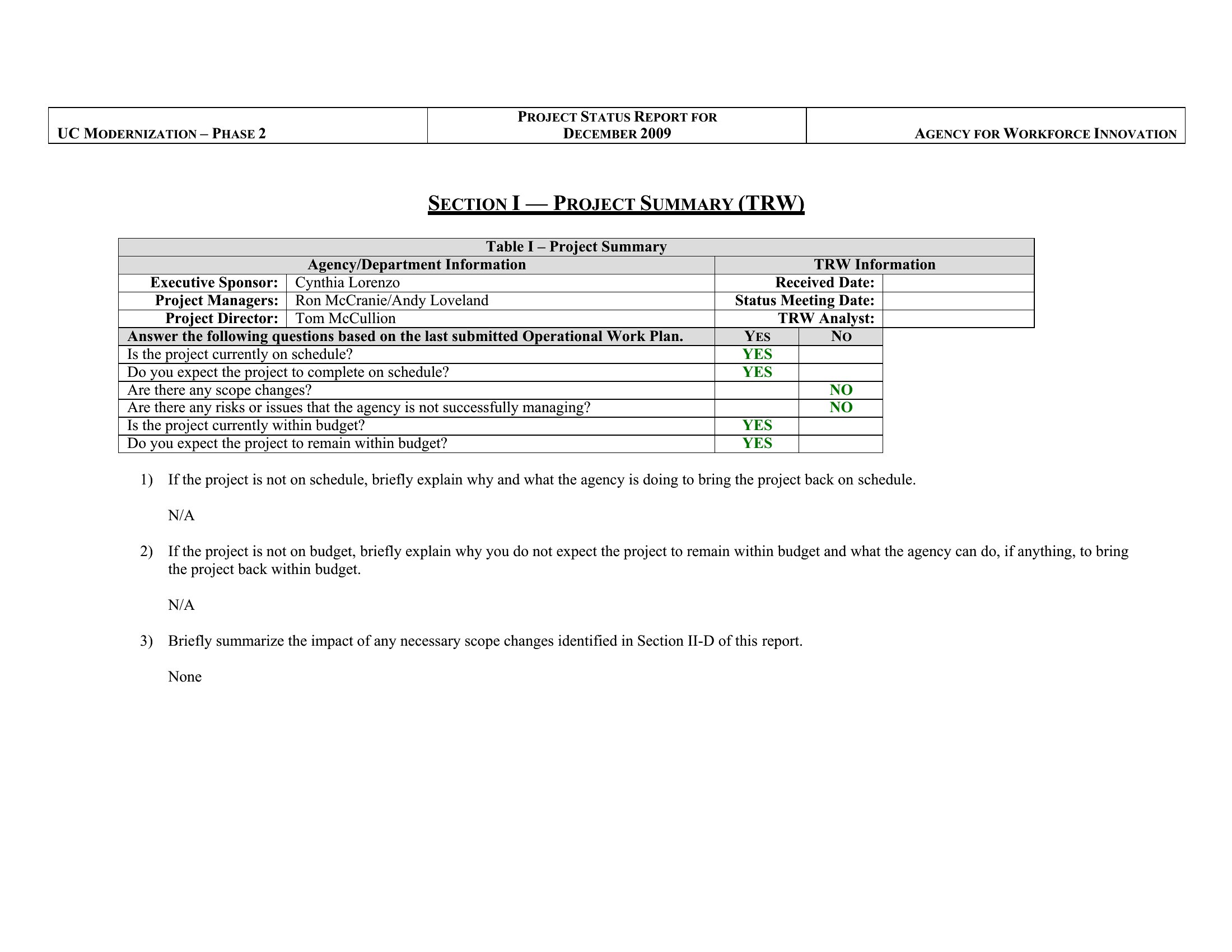
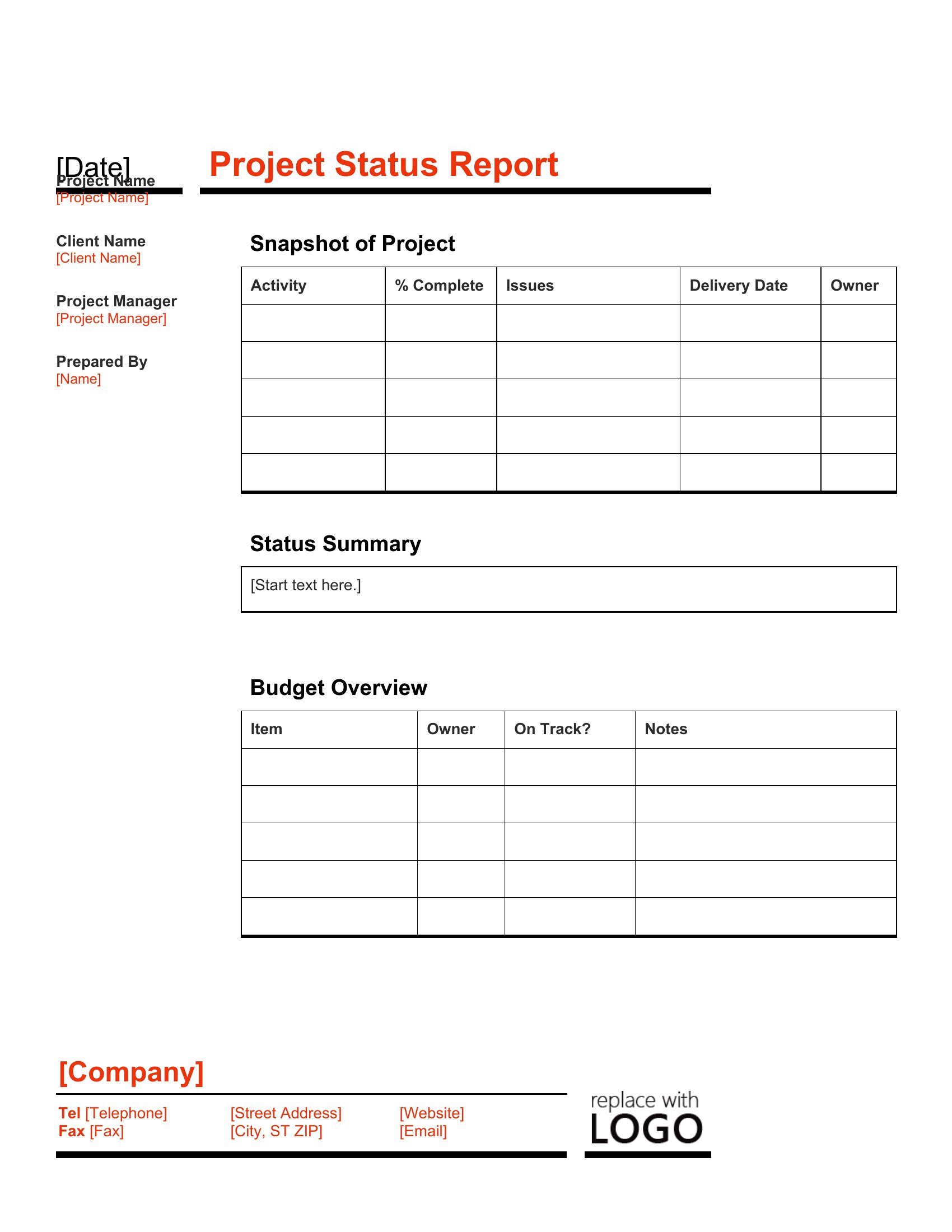
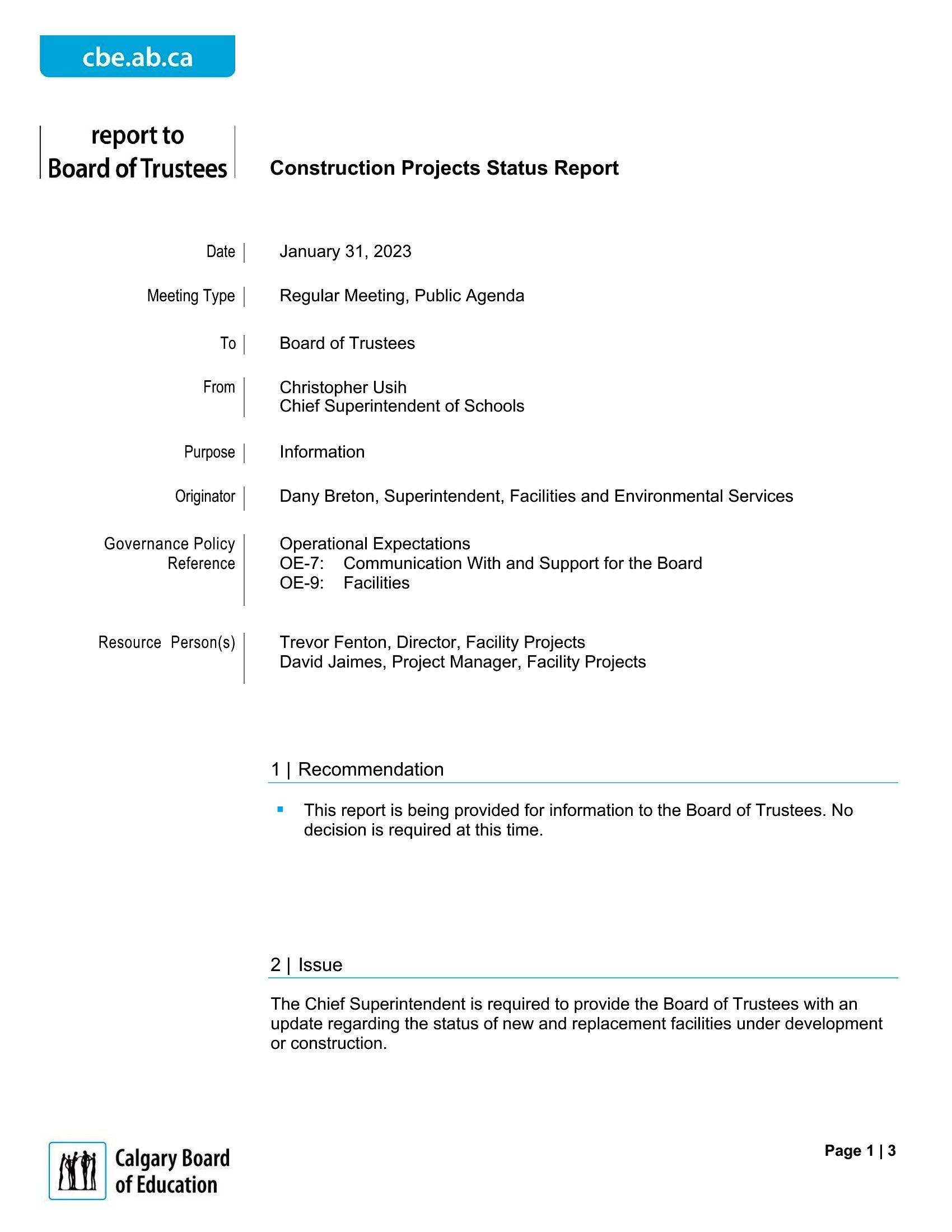
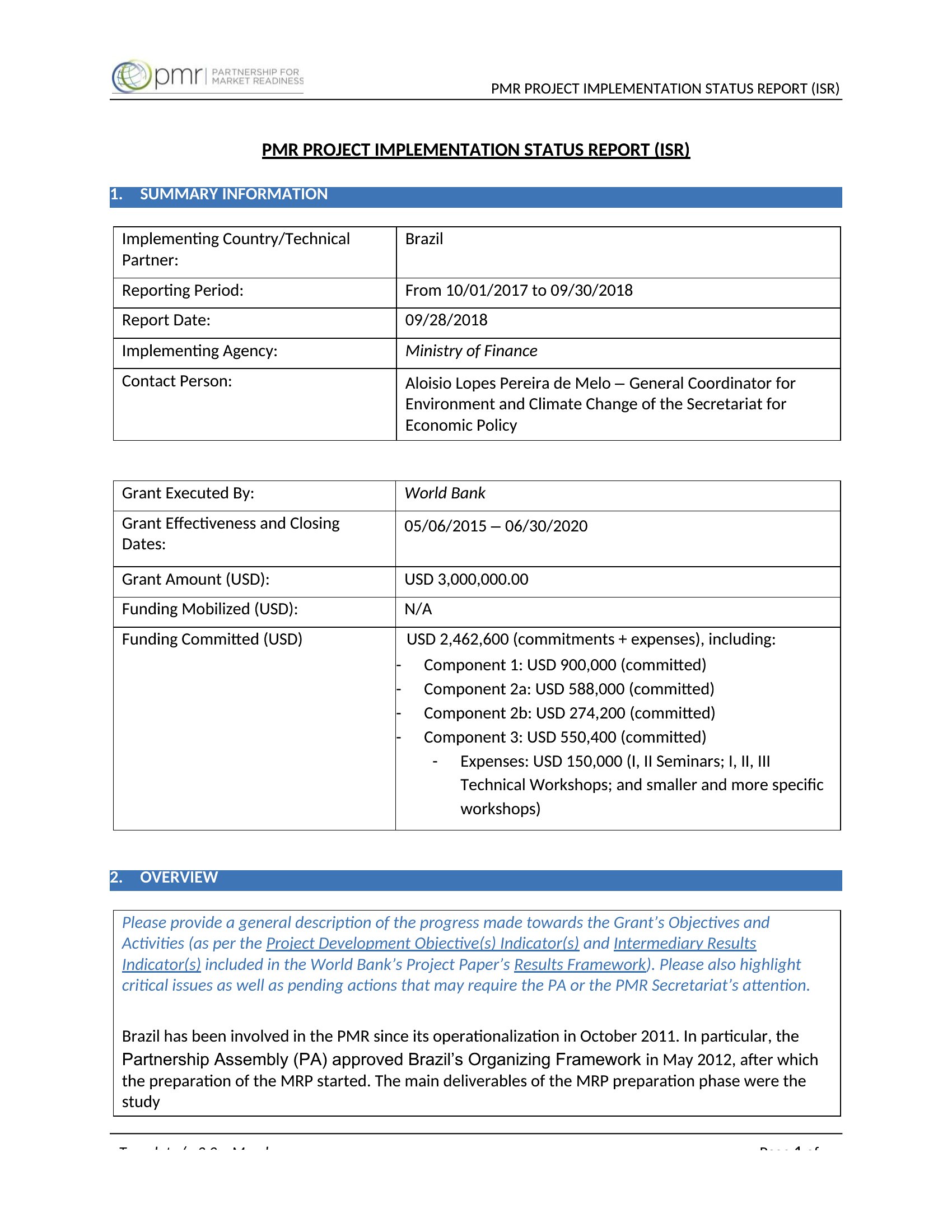
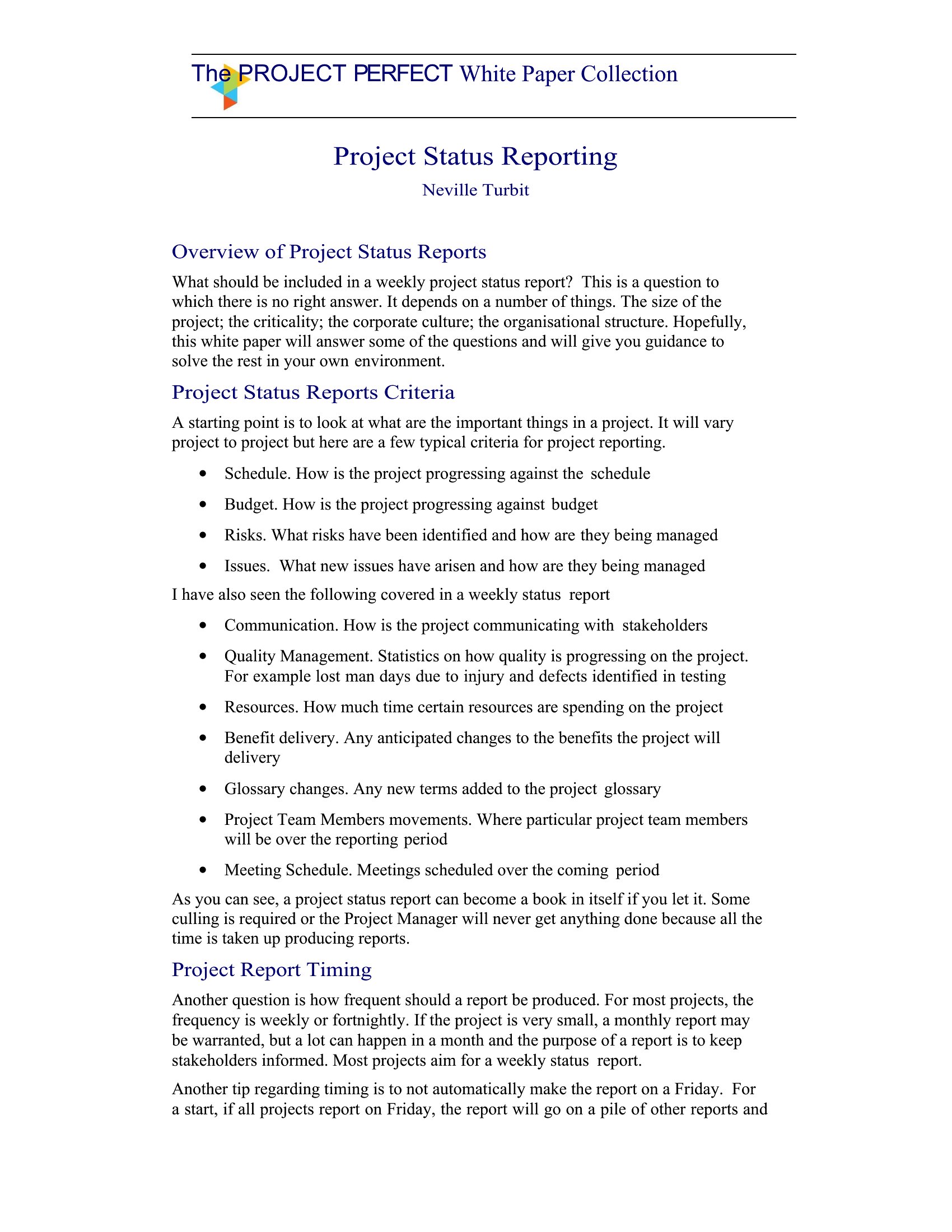
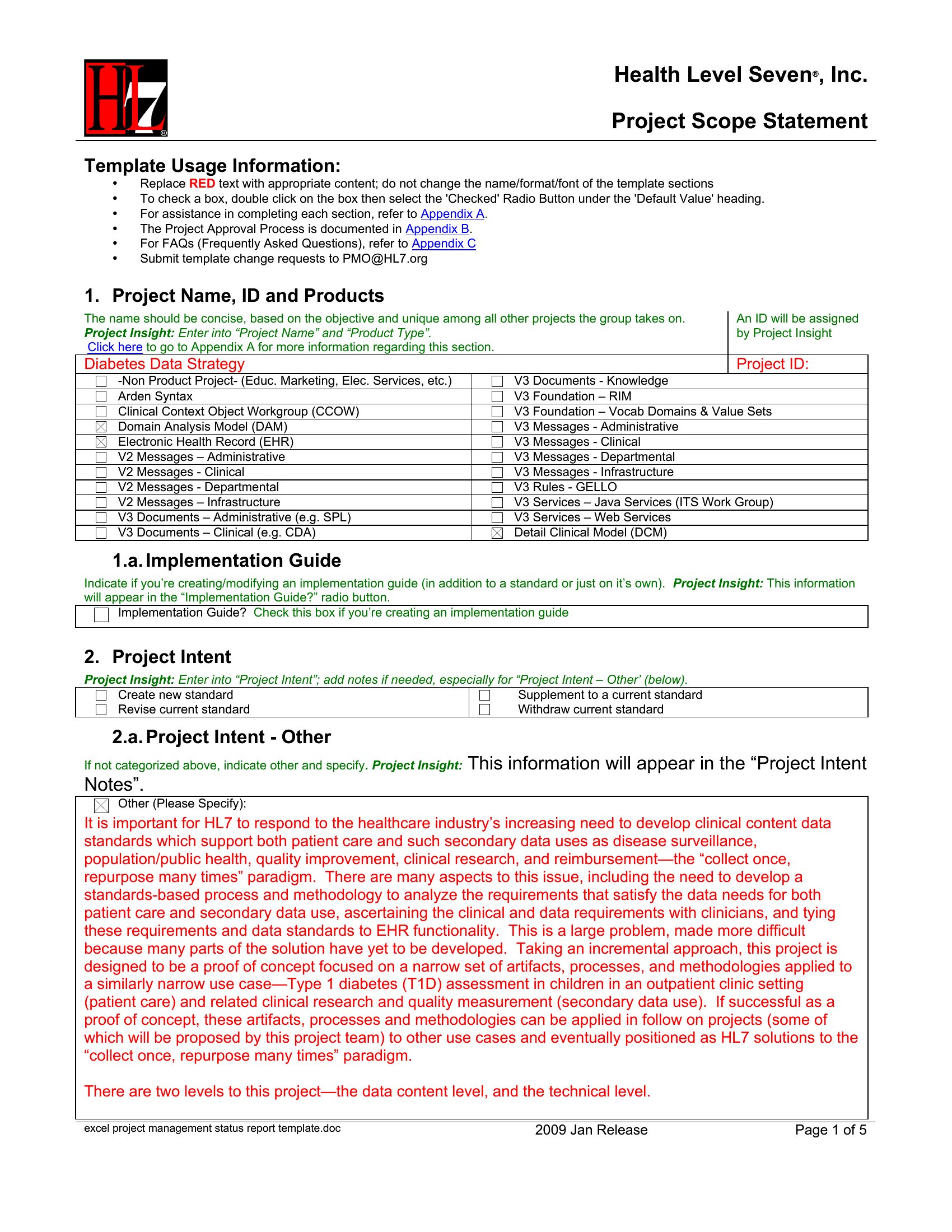
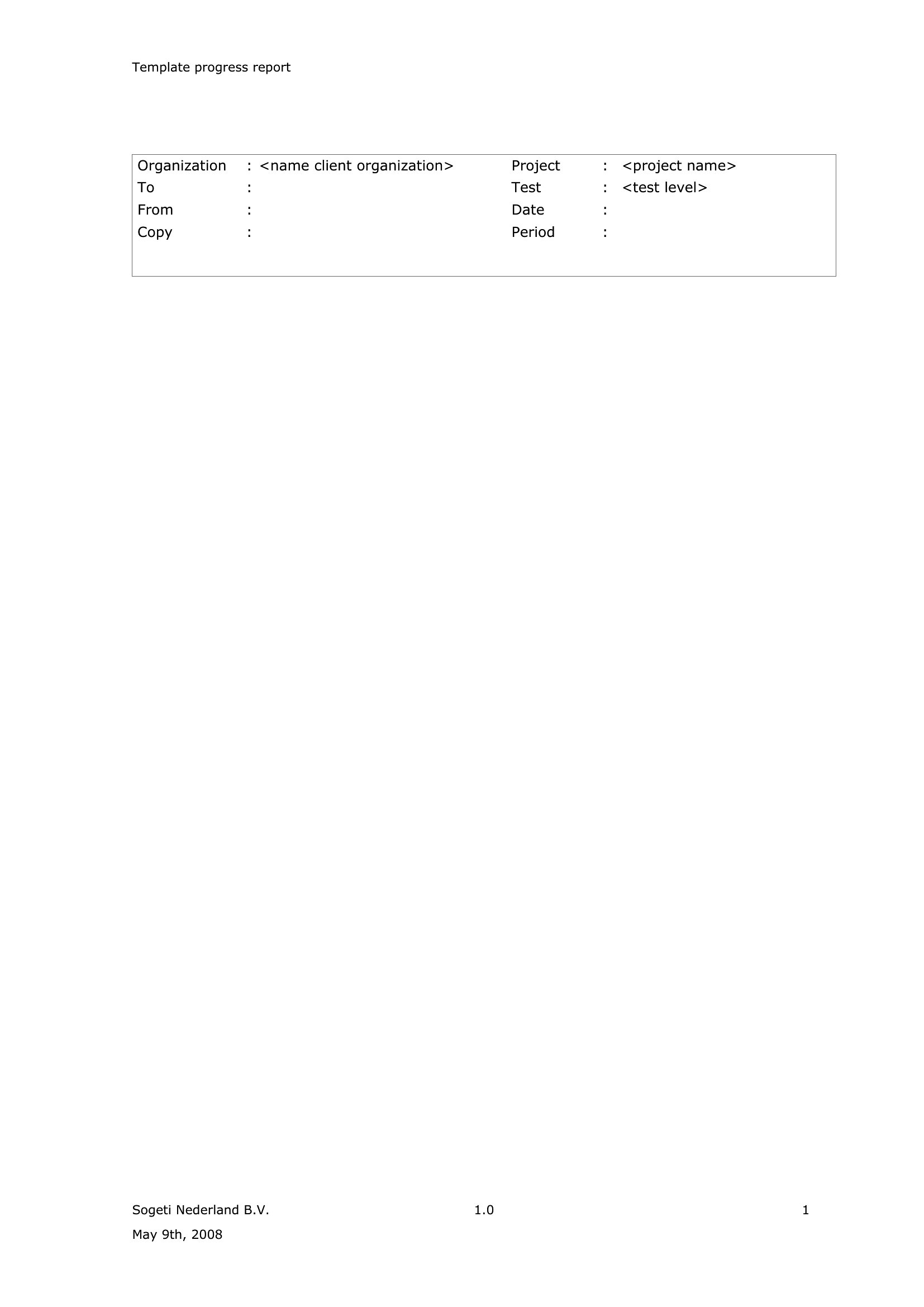
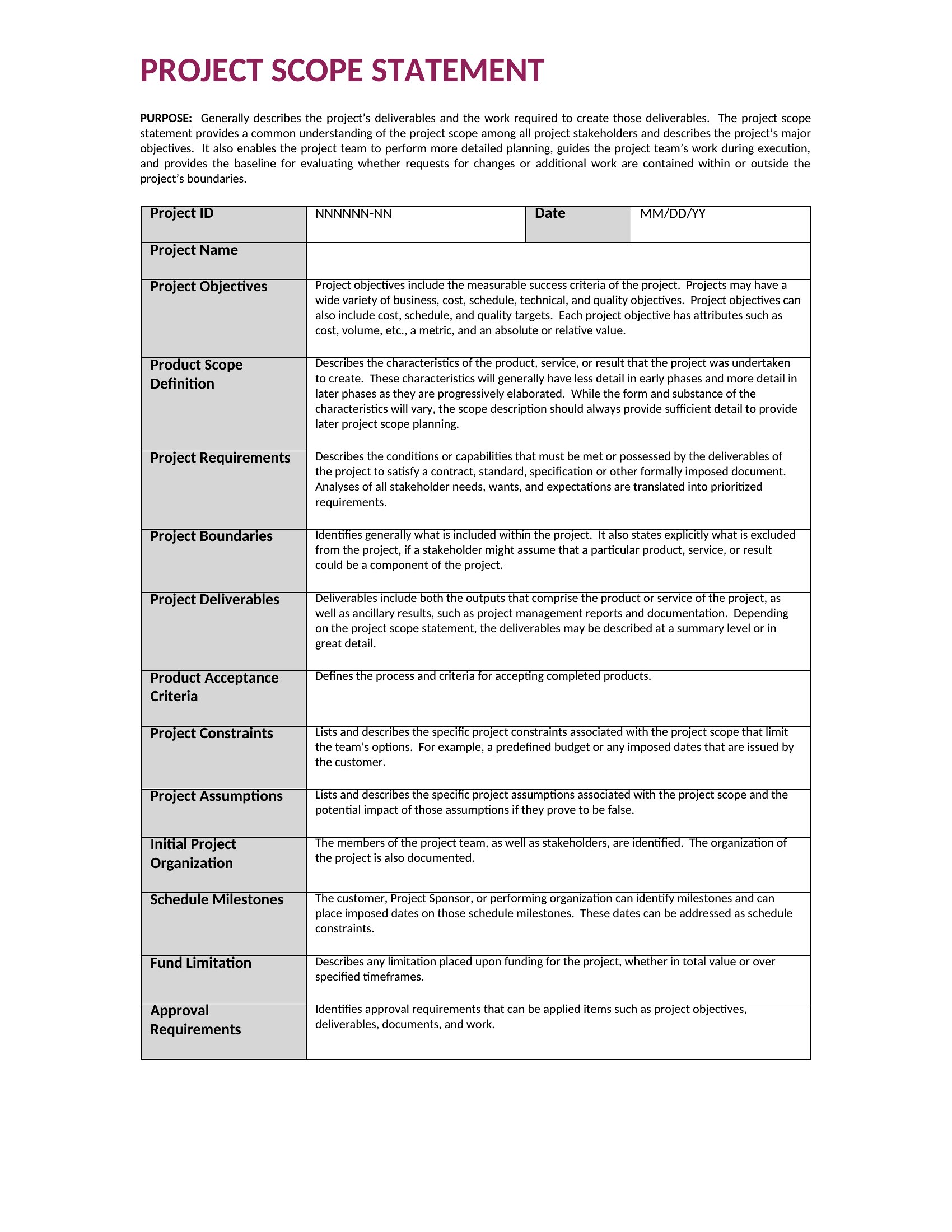
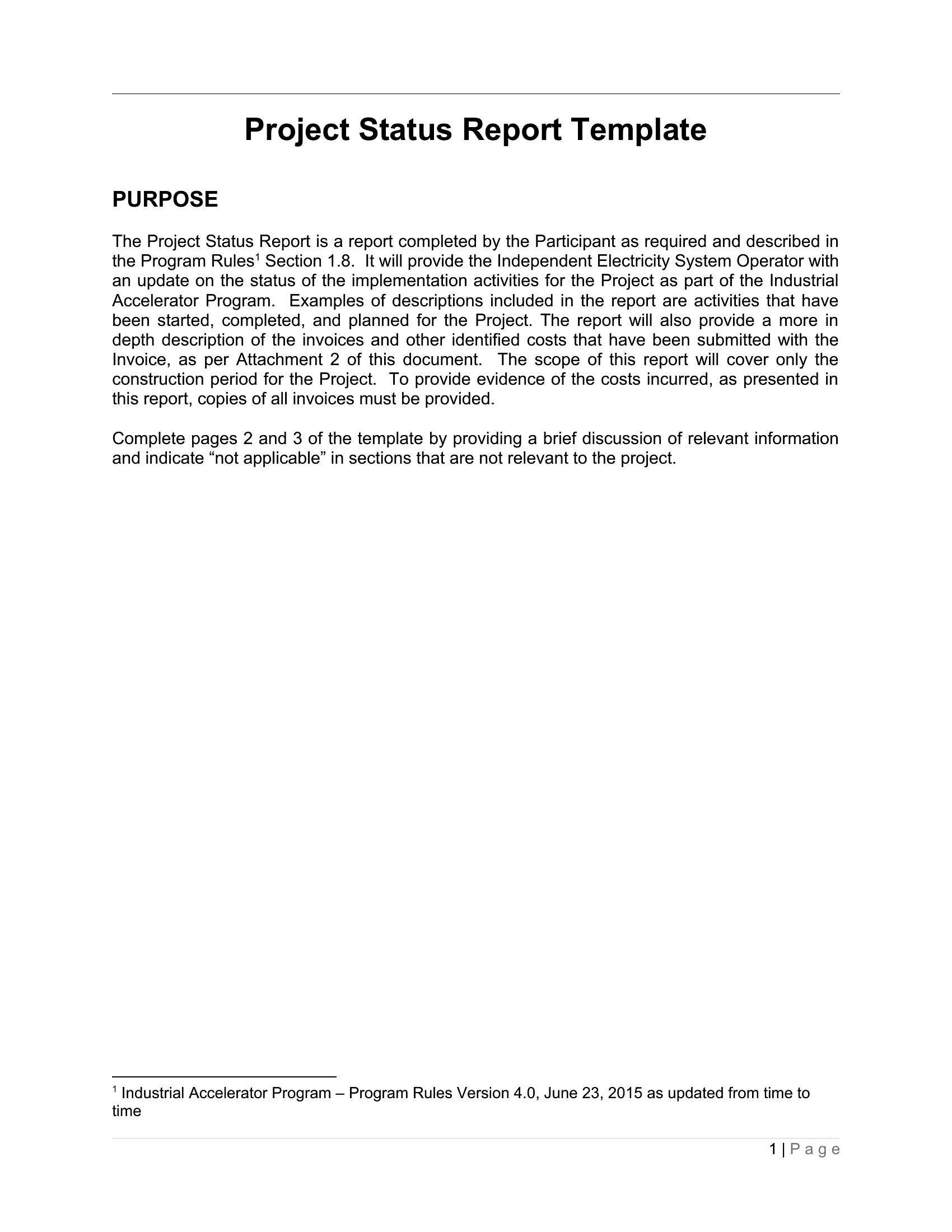
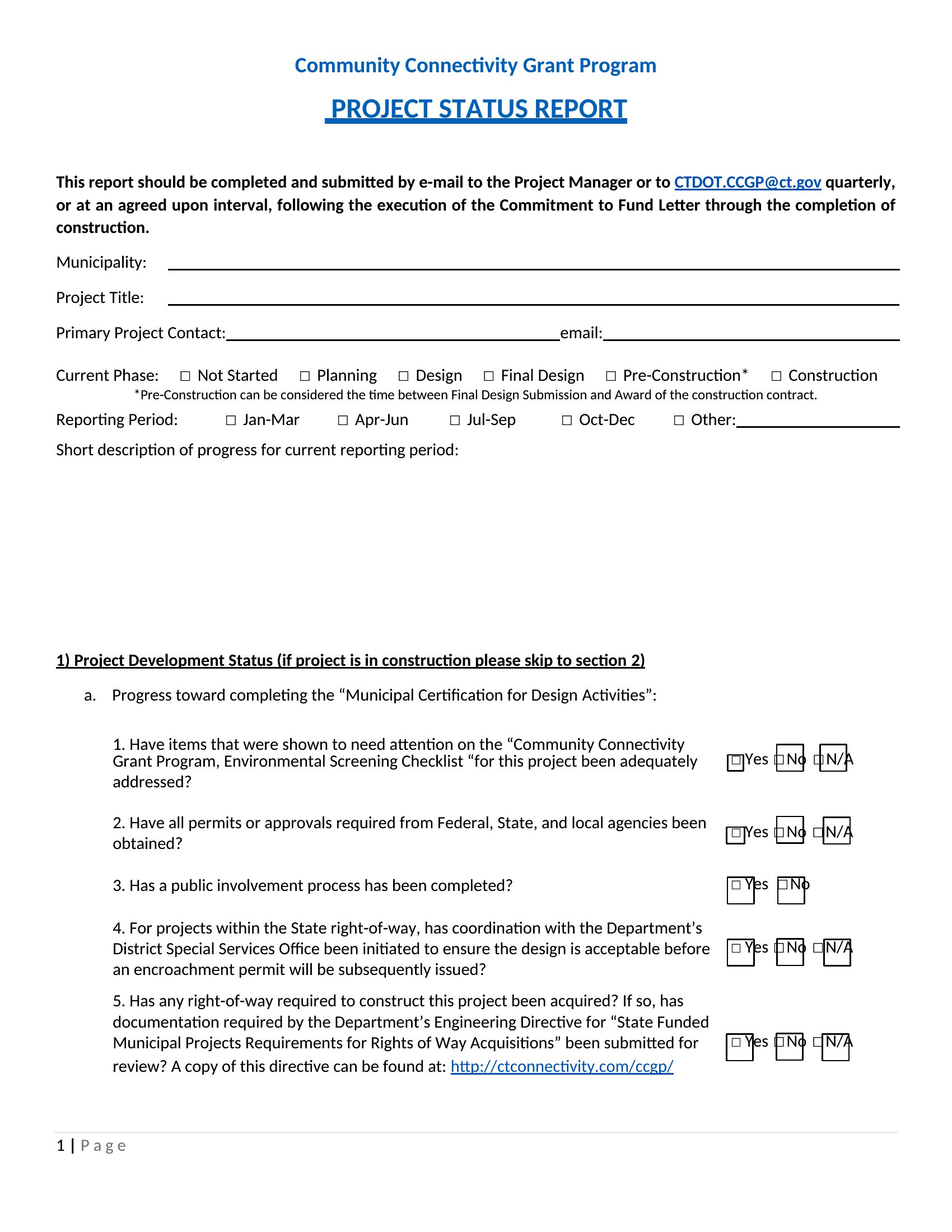
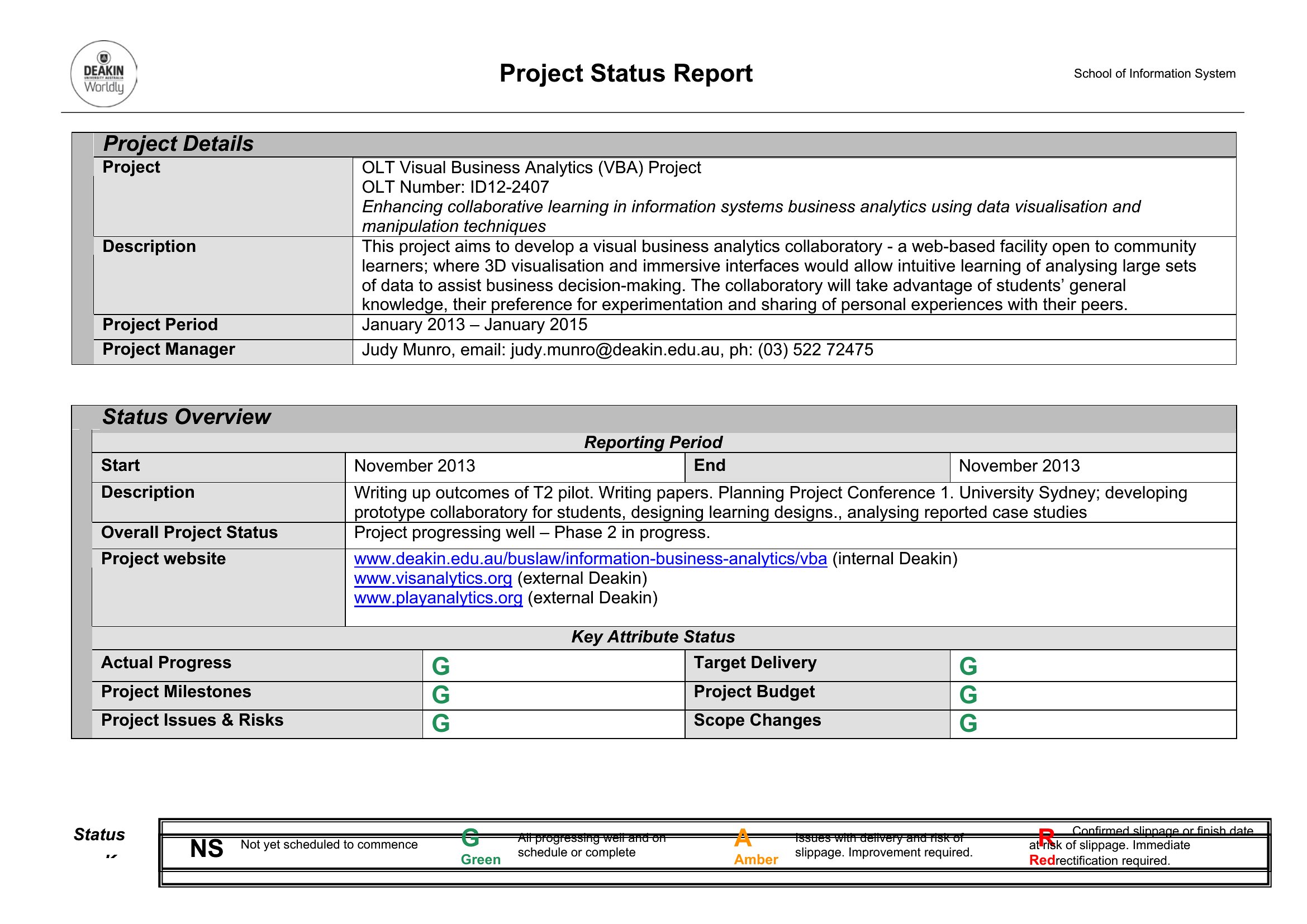
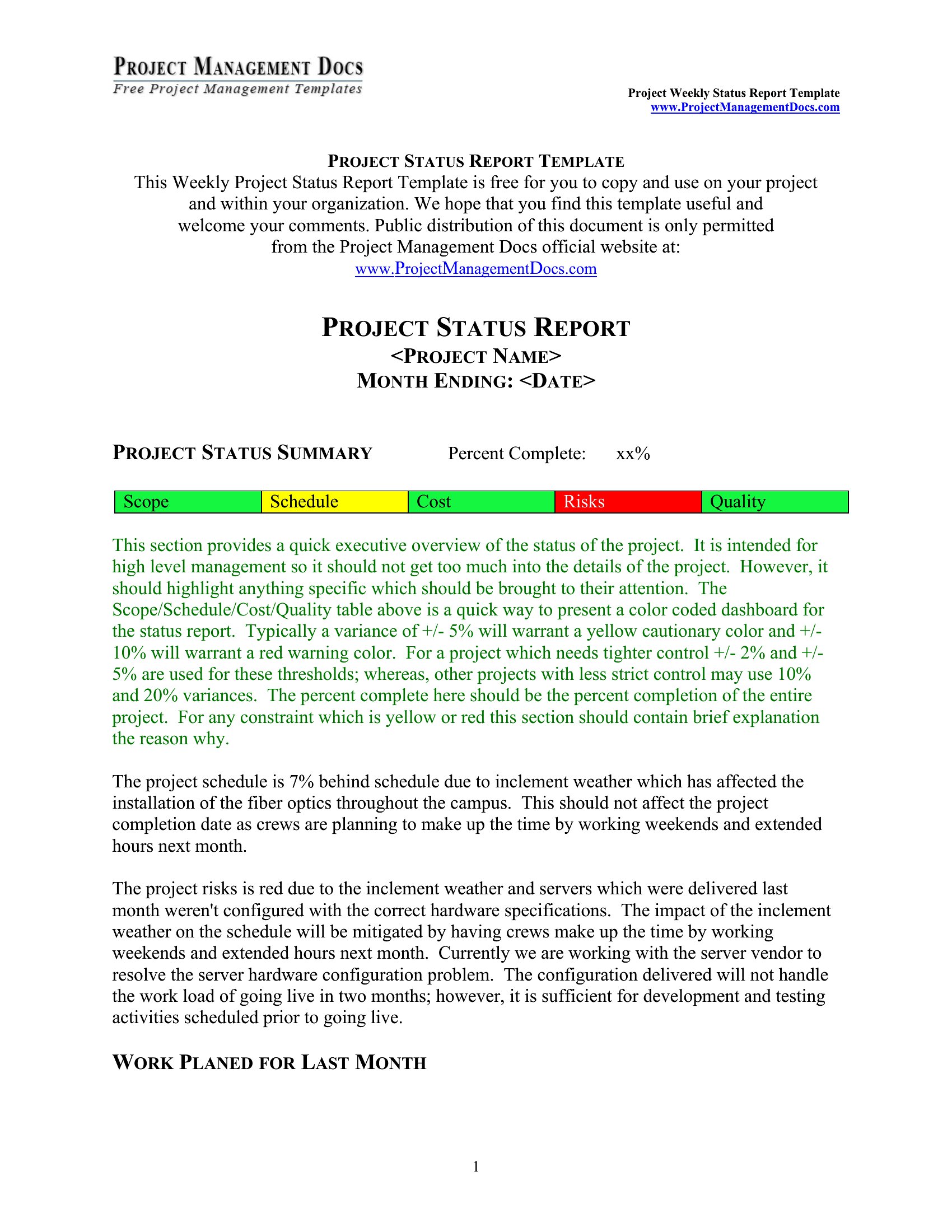
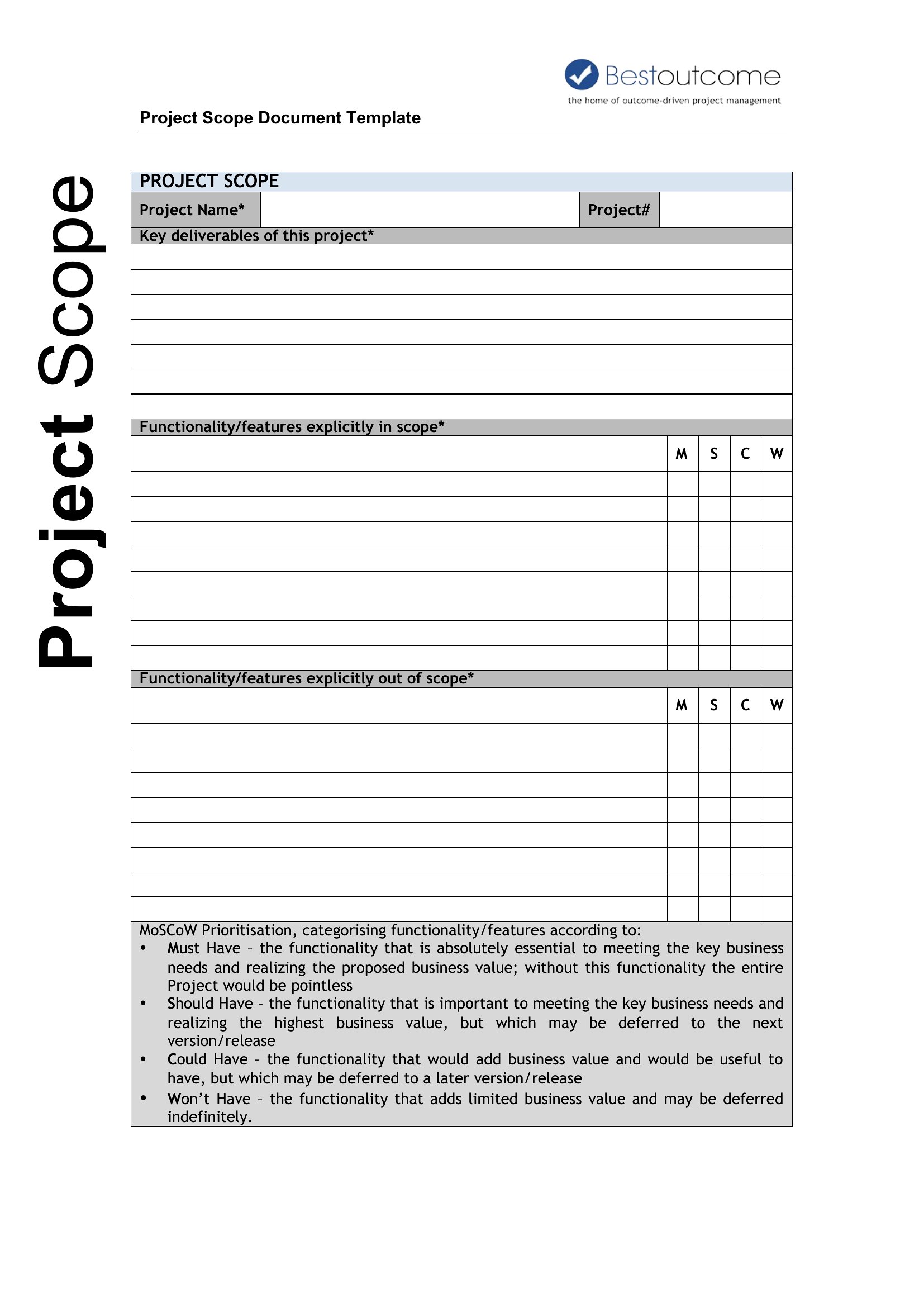
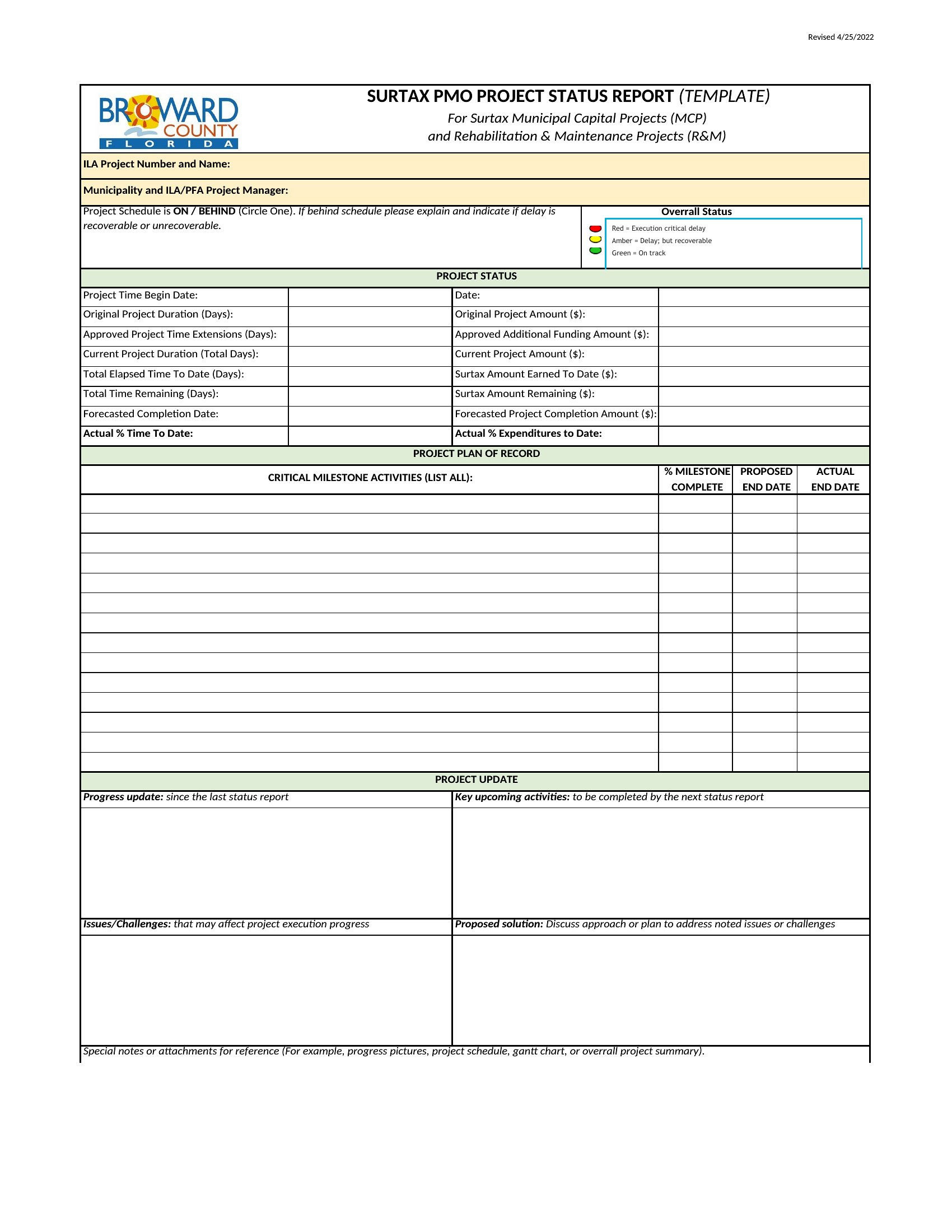
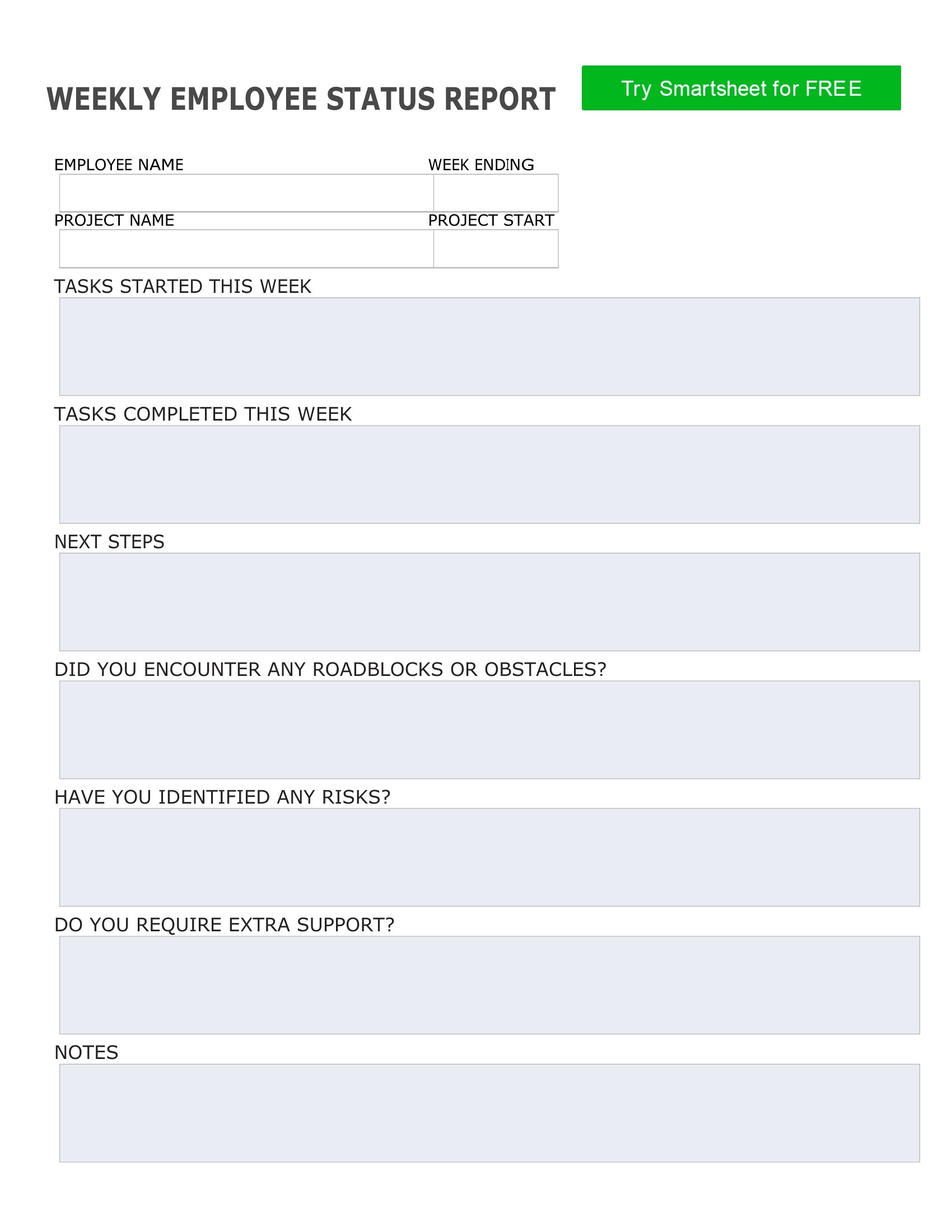
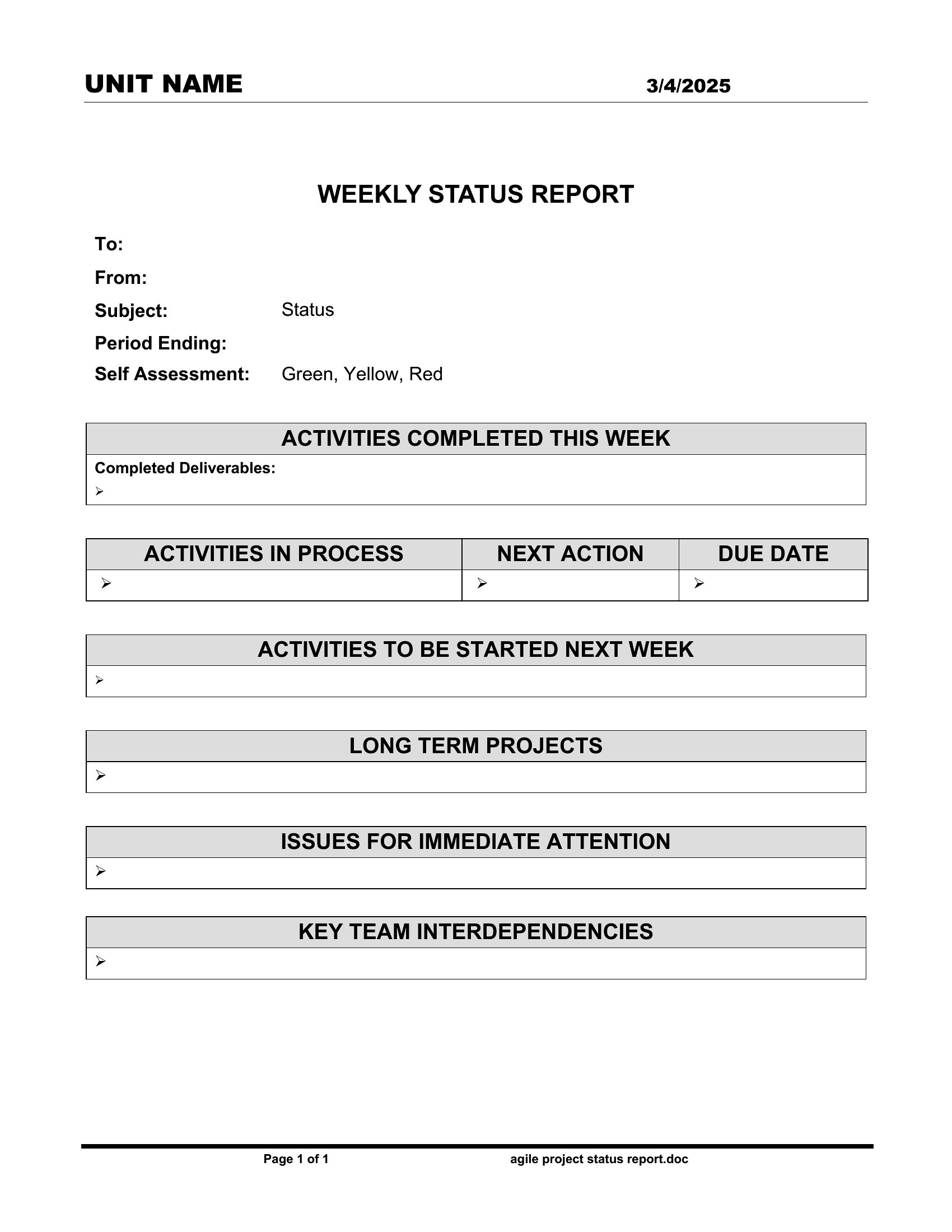
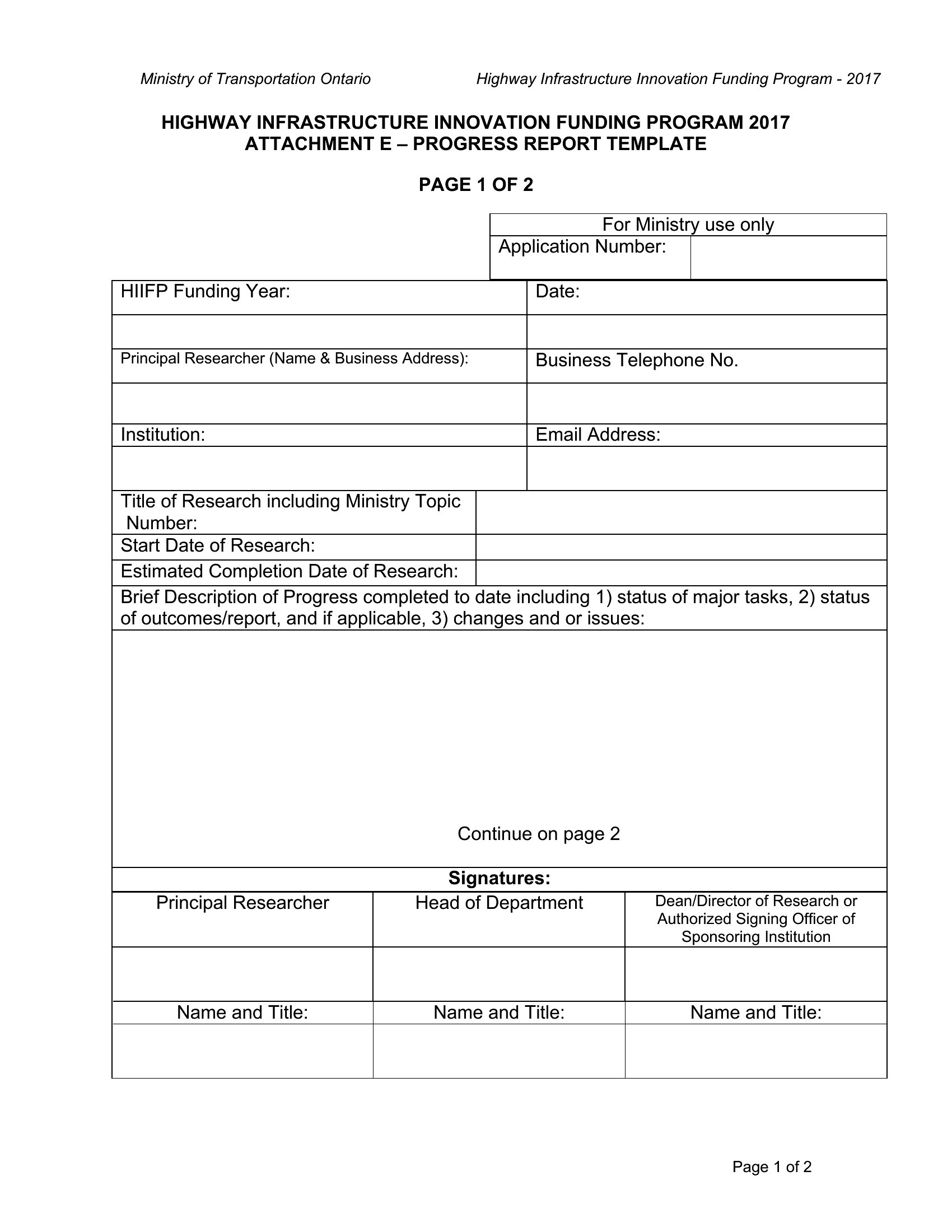
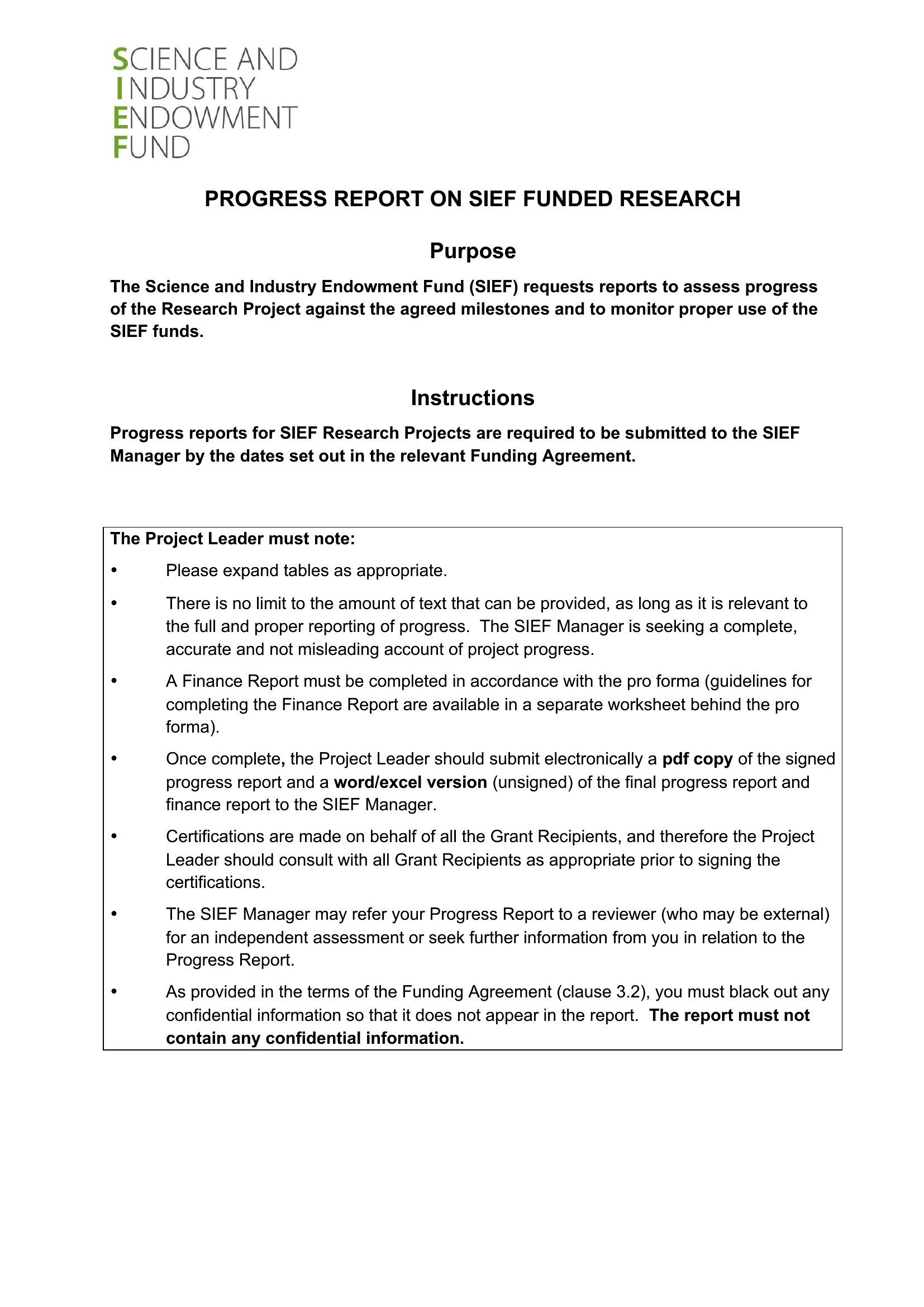
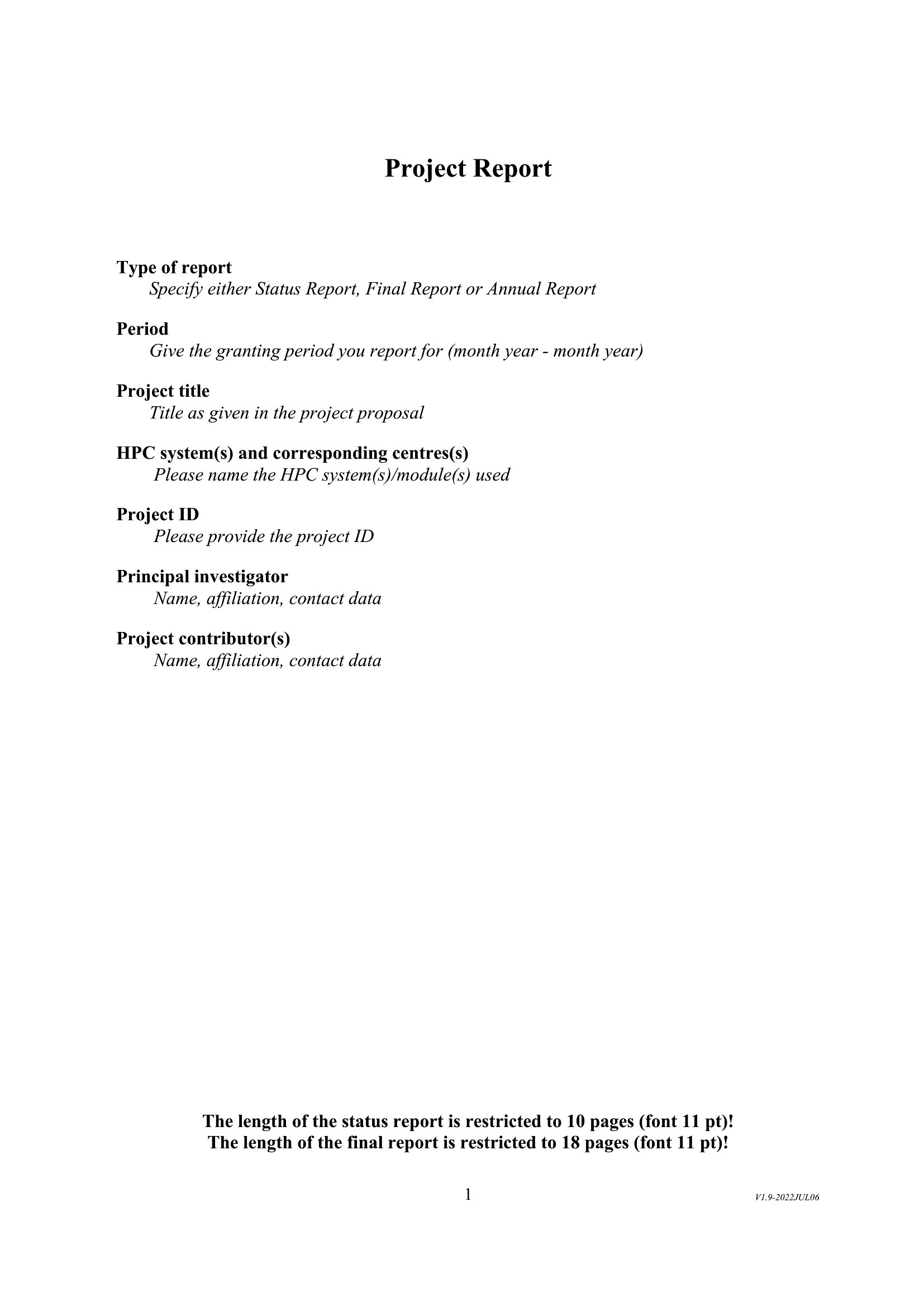
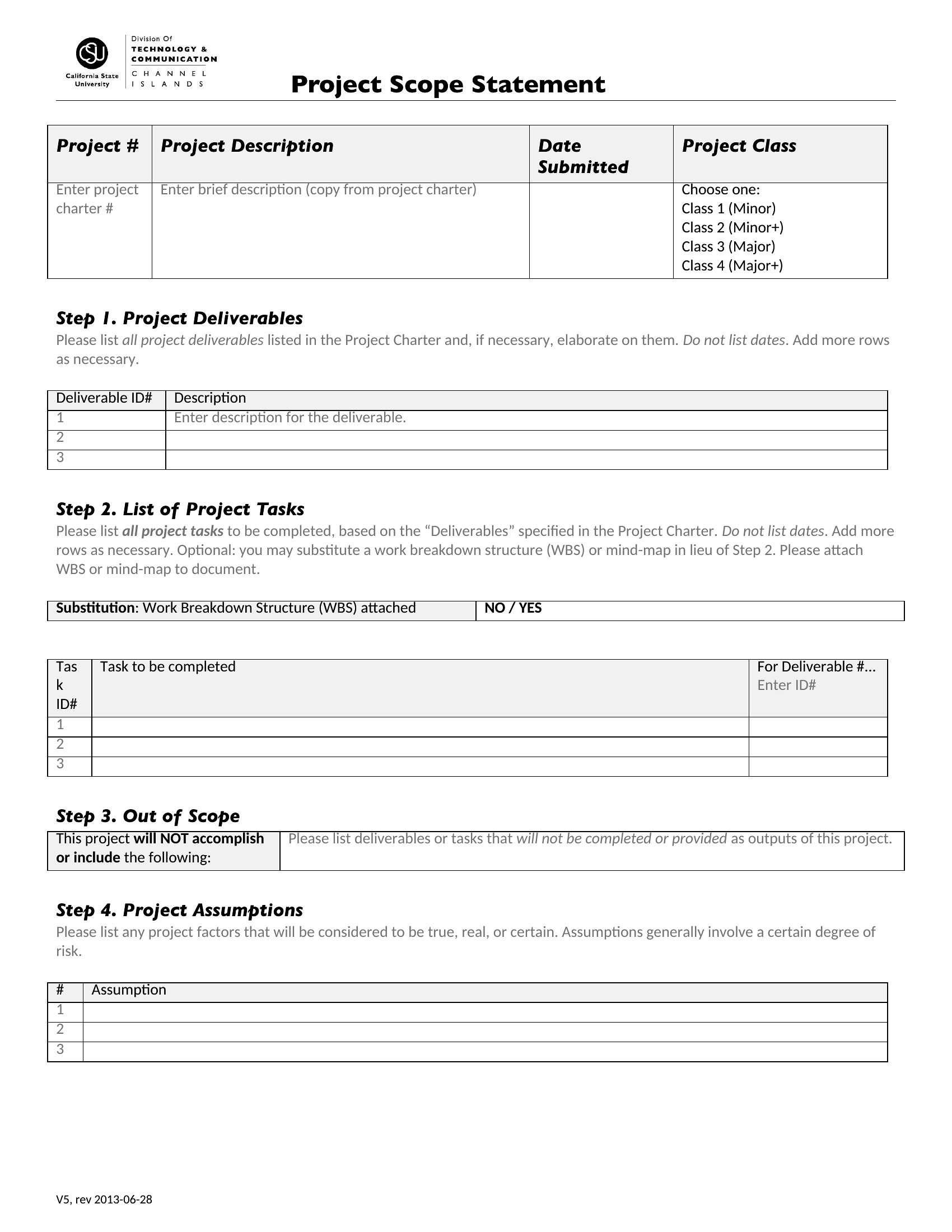
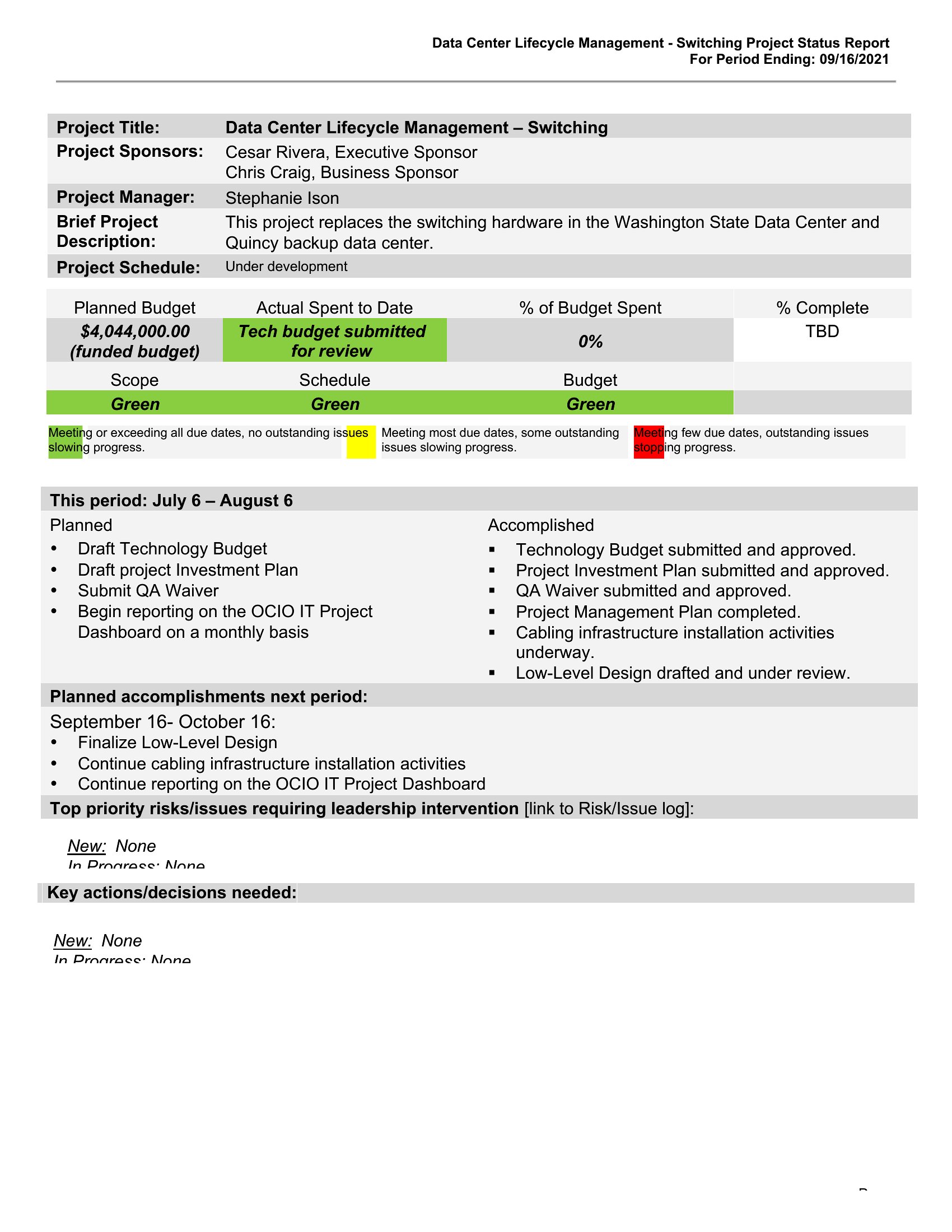
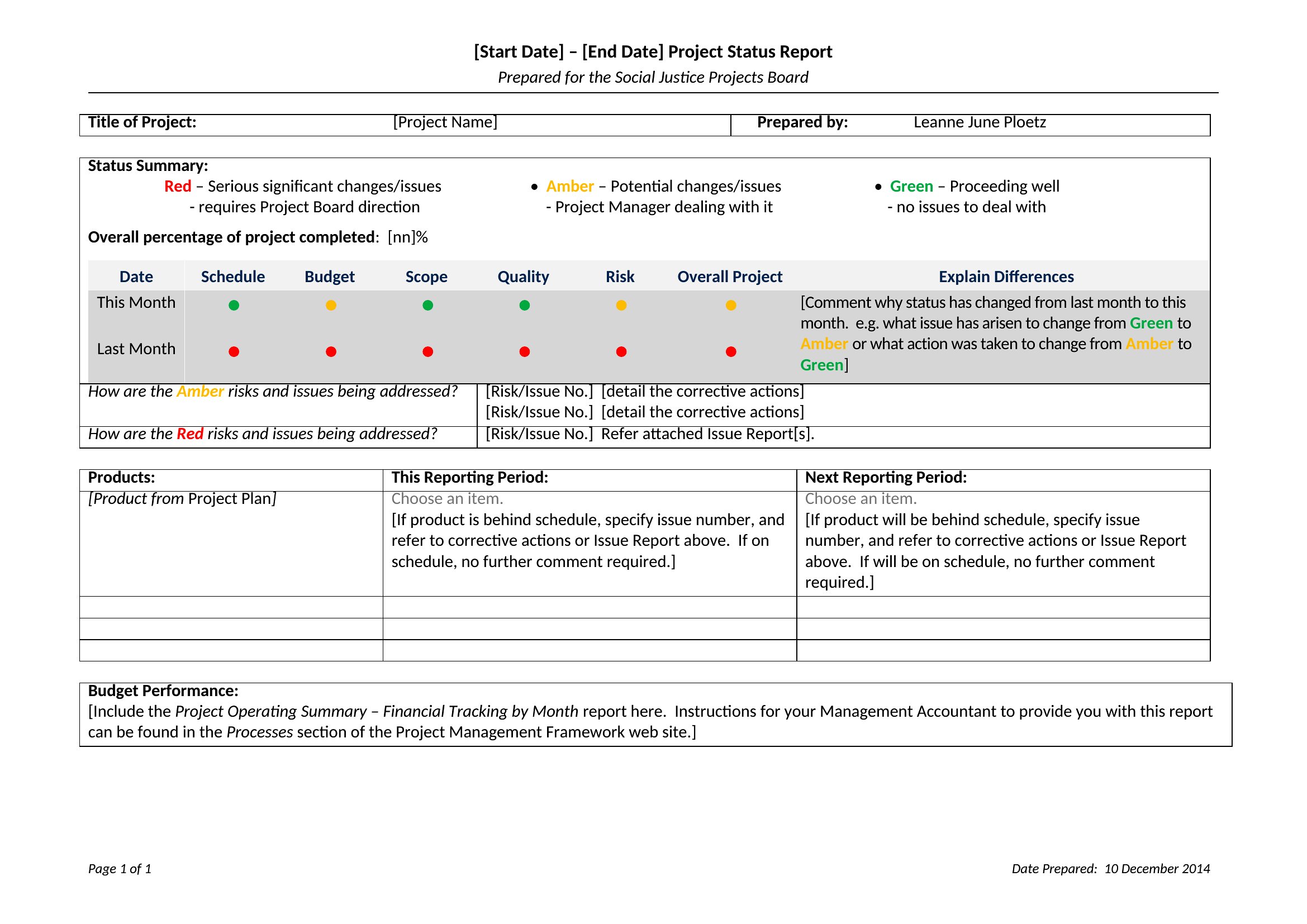
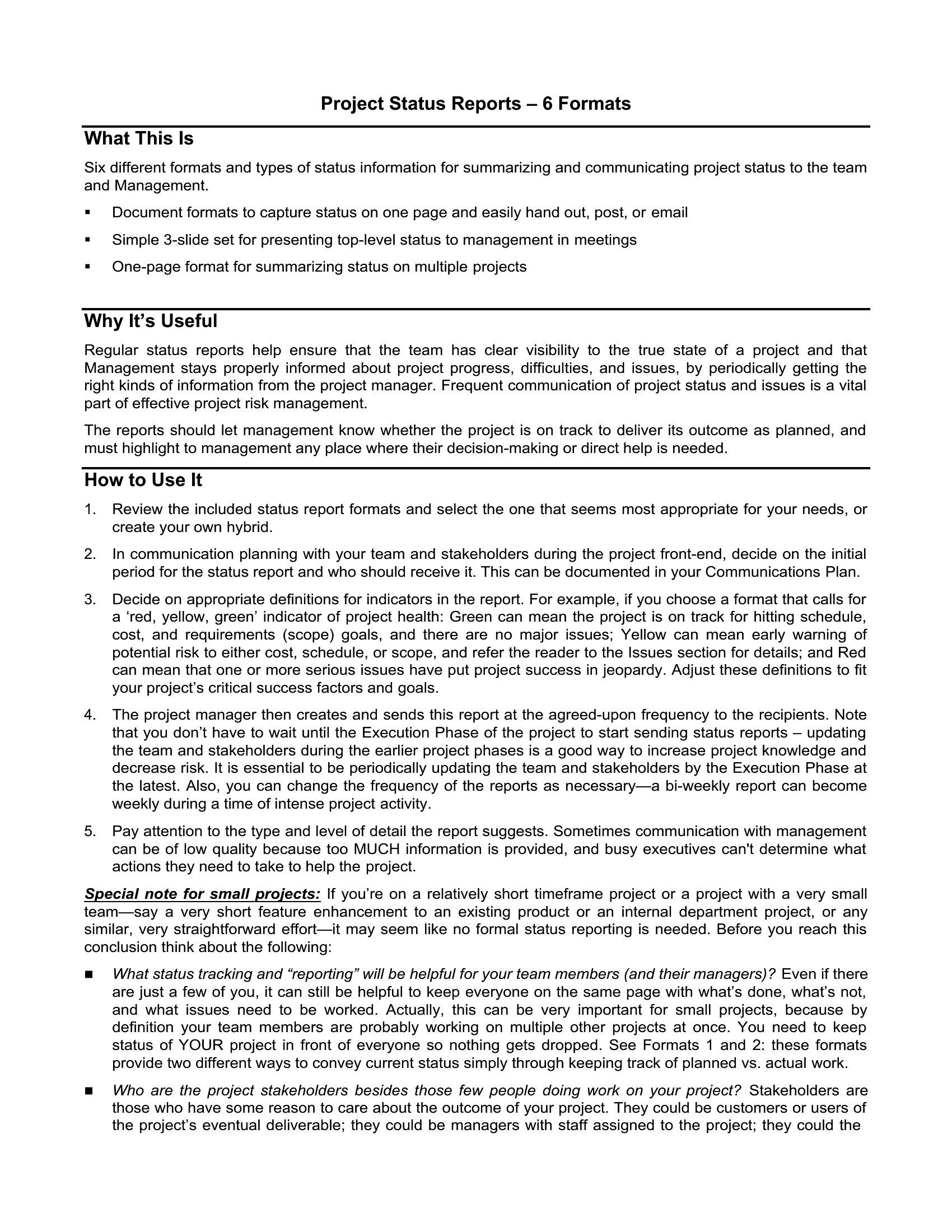
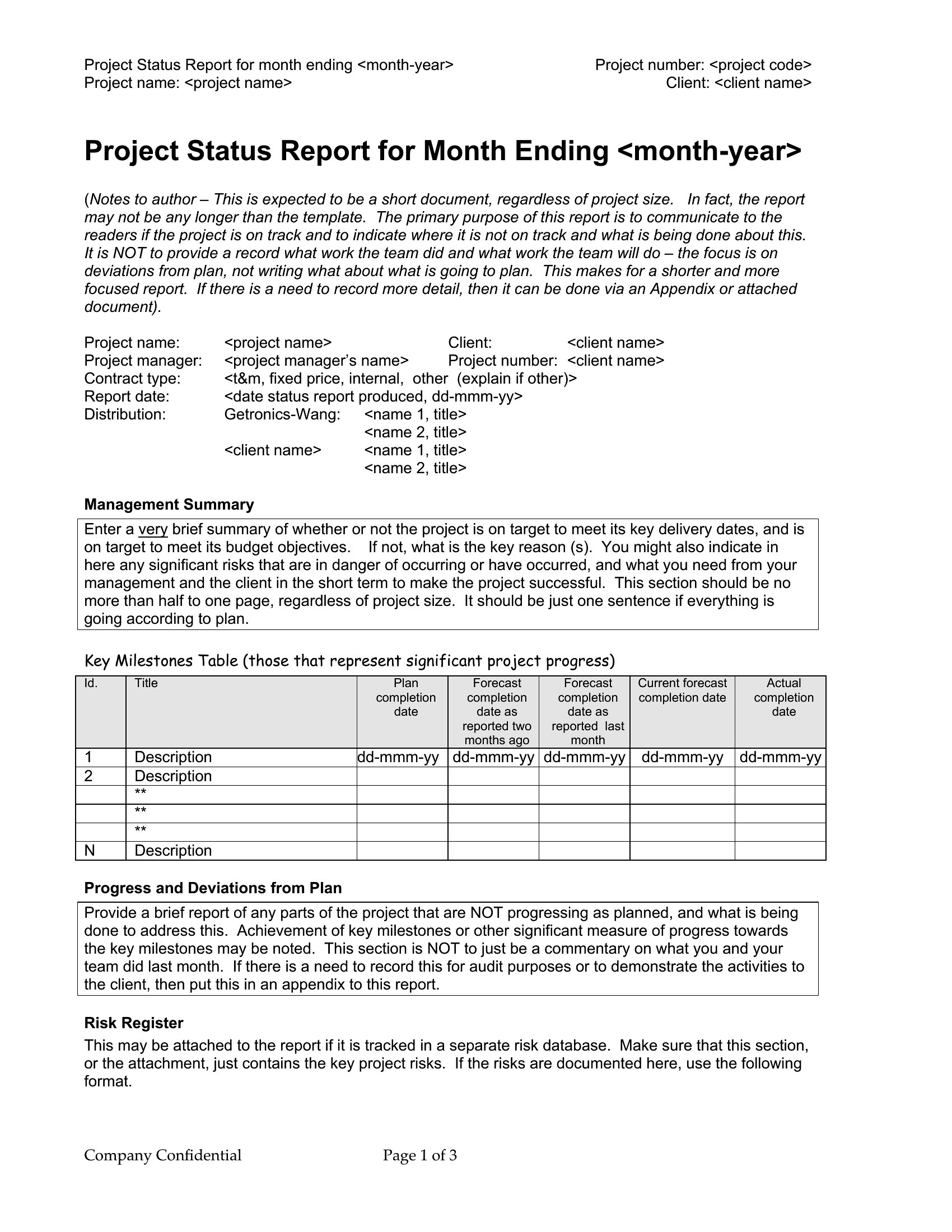
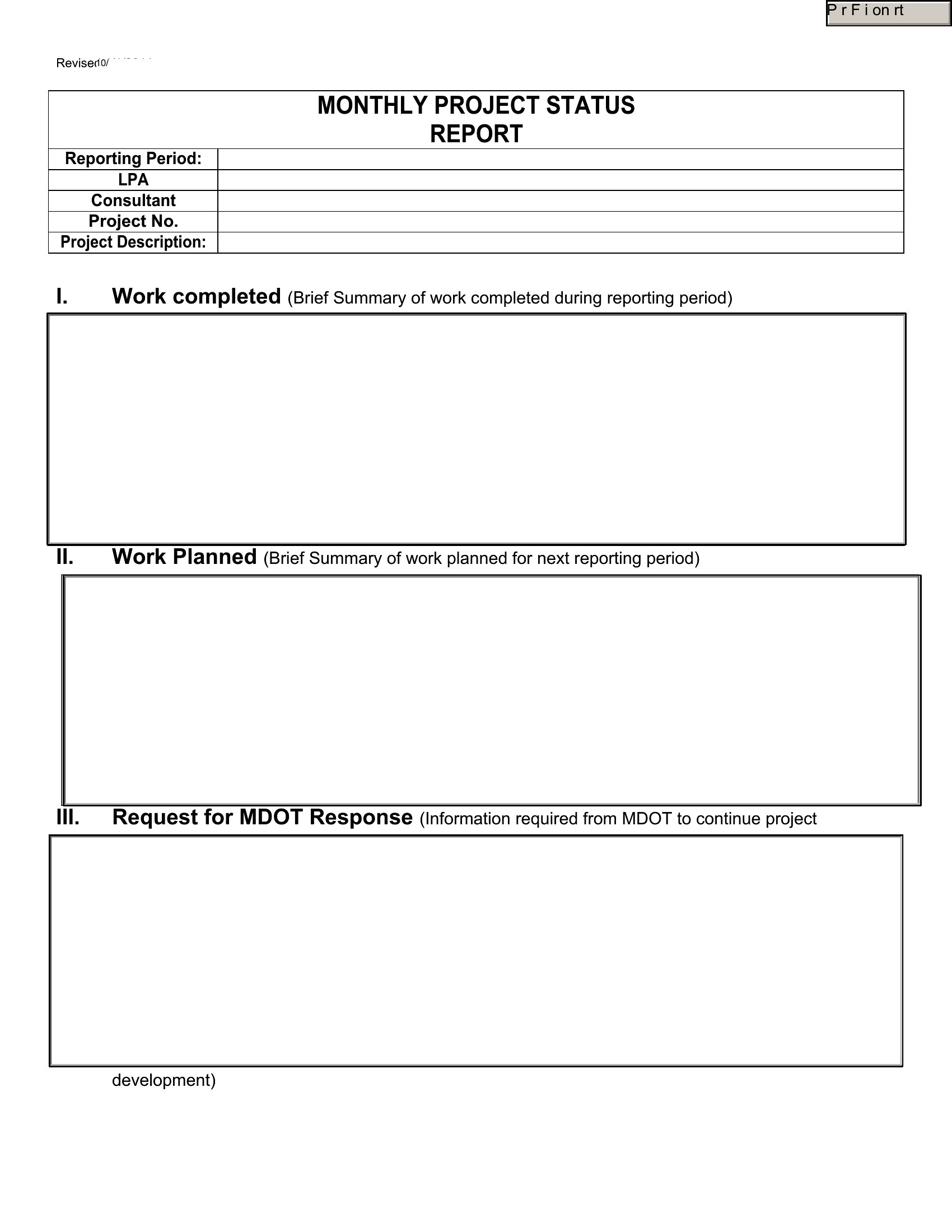
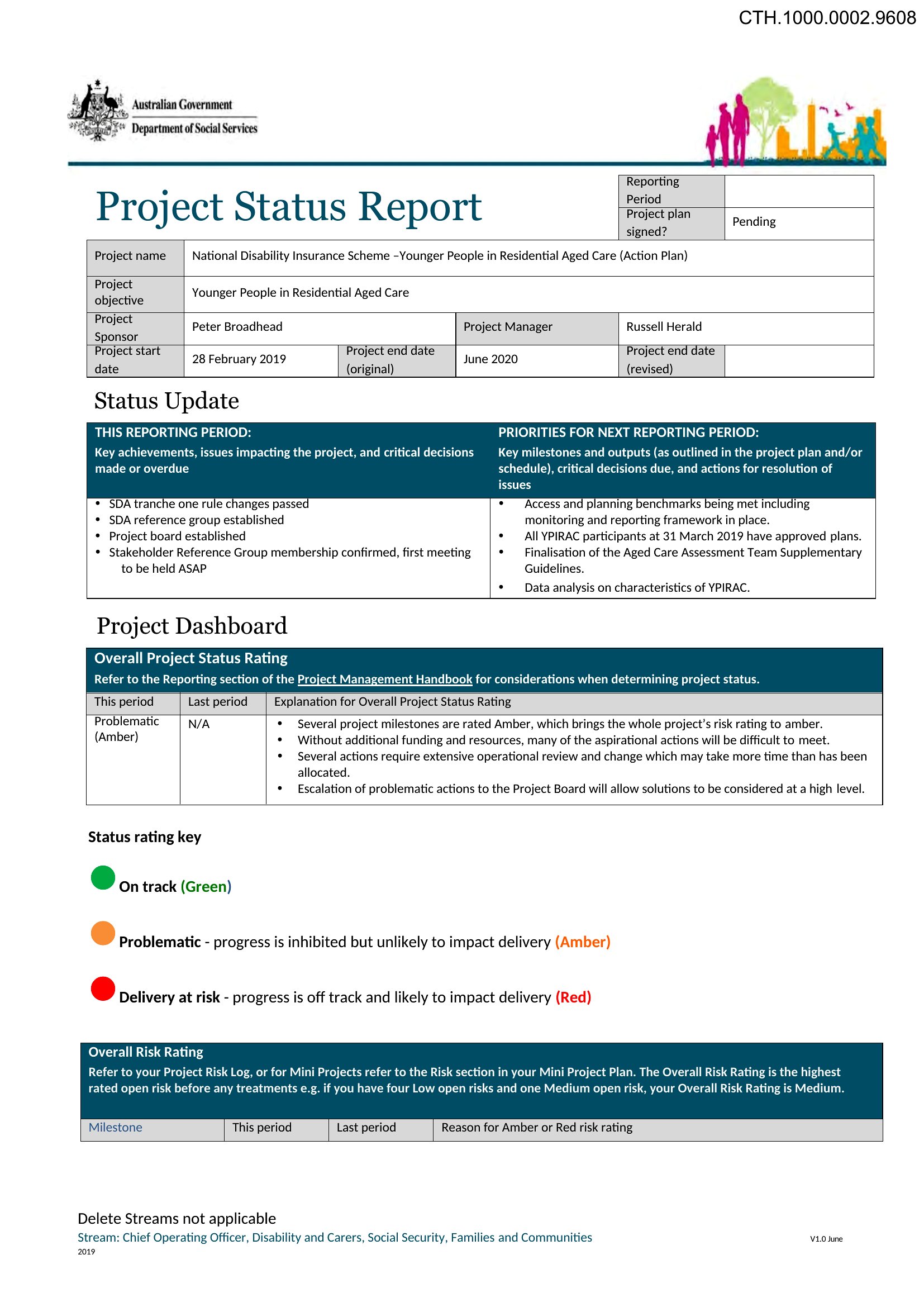
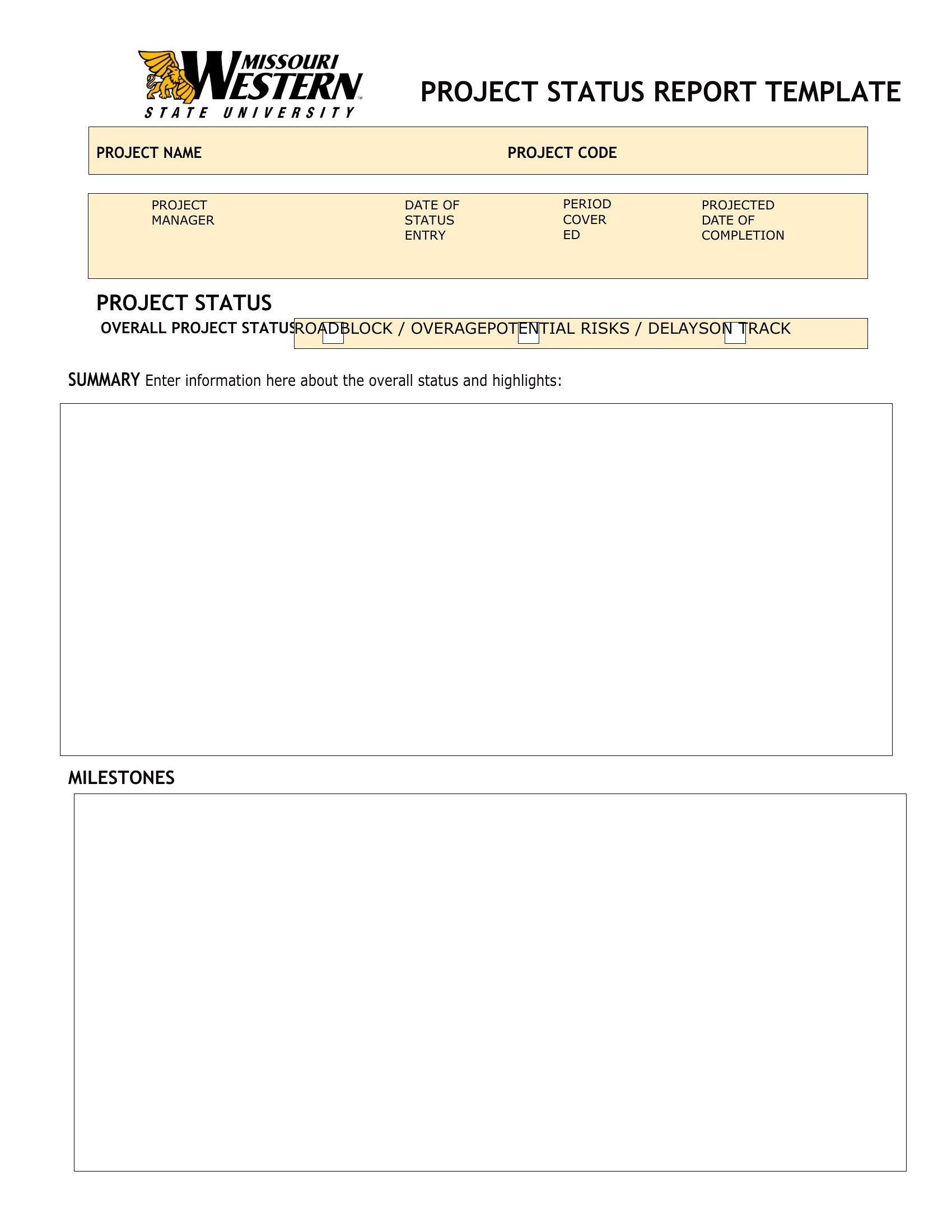
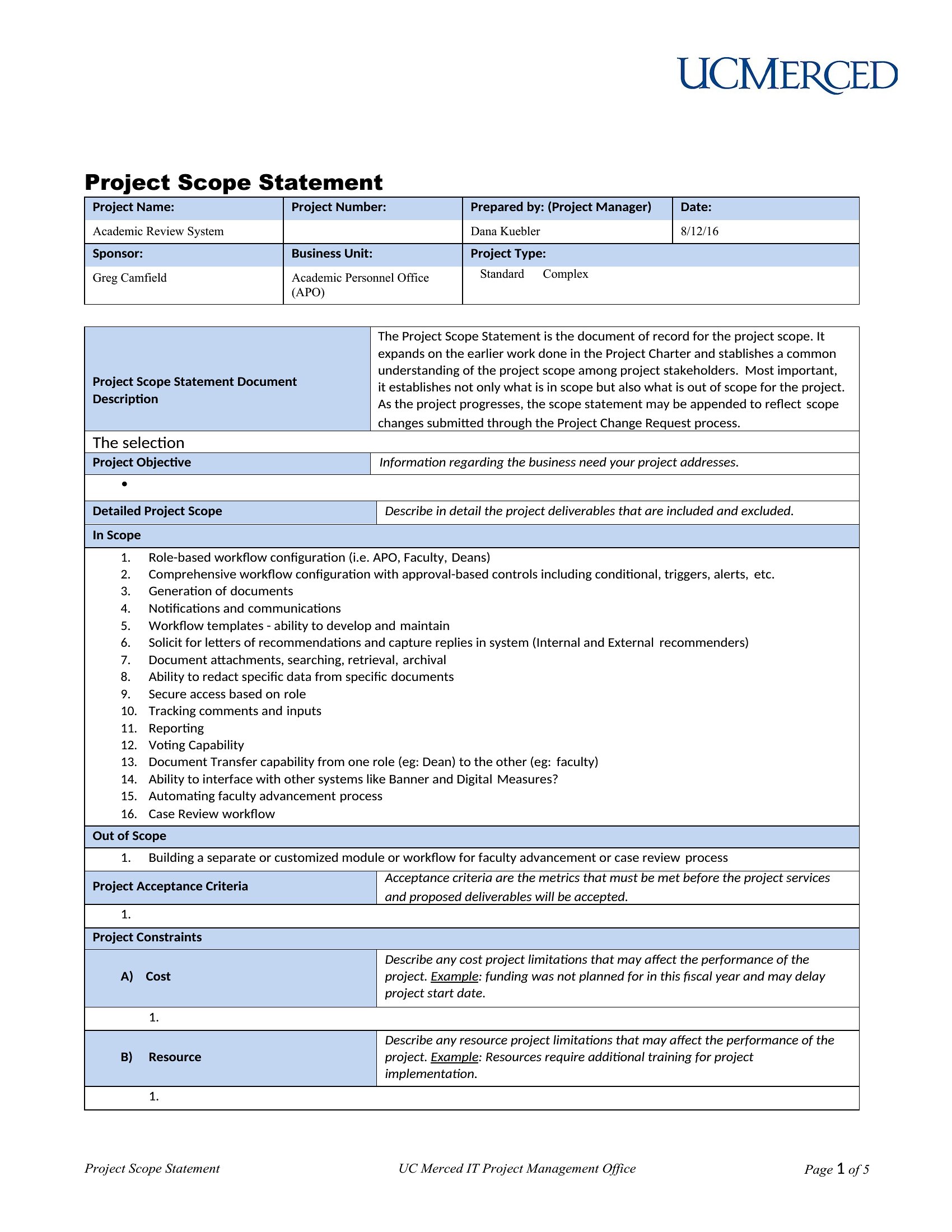
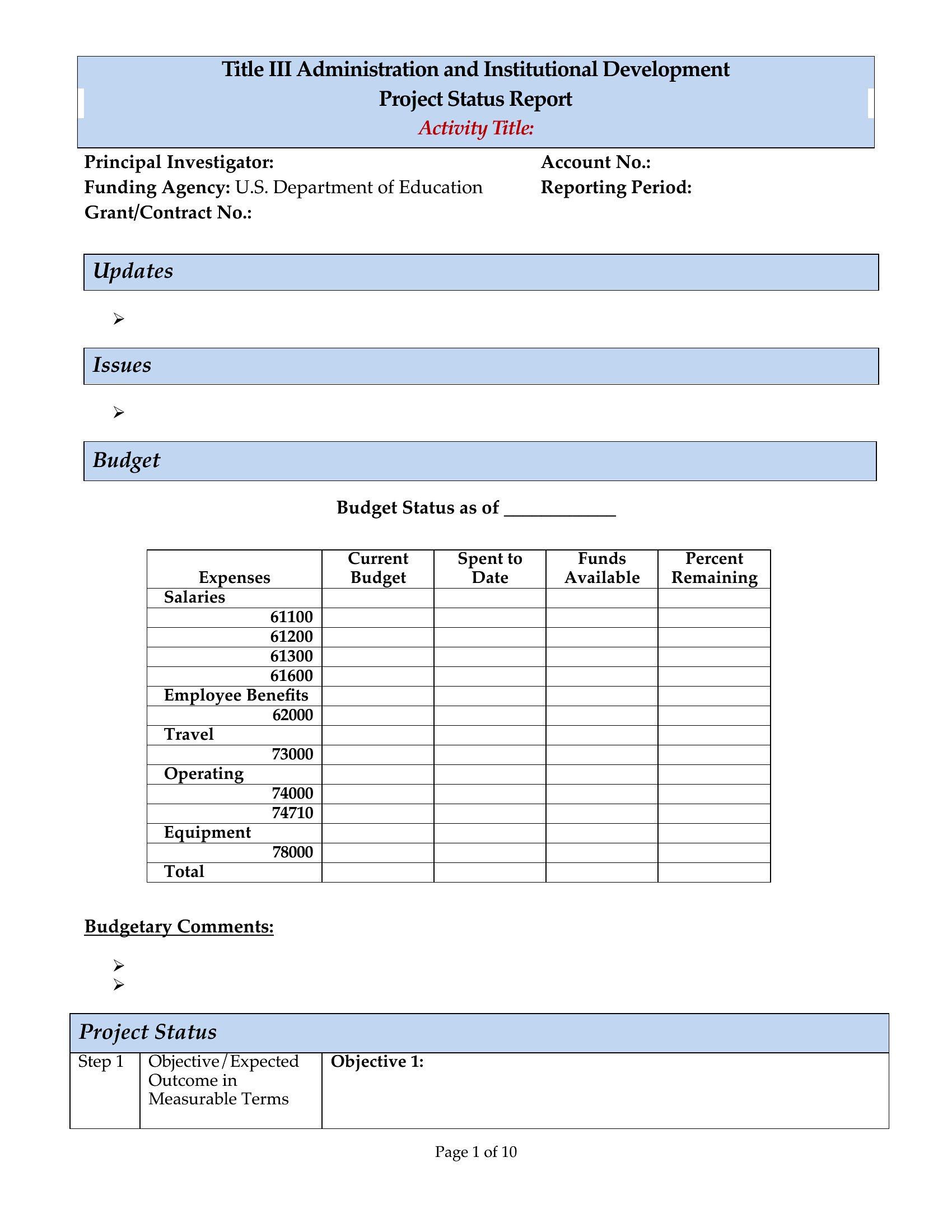
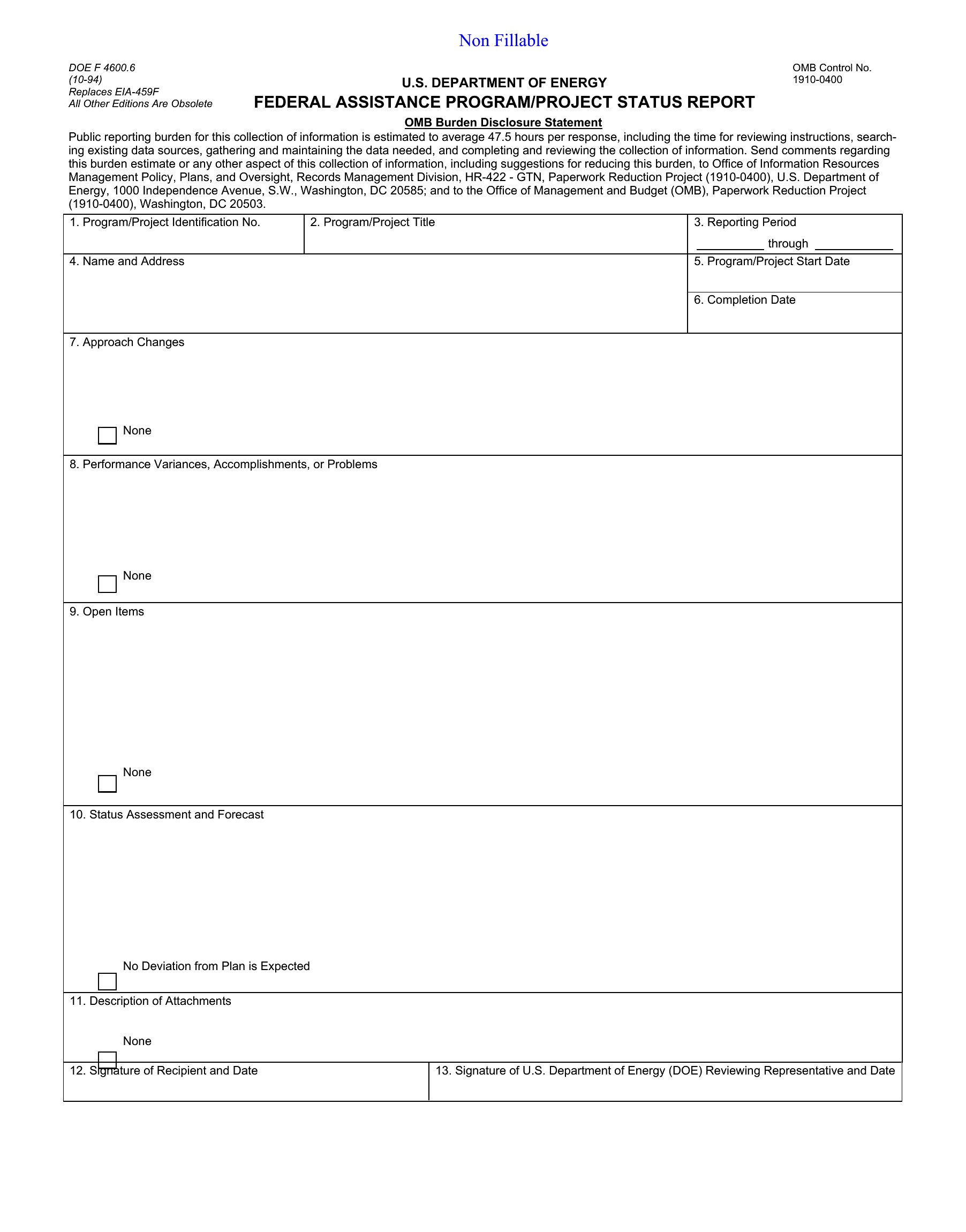
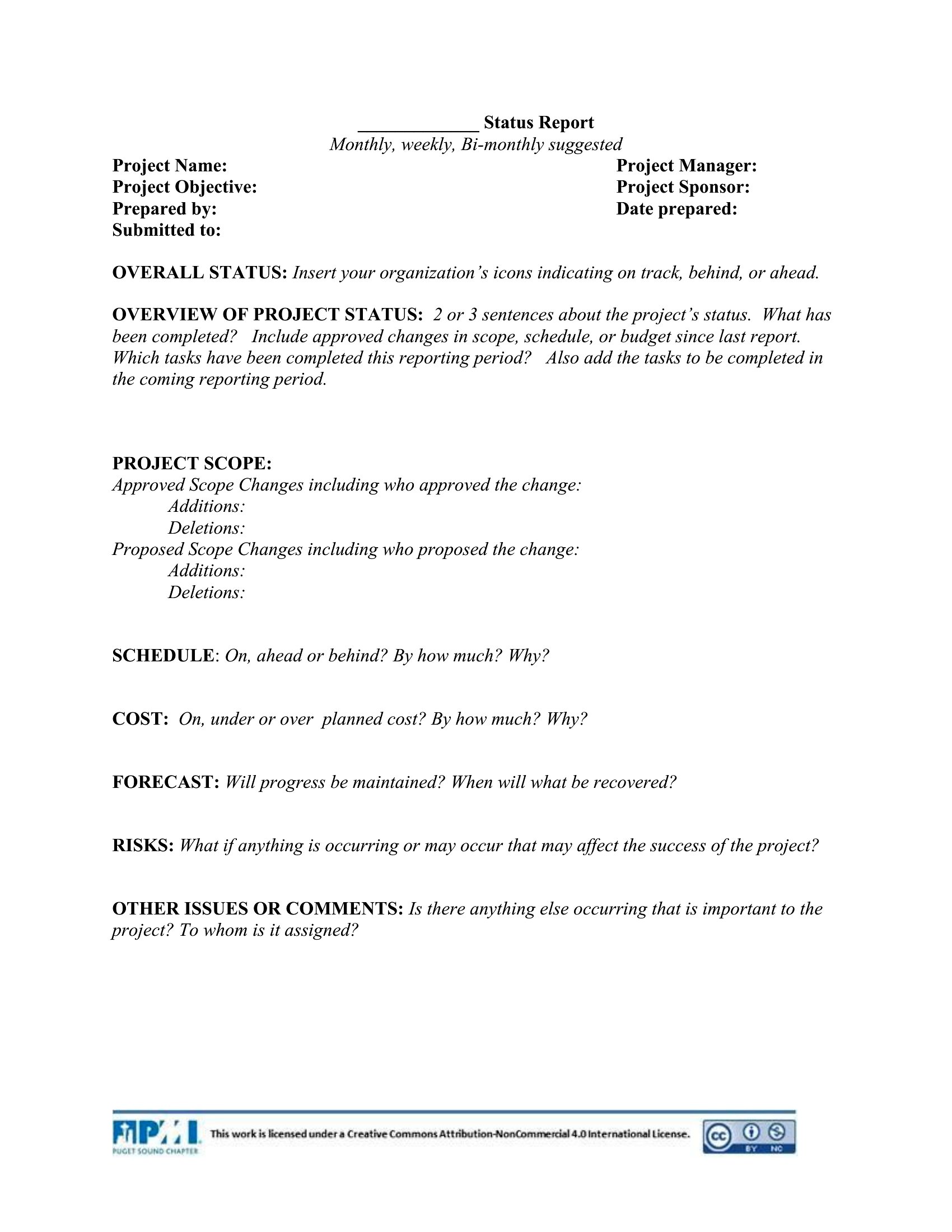
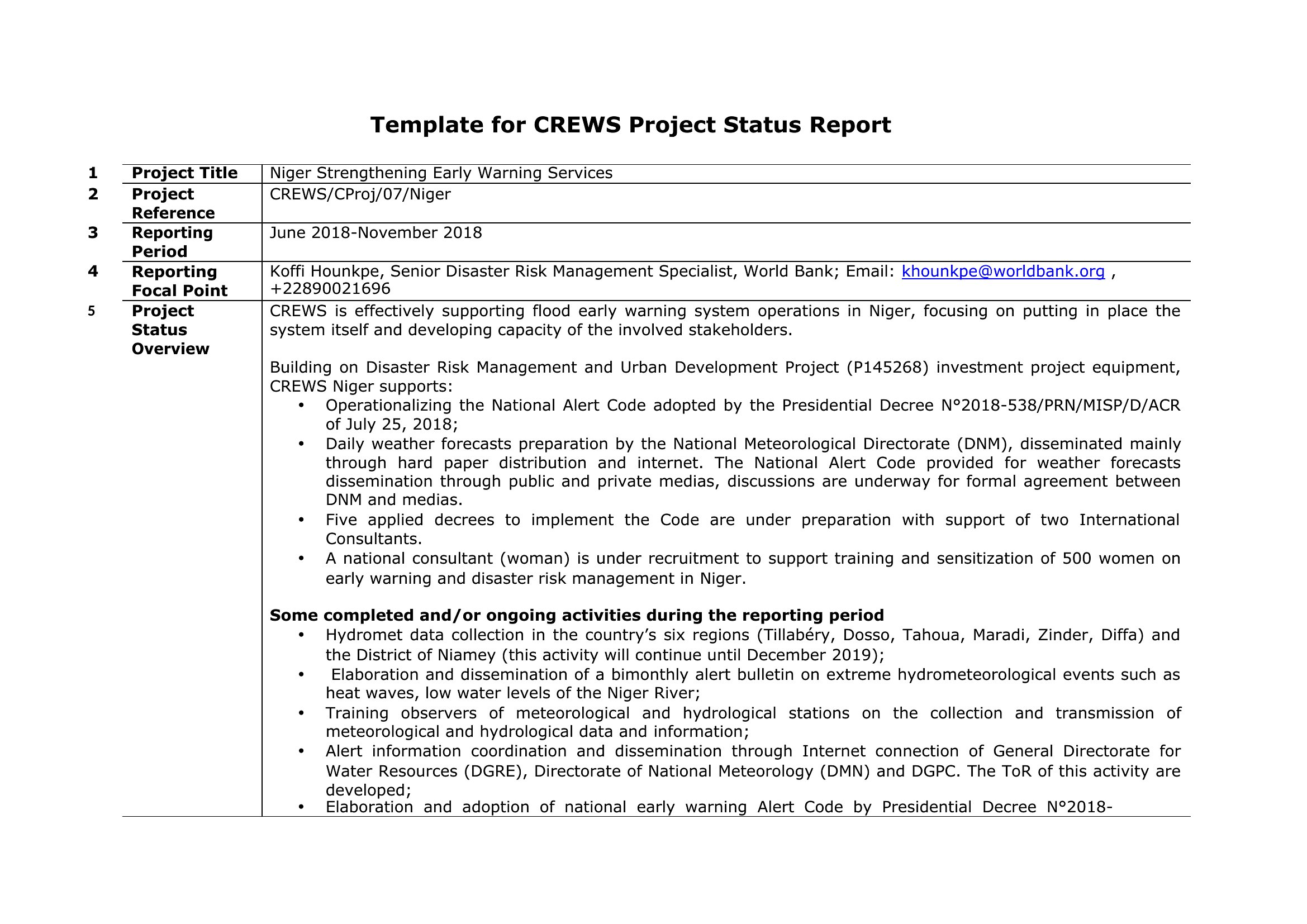
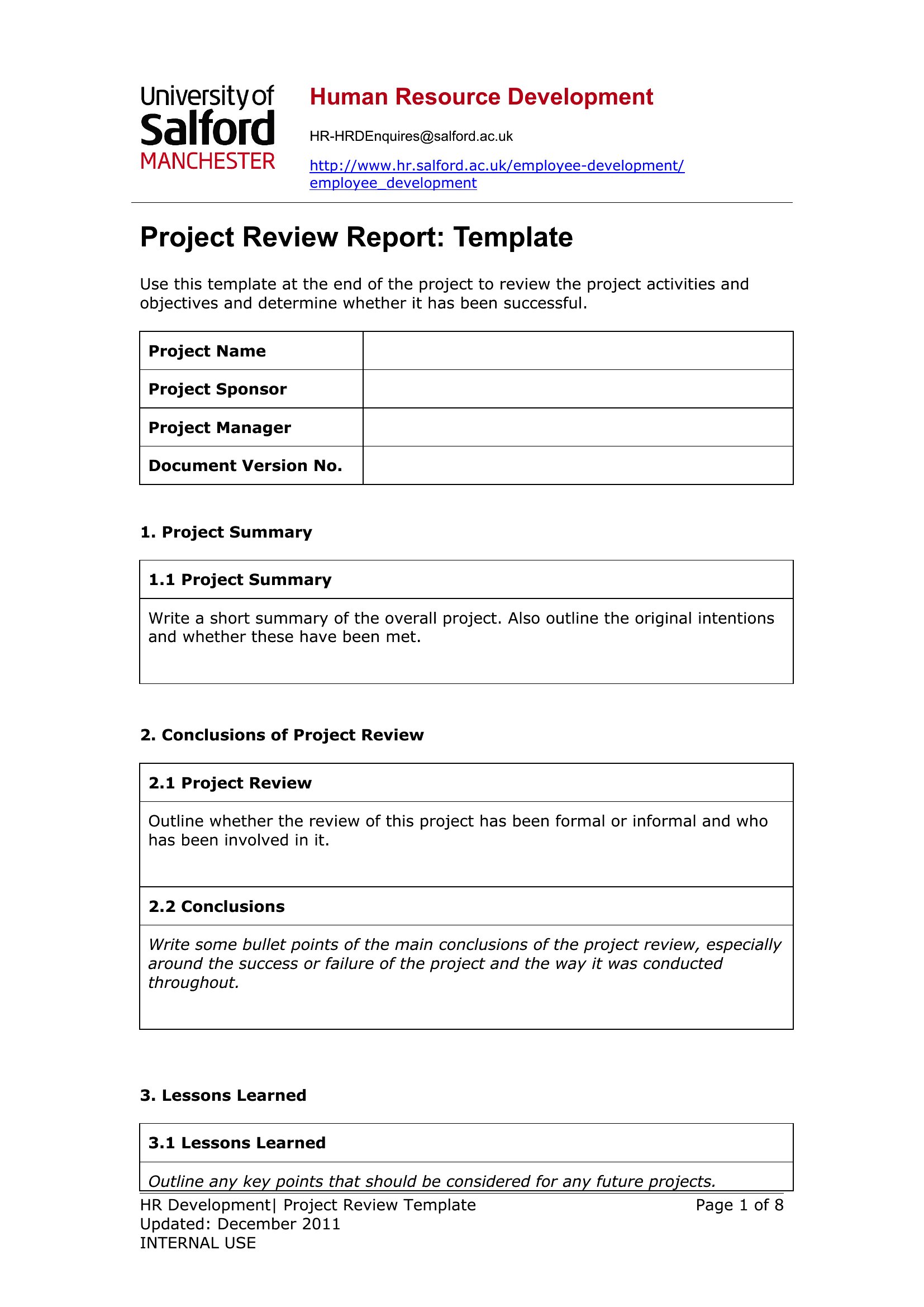
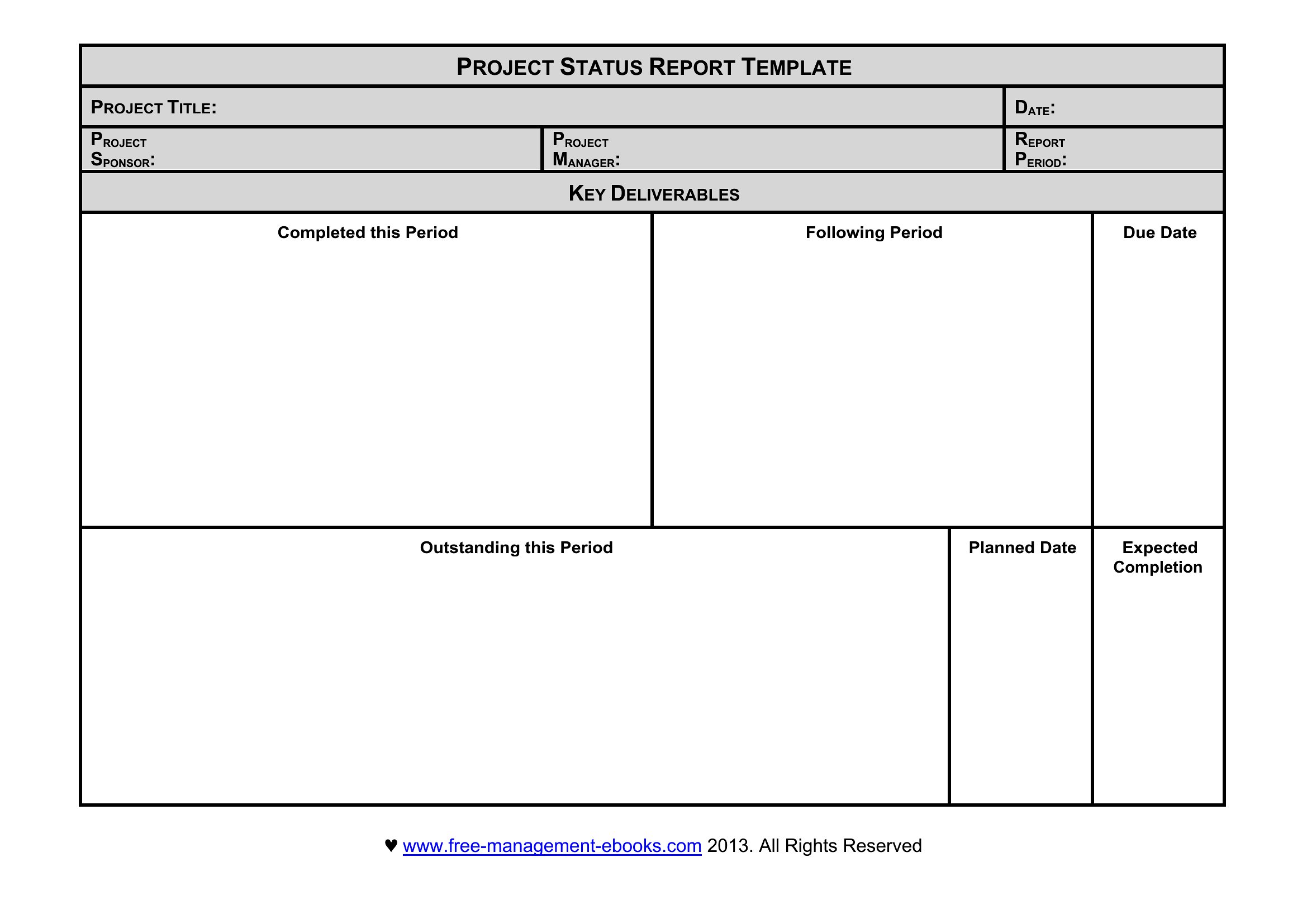
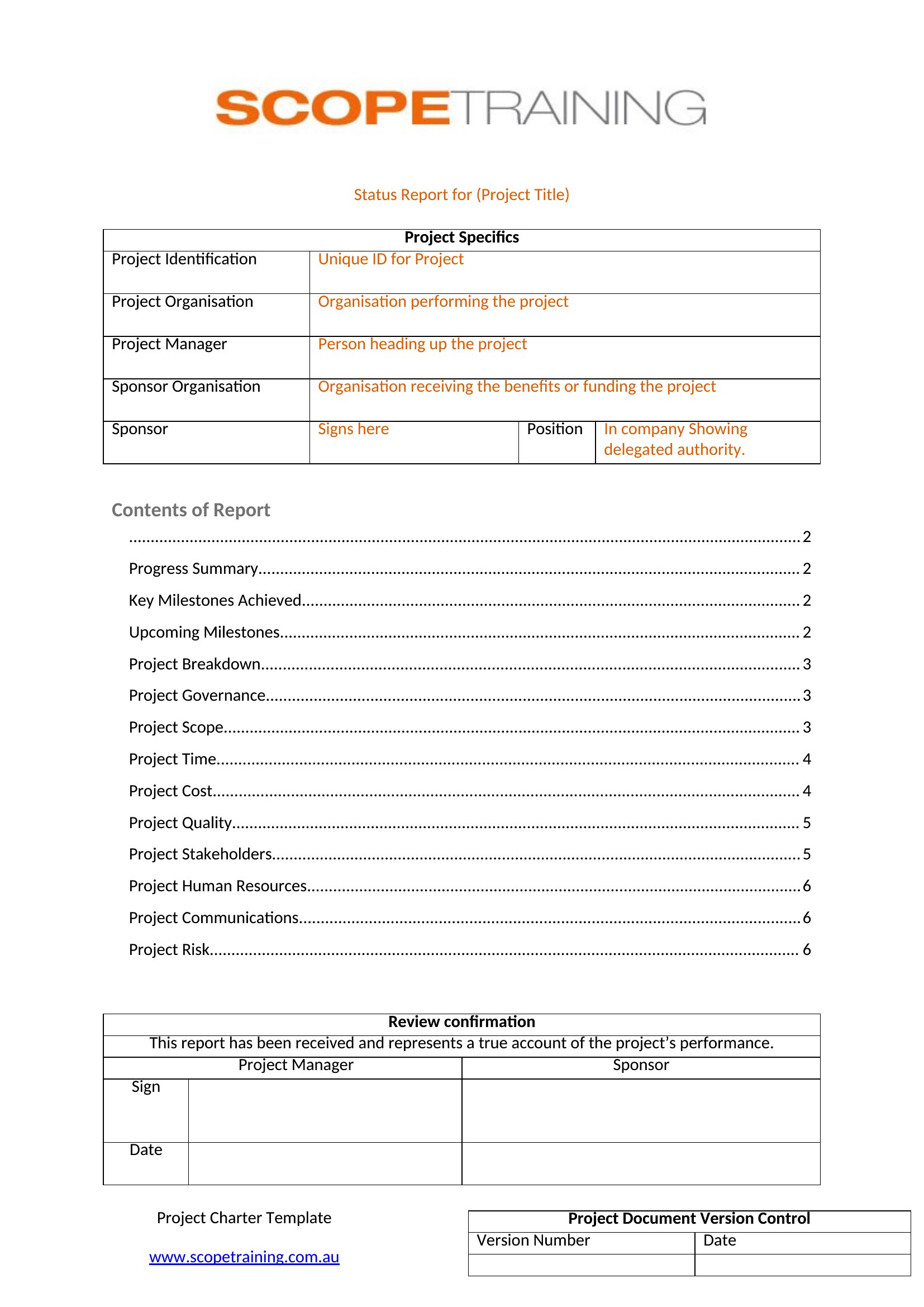
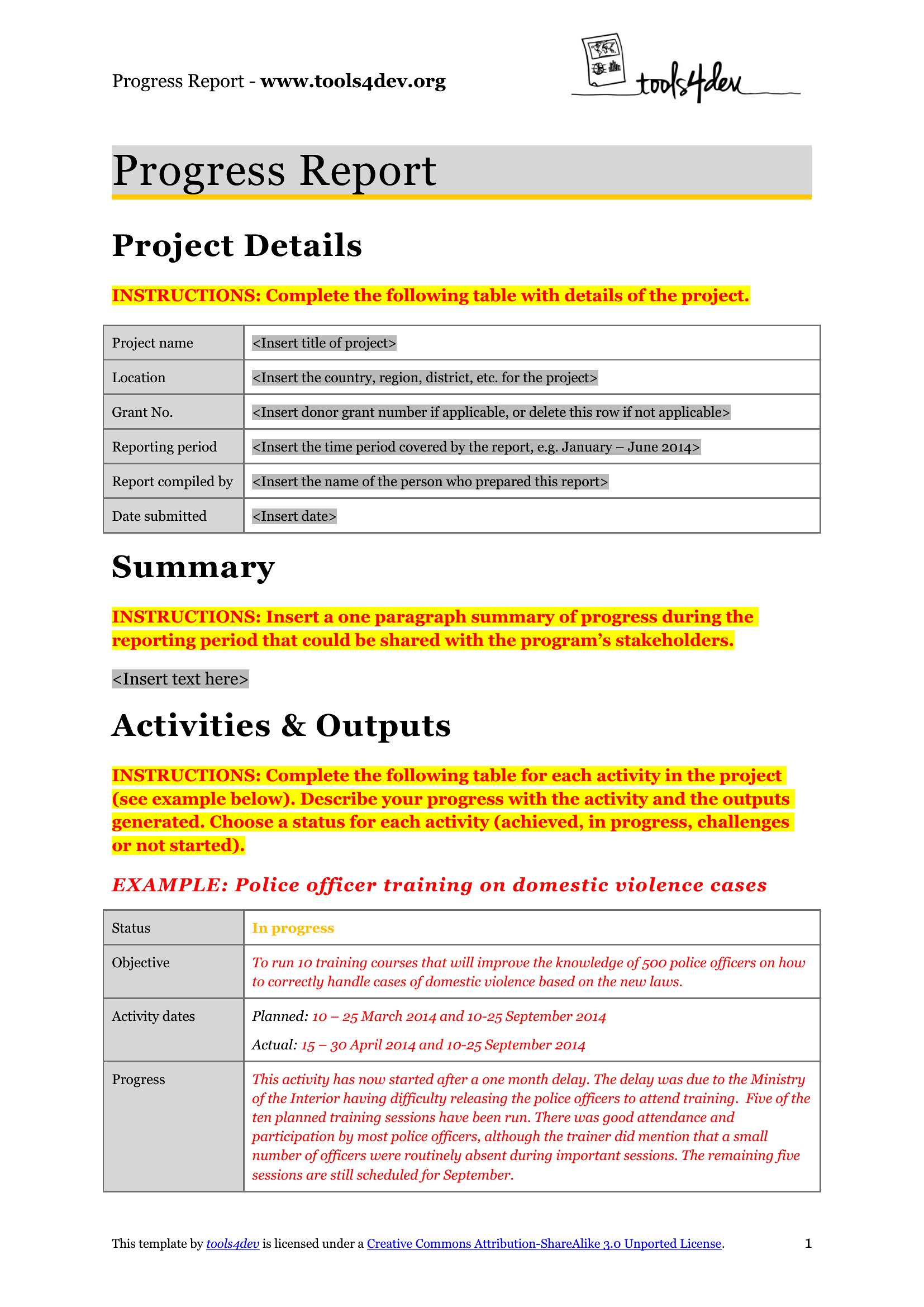
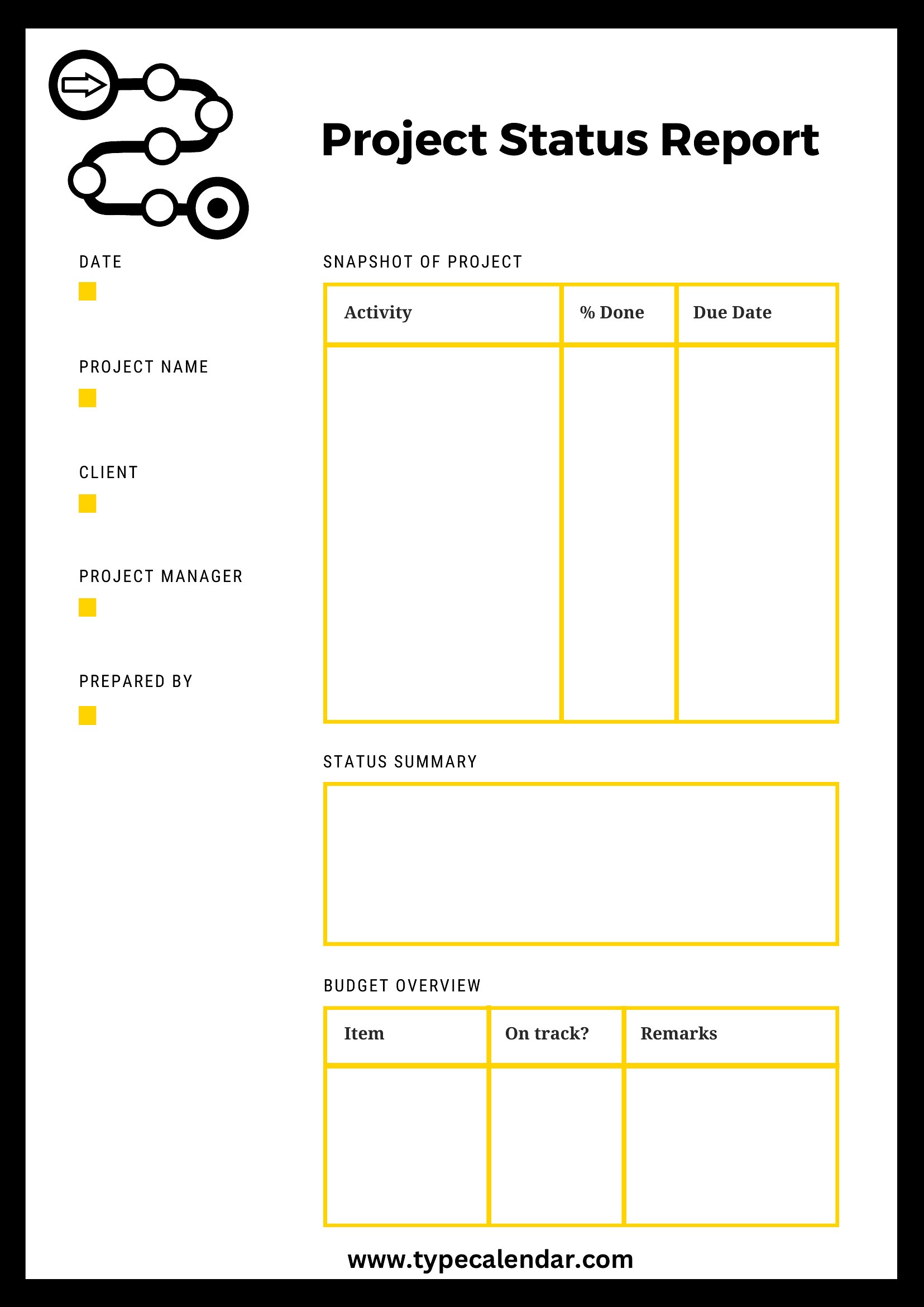
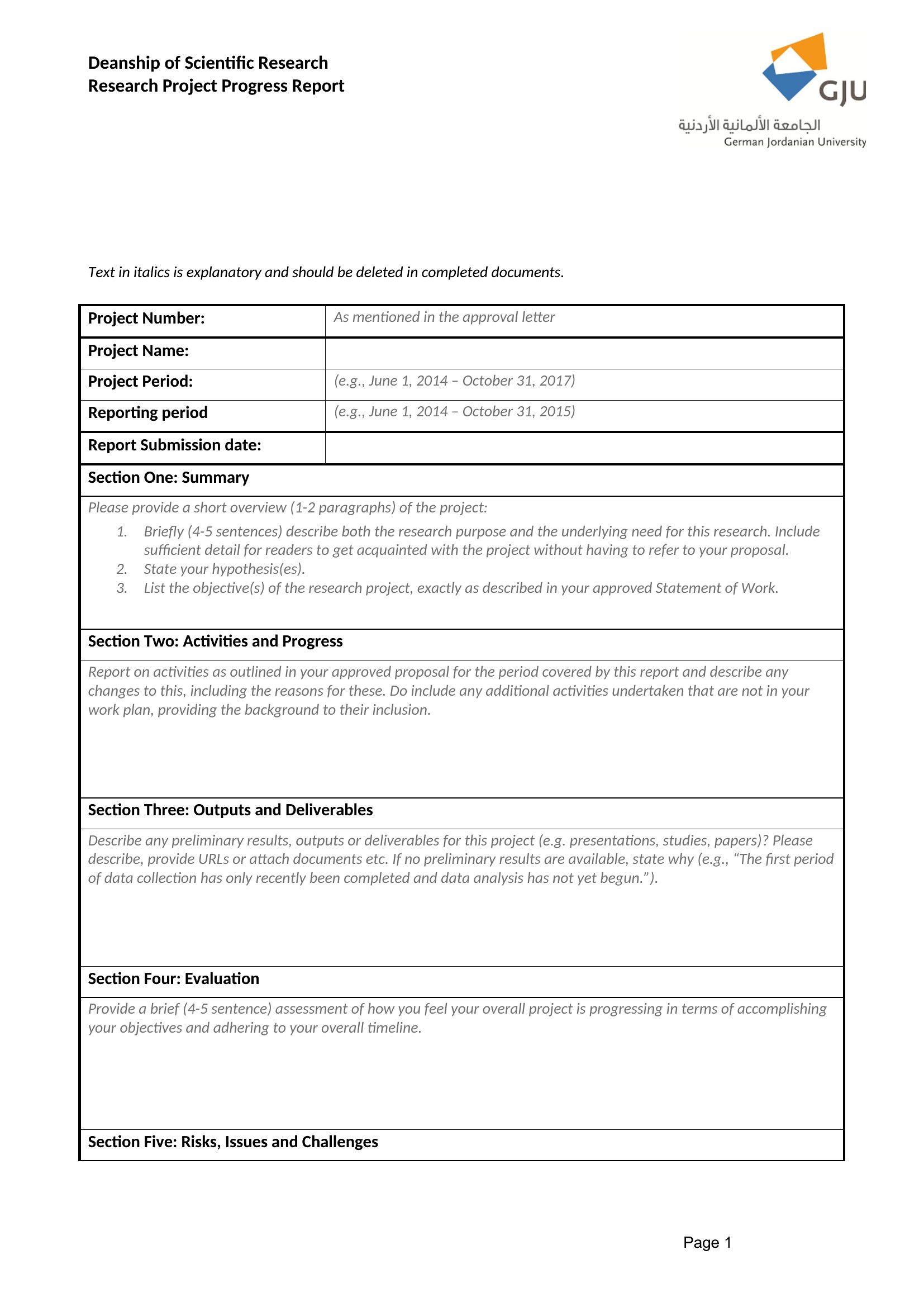
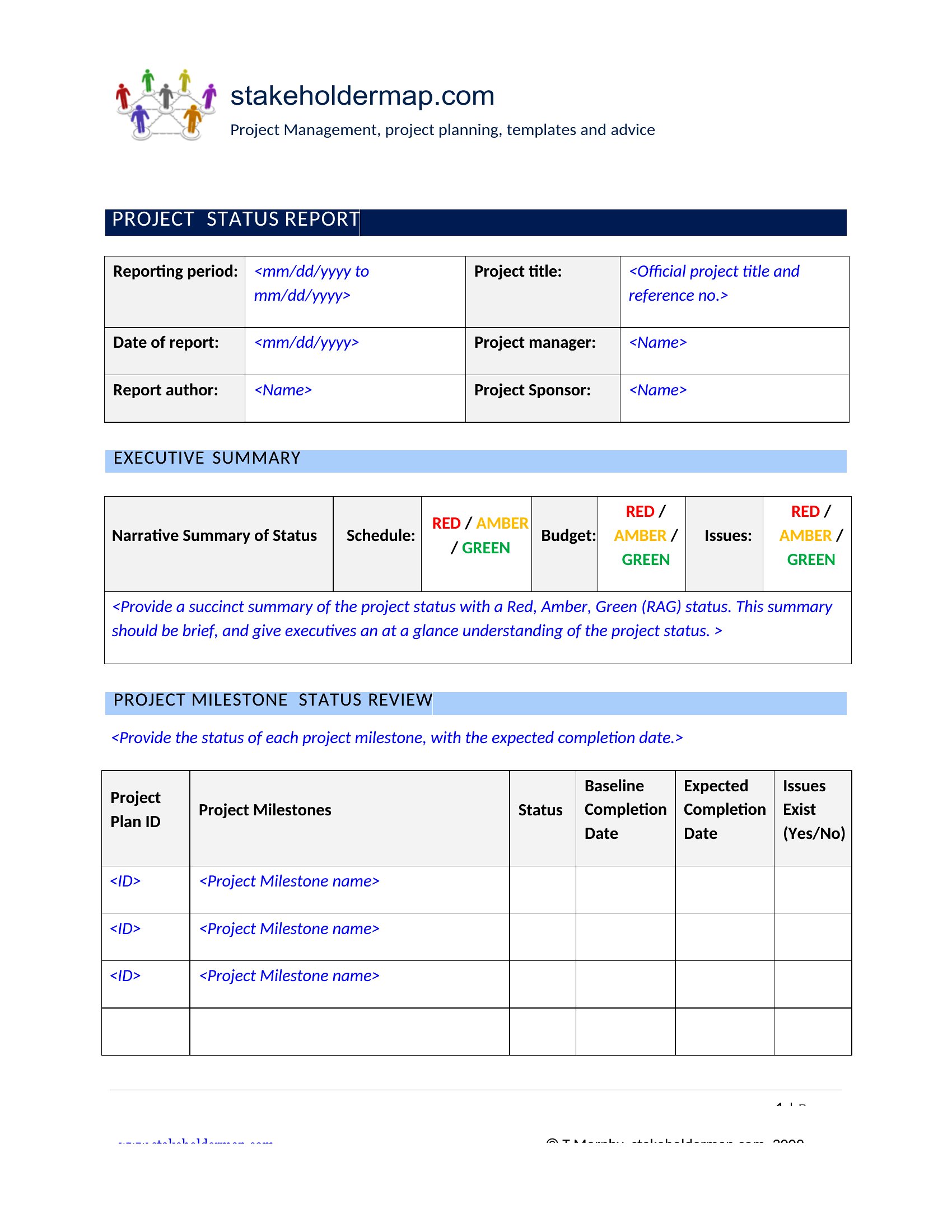
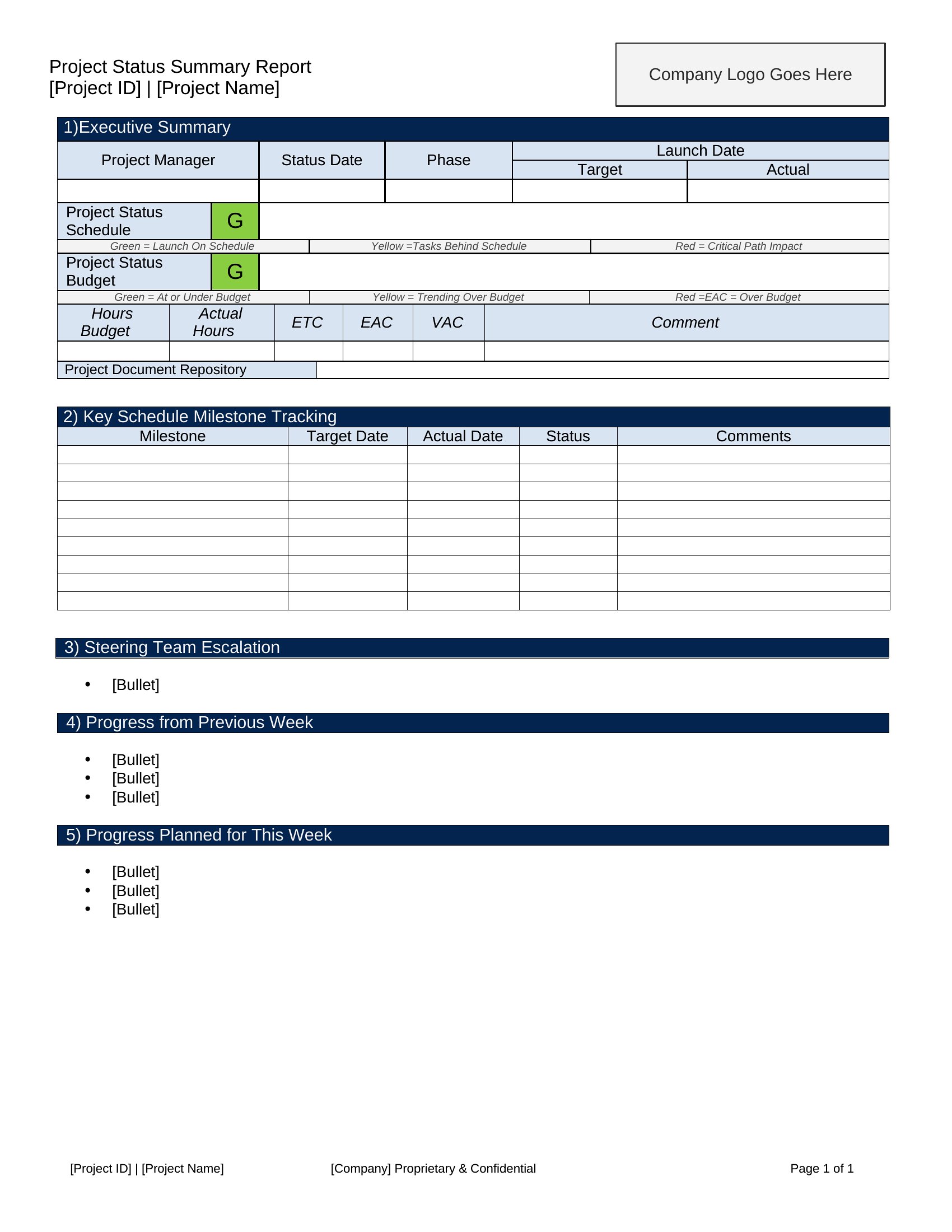
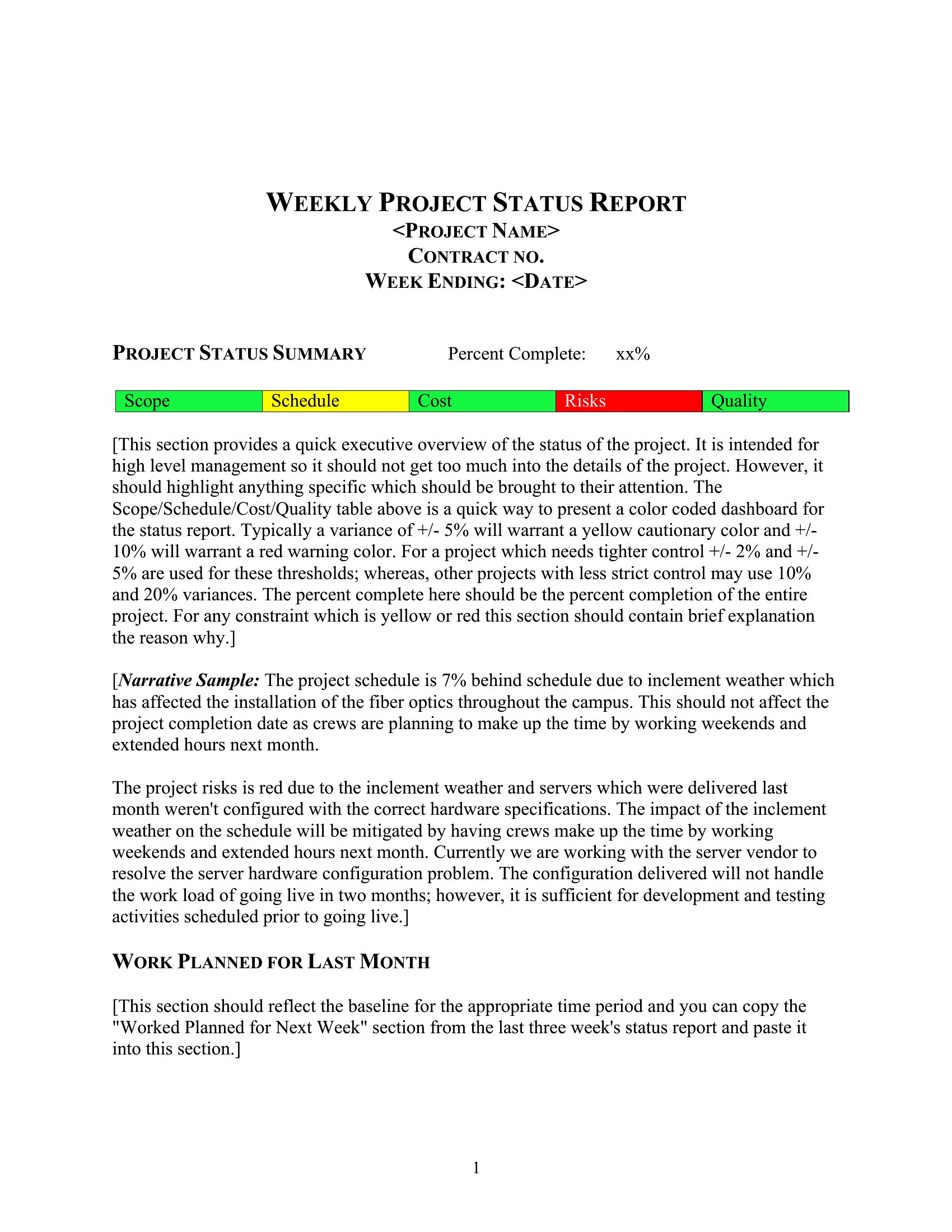
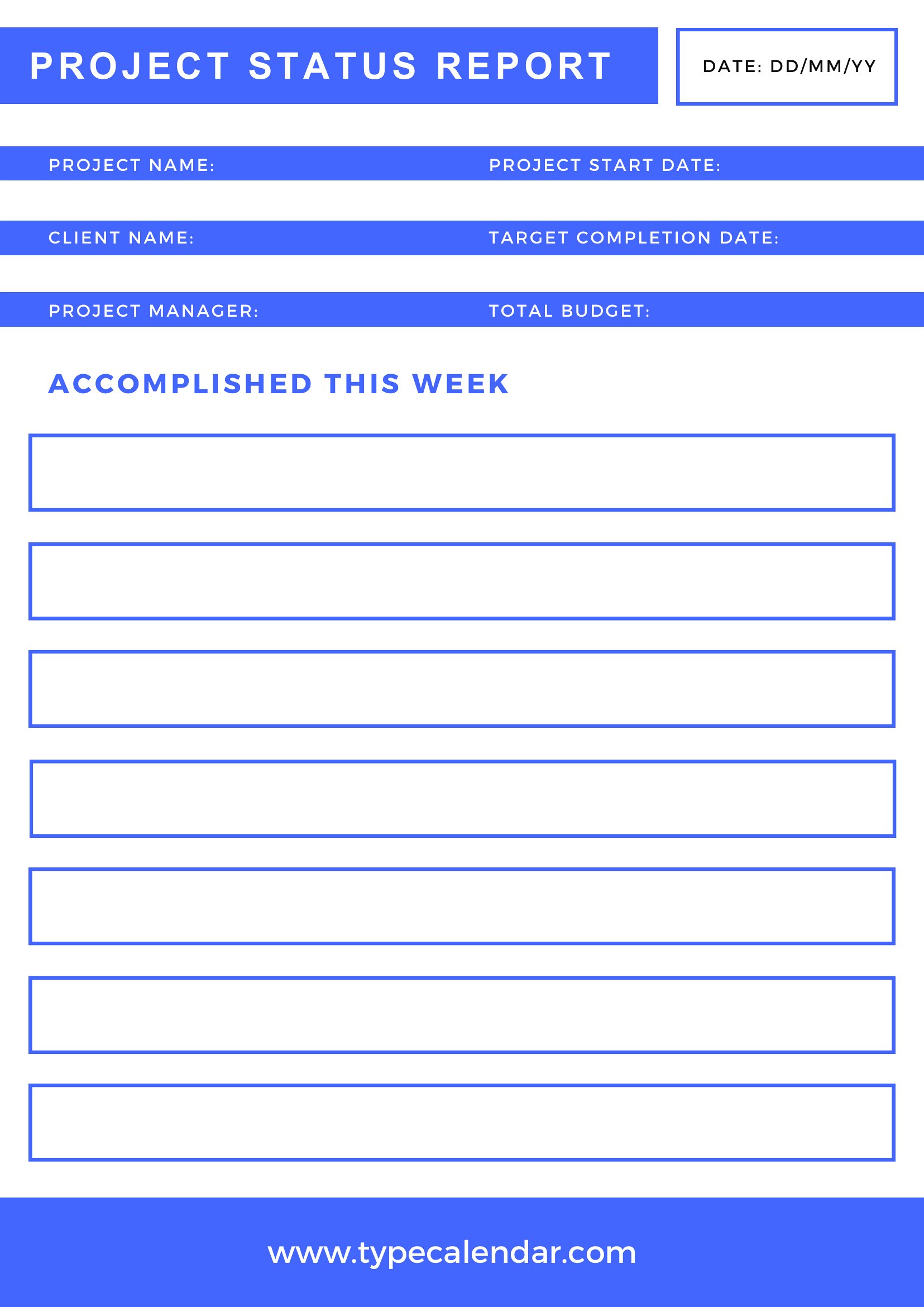
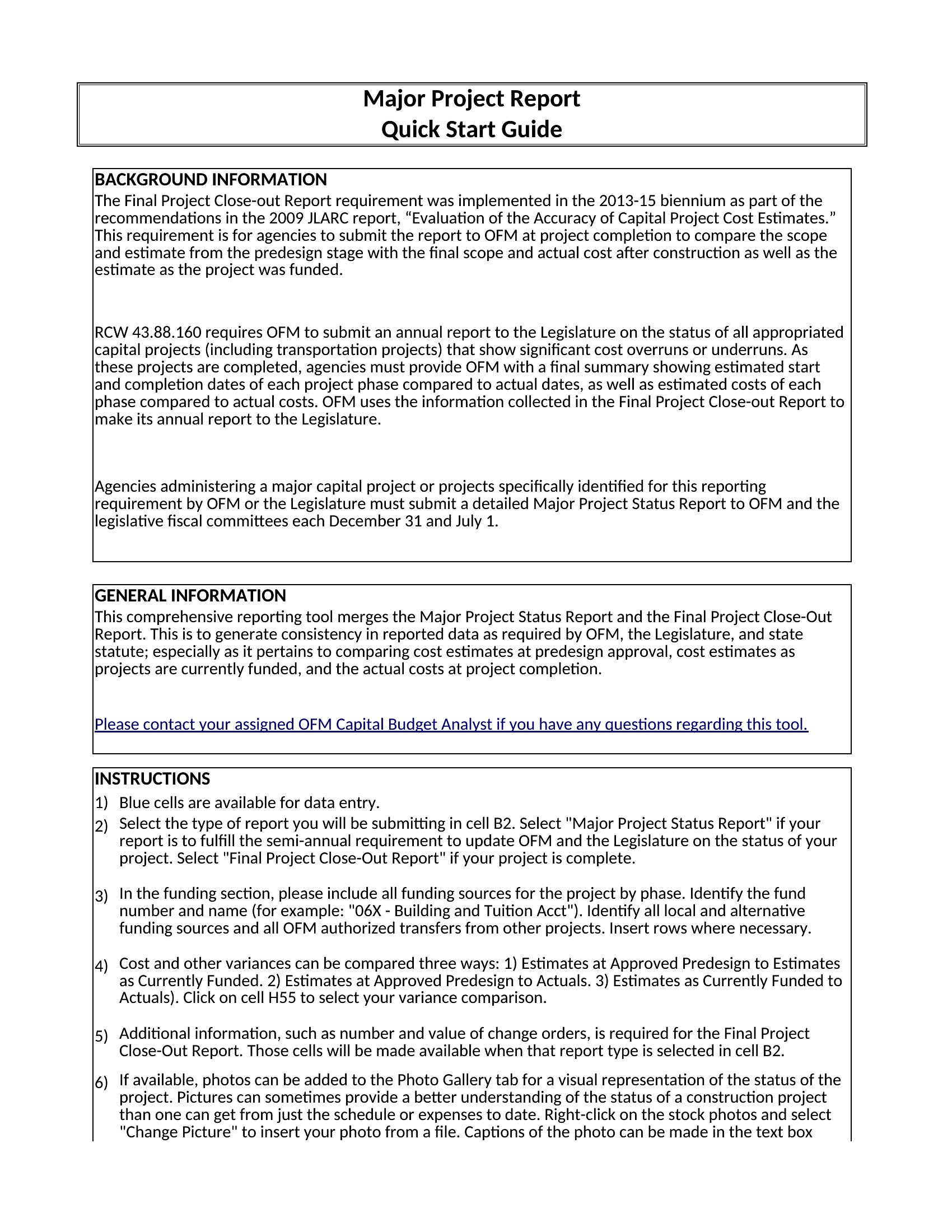
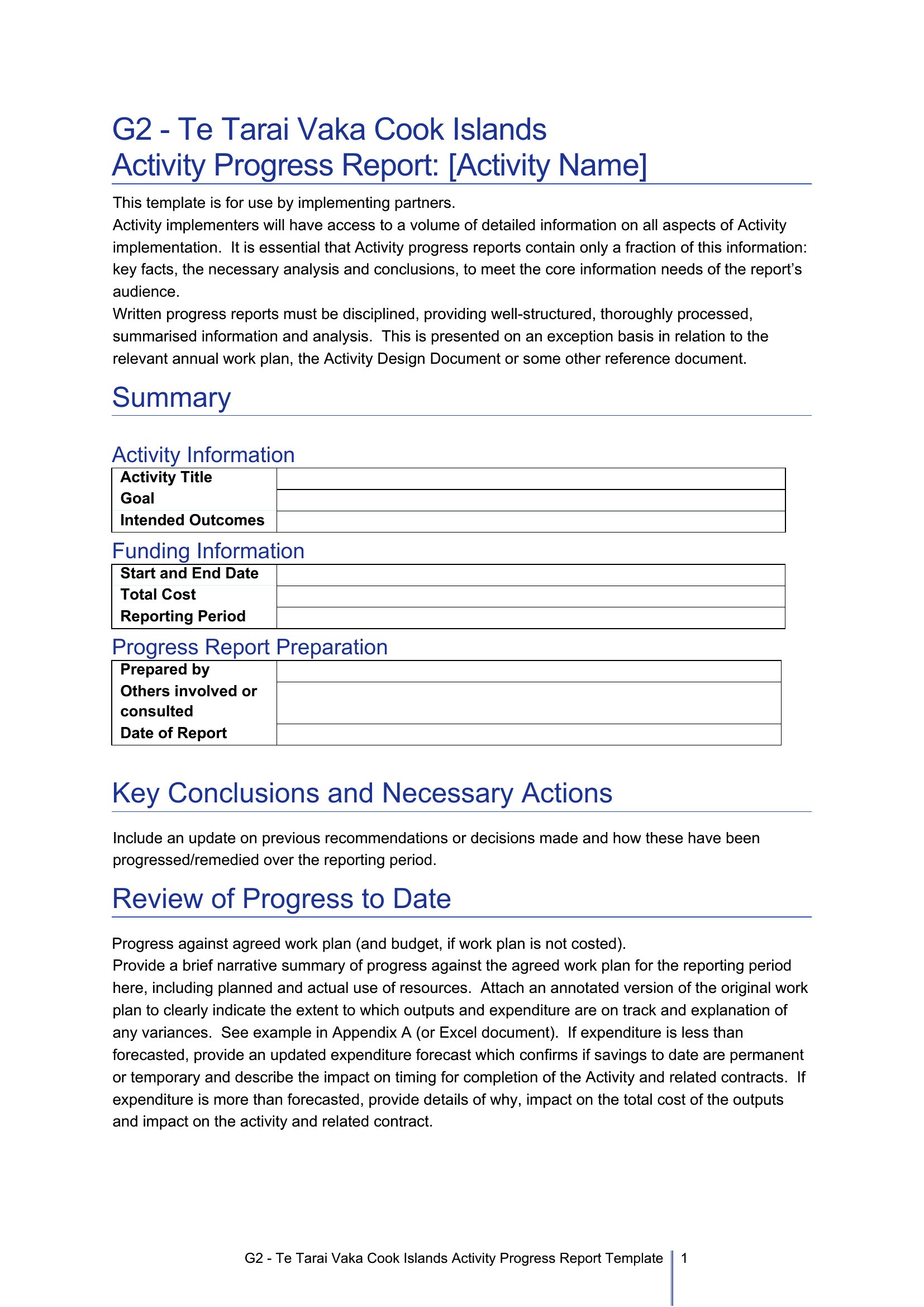
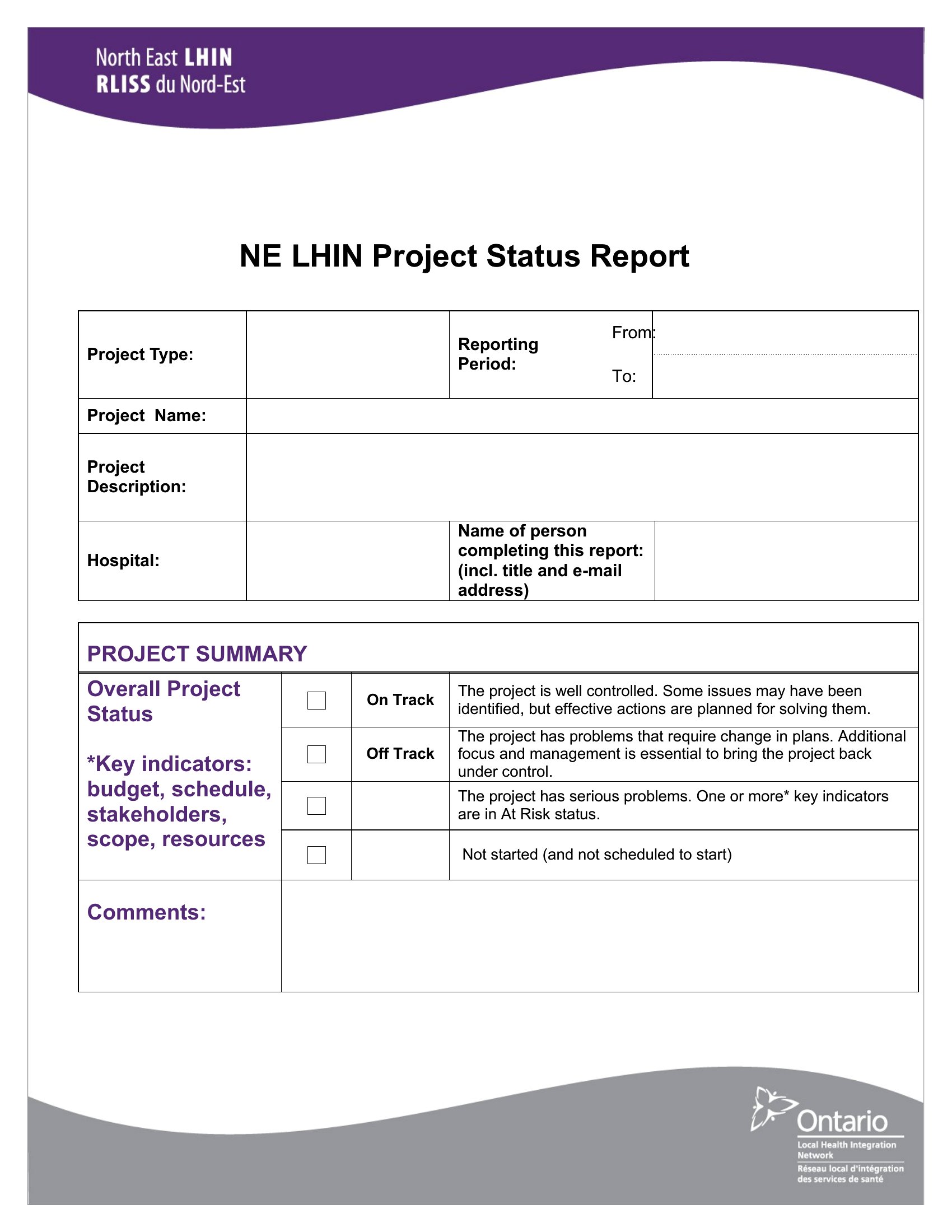
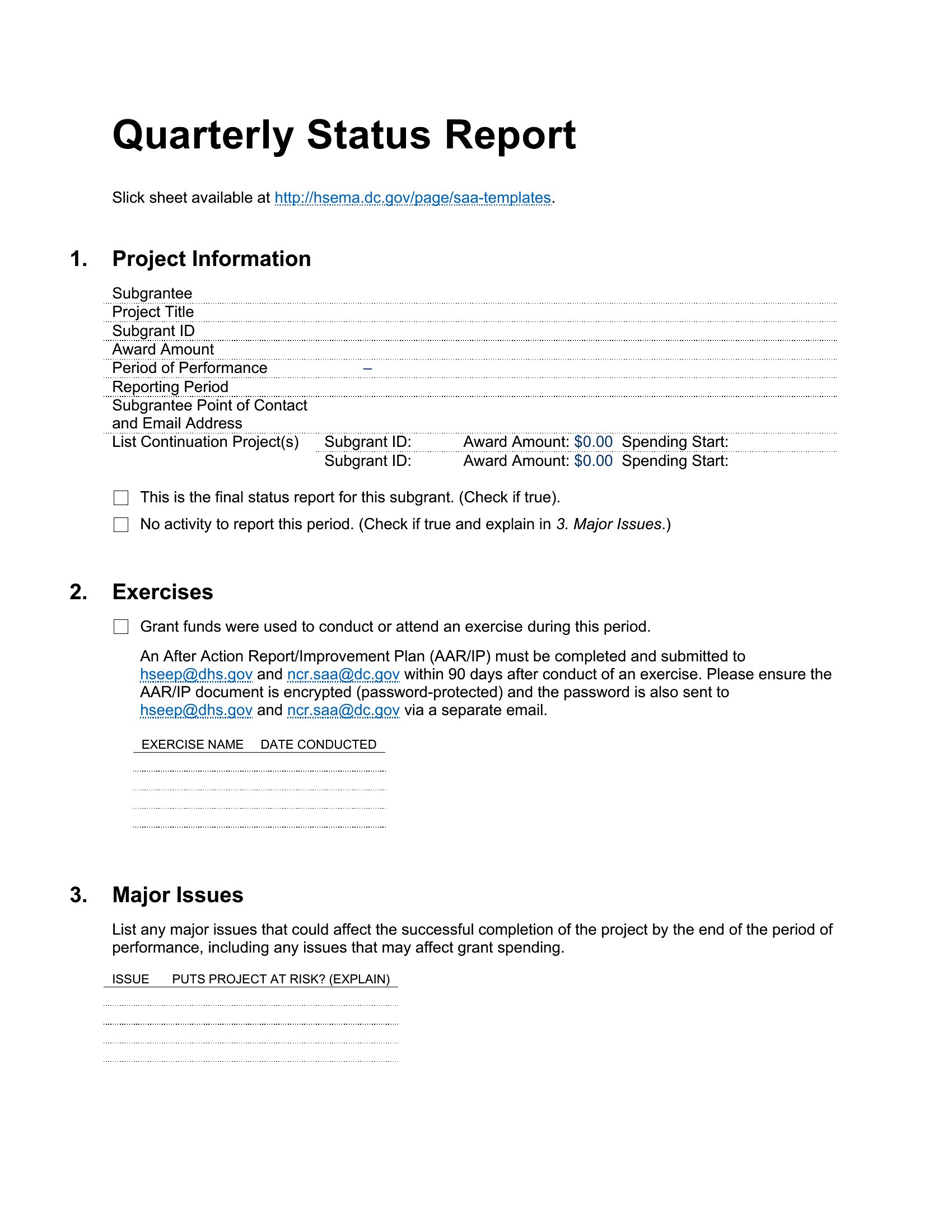
StatusA status report keeps everyone on the same page about what's done, what's next, and what's stuck, without a long meeting. This set of 60 status report templates helps project managers and teams summarize progress, milestones, risks, and blockers in a format stakeholders can scan quickly. Each one keeps the update clear and consistent week to week.
You'll find editable Word documents, print-ready PDFs, and Excel versions for tracking tasks and percentages. Fill in the accomplishments, the upcoming work, and any issues, then send it to the people who need it. Choose the layout that fits your project's rhythm, whether daily, weekly, or monthly, and keep reporting simple.
When to use this Status Report template
- A project manager tracking a 6-month software development sprint needs a concise Word template to highlight code freeze delays for the CTO’s weekly review, including clear risk flags and dependency updates without technical jargon.
- A construction foreman overseeing a residential buildout uses an Excel status report to log daily progress percentages, material shortages, and inspector approvals, so the subcontractors and site manager can cross-check their tasks before the daily standup.
- An Agile team lead uses a PDF status report to summarize velocity, backlog items, and testing blockers for remote team members and clients, ensuring everyone aligns on priorities before the next sprint planning session.
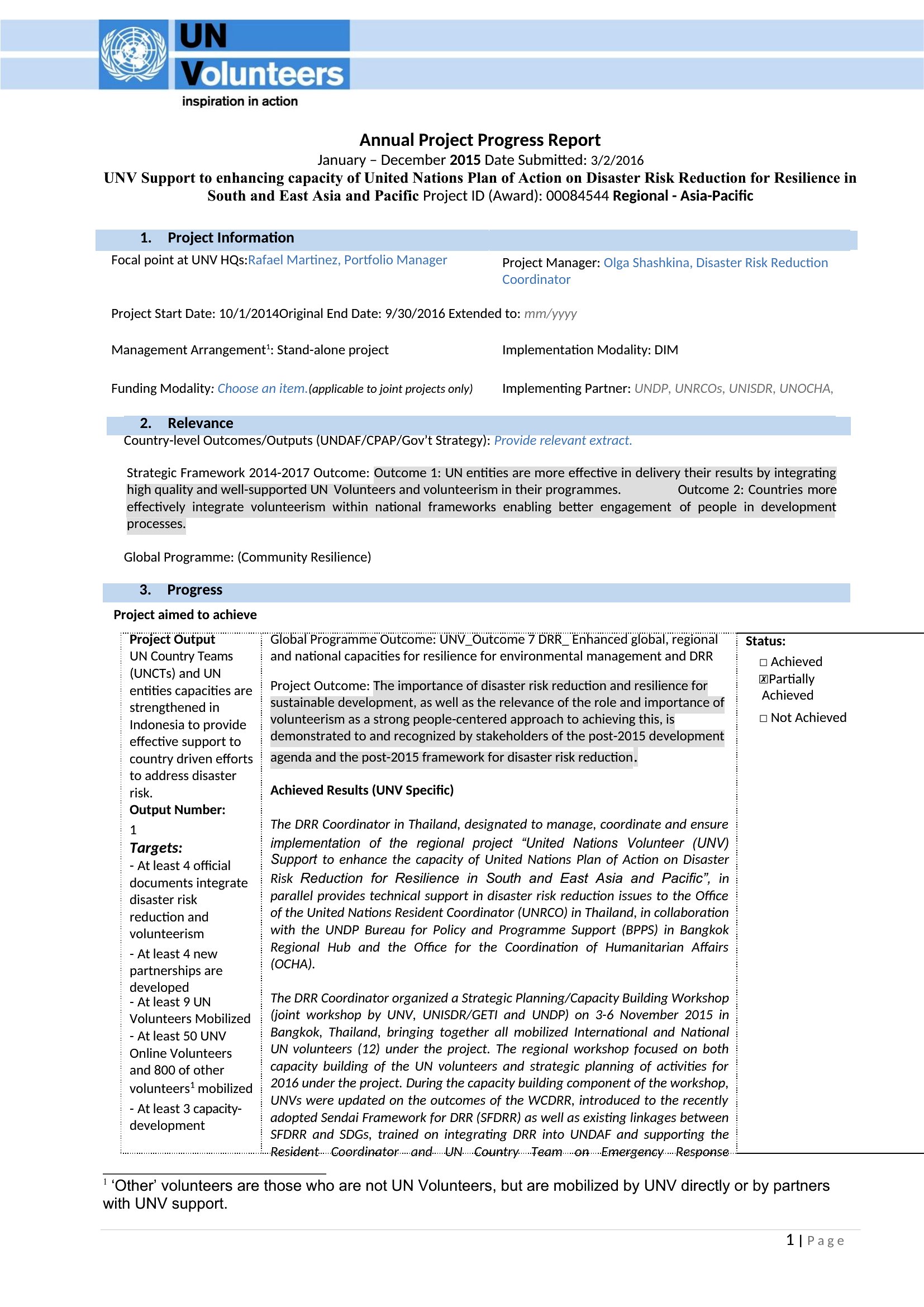
- A nonprofit program coordinator uses a Word template to report donor-funded community outreach milestones to the board, including volunteer hours, event attendance, and budget variance—keeping stakeholders informed without scheduling a meeting.
Which format should I download?
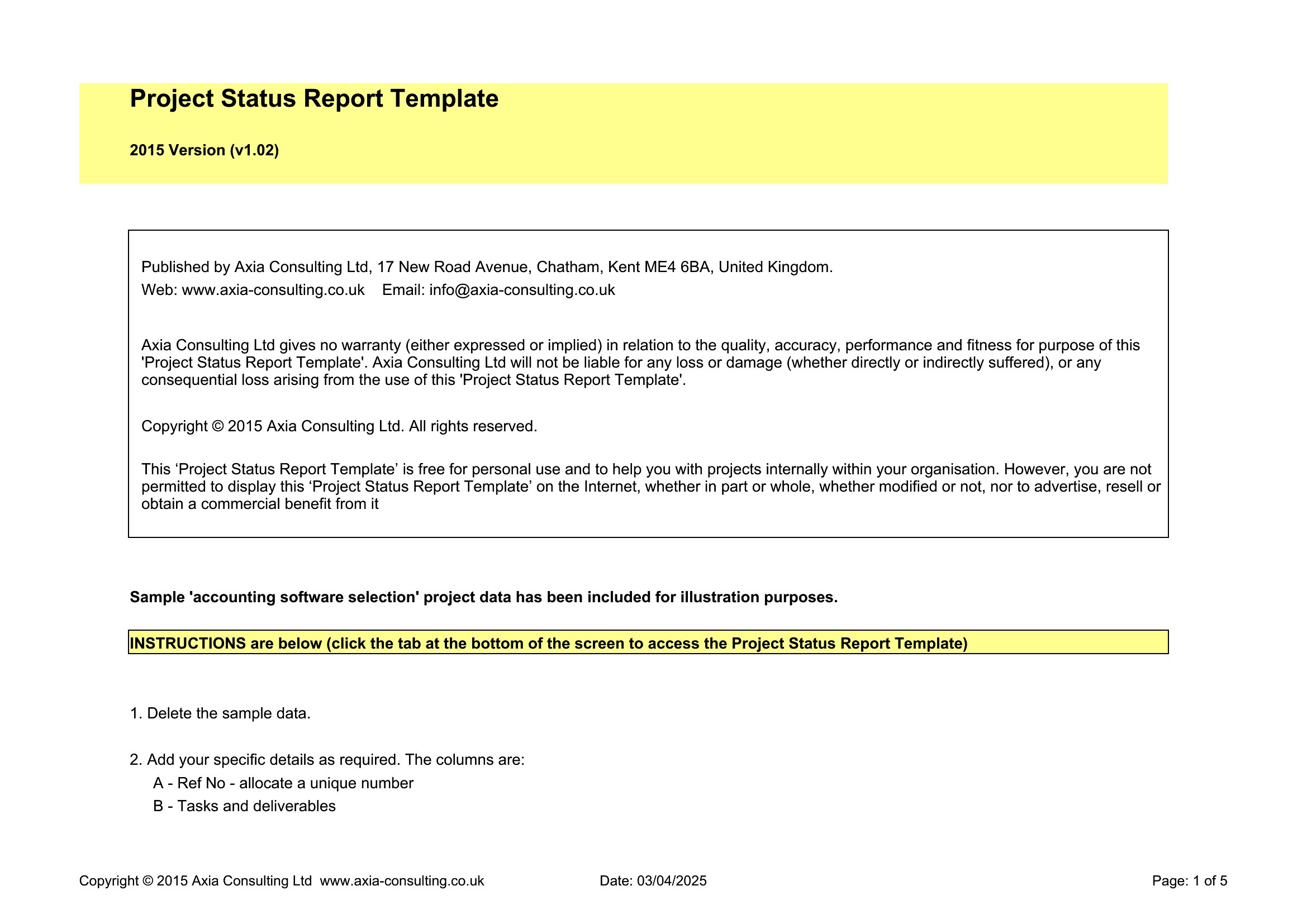
Choose Word if you need to edit text, add custom branding, or distribute an interactive report for team feedback. Excel is best for tracking numerical progress, dependencies, or data-heavy metrics that require sorting or filtering. PDF works when you must share a finalized, uneditable version with stakeholders who shouldn’t modify the content, like clients or executives.
How to use this Status Report template
How can I make sure my status report stays consistent across weekly updates?
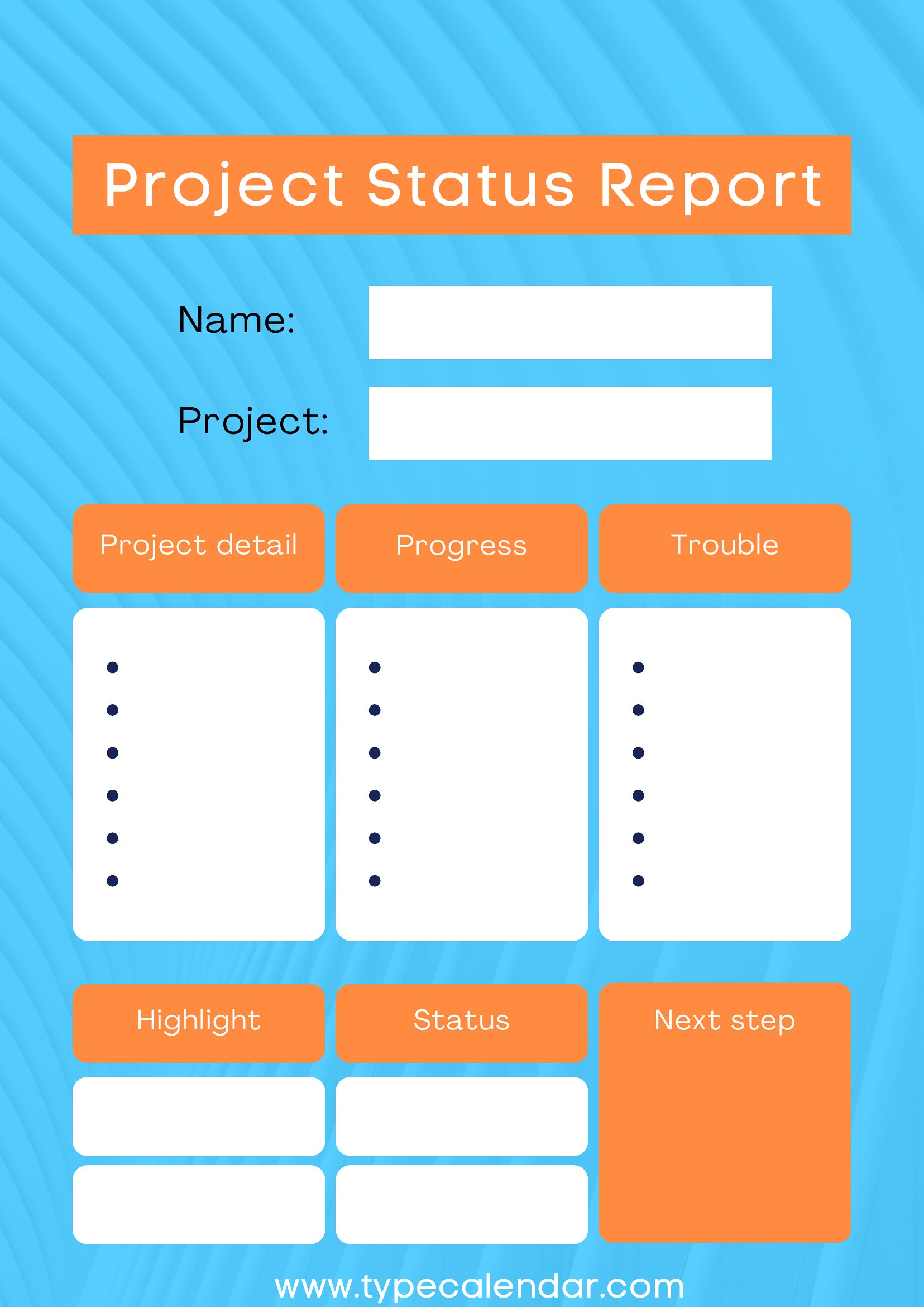
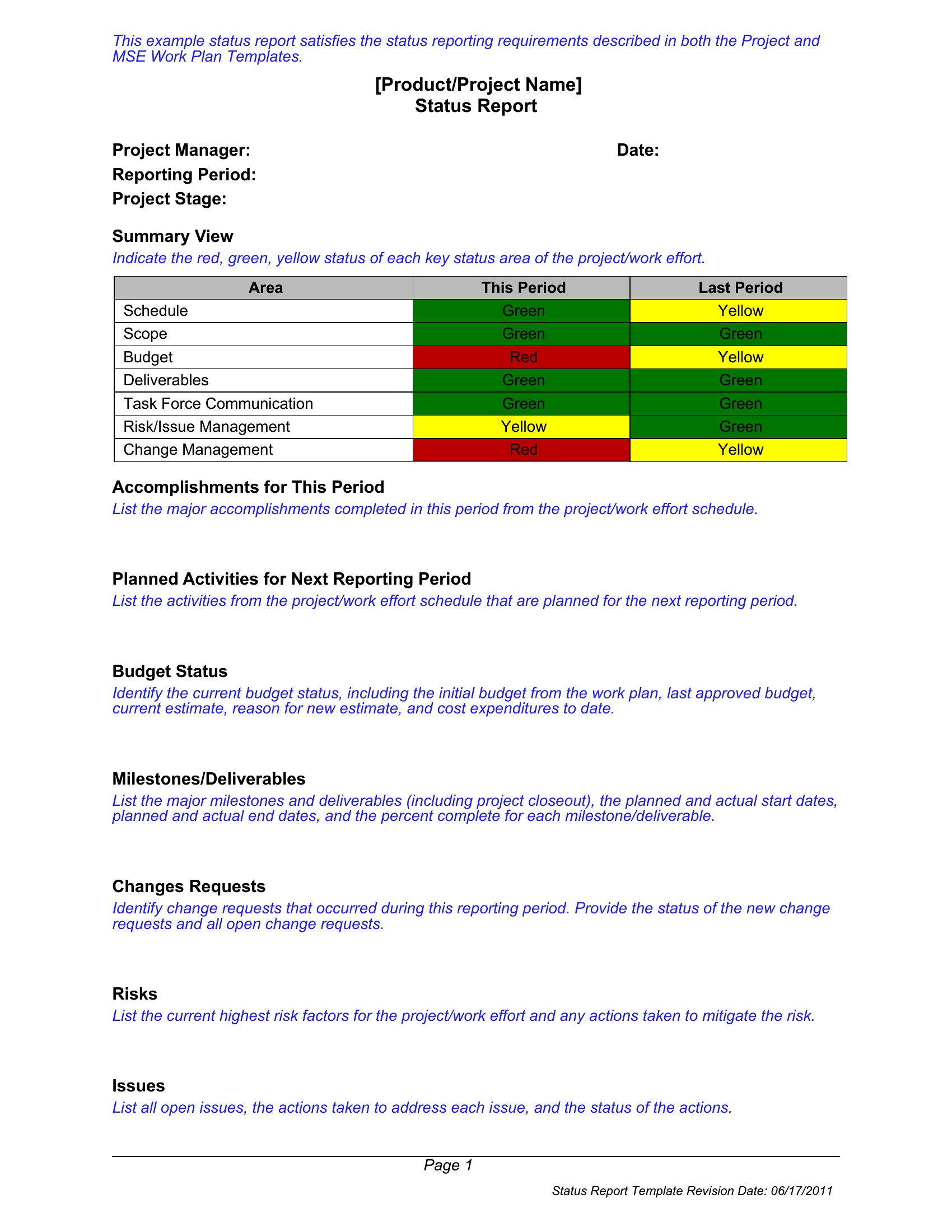
Use a template with predefined sections like *Progress*, *Blockers*, and *Next Steps*—these ensure you cover key areas every time. For Agile teams, include columns for *Sprint Goal*, *Completed Tasks*, and *Impediments* to maintain structure. Save a master copy and reuse it weekly to avoid reinventing the format.
What’s the best way to highlight urgent issues without overwhelming stakeholders?
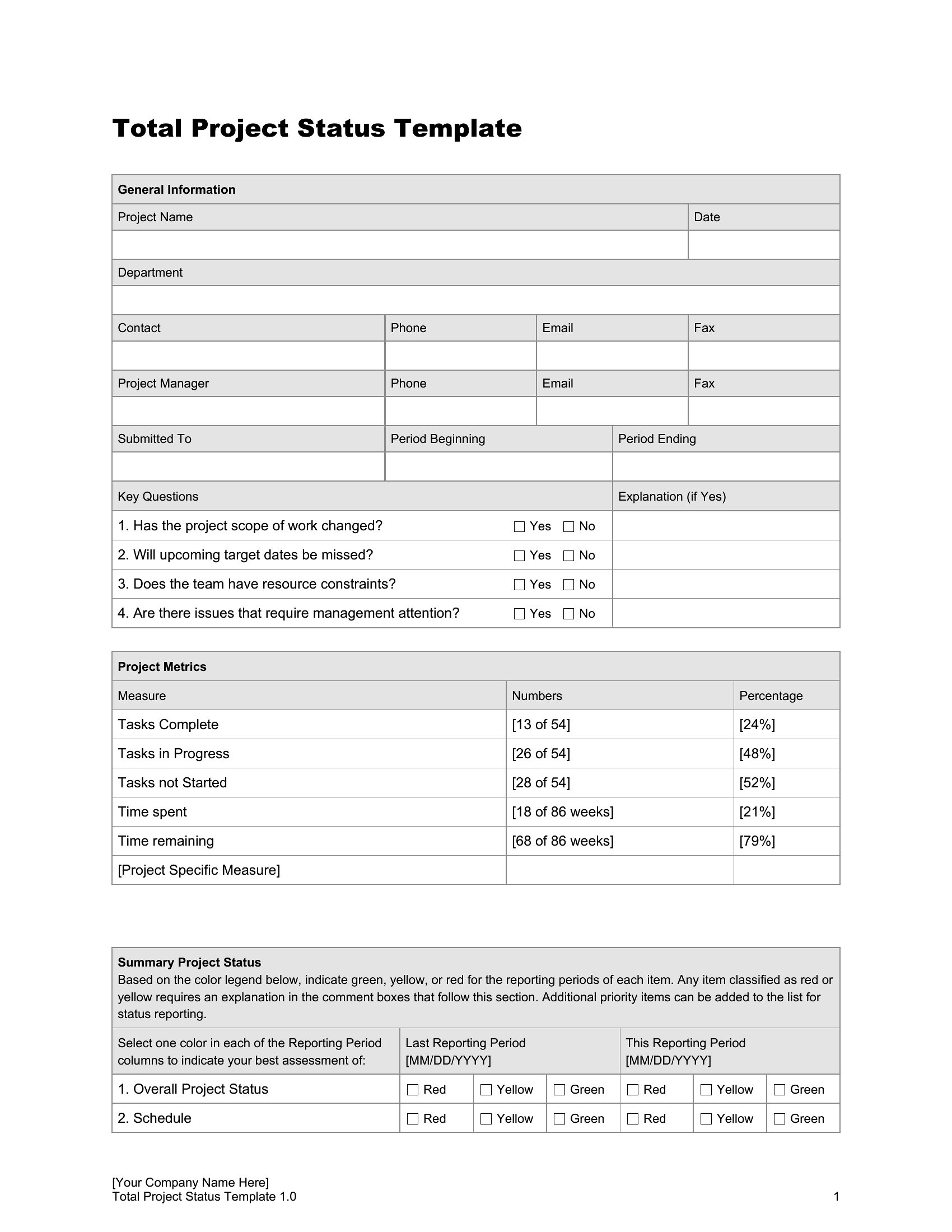
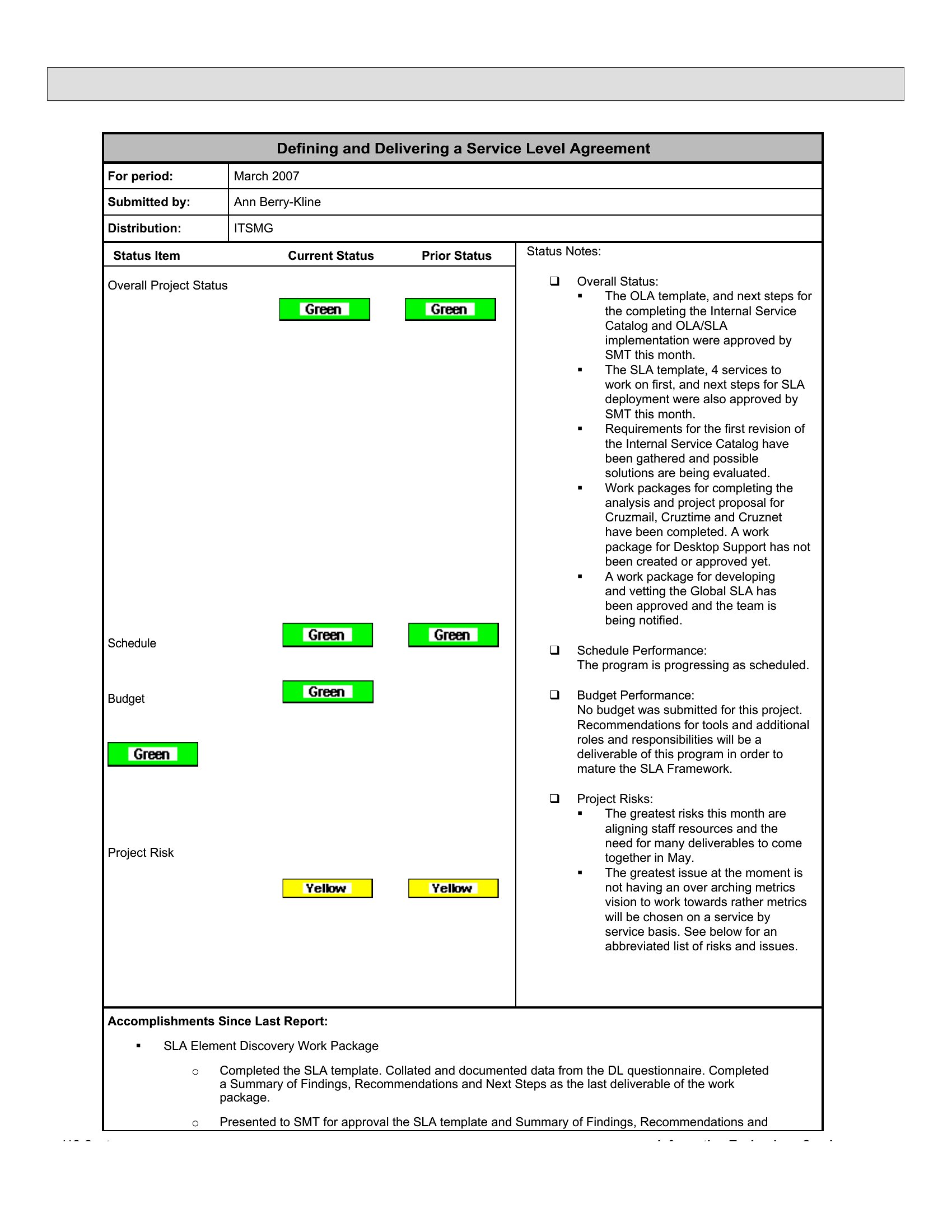
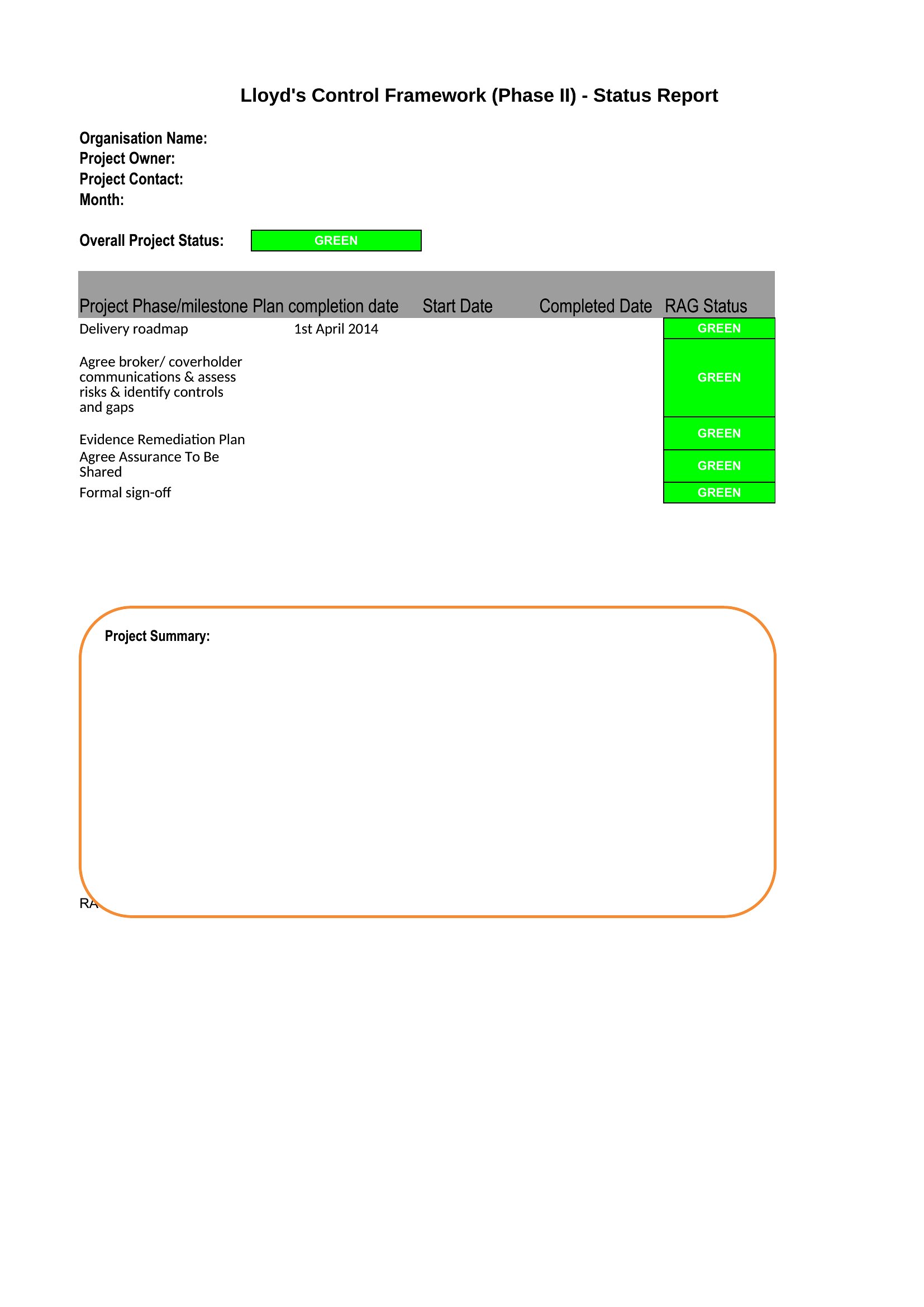
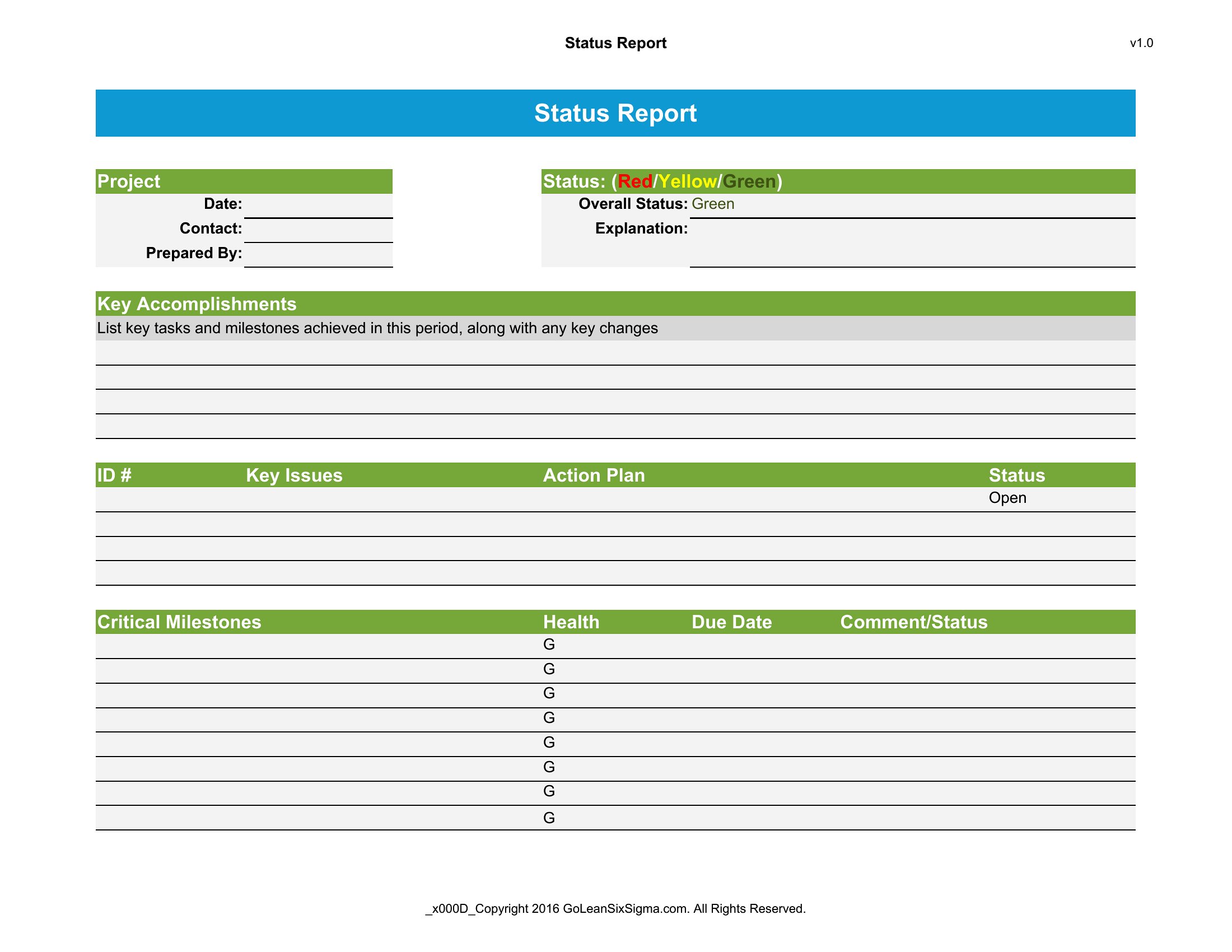
Flag risks or blockers in a separate, visually distinct section (e.g., a red box or bolded header). Use a traffic-light system (green/yellow/red) in Excel or Word to quickly signal priority. Limit this section to 2–3 critical items—detailed context can go in a notes appendix if stakeholders ask for it.
Can I combine a status report with action items for my team?
Yes, add a dedicated *Action Items* or *Owner + Deadline* table at the end of your report. Assign each task to a specific person and include due dates. For Agile teams, link tasks to sprint goals. For non-teams, use a simple two-column format: *Task* and *Responsible Party*—keep it scannable so recipients can act without digging.
Comments
Join the conversation
Sign in to share your thoughts and leave a comment on this resource.