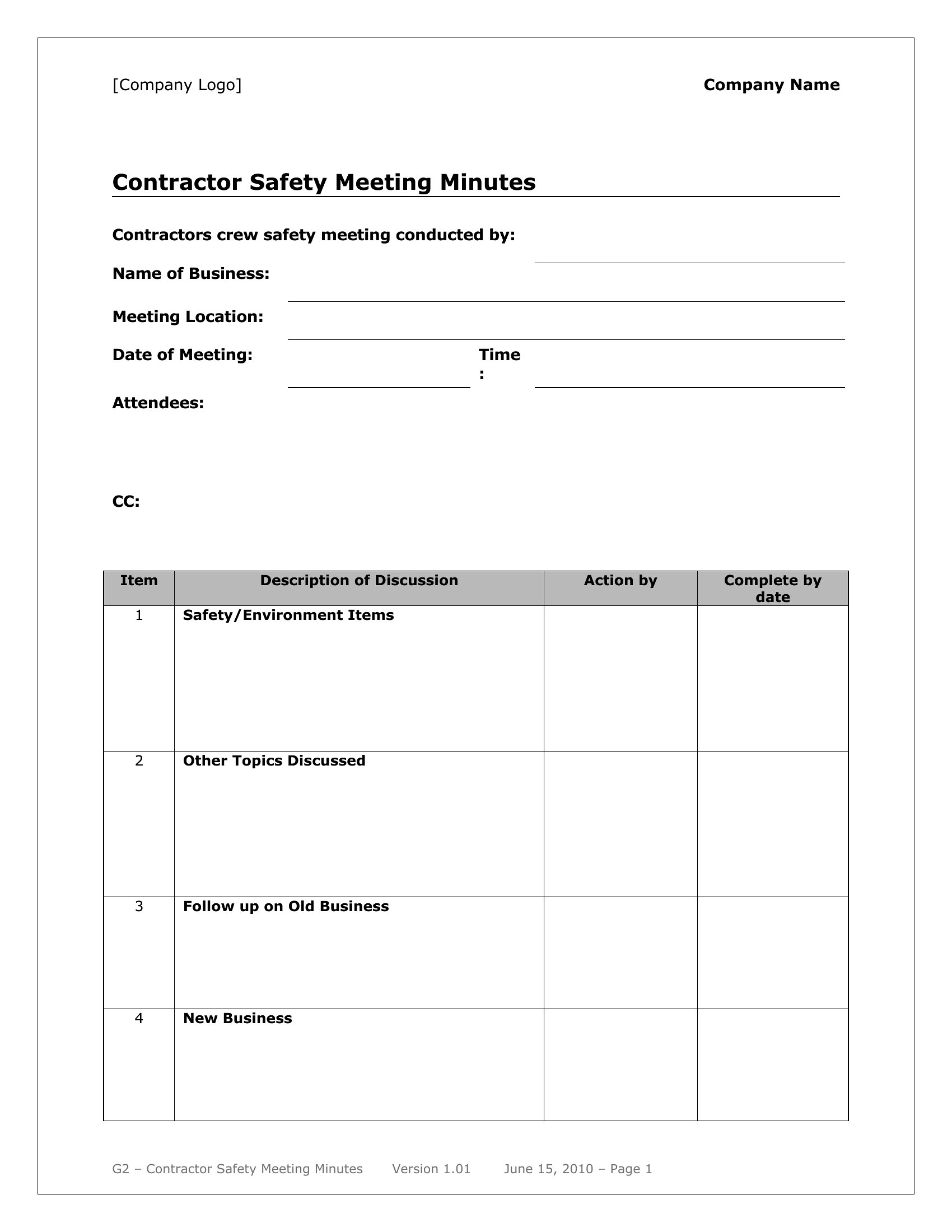
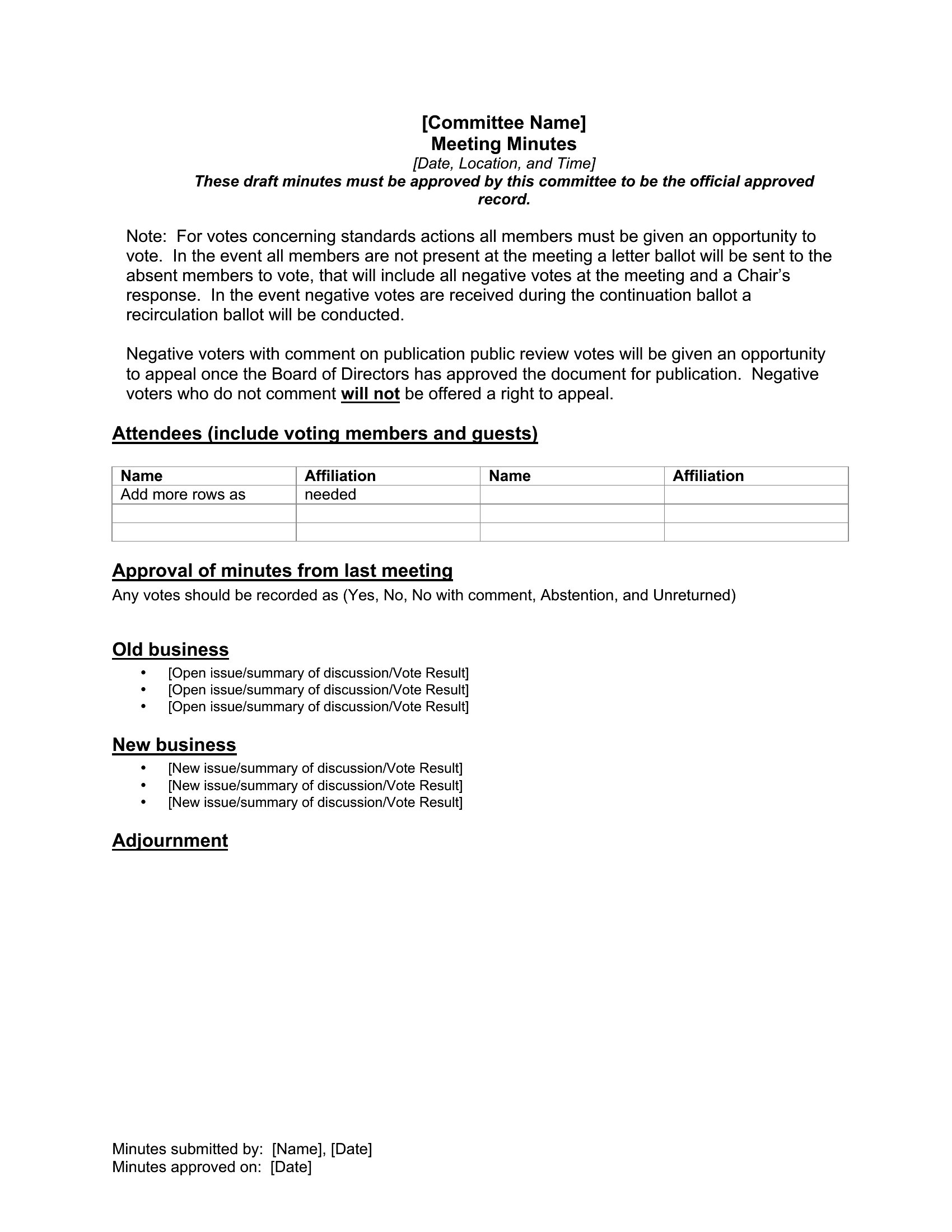
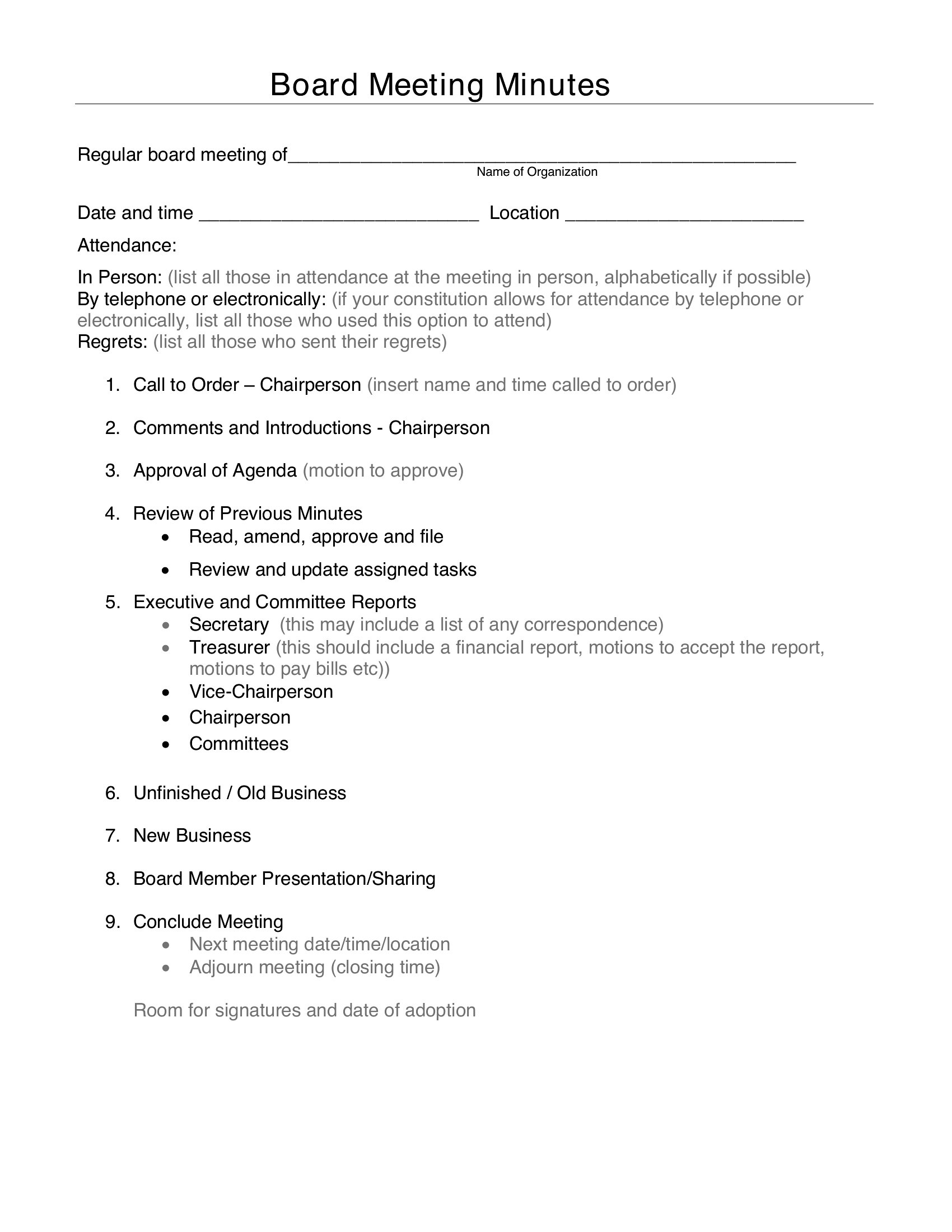
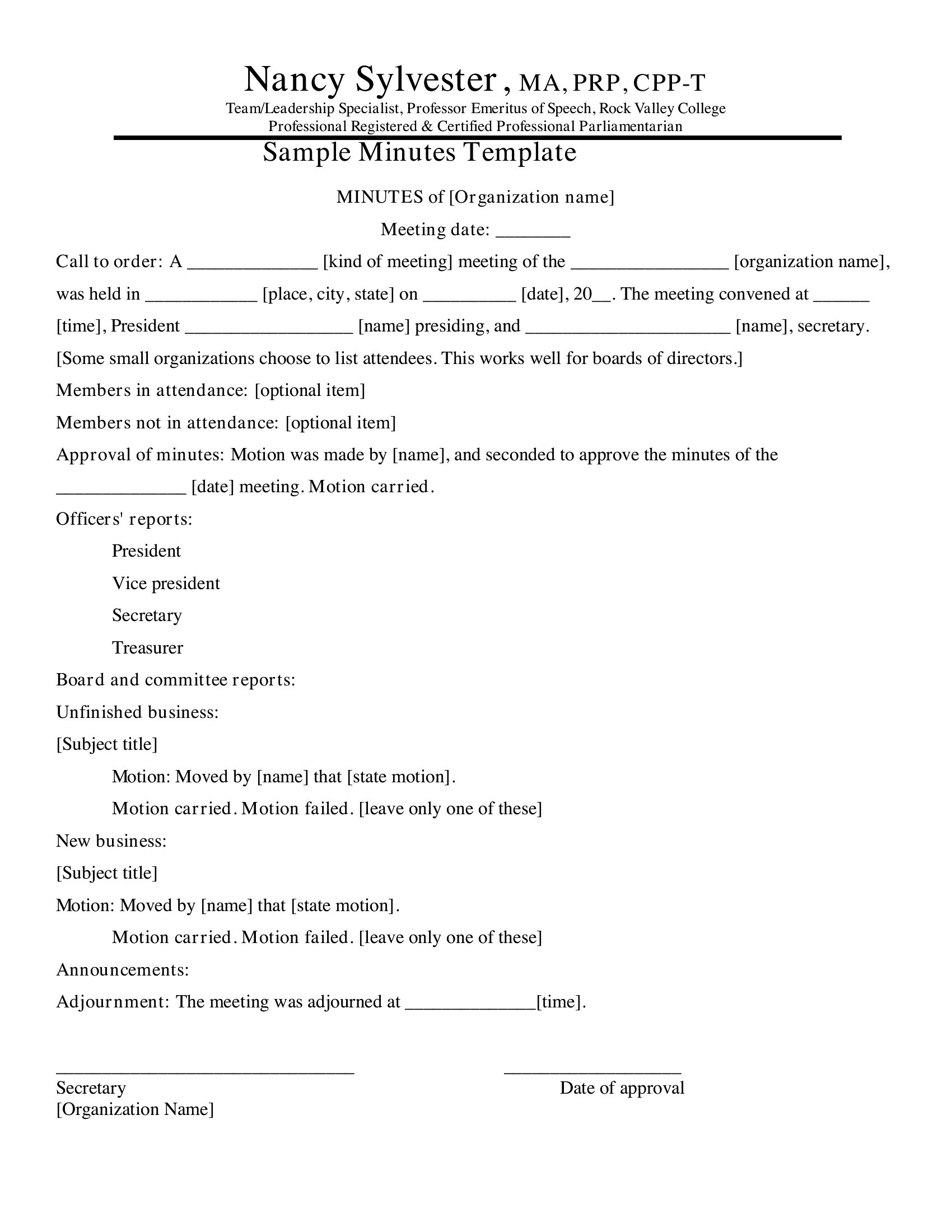
Free Meeting Minutes Templates (Word, PDF)
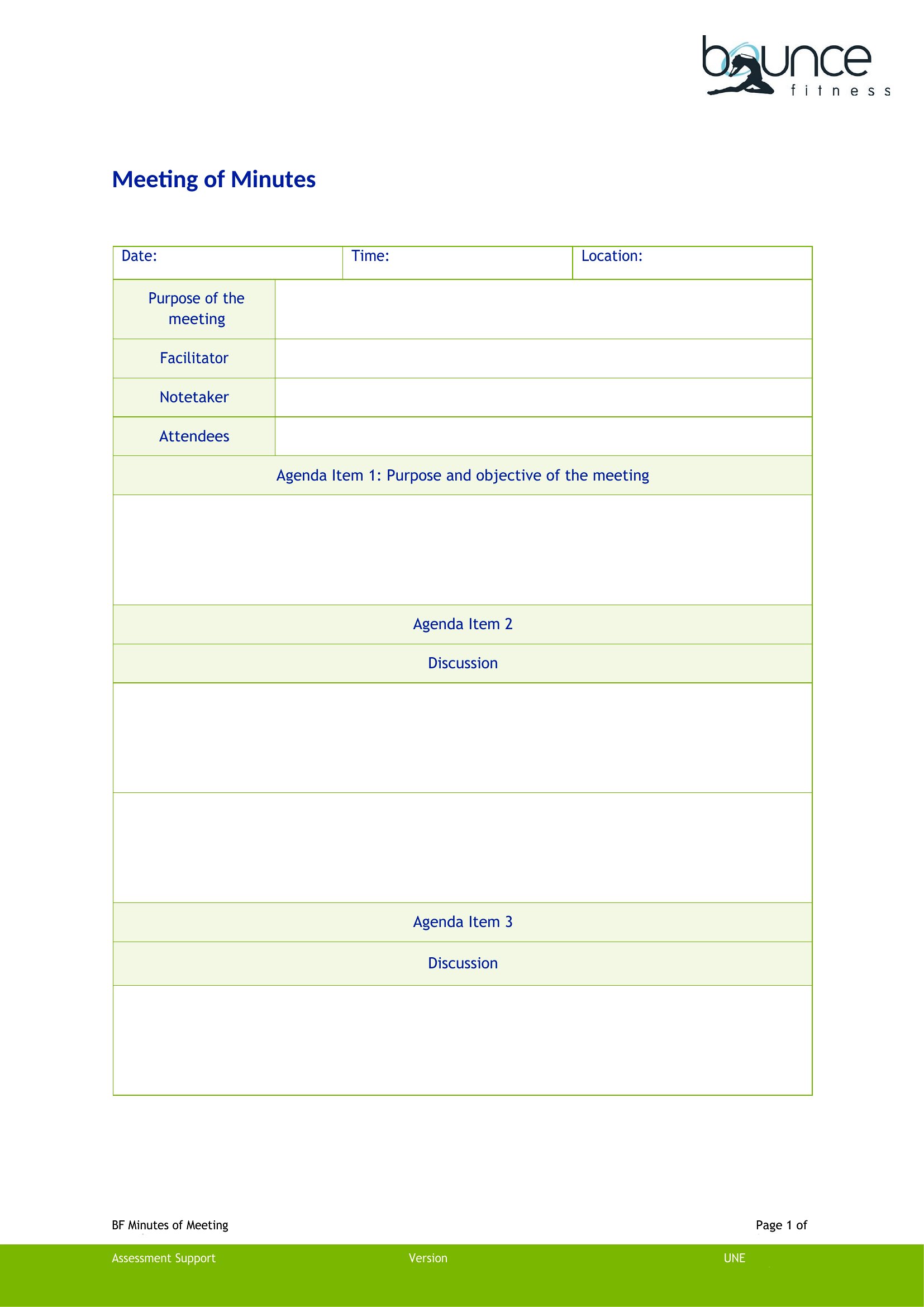
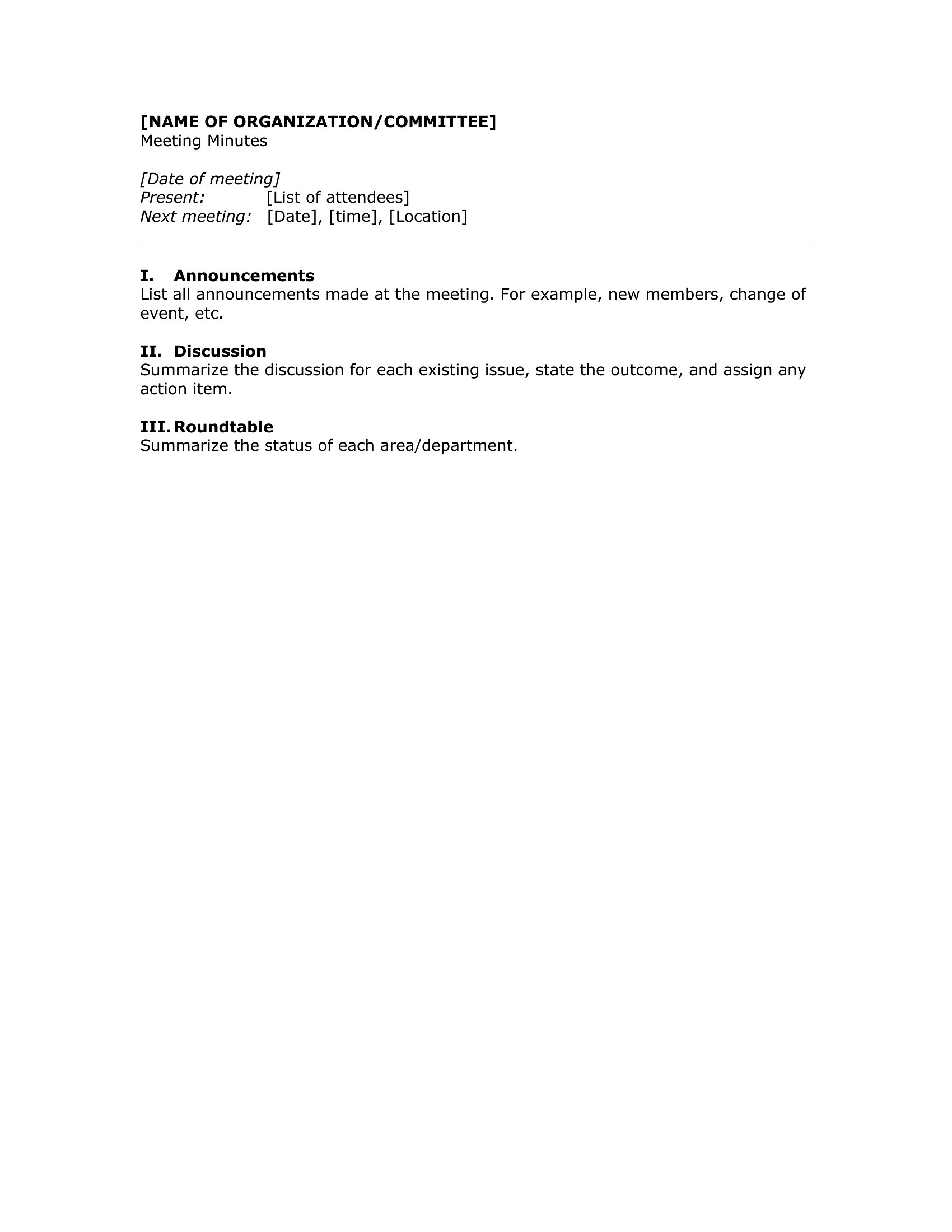
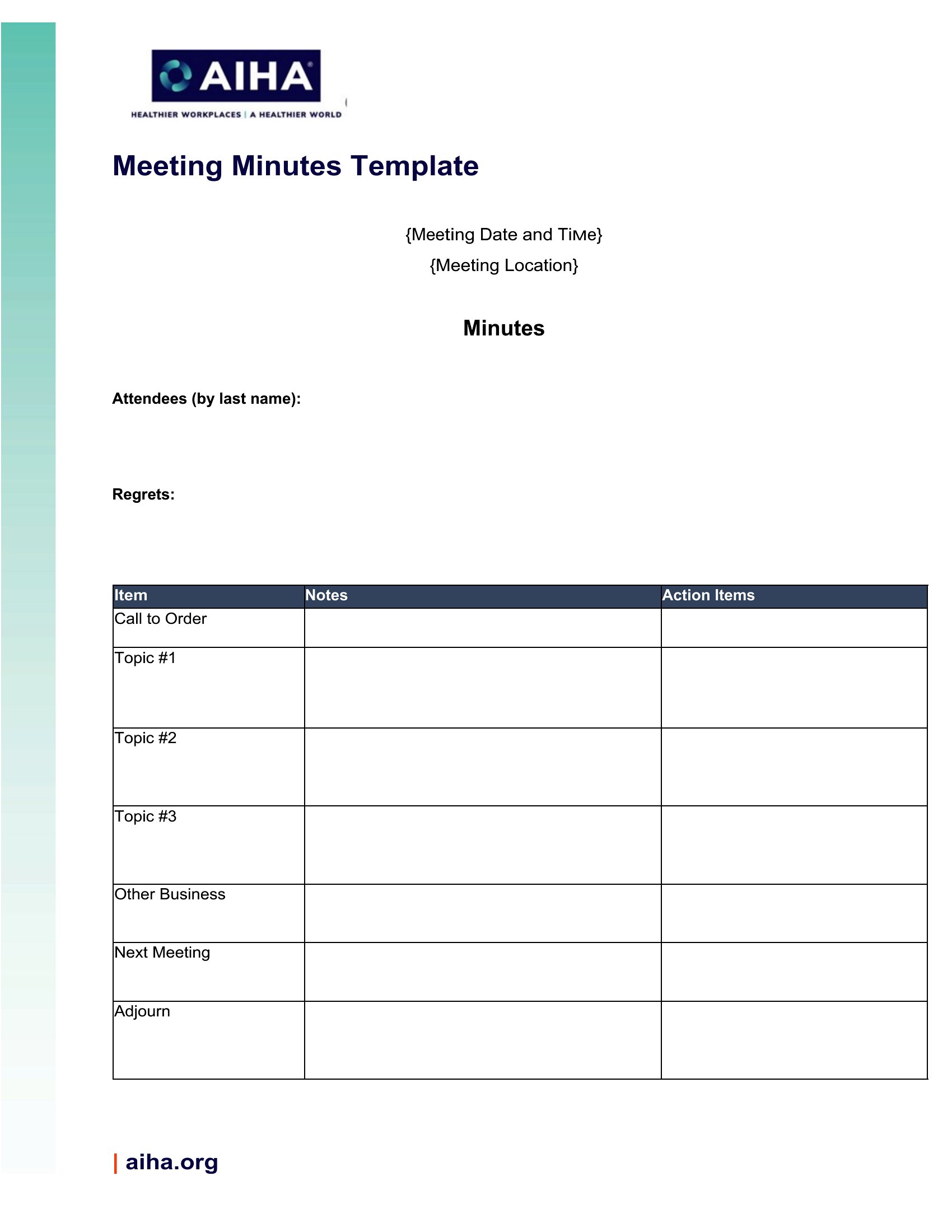
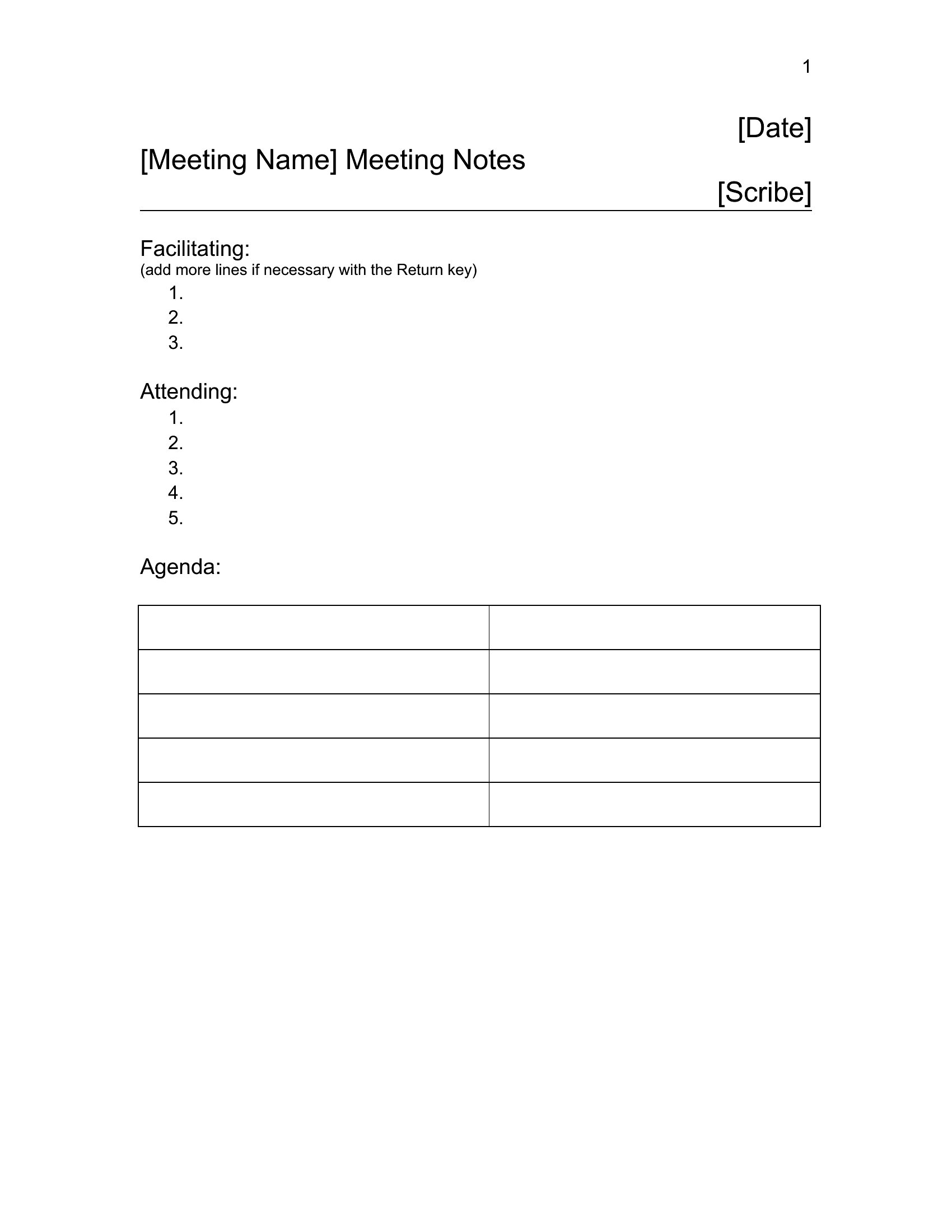
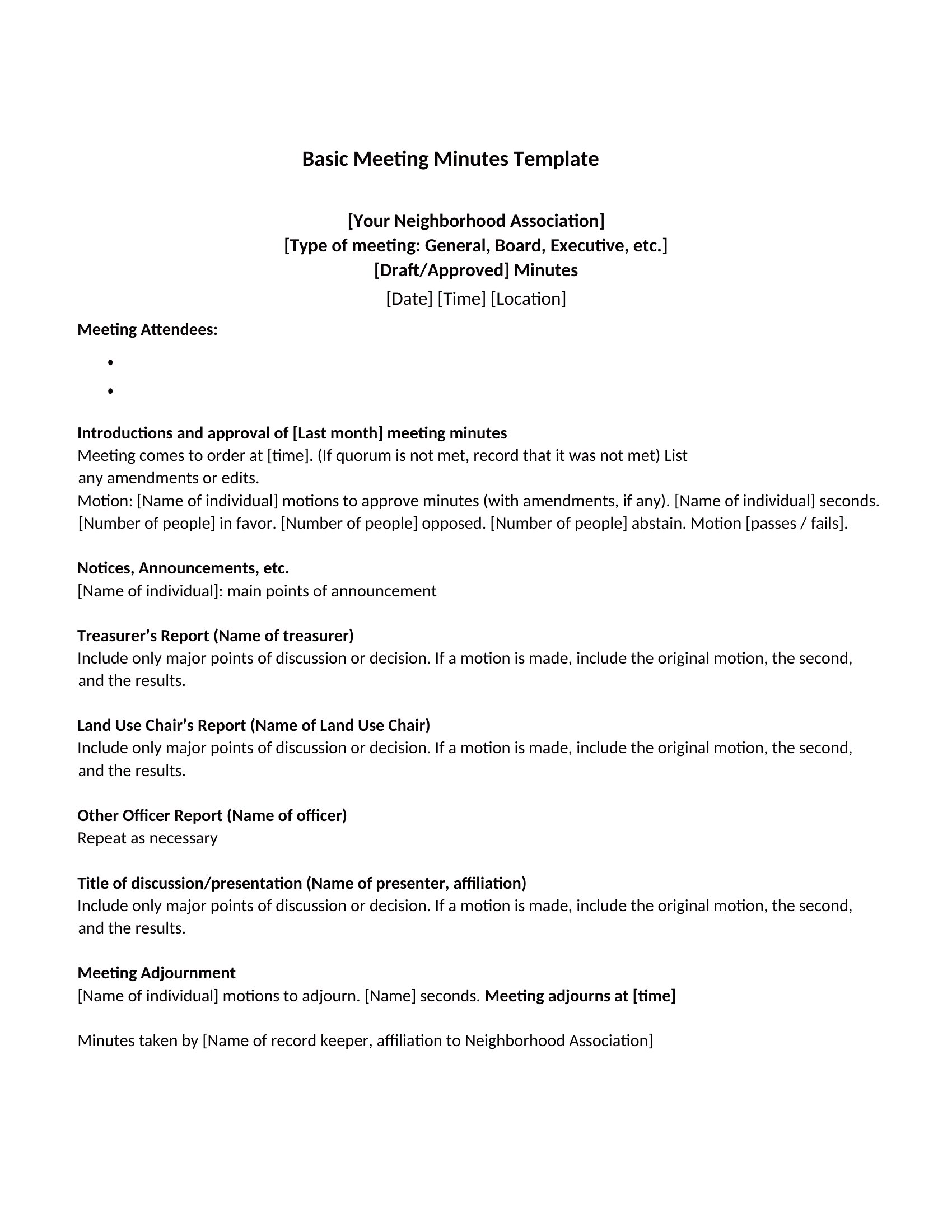
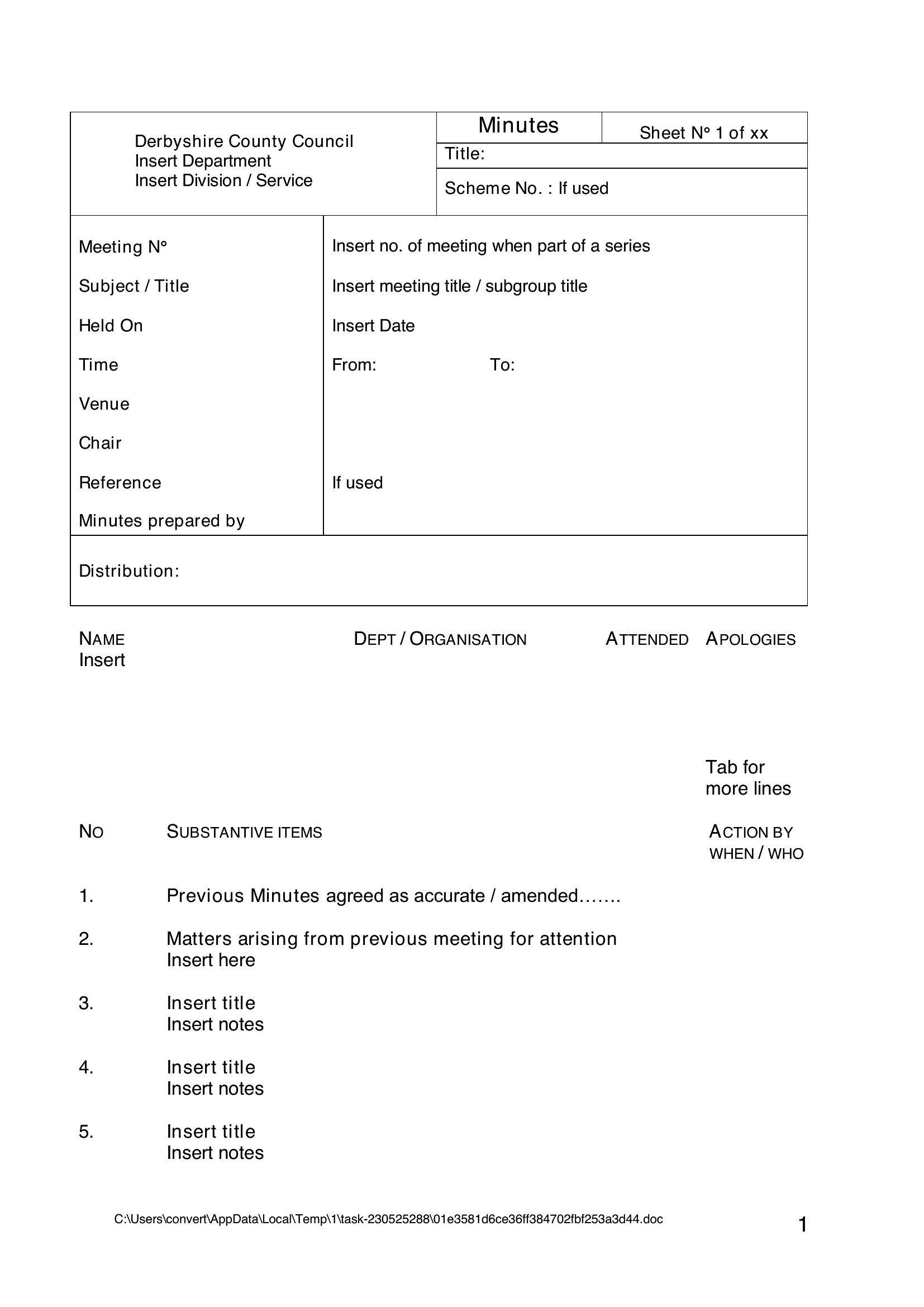
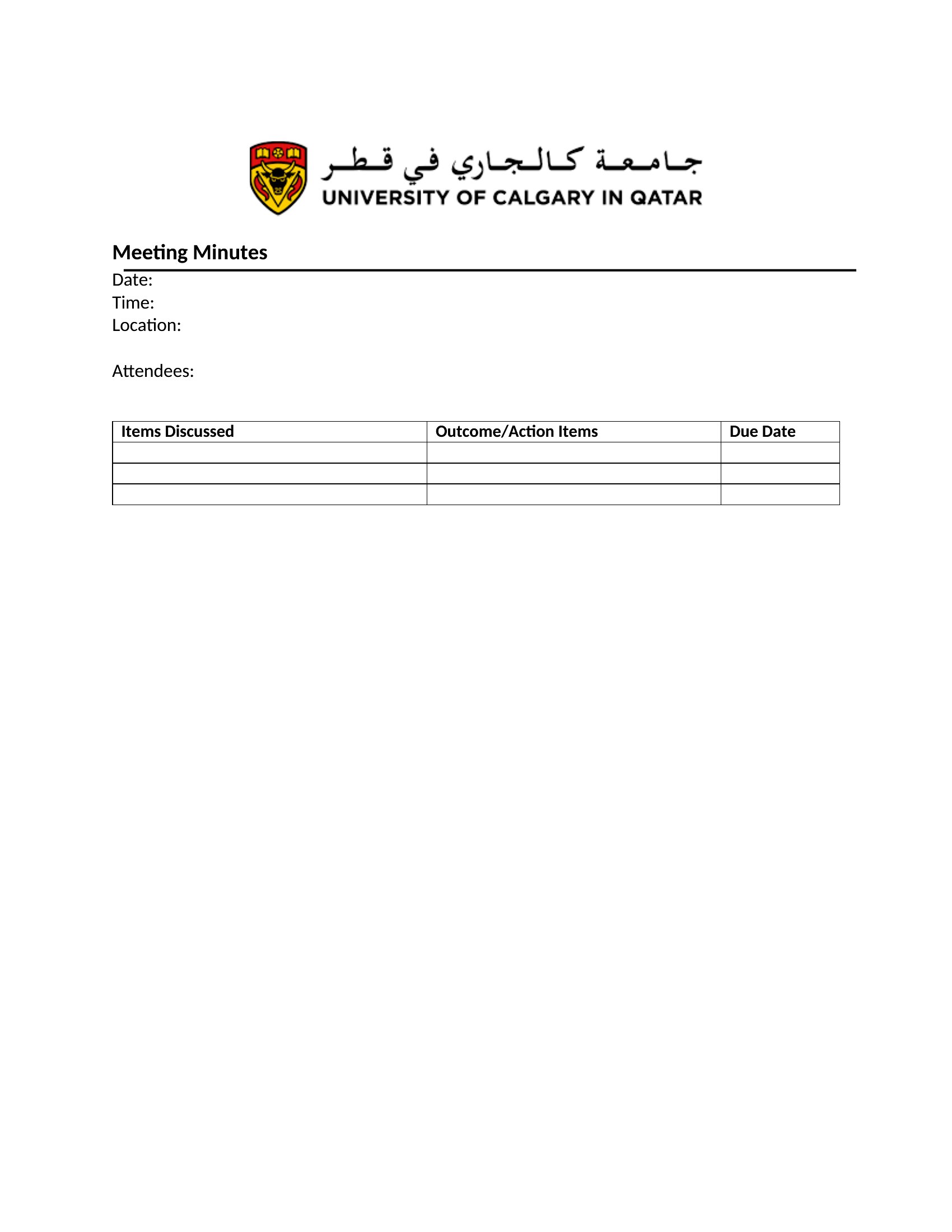
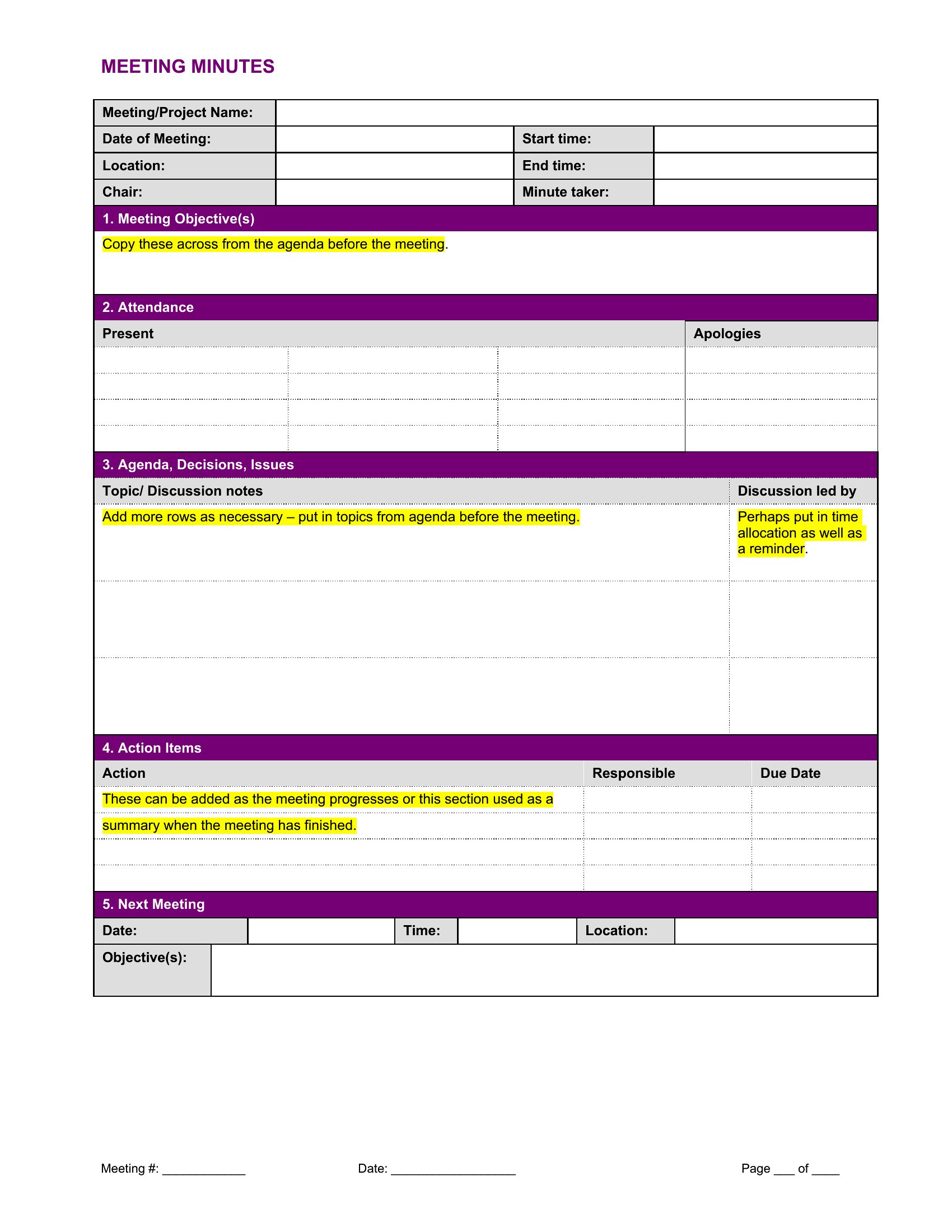
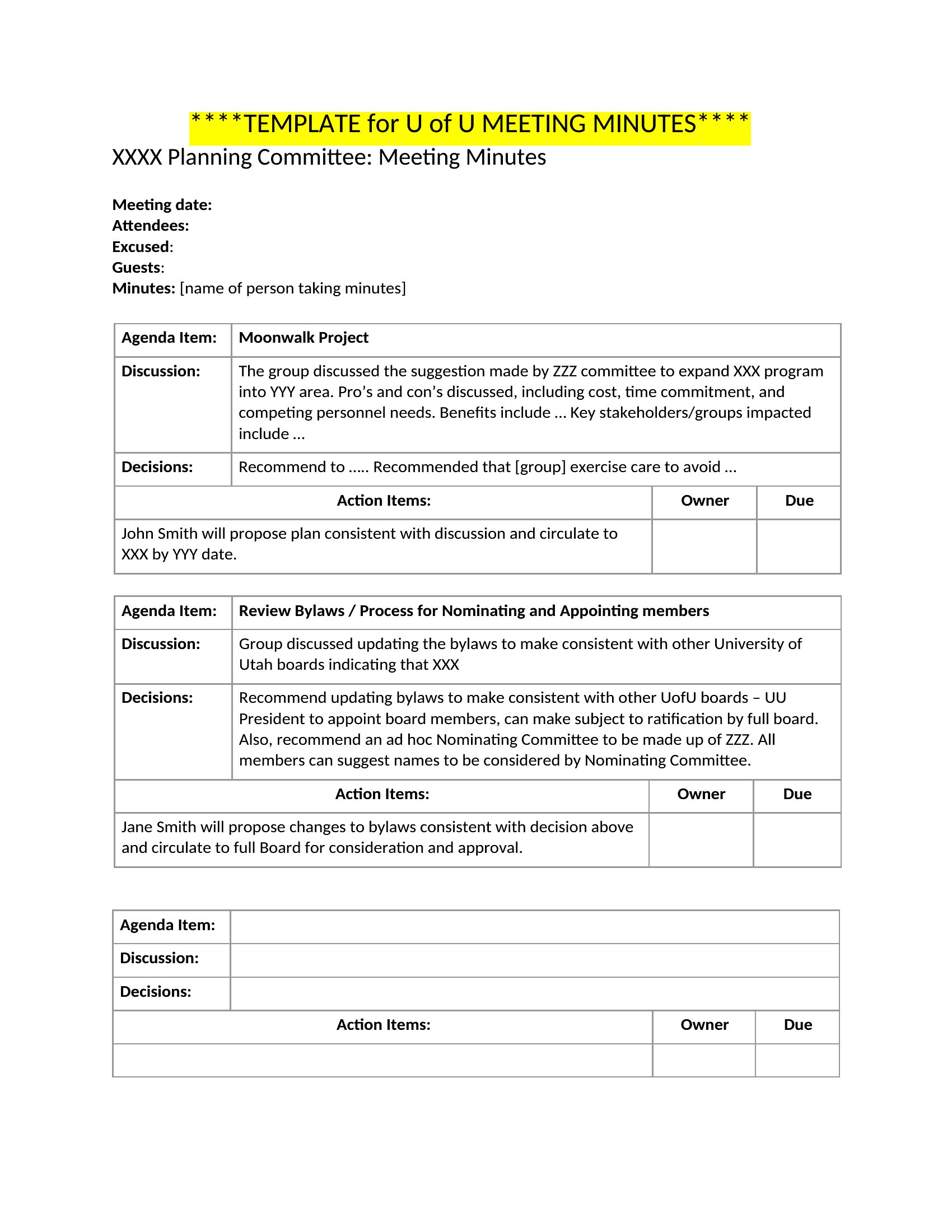
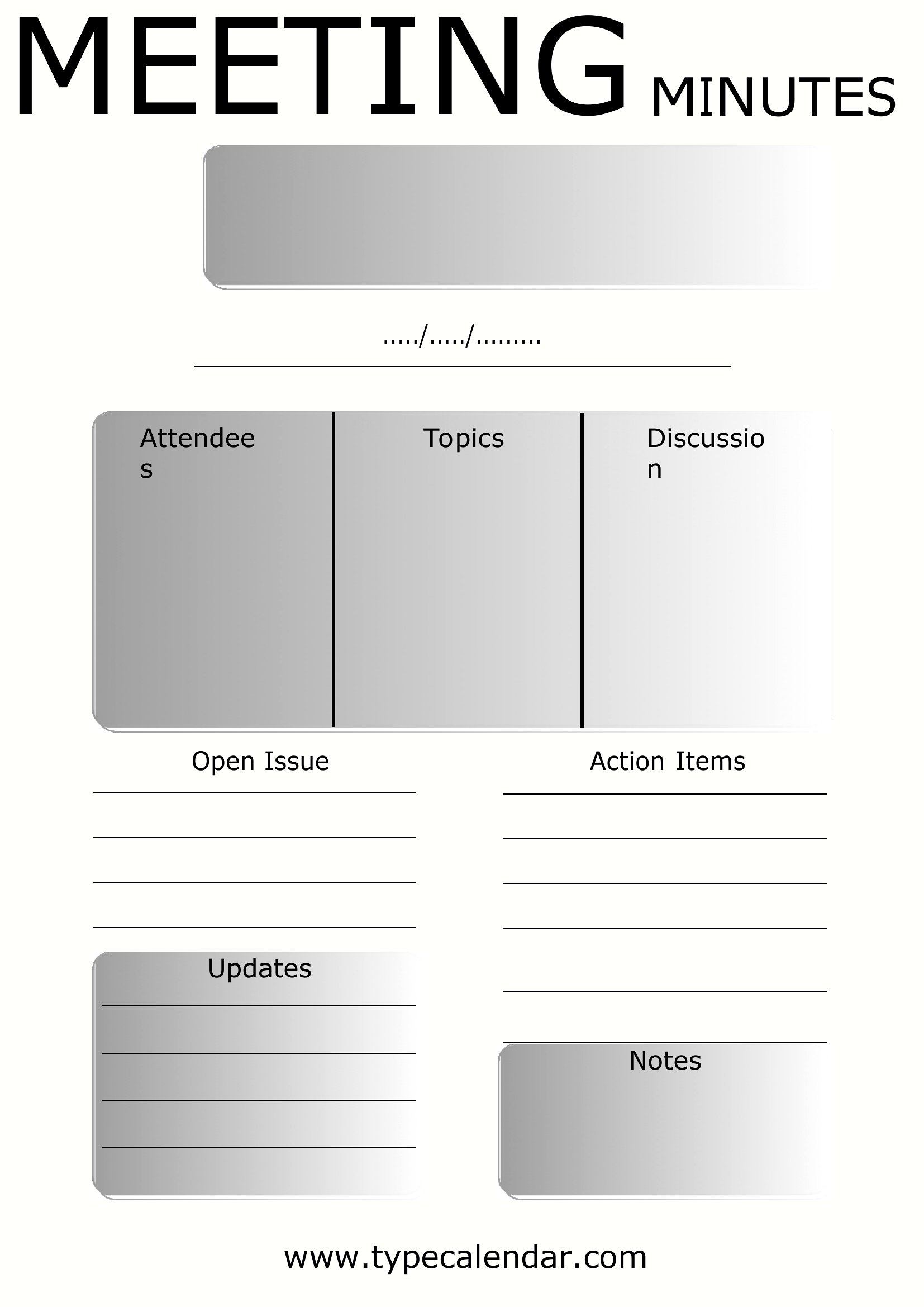
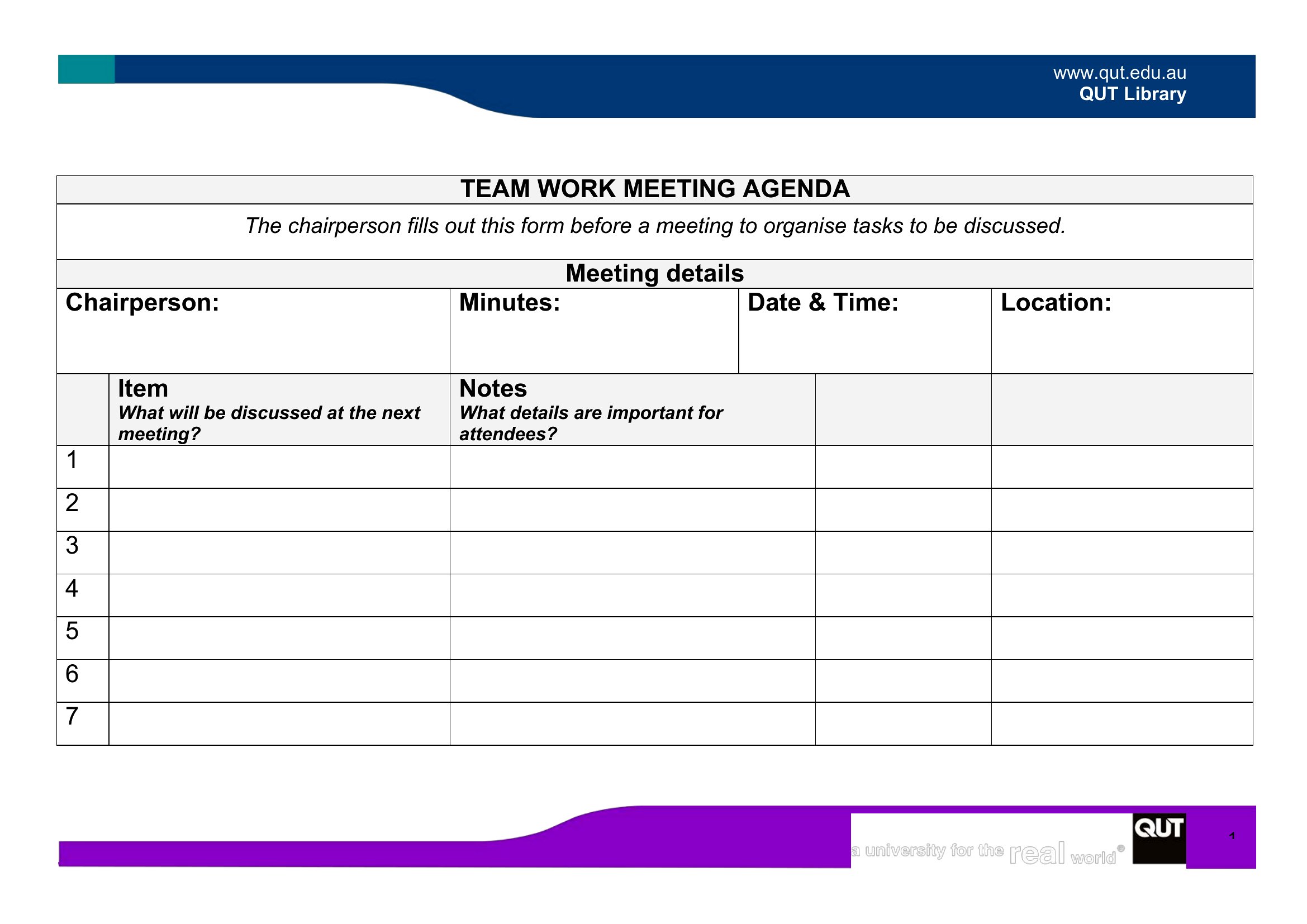
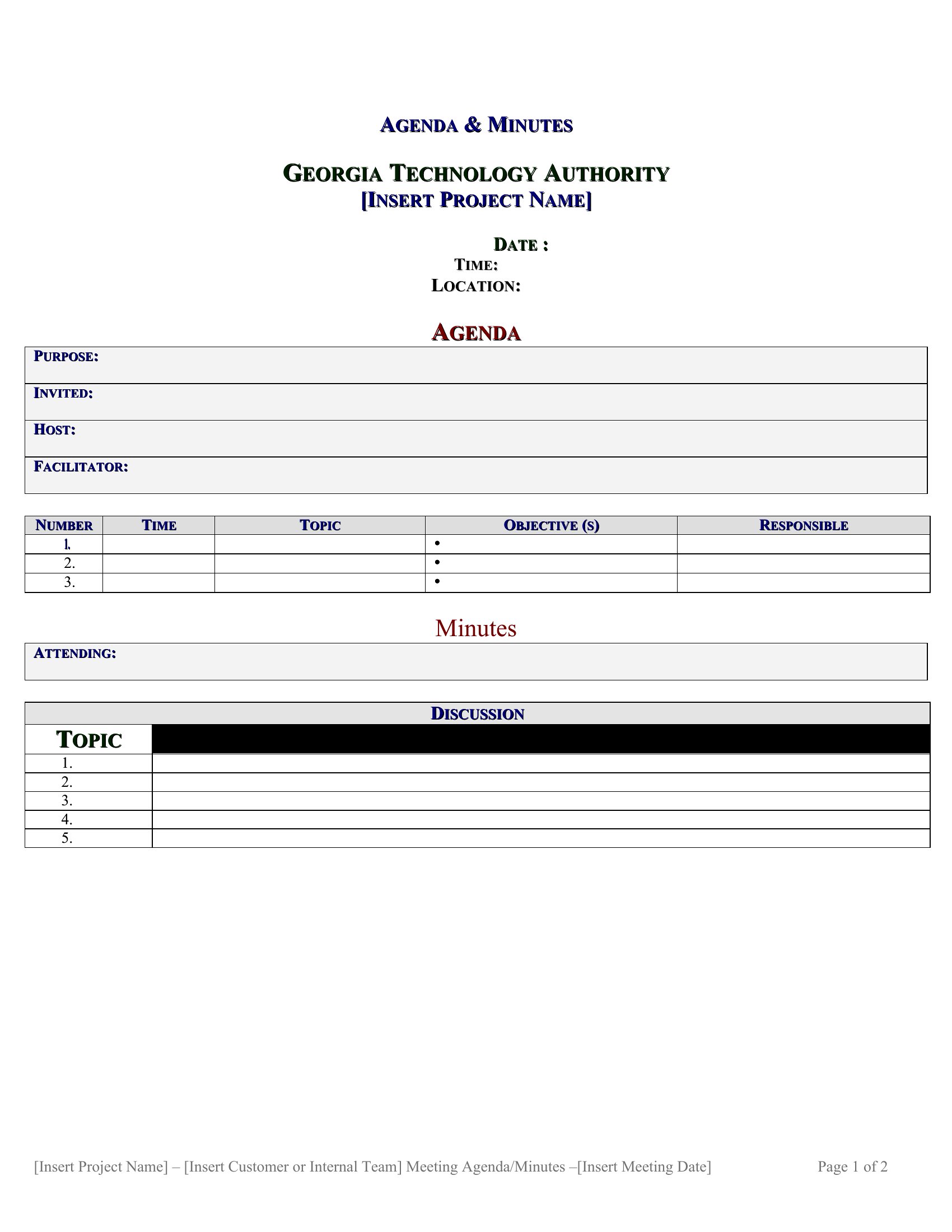
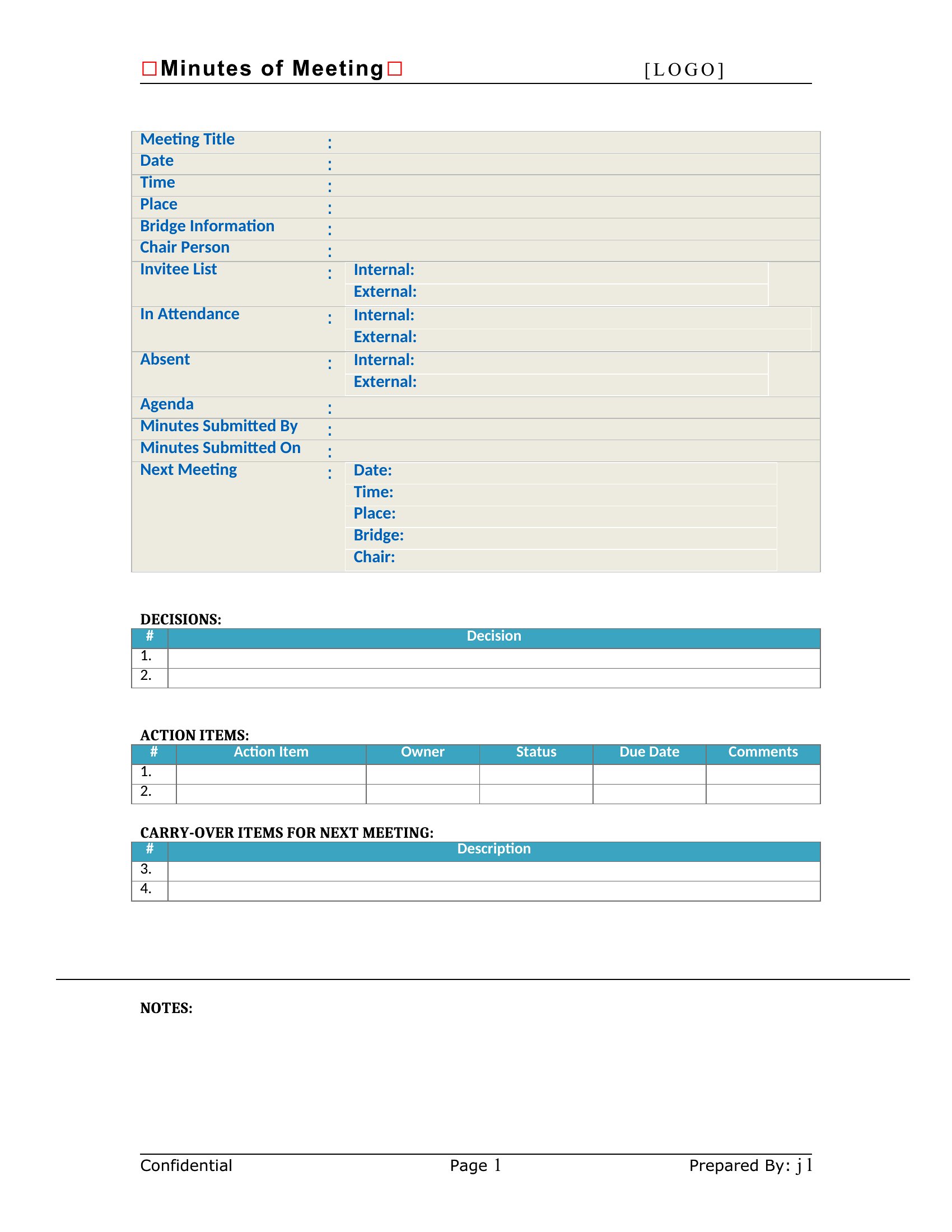
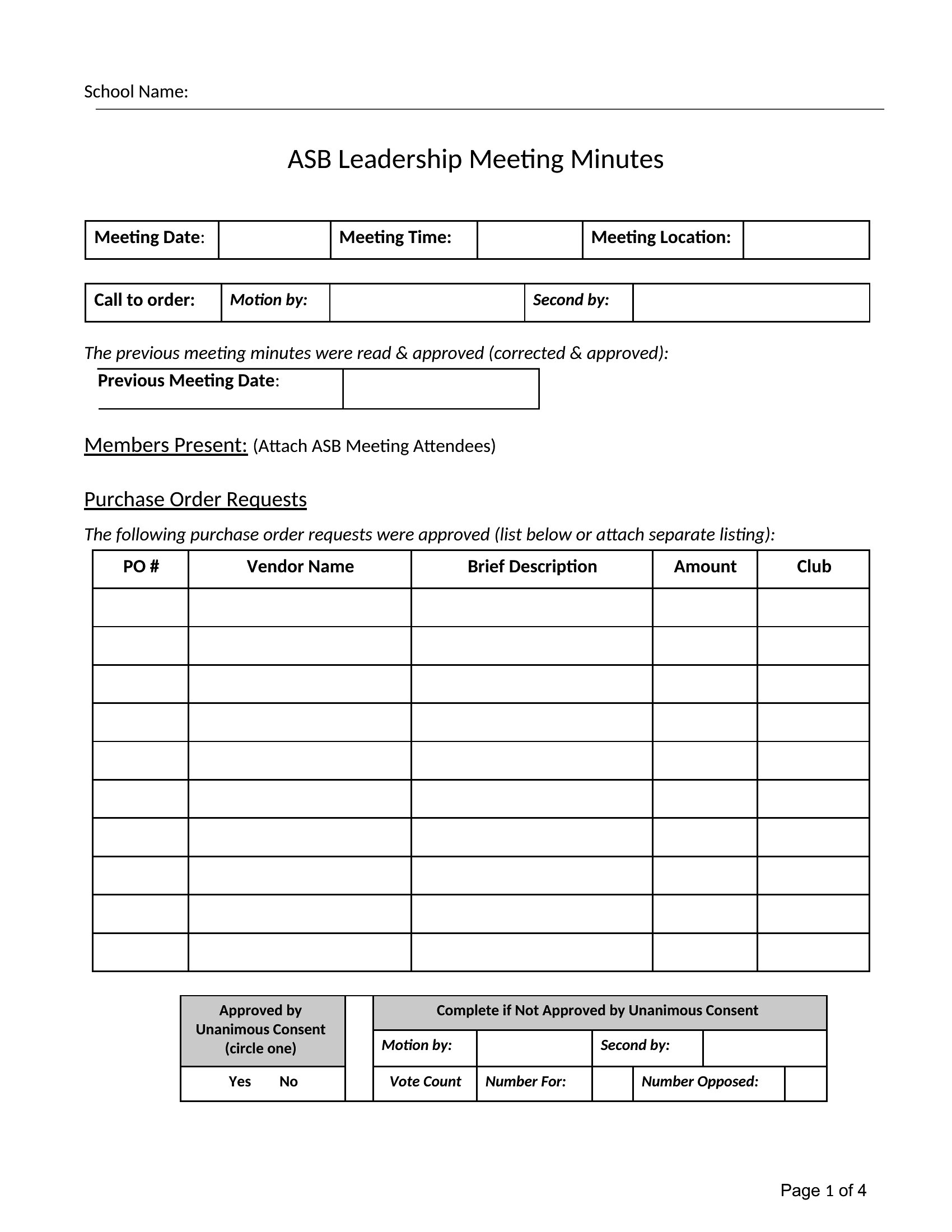
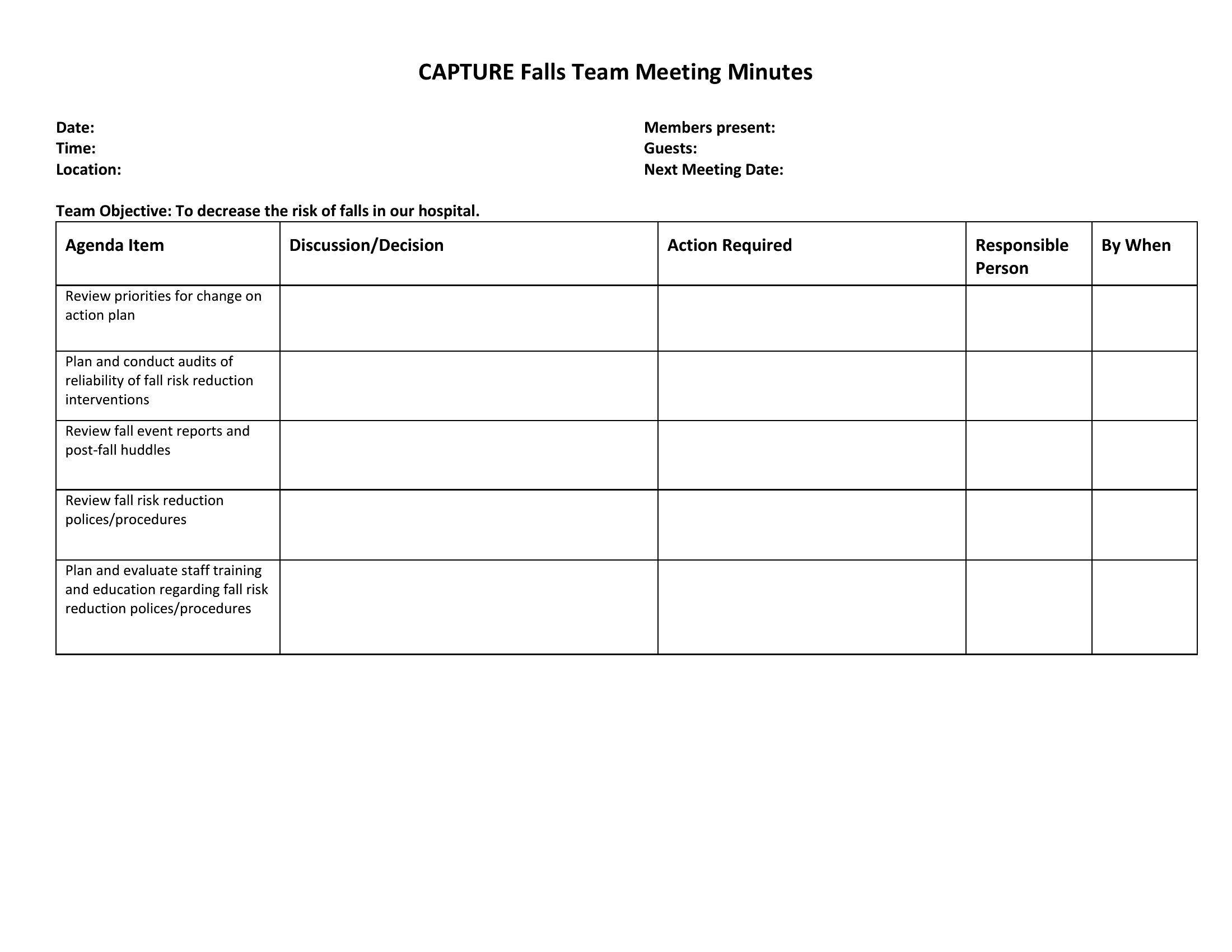
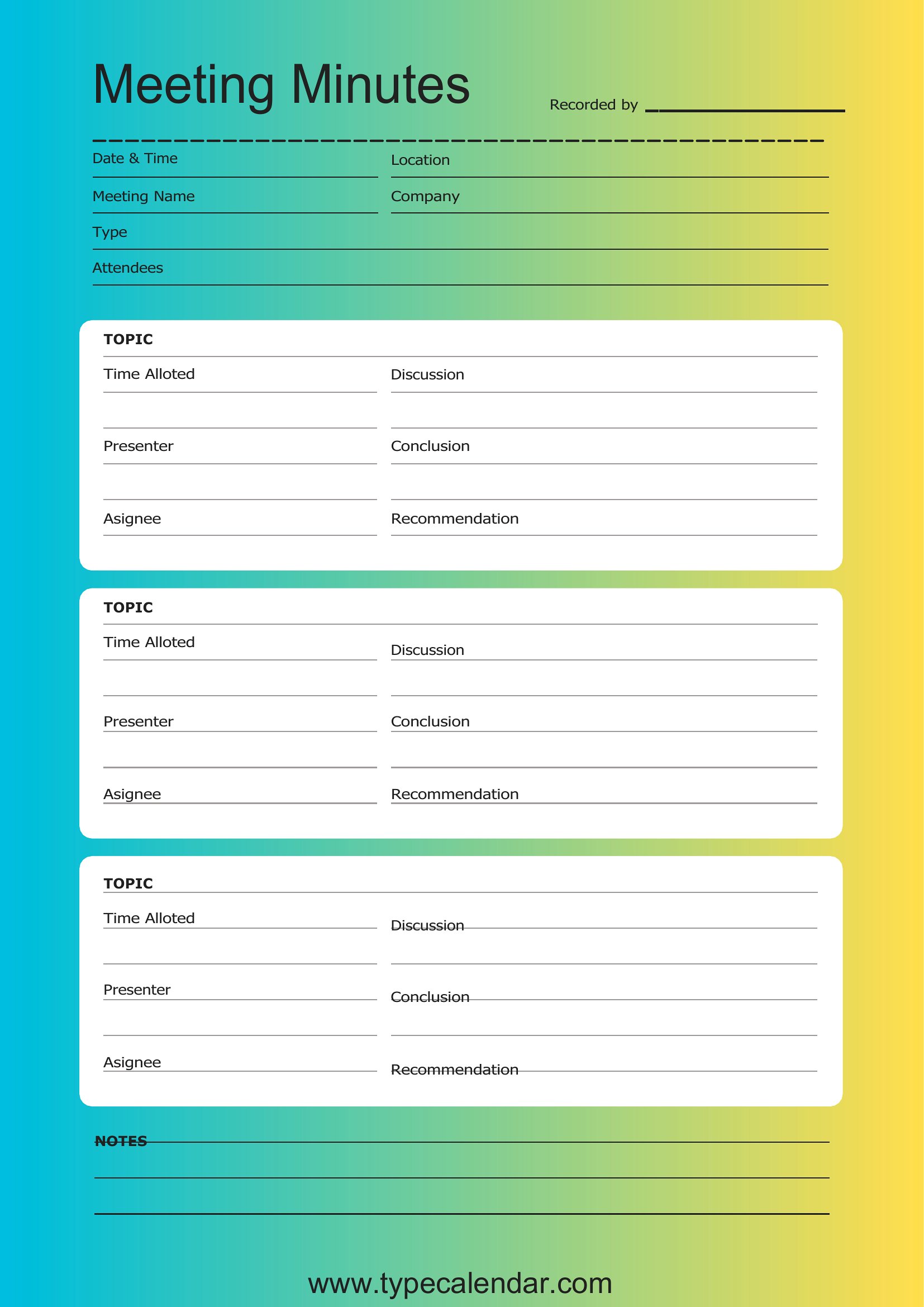
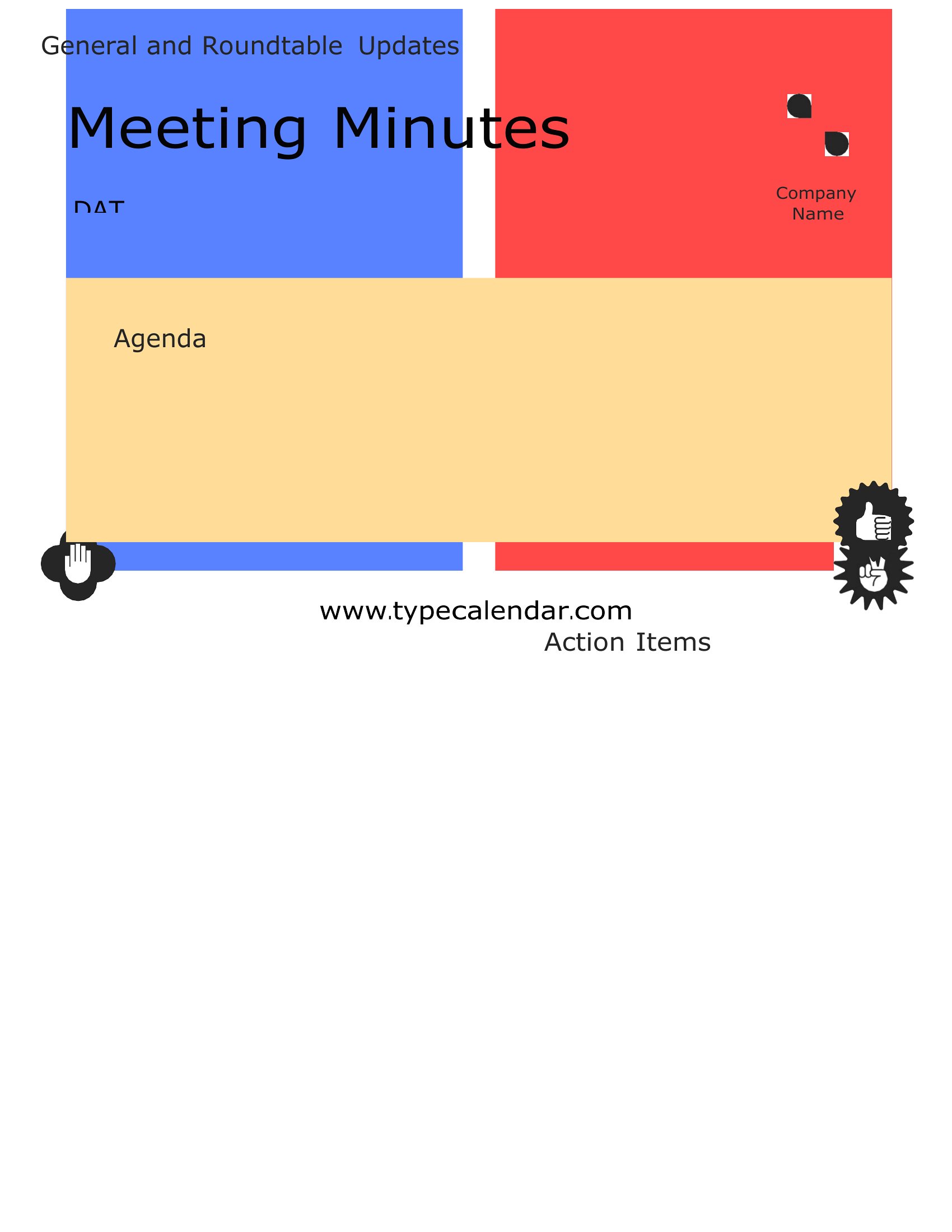
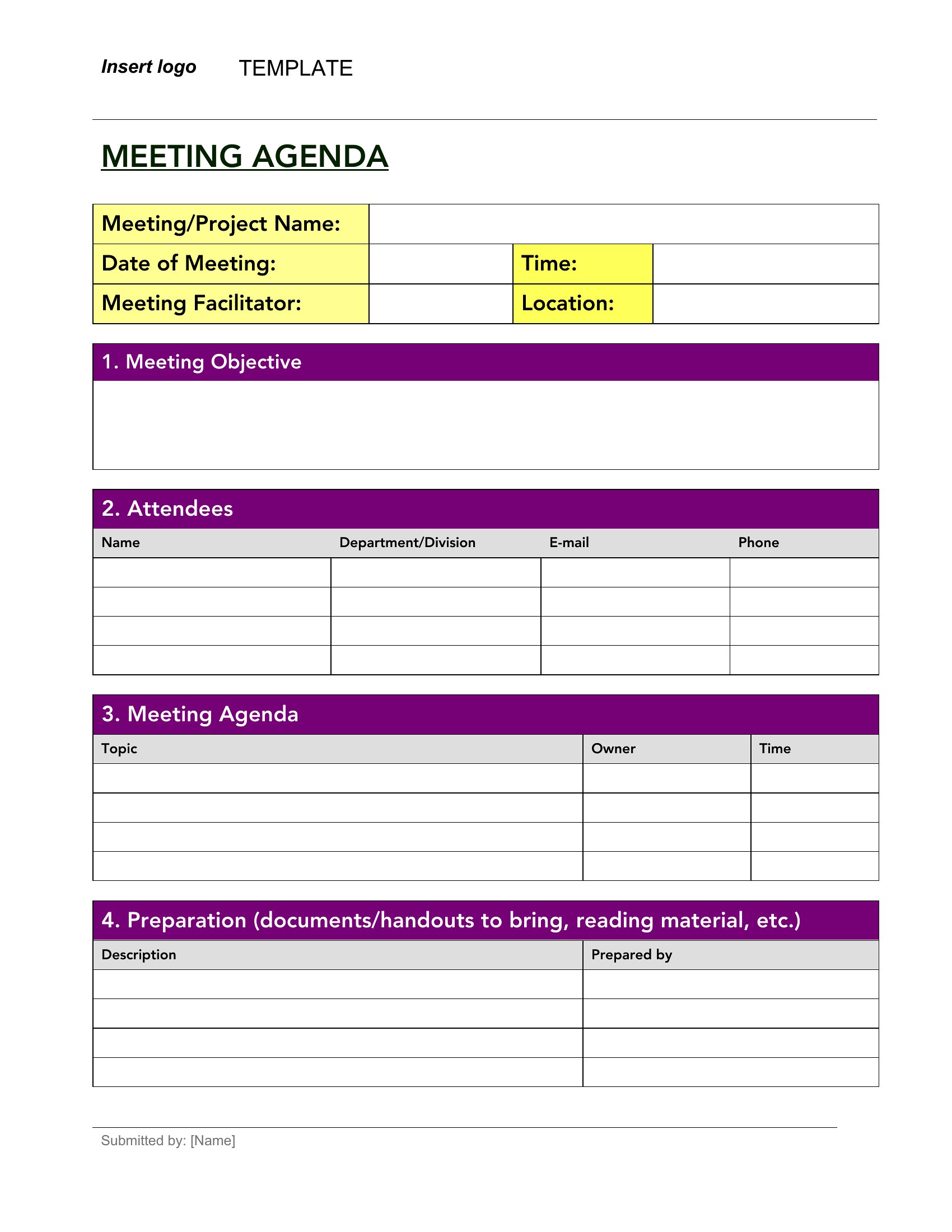
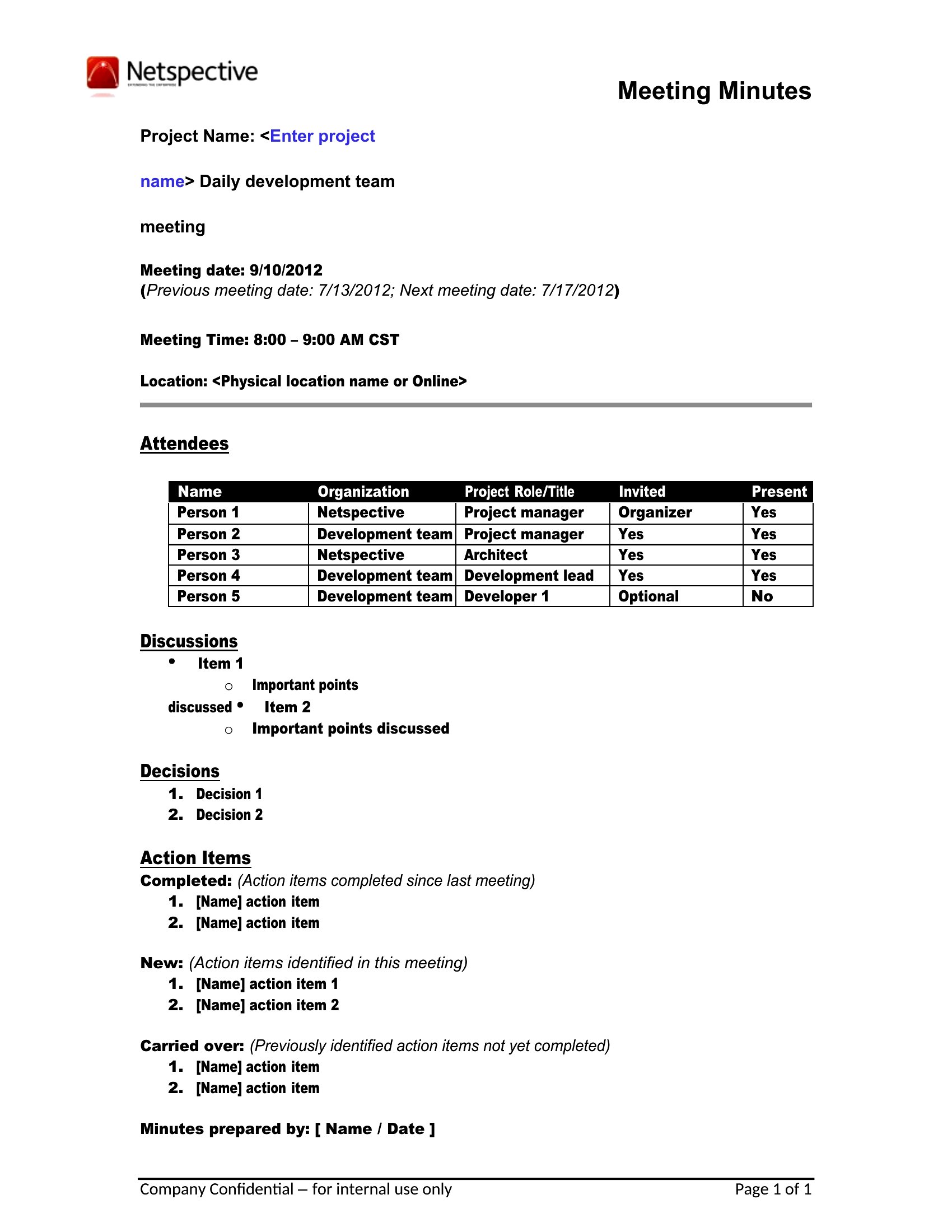
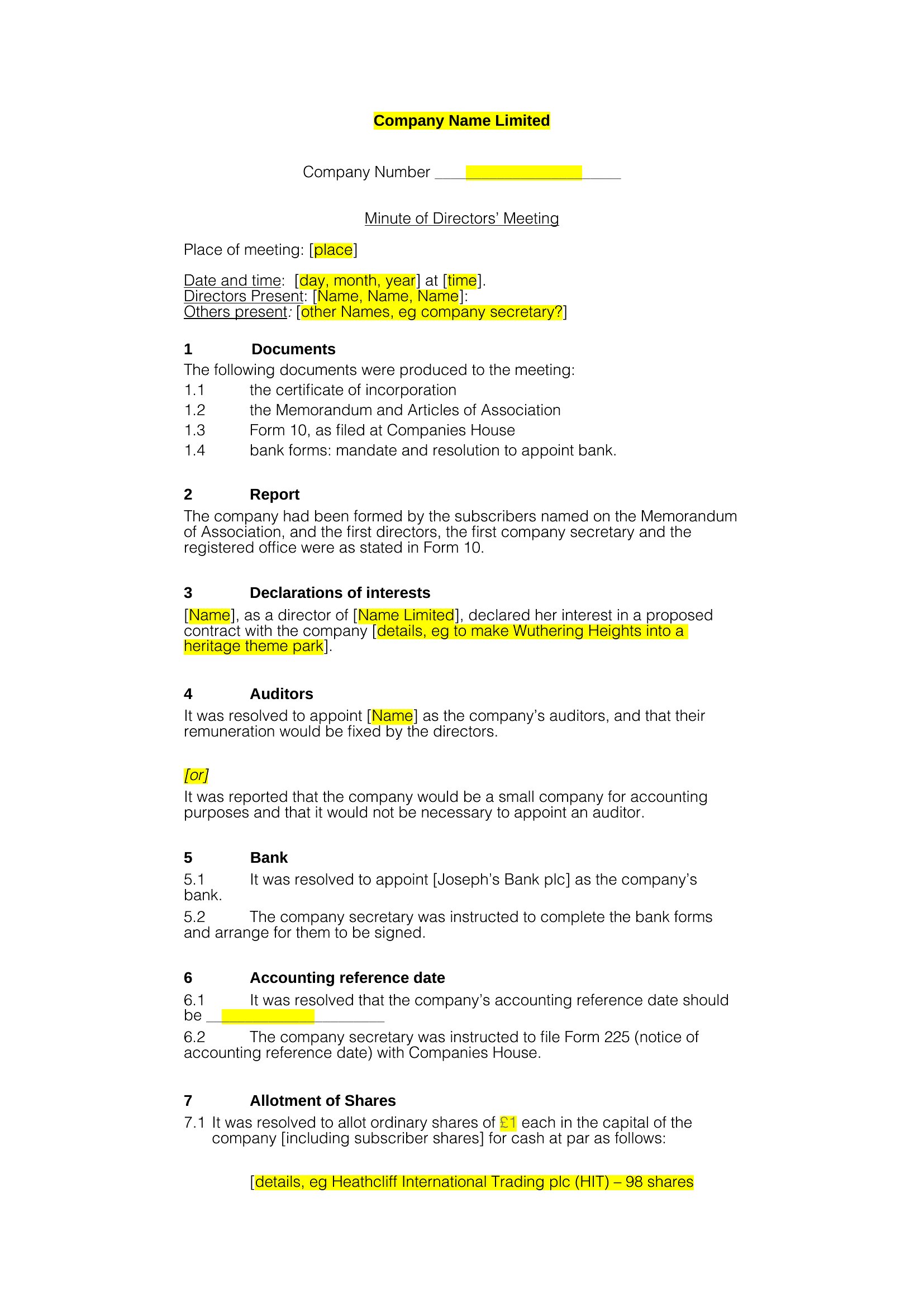
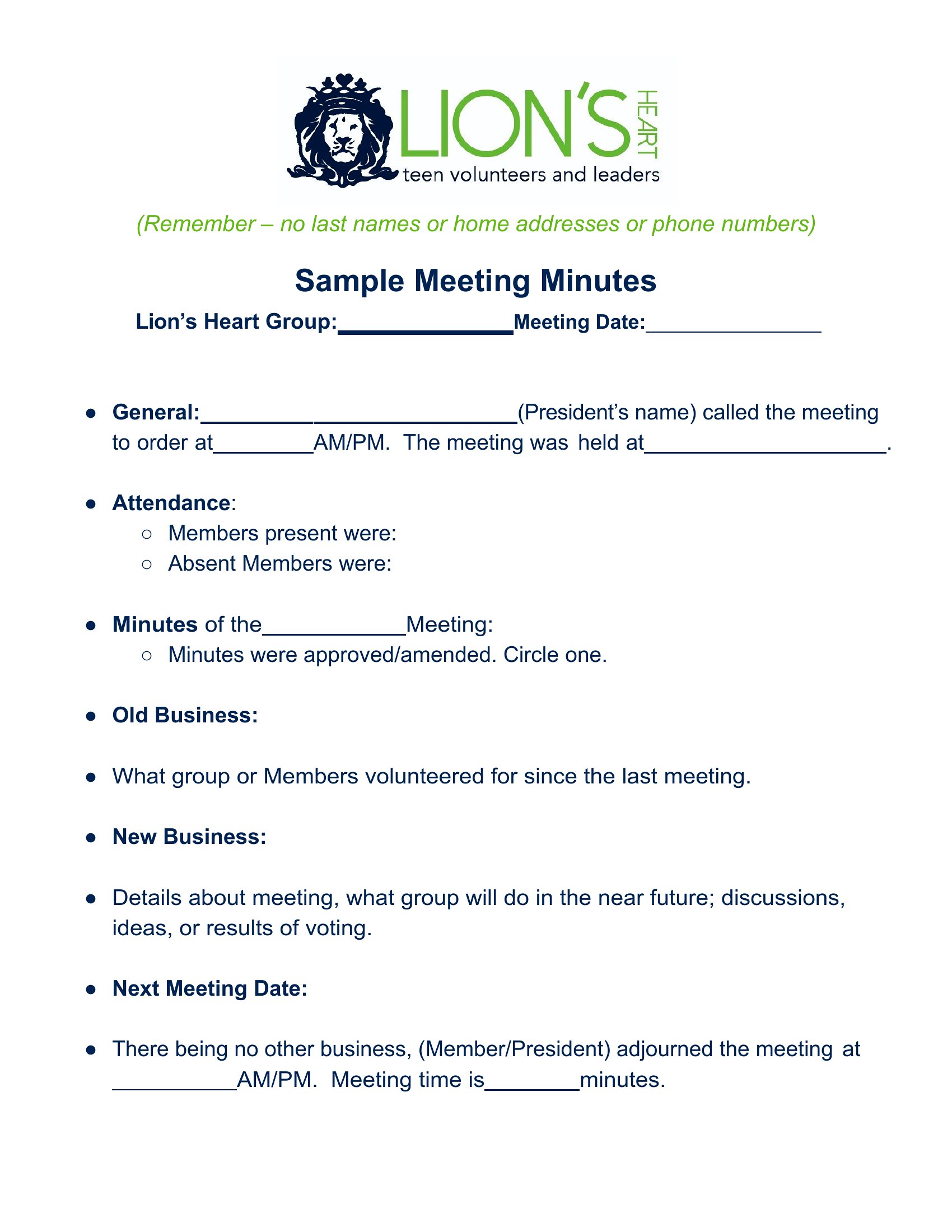
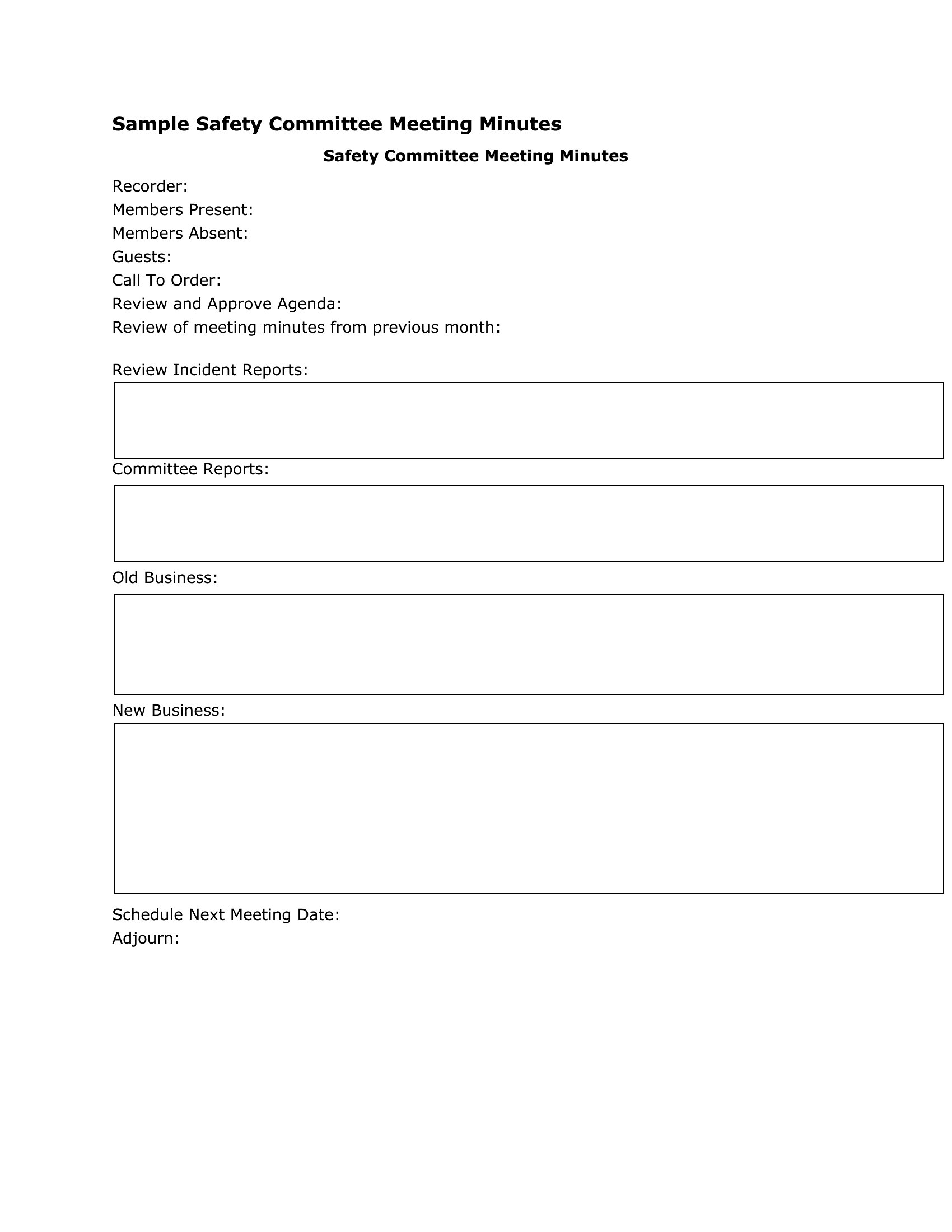
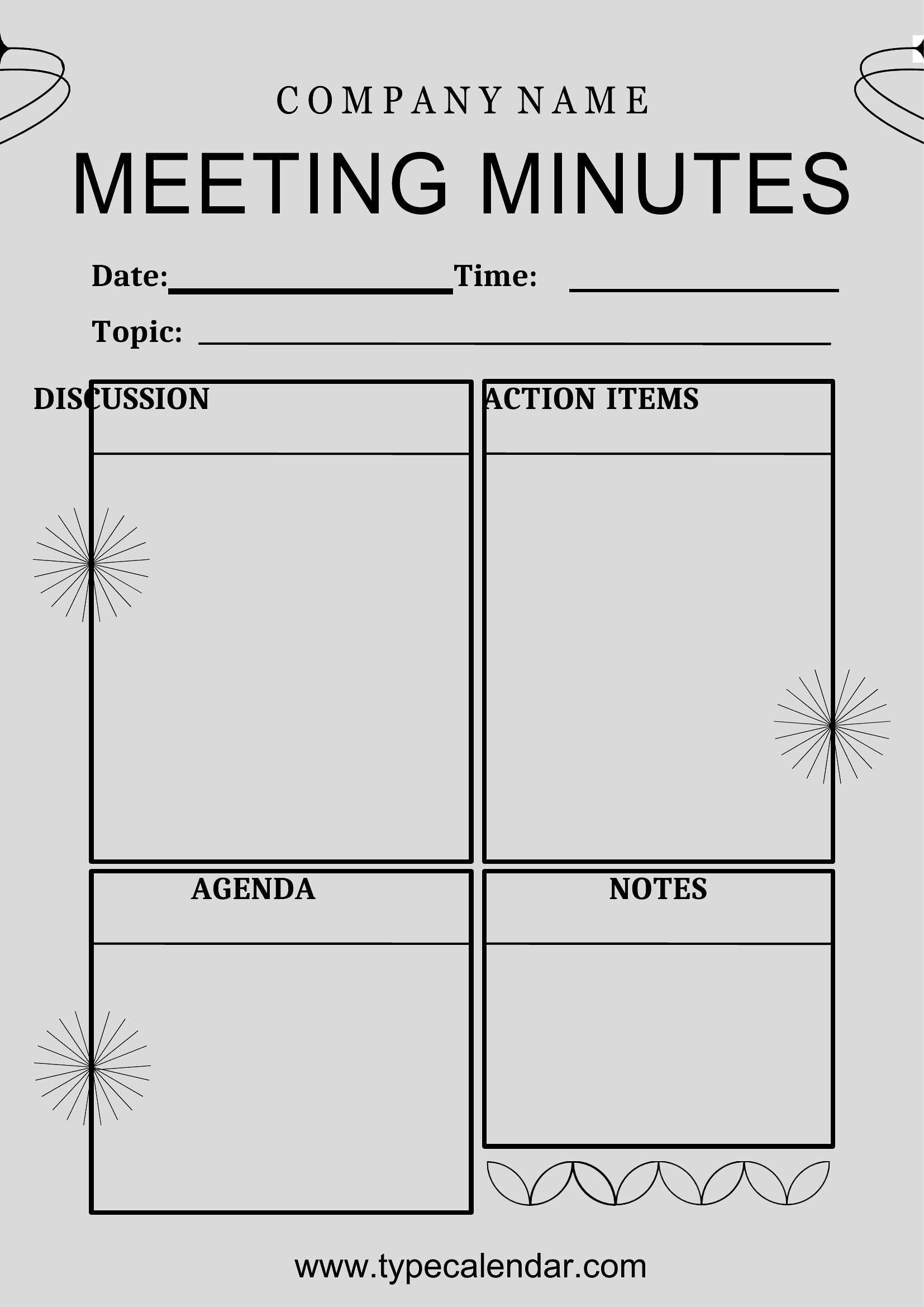
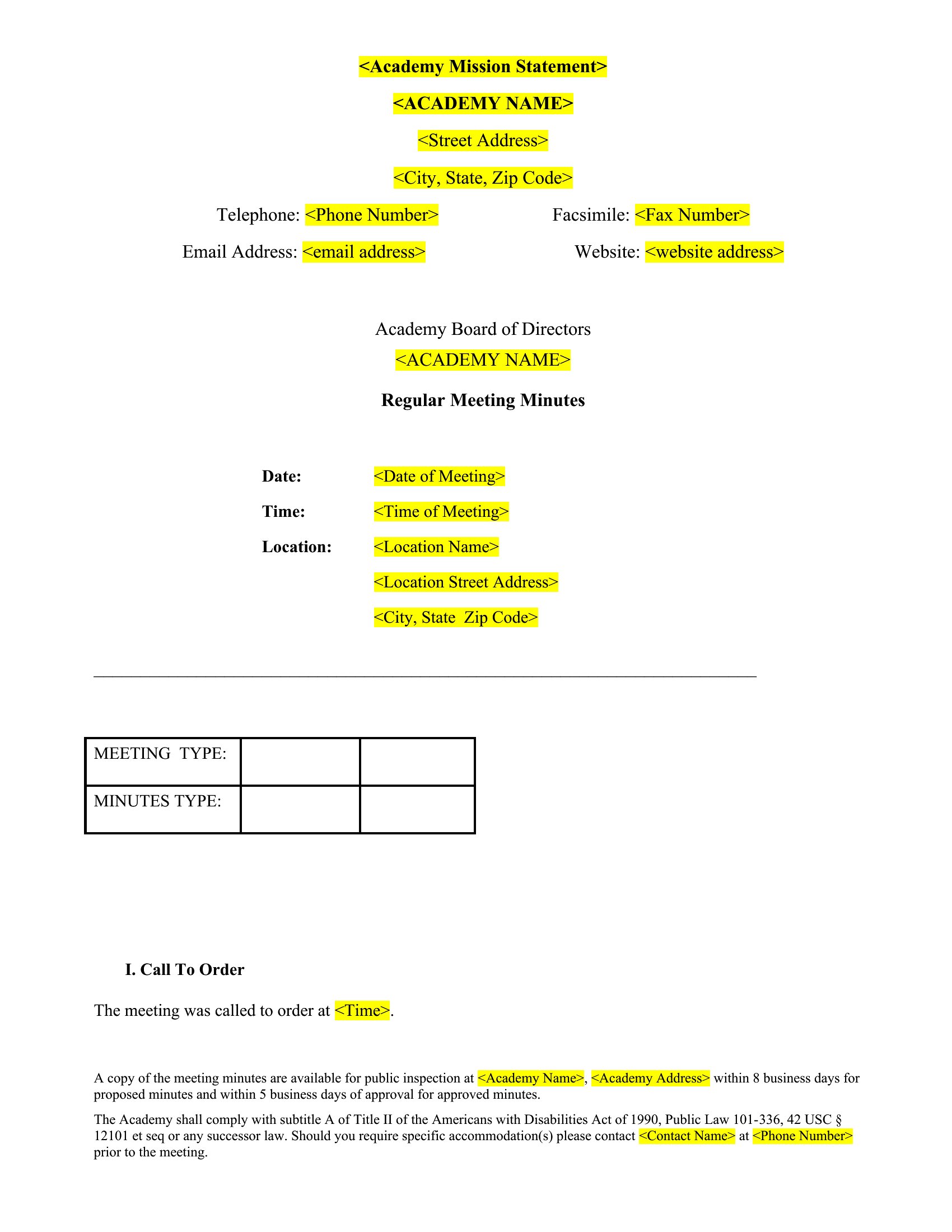
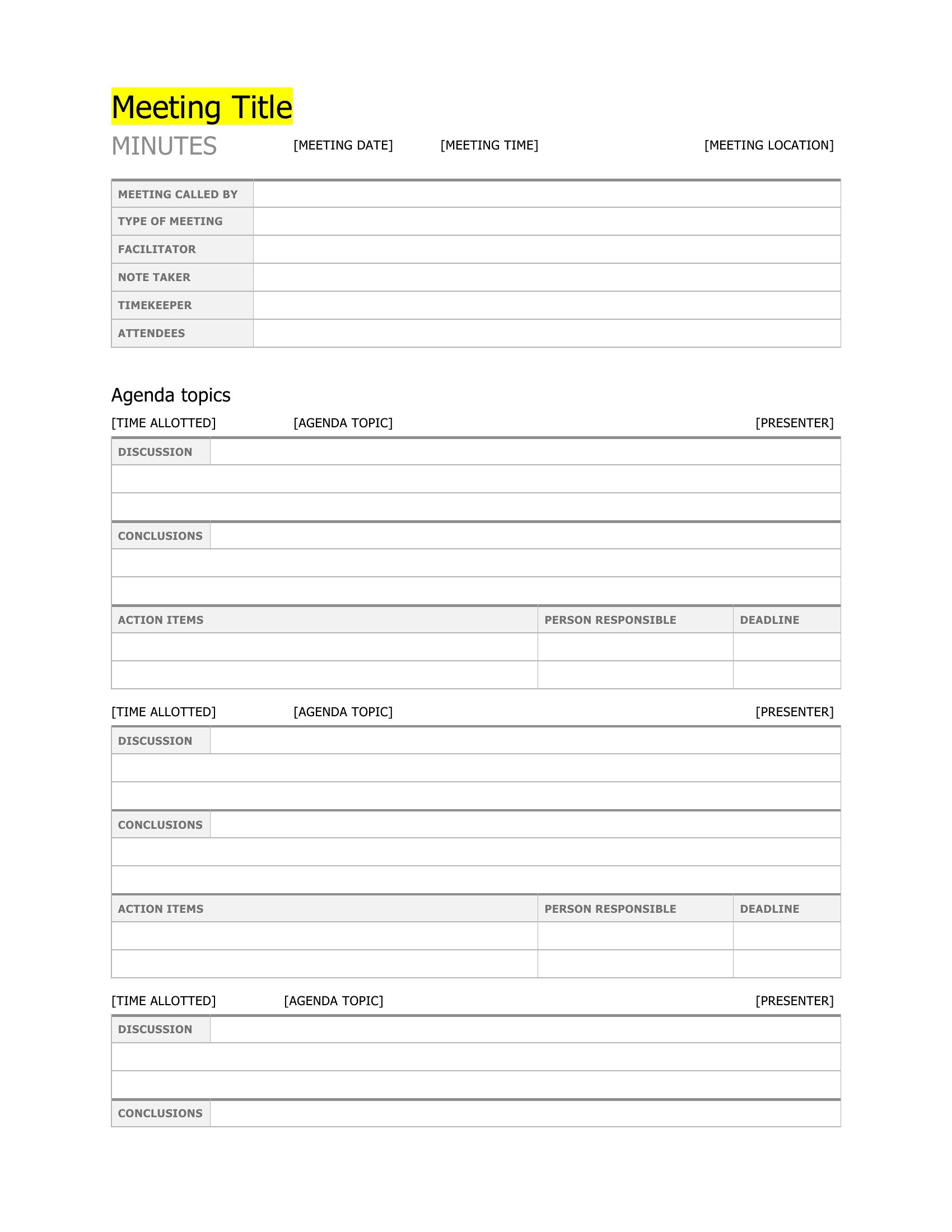
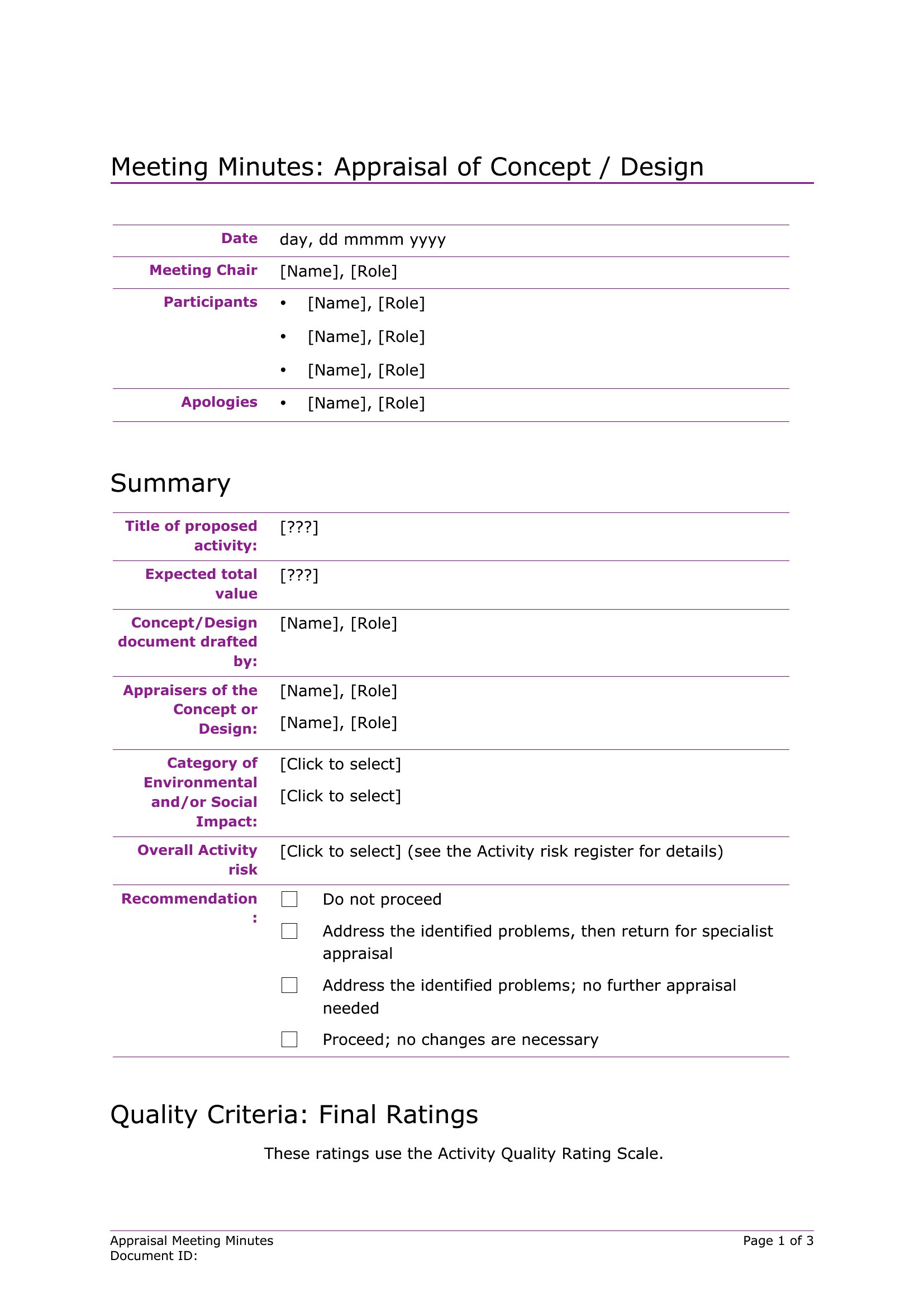
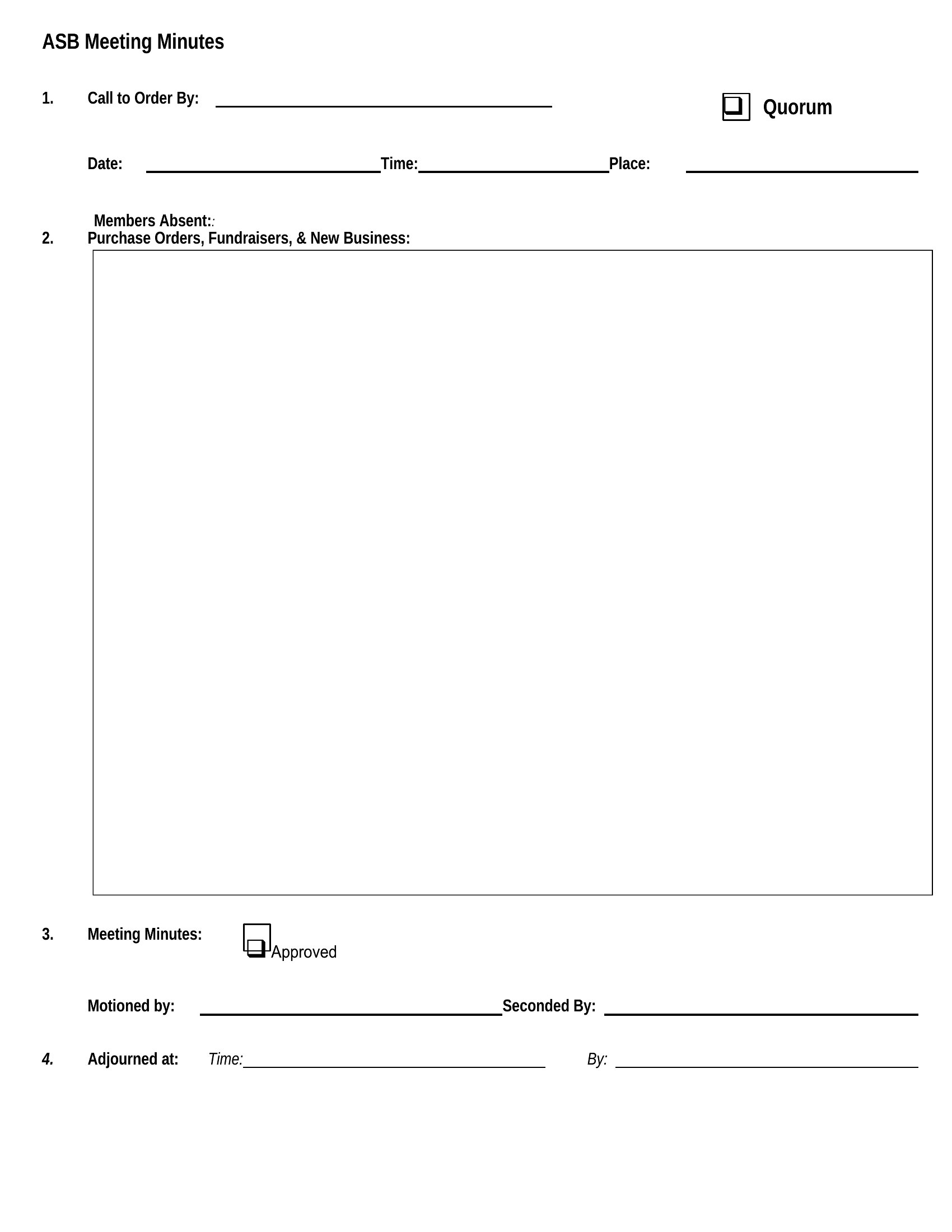
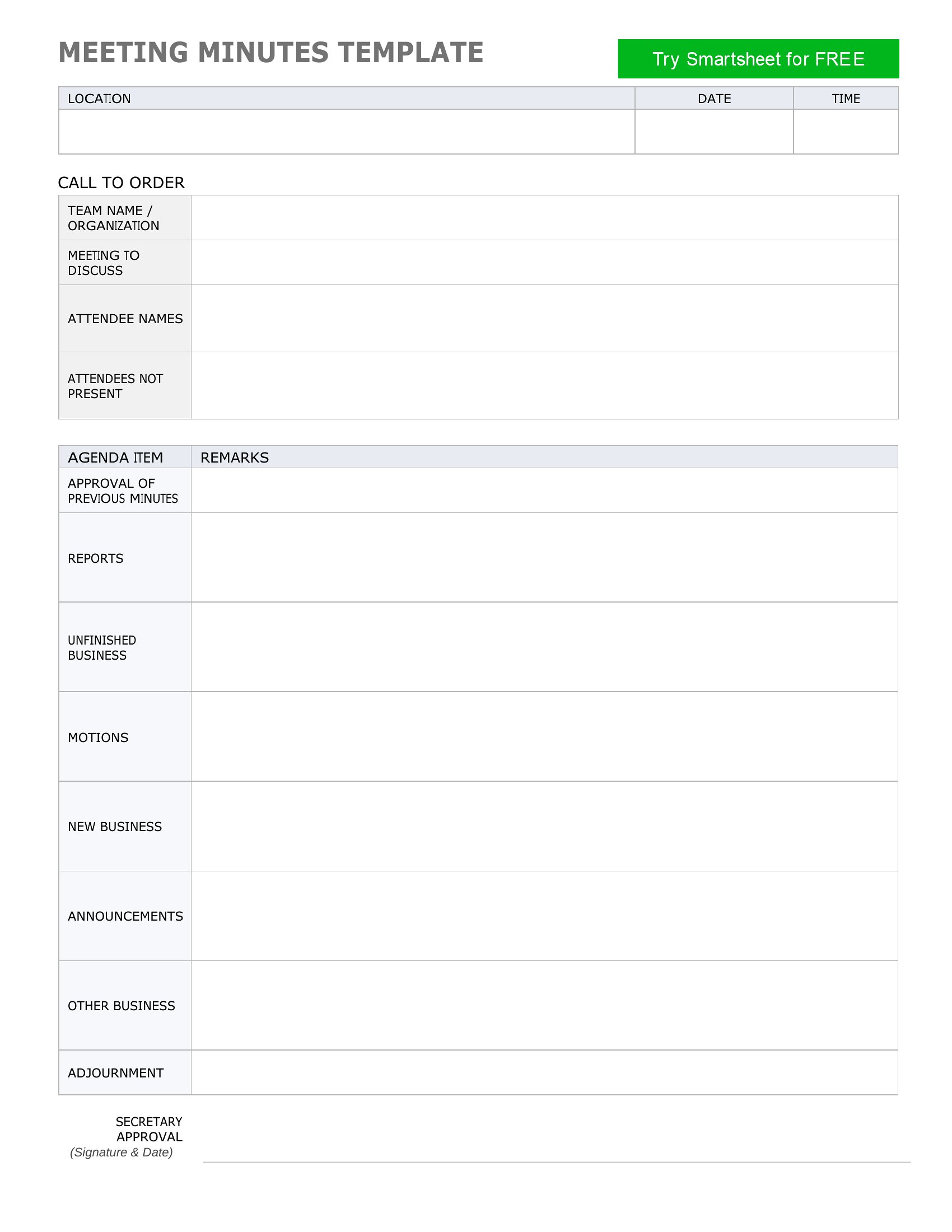
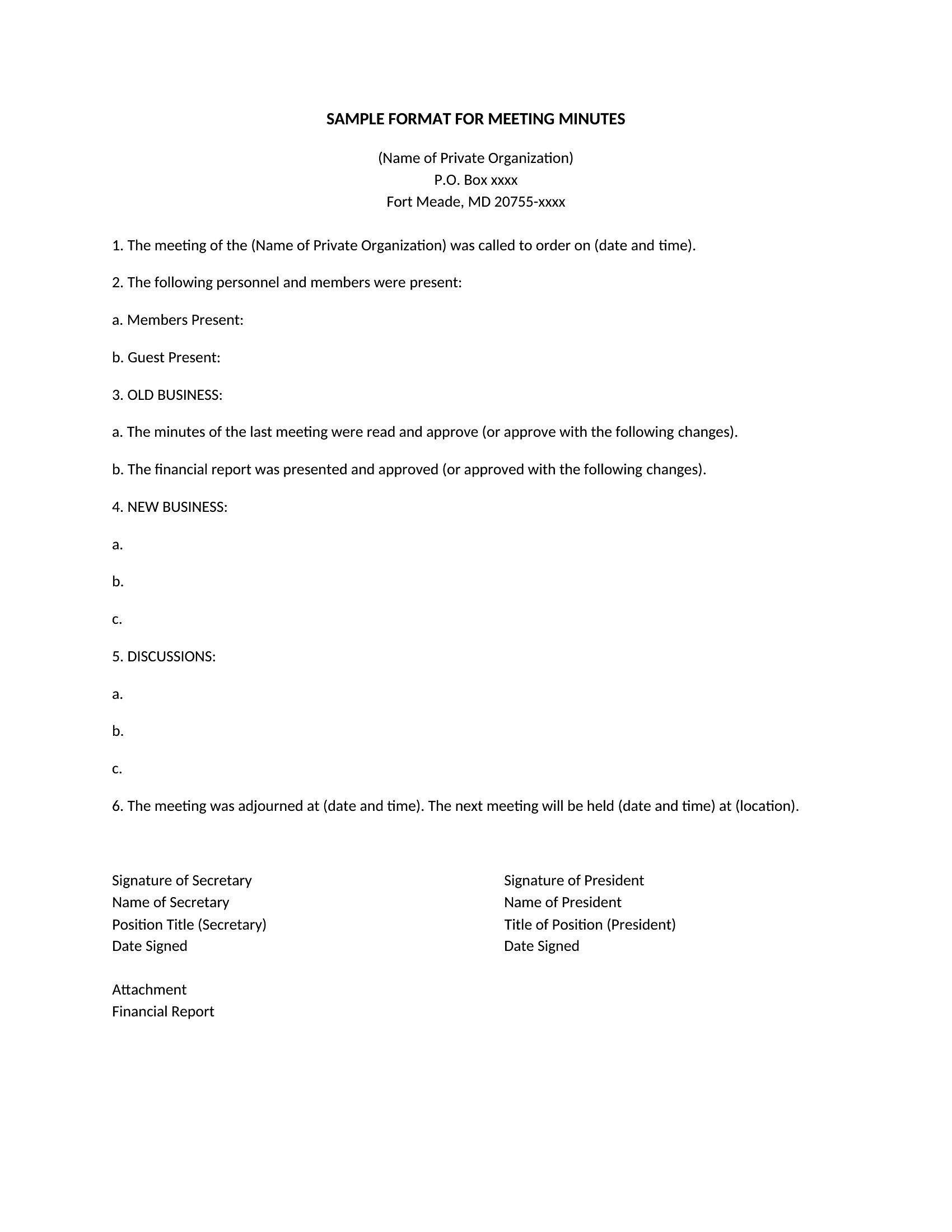
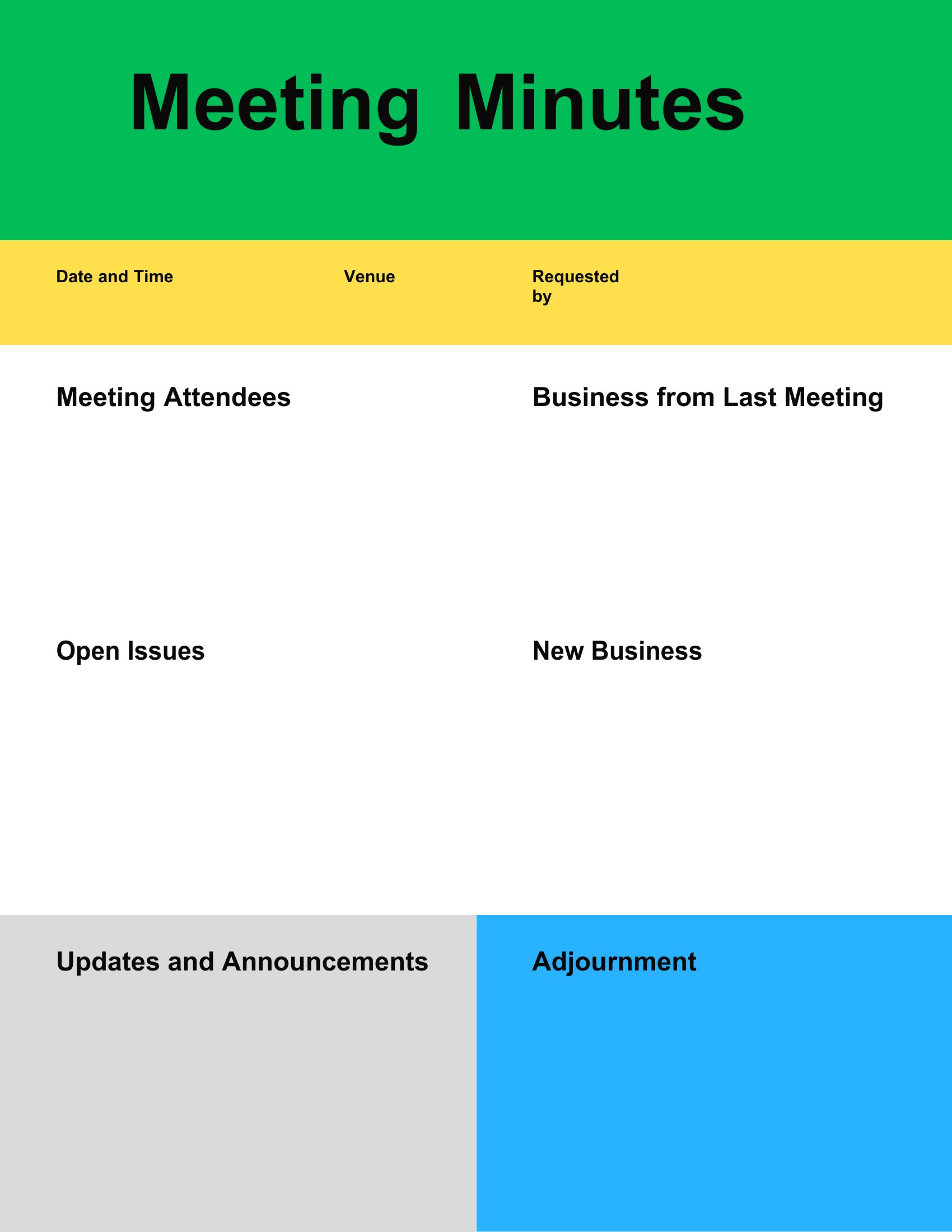
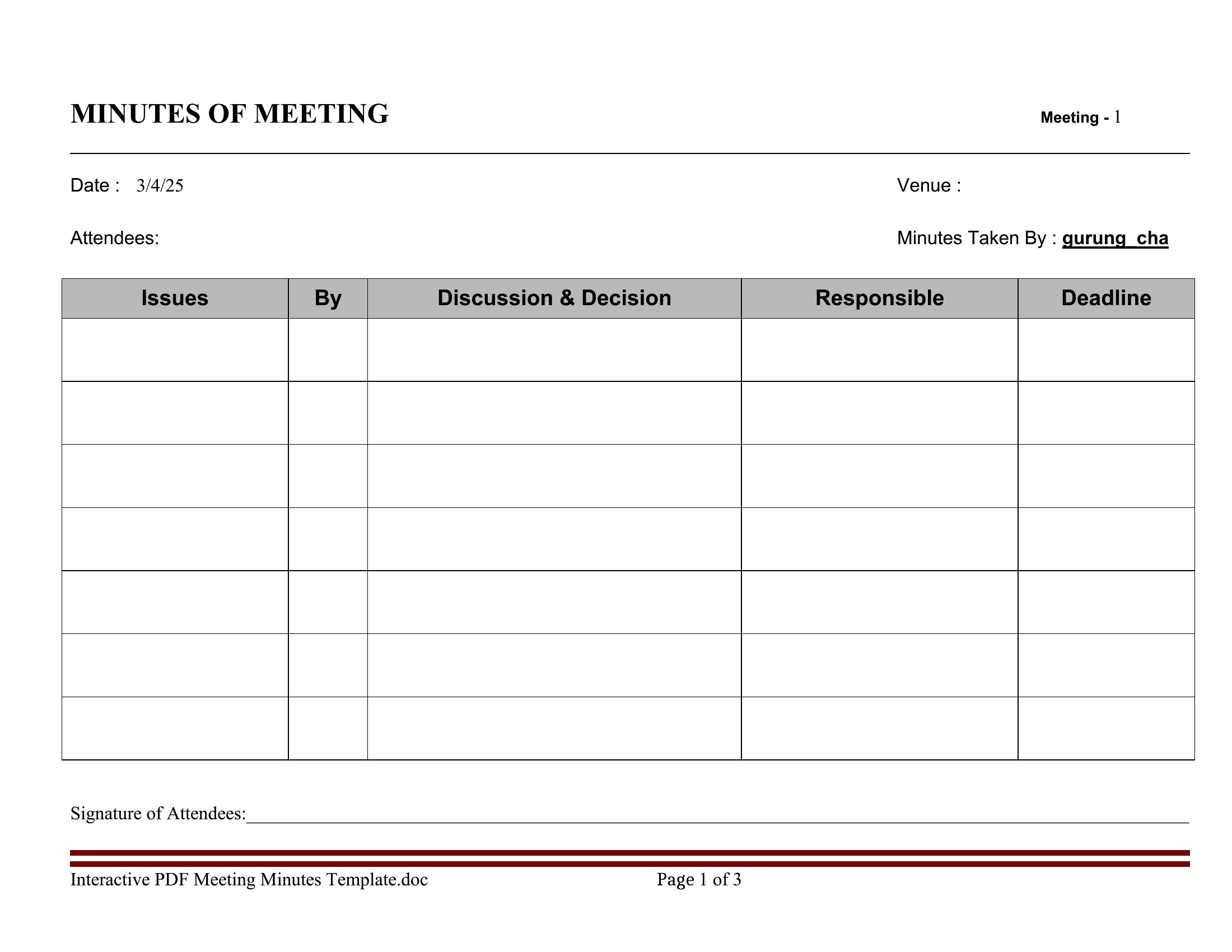
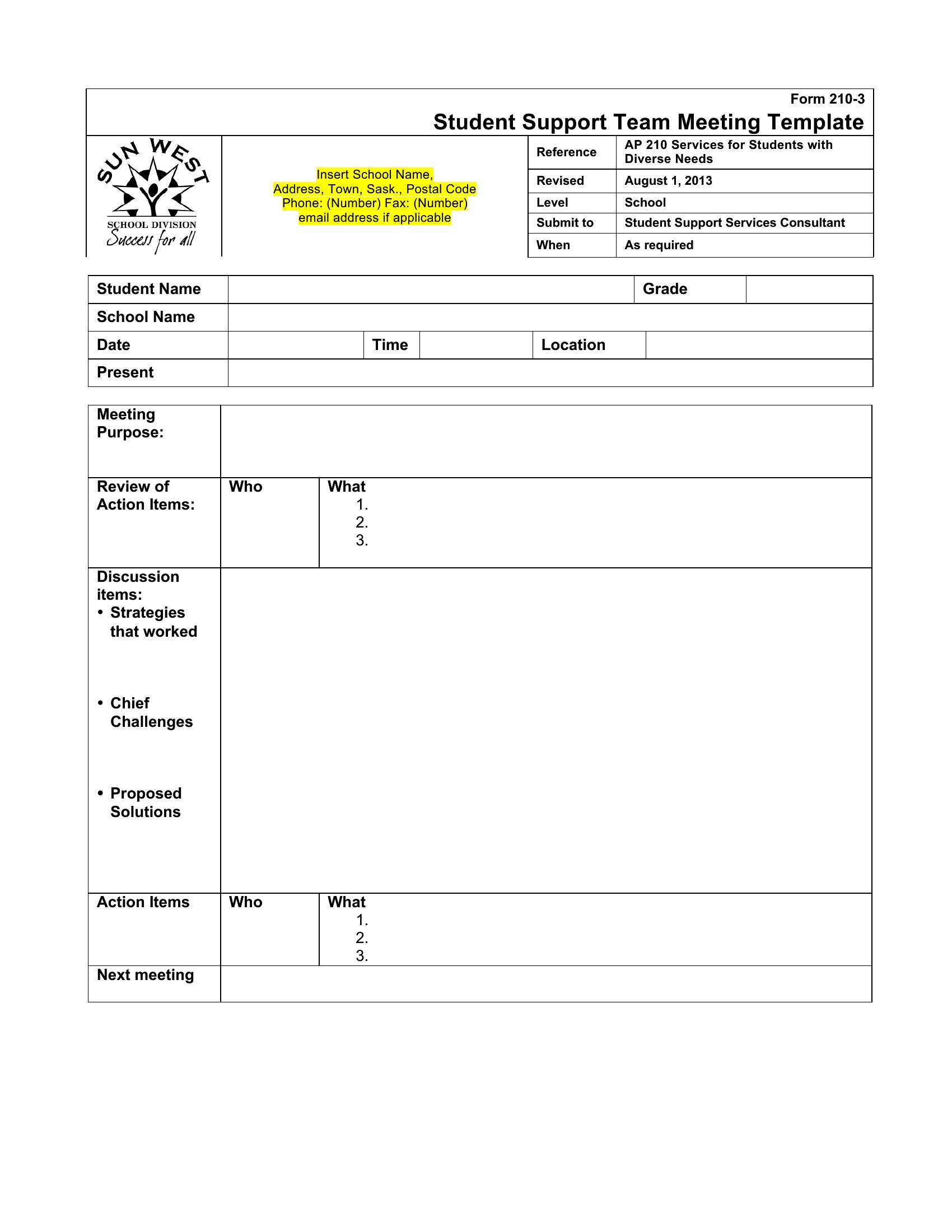
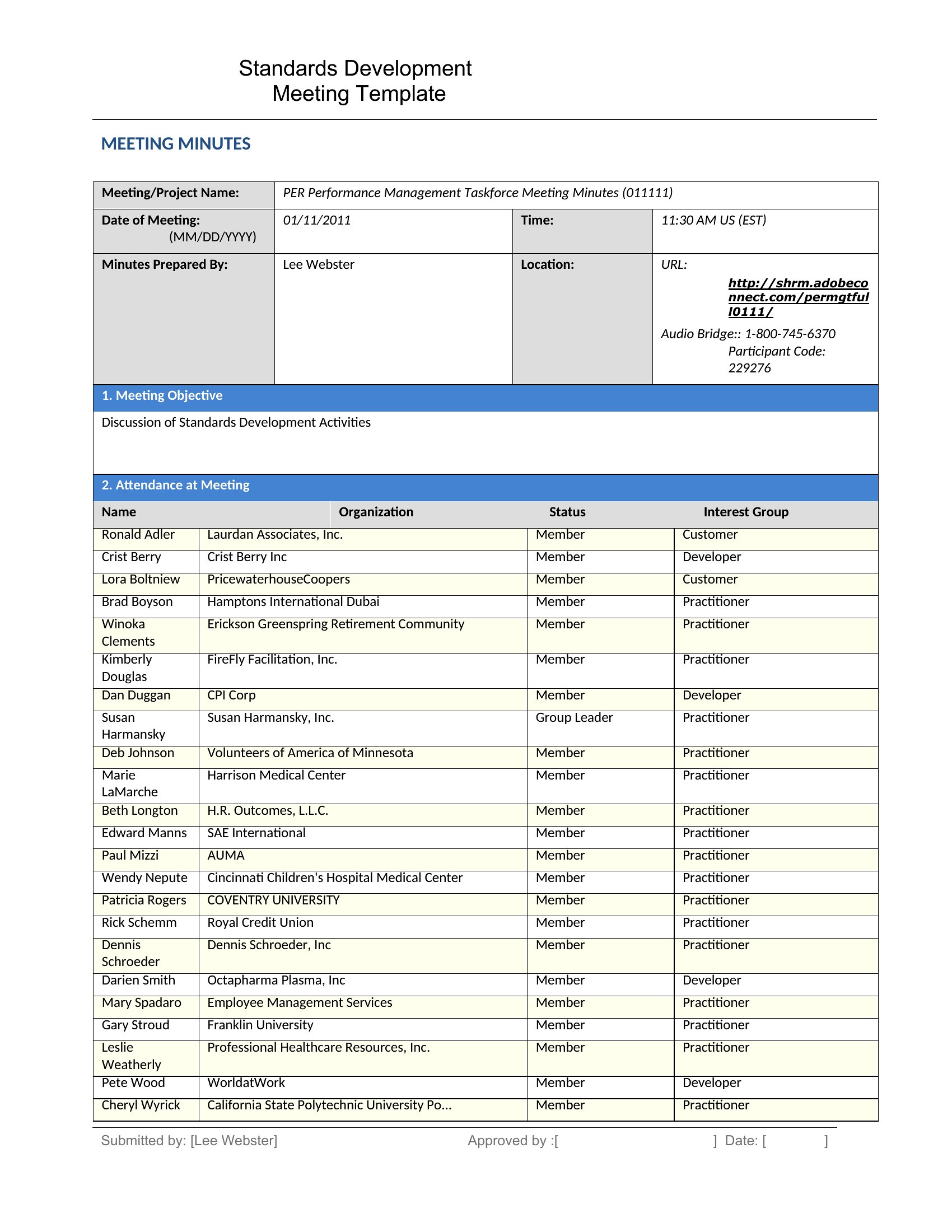
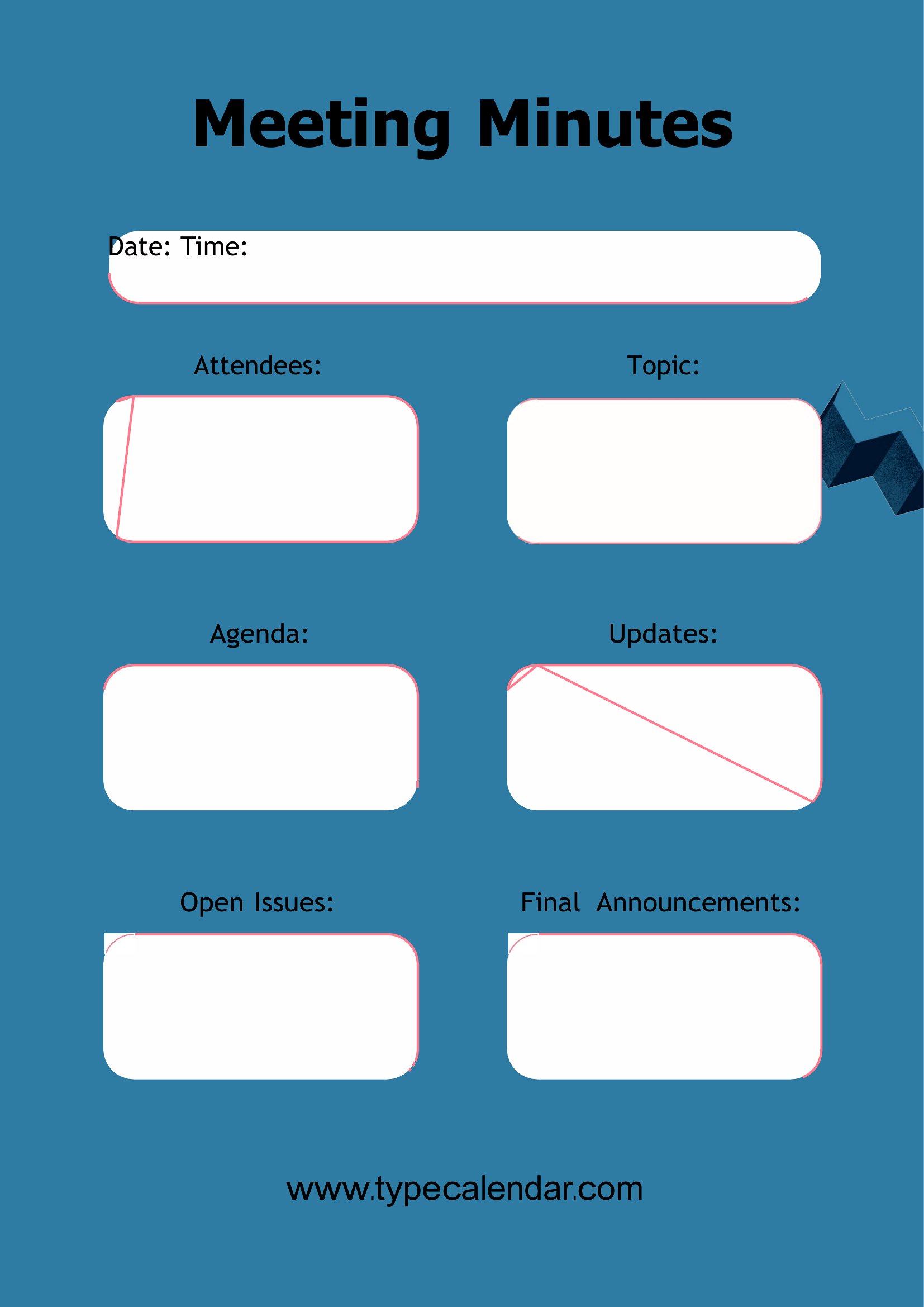
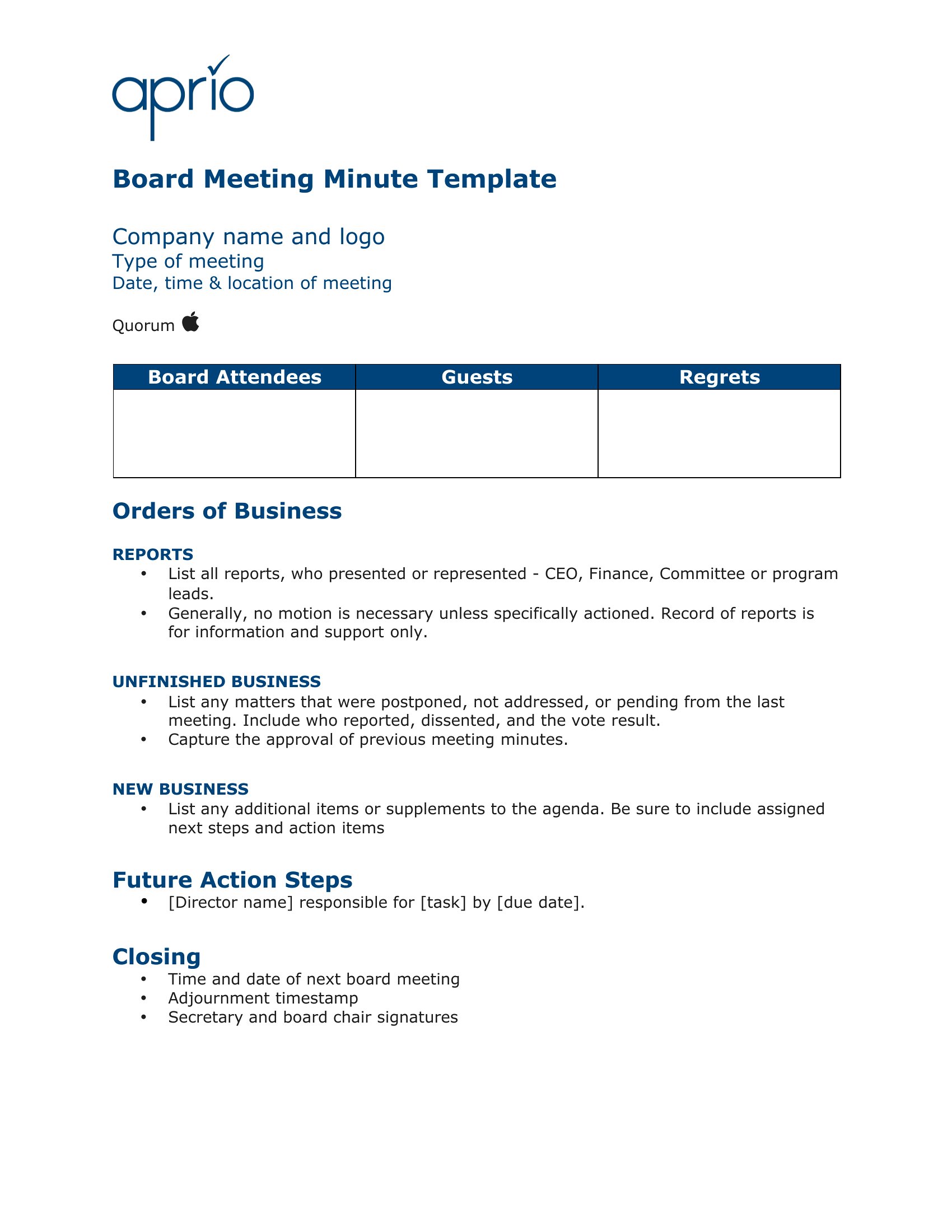
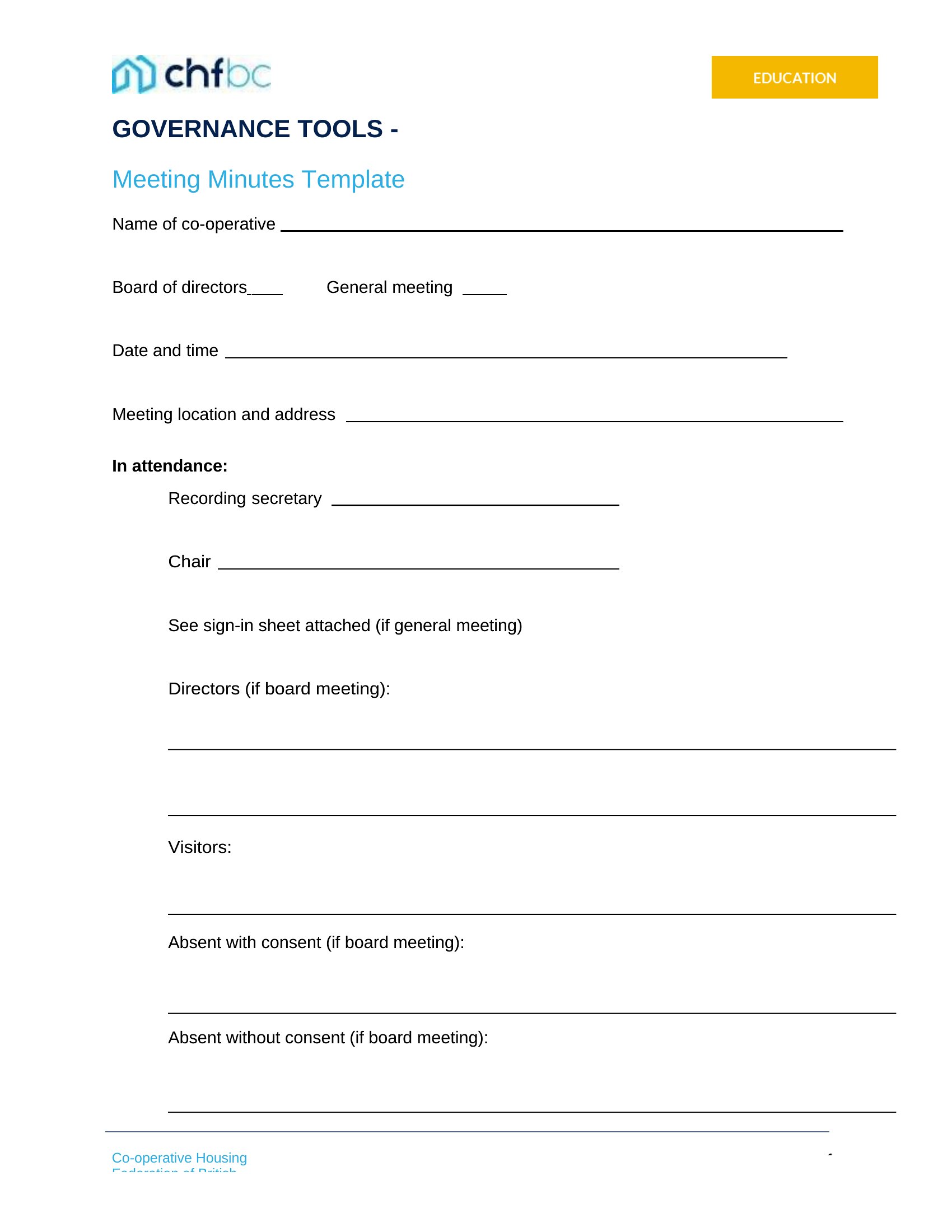
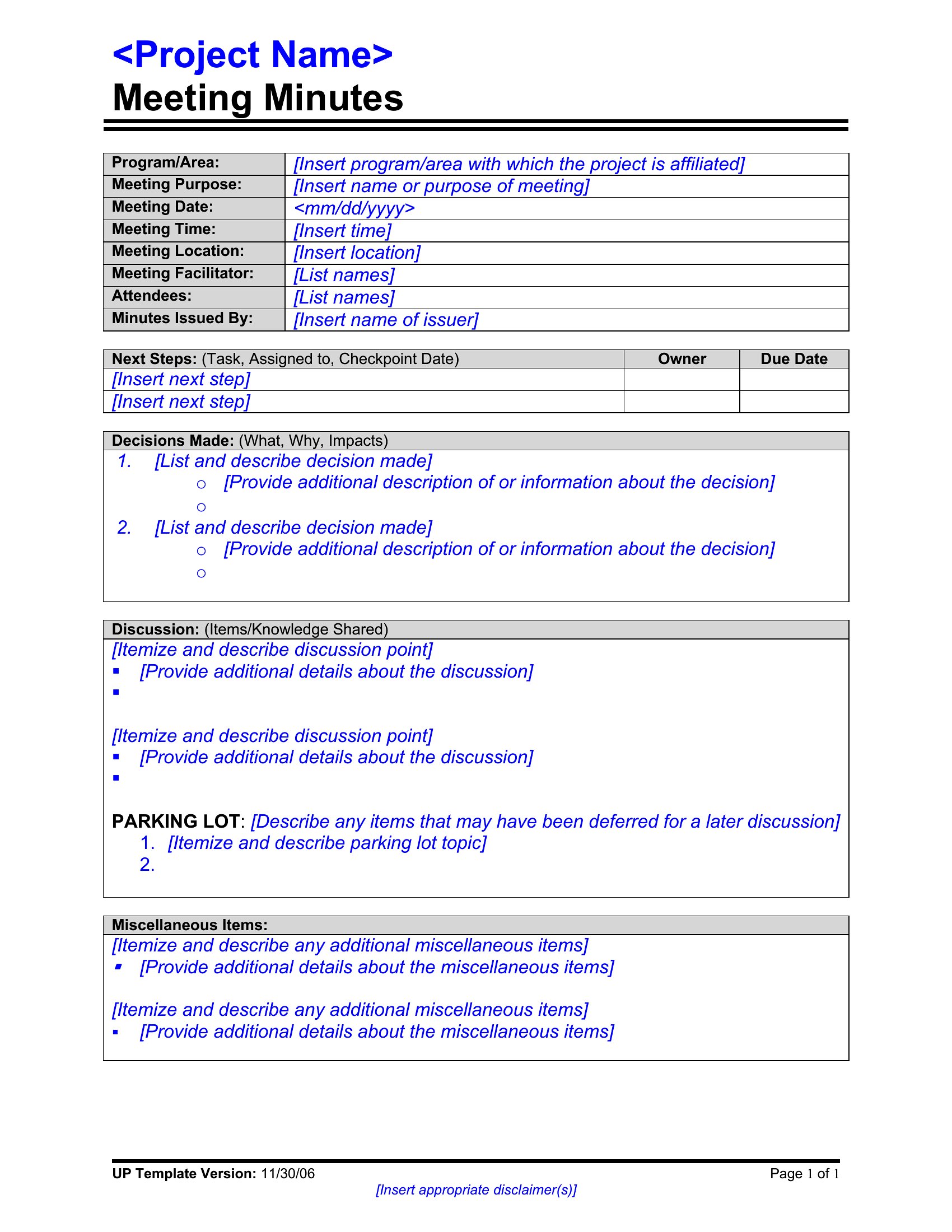
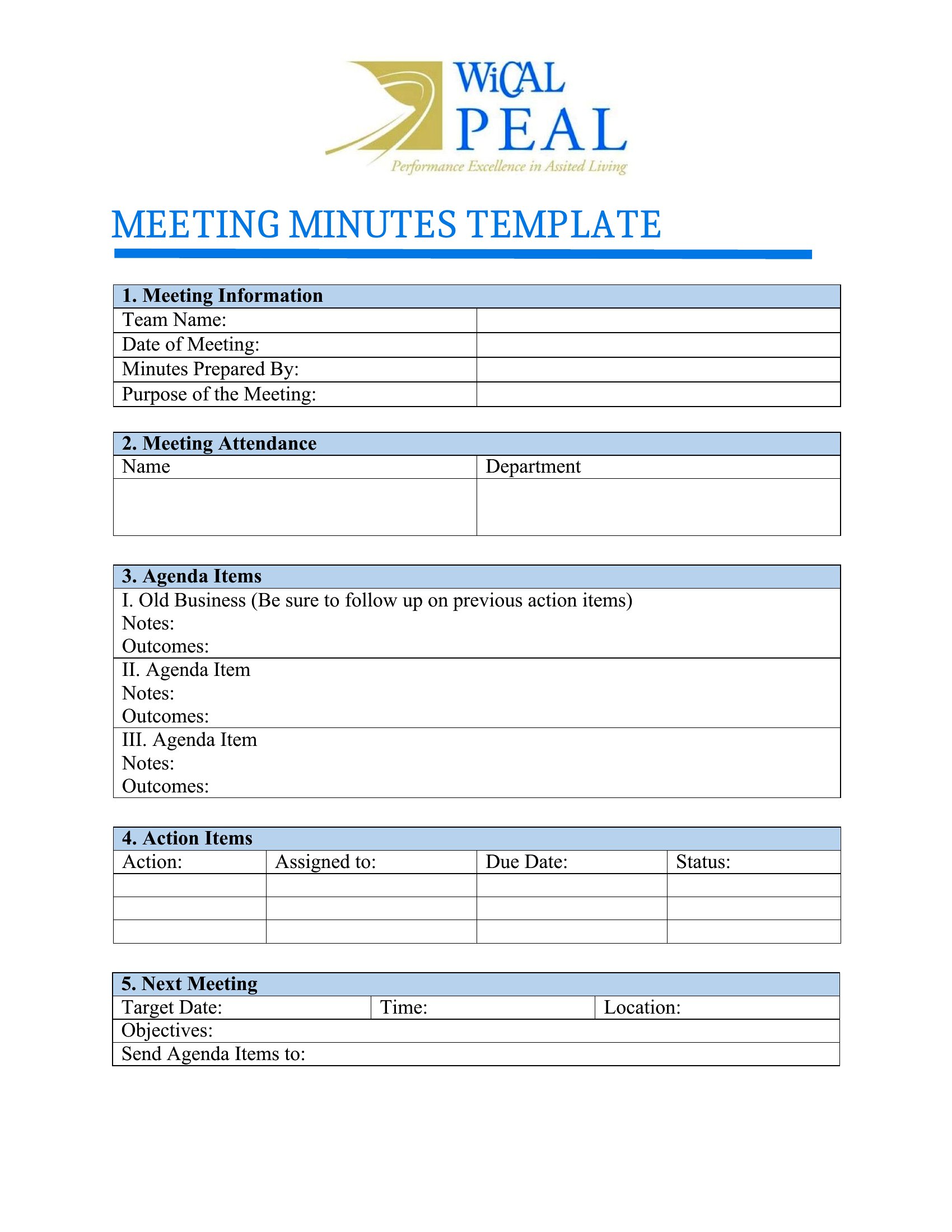
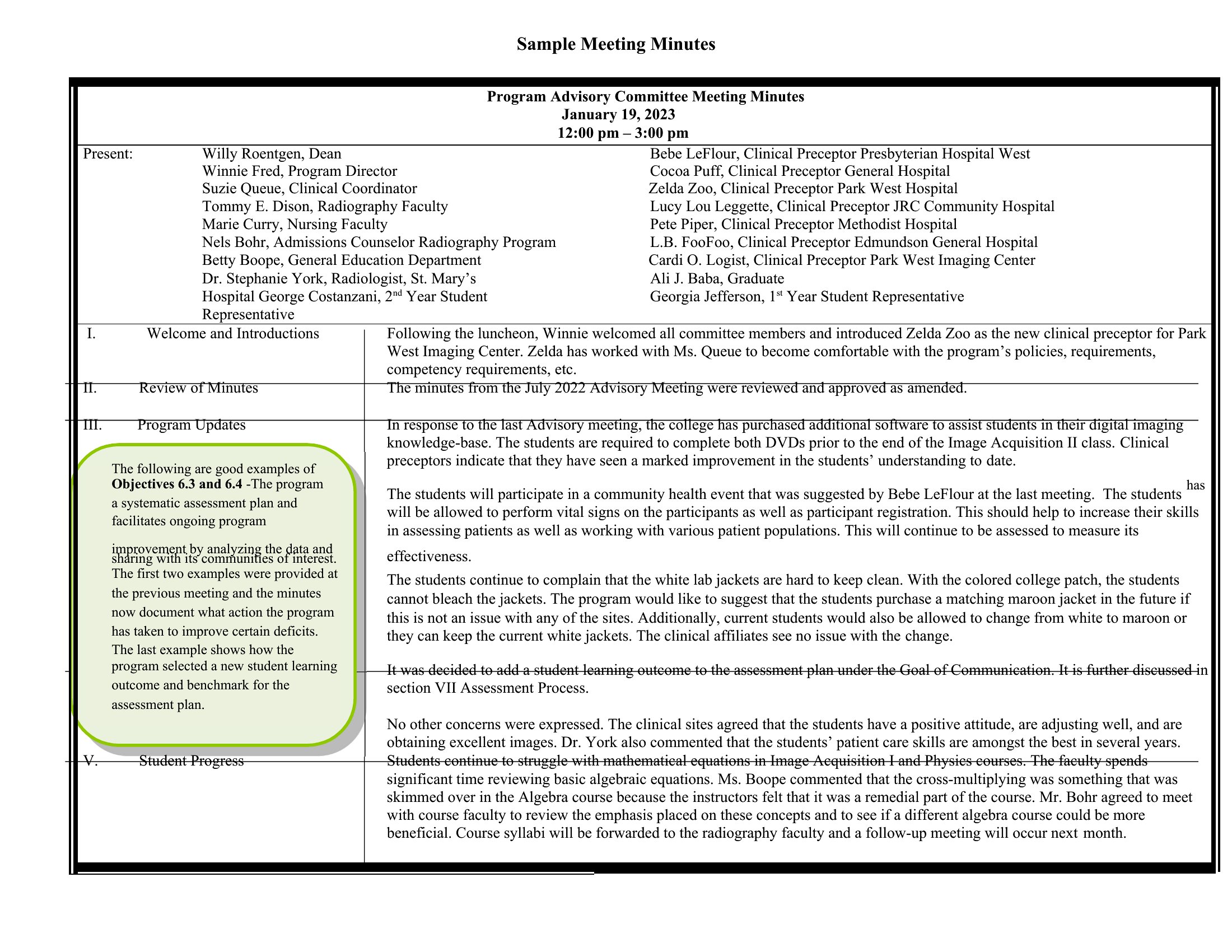
StatusGood meeting minutes capture the decisions and action items everyone forgets by lunch, and having a template ready means you're not scrambling to format notes mid-discussion. These 49 layouts help secretaries, board members, and team leads record attendees, agenda points, votes, and follow-ups in a structure that's easy to circulate afterward. Options range from quick informal notes to formal board minutes.
Editable Word files let you tailor the agenda headings to your group, while the PDFs print clean for taking notes by hand at the table. Fill them in during the meeting or type them up right after while it's fresh. Download the format that suits your committee and turn rambling discussions into a clear, shareable record.
When to use this Meeting Minutes template
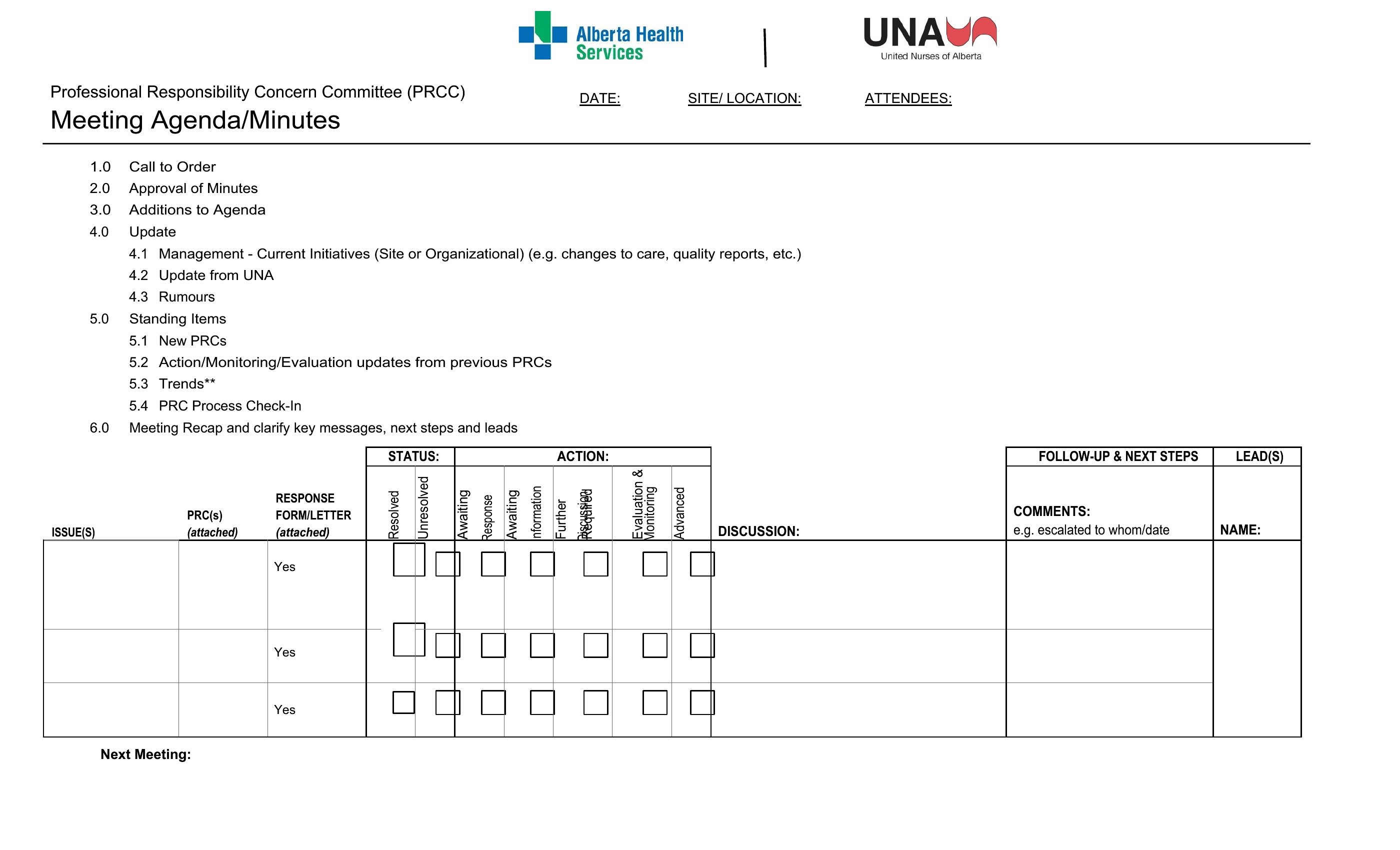
- A corporate secretary organizing board meetings needs a structured Word template to document votes, resolutions, and assigned tasks for compliance and follow-up.
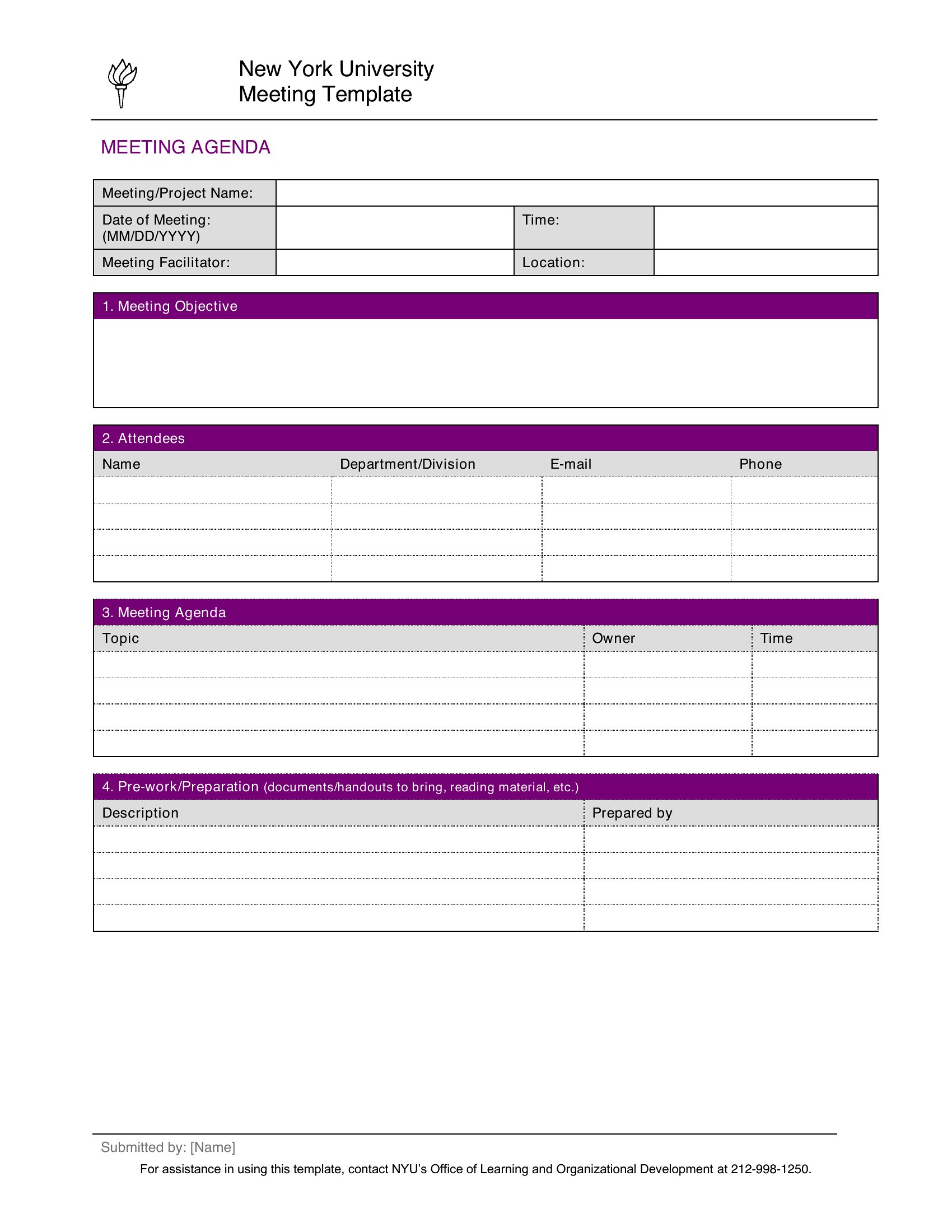
- Project managers tracking client kickoff meetings should use a PDF template to share concise, formatted notes with stakeholders who prefer digital files.
- Small business owners running informal team huddles benefit from a fillable PDF to quickly jot down action items and distribute them to remote team members.
- Nonprofit board members reviewing quarterly strategy sessions require a detailed Word template to log discussion points, volunteer commitments, and next steps.
Which format should I download?
Choose Word if you need to edit minutes frequently after the meeting, such as adding signatures or revising details before distribution. Word’s flexibility suits formal or evolving records where collaboration is key. Opt for PDF when sharing finalized minutes with stakeholders who don’t have Word, or when you want to lock the format to prevent accidental changes. PDFs are ideal for quick distribution via email or shared drives, preserving layout and readability across devices.
Choose from 49 Meeting Minutes Templates
How to use this Meeting Minutes template
How should I handle sensitive or confidential discussion points in meeting minutes?
Meeting minutes are not confidential documents, so avoid including sensitive details. For private matters, refer to them as ‘discussed off-record’ or ‘documented separately.’ If legal concerns arise, consult an attorney to determine what can be omitted while preserving the meeting’s purpose.
Can I use these templates for virtual meetings with international participants?
Yes, but adjust the template to include time zones, virtual meeting links, and participant names with time stamps for clarity. PDFs are especially useful for global teams who may not have Word, ensuring everyone accesses the same version.
What’s the best way to track follow-up actions listed in the minutes?
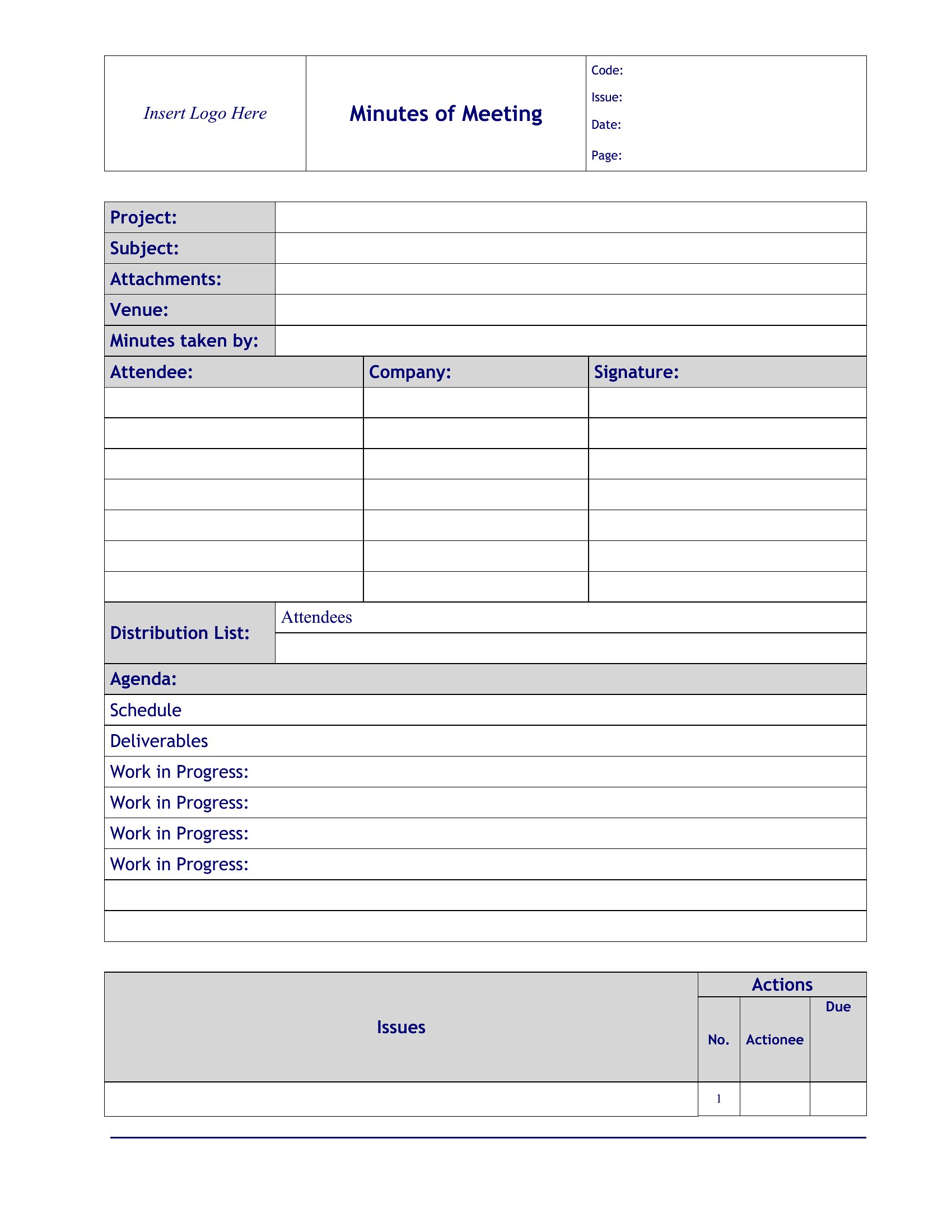
Dedicate a section in your template for action items, including owners and deadlines. Use color-coding or bold text to highlight urgent tasks. For accountability, share the minutes via email or project management tools like Trello or Asana, linking directly to the assigned tasks.
Comments
Join the conversation
Sign in to share your thoughts and leave a comment on this resource.