
FAQ
Can these timesheets help with overtime tracking for salaried employees?
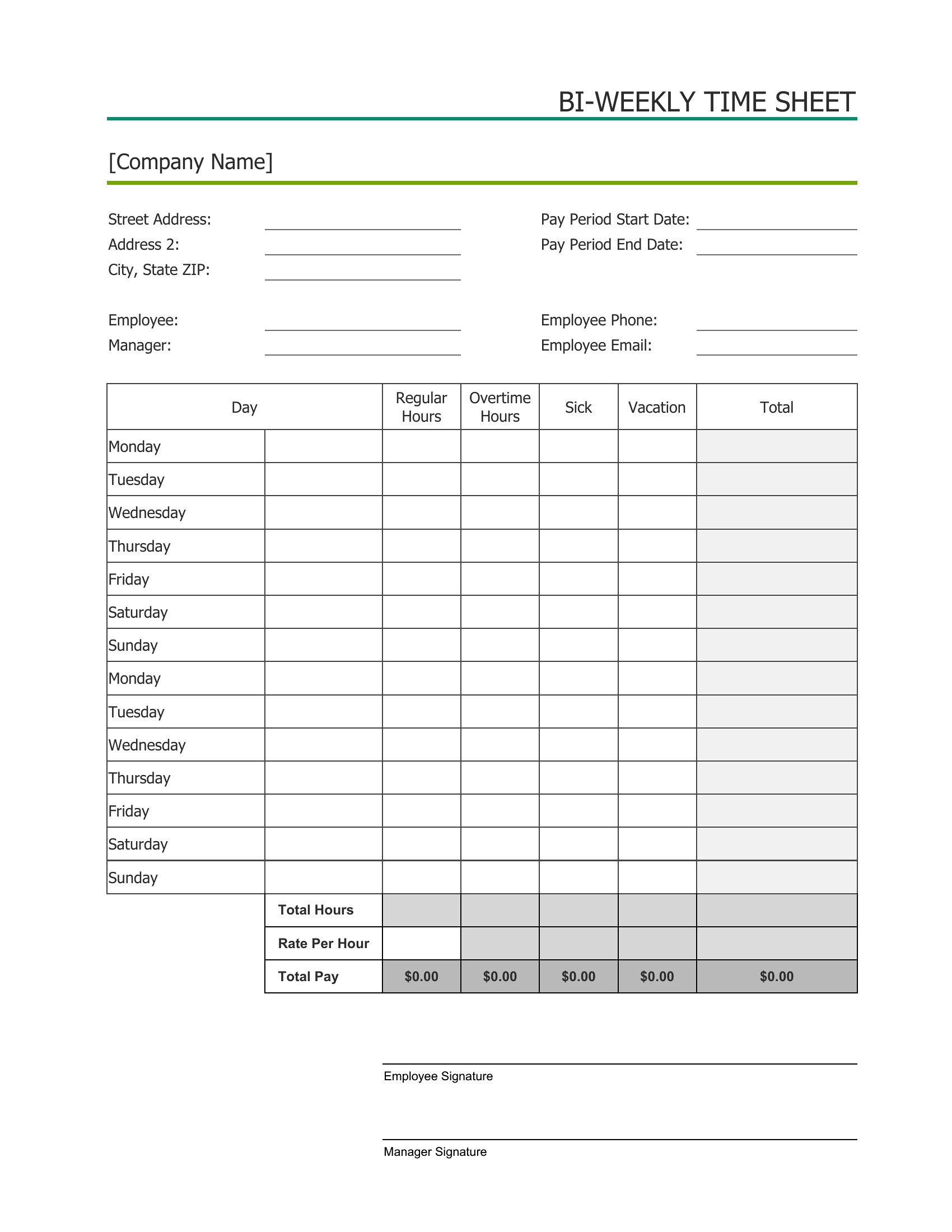
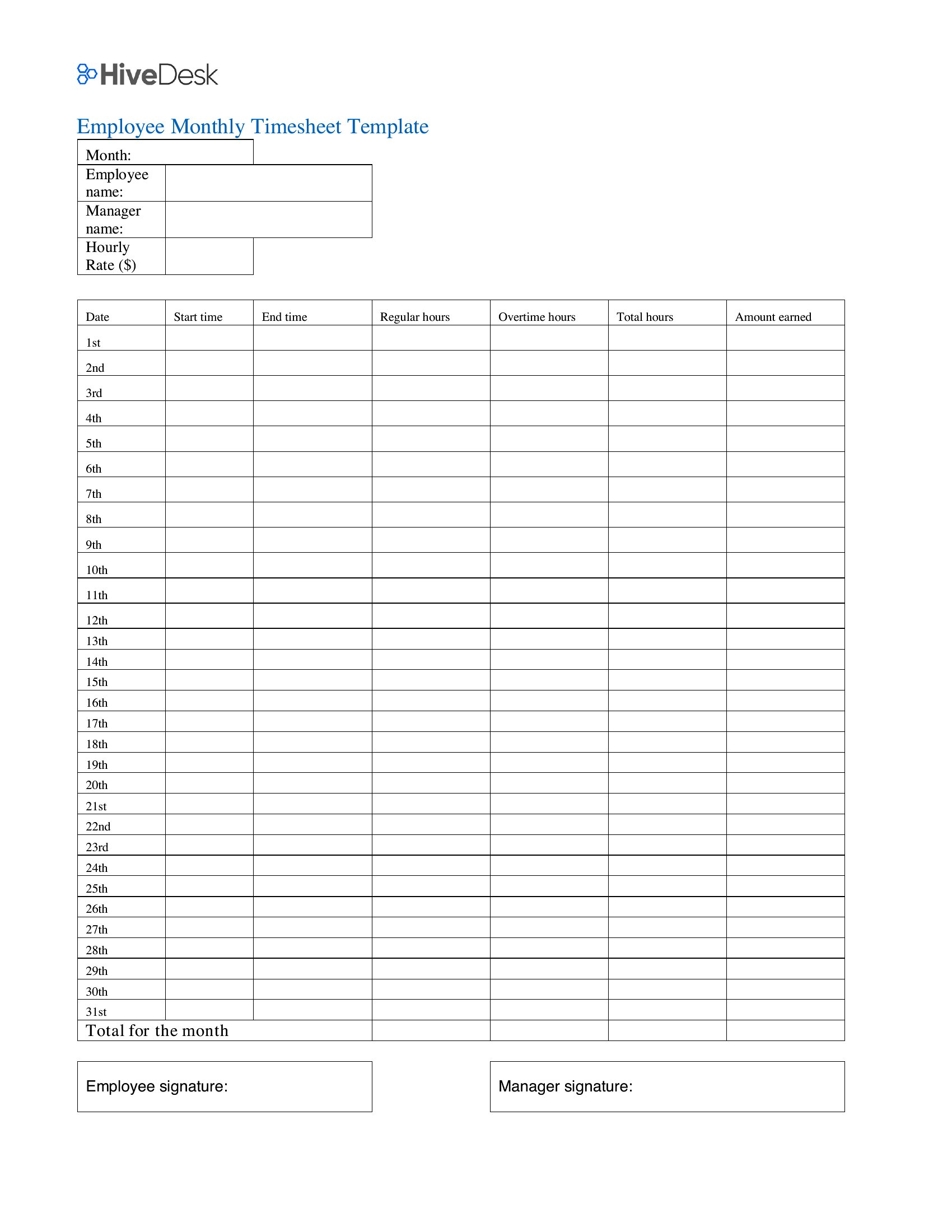
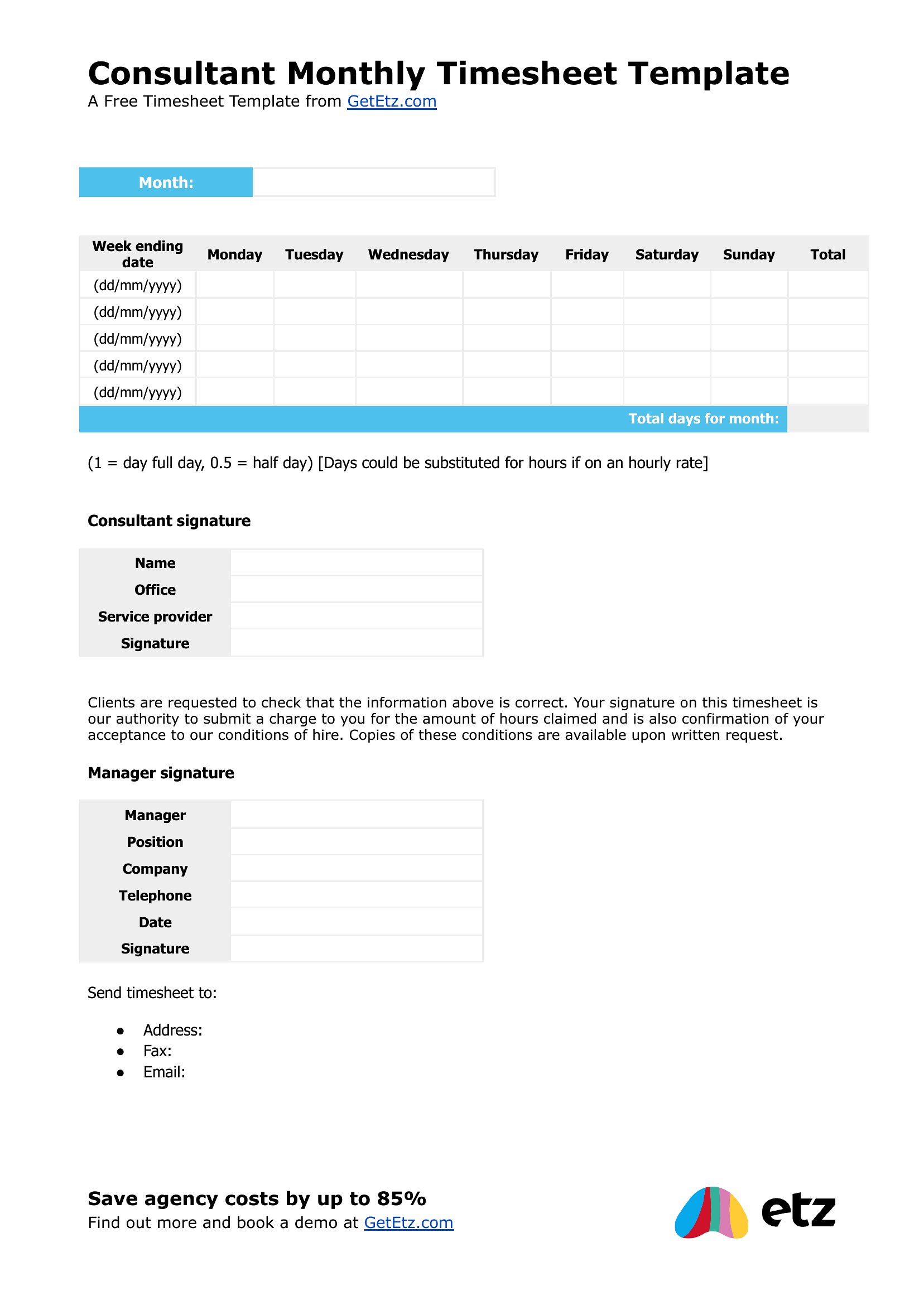
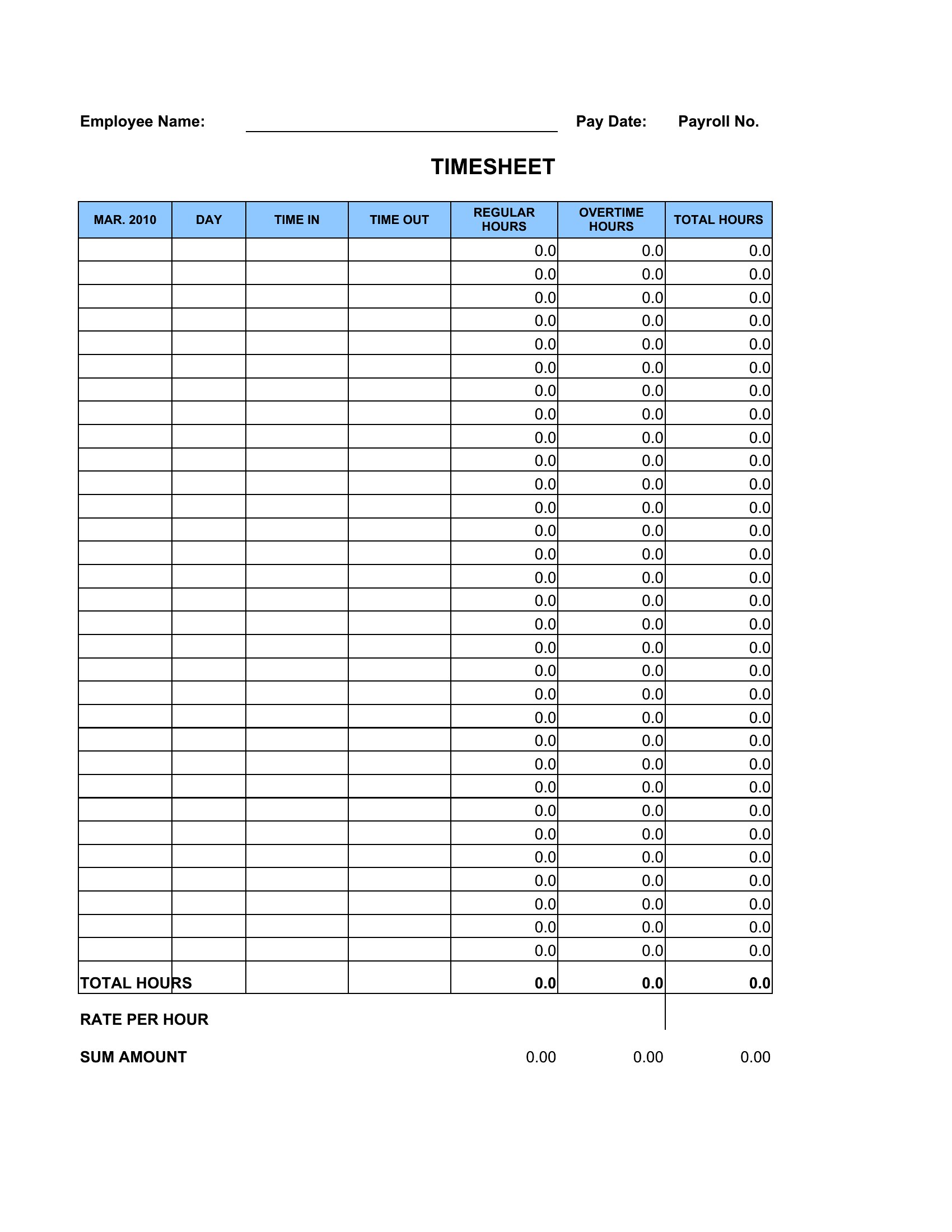
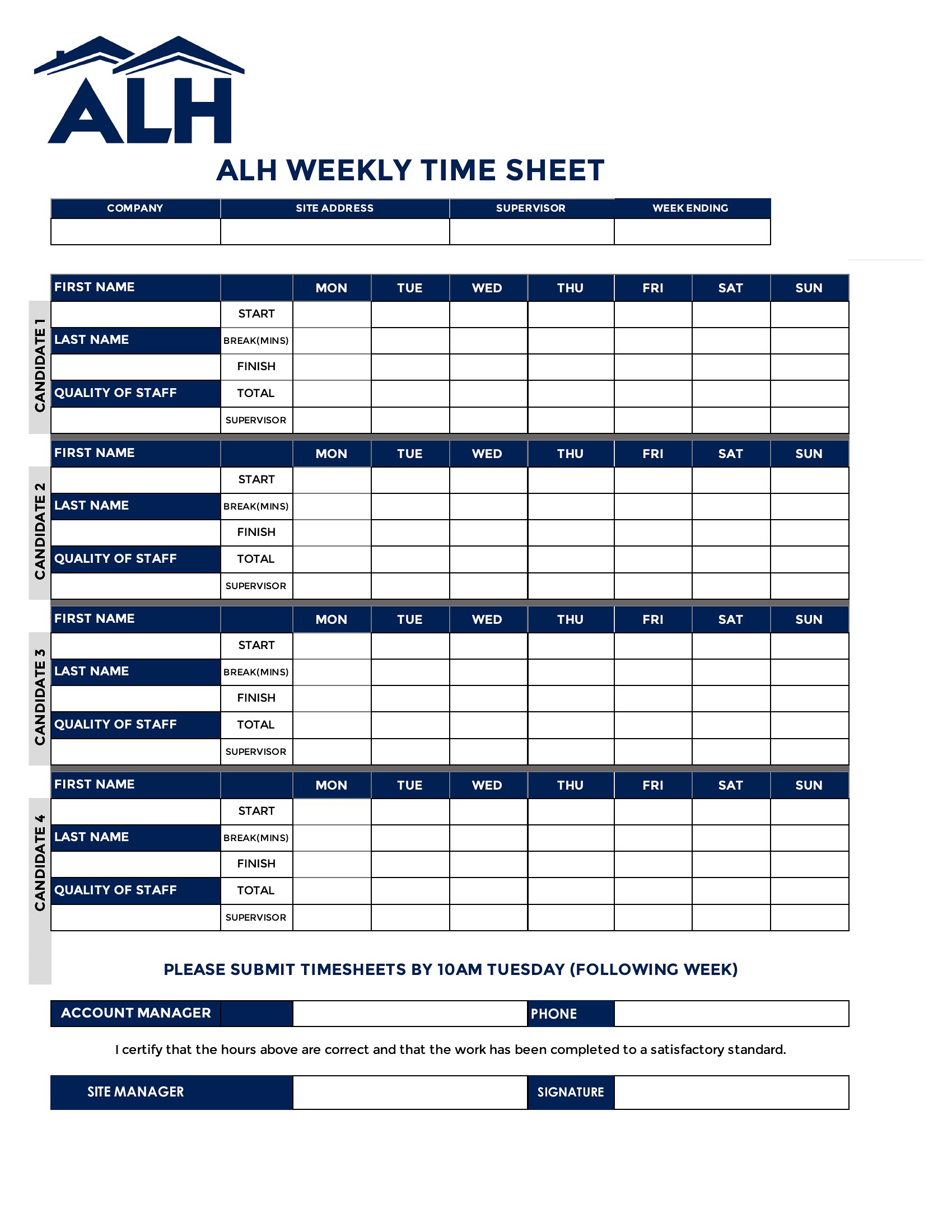
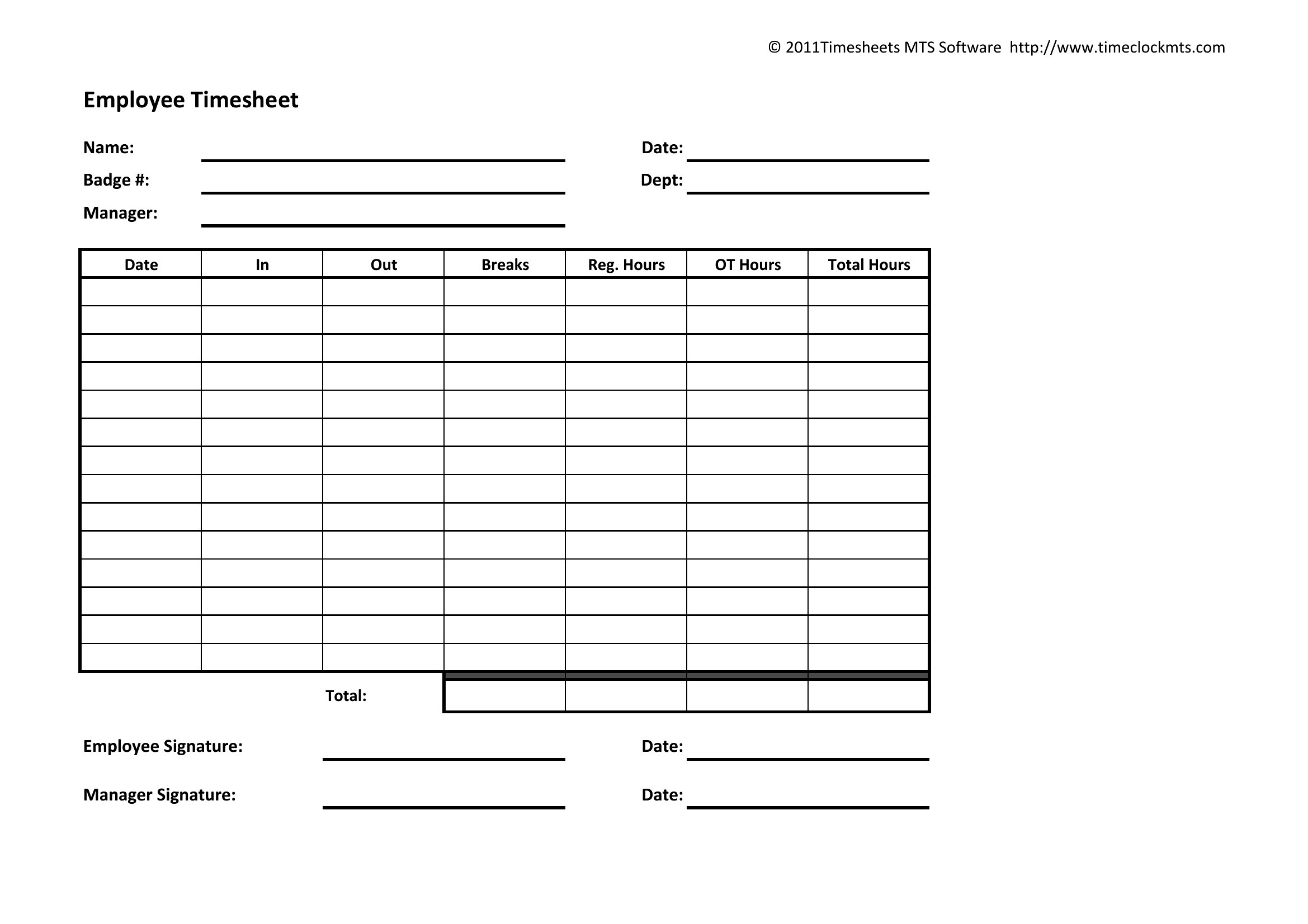
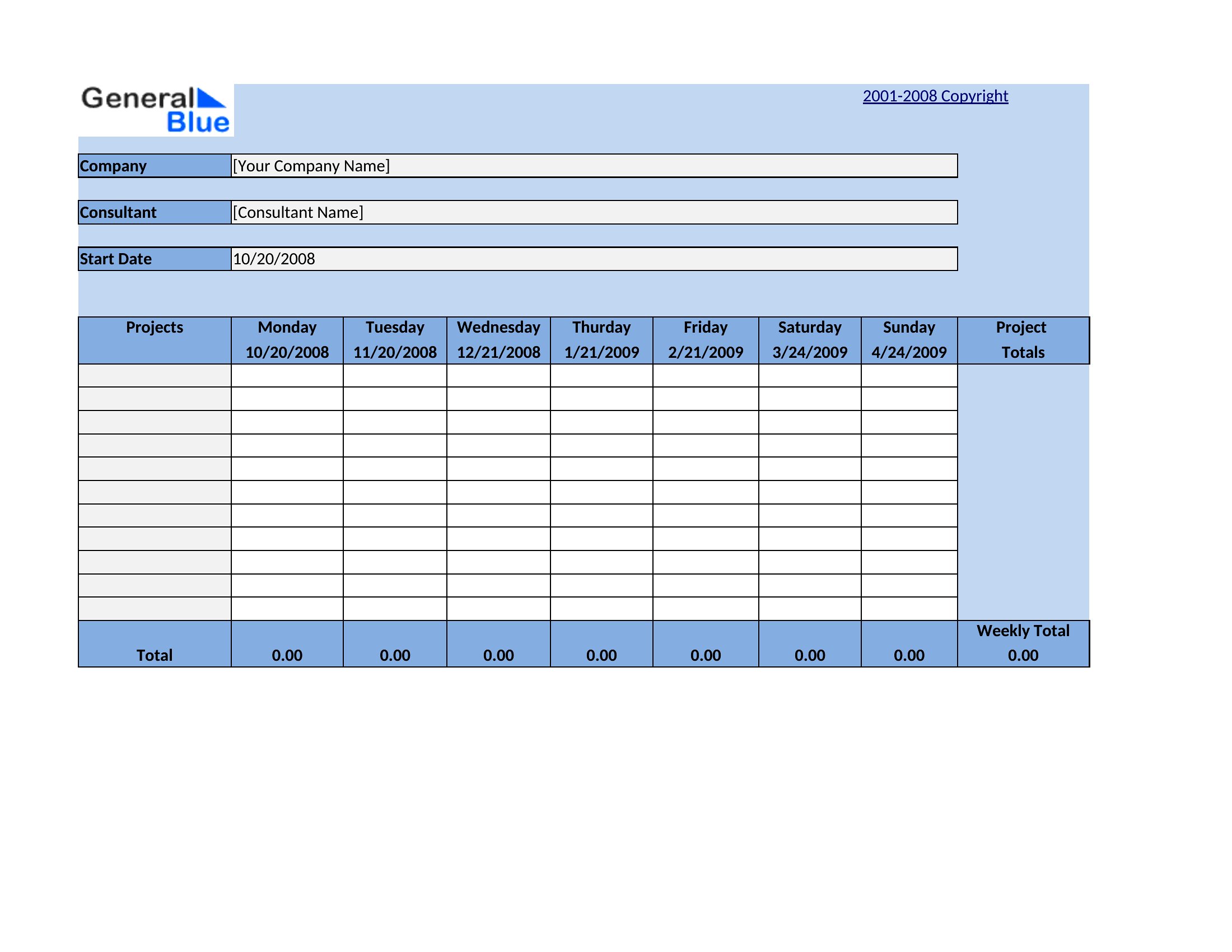
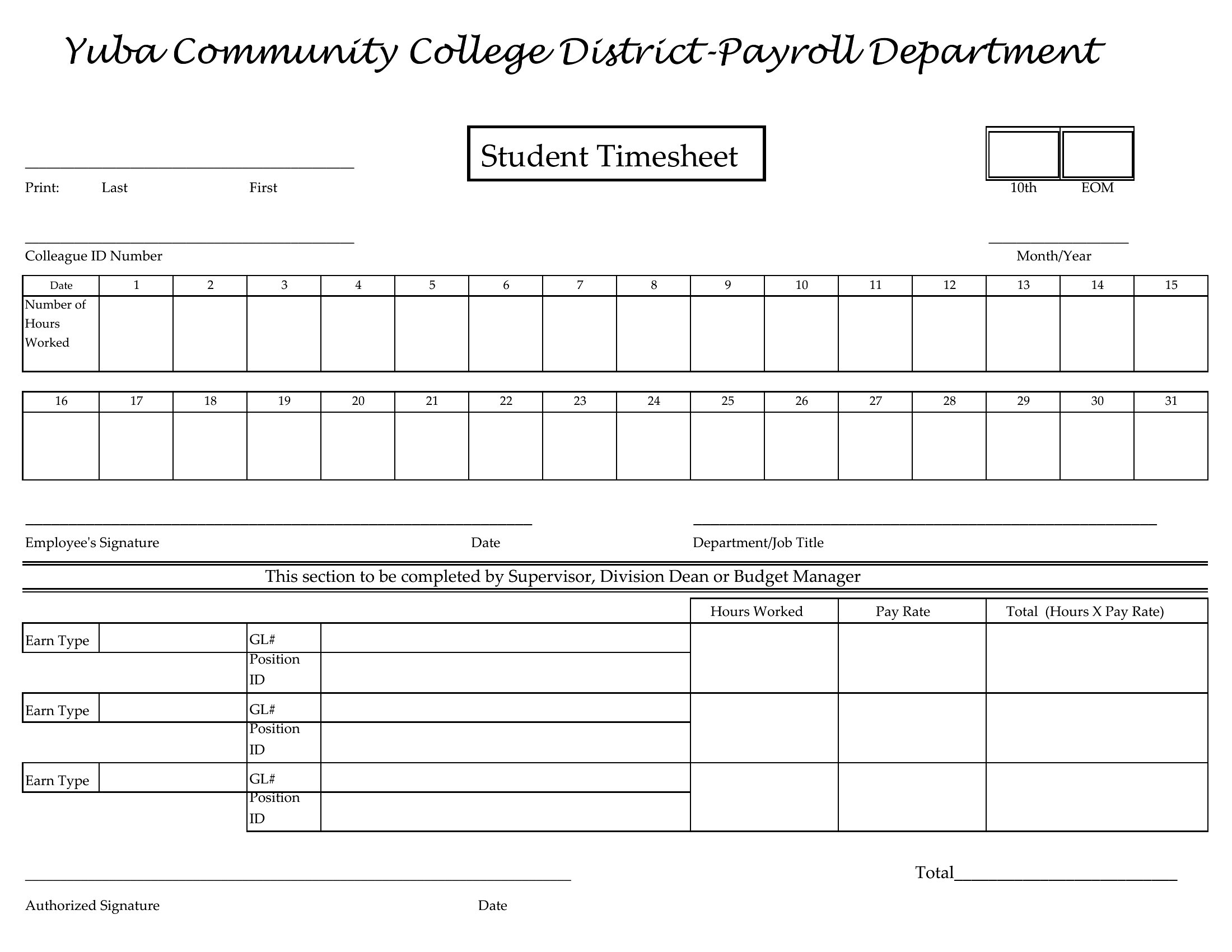
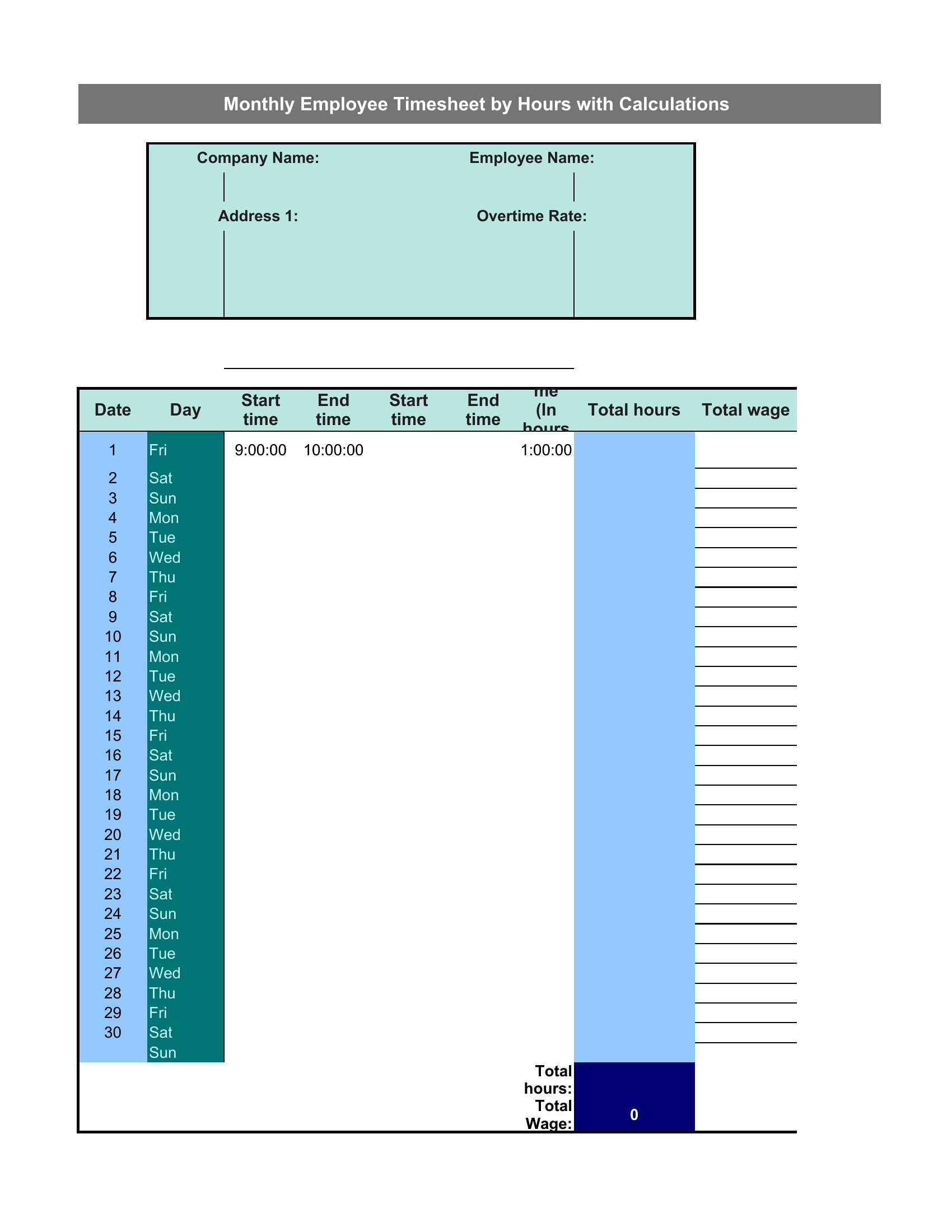
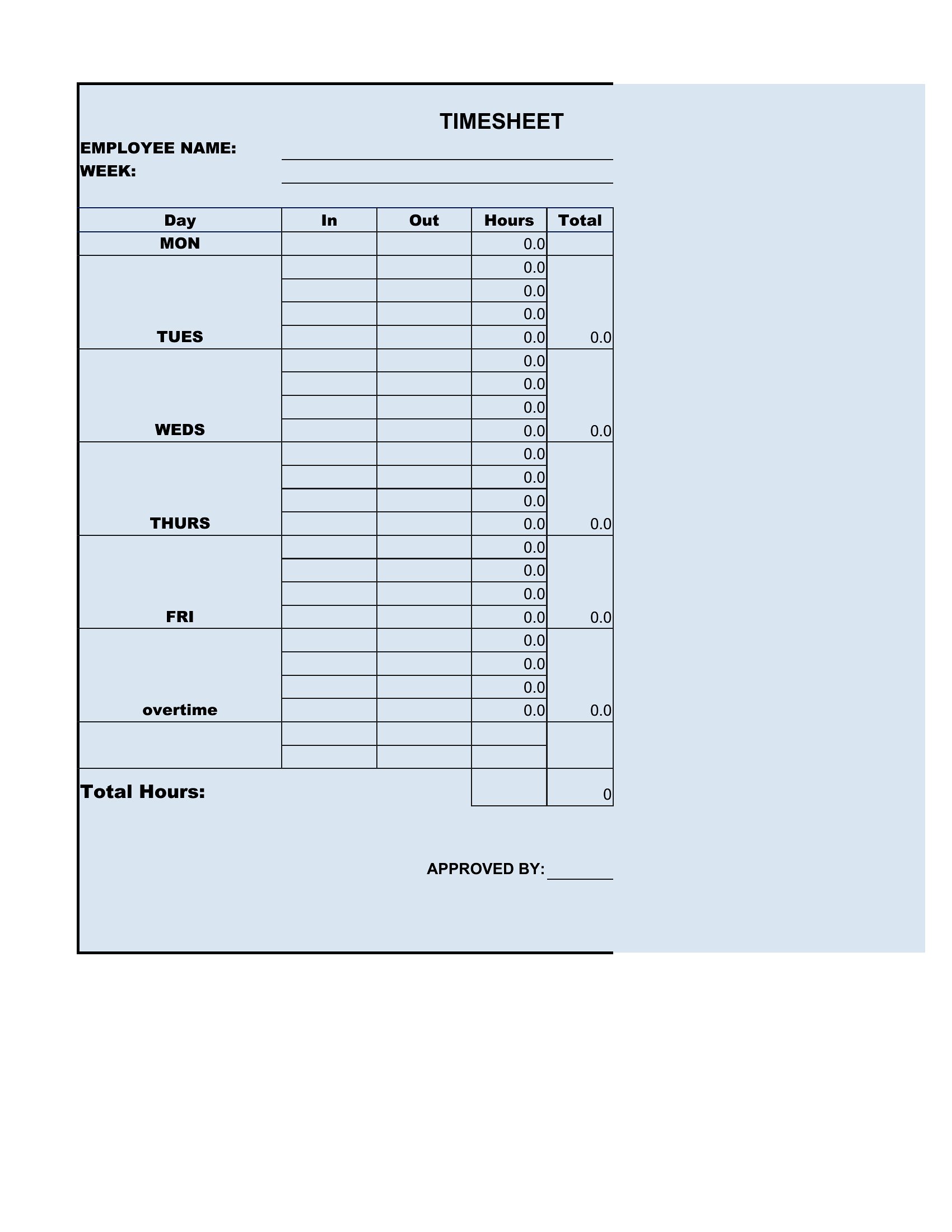
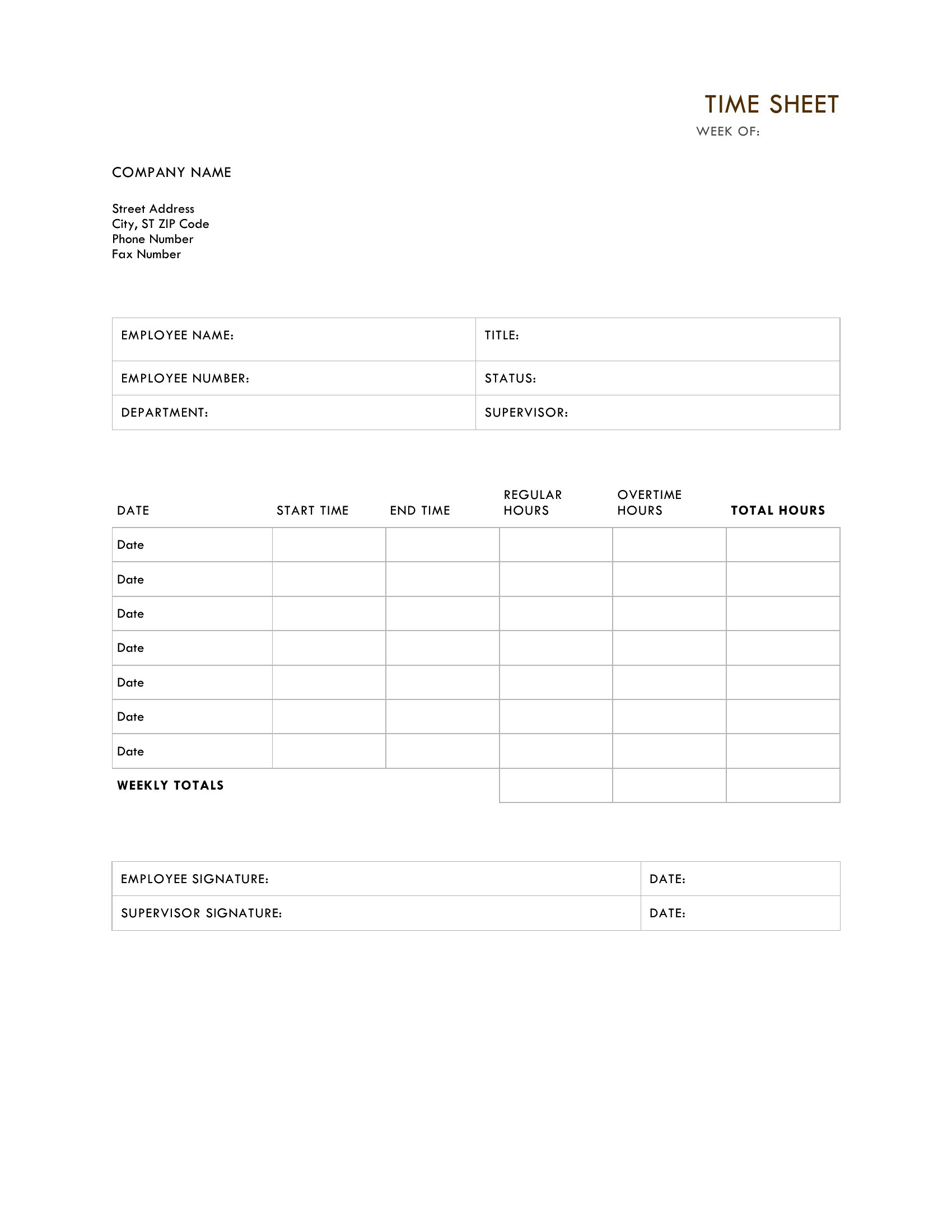
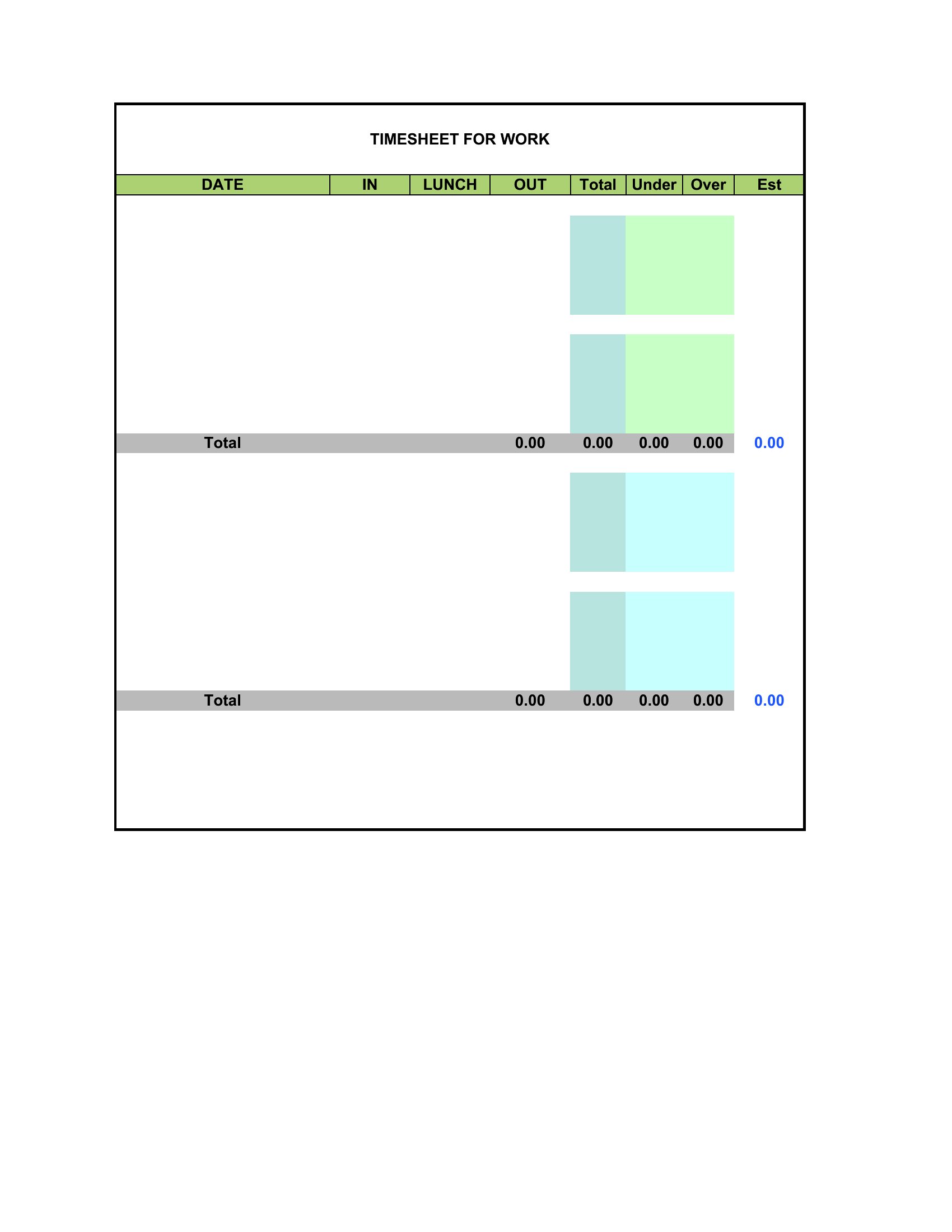
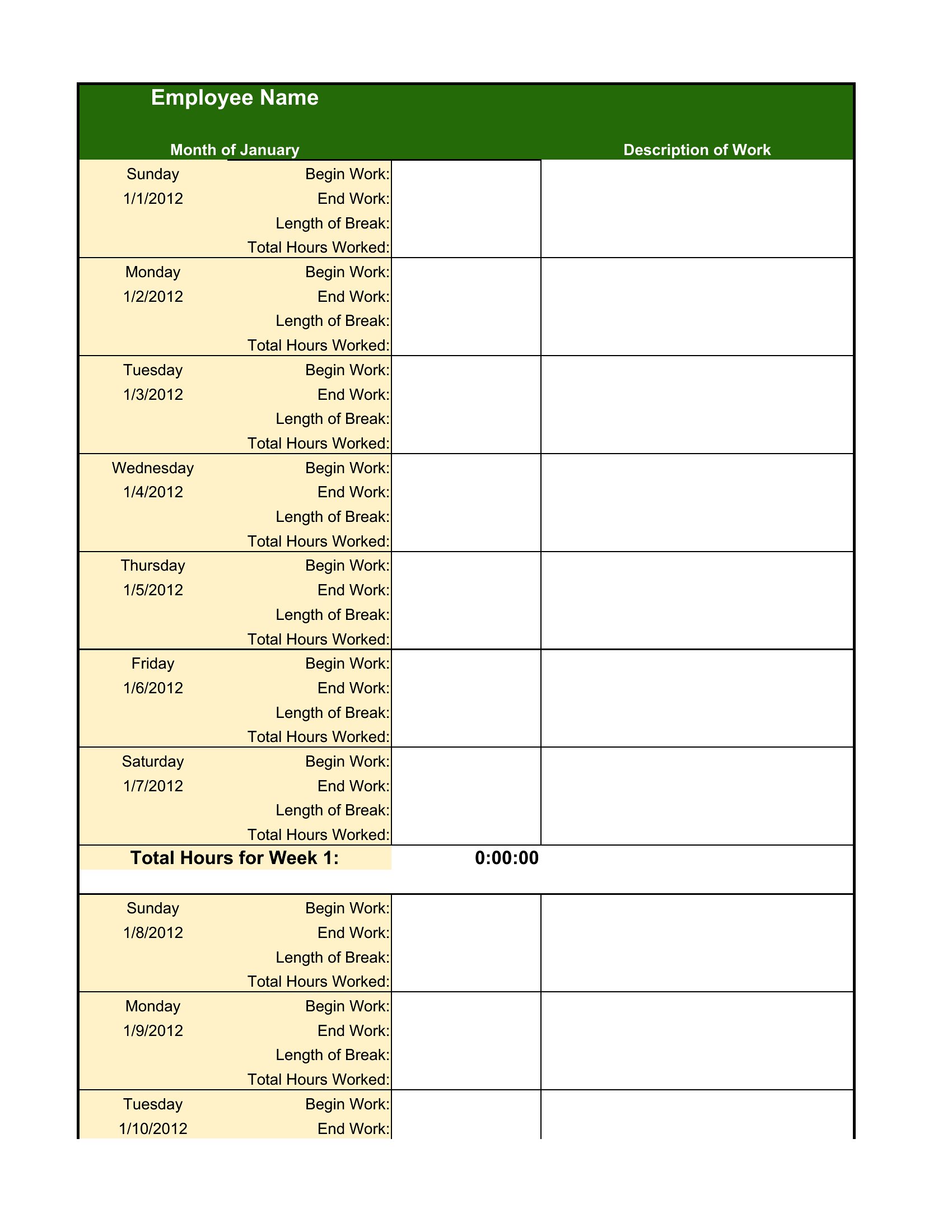
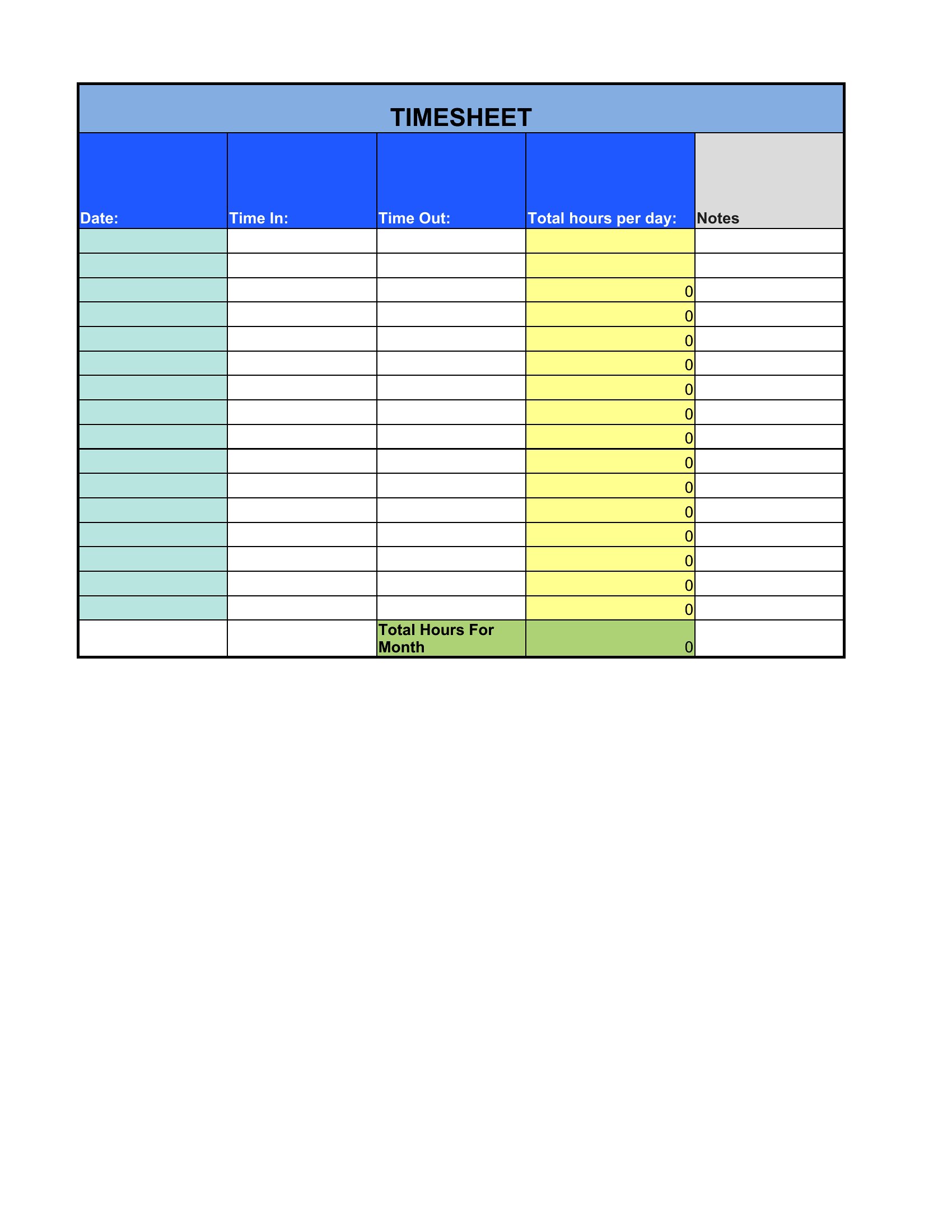
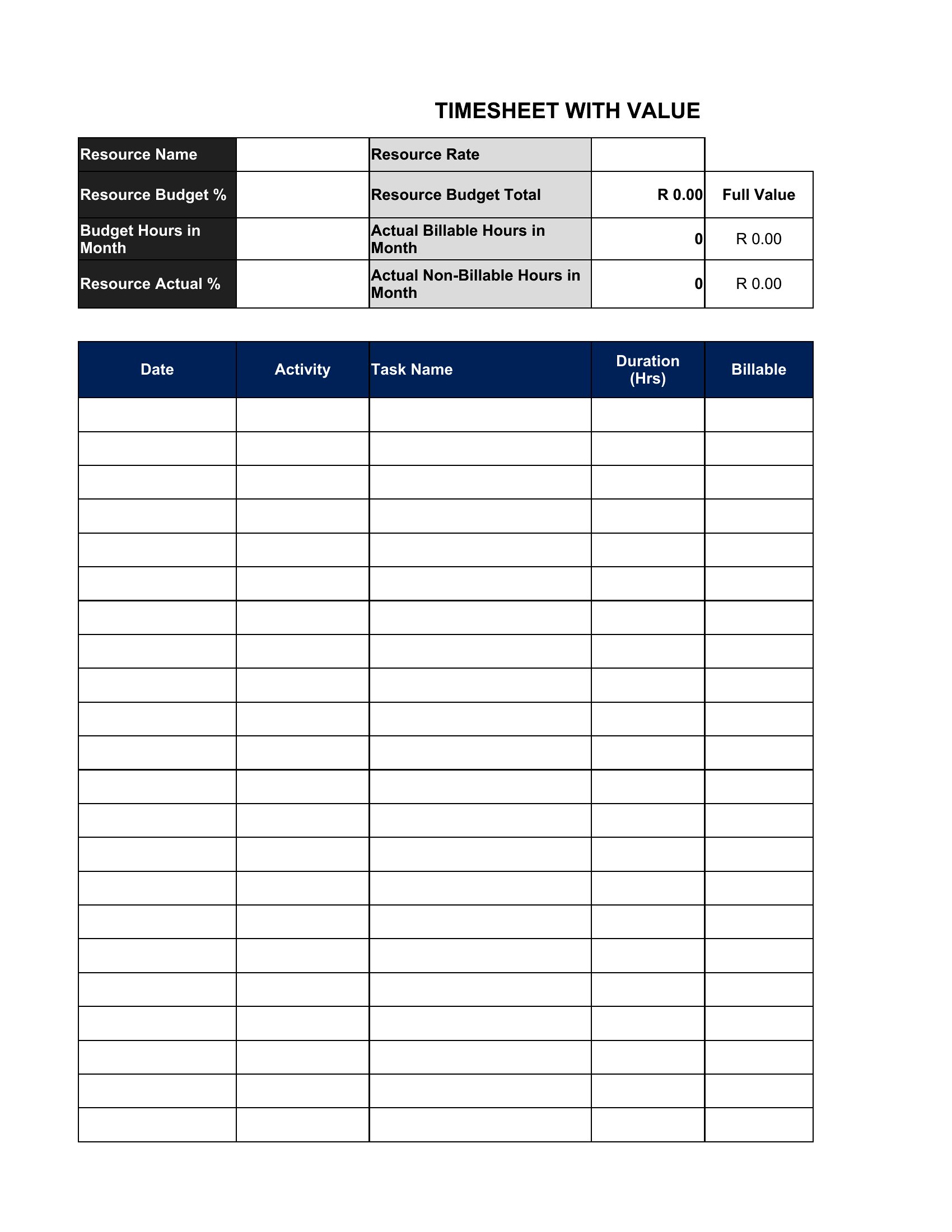
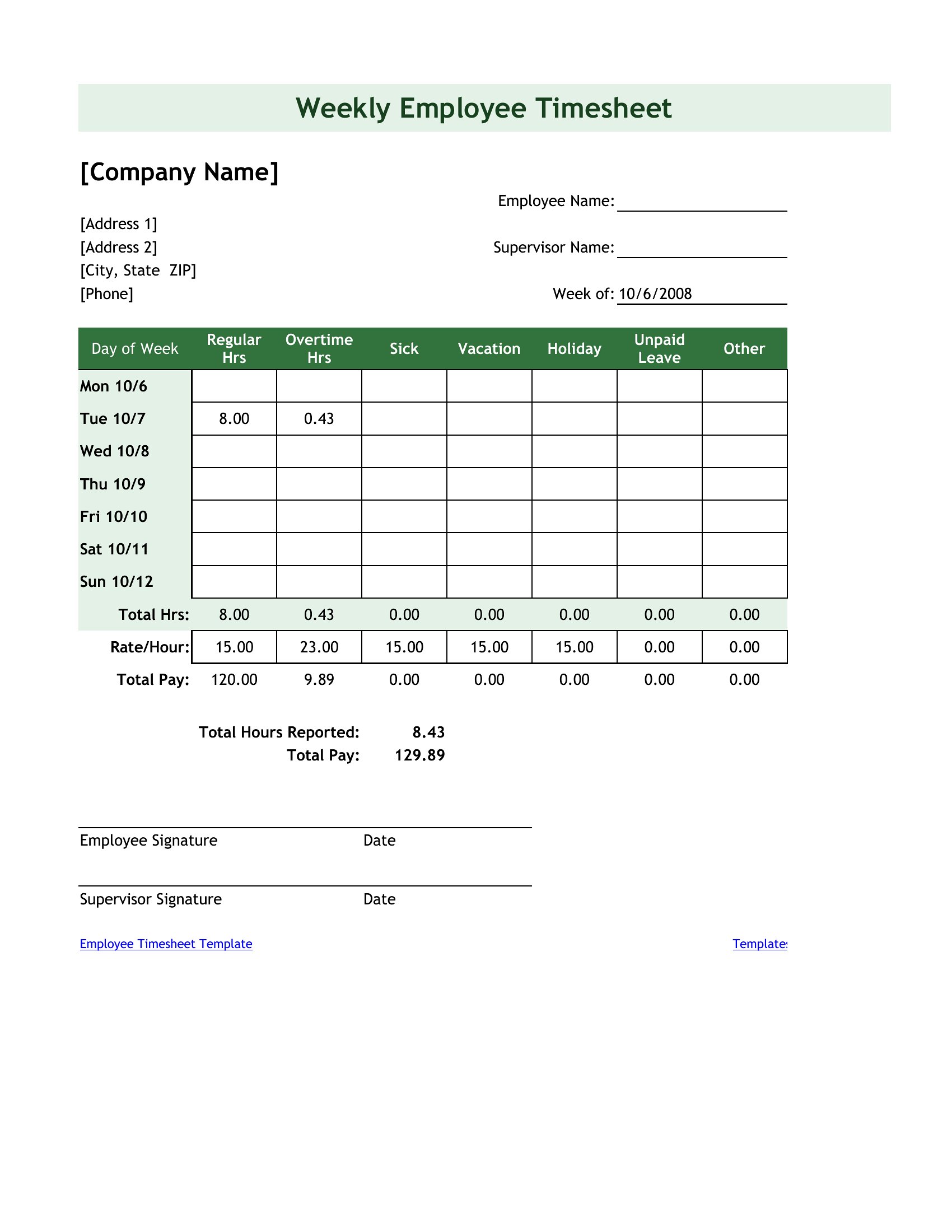
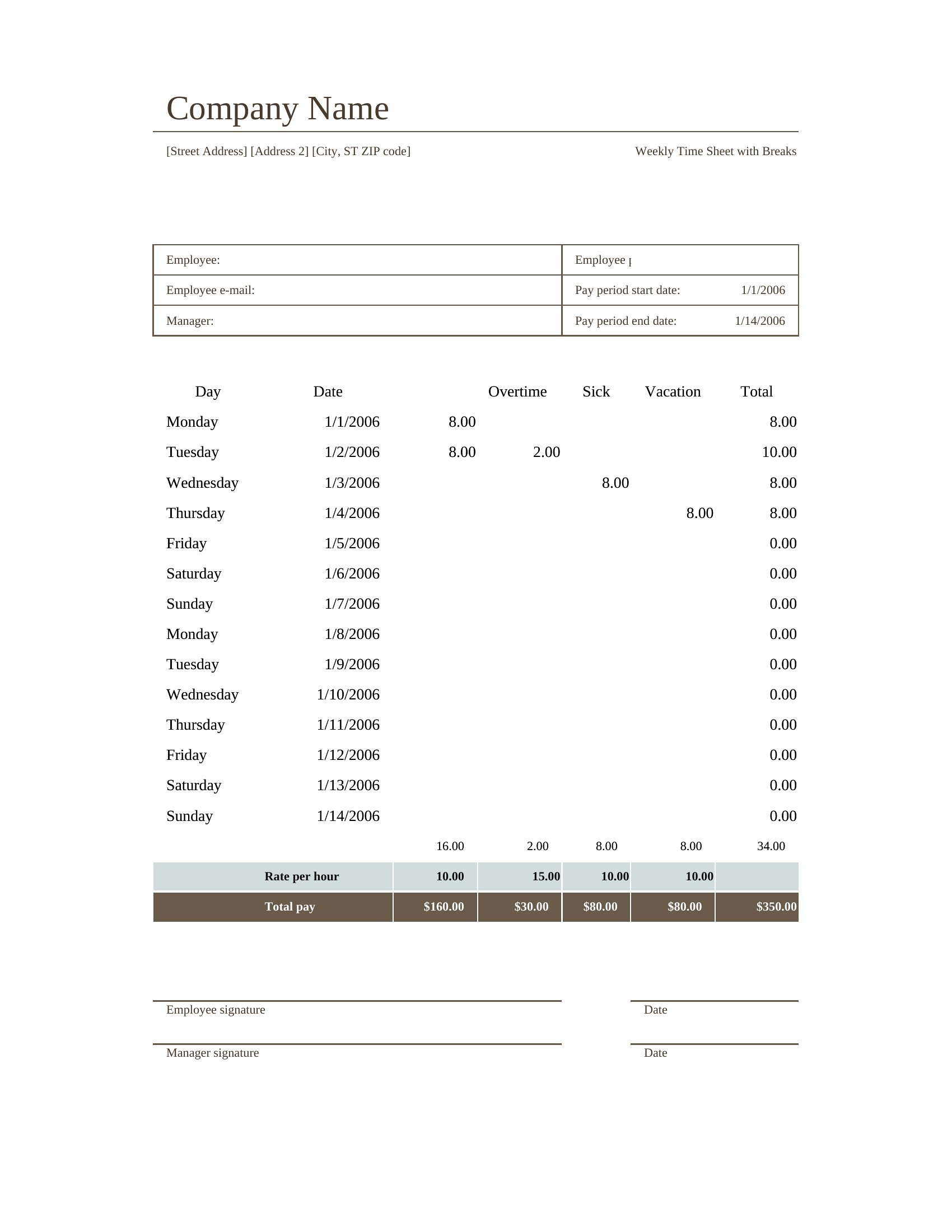
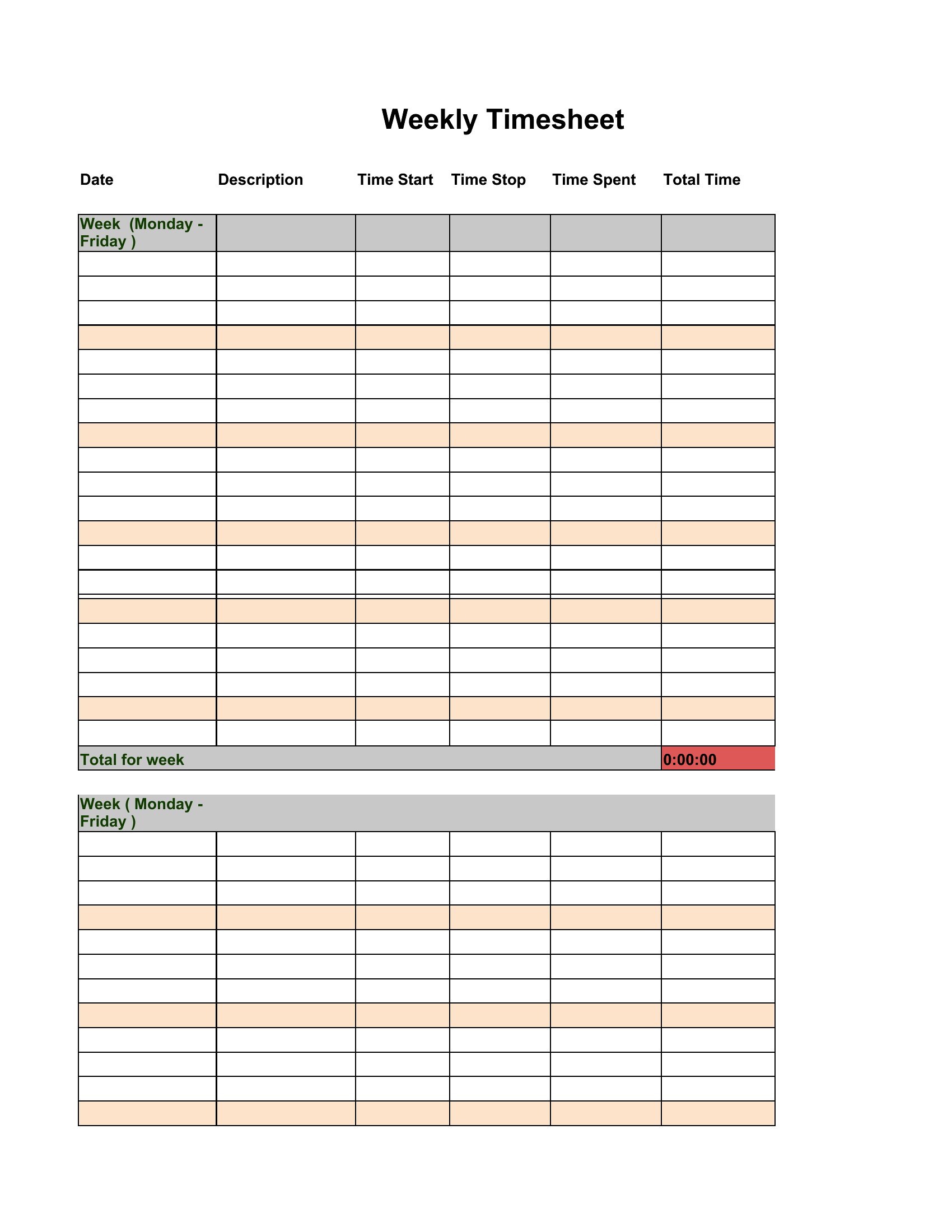
These templates are designed primarily for hourly workers, but some include sections for tracking extra hours. Salaried employees should consult labor laws or HR policies, as overtime rules for exempt employees differ by region. The Excel versions can be manually adjusted to flag hours over a threshold if needed, but they’re not a substitute for legal or payroll advice.
What’s the best way to use these templates for remote teams across different time zones?
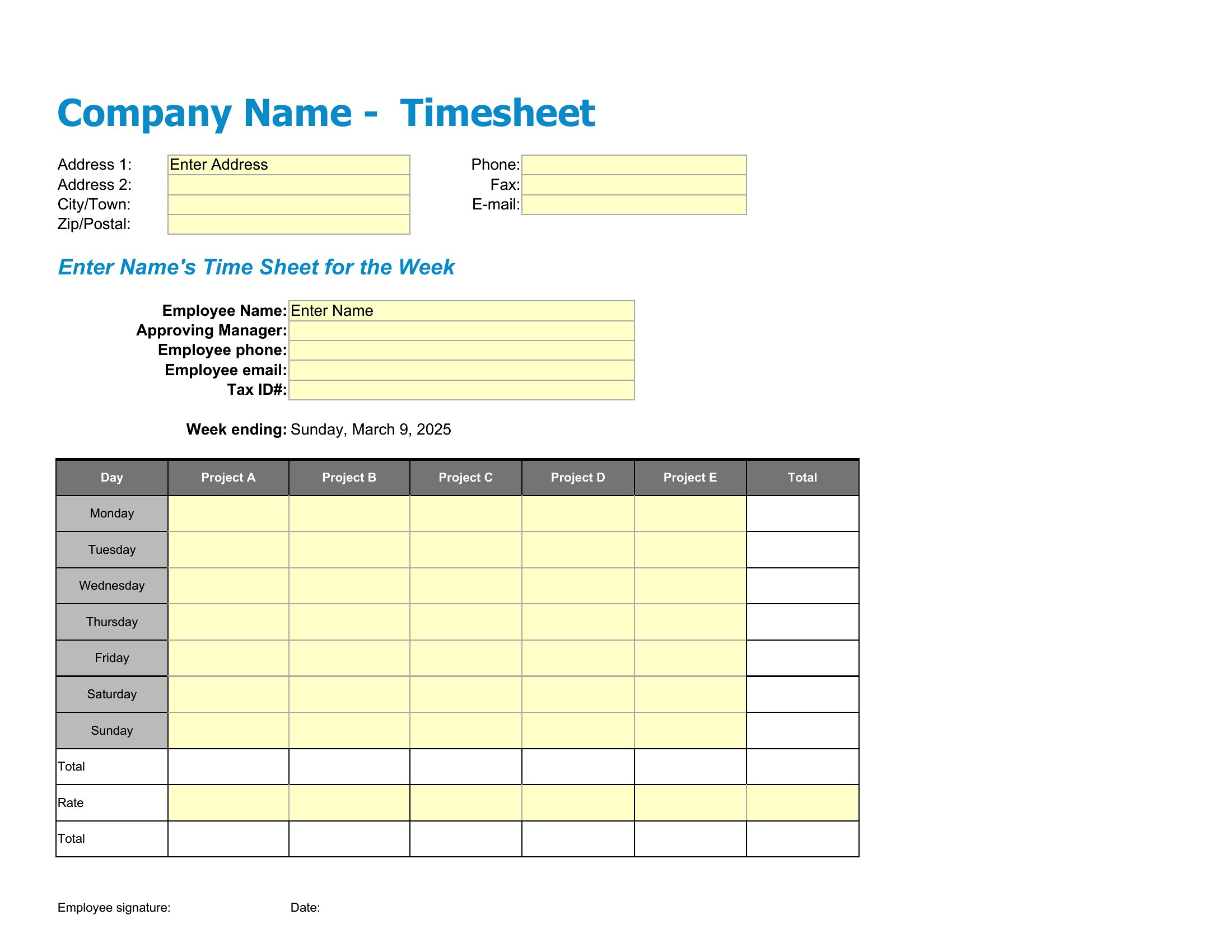
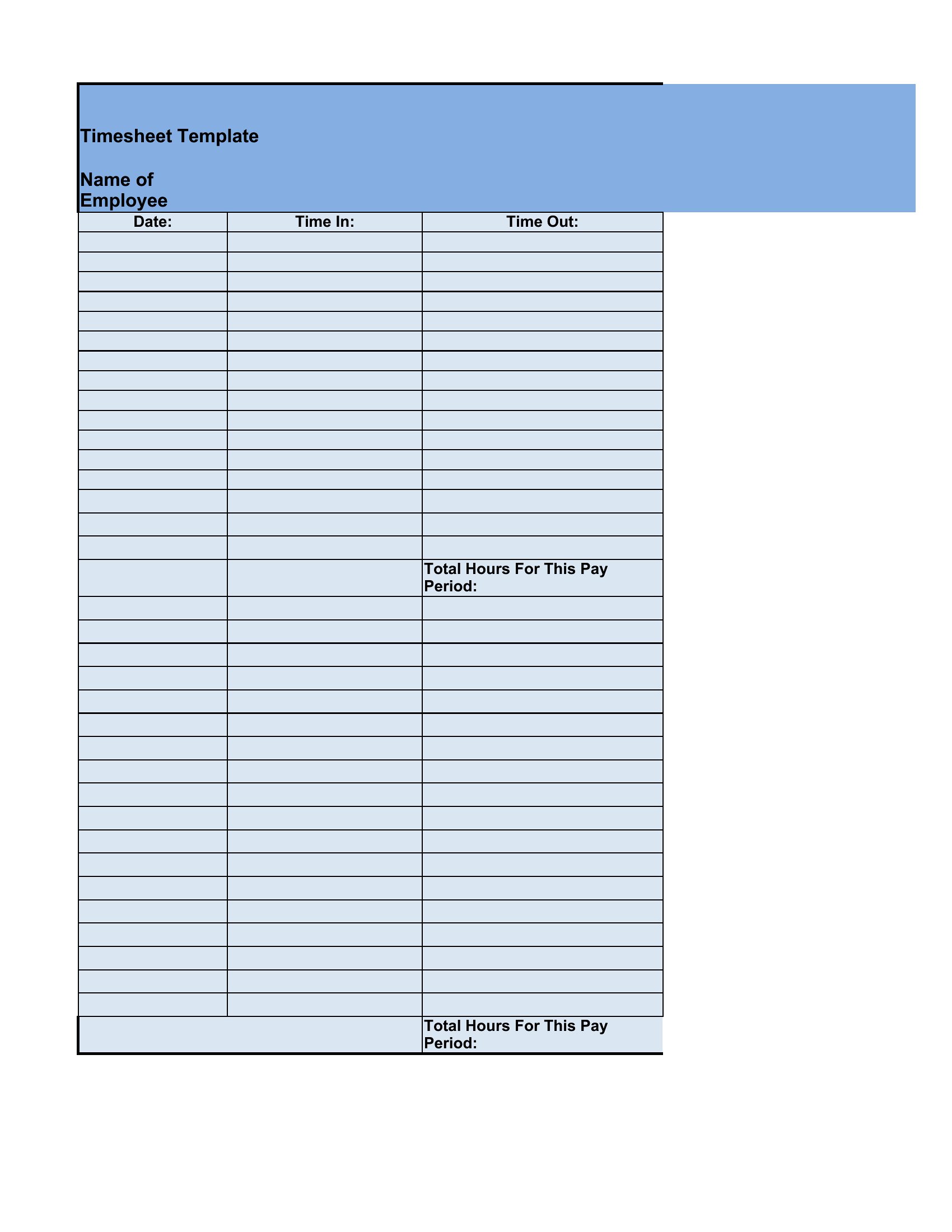
For remote teams, use the Excel format and share a single file via cloud storage (like Google Drive or Dropbox) so everyone logs hours in one place. Set a clear deadline for submissions and include a column for time zone adjustments. PDFs are less practical for shared use unless each team member submits their own file daily. Always confirm local labor laws for remote work requirements in different regions.
Do these templates account for split shifts or irregular work schedules?
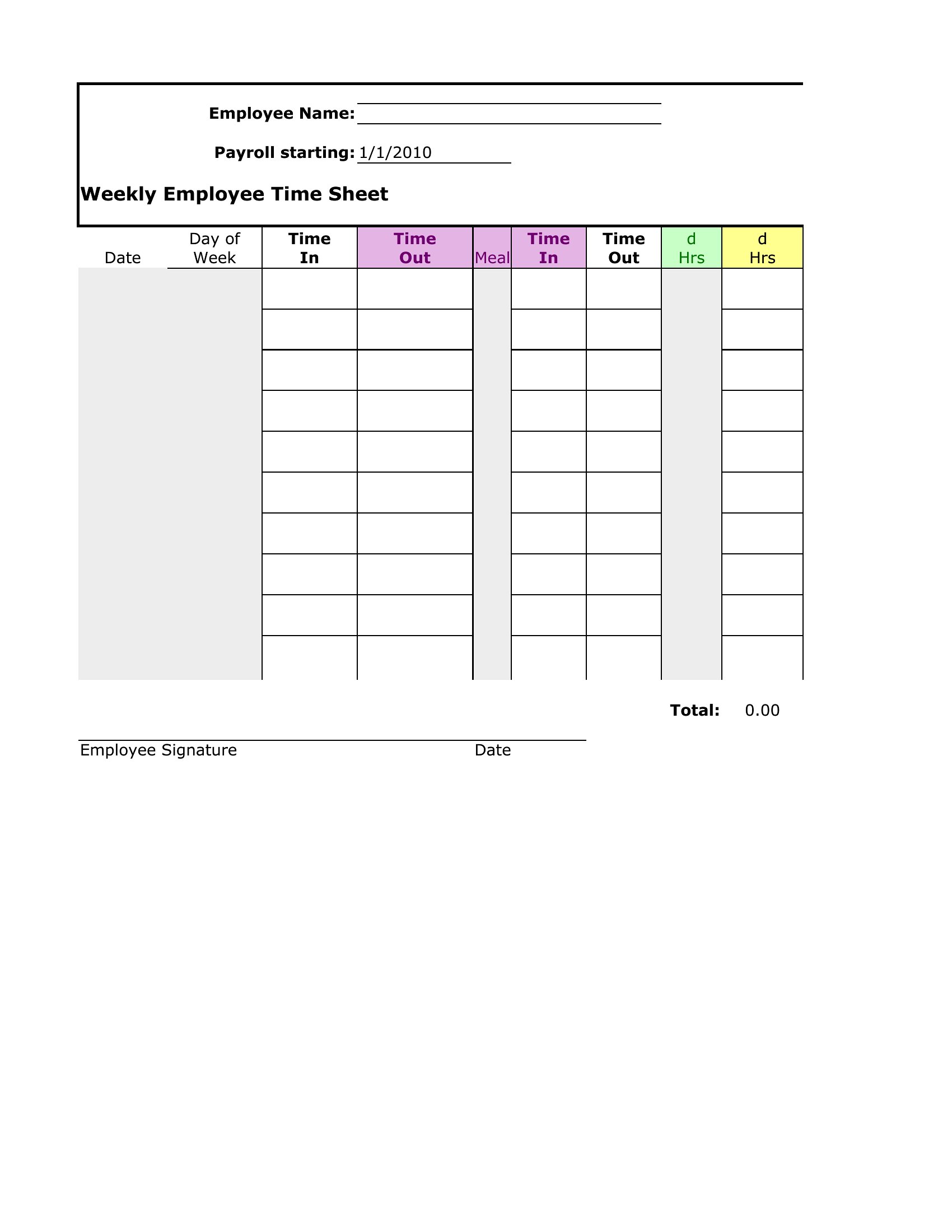
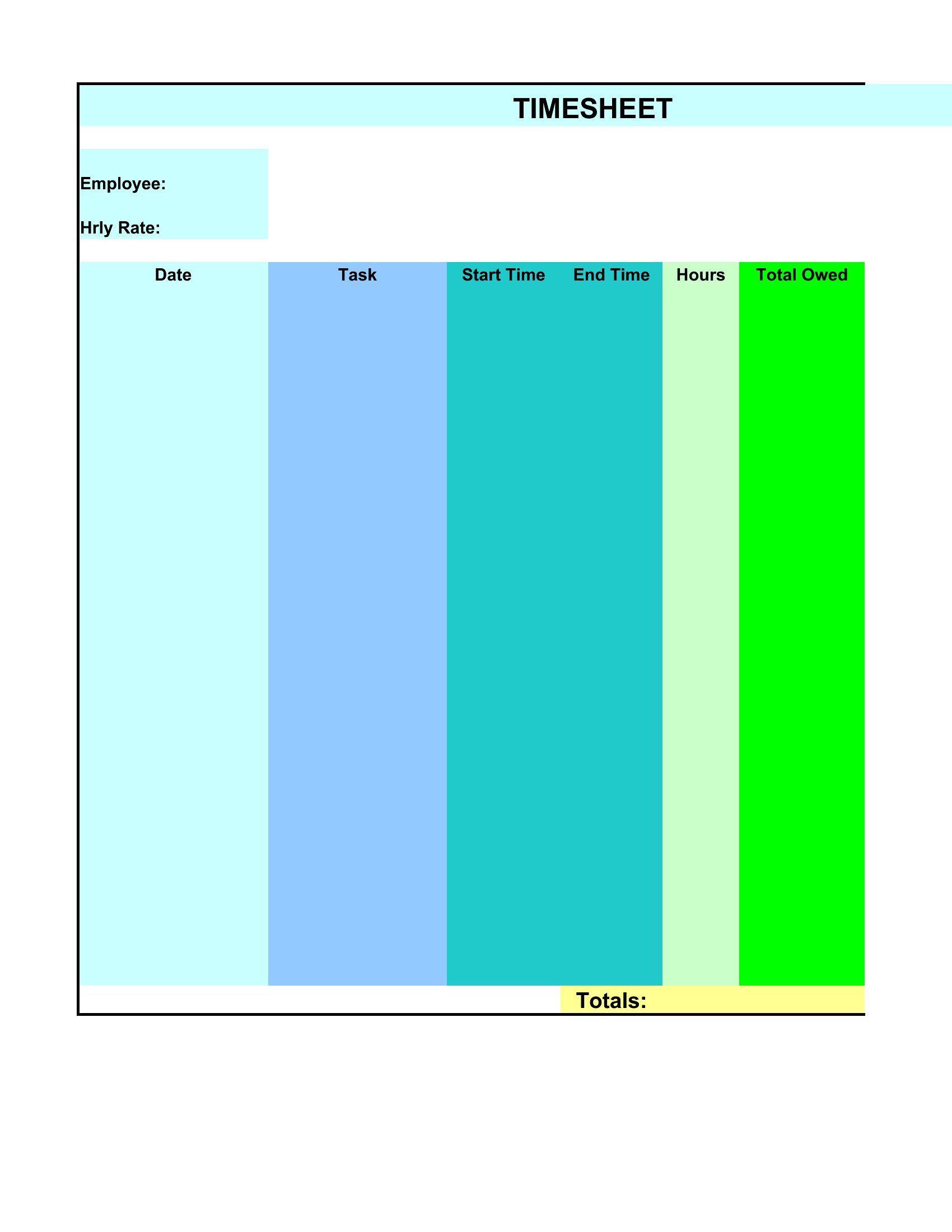
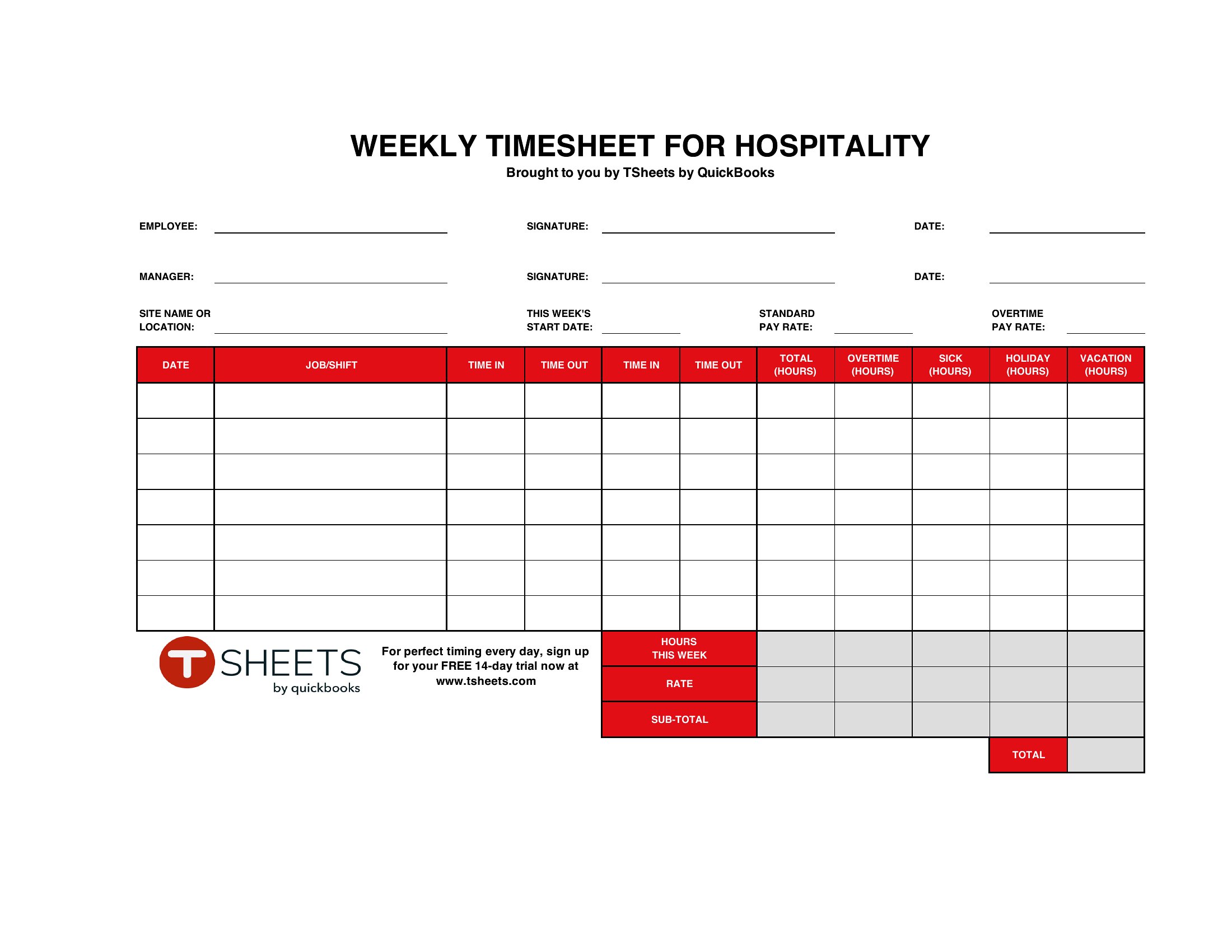
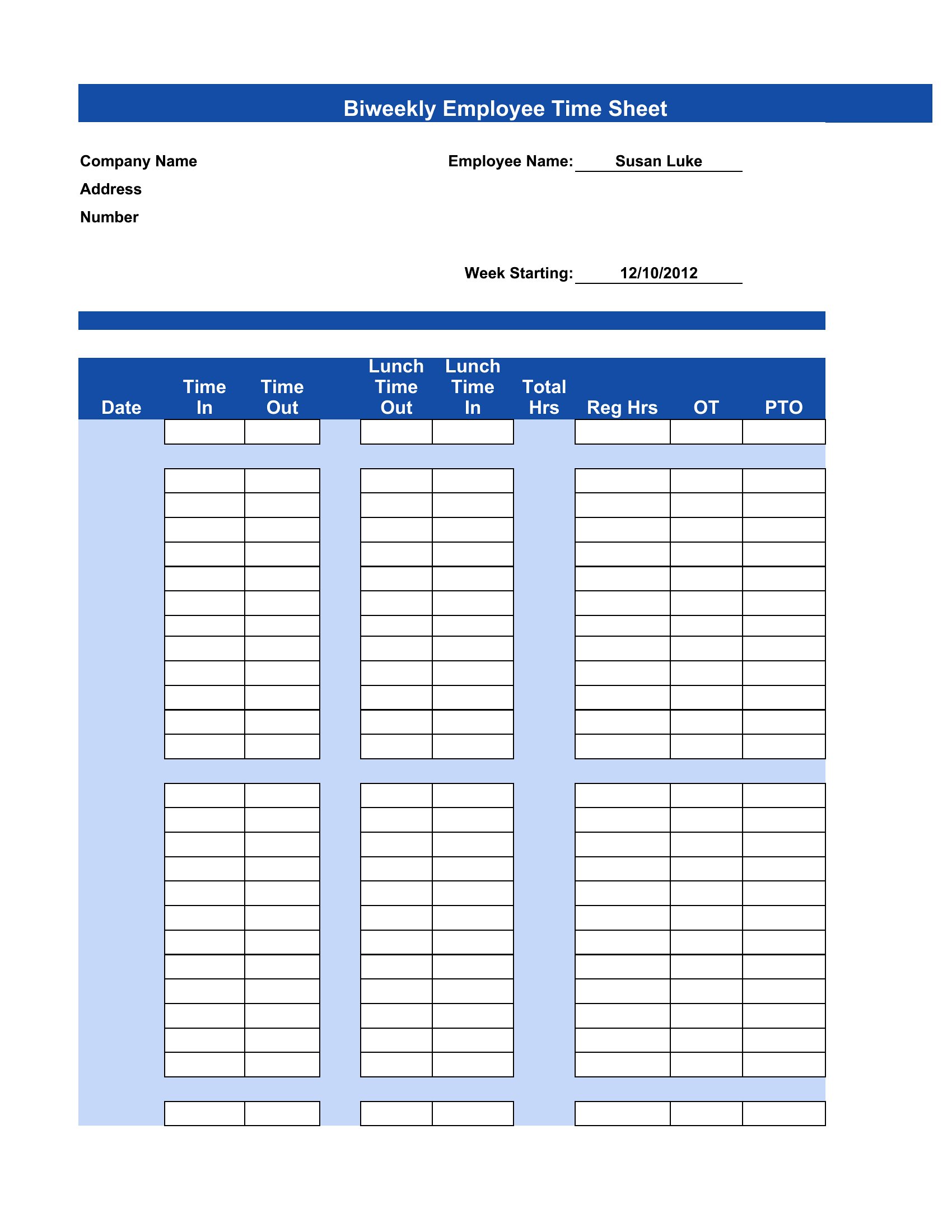
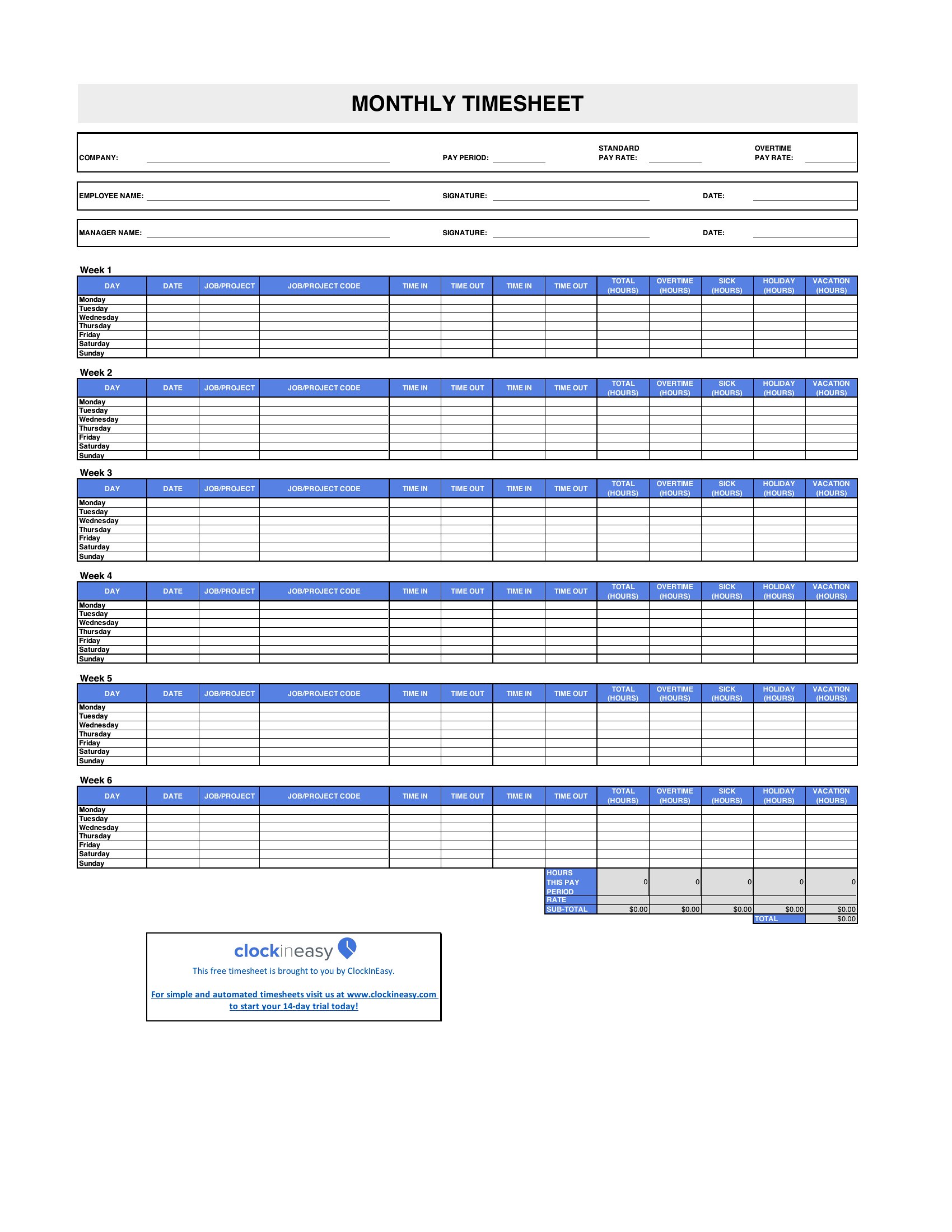
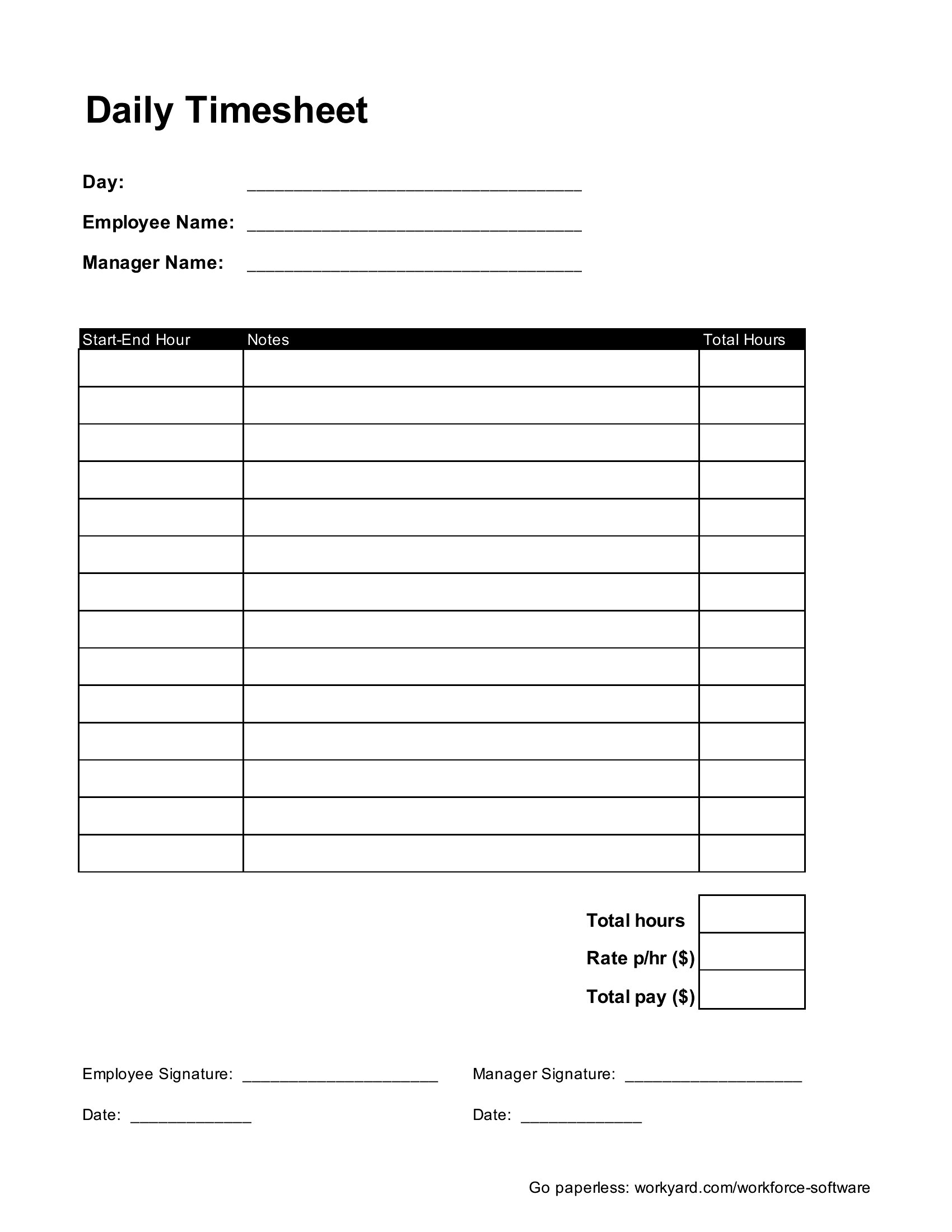
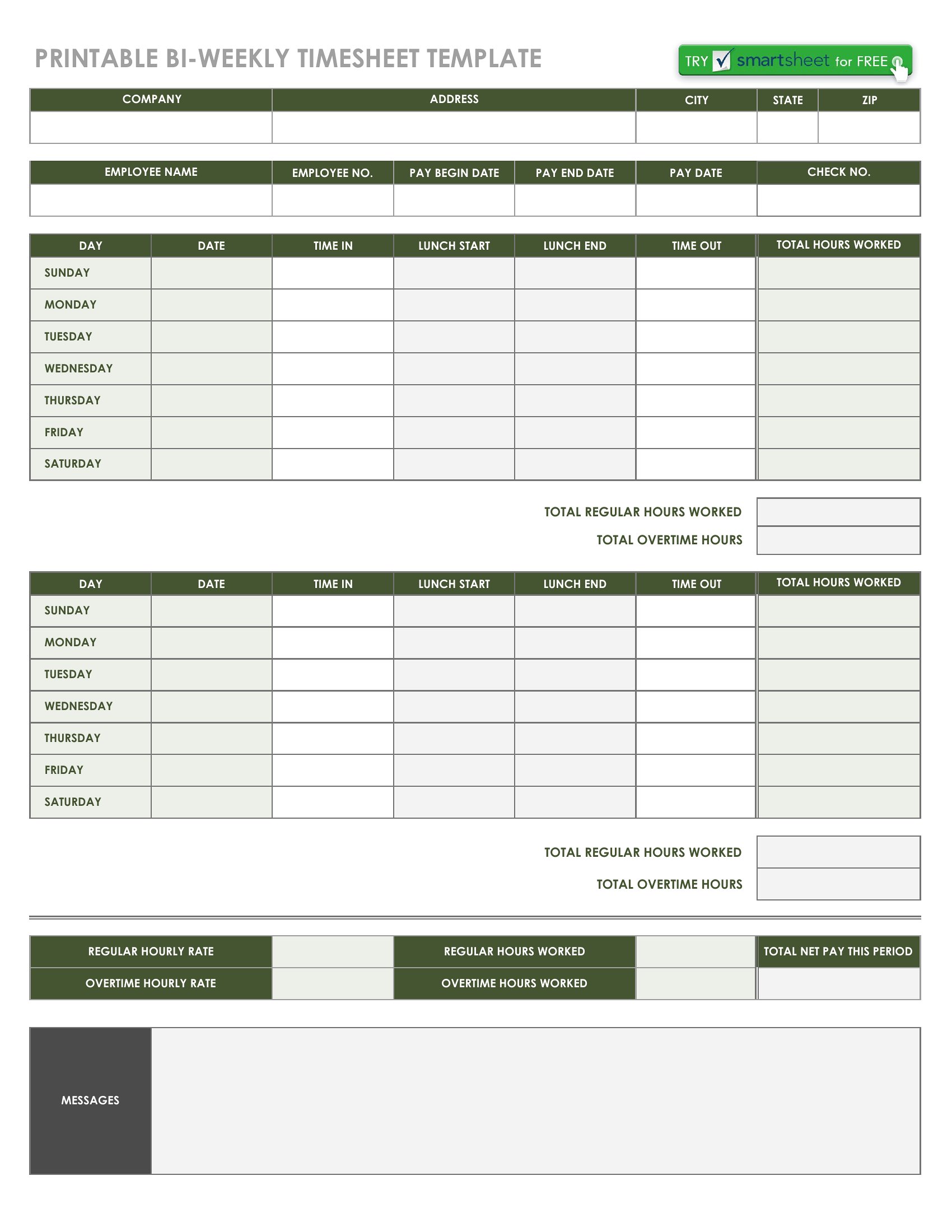
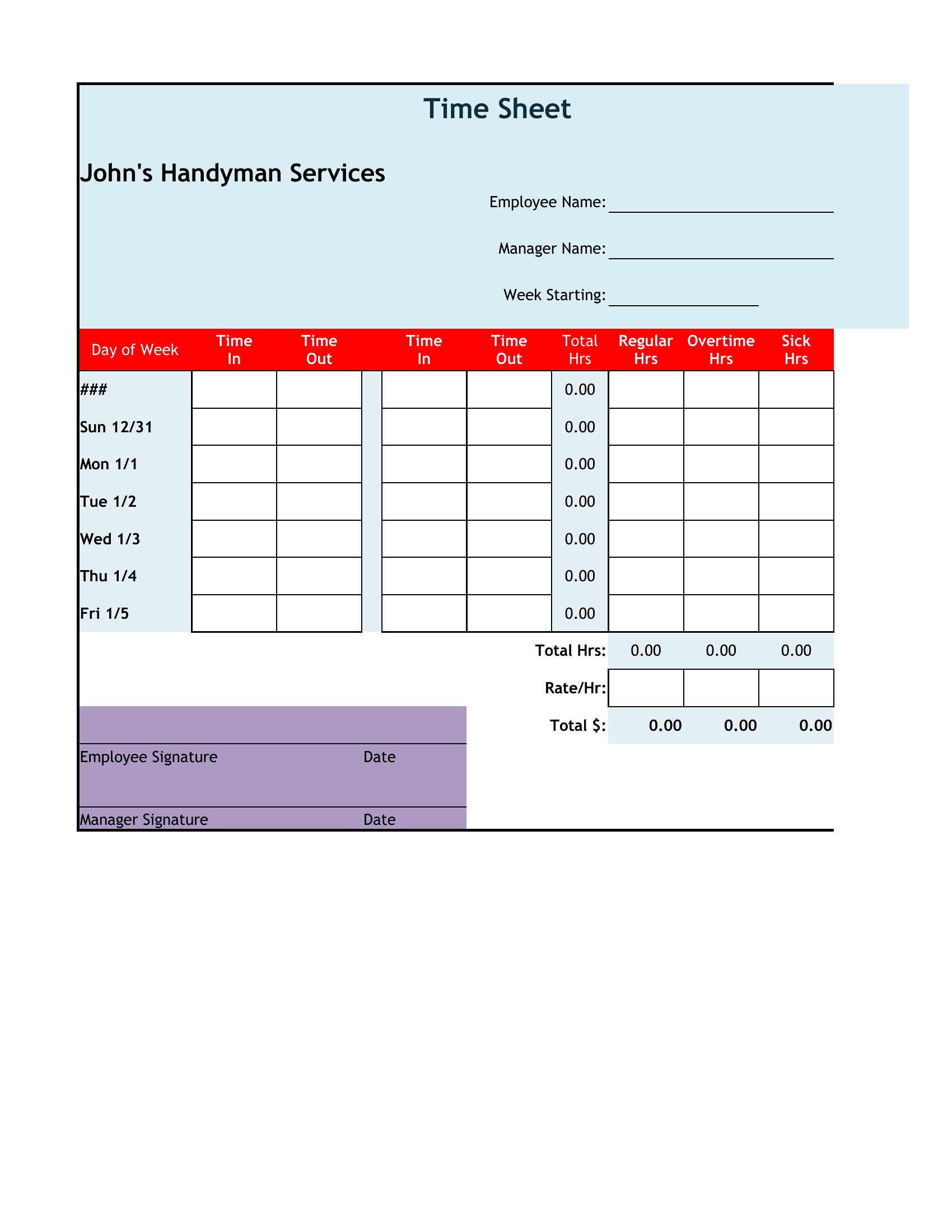
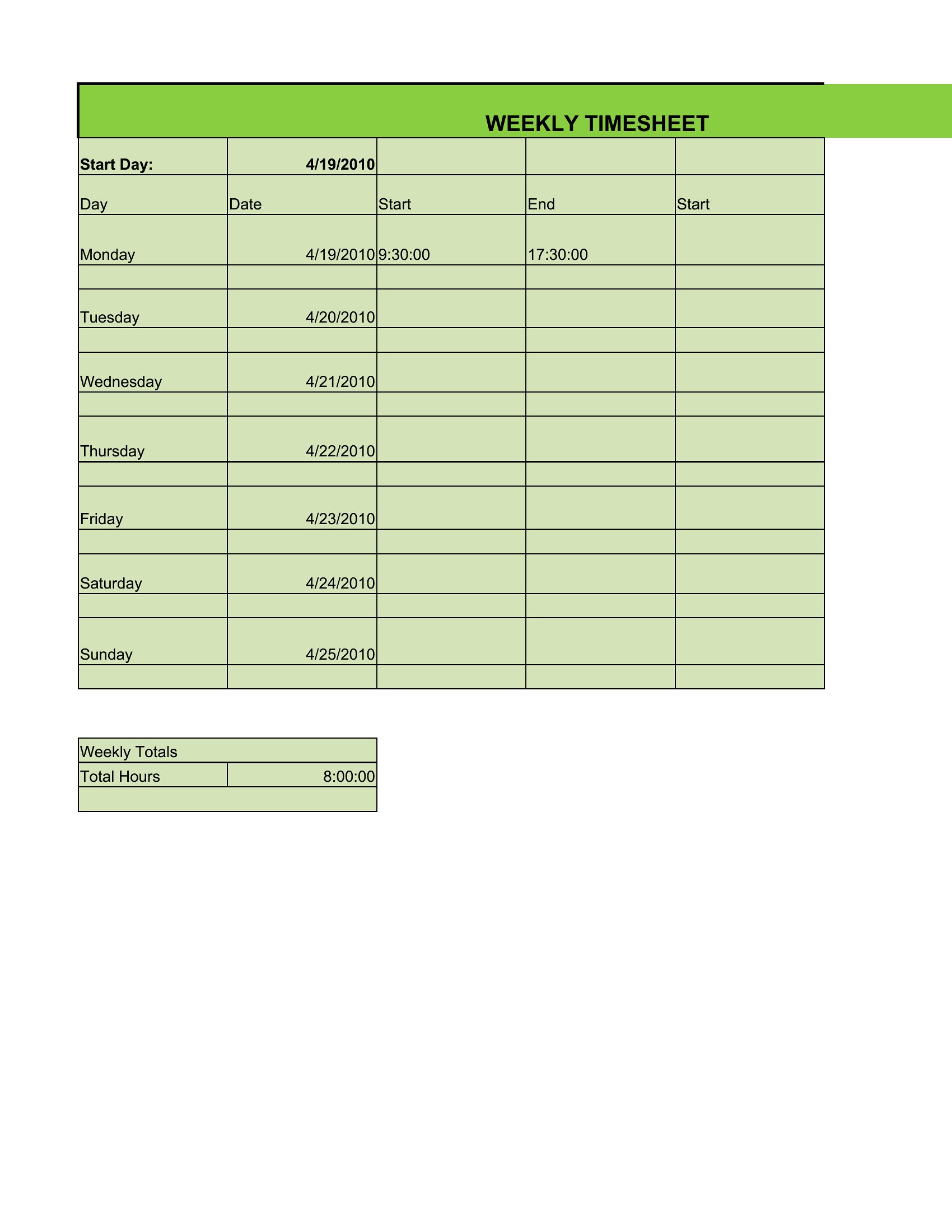
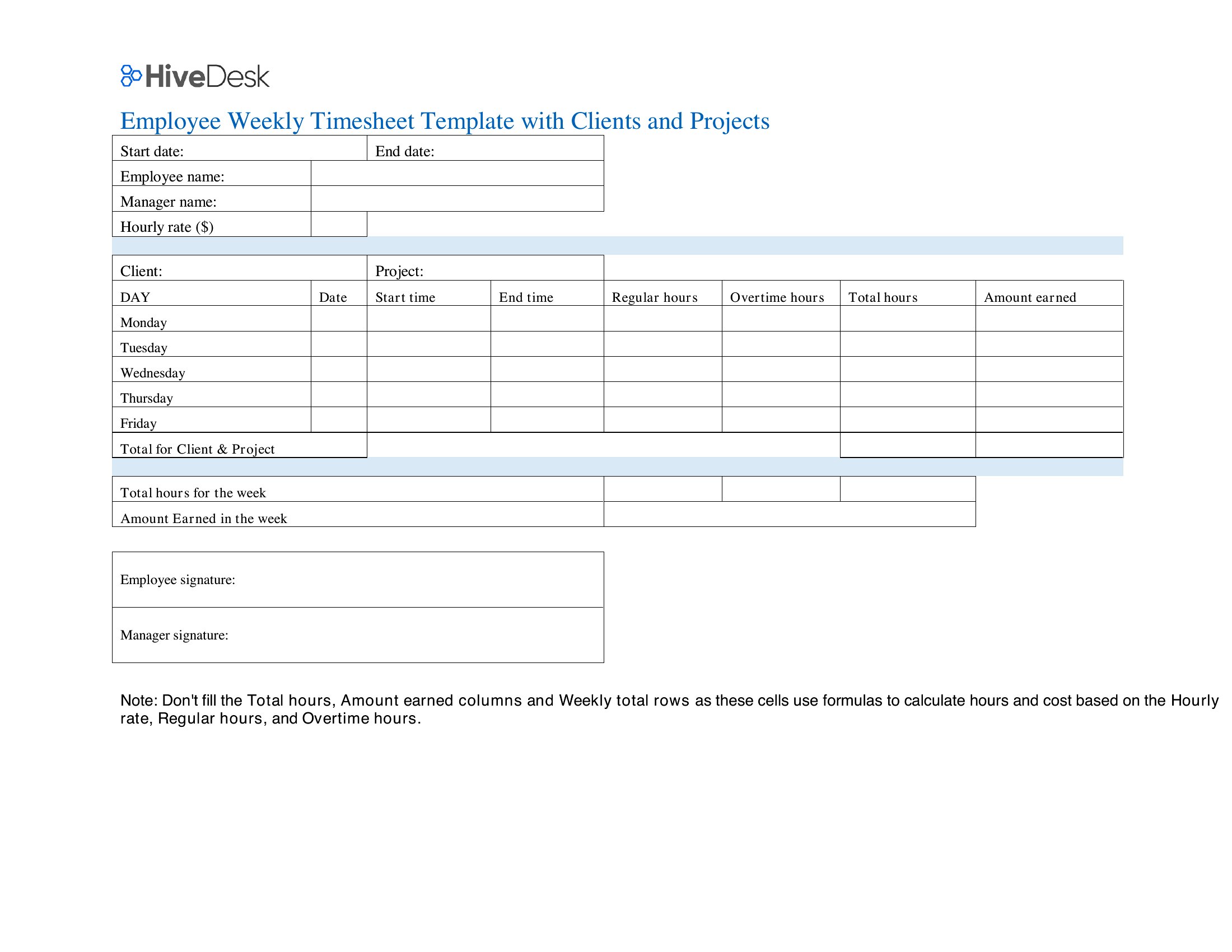
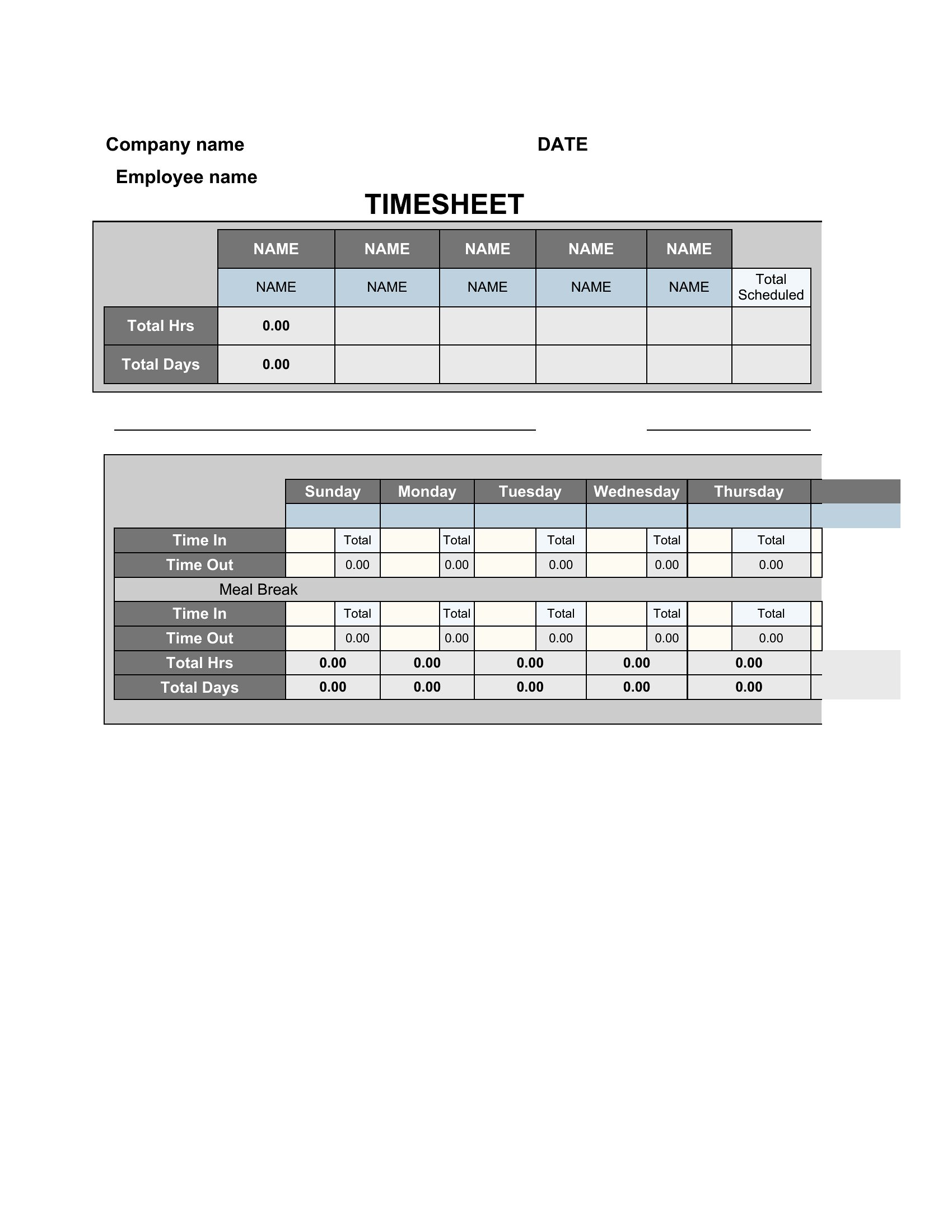
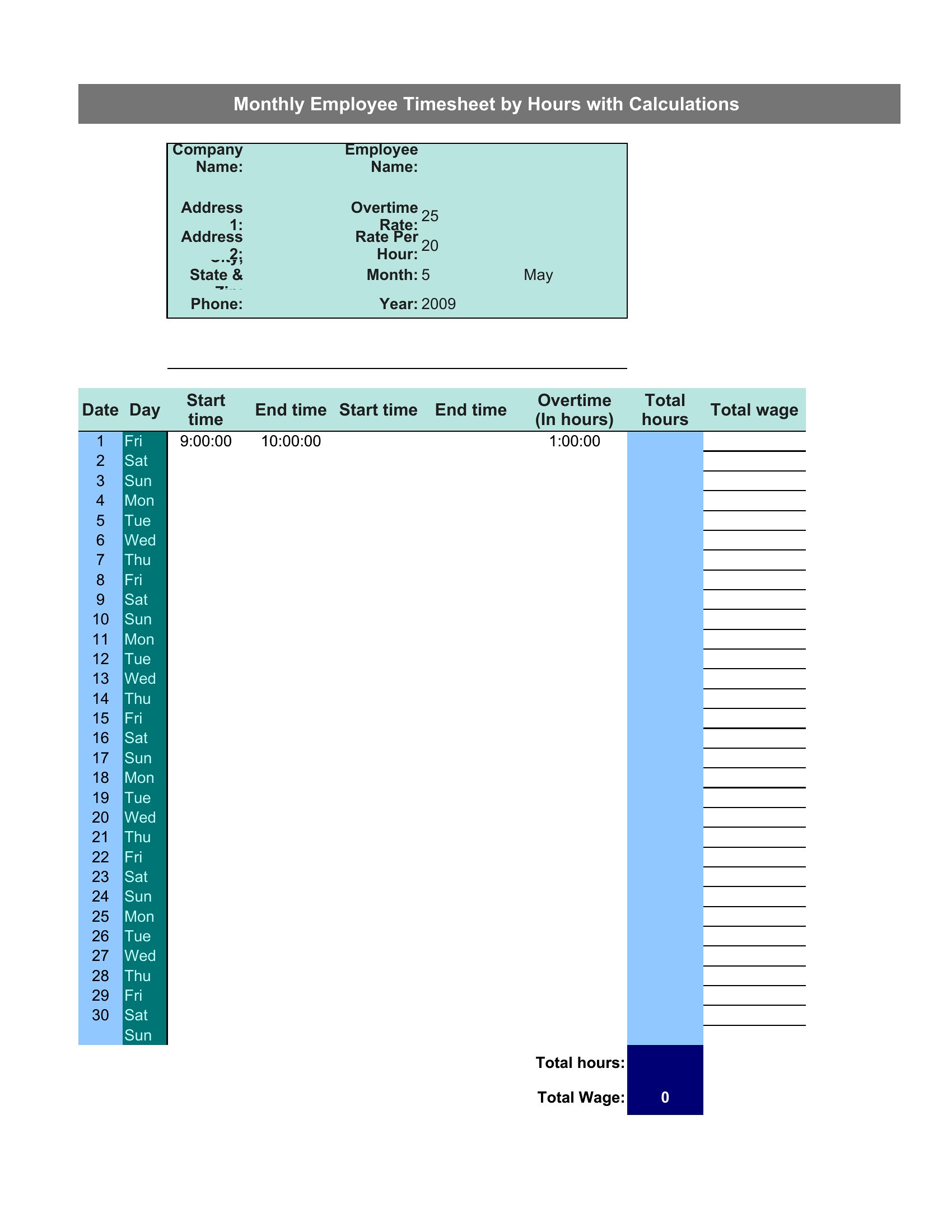
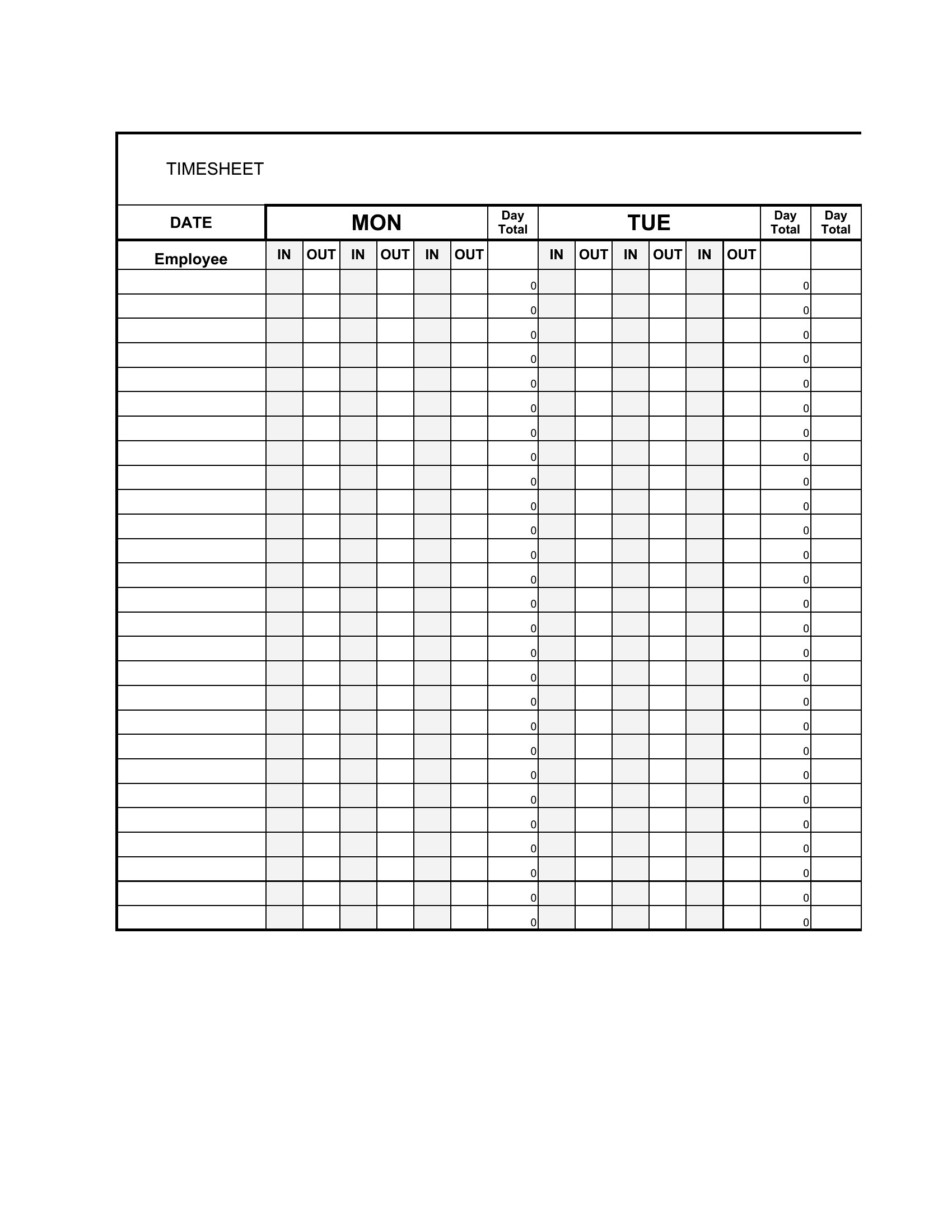
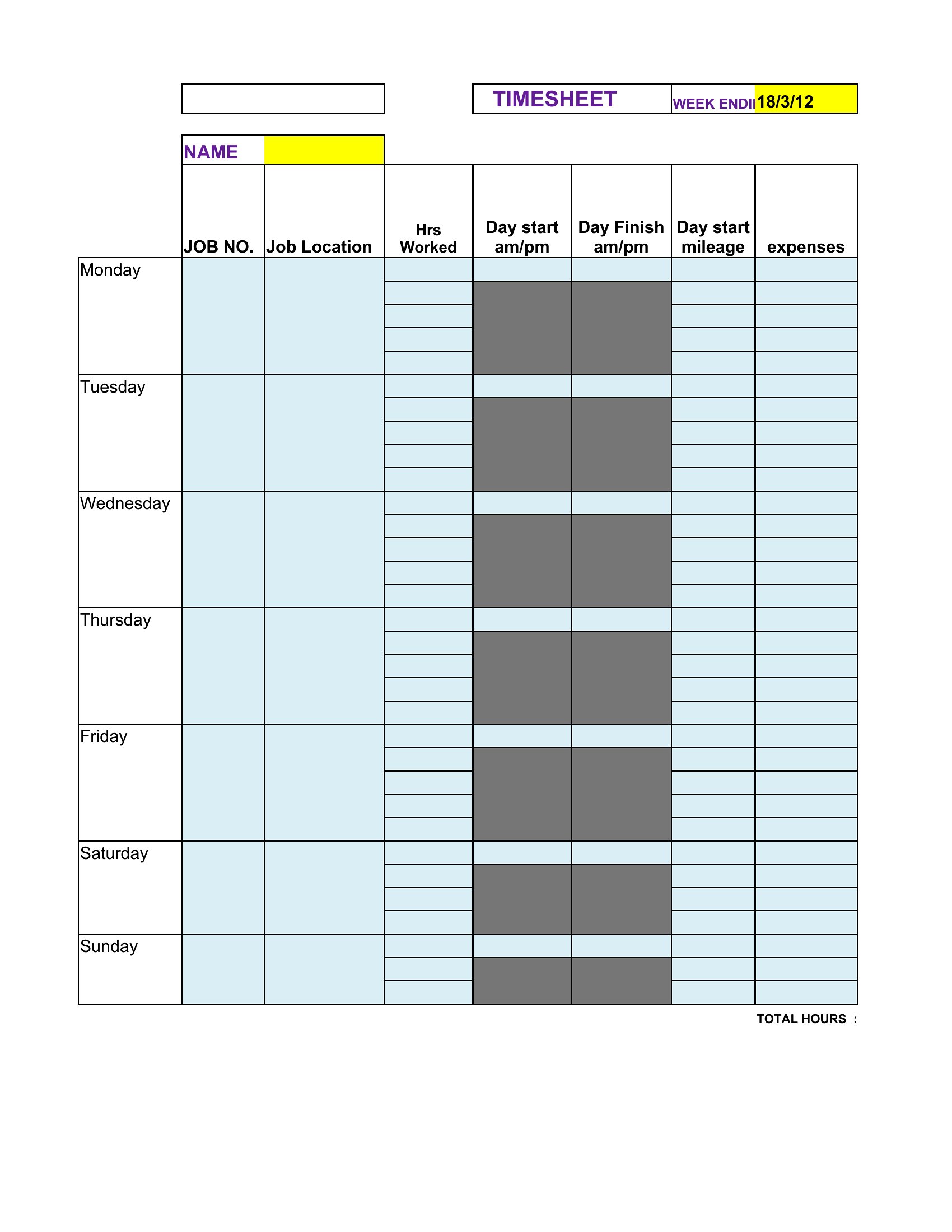
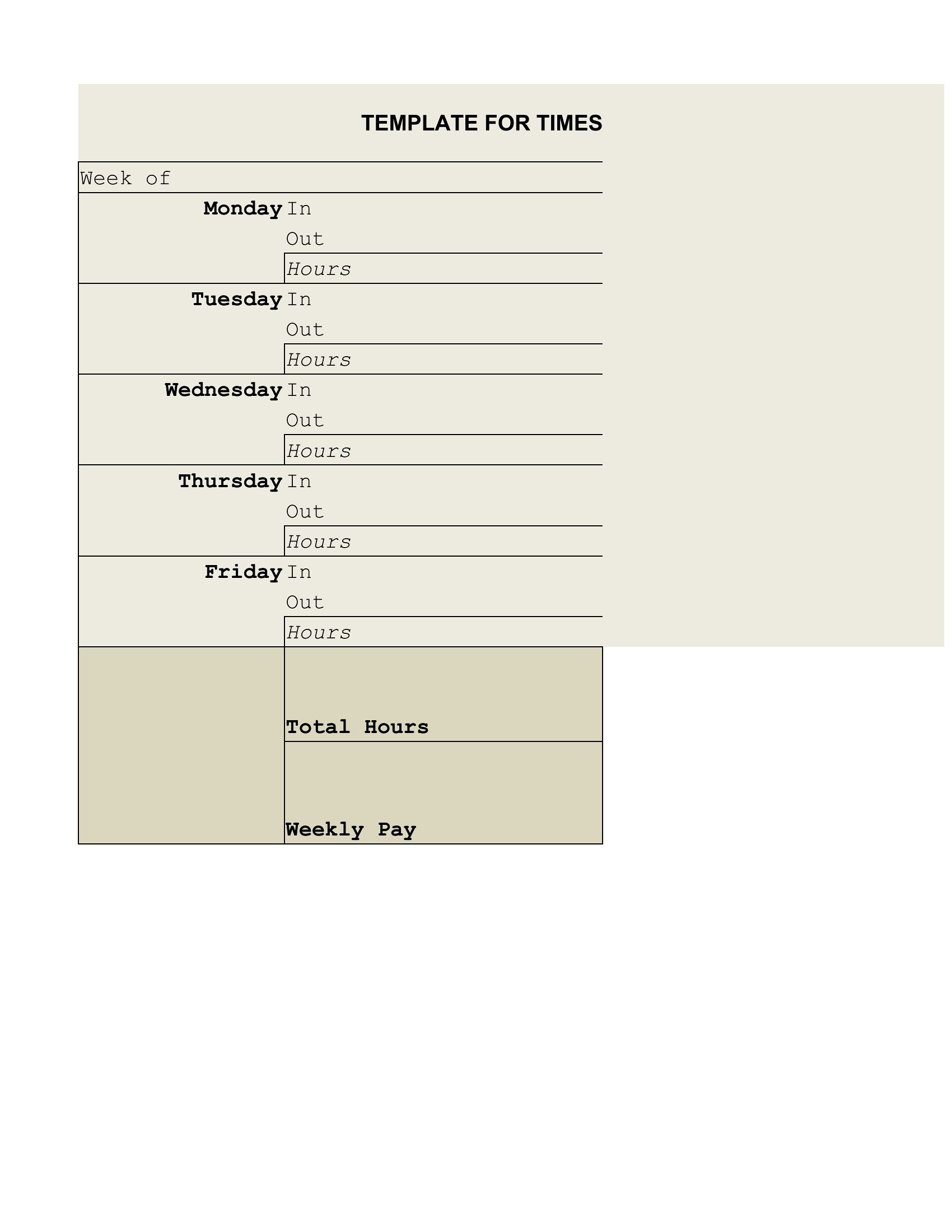
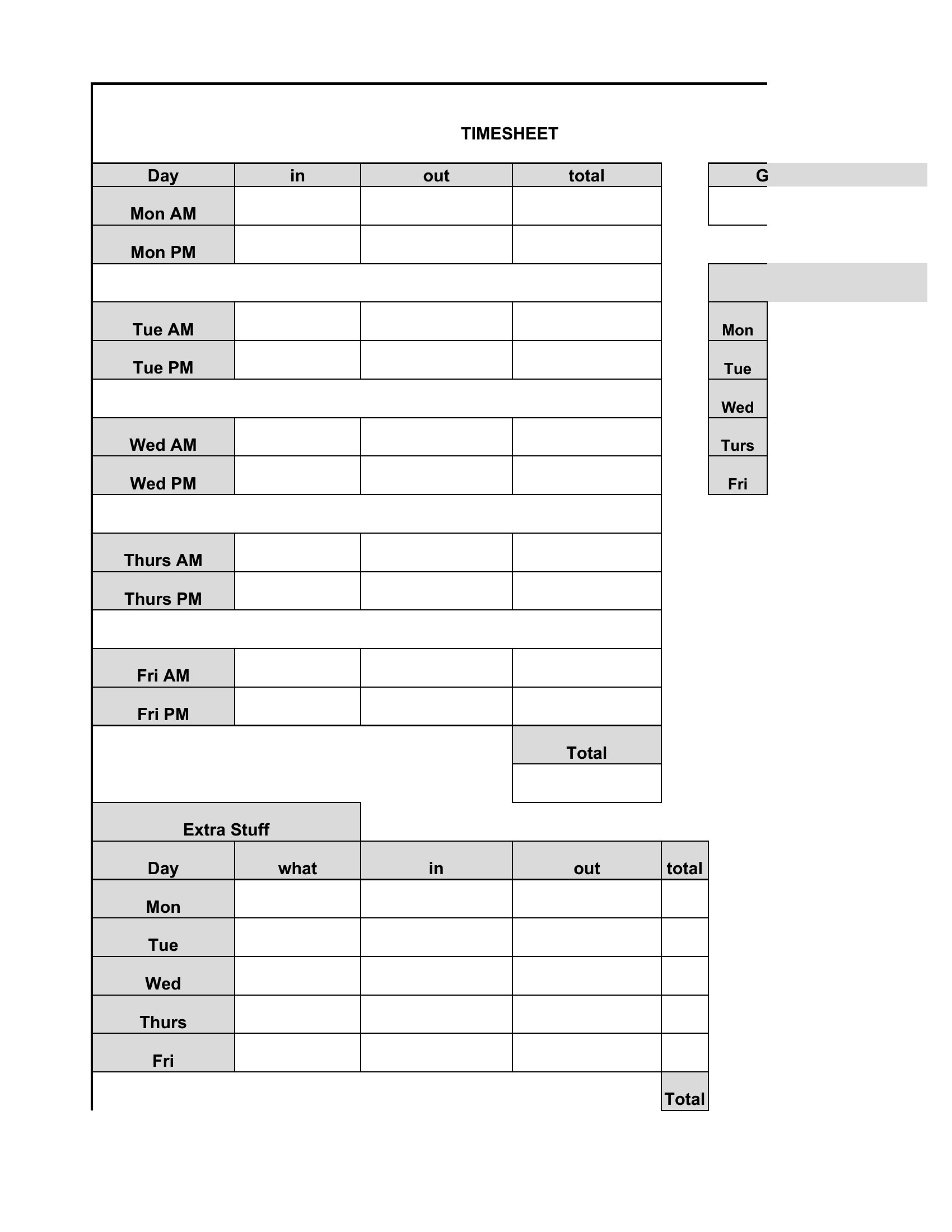
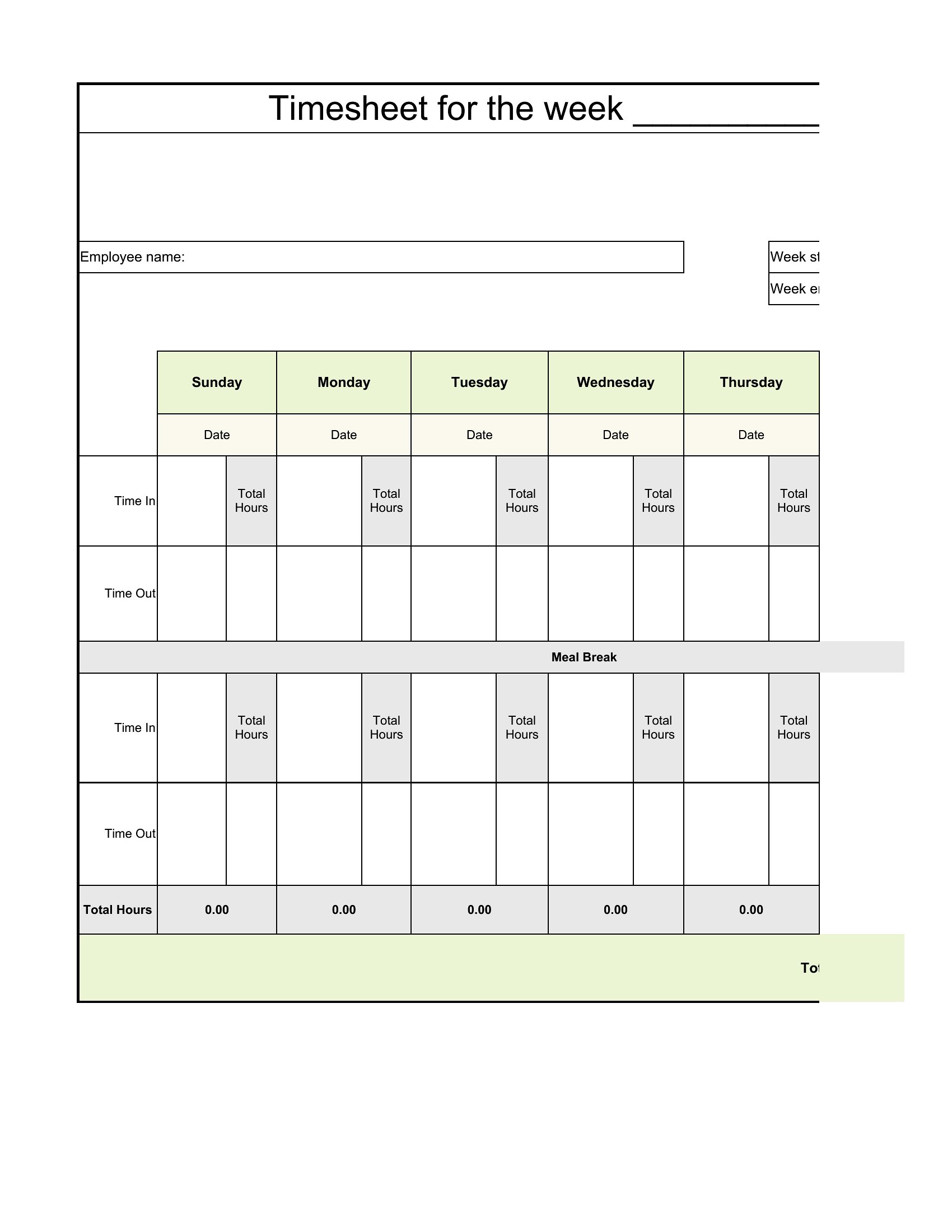
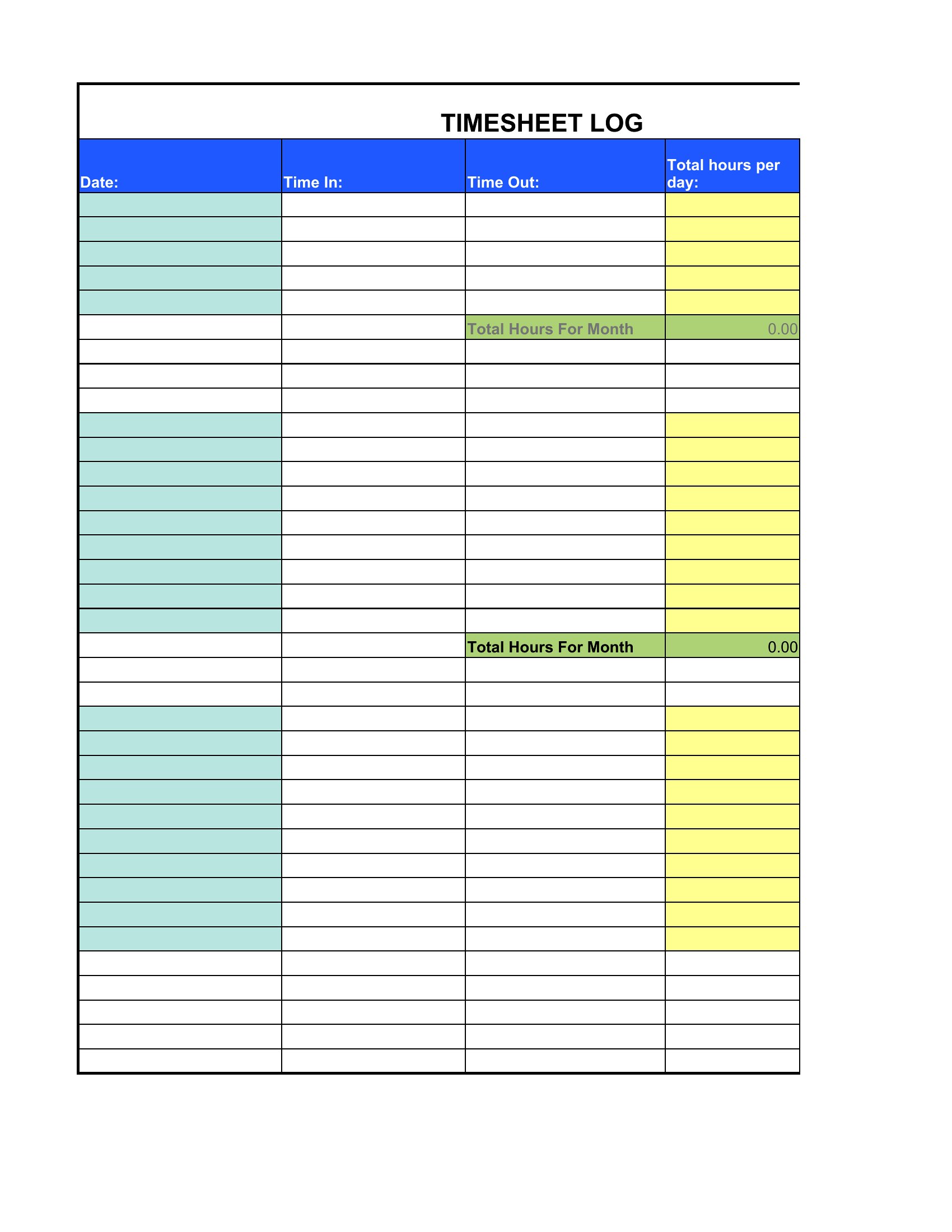
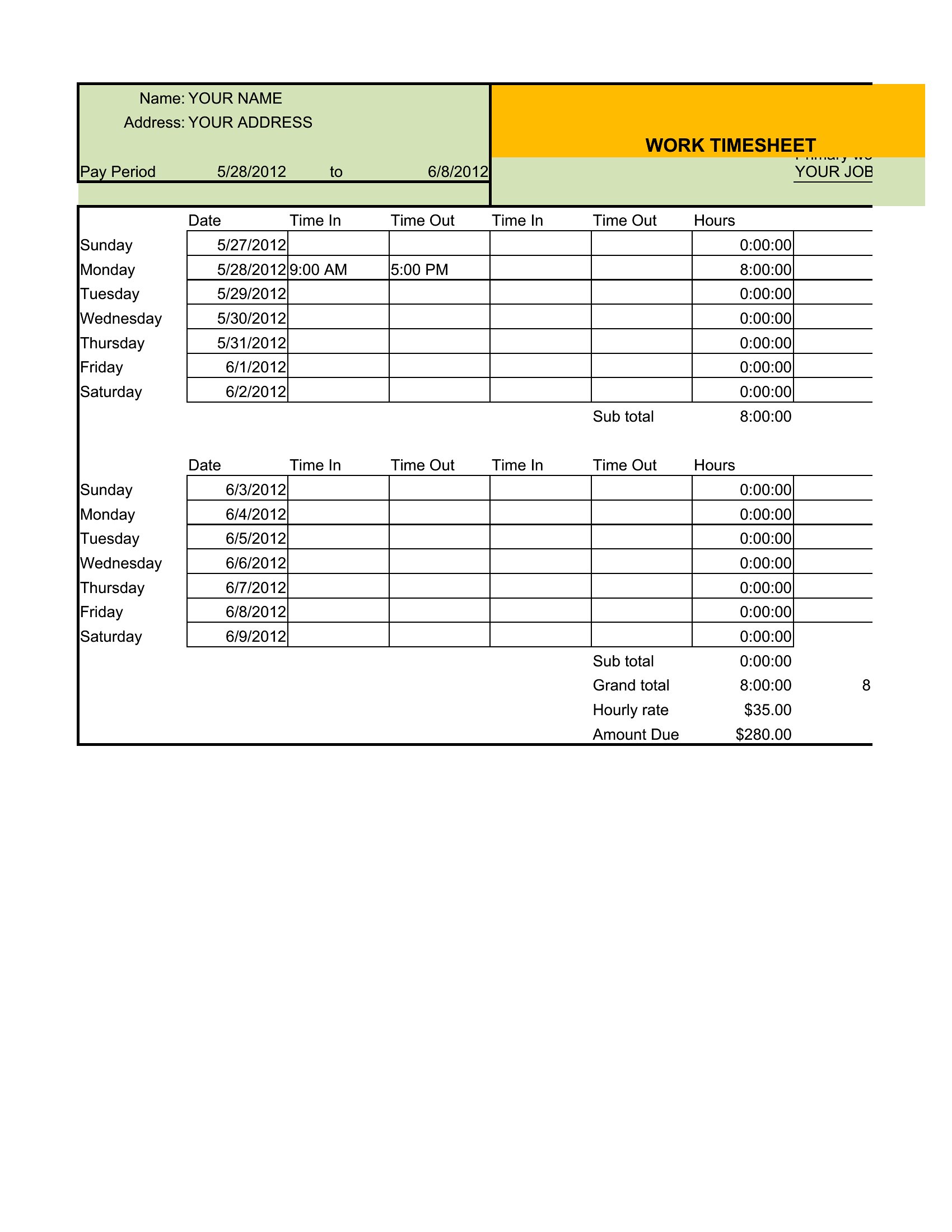
Yes, many templates include sections for multiple start/end times per day, which works for split shifts or jobs with staggered hours. The Excel versions often allow you to add rows or adjust formulas to fit unique schedules. For highly irregular shifts, note that manual entry may still be needed, and some templates may require minor customization to avoid confusion in payroll calculations.
Comments
Join the conversation
Sign in to share your thoughts and leave a comment on this resource.