
Free Bank Reconciliation Templates (Word, Excel)
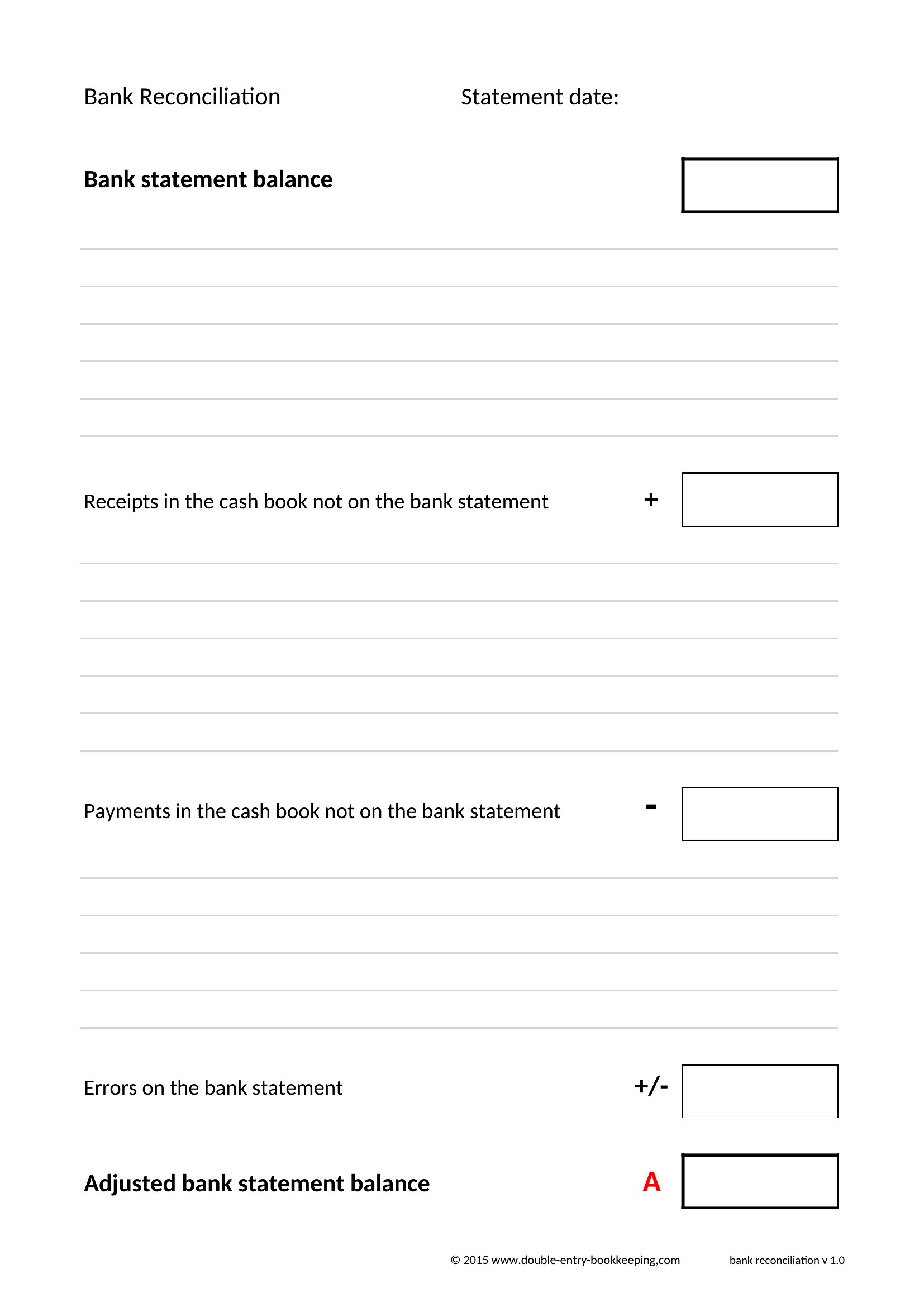
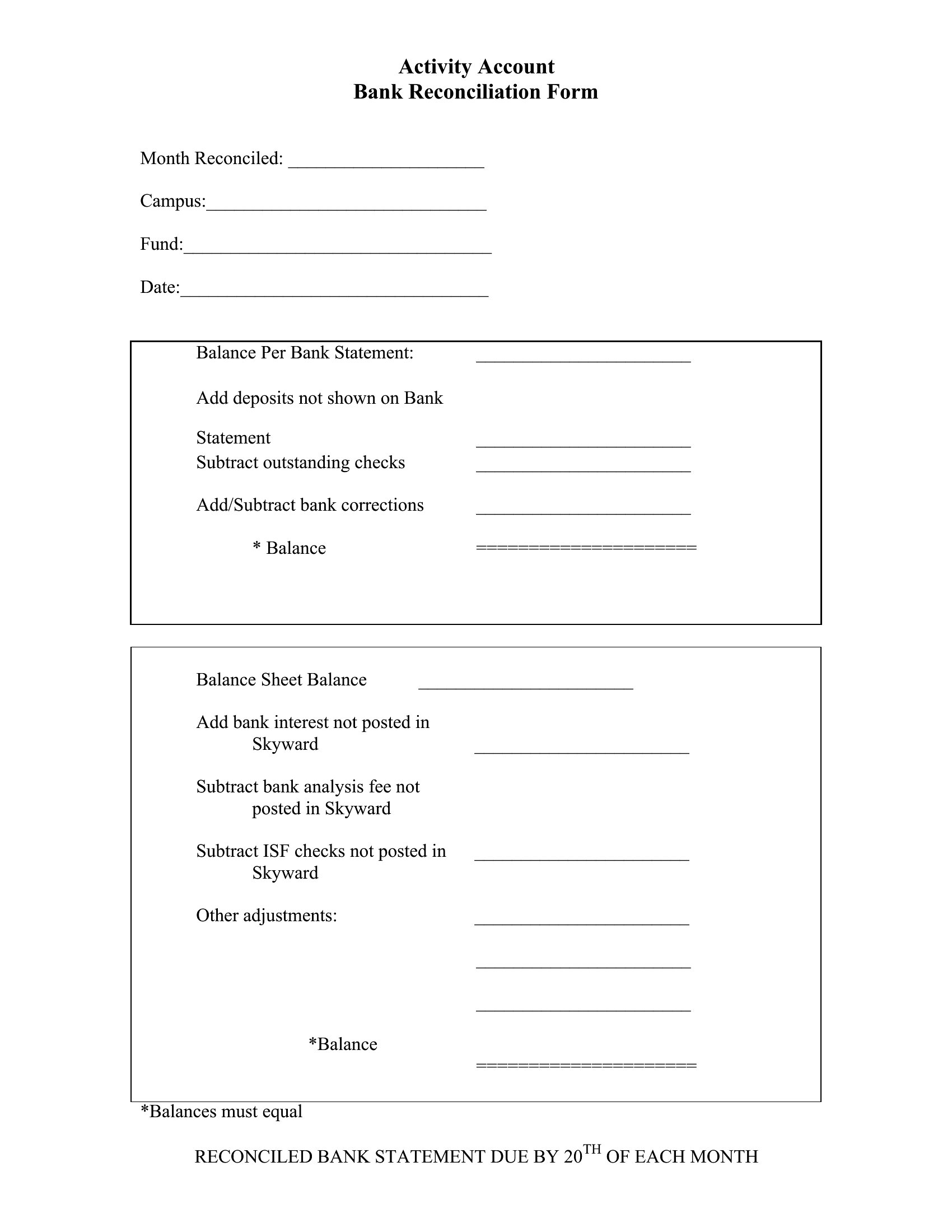
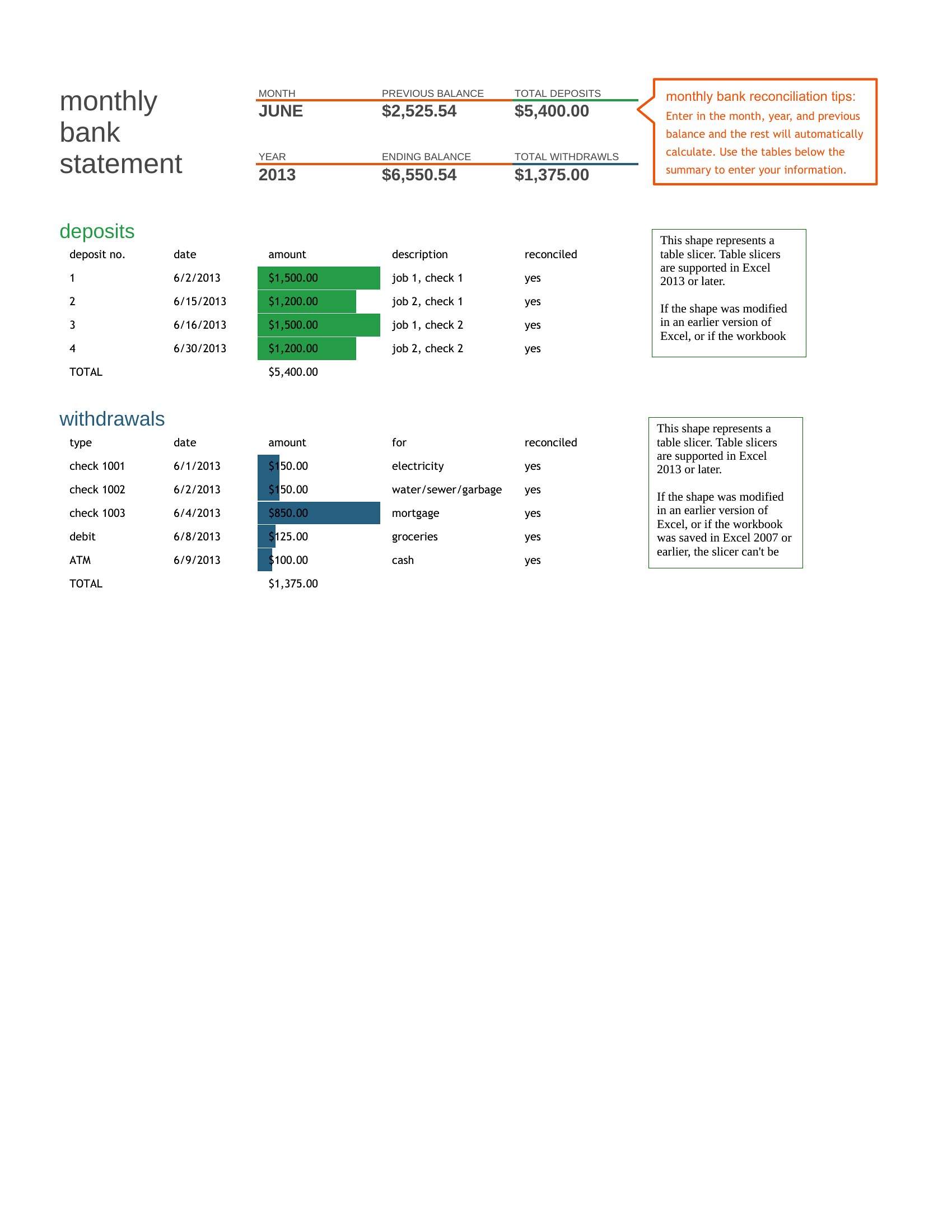
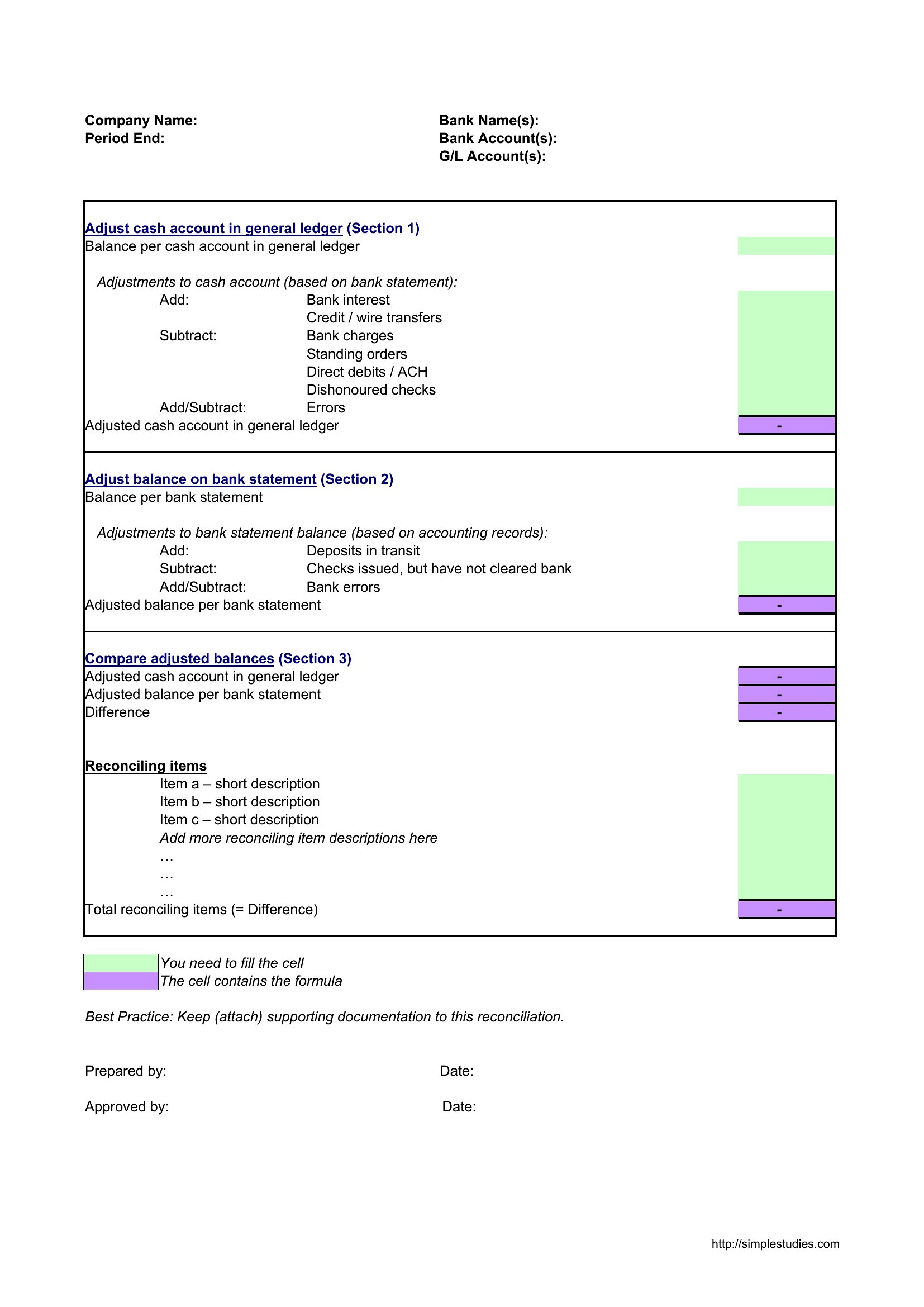
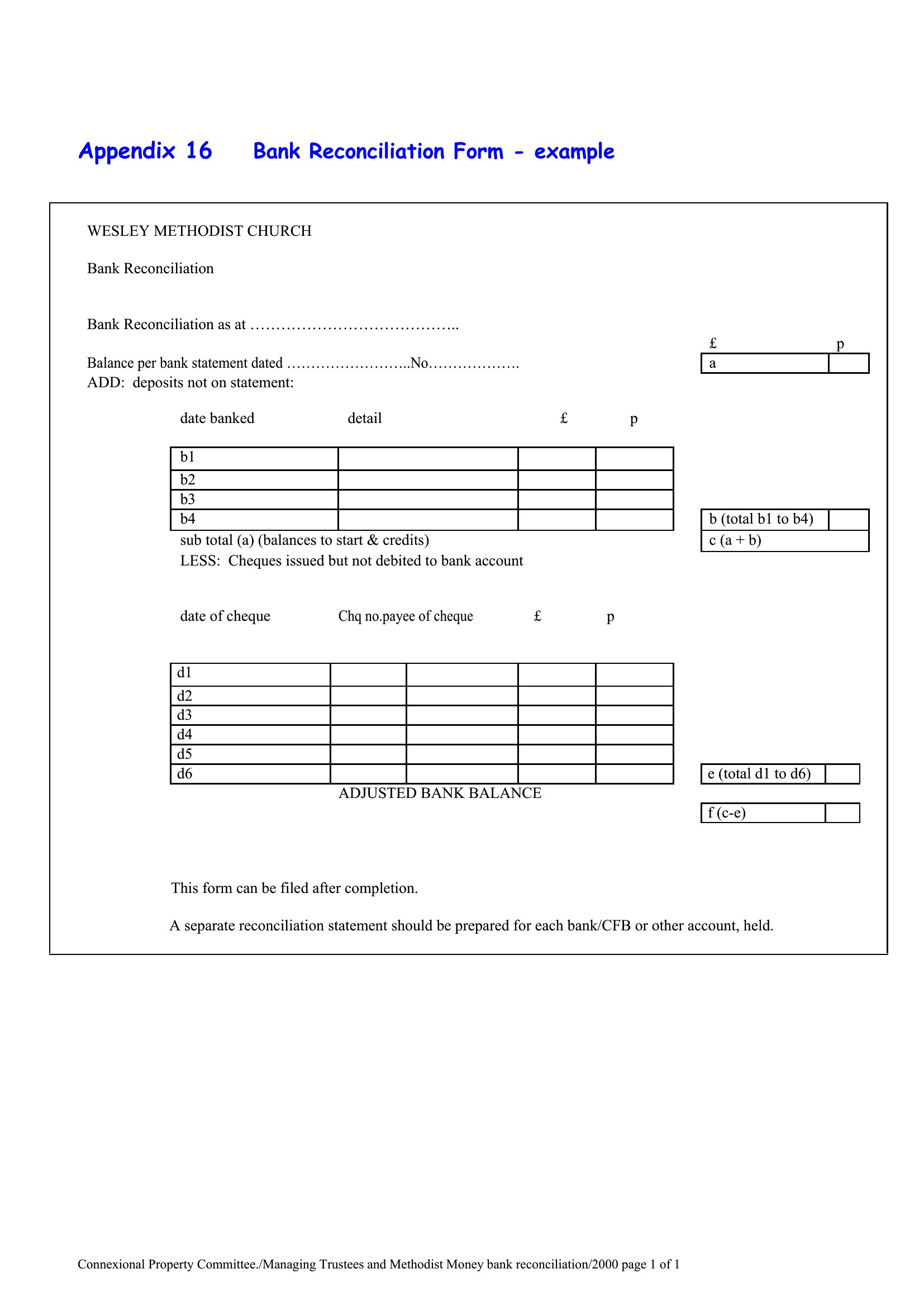
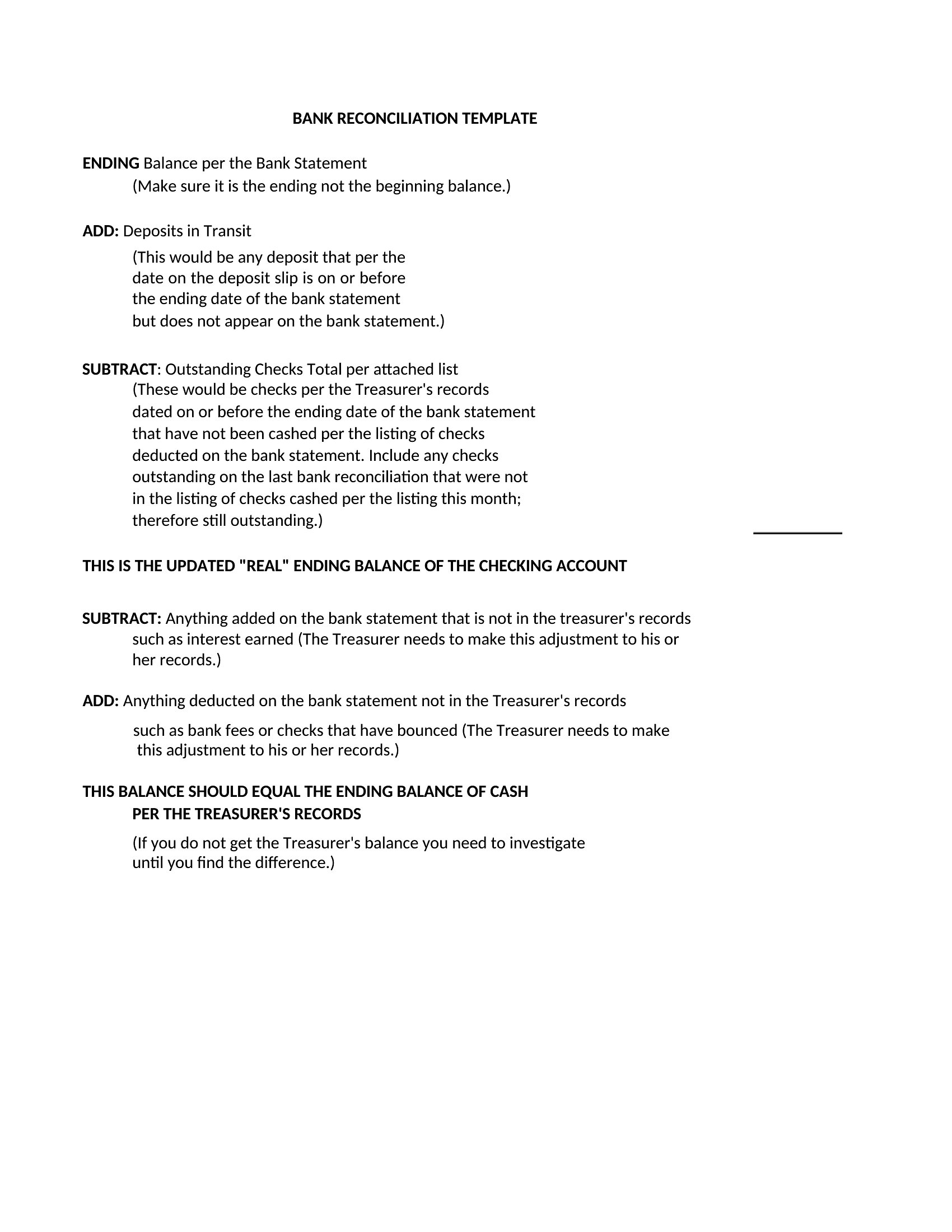
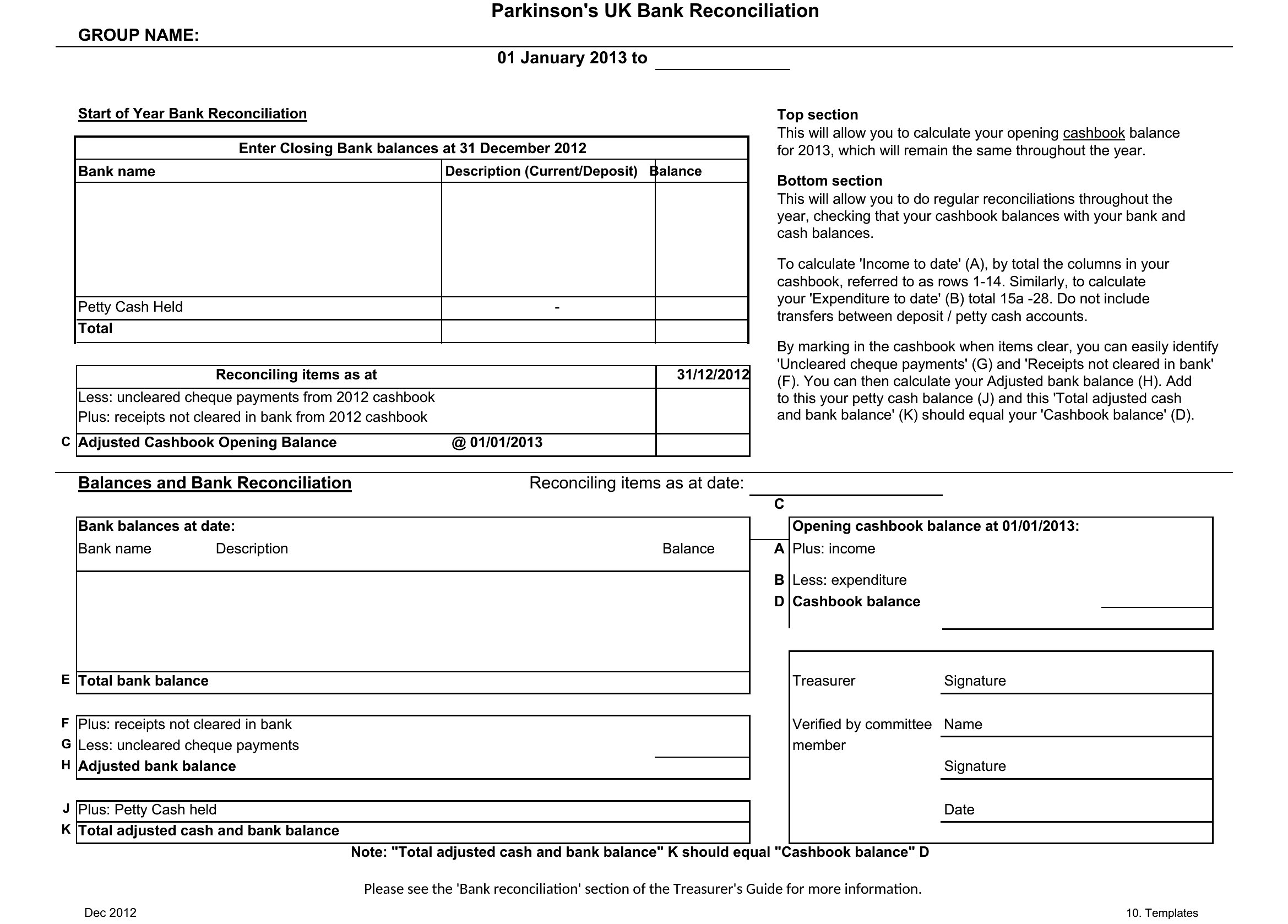
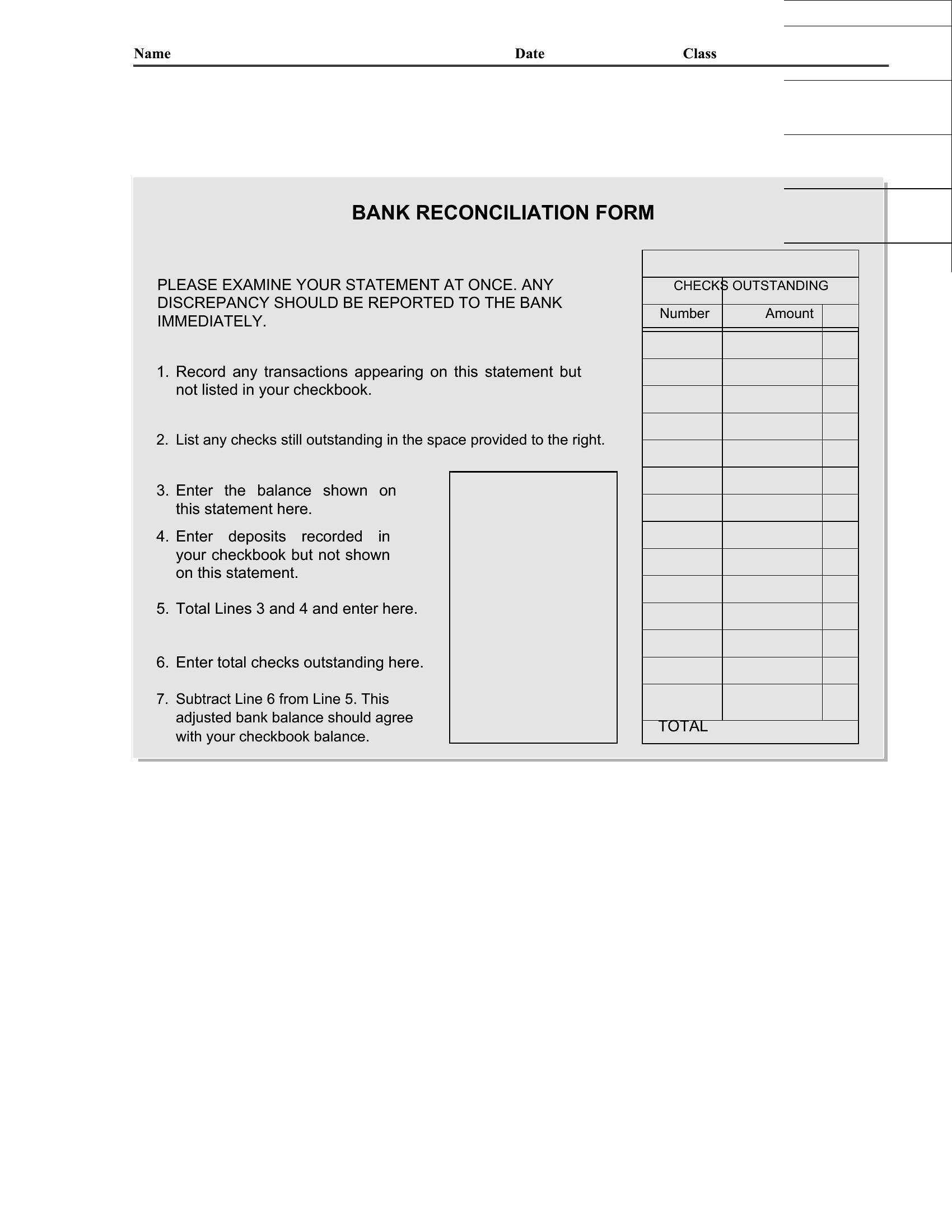
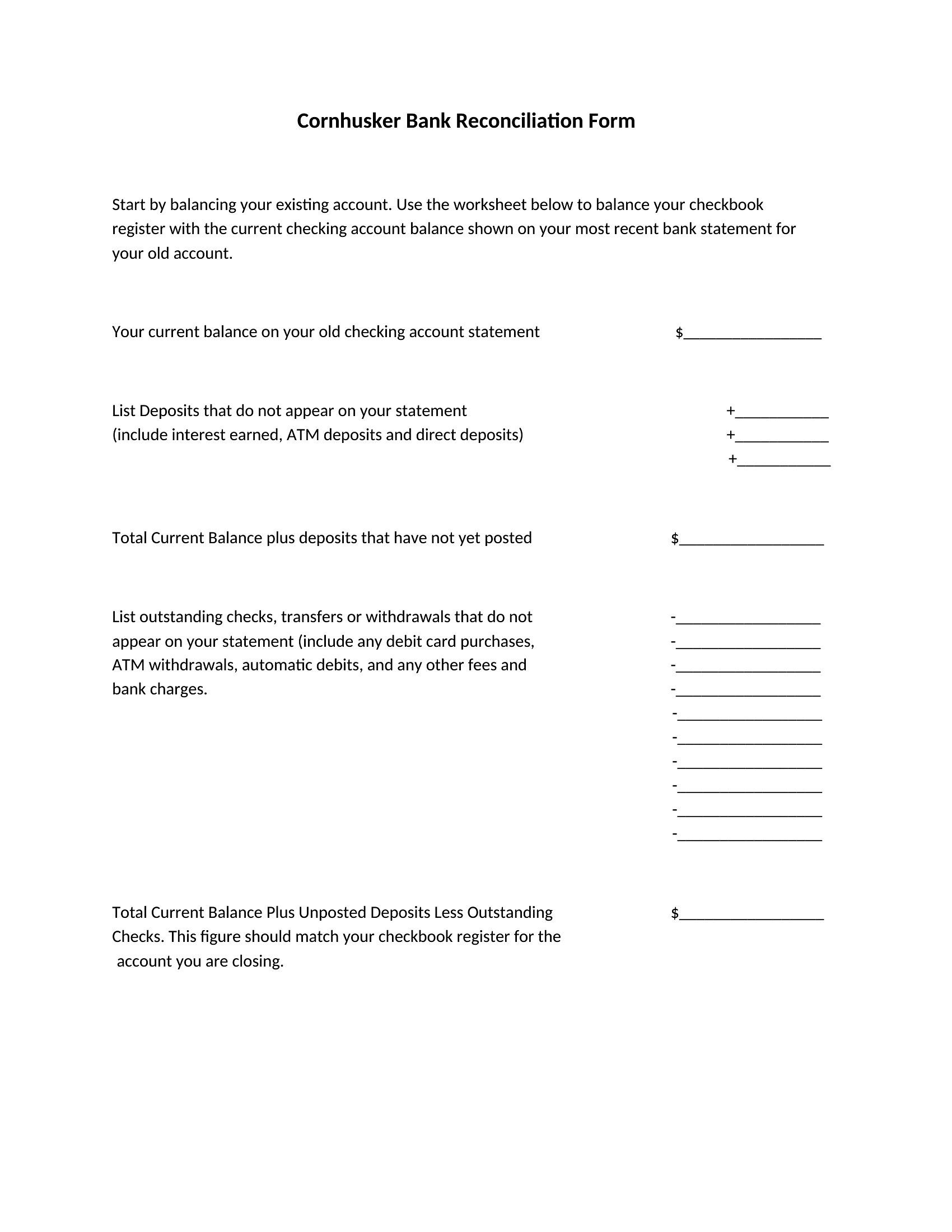
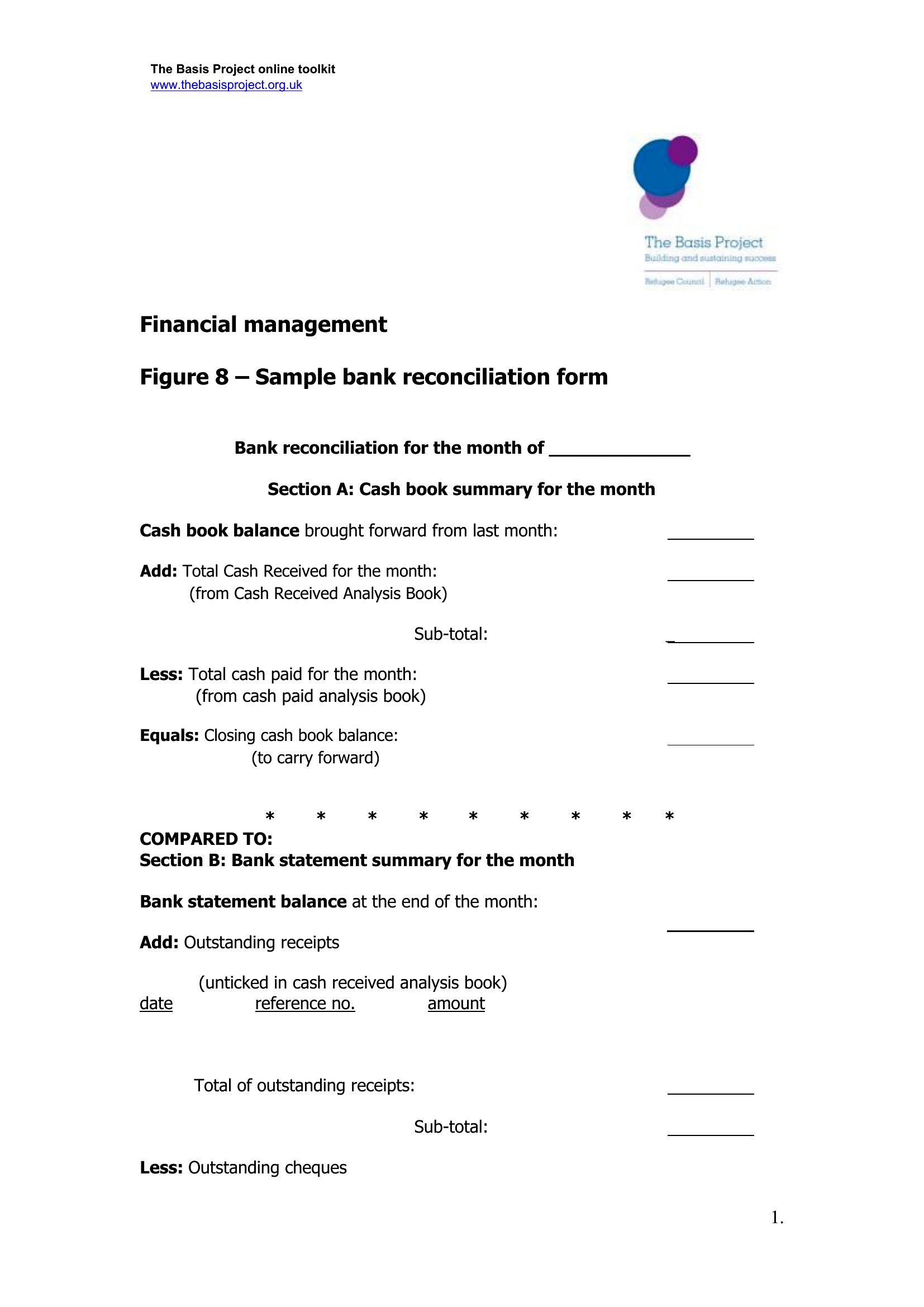
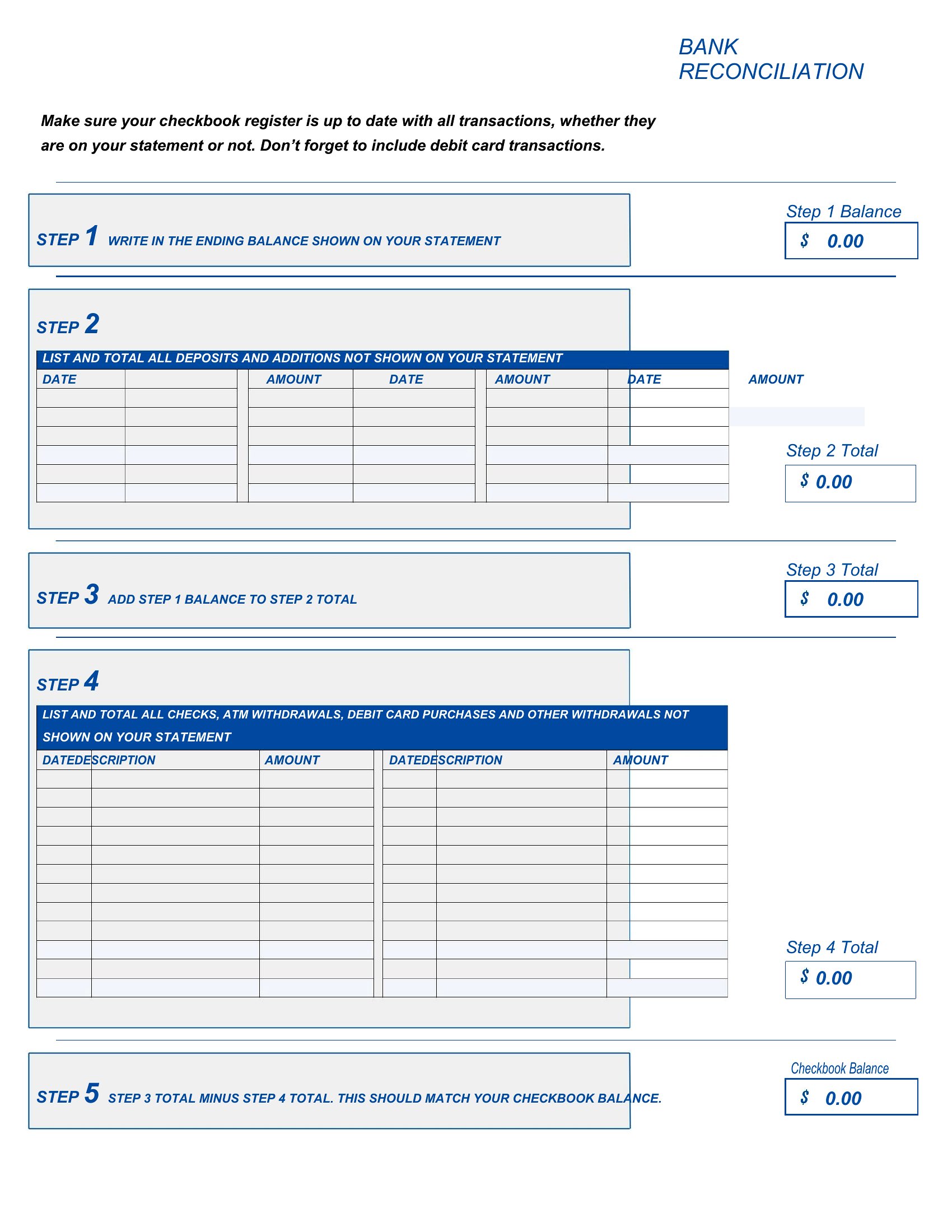
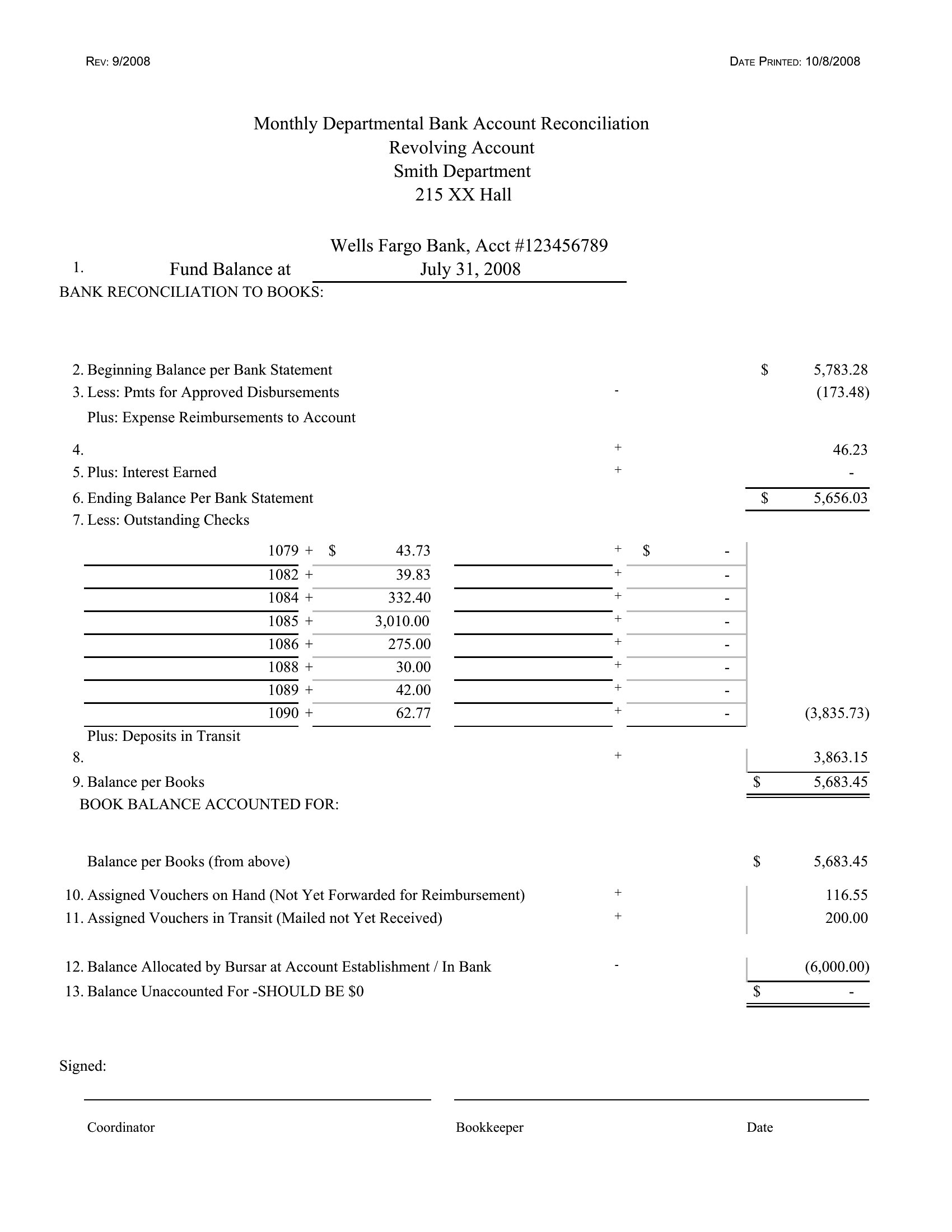
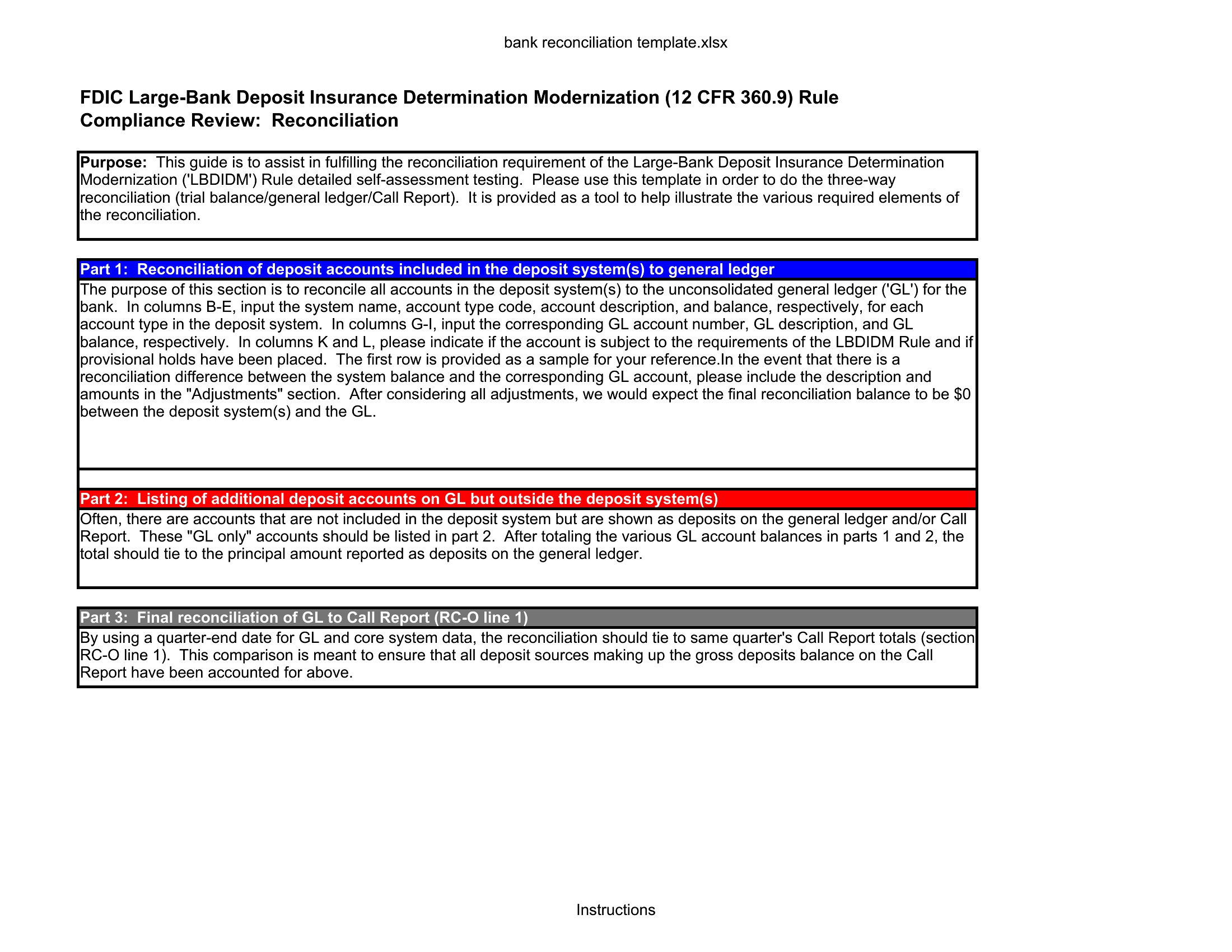
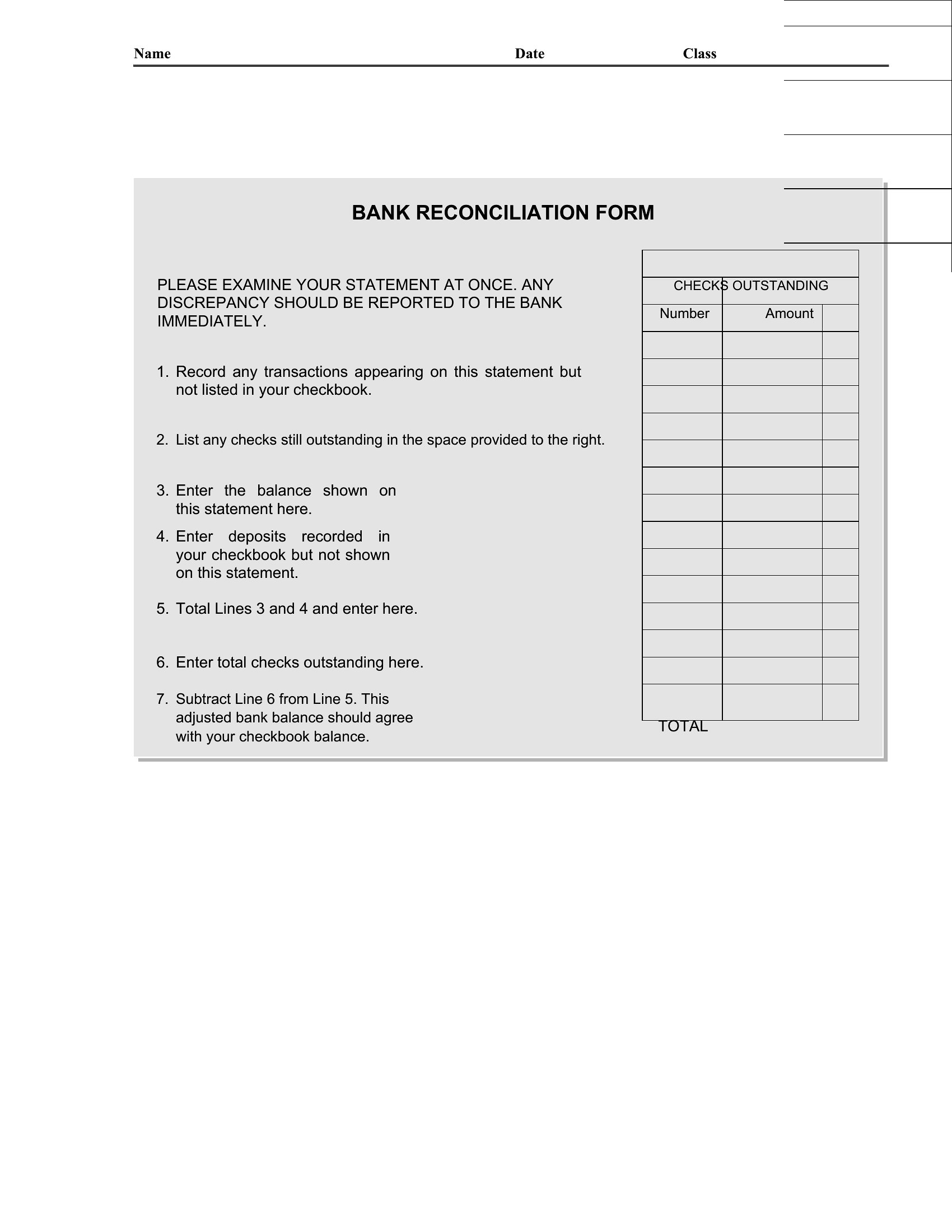
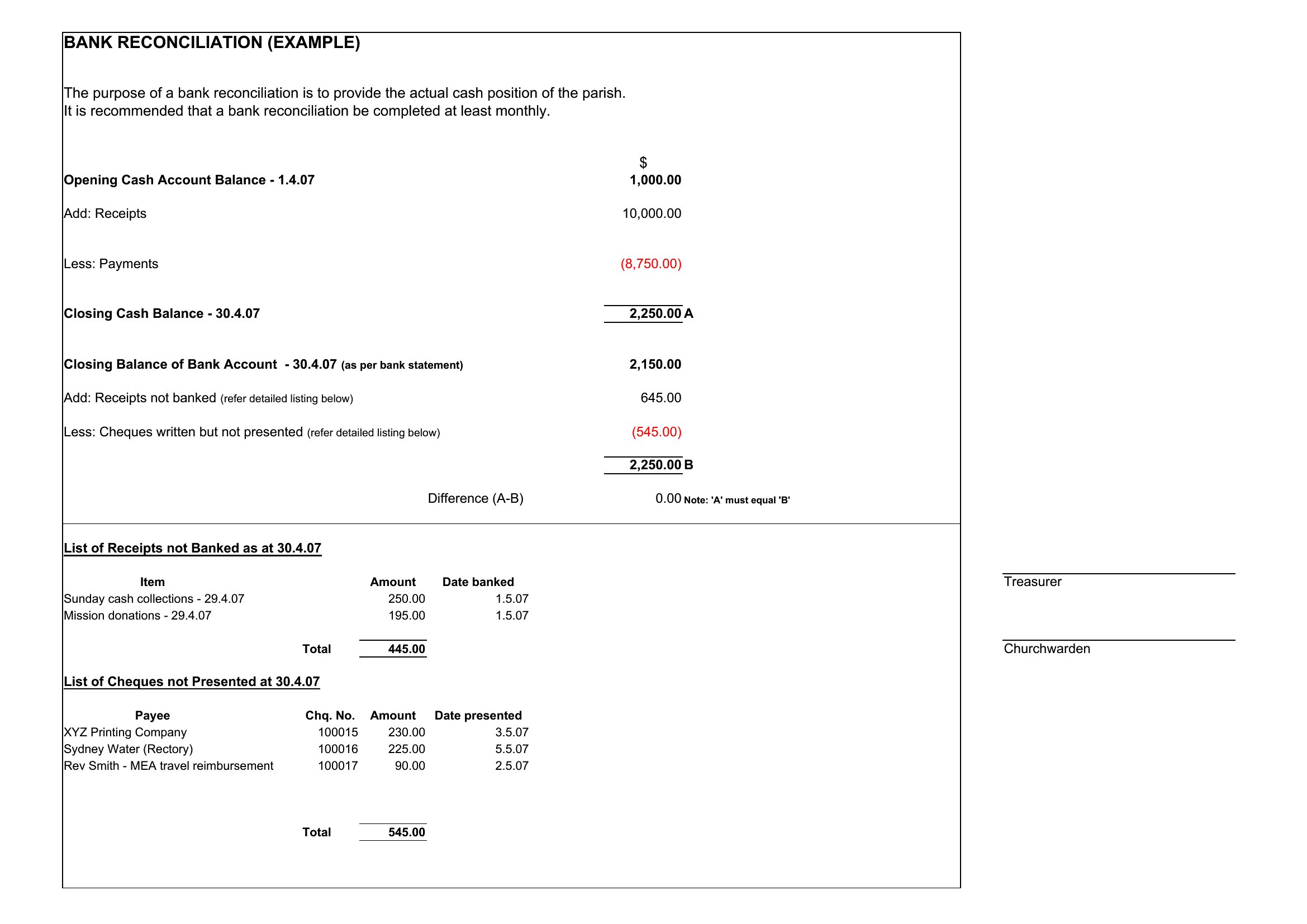
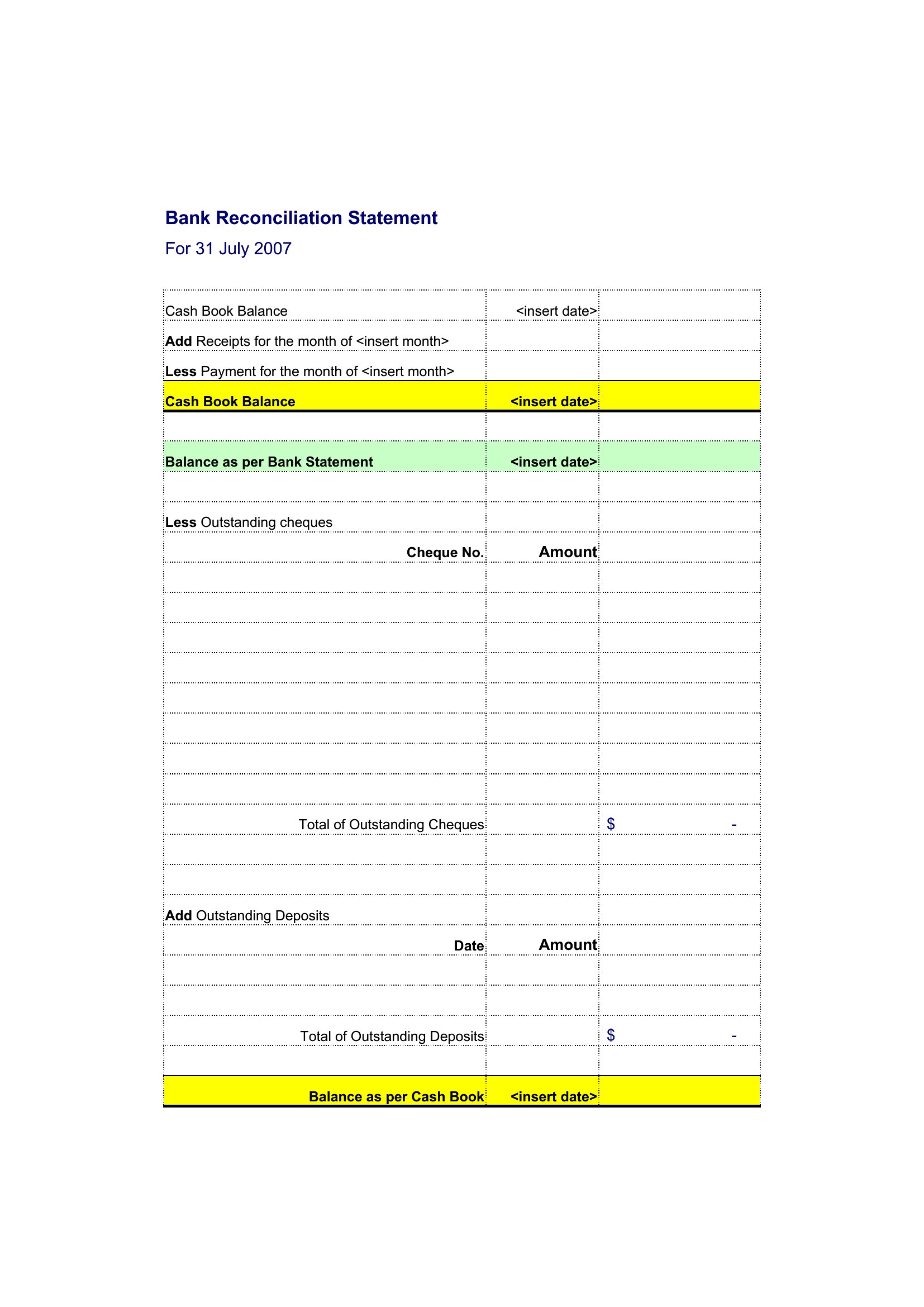
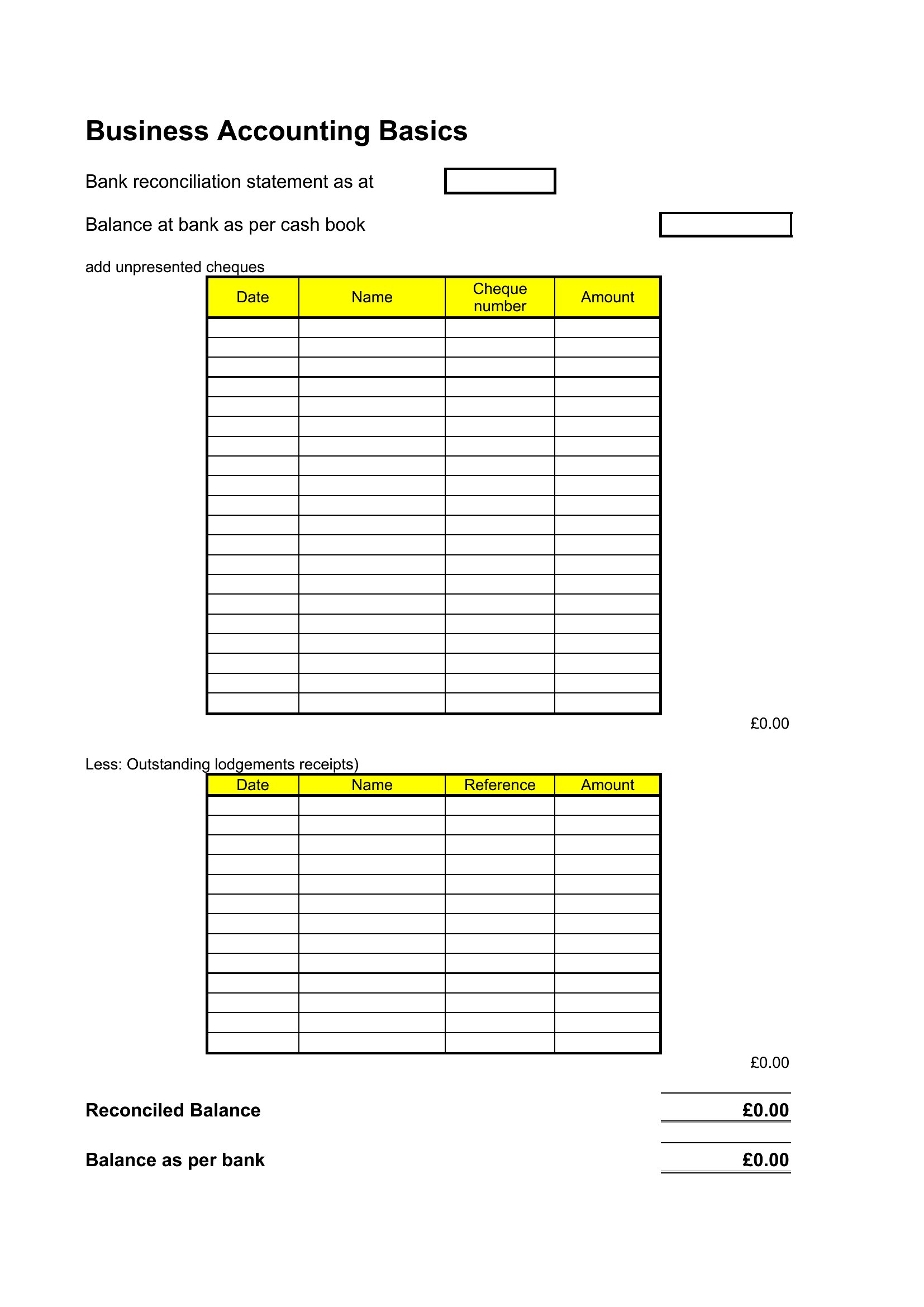
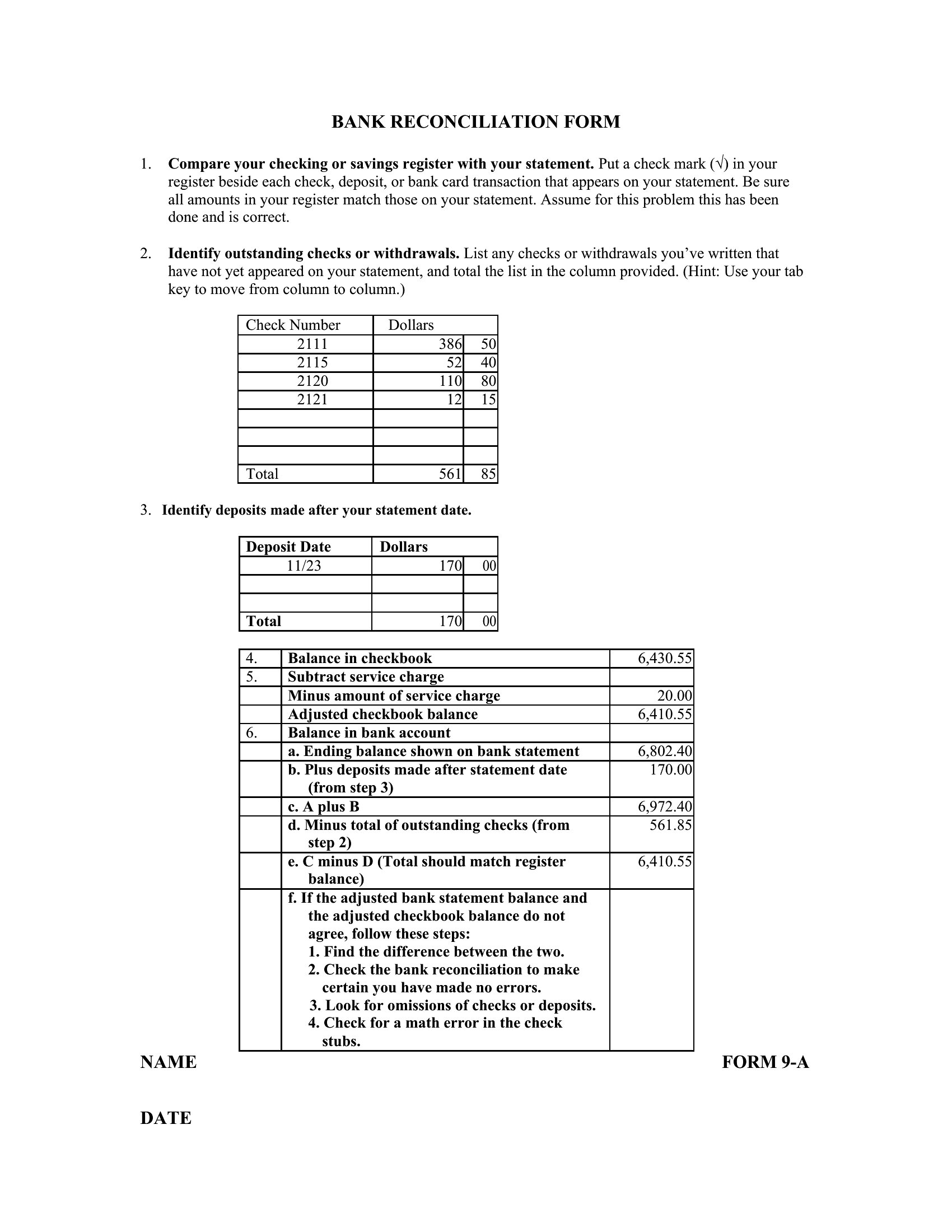
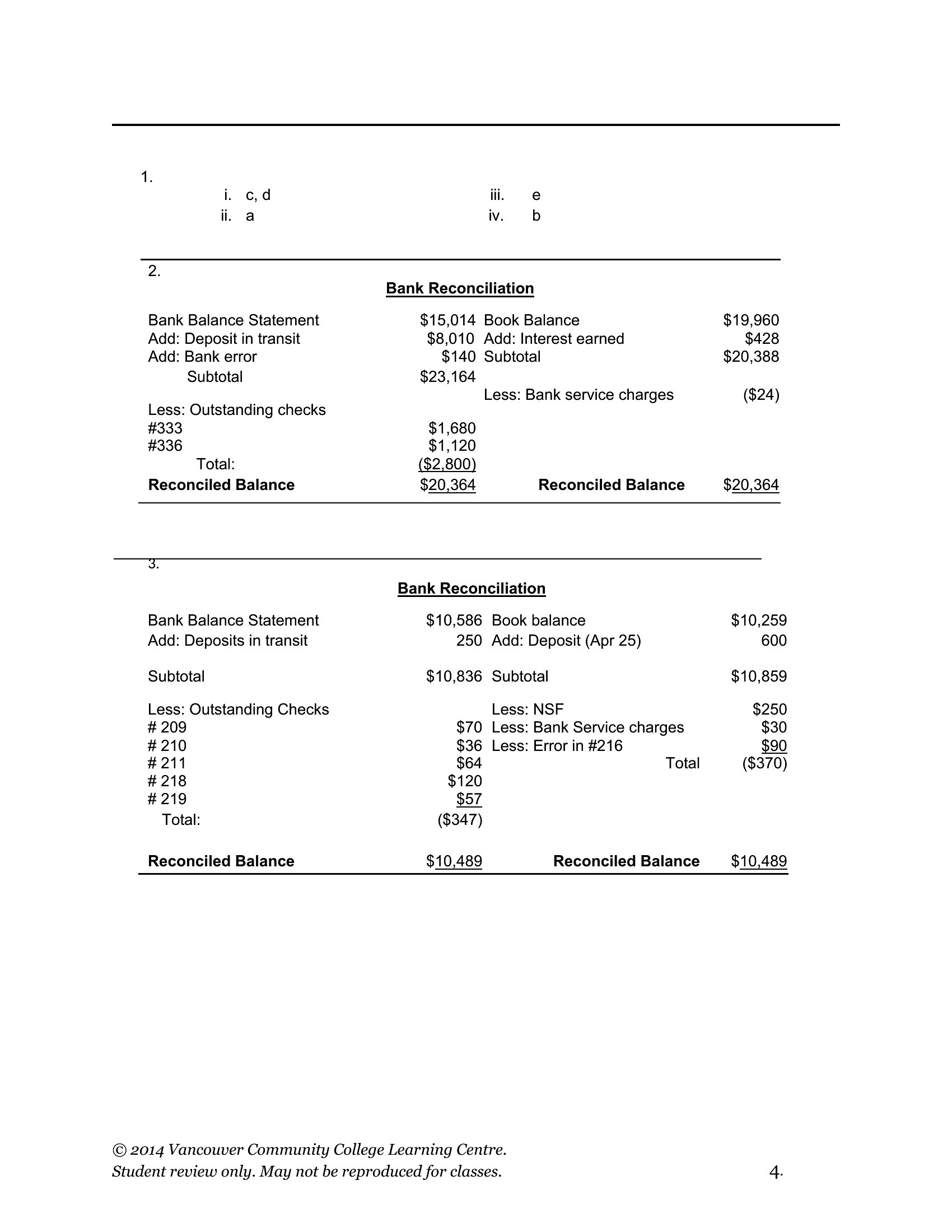
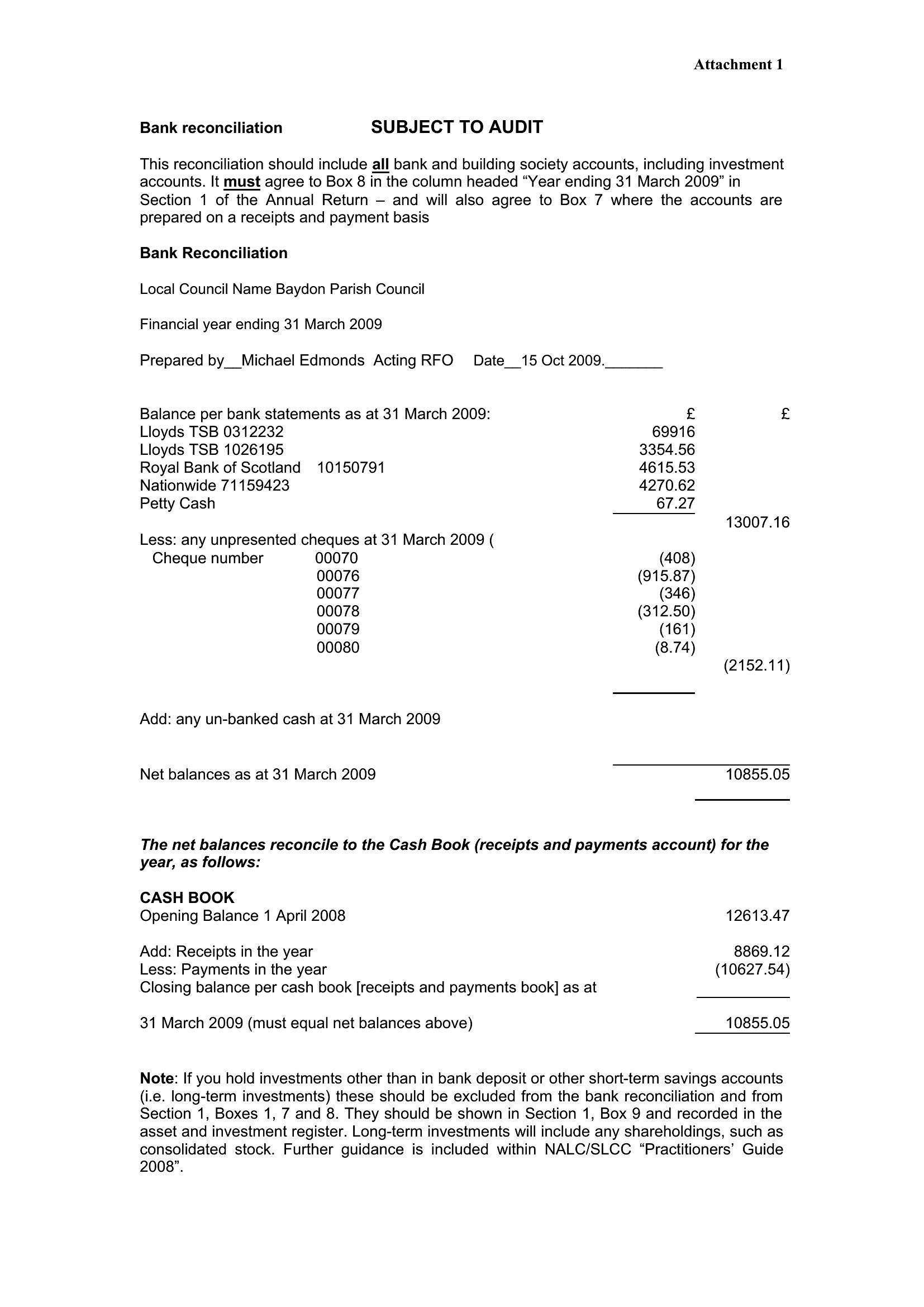
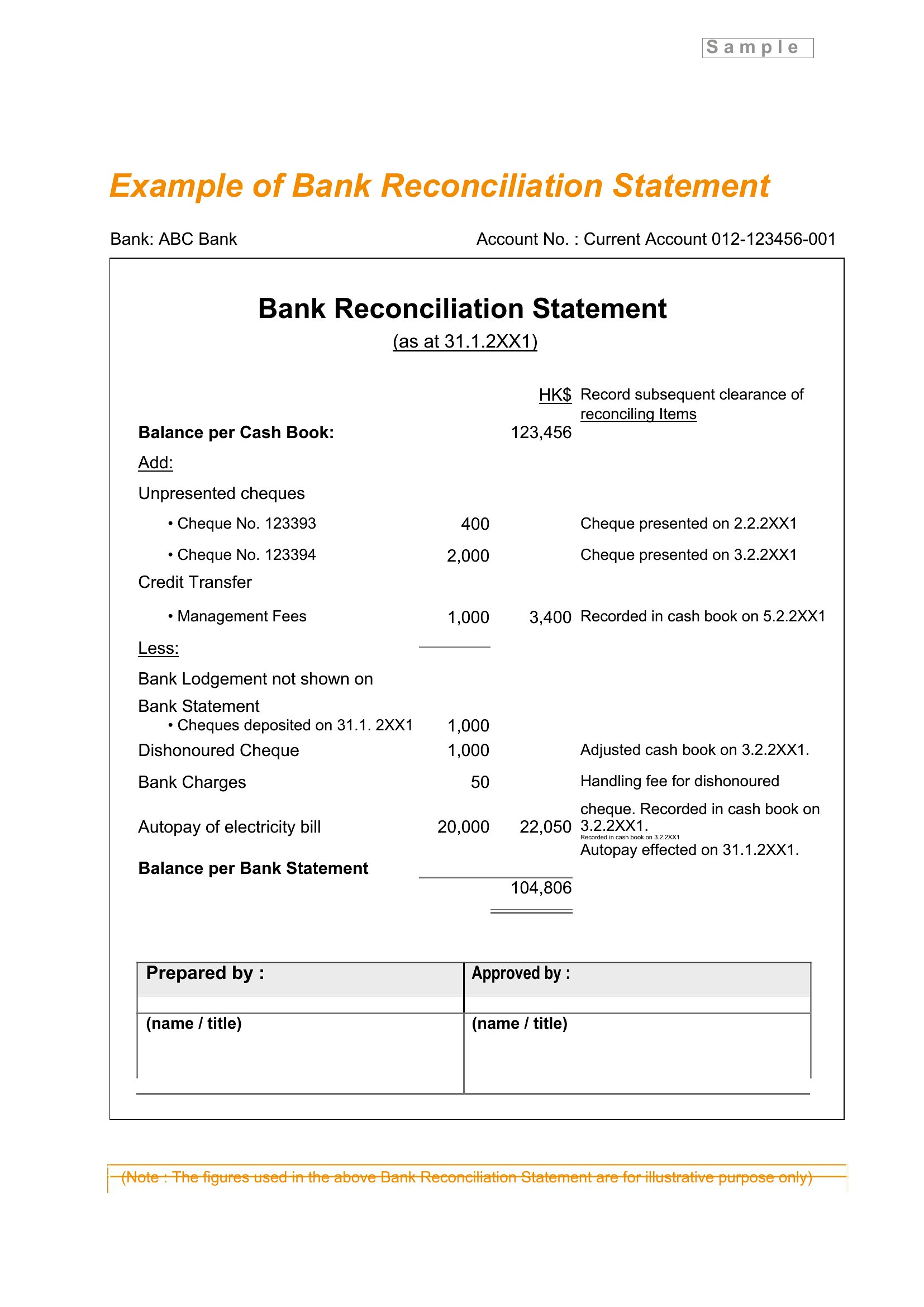
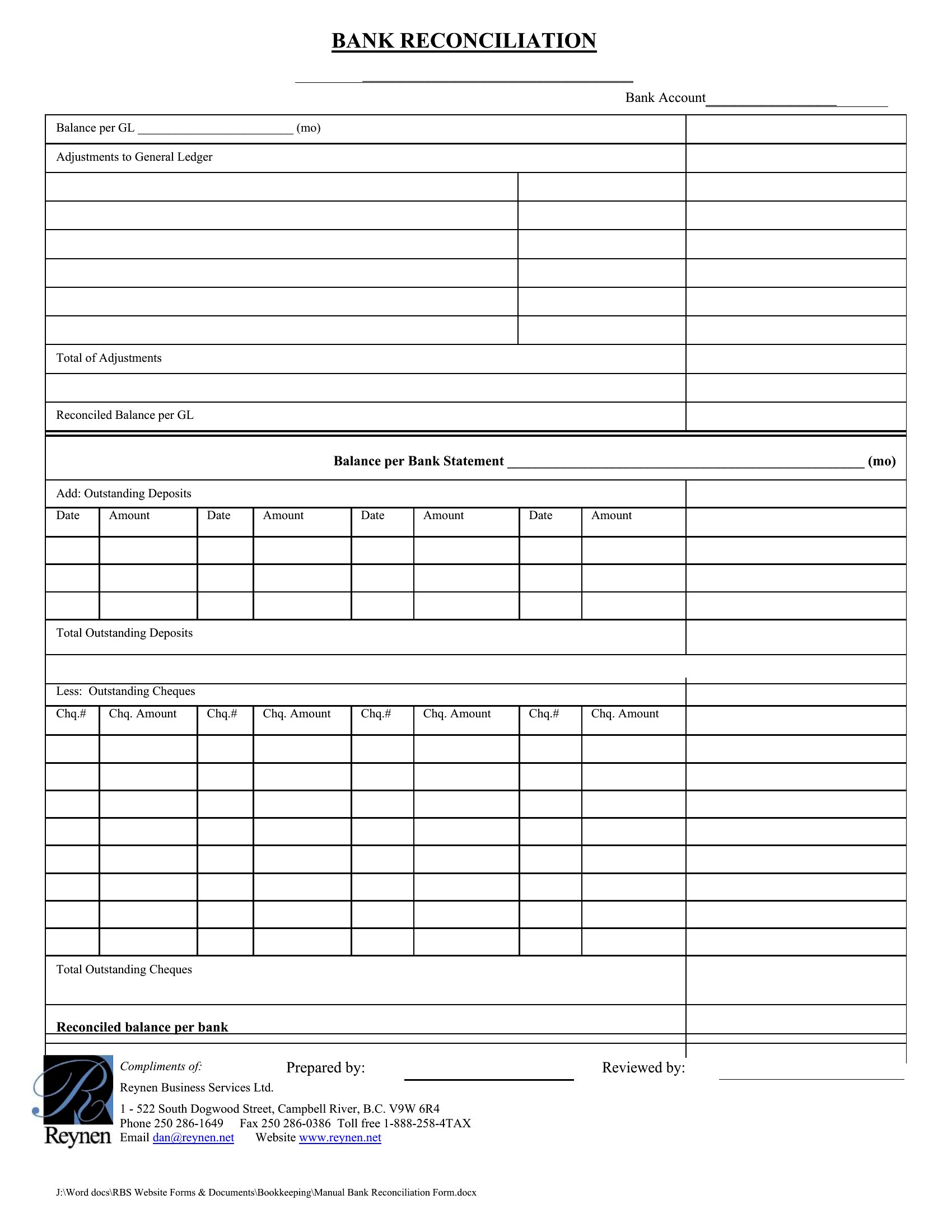
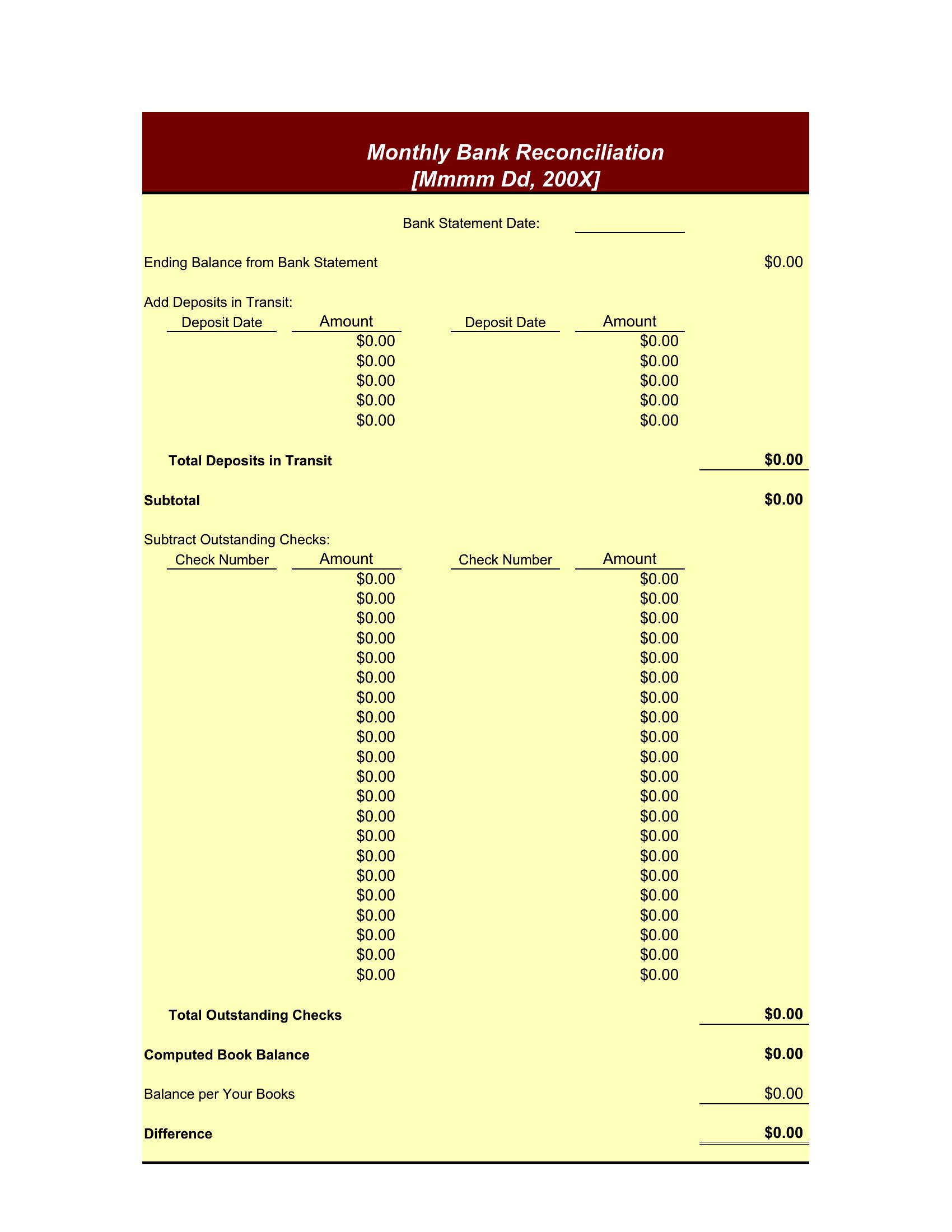
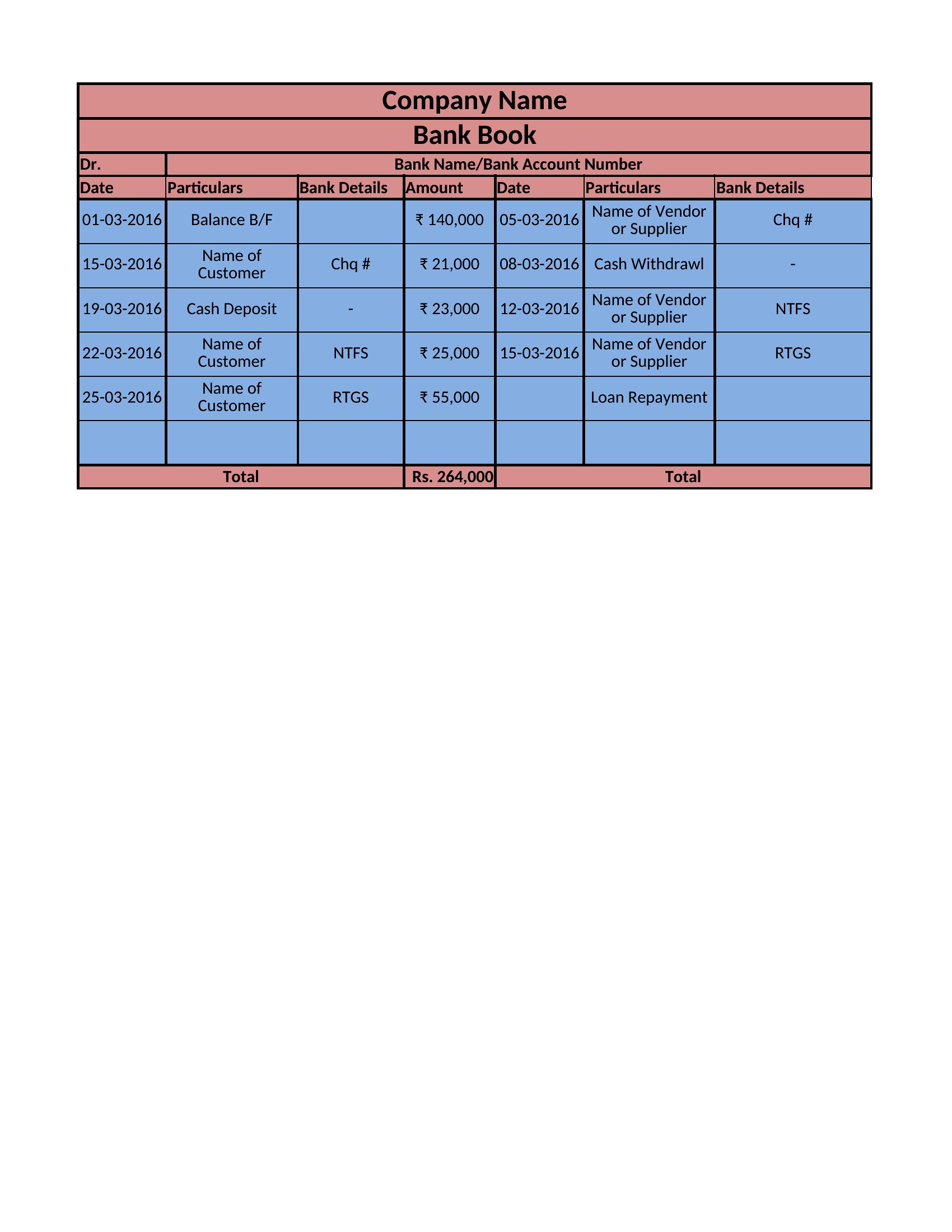
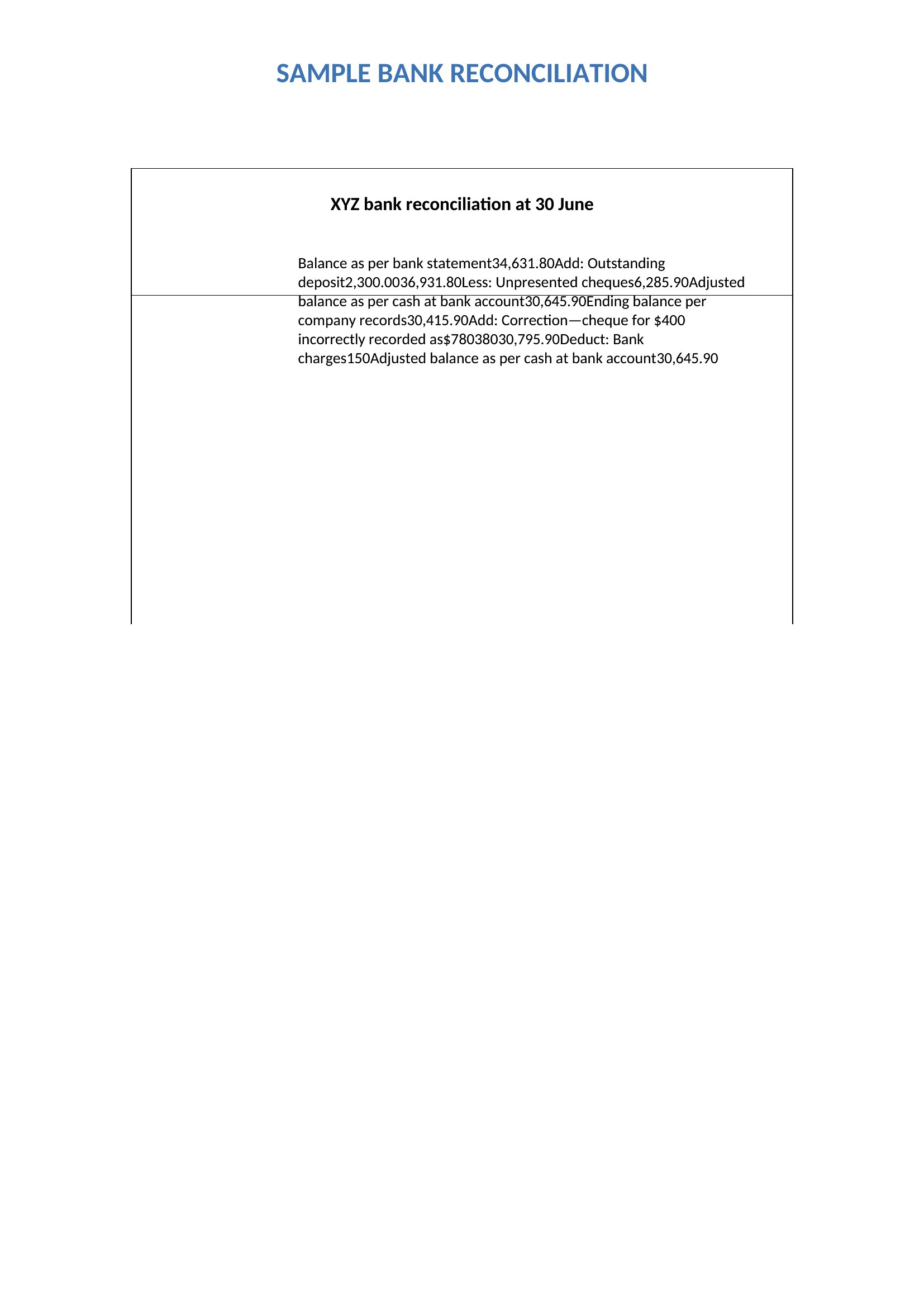
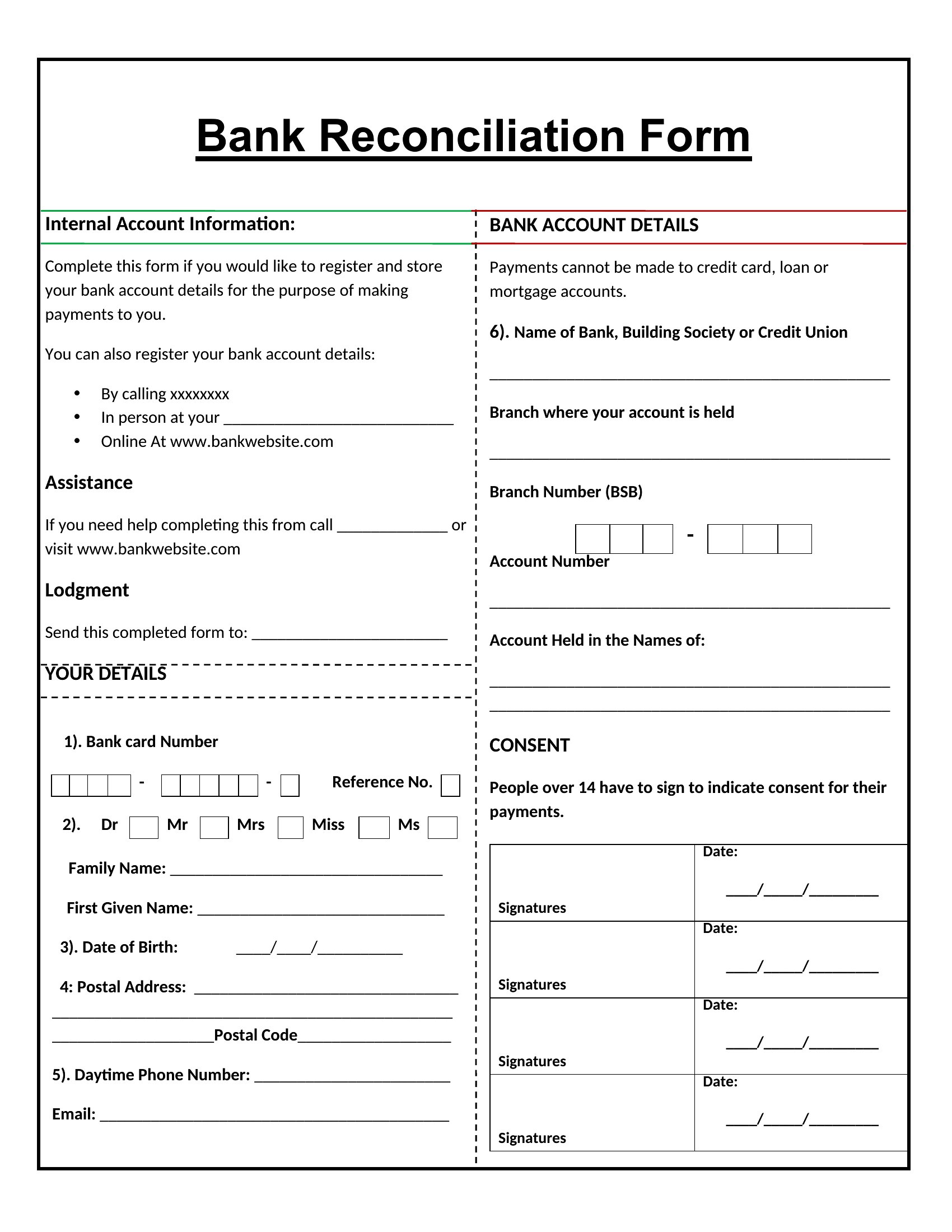
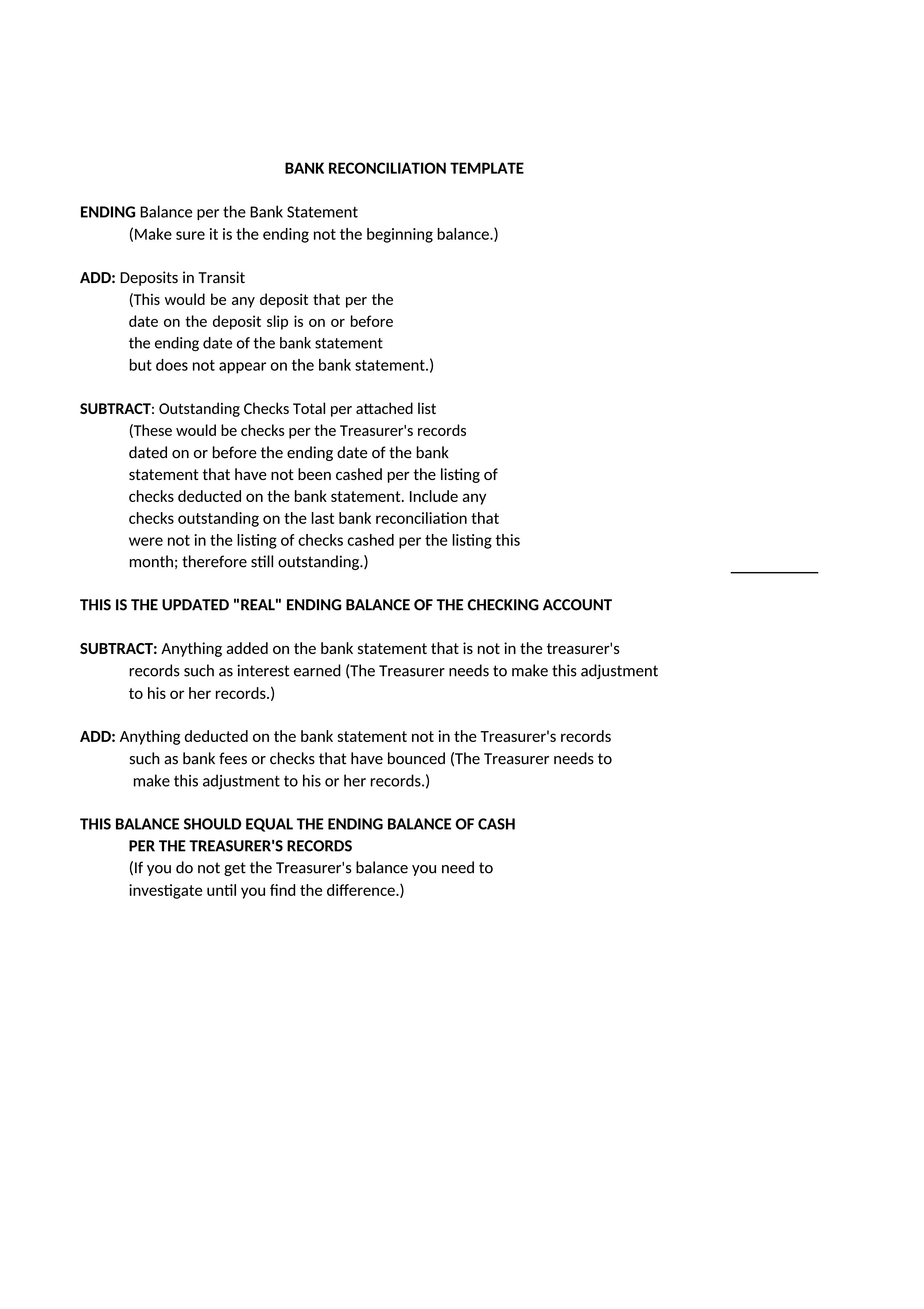
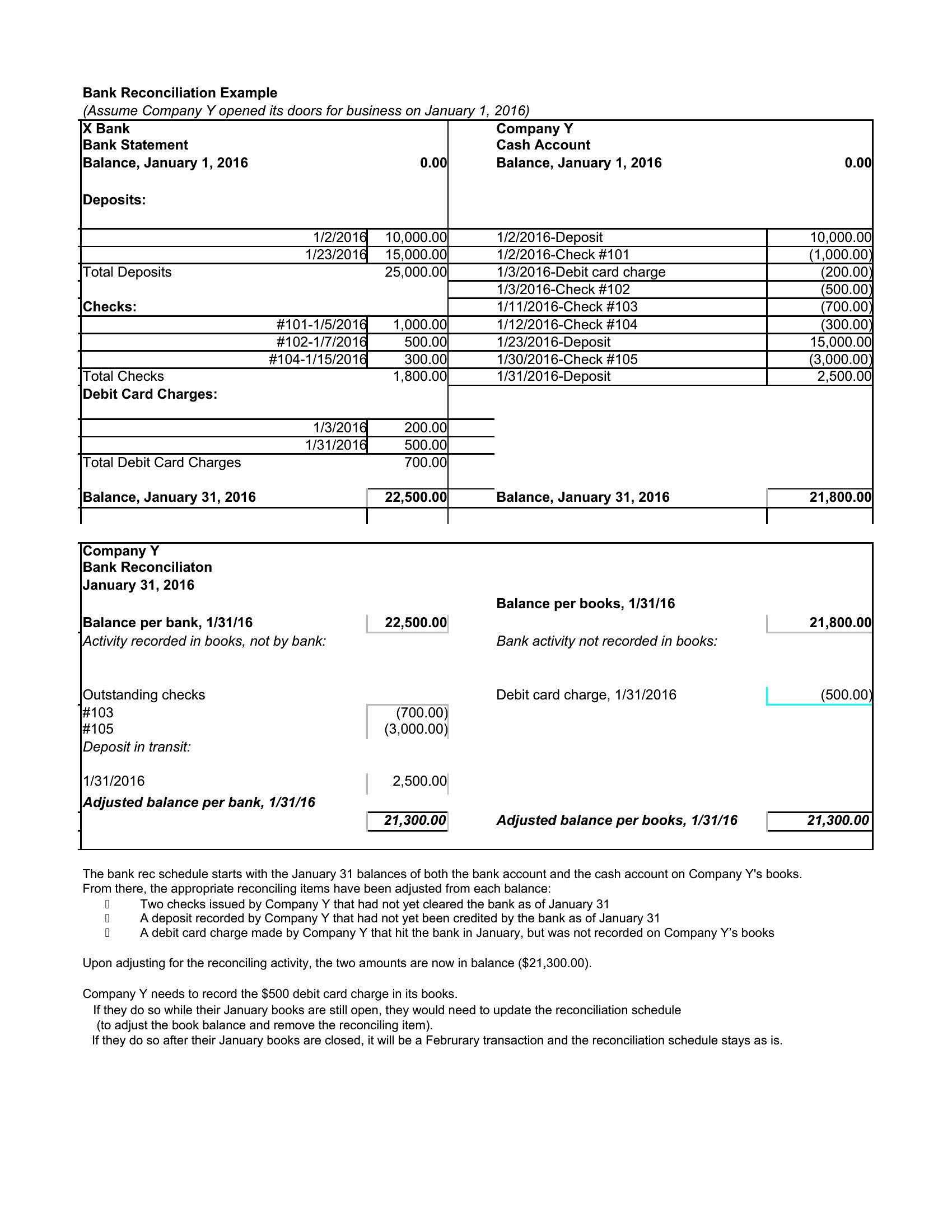
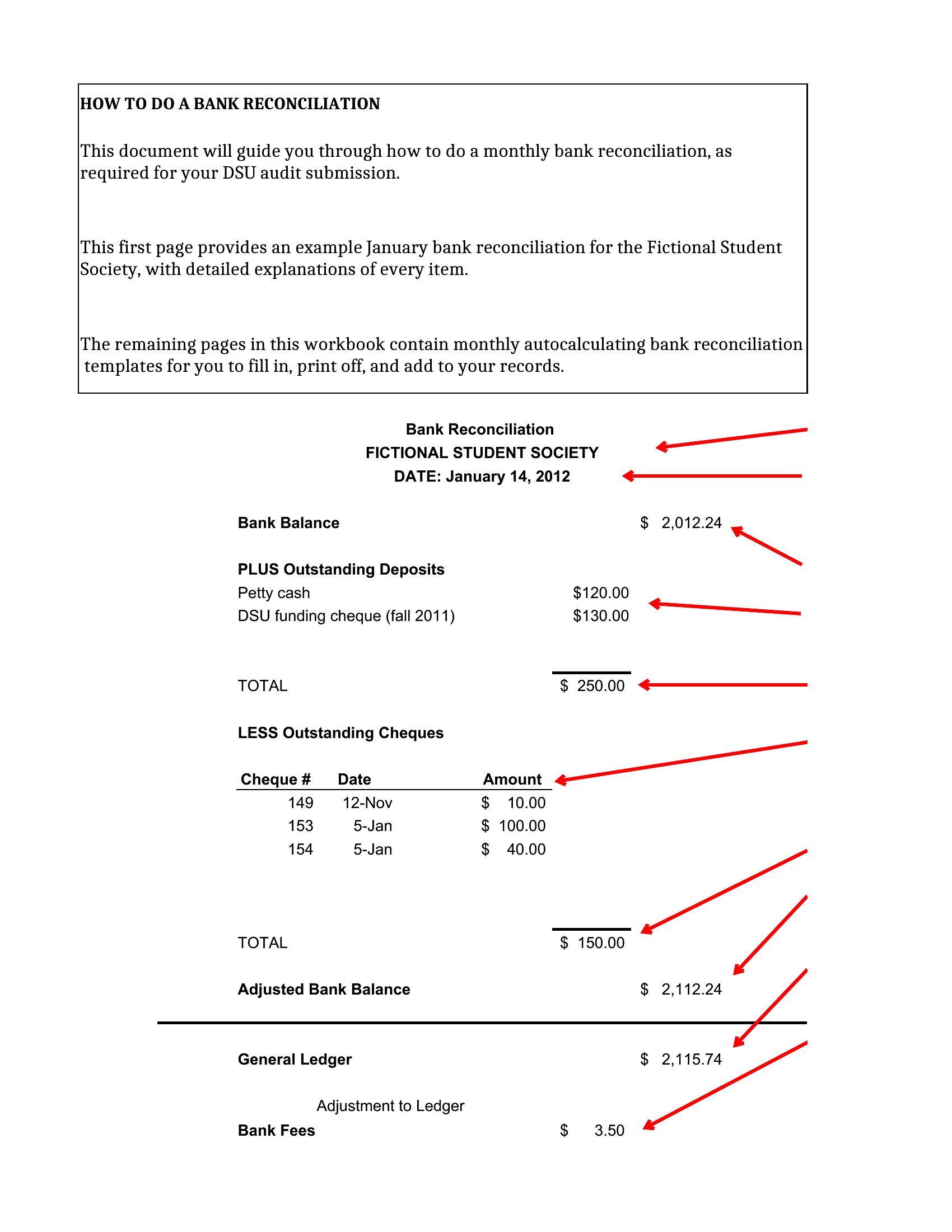
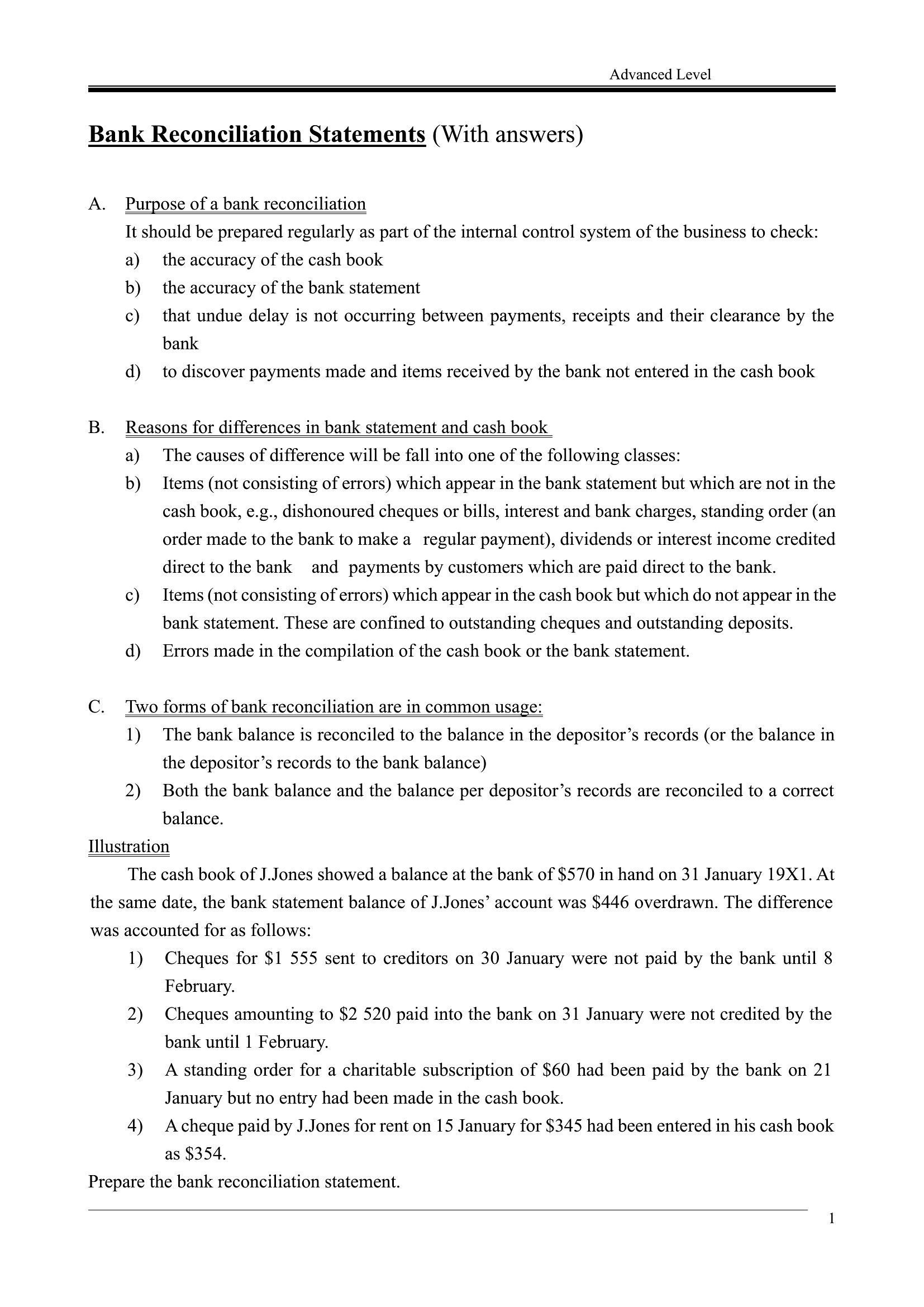
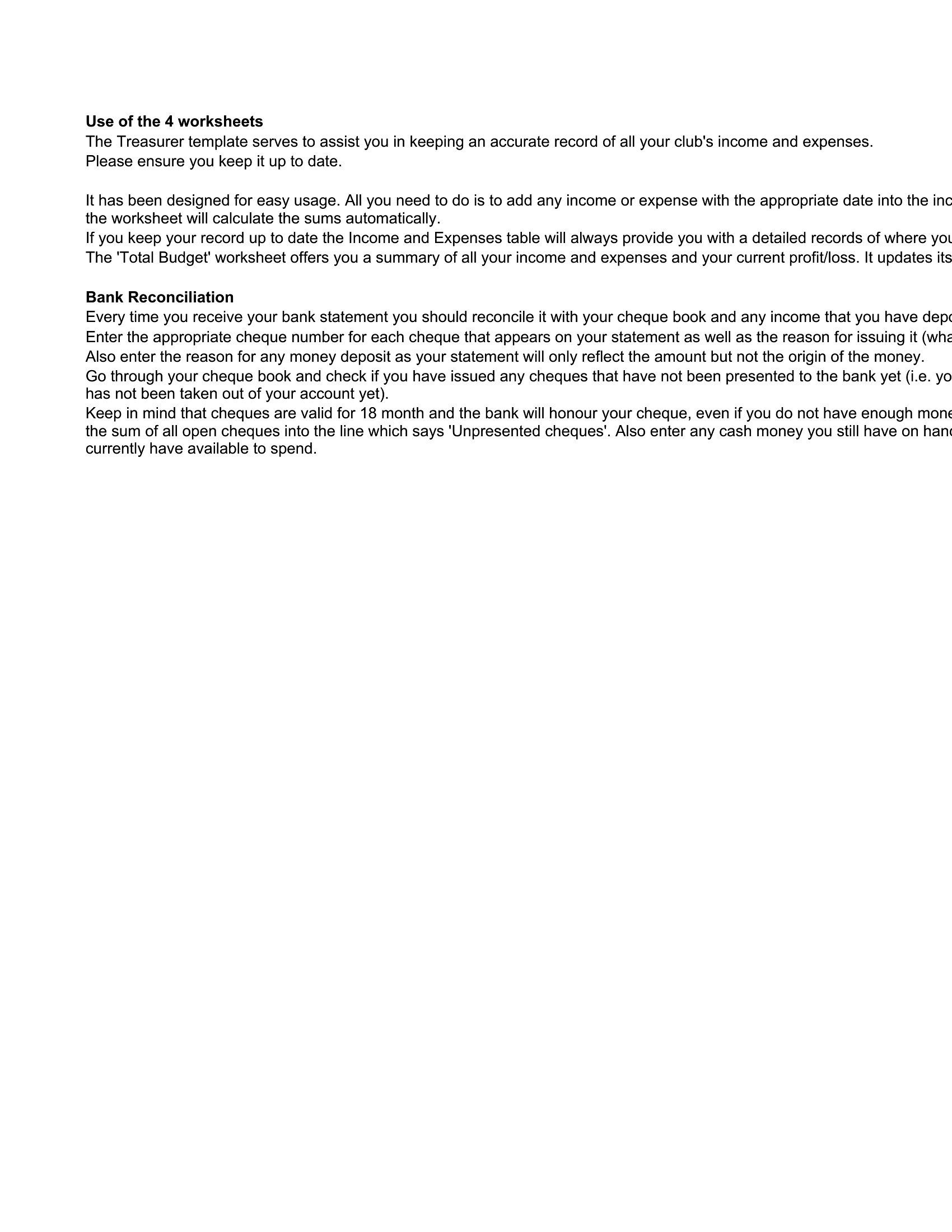
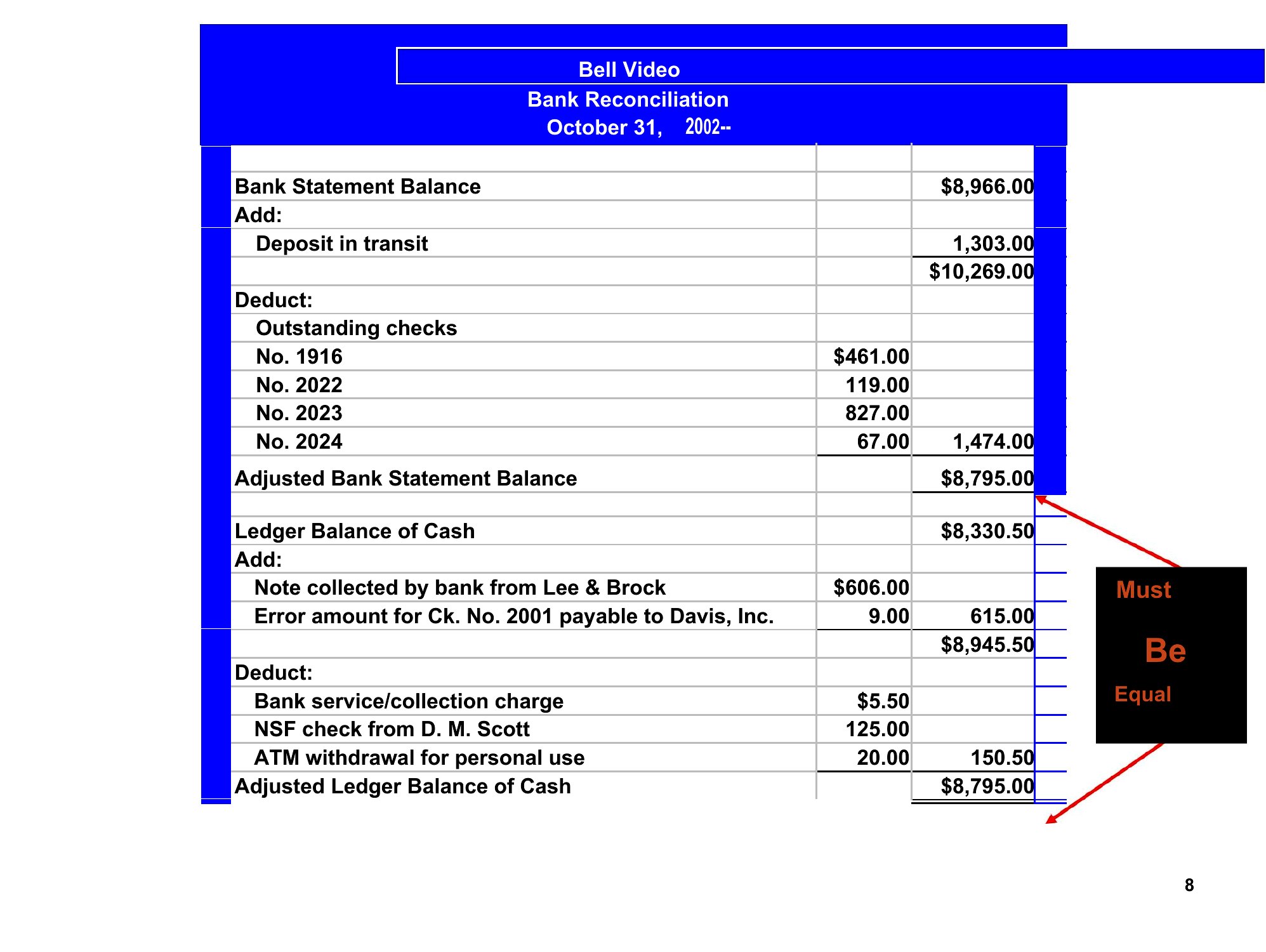
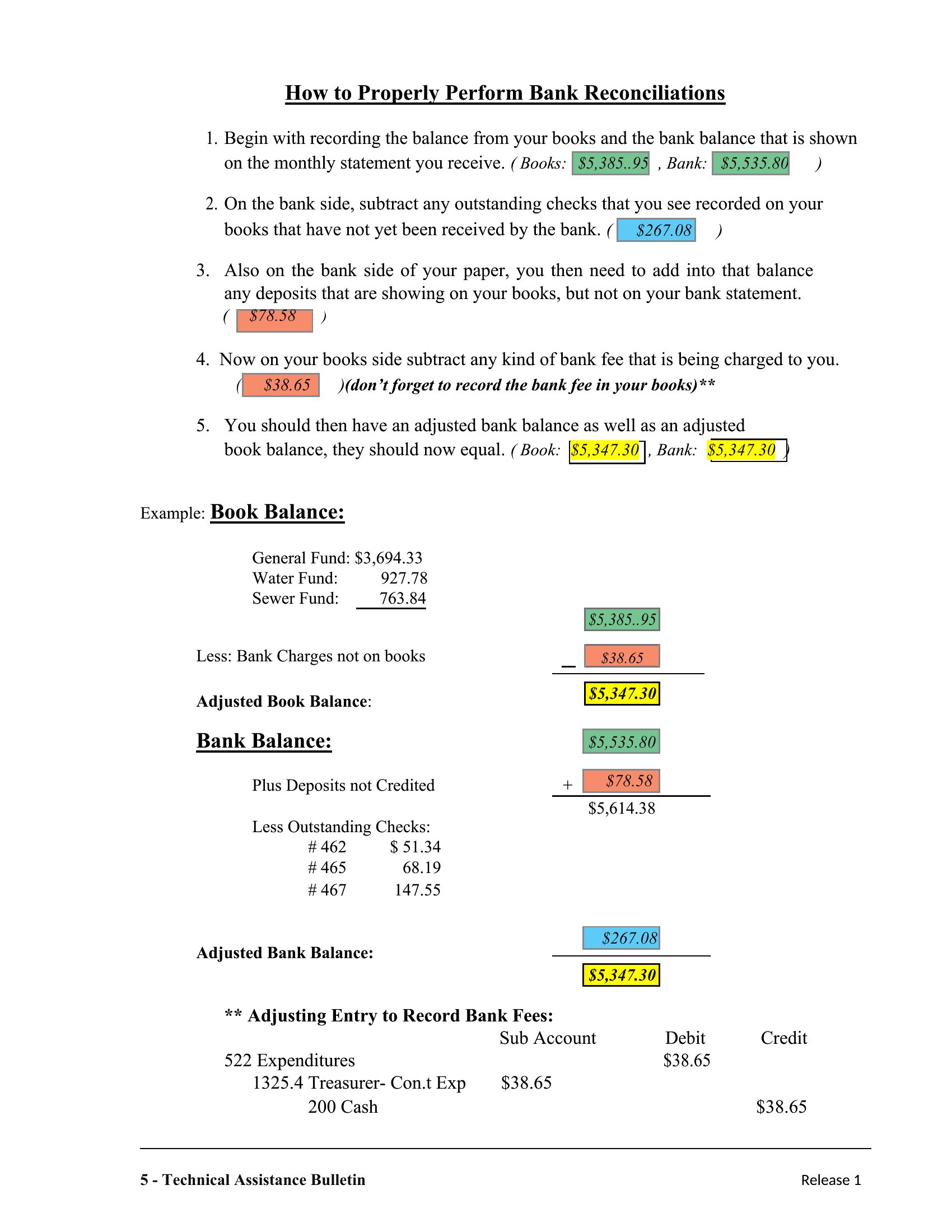
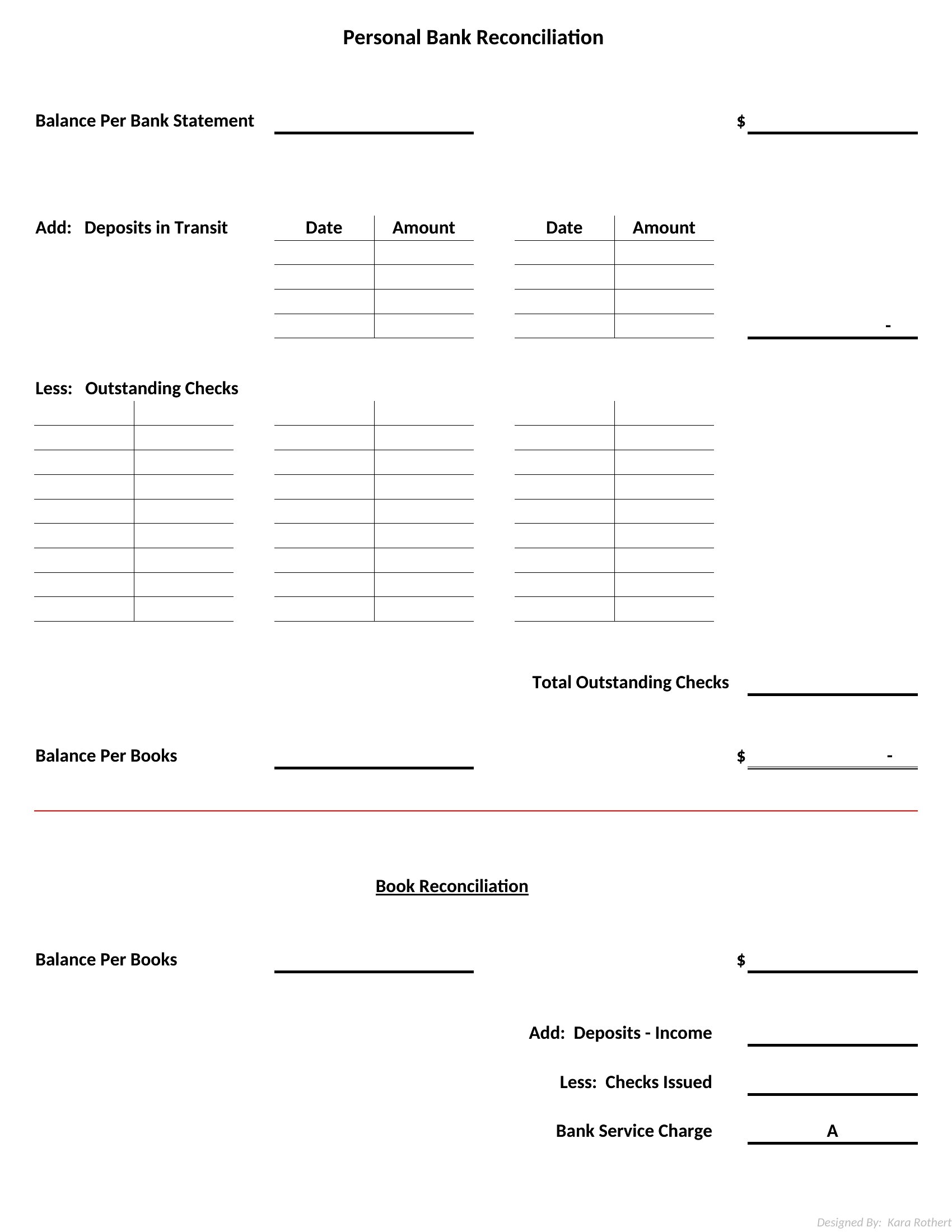
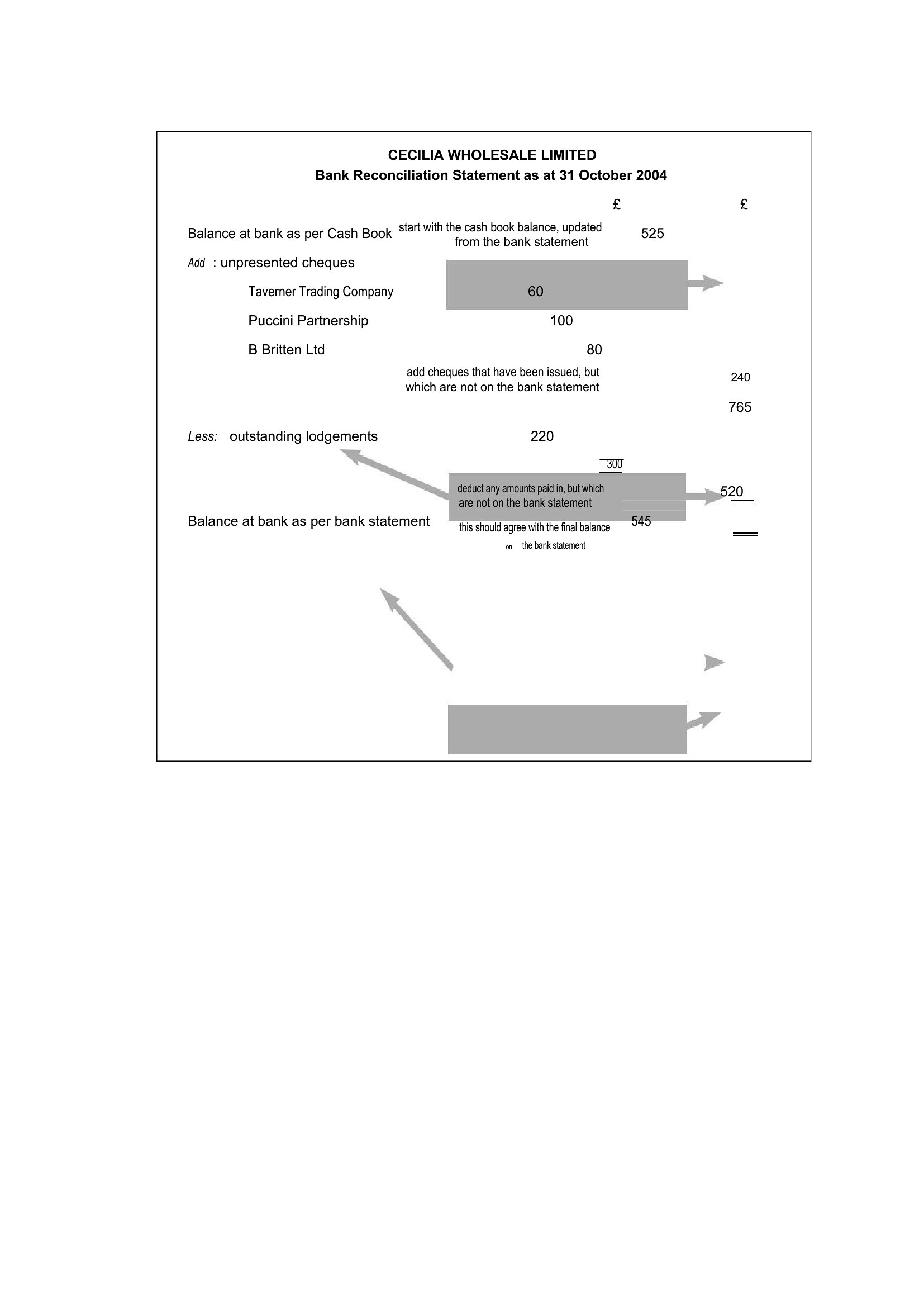
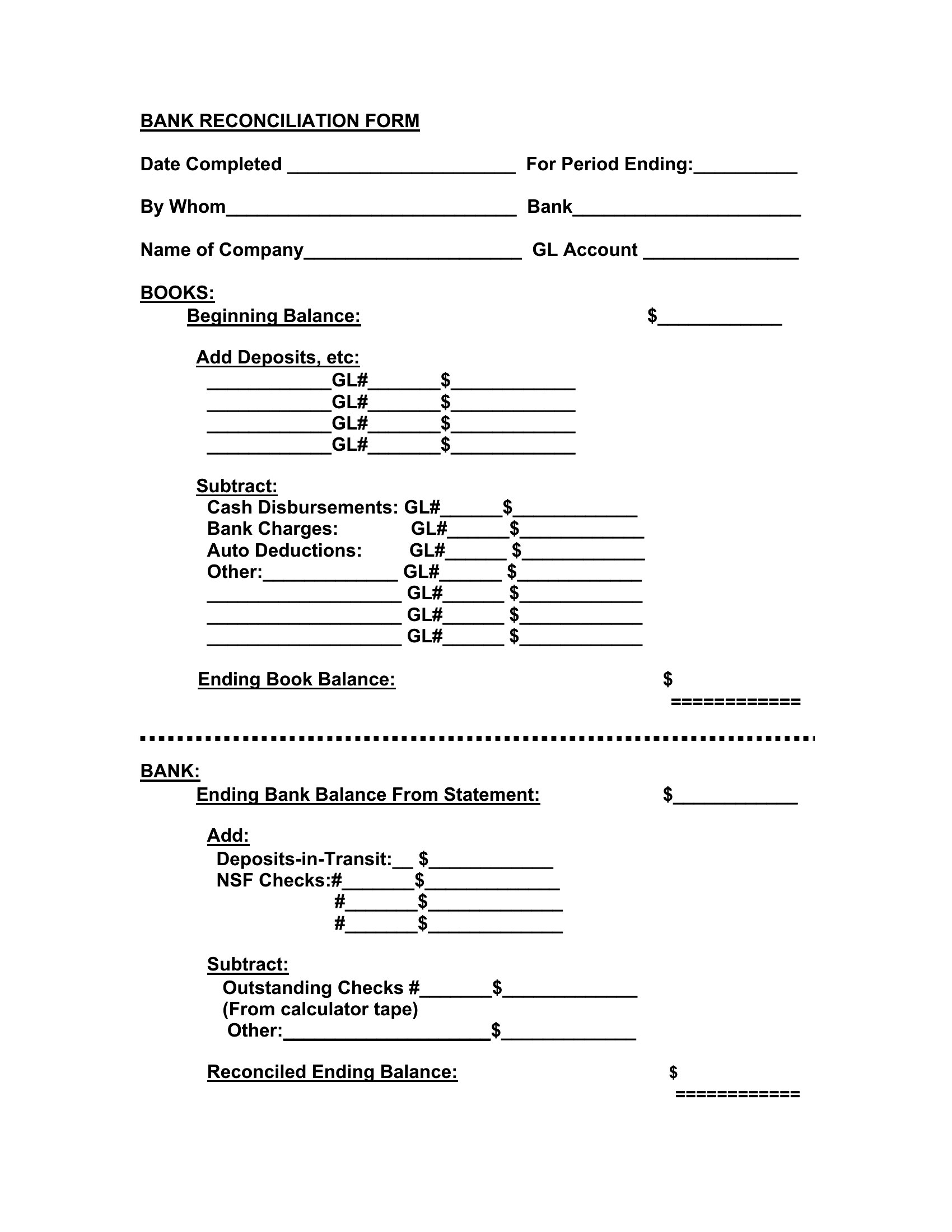
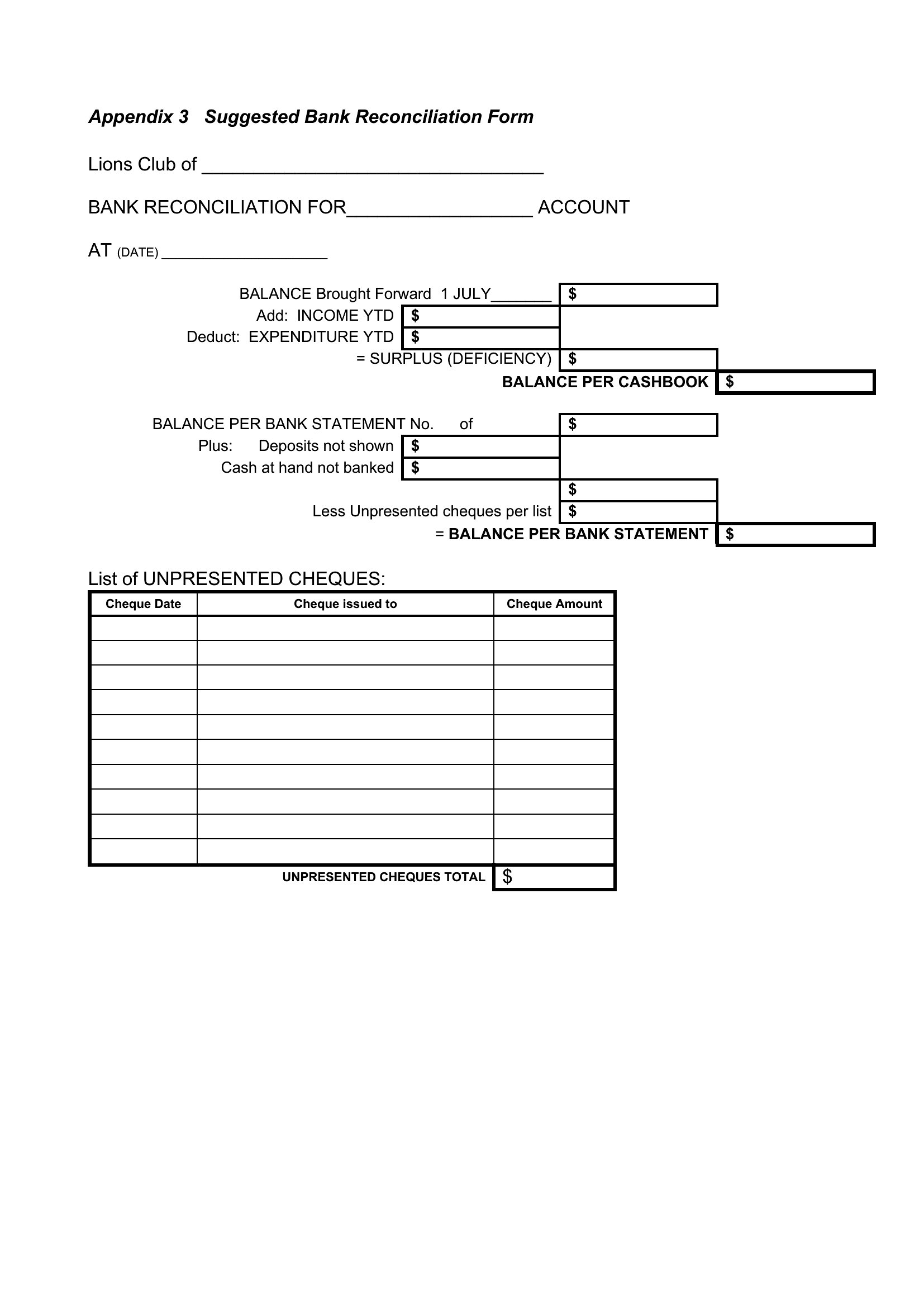
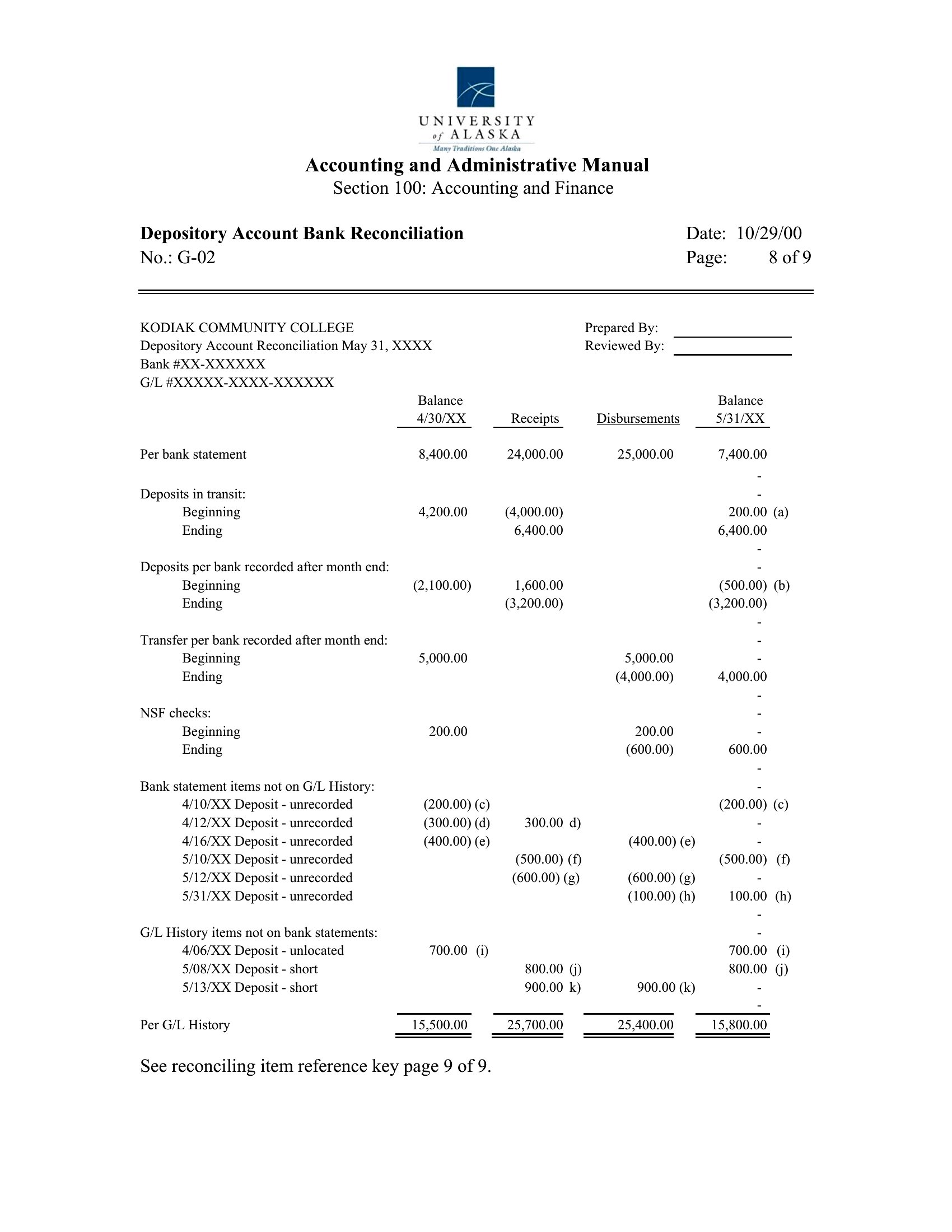
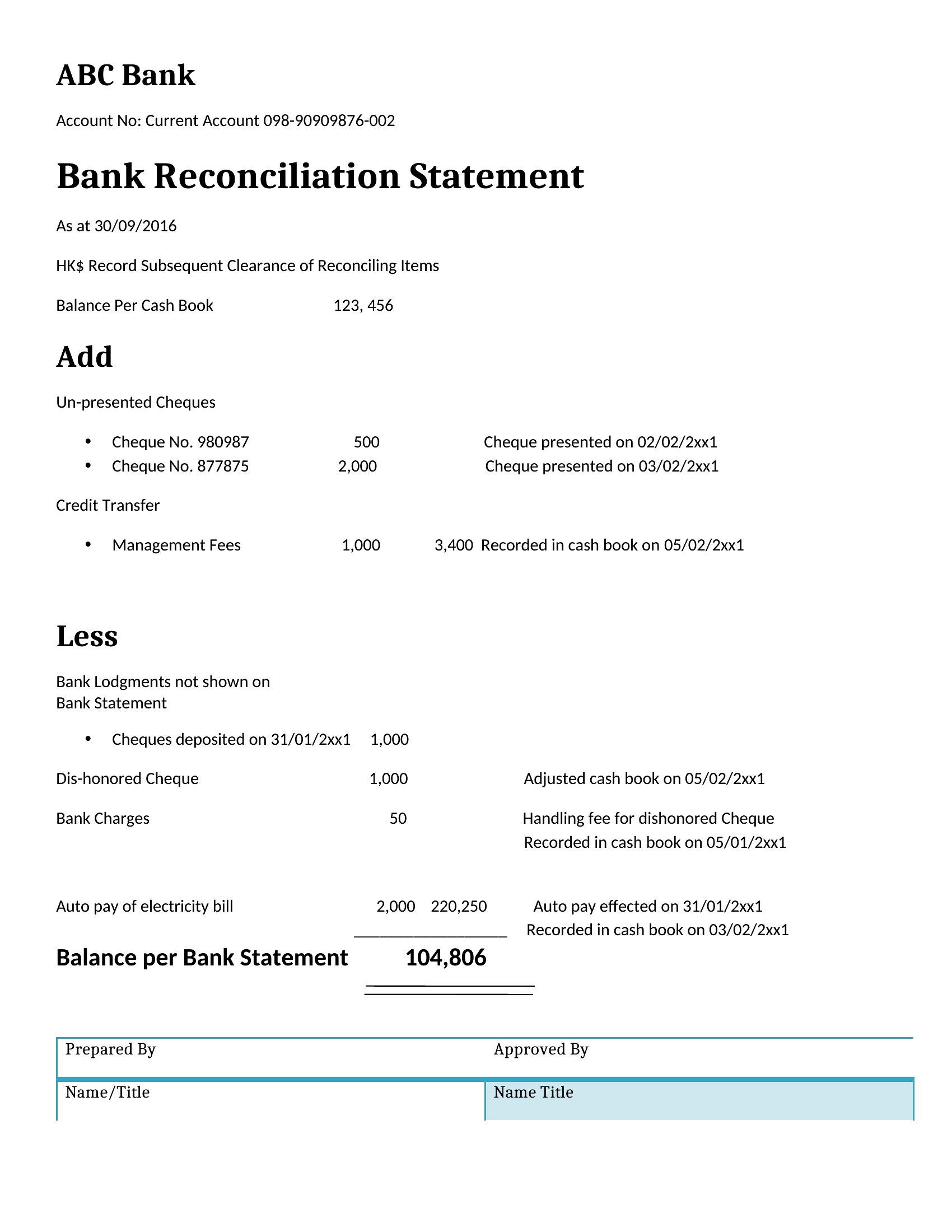
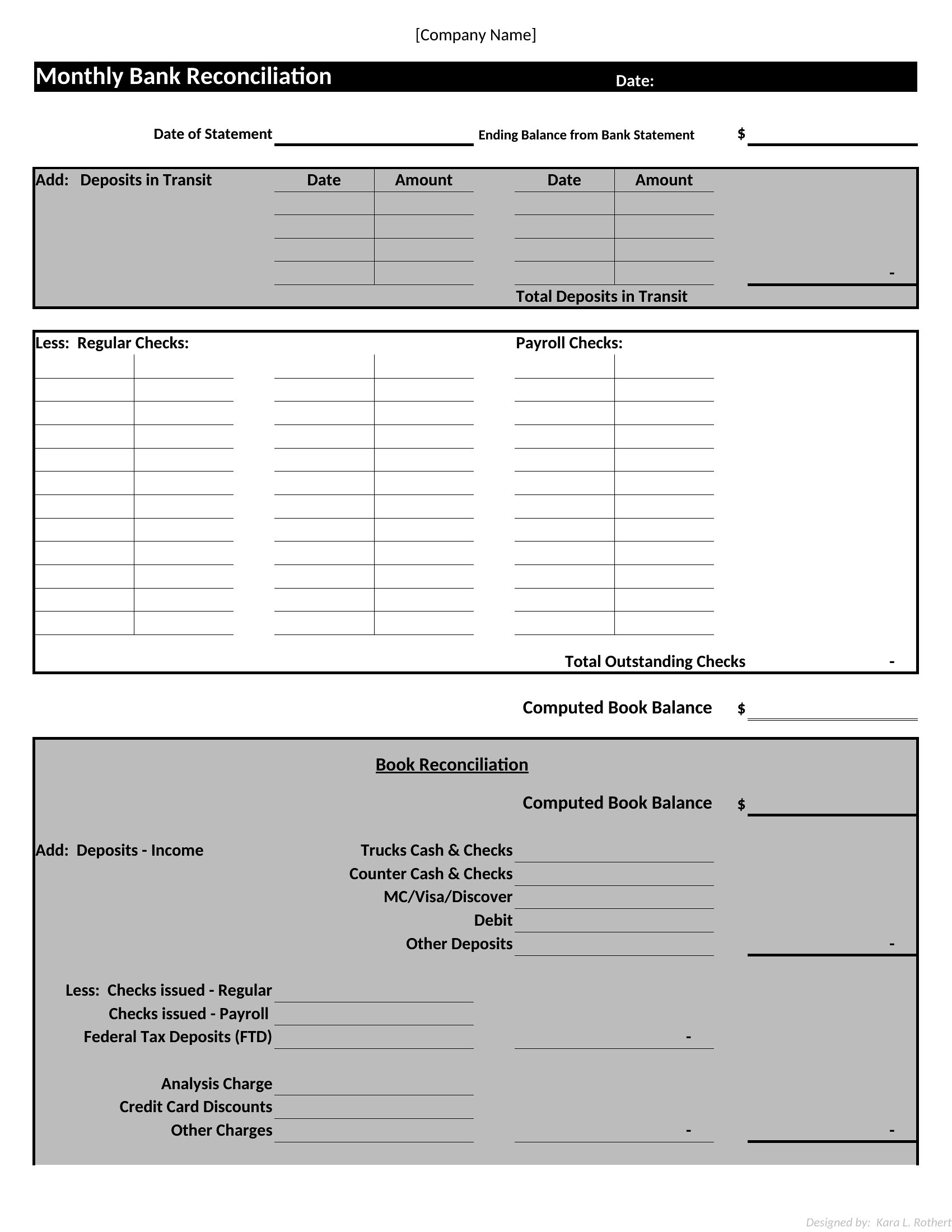
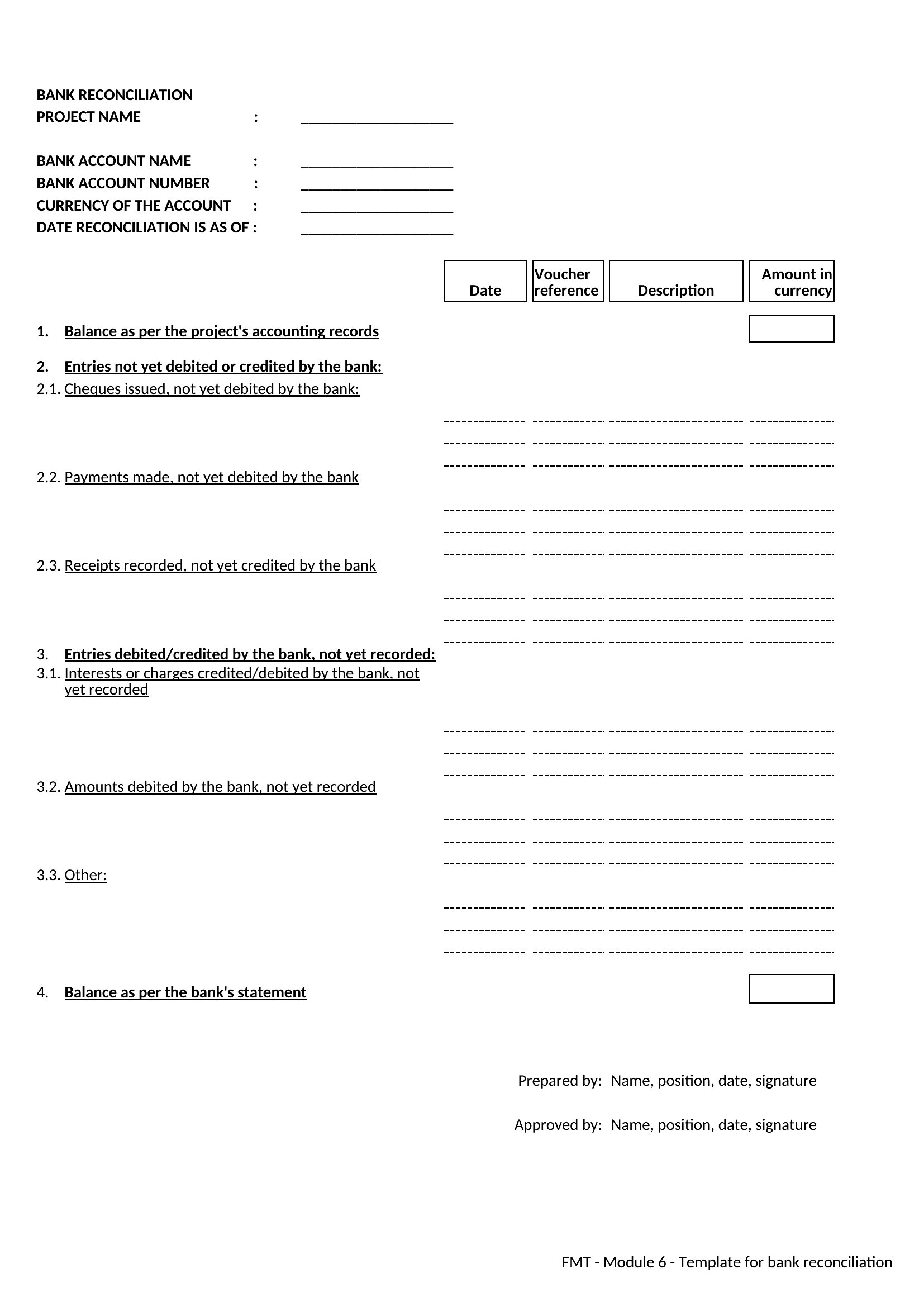
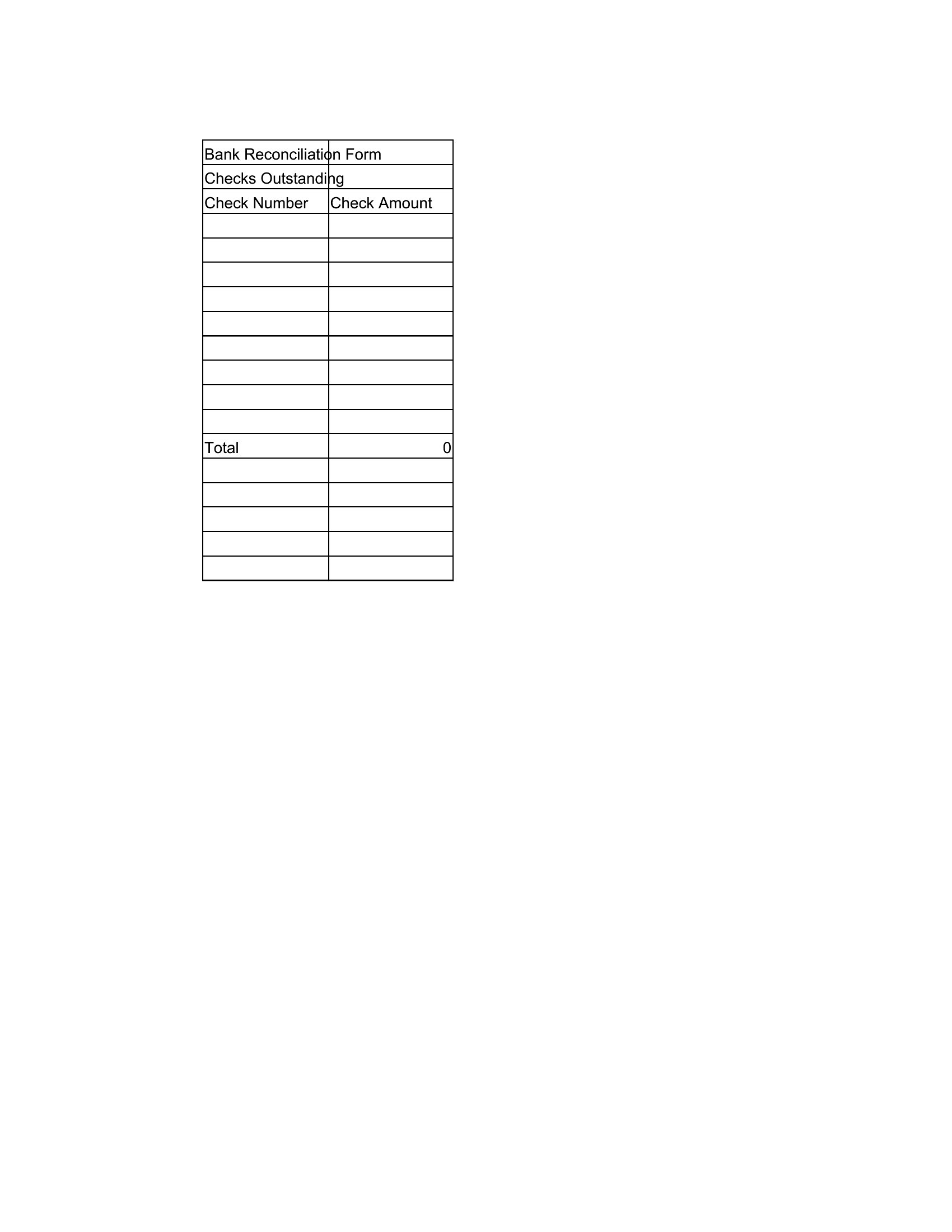
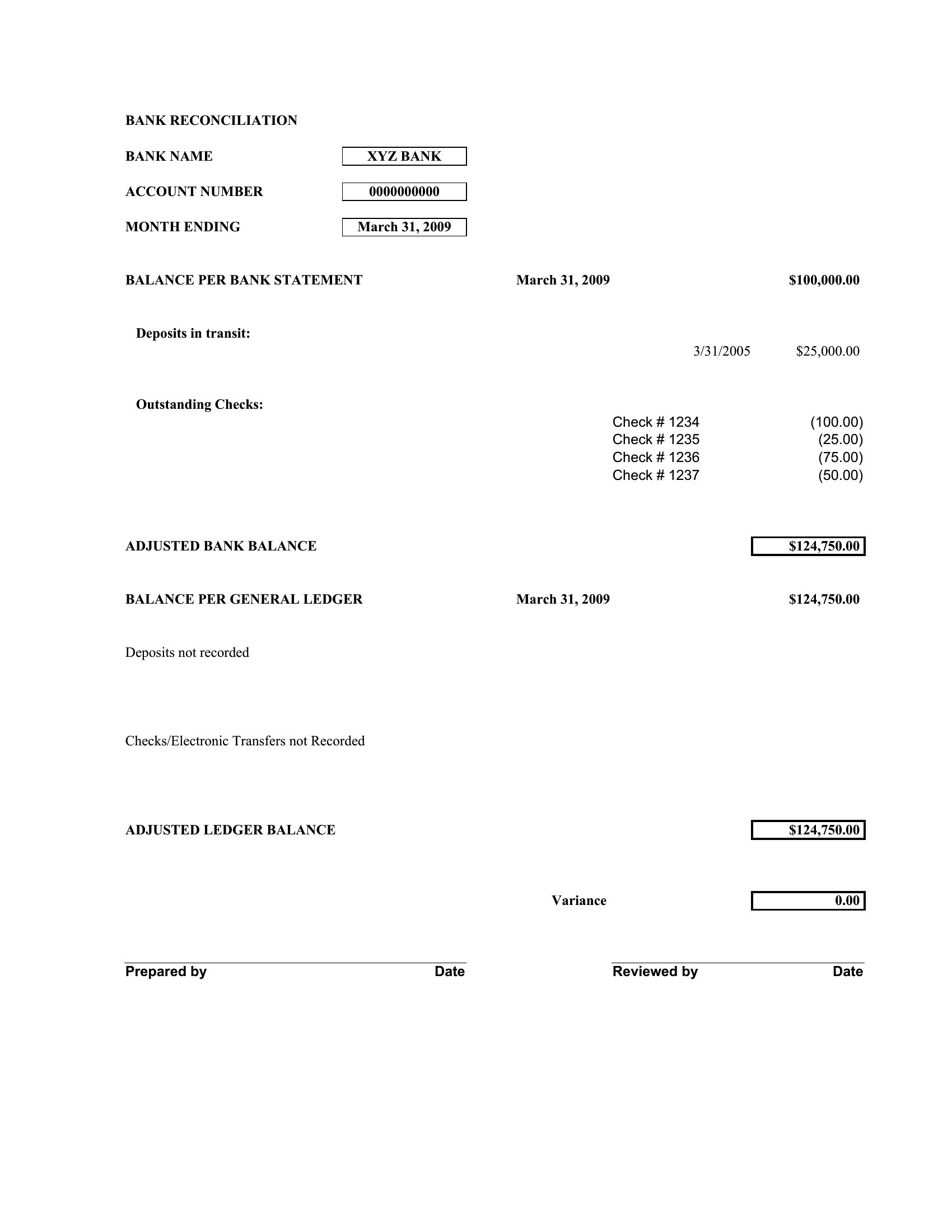
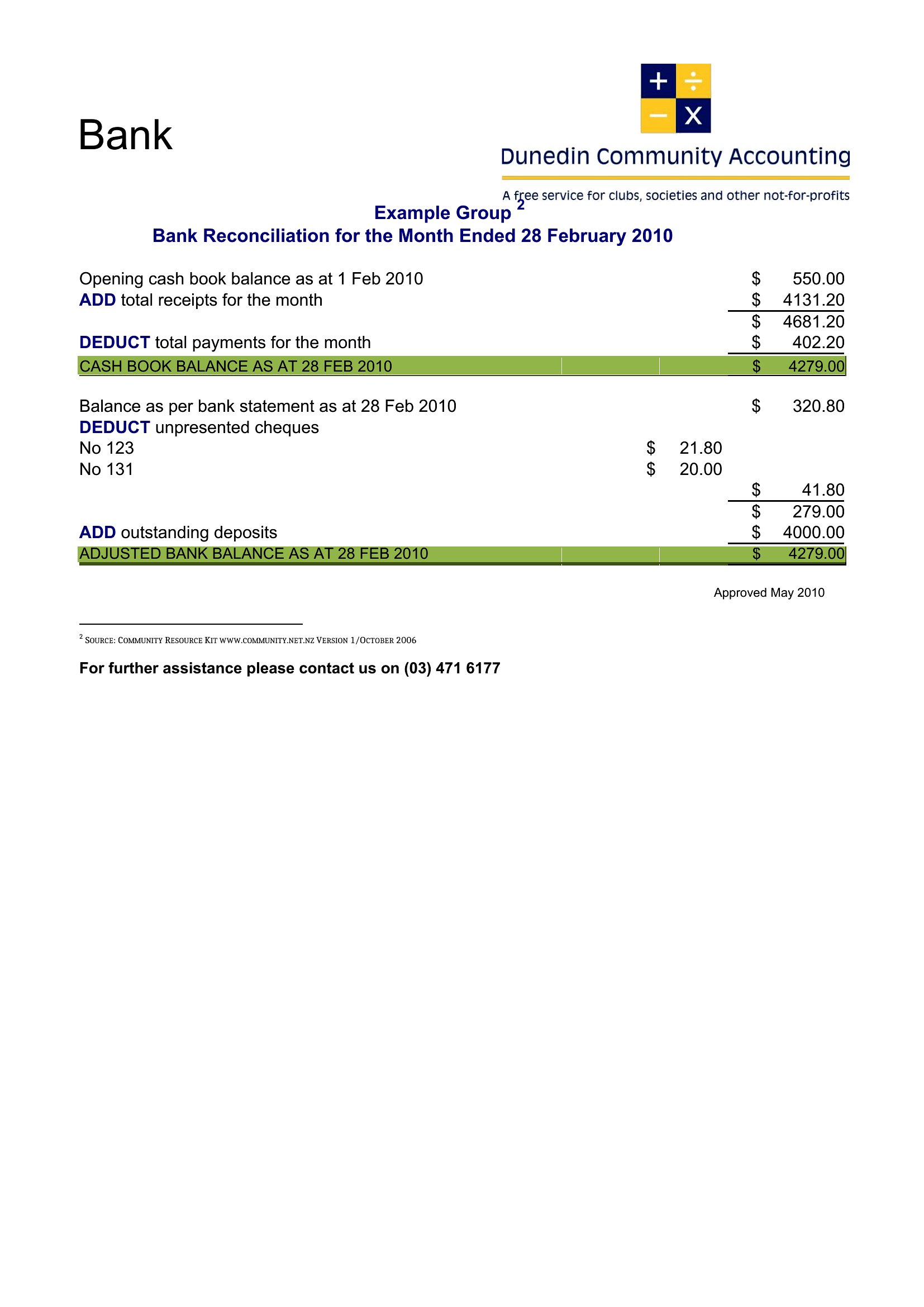
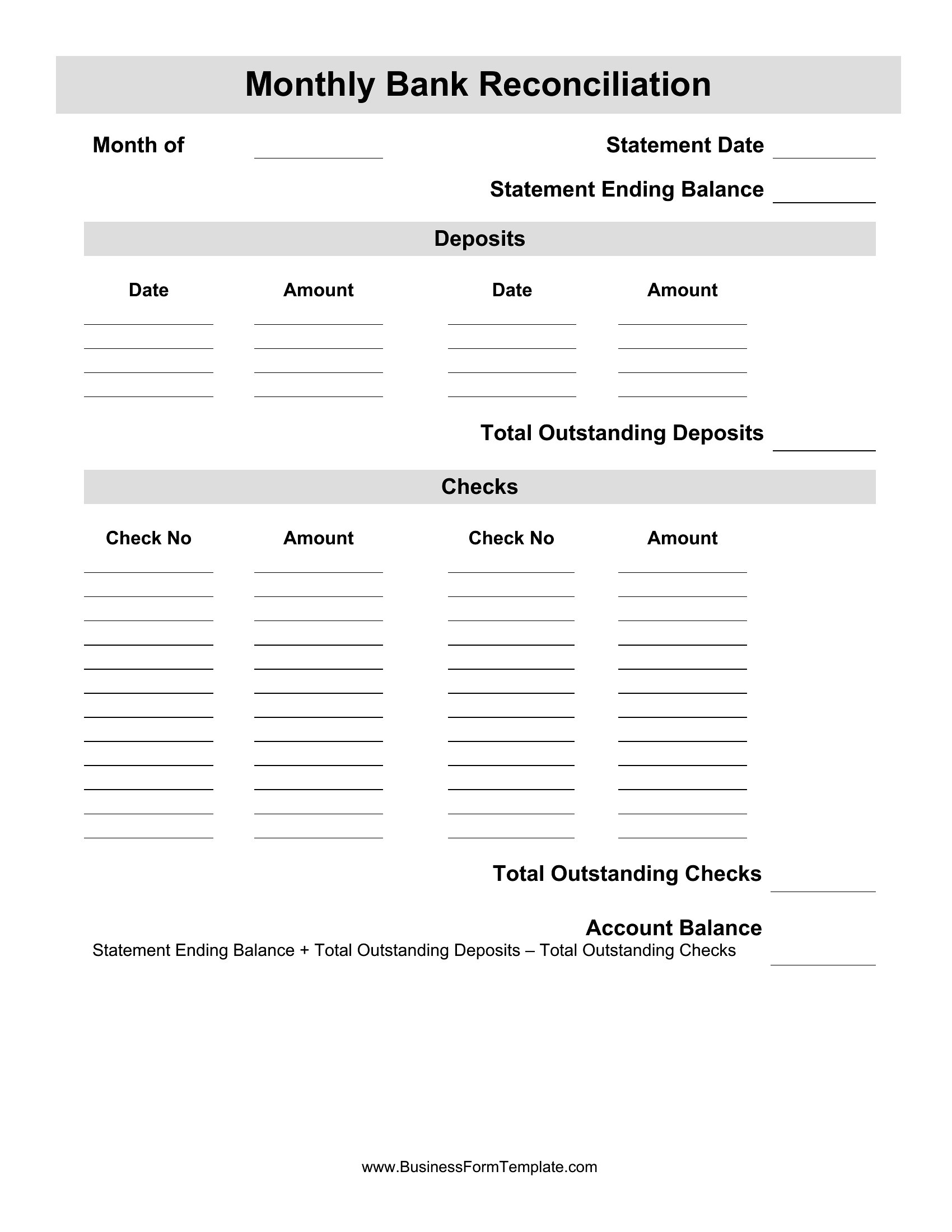
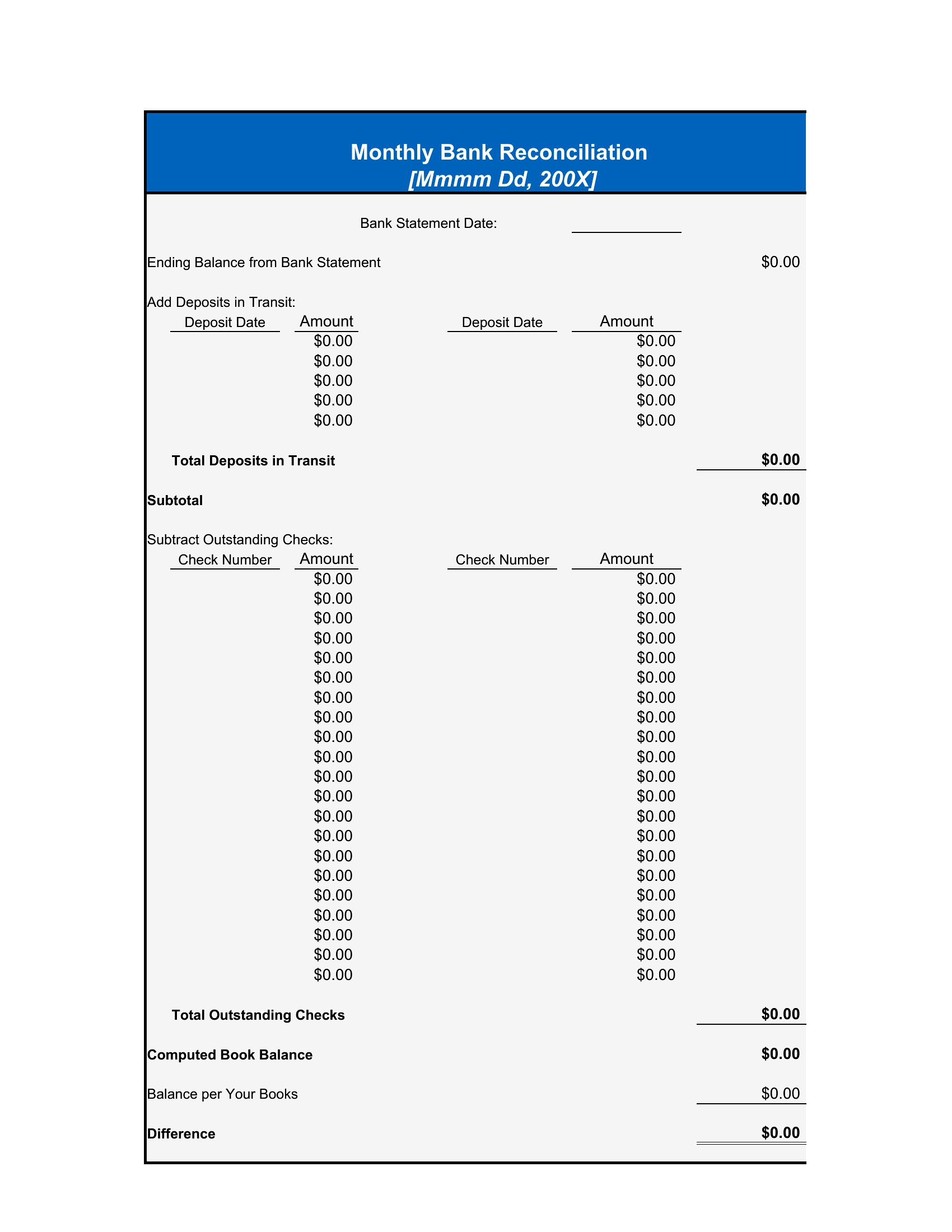
StatementsMatching your books against the bank statement catches errors, missed entries, and fraud before they snowball, and a reconciliation template keeps that monthly task organized. These 51 templates give bookkeepers, small-business owners, and treasurers a clear grid for comparing deposits, checks, and balances until everything ties out.
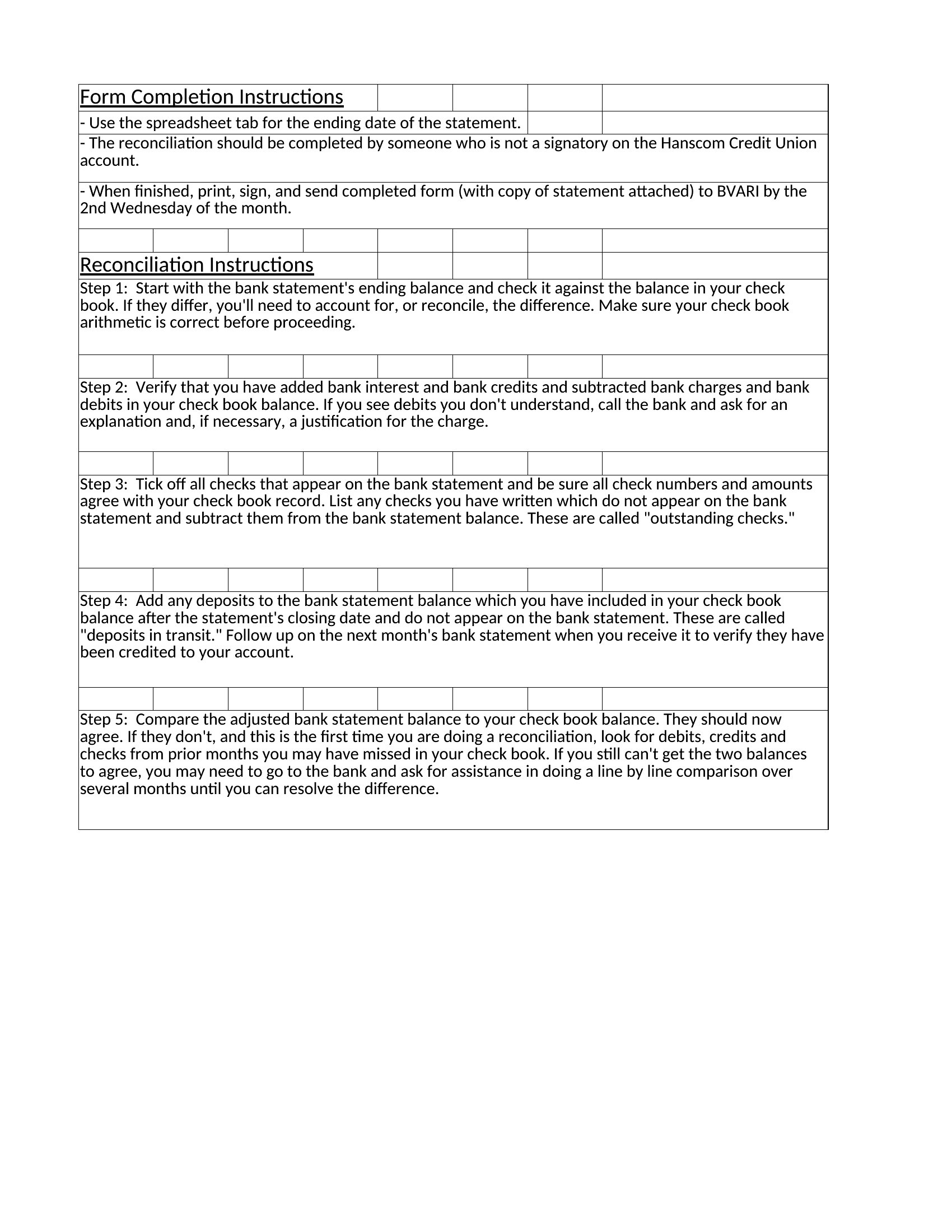
The Excel versions total columns and flag the difference automatically, while the Word layouts work for a tidy printed record. Enter your opening balance, list outstanding items, and adjust until the books and the bank agree. Double-check figures against source documents, since accuracy matters at tax time. Download the version that suits your accounts and make month-end reconciliation a quicker job.
When to use this Bank Reconciliation template
- Small-business owners with part-time bookkeepers who need to verify monthly statements against QuickBooks or manual records before tax season.
- Treasurers at nonprofits reconciling high-volume donations and vendor payments to prevent embezzlement risks during year-end audits.
- Freelancers tracking irregular payroll deposits and client wire transfers, comparing their spreadsheets to bank statements weekly to catch bounced checks.
- Accounting firms reviewing client statements for discrepancies before drafting financial reports, using a structured template to document adjustments transparently.
Which format should I download?
Excel is ideal for most users here—its built-in formulas auto-calculate balances and flag discrepancies, saving hours of manual entry. Choose Word only if you need to embed the reconciliation within a longer financial report or client memo, requiring narrative explanations alongside the numbers. Excel is the default for precision; Word fits only when combining data with context.
How to use this Bank Reconciliation template
How do these templates handle recurring transactions like auto-payments or subscriptions?
The Excel templates include columns for transaction types, so mark recurring payments as ‘subscriptions’ or ‘bills’ to group and verify them in bulk. Add a note column to flag irregularities, like a missed payment. Word templates can include a separate table for recurring entries if you prefer narrative tracking.
Can I use these templates if my bank provides a digital reconciliation tool?
Yes—but these templates are for manual checks or double-verifying your bank’s auto-reconciliation. Use them to spot patterns (e.g., repeated ‘pending’ transactions) or export raw data for side-by-side comparison. They’re a safeguard, not a replacement.
What if my bank’s statement includes foreign currency transactions?
The Excel templates have columns for transaction descriptions—add a ‘currency’ column and use formulas to convert amounts to your base currency at the daily exchange rate. Word templates can include a conversion table for reference, but Excel is better for dynamic calculations.
Comments
Join the conversation
Sign in to share your thoughts and leave a comment on this resource.