Printable Bank Deposit Slips (Word, Excel, PDF)
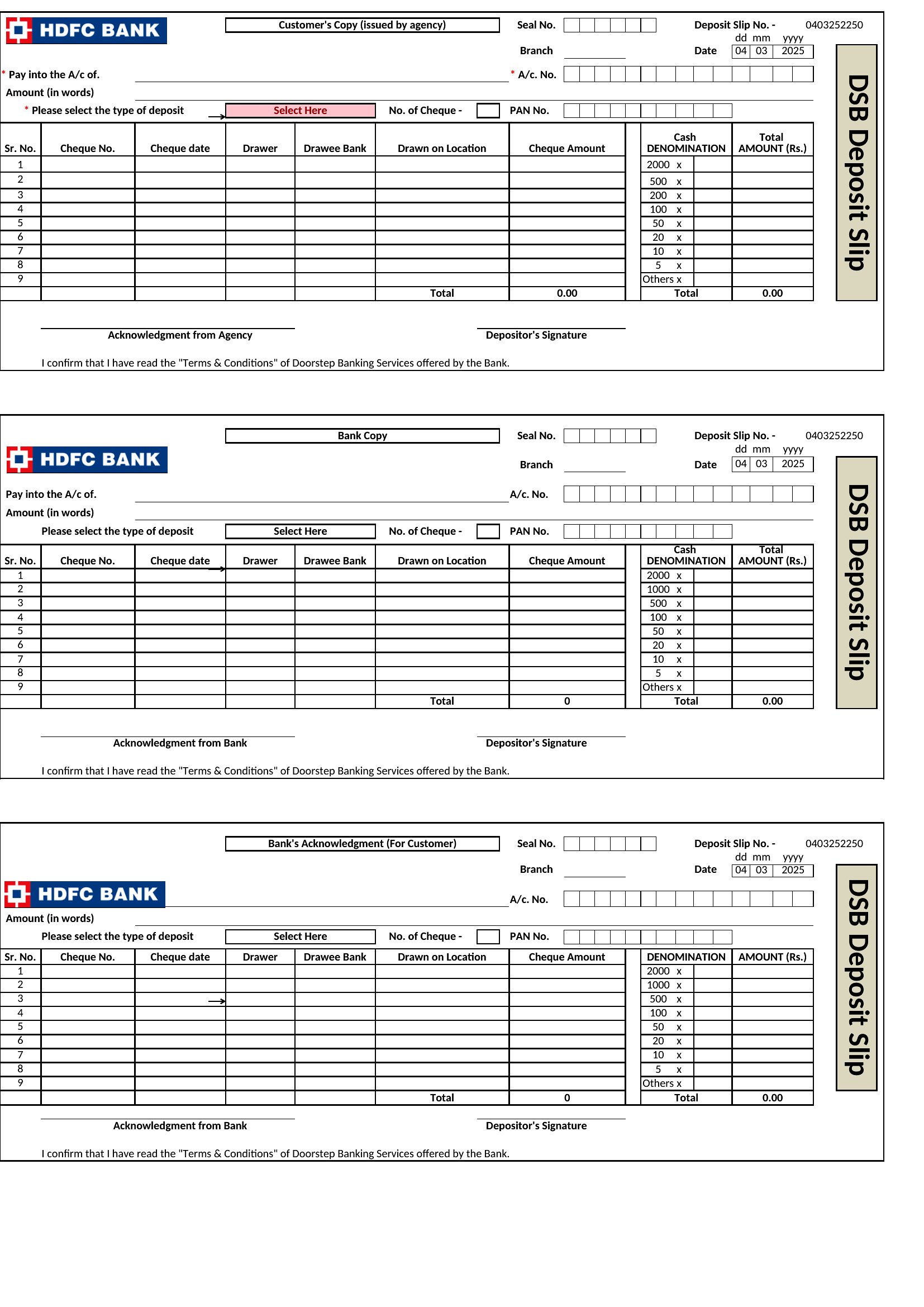
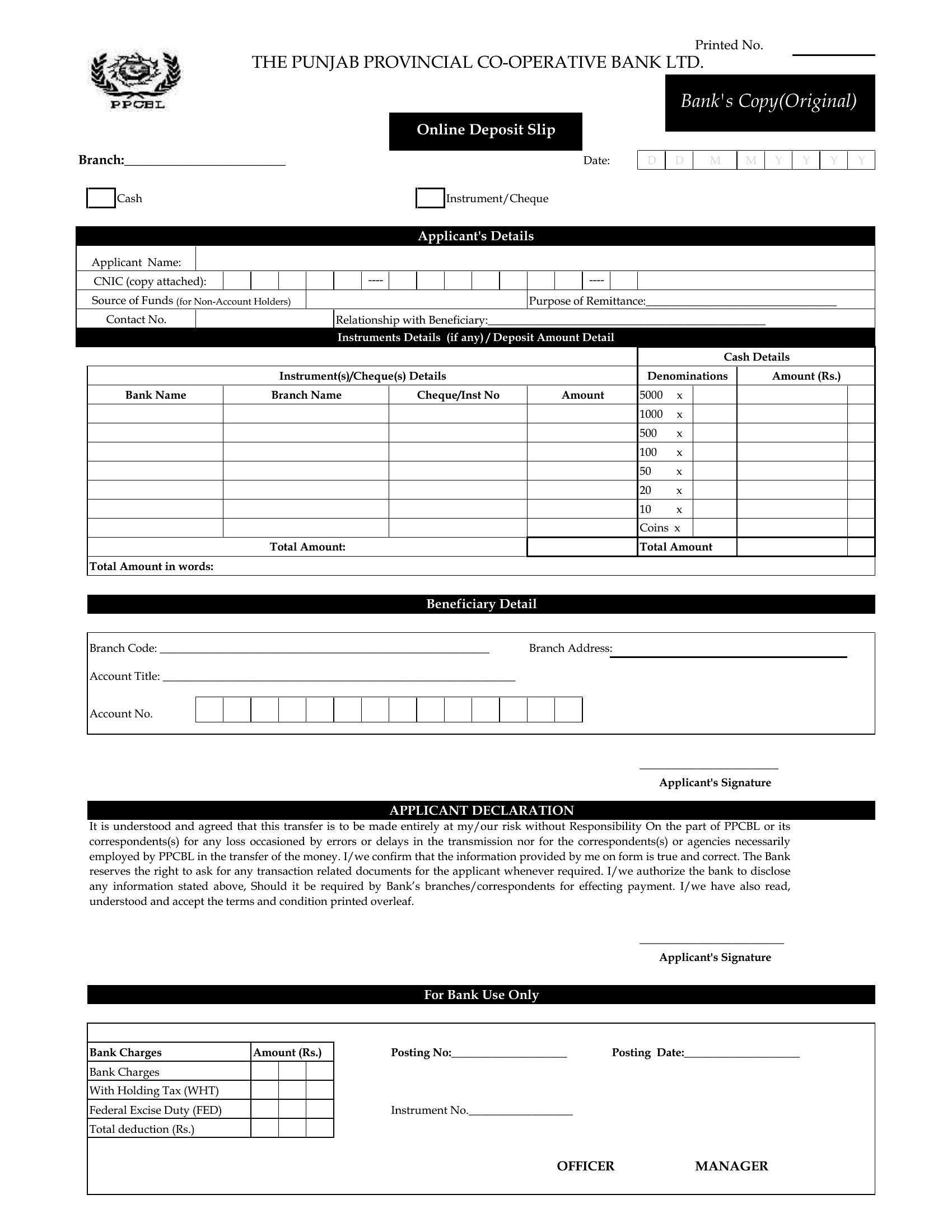
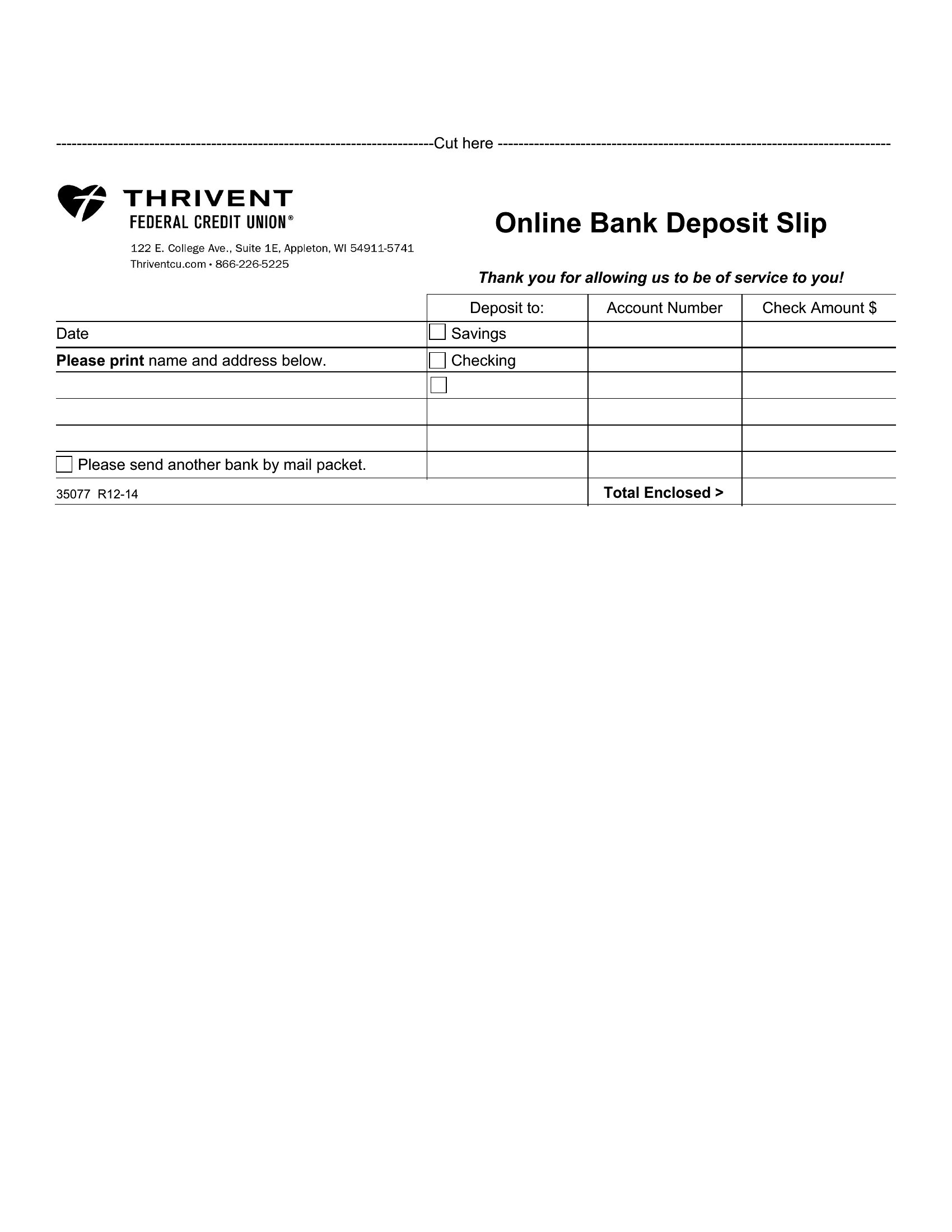
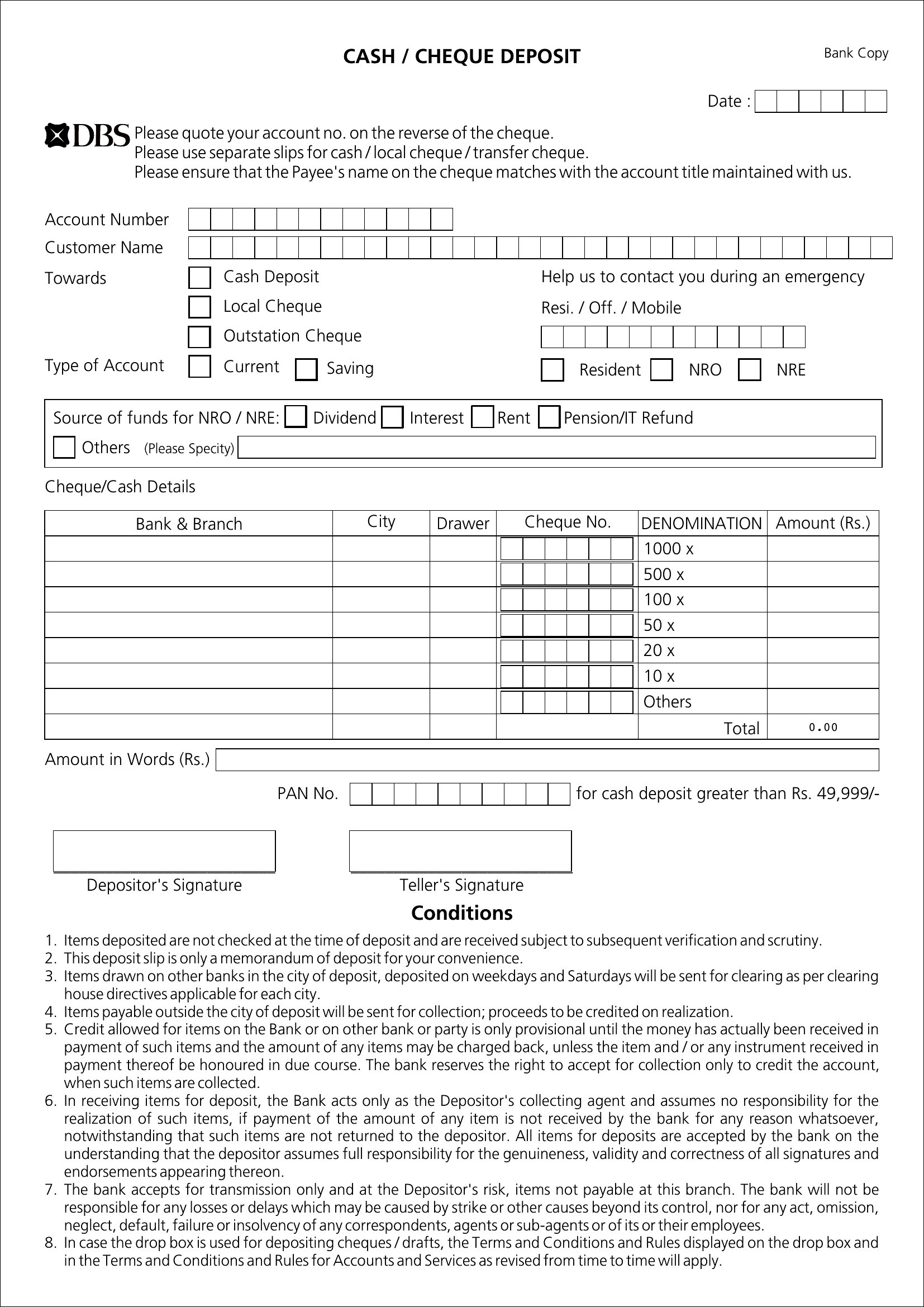
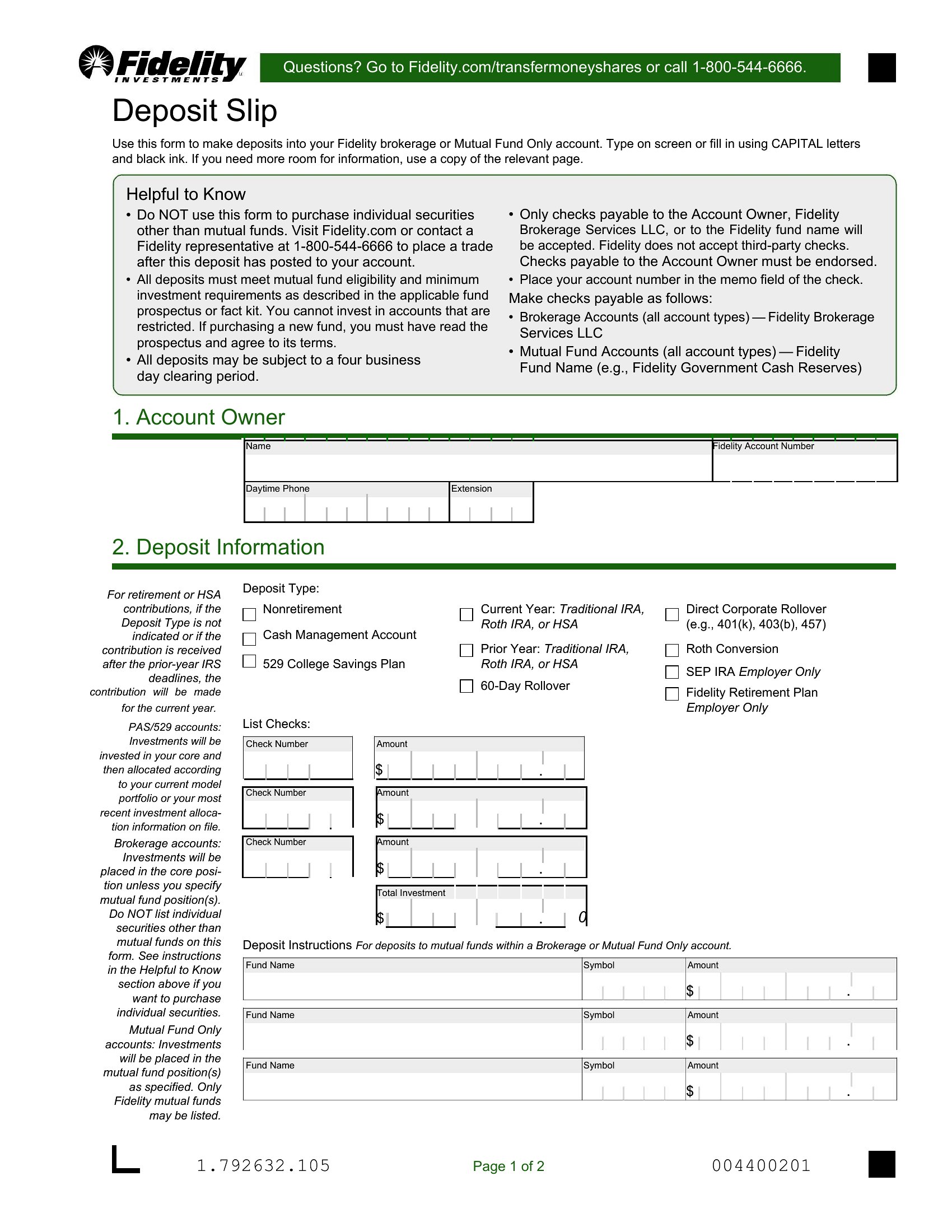
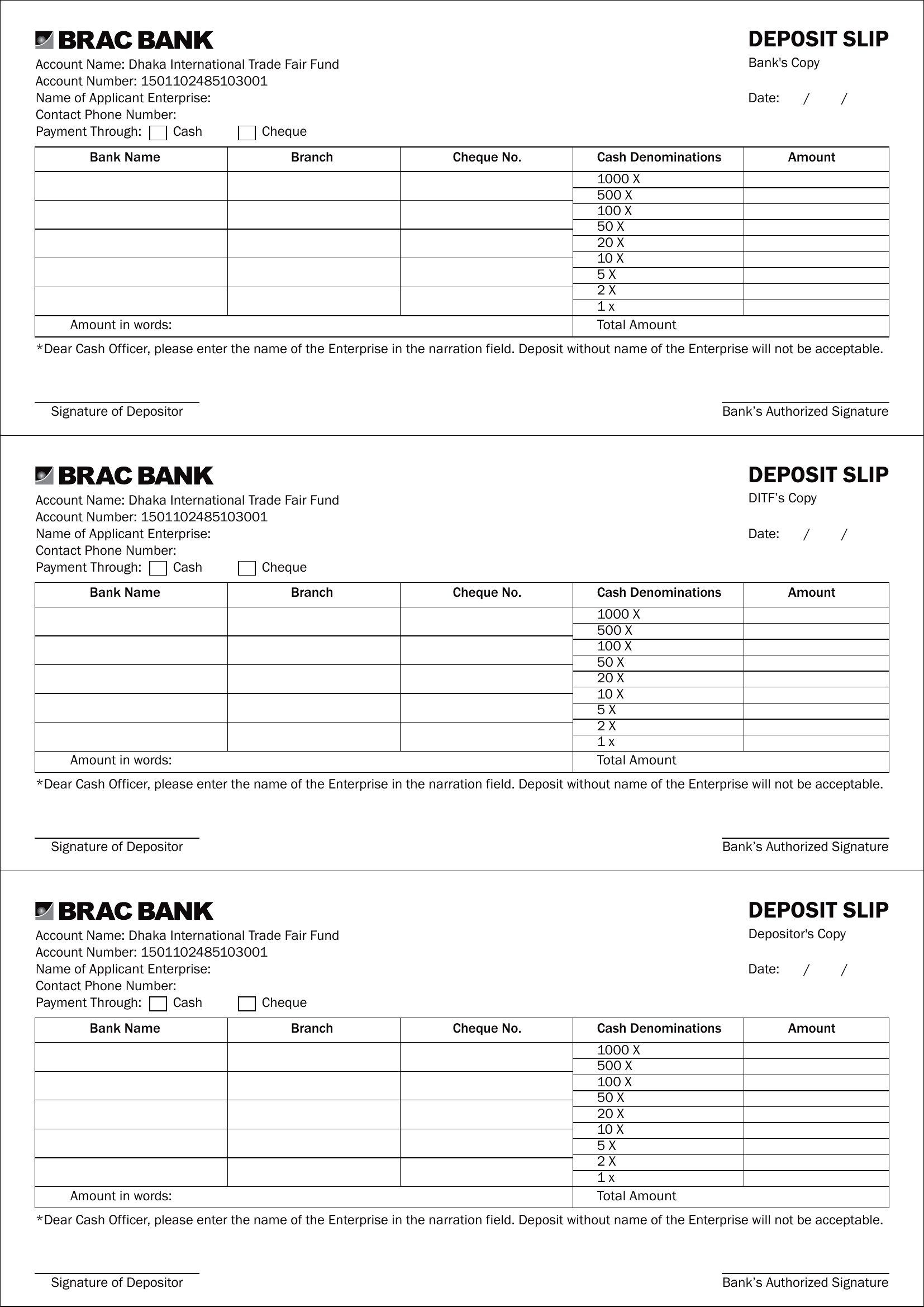
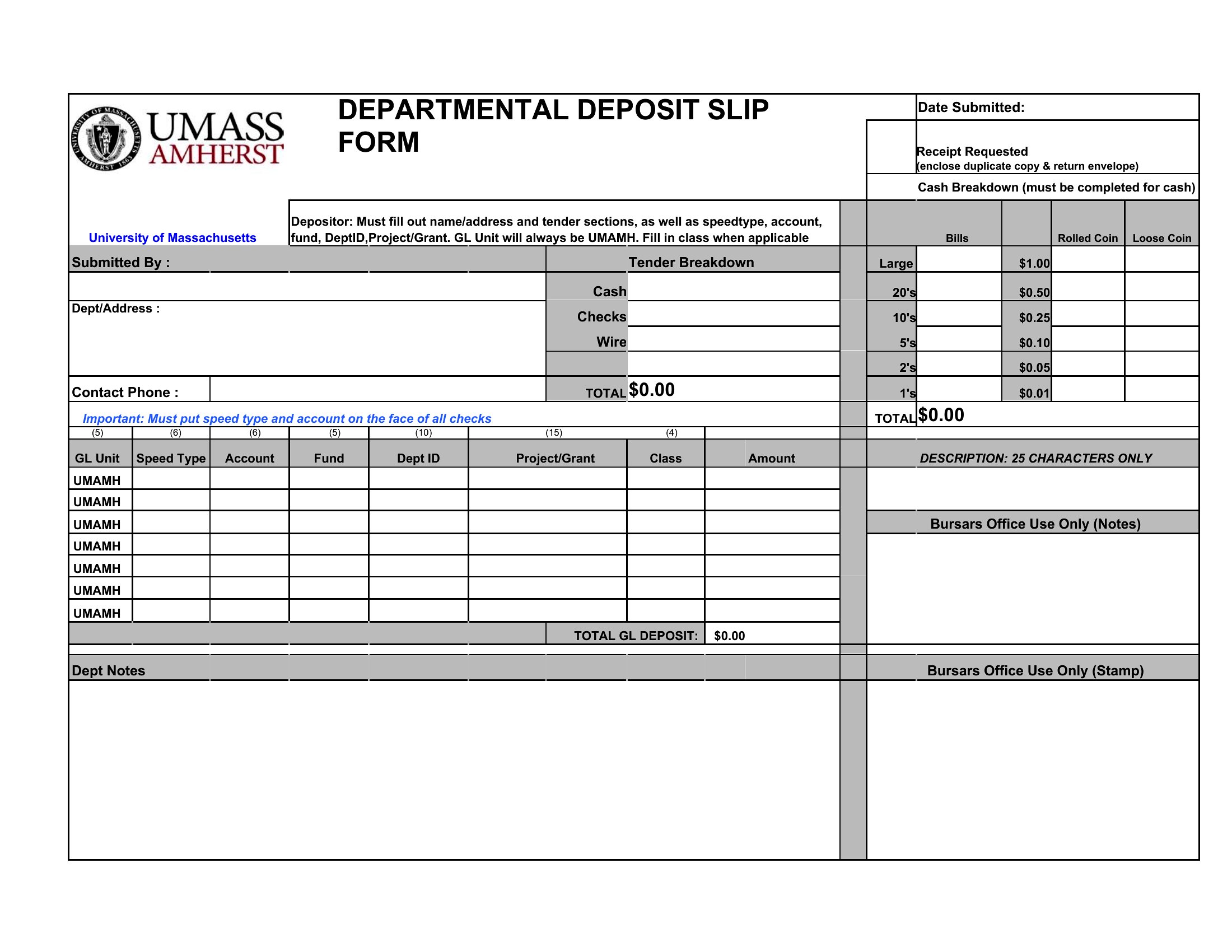
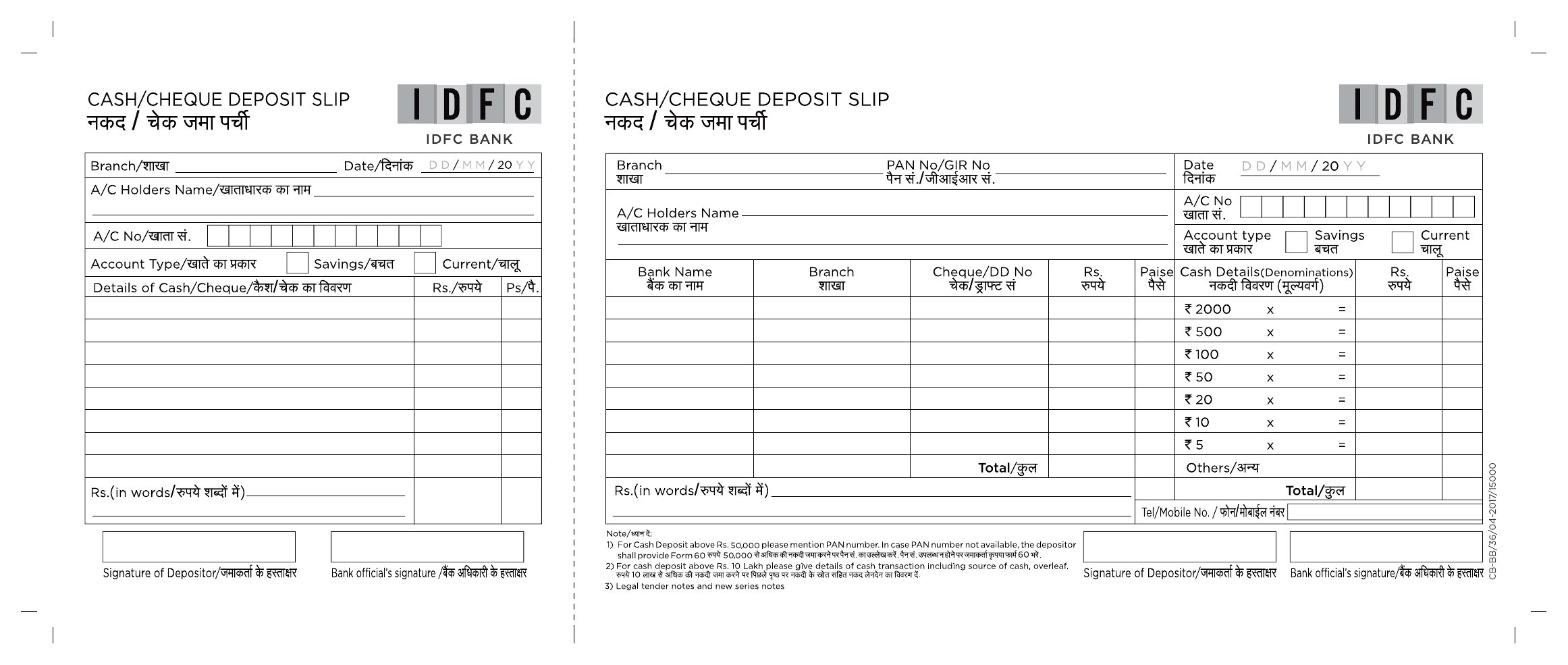
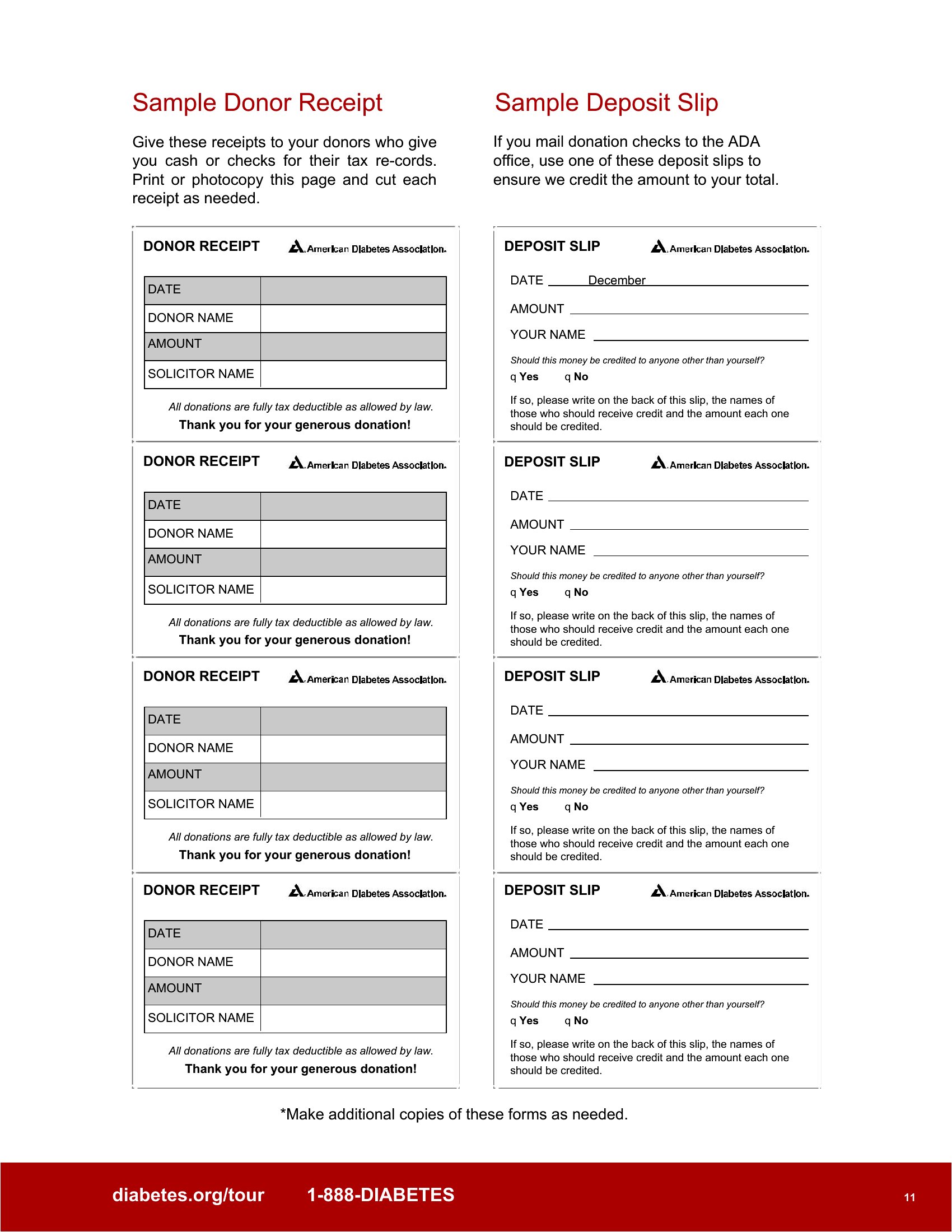
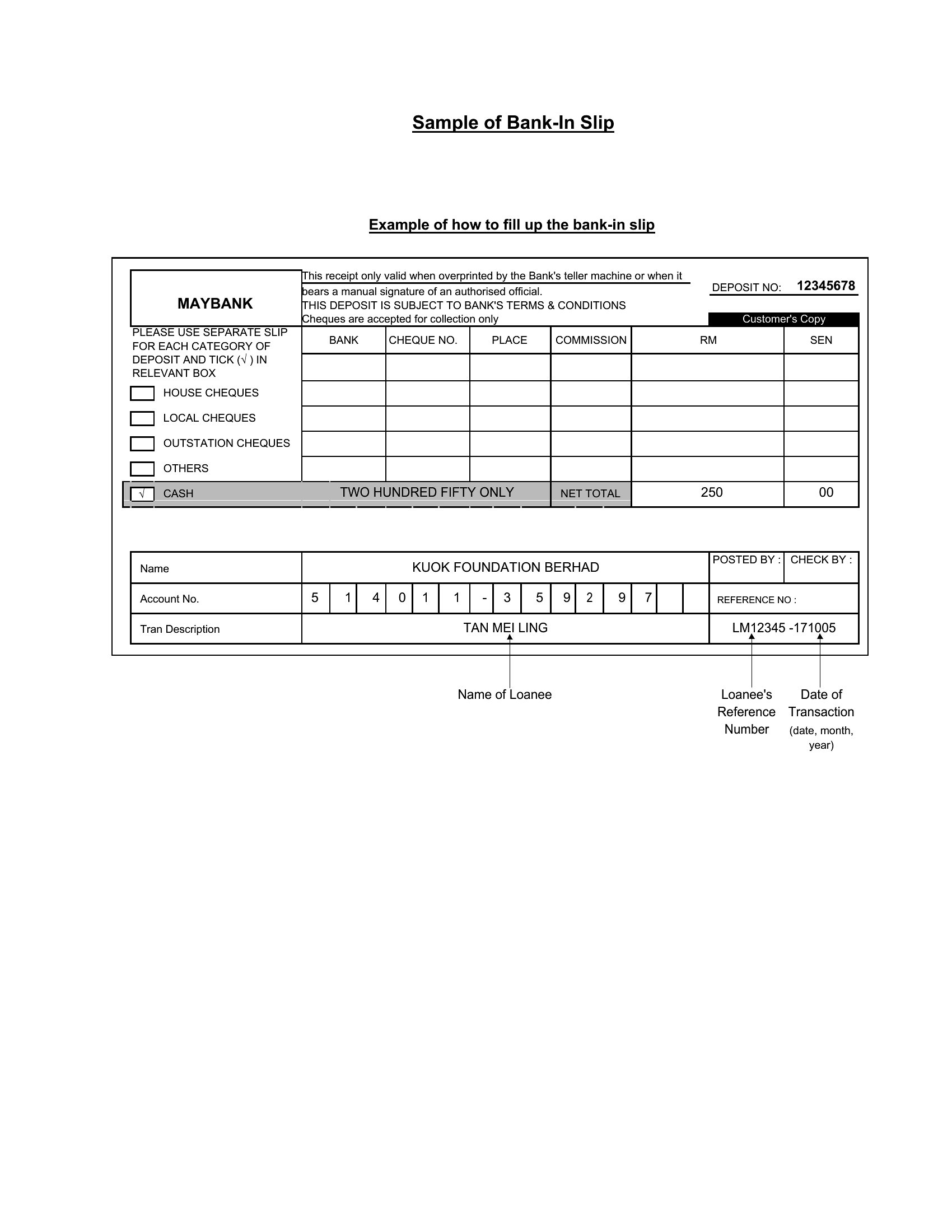
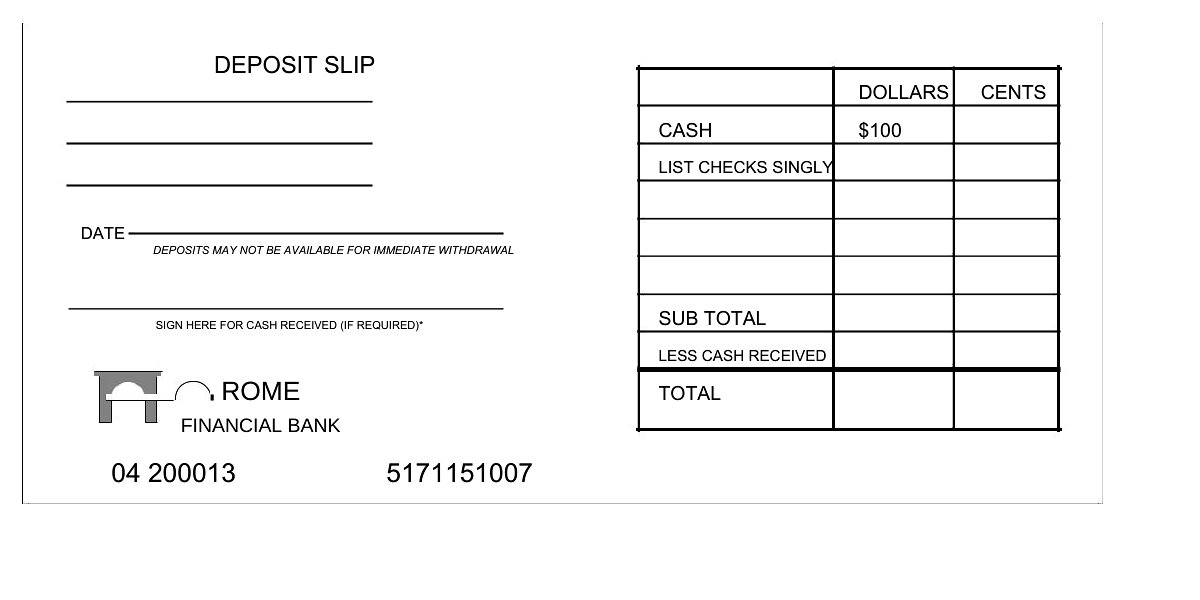
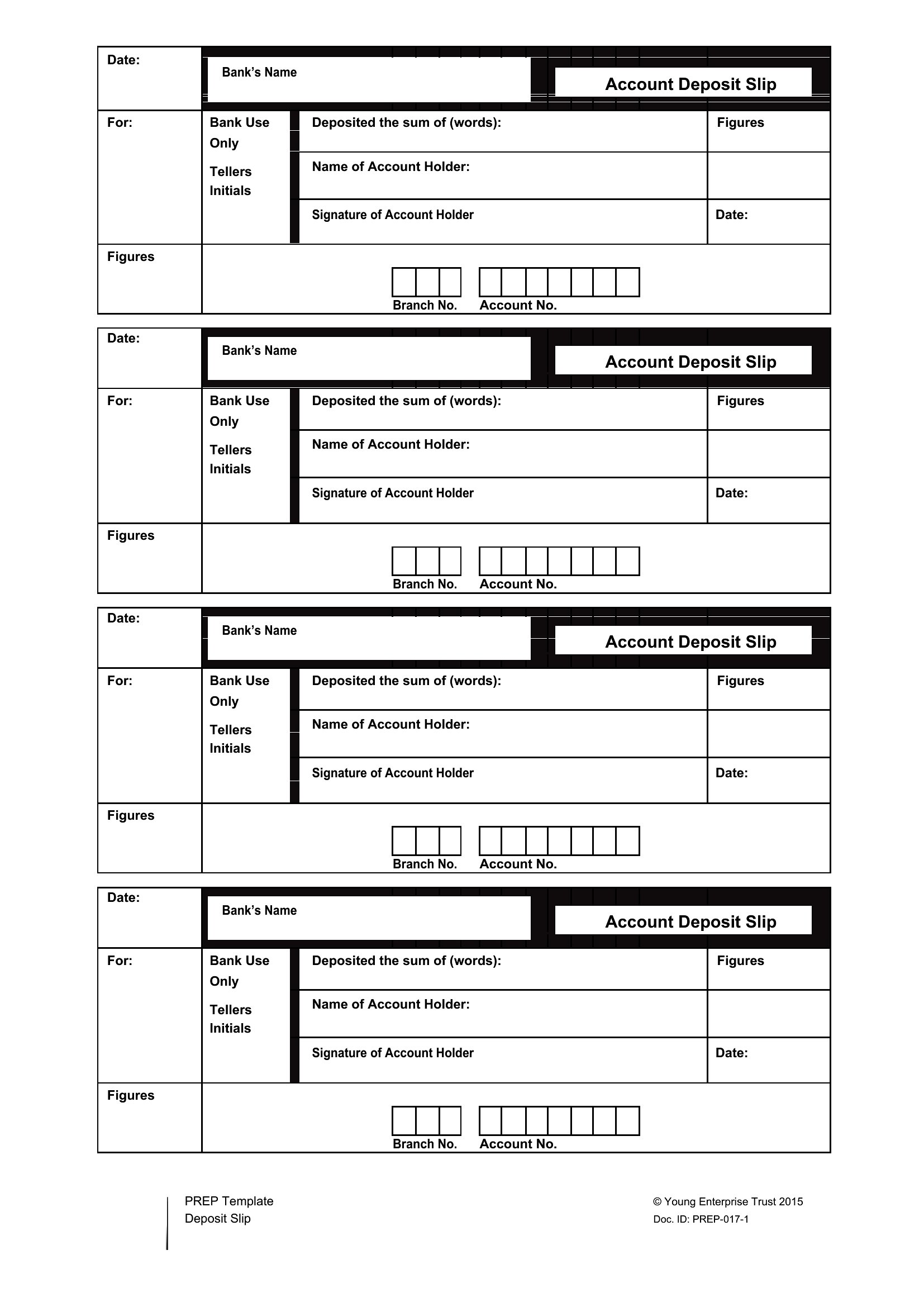
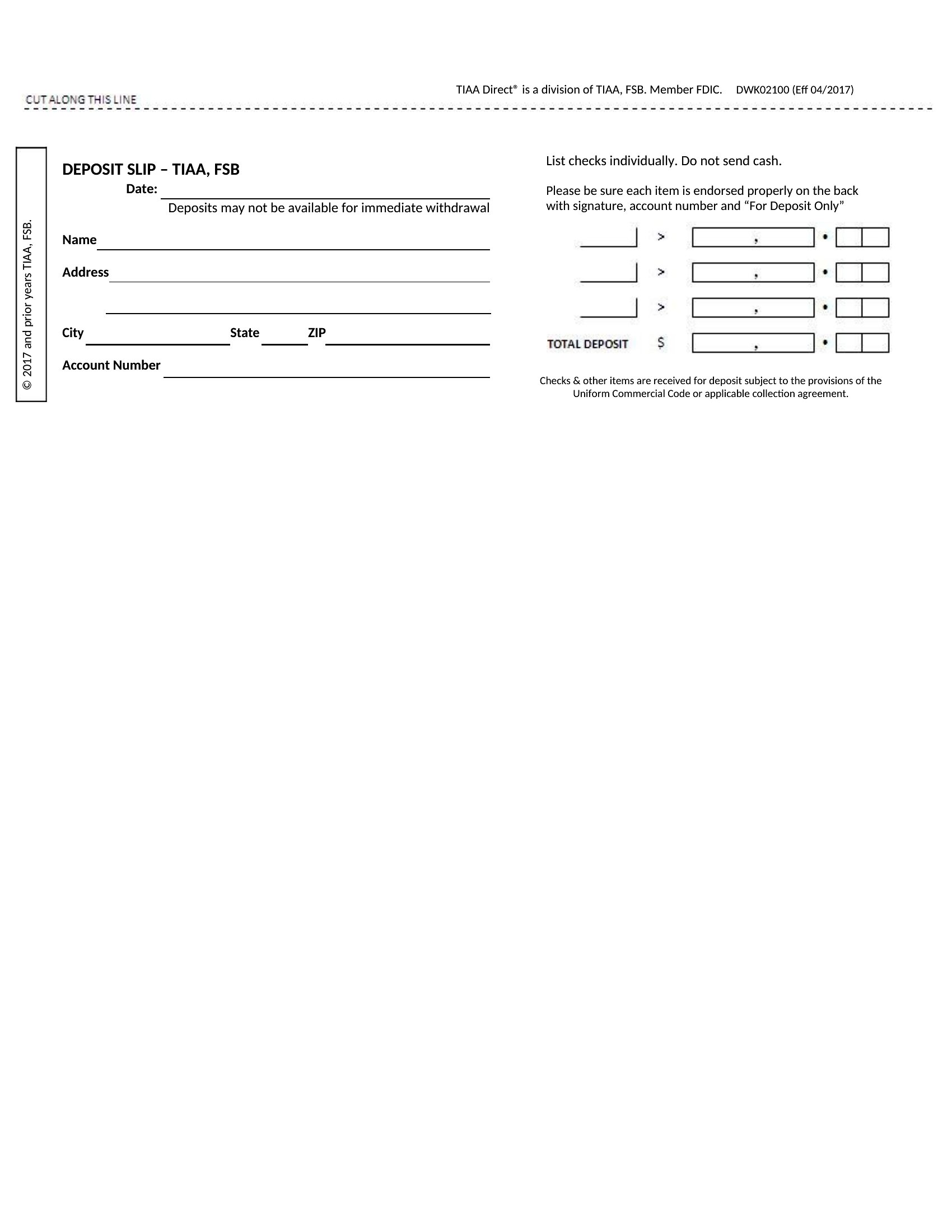
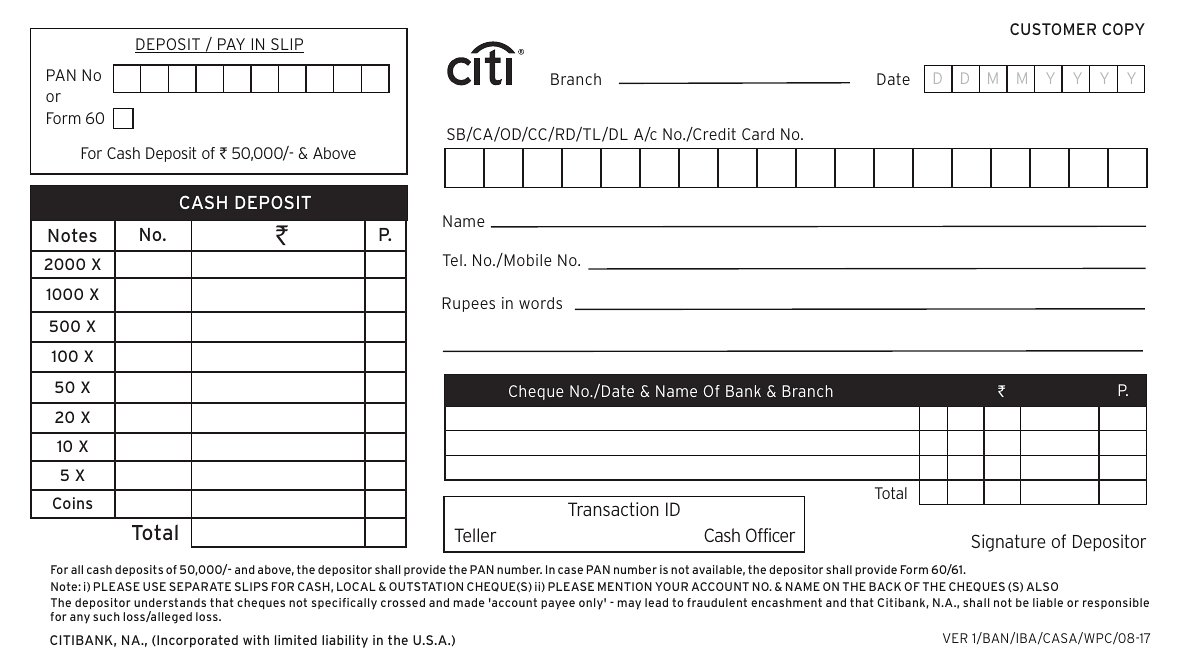
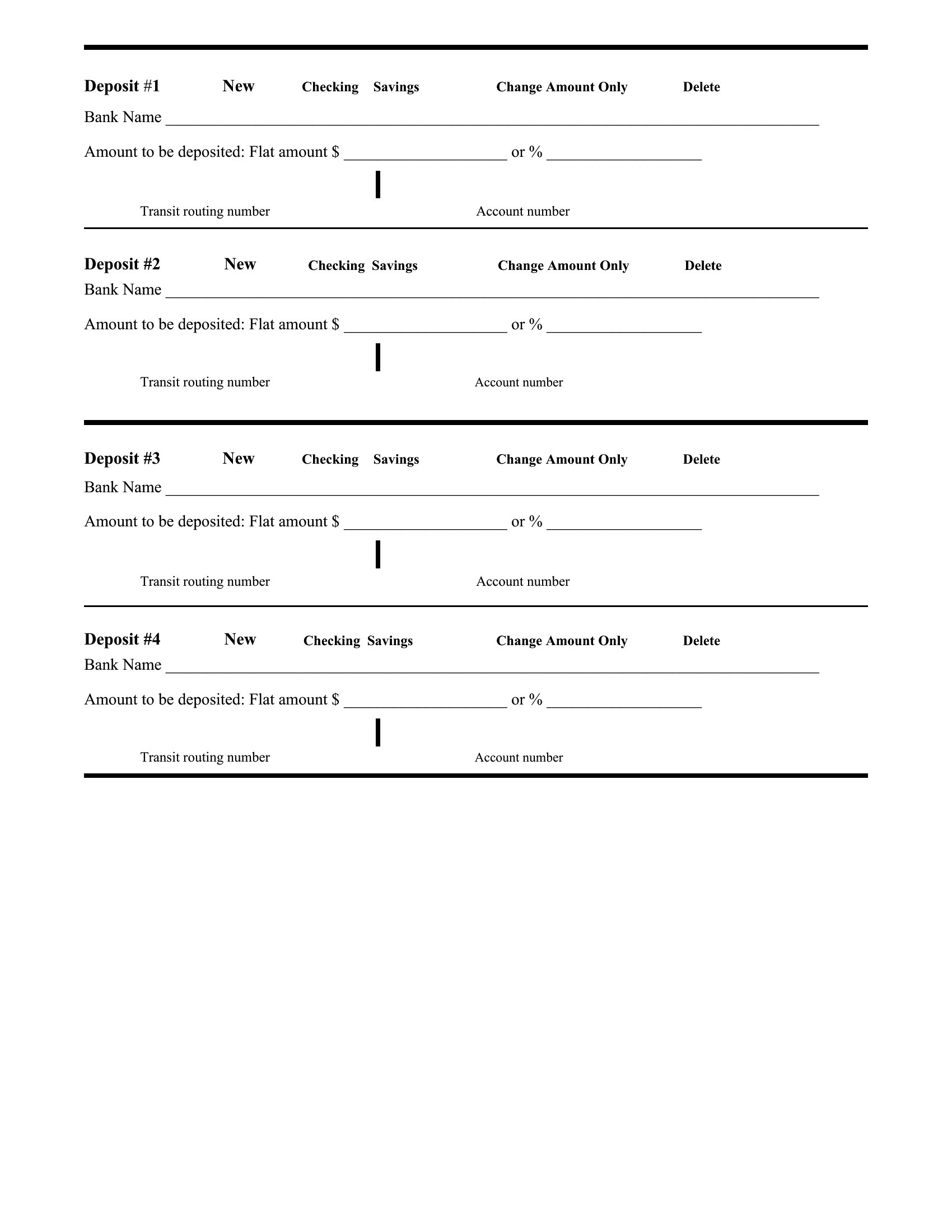
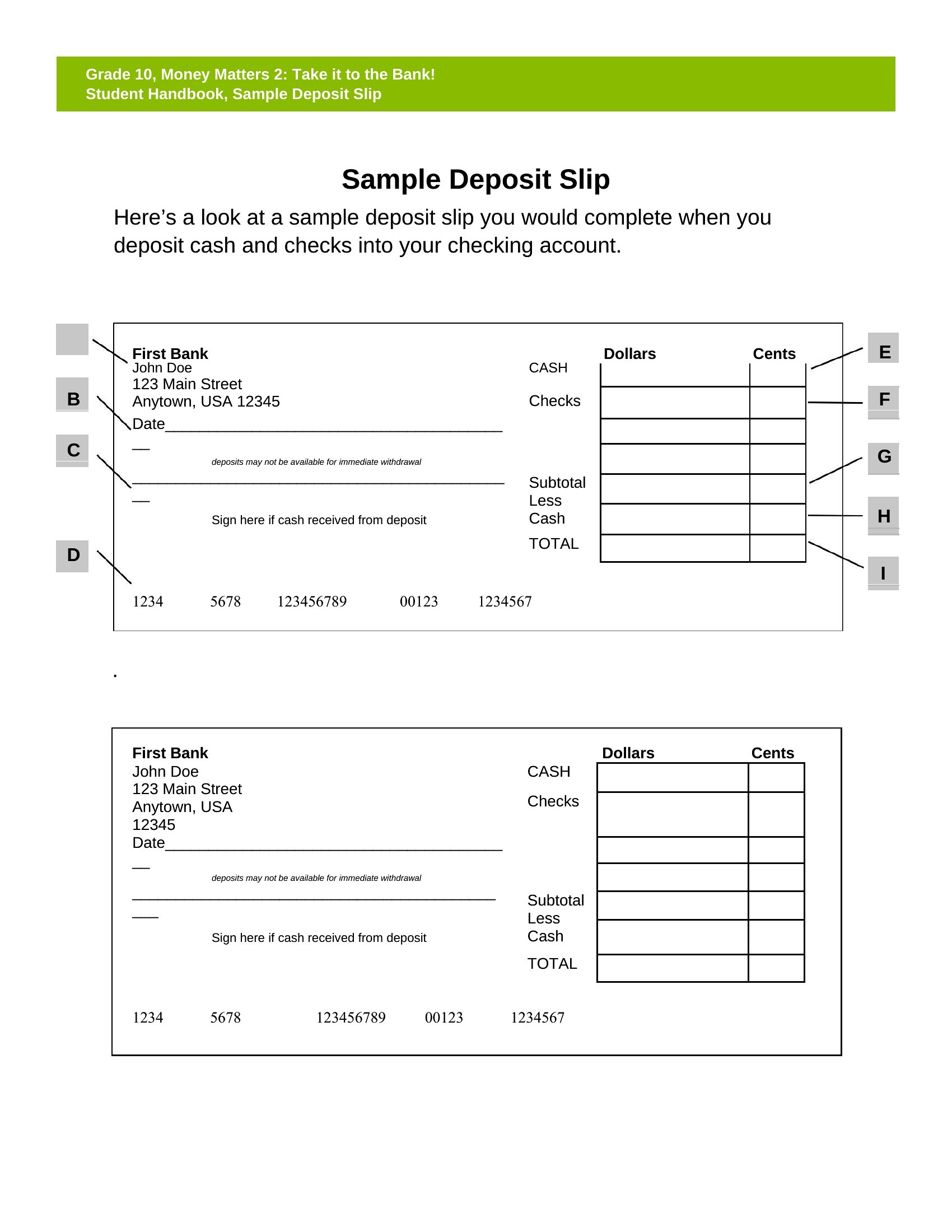
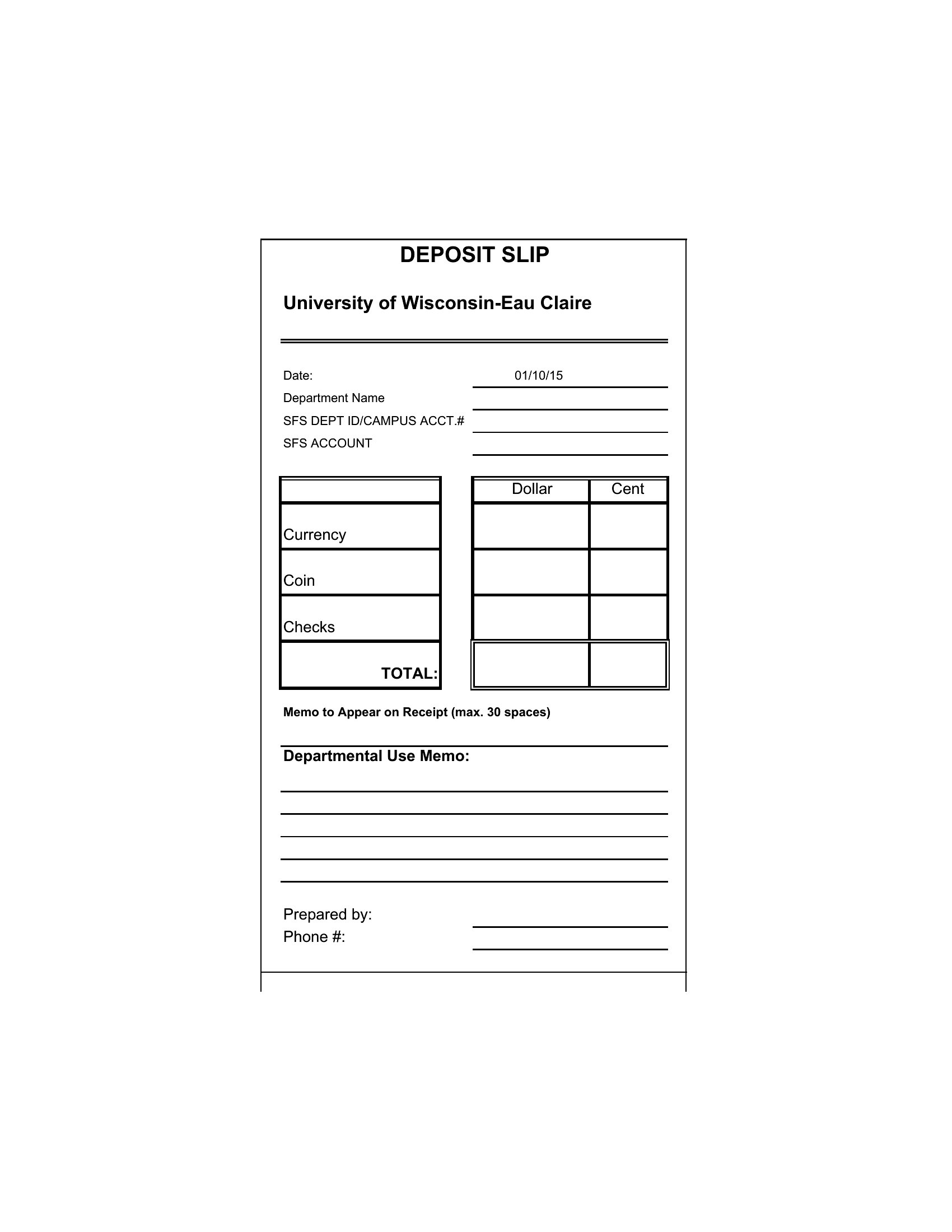
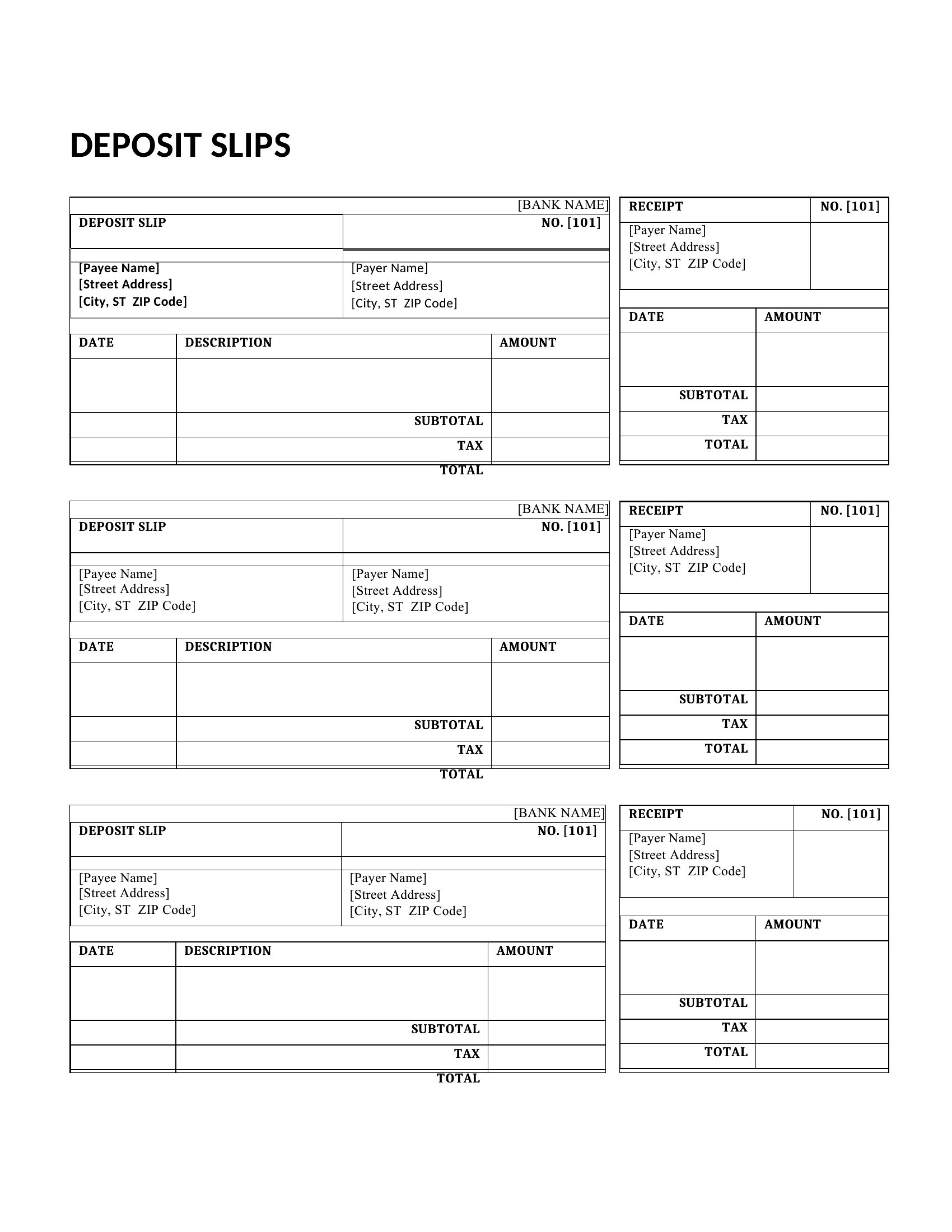
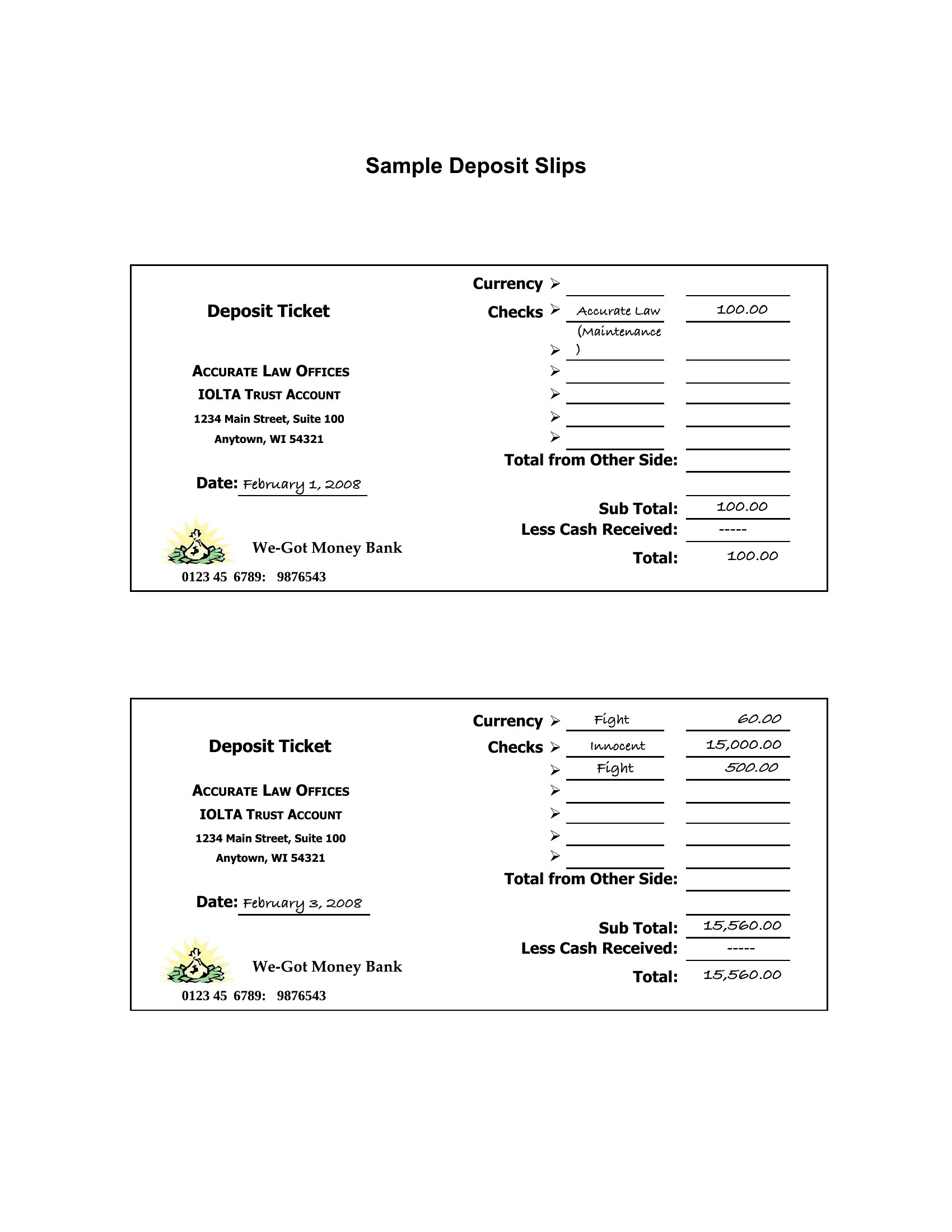
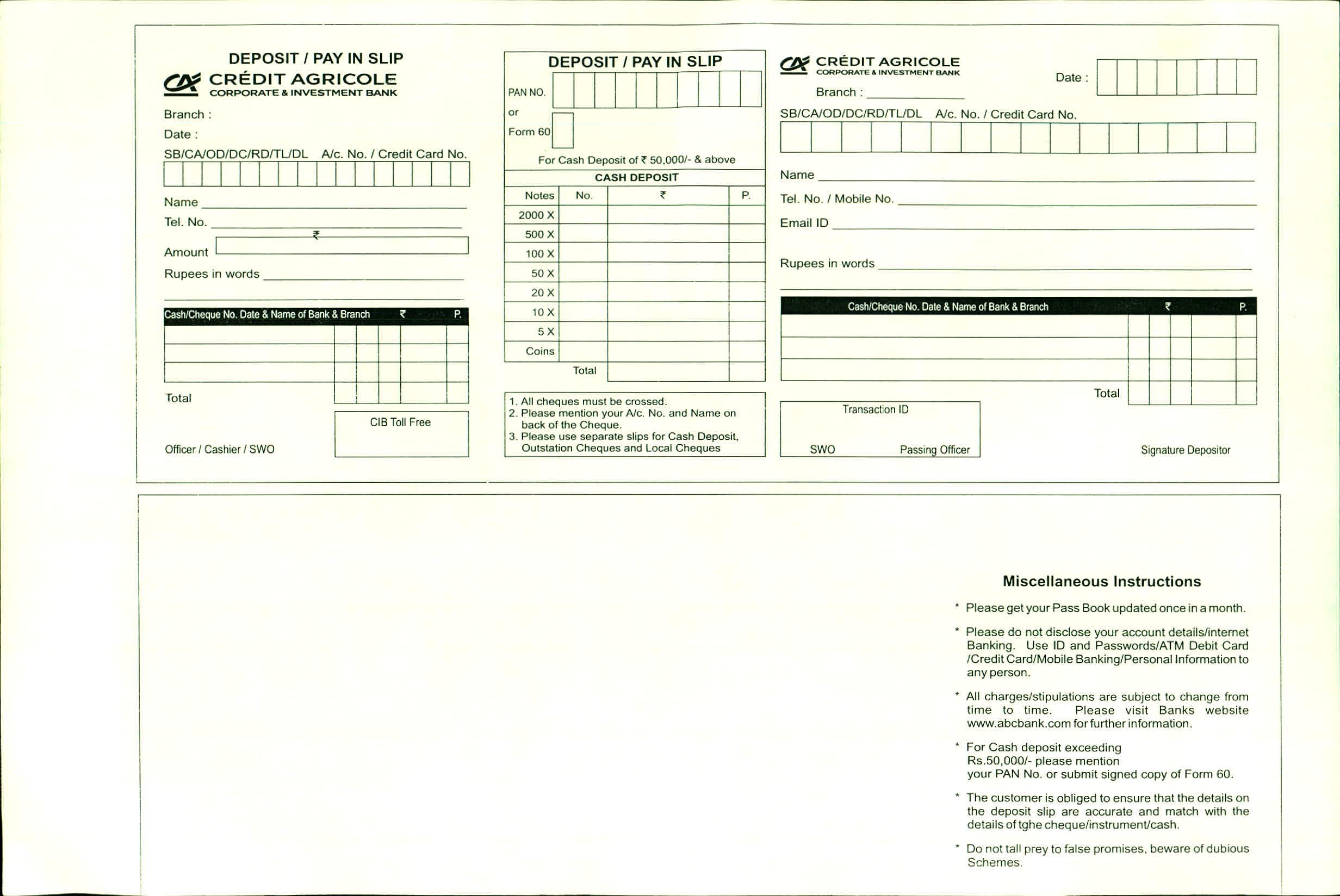
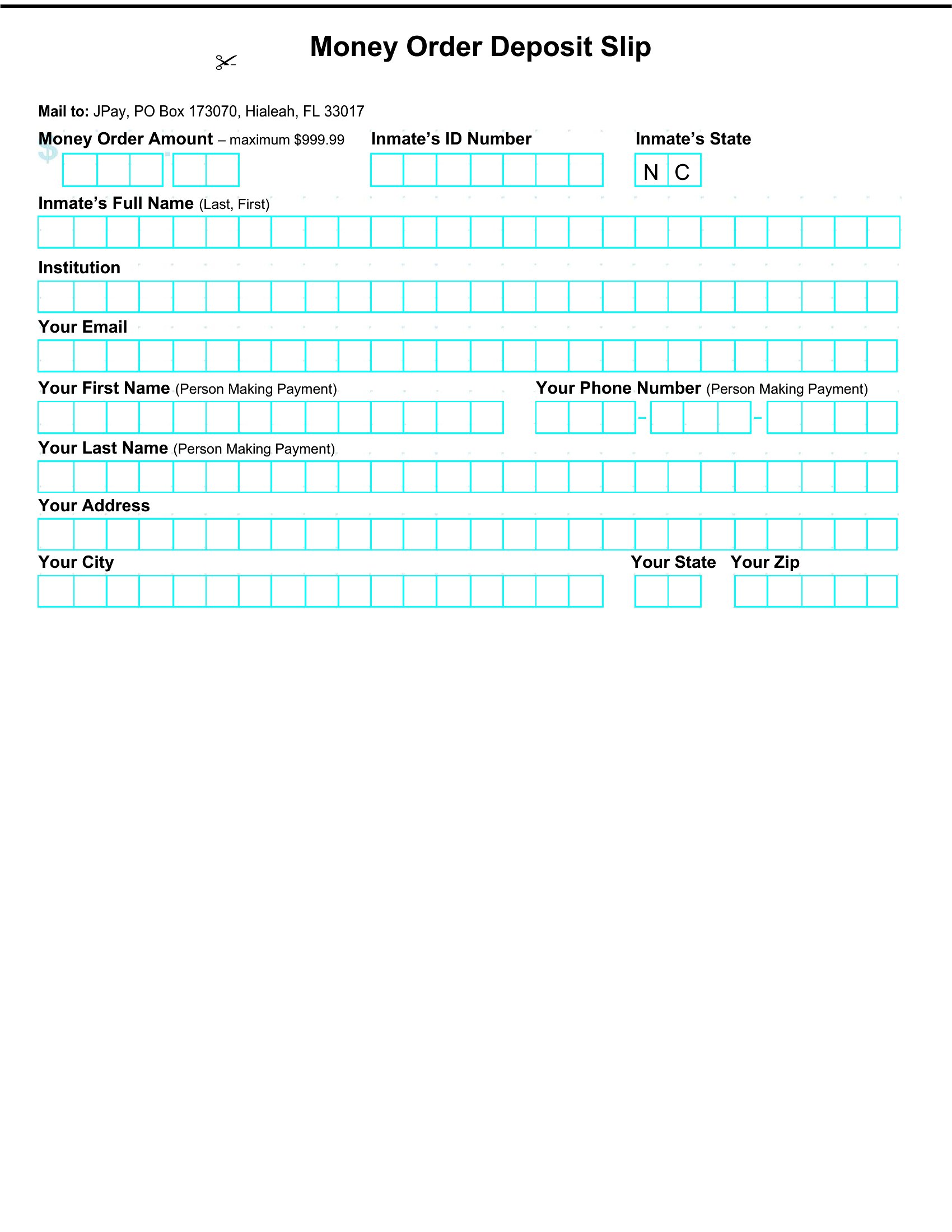
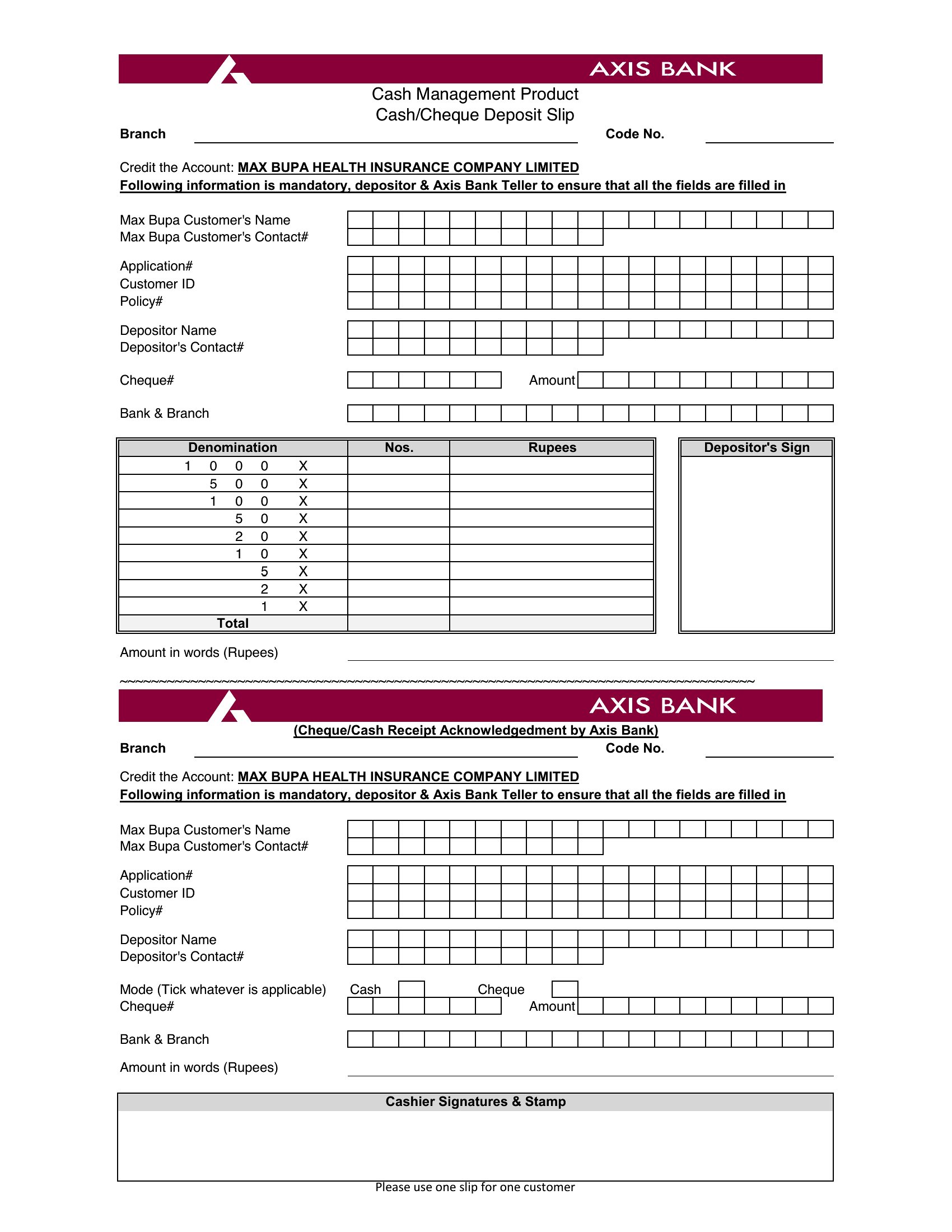
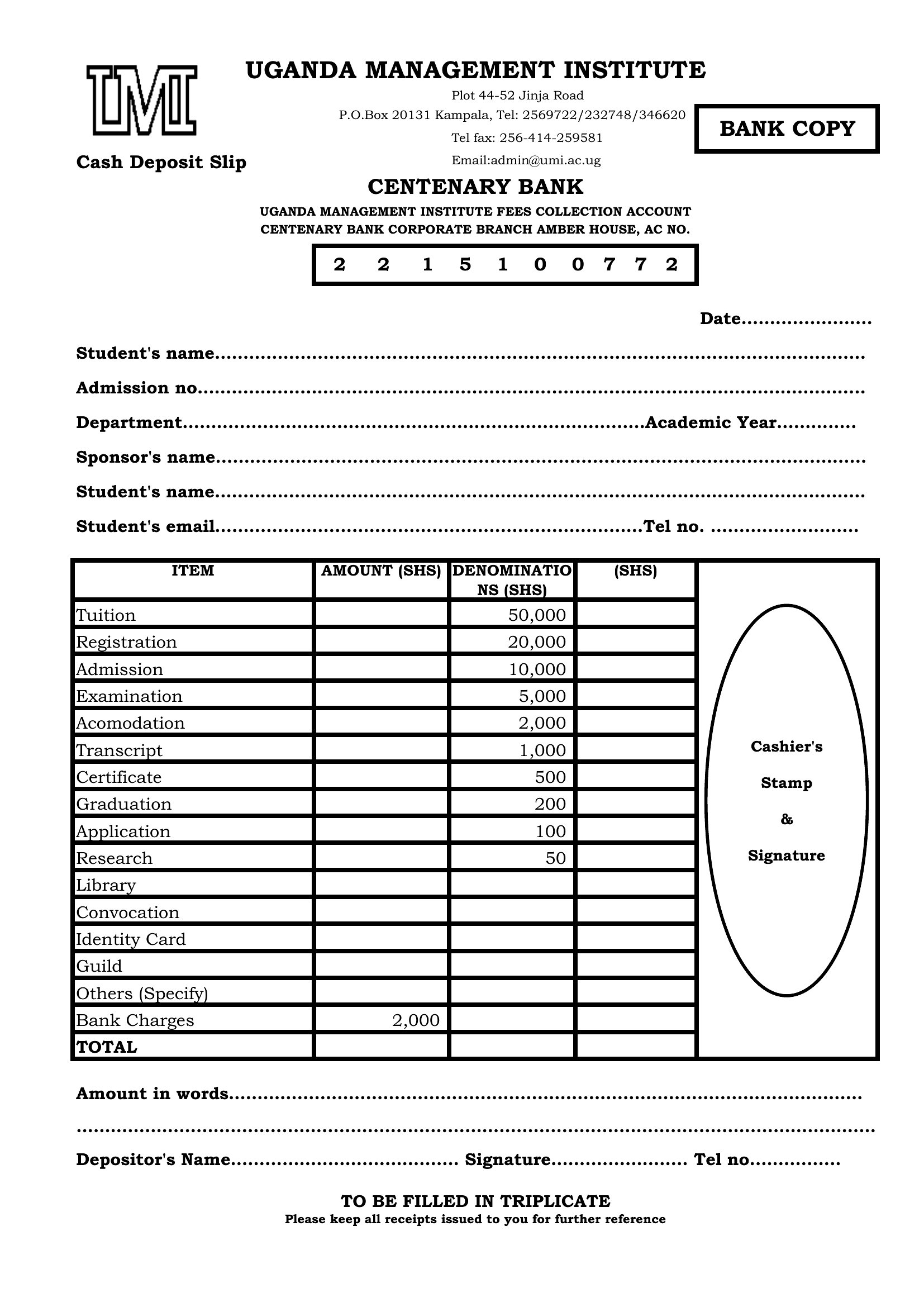
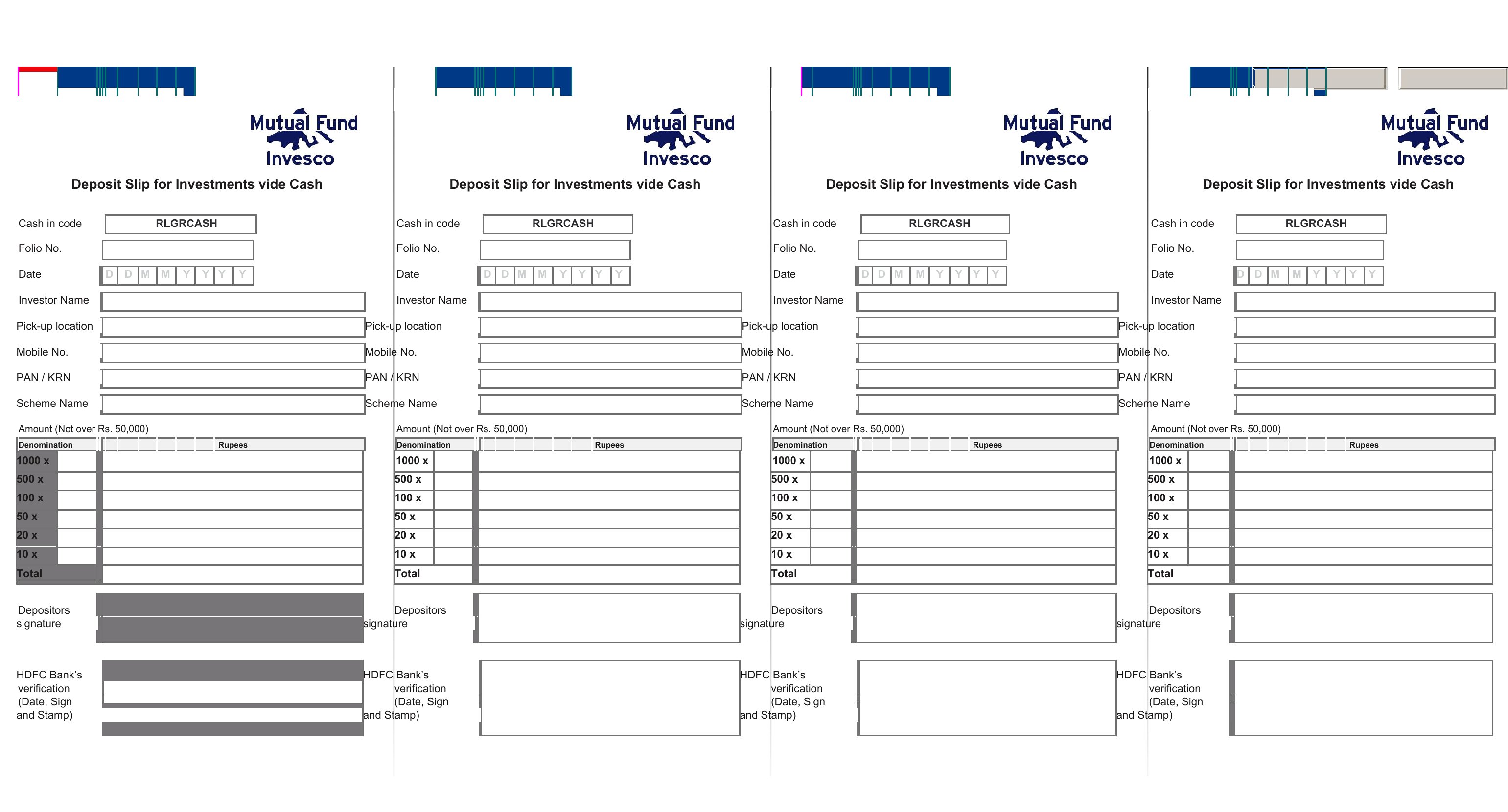
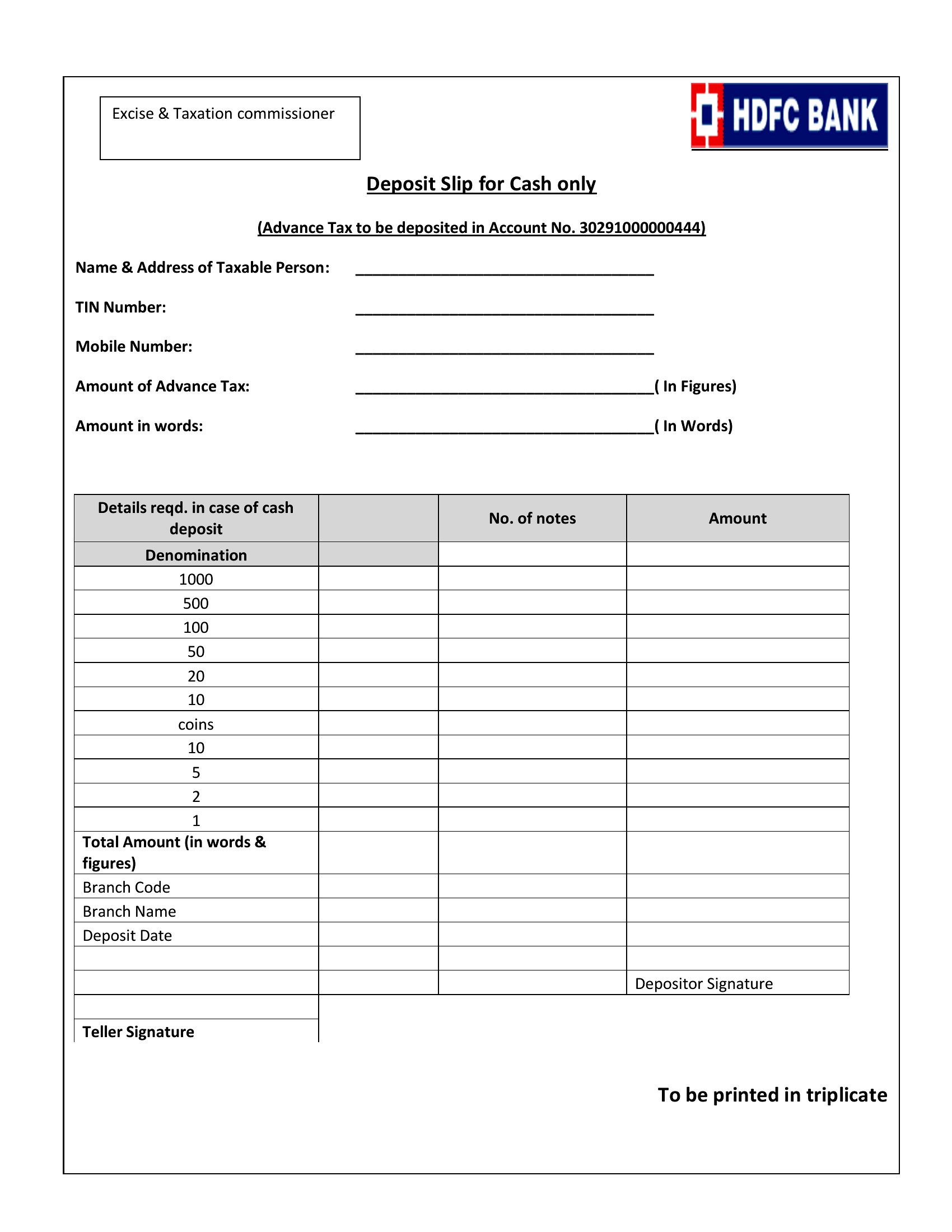
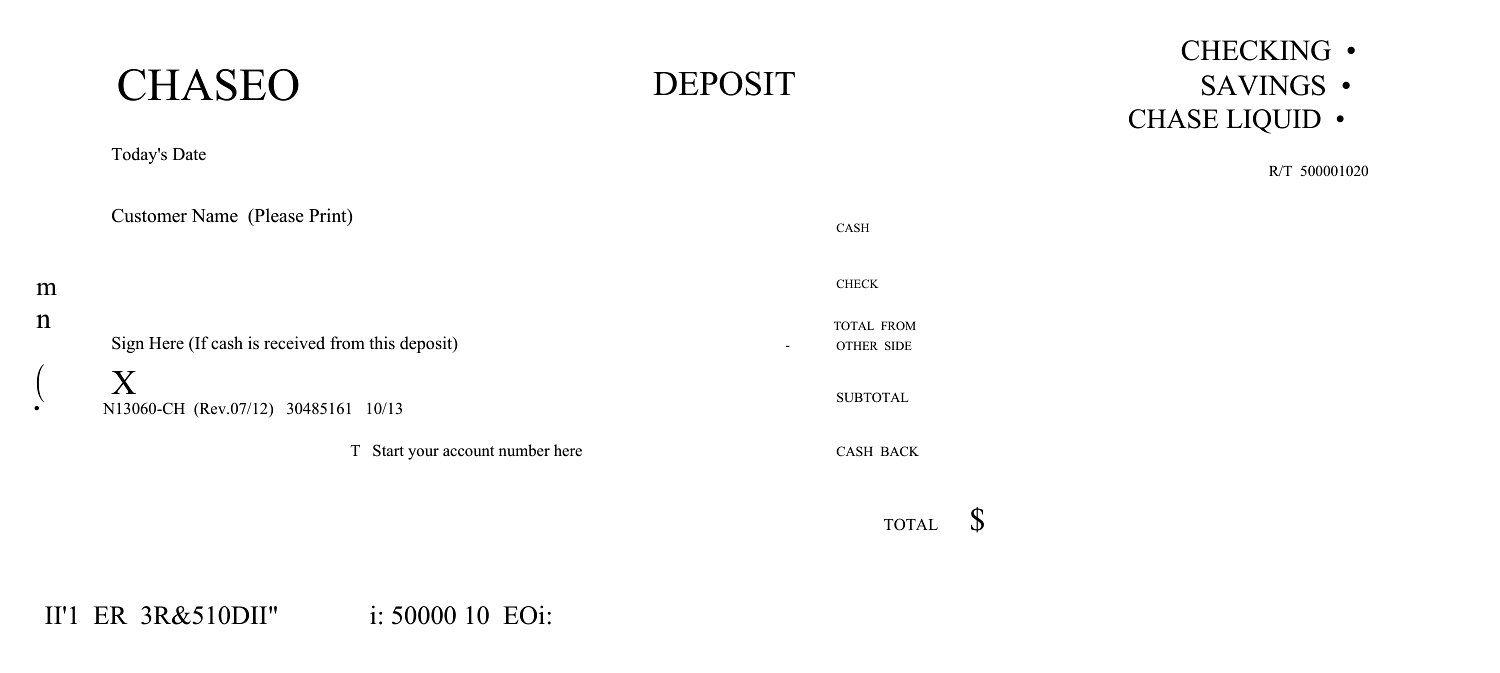
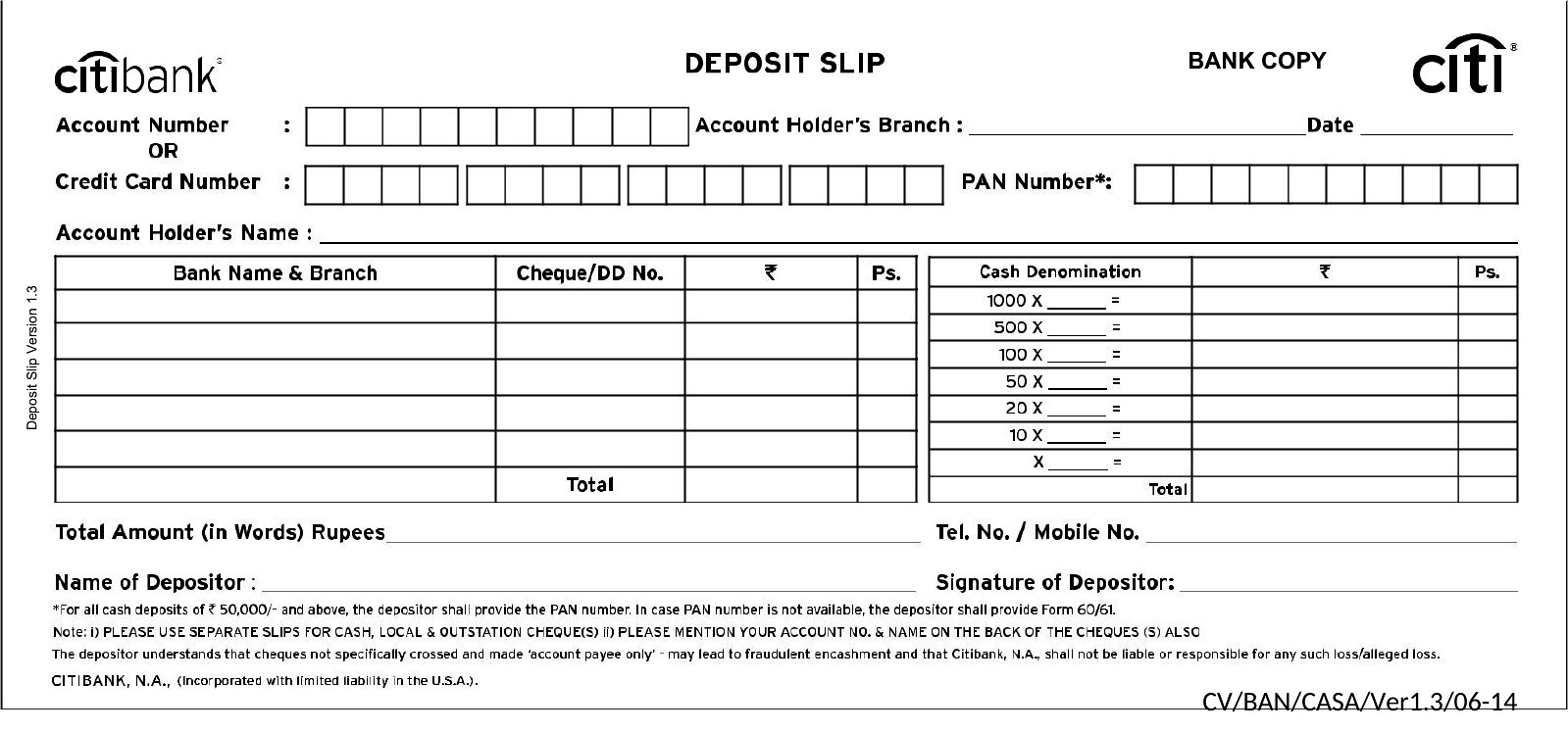
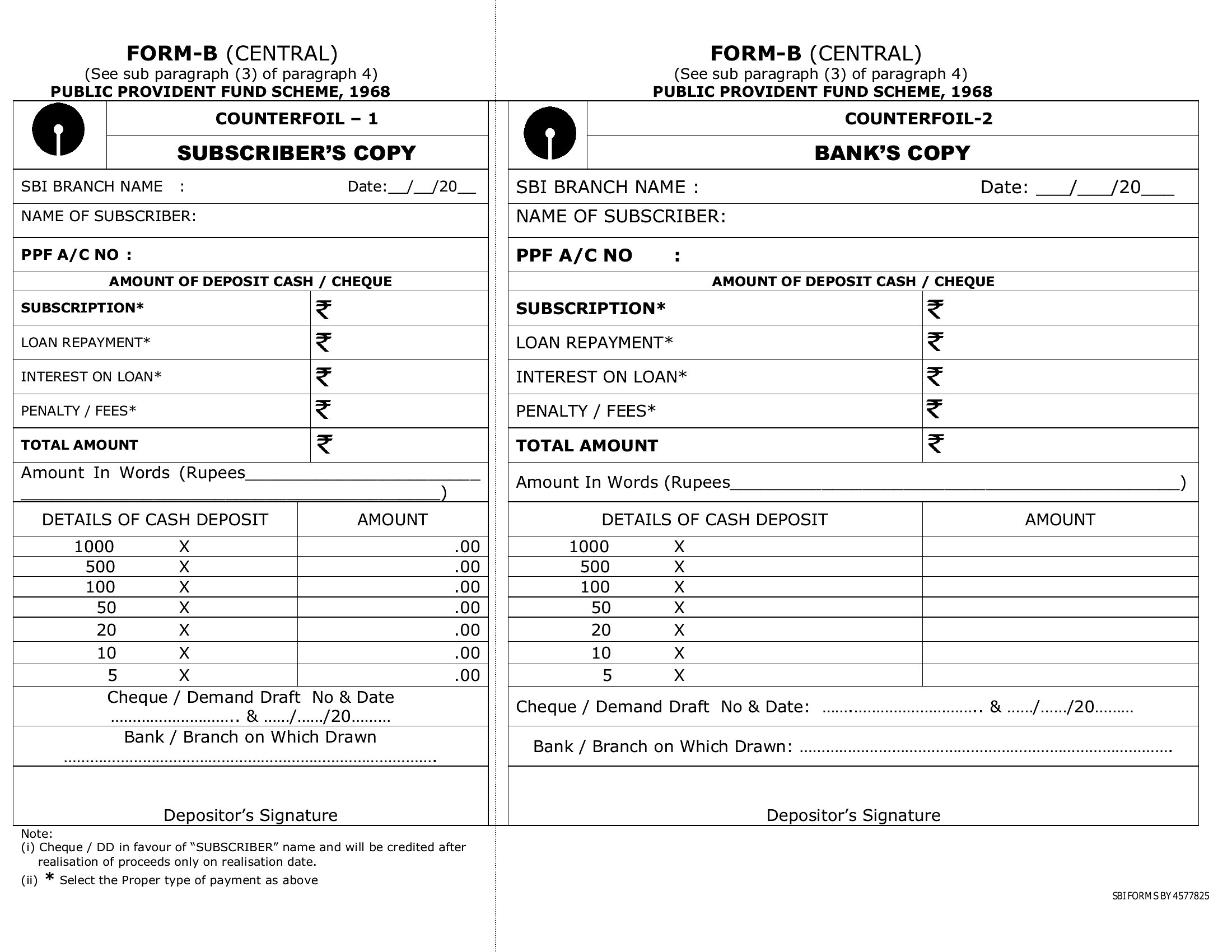
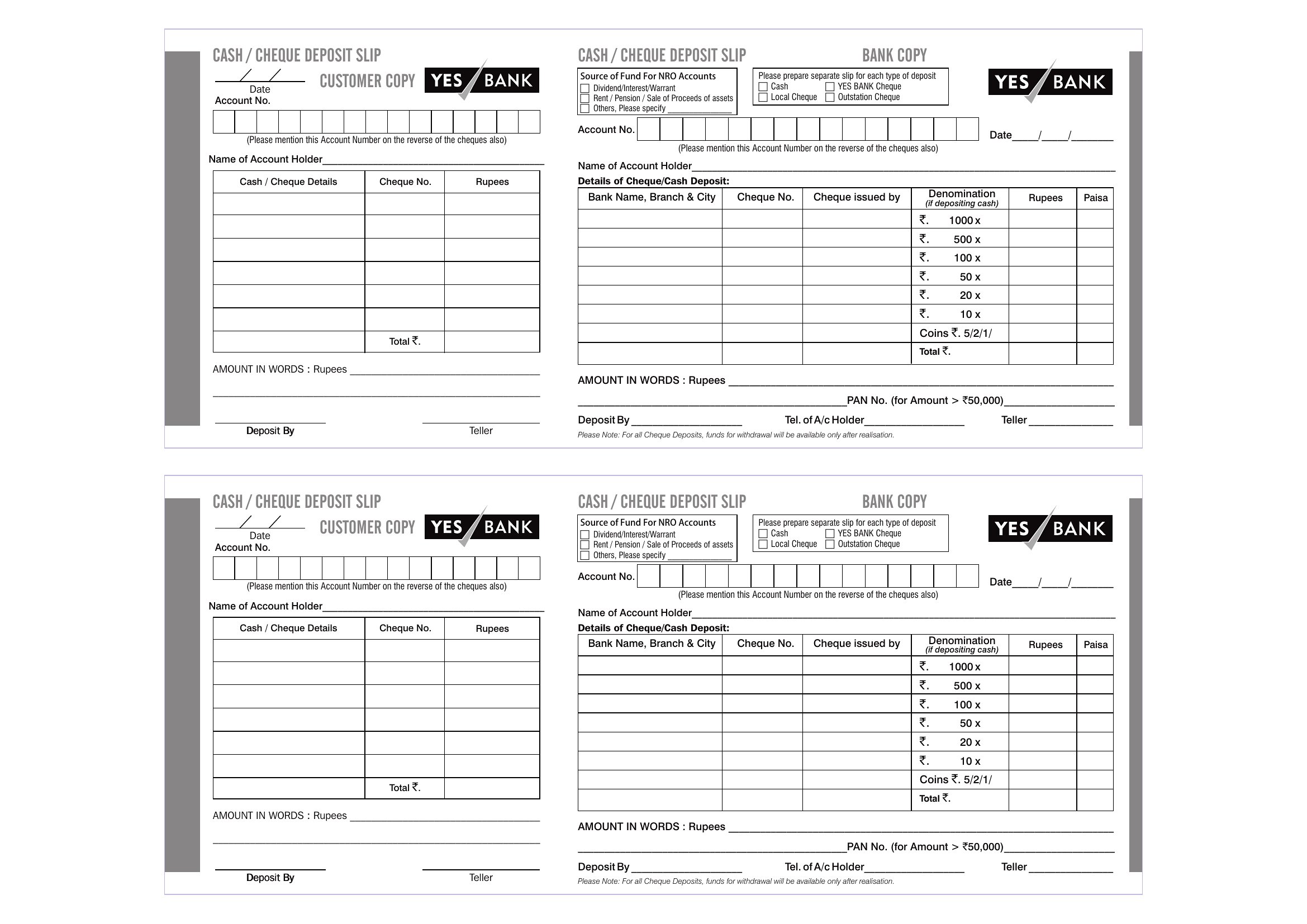
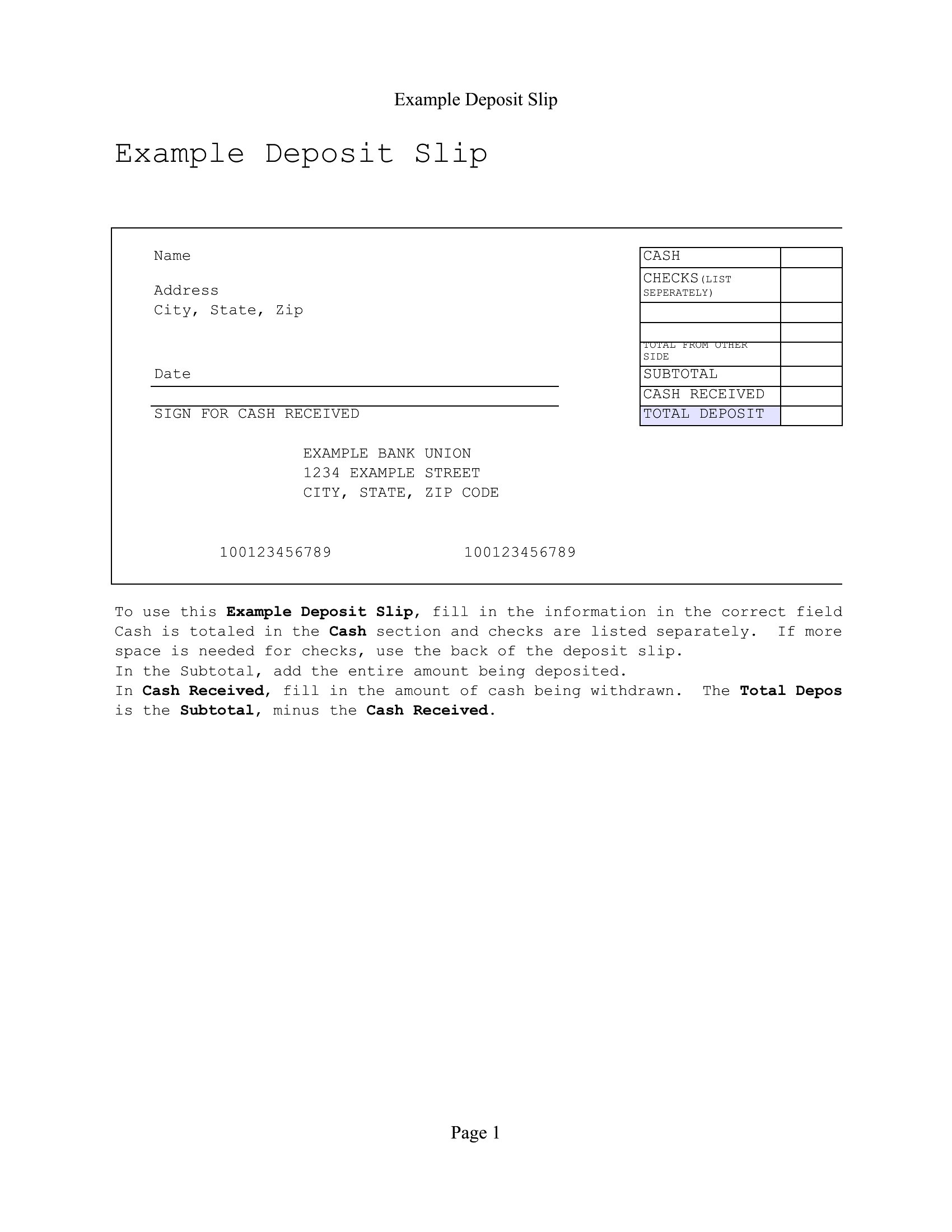
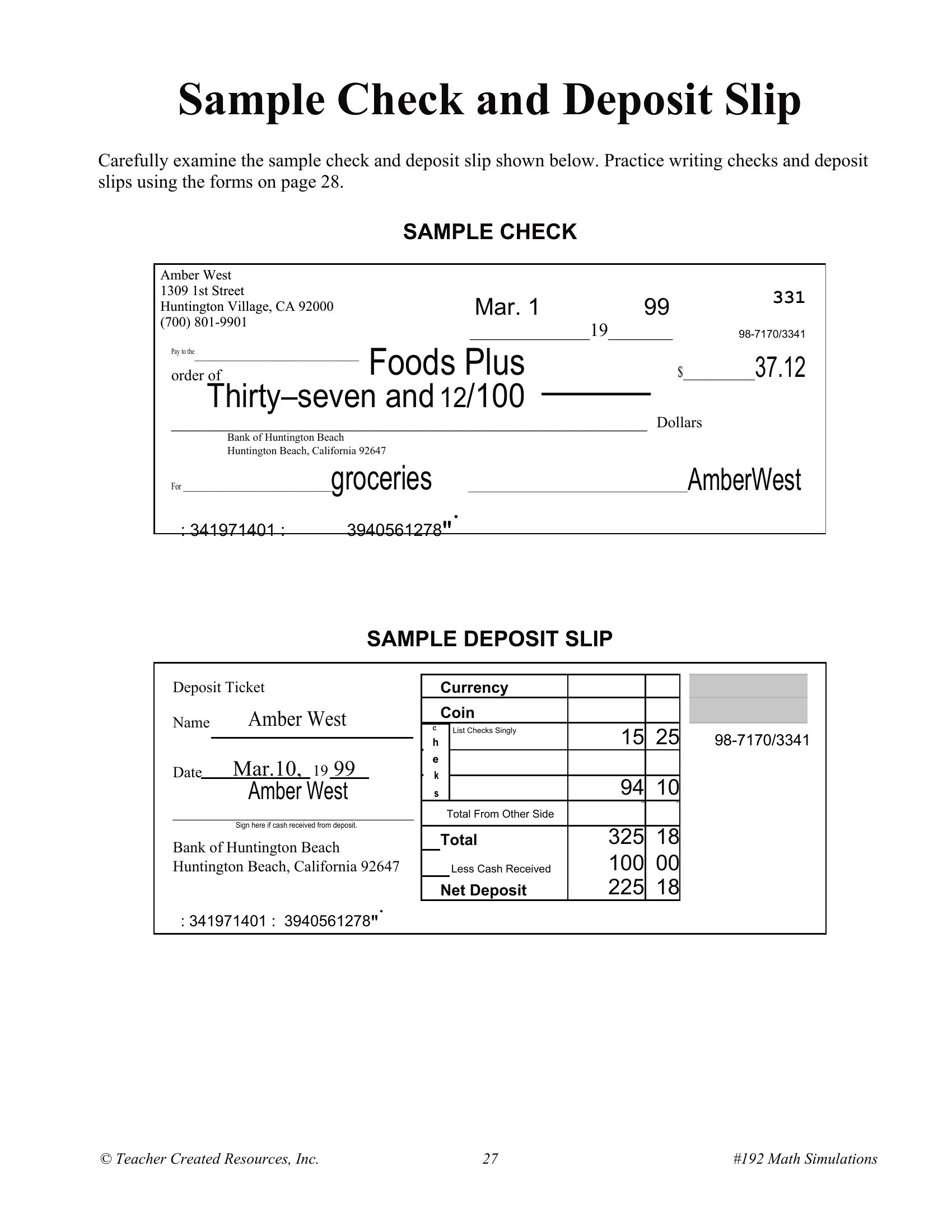
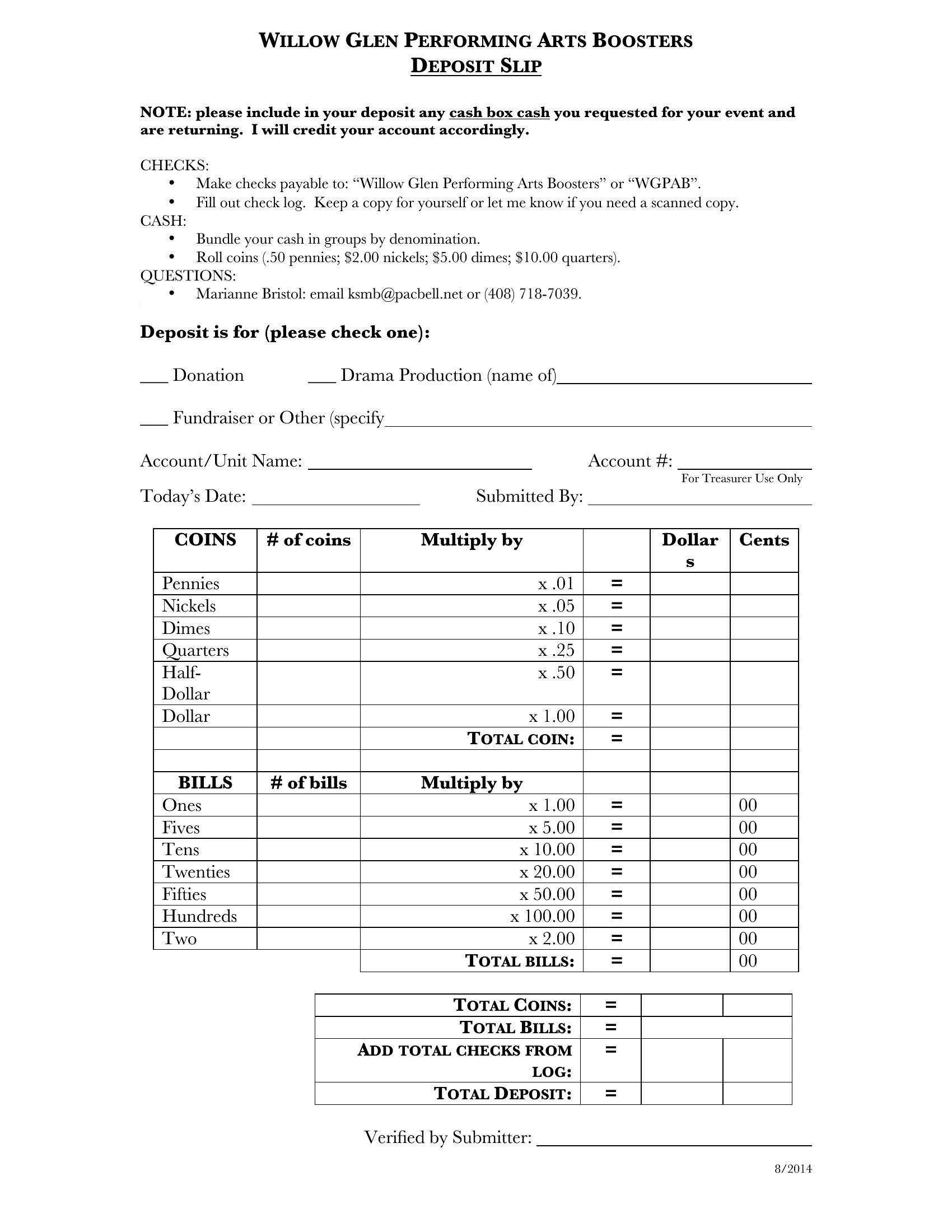
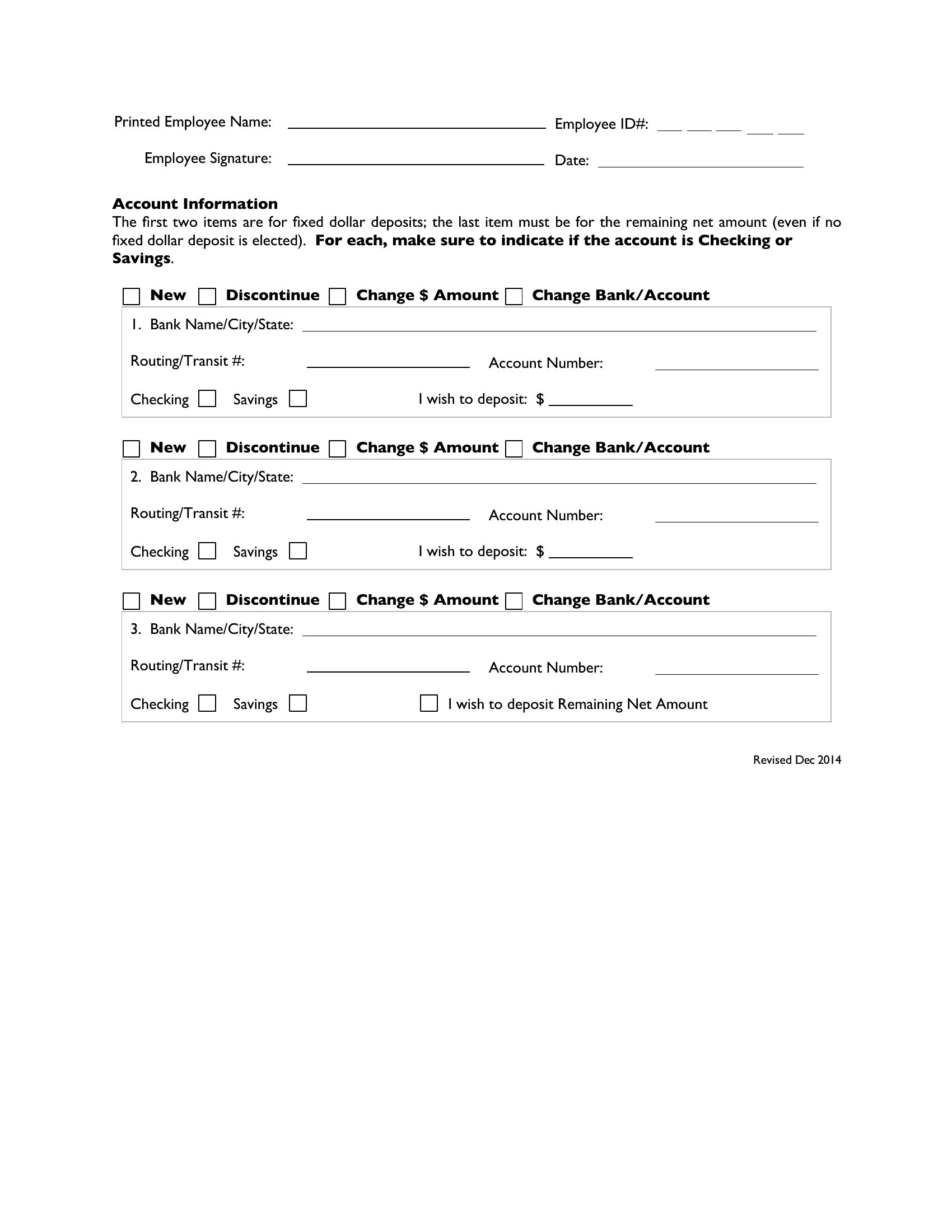
PaymentsA deposit slip keeps your cash and checks accounted for before they ever reach the teller, and having a stack ready saves a trip to the counter for blanks. This collection of 37 bank deposit slip templates works for small businesses, treasurers, and anyone who makes regular branch deposits and wants a tidy record of each one.
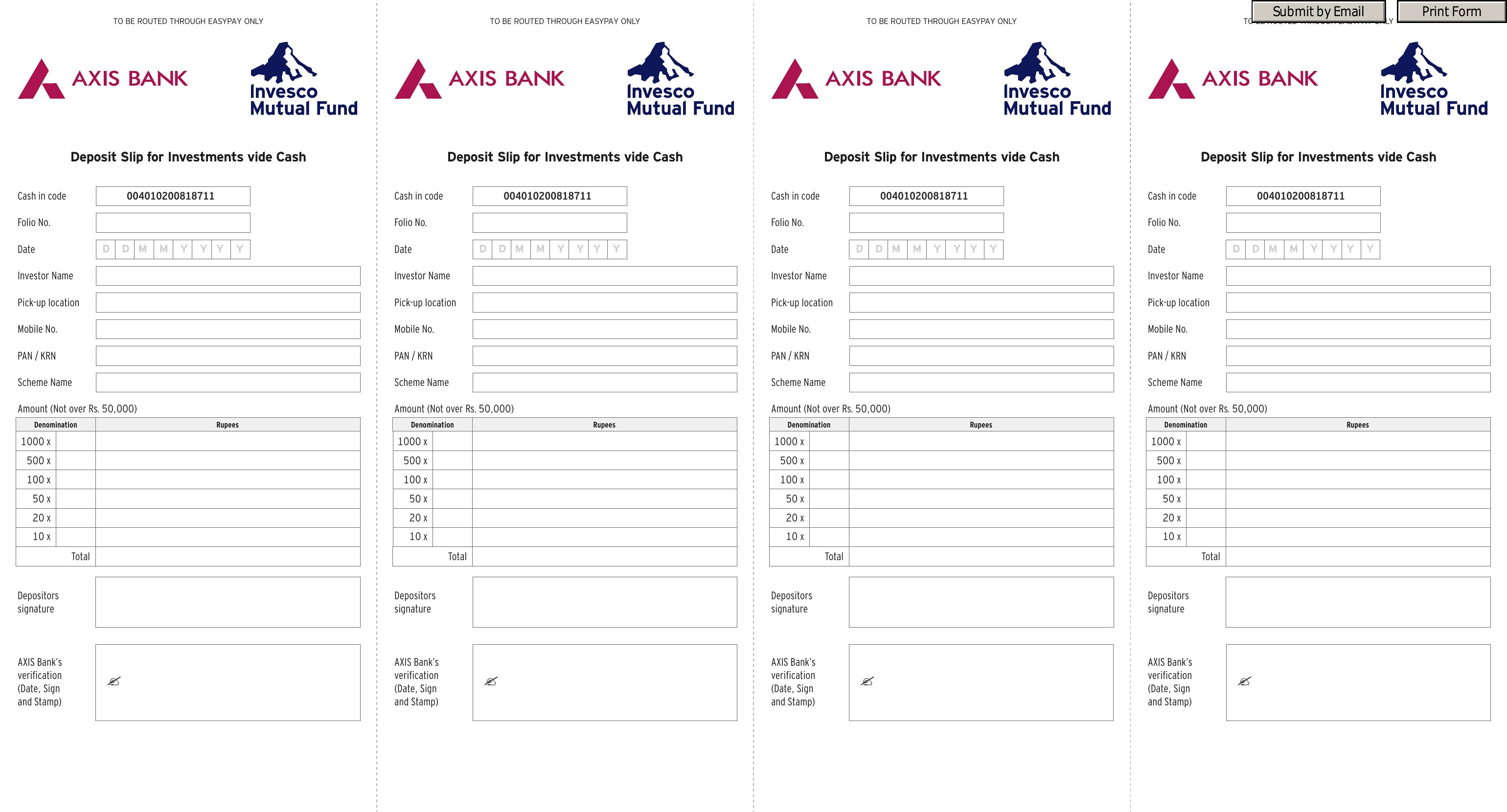
You'll find versions in Word and PDF for printing, plus Excel sheets that add up your checks and cash automatically as you enter them. Fill in the account details, list each item, and keep a copy for your books. Bank formatting can vary, so check that your account and routing numbers match your bank's layout before depositing. Download the slip that fits and print a batch.
When to use this Bank Deposit Slip template
- Small business owners depositing daily cash sales who need to track exact amounts by transaction type before heading to the bank.
- Nonprofit treasurers managing multiple donor checks and petty cash deposits, requiring a detailed log for reconciliation with accounting software.
- Freelancers or contractors handling client payments via checks, needing a professional-looking slip to ensure accuracy and avoid teller errors at the branch.
- Bookkeepers or office managers reconciling petty cash funds, wanting to cross-reference physical deposits with digital records for audit purposes.
Which format should I download?
Choose Word if you need to edit fields like your bank’s routing number or branch code frequently, as it allows easy modifications before printing. Opt for PDF when you prefer a fillable, ready-to-use form that locks in formatting and prevents accidental changes once completed. Use Excel if you’re tracking deposits over time and want to combine the slip with a spreadsheet for monthly summaries or trend analysis—it’s ideal for businesses that reconcile deposits with other financial data.
Choose from 37 Bank Deposit Slip Templates
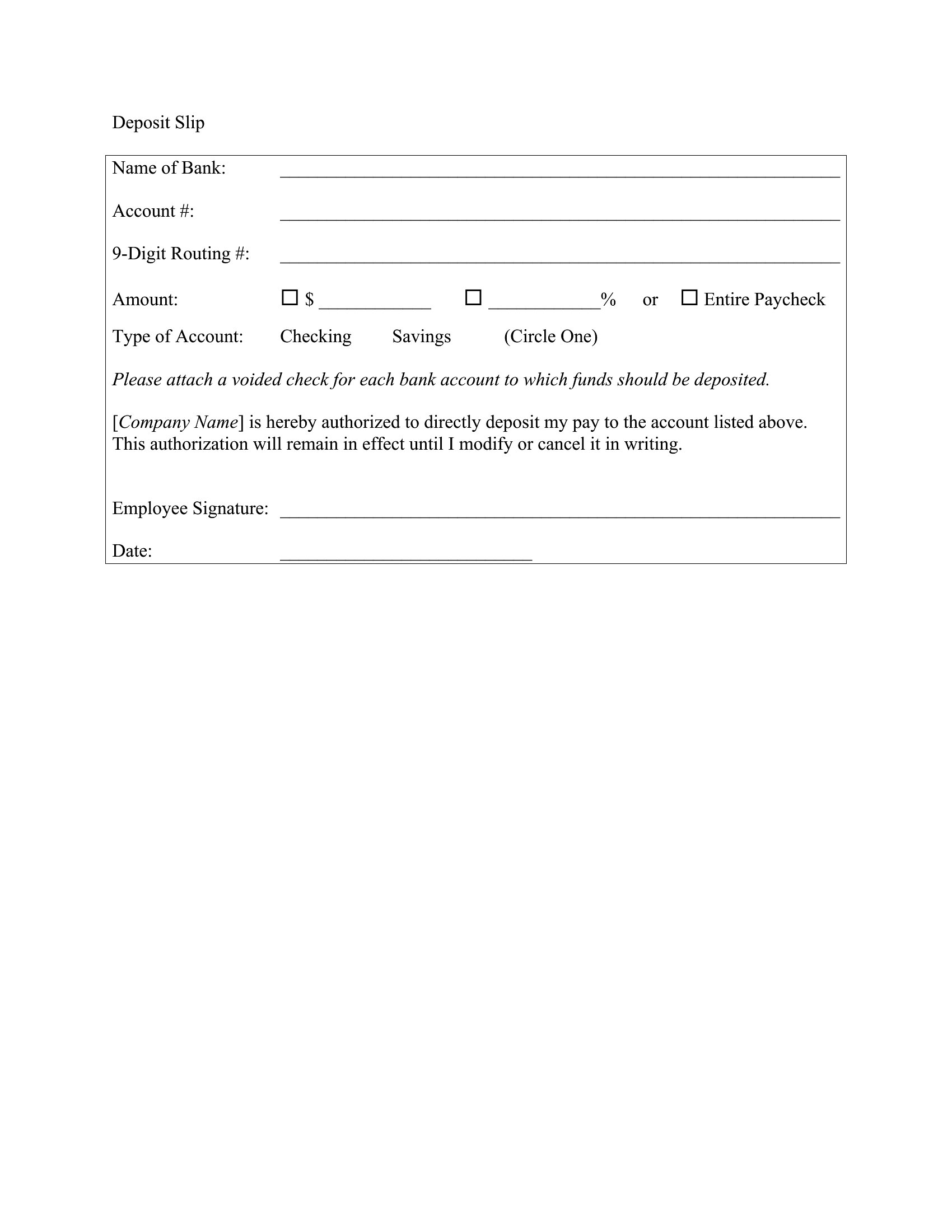
Deposit Slip
How to use this Bank Deposit Slip template
Can I customize these deposit slips to include my business logo or specific instructions for tellers?
Yes, the Word and PDF formats allow you to add your logo or notes, but verify your bank’s requirements first—some branches may not accept slips with extra markings. Always keep a copy of the final version you use for consistency. For Excel, you can embed logos in the header/footer, but focus on clarity to avoid teller confusion.
What’s the best way to organize deposit slips if I’m handling multiple accounts or currencies?
Use Excel to create a tabbed system where each sheet corresponds to an account or currency type. Label columns clearly (e.g., ‘USD – Savings,’ ‘EUR – Checking’) and include a dropdown menu for transaction types to minimize errors. For Word or PDF, print multiple slips per page with account numbers pre-filled to streamline sorting later.
Do these templates include fields for cash back or ATM withdrawals if I’m combining a deposit with a withdrawal?
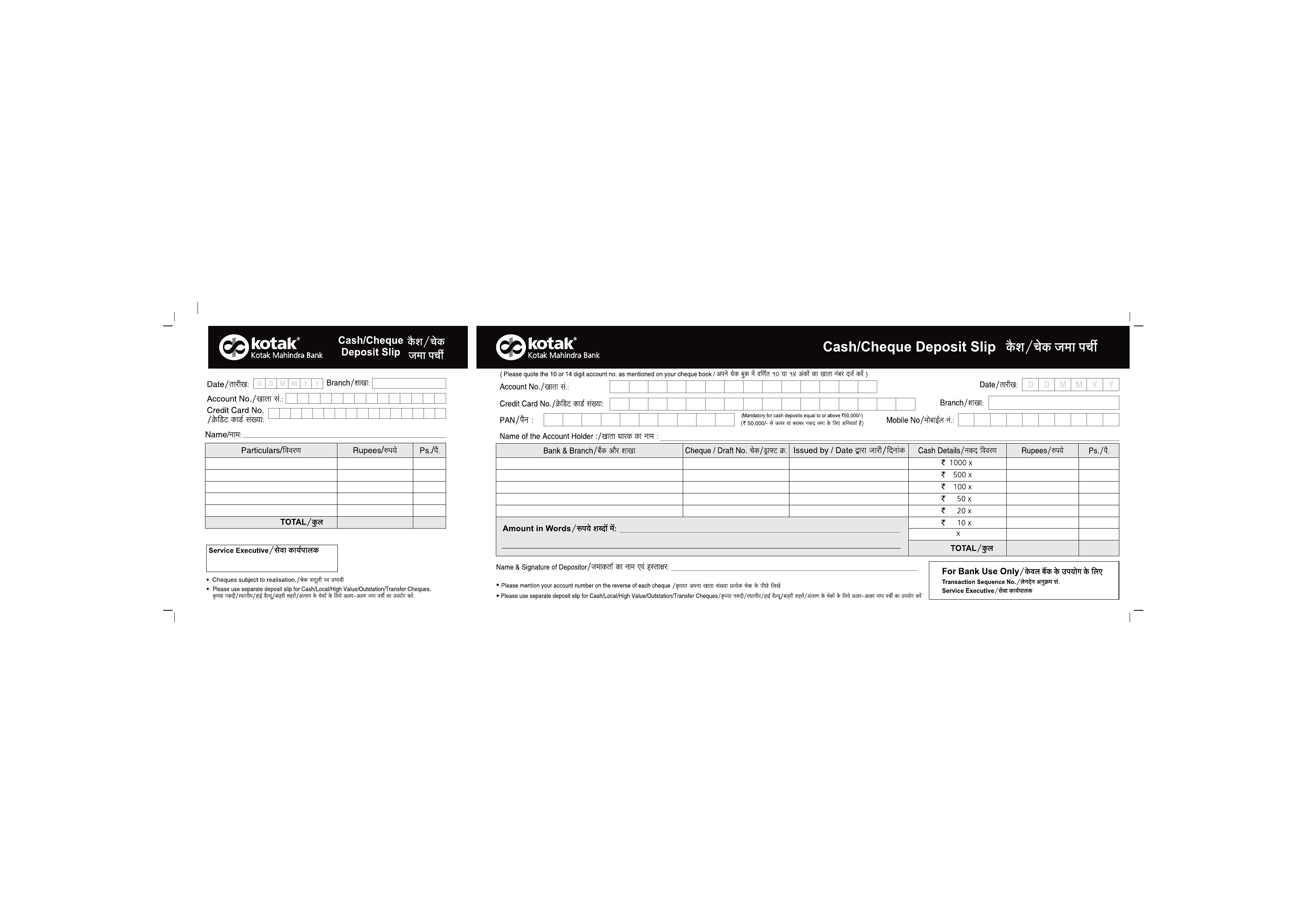
Most templates in this collection focus on deposits, but some Excel versions include an ‘additional notes’ section where you can manually log withdrawals or cash back. For critical accuracy, cross-check with your bank’s standard slip or use a separate note. Always confirm with your teller about combined transactions, as policies vary by institution.
Comments
Join the conversation
Sign in to share your thoughts and leave a comment on this resource.