Free Bank Statement Templates (Word, Excel)
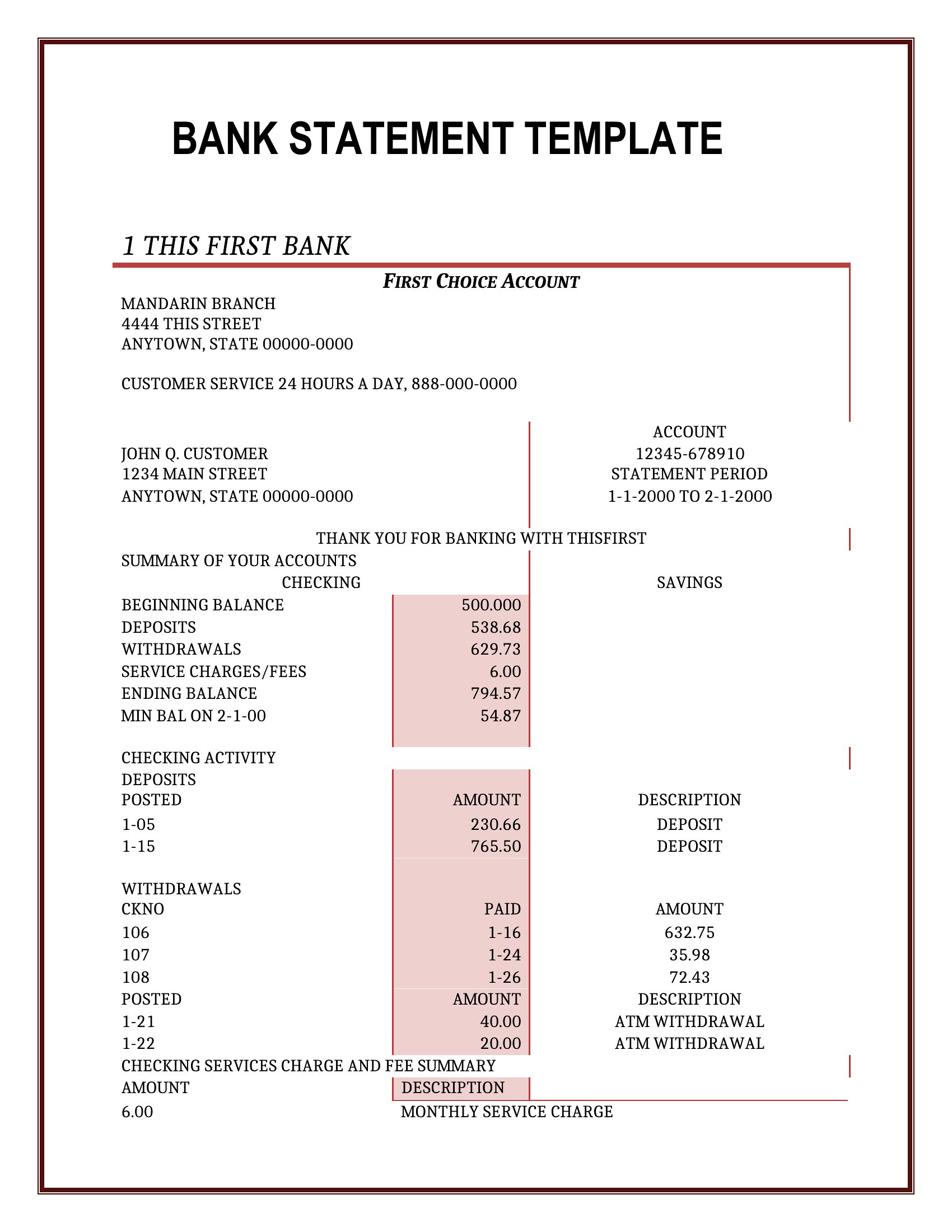
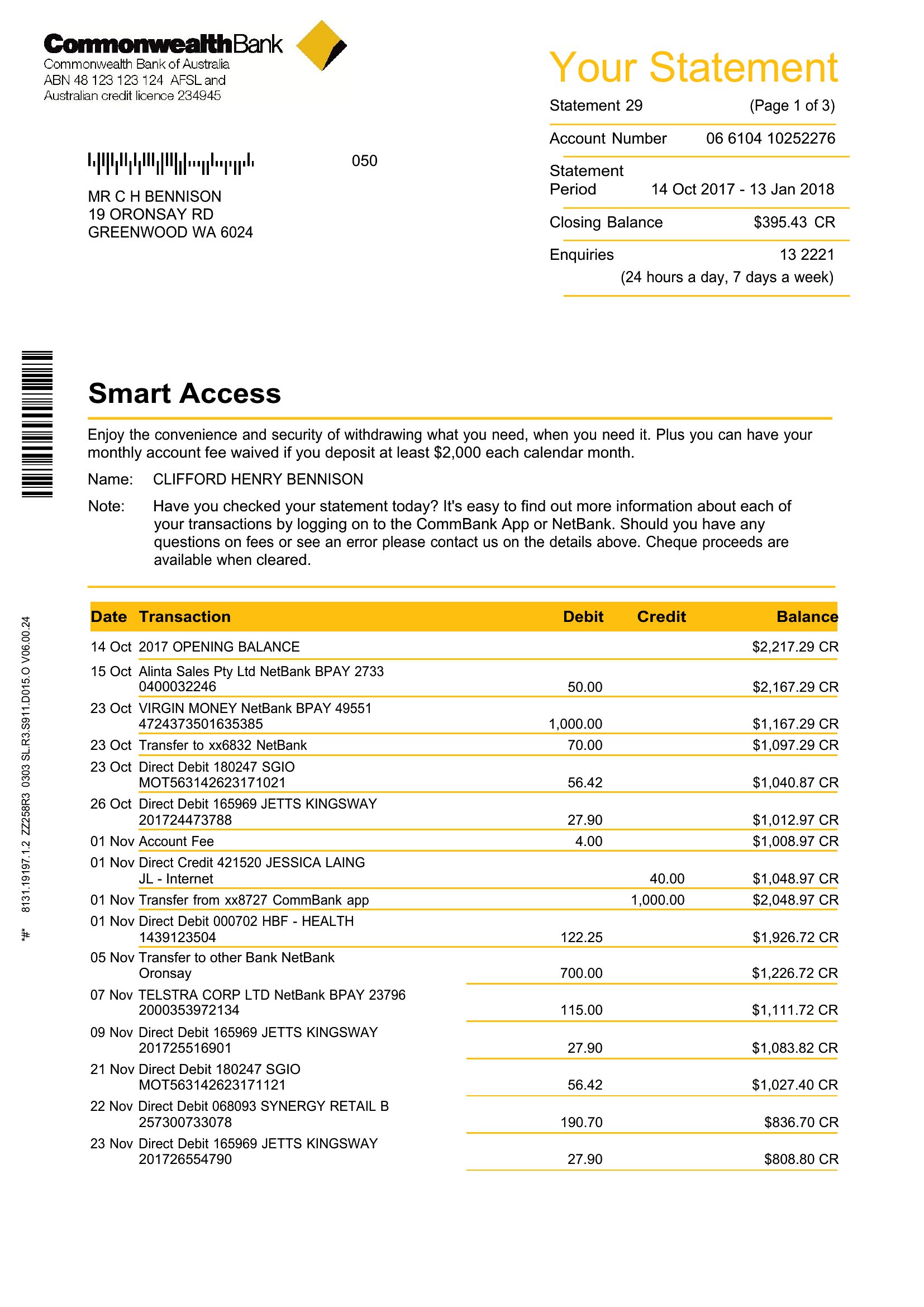
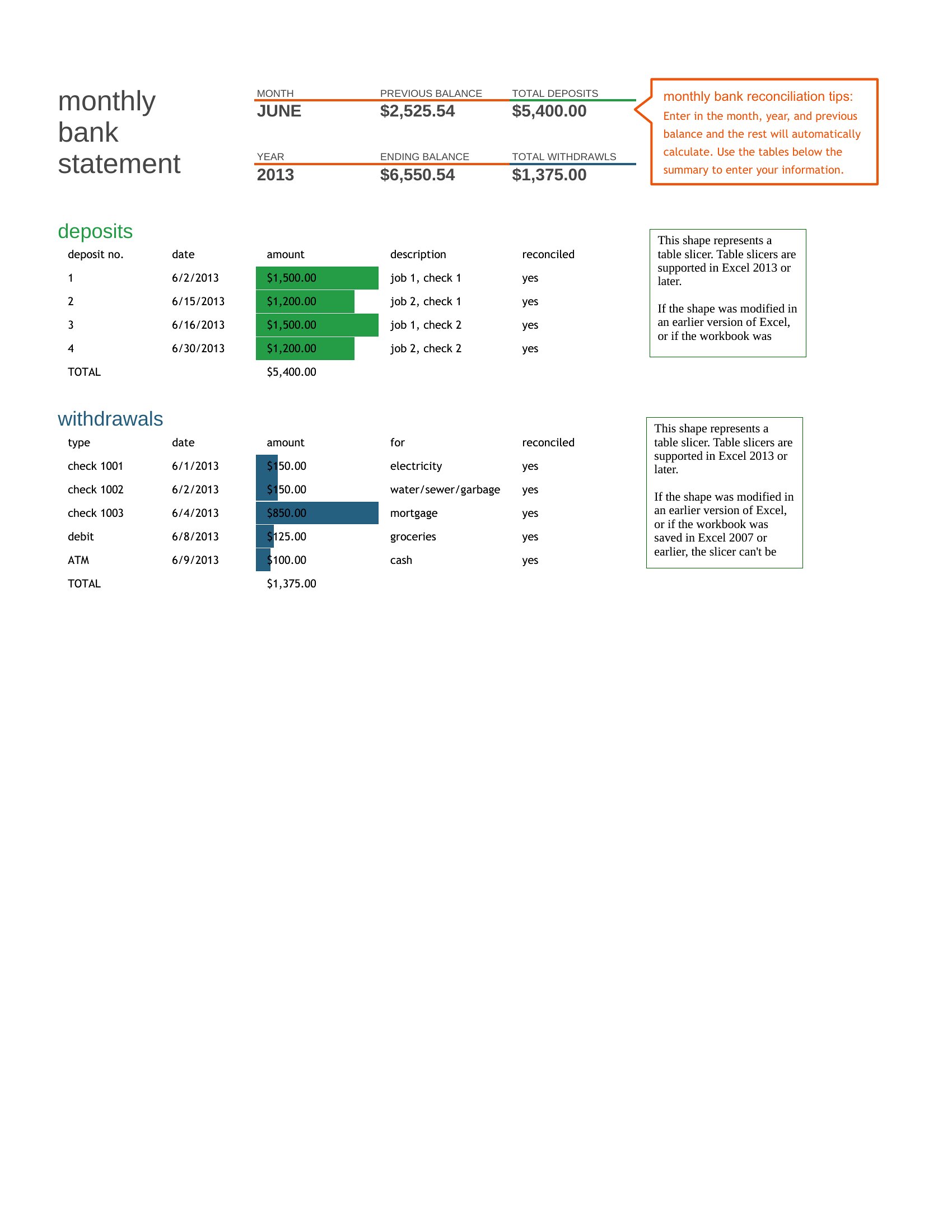
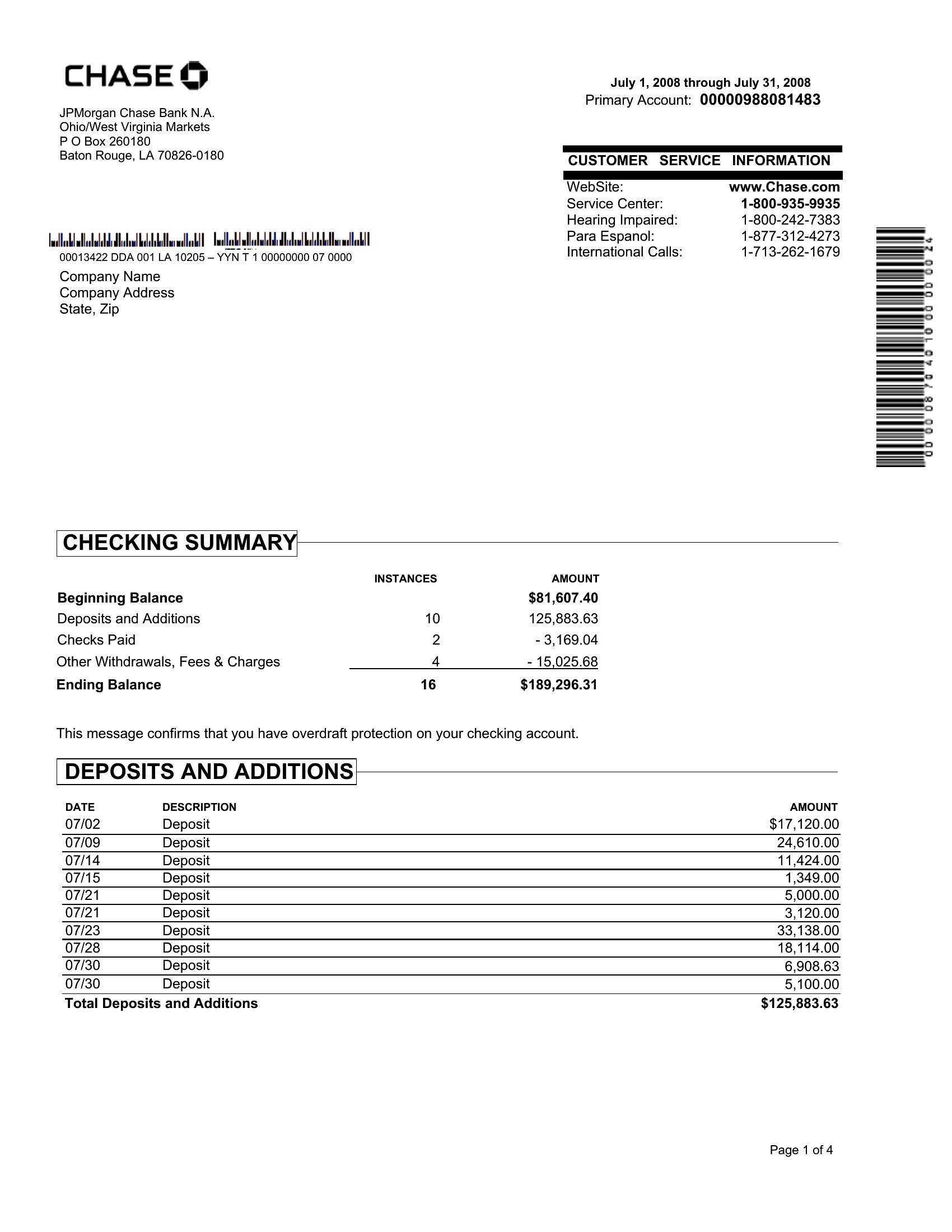
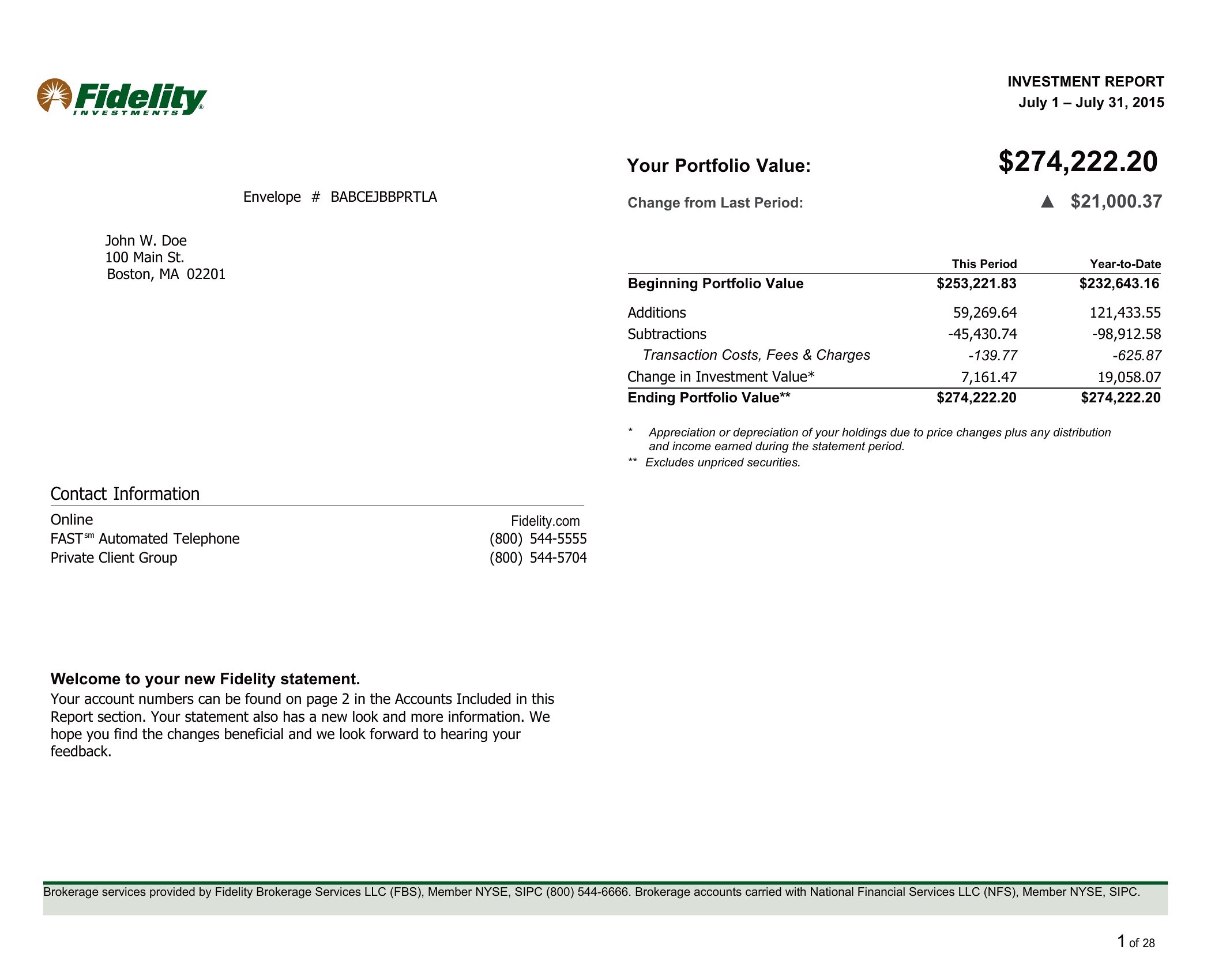
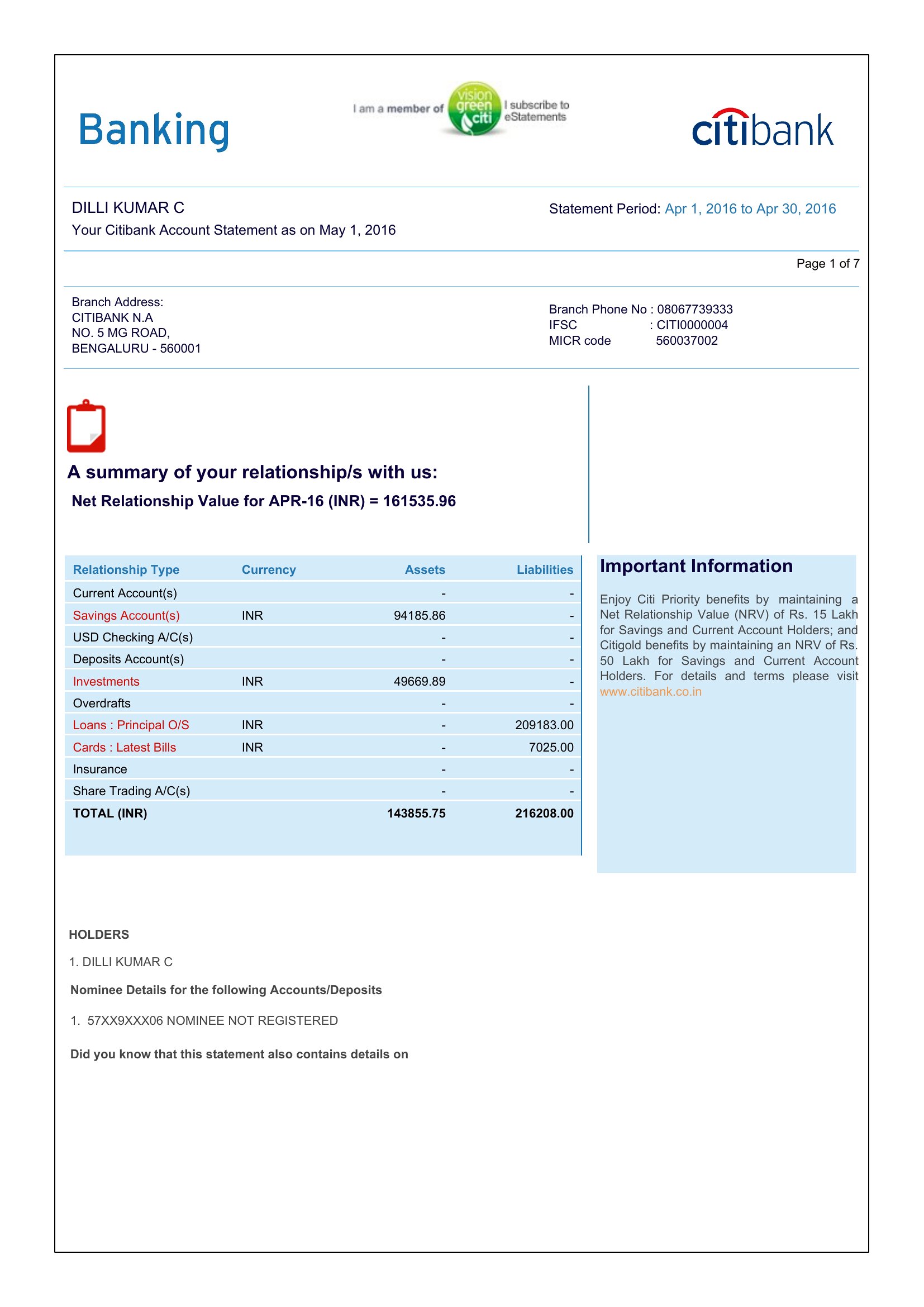
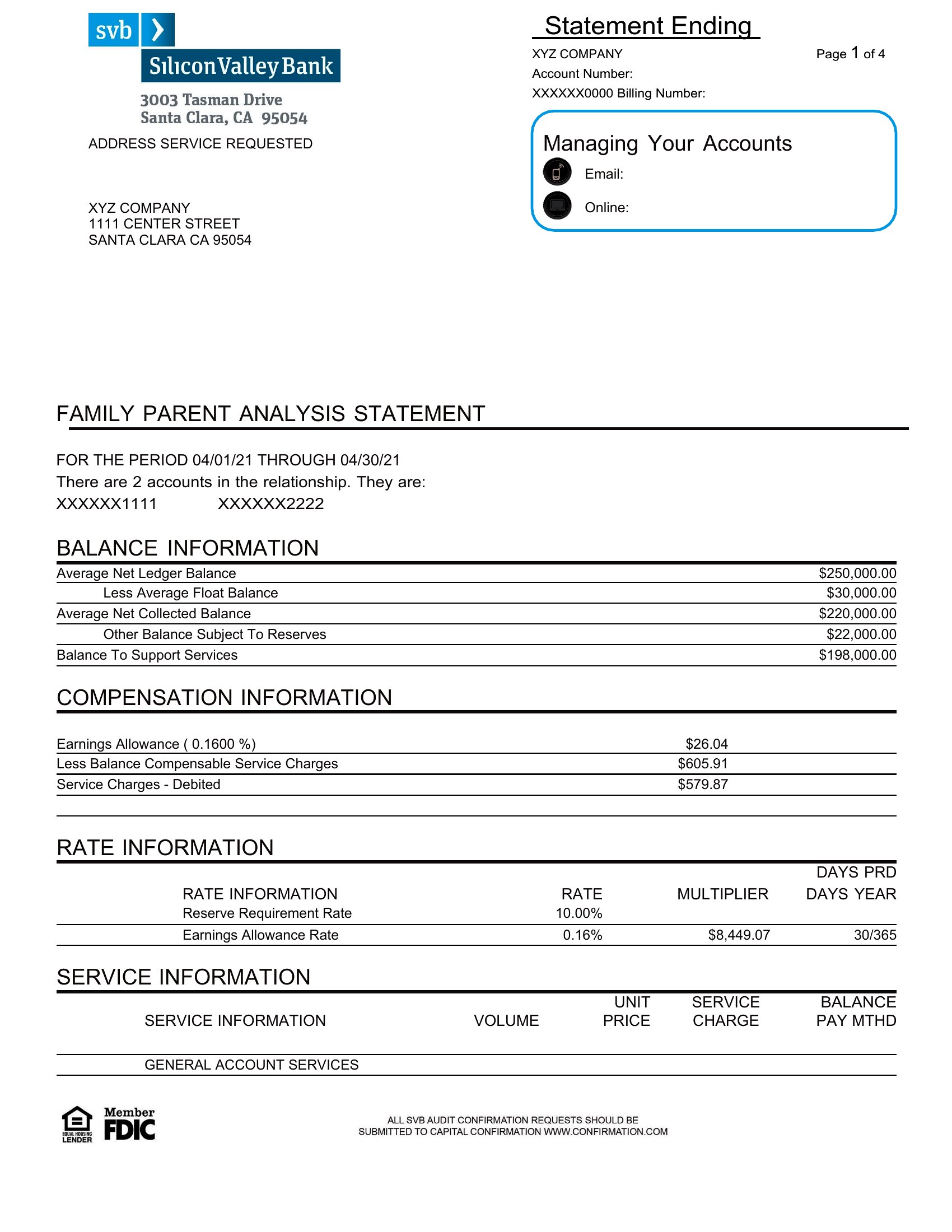
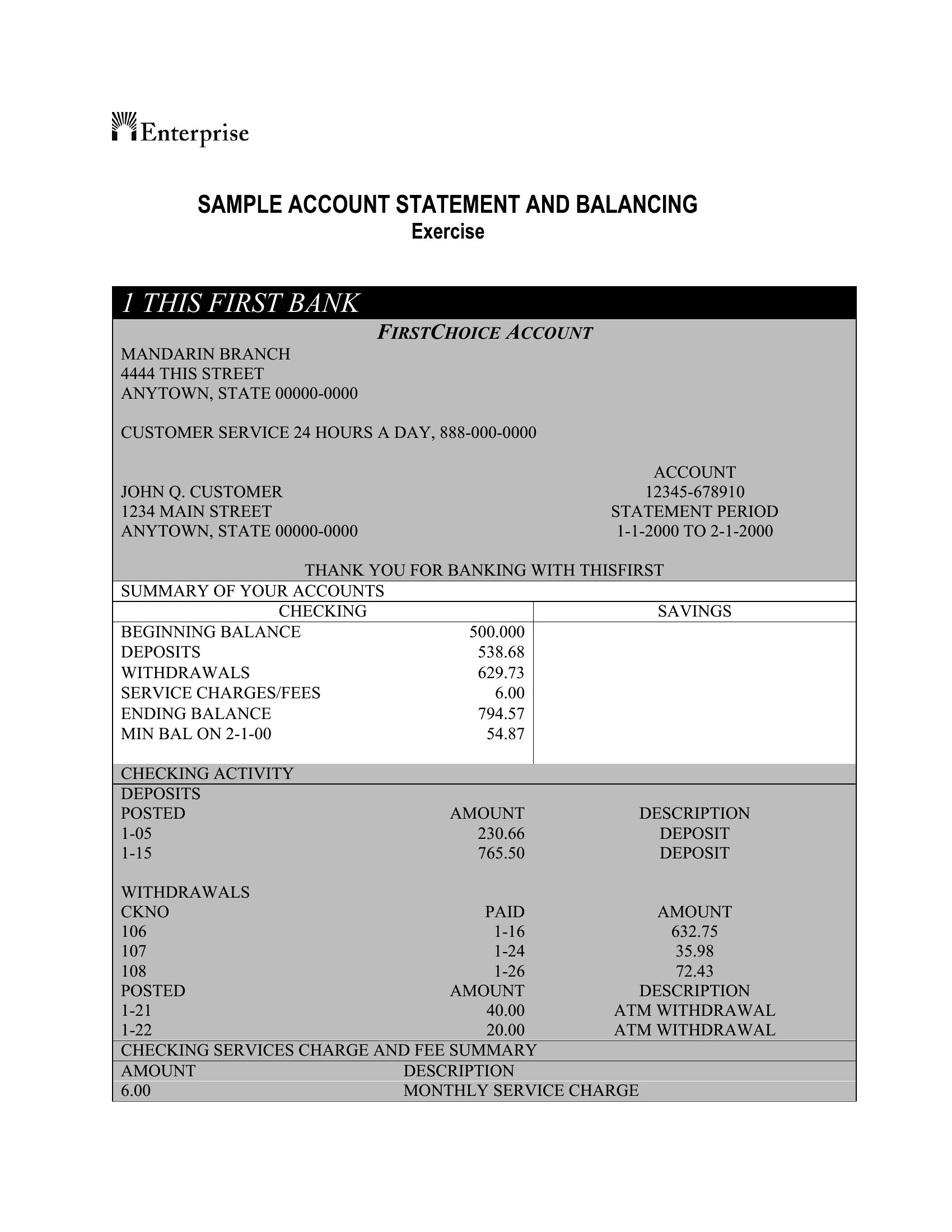
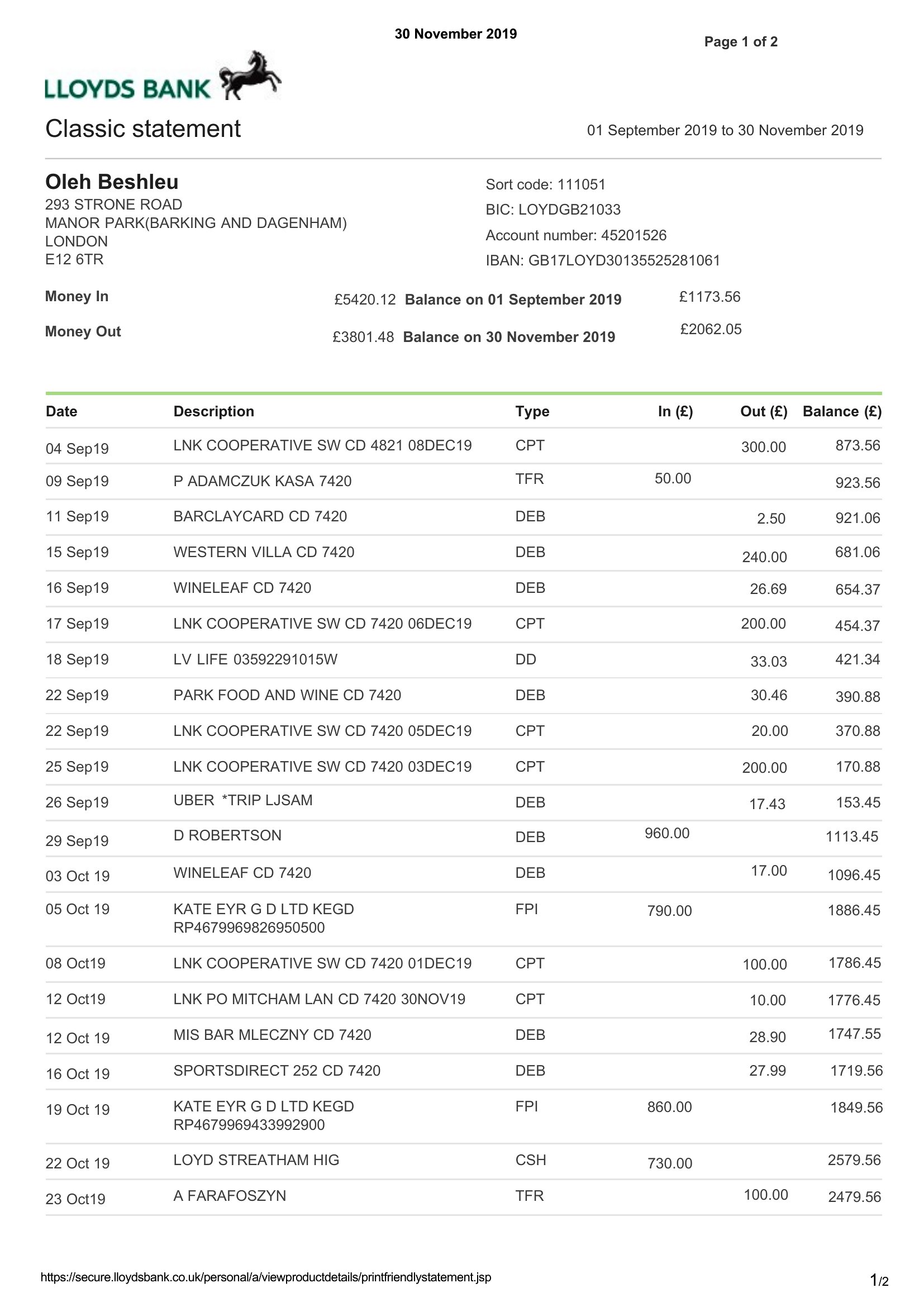
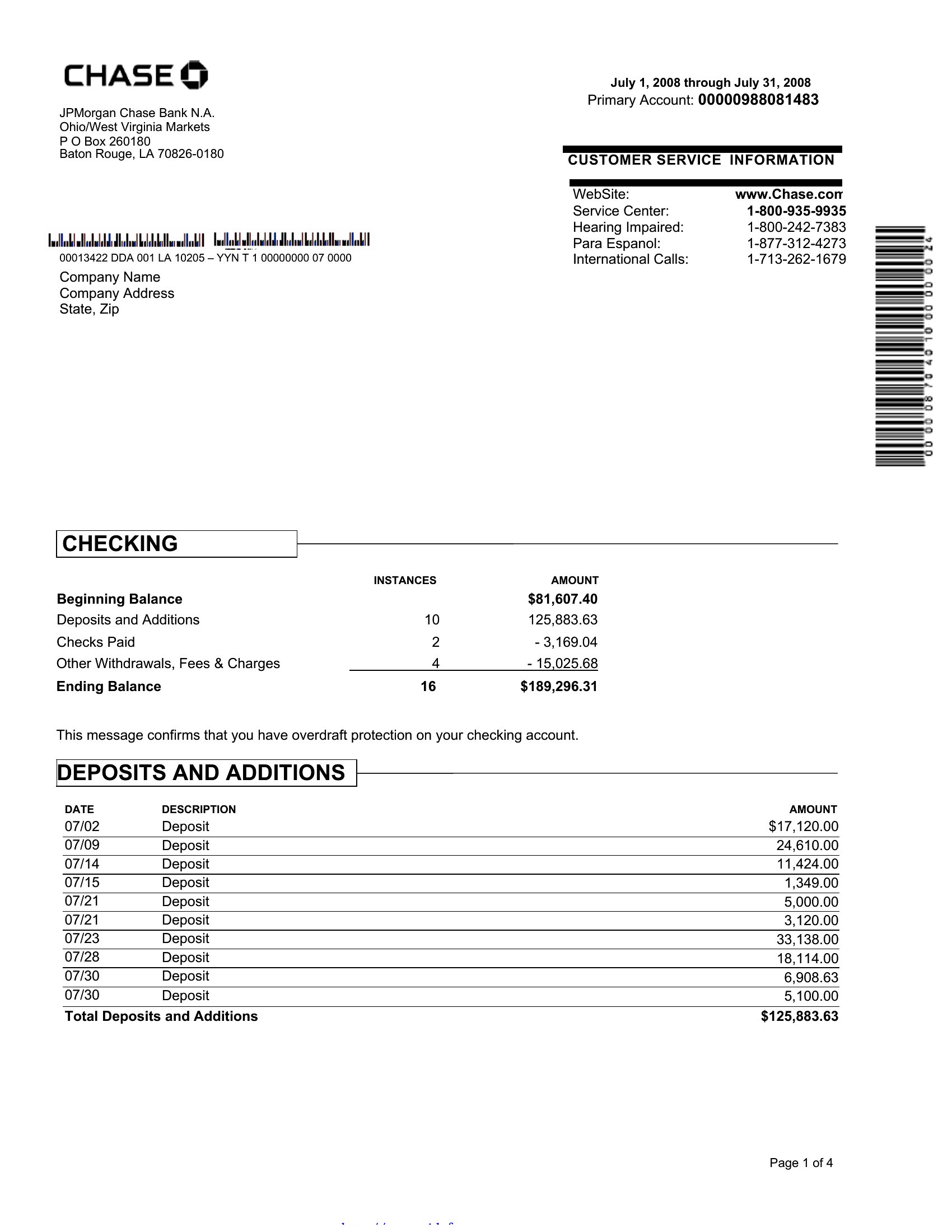
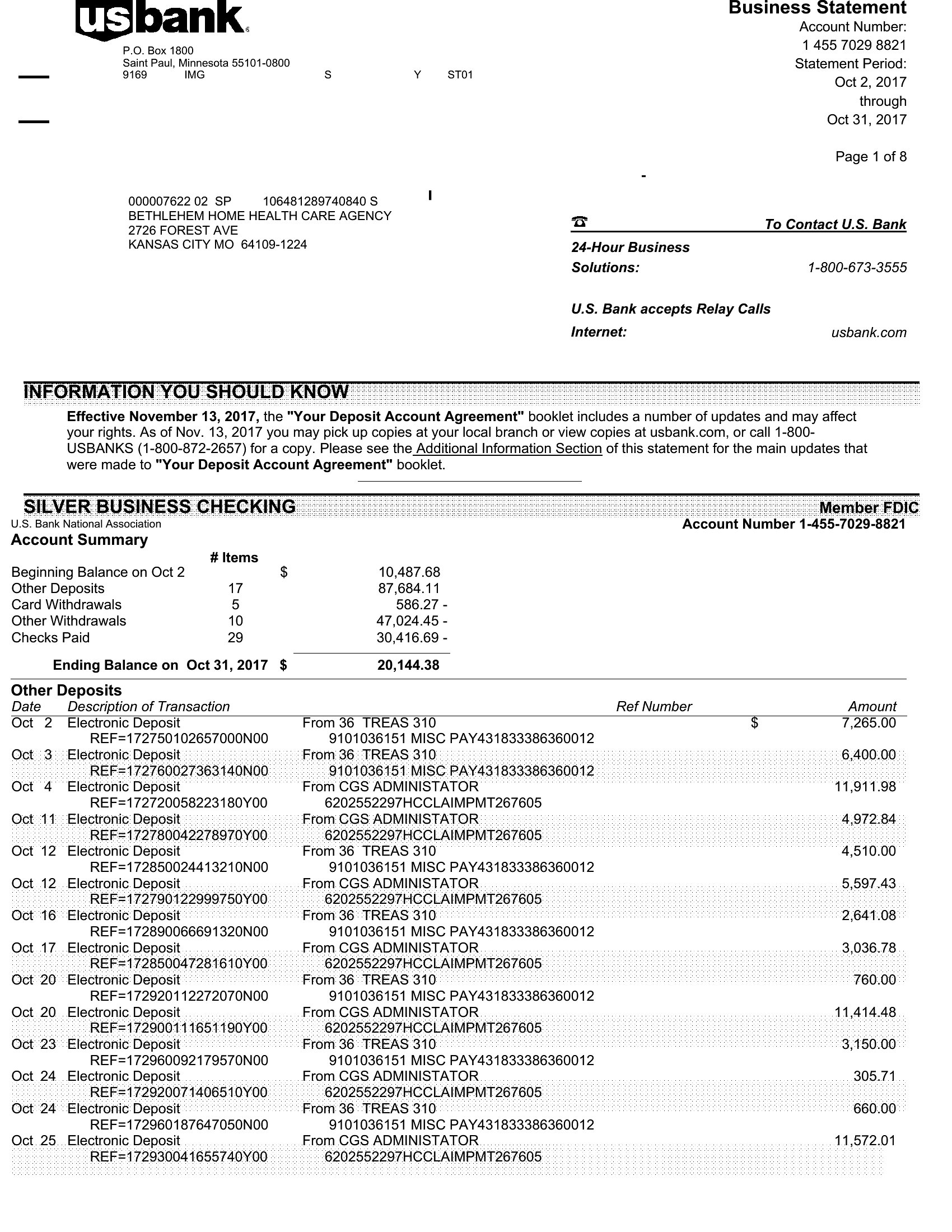
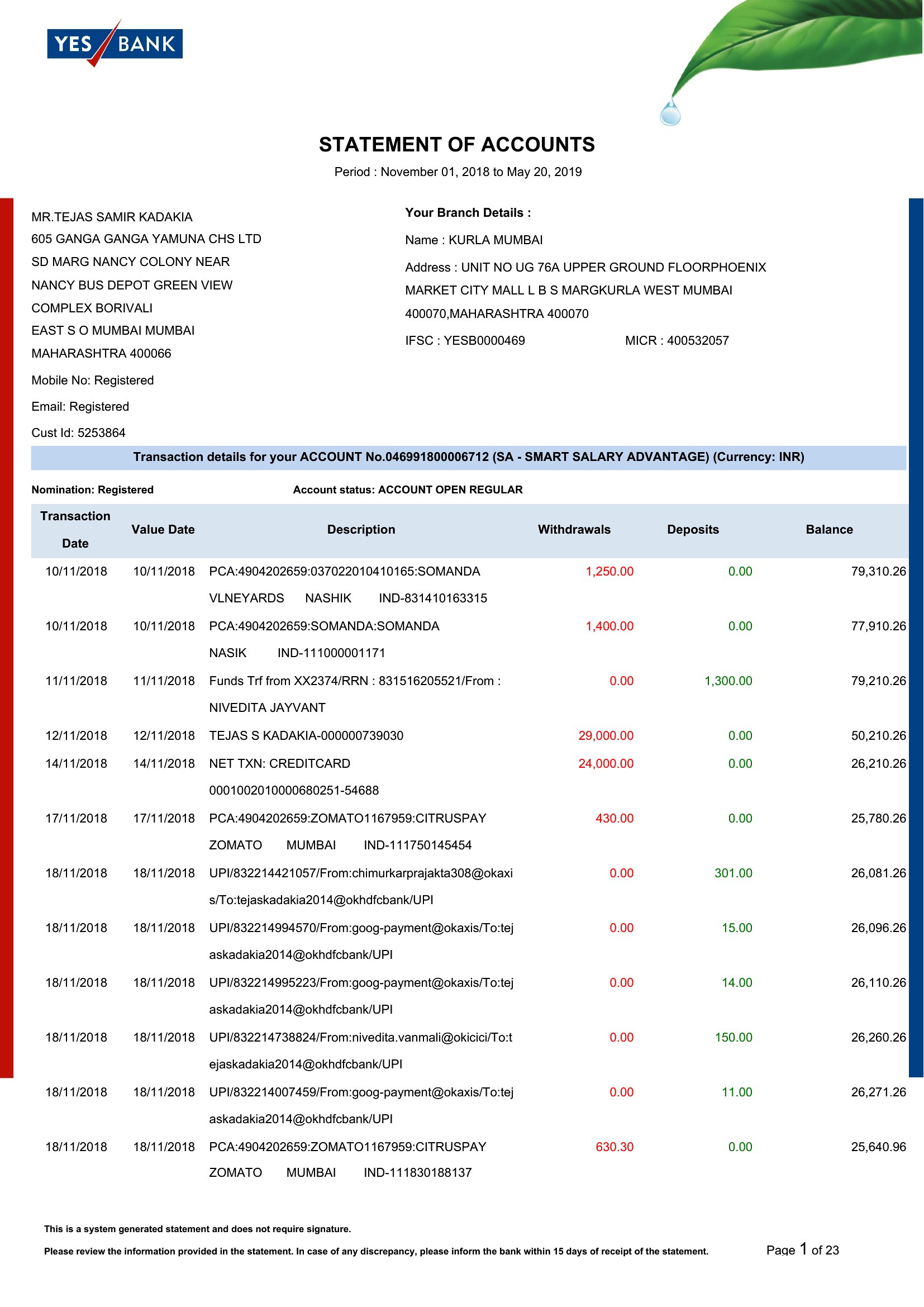
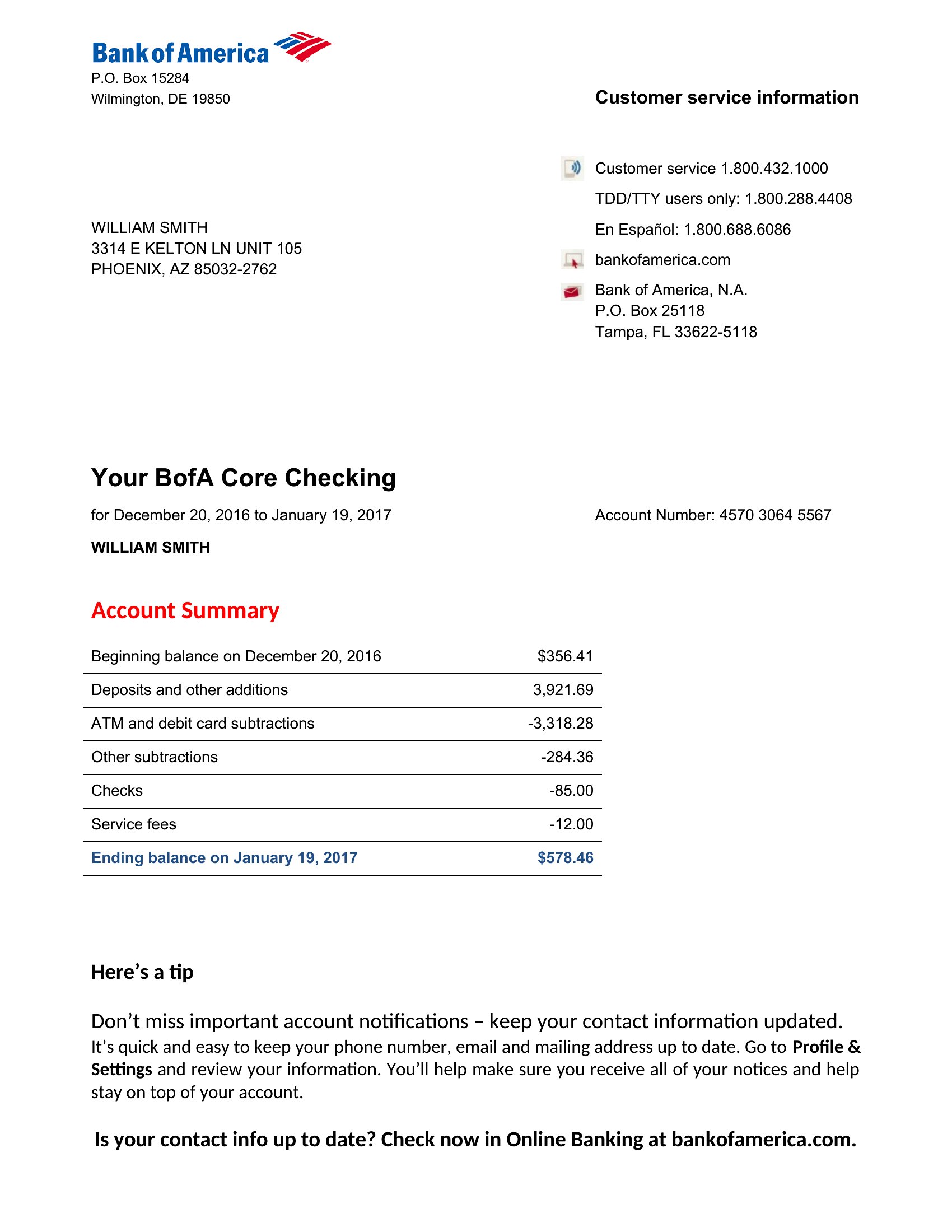
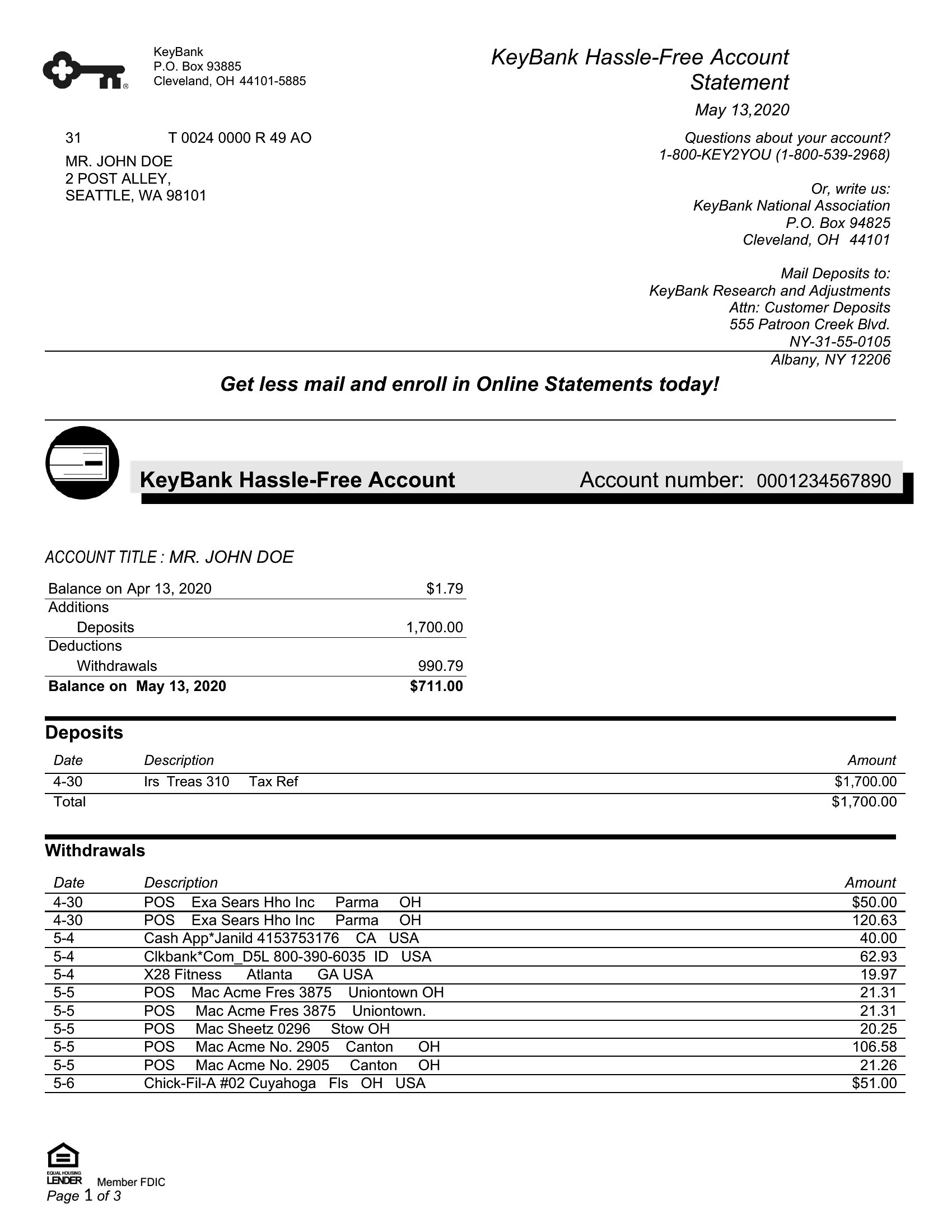
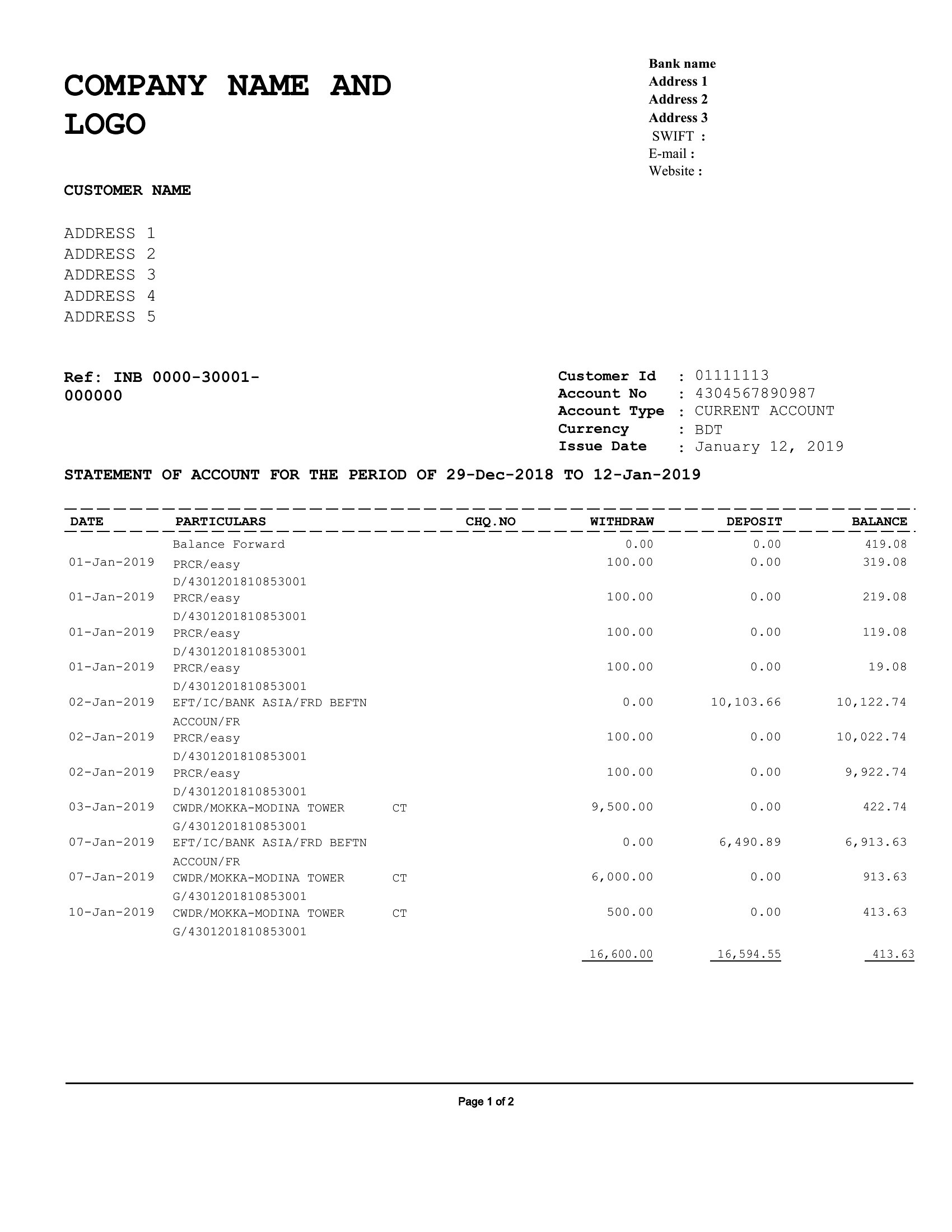
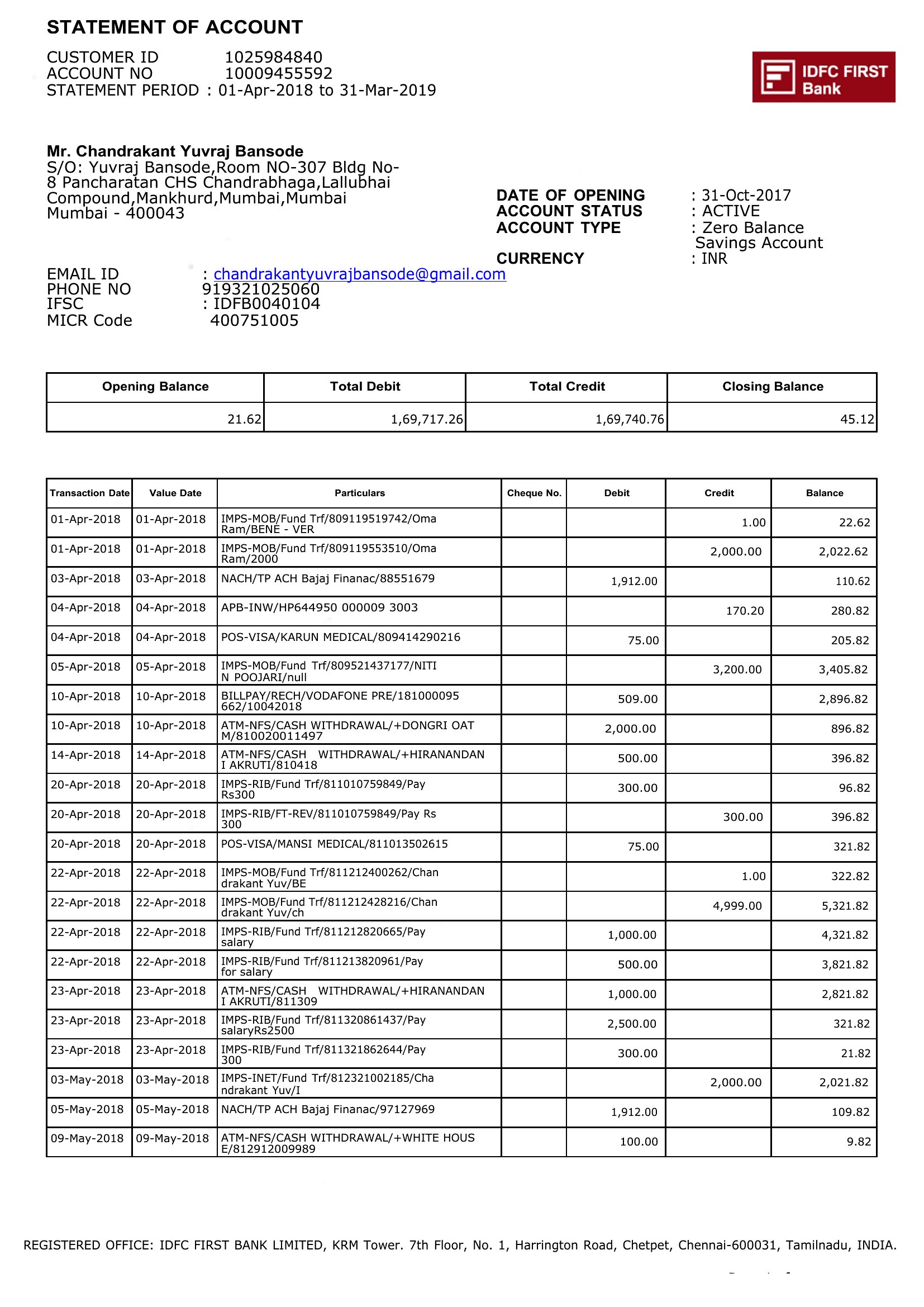
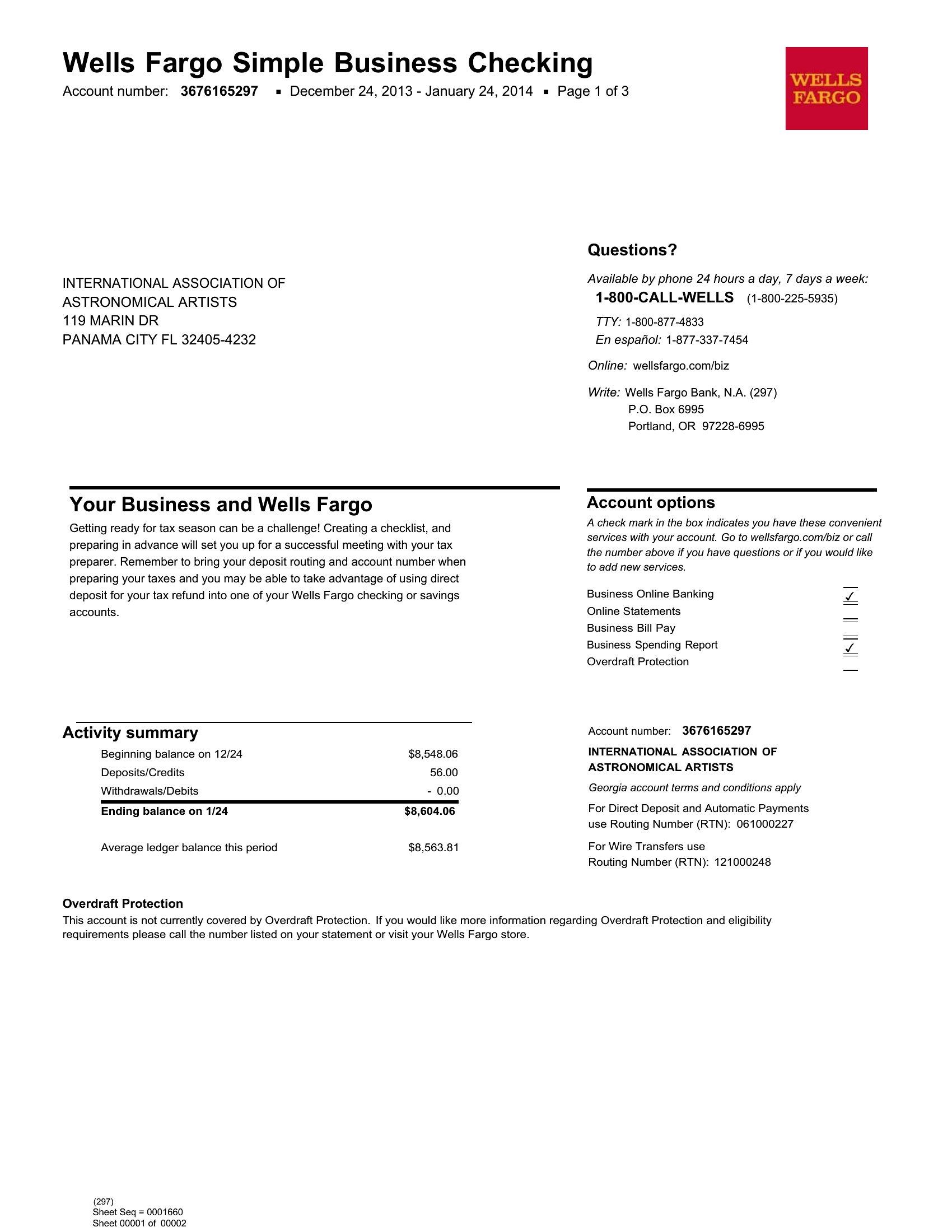
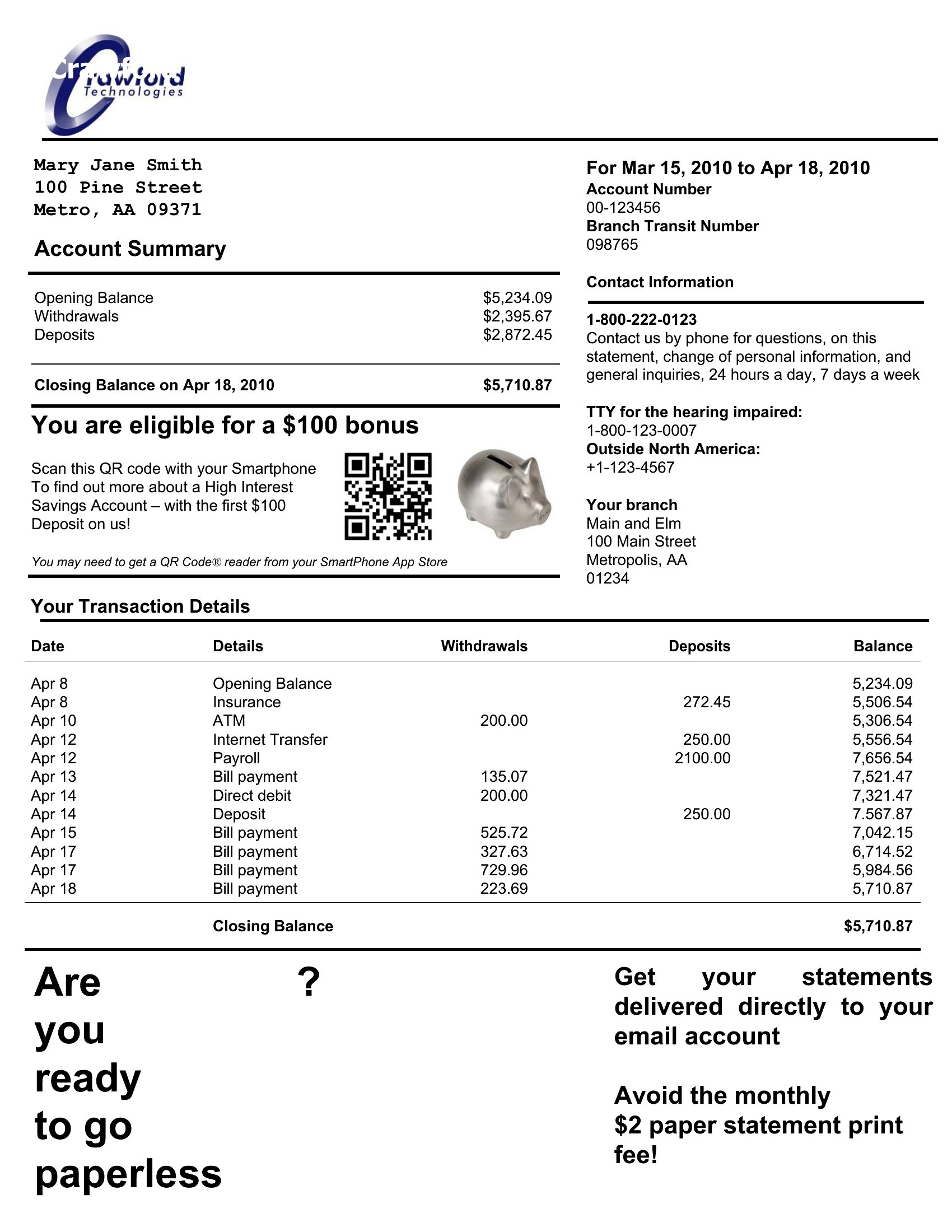
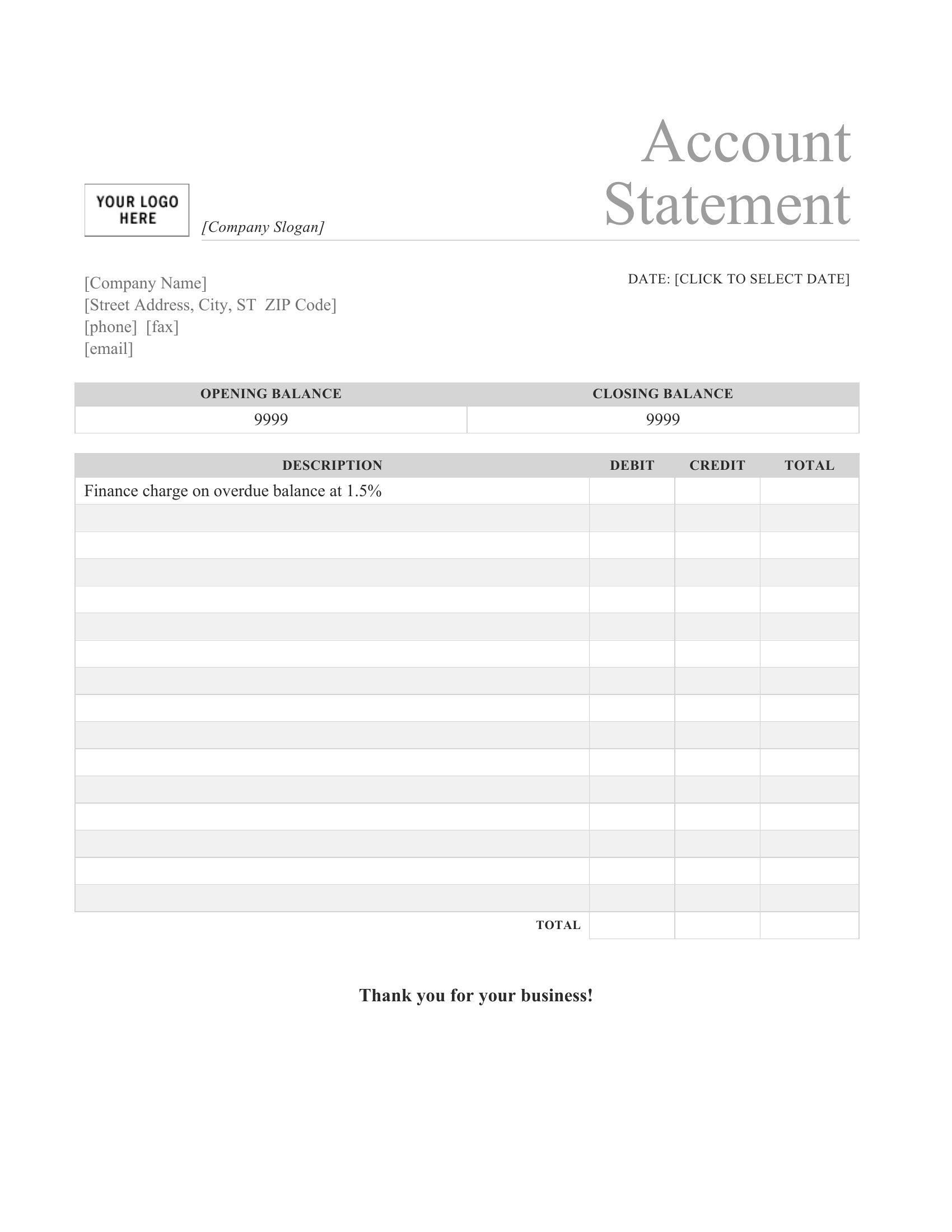
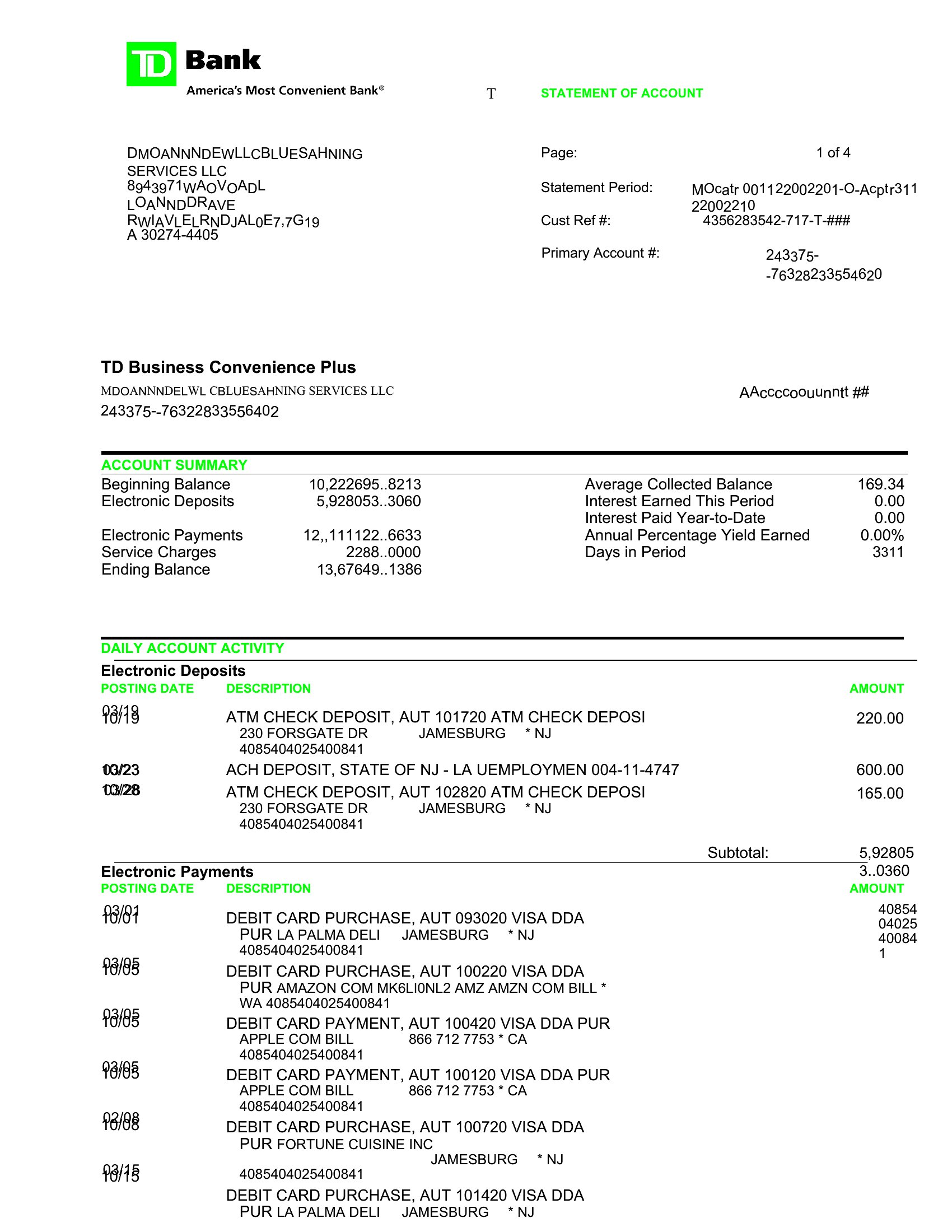
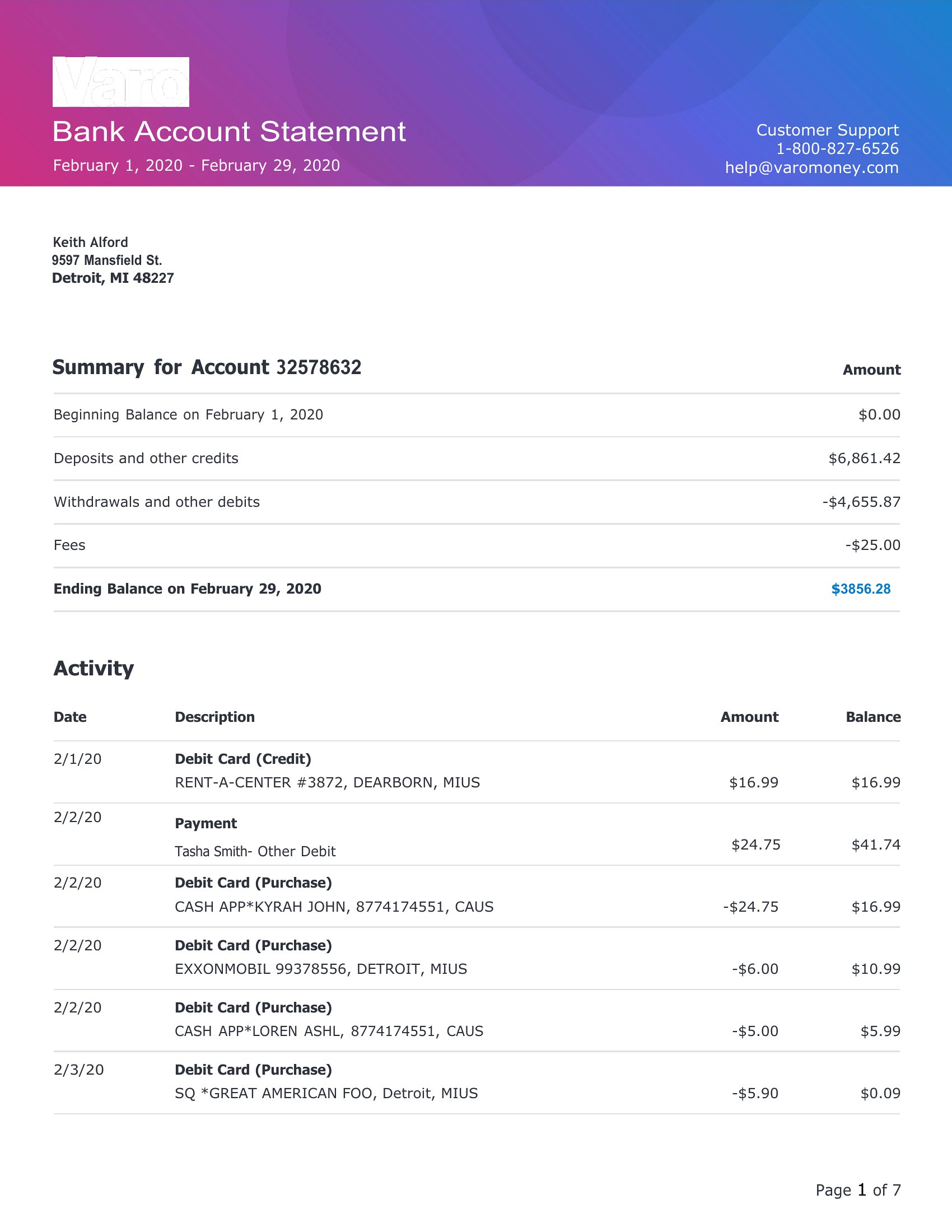
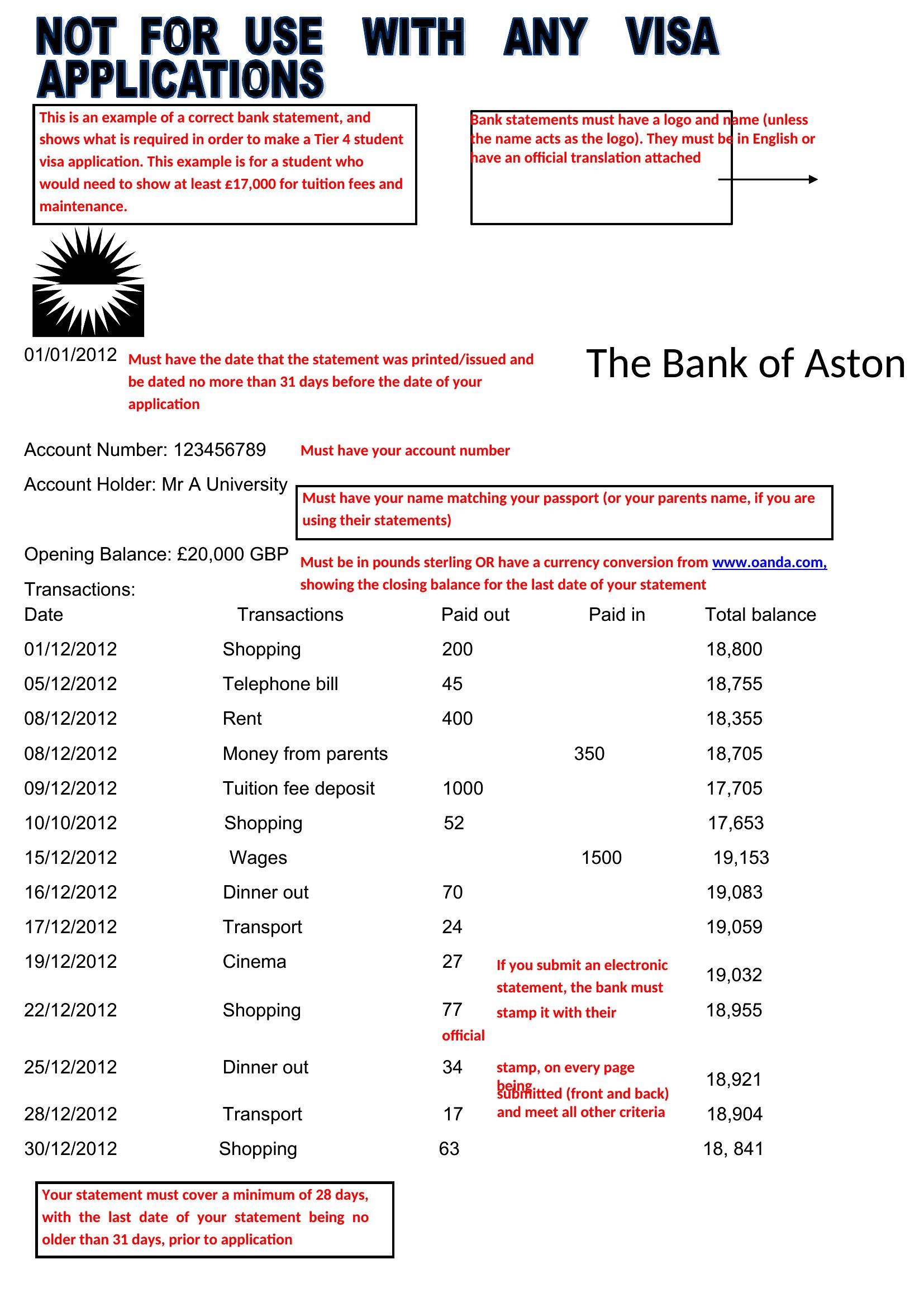
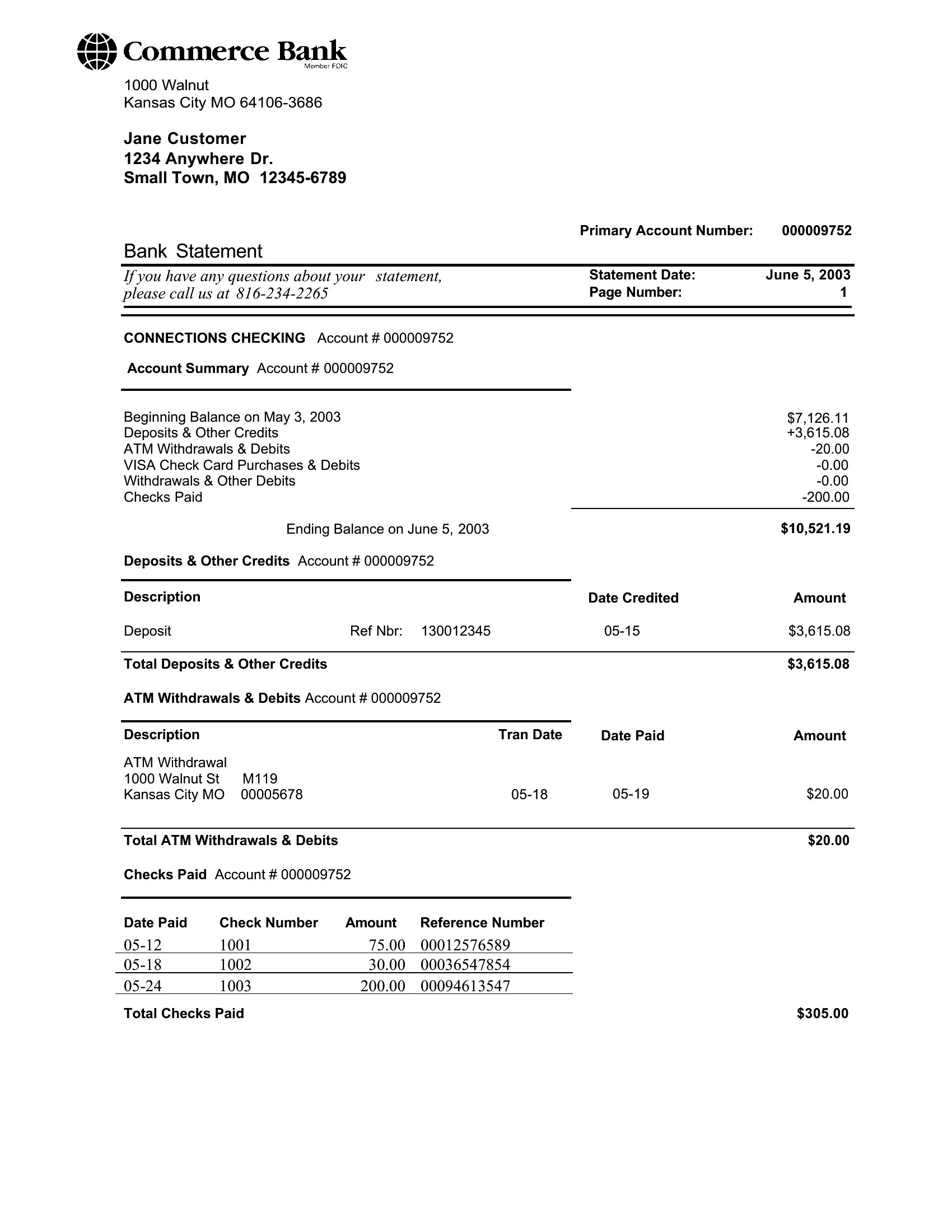
StatementsA clean bank statement format is useful for bookkeeping practice, budgeting mockups, and keeping a tidy record of transactions in one place. This set of 28 templates covers monthly statement layouts with columns for dates, descriptions, deposits, withdrawals, and running balances. Bookkeepers, students learning accounting, and small-business owners can pick a format that fits how they track money.
The templates come in editable Word and Excel files, so you can type entries or let a spreadsheet total the columns for you. Use them for honest record-keeping and learning, and always check your figures against the official statement from your bank. Download the layout that suits your needs and keep your transactions easy to follow.
When to use this Bank Statement template
- A freelance consultant reviewing monthly expenses and client payments needs a clear bank statement format to reconcile discrepancies before filing taxes.
- A small-business owner tracking cash flow for a new catering venture uses a simple statement layout to categorize vendor payments and customer deposits.
- A student learning accounting practices recording transactions in a structured template to visualize how deposits and withdrawals affect a running balance.
- A bookkeeper preparing financial records for a nonprofit organization uses a consistent statement format to ensure accuracy when transferring data to accounting software.
Which format should I download?
Choose Word for editable statements requiring manual transaction entry, adjustments, or explanatory notes—ideal when customization or detailed descriptions matter. Excel is better for automated calculations, sorting transactions by date or amount, or generating visual summaries like charts for financial reviews. If you only need a static, printable record, Excel’s structured columns work faster without extra formatting.
Choose from 28 Bank Statement Templates
How to use this Bank Statement template
Can I adjust the column headings in these templates to match my bank’s specific transaction categories?
Yes, all templates are fully editable. You can rename or reorder columns like ‘Description’ or ‘Running Balance’ to fit your bank’s naming conventions or accounting software requirements. Just ensure core fields (dates, amounts) remain for clarity.
Do these templates include space for recurring transactions, like monthly subscriptions or payroll deposits?
Some templates feature a ‘Notes’ or ‘Memo’ column where you can flag recurring payments, but recurring transactions aren’t automatically tracked. For automated tracking, pair the template with spreadsheet formulas or accounting tools post-entry.
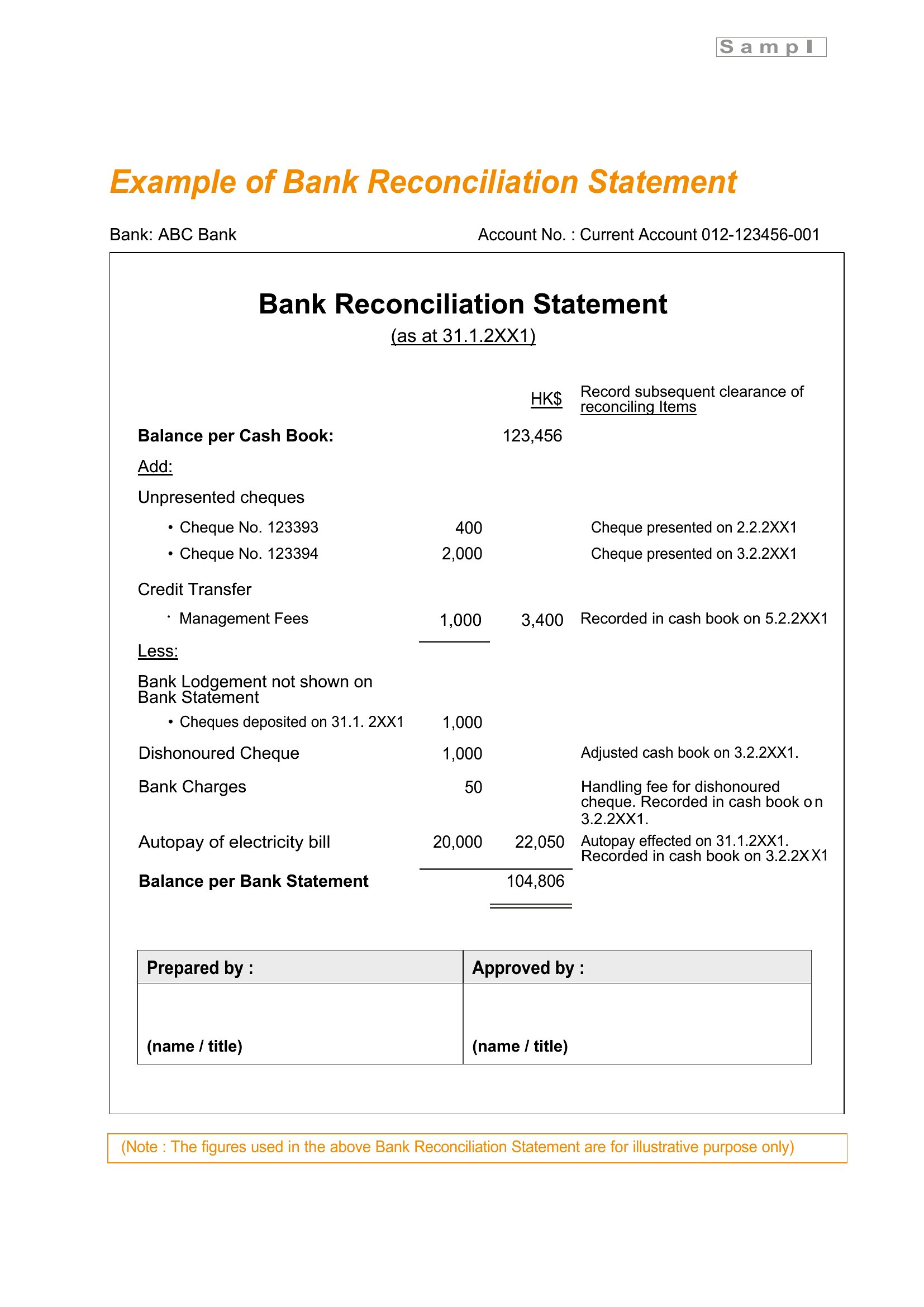
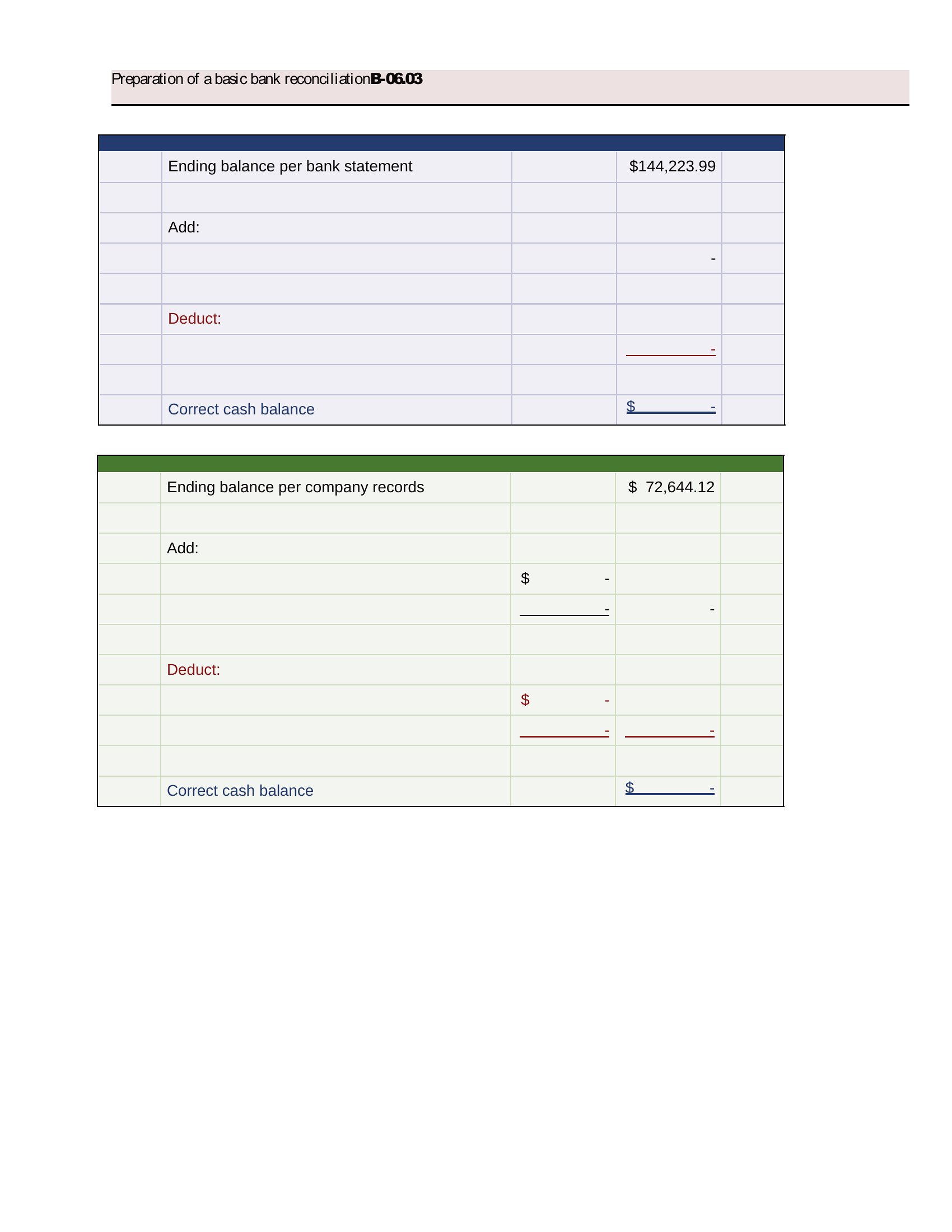
Are these suitable for reconciling bank statements with QuickBooks or other accounting software?
Yes, the structured formats align with common accounting software imports. Export the completed template as a CSV or copy-paste data into your software. For precision, use Excel templates to avoid formatting conflicts during transfer.
Comments
Join the conversation
Sign in to share your thoughts and leave a comment on this resource.