Free Bank Statement Templates (Word, Excel)
StatementsTemplates

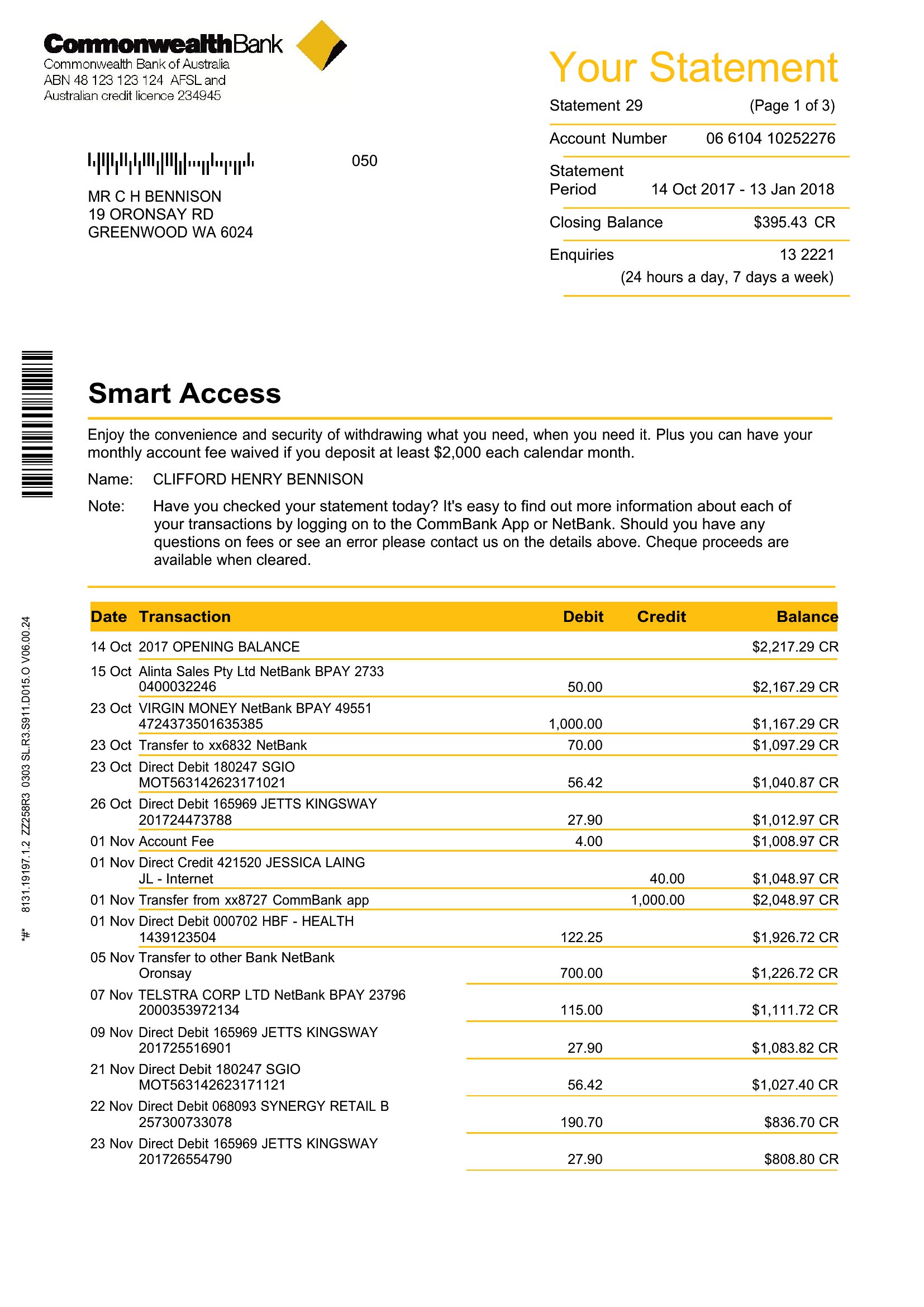
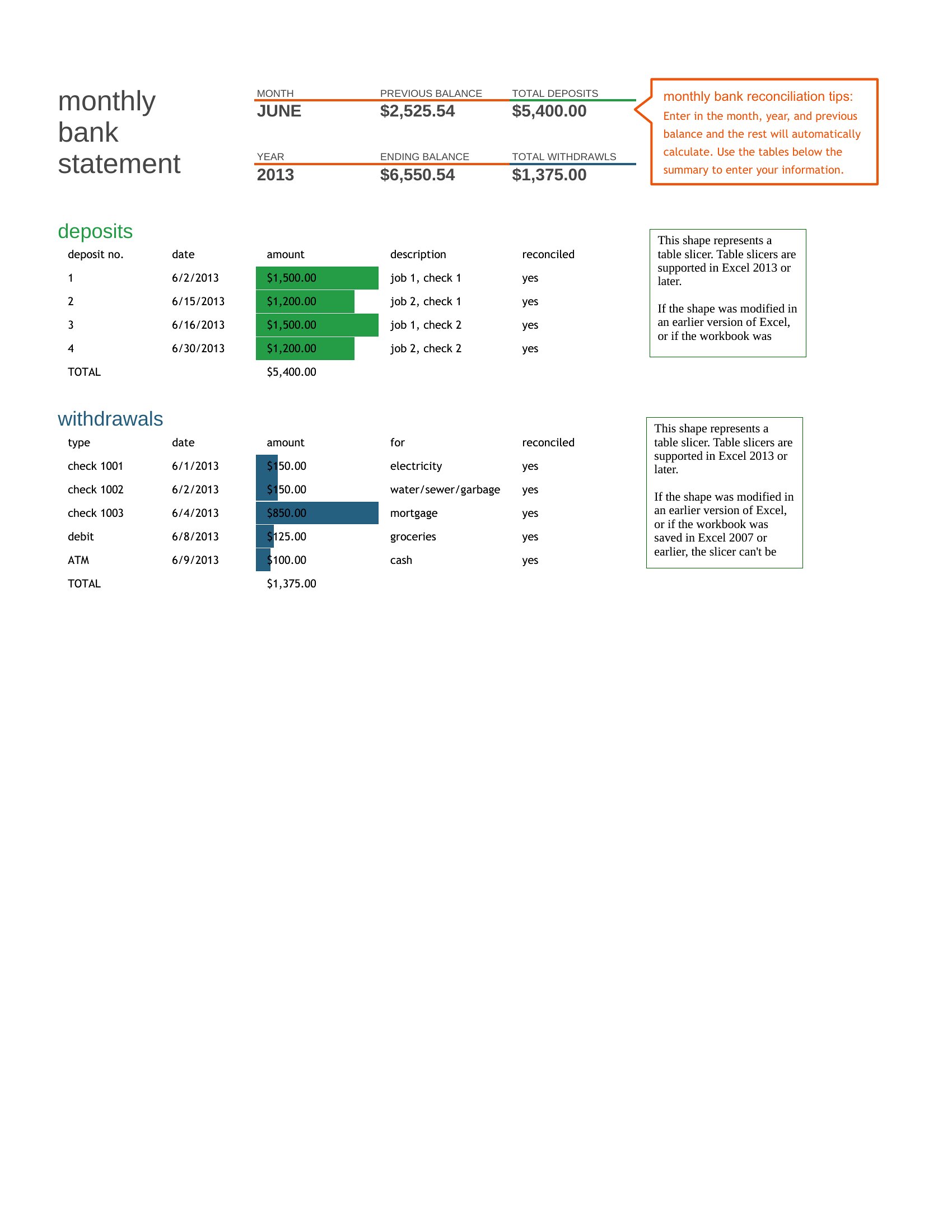
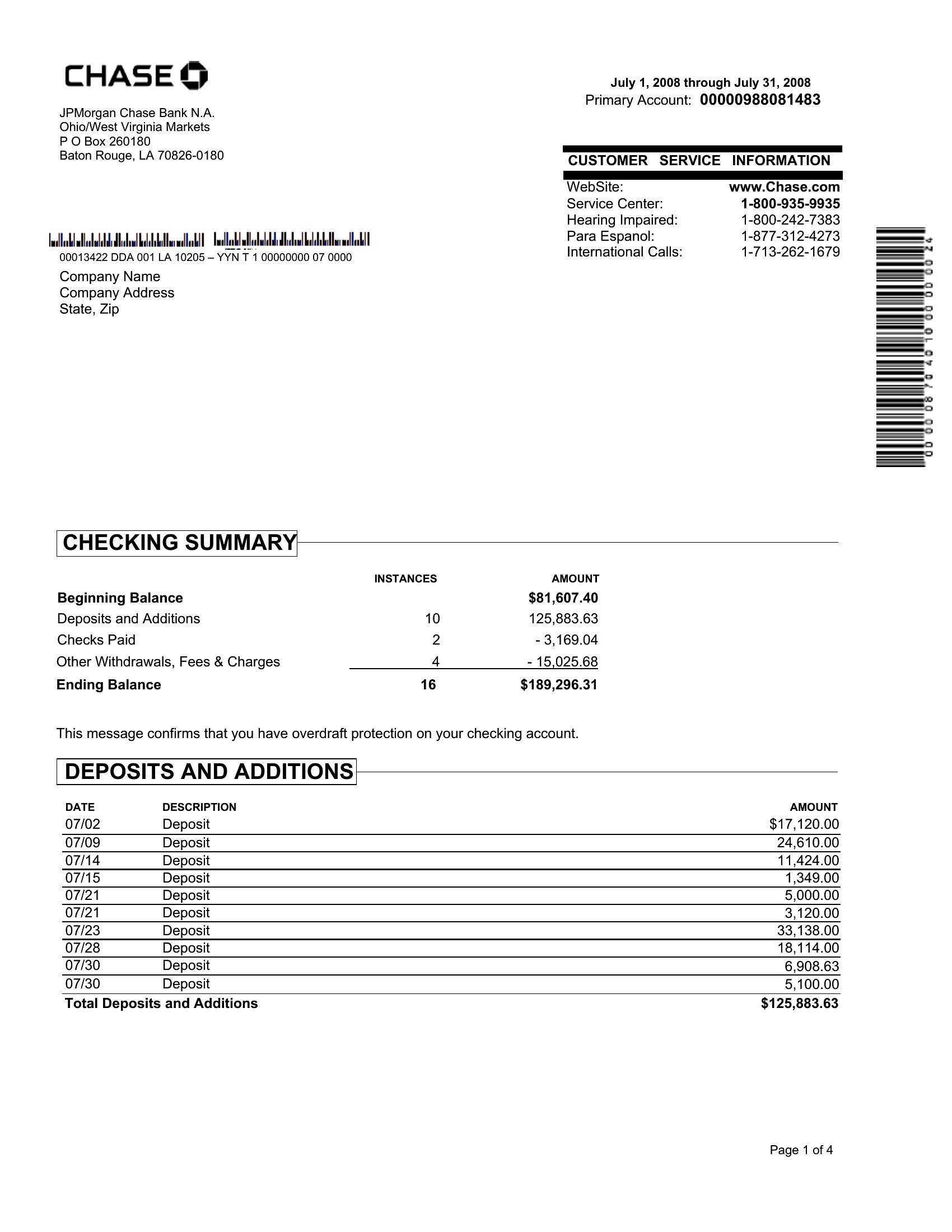
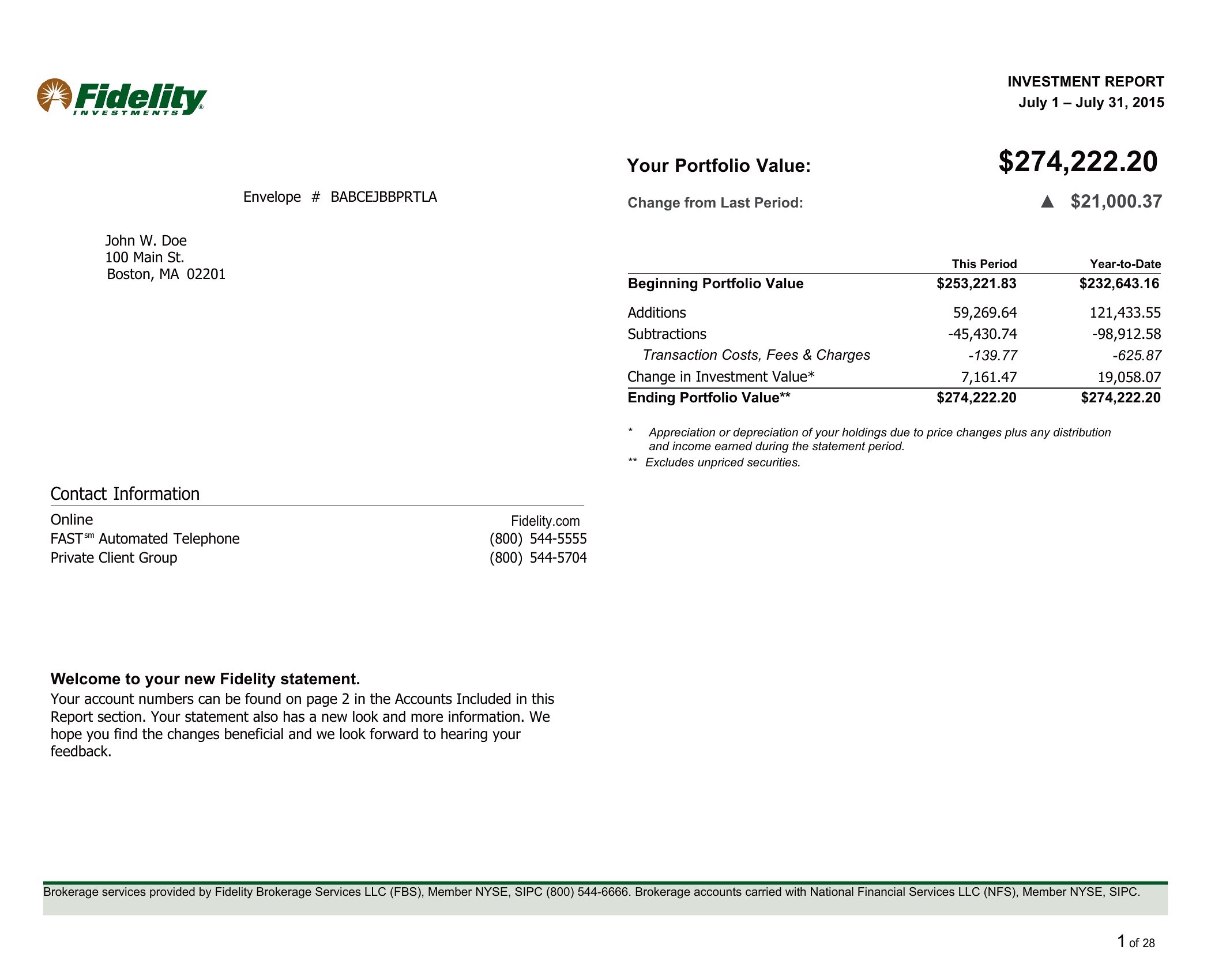
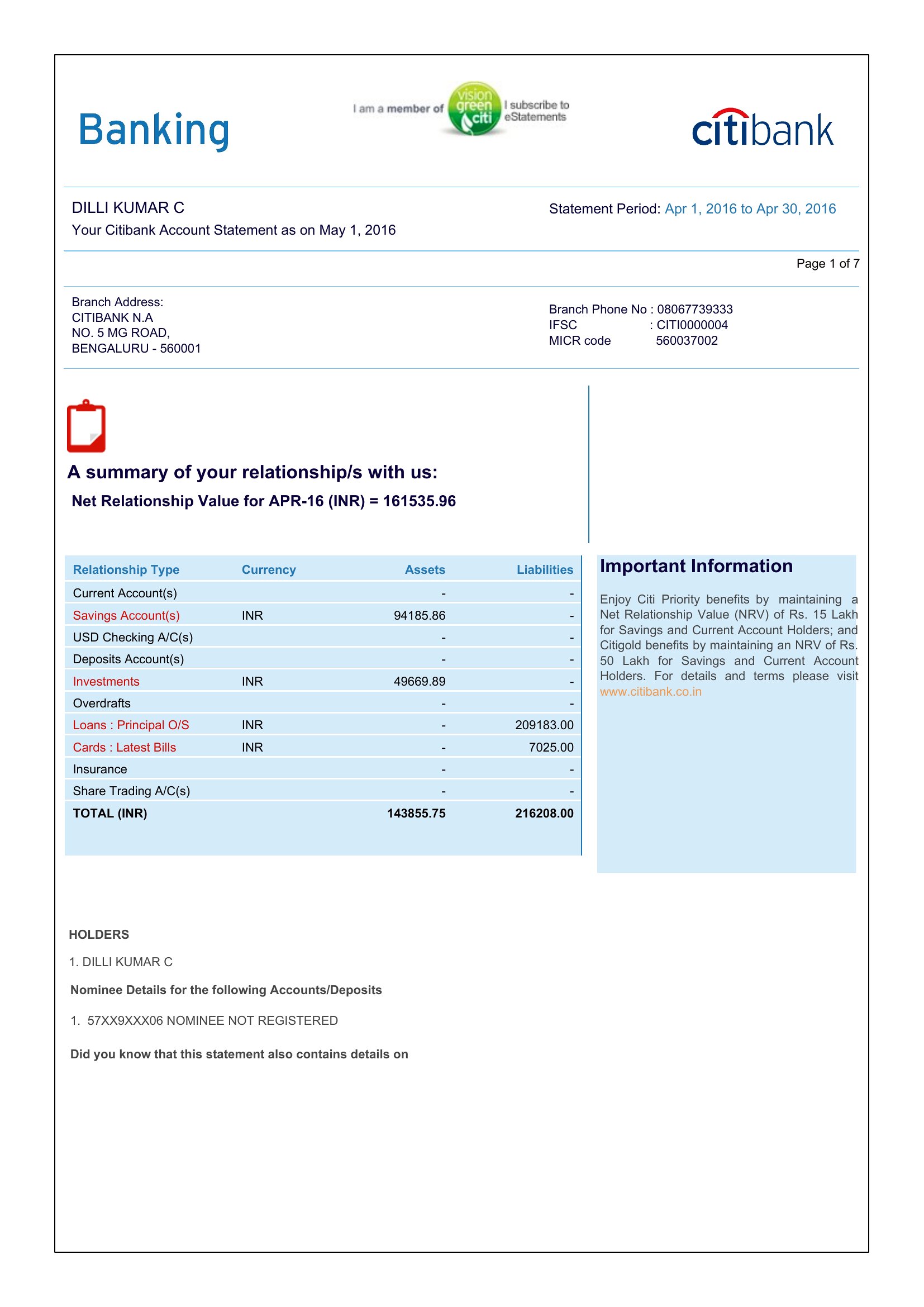
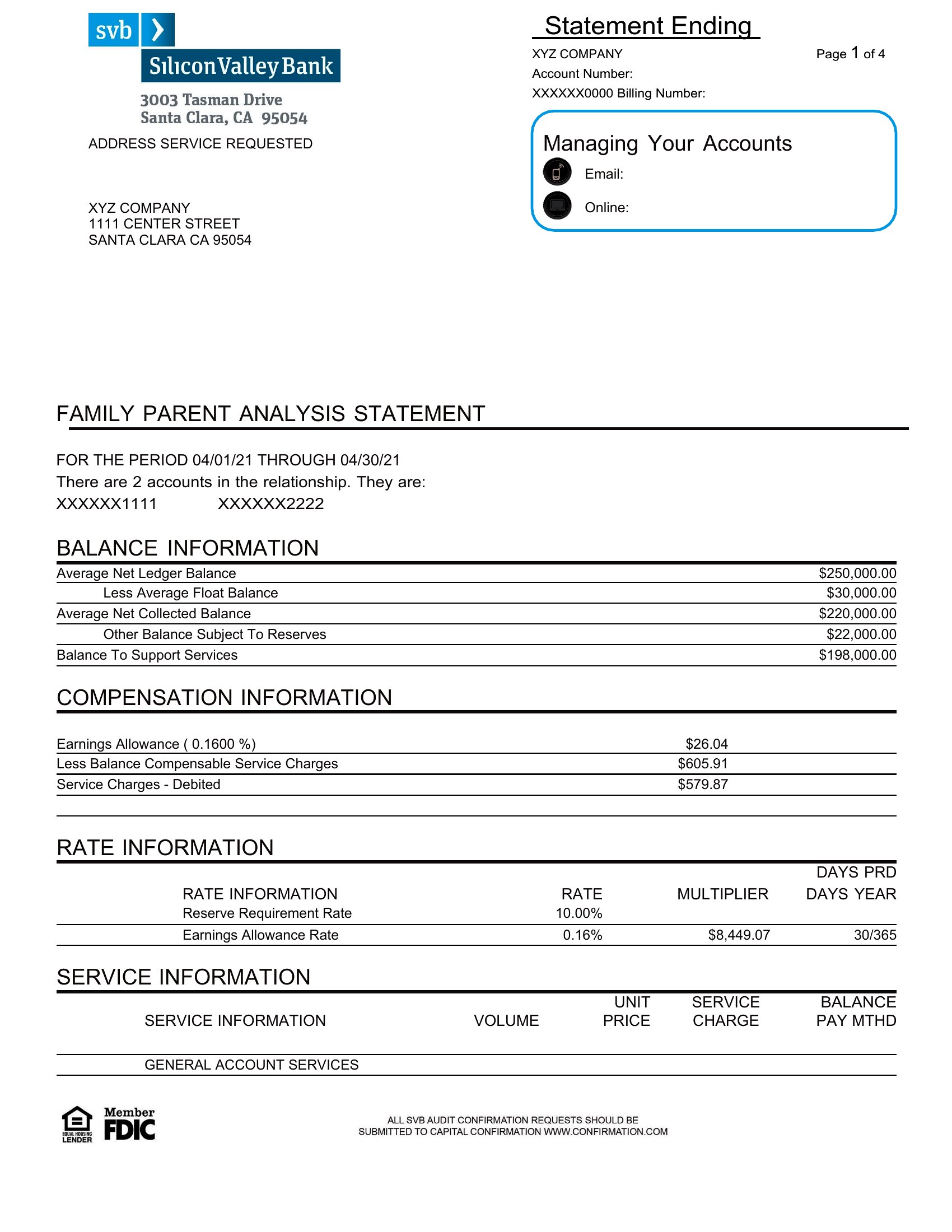
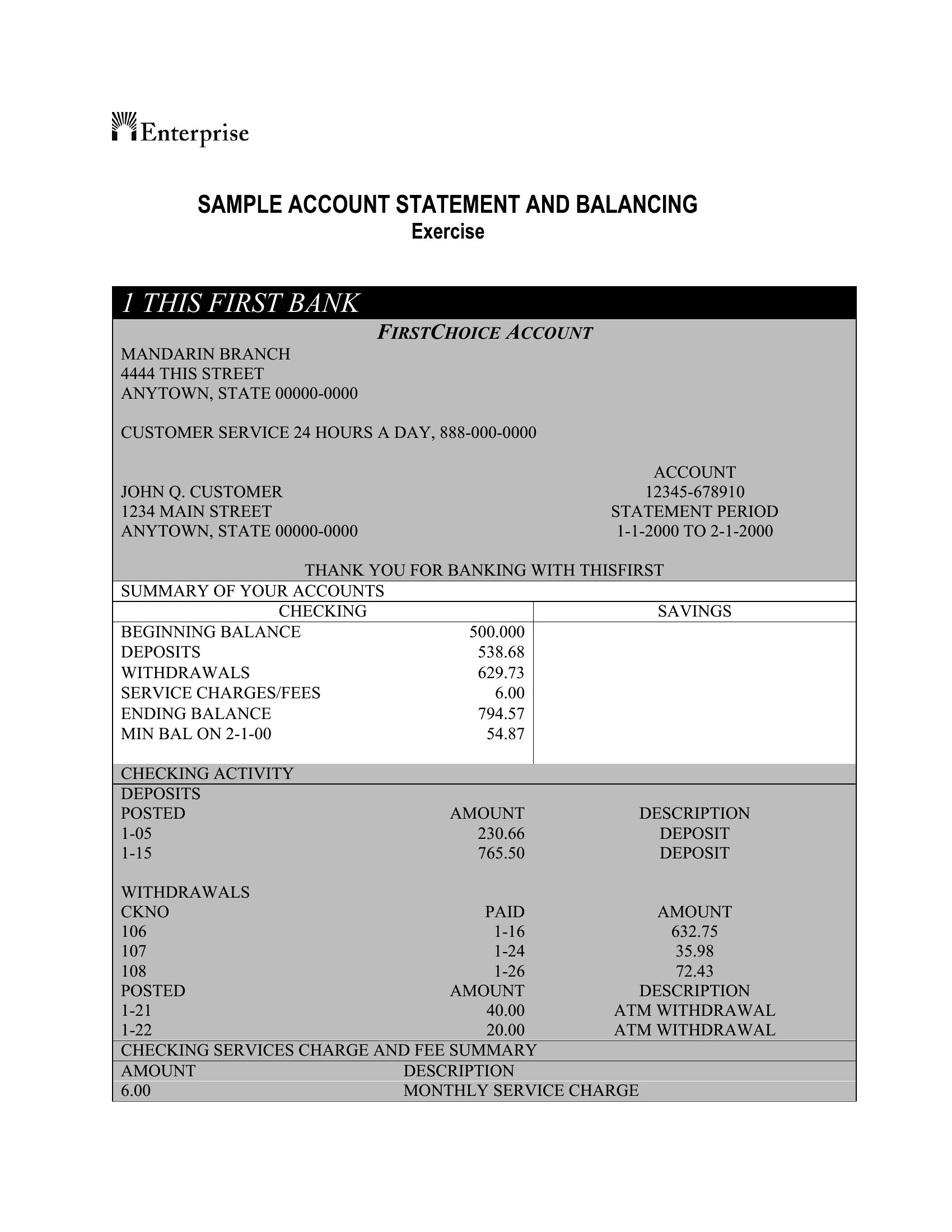
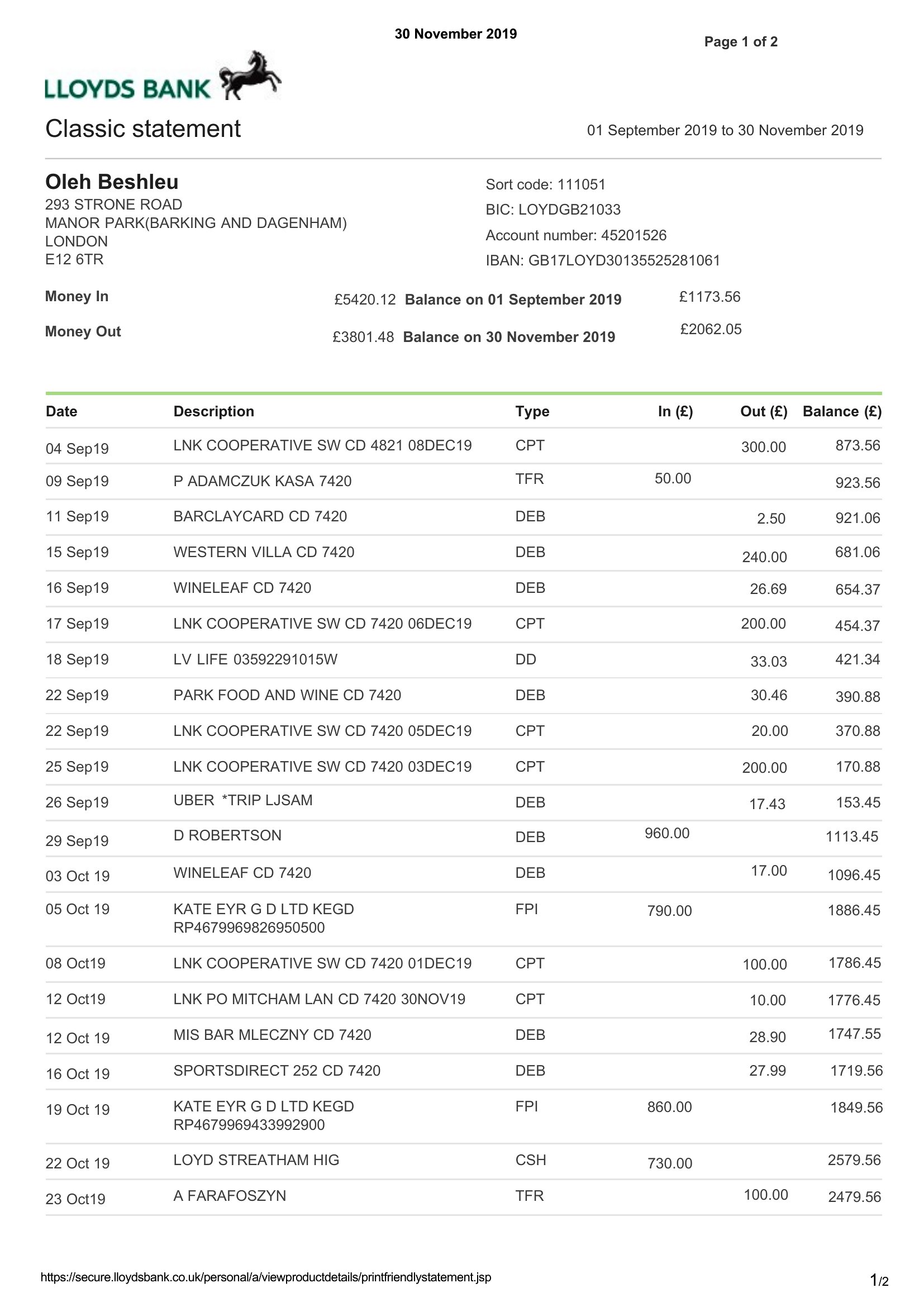
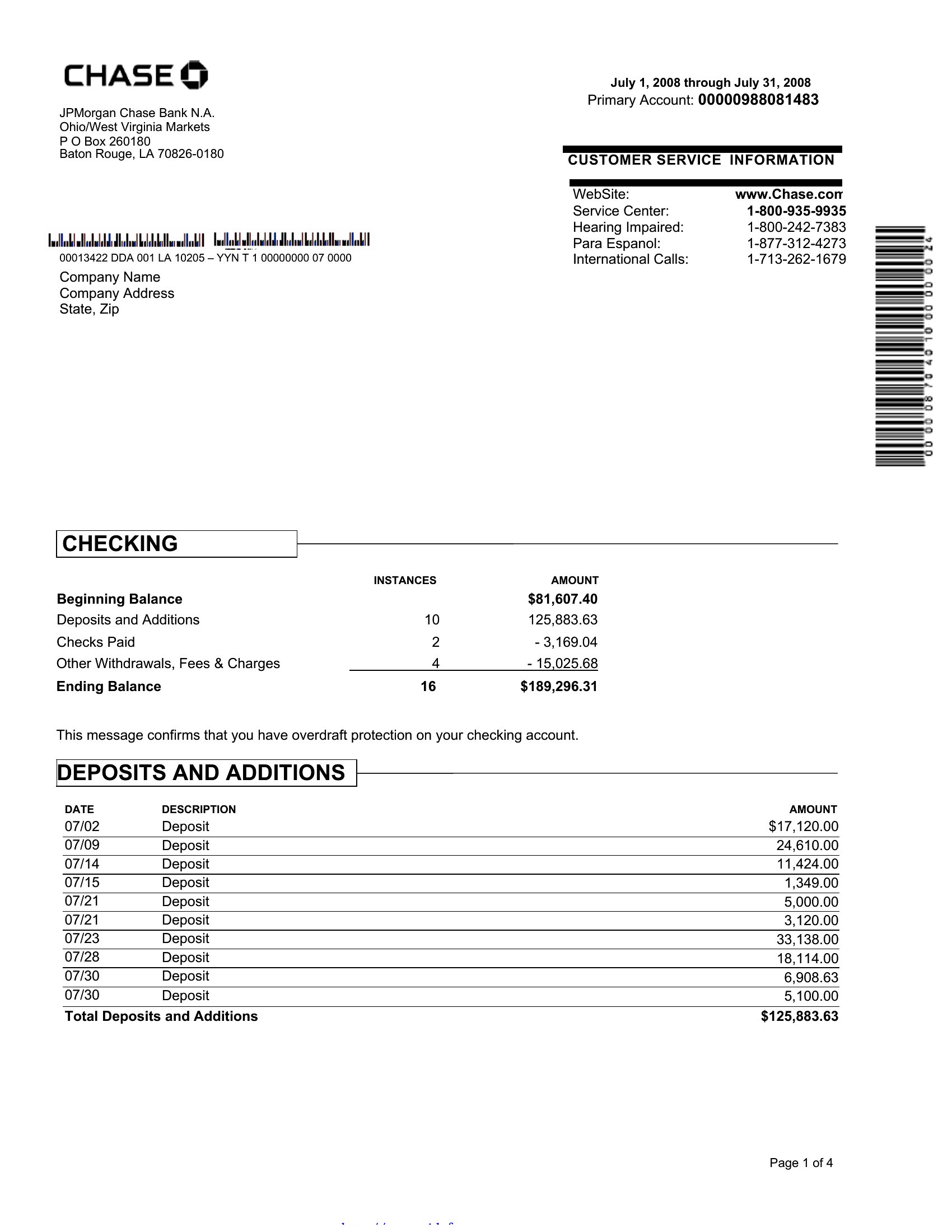
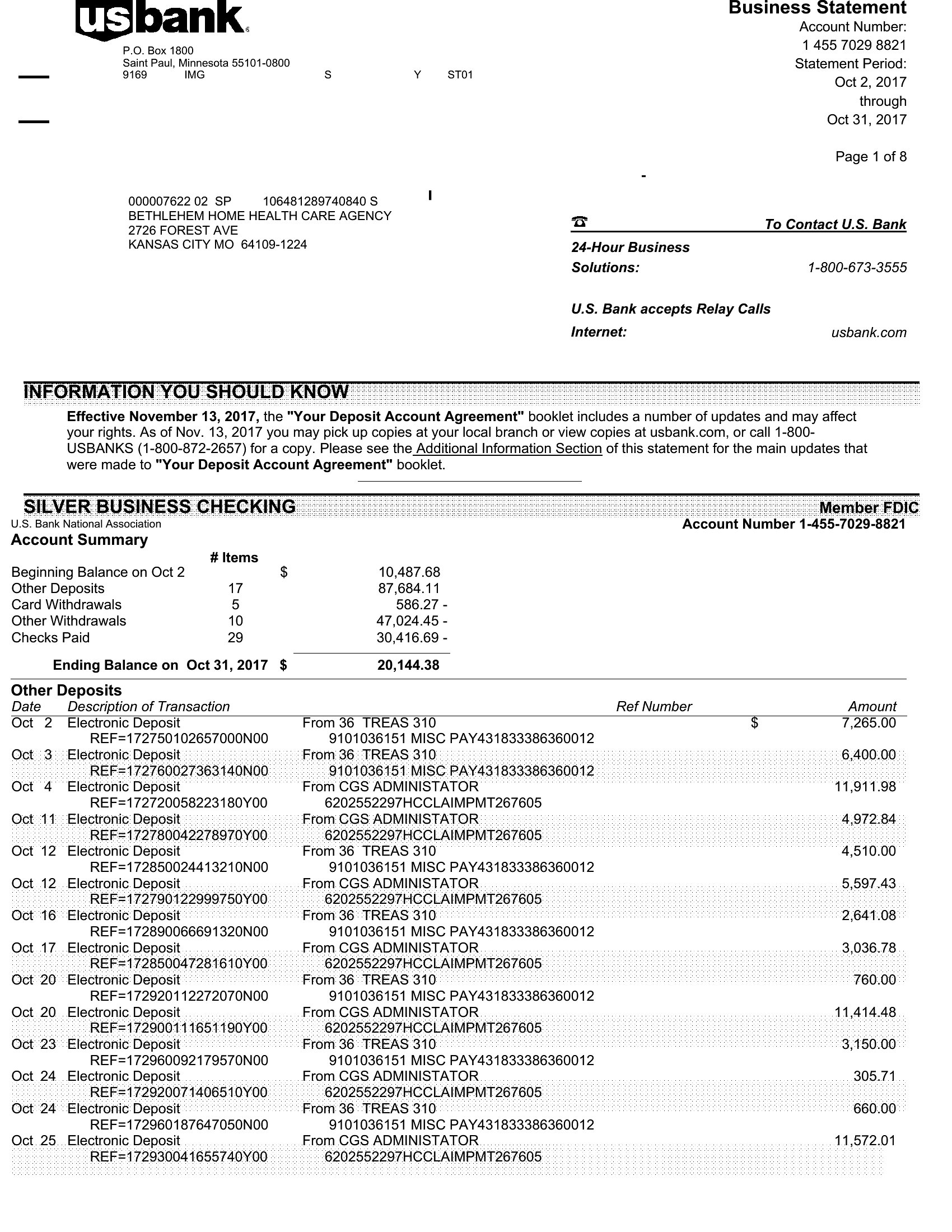
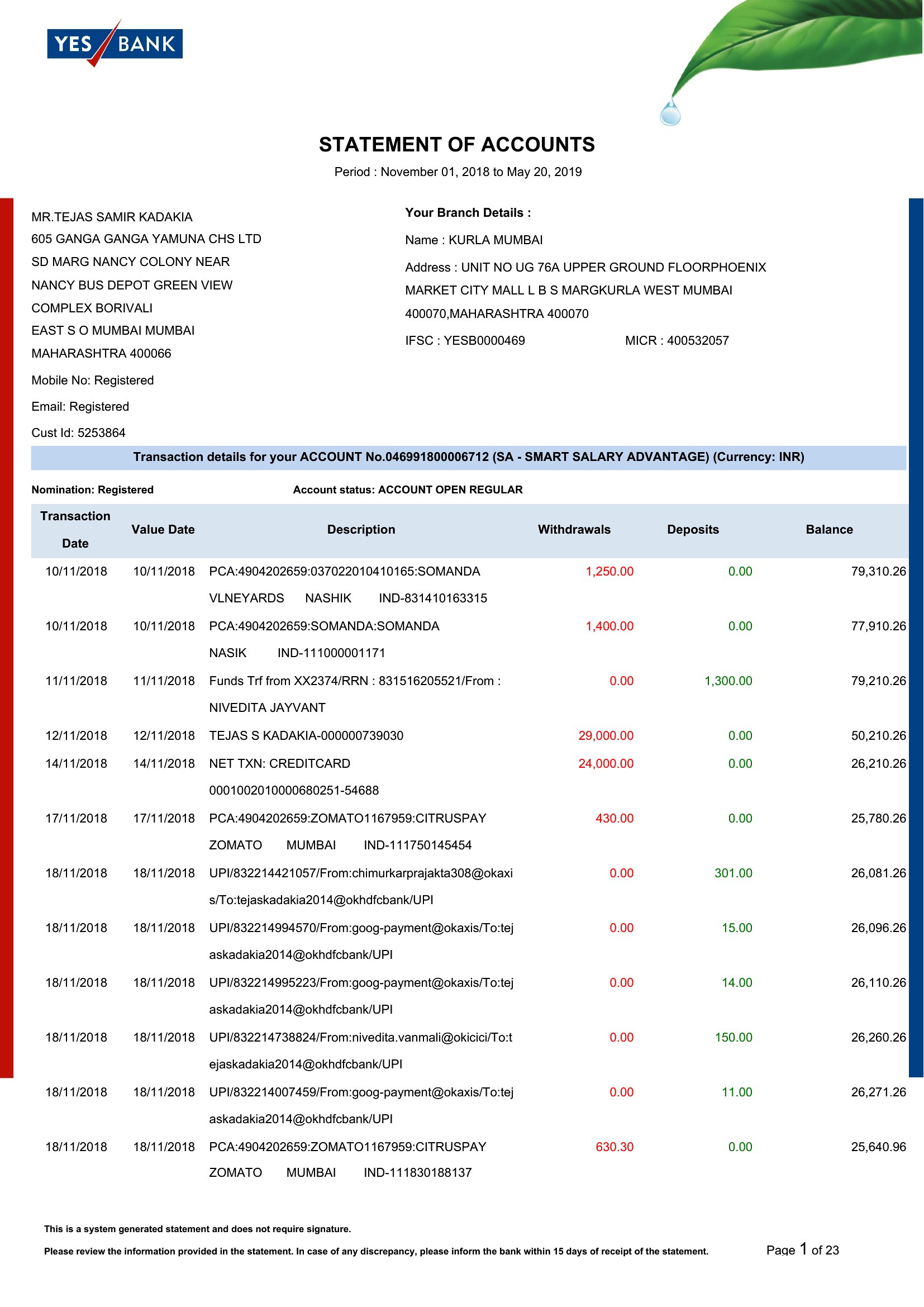
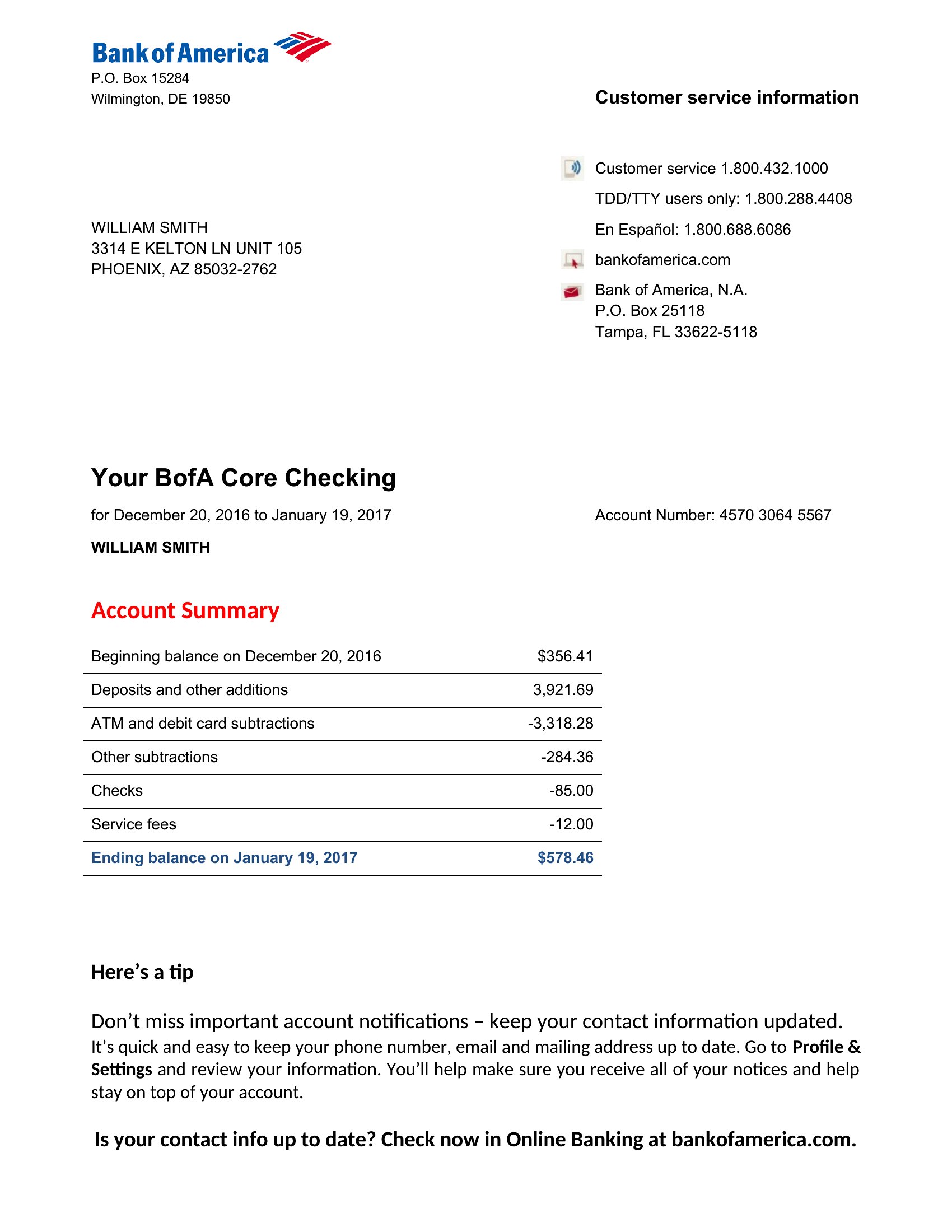
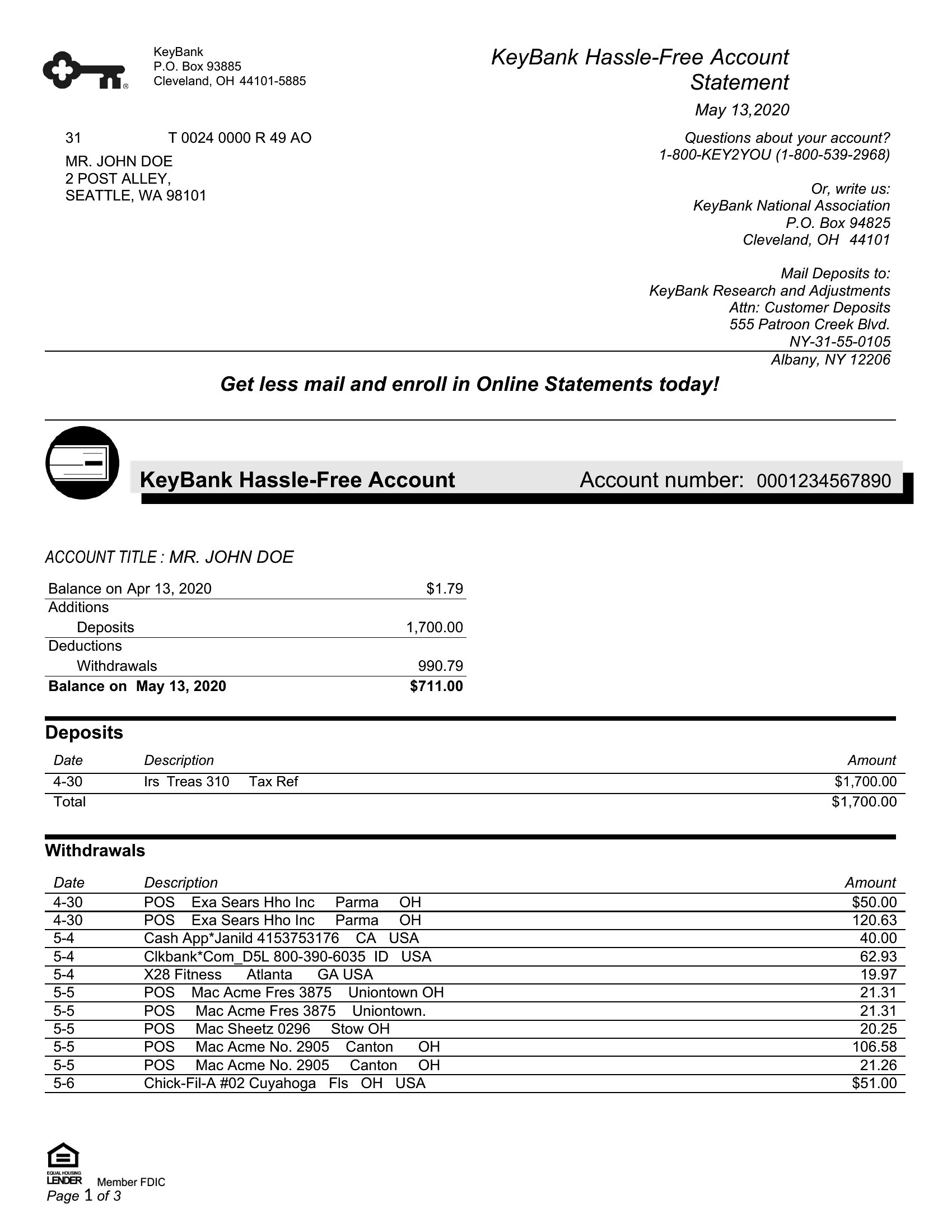
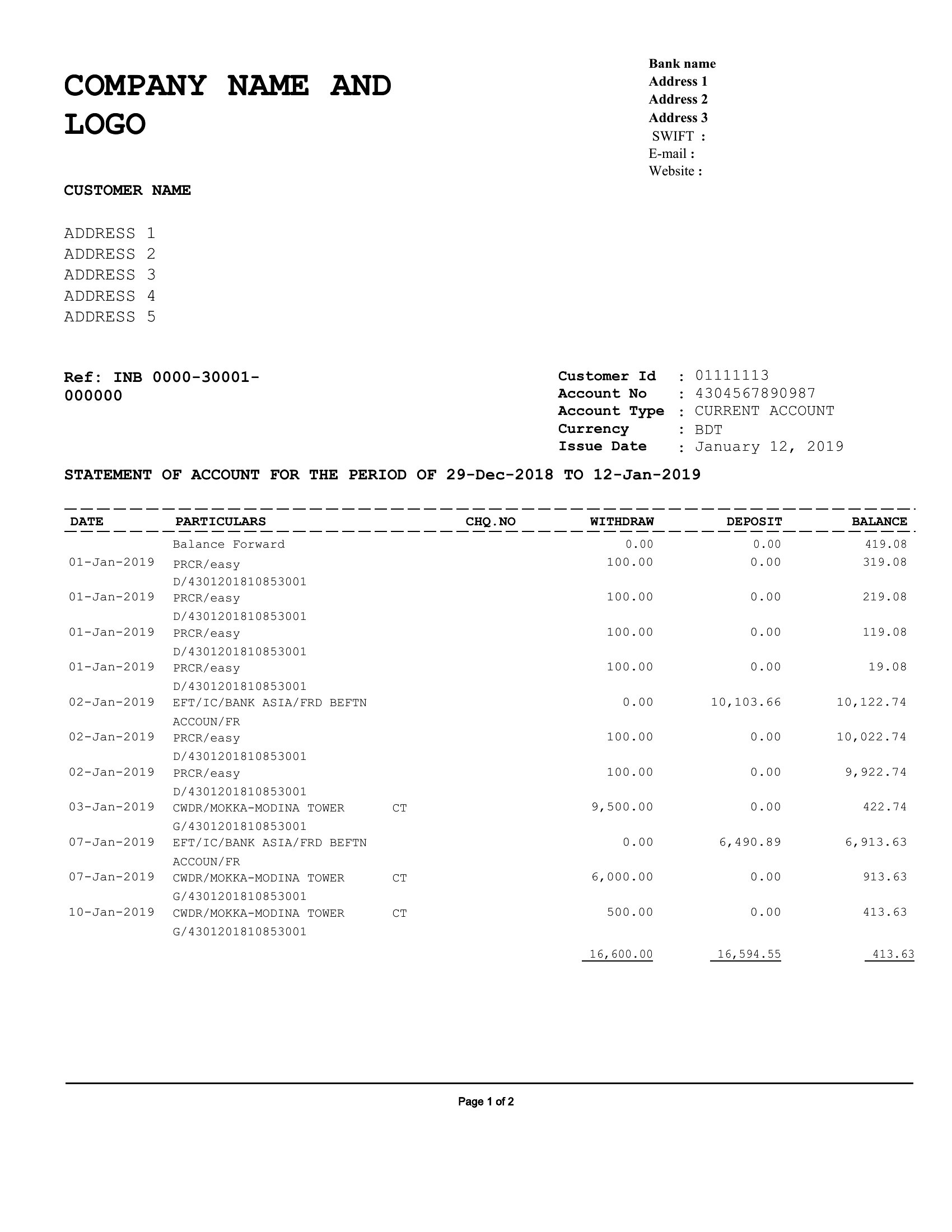
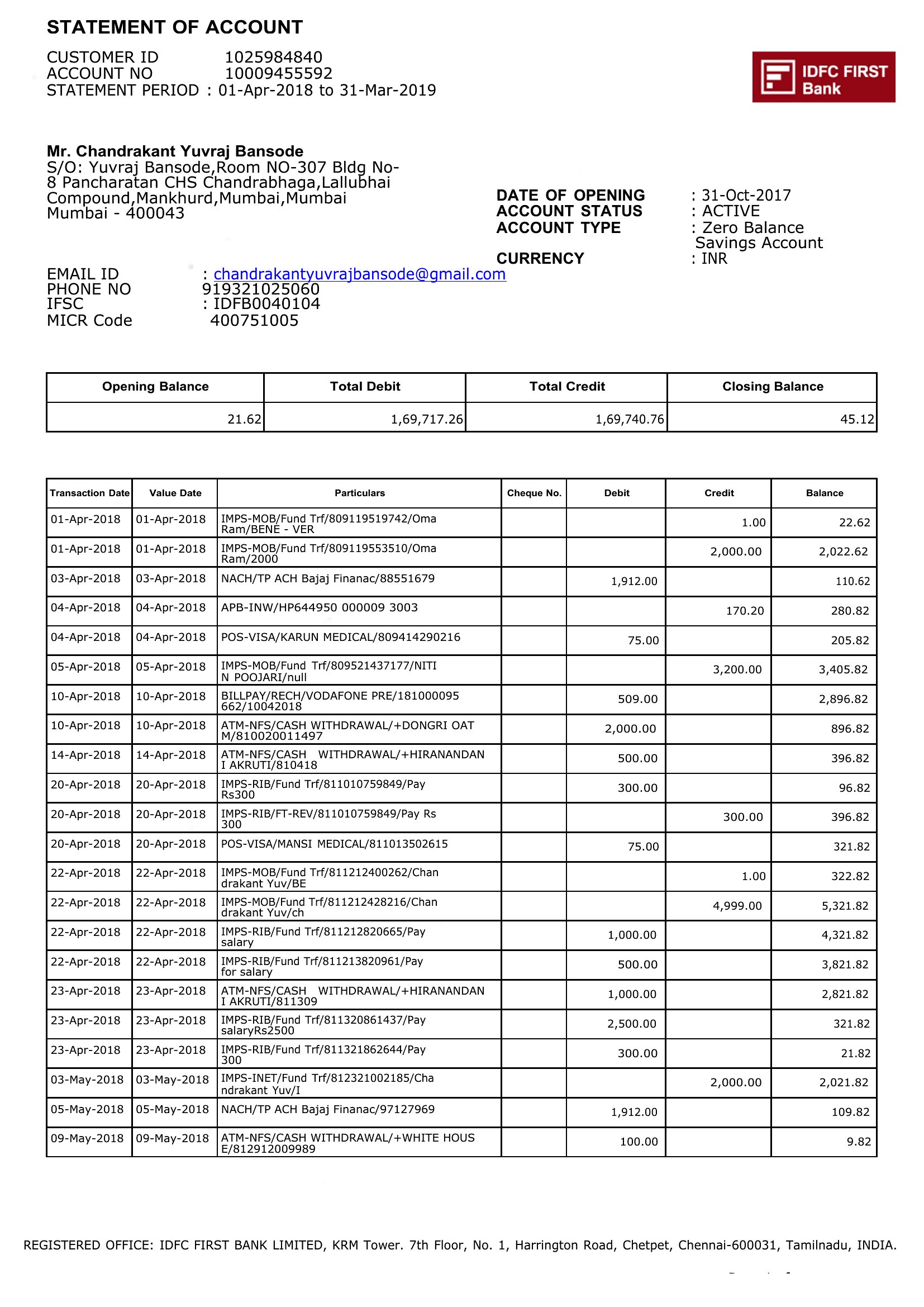
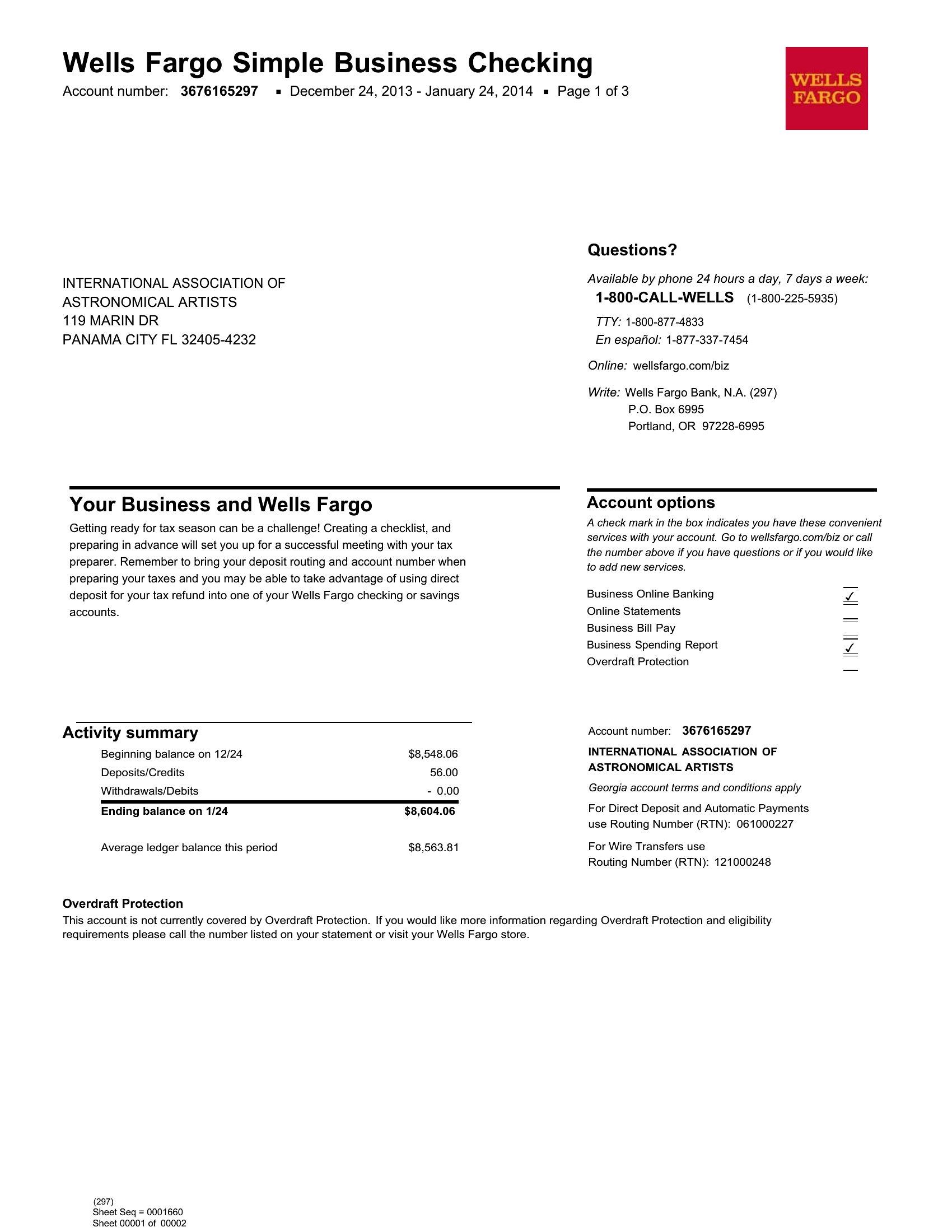
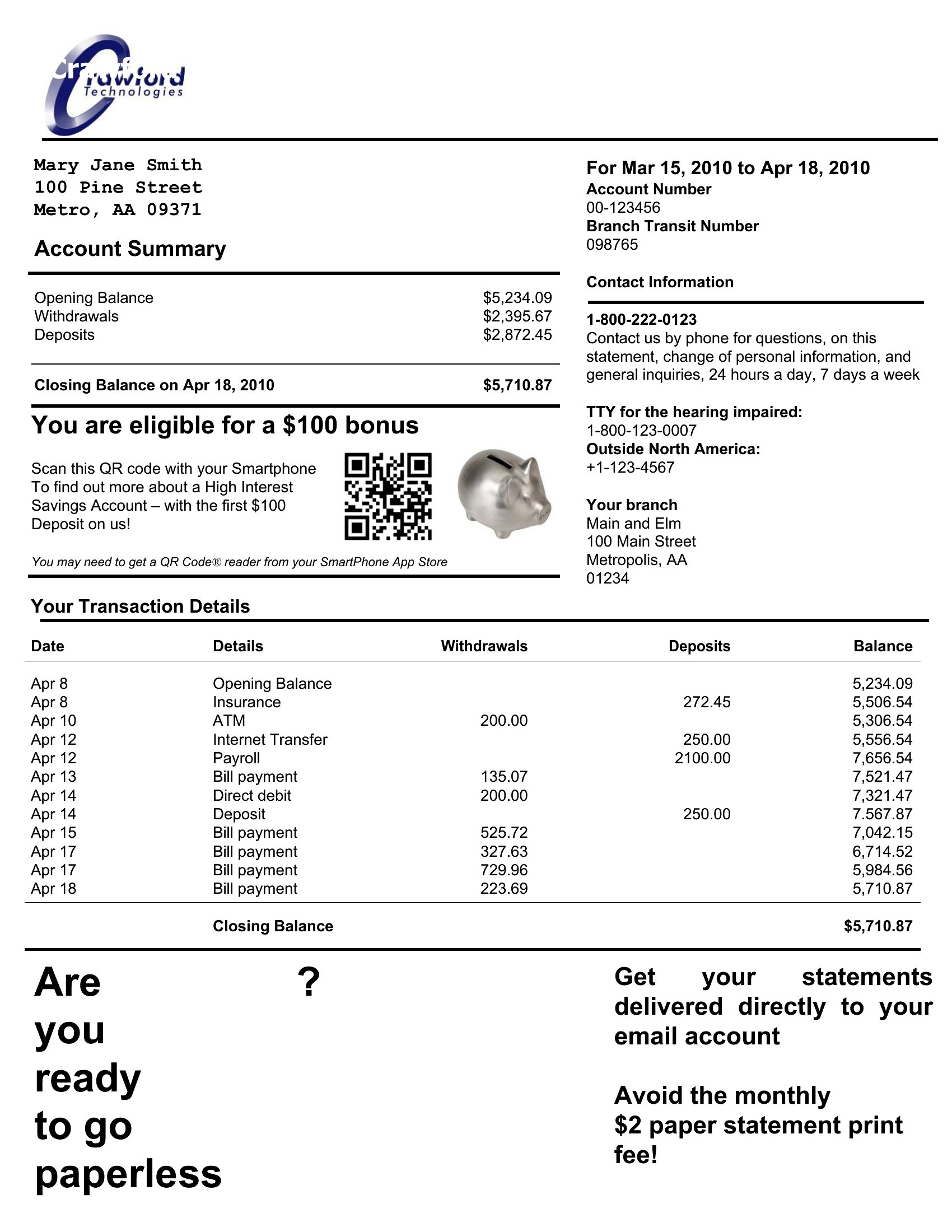
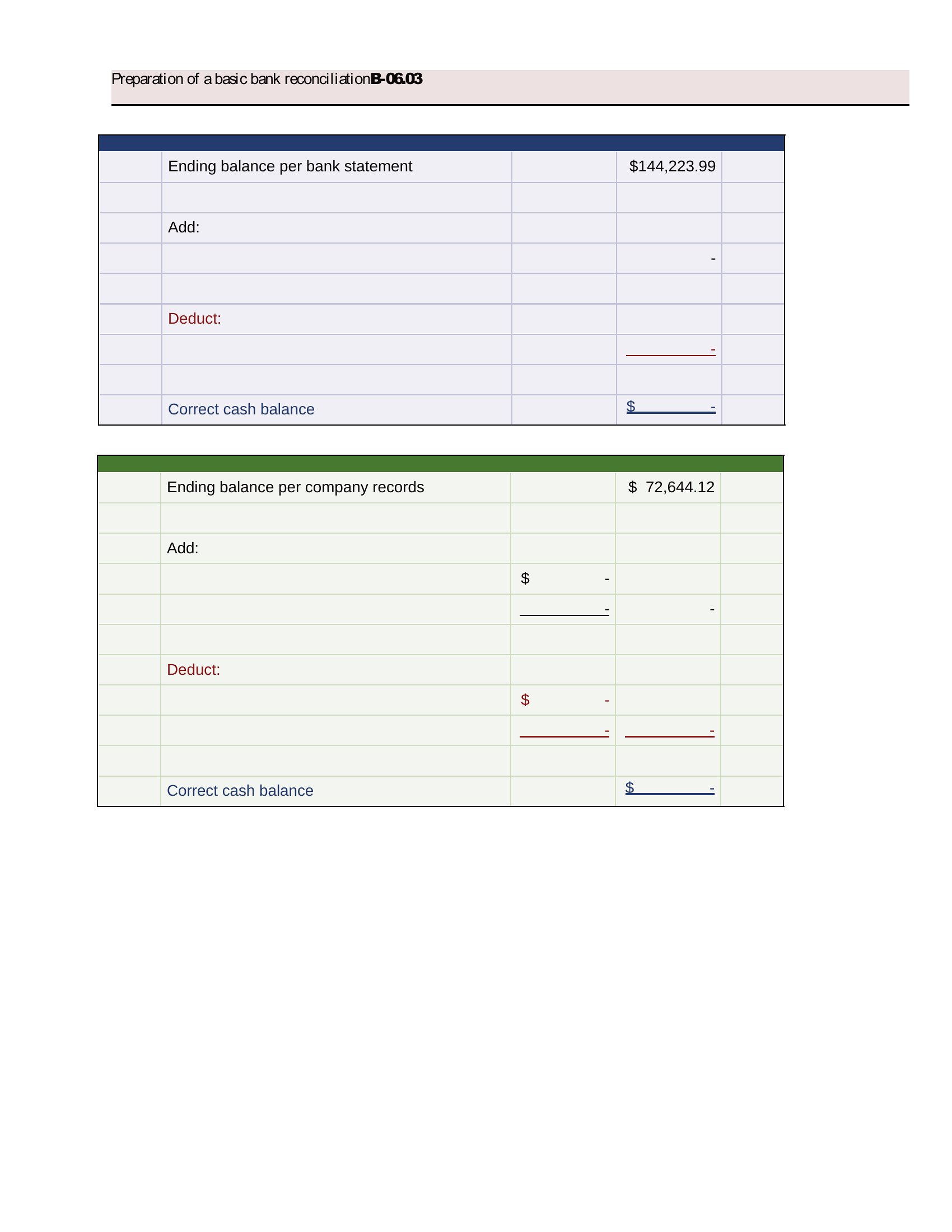
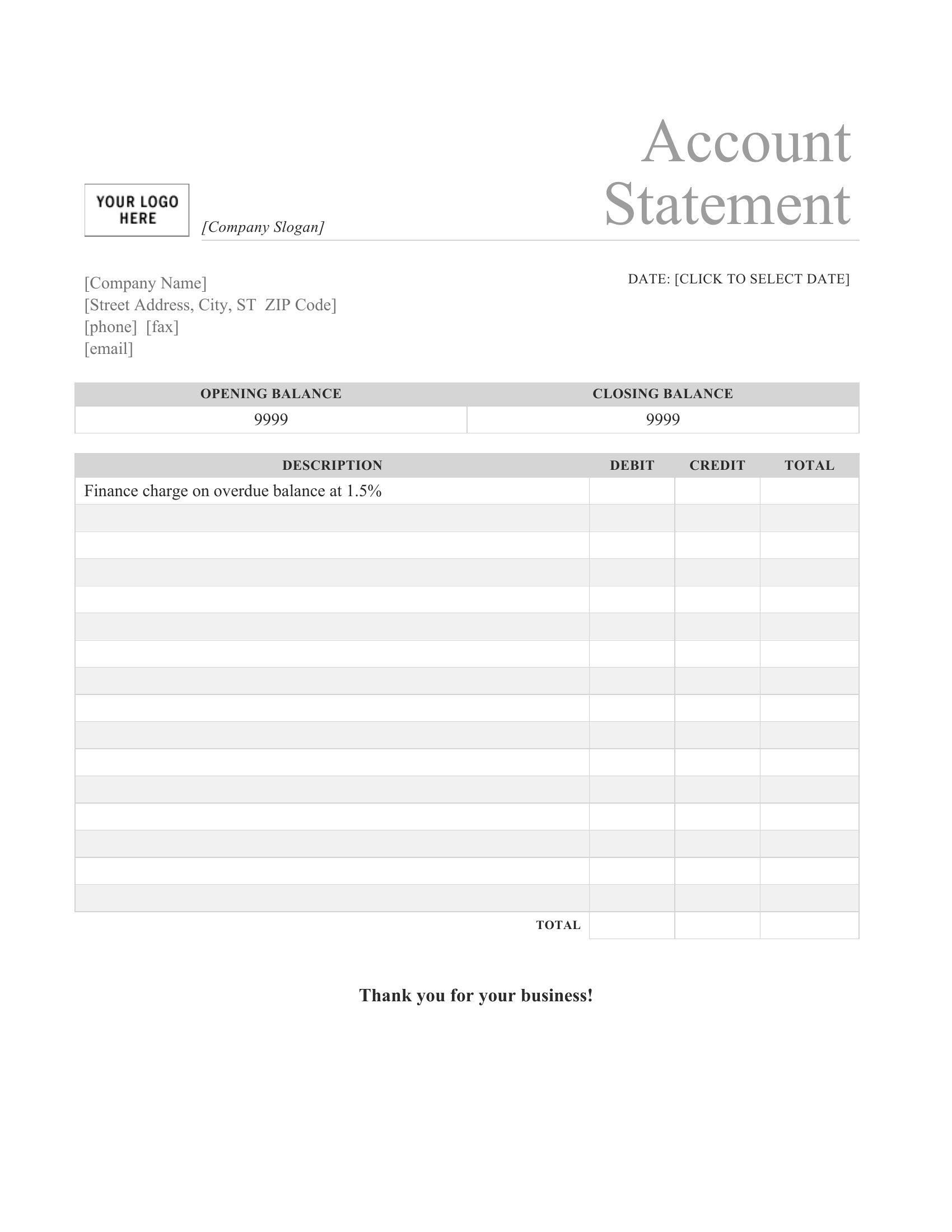
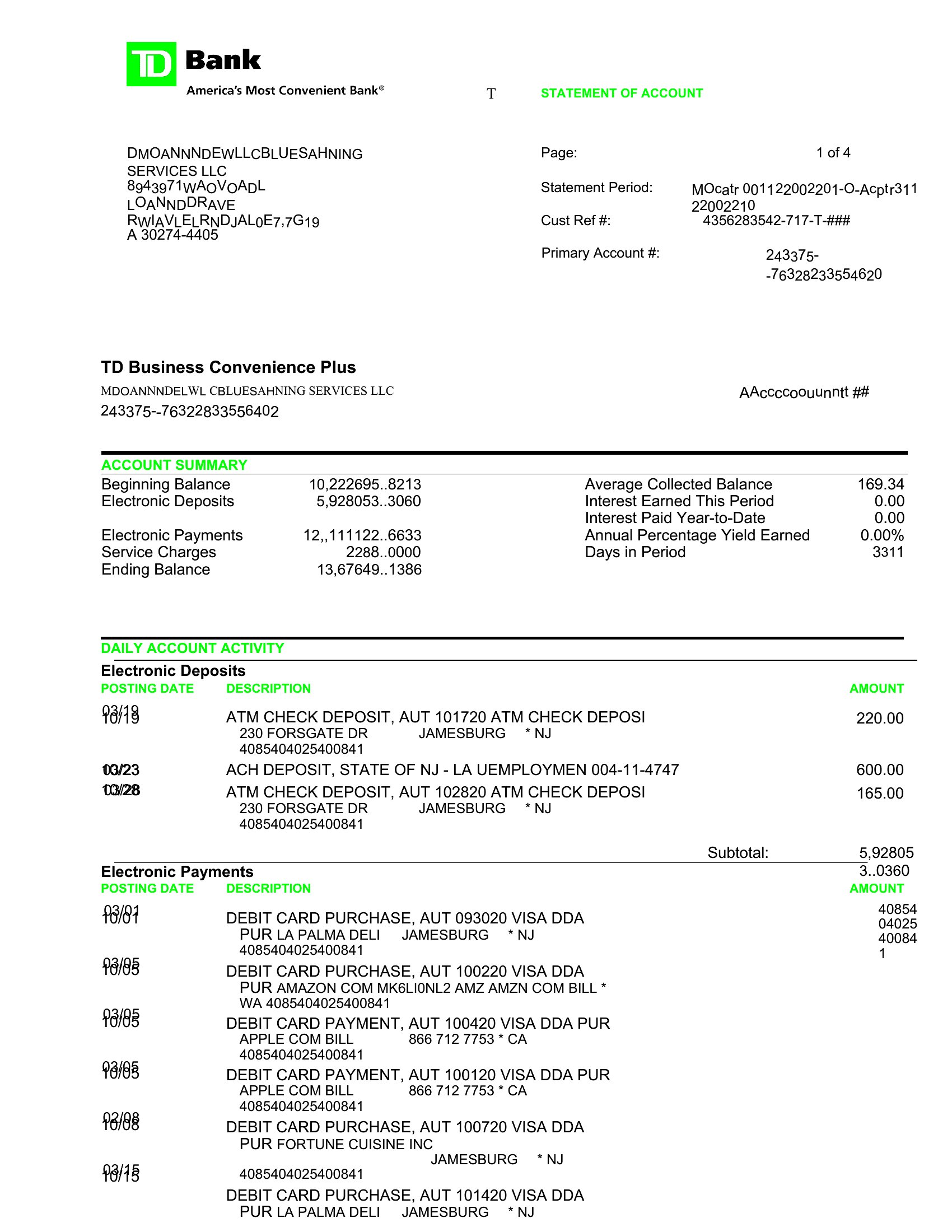
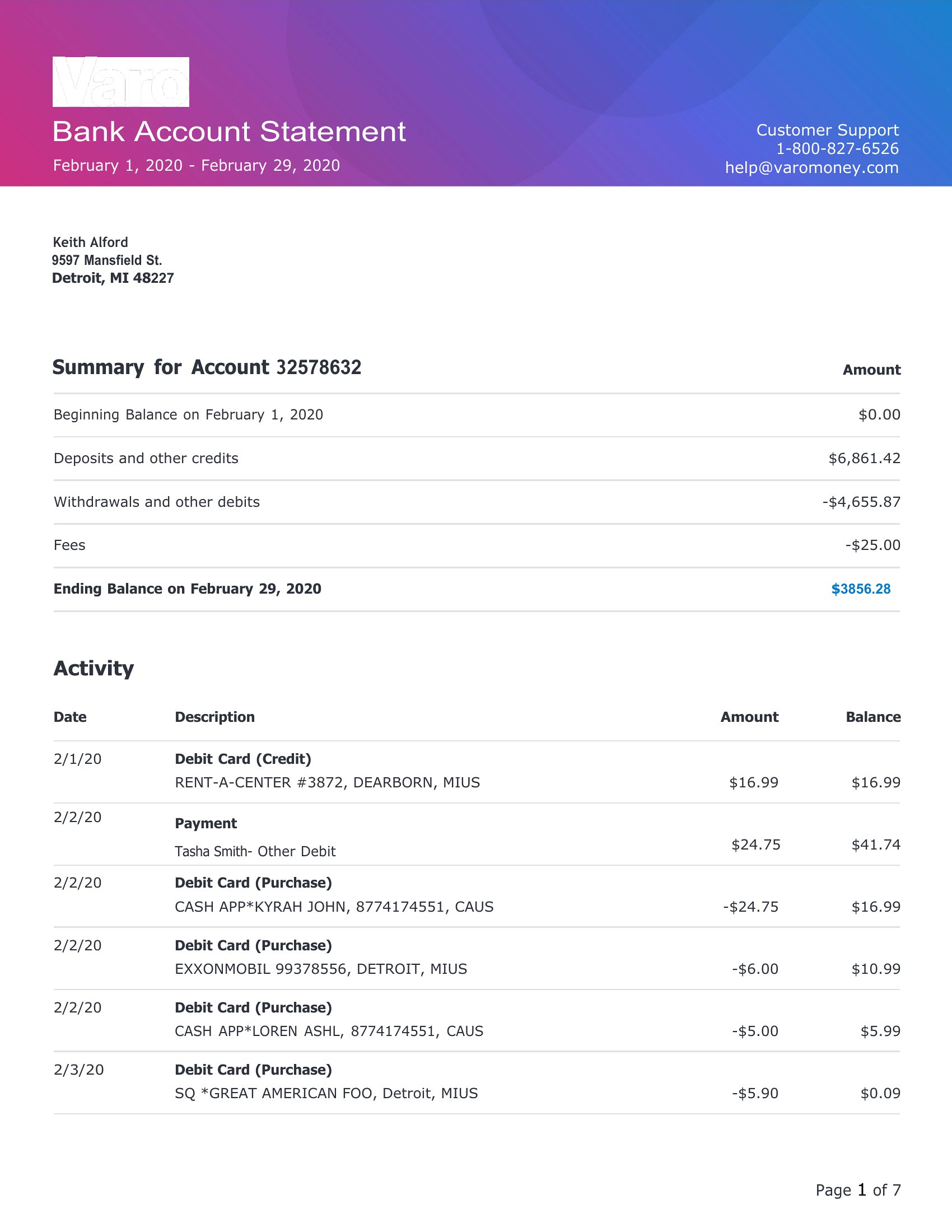
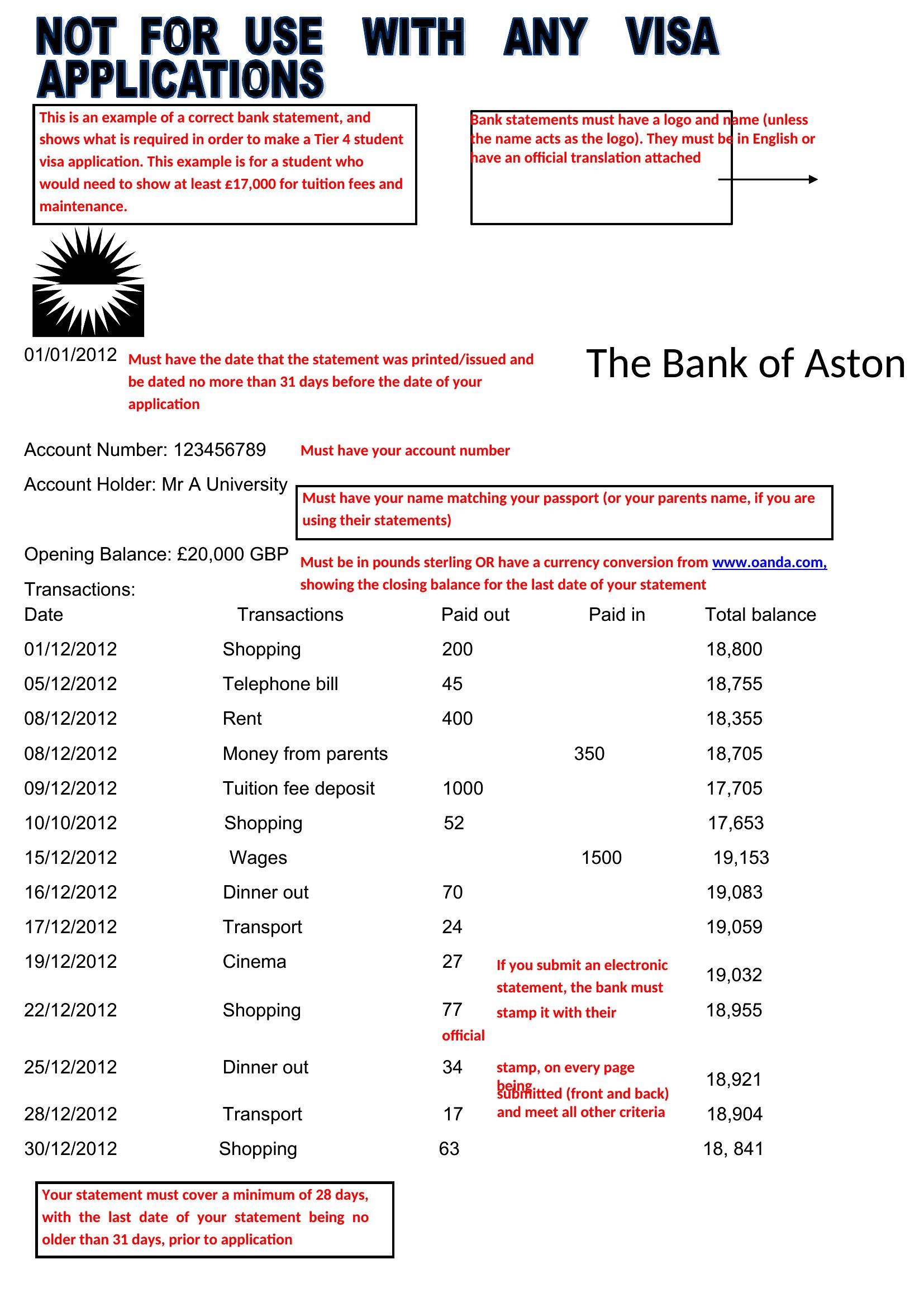
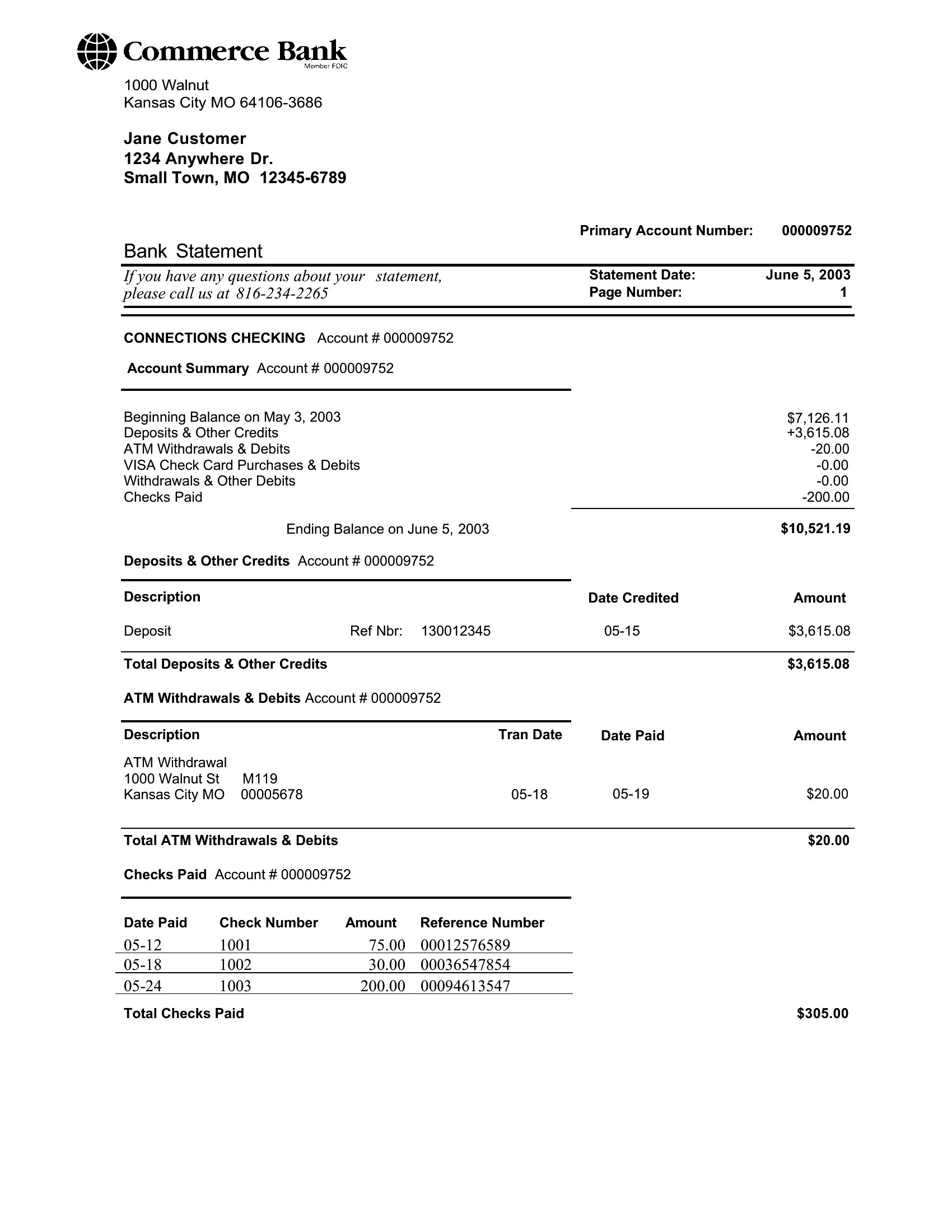
FAQ
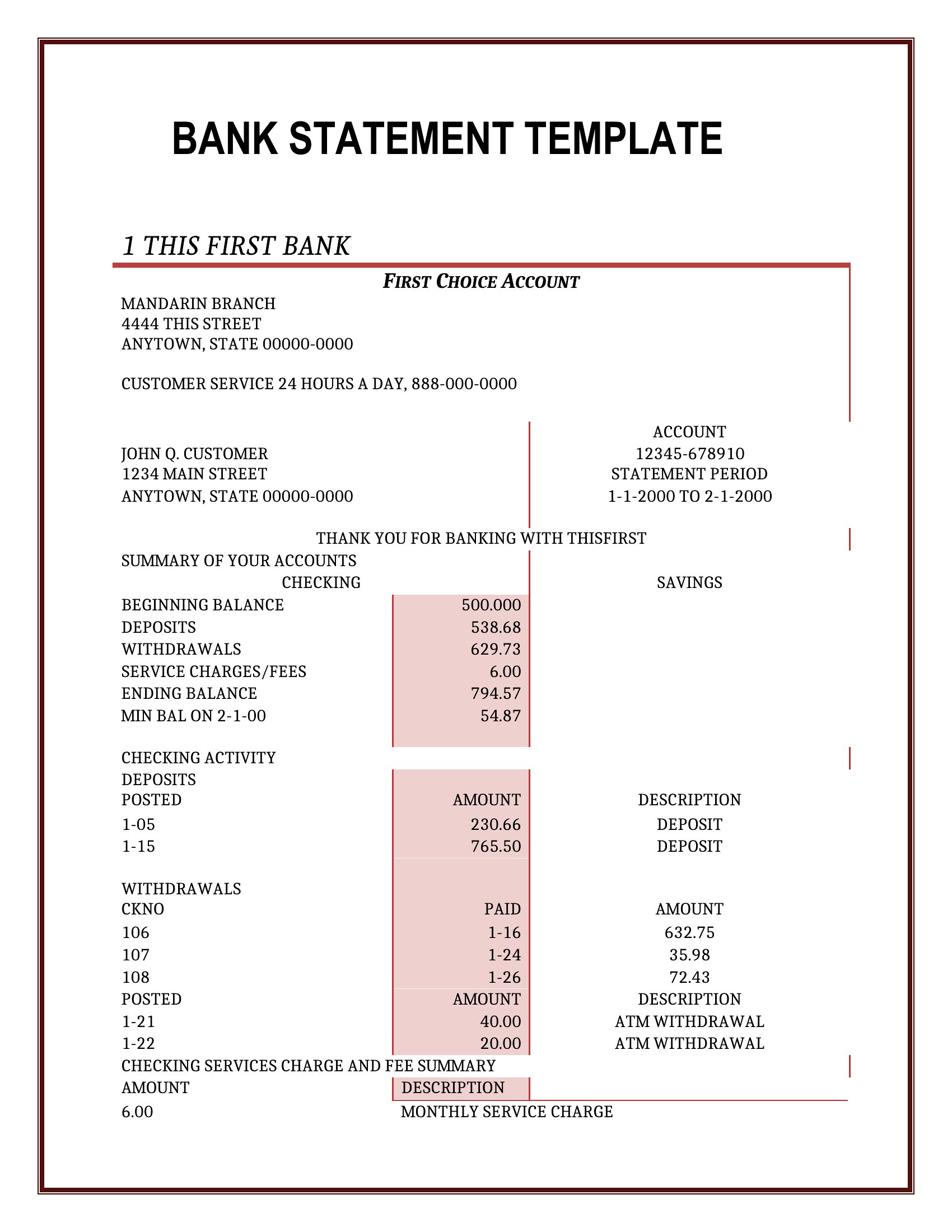
Can I adjust the column headings in these templates to match my bank’s specific transaction categories?
Yes, all templates are fully editable. You can rename or reorder columns like ‘Description’ or ‘Running Balance’ to fit your bank’s naming conventions or accounting software requirements. Just ensure core fields (dates, amounts) remain for clarity.
Do these templates include space for recurring transactions, like monthly subscriptions or payroll deposits?
Some templates feature a ‘Notes’ or ‘Memo’ column where you can flag recurring payments, but recurring transactions aren’t automatically tracked. For automated tracking, pair the template with spreadsheet formulas or accounting tools post-entry.
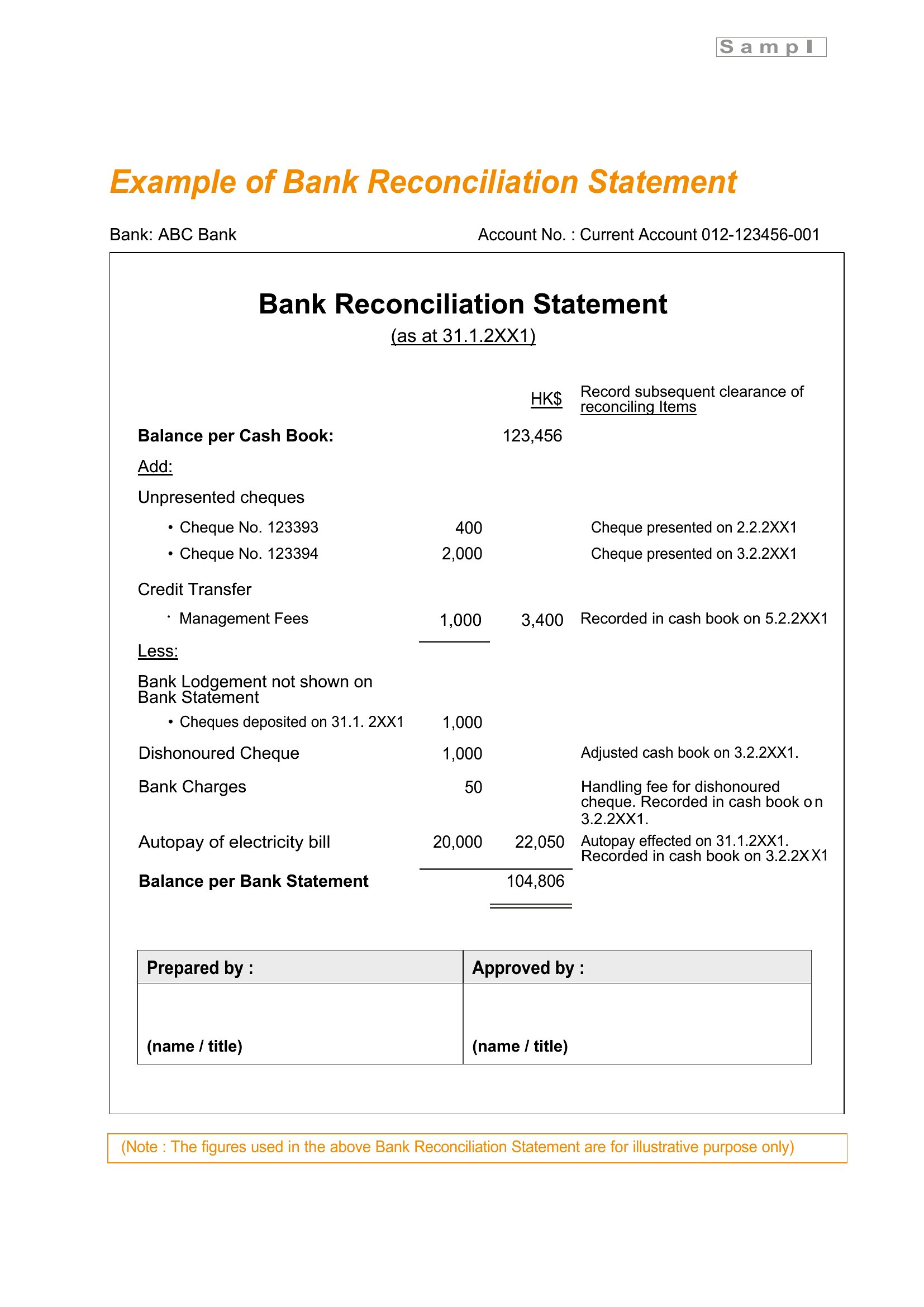
Are these suitable for reconciling bank statements with QuickBooks or other accounting software?
Yes, the structured formats align with common accounting software imports. Export the completed template as a CSV or copy-paste data into your software. For precision, use Excel templates to avoid formatting conflicts during transfer.
Comments
Join the conversation
Sign in to share your thoughts and leave a comment on this resource.