
FAQ
How do these templates handle recurring transactions like auto-payments or subscriptions?
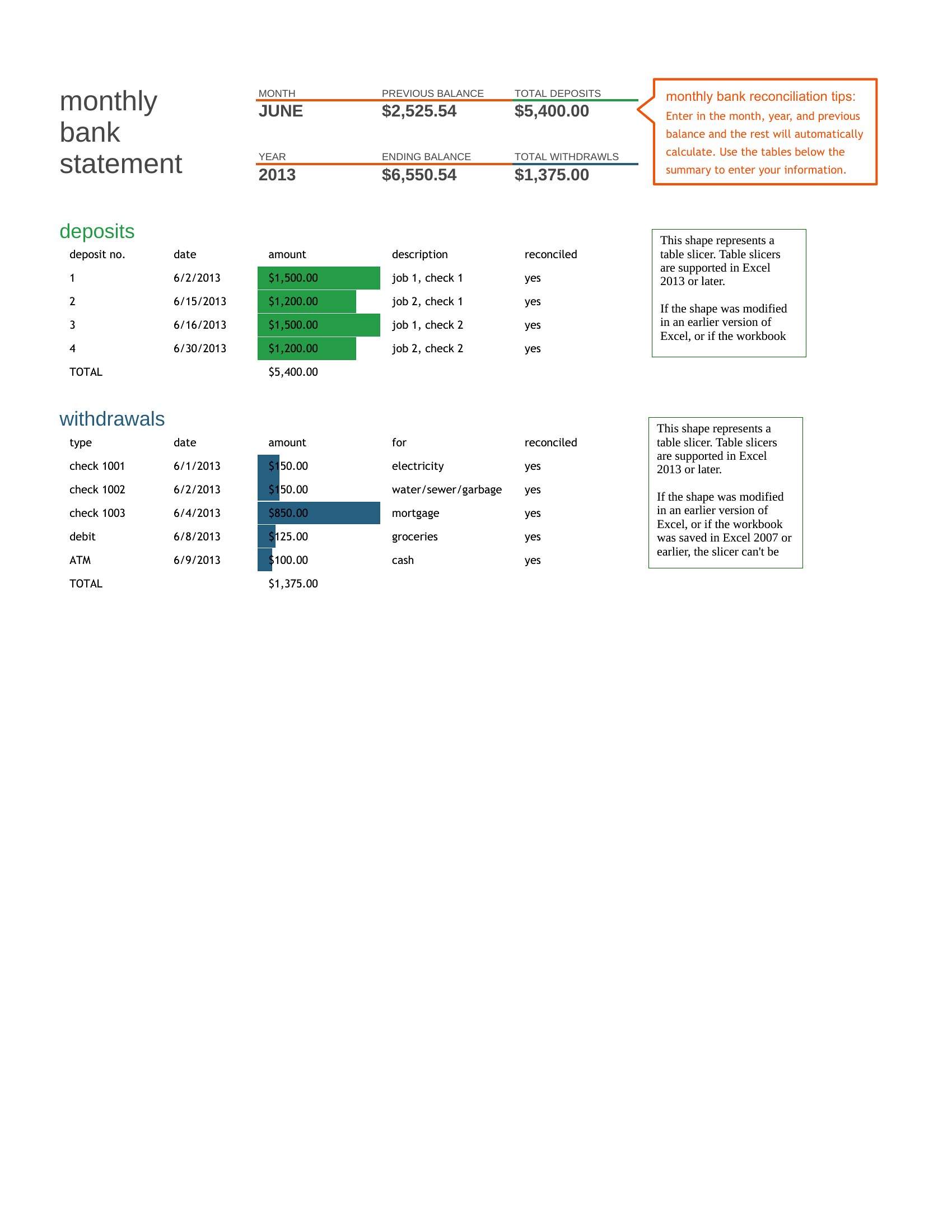
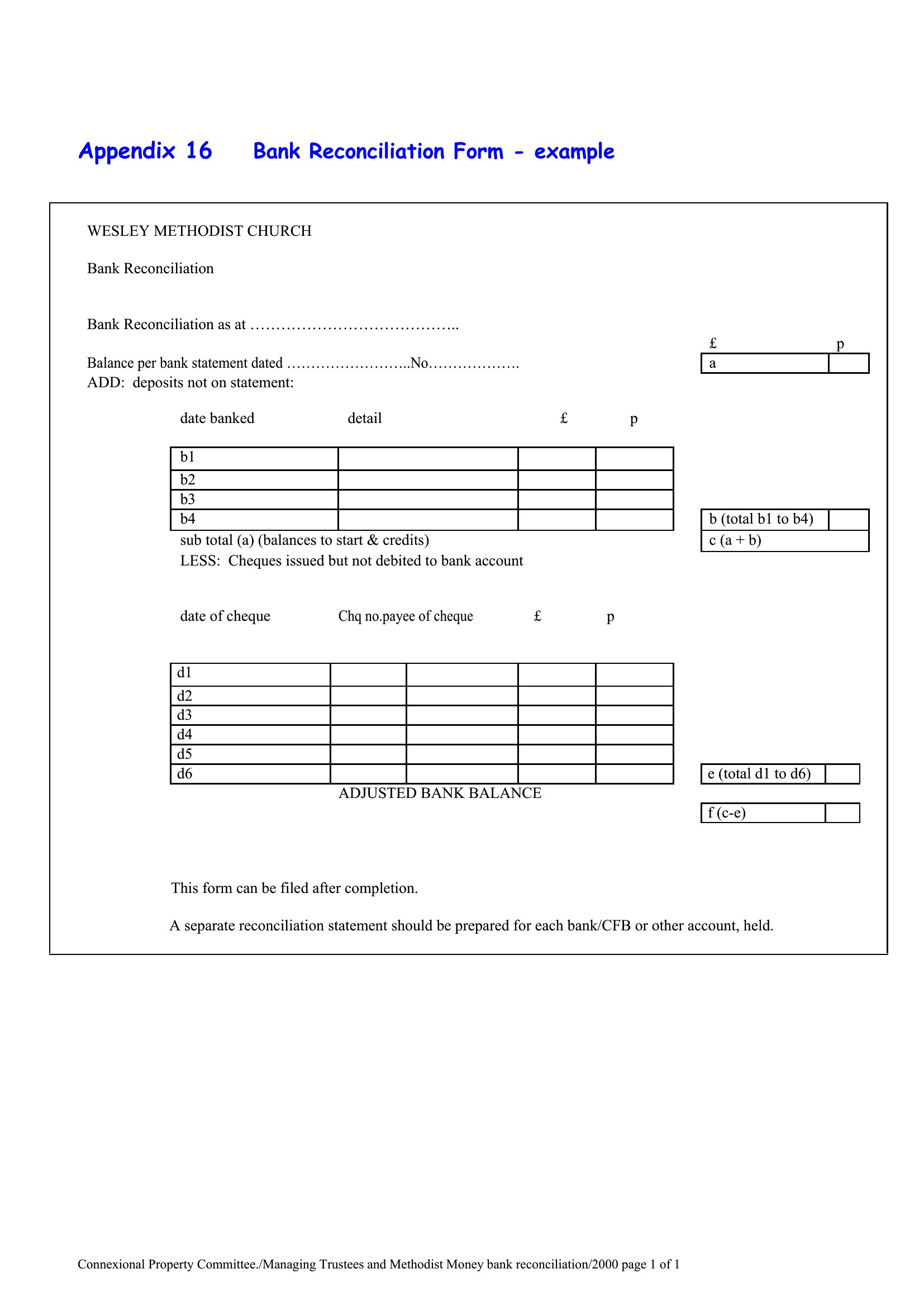
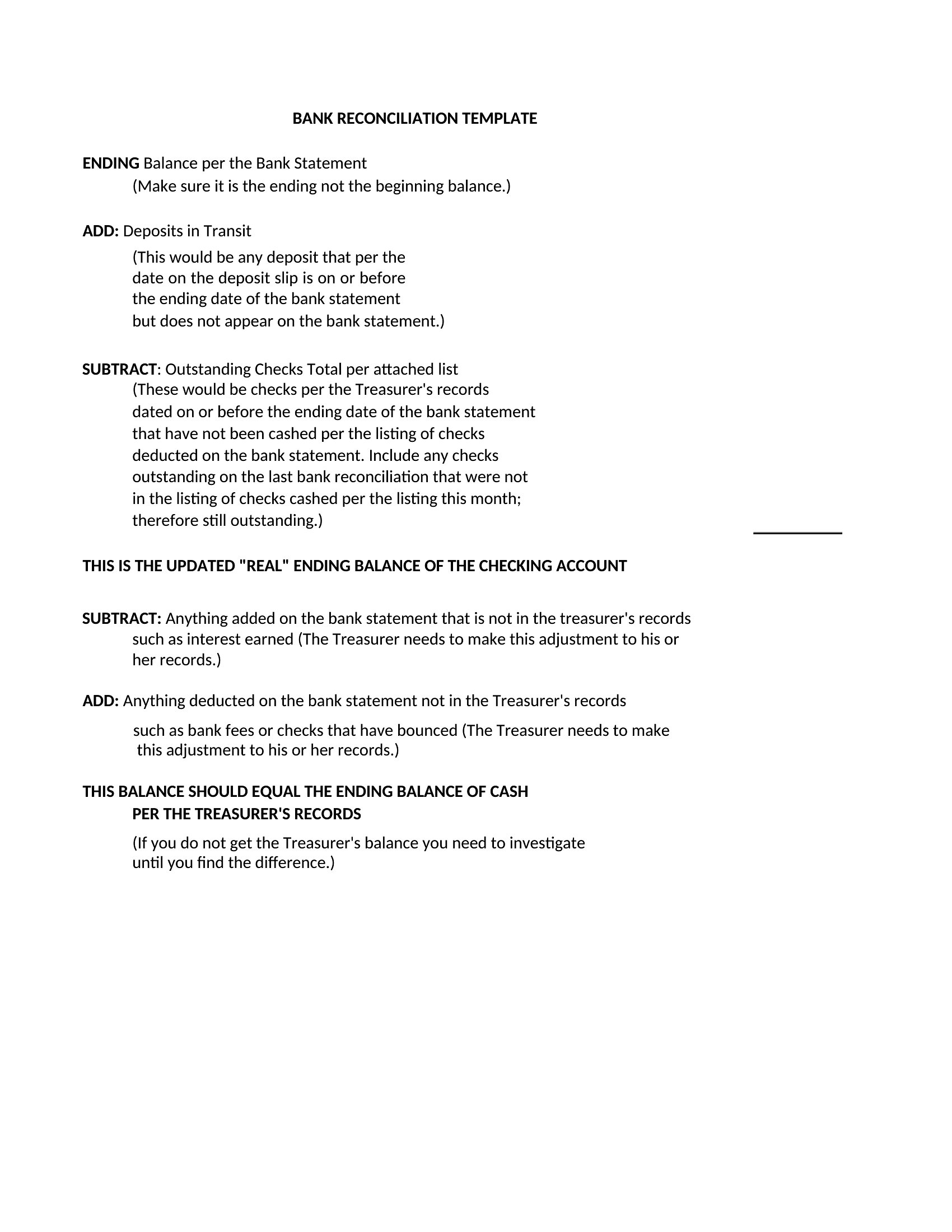
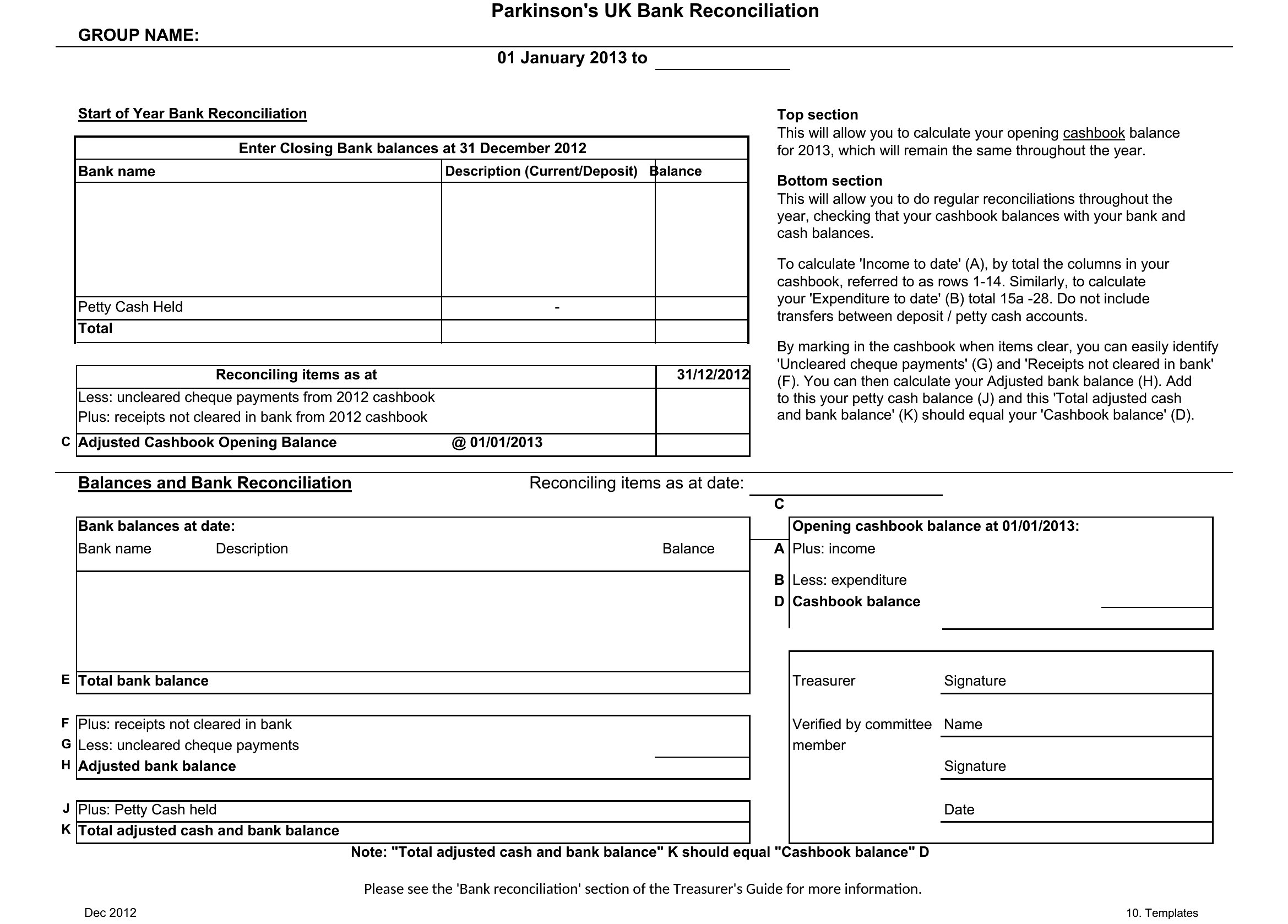
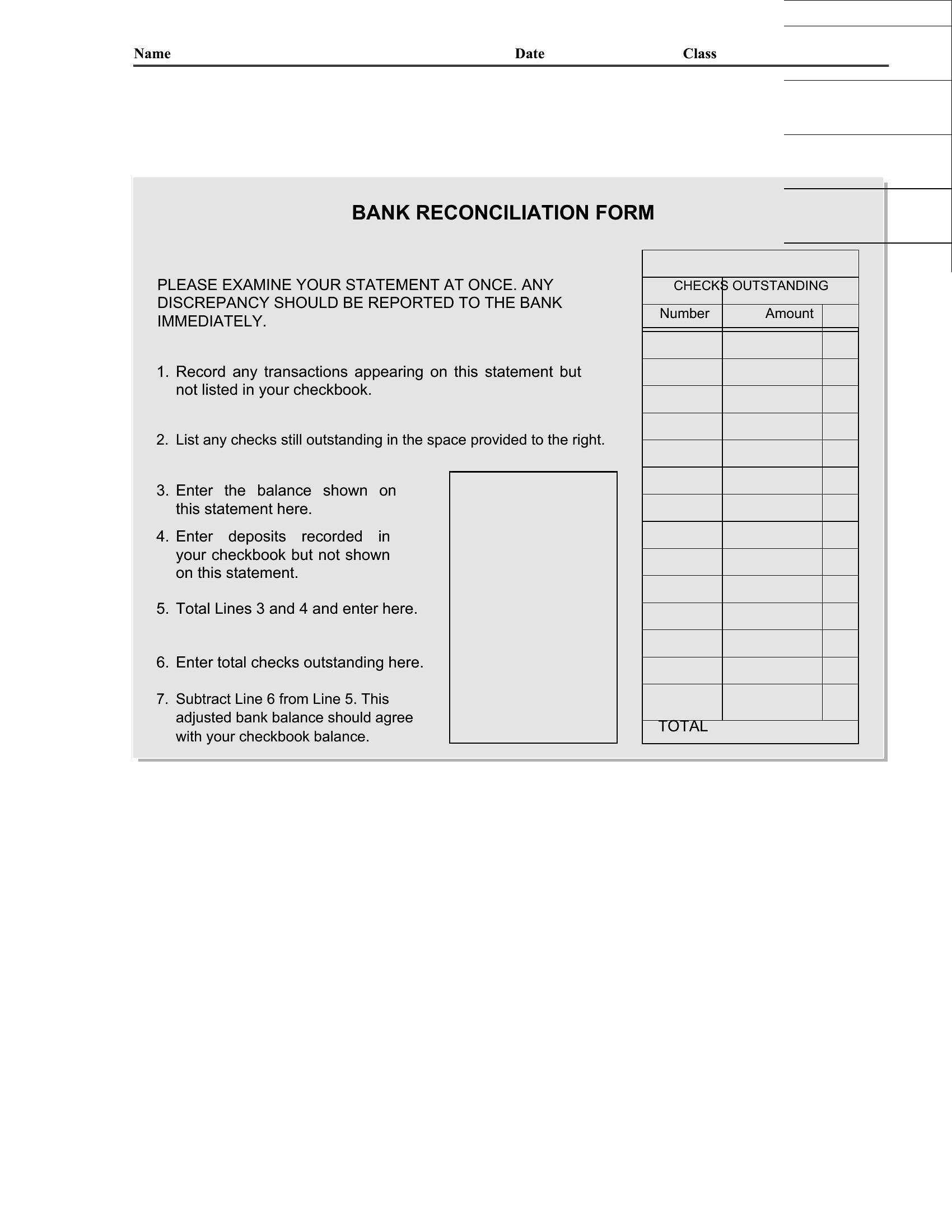
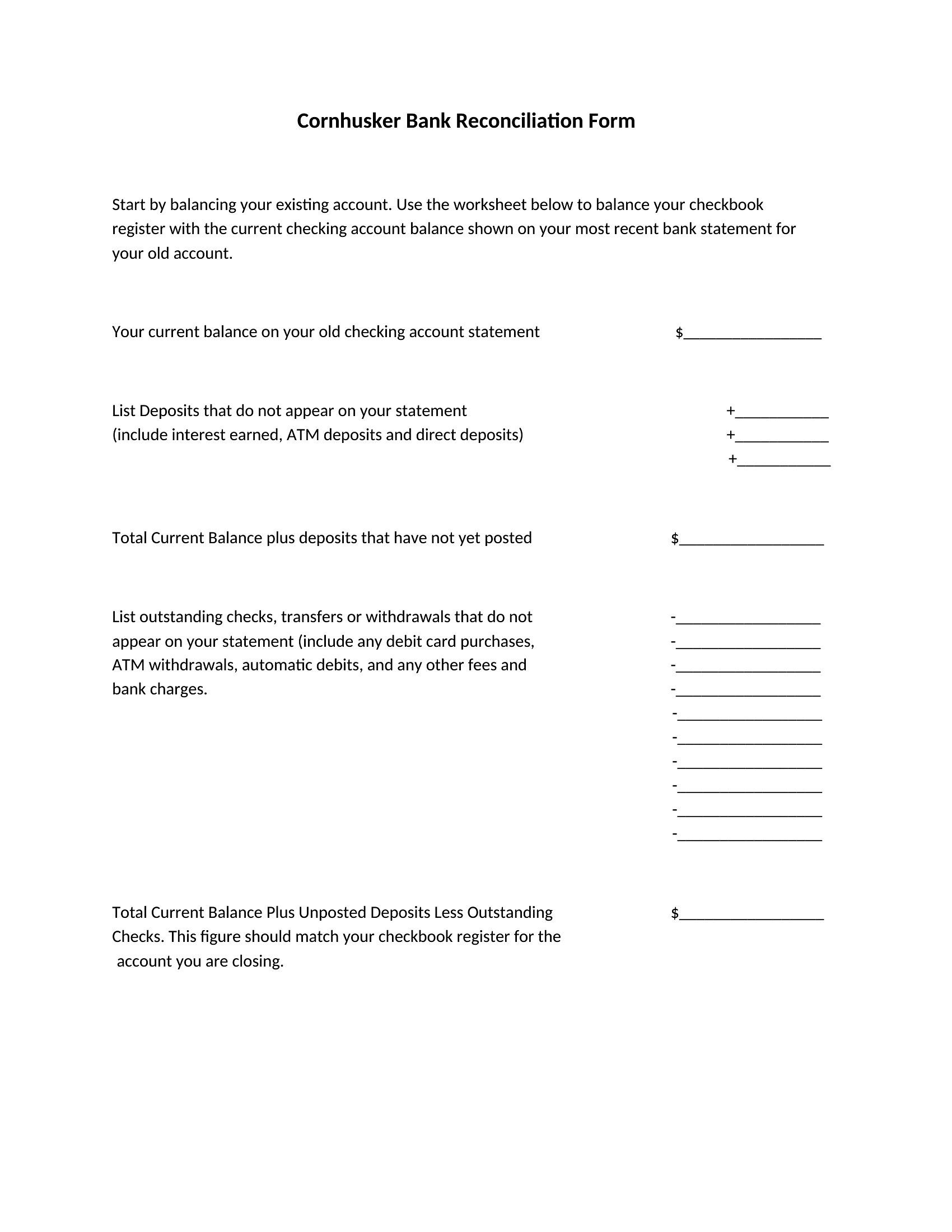
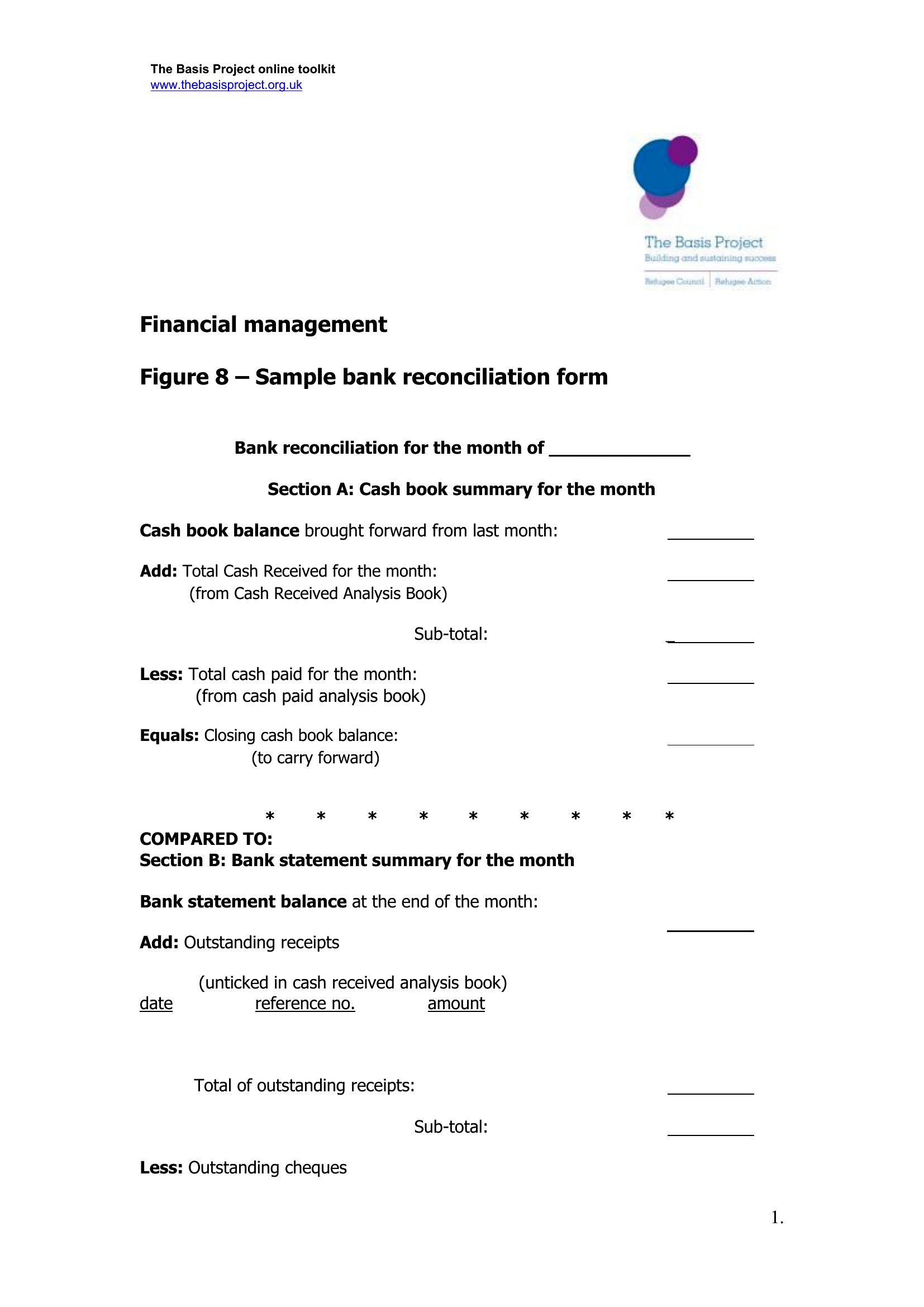
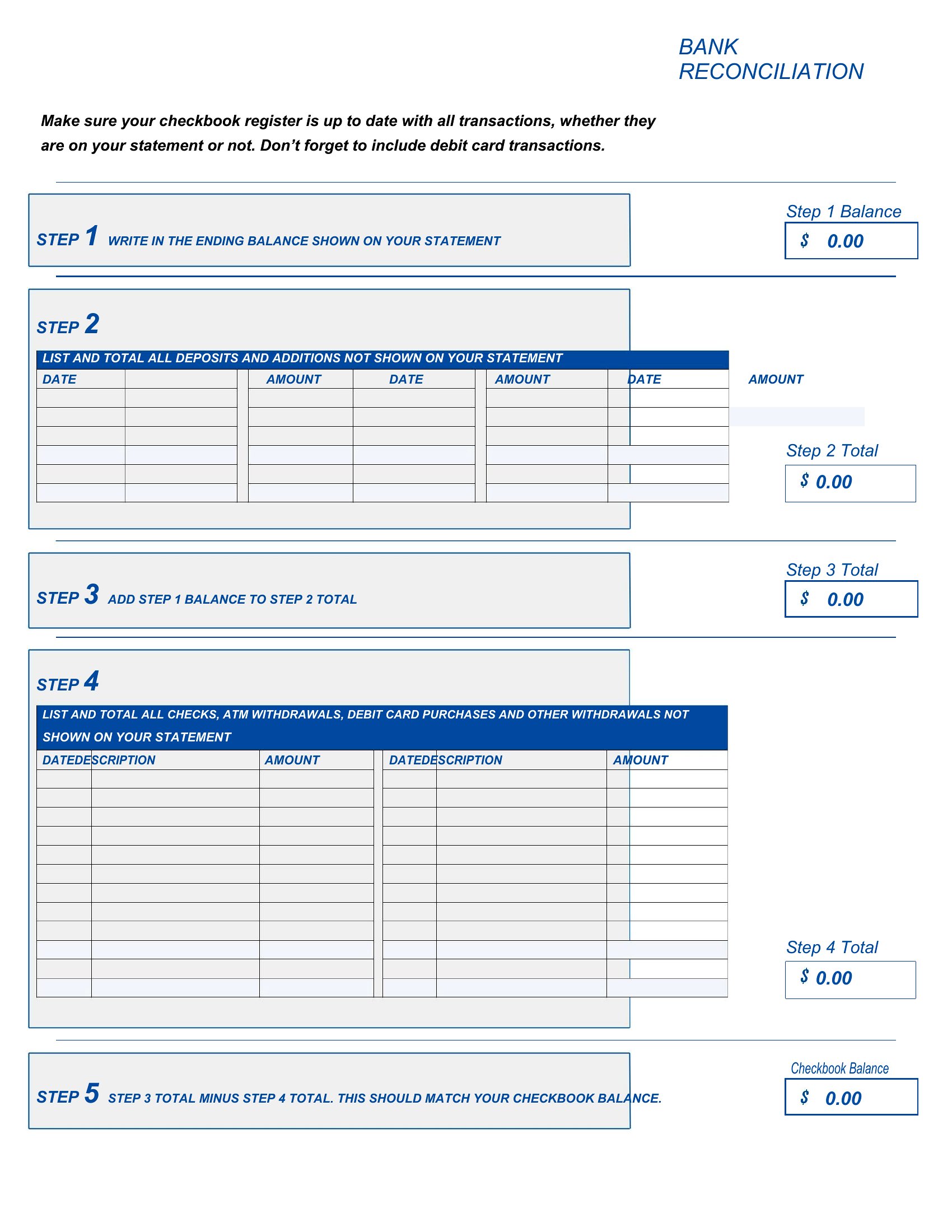
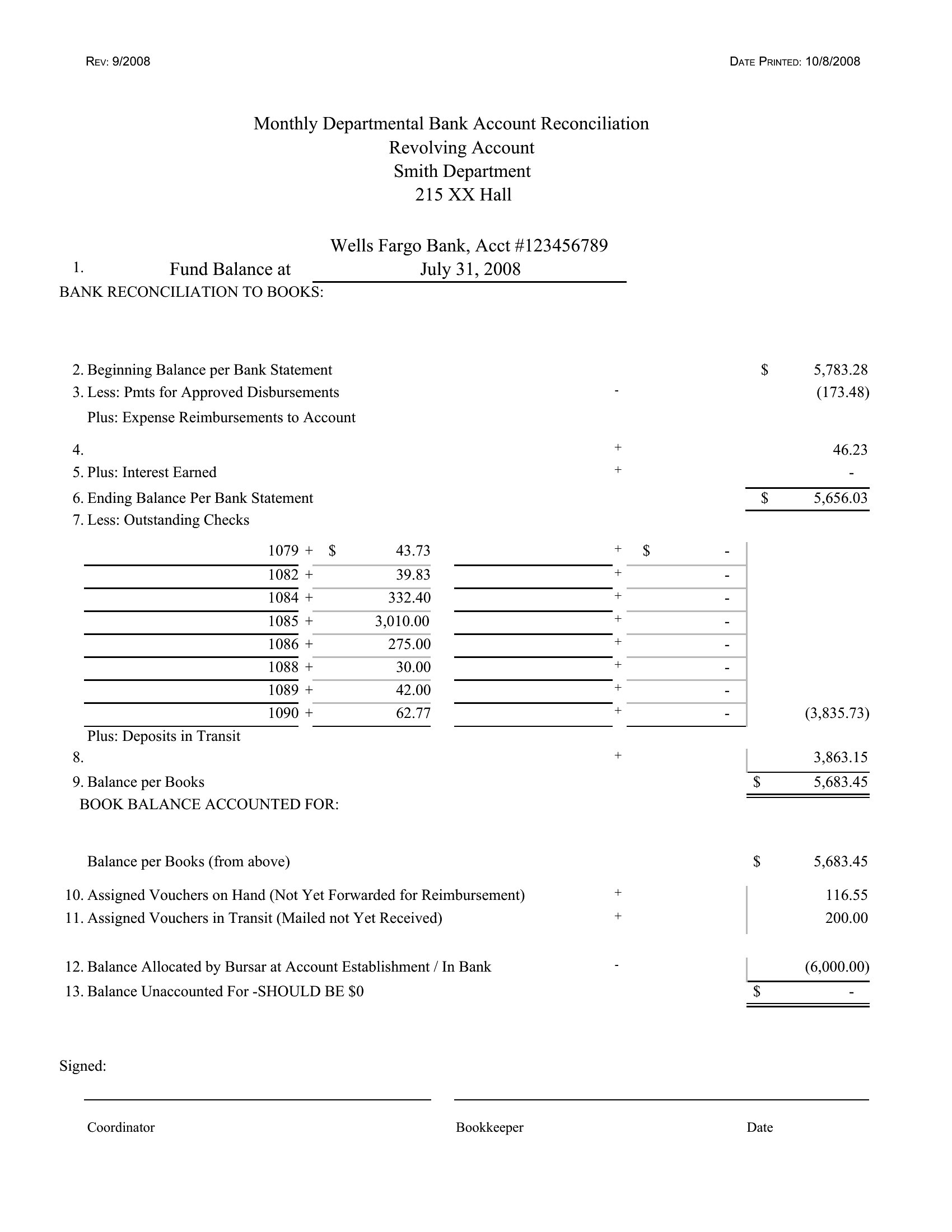
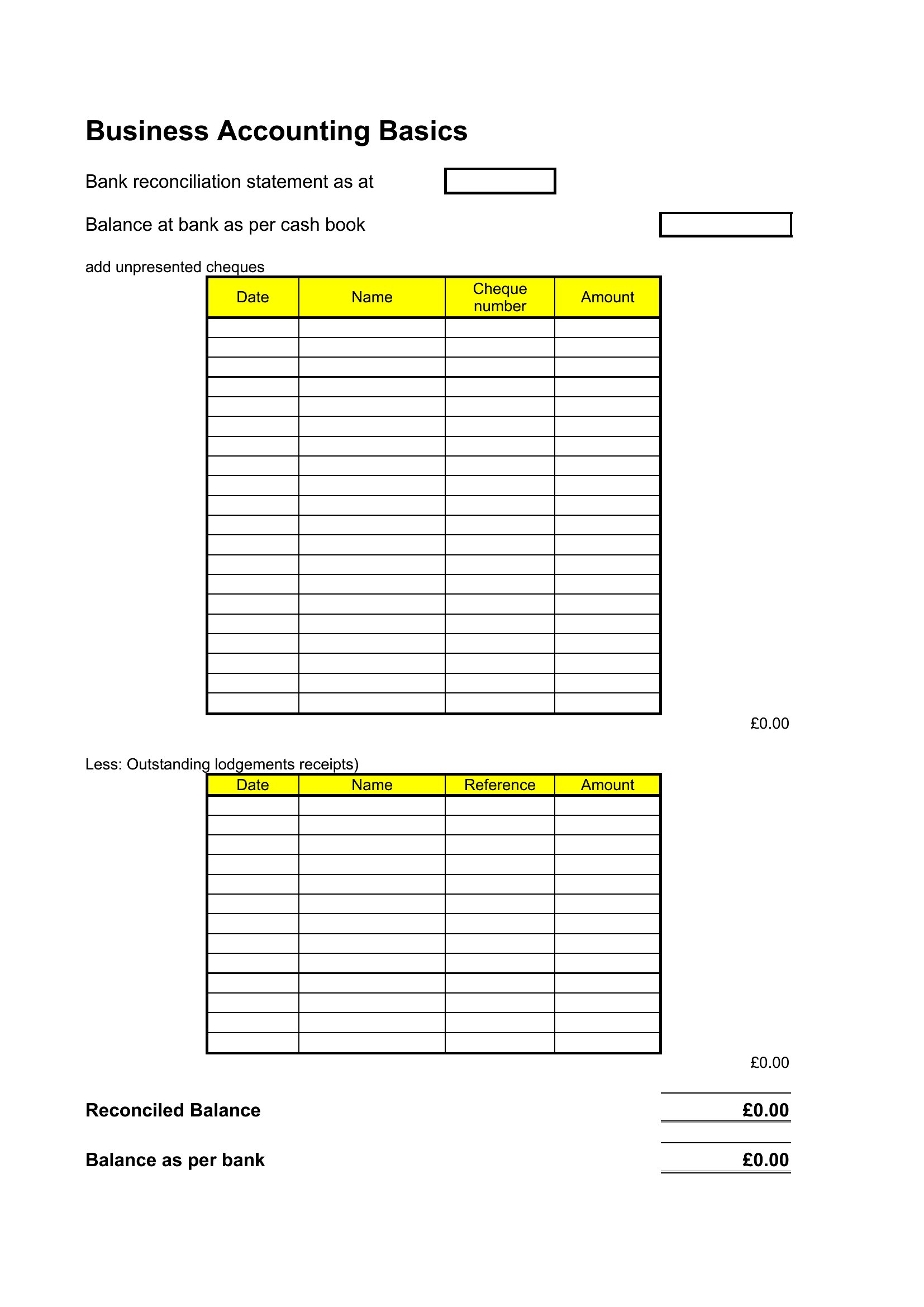
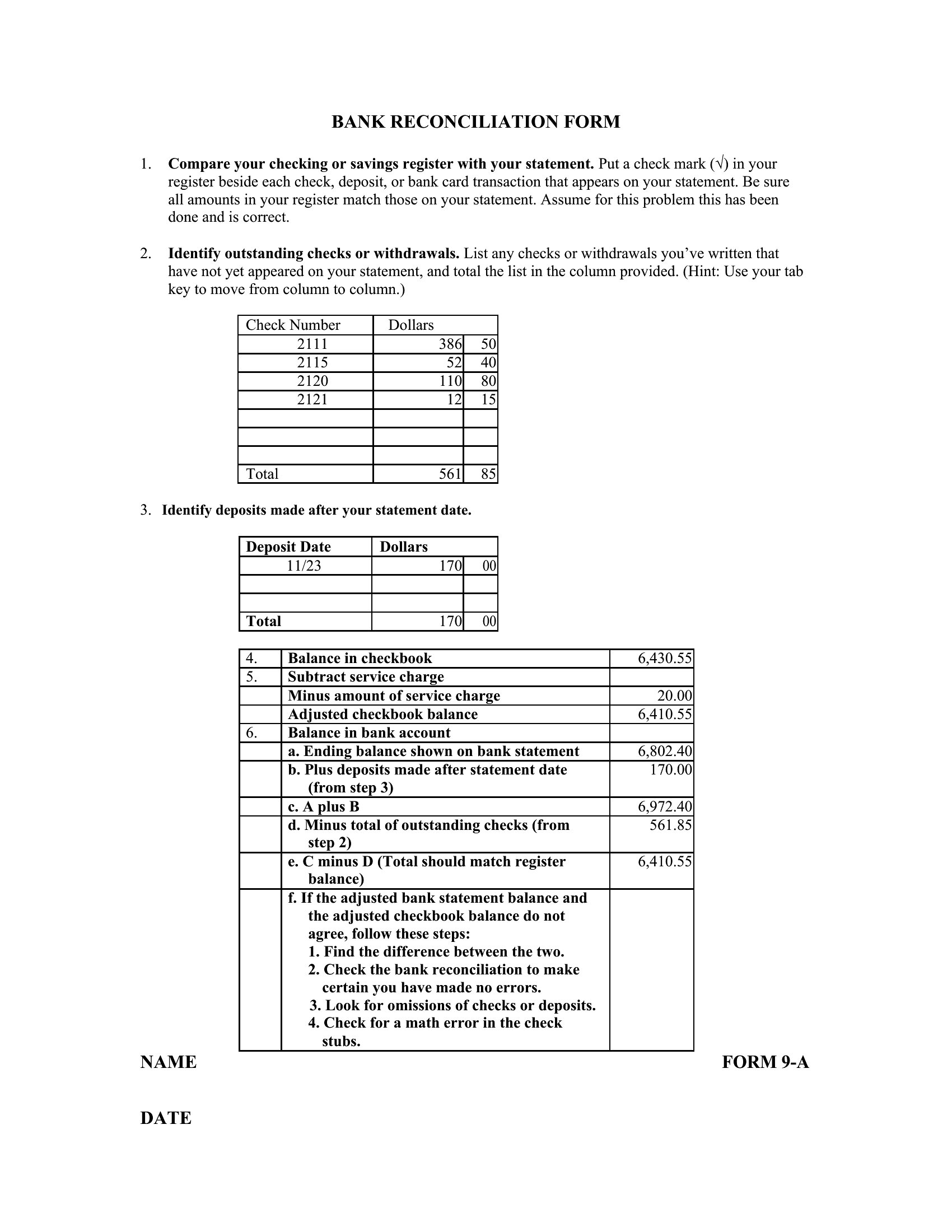
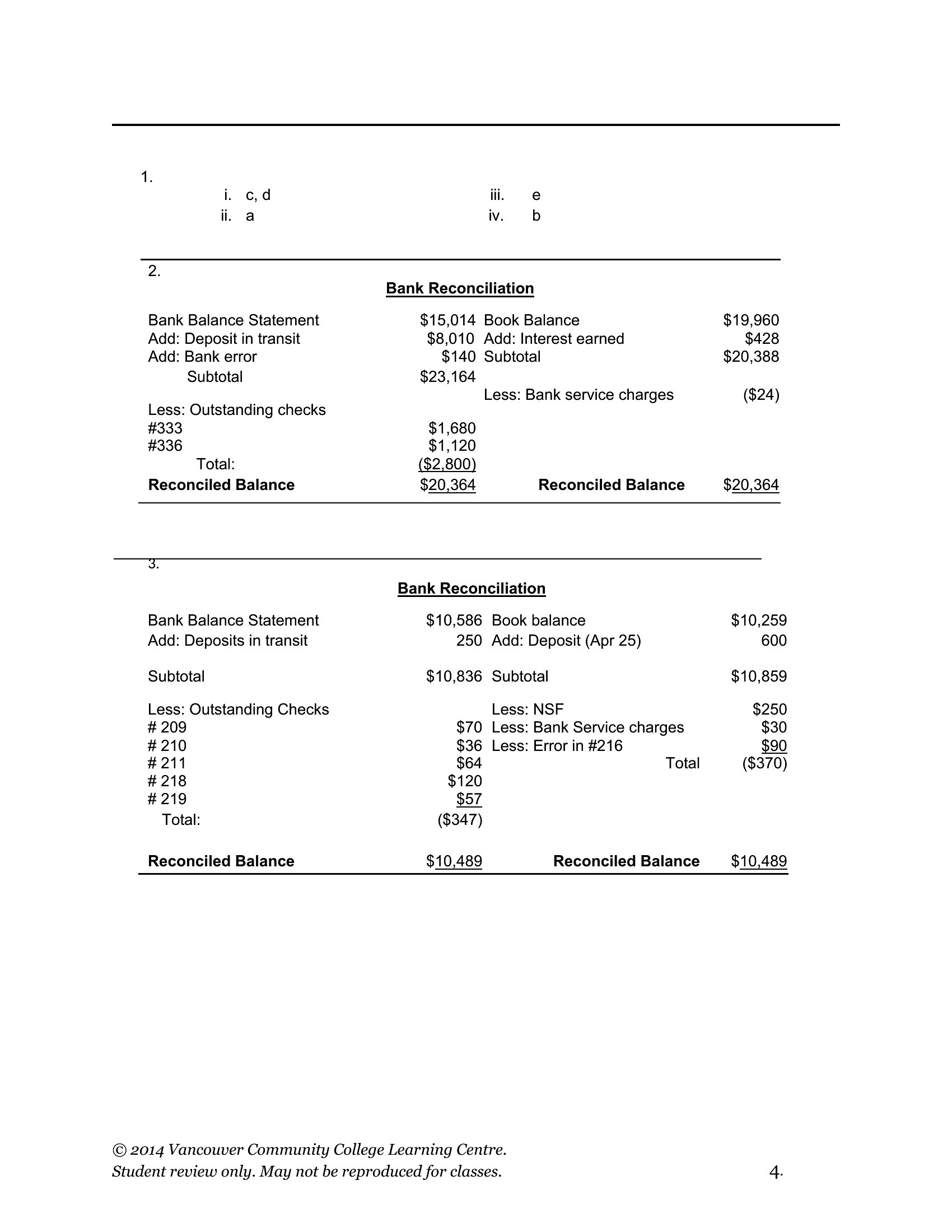
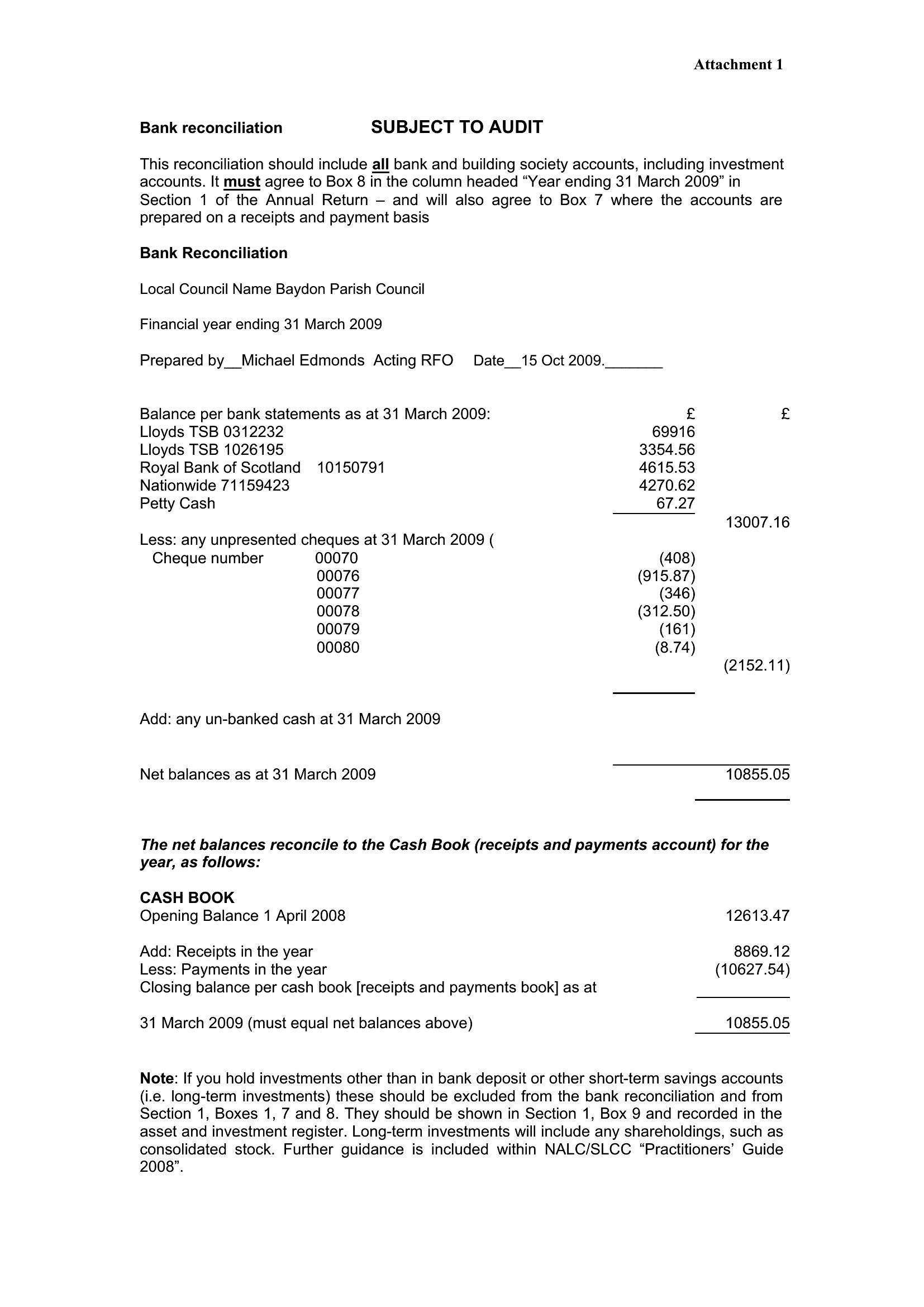
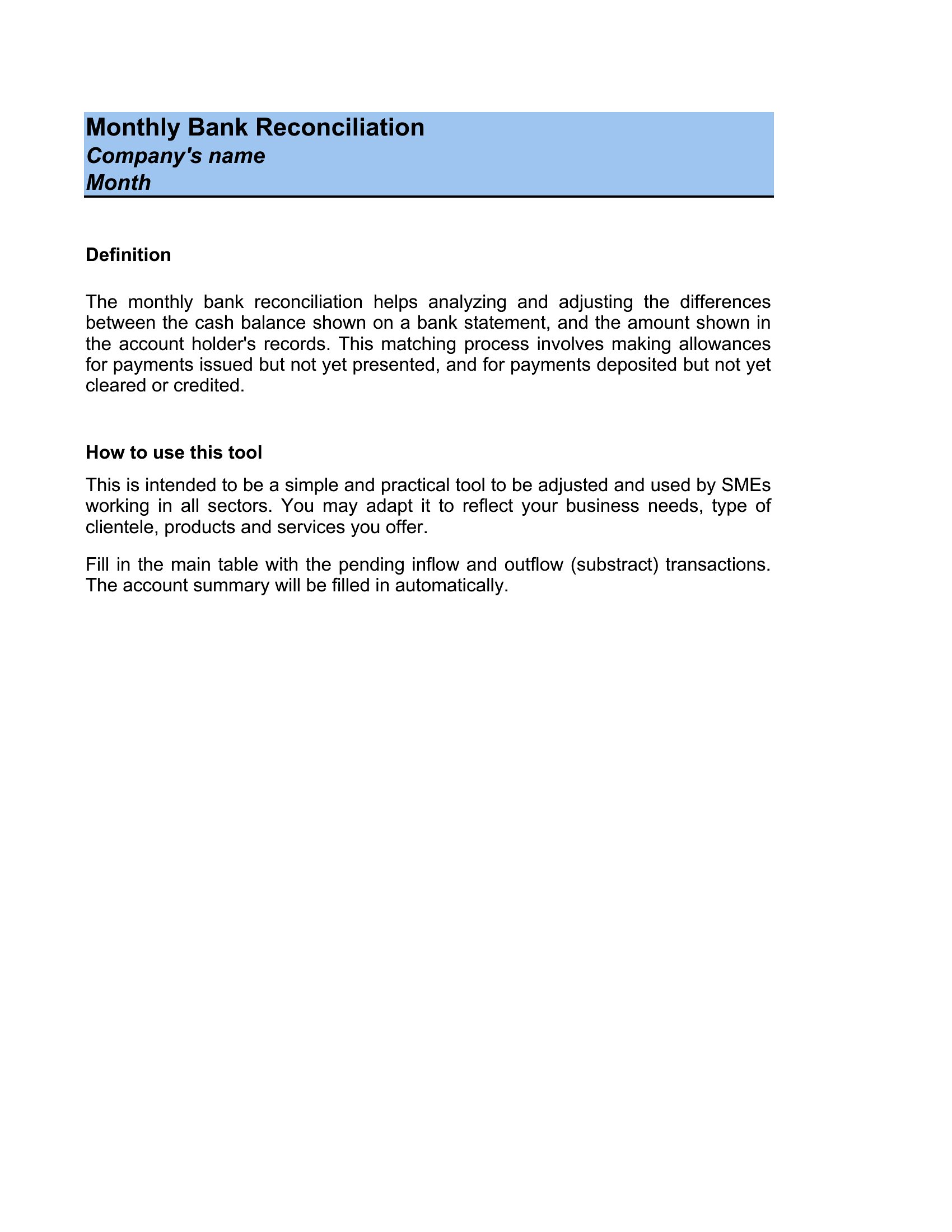
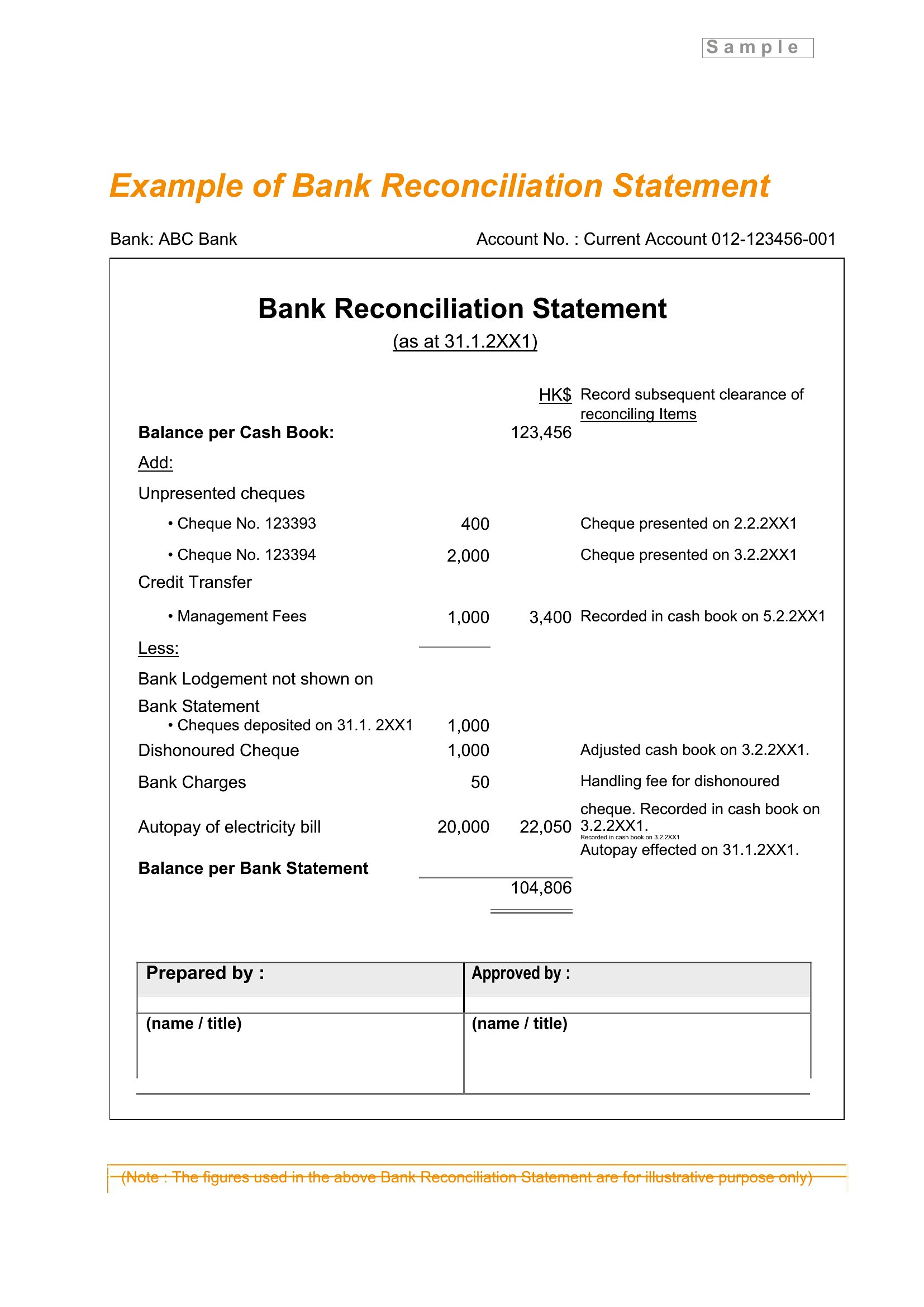
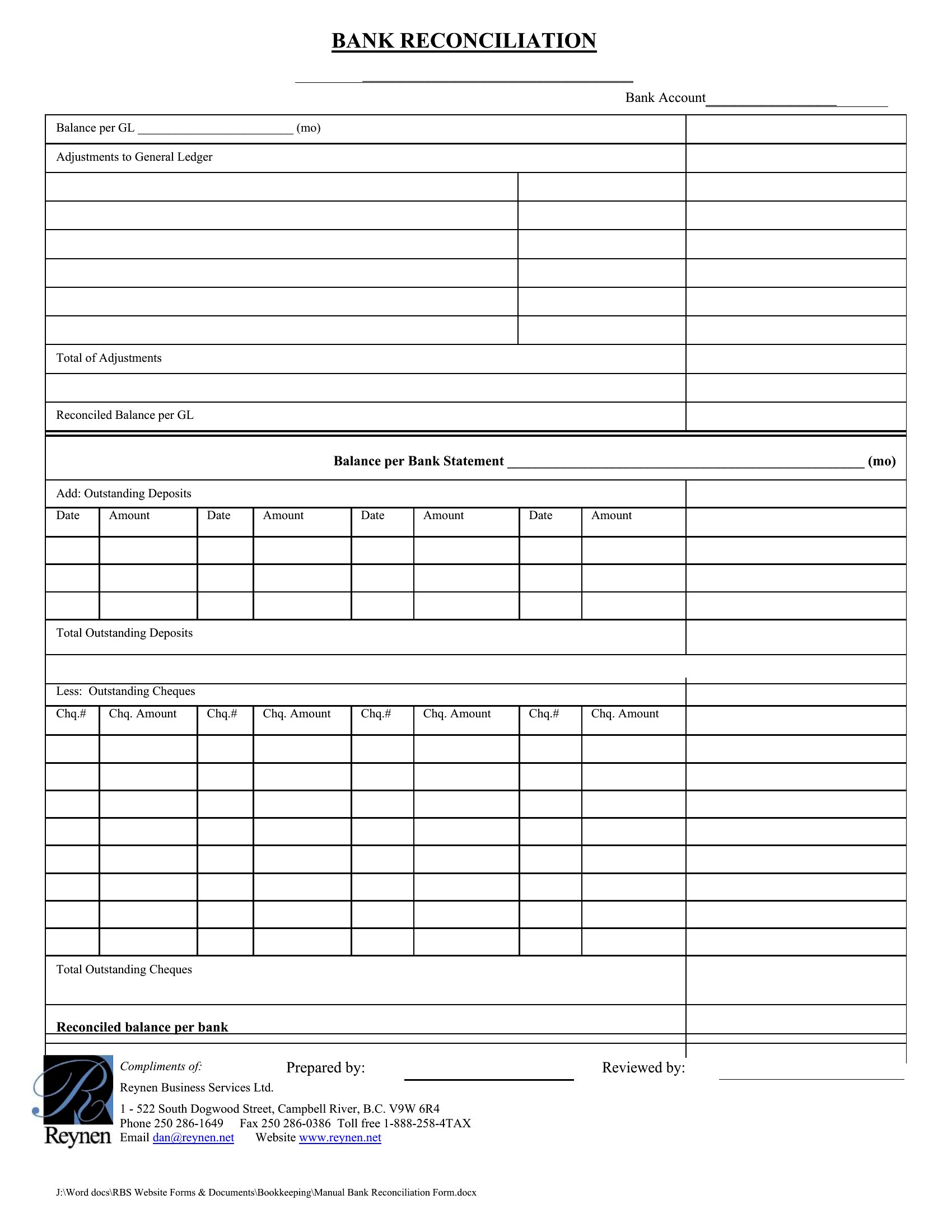
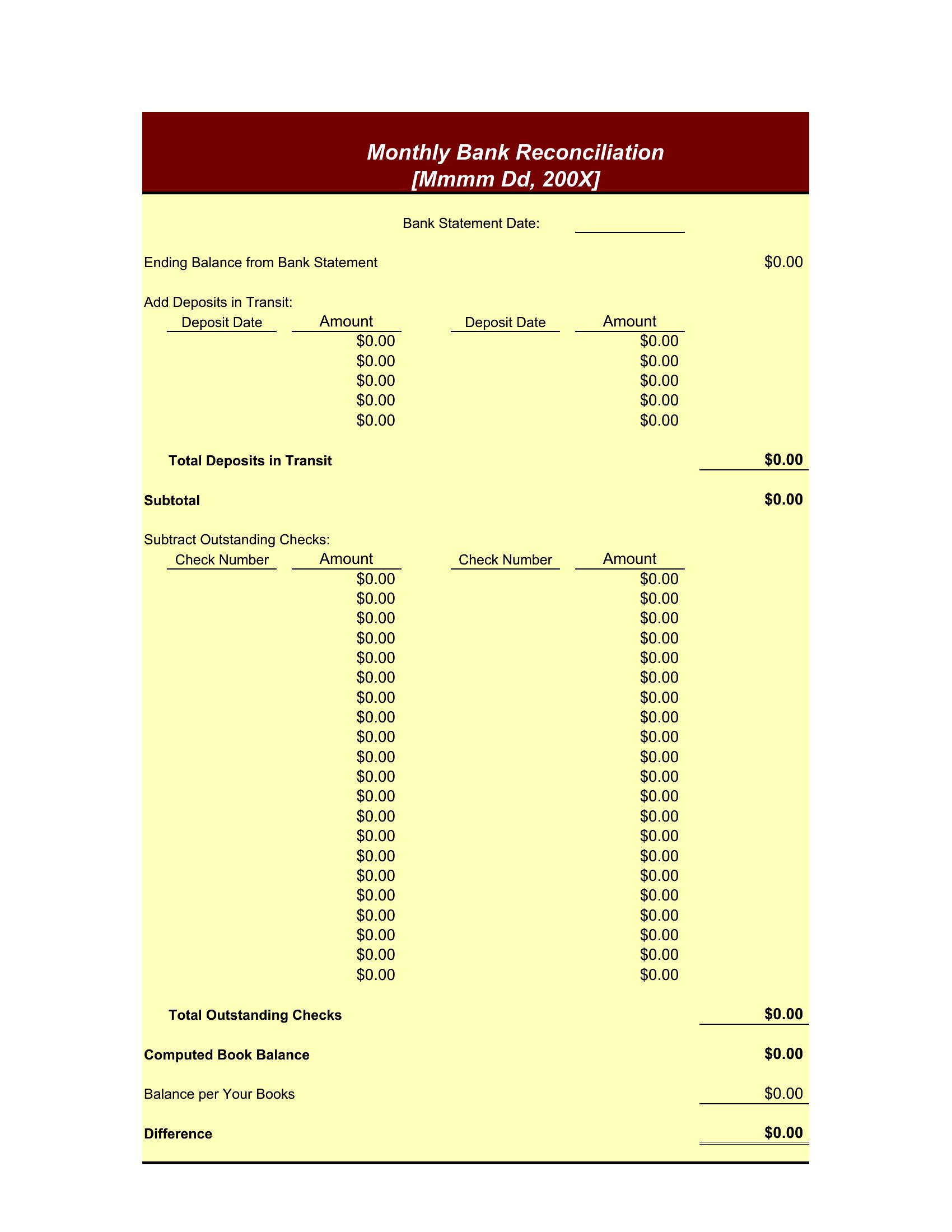
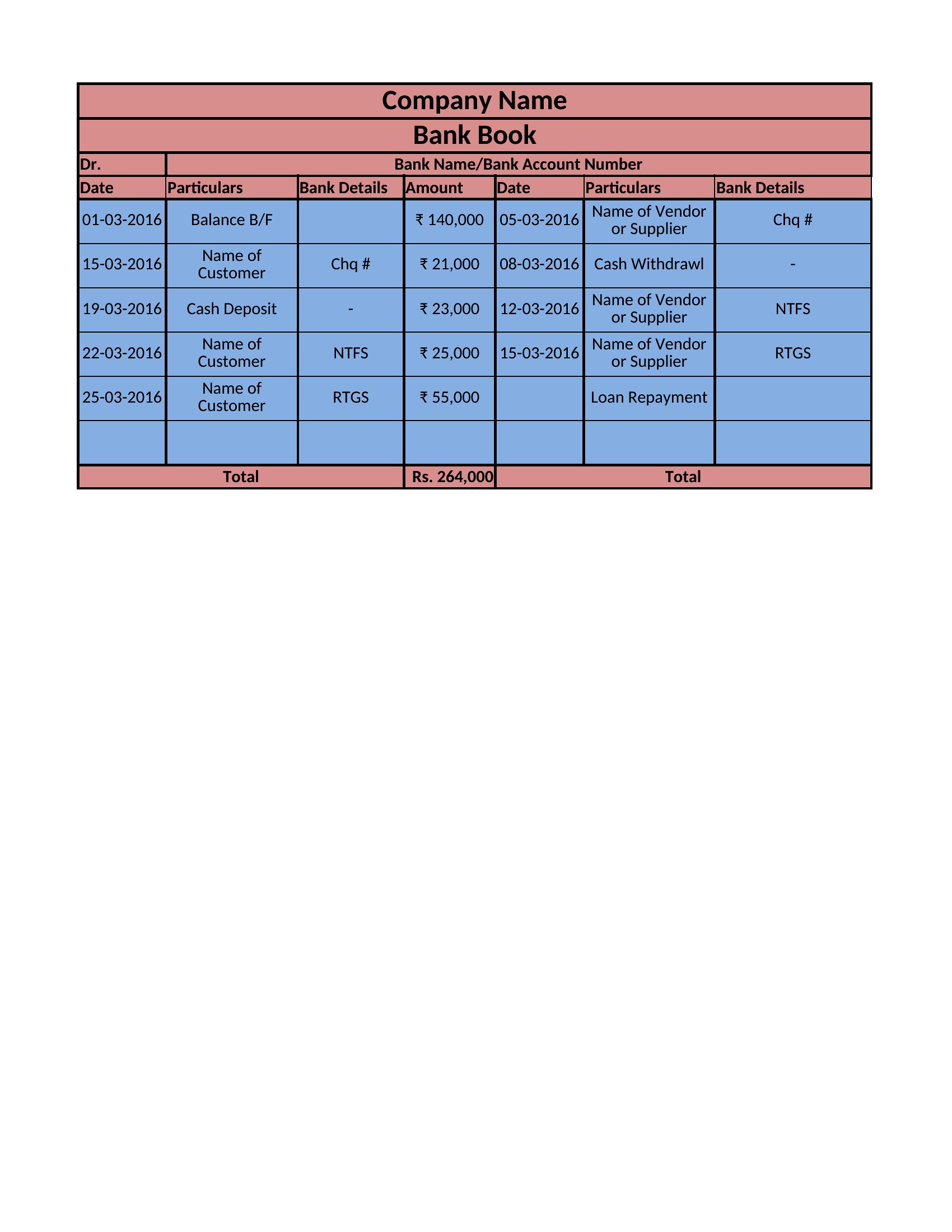
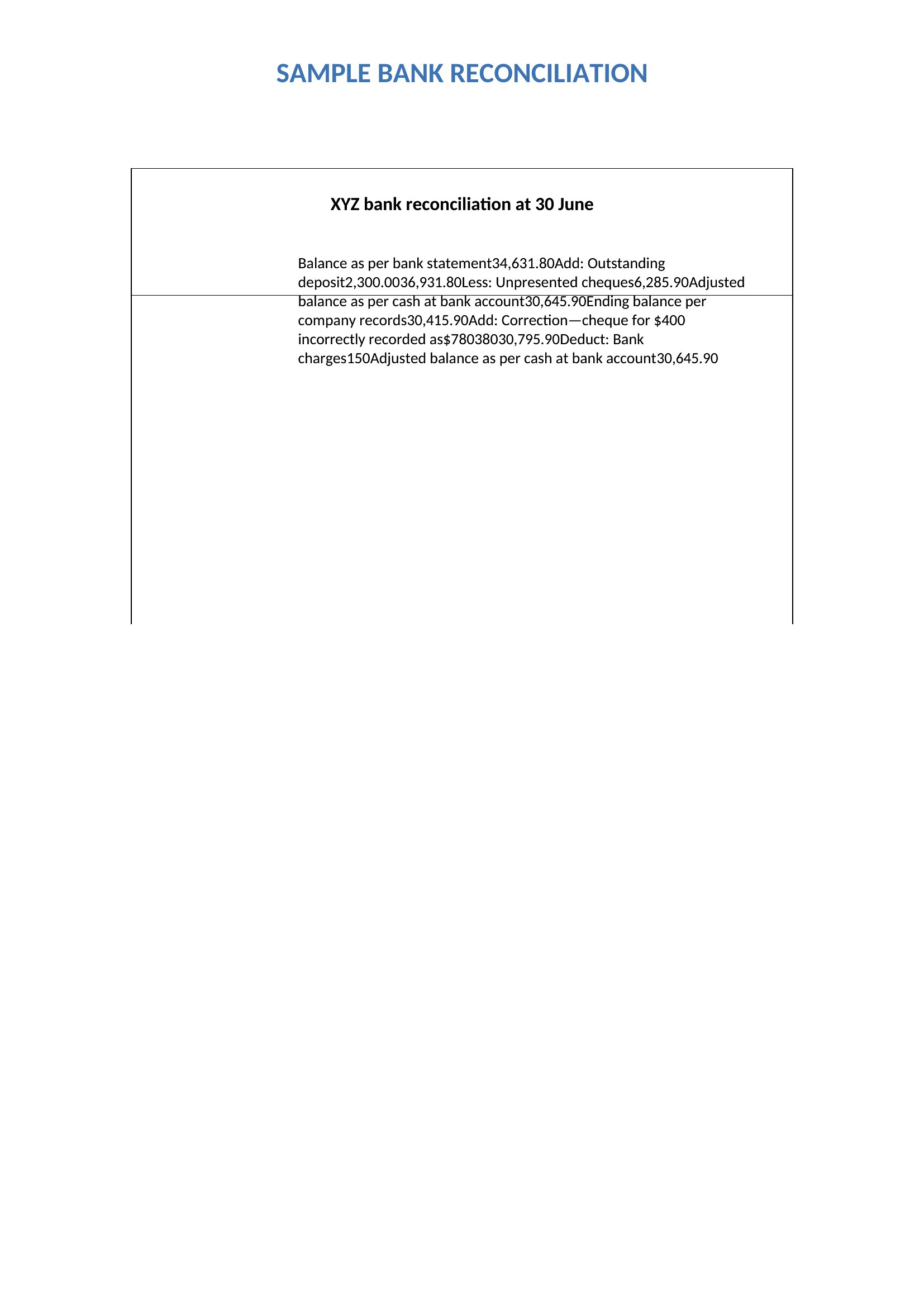
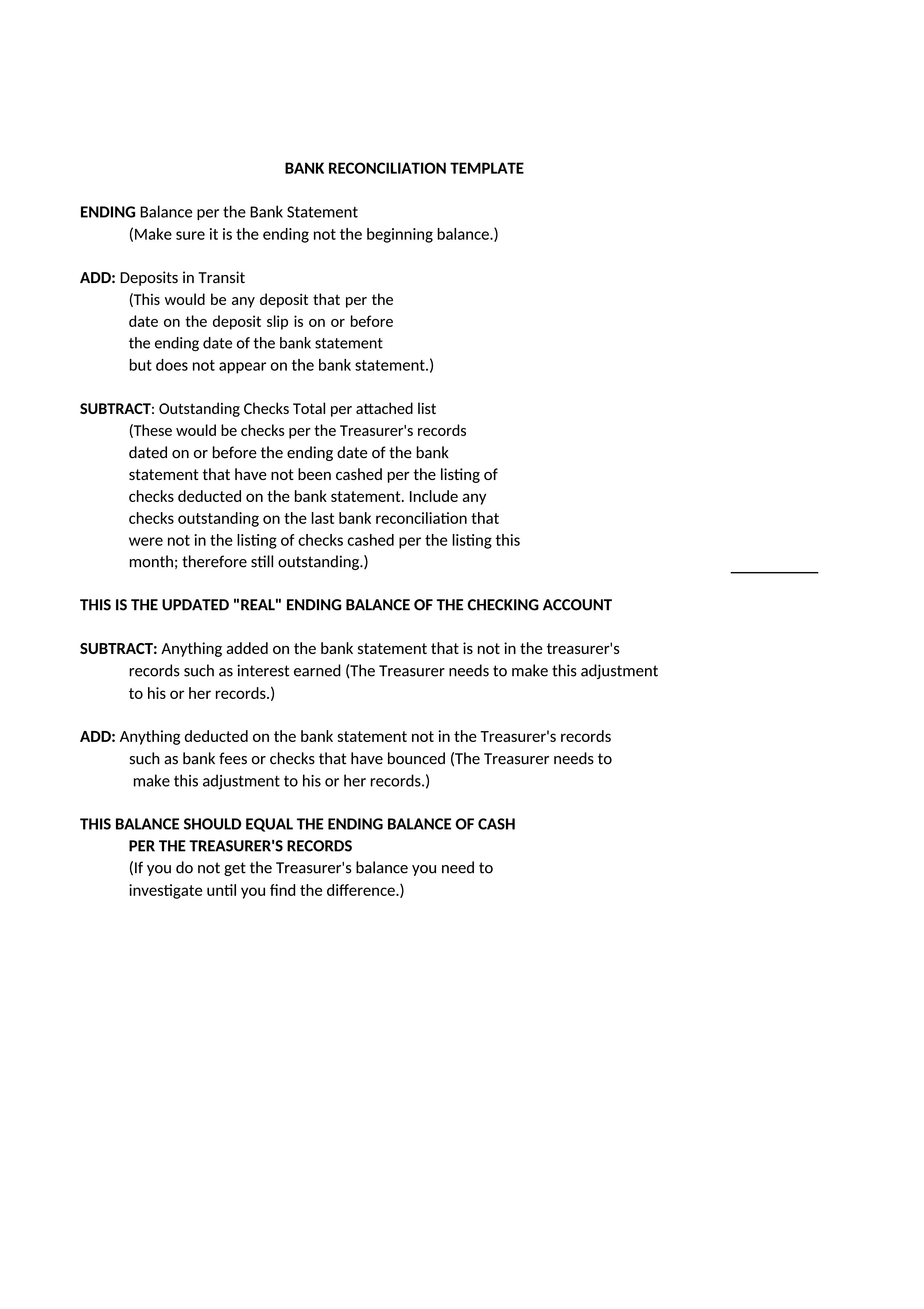
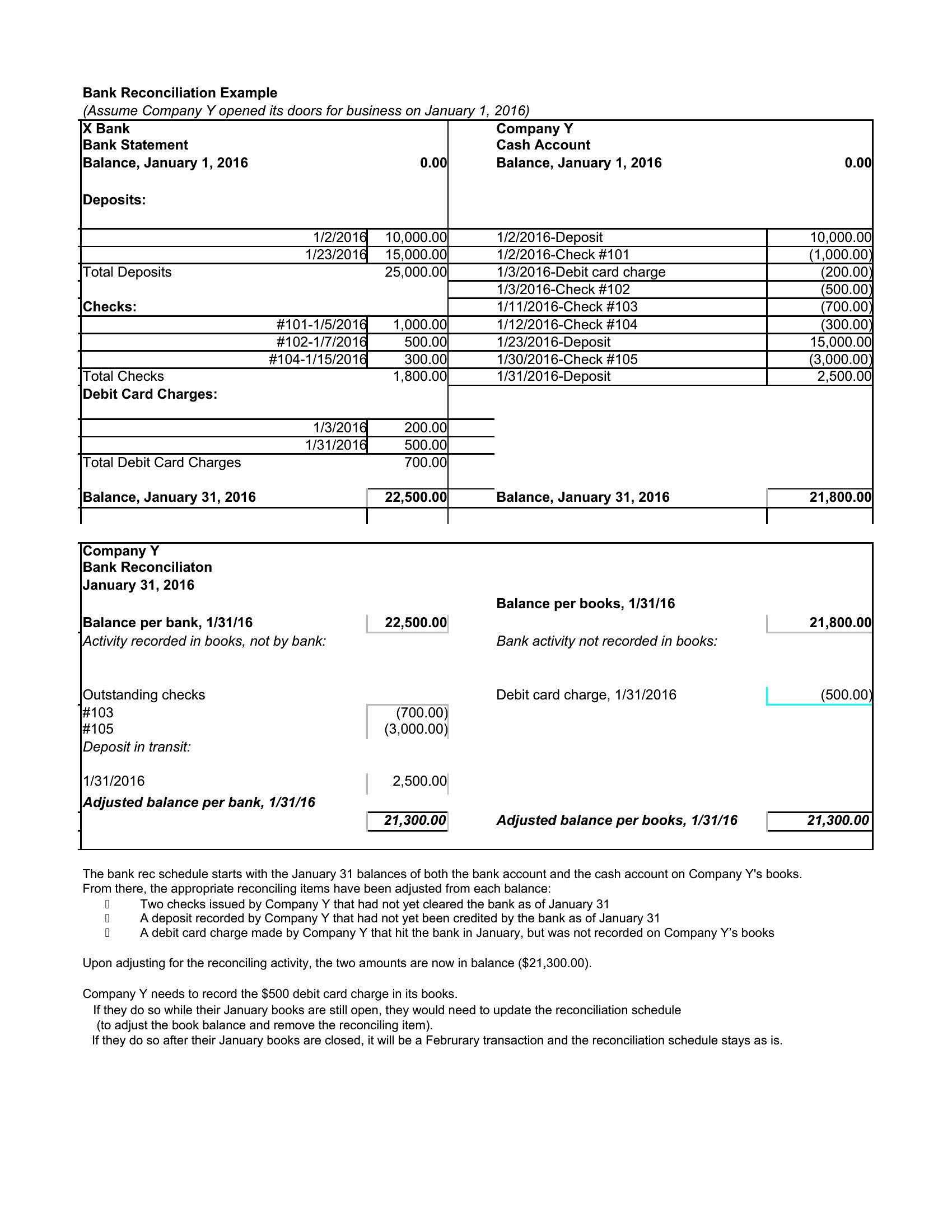
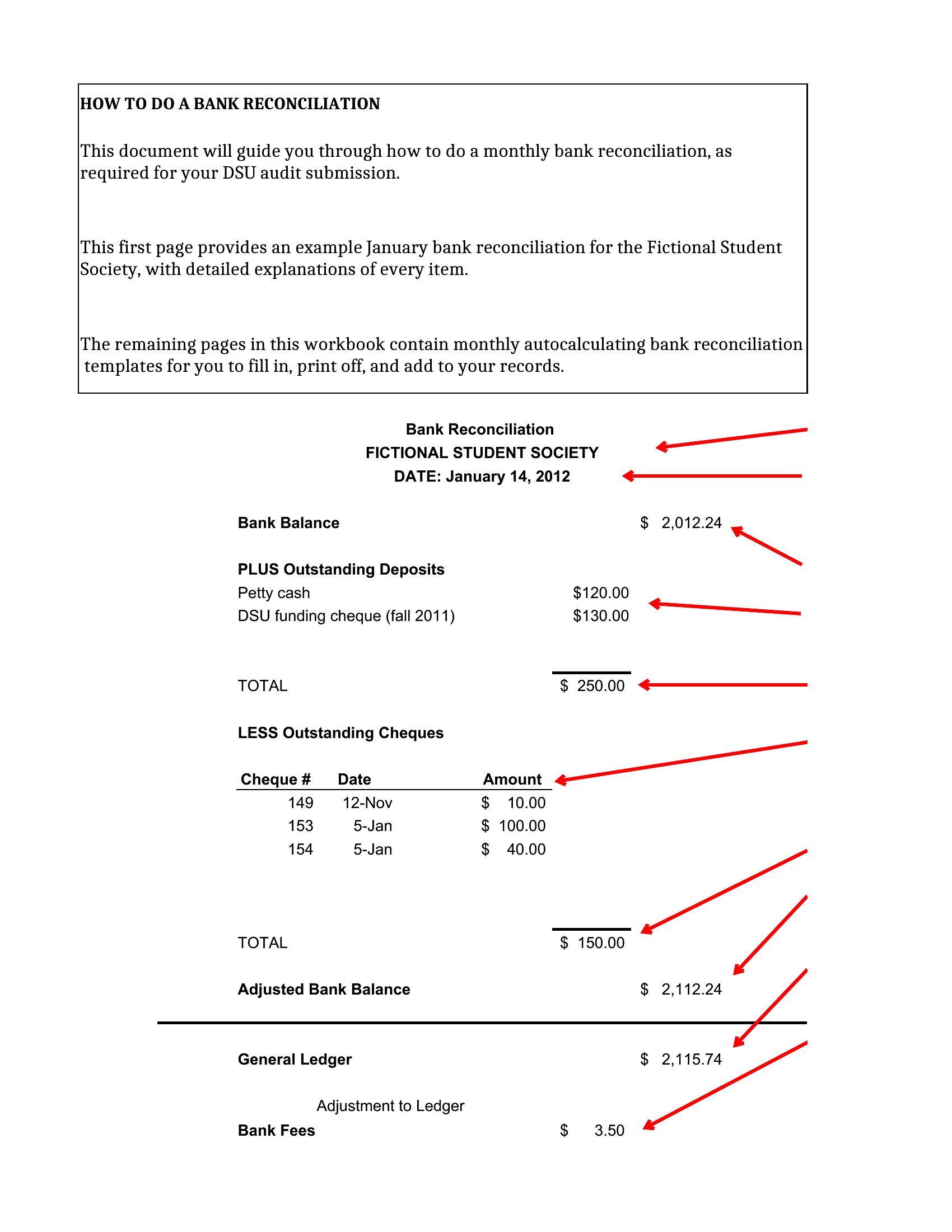
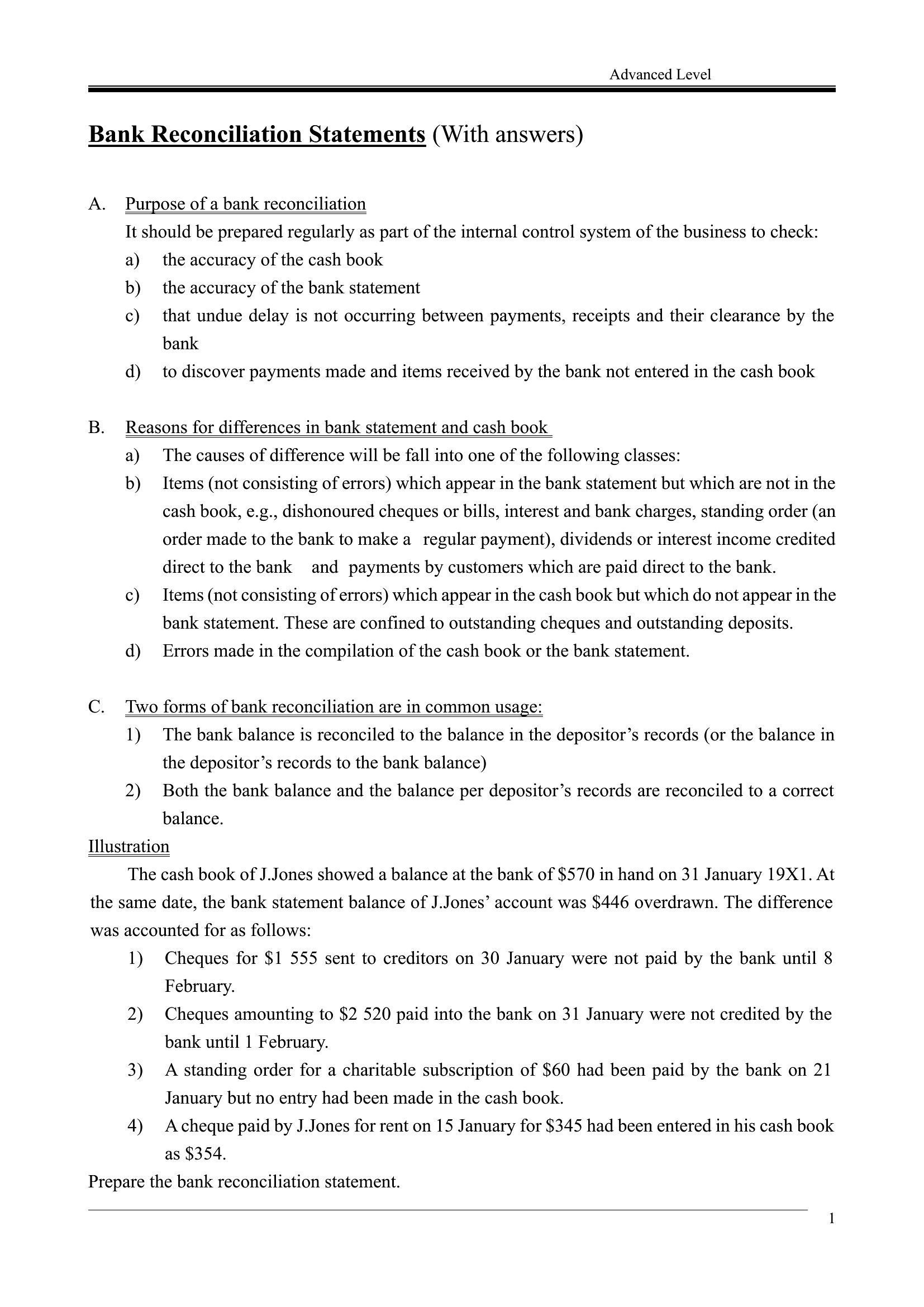
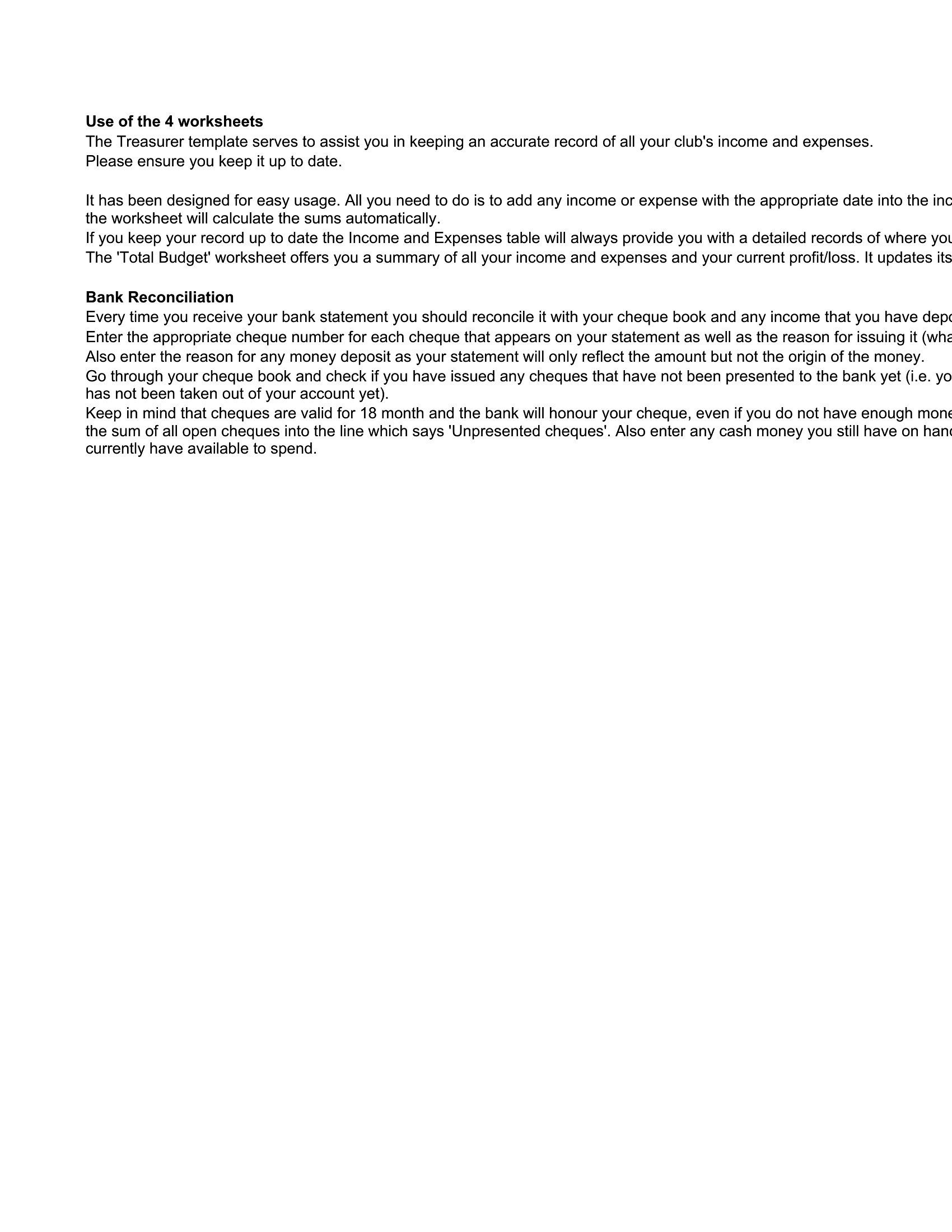
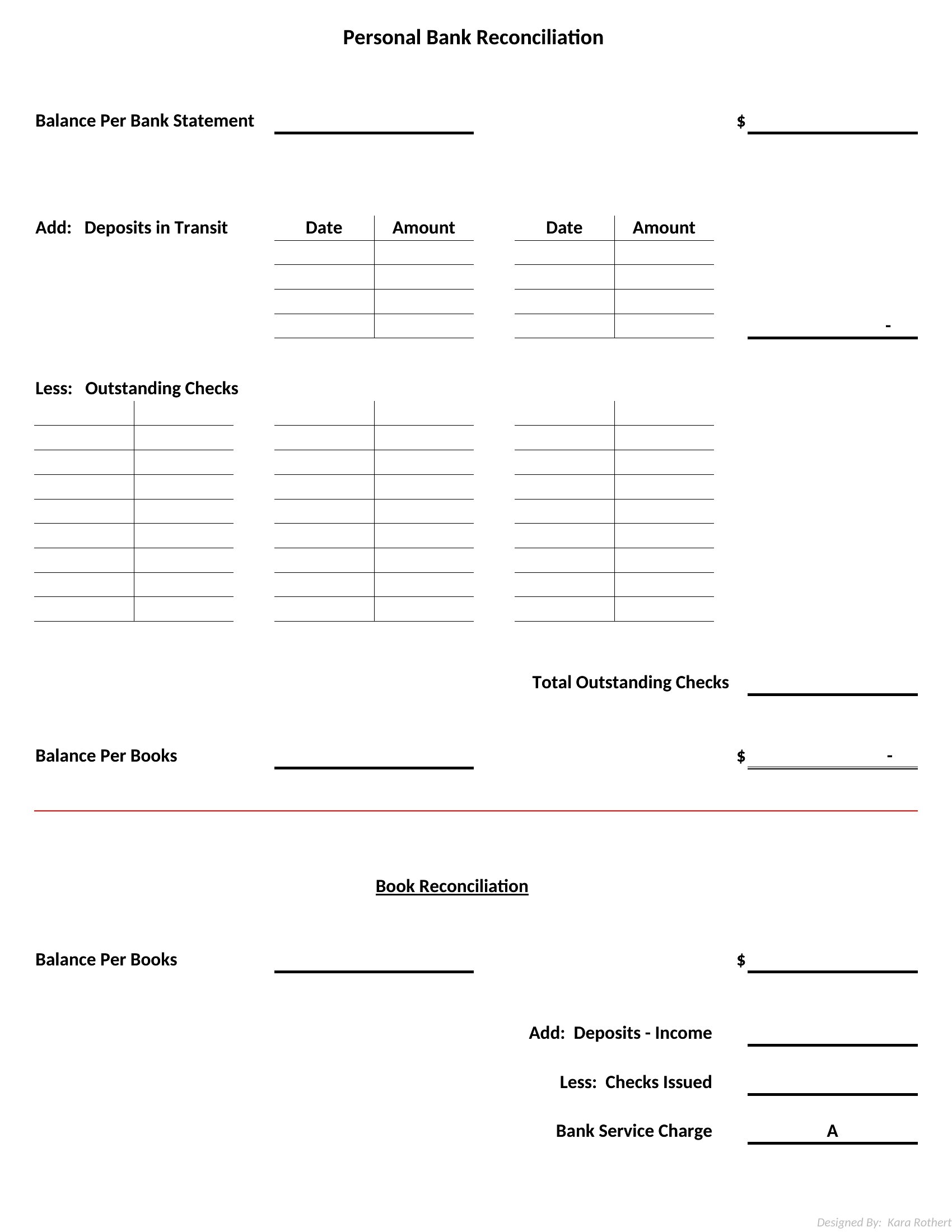
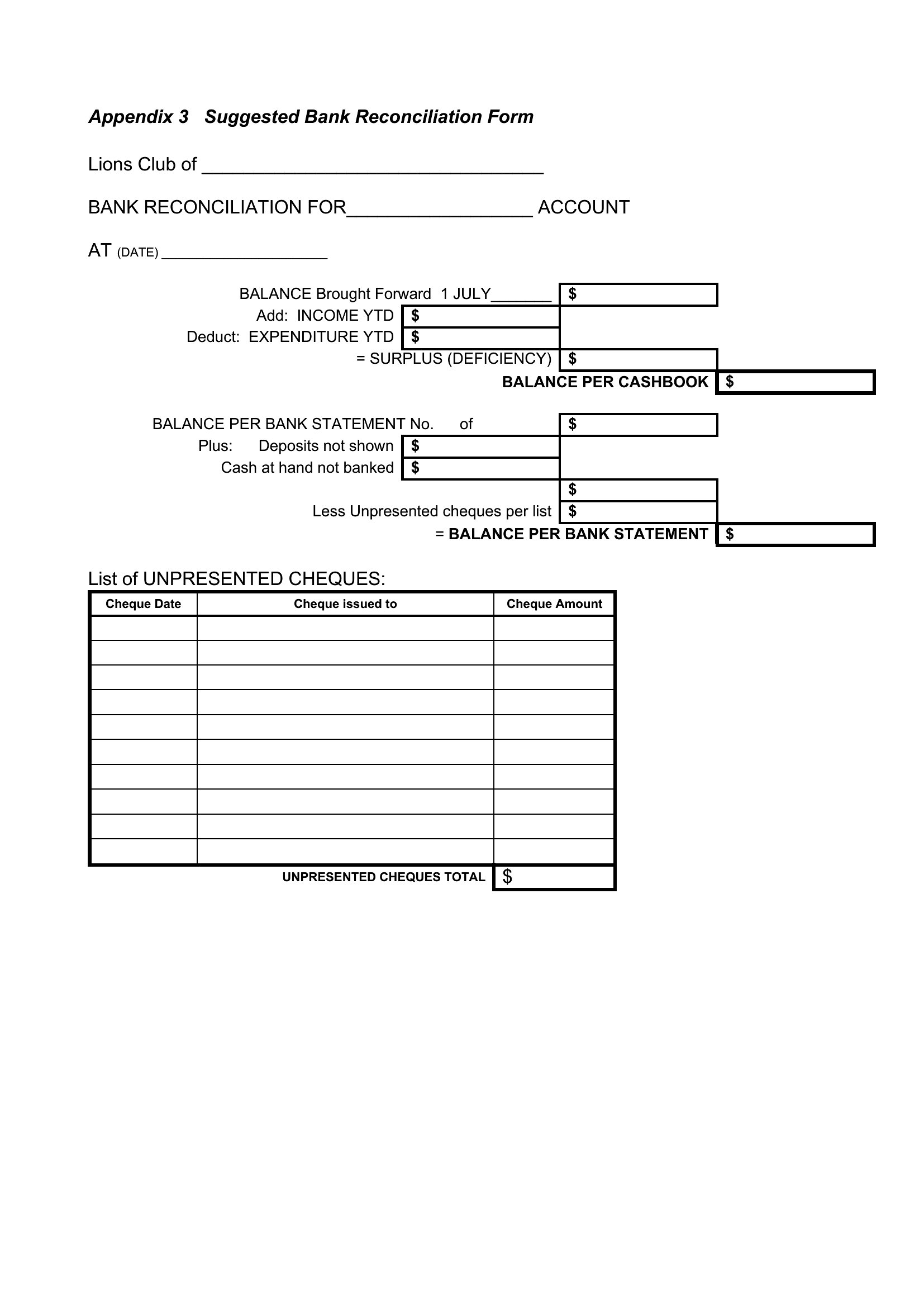
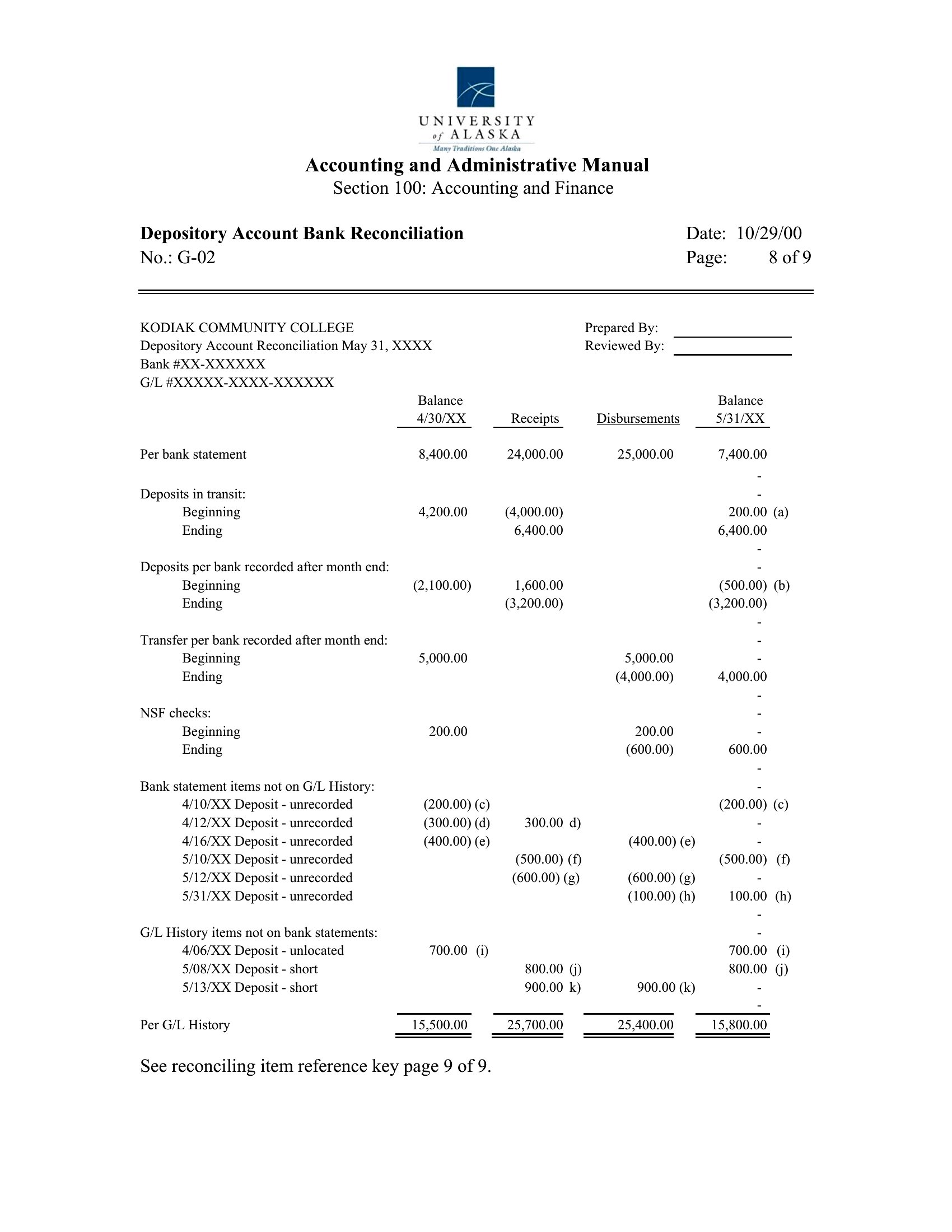
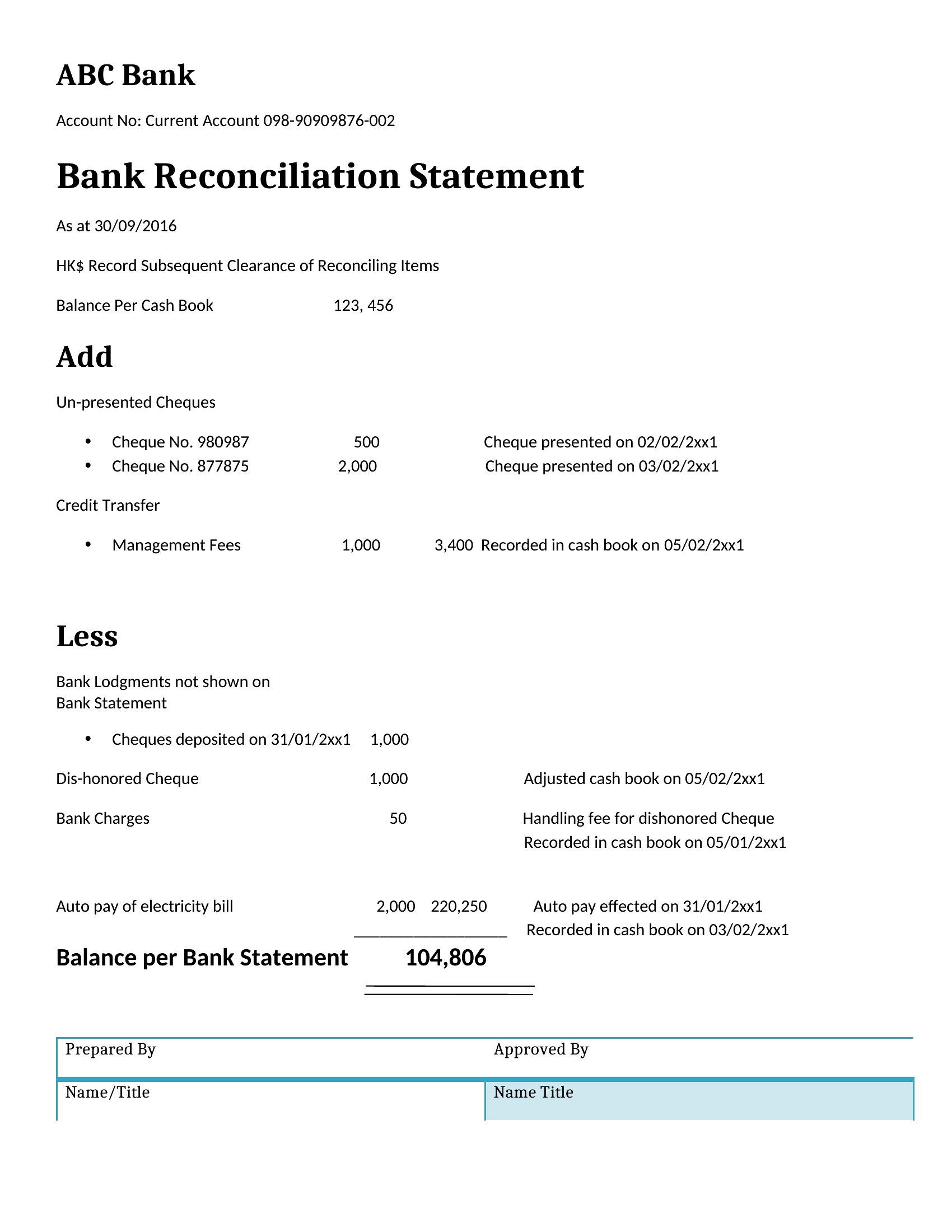
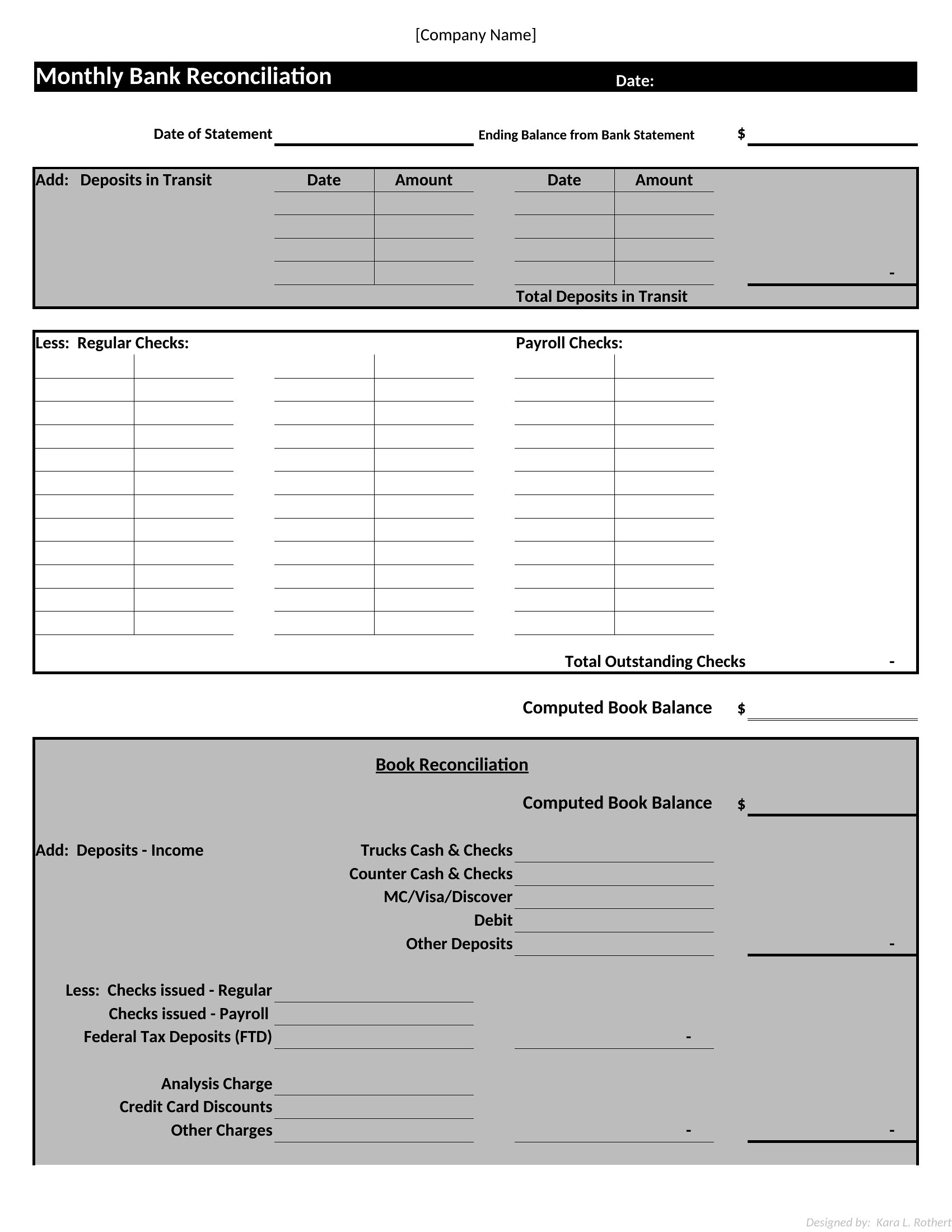
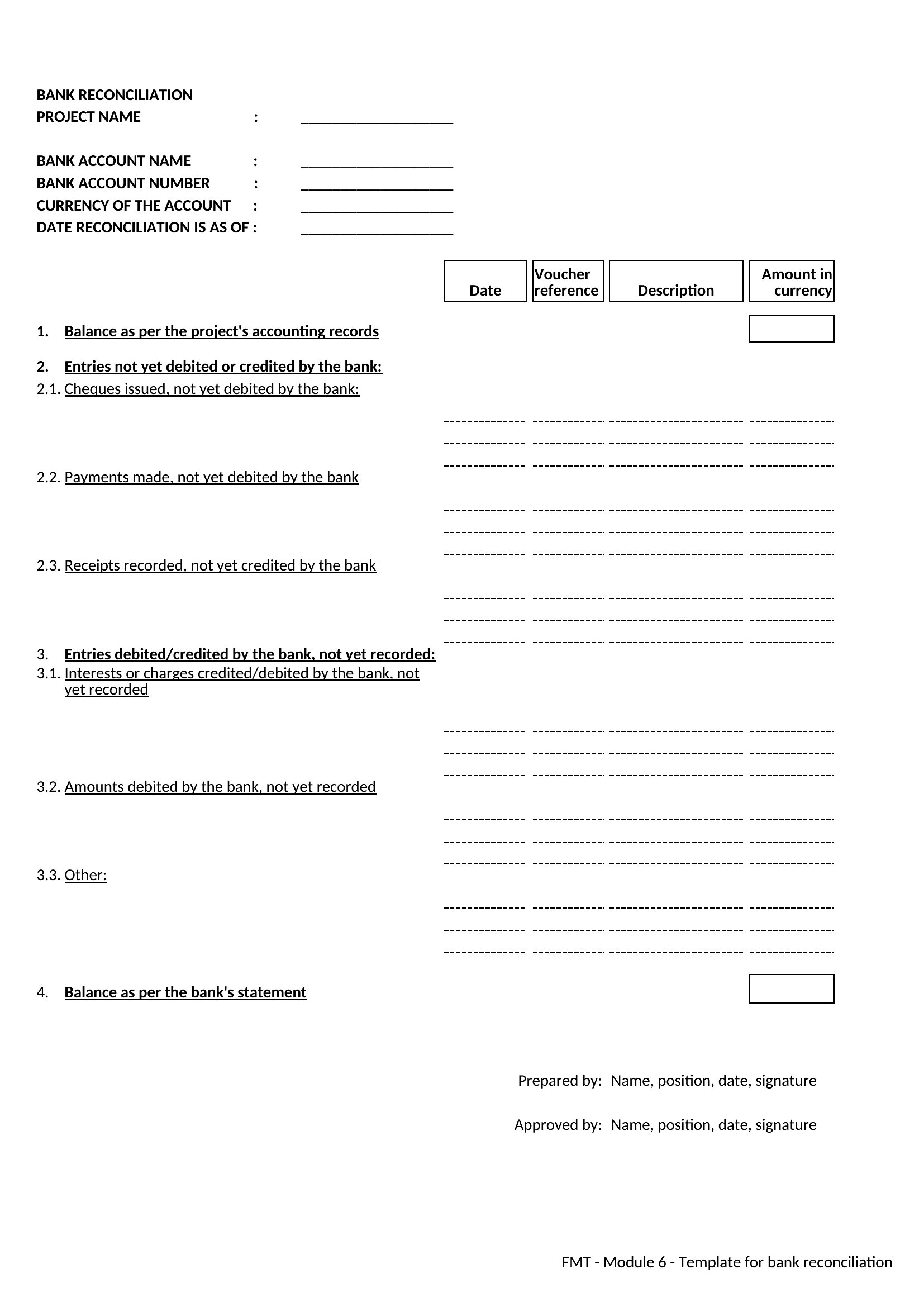
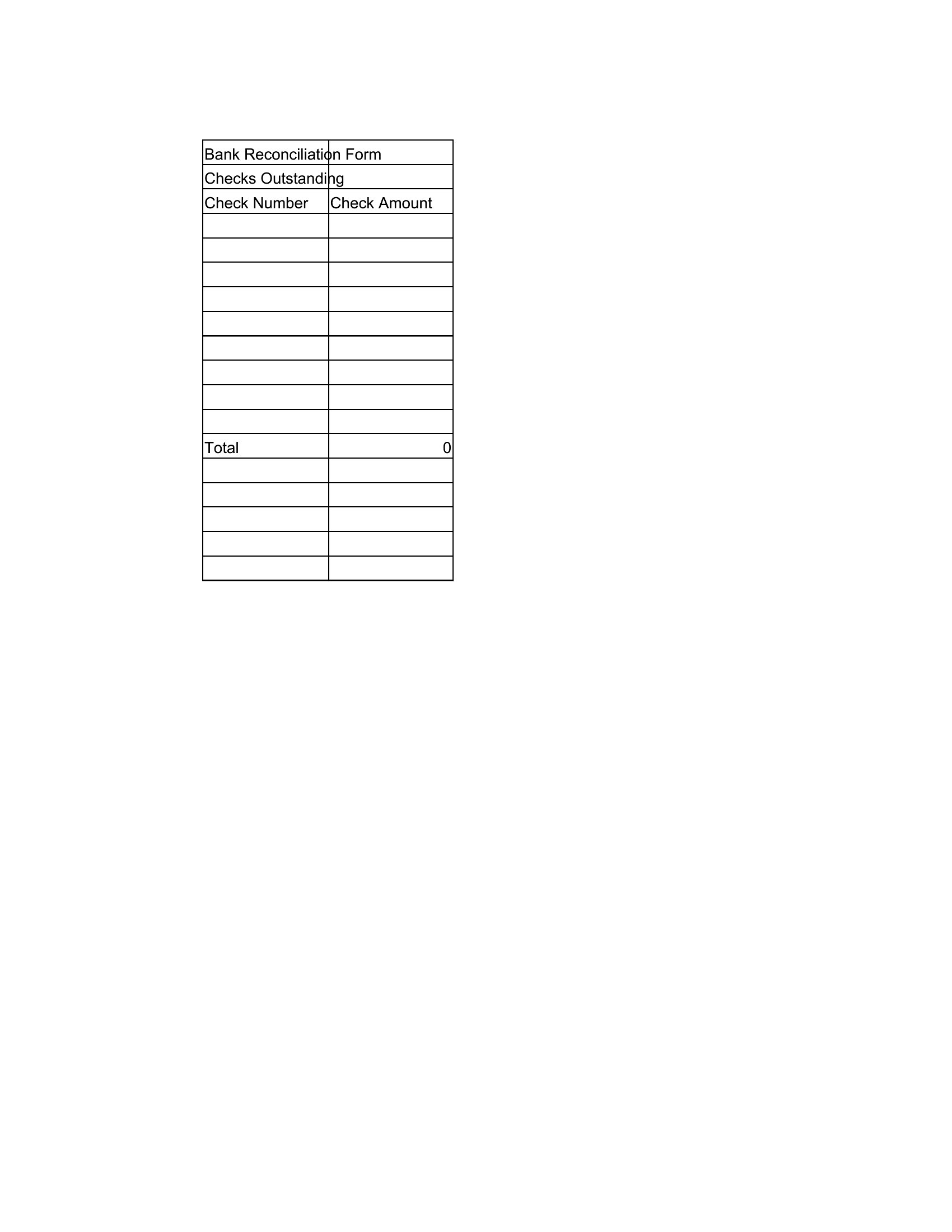
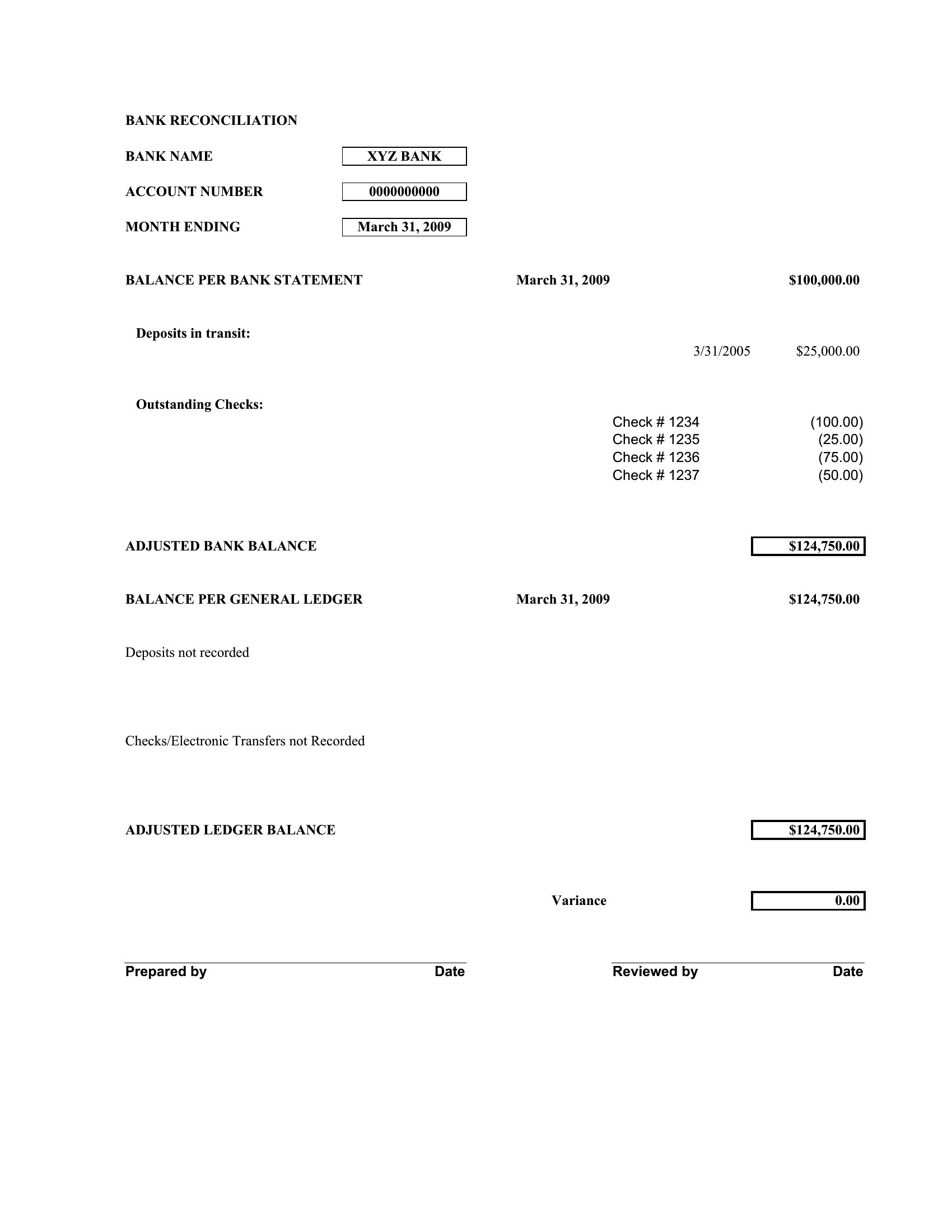
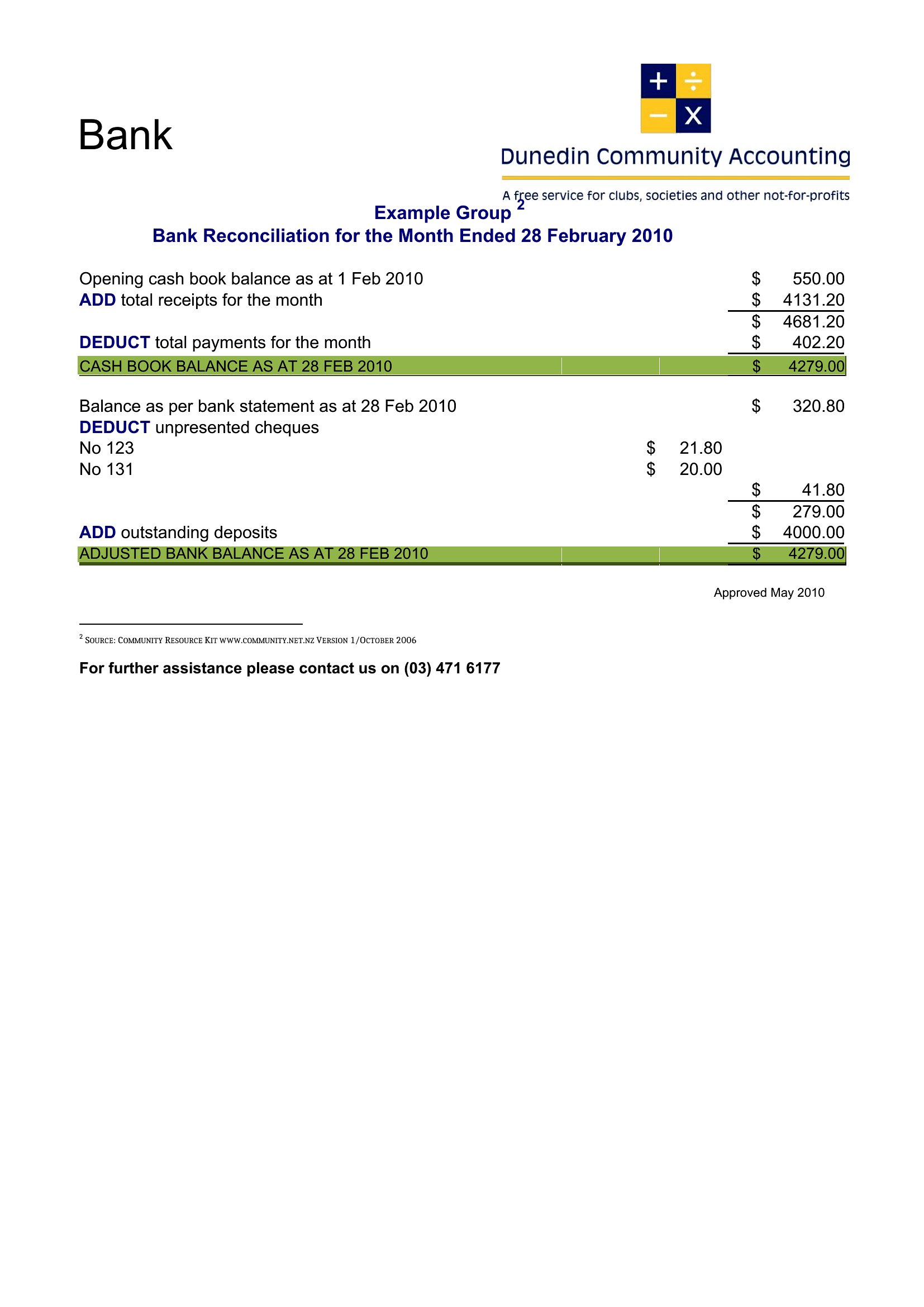
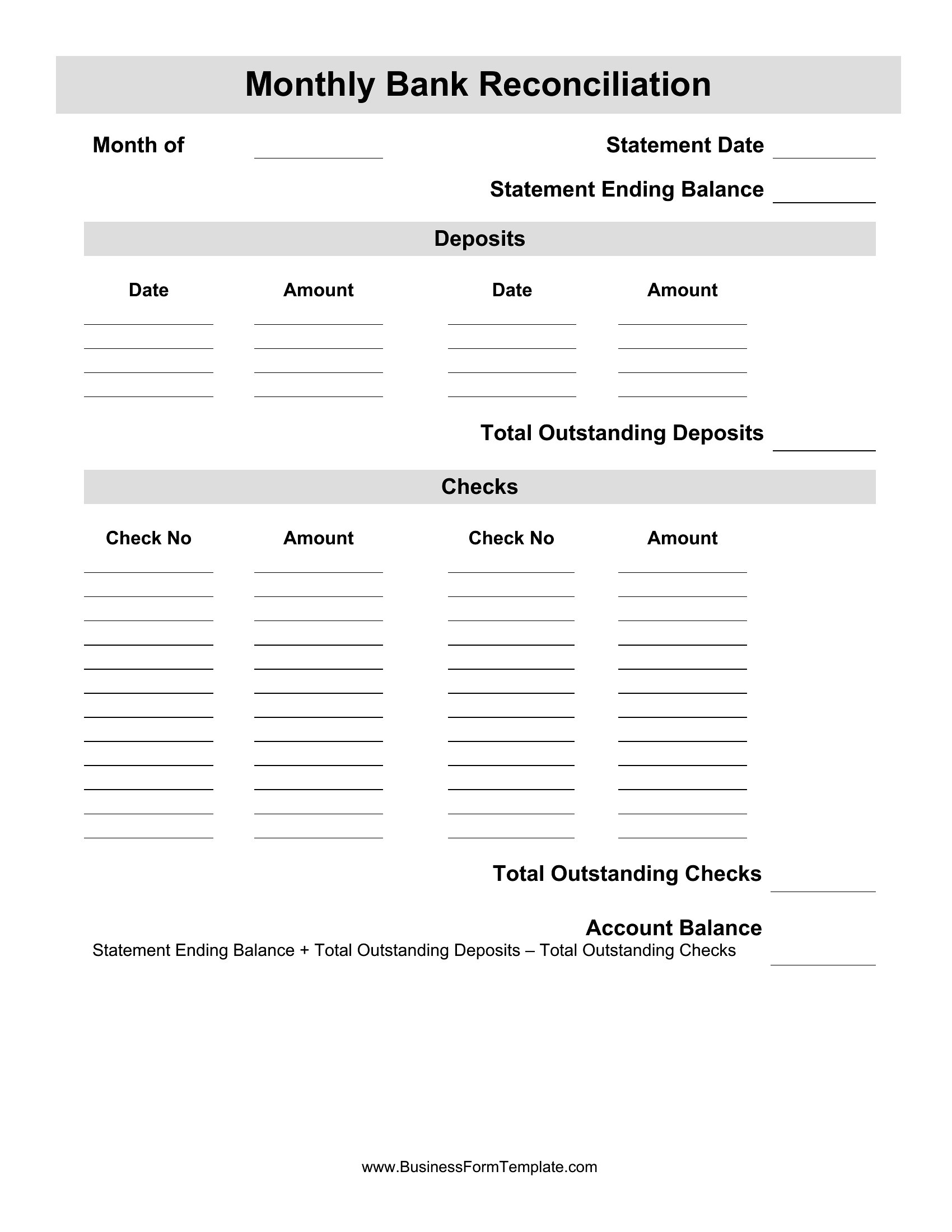
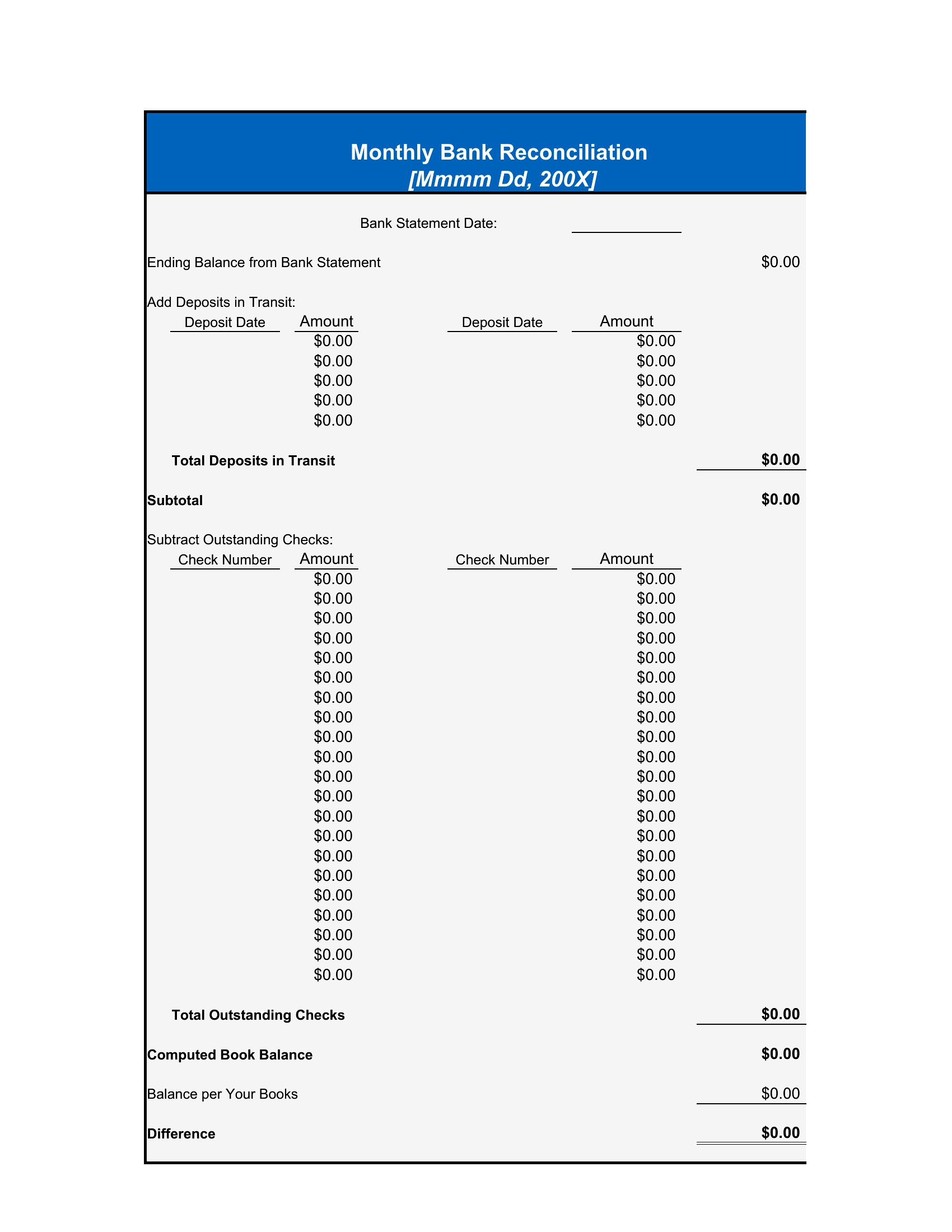
The Excel templates include columns for transaction types, so mark recurring payments as ‘subscriptions’ or ‘bills’ to group and verify them in bulk. Add a note column to flag irregularities, like a missed payment. Word templates can include a separate table for recurring entries if you prefer narrative tracking.
Can I use these templates if my bank provides a digital reconciliation tool?
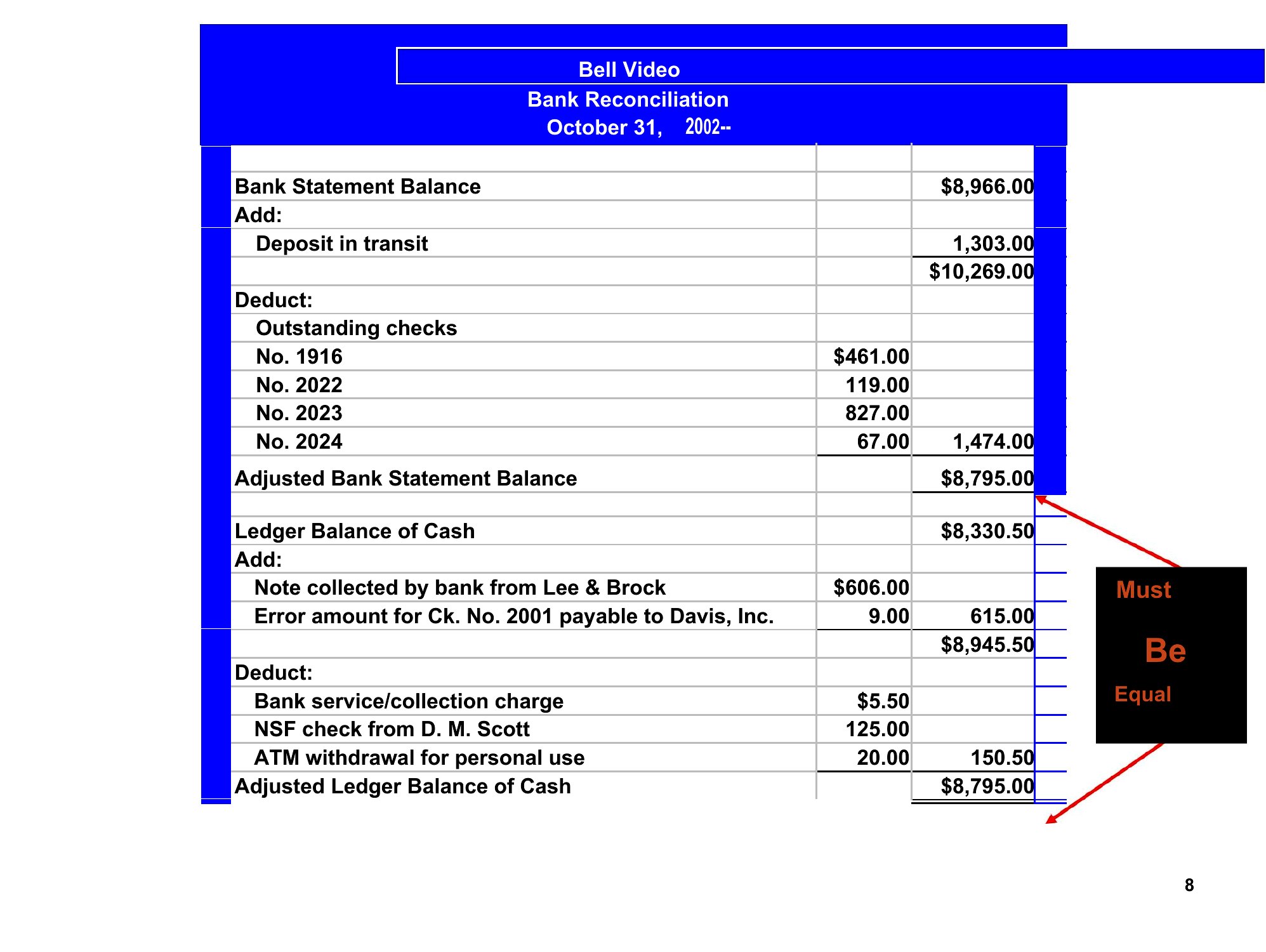
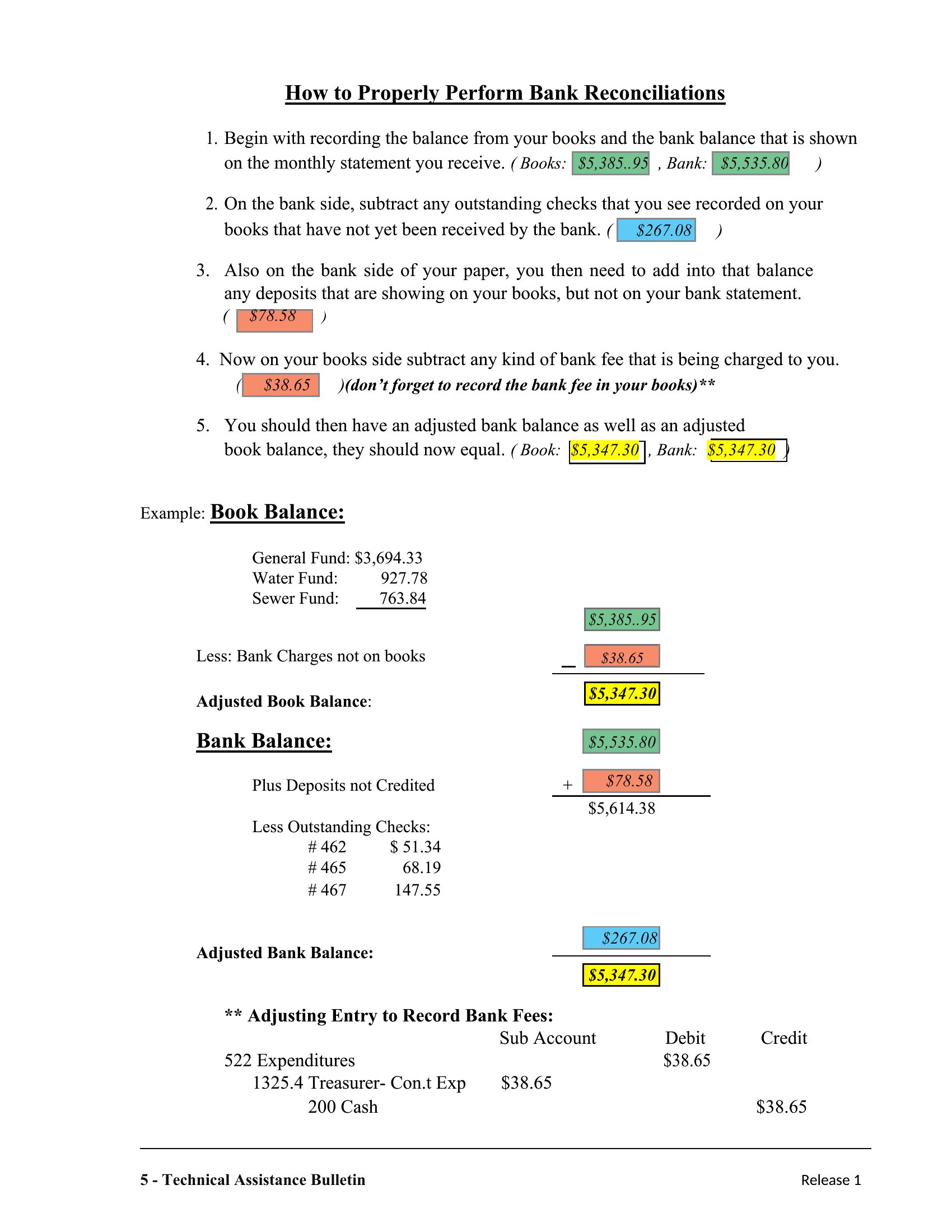
Yes—but these templates are for manual checks or double-verifying your bank’s auto-reconciliation. Use them to spot patterns (e.g., repeated ‘pending’ transactions) or export raw data for side-by-side comparison. They’re a safeguard, not a replacement.
What if my bank’s statement includes foreign currency transactions?
The Excel templates have columns for transaction descriptions—add a ‘currency’ column and use formulas to convert amounts to your base currency at the daily exchange rate. Word templates can include a conversion table for reference, but Excel is better for dynamic calculations.
Comments
Join the conversation
Sign in to share your thoughts and leave a comment on this resource.