Skip to content
50% off this one-time $1.99 pack with HALFOFF — or unlimited with Pro.HALFOFF
Premium

Free Sitemap Templates (Word, Excel)

Diagrams
leannemartin by leannemartin
Updated 0 downloads Quality-checked template

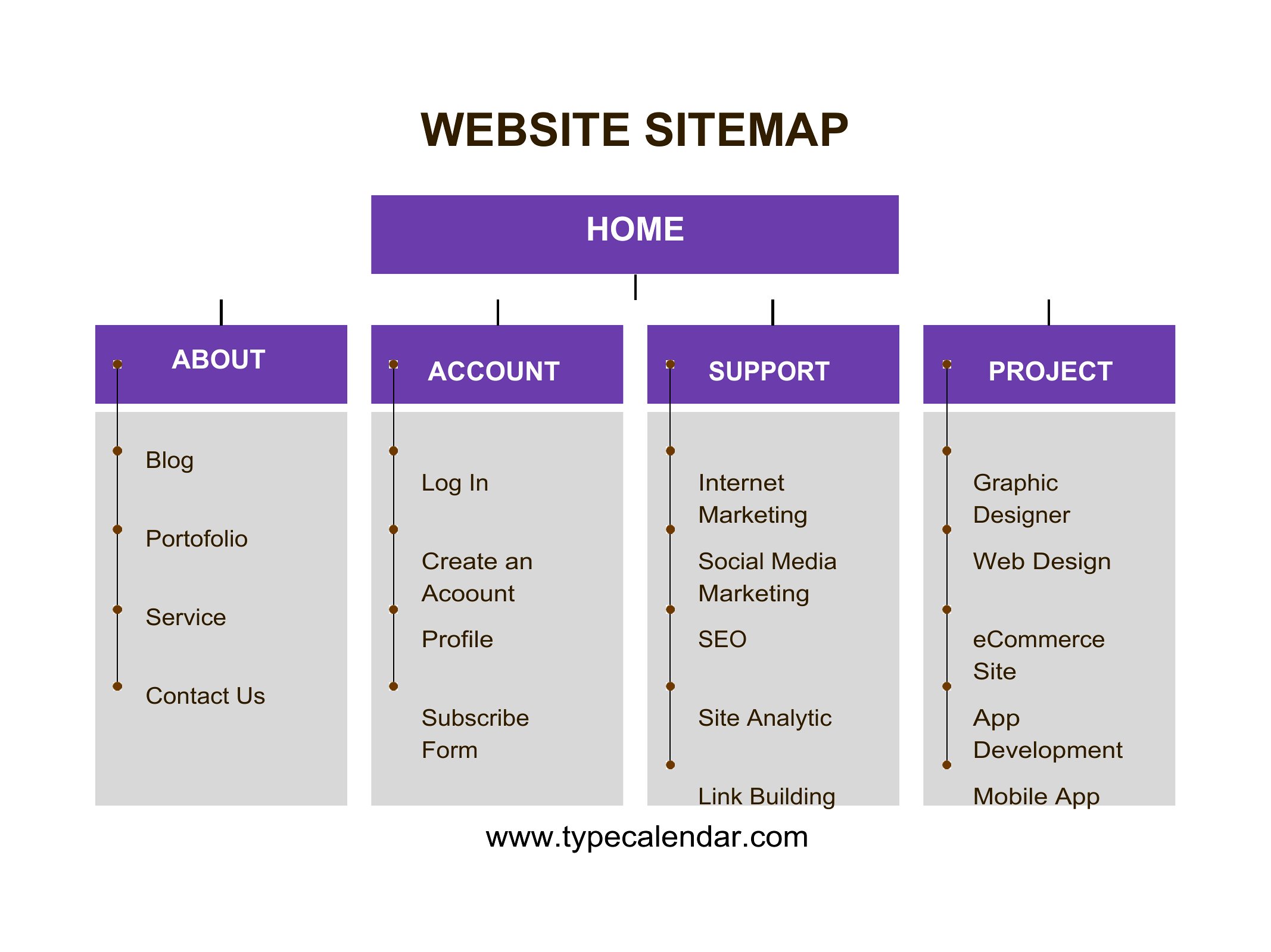
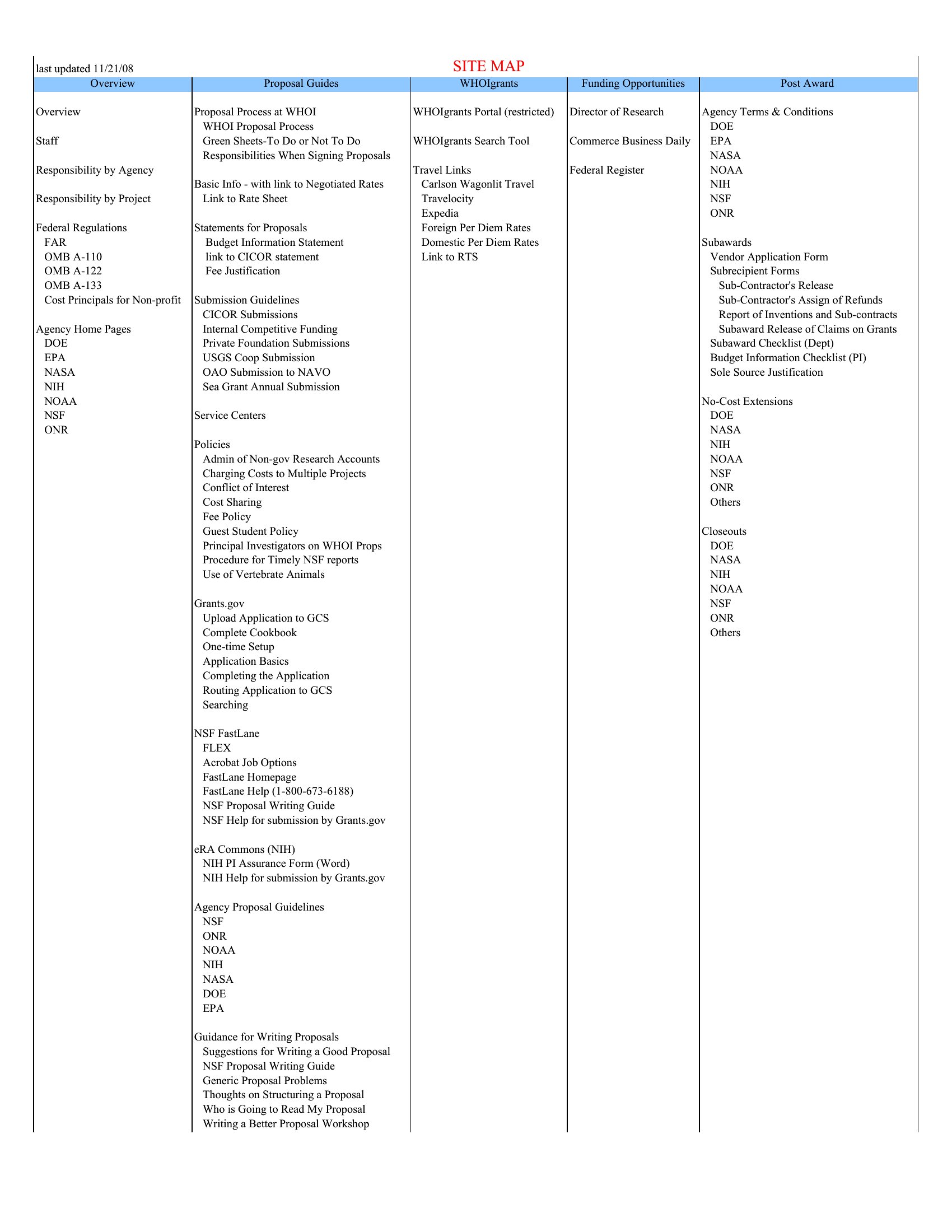
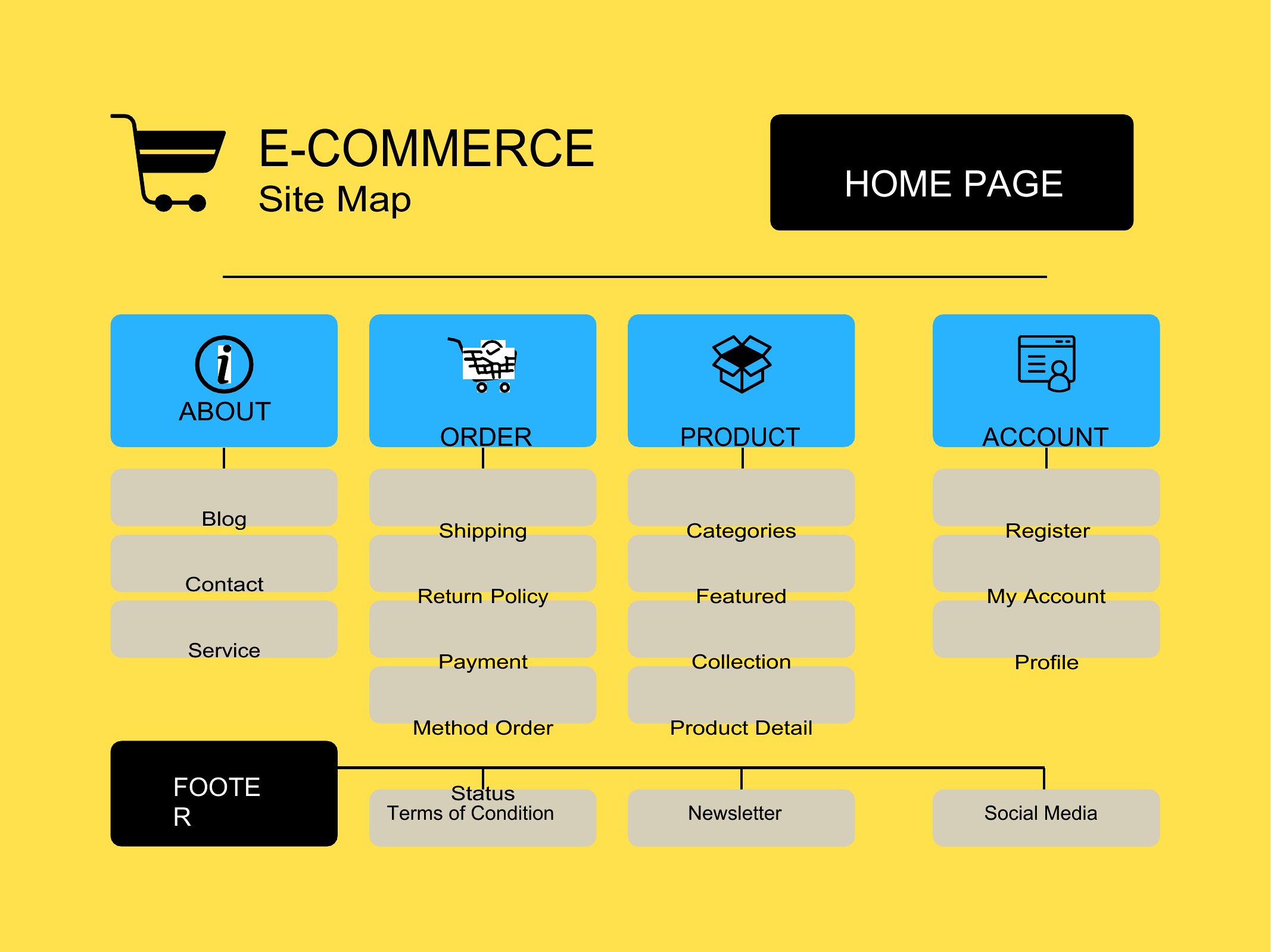
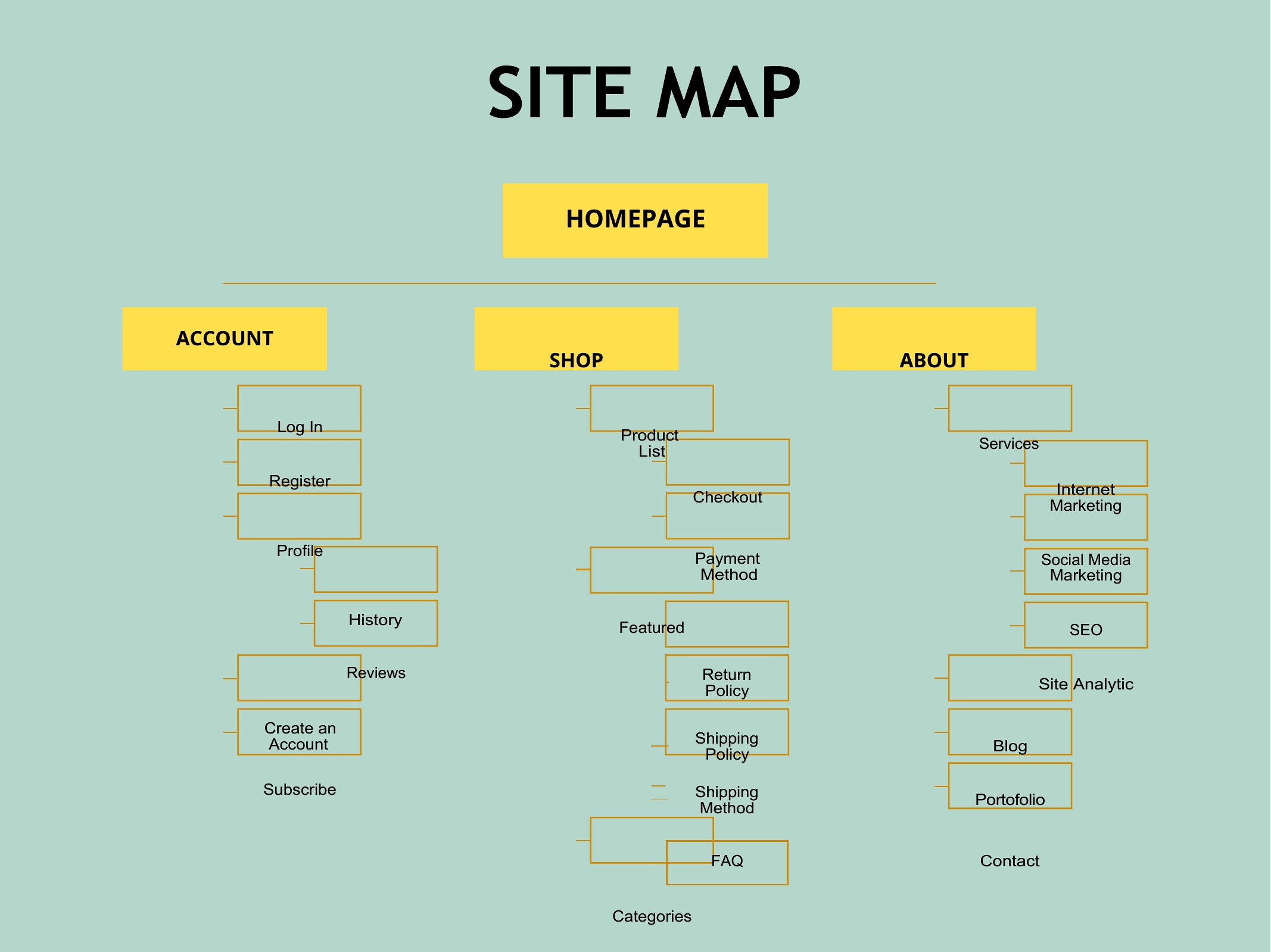
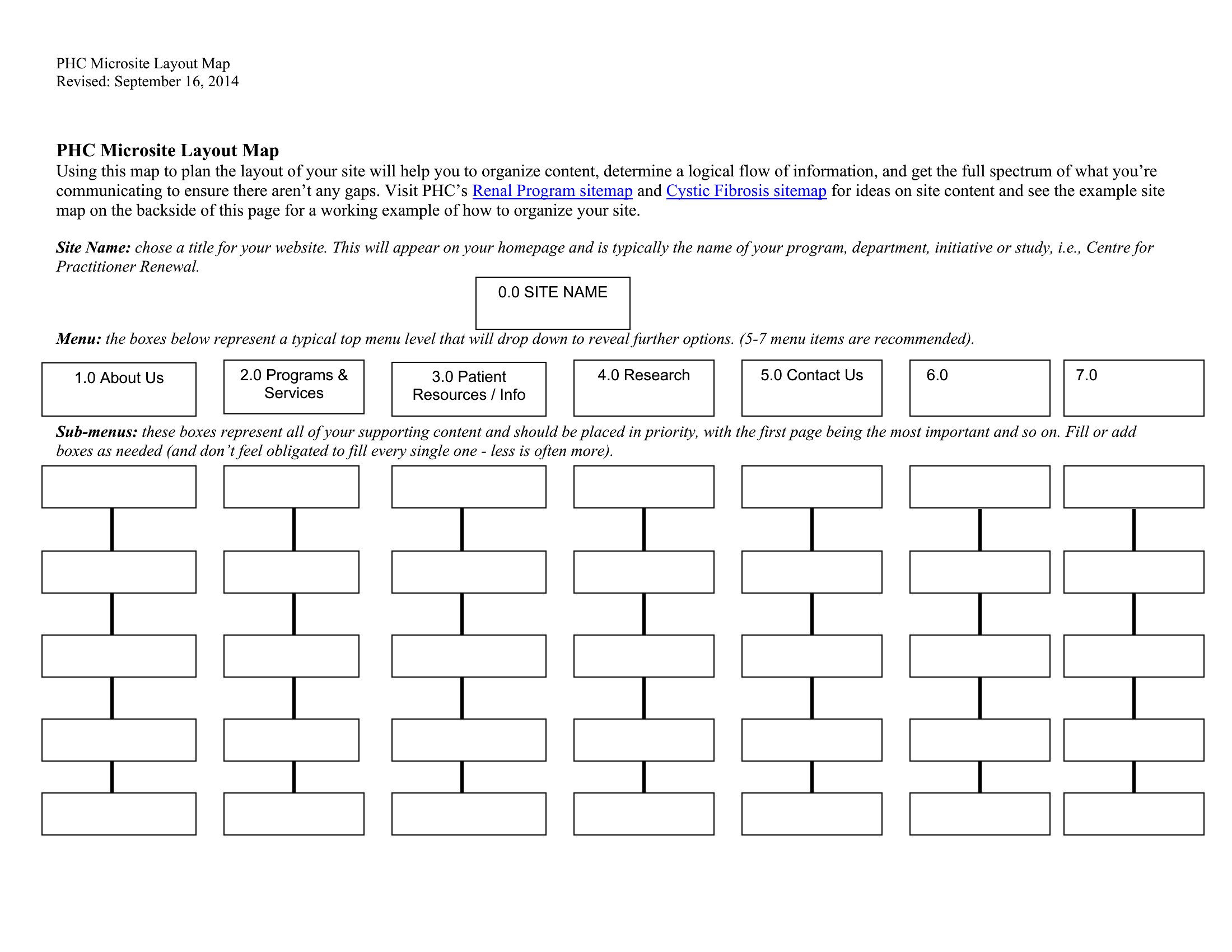
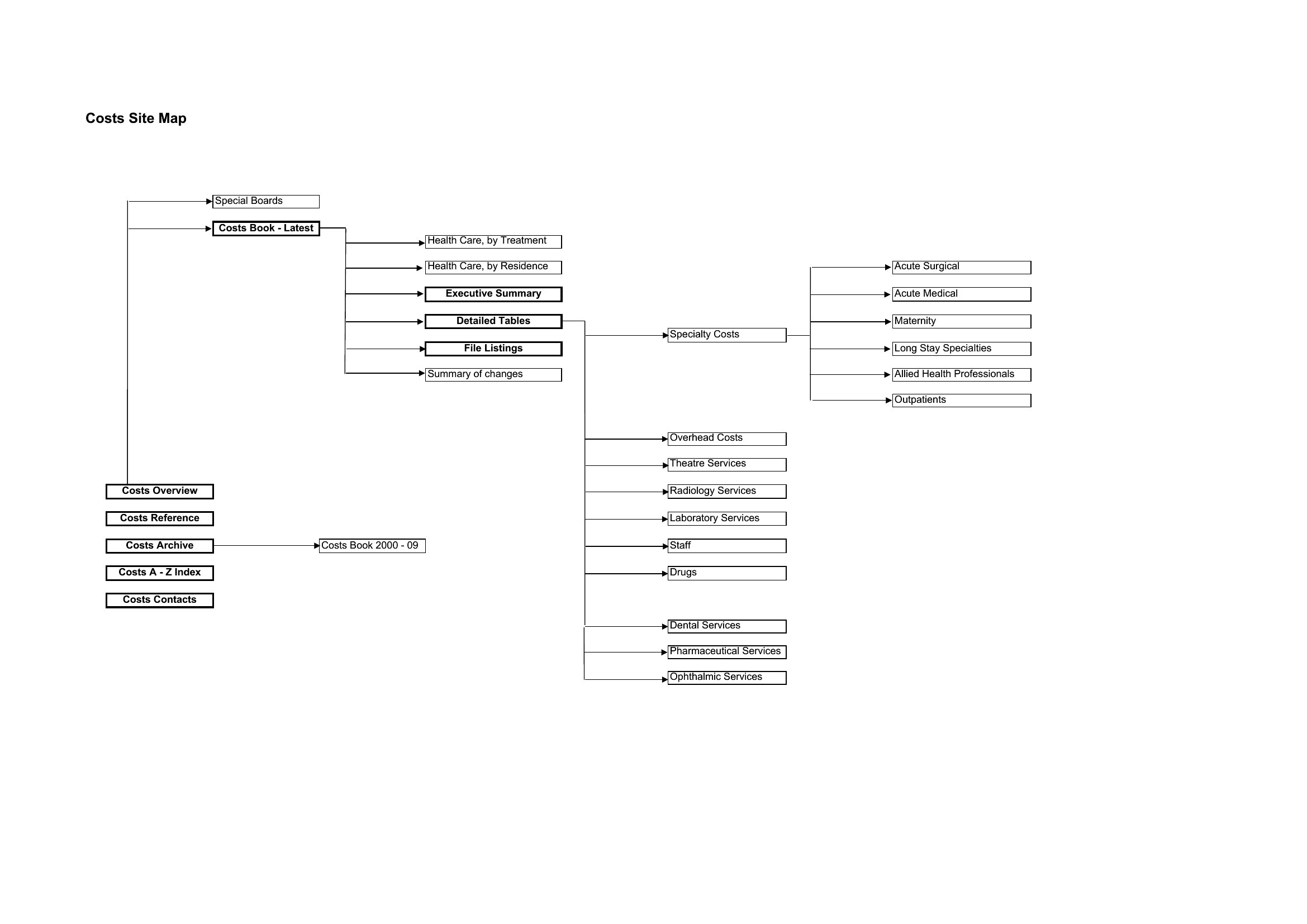
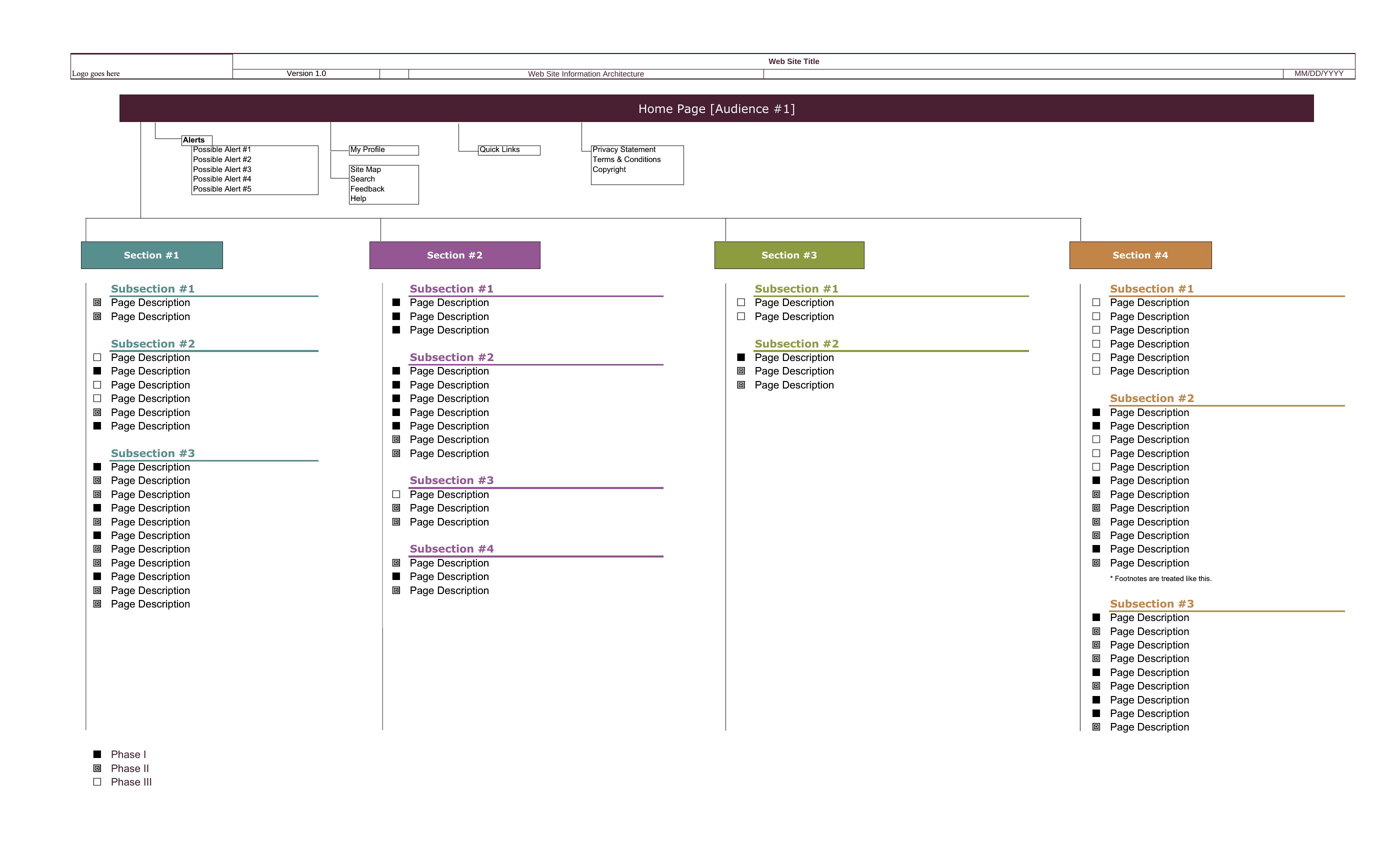
Mapping out a website before you build it saves hours of backtracking, and a sitemap gives the whole structure a clear shape. This small set of 12 templates lays out pages, sections, and how they link together, so web designers, content teams, and small-business owners can plan navigation and spot gaps early. It's the kind of overview that keeps a redesign from turning into guesswork.

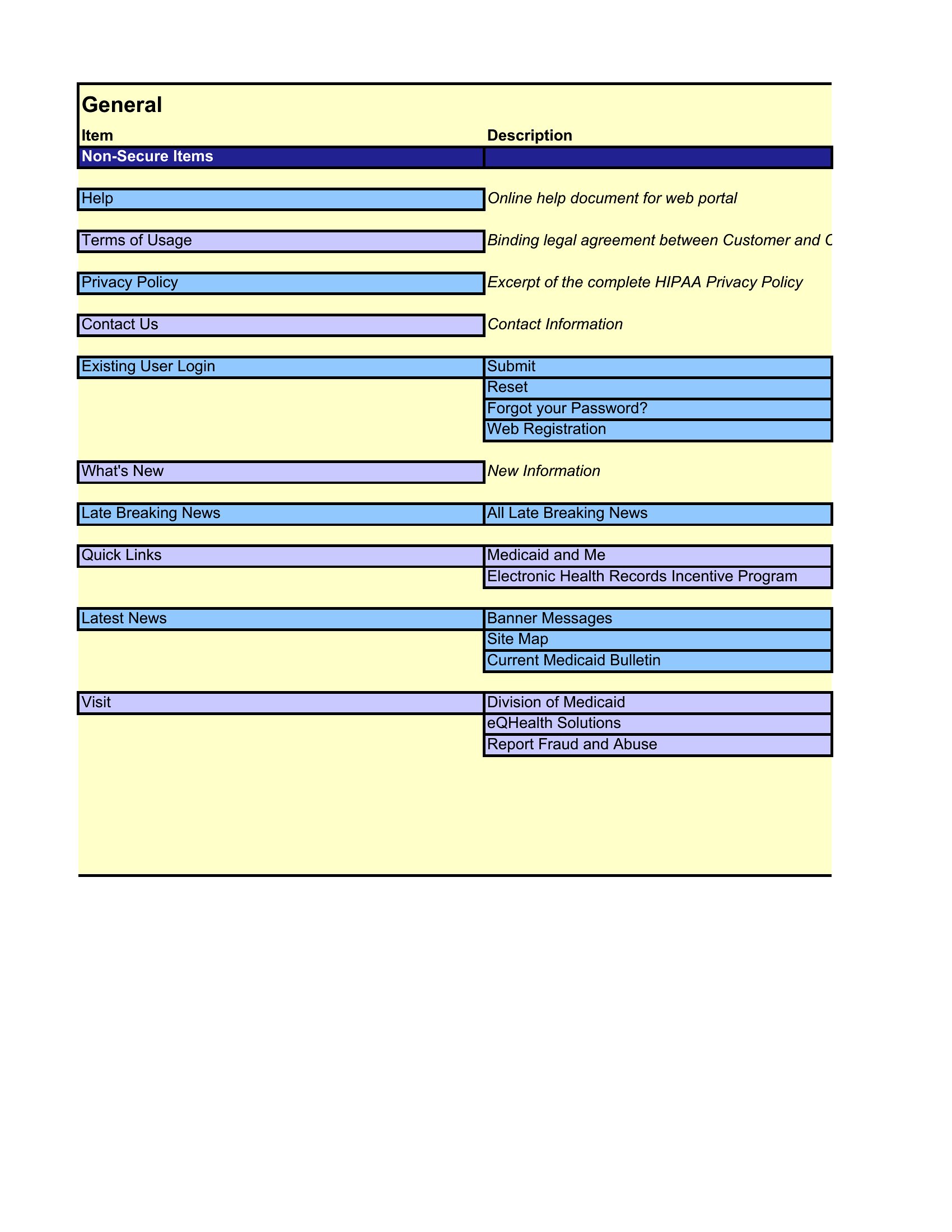
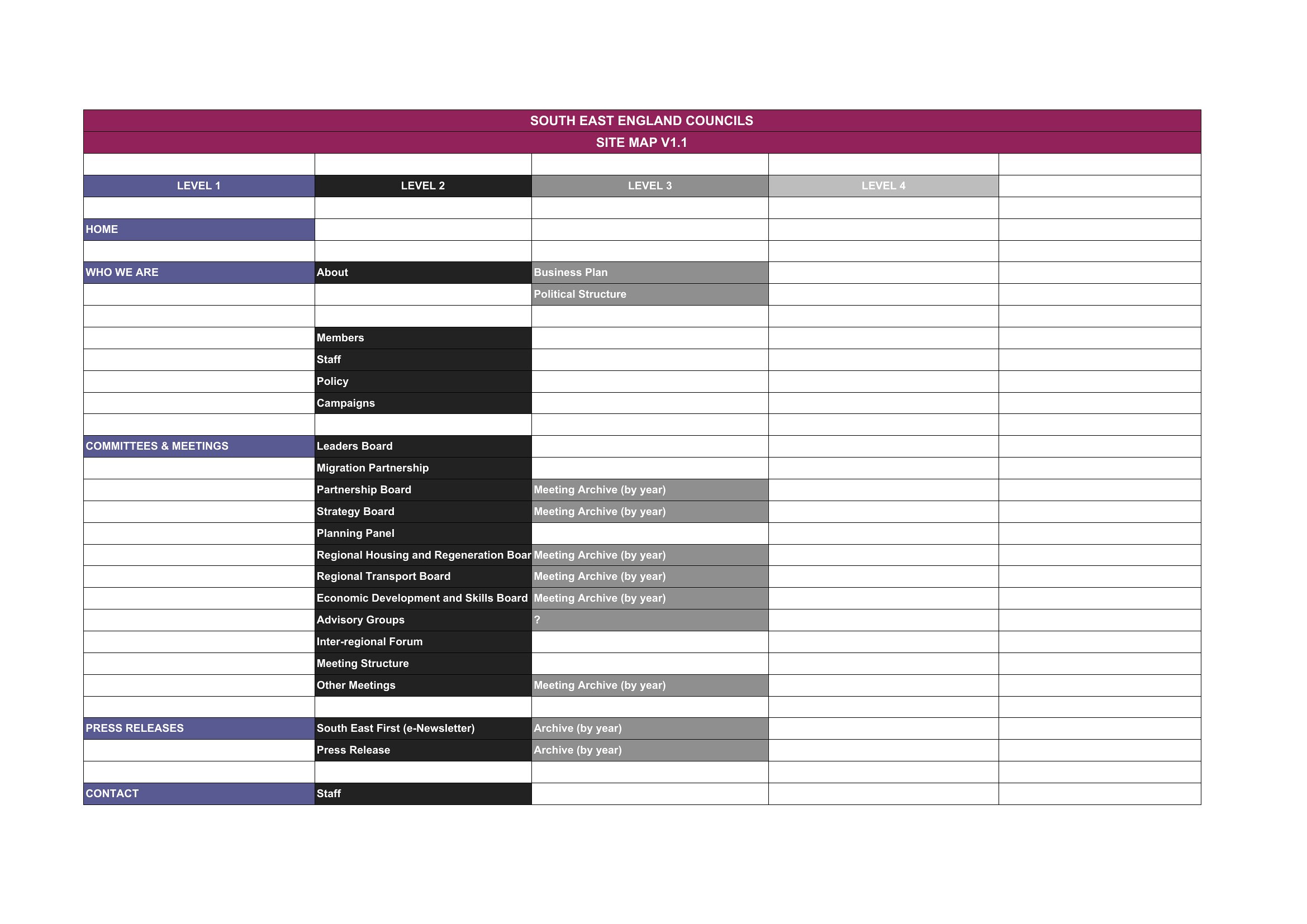
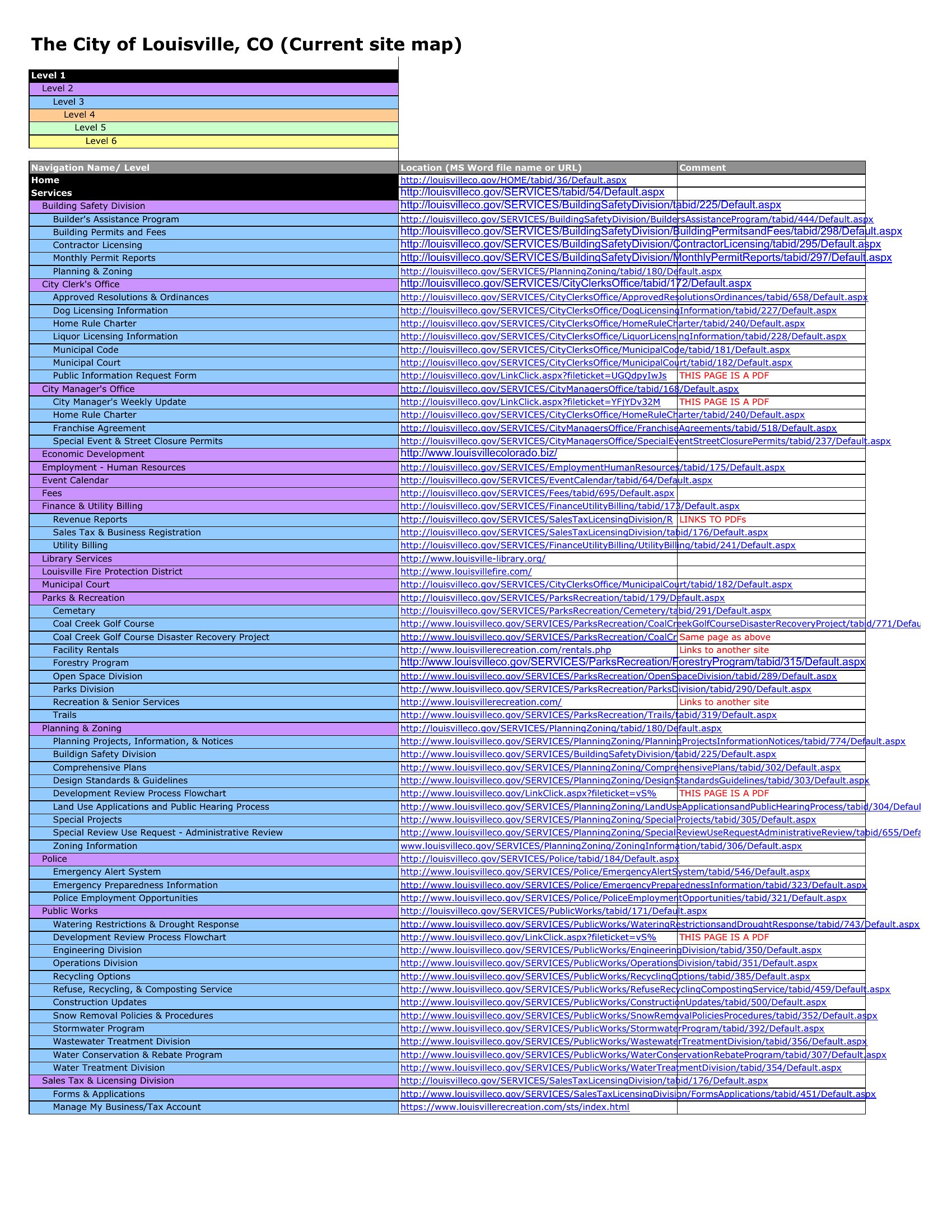
The templates come in Word for quick outlining and Excel when you'd rather organize pages in rows and columns. Rearrange the boxes, rename the pages, and the plan takes shape fast. Pick the format that fits how you think and sketch out your site before the first page goes live.

When to use this Sitemap template

  • Web designers planning a new site architecture for a mid-sized e-commerce store to visualize product category hierarchies and checkout flow before coding begins.
  • Content teams at a nonprofit mapping donor engagement funnels, volunteer portals, and campaign landing pages to ensure all key pages are accounted for in a site refresh.
  • Small-business owners updating their portfolio website and needing to align blog posts, case studies, and service pages into a logical structure that improves user navigation.
  • Digital marketing agencies reviewing a client’s current site structure to identify missing pages (like FAQs or contact variations) that could improve SEO and conversions during a redesign sprint.

Which format should I download?

WordExcel

Use Excel if you’re organizing a large, complex site with many pages or sections—its tabbed structure lets you layer navigation menus, URL hierarchies, and metadata in separate sheets for clarity. Opt for Word when you prefer a linear, text-heavy outline with embedded visuals, like annotated wireframes or sticky notes for quick team feedback during brainstorming sessions. Word is also ideal if you’ll be printing or sharing the sitemap for in-person collaboration, as it’s easier to annotate by hand. Excel dominates for data-driven teams, while Word suits collaborative, less technical workflows.

Choose from 12 Sitemap Templates

How to use this Sitemap template

How detailed should I make the sitemap before sharing it with developers or stakeholders?

Start with a high-level outline of key pages and their relationships—this ensures everyone agrees on the core structure before diving into specifics. Add details like subpages or internal links only after the main flow is approved. Over-detailing too early can slow down feedback loops. Aim for a balance: broad enough to show the big picture, but specific enough to highlight potential gaps.

Can I use these templates to map out more than just a website, like an app’s navigation or a physical store layout?

Yes, these templates work for any hierarchical structure needing visualization. For apps, focus on user flows between screens instead of URLs; for stores, label zones (e.g., checkout counters, product displays) like you would website pages. The templates’ emphasis on linking elements makes them adaptable, though you may need to rename columns (e.g., ‘Page Title’ → ‘Store Section’) to fit your context.

What’s the best way to involve non-technical team members in reviewing the sitemap?

Simplify the language in the template—replace jargon like ‘parent page’ with ‘main menu’ or ‘hub page.’ Use Word’s comment feature to highlight uncertainties or ask direct questions (e.g., ‘Should “About Us” link to team bios or company history?’). Share a printed version during meetings to point out sections visually. Avoid Excel unless the team is comfortable with spreadsheets, as it can feel overwhelming for non-data users.

Comments

Join the conversation

Sign in to share your thoughts and leave a comment on this resource.

Newsletter

Get Weekly Design Updates

Join our community to receive curated resources and inspiration.

Weekly Tips Resources Early Access

We respect your privacy. Confirmation email required. Privacy Policy