Free Stakeholder Map Templates (Word, Excel, PDF)
DiagramsTemplates
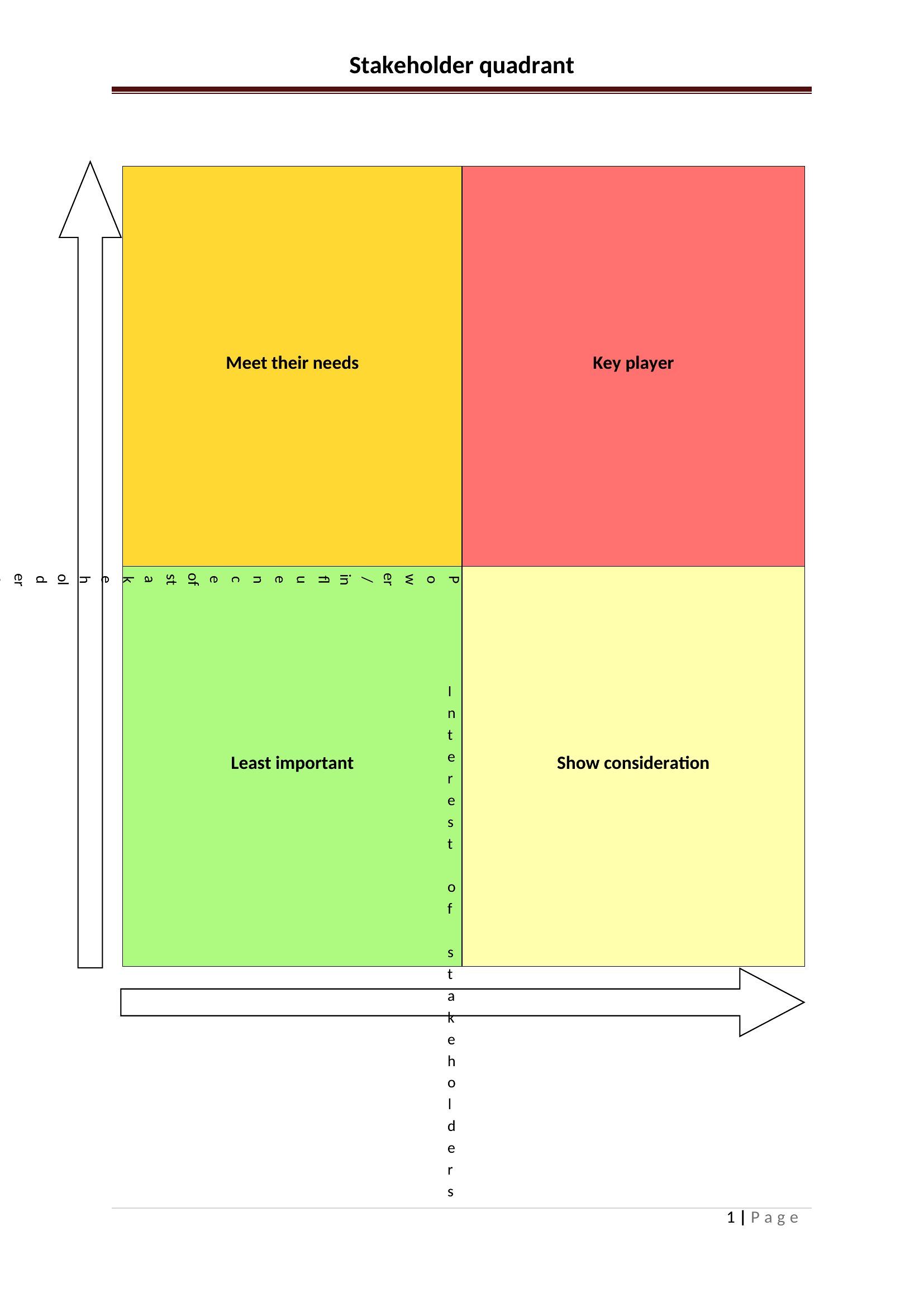
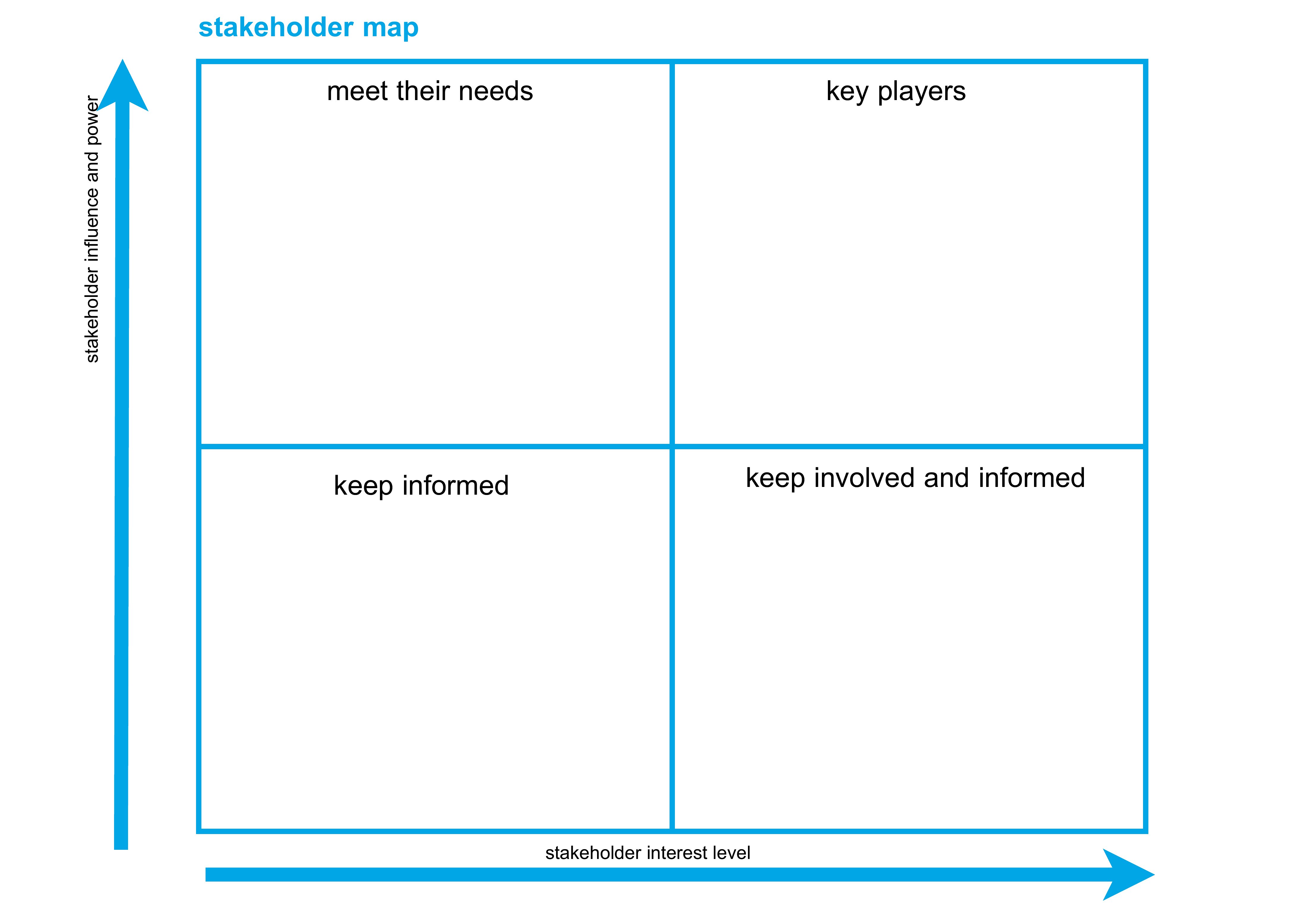
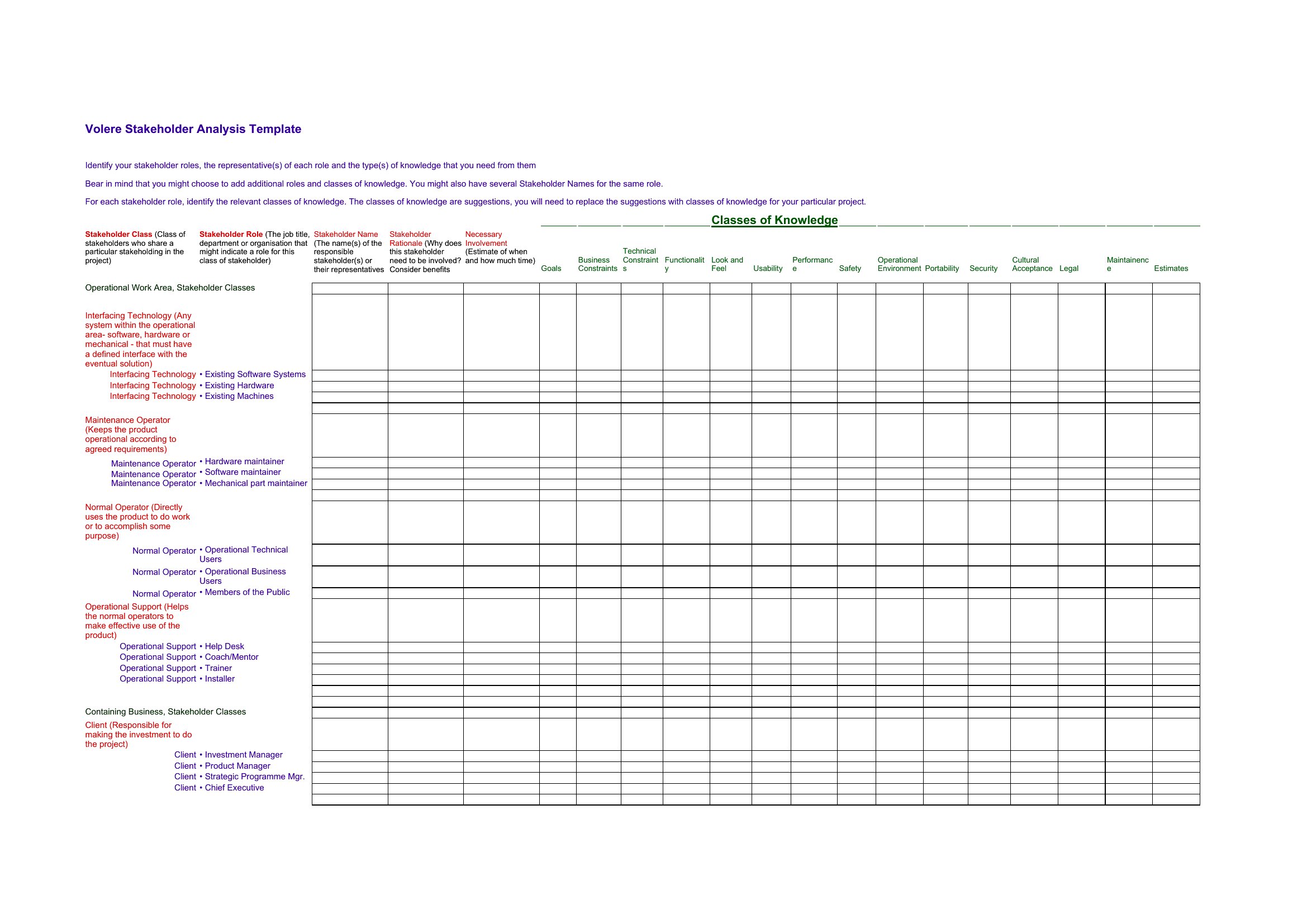
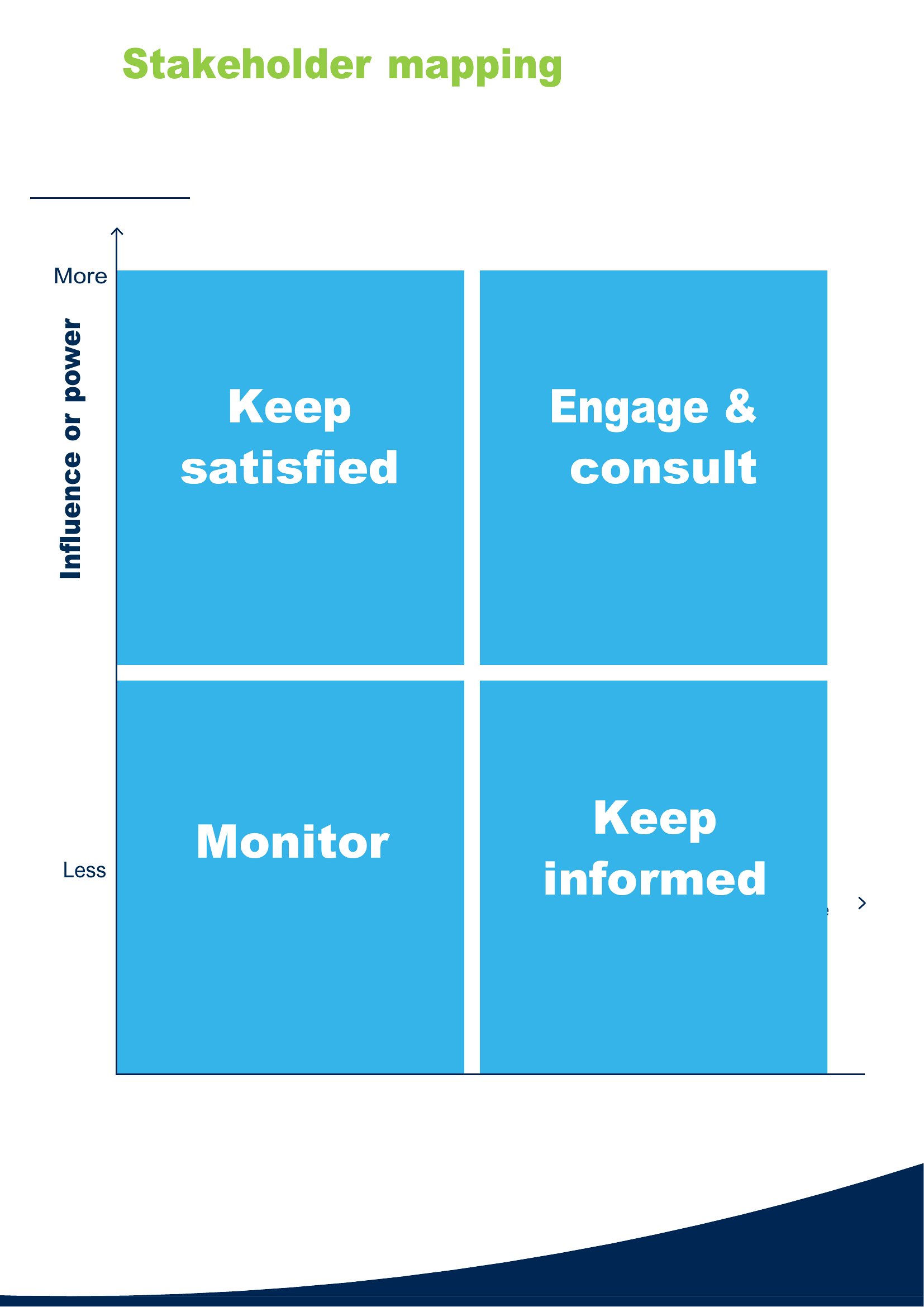

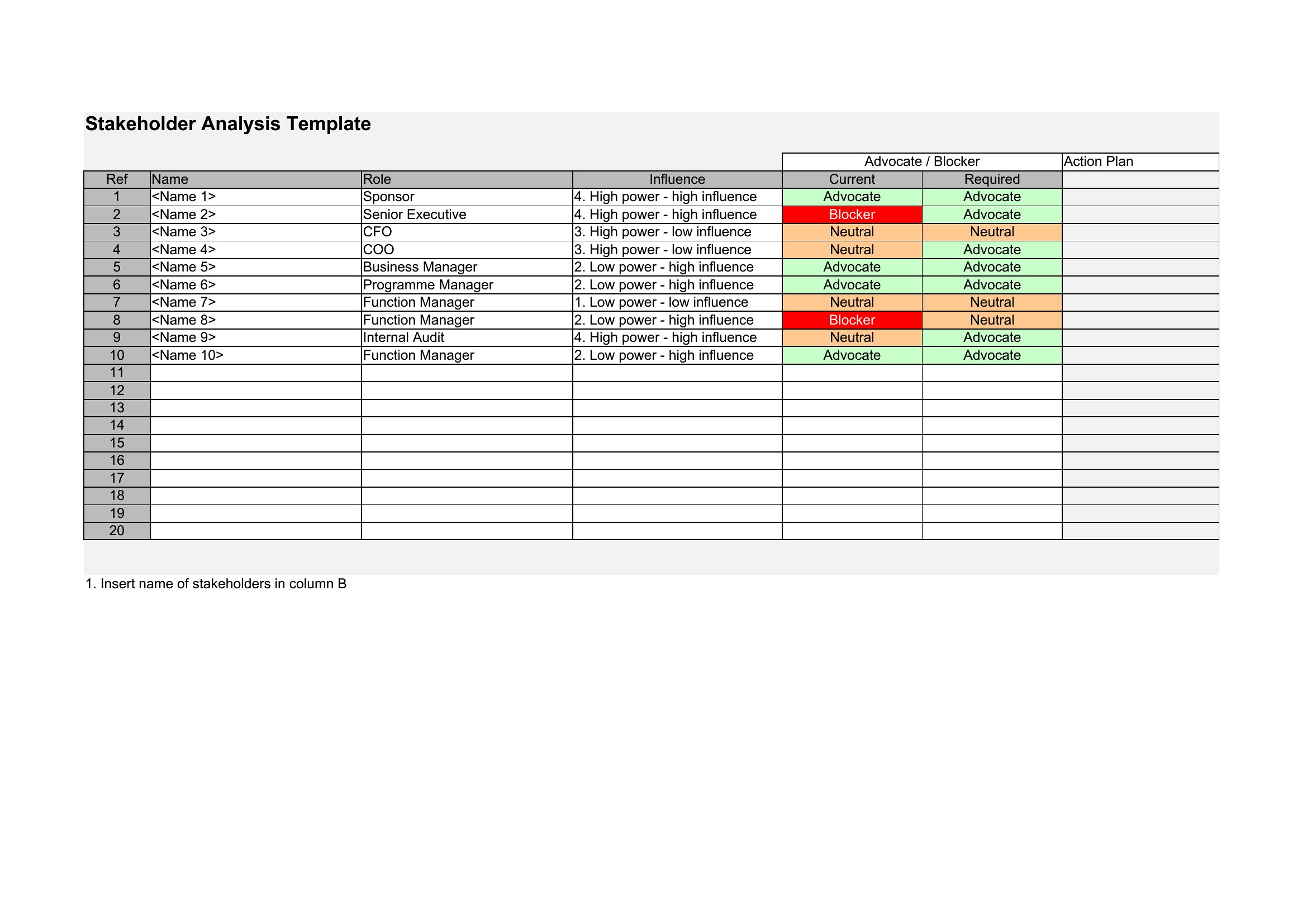
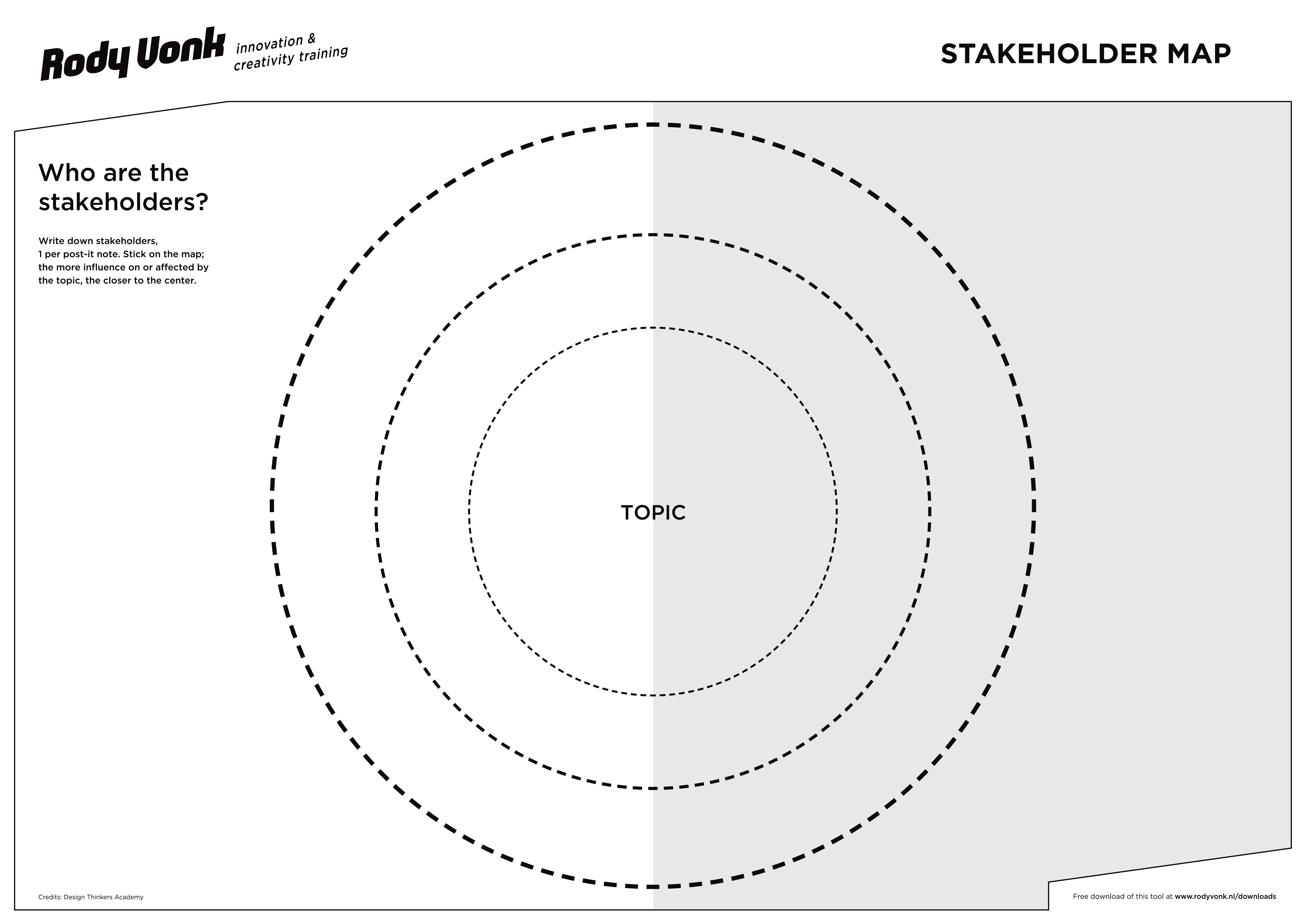
Stakeholder Map
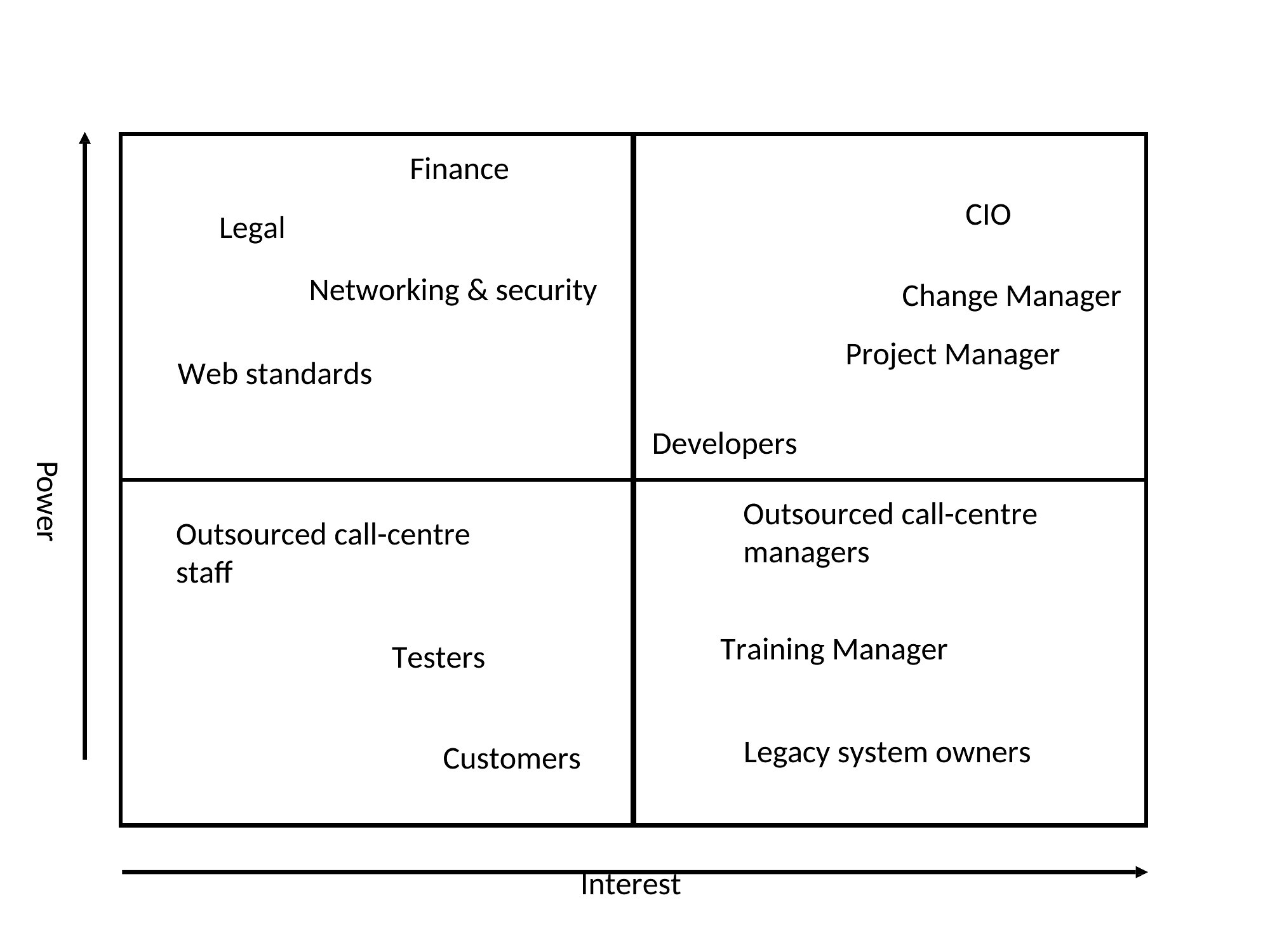

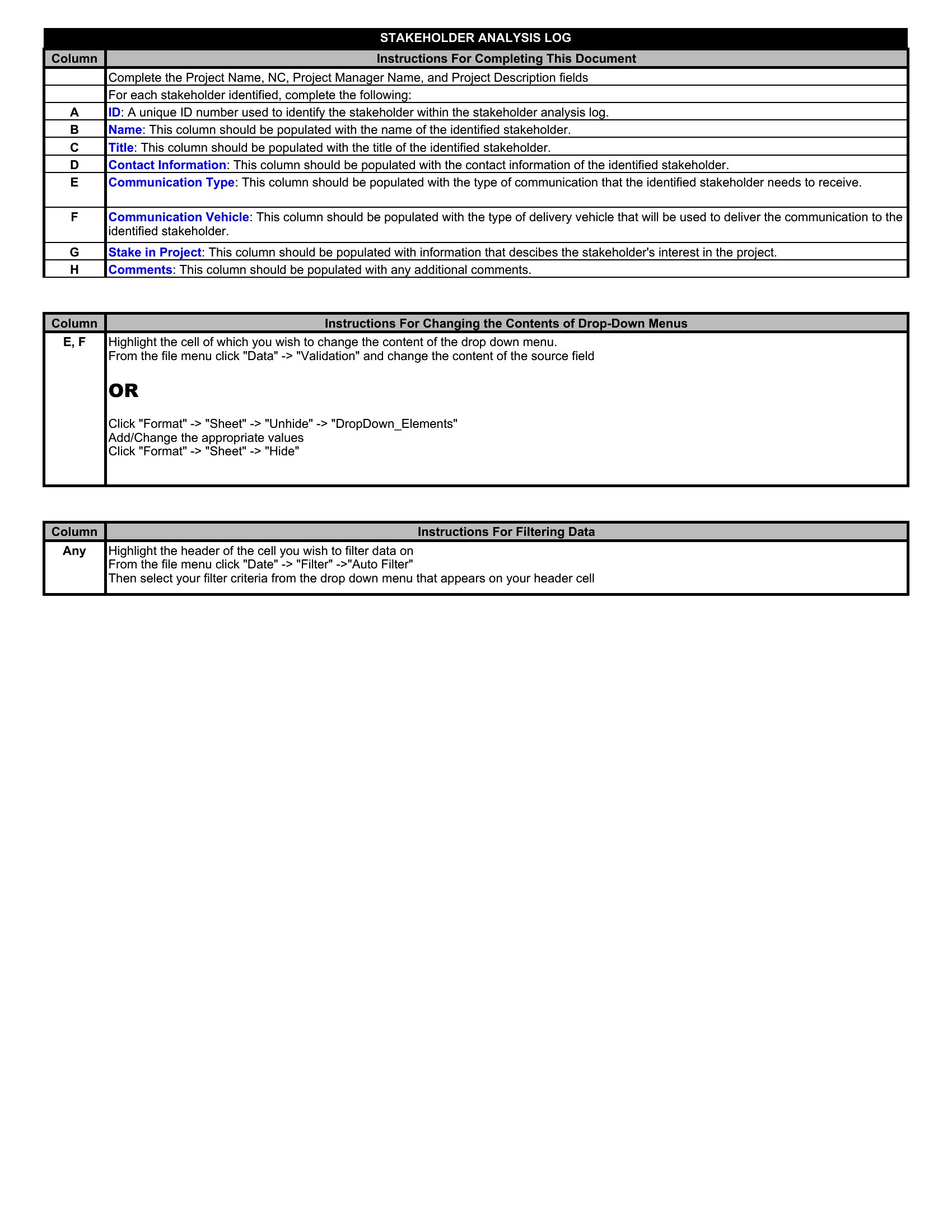
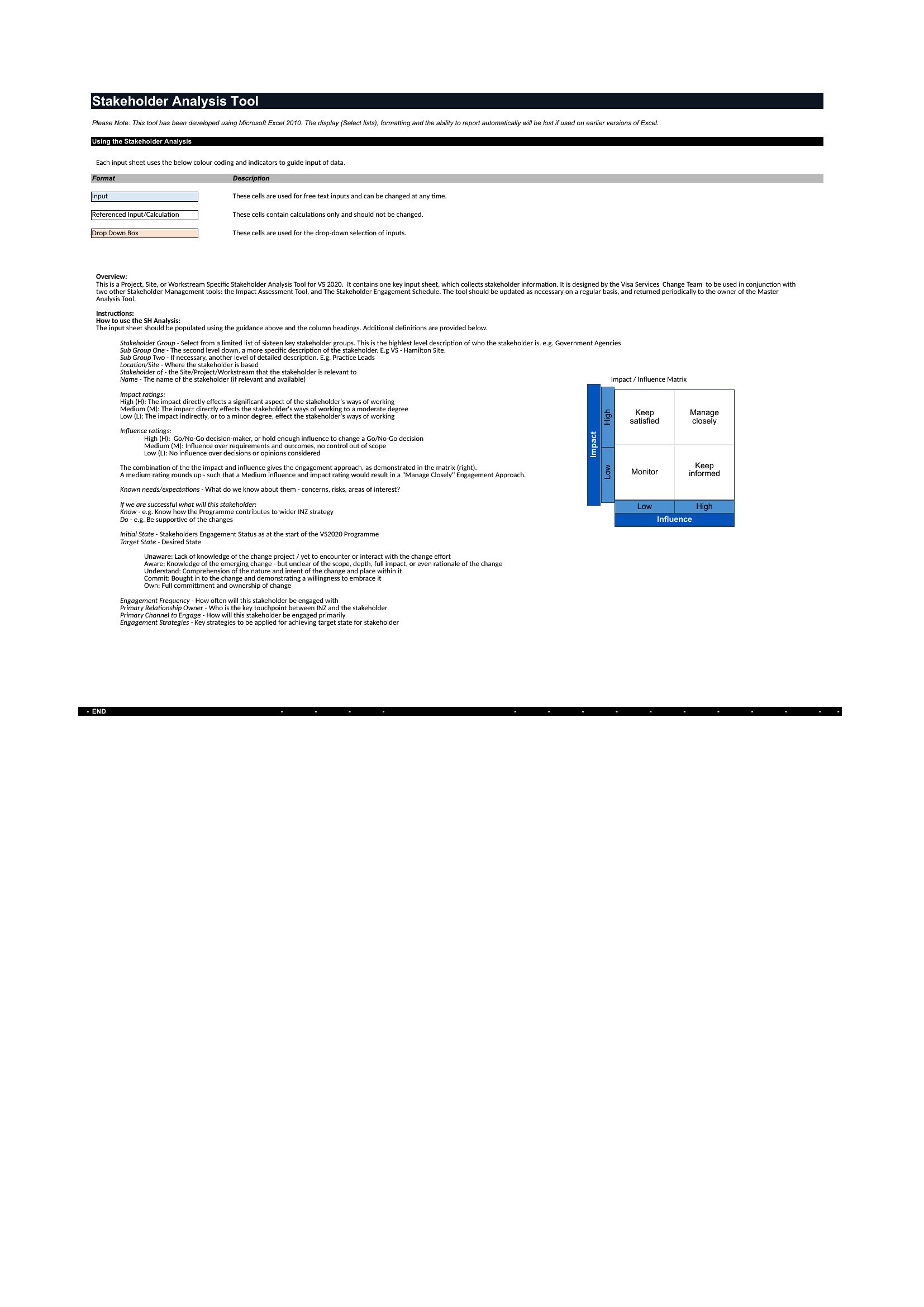
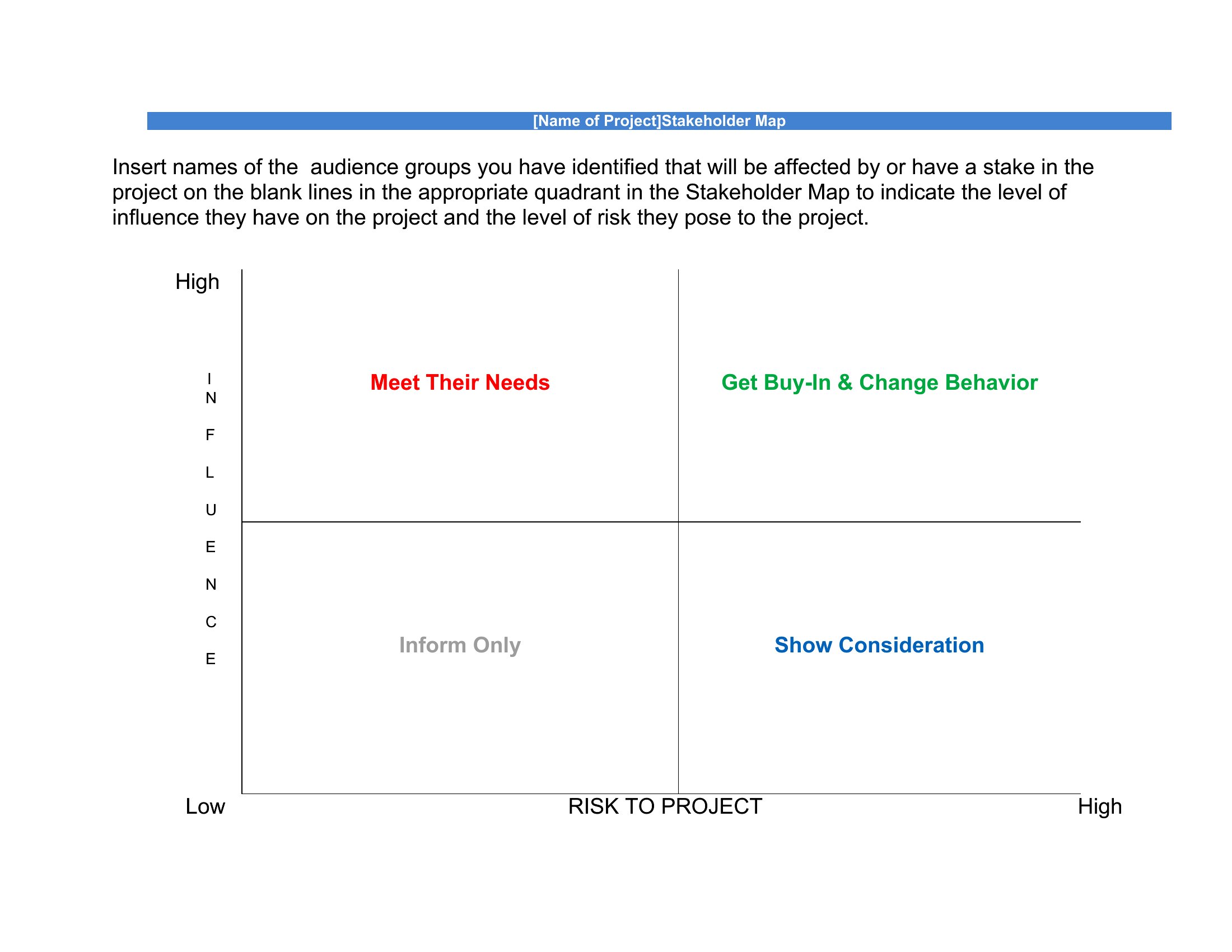
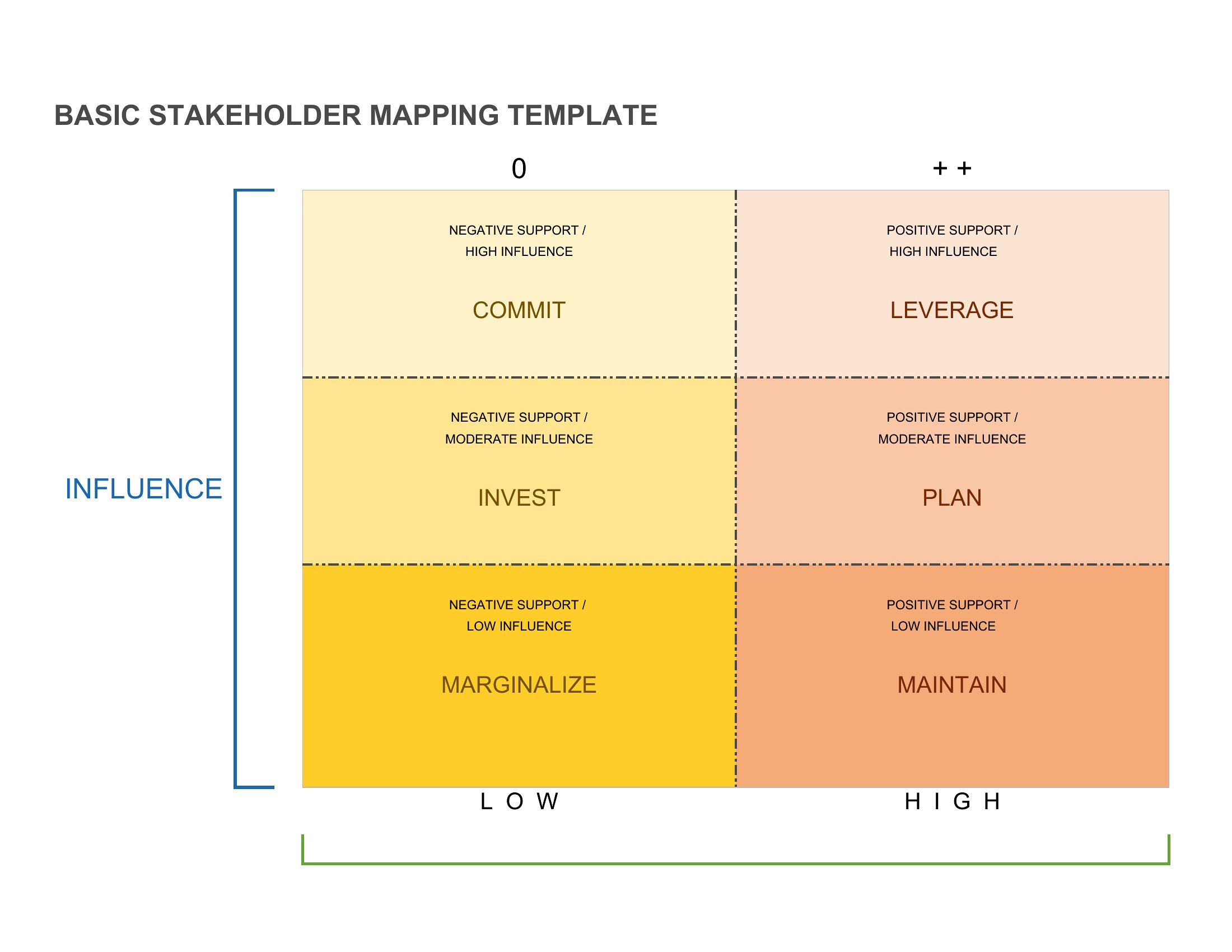
Map Stakeholder
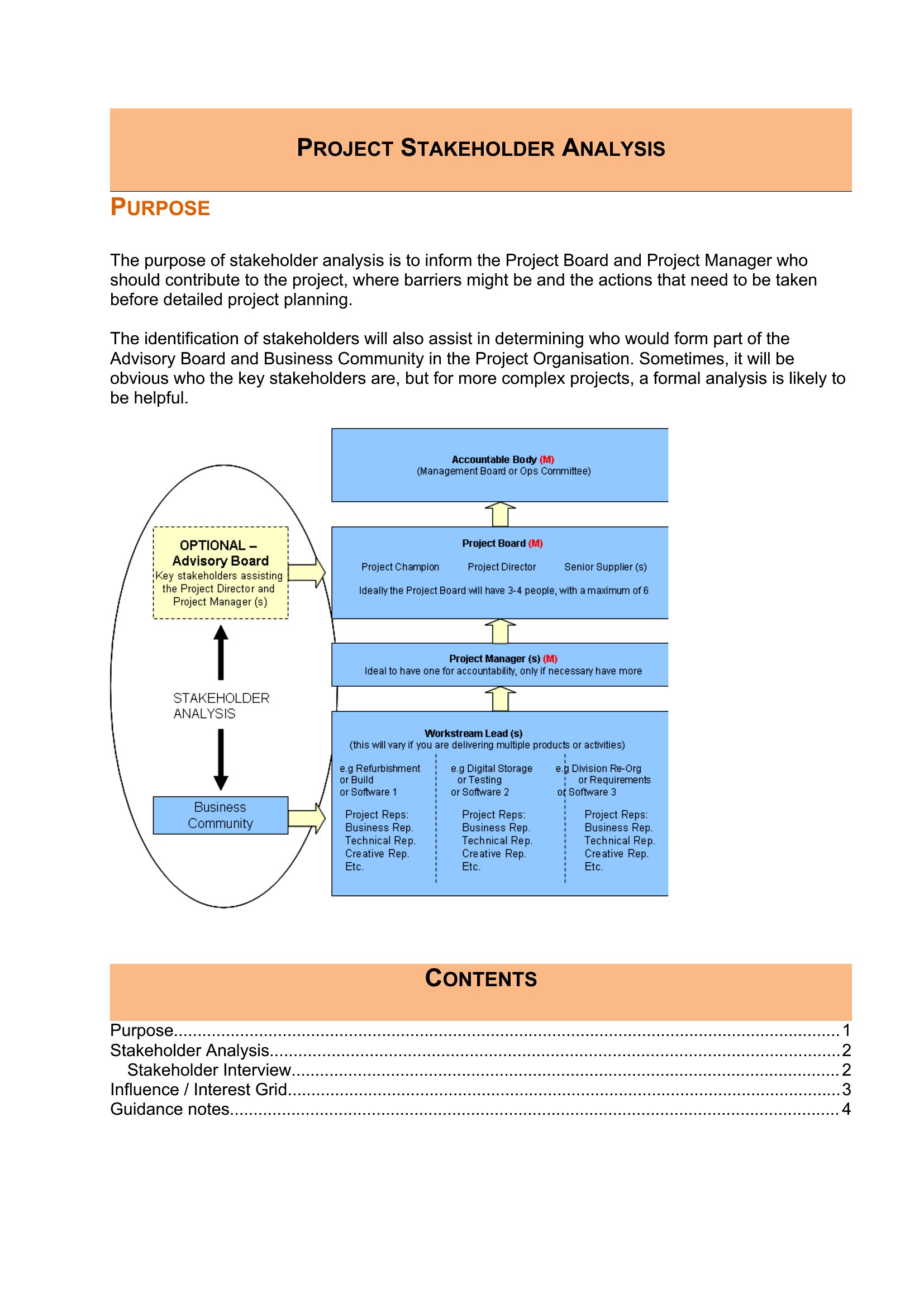
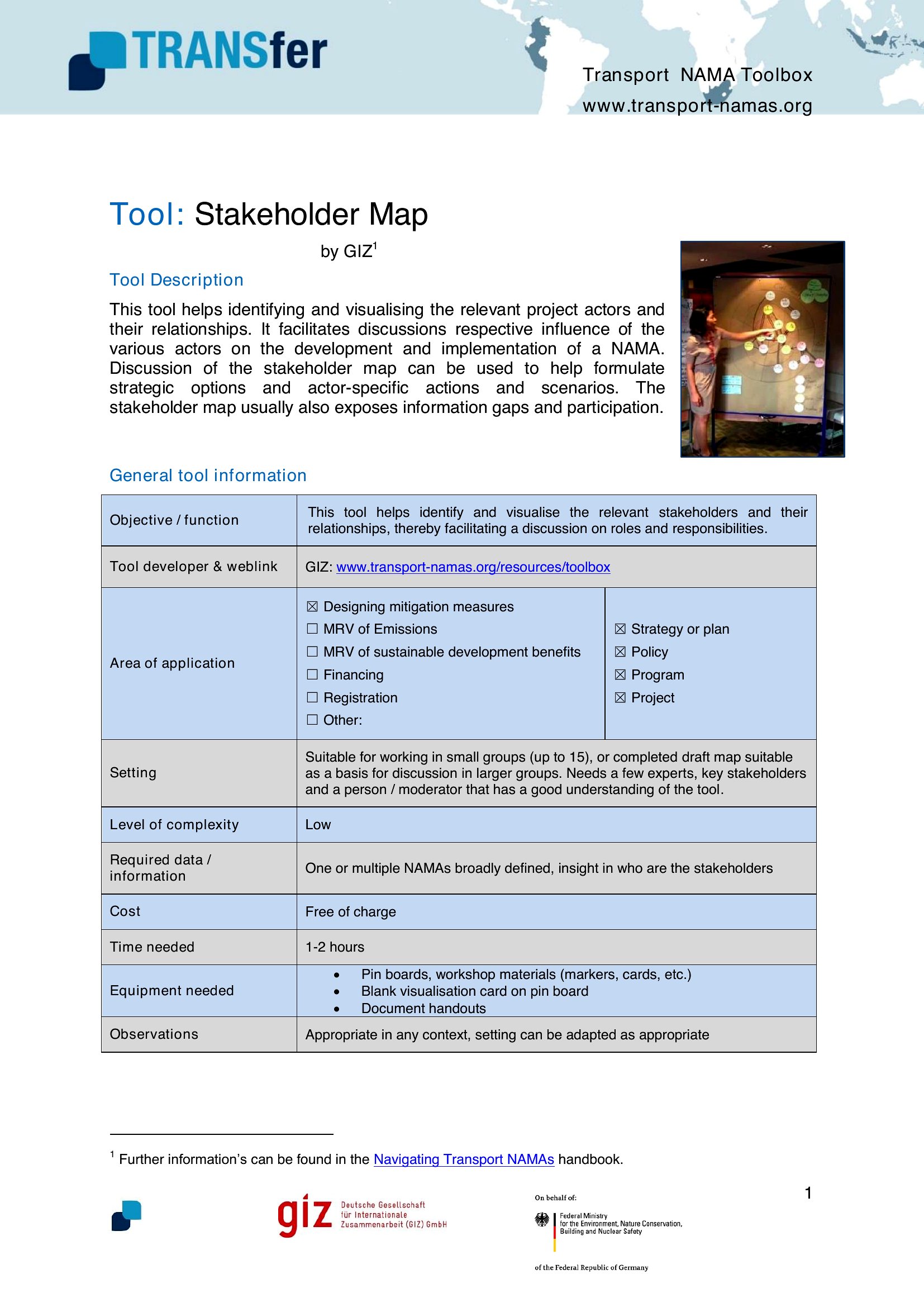
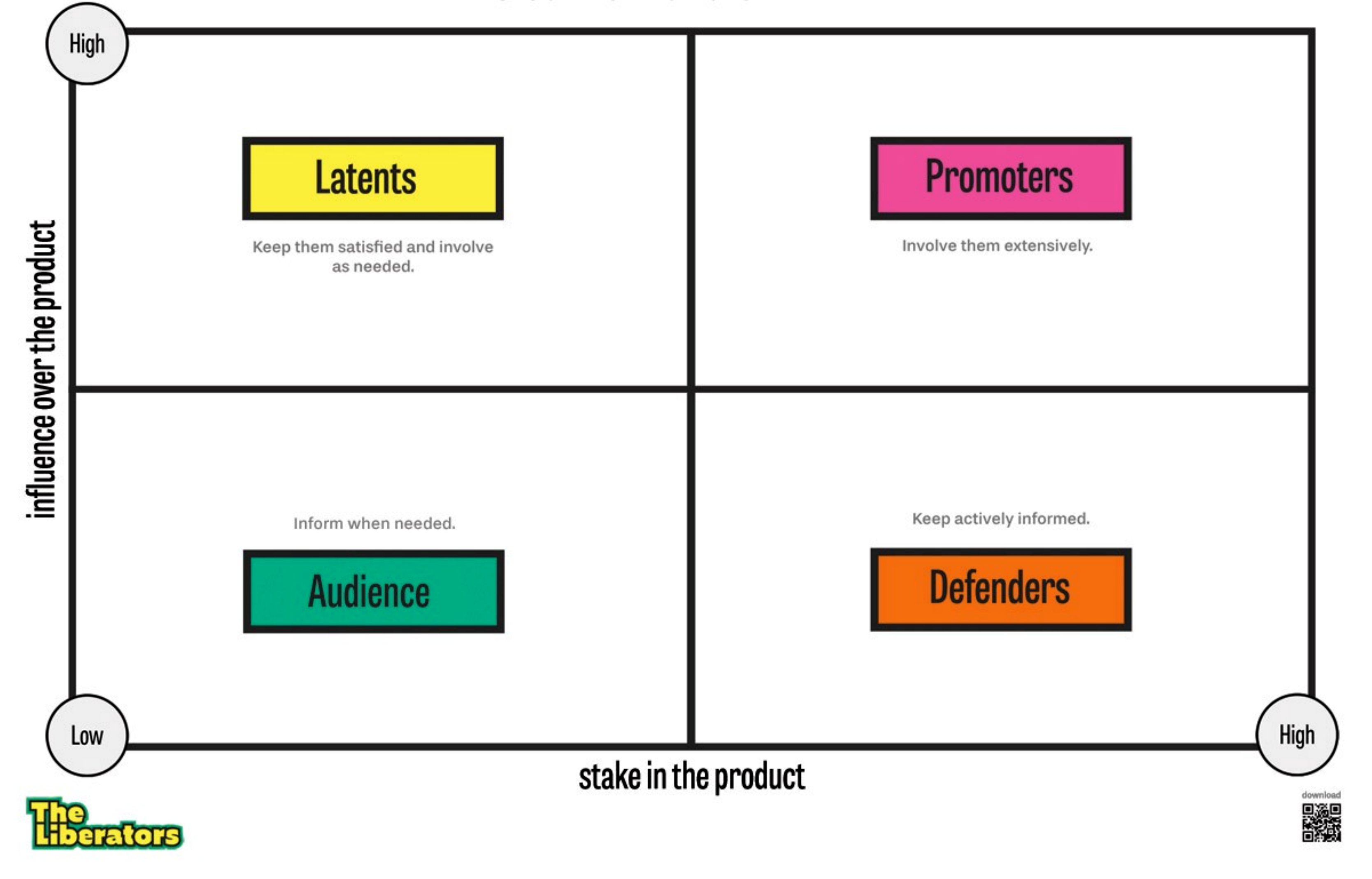
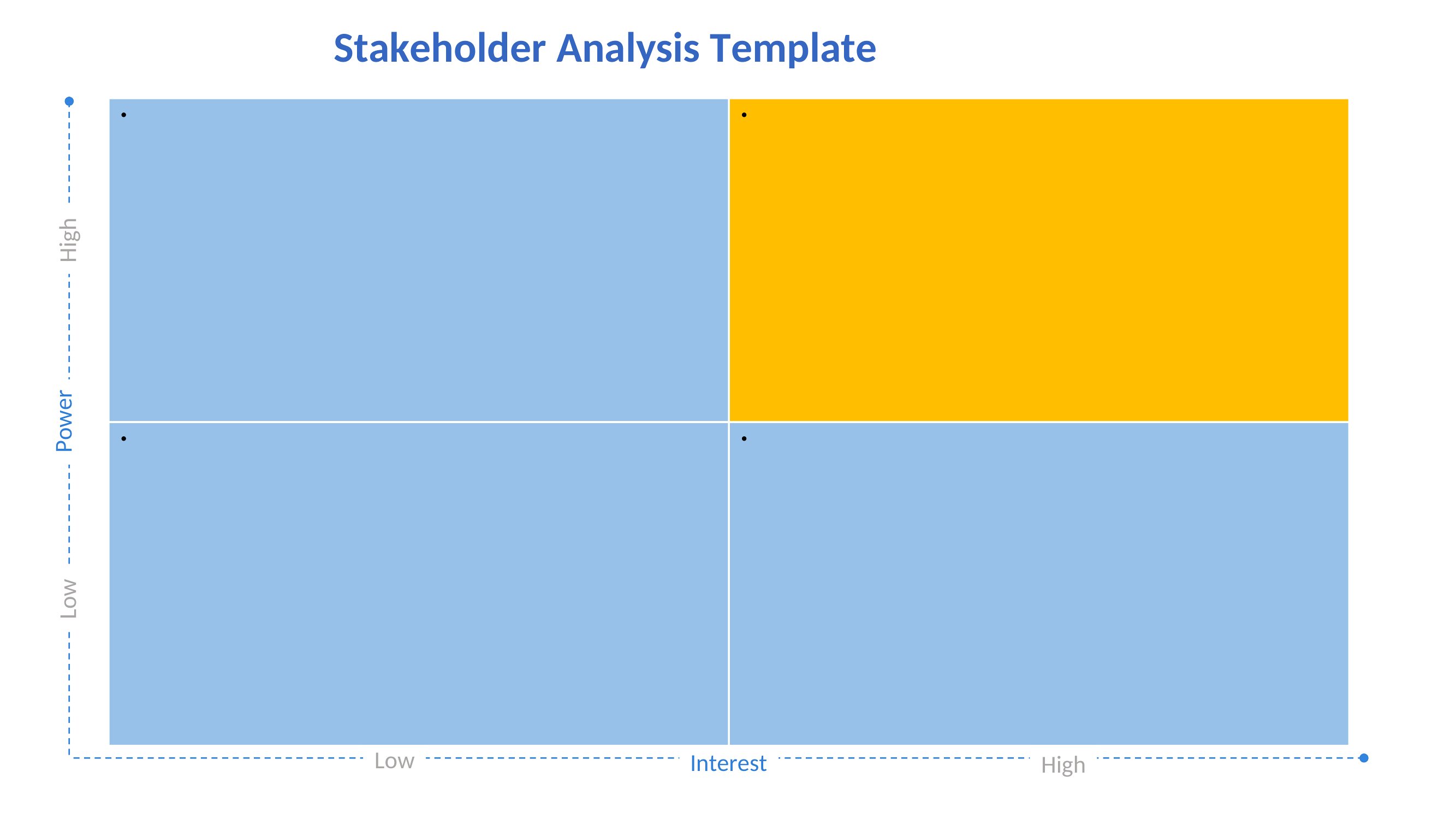
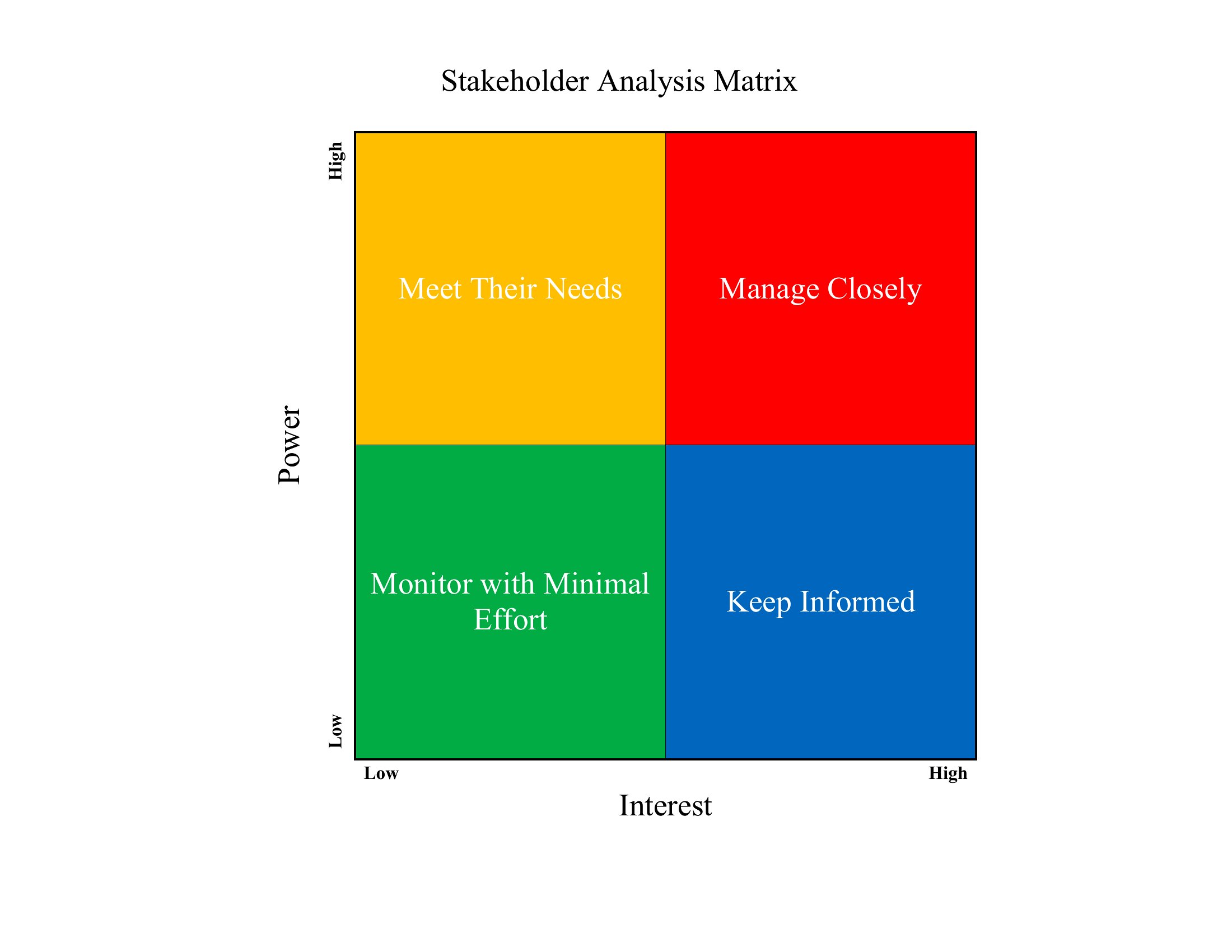
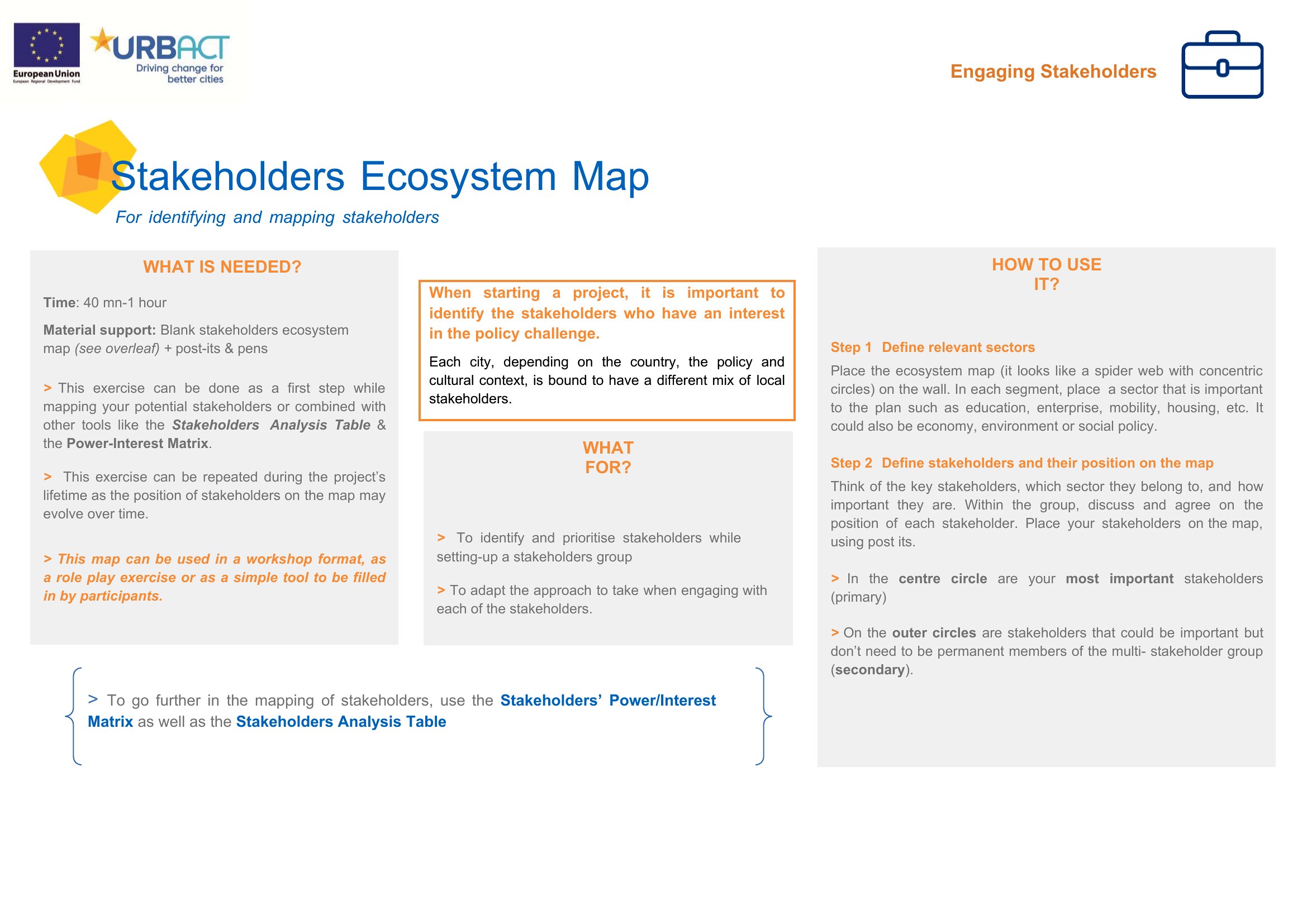

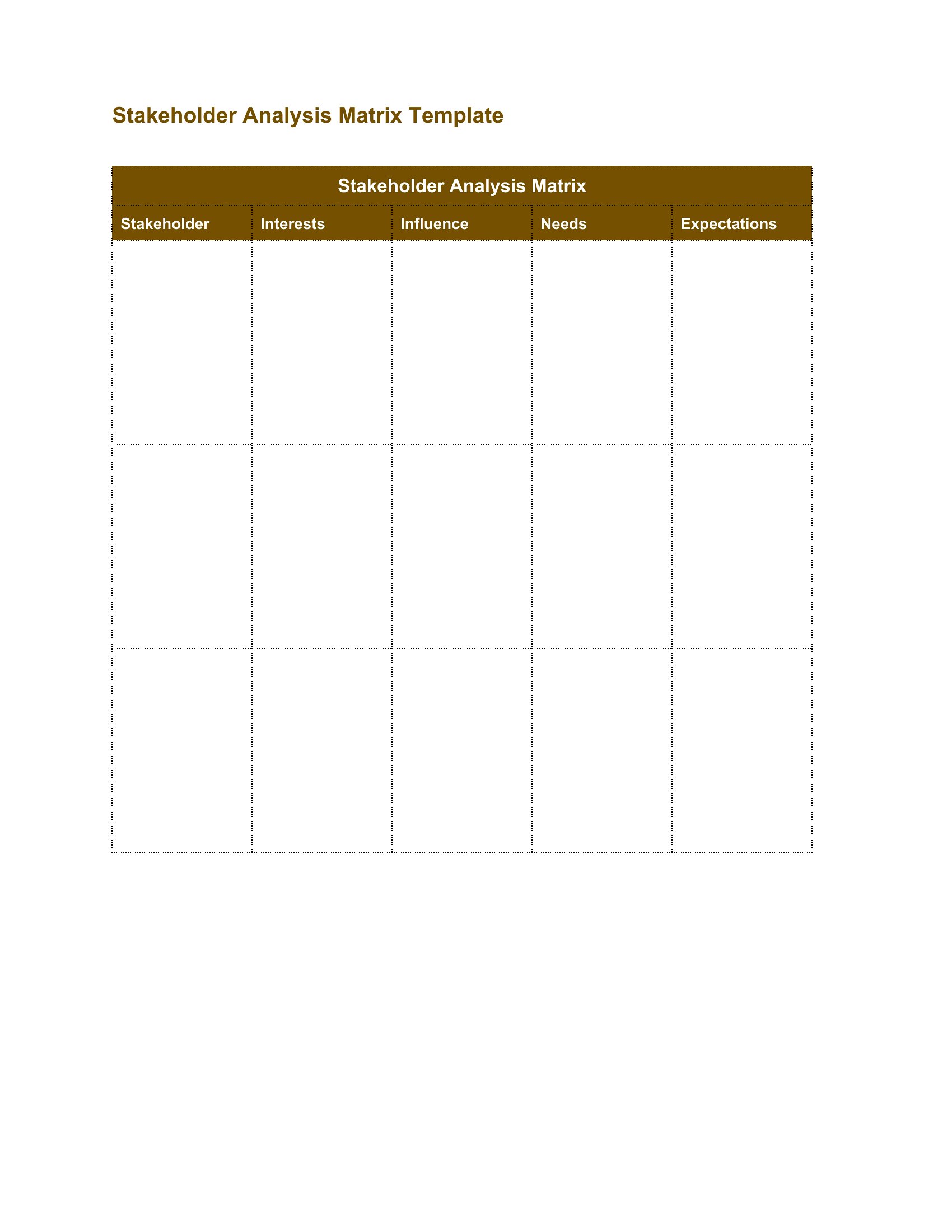
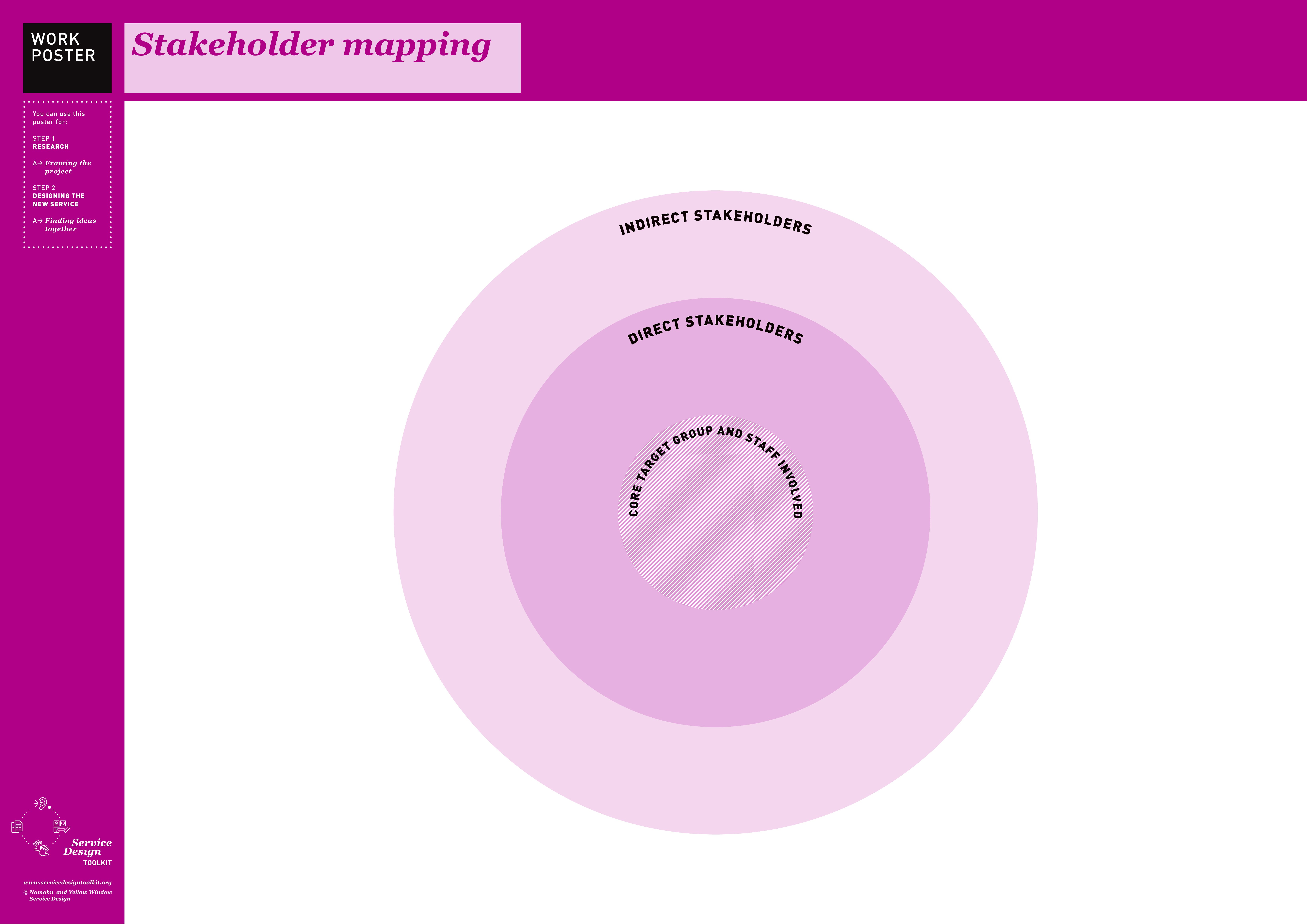
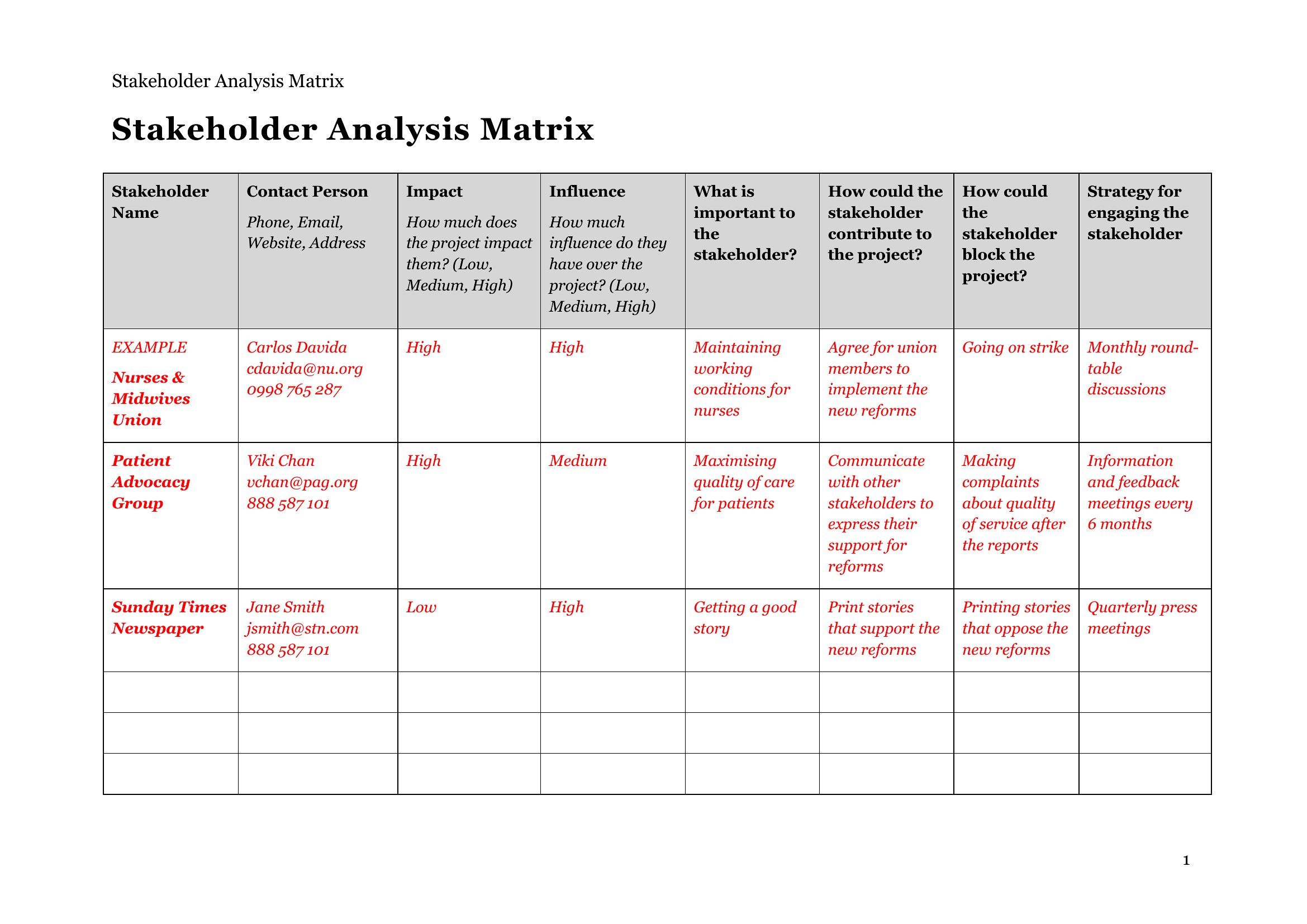
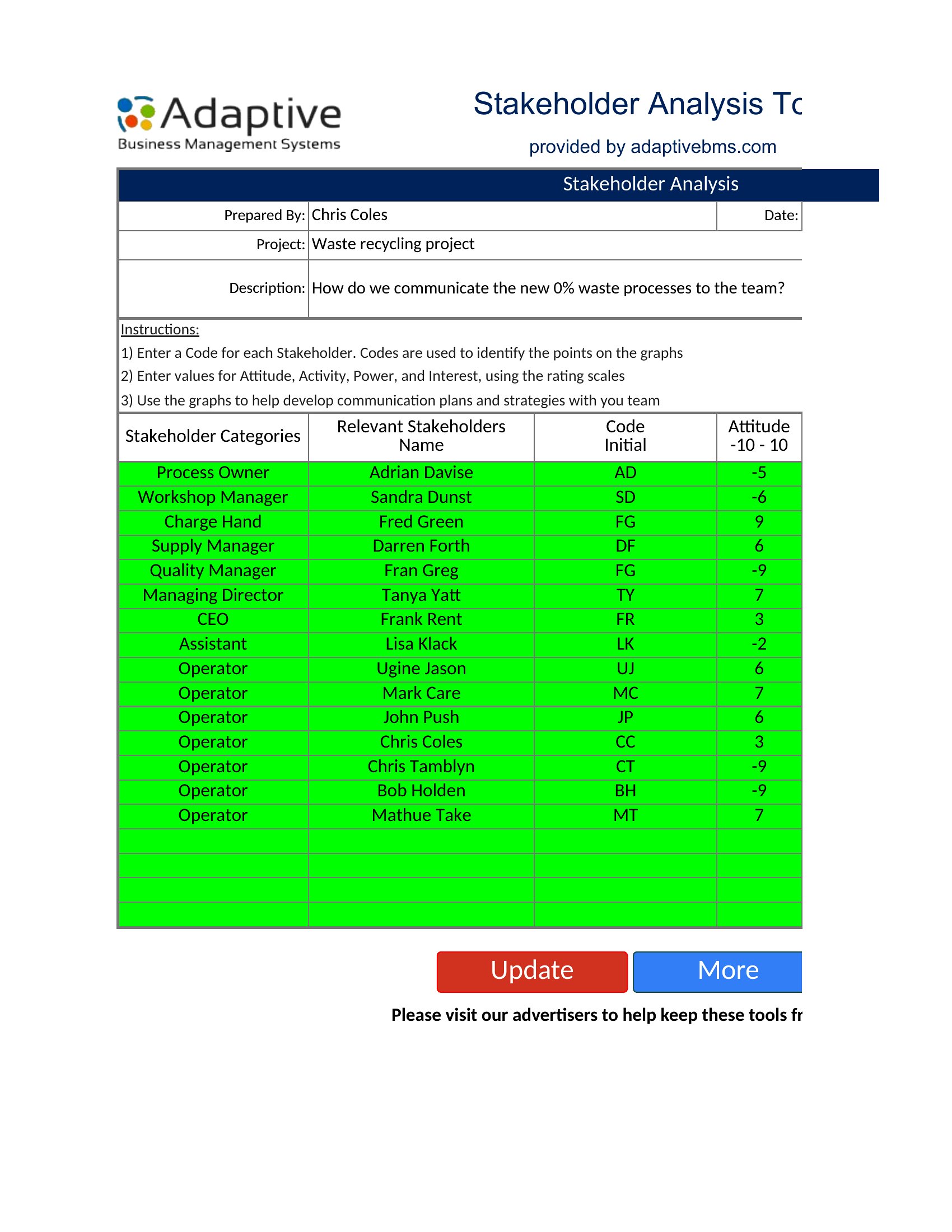
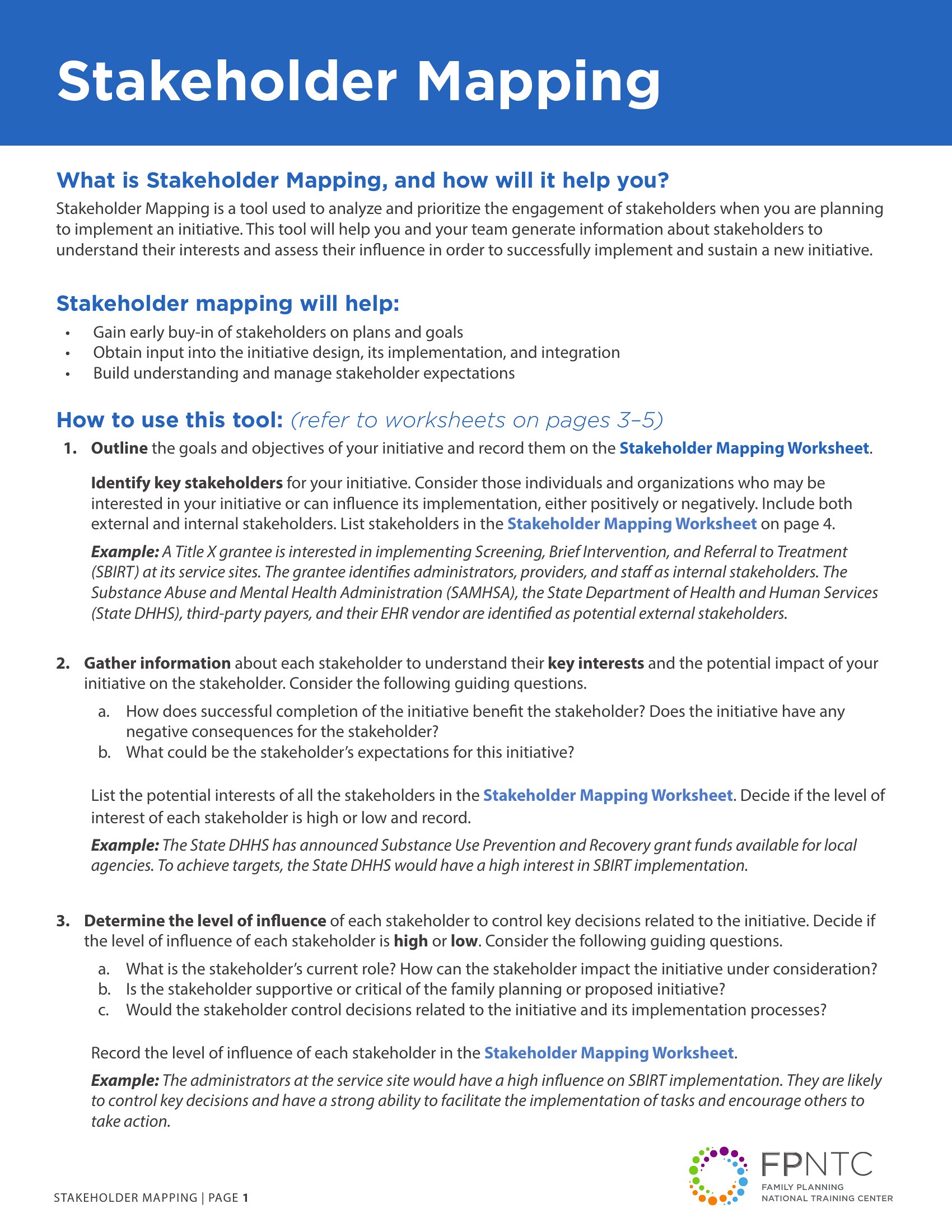
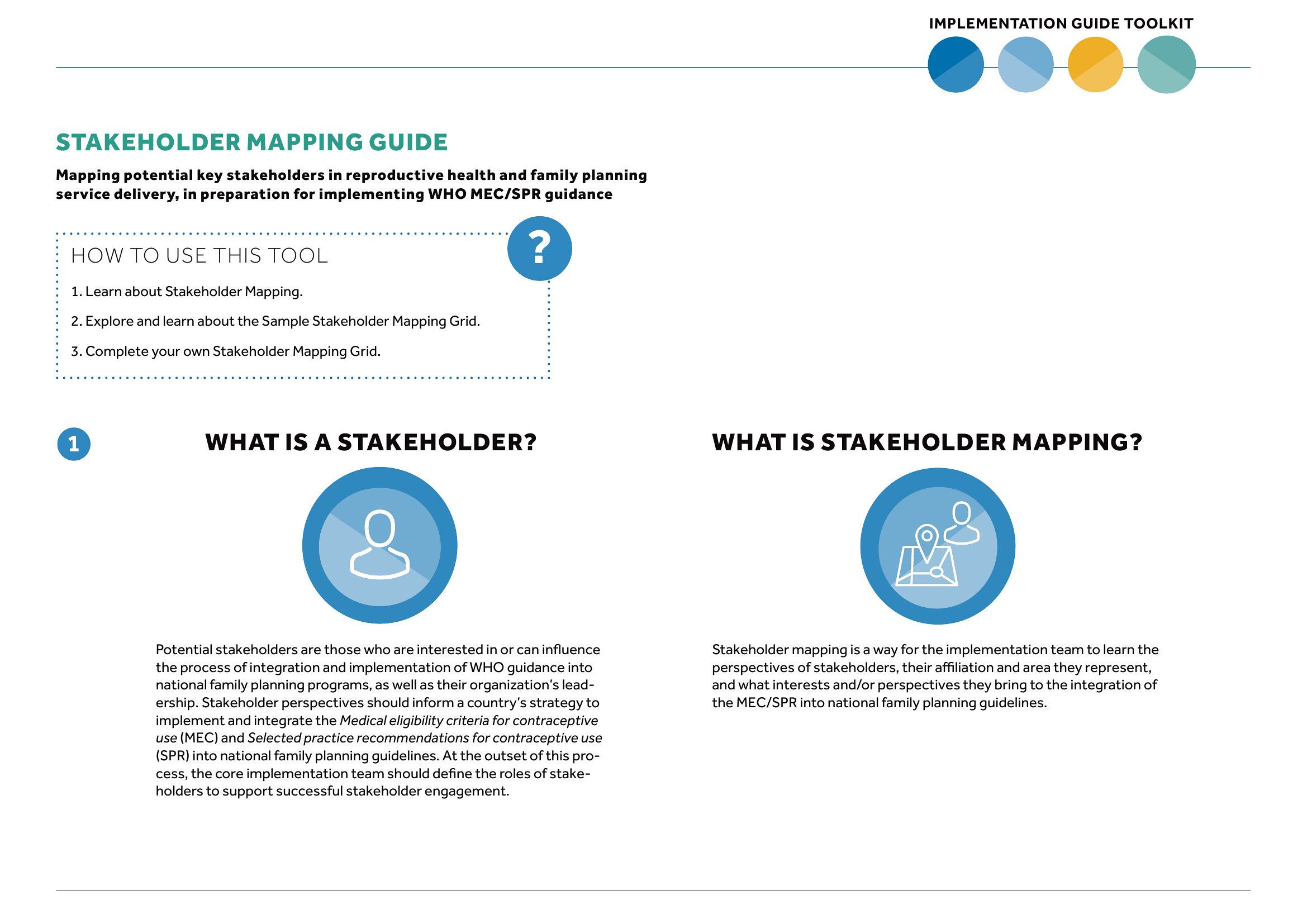
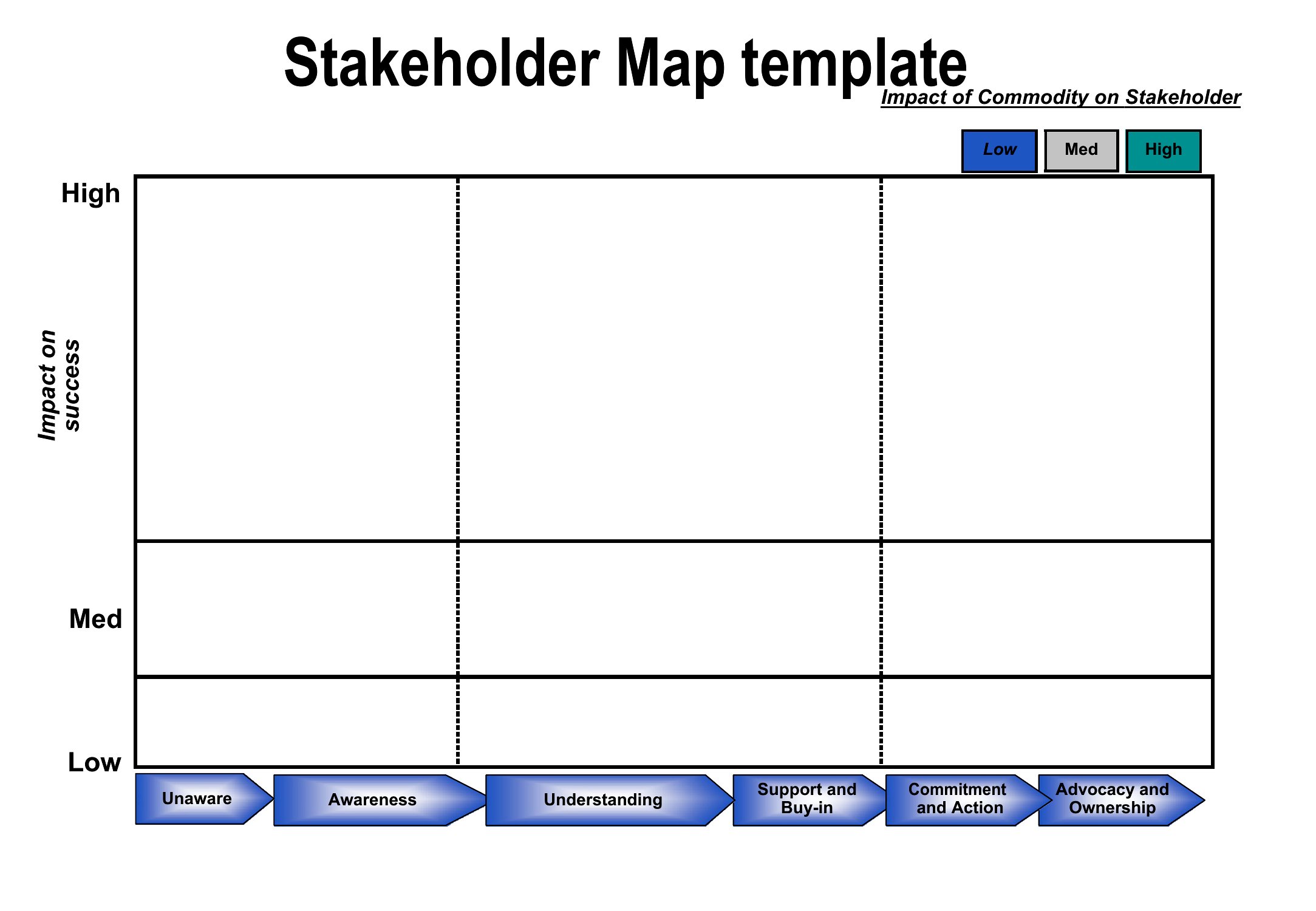
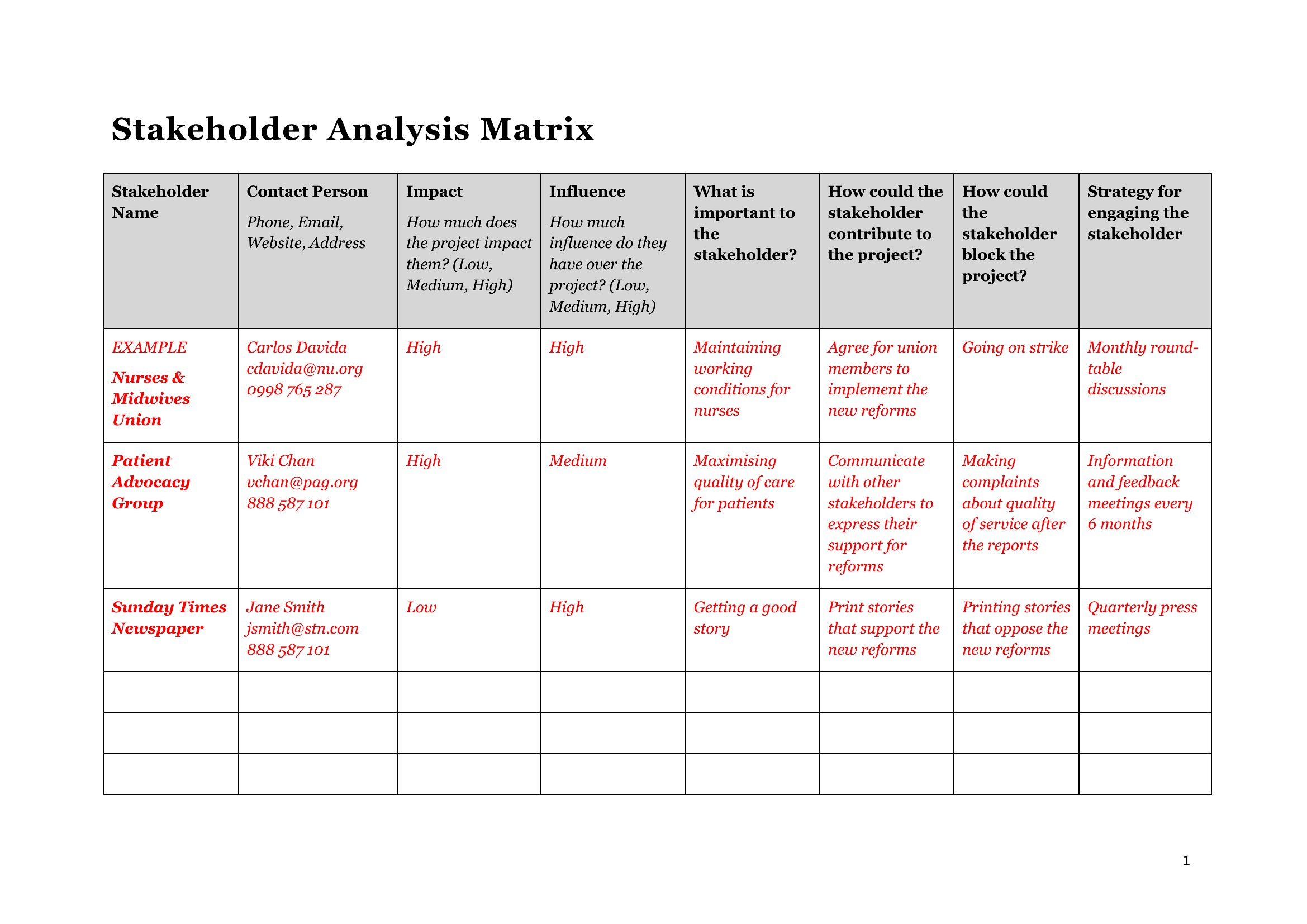
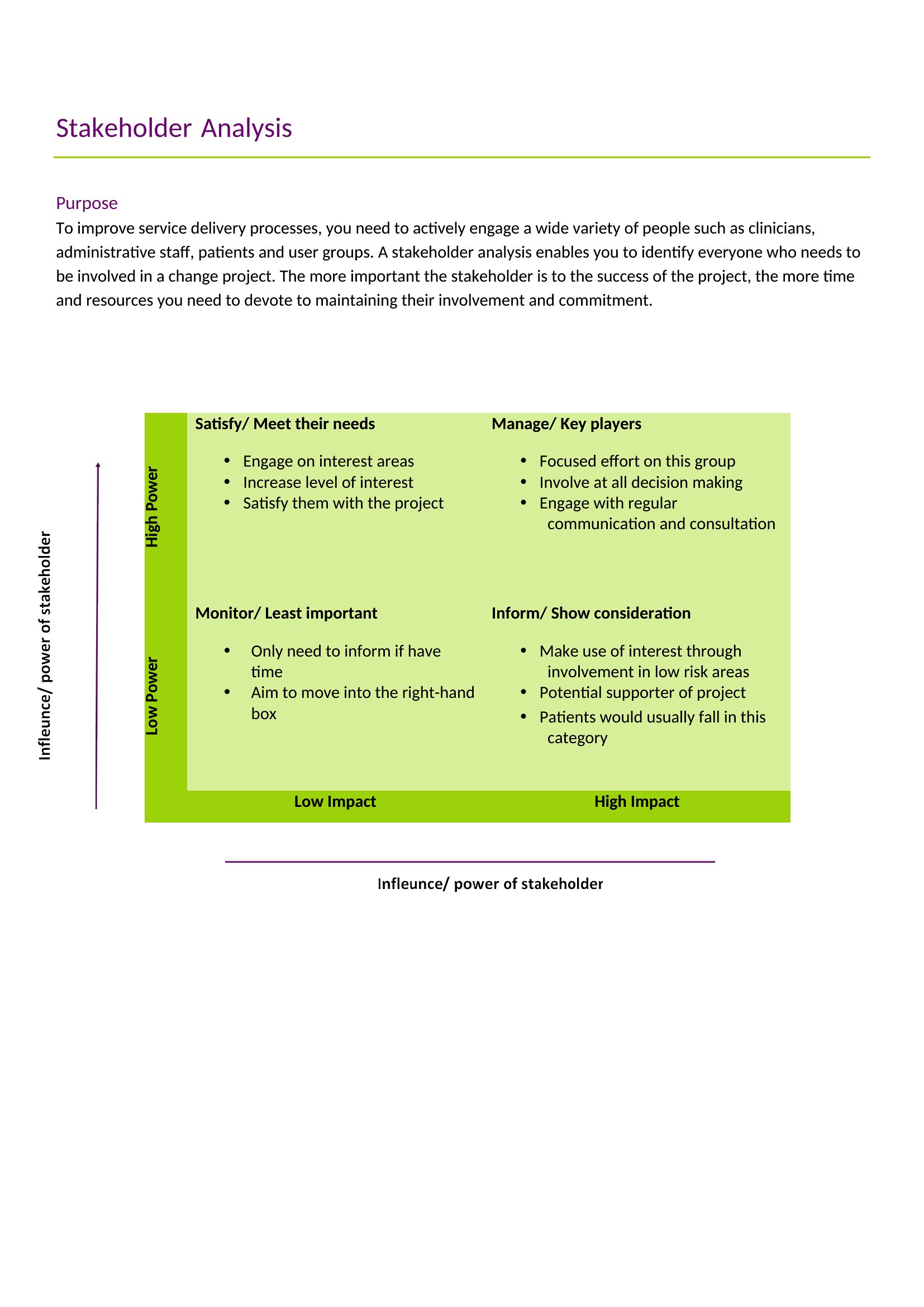
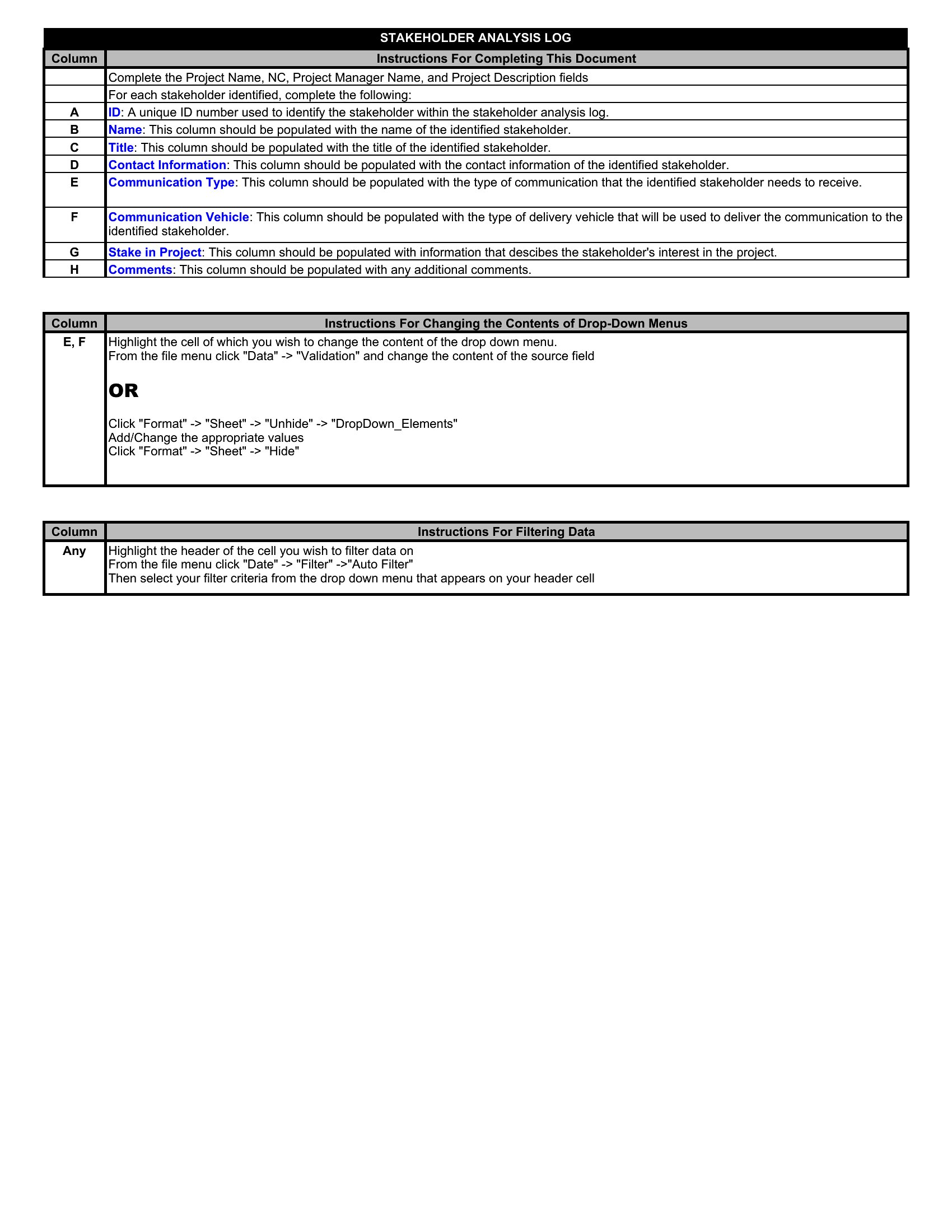
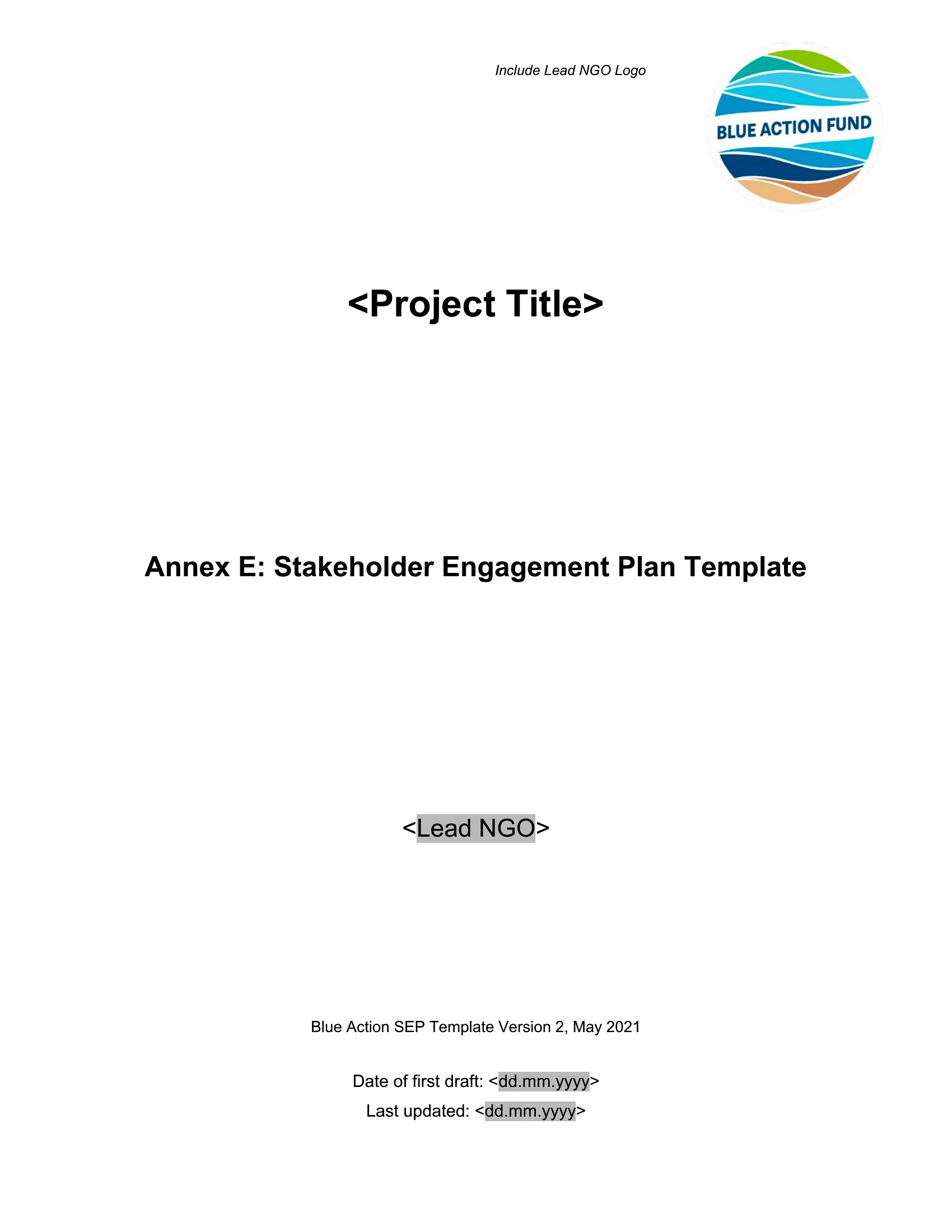
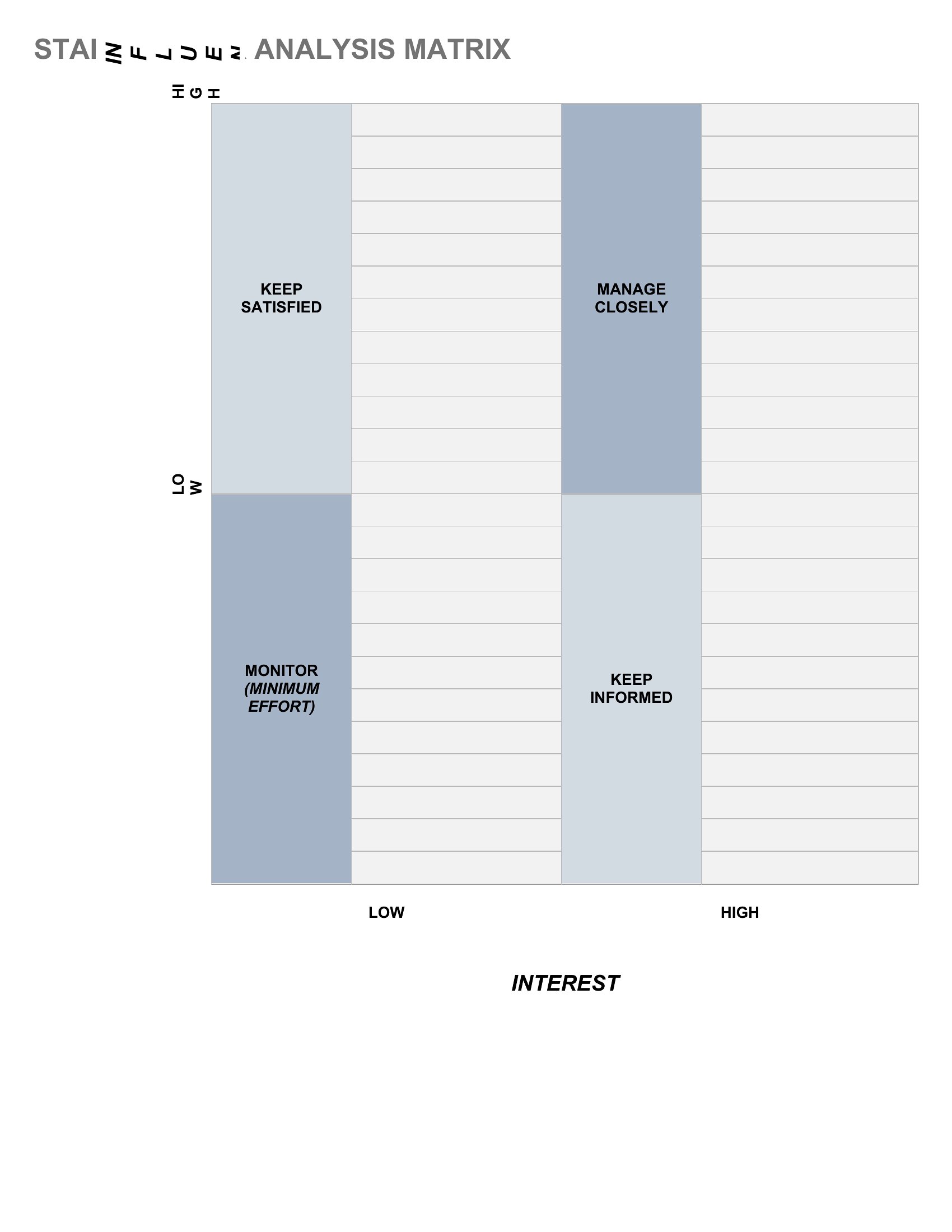
Stakeholders Map

FAQ
How do I decide which stakeholders to include in the highest influence quadrant?
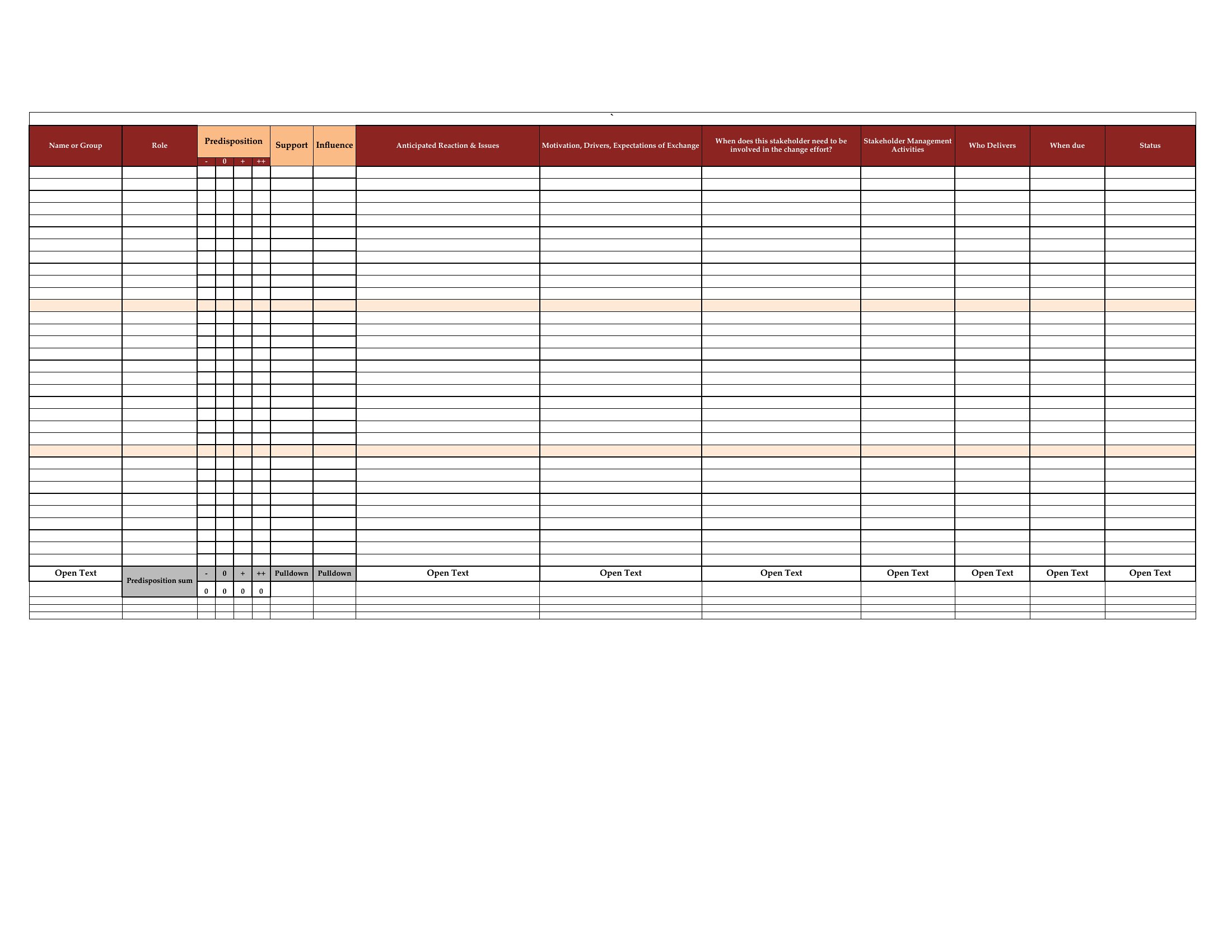
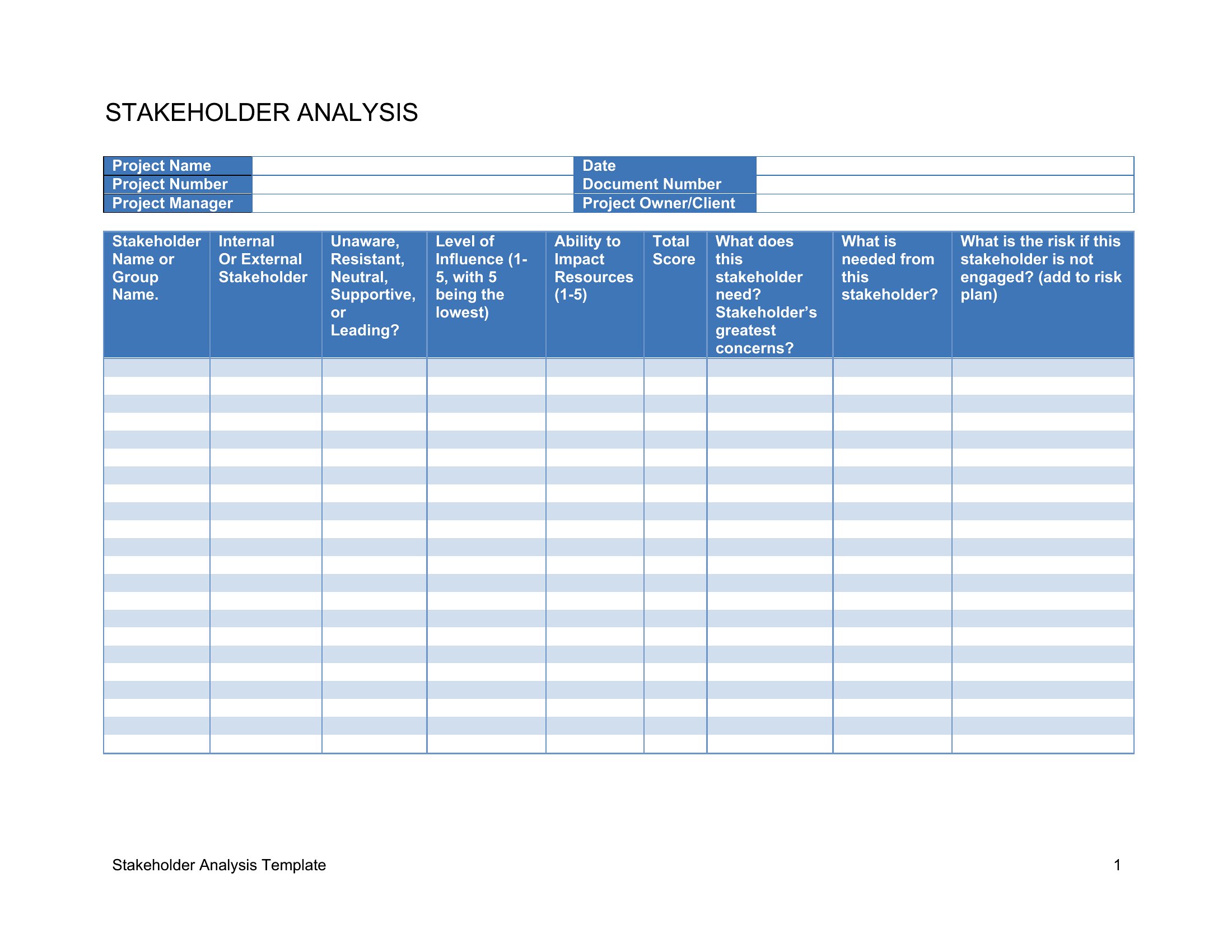
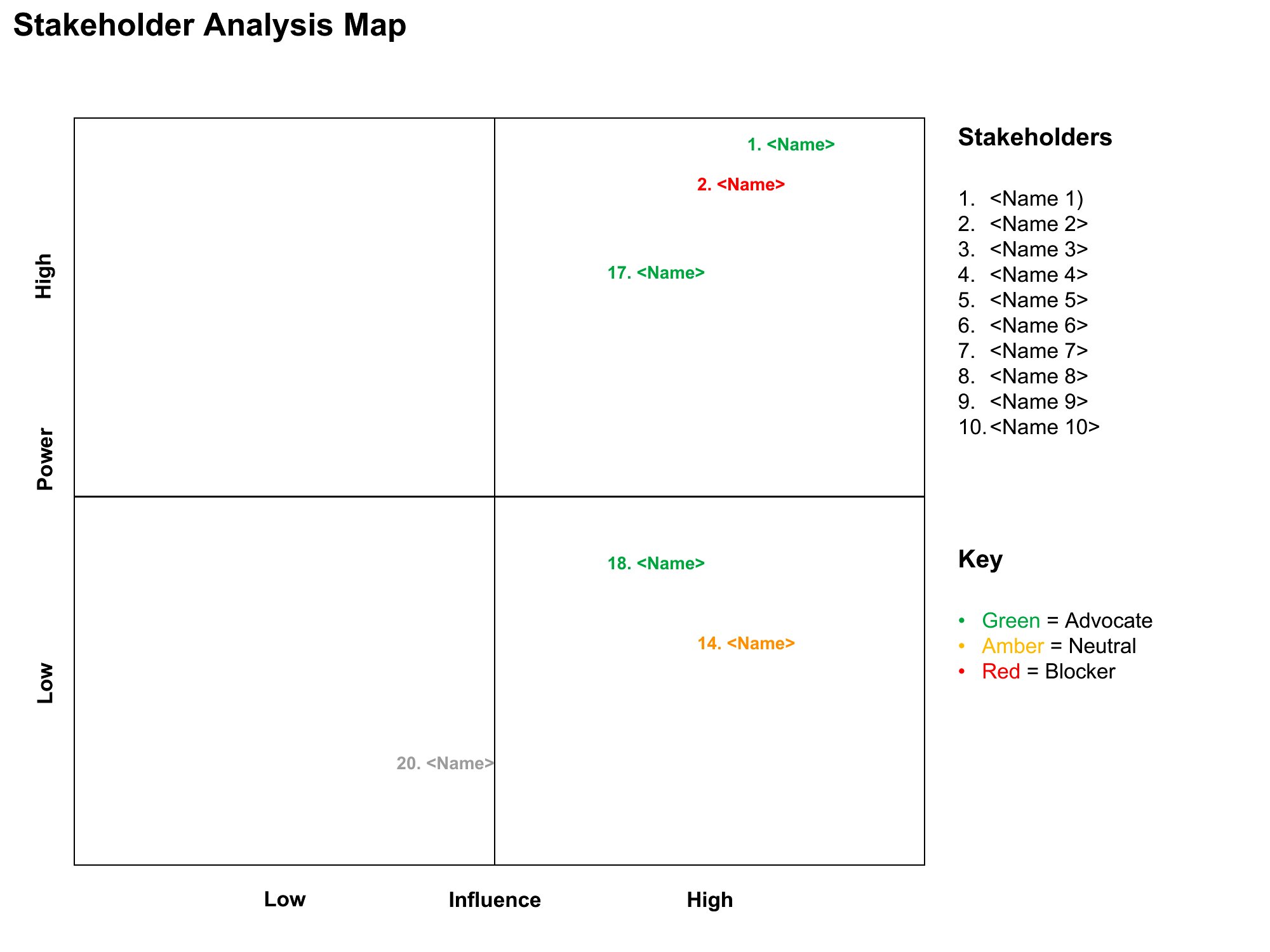
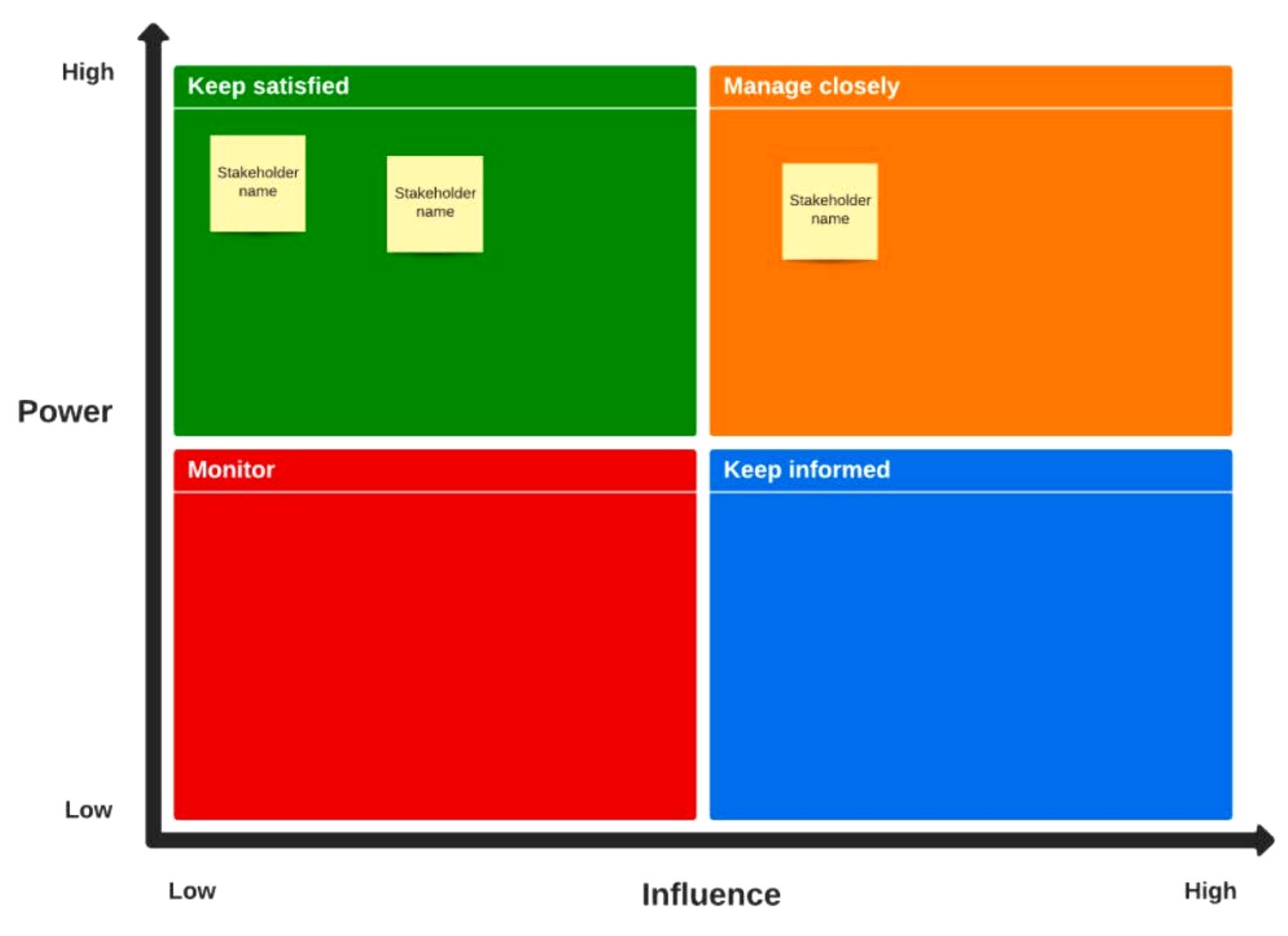
Start by listing anyone who can approve, delay, or derail your project. Then, assess their authority (e.g., budget control) and willingness to engage. Use the Excel format to input scores for objective comparison, or the Word template to note qualitative insights like past collaboration history.
Can I use these templates to track stakeholder sentiment over time?
Yes, the Excel format is designed for this—add a timeline column to log sentiment scores (e.g., 1–5 scale) and compare them to influence levels. For visual tracking, use the Word template’s notes section to document key sentiment shifts during meetings or check-ins. The PDF format locks these updates once finalized.
What’s the best way to handle stakeholders with conflicting interests in the same quadrant?
In Word or Excel, create a sub-category for these stakeholders and note their specific concerns in the description field. Use color-coding (Excel) or brackets (Word) to group them visually. For PDFs, highlight the conflict in the notes section and reference mitigation strategies from your project plan.
Comments
Join the conversation
Sign in to share your thoughts and leave a comment on this resource.