Skip to content
50% off this one-time $1.99 pack with HALFOFF — or unlimited with Pro.HALFOFF
Premium

Free Process Map Templates (Word)

Diagrams
linuskoenen by linuskoenen
Updated 0 downloads Quality-checked template

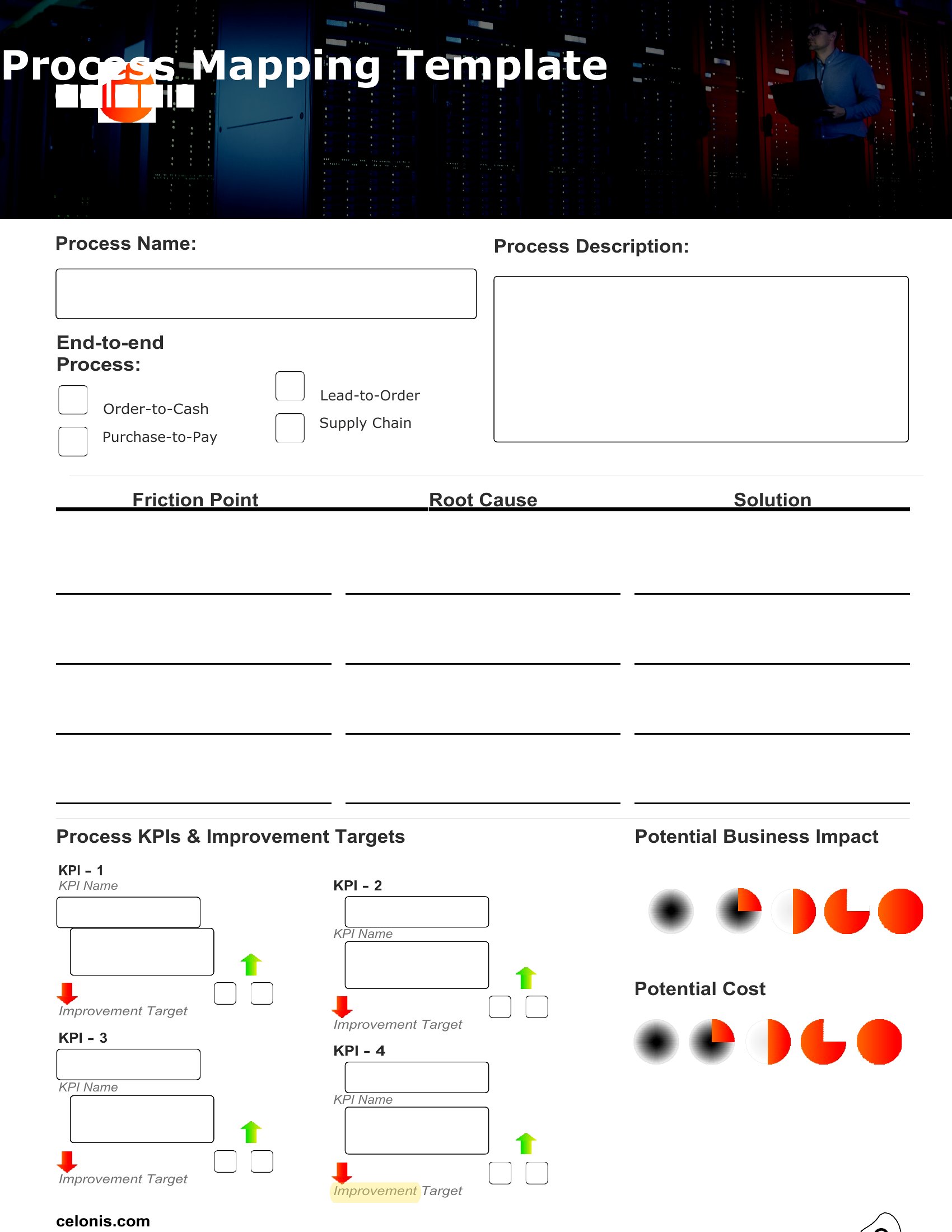
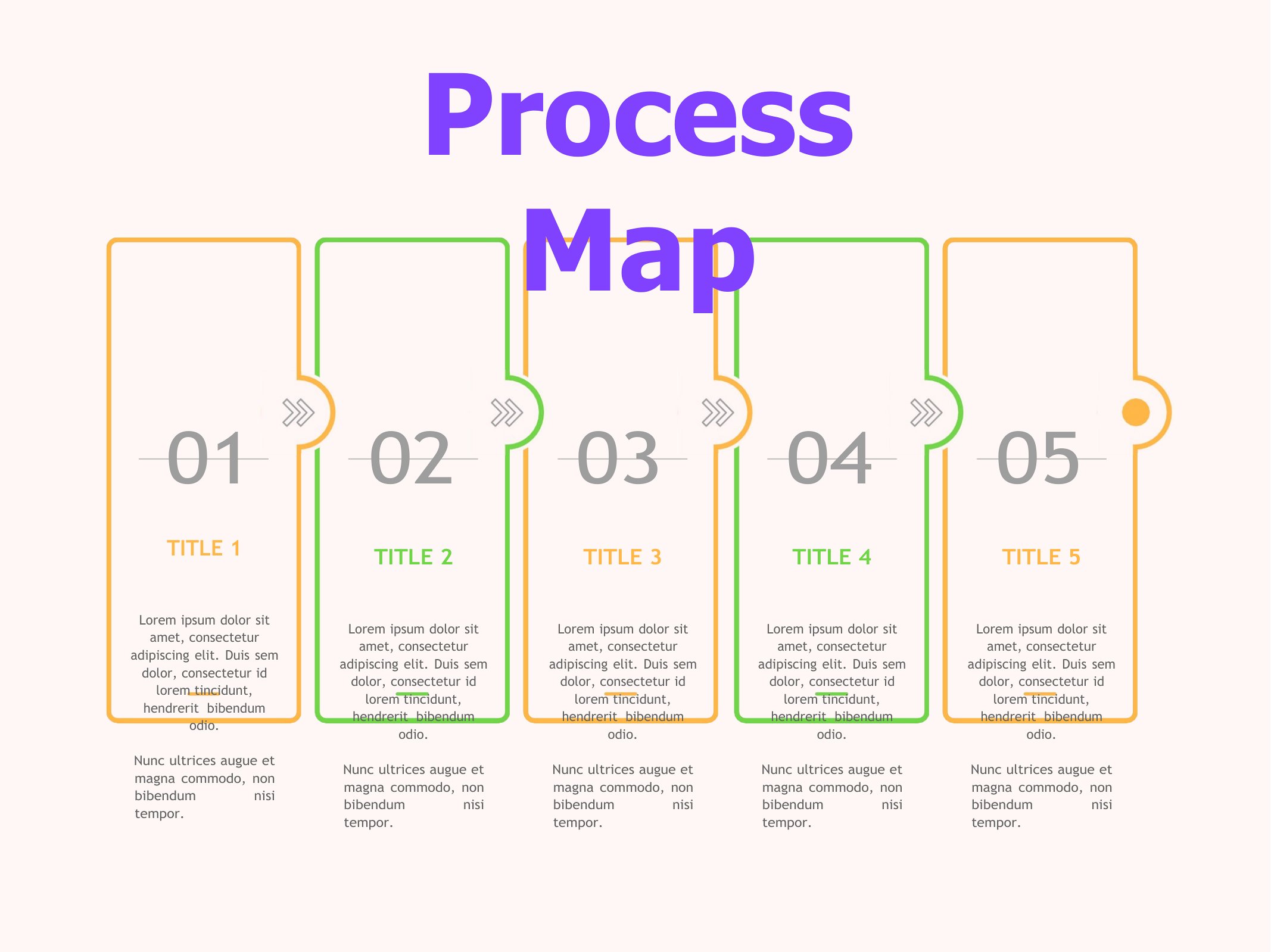
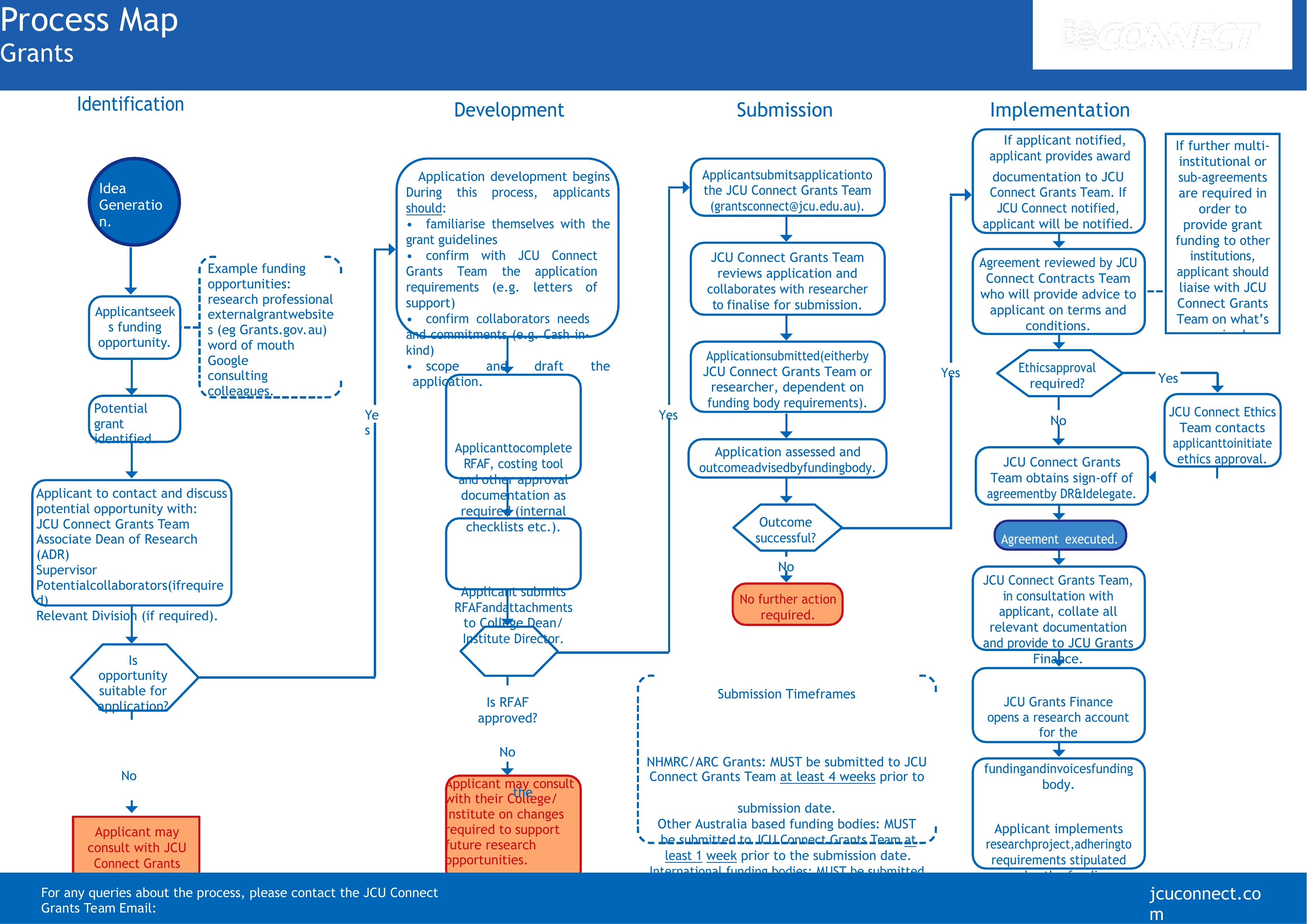
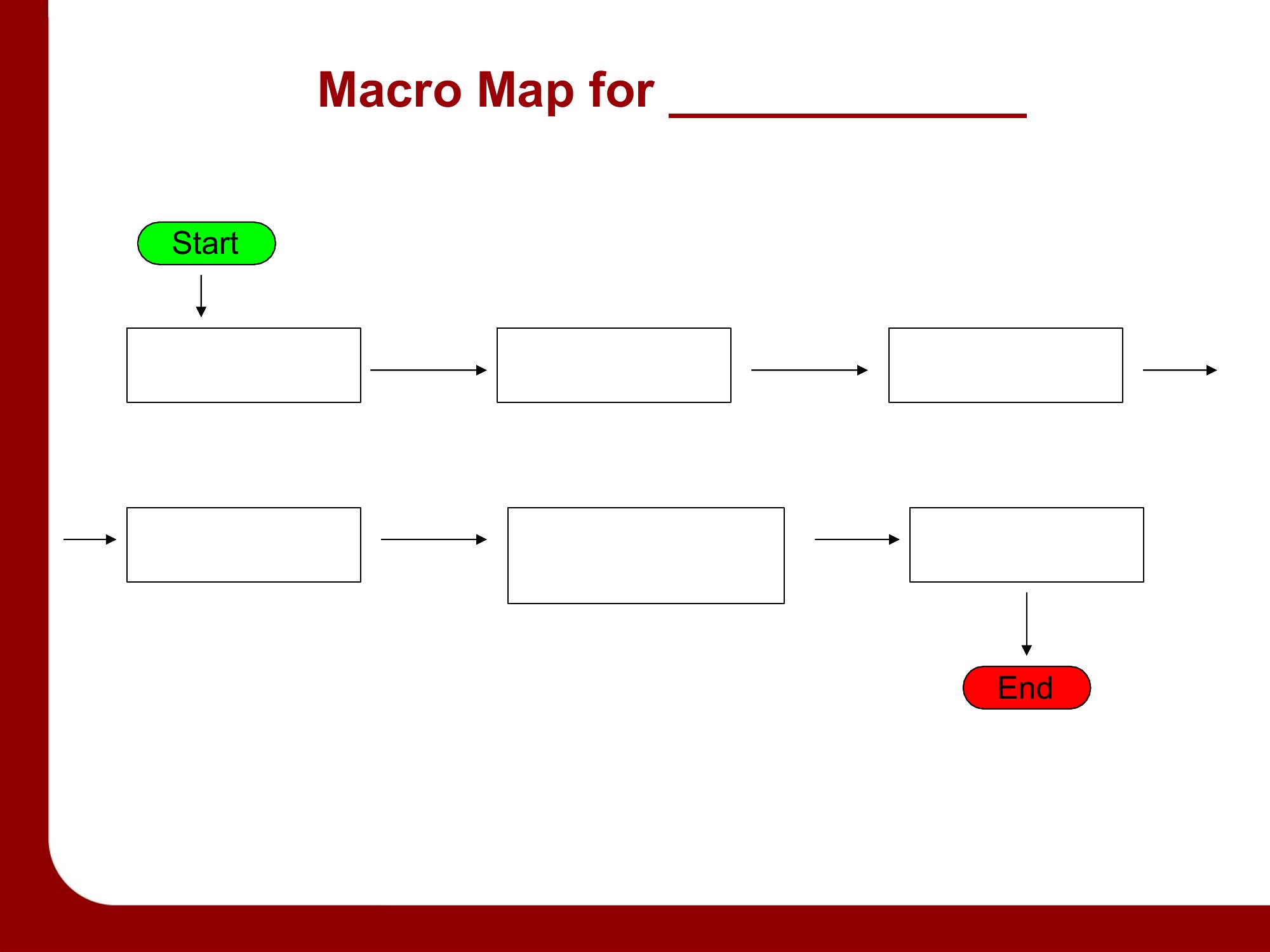
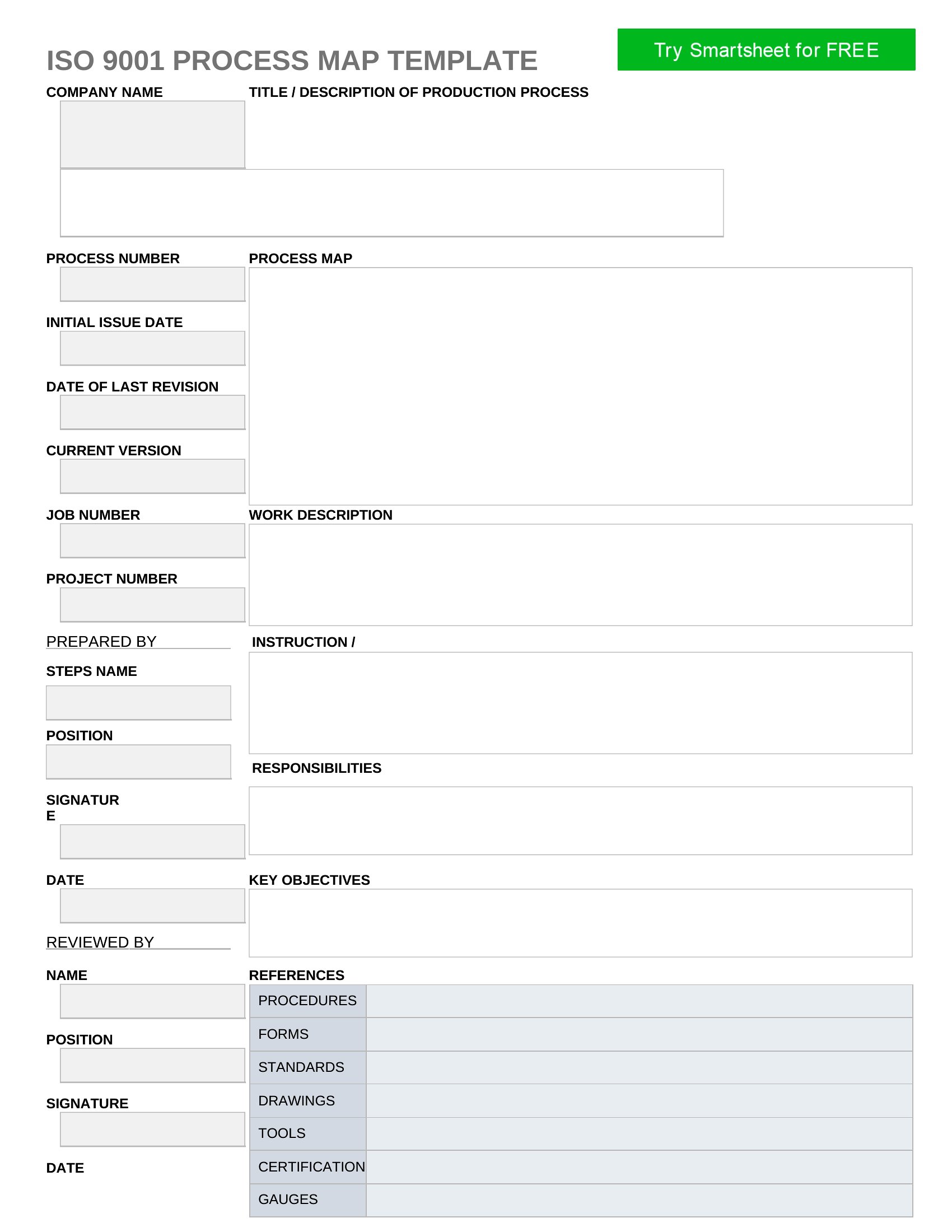
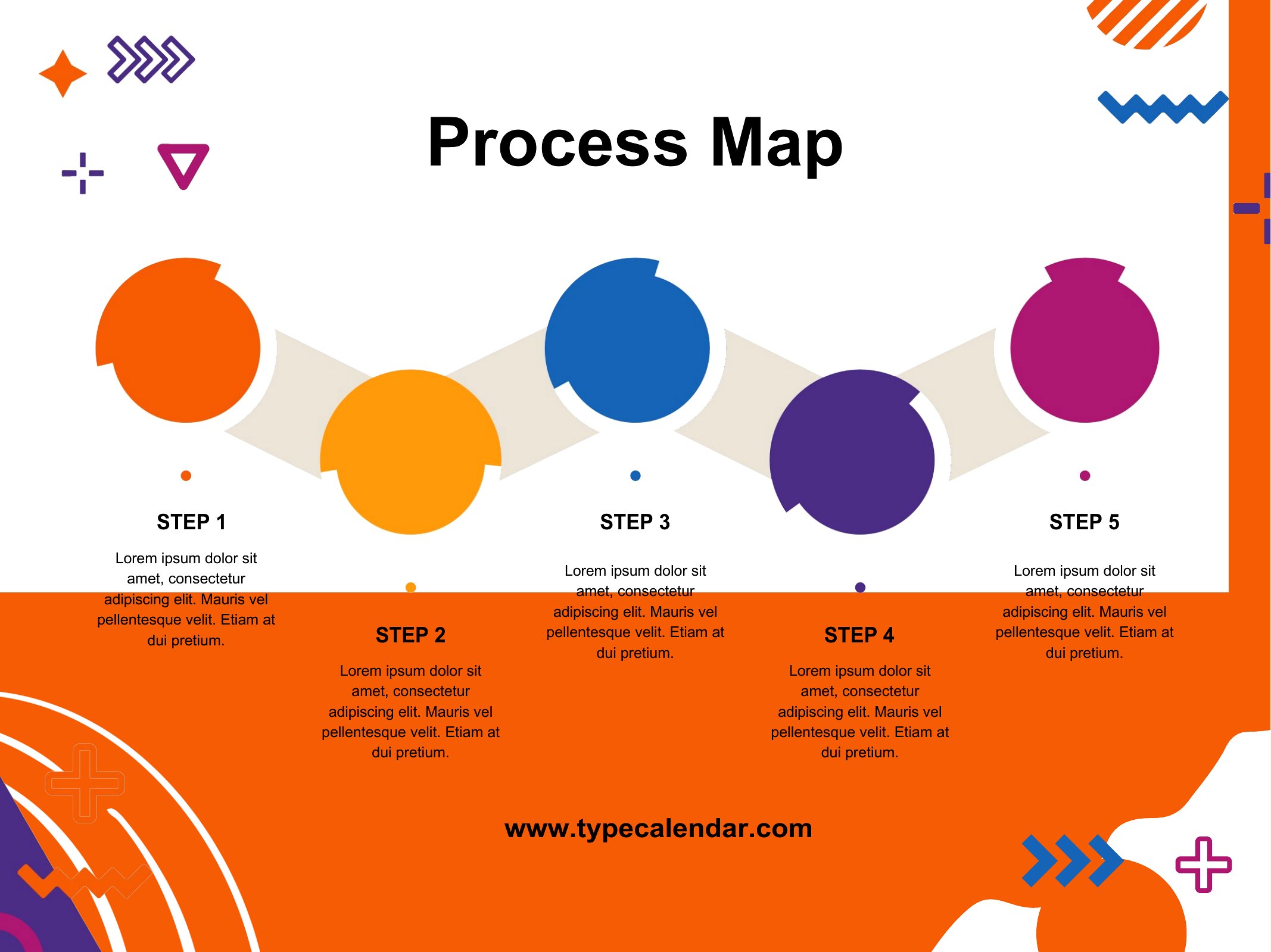
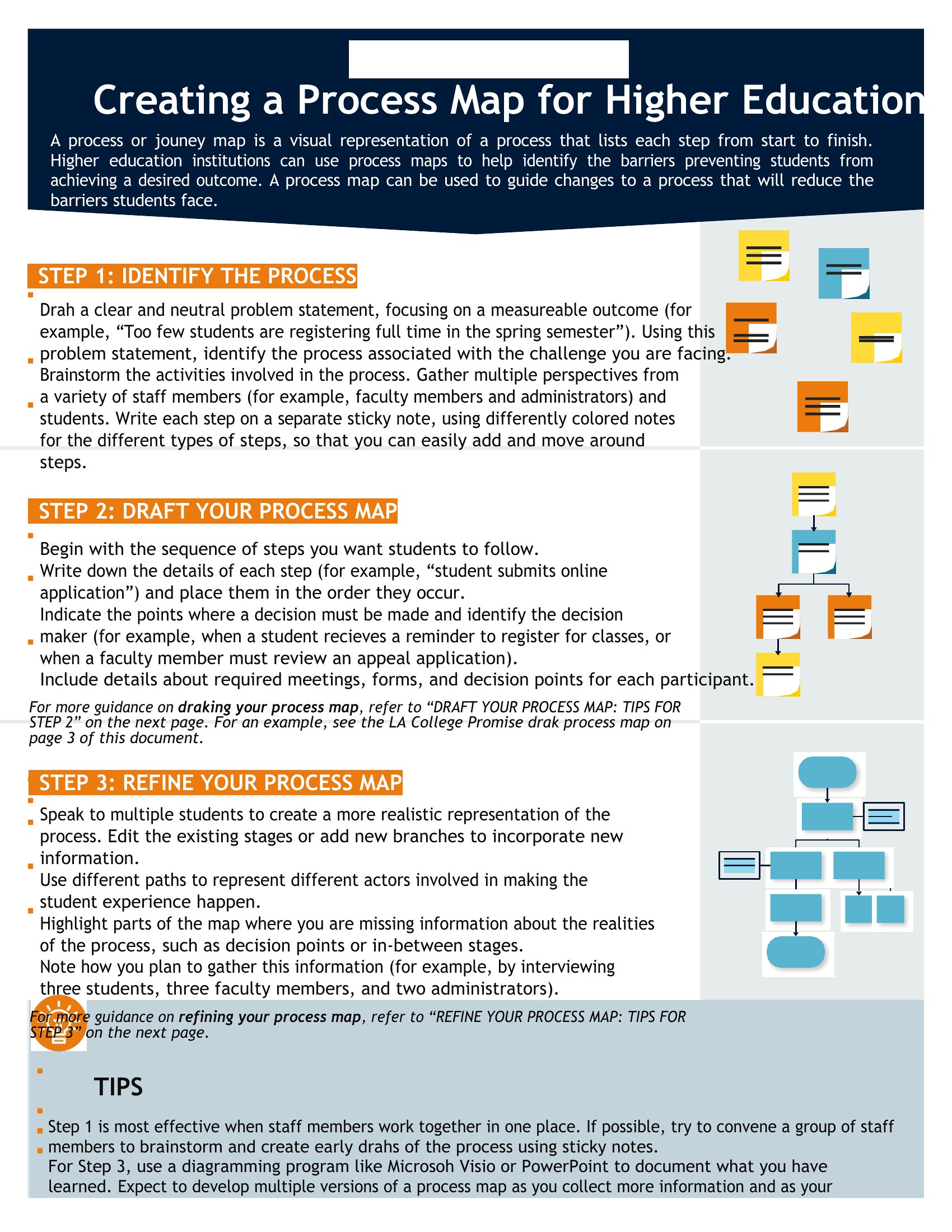
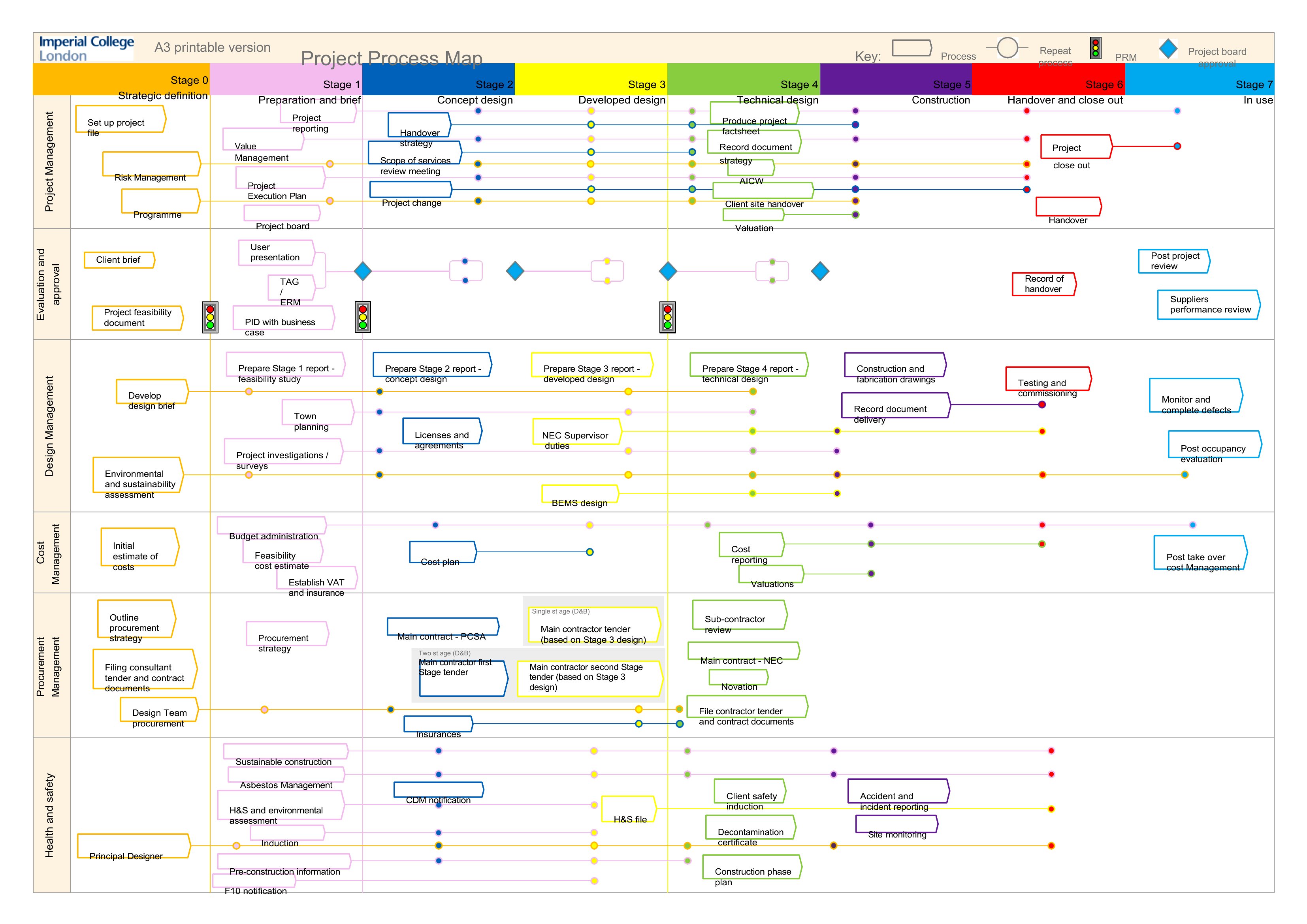
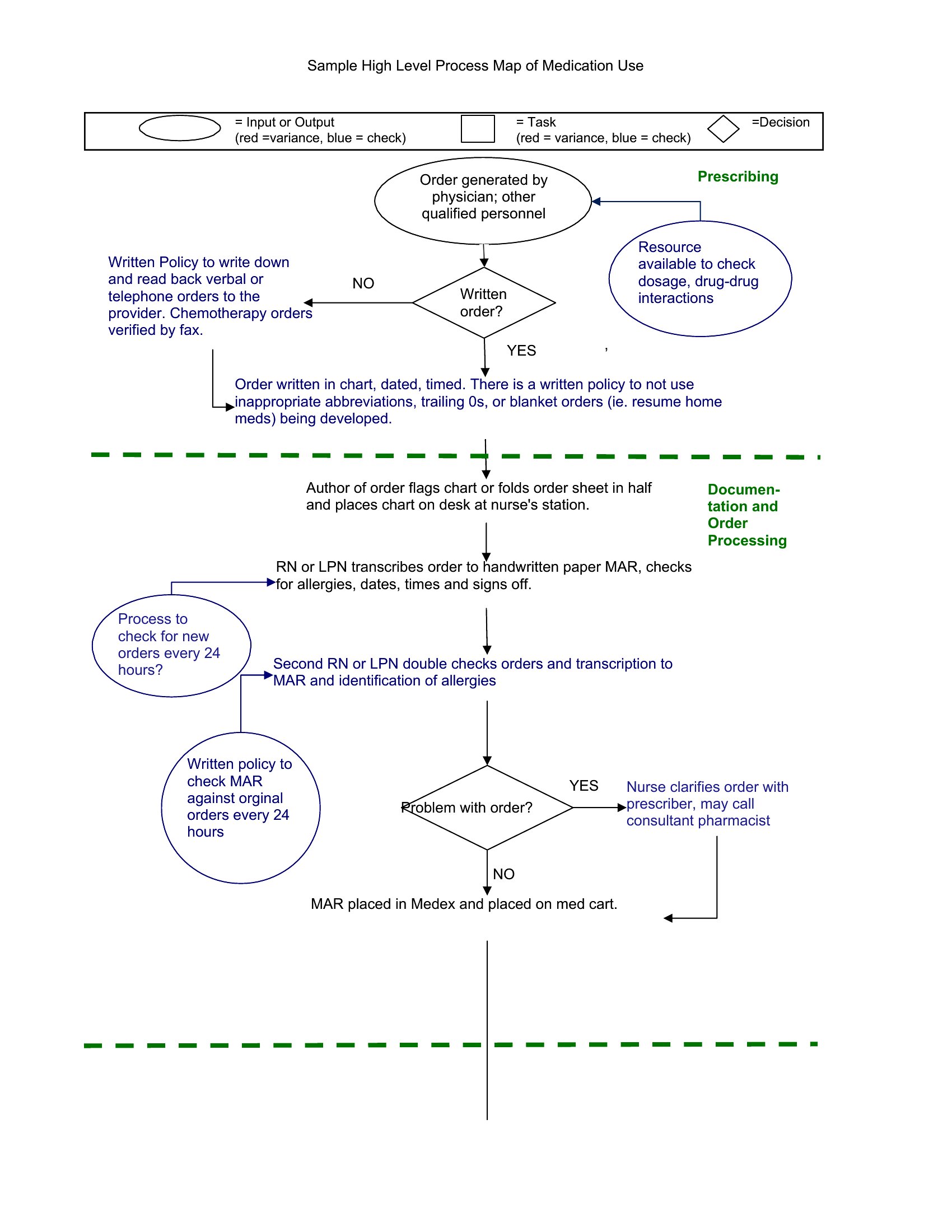
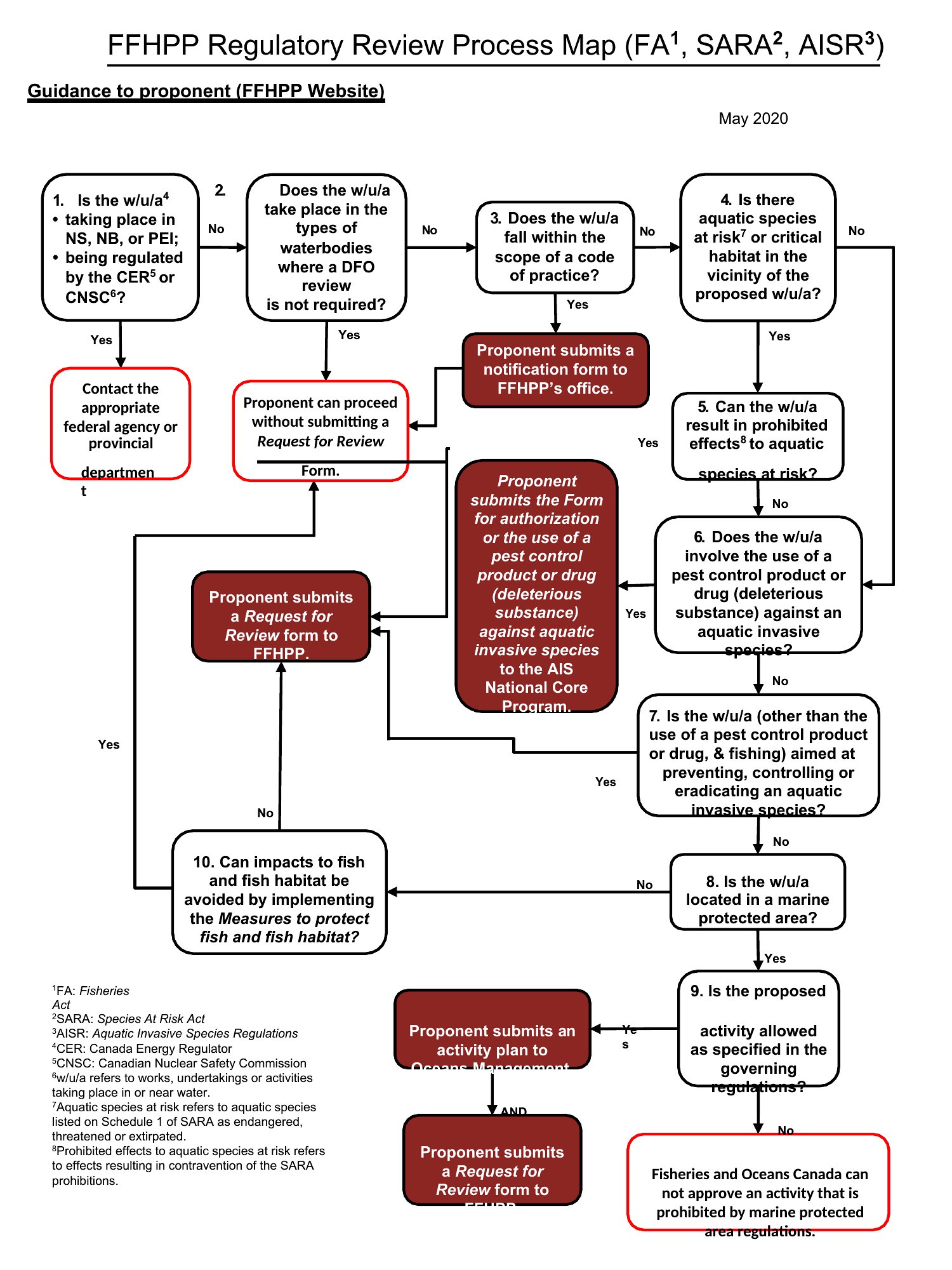
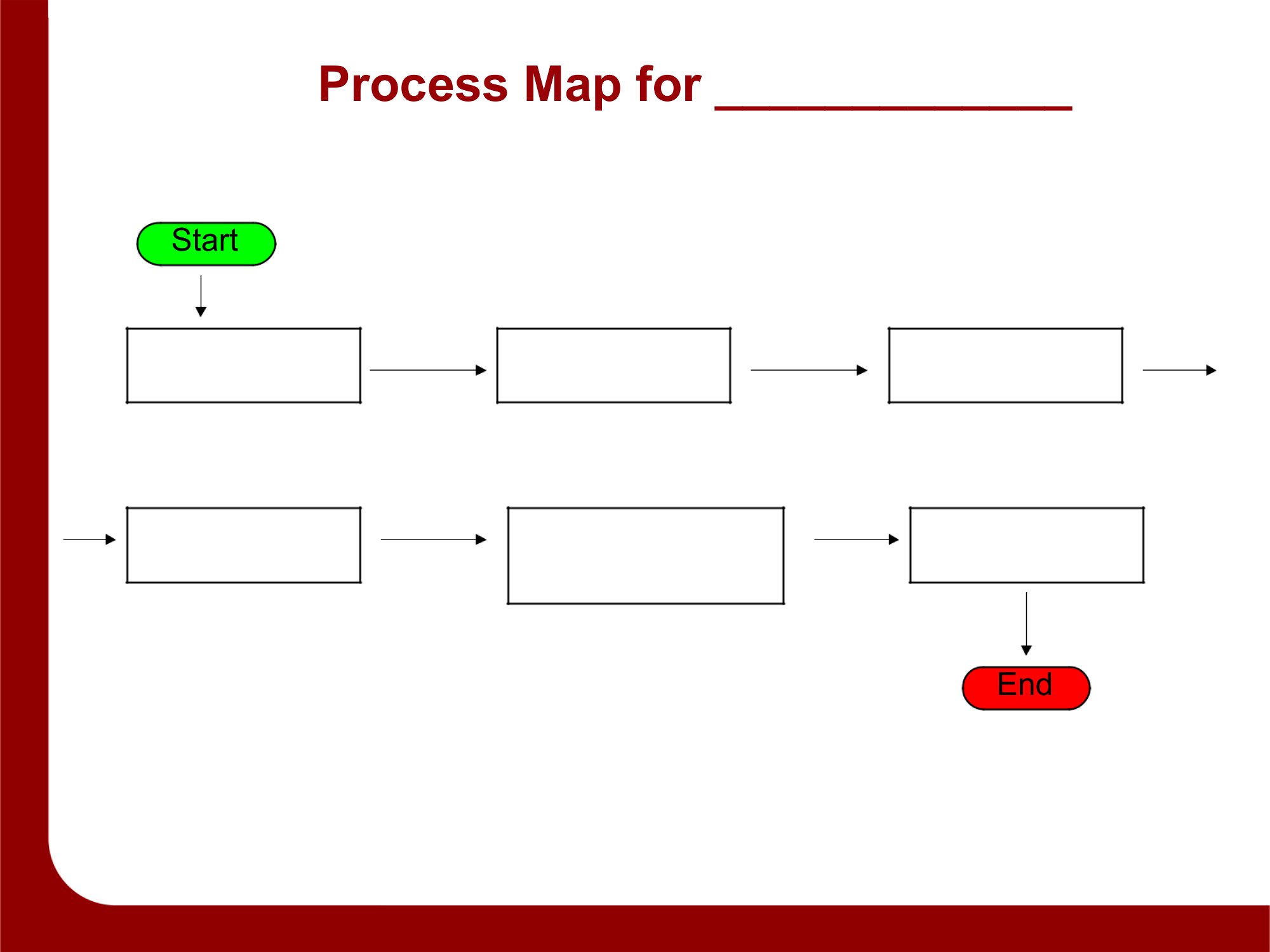
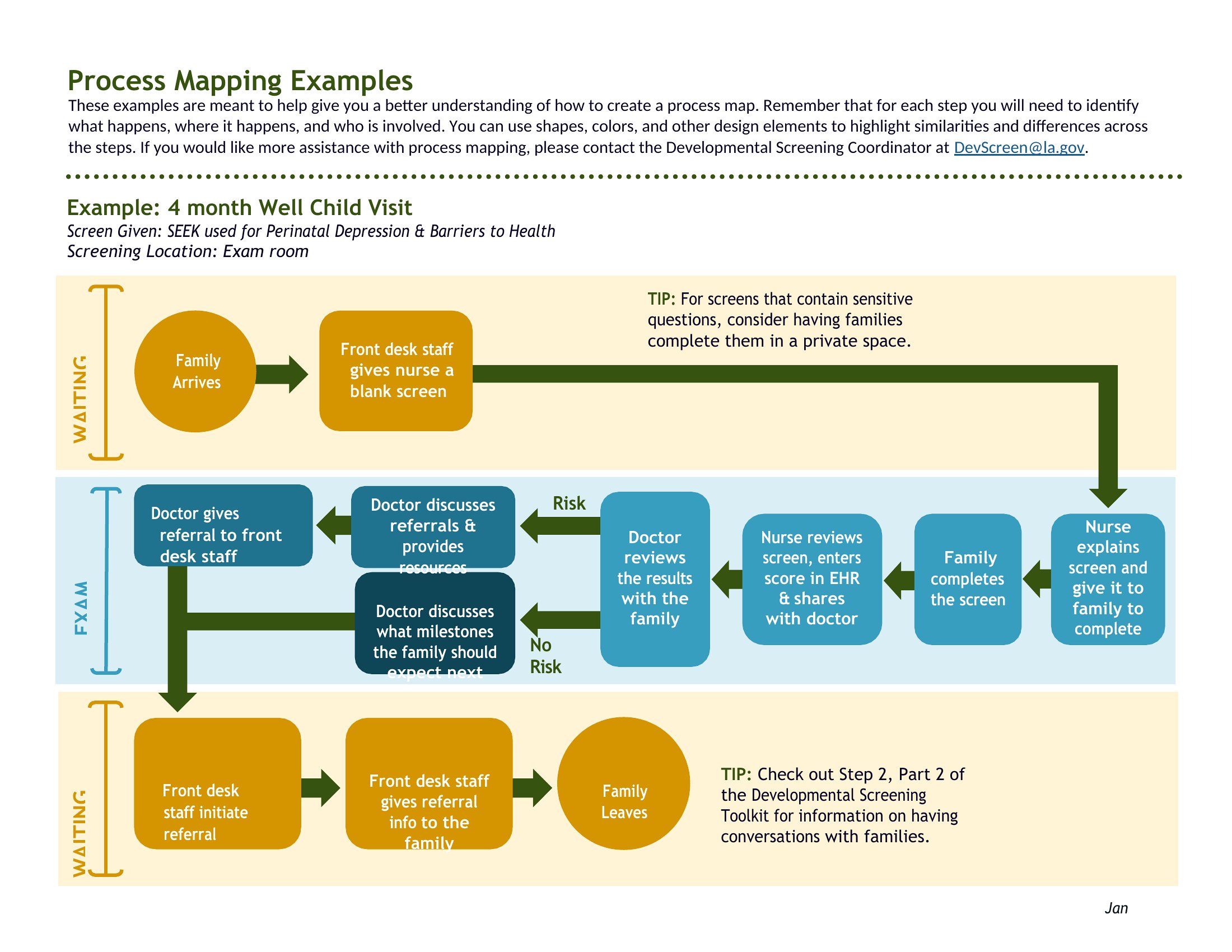
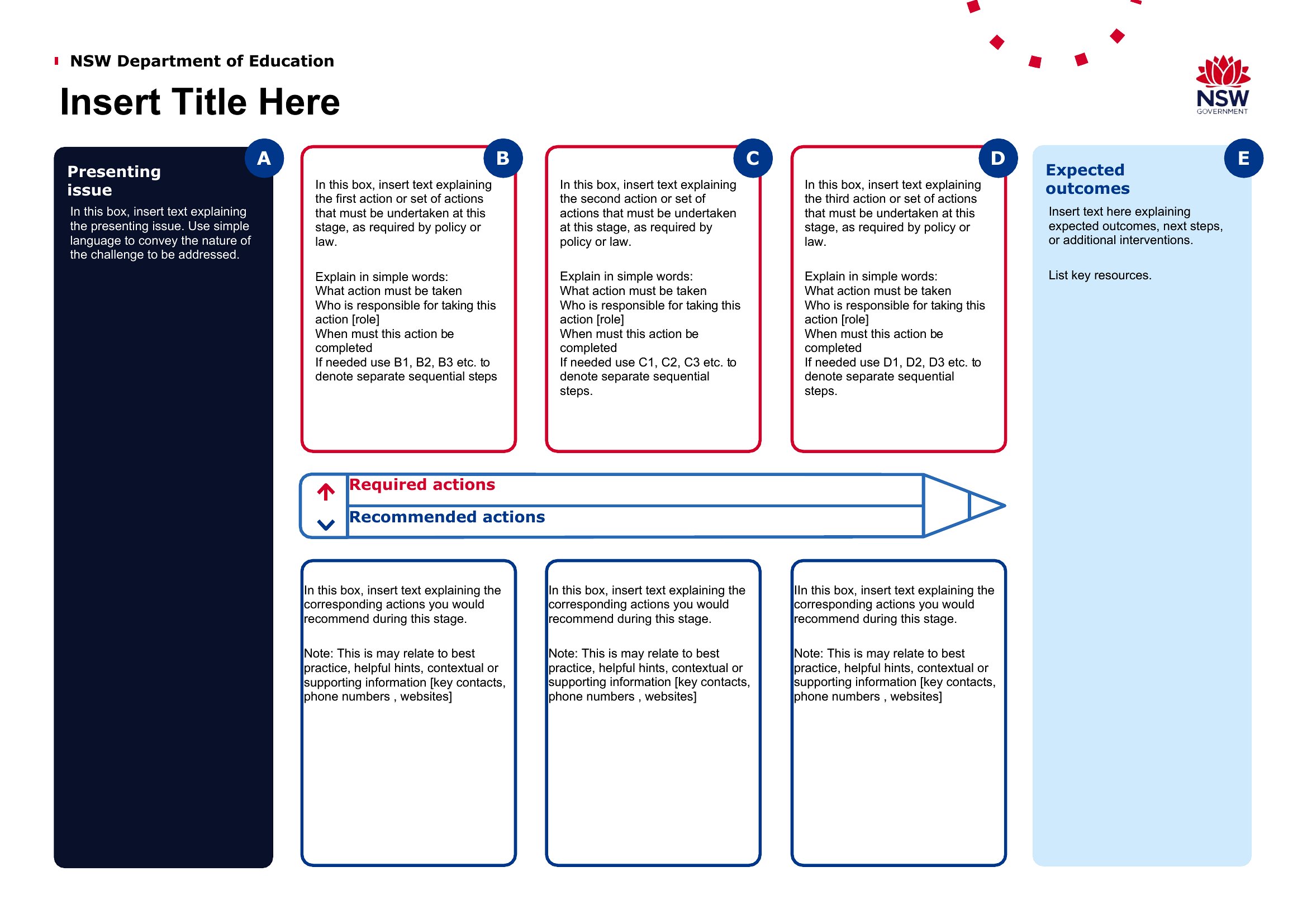
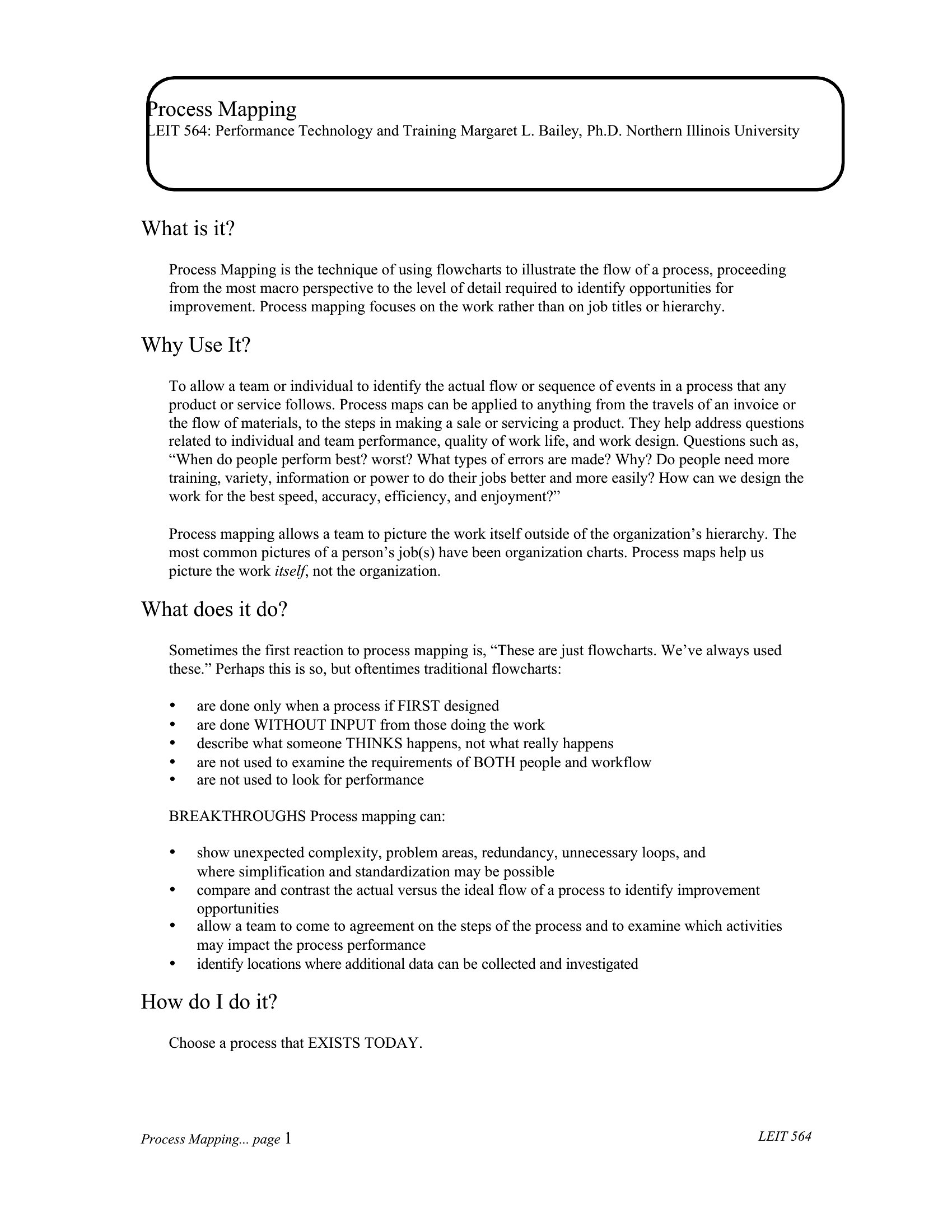
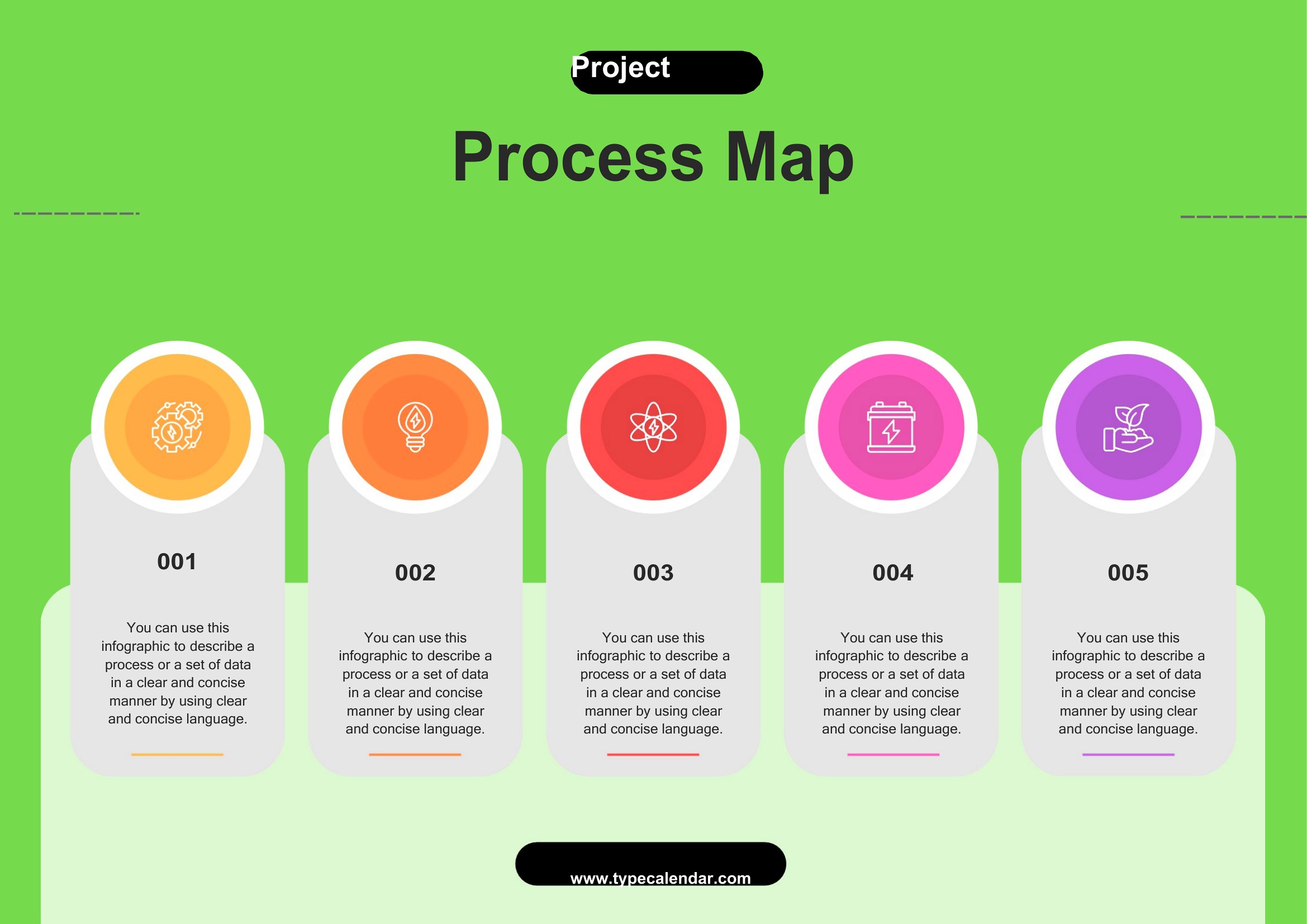
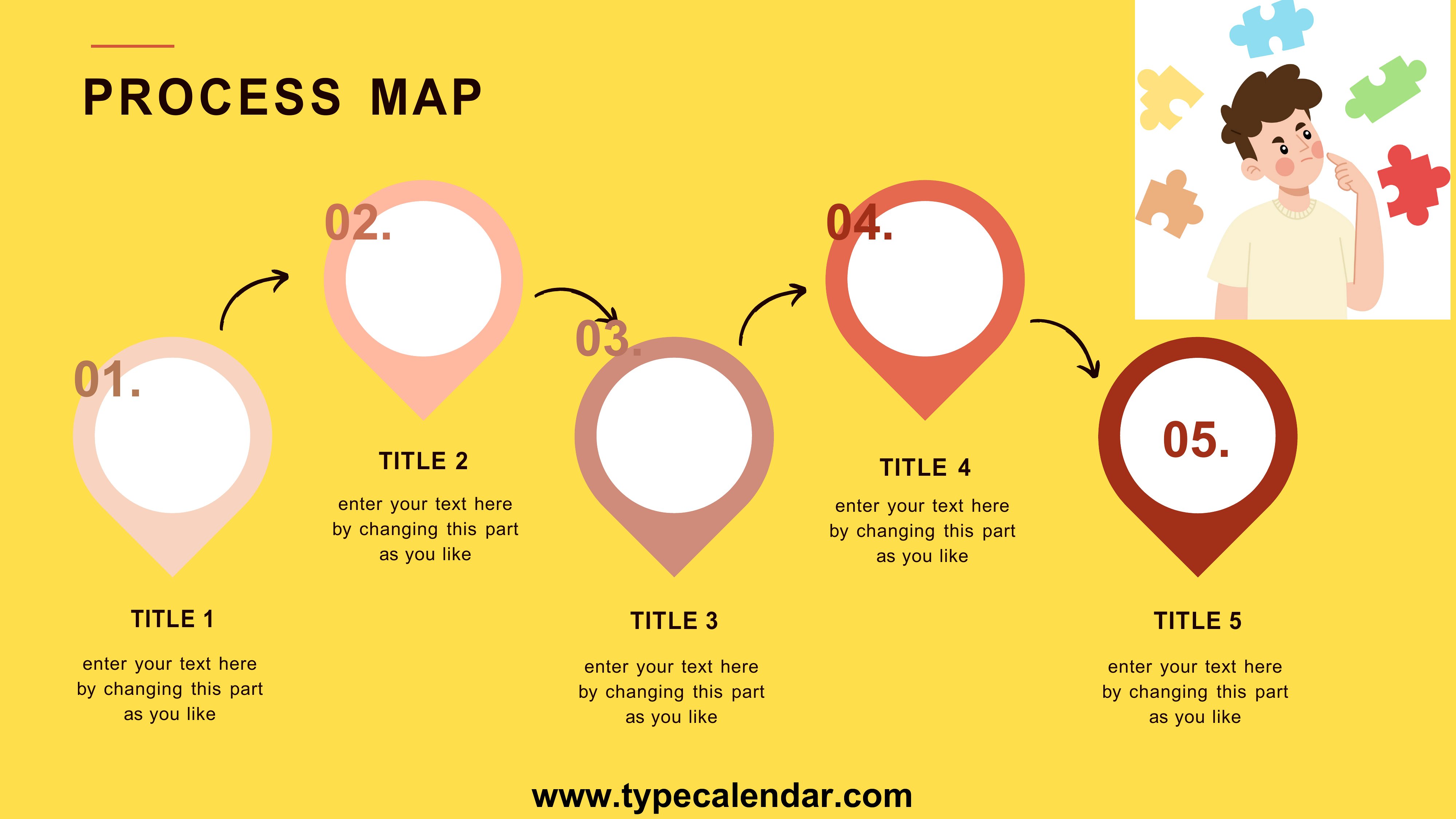
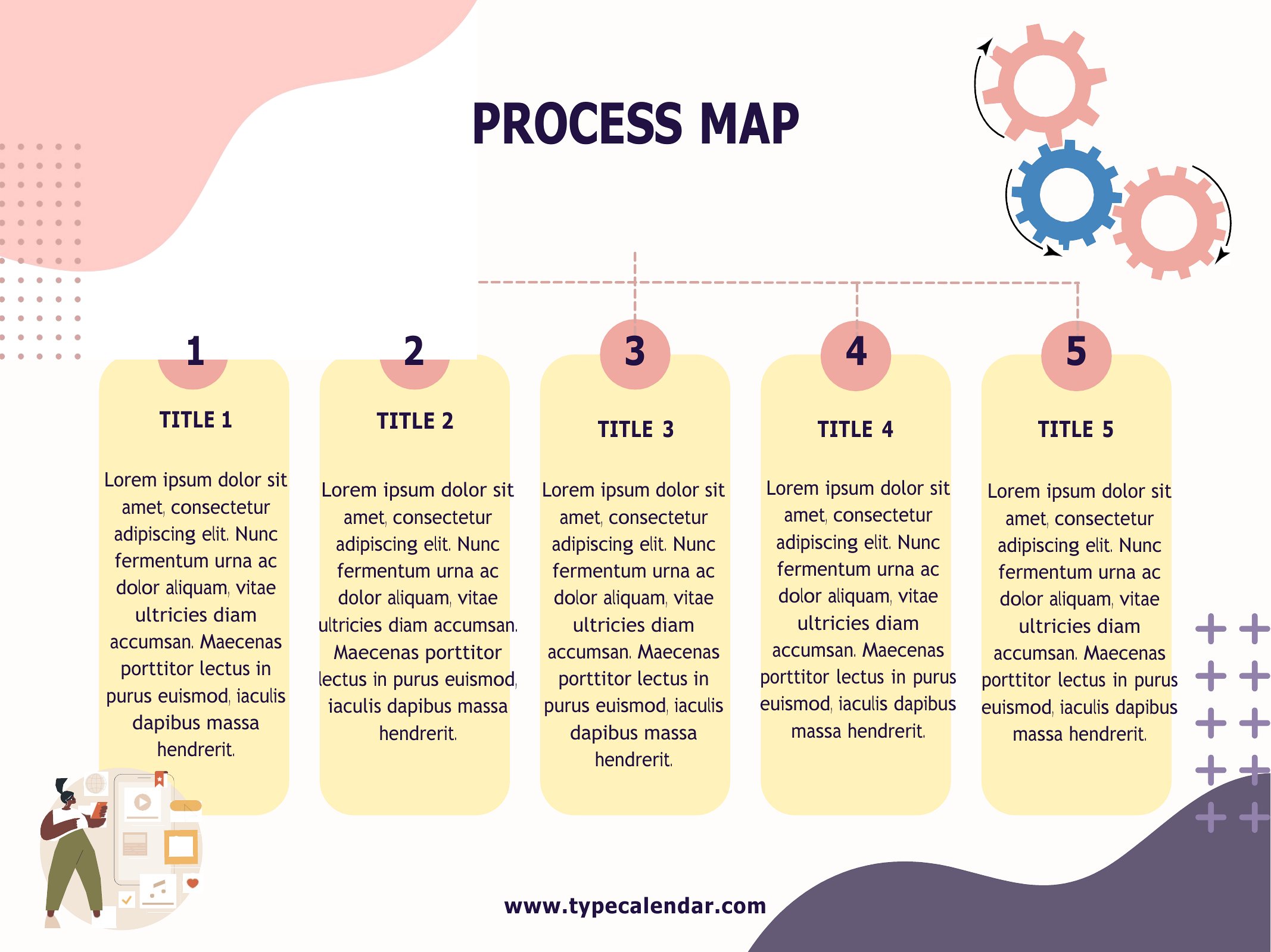
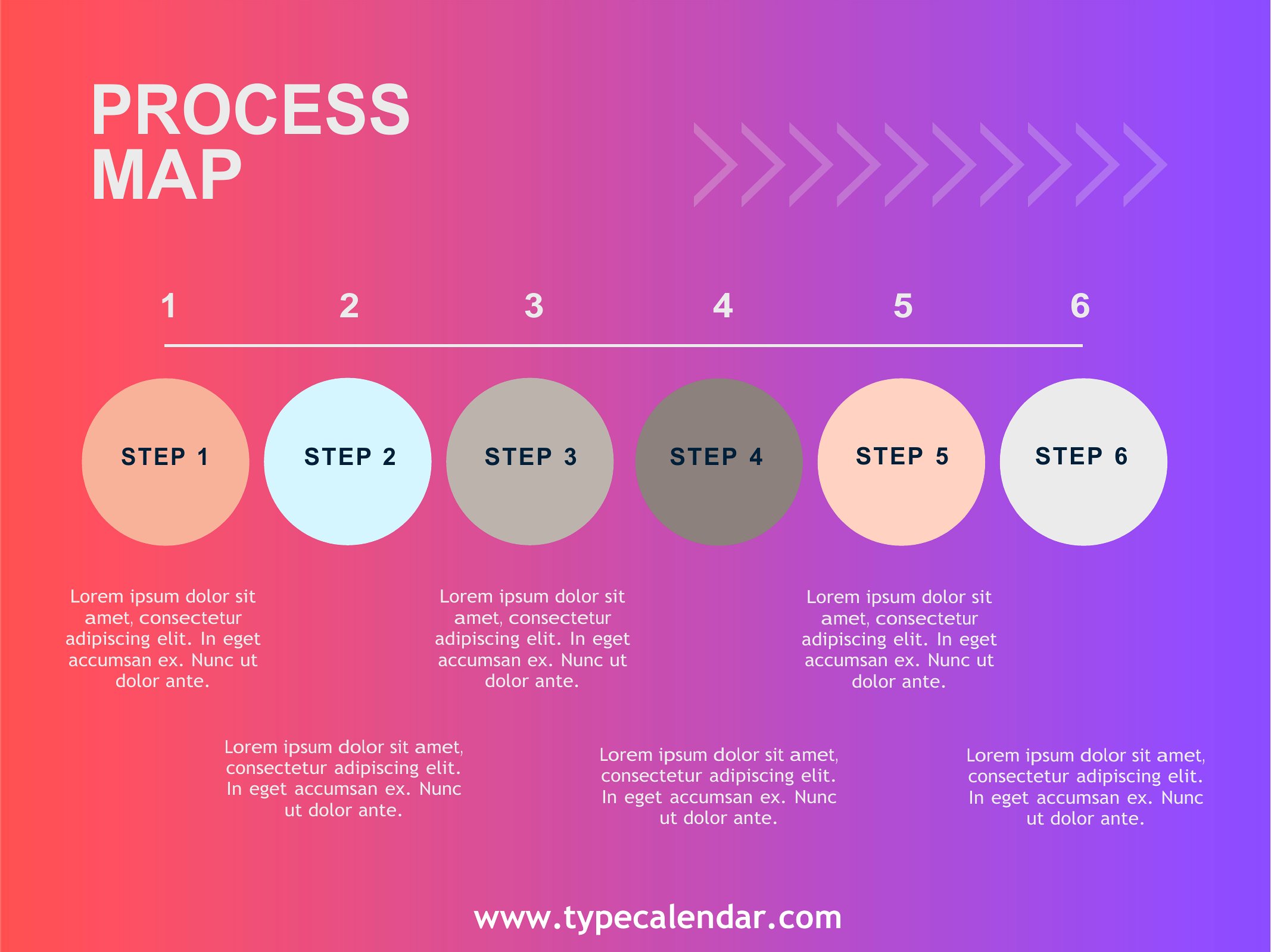
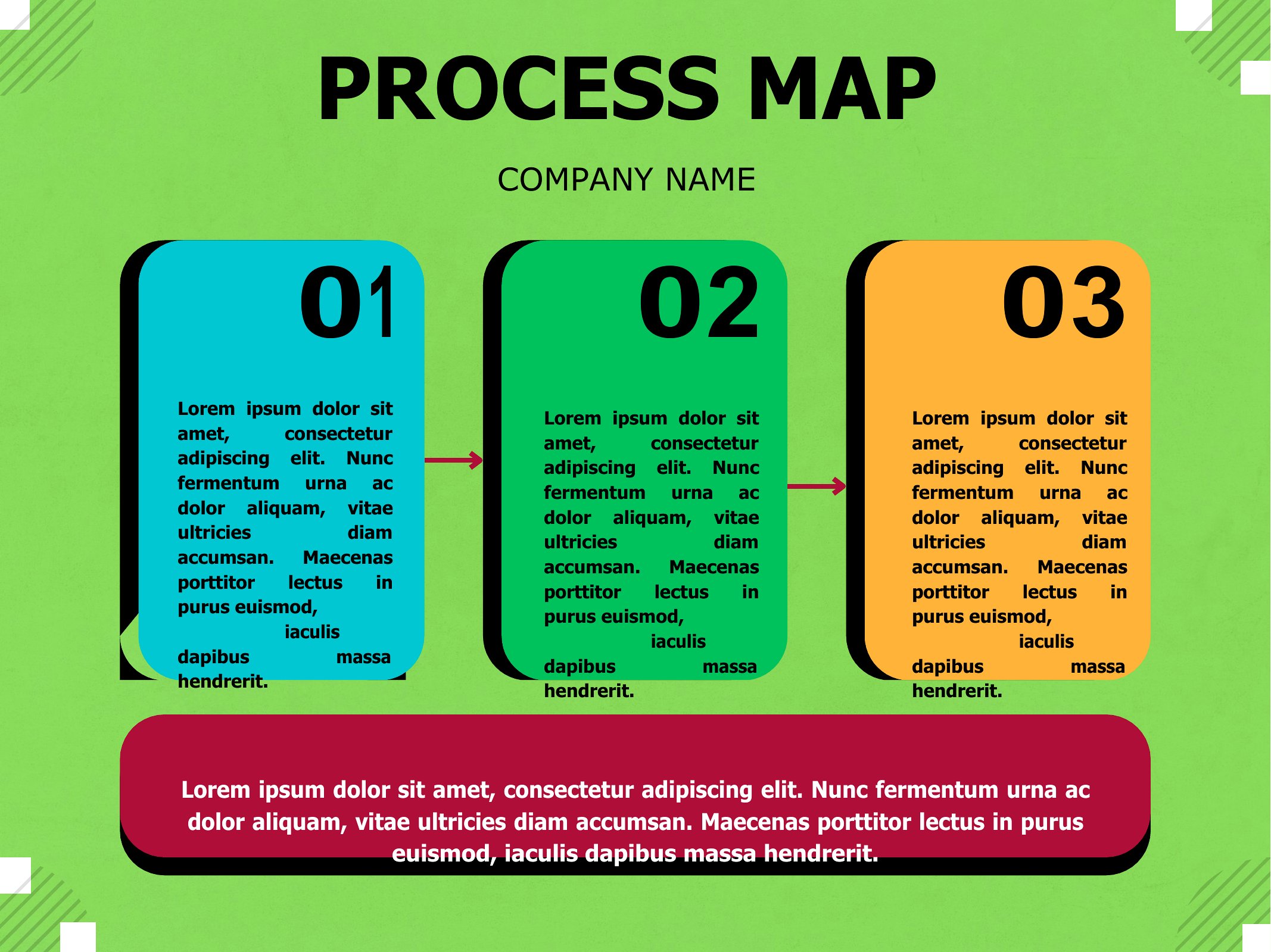
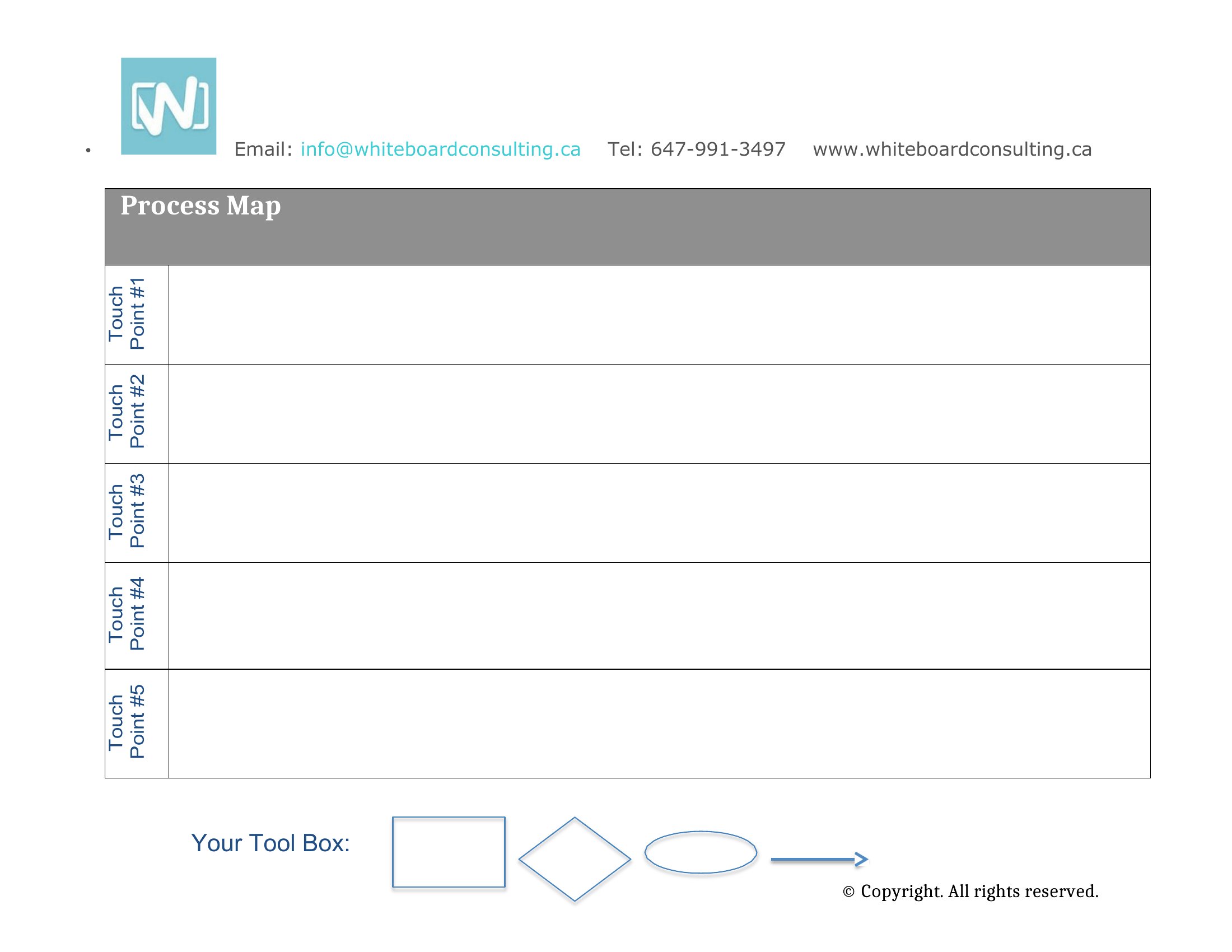
Seeing a workflow drawn out makes it far easier to spot bottlenecks and hand-offs that slow things down. This set of 28 process map templates helps you chart the steps, decisions, and roles in any procedure, from onboarding to order fulfillment. Operations managers, analysts, and teams documenting how work actually flows can start from a clear structure instead of a blank canvas.

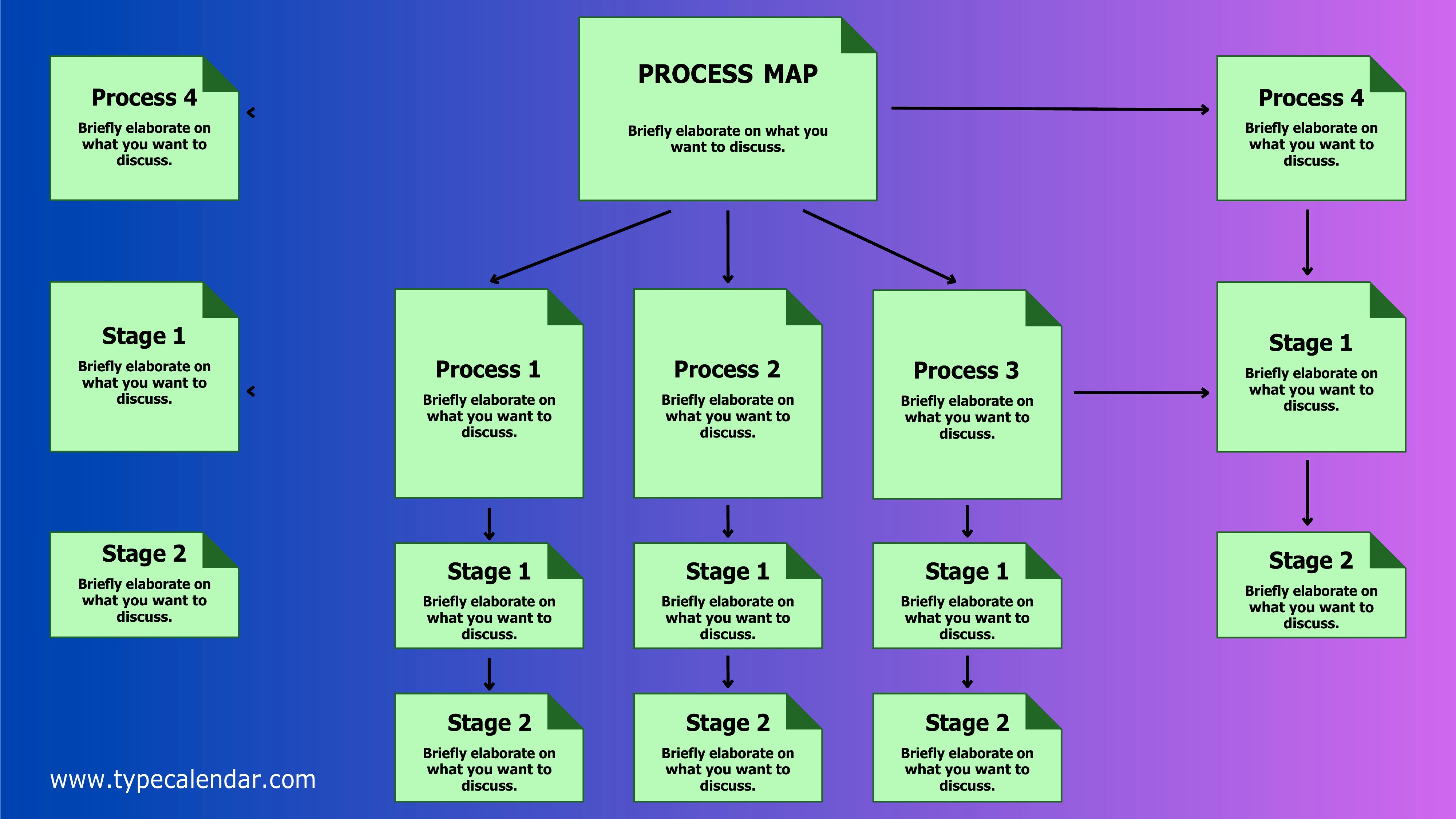
Each template is editable in Word, so you can drag in steps, label decision points, and adjust the flow to match your process. Map the current state, then sketch an improved version to share with the team. A visual map gets everyone aligned faster than a wall of text. Choose the layout that fits your workflow and start mapping it out.

When to use this Process Map template

  • Operations managers at a logistics company use these templates to map the current warehouse fulfillment process, identifying where shipments consistently get delayed between departments.
  • A healthcare compliance team creates a process map to outline the patient intake workflow, ensuring every step—from admittance to documentation—is clearly assigned to a role and meets HIPAA requirements.
  • HR analysts document the new employee onboarding sequence, including approvals and training hand-offs, to reduce confusion and improve time-to-productivity for hires.
  • Project coordinators for a construction firm outline the subcontractor approval process, marking decision points and deadlines to prevent costly delays in permits or material deliveries.

Which format should I download?

Word

Microsoft Word is the best format for this collection because it allows easy editing, collaboration, and integration with other office tools. Word’s structured templates make it simple to add or remove steps, assign owners, and refine details without needing design skills. Use Word when you need flexibility to adapt the map as your process evolves or share drafts for team feedback. Avoid PDFs here—while useful for final reviews, they’re static and don’t support real-time updates.

Choose from 28 Process Map Templates

How to use this Process Map template

How detailed should I make the process map for internal audits?

Include every step, decision point, and responsible party—but balance detail with clarity. Overly granular maps slow down adoption; focus on the flow of work and key hand-offs. For audits, highlight compliance checkpoints or escalation paths. Start with a high-level overview, then drill into critical sections as needed.

Can I use these templates to map a process that’s still being designed?

Yes, these templates work perfectly for designing new processes. Outline the intended steps, assign hypothetical roles, and refine the flow based on feedback. Treat it as a living document—update as you test the process in real scenarios. They’re especially useful for brainstorming before committing to software or tools.

What’s the best way to visualize decision points in a process map?

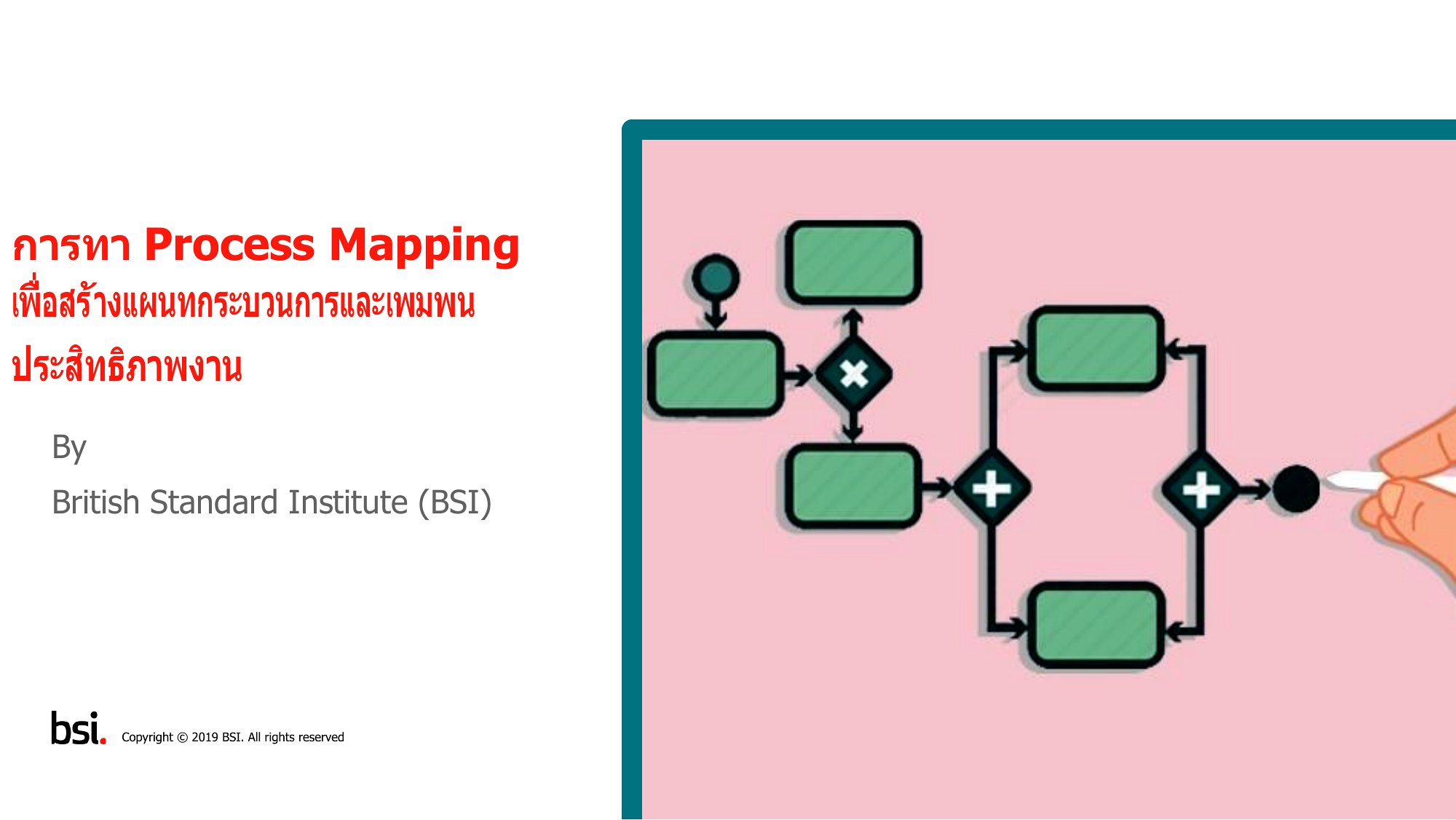
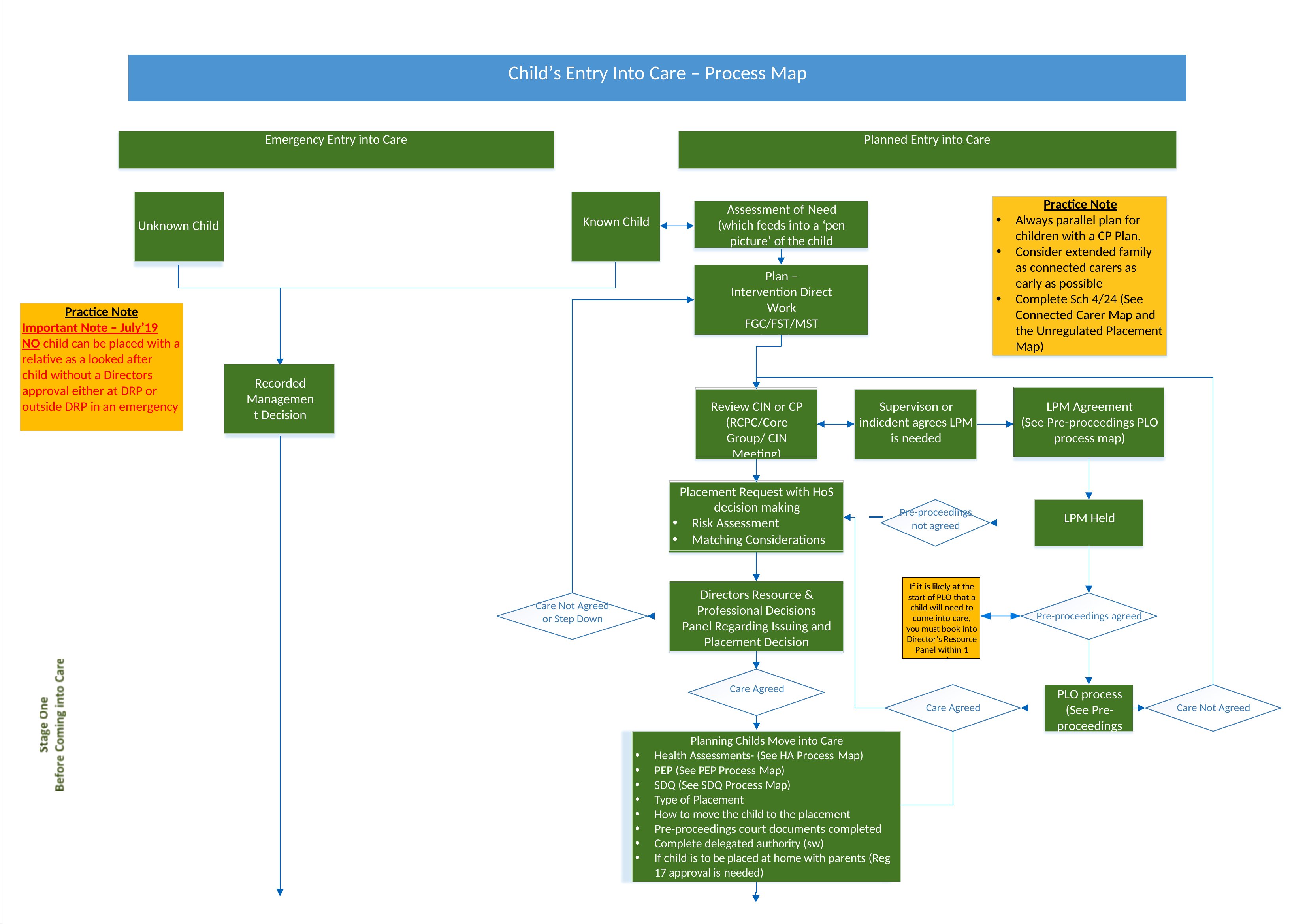
Use diamonds or rounded rectangles to mark decision points, then label them clearly (e.g., ‘Approval Needed?’ or ‘Inventory Low?’). Add short arrows or notes to show the ‘Yes’/‘No’ paths and who makes the call. Keep it simple—avoid overcomplicating with too many branches unless the process truly requires it.

Comments

Join the conversation

Sign in to share your thoughts and leave a comment on this resource.

Newsletter

Get Weekly Design Updates

Join our community to receive curated resources and inspiration.

Weekly Tips Resources Early Access

We respect your privacy. Confirmation email required. Privacy Policy