

Free Customer Journey Map Templates (PDF)
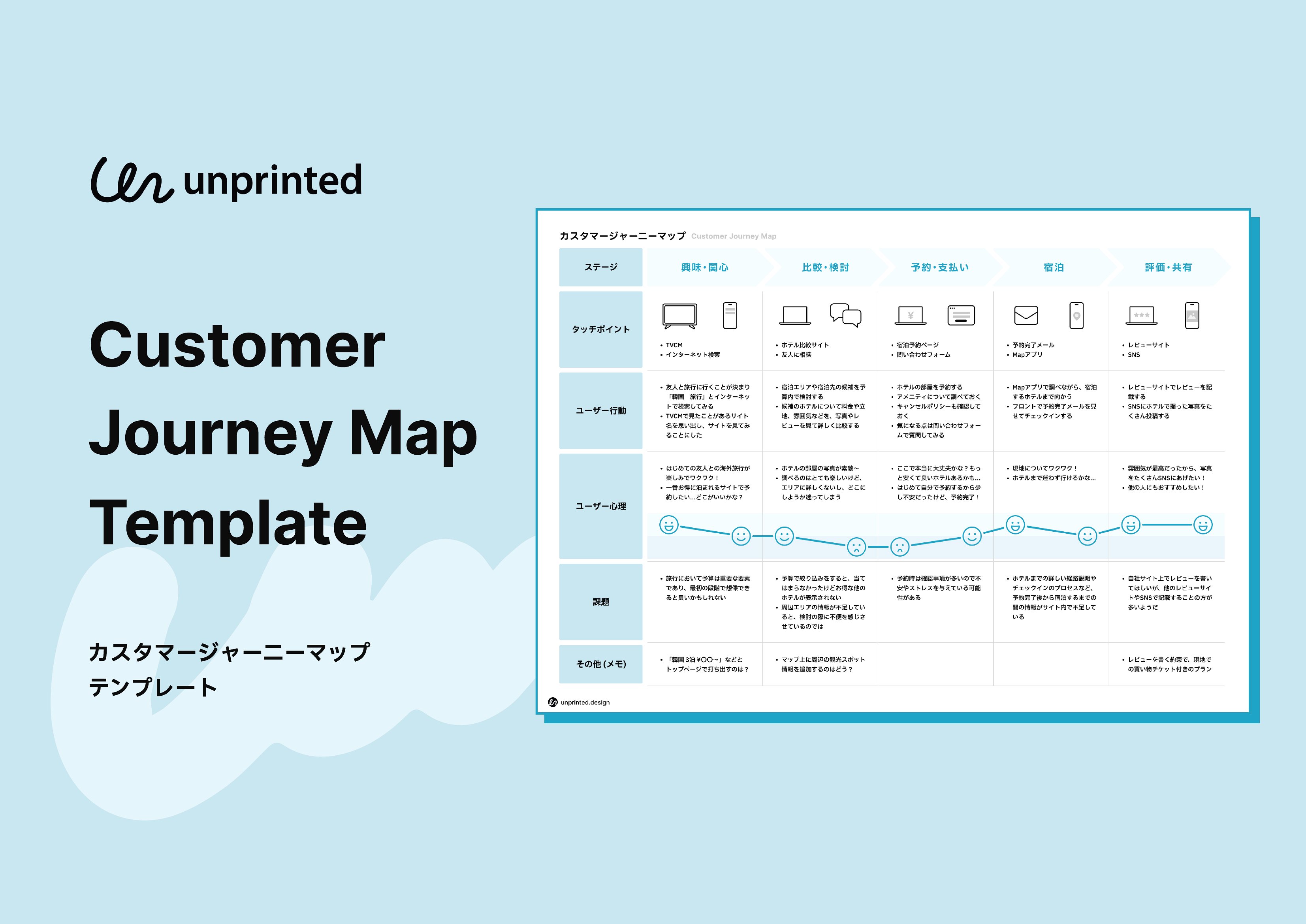
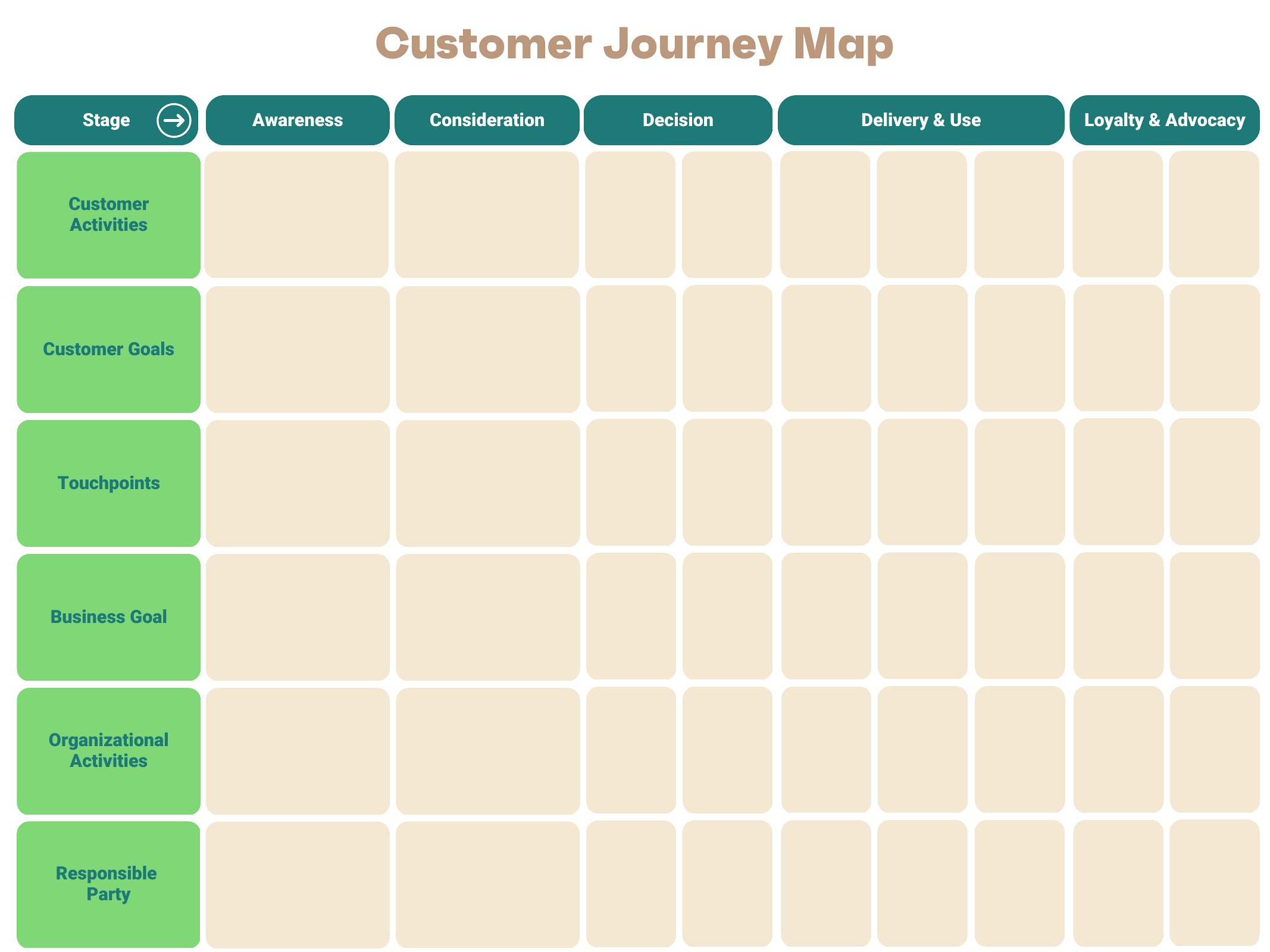
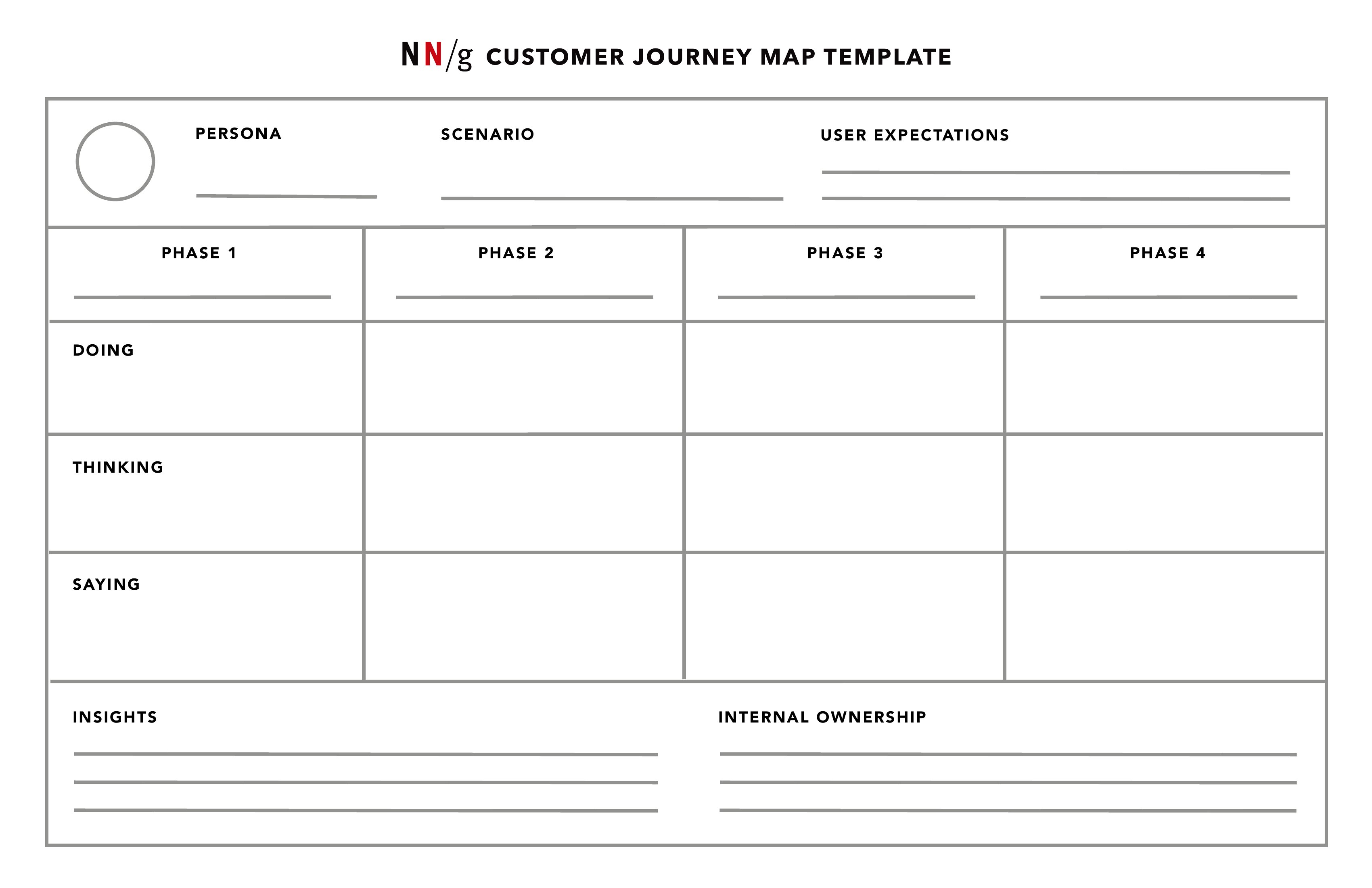
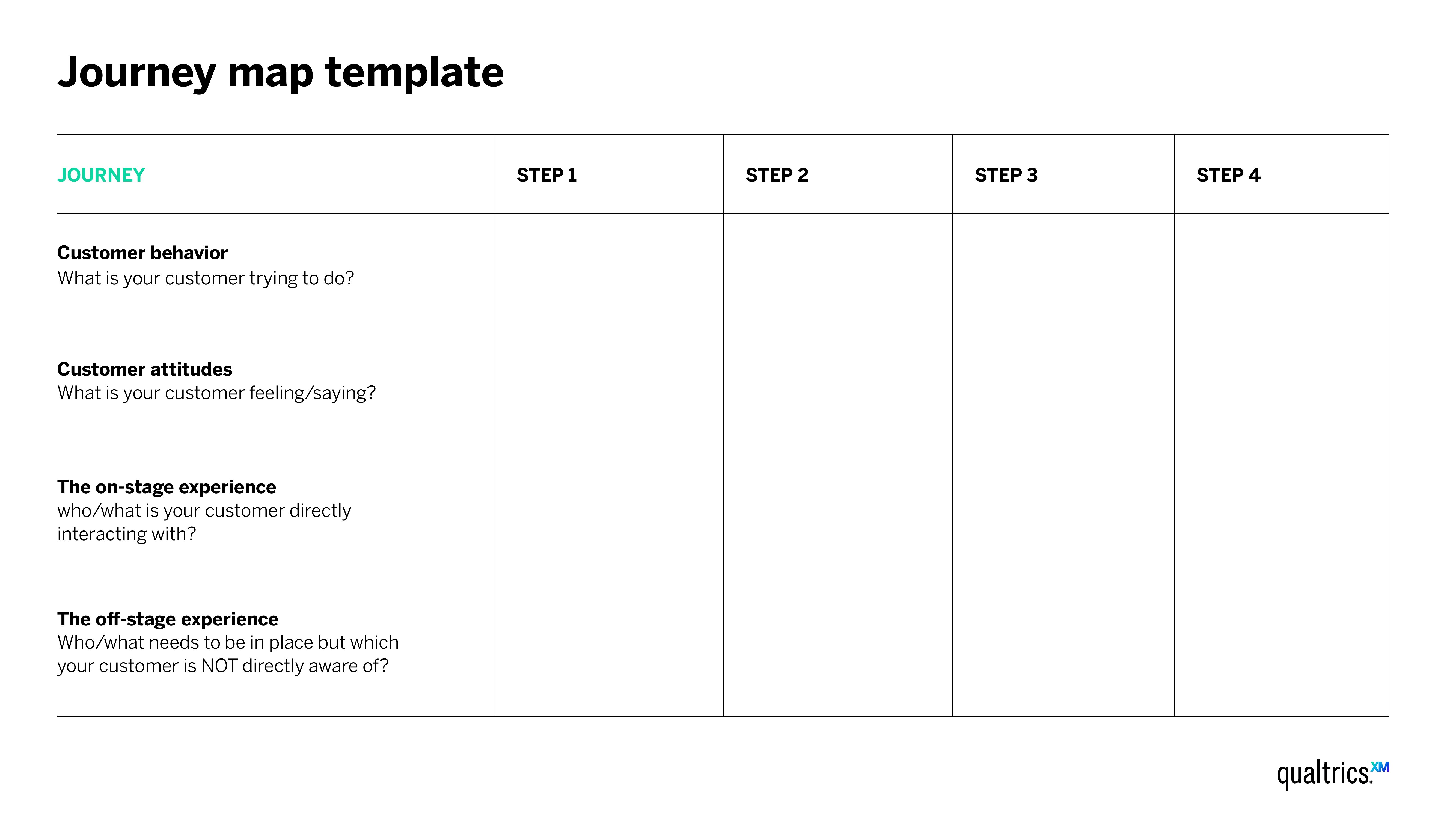
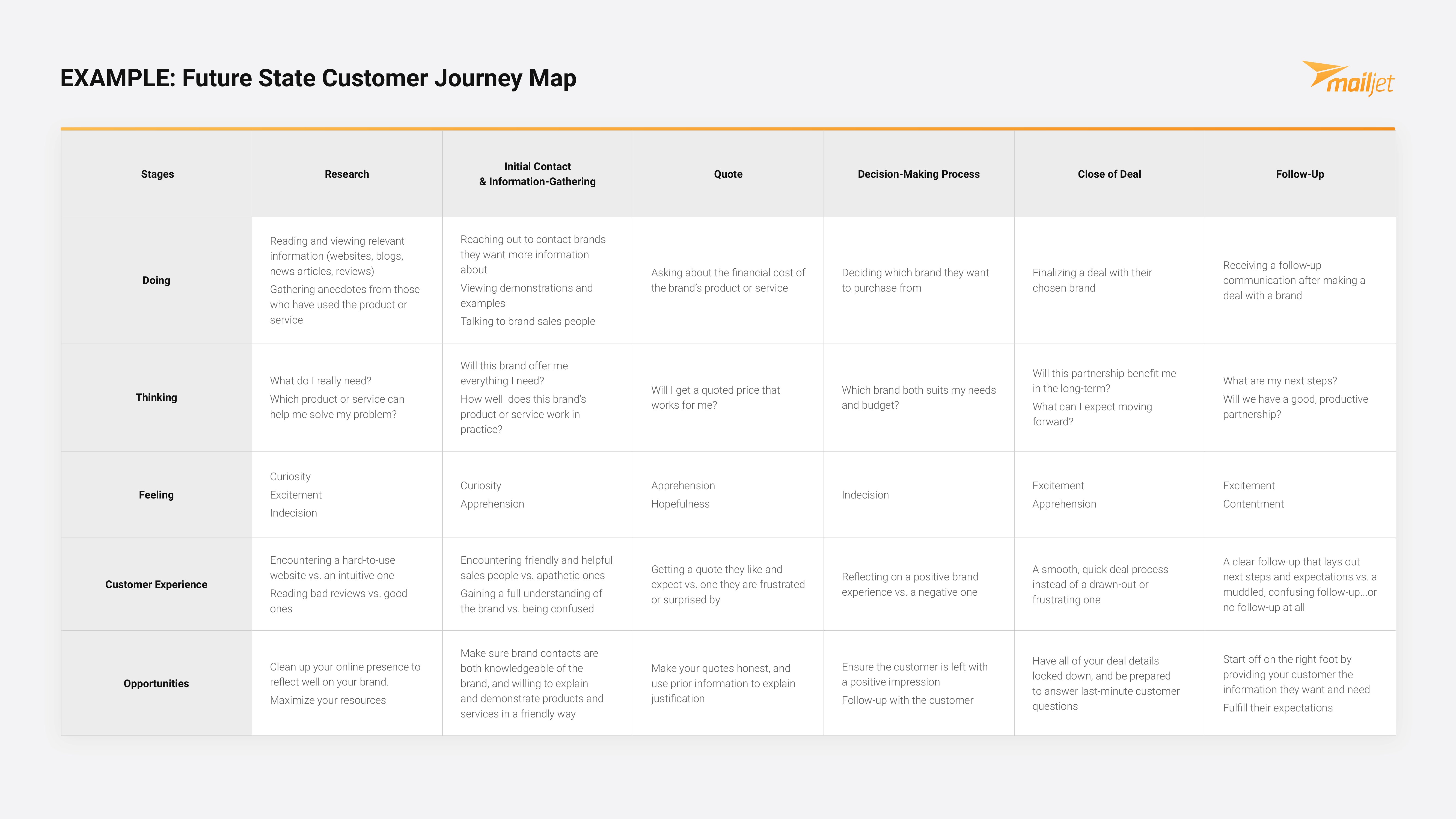
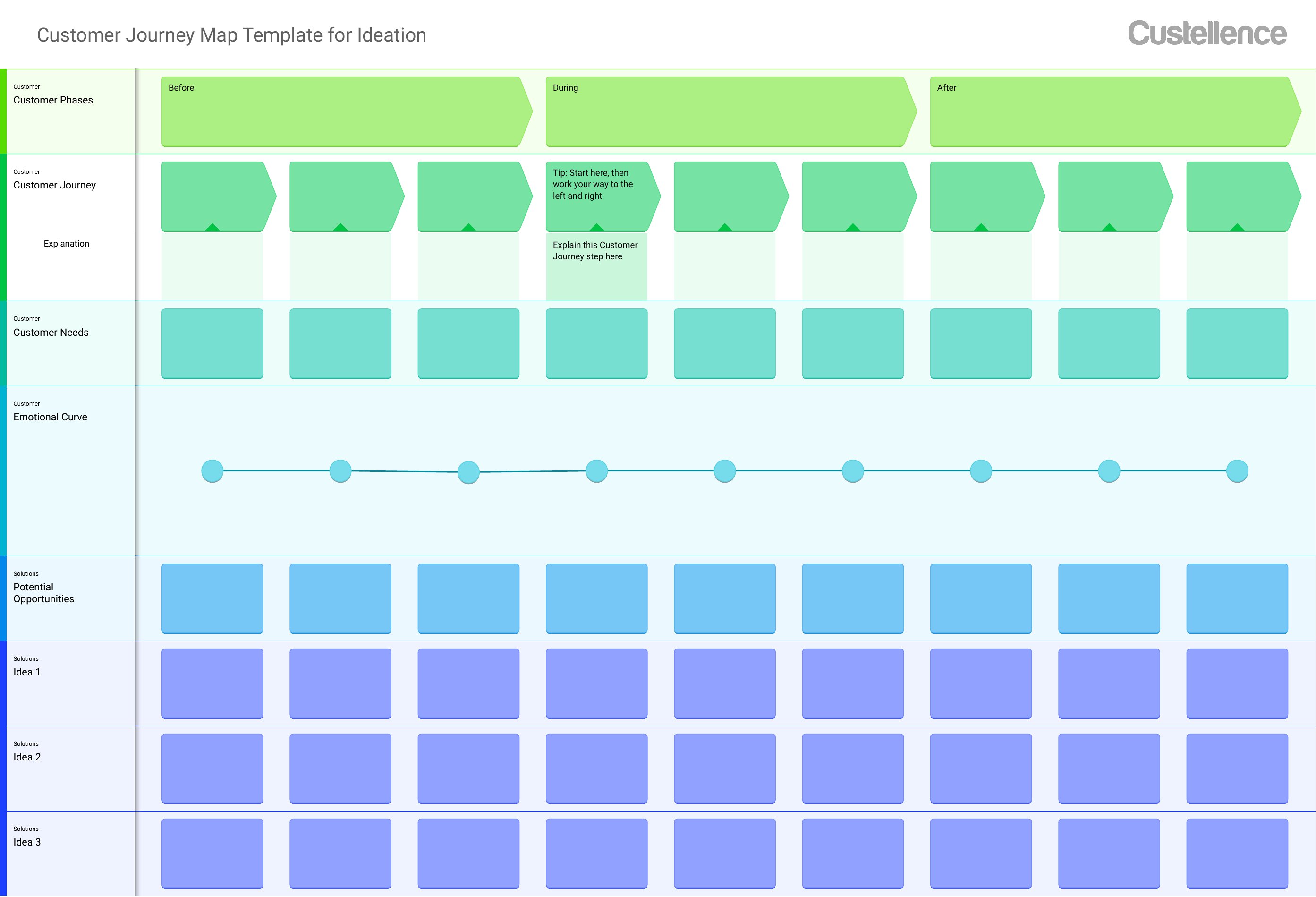
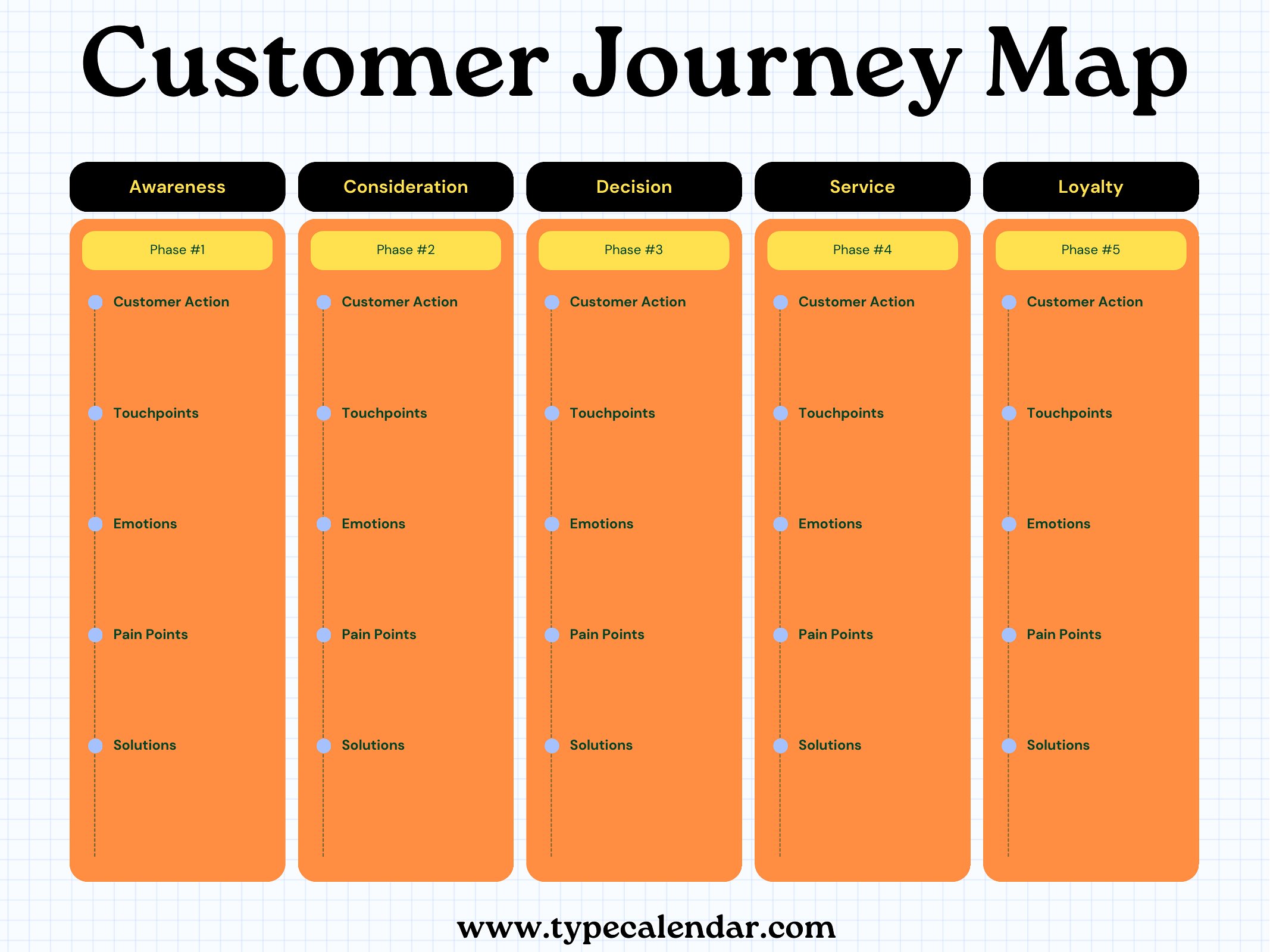
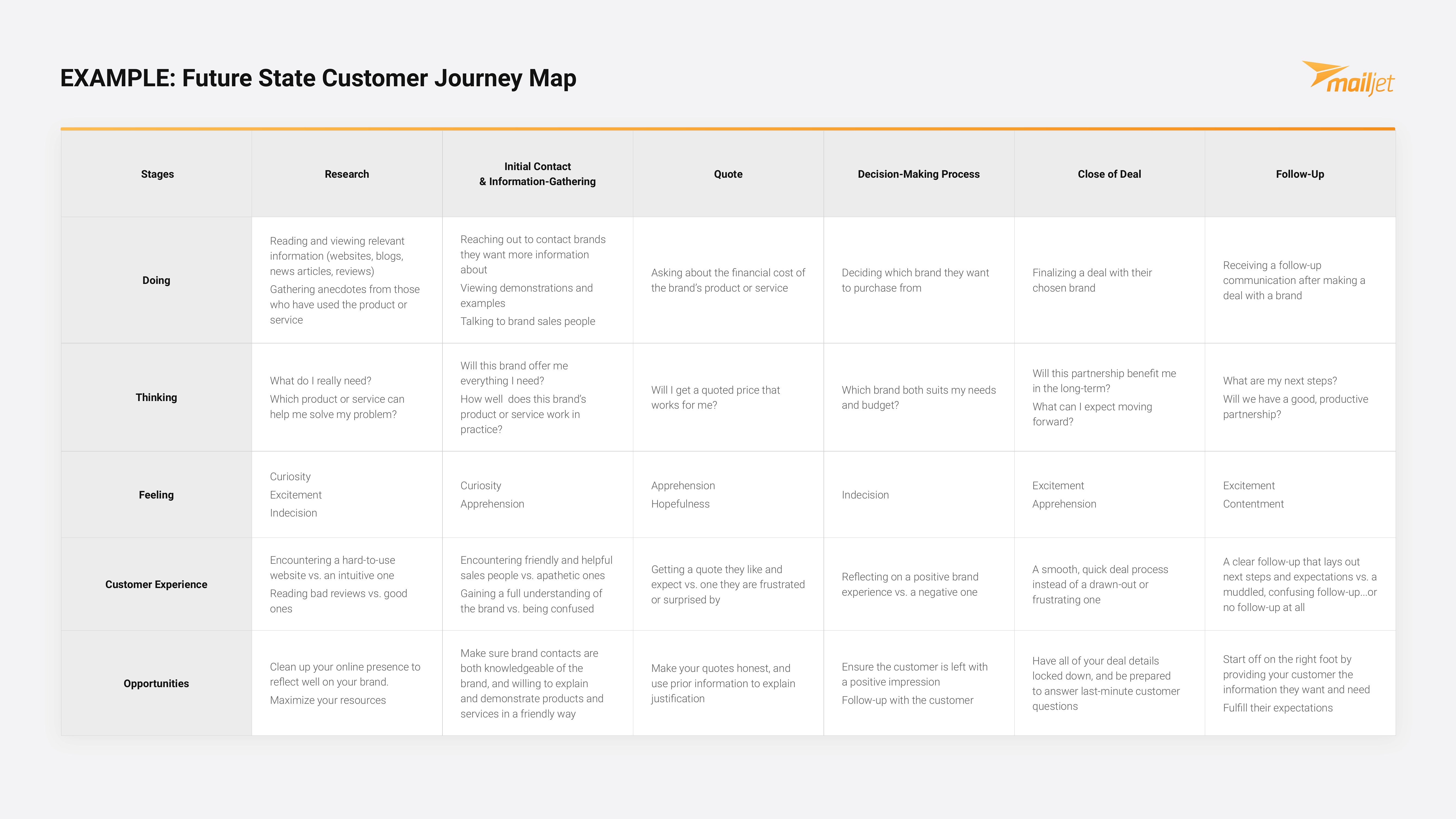
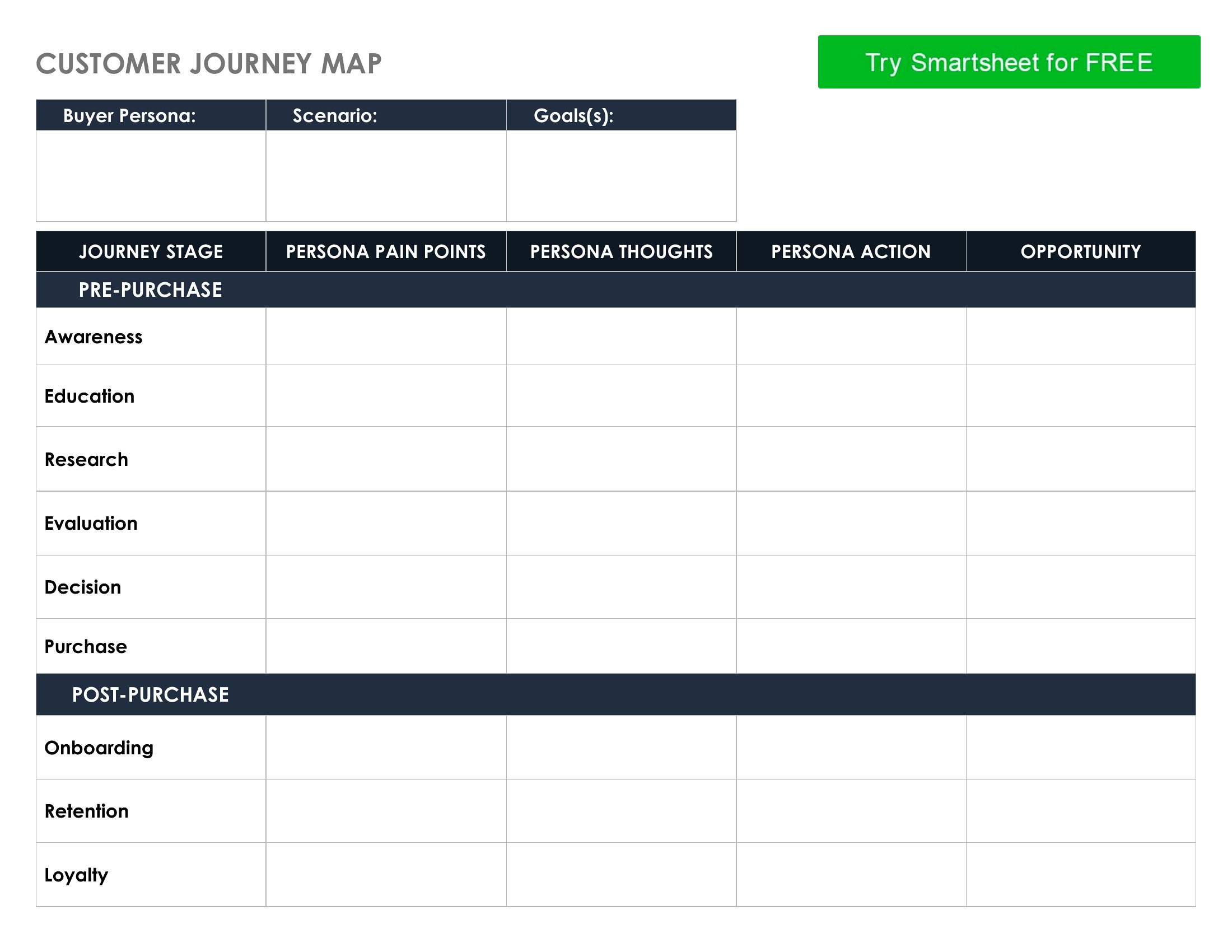
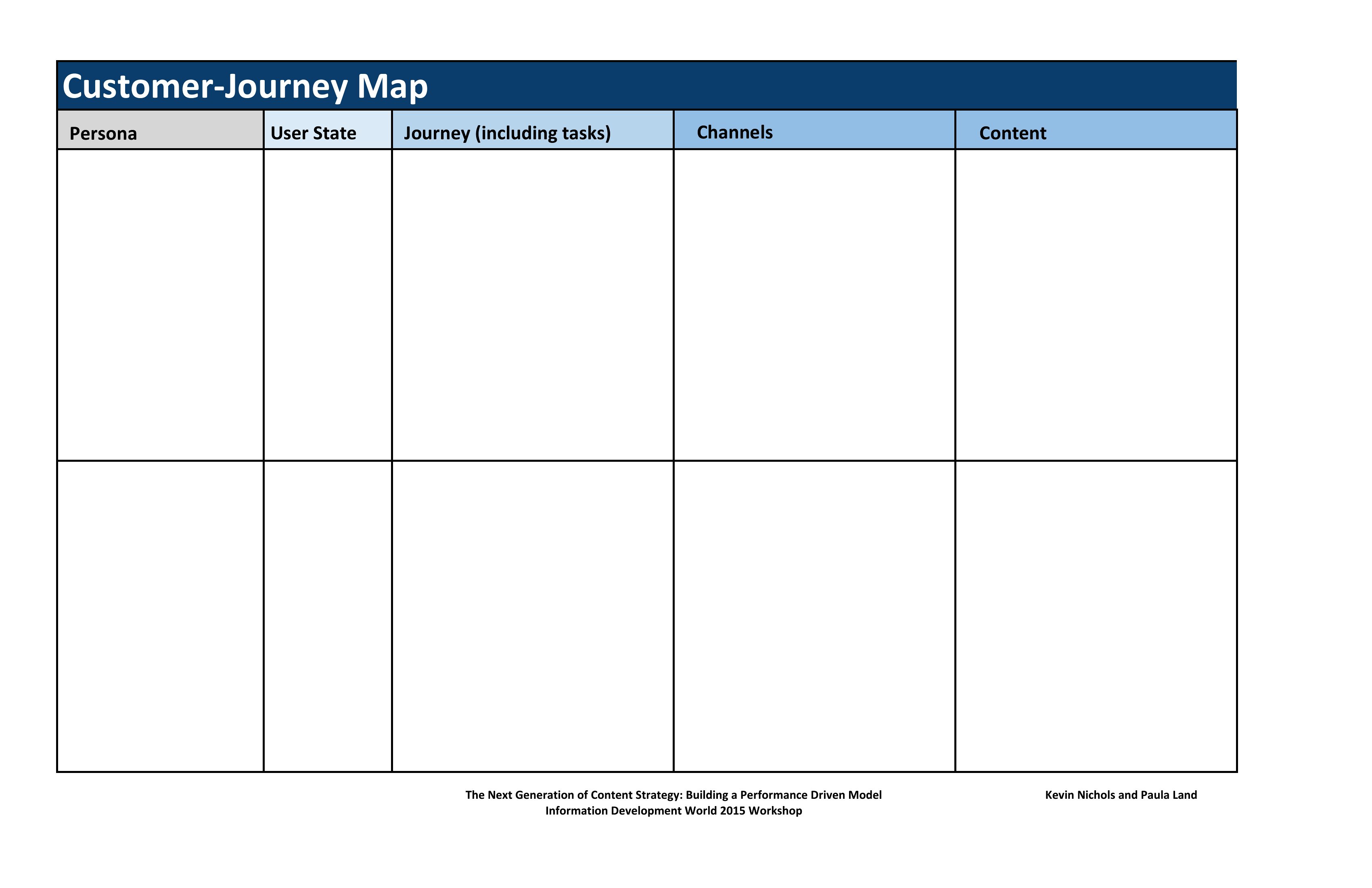
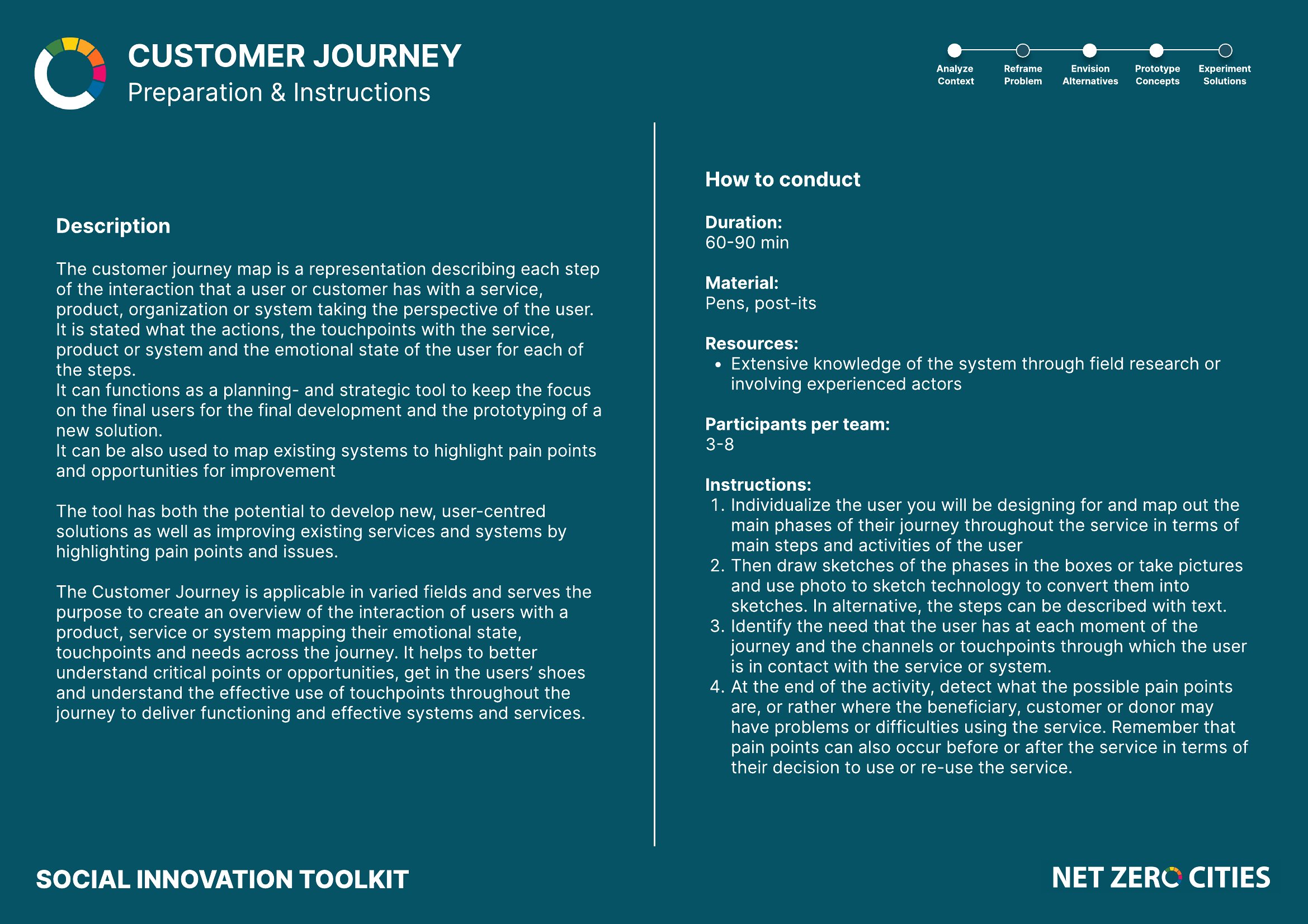
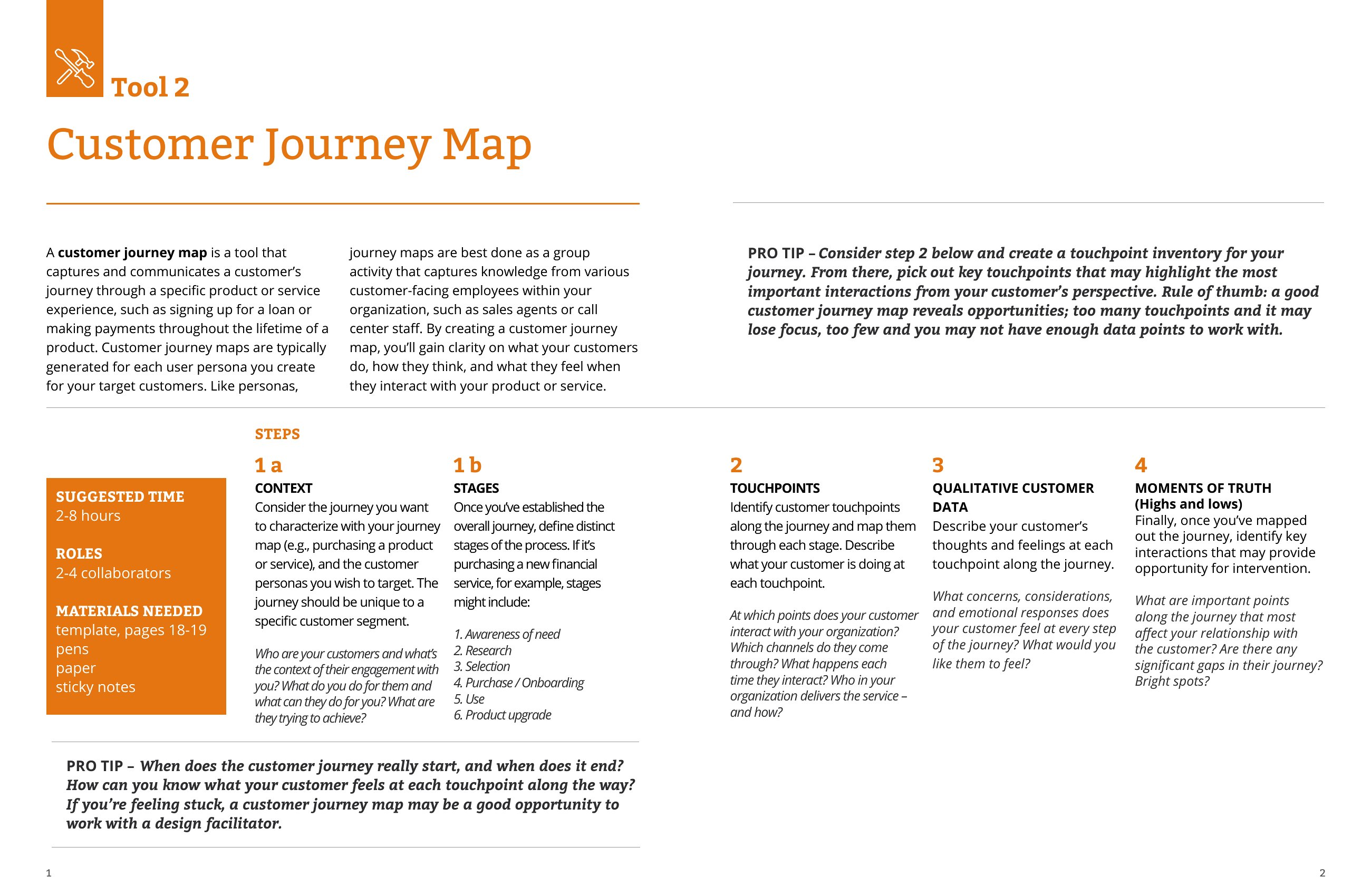
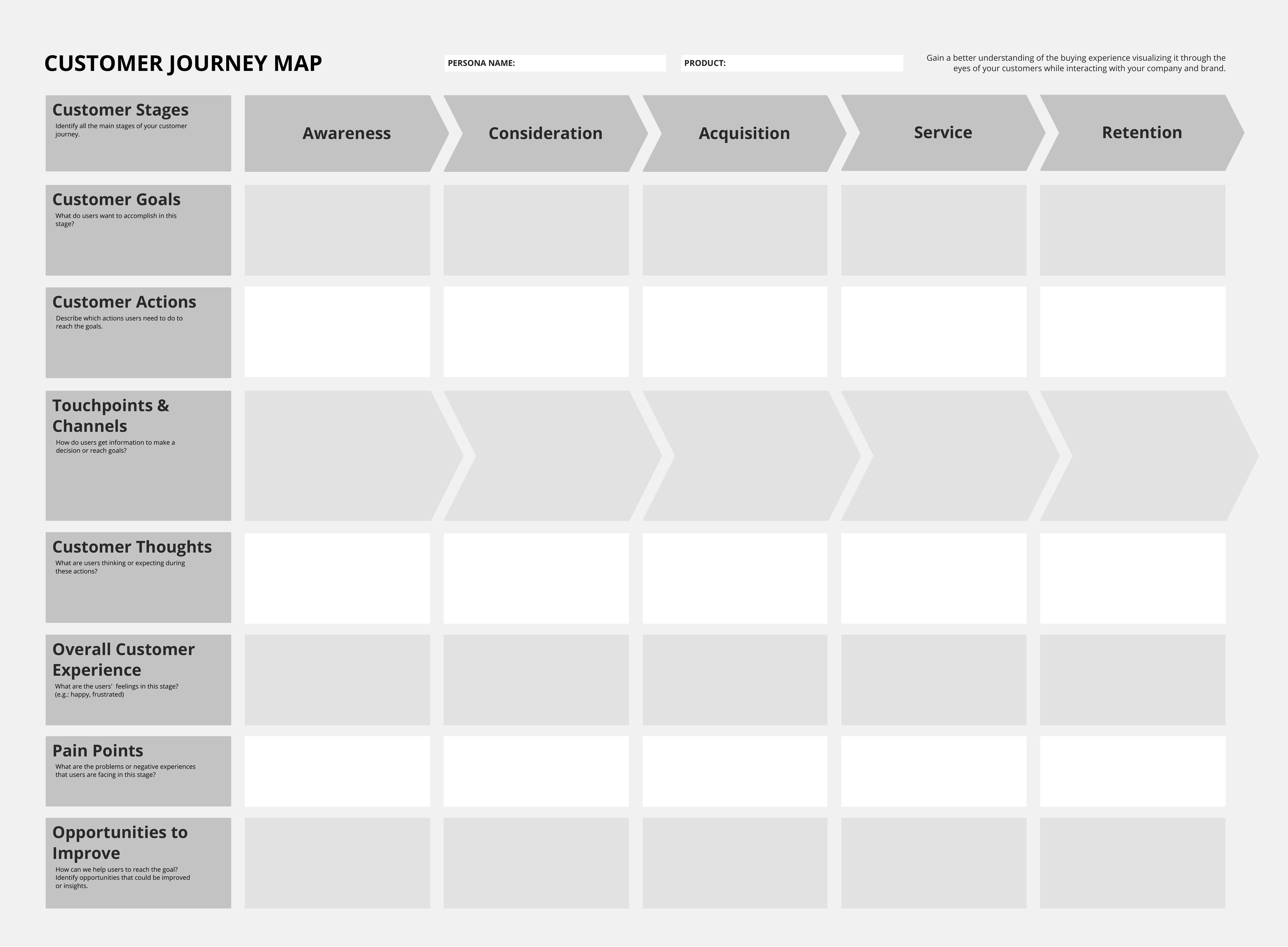
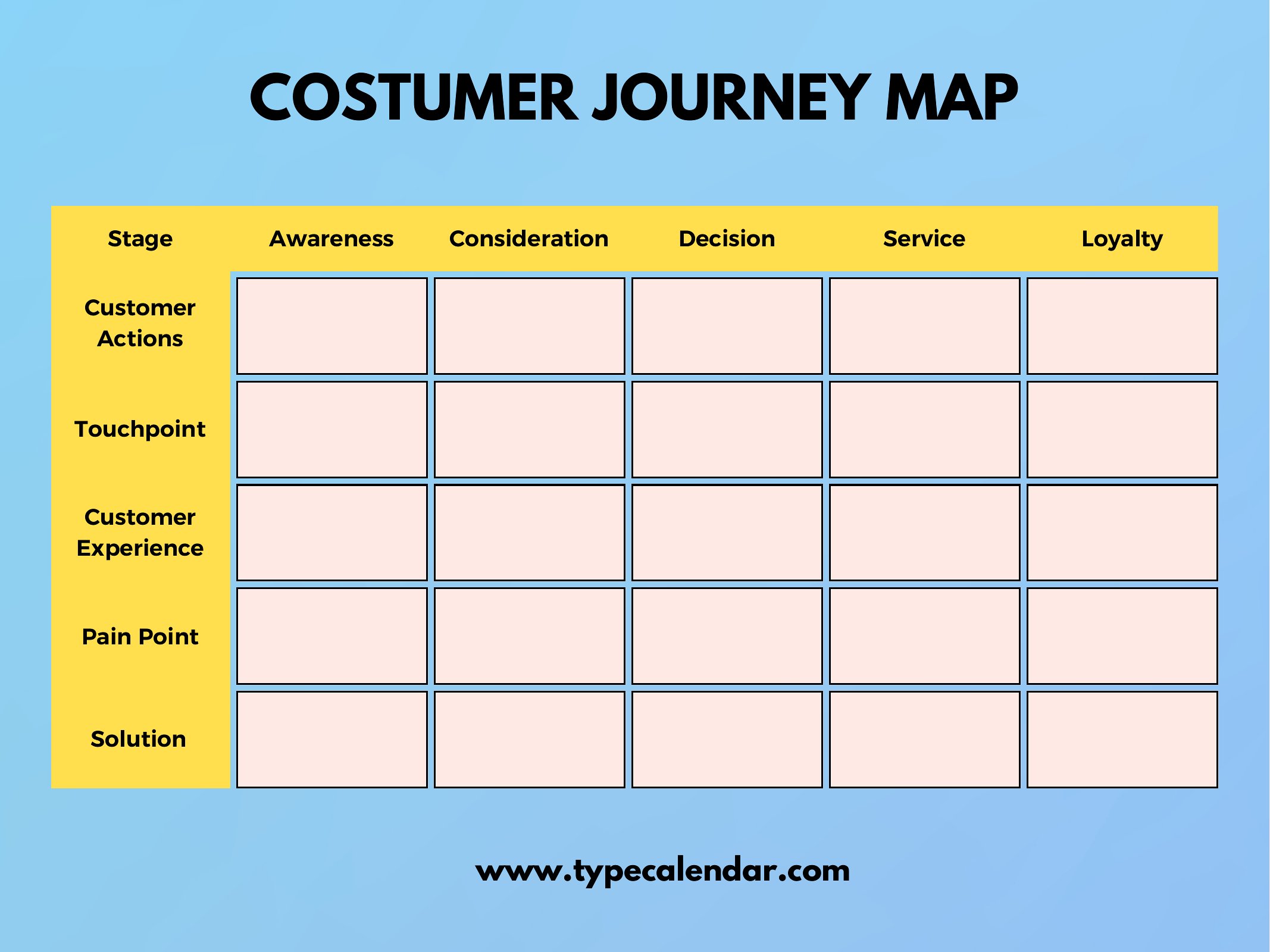
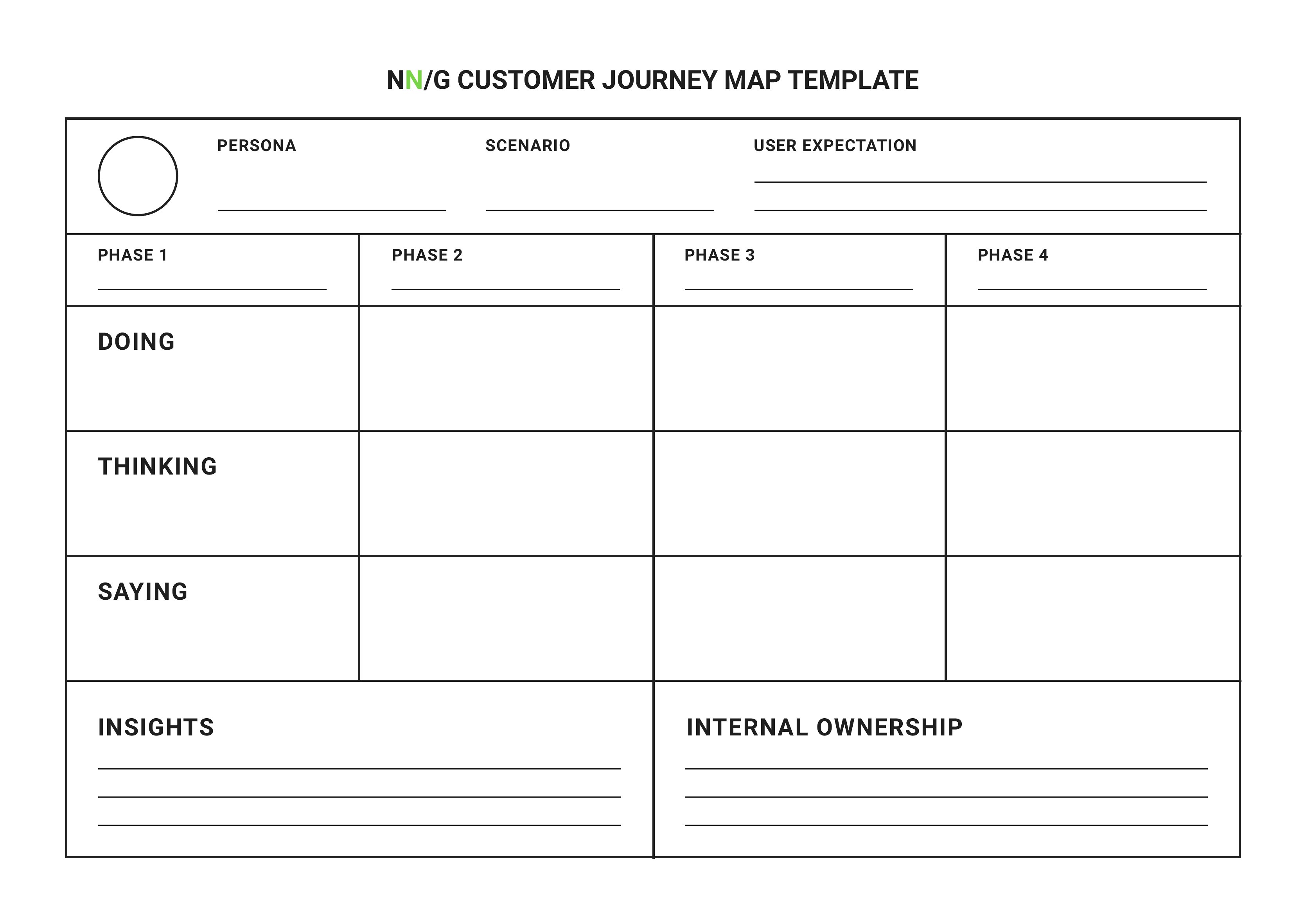
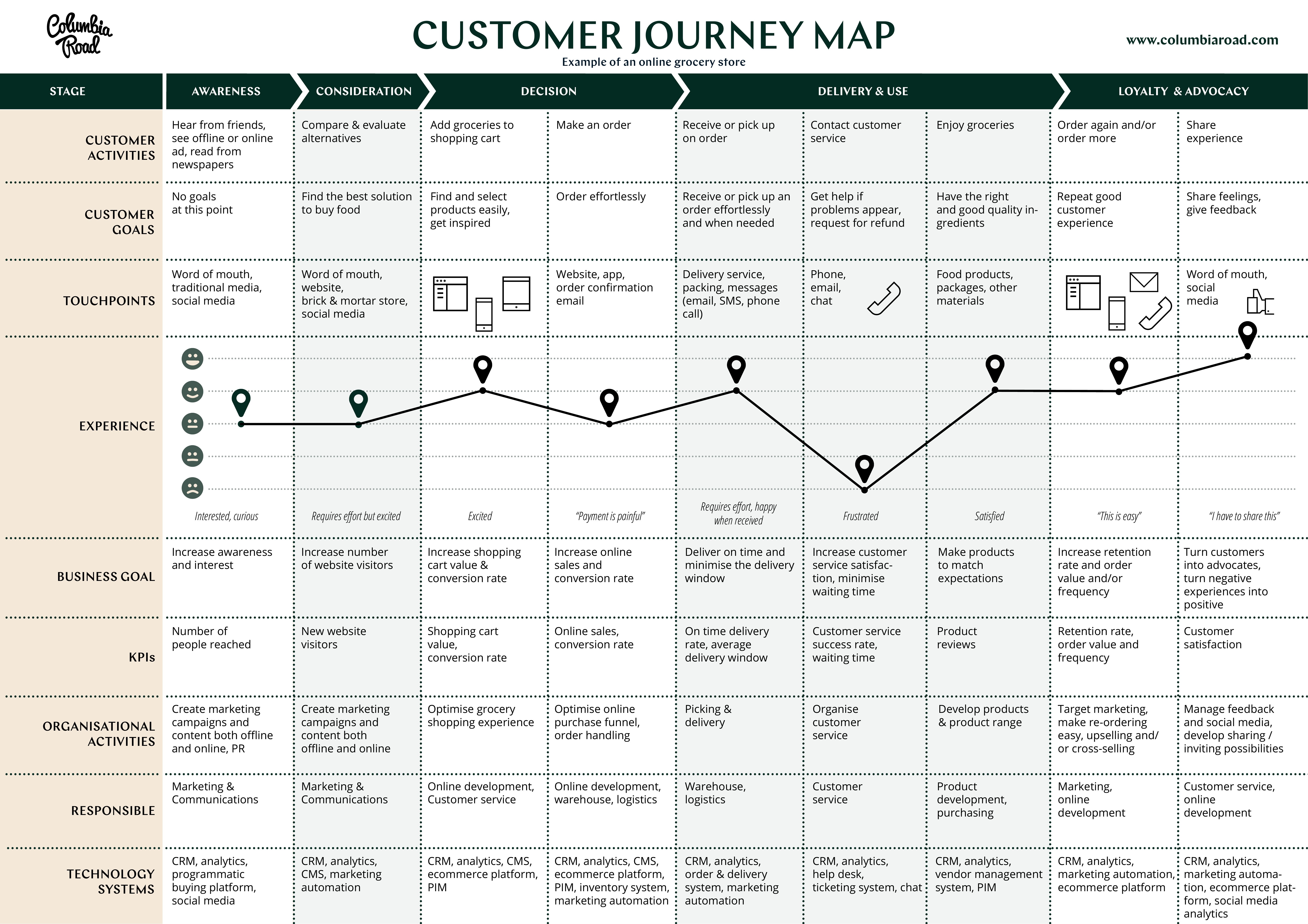
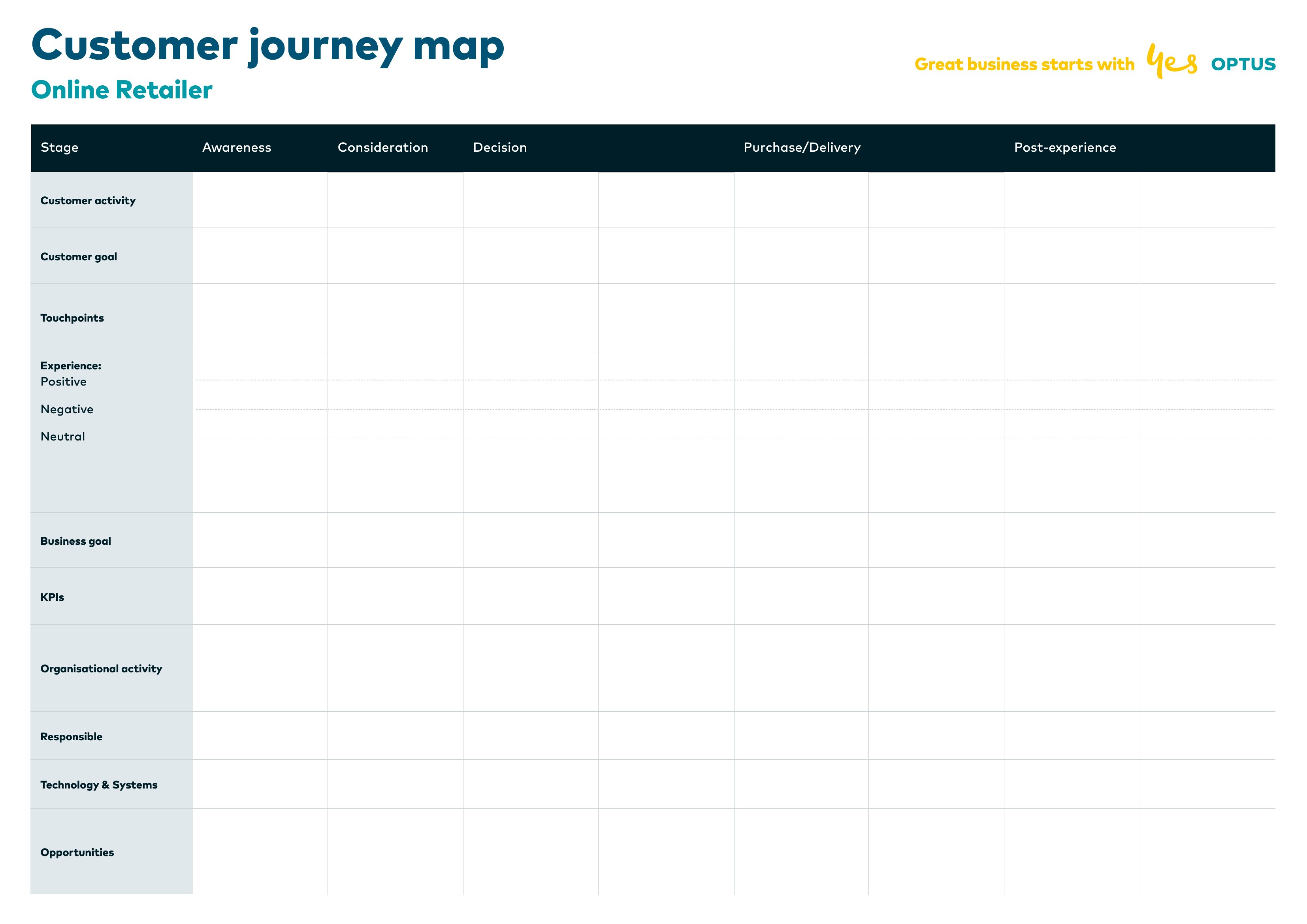
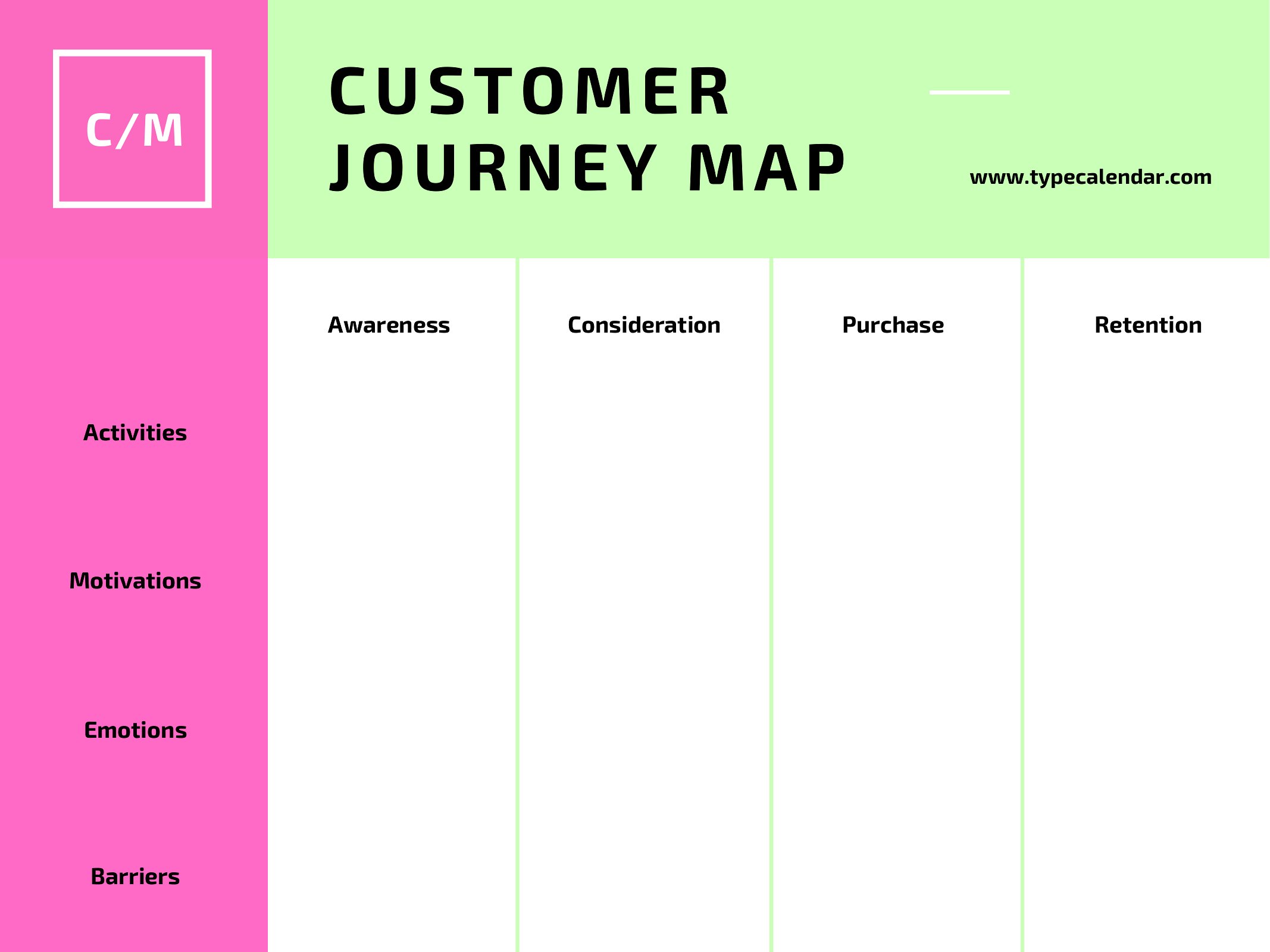
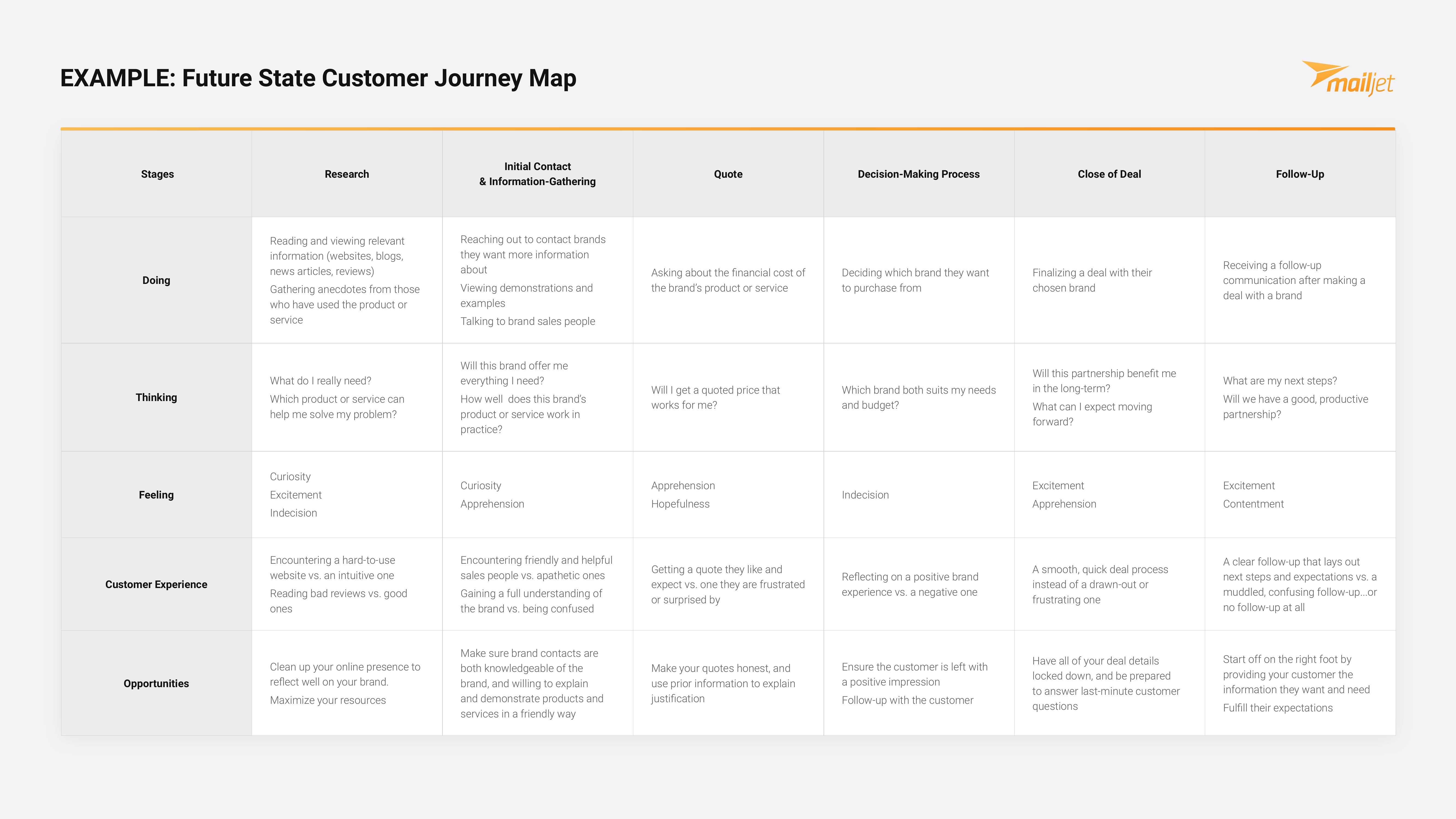
DiagramsSeeing a product through your customer's eyes is hard until you map every step they take, from first hearing about you to becoming a repeat buyer. This collection of 33 customer journey maps gives you frameworks to chart touchpoints, emotions, and pain points stage by stage. Marketers, UX designers, and product teams use them to spot where the experience breaks down.
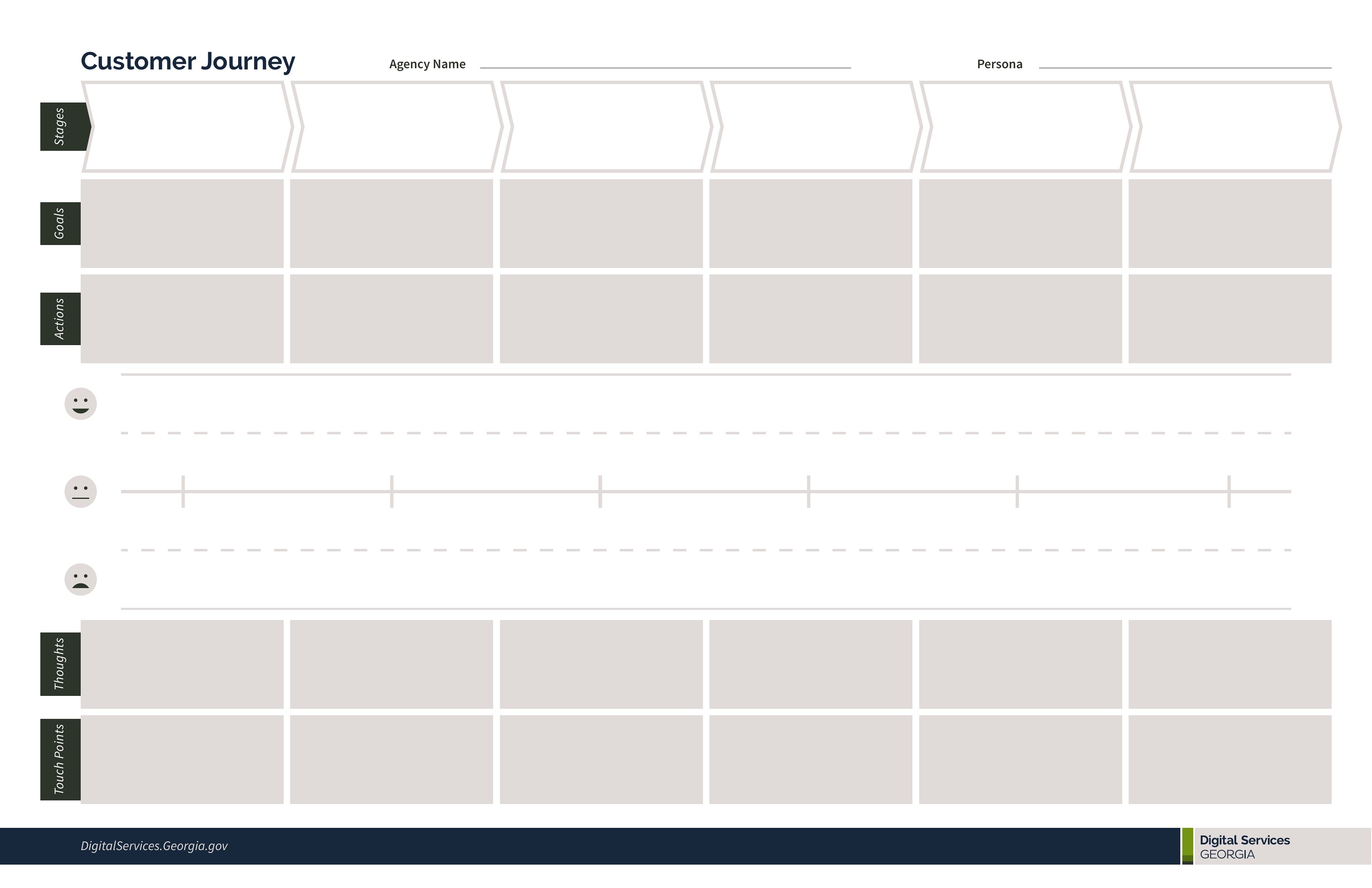
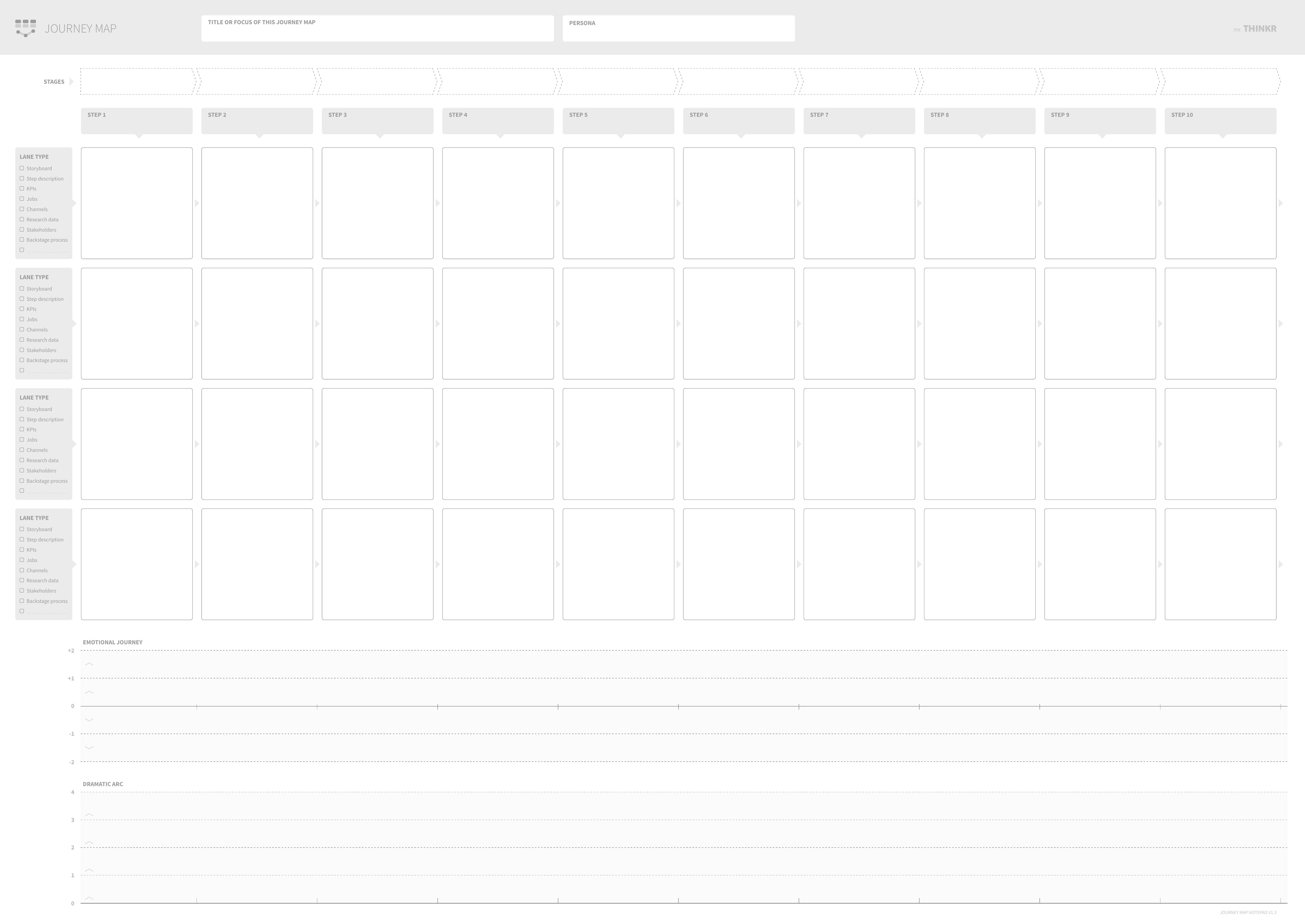
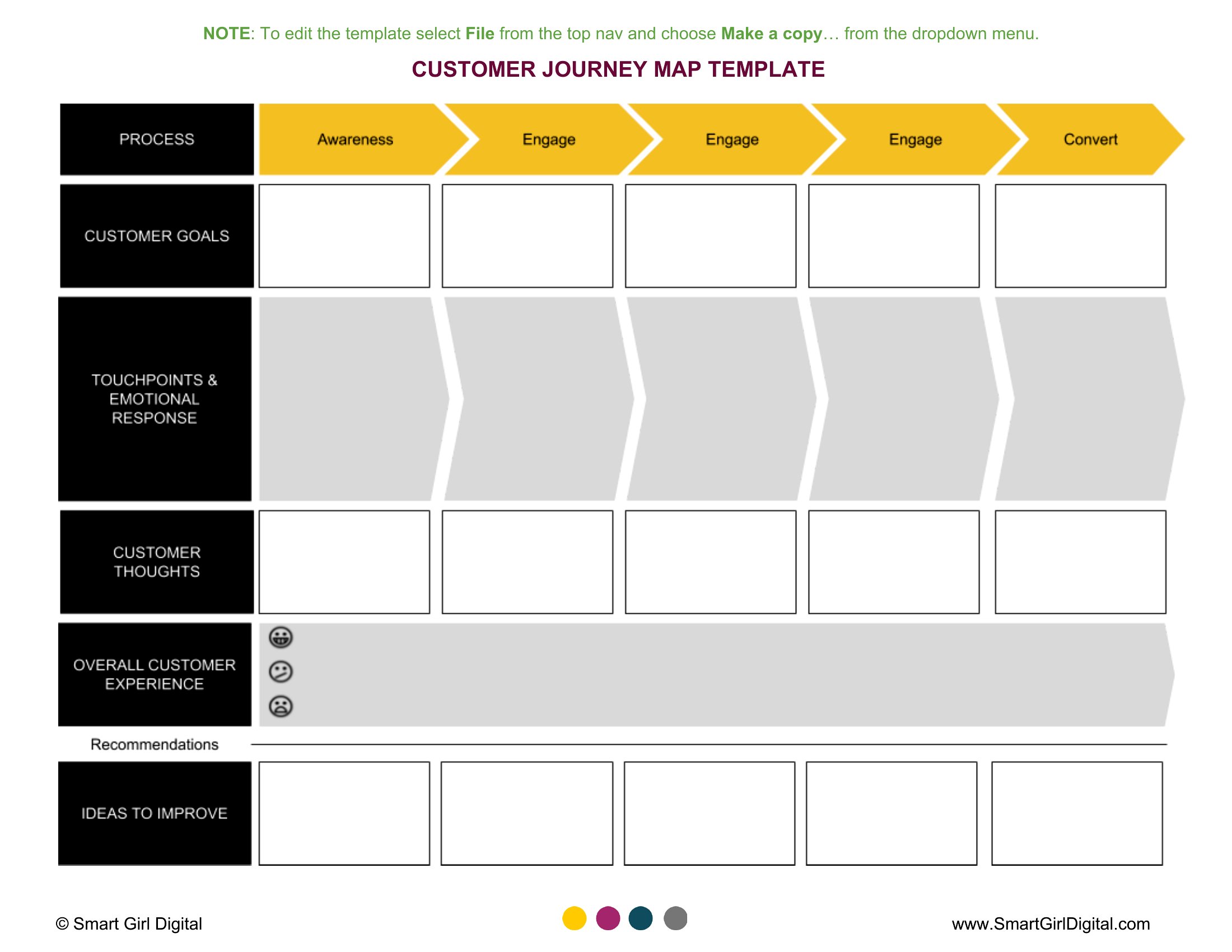
The maps come as print-ready PDFs, easy to print large for a workshop wall or mark up during a planning session. Sketch out your stages, note what customers think and feel at each one, and flag the moments worth fixing. Download the template that matches your process and start mapping the path.
When to use this Customer Journey Map template
- Marketing teams tracking how prospects move from social media ads to a free trial, identifying where they drop off or hesitate.
- UX researchers documenting a patient’s experience navigating an oncology clinic’s website to find appointment scheduling tools.
- Product managers analyzing why loyal e-commerce shoppers abandon their carts at checkout, mapping every friction point.
- Customer support teams visualizing a SaaS user’s onboarding process to pinpoint where help desk tickets spike unexpectedly.
Which format should I download?
All templates in this collection are available in PDF format, designed for easy printing or digital sharing. Choose PDF if you need a polished, professional document to present to stakeholders, embed in reports, or distribute to cross-functional teams. The format preserves clarity for collaborative whiteboarding sessions or printouts—ideal for workshops where physical annotation improves discussion. Since no editable formats are included, use these as reference guides or starting points for internal documentation.
How to use this Customer Journey Map template
Can I use these templates to document both B2B and B2C customer experiences?
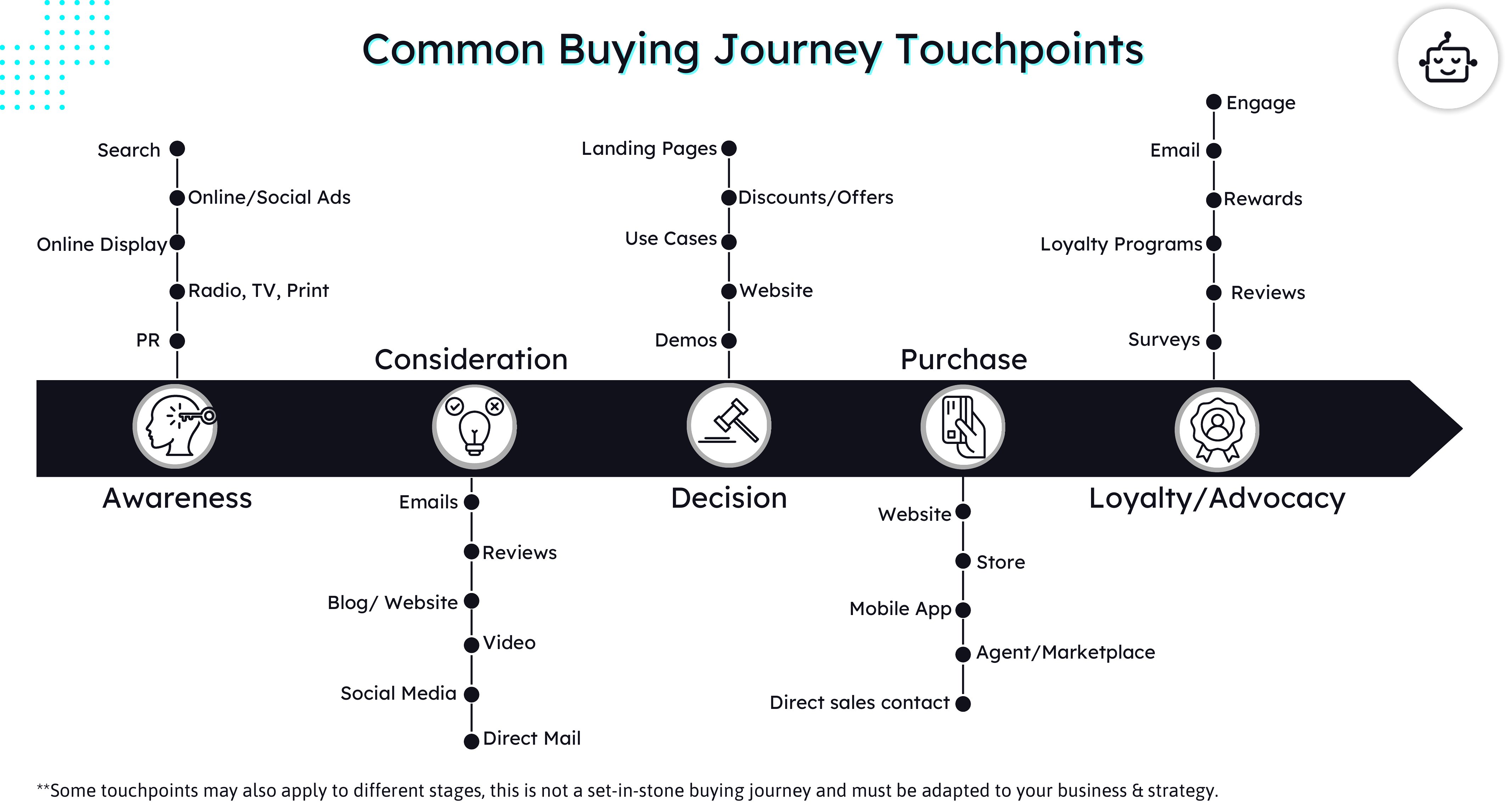
Yes, these templates are intentionally flexible enough for both B2B and B2C scenarios. They include stages like ‘awareness’ and ‘post-purchase’ that apply universally, while space for customizing touchpoints allows you to adapt to industry-specific journeys. For example, a B2B map might include ‘vendor comparison’ steps that wouldn’t apply in consumer-focused experiences.
How do I decide which template is best for mapping complex journeys with multiple decision-makers?
Look for templates with ‘stakeholder roles’ or ‘organizational silos’ annotations, as these highlight where different teams interact. Templates labeled ‘enterprise’ or ‘multi-channel’ often include space to track internal handoffs—like when a prospect moves from marketing to sales—which helps identify where miscommunication might disrupt the journey.
Are these templates structured to track emotional shifts alongside practical touchpoints?
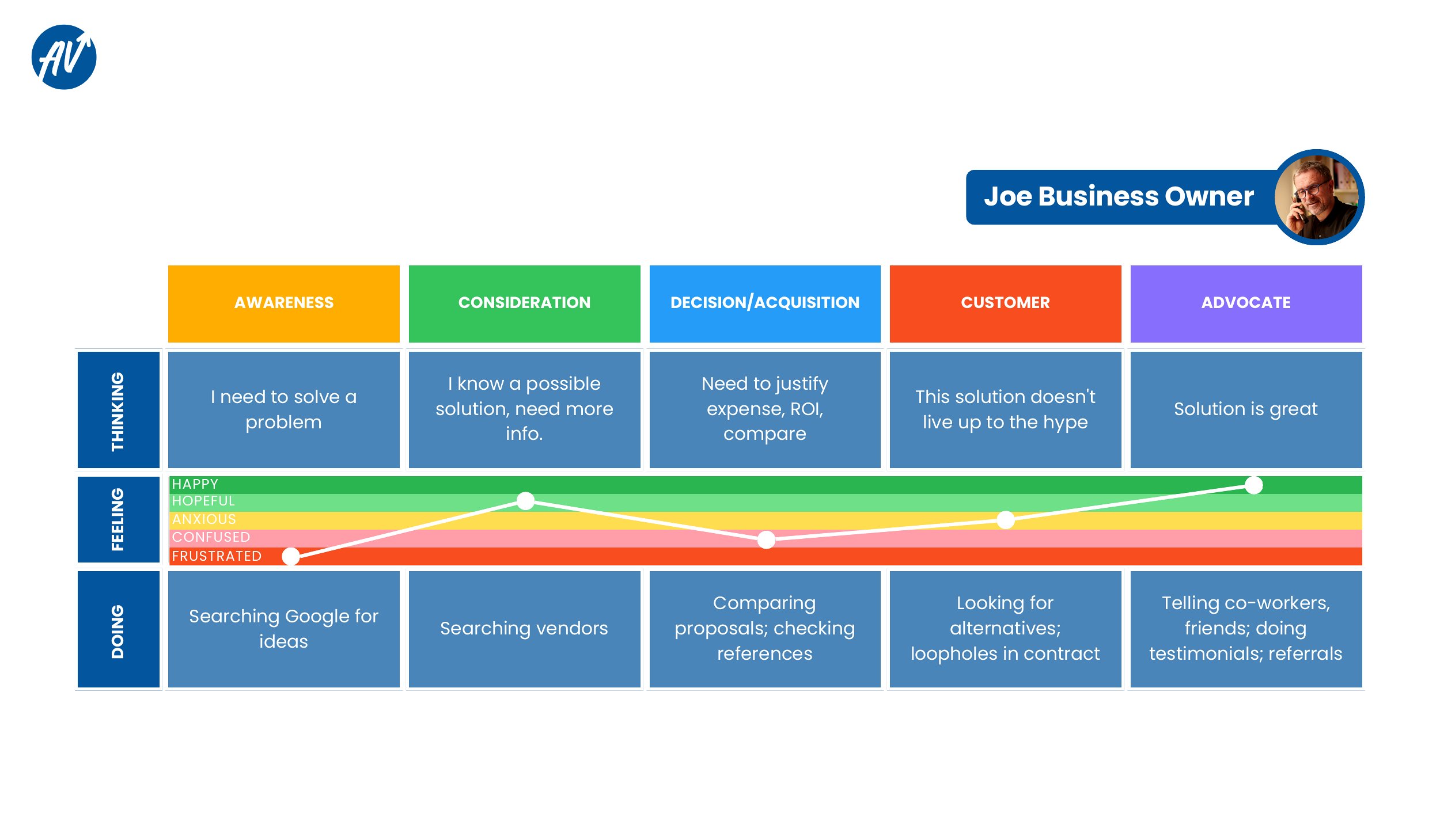
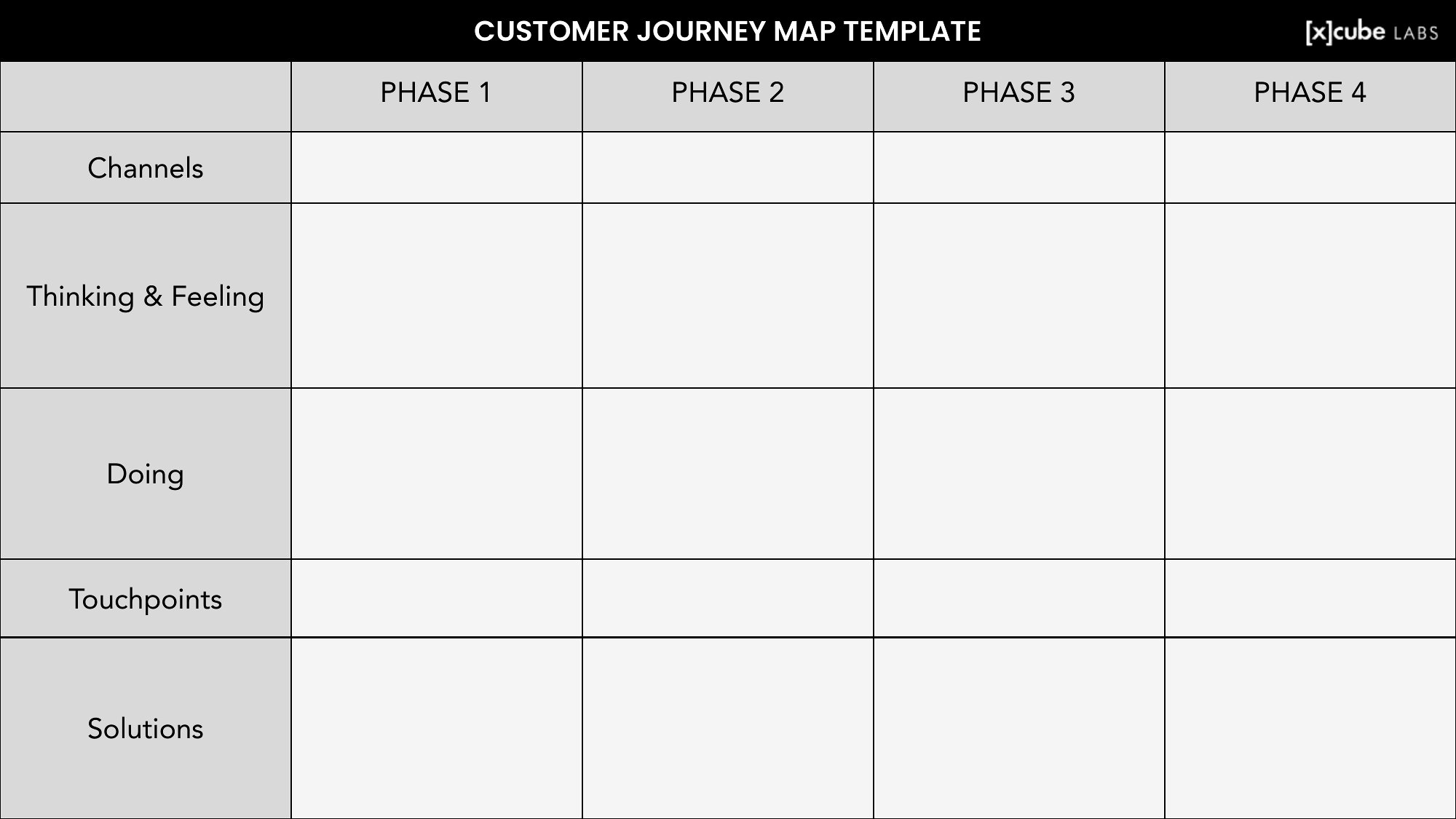
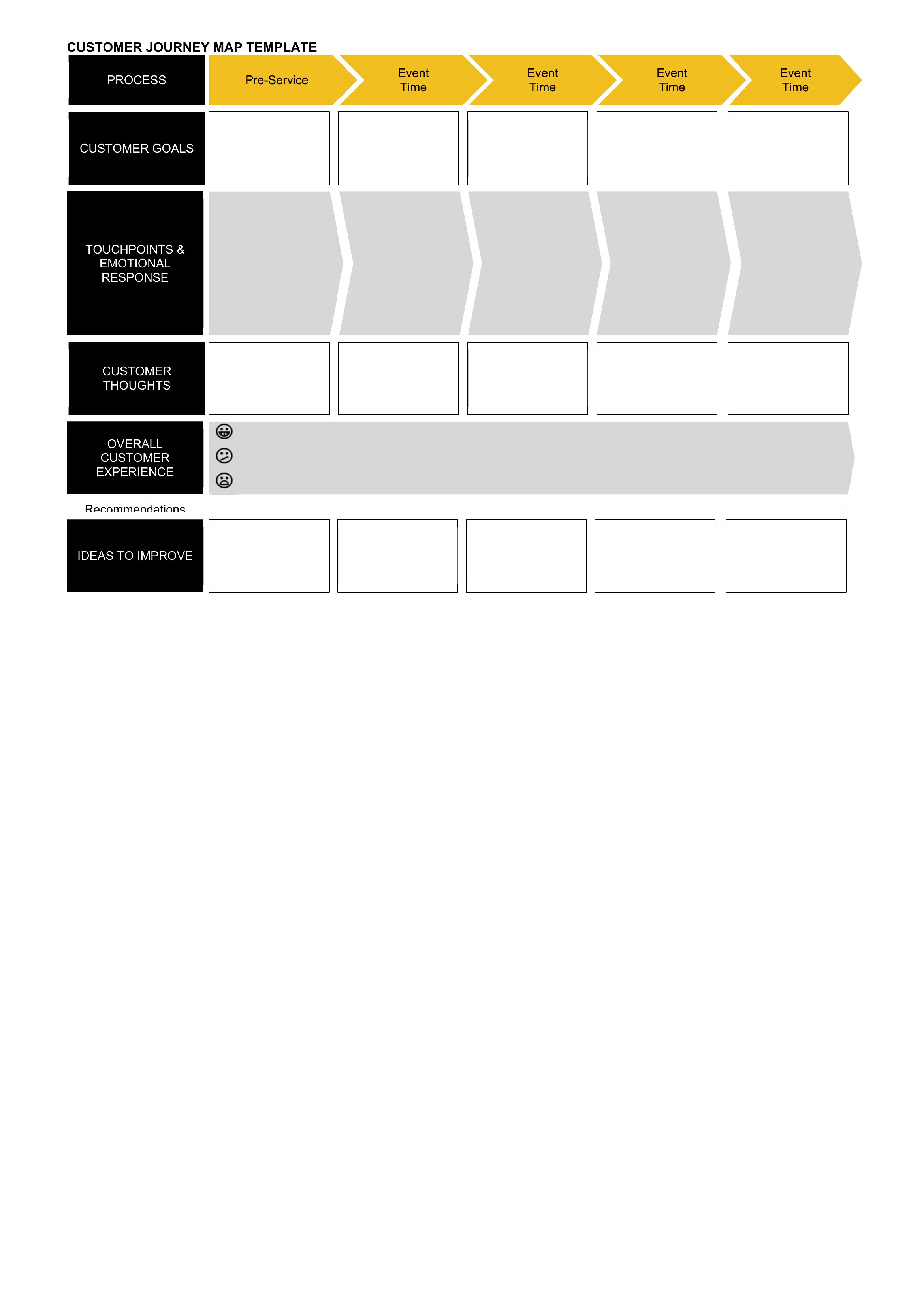
Yes, most templates in this collection include dedicated sections for ‘emotional triggers’ or ‘sentiment’ at each stage. These are typically marked with icons or color-coded bars to visually contrast practical actions (e.g., ‘receives welcome email’) with emotional states (e.g., ‘frustrated by slow response time’). This dual-tracking is particularly useful for service-heavy industries like healthcare or finance.
Comments
Join the conversation
Sign in to share your thoughts and leave a comment on this resource.