


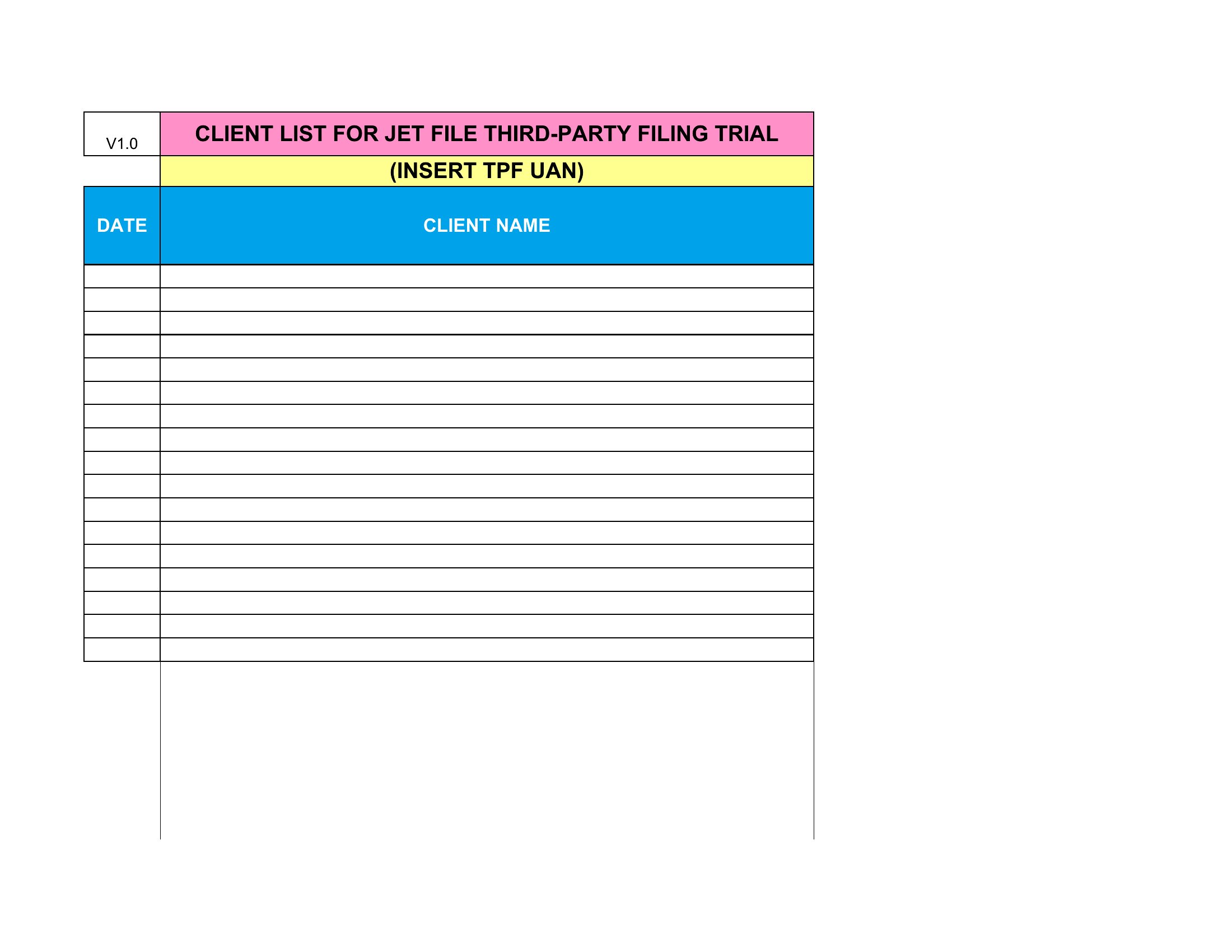
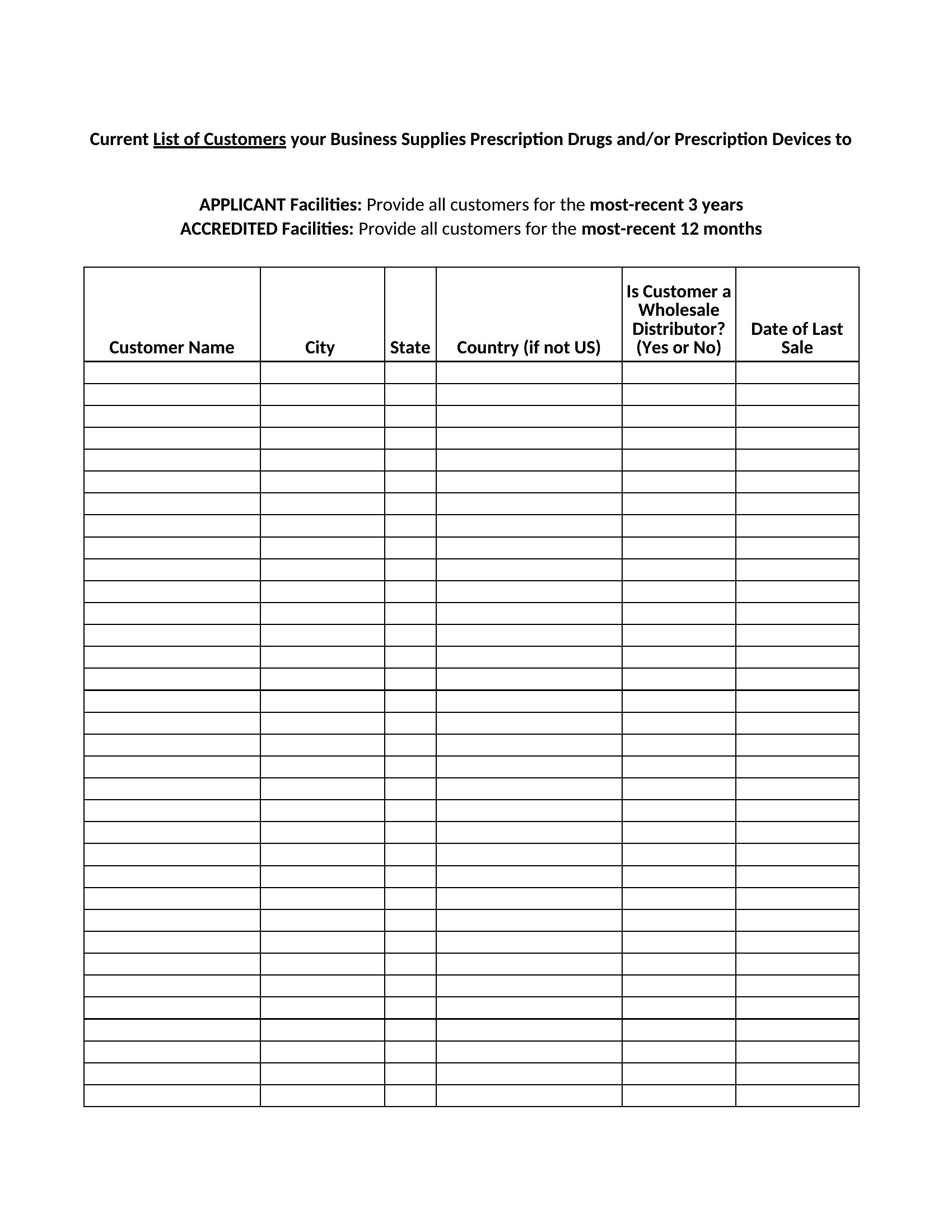
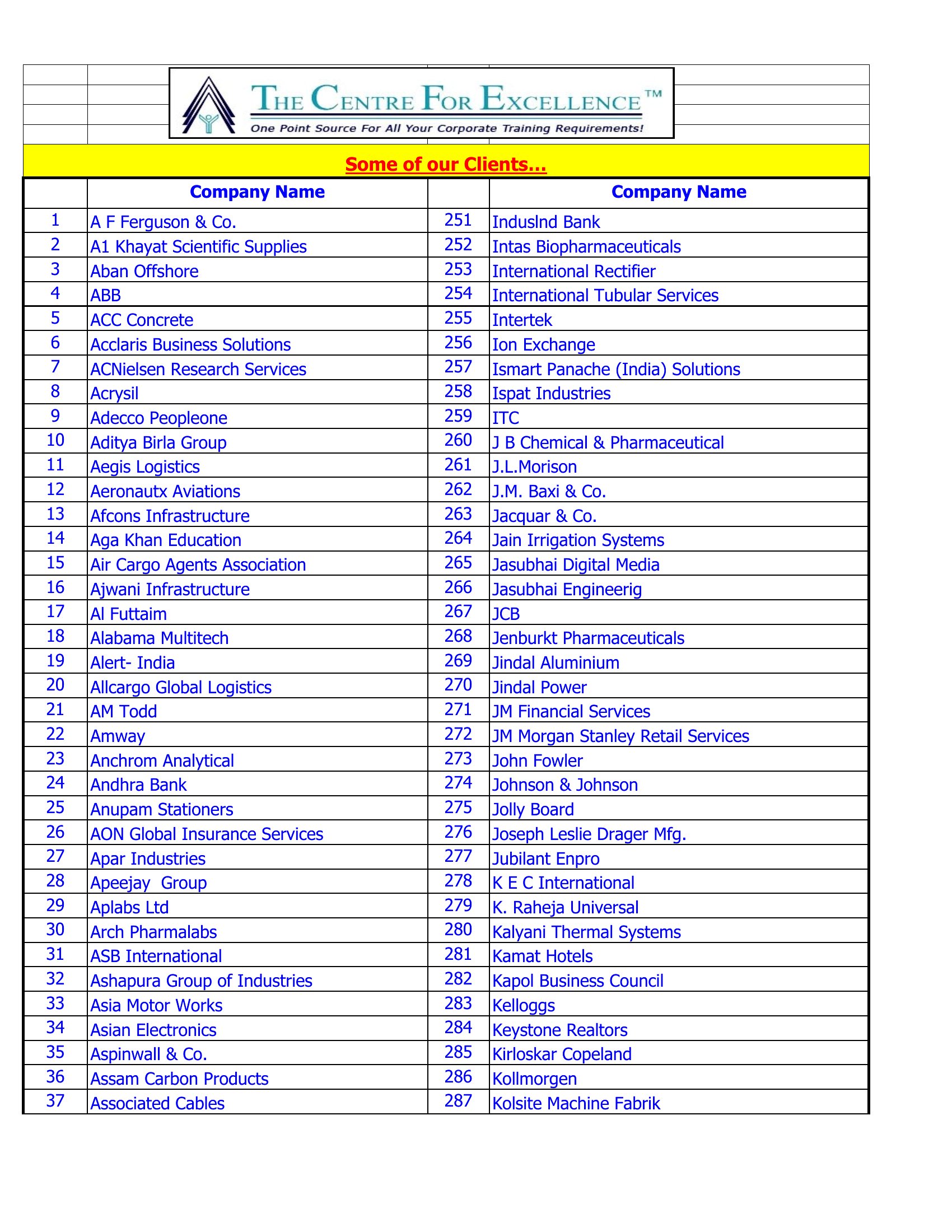
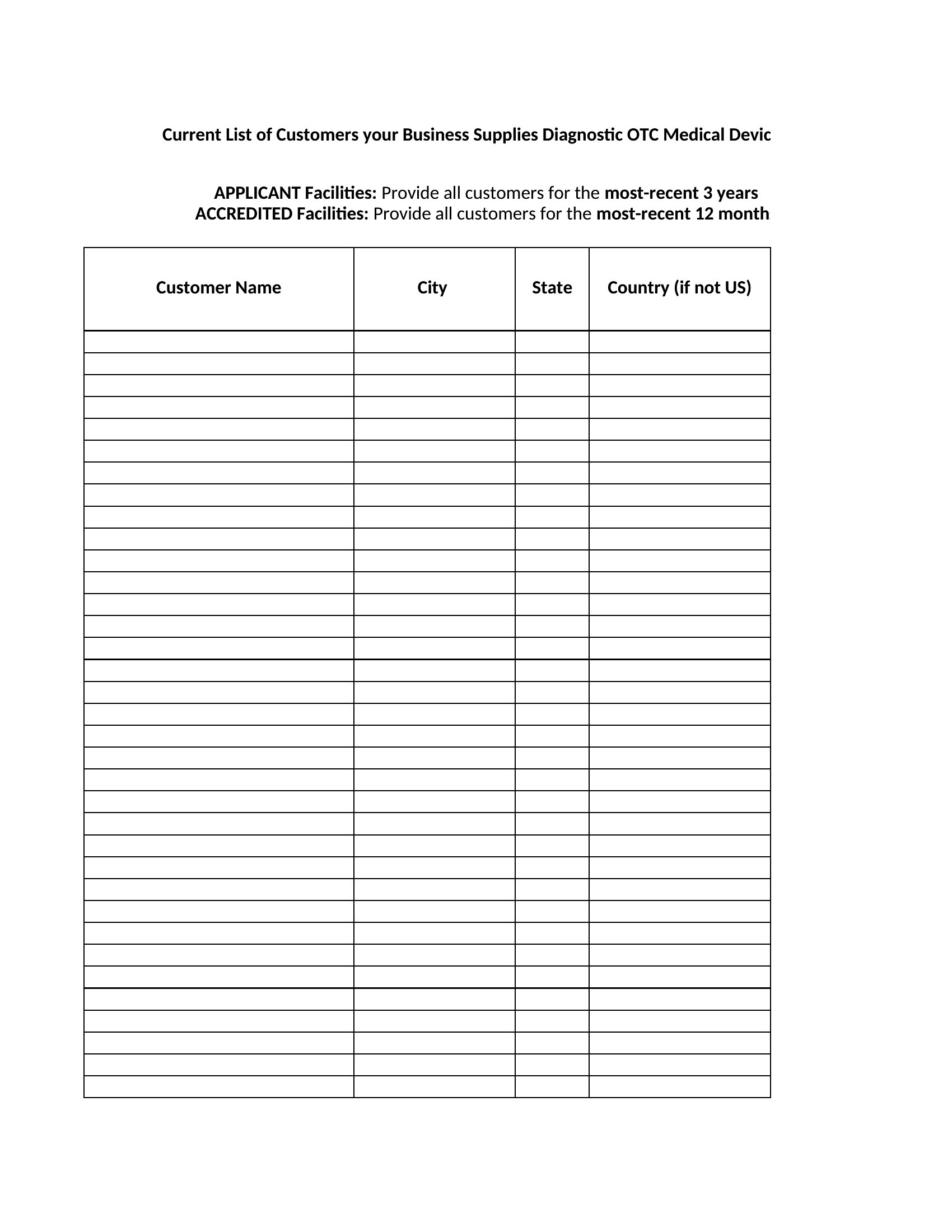
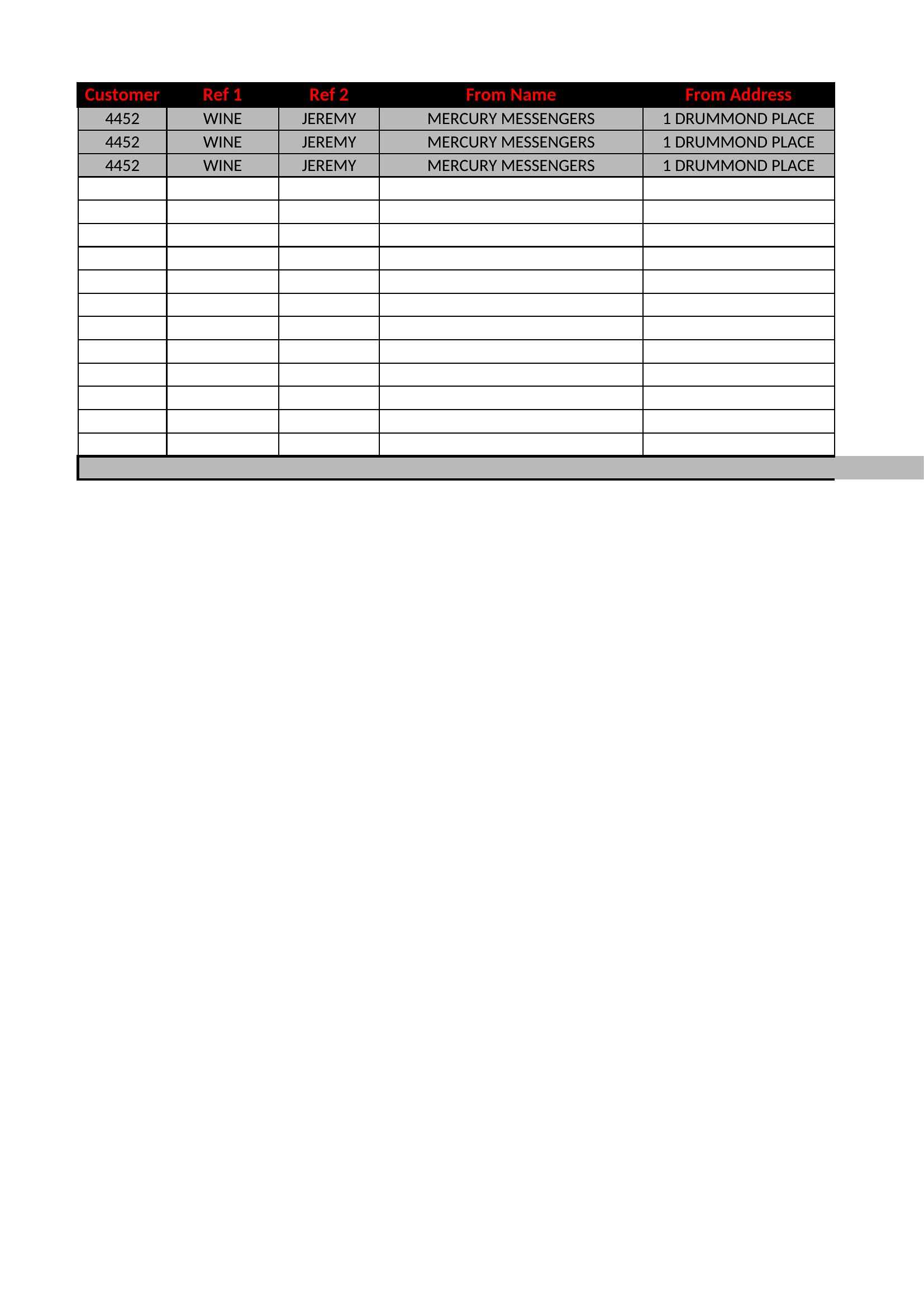
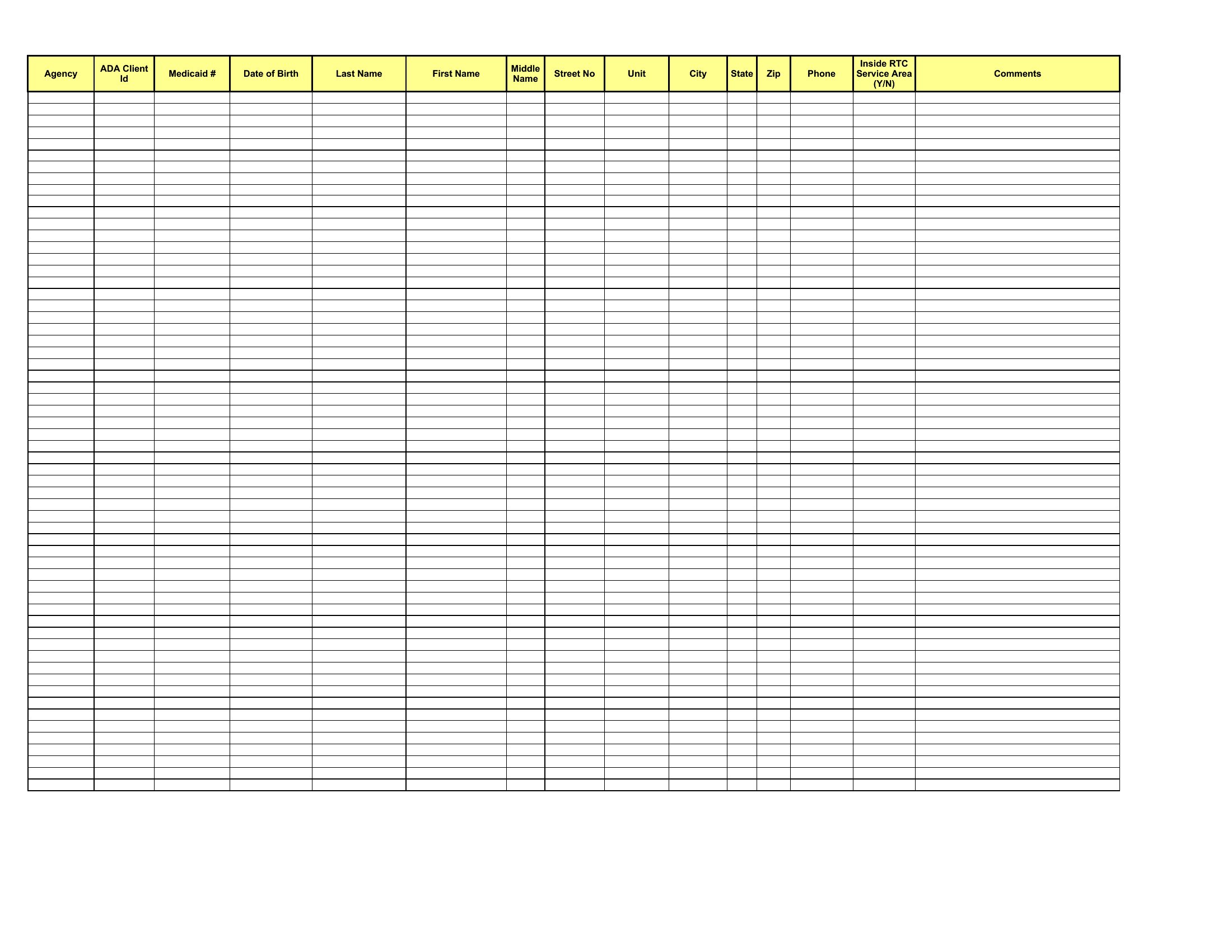
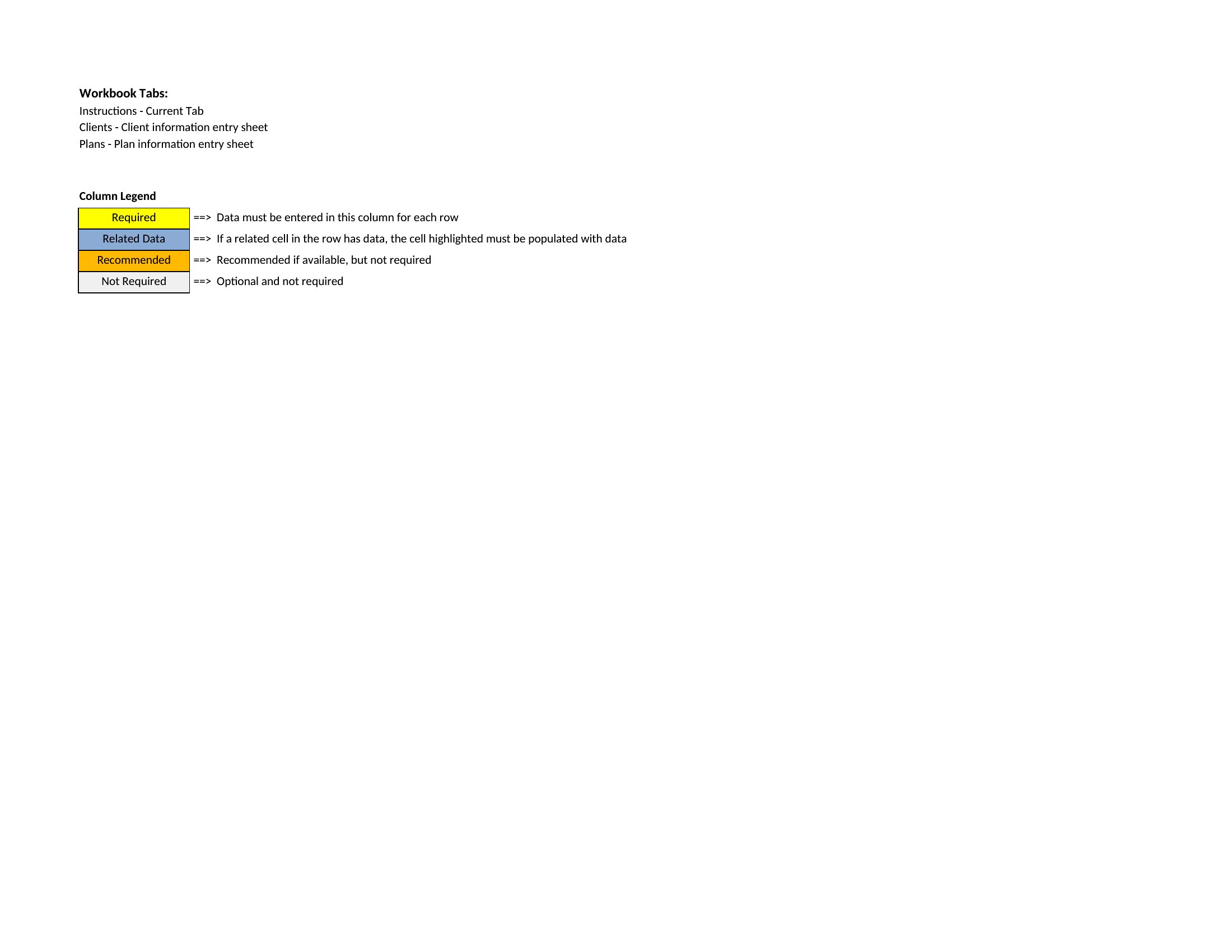
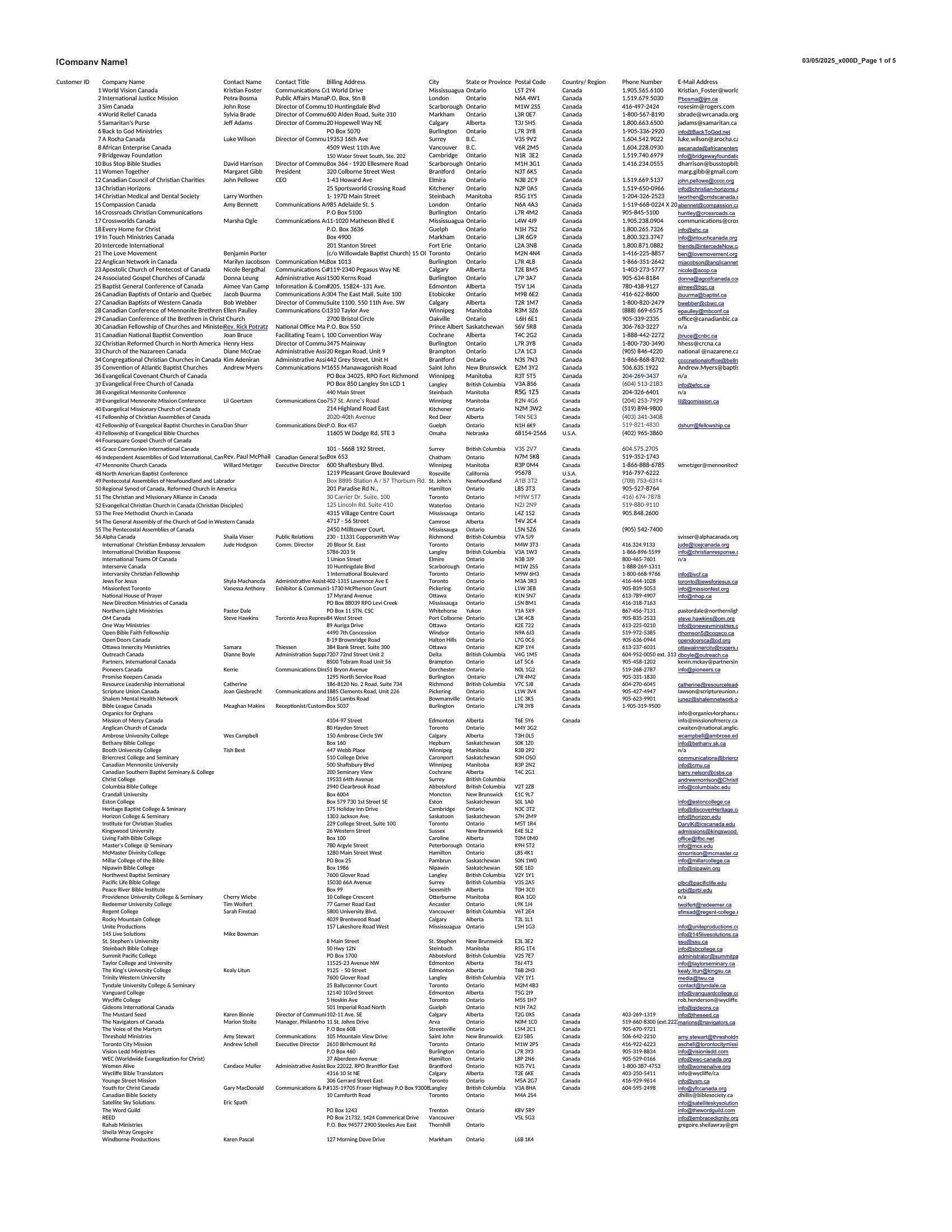

Free Customer List Templates (Word, Excel)
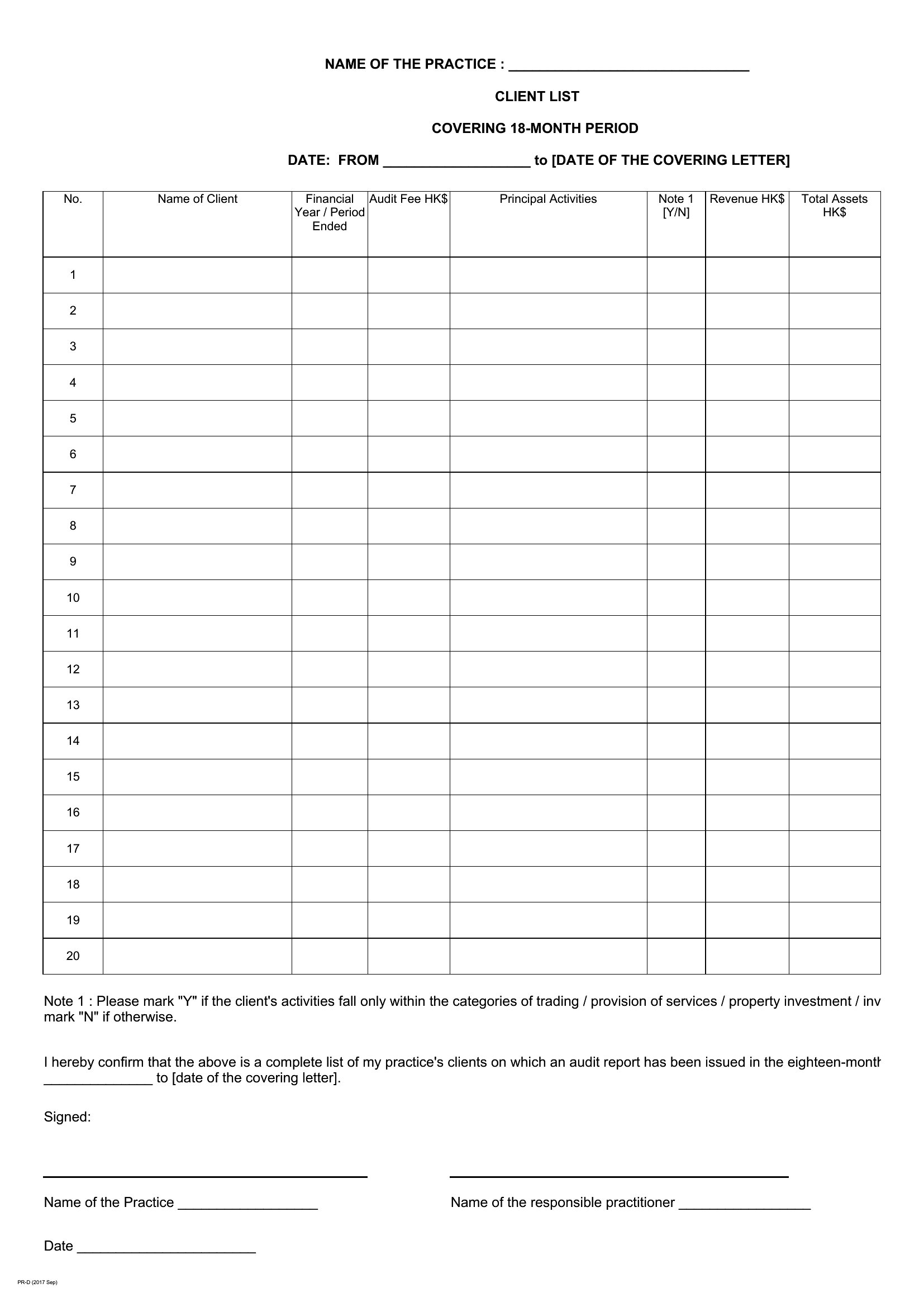
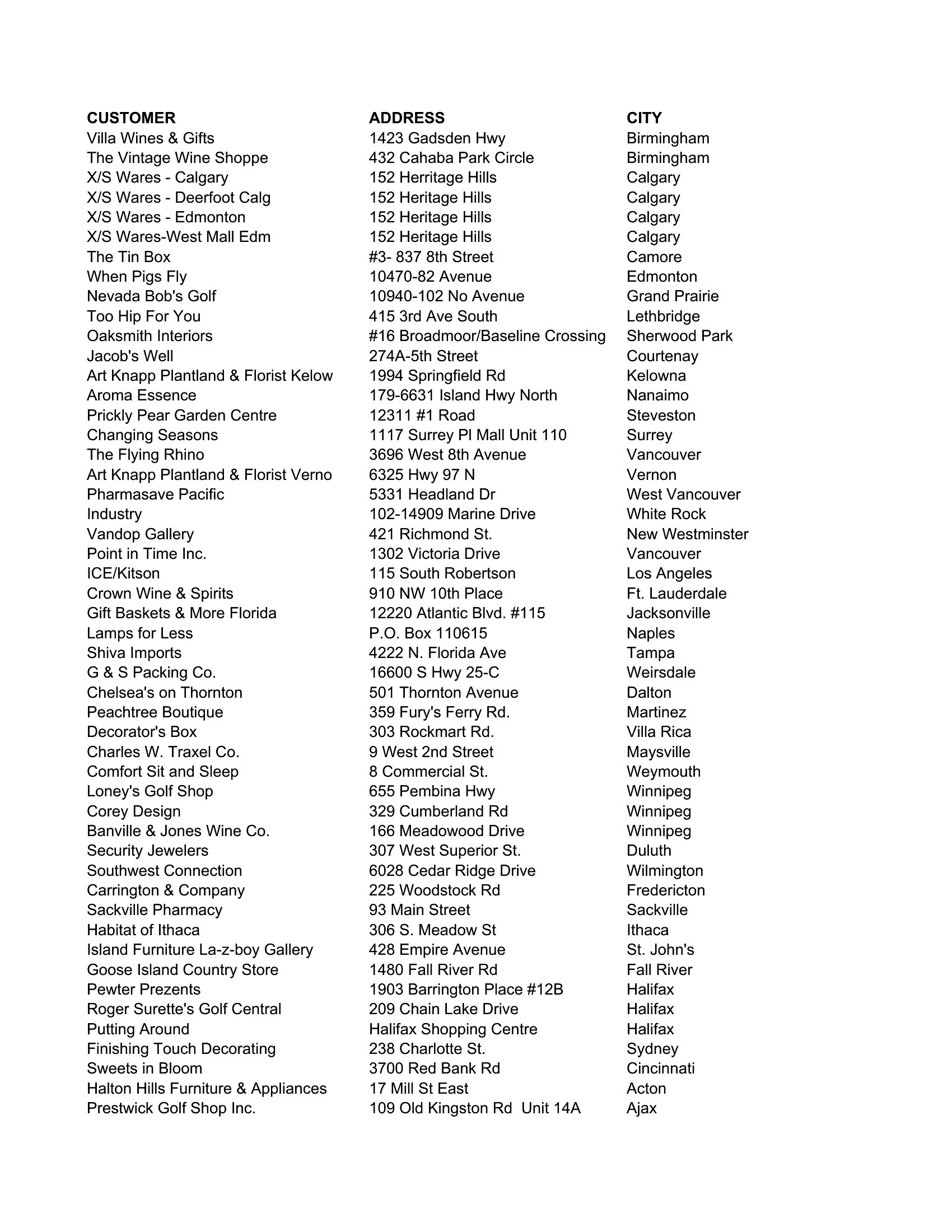
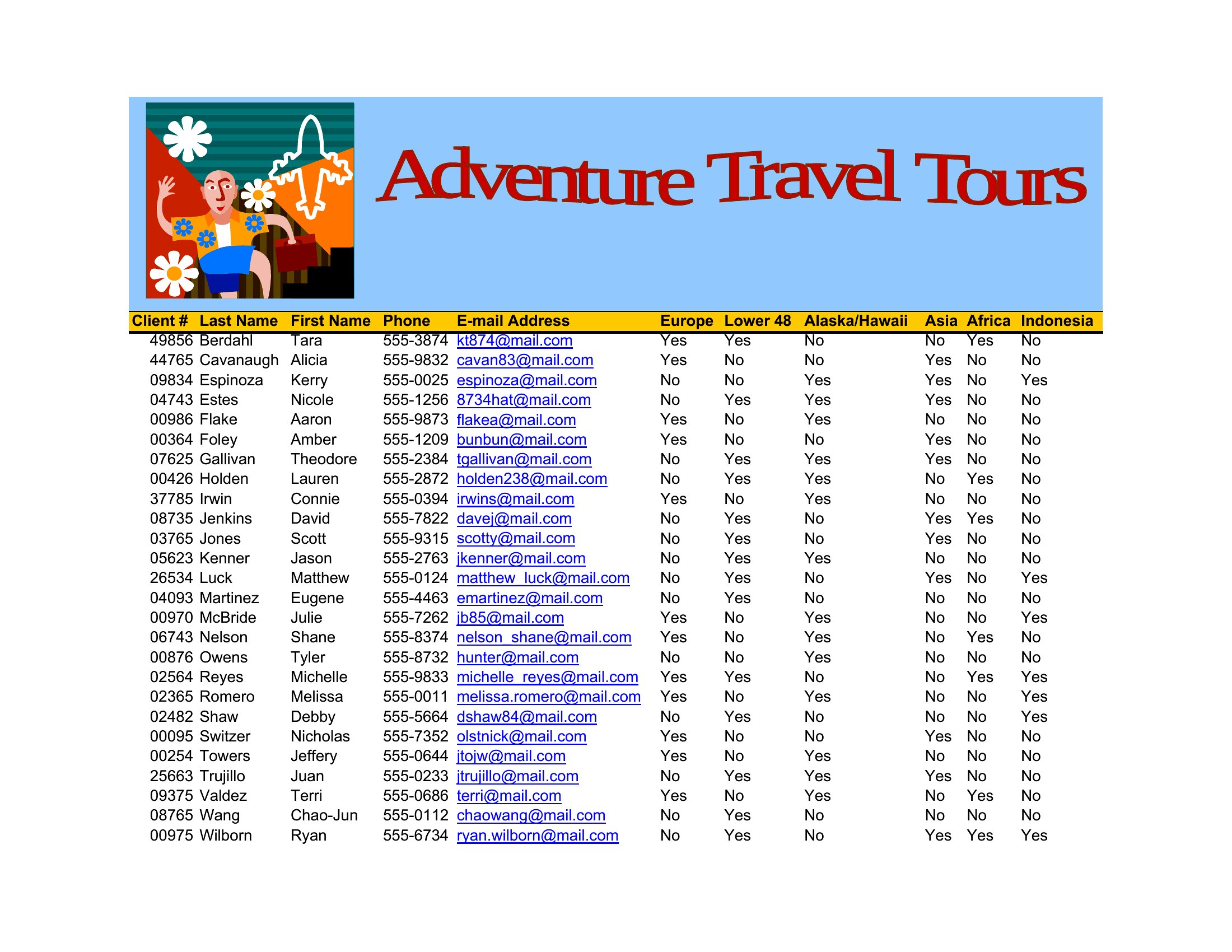
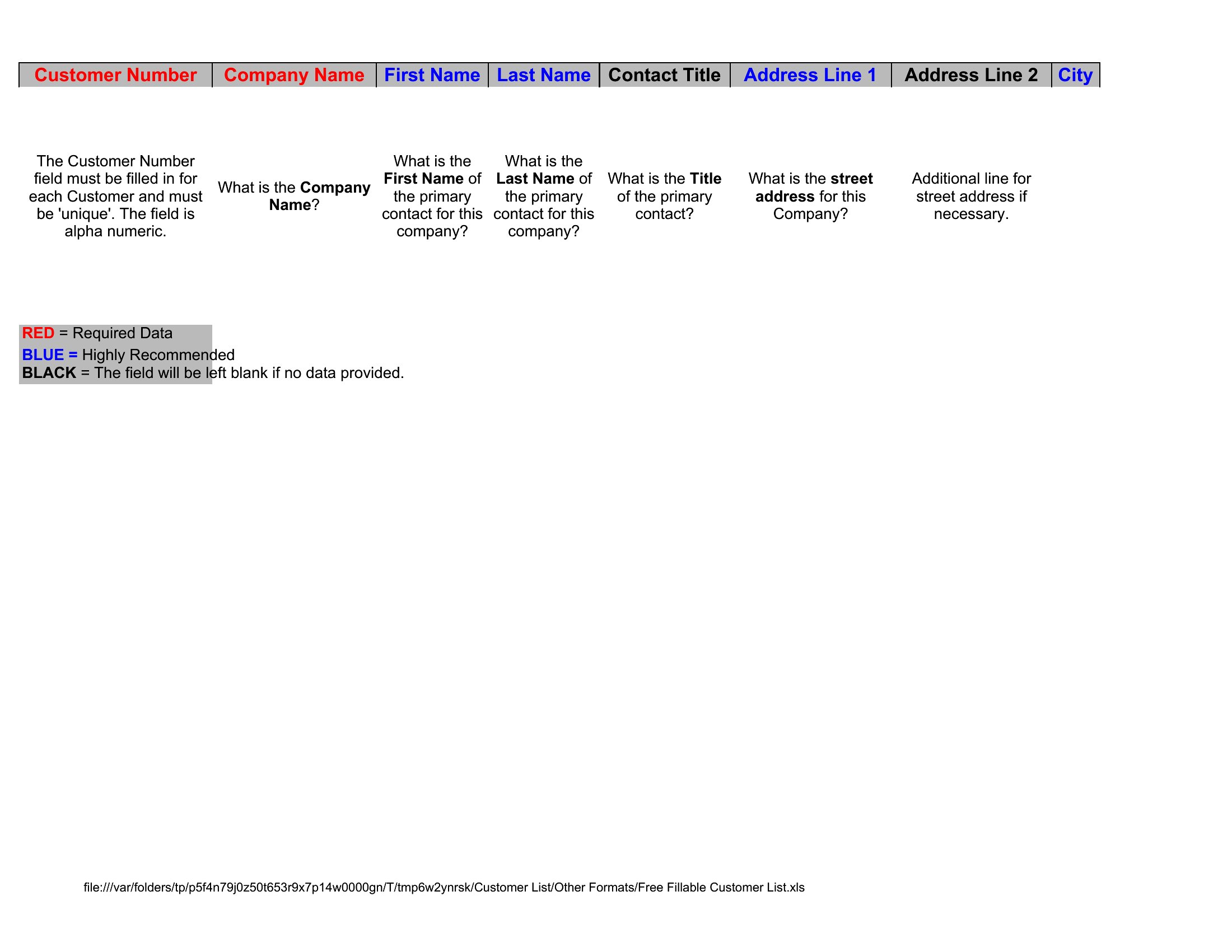
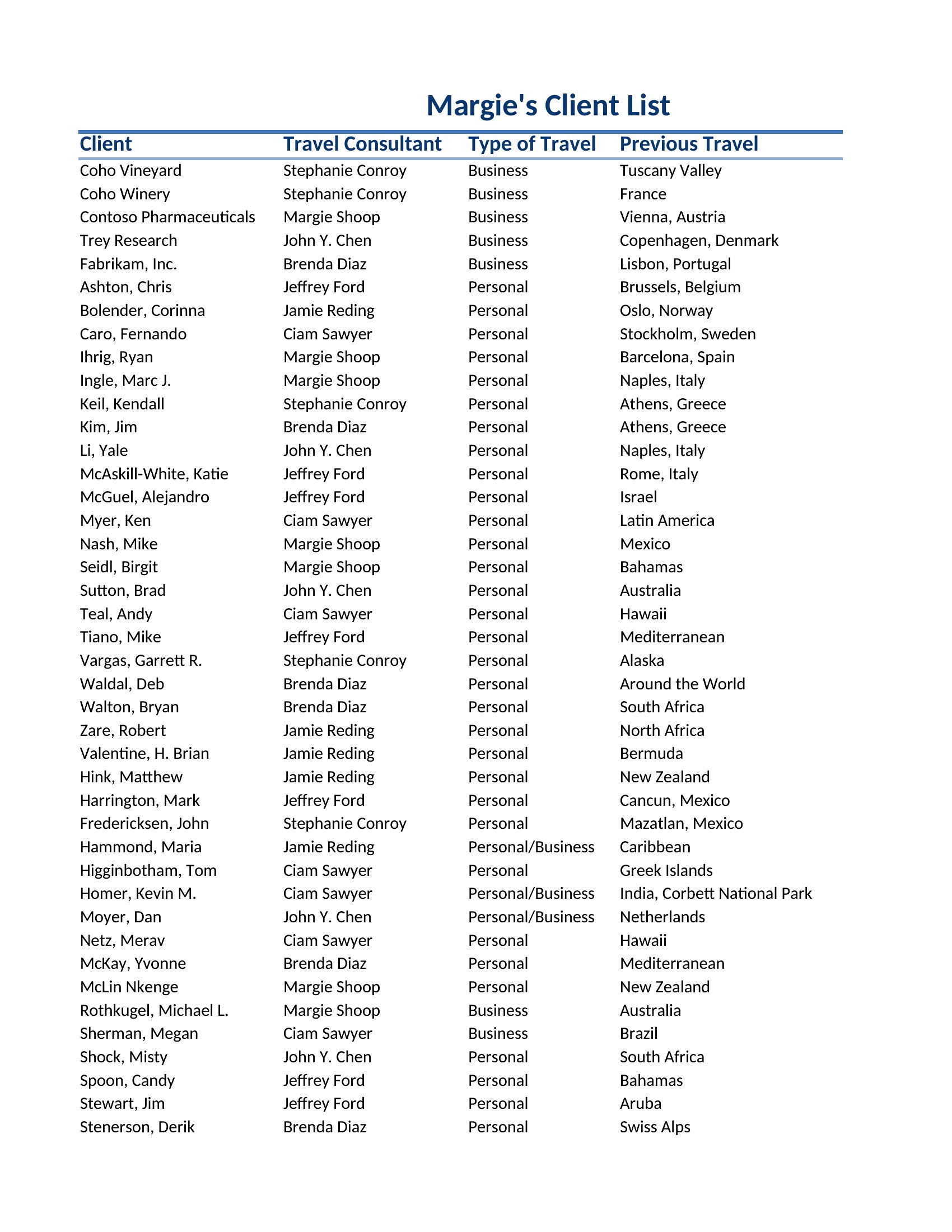
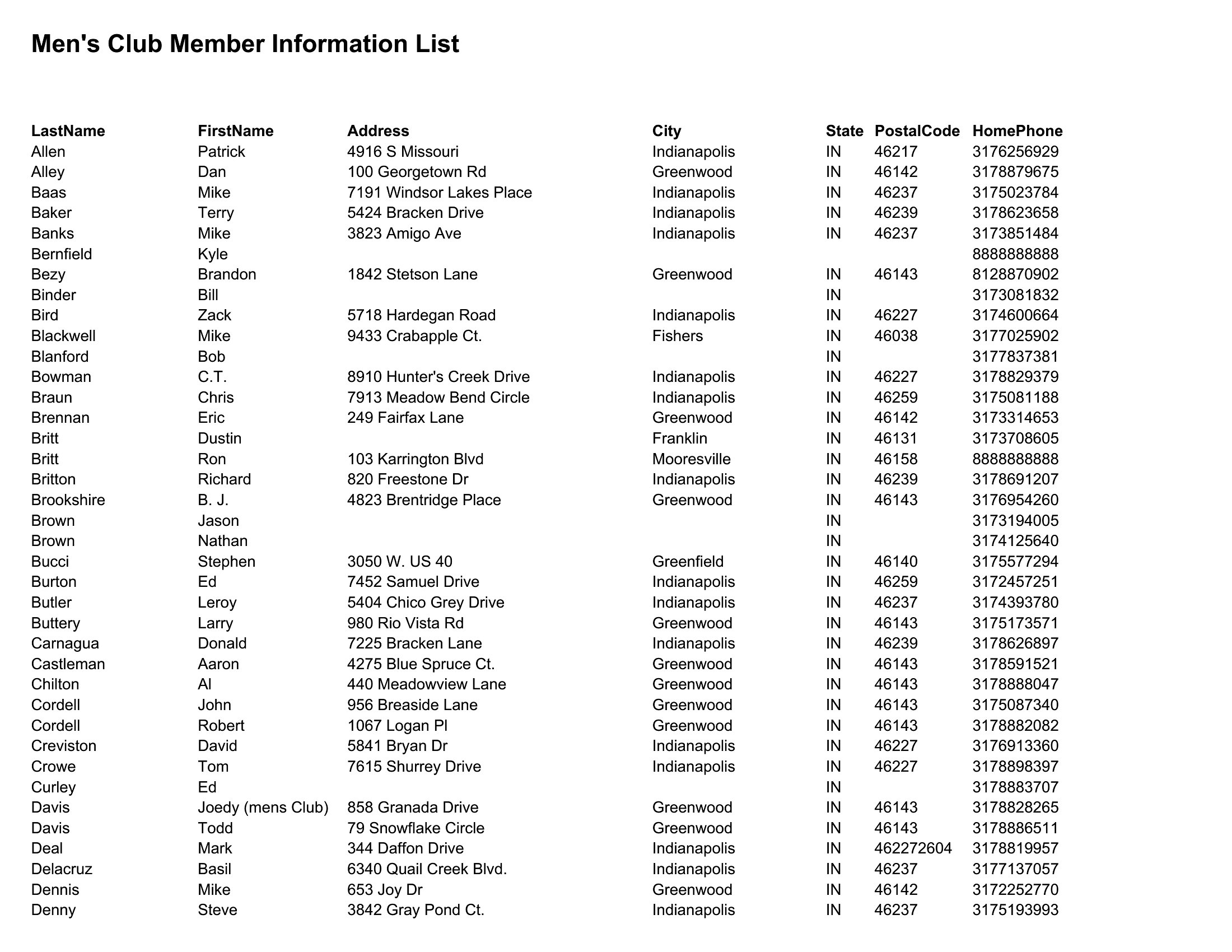
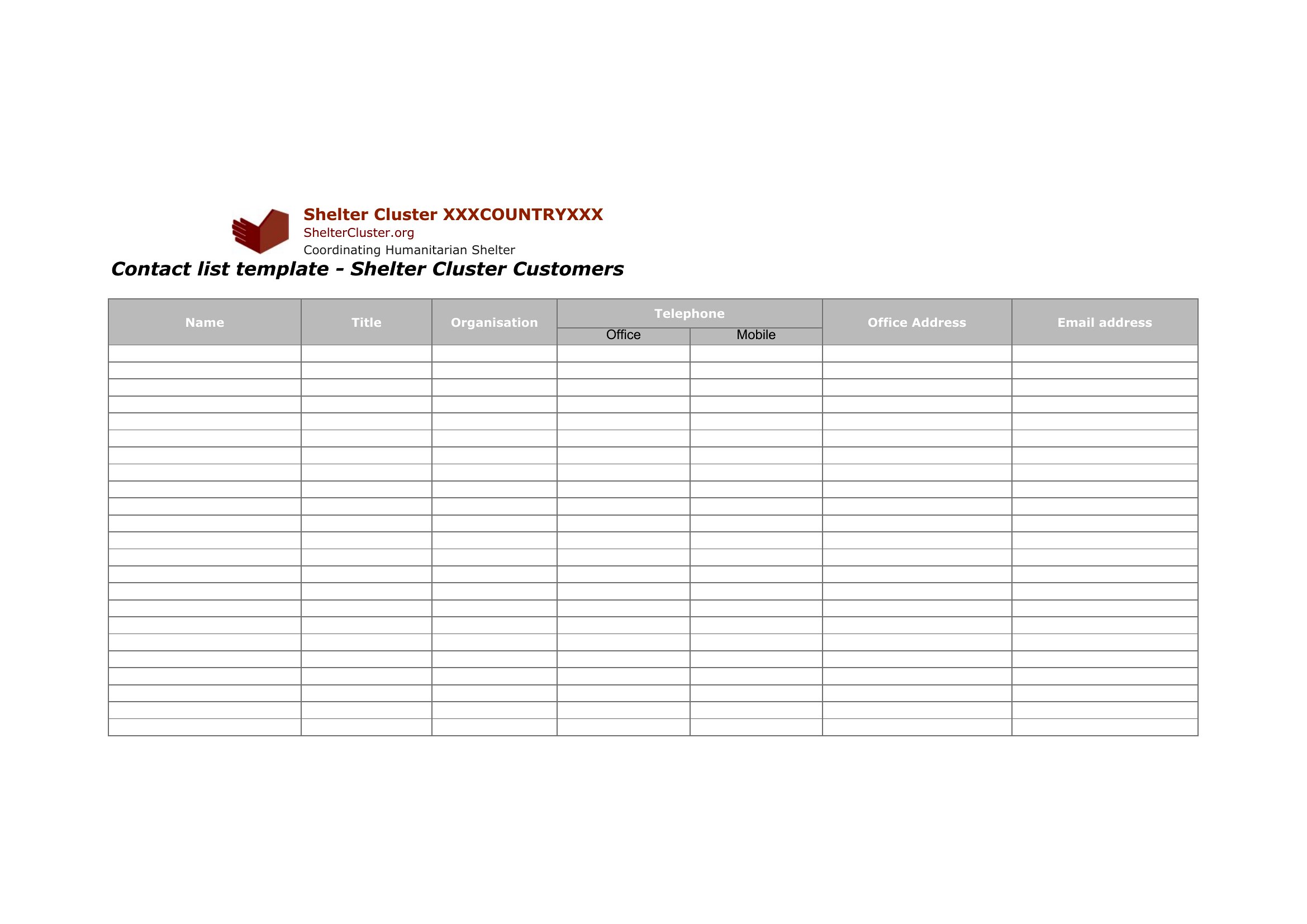
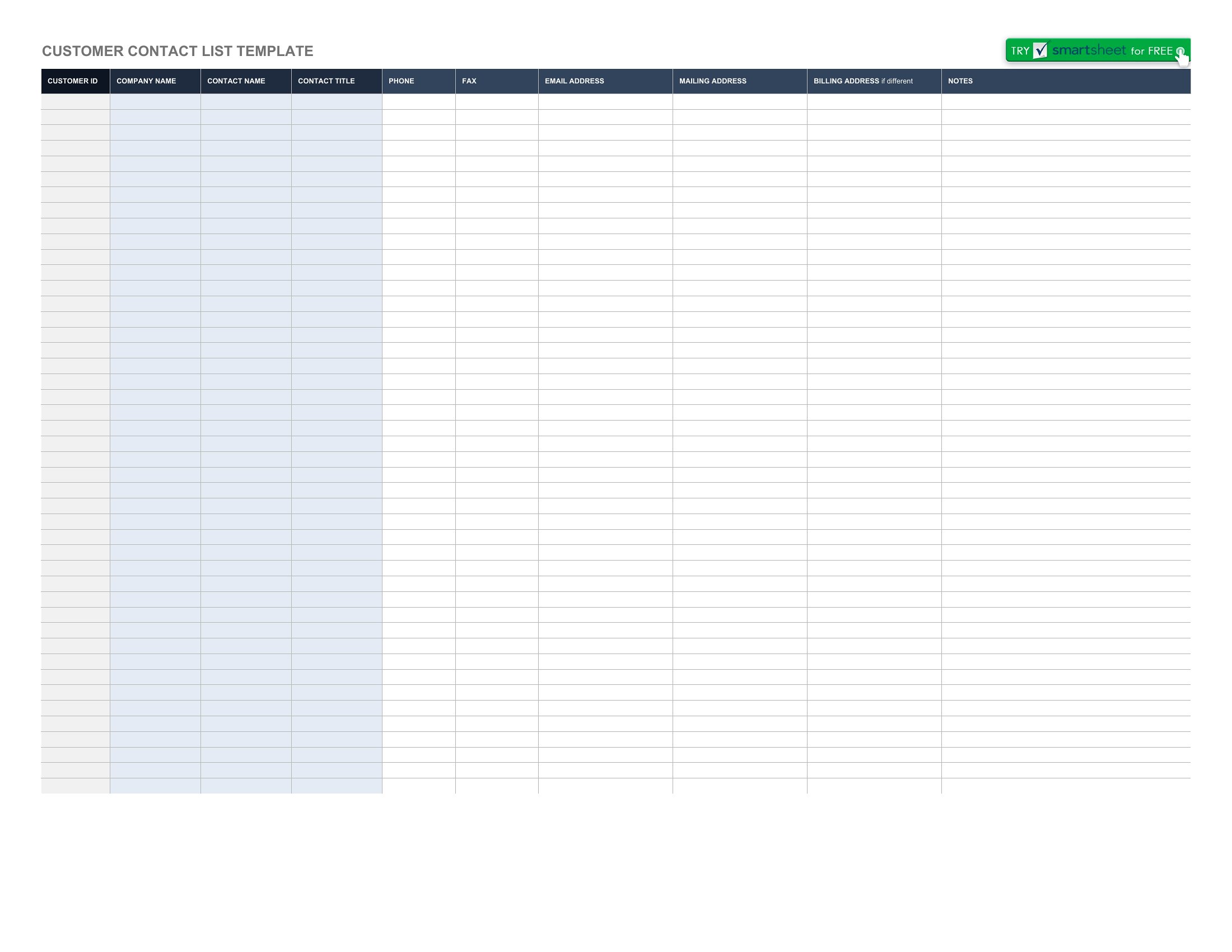
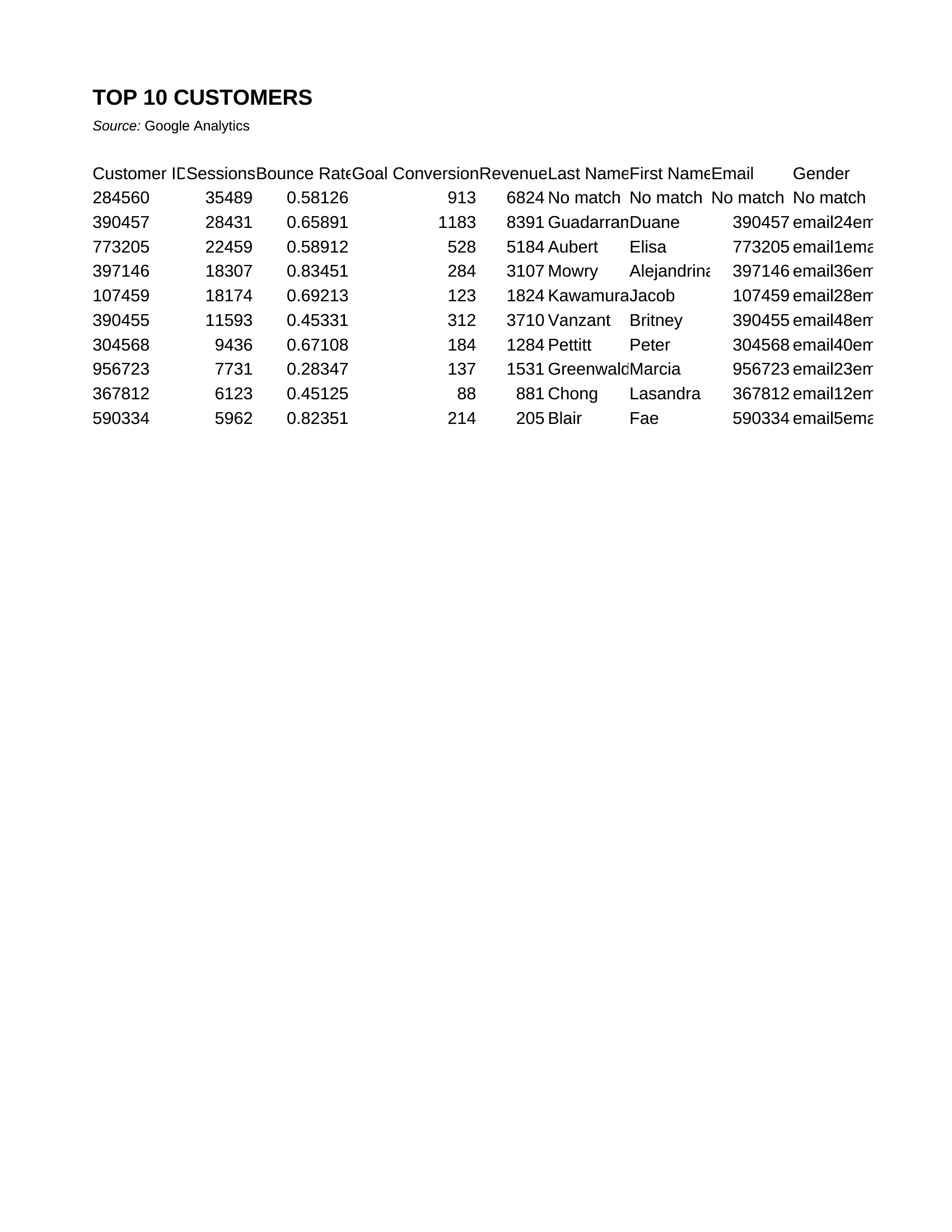
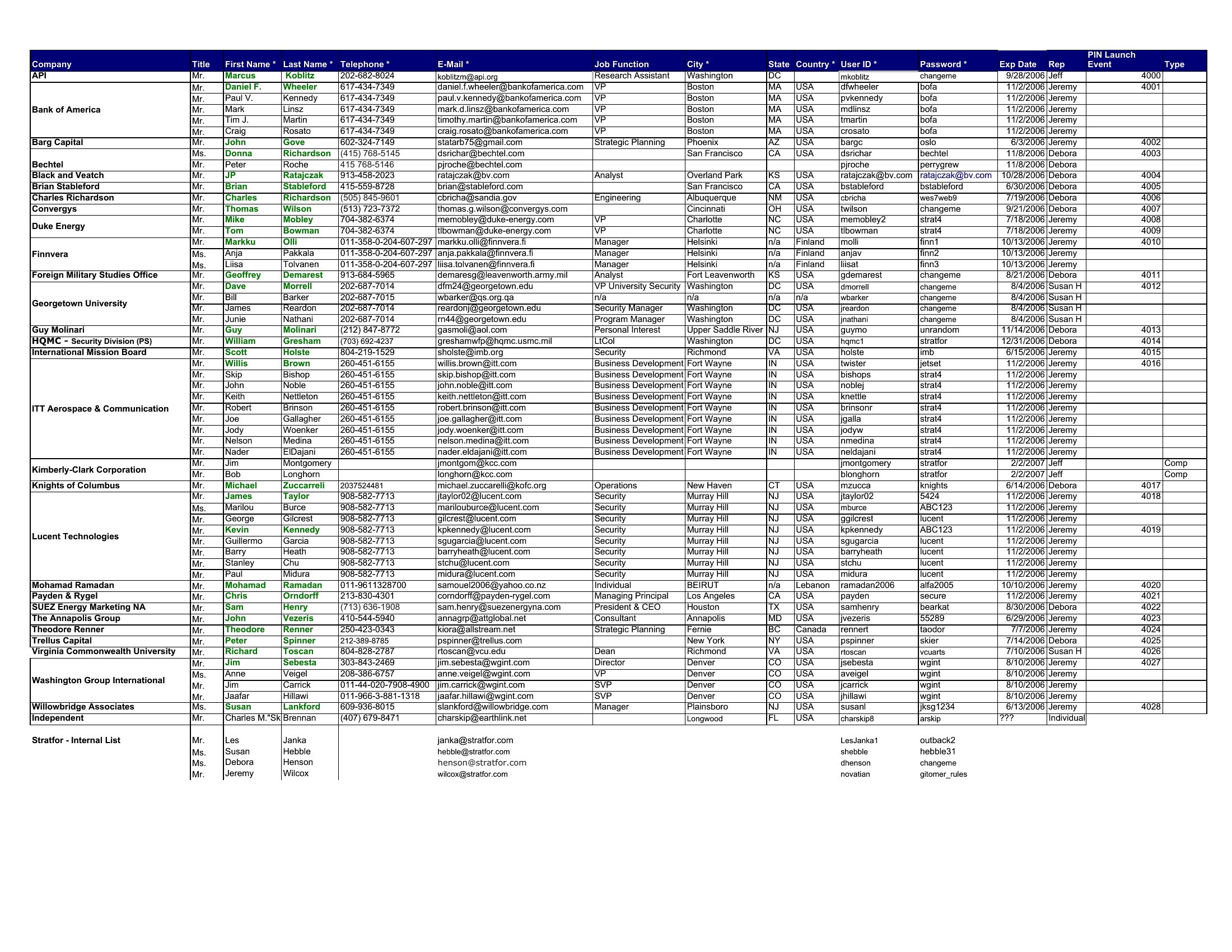
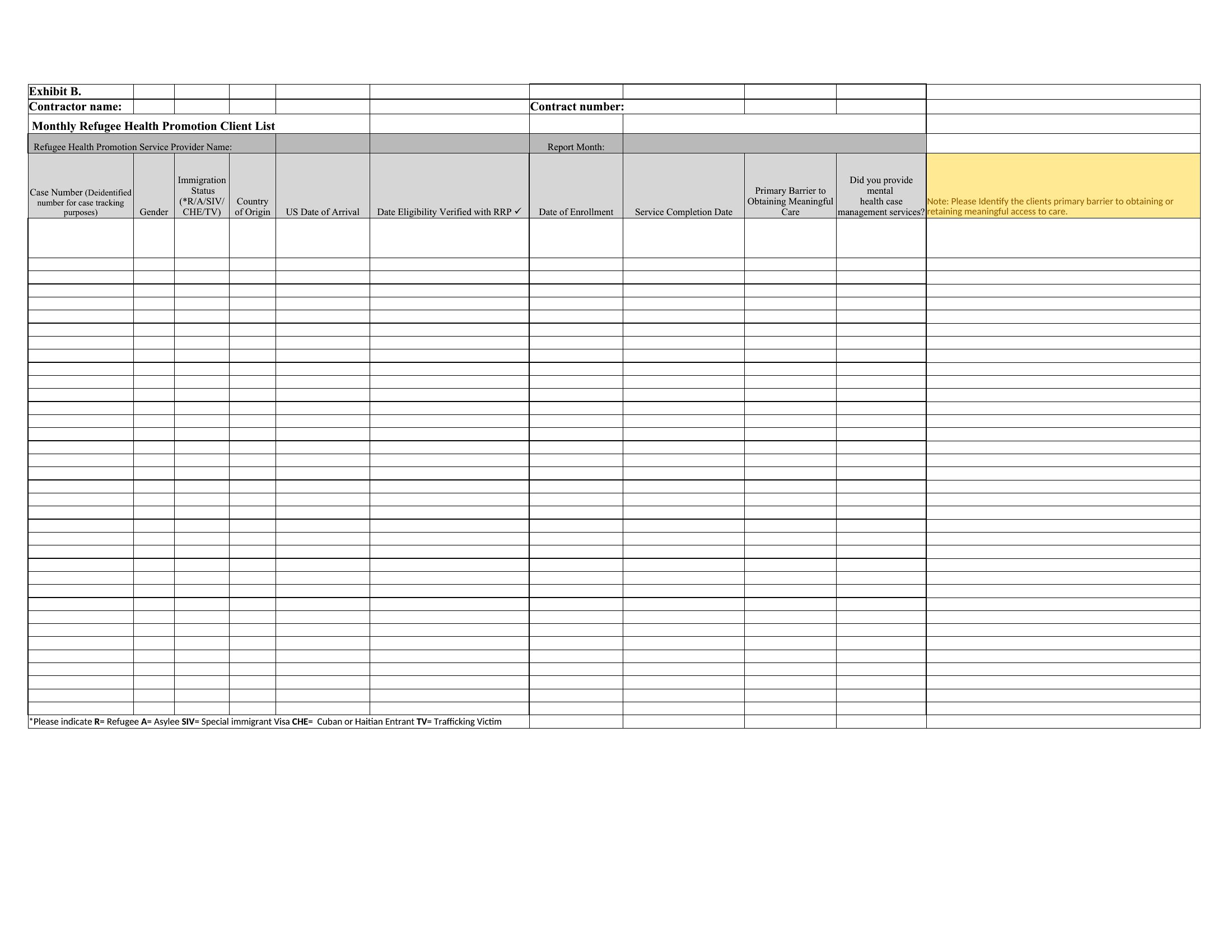
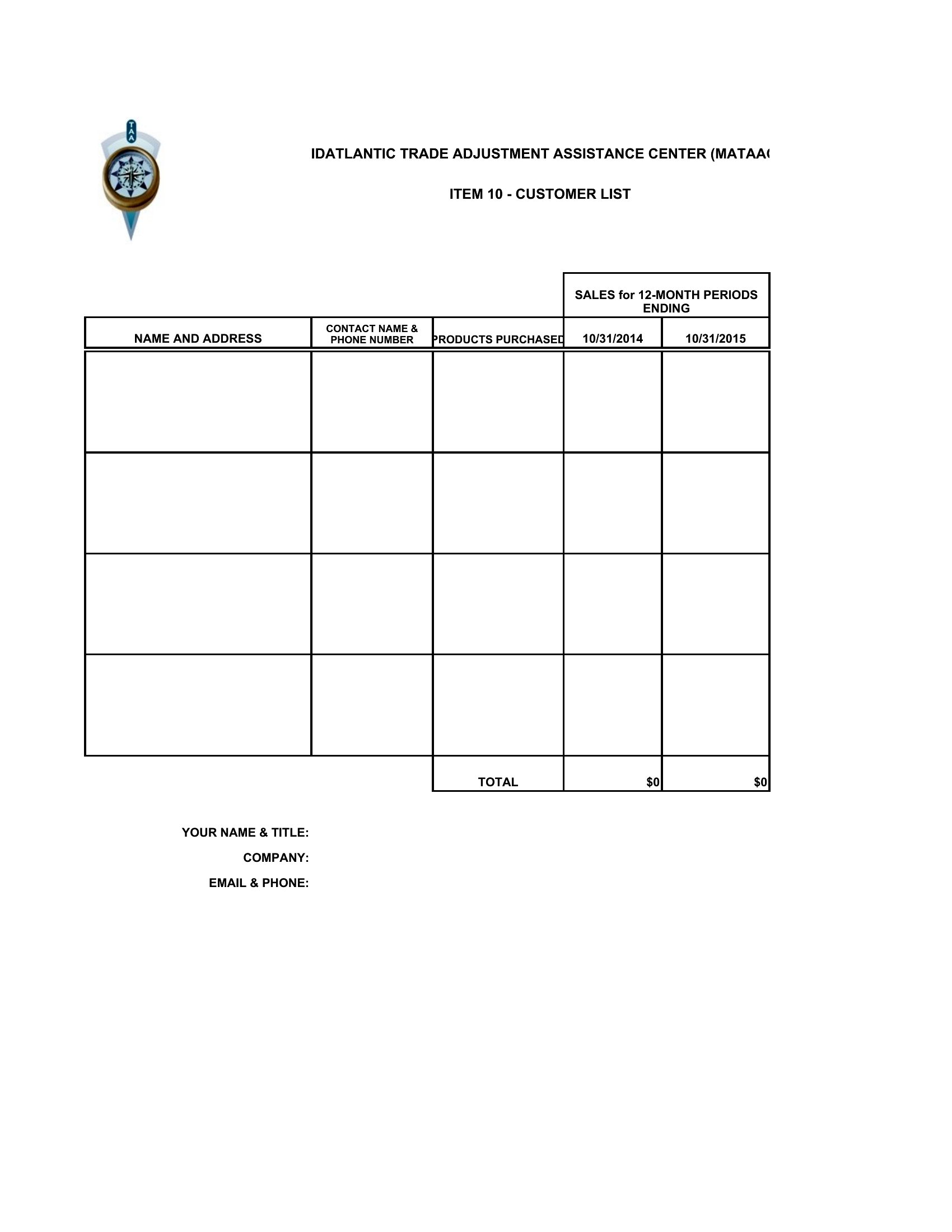
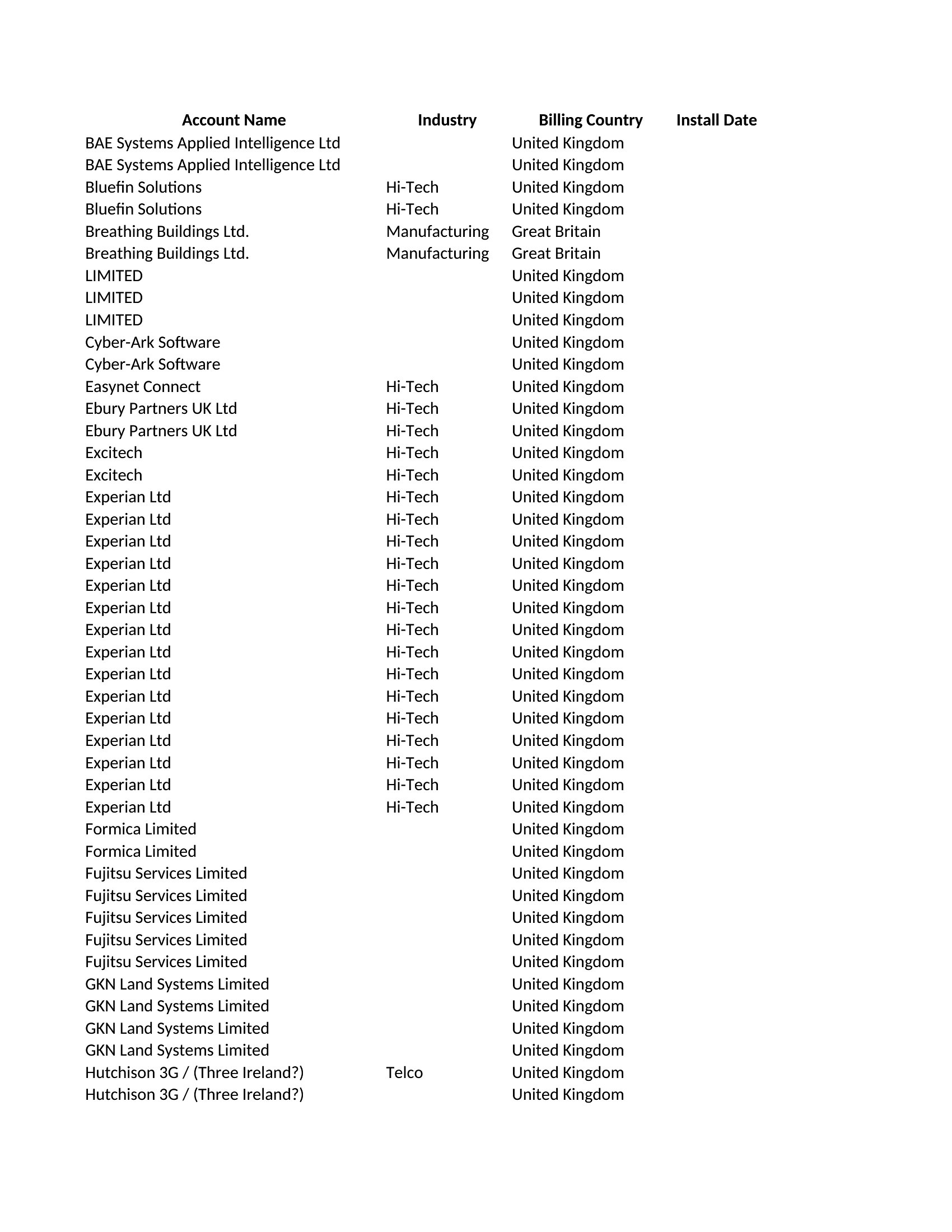
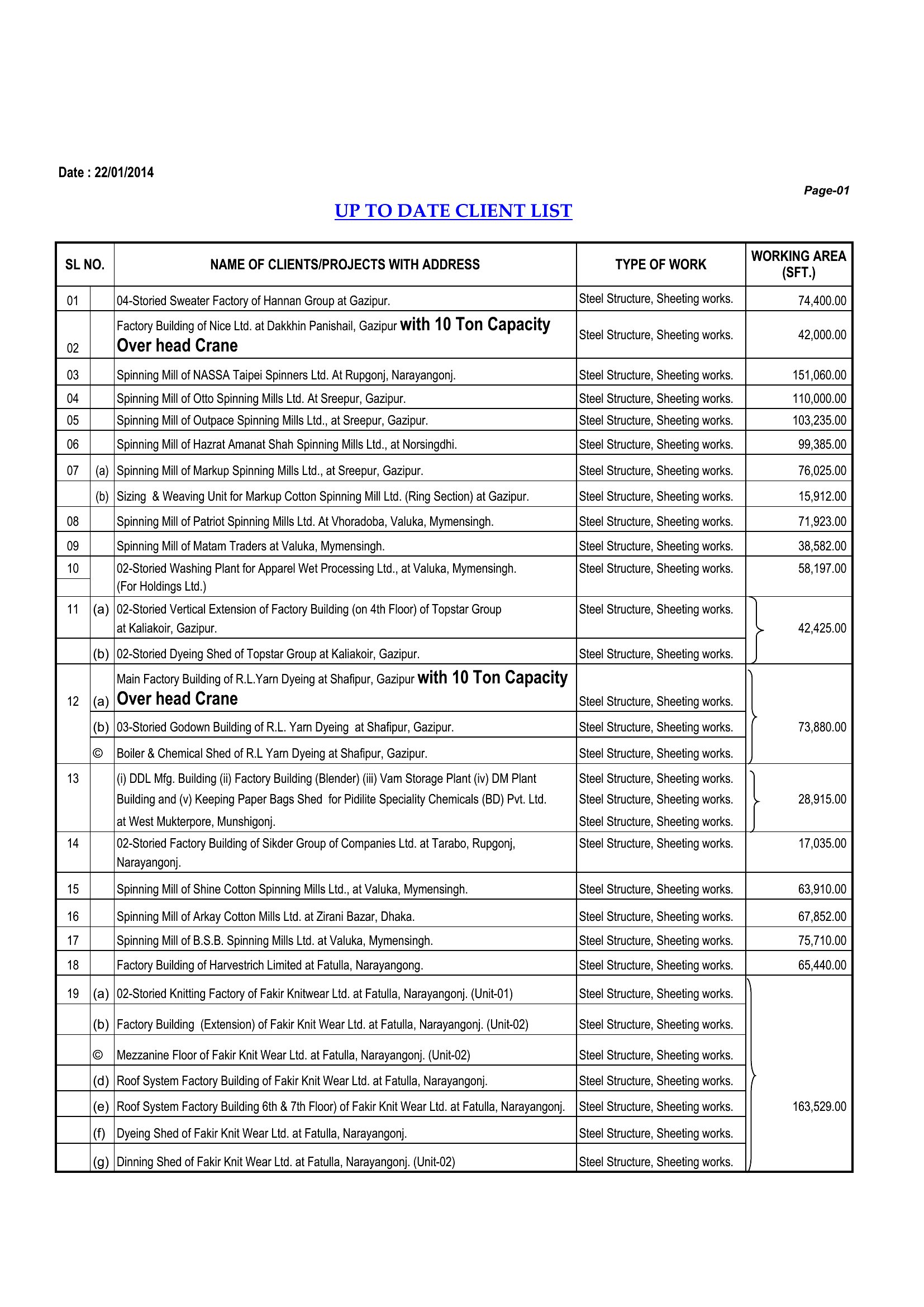
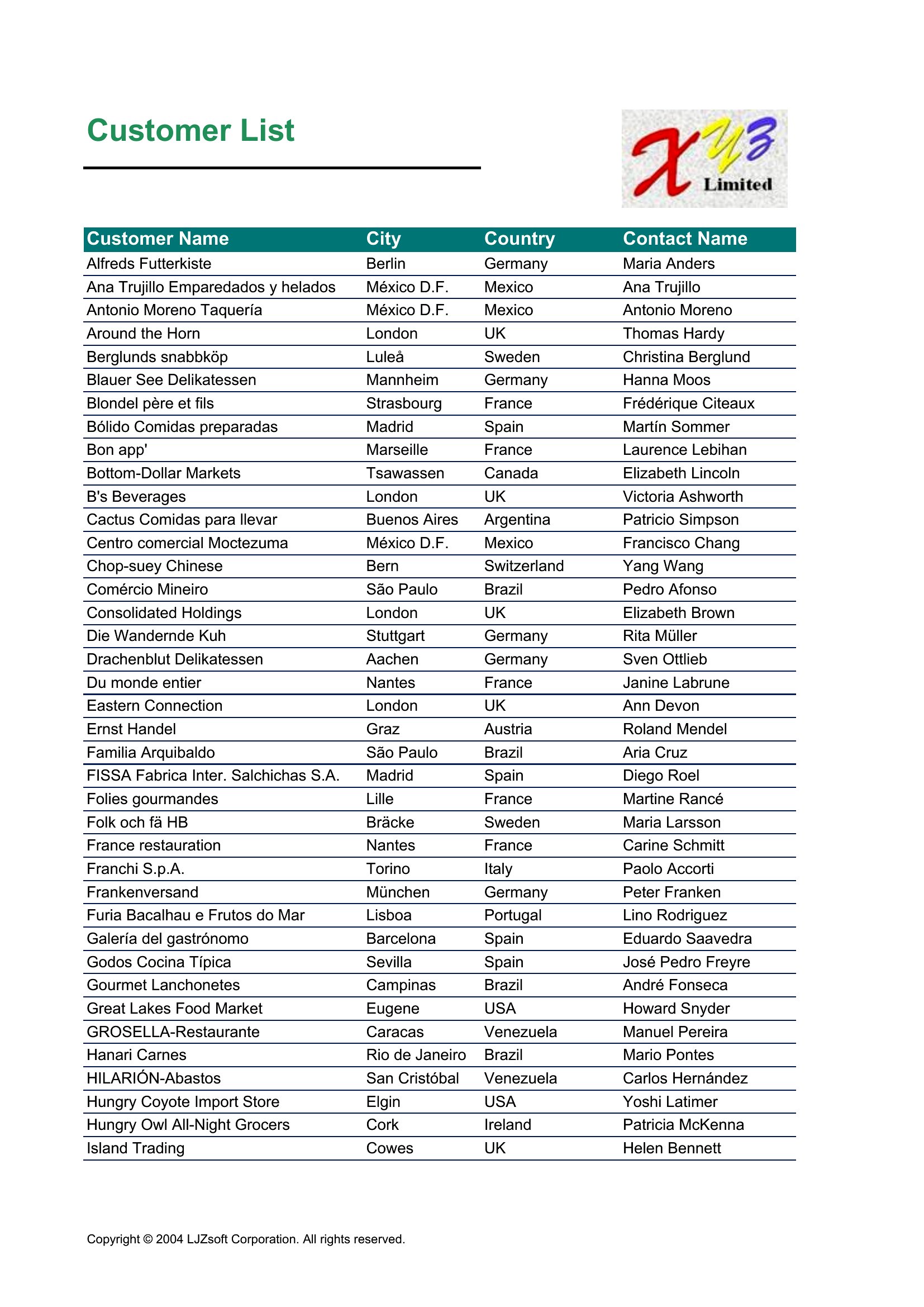
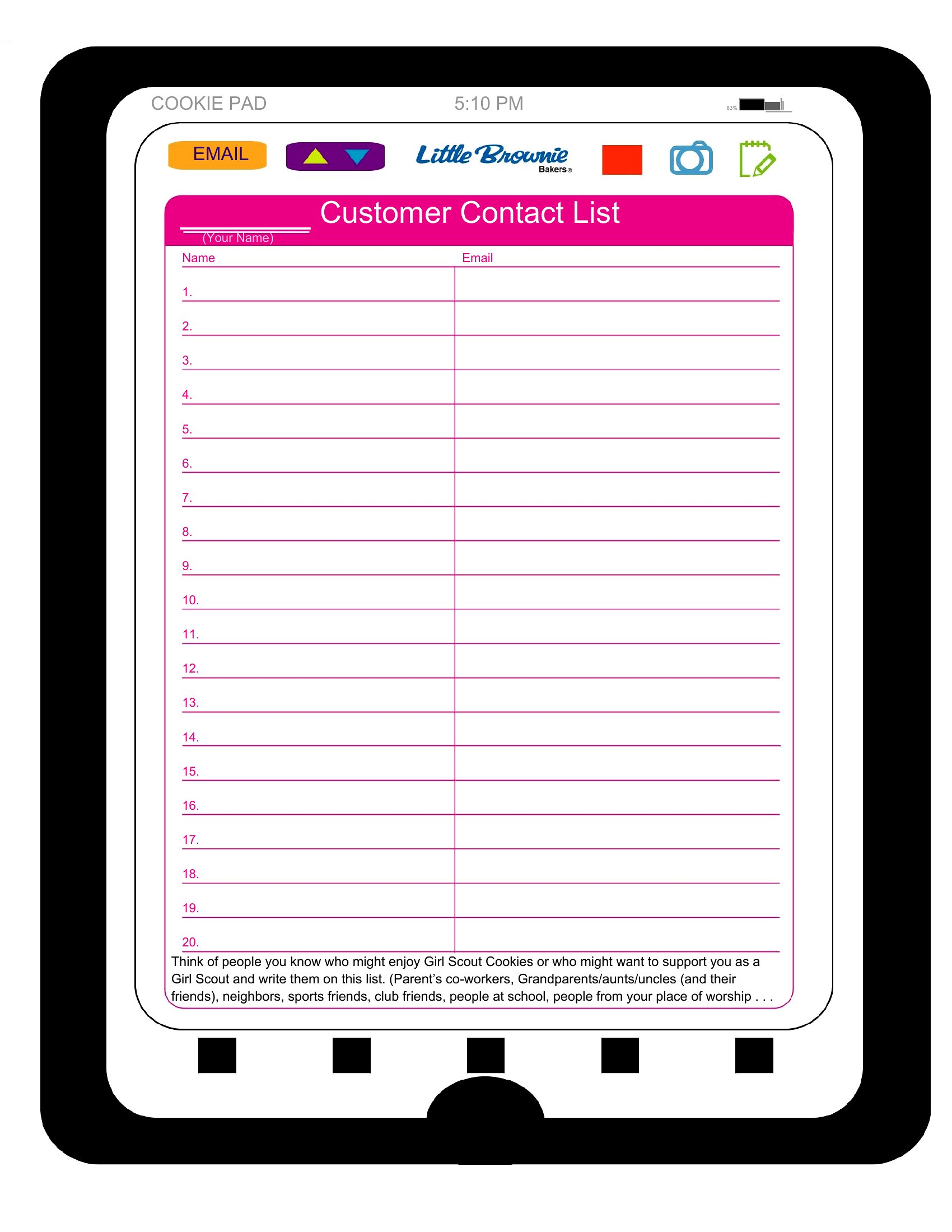
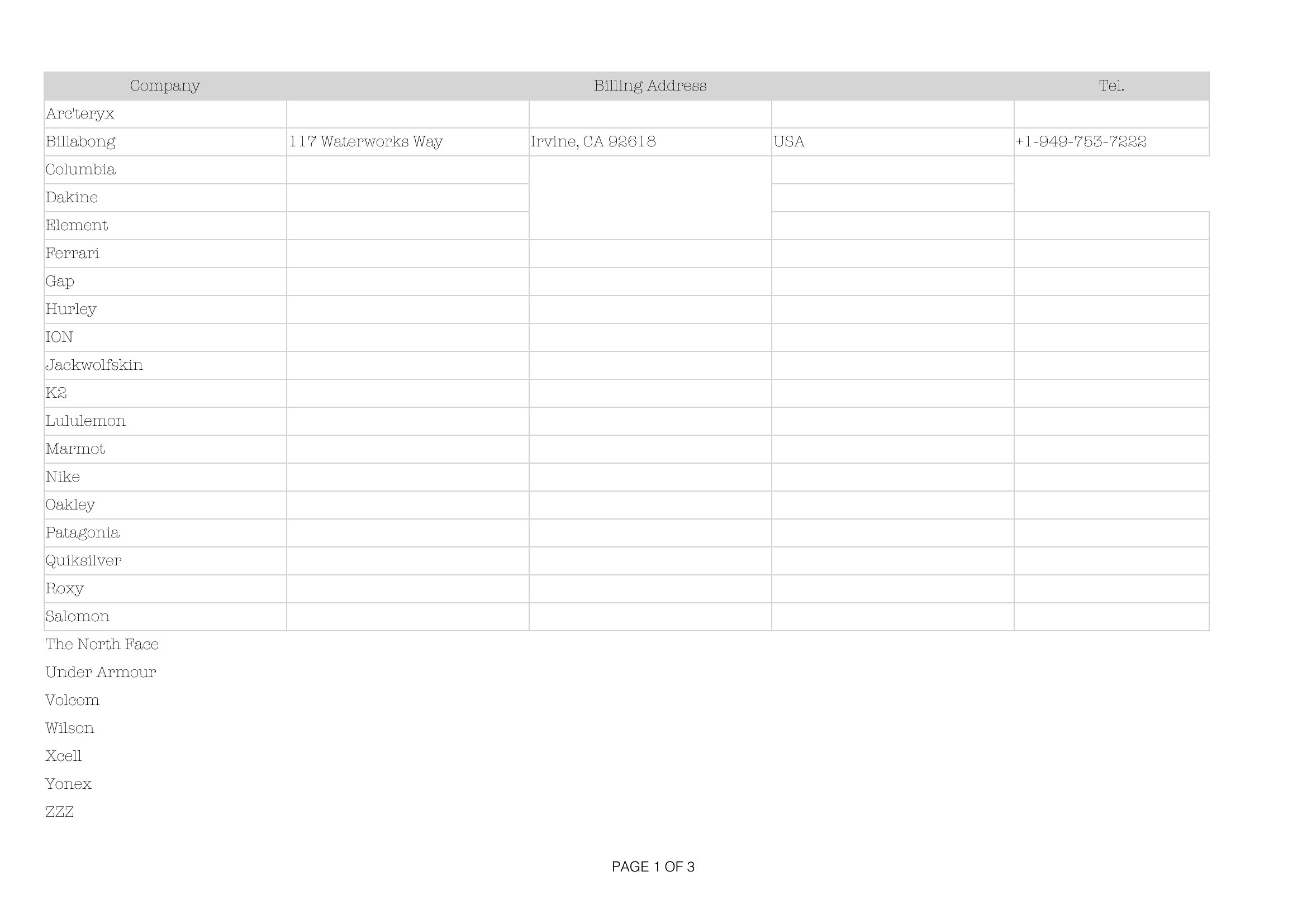
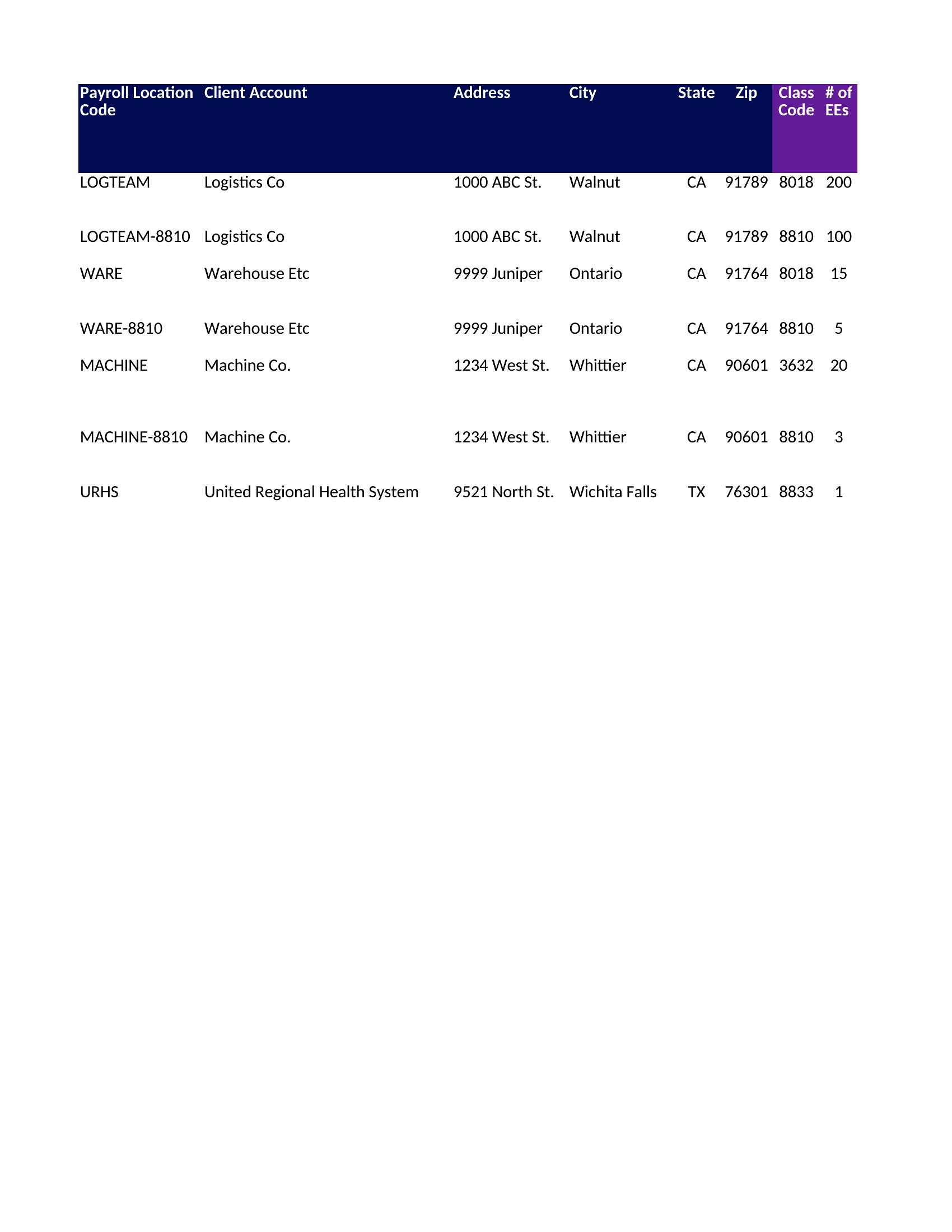
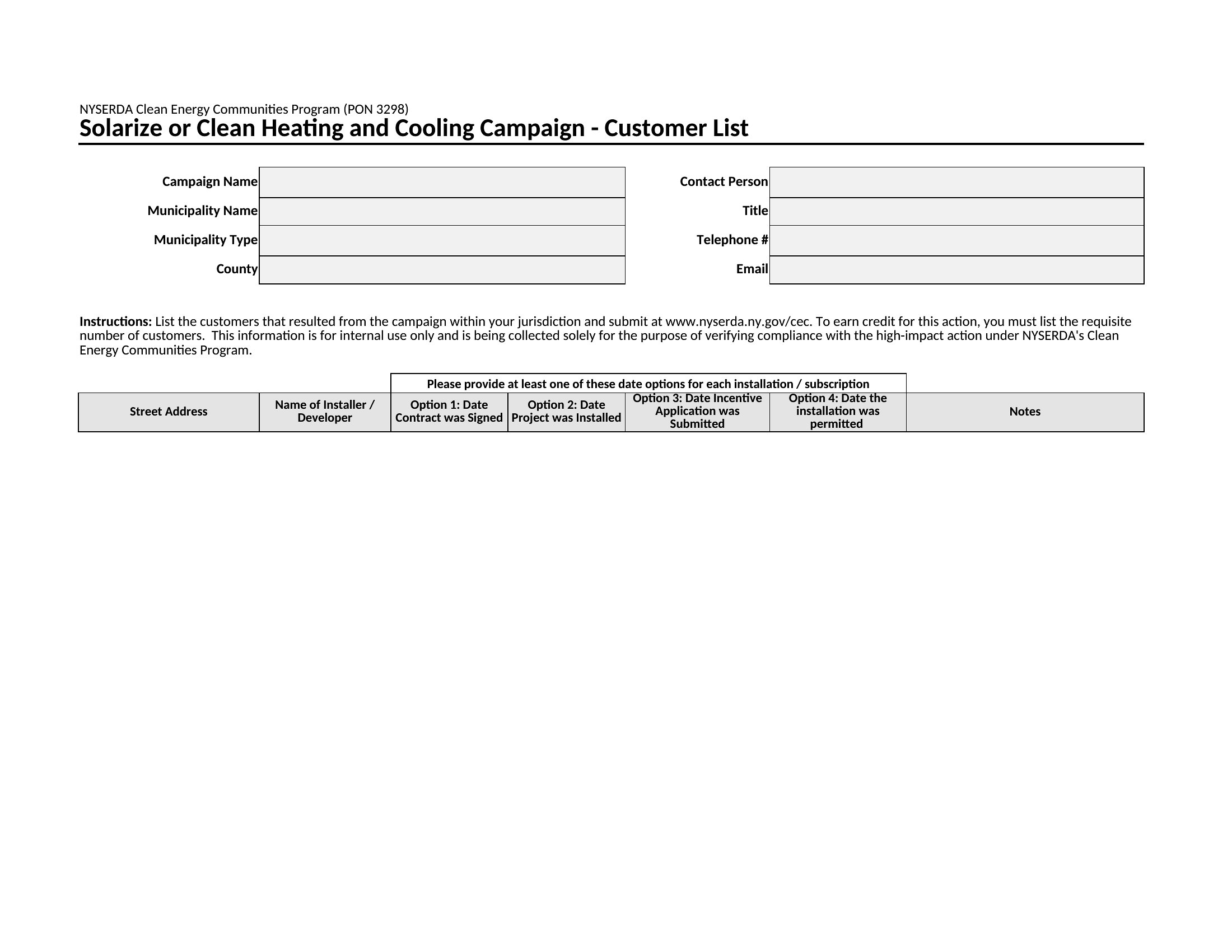
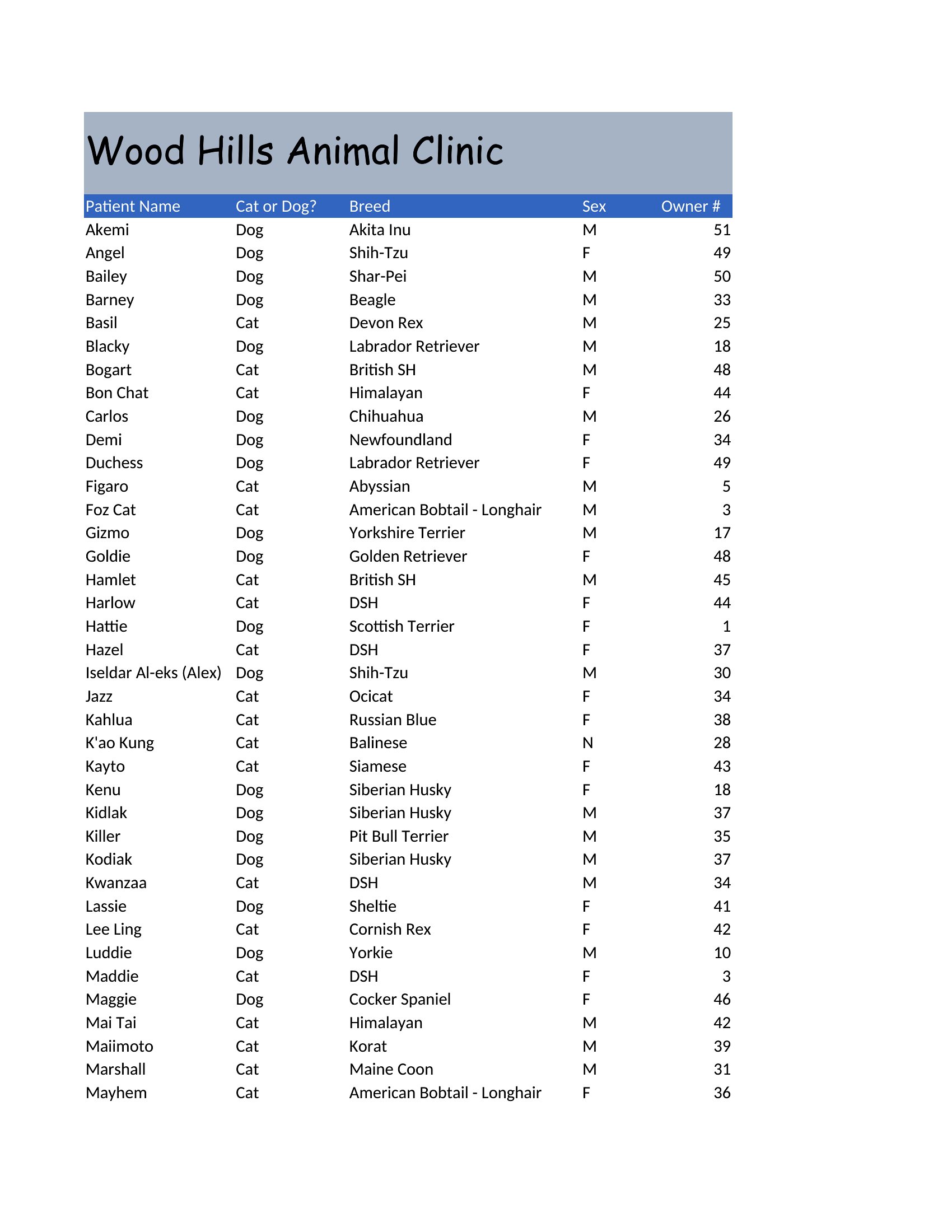
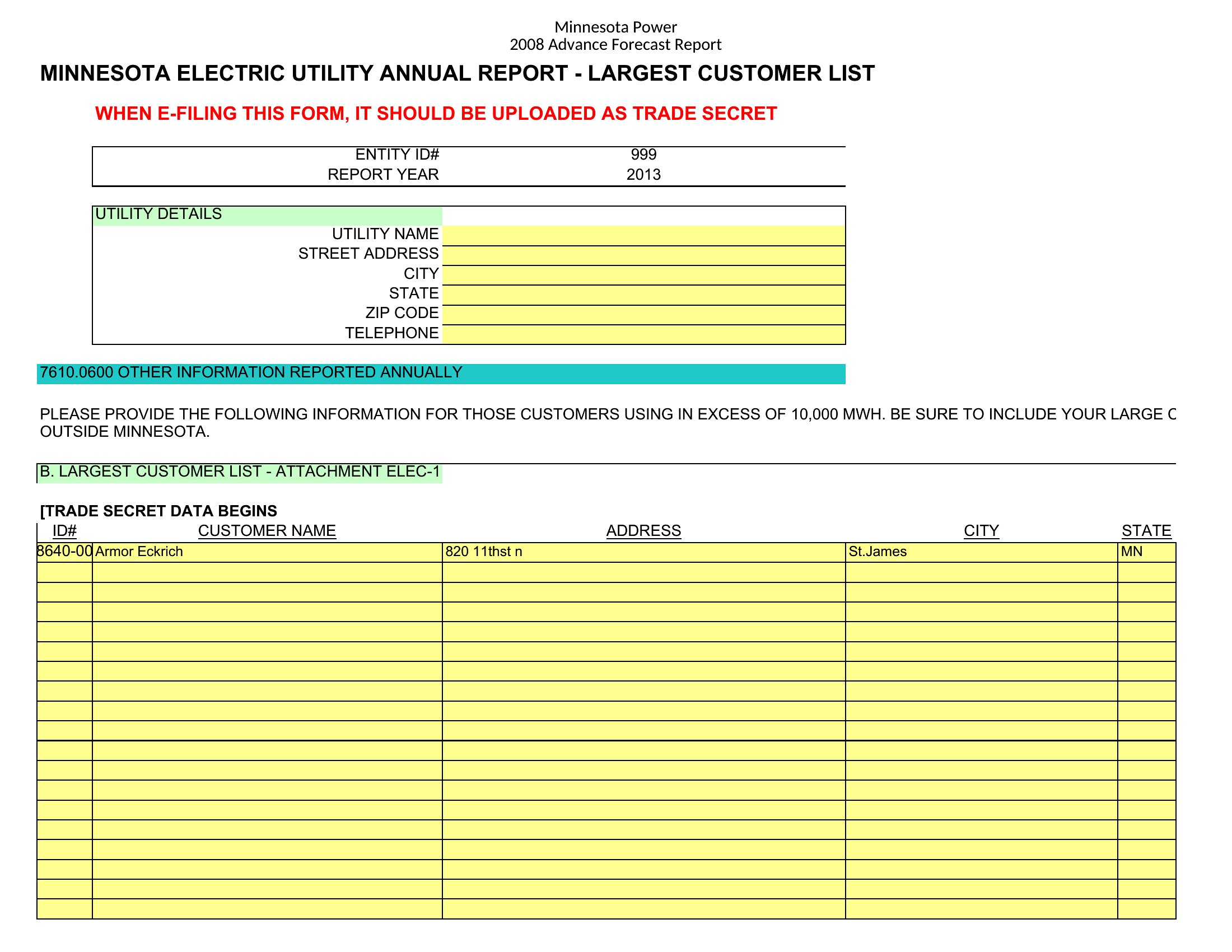
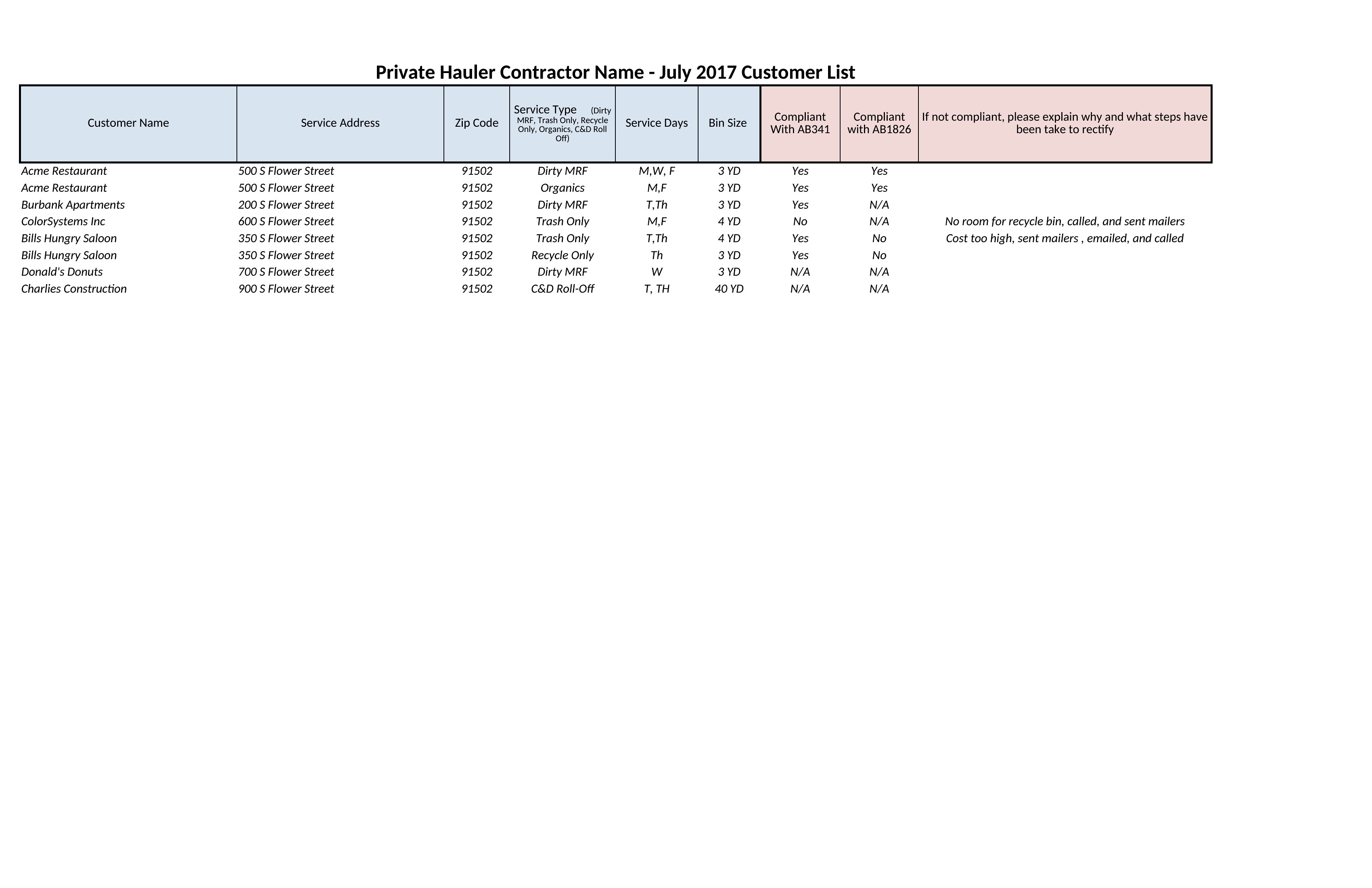
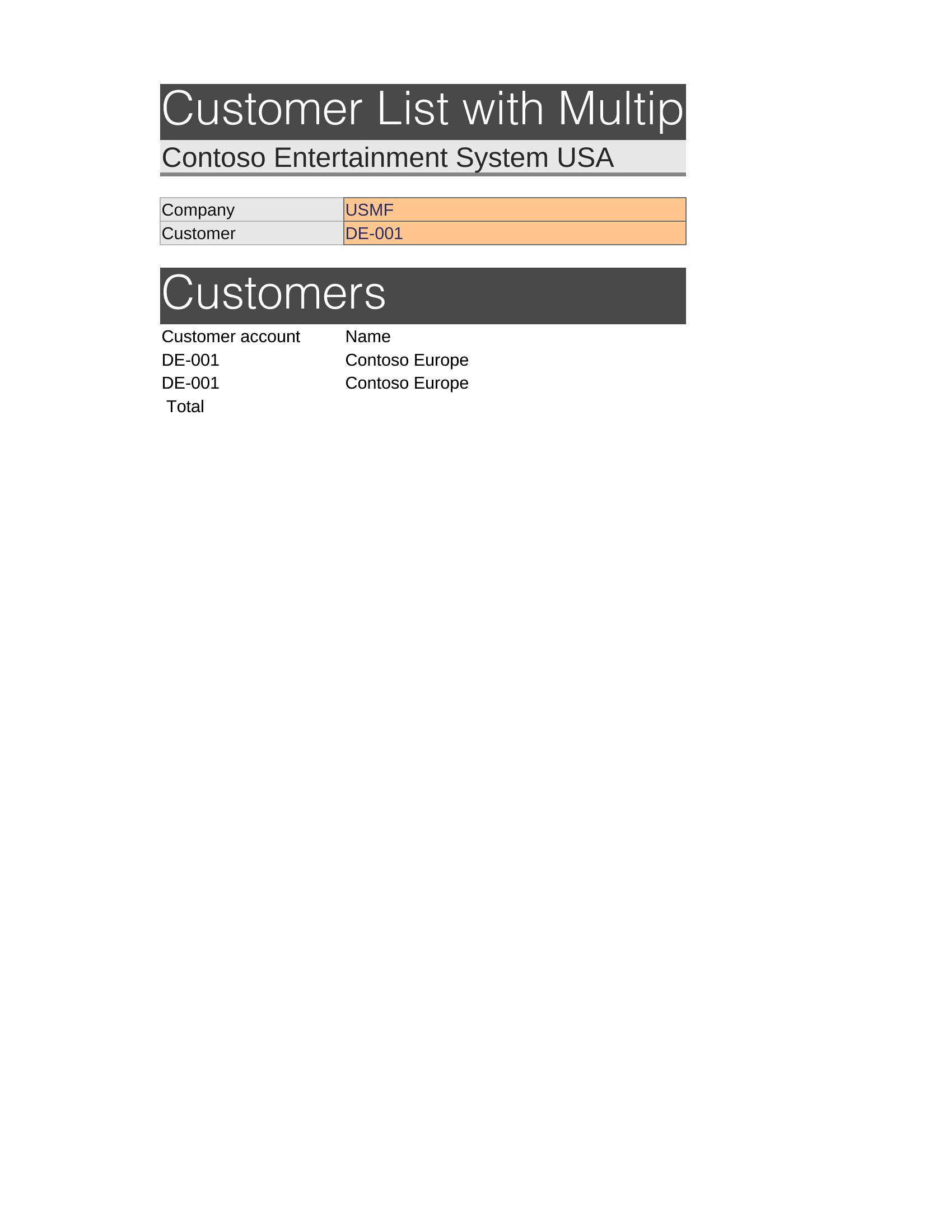
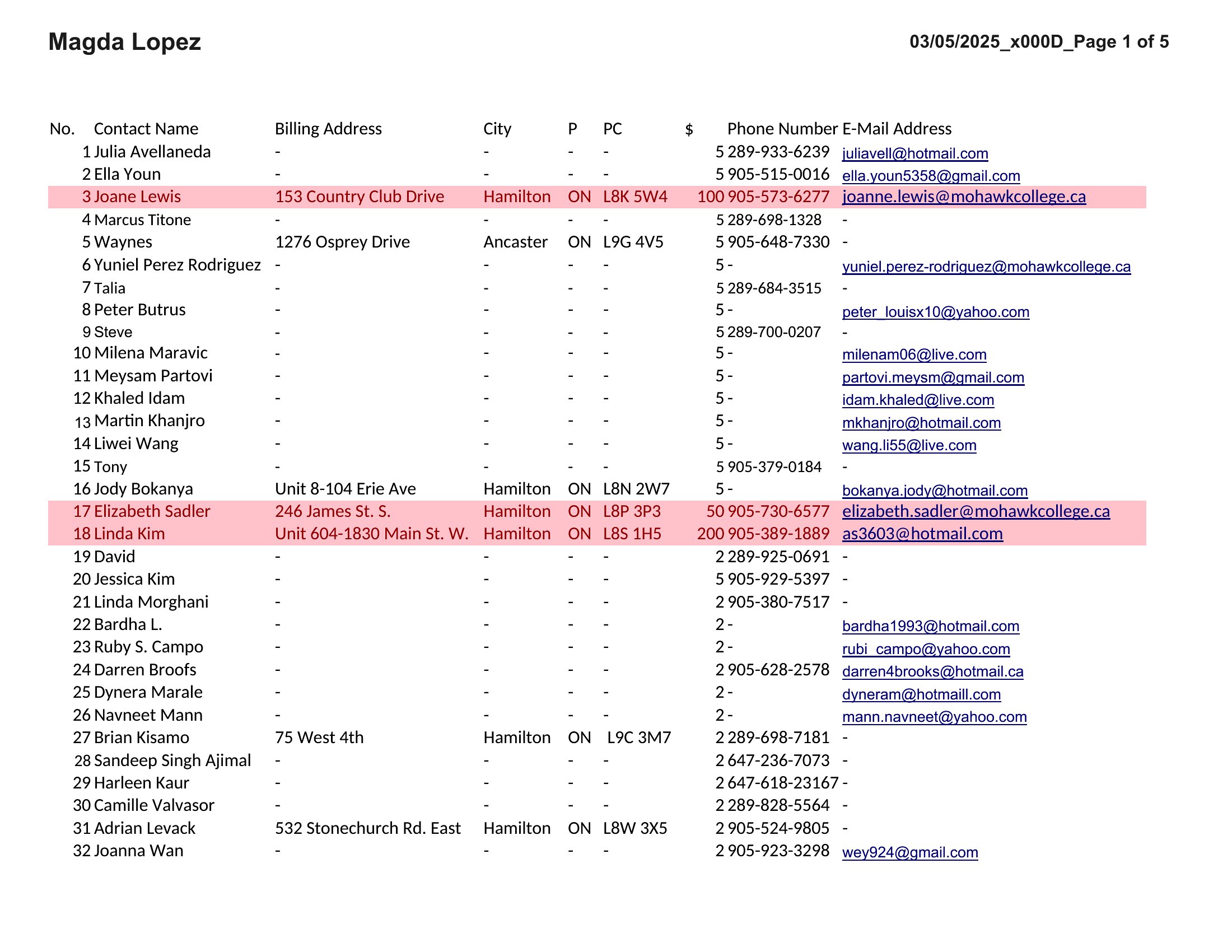
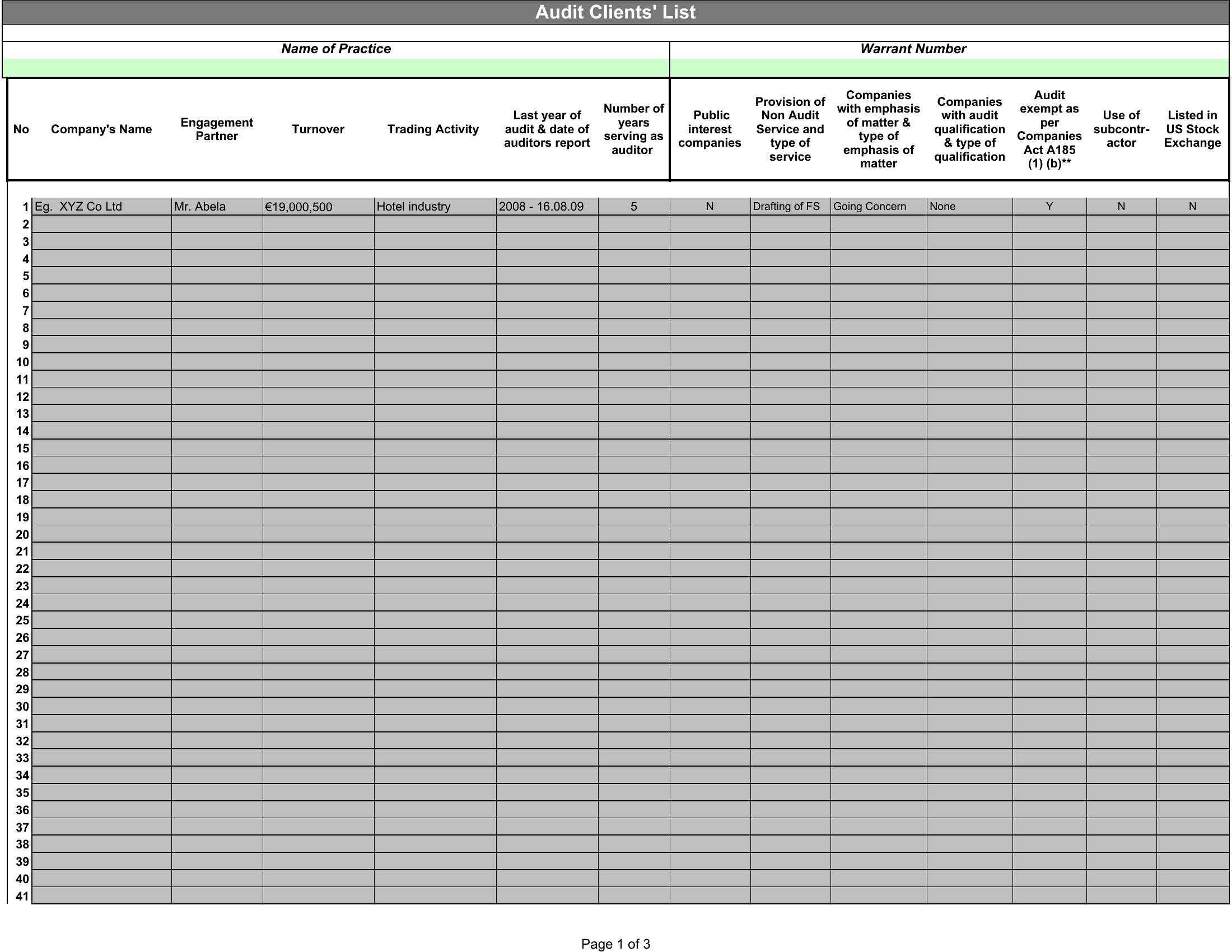
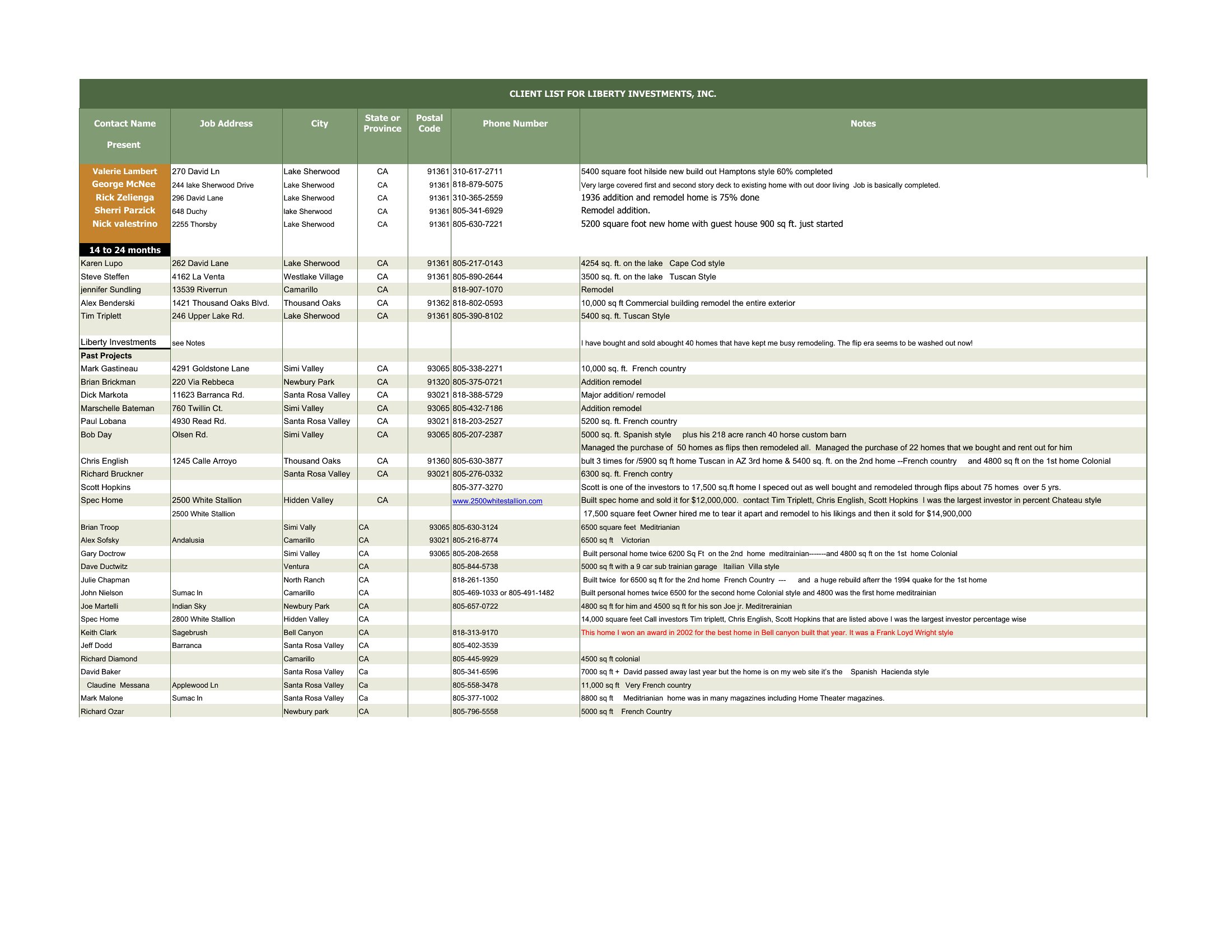
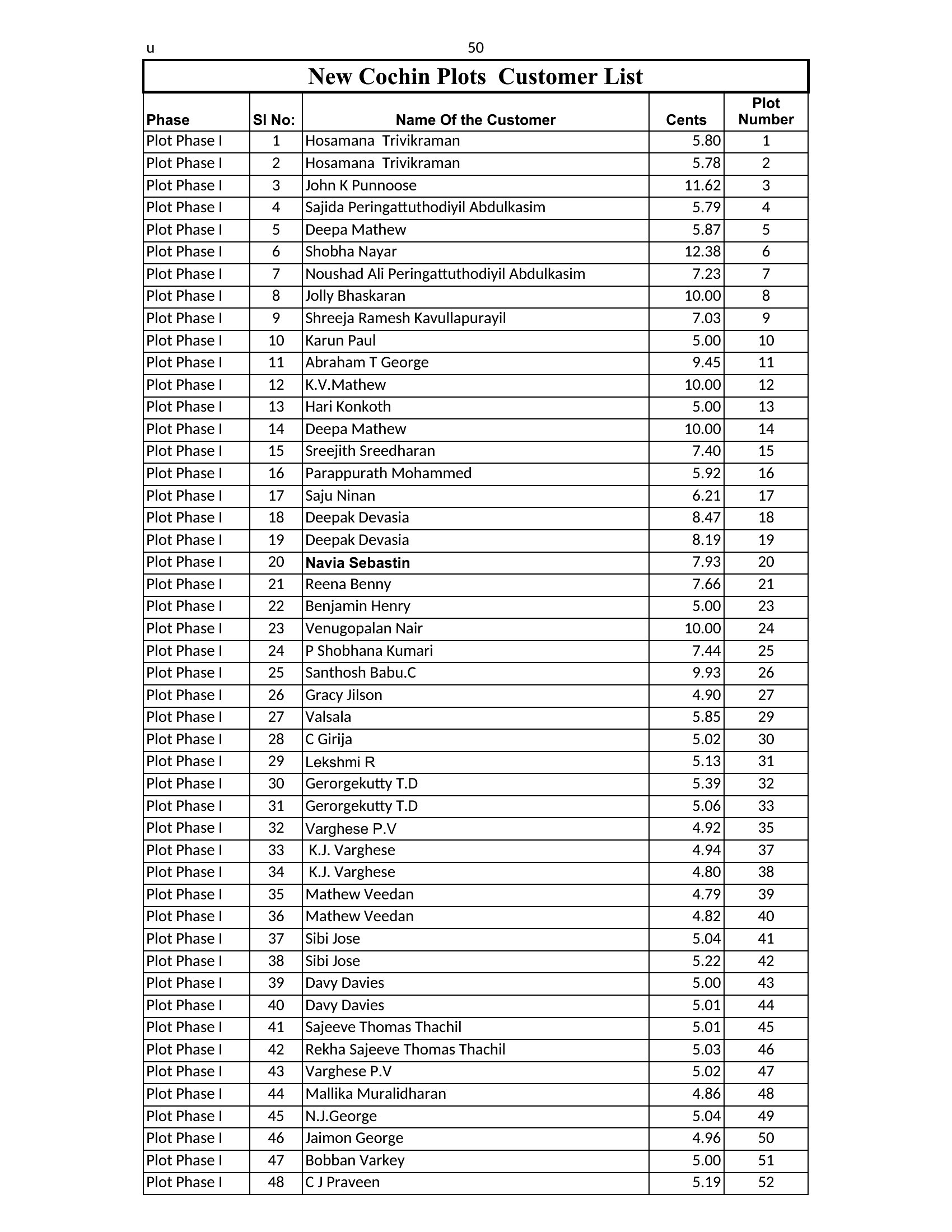
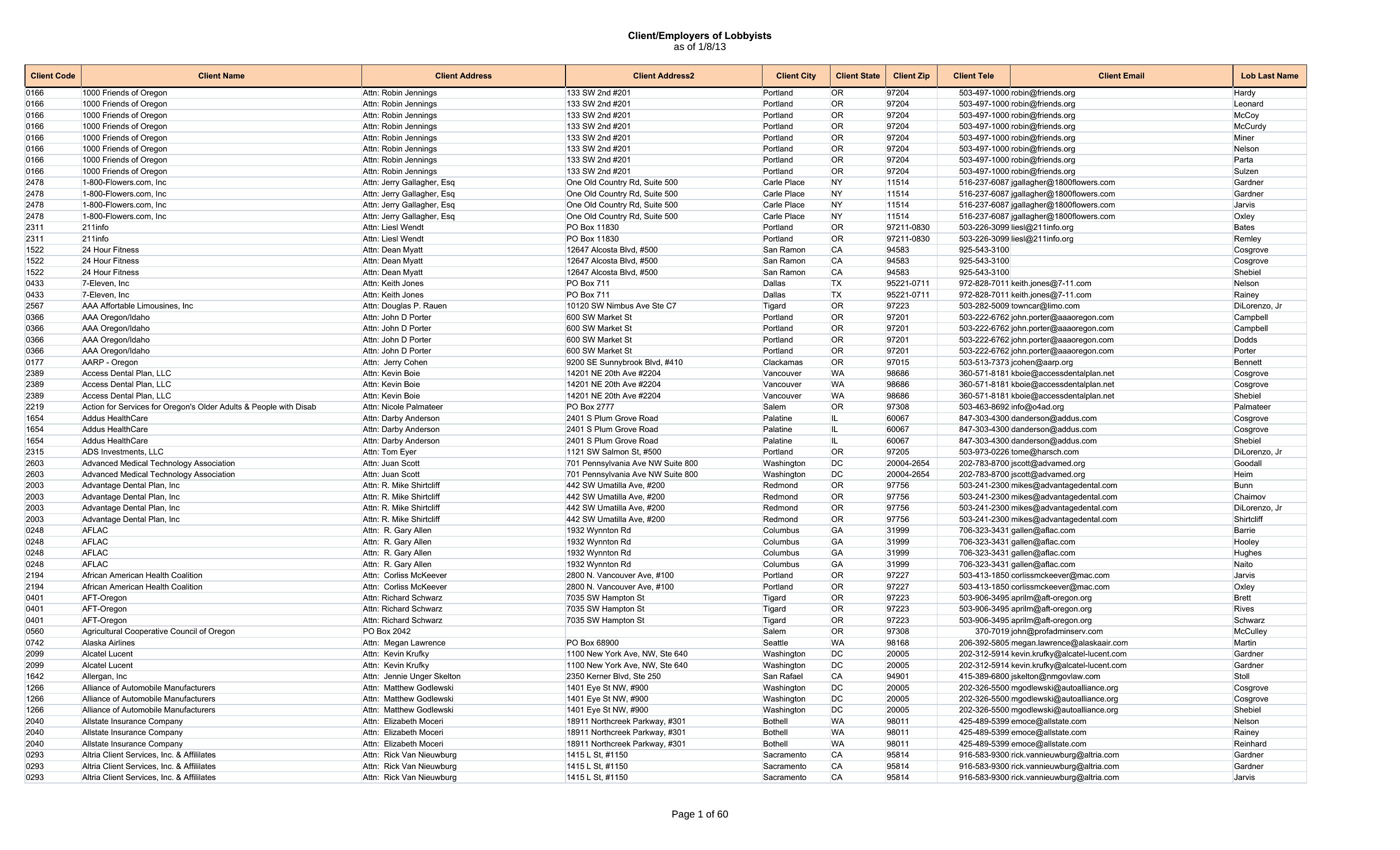
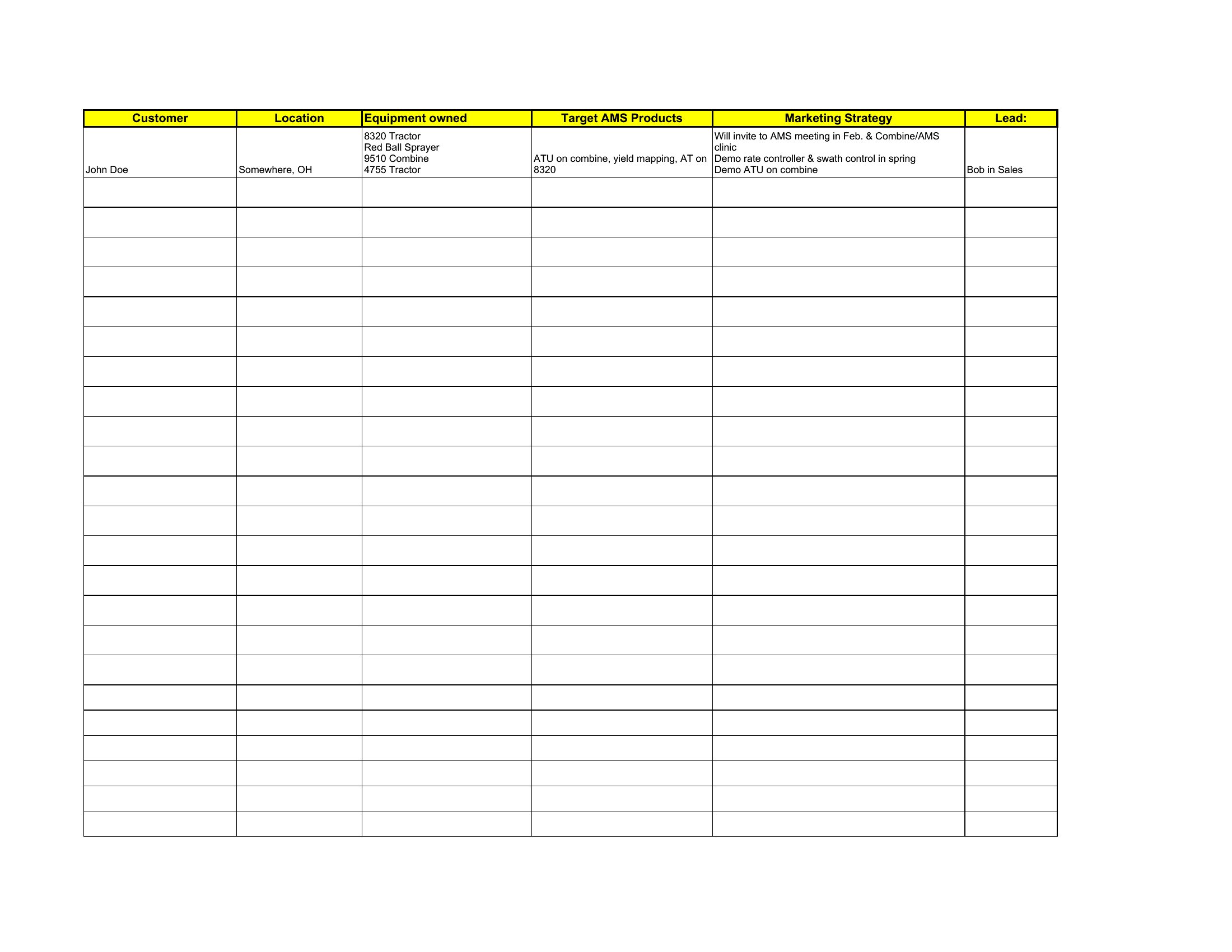
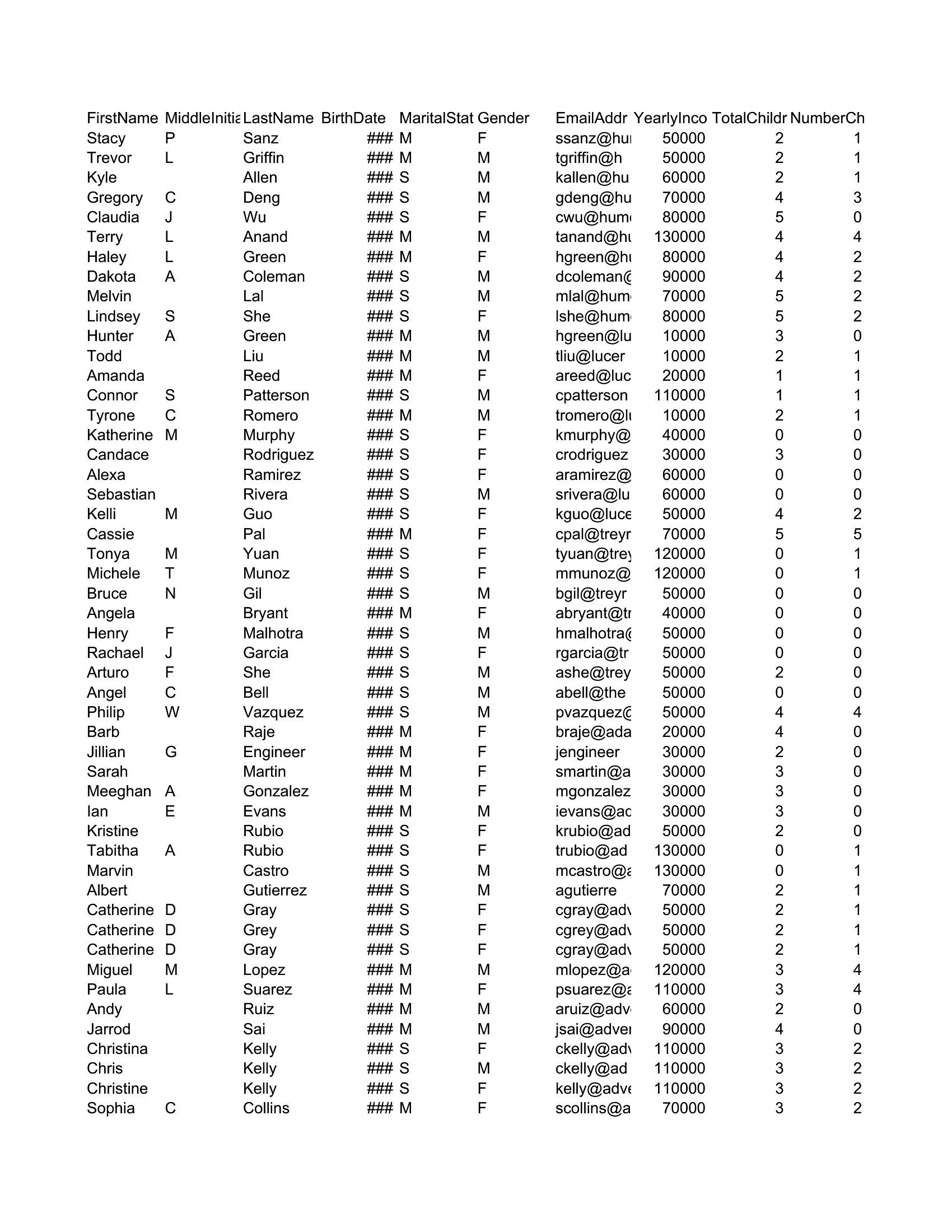
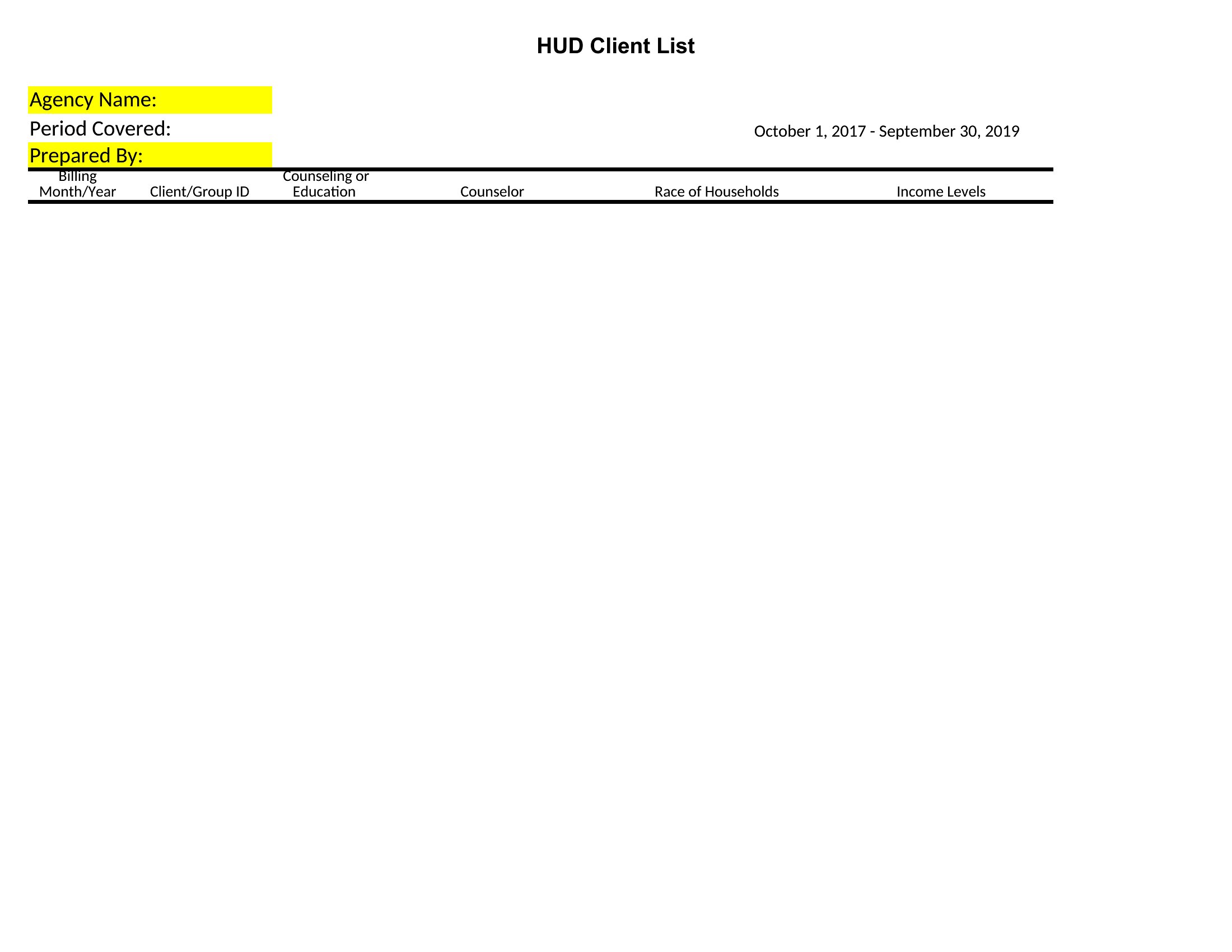
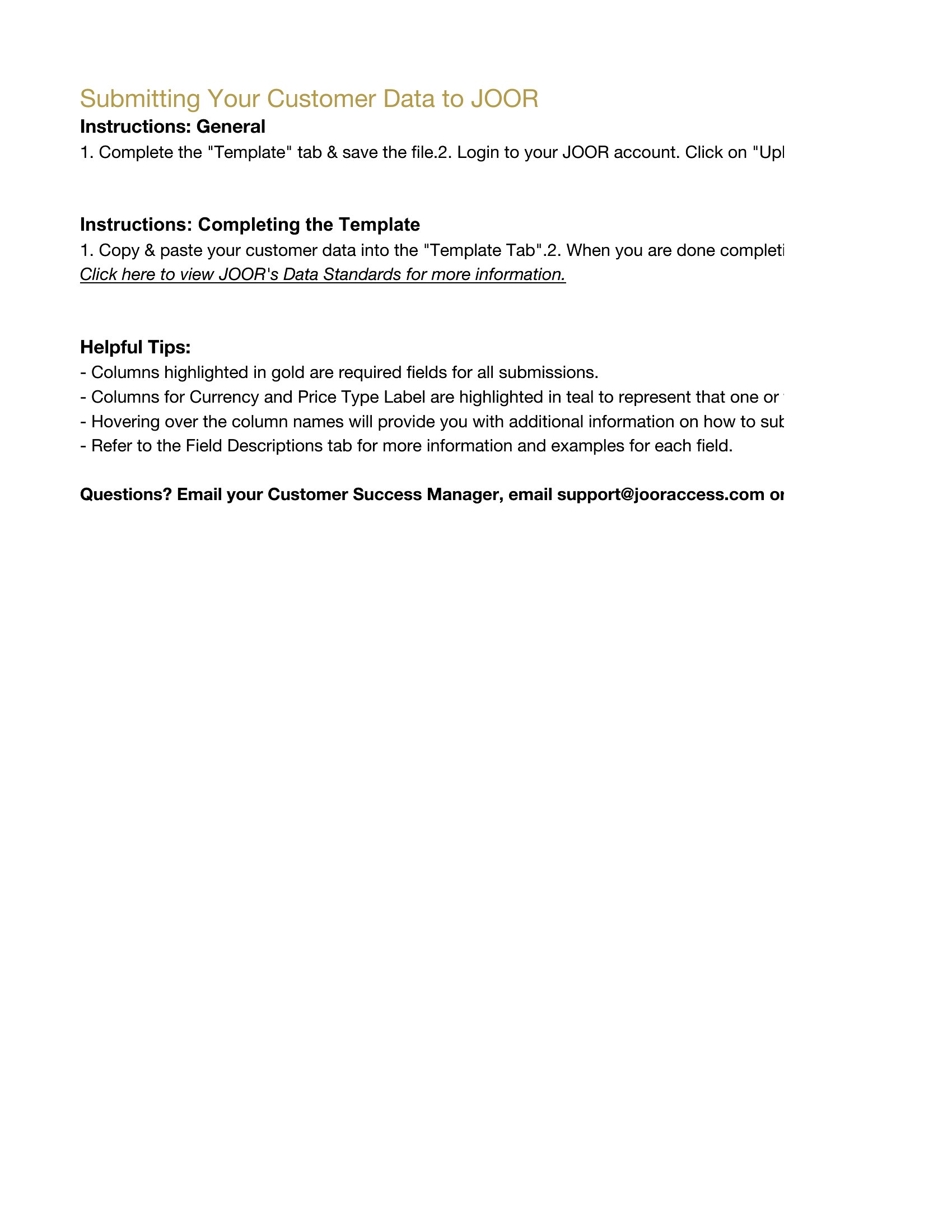
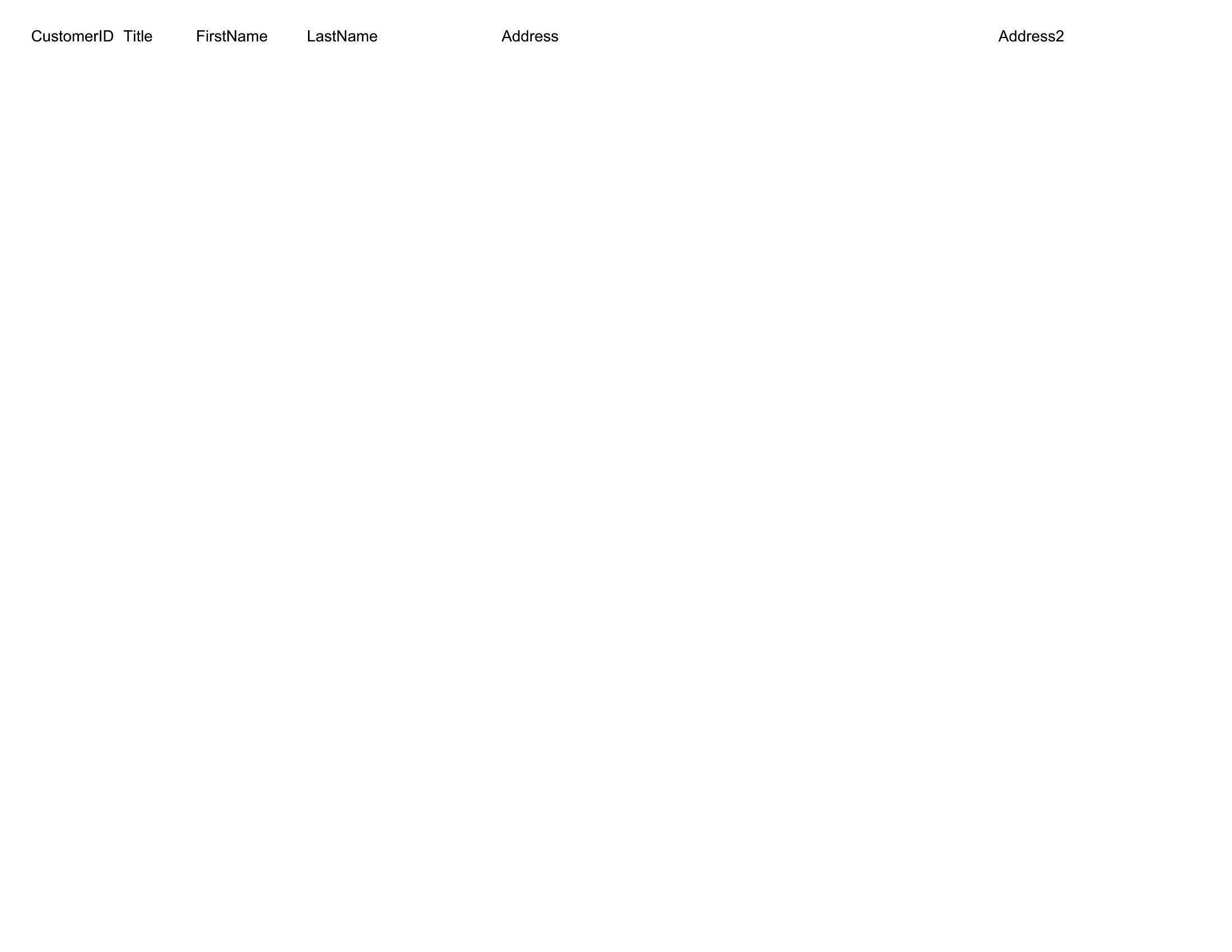
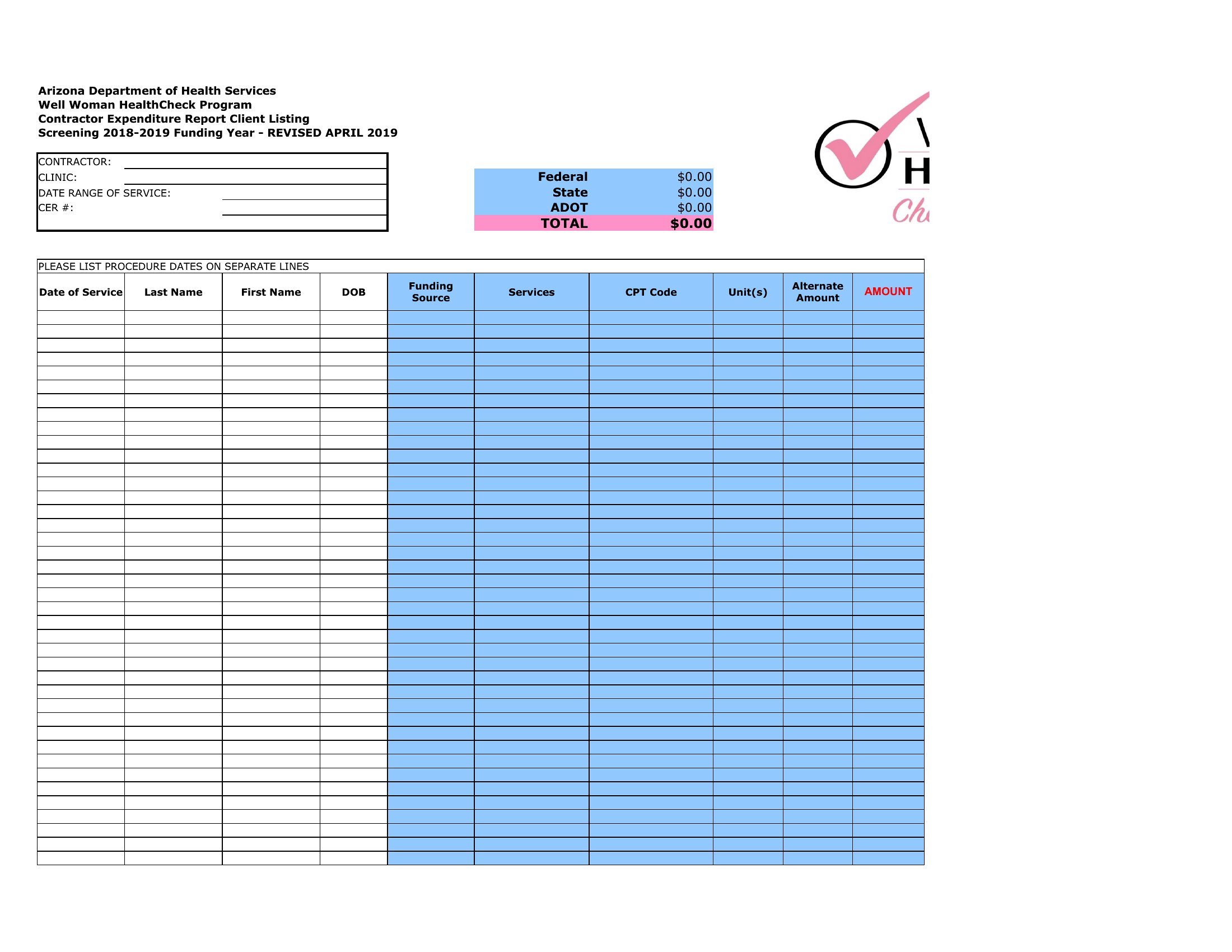
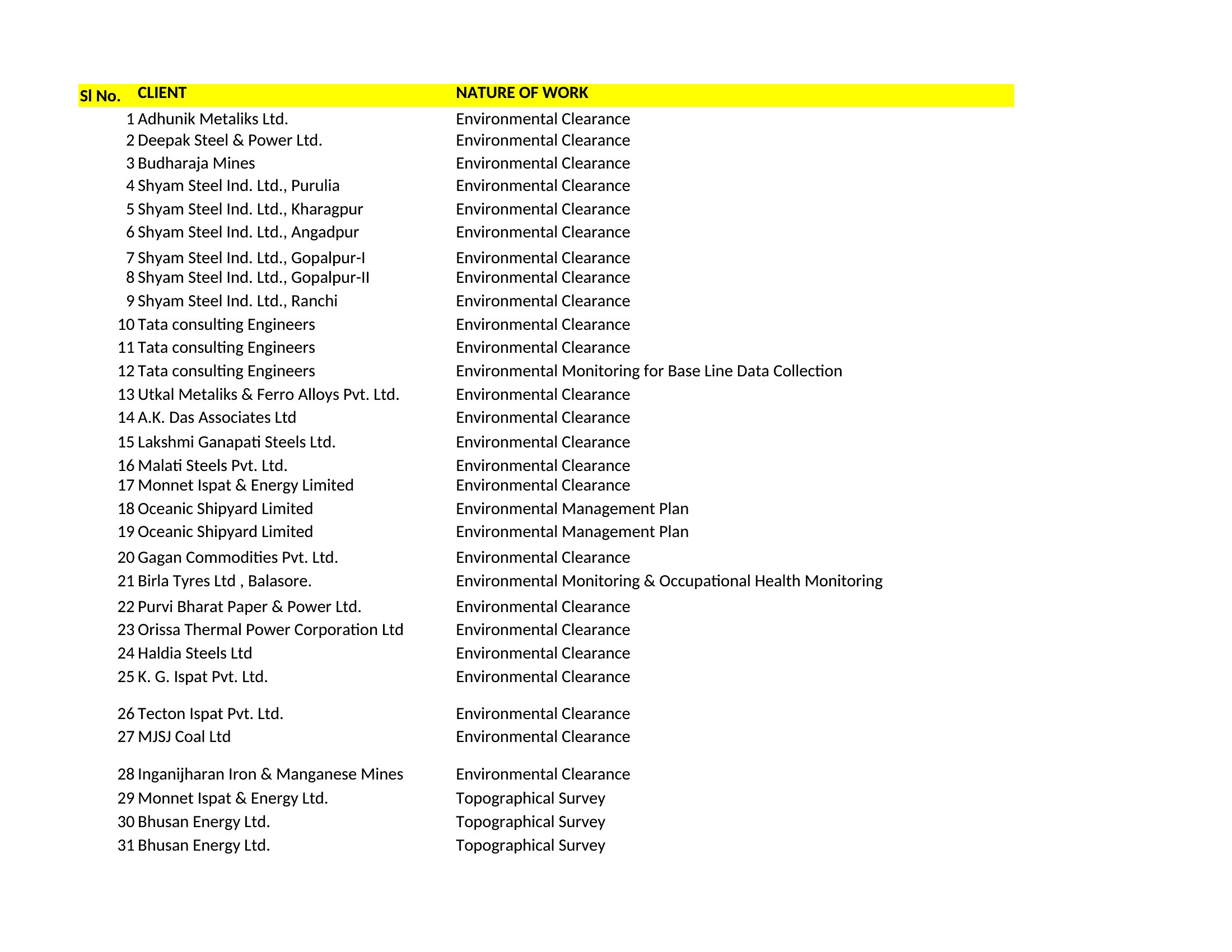
DataA clean customer list is the backbone of follow-ups, marketing, and repeat business, keeping names, contact details, and order history in one reliable place. These 48 templates help shop owners, sales reps, and service providers organize their contacts so nothing gets lost across scattered notebooks, inboxes, and phones.
The Excel versions let you sort, filter, and search as the list grows, while the Word layout works for a simple printed directory. Add your customers, update details as they change, and back the file up regularly. Download the version that fits your business and turn a pile of contacts into a list you can actually use.
When to use this Customer List template
- Small business owners managing local clients who need a simple way to track repeat customers and their purchase histories without overwhelming spreadsheets. This keeps promotions targeted and follow-ups timely.
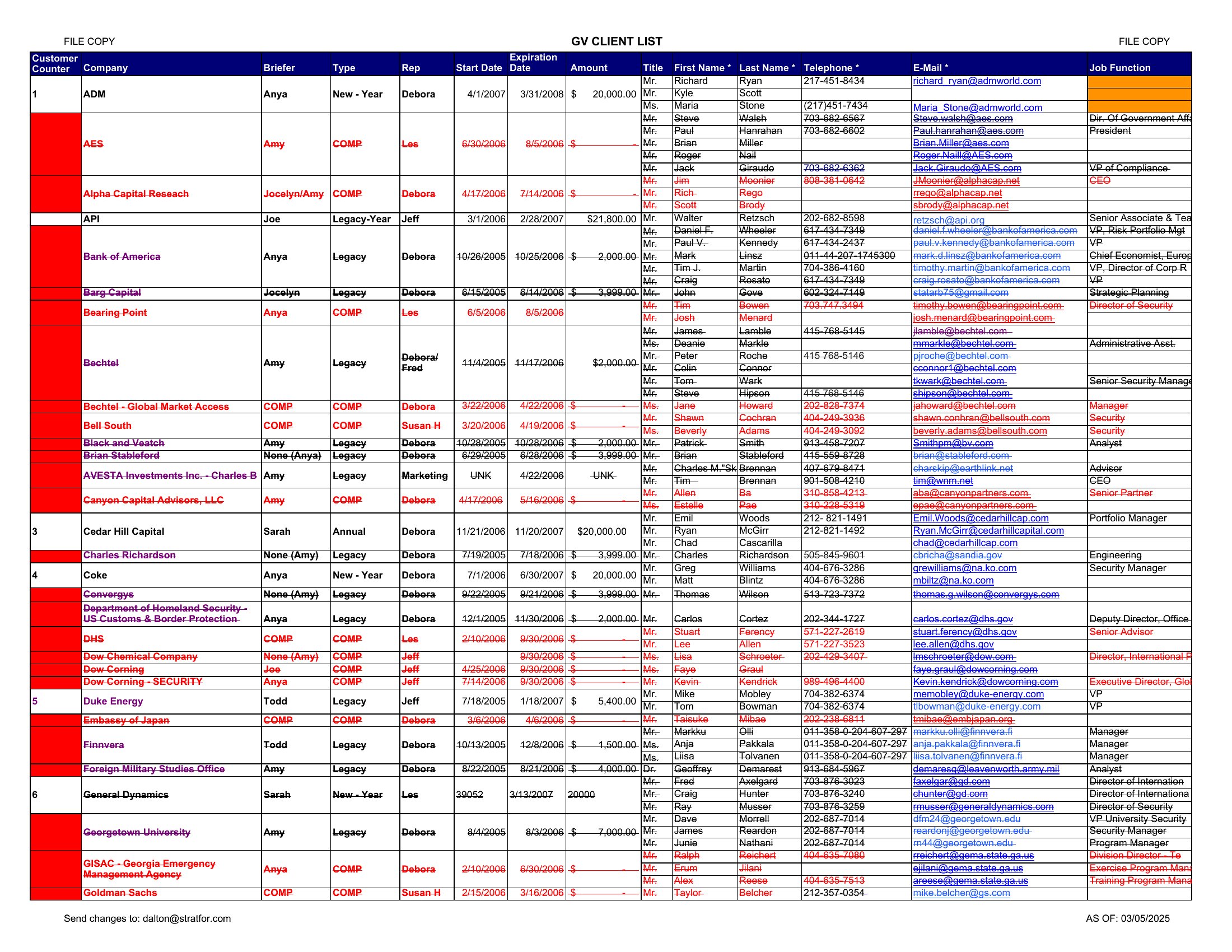
- Sales teams in B2B industries where account managers must log client details, contract dates, and internal notes—so they can quickly reference key information during calls or presentations.
- E-commerce store operators who rely on a clean customer database to segment buyers (e.g., by purchase frequency) and personalize email campaigns, ensuring no customer slips through the cracks.
- Service providers like consultants or contractors who must juggle multiple client projects, deadlines, and communication threads—so they can sync invoices, feedback, and next steps in one accessible list.
Which format should I download?
Choose Excel if you need to sort, filter, or analyze customer data dynamically (e.g., flagging inactive clients or ranking by order value). Its built-in functions let you automate basic tasks like calculated columns for purchase totals or follow-up reminders. Pick Word only if you primarily need a polished, printable or shared reference document—like a one-page client roster for meetings—where formatting matters more than calculations.
Choose from 48 Customer List Templates
How to use this Customer List template
Can I use these templates to track customer preferences like favorite products or communication styles?
Yes, most of these templates include customizable columns. Excel versions let you add multiple tabs for preferences, notes, or tags, while Word templates can integrate tables or text boxes for manual annotations. Start with the fields you use most, then expand as your workflow evolves.
How do I ensure customer privacy when sharing a list with my team?
Treat these templates as organizational tools, not legal documents. Remove sensitive details like home addresses or payment info before sharing. For extra security, use password-protected Excel files or restrict editing permissions in cloud versions like Google Sheets. Consult privacy policies for your region if handling regulated data.
What’s the best way to merge this customer list with my email marketing tool?
Export the Excel version as a CSV file, then import it into your email platform. Many tools (like Mailchimp or Klaviyo) support direct imports from Excel. For Word lists, manually copy-paste contact details into a CSV first. Avoid merging directly from Word to preserve formatting and data integrity.
Comments
Join the conversation
Sign in to share your thoughts and leave a comment on this resource.