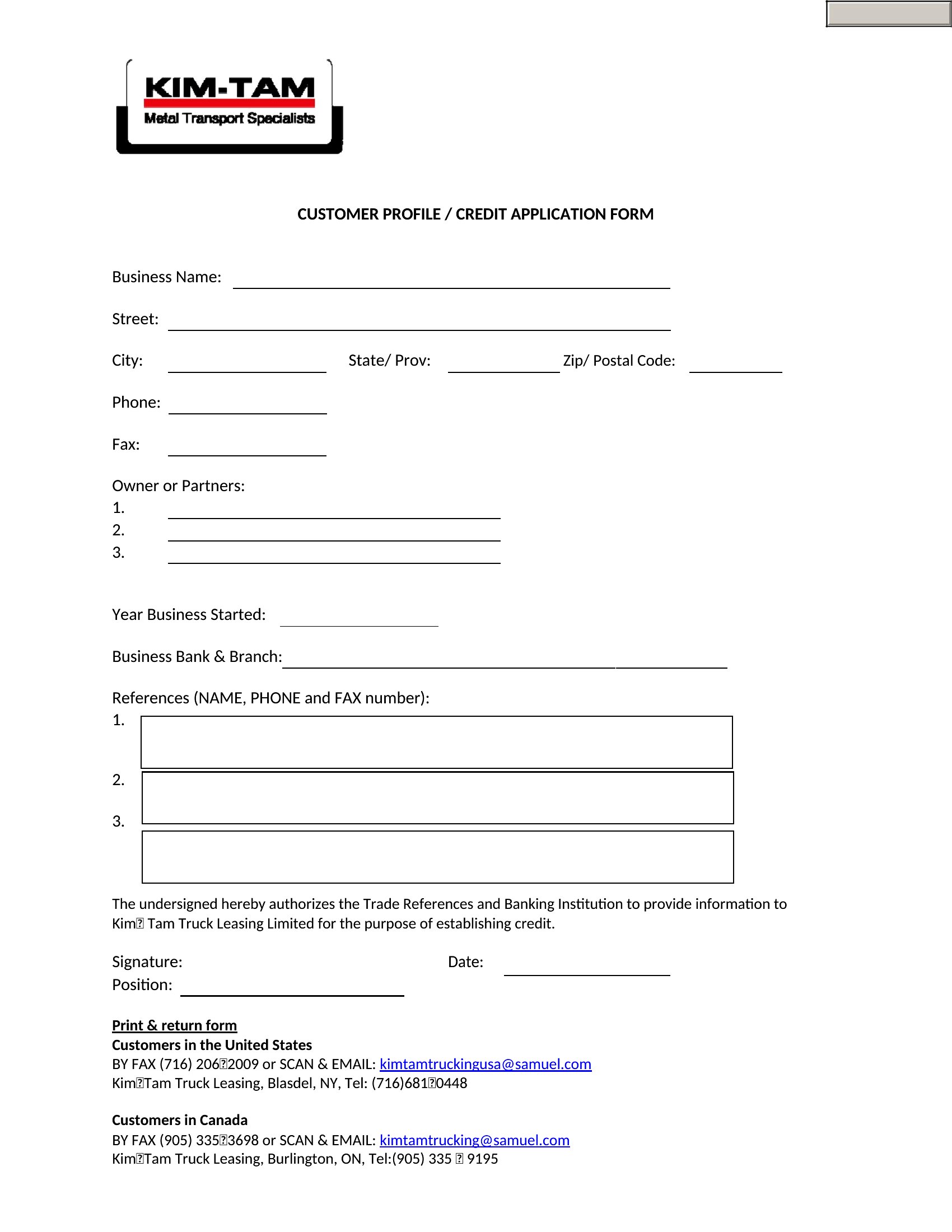
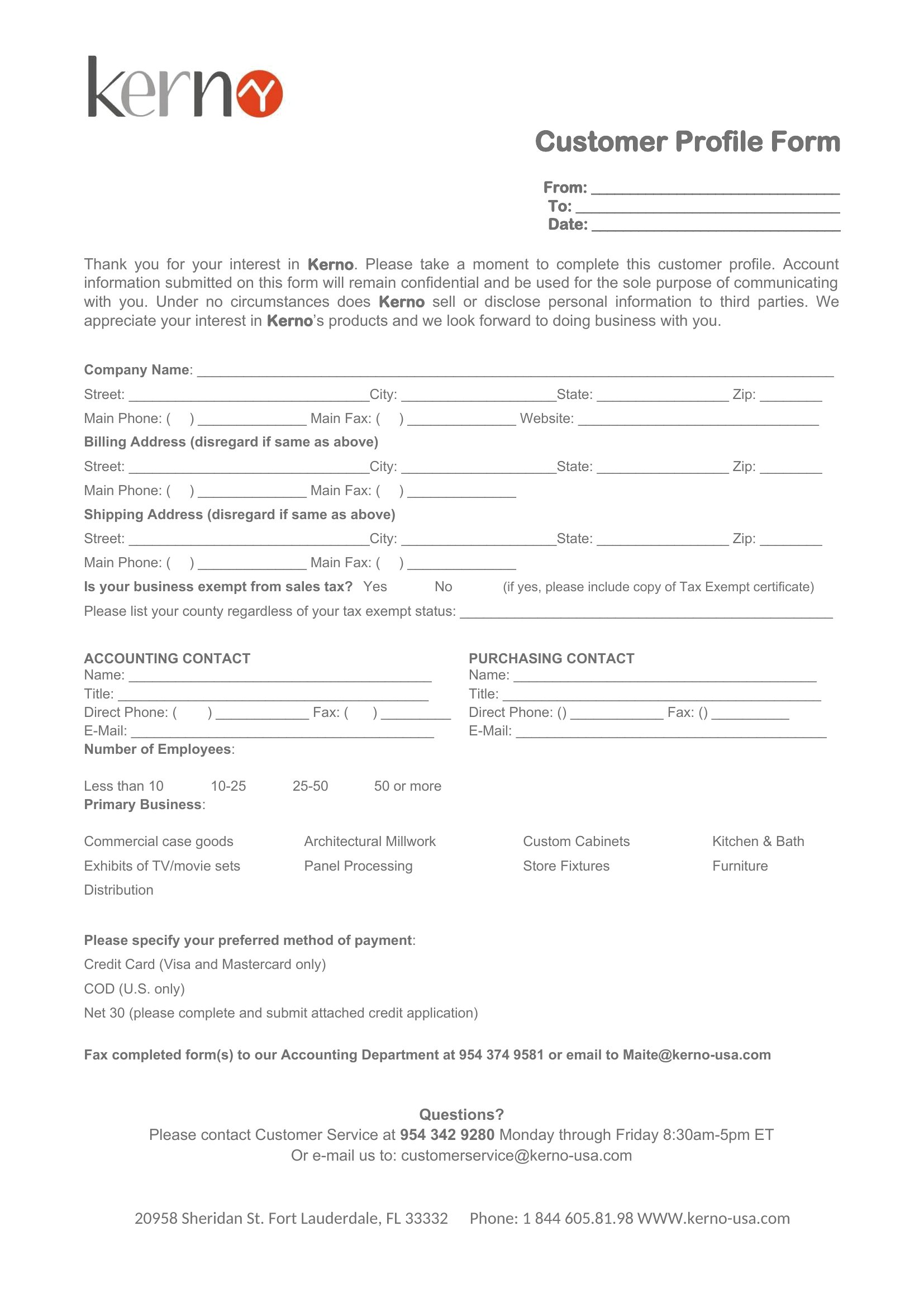
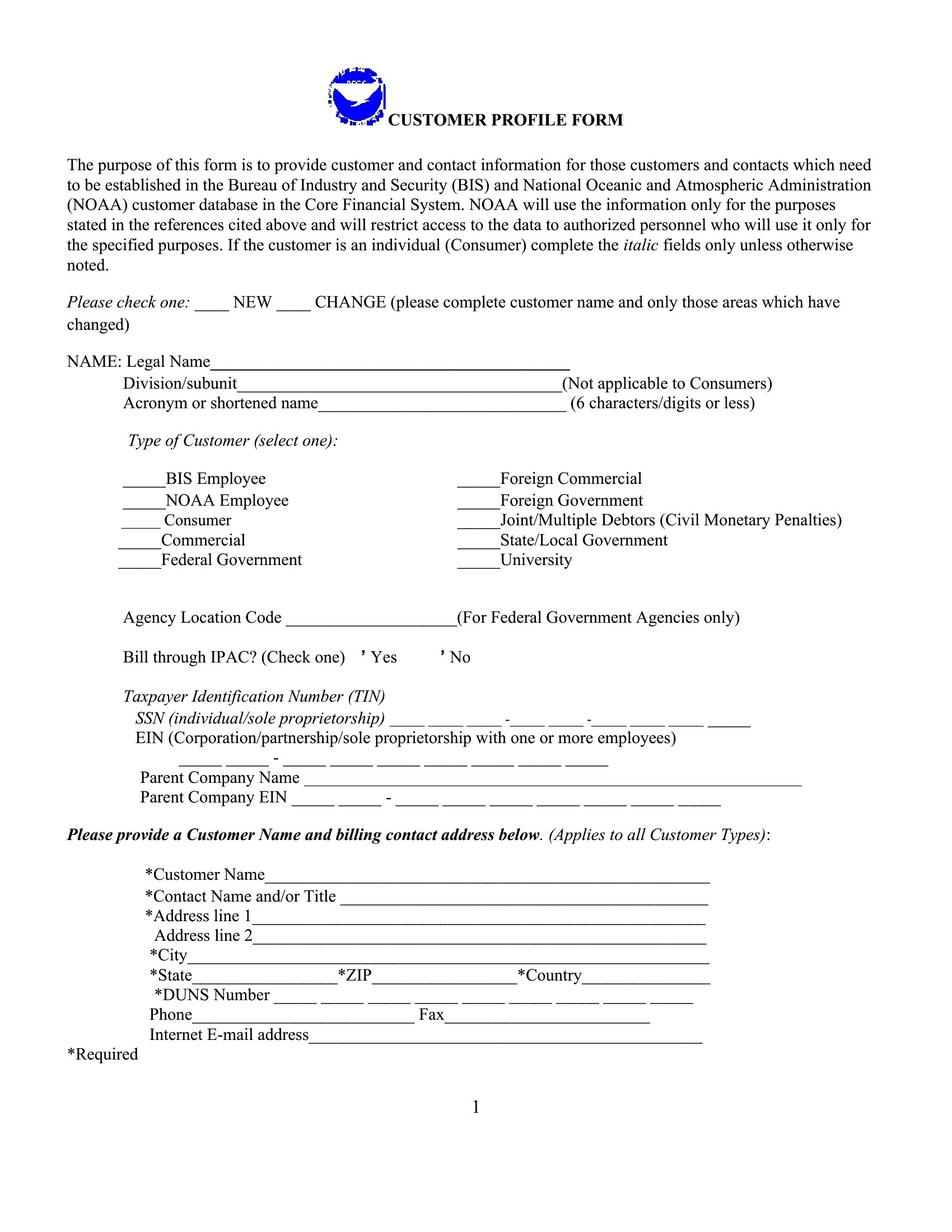
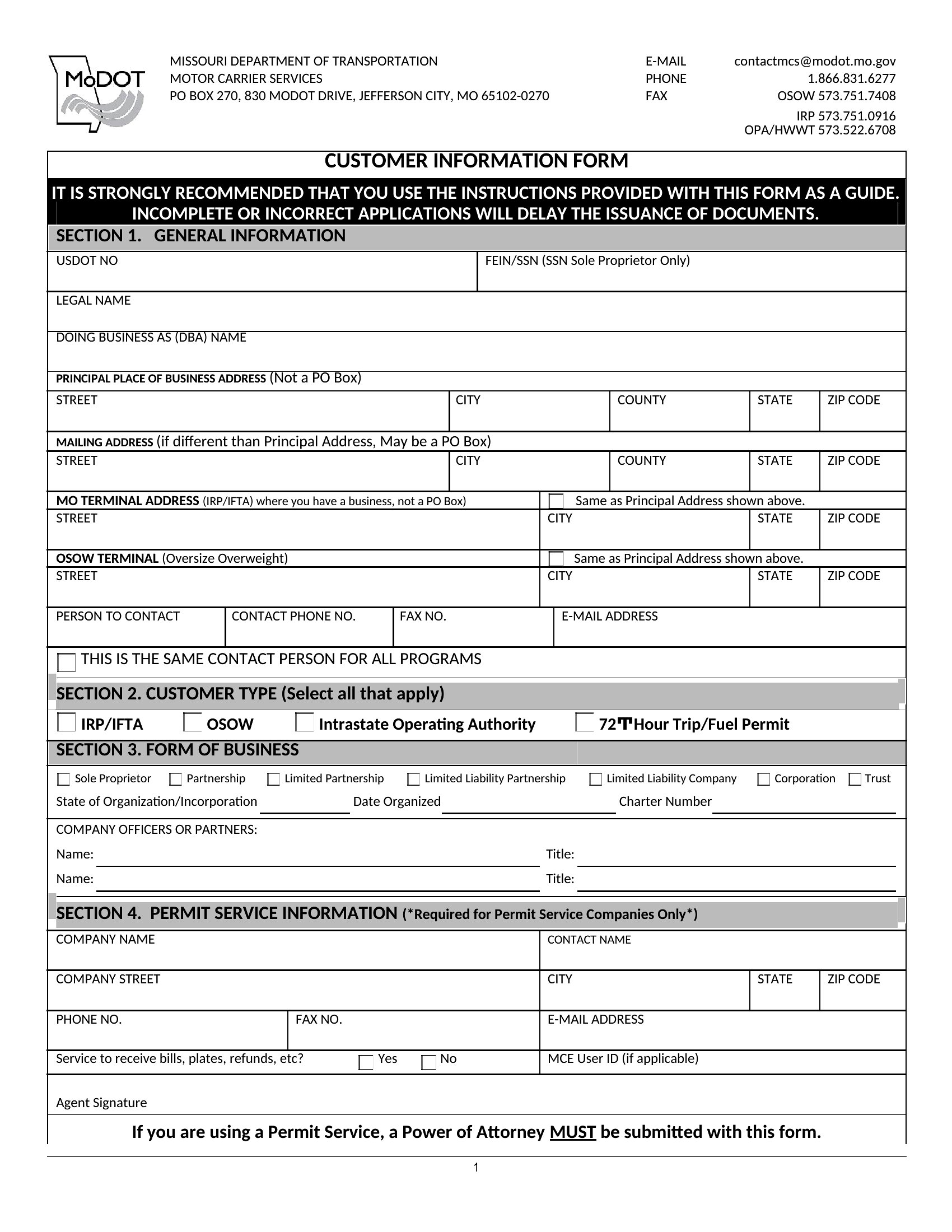

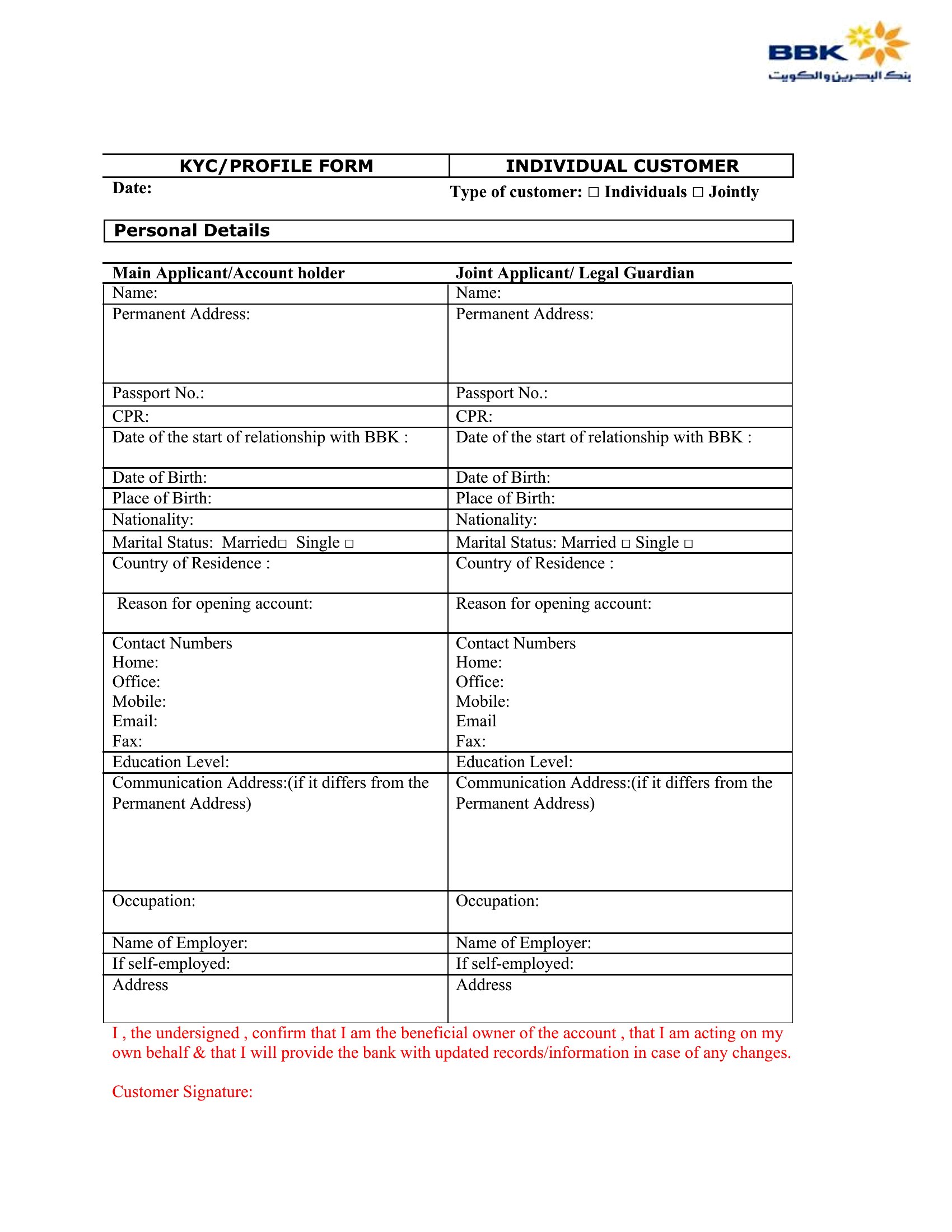
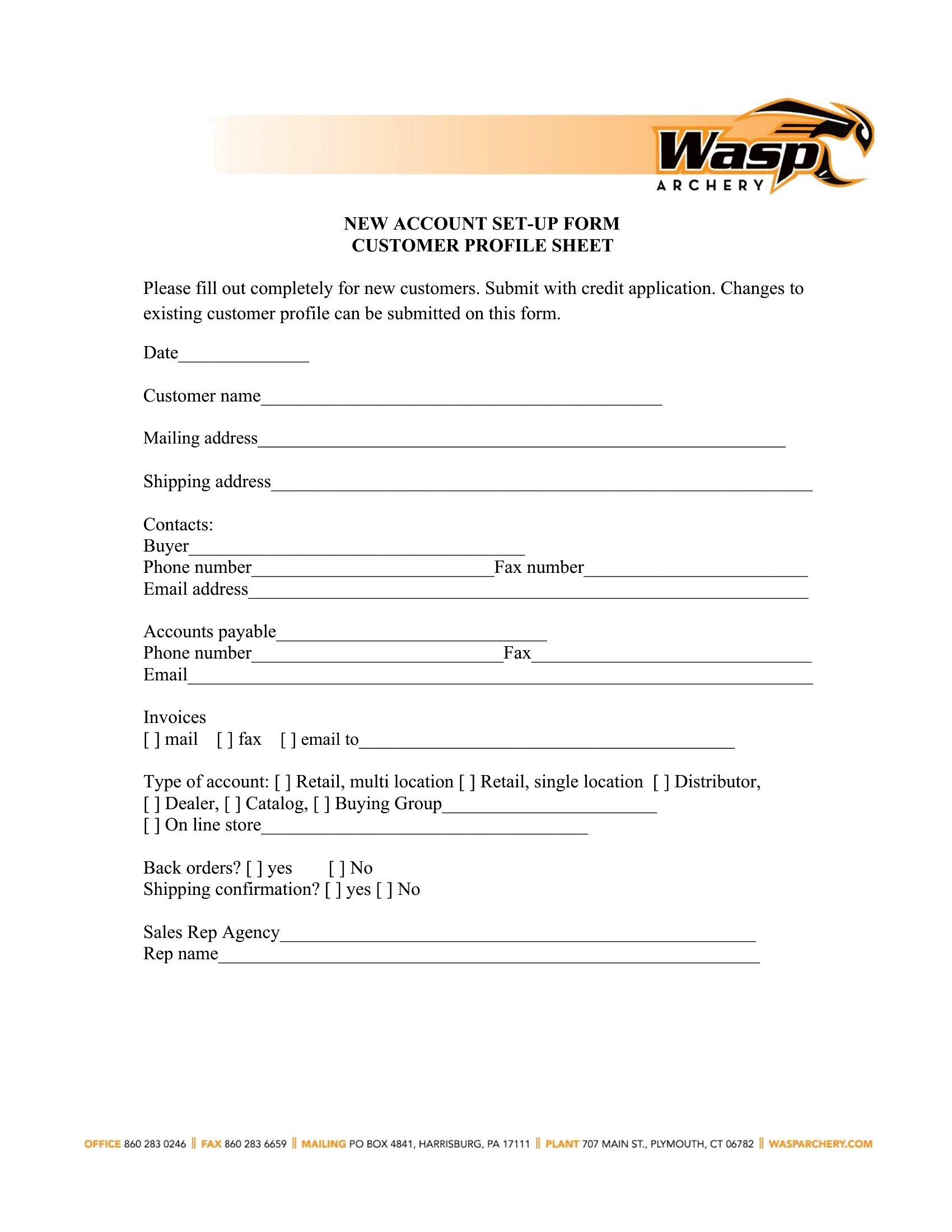
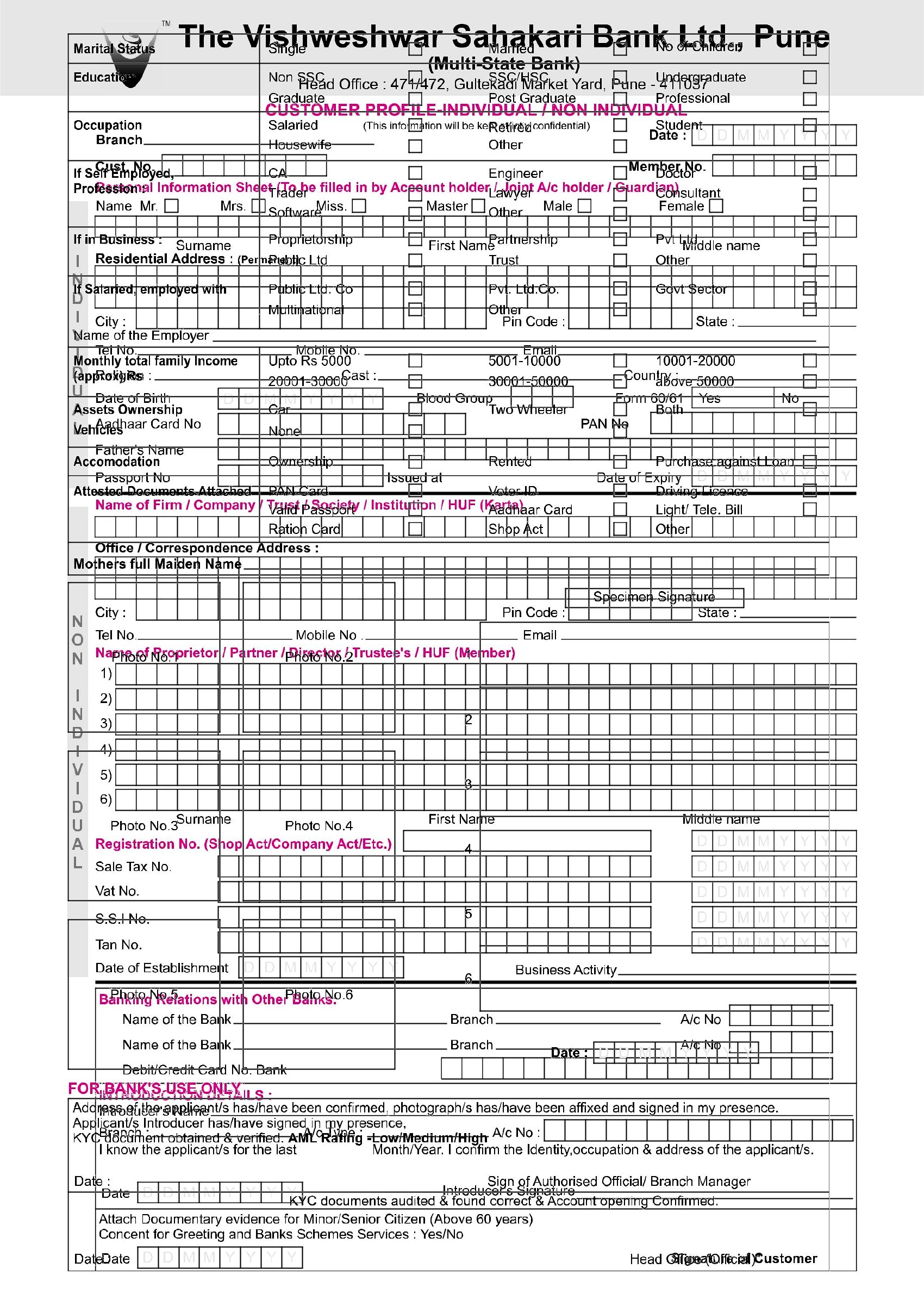
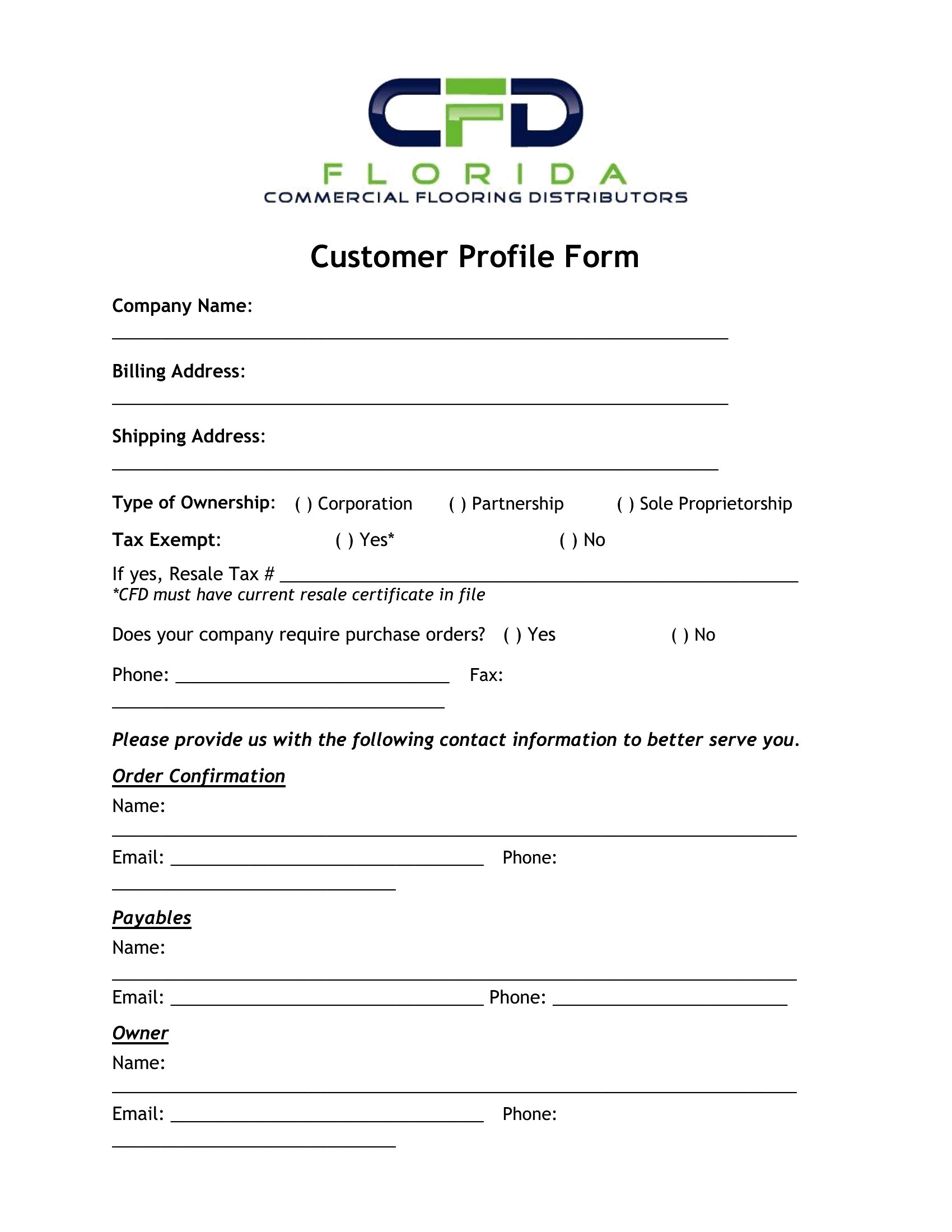
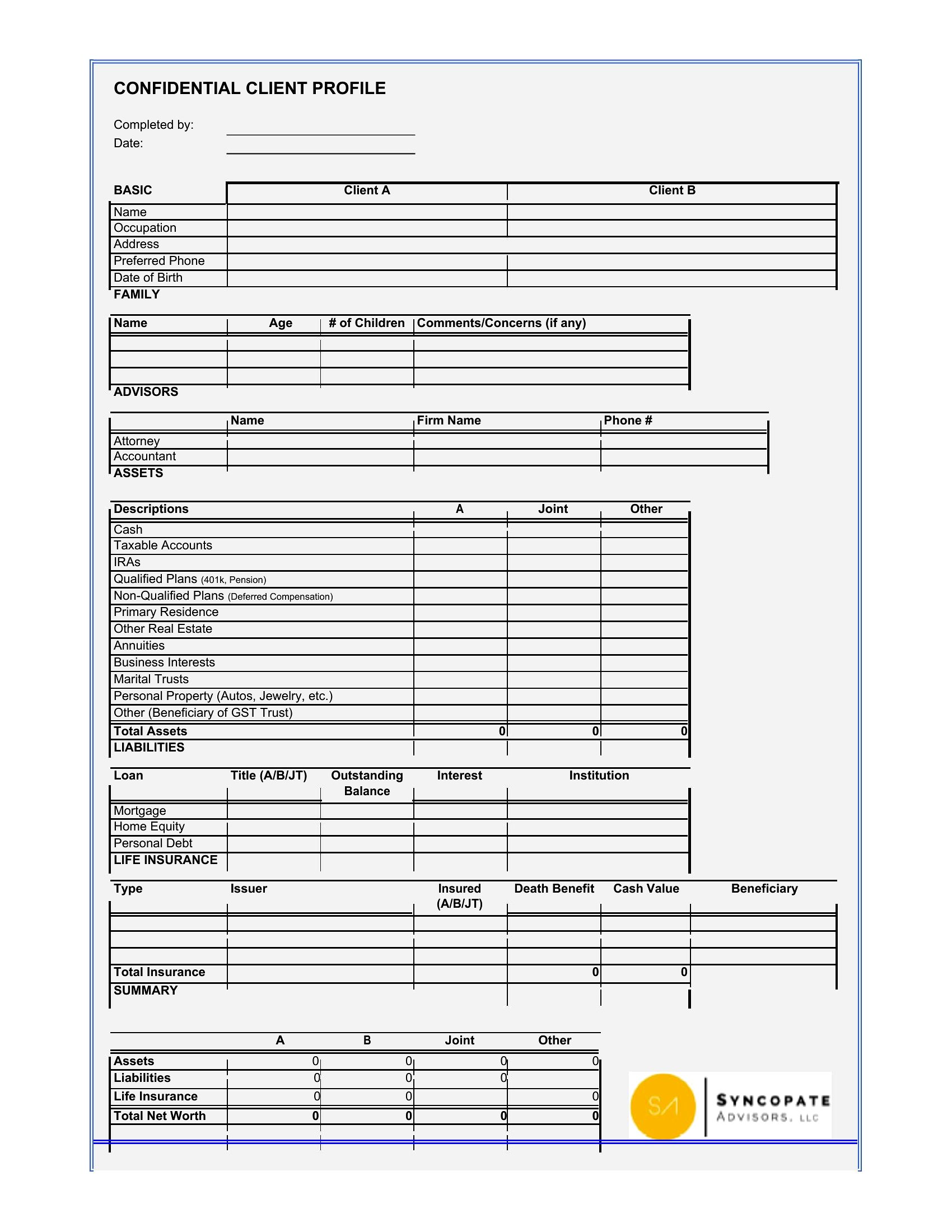
Free Customer Profile Templates (Word)
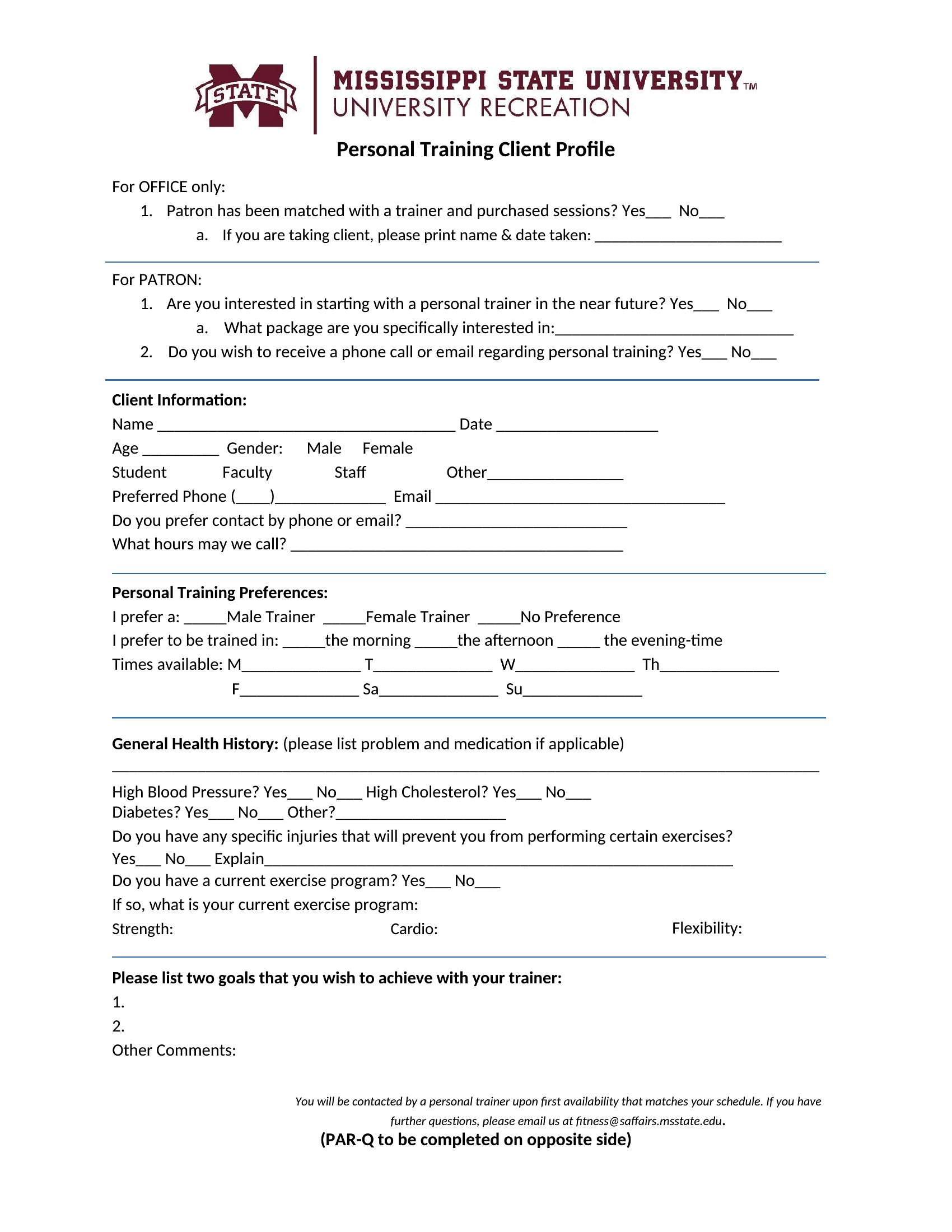
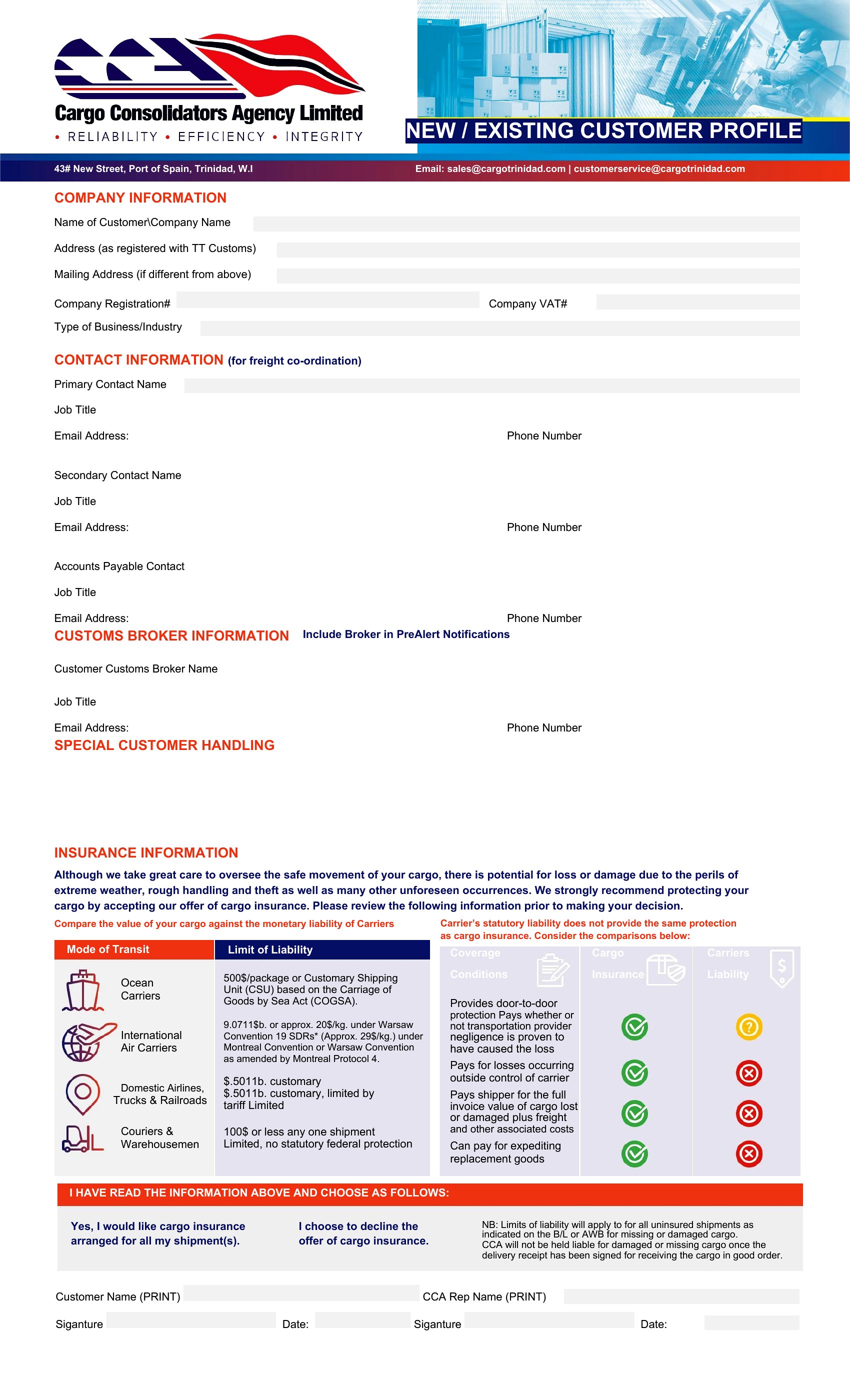
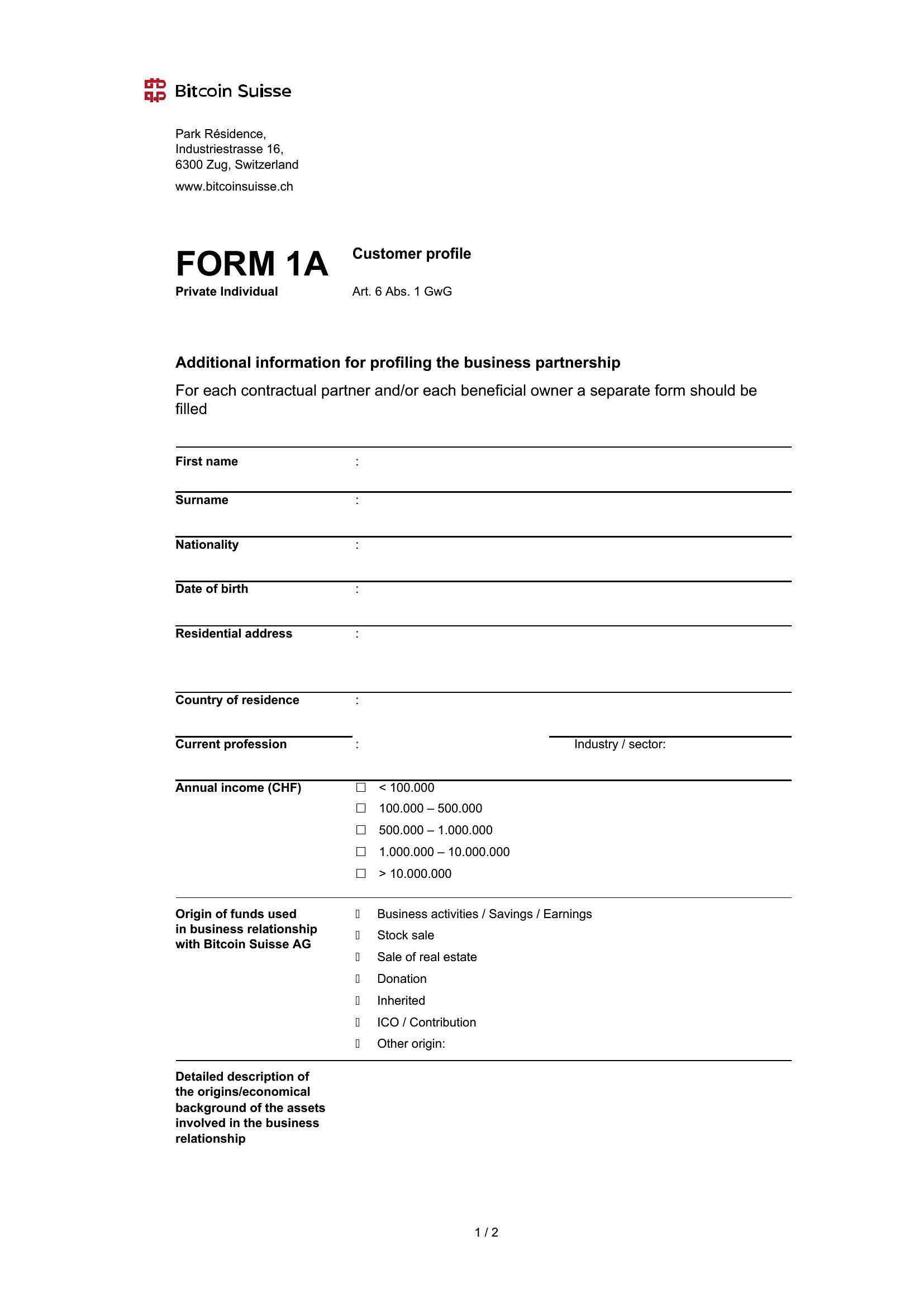
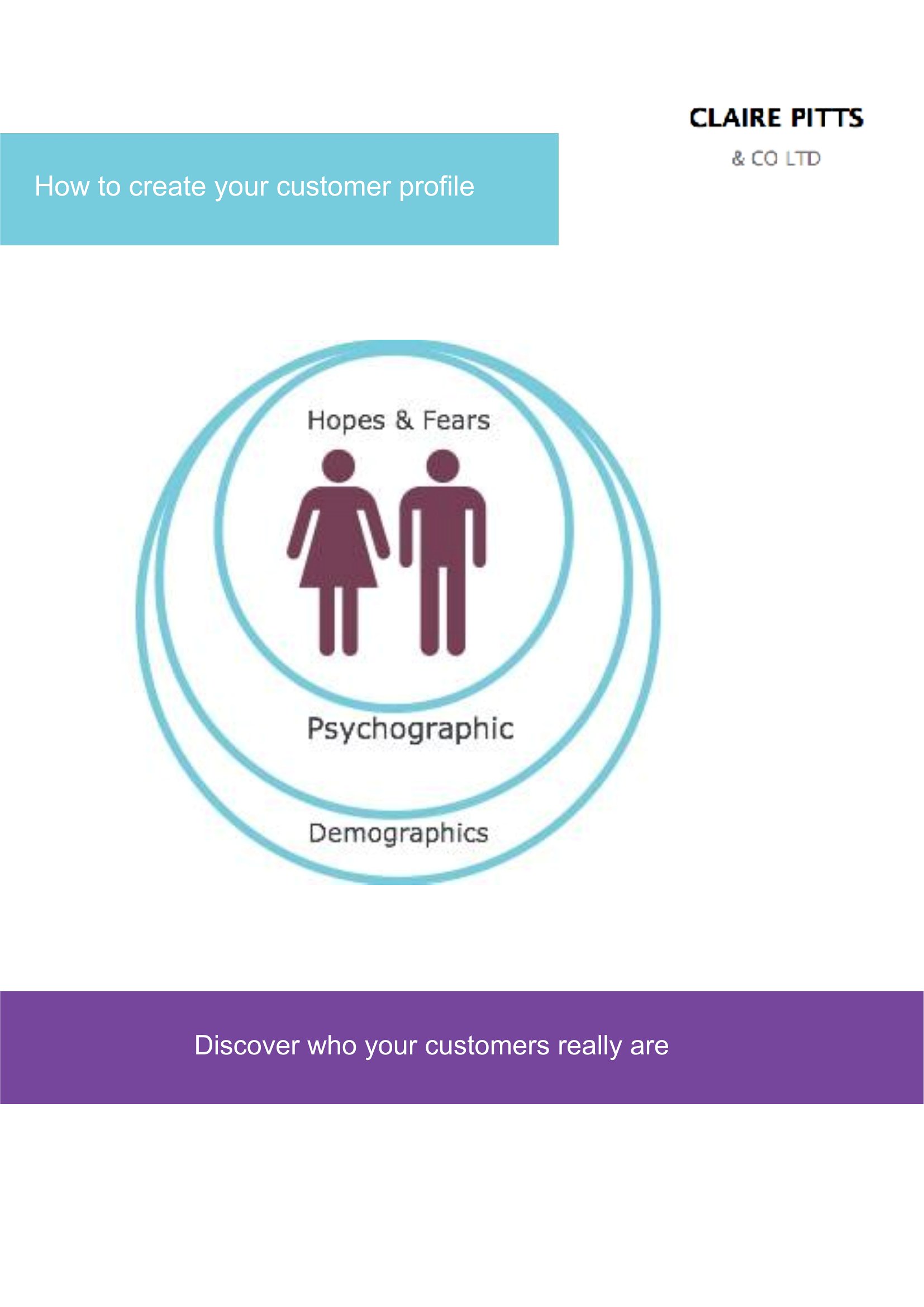
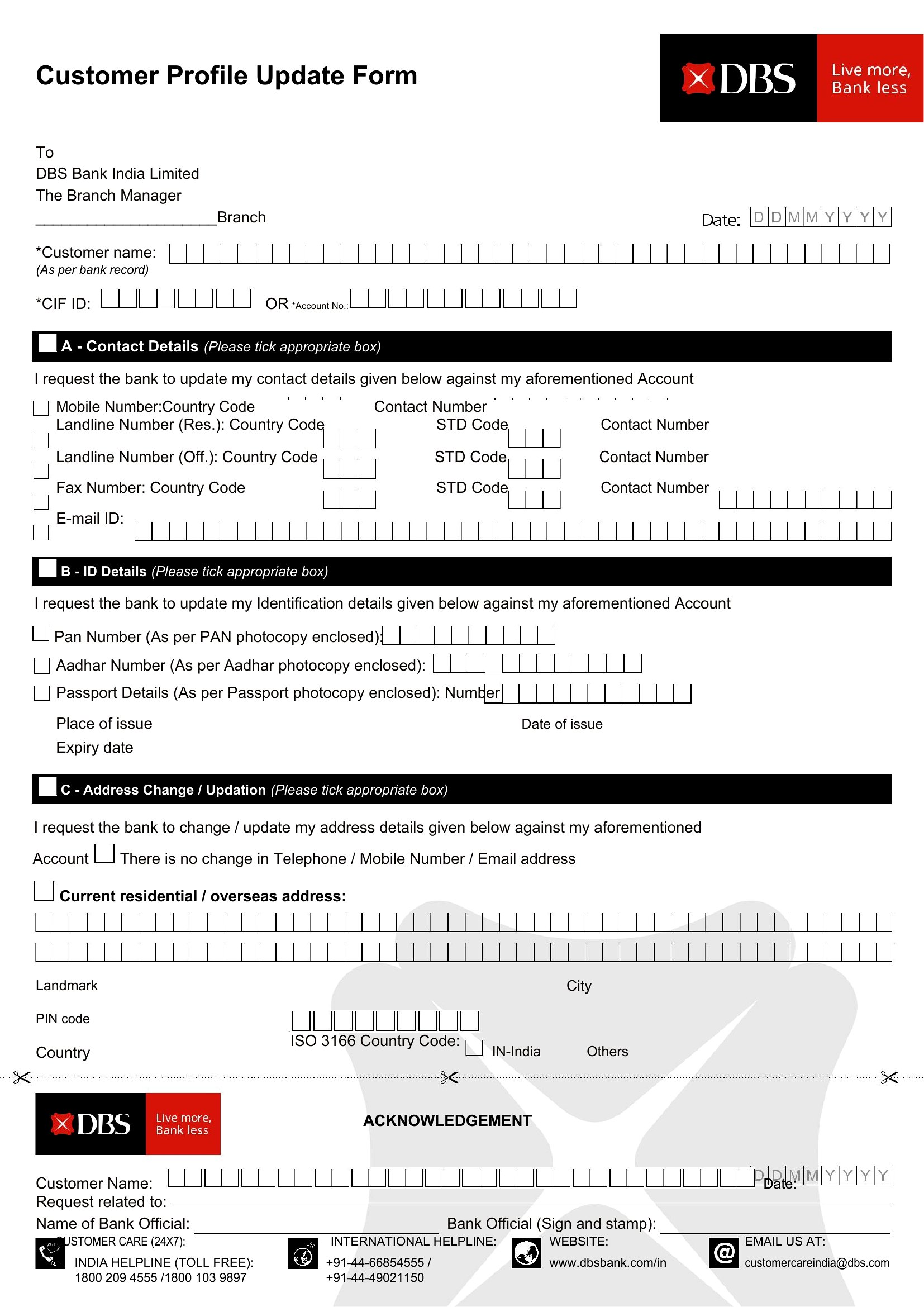
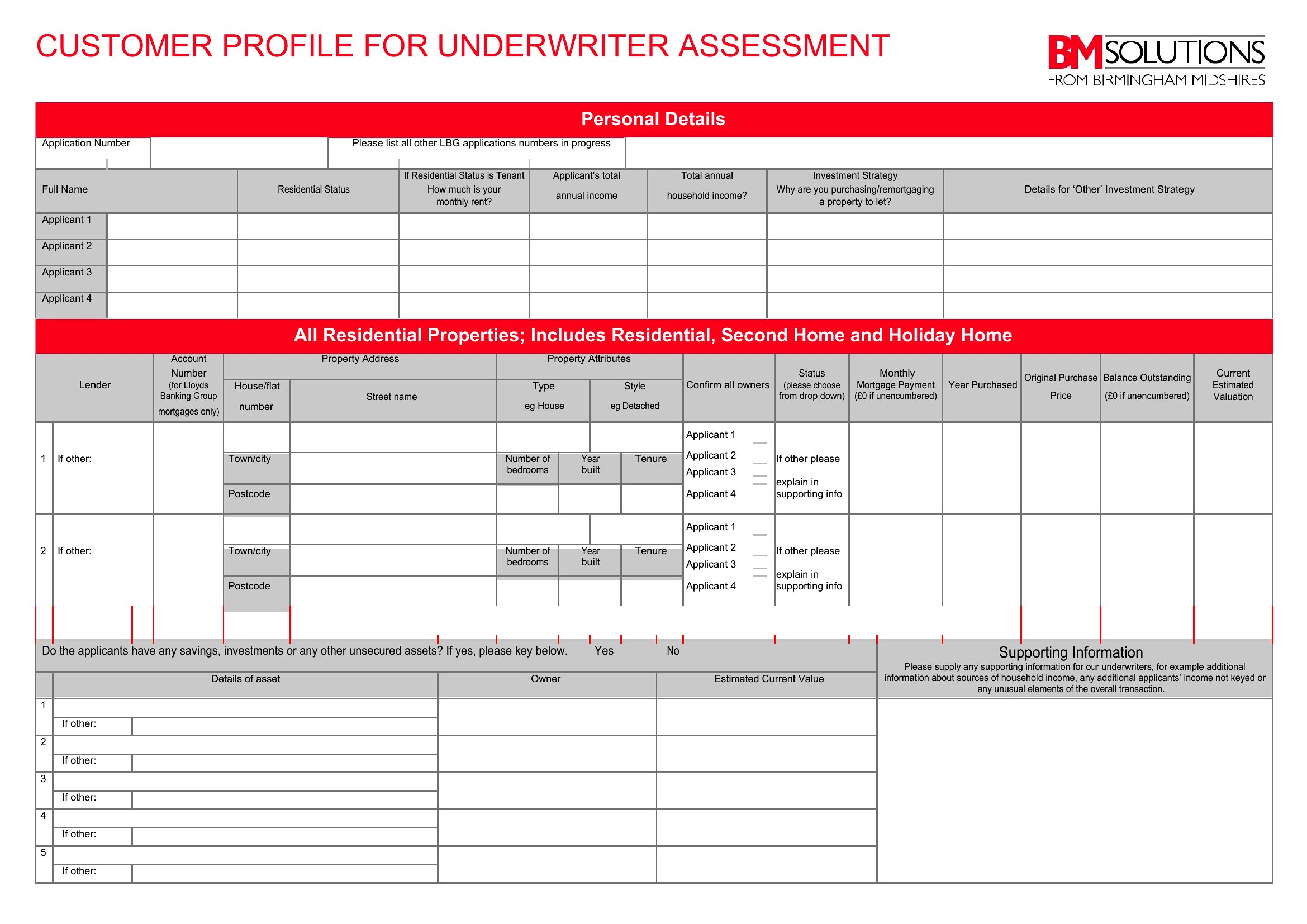
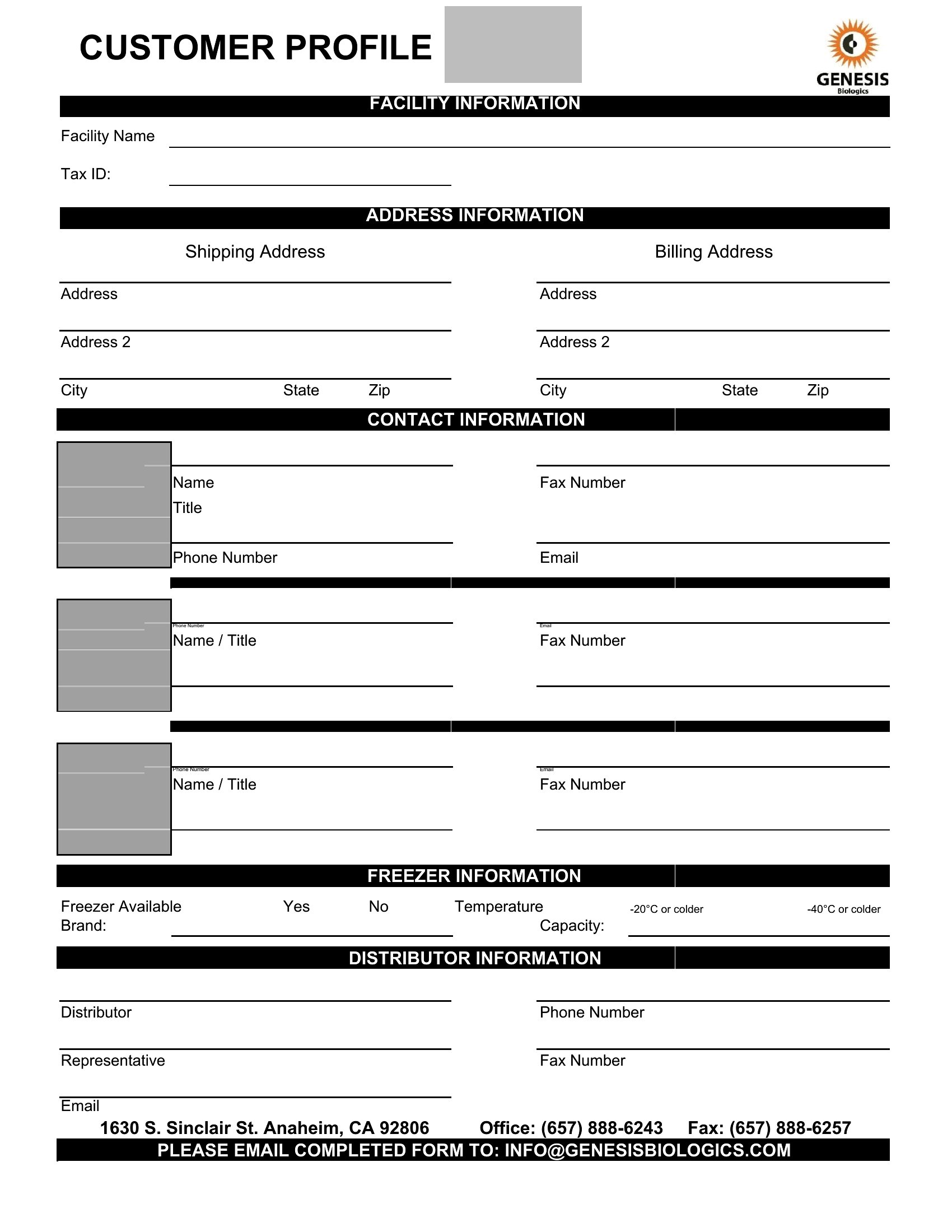
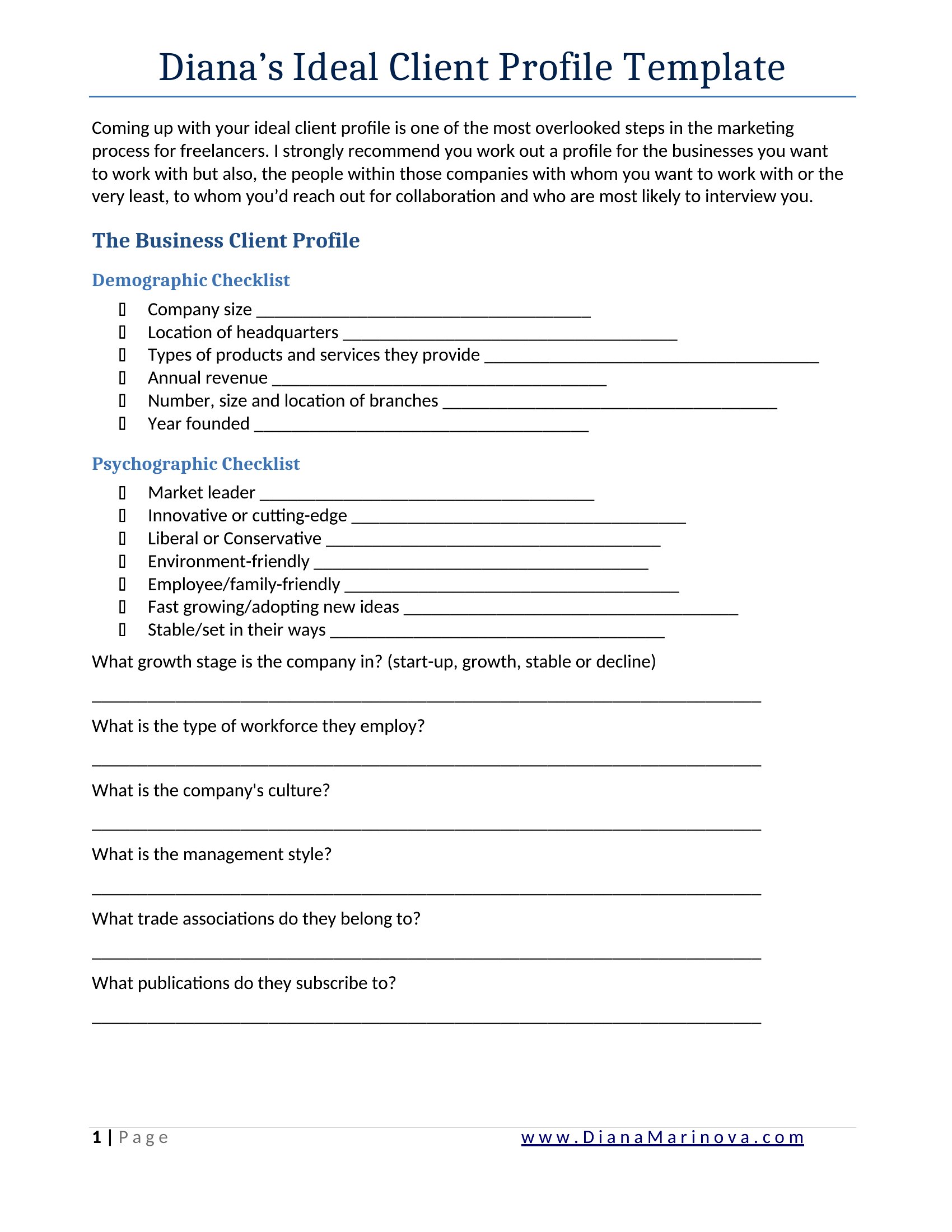
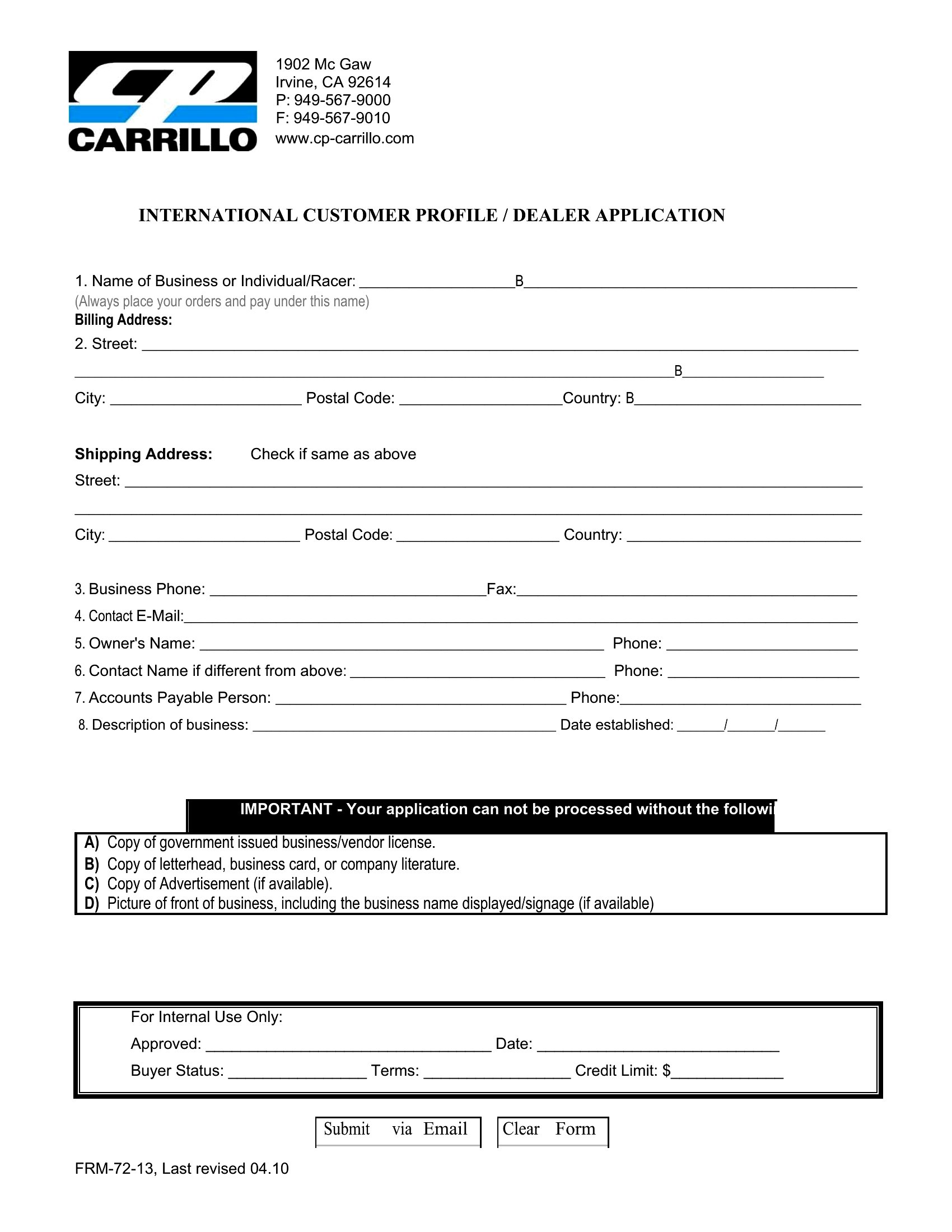
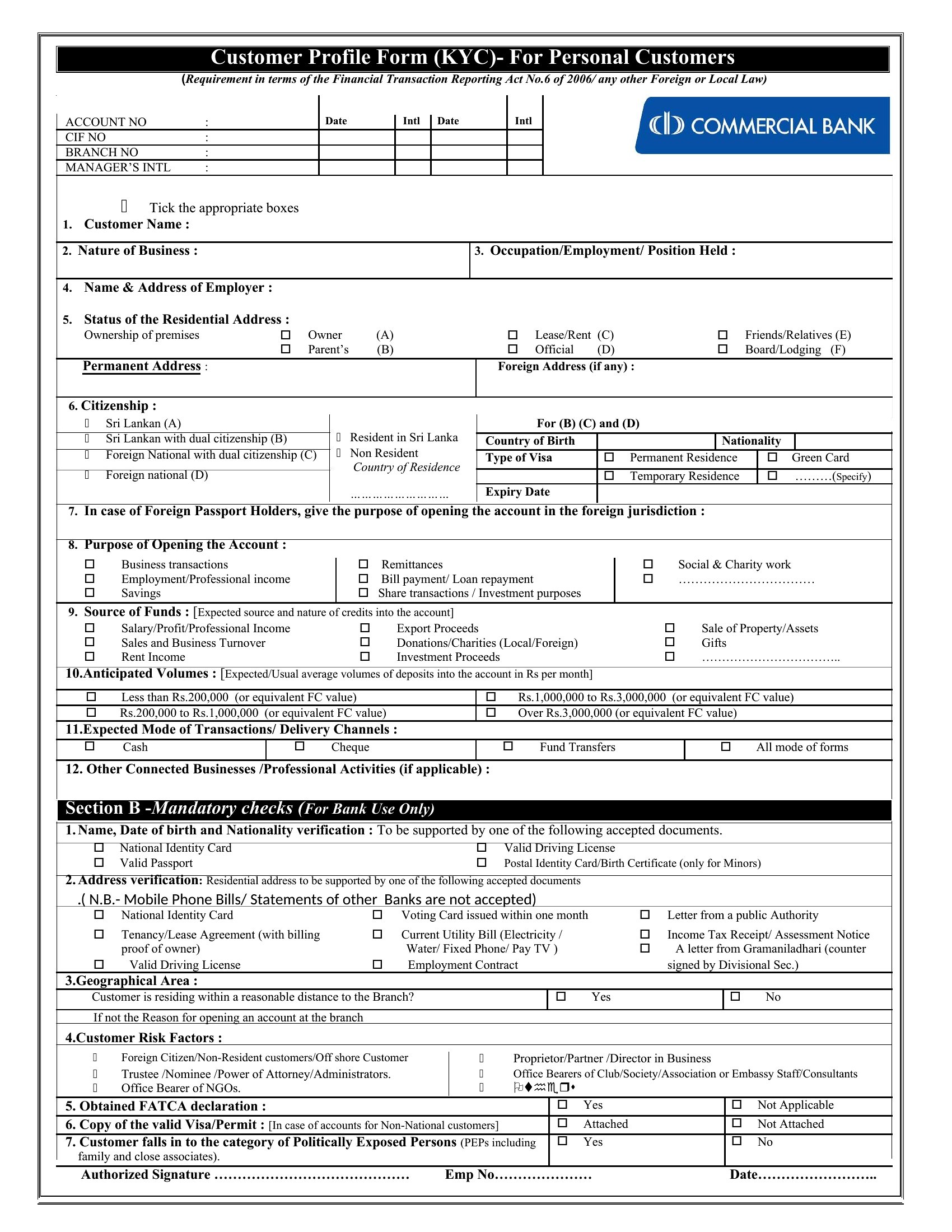
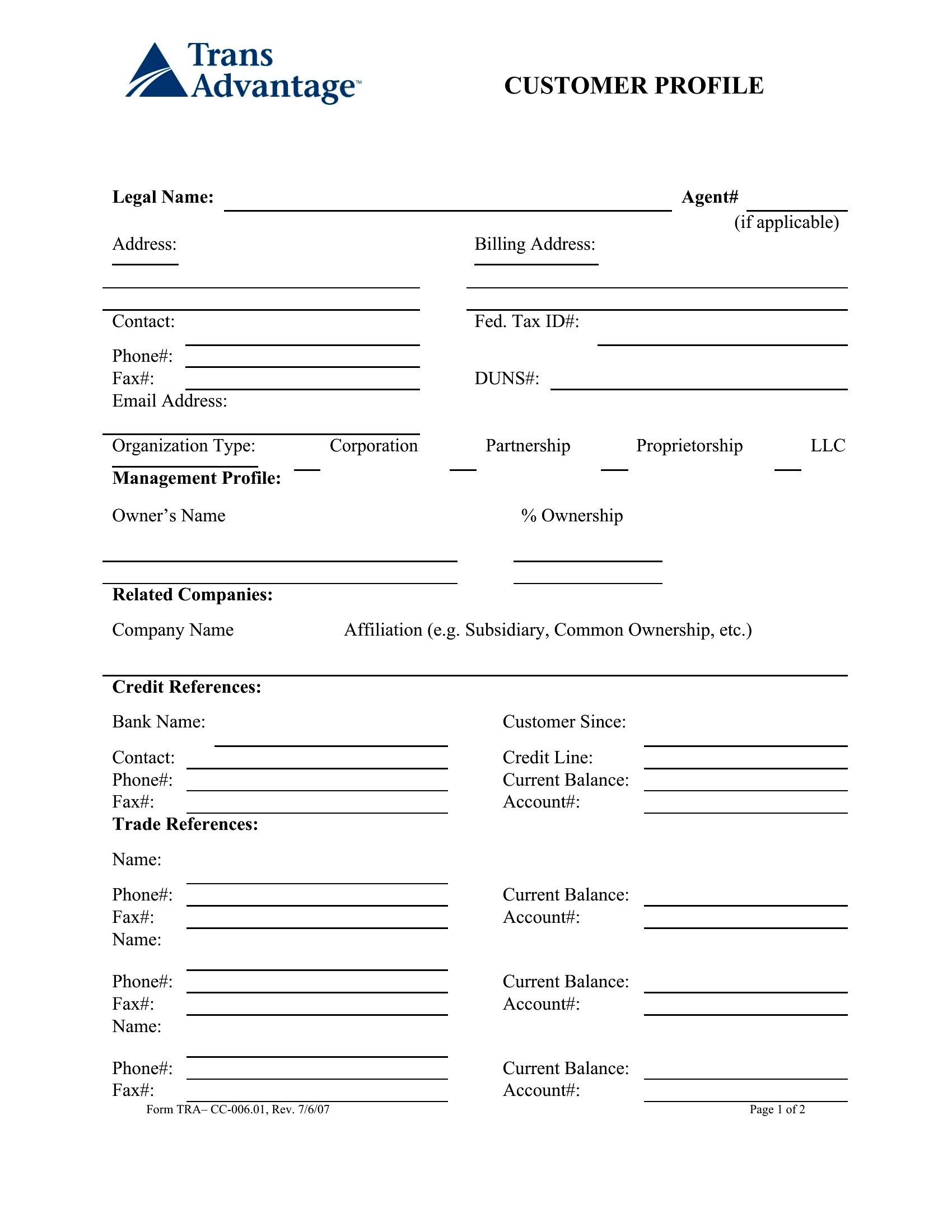
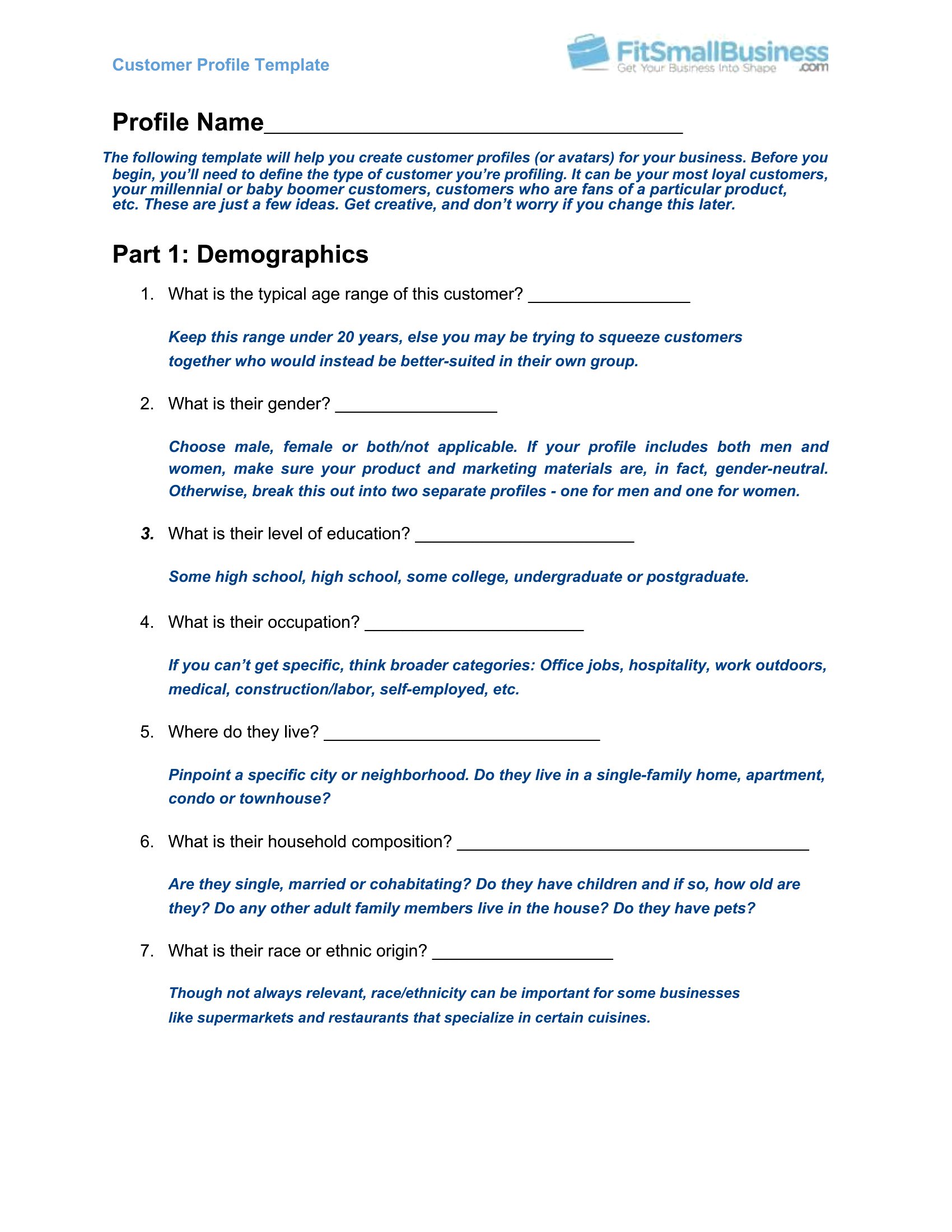
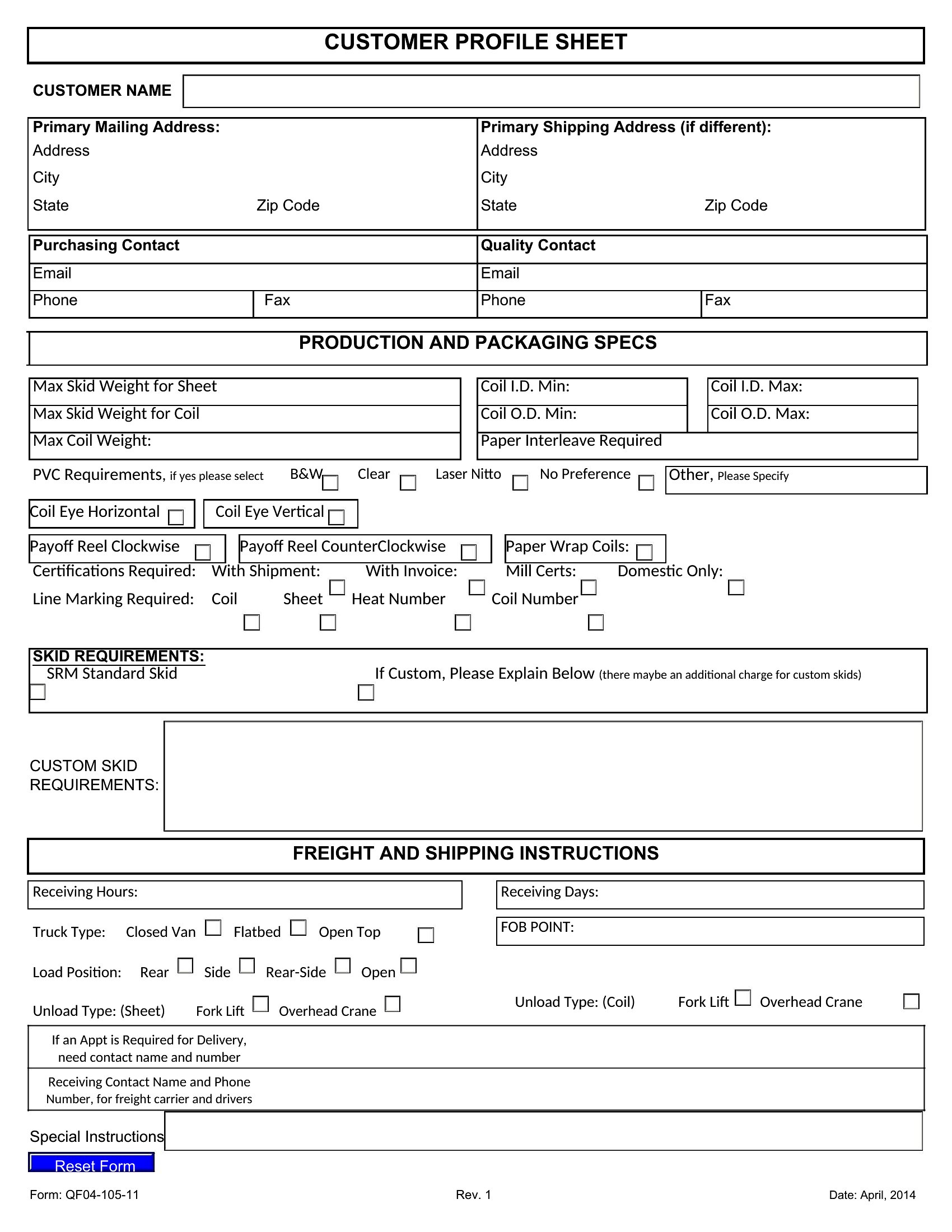
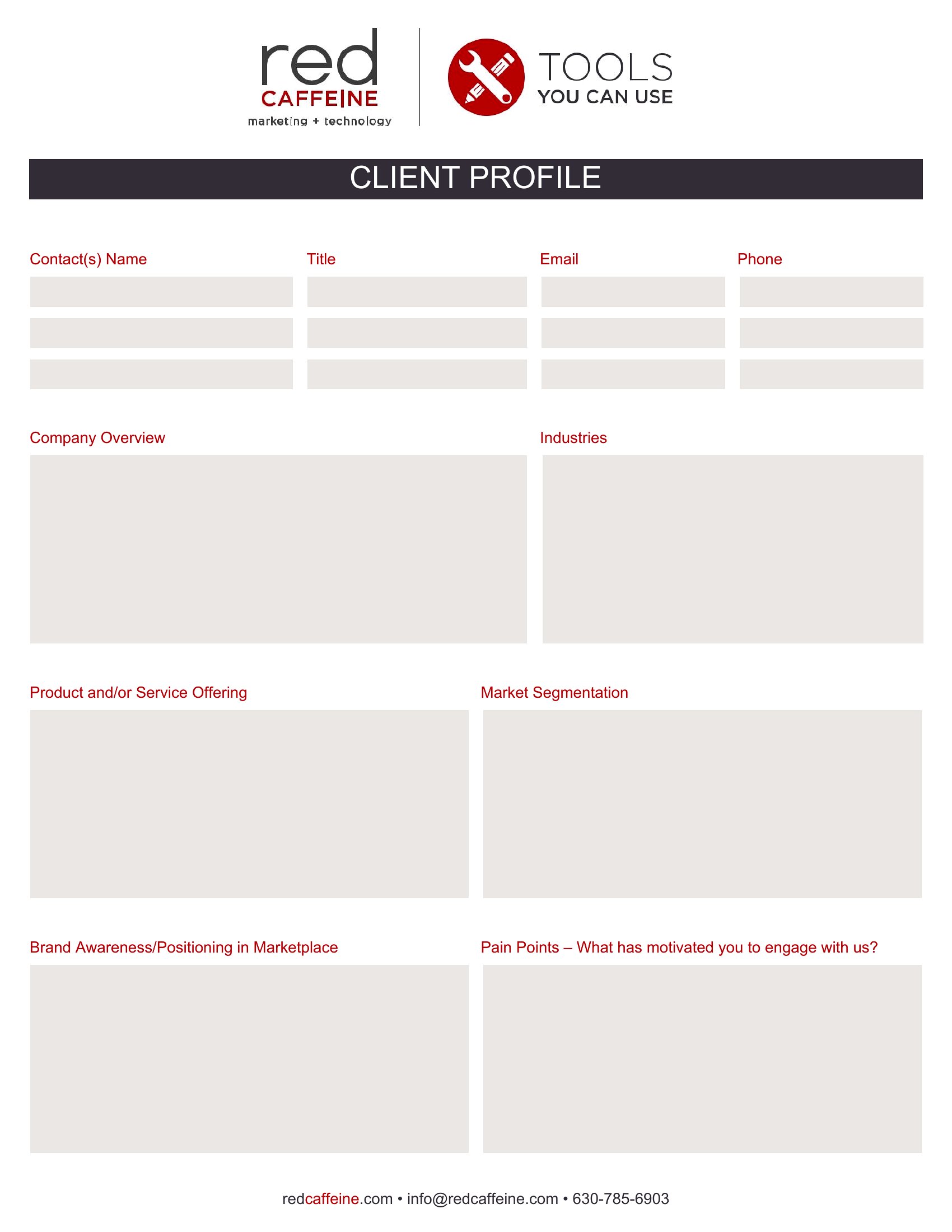
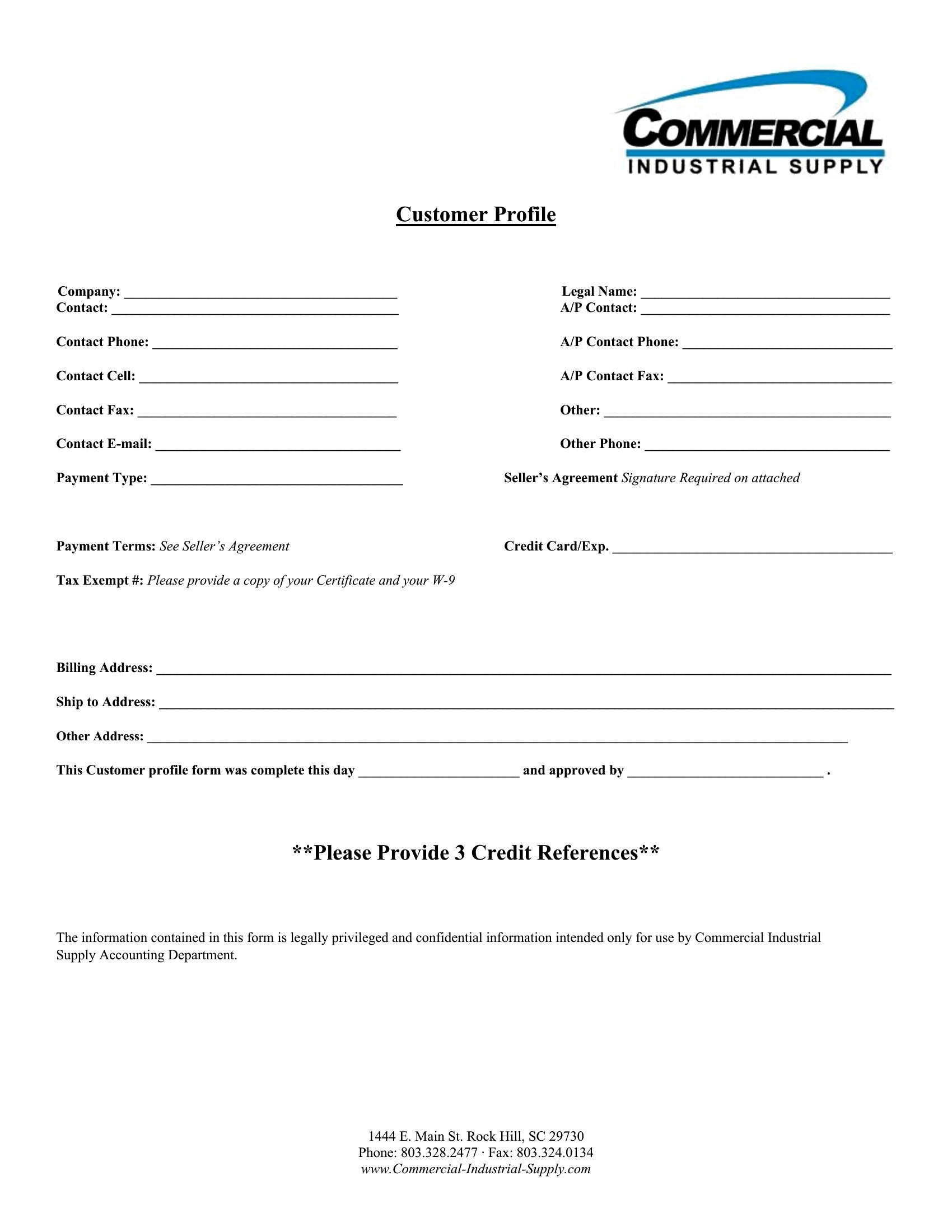
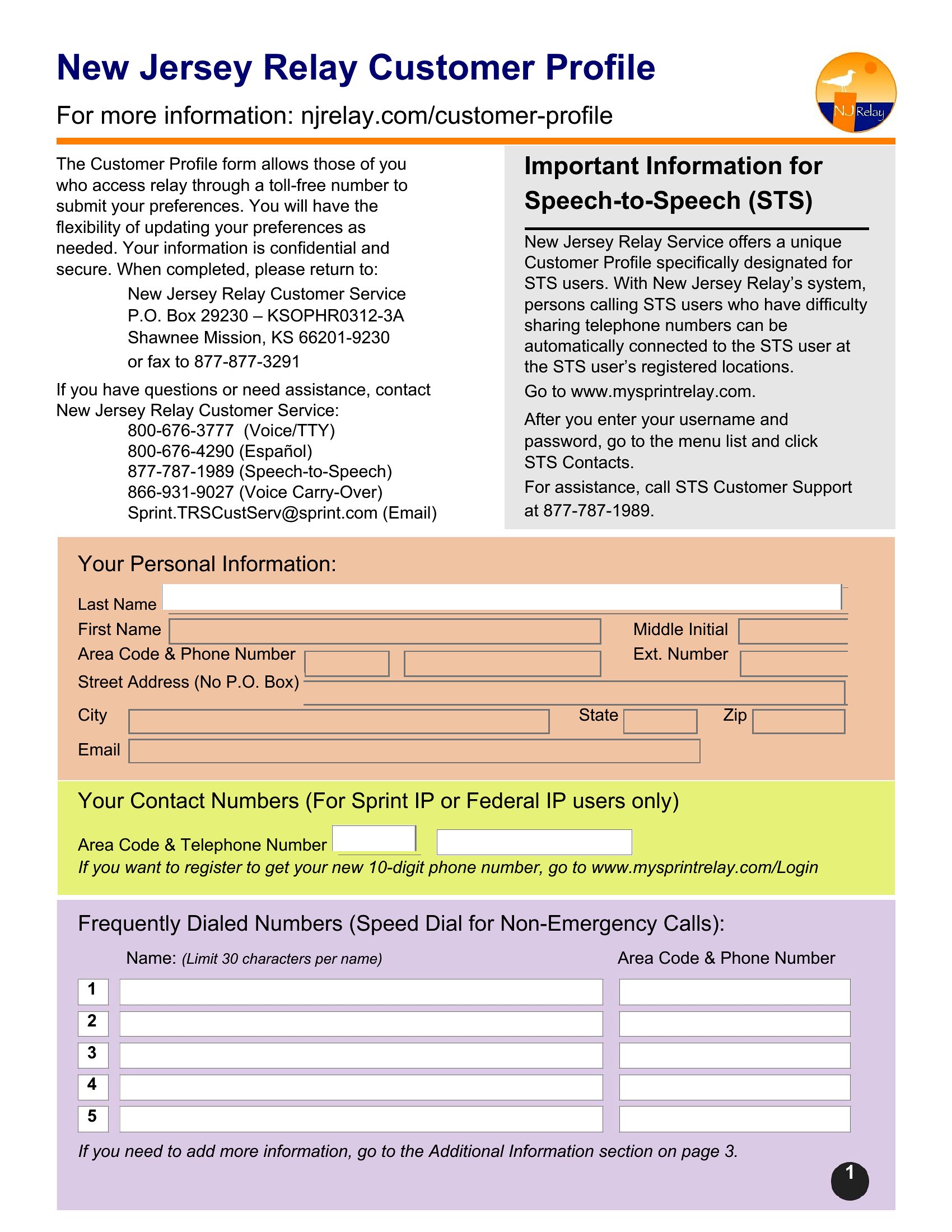
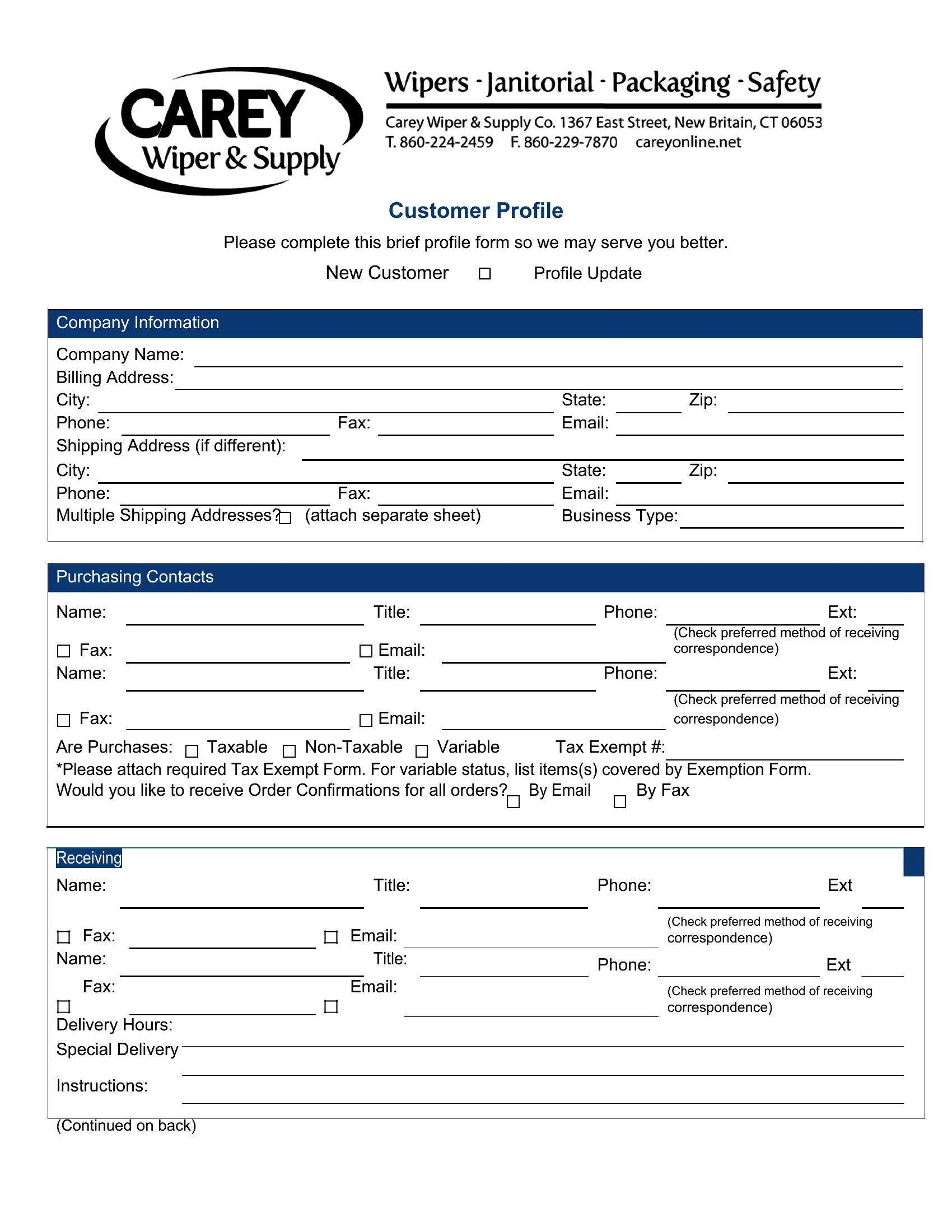
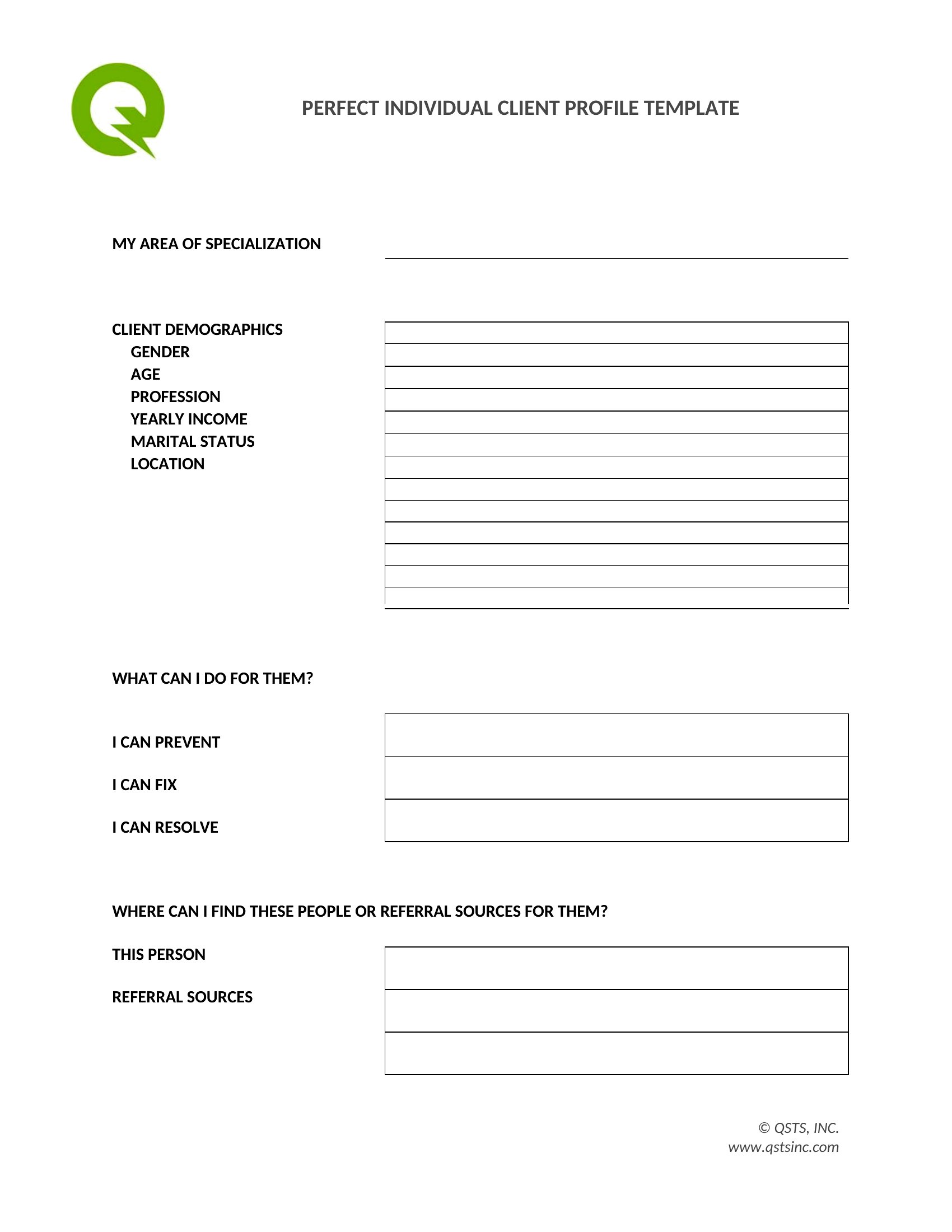
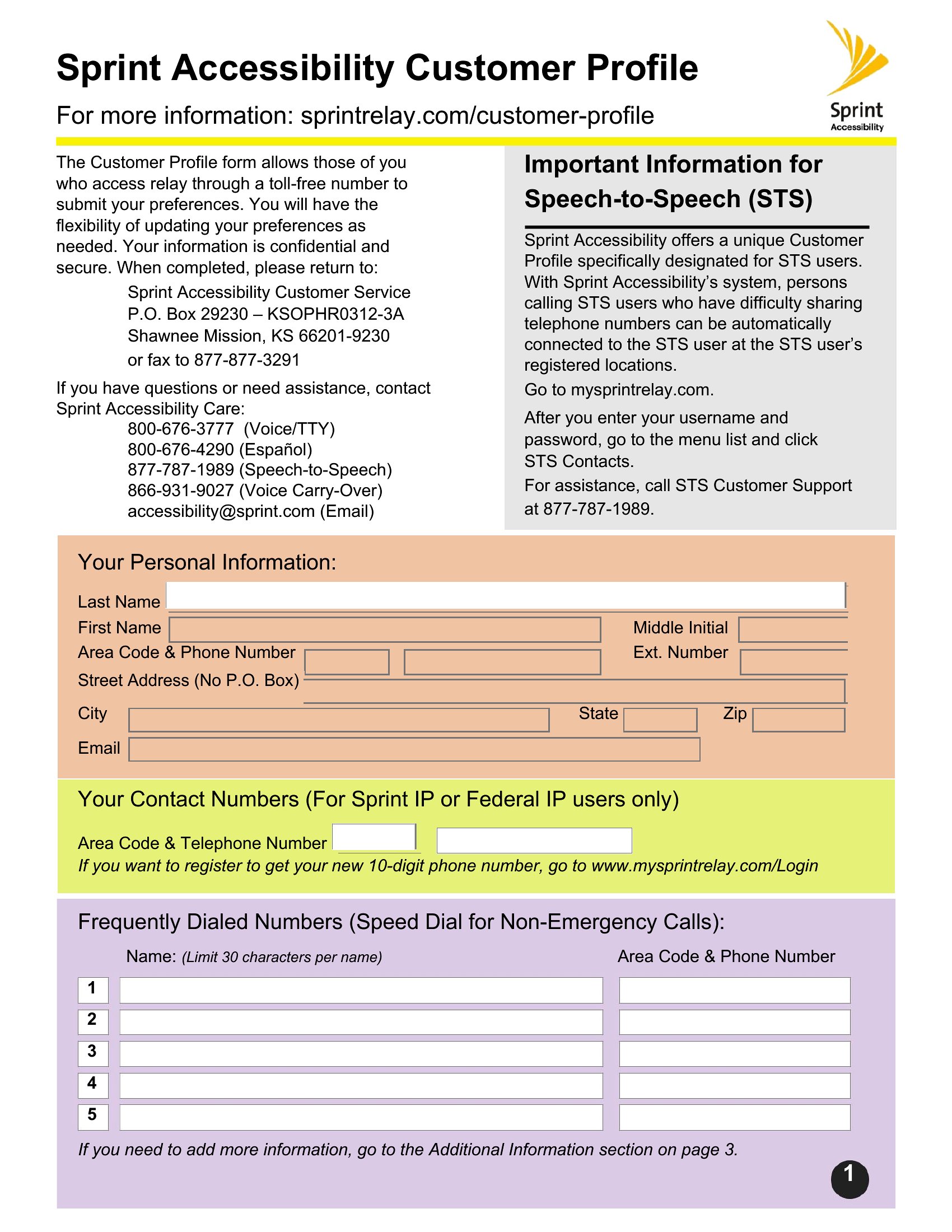
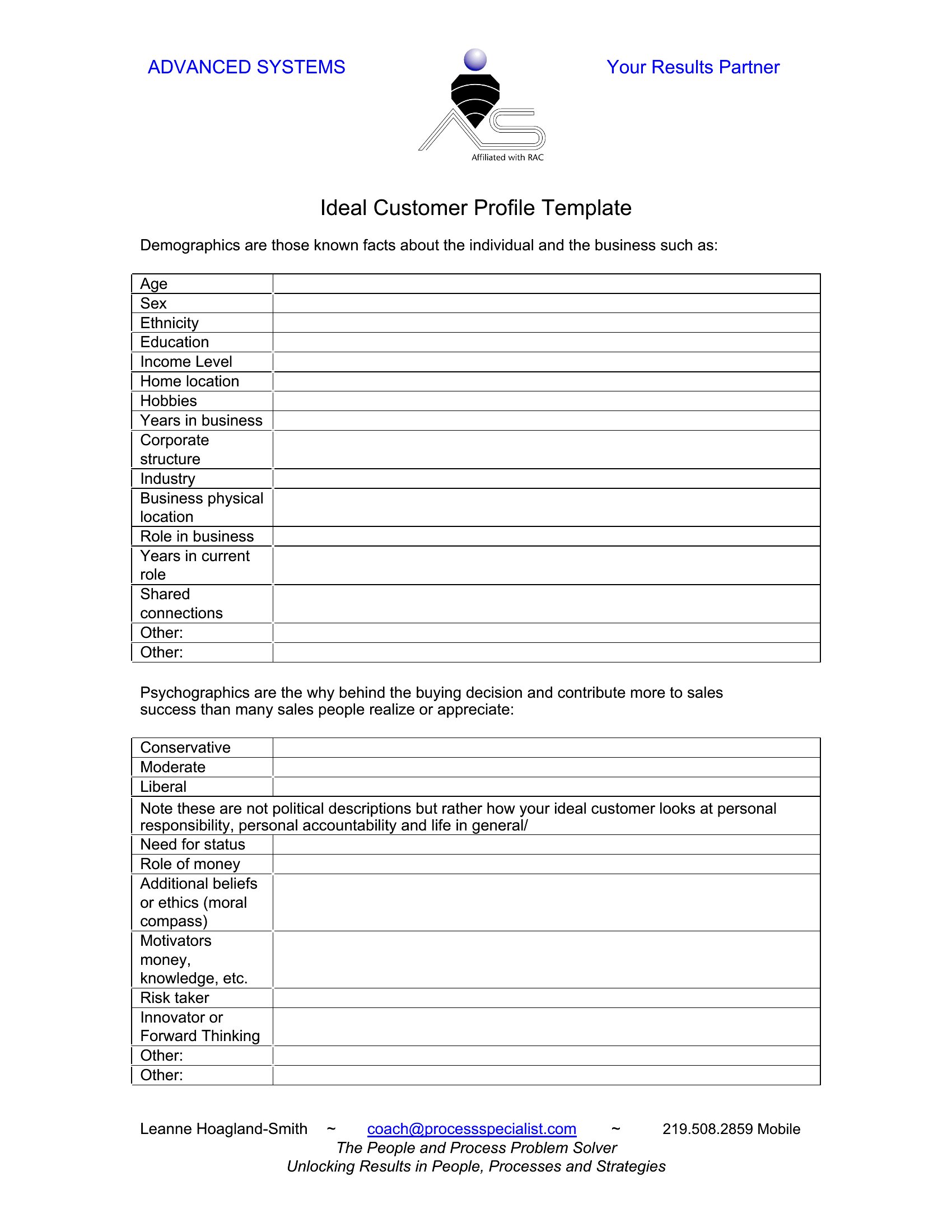
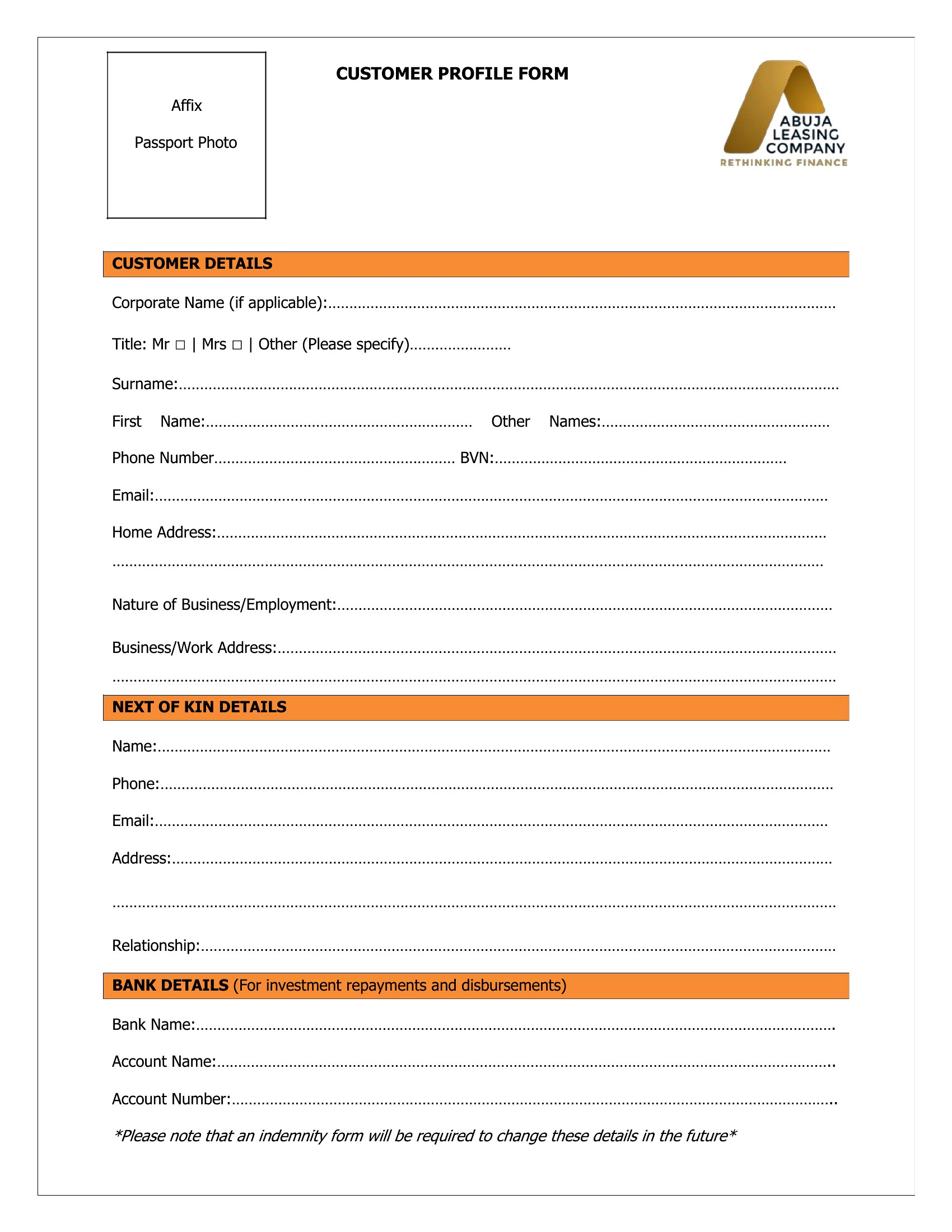
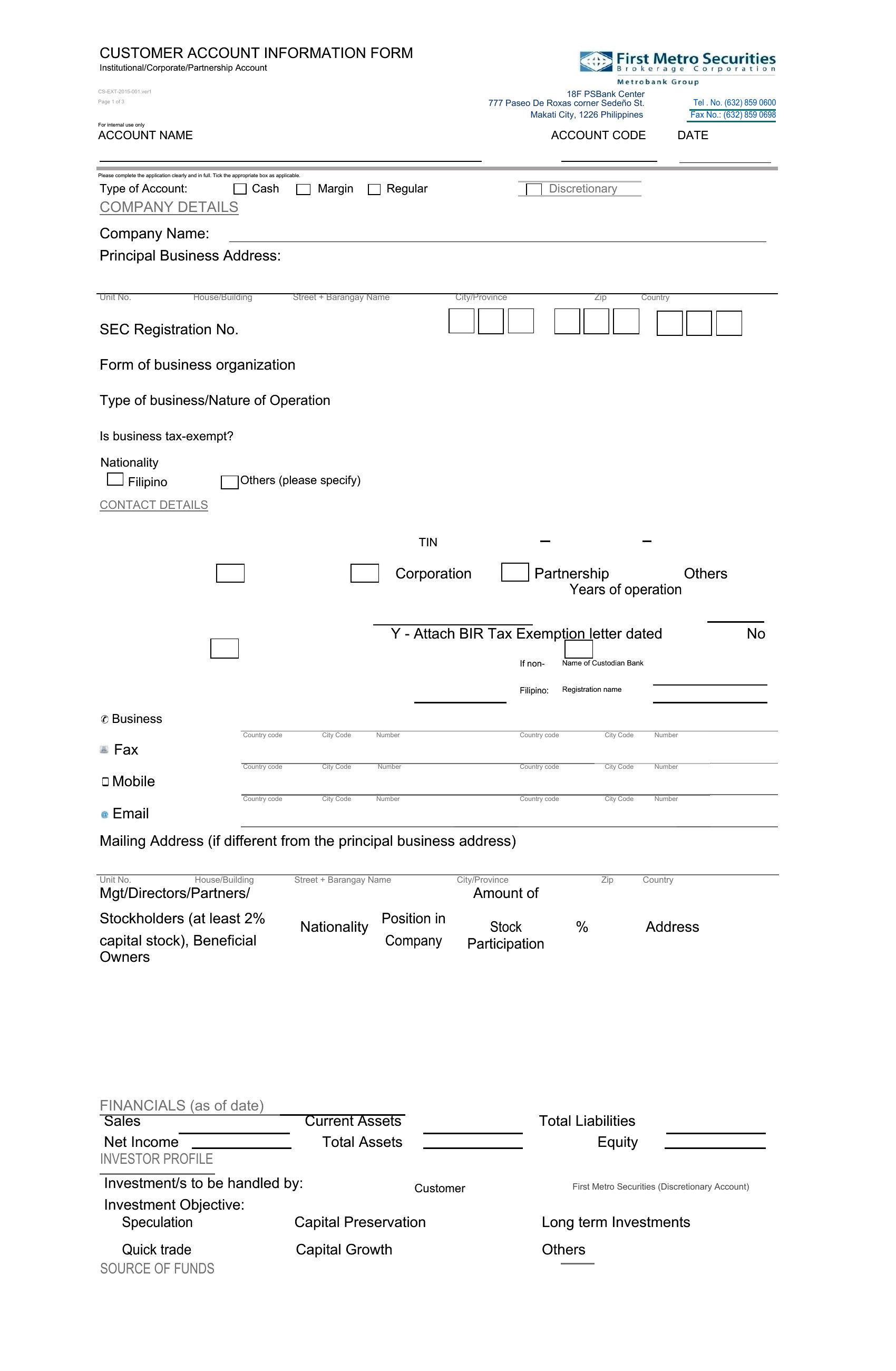
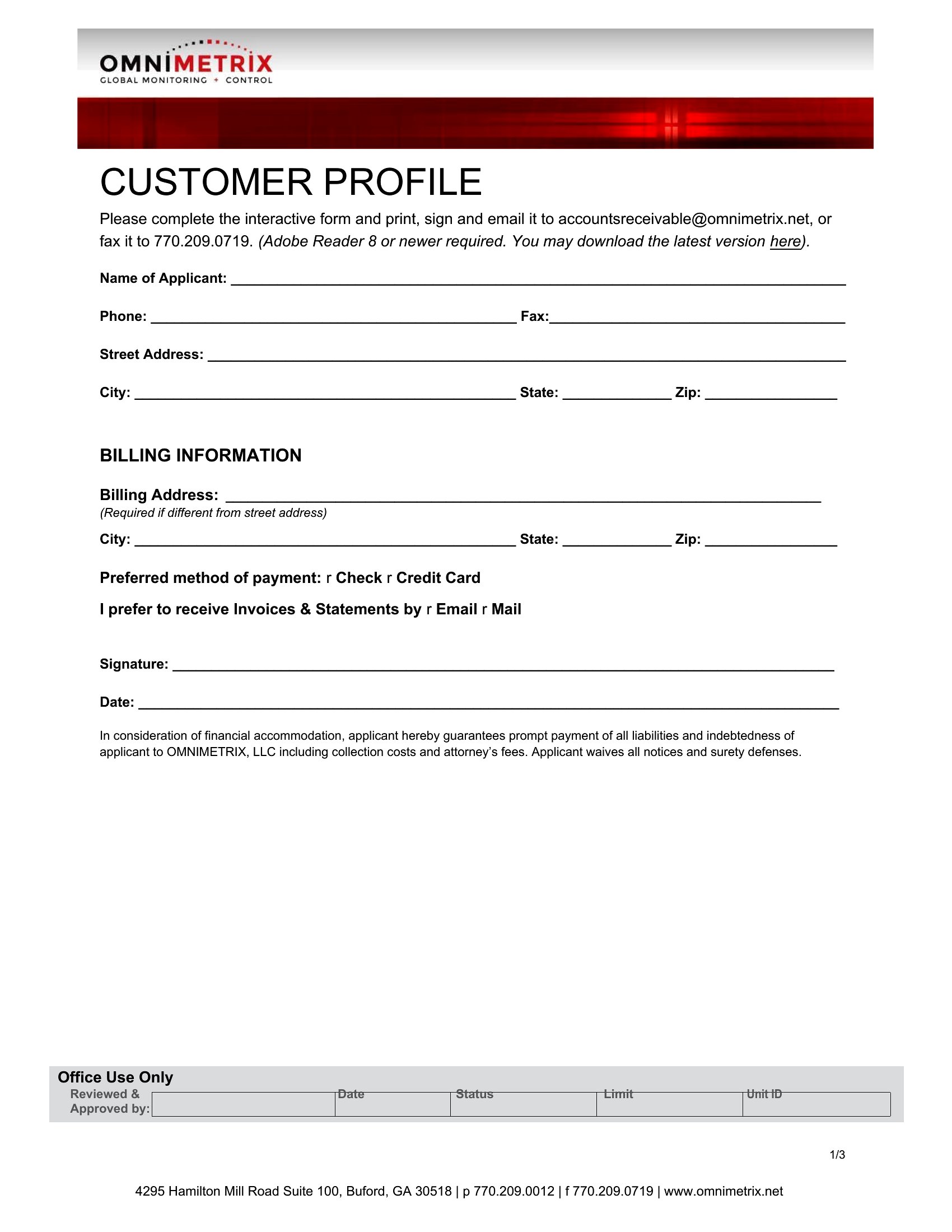
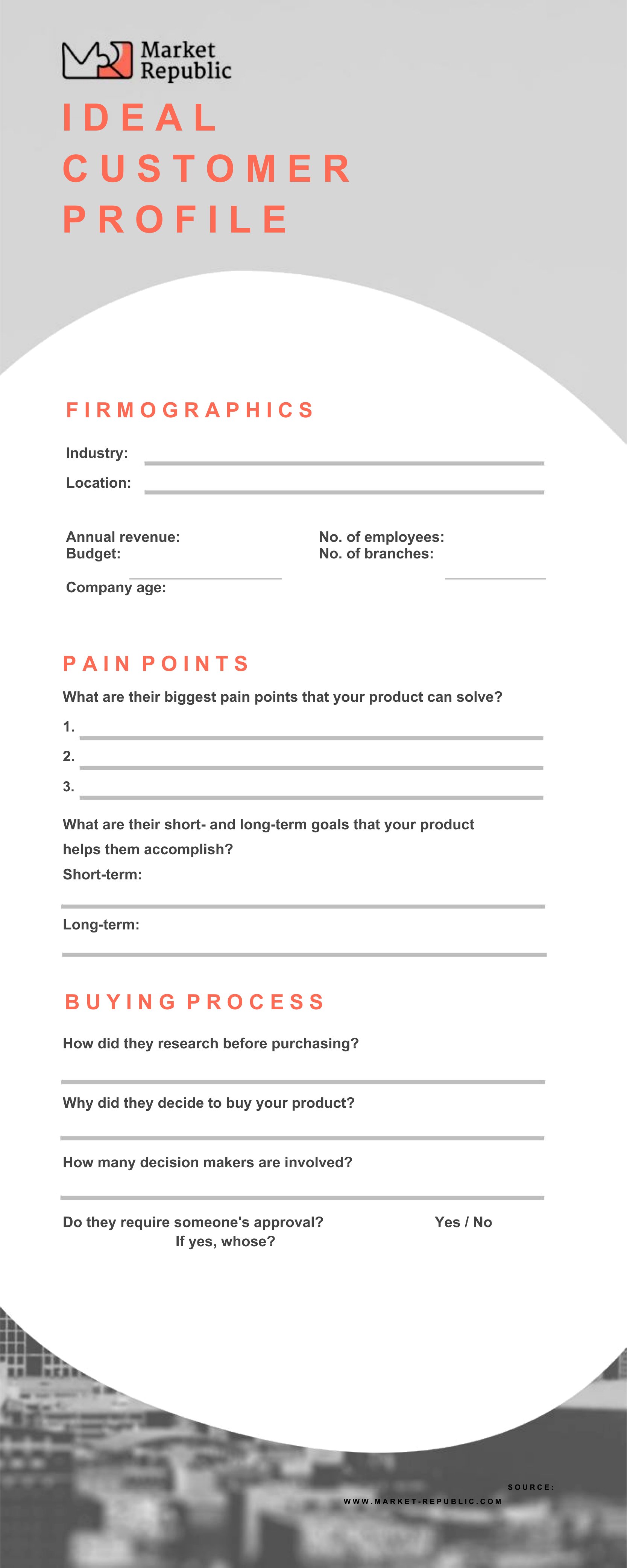
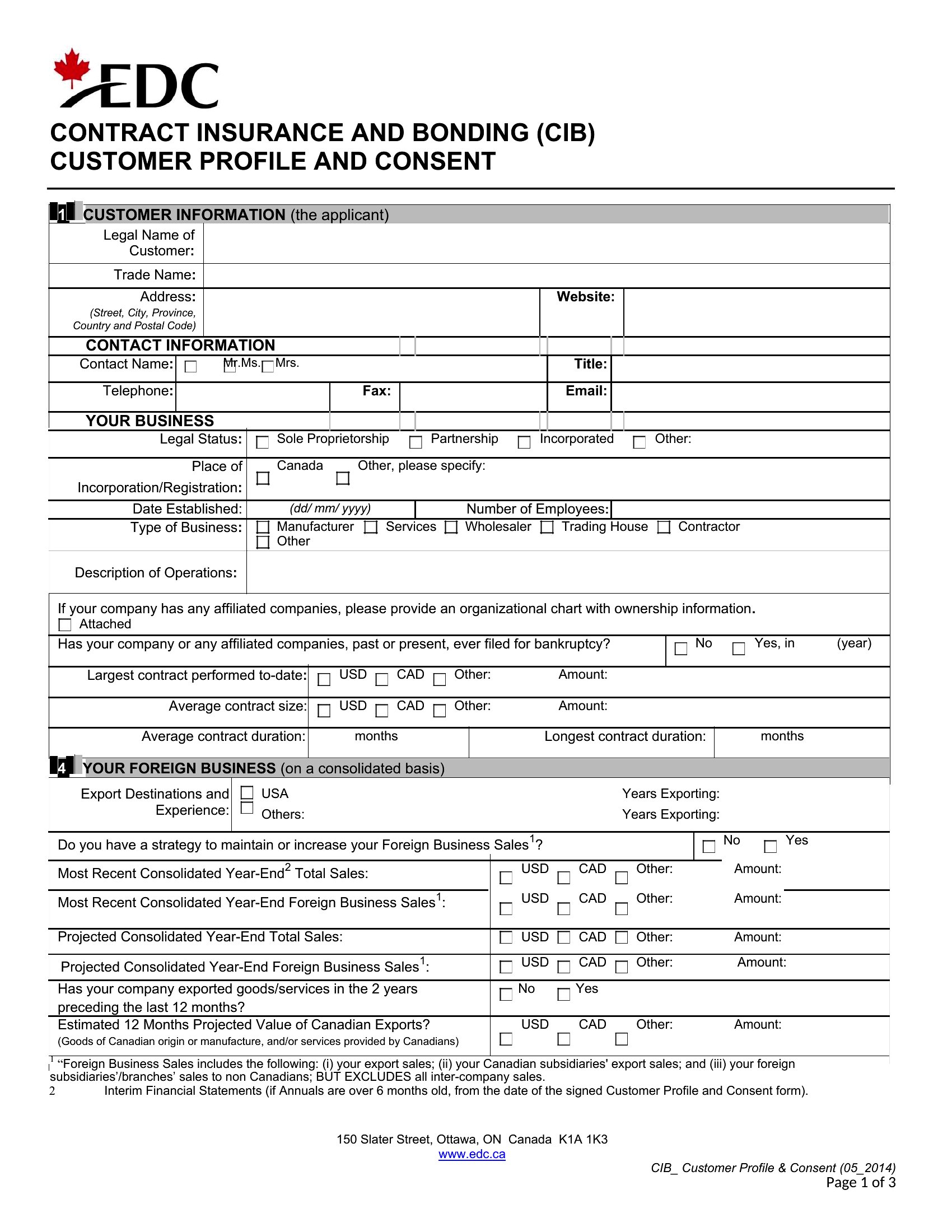
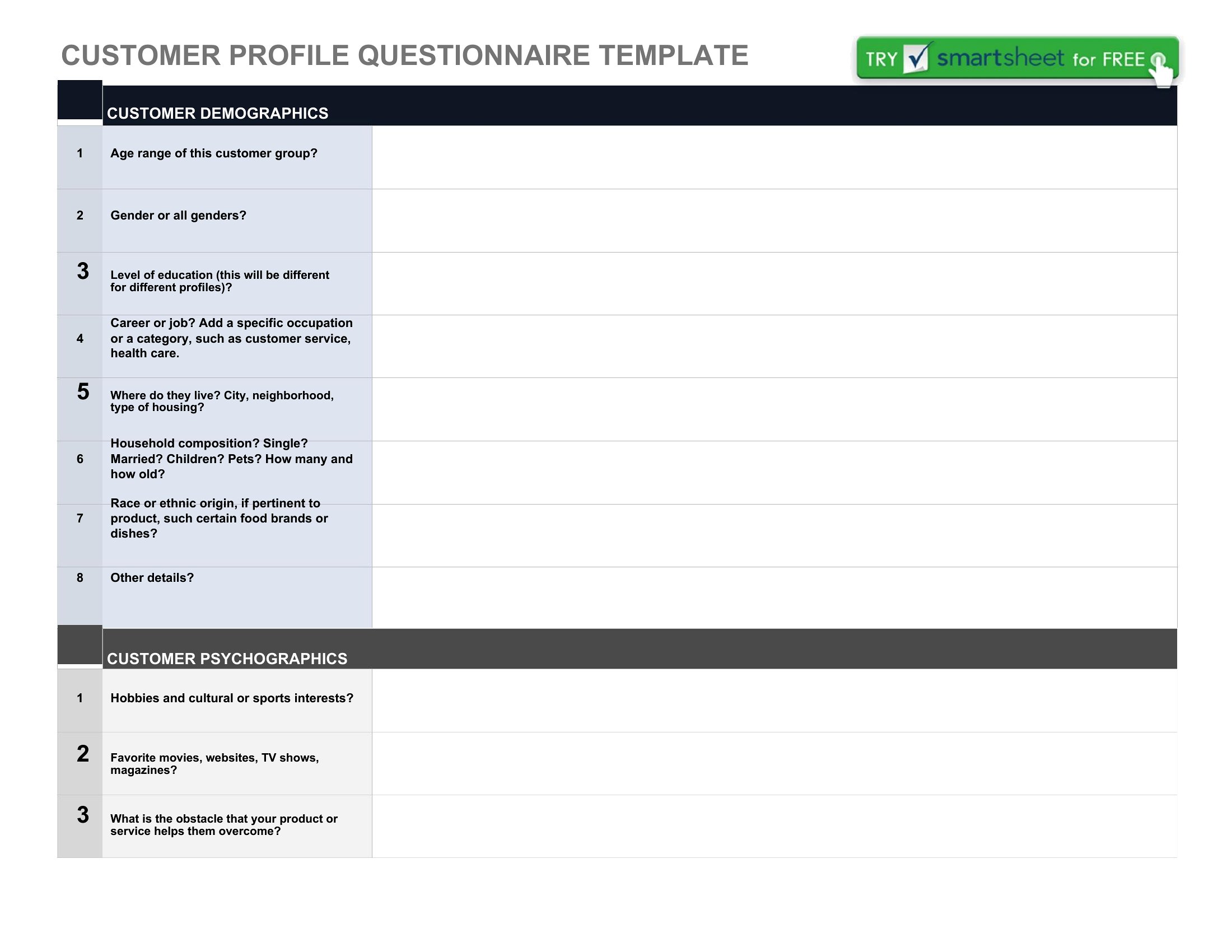
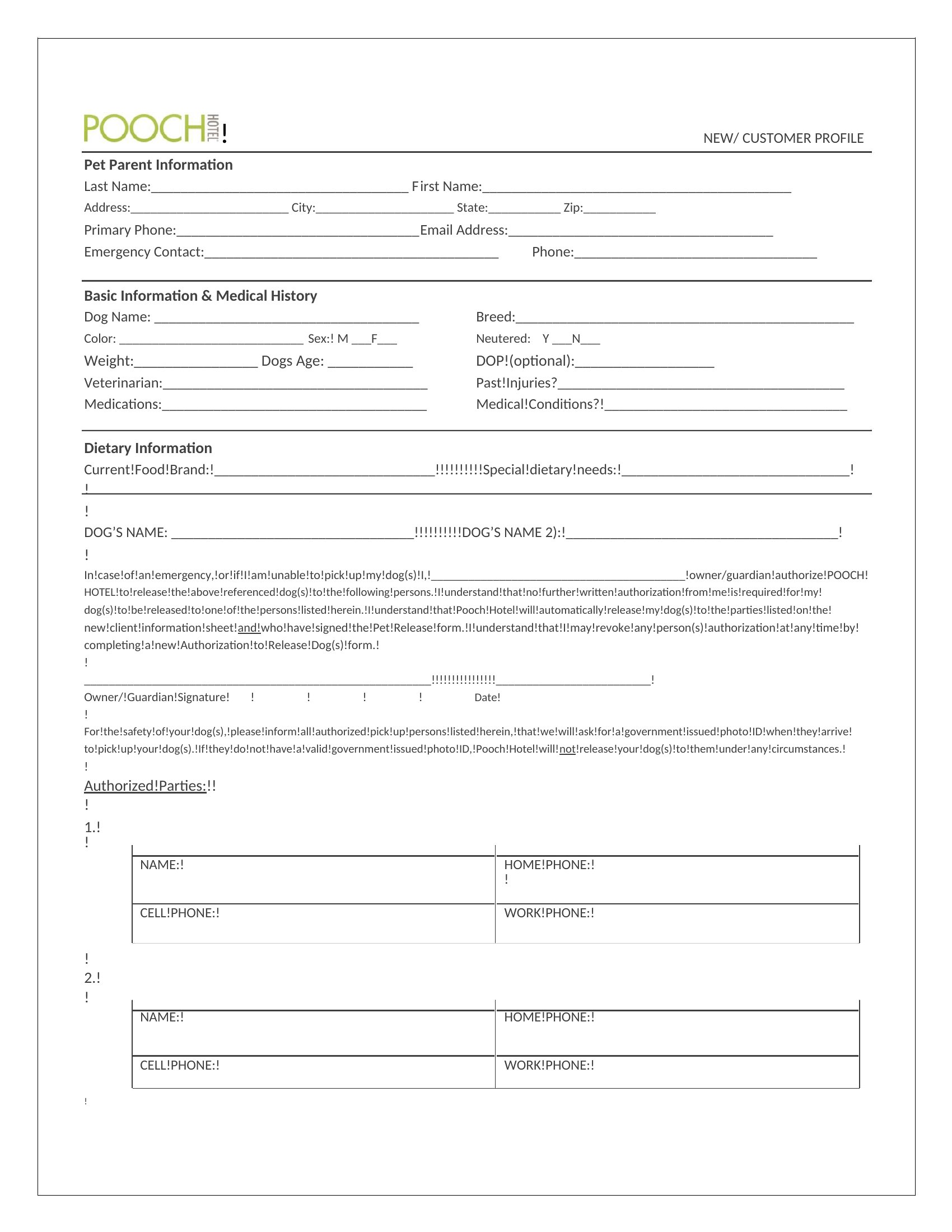
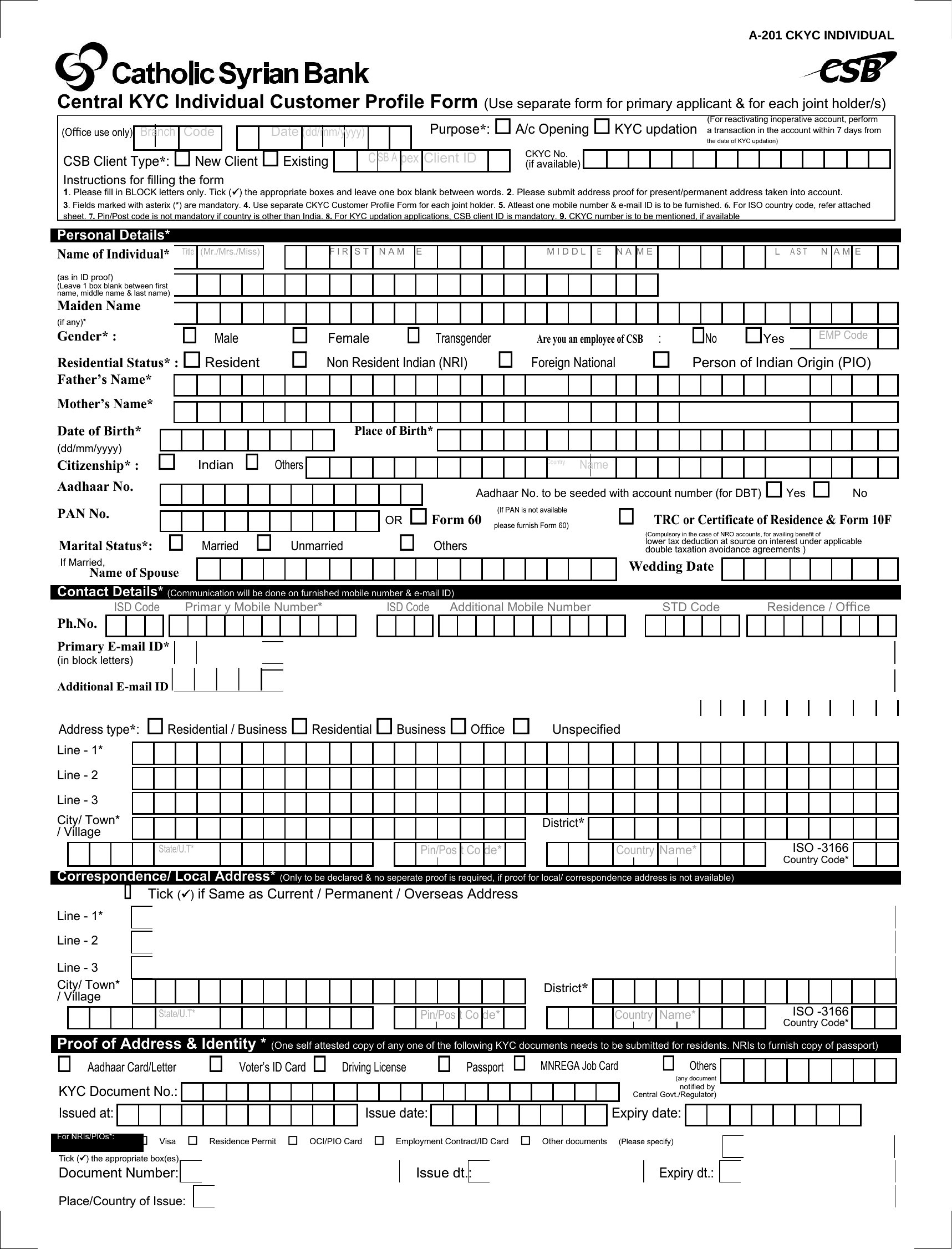
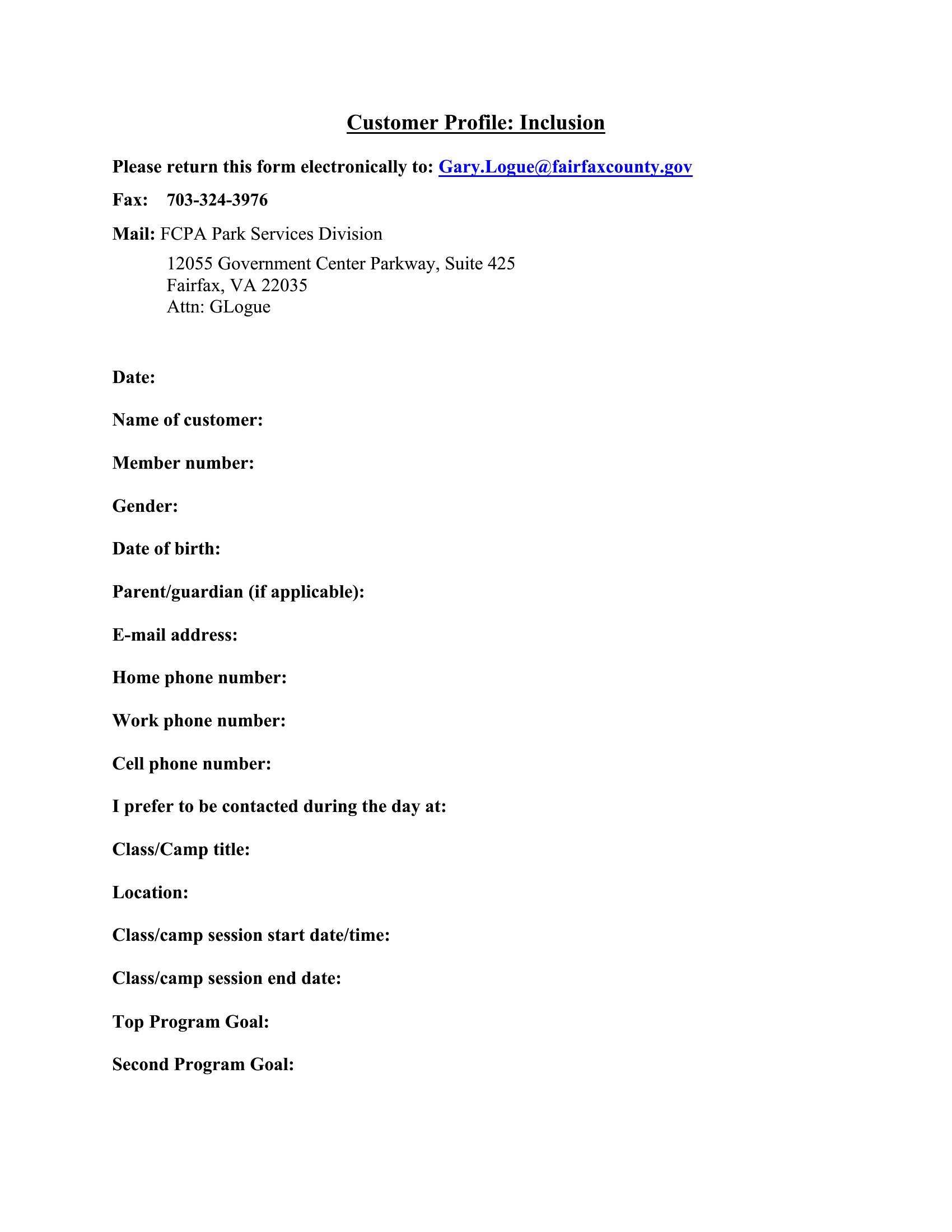
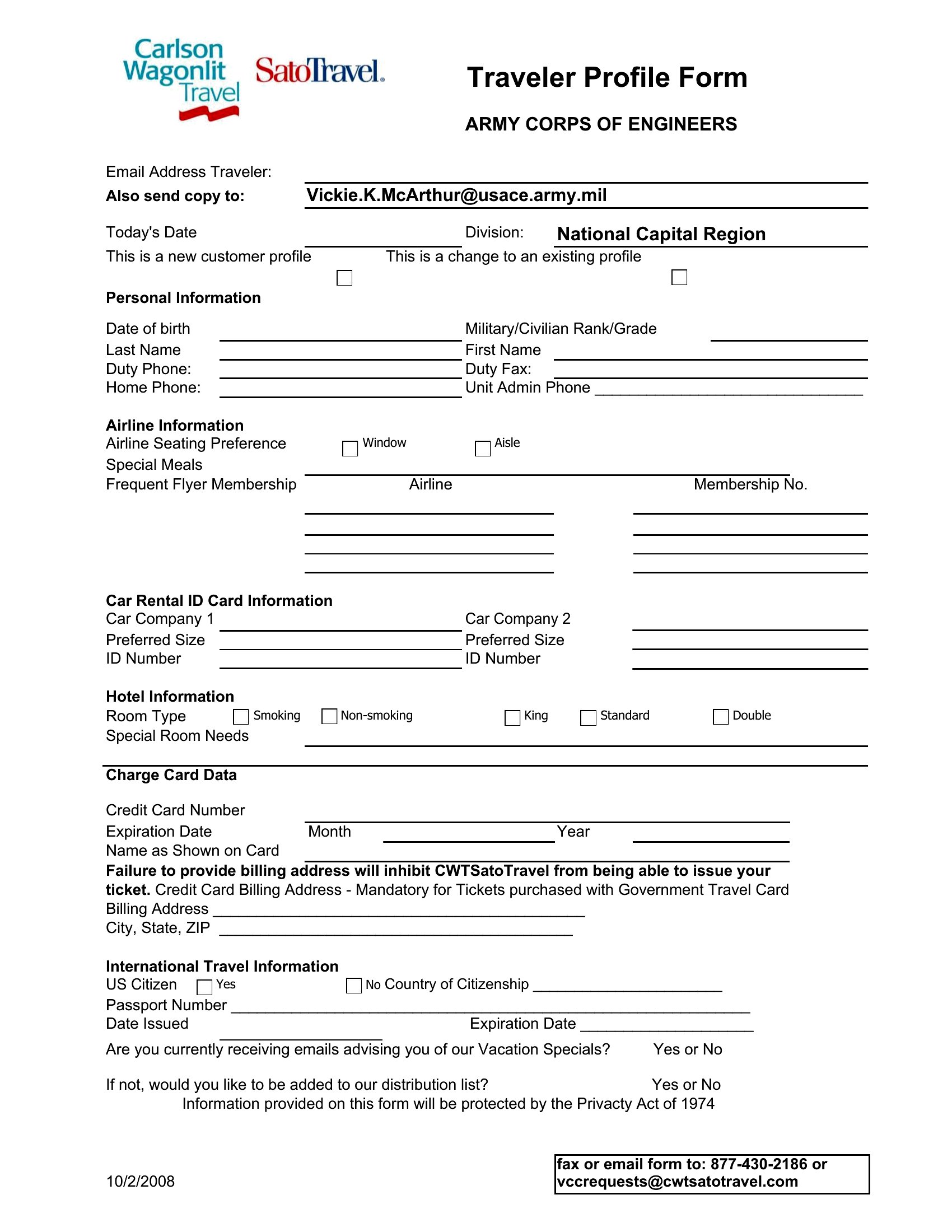
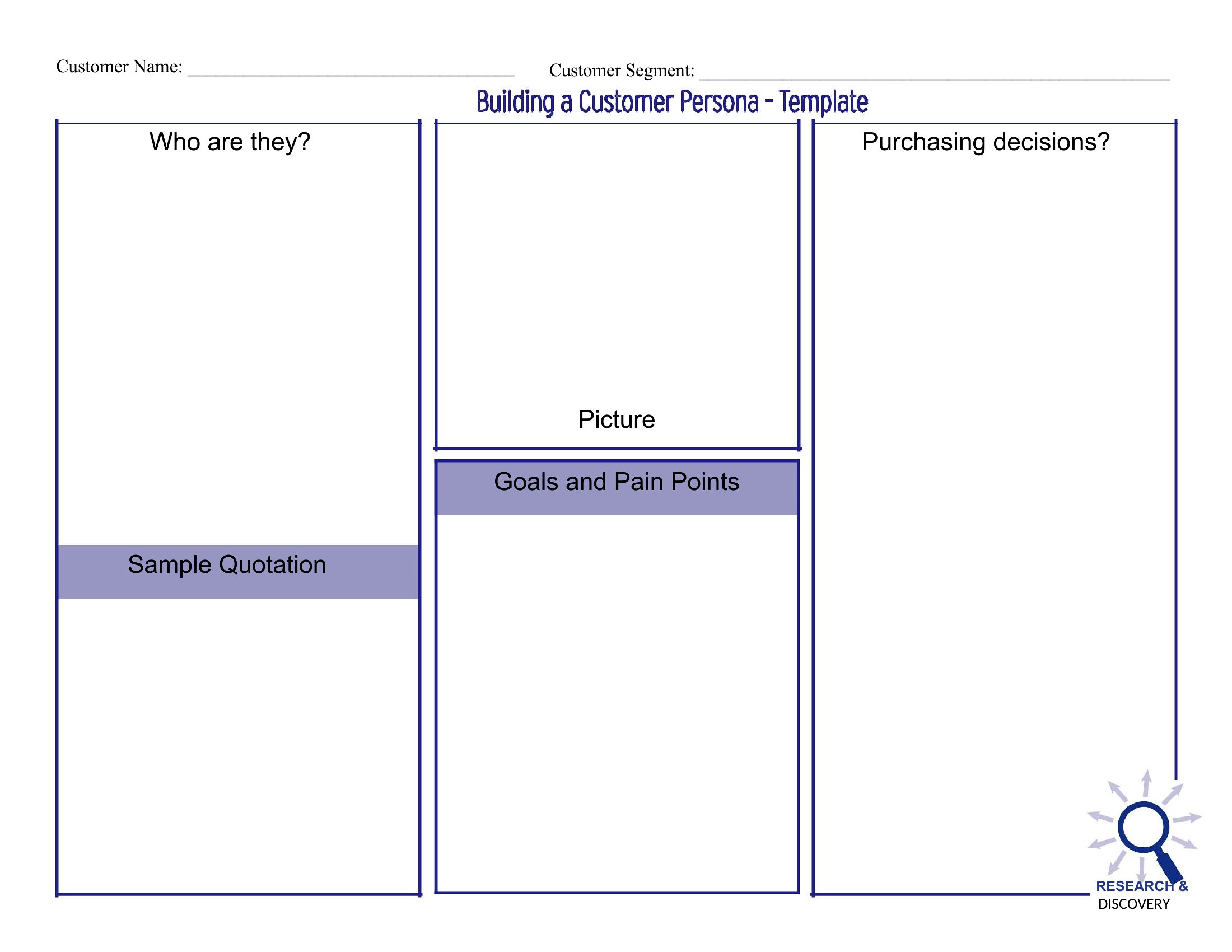
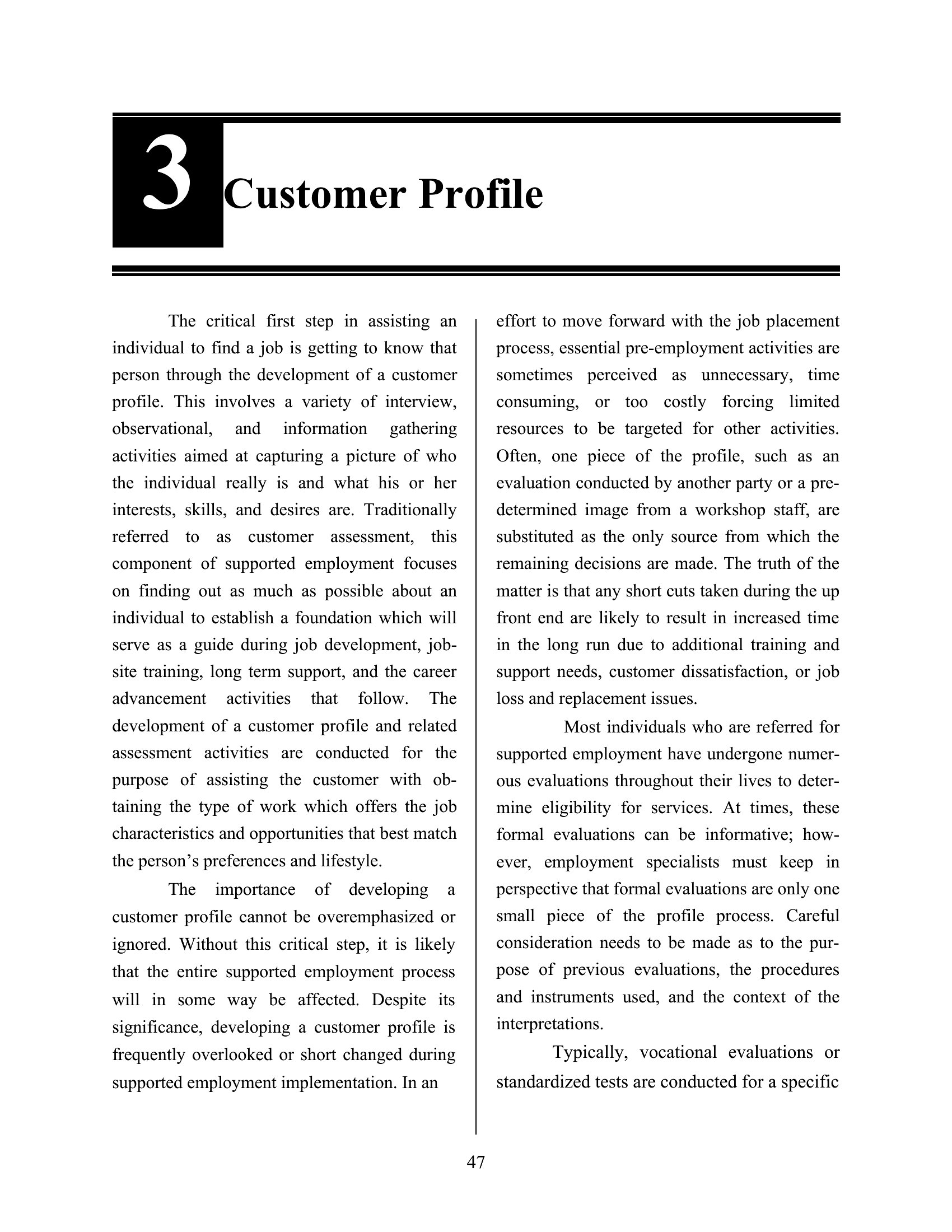
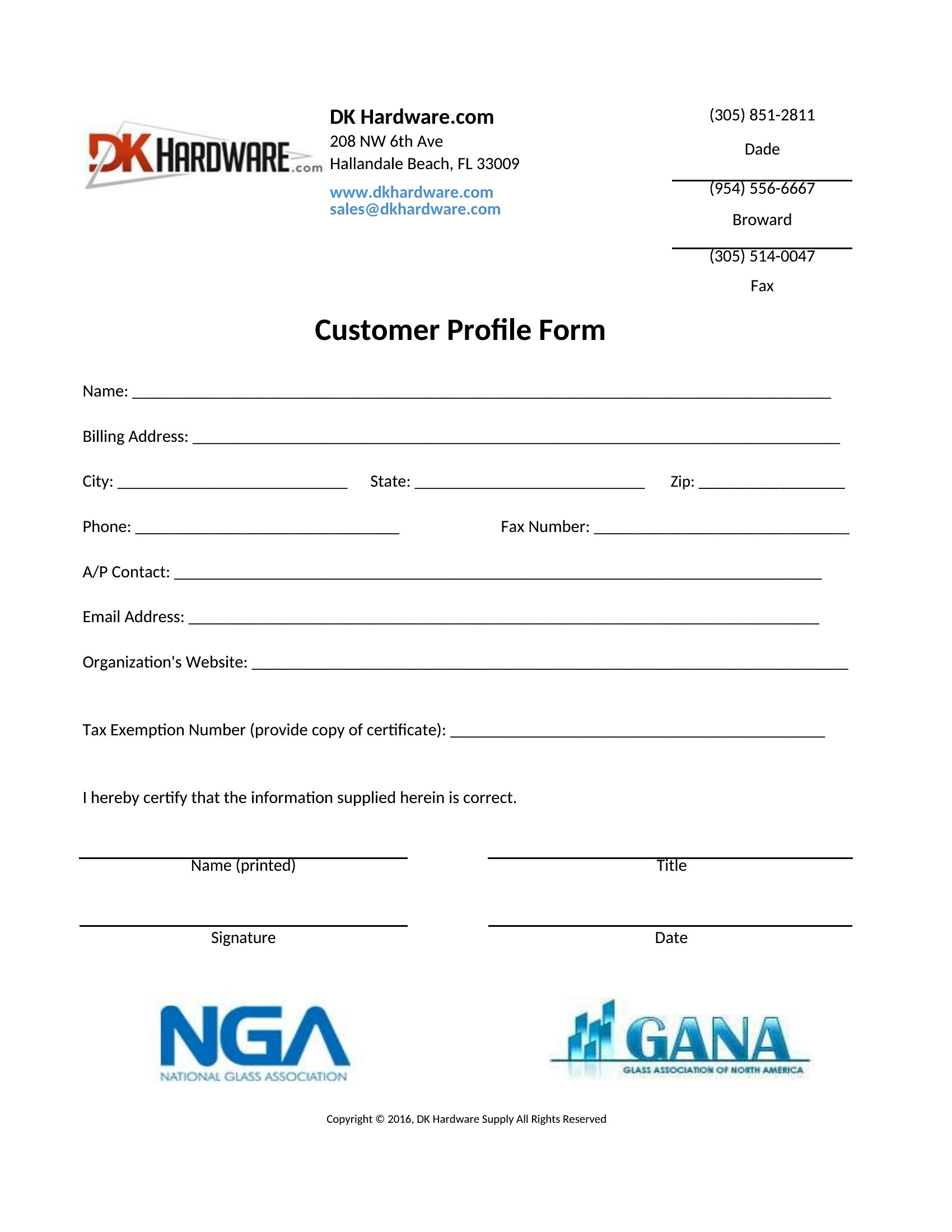
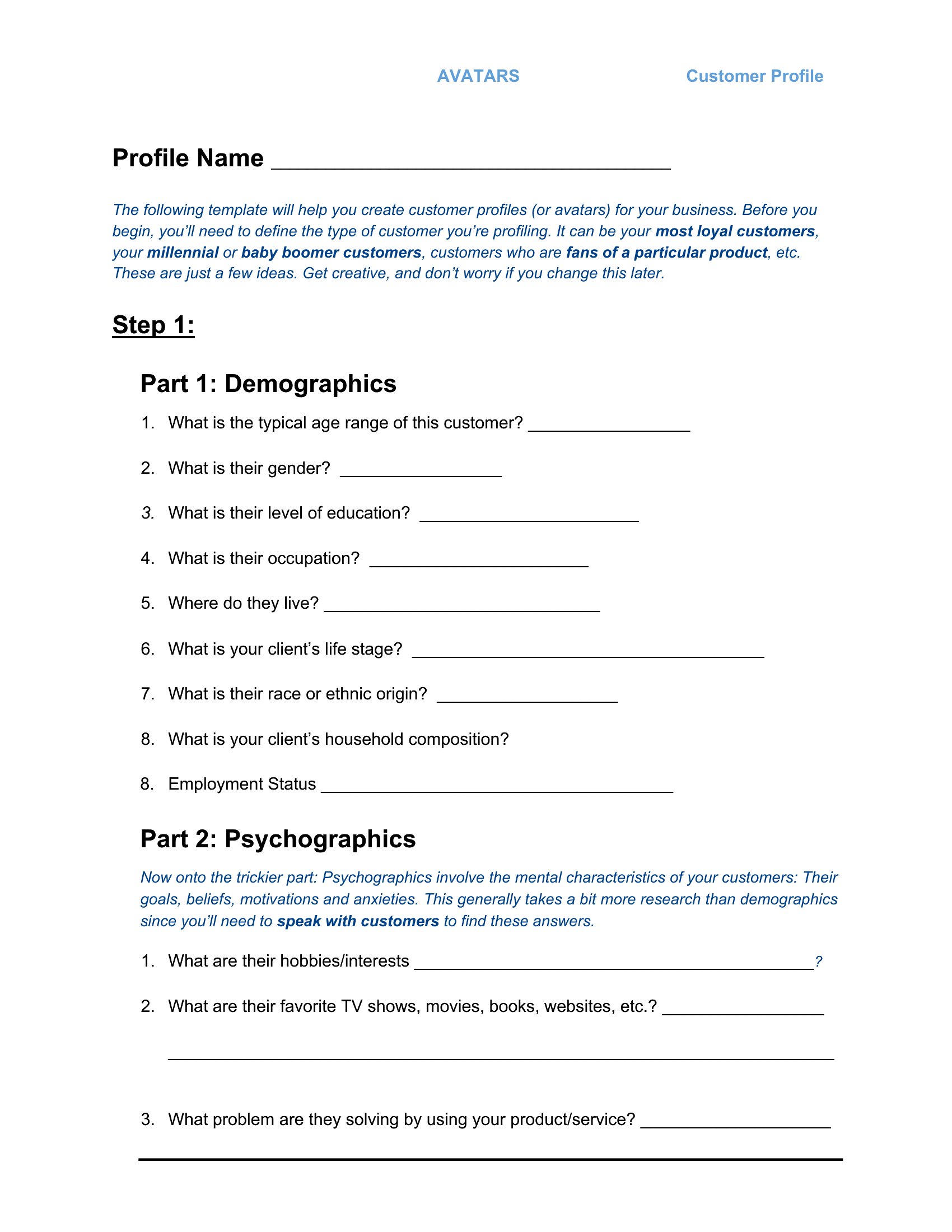
DataKnowing your customers in detail makes marketing, sales, and service decisions a lot easier. This set of 50 customer profile templates gives you a tidy place to capture demographics, buying habits, goals, and pain points for each client or segment. Sales reps, marketers, and small-business owners can build a clear picture of who they're actually selling to.
The templates are editable in Microsoft Word, so you can adjust the fields to match your industry and fill them in as you learn more. Use them to brief a new team member, plan a campaign, or shape an ideal-customer profile. Download the layout that fits your needs and start filling in the details.
When to use this Customer Profile template
- Sales teams tracking high-value B2B clients should use these templates to document decision-makers’ roles, budget ranges, and past objections during discovery calls—helping them tailor follow-ups after meetings.
- E-commerce stores analyzing repeat buyers can fill out profiles with purchase history, preferred payment methods, and seasonal buying trends to personalize email campaigns and upsell strategies.
- Small-business owners launching loyalty programs need these templates to segment customers by spending habits, preferred communication channels, and lifetime value—guiding targeted rewards and retention efforts.
- Market researchers studying niche audiences can compile profiles from survey respondents, including psychographic details like values and media consumption, to refine messaging for focus groups or ad targeting.
Which format should I download?
Microsoft Word is the ideal format here because it’s universally accessible for teams that need to collaborate in real time or print profiles for in-person meetings. The editable structure lets you add custom fields (e.g., ‘last contacted date’ or ‘competitor references’) without losing formatting. For sales teams, Word’s commenting feature is useful for internal feedback, while marketers can embed screenshots of customer interactions directly into the document. Avoid PDFs unless you’re finalizing static profiles—Word’s flexibility is key for iterative client profiling.
How to use this Customer Profile template
How detailed should I make the ‘pain points’ section in a customer profile?
Focus on specific, actionable challenges tied to your product or service. For example, a SaaS company might note ‘struggles with manual data entry’ instead of vague frustration. Include quotes from customer interviews or support tickets to make it relatable for your team. Limit this section to 3–5 bullet points per profile to keep it scannable during strategy meetings.
Can I use these templates to track anonymous website visitors or leads I haven’t contacted yet?
Yes, but adapt the fields to capture what you *can* observe—like browsing behavior, downloaded content, or form submissions. Add a ‘source’ field (e.g., ‘LinkedIn ad click’) and leave contact details blank until outreach begins. These templates work best for known leads, but you can repurpose them for anonymous tracking by renaming sections like ‘Observed Needs’ instead of ‘Verbalized Goals.’
What’s the best way to organize profiles for customers with multiple decision-makers (e.g., a family-owned business)?
Create a master profile for the account with high-level details, then link to individual Word documents for each decision-maker using tabs or a shared folder. Label each sub-profile clearly (e.g., ‘[Account Name] – Owner [Name]’). In the master, include a ‘Relationship Map’ table to show how each person influences the buying process, like ‘Owner approves budget; Manager handles daily operations.’
Comments
Join the conversation
Sign in to share your thoughts and leave a comment on this resource.