Free Company Profile Templates (Word, PDF)
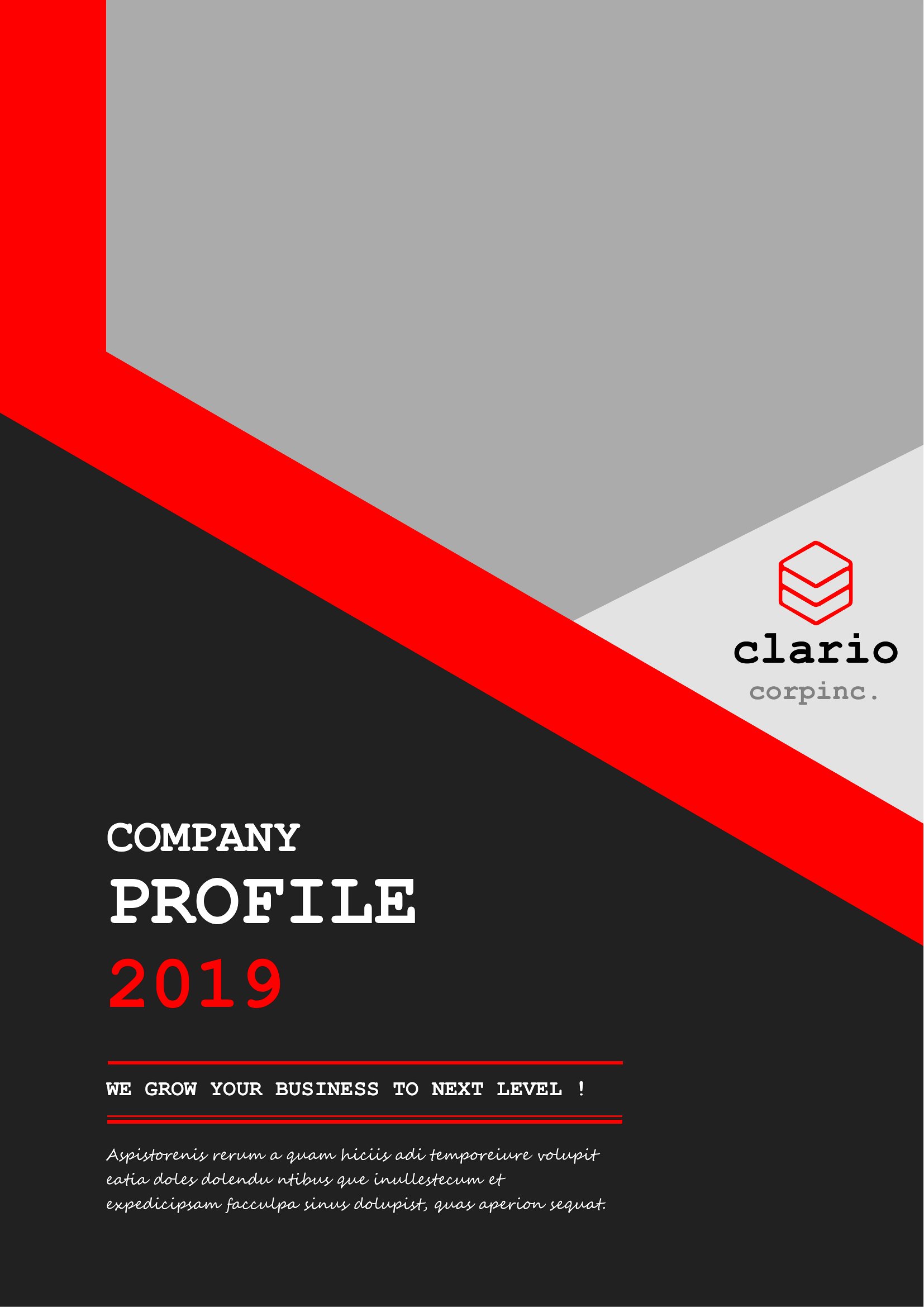
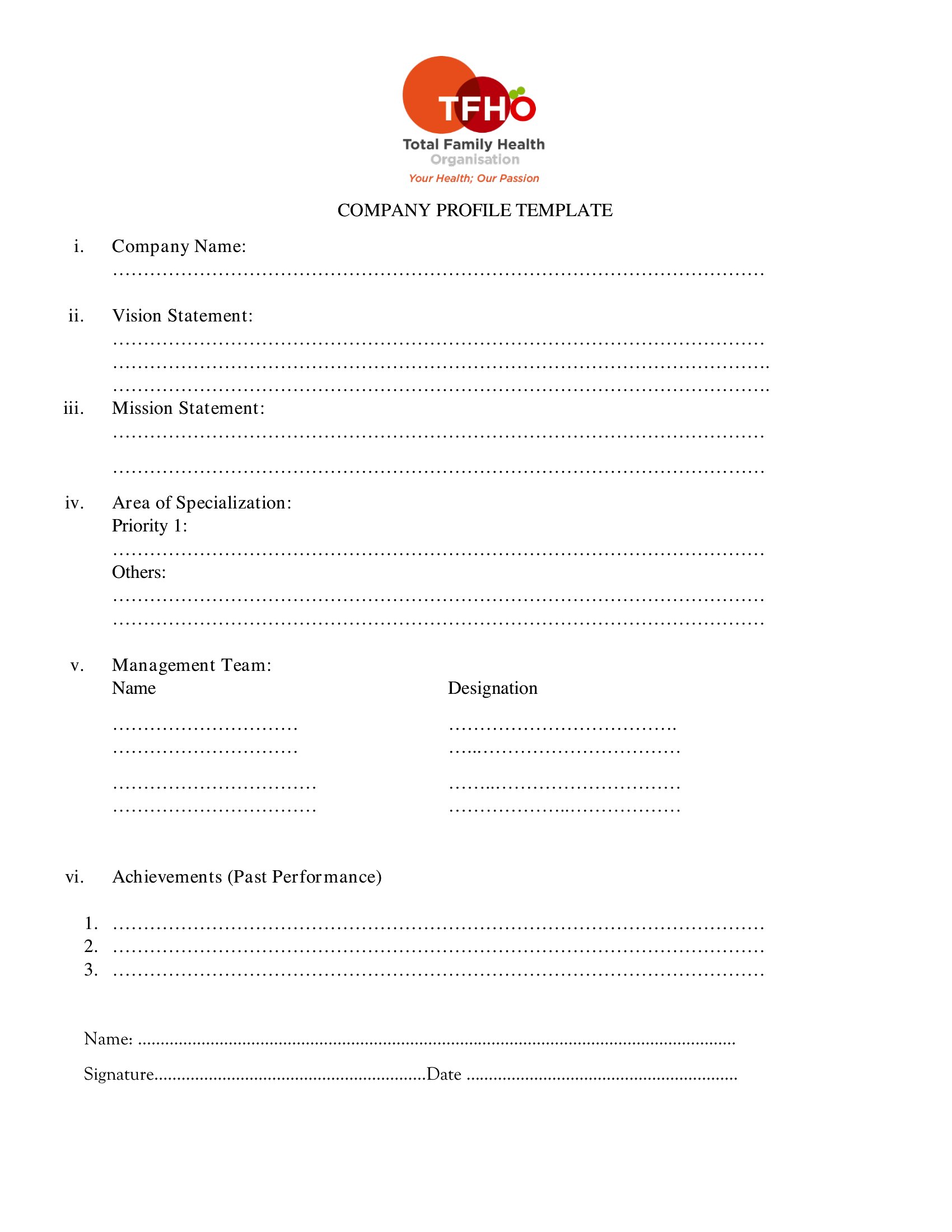
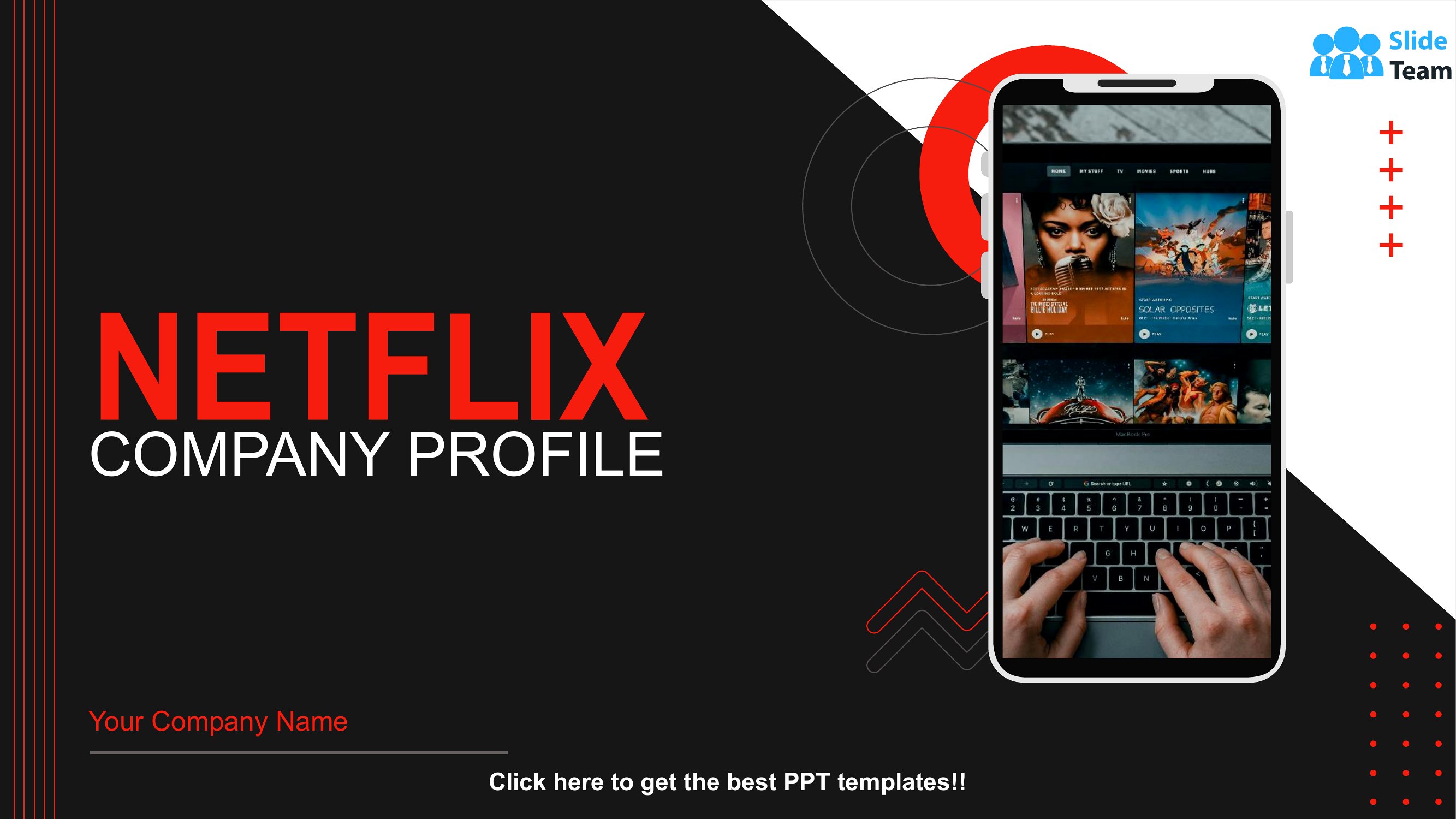
BusinessA company profile tells your story in one tidy document, covering what you do, who's behind it, and why customers should care. This set of 15 templates ranges from short one-pagers to fuller profiles with sections for mission, history, and services. Startups, agencies, and established firms use them for pitches, bids, and their own websites.

Open the Word files to write your sections and drop in a logo, or print the PDFs for a polished handout. Lay out your background, highlight your strengths, and keep the design clean so the content stands out. Pick the layout that fits your business and build a profile you're proud to share.
When to use this Company Profile template
- A startup pitching to investors needs a concise 2-page Word profile with mission, team bios, and traction metrics to stand out during seed funding rounds.
- A marketing agency preparing a client proposal should use a structured PDF template to clearly outline case studies, expertise, and why they’re the best fit.
- A small manufacturer bidding on government contracts uses a detailed PDF profile to highlight certifications, manufacturing capacity, and compliance with regulations.
- A non-profit updating their website includes a downloadable PDF version of their company profile to keep donors and volunteers aligned on their vision and impact.
Which format should I download?
For pitch decks or investor meetings, choose the Word format—it’s editable to tailor your narrative or add last-minute details. Use PDF for formal submissions (like RFPs) or website uploads where you want a polished, unchangeable design. Avoid Word for final presentations where formatting consistency matters, as edits can distort layouts. Stick to PDF for any scenario requiring a fixed, professional output that won’t shift during sharing.
How to use this Company Profile template
How can I make our company profile stand out if we’re in a competitive industry?
Focus on unique differentiators like proprietary processes, client testimonials, or infographics in the Word template. For PDFs, prioritize visual hierarchy—bold key stats, use color for industry-specific milestones, and ensure your ‘why we matter’ section is immediately scannable.
Should we include employee headshots in our profile, even if it’s a remote-first company?
Only if it aligns with your brand voice. For B2B profiles, headshots add credibility; for B2C or creative fields, they humanize your team. Use low-resolution placeholders in Word and higher-res versions in PDFs to avoid file bloat. Always get written consent if including real images.
Can we adapt these templates to highlight our company’s sustainability efforts?
Yes—use the Word format to add a ‘Sustainability’ section with metrics (e.g., carbon footprint, recycled materials) or a timeline of initiatives. For PDFs, dedicate a sidebar or callout box to these details. Pair visuals like certification logos or before/after impact graphs for immediate clarity.
Comments
Join the conversation
Sign in to share your thoughts and leave a comment on this resource.