
FAQ
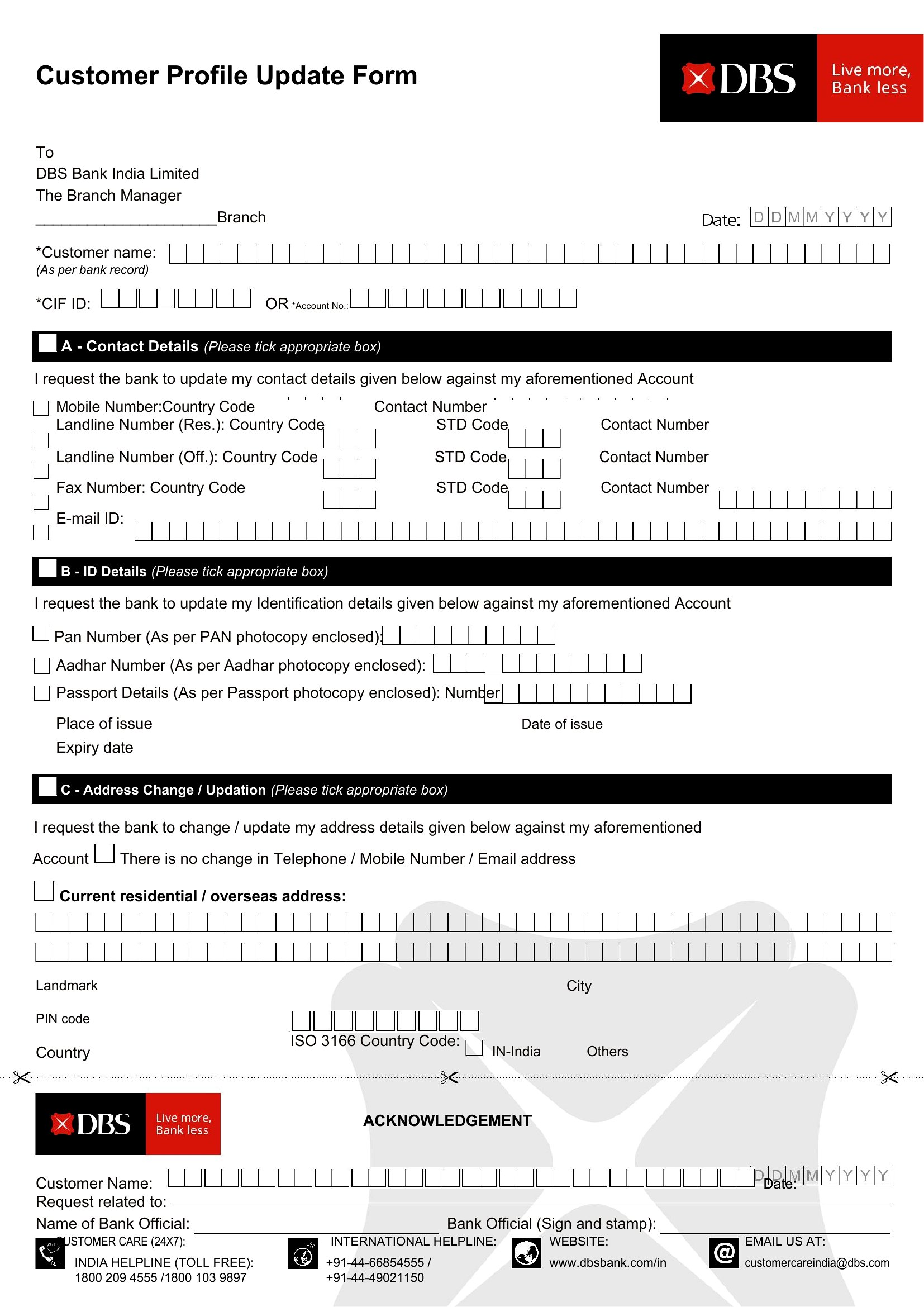
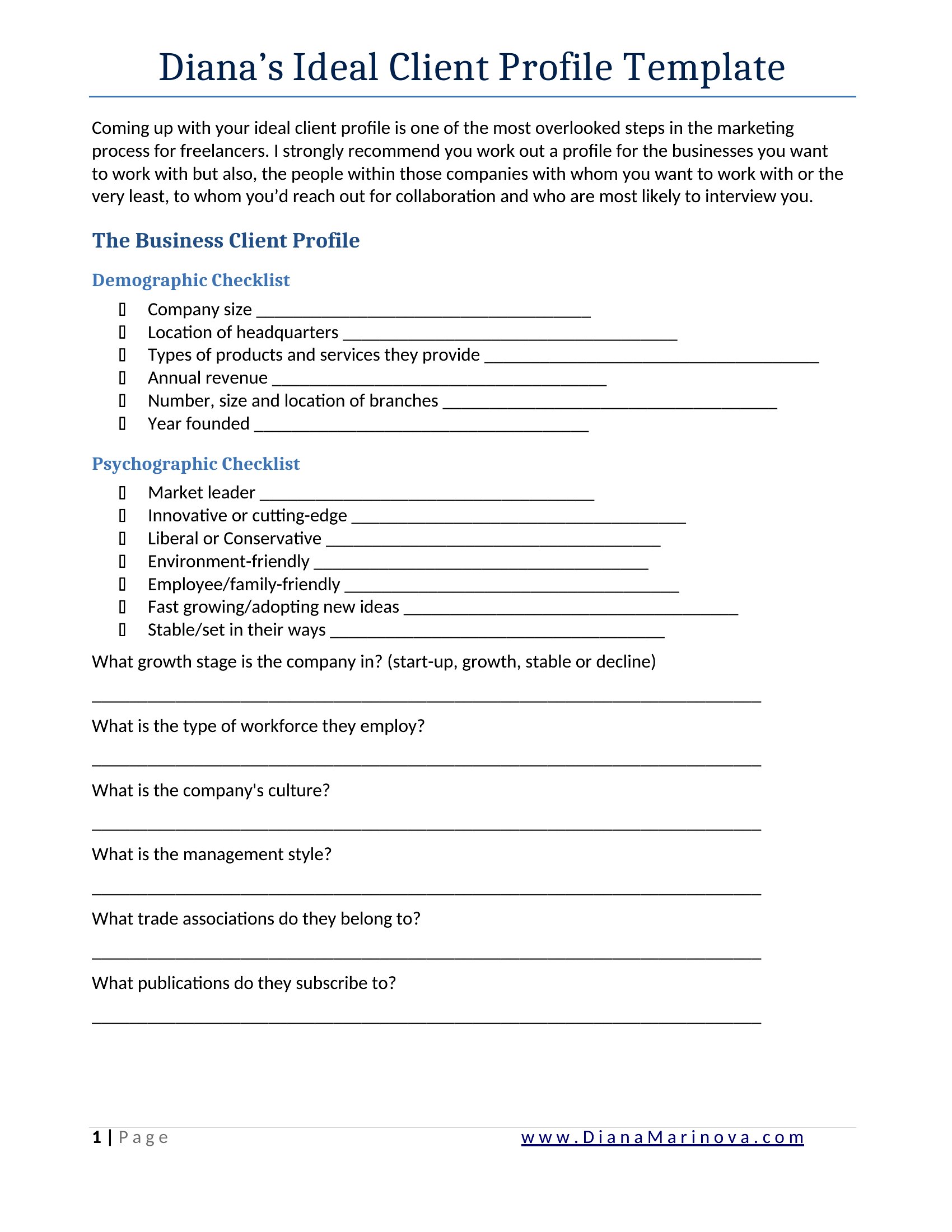
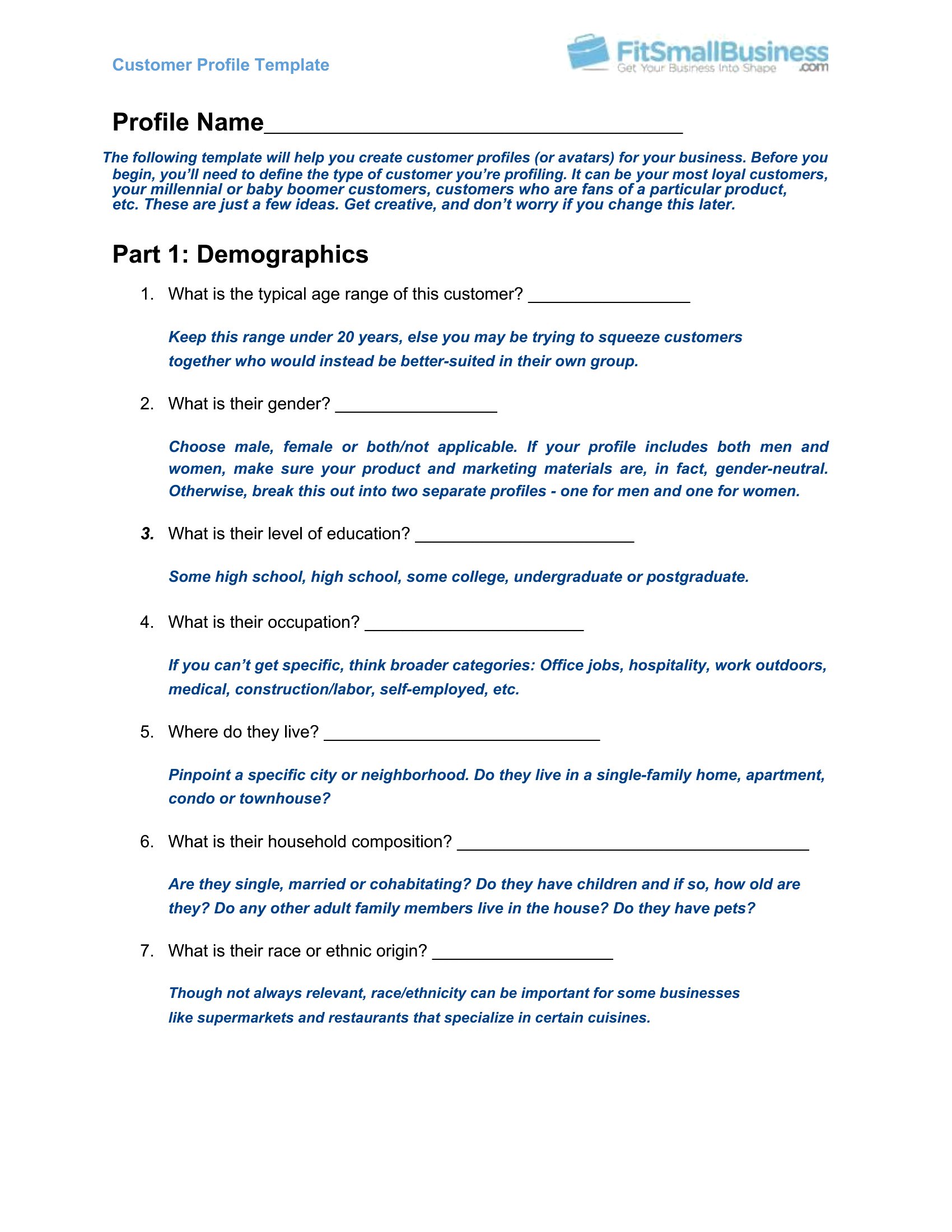
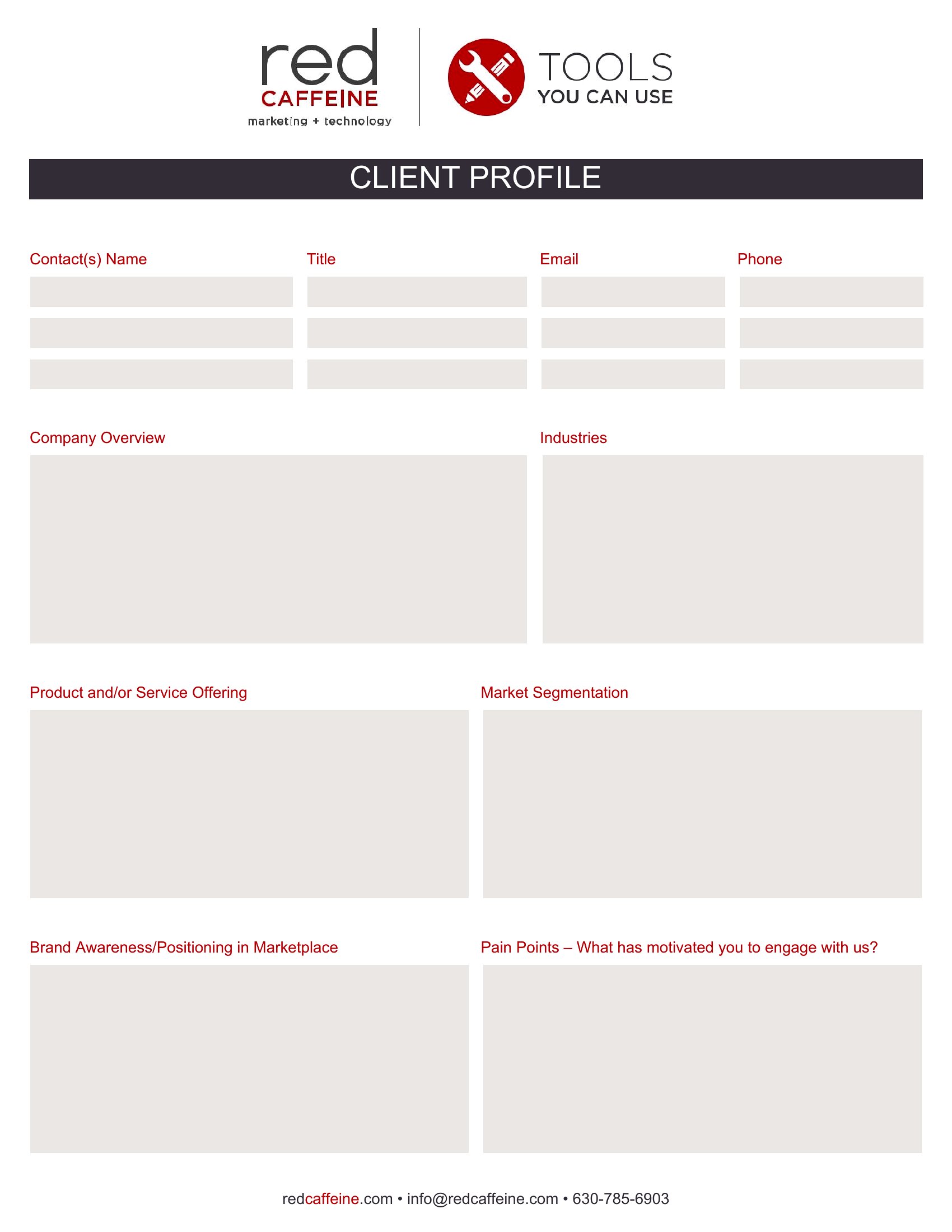
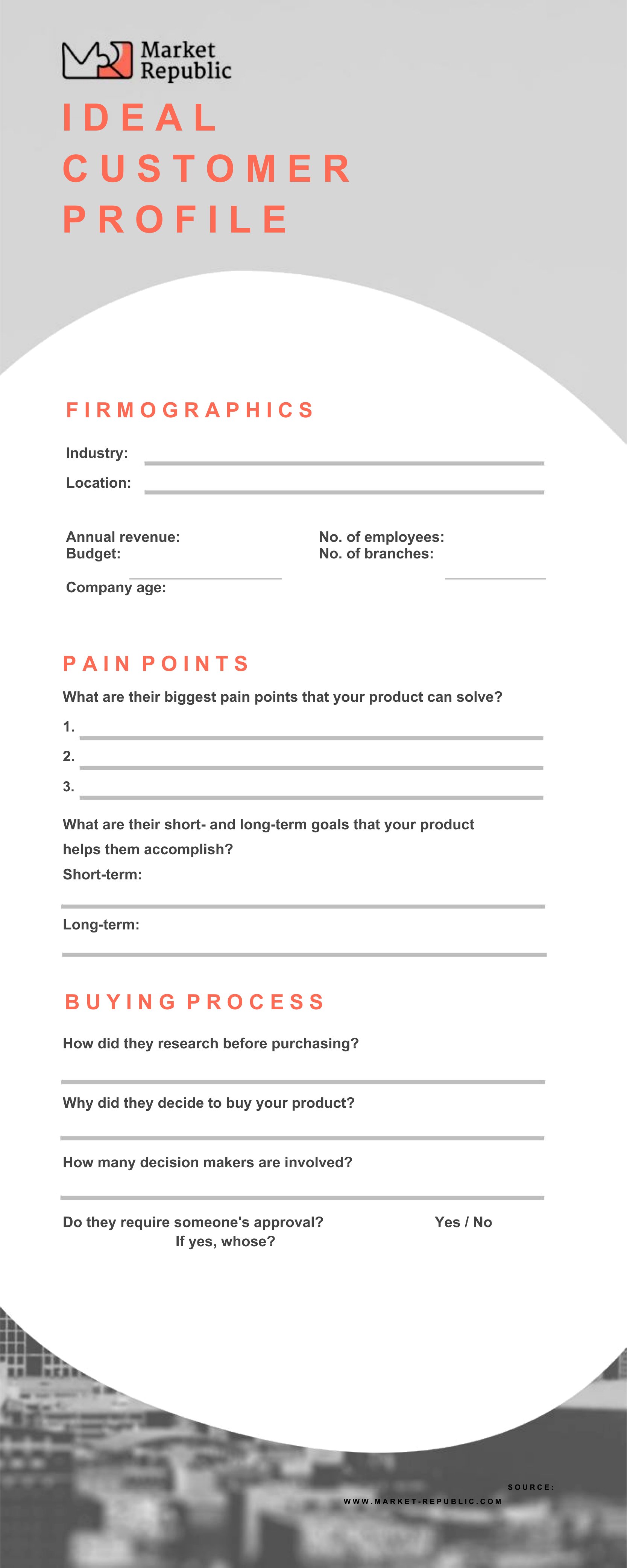
How detailed should I make the ‘pain points’ section in a customer profile?
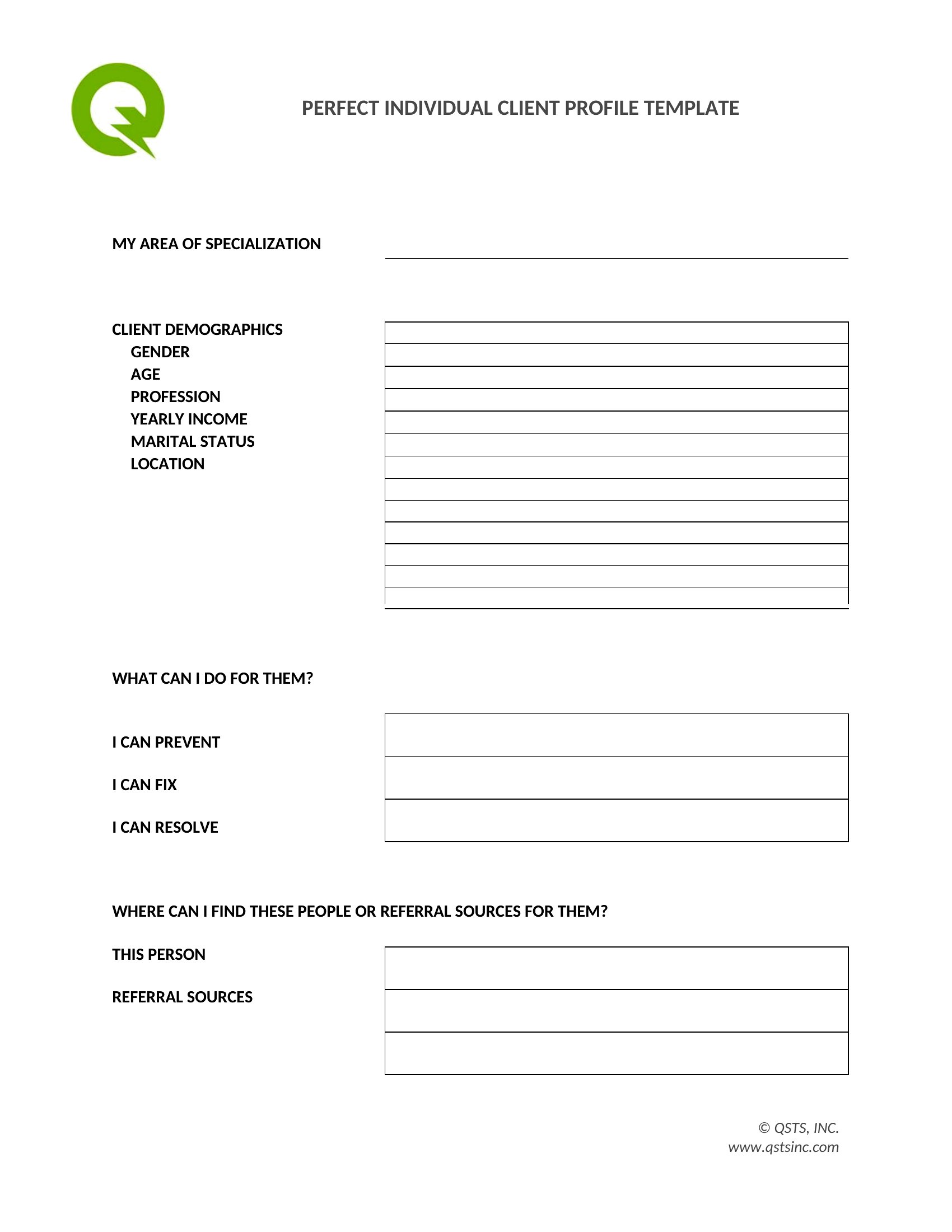
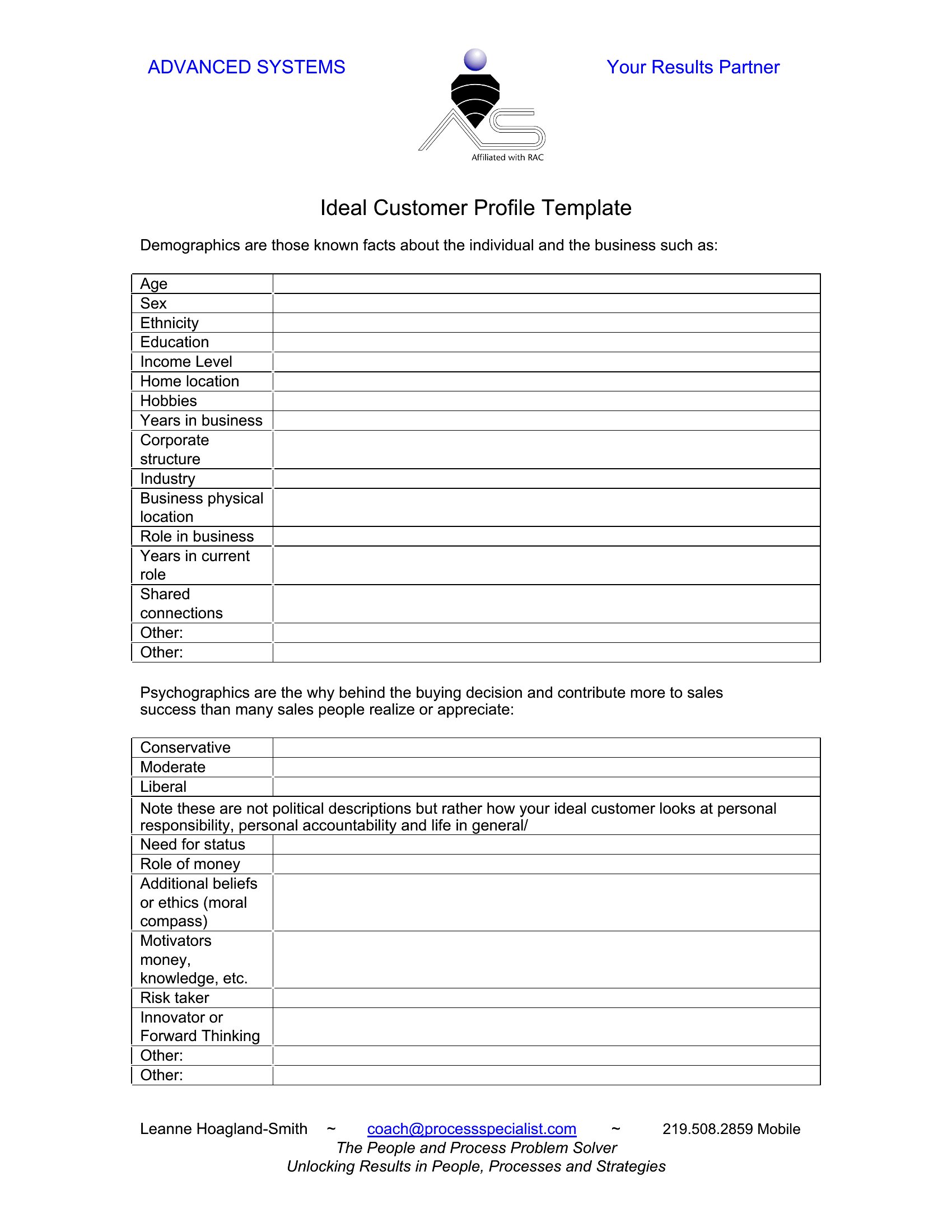
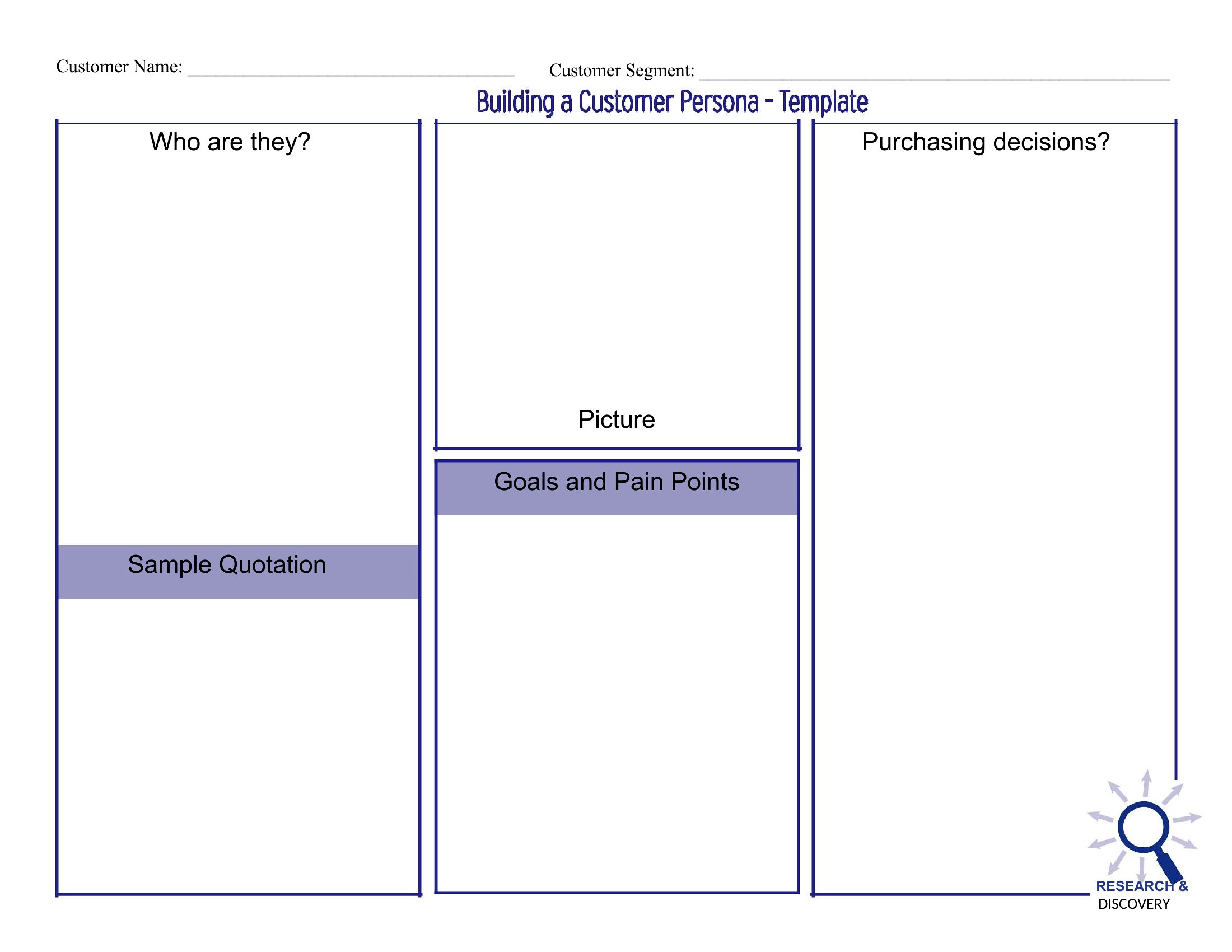
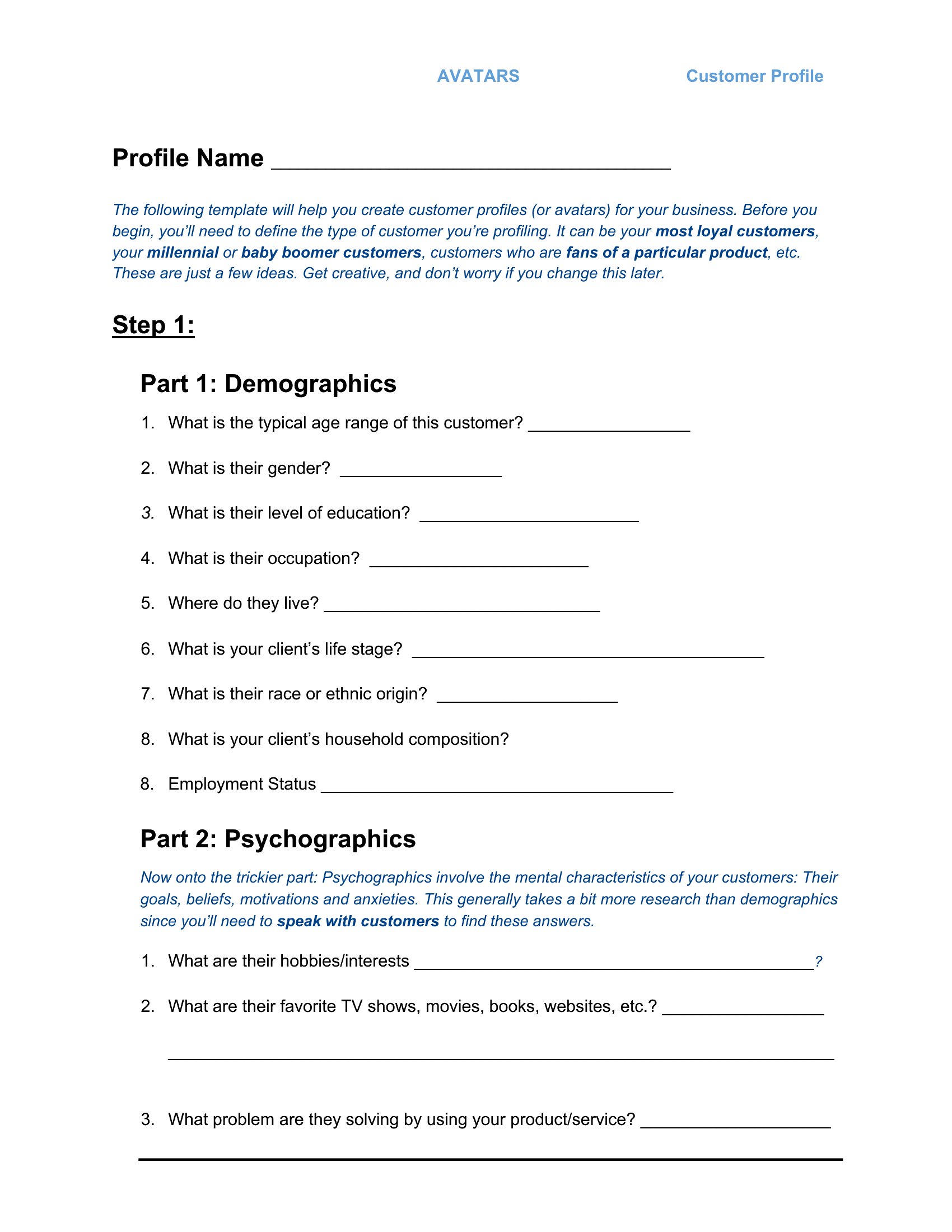
Focus on specific, actionable challenges tied to your product or service. For example, a SaaS company might note ‘struggles with manual data entry’ instead of vague frustration. Include quotes from customer interviews or support tickets to make it relatable for your team. Limit this section to 3–5 bullet points per profile to keep it scannable during strategy meetings.
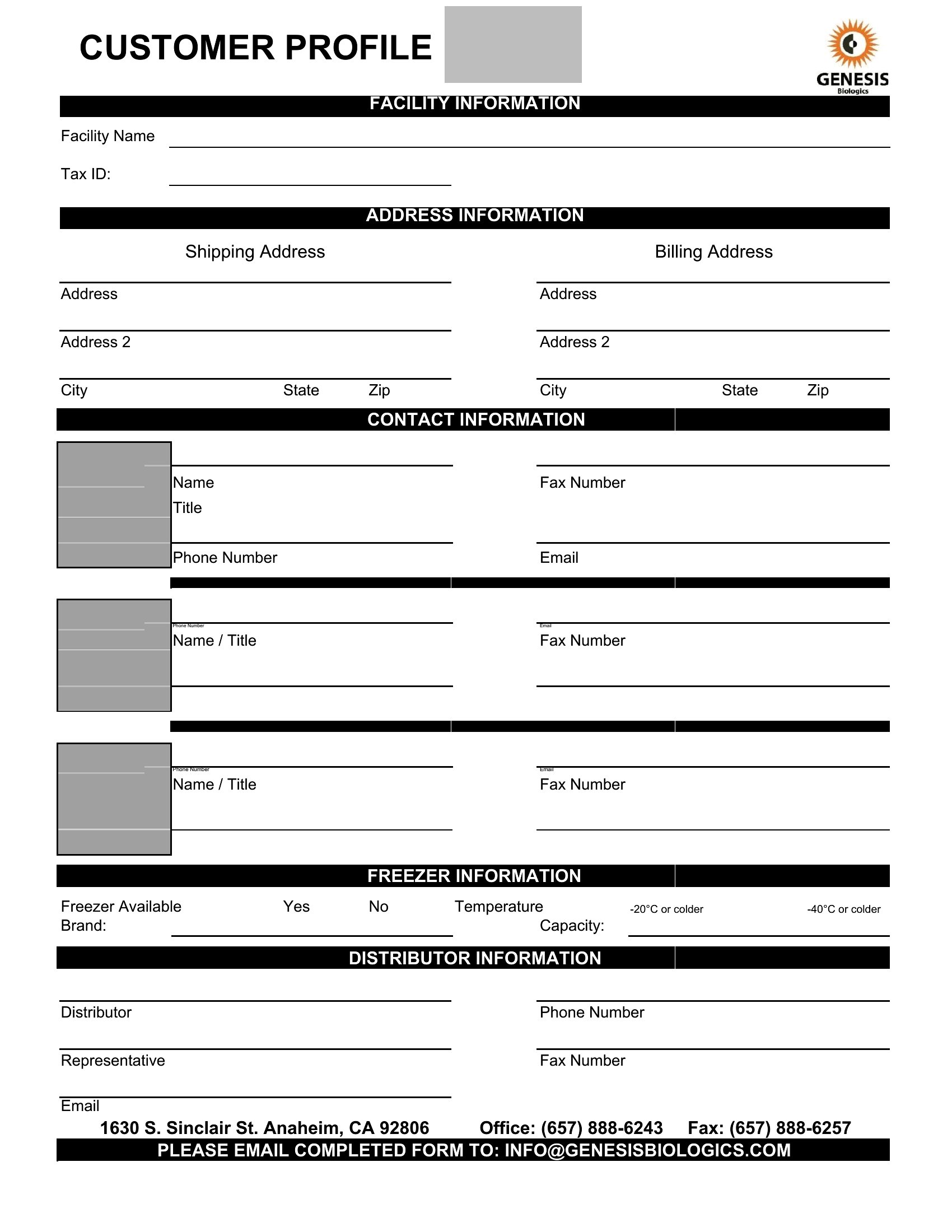
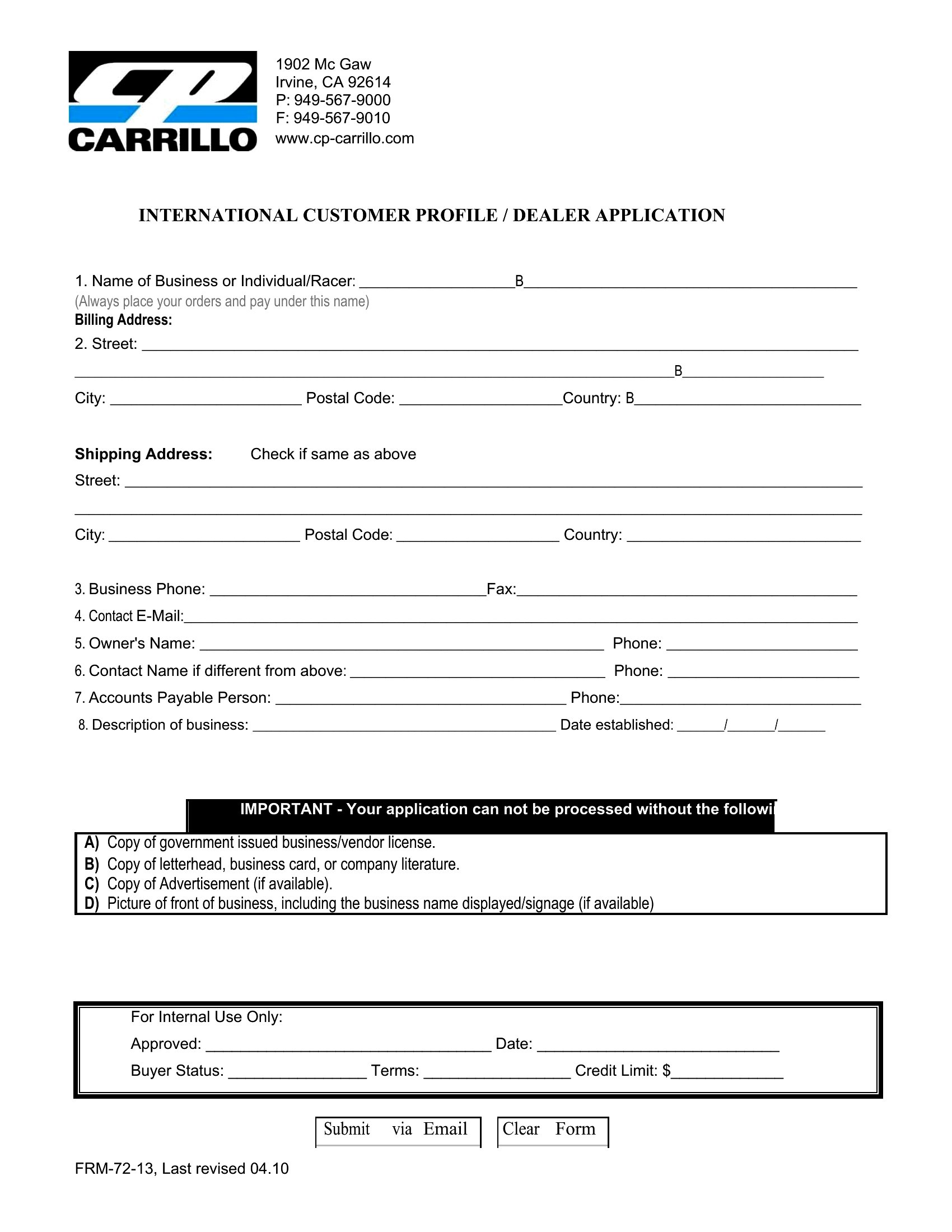
Can I use these templates to track anonymous website visitors or leads I haven’t contacted yet?
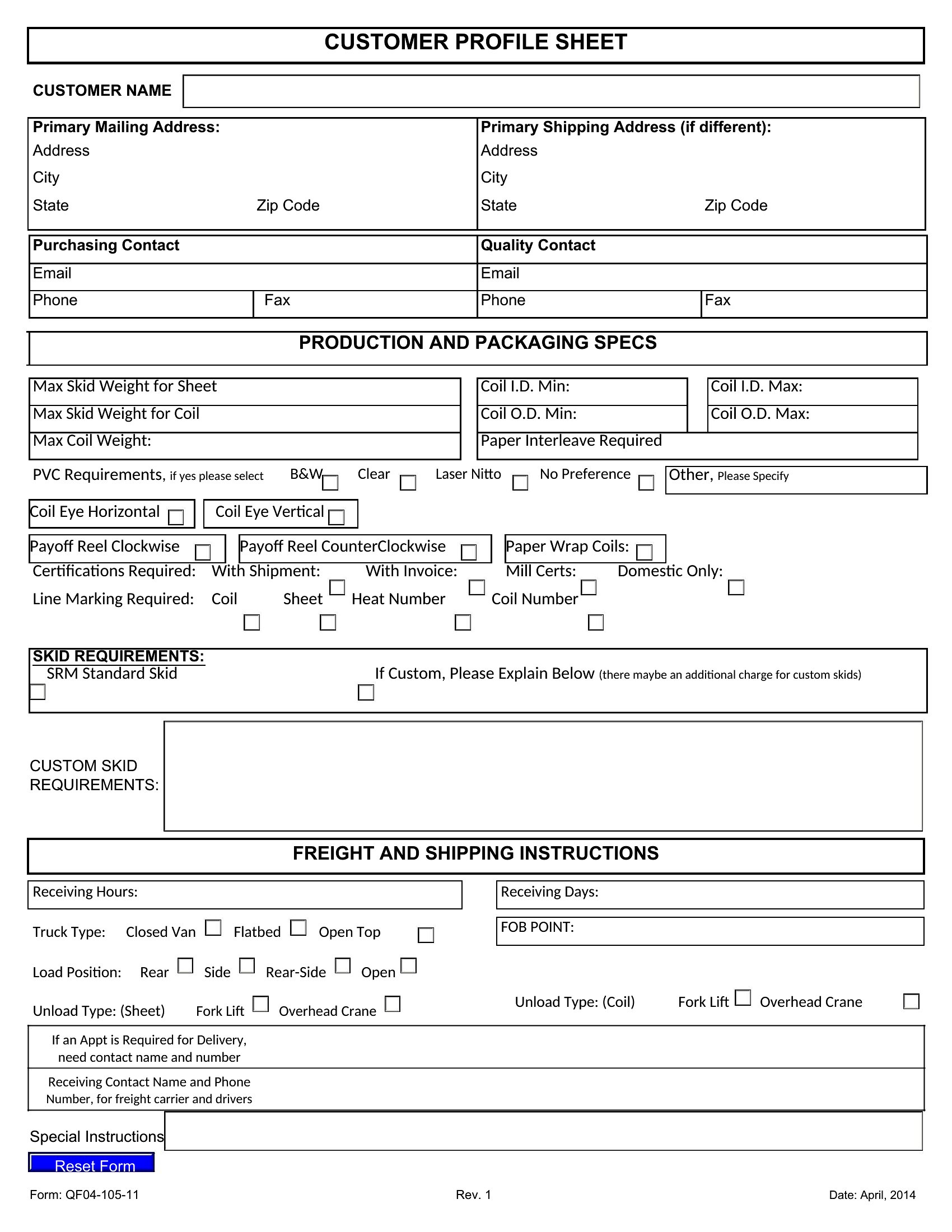
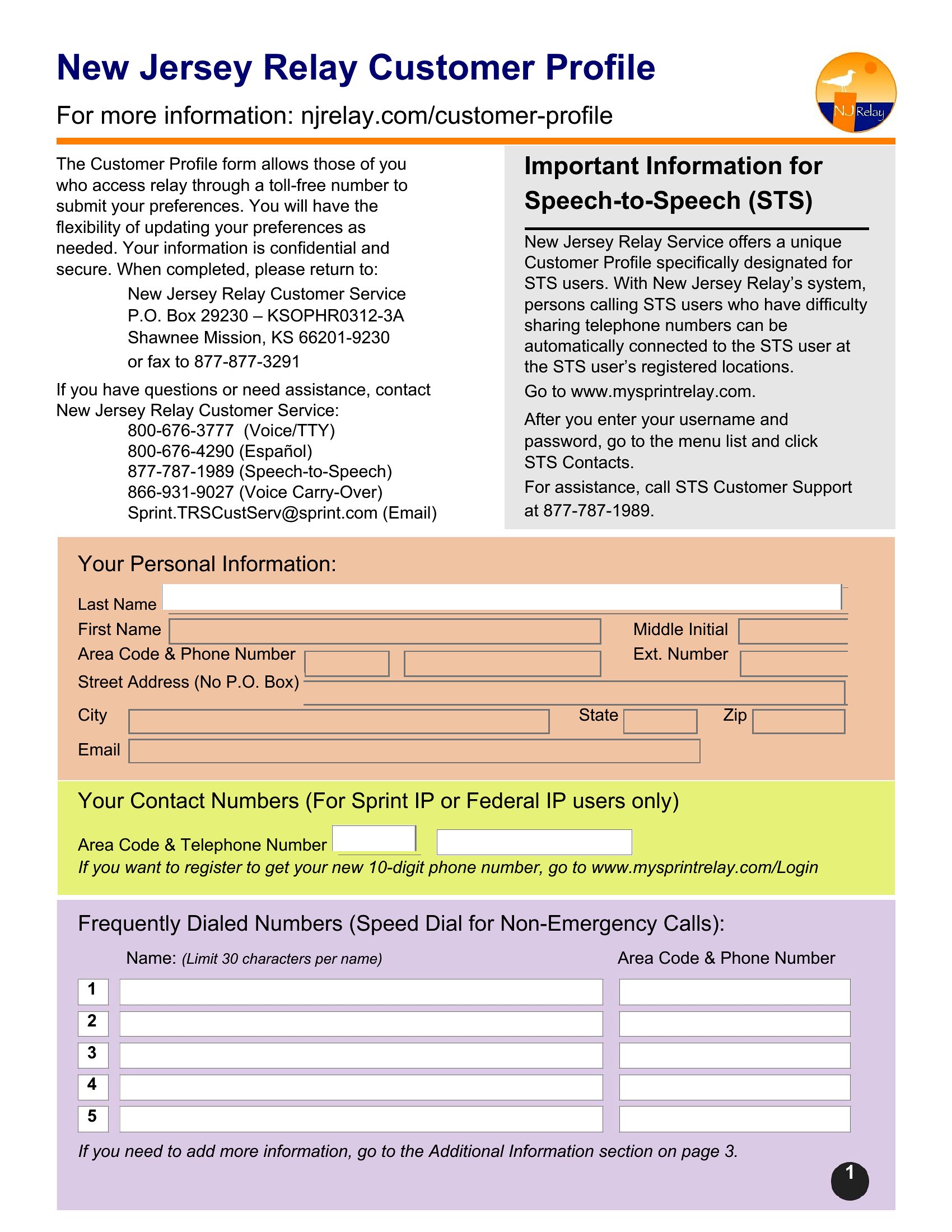
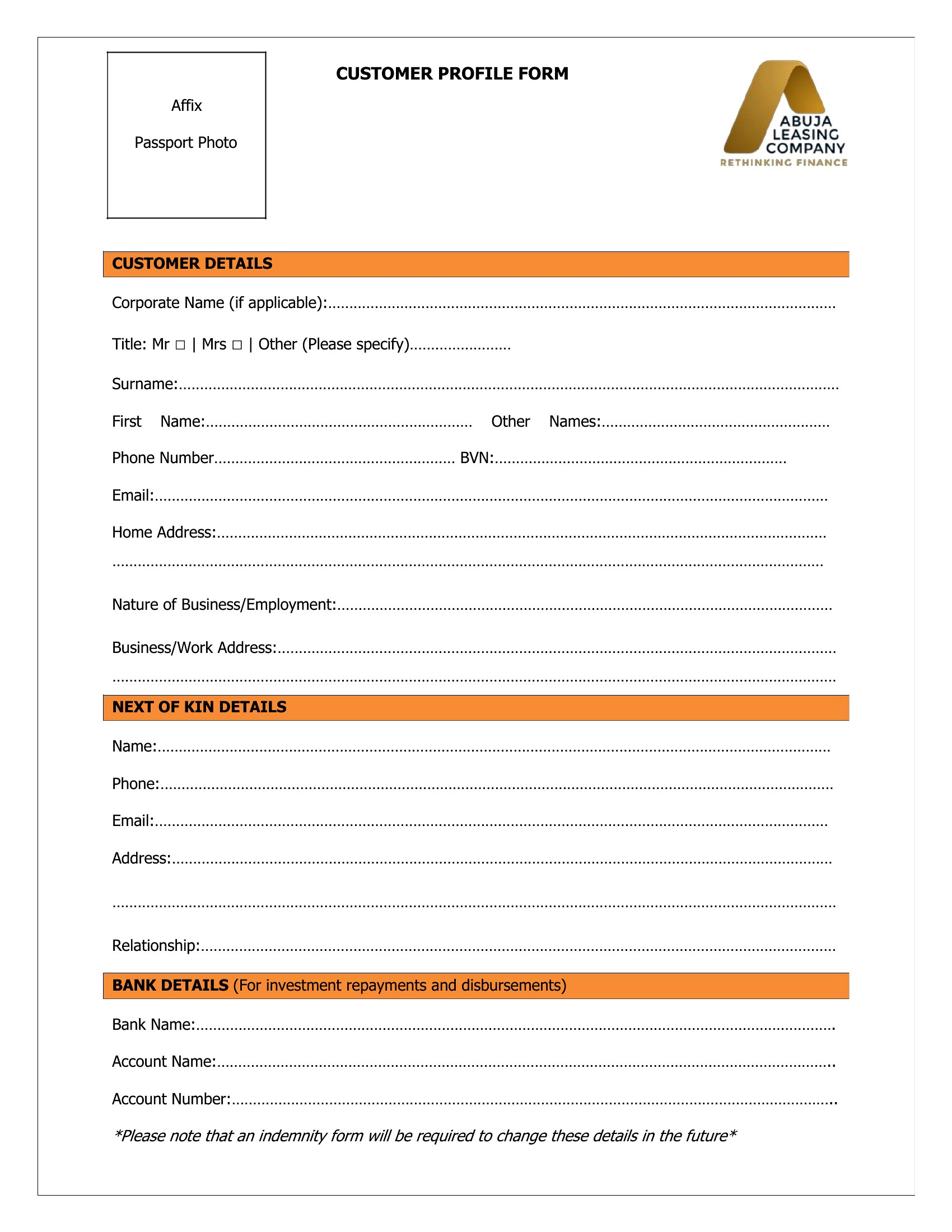
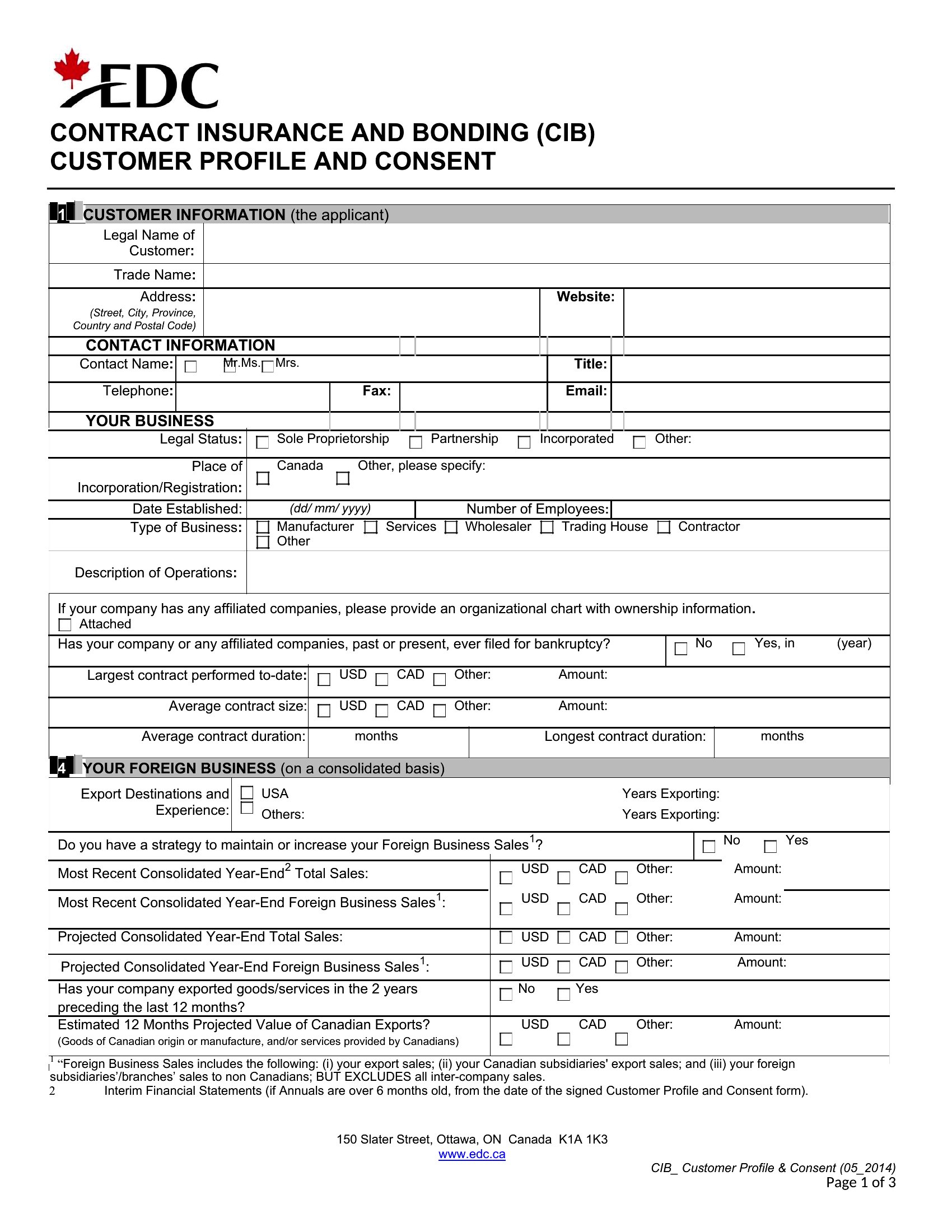
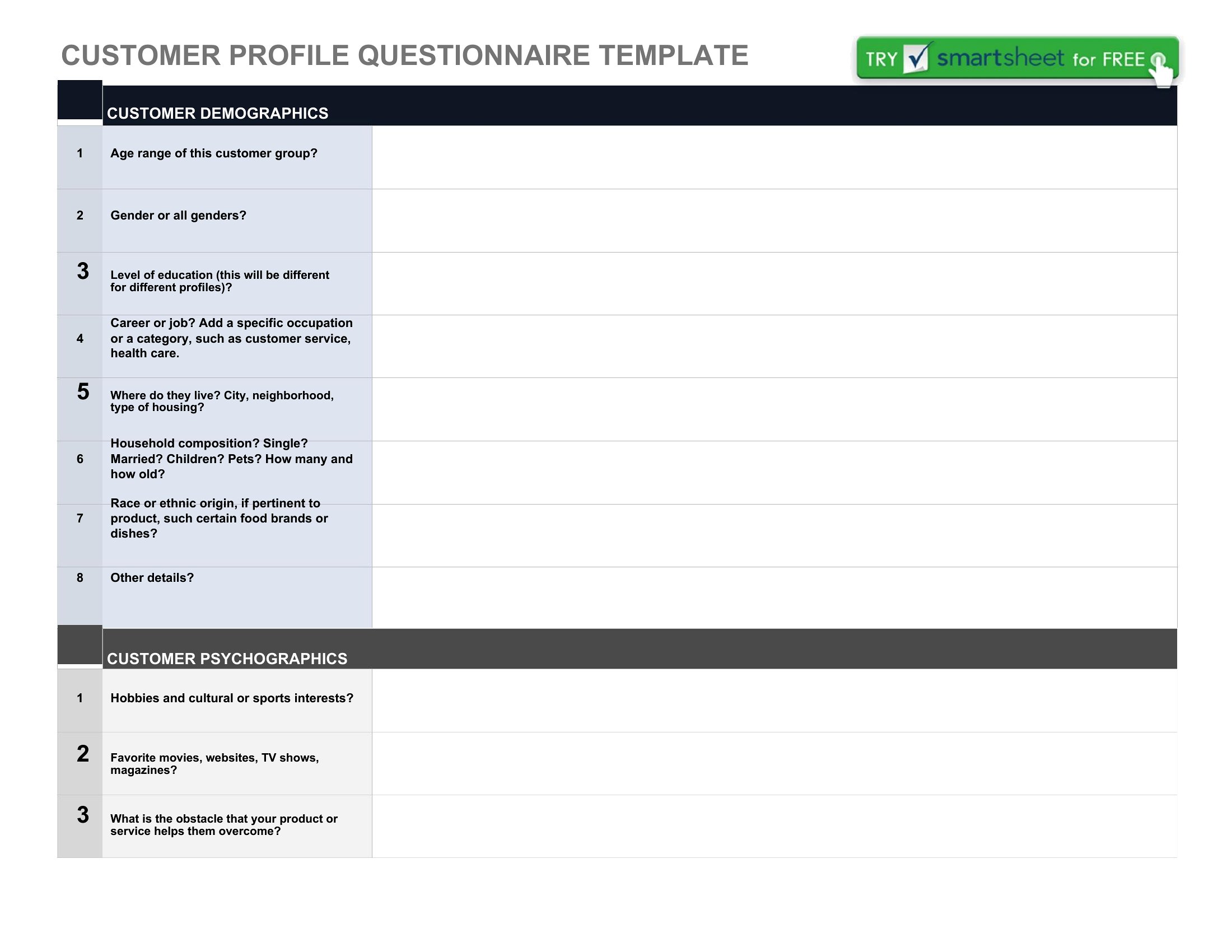
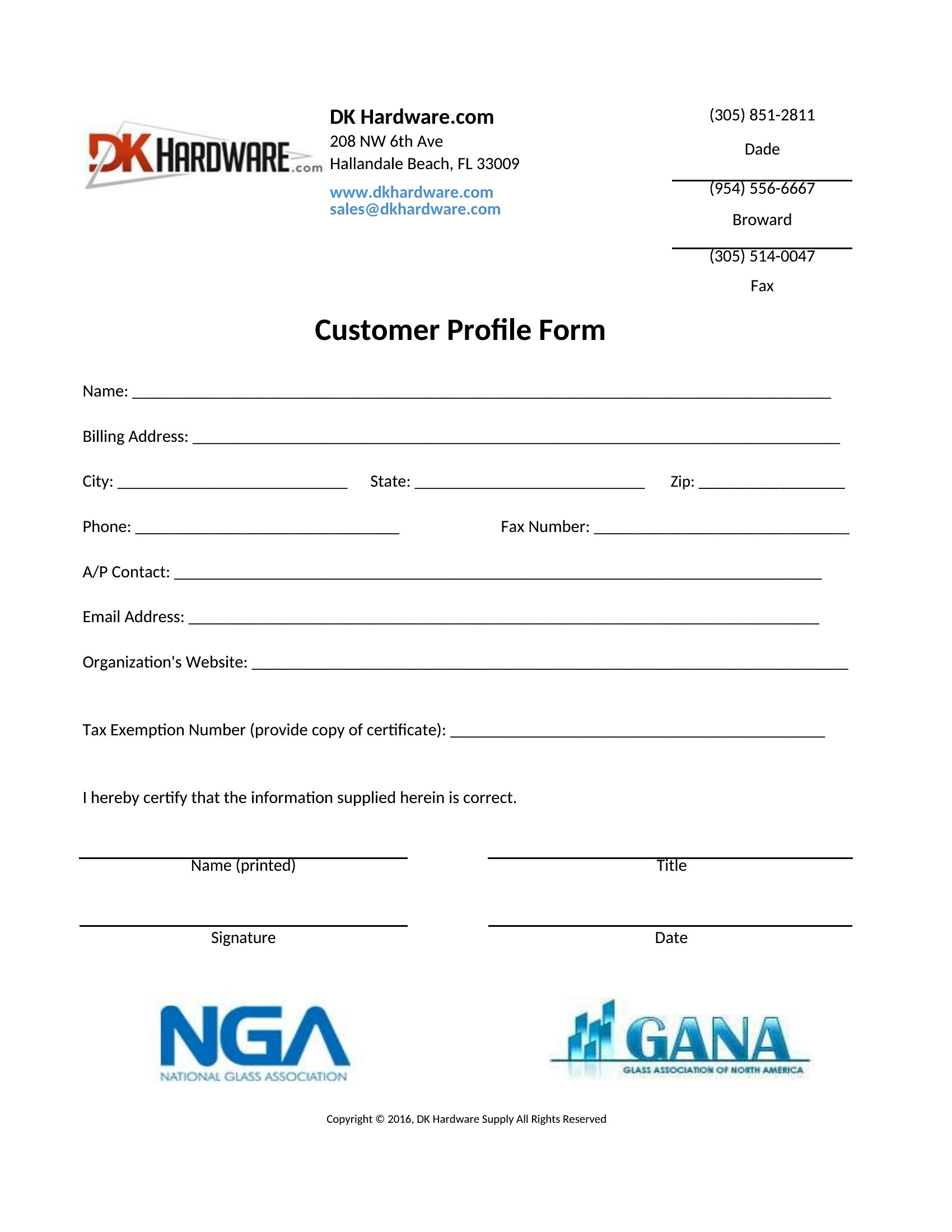
Yes, but adapt the fields to capture what you *can* observe—like browsing behavior, downloaded content, or form submissions. Add a ‘source’ field (e.g., ‘LinkedIn ad click’) and leave contact details blank until outreach begins. These templates work best for known leads, but you can repurpose them for anonymous tracking by renaming sections like ‘Observed Needs’ instead of ‘Verbalized Goals.’
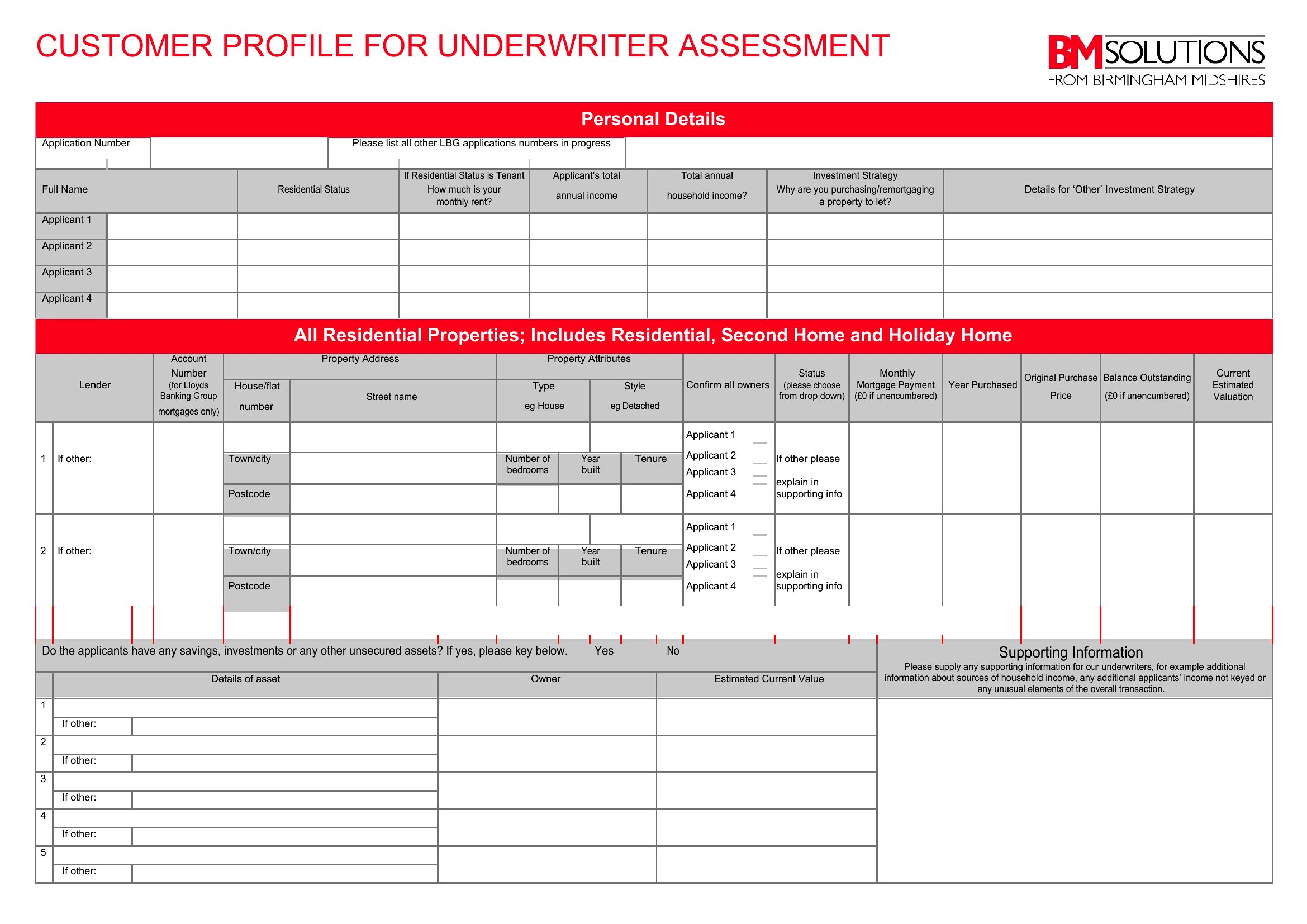
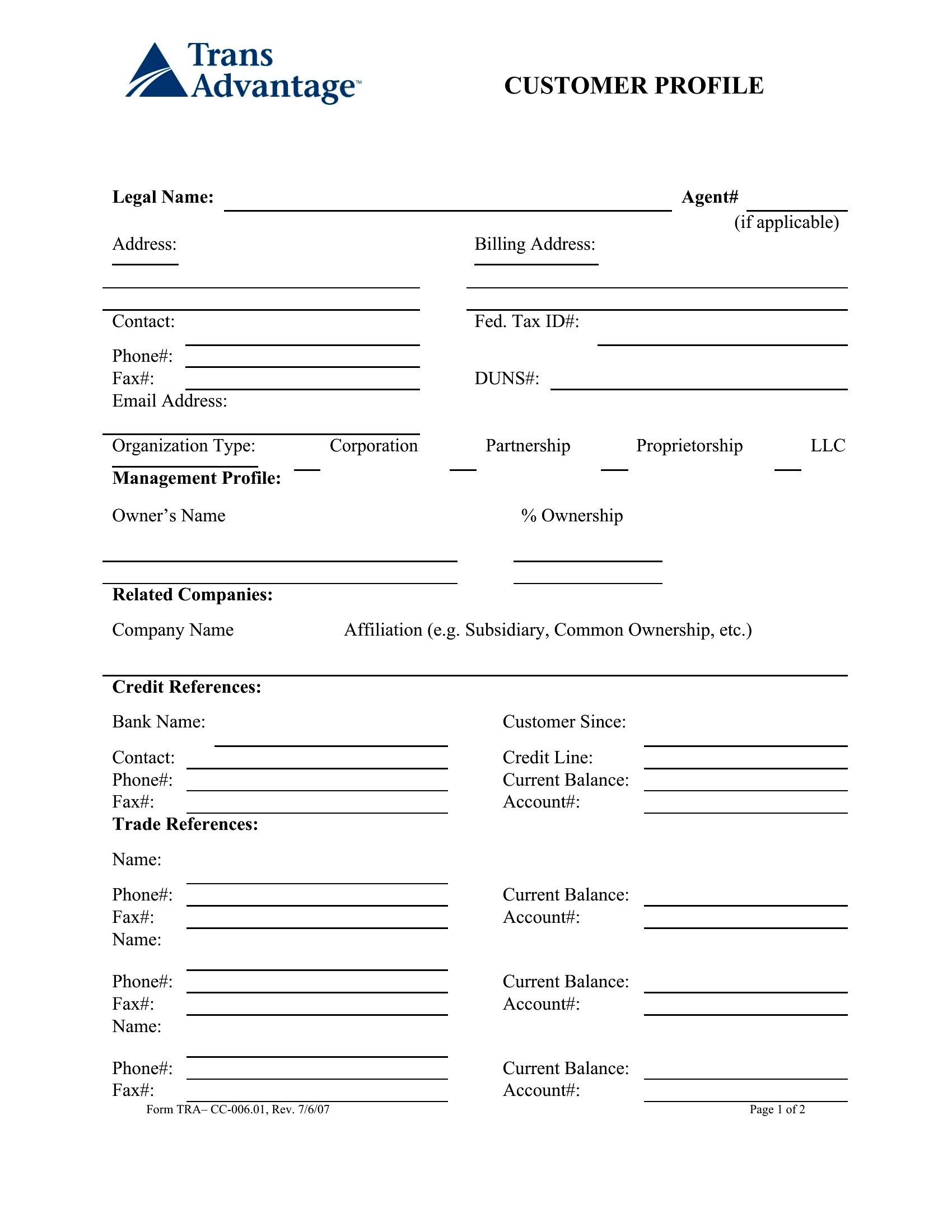
What’s the best way to organize profiles for customers with multiple decision-makers (e.g., a family-owned business)?
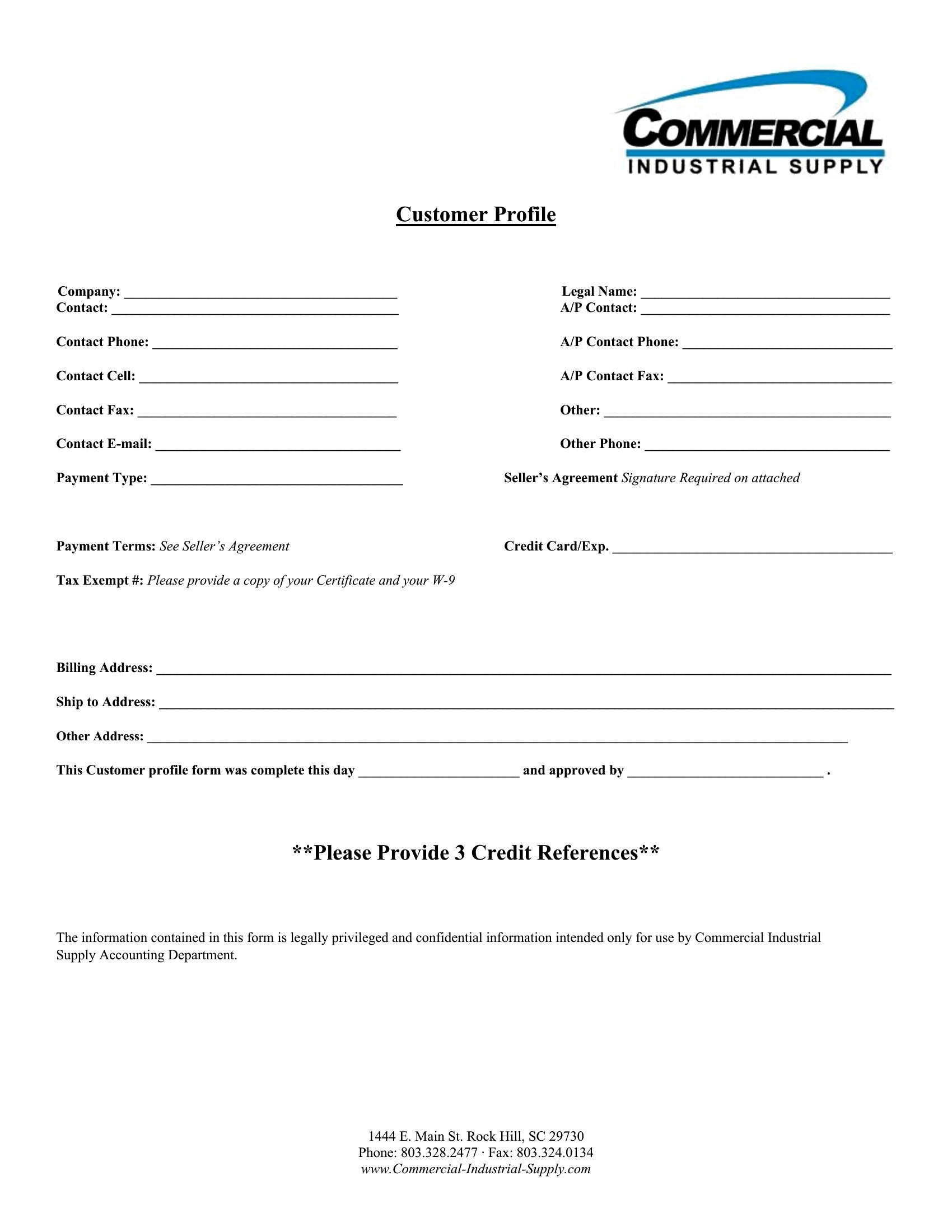
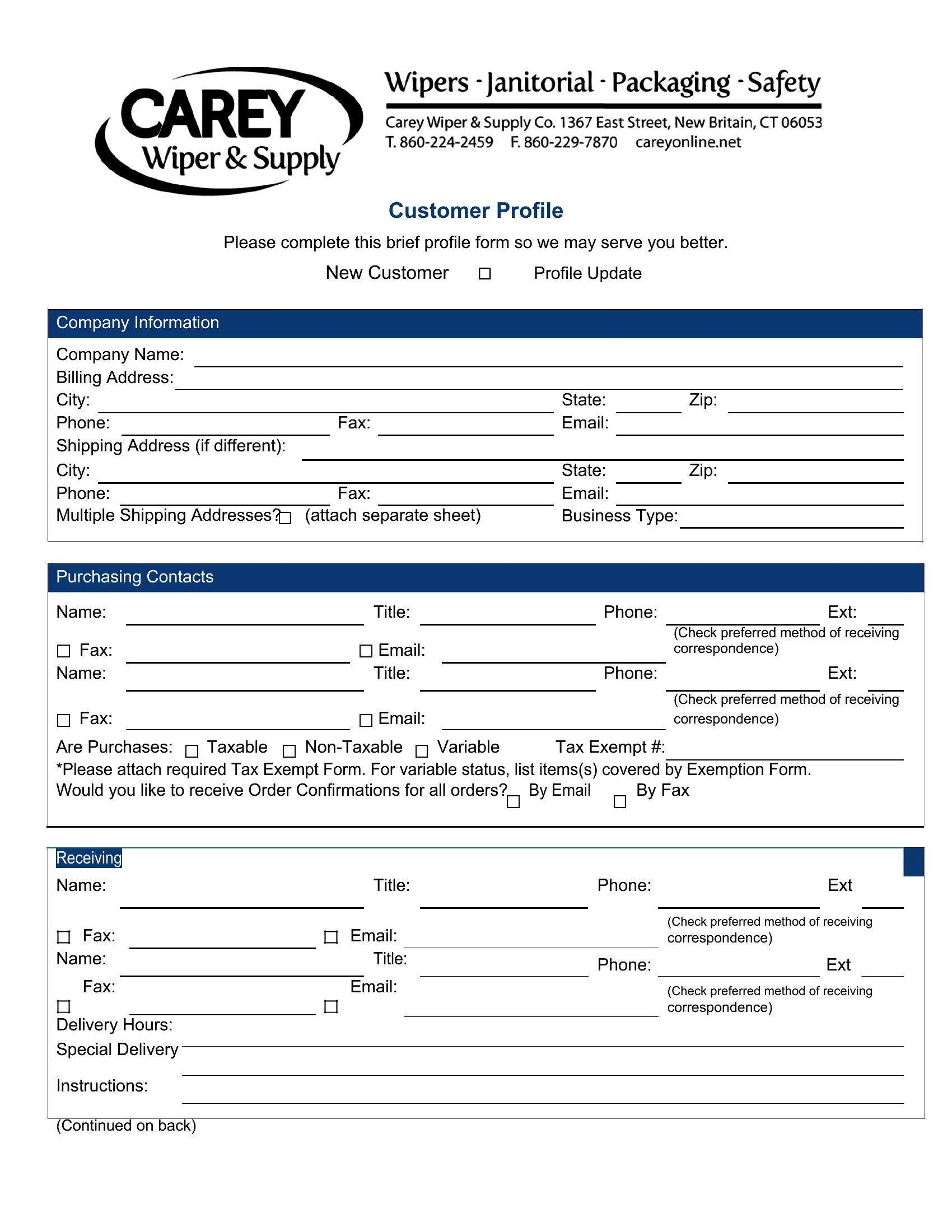
Create a master profile for the account with high-level details, then link to individual Word documents for each decision-maker using tabs or a shared folder. Label each sub-profile clearly (e.g., ‘[Account Name] – Owner [Name]’). In the master, include a ‘Relationship Map’ table to show how each person influences the buying process, like ‘Owner approves budget; Manager handles daily operations.’
Comments
Join the conversation
Sign in to share your thoughts and leave a comment on this resource.