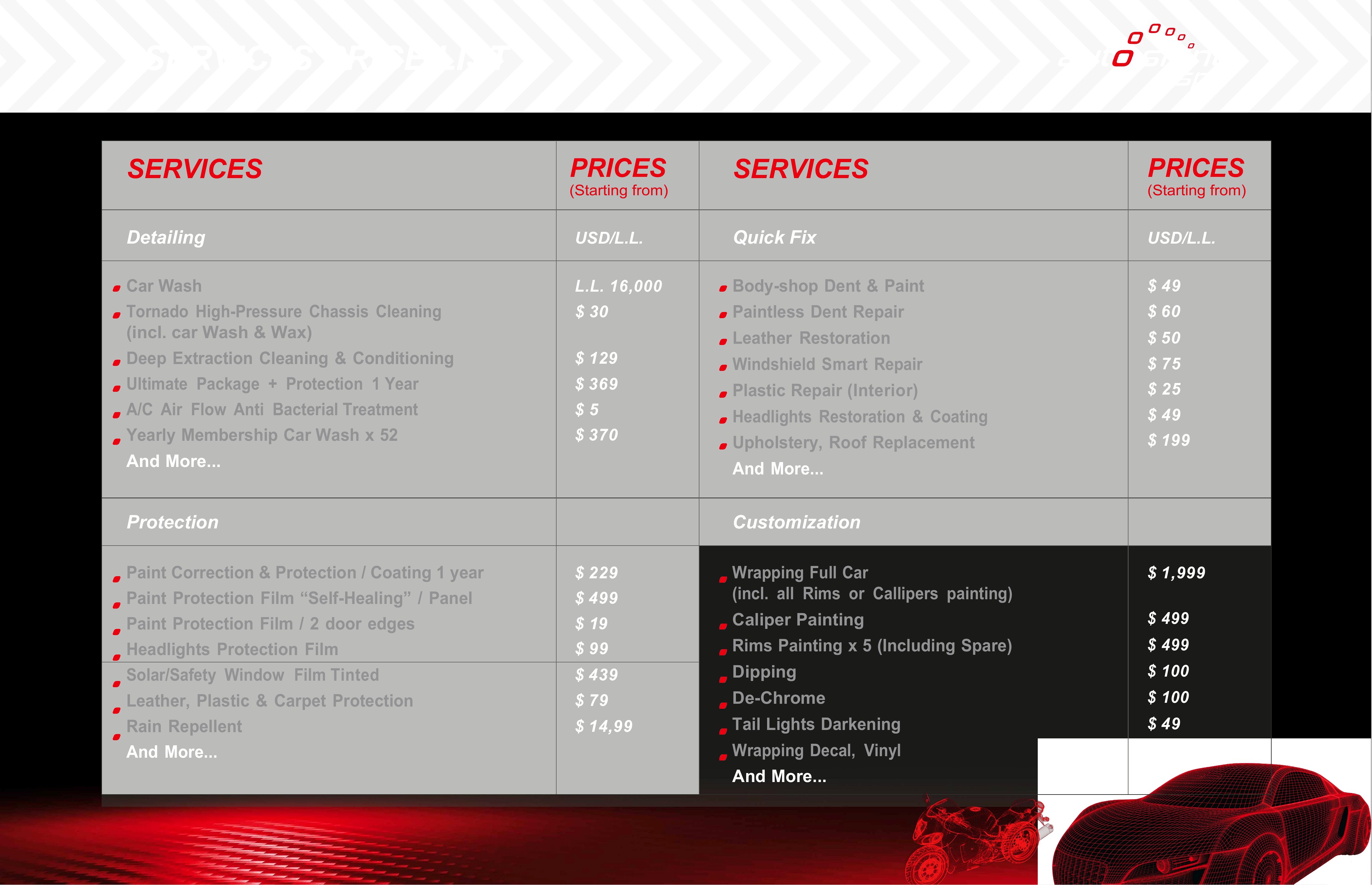

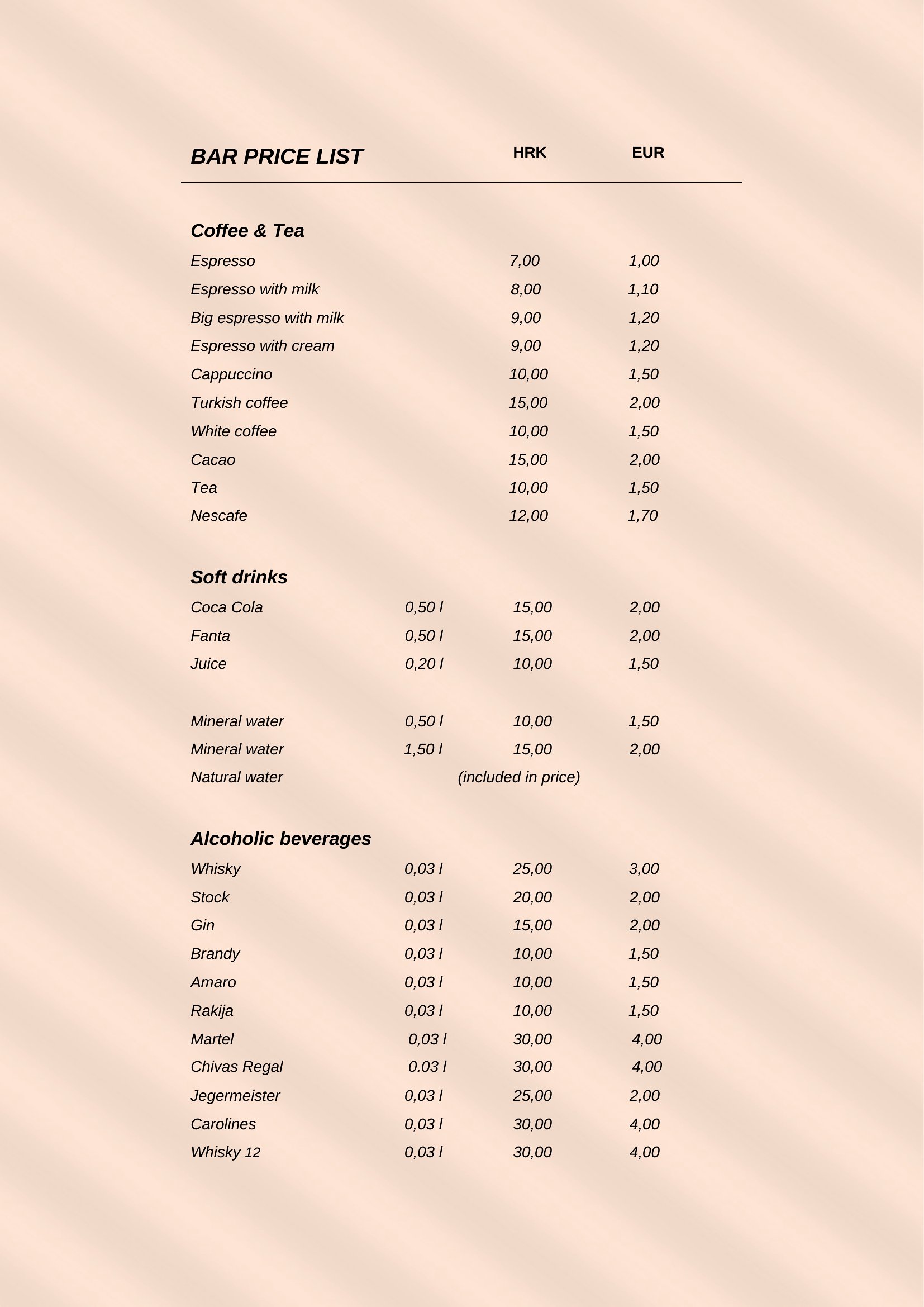
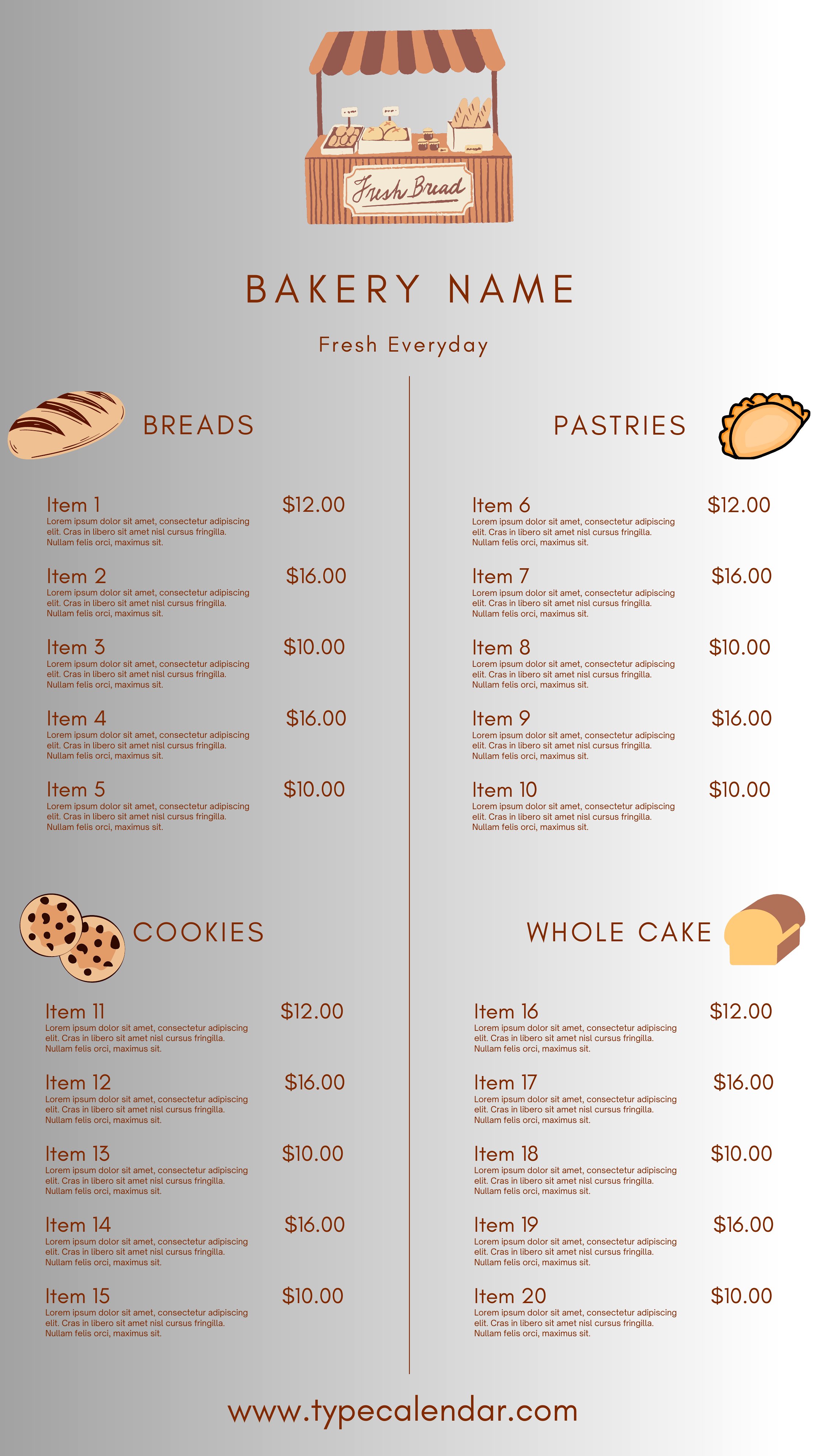
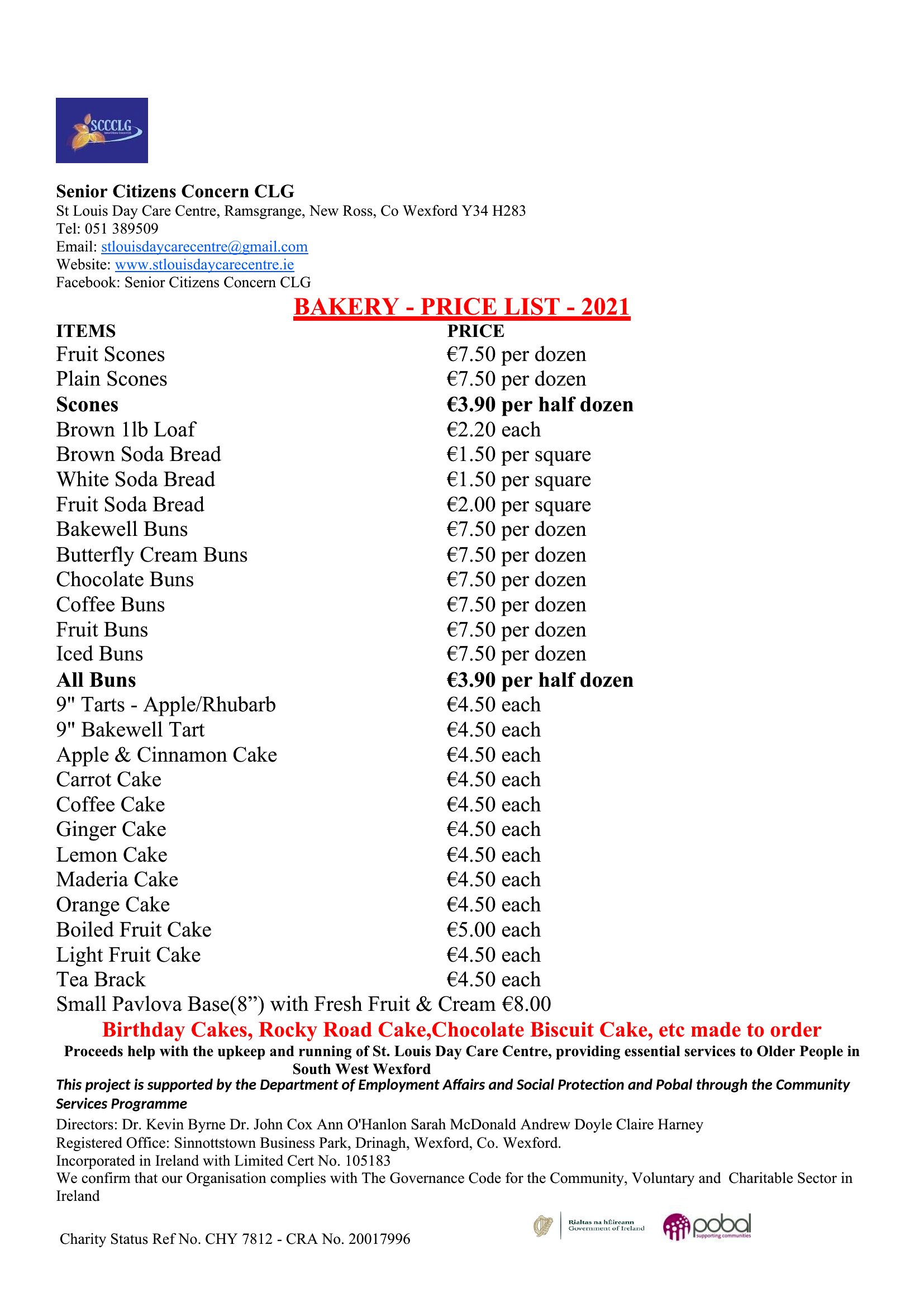



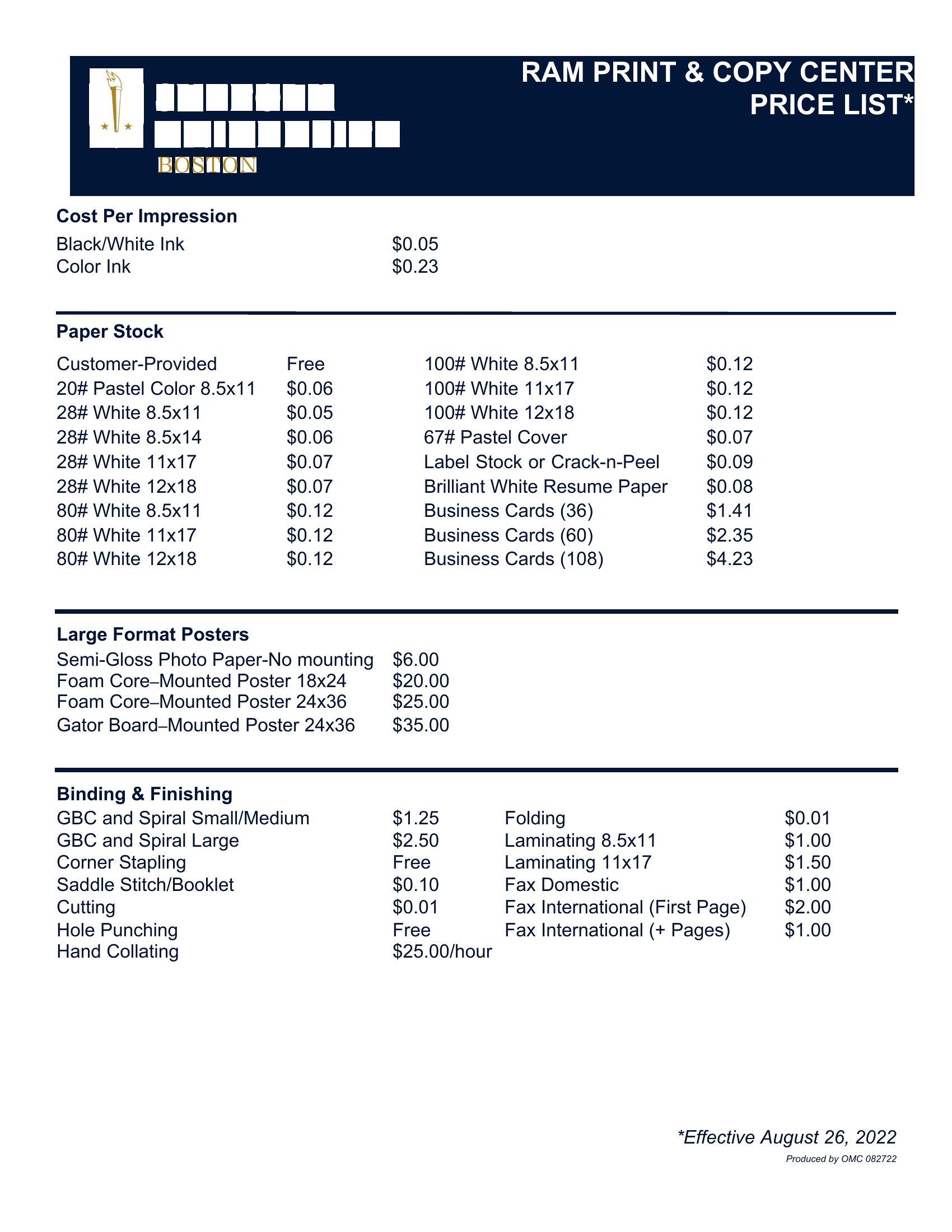
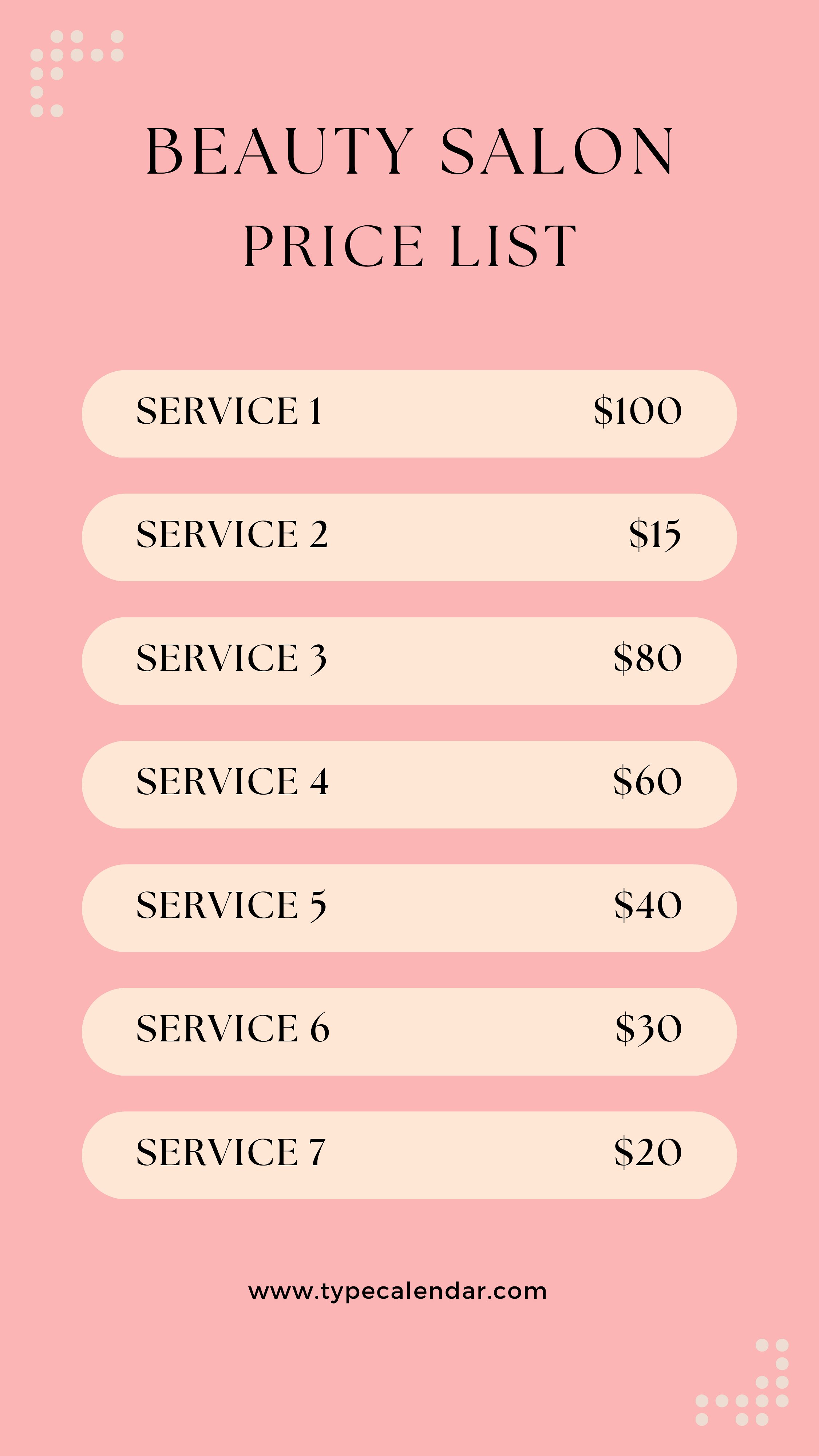
Free Price List Templates (Word, PDF)
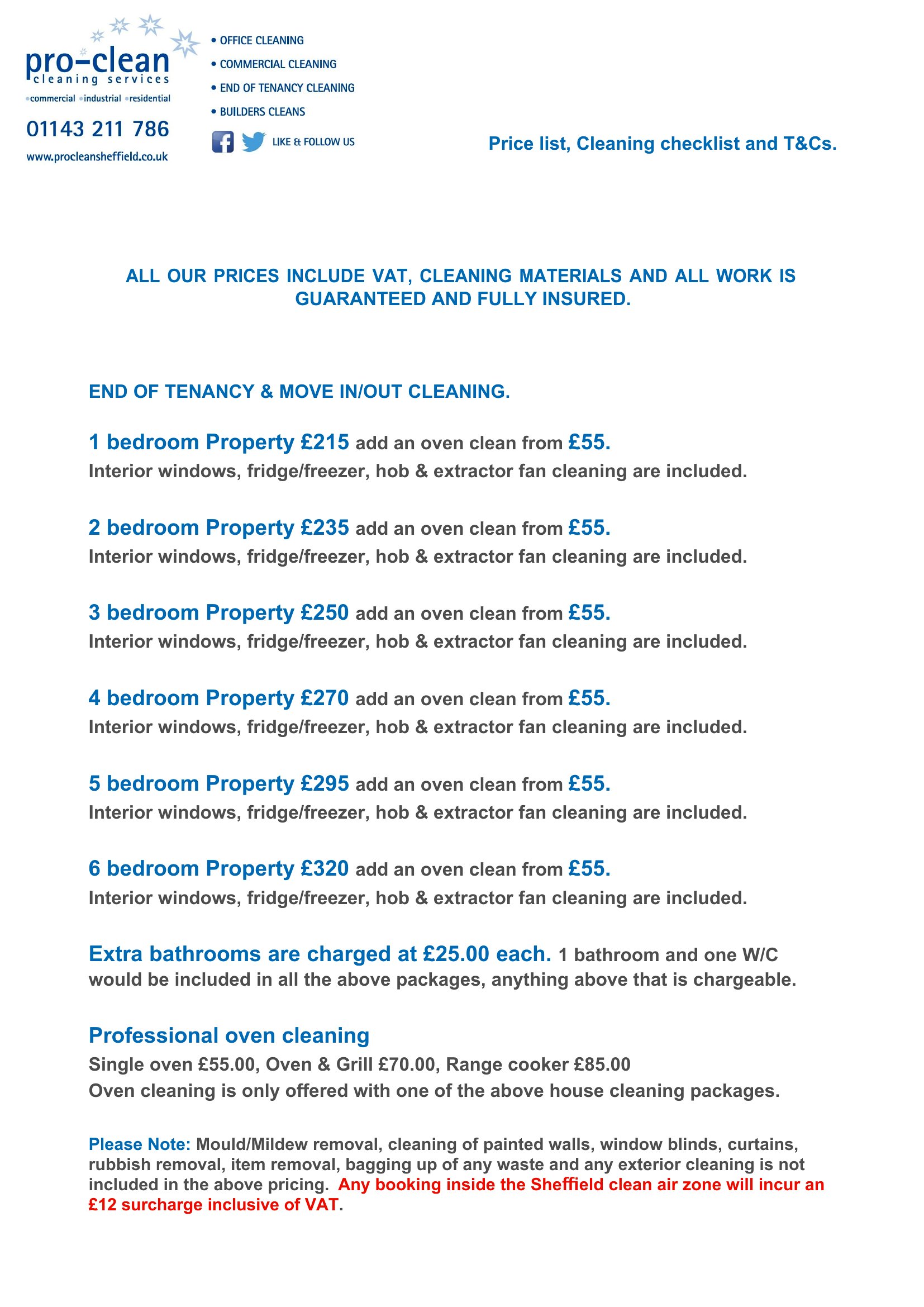
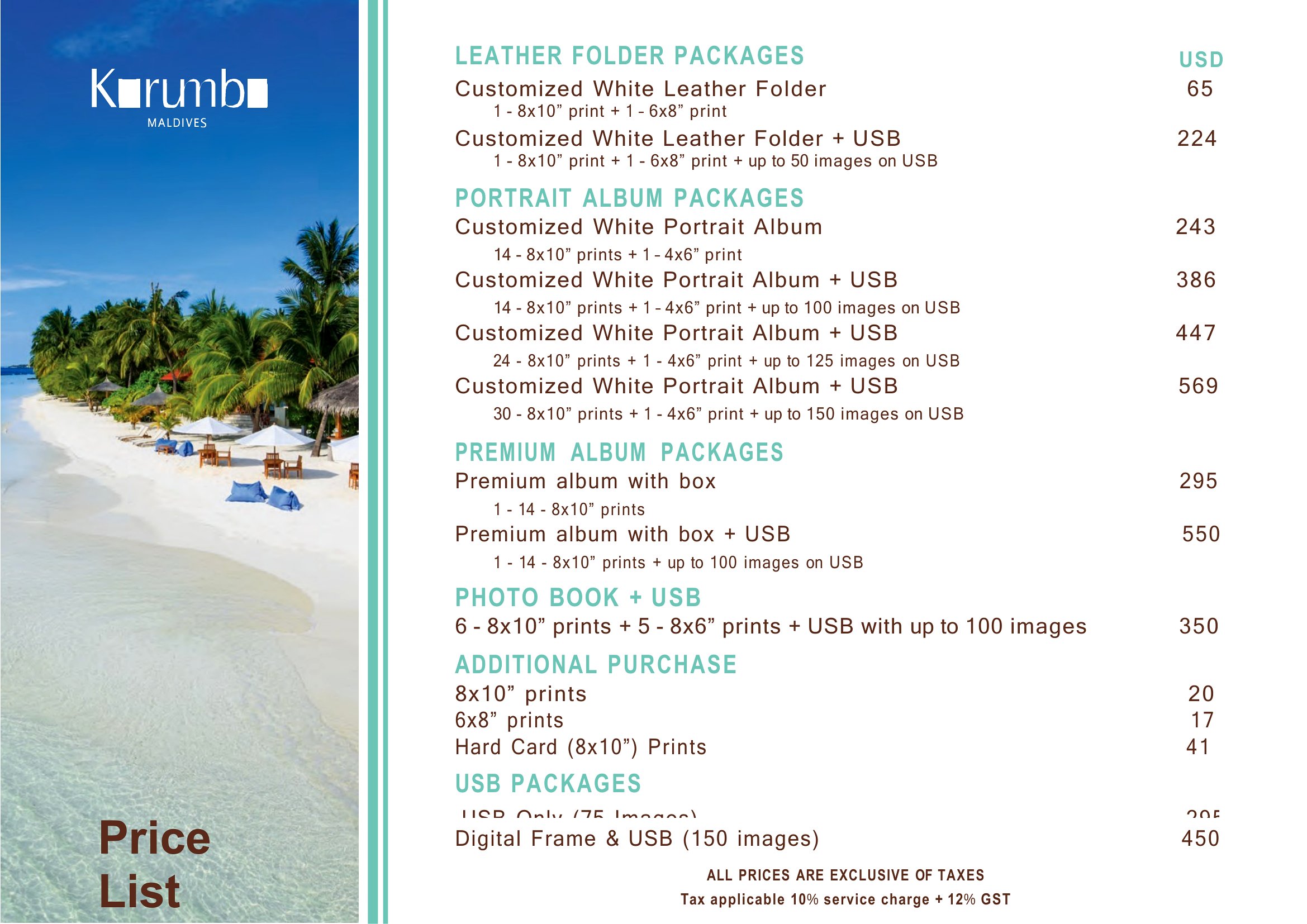
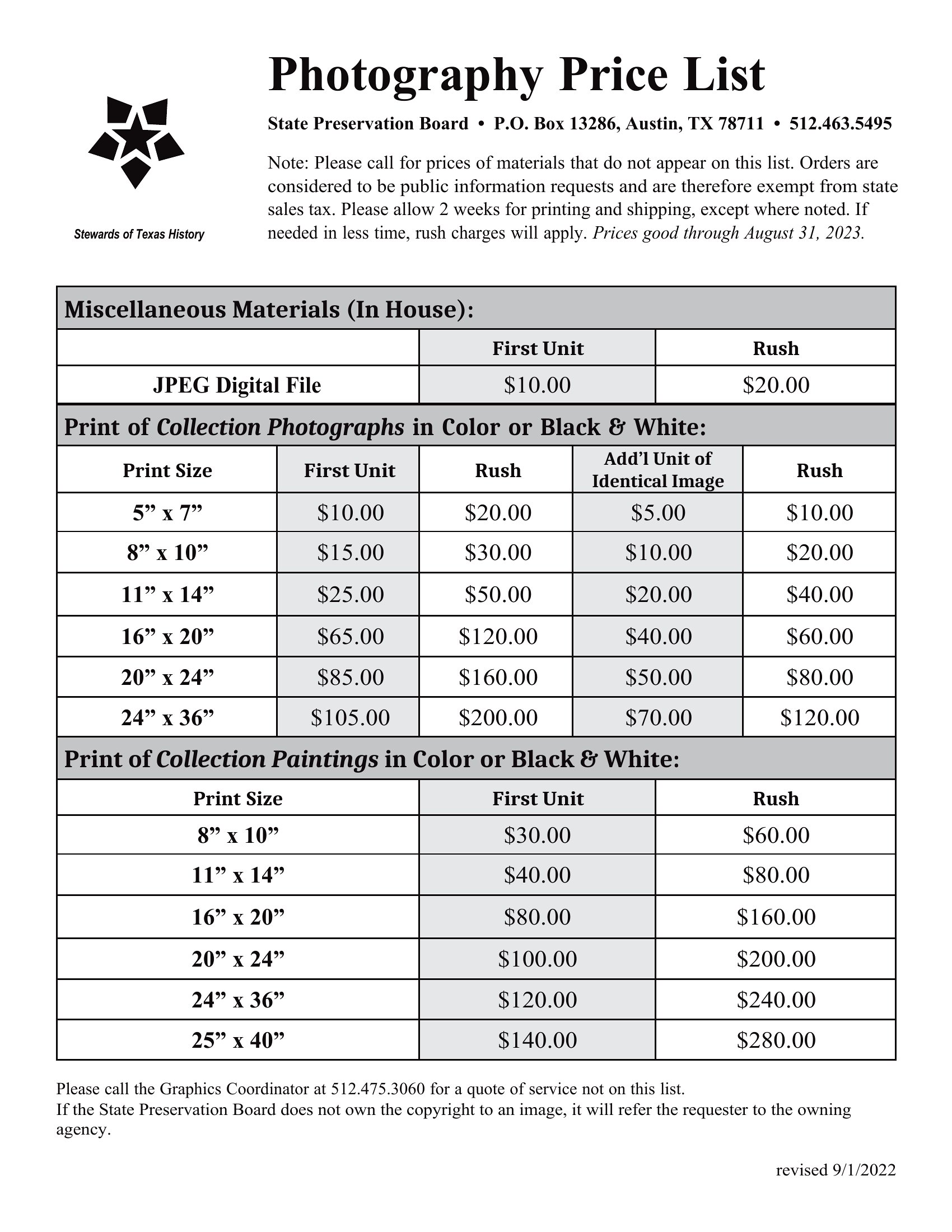
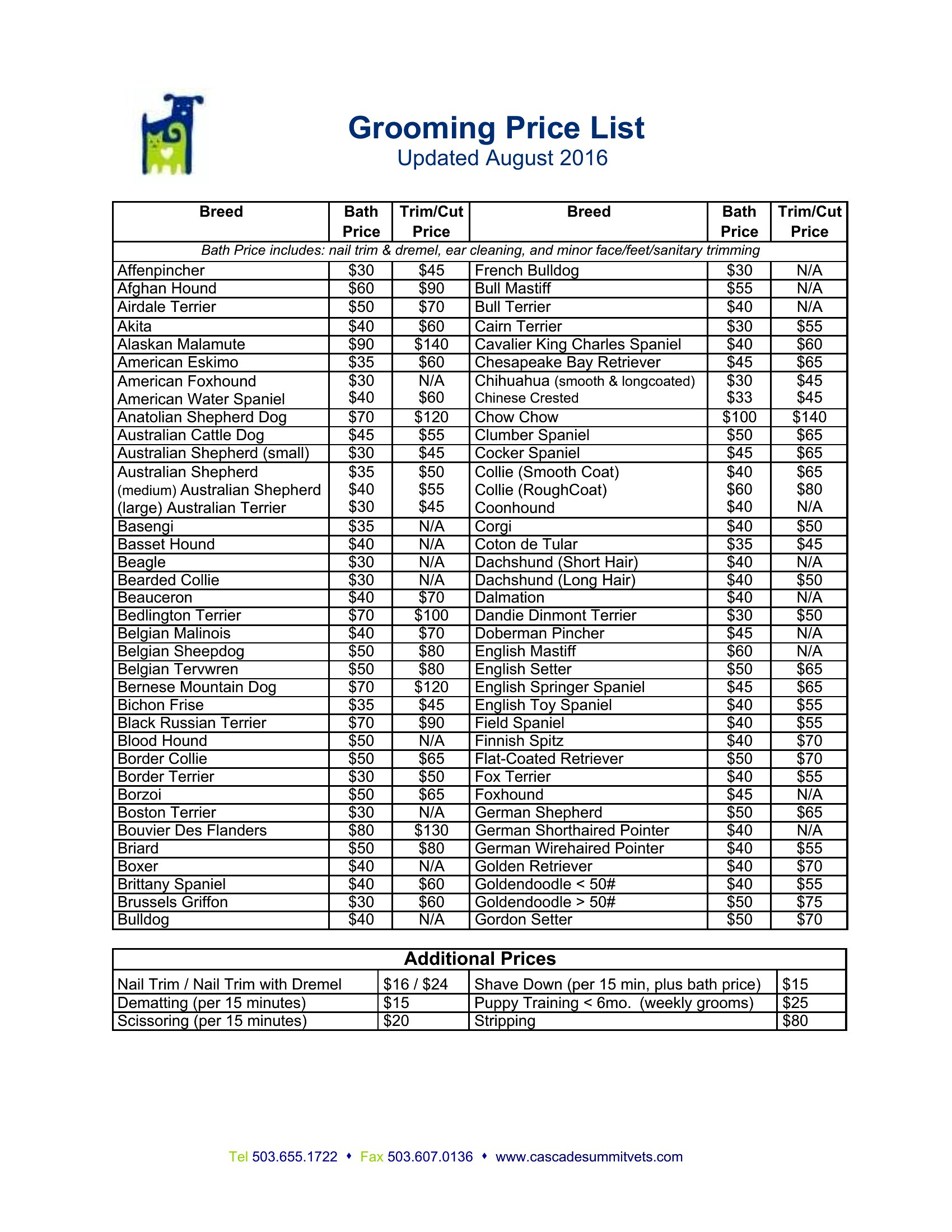
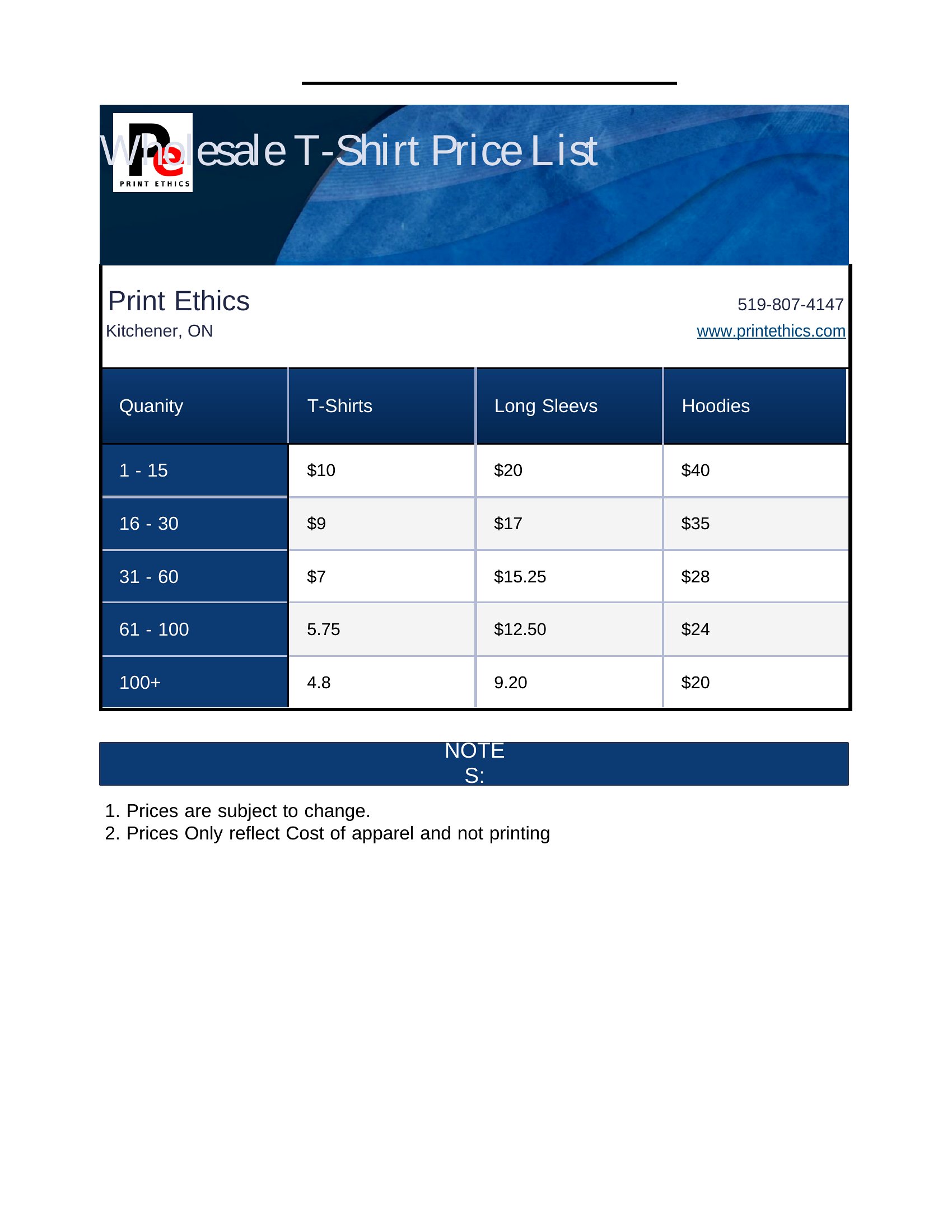
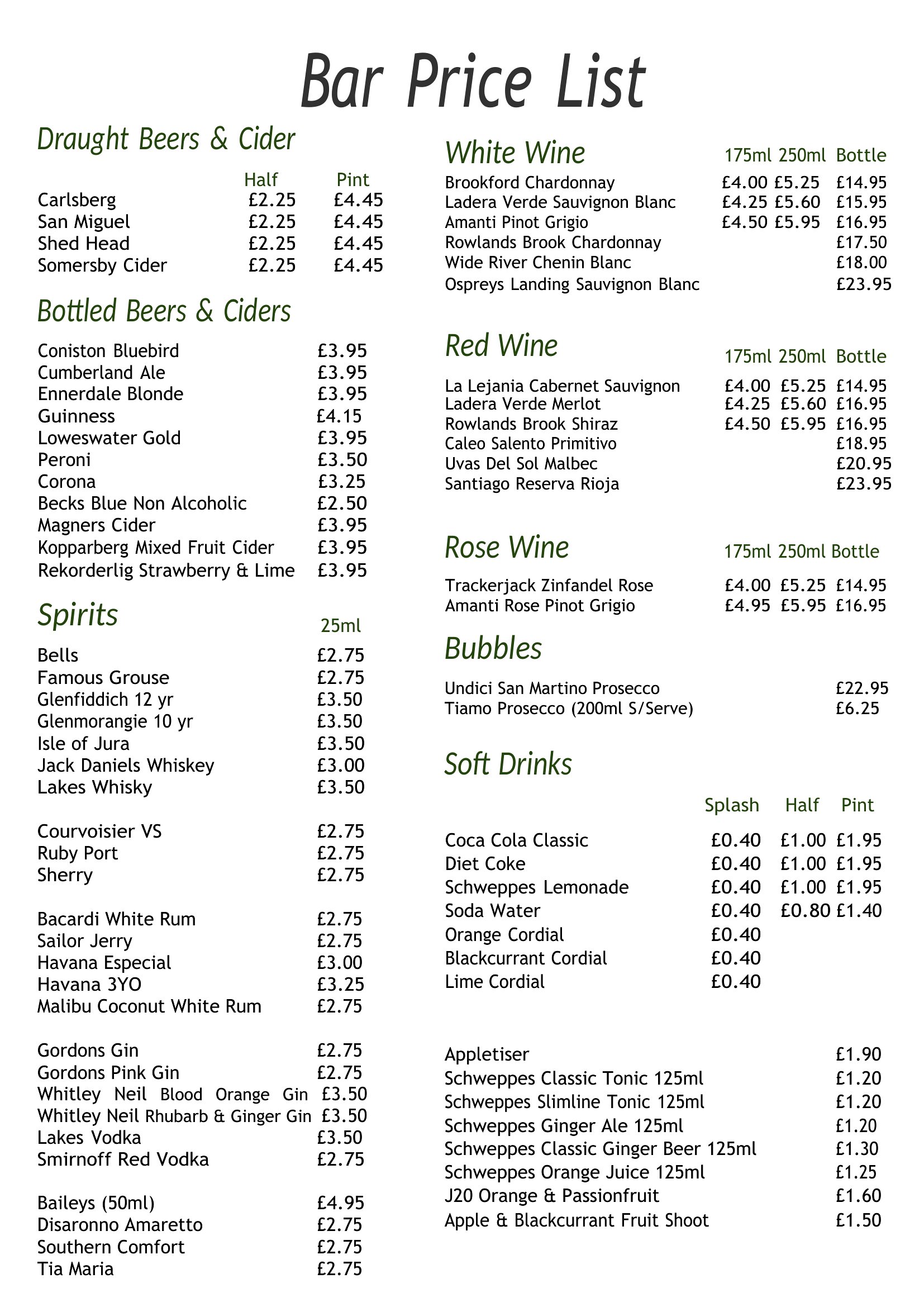
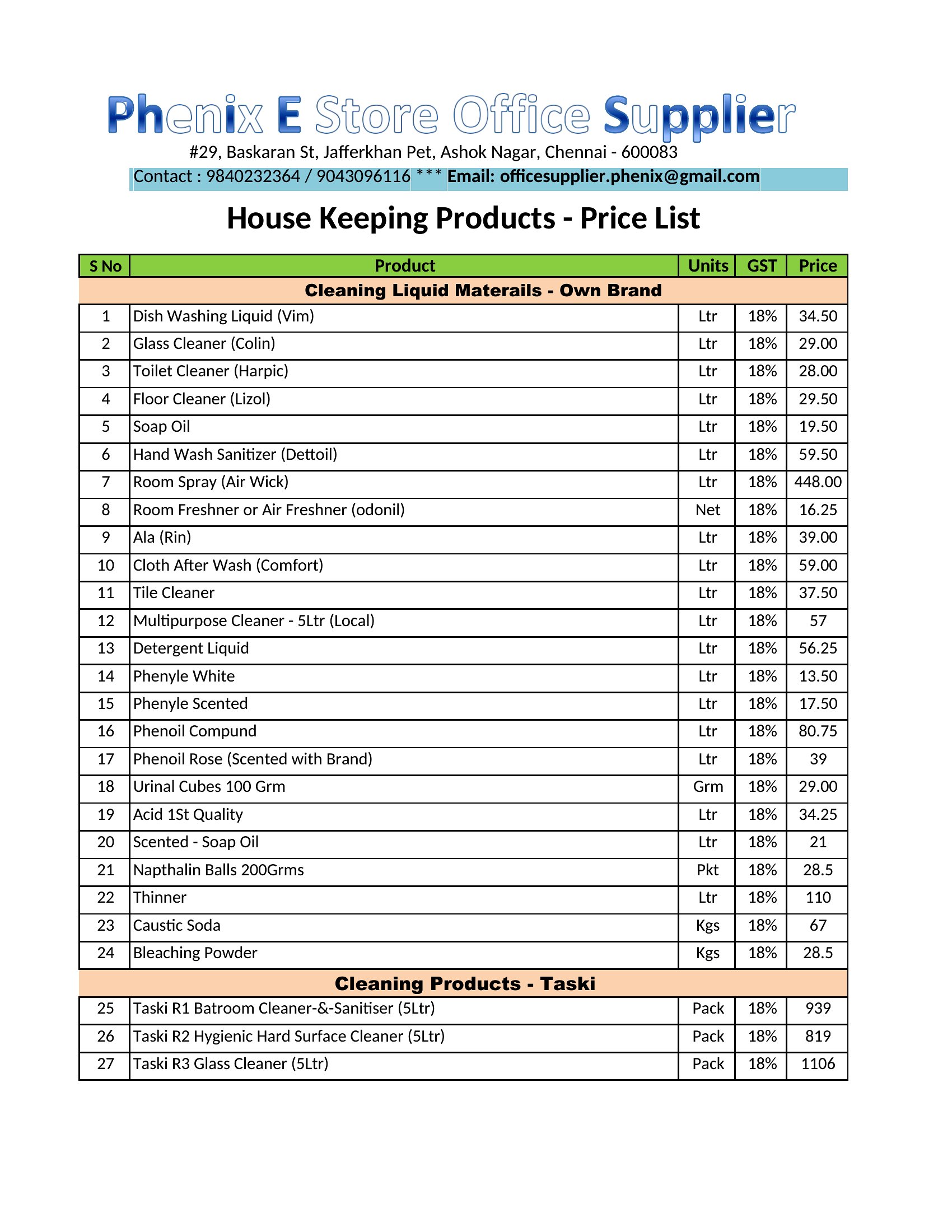
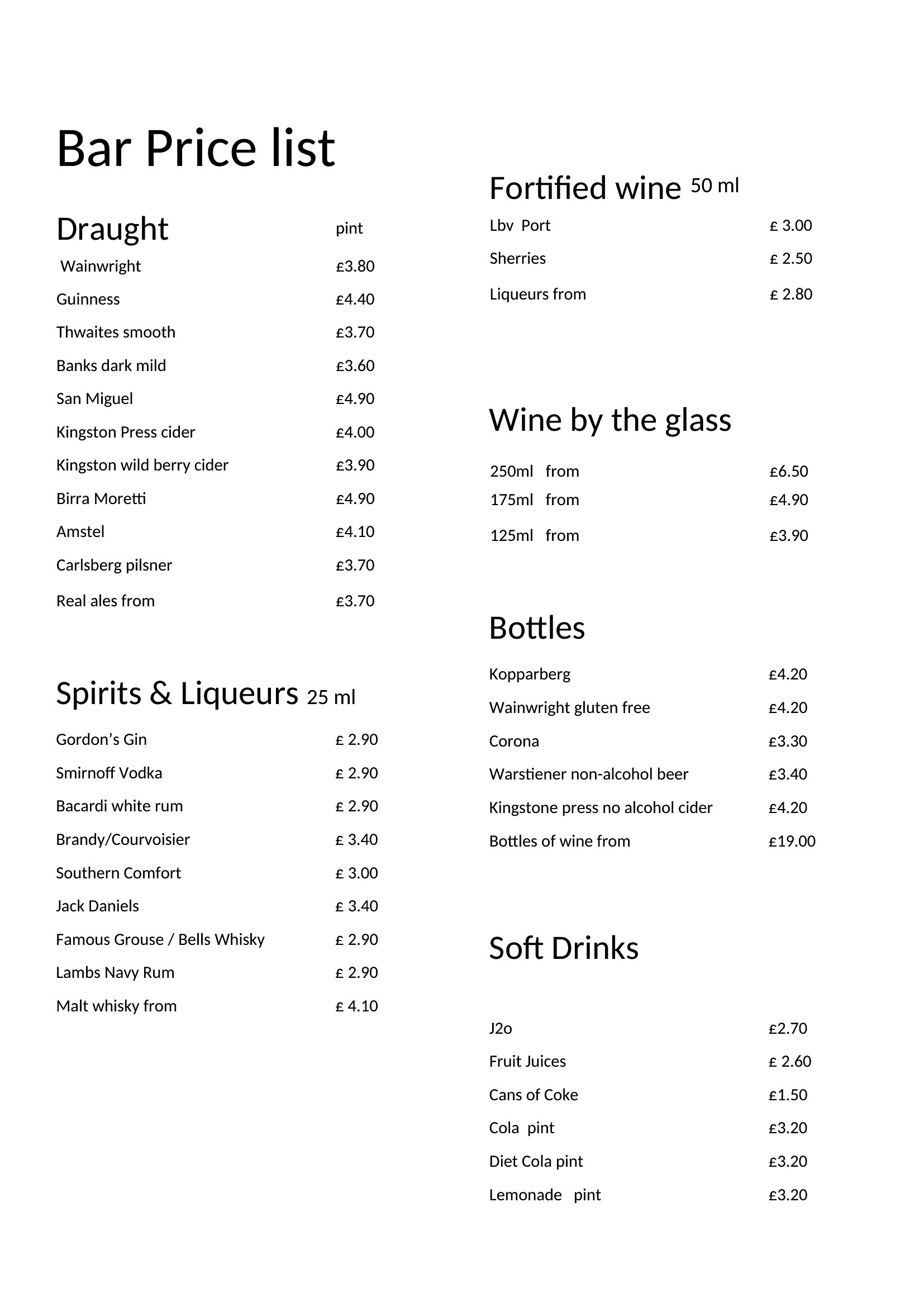
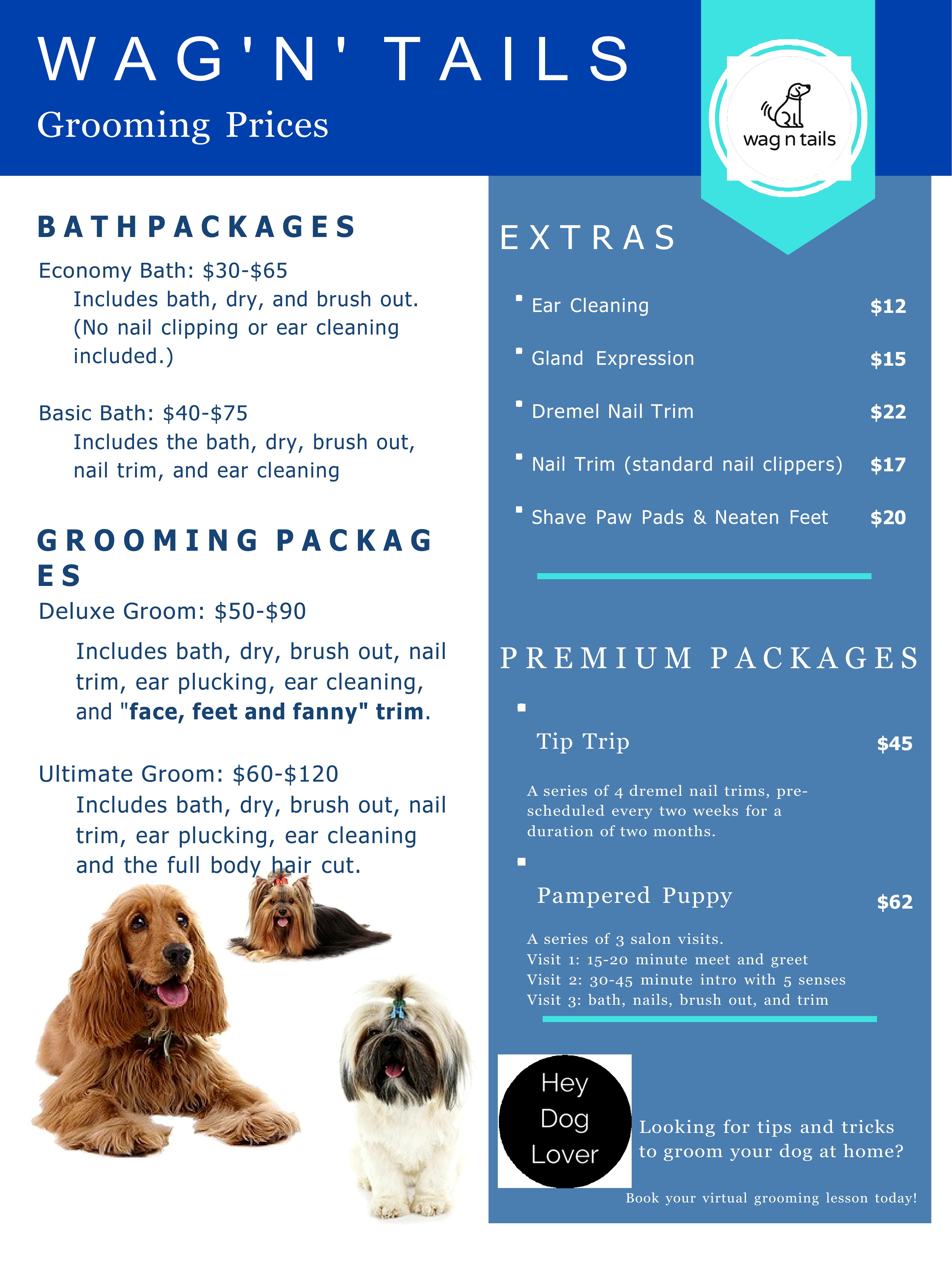
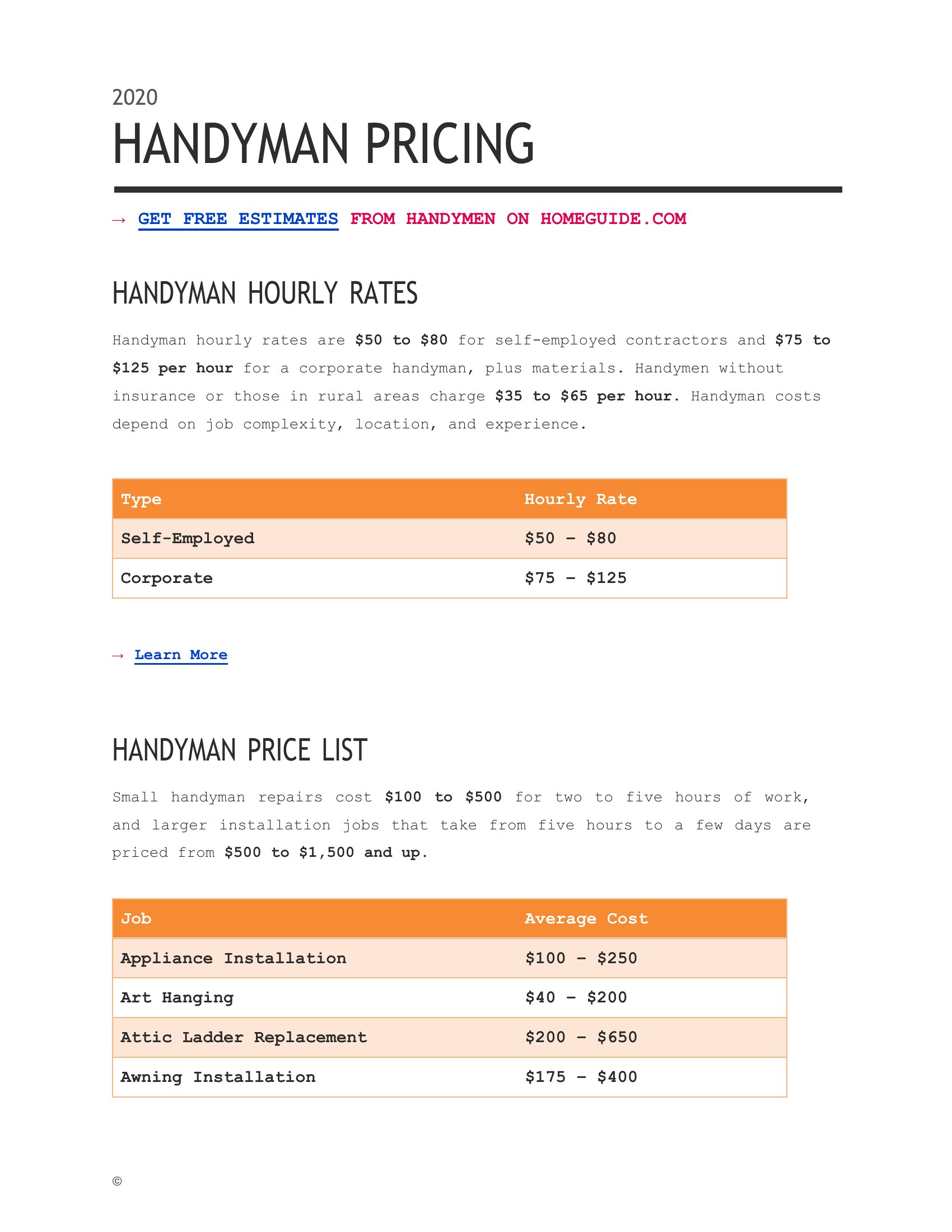
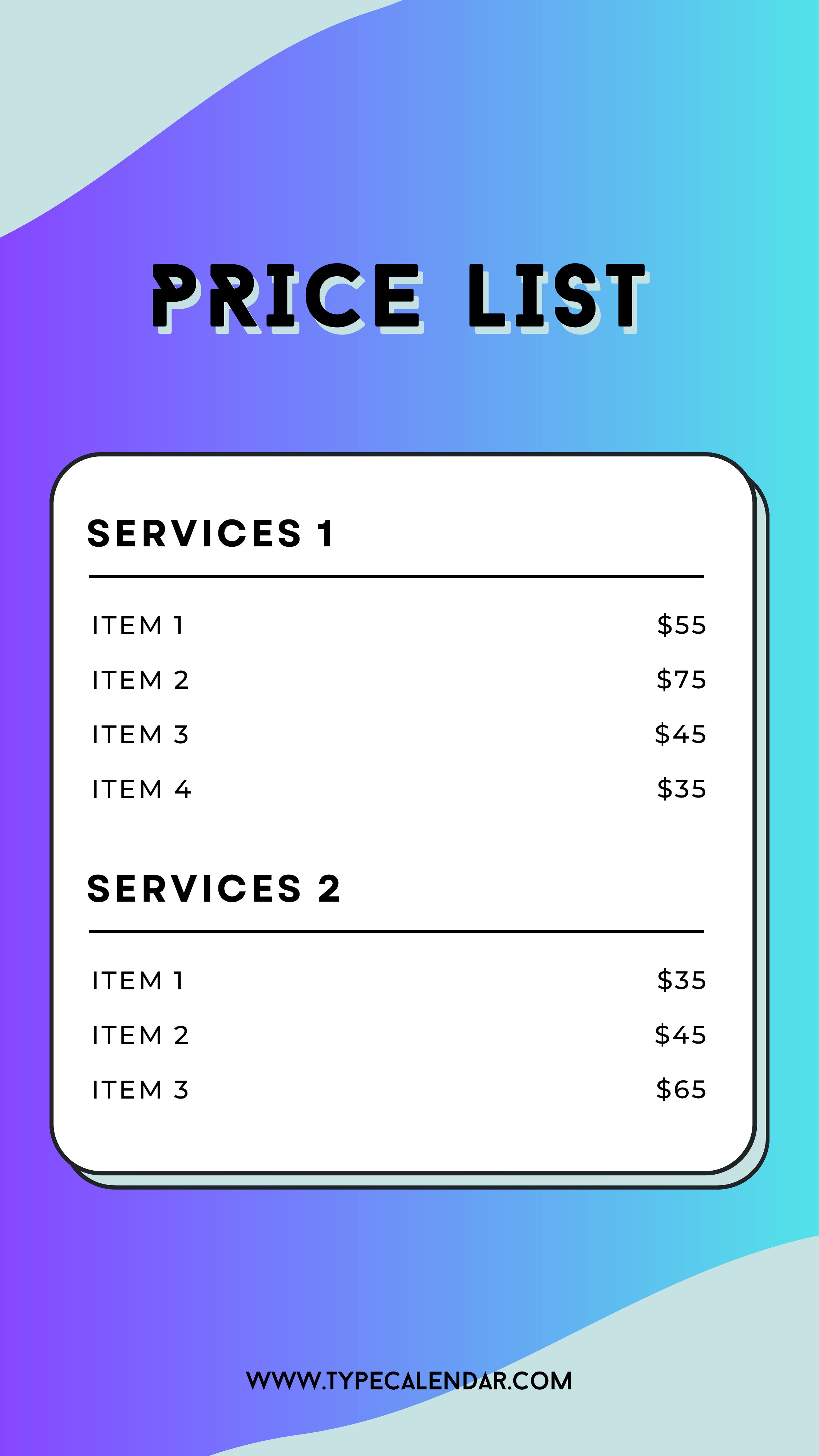
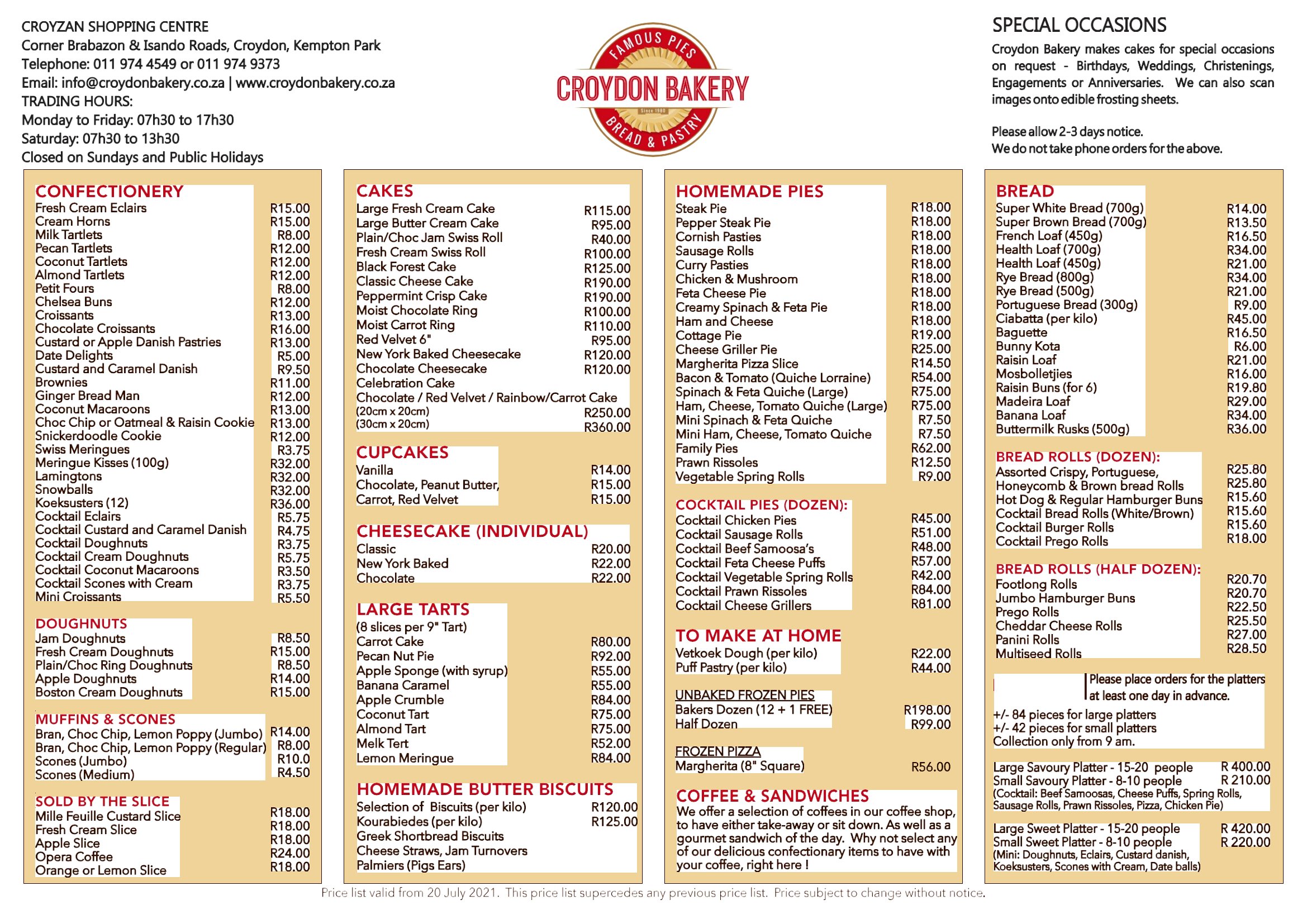
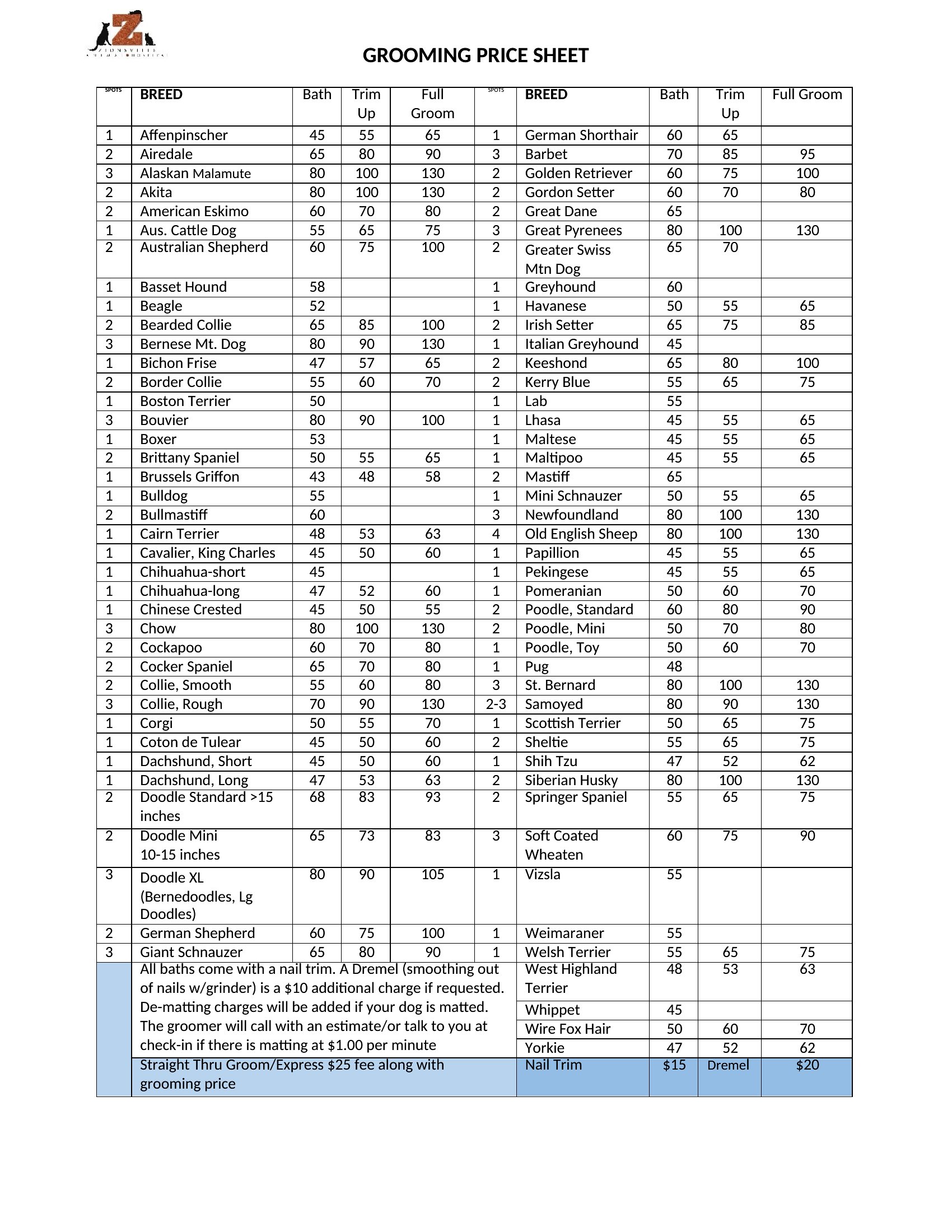
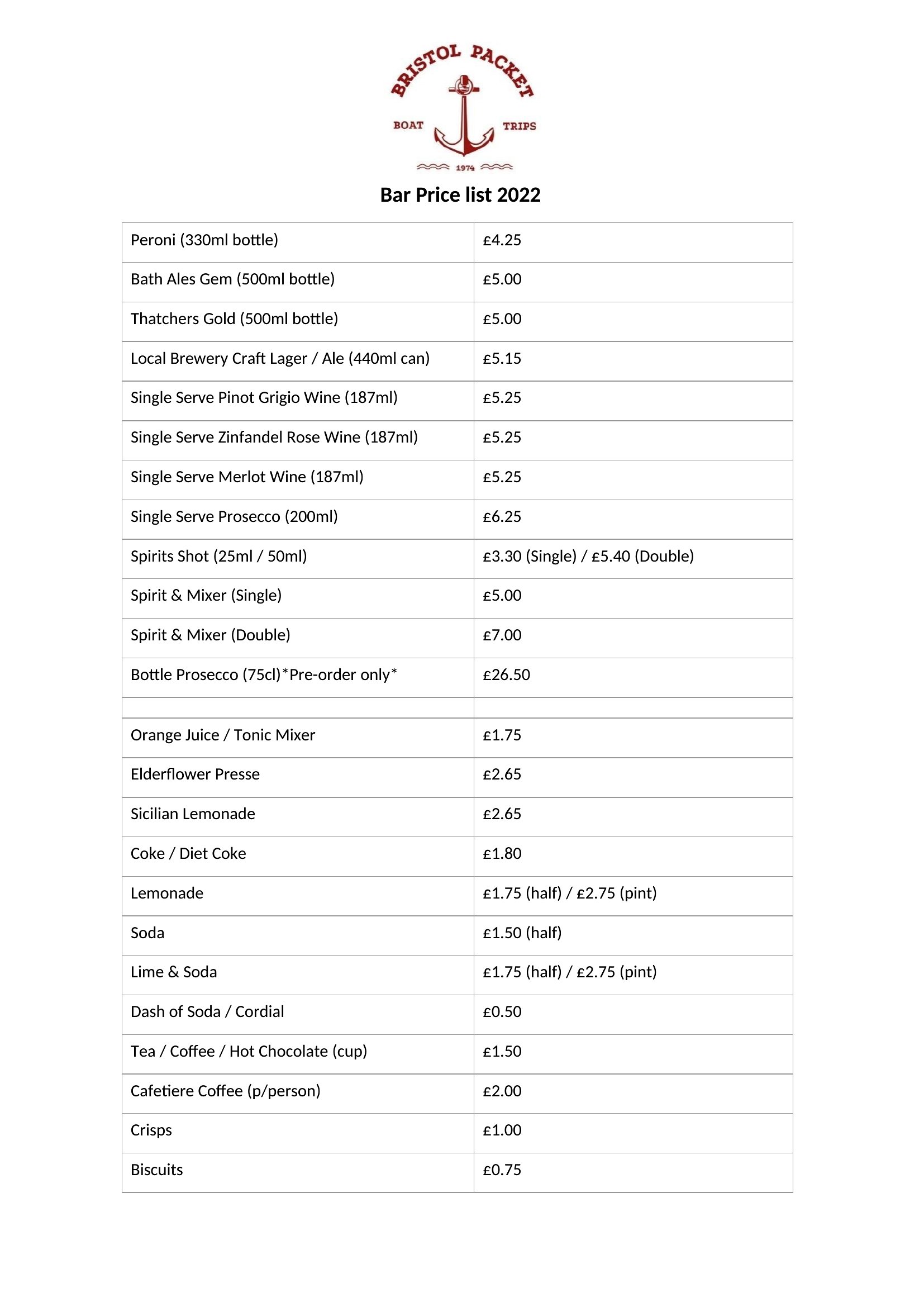
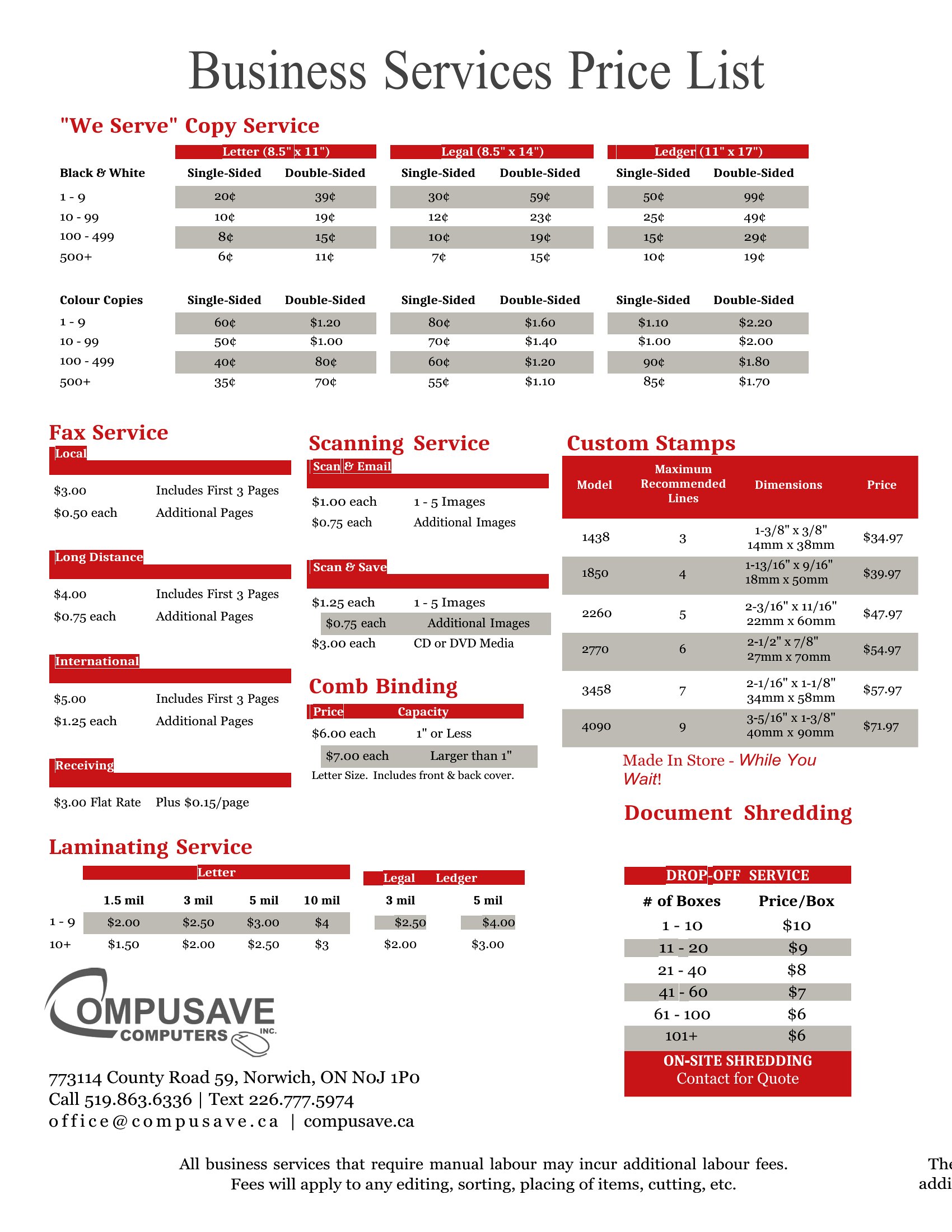
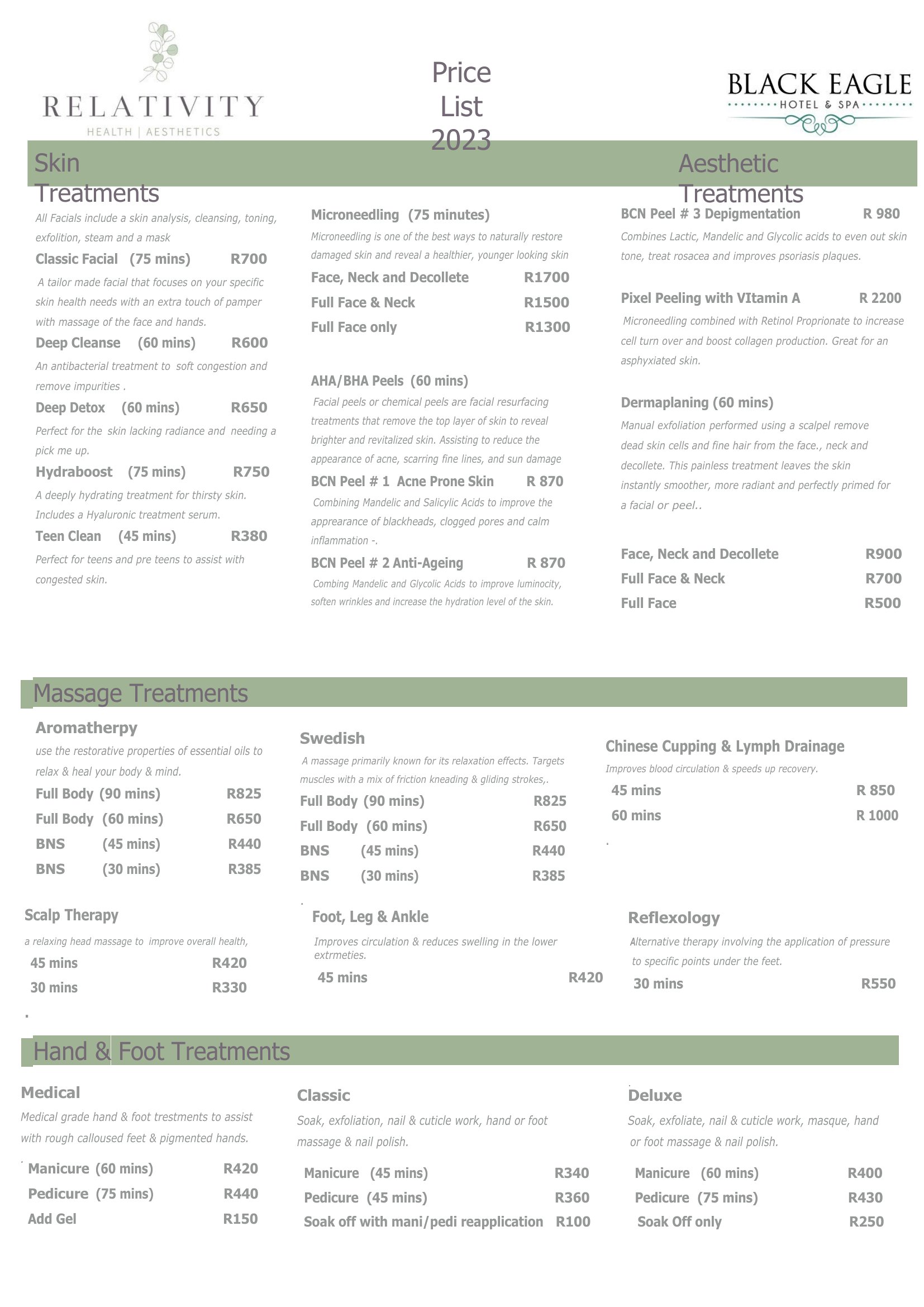
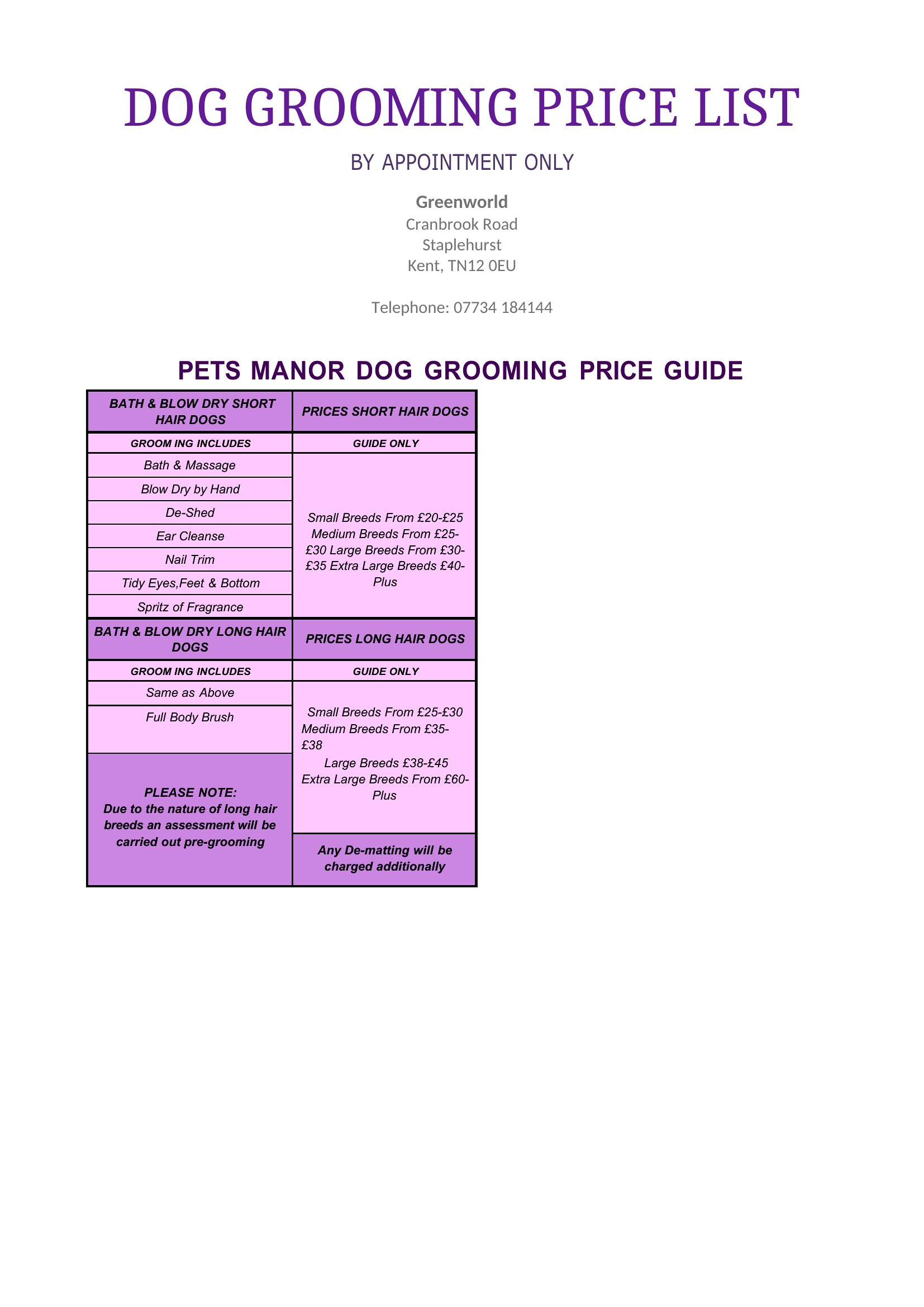
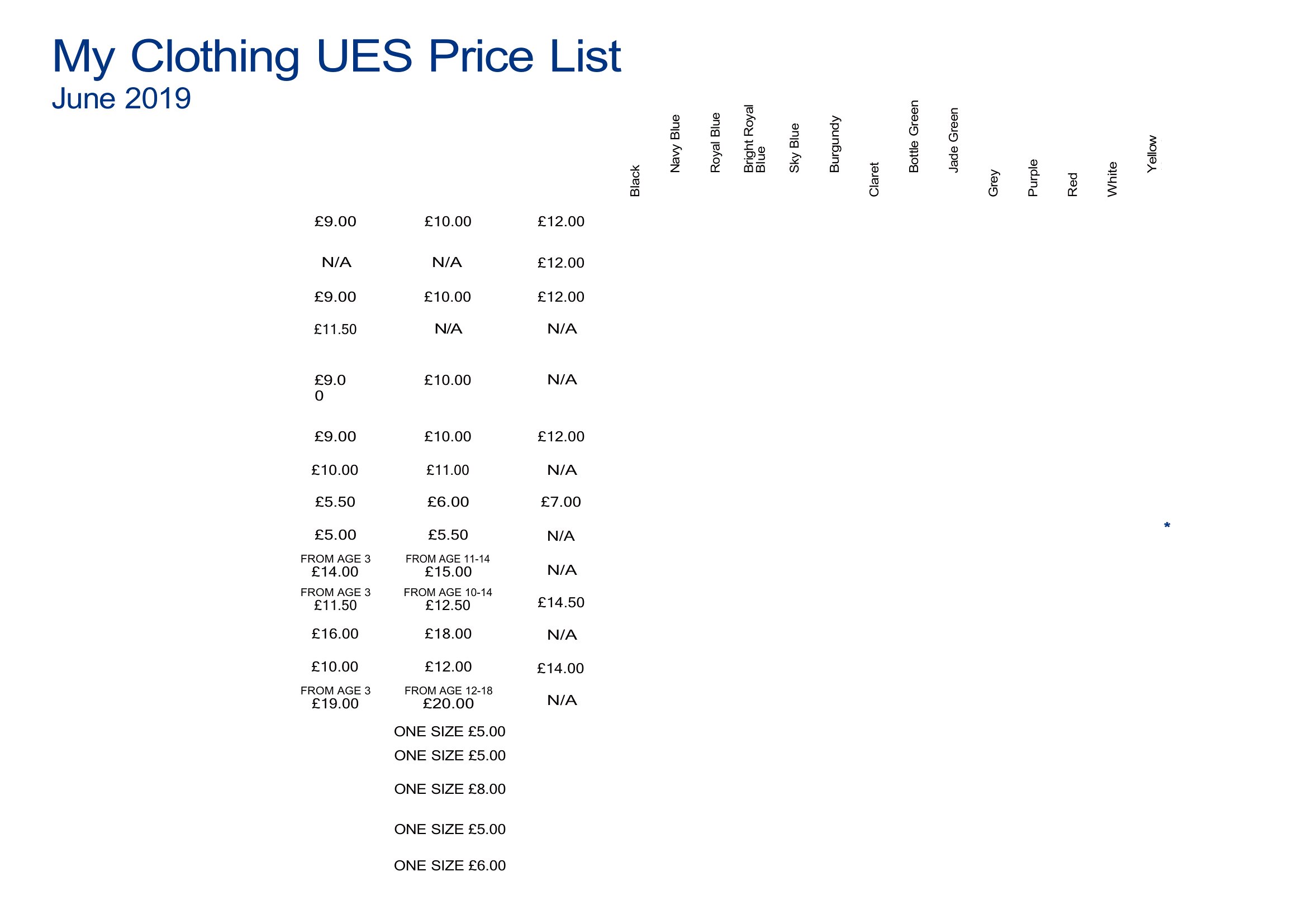
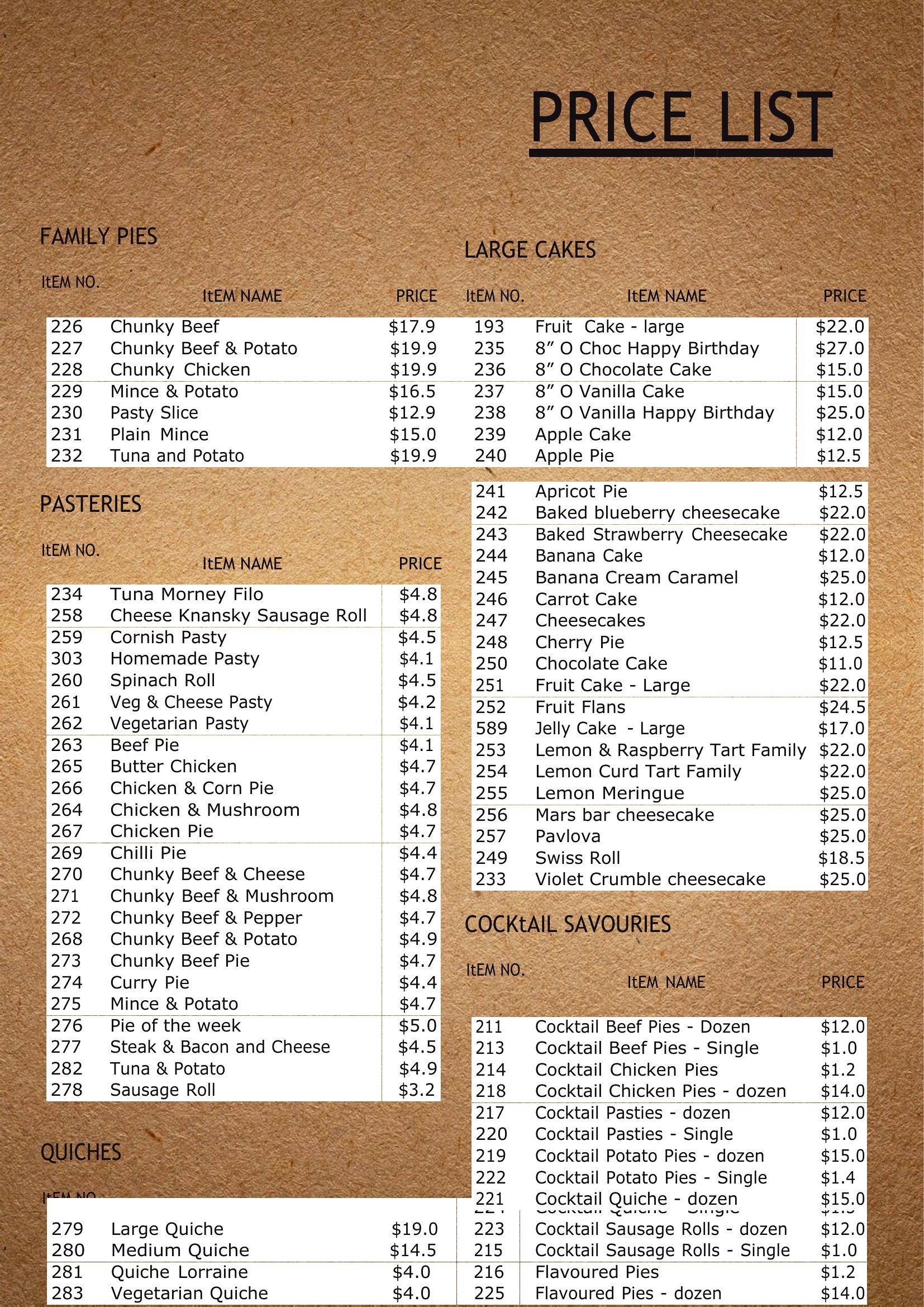
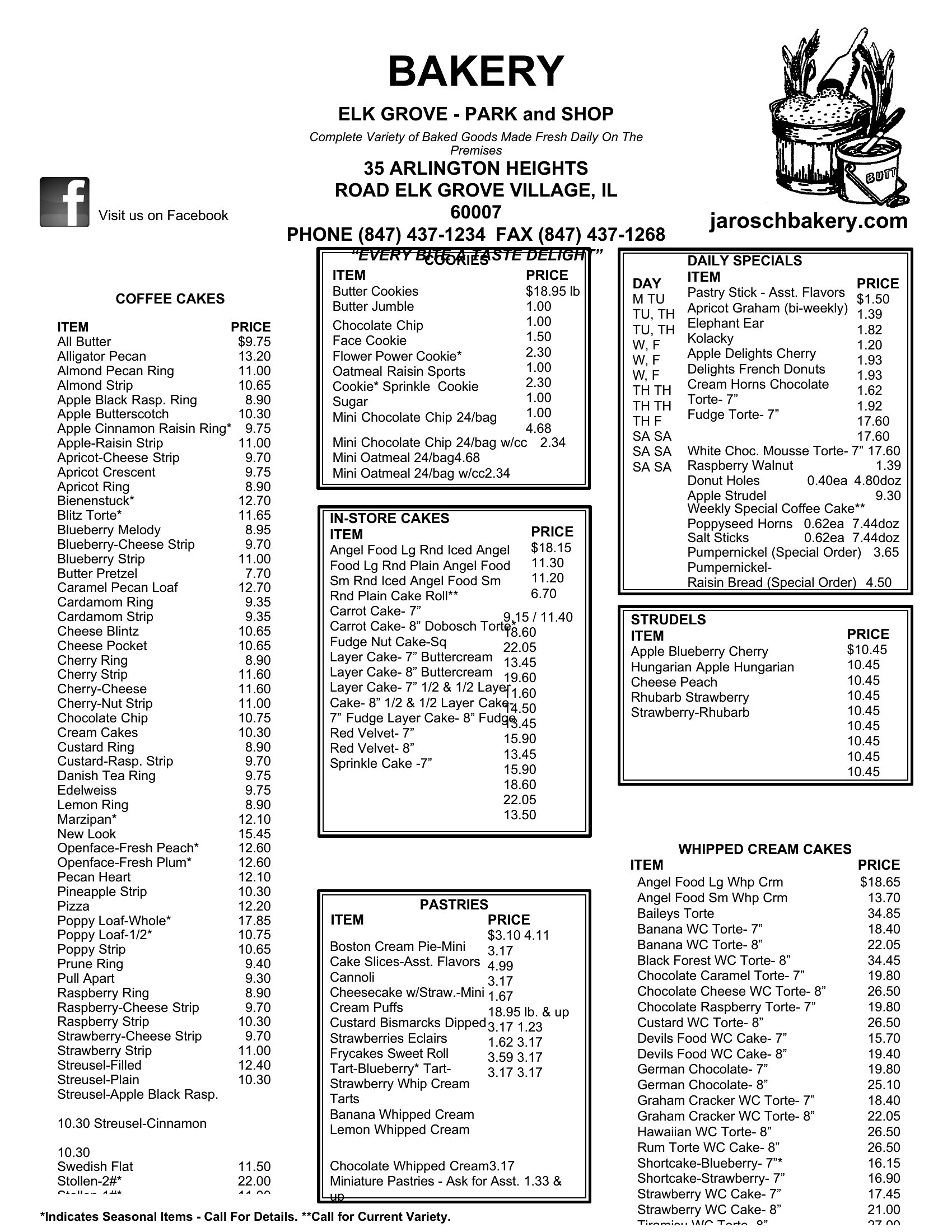
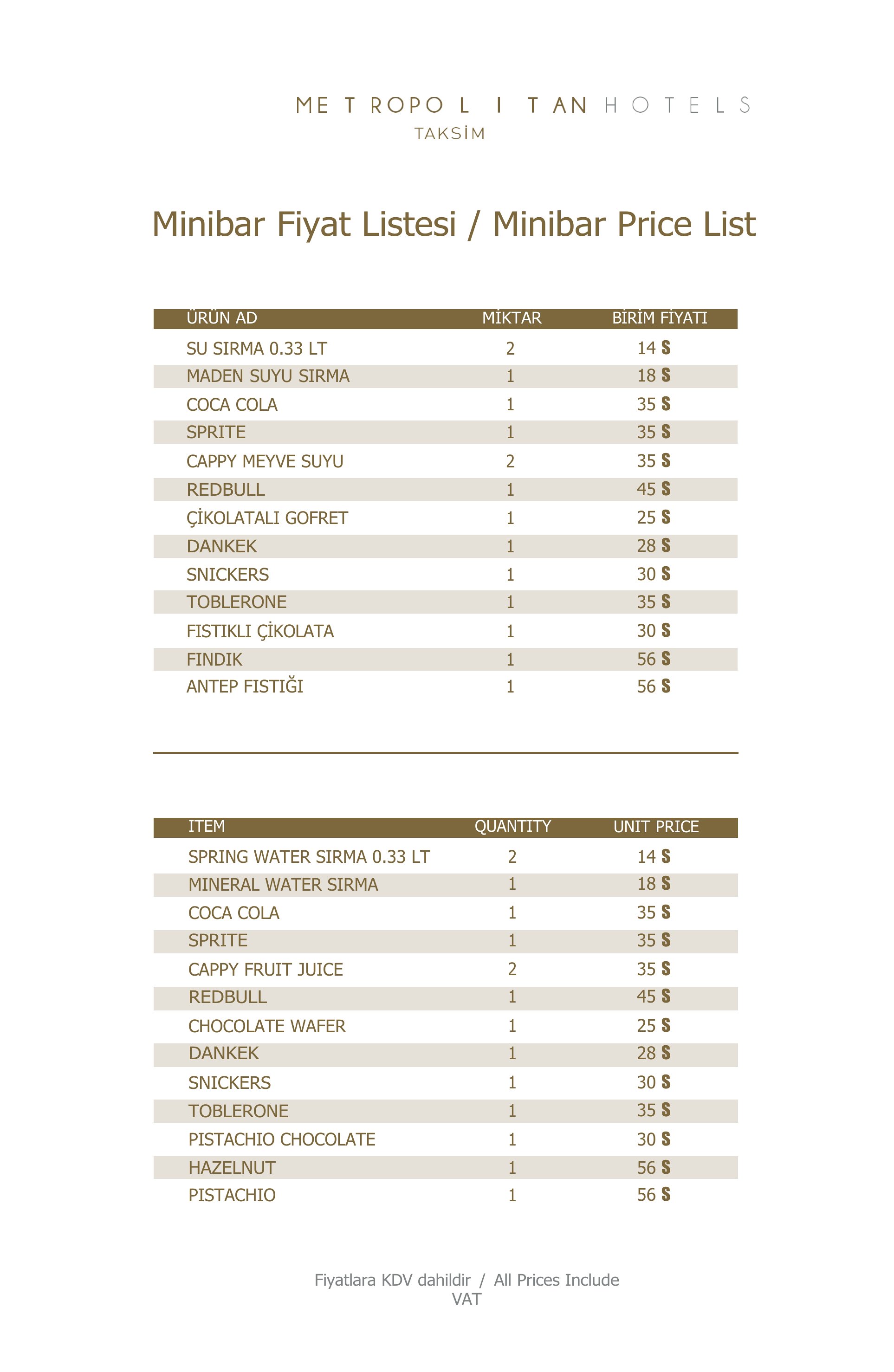
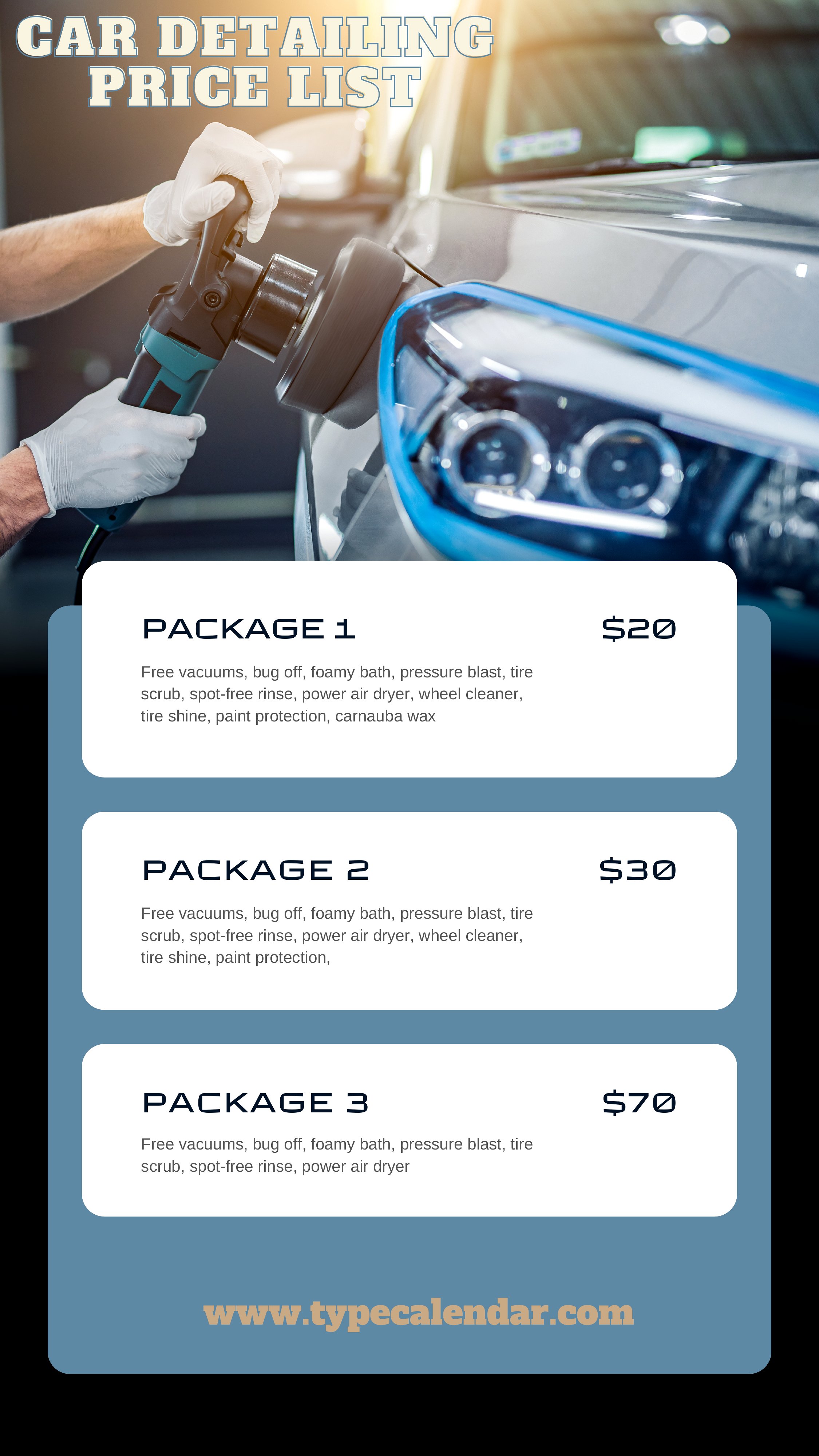
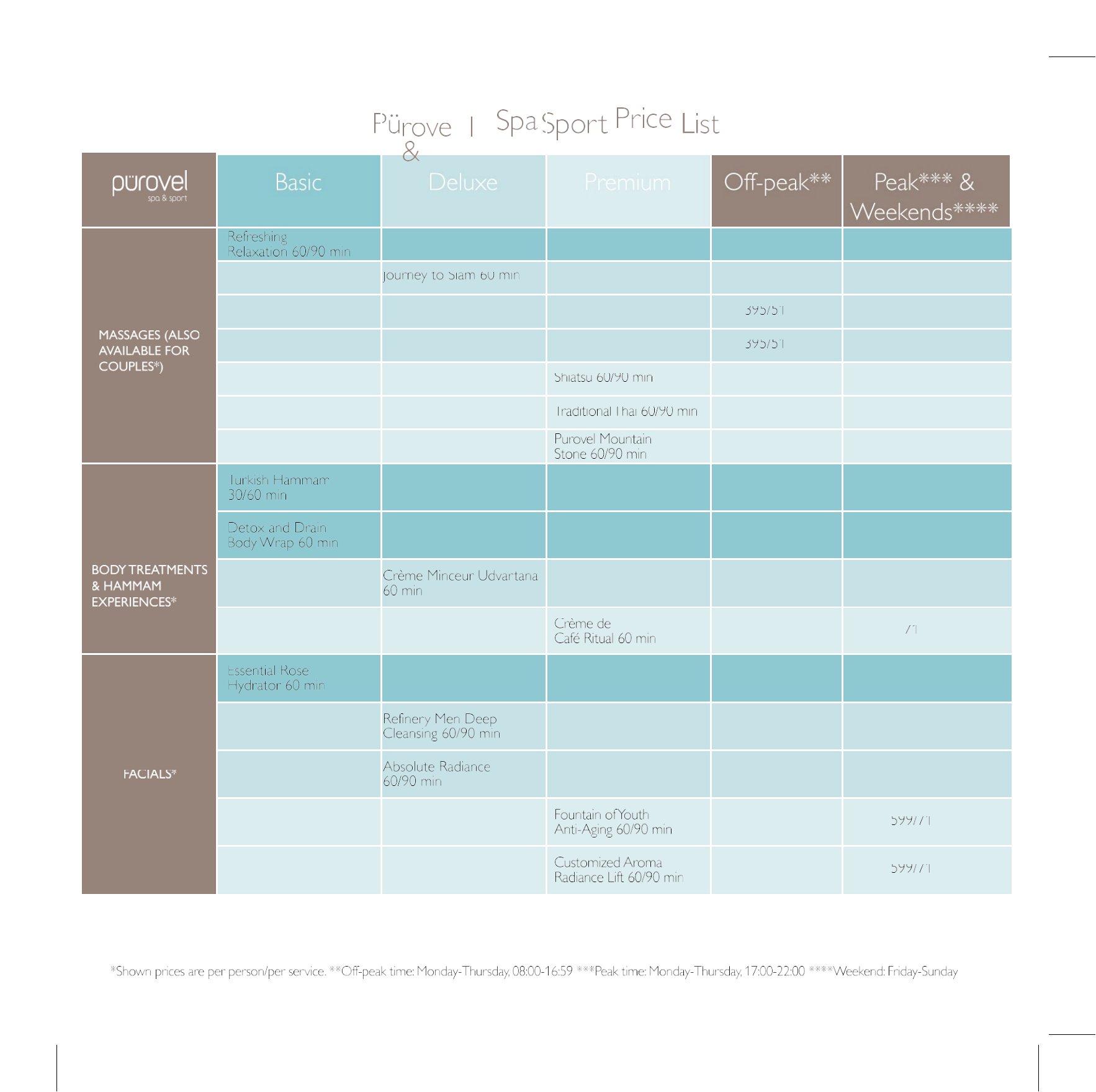
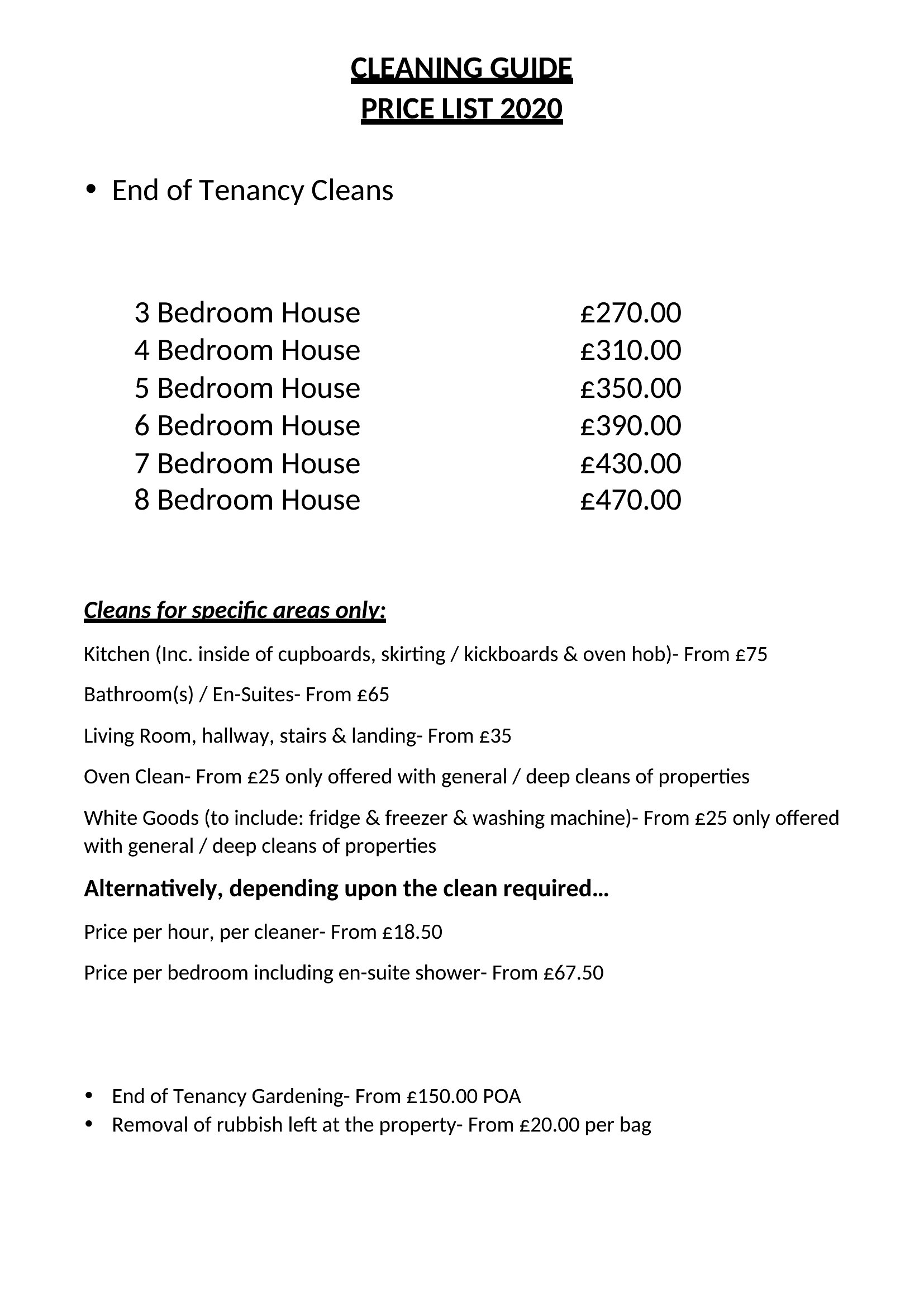
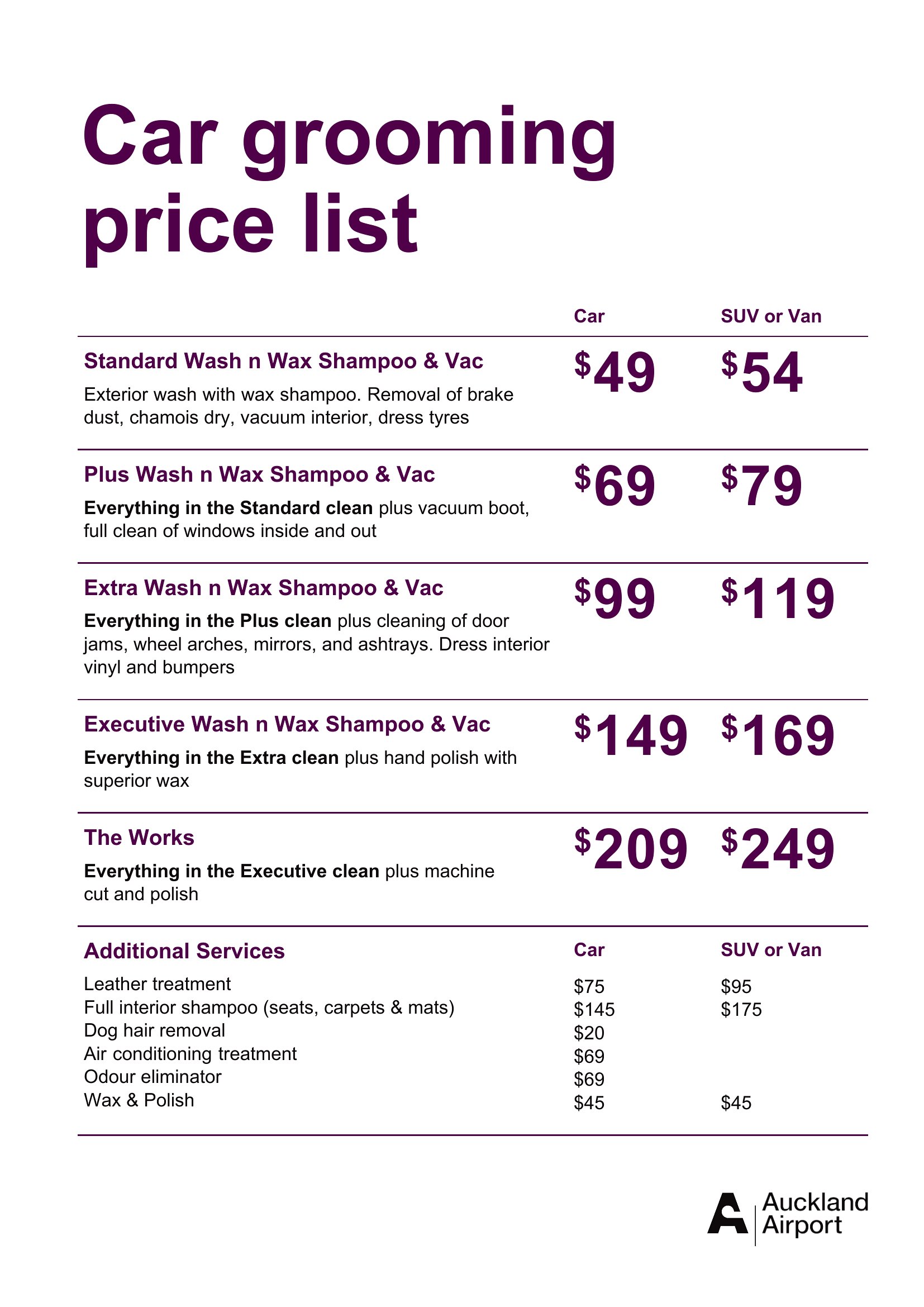
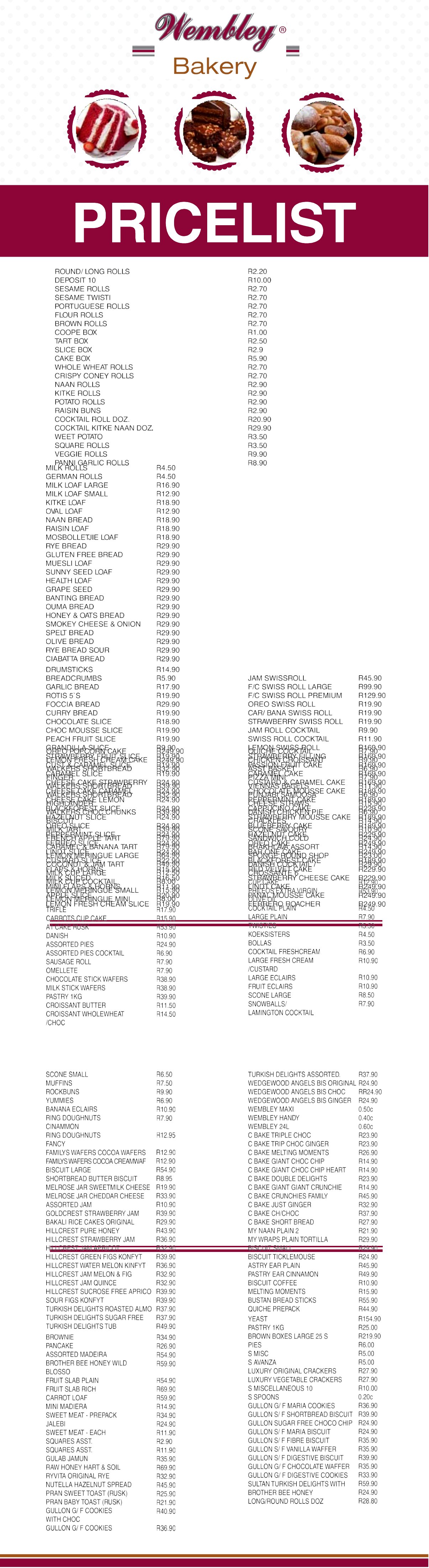
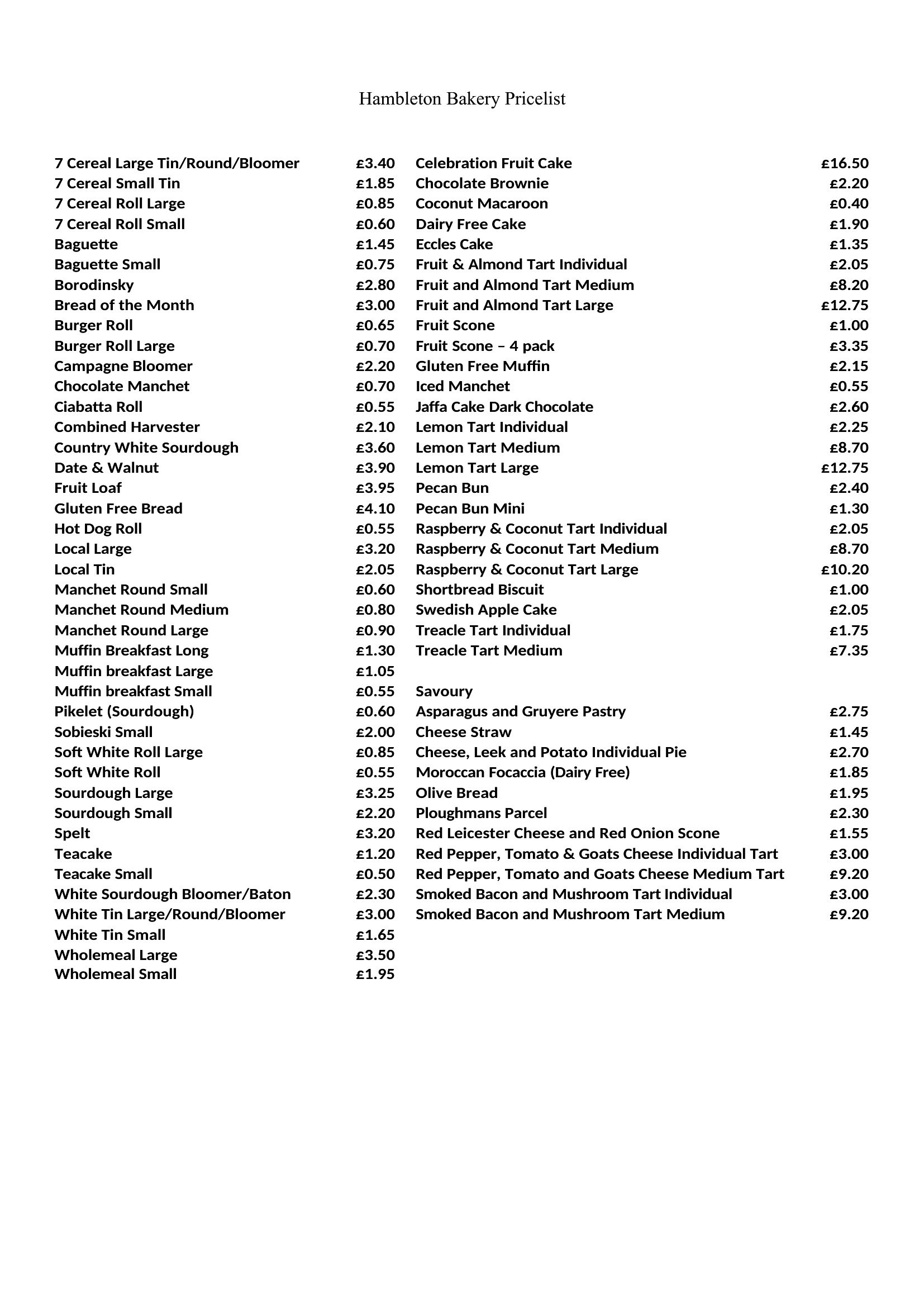
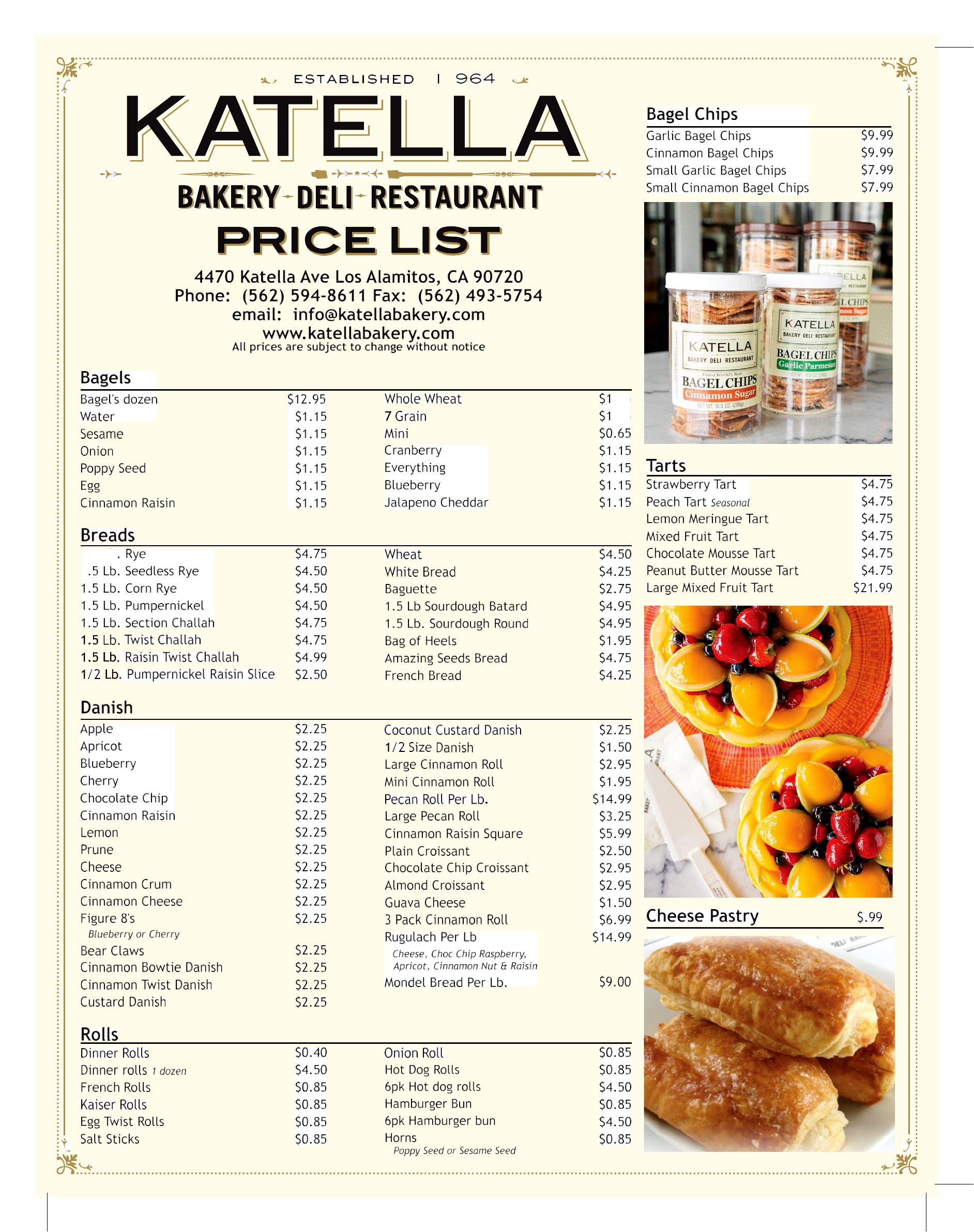
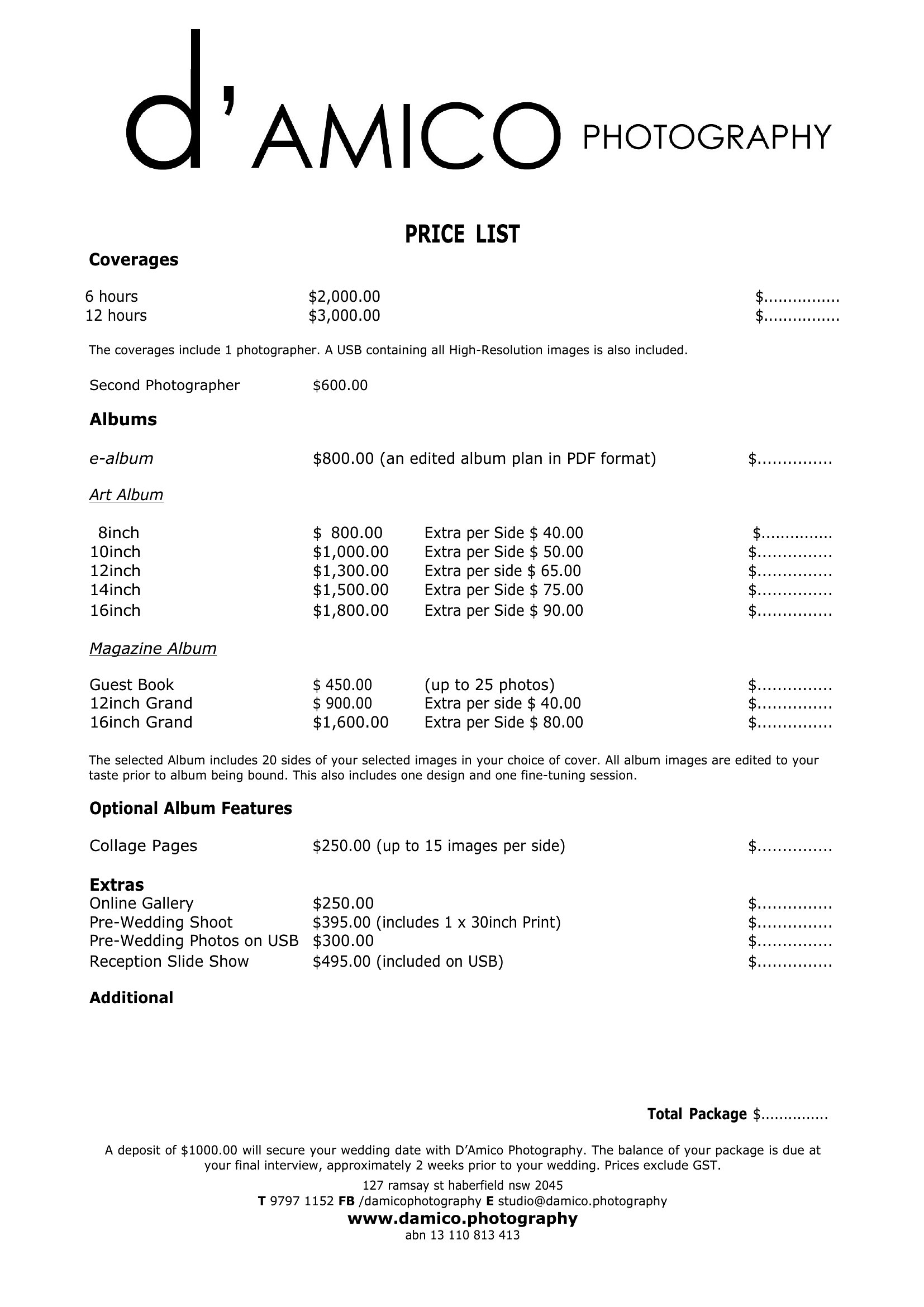
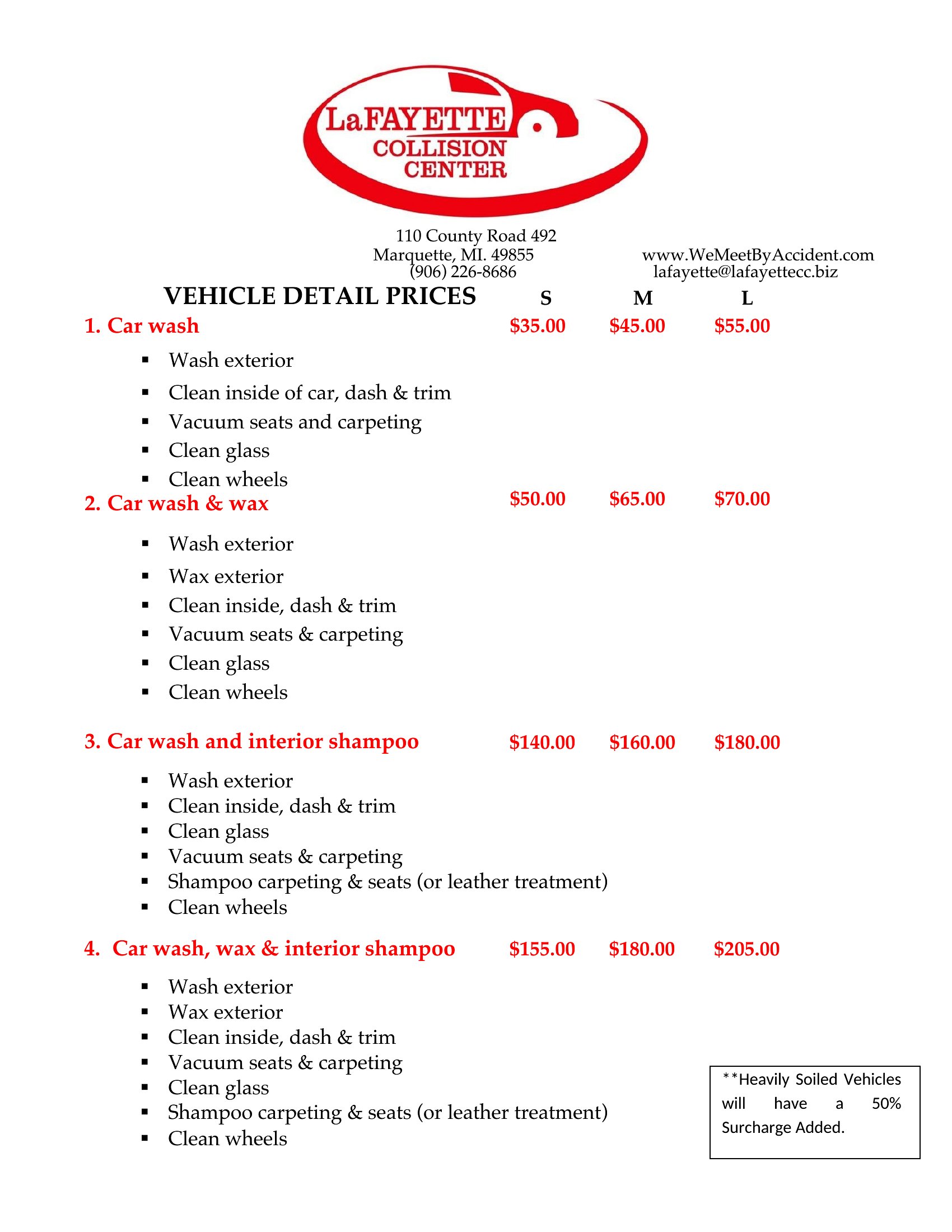
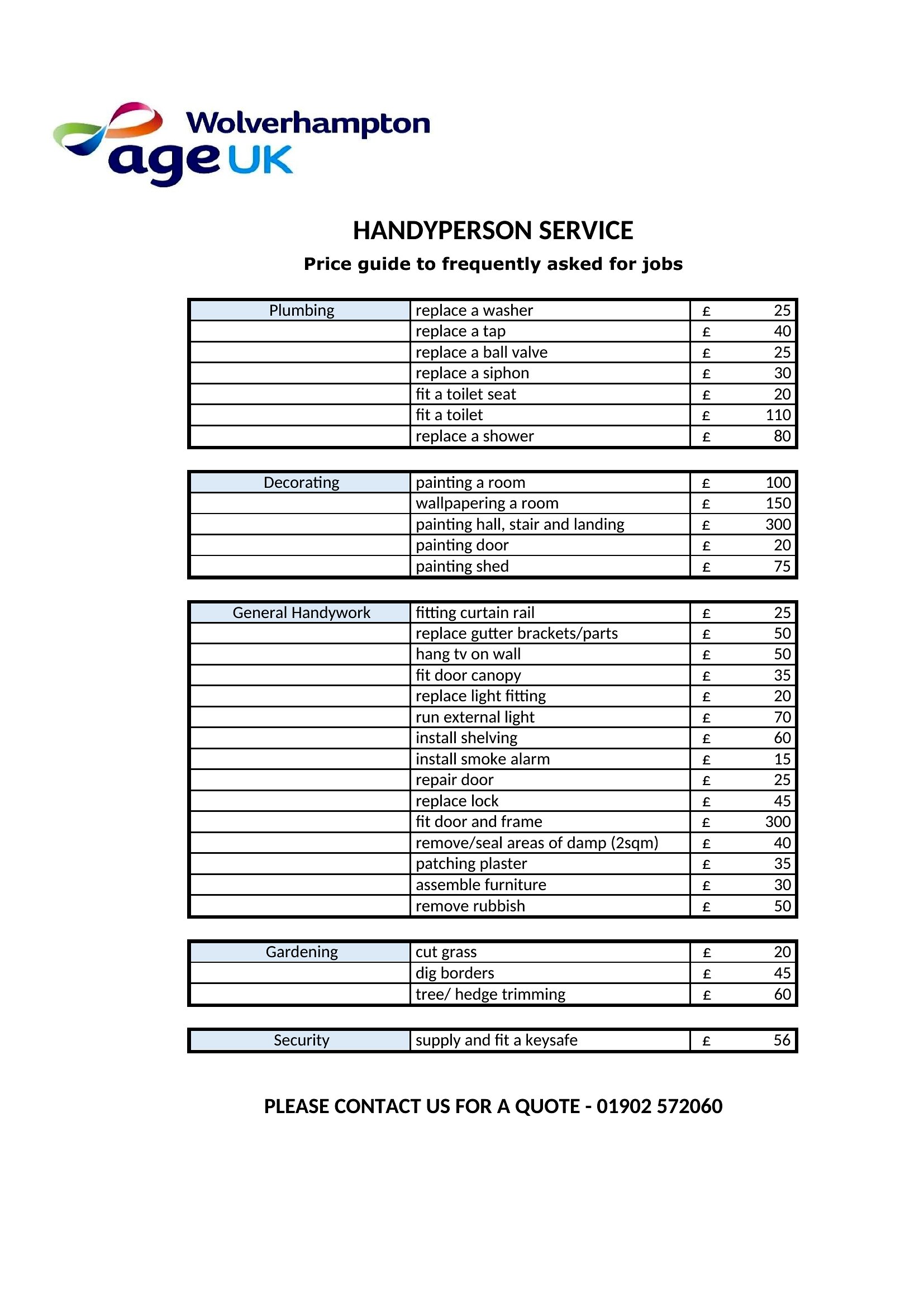
DataA clear price list answers a customer's first question before they even ask, laying out your products or services and what each one costs. This set of 46 templates covers simple menus, tiered service sheets, and detailed product catalogs. Salons, restaurants, freelancers, and retailers can pick a format that shows off their offerings.
Open the Word files to edit items and prices, or print the PDFs for a ready-to-post sheet at the counter or front desk. Add your logo, group items into categories, and update figures whenever your rates change. Choose the layout that suits your business and have a tidy price list ready in minutes.
When to use this Price List template
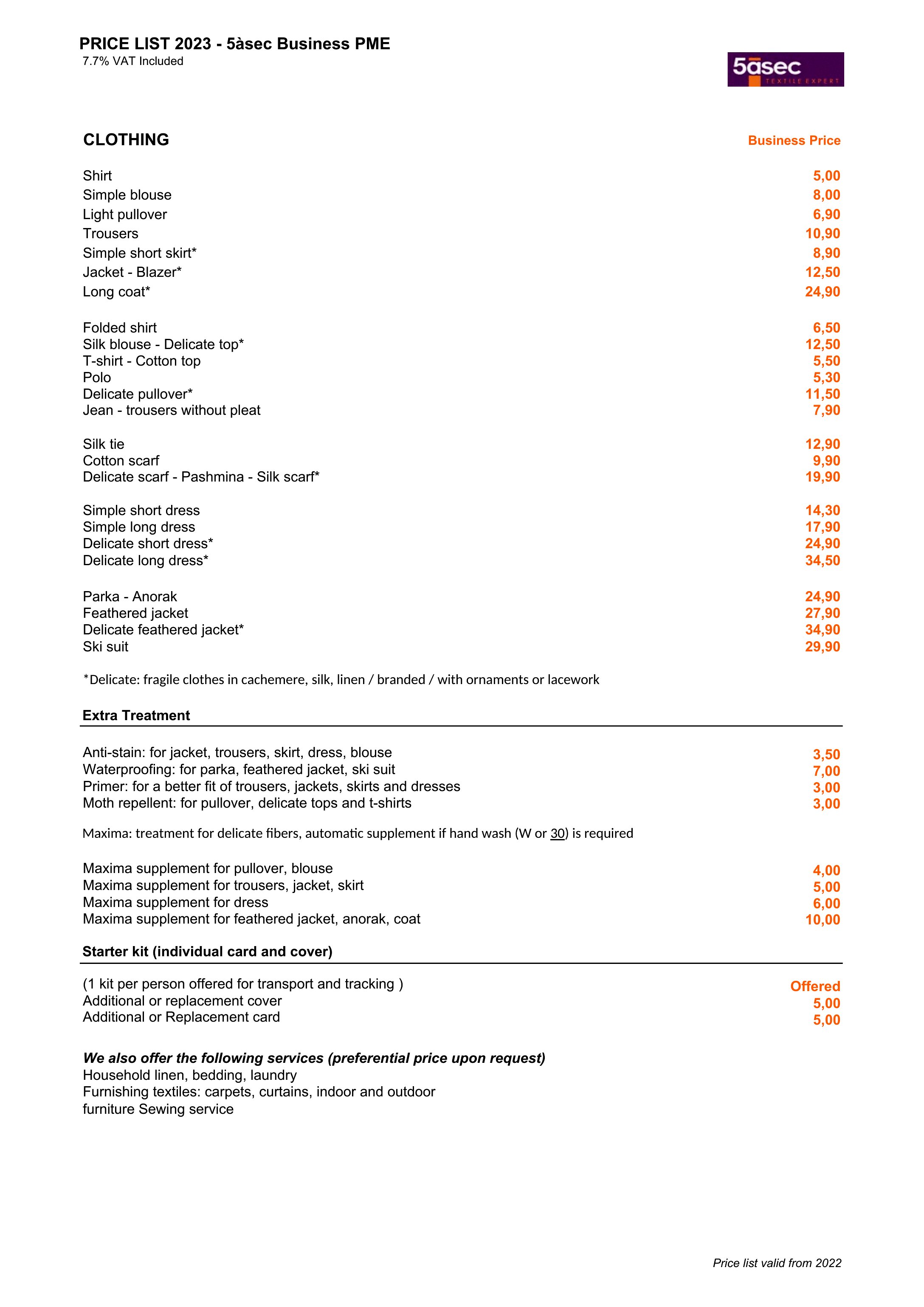
- Salons that want to give clients a quick overview of service packages and costs before booking, reducing back-and-forth questions
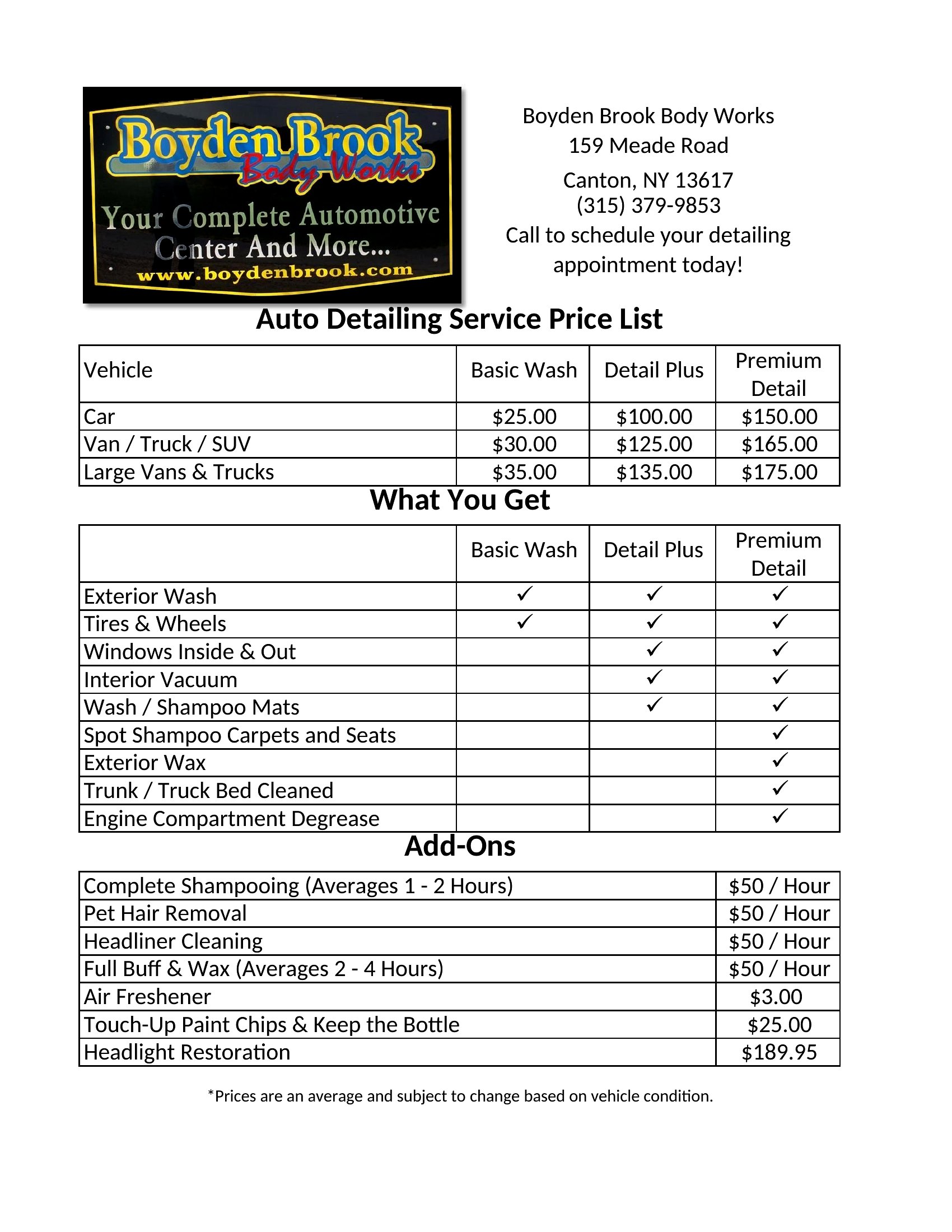
- Freelance consultants who need to present tiered pricing for different project scopes to potential clients in a polished way
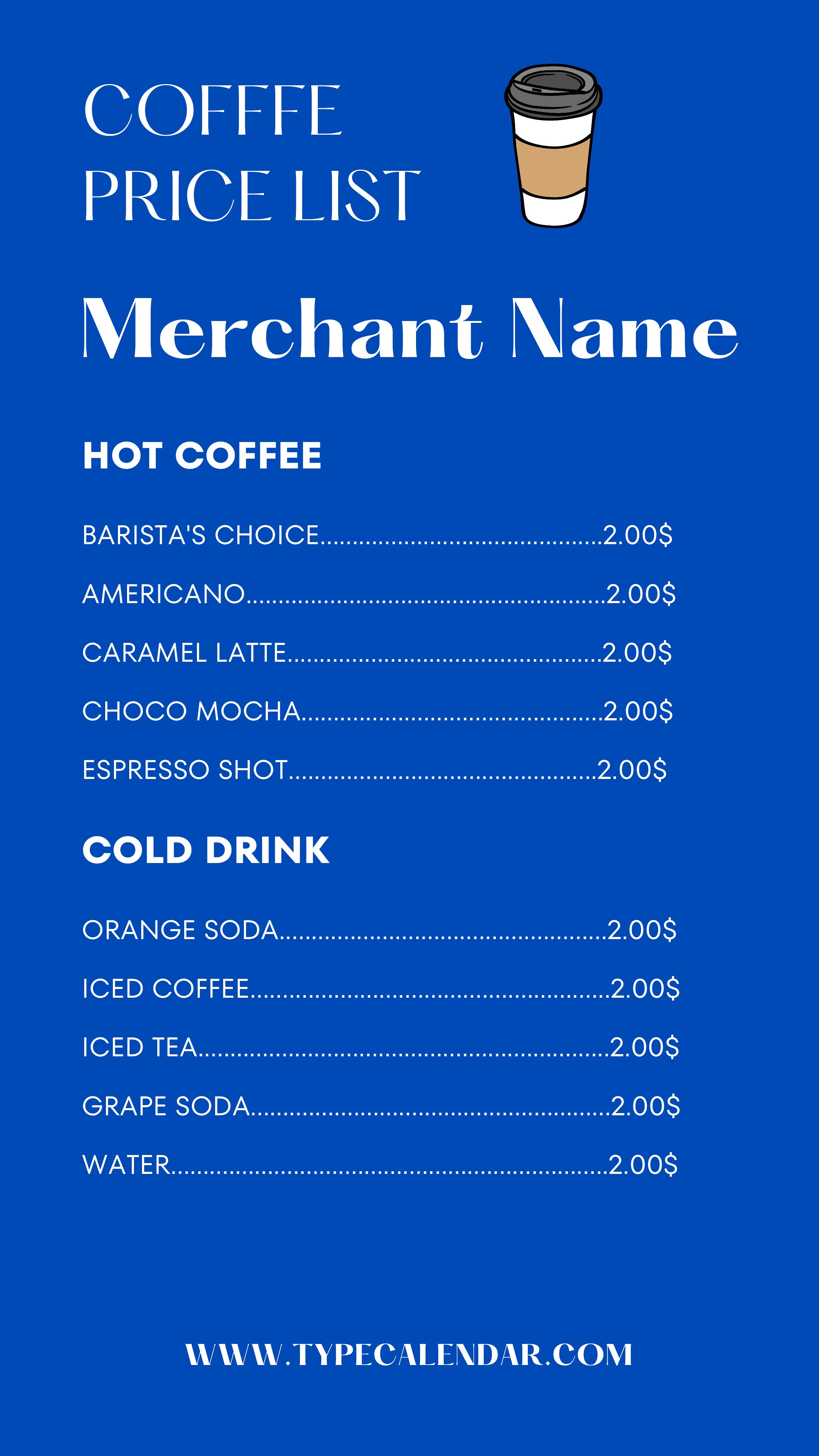
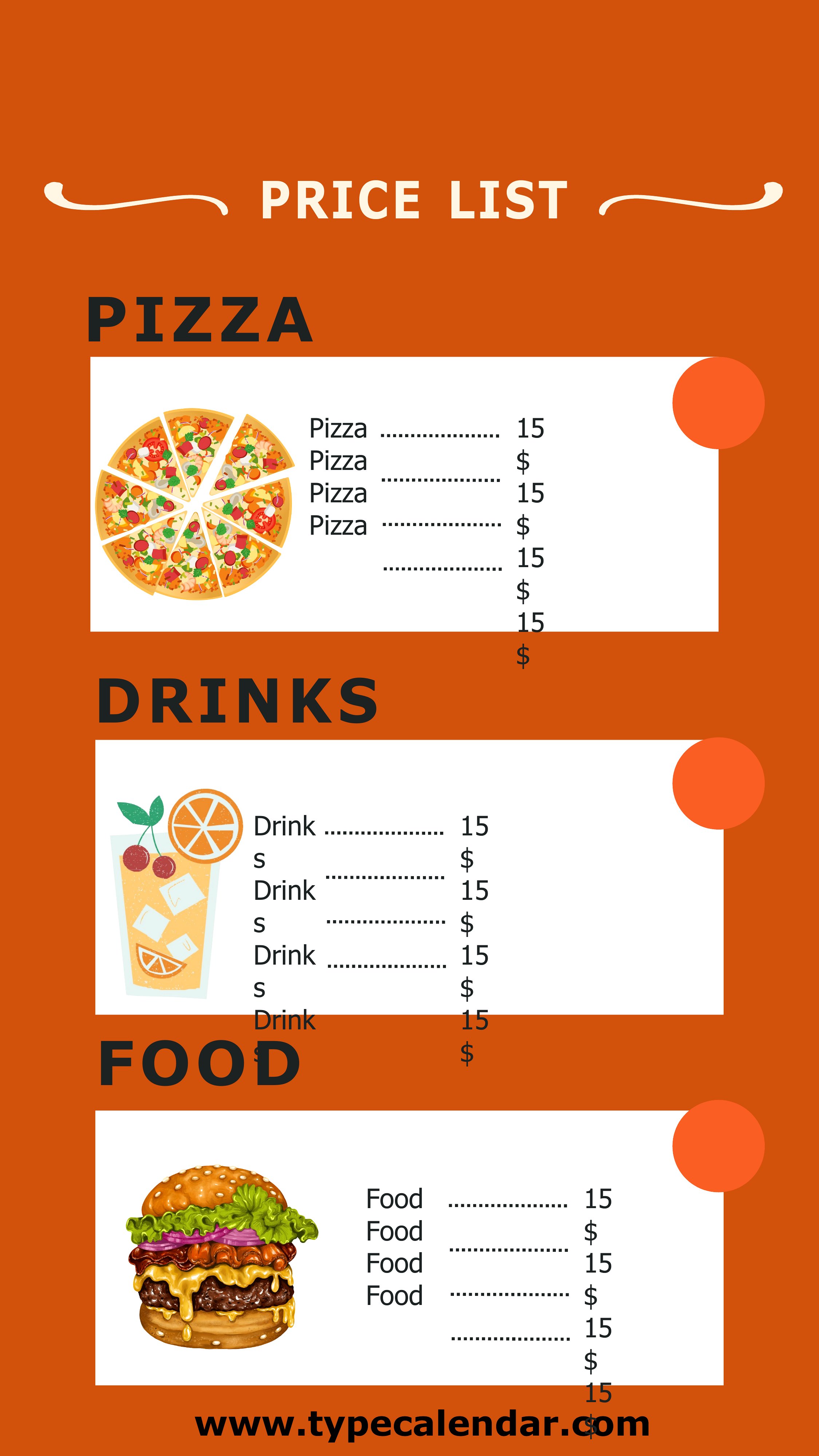
- Cafés and small restaurants that want a simple, printable menu with daily specials and pricing for customers at tables
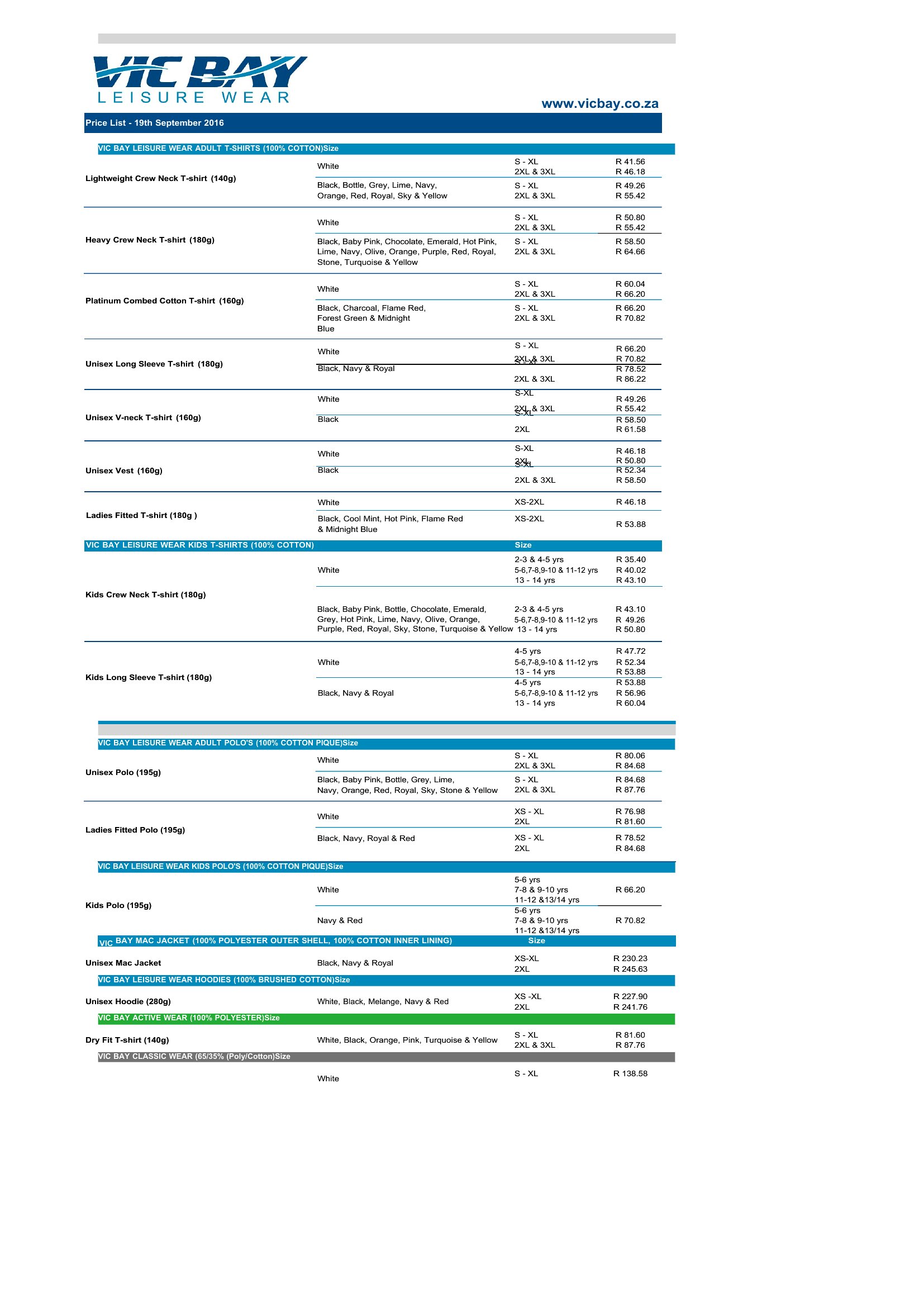
- Retailers launching a new product line who need an organized, visually clear catalog to share with distributors or wholesale buyers
Which format should I download?
Use Word-format templates if you plan to update pricing frequently or need to customize the layout before sharing—these files let you edit text, add new items, or adjust formatting in a familiar program. Stick with PDFs if you’re printing directly for customers, displays, or situations where you want to lock in the design to prevent accidental edits. The PDFs are ideal for one-time distribution, like handing out menus at events or emailing a finalized price sheet to clients.
Choose from 46 Price List Templates
How to use this Price List template
How do I adjust the pricing structure if my services have tiers or add-ons?
Most templates in this collection include sections for tiered pricing or additional fees. In Word files, simply add new rows or columns to list options, then input the cost. PDFs require printing a new version if changes are needed, so use the editable Word template first to draft updates.
Can I include images or logos in my price list?
Yes, all templates support adding images—like your logo, product photos, or service icons—especially in Word. For PDFs, ensure visuals are included before finalizing the file. Keep image sizes small to avoid clutter; use the template’s headers or sidebars for branding elements.
What’s the best way to organize a price list for a service with many variables, like custom orders?
Use the ‘detailed product catalog’ templates to break down variables (e.g., material options, delivery fees) into separate columns or tables. Label each section clearly—like ‘Base Price,’ ‘Add-Ons,’ or ‘Shipping Costs’—so customers can see the full picture at a glance.
Comments
Join the conversation
Sign in to share your thoughts and leave a comment on this resource.