Skip to content
50% off this one-time $1.99 pack with HALFOFF — or unlimited with Pro.HALFOFF
Premium

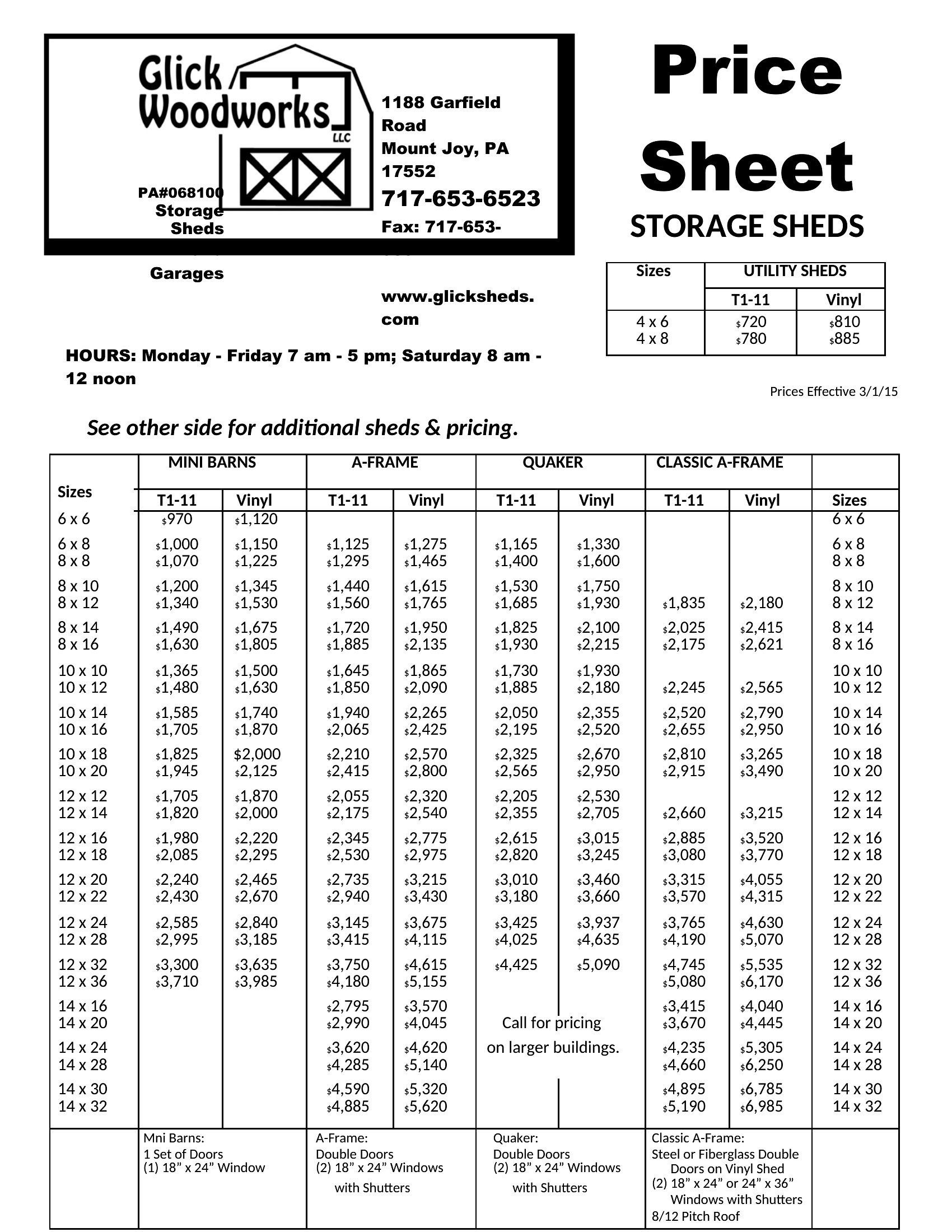
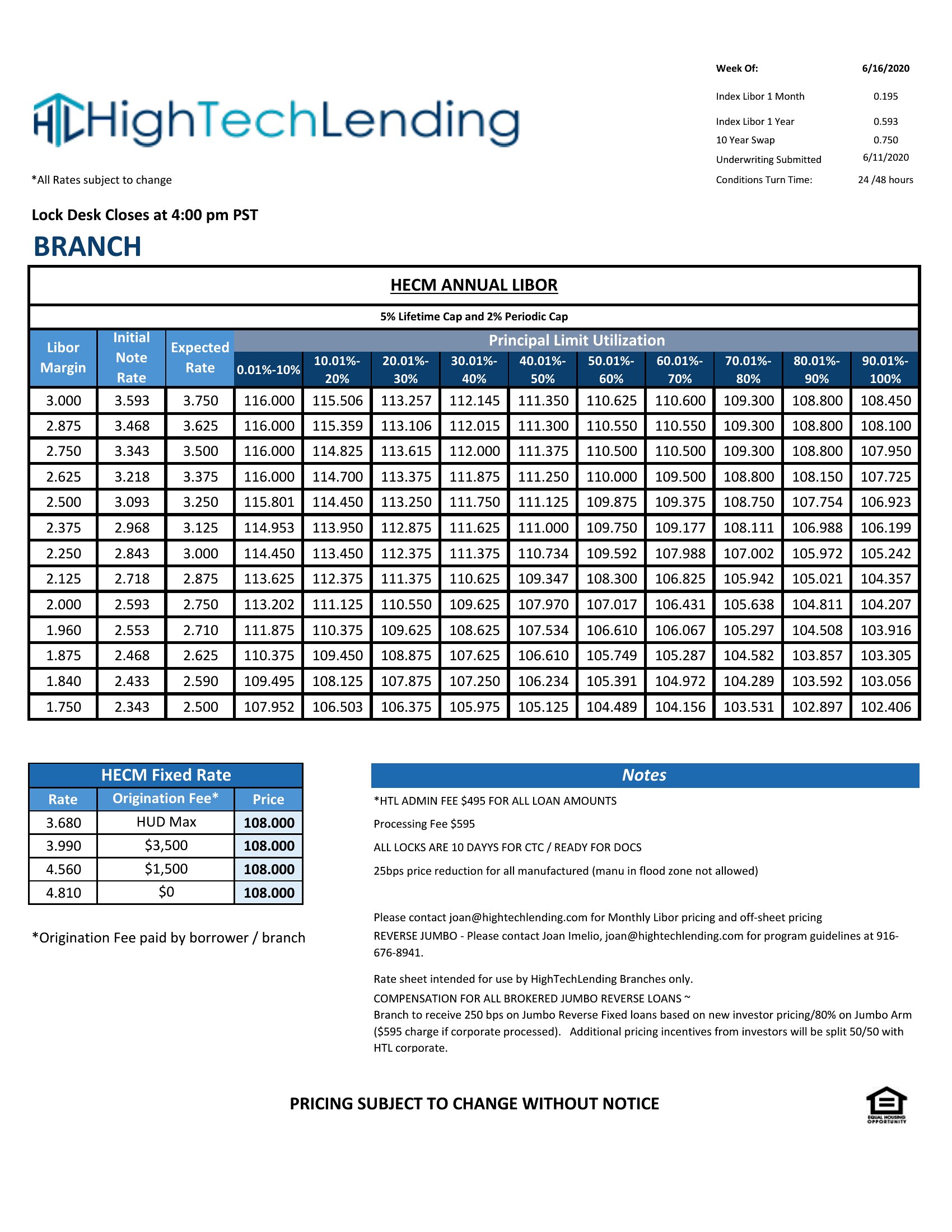
Free Price Sheet Templates (Word, Excel, PDF)
Data
leevitoro by leevitoro
Updated 0 downloads 2 community comments

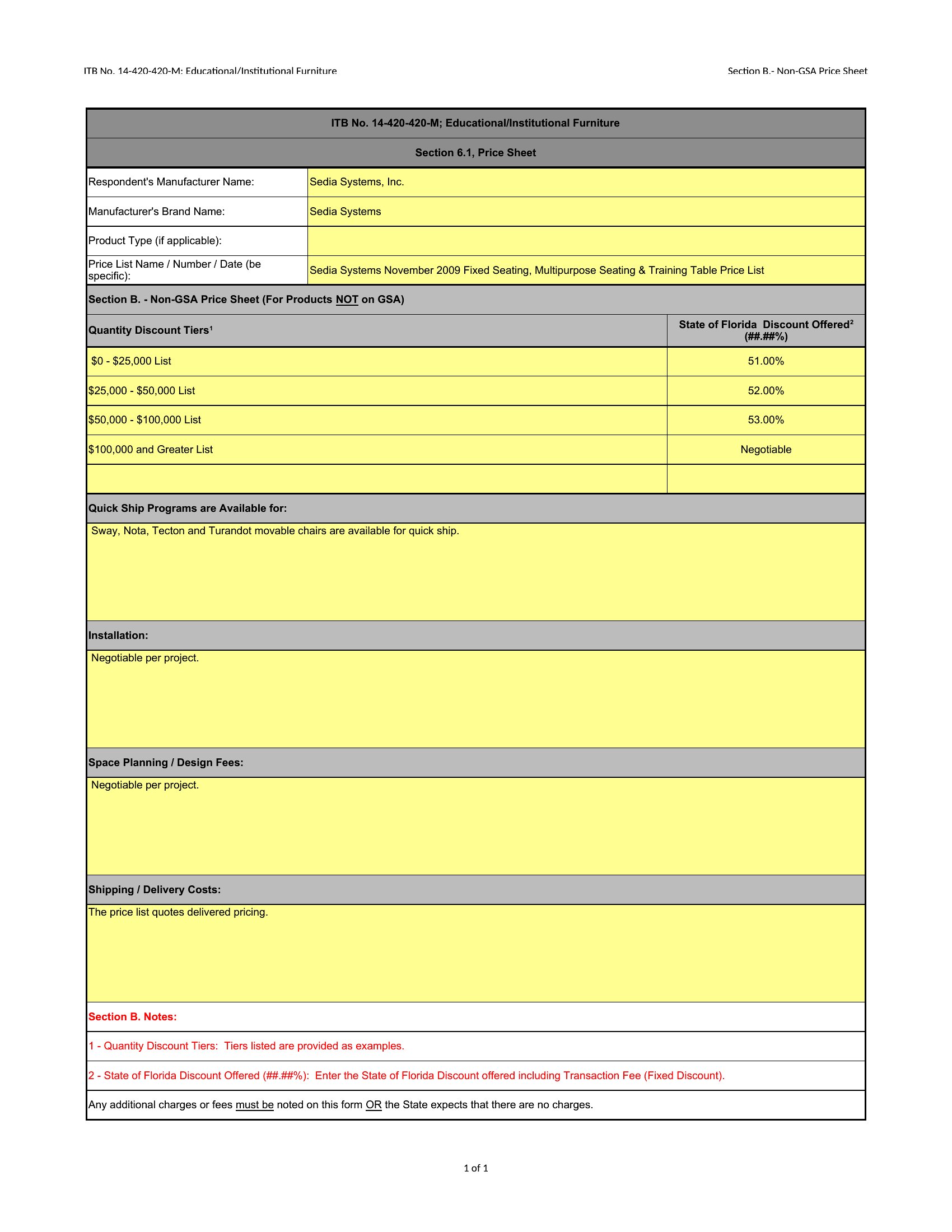
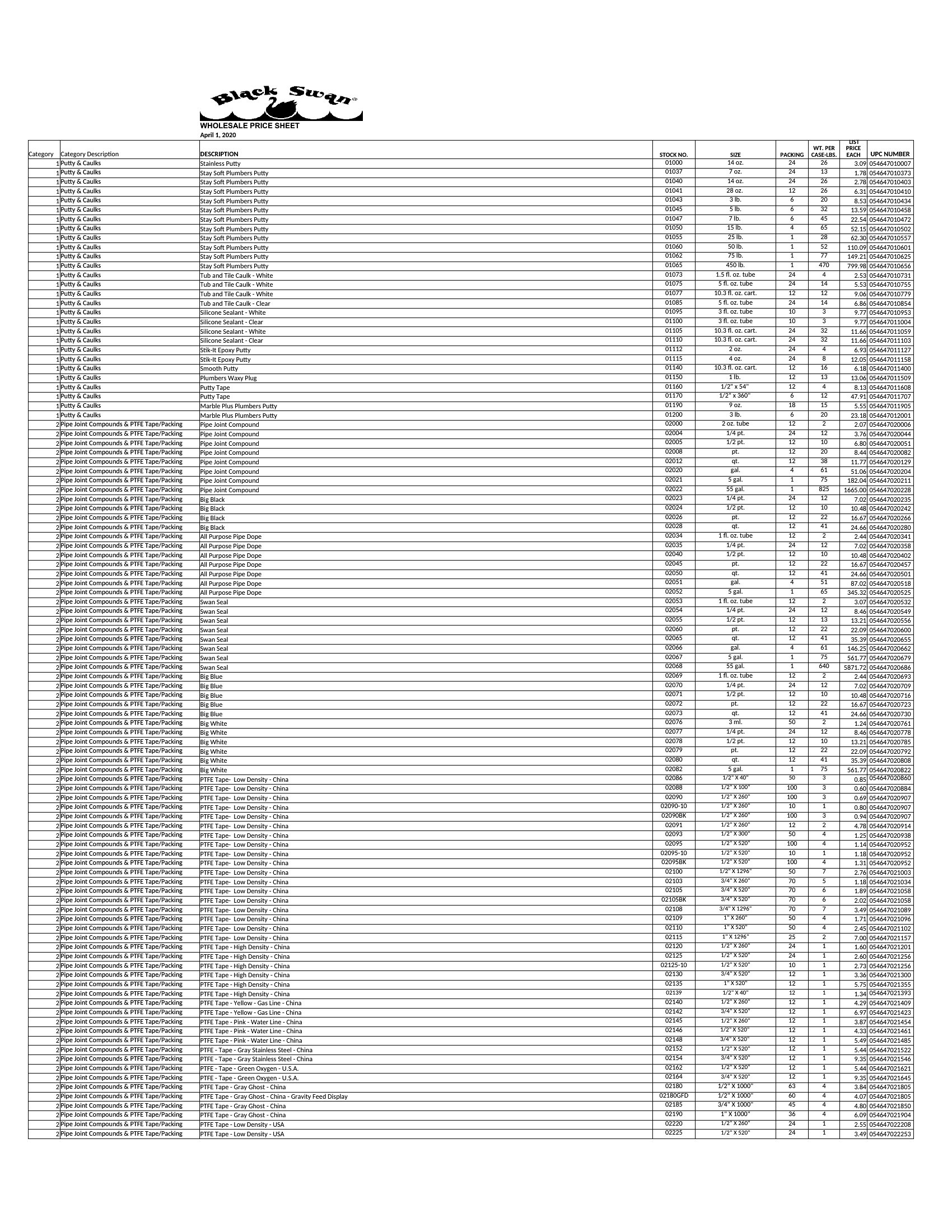
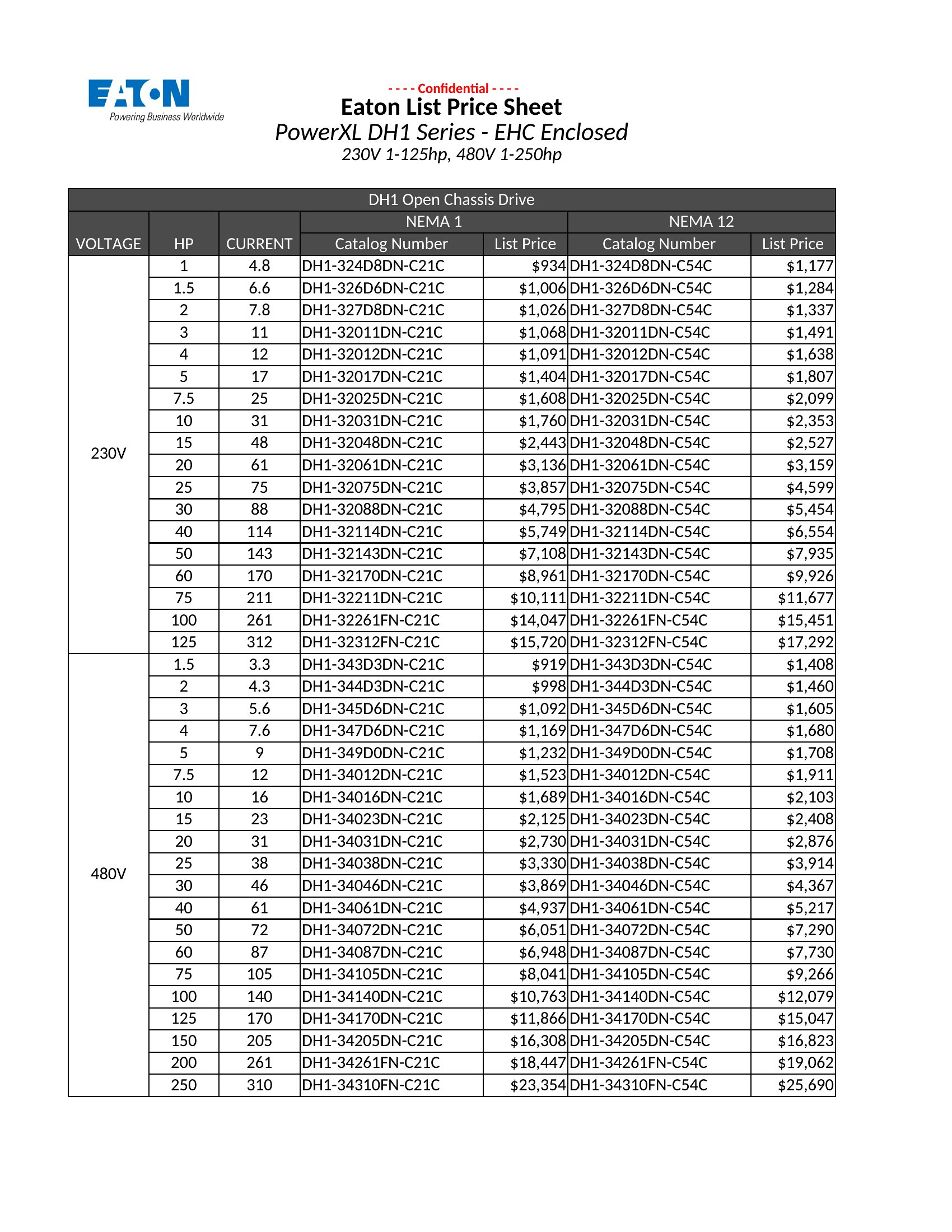
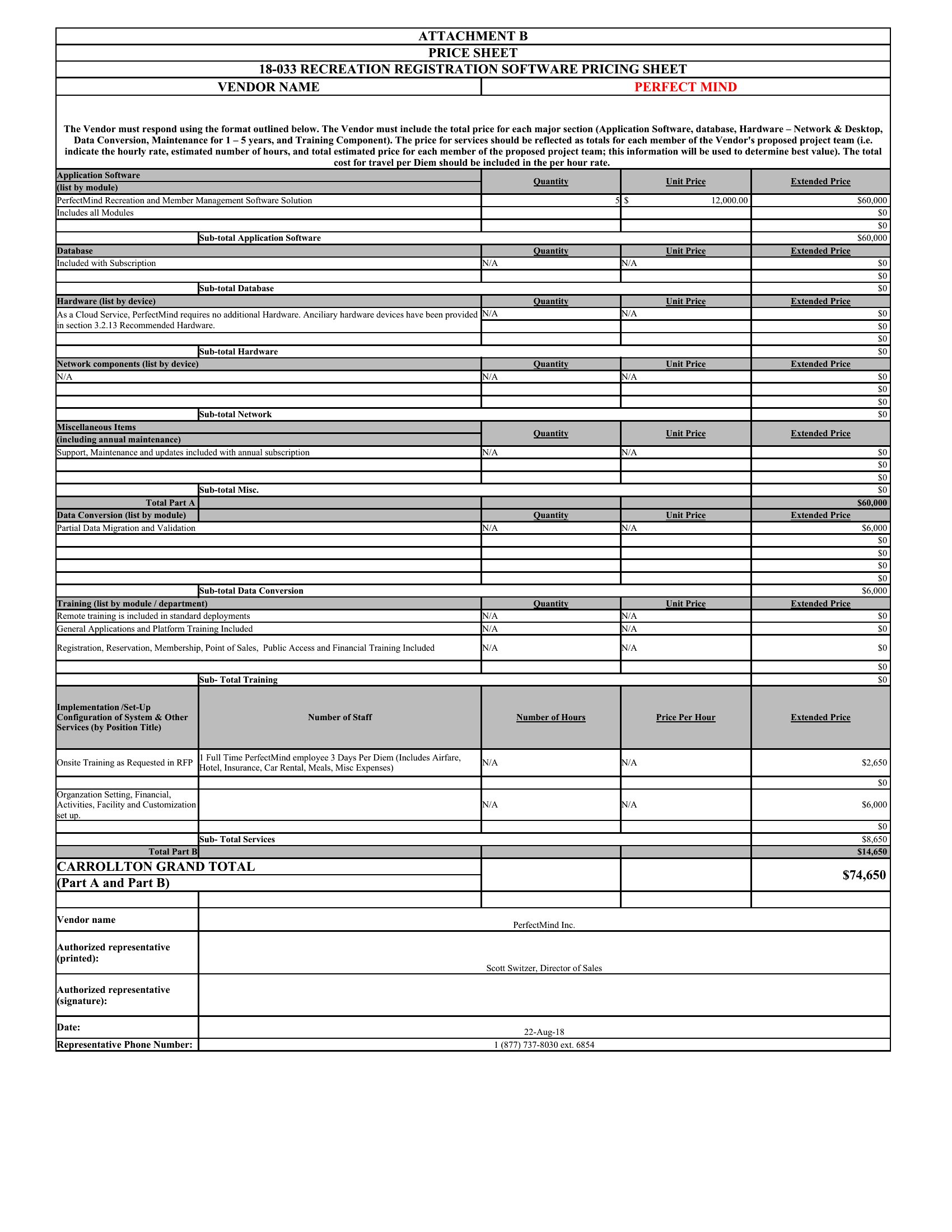
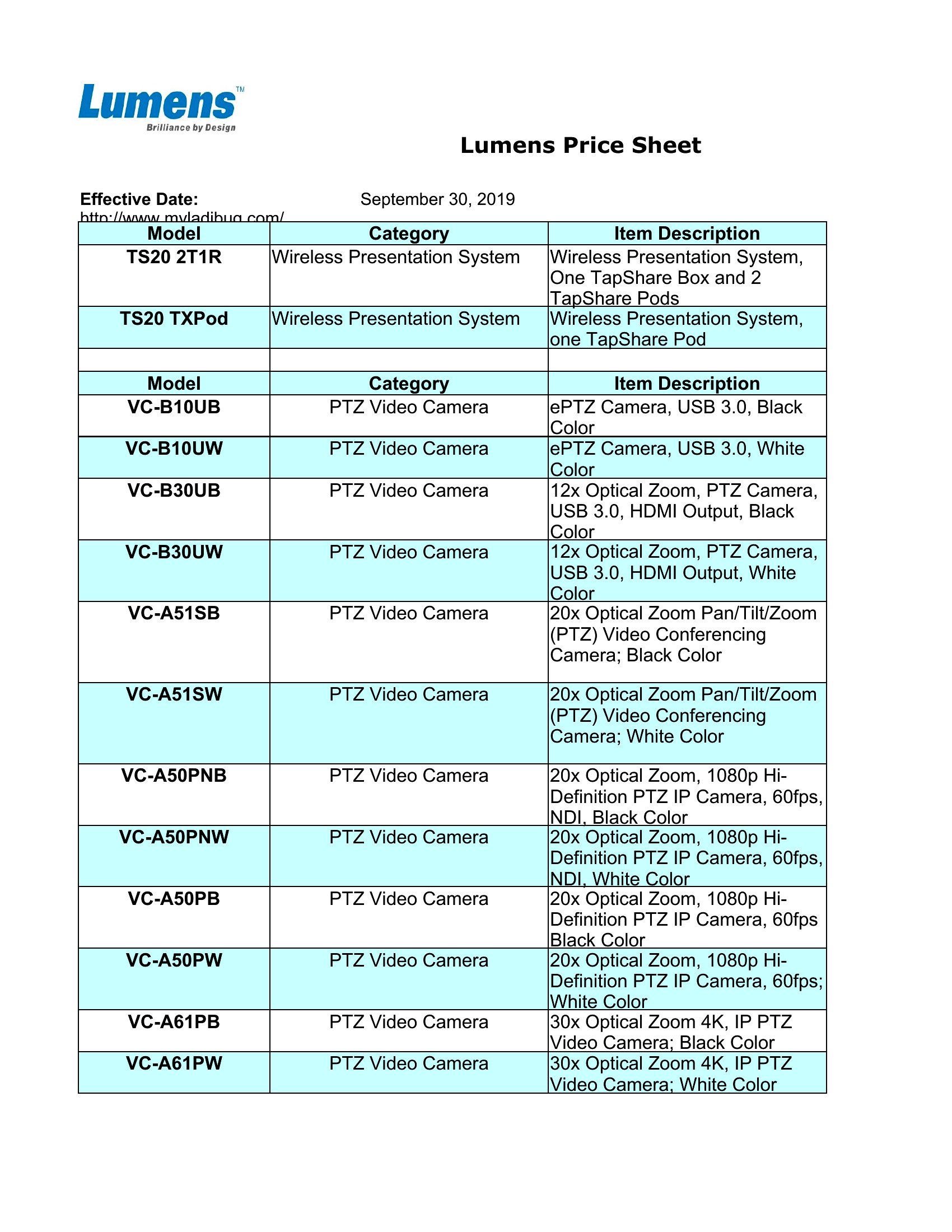
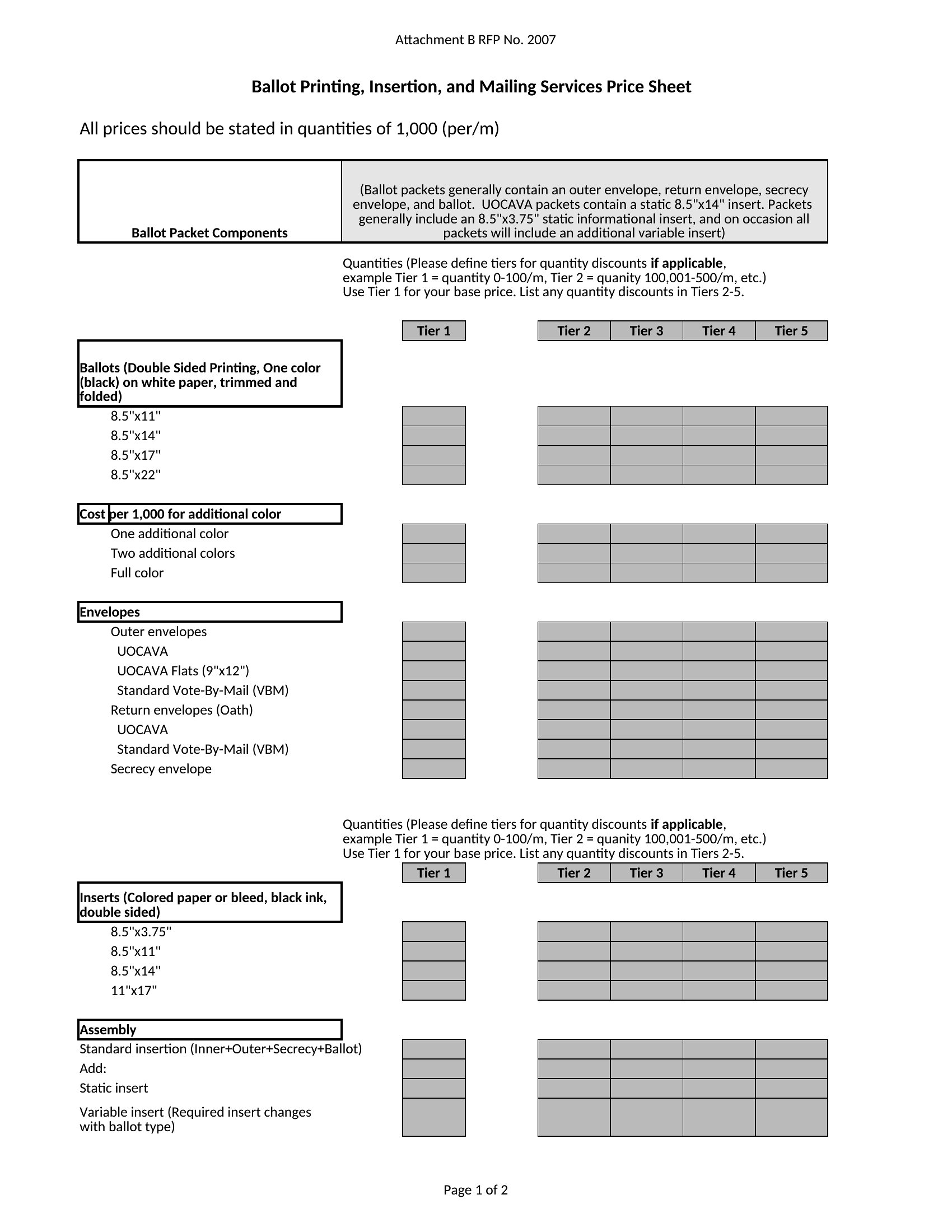
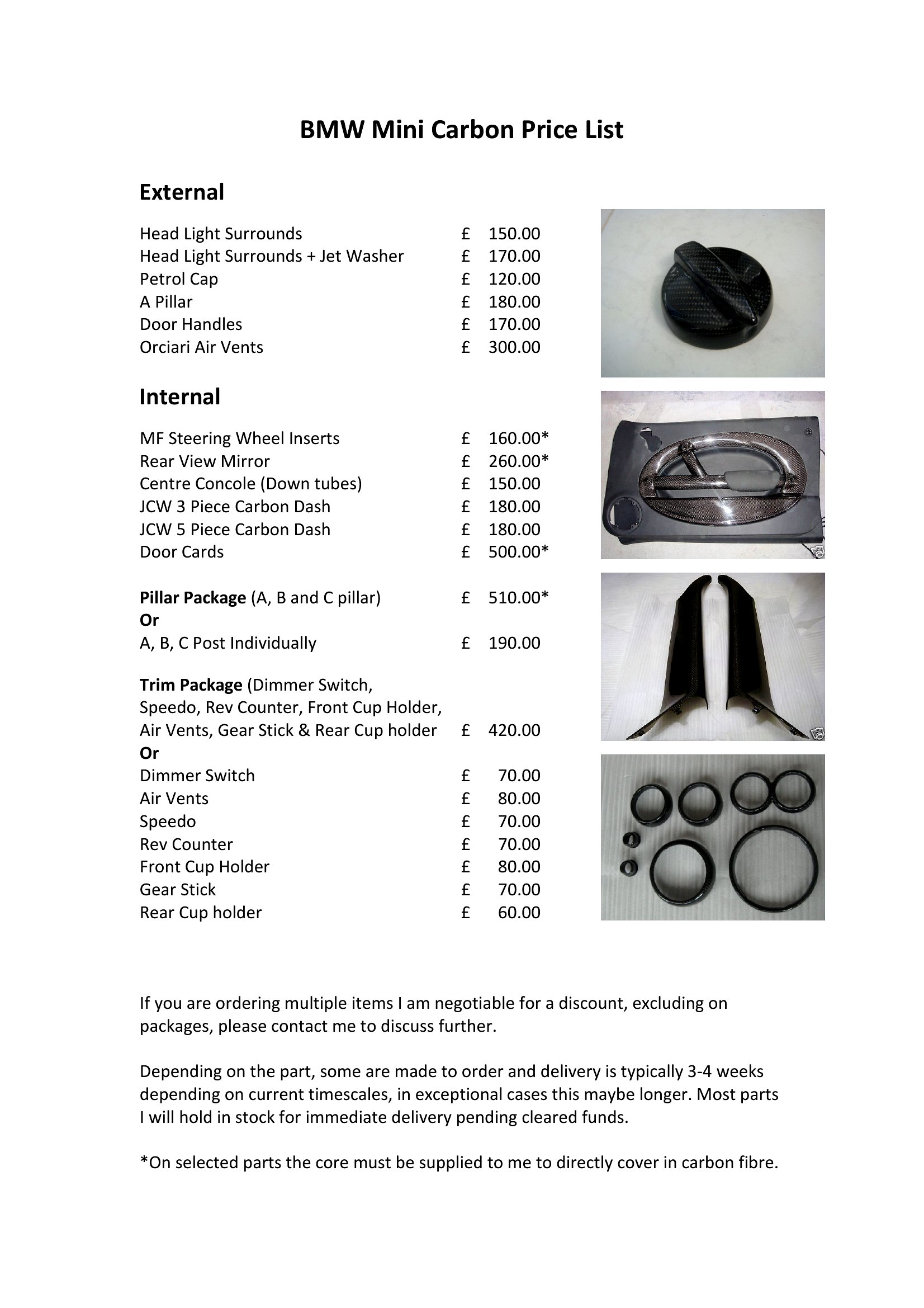
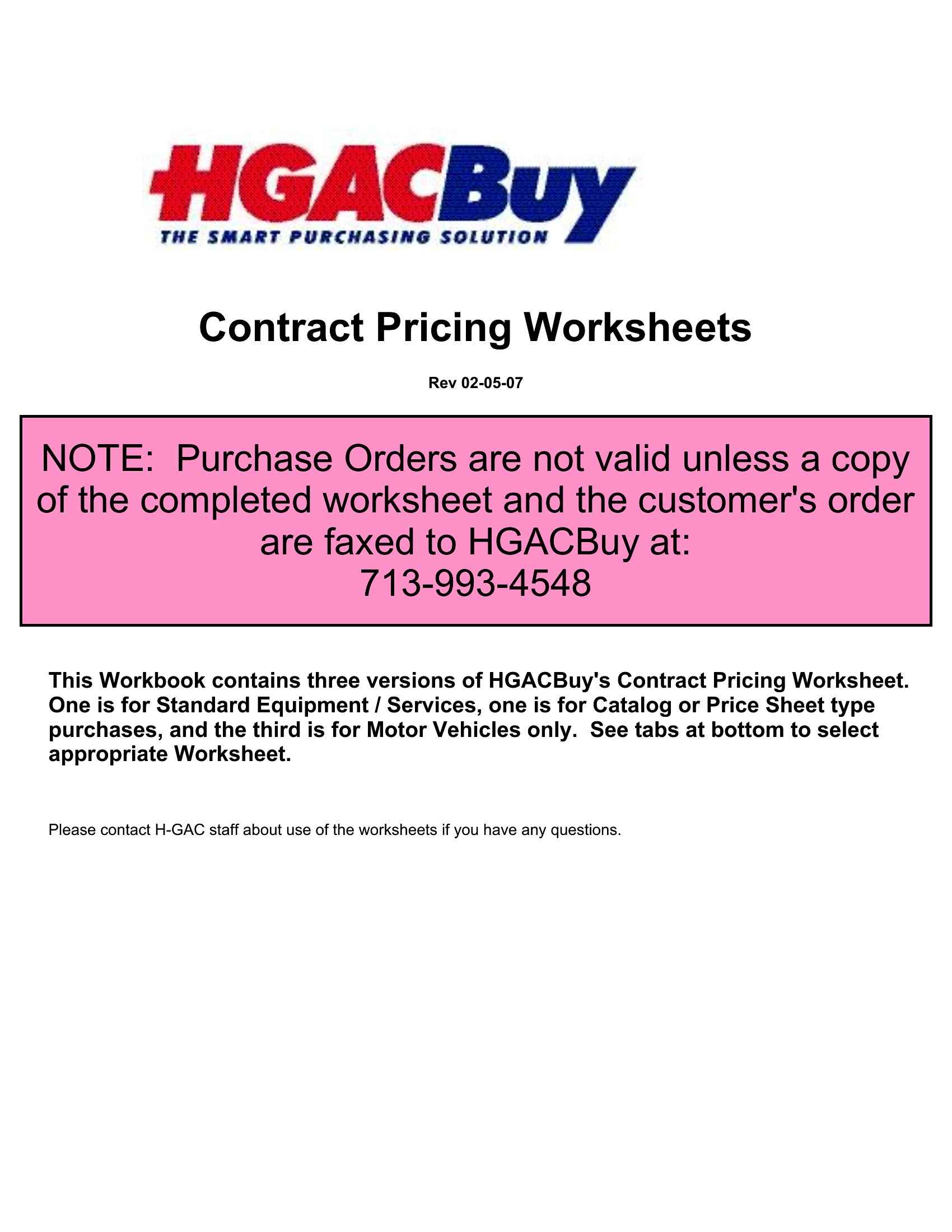
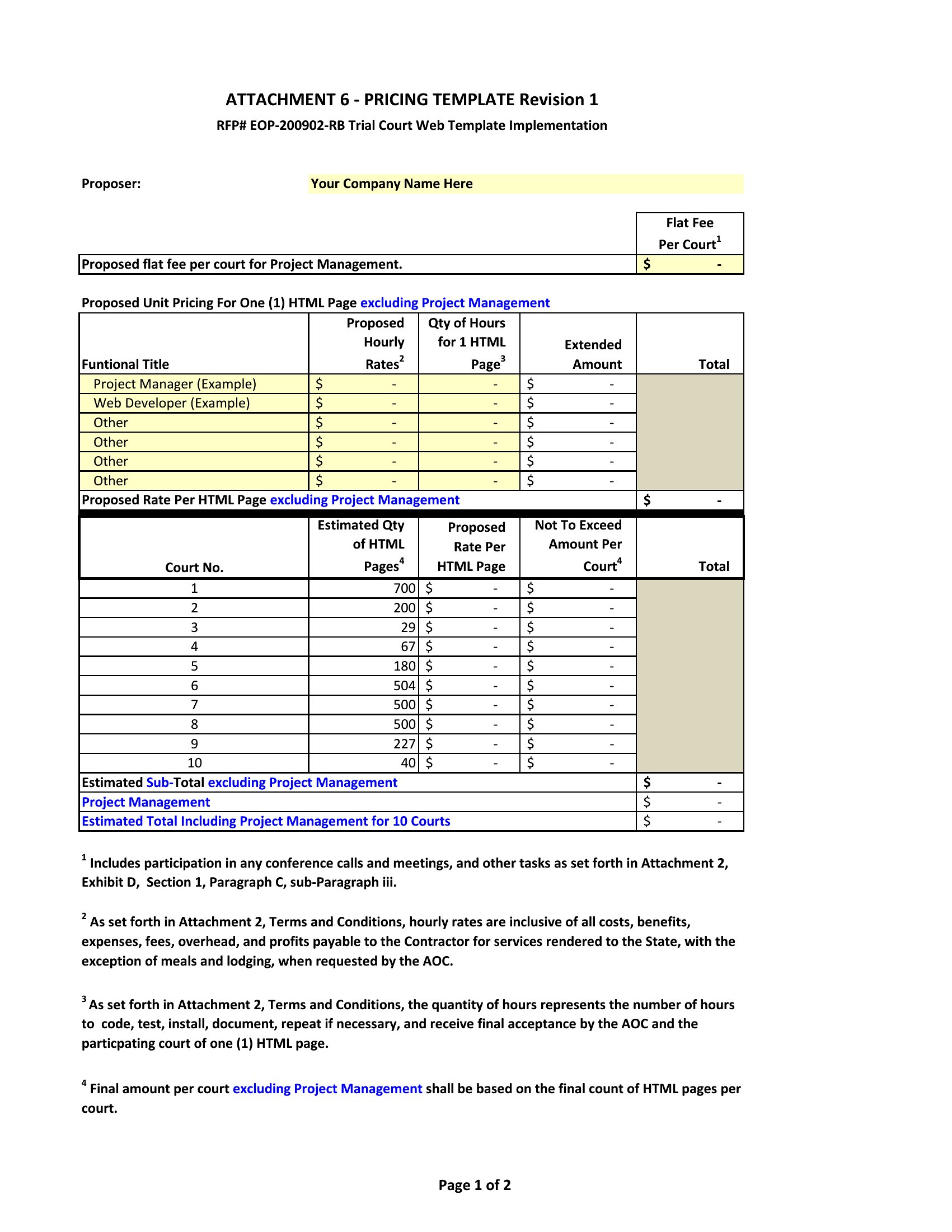
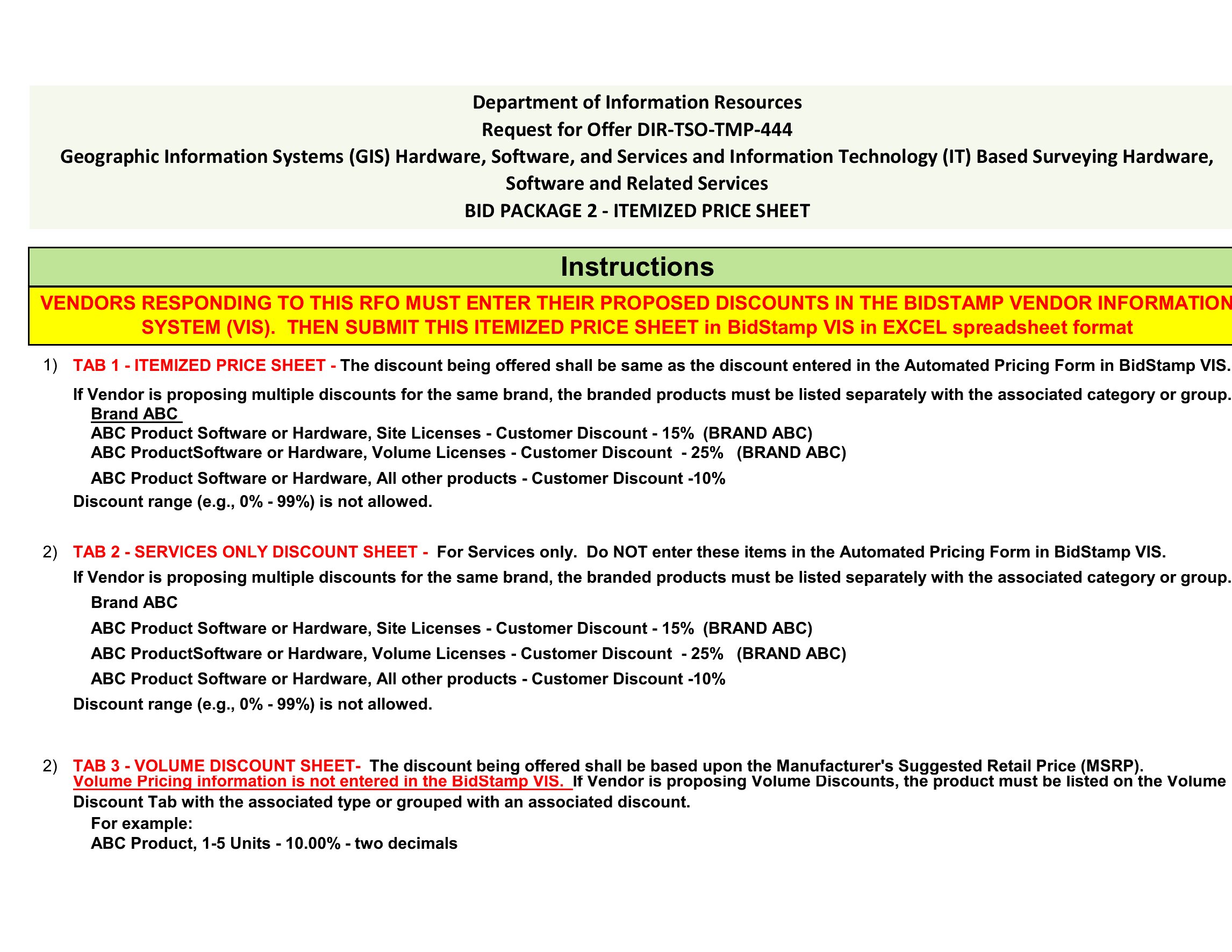
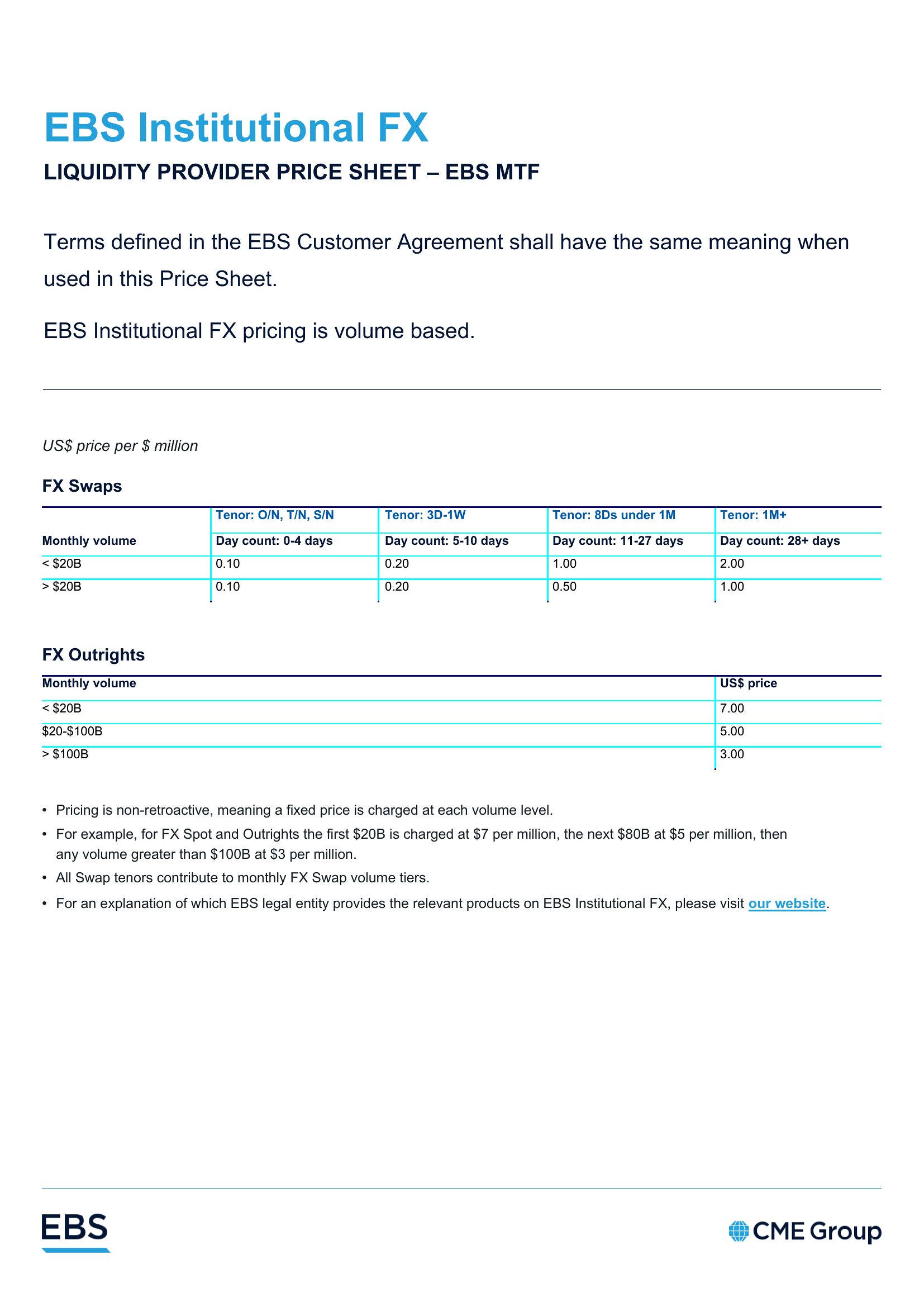
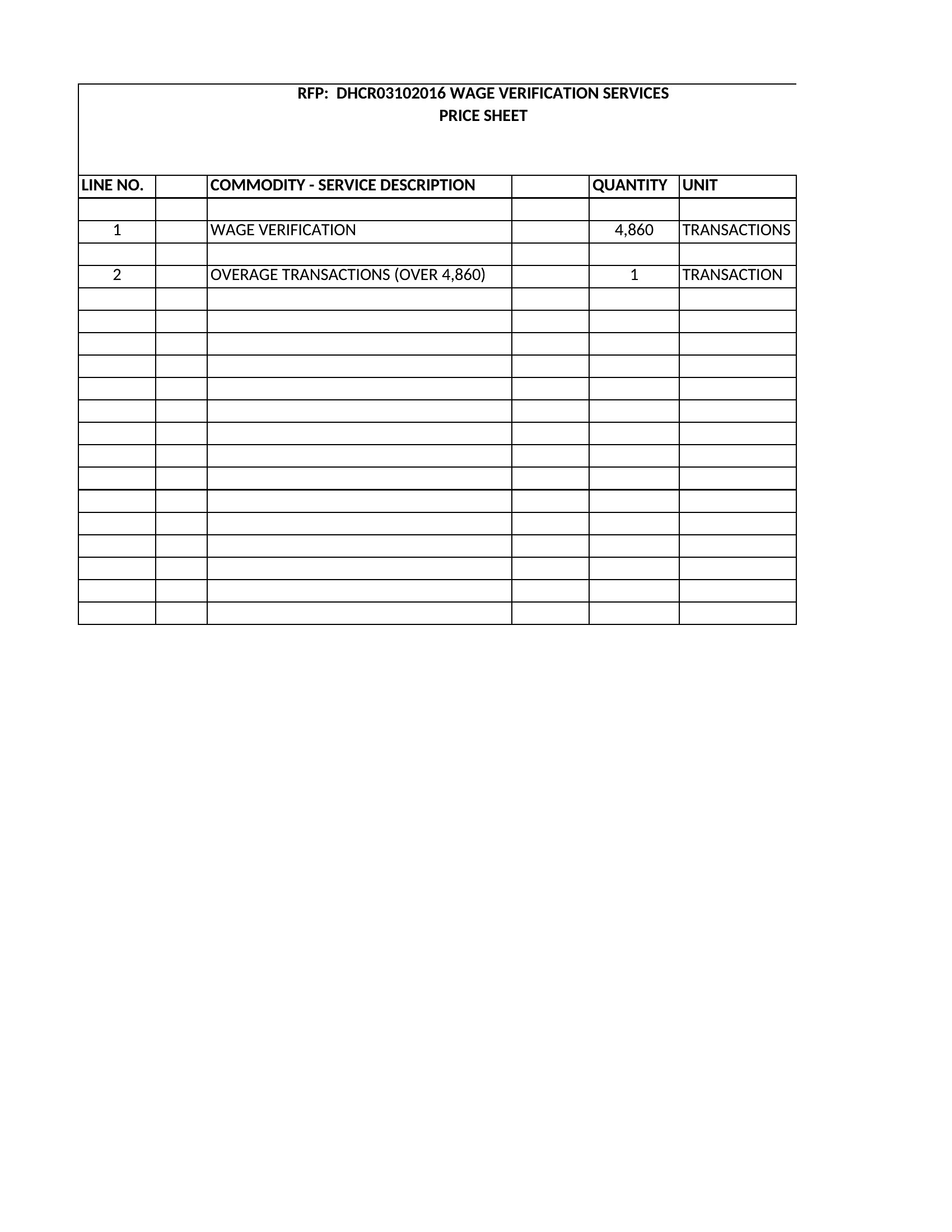
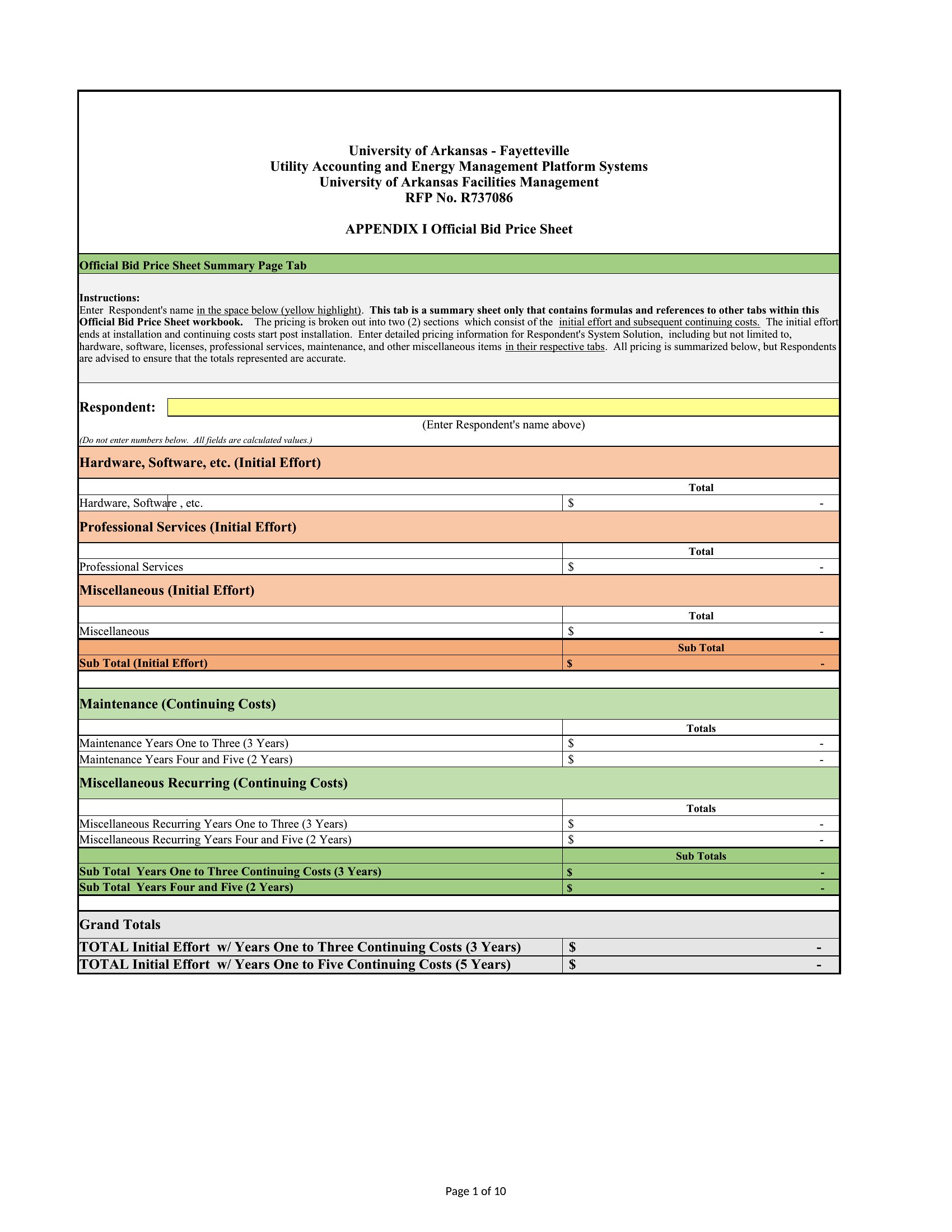
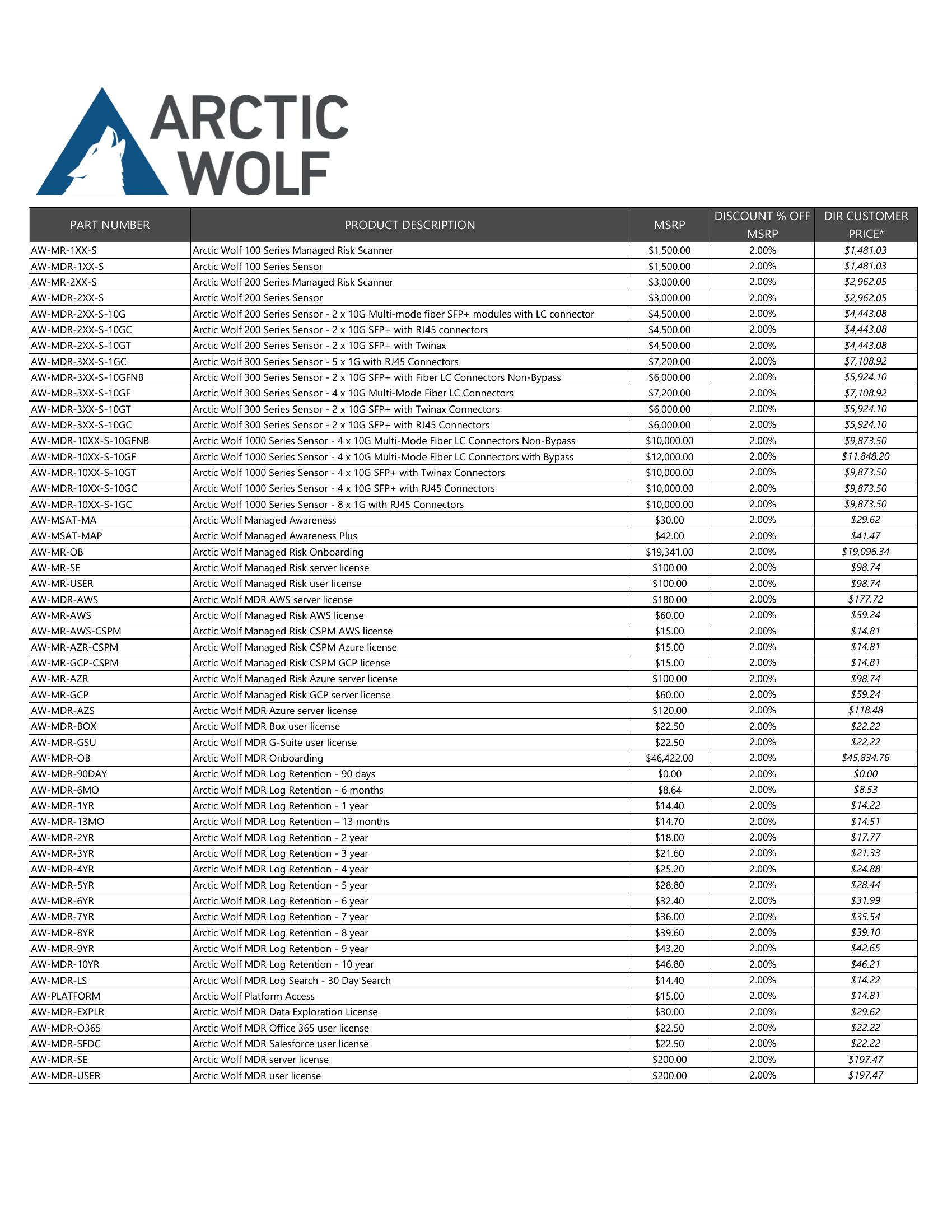
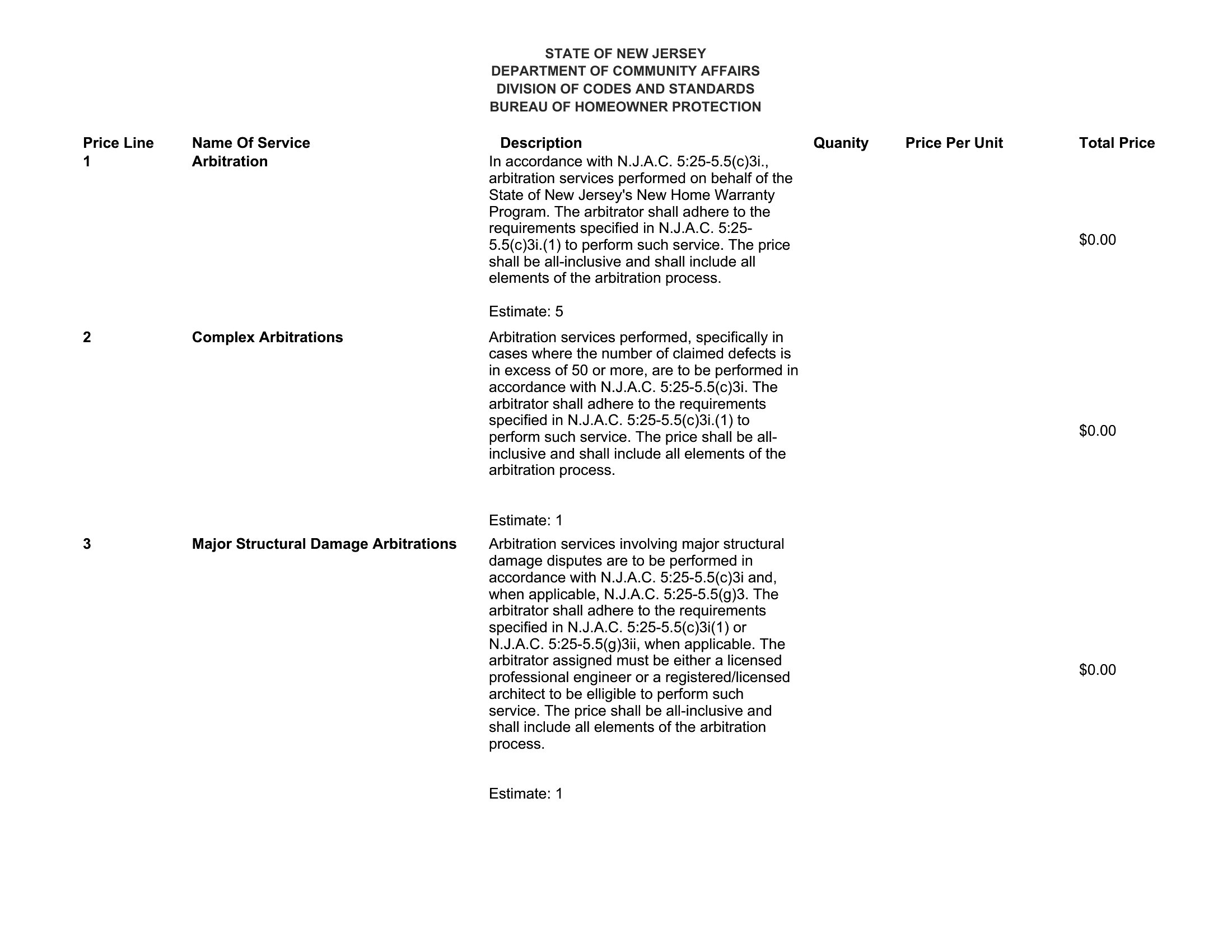
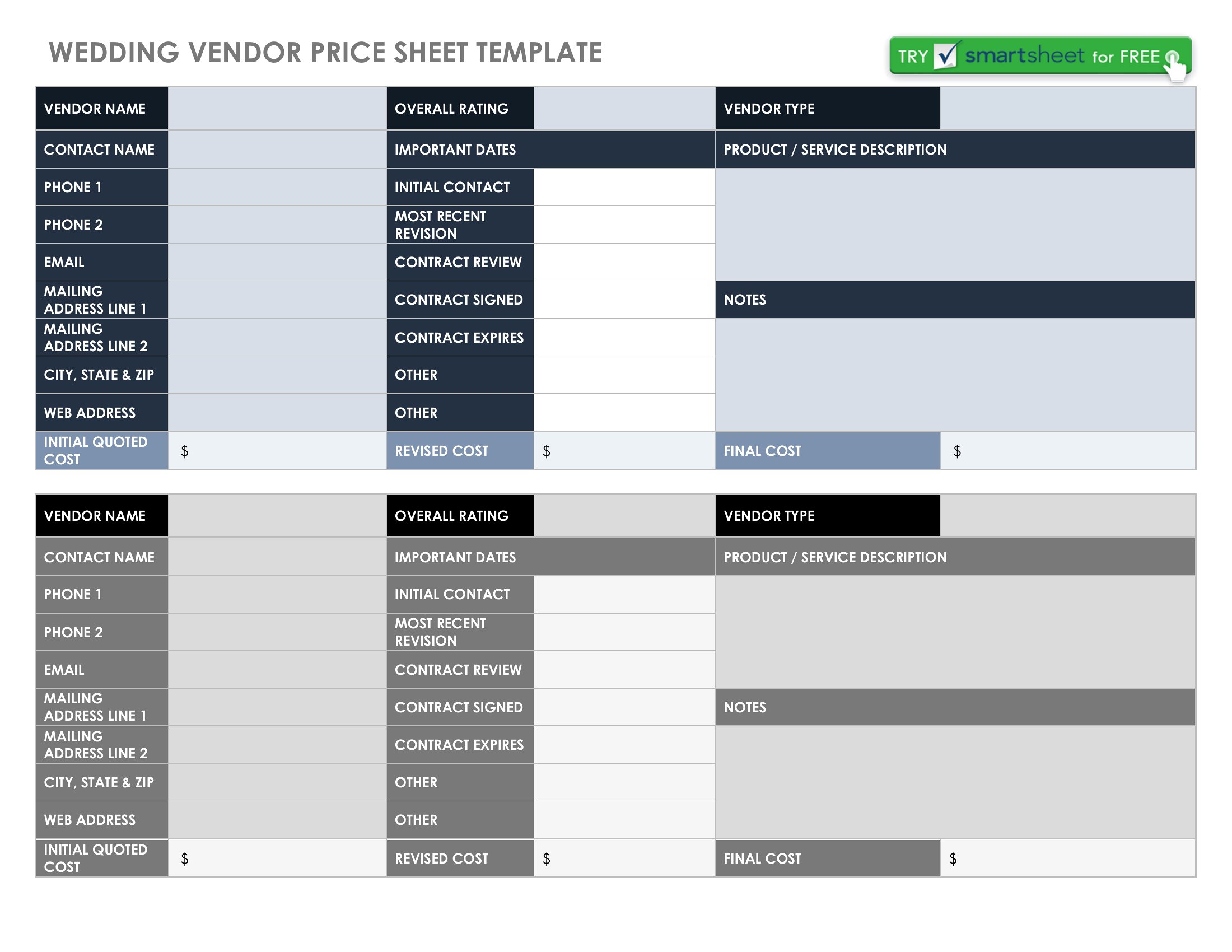
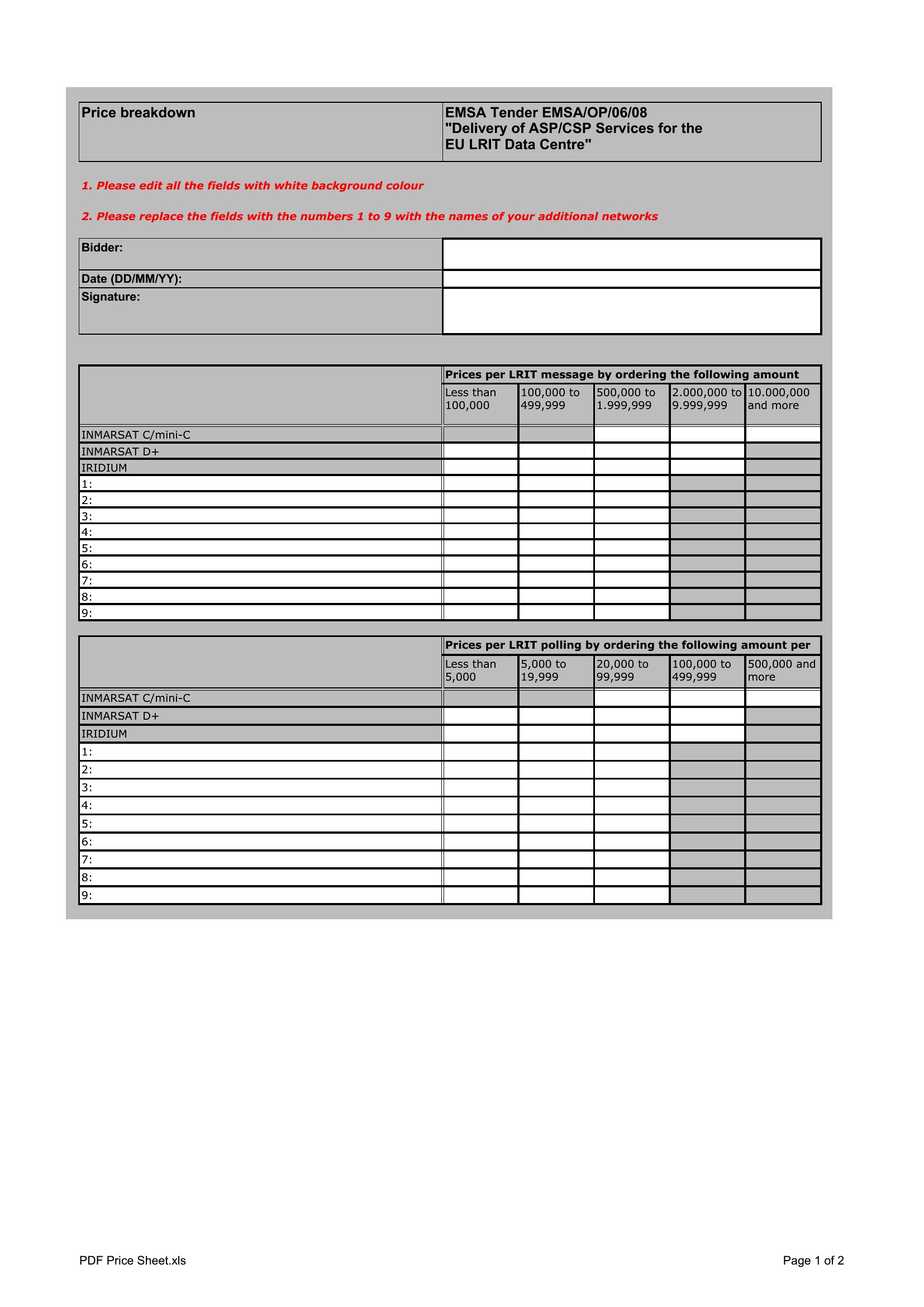
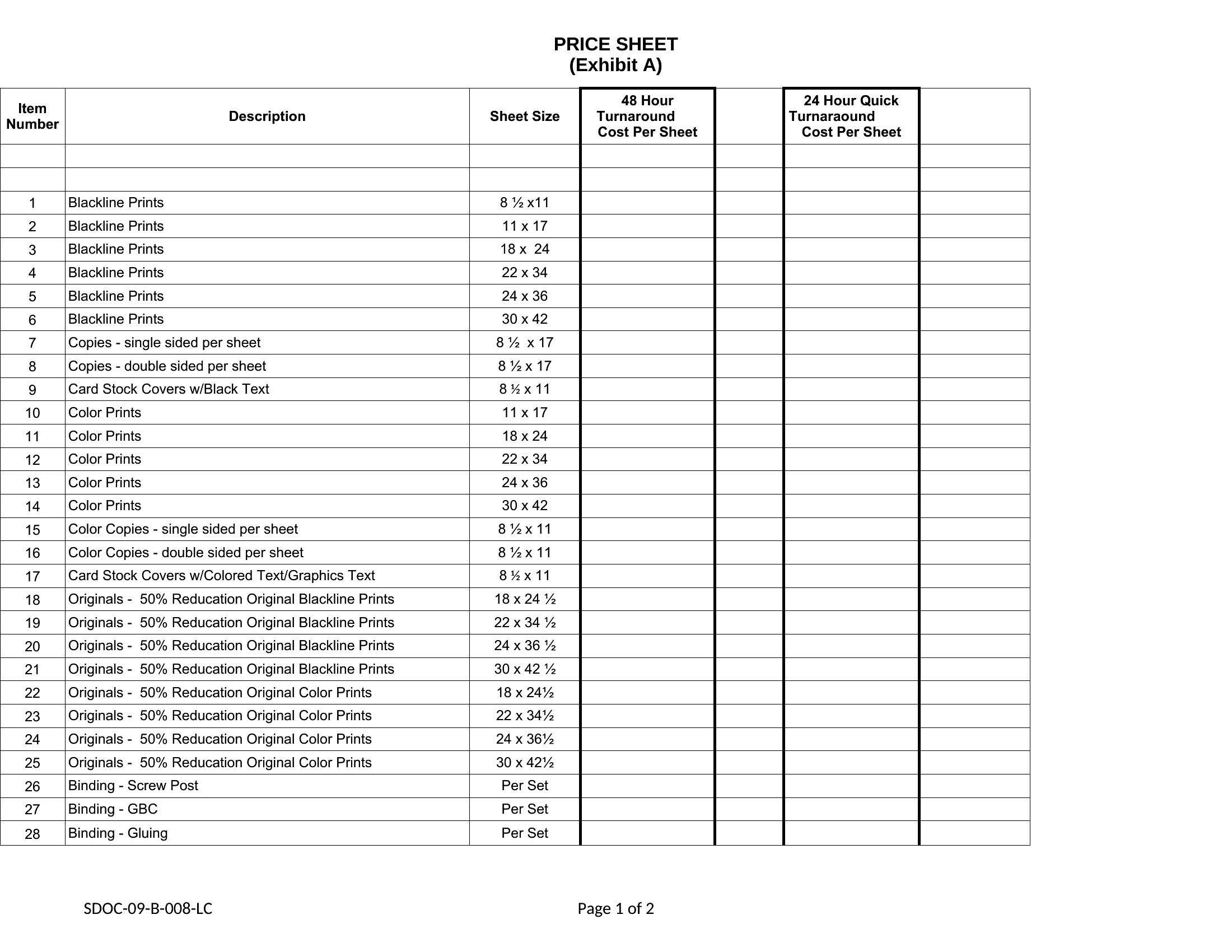
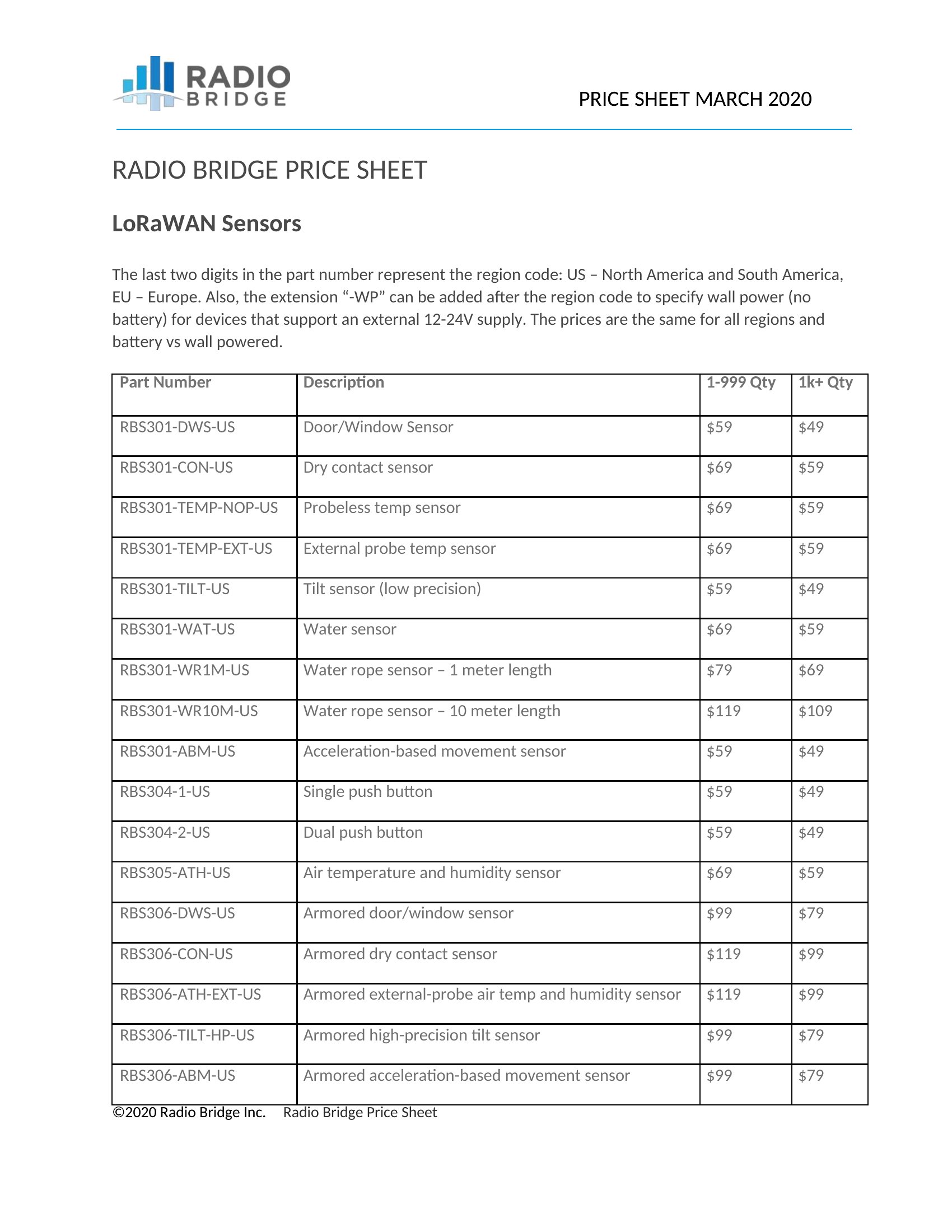
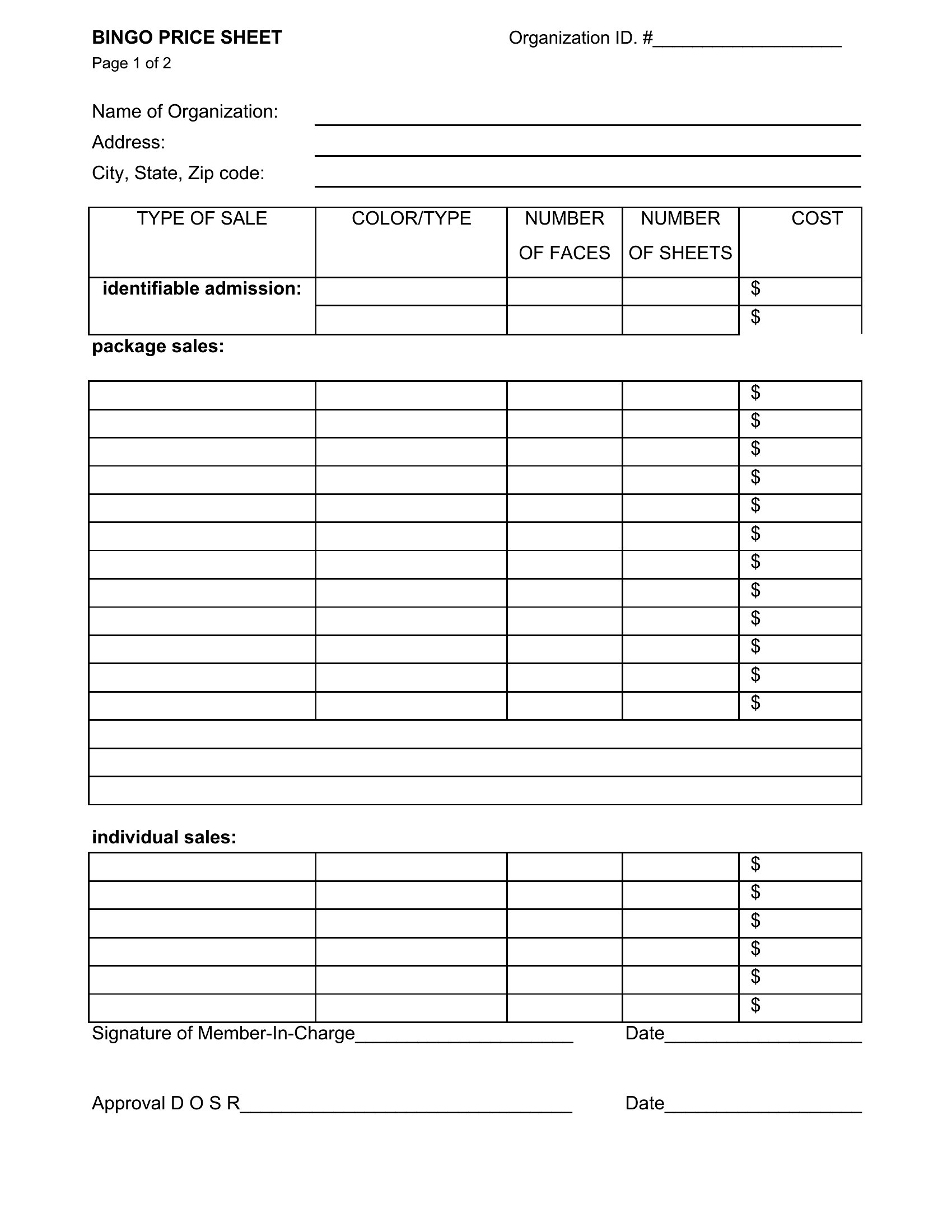
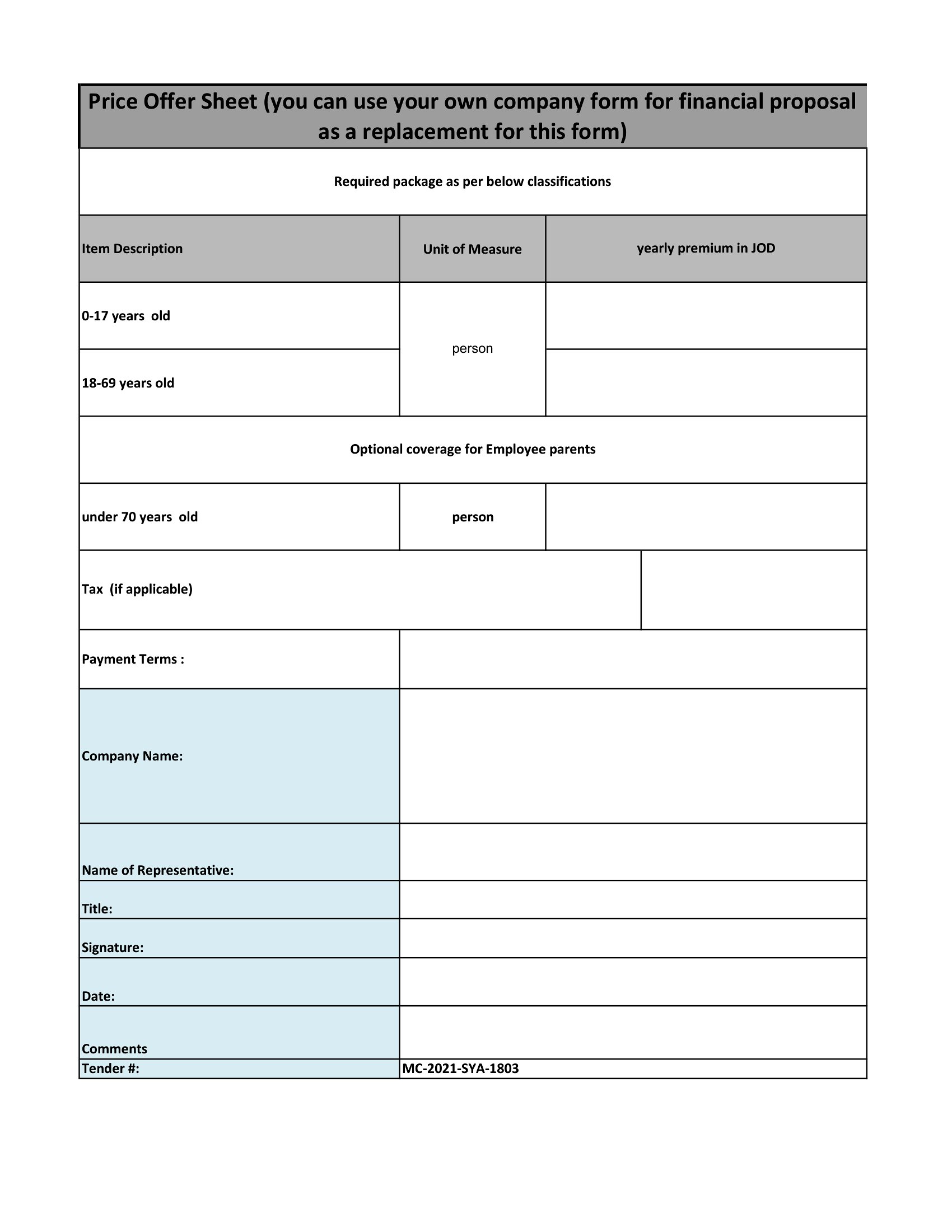
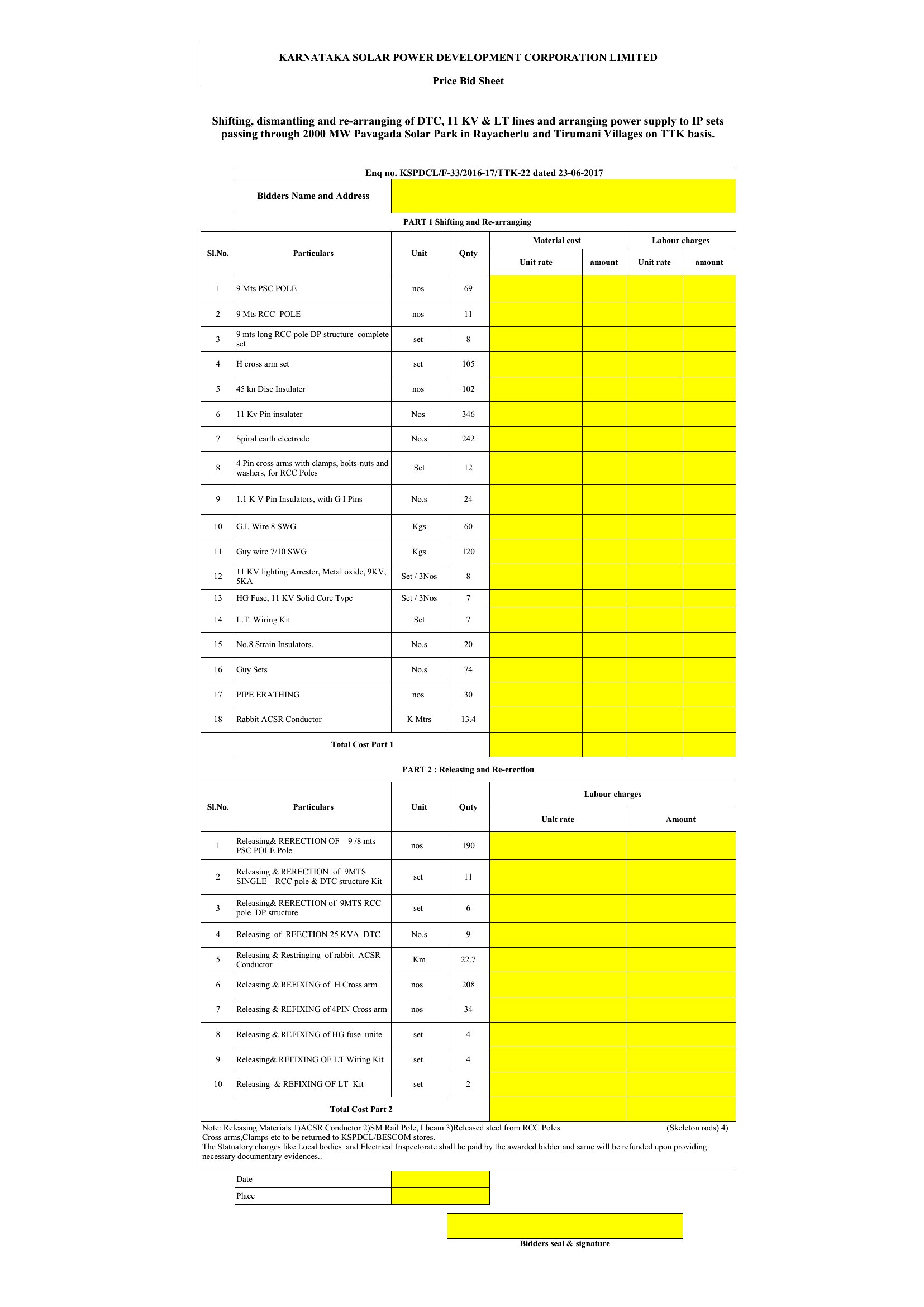
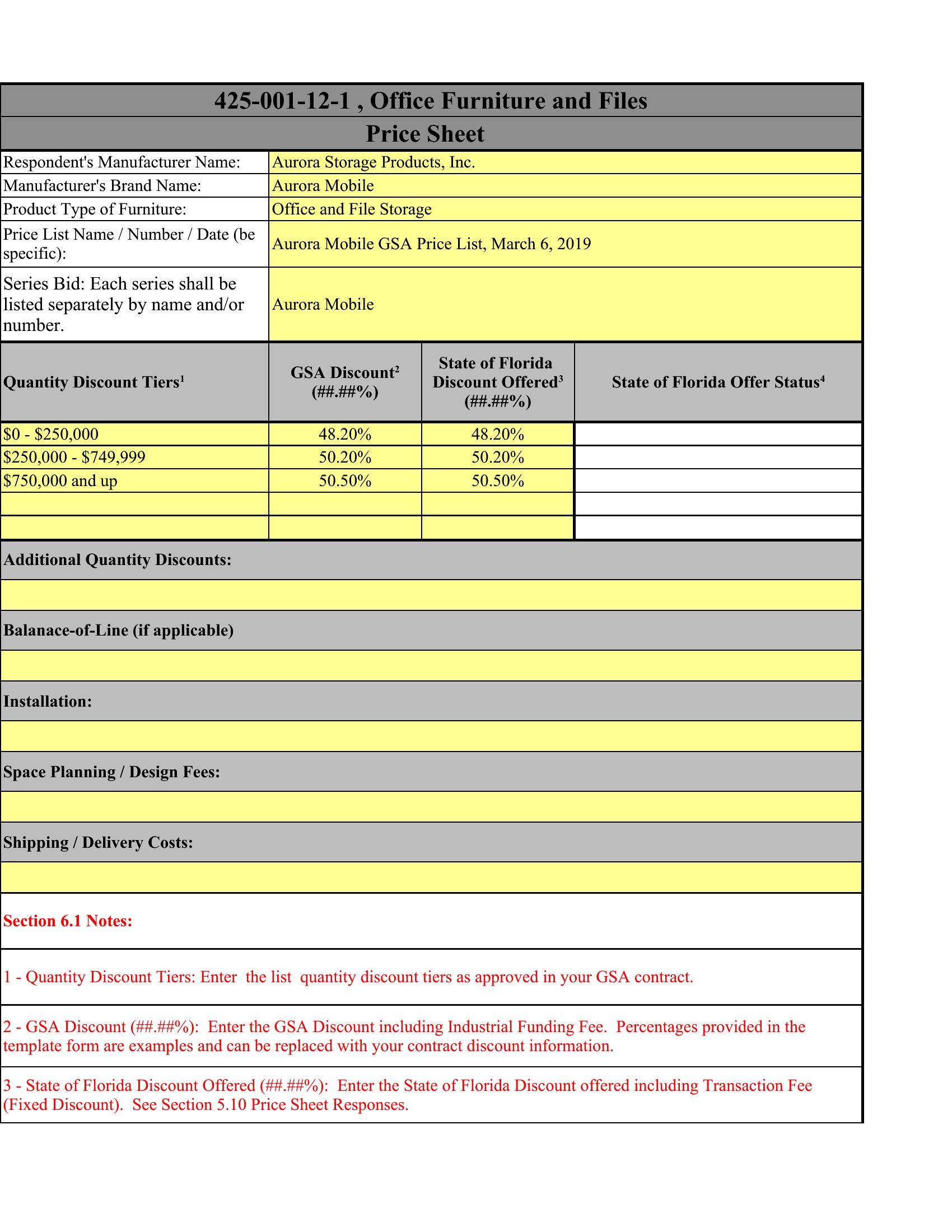
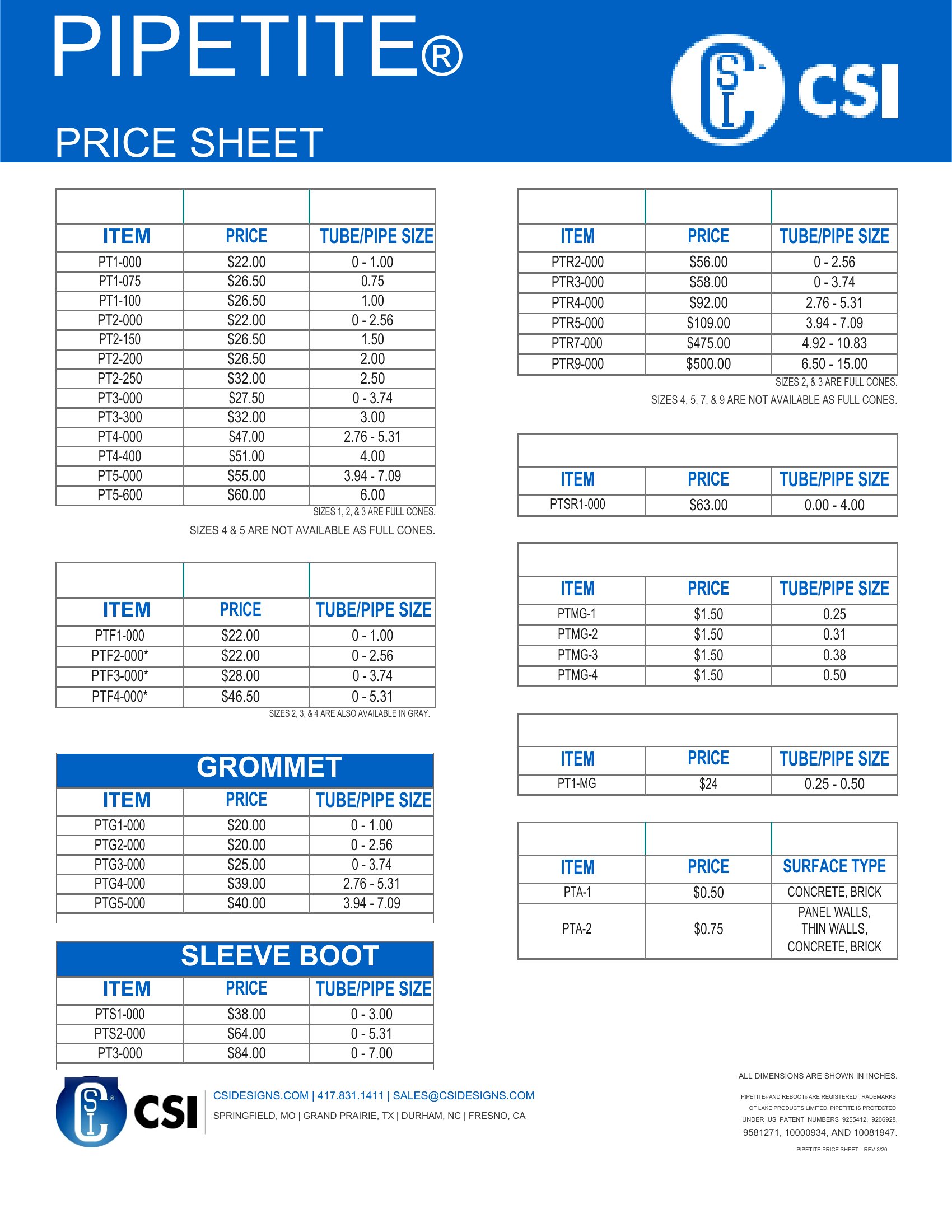
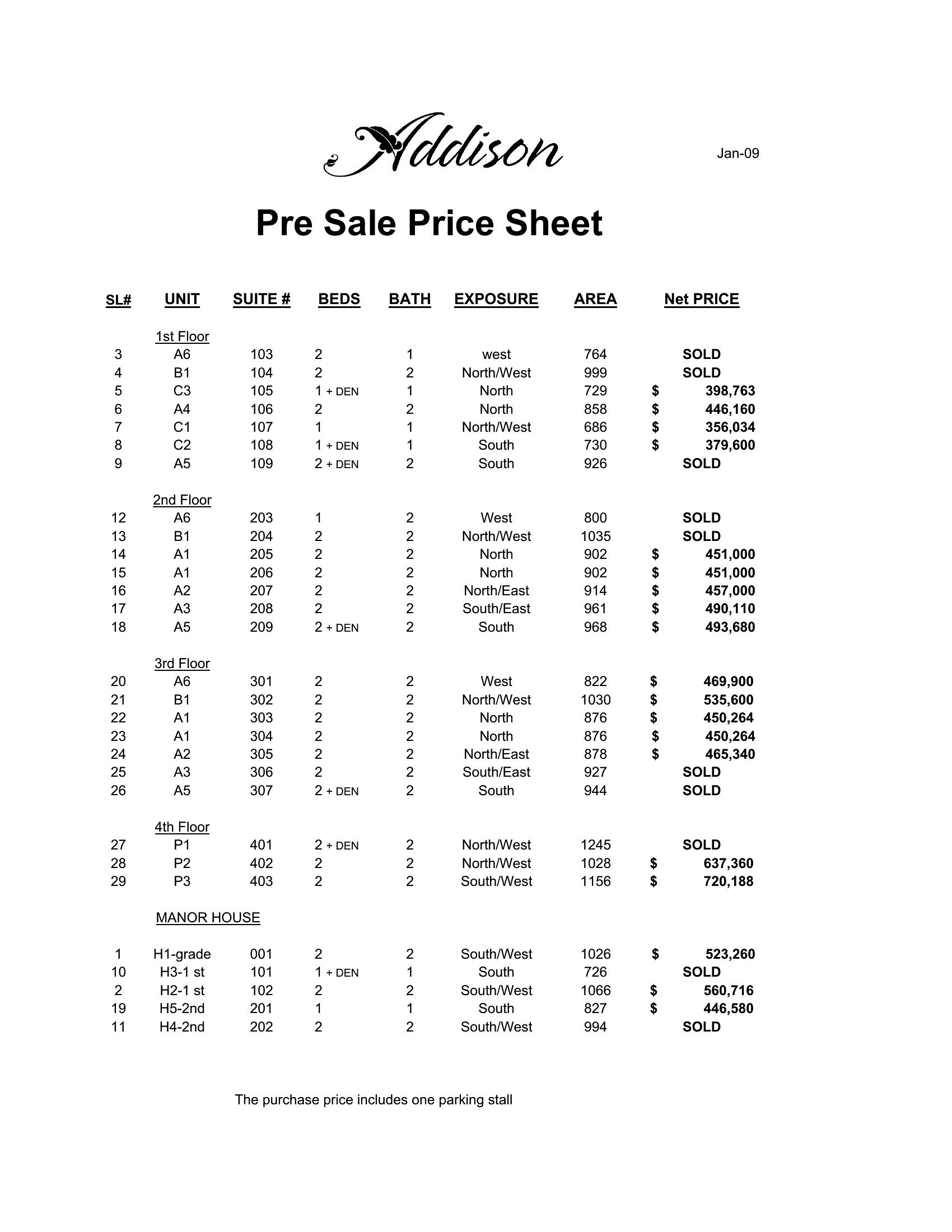
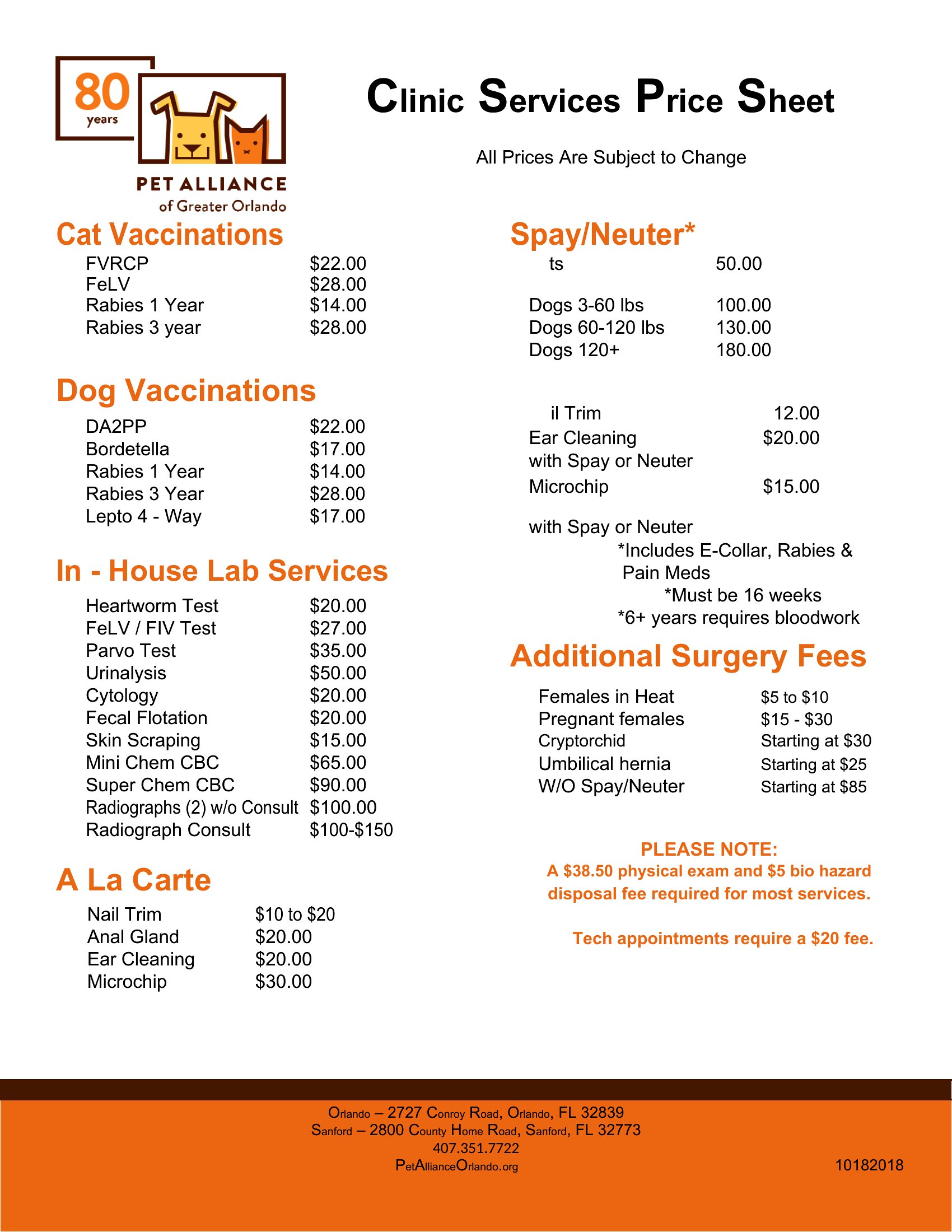
A clear price sheet answers customers' first question before they even ask it. This set of 36 price sheet templates helps shops, freelancers, and service providers lay out products or services with clean, scannable pricing. Each layout has room for item names, descriptions, and tiered or flat rates.
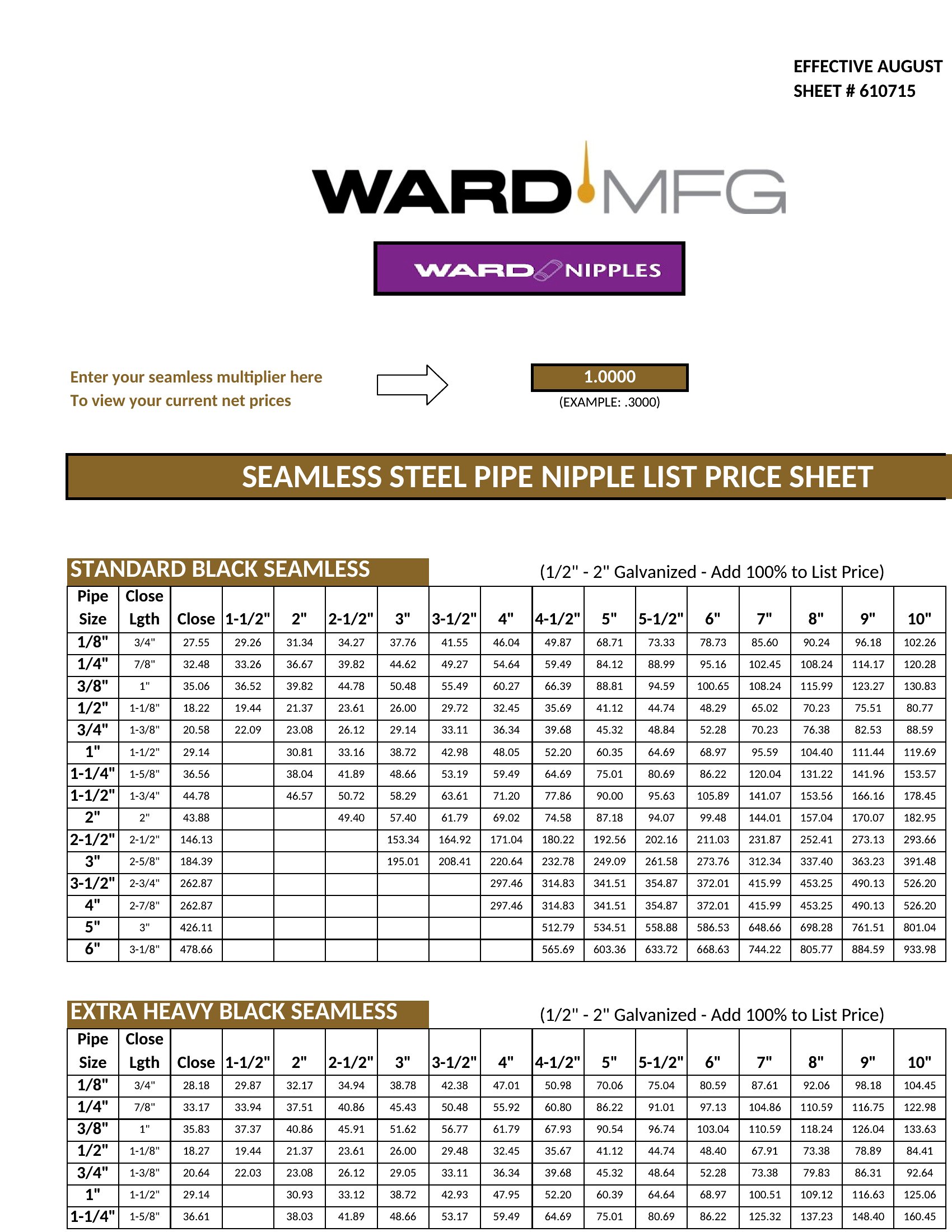
Use the Excel version to total quotes and update figures in bulk, the Word file for quick edits, or the PDF for a polished copy to share or post. Add your offerings, set the prices, and hand customers something easy to read instead of a verbal guess. Download the format that fits your business and publish your rates today.

When to use this Price Sheet template

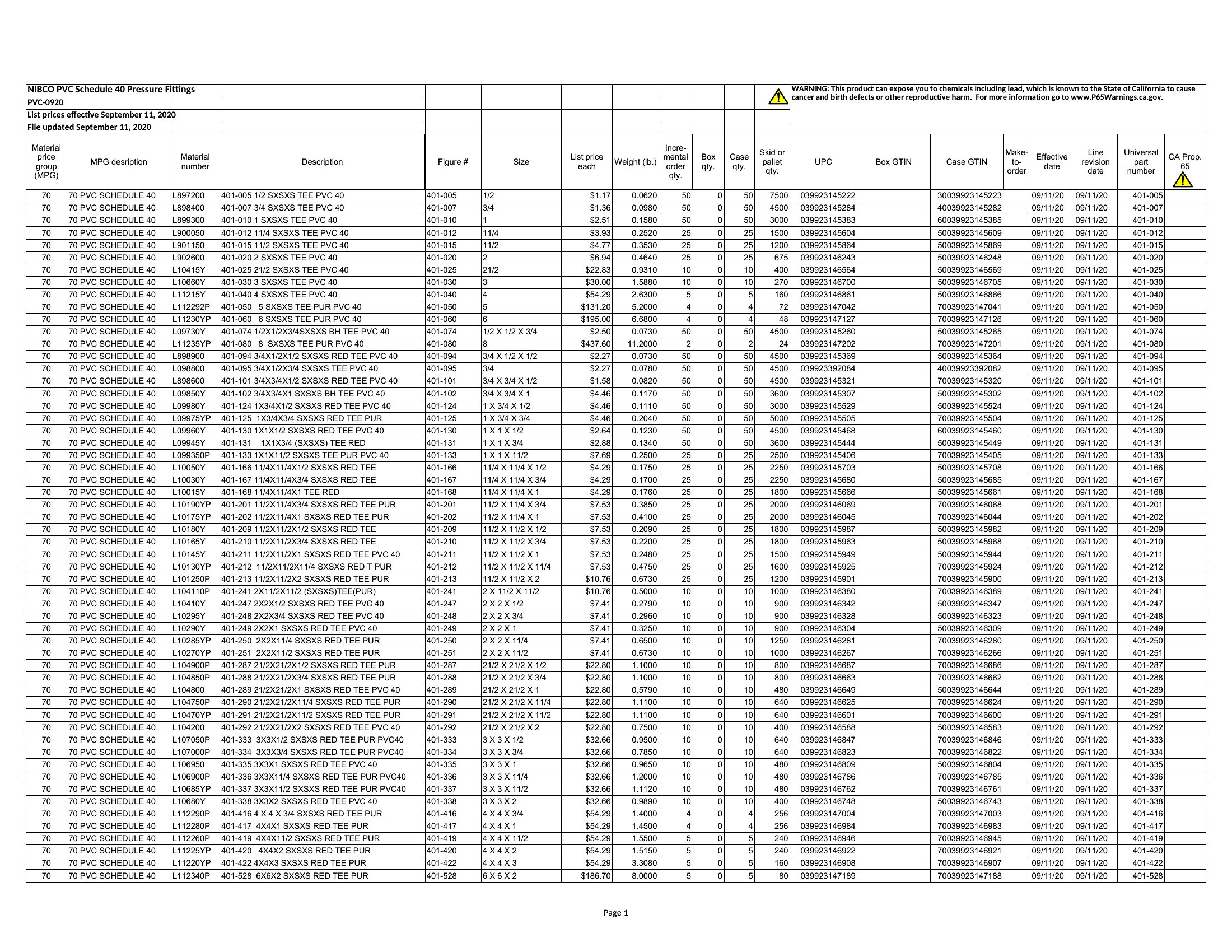
  • Small business owners needing to present a one-page overview of product pricing with SKU details to wholesale buyers during trade show inquiries, where clarity and professionalism are critical.
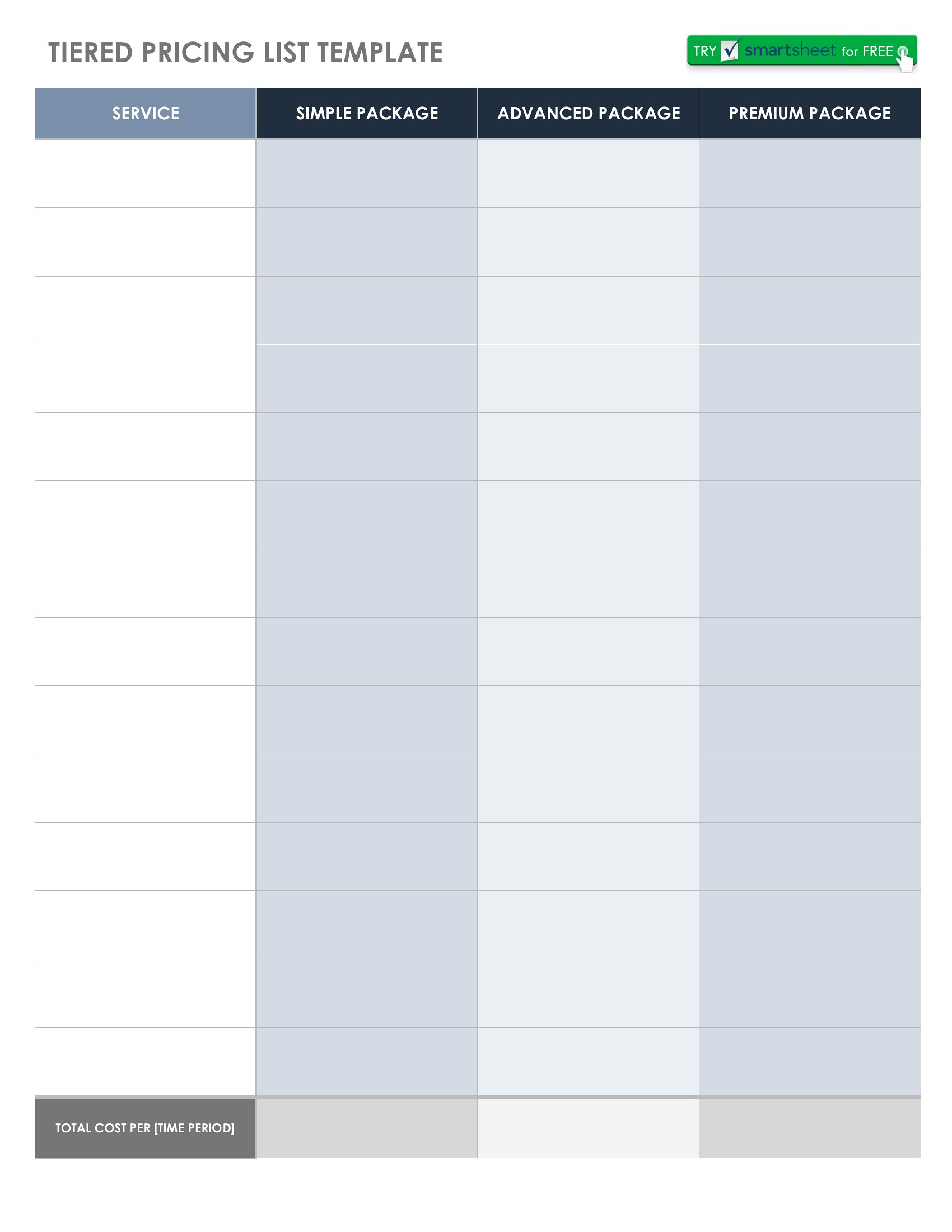
  • Freelance designers or consultants sending project quotes to new clients, where tiered pricing tables help clients visualize package options without lengthy explanations.
  • E-commerce shops listing bulk pricing for distributors, where Excel’s auto-calculation features simplify updating wholesale discounts across hundreds of line items.
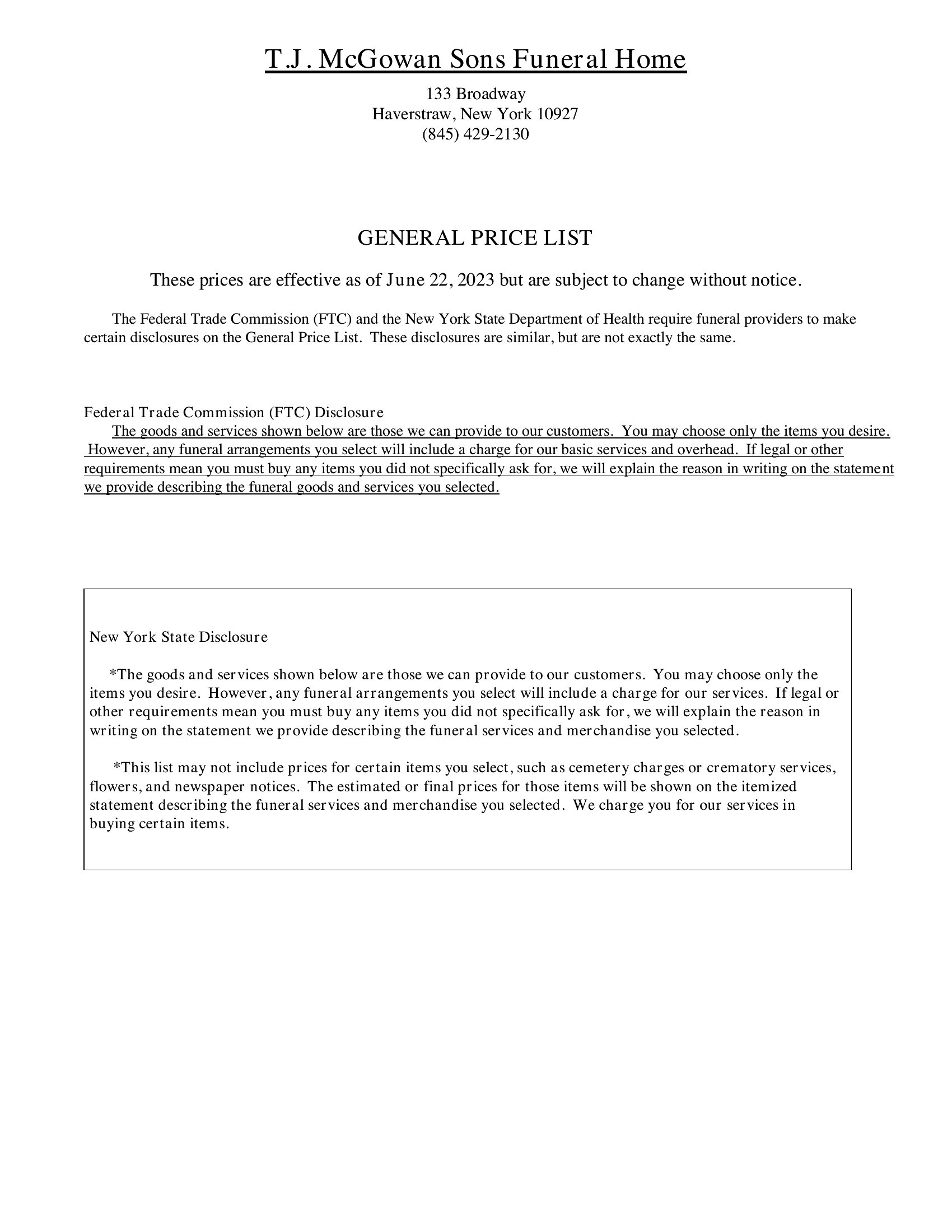
  • Healthcare providers (like physical therapists) sharing service pricing to patients upfront, where a clean PDF prevents miscommunication about copay structures or package deals.

Which format should I download?

WordExcelPDF

Choose Word when you need to tweak descriptions or pricing frequently and share editable files with team members—its flexibility makes it ideal for internal revisions. Pick Excel for businesses managing dynamic pricing (e.g., seasonal sales or bulk tiers) where formulas automate totals and discounts. Use PDF for final, uneditable price sheets meant for clients or public-facing websites, ensuring consistency and preventing accidental edits. The PDF format also preserves formatting perfectly for printing or digital sharing.

Choose from 36 Price Sheet Templates
How to use this Price Sheet template

Can a price sheet template help me explain custom pricing without confusing my clients?

Yes, these templates include sections for clear descriptions and tiered options. For example, a freelancer can list ‘Basic,’ ‘Standard,’ and ‘Premium’ service packages with defined deliverables, so clients instantly understand value differences without needing a follow-up call. Start with a template that has checkboxes for add-ons to further simplify choices.
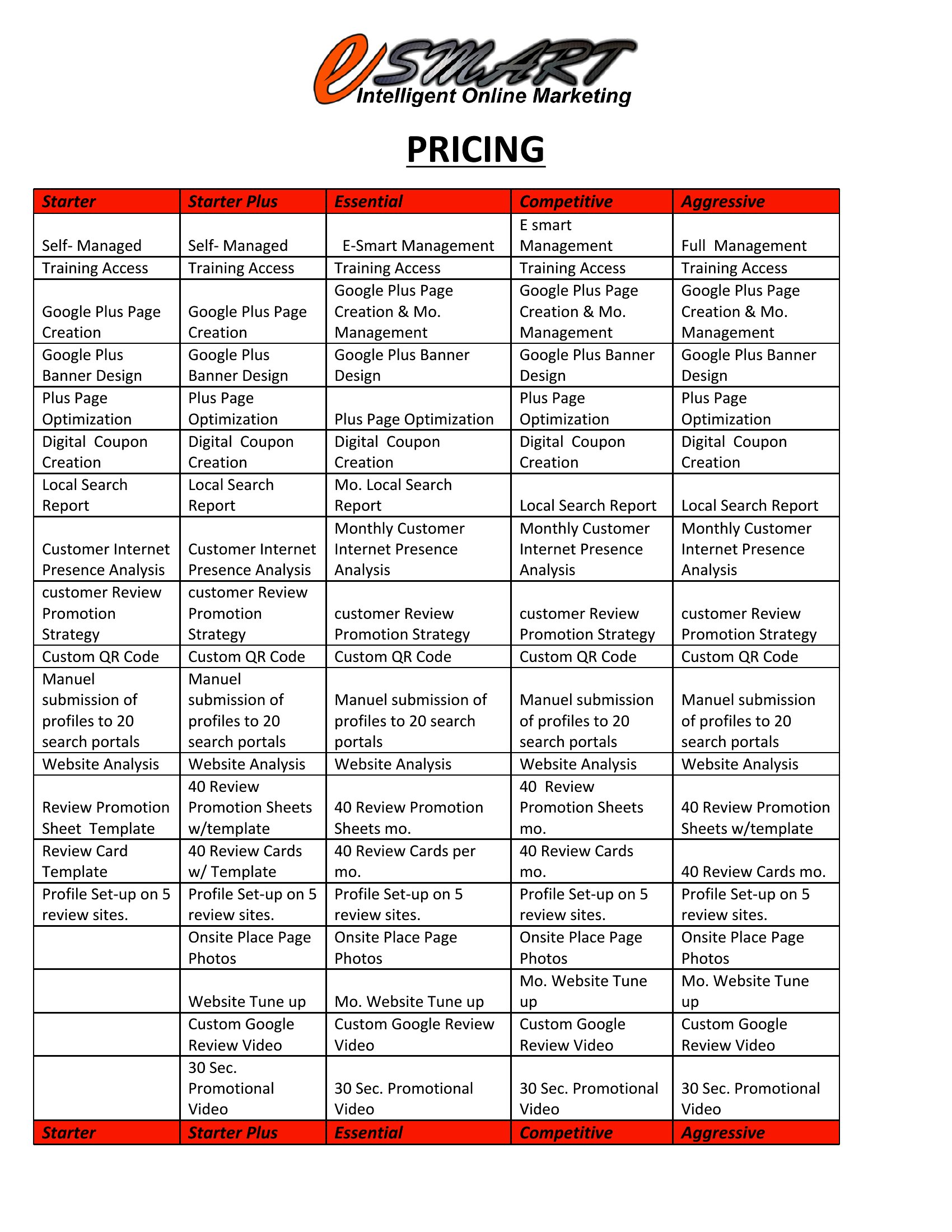
How do I make my price sheet look professional without design skills?

The templates use clean layouts with consistent fonts and spacing to ensure a polished look. Stick to 2–3 colors from your brand palette and avoid clutter—prioritize white space around pricing tables. For Excel or Word, use built-in themes or save as a PDF to lock in the design. If needed, add a simple header/footer with your logo.
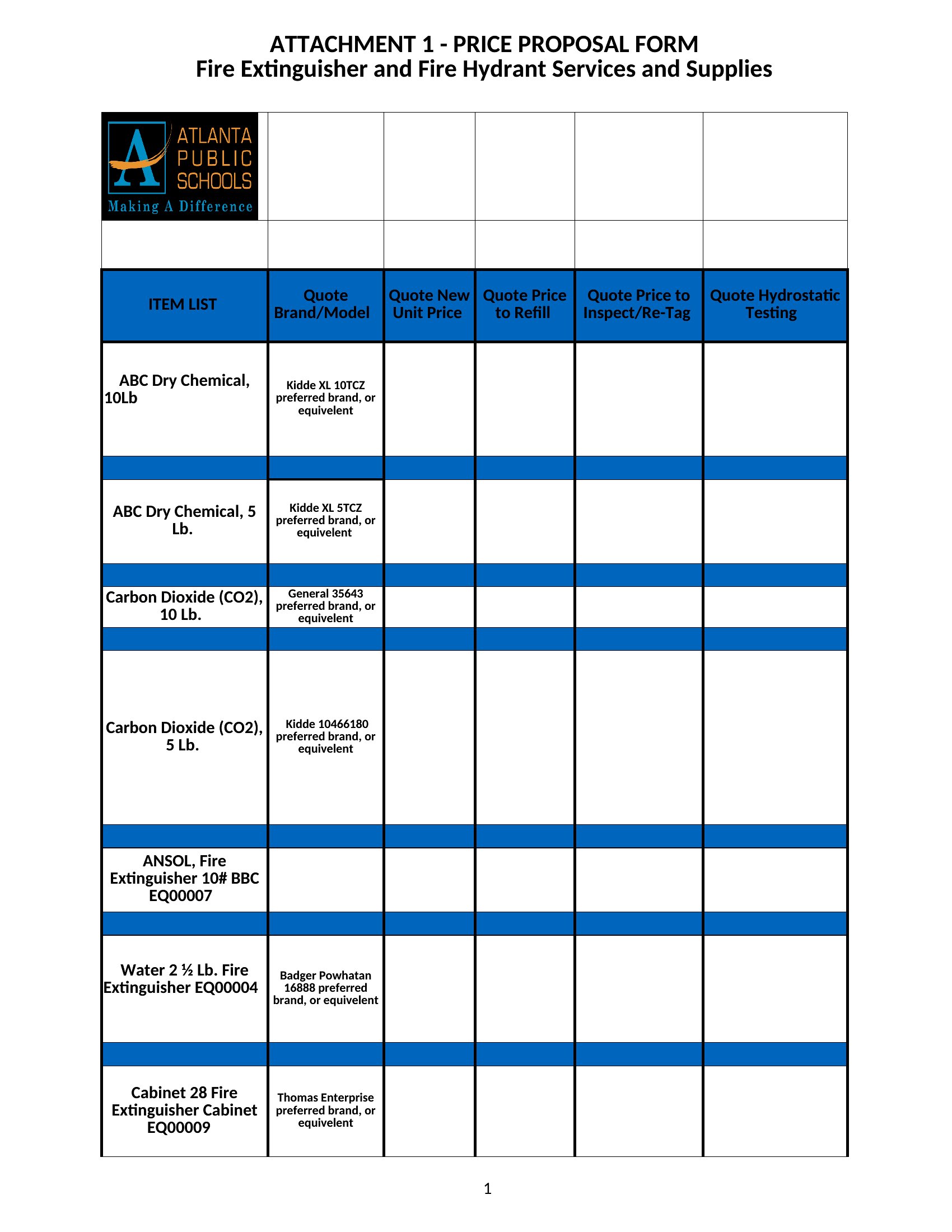
What’s the best way to organize pricing for services with multiple variables (e.g., time + materials)?

Use a two-column approach: list fixed-price services in one section and variable services in another with clear formulas (e.g., ‘$50/hour + $200 material fee’). For Excel, add a notes column to explain assumptions, like ‘Labor capped at 10 hours.’ PDF templates let you include footnotes for complex terms without overwhelming the main table.
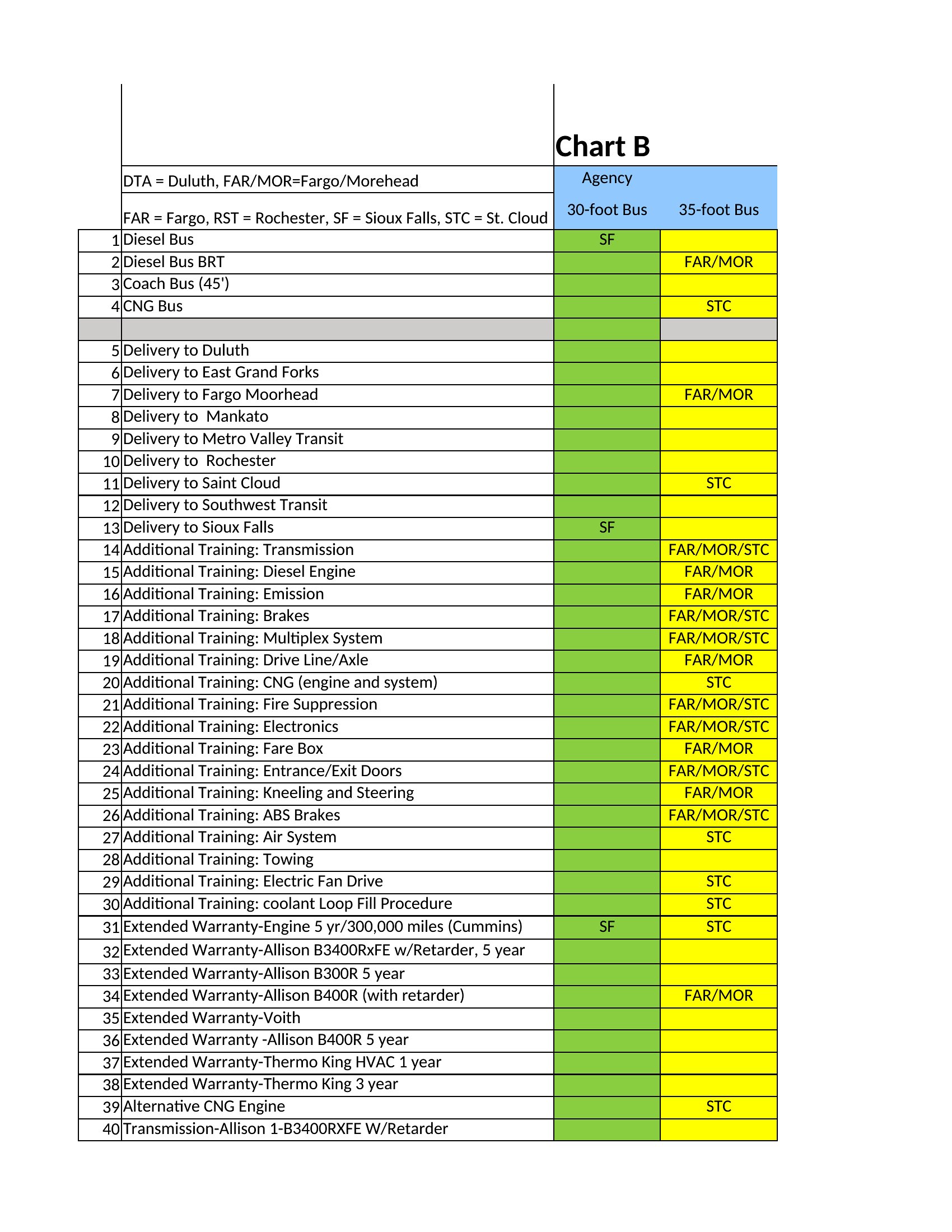
Comments

Join the conversation

Sign in to share your thoughts and leave a comment on this resource.

Newsletter

Get Weekly Design Updates

Join our community to receive curated resources and inspiration.

Weekly Tips Resources Early Access

We respect your privacy. Confirmation email required. Privacy Policy